
Modelove
Members
-
Joined
Everything posted by Modelove
-
Ig Story (09.14.17) 2017-09-14 22.33.38 1604123320403824667_1999824.mp4 2017-09-14 22.34.19 1604123663866799362_1999824.mp4 2017-09-14 22.52.37 1604132988903628384_1999824.mp4
IG LIVE (09.14.17) Video: 10000000_115215925888522_4453601324667240448_n.mp4 Sound: 19093638_1396076967178110_2630396898745253888_n.mp4
 IG Story (09.14.17) Photoshooting with adammont for perfectpeachswim 17970771_1174990532646052_2448091179300945920_n.mp4 18135752_118378625486805_1027233903779250176_n.mp4 16993062_1592702744127118_4488389391533735936_n.mp4 17995501_1885834804765860_5314127219608518656_n.mp4 17631196_172148456682659_1373260628336050176_n.mp4



 IG story (09.12.17)
 IG Story (09.12.17) Photoshooting withclint for thegirlandthewater and frankiesbikinis 16834714_285355611942103_2325693321558622208_n.mp4 16993764_1268010626661725_152145909335982080_n.mp4 17476698_131068687528391_6969723136669384704_n.mp4 17331862_1055656217949341_959806121277652992_n.mp4 16280557_1545113092202017_3100148862162042880_n.mp4 14328457_310591556016261_6349939212459966464_n.mp4
 Two more from her IG














 Gooseberry Intimates by Kesler Tran


















 Ig Story photoshooting with france.and.jesse for gigicbikinis 17406485_125810161485046_8099950691214163968_n.mp4 15185662_129399734365057_8058966330864304128_n.mp4 16834633_125760684826117_6697300580924129280_n.mp4









































































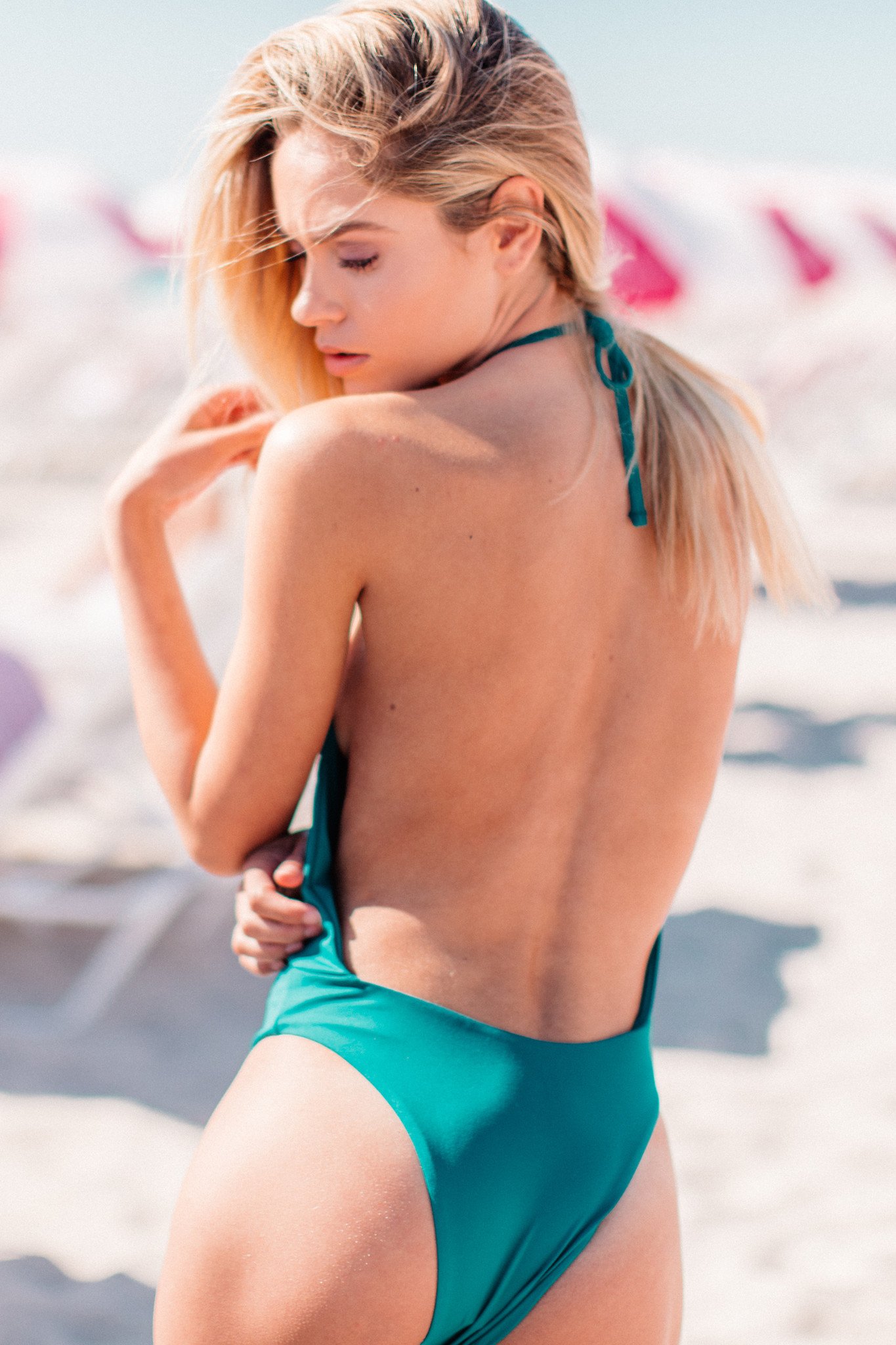



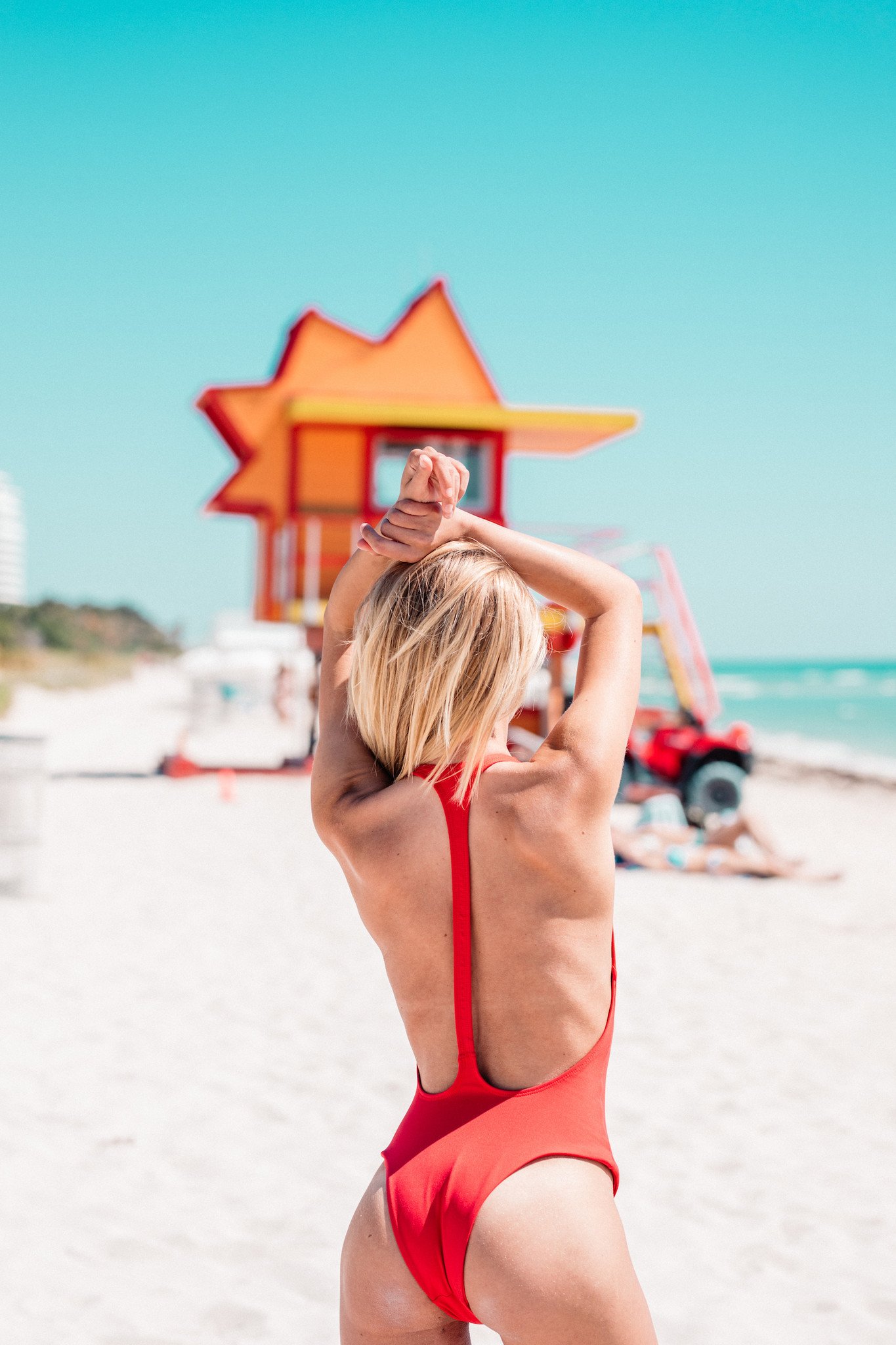

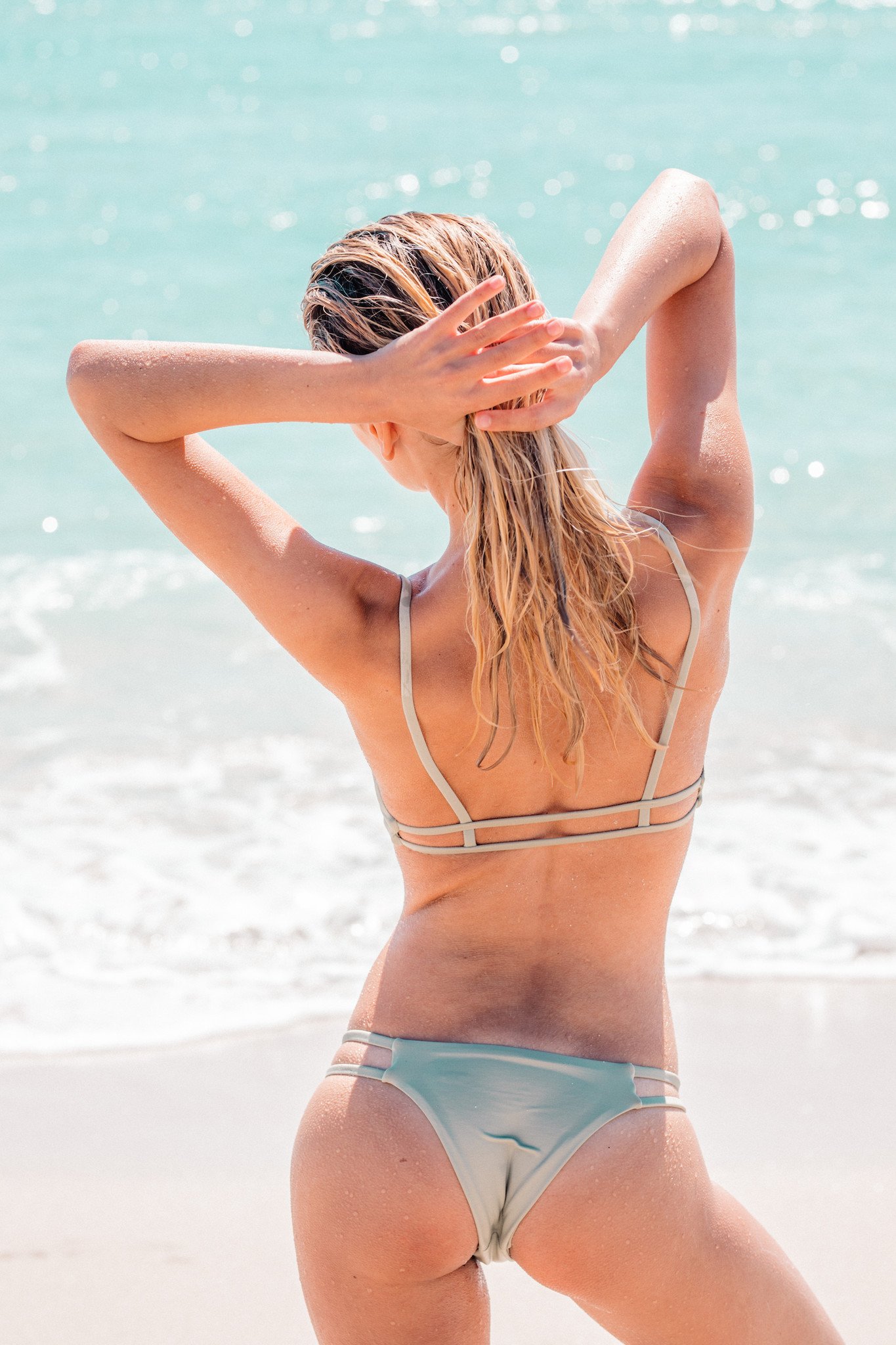

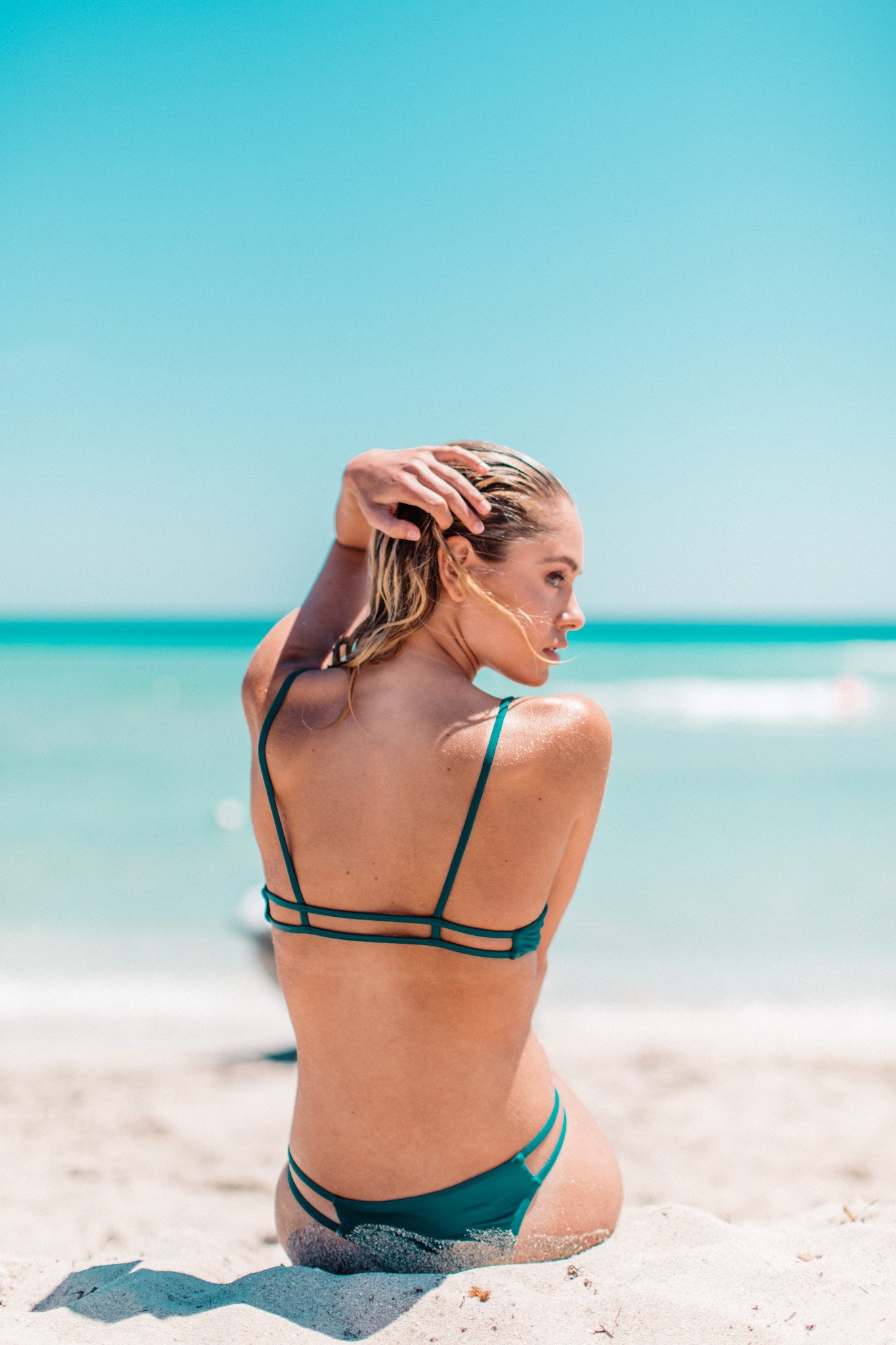



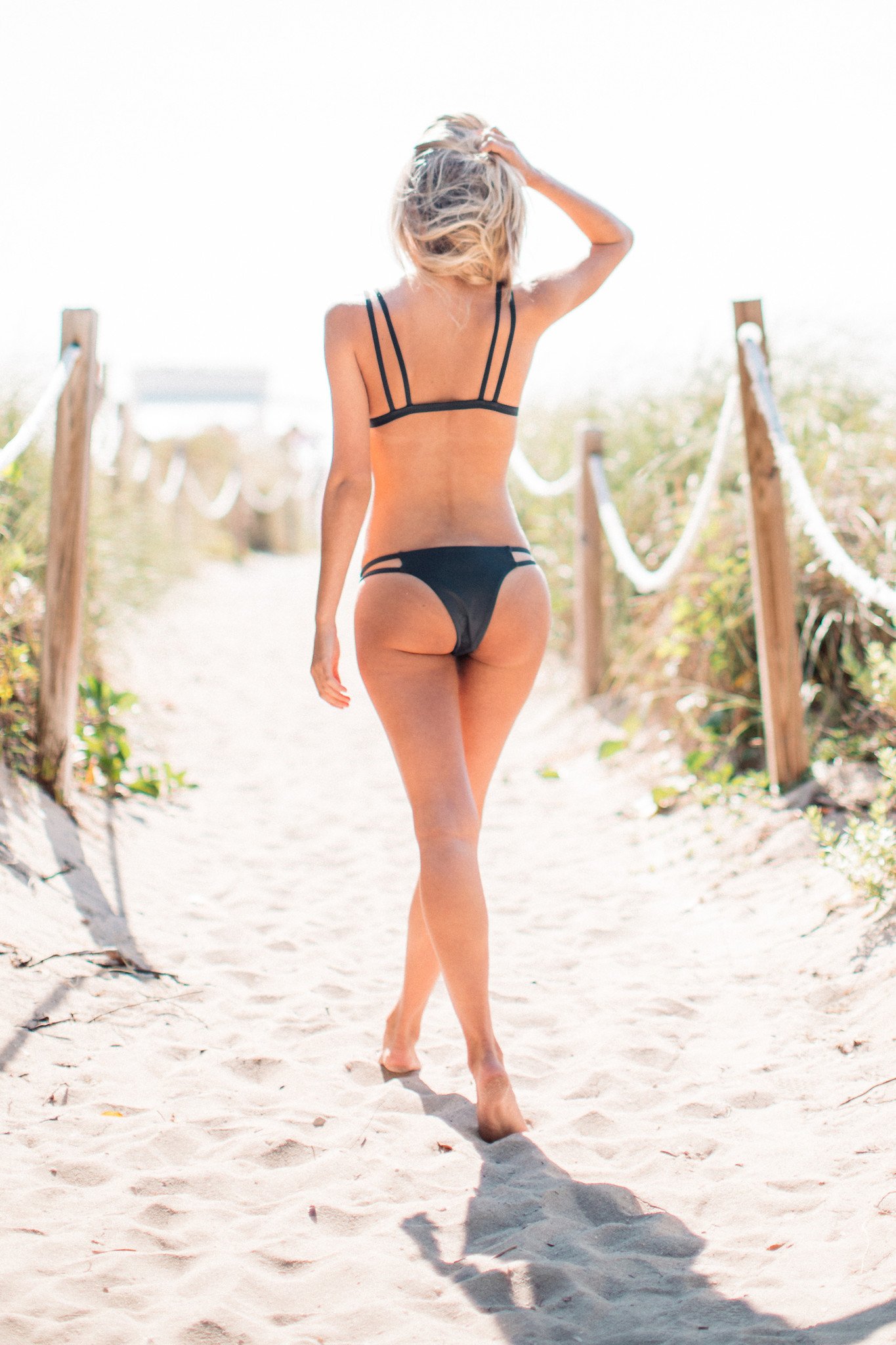



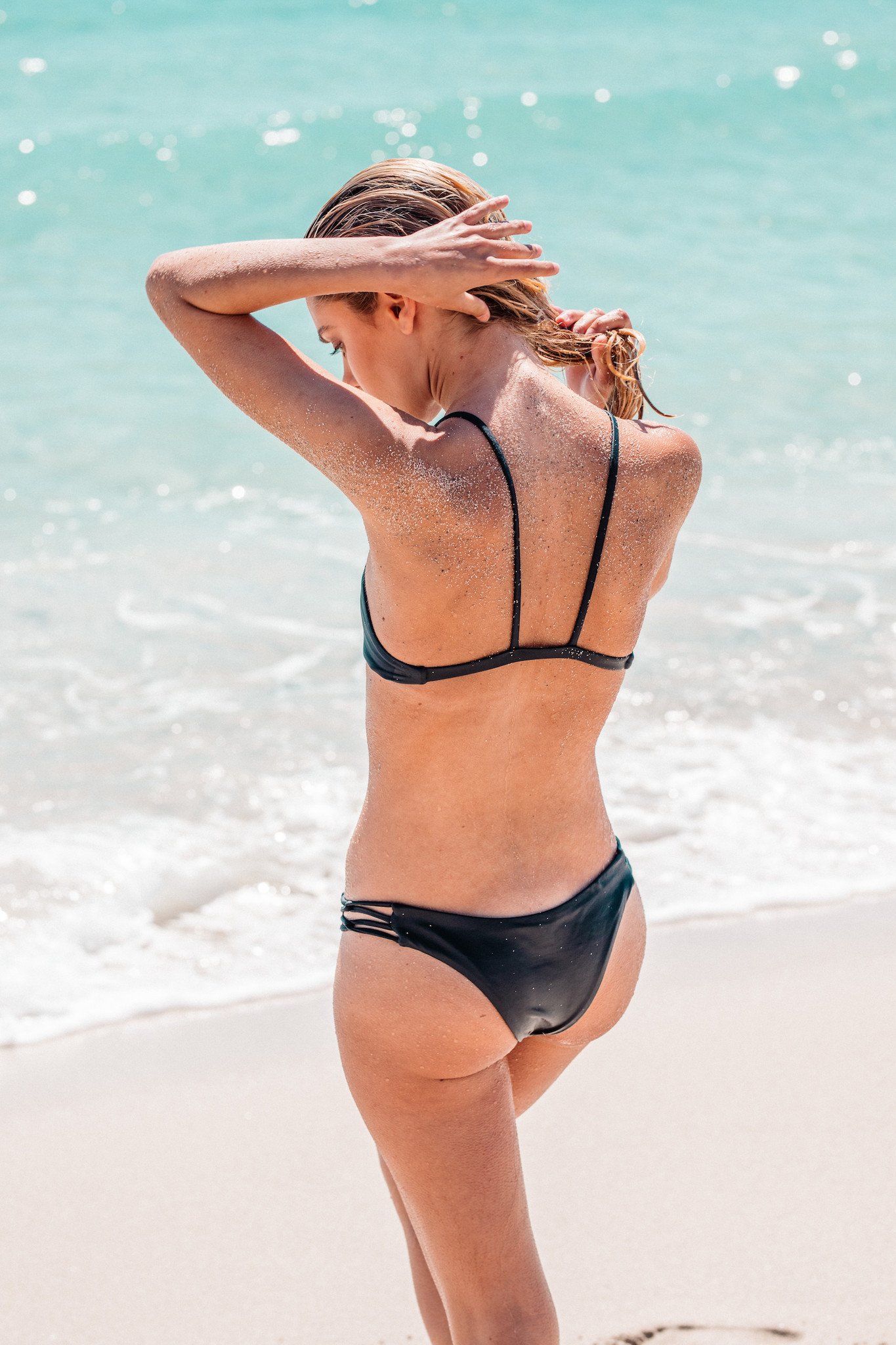












































































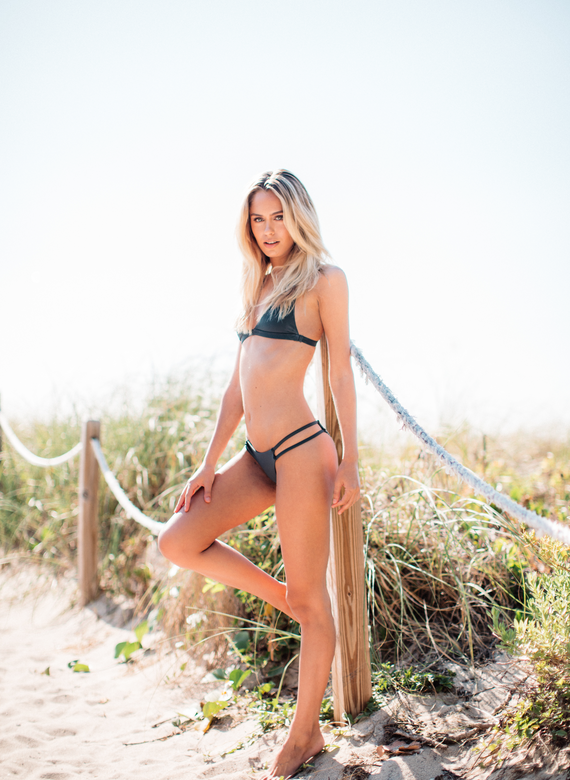



Account
Navigation
Search
Configure browser push notifications
Chrome (Android)
- Tap the lock icon next to the address bar.
- Tap Permissions → Notifications.
- Adjust your preference.
Chrome (Desktop)
- Click the padlock icon in the address bar.
- Select Site settings.
- Find Notifications and adjust your preference.
Safari (iOS 16.4+)
- Ensure the site is installed via Add to Home Screen.
- Open Settings App → Notifications.
- Find your app name and adjust your preference.
Safari (macOS)
- Go to Safari → Preferences.
- Click the Websites tab.
- Select Notifications in the sidebar.
- Find this website and adjust your preference.
Edge (Android)
- Tap the lock icon next to the address bar.
- Tap Permissions.
- Find Notifications and adjust your preference.
Edge (Desktop)
- Click the padlock icon in the address bar.
- Click Permissions for this site.
- Find Notifications and adjust your preference.
Firefox (Android)
- Go to Settings → Site permissions.
- Tap Notifications.
- Find this site in the list and adjust your preference.
Firefox (Desktop)
- Open Firefox Settings.
- Search for Notifications.
- Find this site in the list and adjust your preference.