
Modelove
Members
-
Joined
Everything posted by Modelove
-
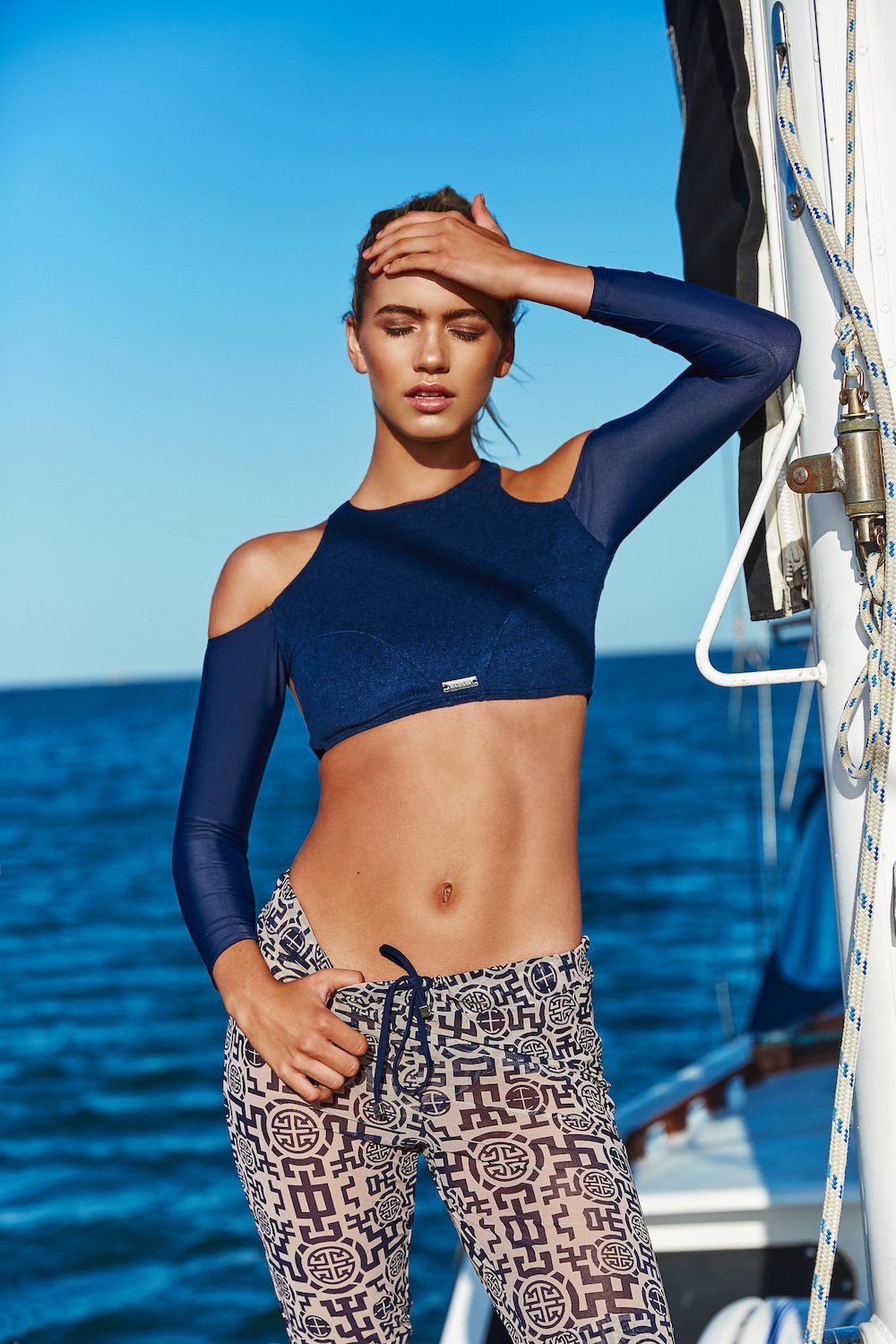
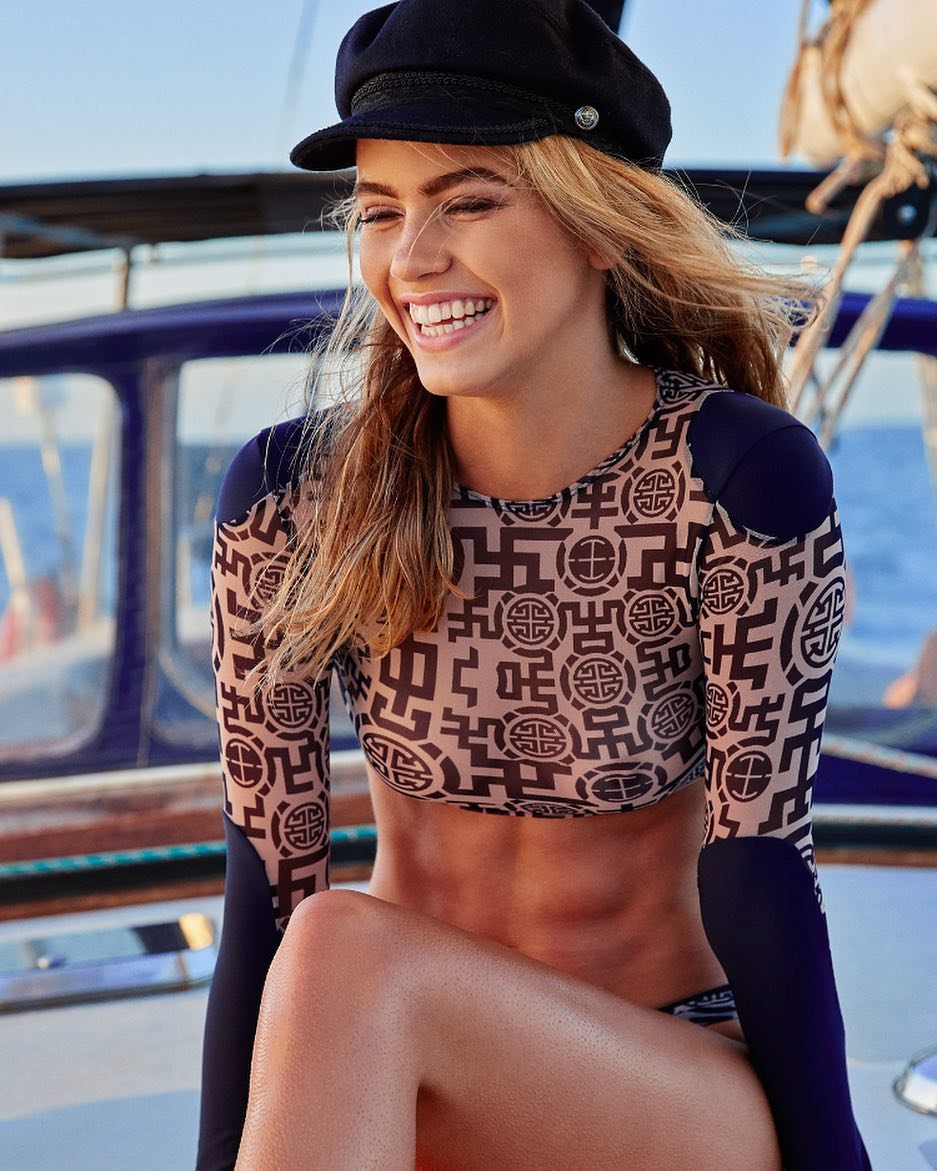
Festival — Indah Clothing Ph. Holly Parker





























 In Her Own Words Ph: Taylor Ballantyne













 In Her Own Words Ph: Taylor Ballantyne












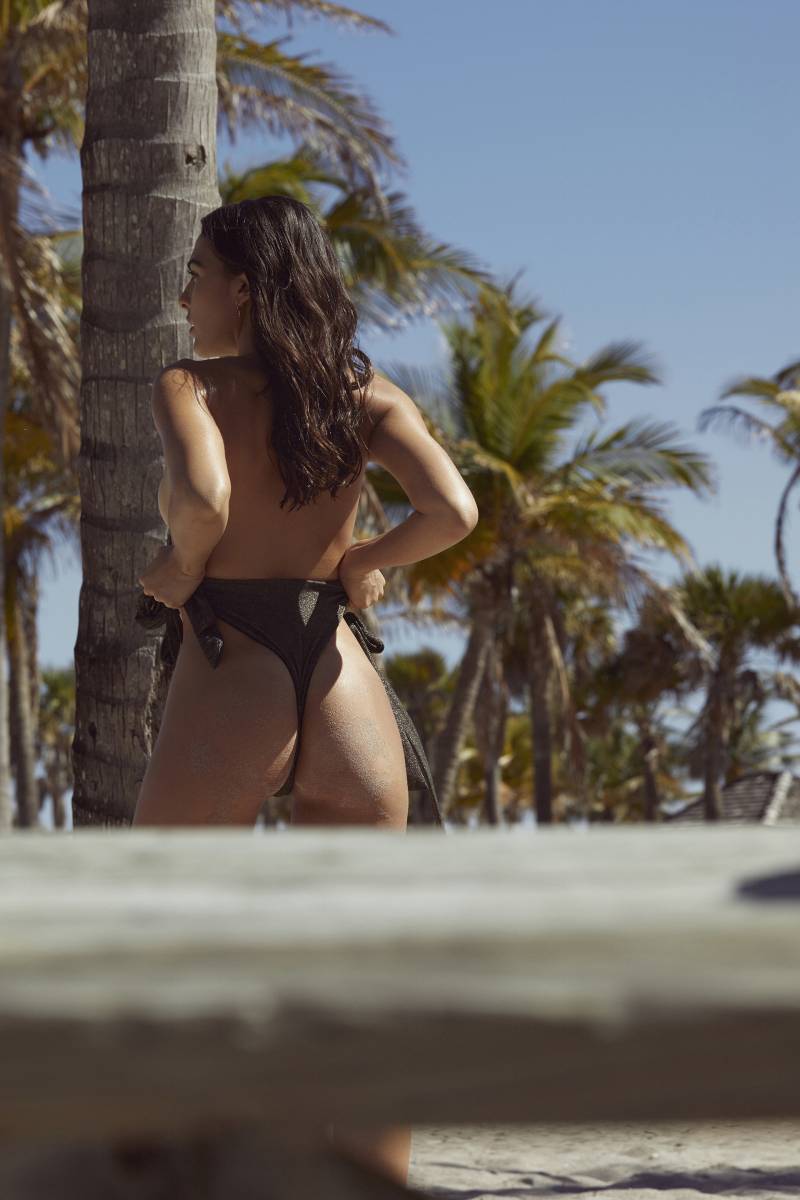
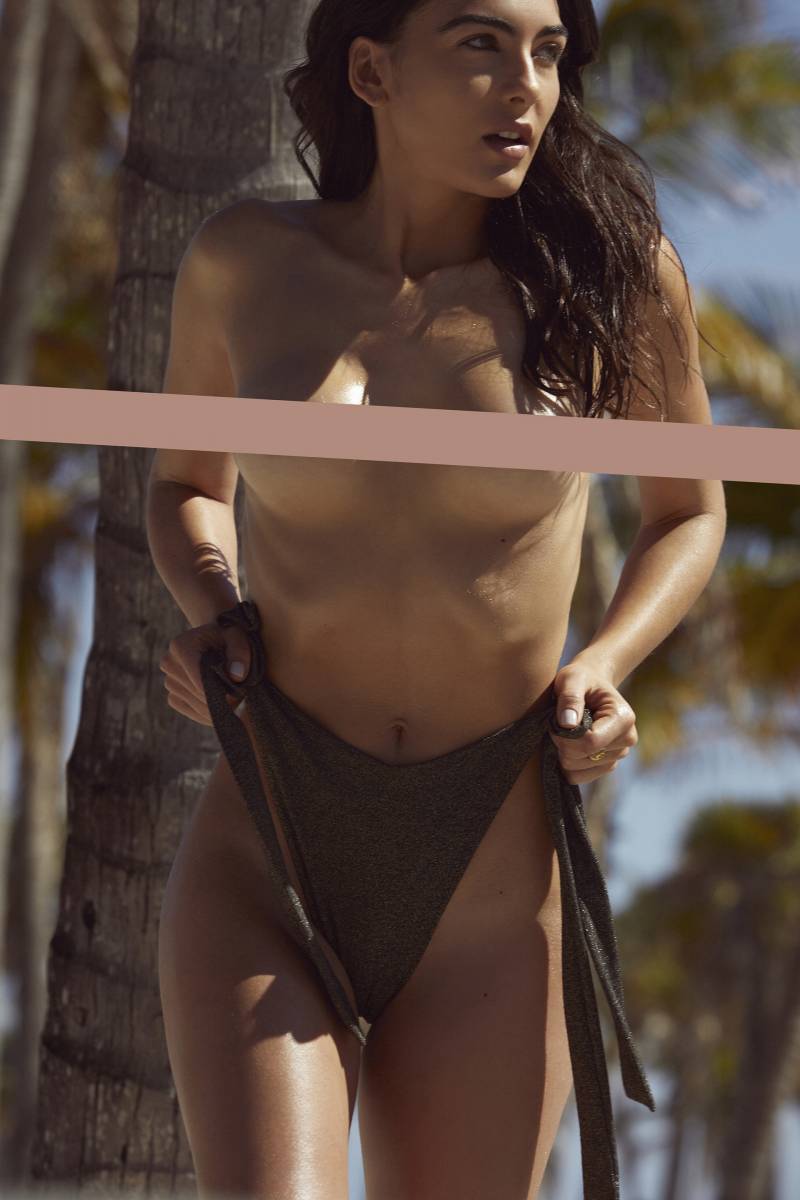
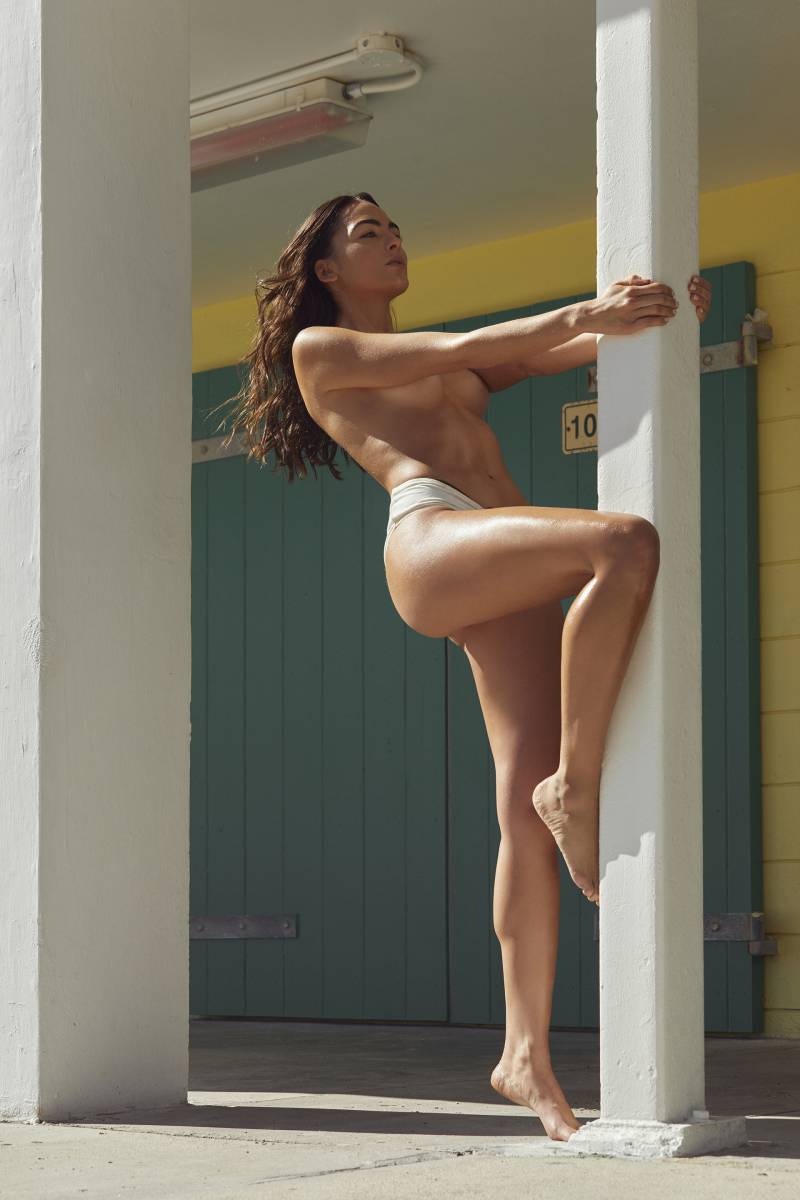
 Playboy Italia Photographer: Mario Alzate














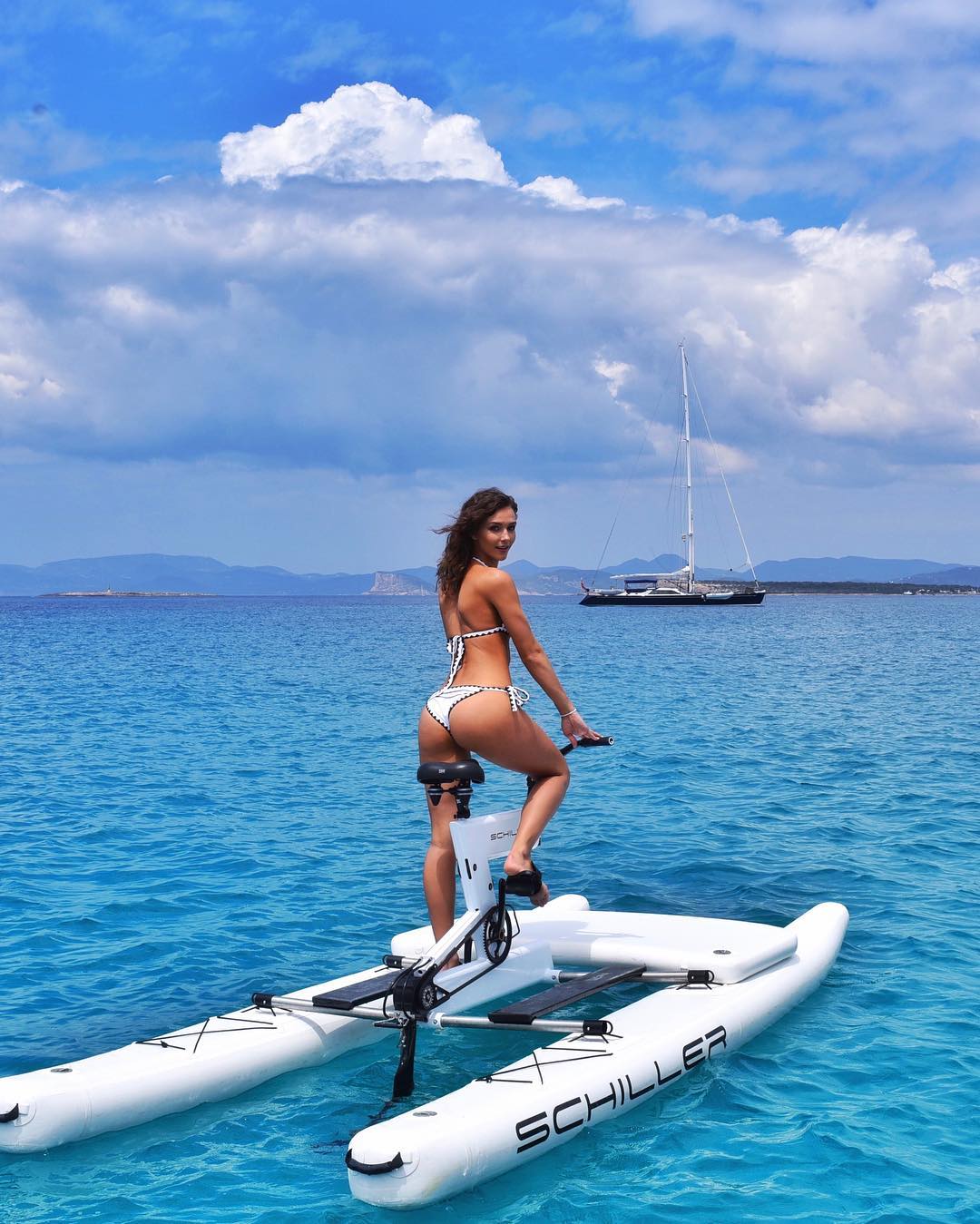
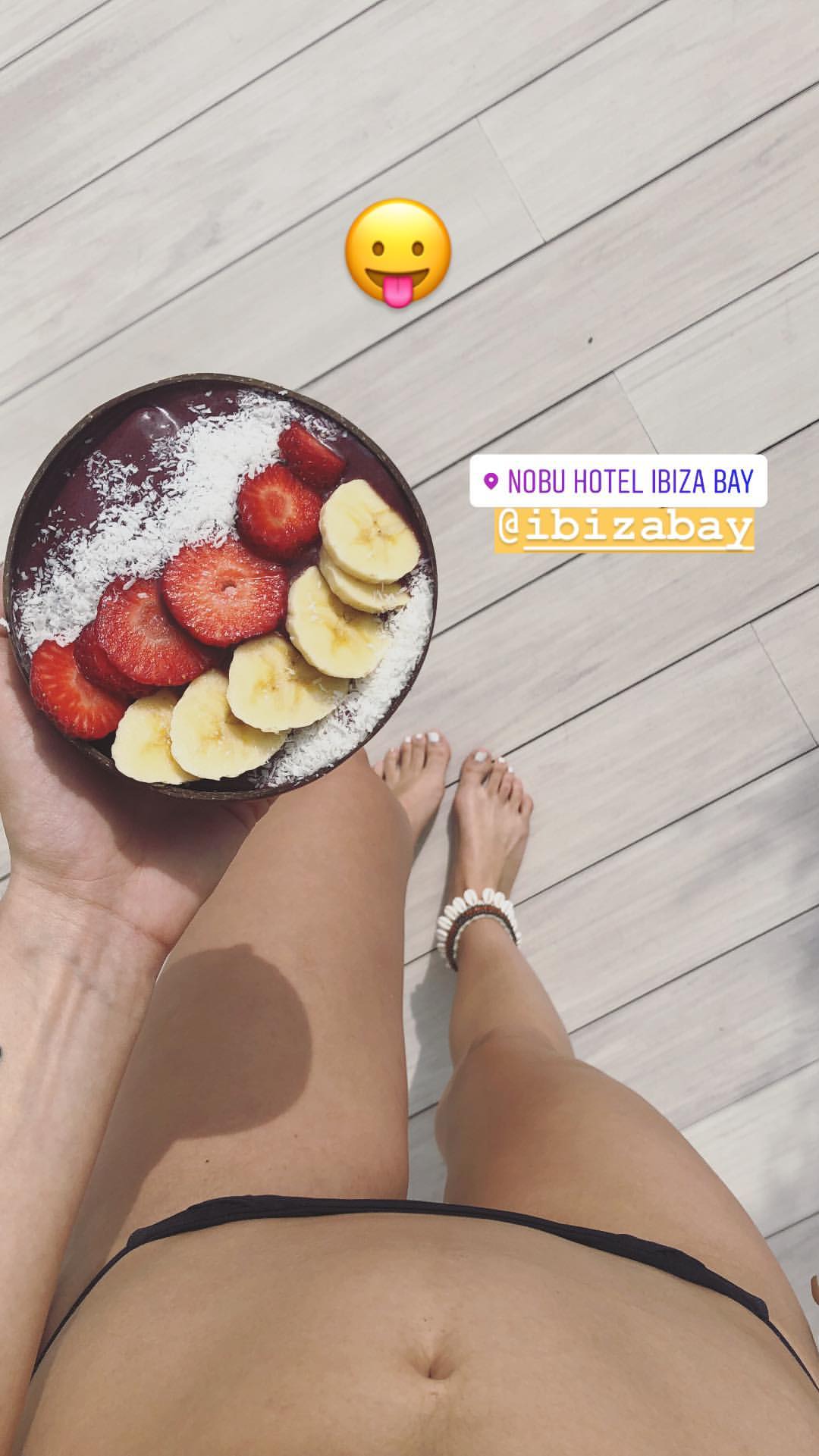
 On Ibiza with Carmella Rose
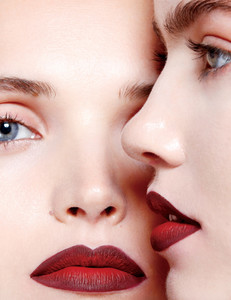
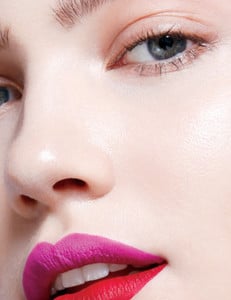
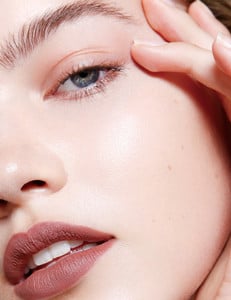
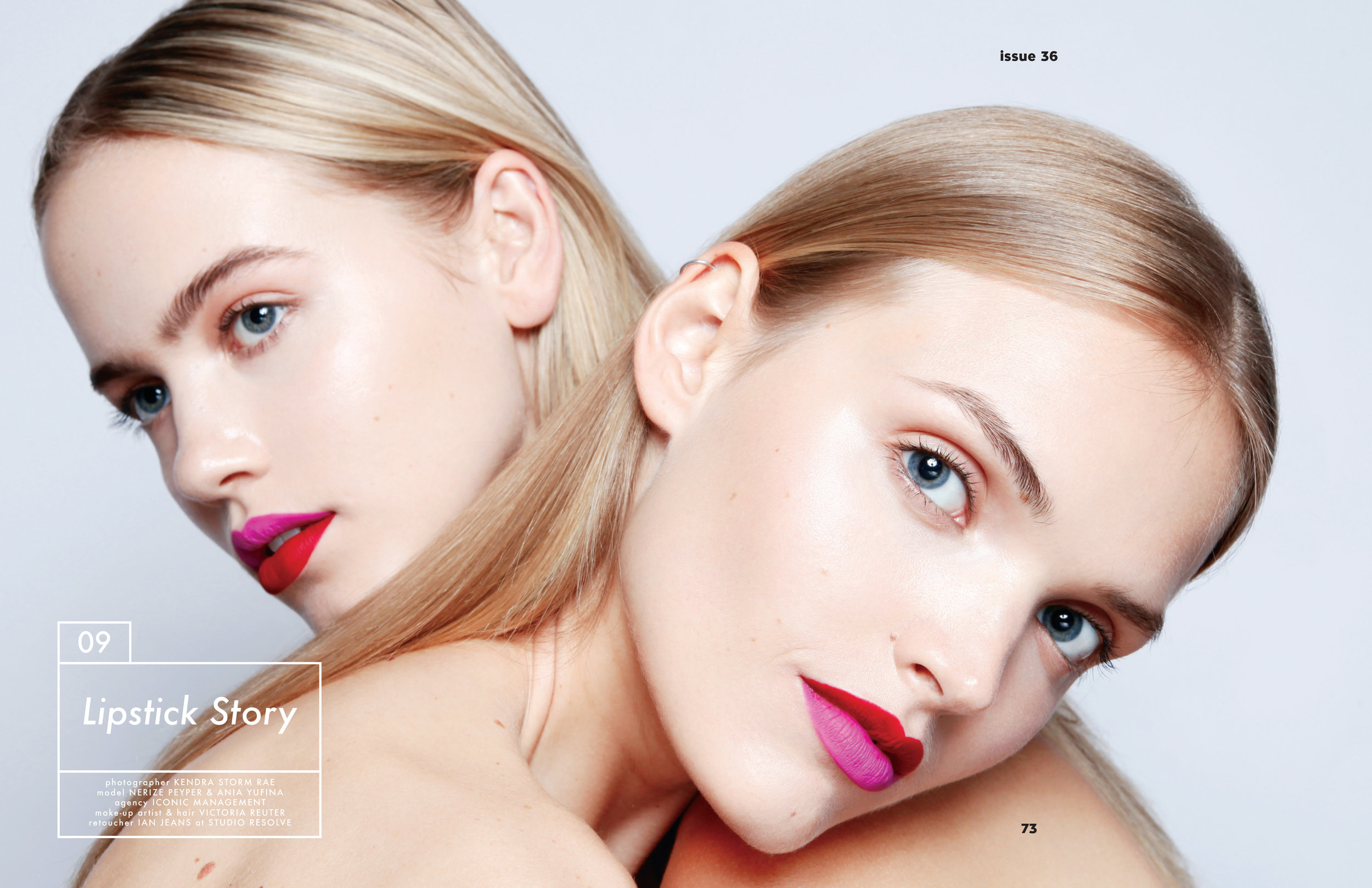
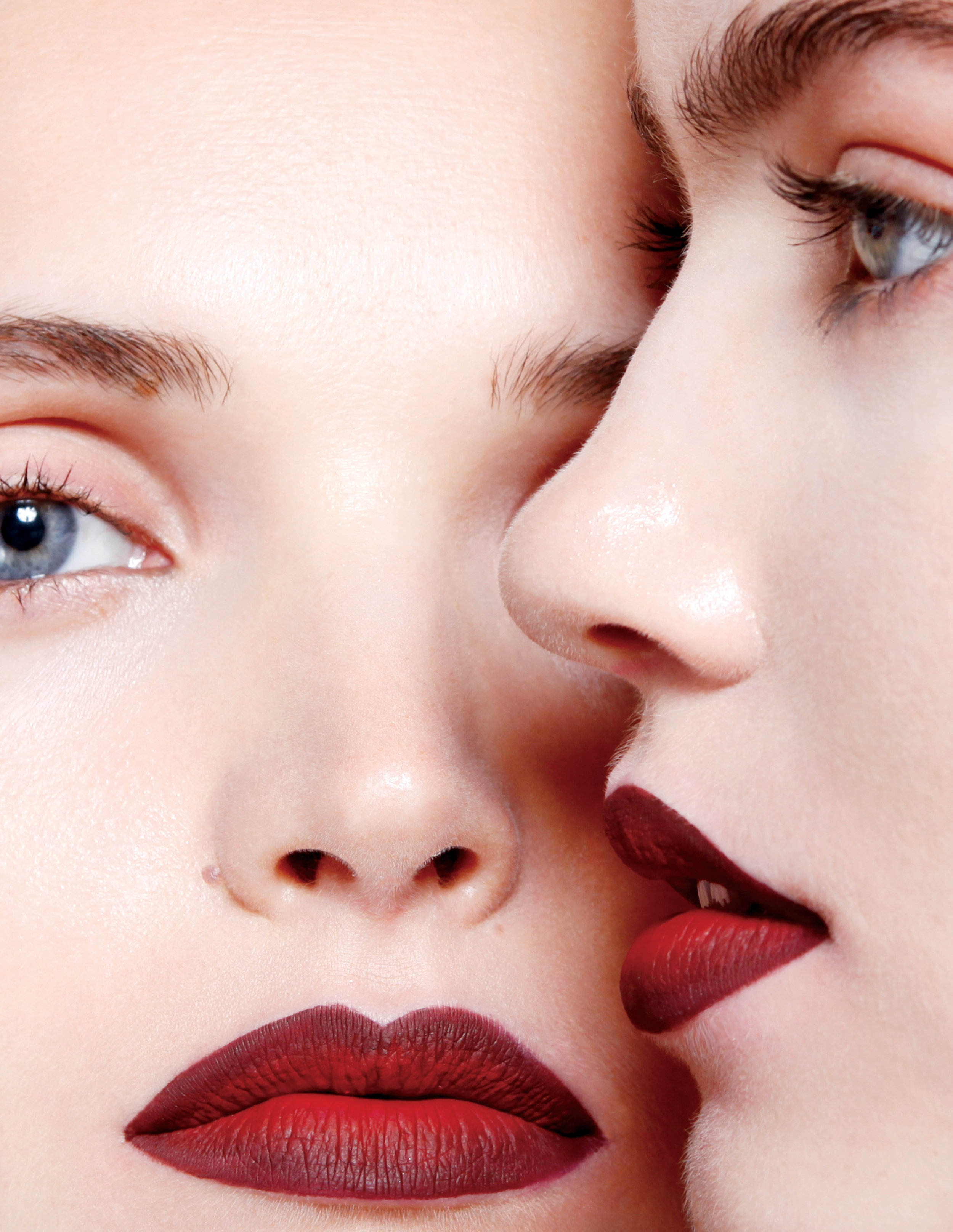
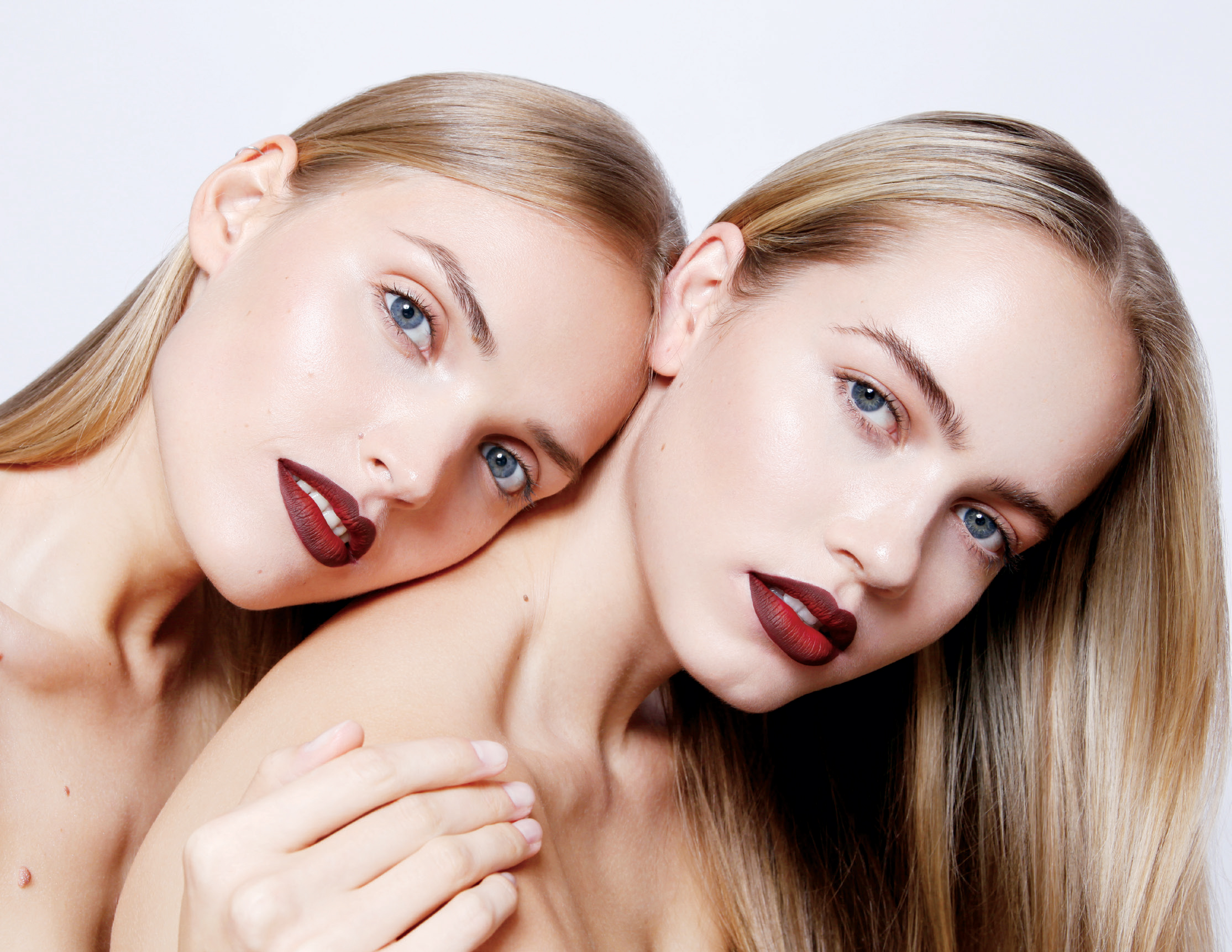
 Lipstick Story - Dreamingless Magazine Photographer: Kendra Storm Rae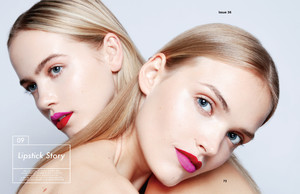



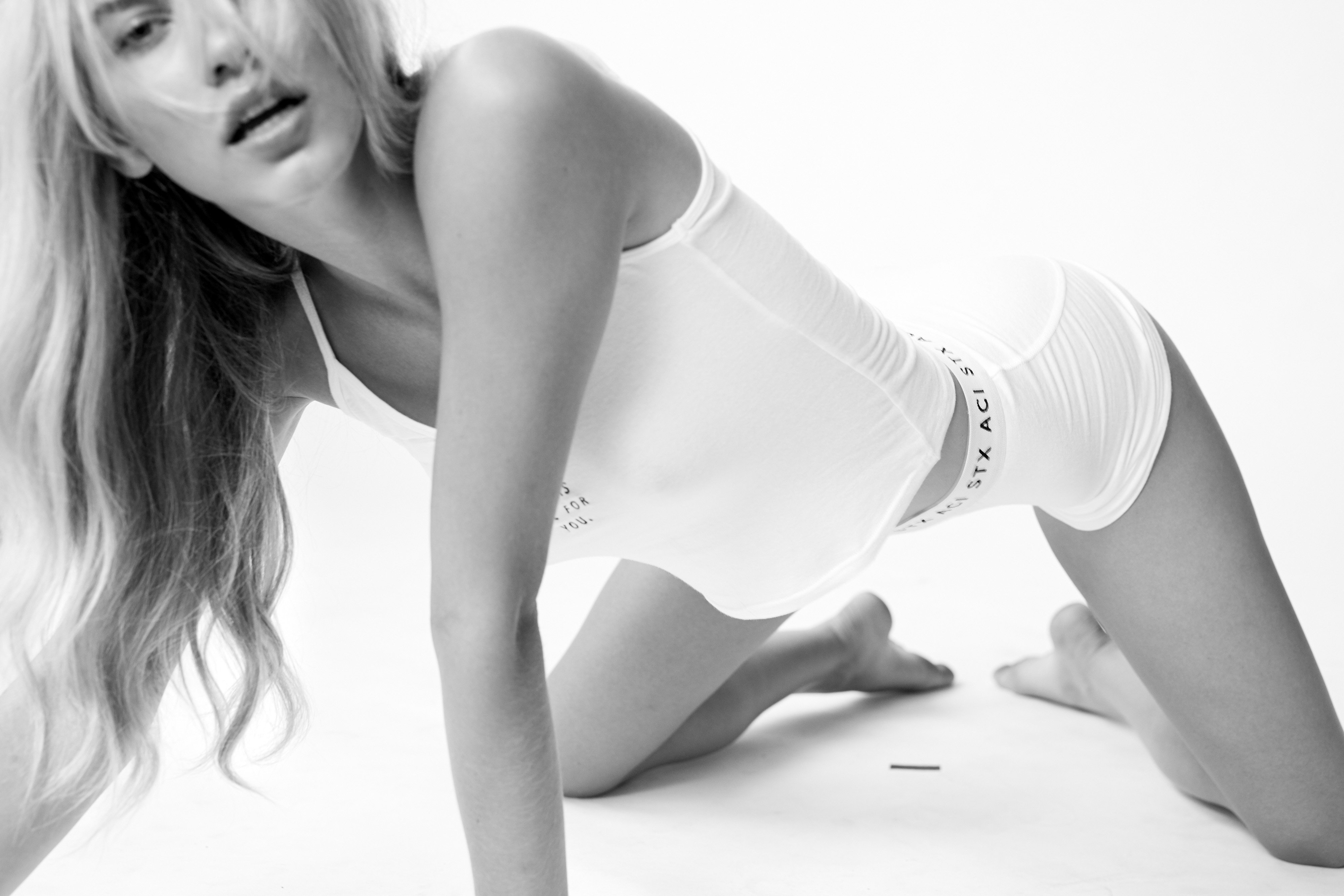
 It Was All For You Aimee Cherie Intimates




















 Kara Shelvin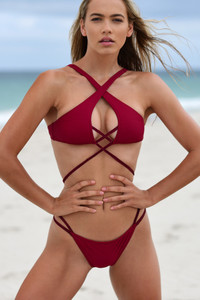
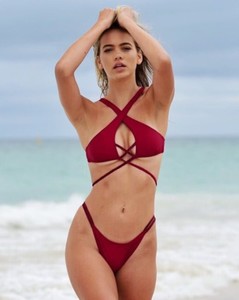





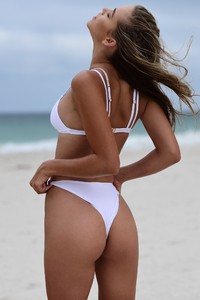

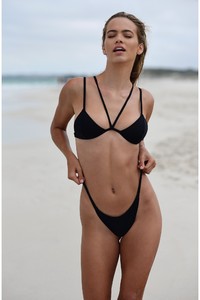







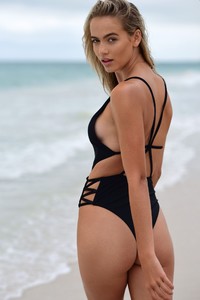
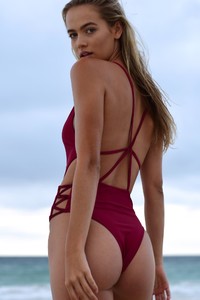
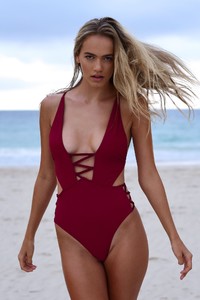
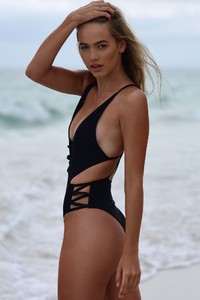
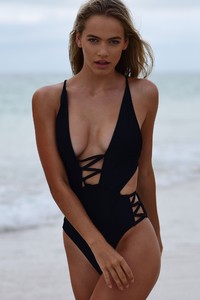

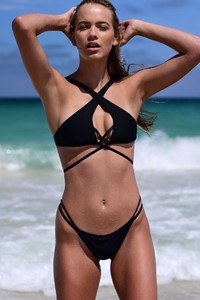



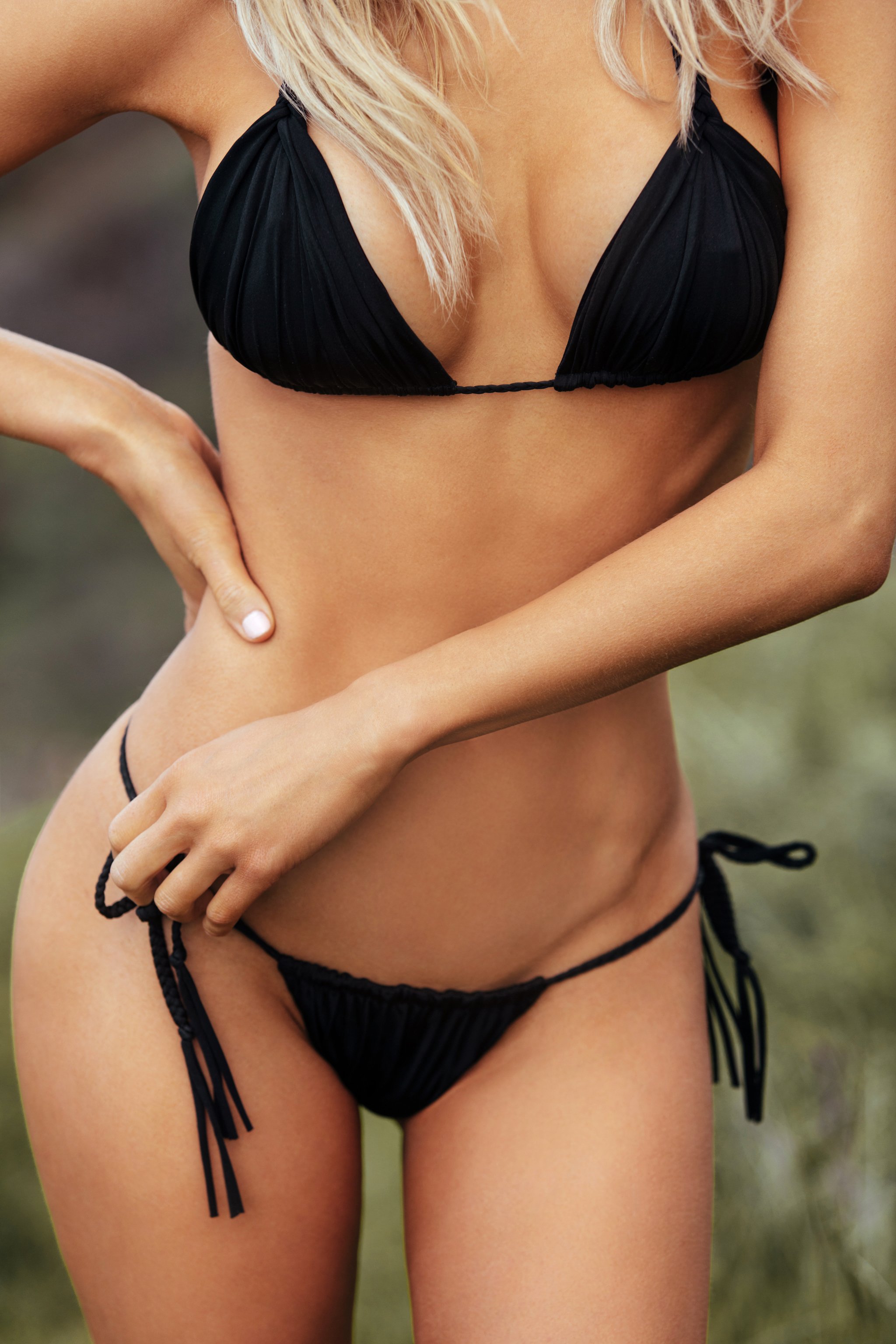
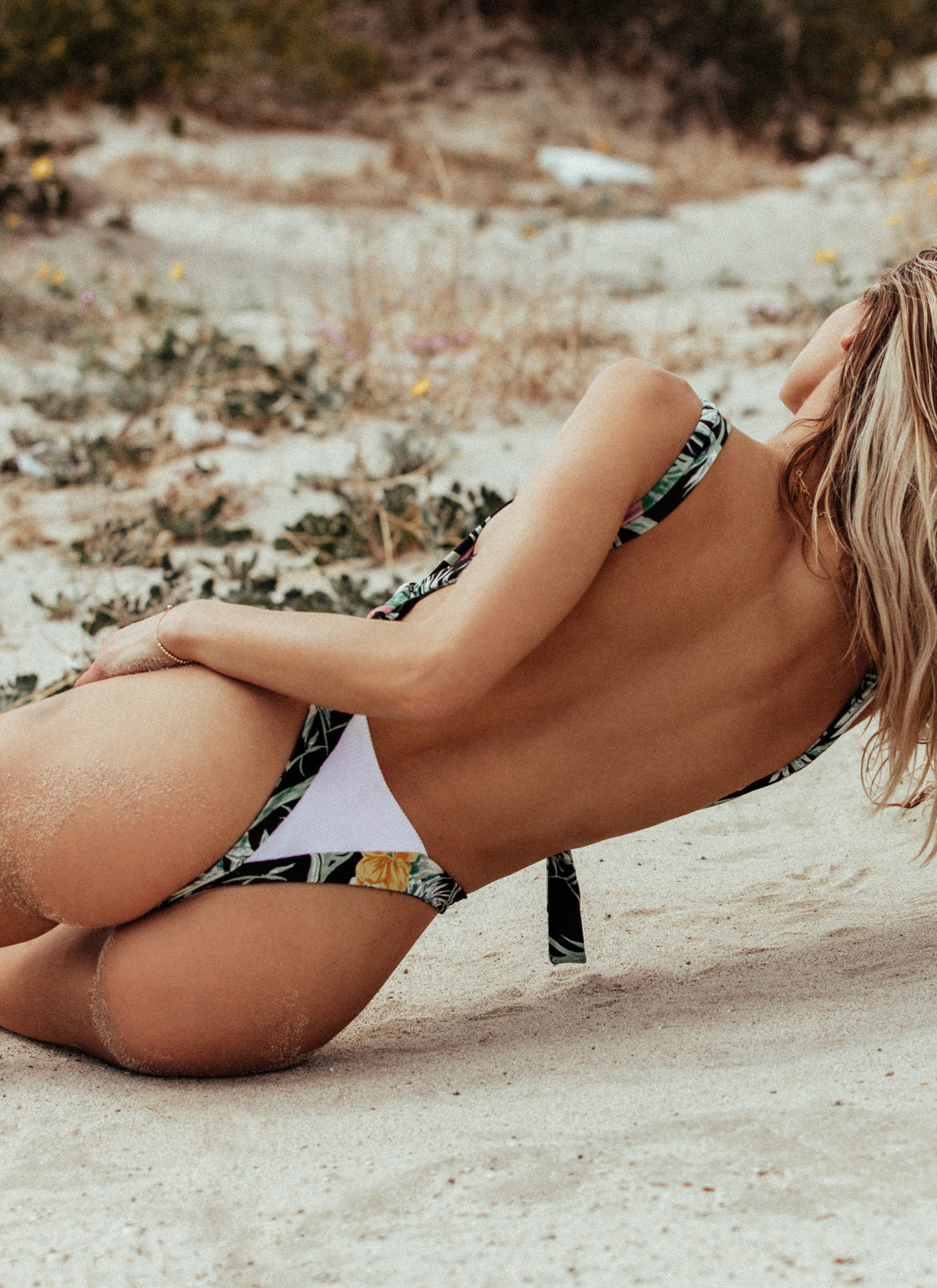
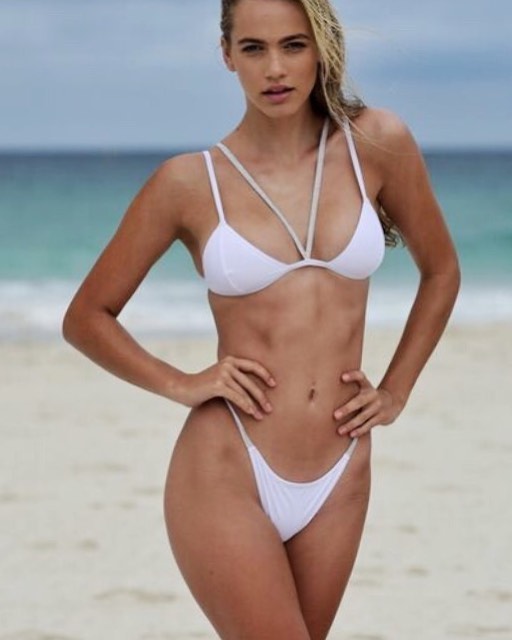
 Mediterranean IV Collection
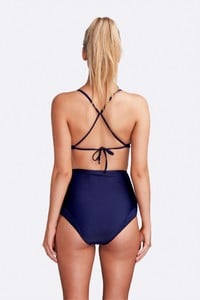


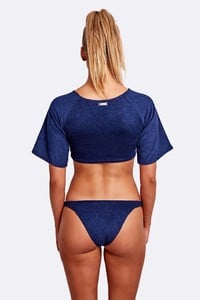


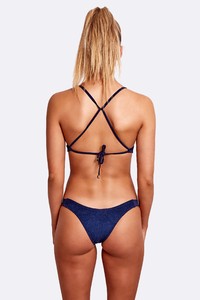

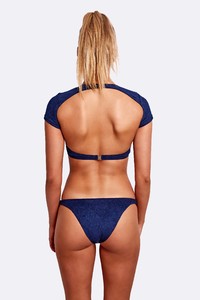



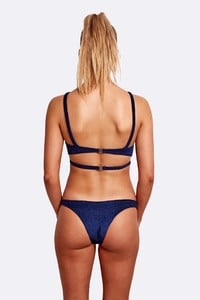

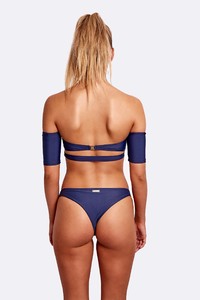
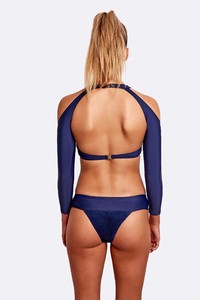
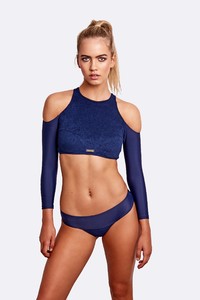

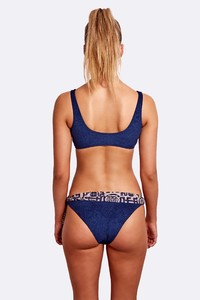

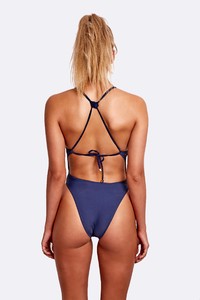



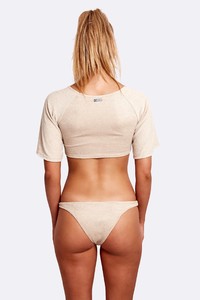


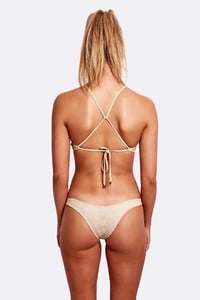


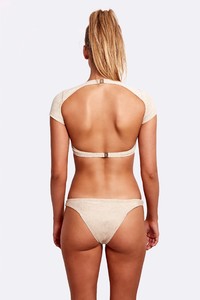

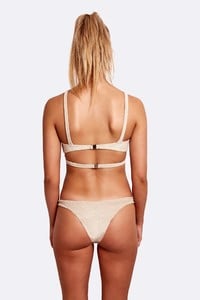
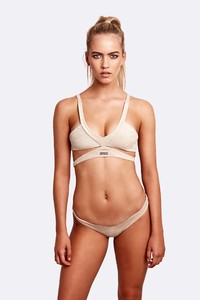


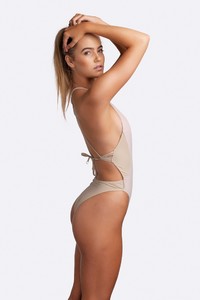

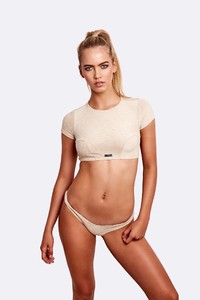

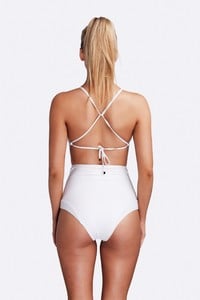



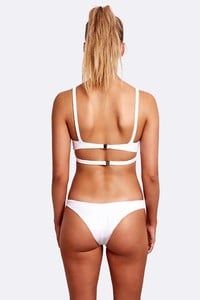


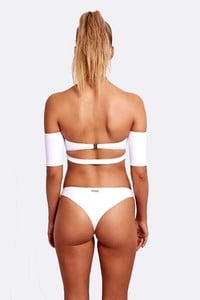




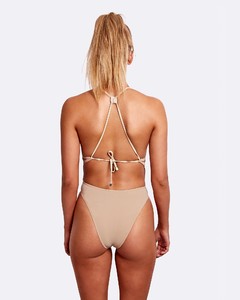
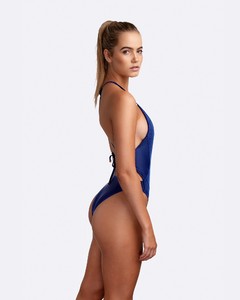

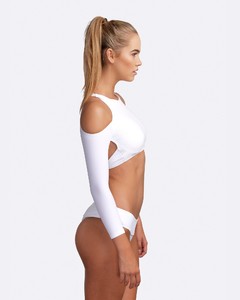


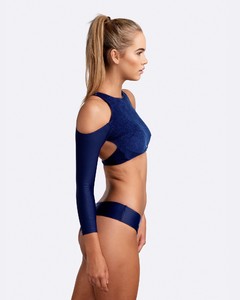
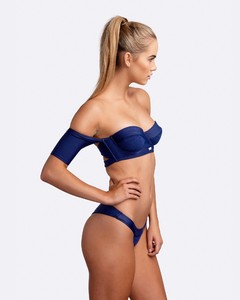
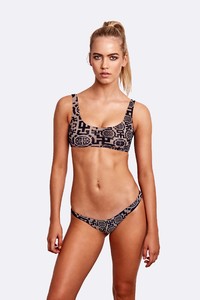
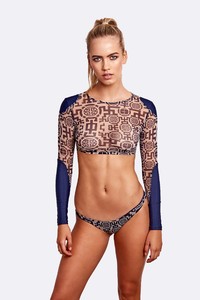

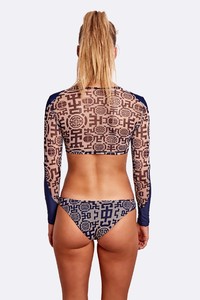


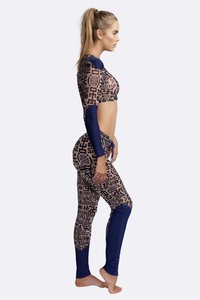
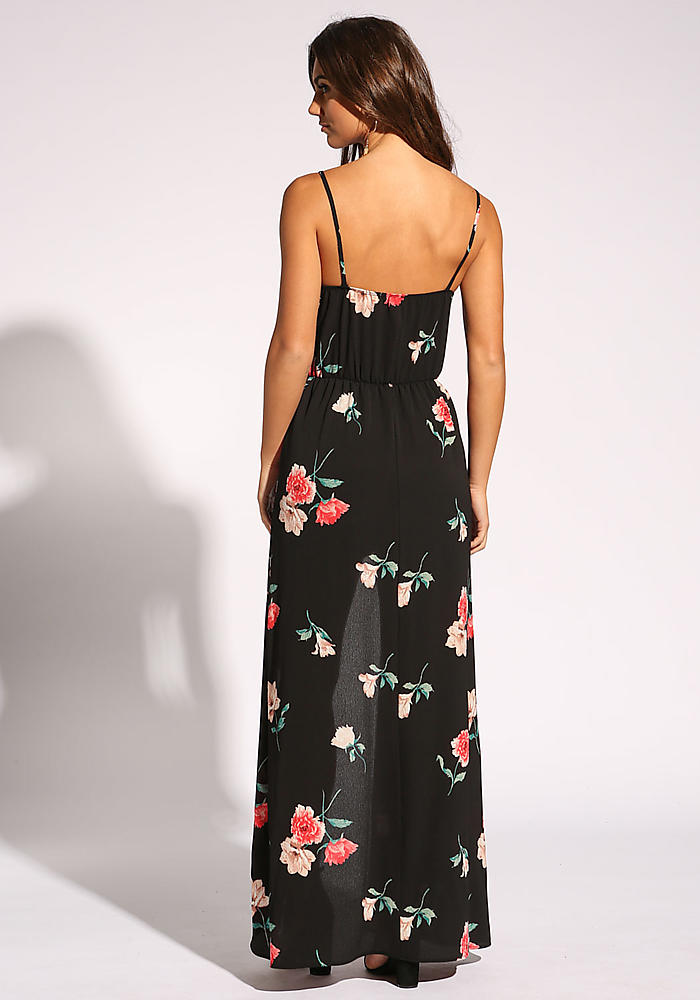
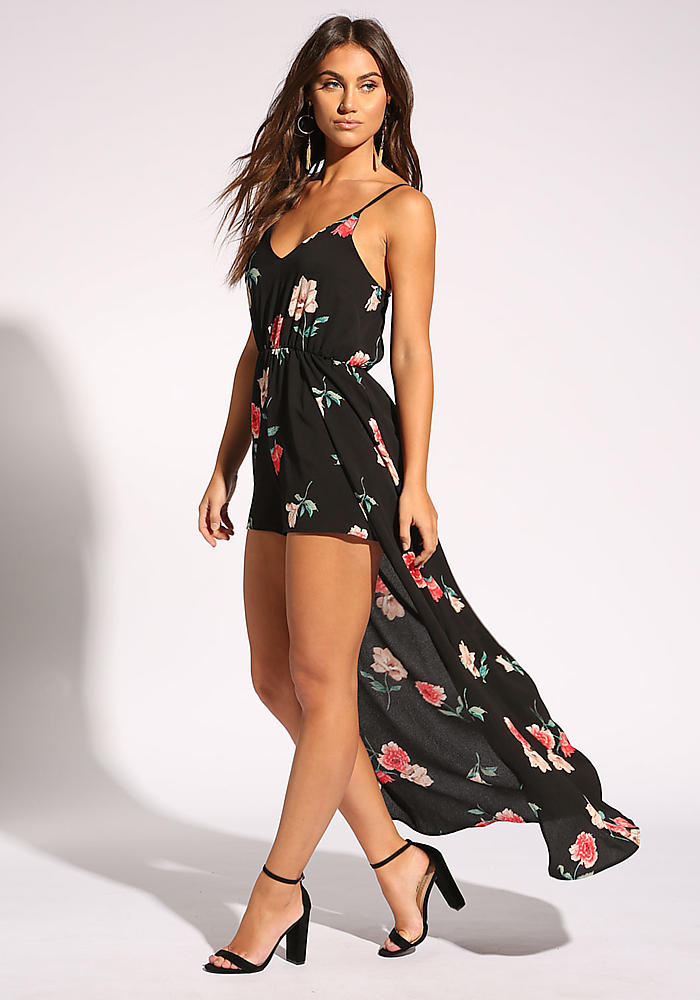
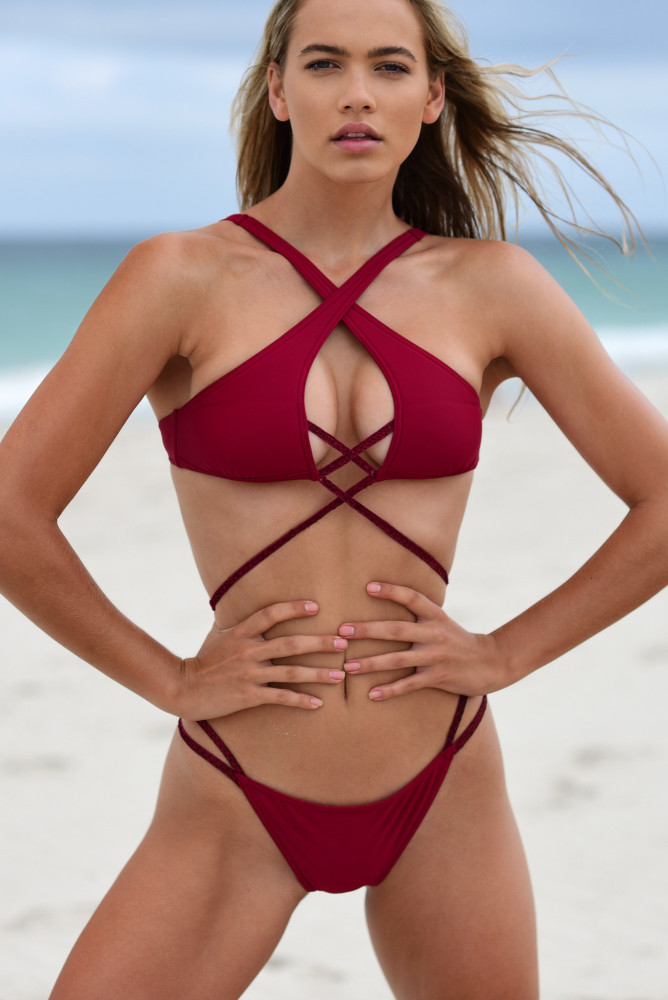
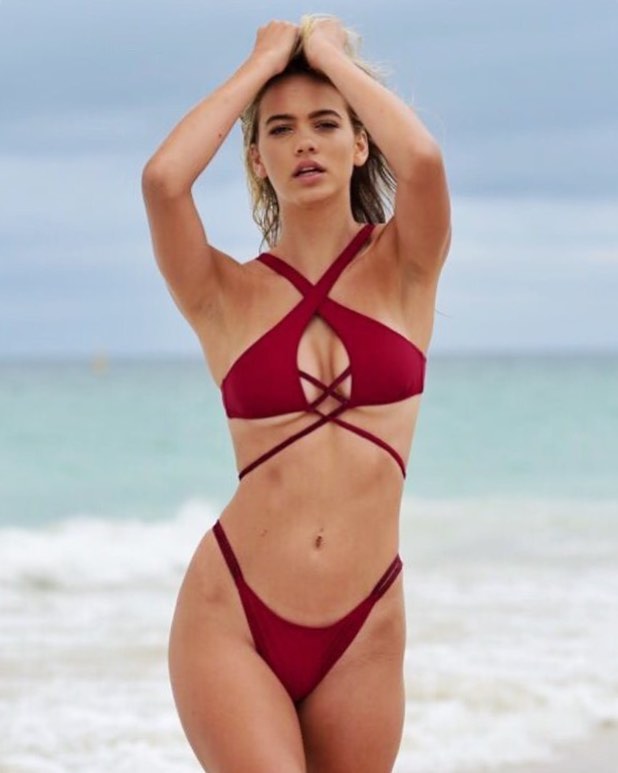
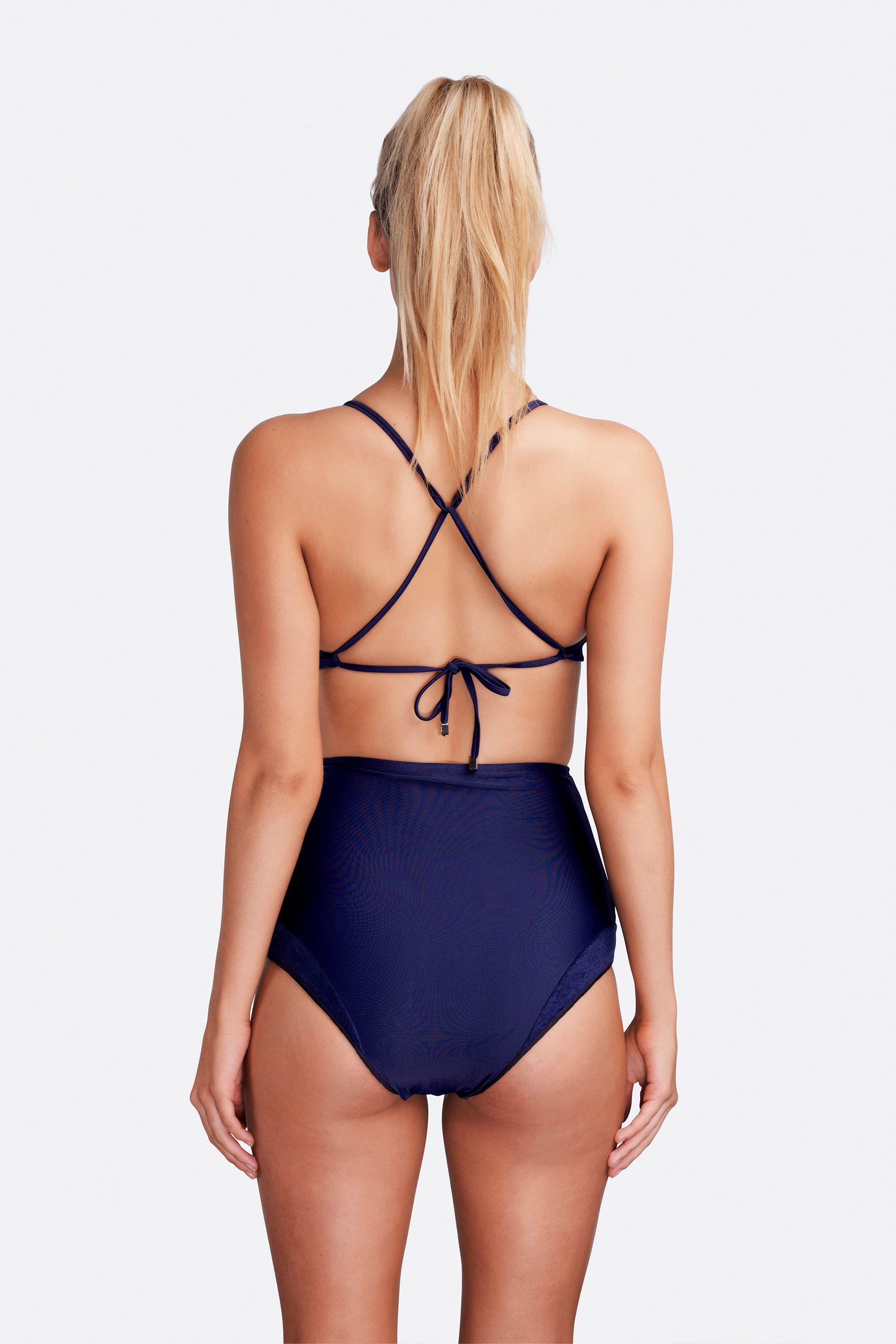
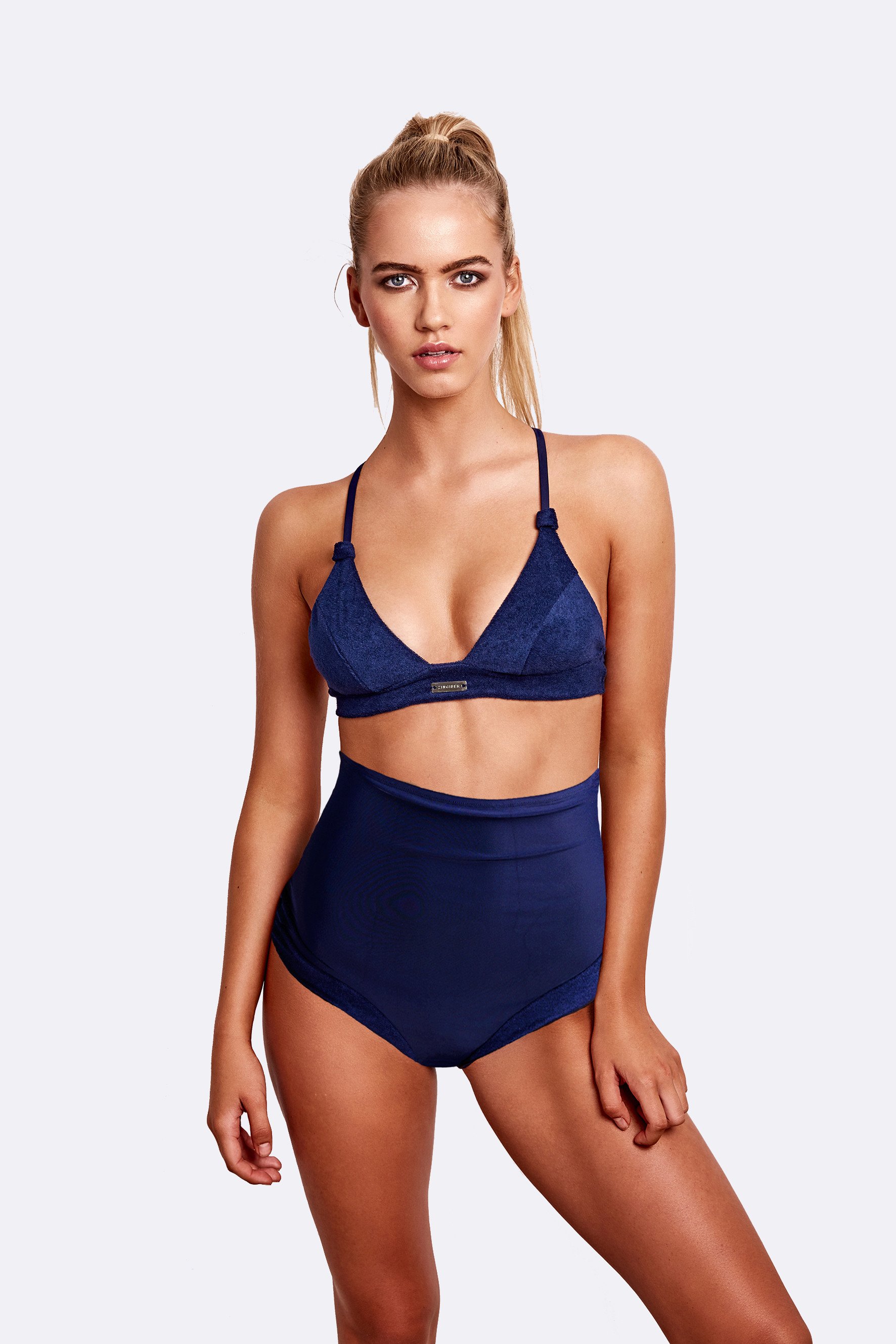
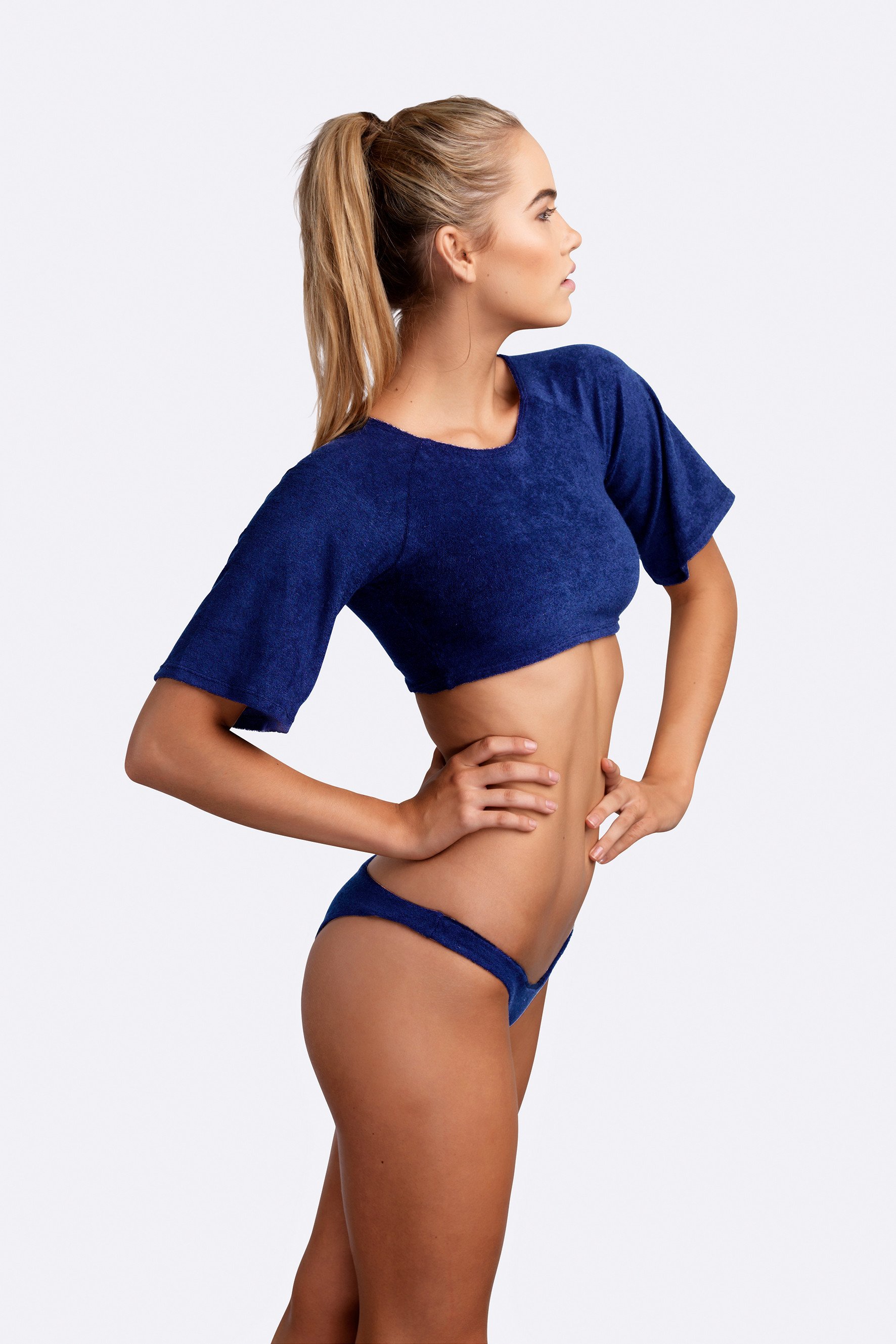
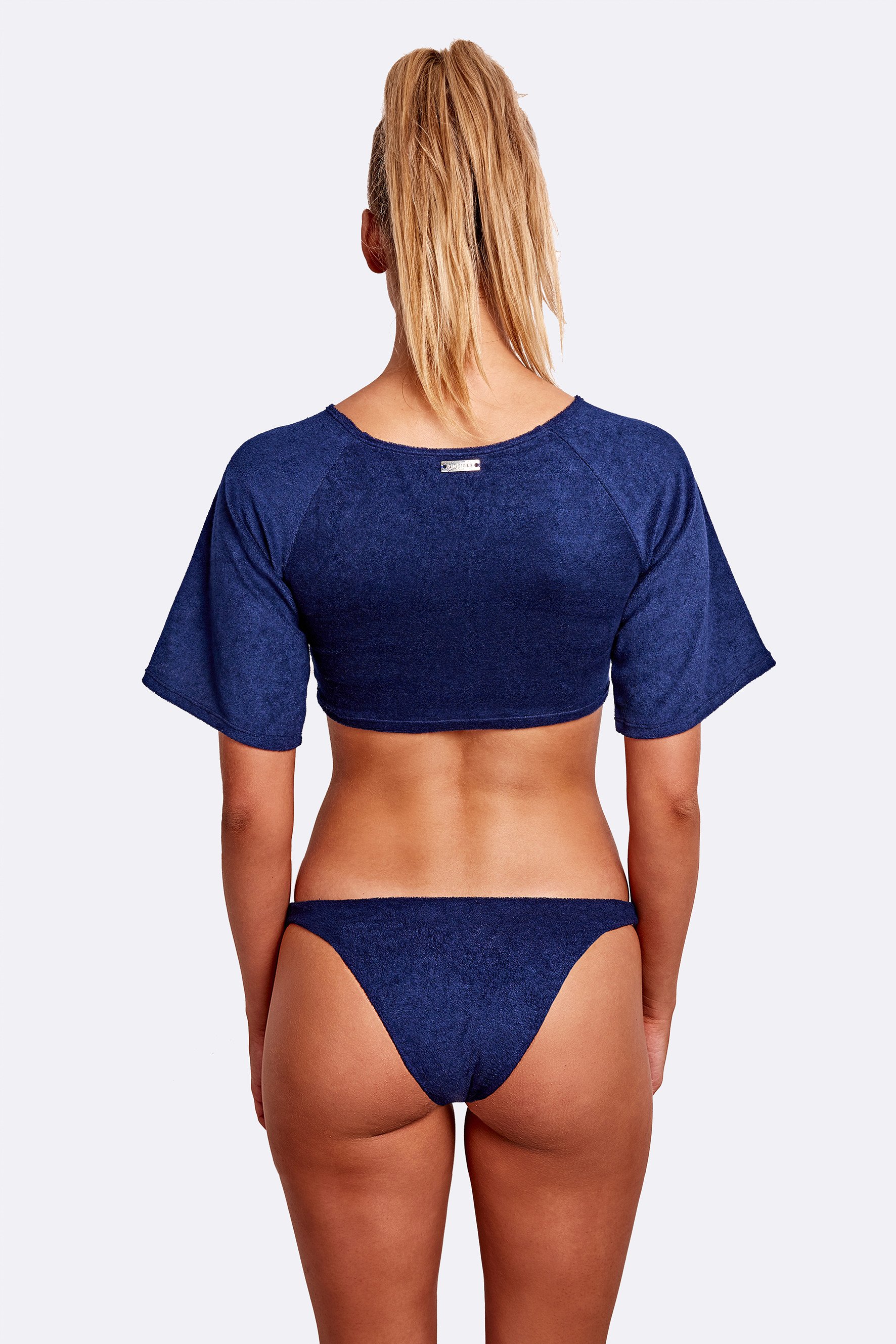
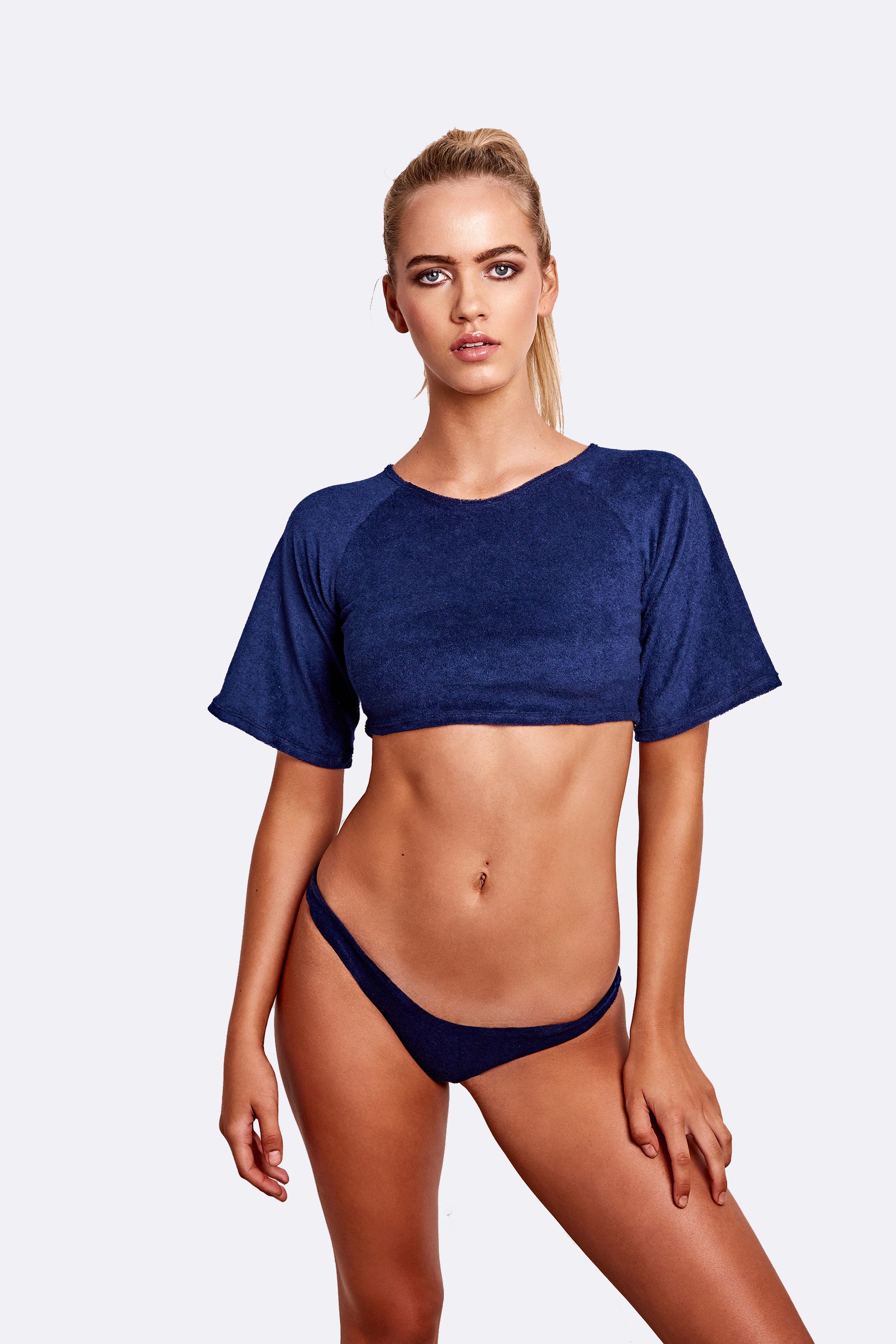
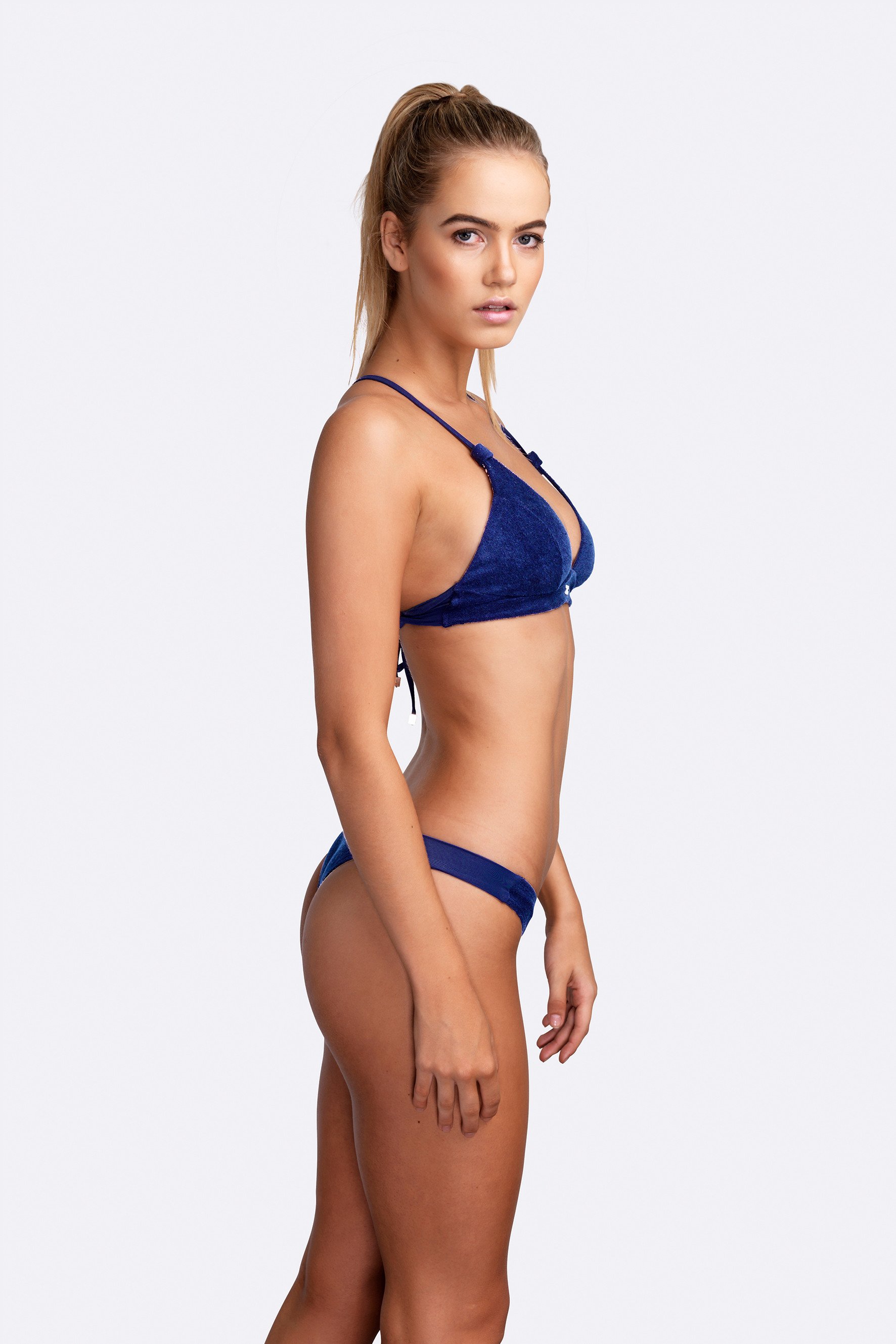
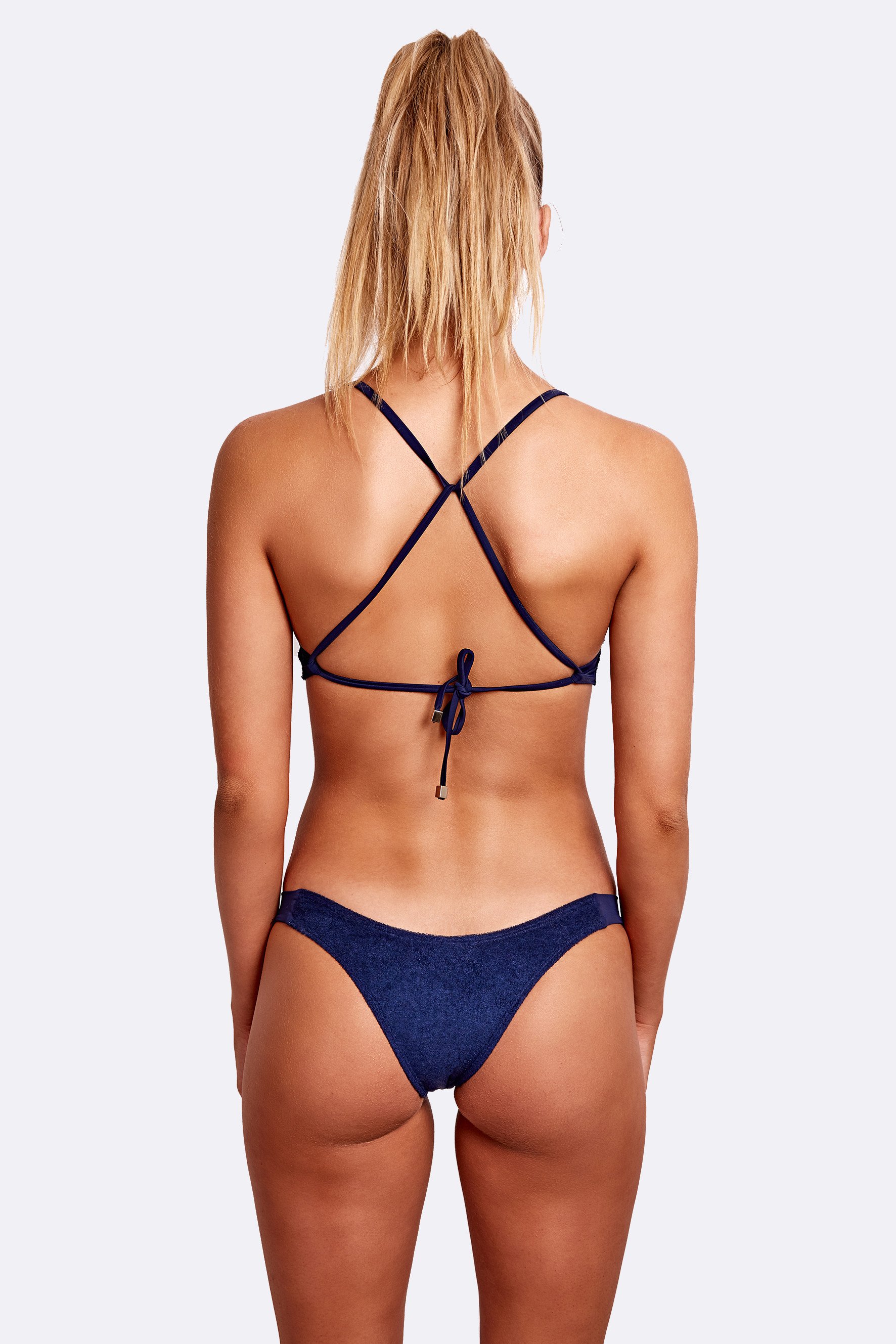
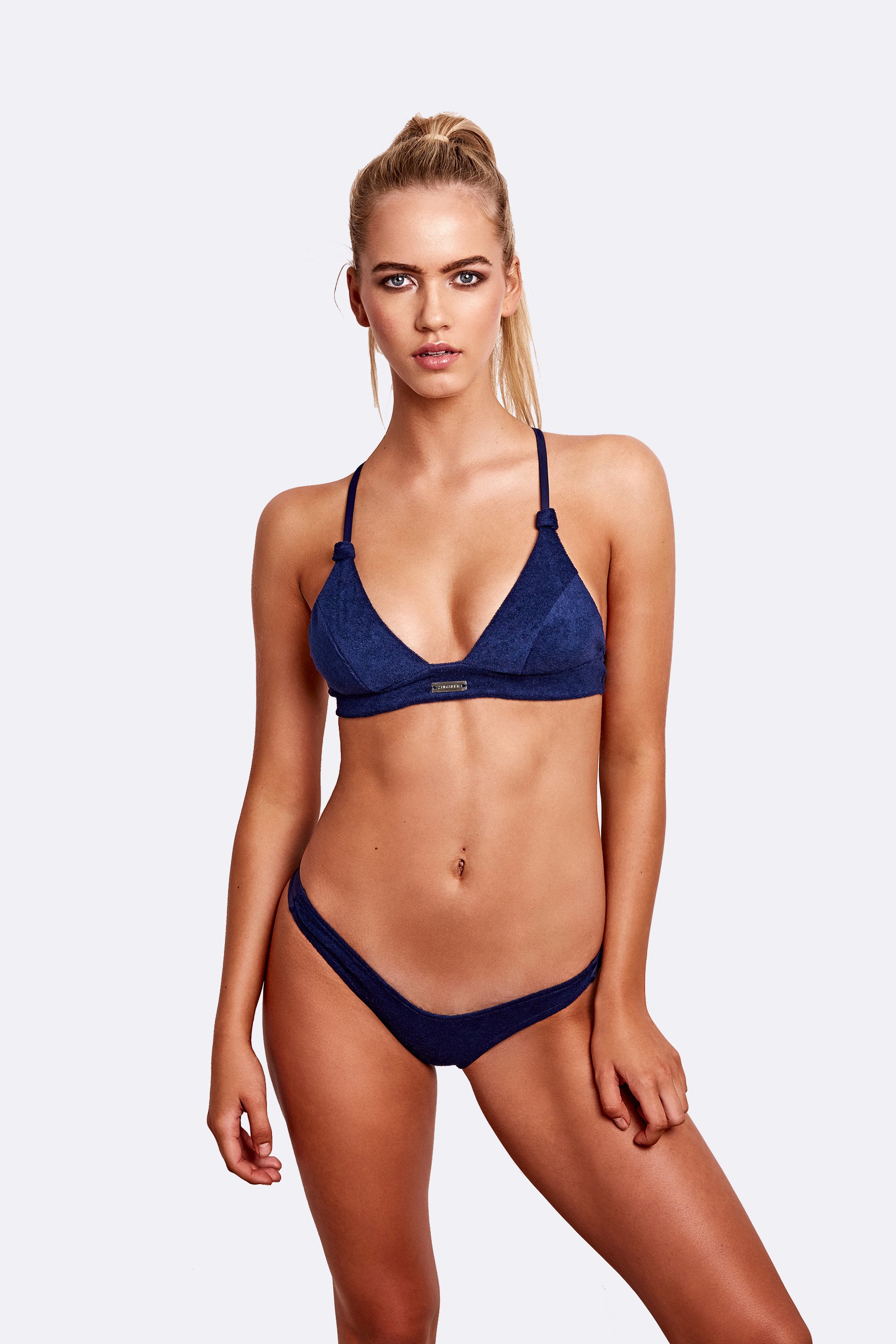
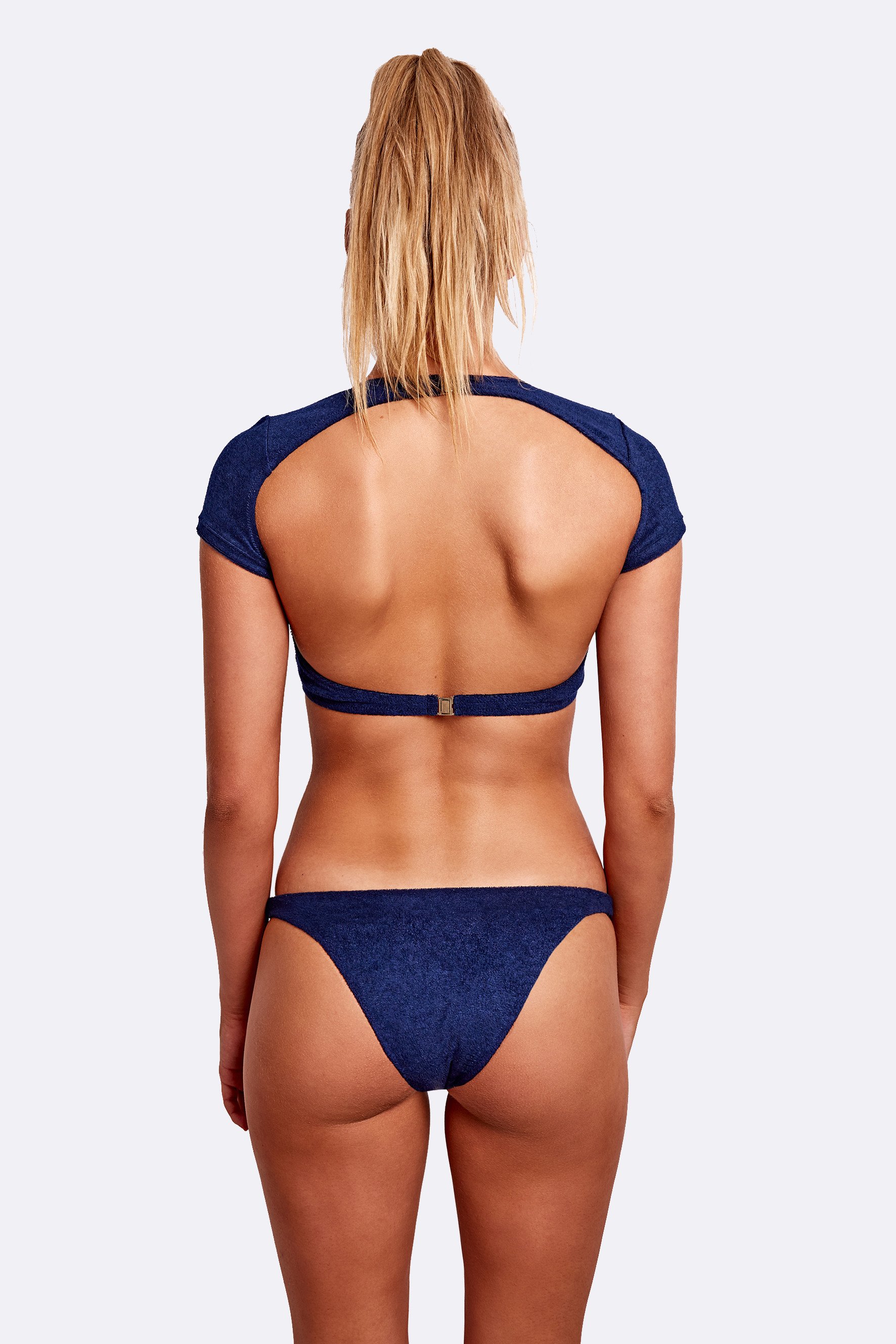
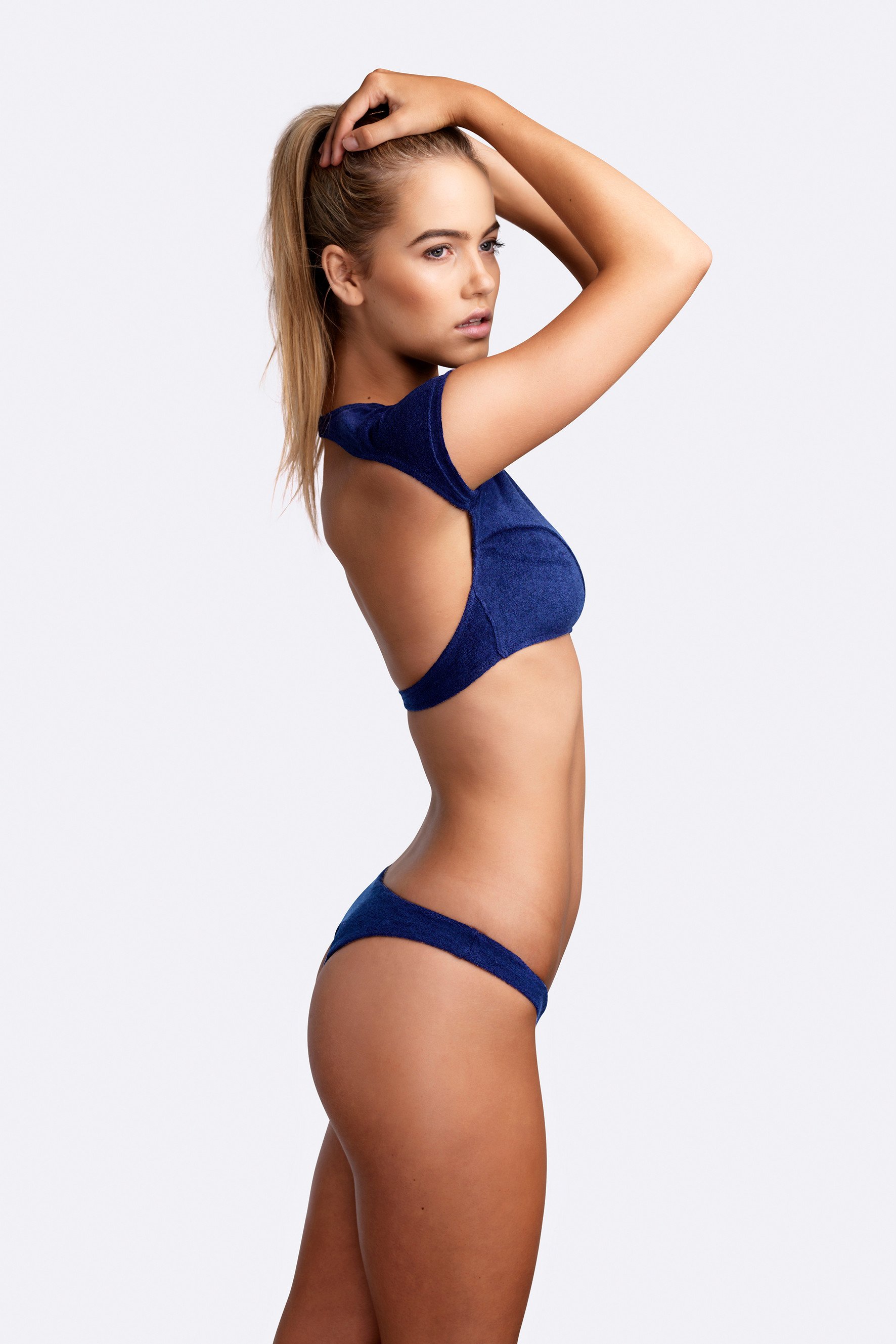
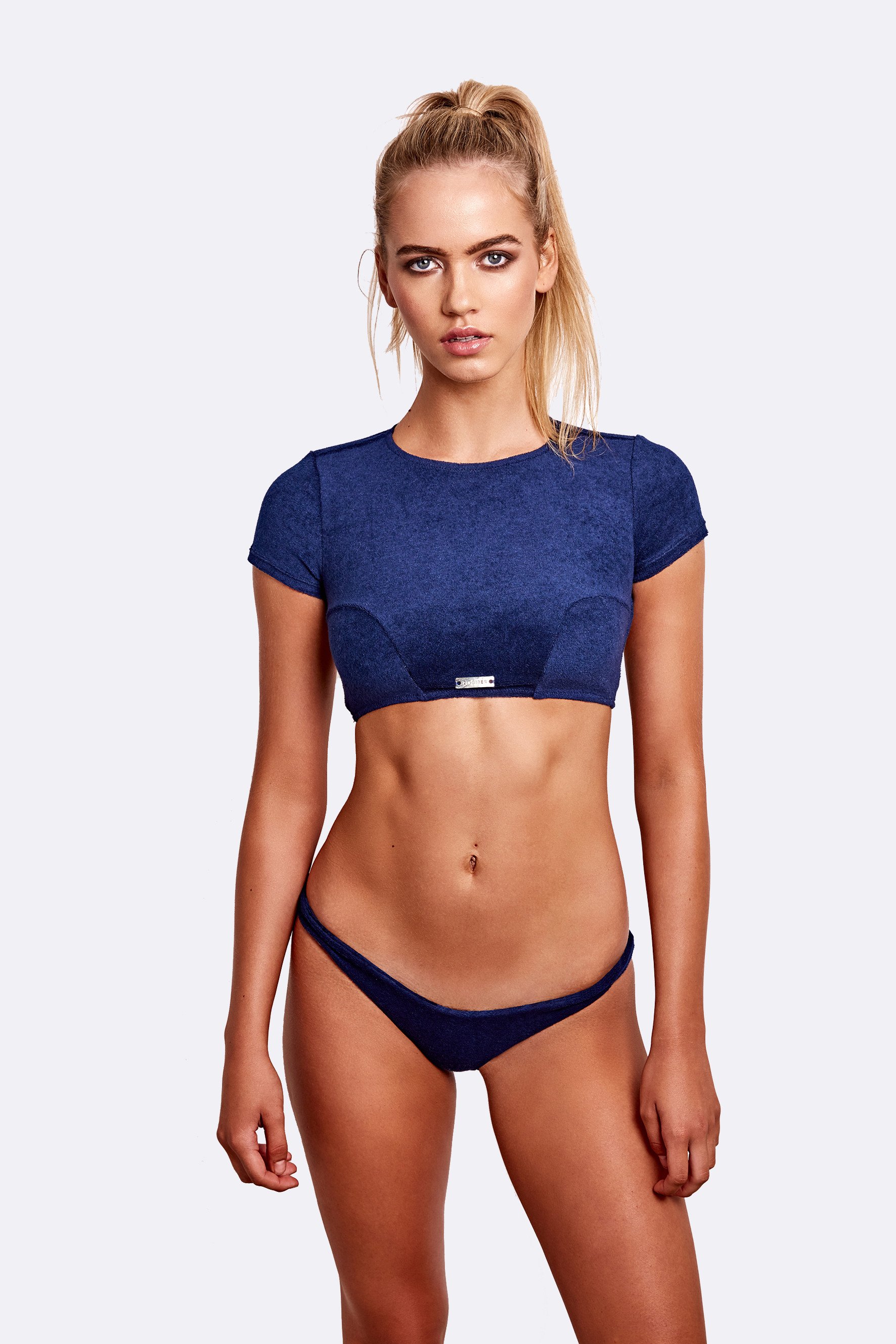
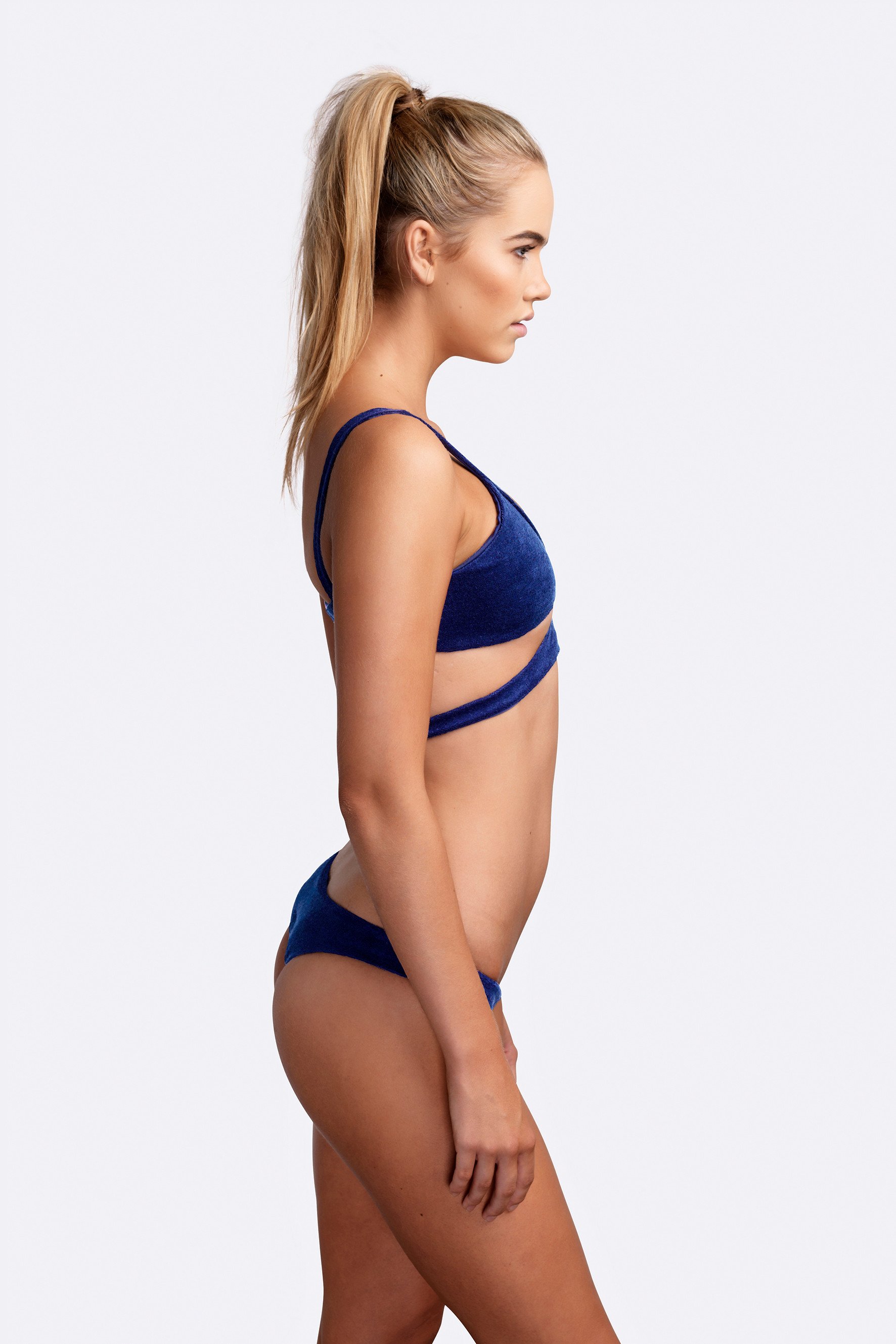
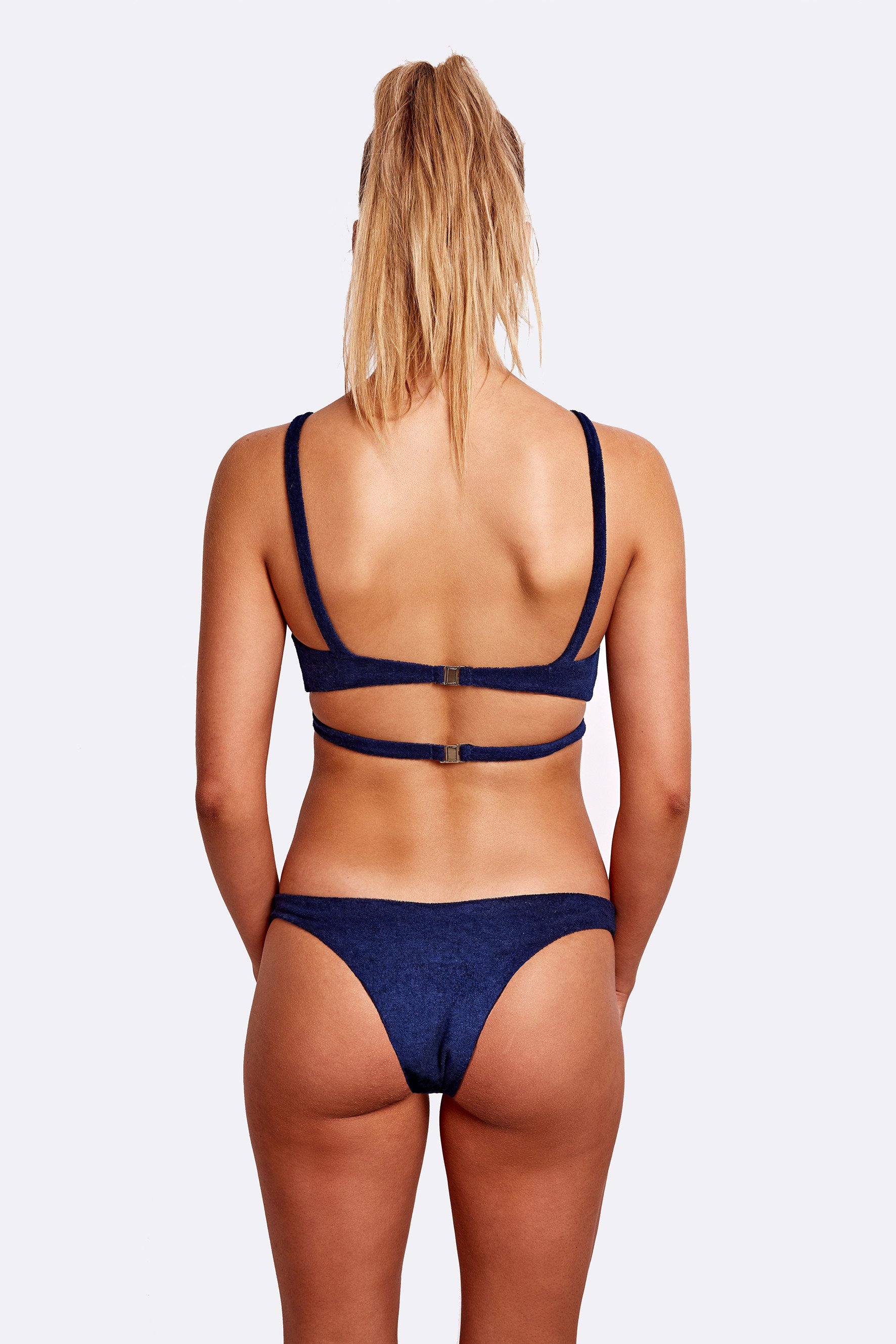
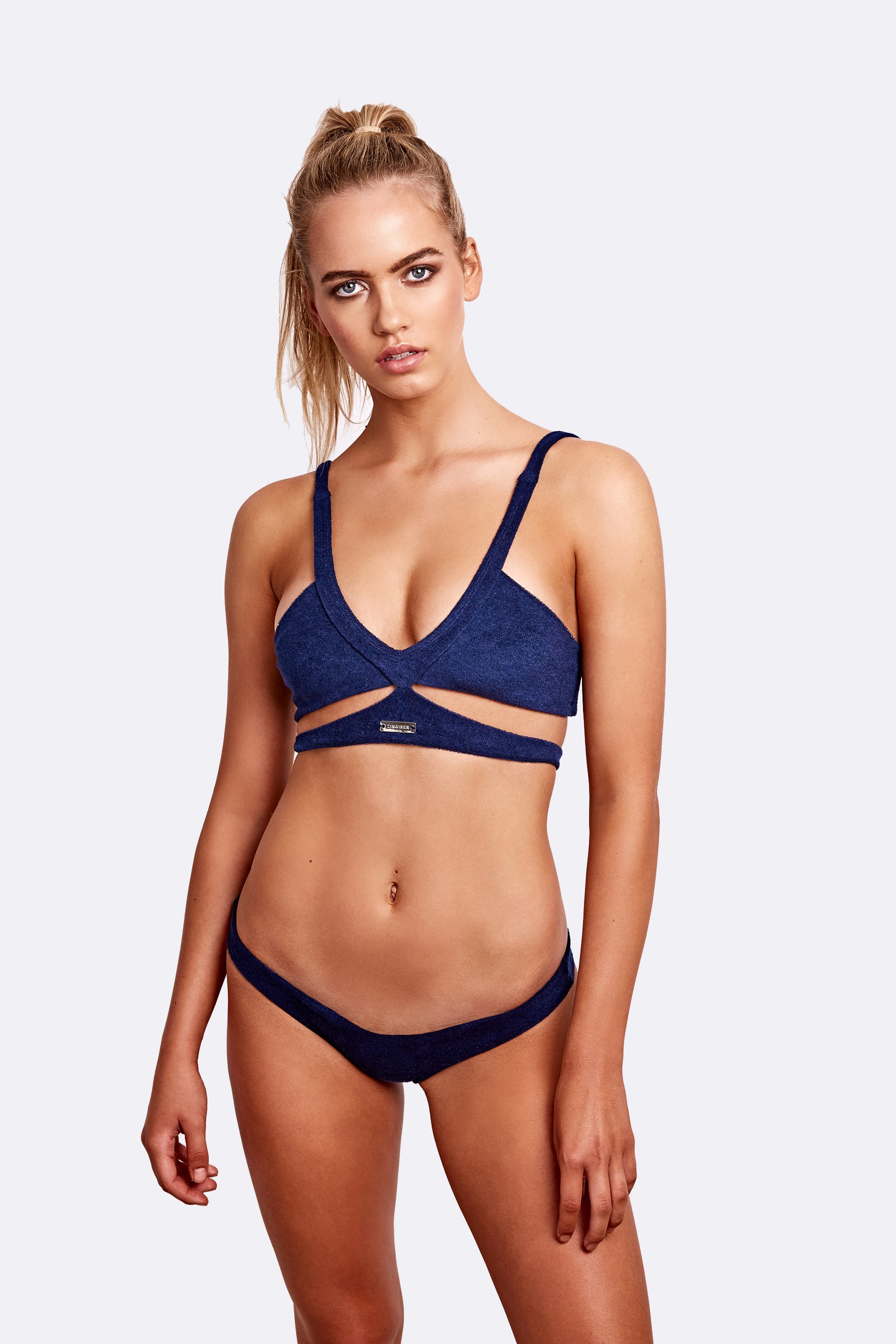
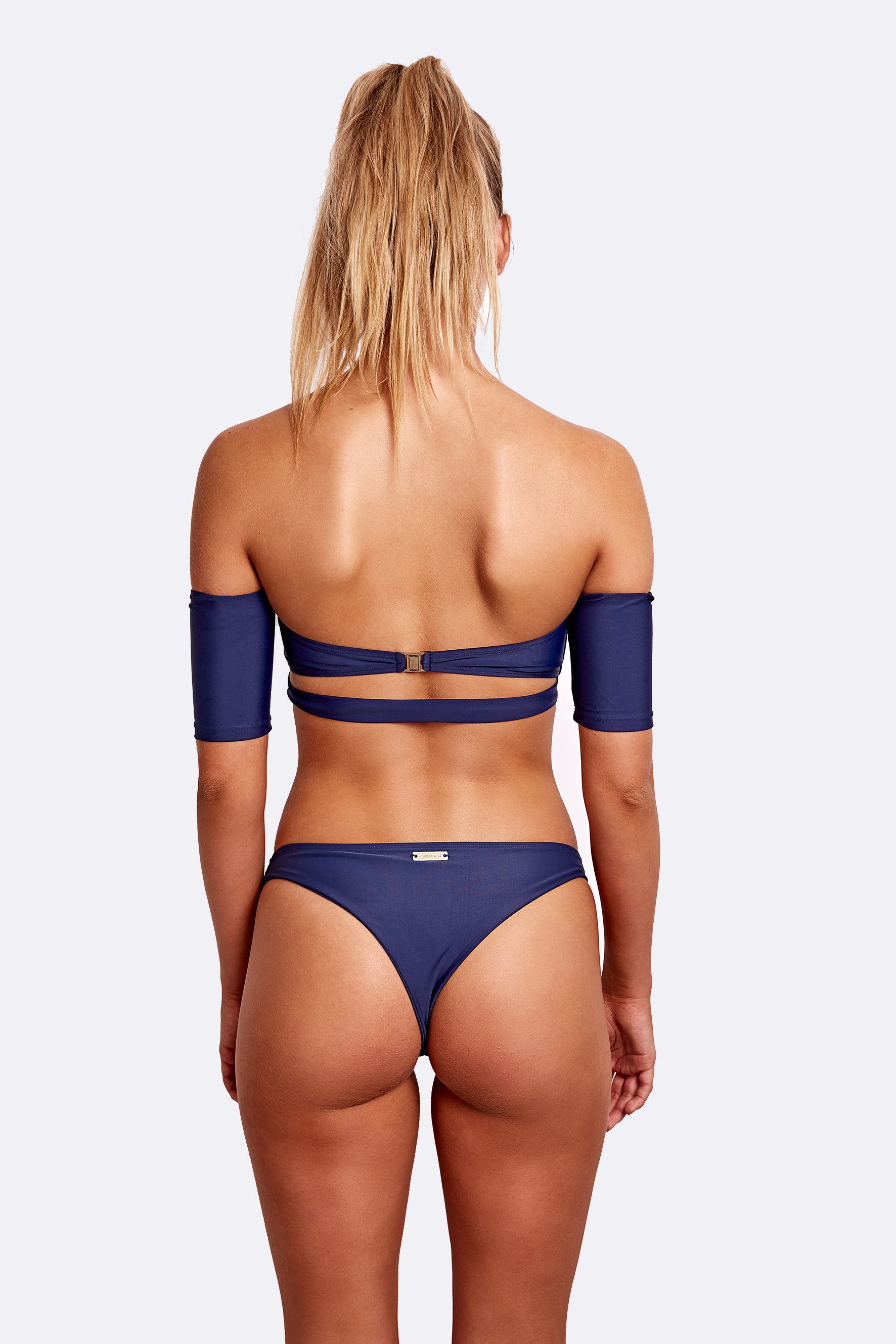
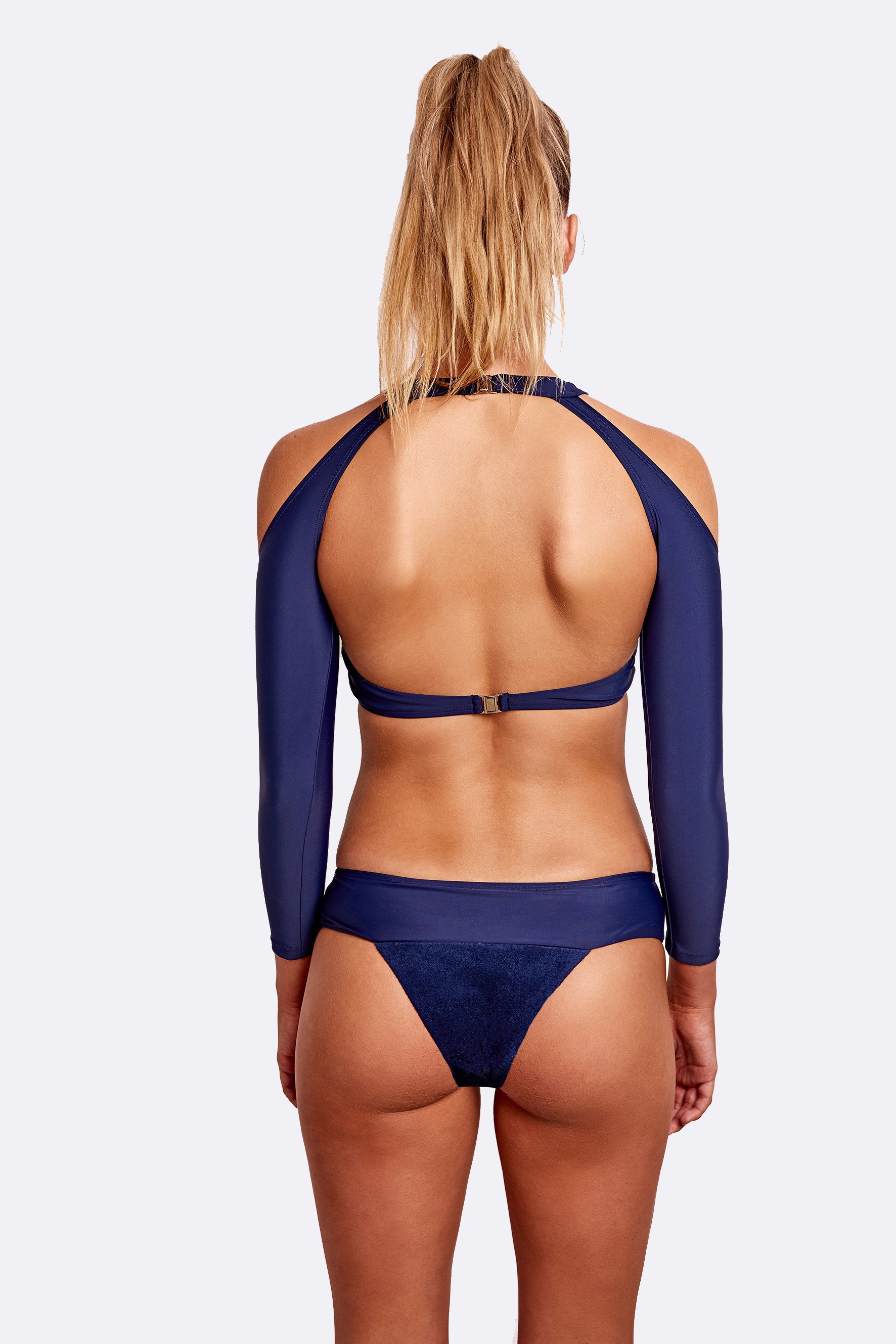
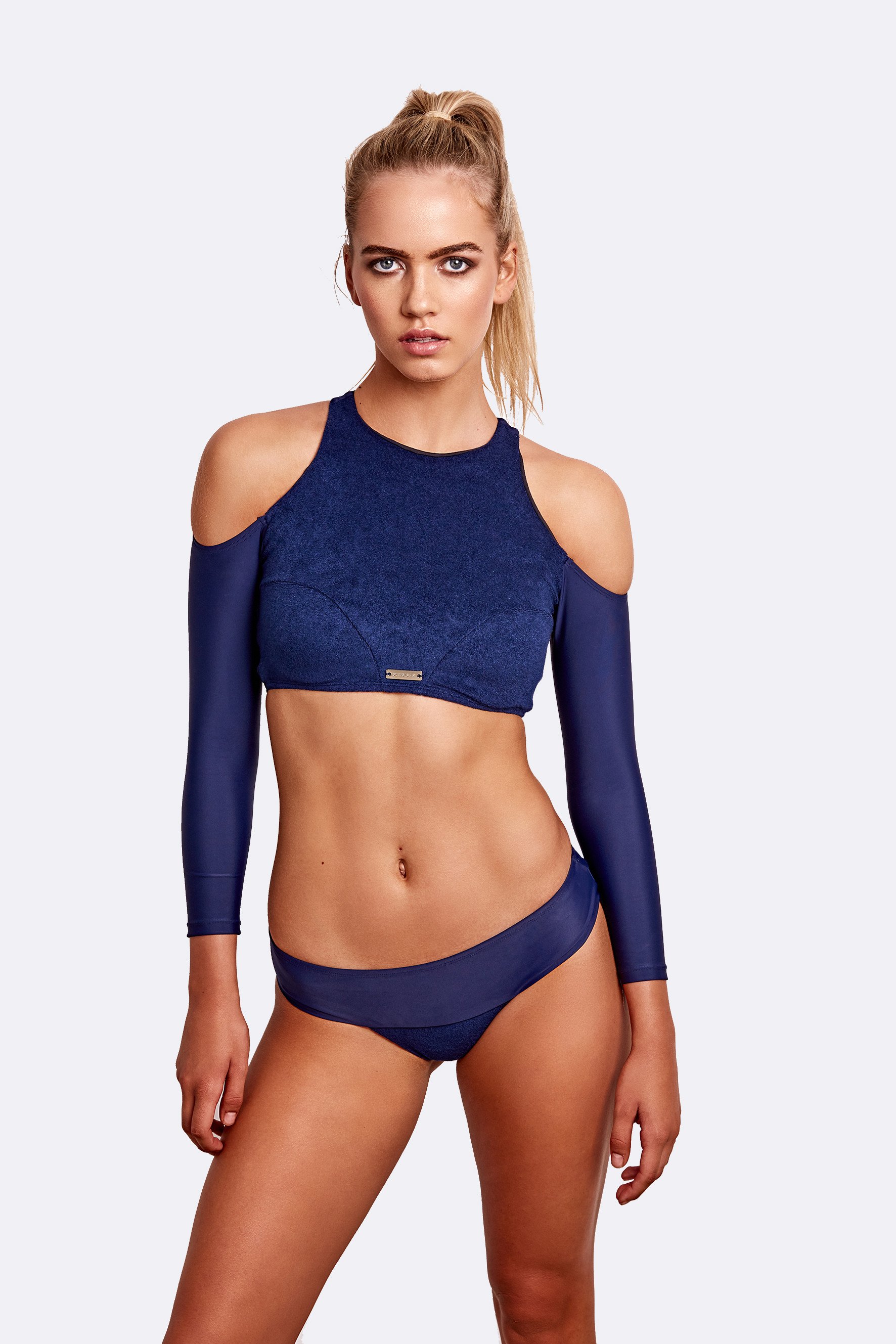
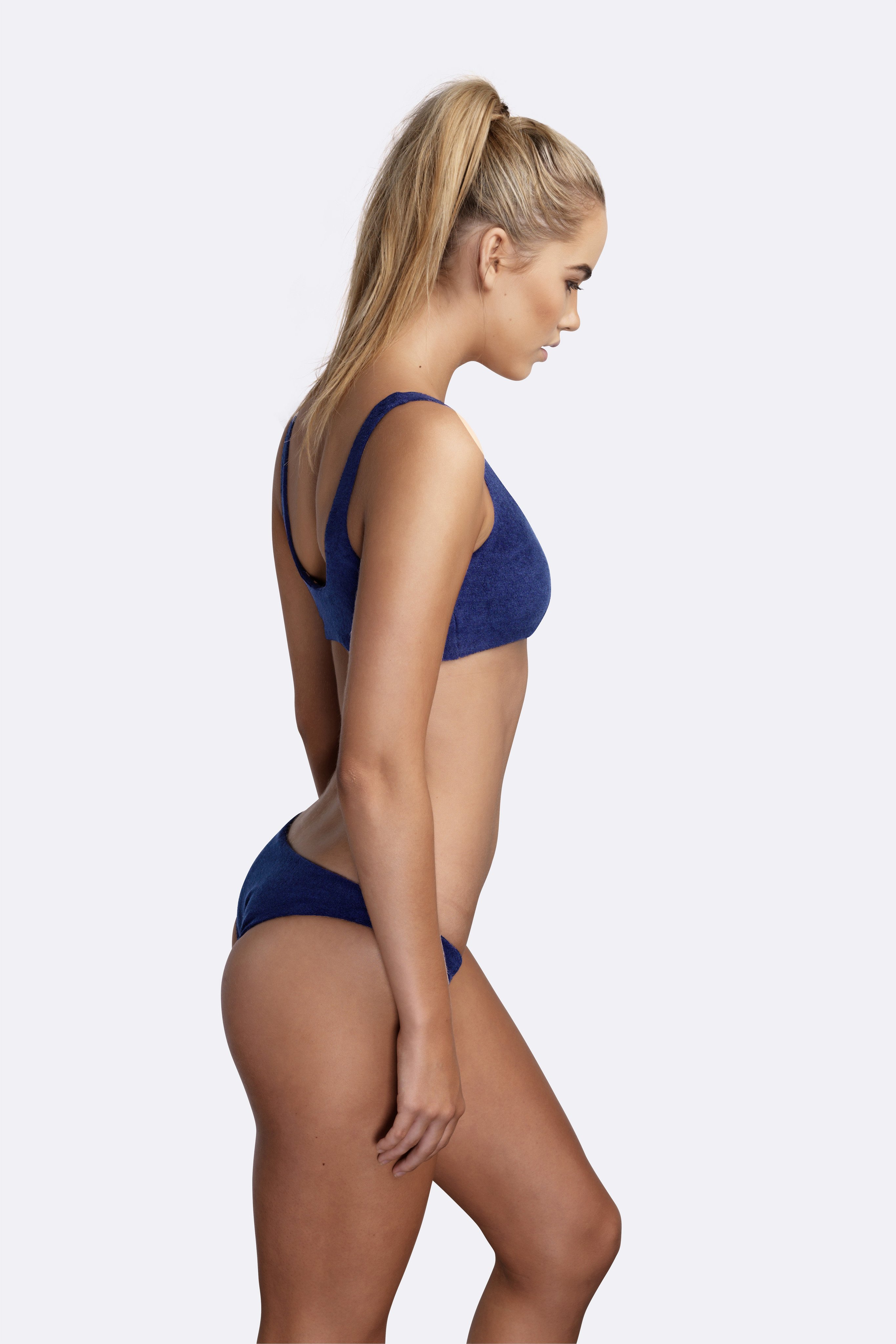
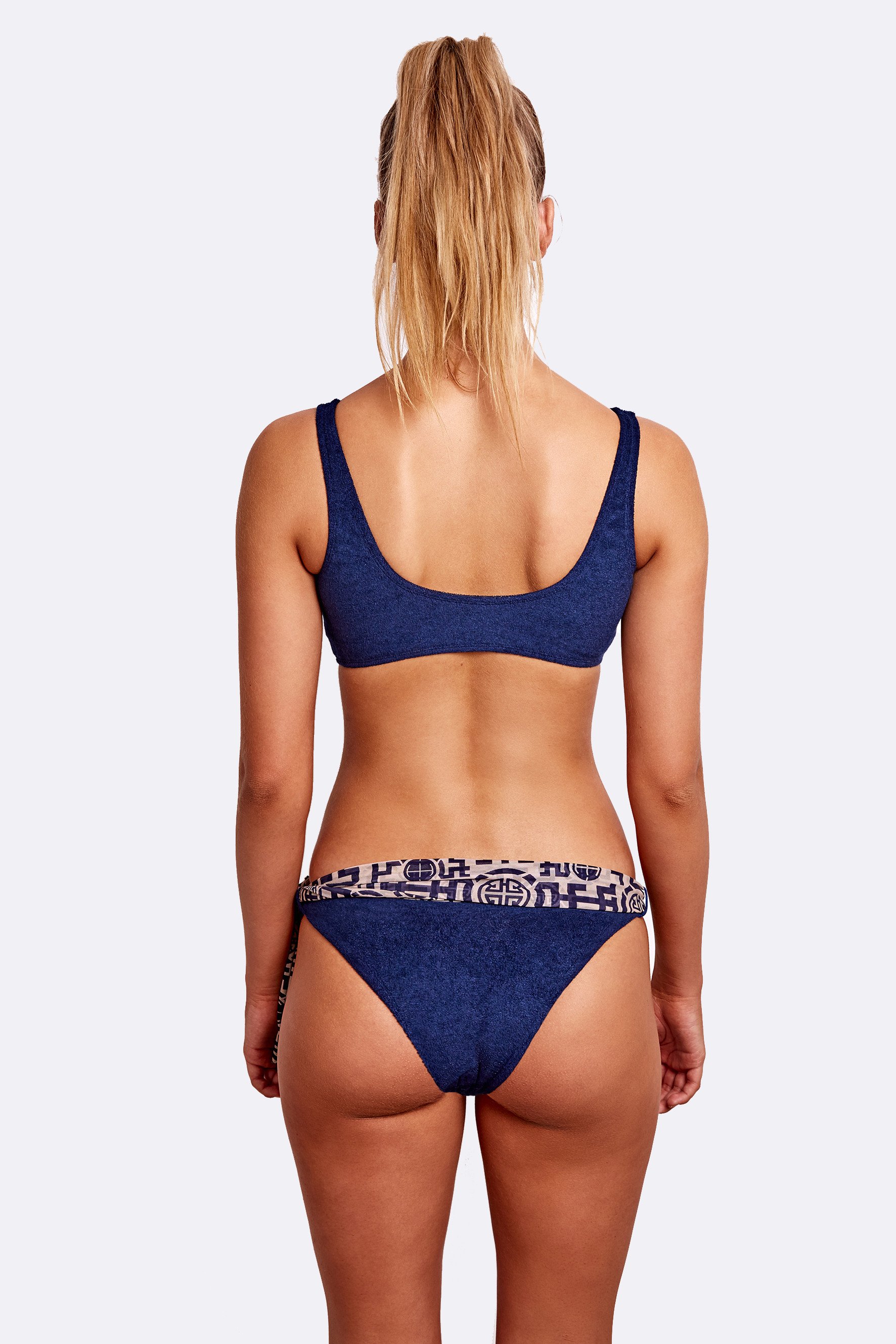
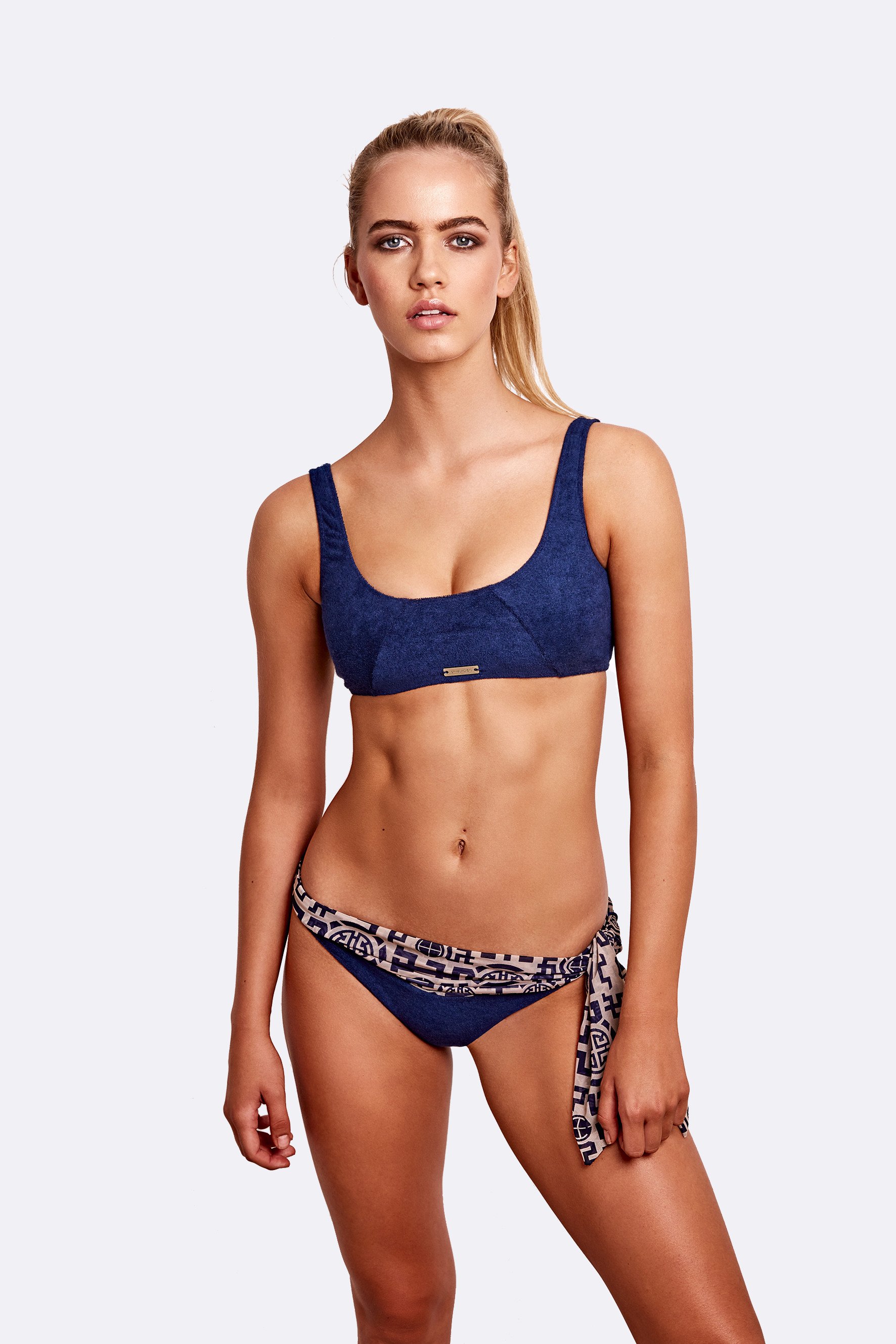
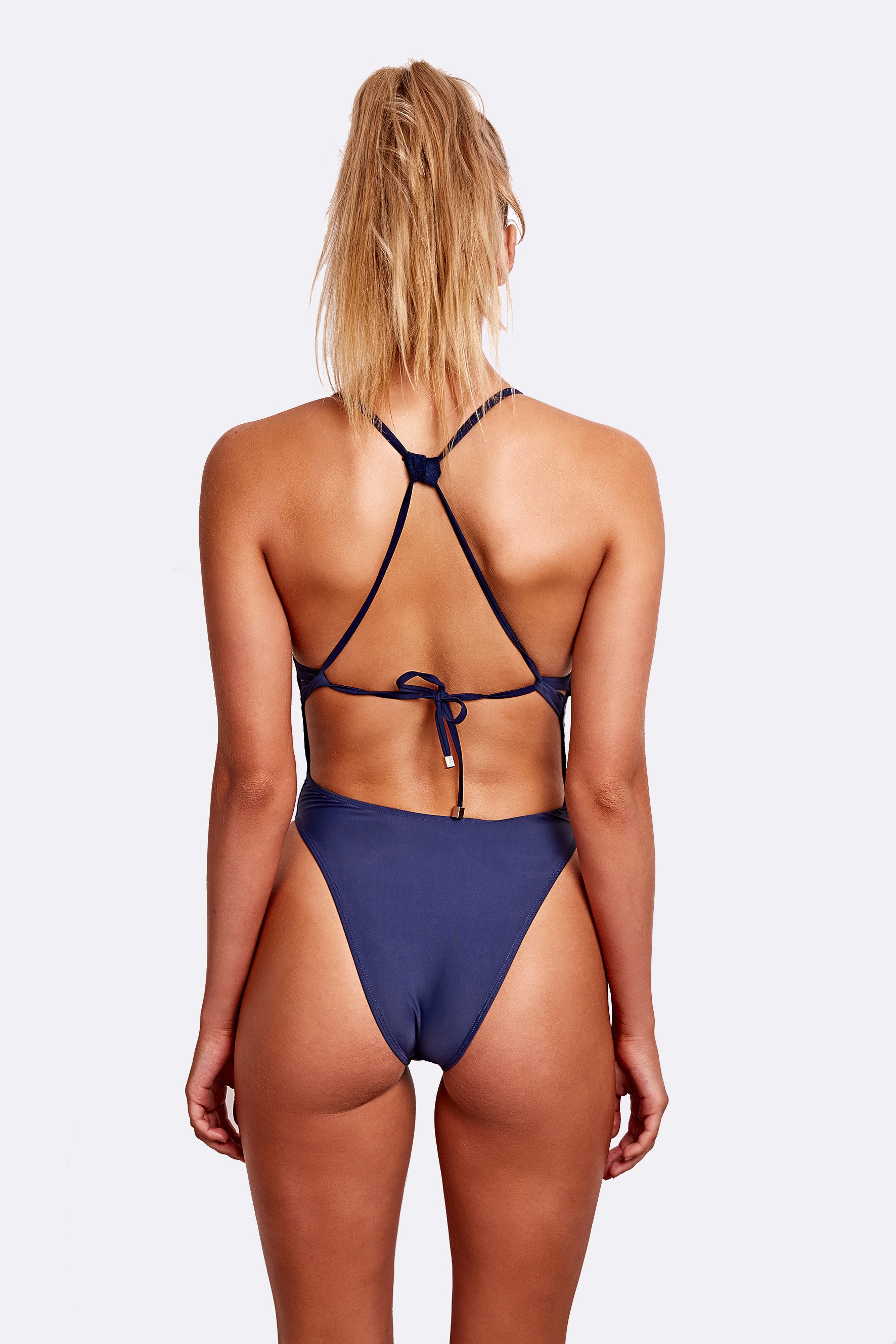
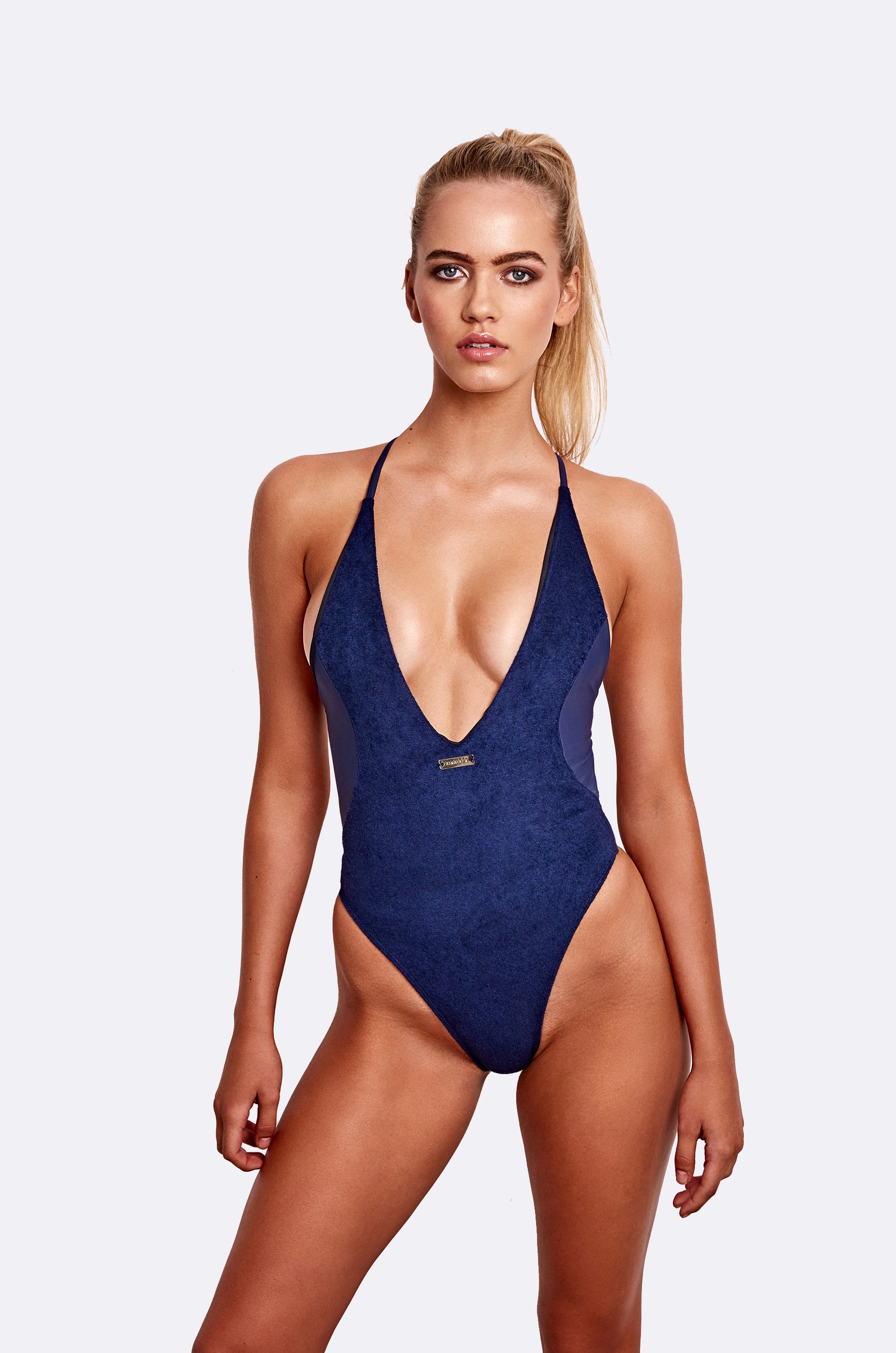
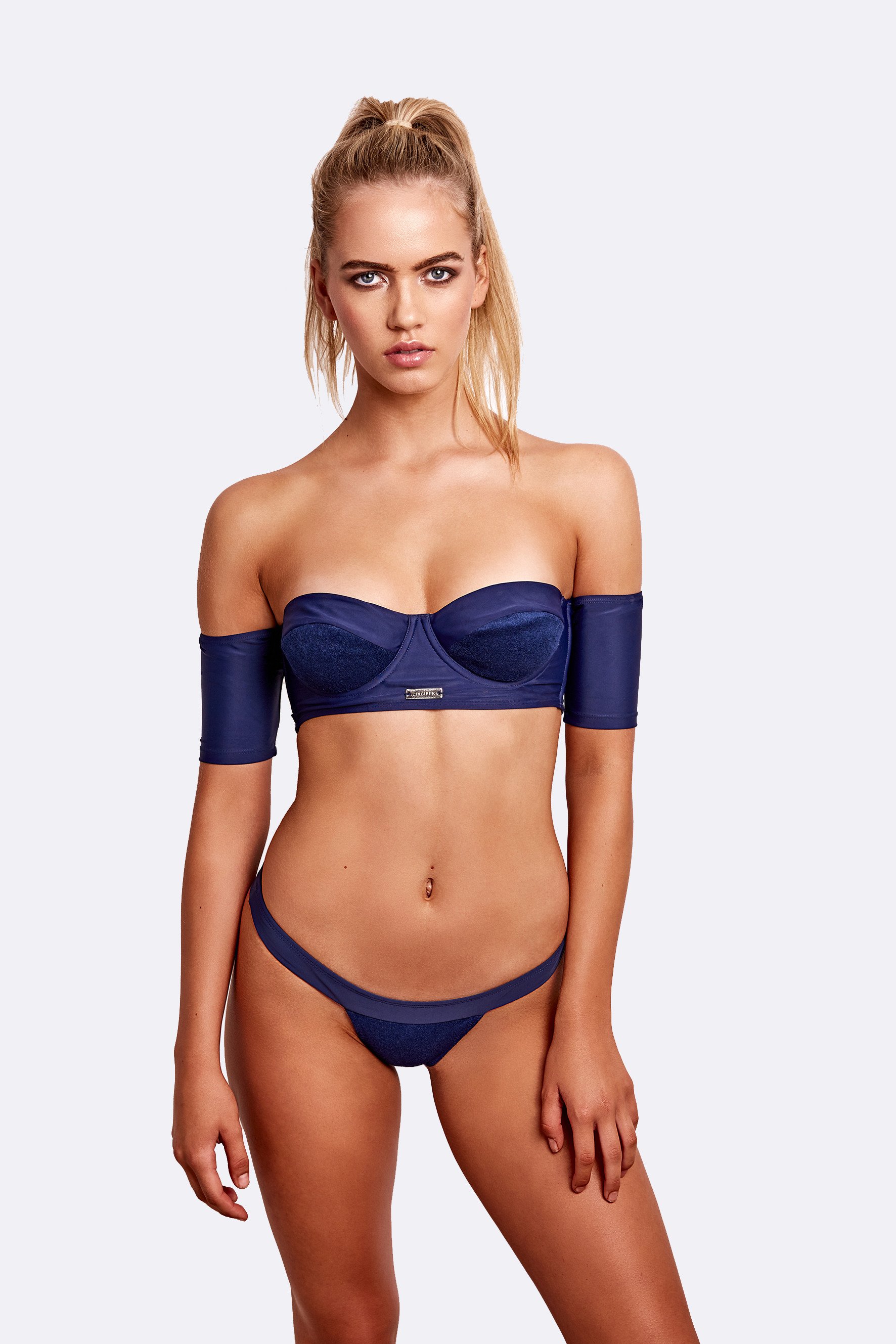
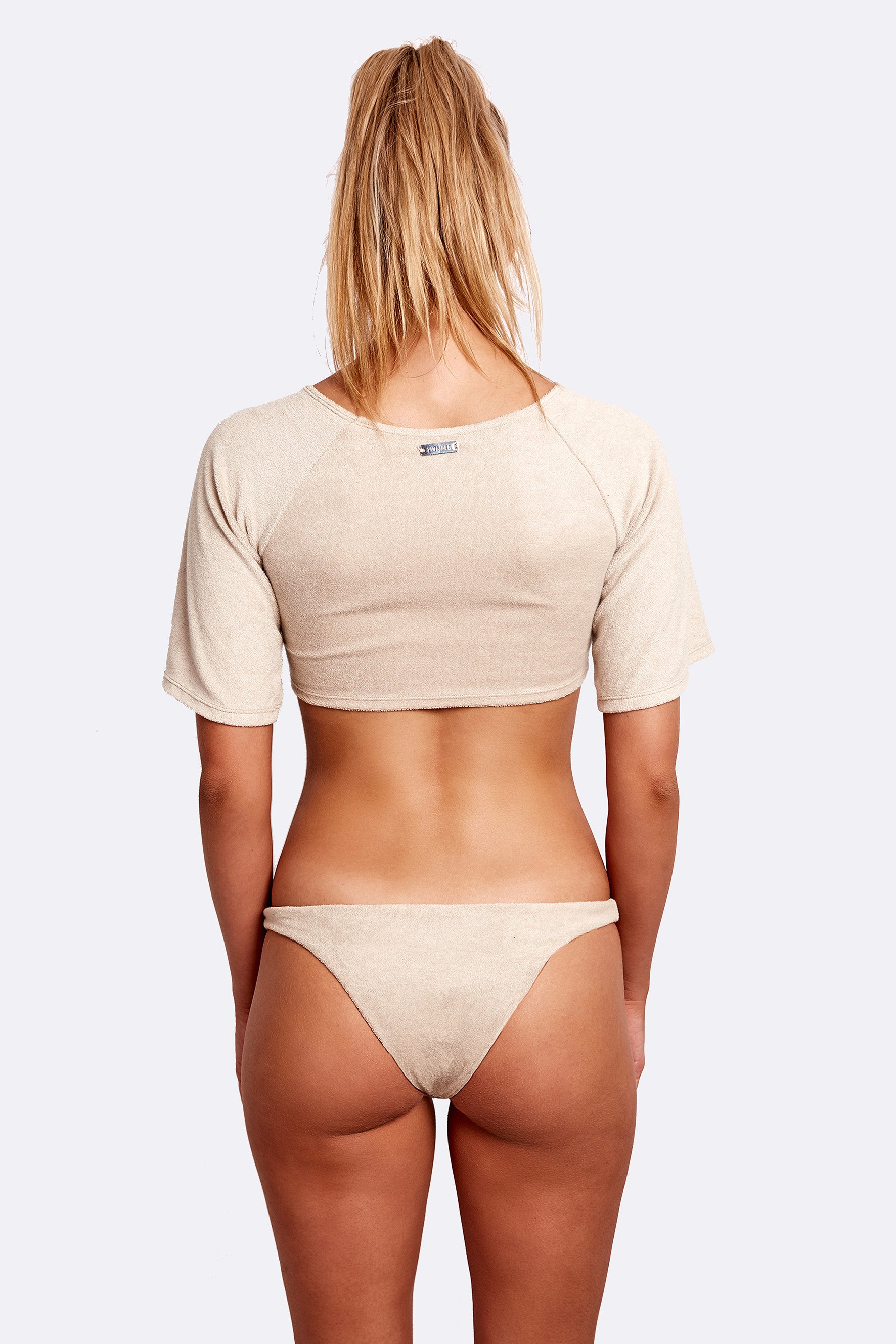
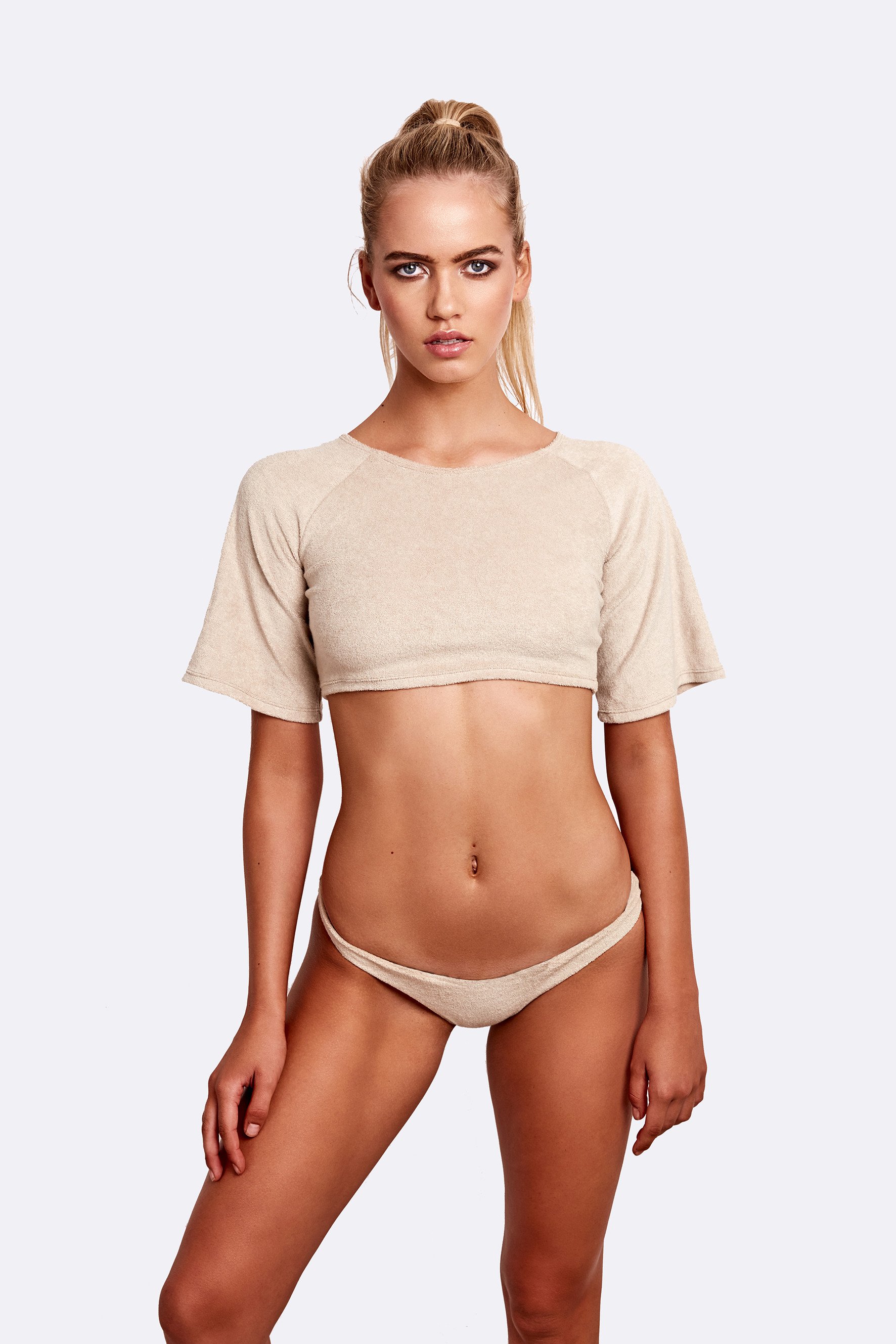
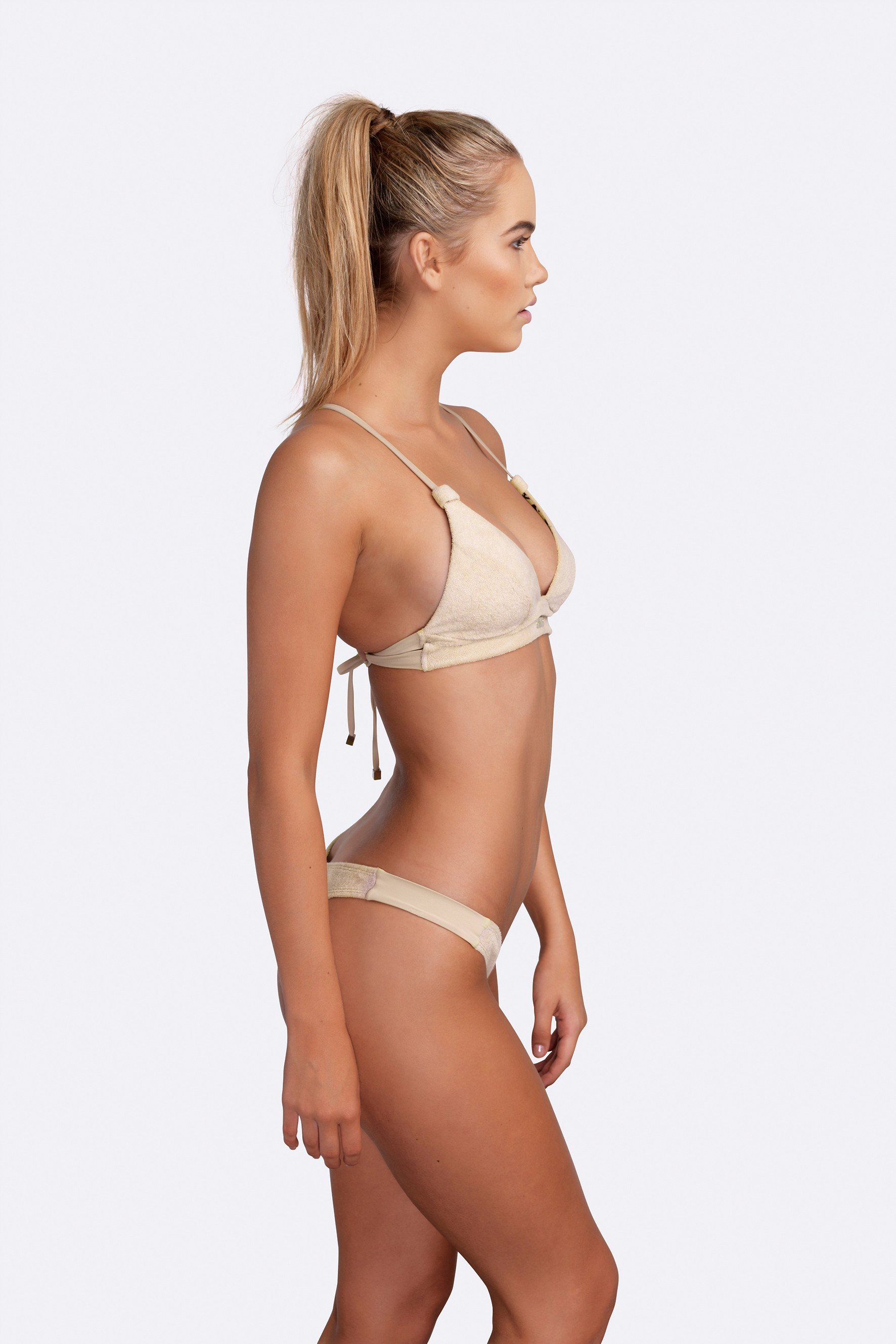
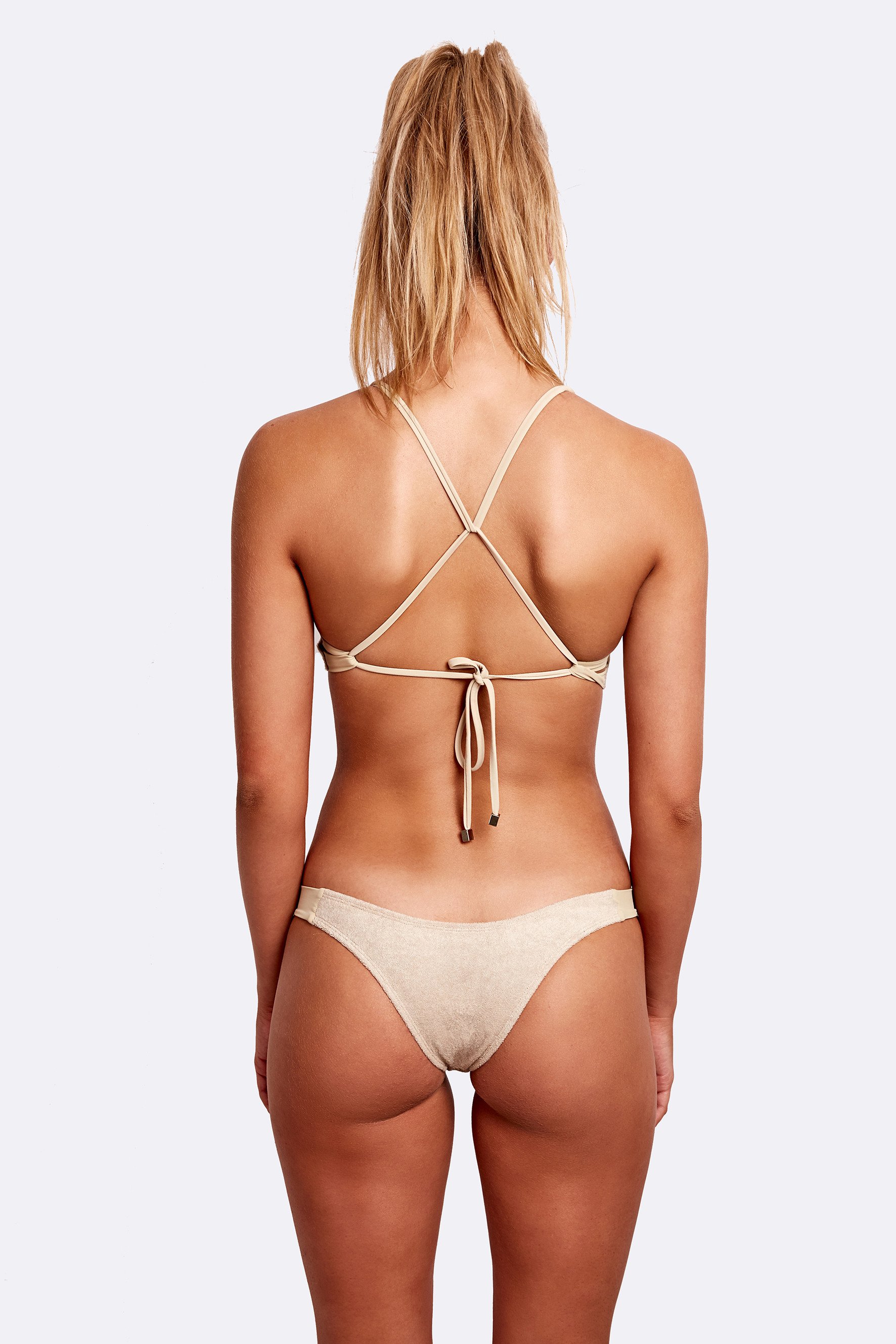
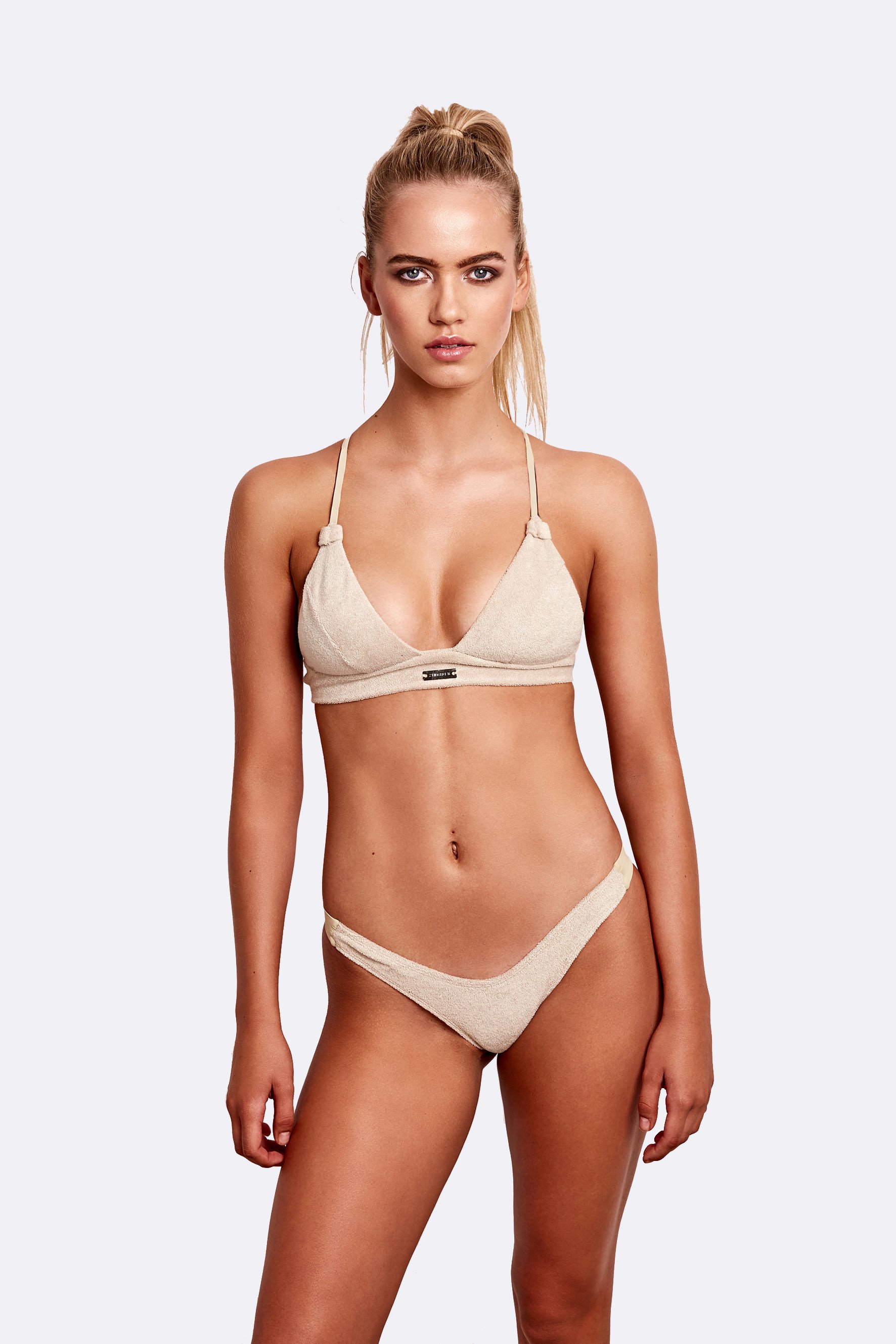
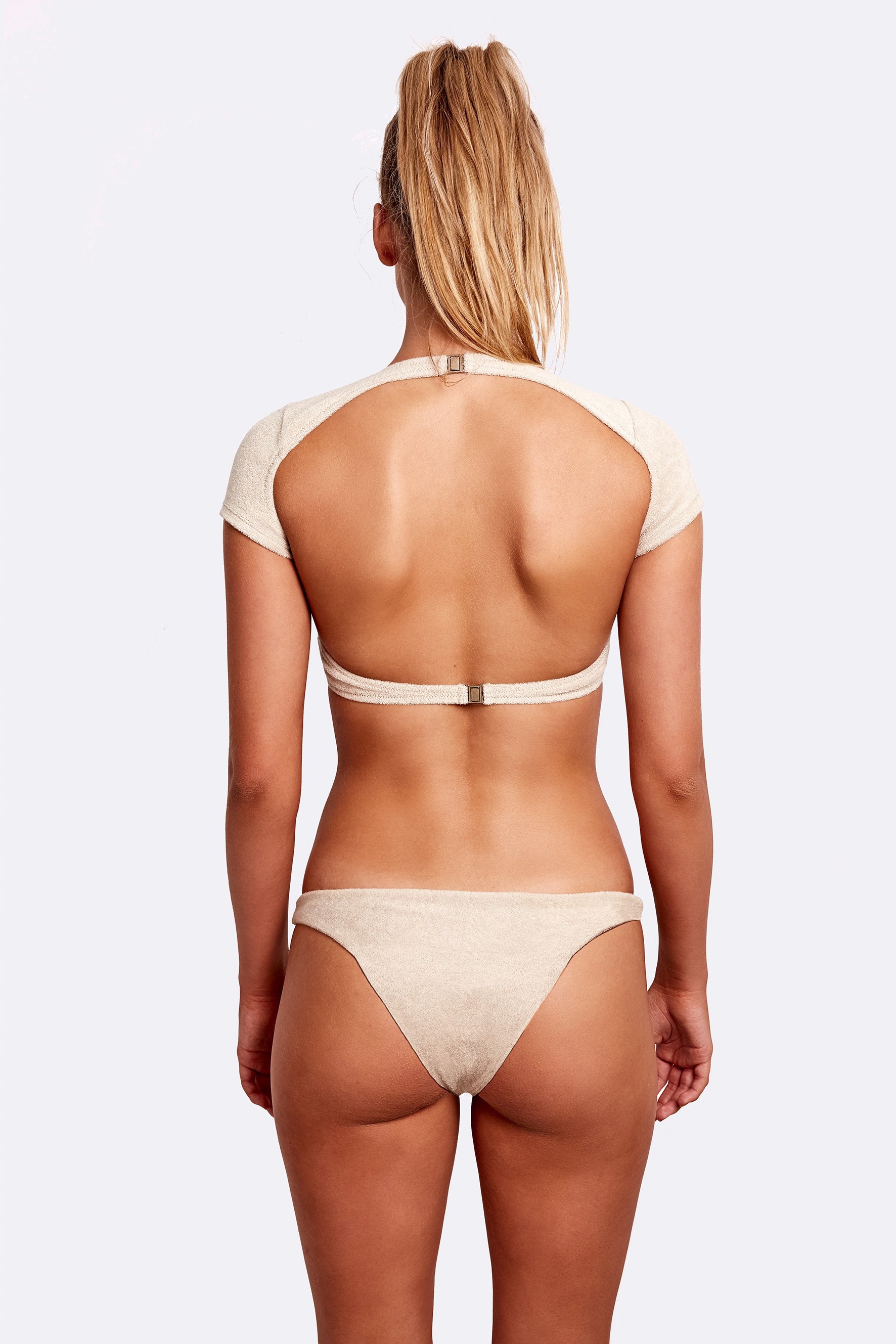
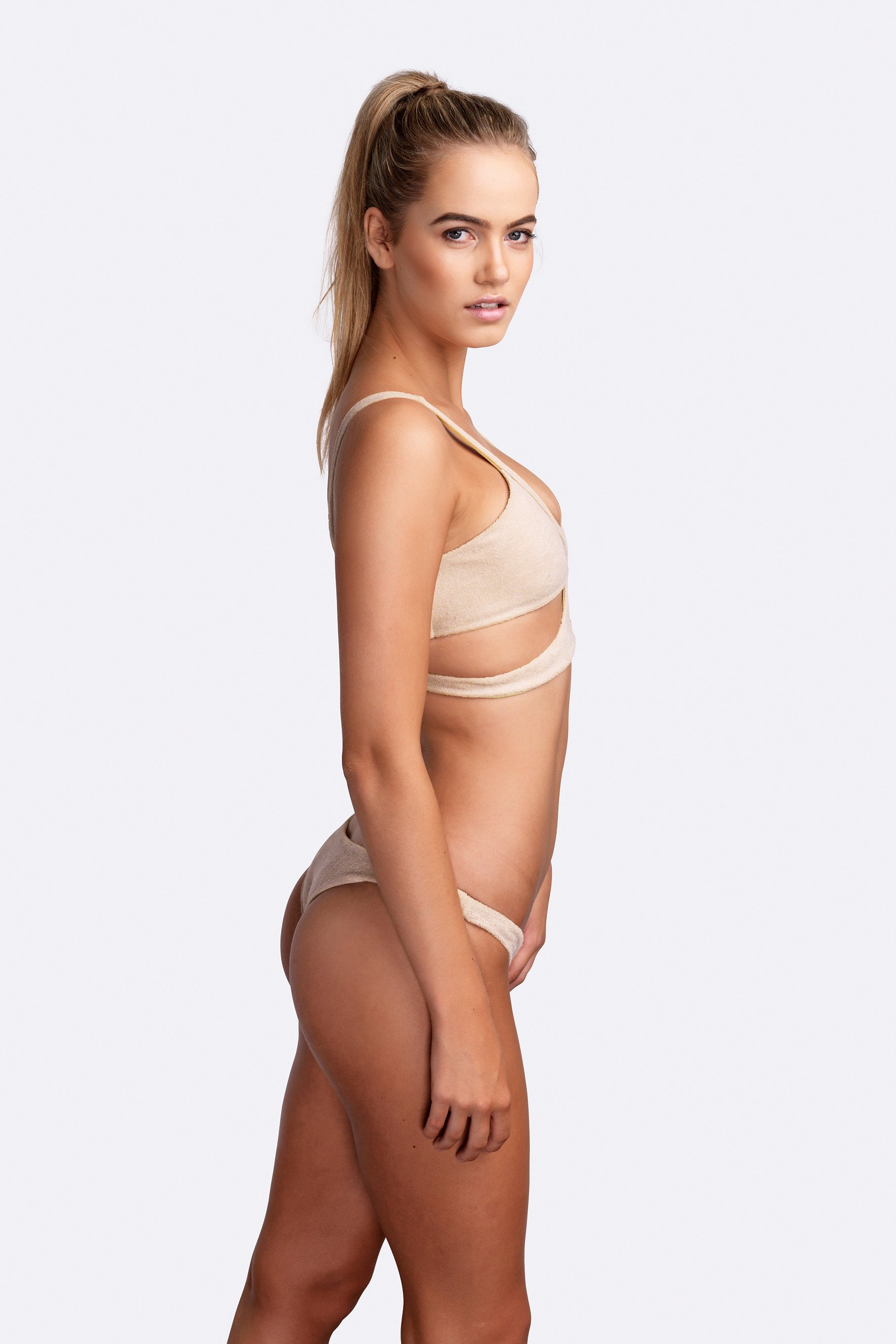
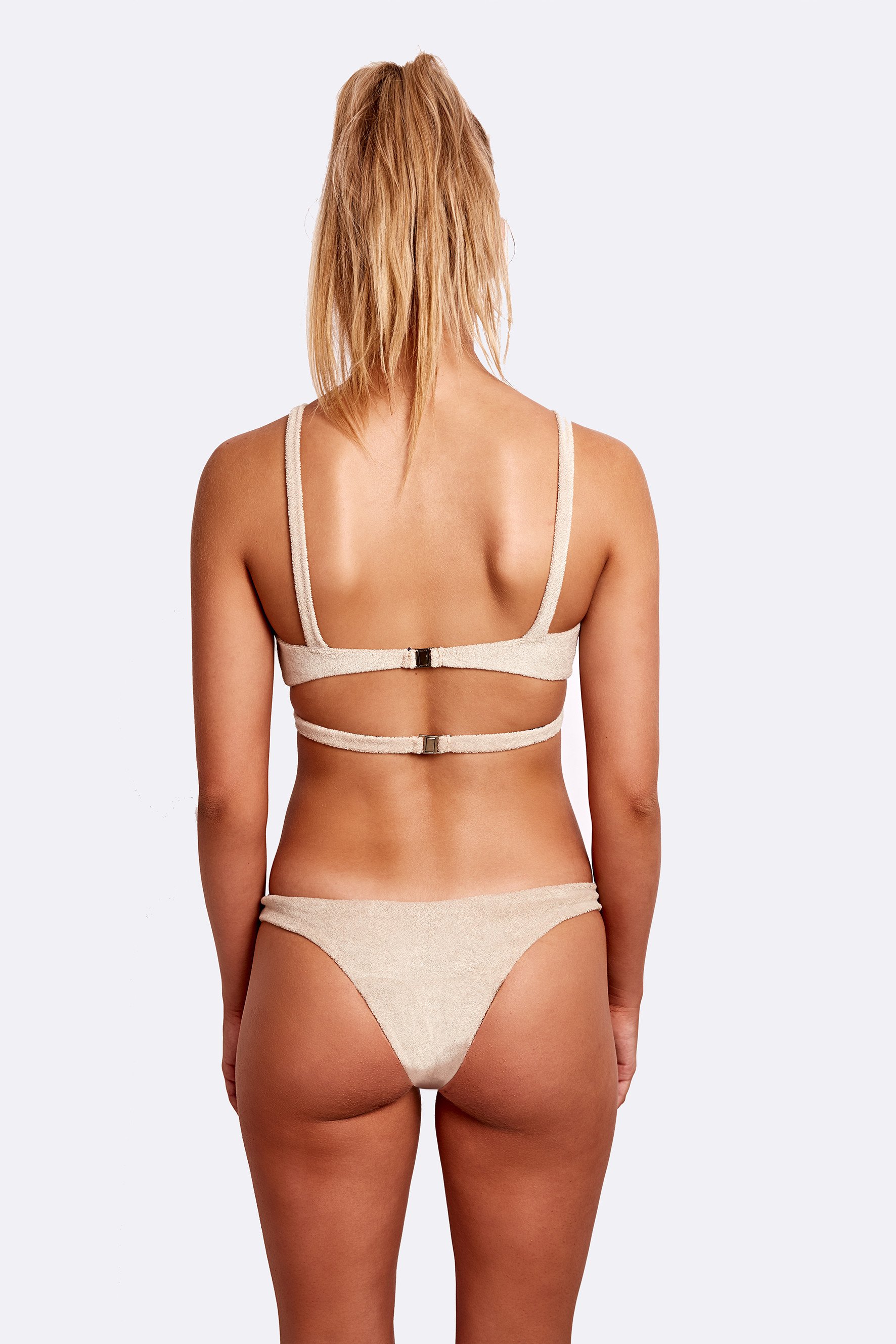
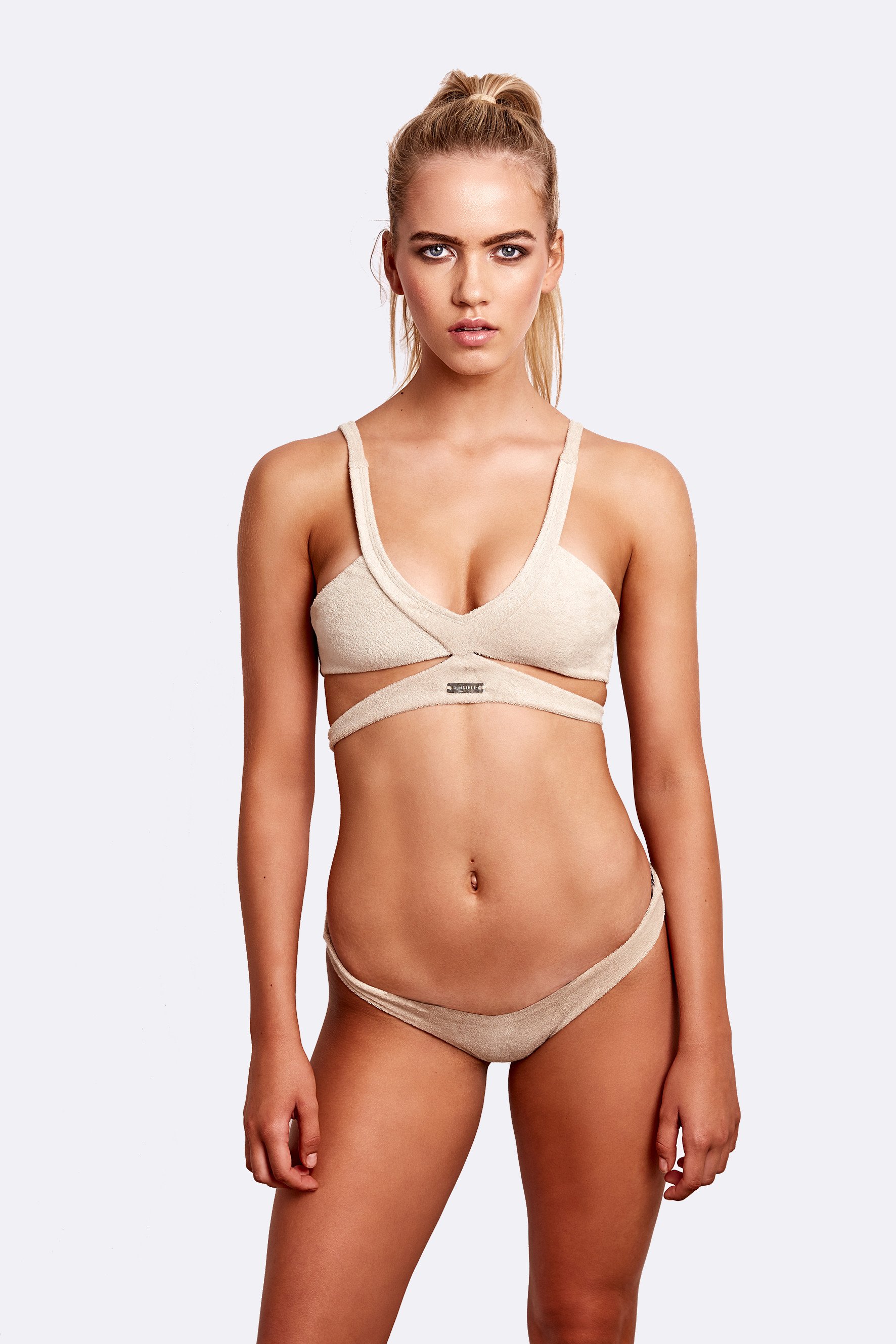
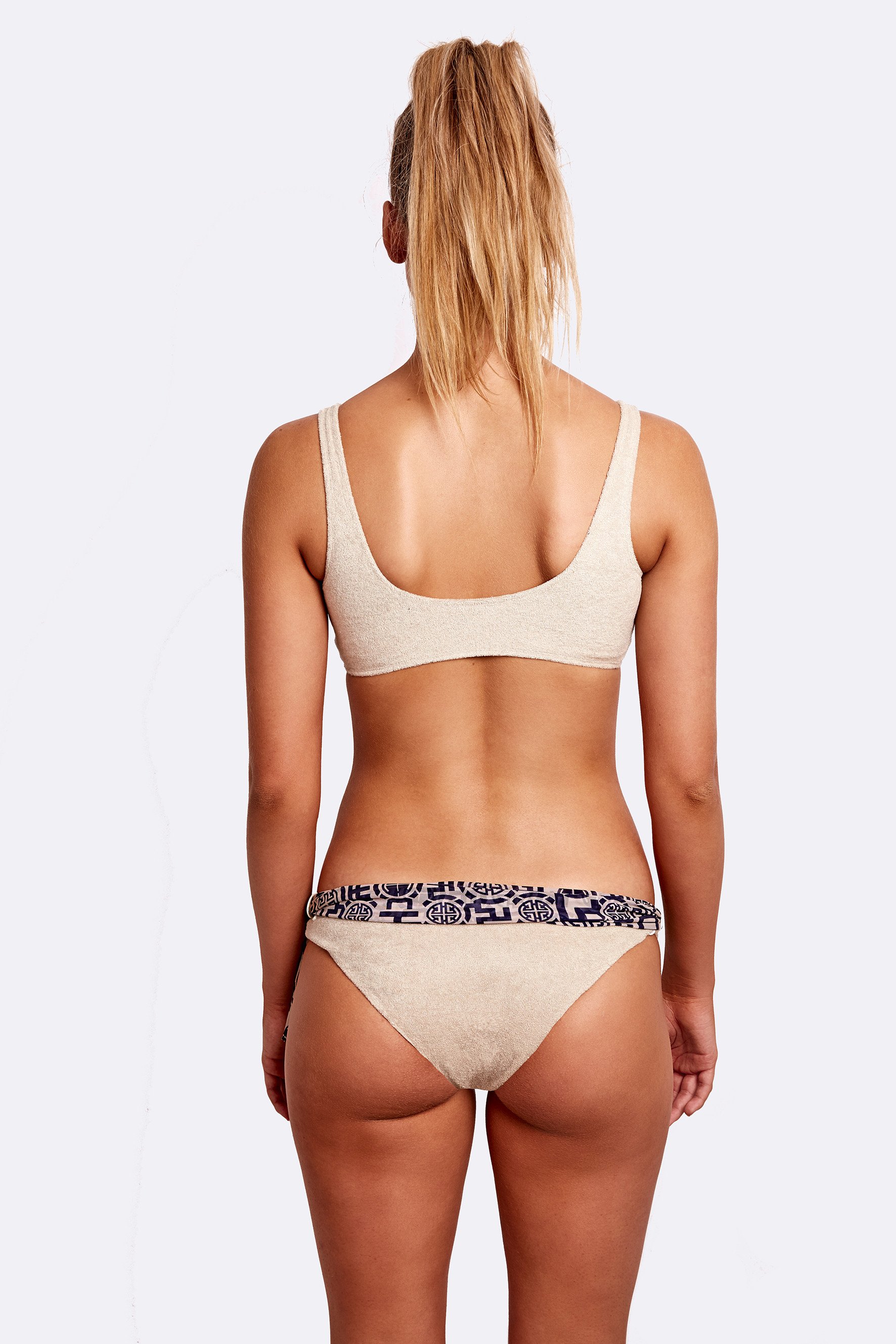
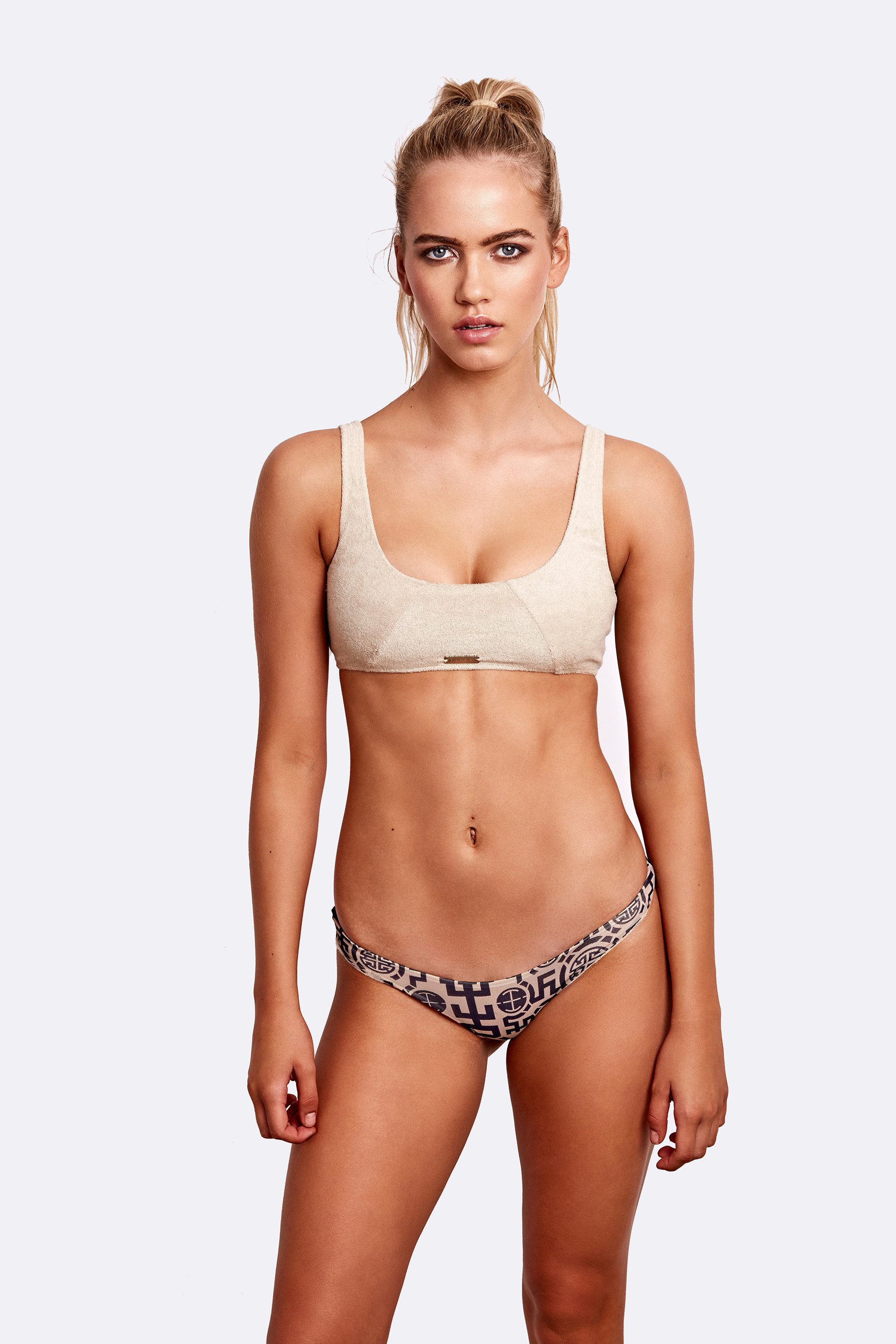
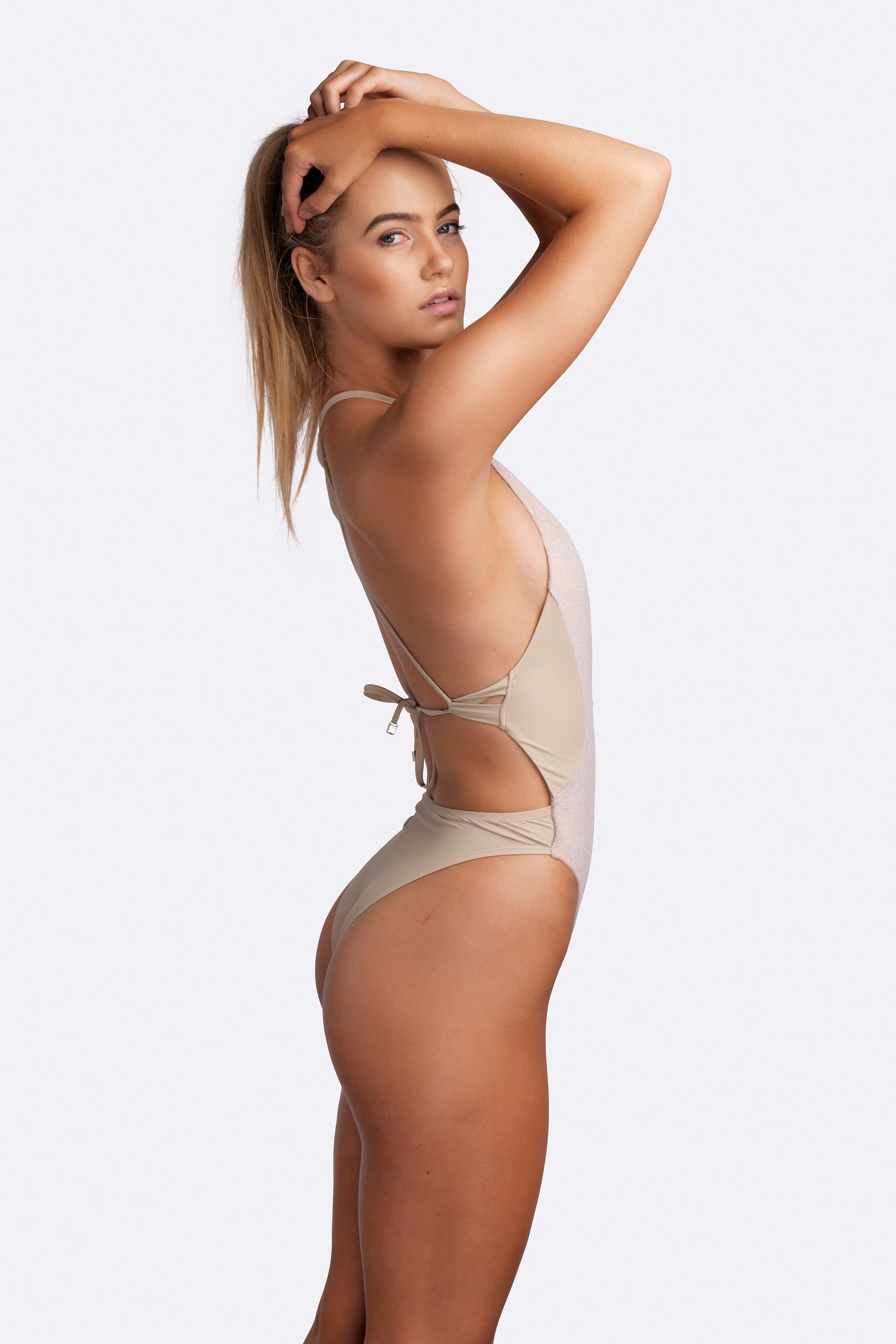
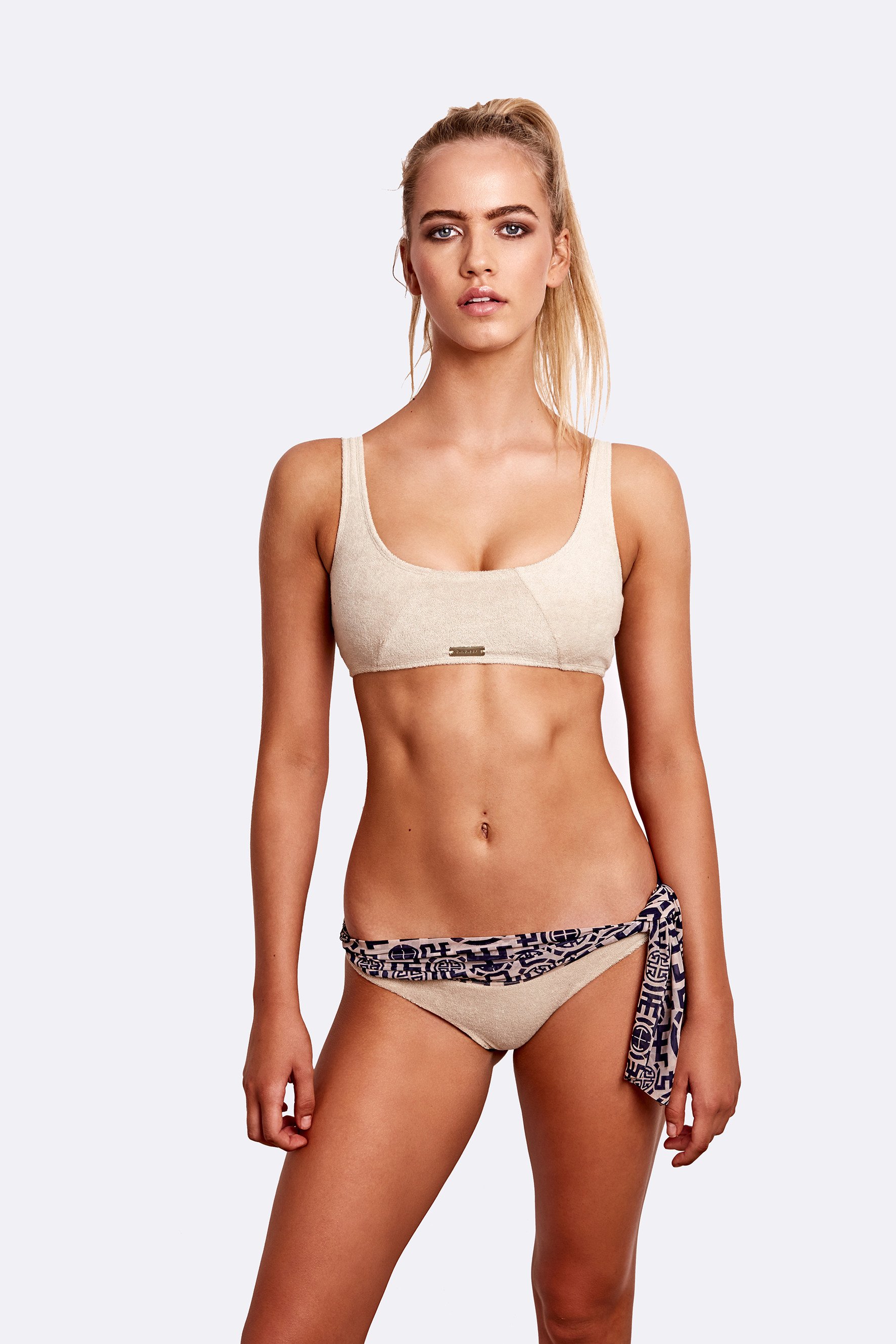
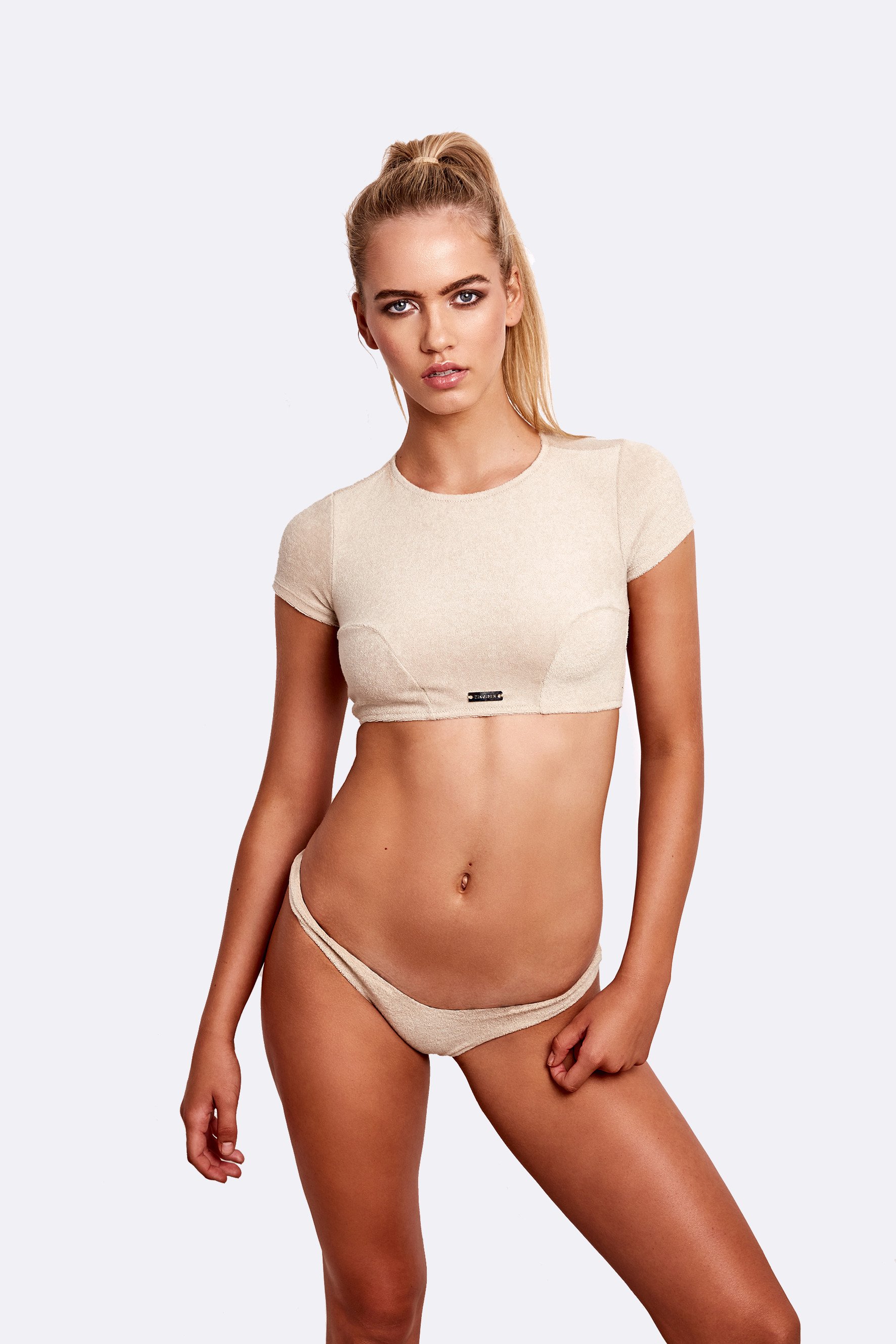
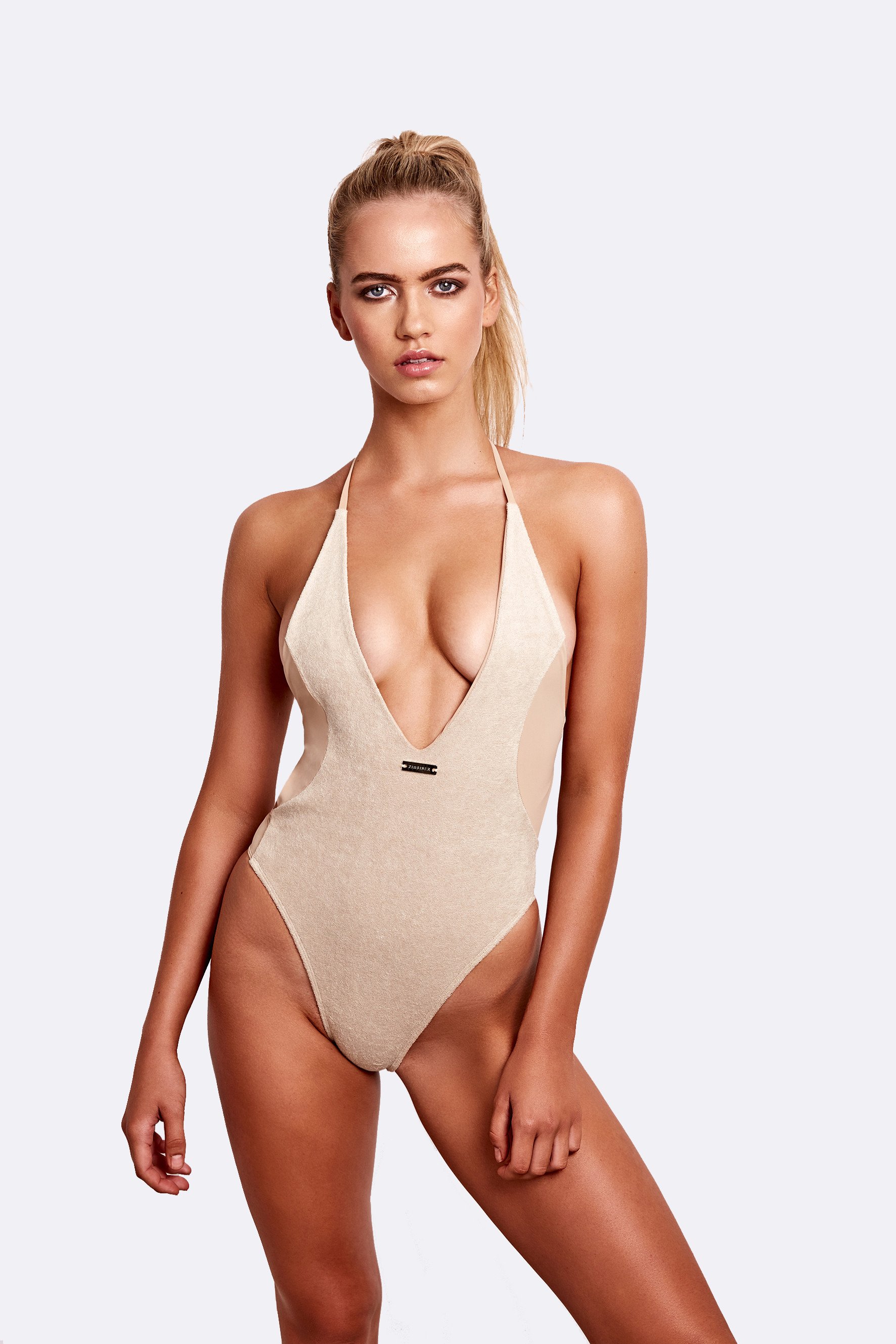
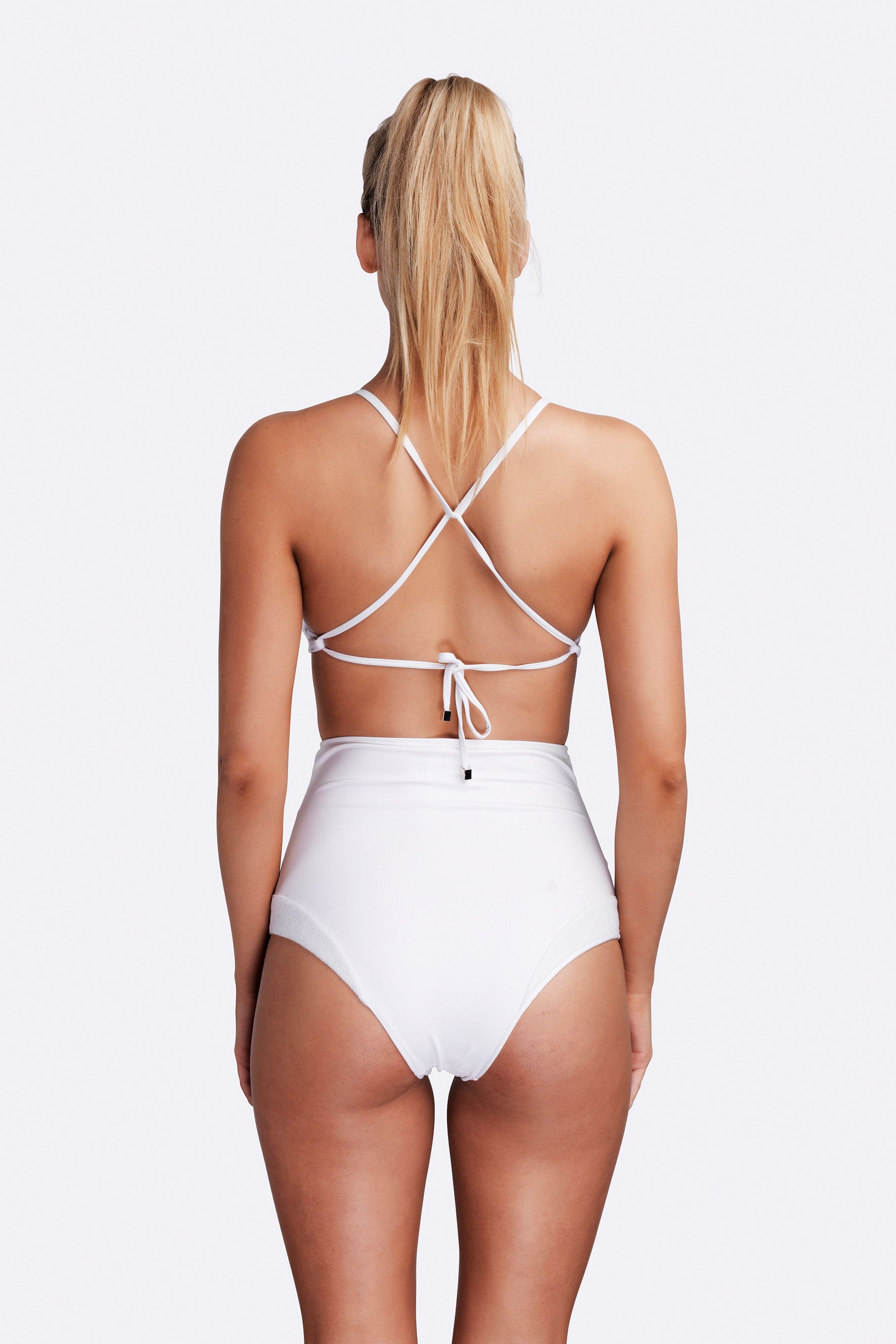
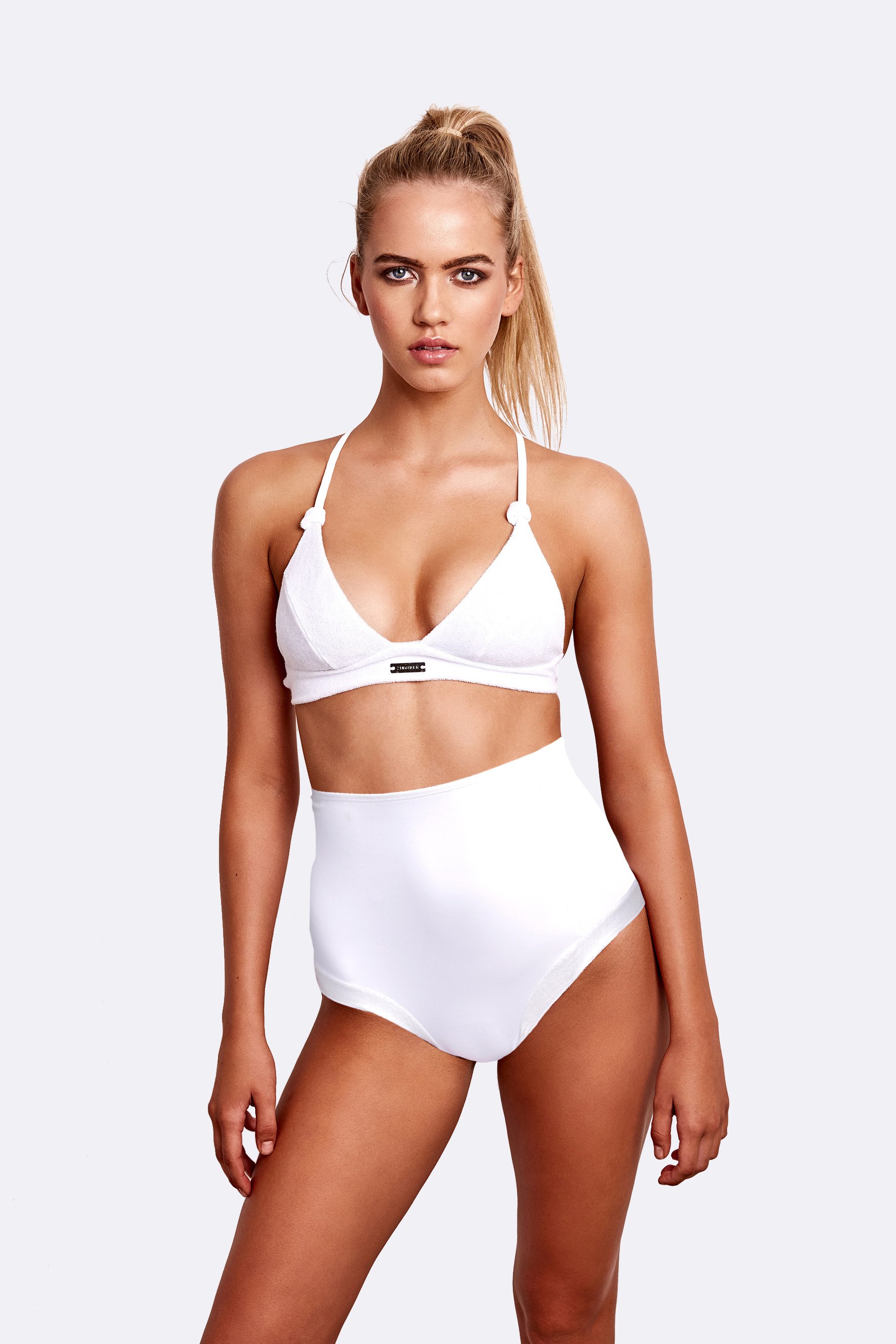
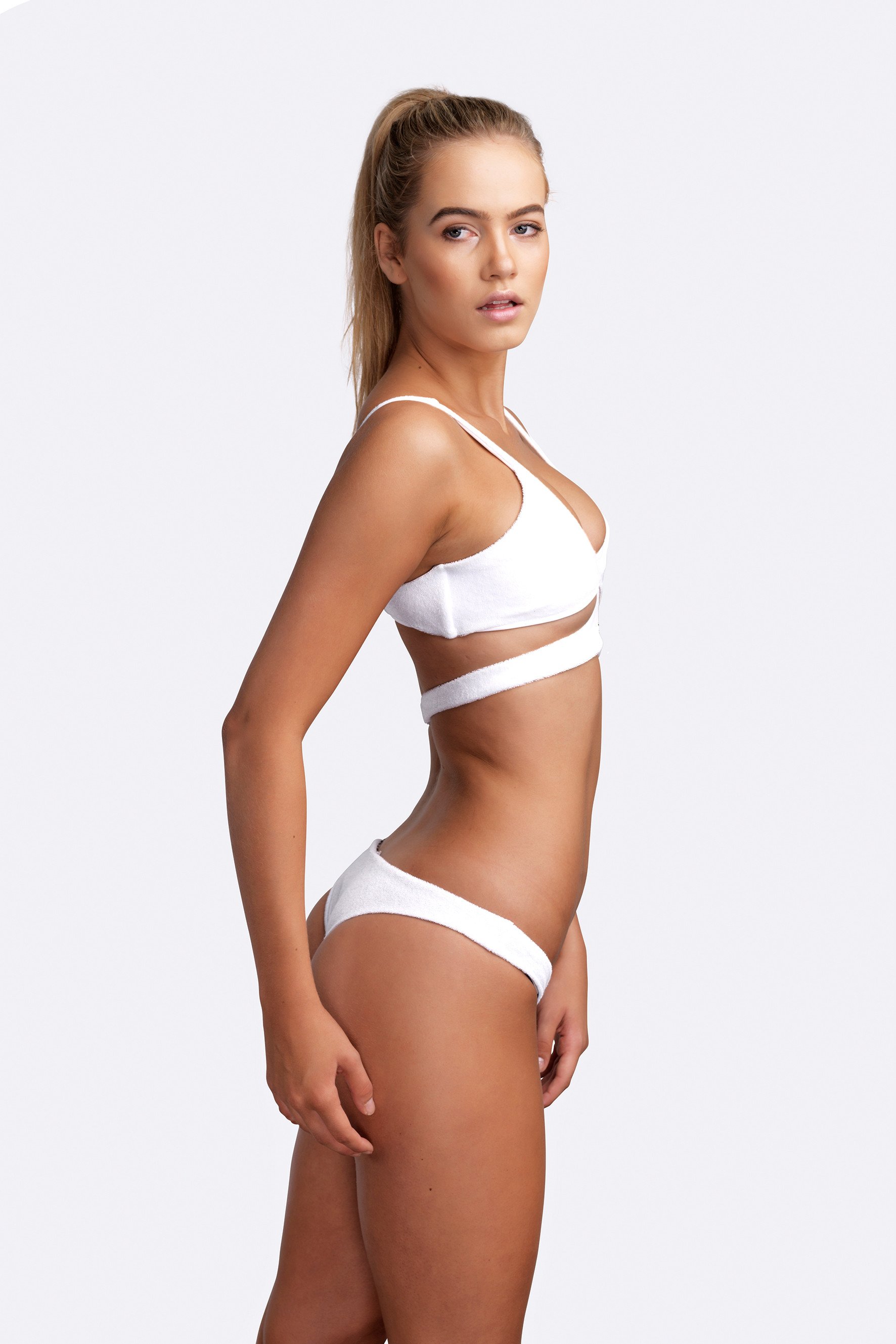
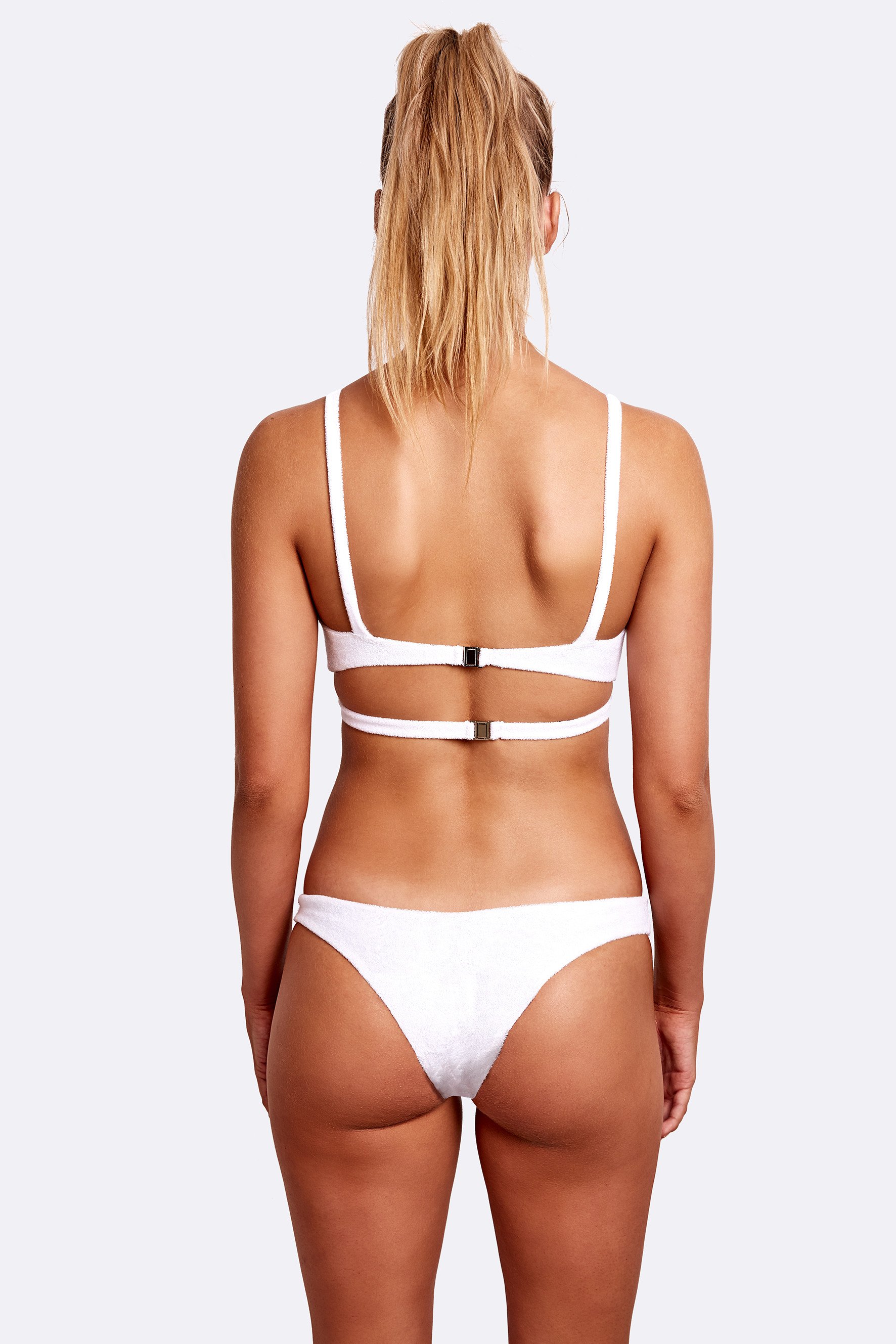
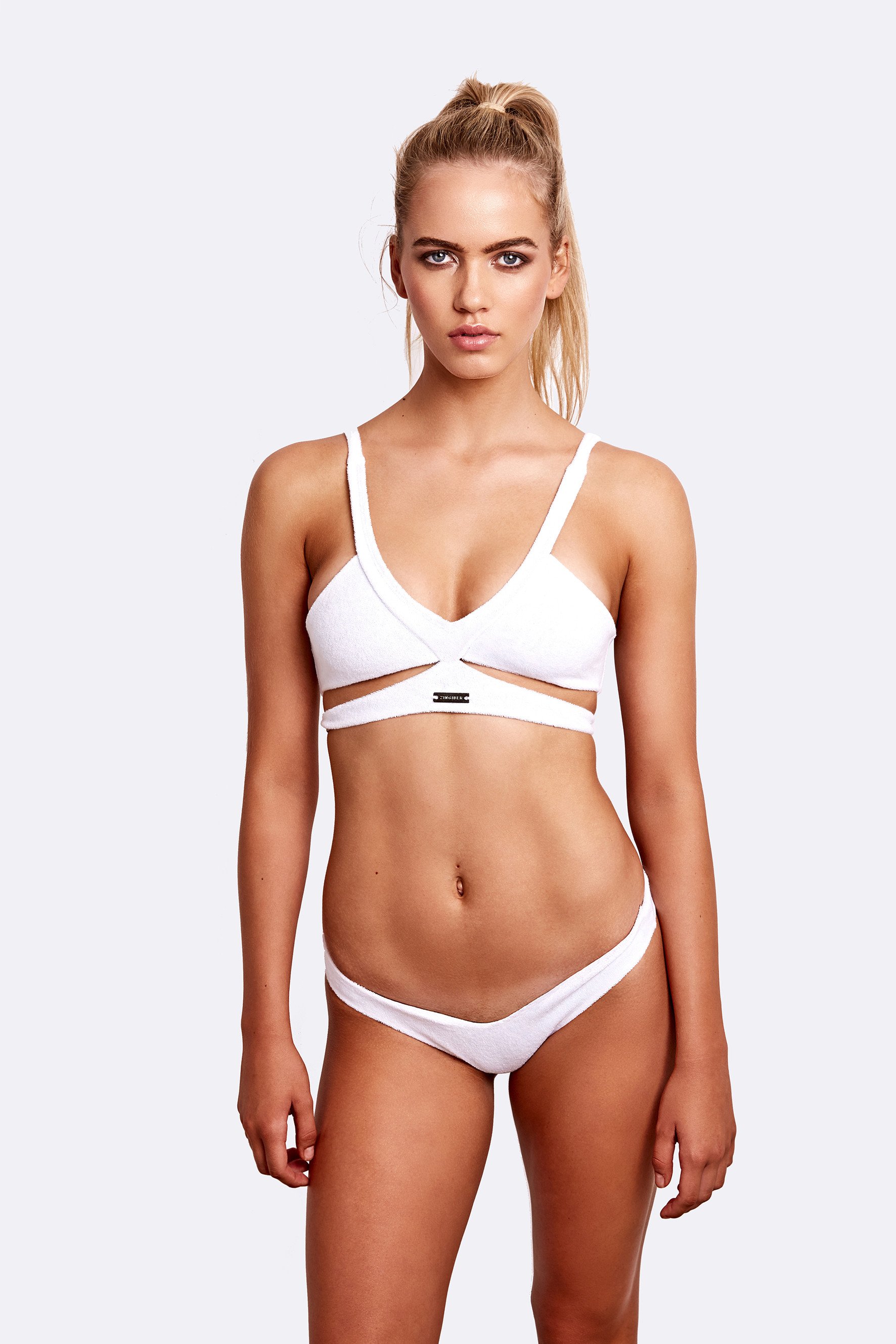
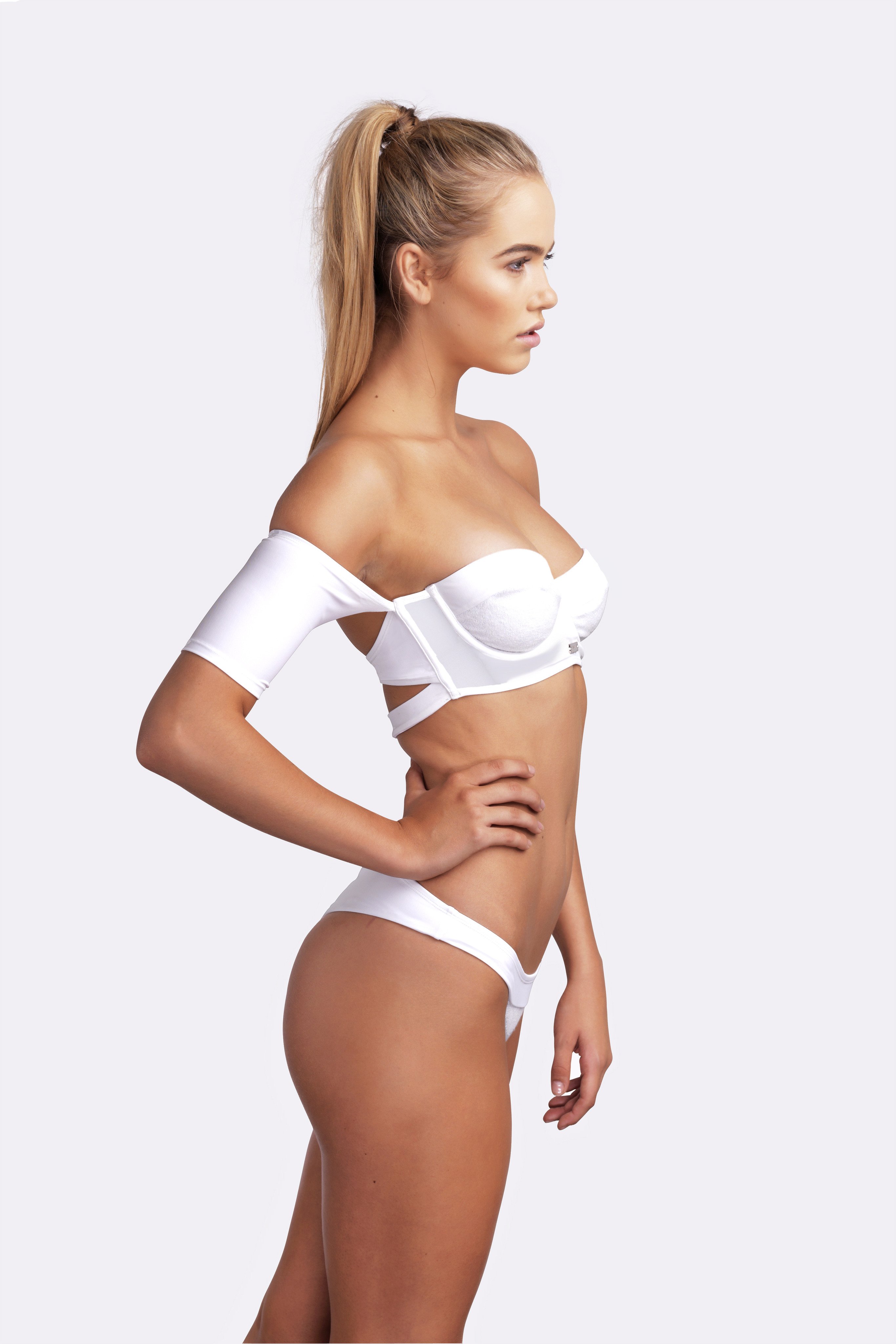
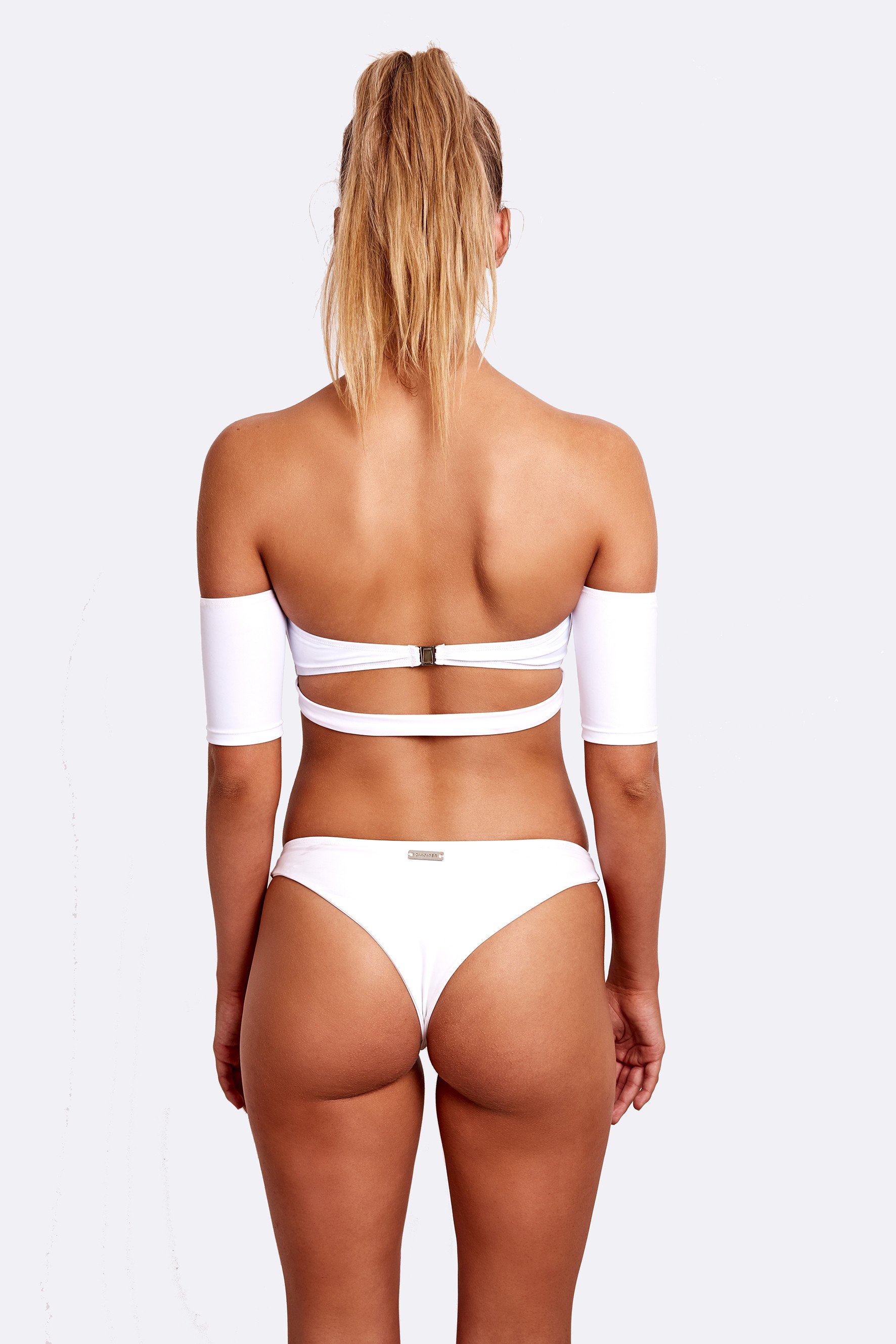
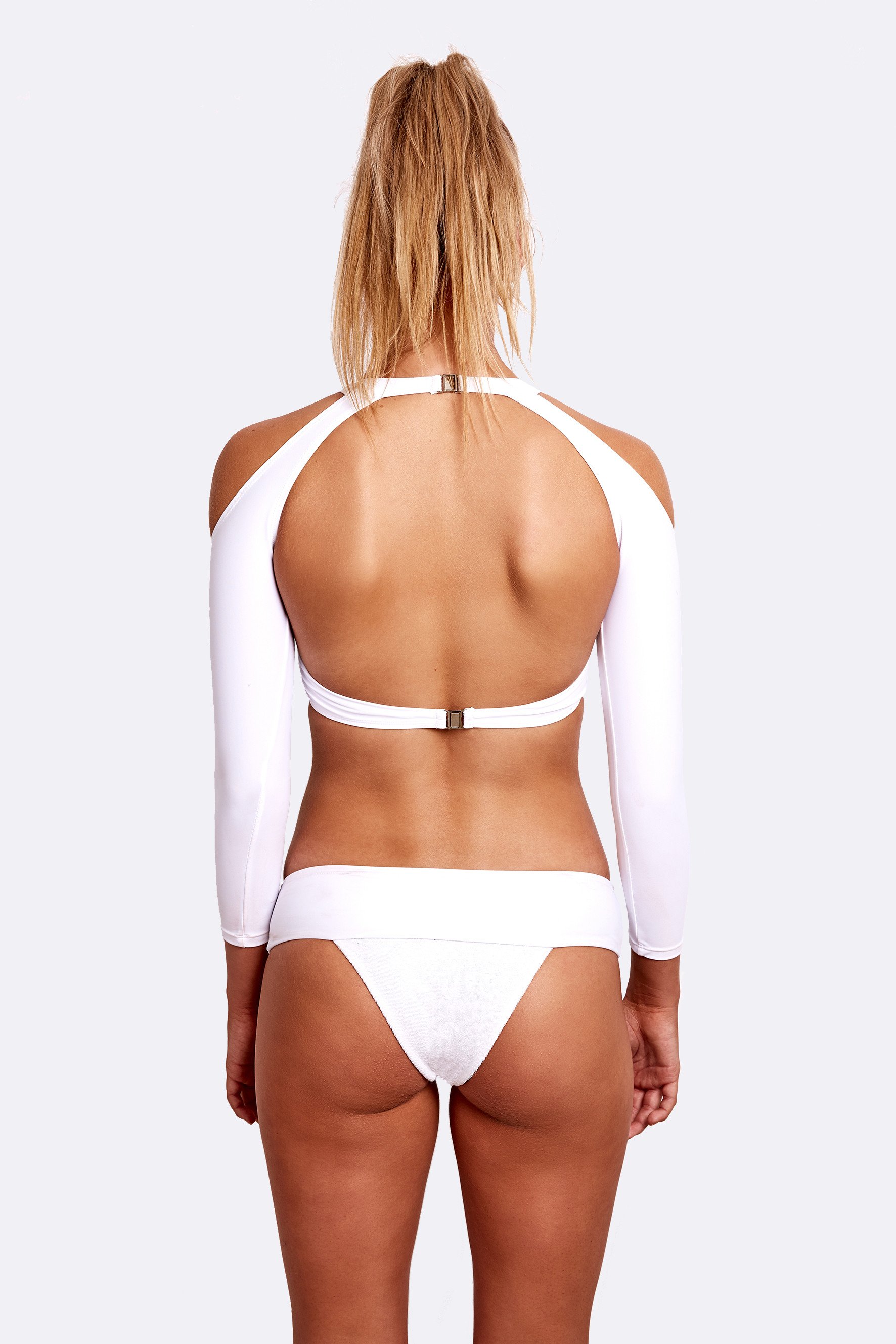
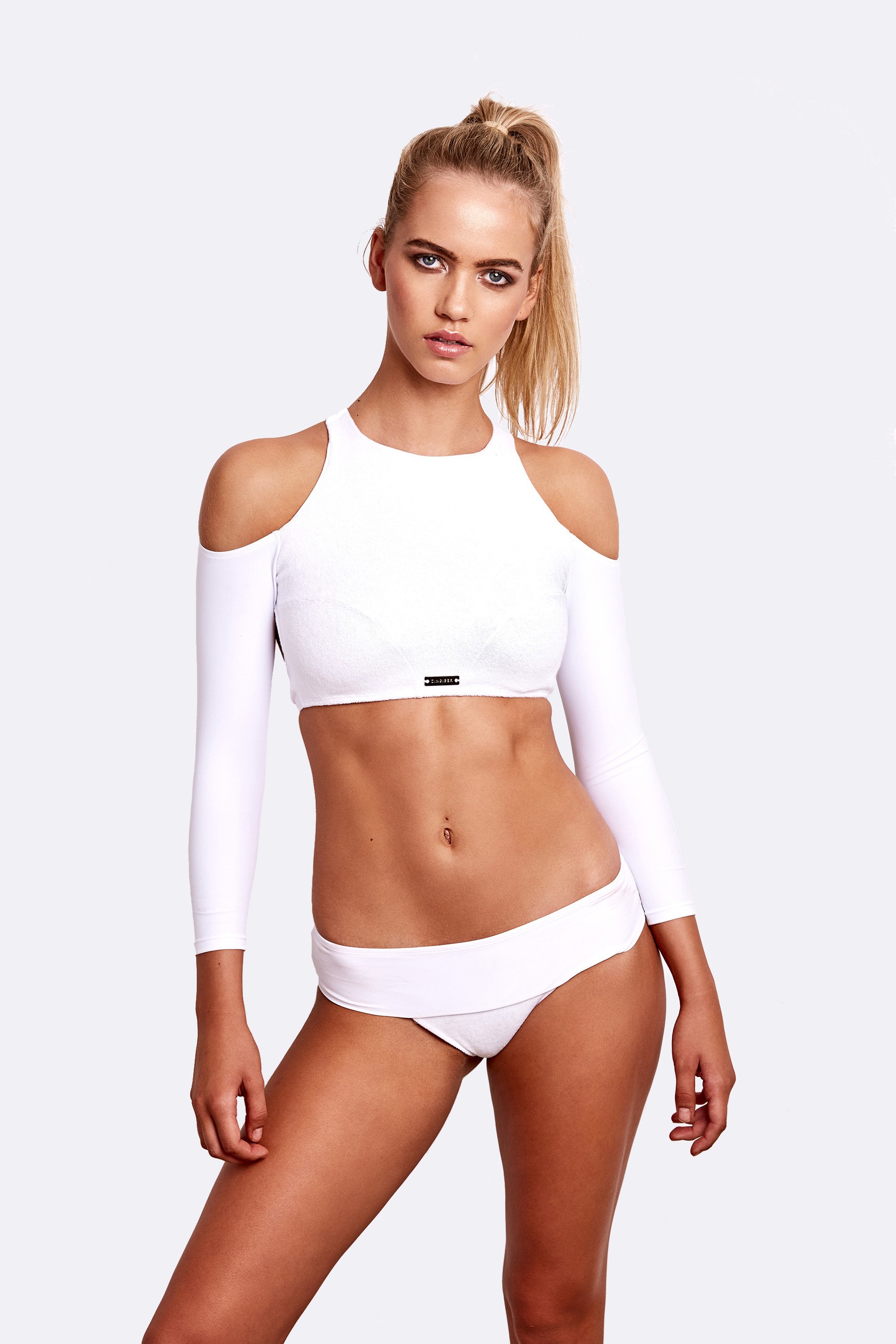
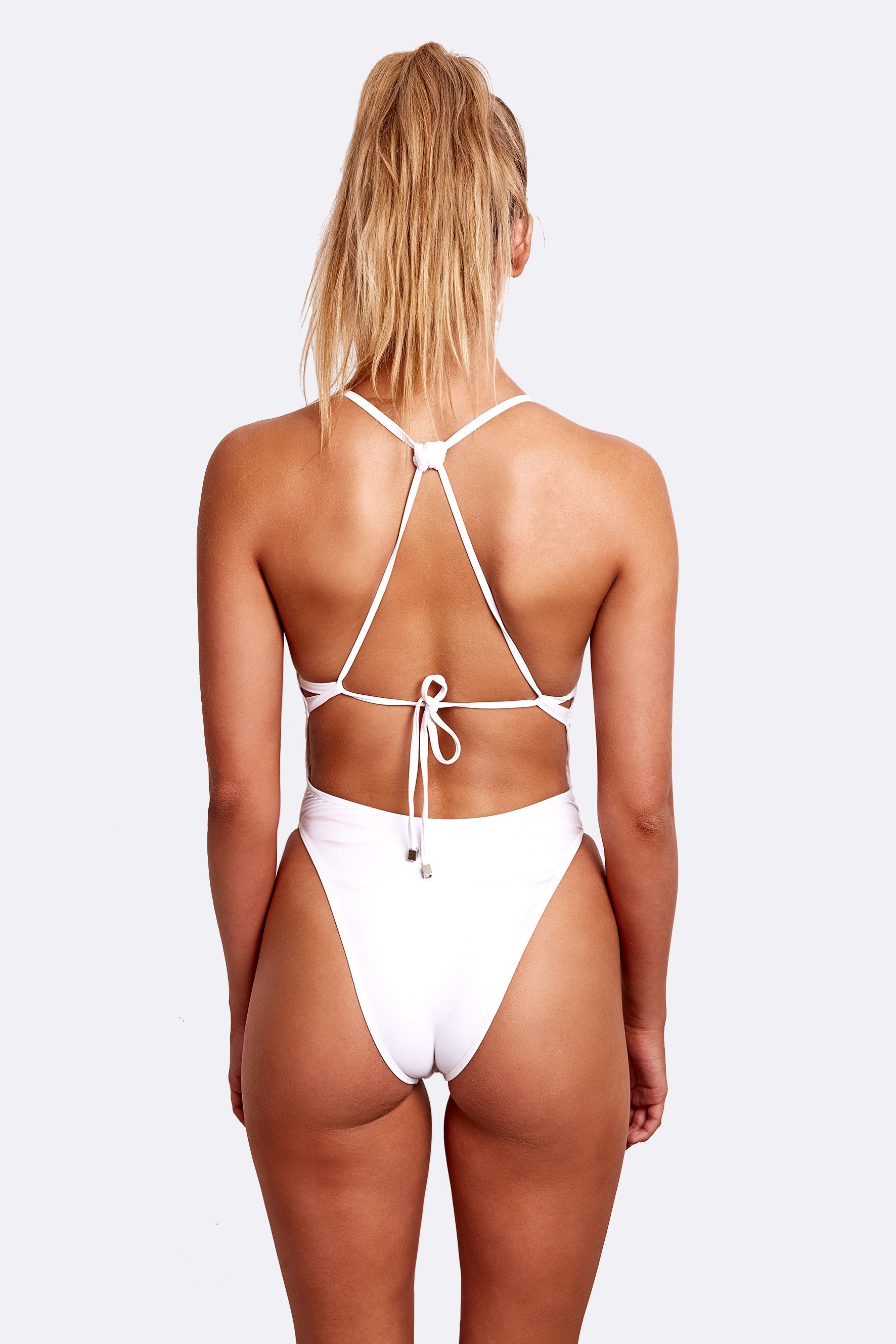
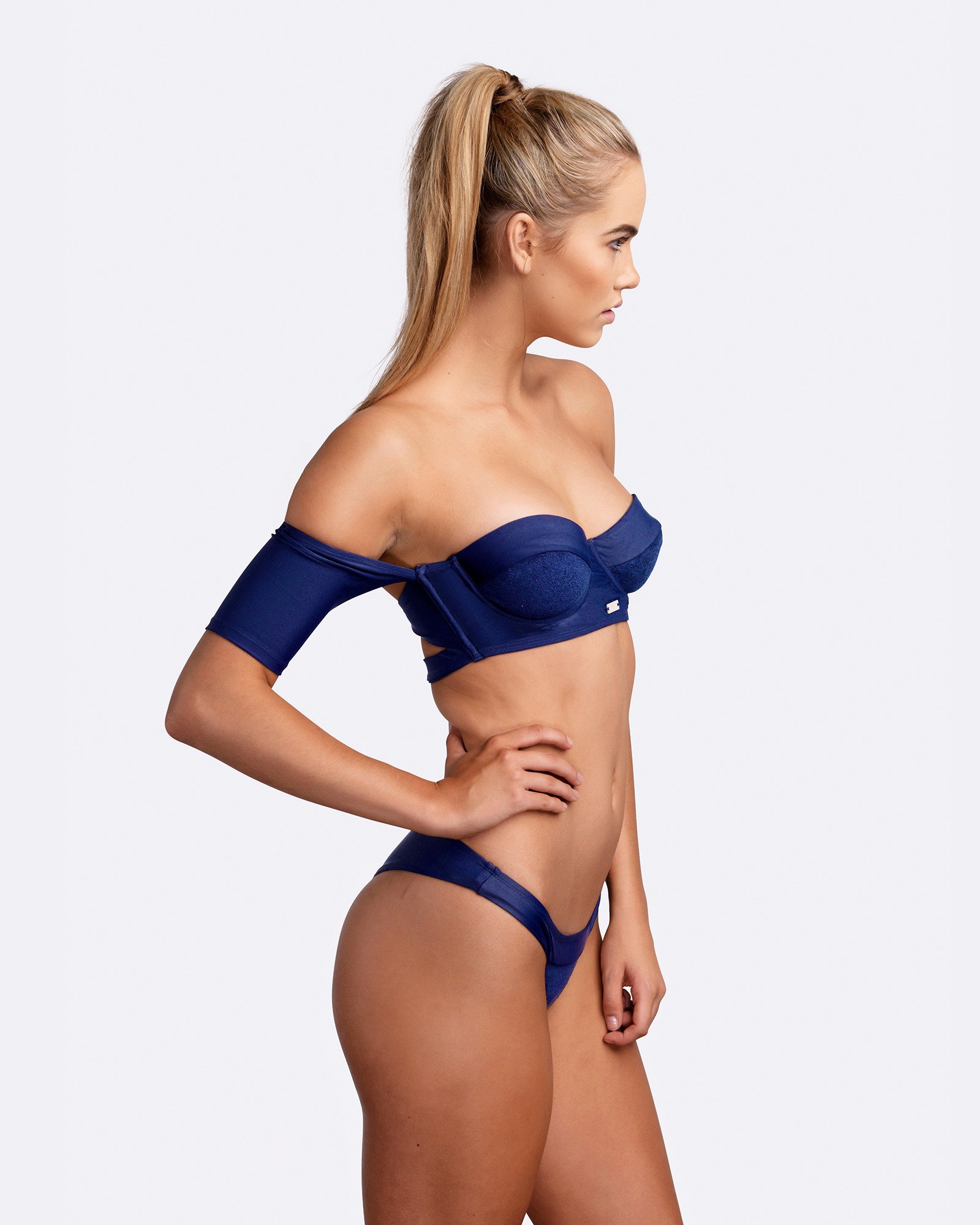
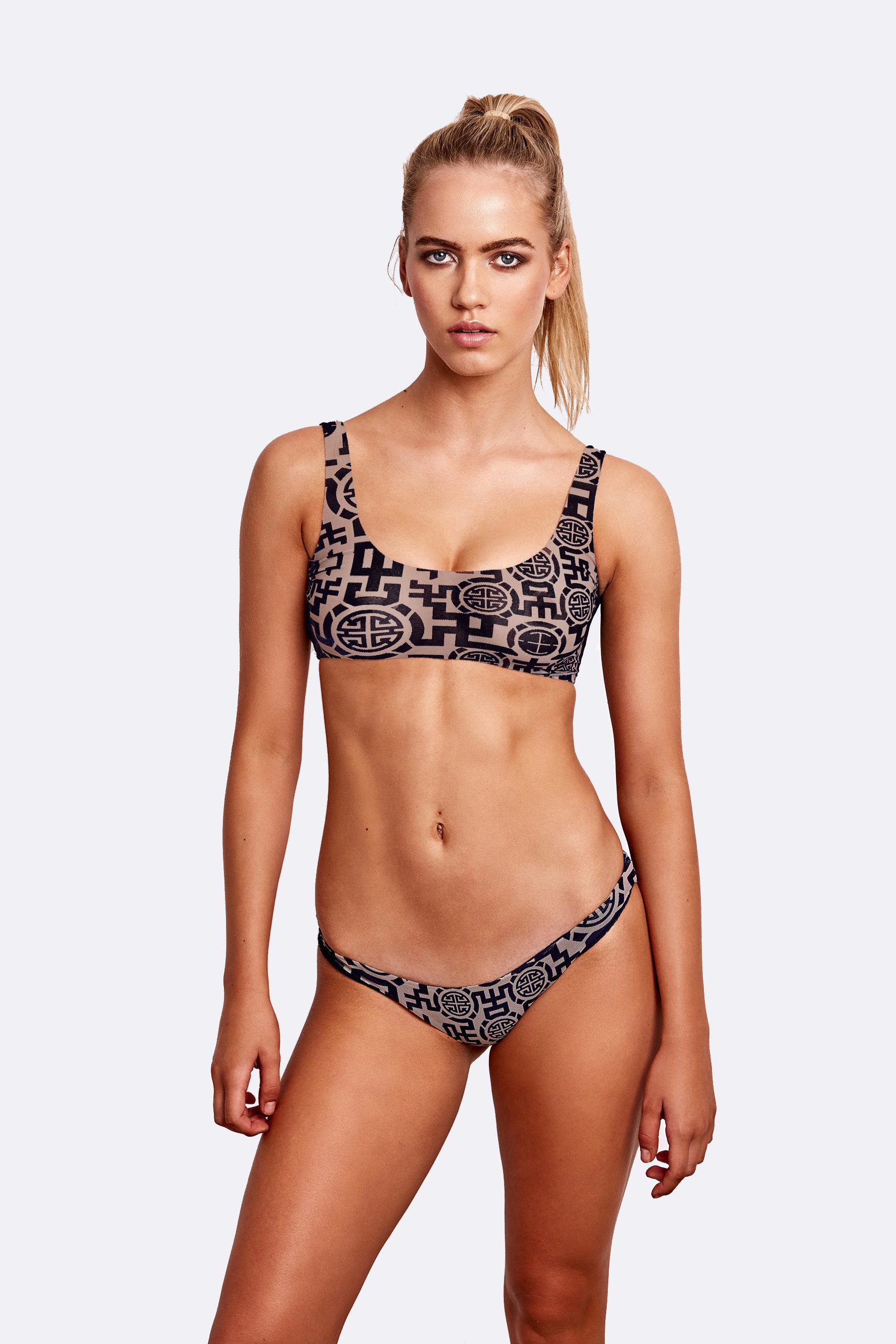
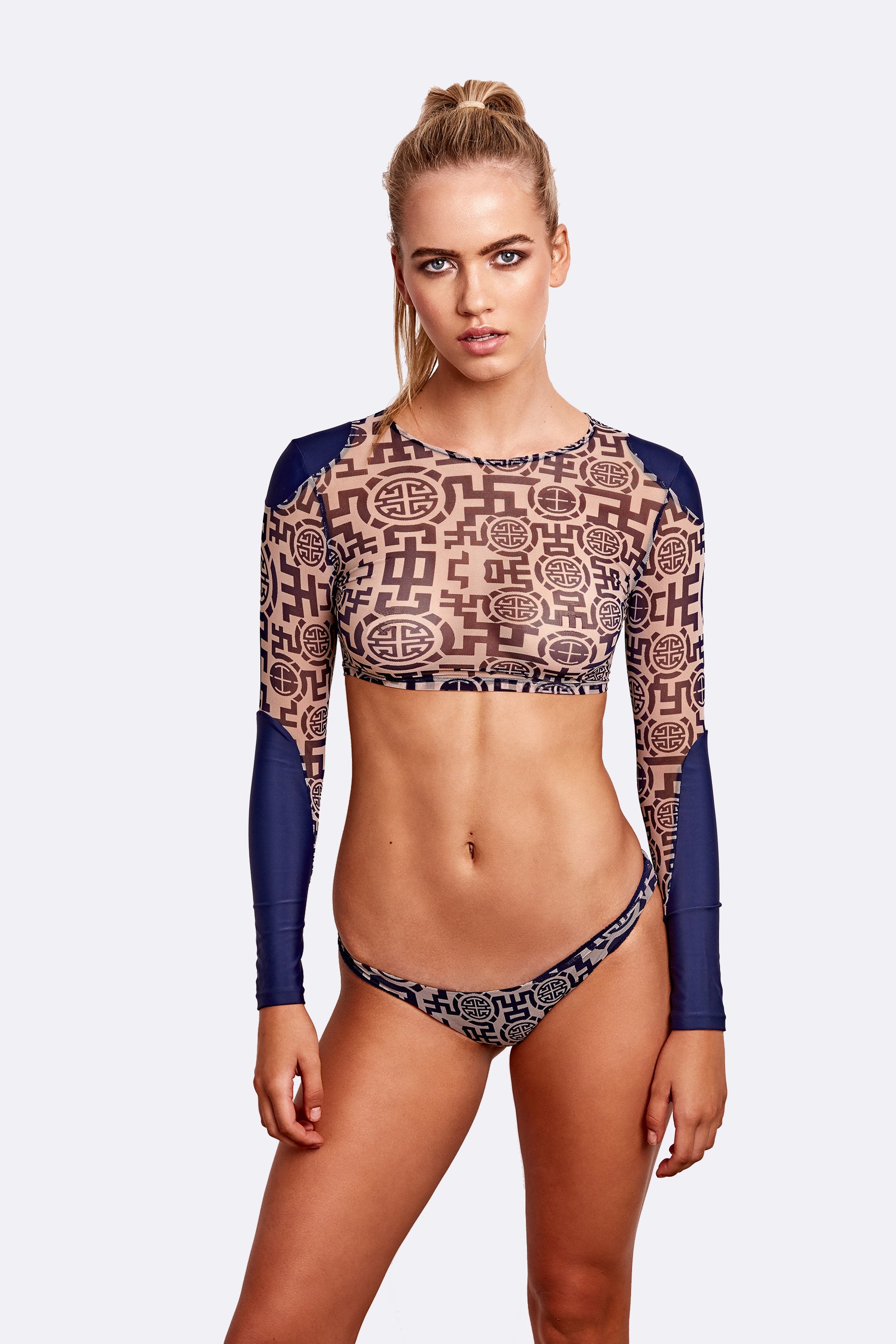
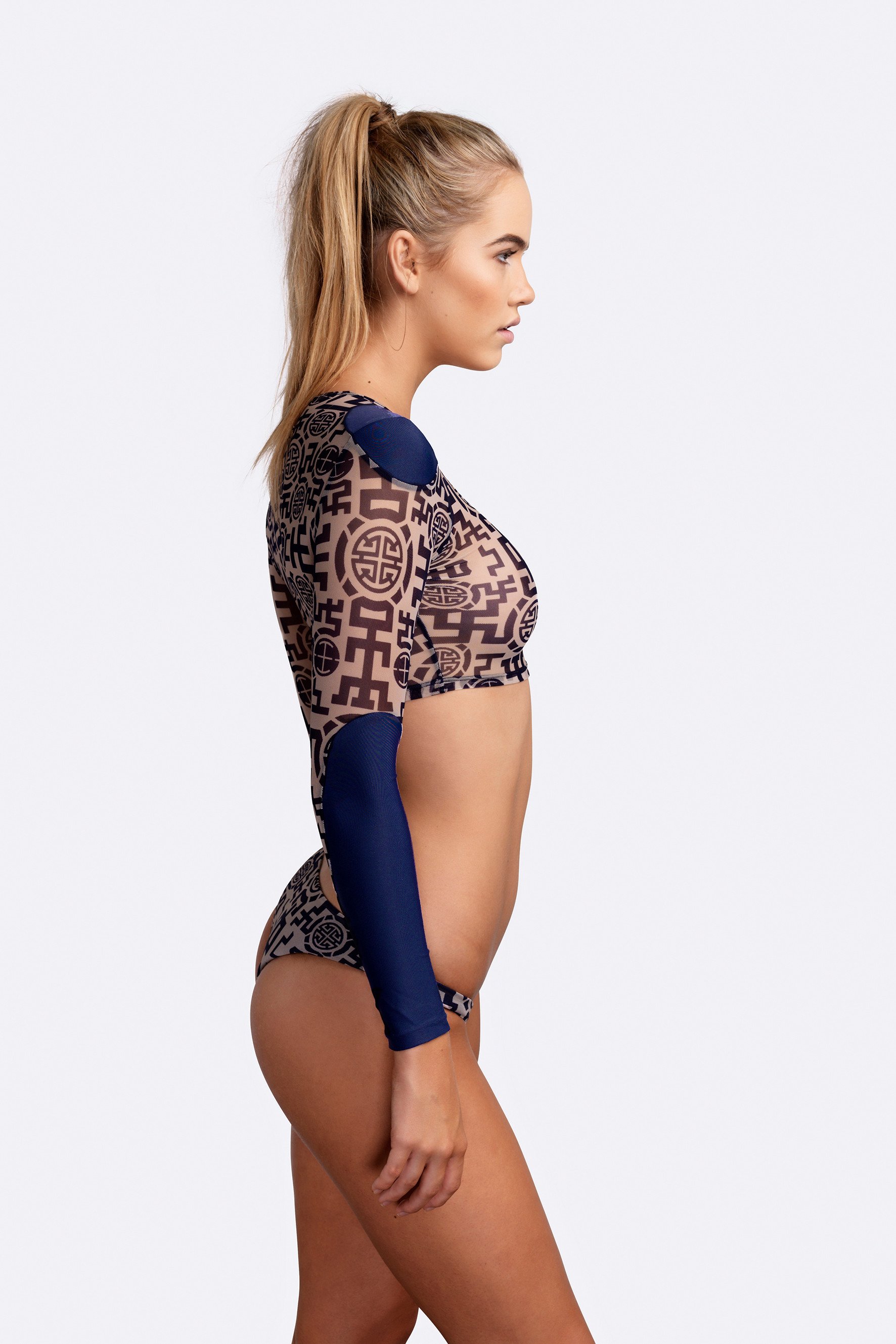
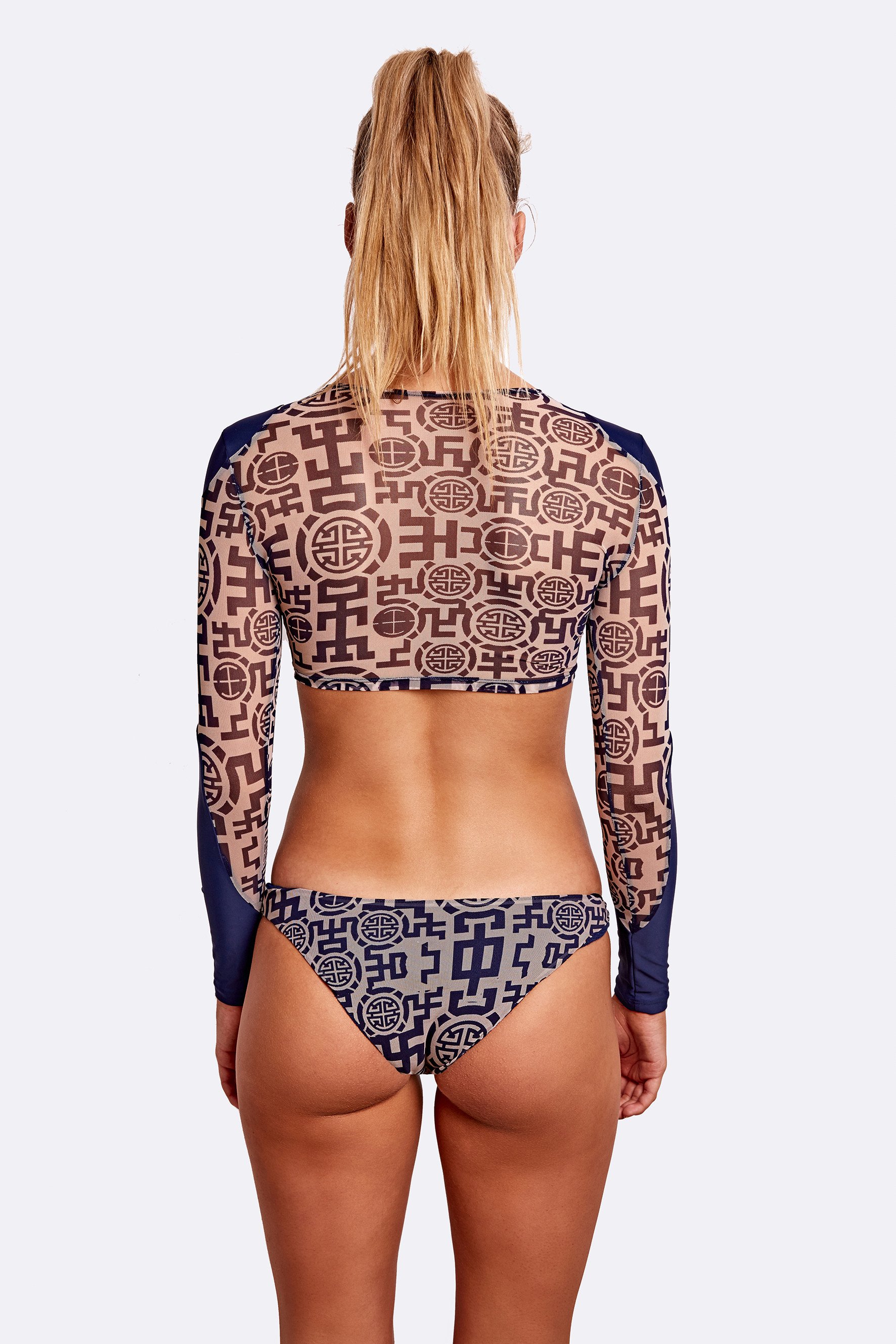
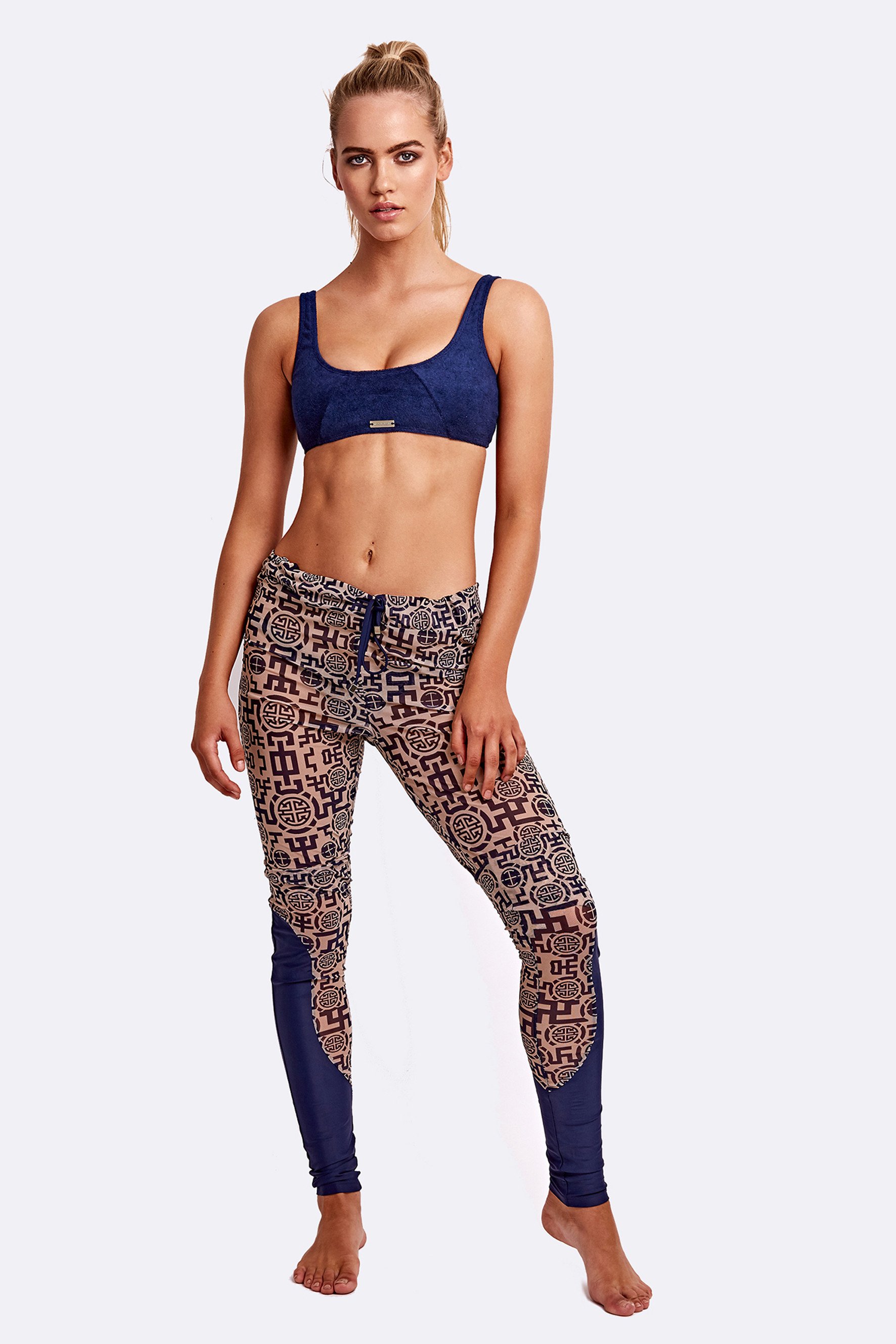
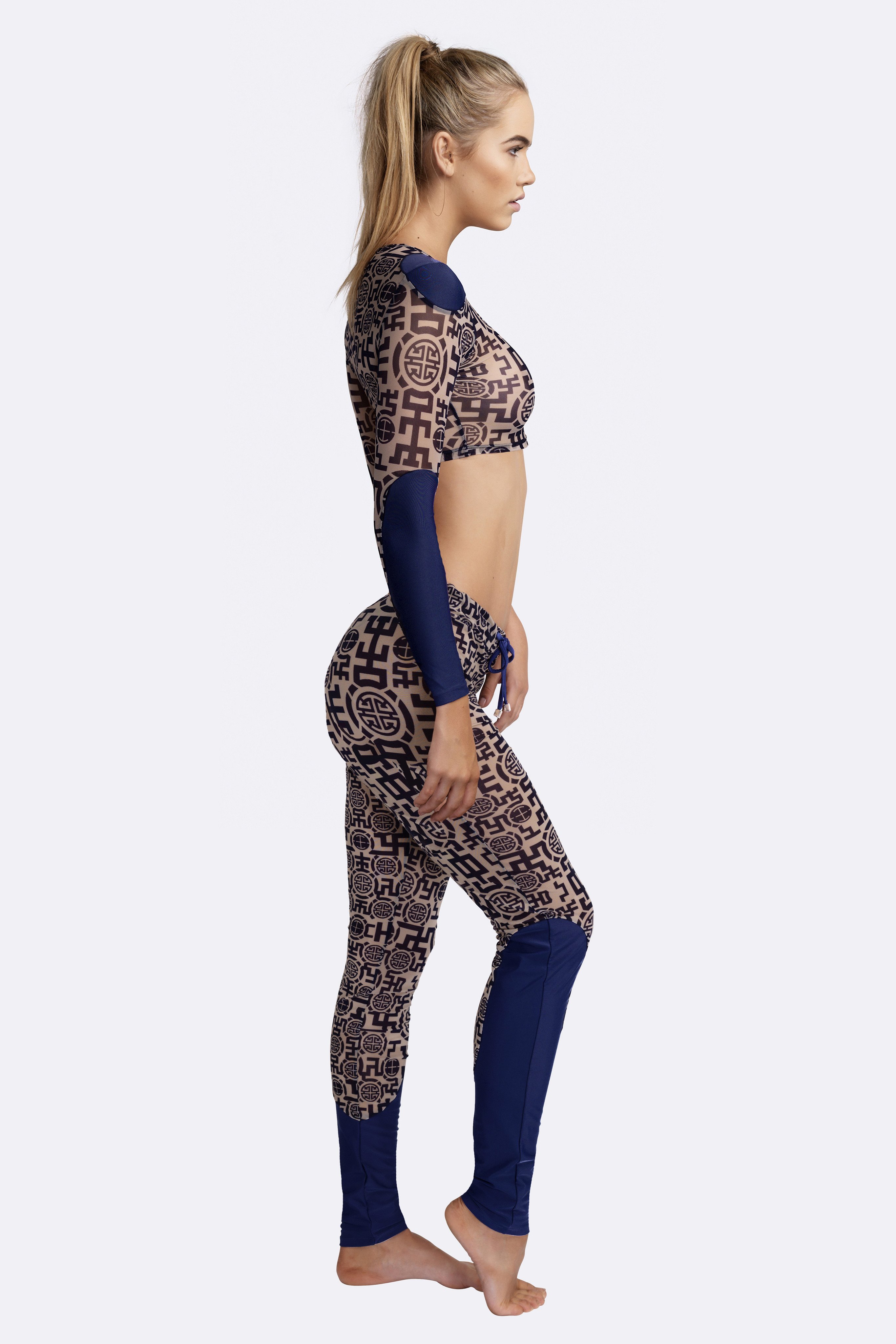
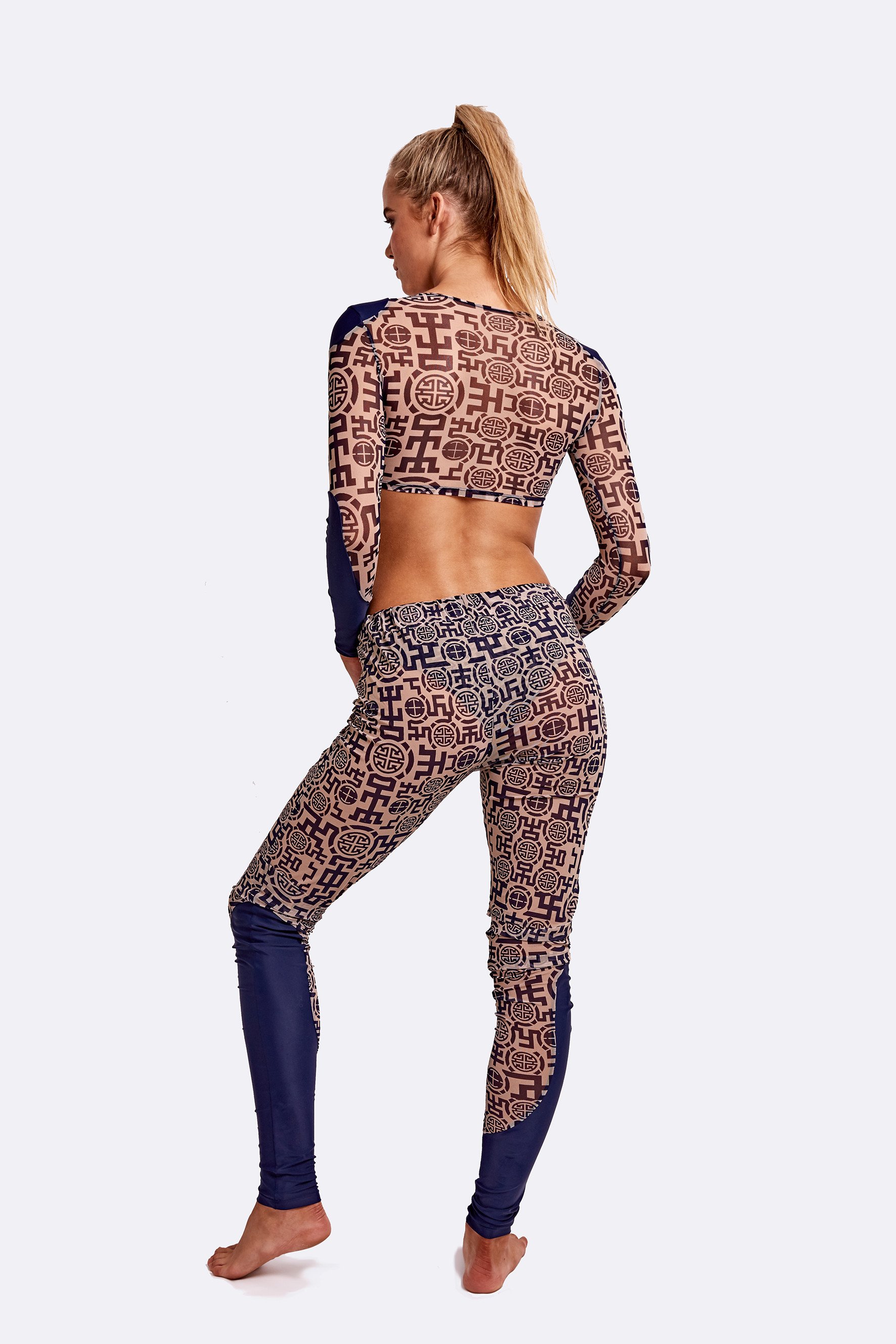
 Zingiber Spring Summer 2018 Lookbook









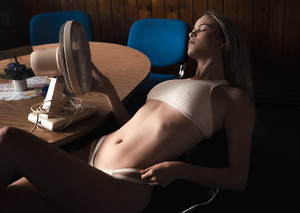
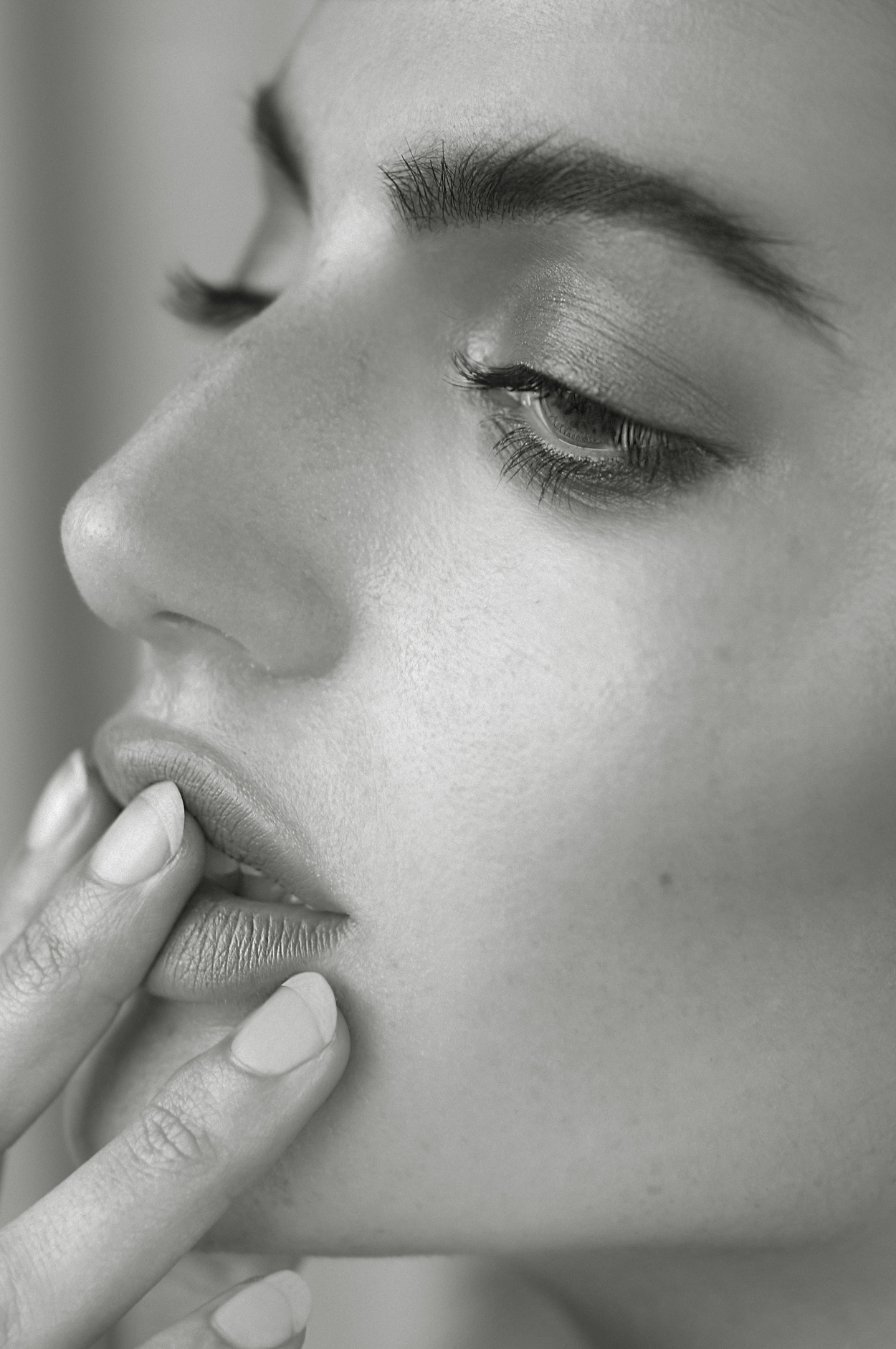
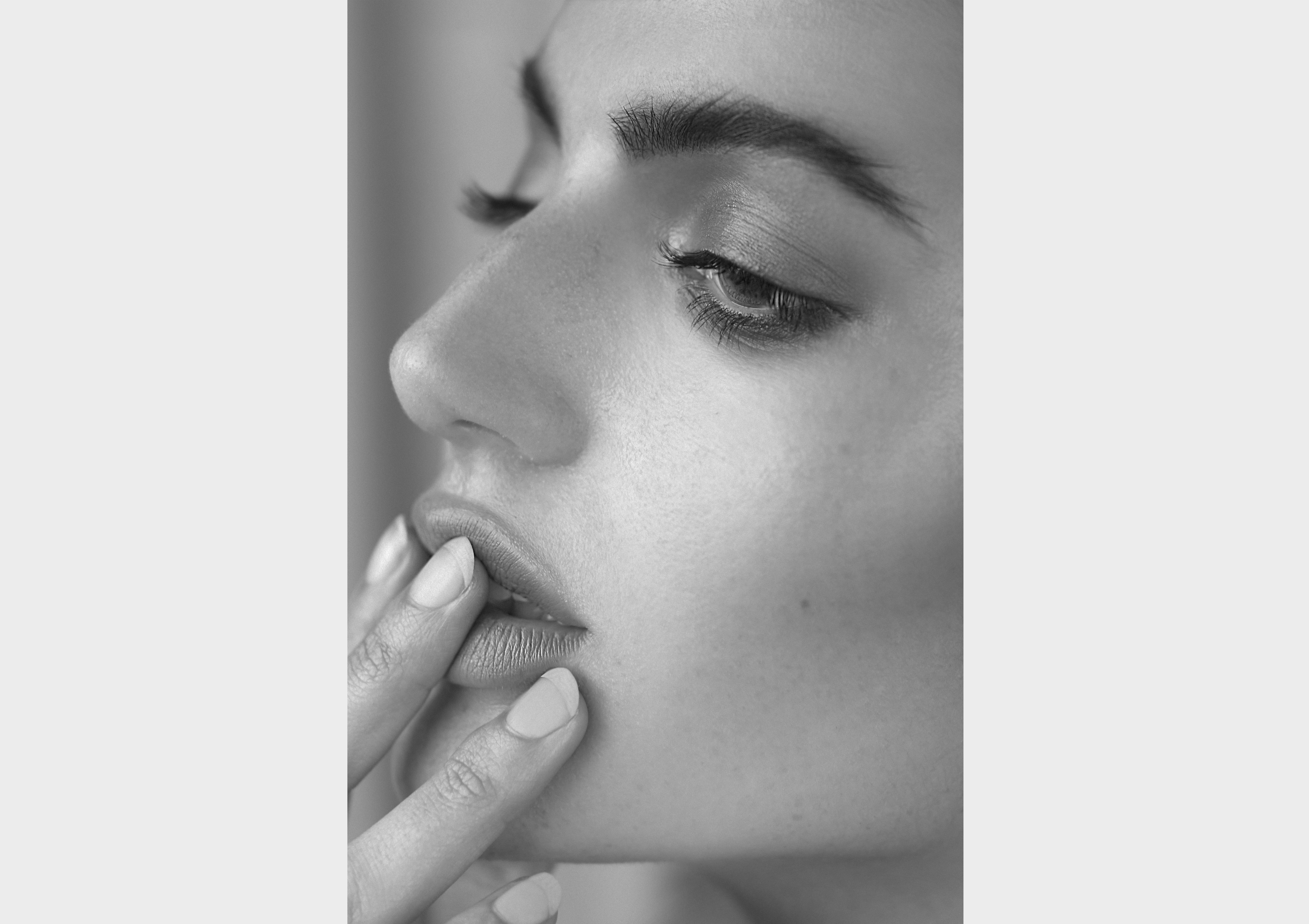
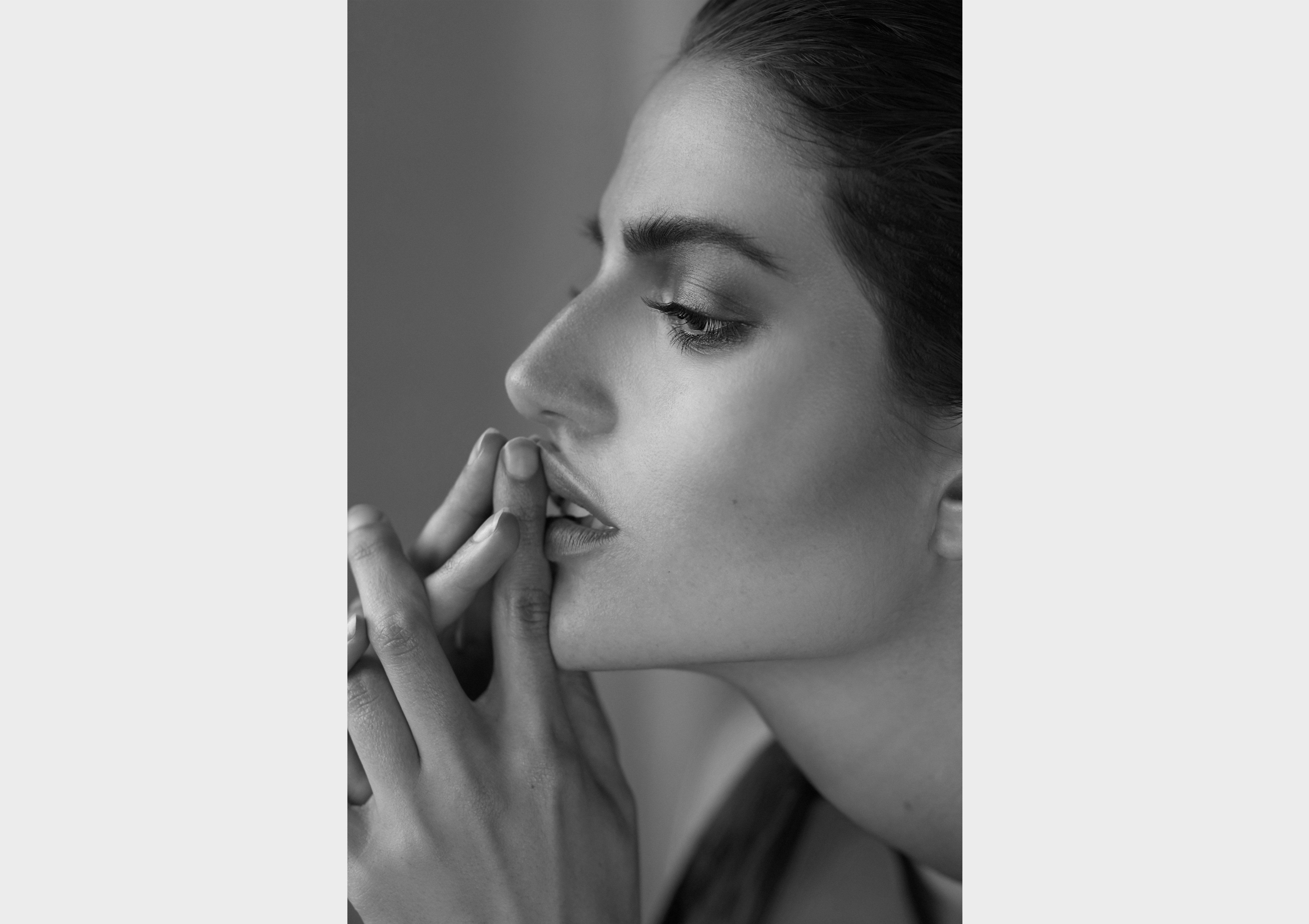
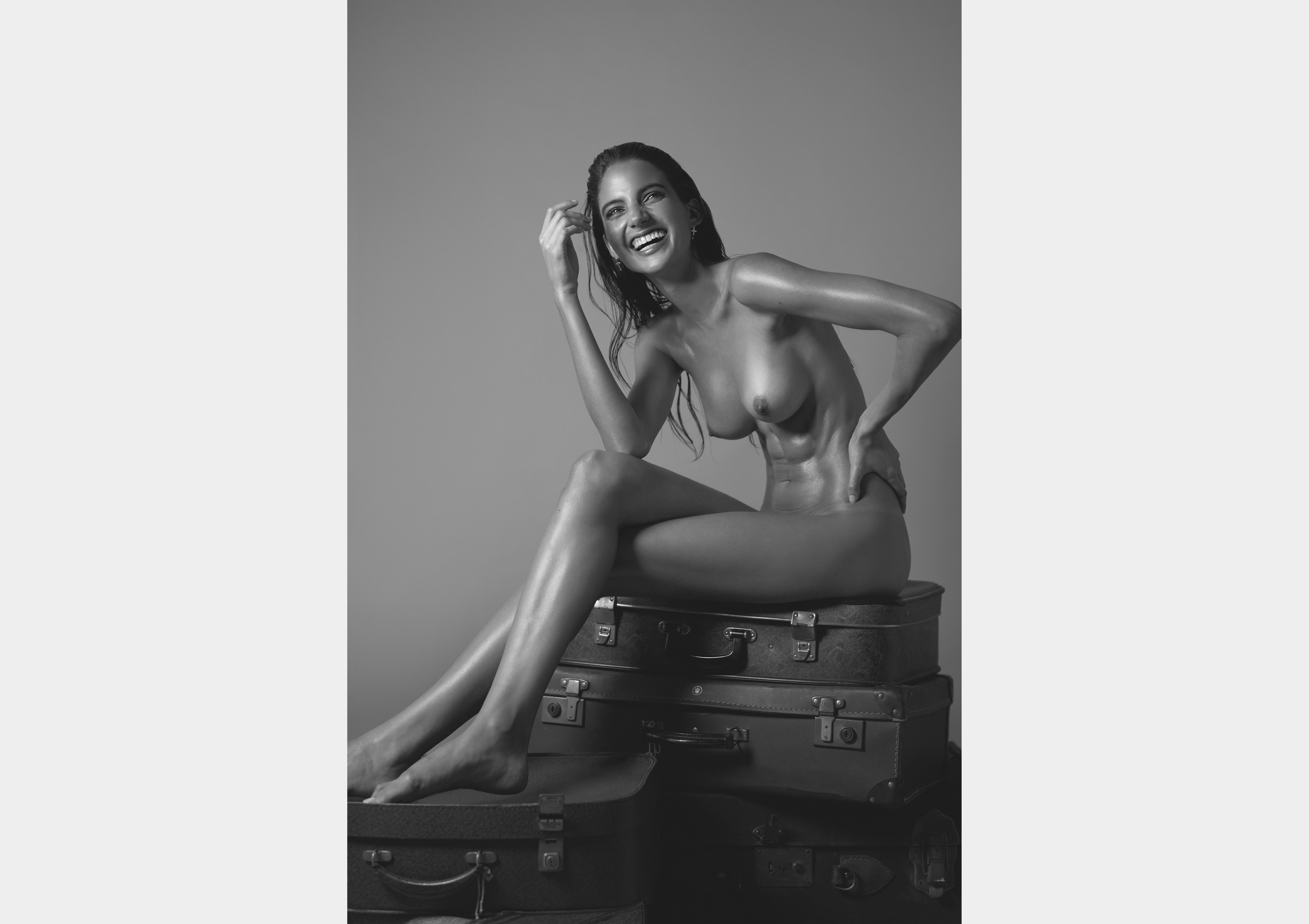
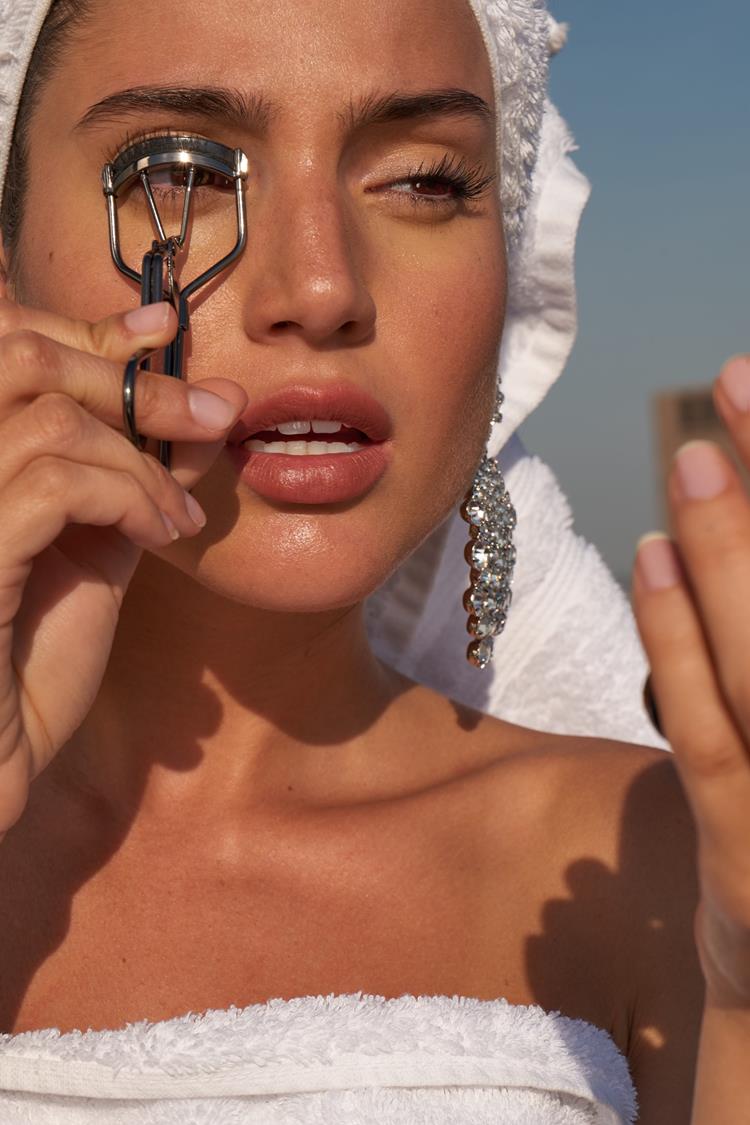
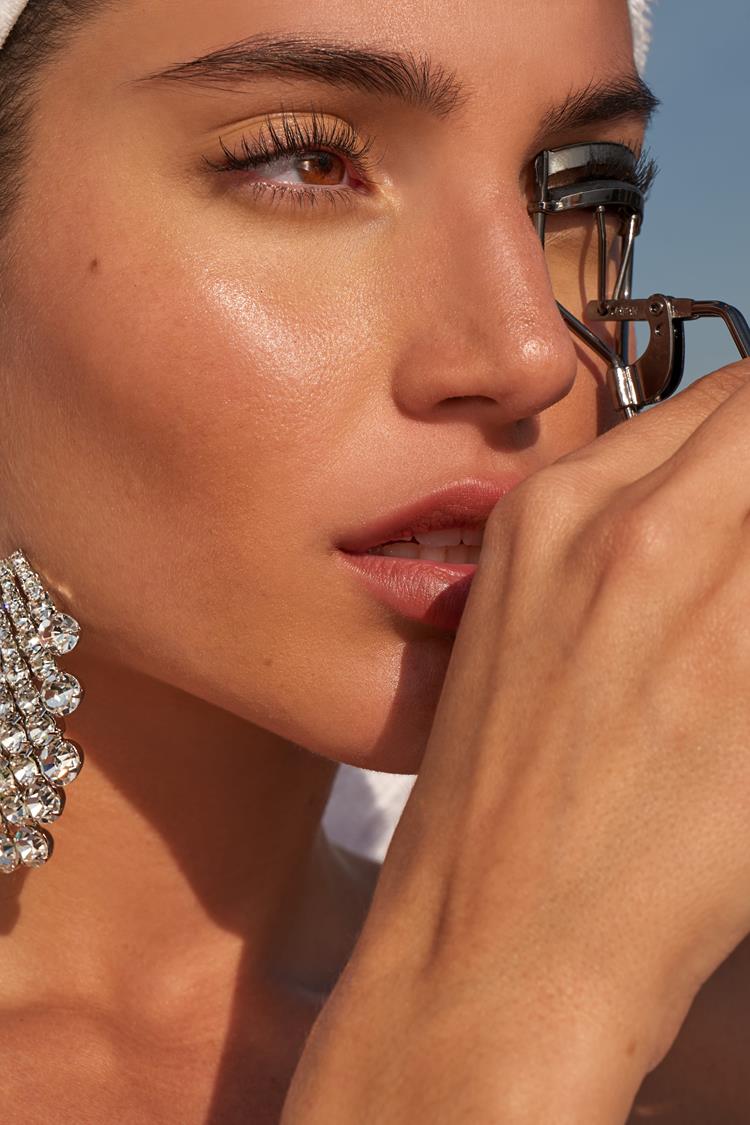
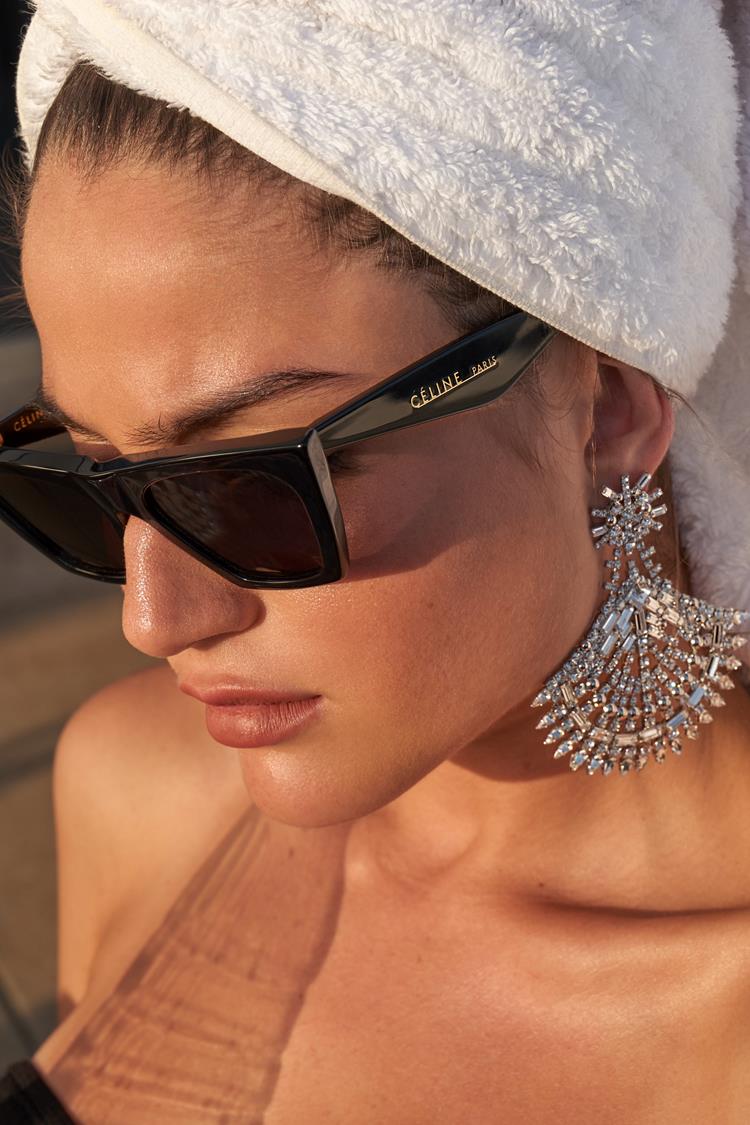
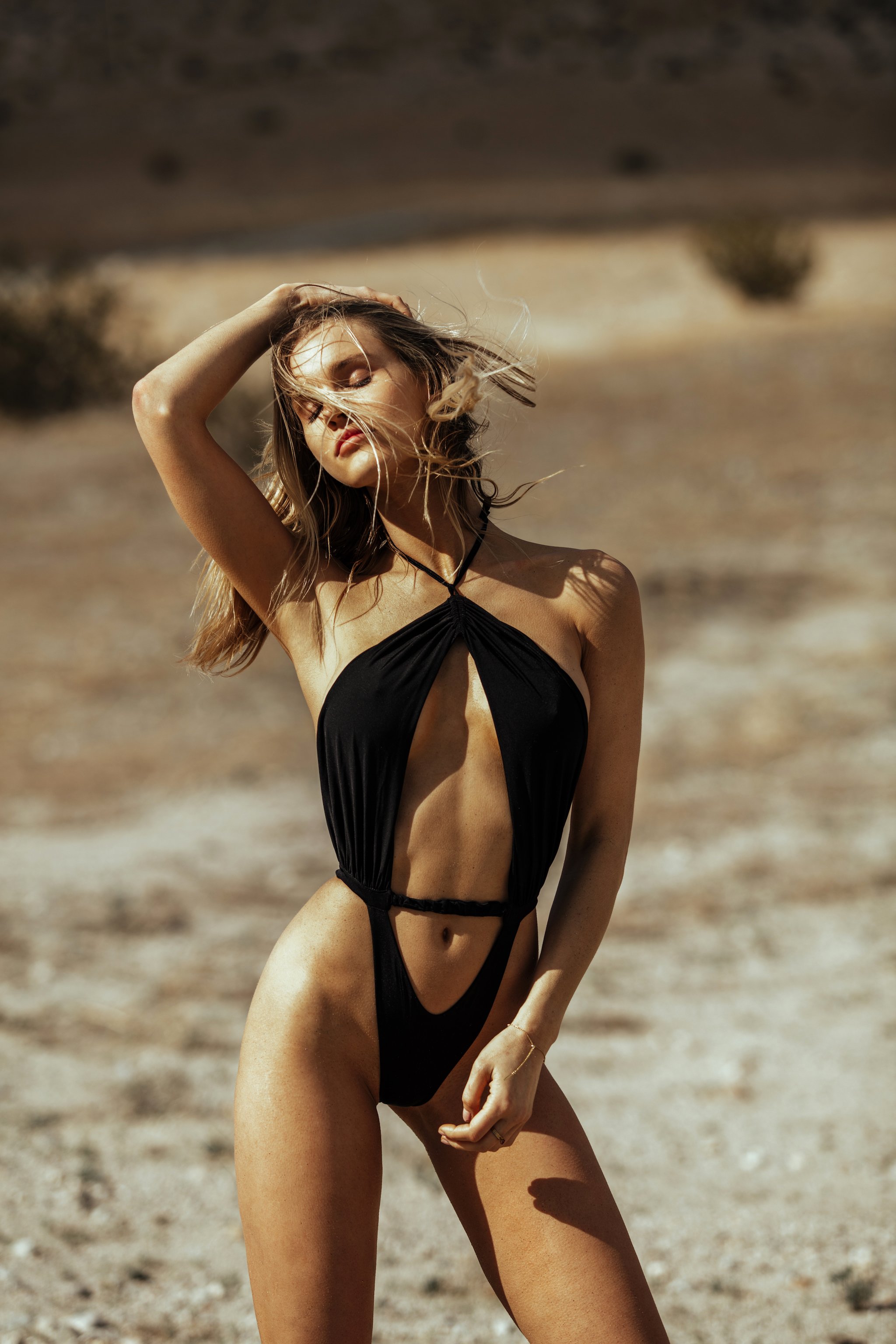
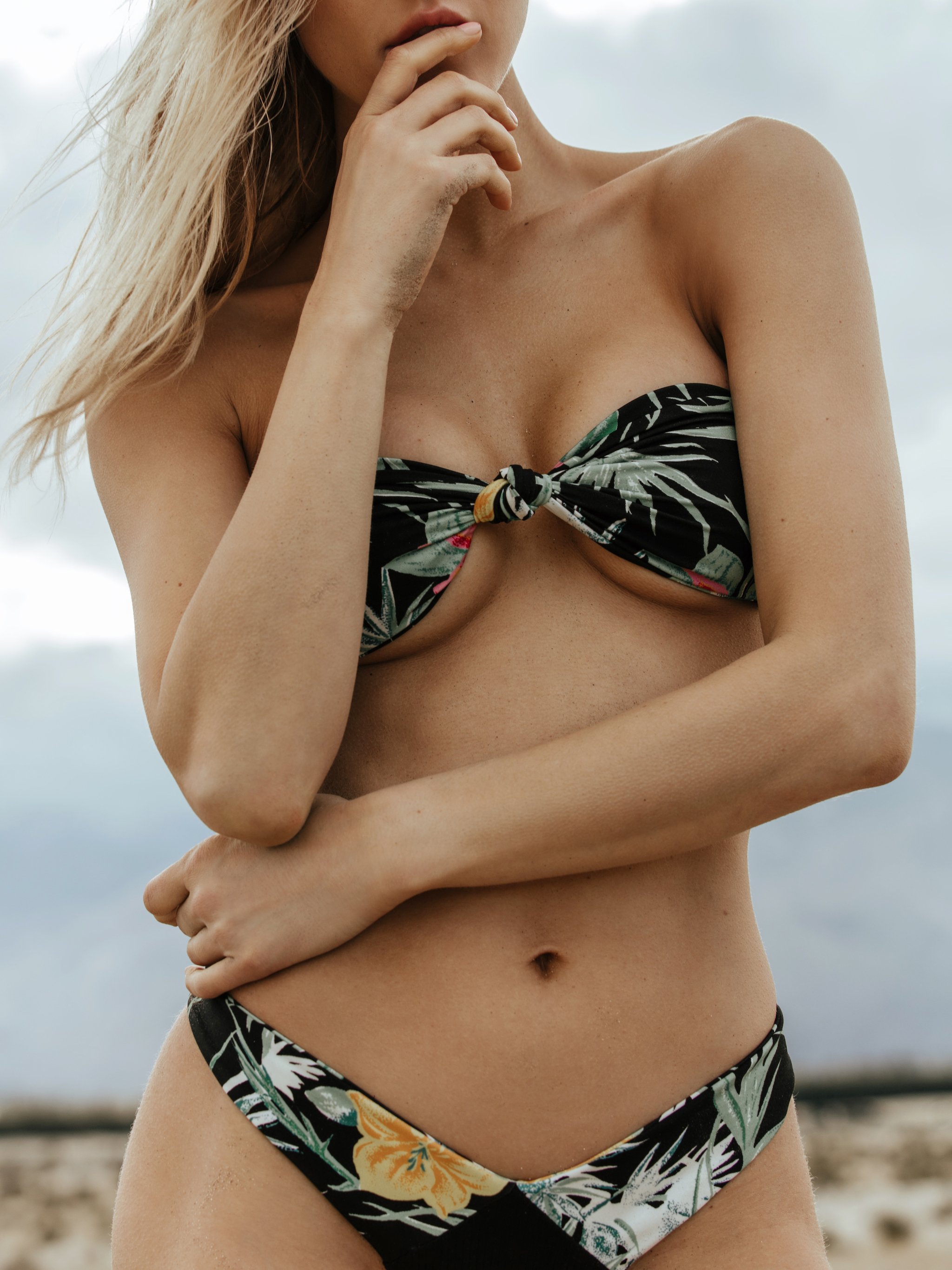
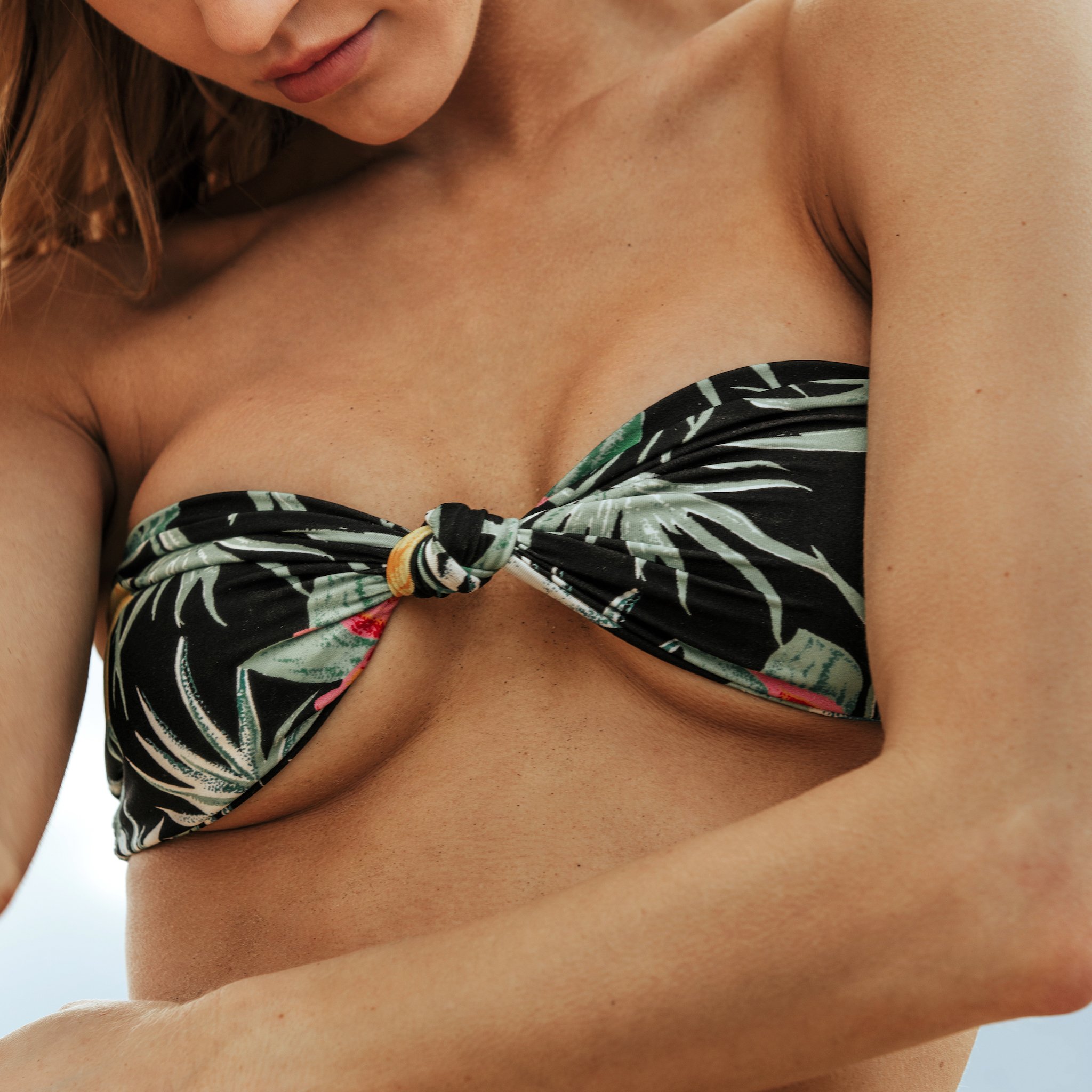
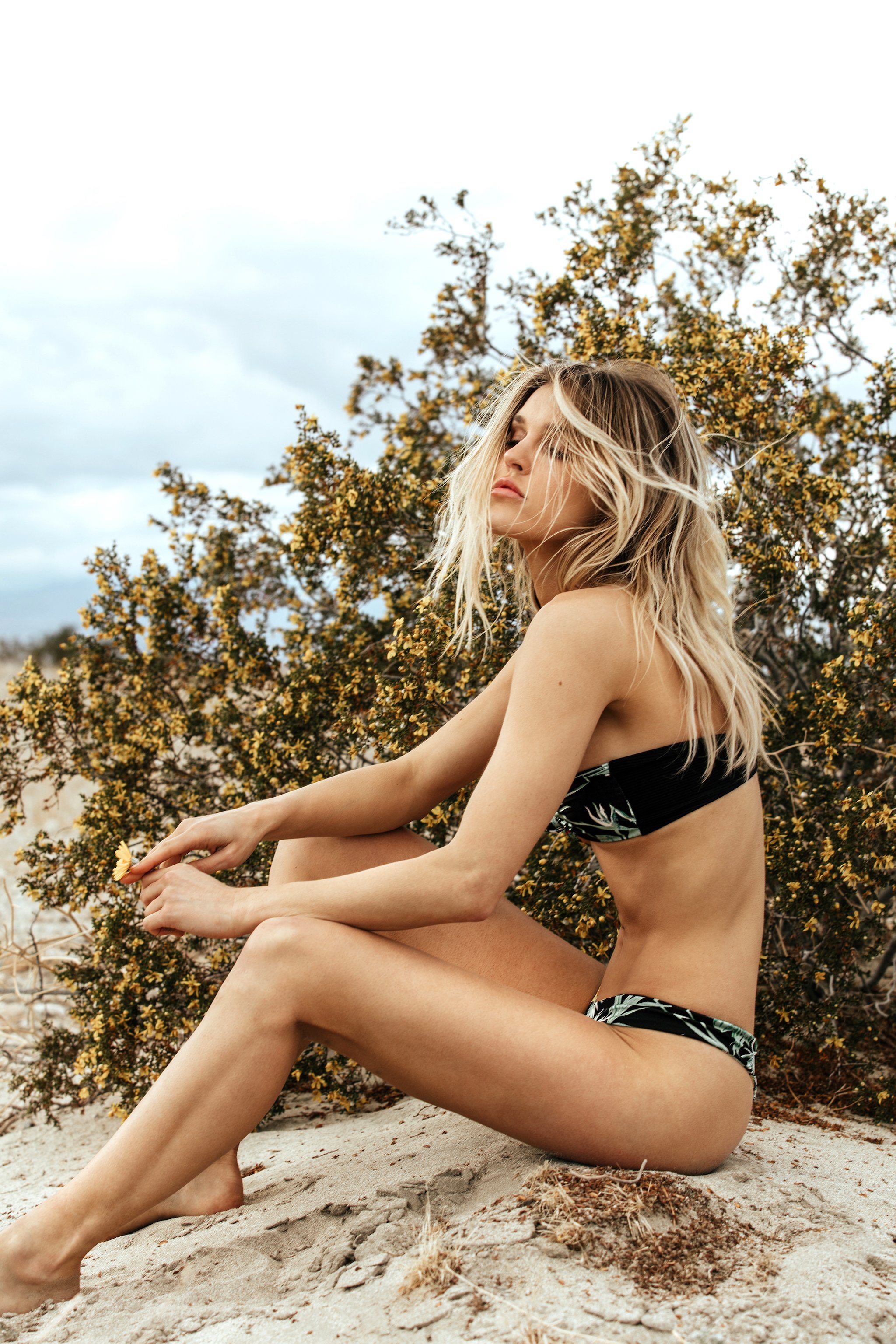
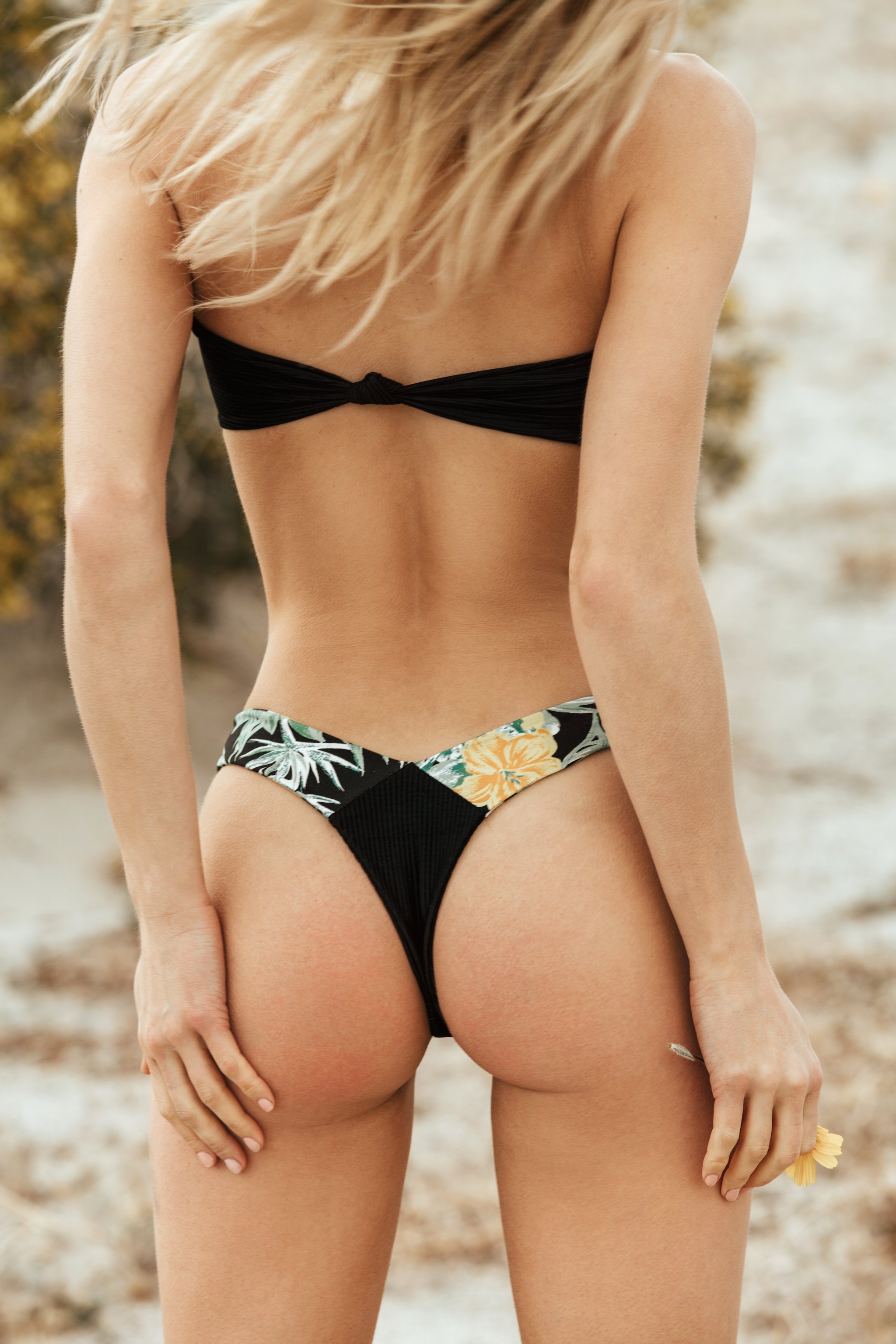
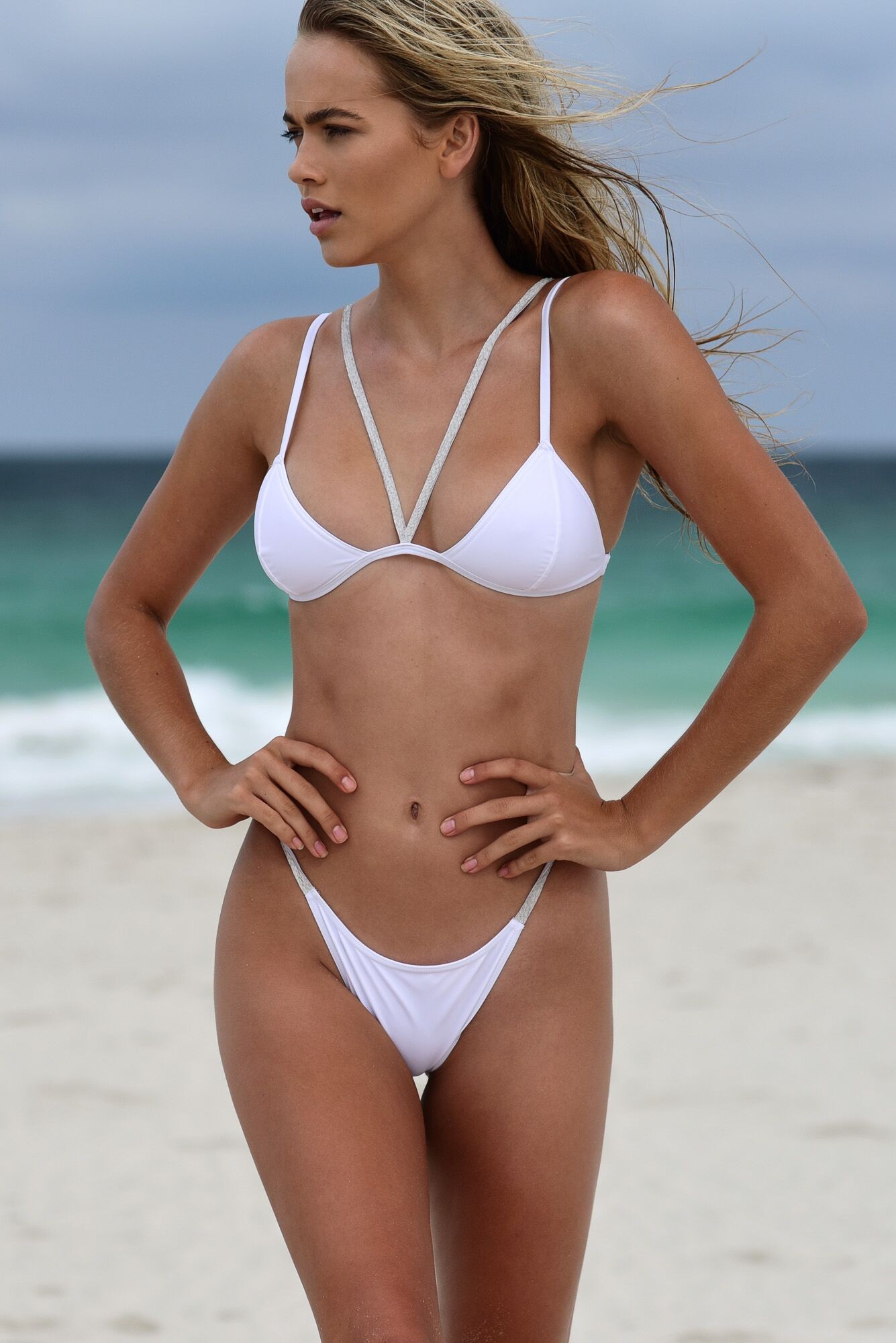
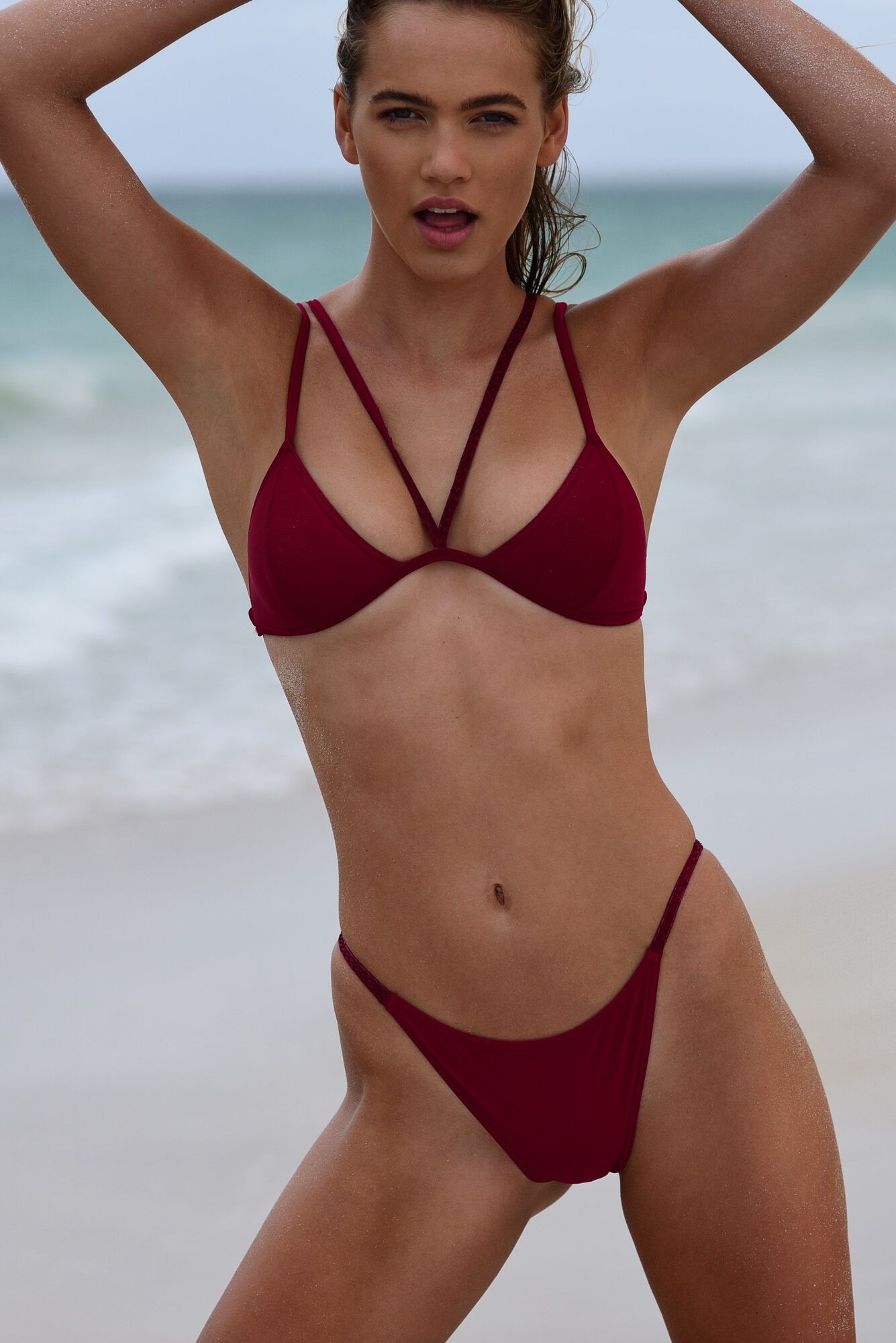
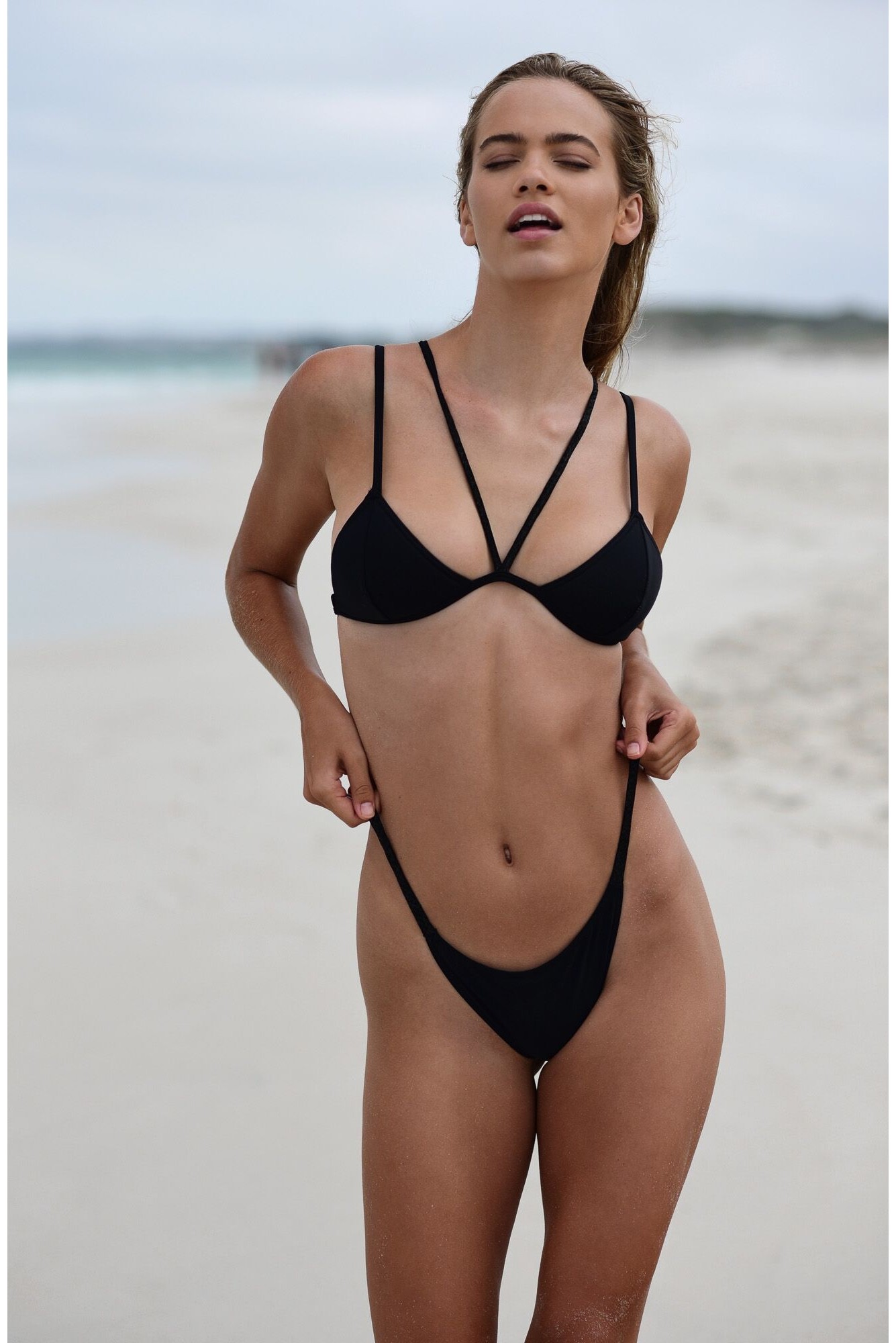
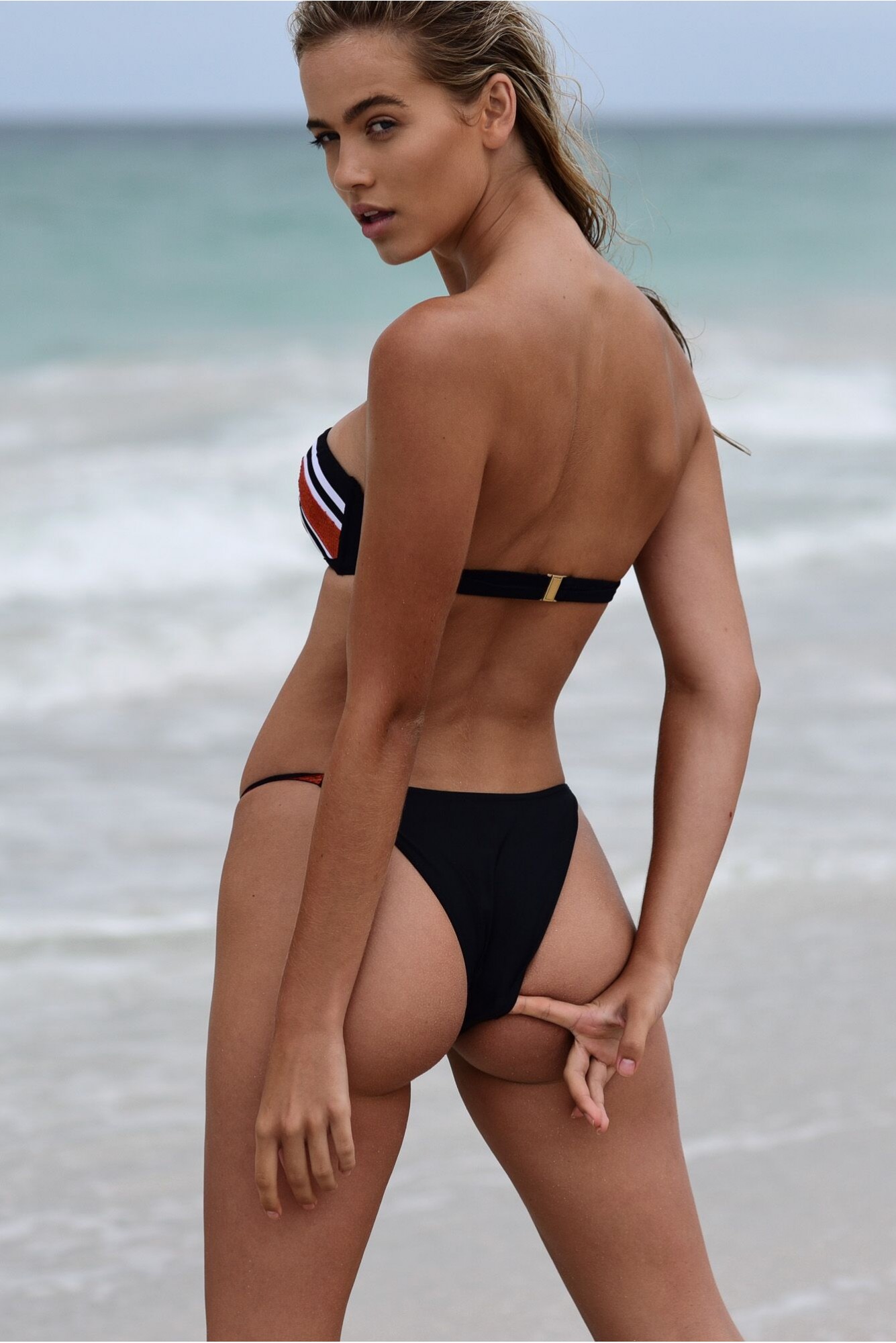
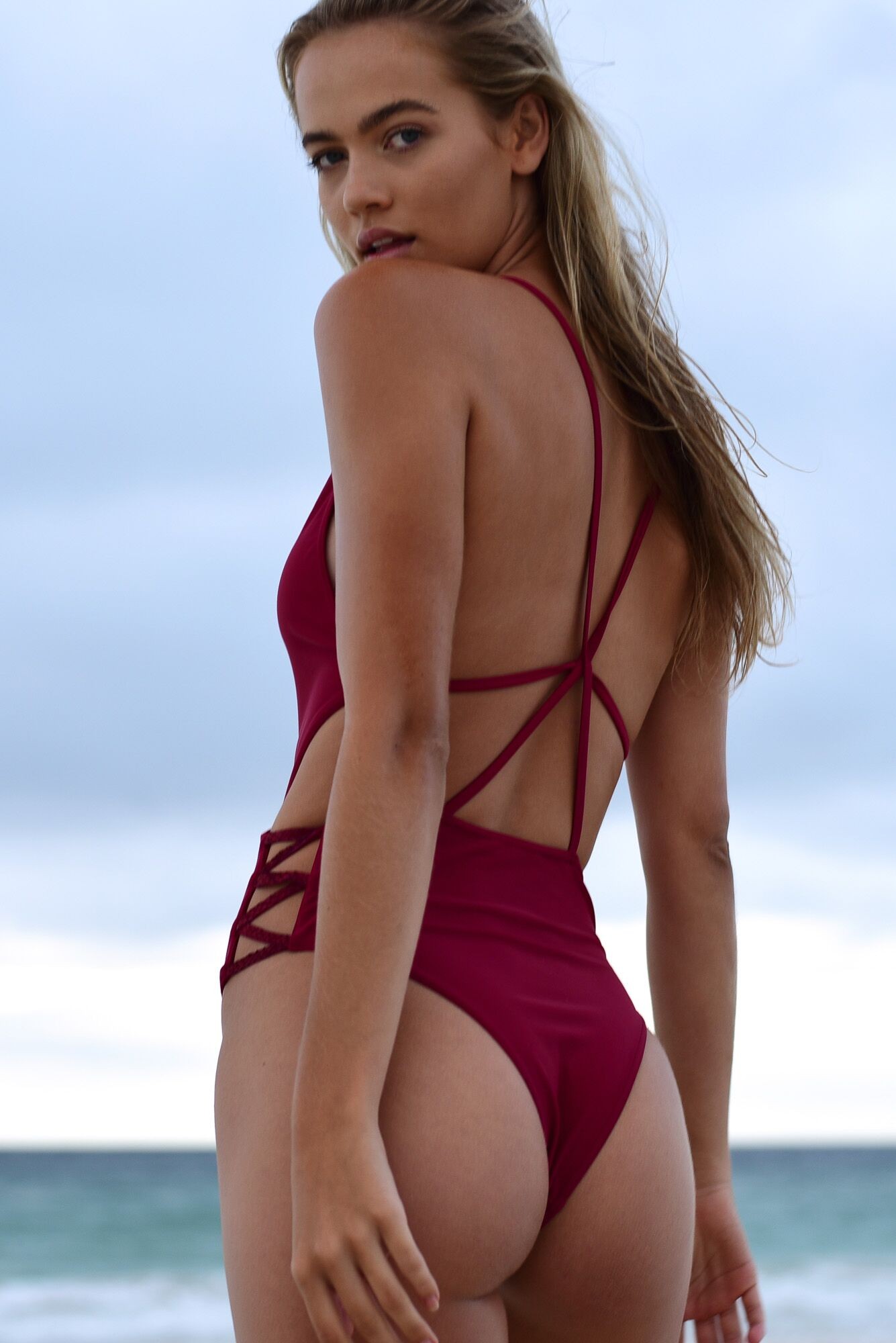
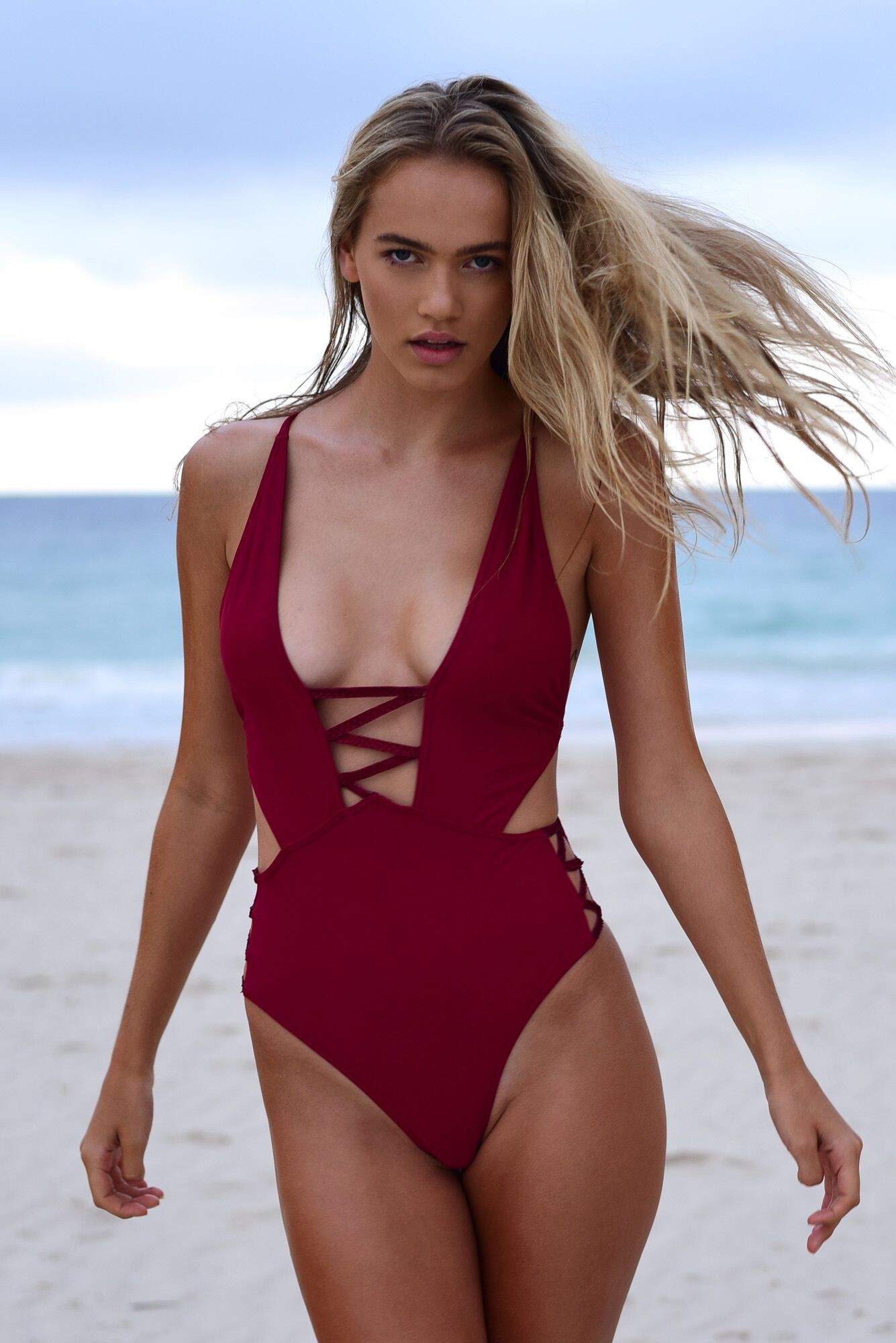
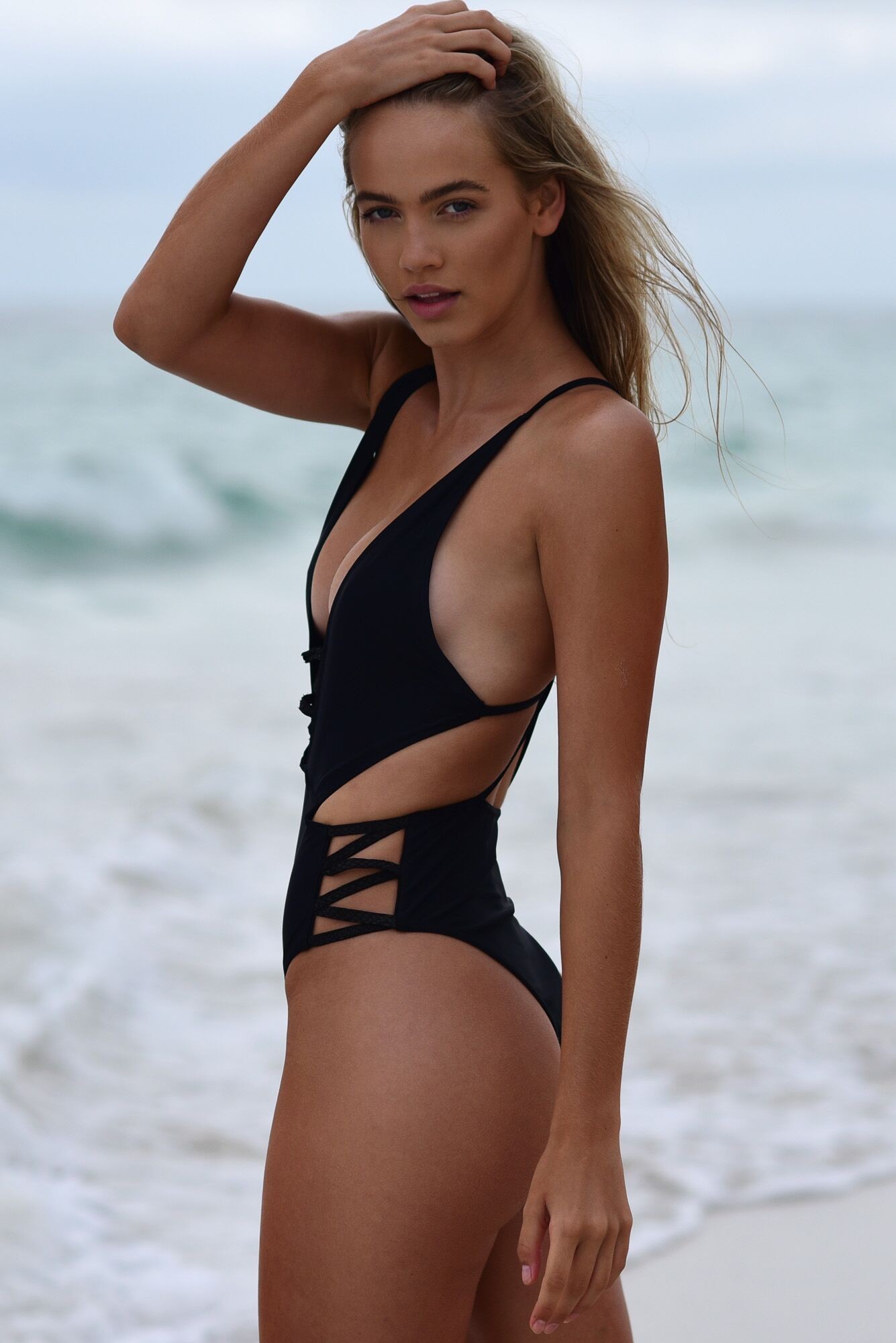
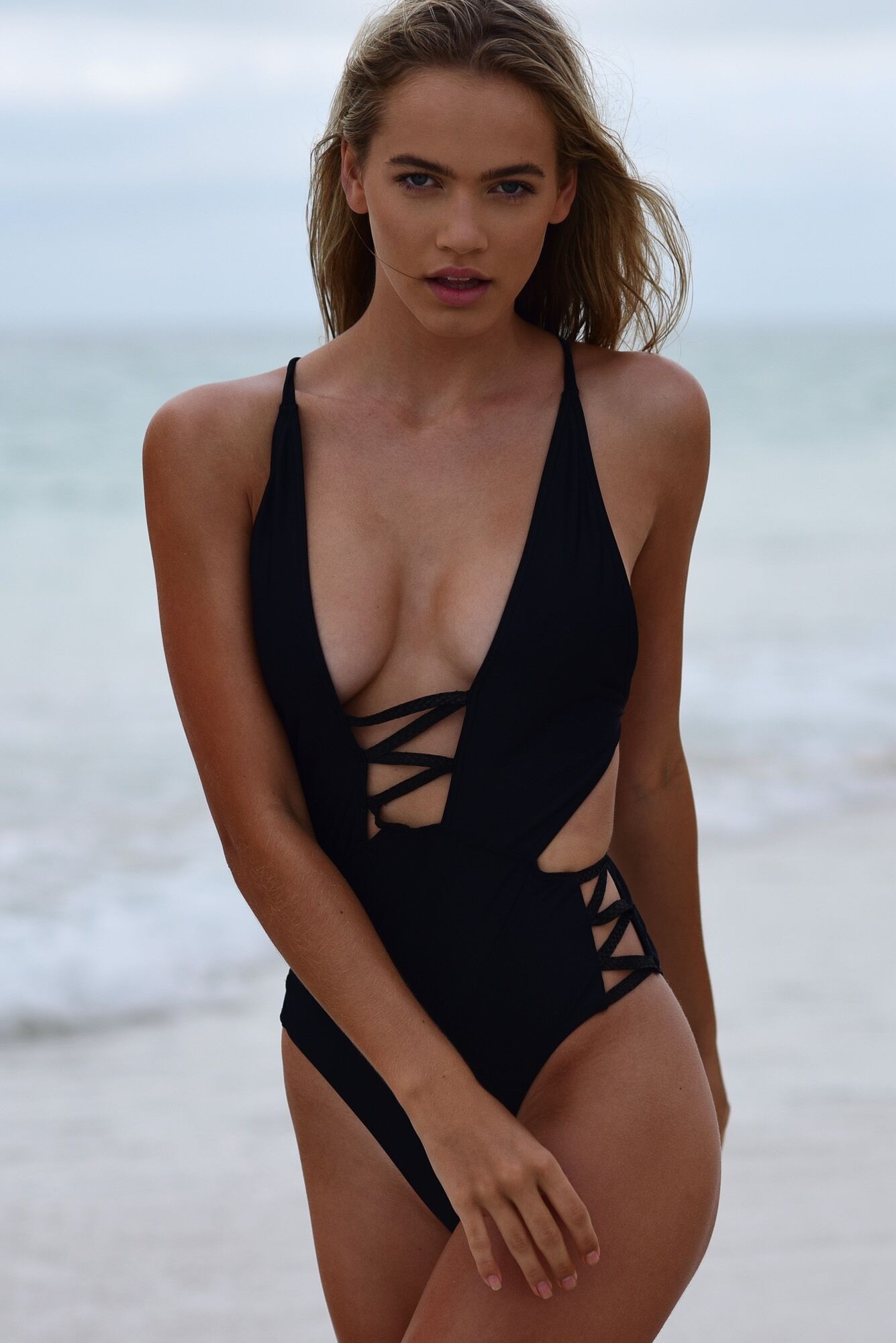
 New and better resolution Markus Henttonen - Behance Nudity





















































































































































































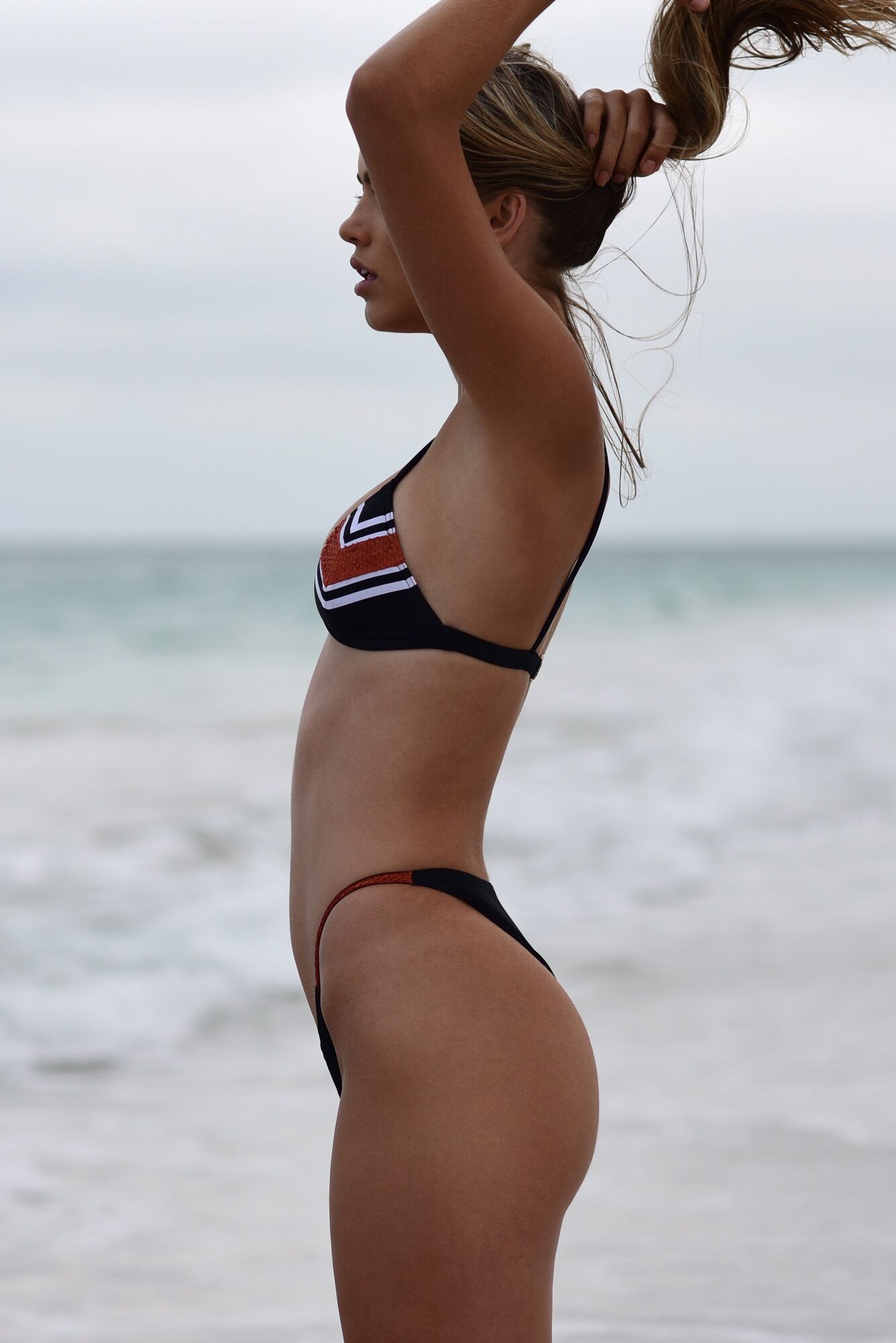
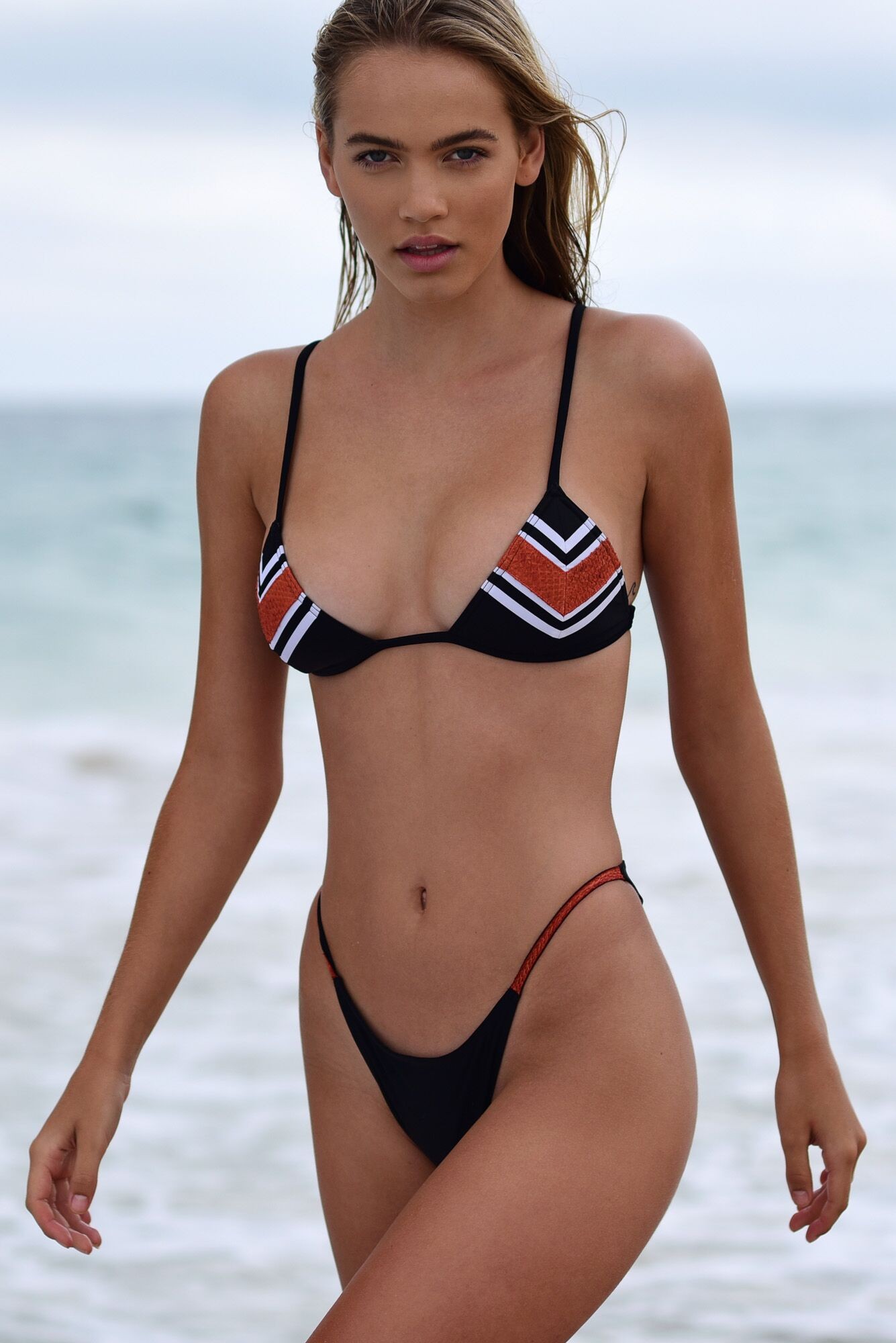
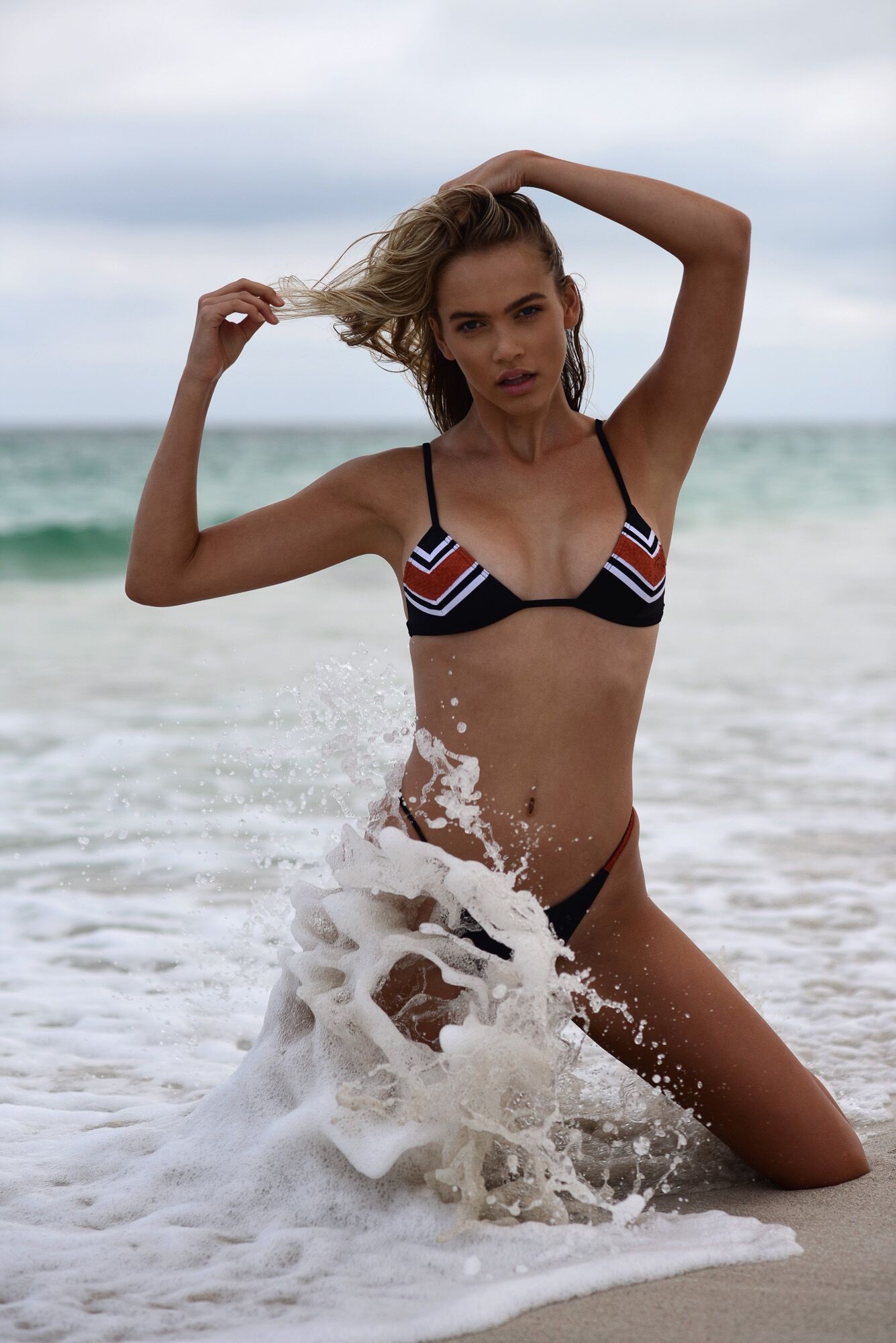
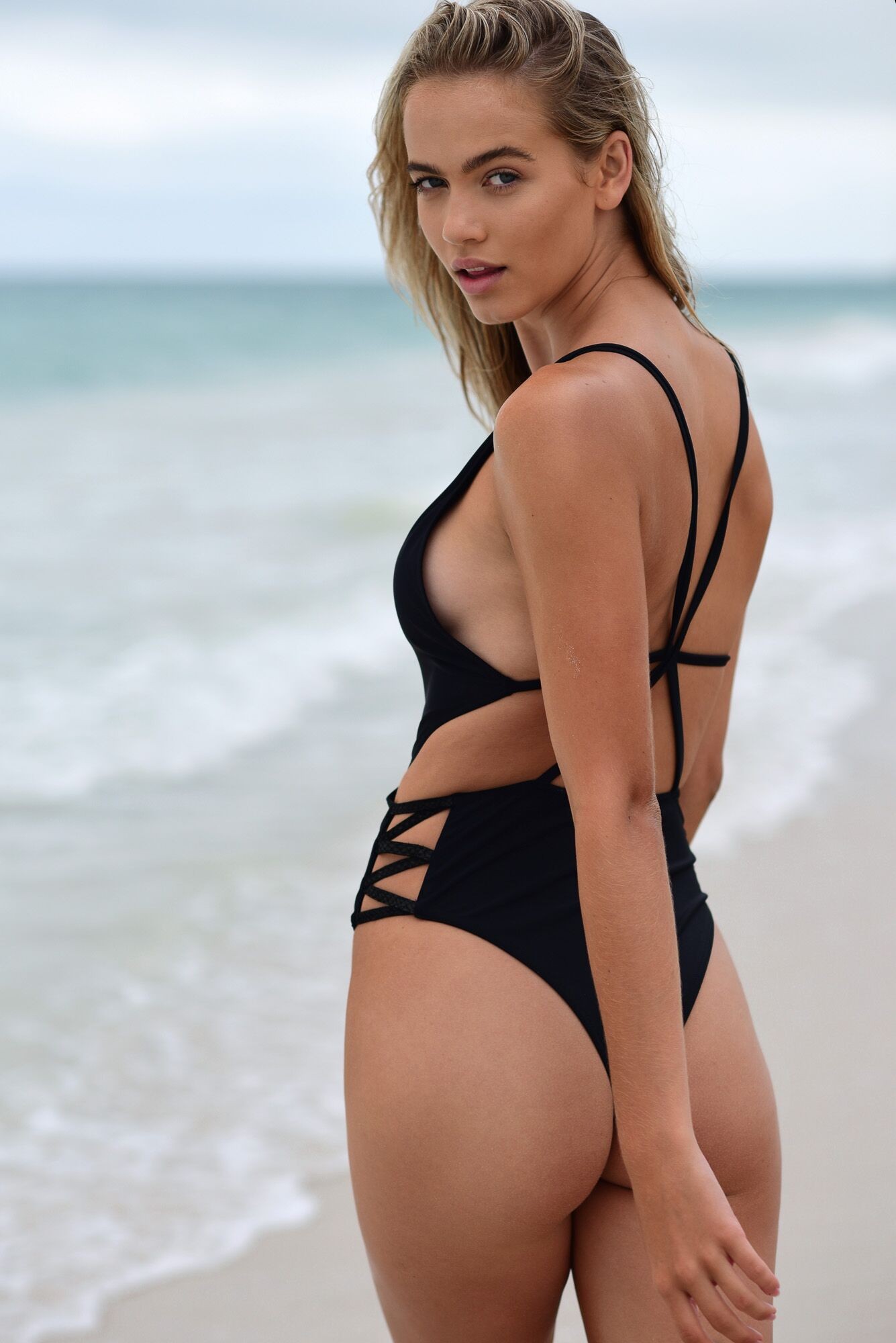









































Account
Navigation
Search
Configure browser push notifications
Chrome (Android)
- Tap the lock icon next to the address bar.
- Tap Permissions → Notifications.
- Adjust your preference.
Chrome (Desktop)
- Click the padlock icon in the address bar.
- Select Site settings.
- Find Notifications and adjust your preference.
Safari (iOS 16.4+)
- Ensure the site is installed via Add to Home Screen.
- Open Settings App → Notifications.
- Find your app name and adjust your preference.
Safari (macOS)
- Go to Safari → Preferences.
- Click the Websites tab.
- Select Notifications in the sidebar.
- Find this website and adjust your preference.
Edge (Android)
- Tap the lock icon next to the address bar.
- Tap Permissions.
- Find Notifications and adjust your preference.
Edge (Desktop)
- Click the padlock icon in the address bar.
- Click Permissions for this site.
- Find Notifications and adjust your preference.
Firefox (Android)
- Go to Settings → Site permissions.
- Tap Notifications.
- Find this site in the list and adjust your preference.
Firefox (Desktop)
- Open Firefox Settings.
- Search for Notifications.
- Find this site in the list and adjust your preference.