
Modelove
Members
-
Joined
Everything posted by Modelove
-
-
2018-07-03 14.21.03 1815500588566478175_266076386.mp4
-
Mat Abad | Badboi Nudity


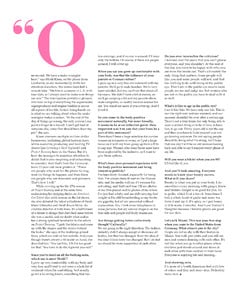
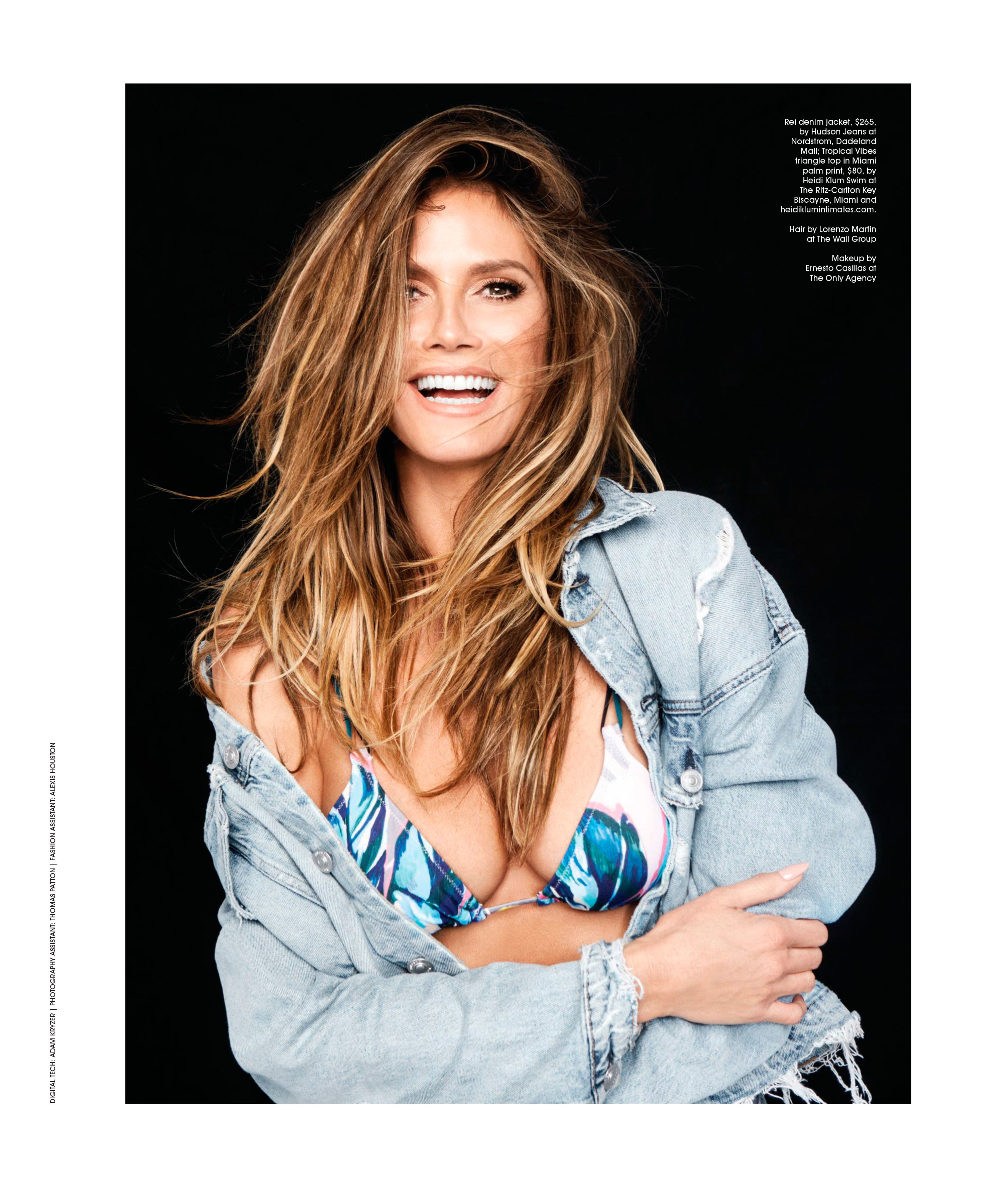
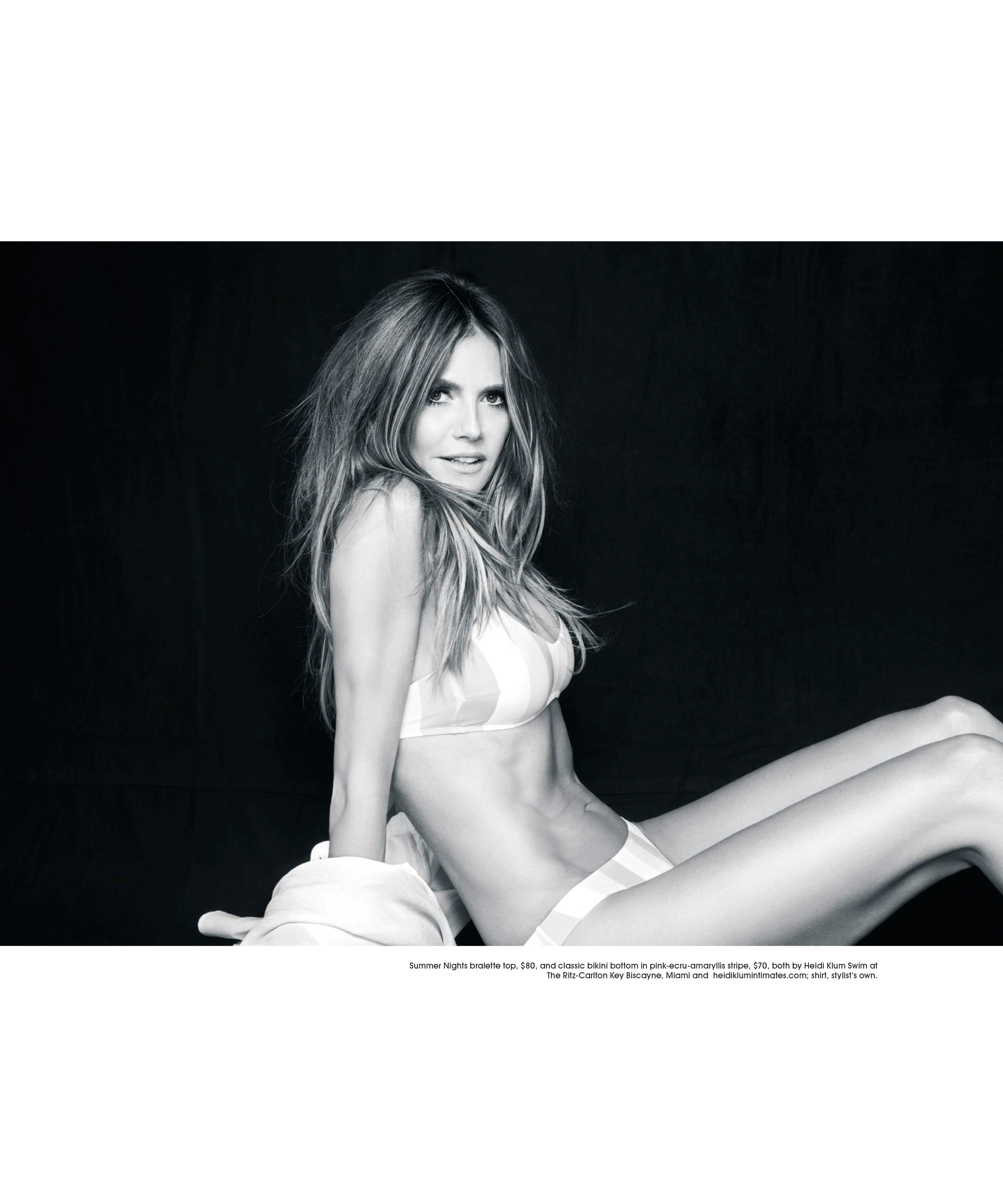
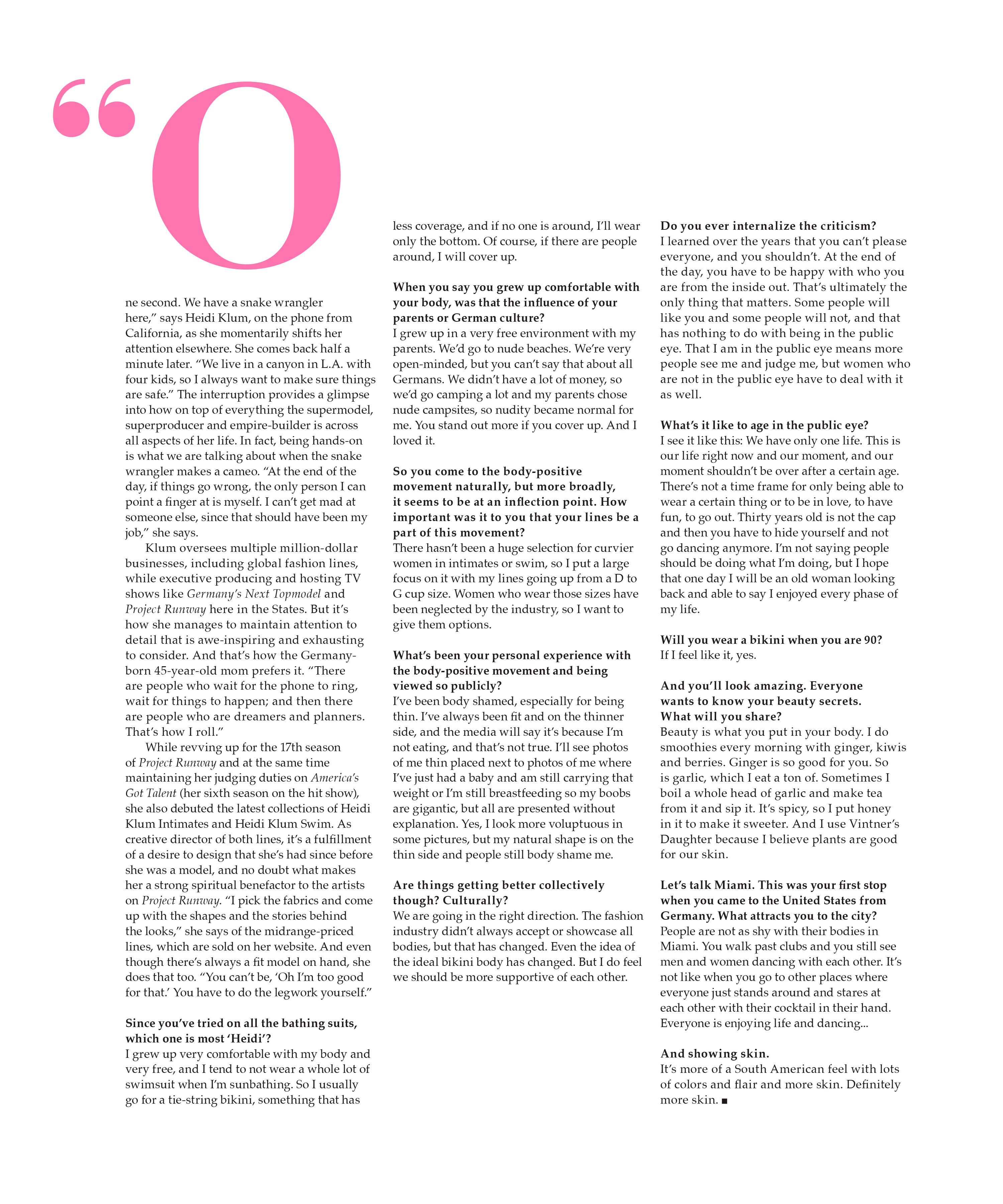
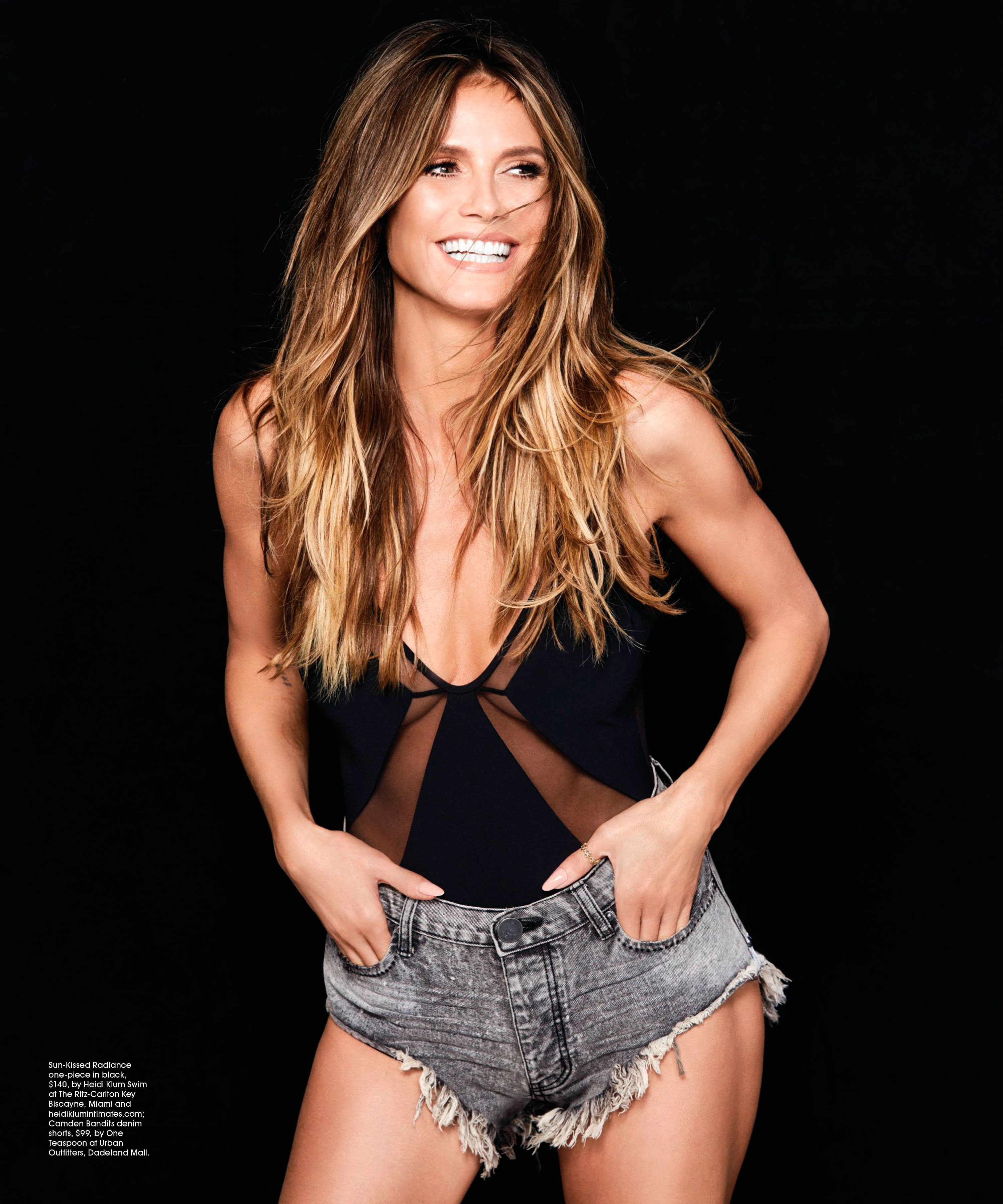
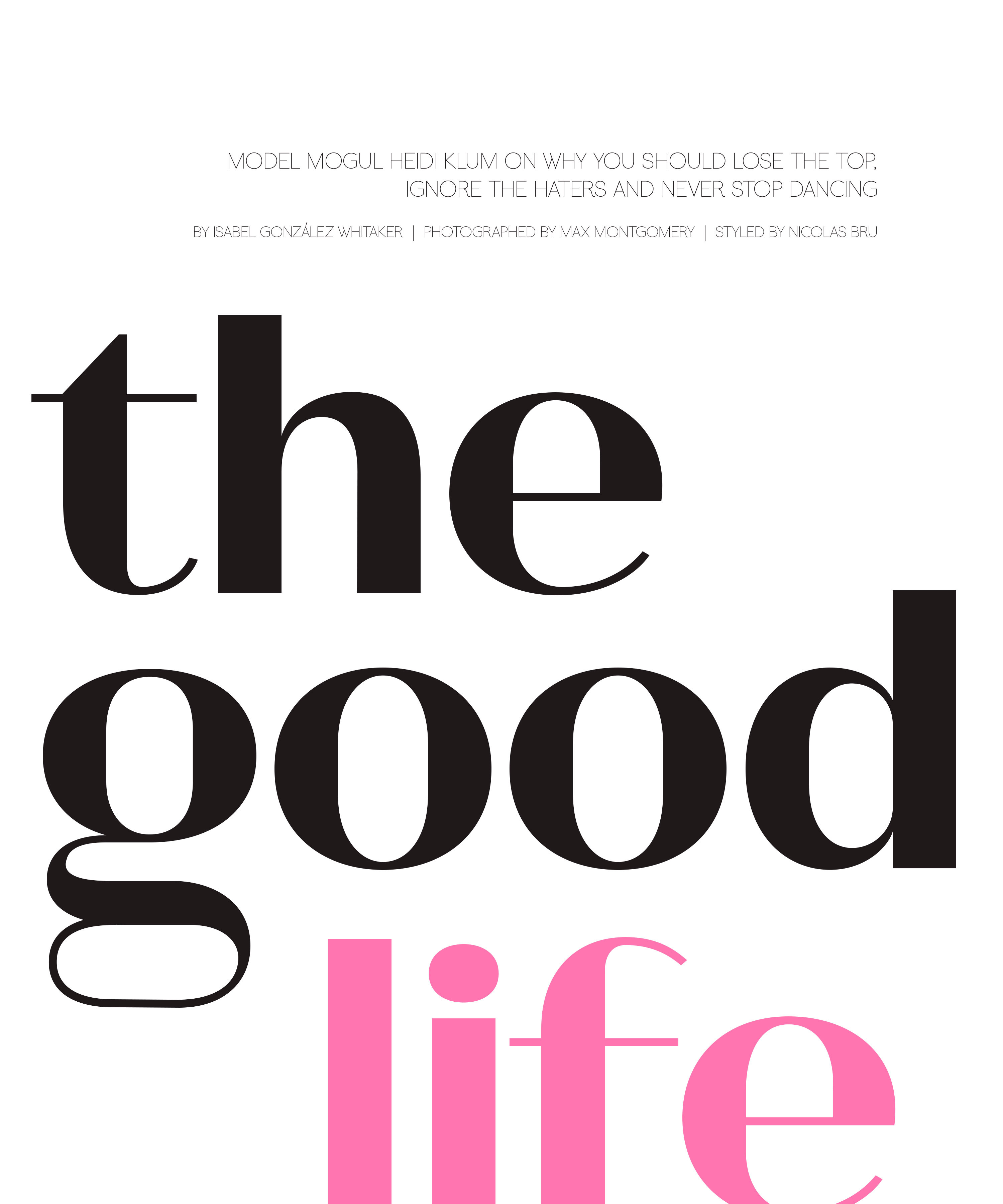
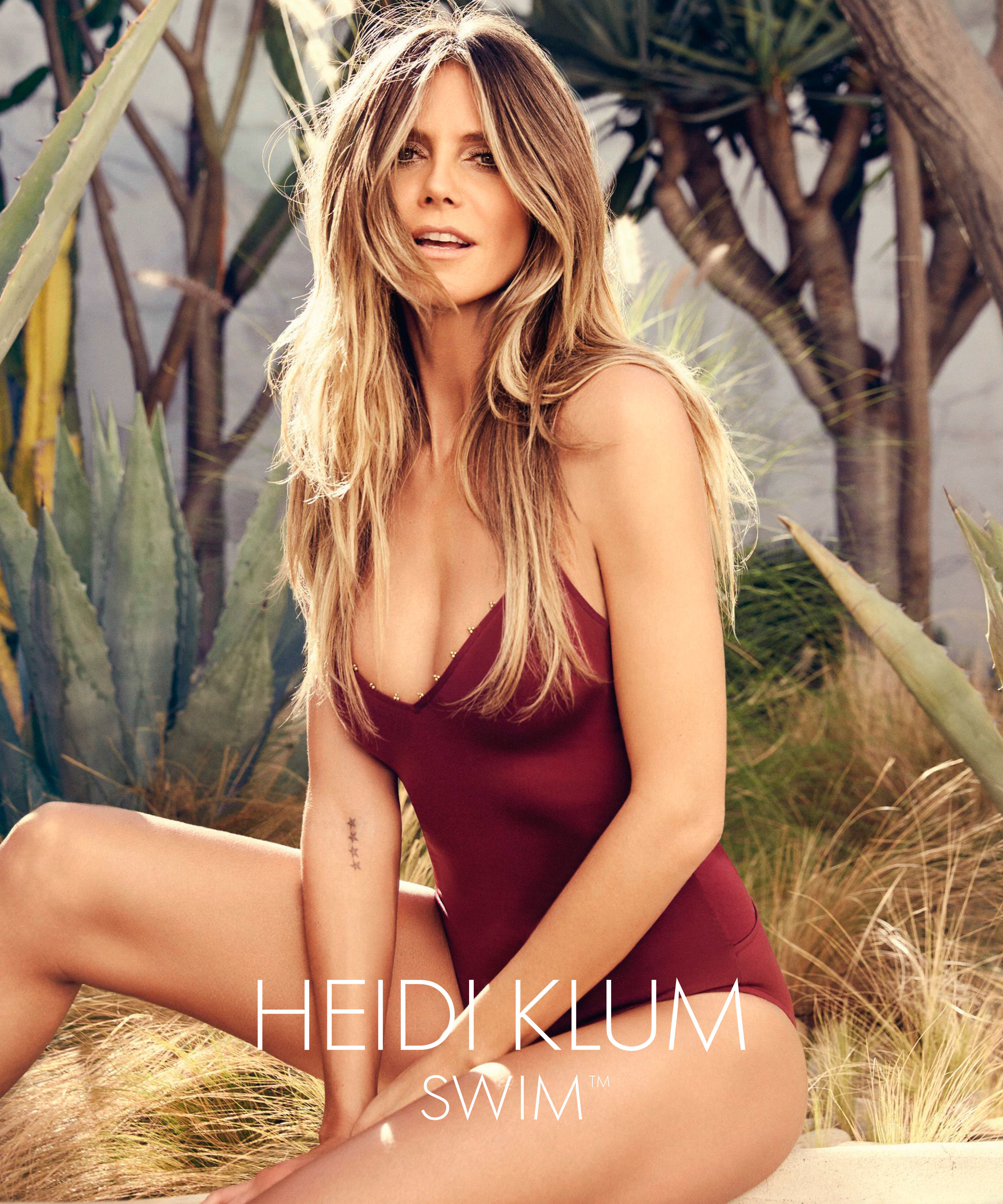
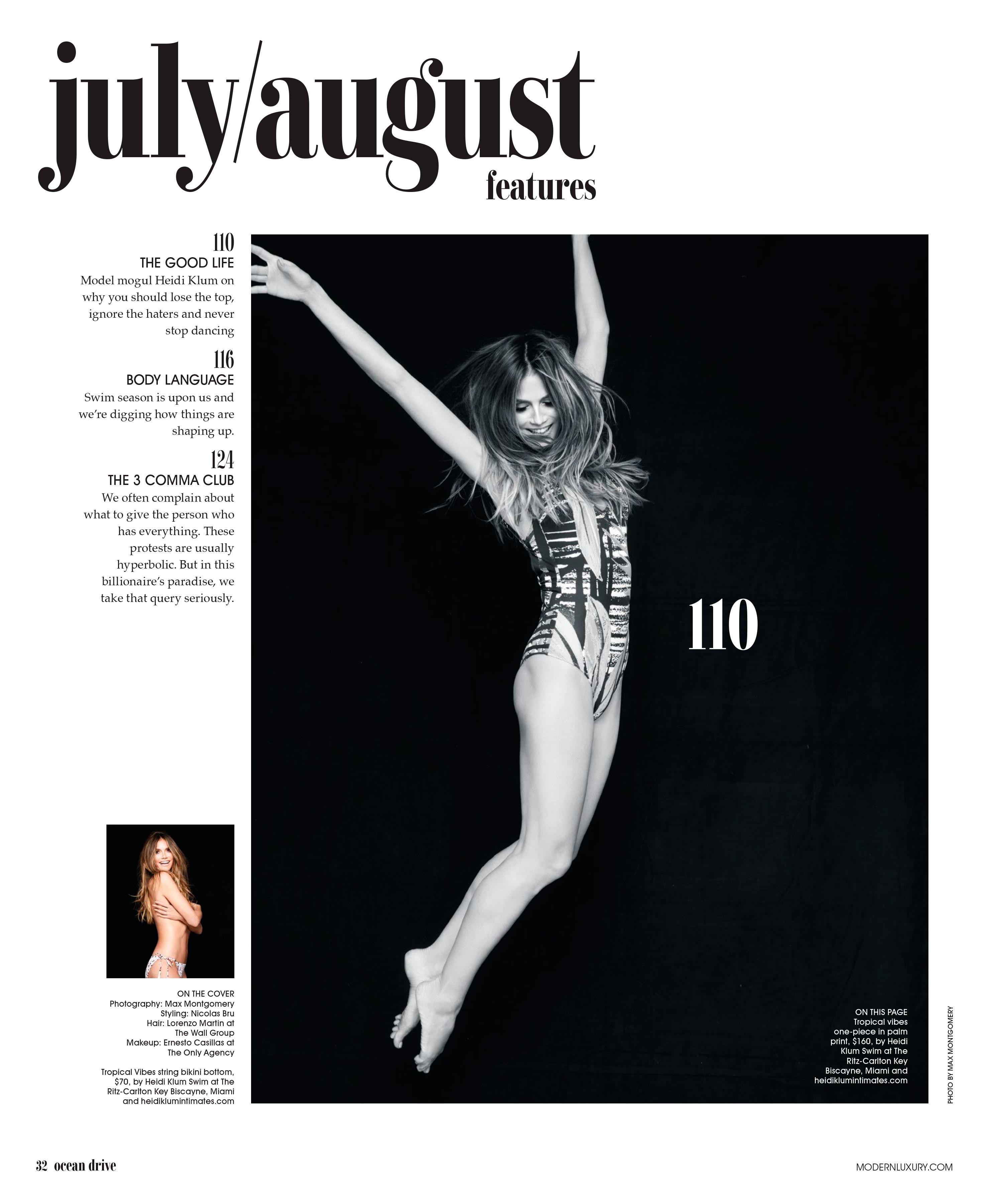
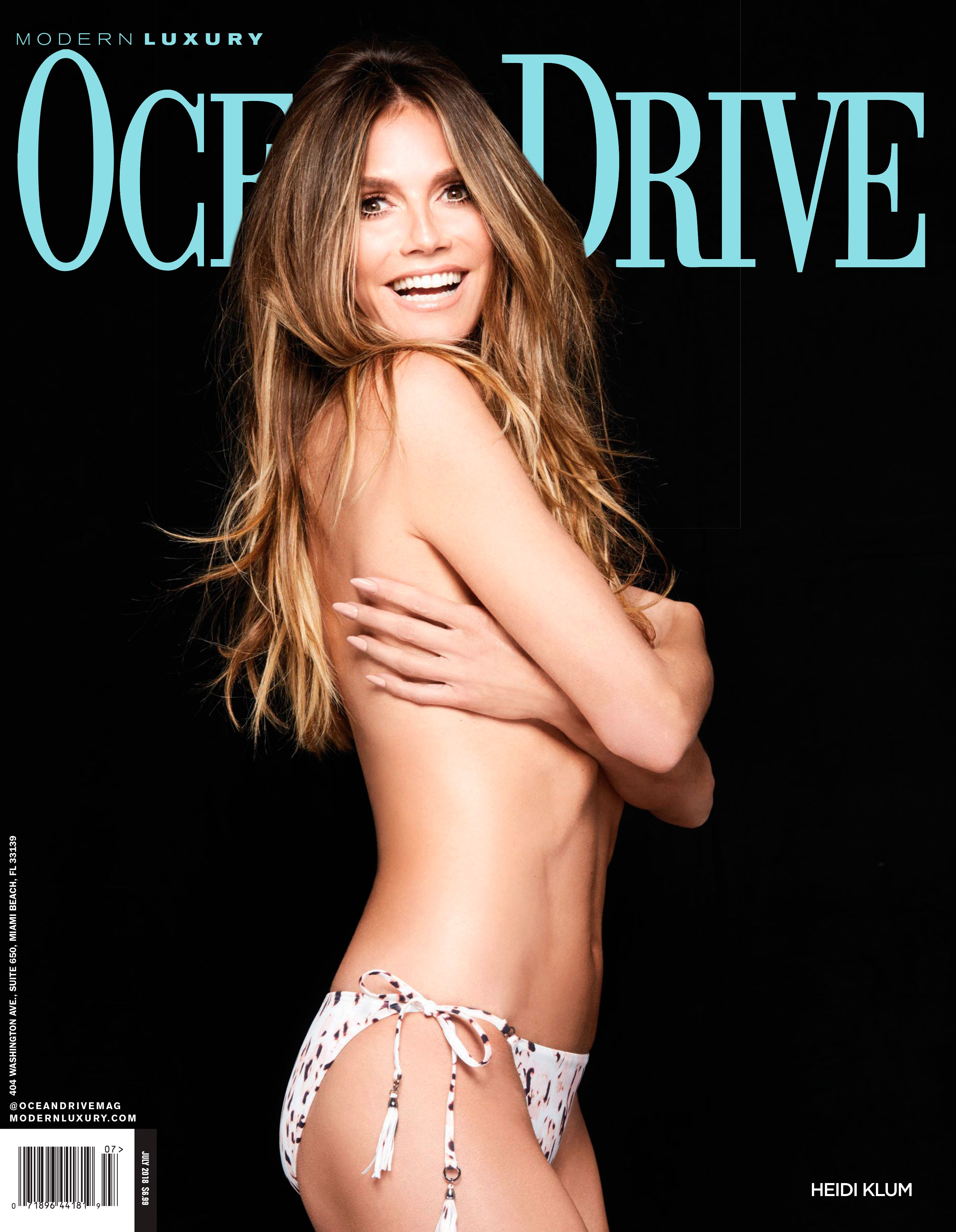
 Ocean's Drive July 2018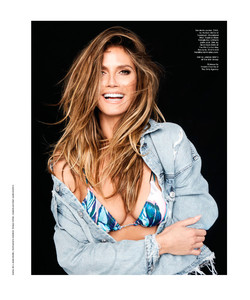




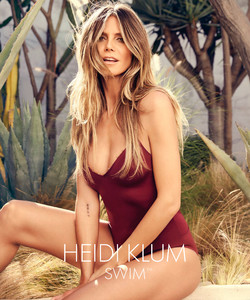

 M r . M a r c o v i c h Nudity
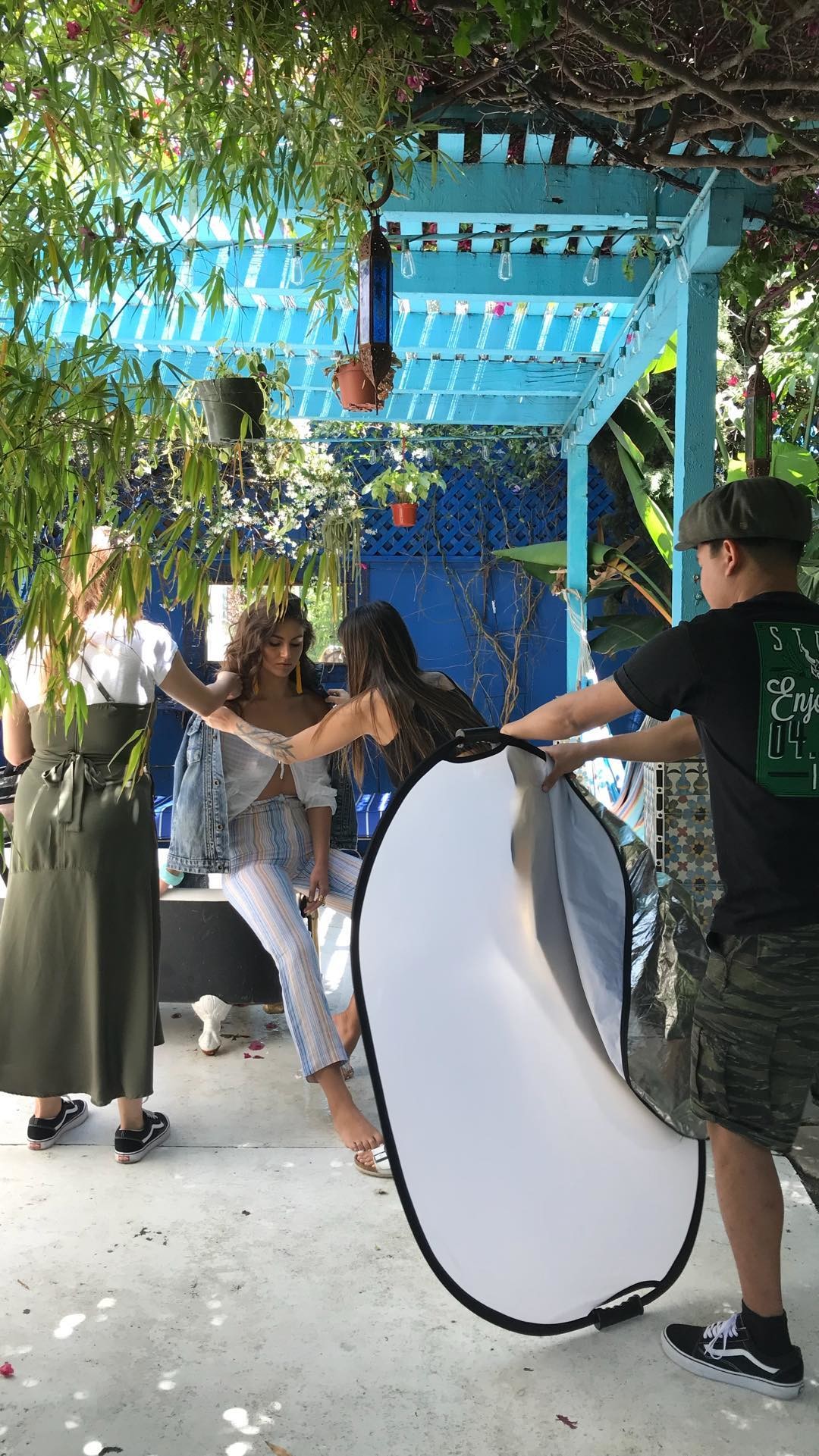
 BTS of Photoshooting with stevetakespictures 34456603_253258088774164_5014598961240854129_n.mp4
 Matt Leete


 More of Erik Tranberg

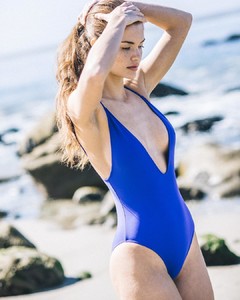 robertvoltaire


 Carmella Rose Being able to share this video with all of you really means a lot to me. It brings back such real emotion that was in my life at a time. It’s important for me to share this because I want you to see we all go through things, the ups and downs in life. We’re all human and we all fall down but that’s okay you will rise again. People will come in and out of your life and some will stay longer than others do. Please cherish each moment you have with those people.. your family, your closest friends, your lover.. We aren’t promised what will happen tomorrow so that’s why each and every moment is so special. I am grateful for each and every one of you in my life.. the ones I have known for a long time, who are new to my life or to the ones I’ll come across in the future. Thank you for crossing my path in this life, I am who I am because of you. Direction: @directedbyart_ Styling: @bukunmigrace VFX Artist: @gabe.conroy Song: @boniver - Wash L6gOeZMpjVxr93hh.mp4
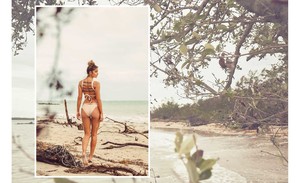
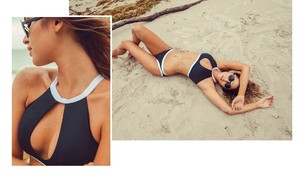
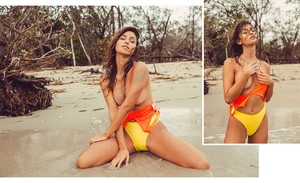
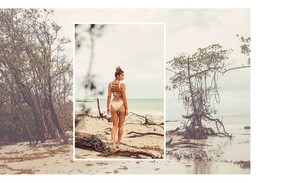
Beth Studenberg - Peixotowear Lookbook The Heat Is On Resort 2018
Carmella Rose Being able to share this video with all of you really means a lot to me. It brings back such real emotion that was in my life at a time. It’s important for me to share this because I want you to see we all go through things, the ups and downs in life. We’re all human and we all fall down but that’s okay you will rise again. People will come in and out of your life and some will stay longer than others do. Please cherish each moment you have with those people.. your family, your closest friends, your lover.. We aren’t promised what will happen tomorrow so that’s why each and every moment is so special. I am grateful for each and every one of you in my life.. the ones I have known for a long time, who are new to my life or to the ones I’ll come across in the future. Thank you for crossing my path in this life, I am who I am because of you. Direction: @directedbyart_ Styling: @bukunmigrace VFX Artist: @gabe.conroy Song: @boniver - Wash L6gOeZMpjVxr93hh.mp4
Beth Studenberg - Peixotowear Lookbook The Heat Is On Resort 2018















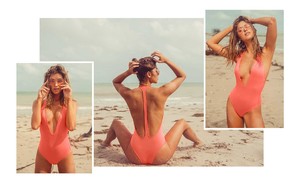



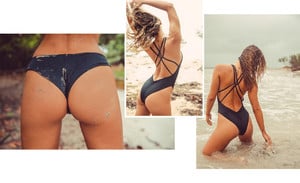

 IG Story suzyschwartz 33963293_2105929269683236_4090851101806573474_n.mp4 34011244_175492096458976_234828652061723227_n.mp
 She deleted form IG
 IG Story loveculture 34660667_519780998418729_531512795484940435_n.mp4 34137819_1142589425881192_1531365697435308167_n.mp4 34973921_114880039411600_3143441741866846674_n.mp4 33958697_2095872670631447_7229569145401741187_n.mp4 35400033_620788161592816_5872291814406178302_n.mp4 33318838_733144800409869_2397595218750045158_n.mp4 34004192_1056811604466602_5173754219299431560_n.mp4 35373216_935001156661355_1185492994995546931_n.mp4 34565146_187888205263612_4901073359917964205_n.mp4 34540531_474233409676153_4961968401128988162_n.mp4 34270140_180464079319004_6886321751406938424_n.mp4 34855944_196517221170986_2046833783178114915_n.mp4 34855944_196517221170986_2046833783178114915_n.mp4
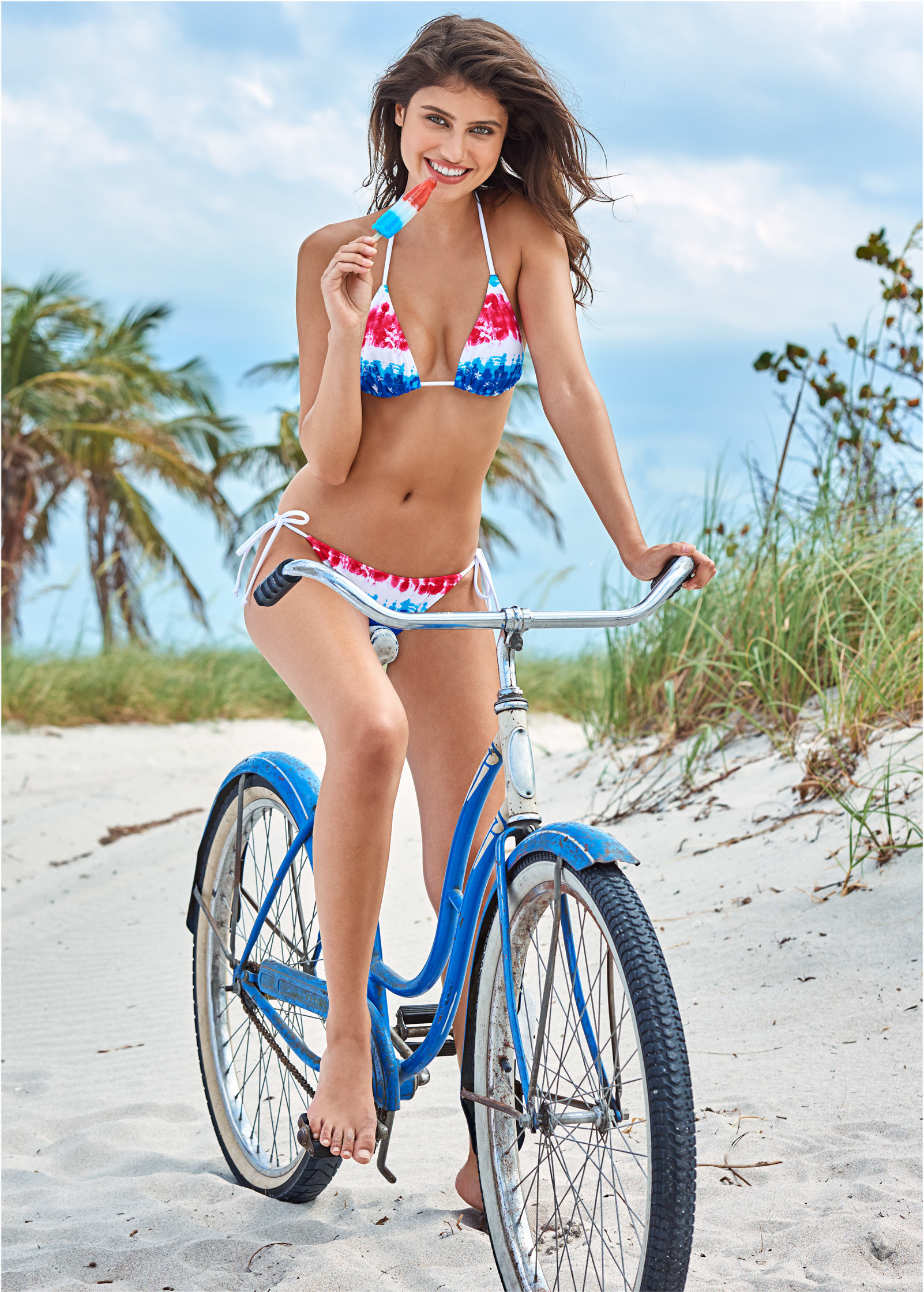


























Account
Navigation
Search
Configure browser push notifications
Chrome (Android)
- Tap the lock icon next to the address bar.
- Tap Permissions → Notifications.
- Adjust your preference.
Chrome (Desktop)
- Click the padlock icon in the address bar.
- Select Site settings.
- Find Notifications and adjust your preference.
Safari (iOS 16.4+)
- Ensure the site is installed via Add to Home Screen.
- Open Settings App → Notifications.
- Find your app name and adjust your preference.
Safari (macOS)
- Go to Safari → Preferences.
- Click the Websites tab.
- Select Notifications in the sidebar.
- Find this website and adjust your preference.
Edge (Android)
- Tap the lock icon next to the address bar.
- Tap Permissions.
- Find Notifications and adjust your preference.
Edge (Desktop)
- Click the padlock icon in the address bar.
- Click Permissions for this site.
- Find Notifications and adjust your preference.
Firefox (Android)
- Go to Settings → Site permissions.
- Tap Notifications.
- Find this site in the list and adjust your preference.
Firefox (Desktop)
- Open Firefox Settings.
- Search for Notifications.
- Find this site in the list and adjust your preference.