Jump to content
View in the app

A better way to browse. Learn more.

Bellazon

A full-screen app on your home screen with push notifications, badges and more.

To install this app on iOS and iPadOS
  1. Tap the Share icon in Safari
  2. Scroll the menu and tap Add to Home Screen.
  3. Tap Add in the top-right corner.
To install this app on Android
  1. Tap the 3-dot menu (⋮) in the top-right corner of the browser.
  2. Tap Add to Home screen or Install app.
  3. Confirm by tapping Install.

bump

Members
  • Joined

  • Last visited

Everything posted by bump

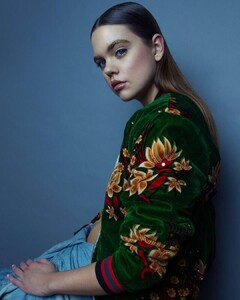
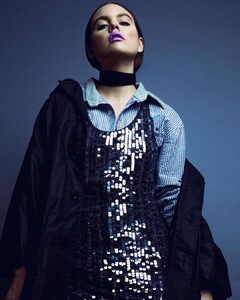
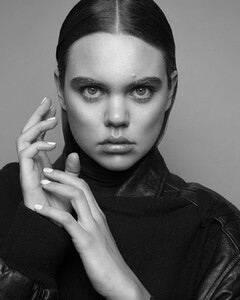
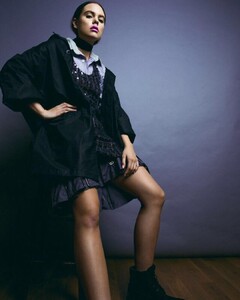
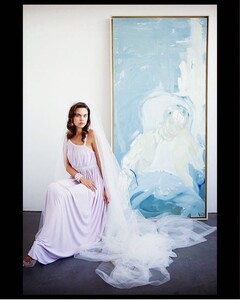
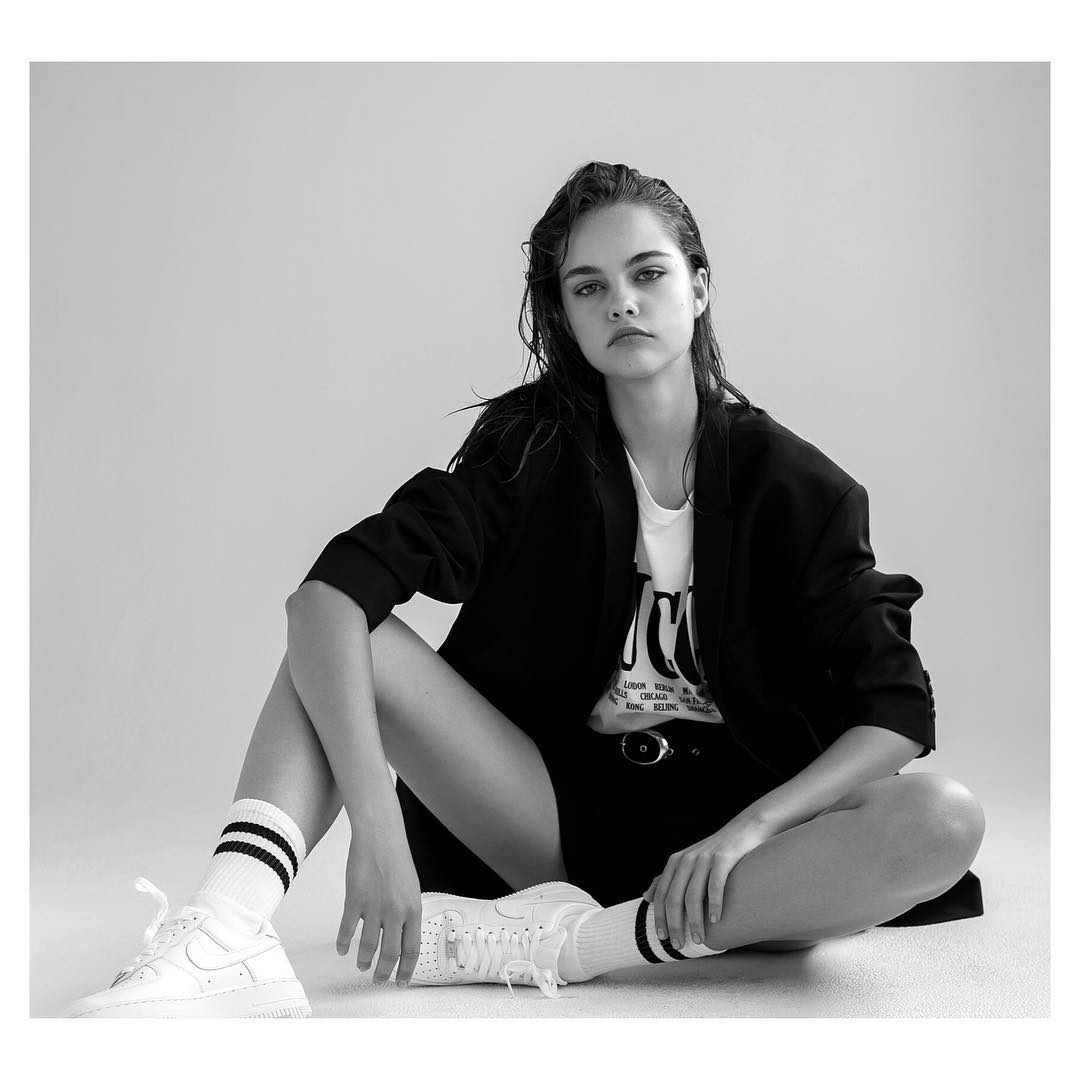
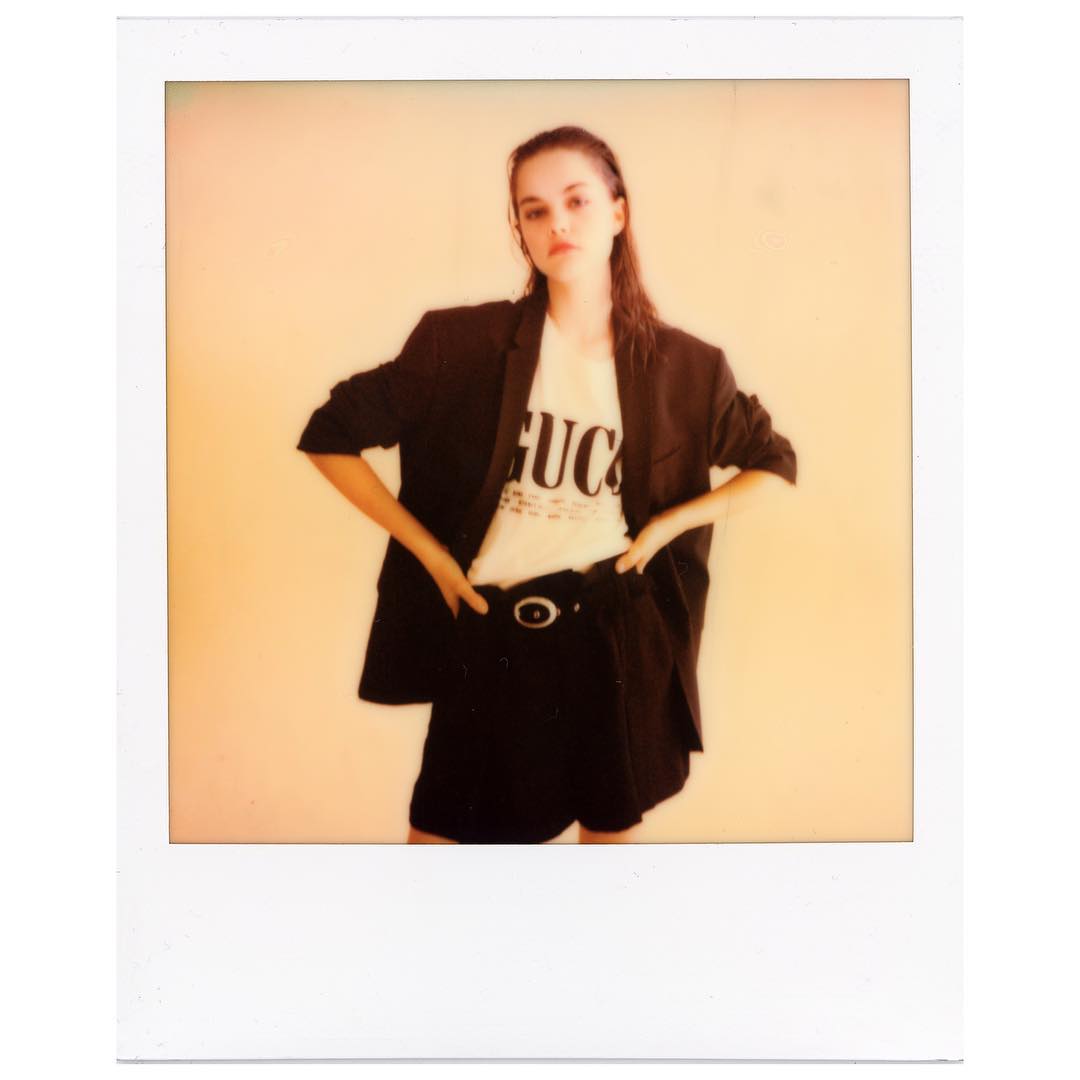
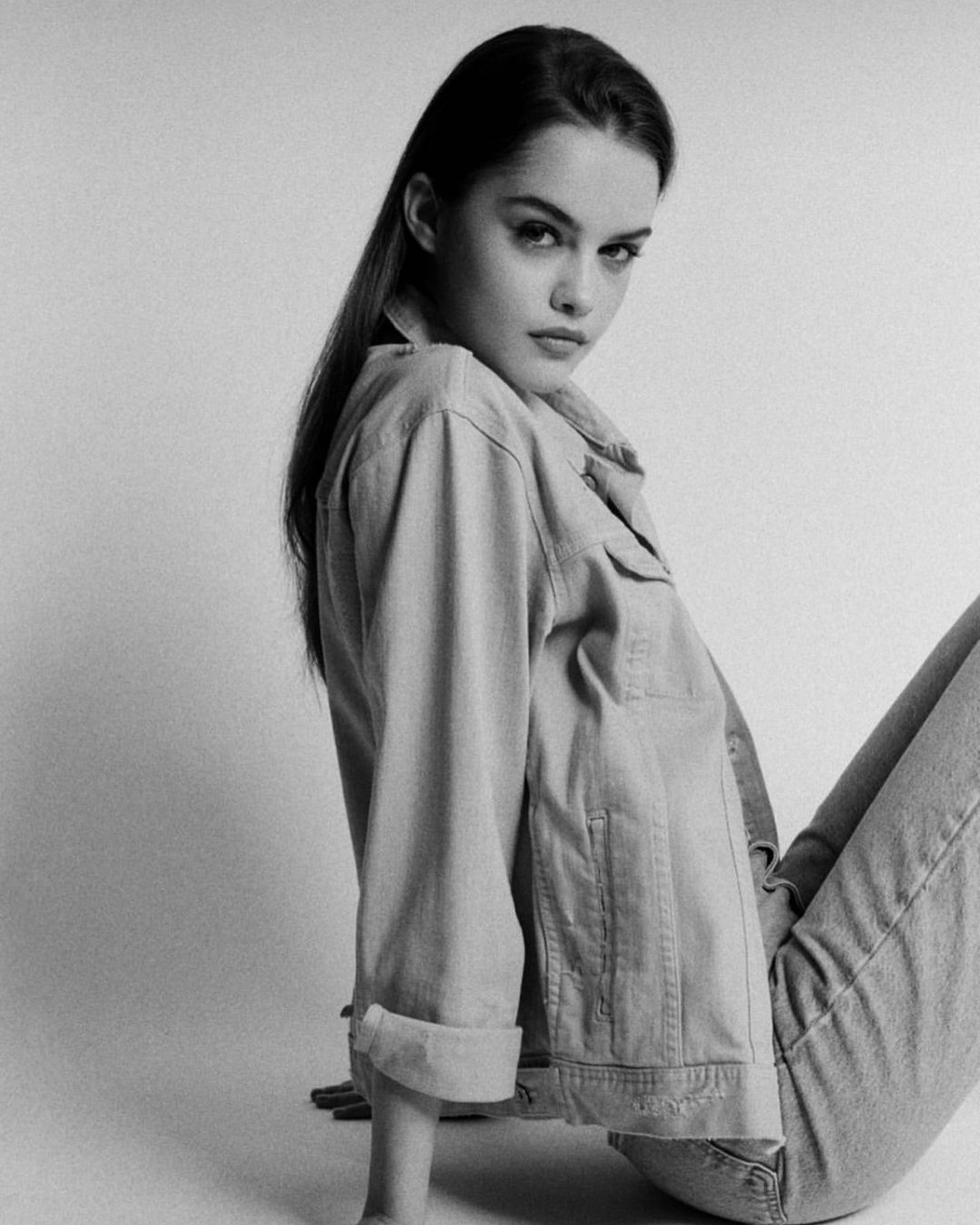
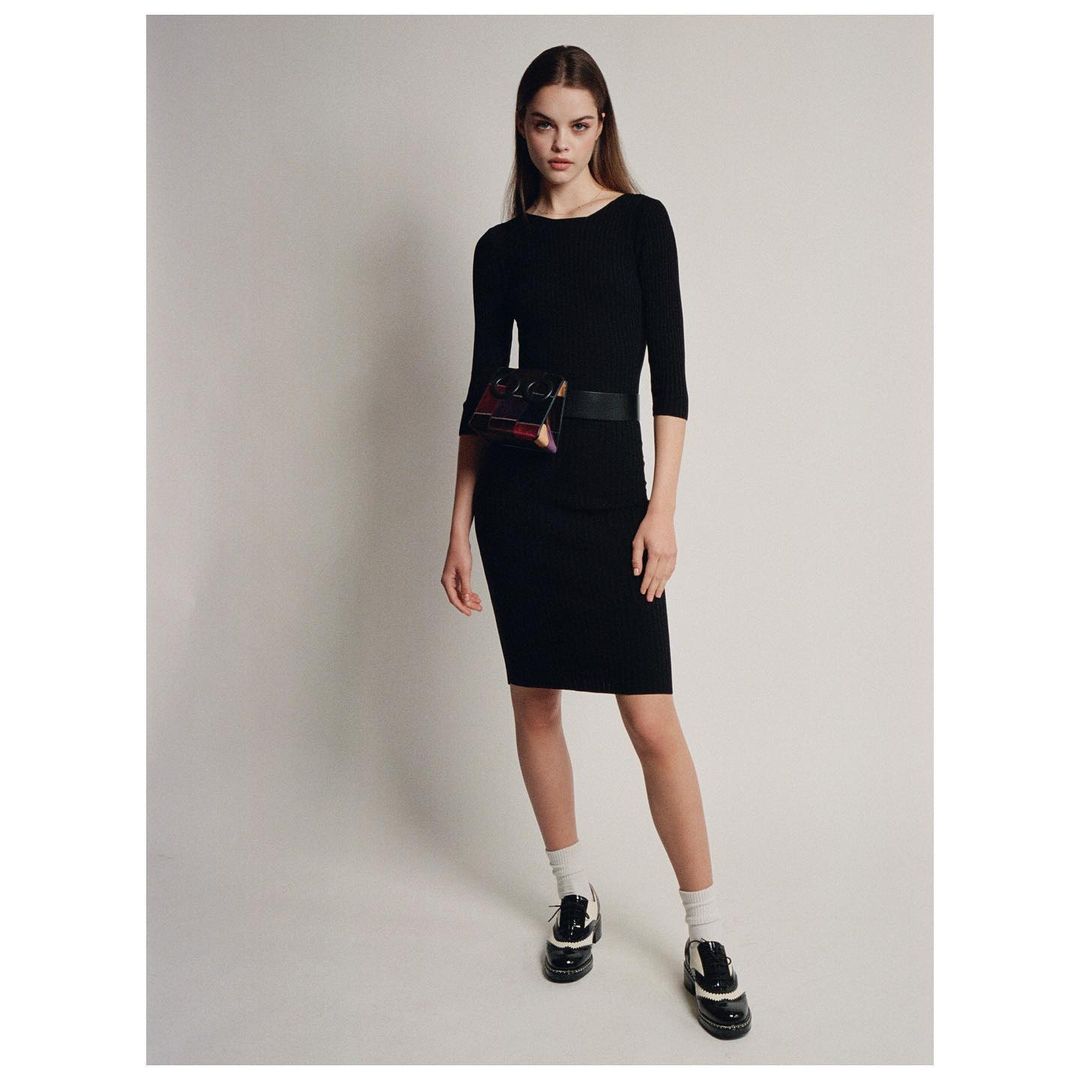
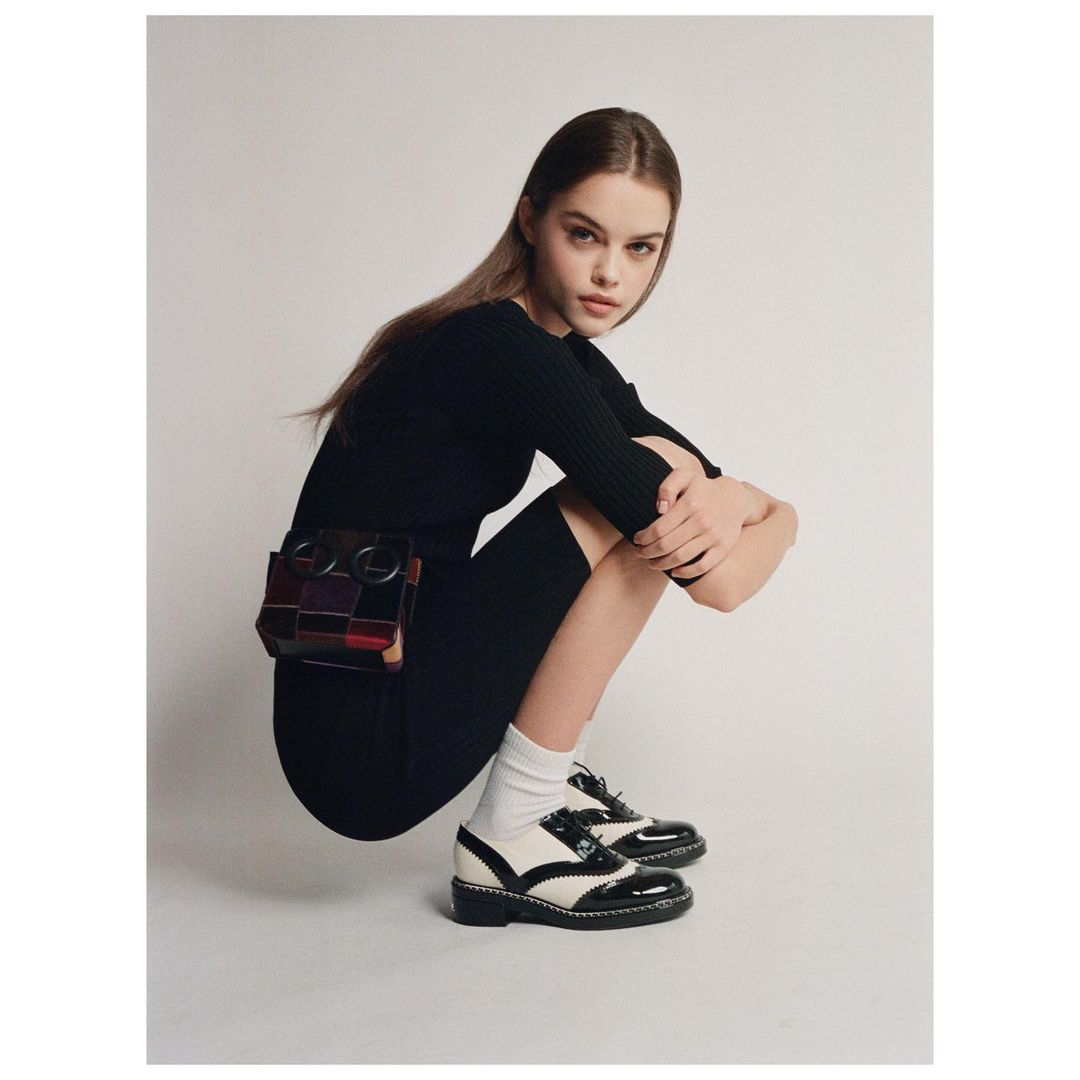
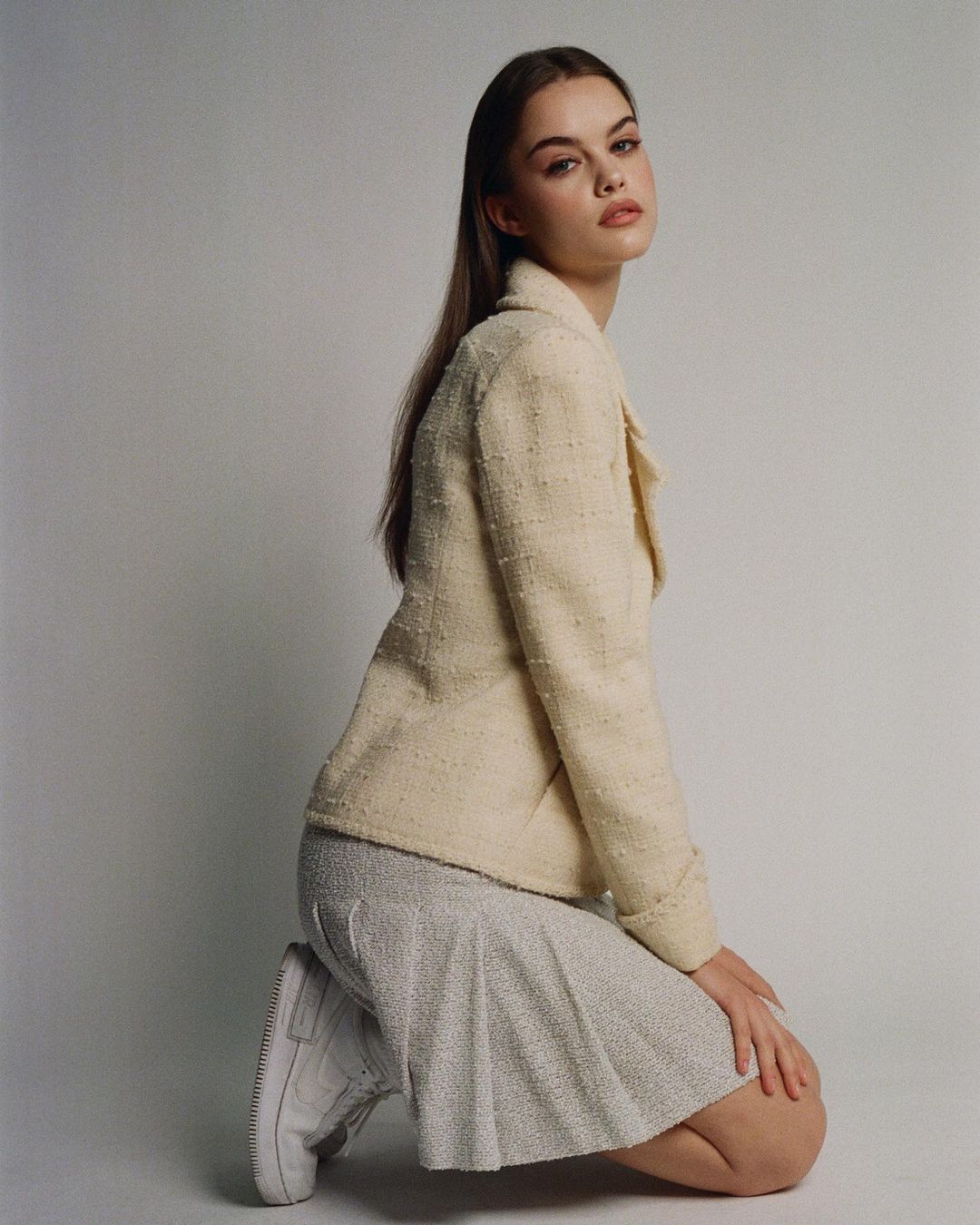
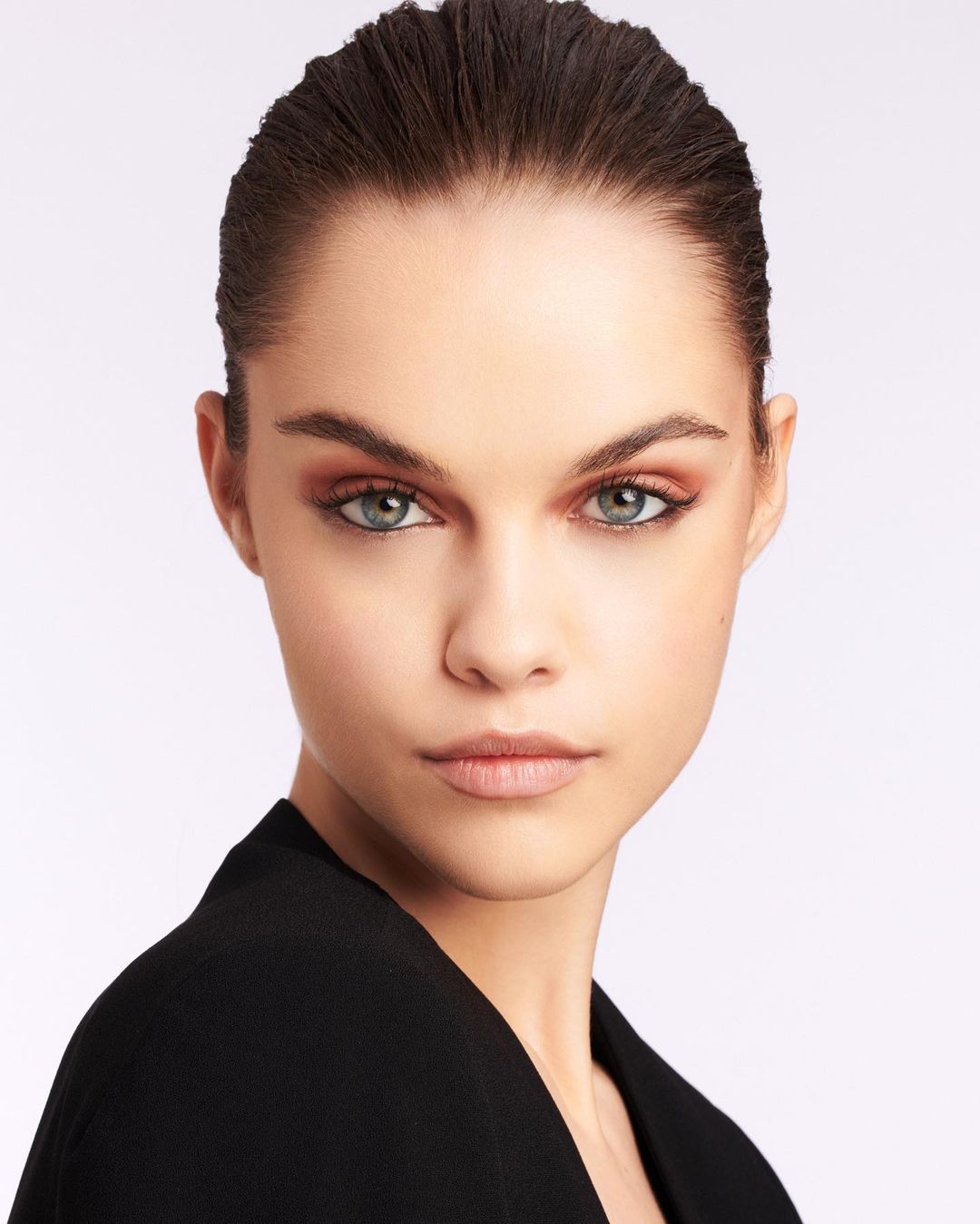
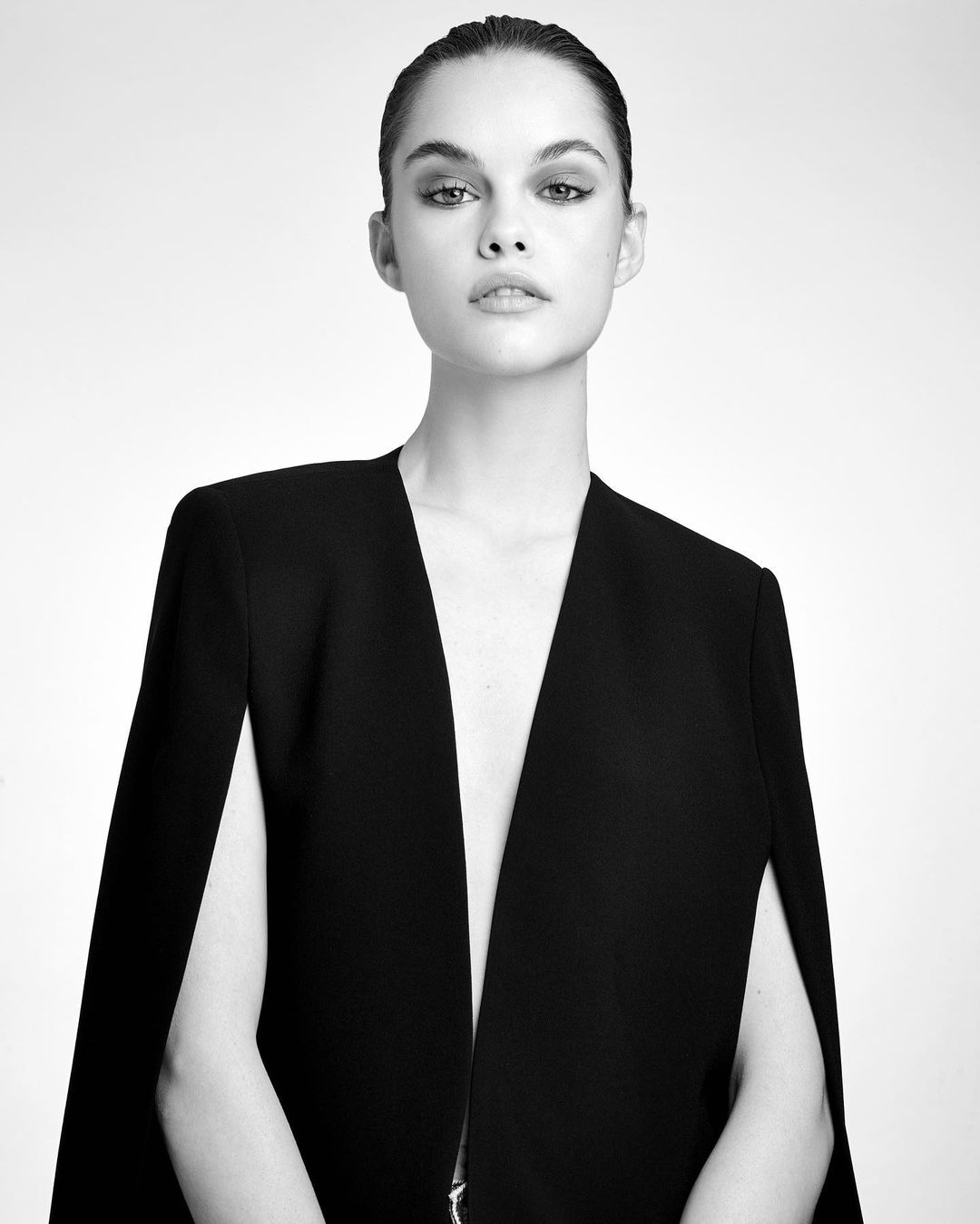
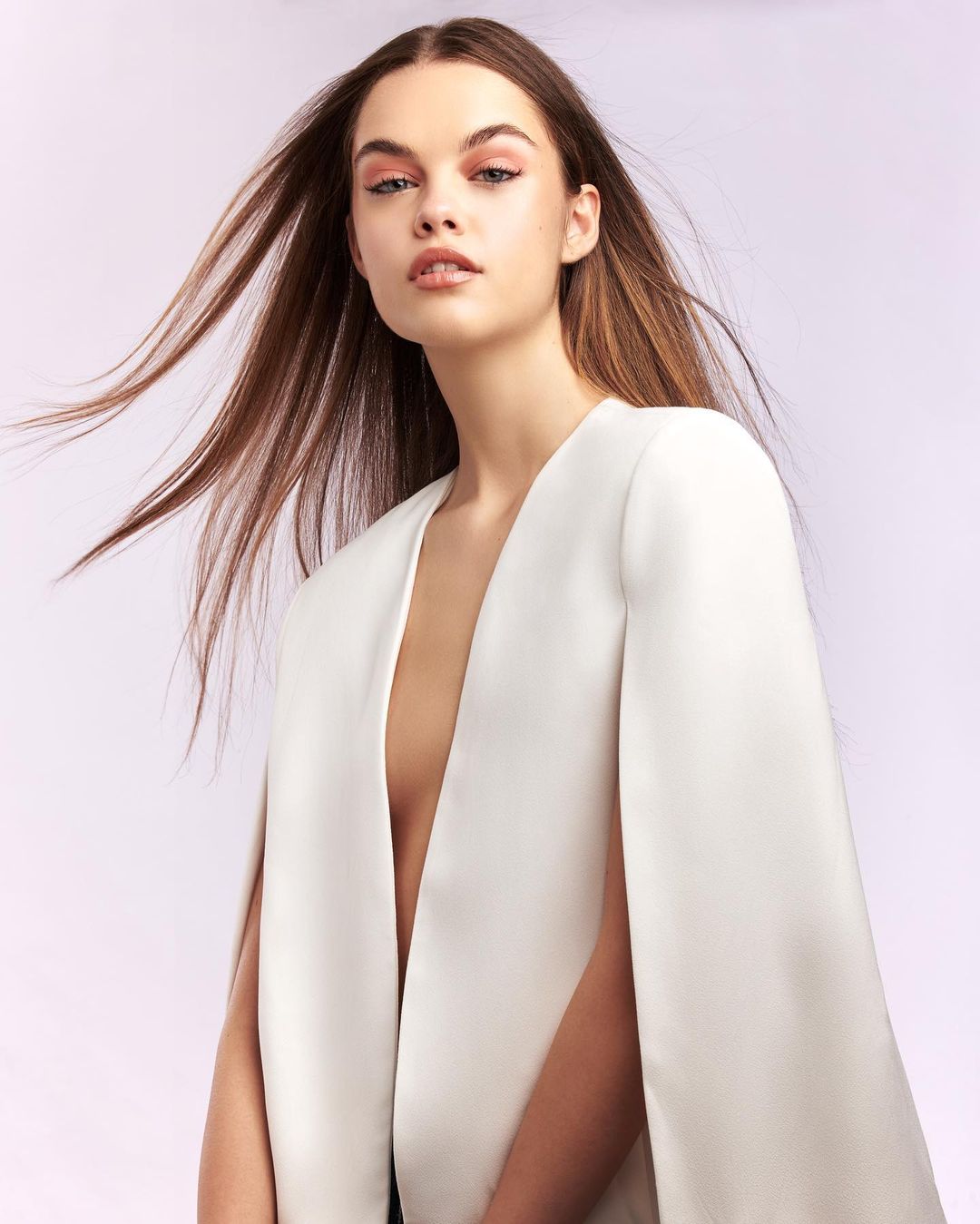
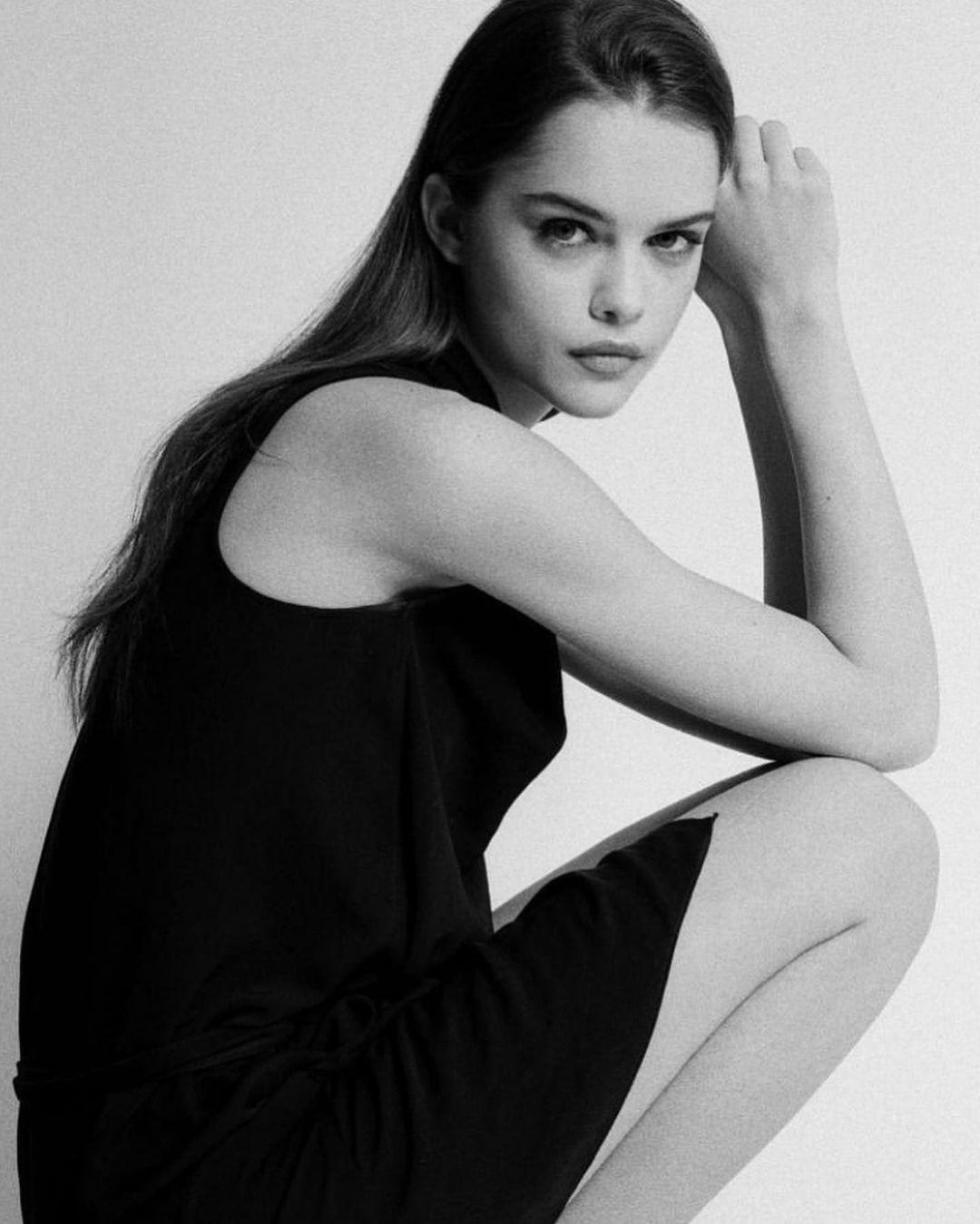
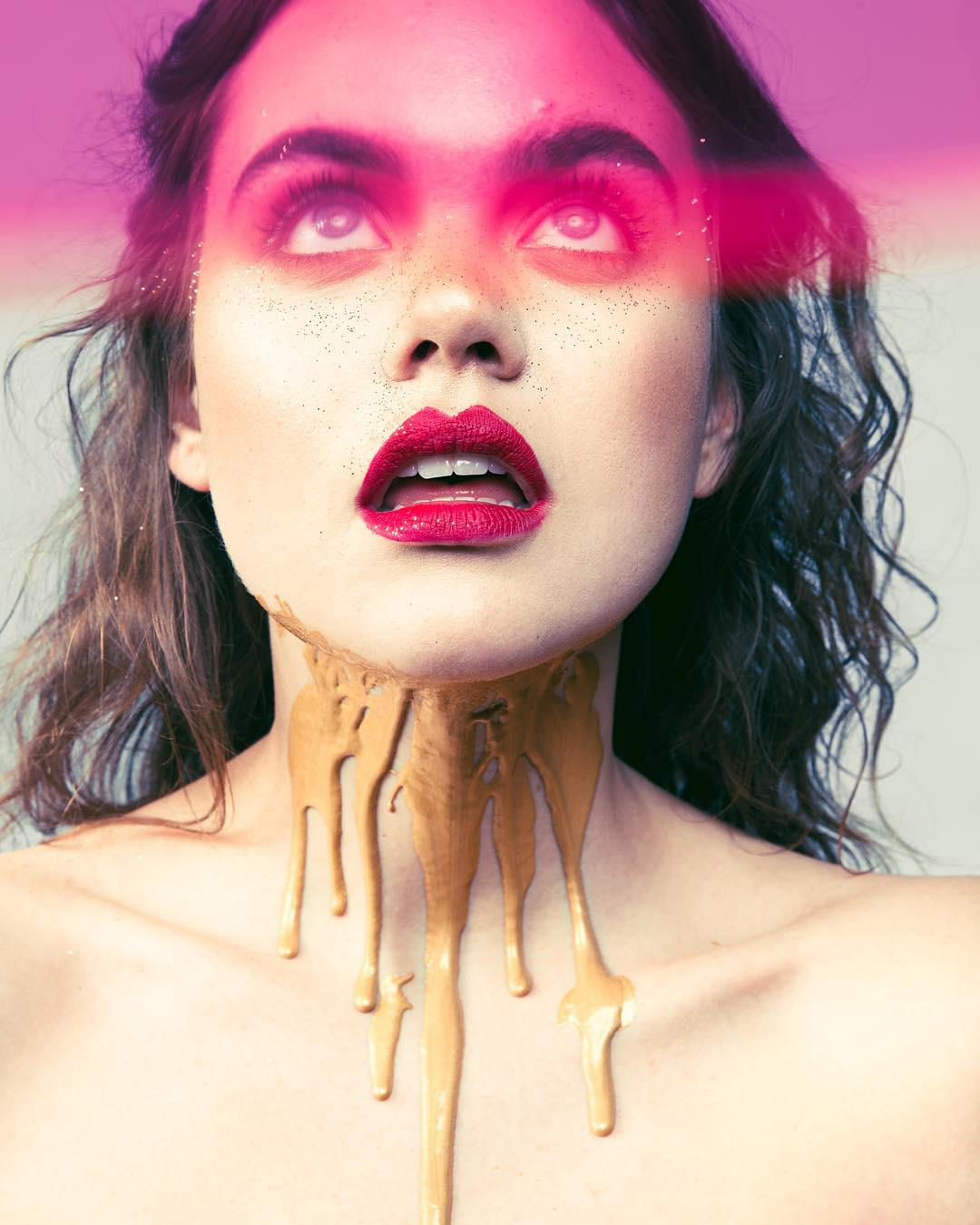
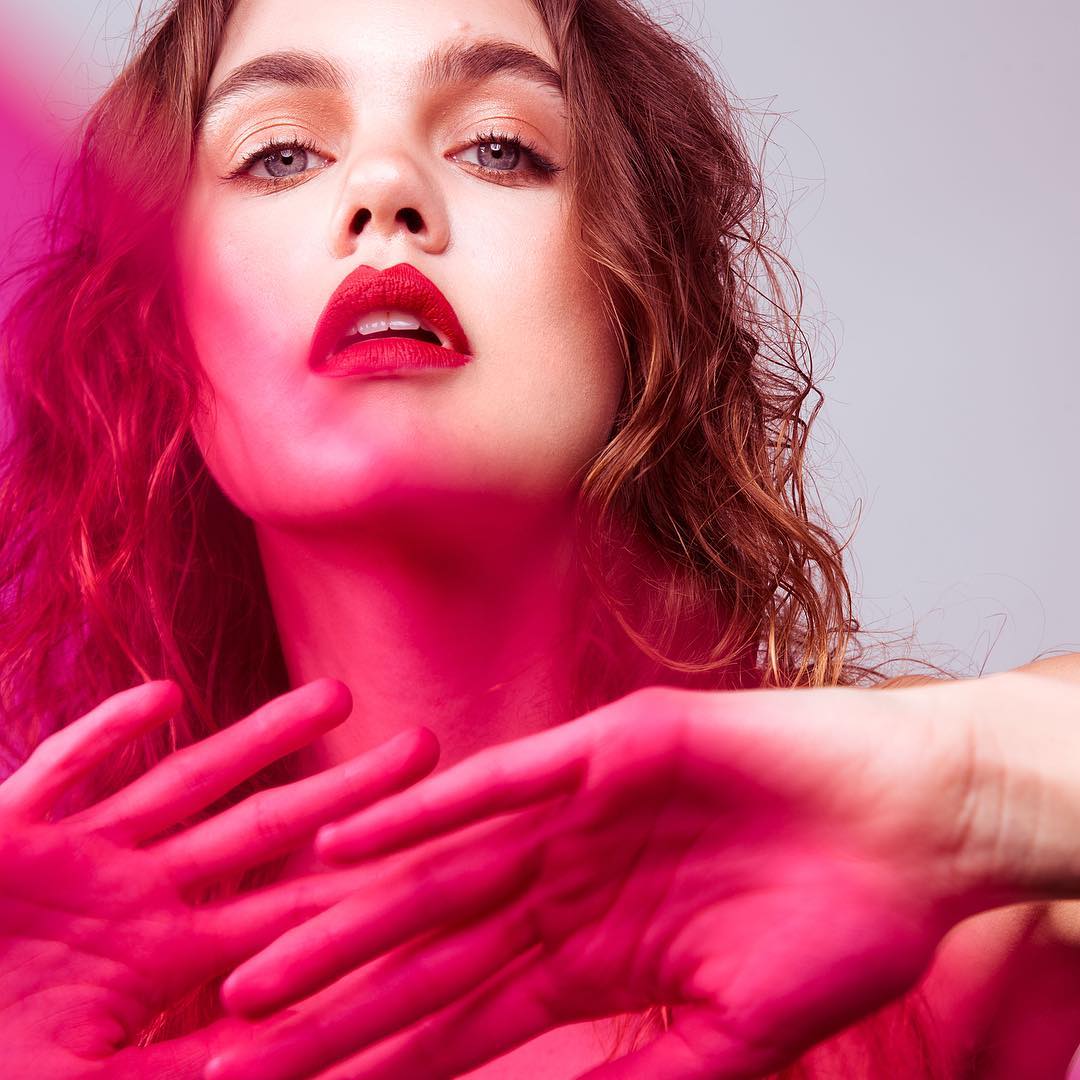
  1. By Marija Andric for Machika the Label 140217068_767032100835086_2810117593741226362_n.mp4
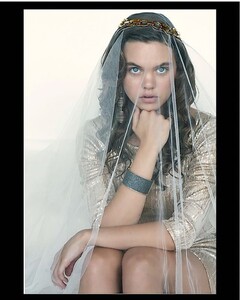
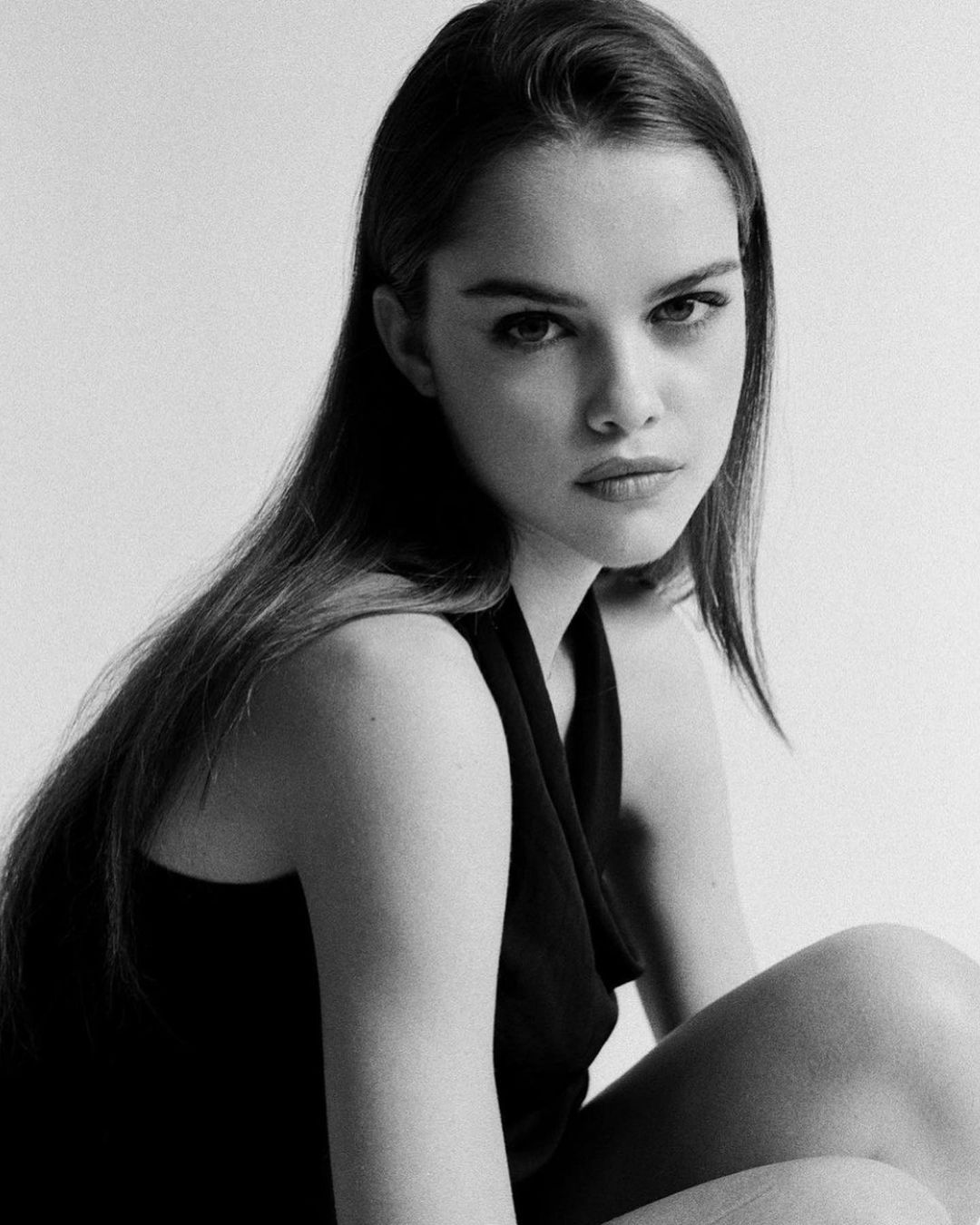
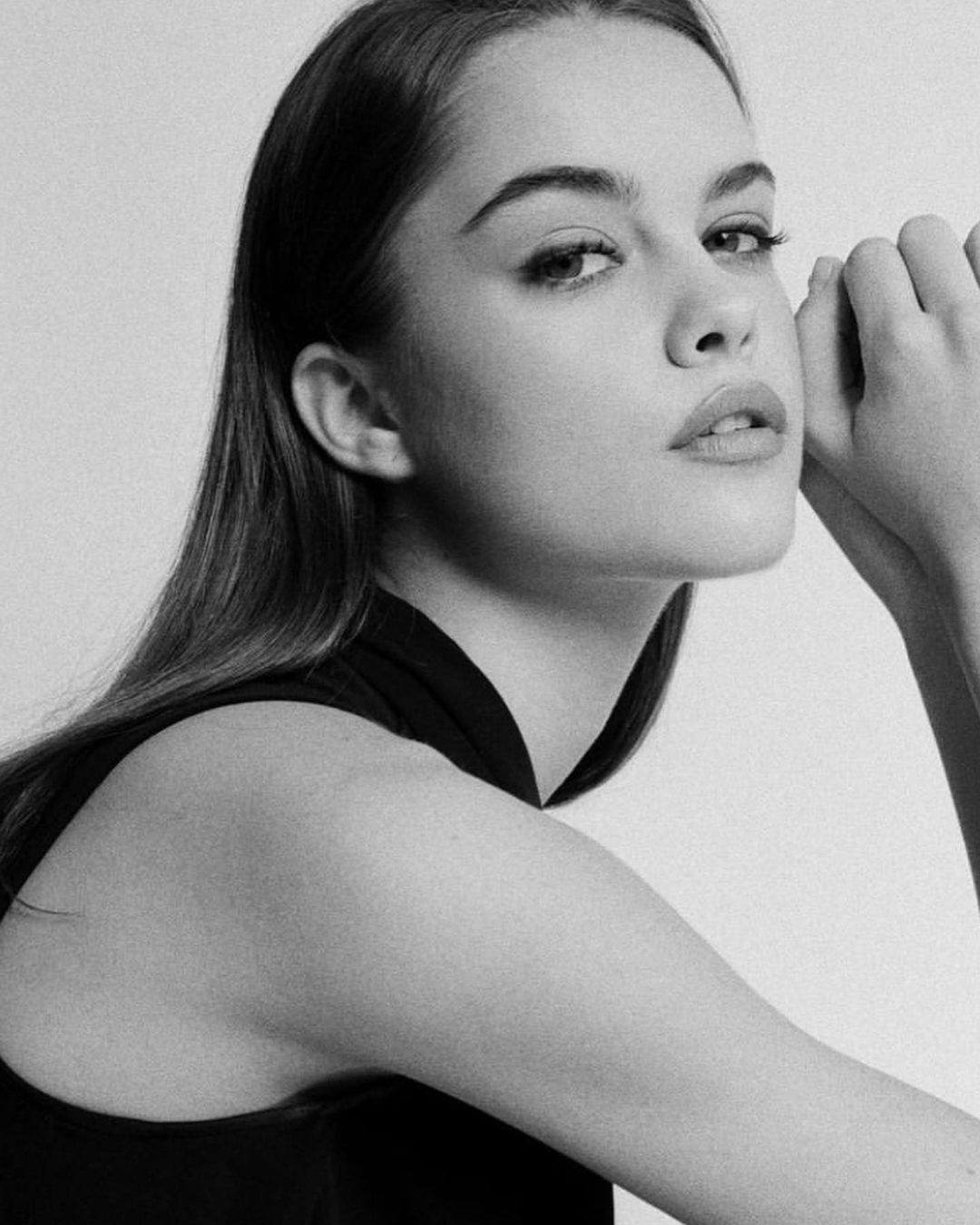
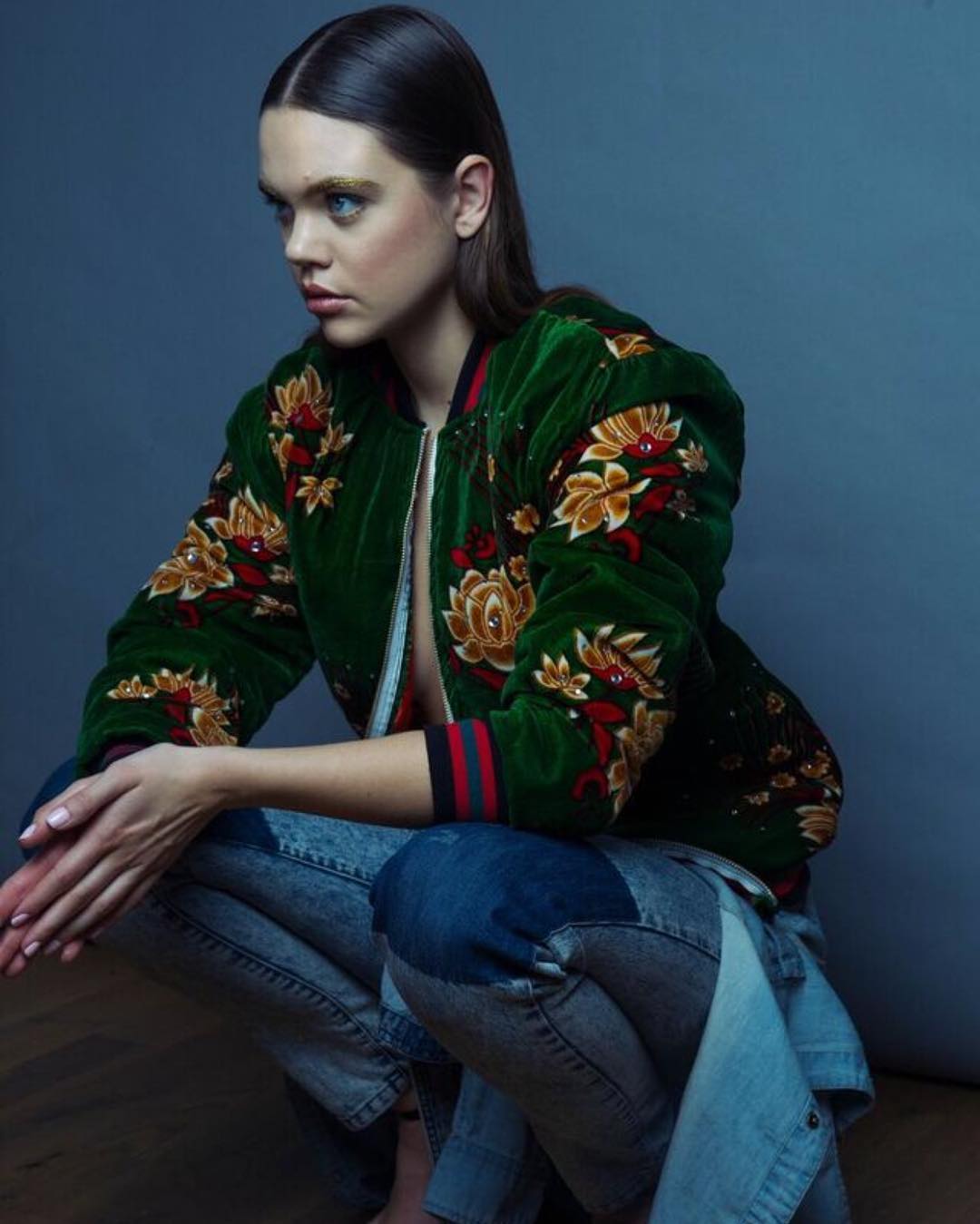
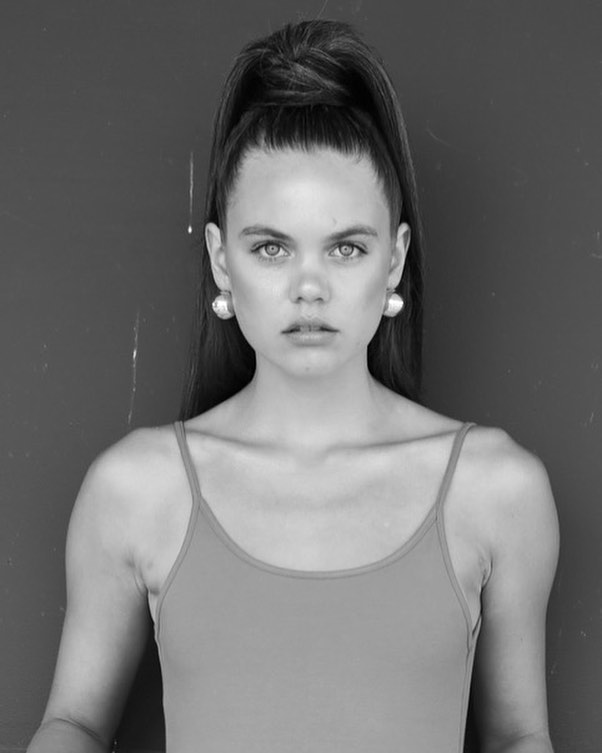
  2. by Miloš Nadaždin for Machika the Label
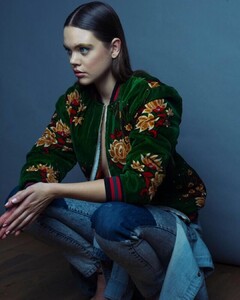
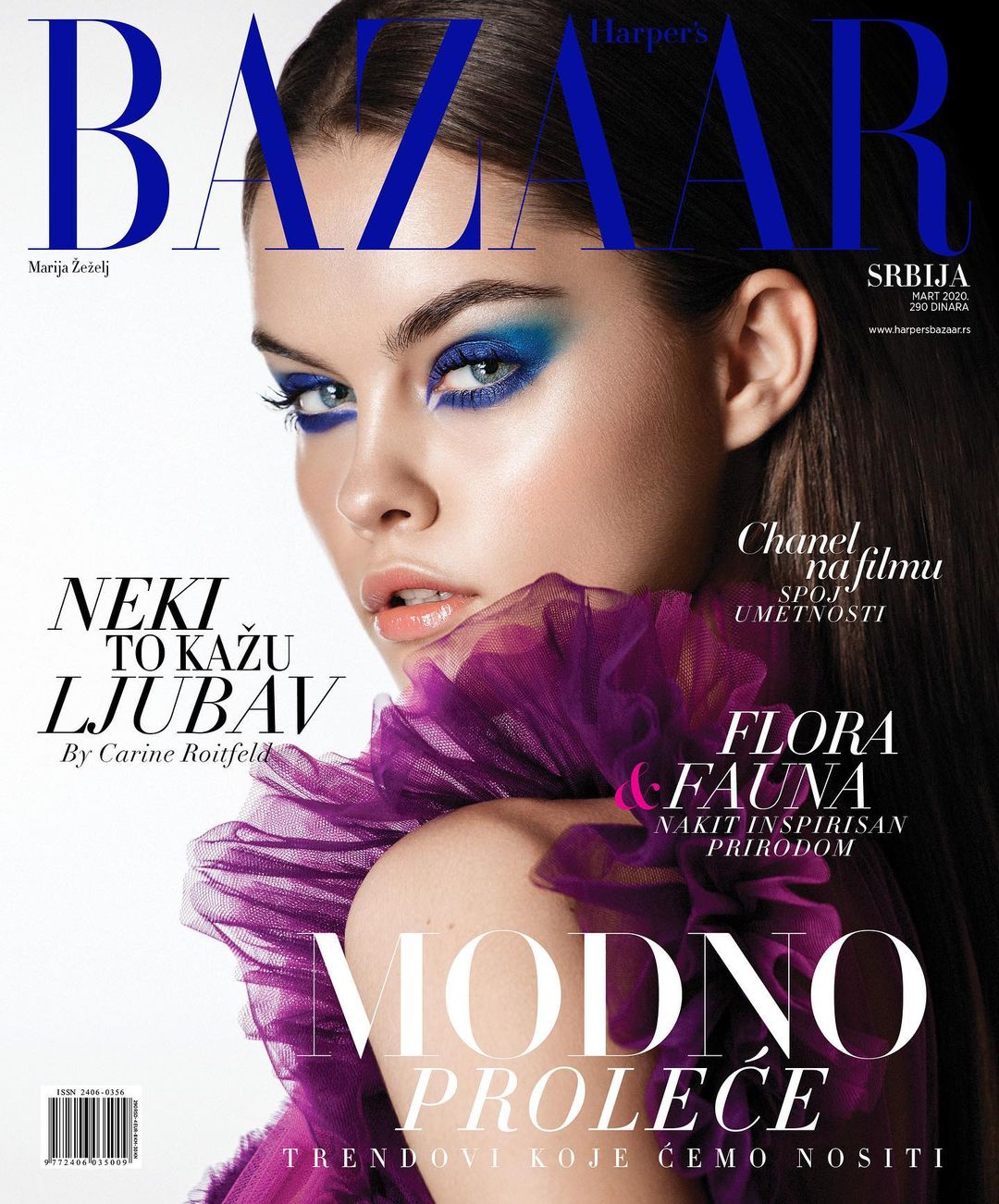
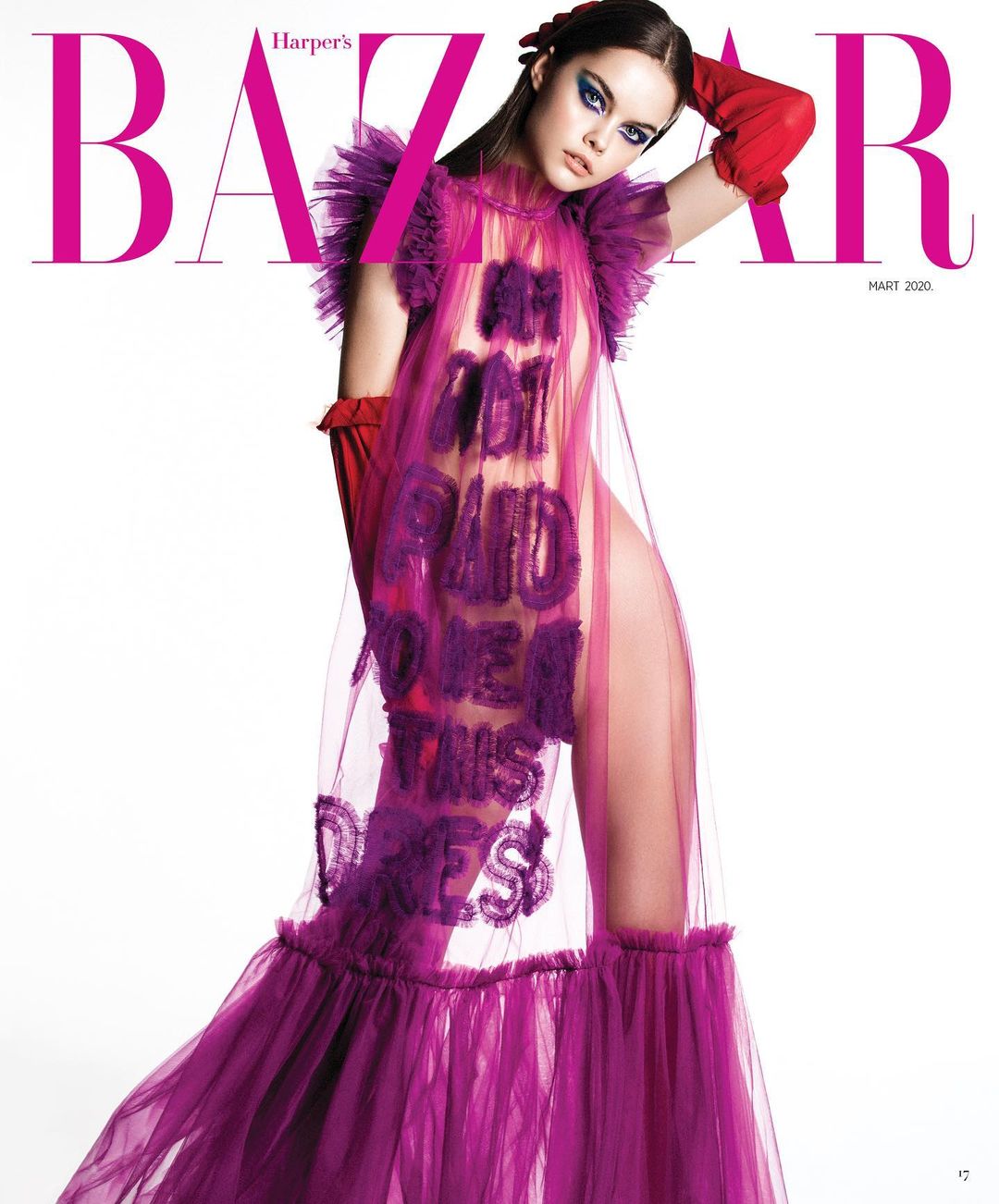
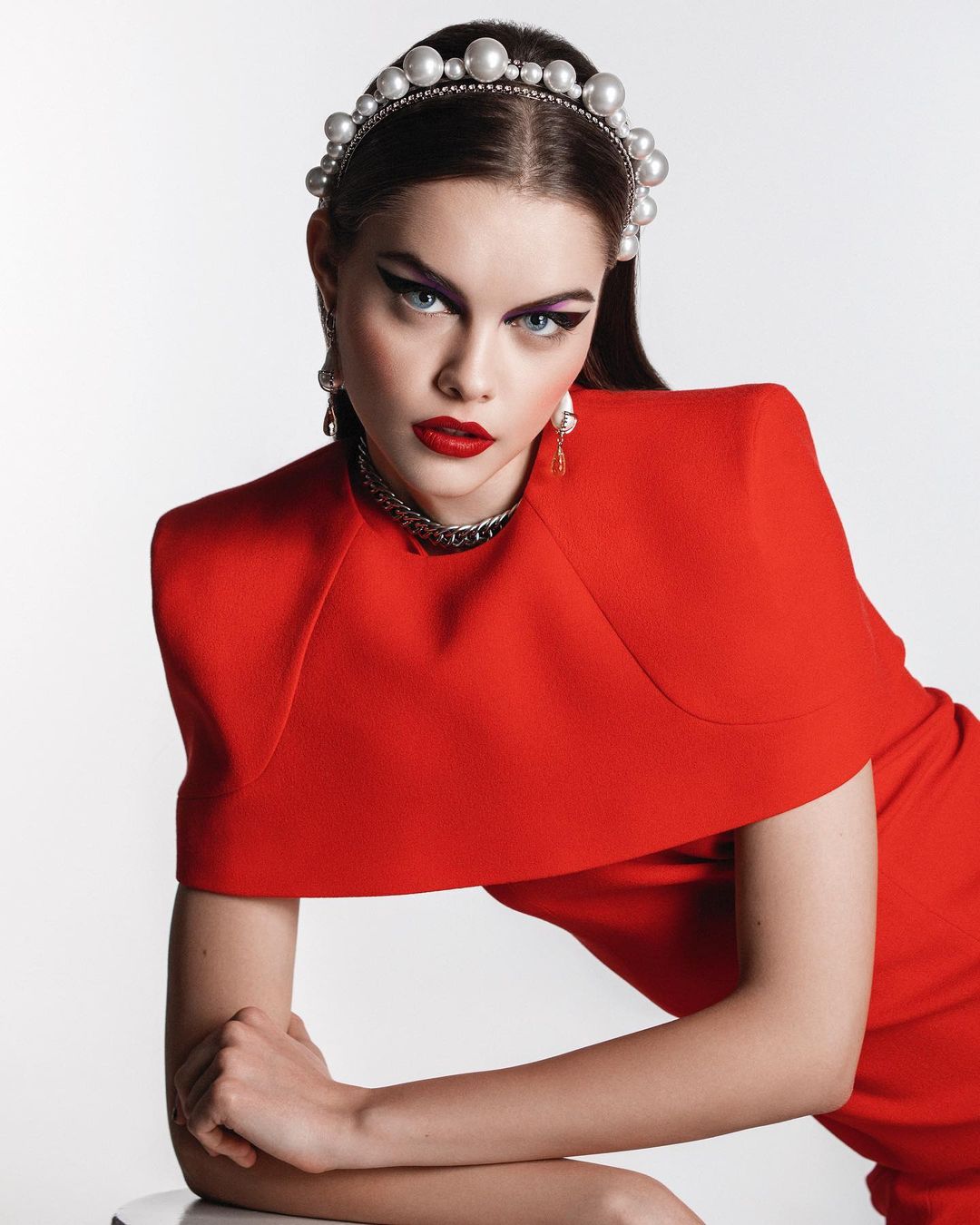
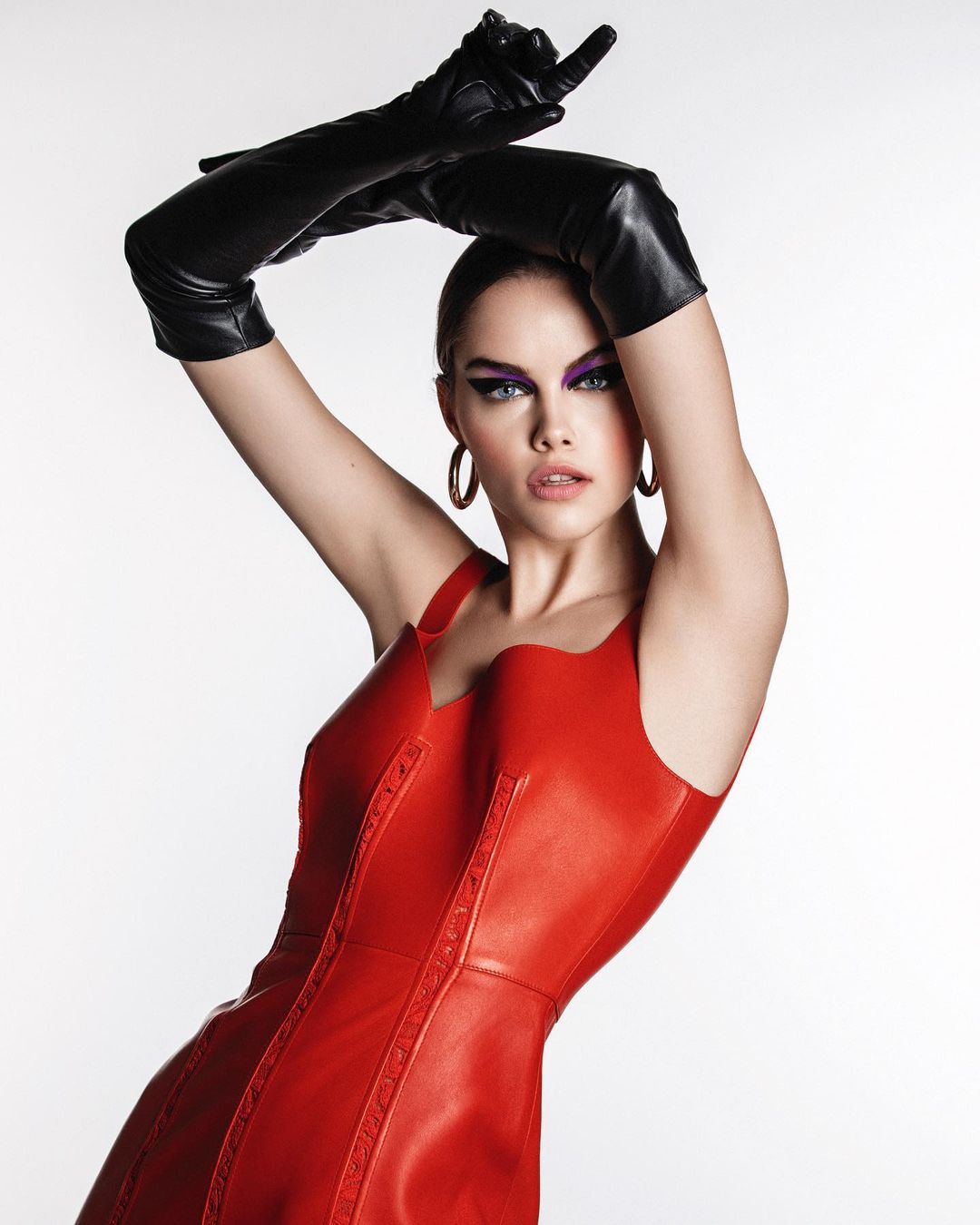
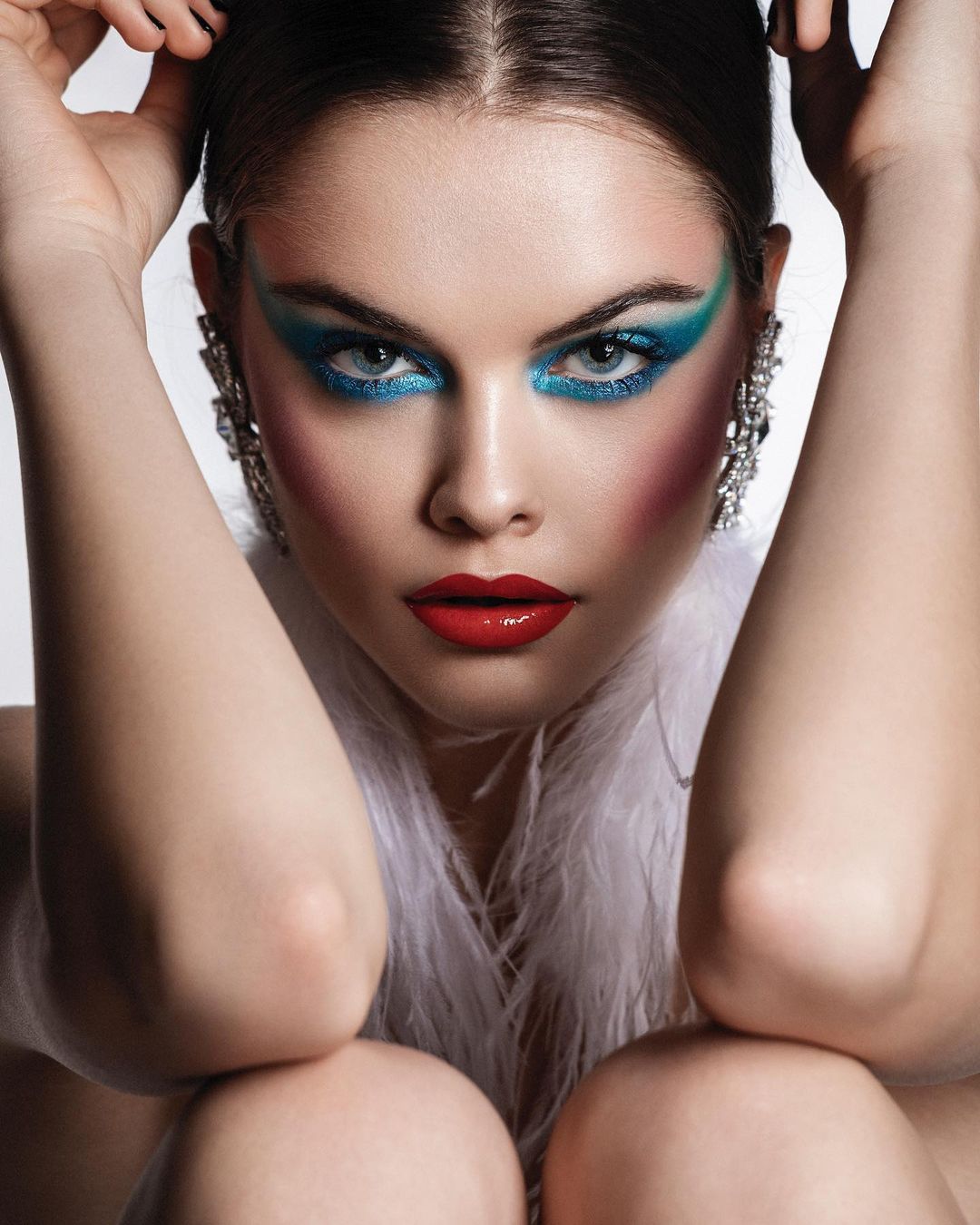
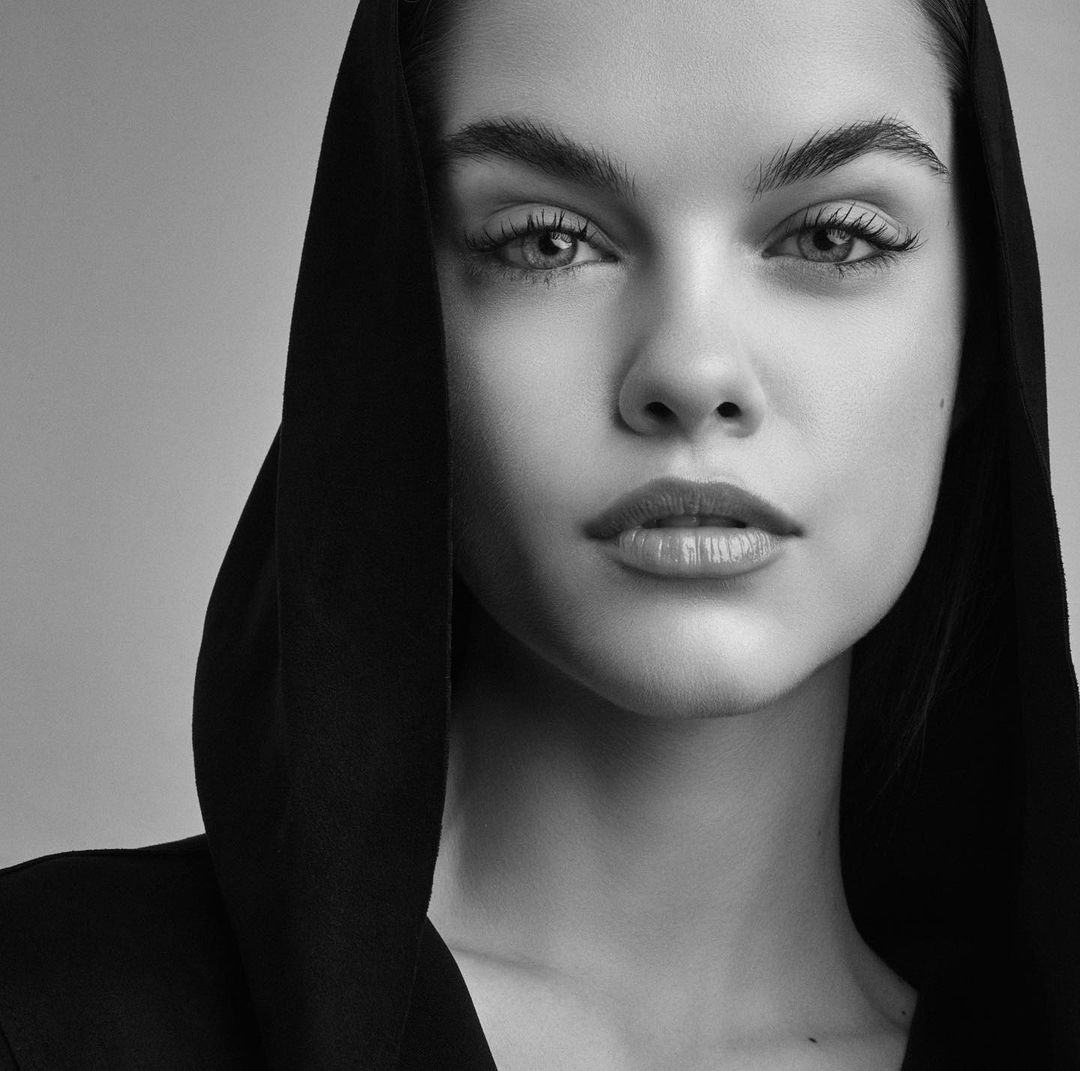
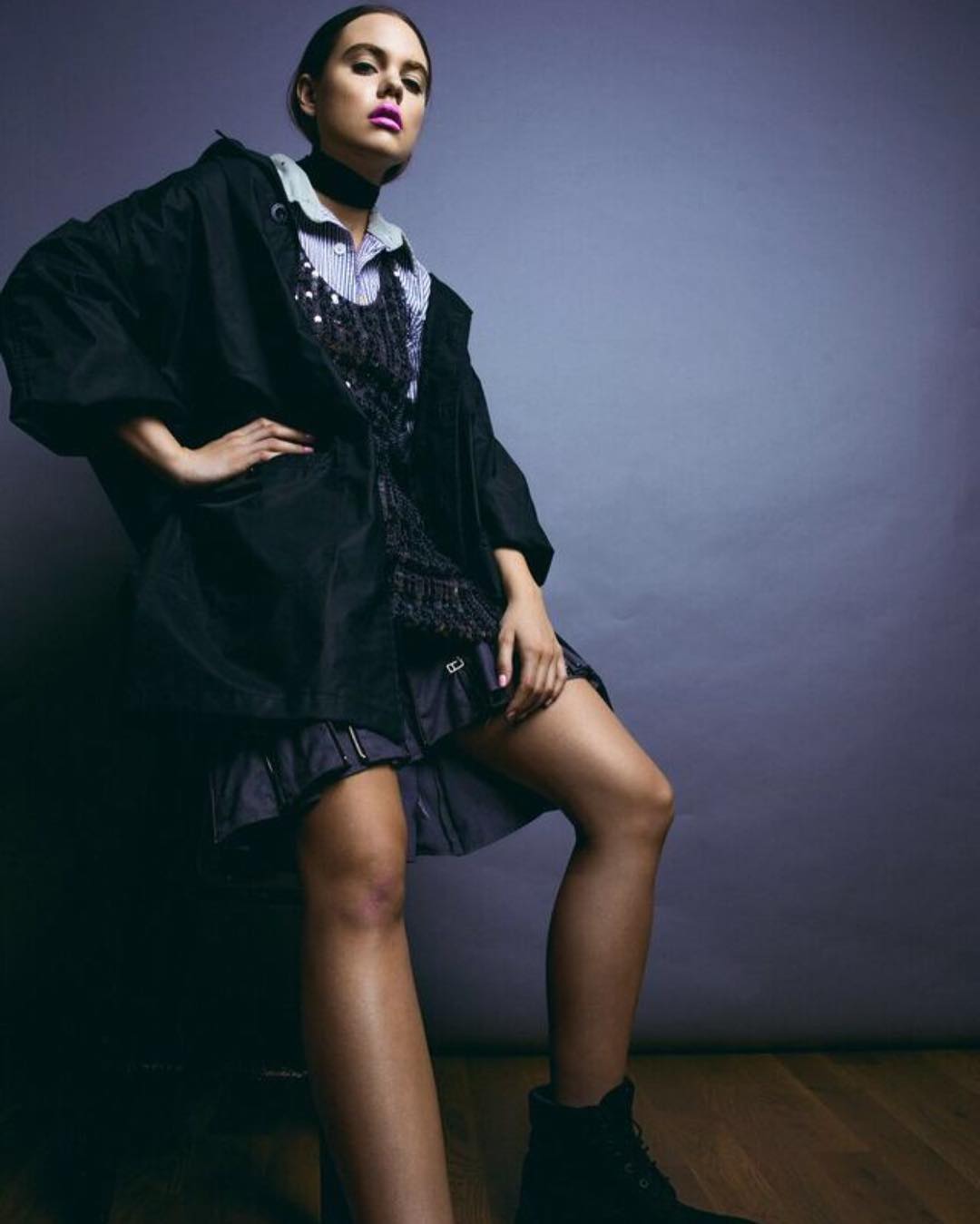
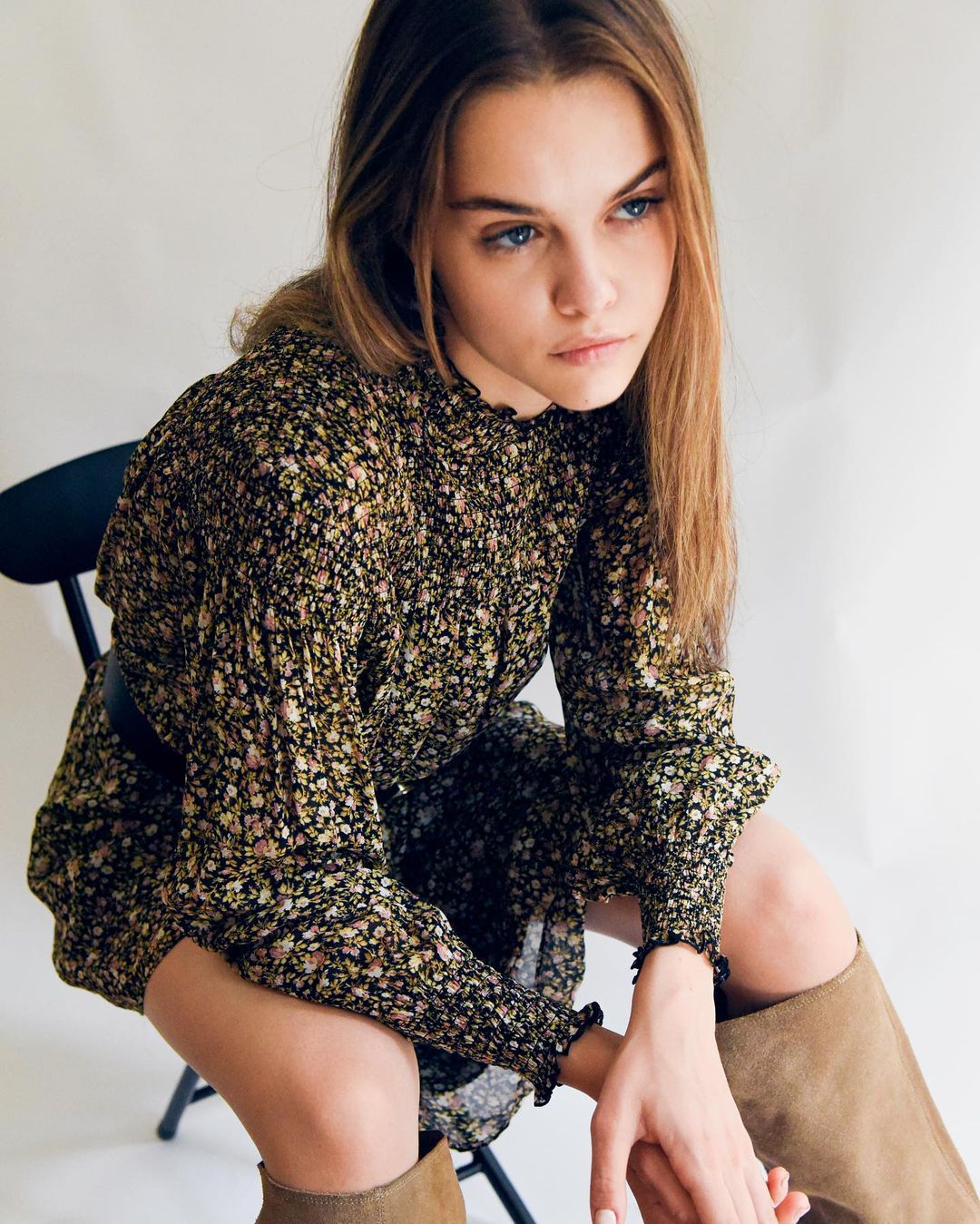
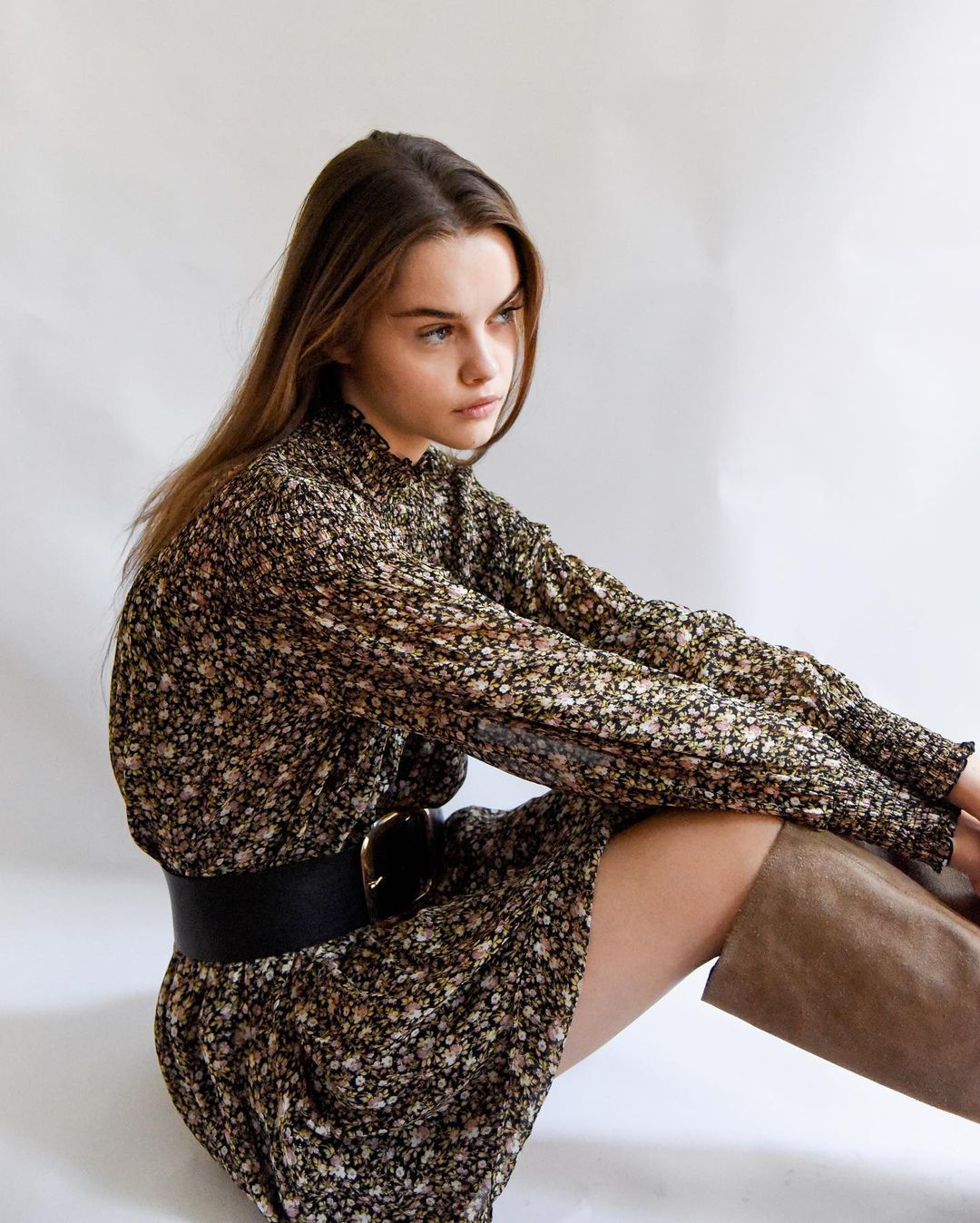
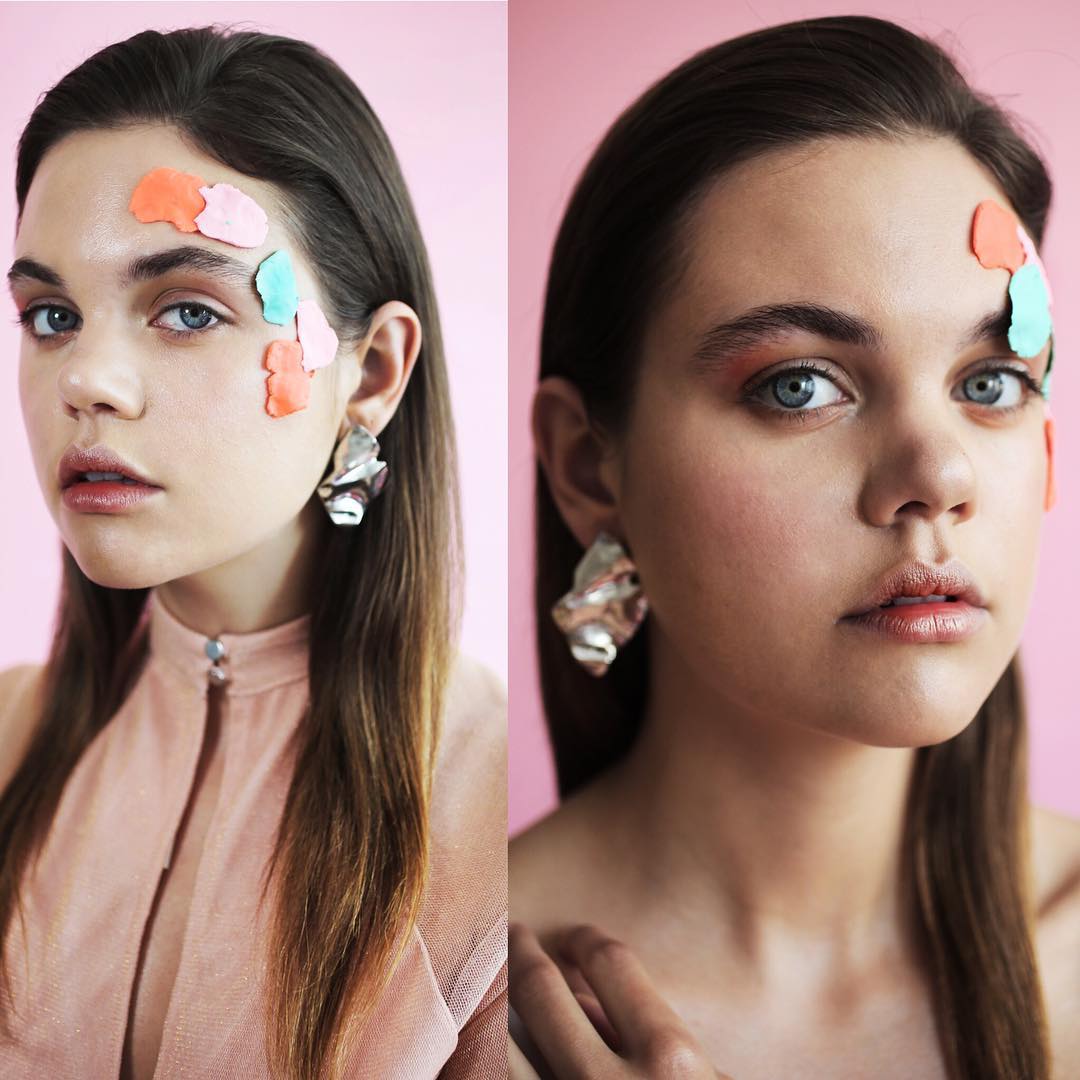
  3. For Harpers Bazaar Serbia by Miloš Nadaždin (MUA branislavmakeup, stylist Petar Trbovic, hair by Đurđica Ivanović)
  4. For Jacob Lee Clothing
  5. By Jancarlo Cortez (MUA Jelena Silver, assistant Nick Tsirogiannidis) (video by Luciano Stofel) 82305620_106040837479822_648913388112889342_n.mp4
  6. By Nick Stokes (MUA Avery Golson)
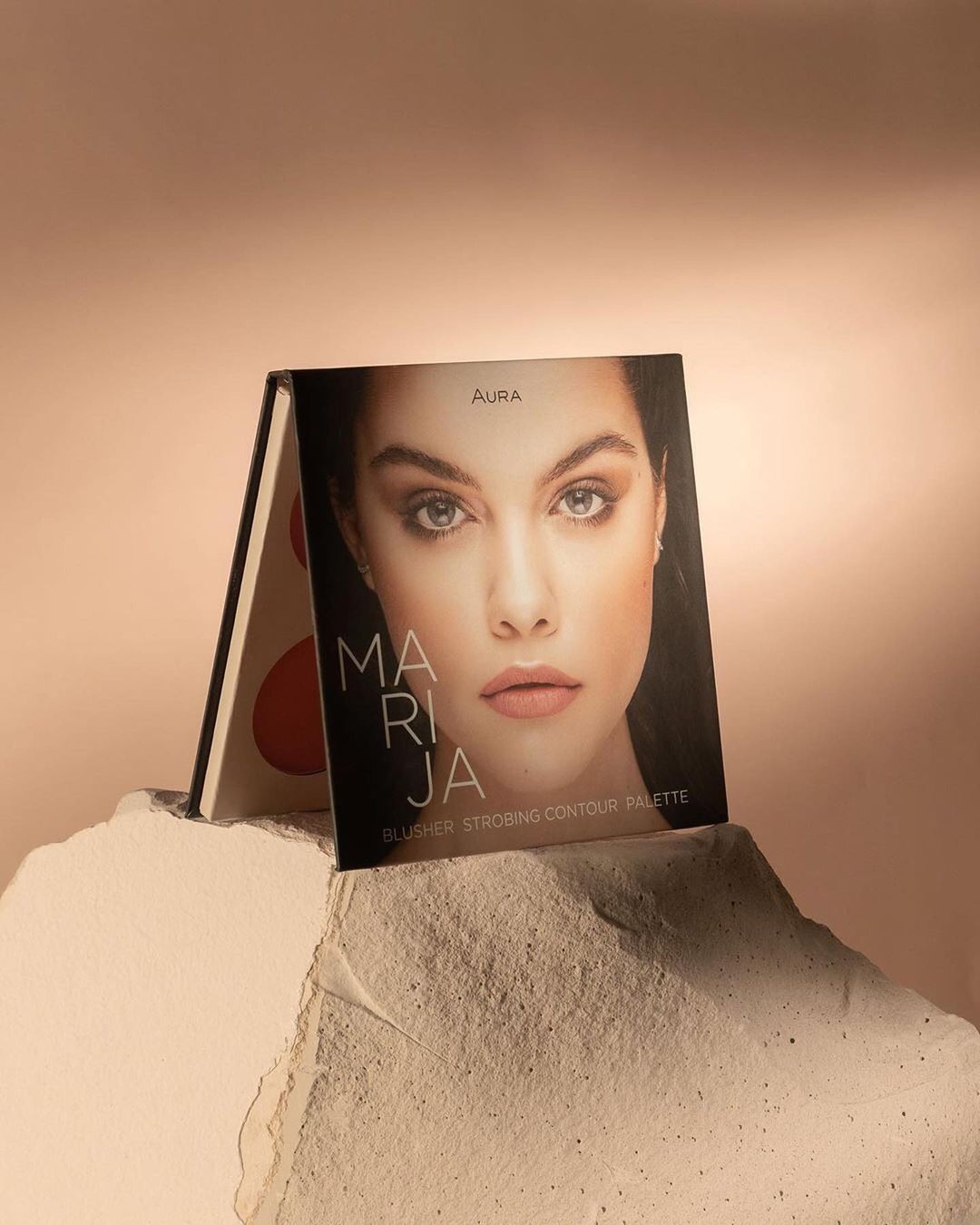
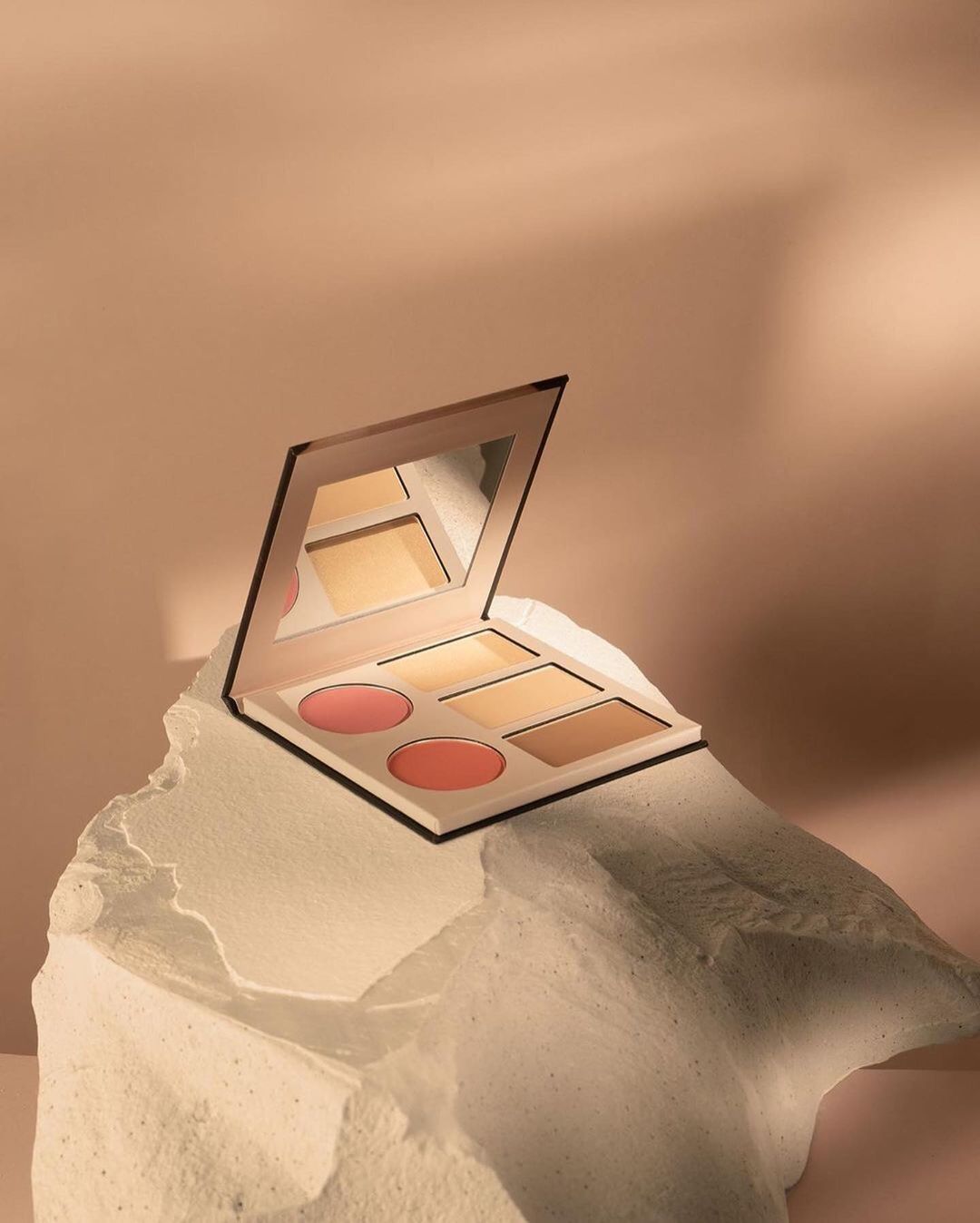
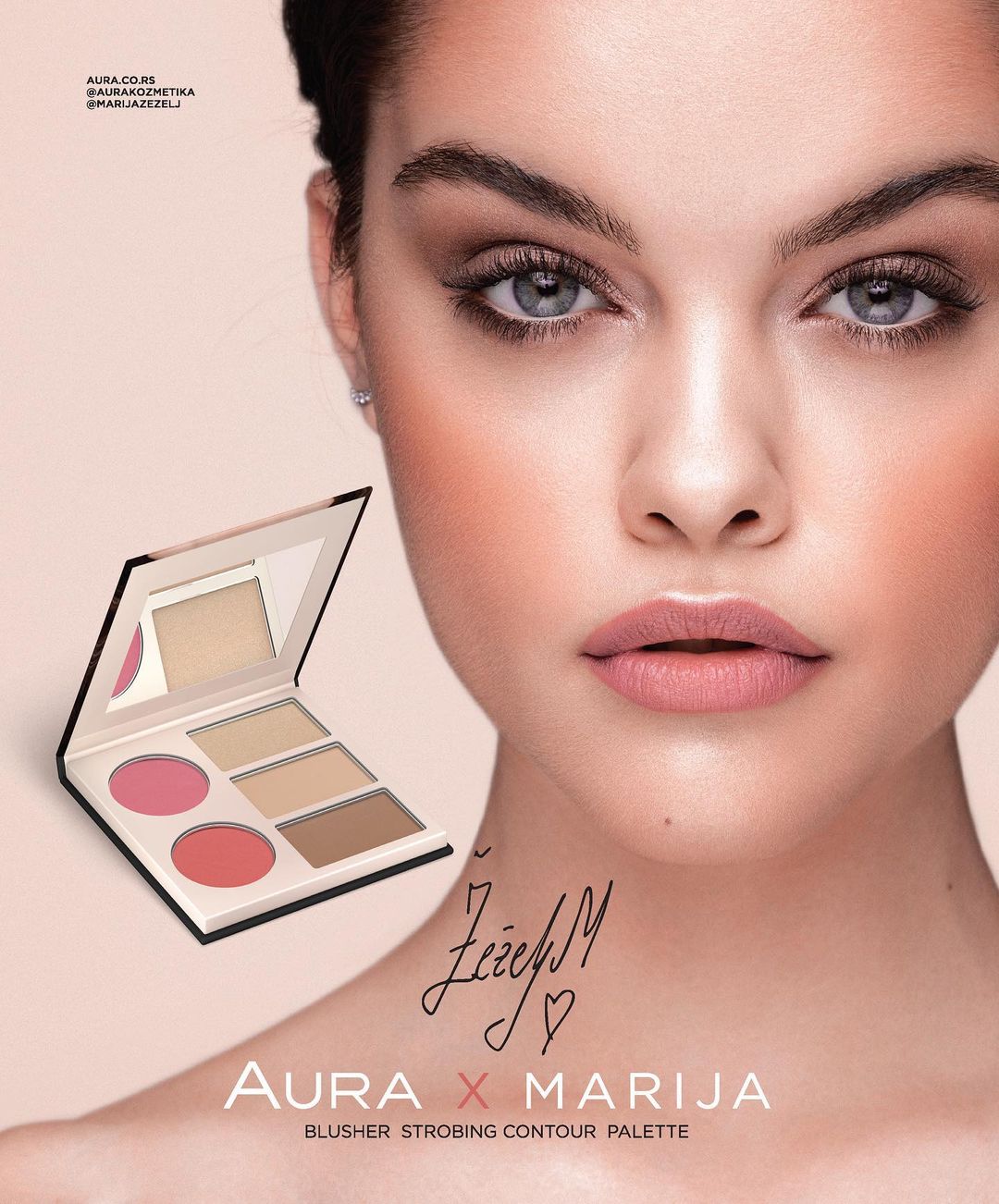
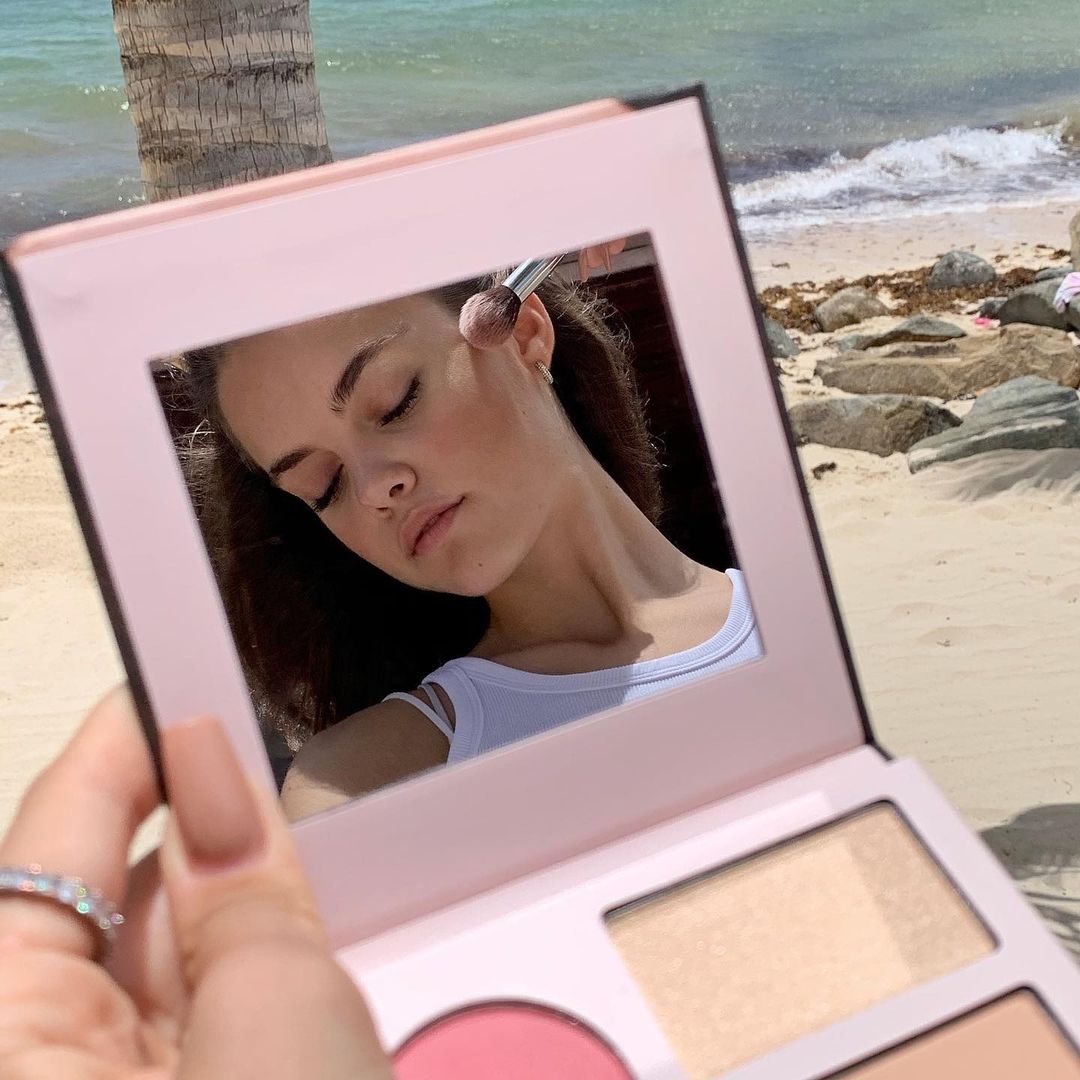
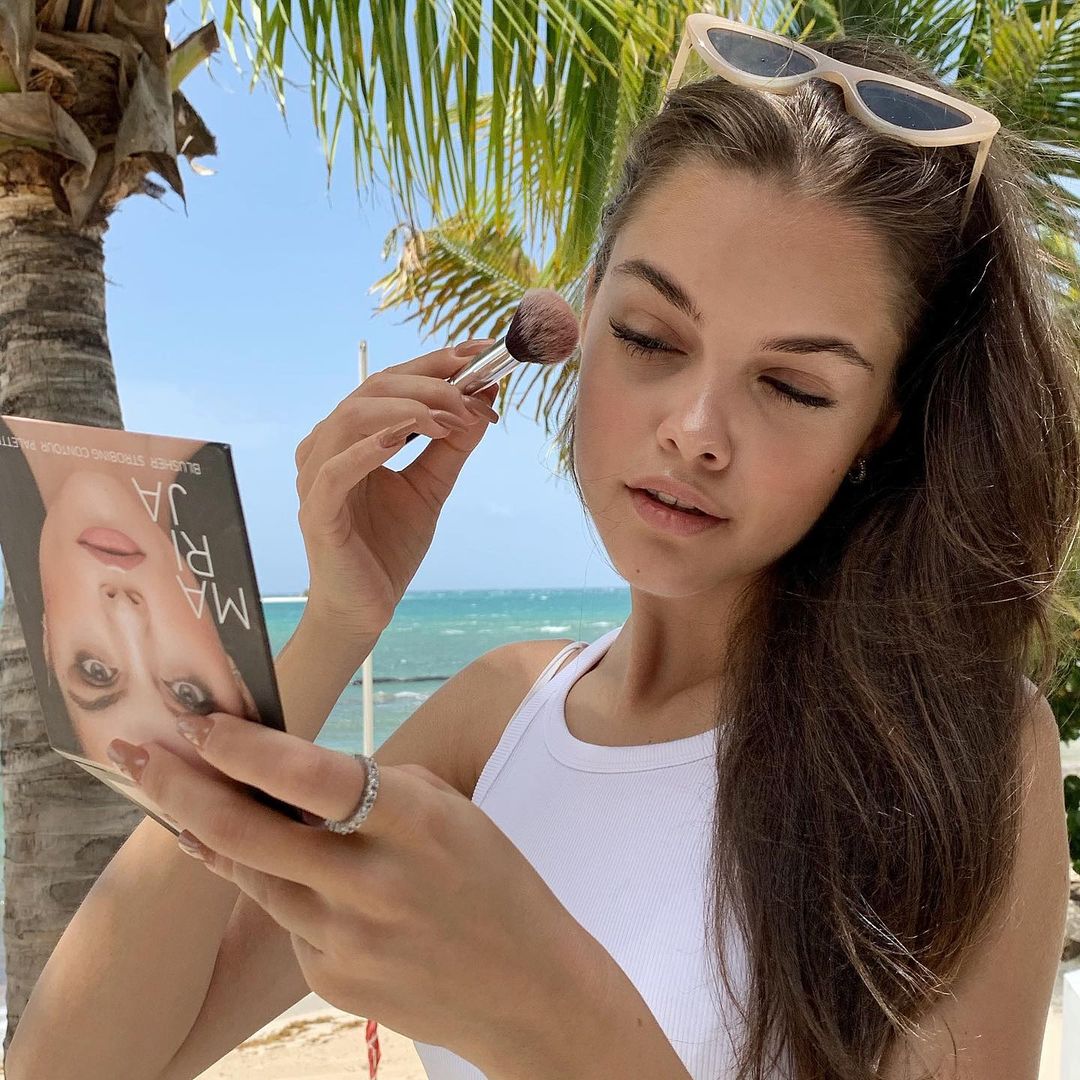
  7. Aura IG for the pallete collaboration they did with her 150479422_547461046213734_489981381885492985_n.mp4
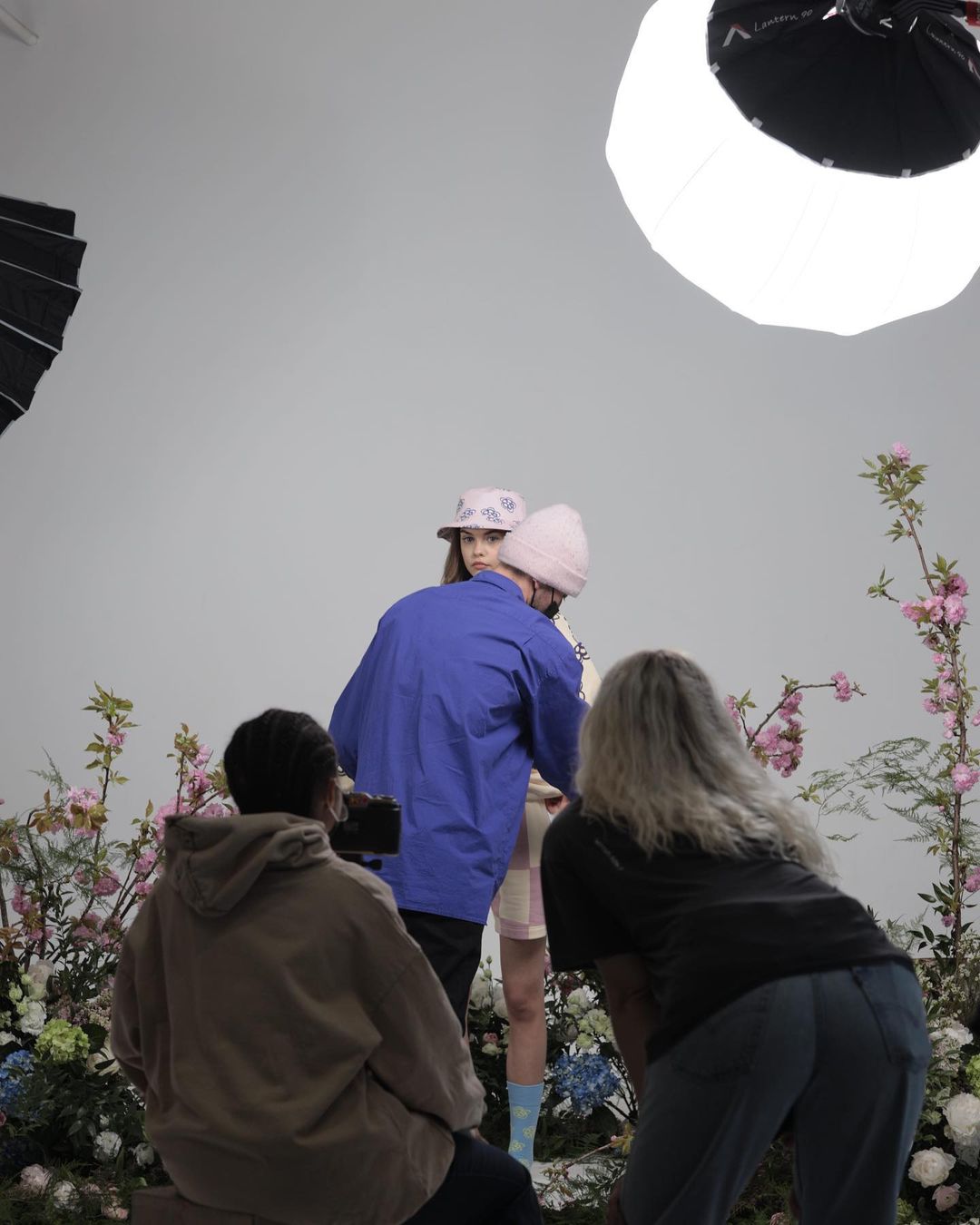
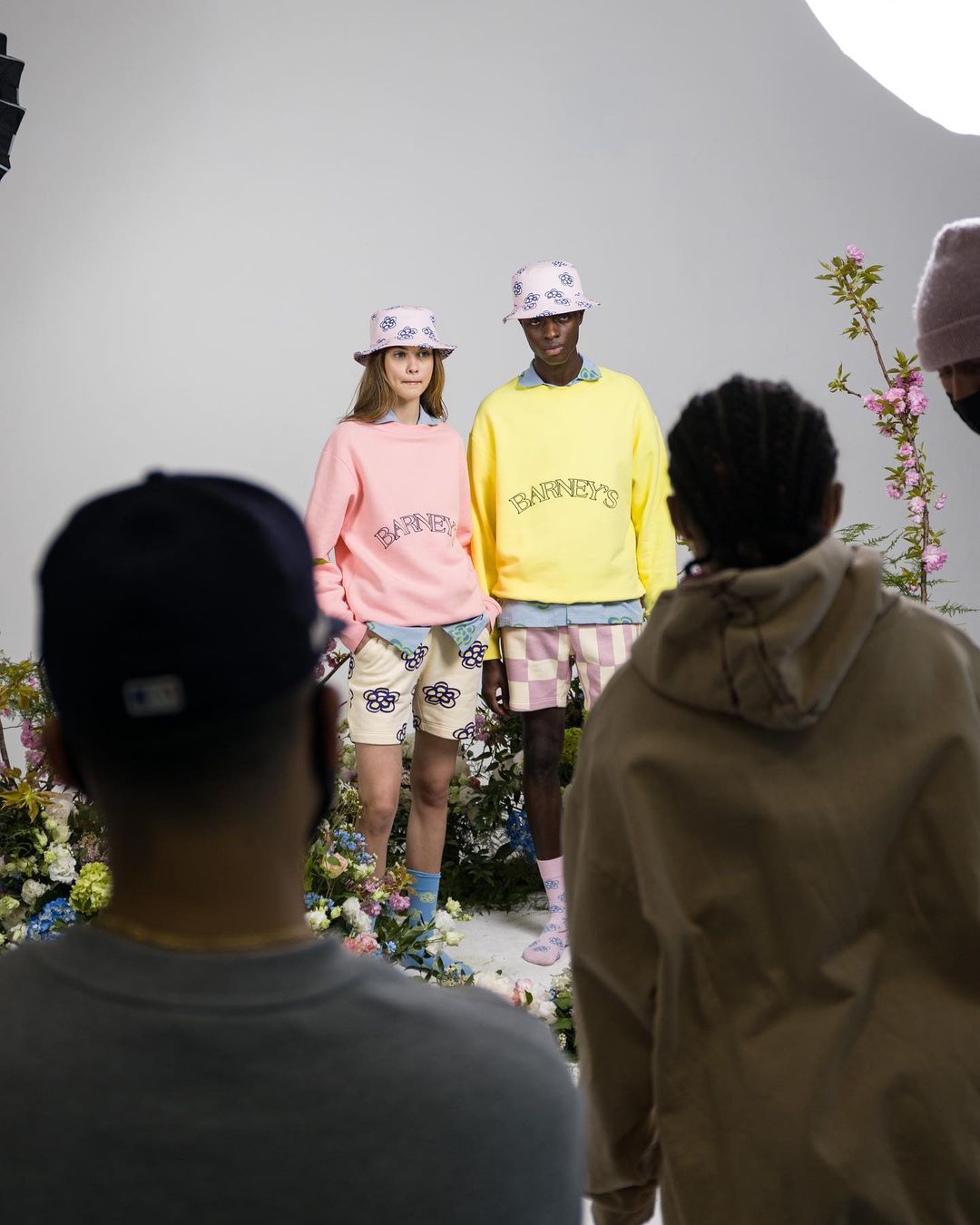
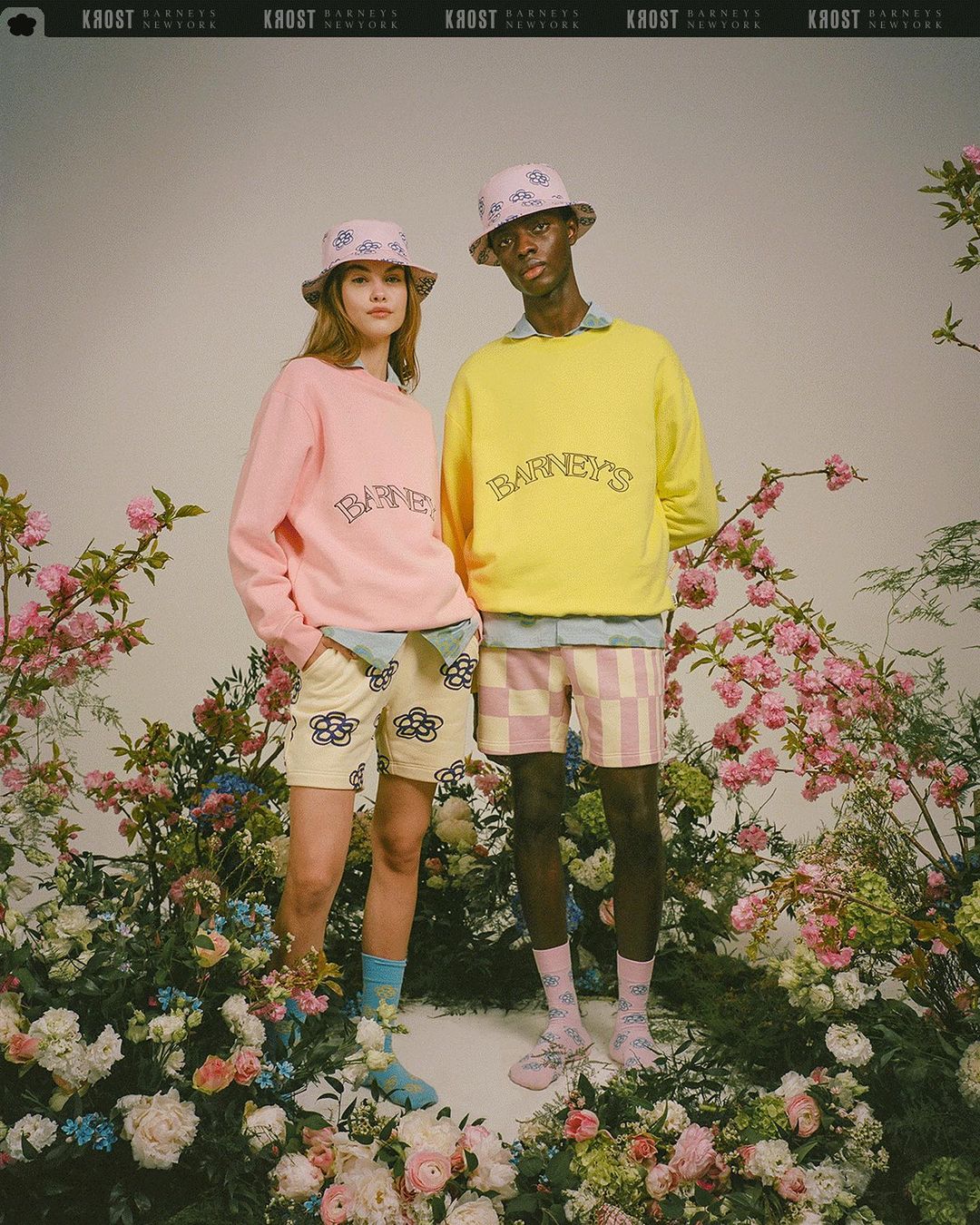
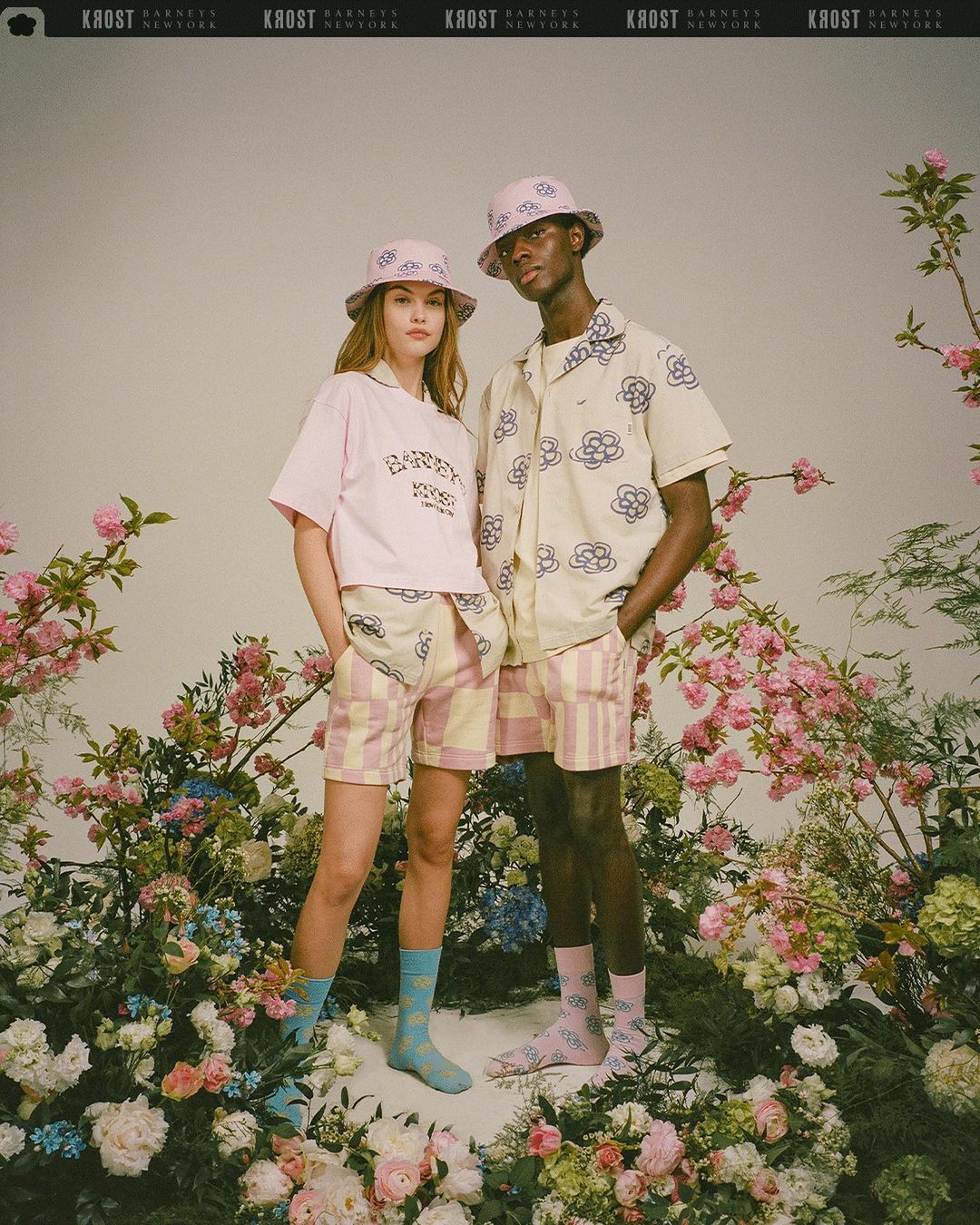
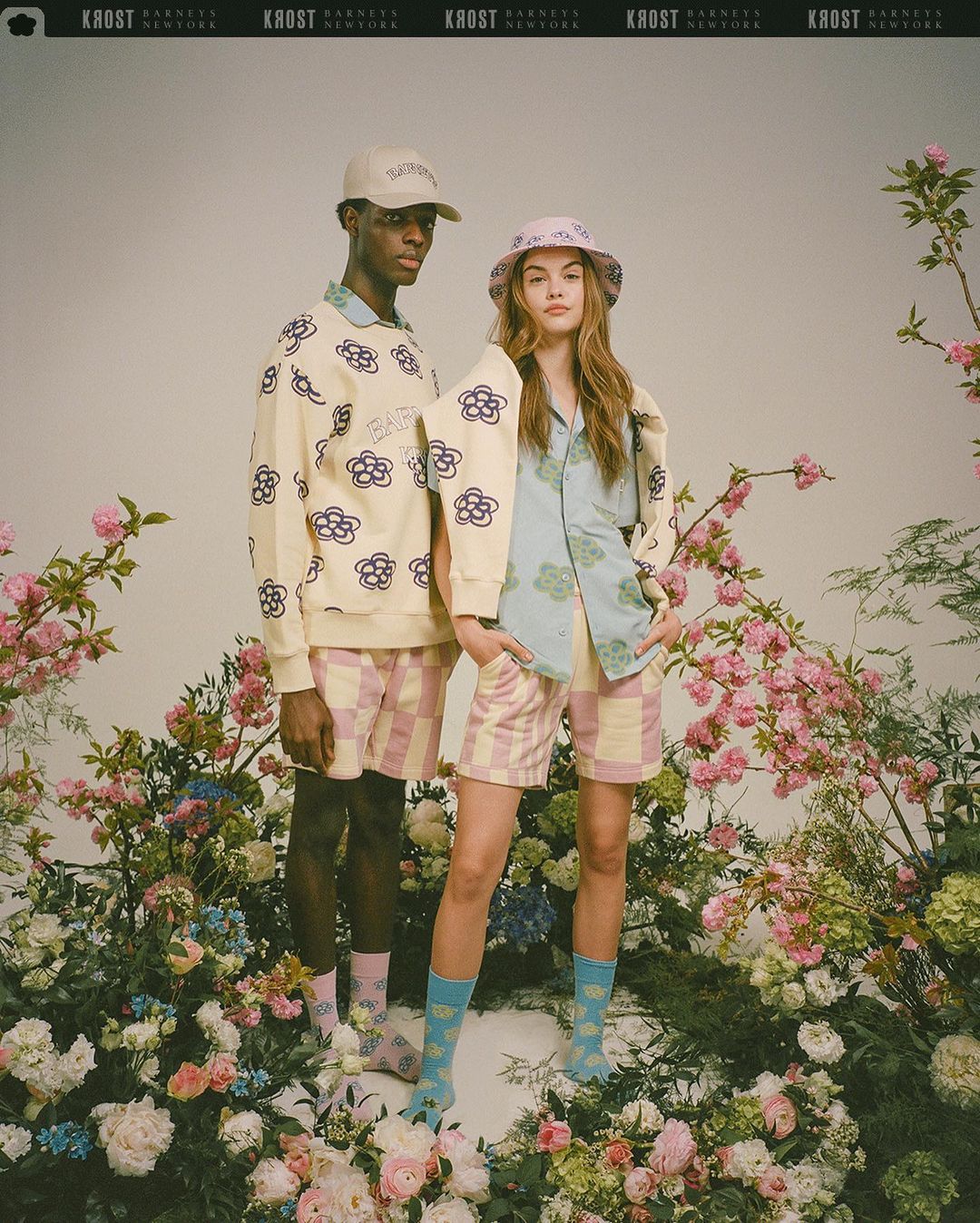
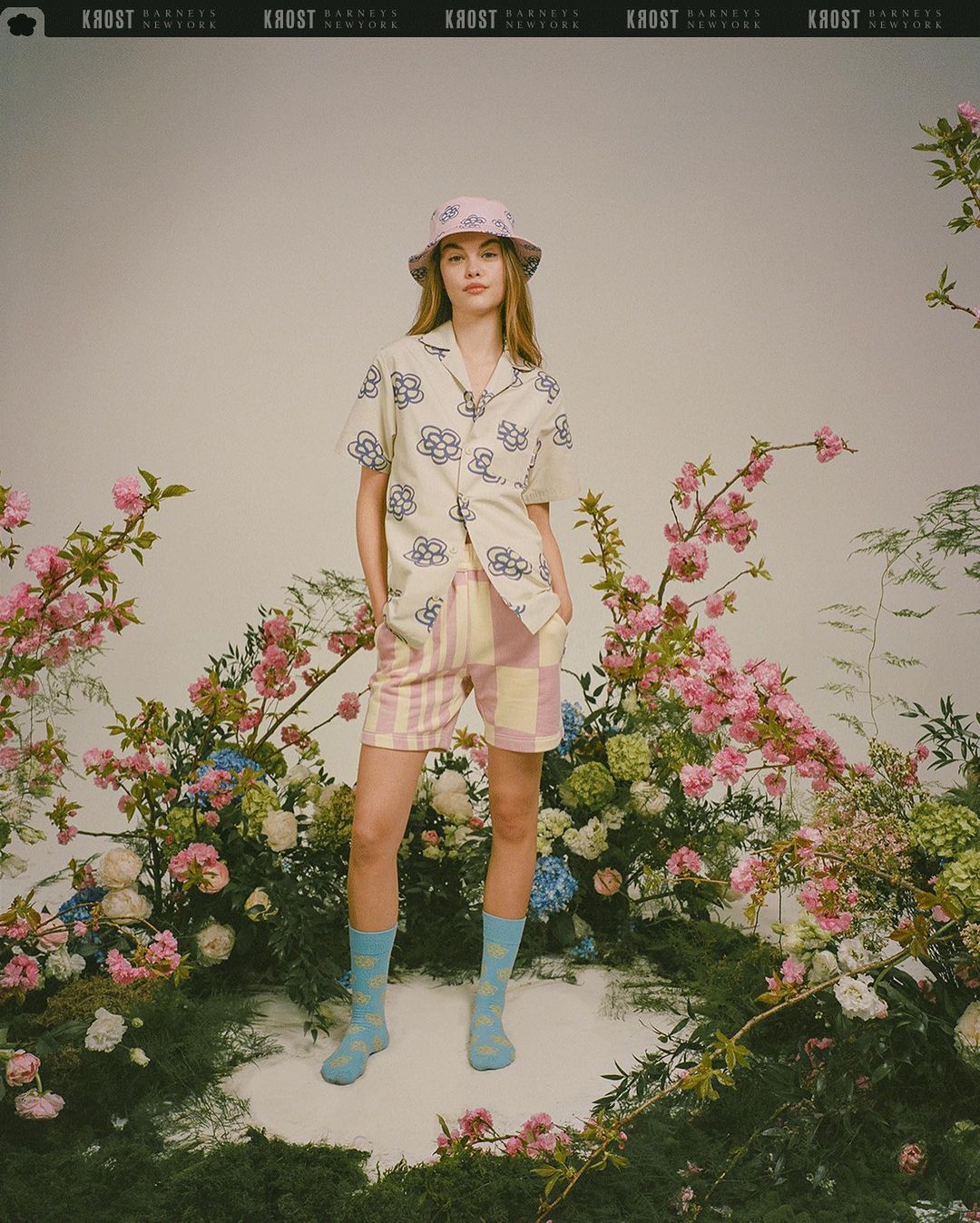
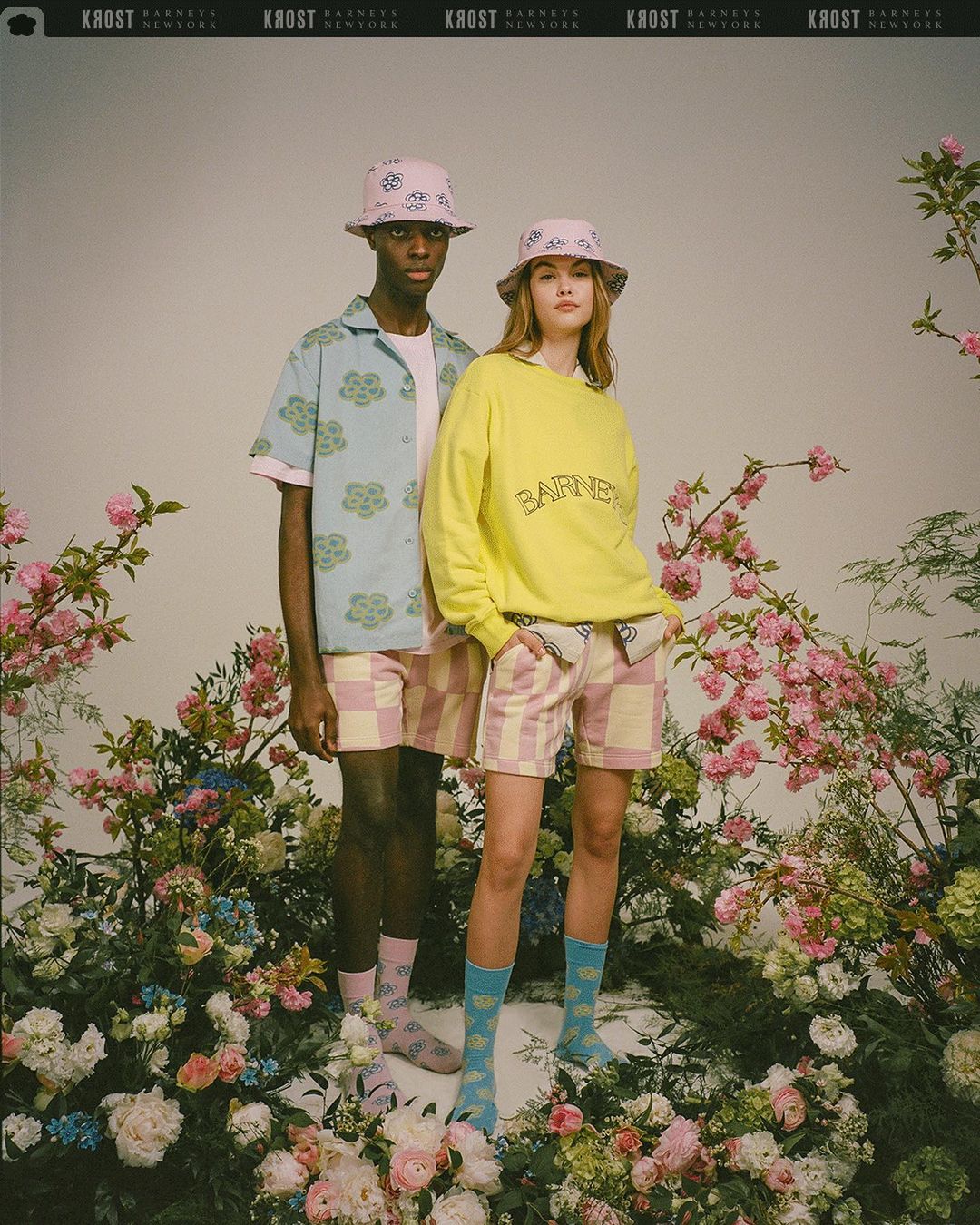
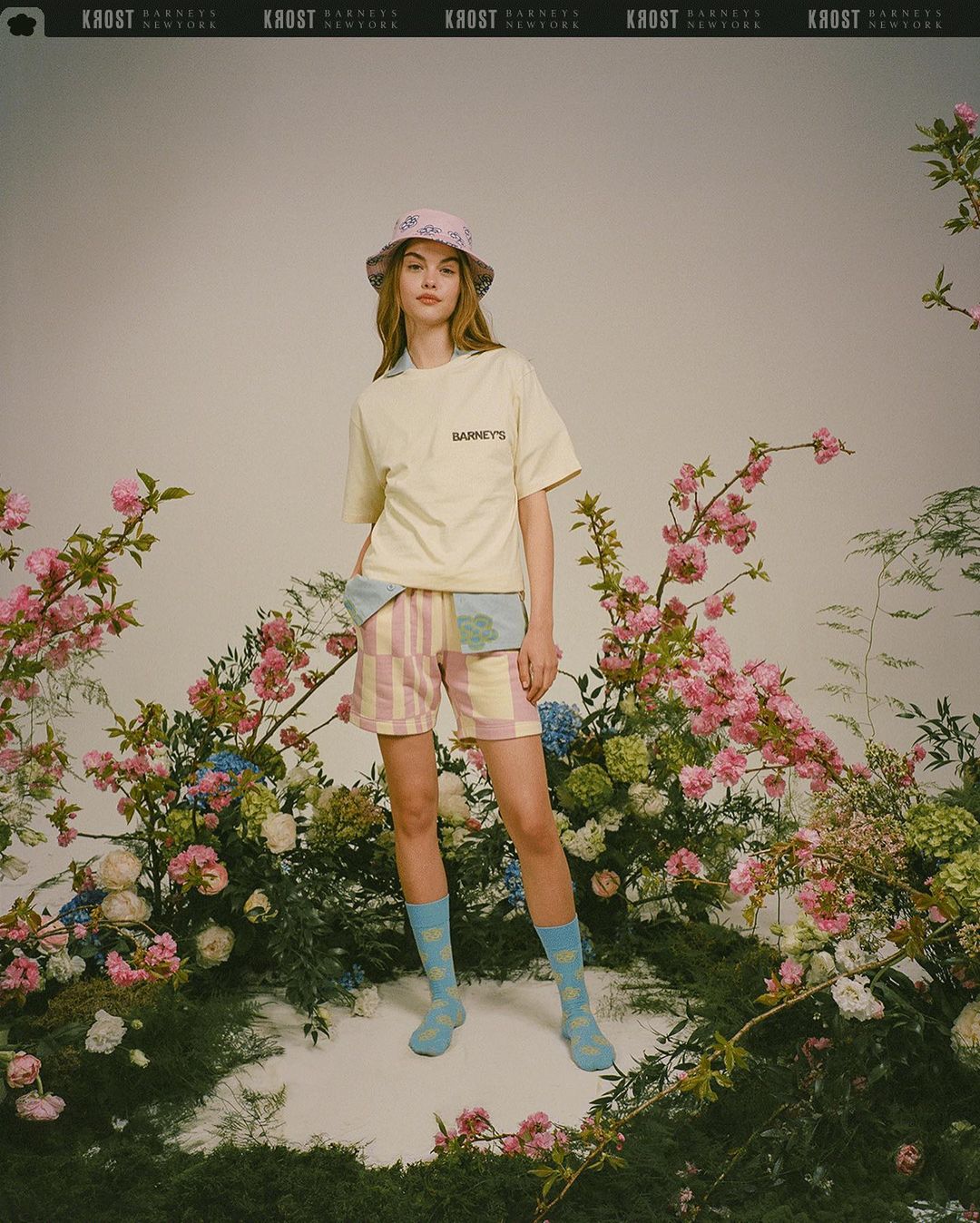
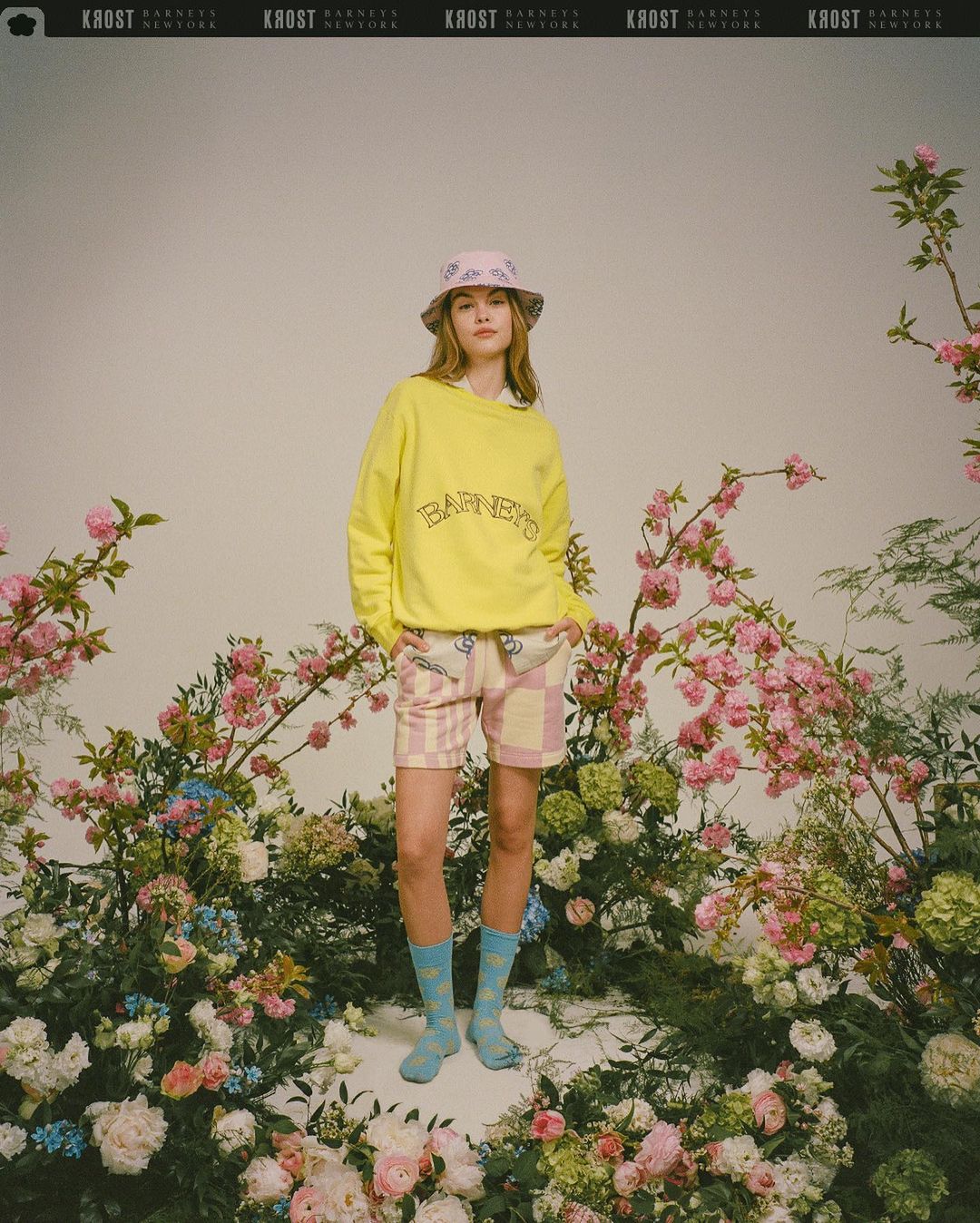
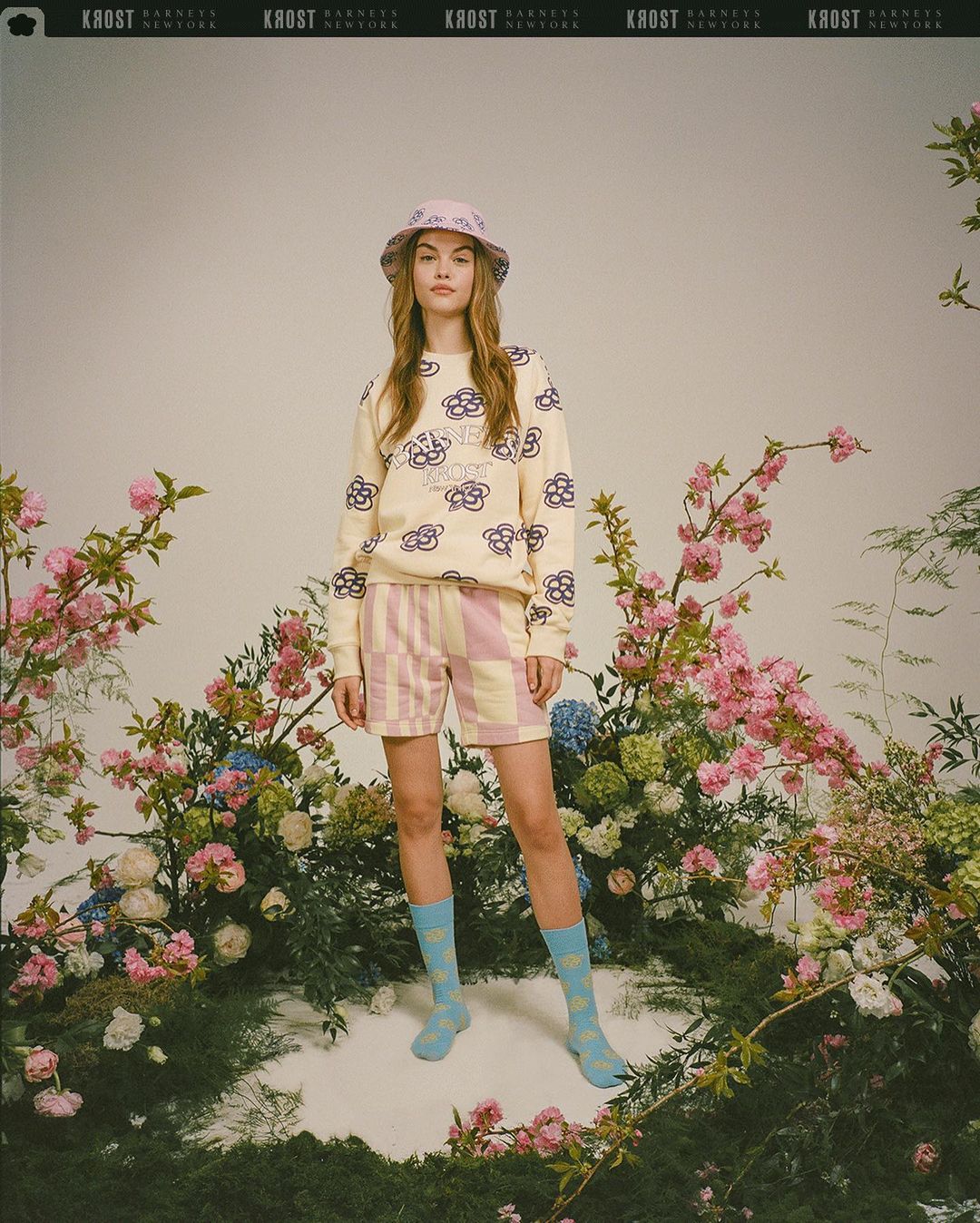
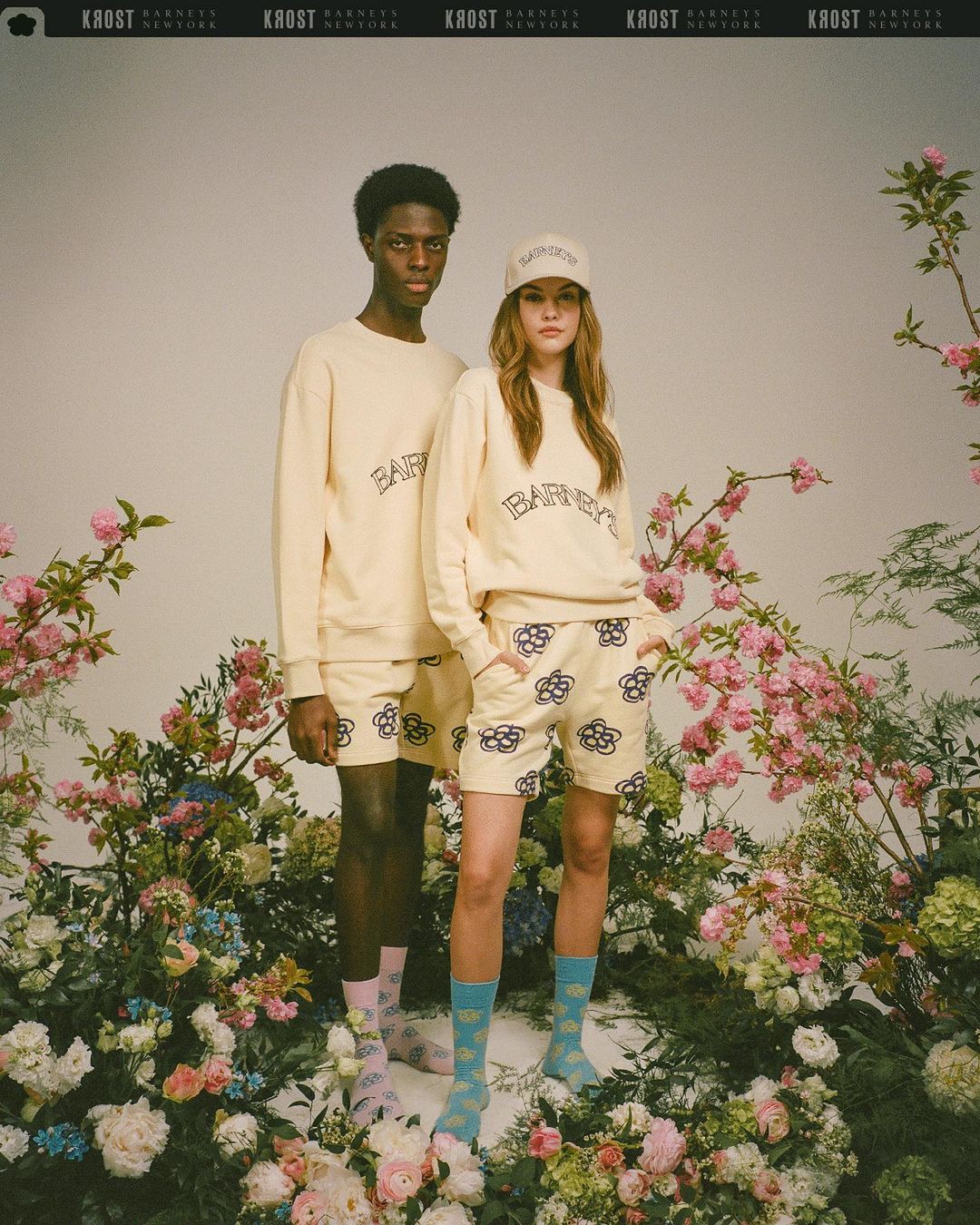
  8. By Samuel Krost for Barneys New York
  9. By John Ellis (MUA House of Rebels, Creative Director Janelle Reid) 17264031_384836875234677_5674237399626940416_n.mp4
  10. By Kosta Mushu (MUA Ena Jović)
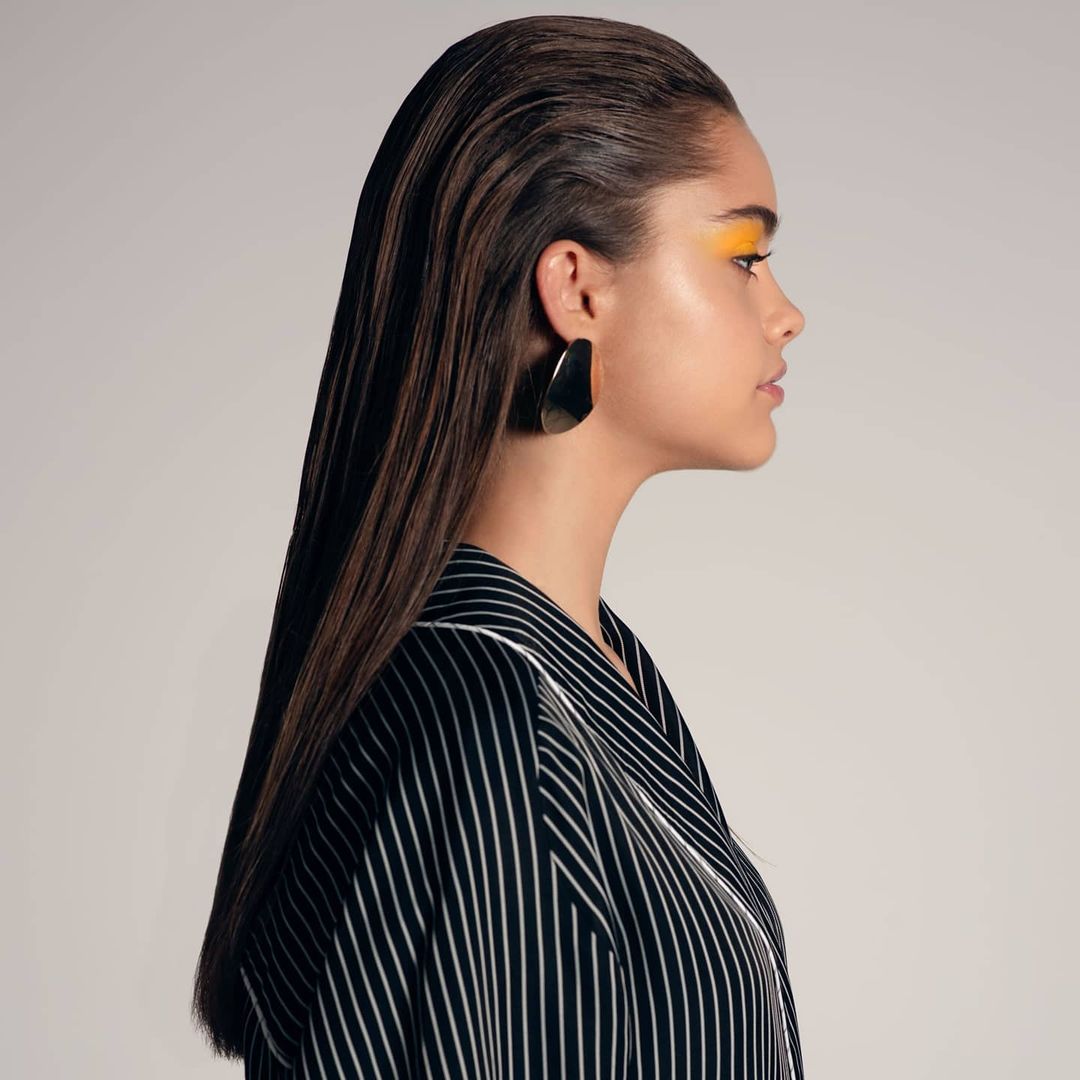
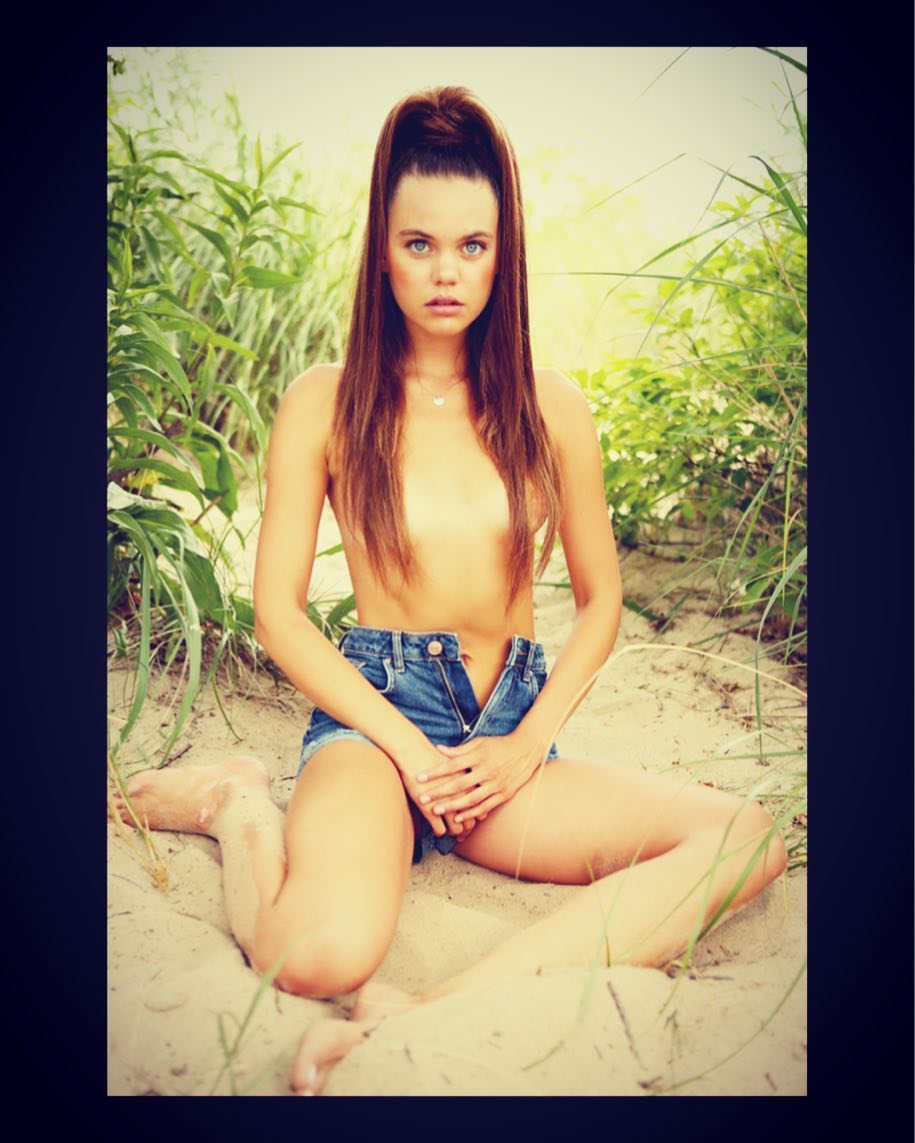
  11. By John Ellis for Surface Models (MUA taranr1, hair by devohairr, stylist Katie Brannock)
  12. Her IG wearing Revolve
  13. Her Ig (not sure what brand she's working with here) 191197420_141390067984401_1743471845357541302_n.mp4
  14. Hairbyedo IG
  15. Hairbyedo IG 18598318_1830609230592341_3979656704370409472_n.mp4
  16. By Pauline St. Dennis (hair by hairbyedo) 19416802_420008578398962_1515539232561561600_n.mp4
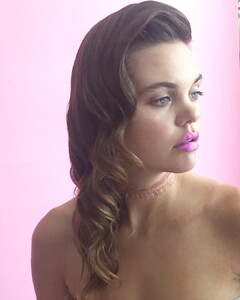
  17. By Pauline St. Dennis (hair by hairbyedo)
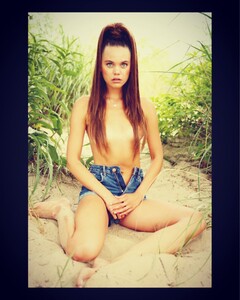
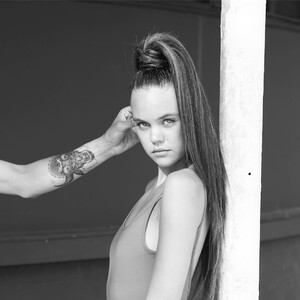
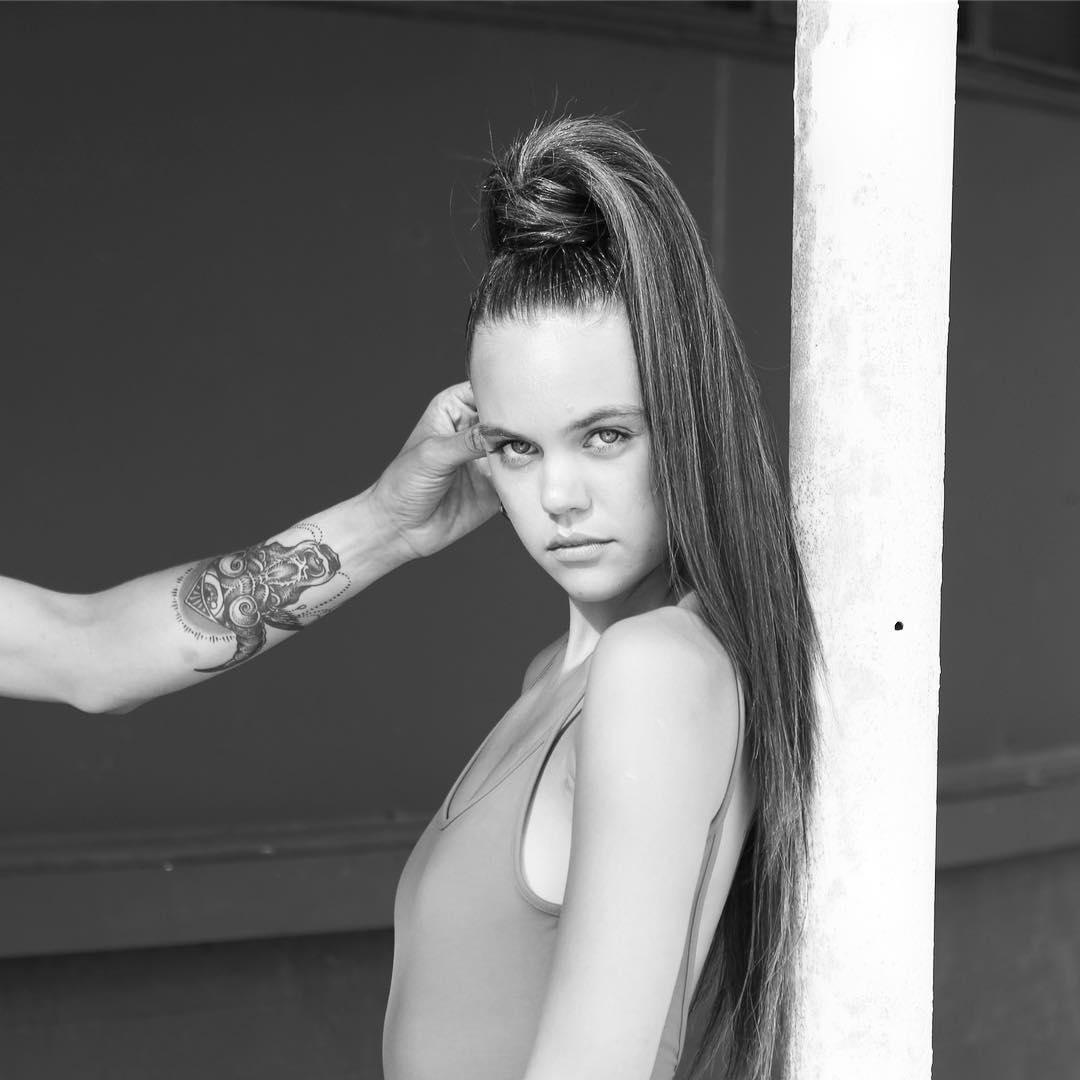
  18. By John Ellis
  19. By John Ellis (hair by hairbyedo, MUA Ivelisse Rosado, stylist Sam Swade)

Configure browser push notifications

Chrome (Android)
  1. Tap the lock icon next to the address bar.
  2. Tap Permissions → Notifications.
  3. Adjust your preference.
Chrome (Desktop)
  1. Click the padlock icon in the address bar.
  2. Select Site settings.
  3. Find Notifications and adjust your preference.