

nhlovesadri
Members
-
Joined
-
Last visited
Everything posted by nhlovesadri
-
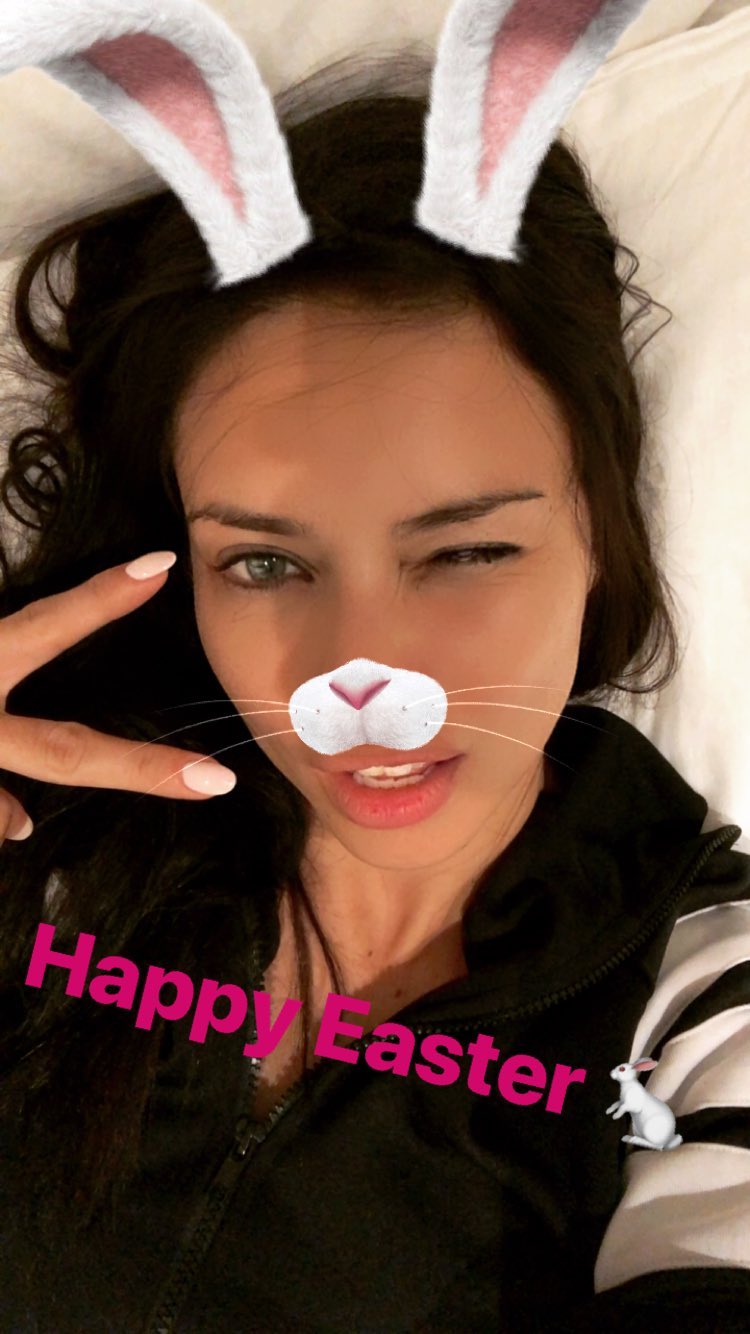
 Her ig stories 29711784_193983701215530_4778325099094375175_n.mp4 30037234_200353904074155_1187829519039993058_n.mp4 30040387_1218077304992242_3724388745592844296_n.mp4
 -
Another one from her. 29585828_161894784475525_3435356948481212325_n.mp4
+ 1 29706232_288766688325131_2494513697622213100_n.mp4
Her ig stories 30036893_1794327527285169_9017470356302684637_n.mp4
Adriana
A friend of her cousin Adrielle I think, I saw him in her ig stories yesterday.
https://www.instagram.com/p/BhC8XnzBRsB8oS4Qy_PVKsKp-tFMdurP5xtrOk0/?taken-by=nicolpeacelove_28
 metinhara's ig stories. No comment...
 Adriana
I think it's from last week, at this pointwe would have already seen something from her if she was there again after London.
You're welcome I love that editorial, I wish we could get something that good more often.
We already have the pictures, it's from 2017, Harper's Bazaar Spain July 2017 precisely. That one was an outtake just released now.
Outtake from Harper's Bazaar Spain July 2017
tb from 2013 at the Waggon Paris store opening in Baku, Azerbijan. A video and a picture.
Adriana
I think it's from last week, at this pointwe would have already seen something from her if she was there again after London.
You're welcome I love that editorial, I wish we could get something that good more often.
We already have the pictures, it's from 2017, Harper's Bazaar Spain July 2017 precisely. That one was an outtake just released now.
Outtake from Harper's Bazaar Spain July 2017
tb from 2013 at the Waggon Paris store opening in Baku, Azerbijan. A video and a picture.





Account
Navigation
Search
Configure browser push notifications
Chrome (Android)
- Tap the lock icon next to the address bar.
- Tap Permissions → Notifications.
- Adjust your preference.
Chrome (Desktop)
- Click the padlock icon in the address bar.
- Select Site settings.
- Find Notifications and adjust your preference.
Safari (iOS 16.4+)
- Ensure the site is installed via Add to Home Screen.
- Open Settings App → Notifications.
- Find your app name and adjust your preference.
Safari (macOS)
- Go to Safari → Preferences.
- Click the Websites tab.
- Select Notifications in the sidebar.
- Find this website and adjust your preference.
Edge (Android)
- Tap the lock icon next to the address bar.
- Tap Permissions.
- Find Notifications and adjust your preference.
Edge (Desktop)
- Click the padlock icon in the address bar.
- Click Permissions for this site.
- Find Notifications and adjust your preference.
Firefox (Android)
- Go to Settings → Site permissions.
- Tap Notifications.
- Find this site in the list and adjust your preference.
Firefox (Desktop)
- Open Firefox Settings.
- Search for Notifications.
- Find this site in the list and adjust your preference.