nhlovesadri
Members
-
Joined
-
Last visited
Everything posted by nhlovesadri
-
 + 1 31048020_2066739053342596_2714906492589879377_n.mp4
 -
another one 30522984_566281497085923_1100168017185409249_n.mp4
-
-
+1 30940520_585122721845641_456888847802021312_n.mp4
-
ysaperez ig stories 31338350_1997077980544312_4174508463179163316_n.mp4
-
There's a video too in this gallery.
Medium quality from Zimbio, since I can't find these ones in HQ anywhere...




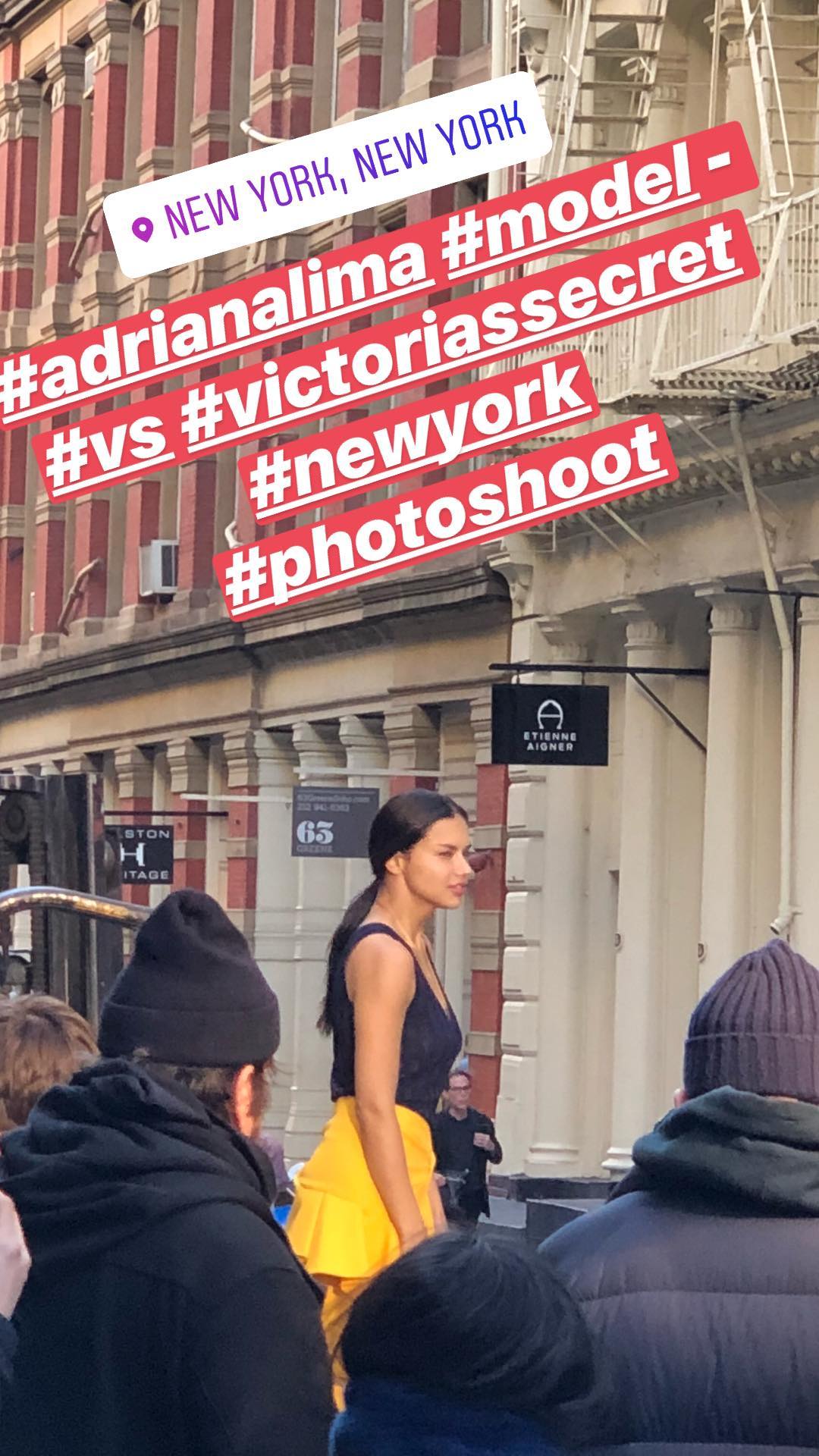
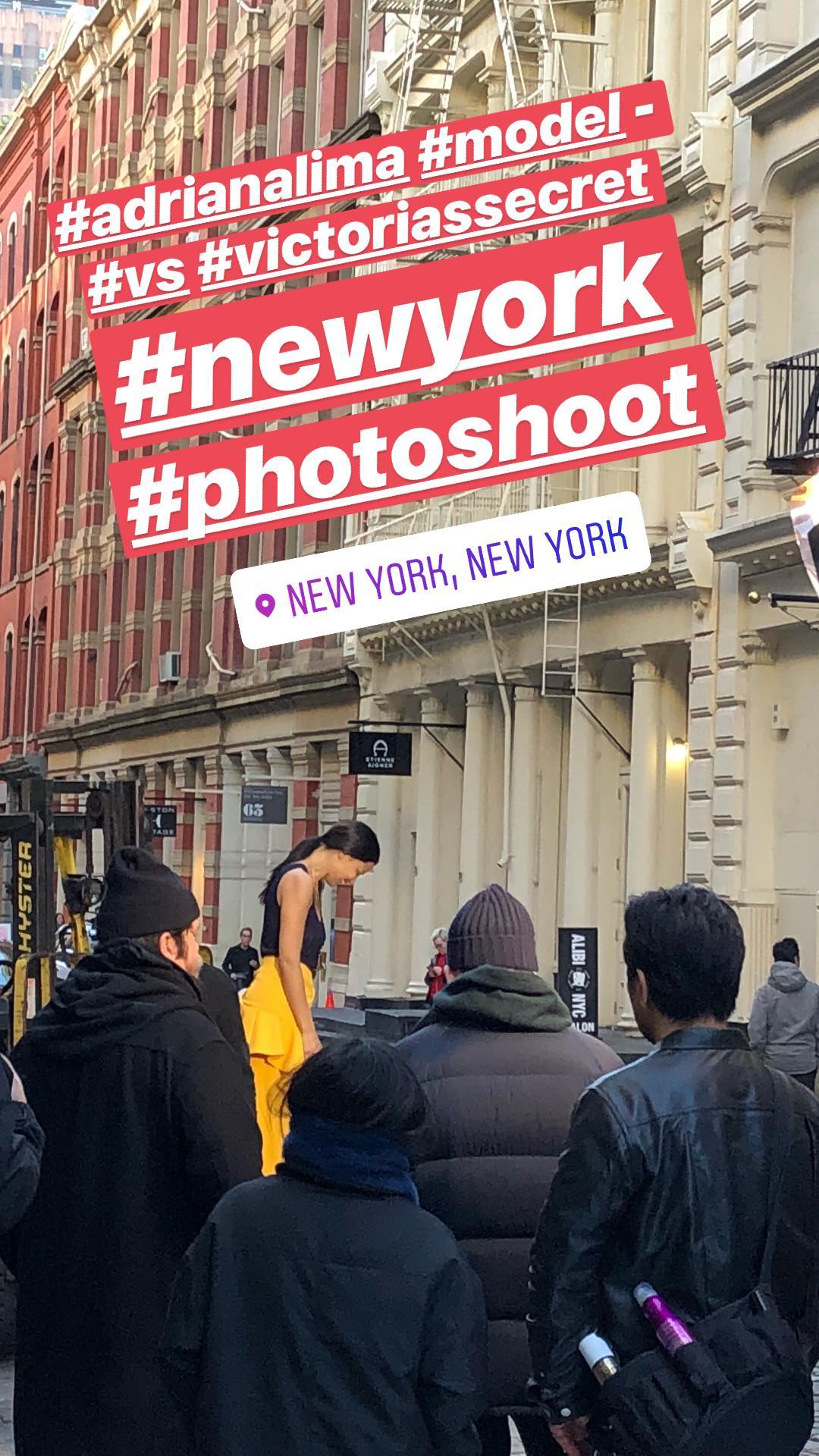
 It seems his account is now private, the video is this one 30937098_322477551614909_1777258403387670528_n.mp4
YEP! Can't wait for this new campaign's pictures, and hopefully a commercial too. It'll be amazing
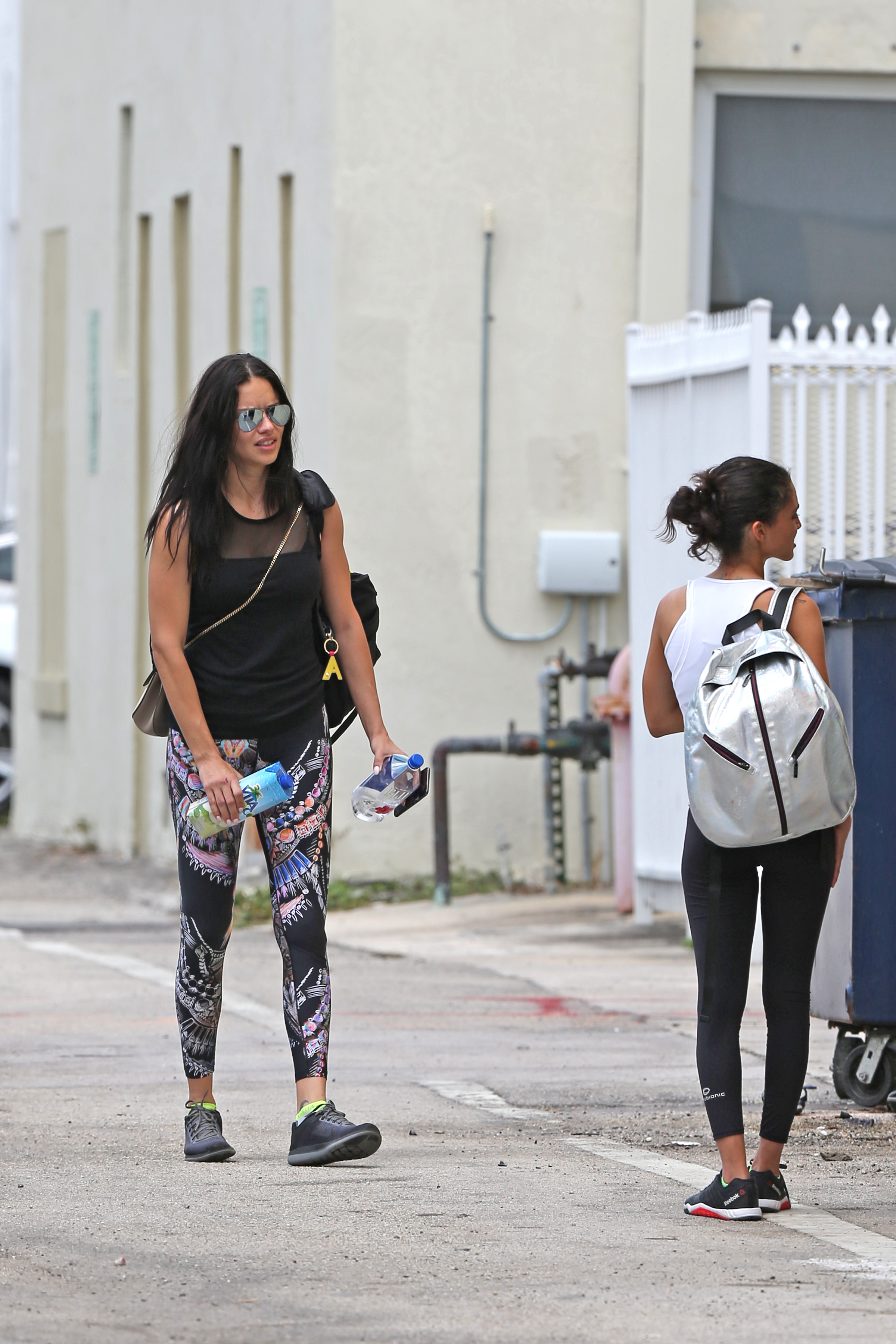
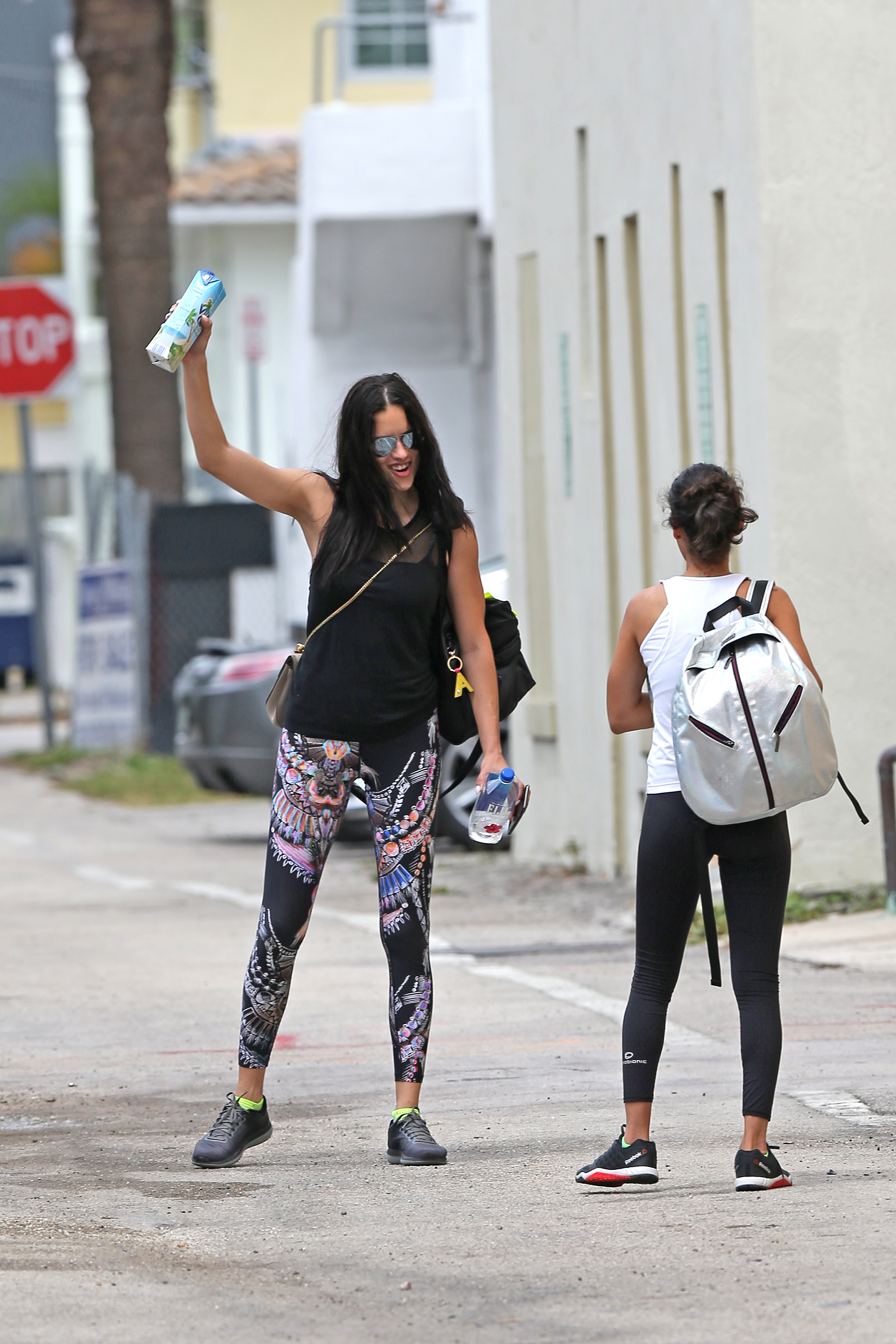
In the previous after gym pictures I posted the date is wrong, the website says 18th but we know she was in NYC already from 2 days shooting for Maybelline, so it can't be, it must be not after the 16th.
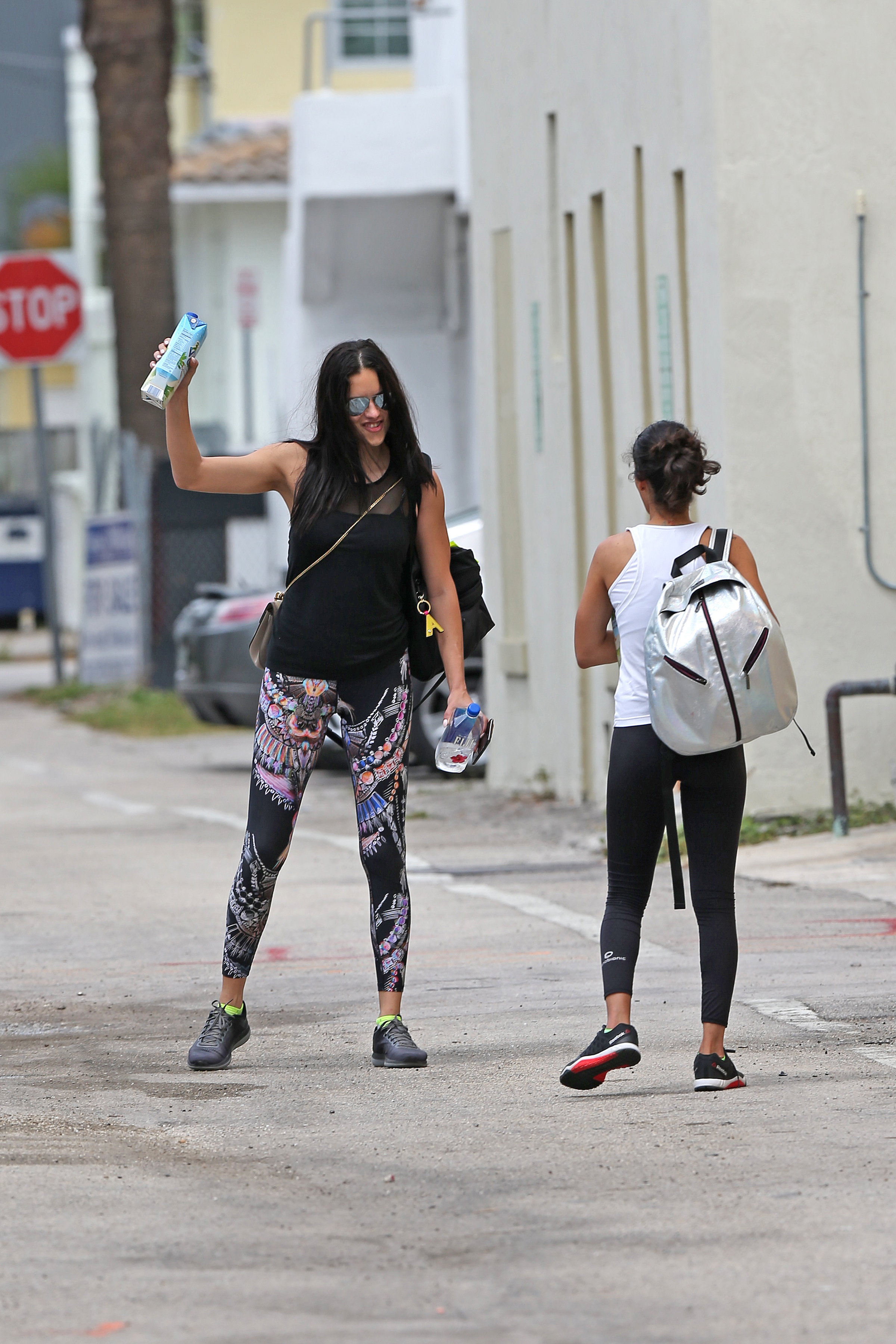
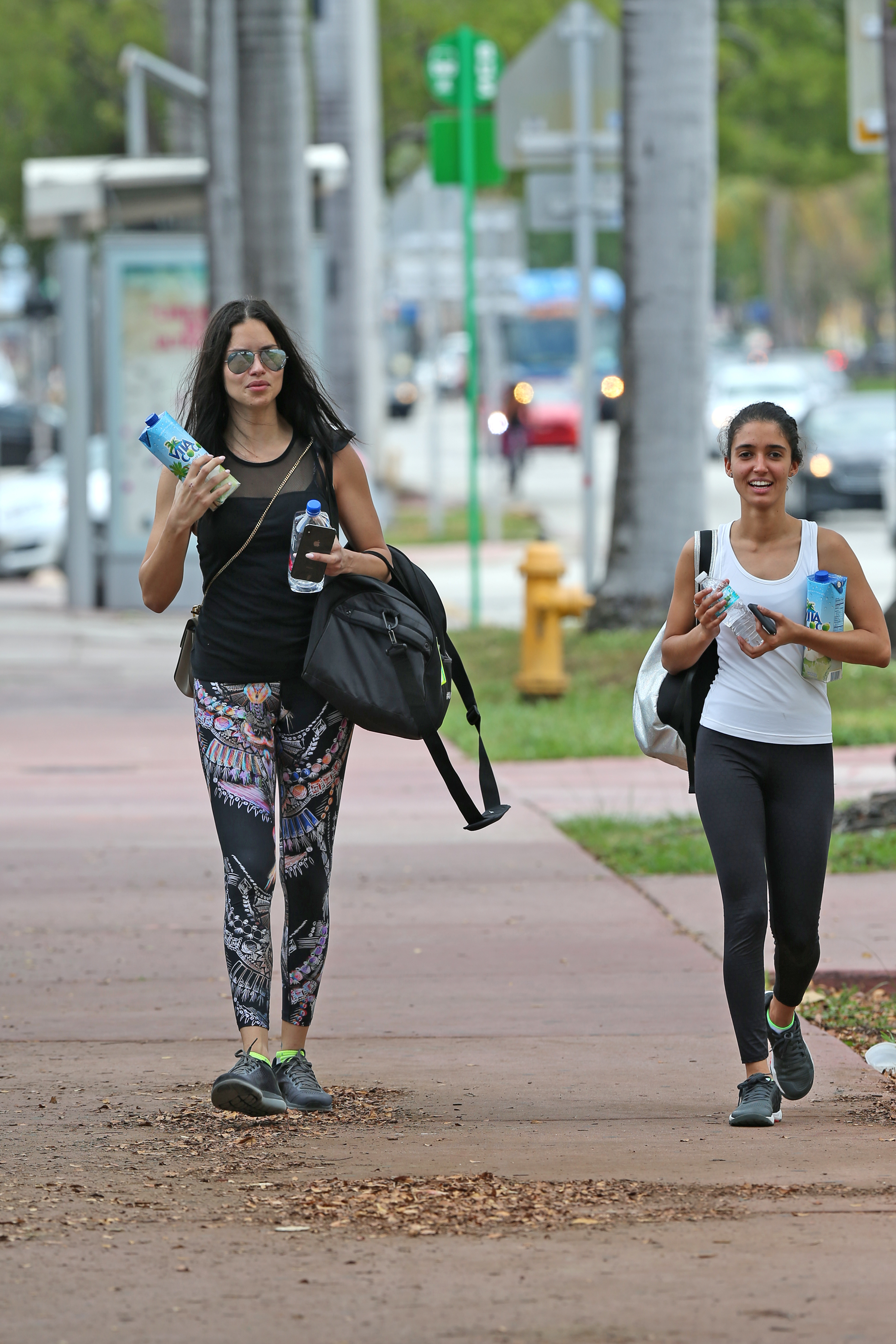
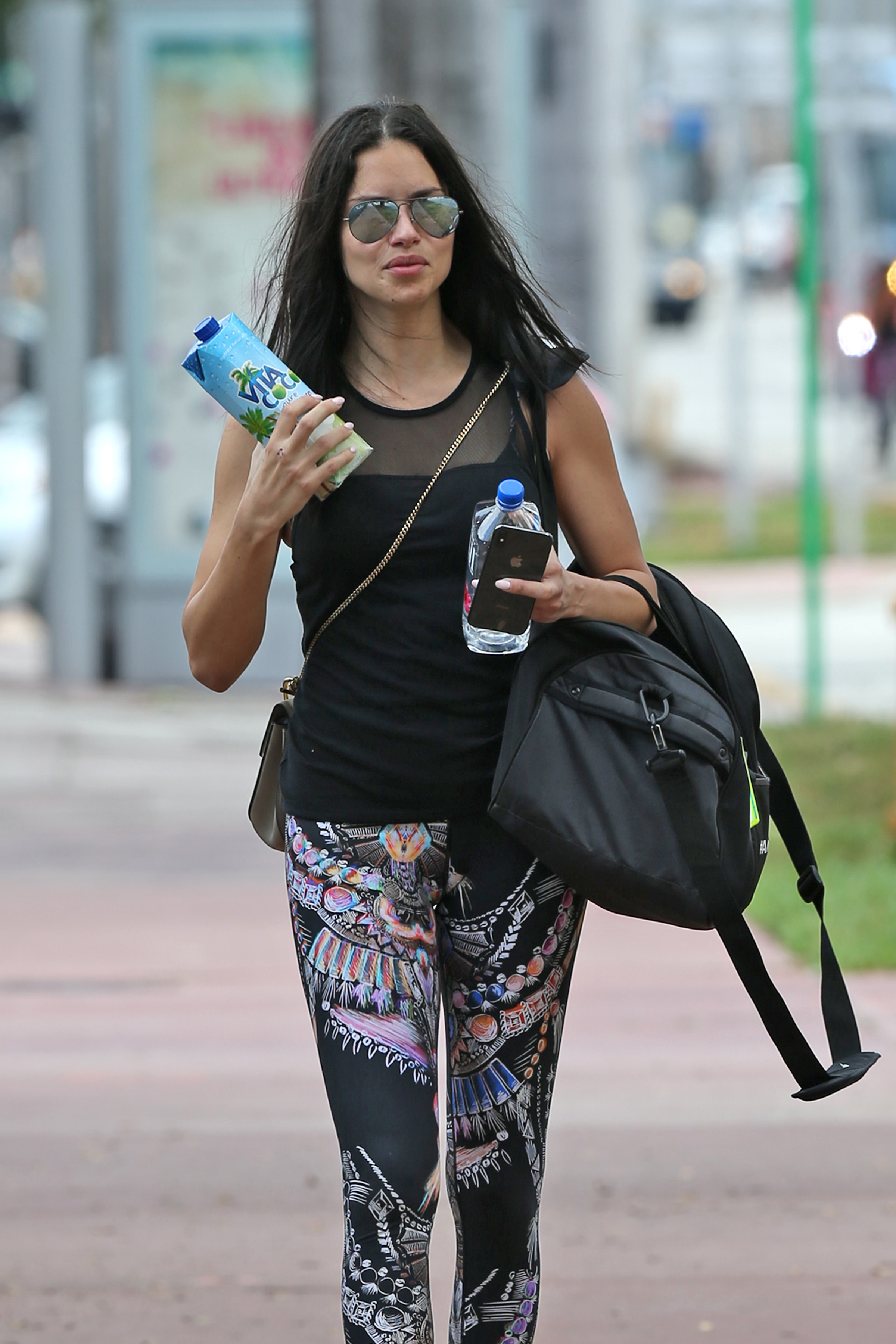
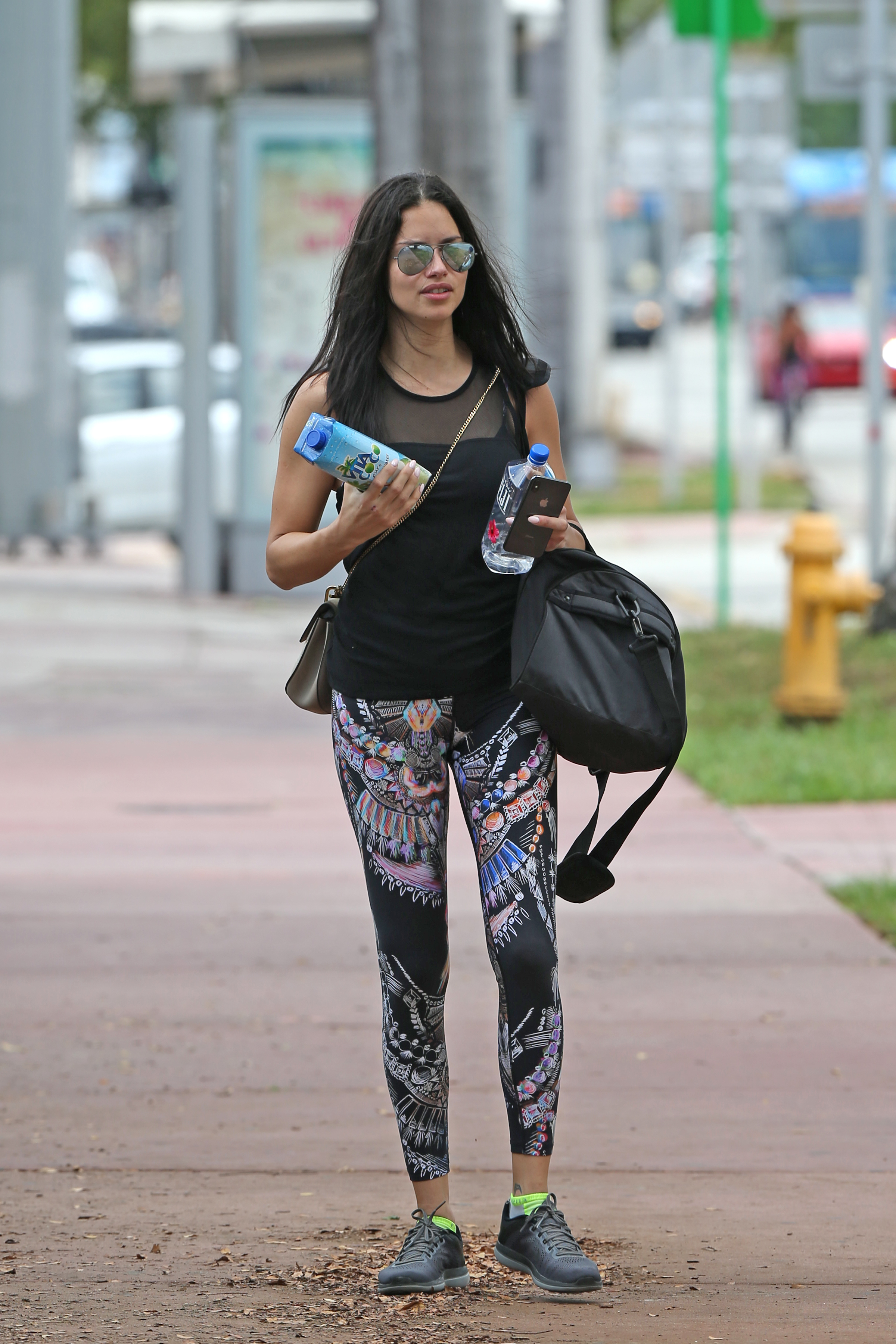
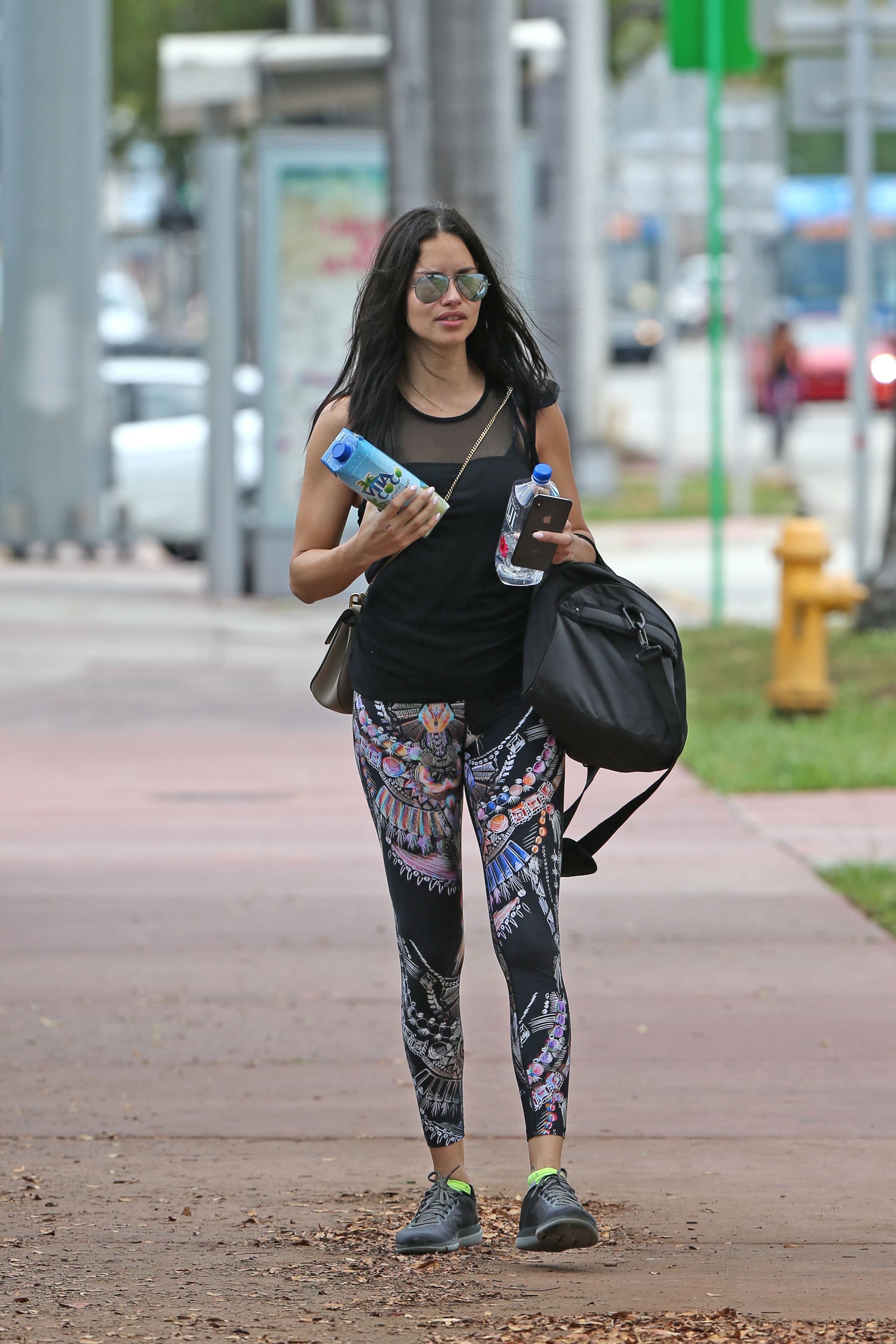
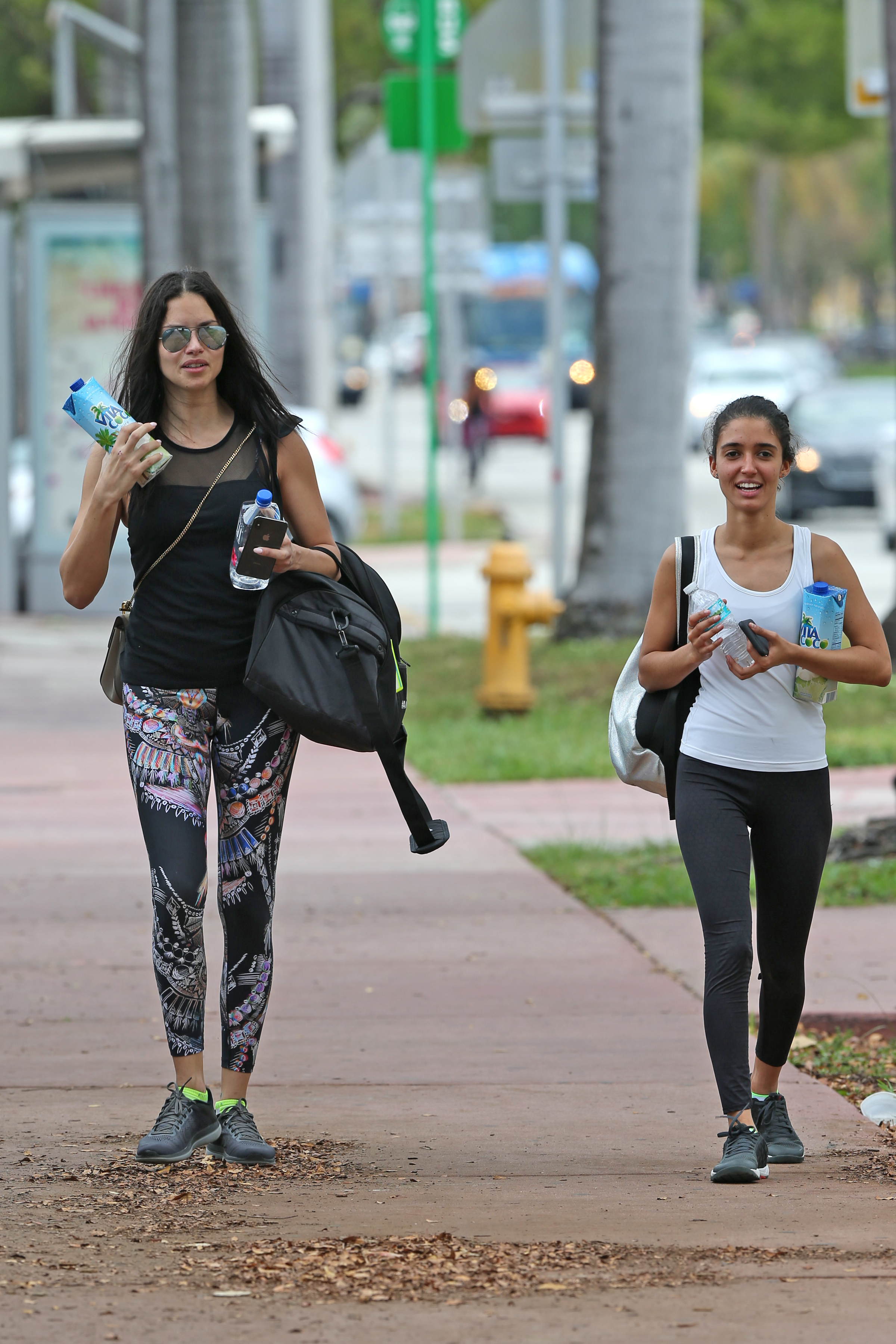
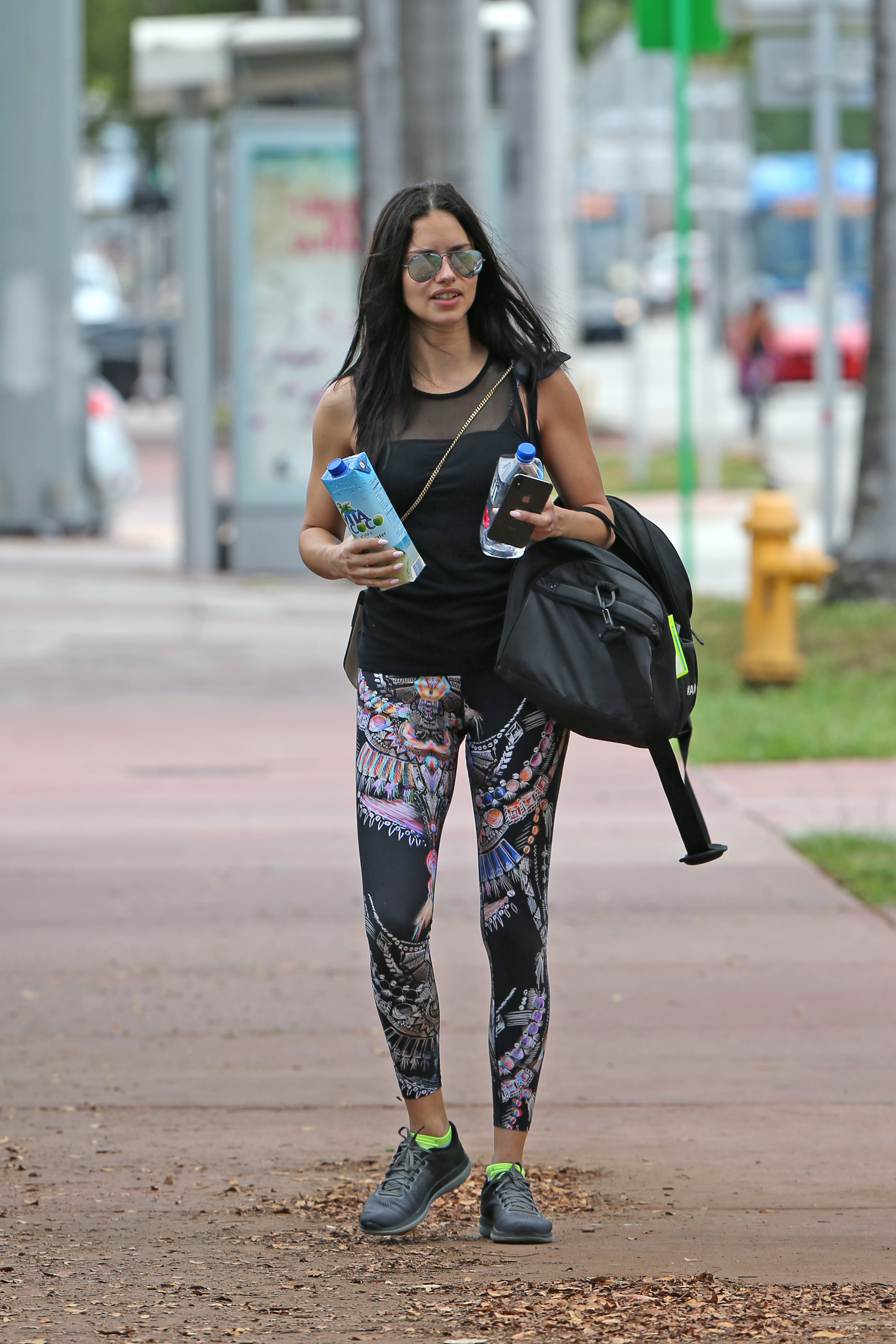
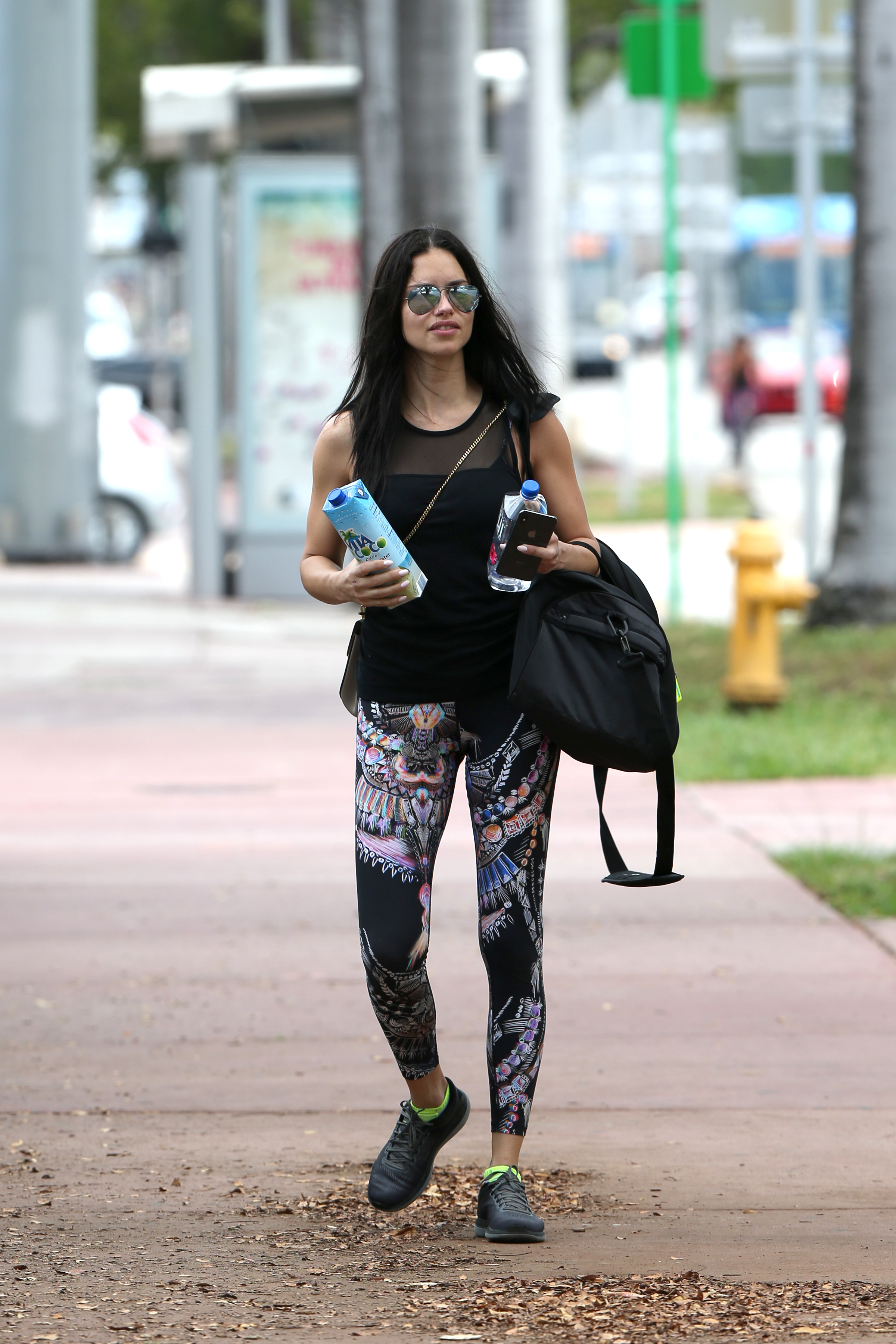
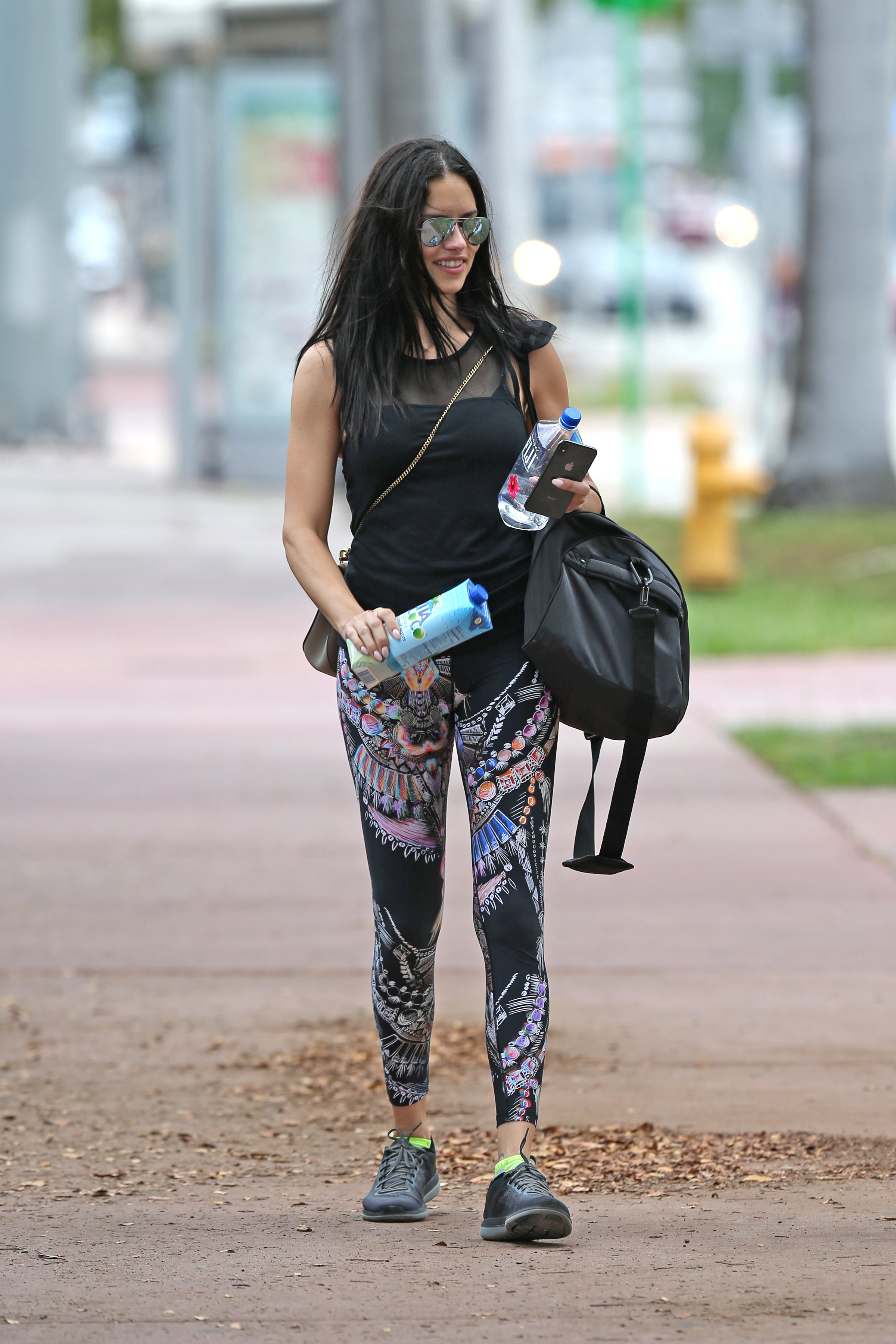
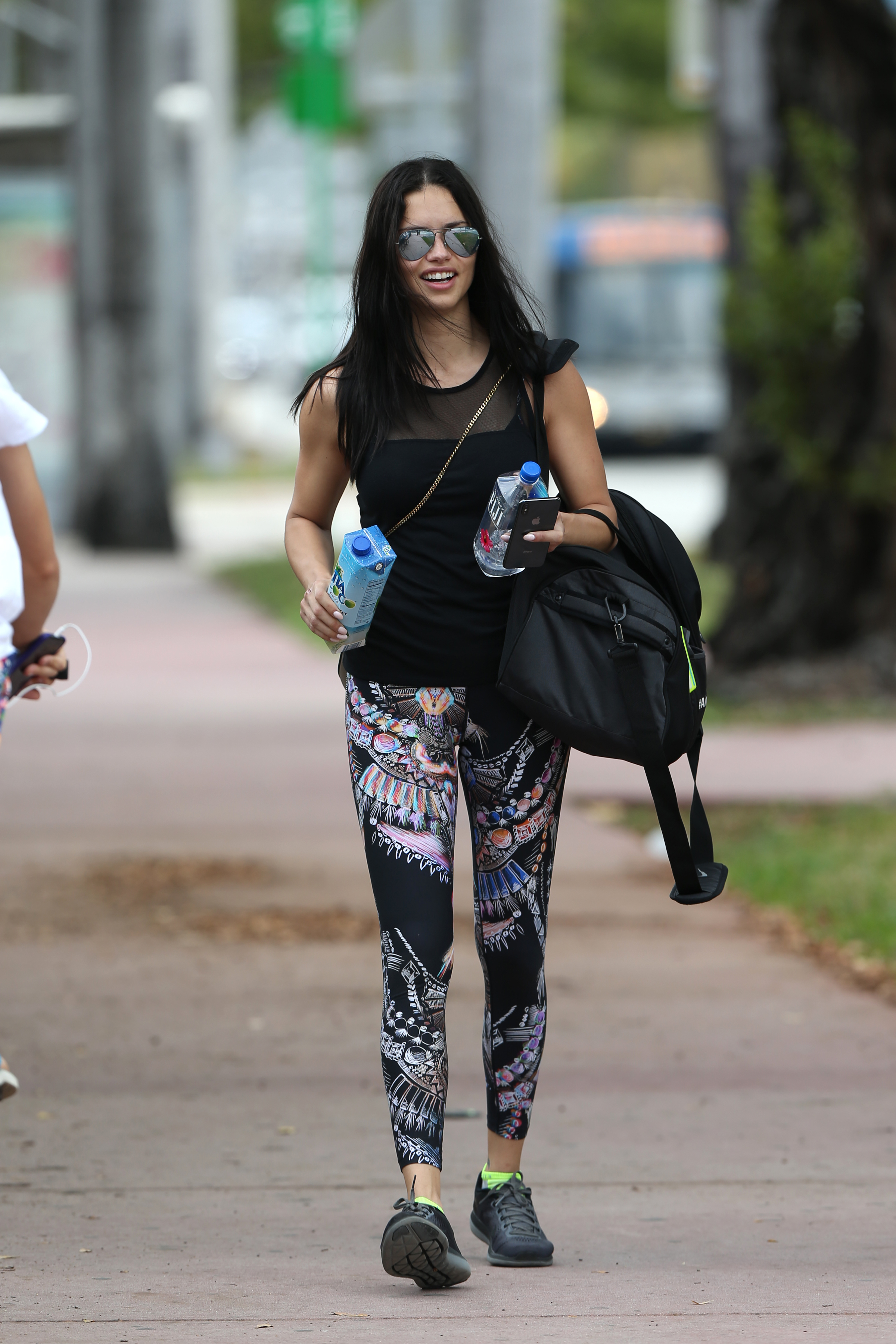
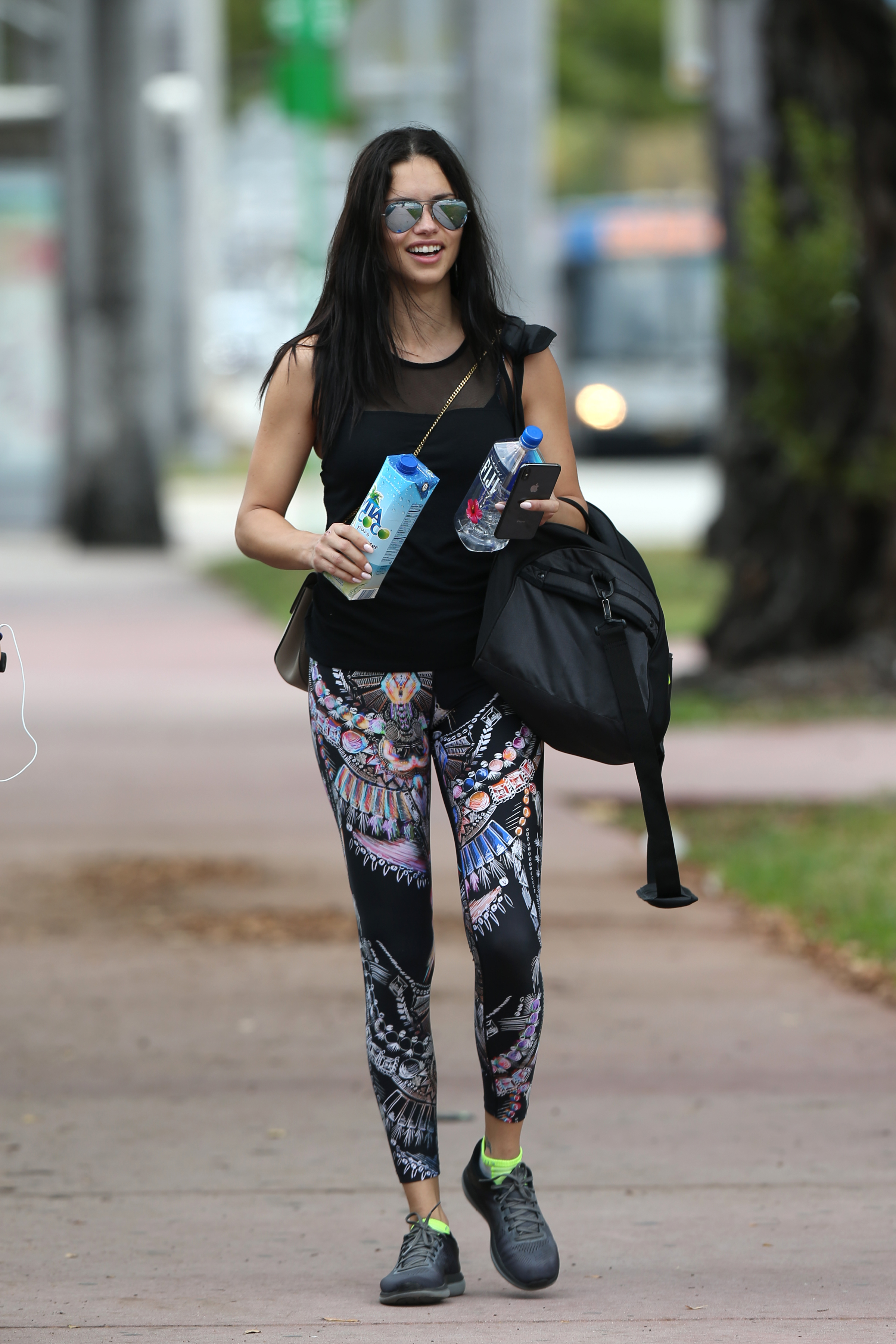
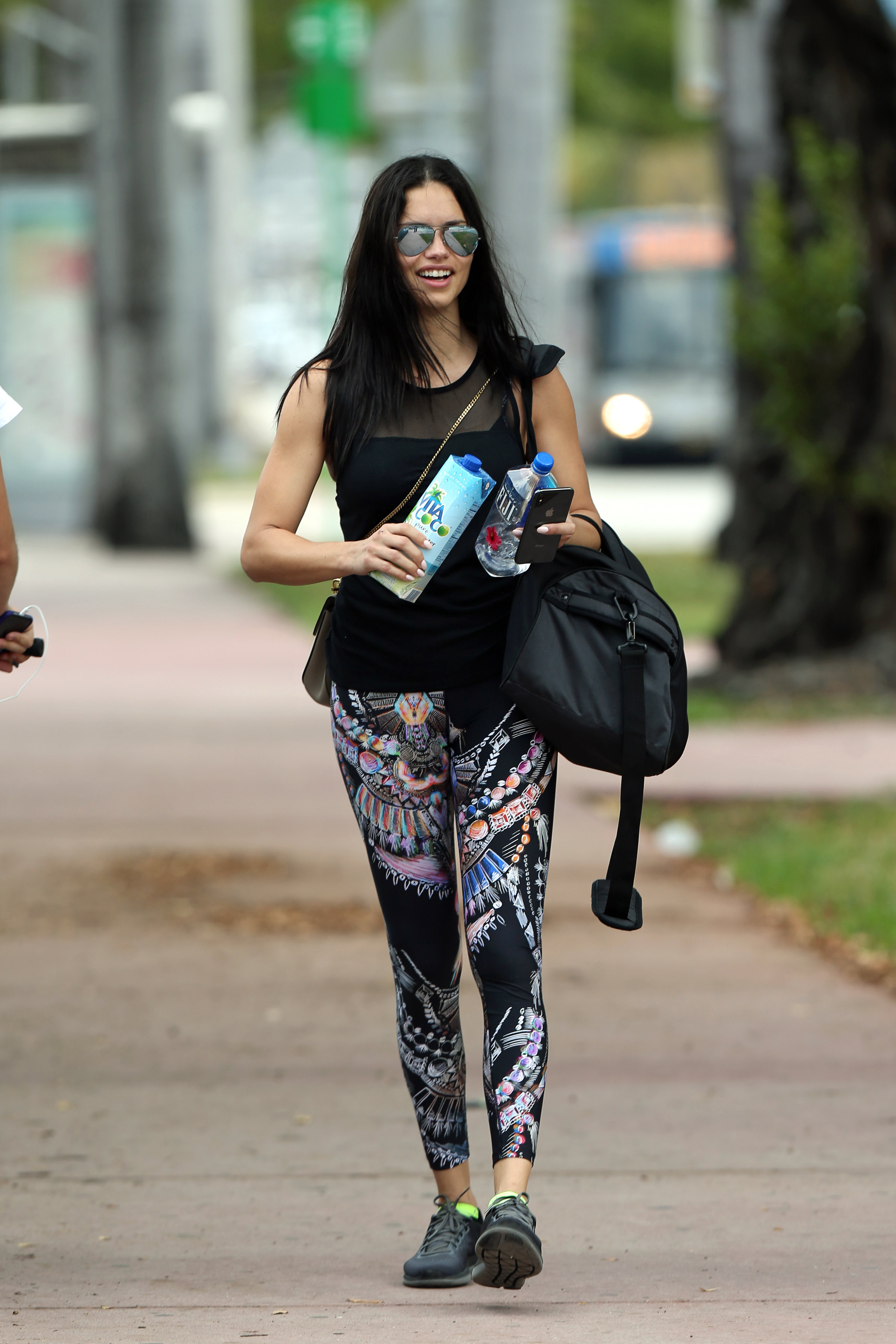
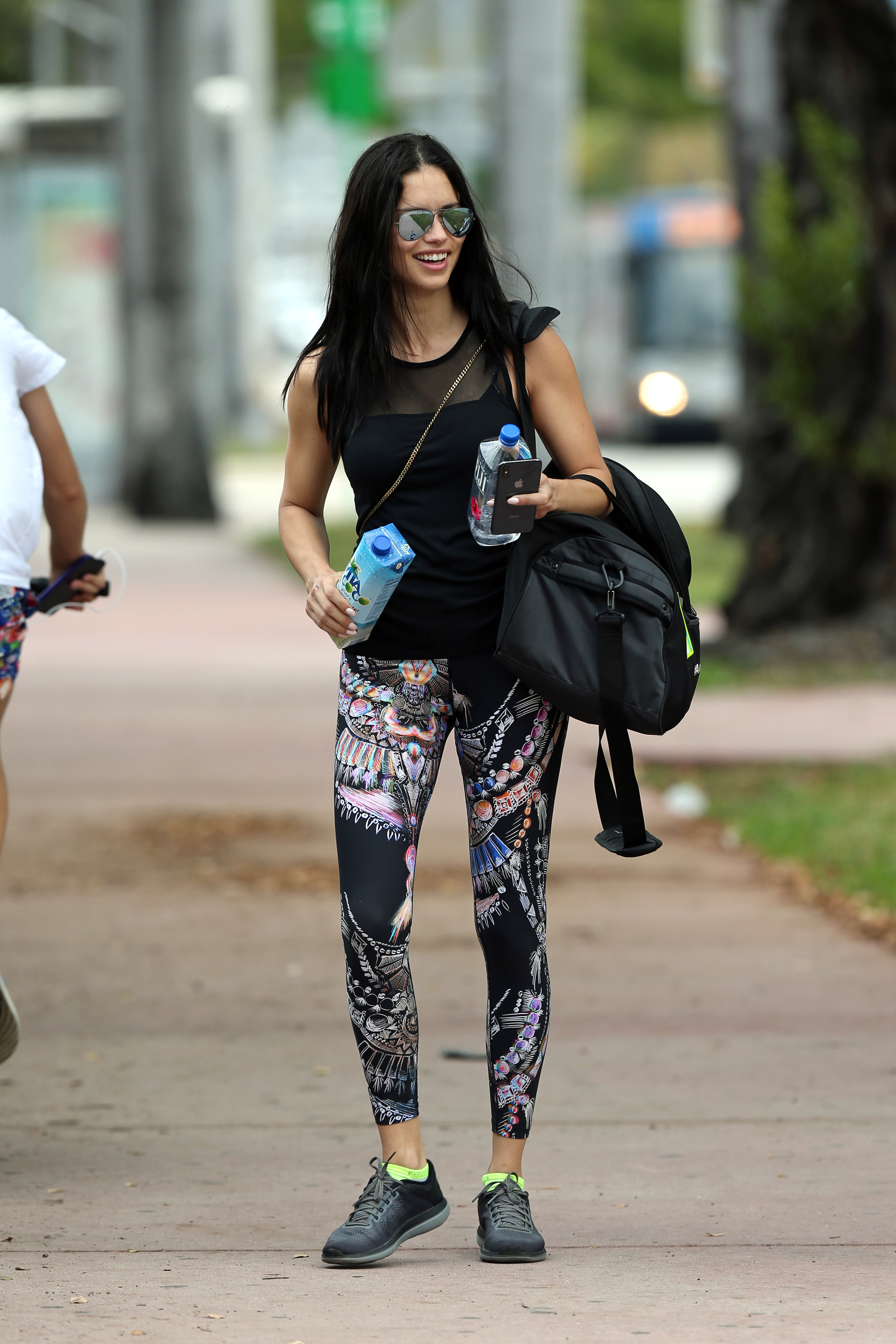
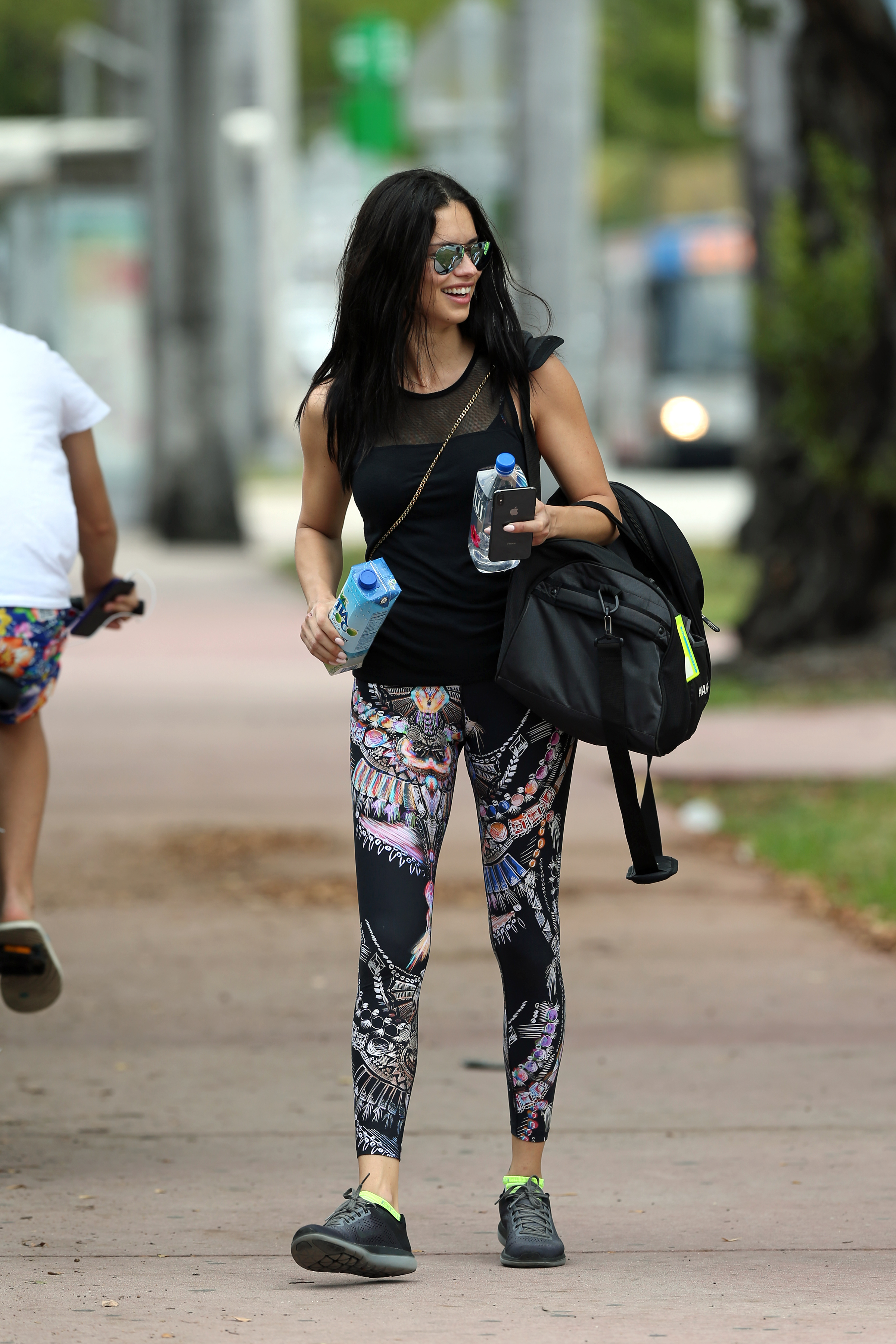
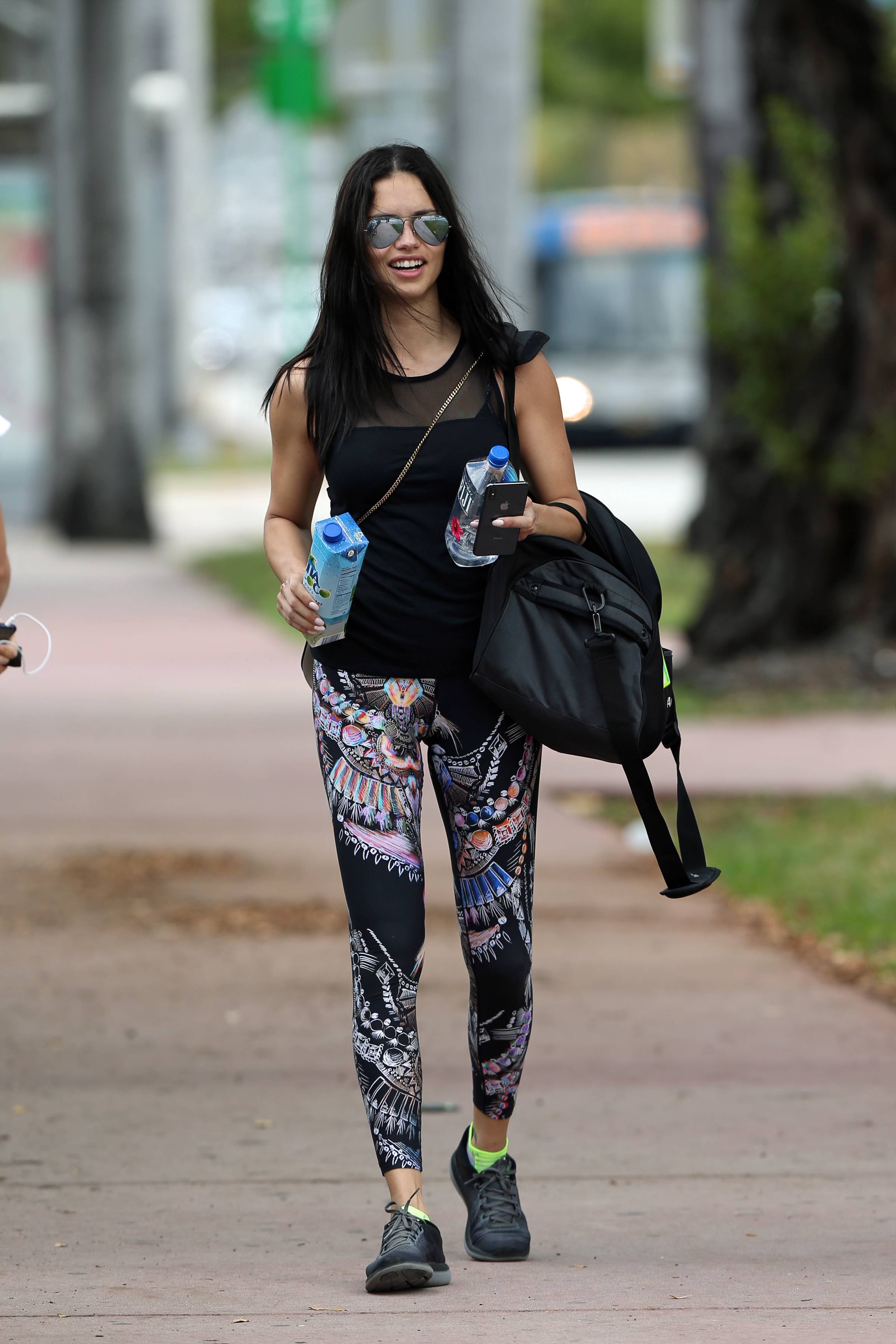
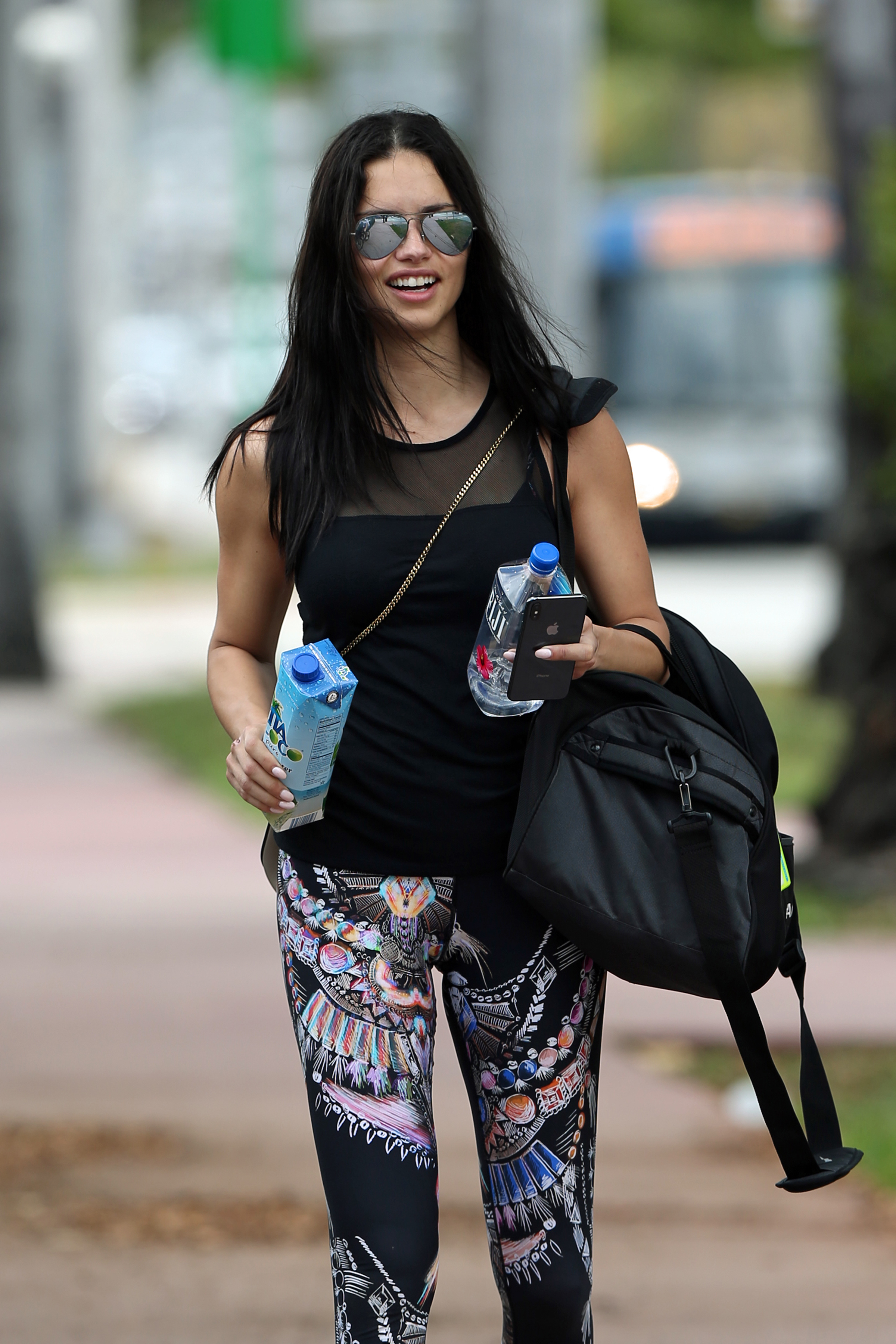
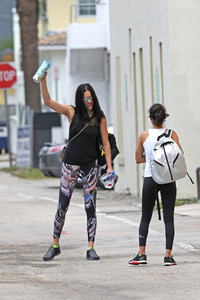
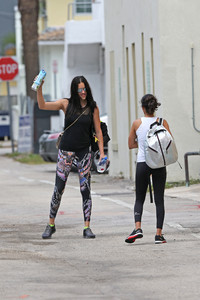
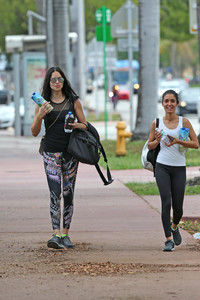
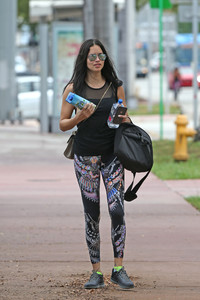
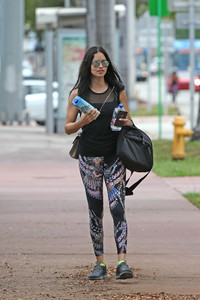
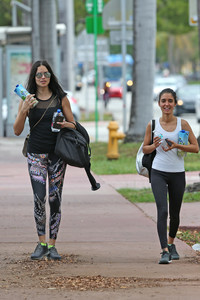
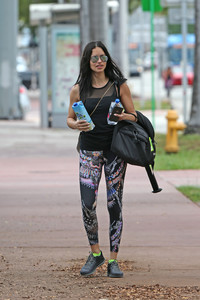
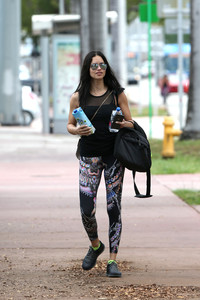
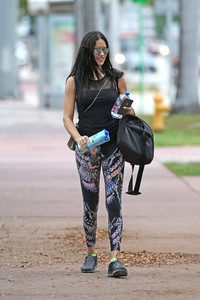
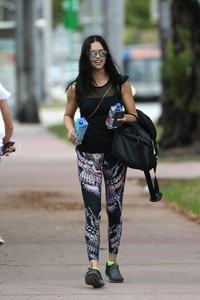
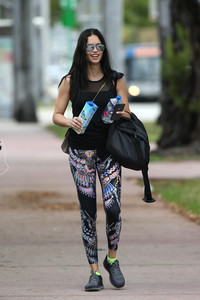
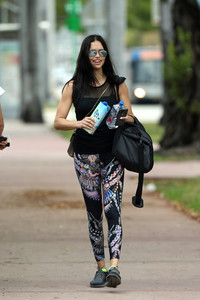
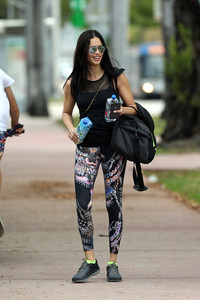
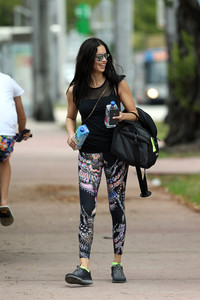
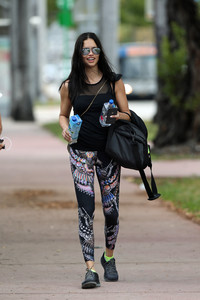
After the gym in Miami, HQs from TheCelebrityCity.com, 18/04/18.
It seems his account is now private, the video is this one 30937098_322477551614909_1777258403387670528_n.mp4
YEP! Can't wait for this new campaign's pictures, and hopefully a commercial too. It'll be amazing
In the previous after gym pictures I posted the date is wrong, the website says 18th but we know she was in NYC already from 2 days shooting for Maybelline, so it can't be, it must be not after the 16th.
After the gym in Miami, HQs from TheCelebrityCity.com, 18/04/18.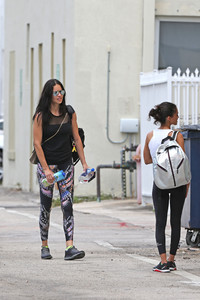


Account
Navigation
Search
Configure browser push notifications
Chrome (Android)
- Tap the lock icon next to the address bar.
- Tap Permissions → Notifications.
- Adjust your preference.
Chrome (Desktop)
- Click the padlock icon in the address bar.
- Select Site settings.
- Find Notifications and adjust your preference.
Safari (iOS 16.4+)
- Ensure the site is installed via Add to Home Screen.
- Open Settings App → Notifications.
- Find your app name and adjust your preference.
Safari (macOS)
- Go to Safari → Preferences.
- Click the Websites tab.
- Select Notifications in the sidebar.
- Find this website and adjust your preference.
Edge (Android)
- Tap the lock icon next to the address bar.
- Tap Permissions.
- Find Notifications and adjust your preference.
Edge (Desktop)
- Click the padlock icon in the address bar.
- Click Permissions for this site.
- Find Notifications and adjust your preference.
Firefox (Android)
- Go to Settings → Site permissions.
- Tap Notifications.
- Find this site in the list and adjust your preference.
Firefox (Desktop)
- Open Firefox Settings.
- Search for Notifications.
- Find this site in the list and adjust your preference.