Sorryone
Members
-
Joined
-
Last visited
Everything posted by Sorryone
-
Priyanka Chopra's Sizzling Hot Pose From Flare Magazine September 2016
The beauty in Skirt - Shilpa Shetty /monthly_08_2016/post-101523-0-1593906090-58857_thumb.jpeg" class="ipsImage ipsImage_thumbnailed" alt="57b318fca6687.jpeg">

 Ameesha Patel Looks Stunning Hot in See Through White Top
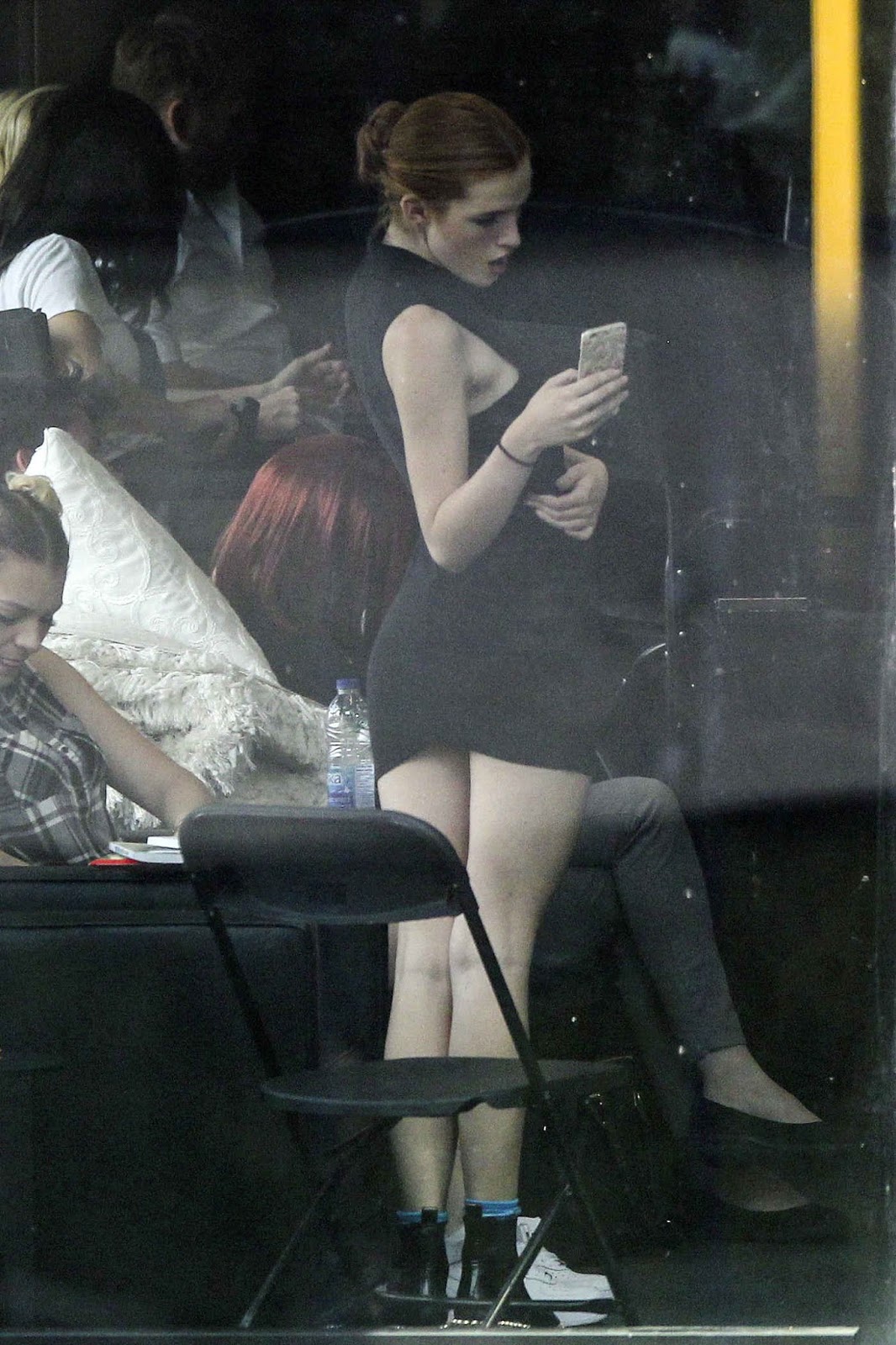
Bella Thorne in Short Black Dress Out in Montreal
Ameesha Patel Looks Stunning Hot in See Through White Top
Bella Thorne in Short Black Dress Out in Montreal







 Vanessa Hudgens in Casual Style - at a Doctors Office in Beverly Hills



 /monthly_08_2016/post-101523-0-1593845781-79985_thumb.jpeg" class="ipsImage ipsImage_thumbnailed" alt="57aff11cd2e06.jpeg"> /monthly_08_2016/post-101523-0-1593845781-88146_thumb.jpeg" class="ipsImage ipsImage_thumbnailed" alt="57aff12356379.jpeg">
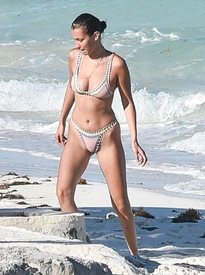




Account
Navigation
Search
Configure browser push notifications
Chrome (Android)
- Tap the lock icon next to the address bar.
- Tap Permissions → Notifications.
- Adjust your preference.
Chrome (Desktop)
- Click the padlock icon in the address bar.
- Select Site settings.
- Find Notifications and adjust your preference.
Safari (iOS 16.4+)
- Ensure the site is installed via Add to Home Screen.
- Open Settings App → Notifications.
- Find your app name and adjust your preference.
Safari (macOS)
- Go to Safari → Preferences.
- Click the Websites tab.
- Select Notifications in the sidebar.
- Find this website and adjust your preference.
Edge (Android)
- Tap the lock icon next to the address bar.
- Tap Permissions.
- Find Notifications and adjust your preference.
Edge (Desktop)
- Click the padlock icon in the address bar.
- Click Permissions for this site.
- Find Notifications and adjust your preference.
Firefox (Android)
- Go to Settings → Site permissions.
- Tap Notifications.
- Find this site in the list and adjust your preference.
Firefox (Desktop)
- Open Firefox Settings.
- Search for Notifications.
- Find this site in the list and adjust your preference.