Sorryone
Members
-
Joined
-
Last visited
Everything posted by Sorryone
-
-
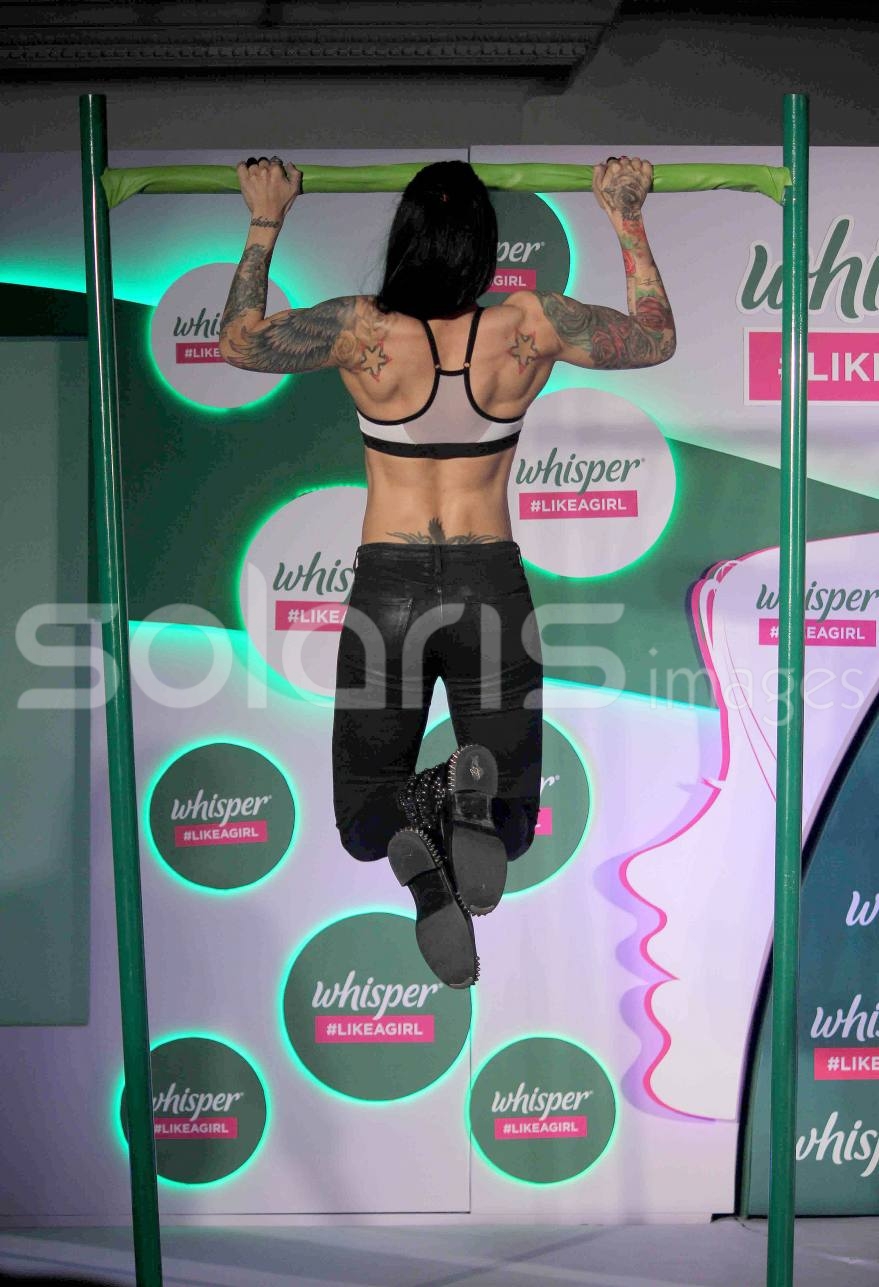
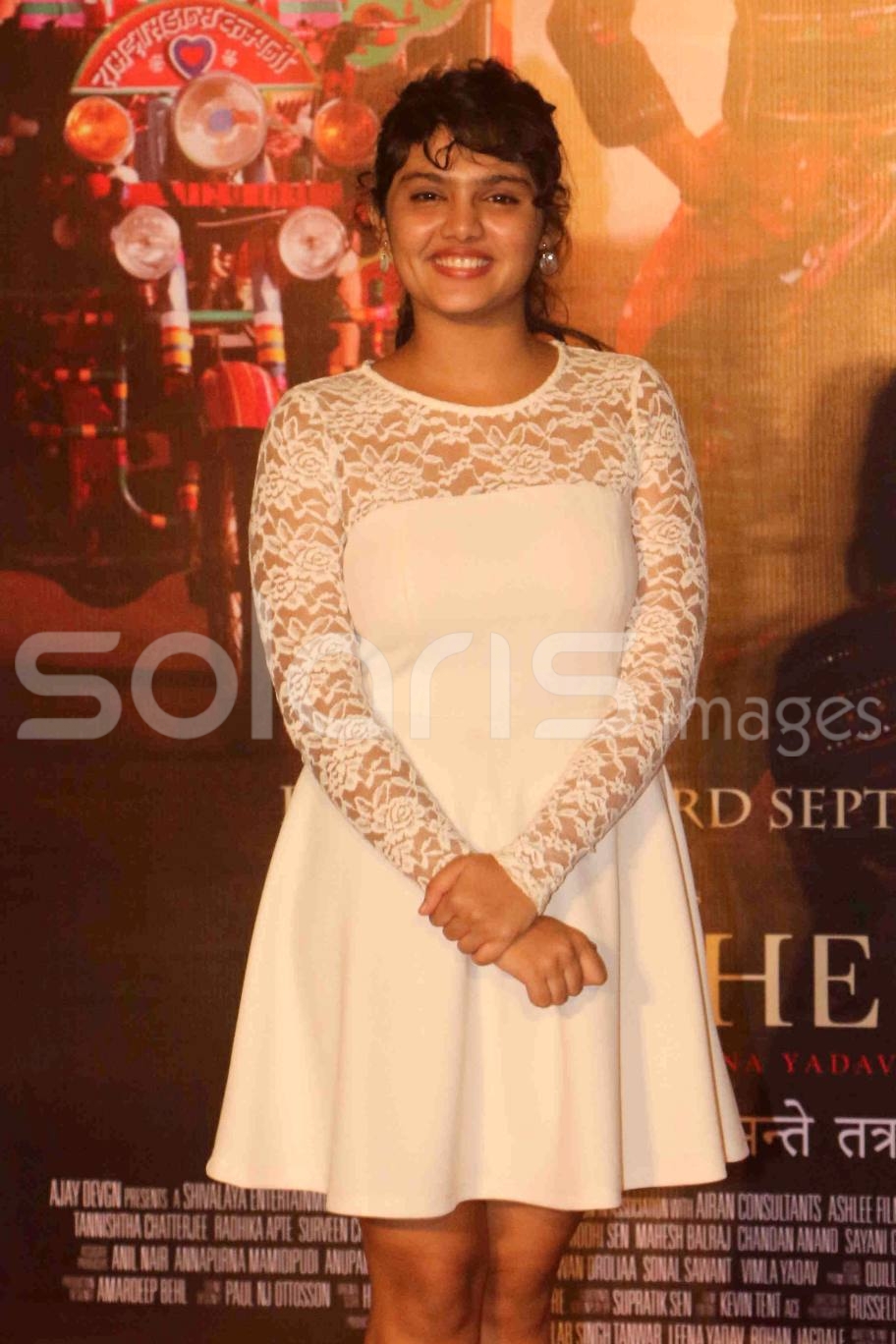
Sonakshi Sinha Sizzling in white Top at Whisper Like A Girl & Proud Challenge









-
Poonam Pandey Wardrobe Malfunction during Bold Bathtub Photoshoot
-
Taapsee Pannu Juicy leg Show in Short Skirt







 Navel Babe - Kangana Ranaut






 Malaika Arora during the unveiling Chandon X McLaren Honda installation in Mumbai

 Neha Sharma during the teaser launch of the movie Tum Bin 2


 Manjari Fadnis Looks Super Sexy in Backless Blouse




 Surveen Chawla Braless during the press conference of film Parched
Angela Krislinzki during the on location shoot of upcoming film Ramratan
Surveen Chawla Braless during the press conference of film Parched
Angela Krislinzki during the on location shoot of upcoming film Ramratan
Account
Navigation
Search
Configure browser push notifications
Chrome (Android)
- Tap the lock icon next to the address bar.
- Tap Permissions → Notifications.
- Adjust your preference.
Chrome (Desktop)
- Click the padlock icon in the address bar.
- Select Site settings.
- Find Notifications and adjust your preference.
Safari (iOS 16.4+)
- Ensure the site is installed via Add to Home Screen.
- Open Settings App → Notifications.
- Find your app name and adjust your preference.
Safari (macOS)
- Go to Safari → Preferences.
- Click the Websites tab.
- Select Notifications in the sidebar.
- Find this website and adjust your preference.
Edge (Android)
- Tap the lock icon next to the address bar.
- Tap Permissions.
- Find Notifications and adjust your preference.
Edge (Desktop)
- Click the padlock icon in the address bar.
- Click Permissions for this site.
- Find Notifications and adjust your preference.
Firefox (Android)
- Go to Settings → Site permissions.
- Tap Notifications.
- Find this site in the list and adjust your preference.
Firefox (Desktop)
- Open Firefox Settings.
- Search for Notifications.
- Find this site in the list and adjust your preference.