

PrettyDeadThings
Admin
-
Joined
-
Last visited
-
Currently
Viewing Topic: Cup of Continents - VIII [Team Creation Open. PM me]
Everything posted by PrettyDeadThings
-
 Which girls do you guys want to see walk this year?
Been dealing with someone in my family have health issues.
Chilean Rose, find it, send it, let me love it.
So you're saying you'd rather me get an old world and die huh?
To Chilean Rose or not...
Two new staff inc!
Skype, I have something to send you.
I'm checking all the pay for sites to see if they have them, and so far no luck. @Clauds I've been looking at the coding for Rex/Wireimage/Getty and almost all pay for sites seem to route through Get/Wire, the monopoly is real Also he's about ready to break Wireimage. Yoinks ours now.
I have no idea, I haven't been around, but let me look and see if I can get them.
Here you go.. HQ
Which girls do you guys want to see walk this year?
Been dealing with someone in my family have health issues.
Chilean Rose, find it, send it, let me love it.
So you're saying you'd rather me get an old world and die huh?
To Chilean Rose or not...
Two new staff inc!
Skype, I have something to send you.
I'm checking all the pay for sites to see if they have them, and so far no luck. @Clauds I've been looking at the coding for Rex/Wireimage/Getty and almost all pay for sites seem to route through Get/Wire, the monopoly is real Also he's about ready to break Wireimage. Yoinks ours now.
I have no idea, I haven't been around, but let me look and see if I can get them.
Here you go.. HQ








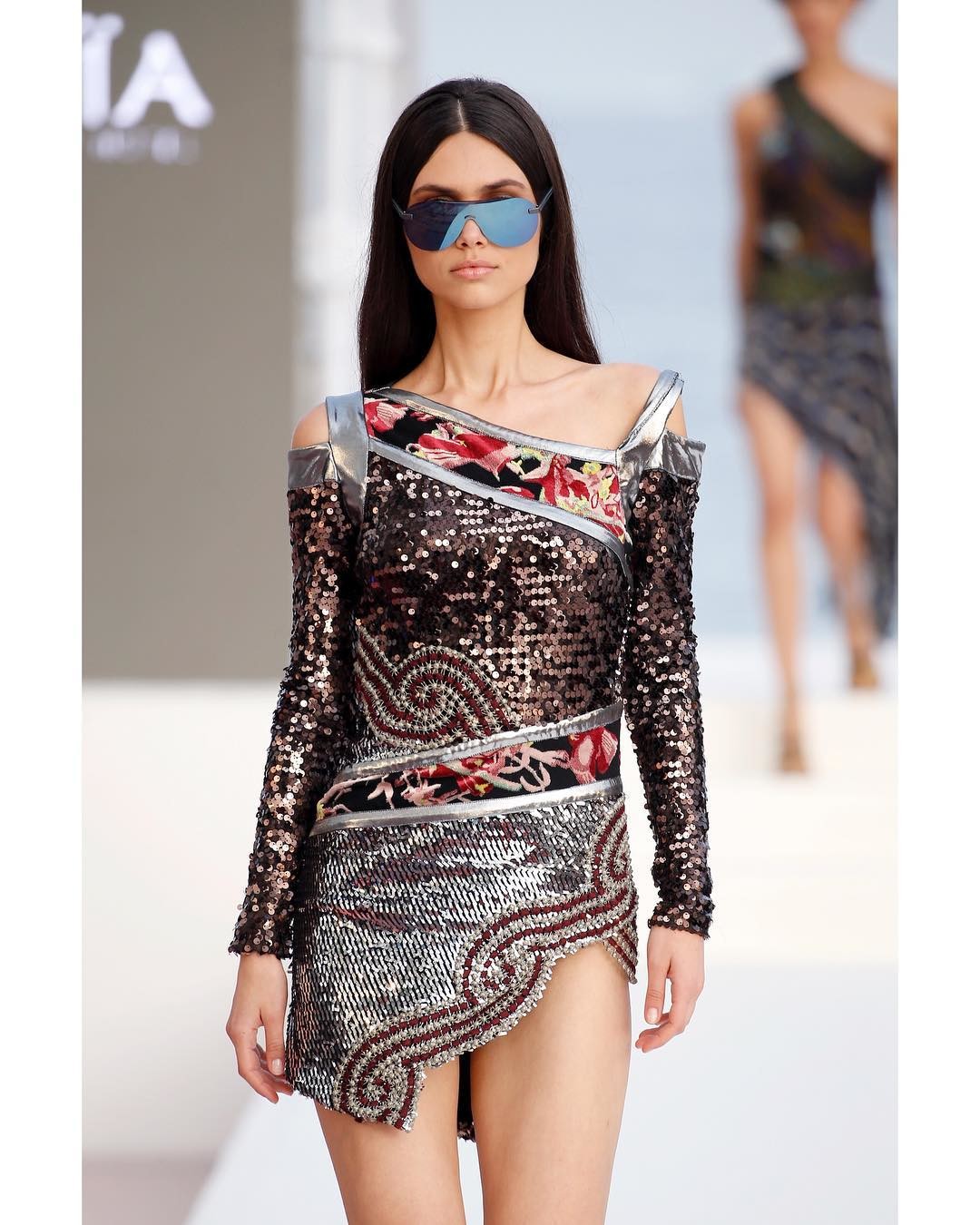
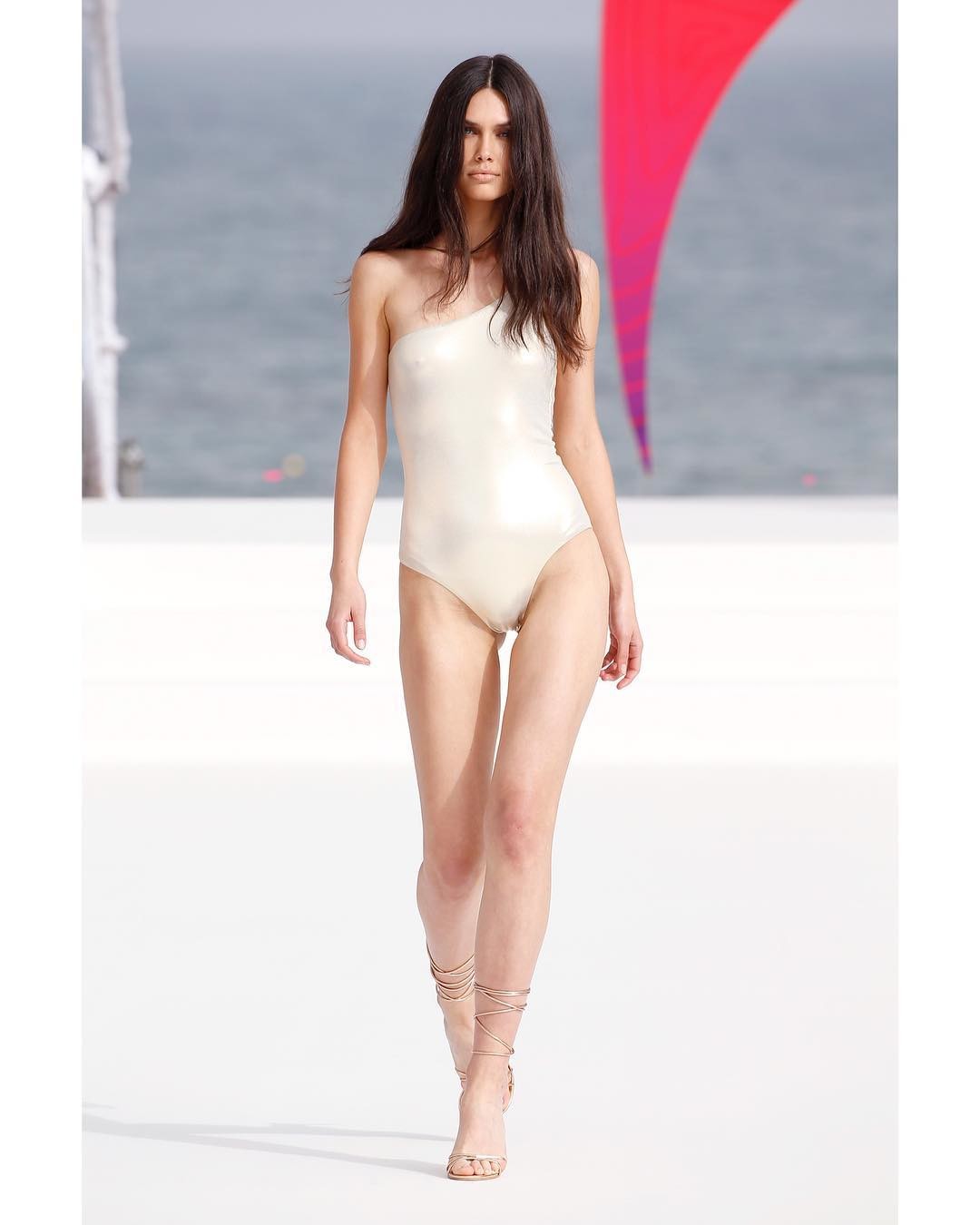
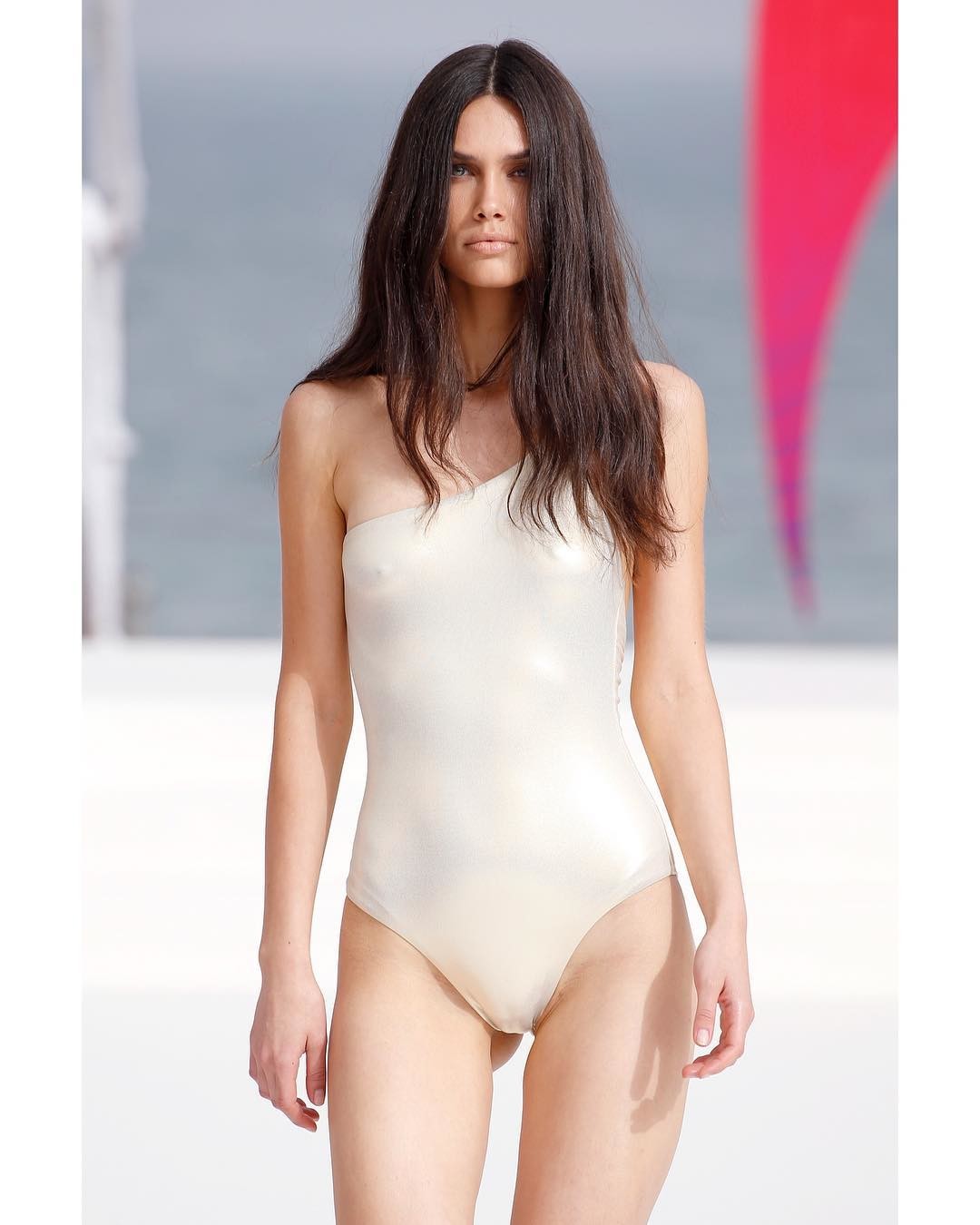
 Mercedes Benz Fashion Week Madrid






 Elizabeth Turner ❤️ HQ












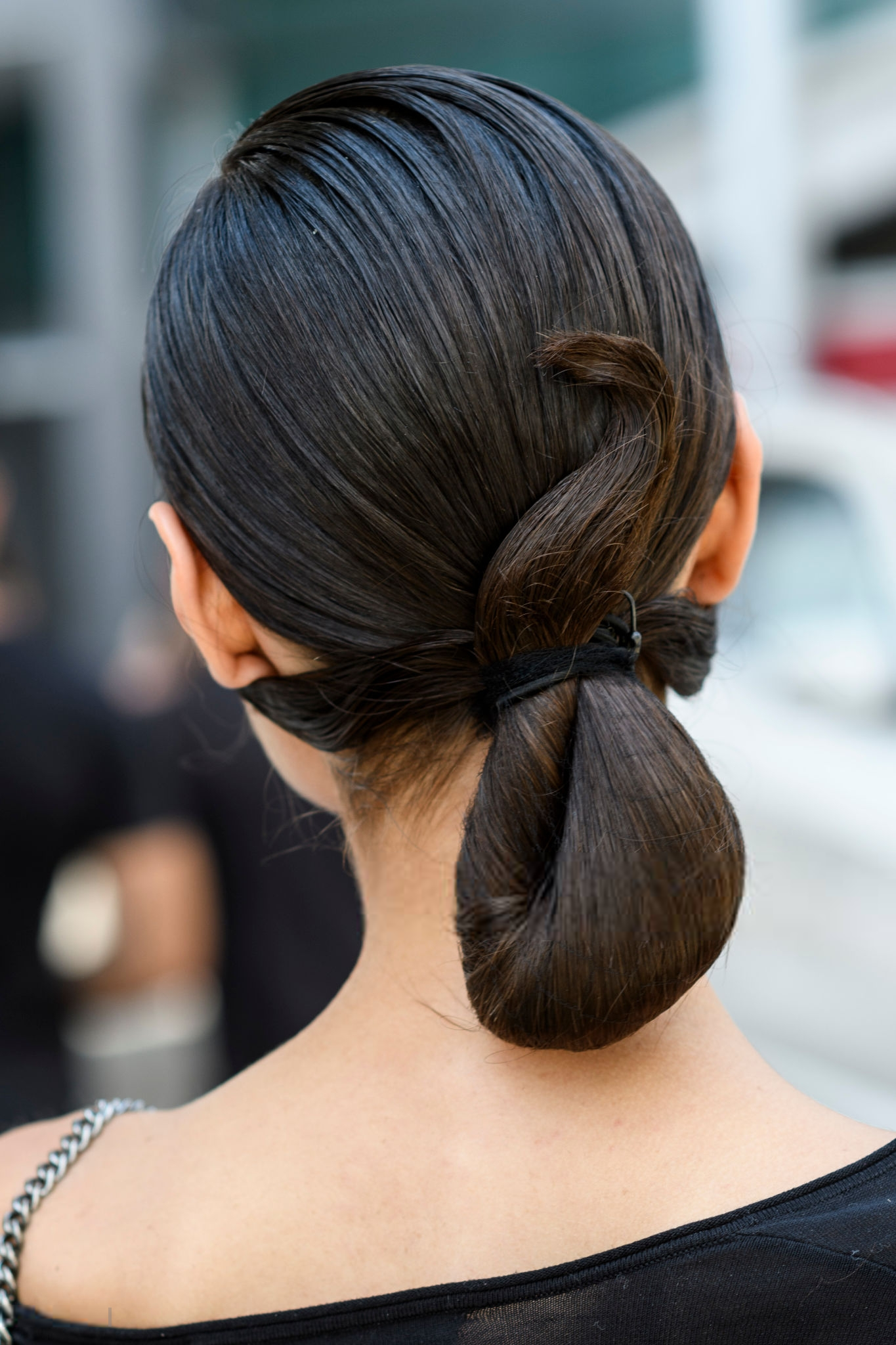
 Various HQ's I've never seen. Sorry for any reposts.





















































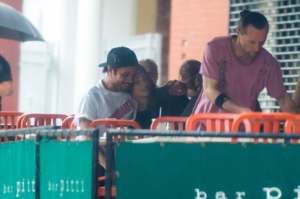


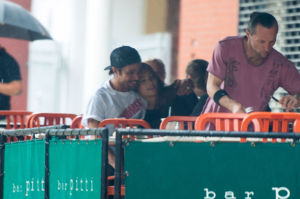



 @Stormbringer Kate's Boobs for you!





 Hailey Clauson HQ @Clauds Fingers crossed for 10MB































 I ❤️ you back Husband!
Not on skype but I can't be. Let me go into the office and get on the PC. Need to tell you what's going on with mom. Gimme 10 minutes.
I ❤️ you back Husband!
Not on skype but I can't be. Let me go into the office and get on the PC. Need to tell you what's going on with mom. Gimme 10 minutes.









































































































































Account
Navigation
Search
Configure browser push notifications
Chrome (Android)
- Tap the lock icon next to the address bar.
- Tap Permissions → Notifications.
- Adjust your preference.
Chrome (Desktop)
- Click the padlock icon in the address bar.
- Select Site settings.
- Find Notifications and adjust your preference.
Safari (iOS 16.4+)
- Ensure the site is installed via Add to Home Screen.
- Open Settings App → Notifications.
- Find your app name and adjust your preference.
Safari (macOS)
- Go to Safari → Preferences.
- Click the Websites tab.
- Select Notifications in the sidebar.
- Find this website and adjust your preference.
Edge (Android)
- Tap the lock icon next to the address bar.
- Tap Permissions.
- Find Notifications and adjust your preference.
Edge (Desktop)
- Click the padlock icon in the address bar.
- Click Permissions for this site.
- Find Notifications and adjust your preference.
Firefox (Android)
- Go to Settings → Site permissions.
- Tap Notifications.
- Find this site in the list and adjust your preference.
Firefox (Desktop)
- Open Firefox Settings.
- Search for Notifications.
- Find this site in the list and adjust your preference.