All Activity
- Past hour
-

 Nous Deux - 2017/08/29


 Benito Antonio Martínez Ocasio (Latin American Spanish: [beˈnito anˈtonjo maɾˈtines oˈkasjo]; born March 10, 1994), known professionally as Bad Bunny, is a Puerto Rican rapper, singer, record producer, and occasional professional wrestler. Dubbed the "King of Latin Trap", he is widely credited with helping Spanish-language rap-singing reach mainstream global popularity and is considered one of the greatest Latino rappers of all time. not a fan
 Tatler UK - 2026/3










 john galliano s/s 2003 rtw


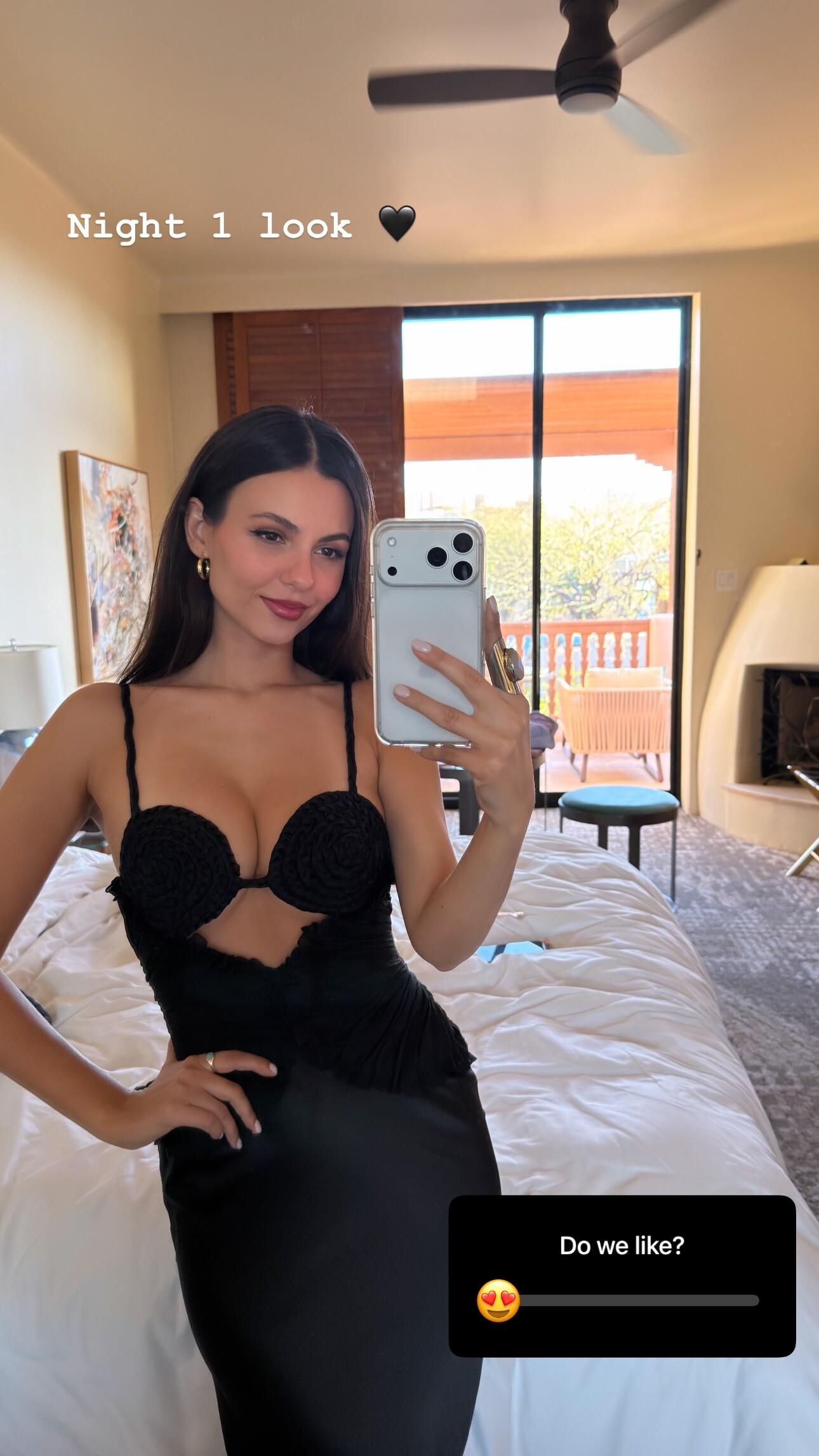
 stories videos



 Tatler UK - 2026/3













 mysteriousoul joined the community
Argendior changed their profile photo
mysteriousoul joined the community
Argendior changed their profile photo https://www.bellazon.com/main/profile/331572-divya678/
HELLO! Fashion Monthly - February-March 2026
https://www.bellazon.com/main/profile/331572-divya678/
HELLO! Fashion Monthly - February-March 2026









 stories video




 looks like Malwina Z or Catherine McCord... s/s 1996 Armani
 chandra beauti: Sunset glow + The Super Serum 🌅🧚♀️
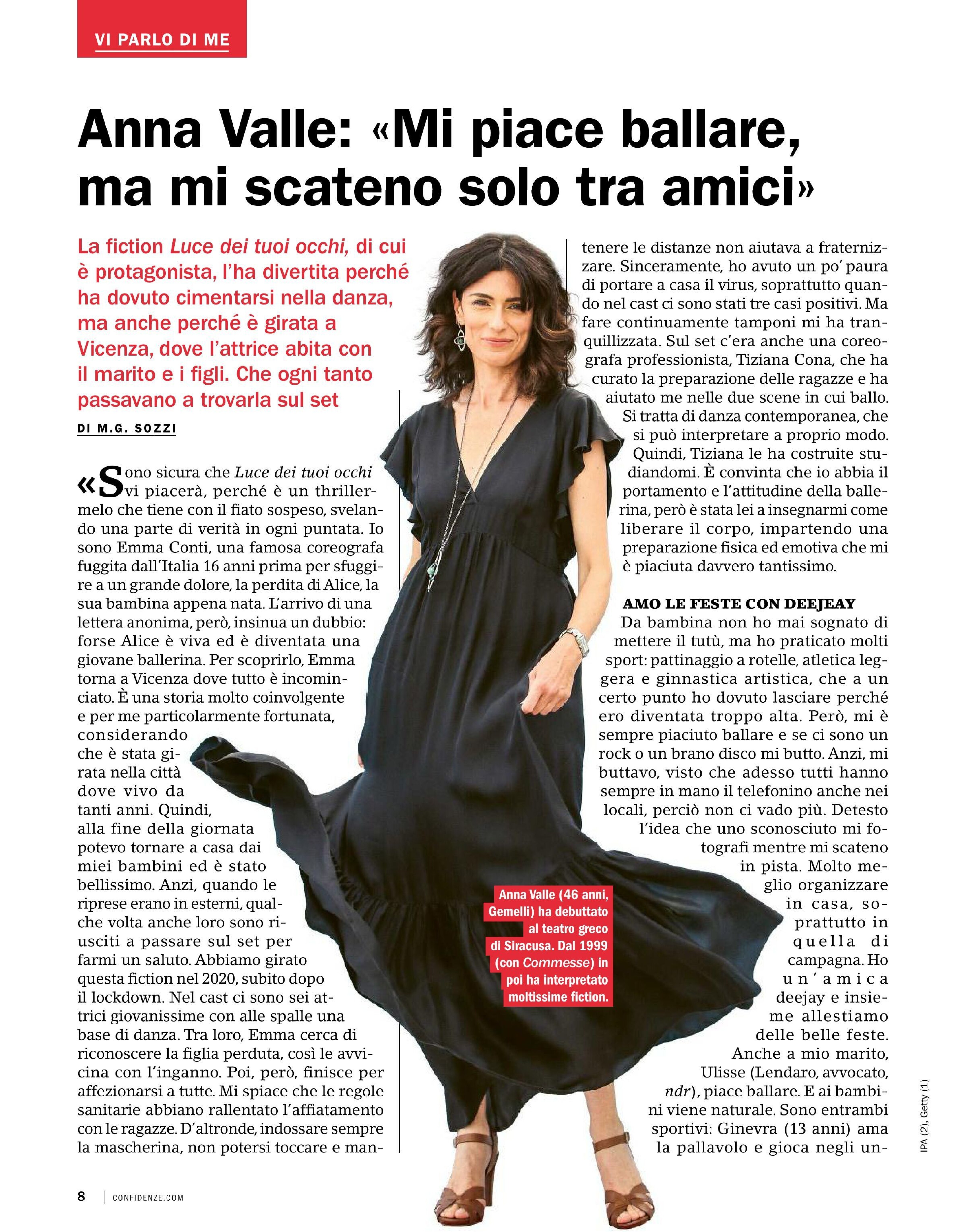
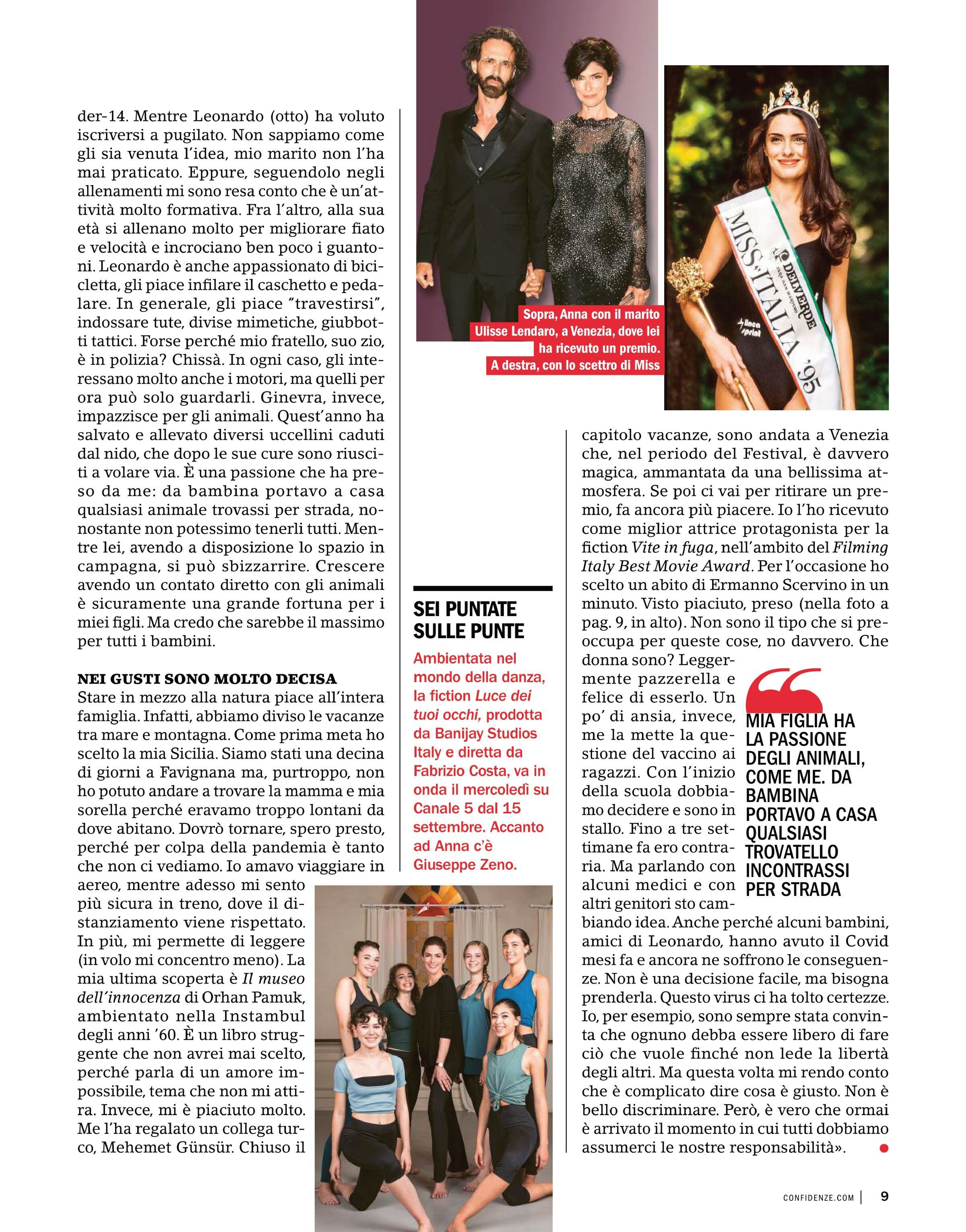
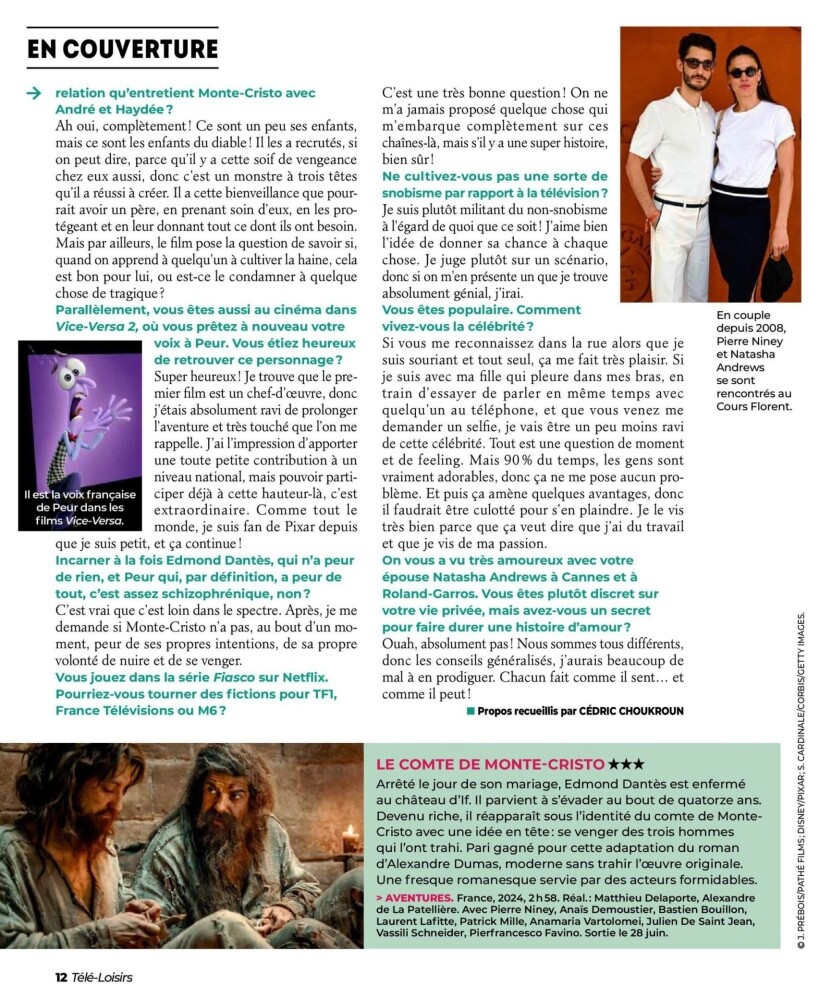
 Tele Loisirs - 2024/06/24
 i thought she was Cynthia Anthonio, after Cindy Lewis, but i am wrong... s/s 1991 Armani
 motop joined the community







1742315133_fc740.jpg.8304fbe328387a8cfe5f07be5202e50b.jpg)























































.jpg.a1b20eec31be7c1f8be4120b47883ecf.jpg)
.jpg.bd6a9de281a7c69bd458bcca4cbd519f.jpg)
.jpg.cb479ab2a276829fb047a83b07e30022.jpg)
.jpg.1213e209f1c3ba95eb3e013cb1657857.jpg)








Account
Navigation
Search
Configure browser push notifications
Chrome (Android)
- Tap the lock icon next to the address bar.
- Tap Permissions → Notifications.
- Adjust your preference.
Chrome (Desktop)
- Click the padlock icon in the address bar.
- Select Site settings.
- Find Notifications and adjust your preference.
Safari (iOS 16.4+)
- Ensure the site is installed via Add to Home Screen.
- Open Settings App → Notifications.
- Find your app name and adjust your preference.
Safari (macOS)
- Go to Safari → Preferences.
- Click the Websites tab.
- Select Notifications in the sidebar.
- Find this website and adjust your preference.
Edge (Android)
- Tap the lock icon next to the address bar.
- Tap Permissions.
- Find Notifications and adjust your preference.
Edge (Desktop)
- Click the padlock icon in the address bar.
- Click Permissions for this site.
- Find Notifications and adjust your preference.
Firefox (Android)
- Go to Settings → Site permissions.
- Tap Notifications.
- Find this site in the list and adjust your preference.
Firefox (Desktop)
- Open Firefox Settings.
- Search for Notifications.
- Find this site in the list and adjust your preference.