All Activity
- Past hour
-
 i love her so muchh !! XD
 -
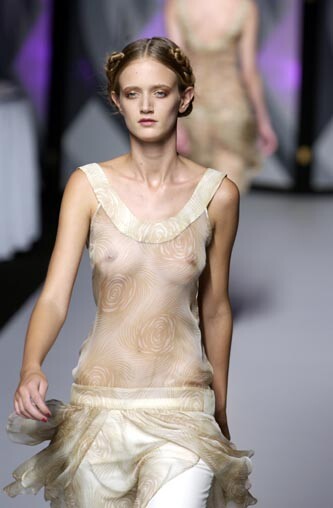
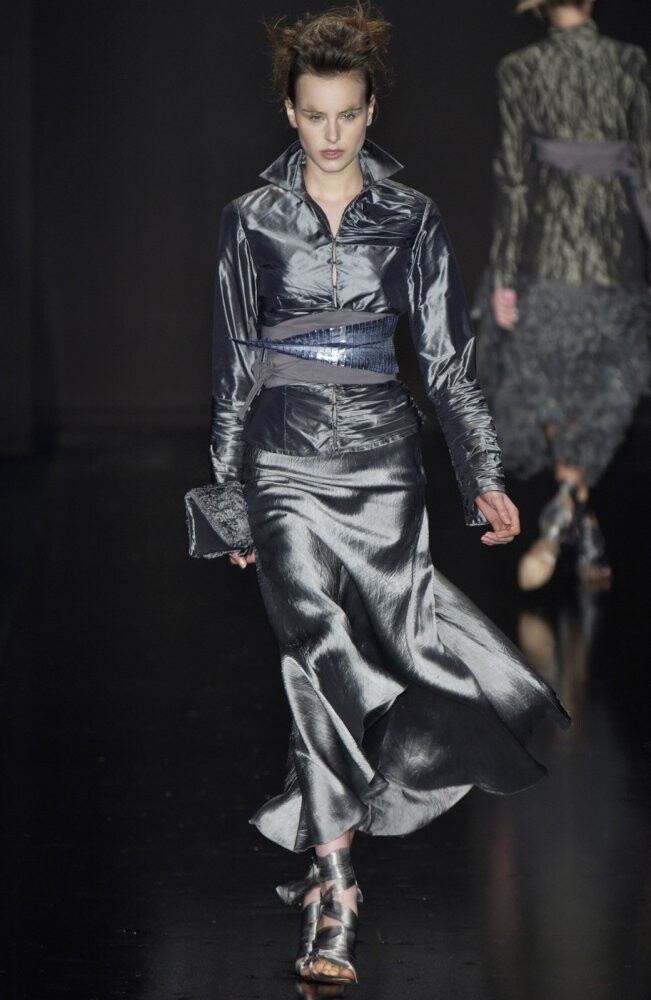
Frost French Ss2004


-
 Some more pics from Naadam 1. 2. 3.


-
VSFS 2024
.jpg.ee5114b06dd76f10dfbc50998ac902c1.jpg)
.jpg.6e26dd717ef2d7e7ff62176df31bdff2.jpg)
.jpg.e4bdf2b360e1836541a64faa7e336f51.jpg)
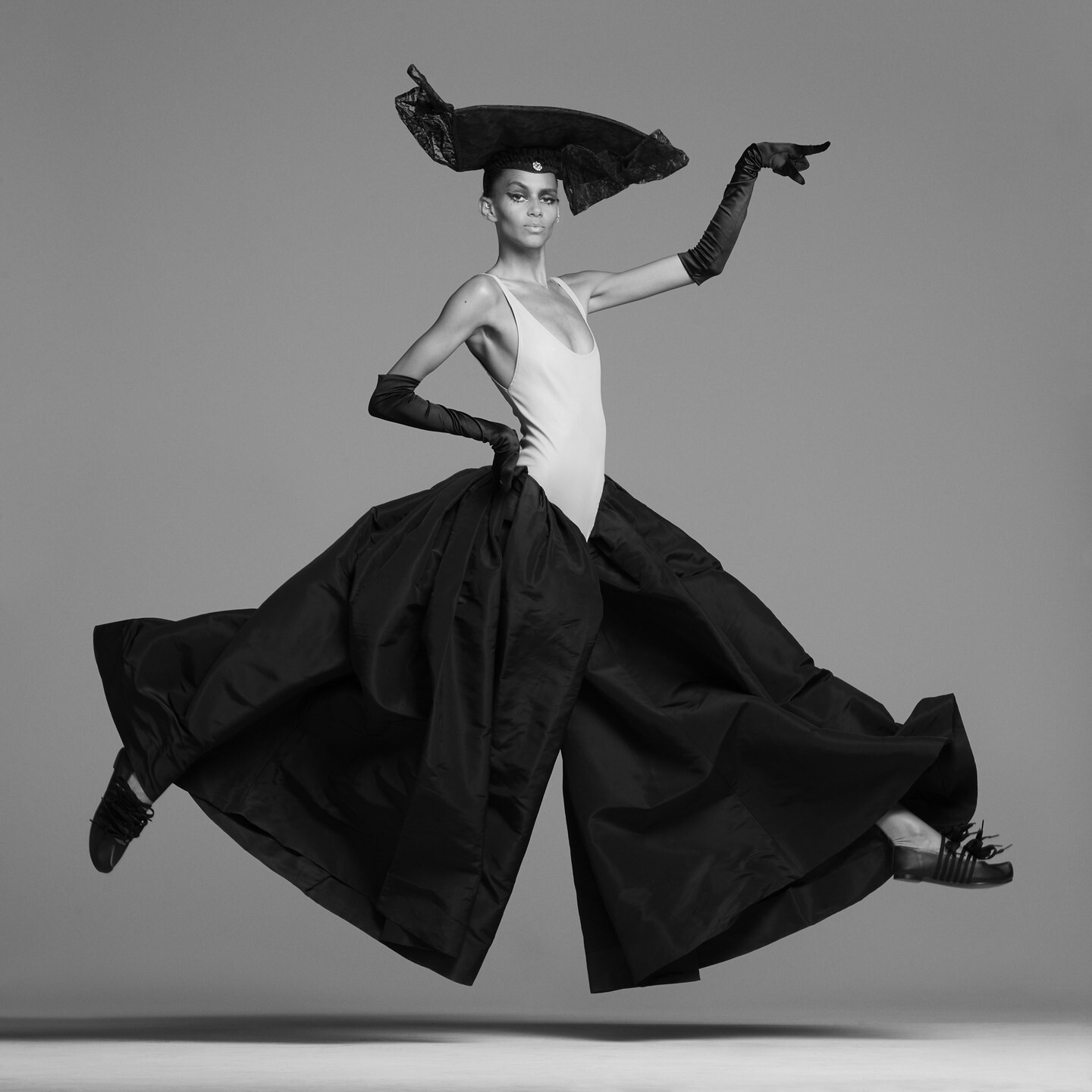
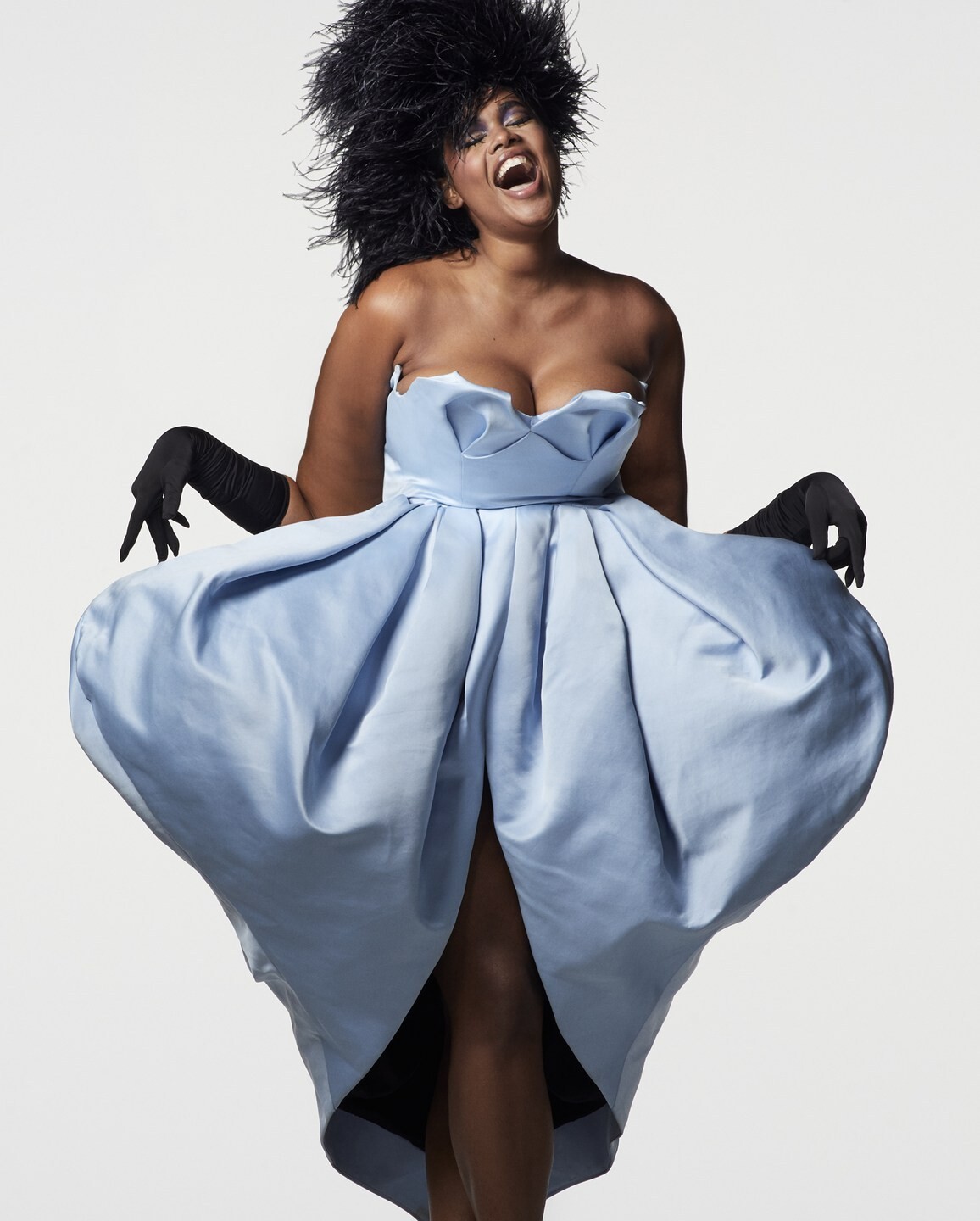
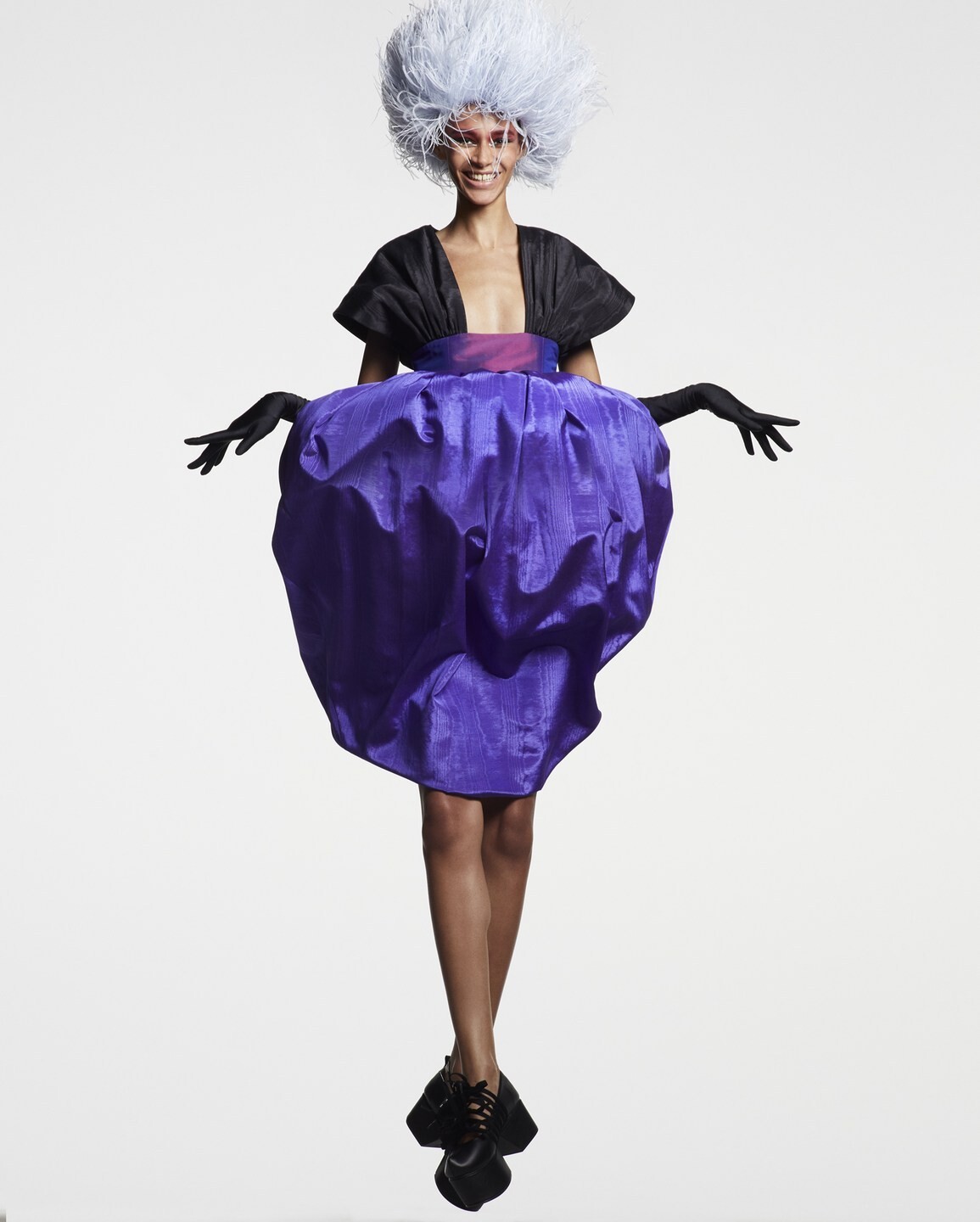
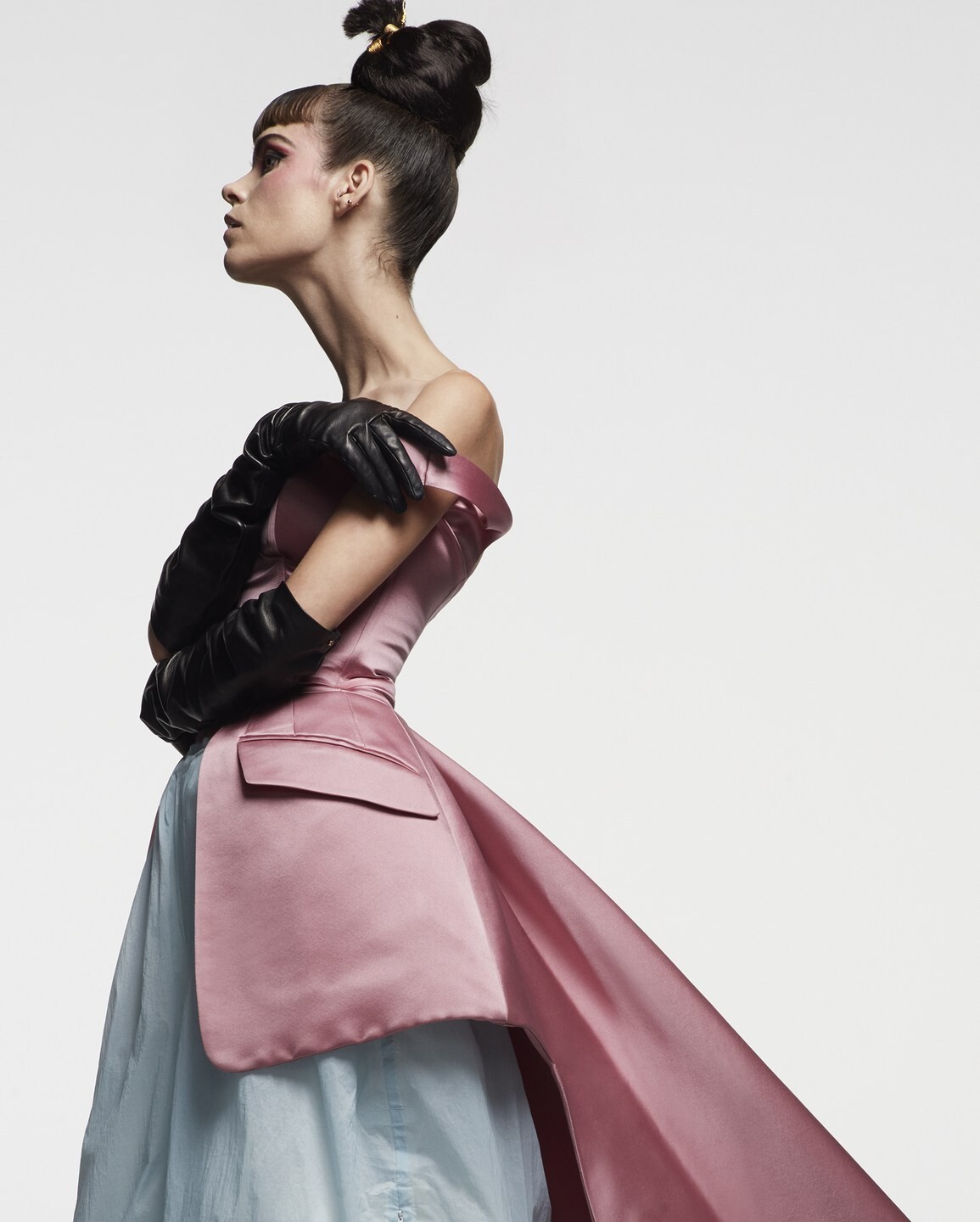
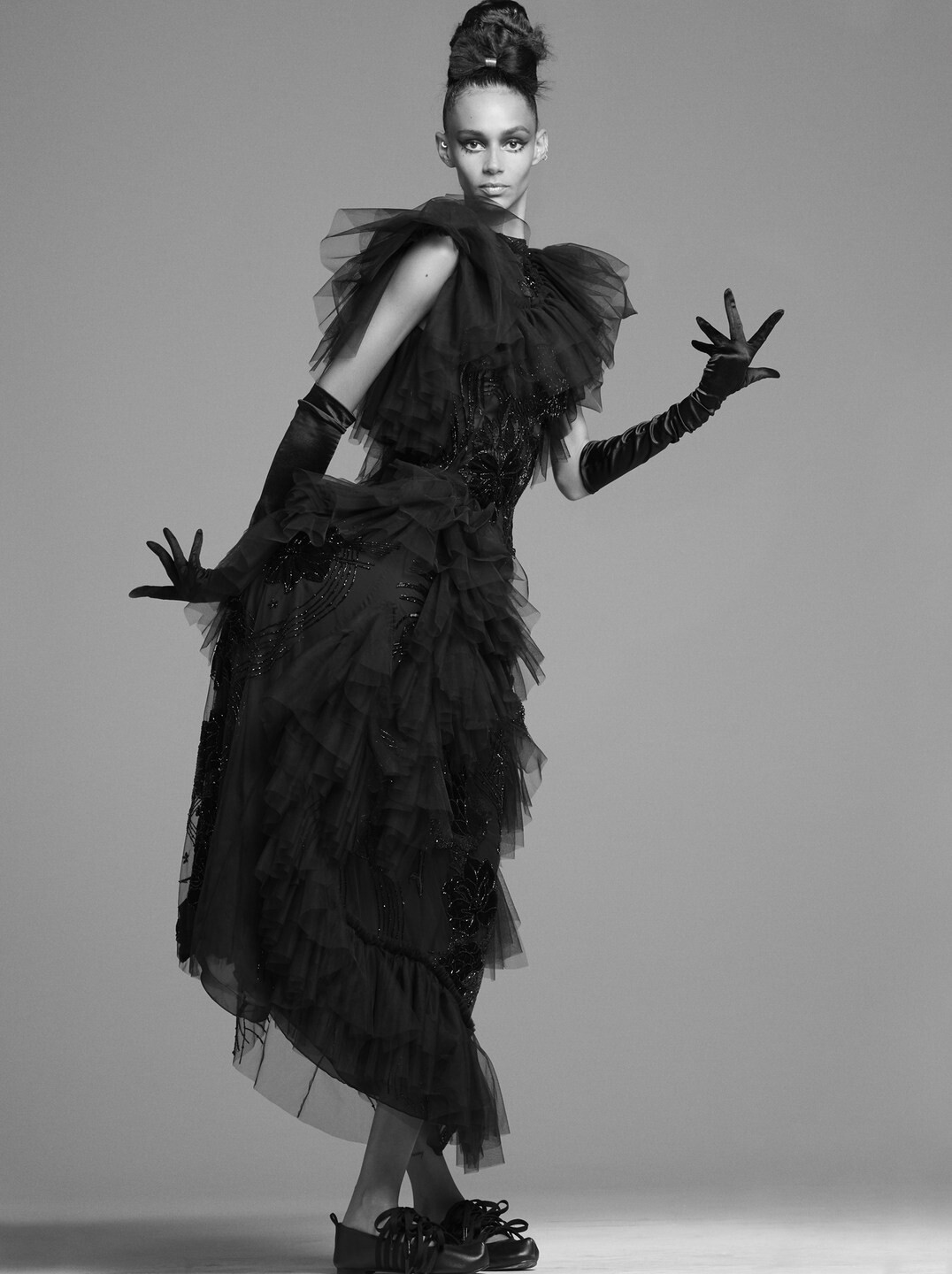
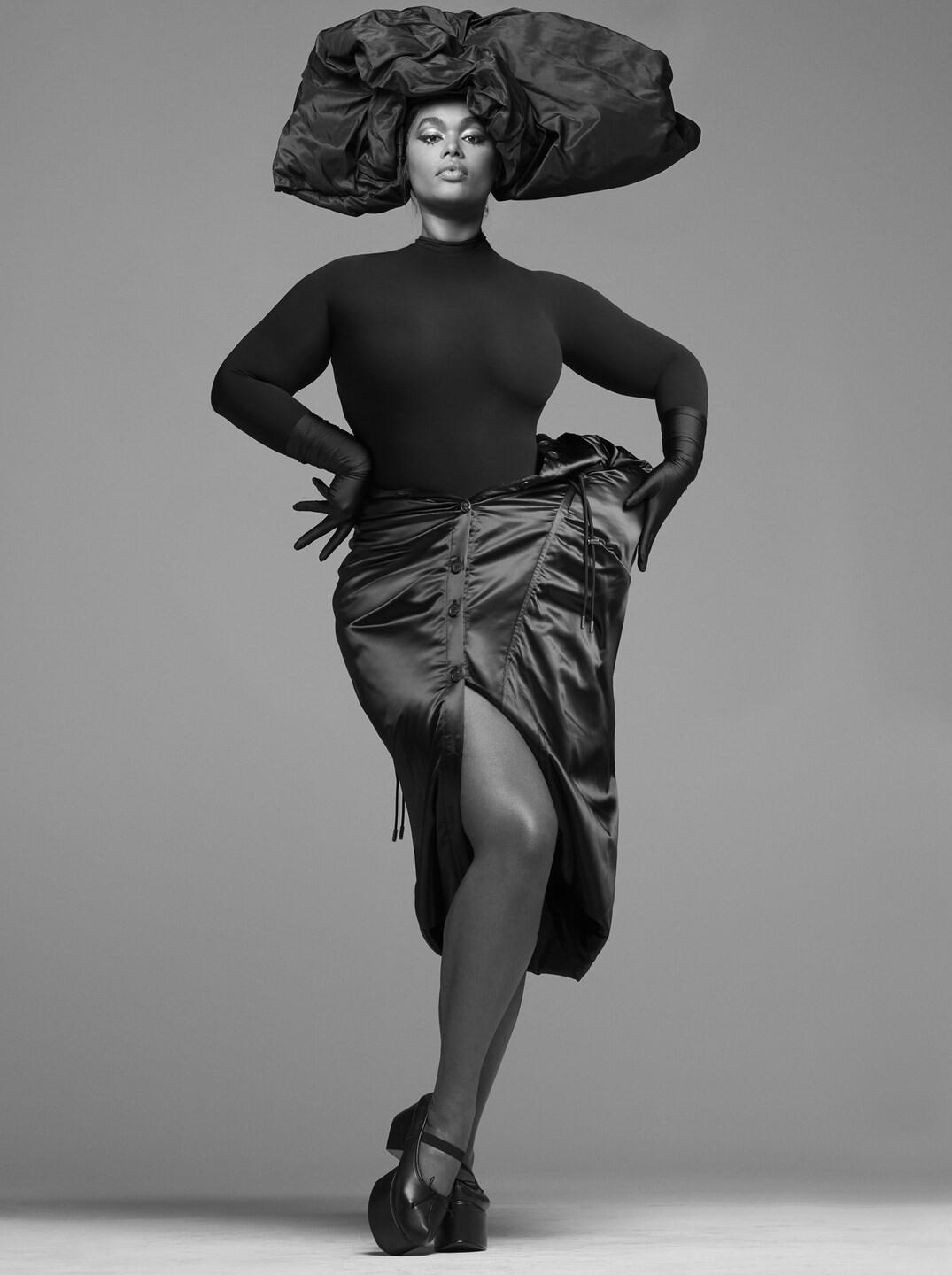
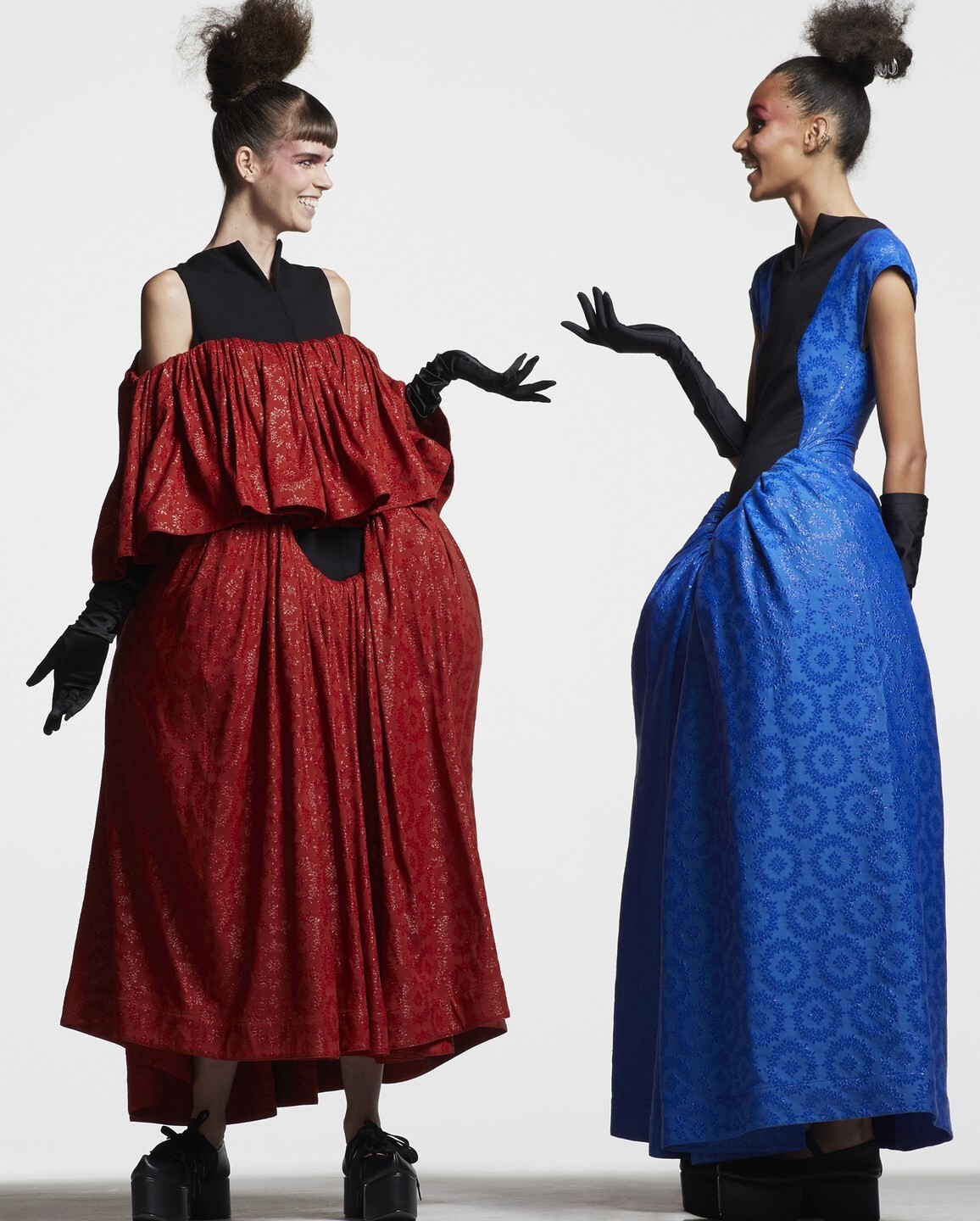
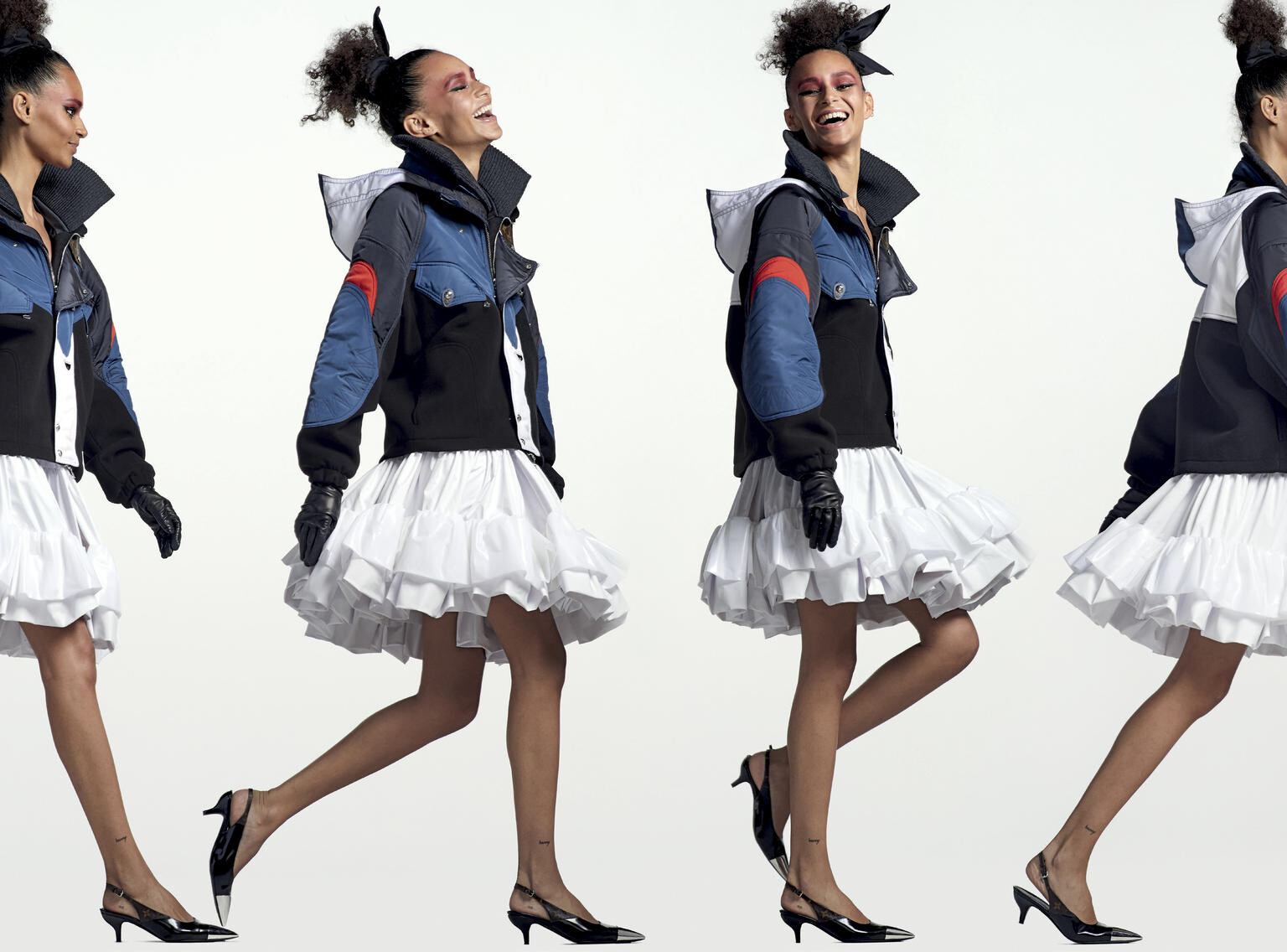
 Vogue Italia July/August 2020 "Onwards & Upwards" Models: Binx Walton, Precious Lee & Meghan Collison Photographer: Ethan James Green Fashion Editor: Carlos Nazario Hair: Jimmy Paul Makeup: Diane Kendall Manicure: Dawn Sterling awake-smile.blogspot.com
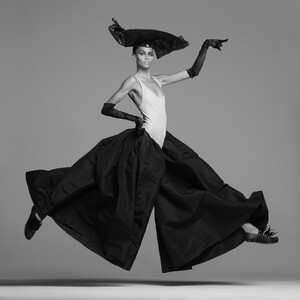



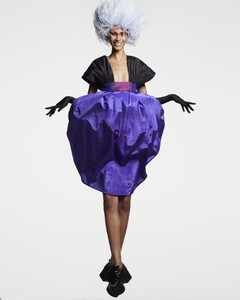


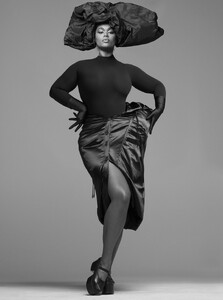

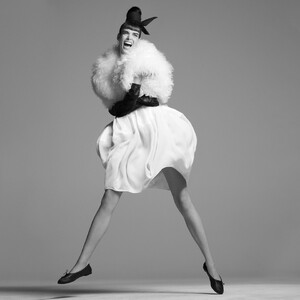
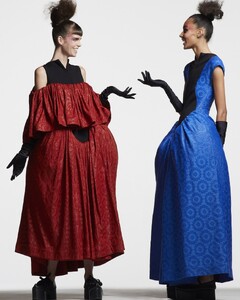
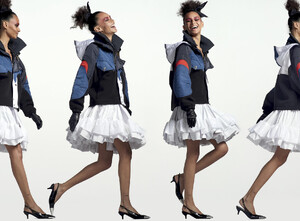 frost french s/s 2004
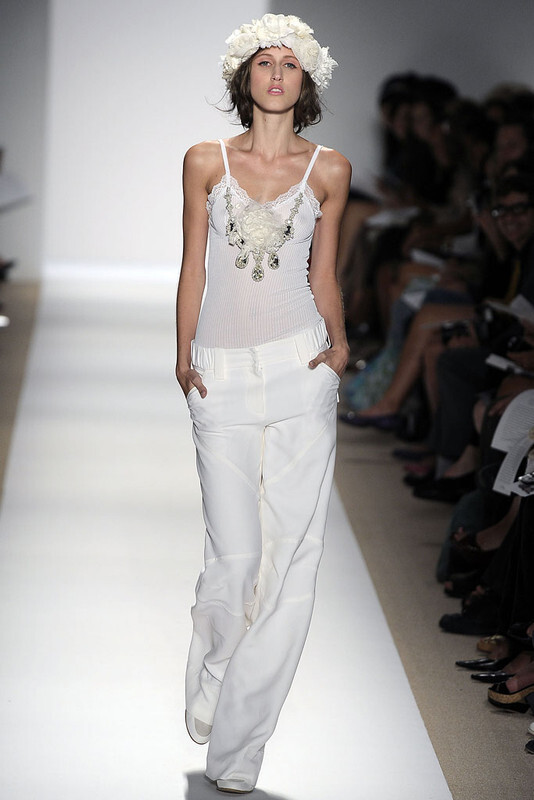
 tuleh spring summer 010
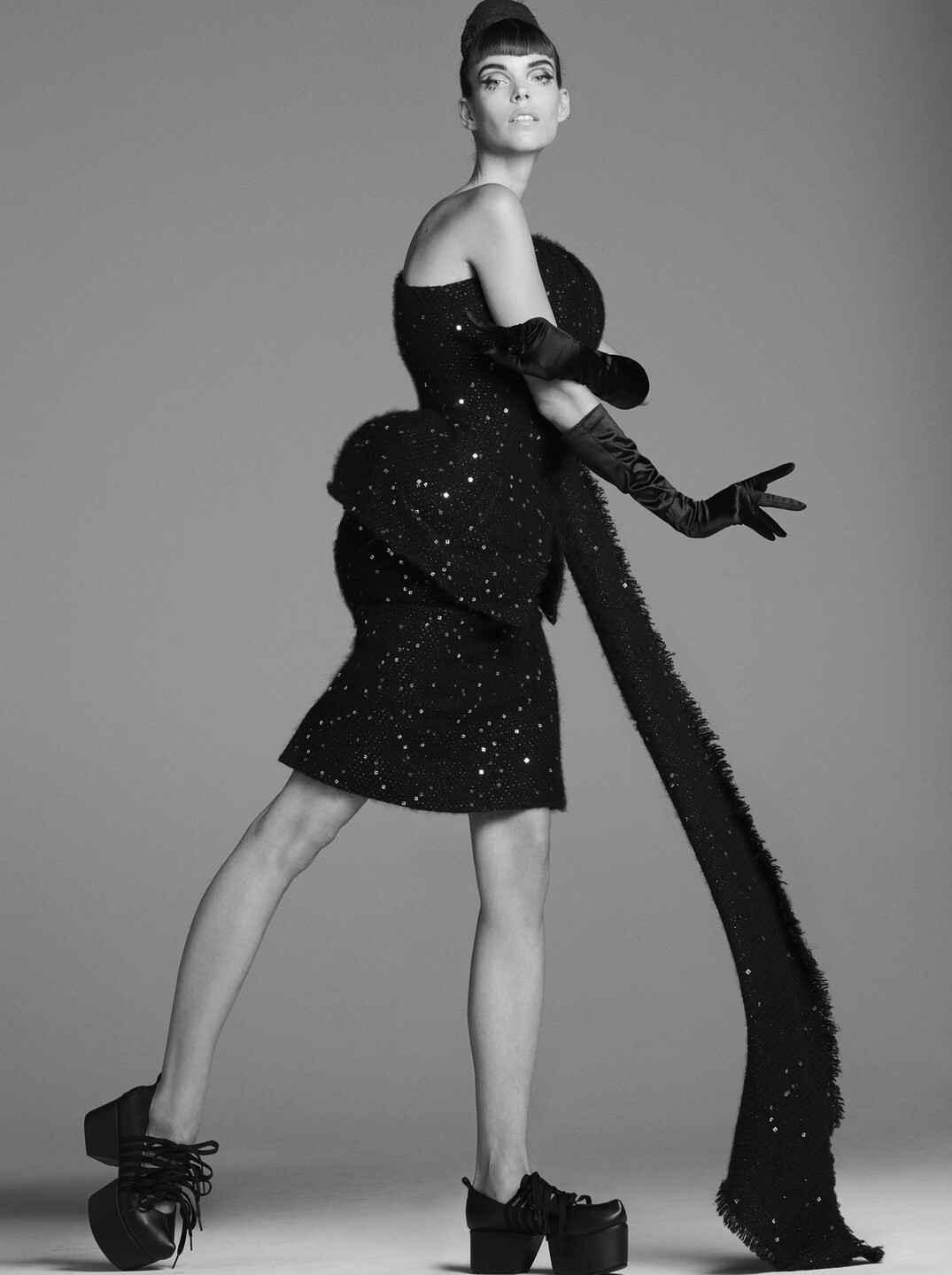
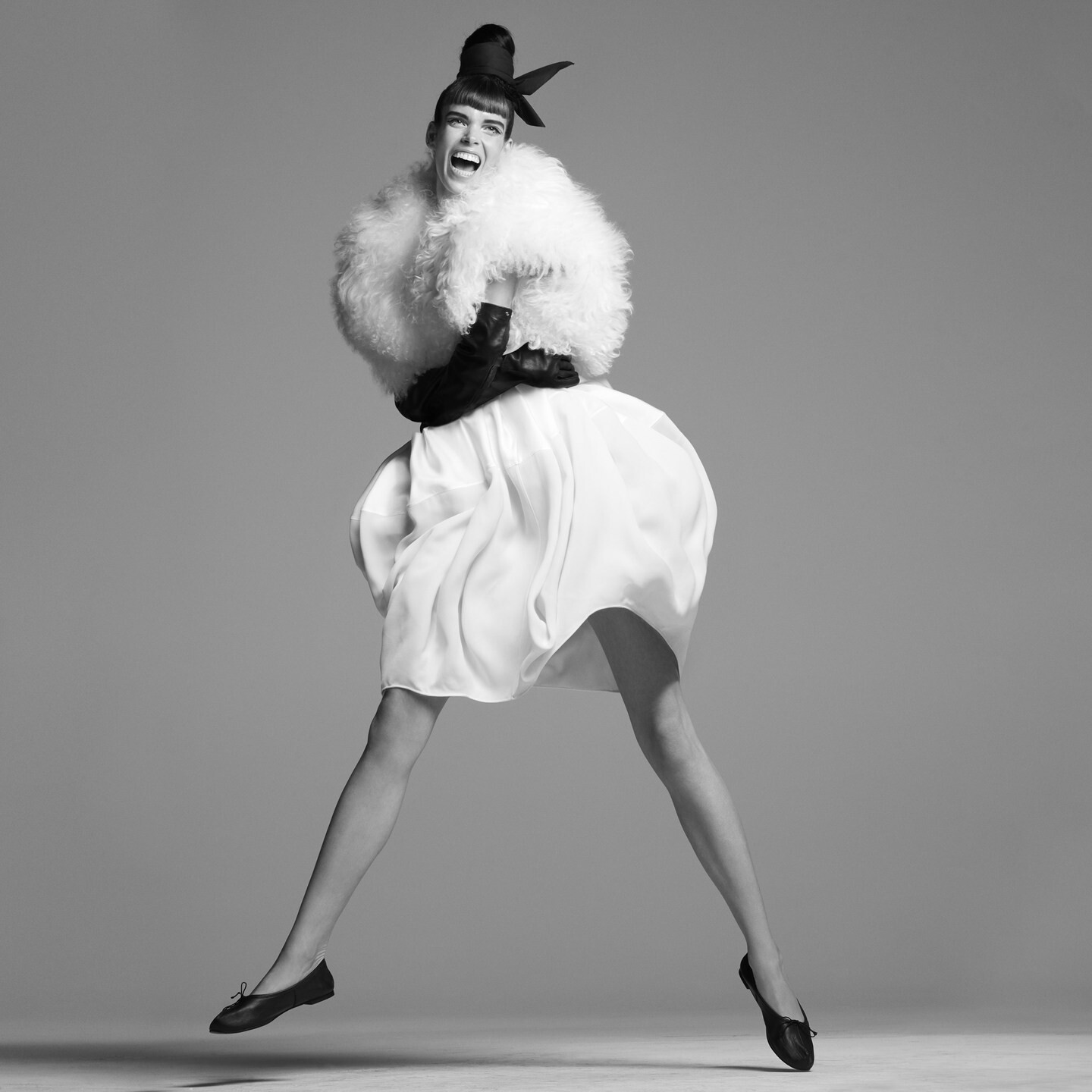
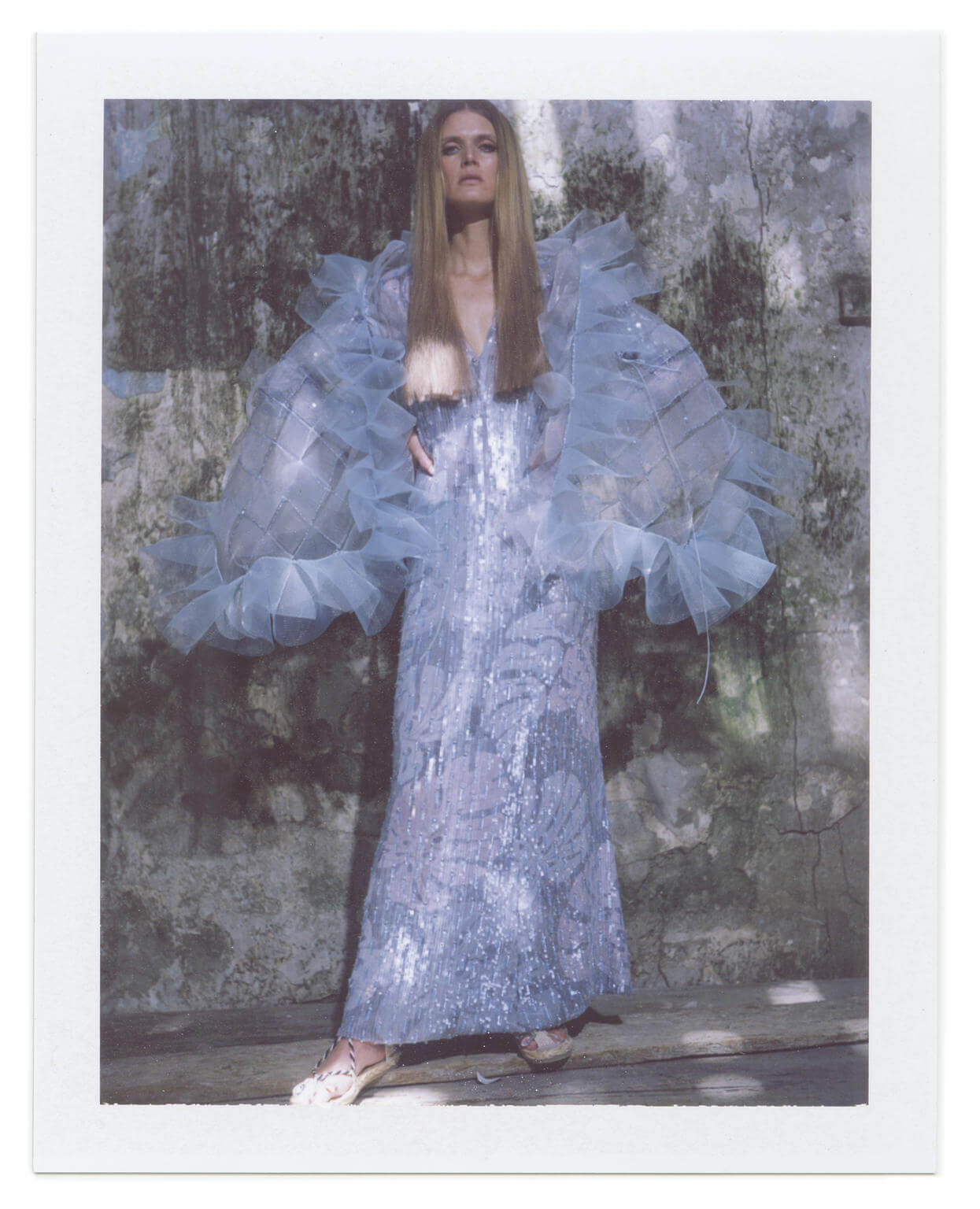
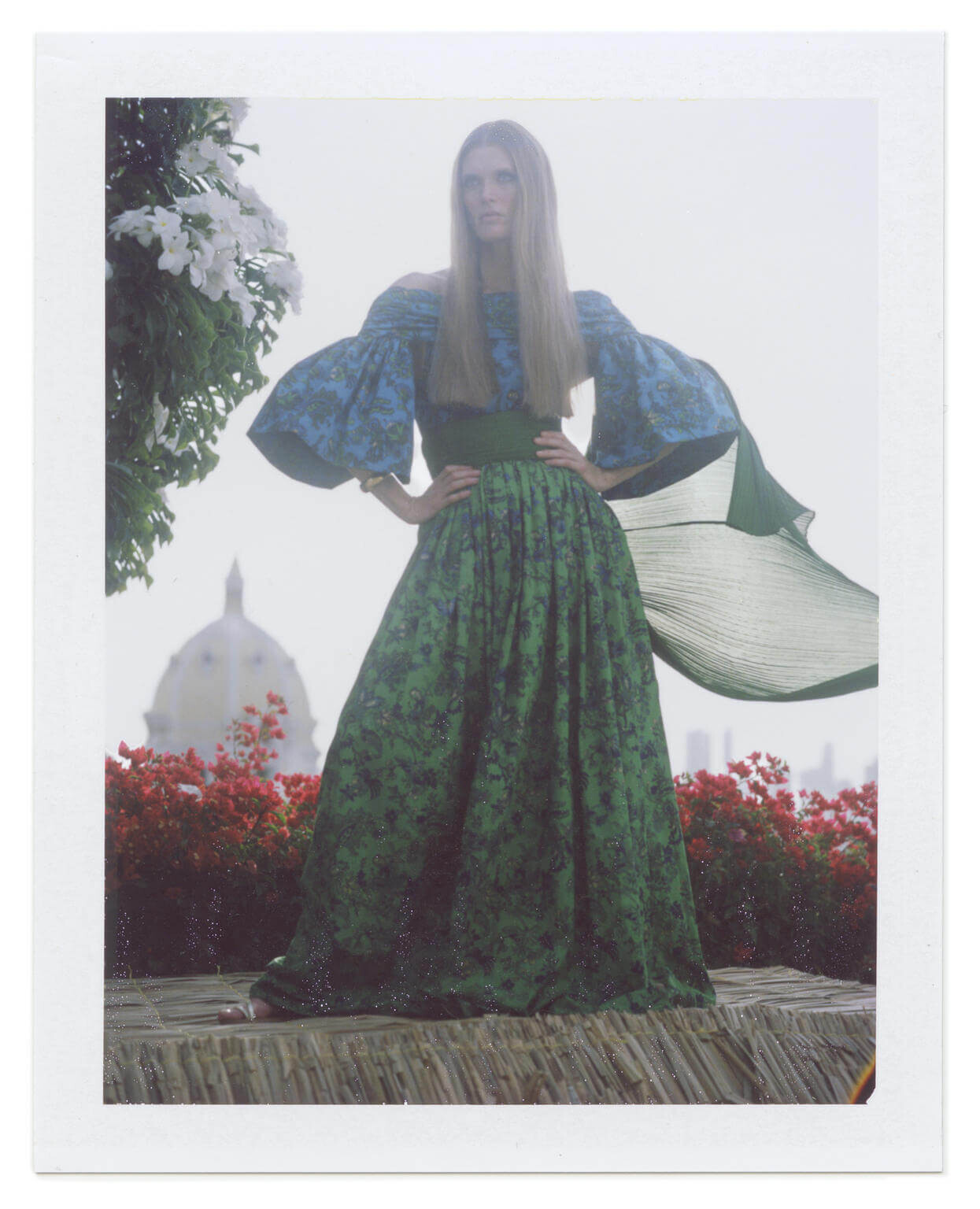
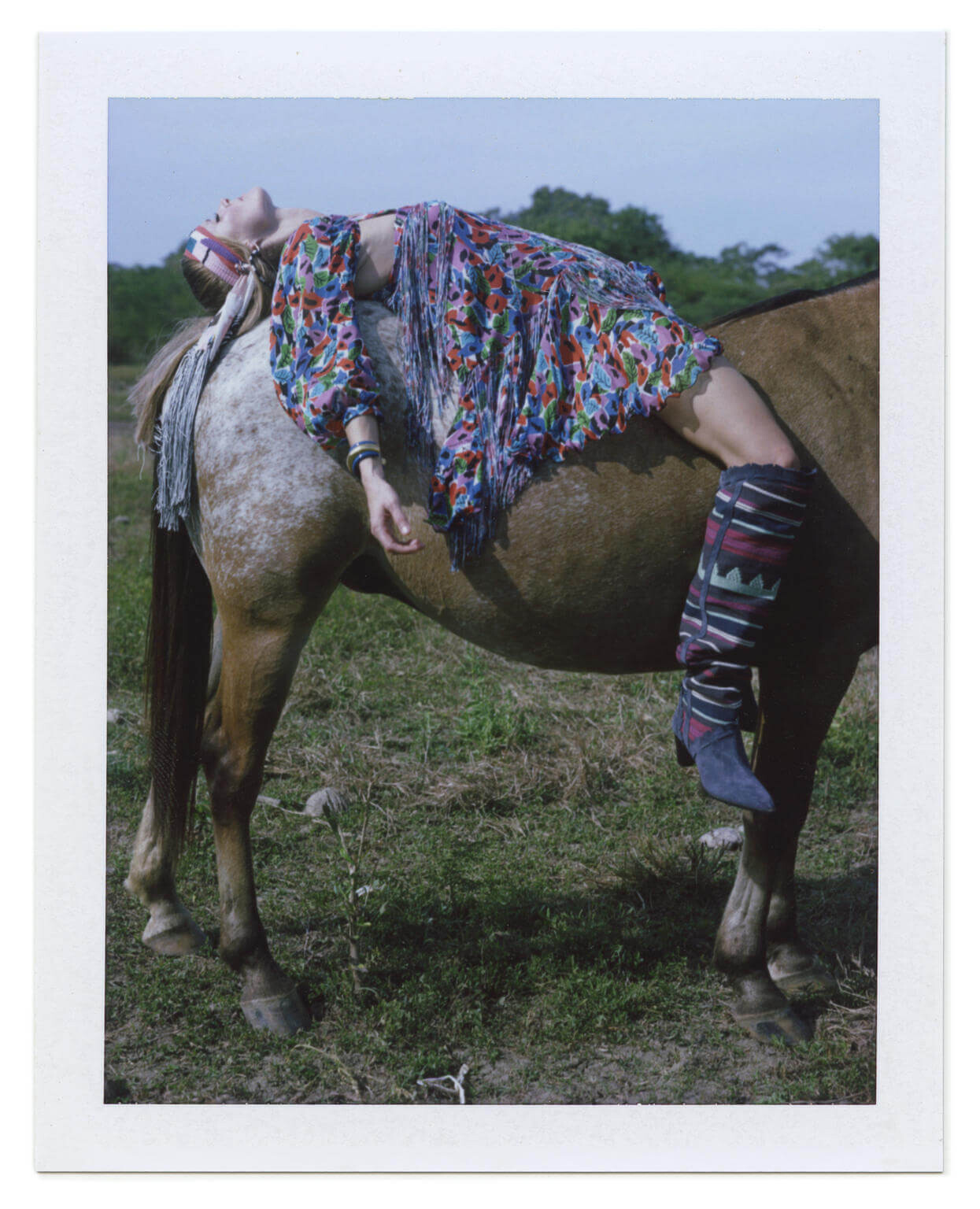
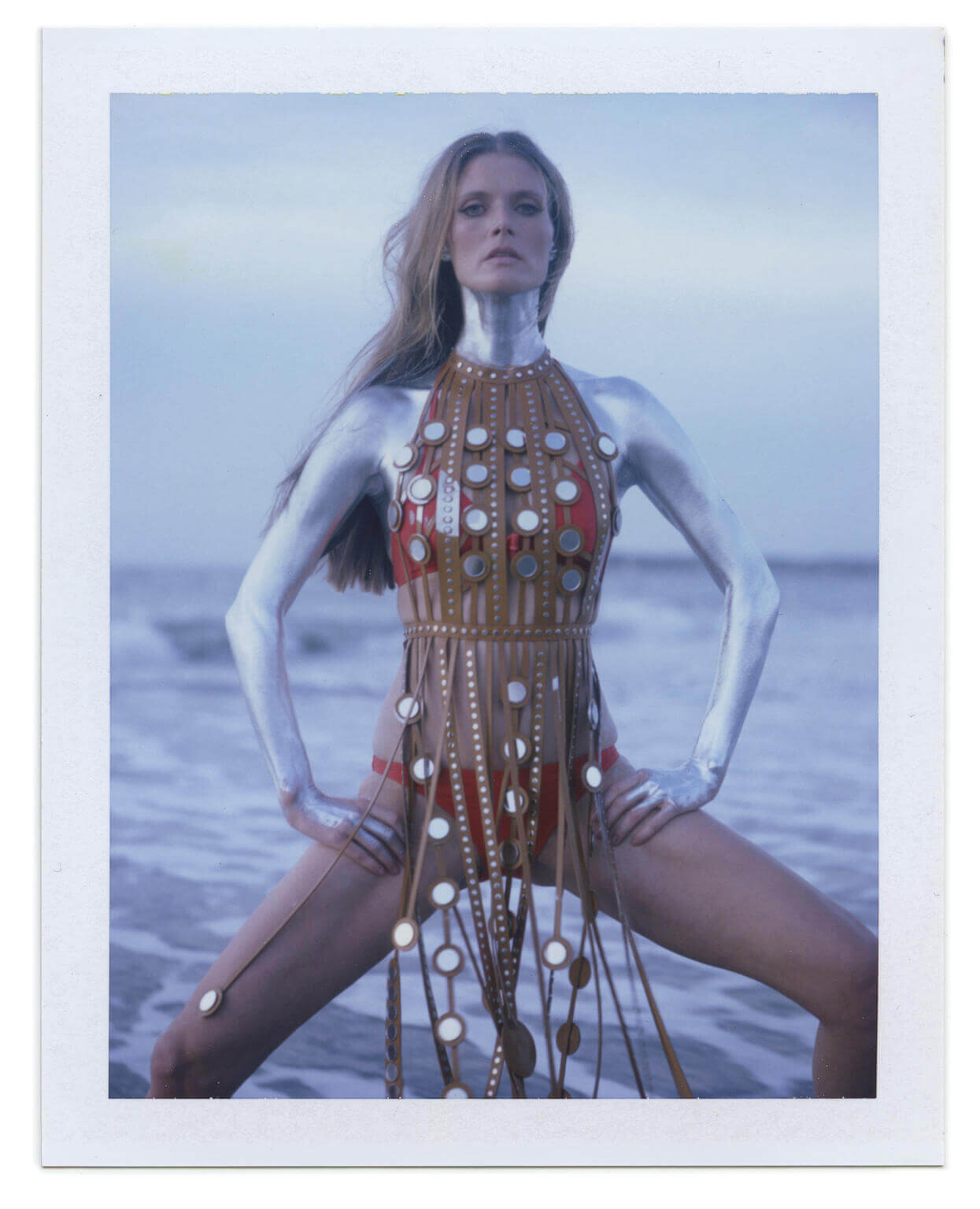
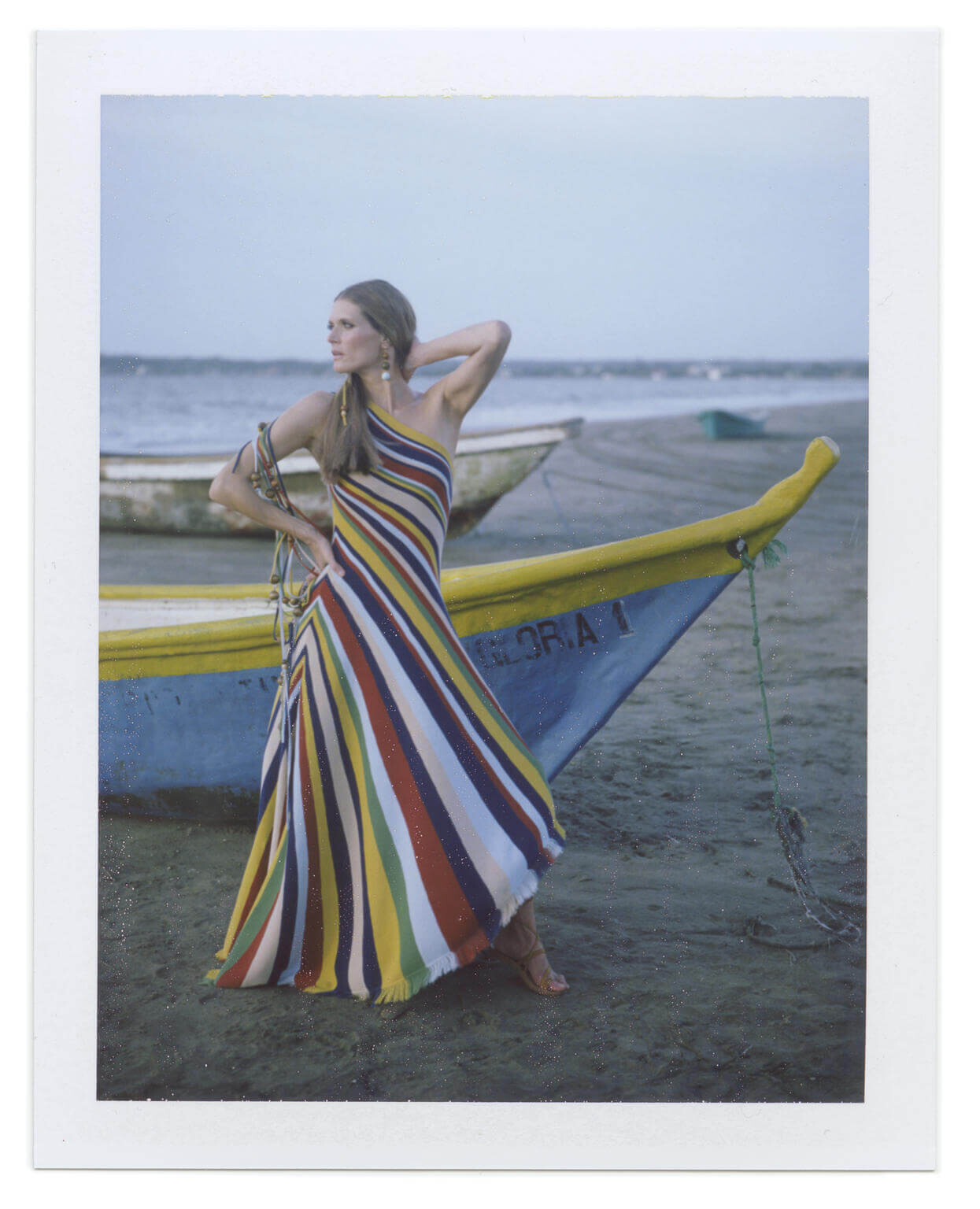
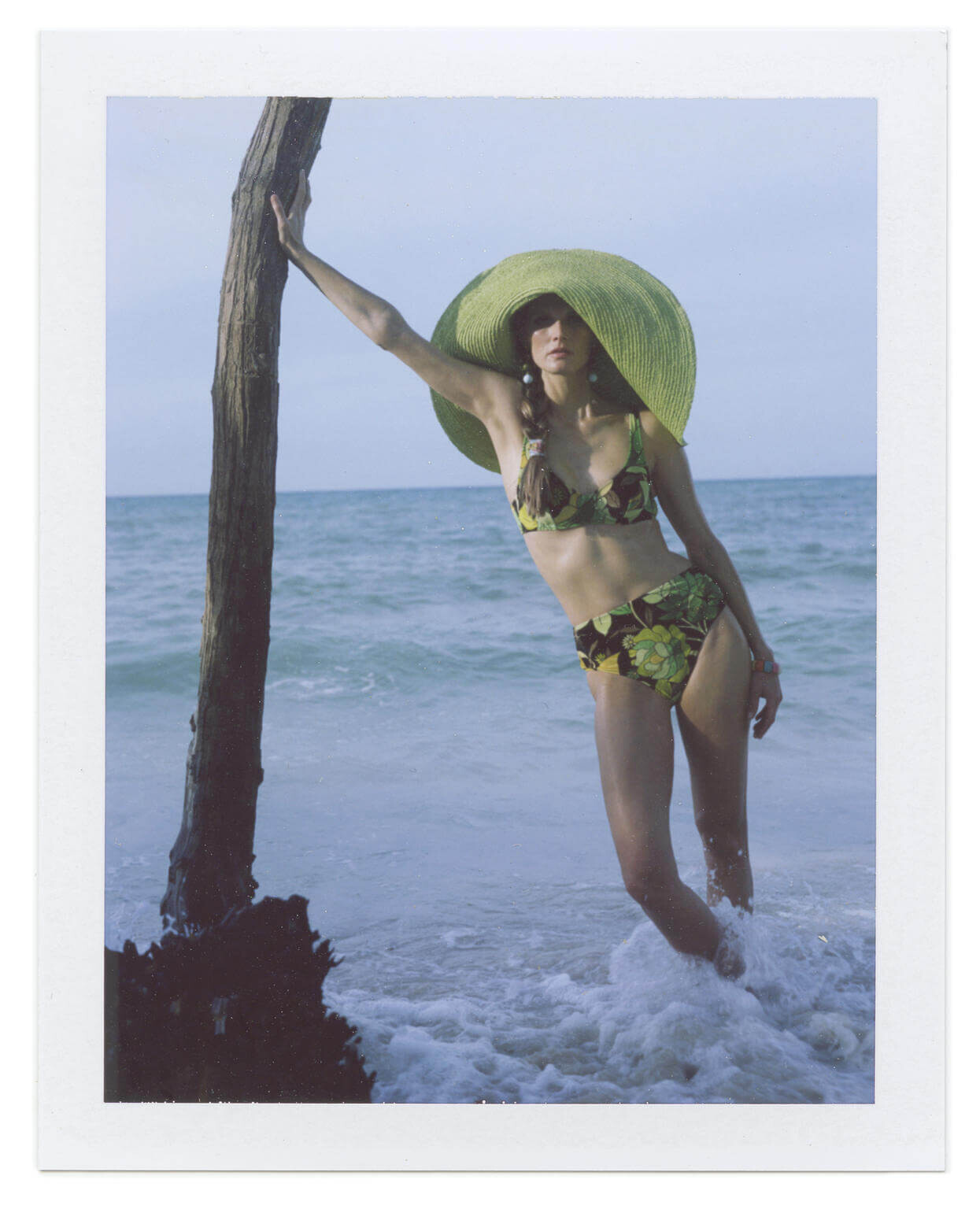
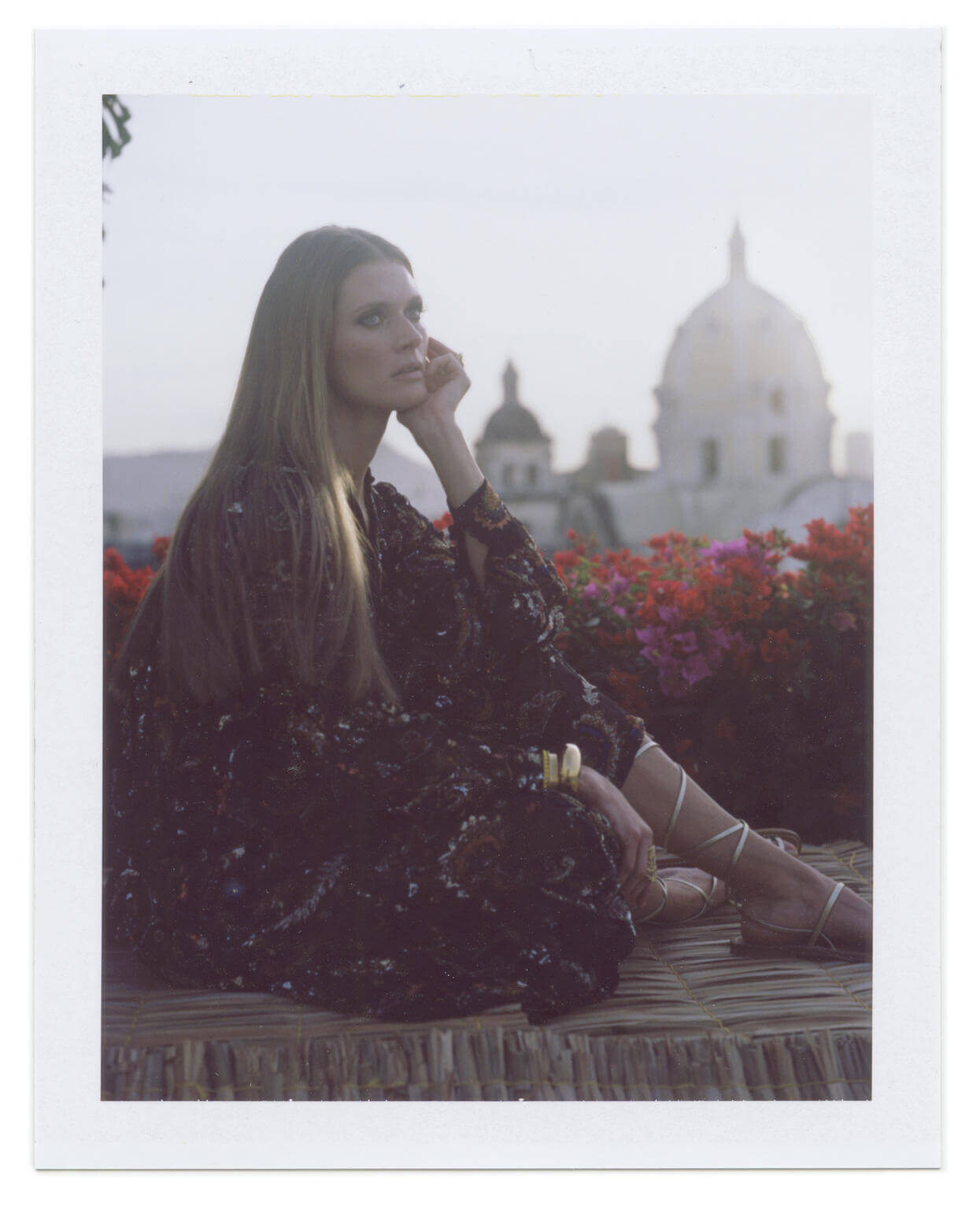
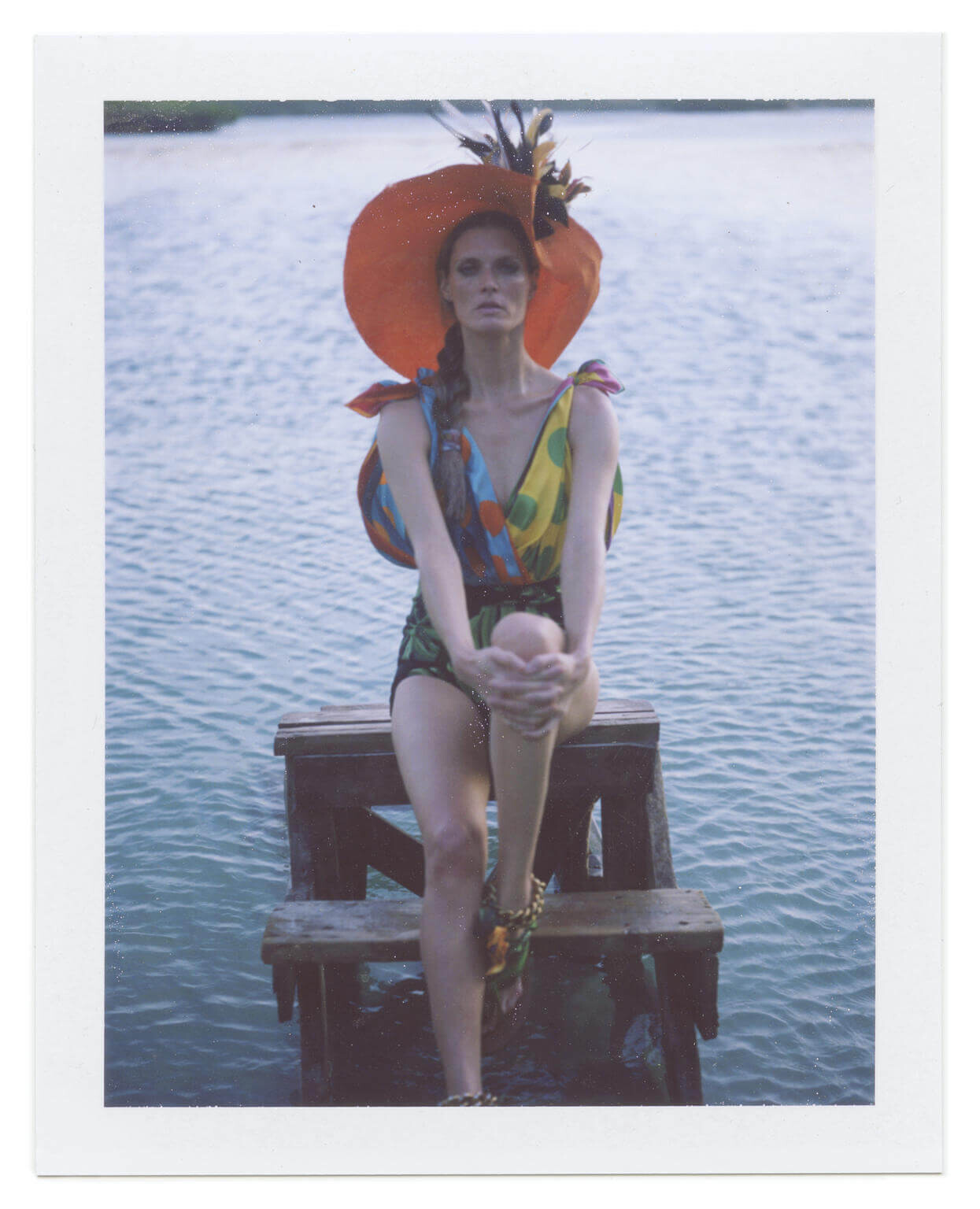
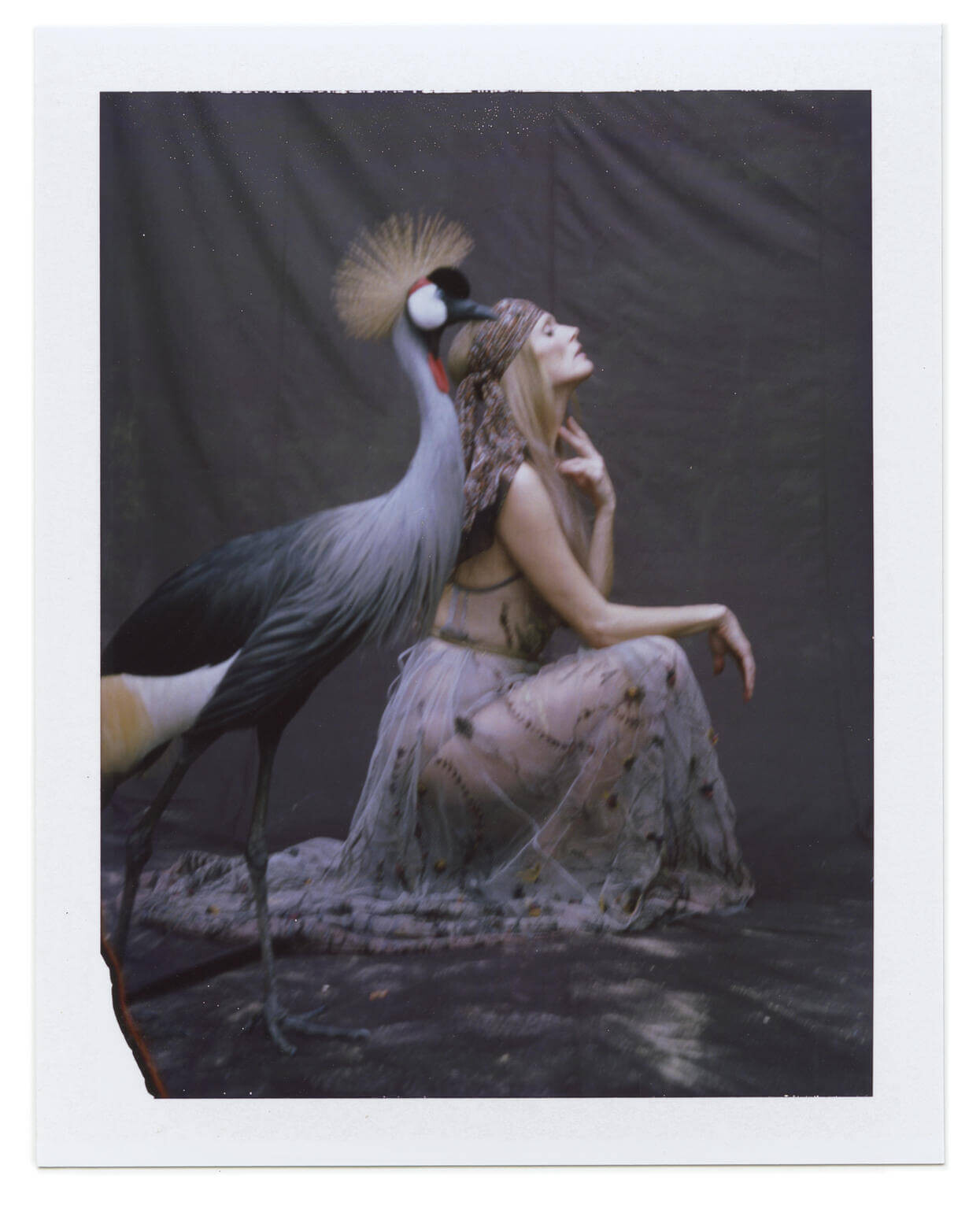
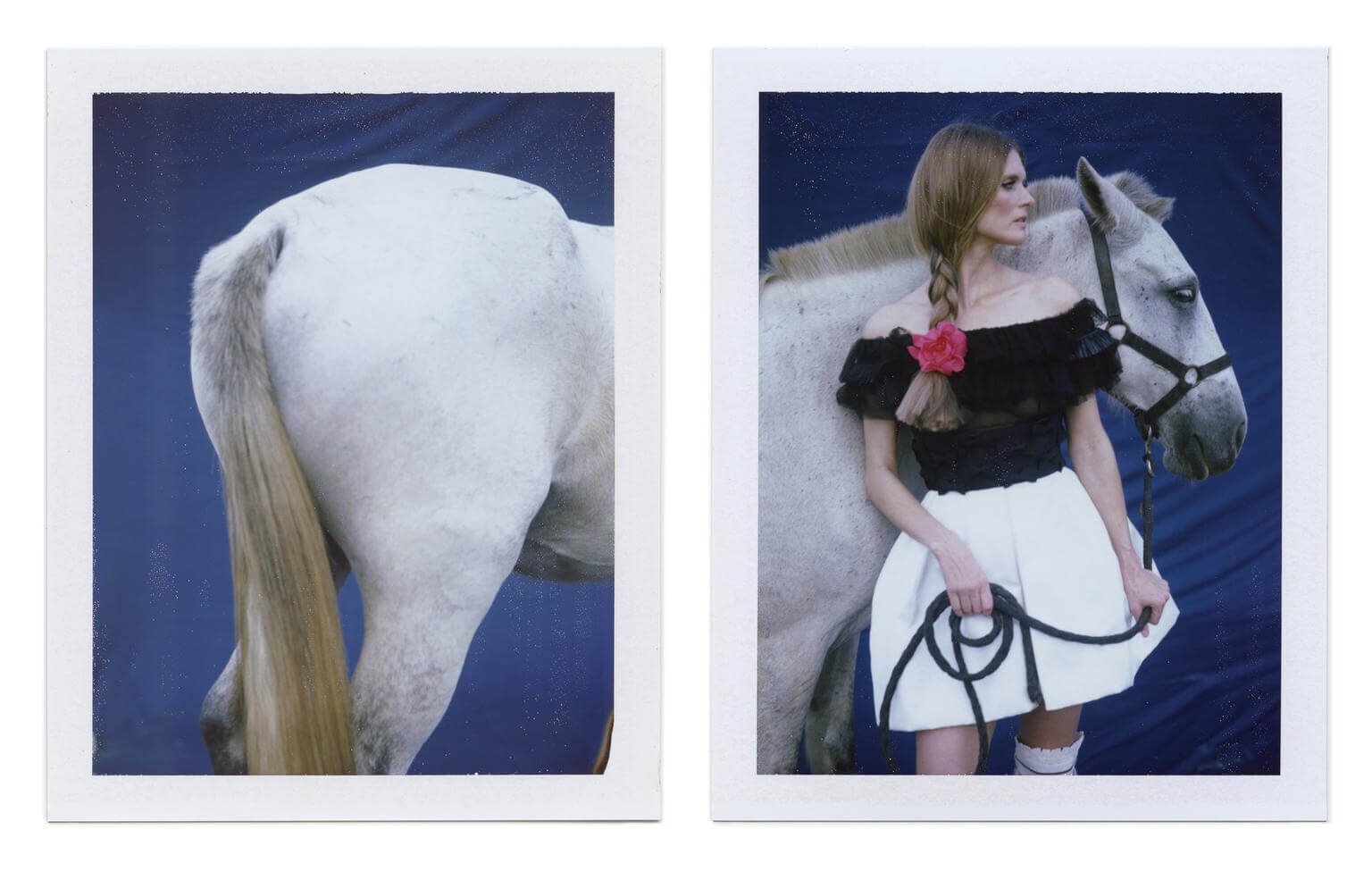
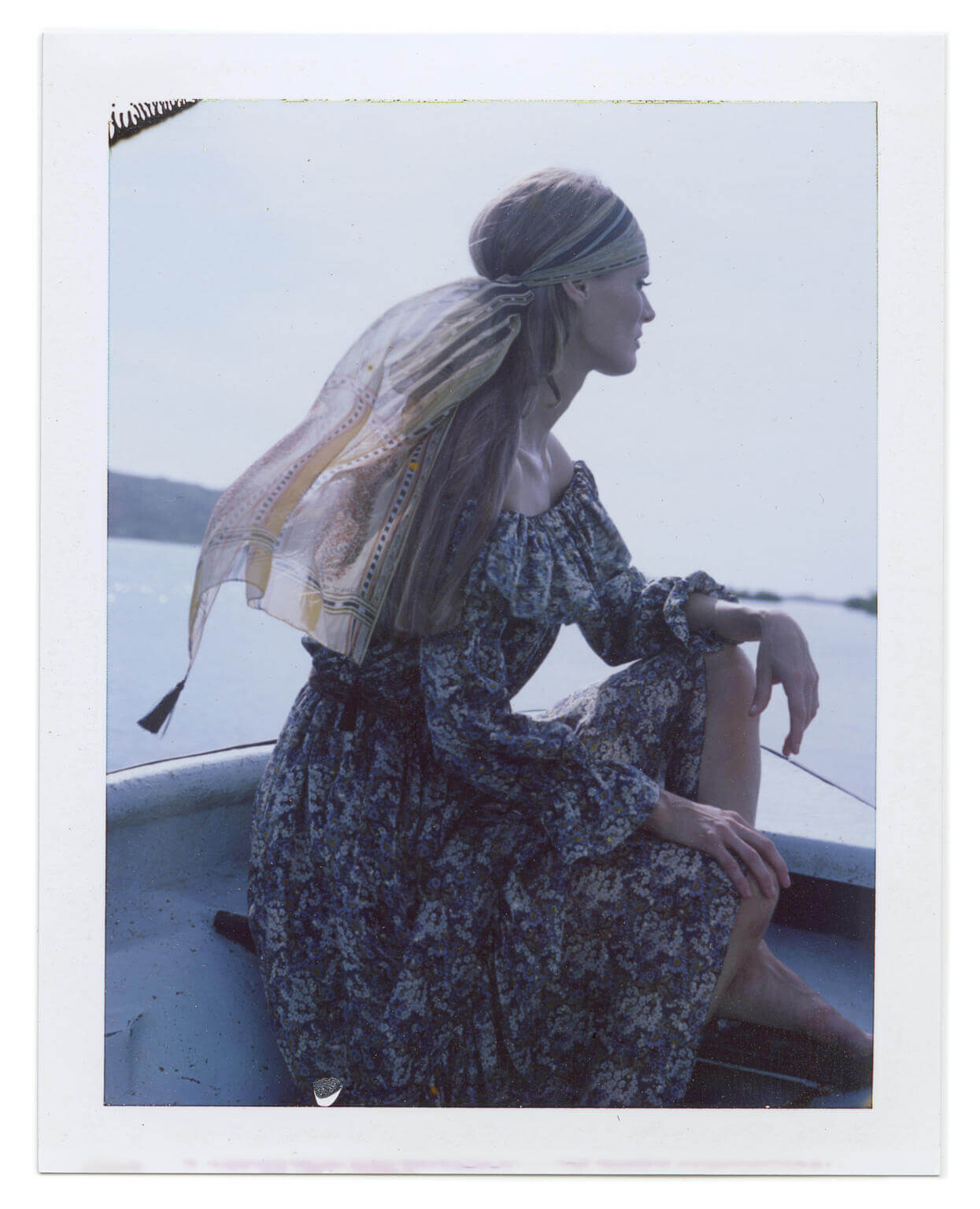
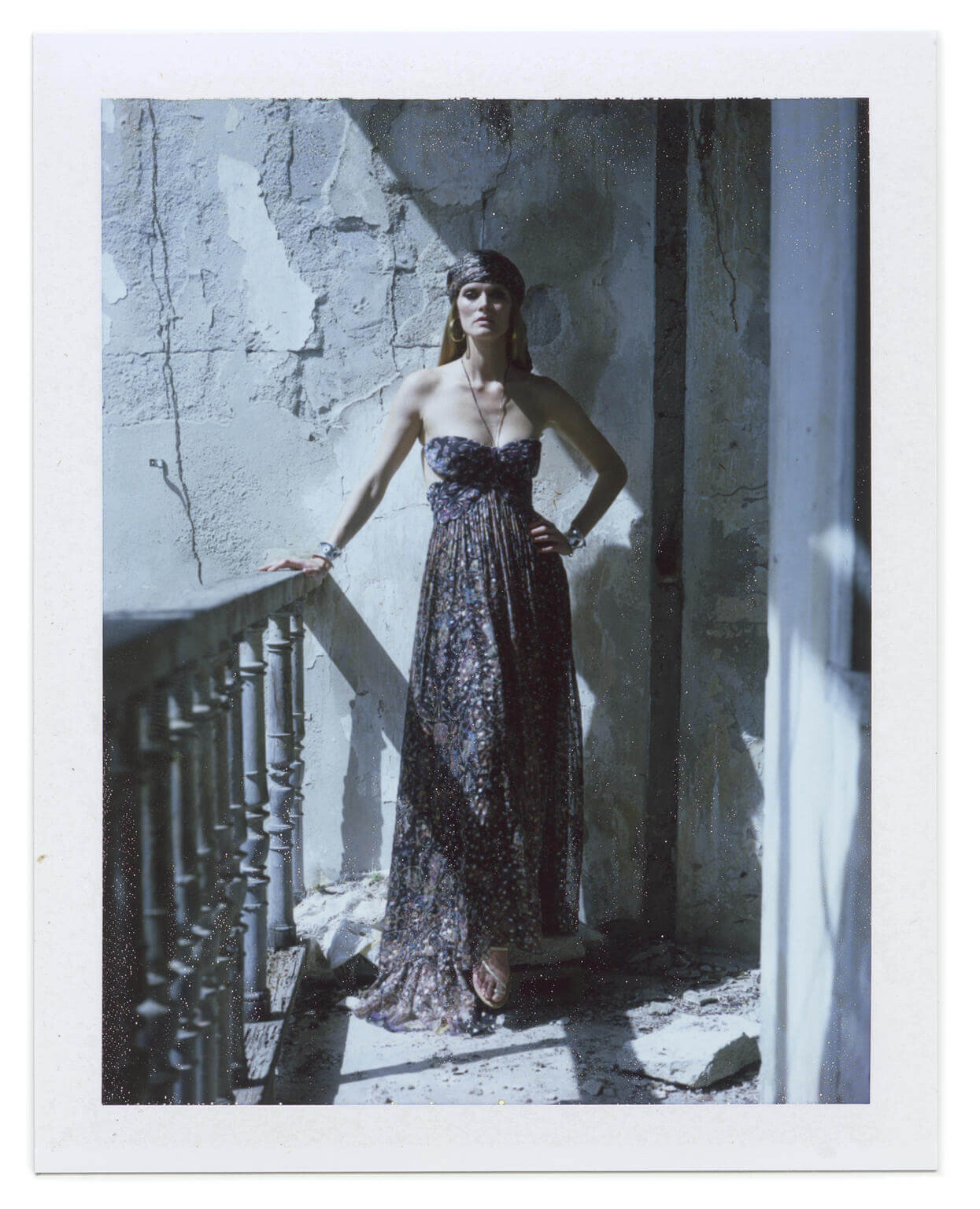
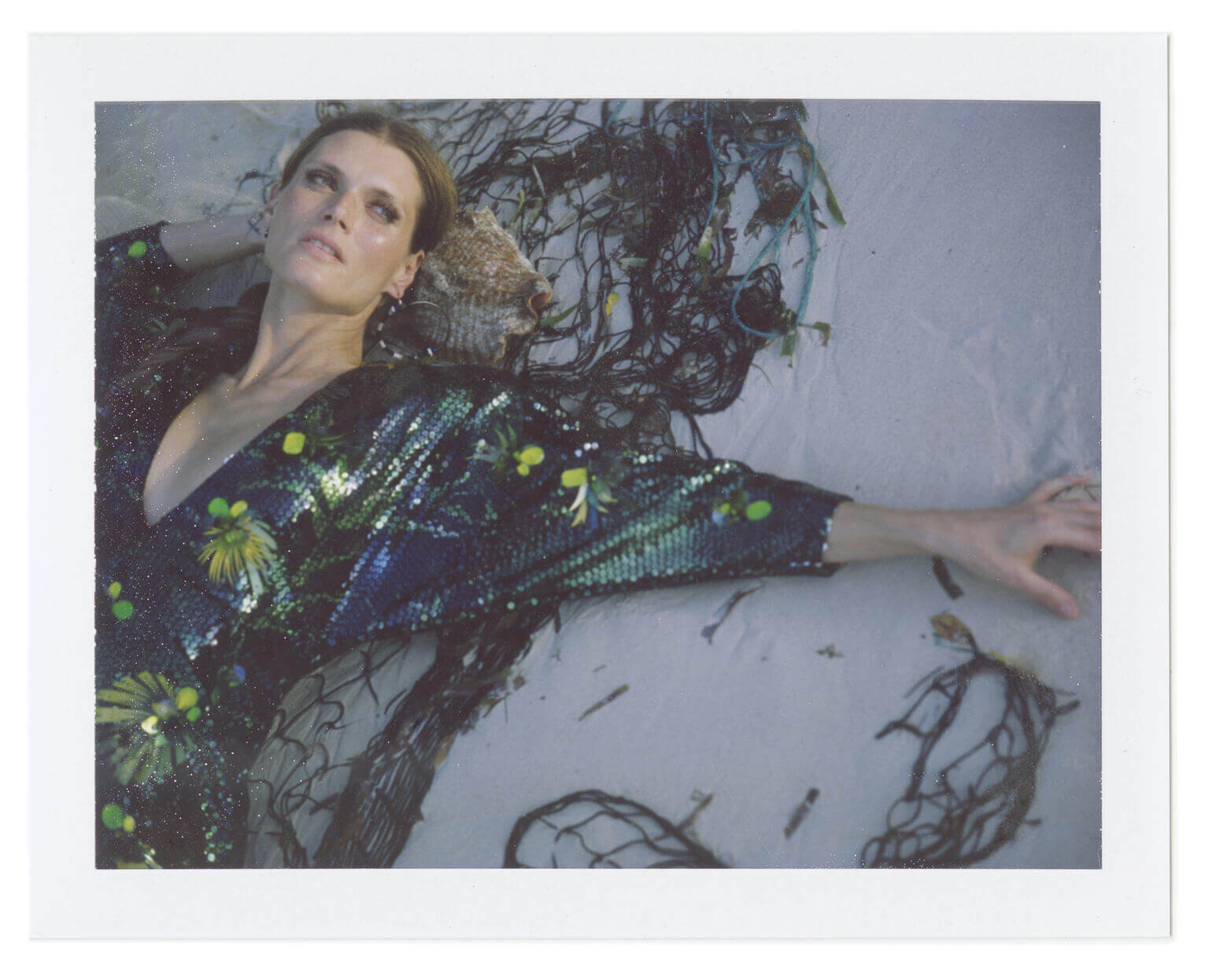
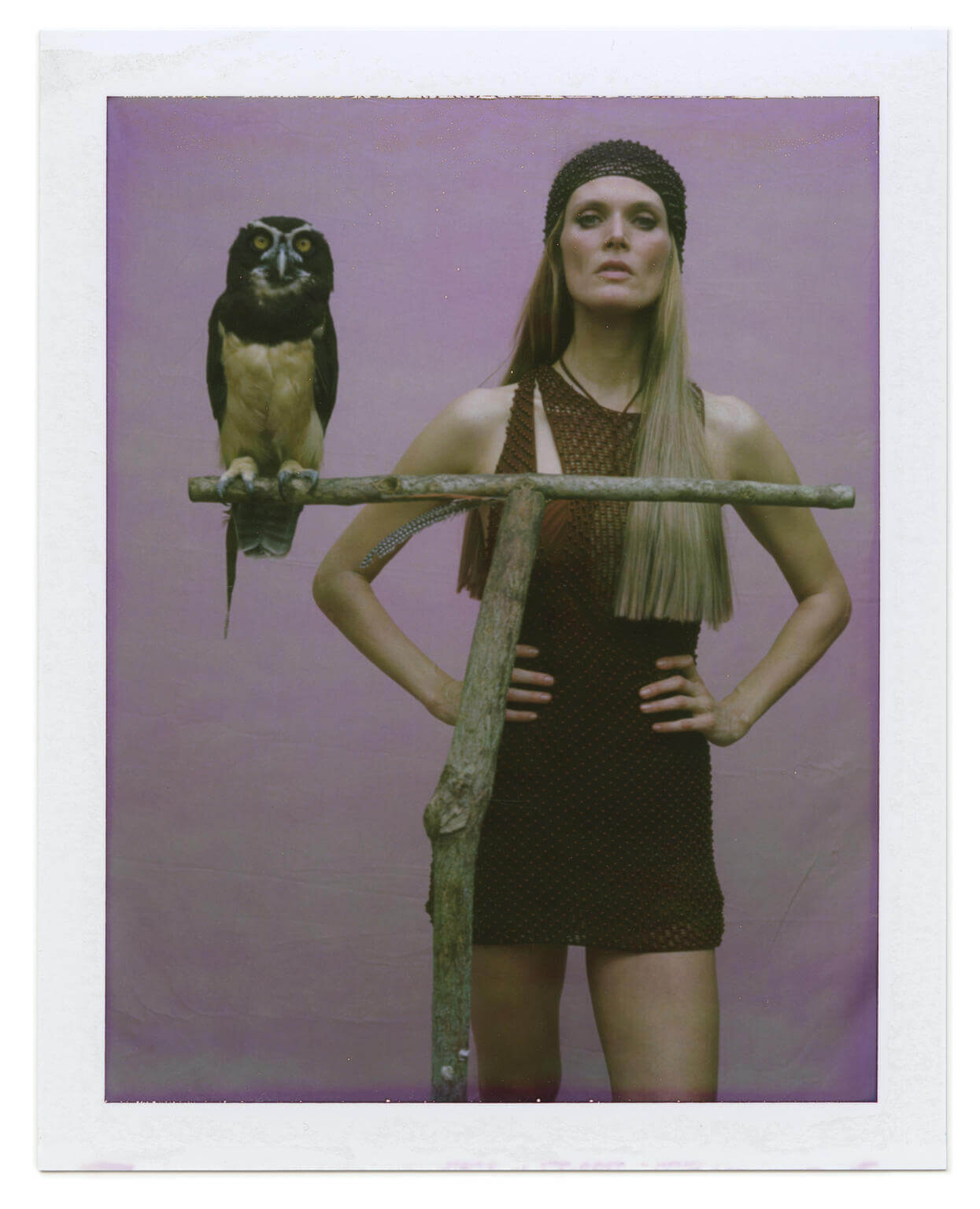
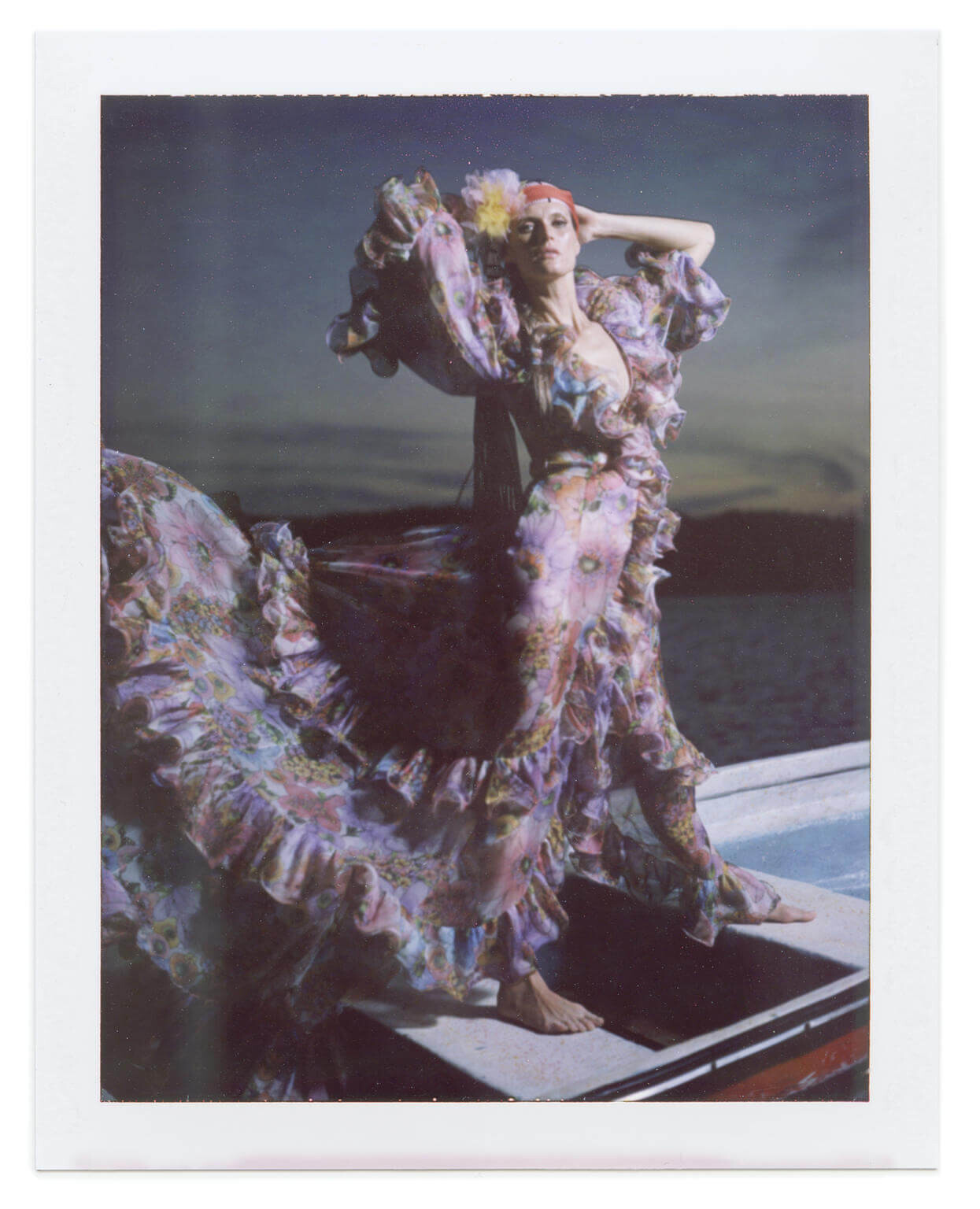
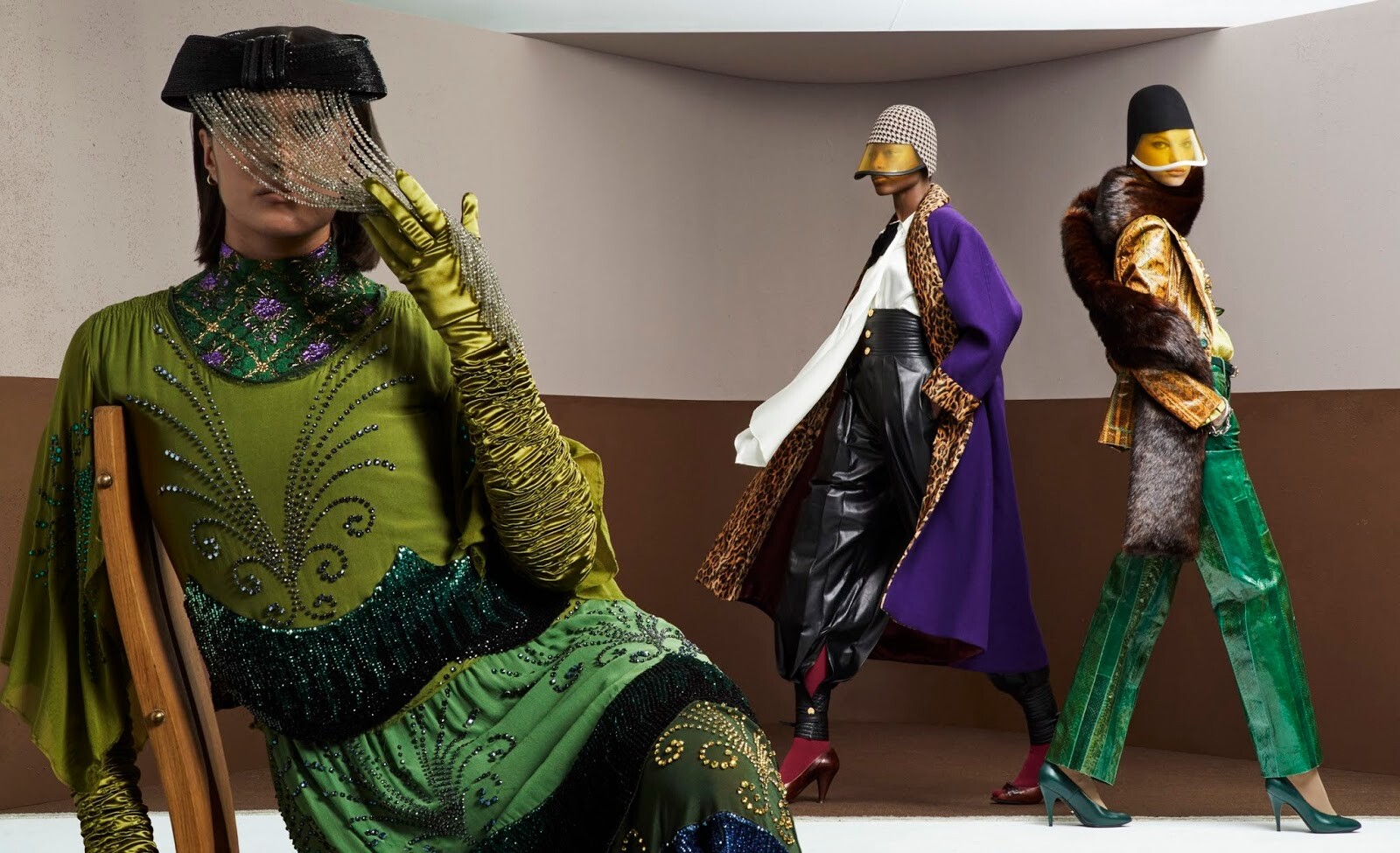
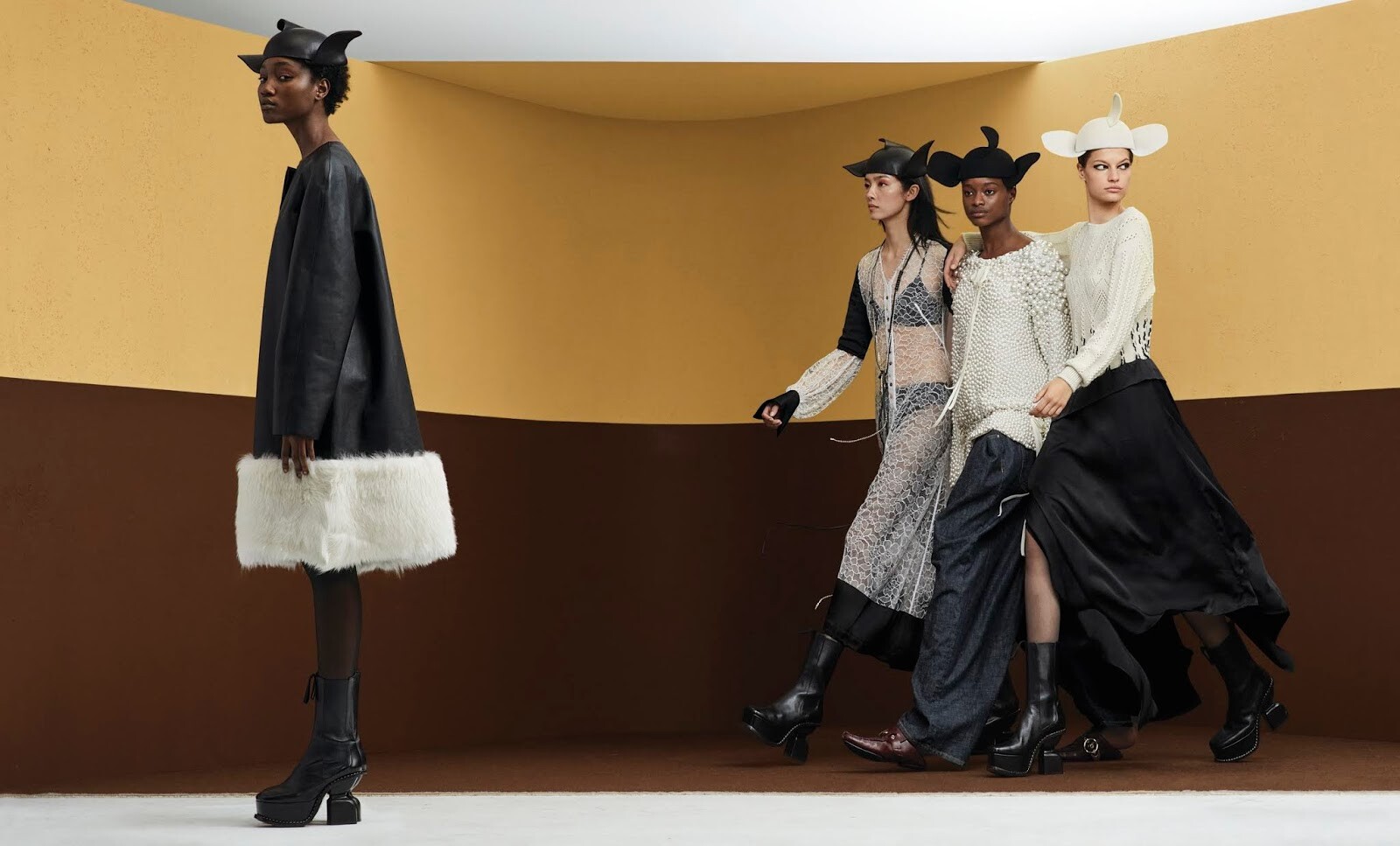
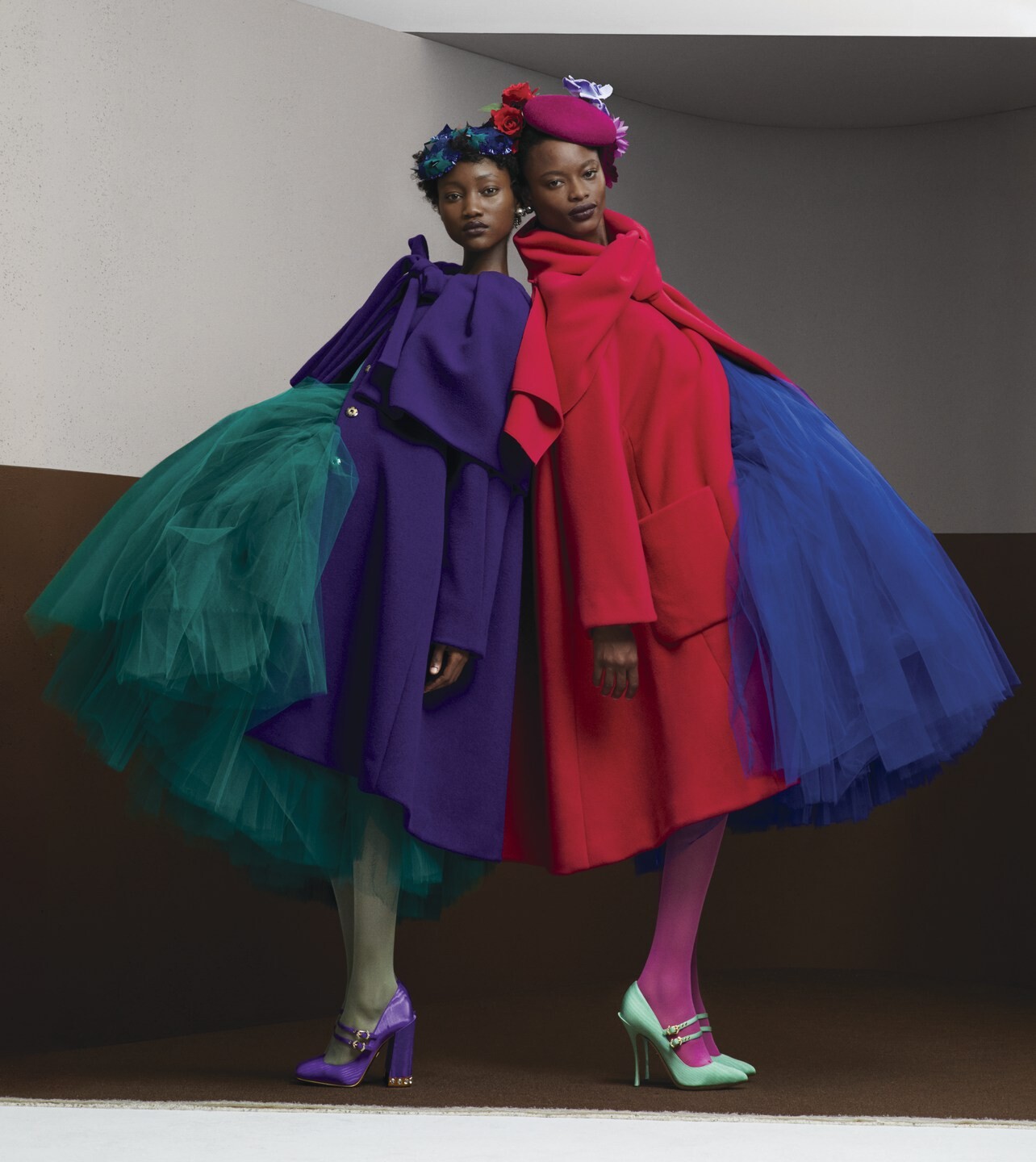
 WSJ Magazine March 2020 "Dreams Foretold" Model: Malgosia Bela Photographer: Ethan James Green Stylist: Anastasia Barbieri Hair: Lauren Philippon Makeup: Fulvia Farolfi Set Designer: Julia Wagner awake-smile.blogspot.com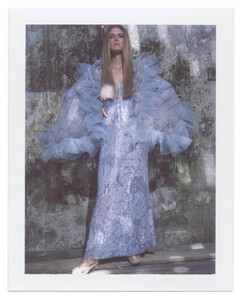

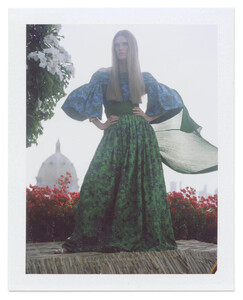
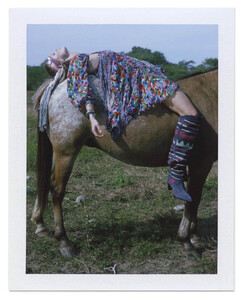
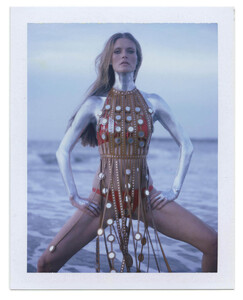

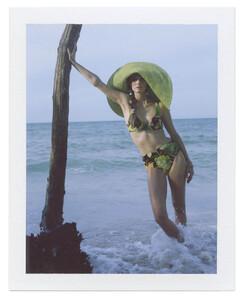
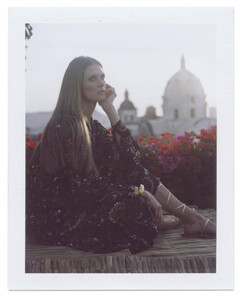
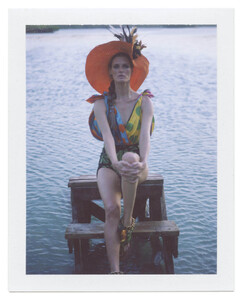
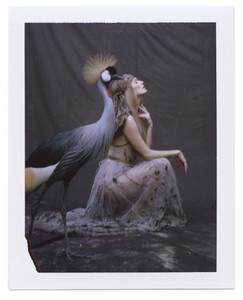
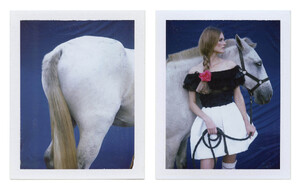
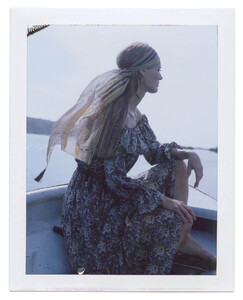
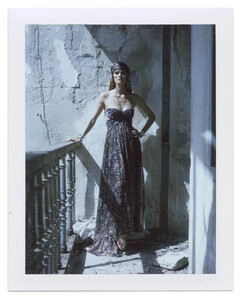
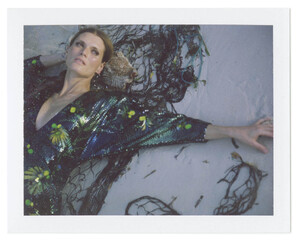
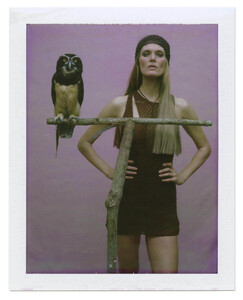
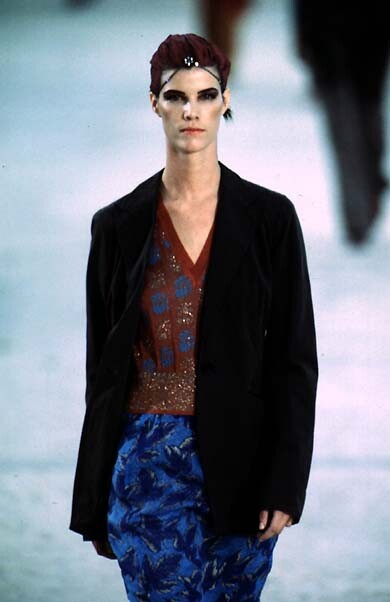
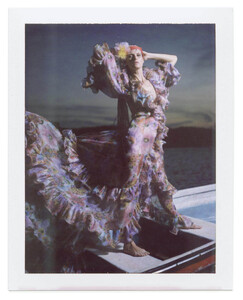 dries van noten s/s 1997
 Rachel Via Snapchat Videos

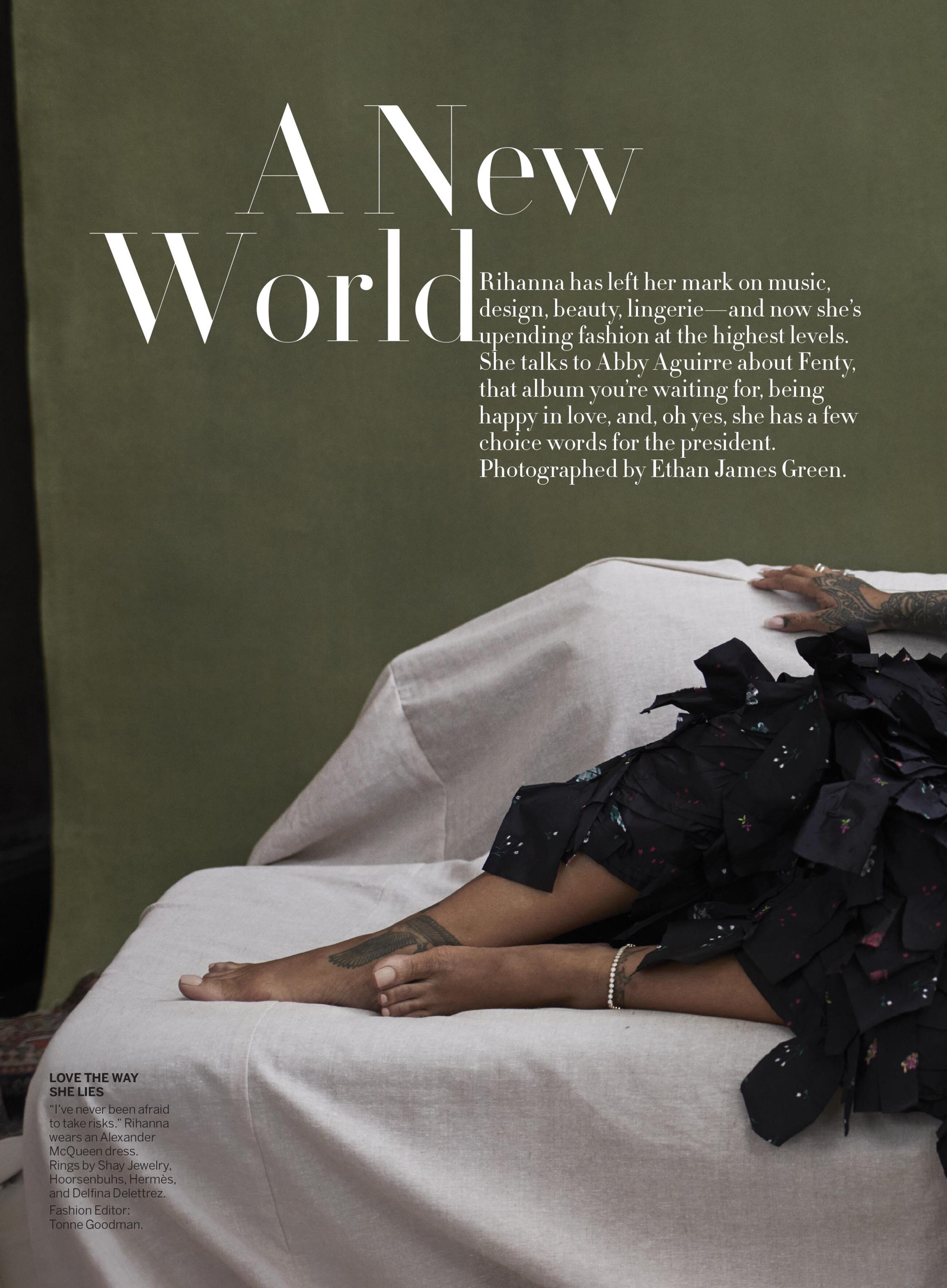
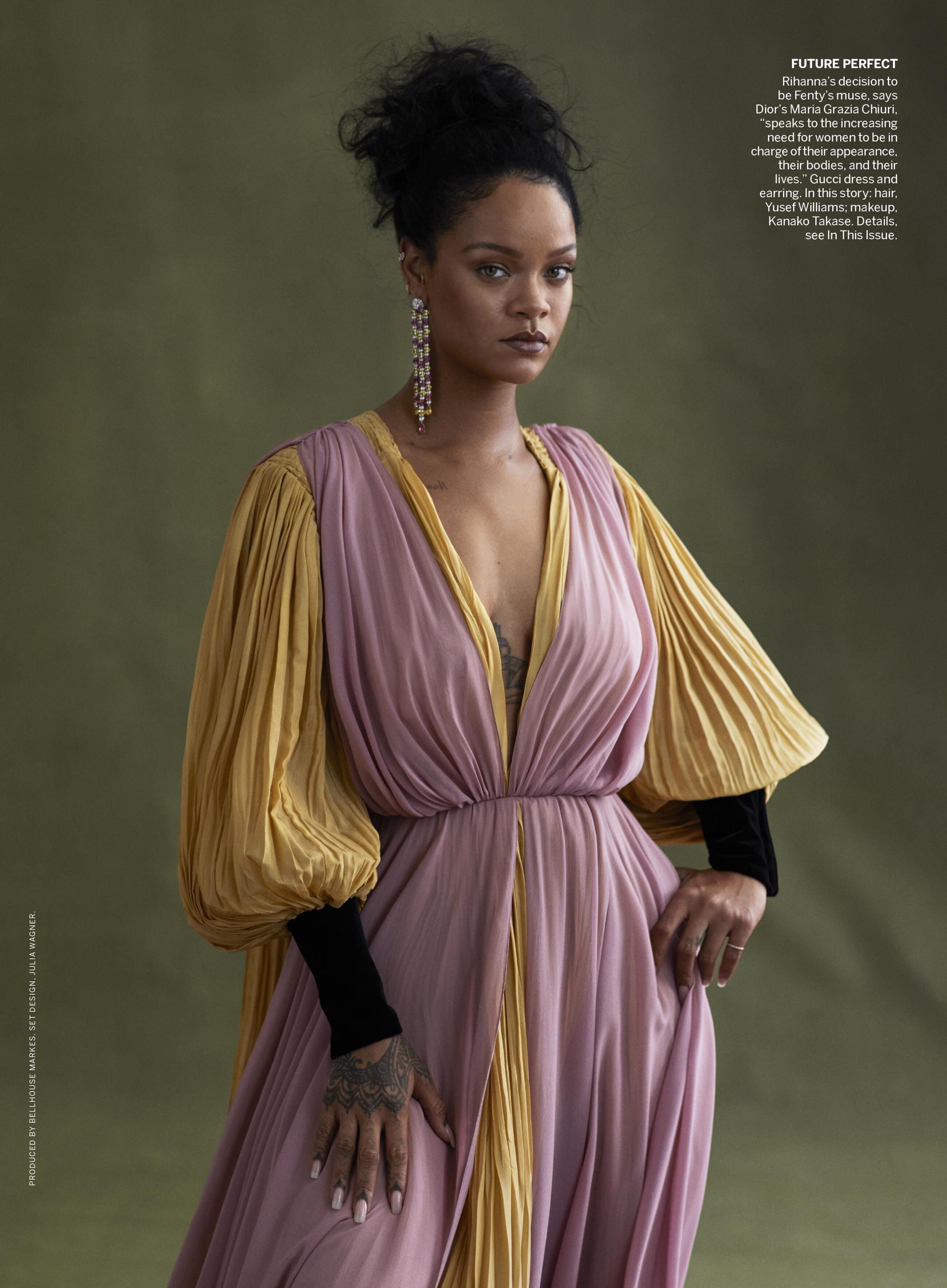
 HQ of "A New World" (without text) awake-smile.blogspot.com



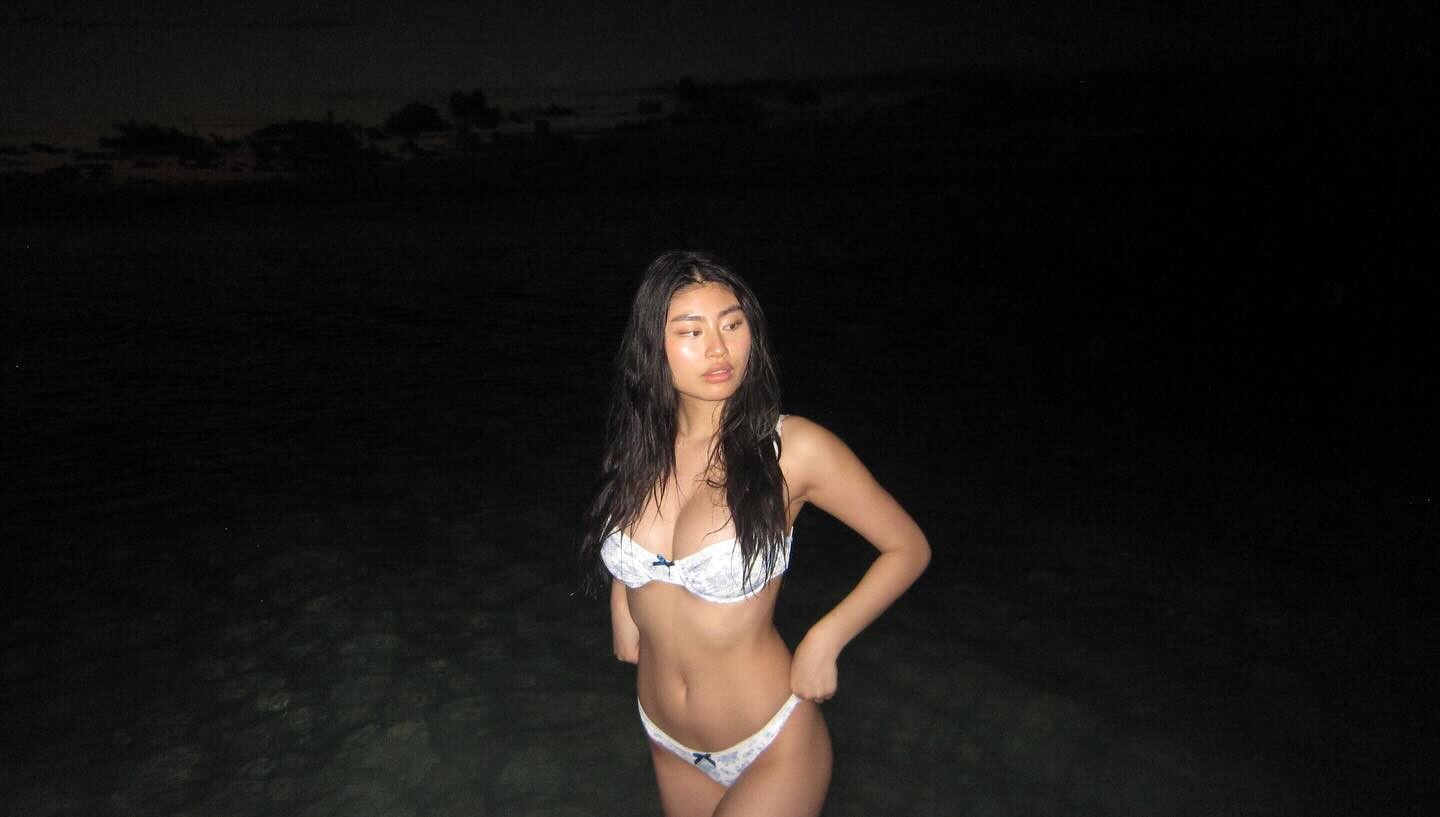
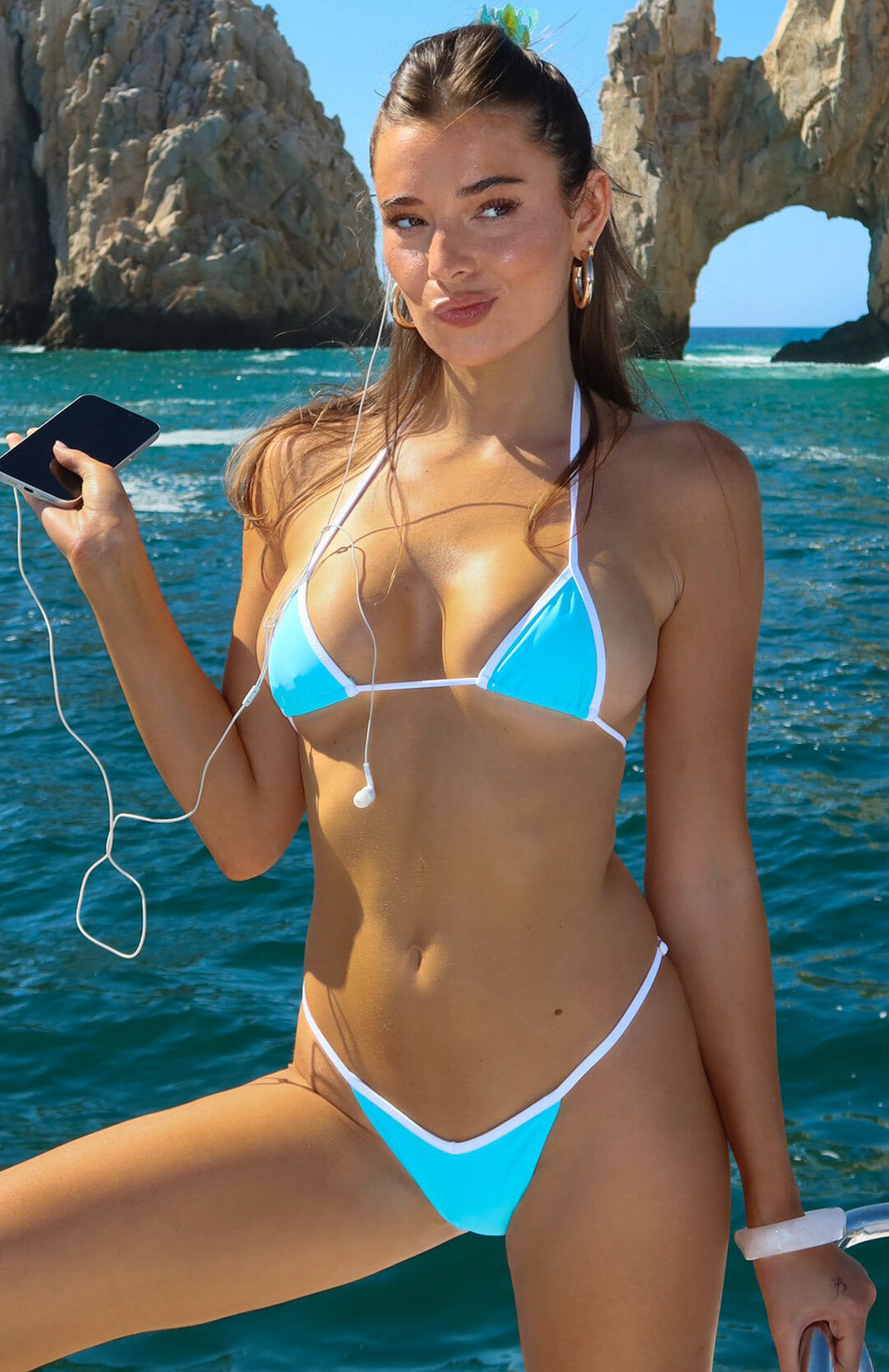
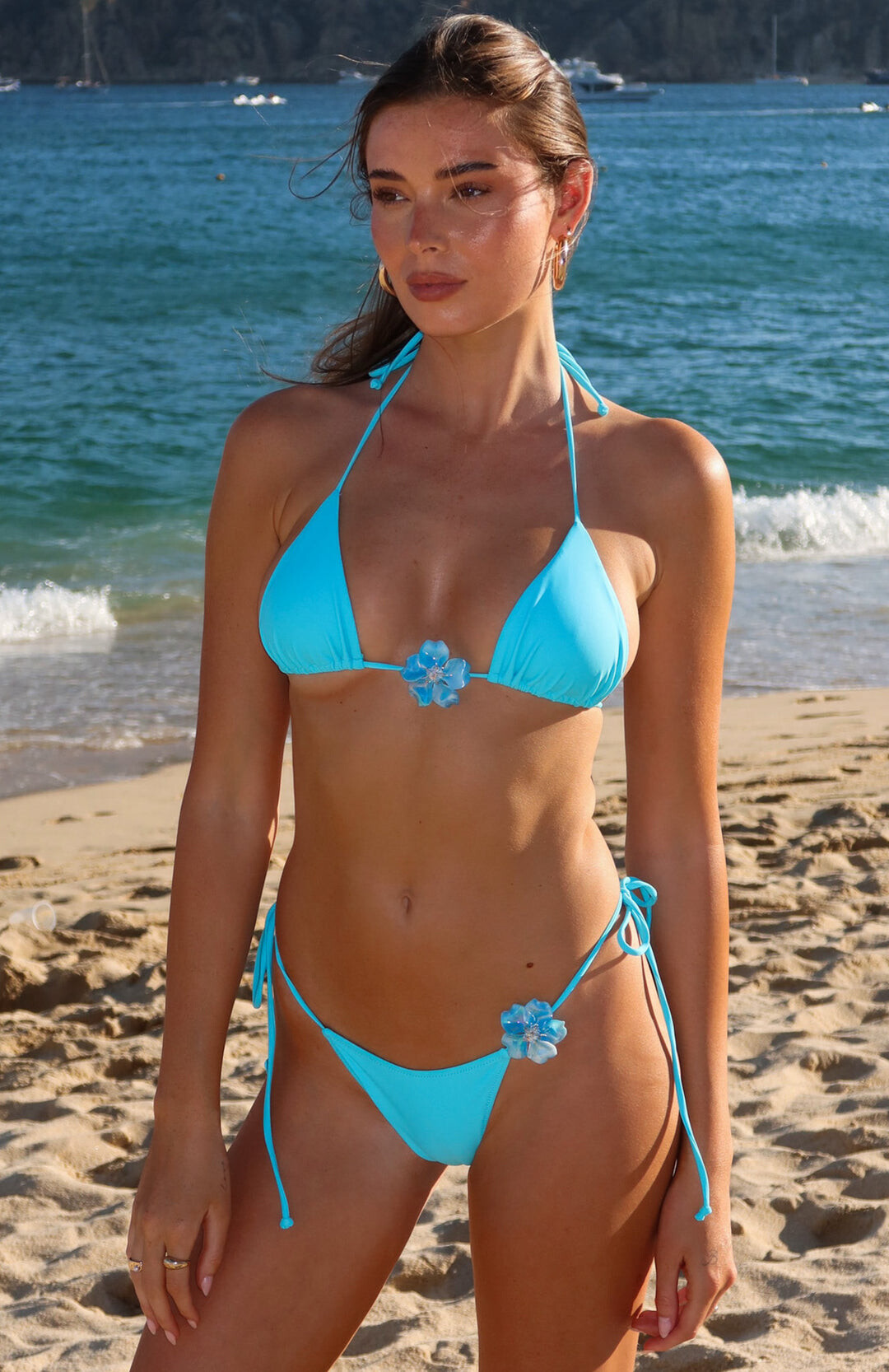
 Influencer... White Jean swim


 all the field https://www.youtube.com/watch?v=-PSxV6lMdmE
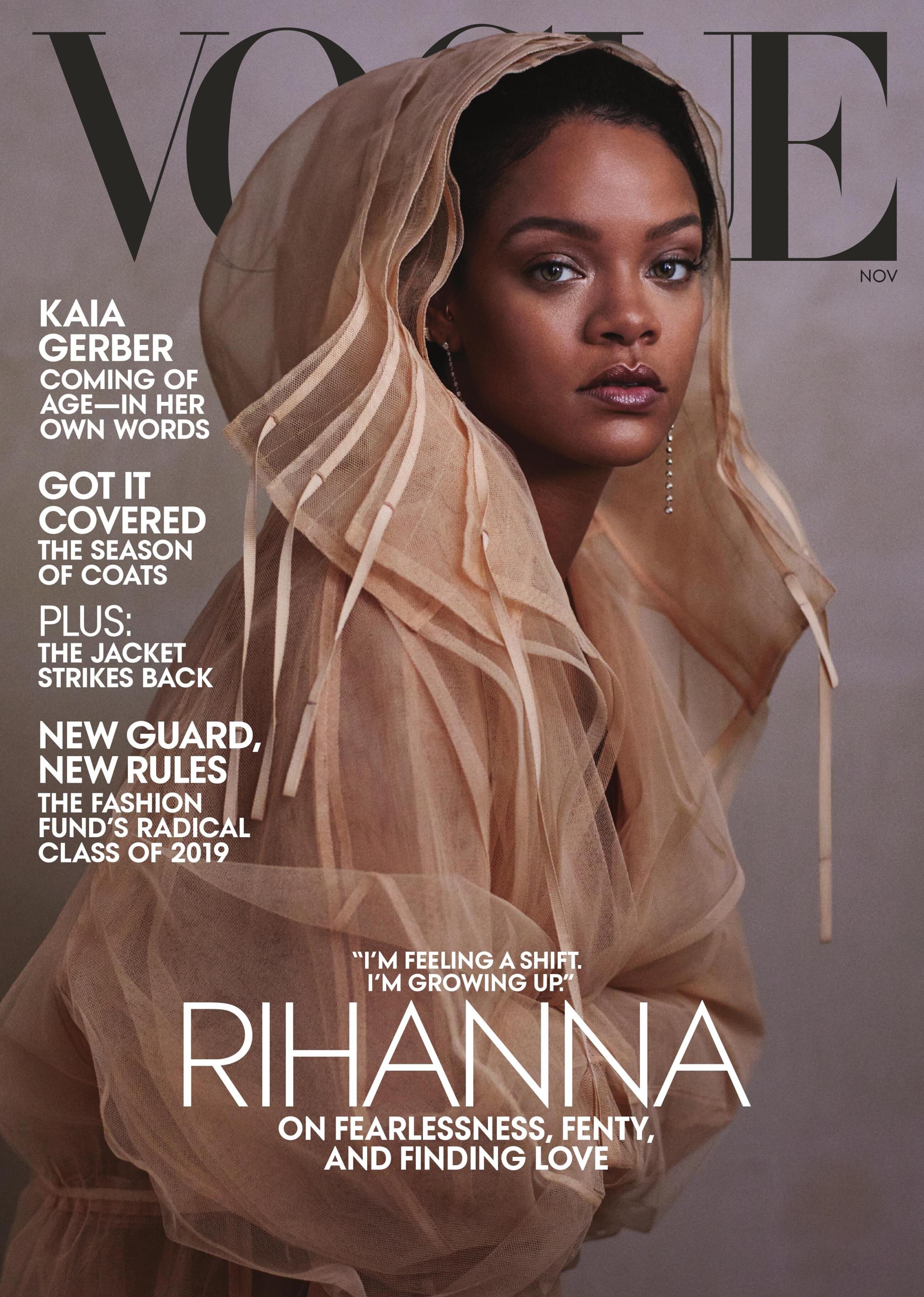
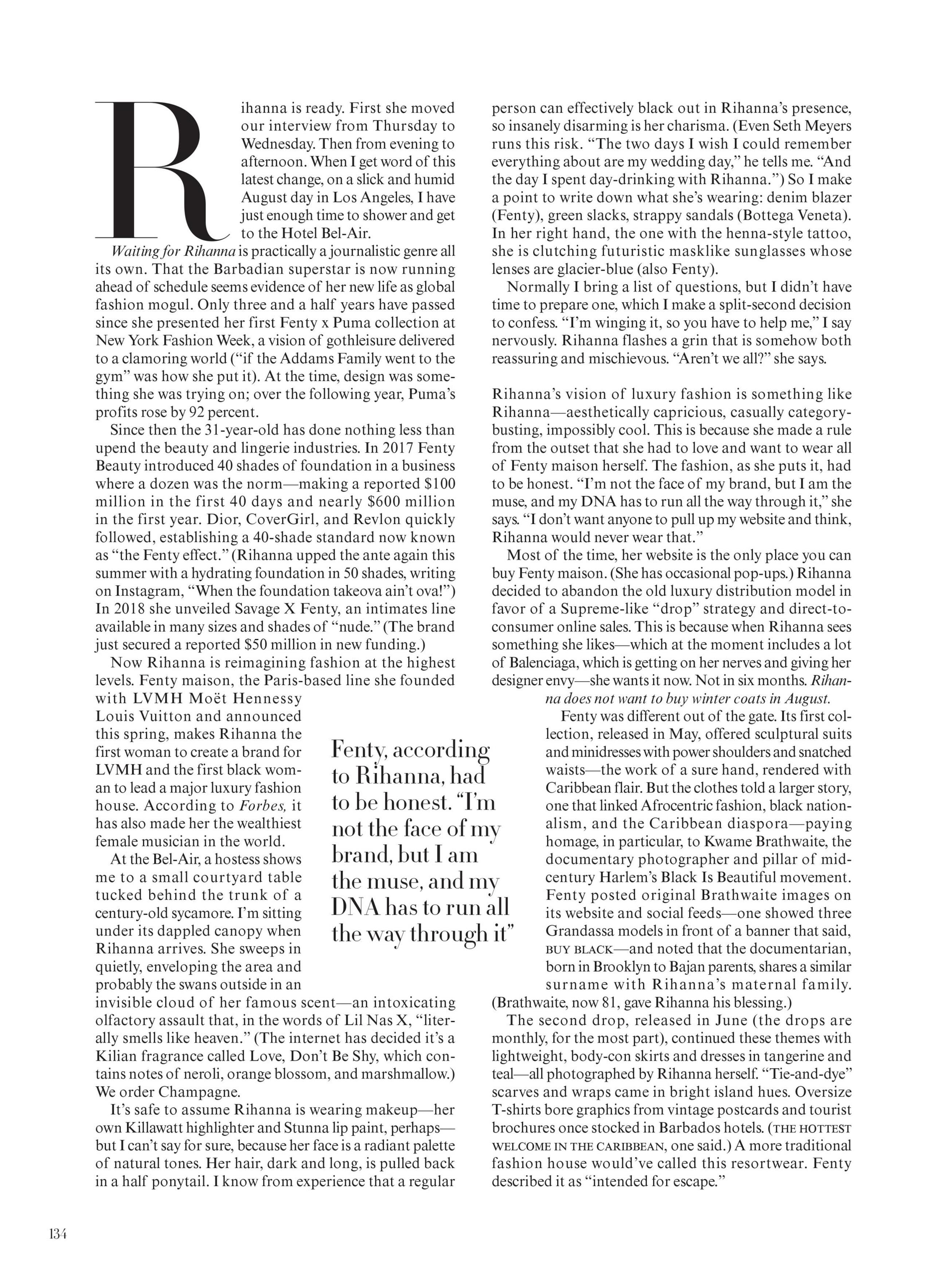
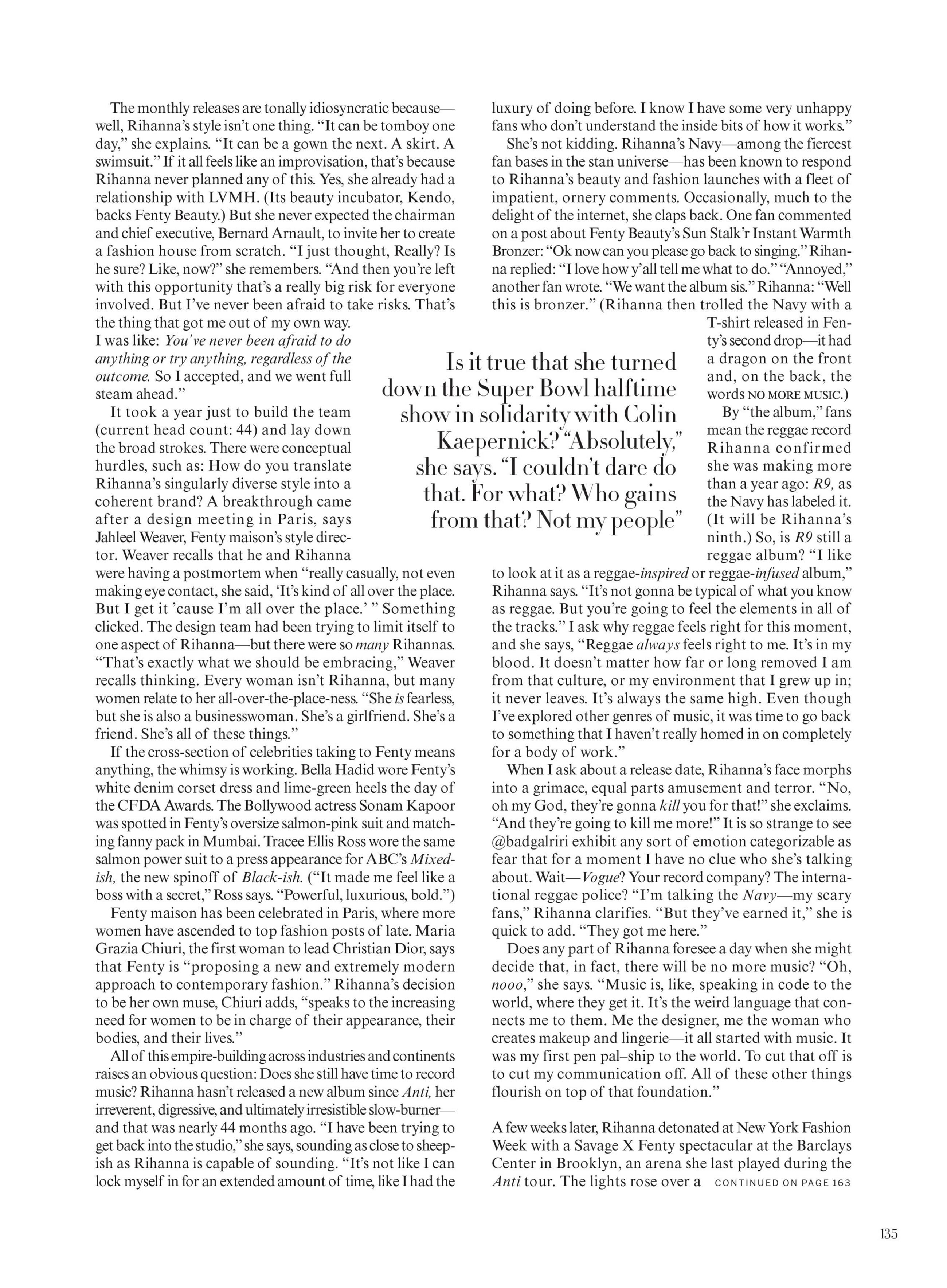
US Vogue November 2019 "A New World" Model/Subject: Rihanna Photographer: Ethan James Green Fashion Editor: Tonne Goodman Hair: Yusef Williams Makeup: Kanako Takase Manicure: Kimmie Kyees Set Designer: Julia Wagner Vogue Archive
all the field https://www.youtube.com/watch?v=-PSxV6lMdmE
US Vogue November 2019 "A New World" Model/Subject: Rihanna Photographer: Ethan James Green Fashion Editor: Tonne Goodman Hair: Yusef Williams Makeup: Kanako Takase Manicure: Kimmie Kyees Set Designer: Julia Wagner Vogue Archive
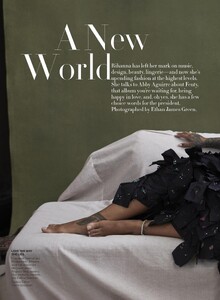

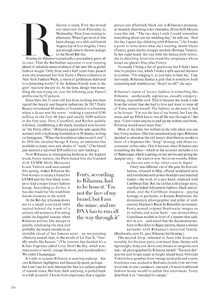
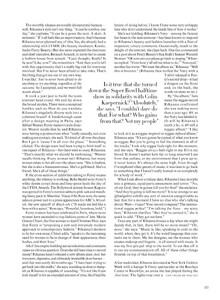


 @Xerus


 Omgg nice !!


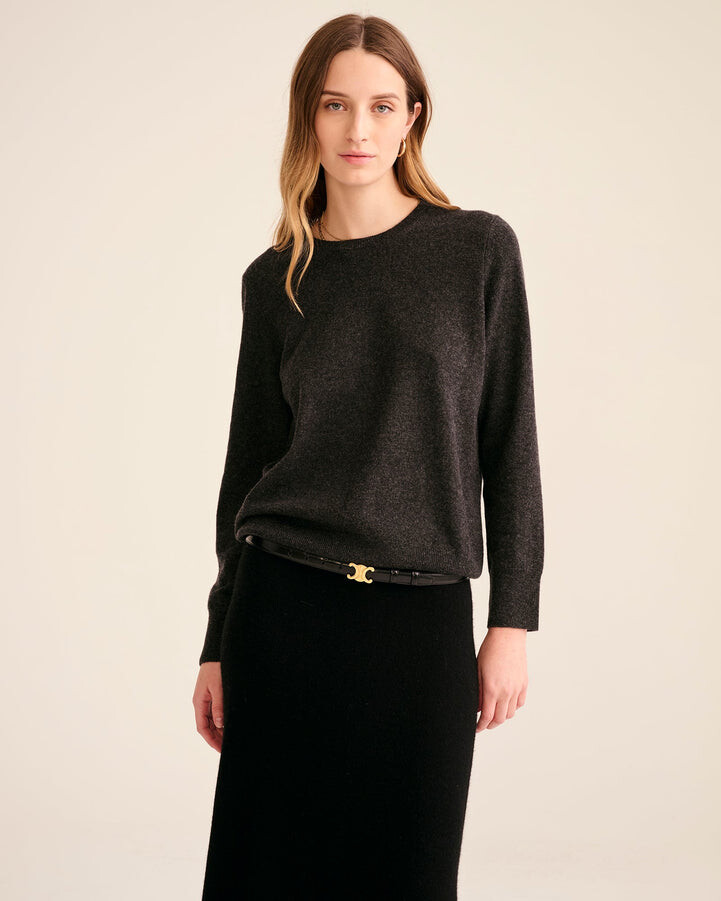
.jpg.0e7cf3a24eb708998656aa95002186f8.jpg)
.jpg.db9ddaf61d8a375ecae6f042143a16d7.jpg)
.jpg.1baa22b71cc8373e55fcbf4ee3bc13eb.jpg)





























Account
Navigation
Search
Configure browser push notifications
Chrome (Android)
- Tap the lock icon next to the address bar.
- Tap Permissions → Notifications.
- Adjust your preference.
Chrome (Desktop)
- Click the padlock icon in the address bar.
- Select Site settings.
- Find Notifications and adjust your preference.
Safari (iOS 16.4+)
- Ensure the site is installed via Add to Home Screen.
- Open Settings App → Notifications.
- Find your app name and adjust your preference.
Safari (macOS)
- Go to Safari → Preferences.
- Click the Websites tab.
- Select Notifications in the sidebar.
- Find this website and adjust your preference.
Edge (Android)
- Tap the lock icon next to the address bar.
- Tap Permissions.
- Find Notifications and adjust your preference.
Edge (Desktop)
- Click the padlock icon in the address bar.
- Click Permissions for this site.
- Find Notifications and adjust your preference.
Firefox (Android)
- Go to Settings → Site permissions.
- Tap Notifications.
- Find this site in the list and adjust your preference.
Firefox (Desktop)
- Open Firefox Settings.
- Search for Notifications.
- Find this site in the list and adjust your preference.