All Activity
- Past hour
-
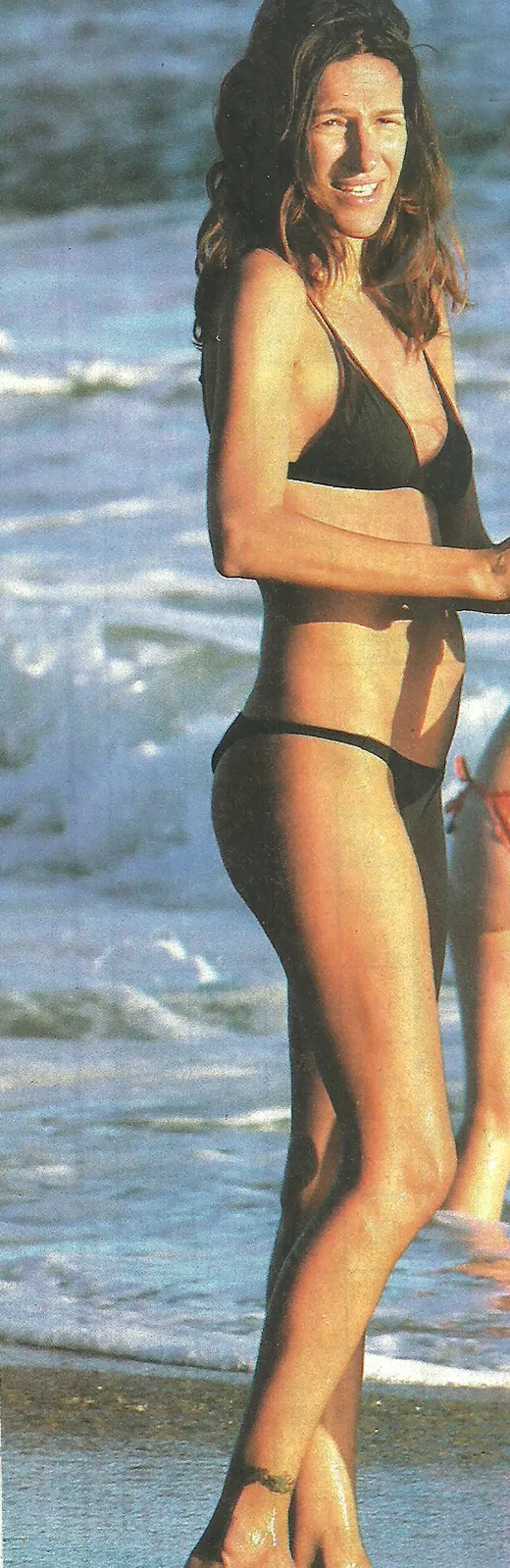
 2025-12-22 US Weekly magazin / USA /


-
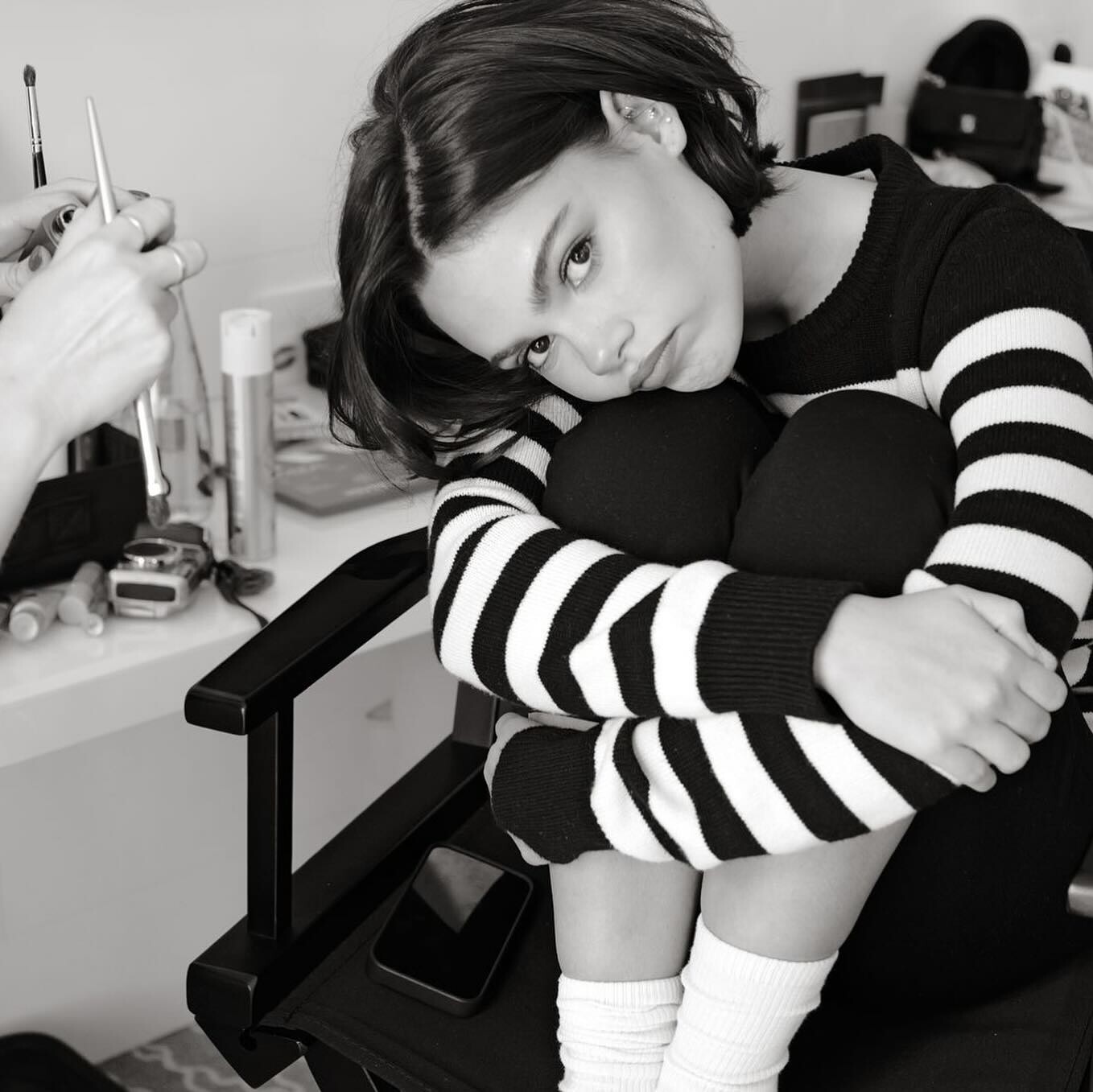
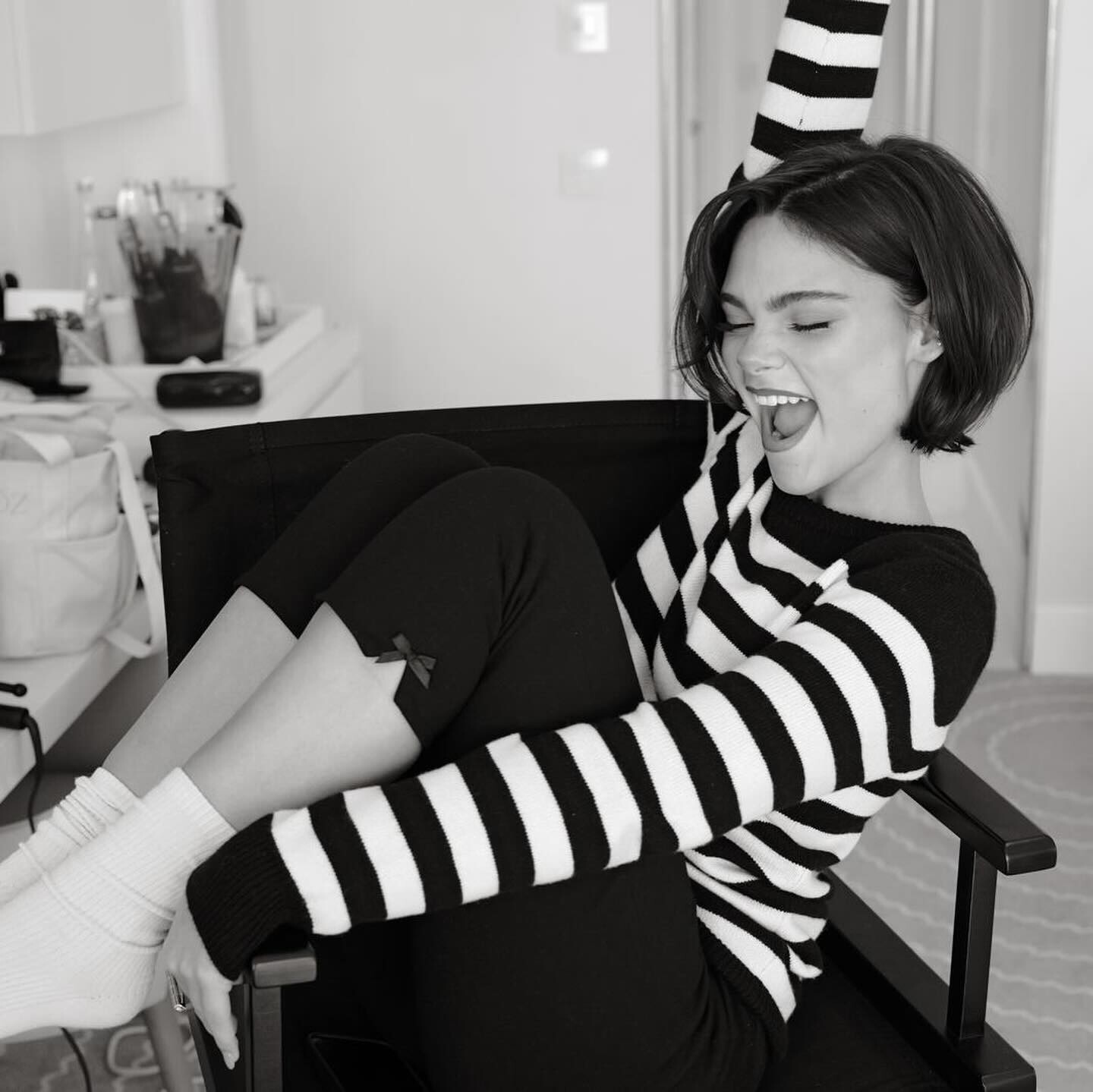
 What Happens When a 14-Year-Old Interviews a Hollywood Star?
 -
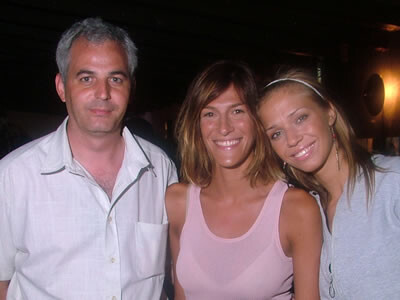
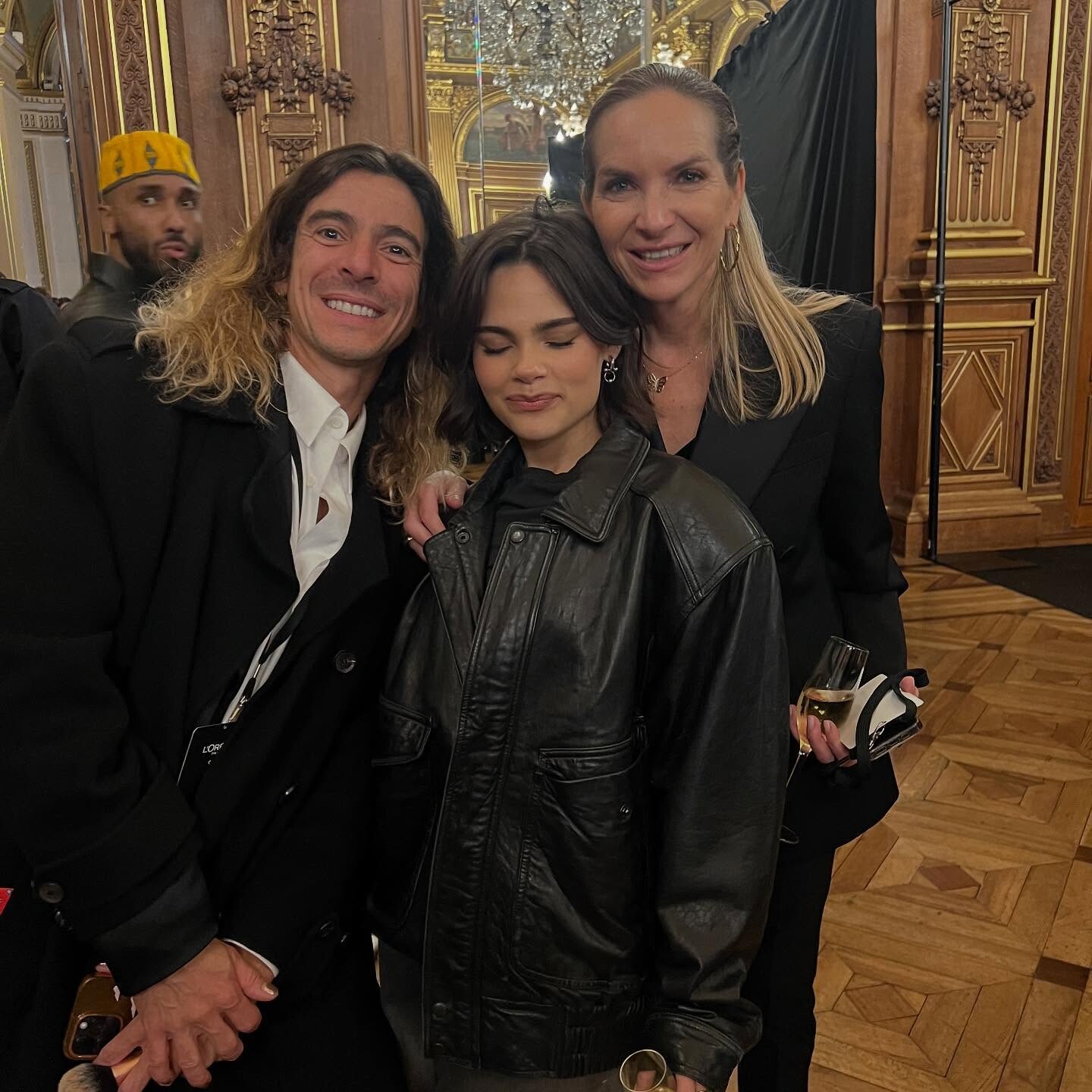
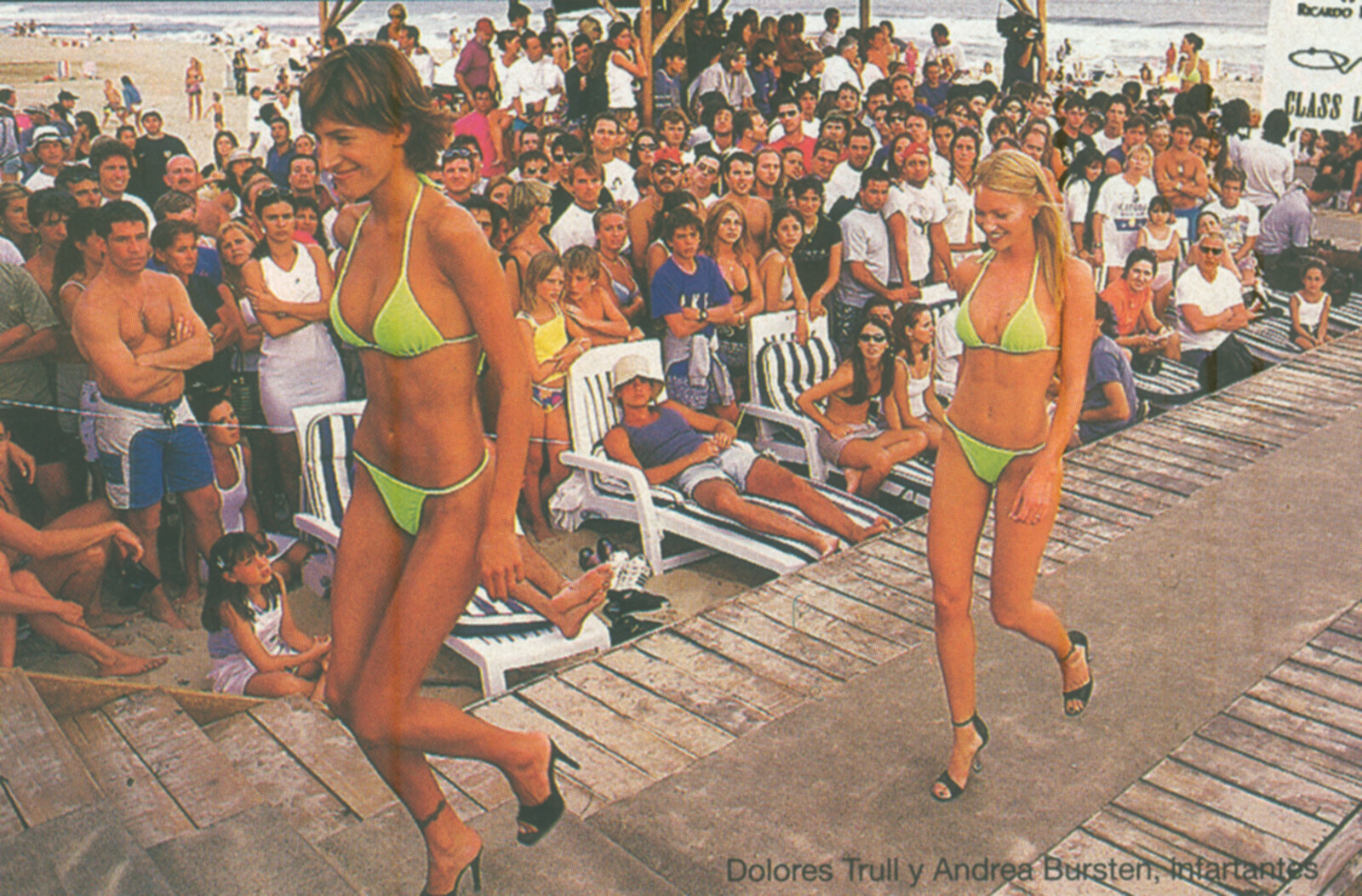
 Social Network With Andrea Burstein and Gabriel Rocca With Lorena Ceriscioli With Lorena Ceriscioli and Dolores Moreno























-
-

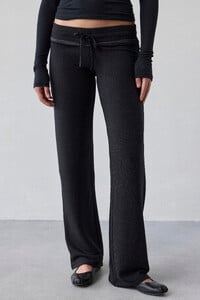
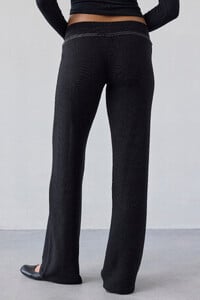
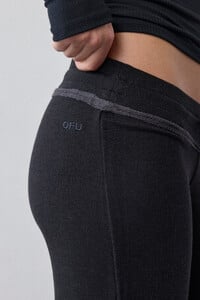
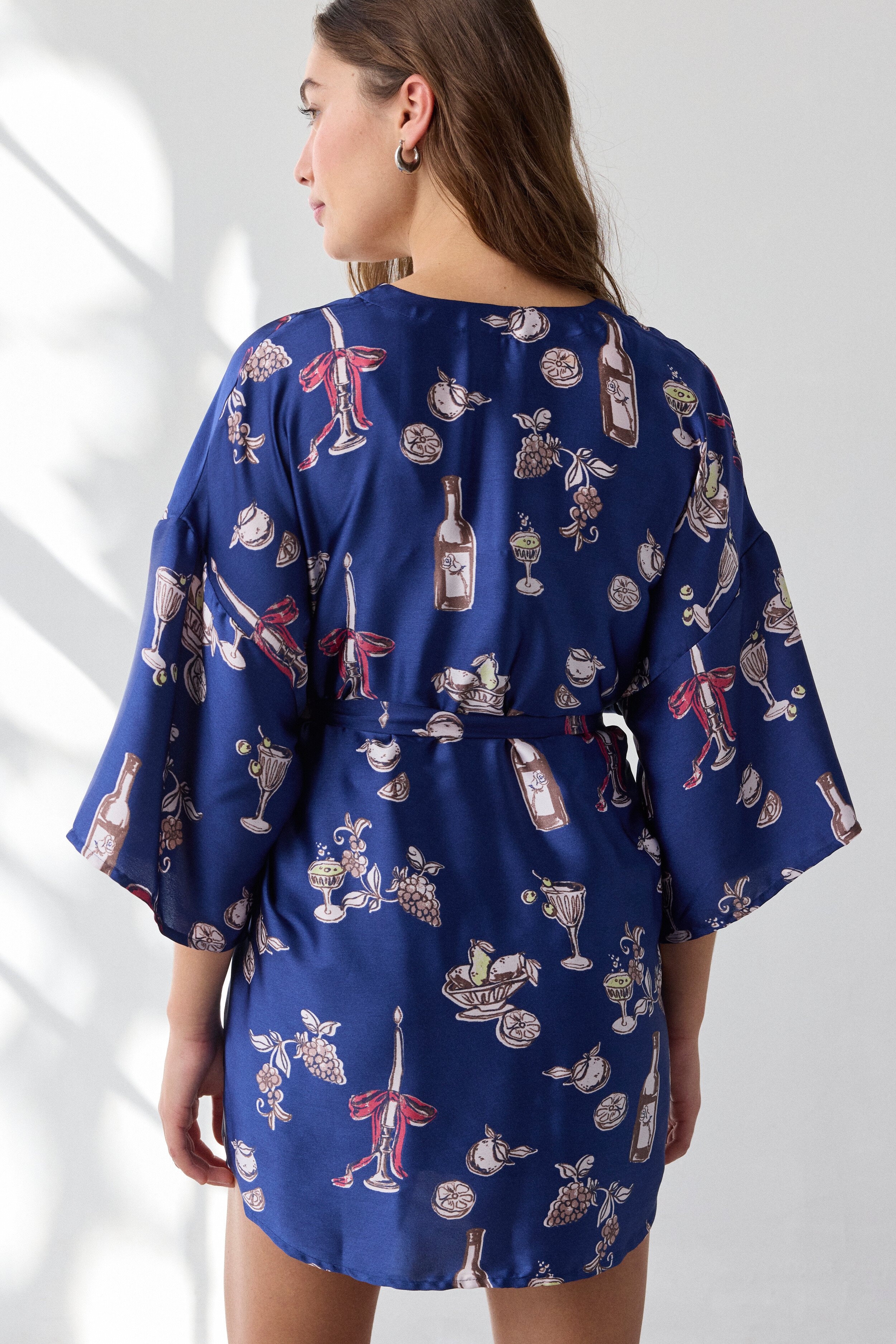
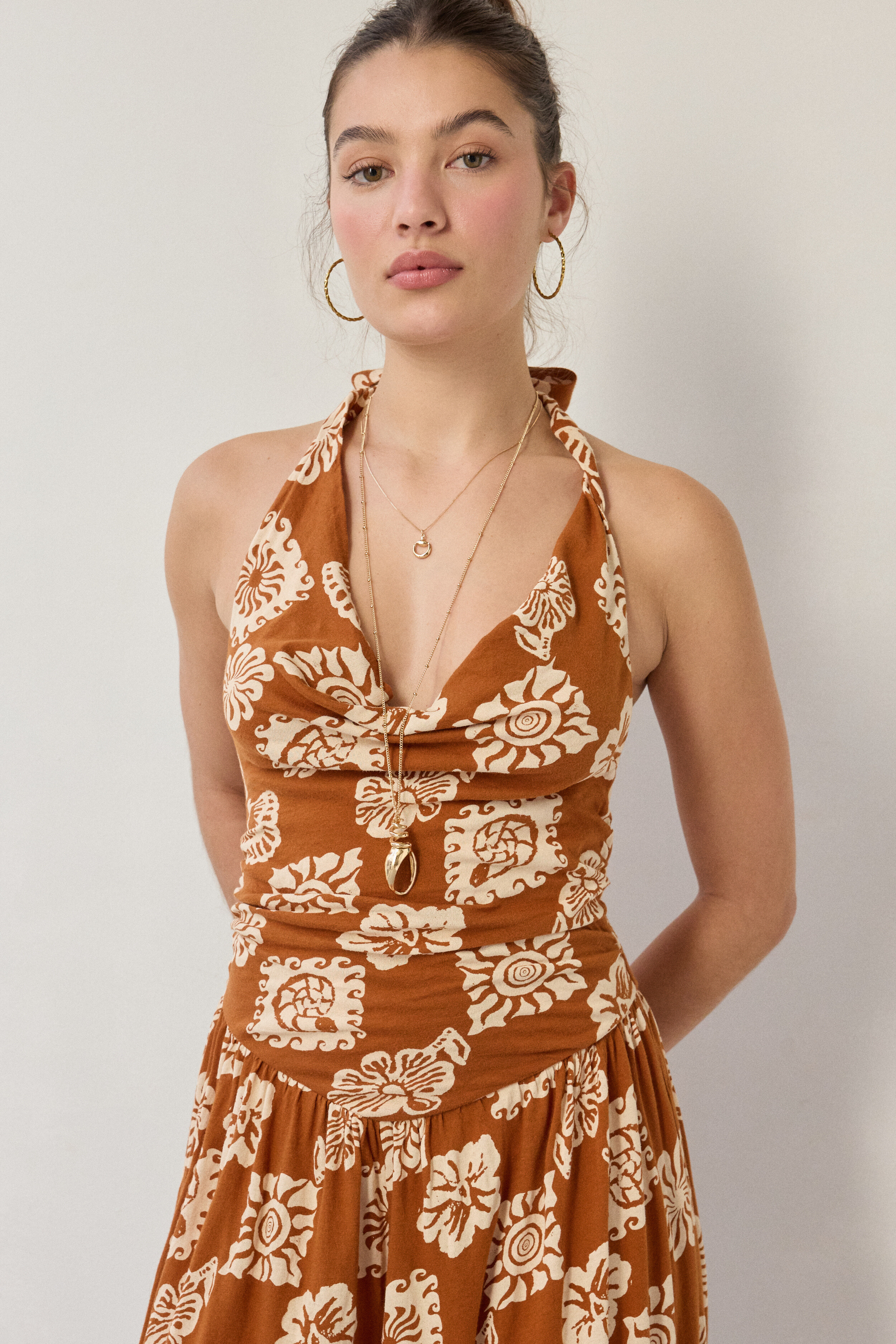
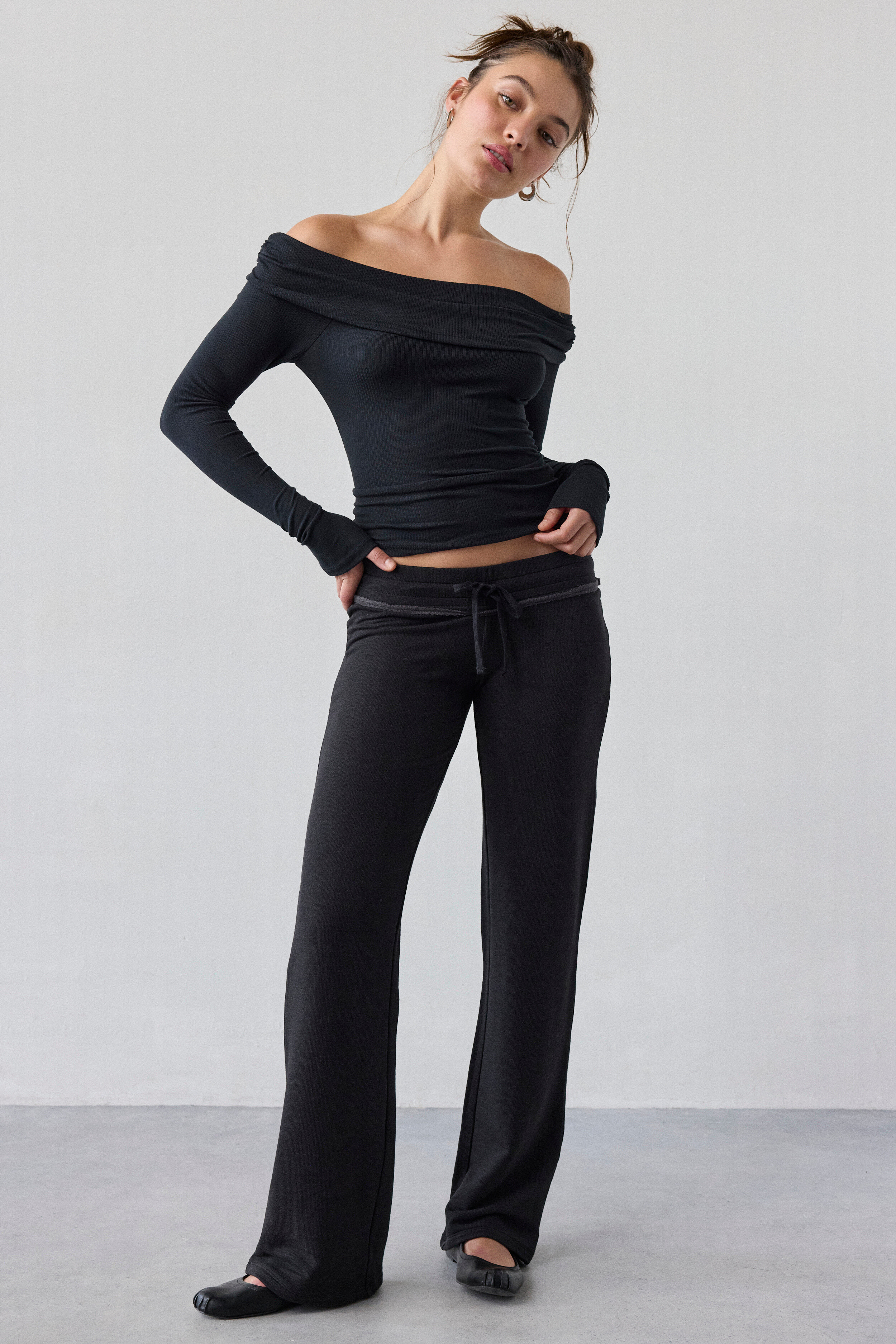
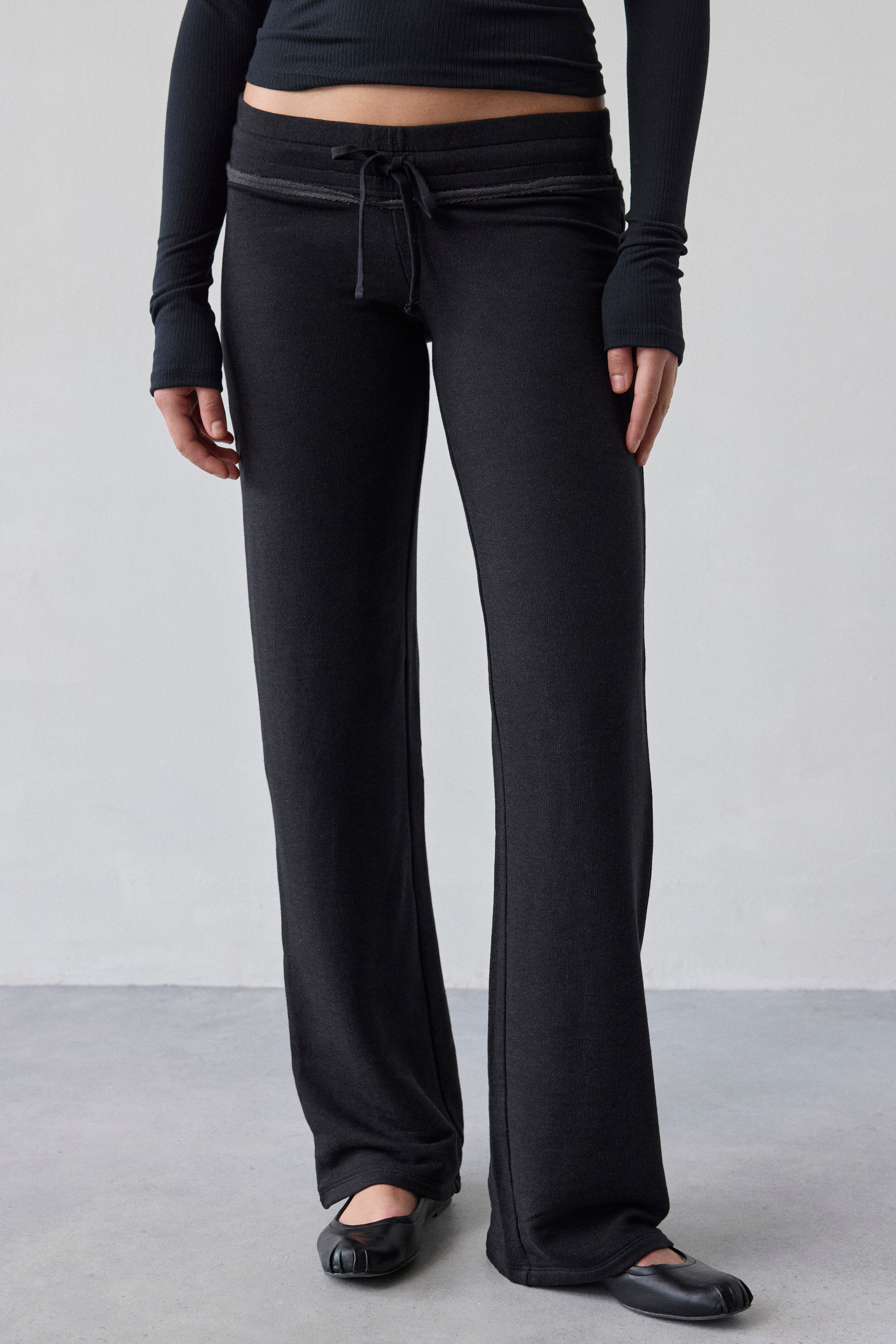
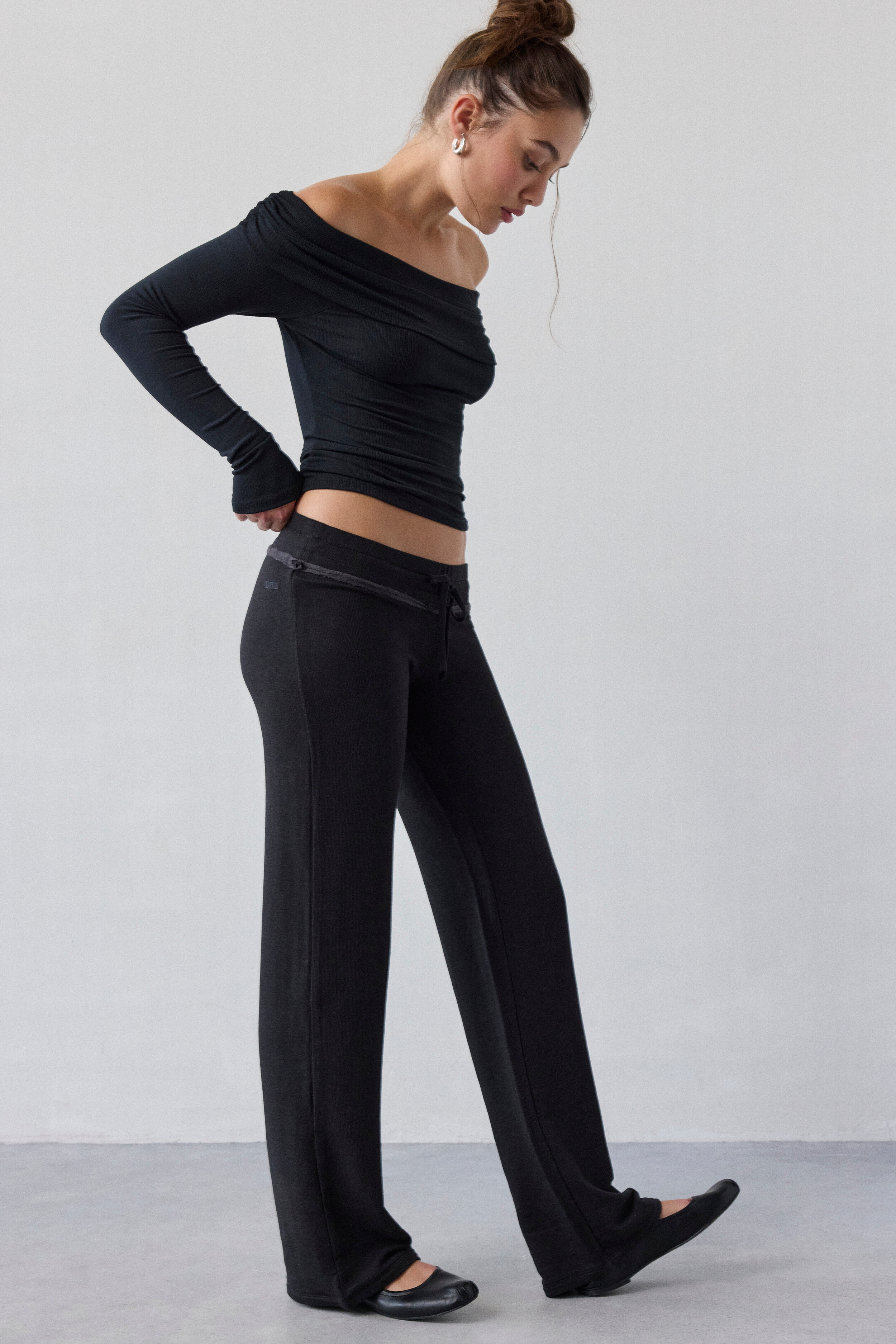
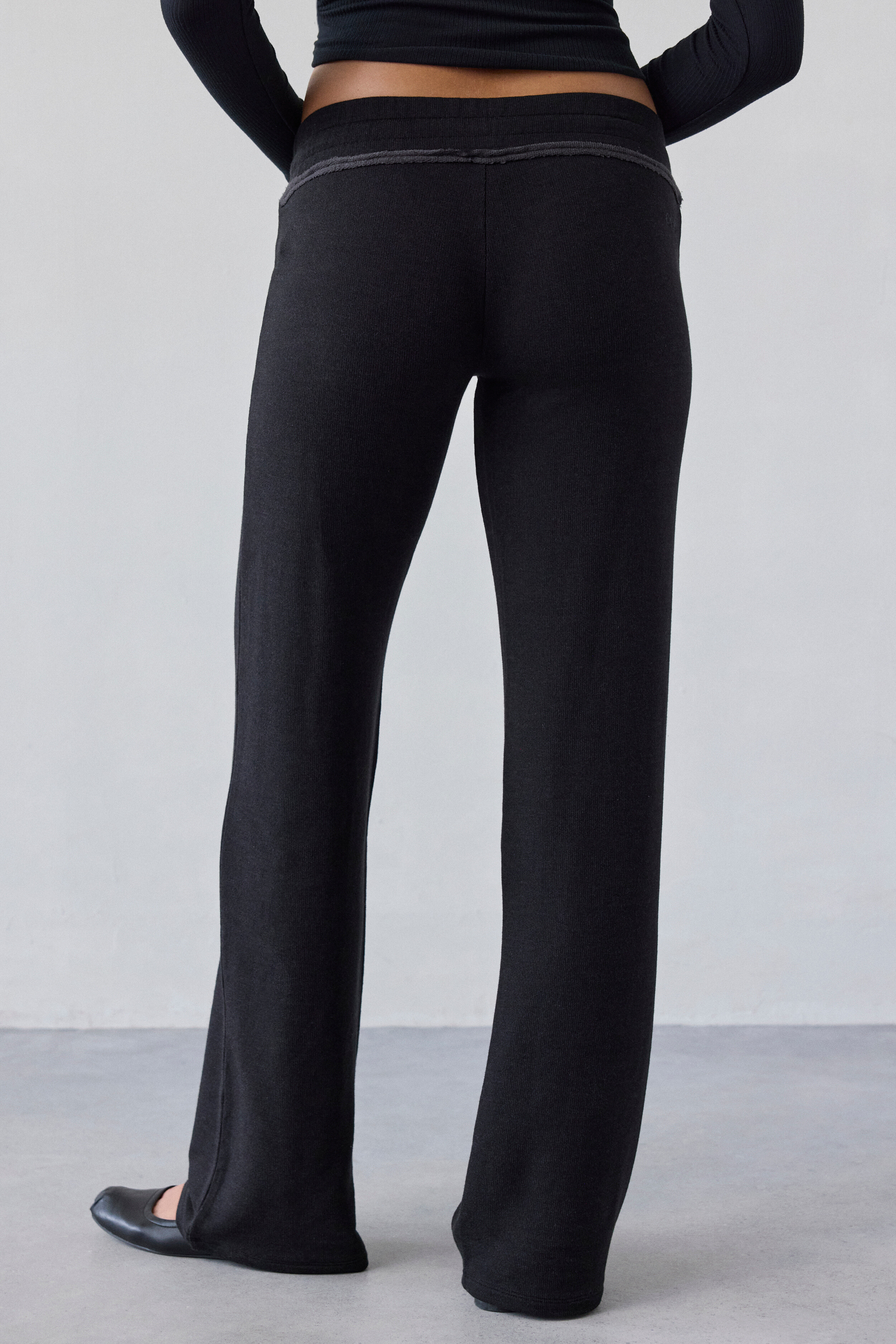
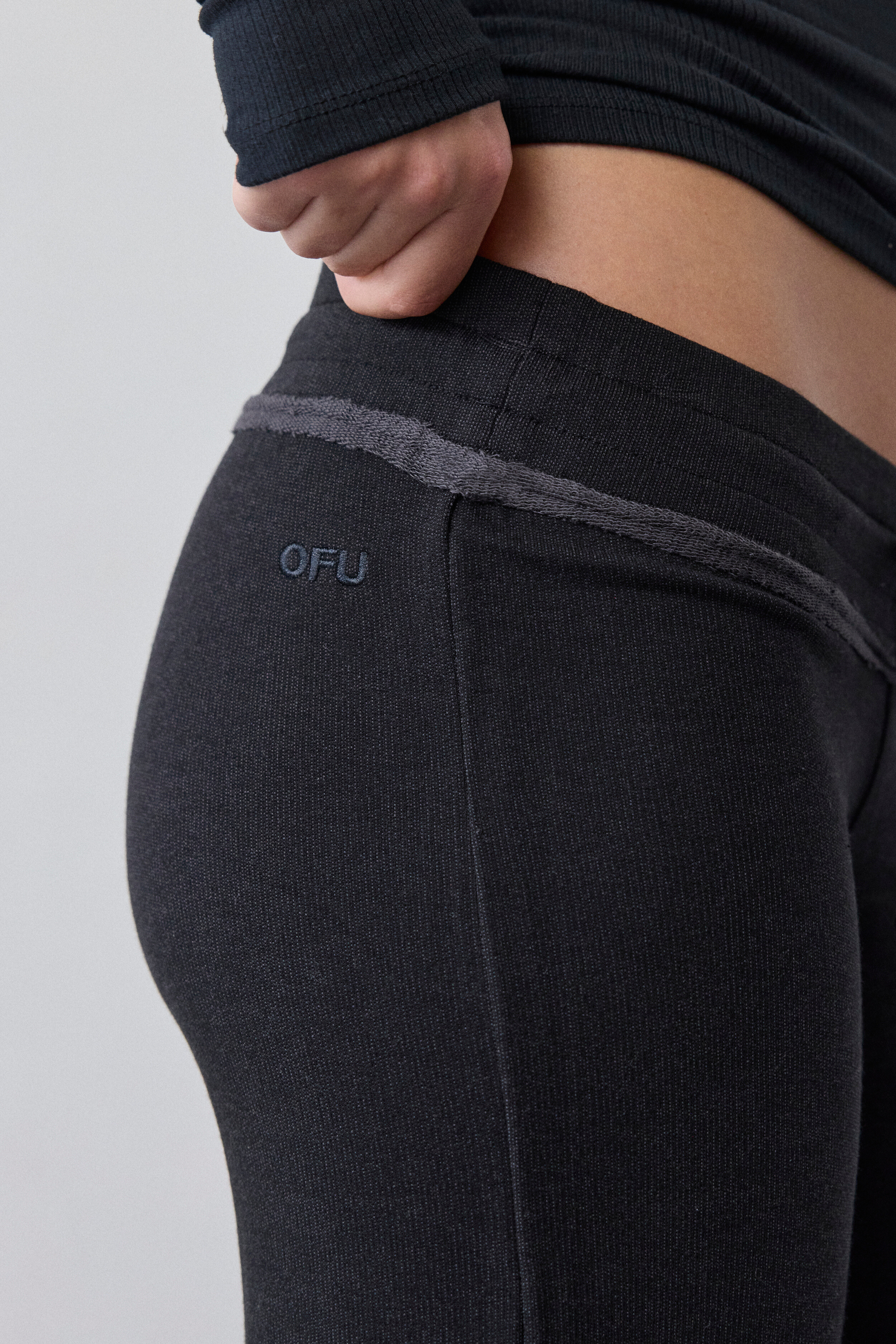
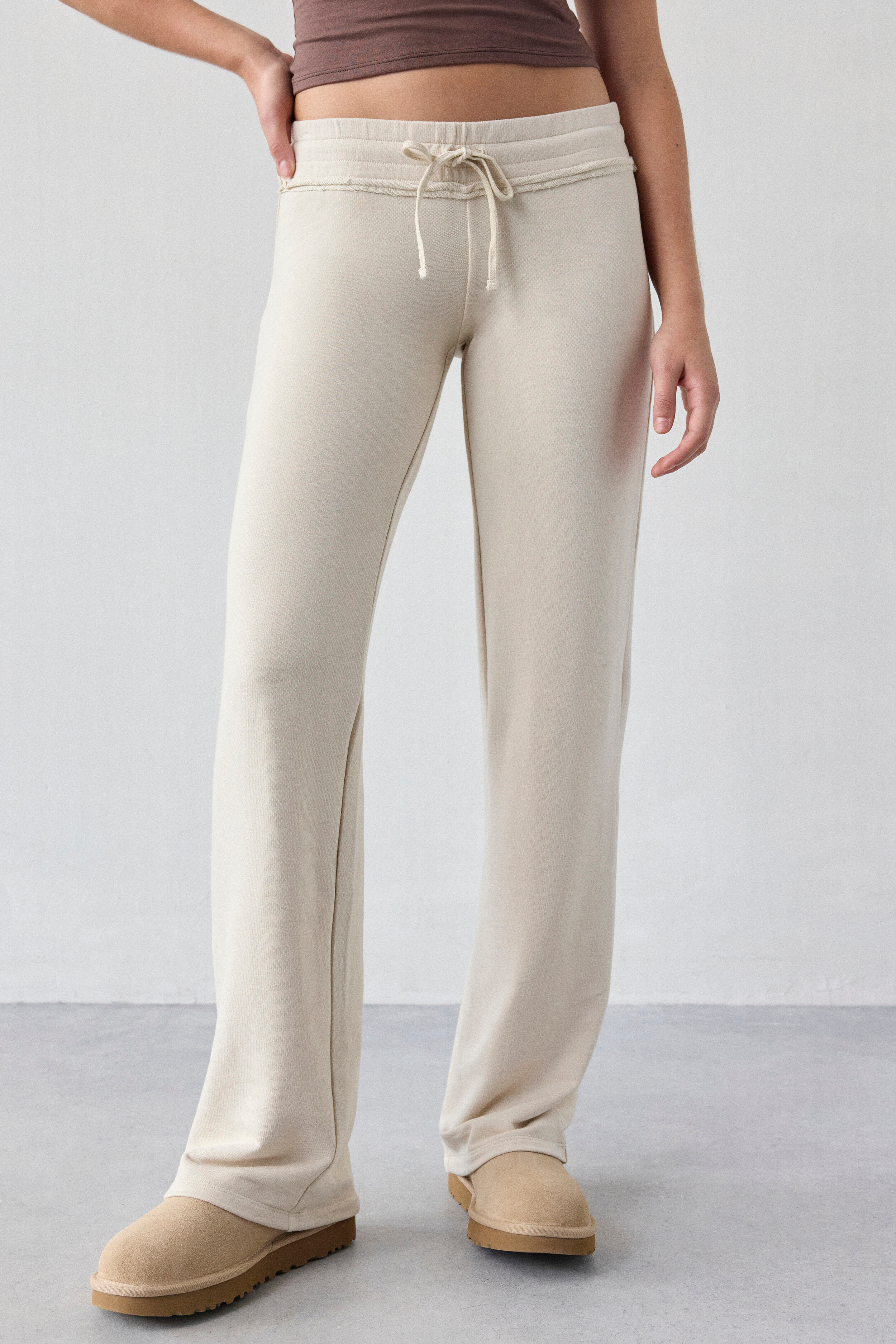
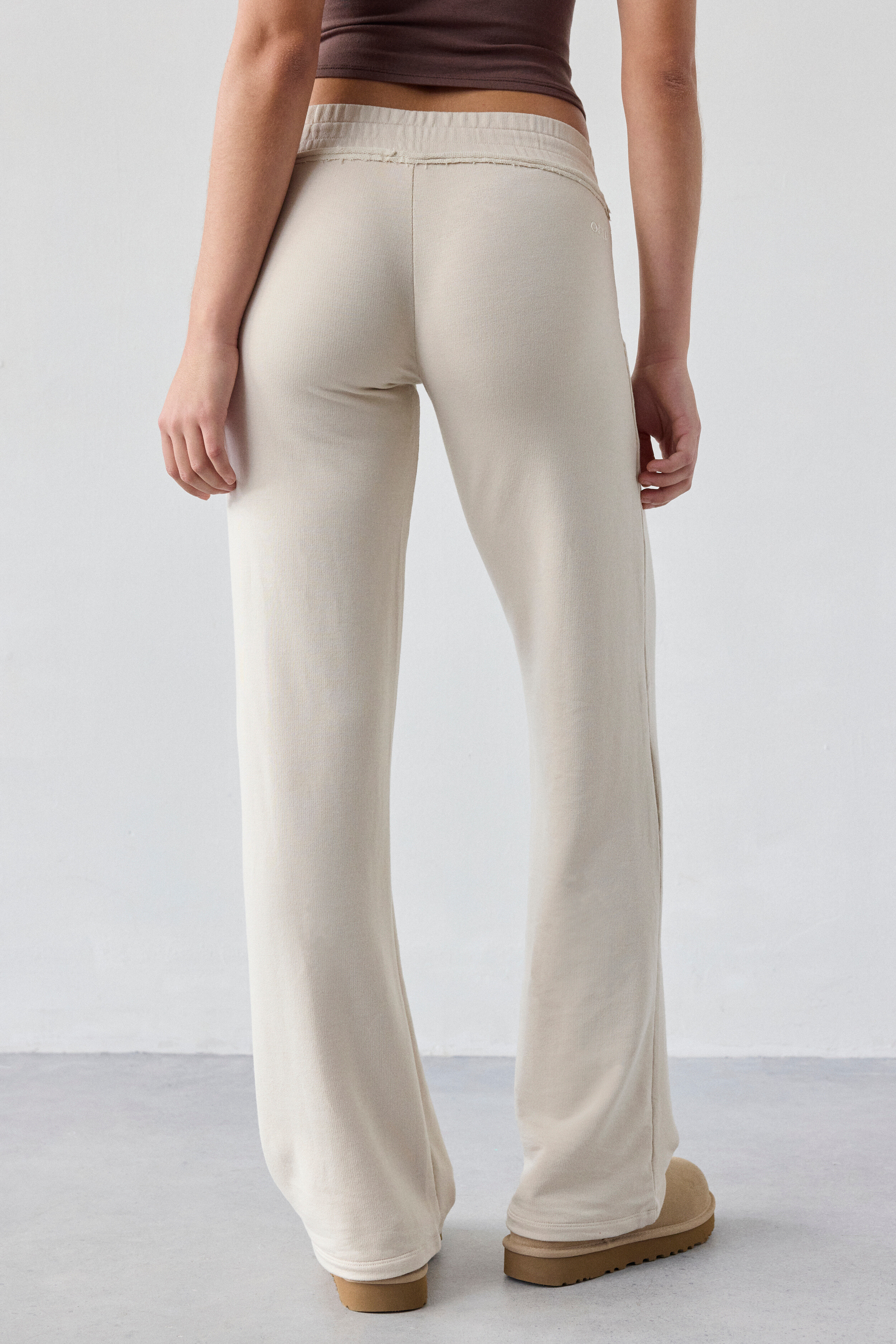
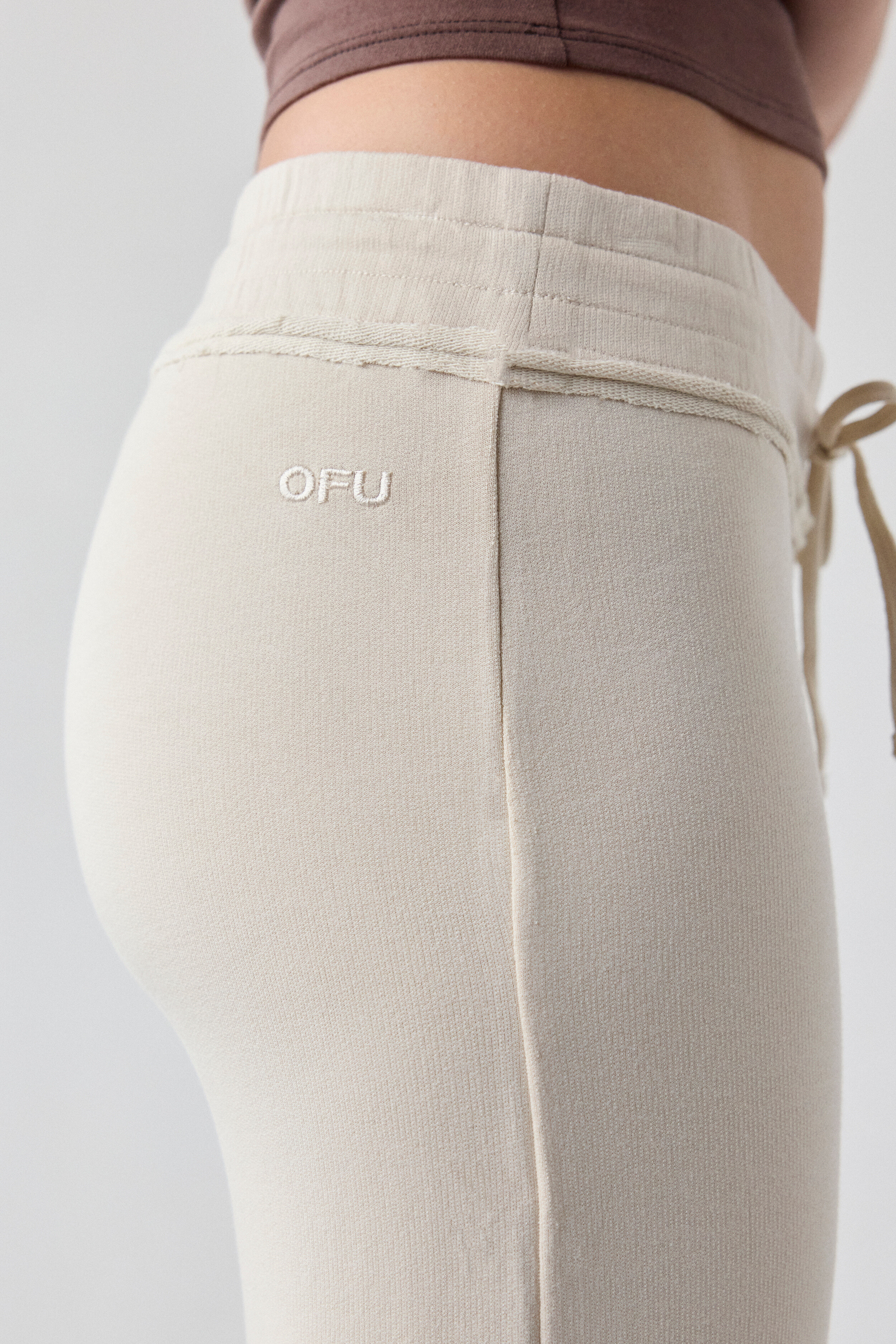
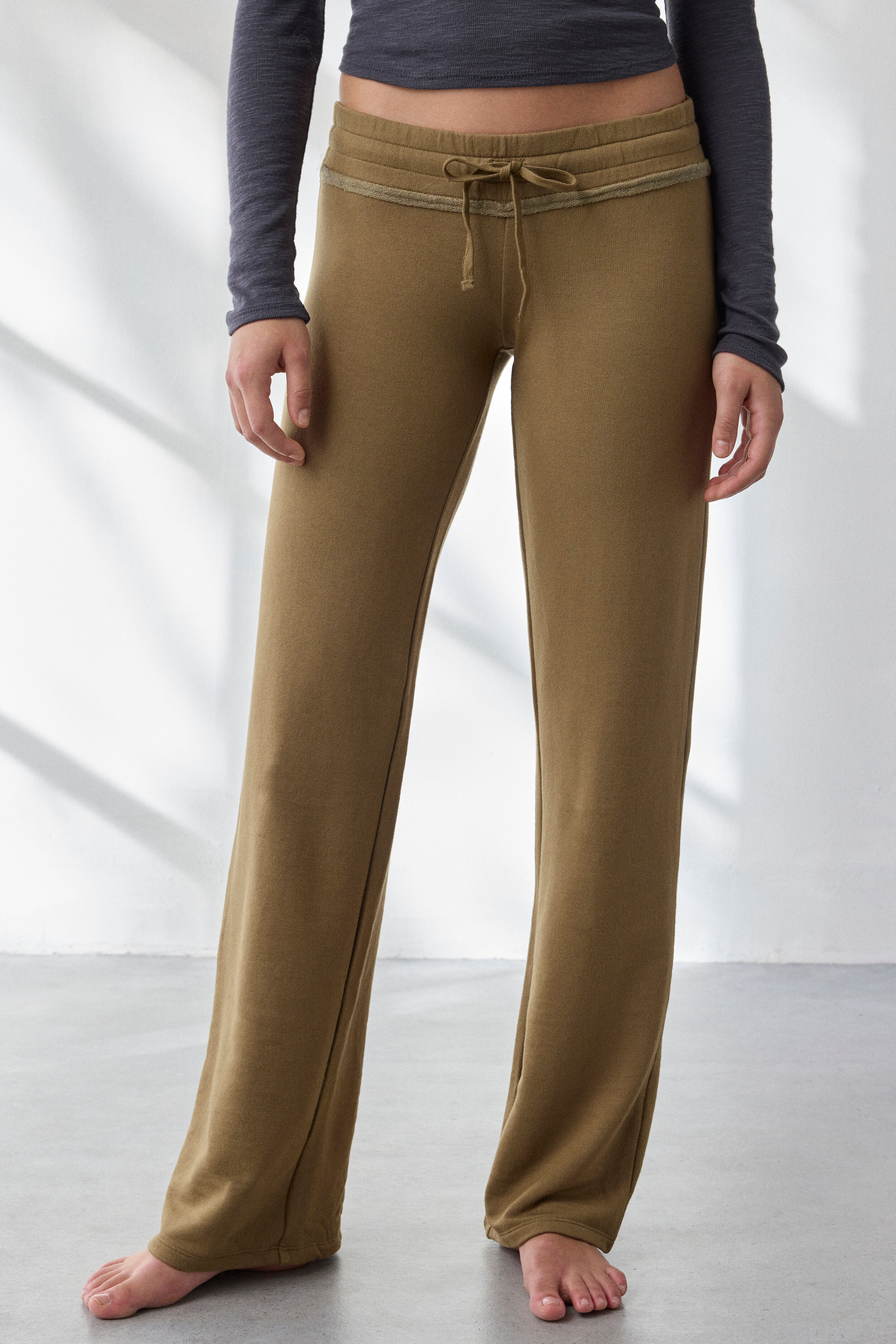
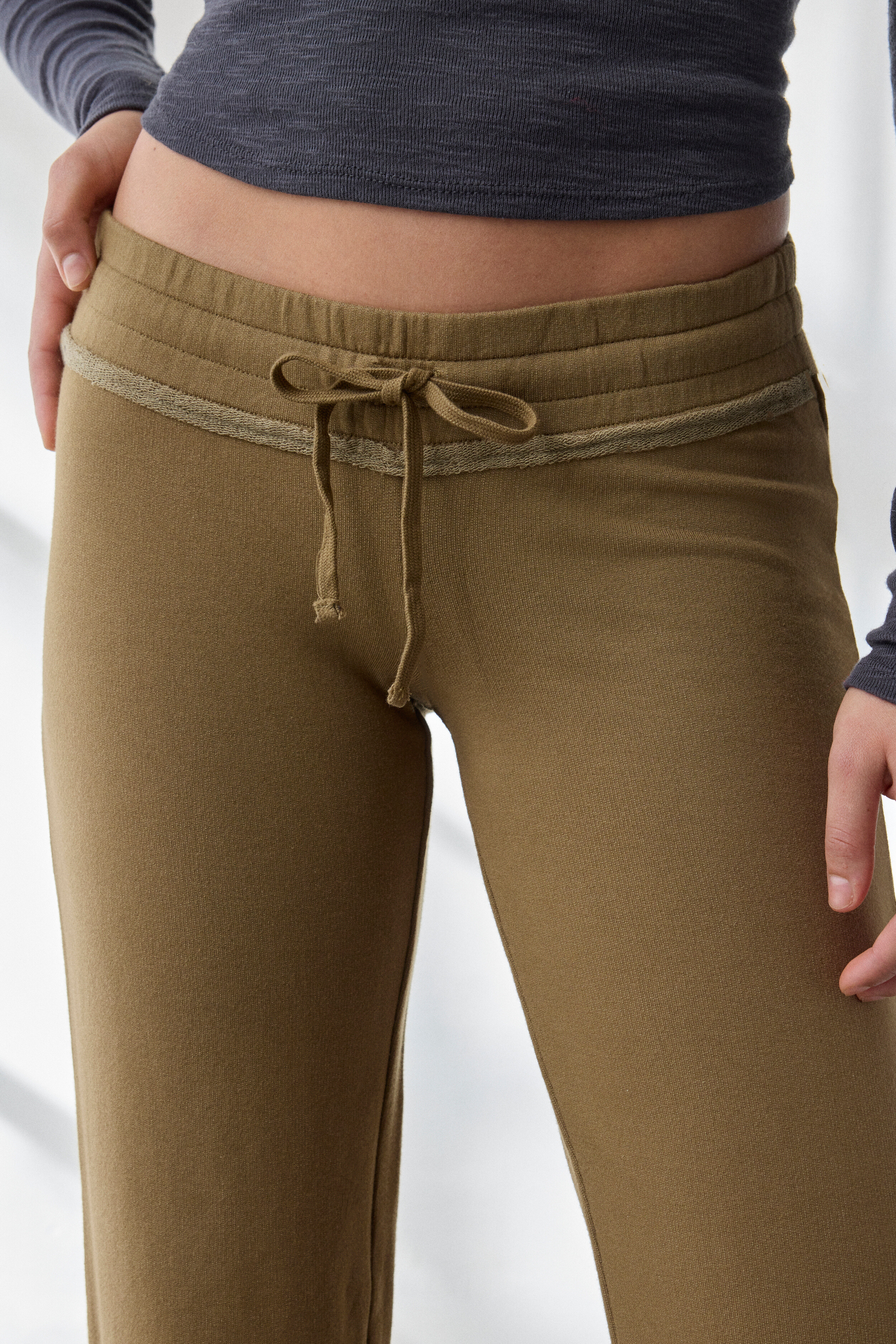
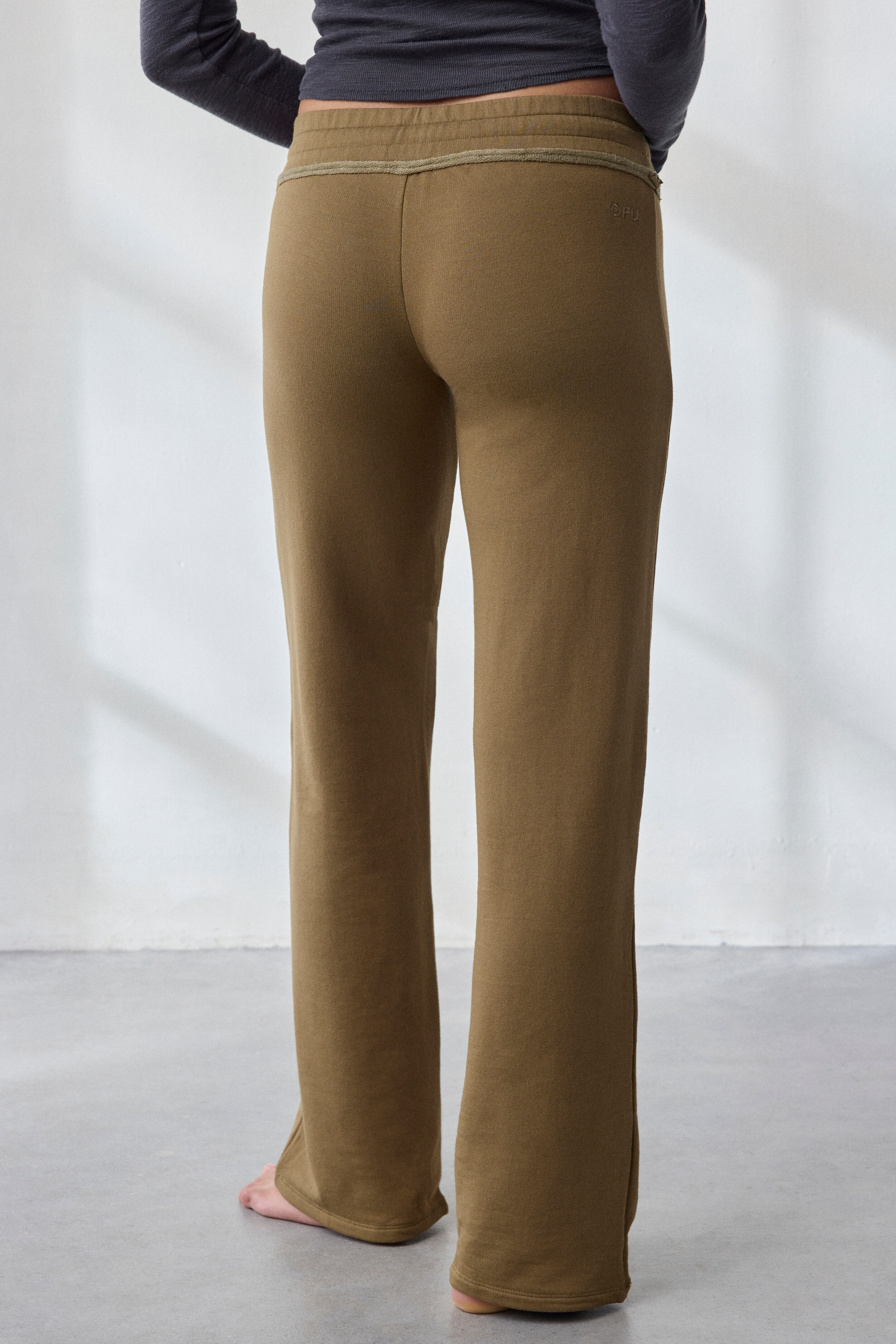
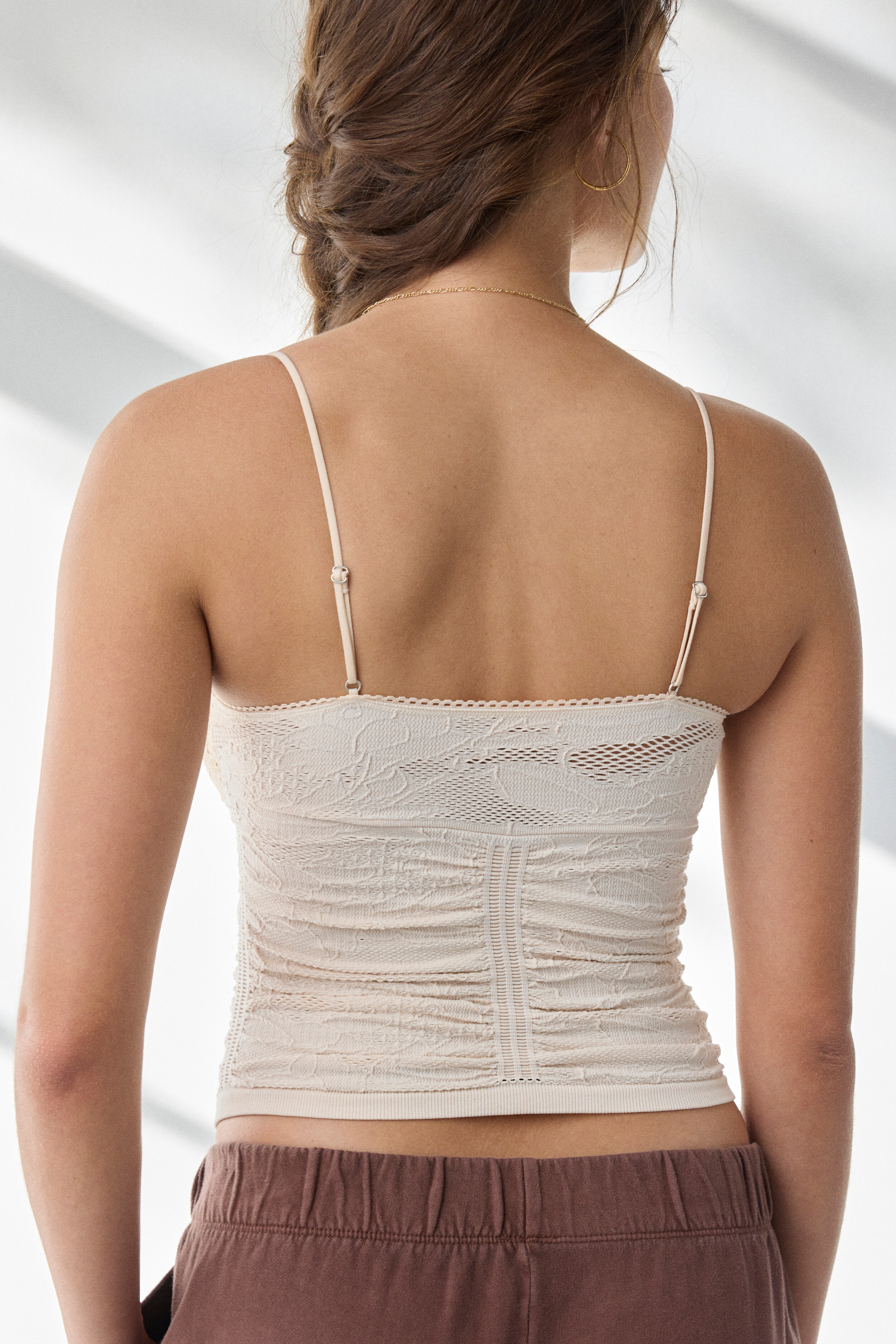
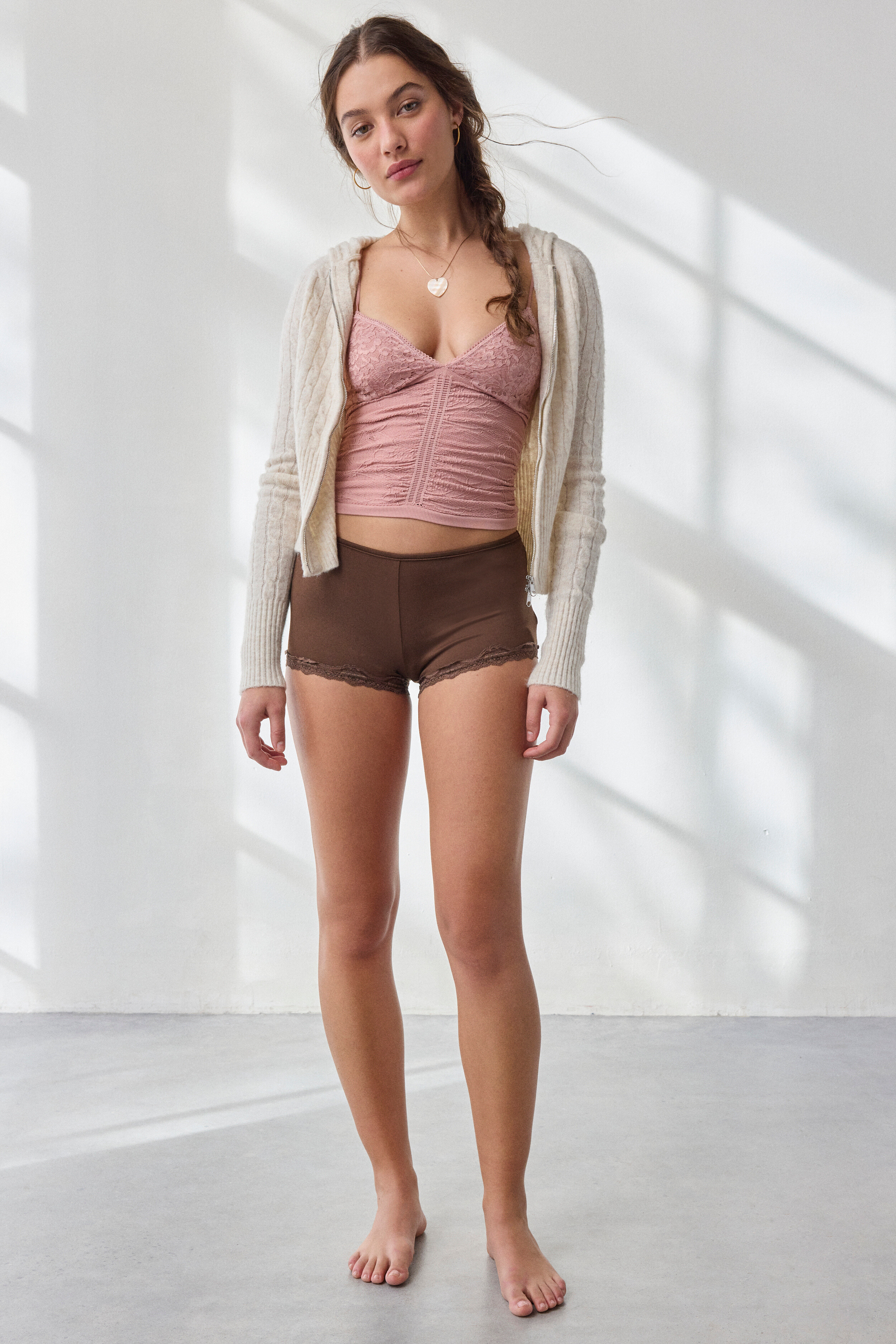
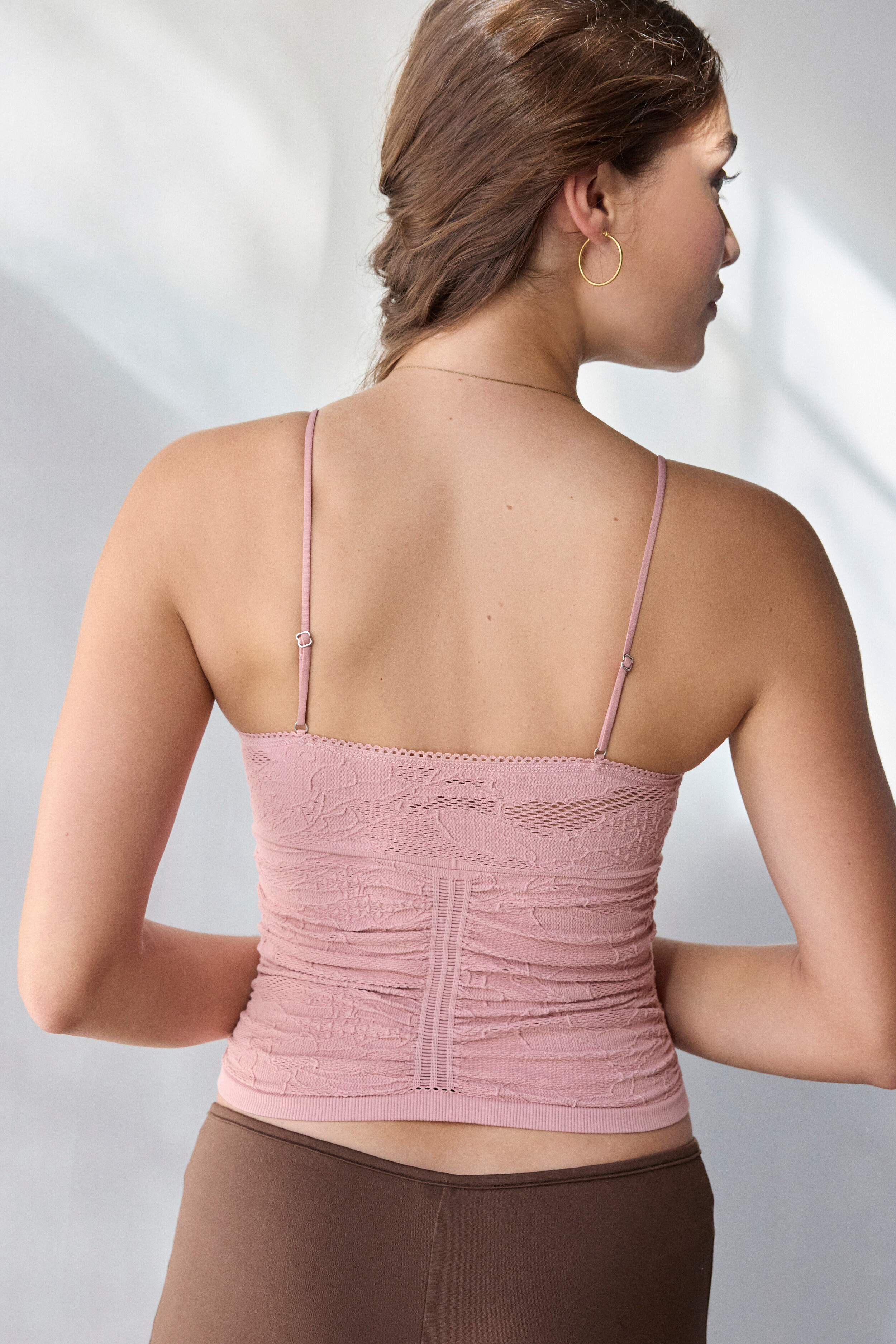
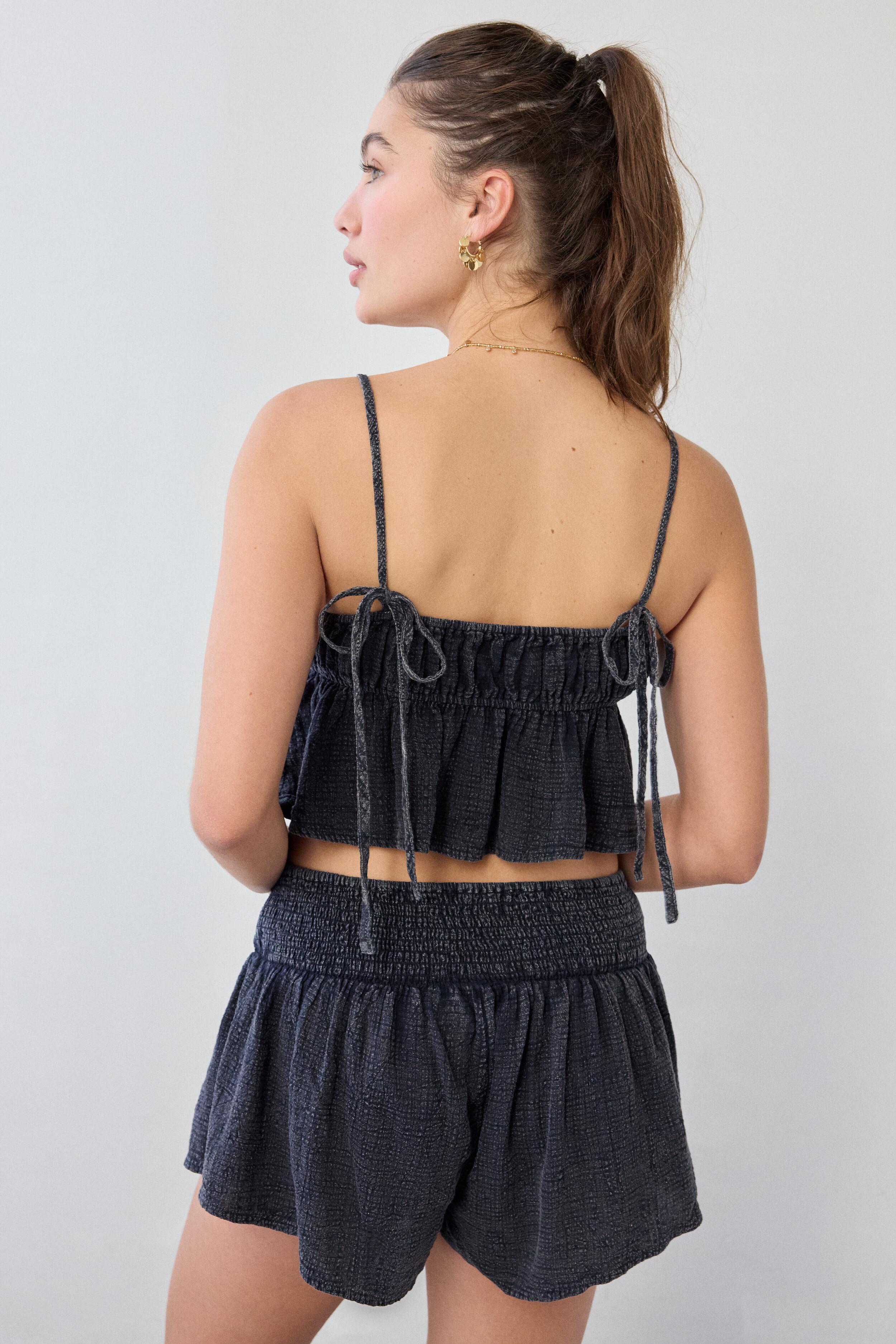
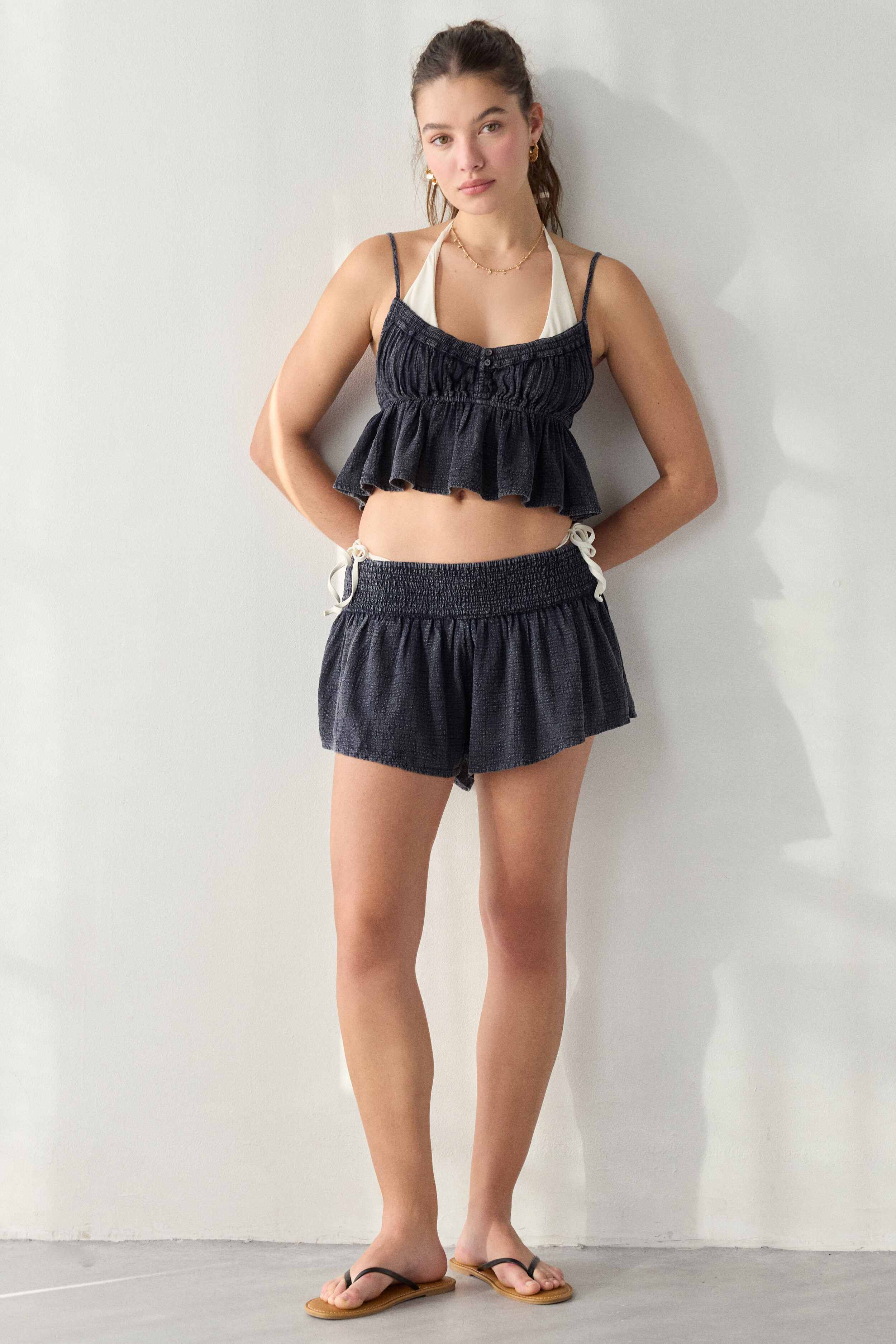
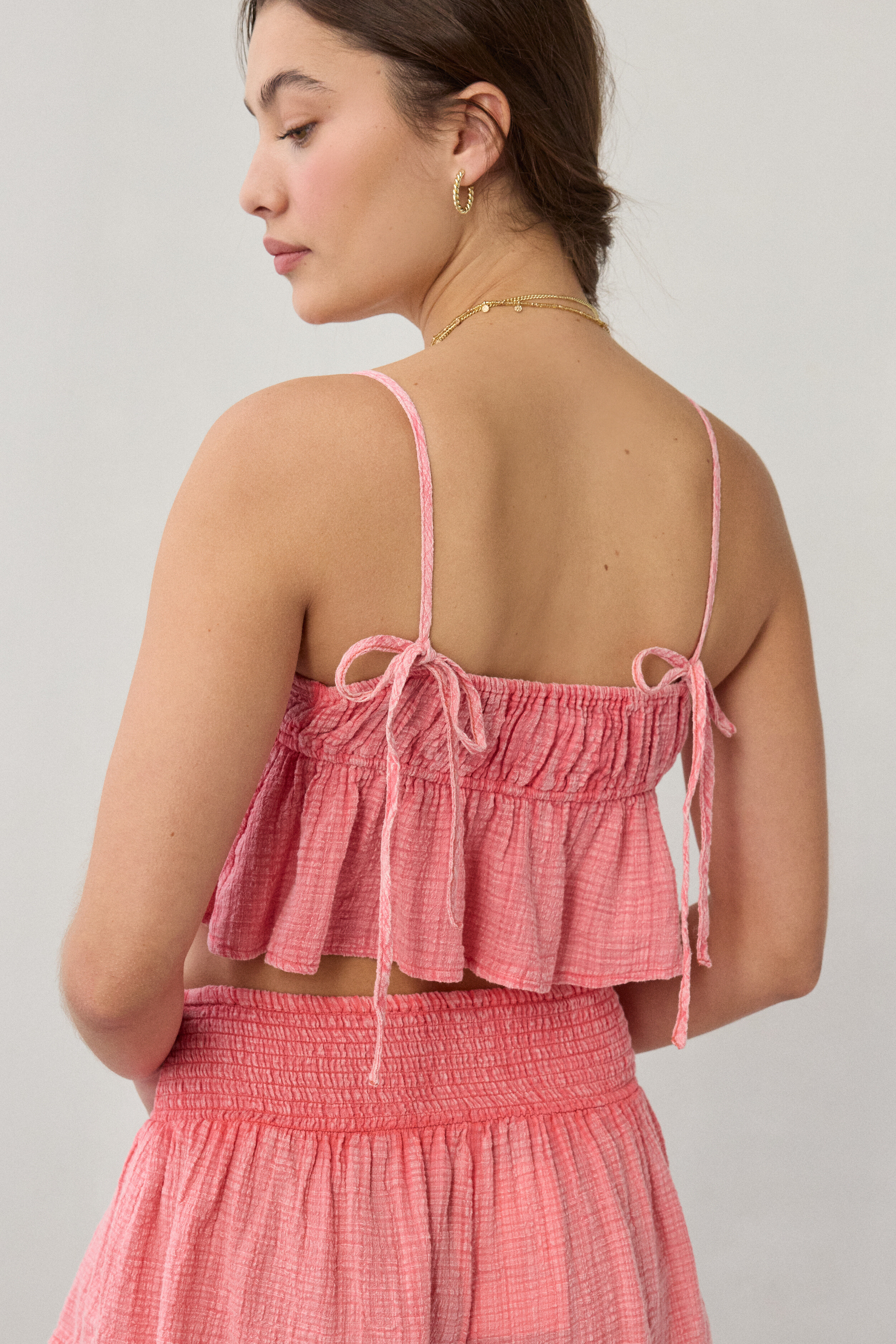
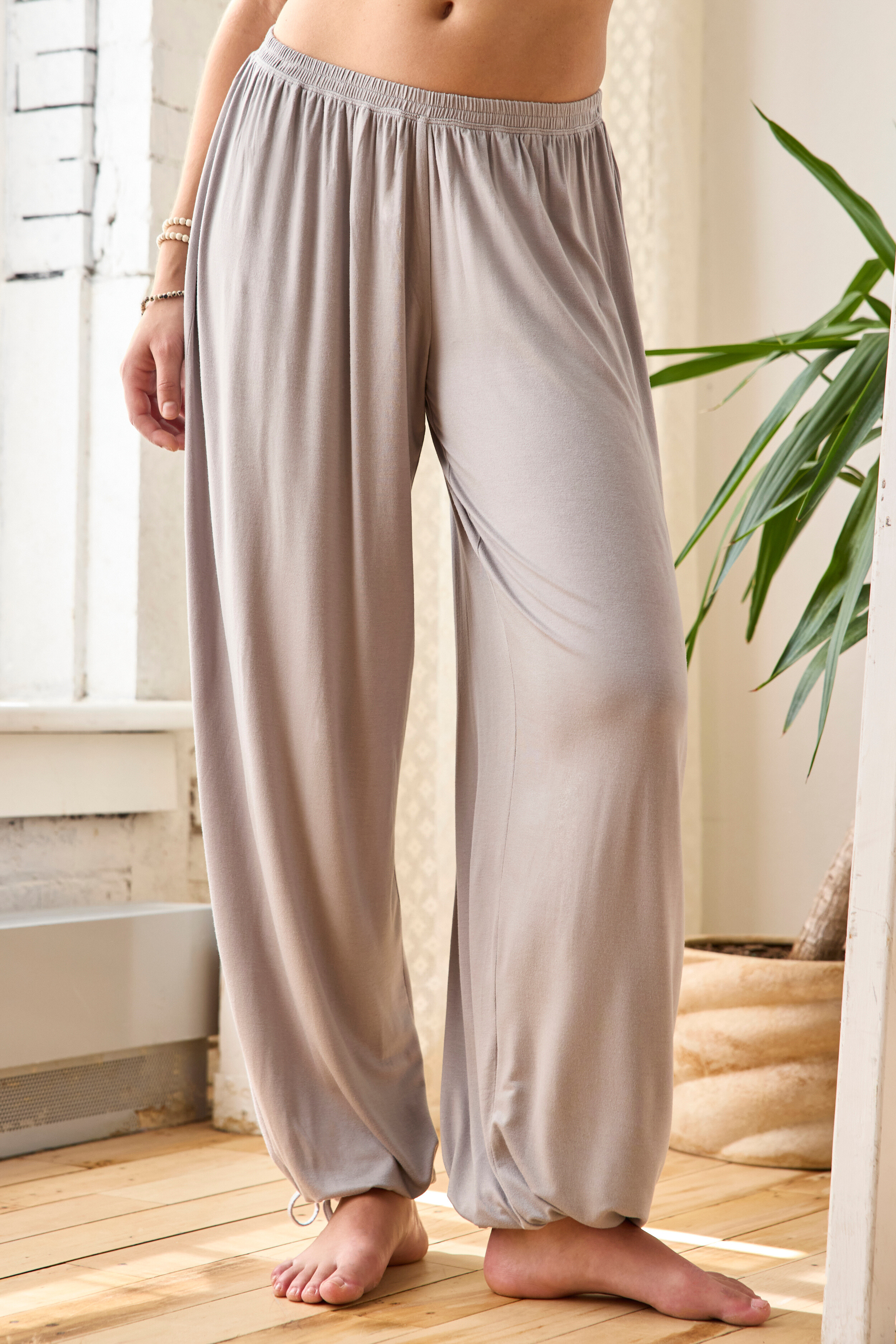
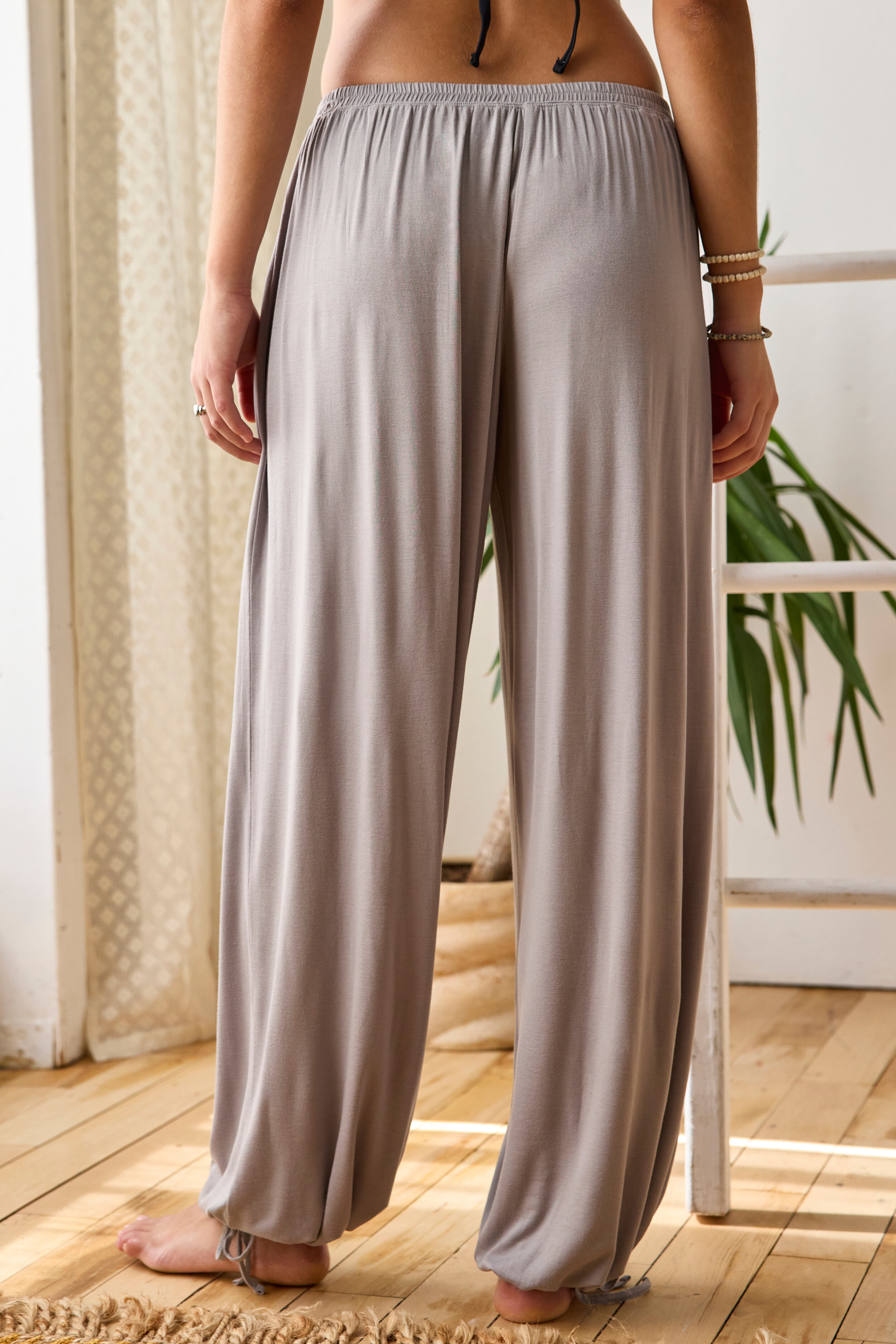
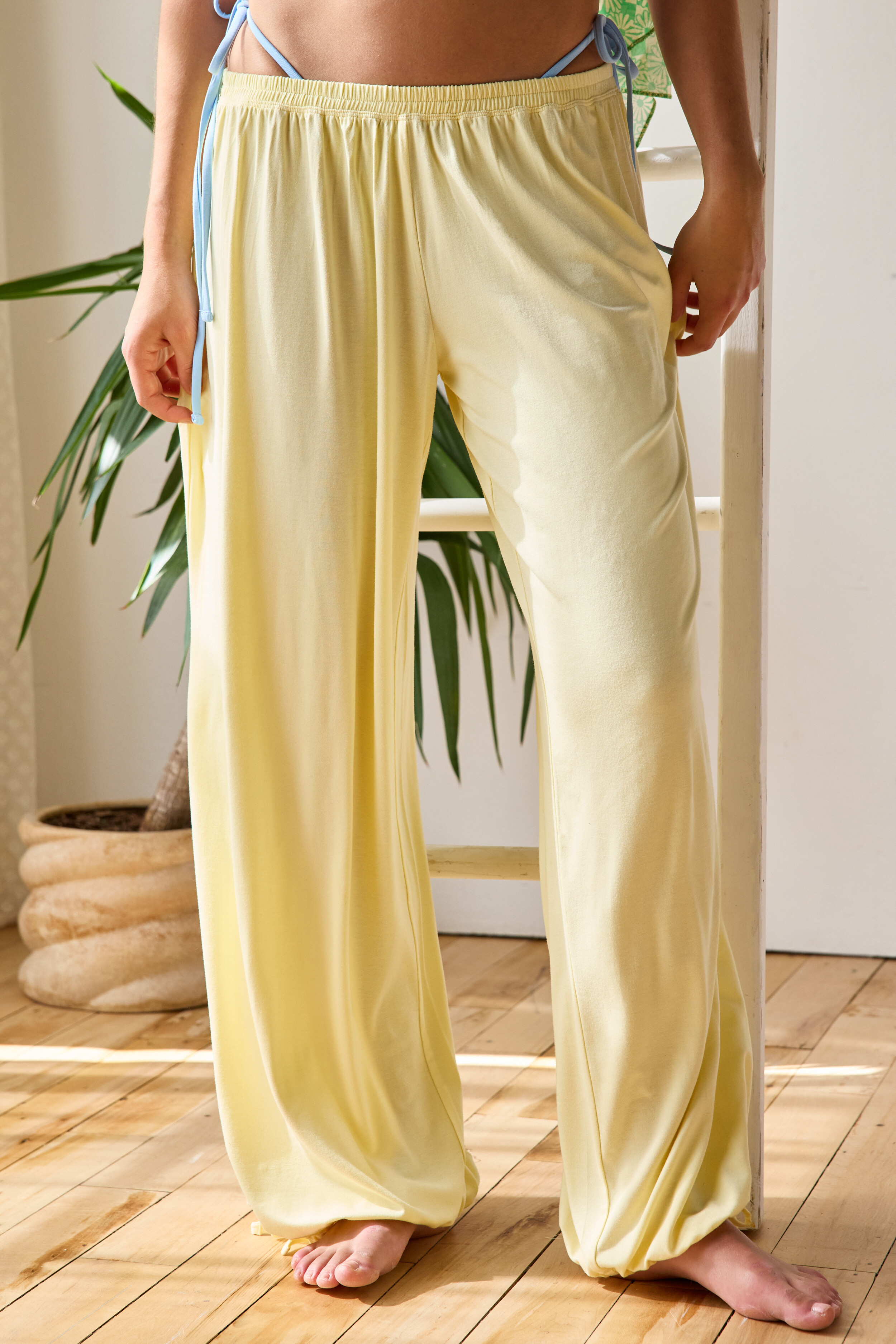
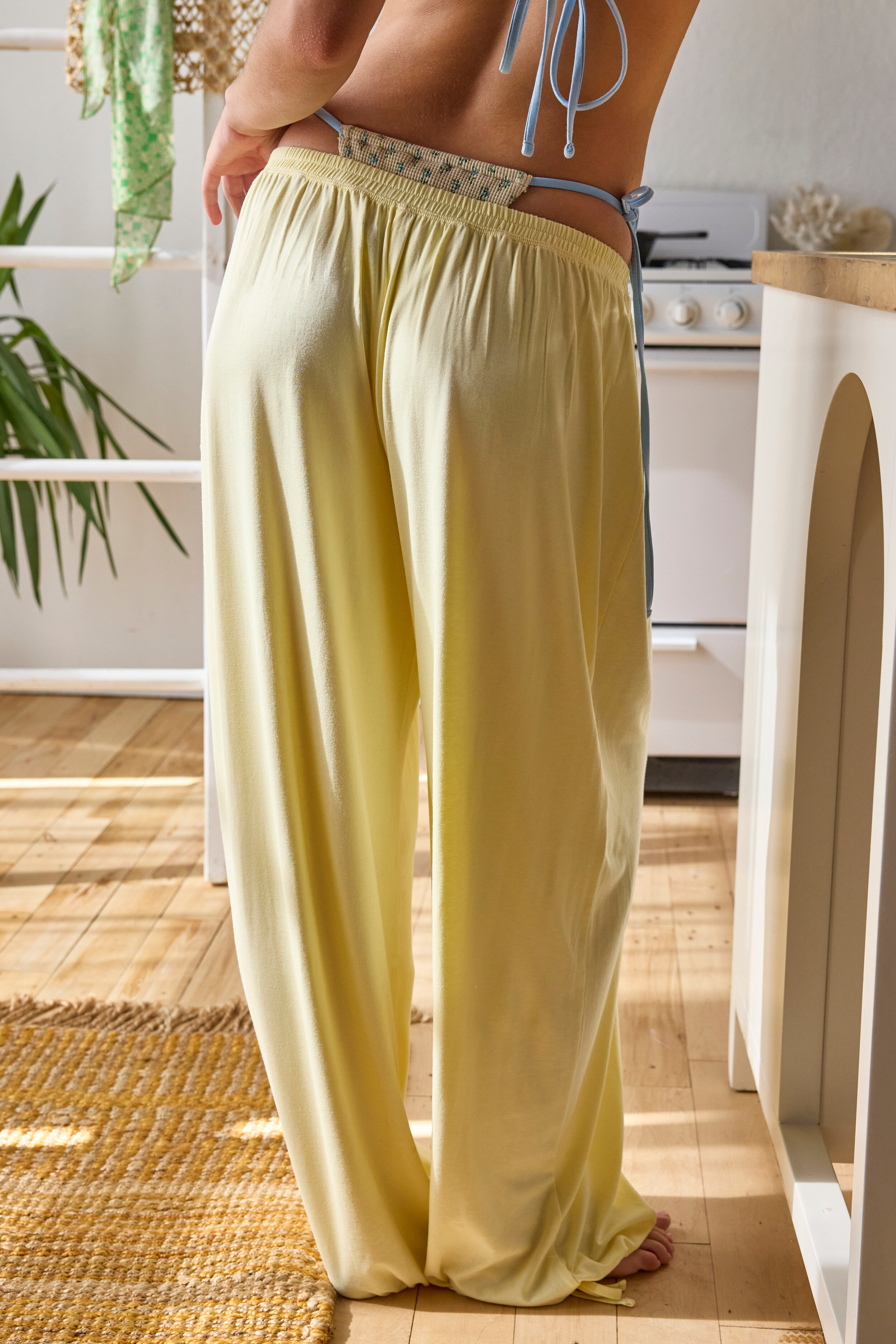
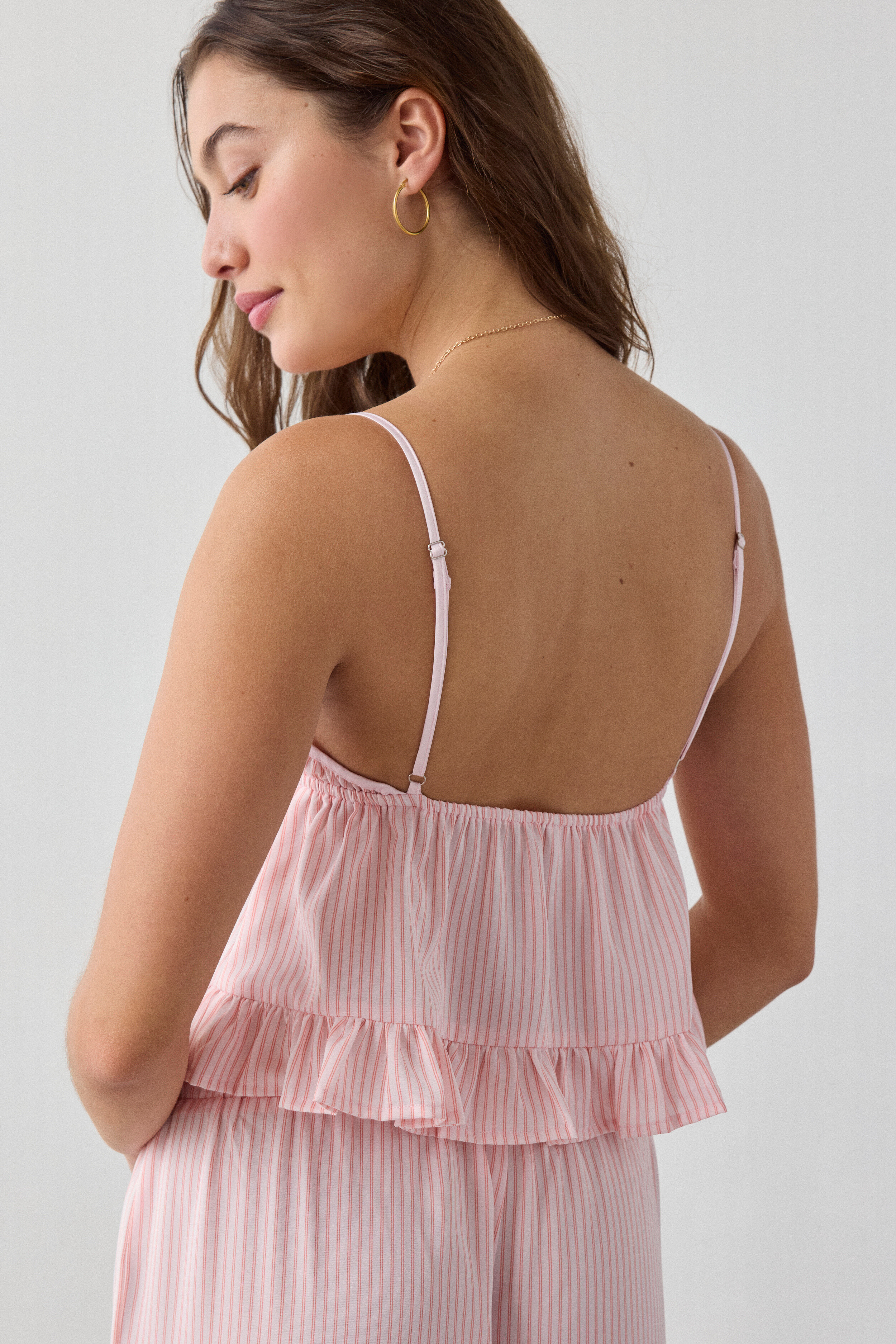
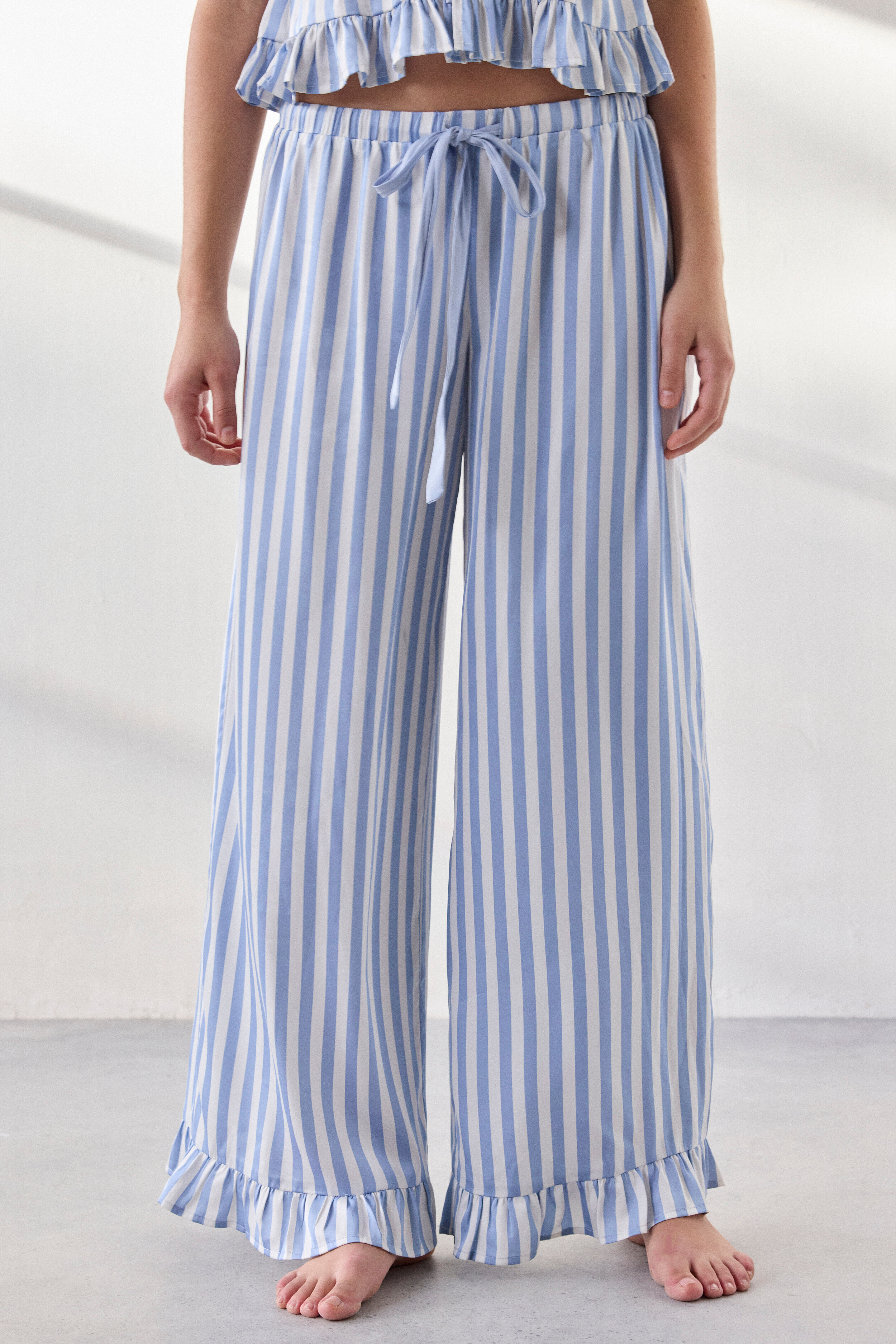
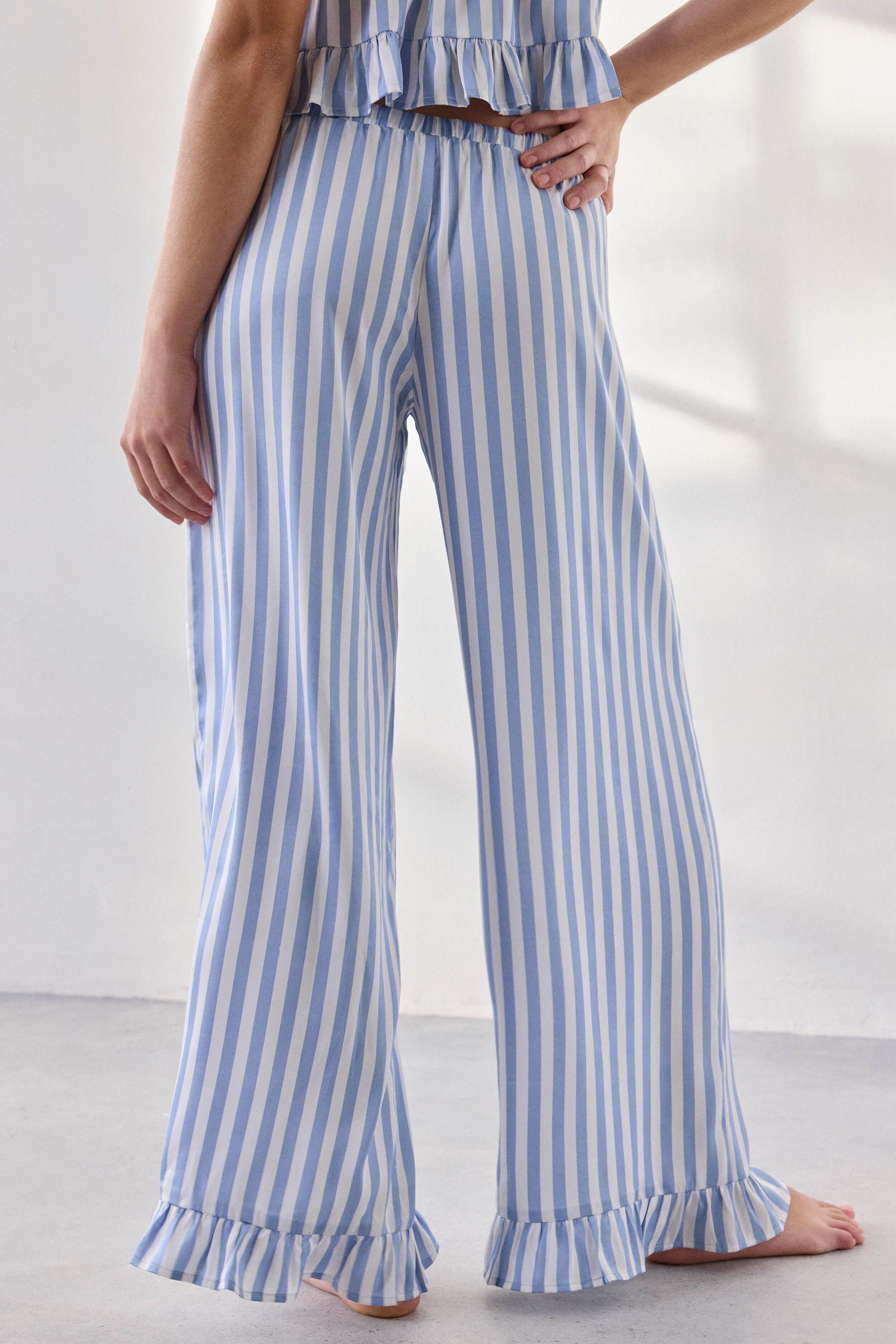
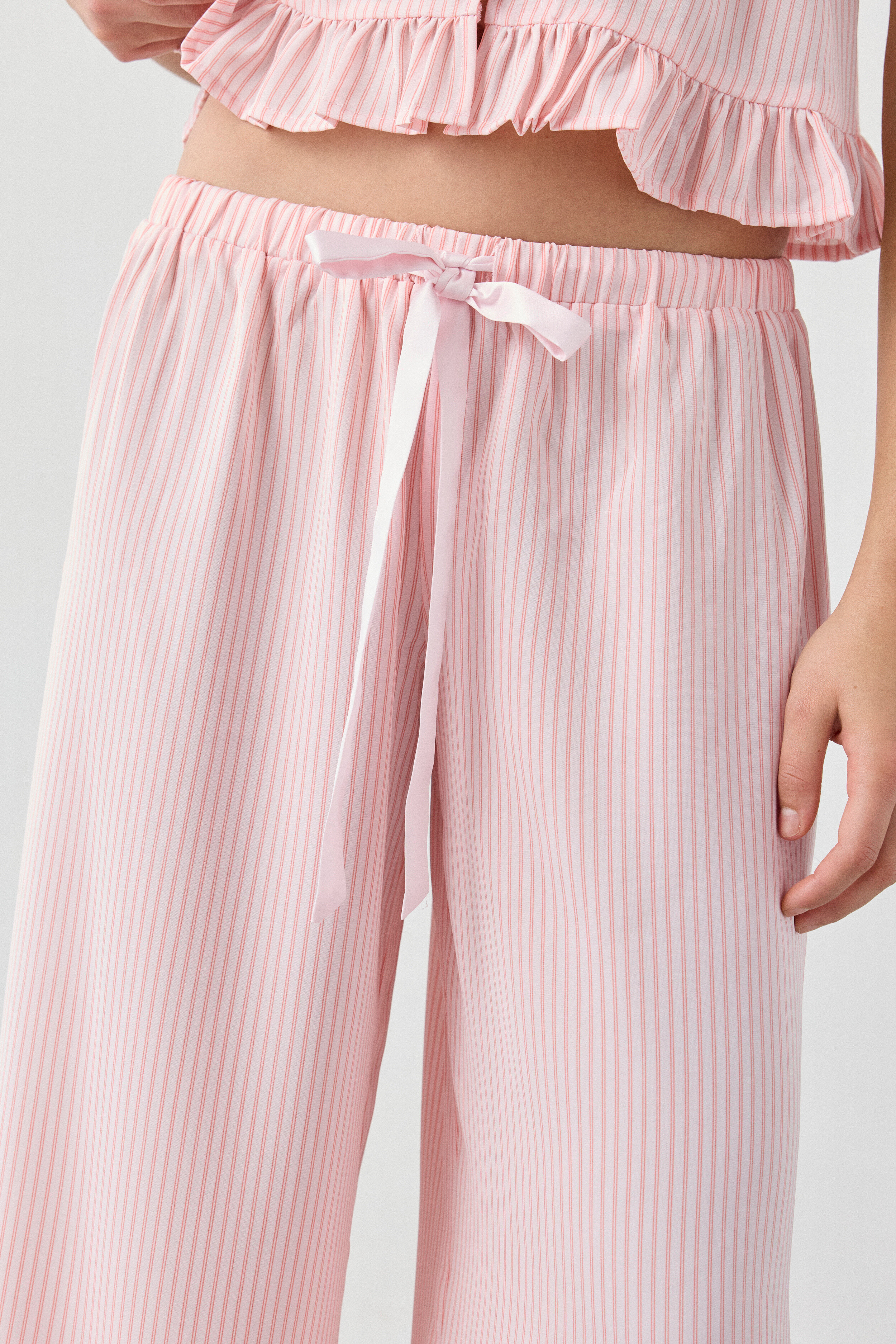
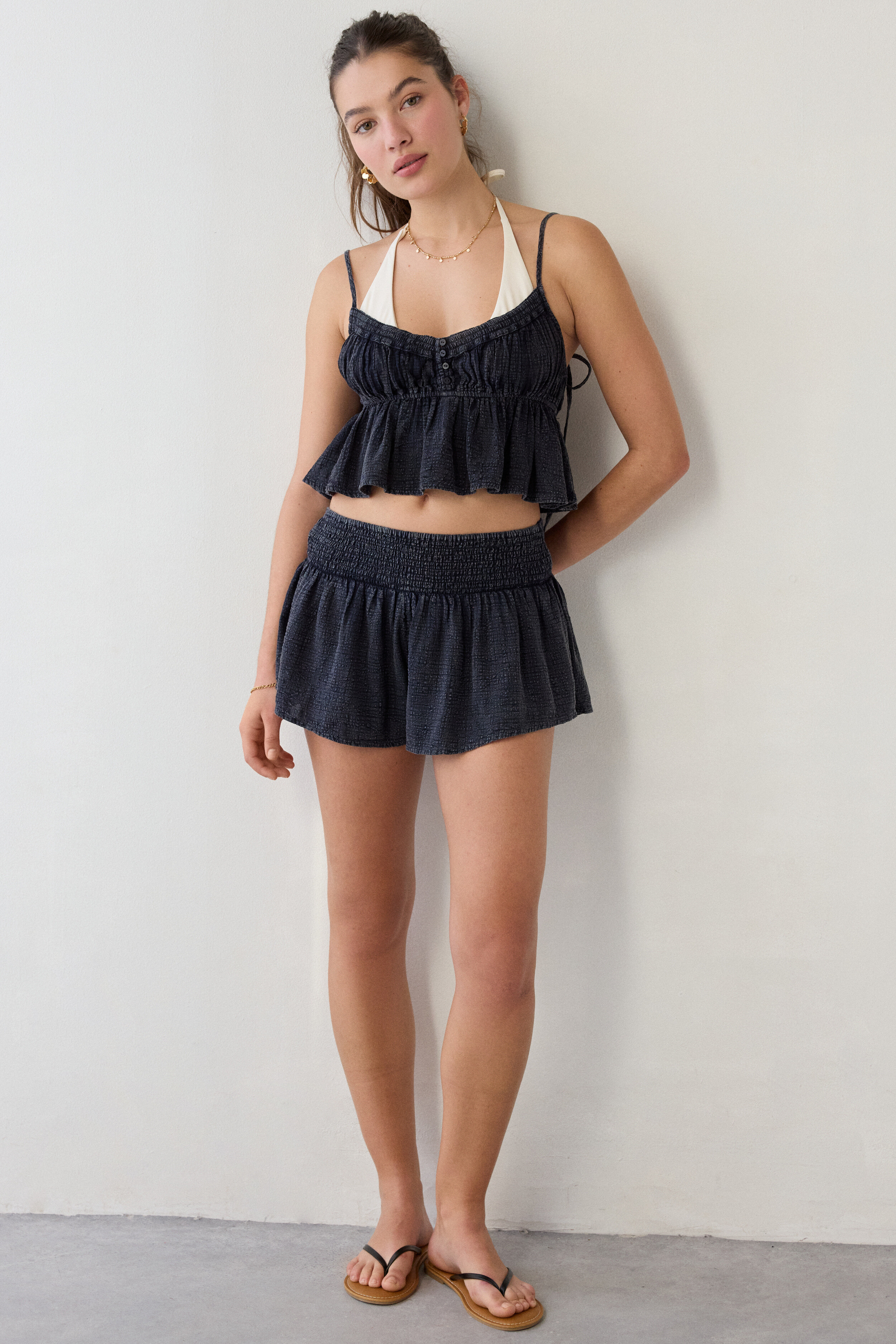
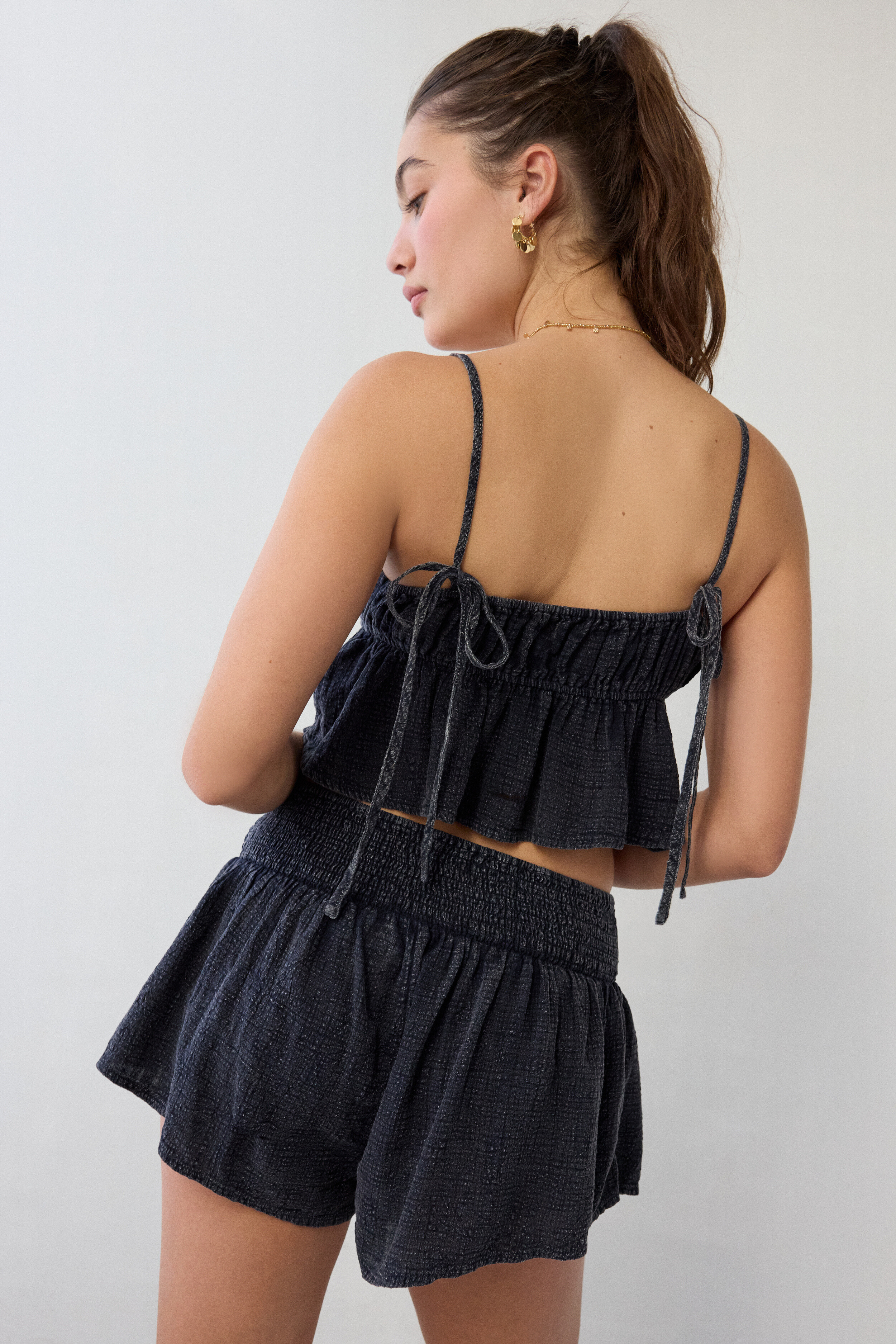
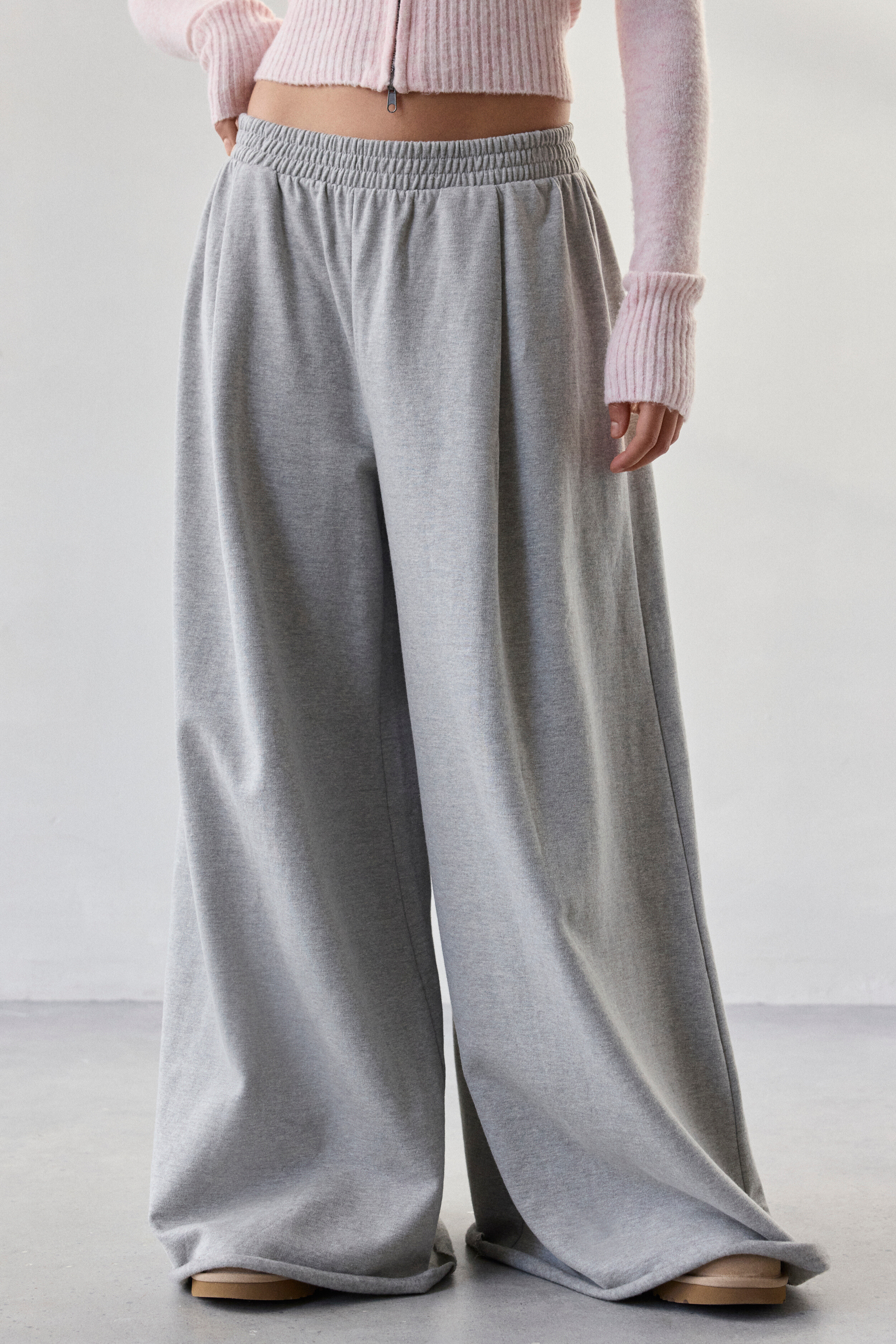
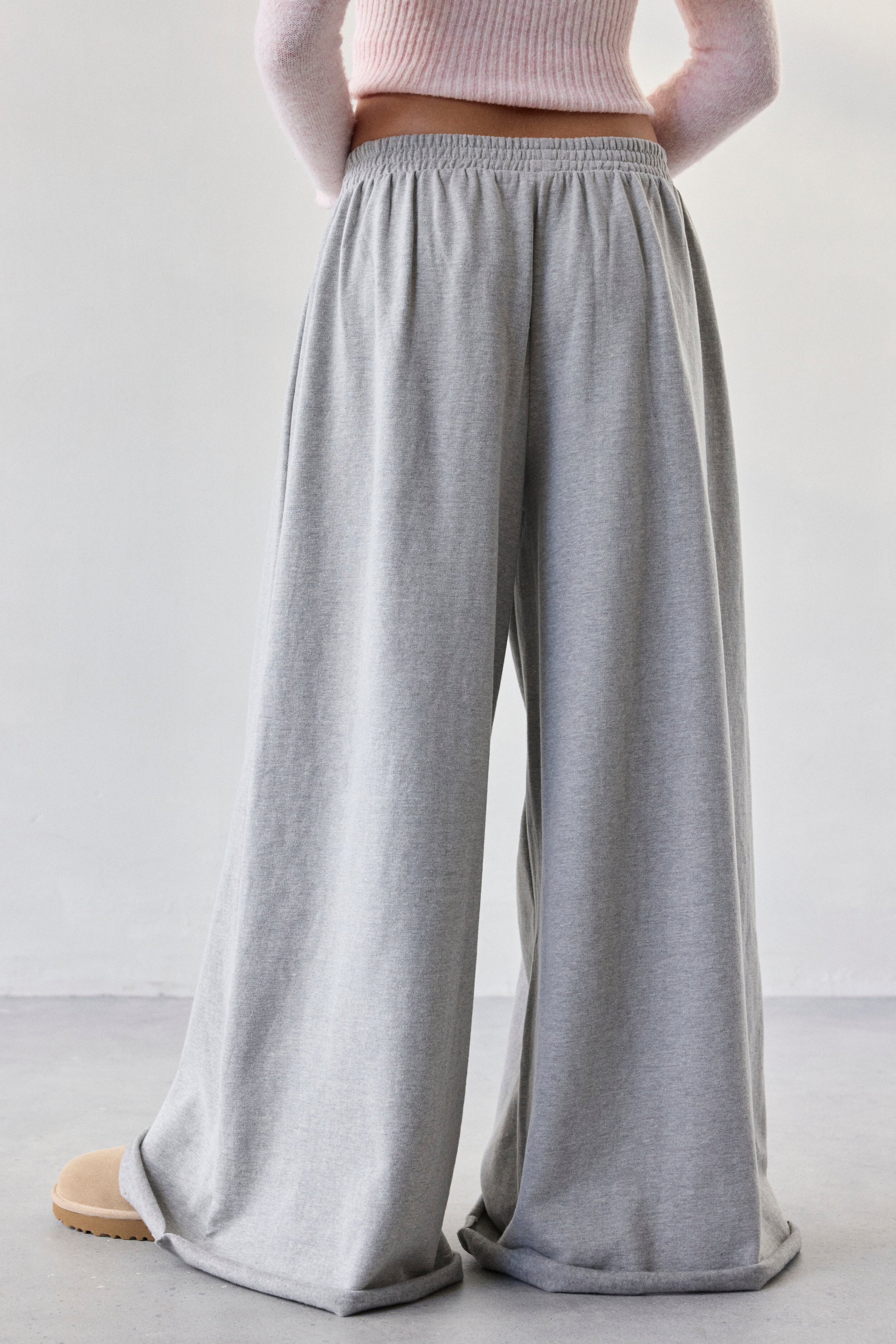
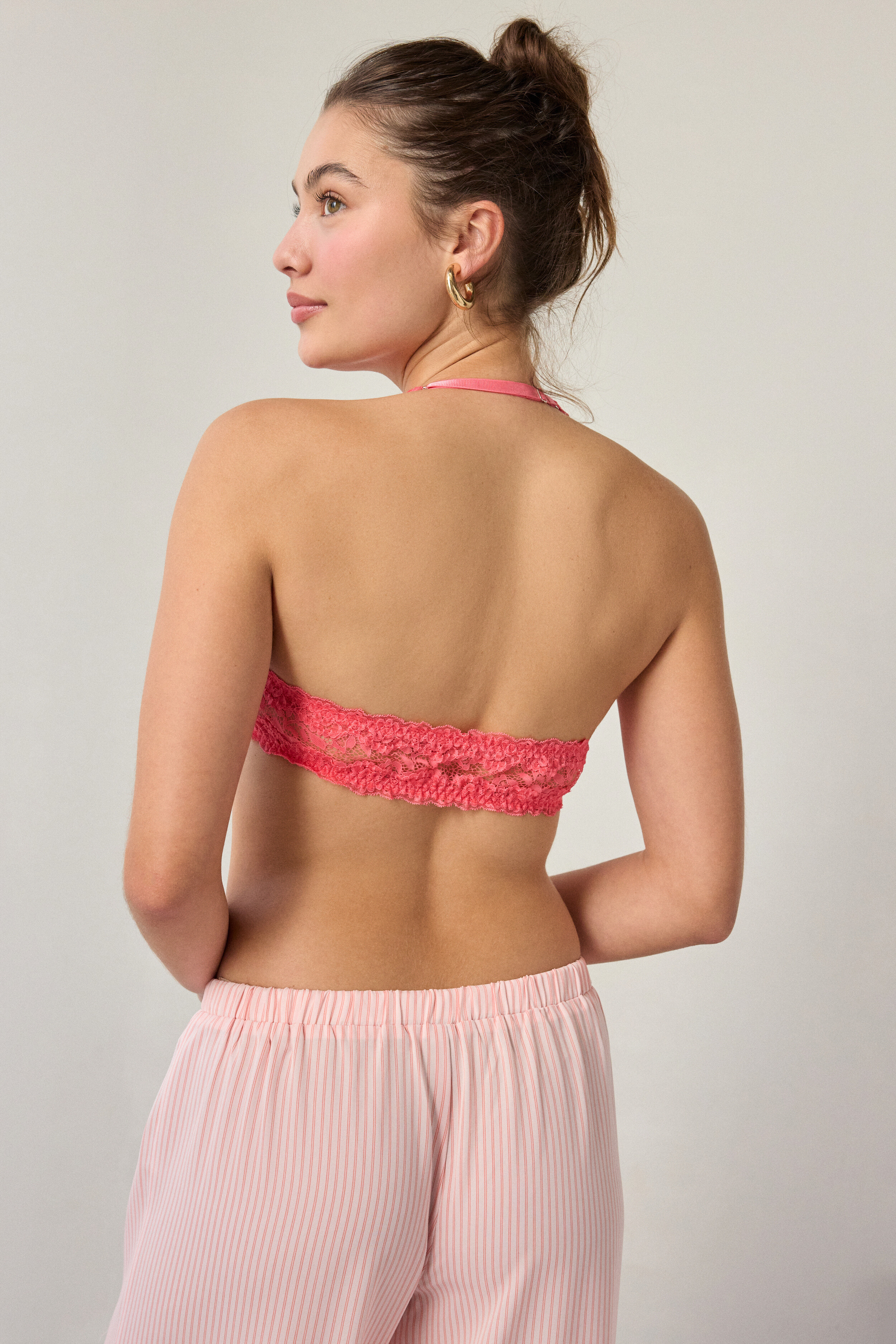
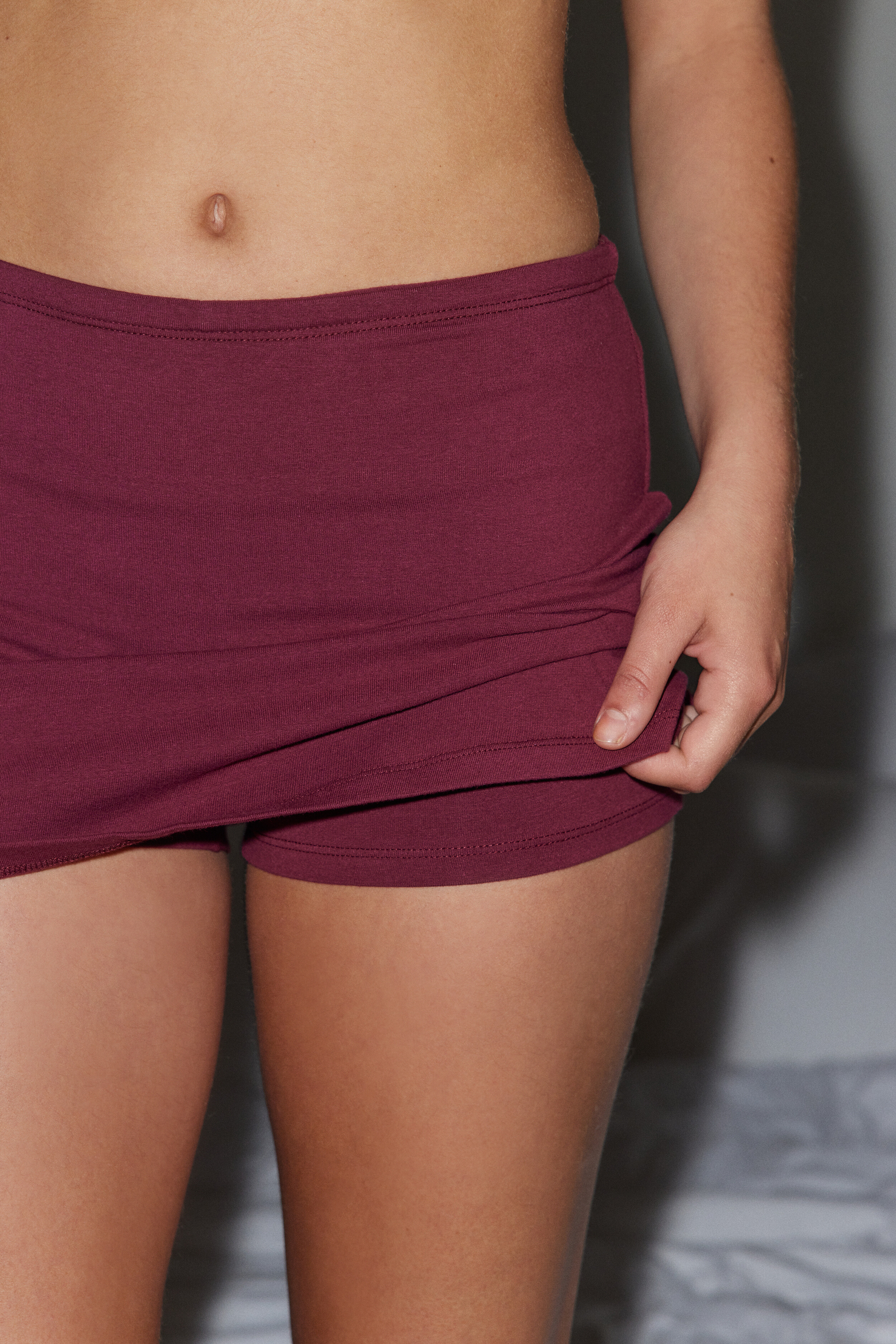
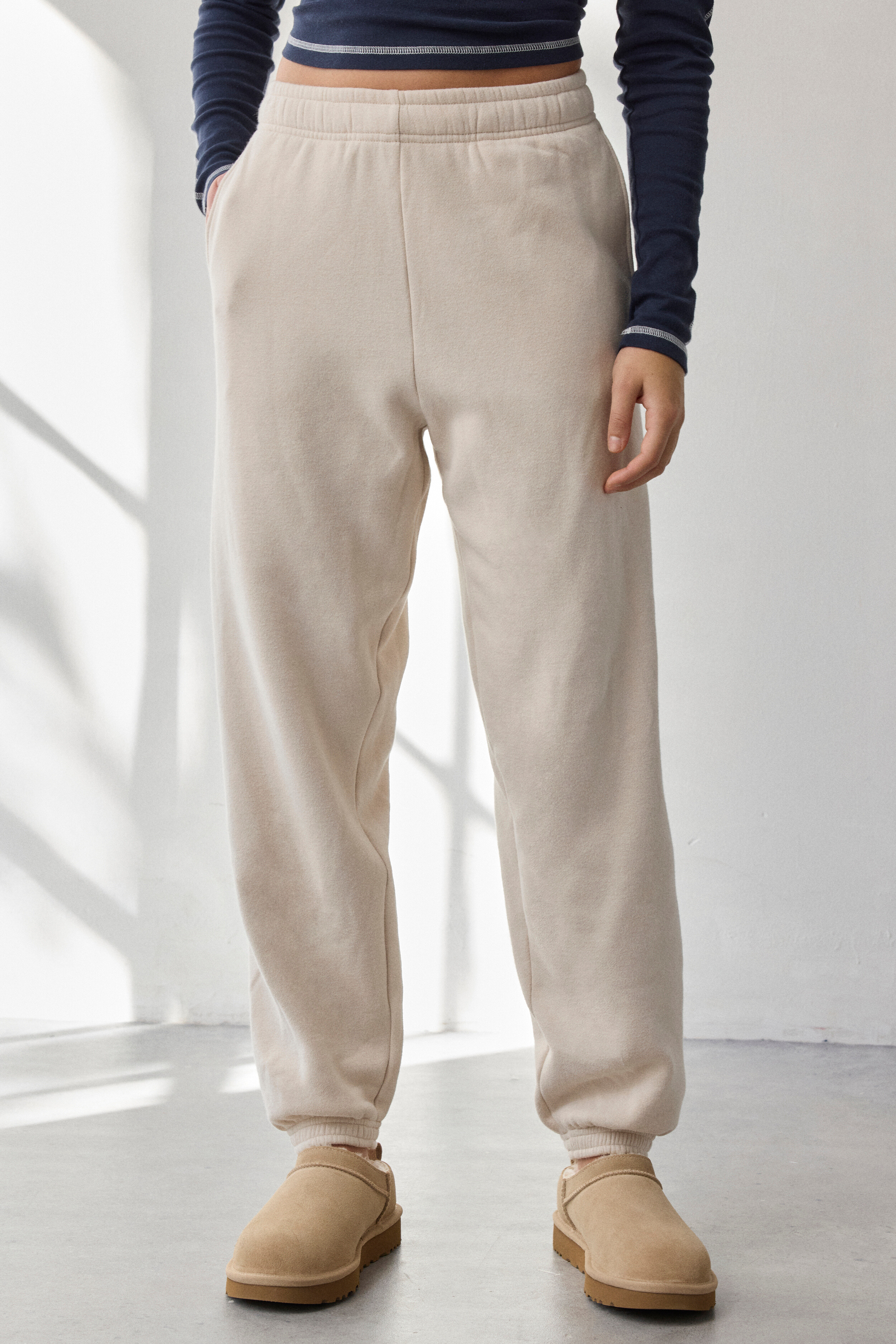
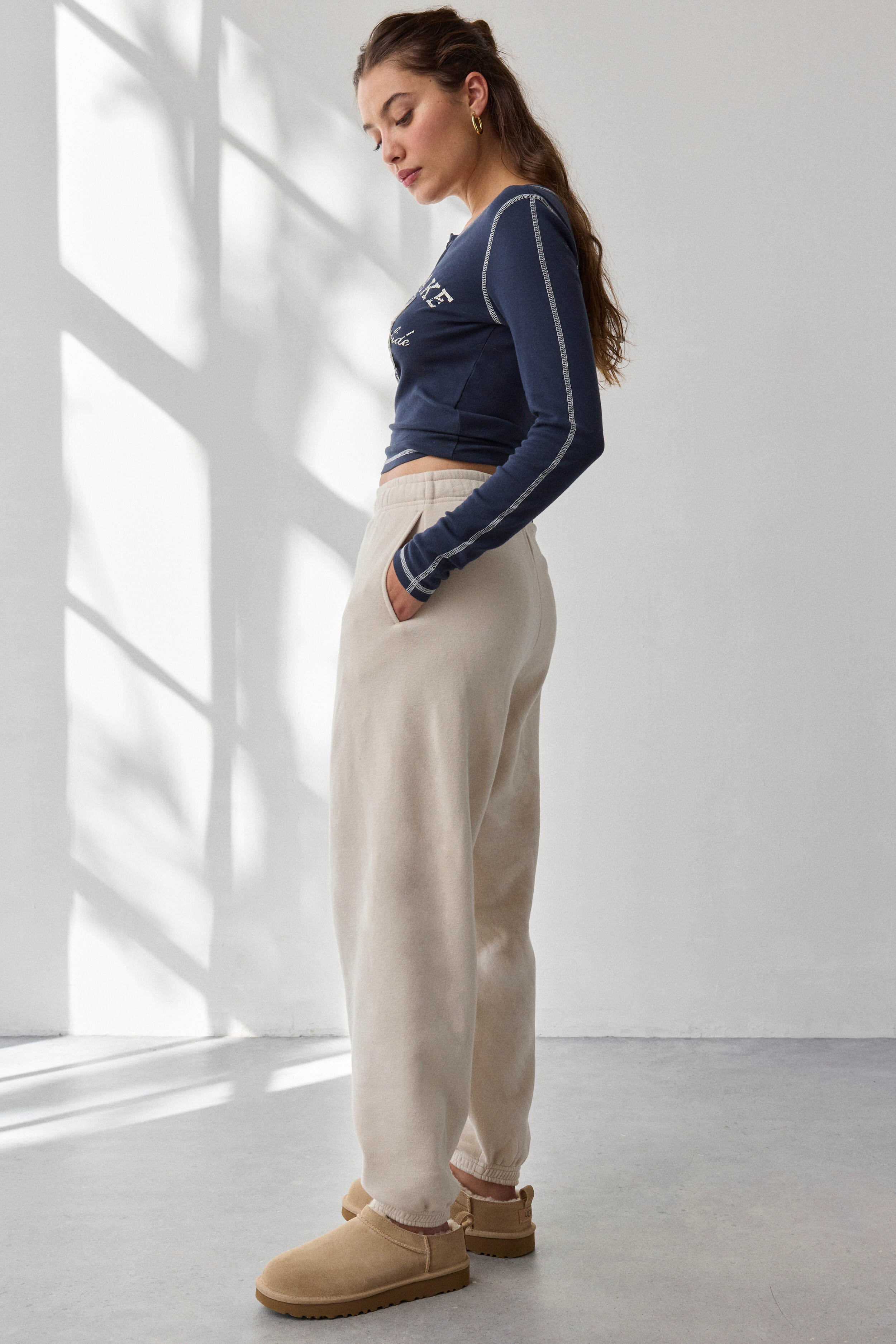
 Some more older Urban Outfitters
















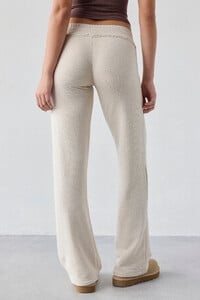






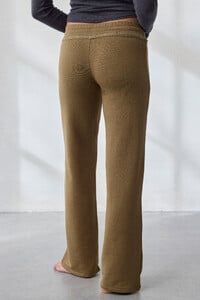









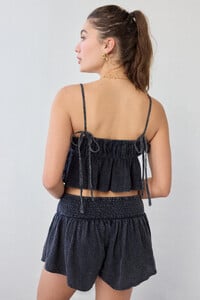






















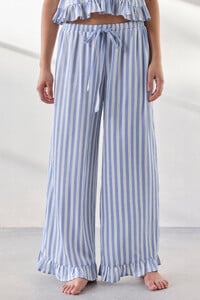






































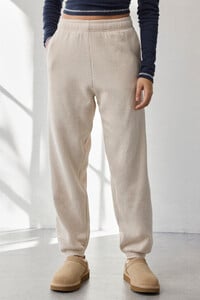











 • Maja Kravarusic • Savannah Reller • Priscilla Ricart • Eden Fines • Hailey Clauson • Agnes Pimentel • Lily Easton • Veridiana Ferreira • Zehra Sebnem Gursu • Mari Lederman • Rafaella Consentino • Selina Asici • Paula Perez • Ruth Elopuro

 cognoverse joined the community
 Meyloralashes changed their profile photo
- Today
Meyloralashes joined the community
 internationalmoving joined the community
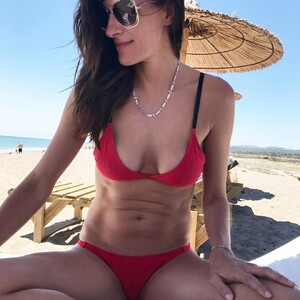
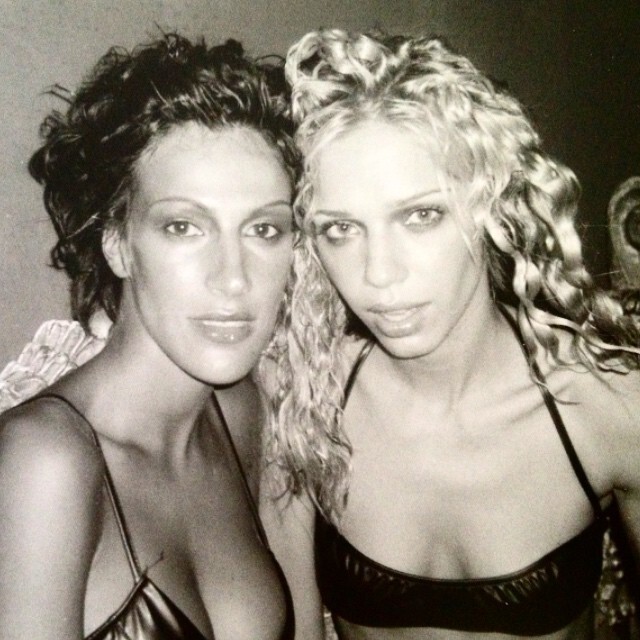
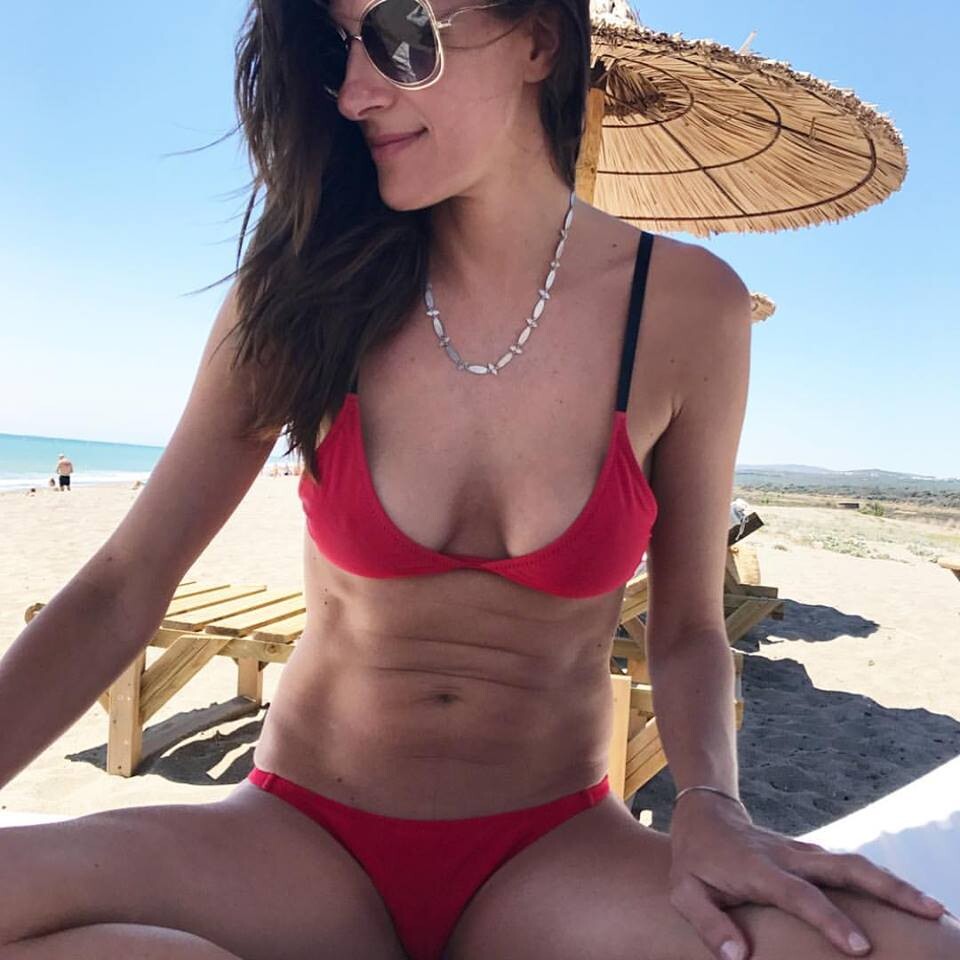
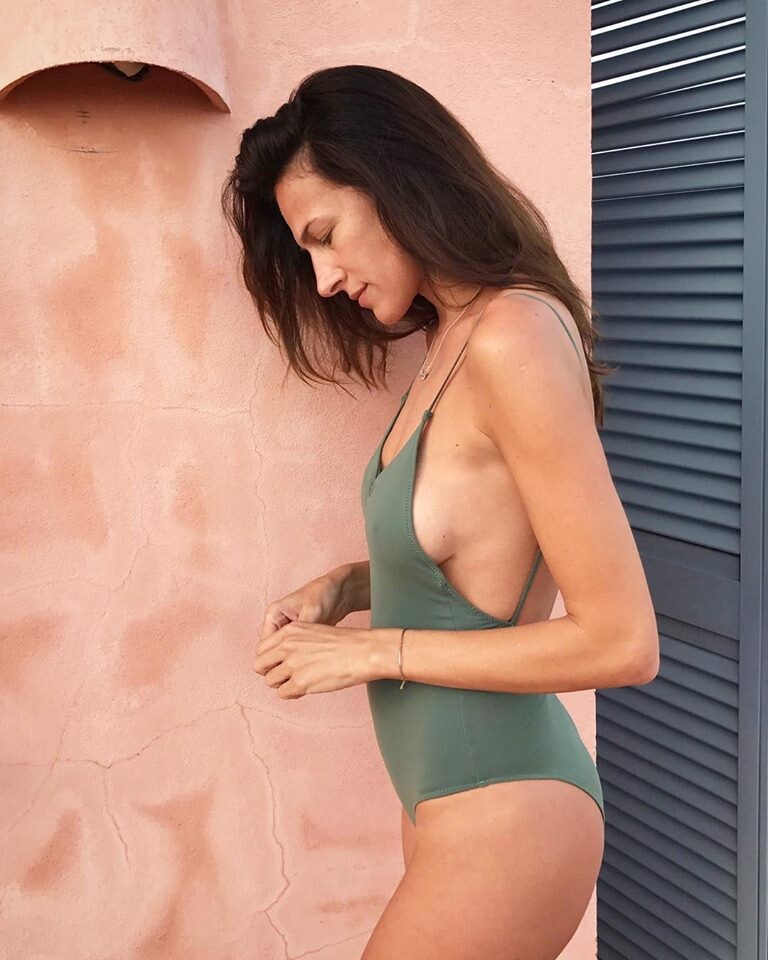
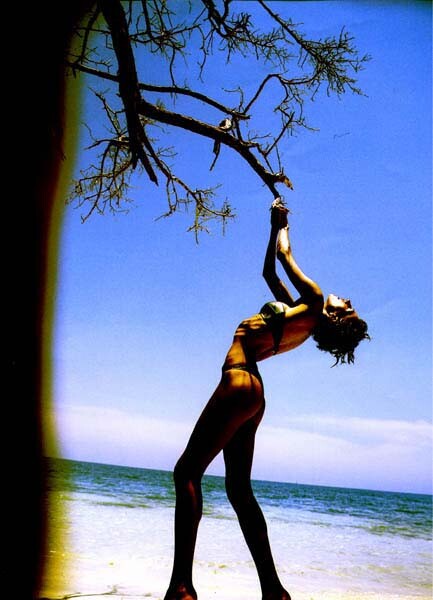
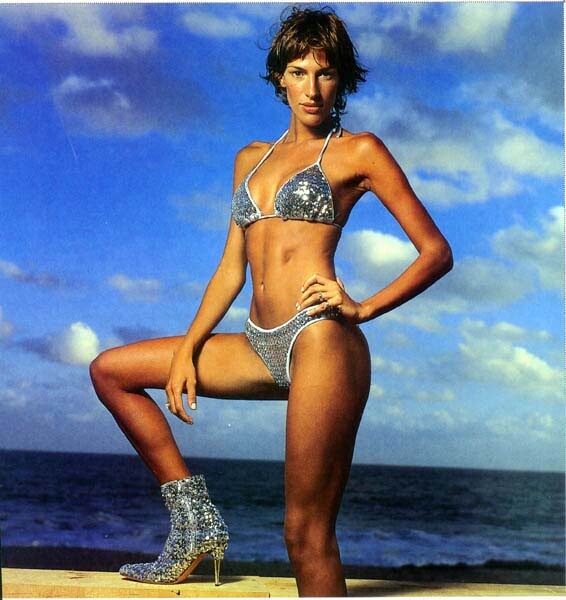
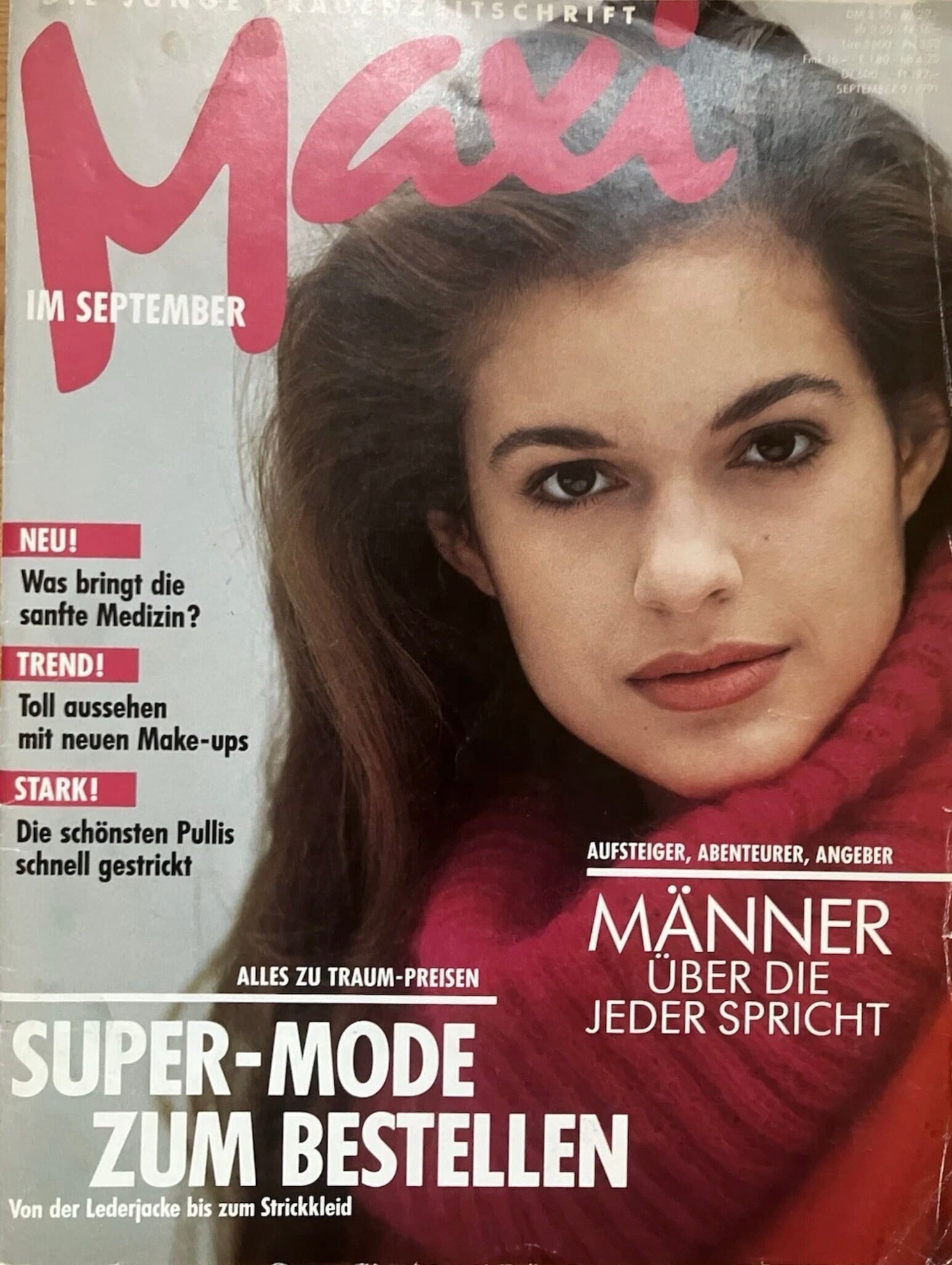
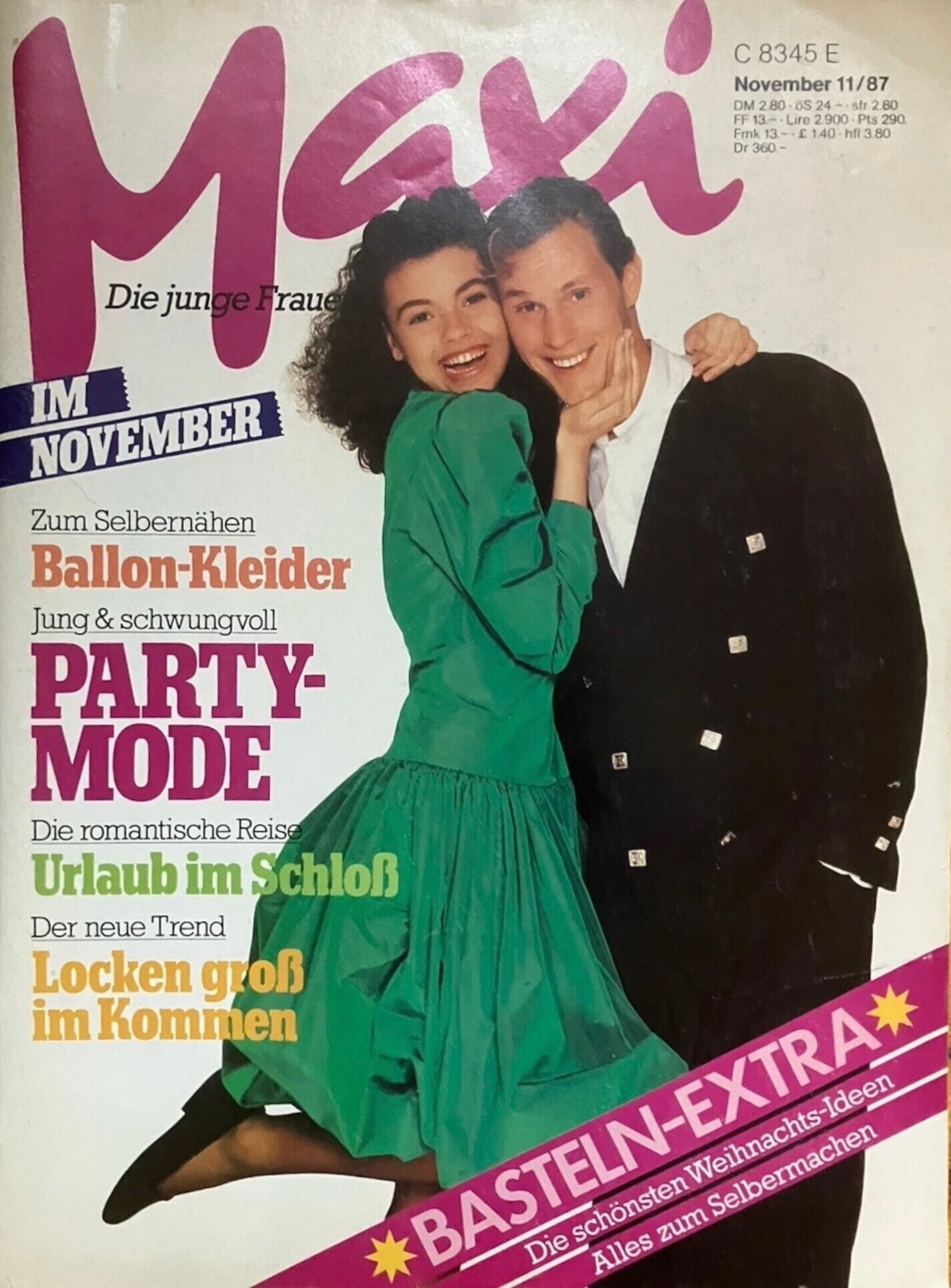
 possibly Christina Espersen - Jane Bradbury - Linda Hardy OR Lydia Loison - Marie Gillain - Abbey Lee K not sure for any...
 Maja Kravarusic Savannah Reller Agnes Pimentel Priscilla Ricart Eden Fines Hailey Clauson Veridiana Ferreira Lily Easton Zehra Sebnem Gursu Mari Lederman Paula Perez Selina Asici Ruth Elopuro Rafaella Consentino

















































































































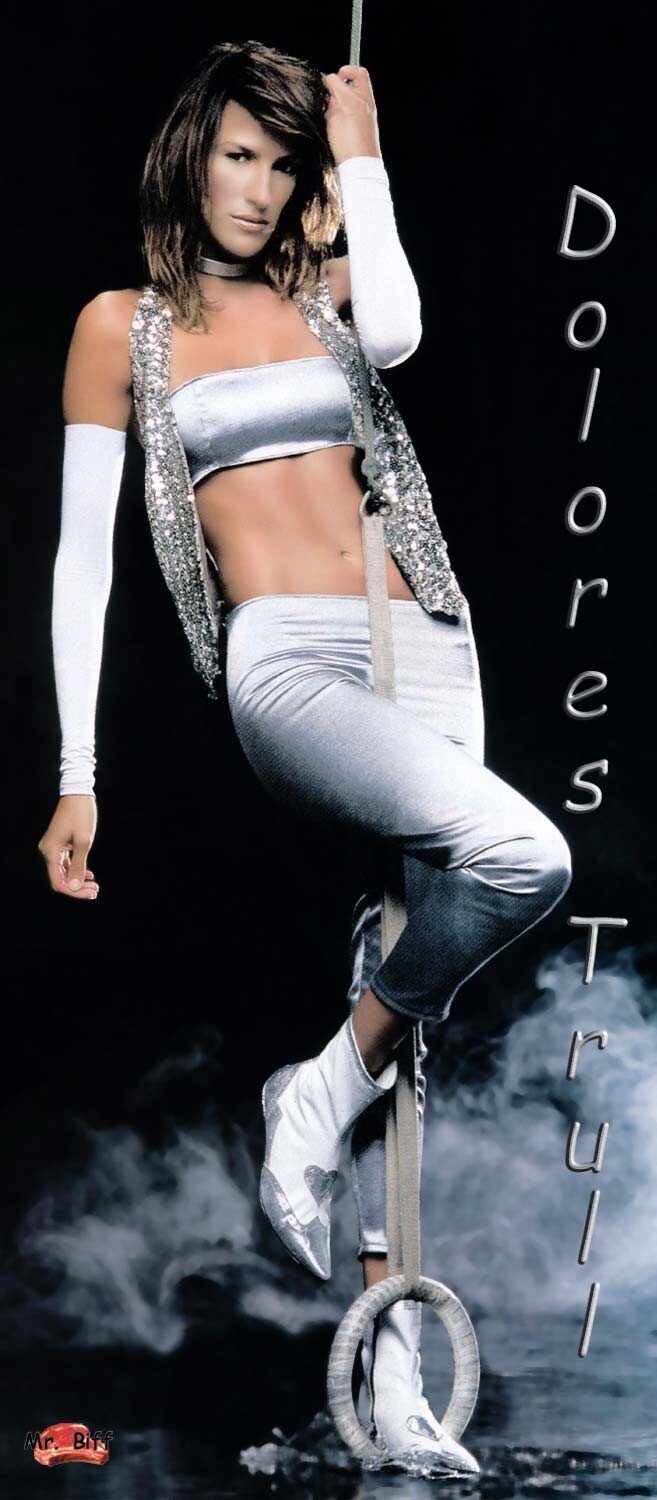








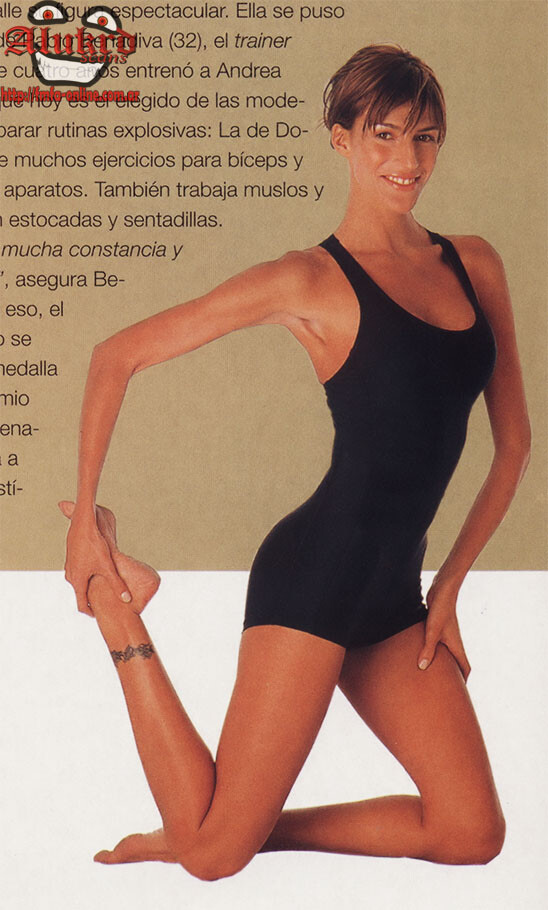
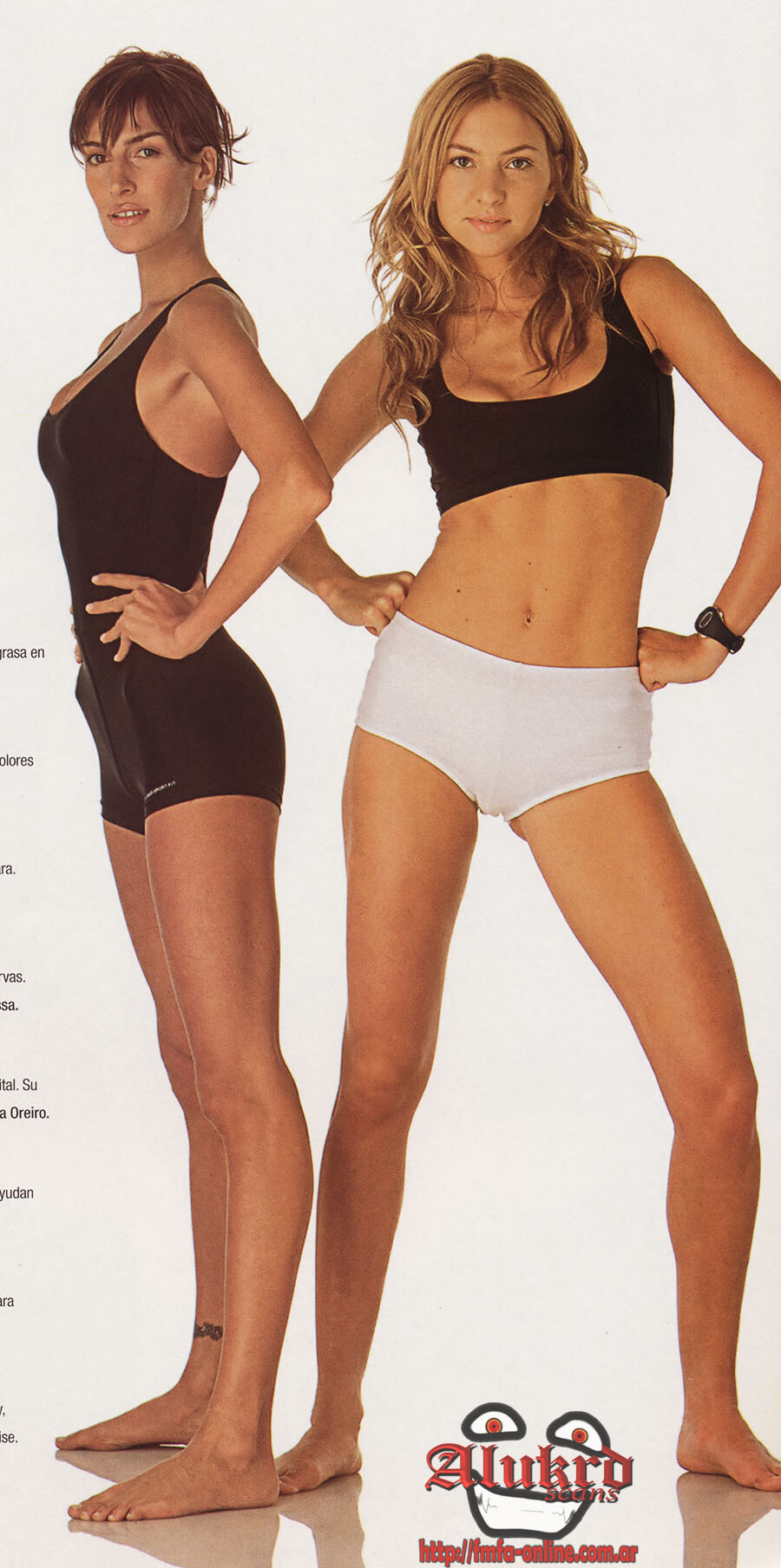




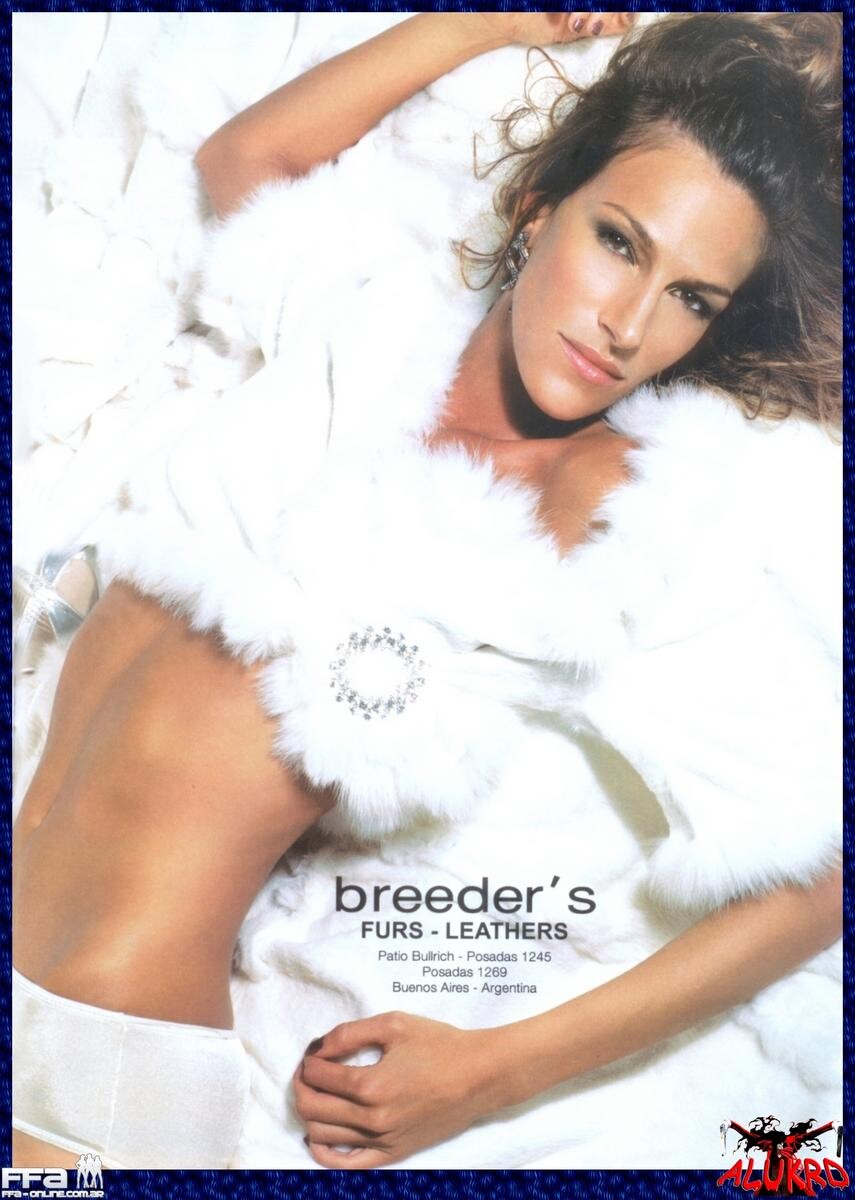






























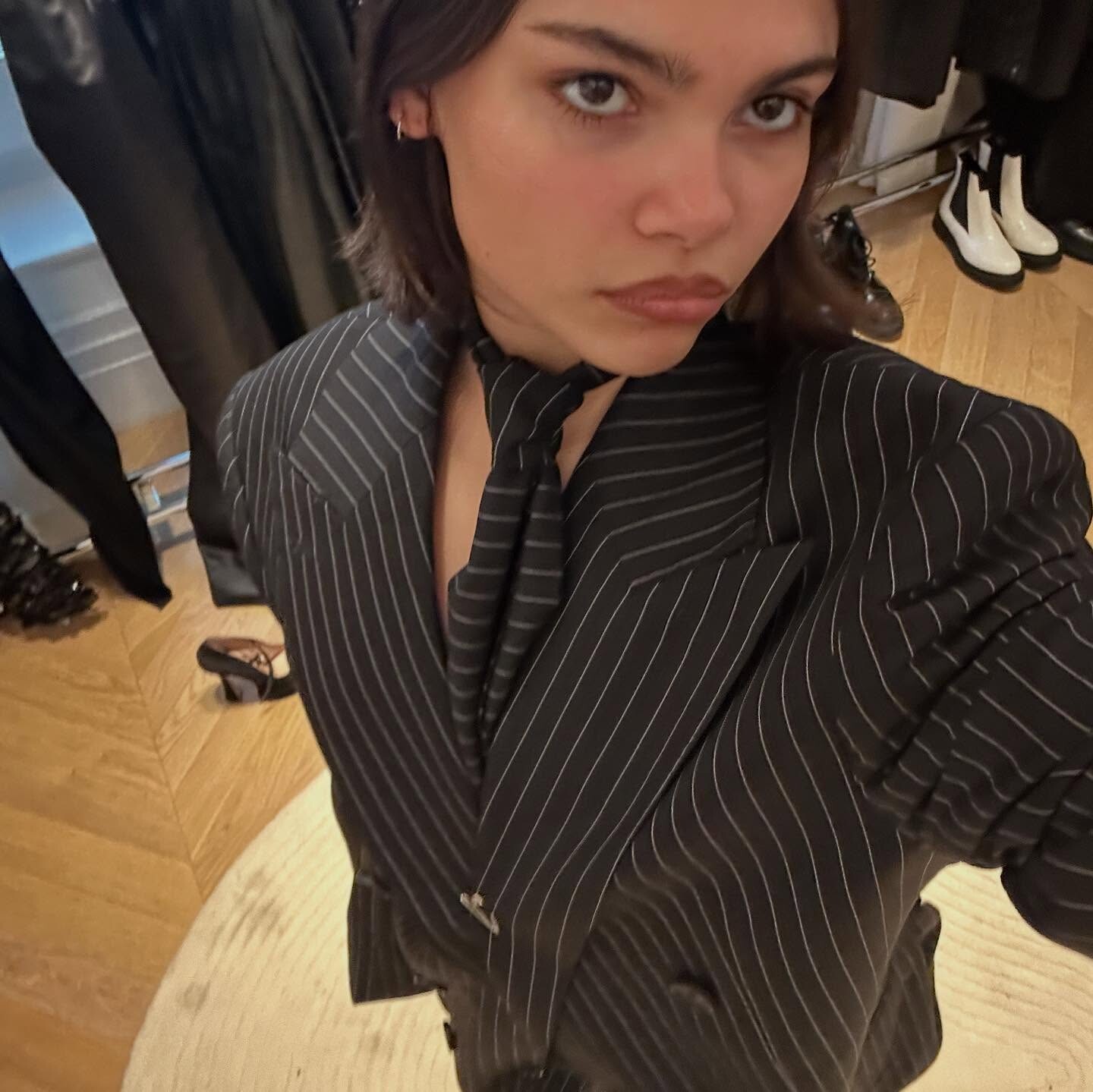
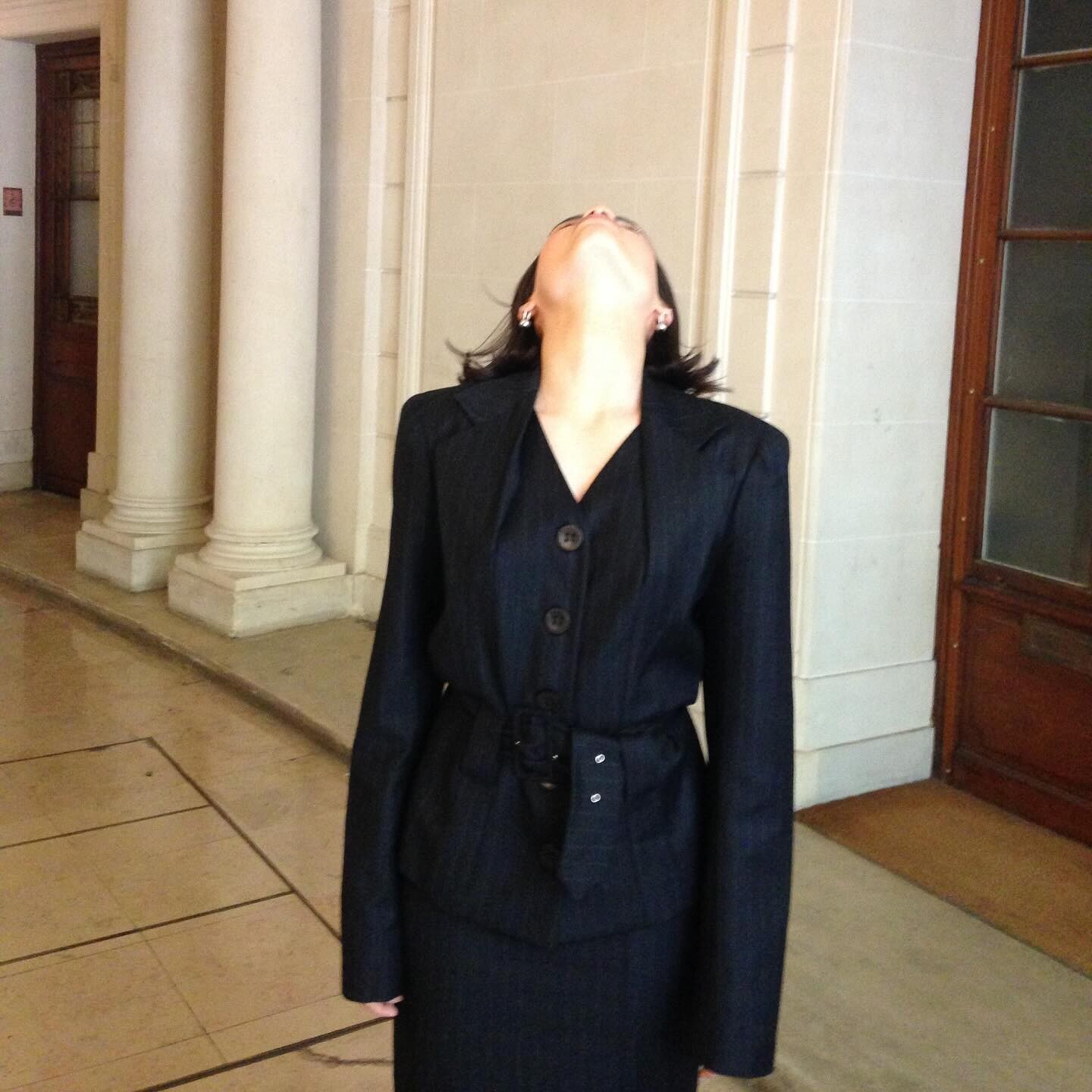
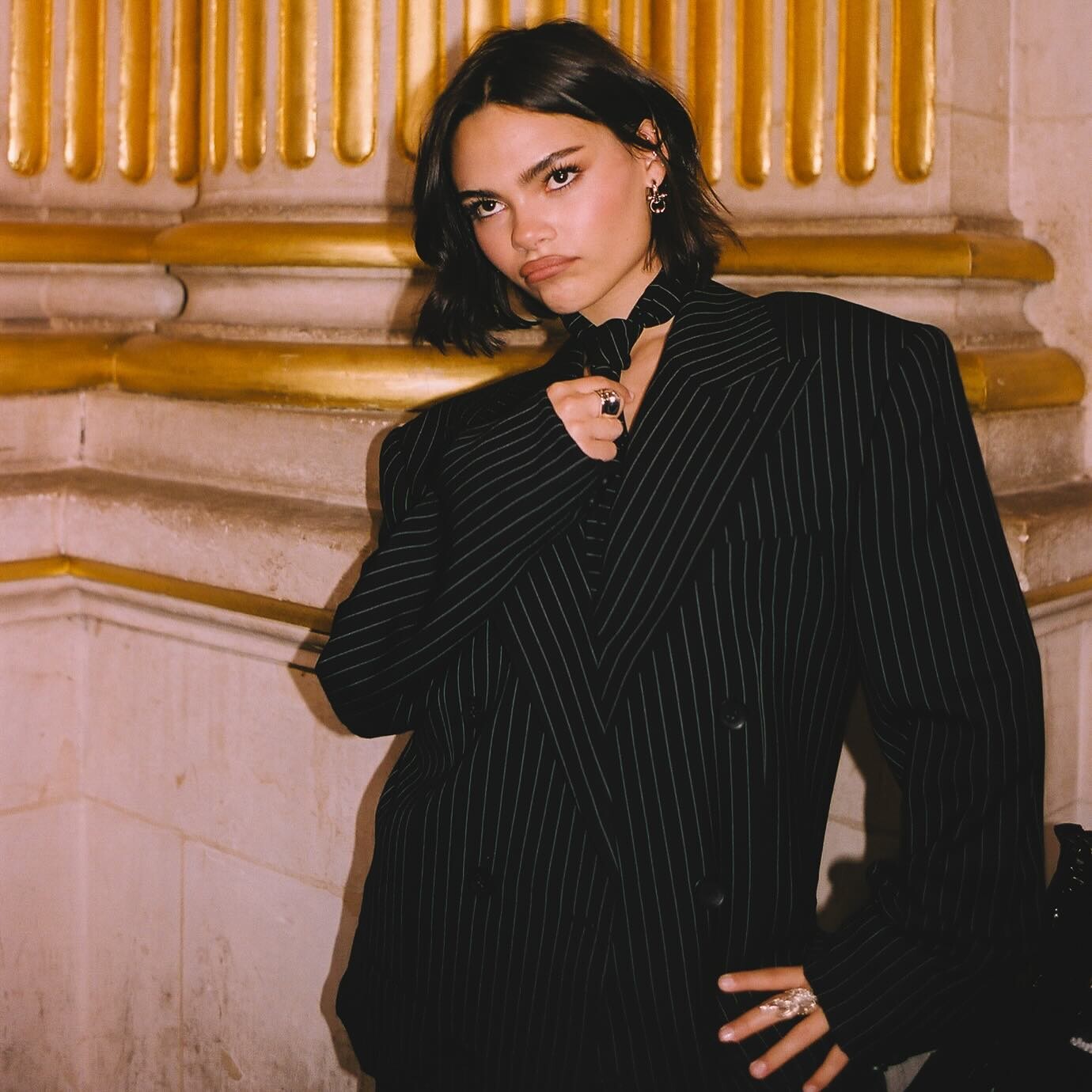
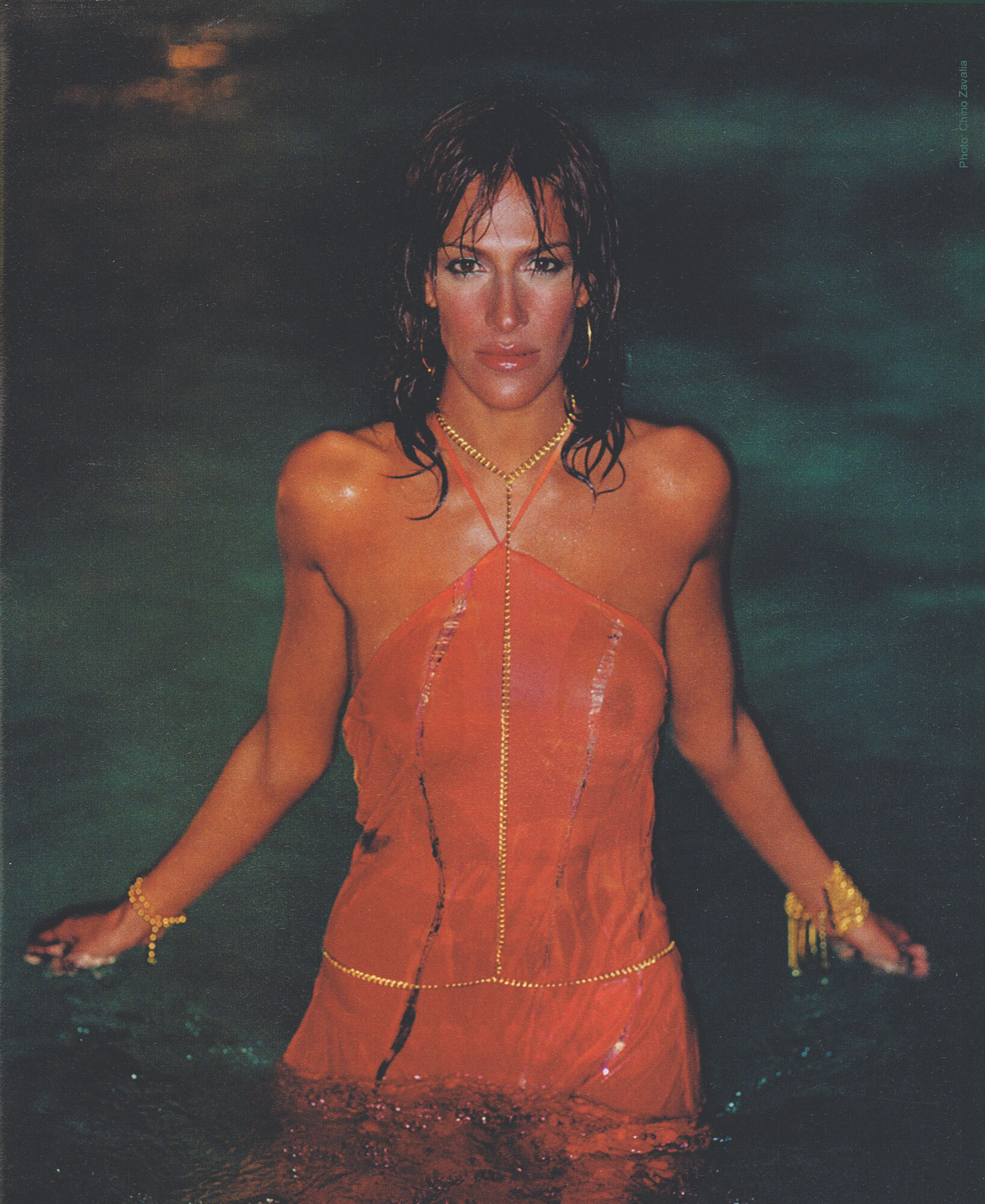




Account
Search
Configure browser push notifications
Chrome (Android)
- Tap the lock icon next to the address bar.
- Tap Permissions → Notifications.
- Adjust your preference.
Chrome (Desktop)
- Click the padlock icon in the address bar.
- Select Site settings.
- Find Notifications and adjust your preference.
Safari (iOS 16.4+)
- Ensure the site is installed via Add to Home Screen.
- Open Settings App → Notifications.
- Find your app name and adjust your preference.
Safari (macOS)
- Go to Safari → Preferences.
- Click the Websites tab.
- Select Notifications in the sidebar.
- Find this website and adjust your preference.
Edge (Android)
- Tap the lock icon next to the address bar.
- Tap Permissions.
- Find Notifications and adjust your preference.
Edge (Desktop)
- Click the padlock icon in the address bar.
- Click Permissions for this site.
- Find Notifications and adjust your preference.
Firefox (Android)
- Go to Settings → Site permissions.
- Tap Notifications.
- Find this site in the list and adjust your preference.
Firefox (Desktop)
- Open Firefox Settings.
- Search for Notifications.
- Find this site in the list and adjust your preference.