All Activity
- Past hour
-
 SAG-AFTRA Foundation Conversations Presents "One Battle After The Other"










-
-
Late Night with Seth Meyers Ella Purnell Thinks Fallout's Terrifying Deathclaws Are Actually Cute
-

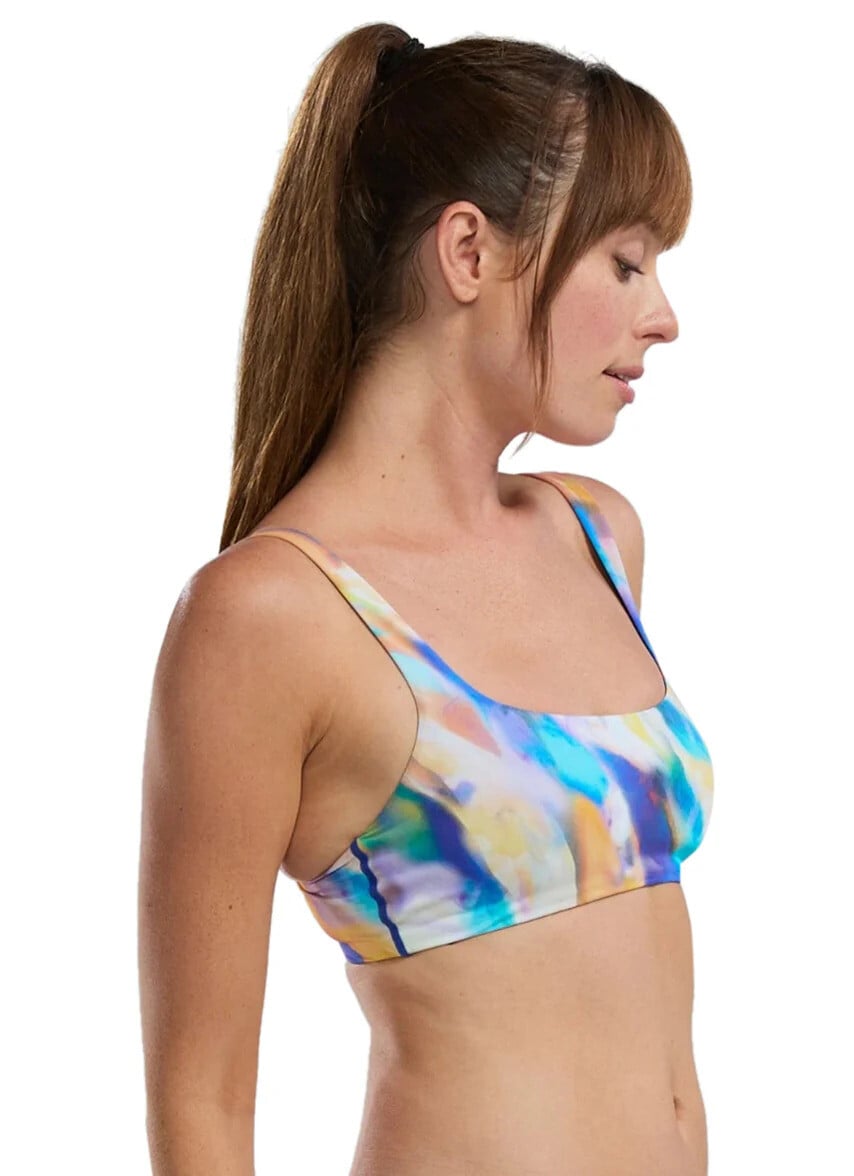
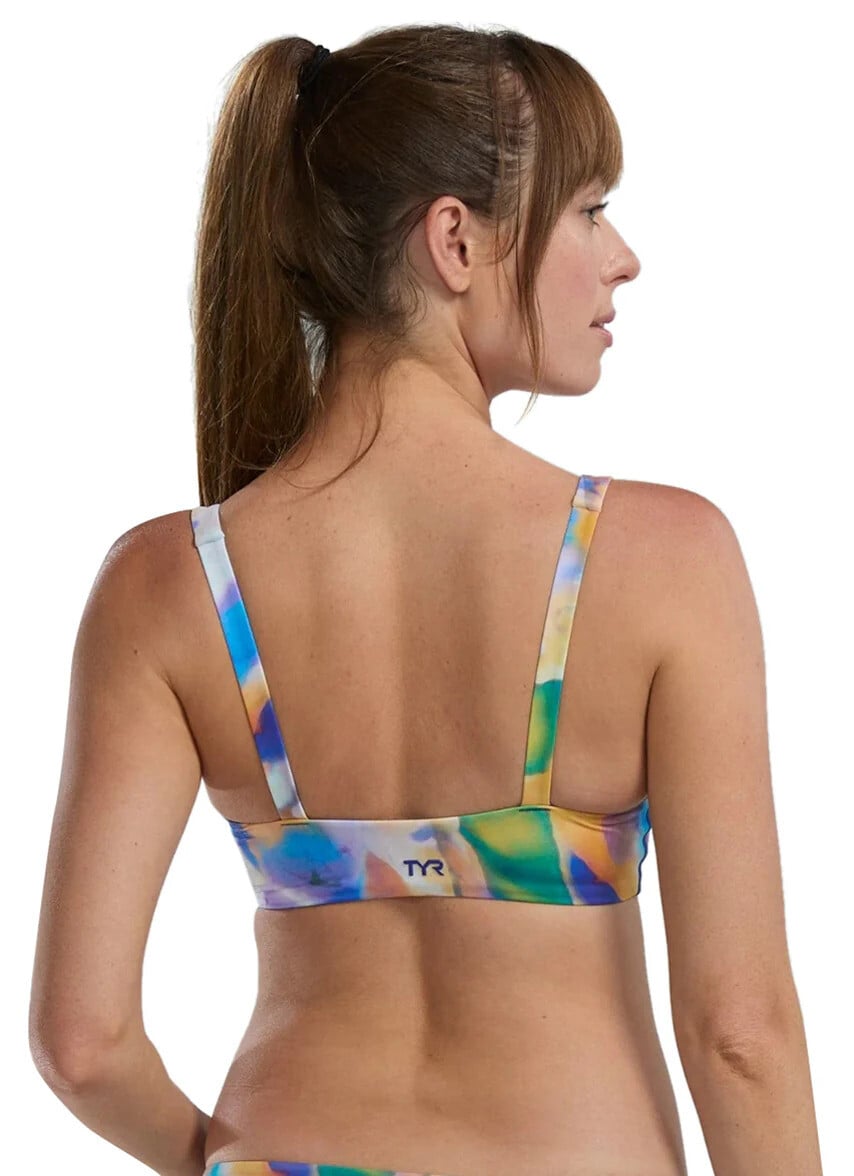
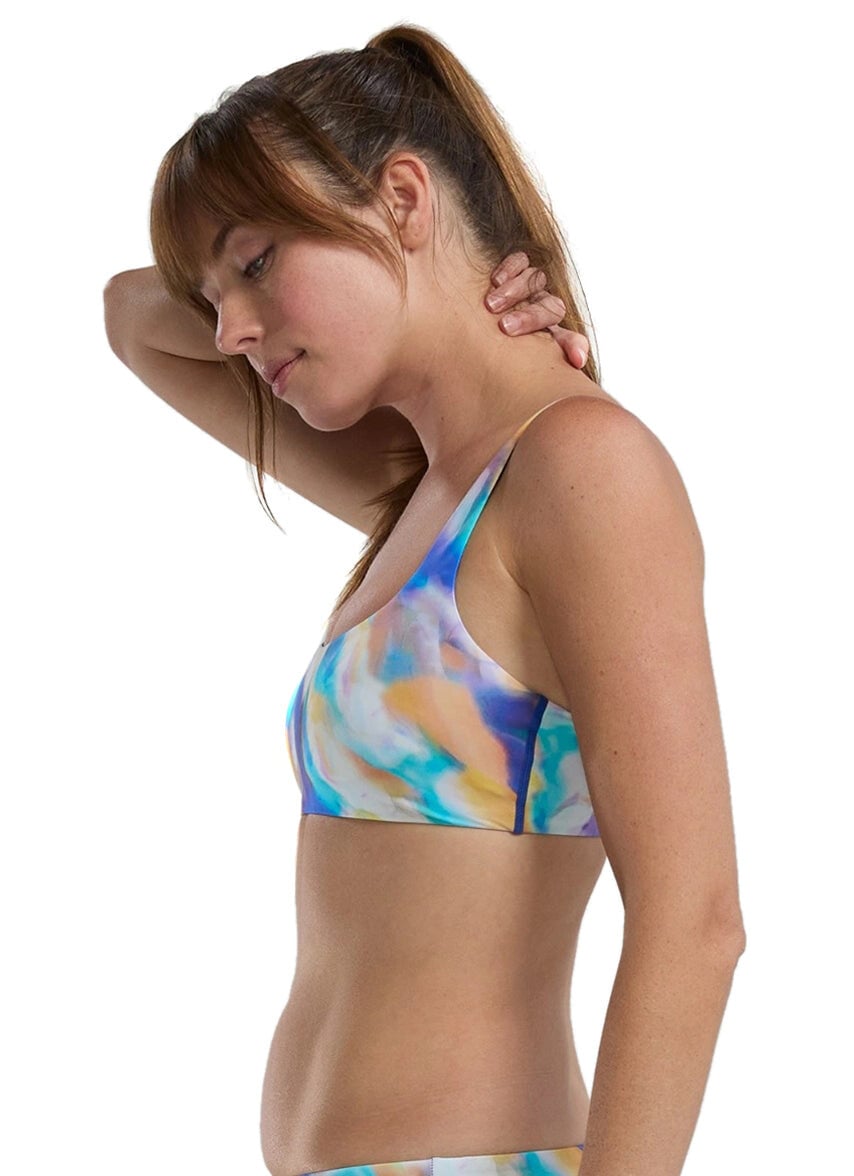
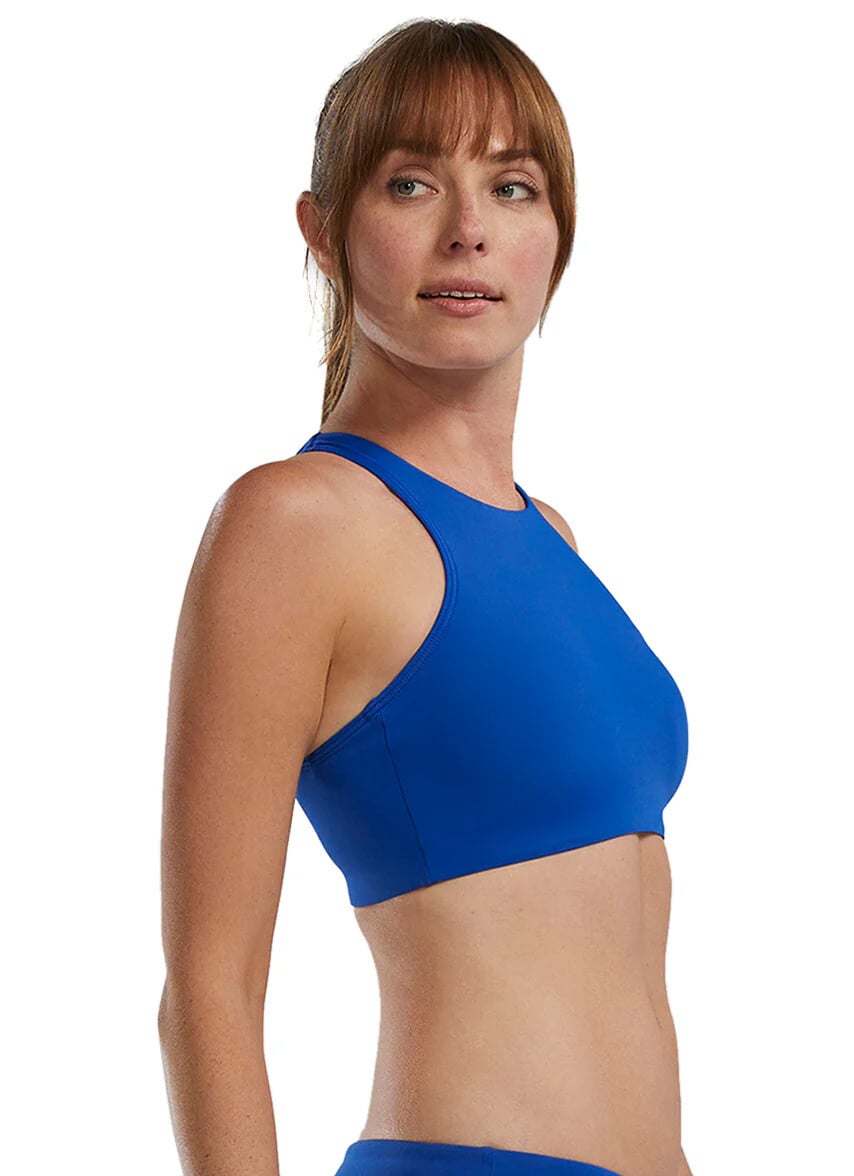
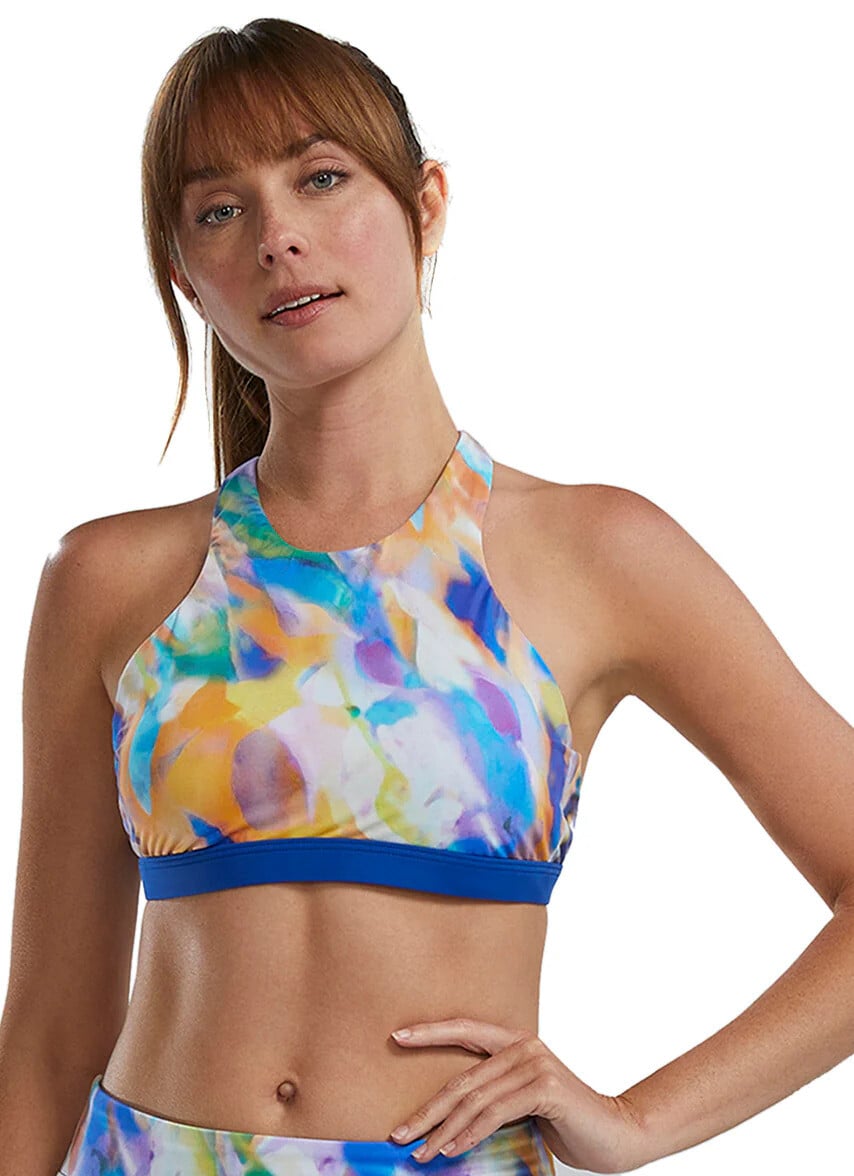
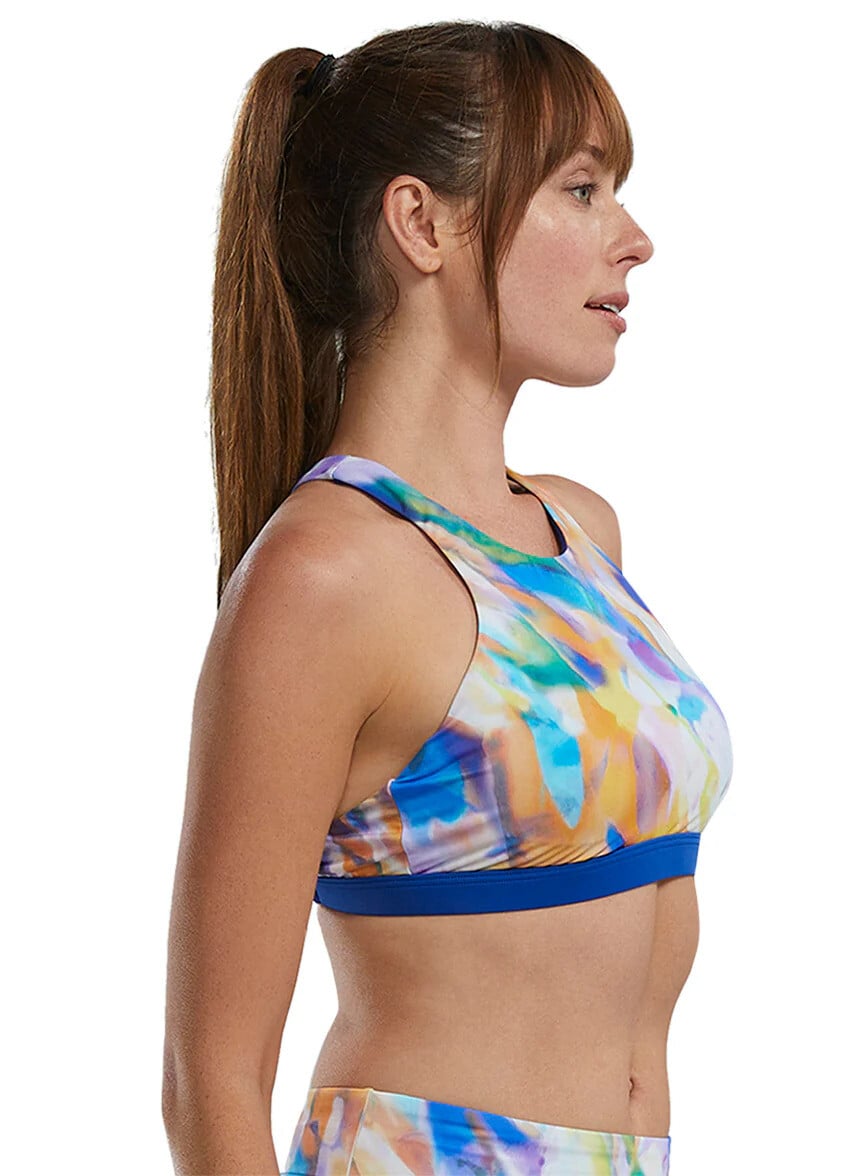
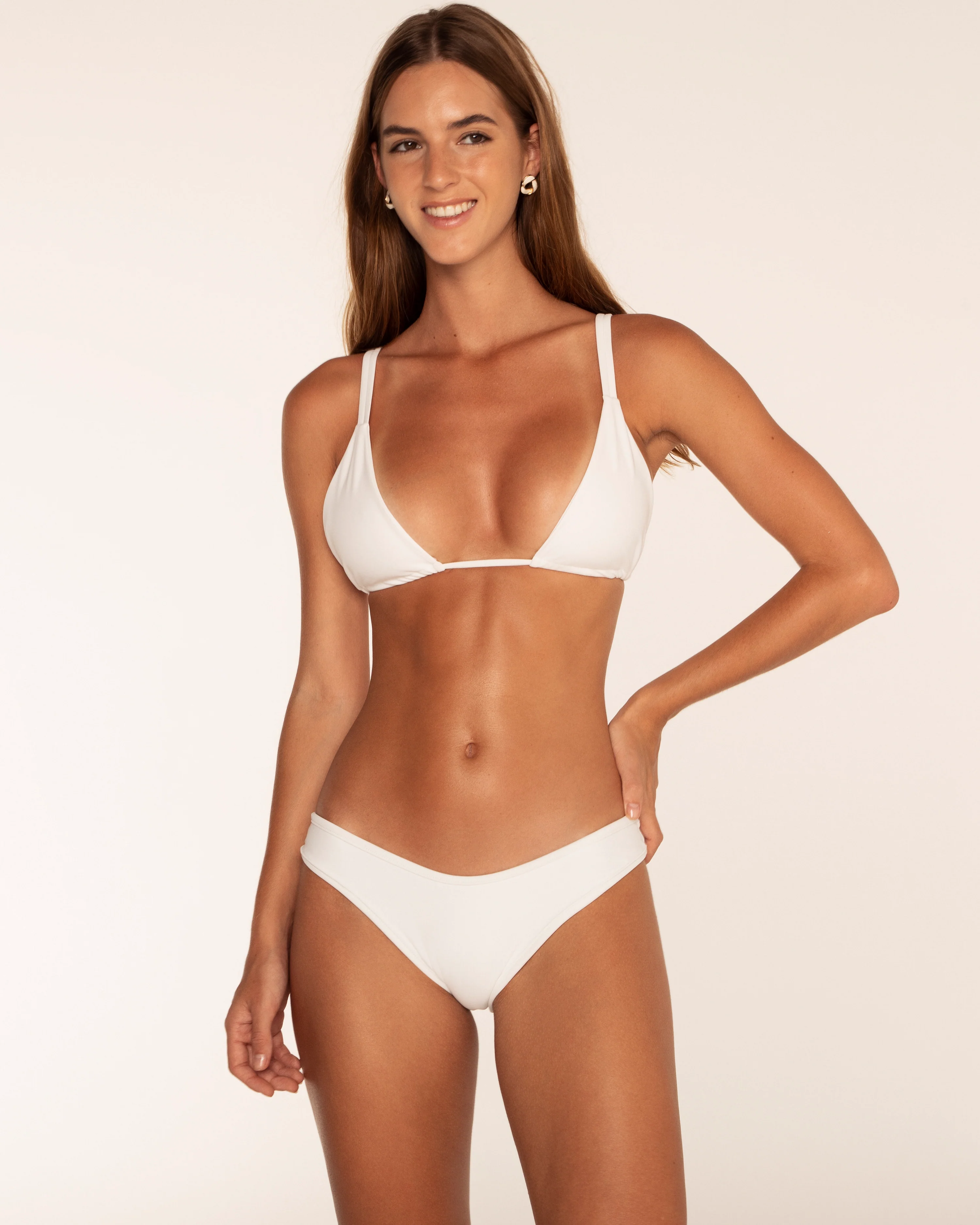
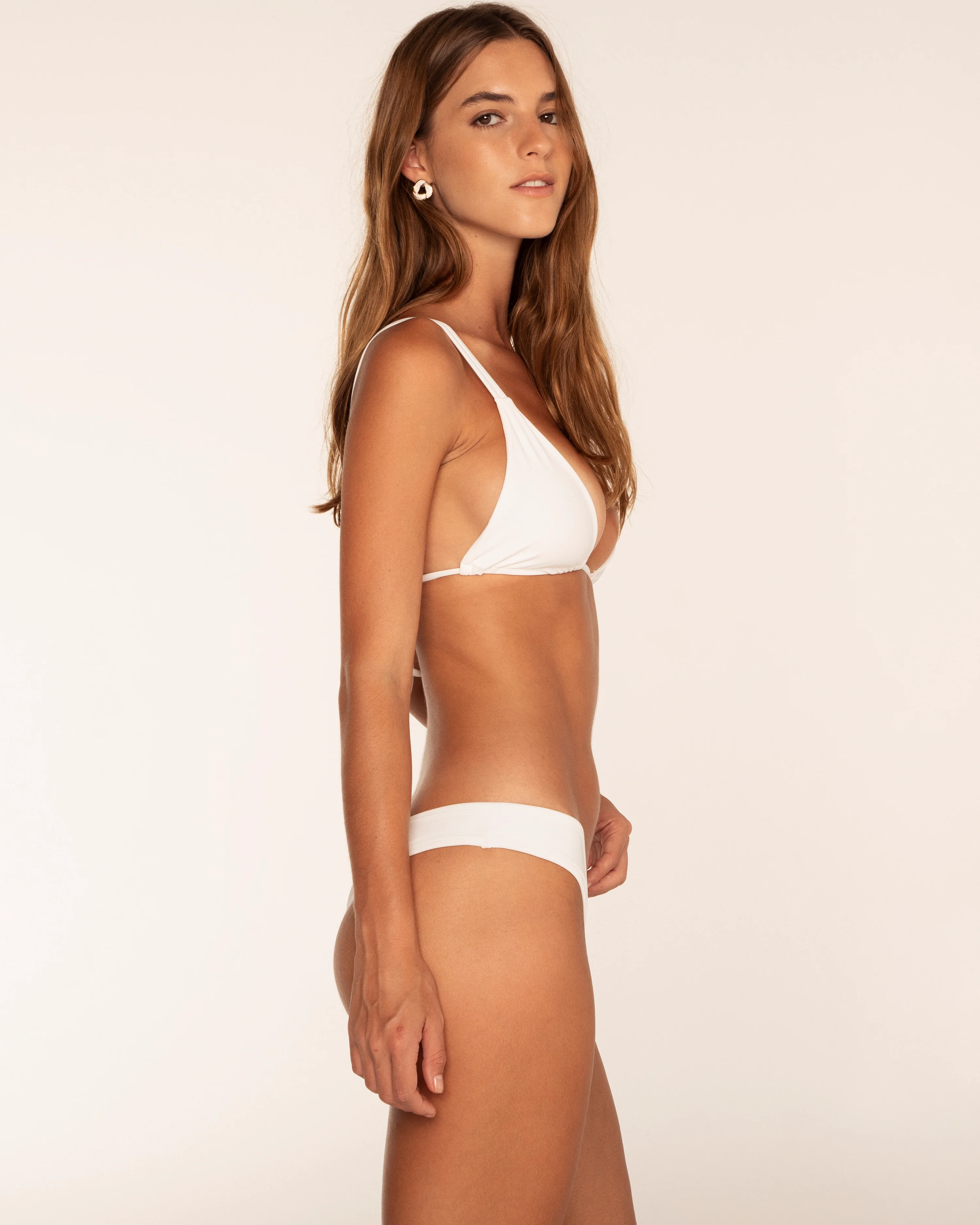
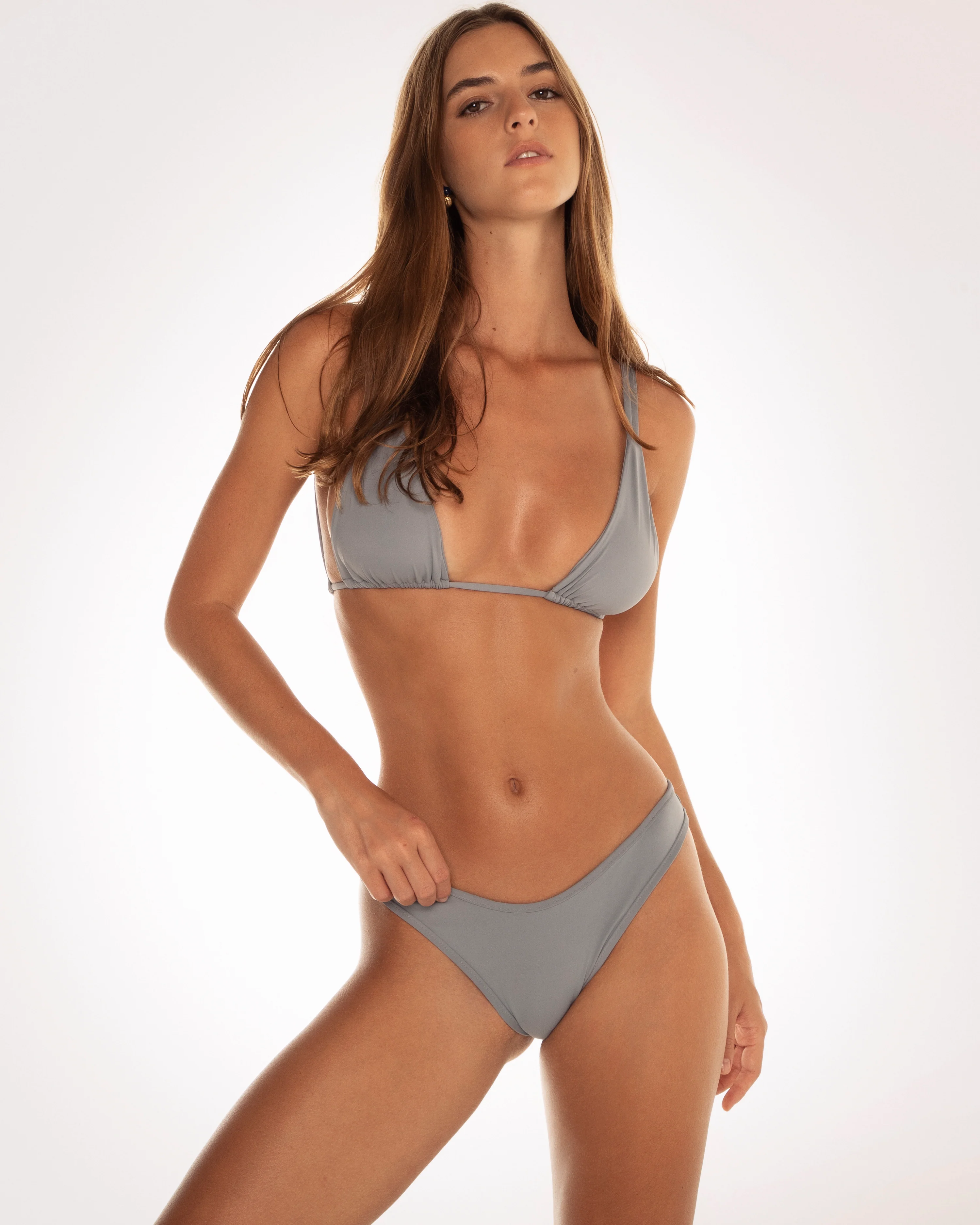
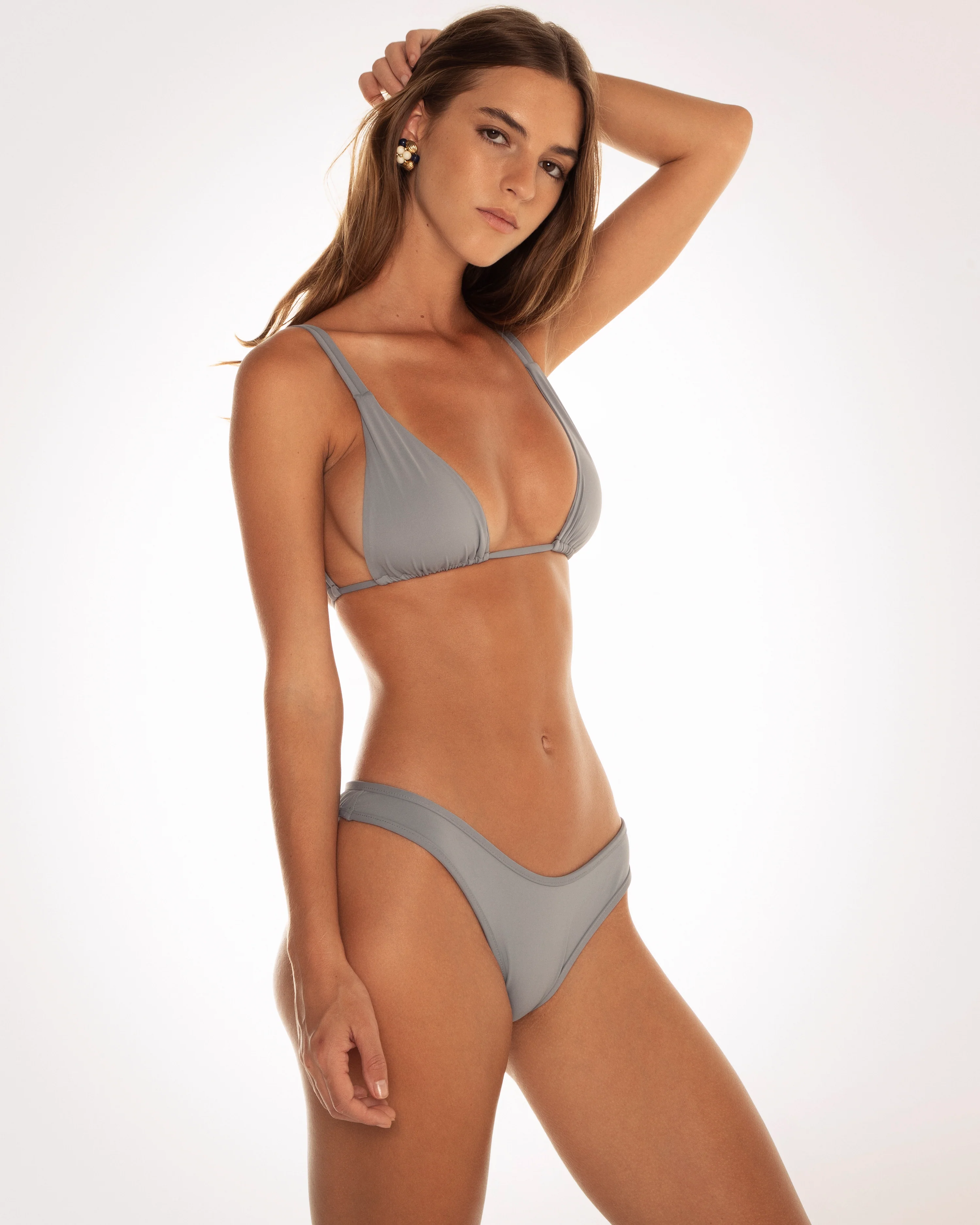
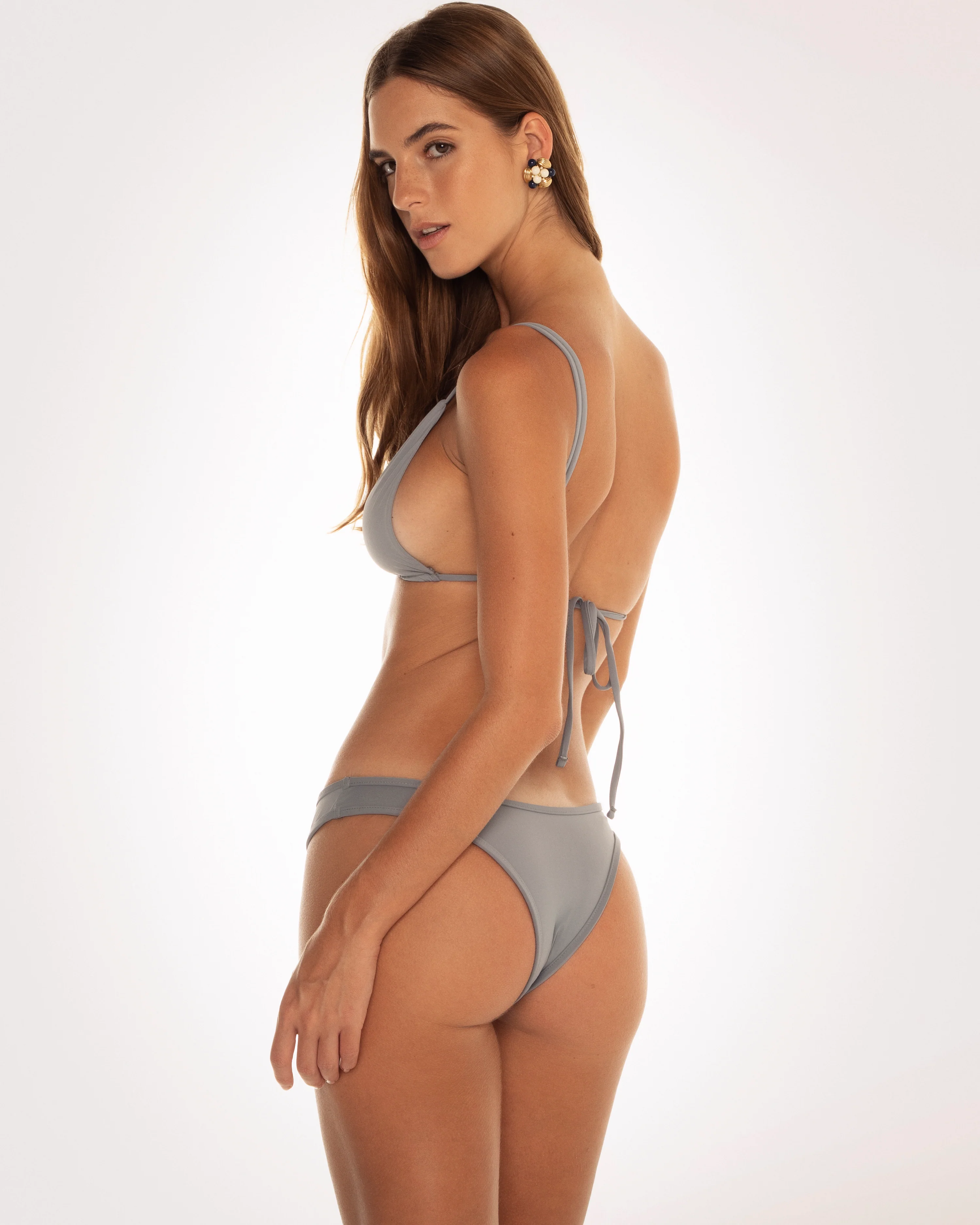
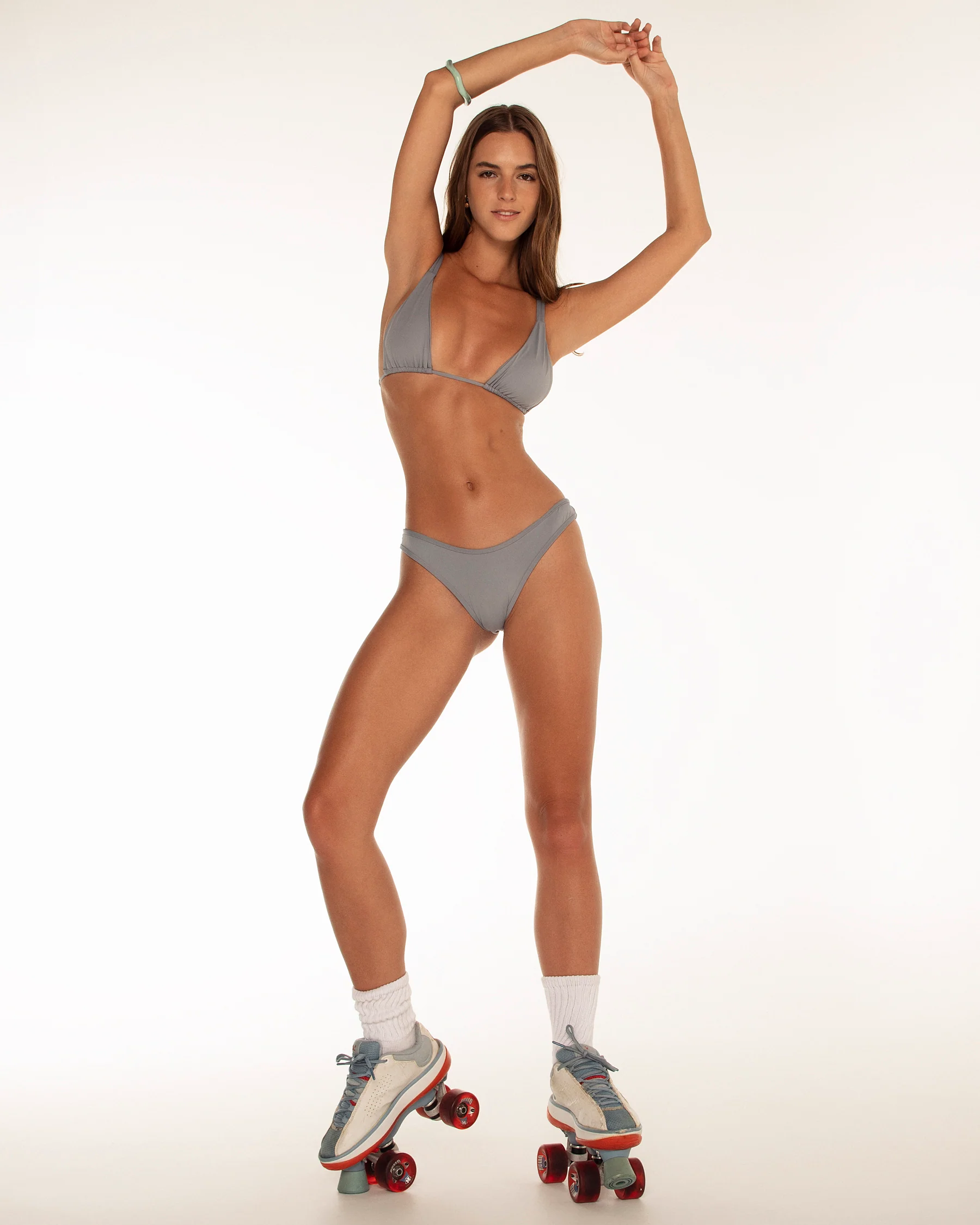
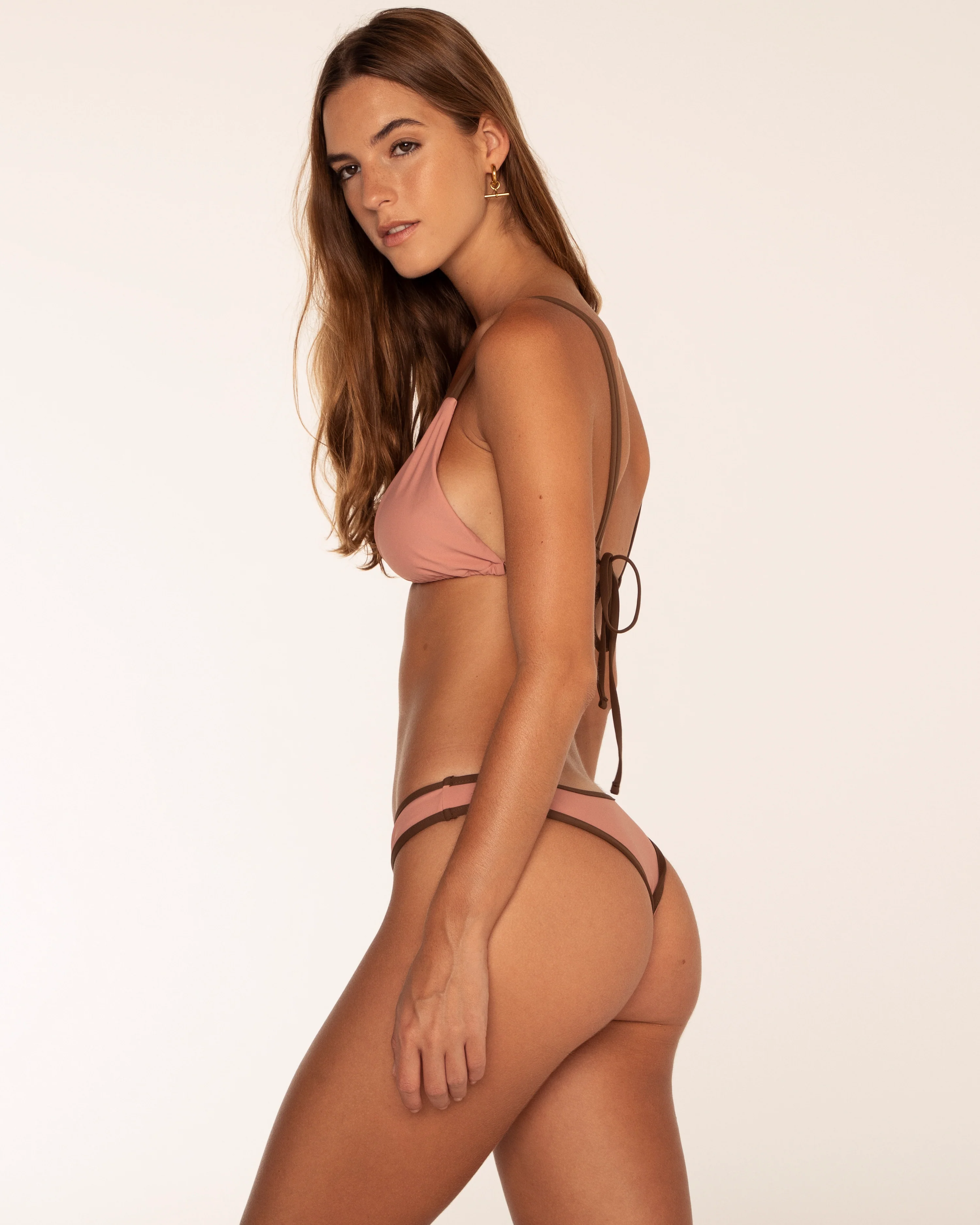
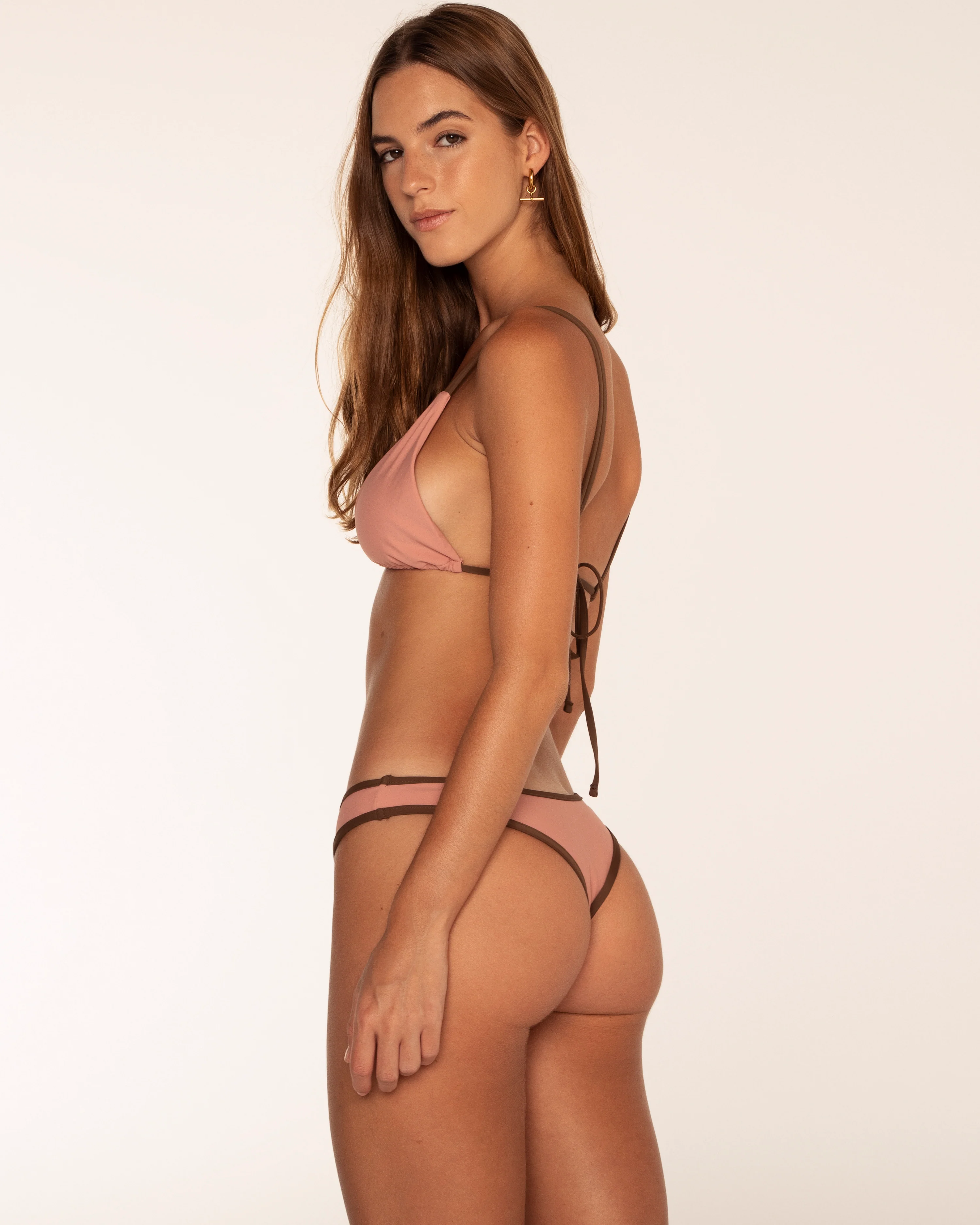
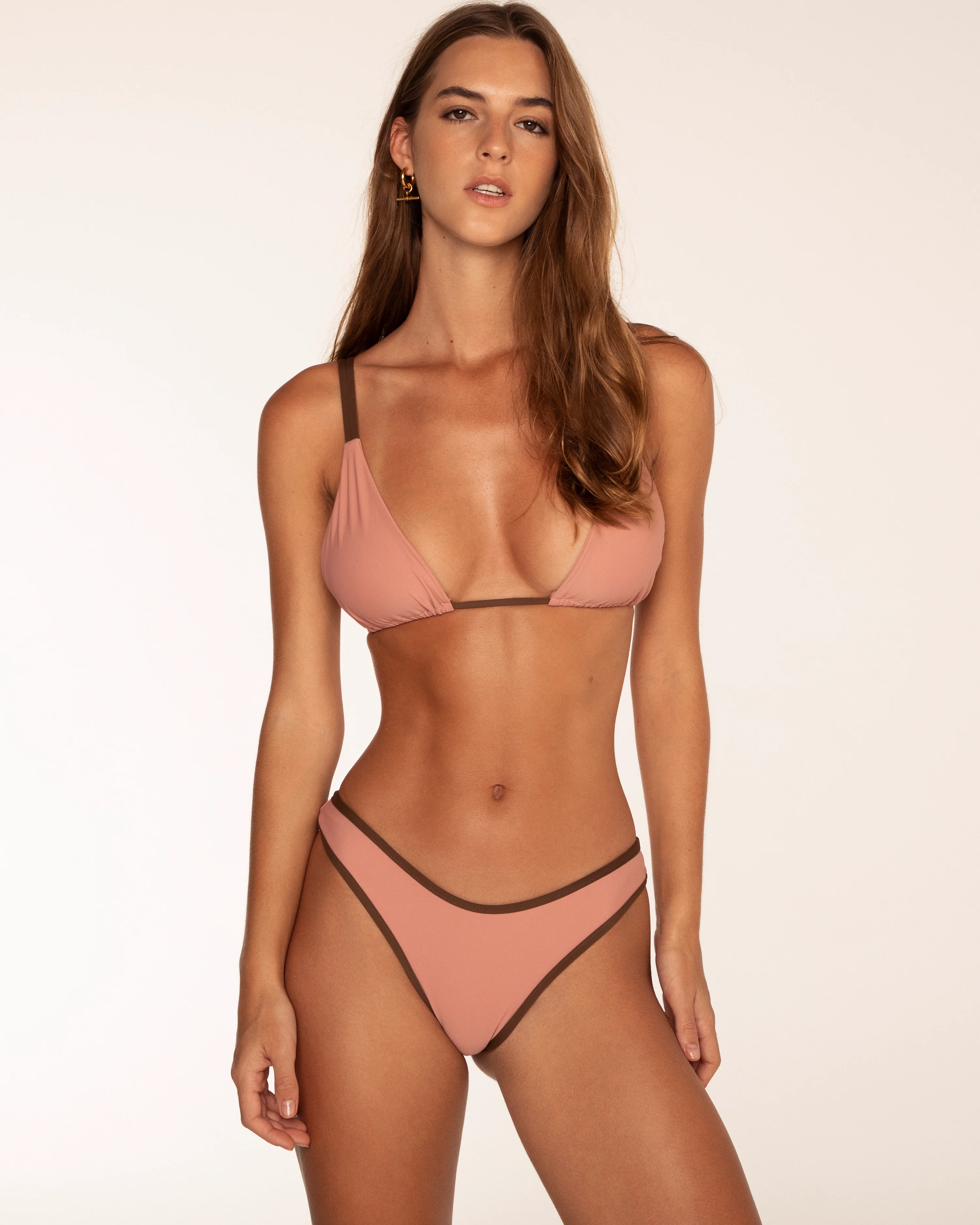
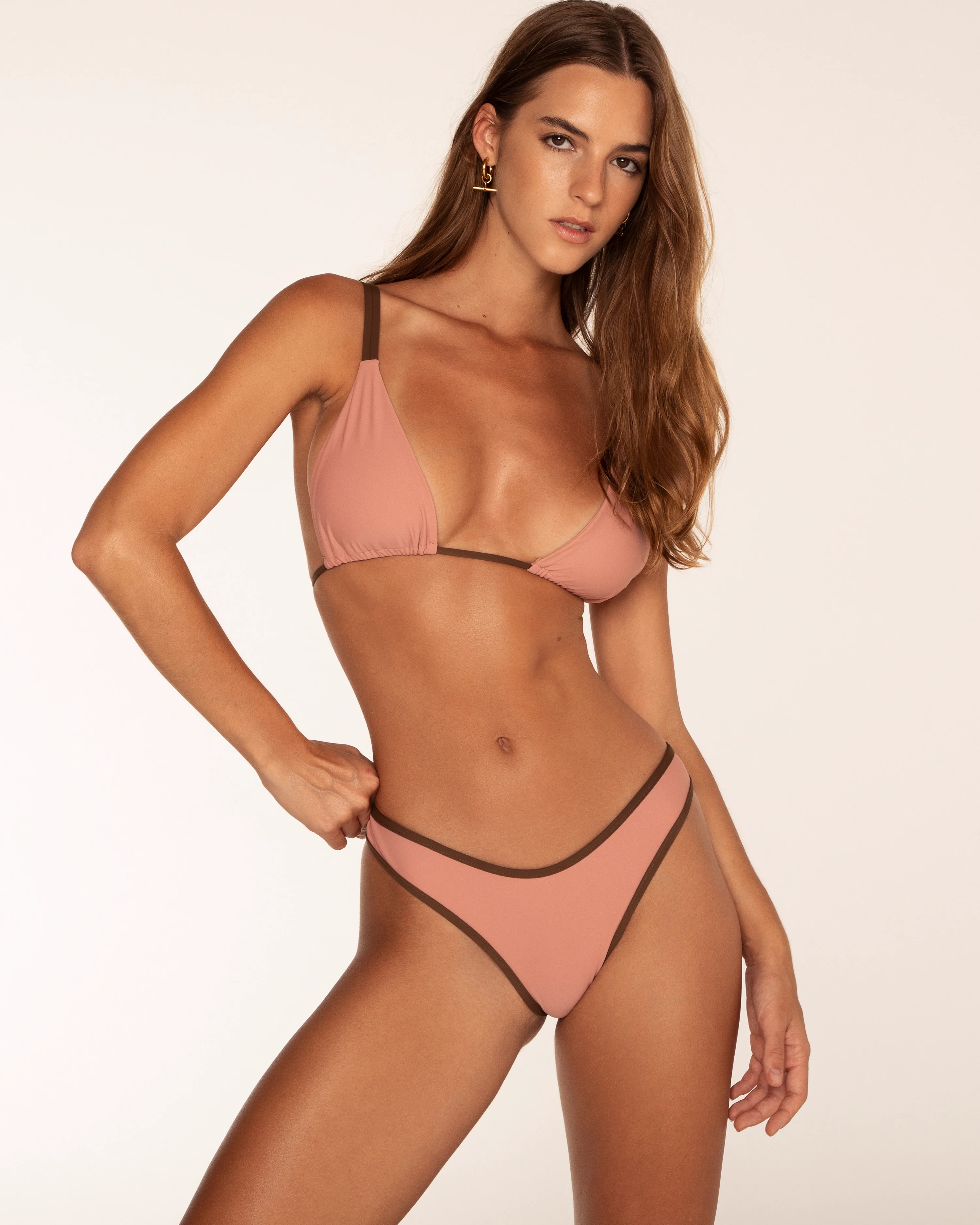
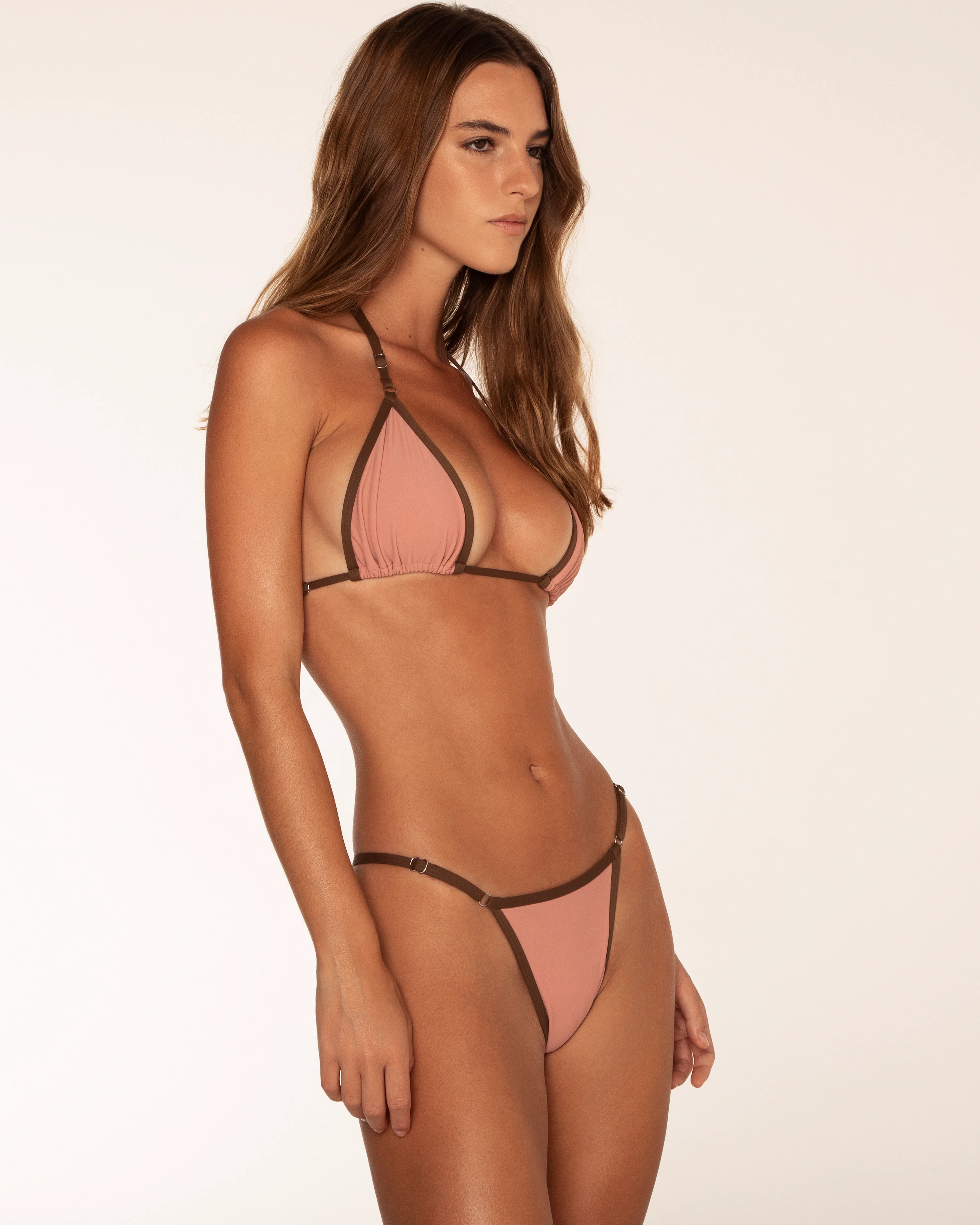
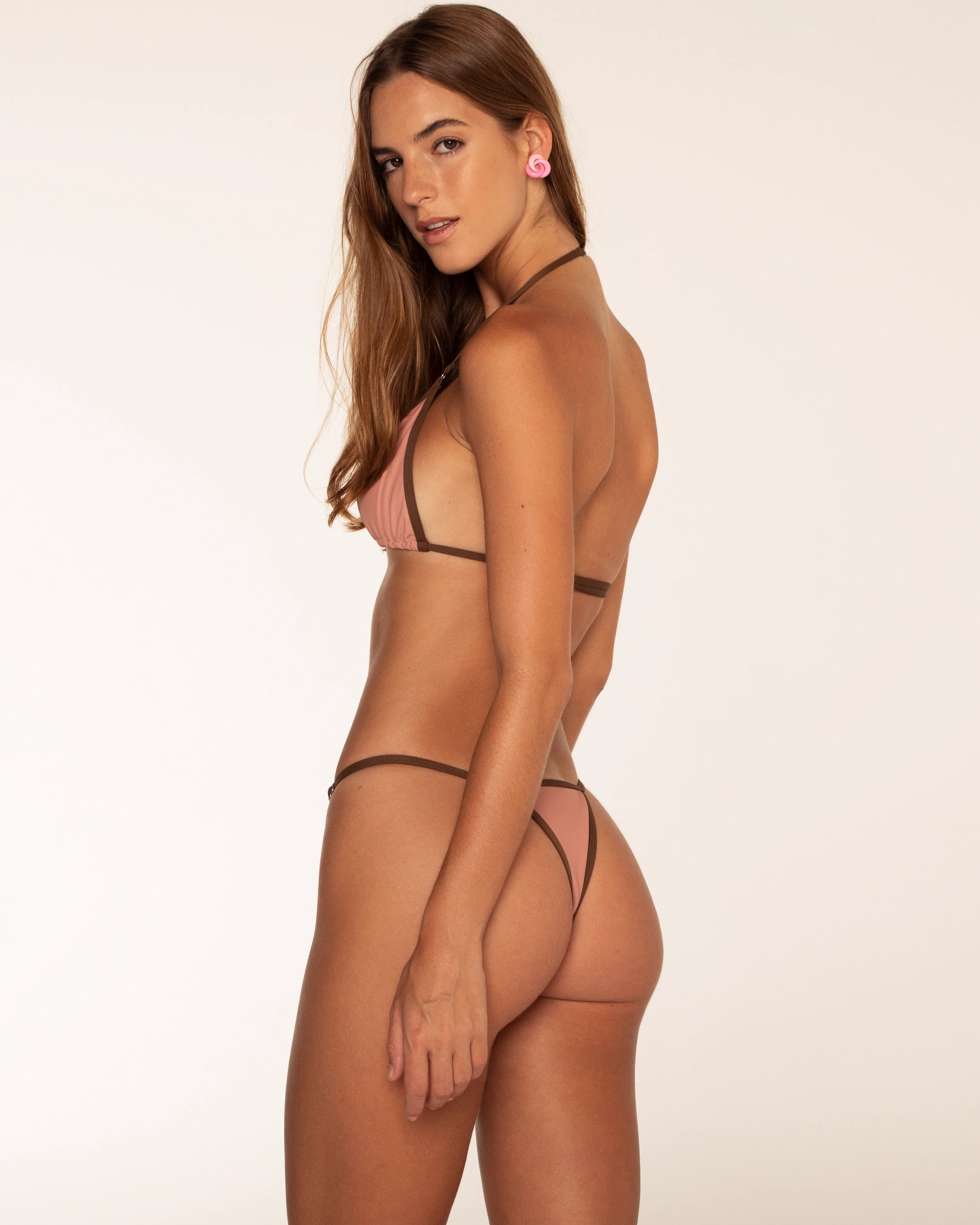
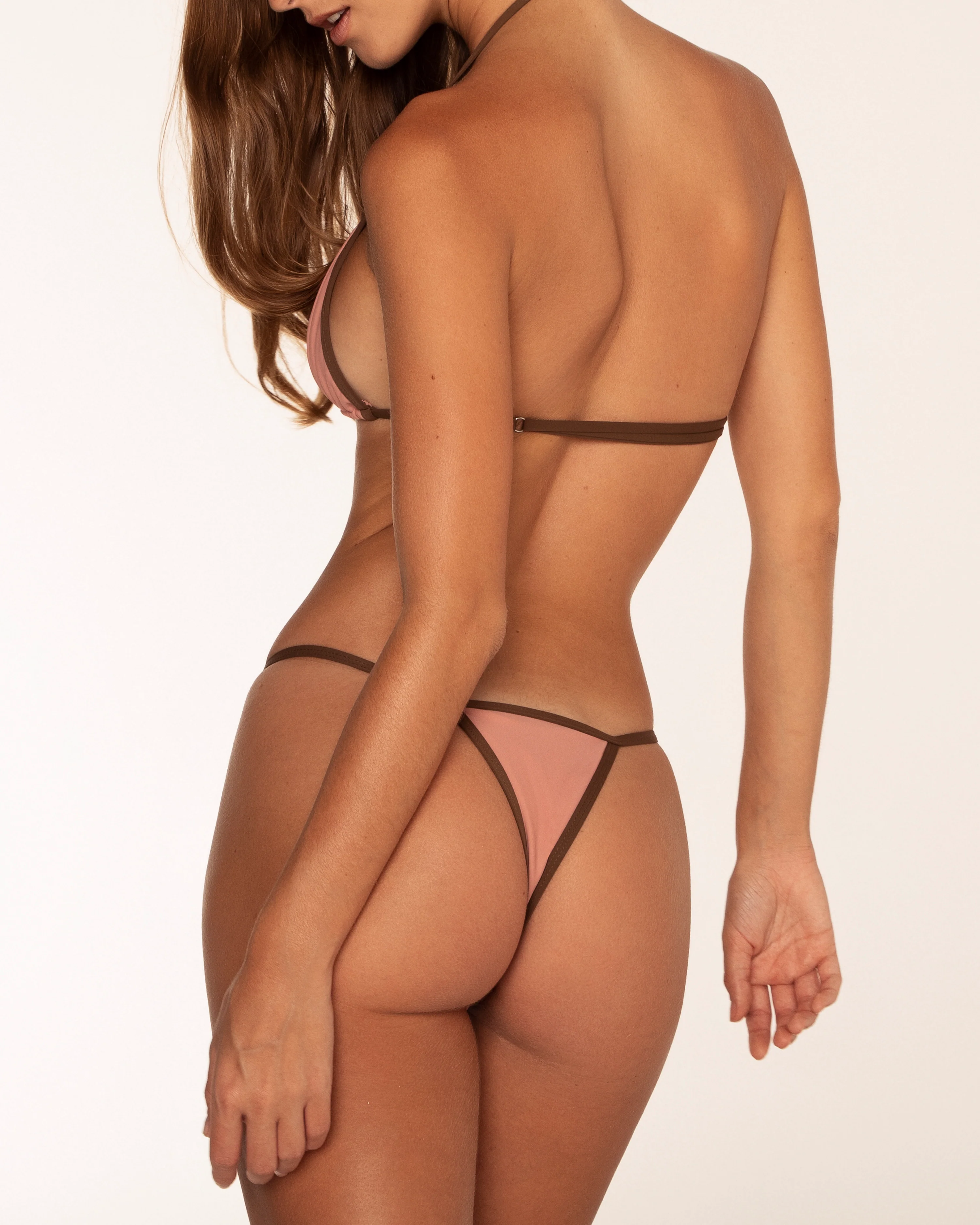
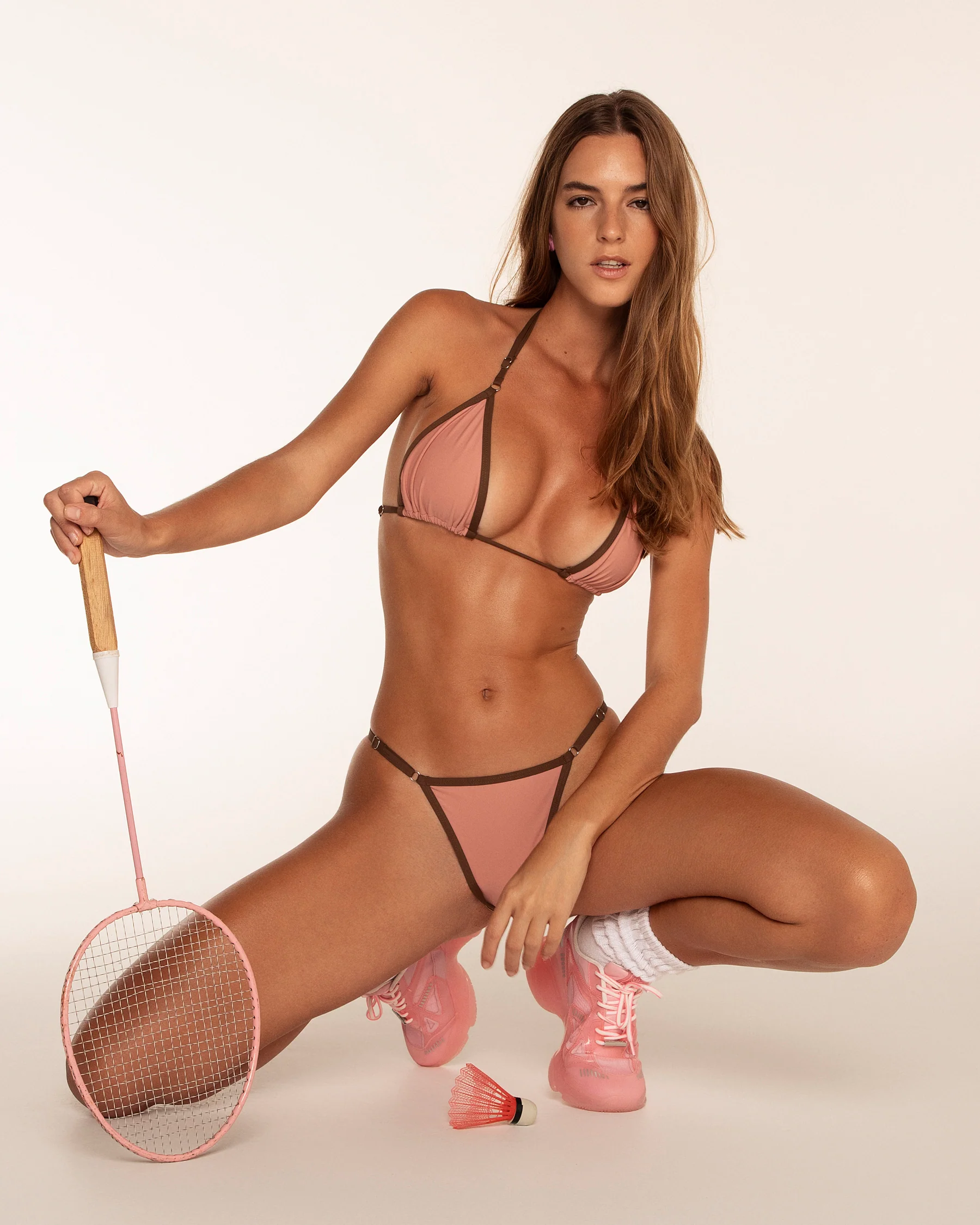
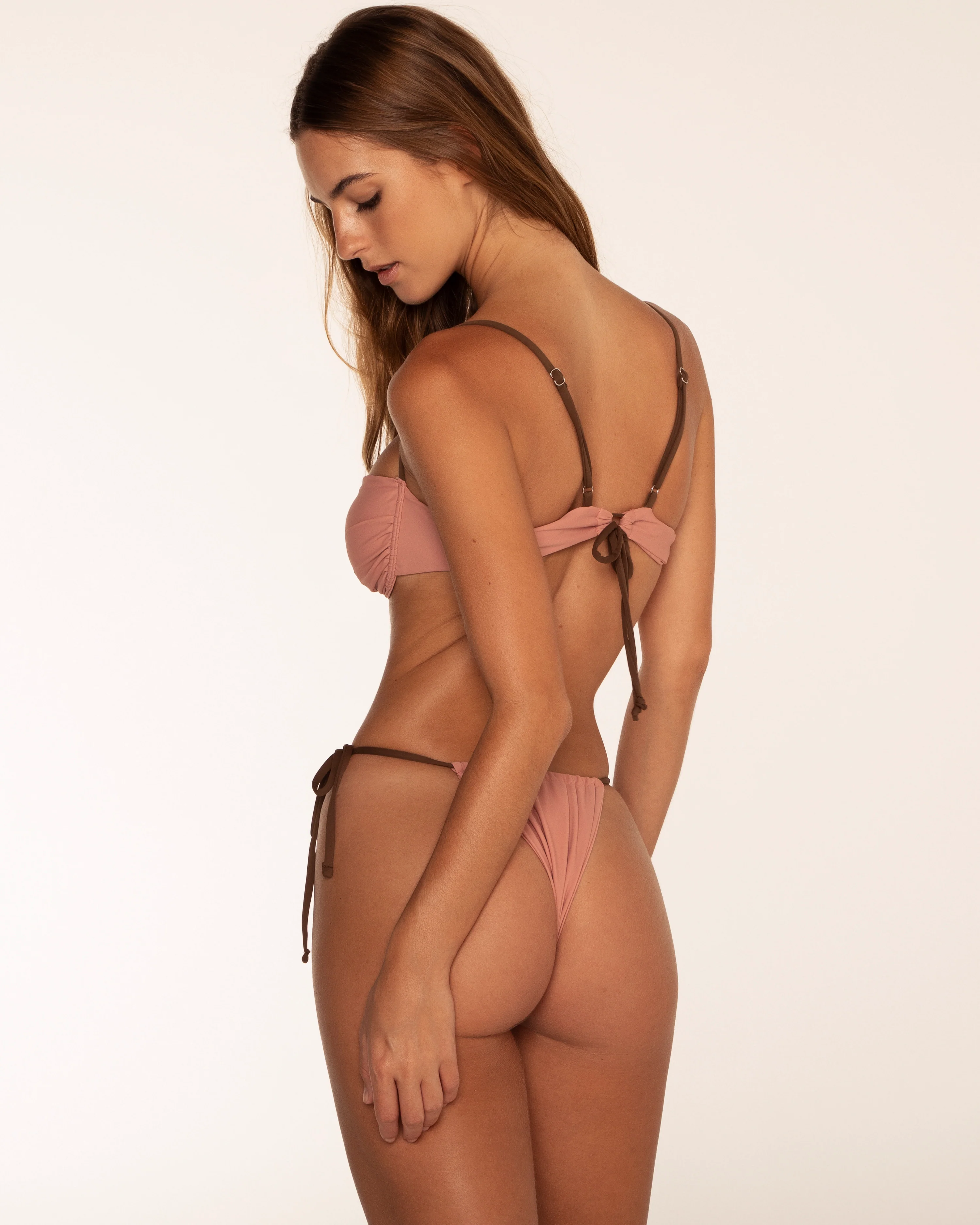
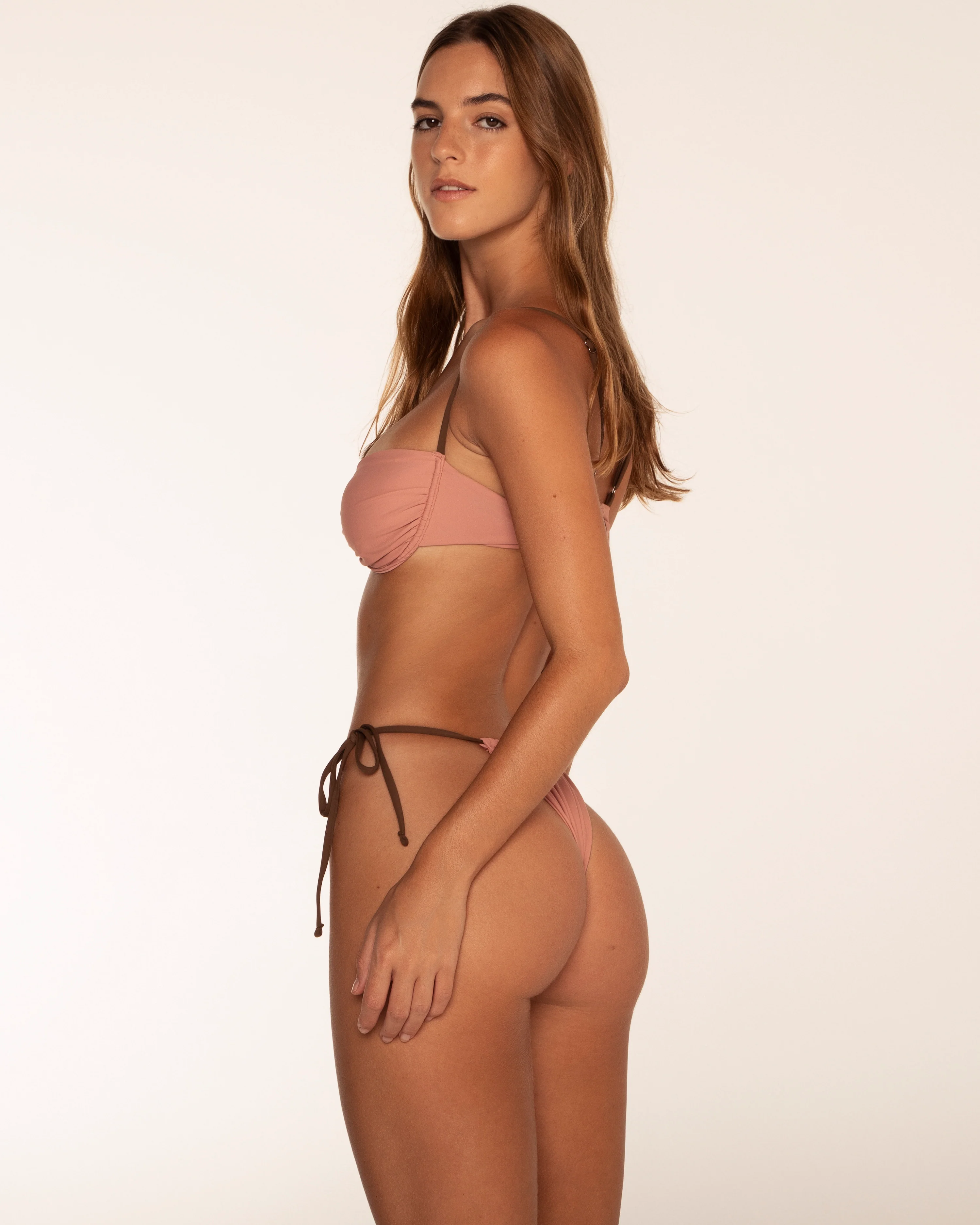
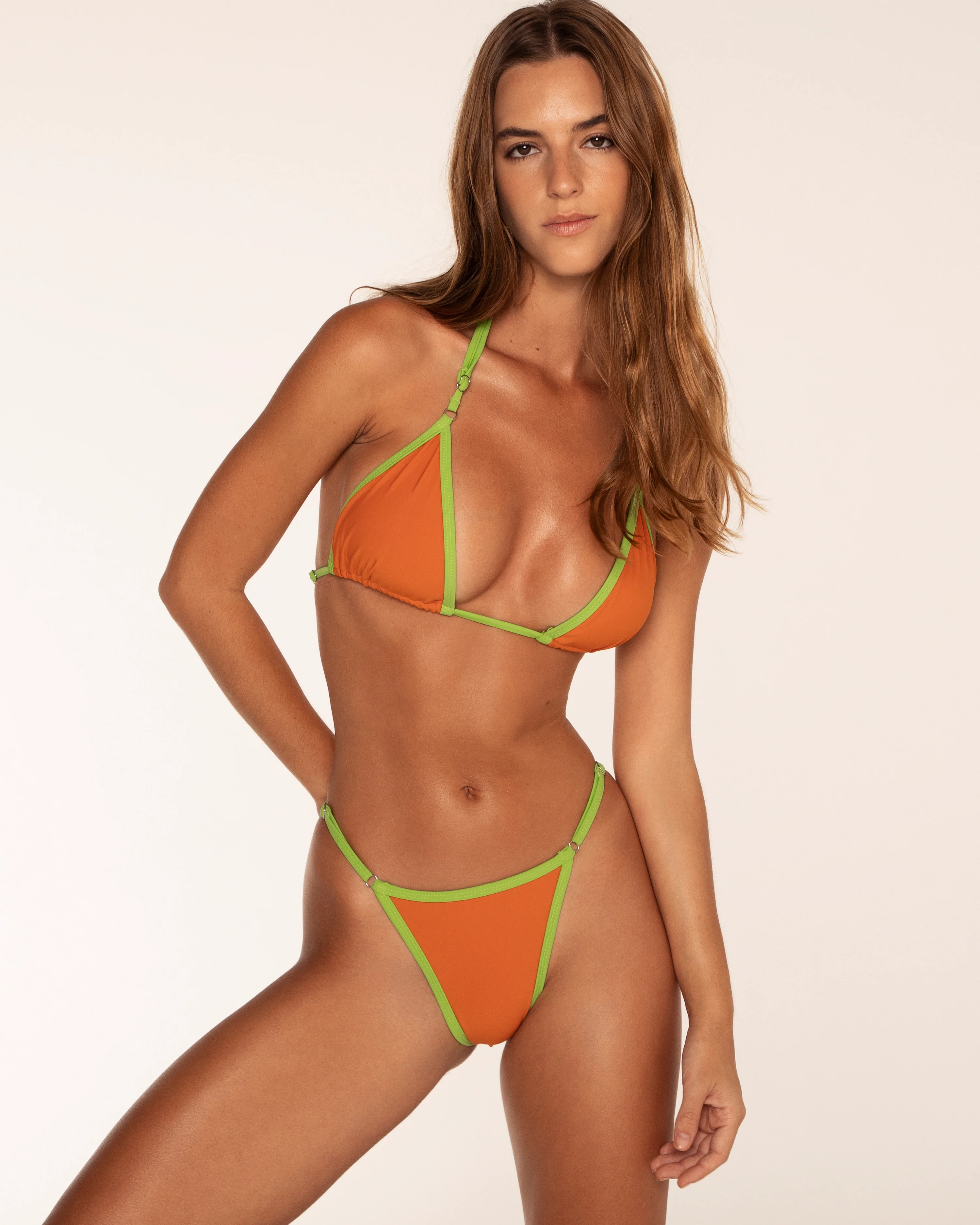
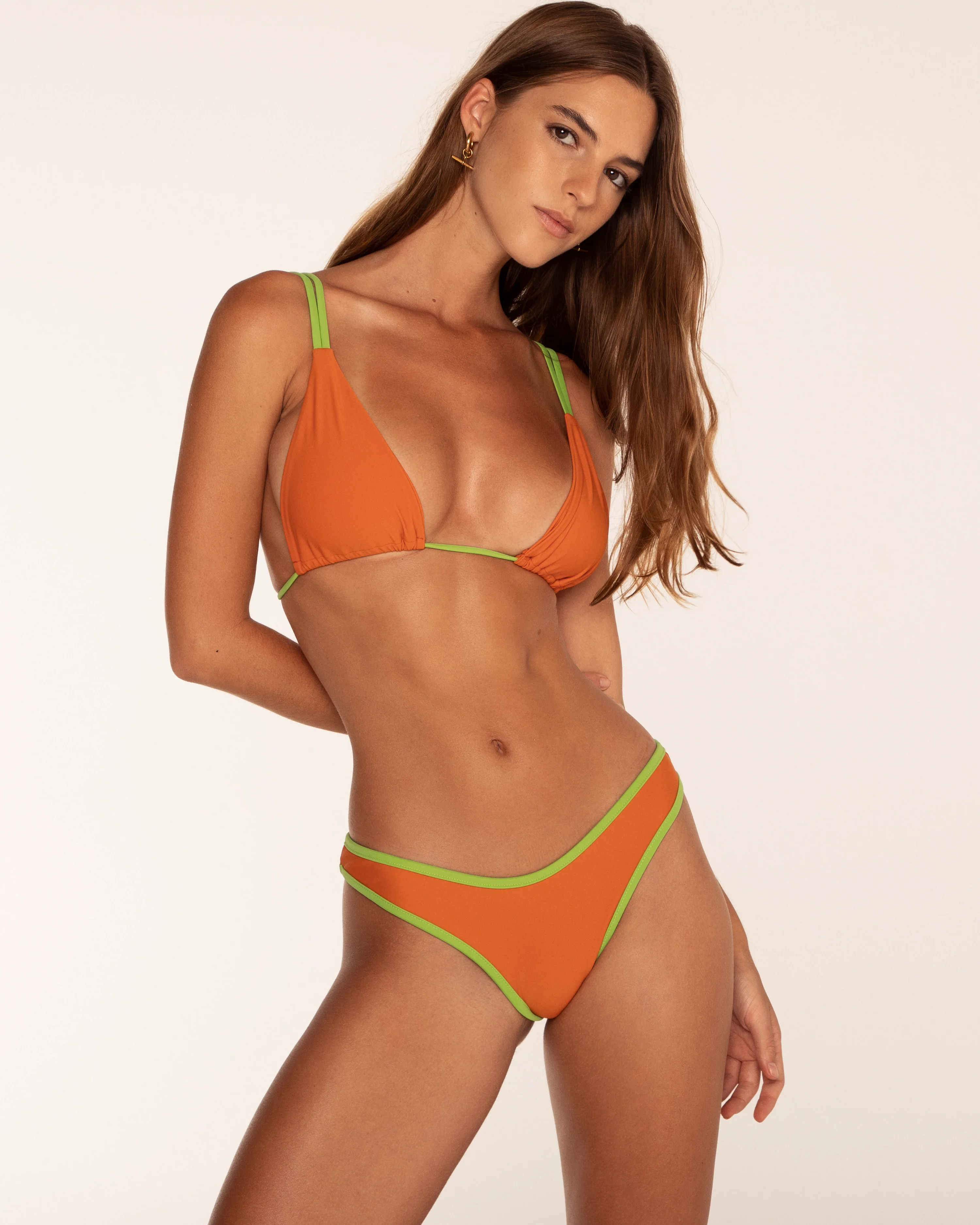
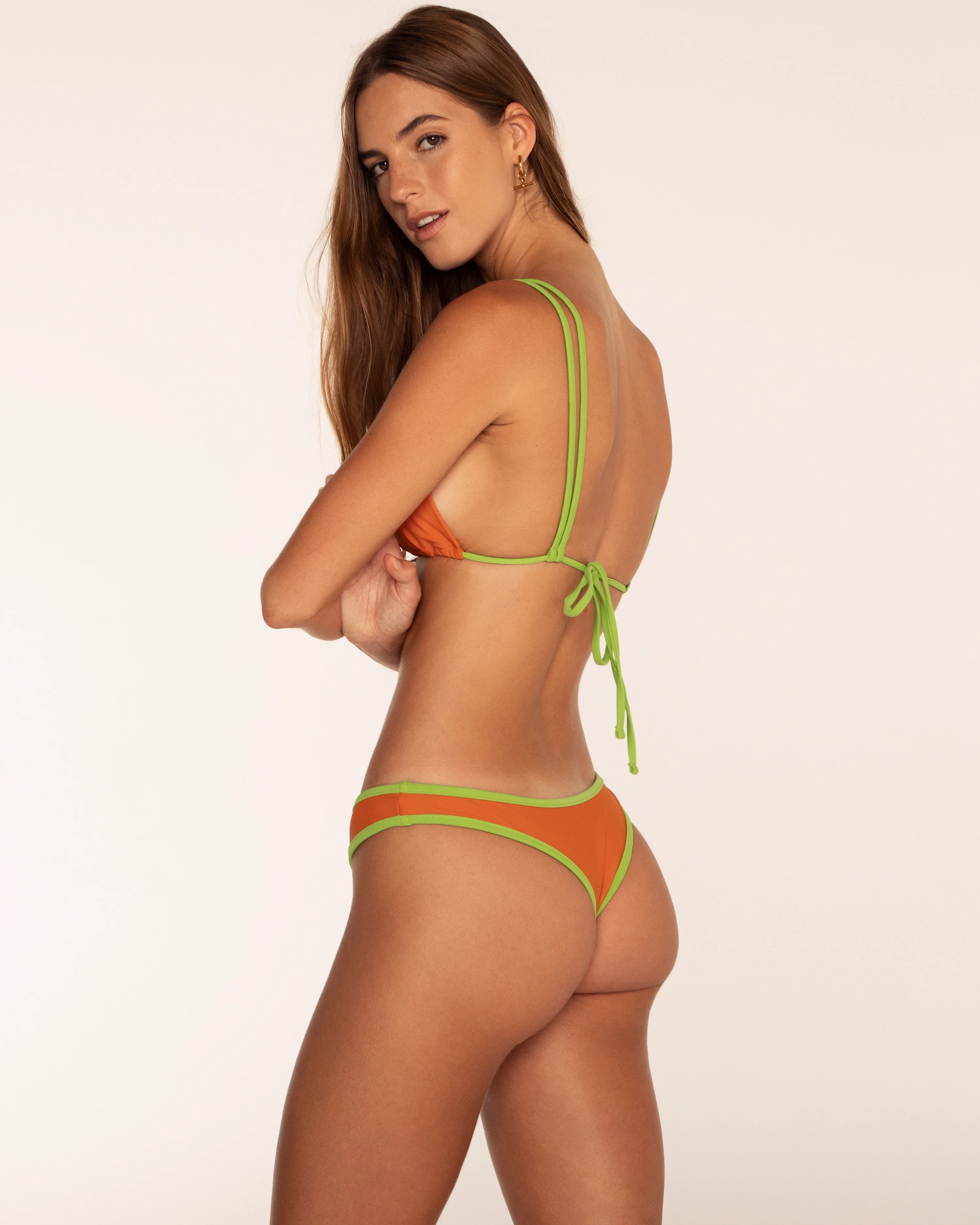
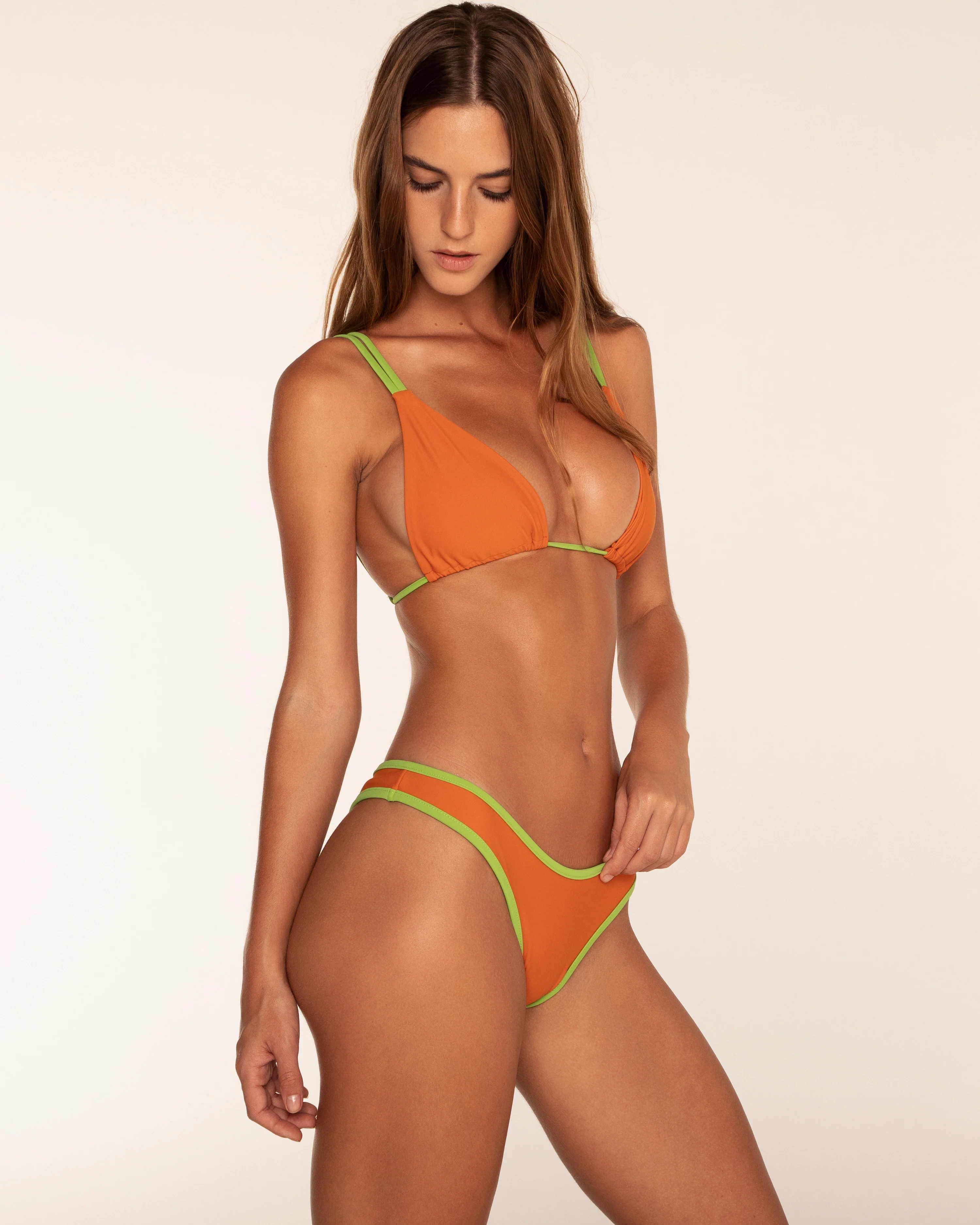
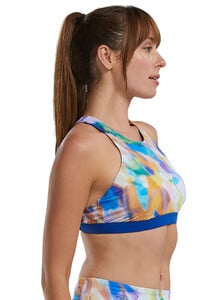
 Tyr at Swimoutlet
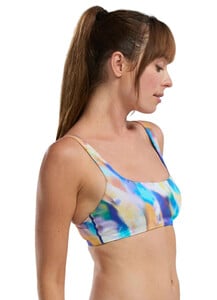
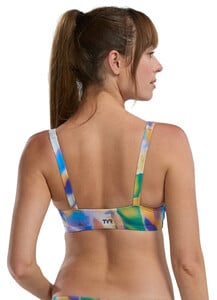


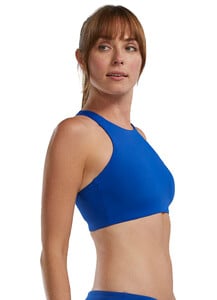
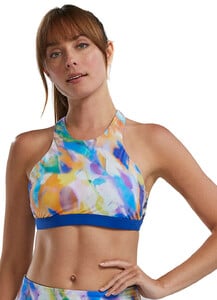
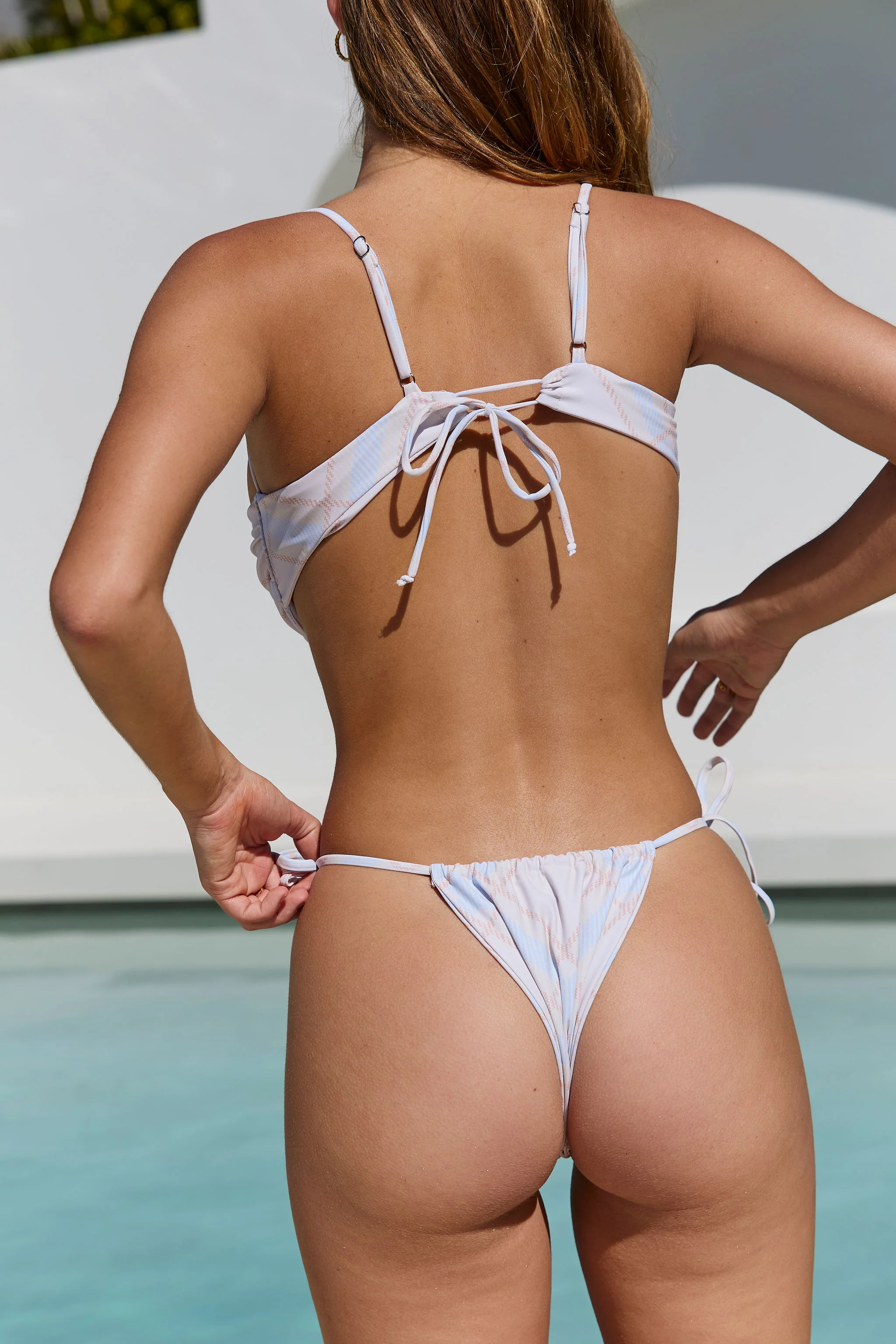
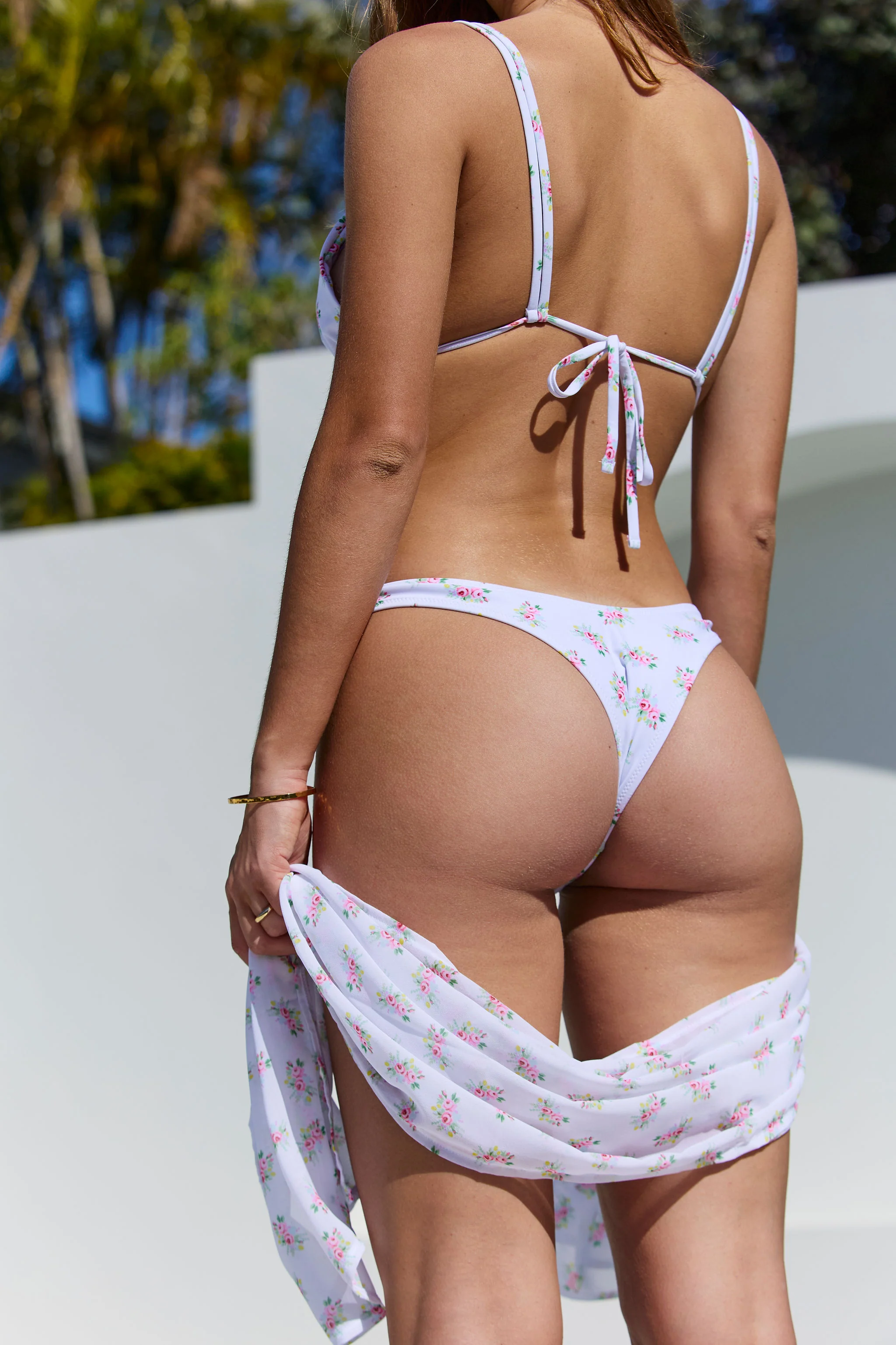
 Nicola Cavanis [Most] Hailey Clauson [Least] Aimee Cavaliere [Most] Meeya Dugied [Least] Whitney Thornqvist [Most] Kiana Carroll [Least] Scarlett Leithold [Most] Capri Alana [Least]
 A YT embed of the making of the Guess Spring 2023 campaign, with Francesca, Liza Makhu, Xavier (French), Paul Marciano, Juliet Tuzet, and the Vika & Saida team. There is a lot of code switching between 4 languages (what happened to Esperonto the universal language?). I'm posting this in Francesca's thread because she speaks first (in Italian, later in English). 1 minute long final campaign advertisement
 nlm28 joined the community
- Today
YT embeds of Dariia and Iryna Dzhagarova for the Marciano Holiday '23 Campaign. In the first one Diana (she doesn't use Dariia) mentions having a test shoot in mid 2023 - Guess liked her enough to give her a job. Her English is very good, though 'line opening' bamboozled me (runway show?). Iryna says she was much more interested in sports than modelling as a teen. The final 60 second campaign ad:
 @bars.quentin media (1).mp4media.mp4 anony-ig.com_Instagram__3788249431909370466.mp4







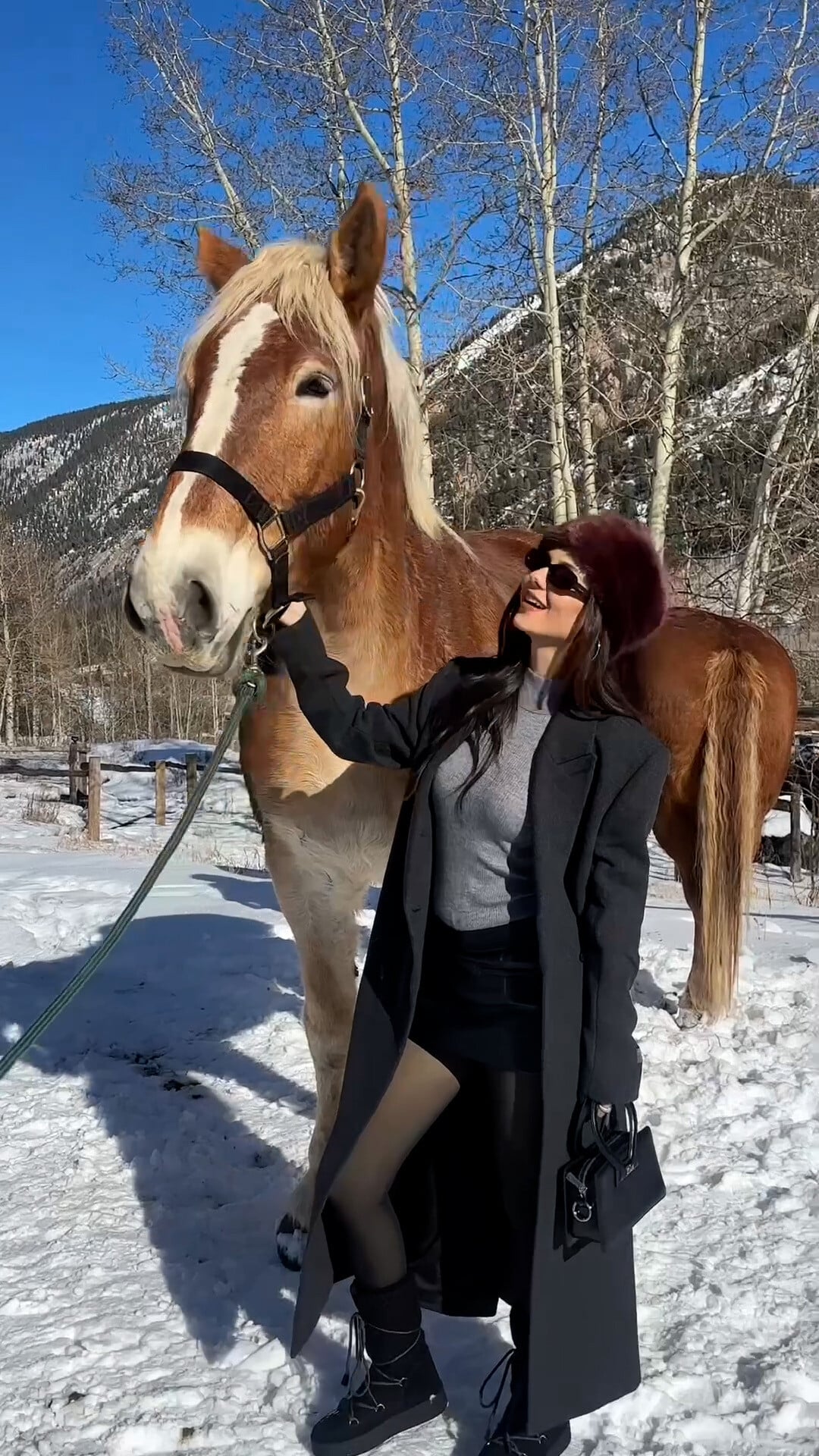
 More of her Aspen vacation














Account
Search
Configure browser push notifications
Chrome (Android)
- Tap the lock icon next to the address bar.
- Tap Permissions → Notifications.
- Adjust your preference.
Chrome (Desktop)
- Click the padlock icon in the address bar.
- Select Site settings.
- Find Notifications and adjust your preference.
Safari (iOS 16.4+)
- Ensure the site is installed via Add to Home Screen.
- Open Settings App → Notifications.
- Find your app name and adjust your preference.
Safari (macOS)
- Go to Safari → Preferences.
- Click the Websites tab.
- Select Notifications in the sidebar.
- Find this website and adjust your preference.
Edge (Android)
- Tap the lock icon next to the address bar.
- Tap Permissions.
- Find Notifications and adjust your preference.
Edge (Desktop)
- Click the padlock icon in the address bar.
- Click Permissions for this site.
- Find Notifications and adjust your preference.
Firefox (Android)
- Go to Settings → Site permissions.
- Tap Notifications.
- Find this site in the list and adjust your preference.
Firefox (Desktop)
- Open Firefox Settings.
- Search for Notifications.
- Find this site in the list and adjust your preference.