All Activity
- Past hour
-
 dior ss2013
-
 Marli Alexa: Hello!!!!👋 I am alive :) 🥥🌴 video
-
67?
-
dior ss2003

-
 Free People







-

-
-
Drope: Meet Palm Beach 🤍



-
genny ss2003

-
genny s/s 2003

-
 genny fw02
 Genny f/w 2002
 I too would love to know, she is smoking hot 🔥 🥰❤️



 genny ss2002
 Genny s/s 2002
 genny s/s 2001
 genny ss01

 Colour Riche Loreal Linda Evangelista ad
.thumb.jpg.2eb76983d9f9c2d935f6e98f4cfd6c41.jpg)












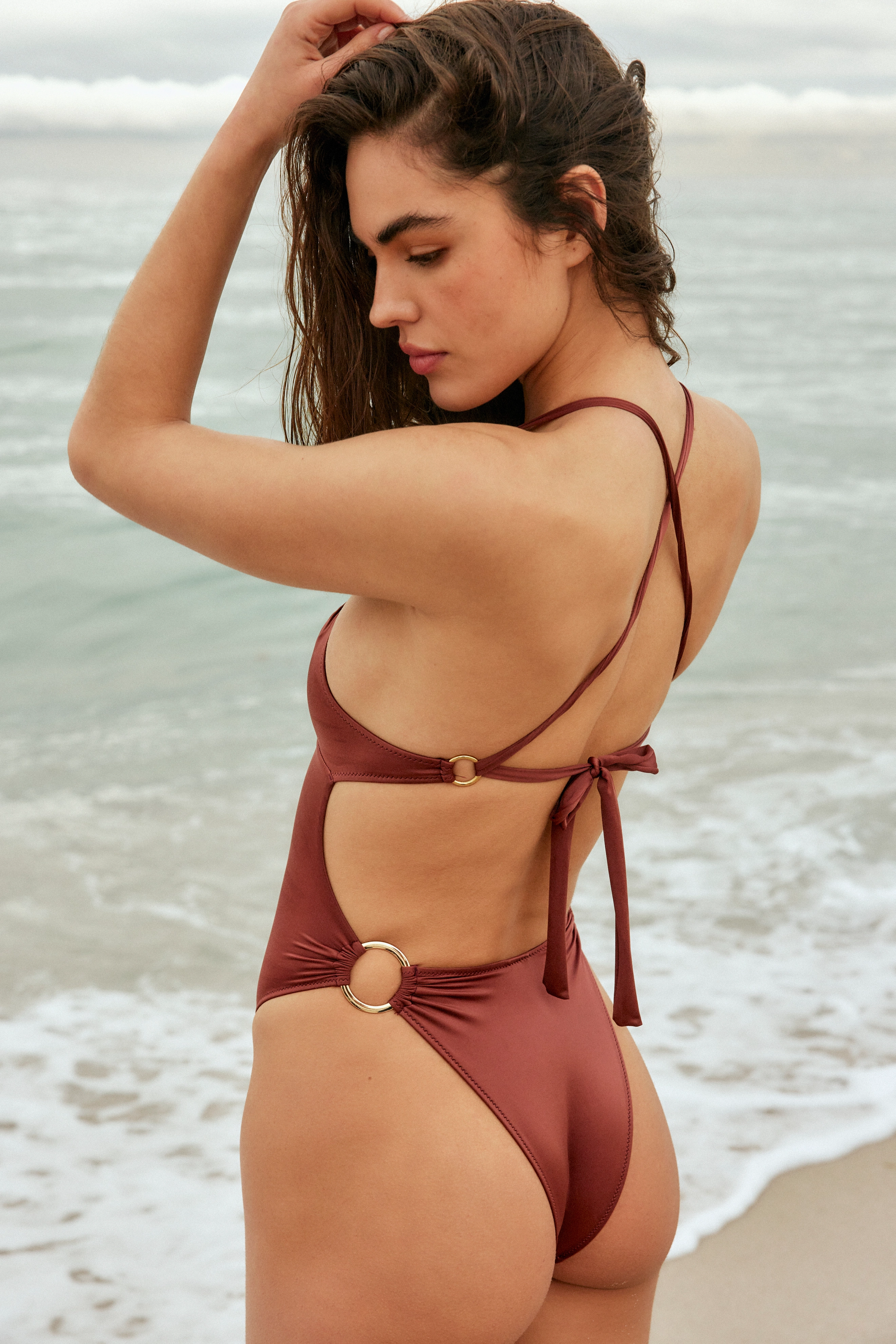
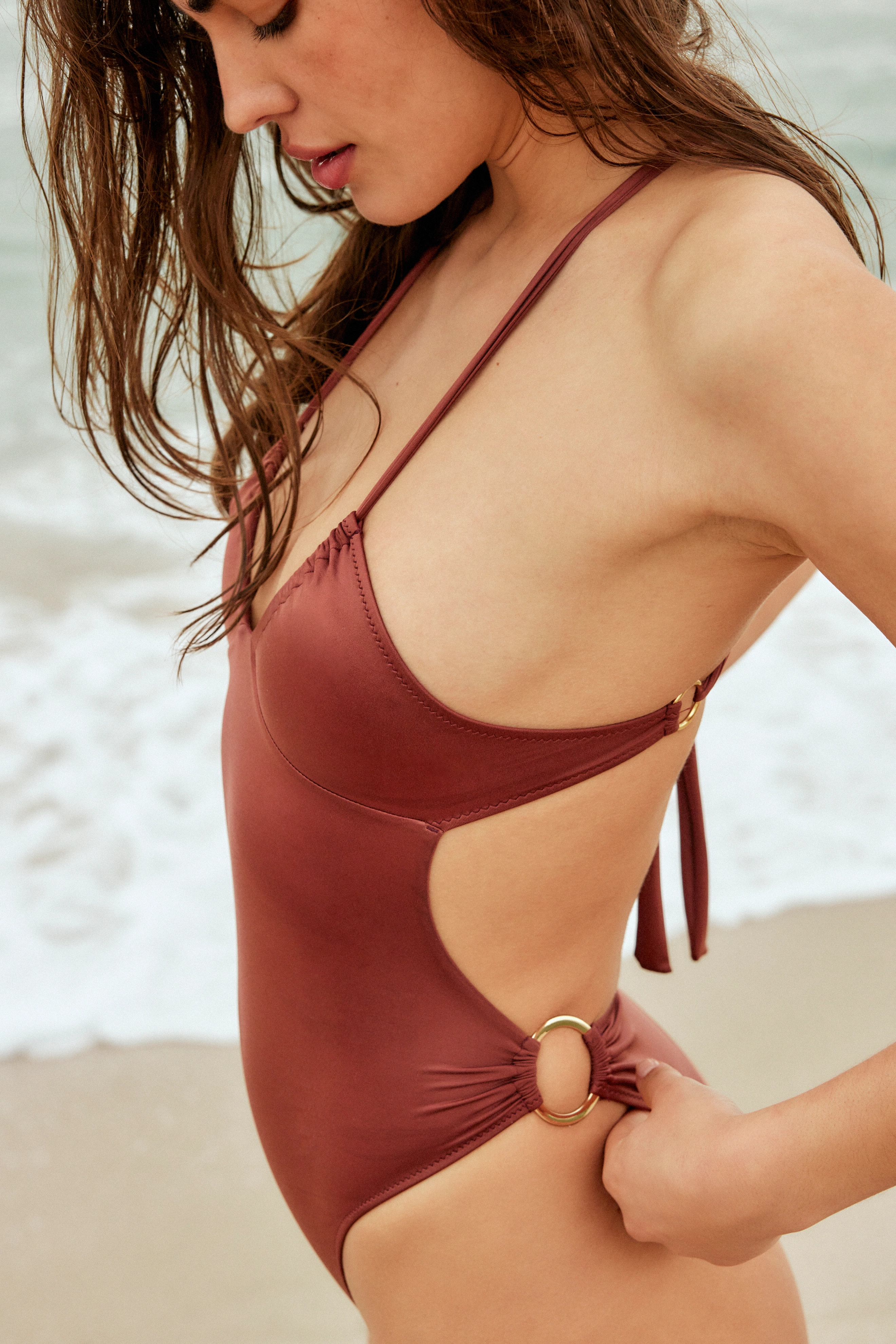
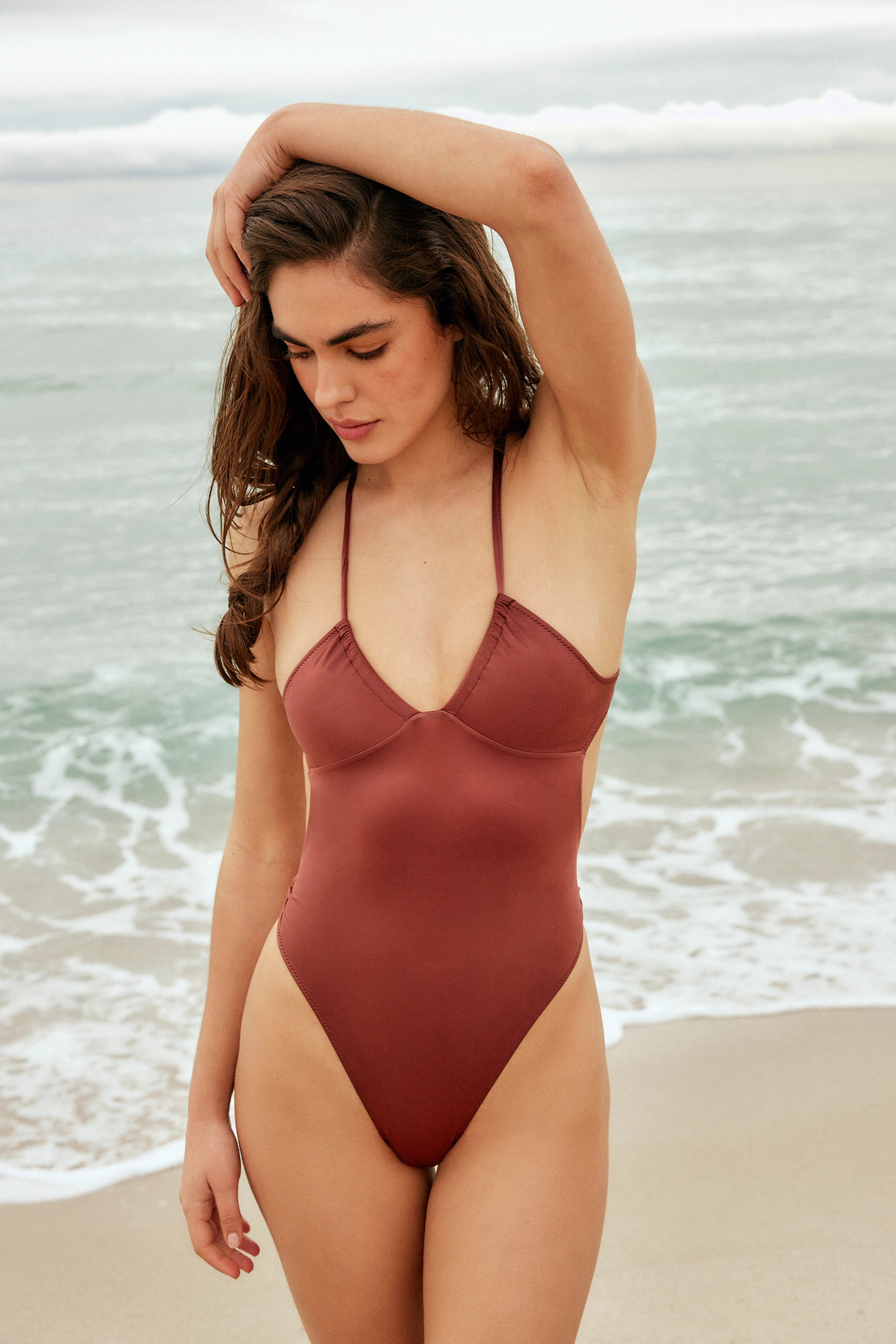


















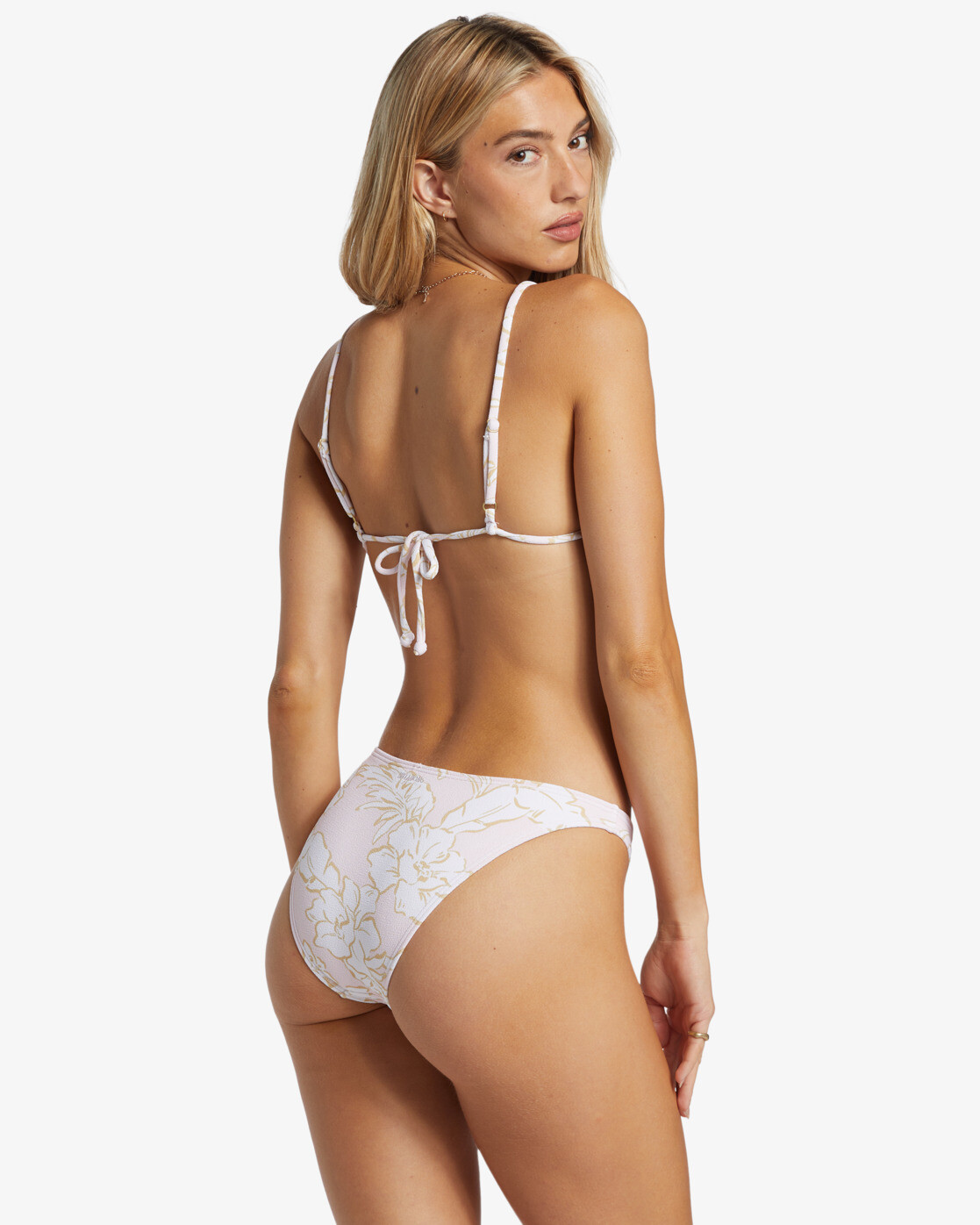













.jpg.f834c92640f03e2c948976baae5aa188.jpg)





.jpg.1cf6af74091fe97ed2b3d50874cba22c.jpg)
.jpg.c0eb36209049d16c33c787cb19ec81ed.jpg)
.jpg.0ba25c8612820c62d647d657828aafed.jpg)








.jpg.c3cc12aa0d6a6de8aae057130d584eee.jpg)





Account
Navigation
Search
Configure browser push notifications
Chrome (Android)
- Tap the lock icon next to the address bar.
- Tap Permissions → Notifications.
- Adjust your preference.
Chrome (Desktop)
- Click the padlock icon in the address bar.
- Select Site settings.
- Find Notifications and adjust your preference.
Safari (iOS 16.4+)
- Ensure the site is installed via Add to Home Screen.
- Open Settings App → Notifications.
- Find your app name and adjust your preference.
Safari (macOS)
- Go to Safari → Preferences.
- Click the Websites tab.
- Select Notifications in the sidebar.
- Find this website and adjust your preference.
Edge (Android)
- Tap the lock icon next to the address bar.
- Tap Permissions.
- Find Notifications and adjust your preference.
Edge (Desktop)
- Click the padlock icon in the address bar.
- Click Permissions for this site.
- Find Notifications and adjust your preference.
Firefox (Android)
- Go to Settings → Site permissions.
- Tap Notifications.
- Find this site in the list and adjust your preference.
Firefox (Desktop)
- Open Firefox Settings.
- Search for Notifications.
- Find this site in the list and adjust your preference.