All Activity
- Past hour
-
 Bananahot, part 2 (of 3):















































































-
Bananahot, part 1 (of 3):















































































-
 Nike Skims Promos | UHQ



-

-
-
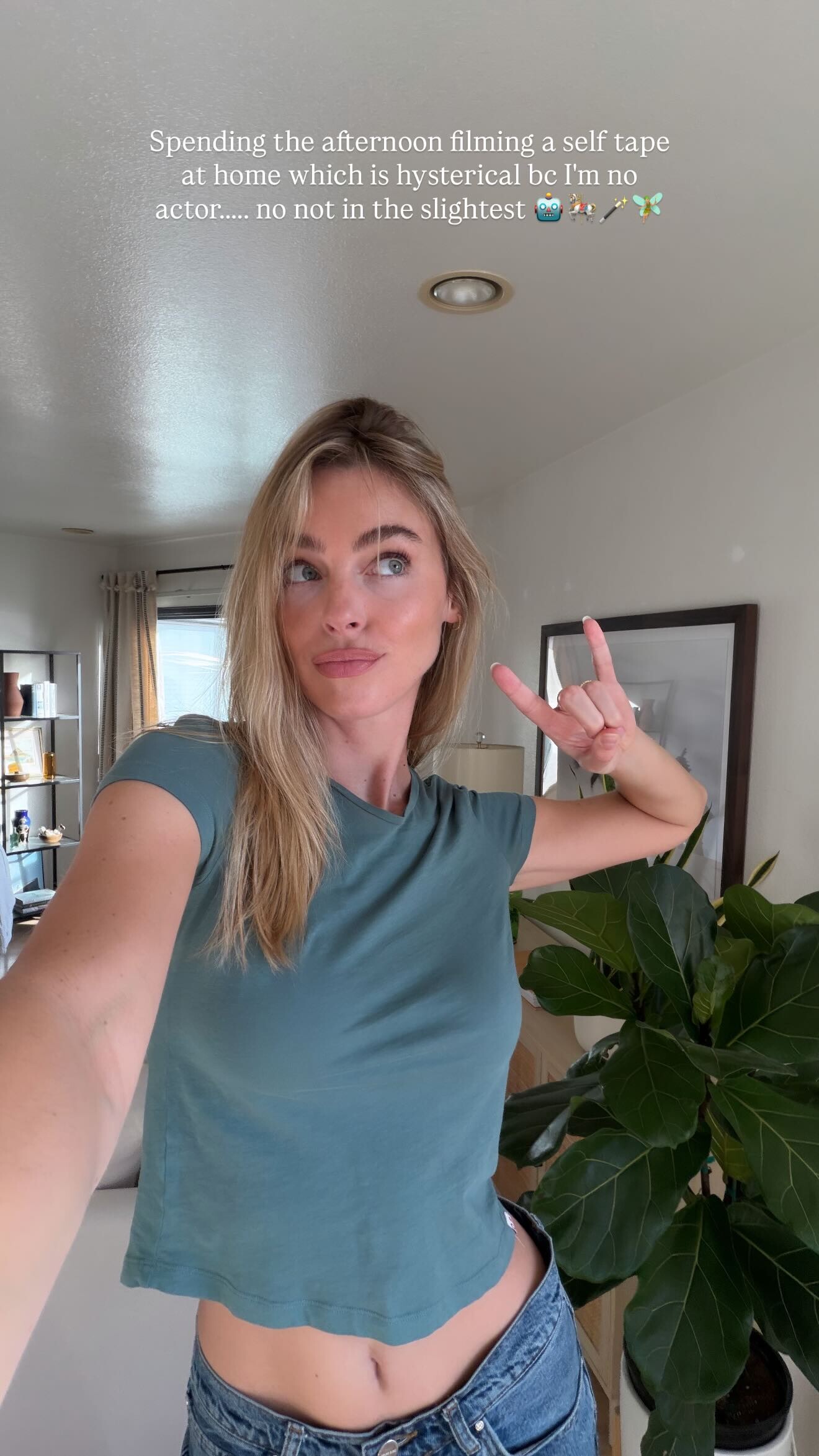
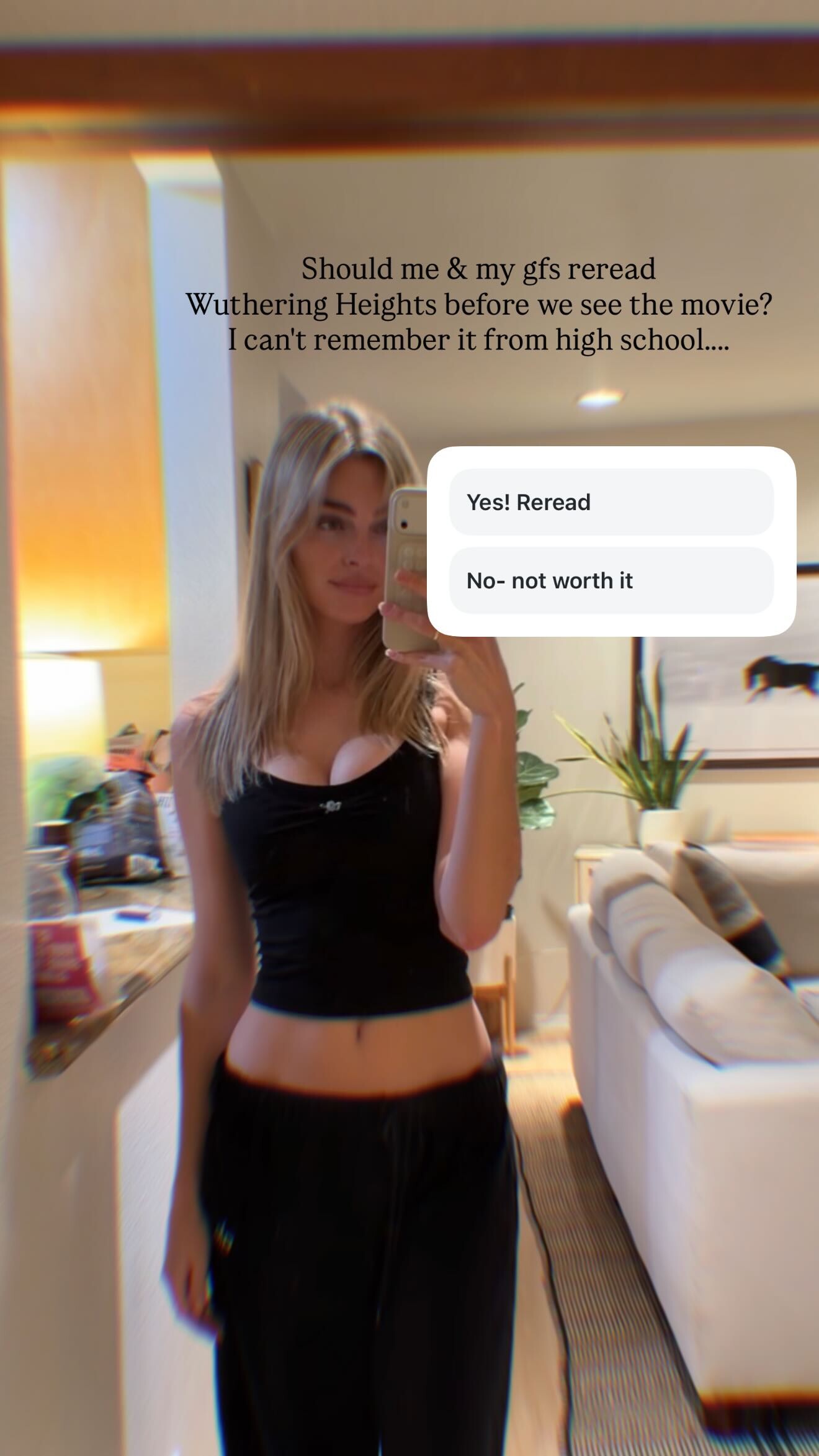
 From her insta StorySaver.net-aboutcess-Video-1769604202177.mp4
 -























- 136 replies
-
- brazil
- brazilian
- brazilian model
- karen
-
Tagged with:

- Today


 Thank! So beautifully
JosephJBrown joined the community
Thank! So beautifully
JosephJBrown joined the community hi guys, does anybody know her name?

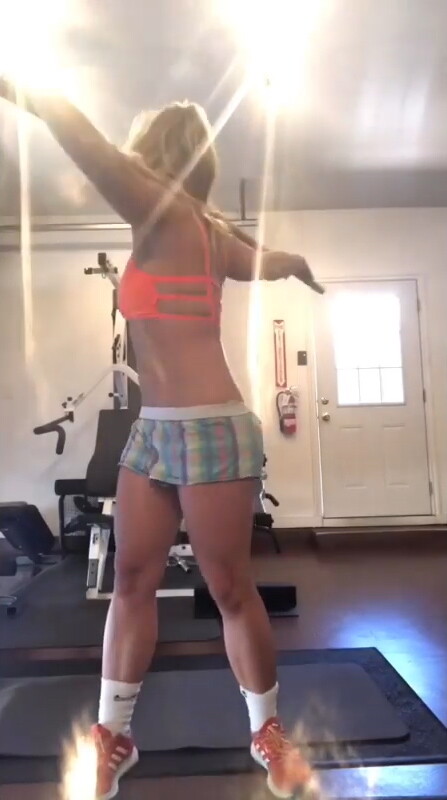
 Britney Spears - Workout 21.05.2019 Duration: 00:00:36 Resolution: 640x800 Format: mp4 Size: 11.59 MB https://filejoker.net/9tolu5x87hxt





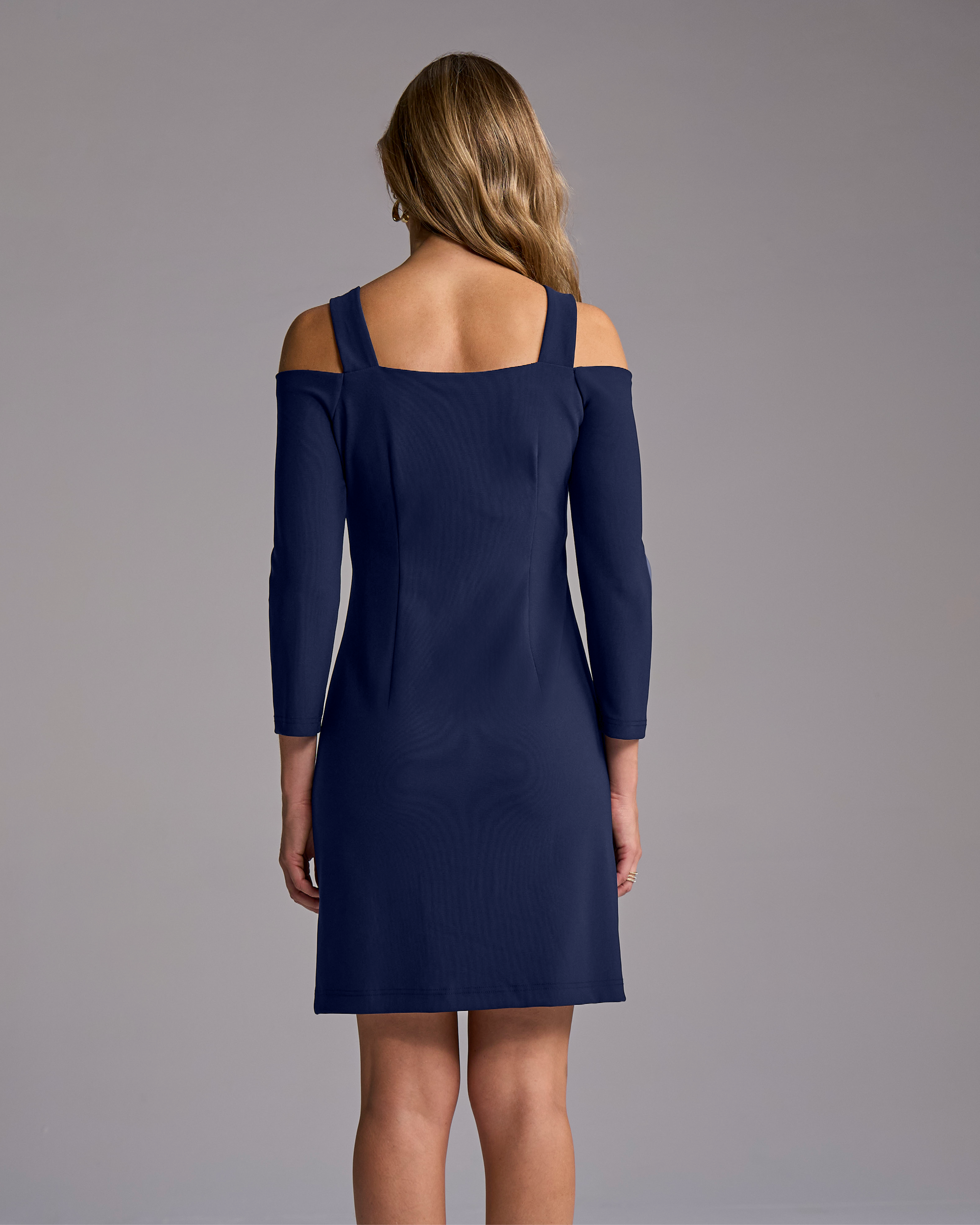
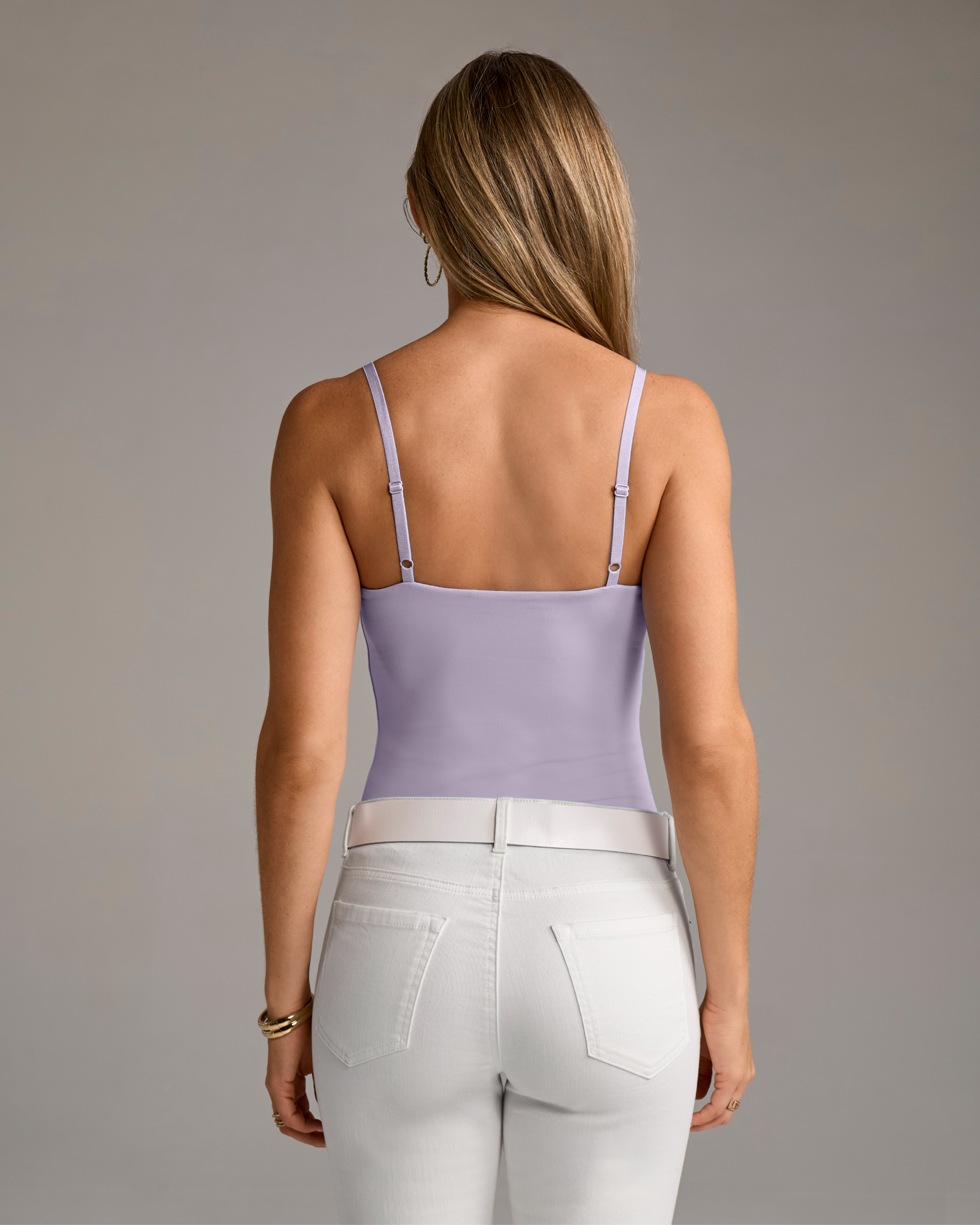
 Name of this Intimissimi model, please? Thx!


















































































































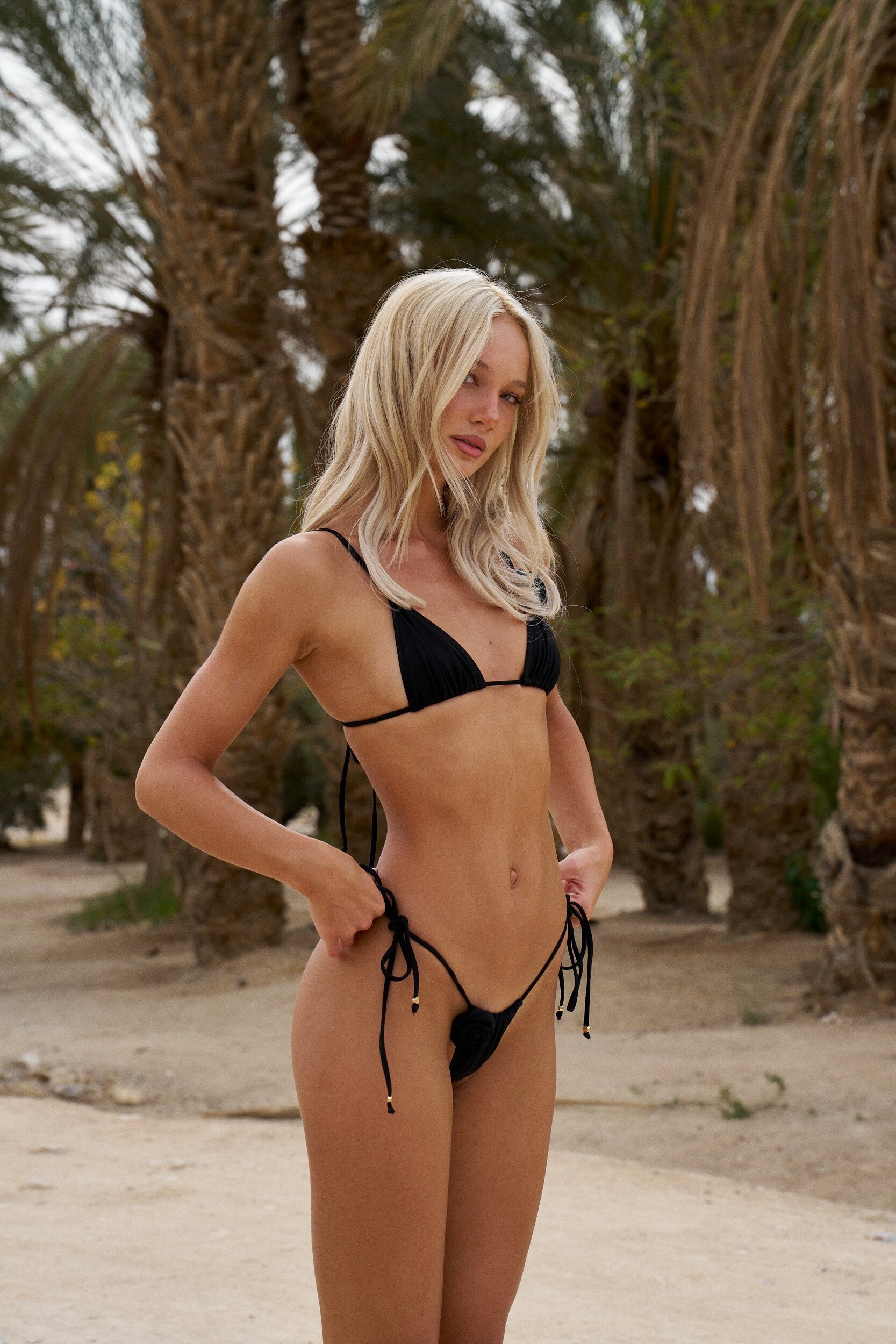
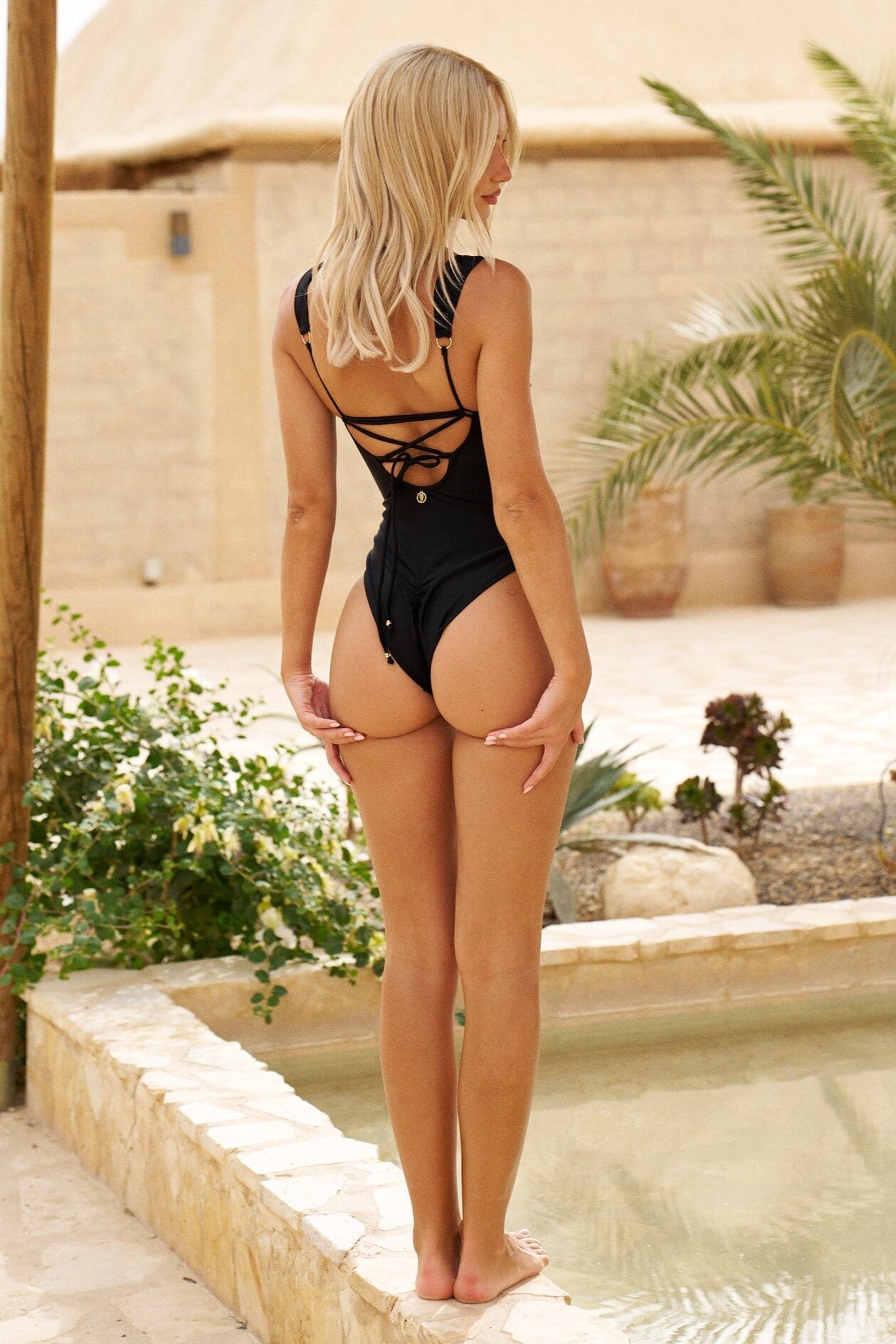
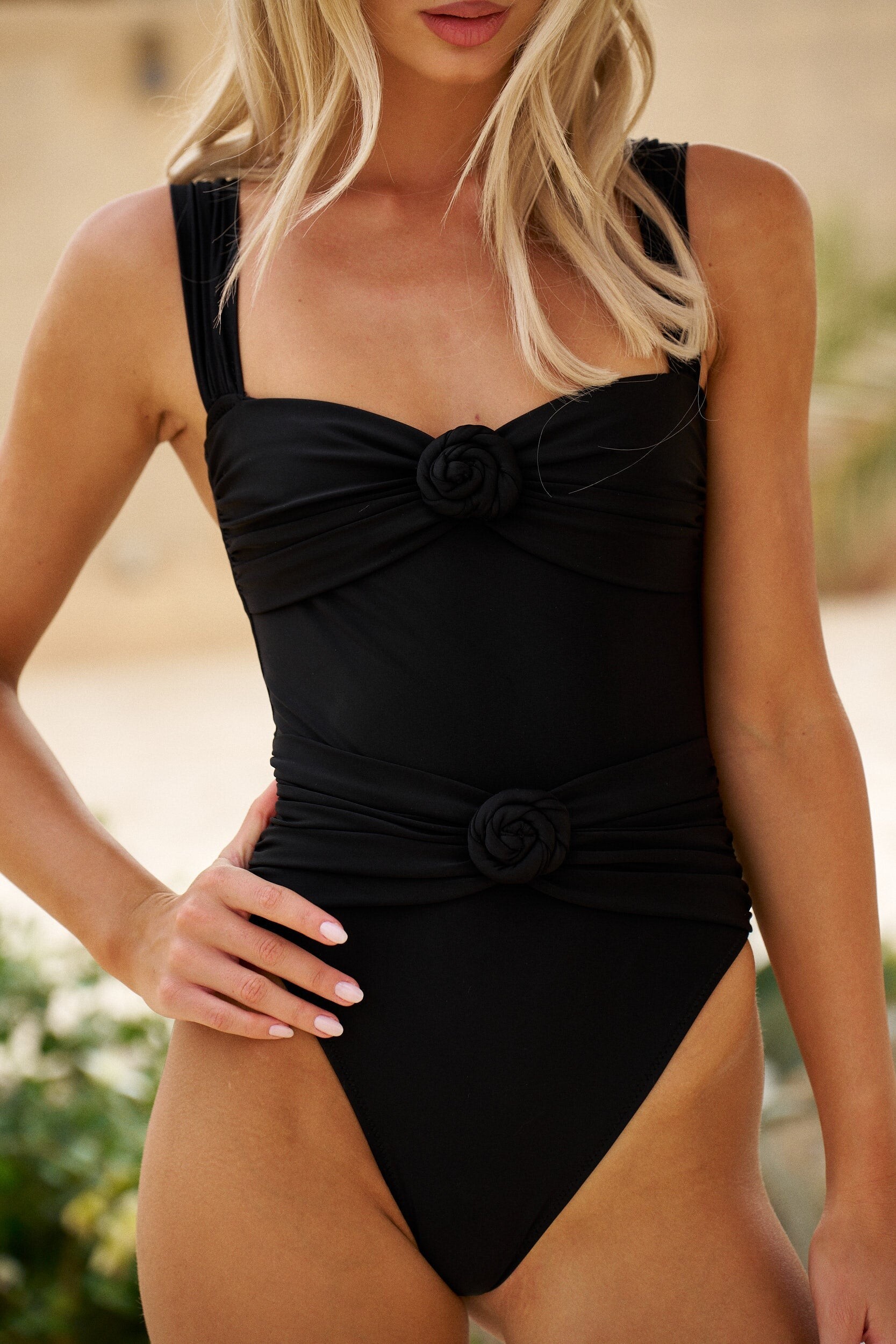
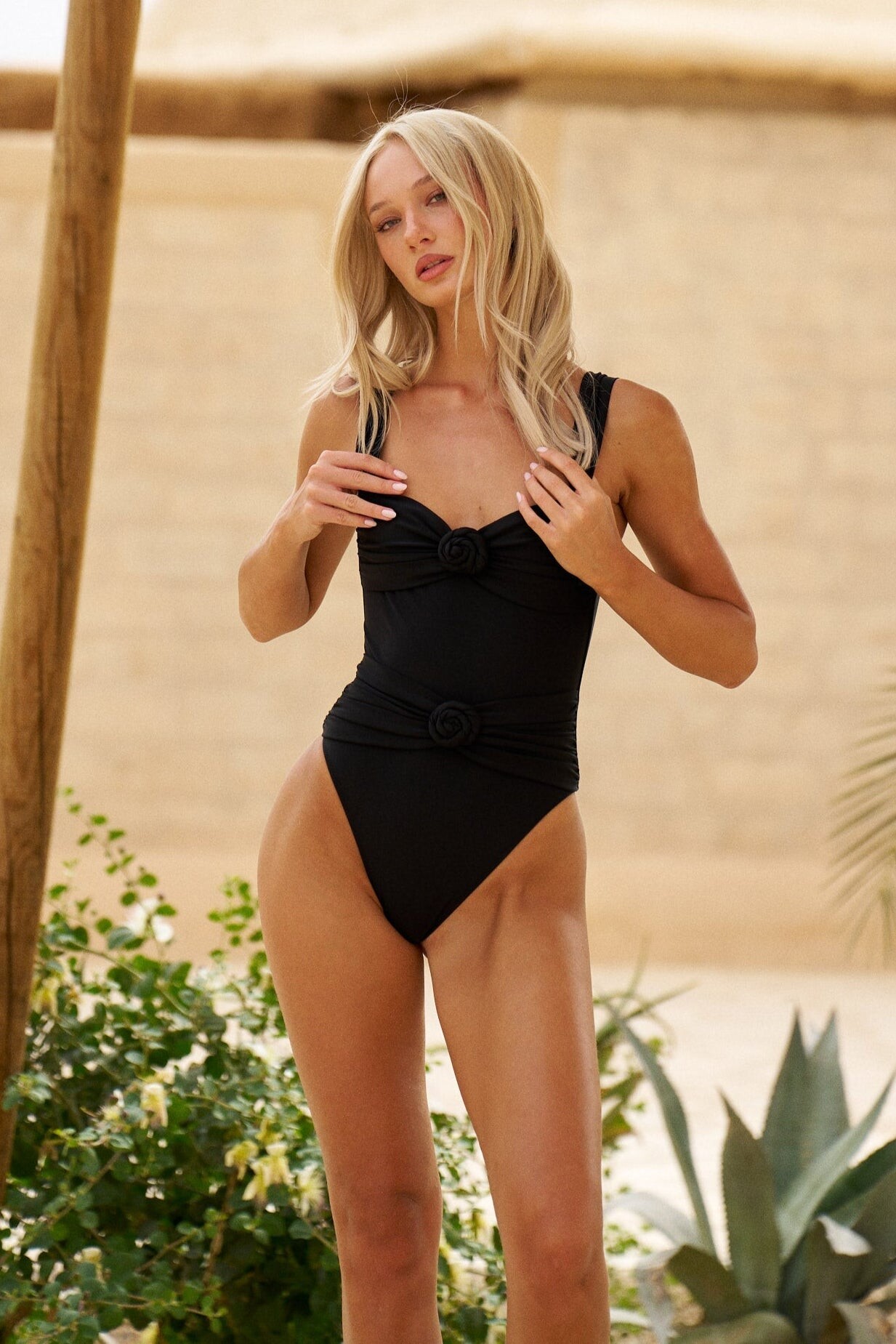


















































































































































































































































































Account
Search
Configure browser push notifications
Chrome (Android)
- Tap the lock icon next to the address bar.
- Tap Permissions → Notifications.
- Adjust your preference.
Chrome (Desktop)
- Click the padlock icon in the address bar.
- Select Site settings.
- Find Notifications and adjust your preference.
Safari (iOS 16.4+)
- Ensure the site is installed via Add to Home Screen.
- Open Settings App → Notifications.
- Find your app name and adjust your preference.
Safari (macOS)
- Go to Safari → Preferences.
- Click the Websites tab.
- Select Notifications in the sidebar.
- Find this website and adjust your preference.
Edge (Android)
- Tap the lock icon next to the address bar.
- Tap Permissions.
- Find Notifications and adjust your preference.
Edge (Desktop)
- Click the padlock icon in the address bar.
- Click Permissions for this site.
- Find Notifications and adjust your preference.
Firefox (Android)
- Go to Settings → Site permissions.
- Tap Notifications.
- Find this site in the list and adjust your preference.
Firefox (Desktop)
- Open Firefox Settings.
- Search for Notifications.
- Find this site in the list and adjust your preference.