All Activity
- Past hour
-
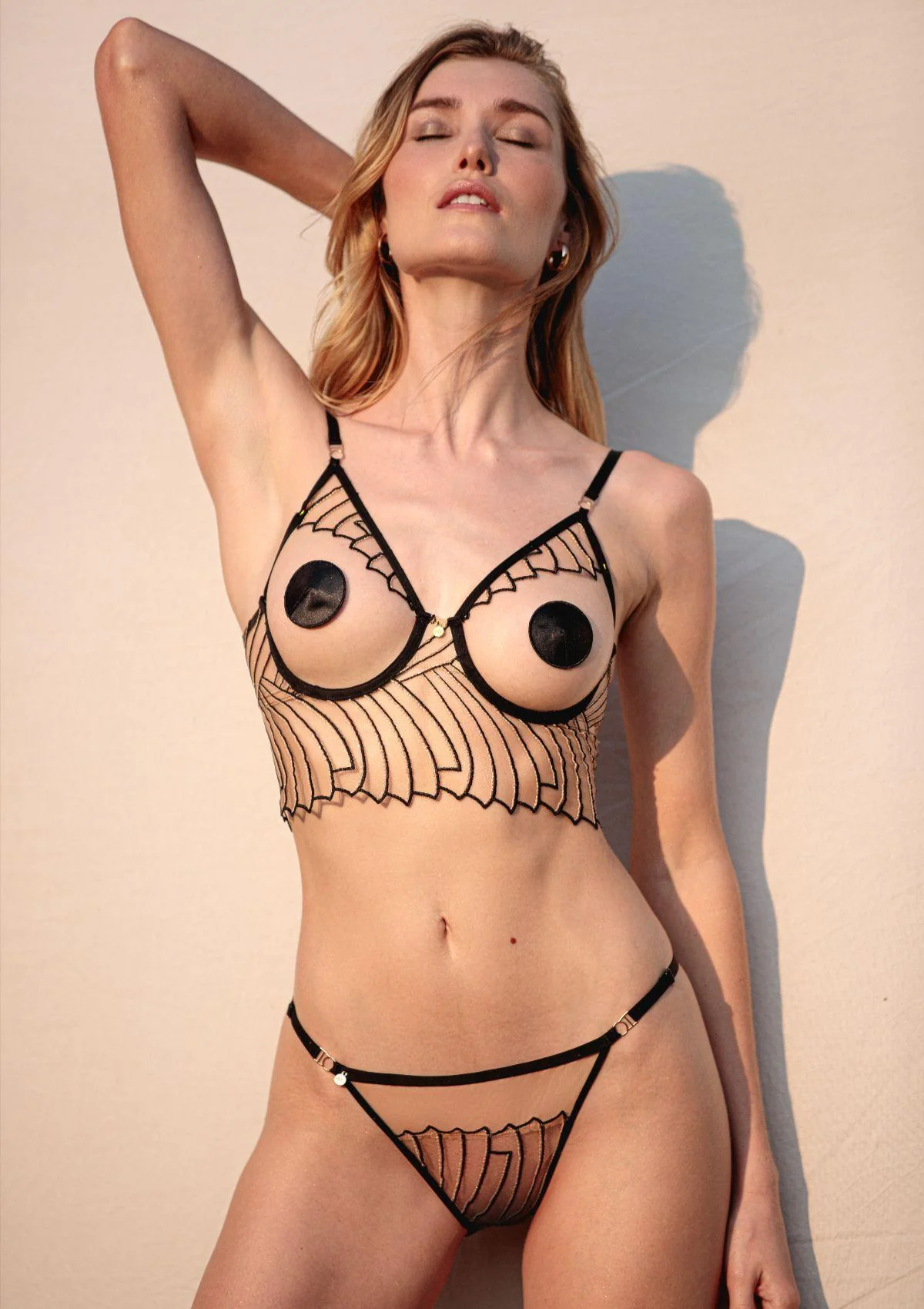
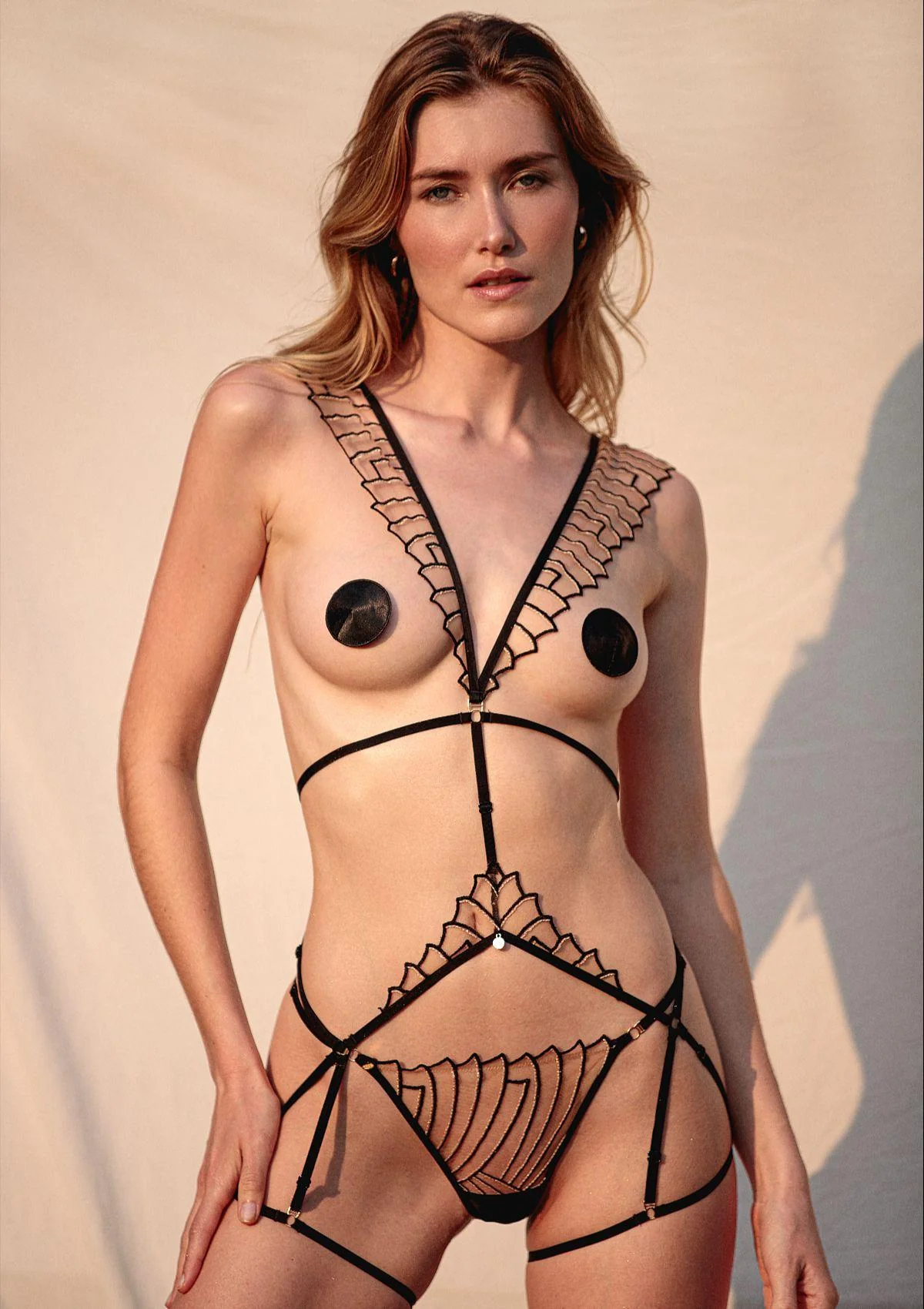
 Tropic of C: new year, new arrival: meet ocelot. not your average animal print, ocelot is born to be bold and designed for your next adventure. available for preorder now in our signature styles.

-
Reformation: We’re pretty good in bed. Pajamas are here.





-
-
If lost, return to the champagne. 🥂🍾 Happy New Year!!!










-
 Carolina Azevedo
 -
 Just know the name of the glass. 😄😄
 -
Clady1984 joined the community
-
Process & Post: Alessandra Ambrosio by David Roemer for M Milenio








-
Stone Fruit: Beginning the year with gratitude and a message from our founders, Taylor and Mackinley 💌

-

-
 deleted
 - Today
-
-
-

 Nudity Spoiler



















































































































Account
Search
Configure browser push notifications
Chrome (Android)
- Tap the lock icon next to the address bar.
- Tap Permissions → Notifications.
- Adjust your preference.
Chrome (Desktop)
- Click the padlock icon in the address bar.
- Select Site settings.
- Find Notifications and adjust your preference.
Safari (iOS 16.4+)
- Ensure the site is installed via Add to Home Screen.
- Open Settings App → Notifications.
- Find your app name and adjust your preference.
Safari (macOS)
- Go to Safari → Preferences.
- Click the Websites tab.
- Select Notifications in the sidebar.
- Find this website and adjust your preference.
Edge (Android)
- Tap the lock icon next to the address bar.
- Tap Permissions.
- Find Notifications and adjust your preference.
Edge (Desktop)
- Click the padlock icon in the address bar.
- Click Permissions for this site.
- Find Notifications and adjust your preference.
Firefox (Android)
- Go to Settings → Site permissions.
- Tap Notifications.
- Find this site in the list and adjust your preference.
Firefox (Desktop)
- Open Firefox Settings.
- Search for Notifications.
- Find this site in the list and adjust your preference.