All Activity
- Past hour
-
 more of Kayslee









-

-
 Women In Cinema during 2025 Red Sea International Film Festival in Jeddah, Saudi Arabia December 5th, 2025 Karas at picturepub









-
 Claudia Szeglat.mp4
 at "Five Nights at Freddy's 2" Los Angeles Premiere - December 2nd 2025 dompteur at picturepub










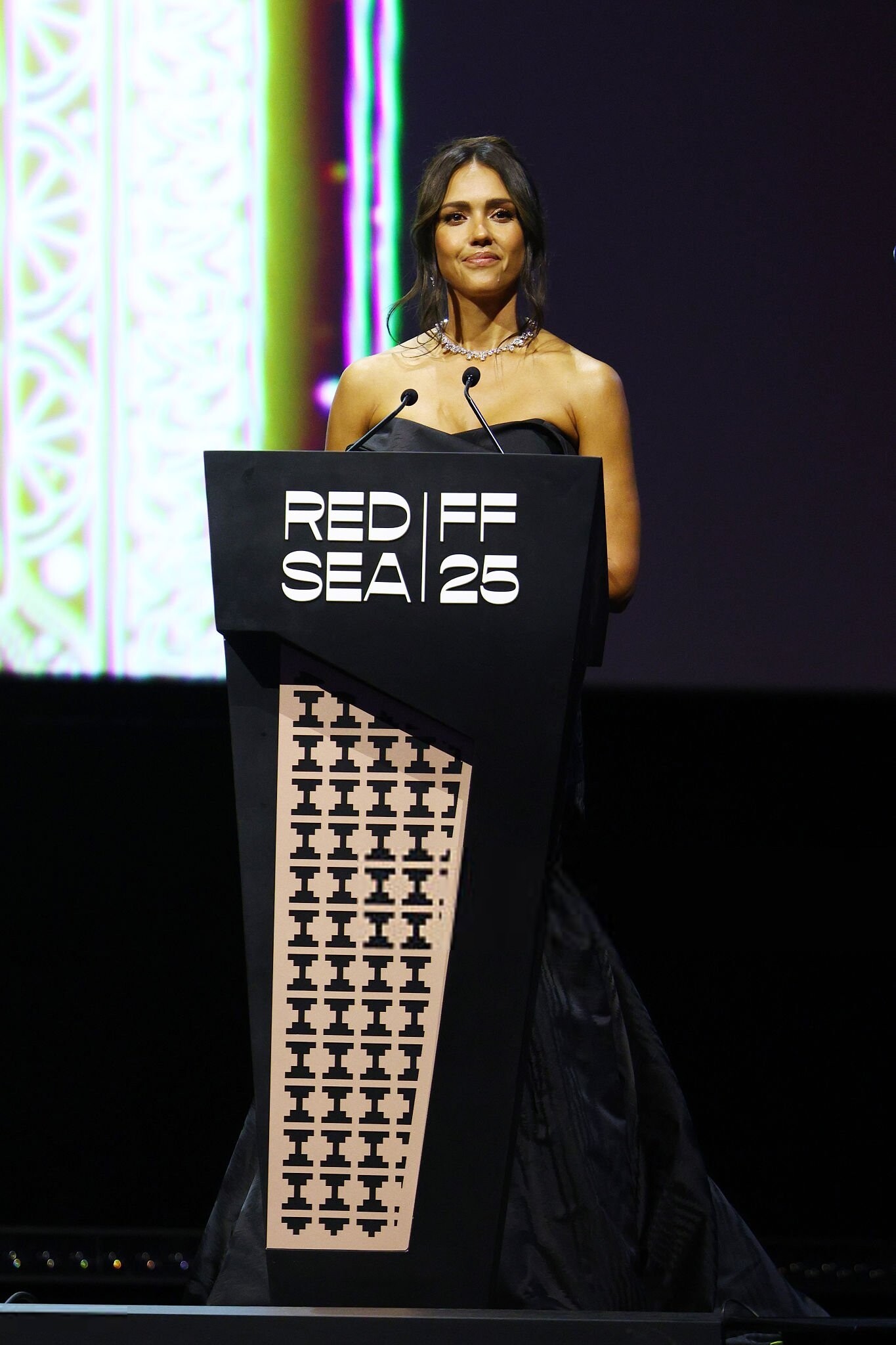
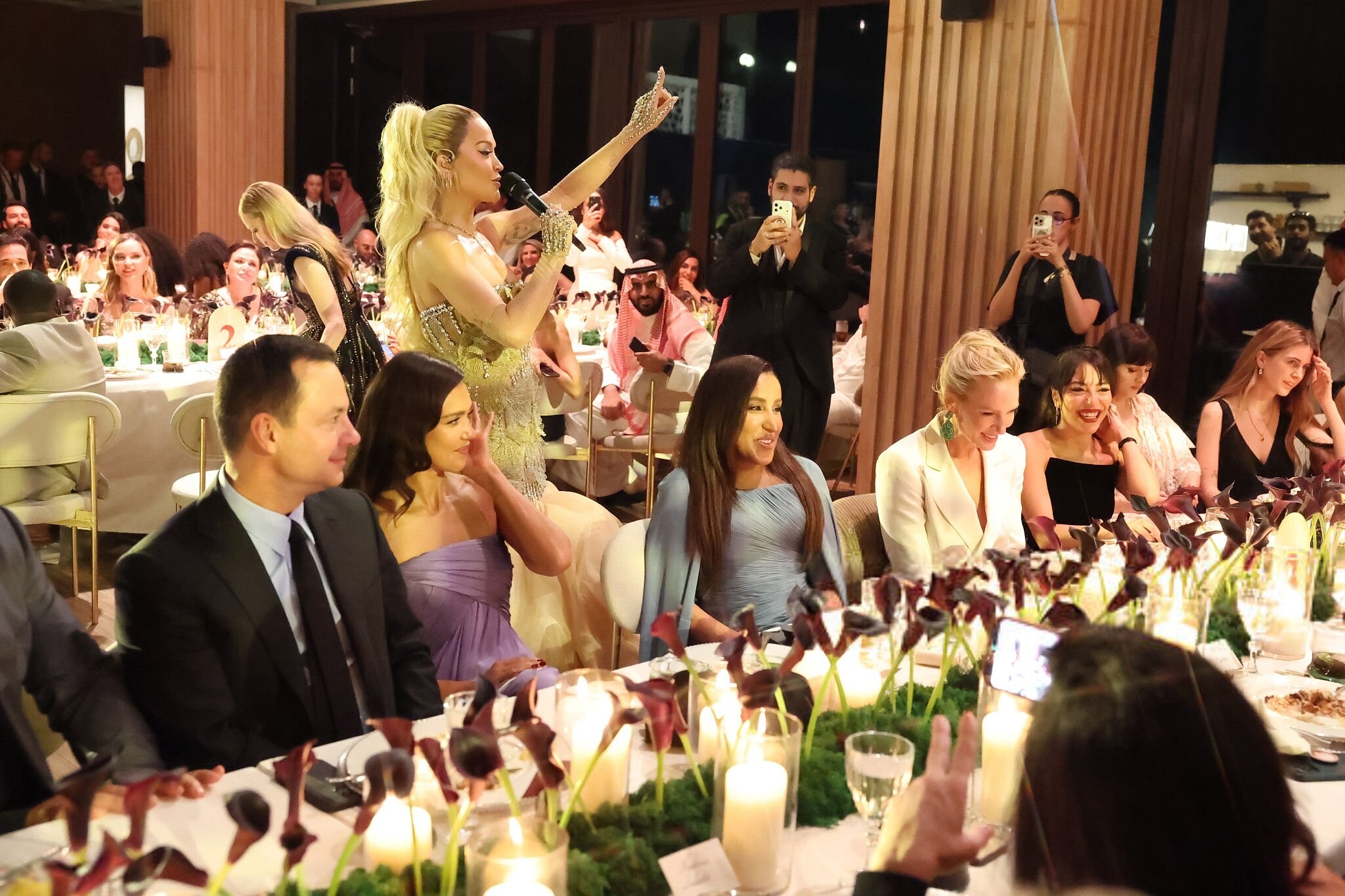
 attends Women in Cinema event during Red Sea International Film Festival - Jeddah, Saudi Arabia - December 5, 2025 joe d at picturepub










































 attends Opening Night for "Giant" at the Red Sea International Film Festival 2025 in Jeddah, Saudi Arabia - 4th Dec 2025 joe d at picturepub




































































- Today
attends Women in Cinema event during Red Sea International Film Festival - Jeddah, Saudi Arabia - December 5, 2025 joe d at picturepub























































 pantxo joined the community
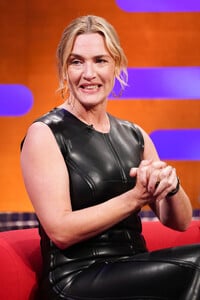
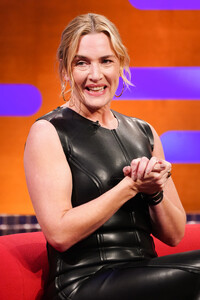
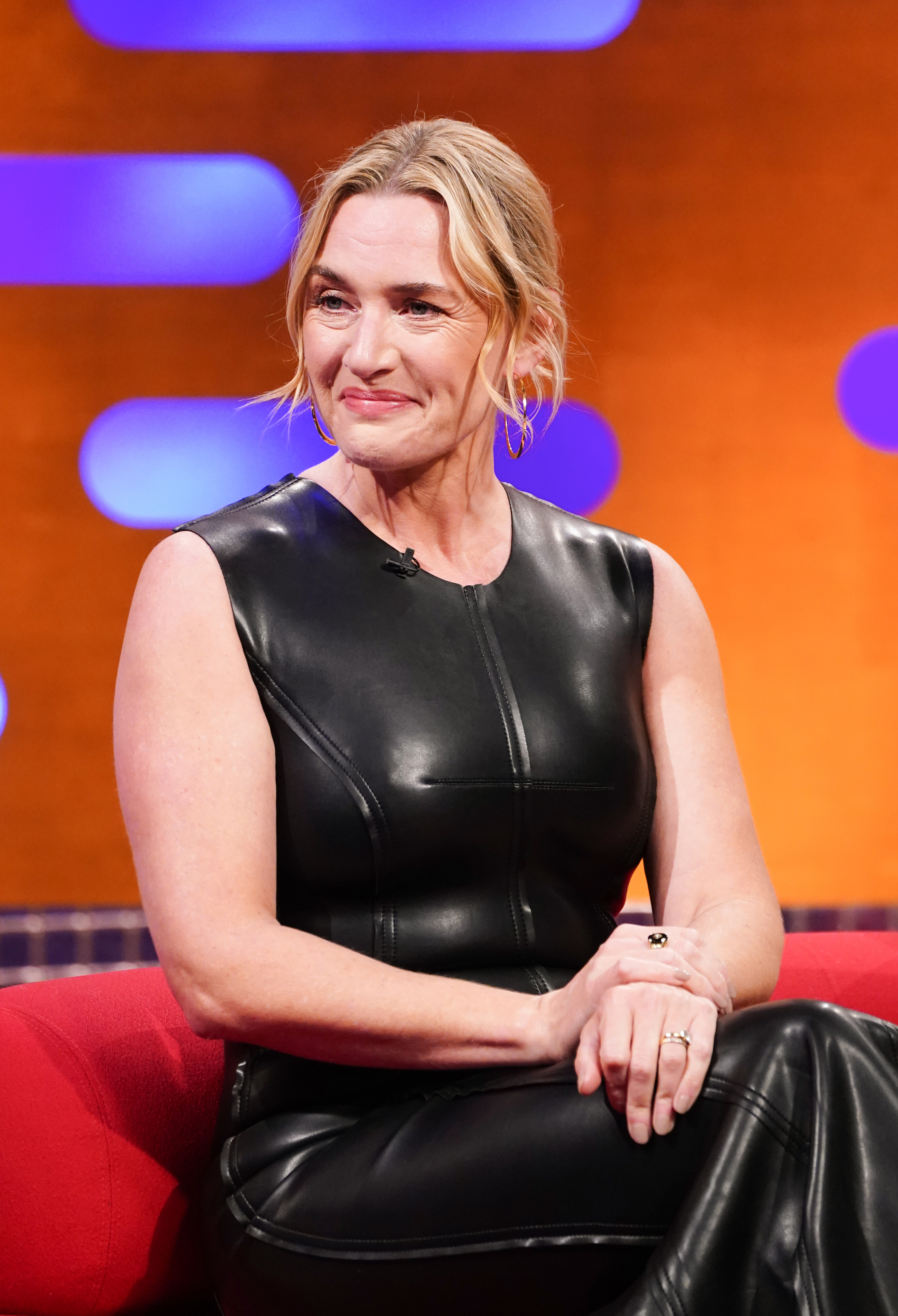
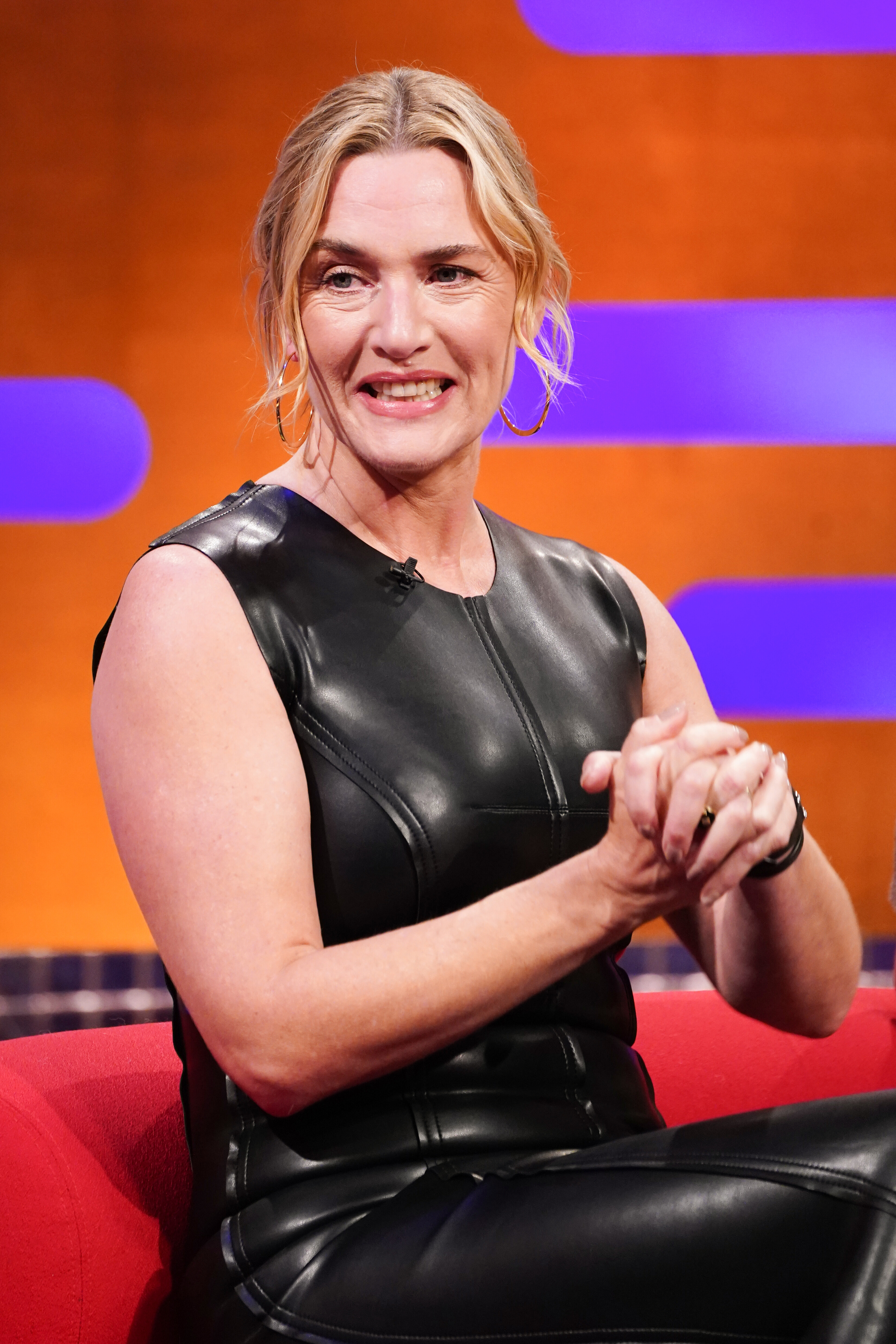
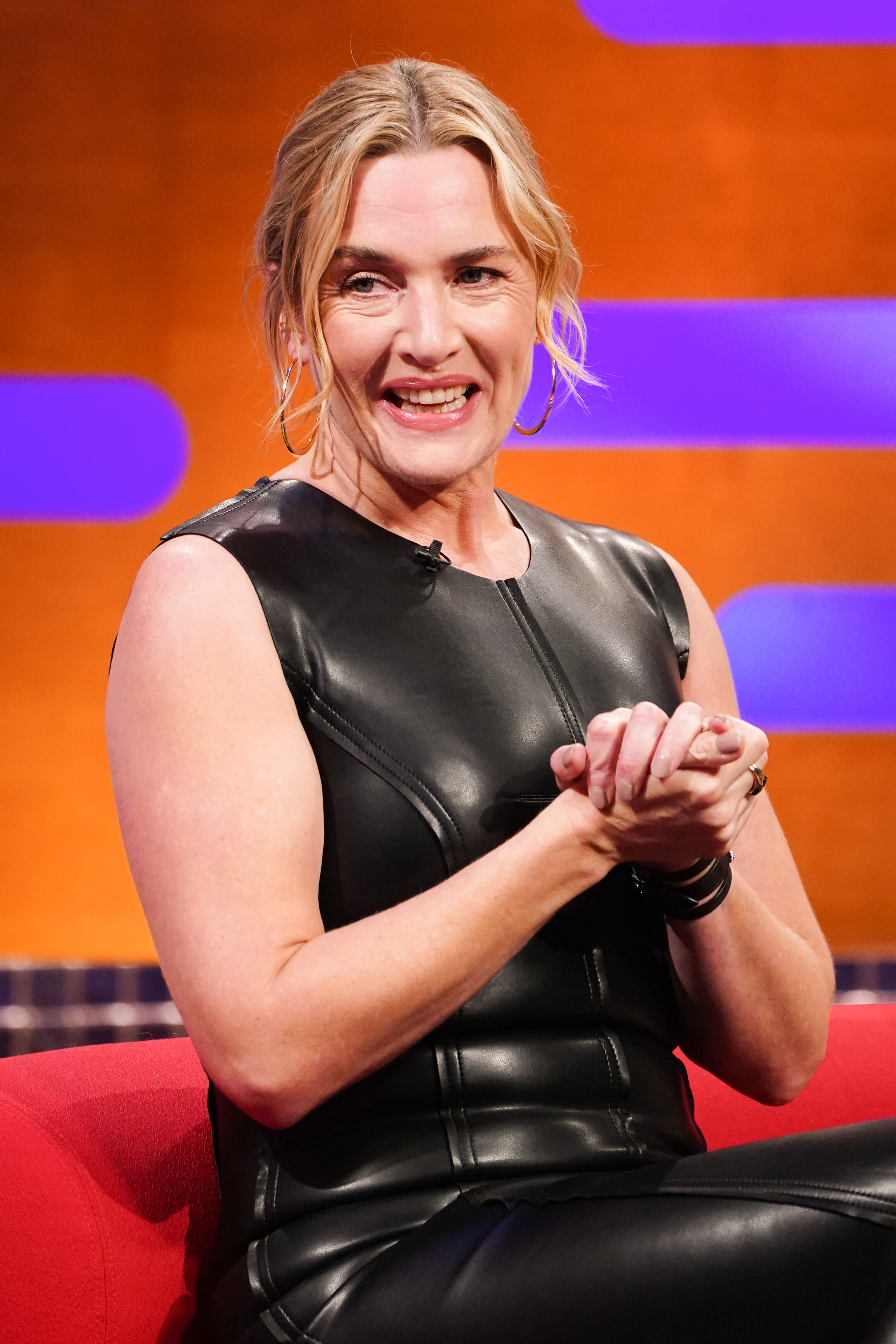
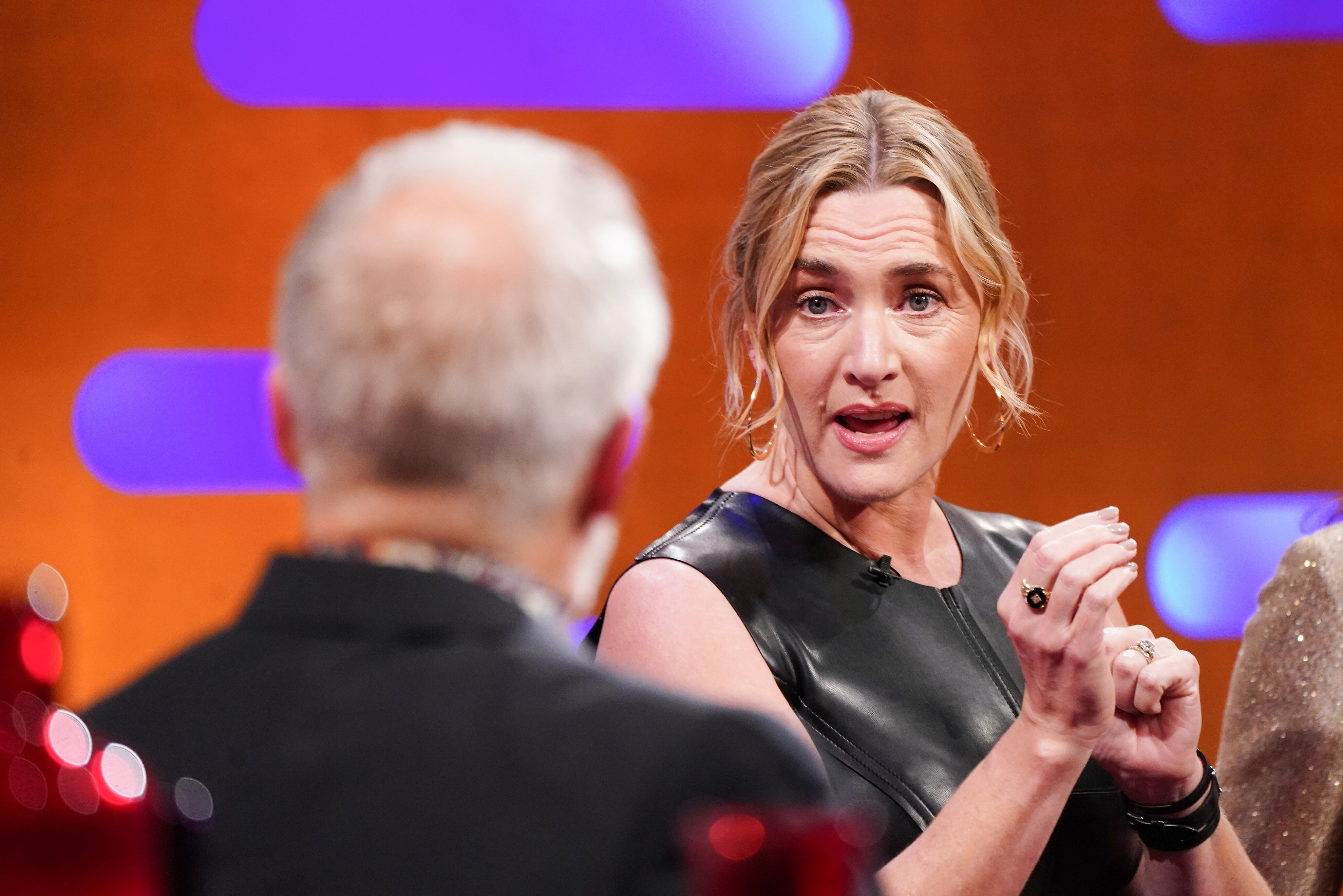
at the Graham Norton Show in London 12/04/2025 pool21 at picturepub
pantxo joined the community
at the Graham Norton Show in London 12/04/2025 pool21 at picturepub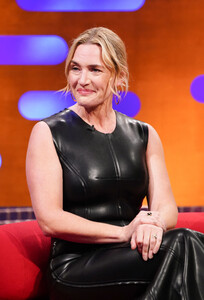








































































































































































































































































































Account
Search
Configure browser push notifications
Chrome (Android)
- Tap the lock icon next to the address bar.
- Tap Permissions → Notifications.
- Adjust your preference.
Chrome (Desktop)
- Click the padlock icon in the address bar.
- Select Site settings.
- Find Notifications and adjust your preference.
Safari (iOS 16.4+)
- Ensure the site is installed via Add to Home Screen.
- Open Settings App → Notifications.
- Find your app name and adjust your preference.
Safari (macOS)
- Go to Safari → Preferences.
- Click the Websites tab.
- Select Notifications in the sidebar.
- Find this website and adjust your preference.
Edge (Android)
- Tap the lock icon next to the address bar.
- Tap Permissions.
- Find Notifications and adjust your preference.
Edge (Desktop)
- Click the padlock icon in the address bar.
- Click Permissions for this site.
- Find Notifications and adjust your preference.
Firefox (Android)
- Go to Settings → Site permissions.
- Tap Notifications.
- Find this site in the list and adjust your preference.
Firefox (Desktop)
- Open Firefox Settings.
- Search for Notifications.
- Find this site in the list and adjust your preference.