All Activity
- Past hour
-

-
 Lololol5404 joined the community
 -

-
 Bulgaria
-
-
 Nice. Will you add the others also or?
 -
 She will walk again Kilian Kerner …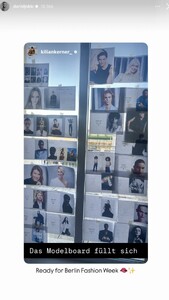
-

-
 Sure can. Send them over discord.
 -
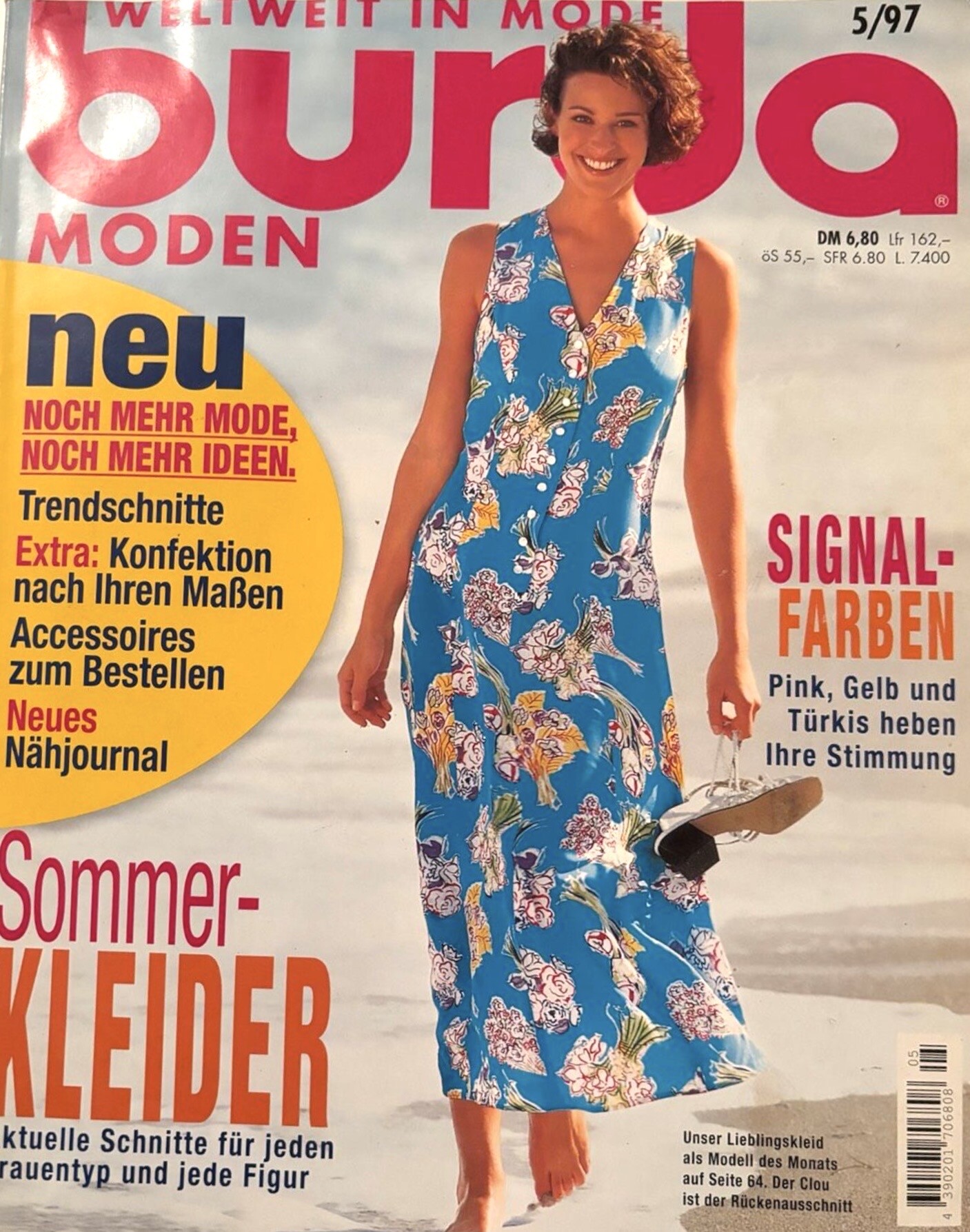
BURDA PLUS Germany No.2 1997 - photo unknown eBay

-
 IG Ph: ??? SnapInsta.to_AQMAzNxdscA_HvwaPjBK5zD9rScs9DUsL7NXMfnhfFMSCBJbayobuU1TWfeeuCm3FVQzuR08Jw6zW1WSaQg_aCi-ZPkKRi2Z8wDOiqA.mp4





-
-
How would you prefer Russia and Turkey to be classified? Both countries span Europe and Asia, but most of the models I checked were born on the European side. I can place them in either region depending on what works best for the team structure.
 lemeuriceparis posts 2026-01-21 18.21 DTx-etdDHia_1_1 AQMYI_ObSyqlfzLCCFJPMMsA0WixrdH4DdU7EfFDE3iOSOKUQXdKN4C5qEnZ1n2aGU4Hw9BEJQ5oQekGdFzjswQK.mp4















_01.jpg.981b1c32f92770f3488781bc56b07bbd.jpg)
_02.jpg.b00a579791fb32246e1d825dcb603fe5.jpg)

_05.jpg.31dfa8f122c41cc987dfbec150122c3f.jpg)

_08.jpg.6d5c9629e2721591c75d68cdbc58b299.jpg)




_30.jpg.6ad22daede7308385f9bb121e31c4141.jpg)


_61.jpg.e4d8829306c5d86a8d4fdaca40e19d72.jpg)


_64.jpg.e44e98302ecd6e87c380d0fcf239194f.jpg)
_66.jpg.37ff9b560daefc9154cb52897195ce8f.jpg)


_72.jpg.a843fdfa5b7754a1d8809028433ca214.jpg)
























Account
Search
Configure browser push notifications
Chrome (Android)
- Tap the lock icon next to the address bar.
- Tap Permissions → Notifications.
- Adjust your preference.
Chrome (Desktop)
- Click the padlock icon in the address bar.
- Select Site settings.
- Find Notifications and adjust your preference.
Safari (iOS 16.4+)
- Ensure the site is installed via Add to Home Screen.
- Open Settings App → Notifications.
- Find your app name and adjust your preference.
Safari (macOS)
- Go to Safari → Preferences.
- Click the Websites tab.
- Select Notifications in the sidebar.
- Find this website and adjust your preference.
Edge (Android)
- Tap the lock icon next to the address bar.
- Tap Permissions.
- Find Notifications and adjust your preference.
Edge (Desktop)
- Click the padlock icon in the address bar.
- Click Permissions for this site.
- Find Notifications and adjust your preference.
Firefox (Android)
- Go to Settings → Site permissions.
- Tap Notifications.
- Find this site in the list and adjust your preference.
Firefox (Desktop)
- Open Firefox Settings.
- Search for Notifications.
- Find this site in the list and adjust your preference.