All Activity
- Past hour
-
 Yes she speaks serbian. She often travels to Serbia, her Grandma ans some outher family members still live there,🙂
 -

-
-
-
-
-
-
-
 Thank you for posting!!!
 -

-
 Jump to content Pringles U.S.
 -
-
Ph : Esa Lilly 08-esalilly_photo-20250528_214832-2486727656.mp4
-
-
-
QUE Models - portfolio
















-
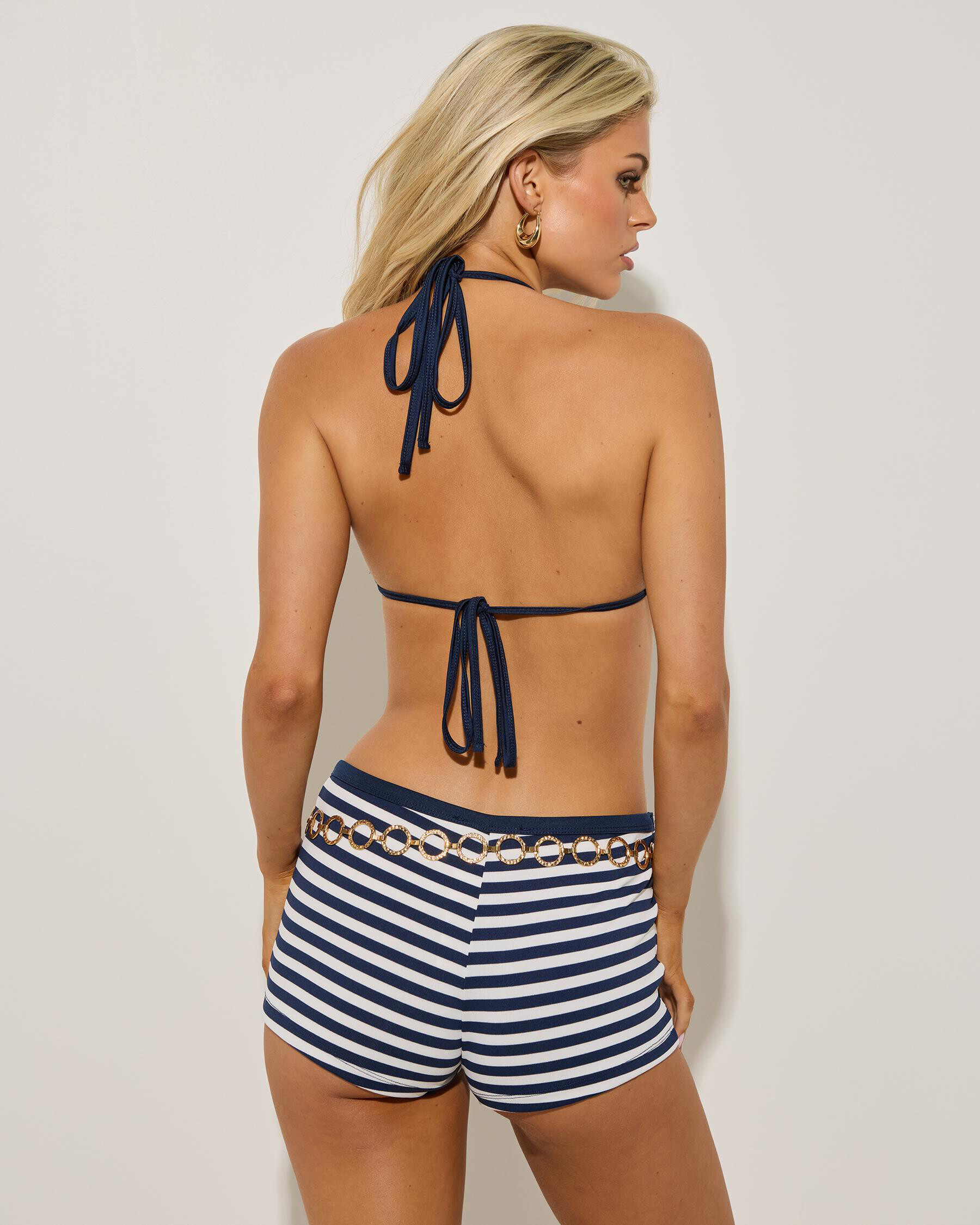
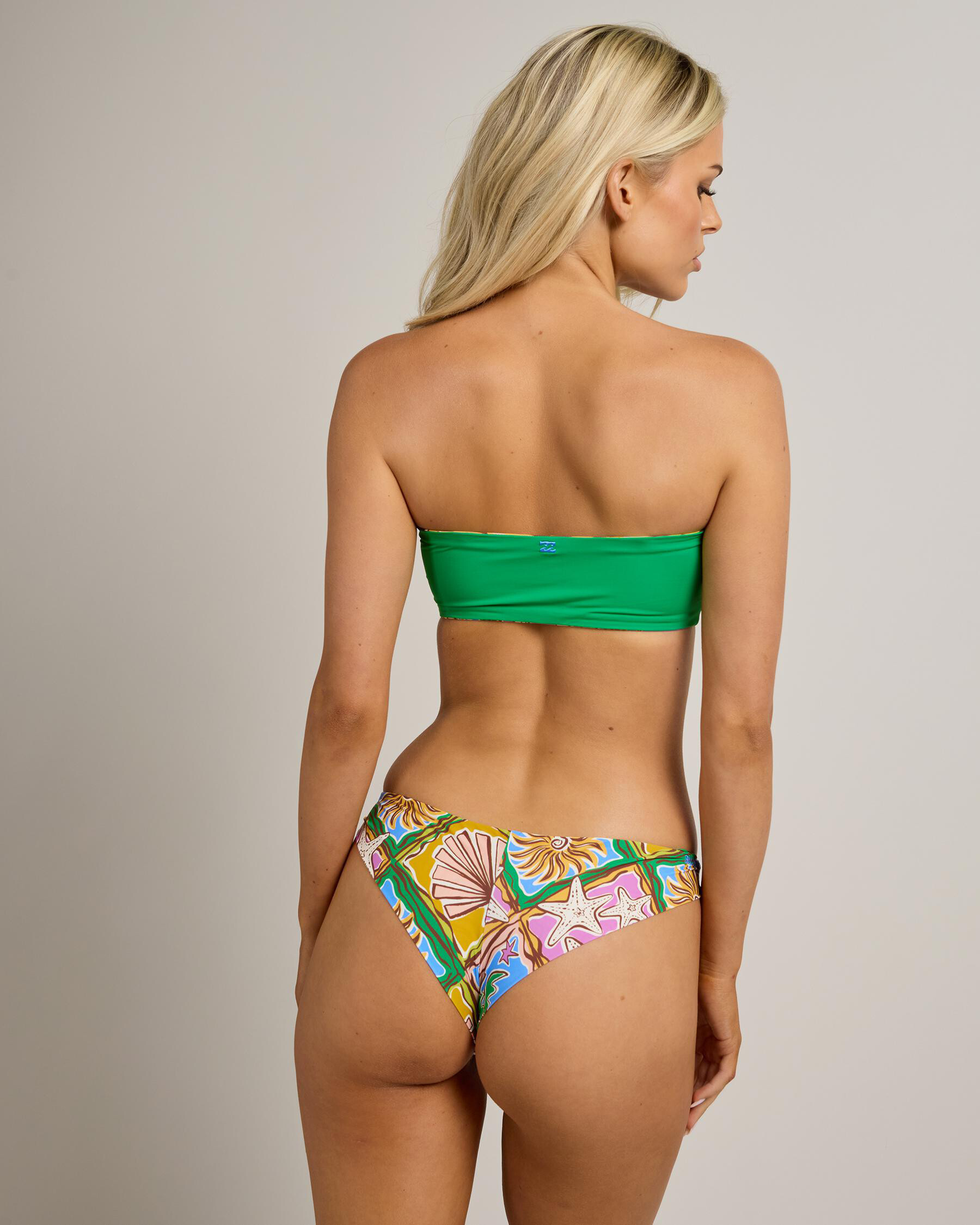
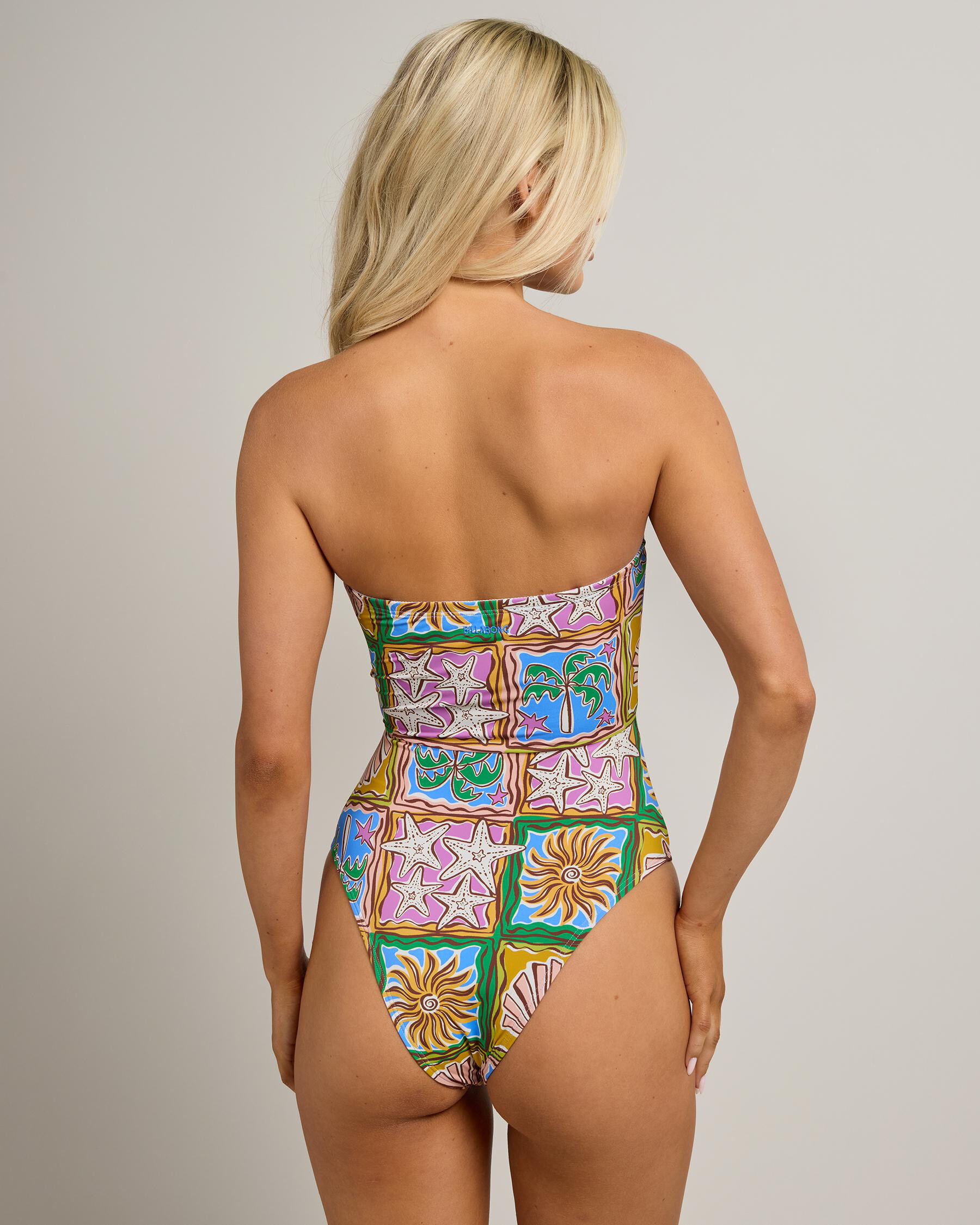
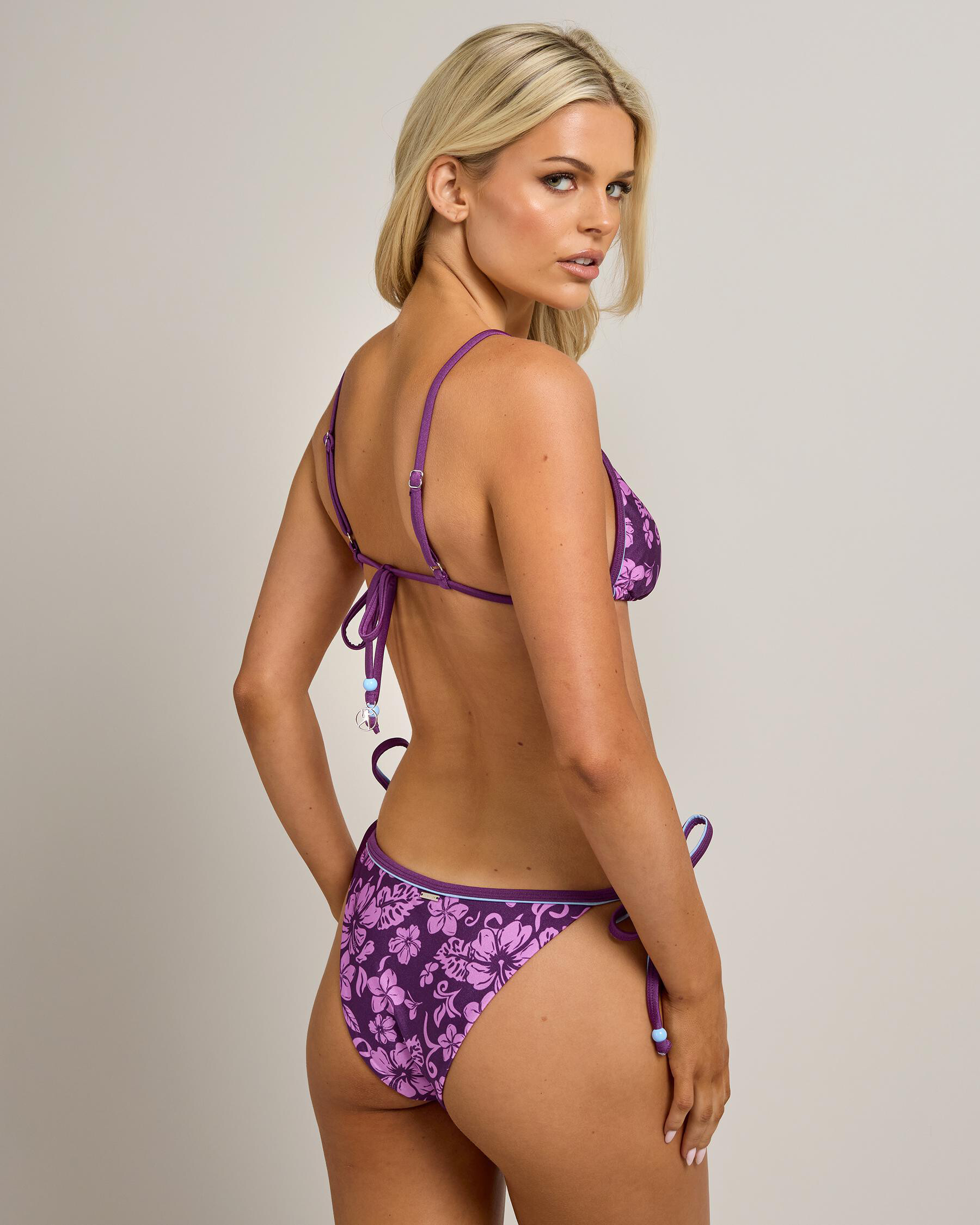
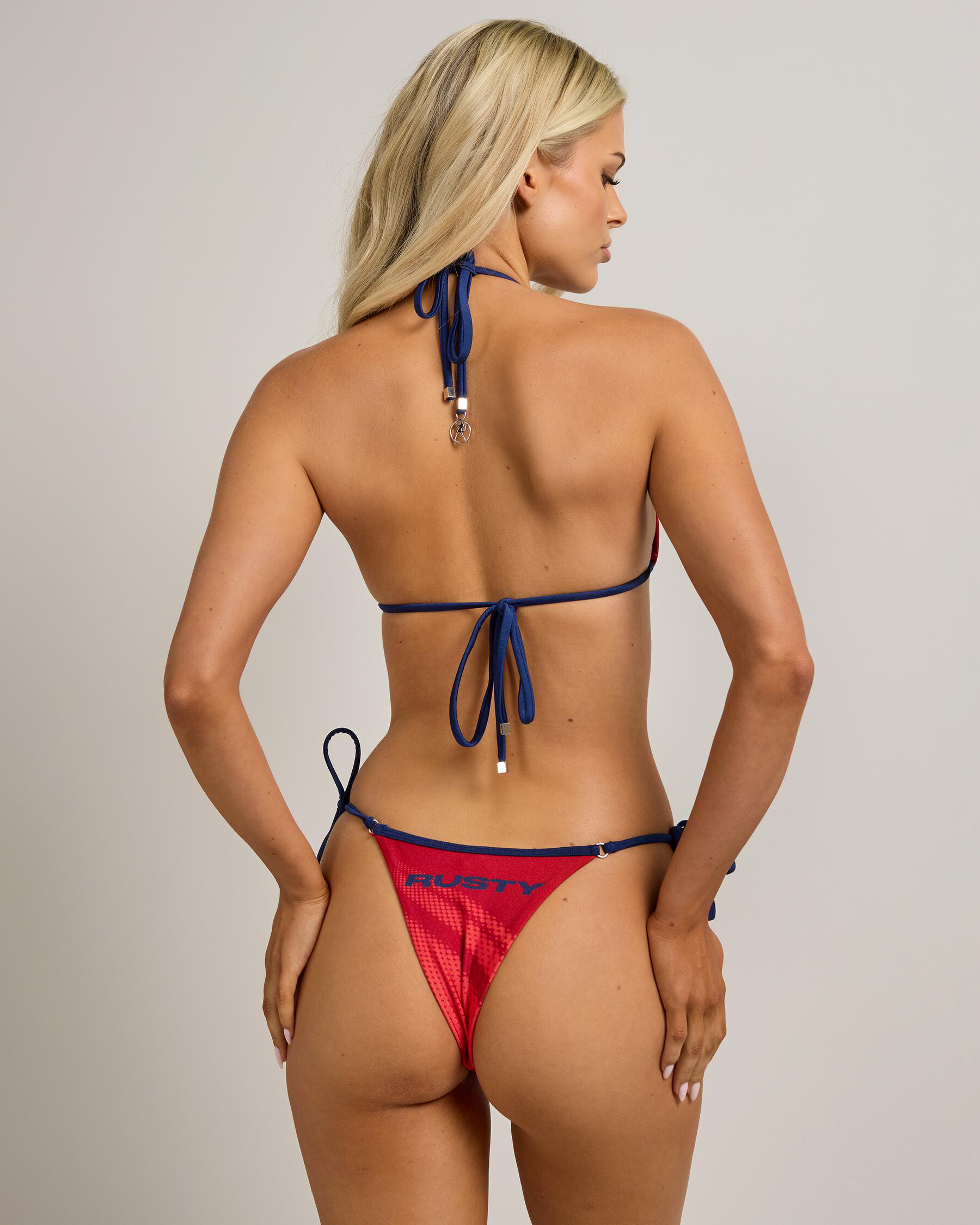
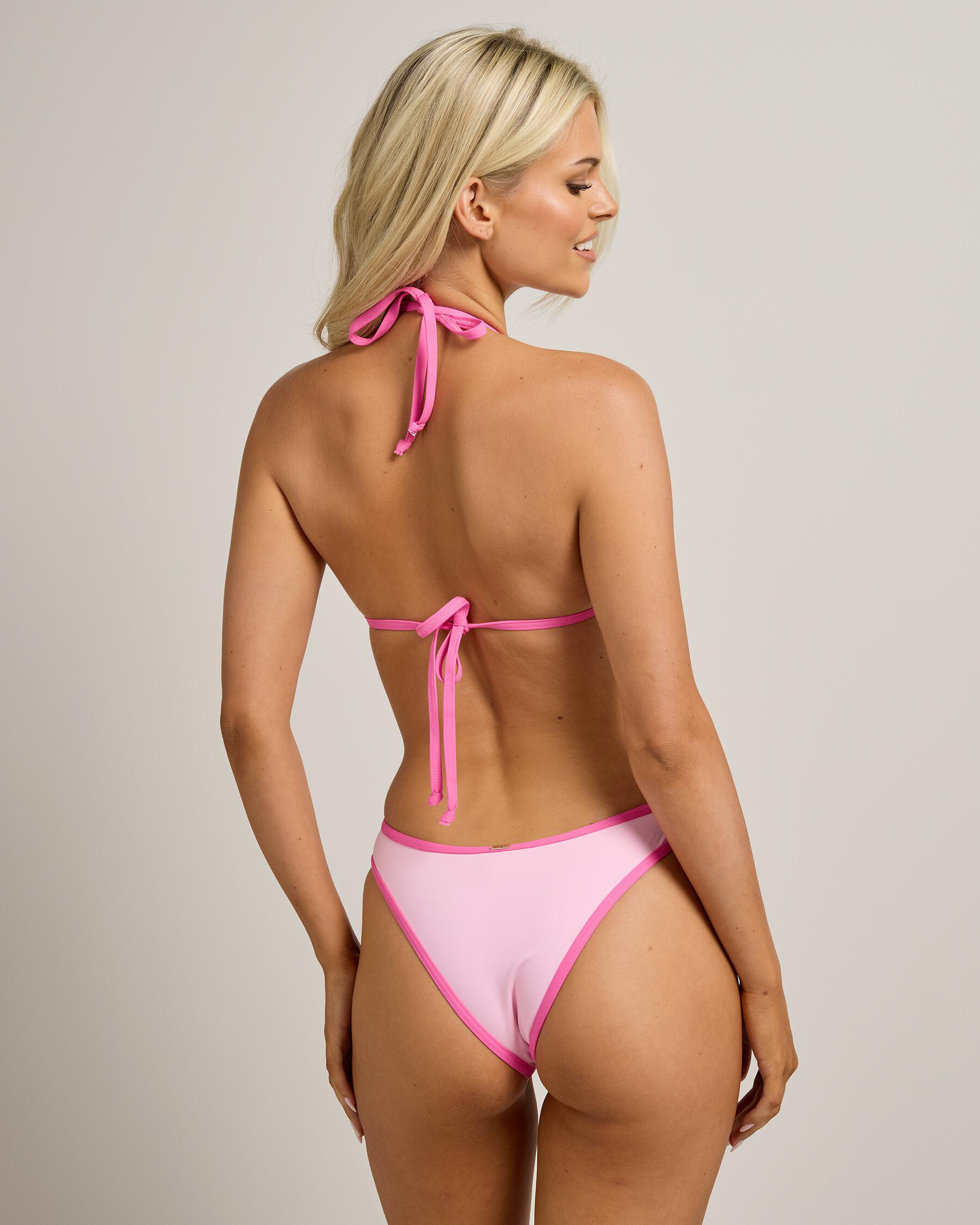
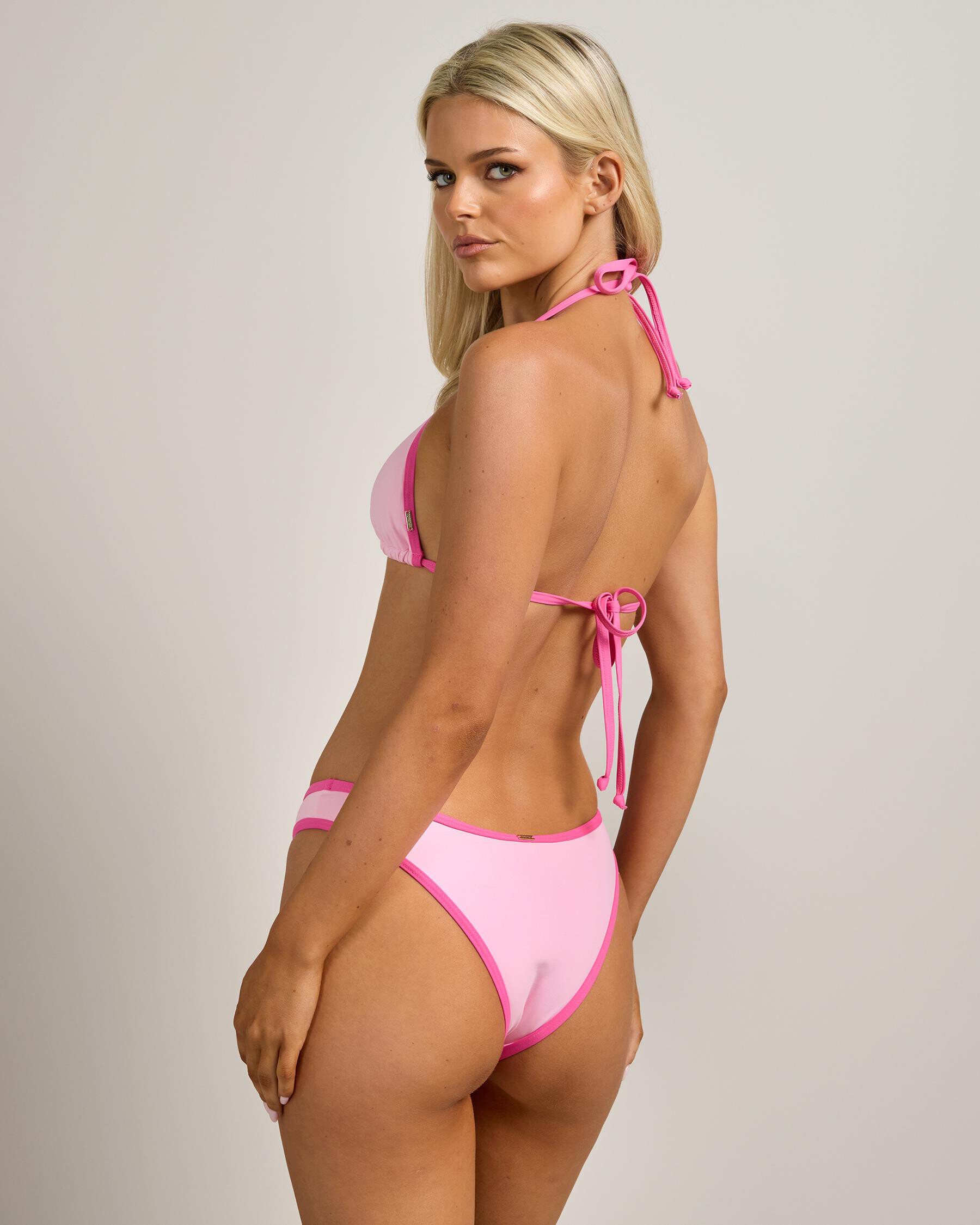
Milla Cox Height : 5’-5.5″ - 1,67m Eyes : Green Hair : Blond https://www.instagram.com/milla.cox/ https://www.tiktok.com/@milla.cox QUE Models

-
-
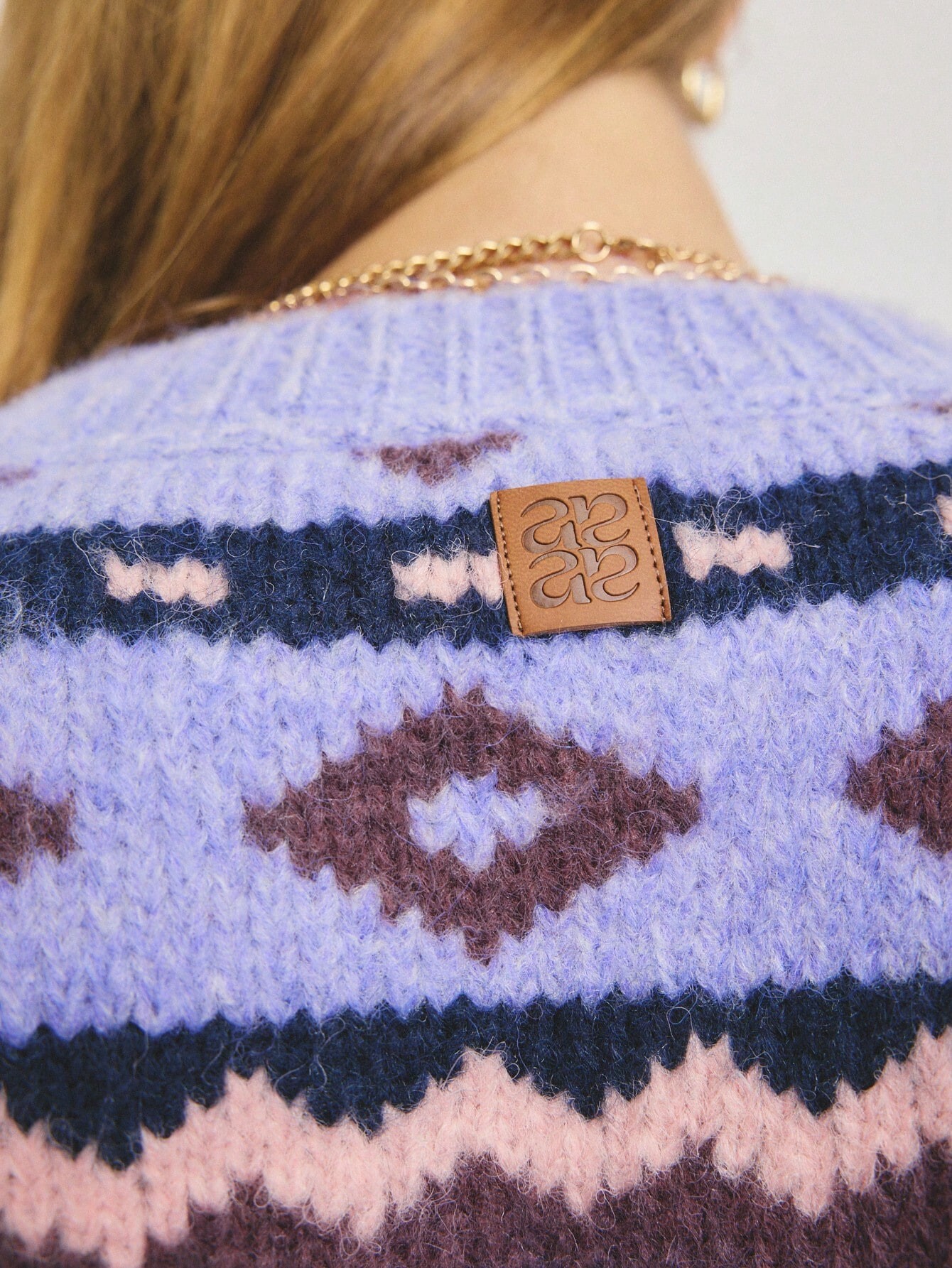
 Aralina Vintage Geometric Knit Crew Neck Long Sleeve Cozy Winter Outfits For Women Casual Sweater Top







-
Aralina Women's Casual Elegant Chic Polo Knit Top And Pleated Knit Mini Skirt Set Perfect For Christmas Party Outfits And Party Season And New Years Party Outfits









-

 ^ Why she have so pale colors tattoos on the collarbones?It's like they've been deleted
 ,
,































































































































































































































































Account
Search
Configure browser push notifications
Chrome (Android)
- Tap the lock icon next to the address bar.
- Tap Permissions → Notifications.
- Adjust your preference.
Chrome (Desktop)
- Click the padlock icon in the address bar.
- Select Site settings.
- Find Notifications and adjust your preference.
Safari (iOS 16.4+)
- Ensure the site is installed via Add to Home Screen.
- Open Settings App → Notifications.
- Find your app name and adjust your preference.
Safari (macOS)
- Go to Safari → Preferences.
- Click the Websites tab.
- Select Notifications in the sidebar.
- Find this website and adjust your preference.
Edge (Android)
- Tap the lock icon next to the address bar.
- Tap Permissions.
- Find Notifications and adjust your preference.
Edge (Desktop)
- Click the padlock icon in the address bar.
- Click Permissions for this site.
- Find Notifications and adjust your preference.
Firefox (Android)
- Go to Settings → Site permissions.
- Tap Notifications.
- Find this site in the list and adjust your preference.
Firefox (Desktop)
- Open Firefox Settings.
- Search for Notifications.
- Find this site in the list and adjust your preference.