All Activity
- Past hour
-

 Sandra Nina Juliana Tyler Kushi Zhenya Neta Elsa
 Perfection 😍😅🤤
 A very recent 4k interview with Hayley at the Art Basel shows. I dislike the background paintings, what what is happening in the foreground I feel the inverse about. Hayley looks about 70% of the way through the tattoo removal process. I know, this thread needs more still images and less videos.
 Just now? 🤣
https://variety.com/2025/film/news/colin-farrell-jessie-buckley-hamnet-addiction-1236603796/
Just now? 🤣
https://variety.com/2025/film/news/colin-farrell-jessie-buckley-hamnet-addiction-1236603796/- Today
https://dujour.com/culture/laura-dern/
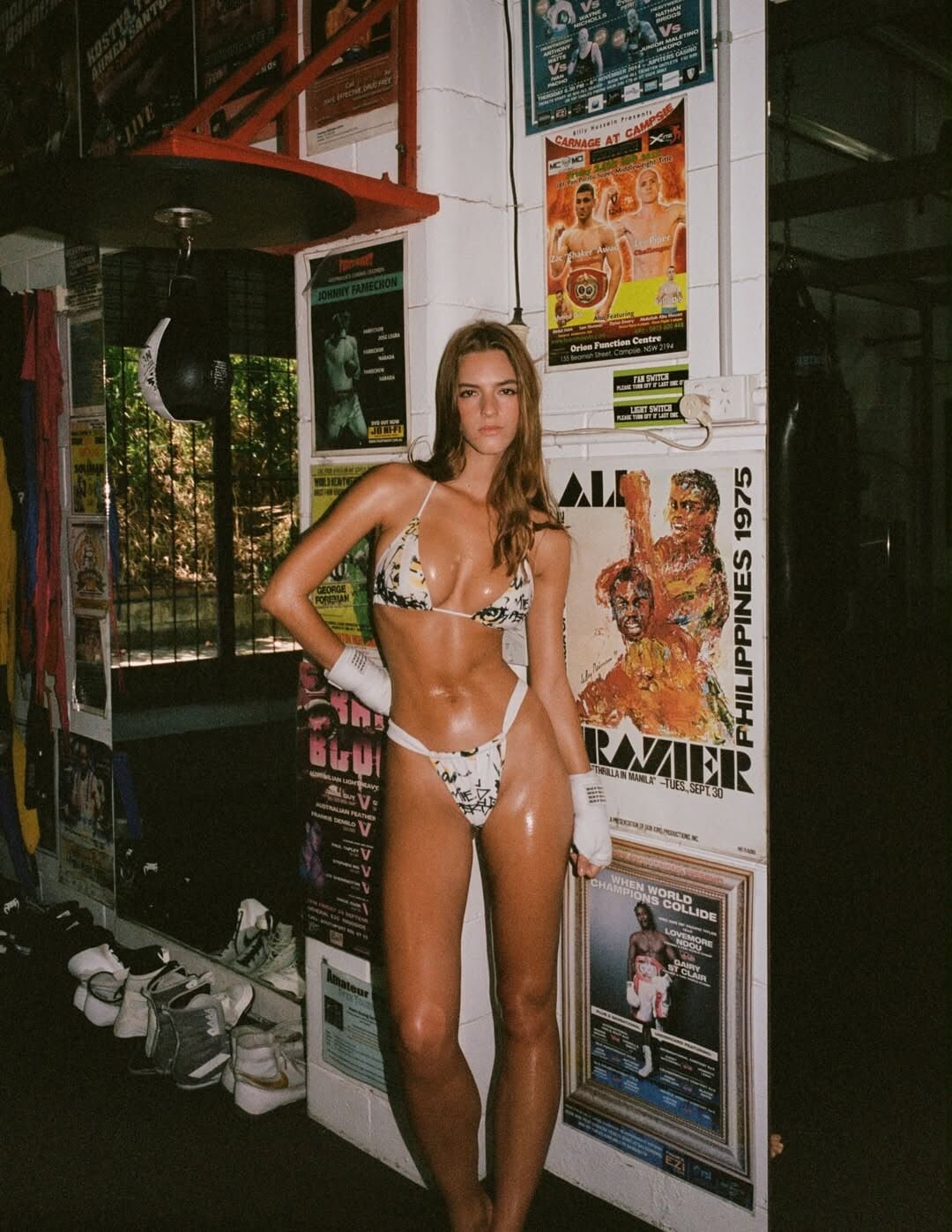
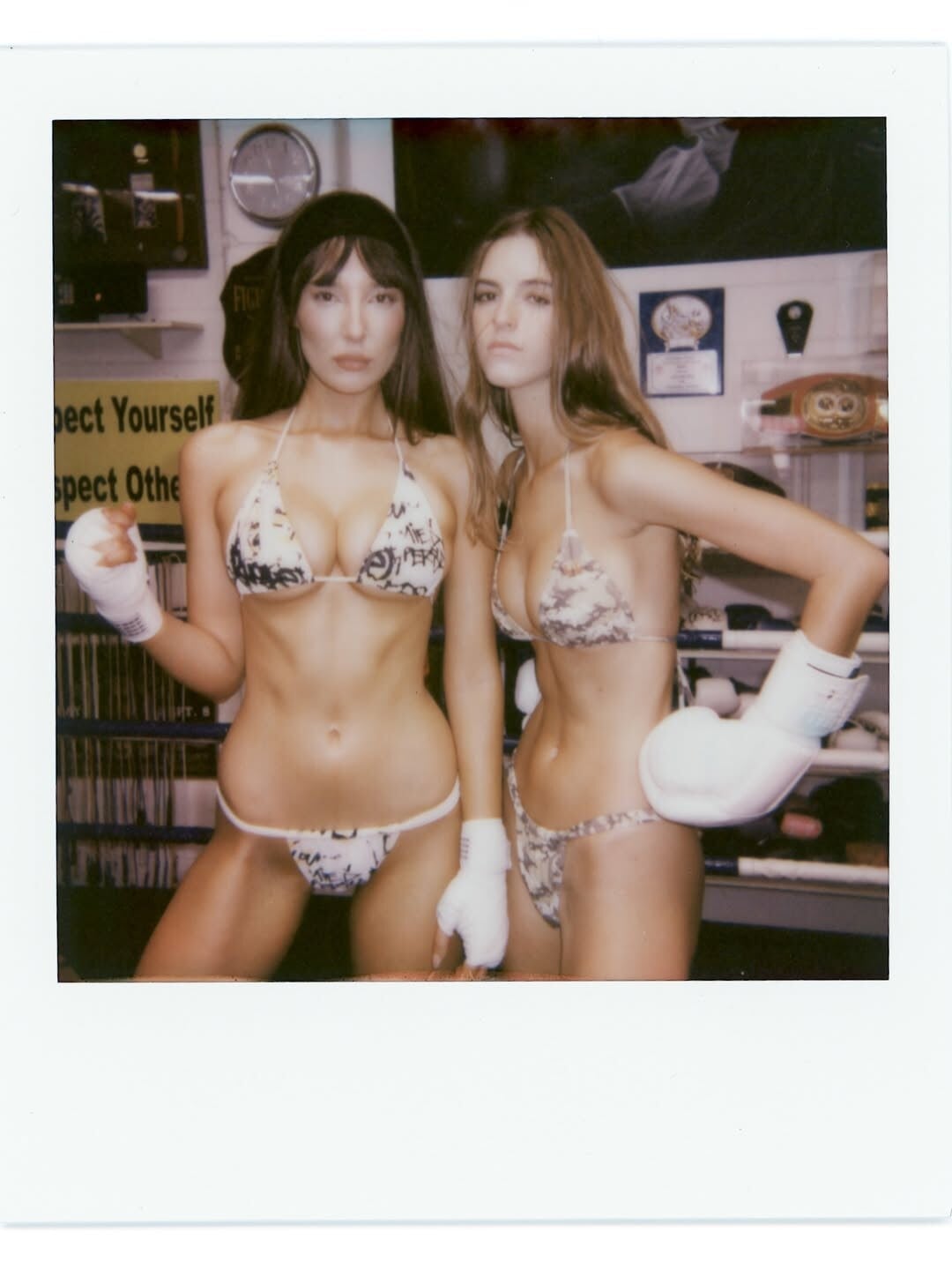
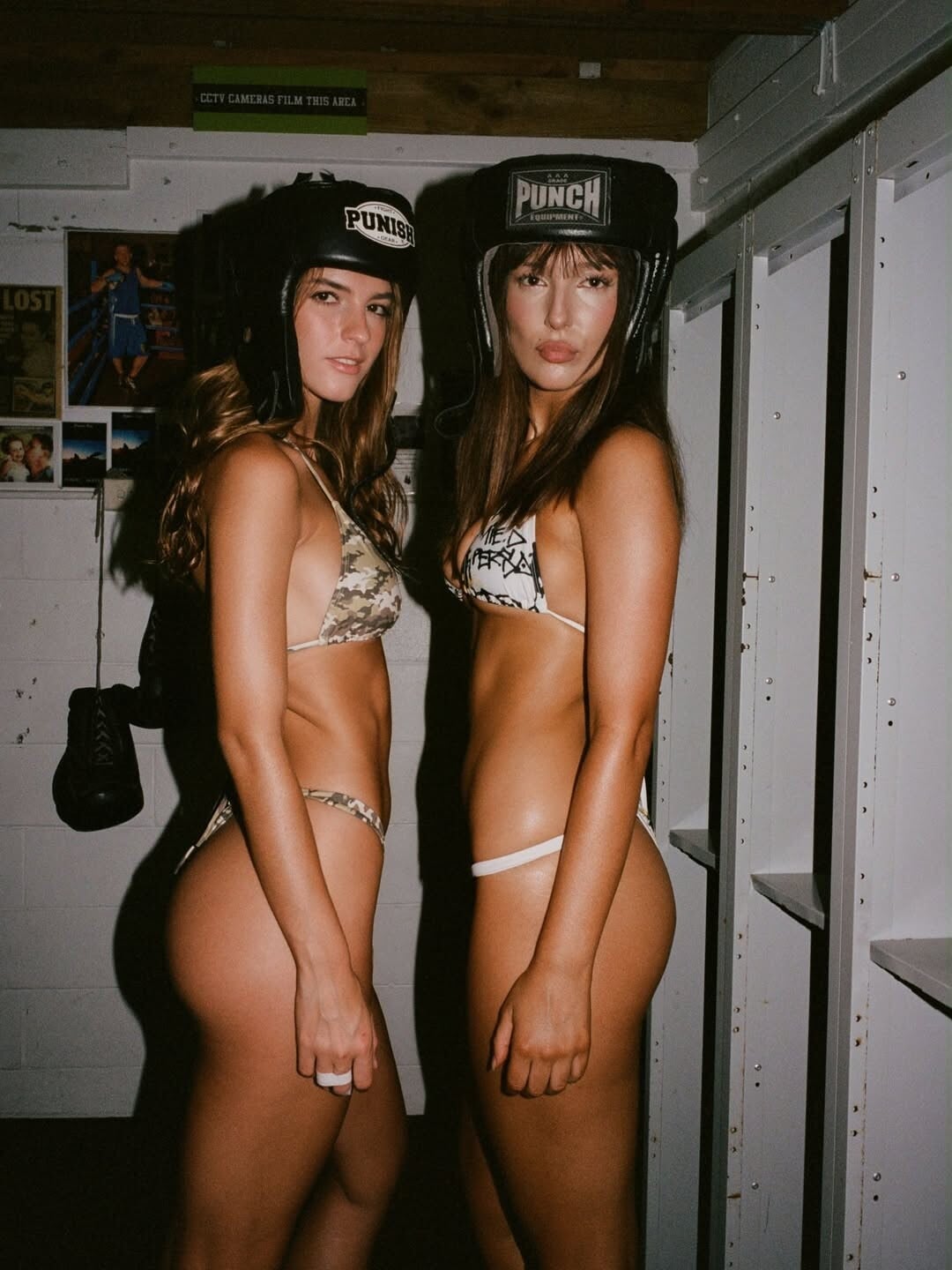
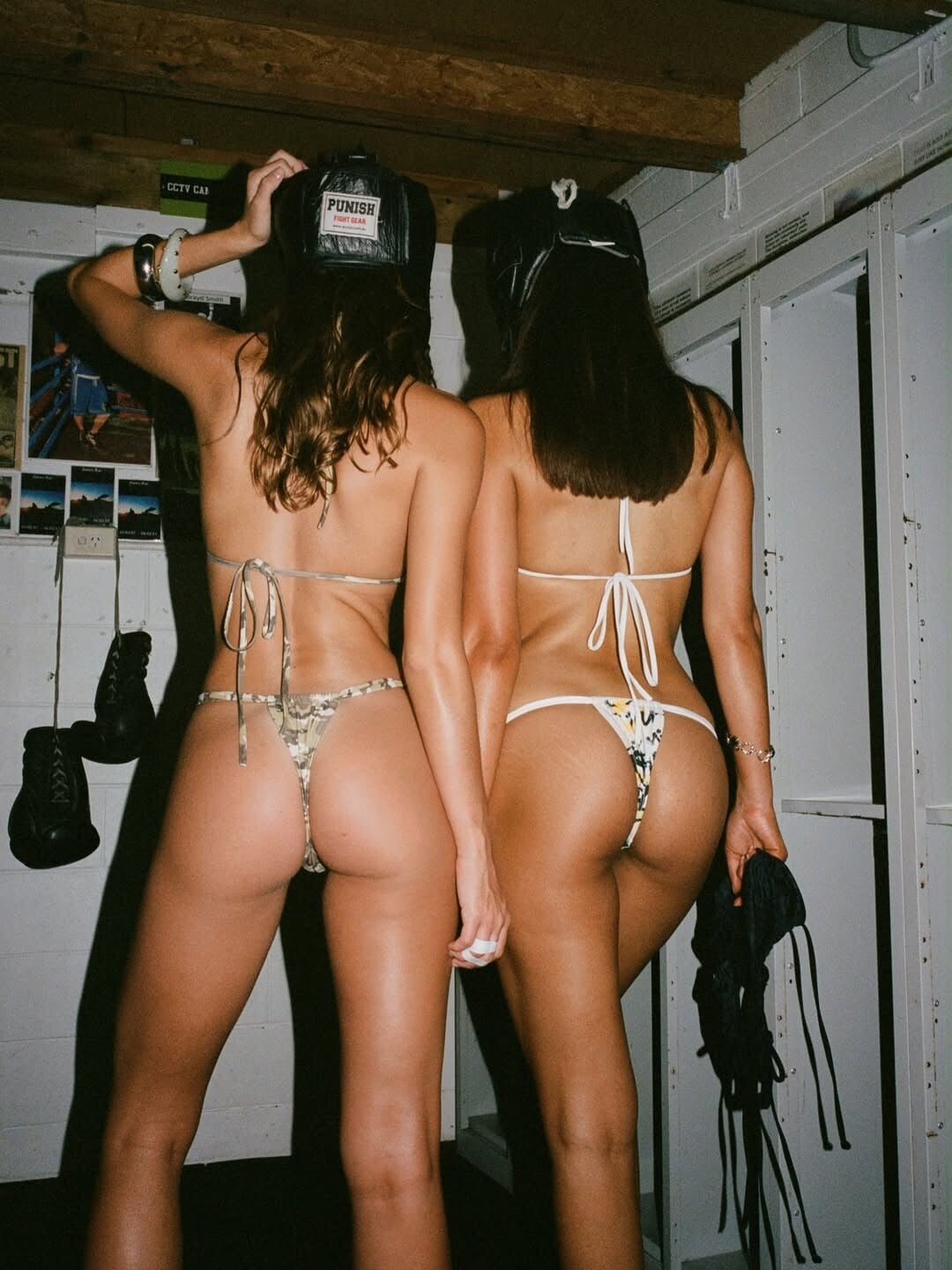
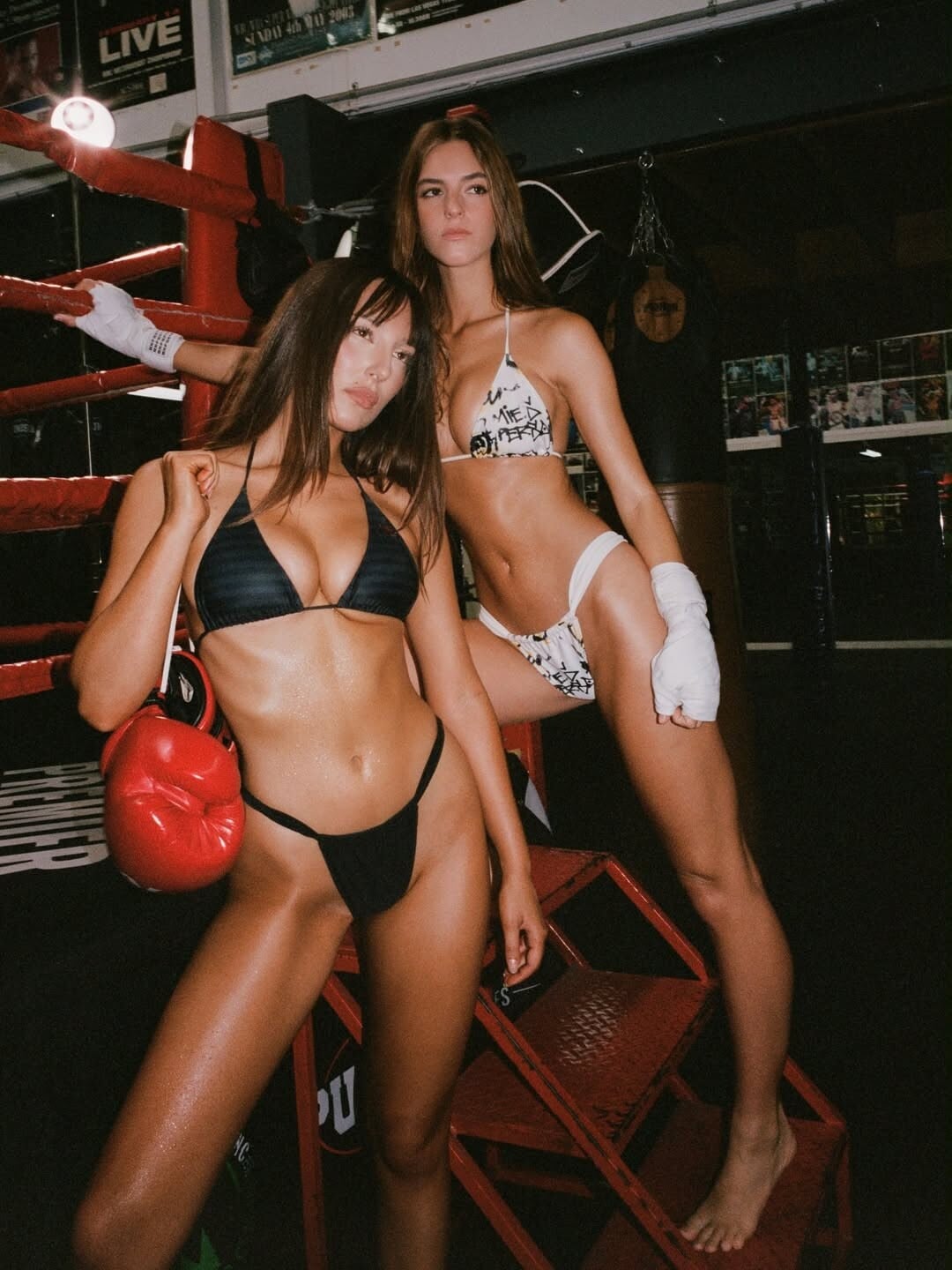
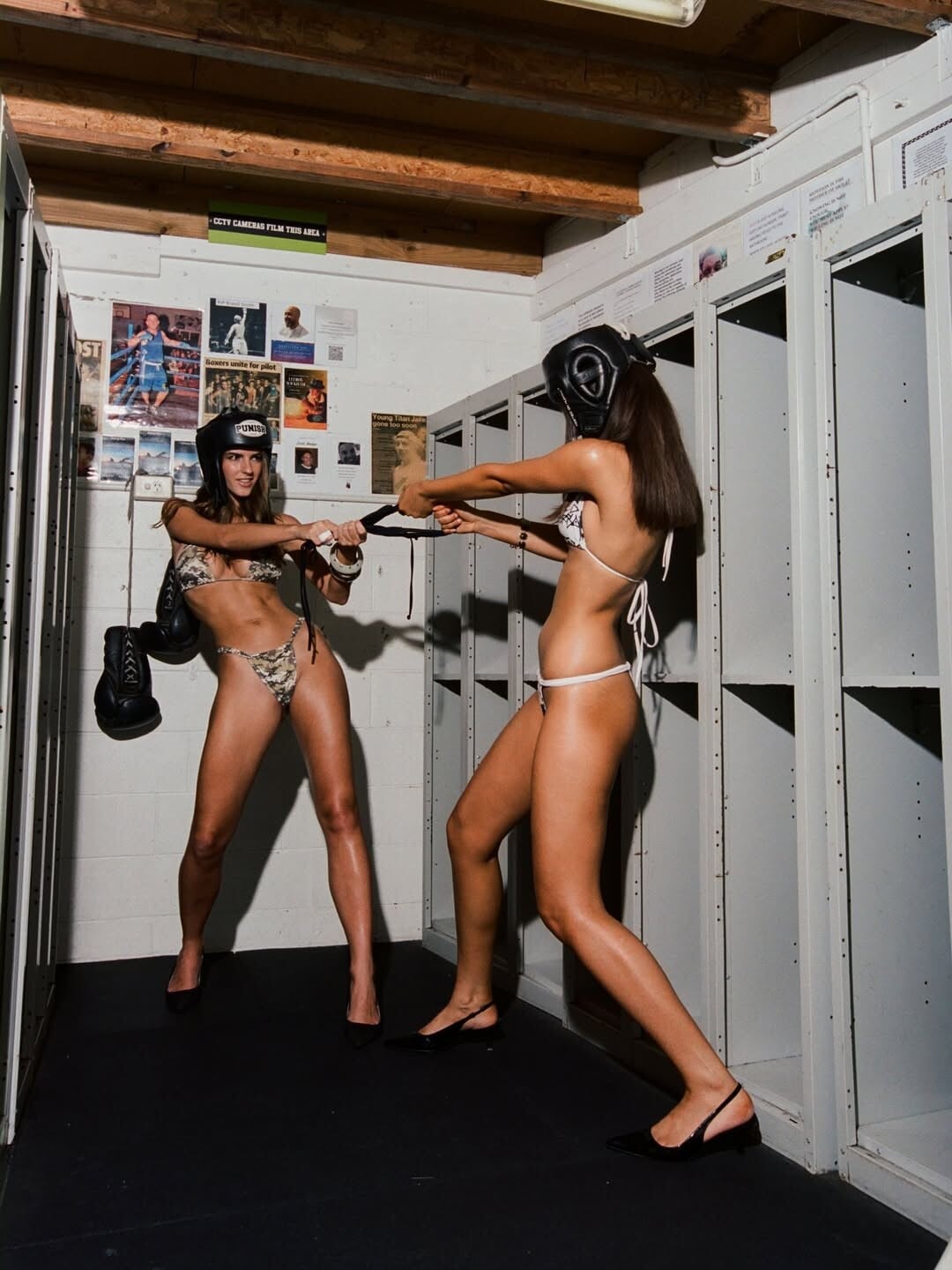
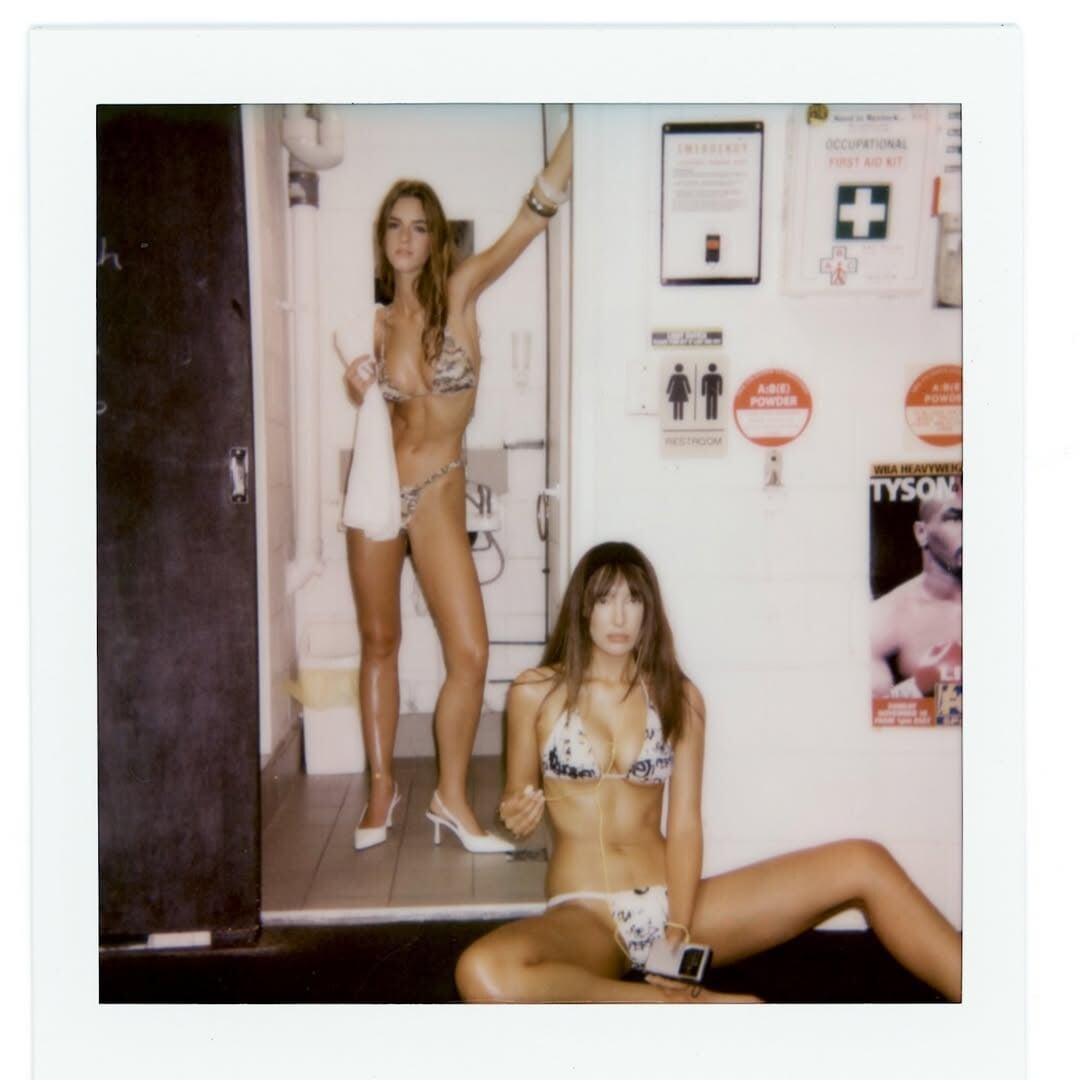
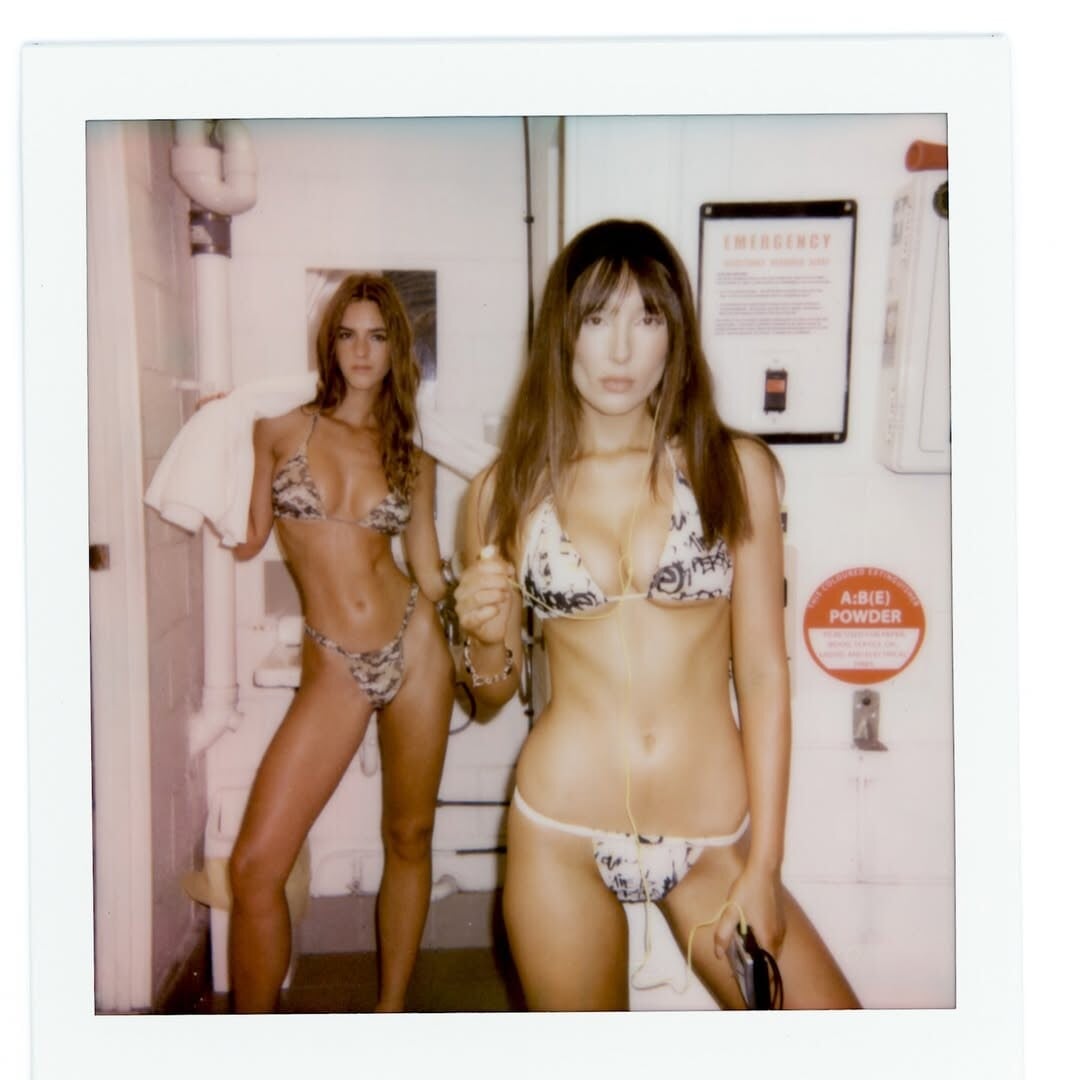
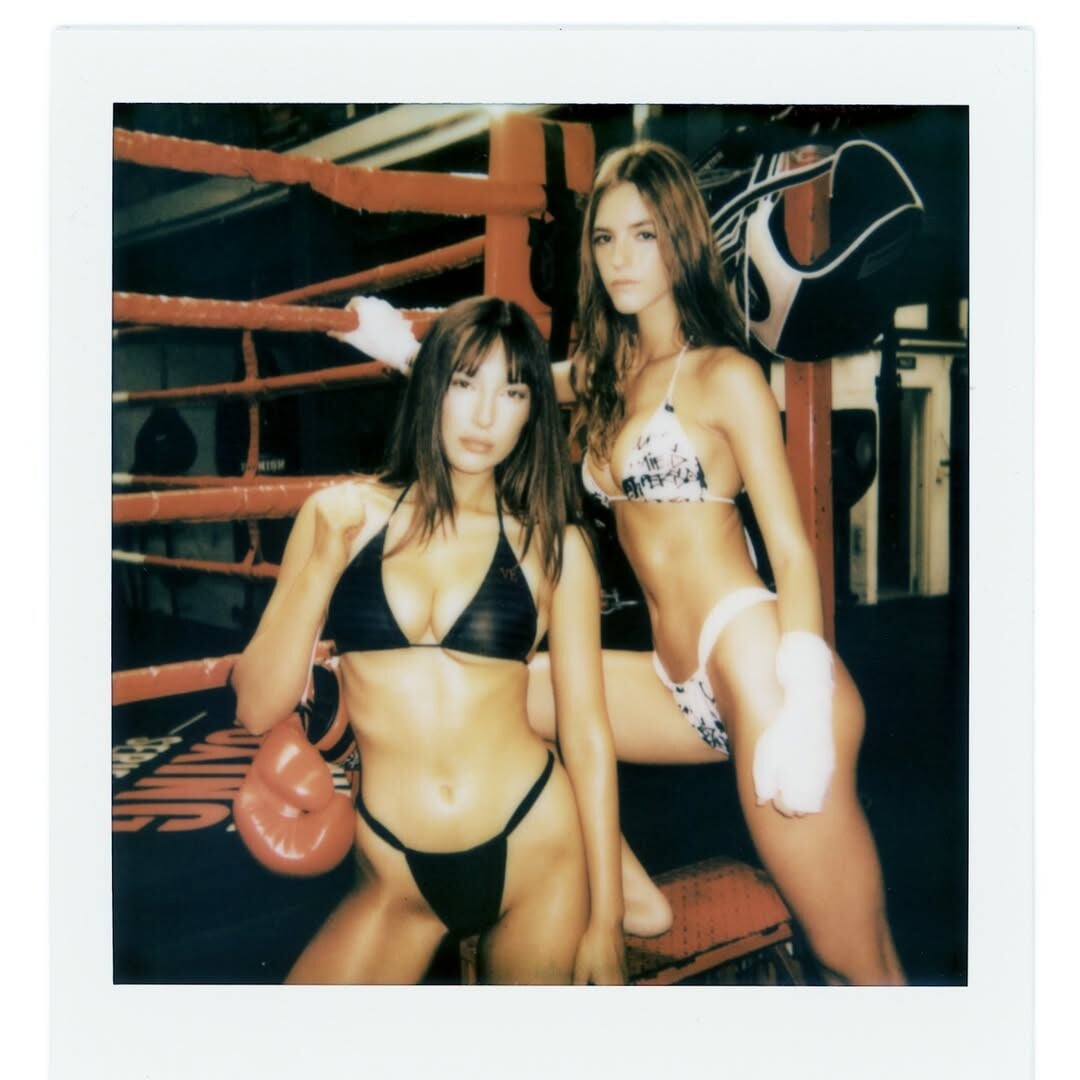
Whitney Peak | It's Surreal, It’s EntertainingVia Issue 201, Get in the Ring ^did you like it? @Matt!
I liked their chemistry in PLL.
^did you like it? @Matt!
I liked their chemistry in PLL.
Account
Search
Configure browser push notifications
Chrome (Android)
- Tap the lock icon next to the address bar.
- Tap Permissions → Notifications.
- Adjust your preference.
Chrome (Desktop)
- Click the padlock icon in the address bar.
- Select Site settings.
- Find Notifications and adjust your preference.
Safari (iOS 16.4+)
- Ensure the site is installed via Add to Home Screen.
- Open Settings App → Notifications.
- Find your app name and adjust your preference.
Safari (macOS)
- Go to Safari → Preferences.
- Click the Websites tab.
- Select Notifications in the sidebar.
- Find this website and adjust your preference.
Edge (Android)
- Tap the lock icon next to the address bar.
- Tap Permissions.
- Find Notifications and adjust your preference.
Edge (Desktop)
- Click the padlock icon in the address bar.
- Click Permissions for this site.
- Find Notifications and adjust your preference.
Firefox (Android)
- Go to Settings → Site permissions.
- Tap Notifications.
- Find this site in the list and adjust your preference.
Firefox (Desktop)
- Open Firefox Settings.
- Search for Notifications.
- Find this site in the list and adjust your preference.
.jpg.3ab9c65a0c2d6af3899fa3fc77000fcf.jpg)
.jpg.0ea5bbc51f2e93265971e0bdb3619ecf.jpg)
.jpg.bbc70af1c5f965138f28375c7dd52239.jpg)