All Activity
- Past hour
-
 Videos AQONpzu4sfBnKiWqMAjgyFRp8r9Ium9-dj5wp8Rz3dd8VbXncr2q_s3e9dilGkgSTyMMPPHxqw7TlcgFZZH_uDCg2KXO36xdhXJnSR4.mp4


-

-
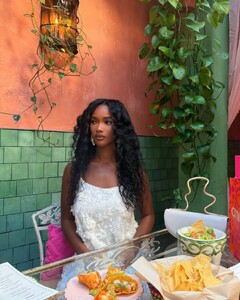
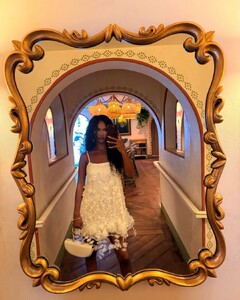
https://www.bellazon.com/main/topic/123832-ginevra-ferrettini/ @liliqouis_moon @tarsier41 @fakediorpurse
-
-
 https://www.munich-models.de/main/2477-fine-bauer/ https://www.instagram.com/fine.bauer/?hl=en
 -
-
https://www.womenmanagement.com/new-york/search/12617-emma-koch.web https://www.instagram.com/emmae.k/
So,this is Ginevra with Alina: https://www.bellazon.com/main/topic/123817-alina-tommassini/#findComment-6121549
https://www.elitemodels.com/new-york/elite/8552-lea-seelenmeyer https://www.instagram.com/leaseelenmeyer
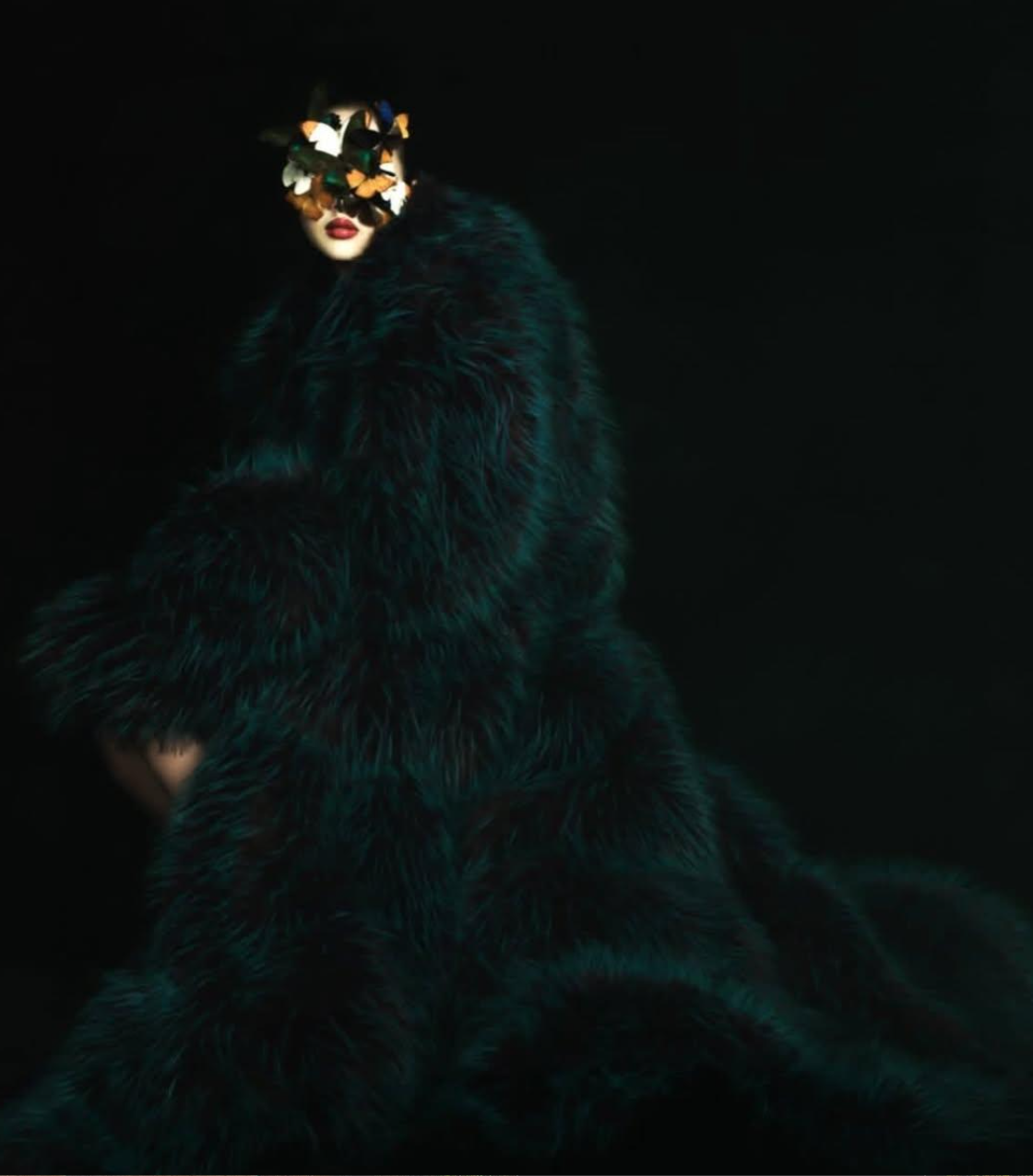
 Outtake W Magazine
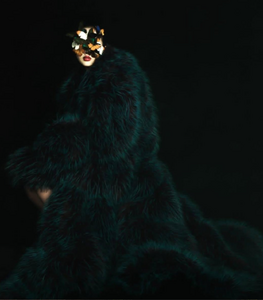 https://www.wallflowermanagement.com/models/women/75-rebecca-shugart https://www.musenyc.com/direct/rebecca-shugart
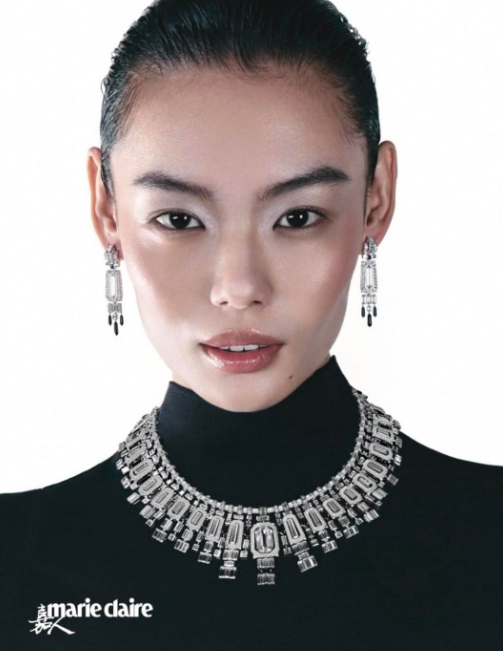
MARIE CLAIRE CHINA JAN 2026
https://www.wallflowermanagement.com/models/women/75-rebecca-shugart https://www.musenyc.com/direct/rebecca-shugart
MARIE CLAIRE CHINA JAN 2026
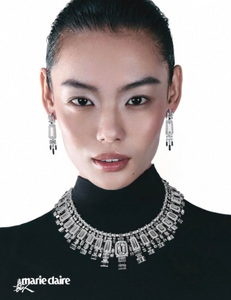 https://www.anotherspecies.com/women/85-ruxandra-petrescu/ https://www.instagram.com/ruxvndra
From her IG Hopefully the full shoot soon
https://www.anotherspecies.com/women/85-ruxandra-petrescu/ https://www.instagram.com/ruxvndra
From her IG Hopefully the full shoot soon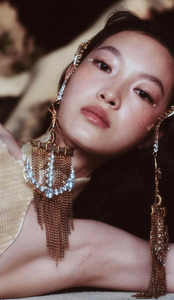 Allure Korea backstage
 Jonathan Anderson FW26
 Thank you
DAZED KOREA
Thank you
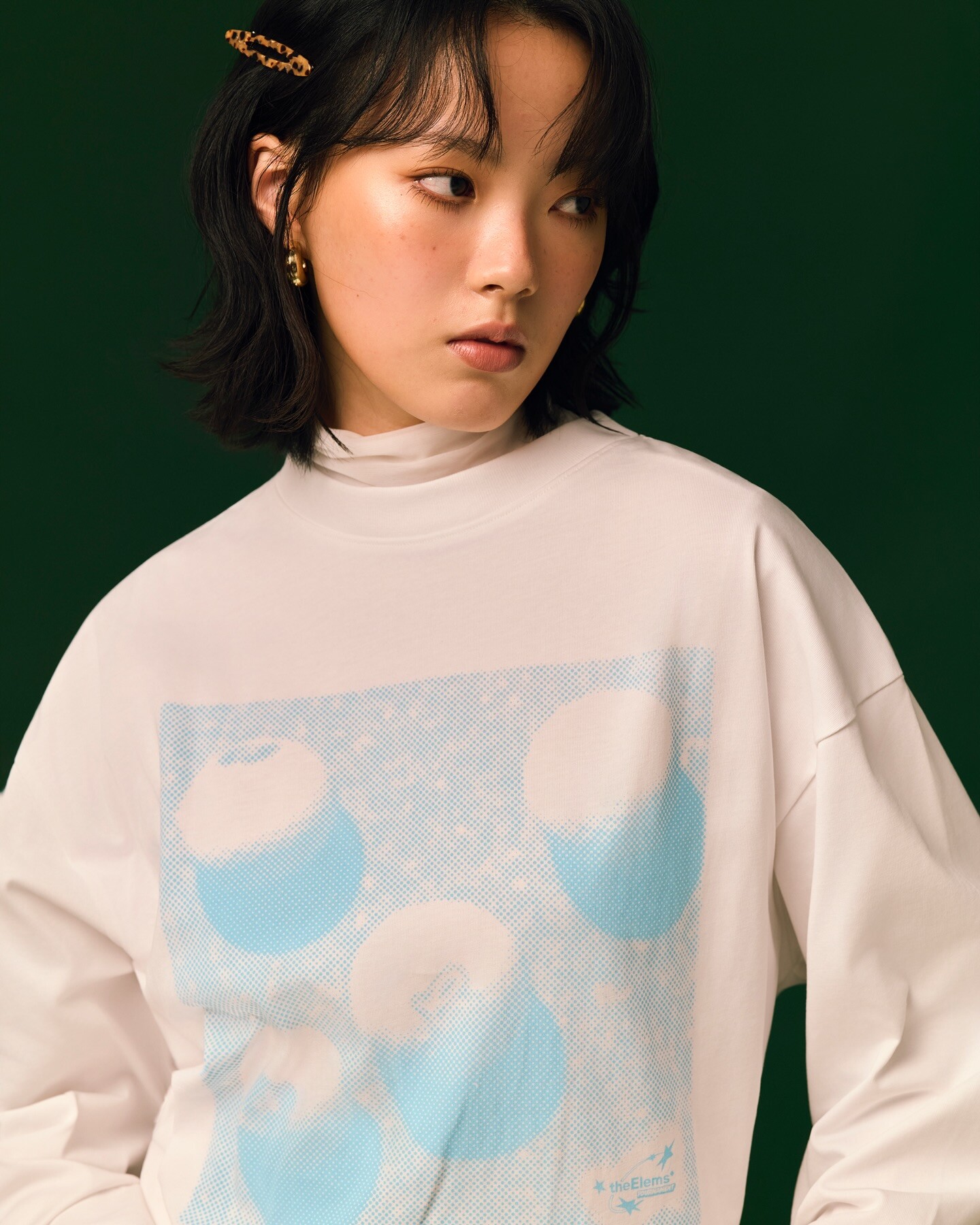
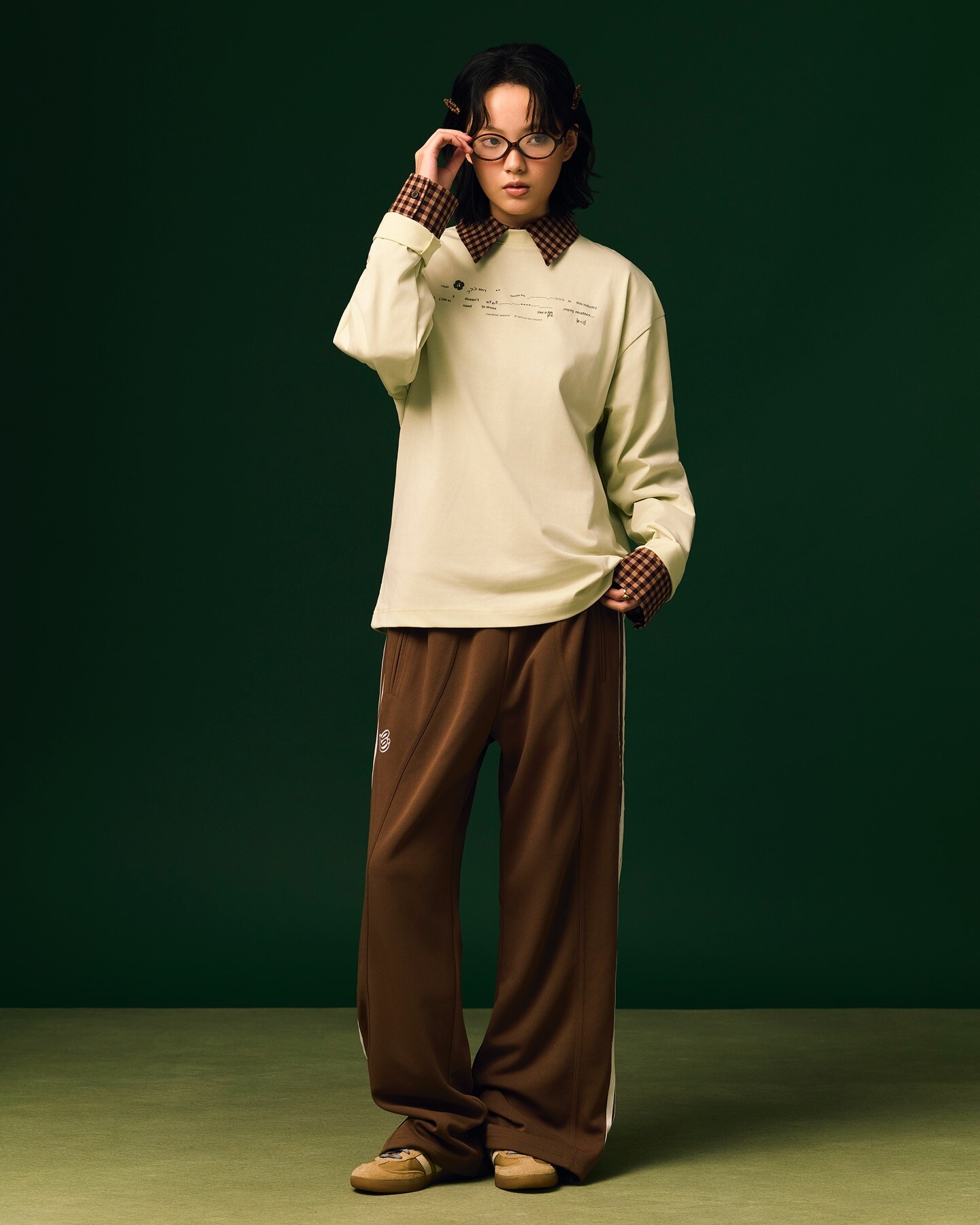
DAZED KOREA
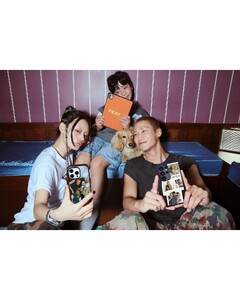
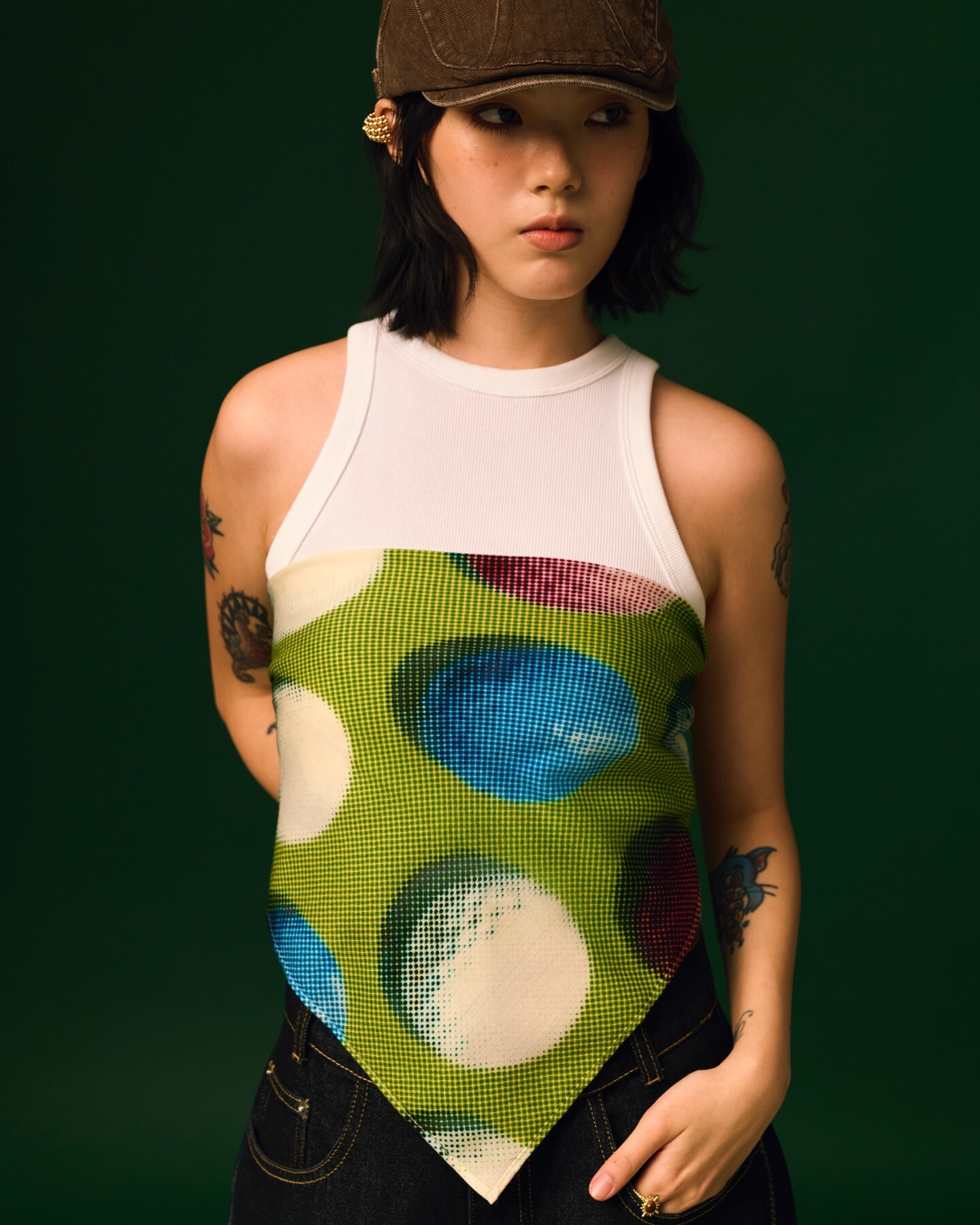
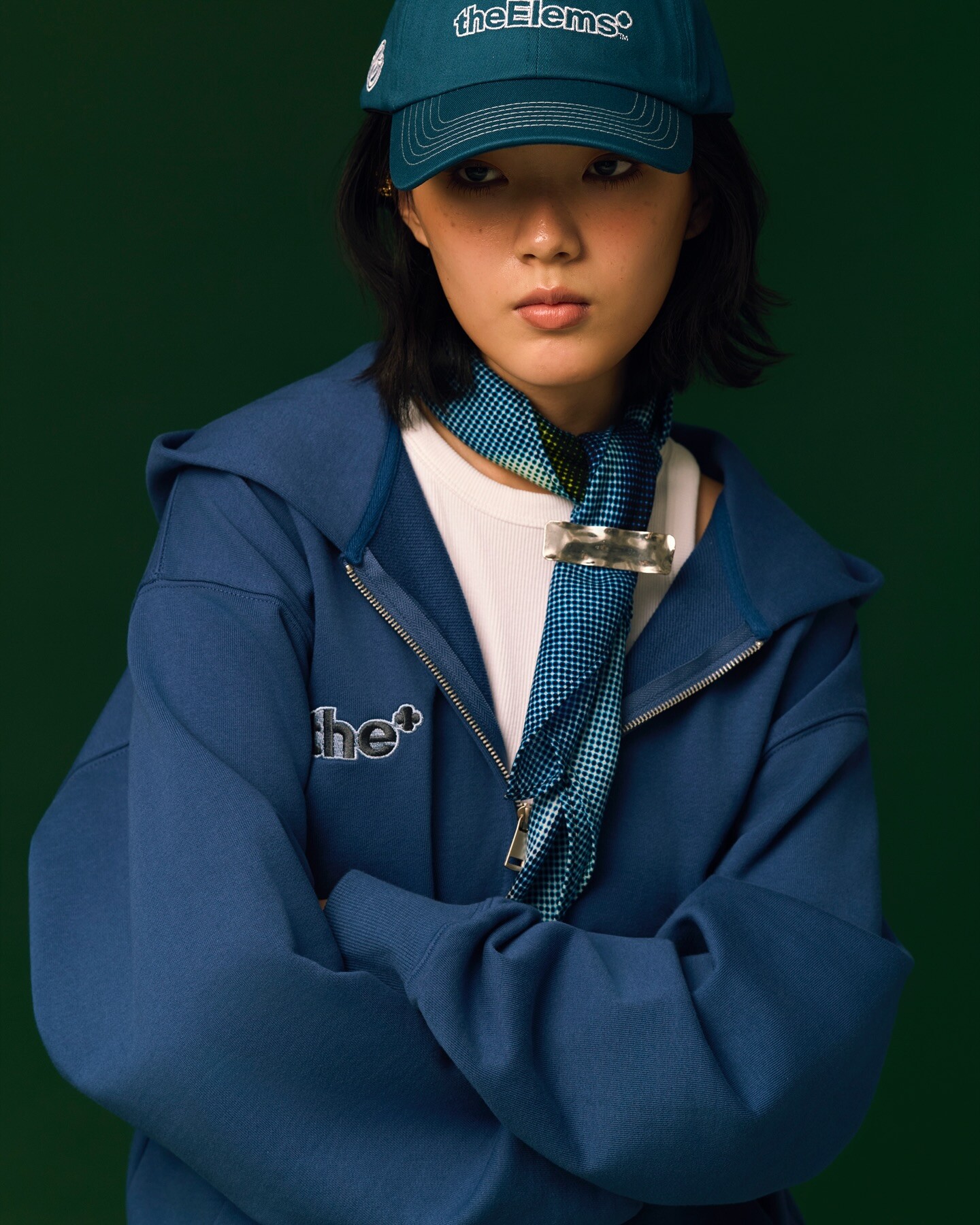
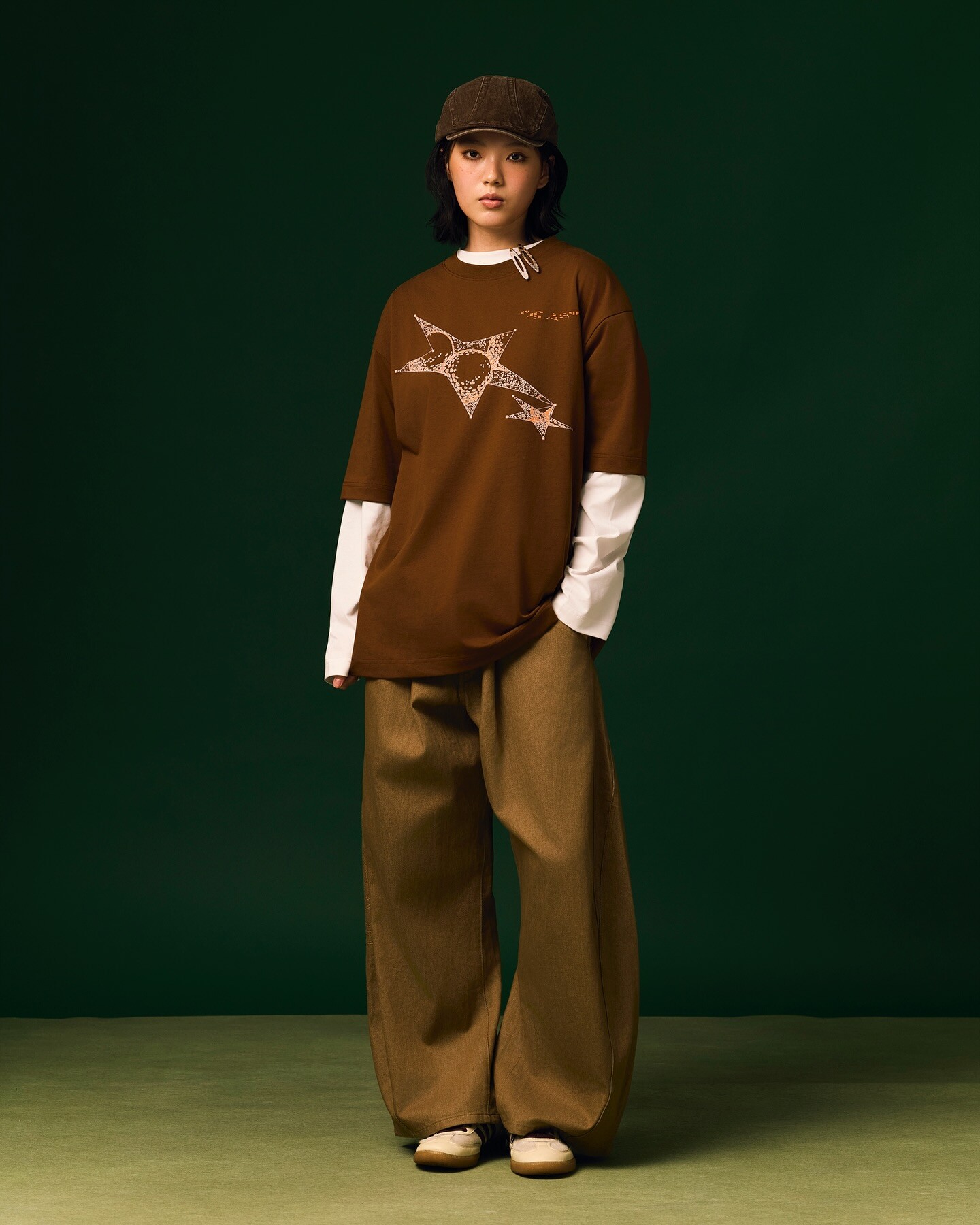
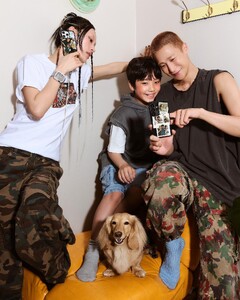 theElems*
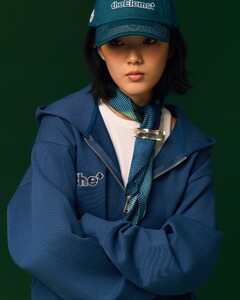


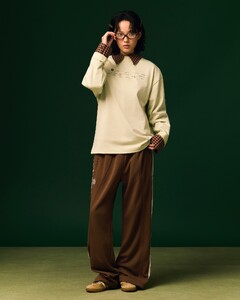
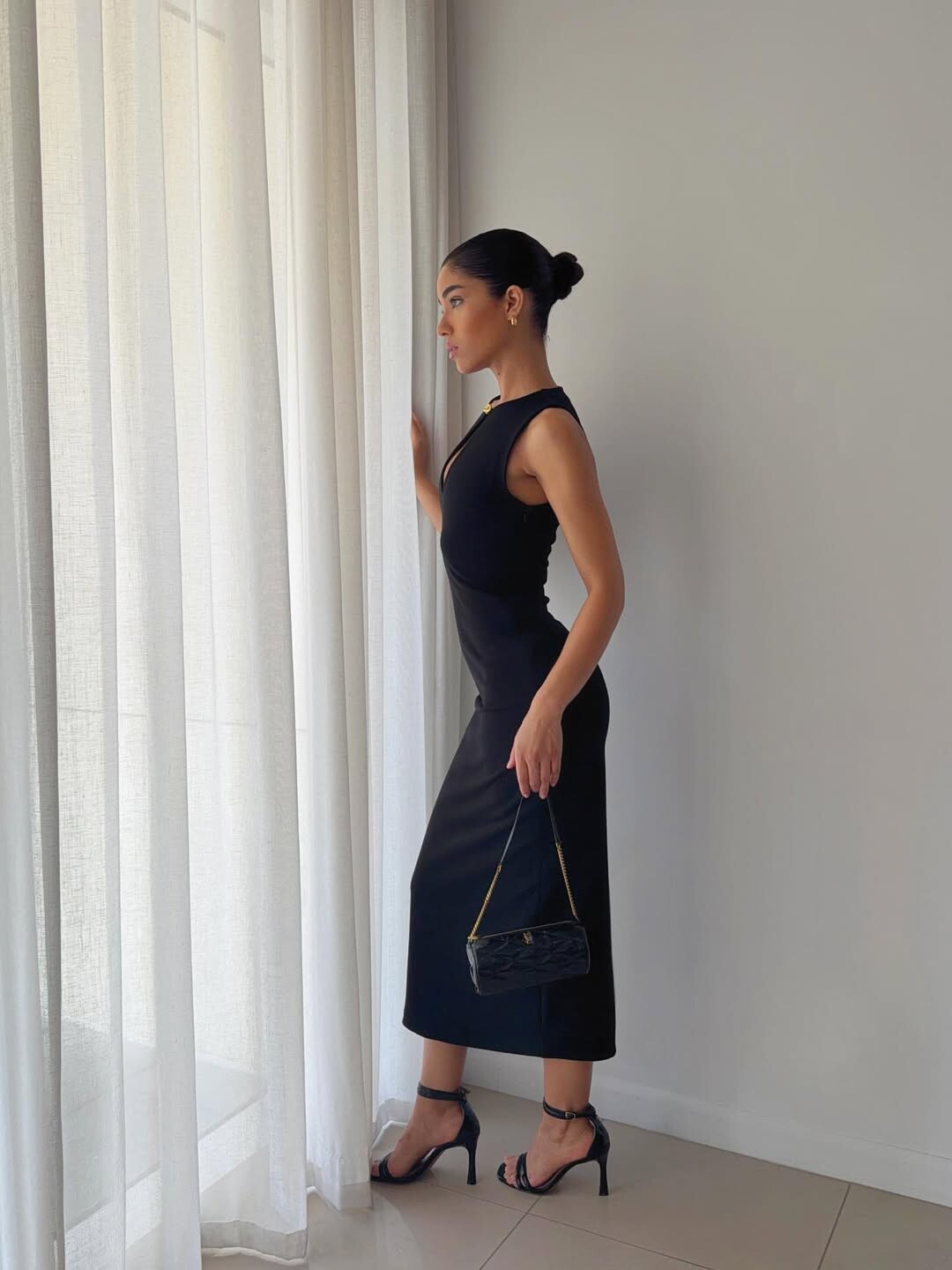
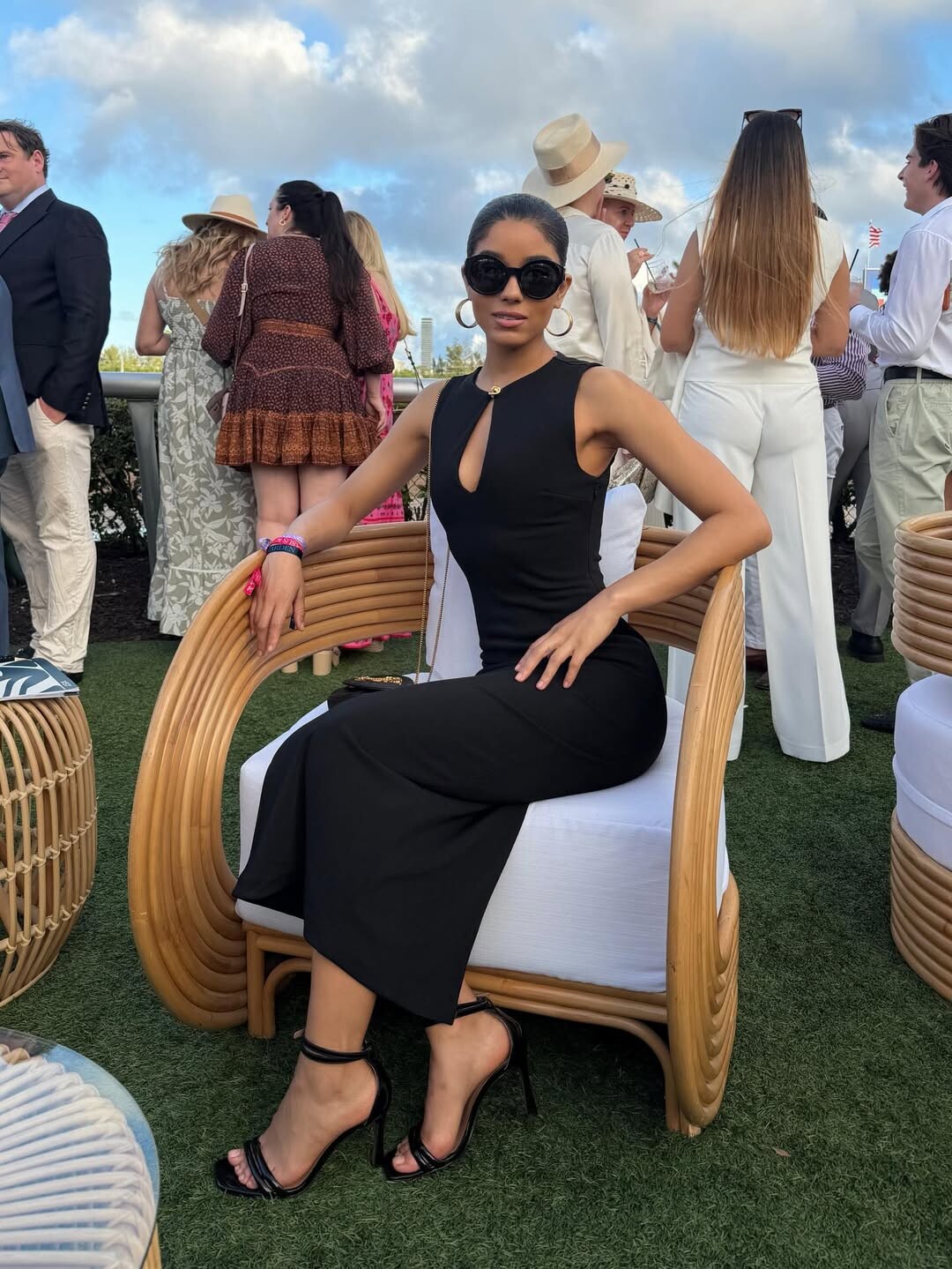
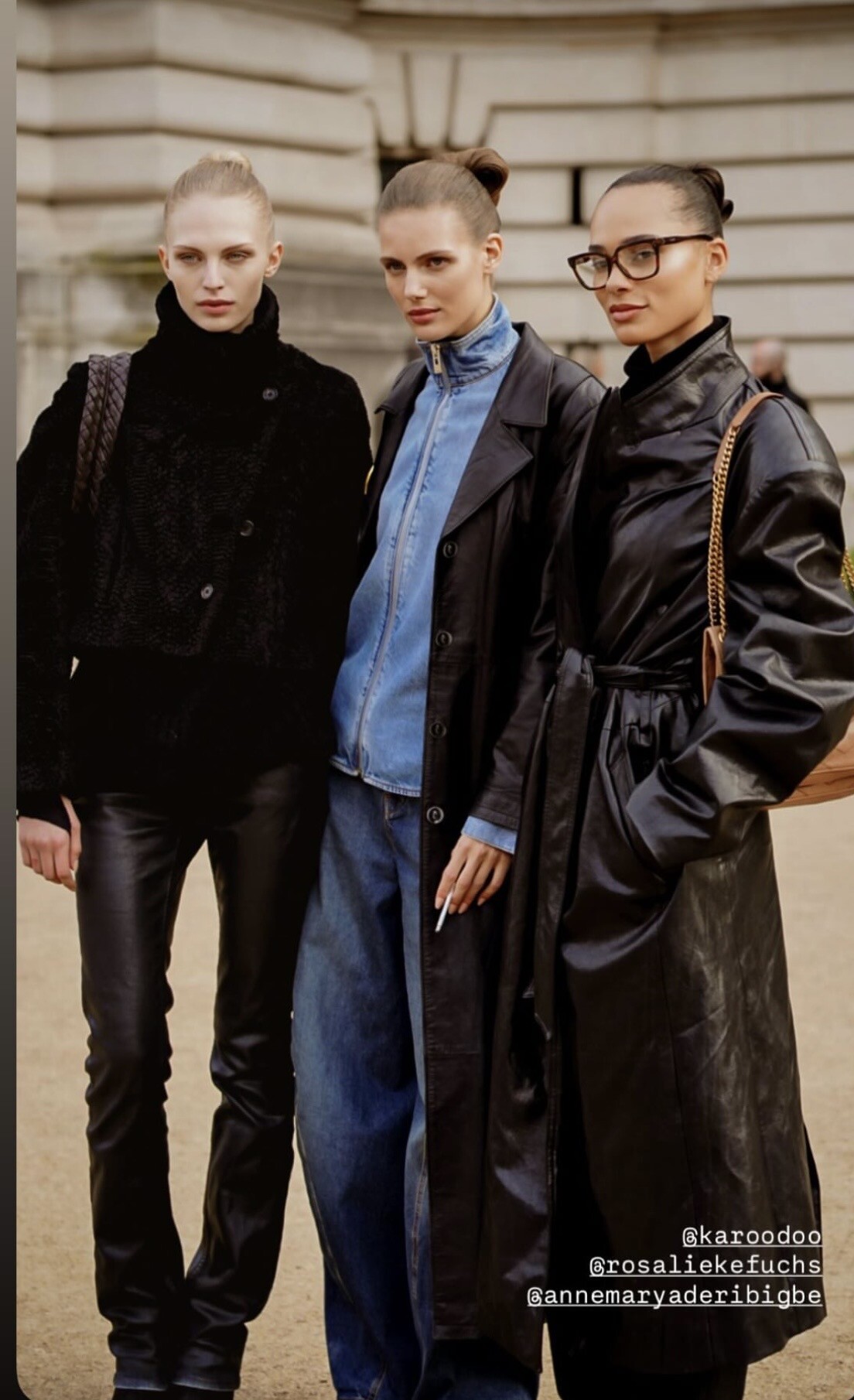
 Streetstyle Paris 2026
 Michelle Ivana - Female Fashion Models - Bellazon

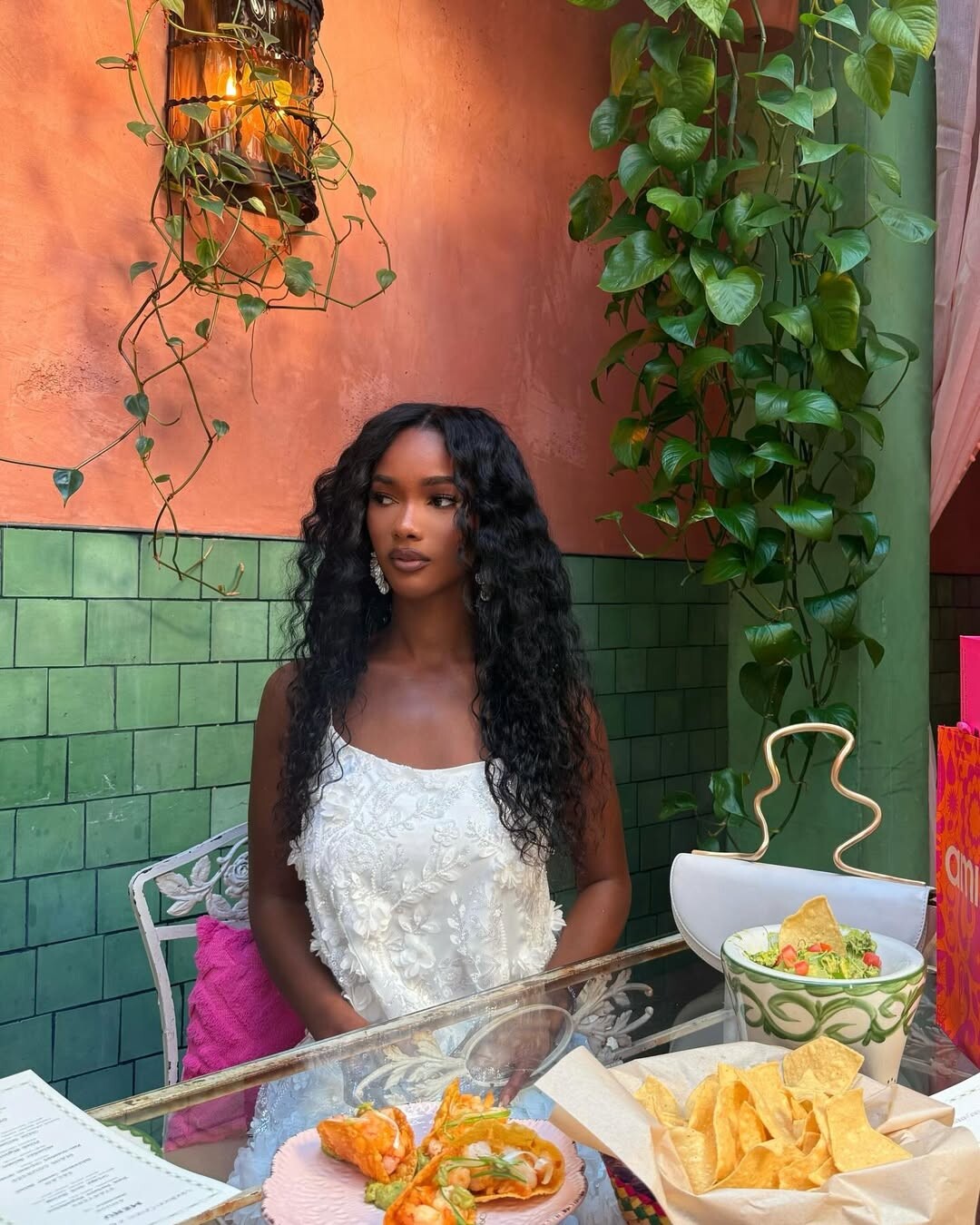
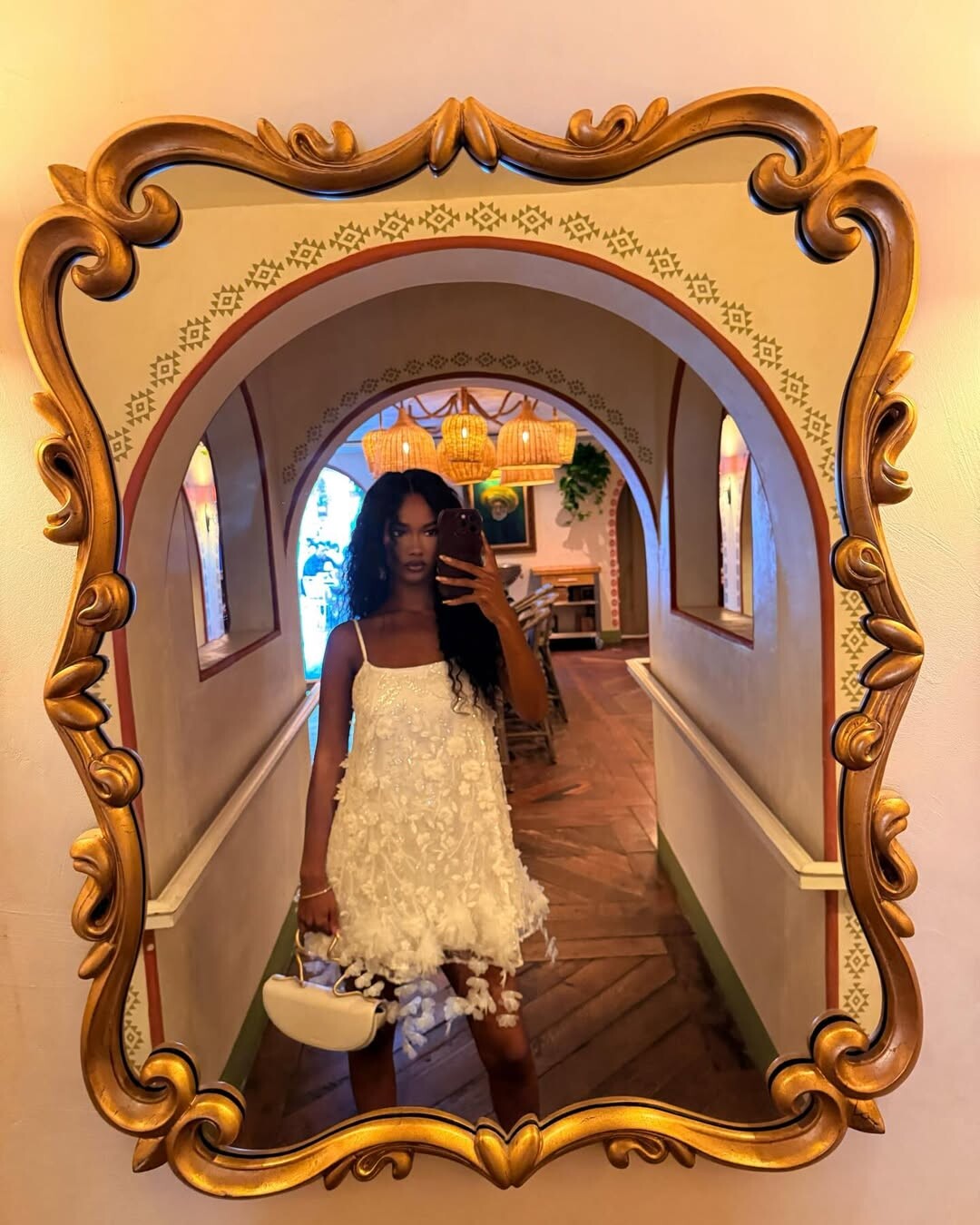
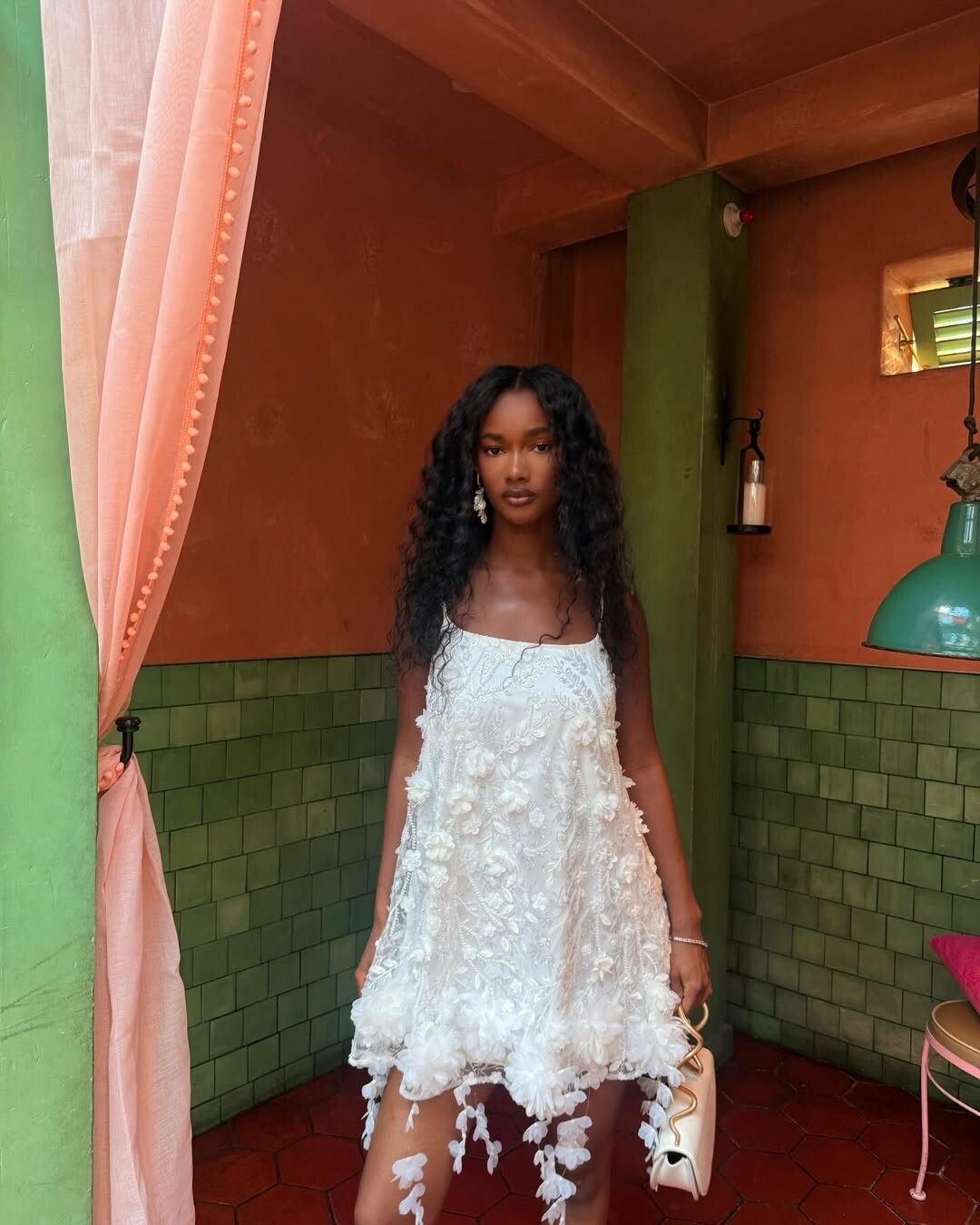
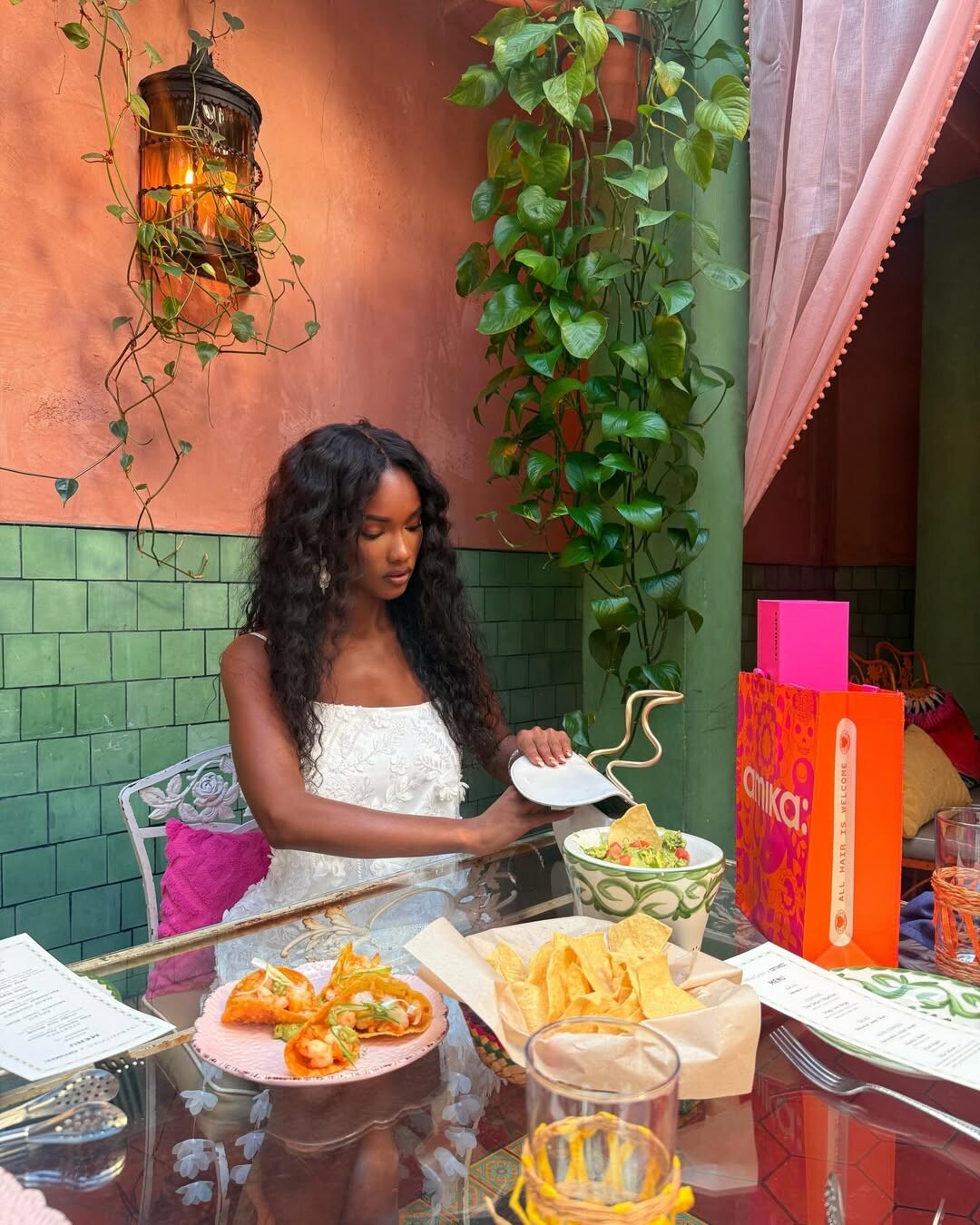
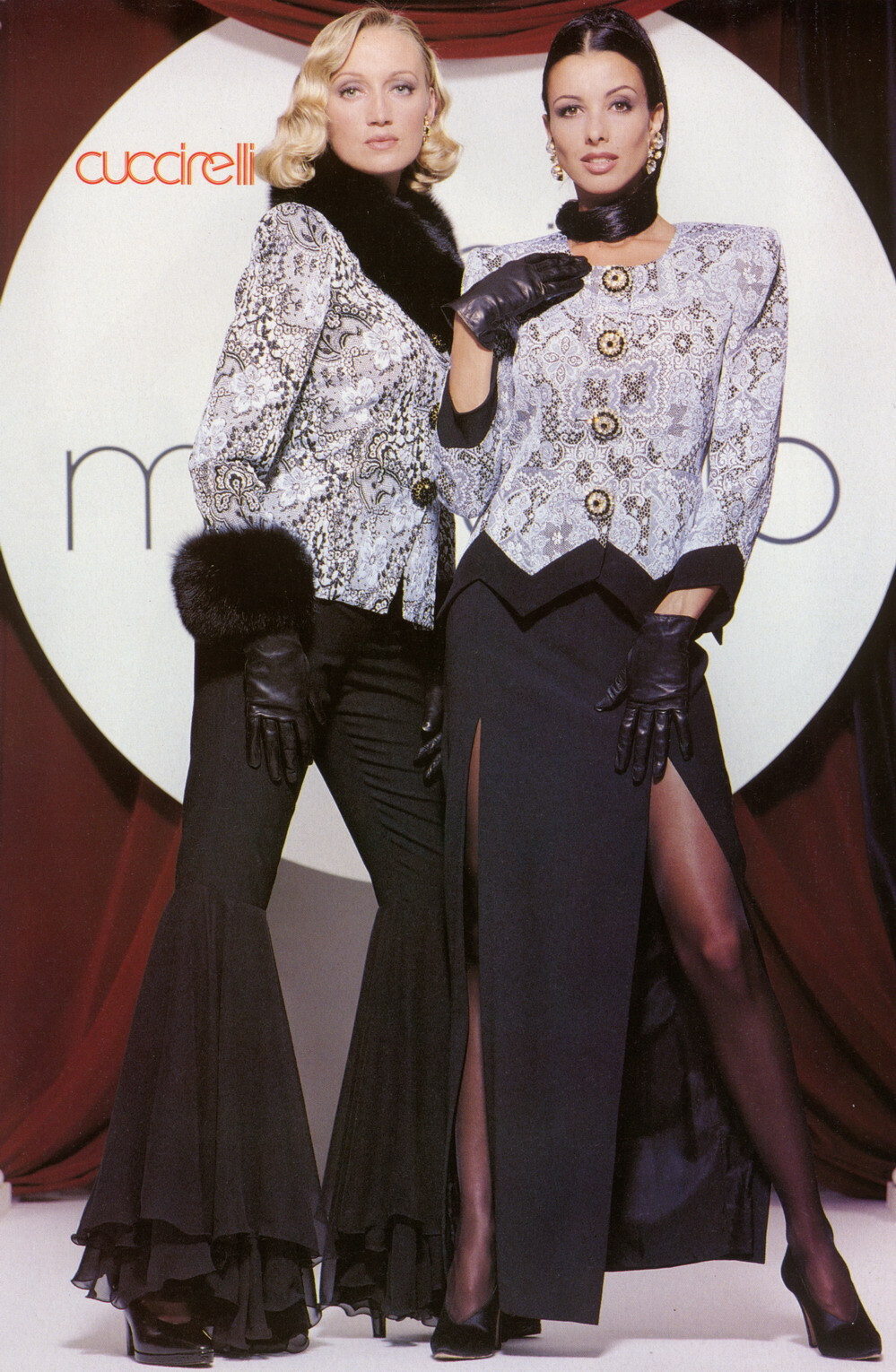
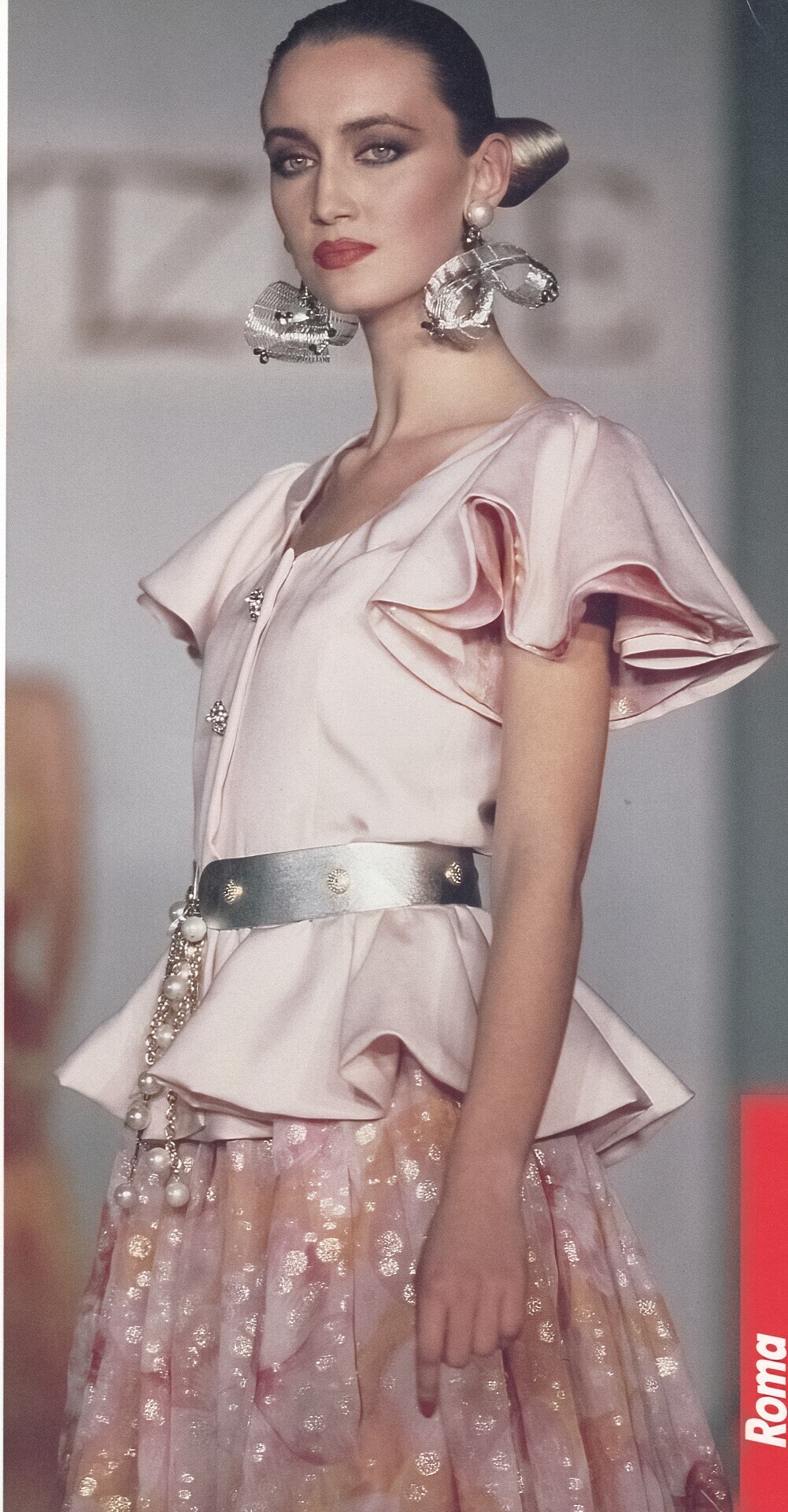


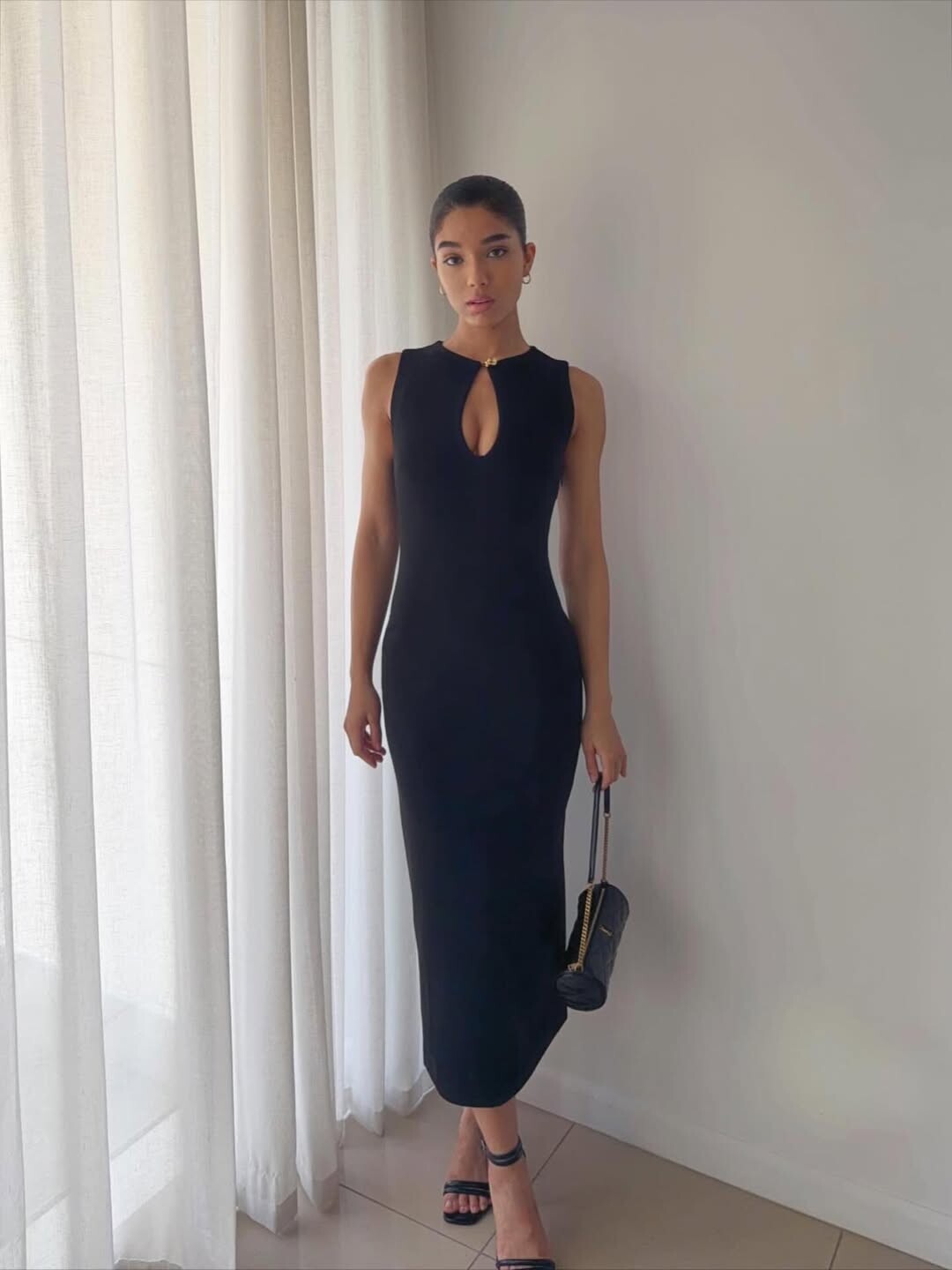
.jpg.e916f5e795cb6ed69687e6928c3c2500.jpg)



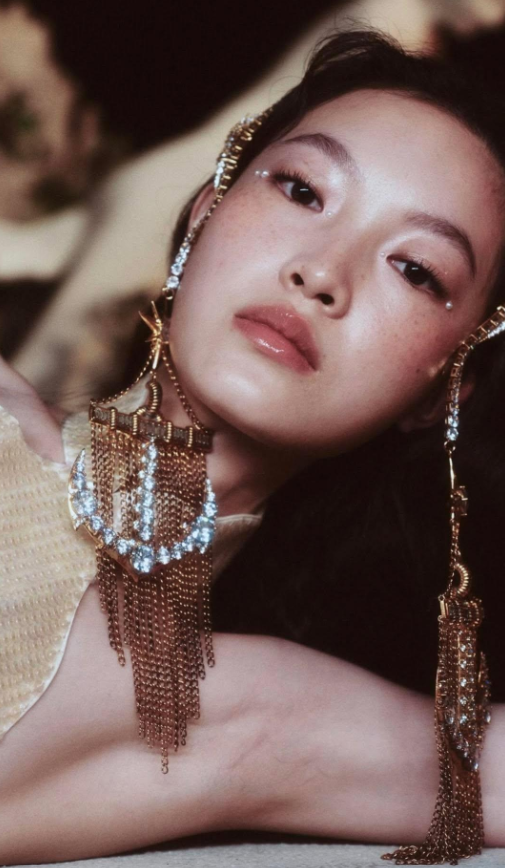


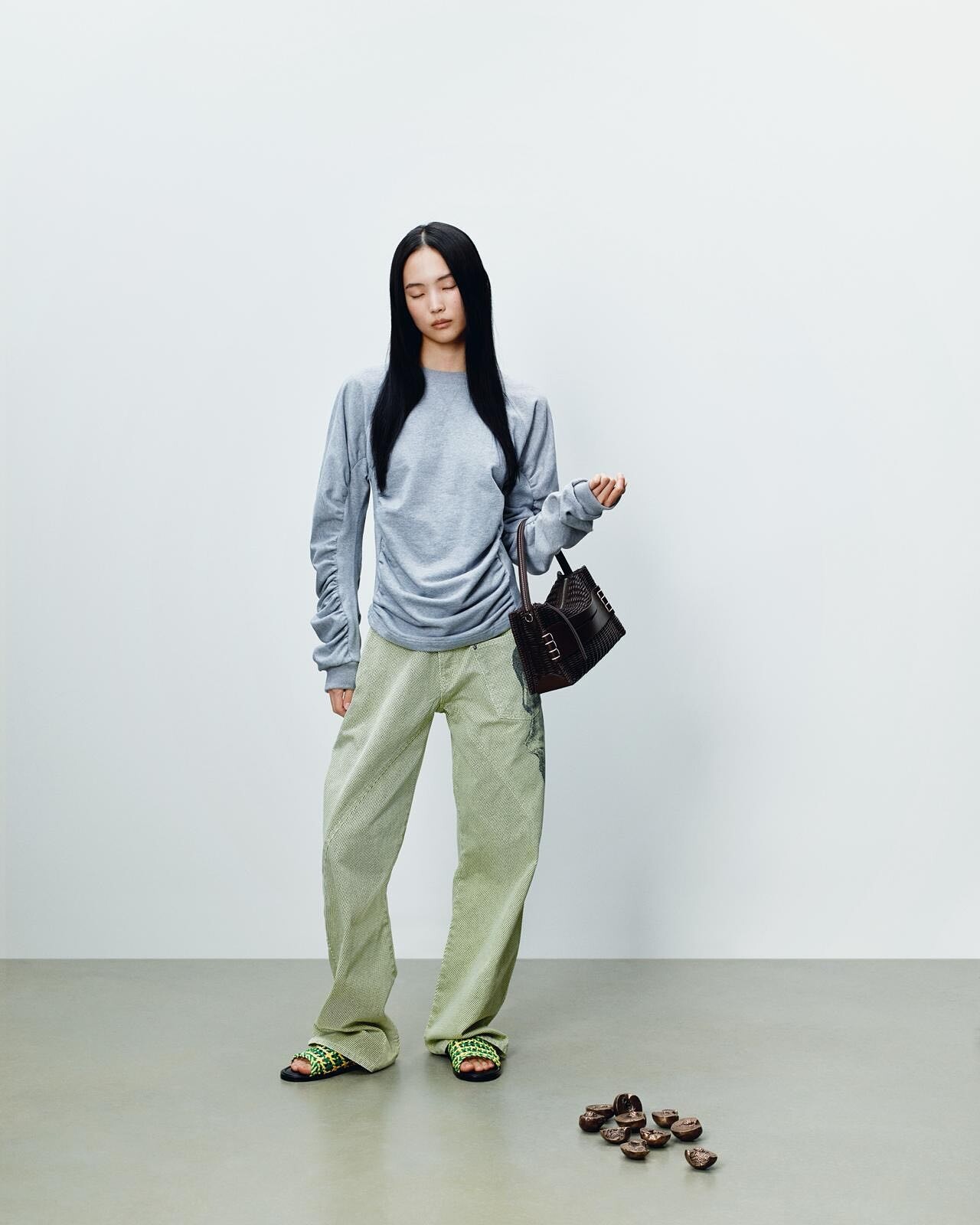
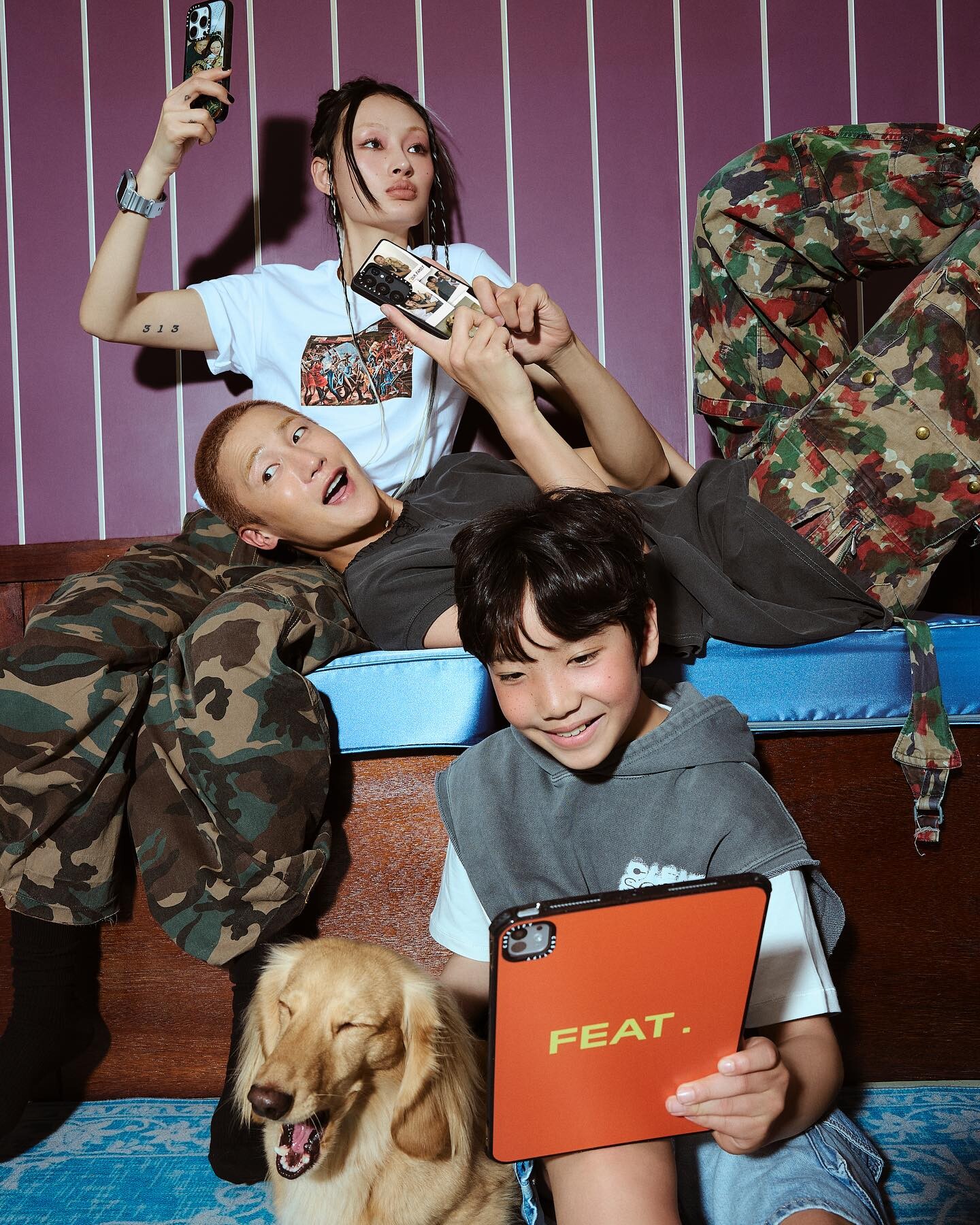
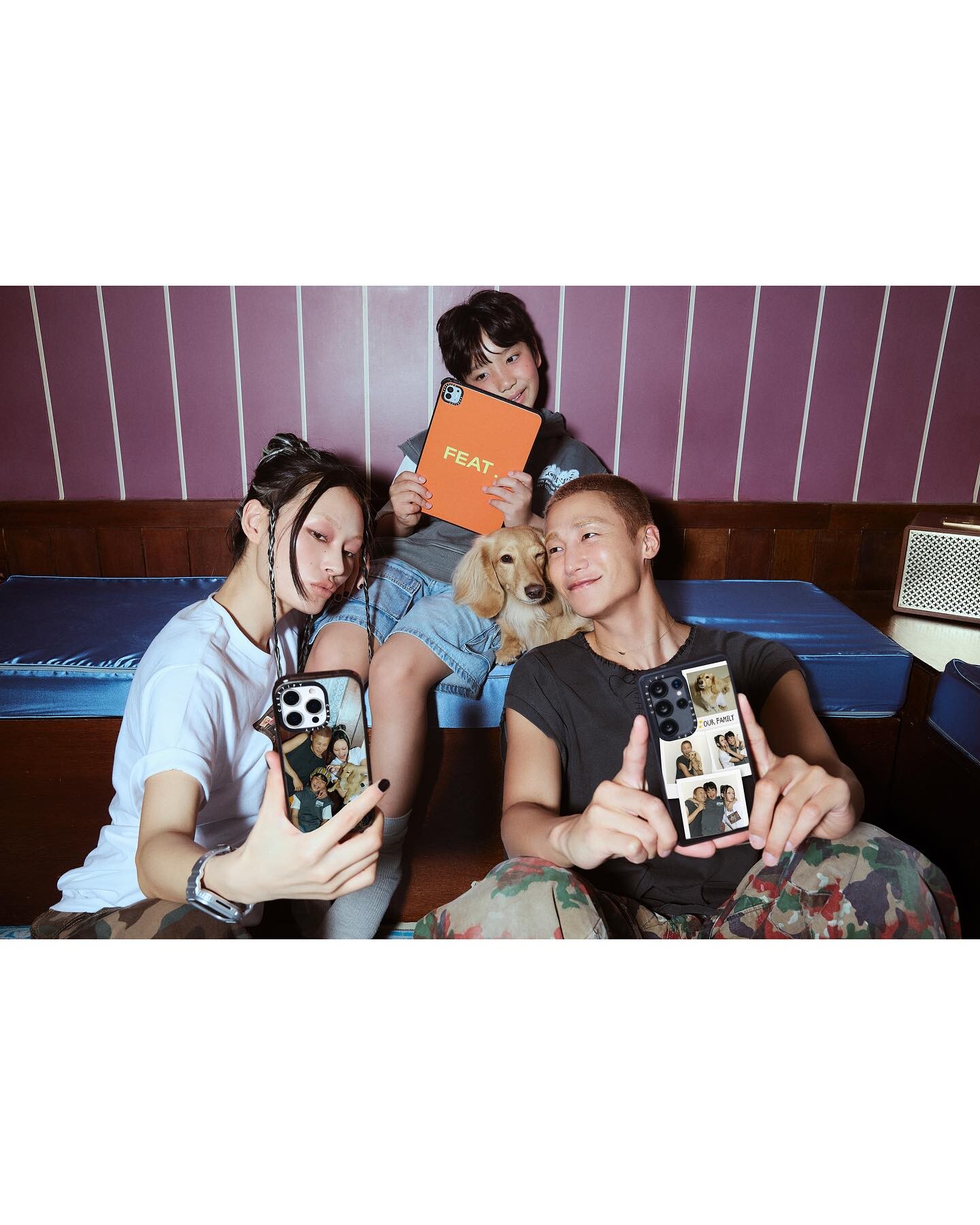
Account
Search
Configure browser push notifications
Chrome (Android)
- Tap the lock icon next to the address bar.
- Tap Permissions → Notifications.
- Adjust your preference.
Chrome (Desktop)
- Click the padlock icon in the address bar.
- Select Site settings.
- Find Notifications and adjust your preference.
Safari (iOS 16.4+)
- Ensure the site is installed via Add to Home Screen.
- Open Settings App → Notifications.
- Find your app name and adjust your preference.
Safari (macOS)
- Go to Safari → Preferences.
- Click the Websites tab.
- Select Notifications in the sidebar.
- Find this website and adjust your preference.
Edge (Android)
- Tap the lock icon next to the address bar.
- Tap Permissions.
- Find Notifications and adjust your preference.
Edge (Desktop)
- Click the padlock icon in the address bar.
- Click Permissions for this site.
- Find Notifications and adjust your preference.
Firefox (Android)
- Go to Settings → Site permissions.
- Tap Notifications.
- Find this site in the list and adjust your preference.
Firefox (Desktop)
- Open Firefox Settings.
- Search for Notifications.
- Find this site in the list and adjust your preference.