All Activity
- Past hour
-
 sweet insta SnapInsta.to_AQNKyTxMkb88IylfJPbyHFOBxi1Rp7_RbbQAXWQAidqIrbGqKMPHjrd1q2mOdbv3lcrytfLsLrPMeg71rlngugLa8G_cn6BAm_RzrlI.mp4







-
 Great, thx, i have porn of her
 -

 for poisonofdesire














 Wearing a crystal embellished dress at a fashion presentation at the Influencer Global Awards, in Miami, December 1st 2025 (venue was the Eden Roc hotel in Miami Beach): I realized I hadn't previously mention her social media handle, @hayley.bentley (presently around 100,000 IG followers, and a bit higher on TT - @hayley0bentley)

















 anyone has more her introduce/casting/test videos?
The most beutiful Italian, amazing!
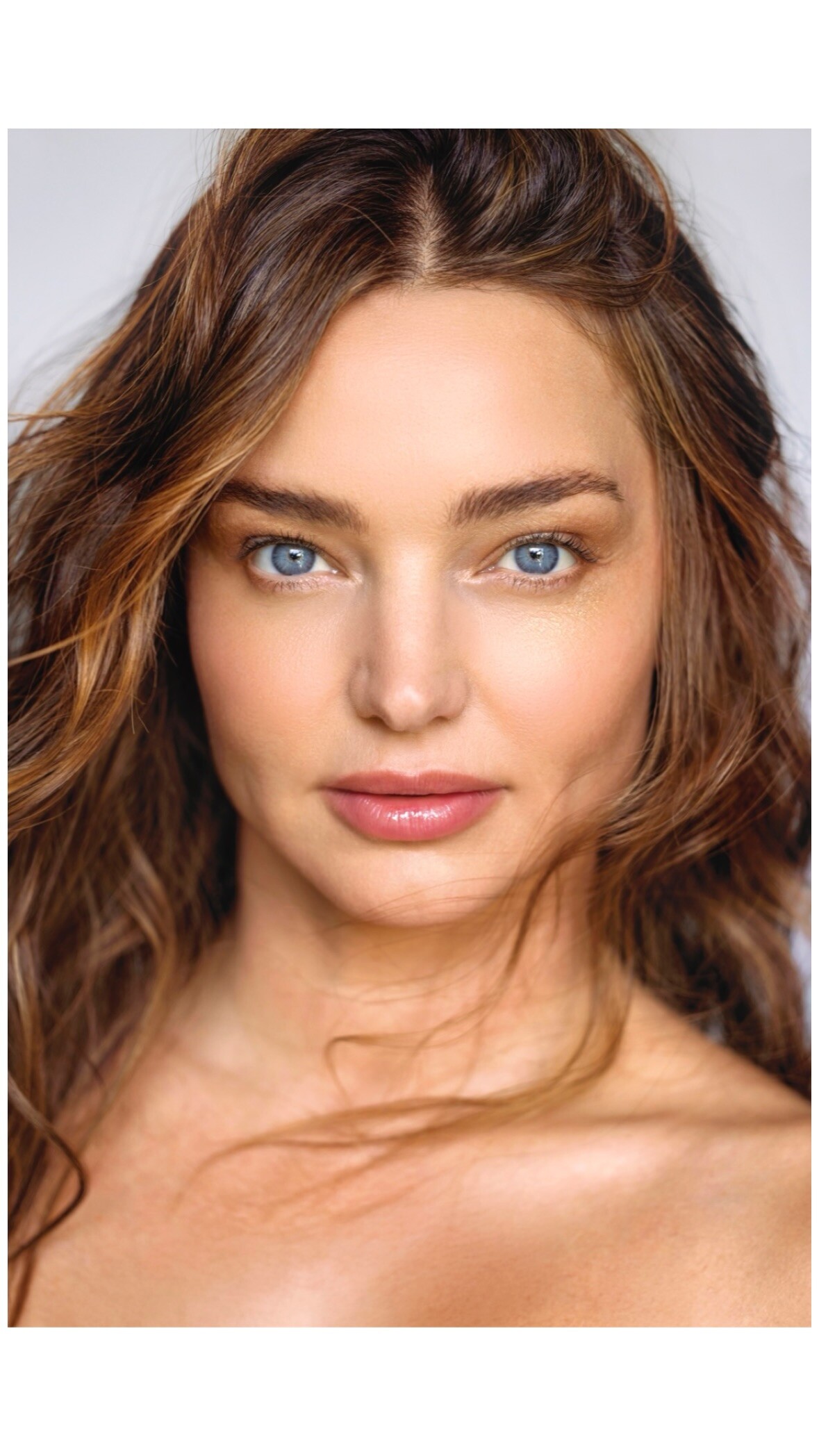
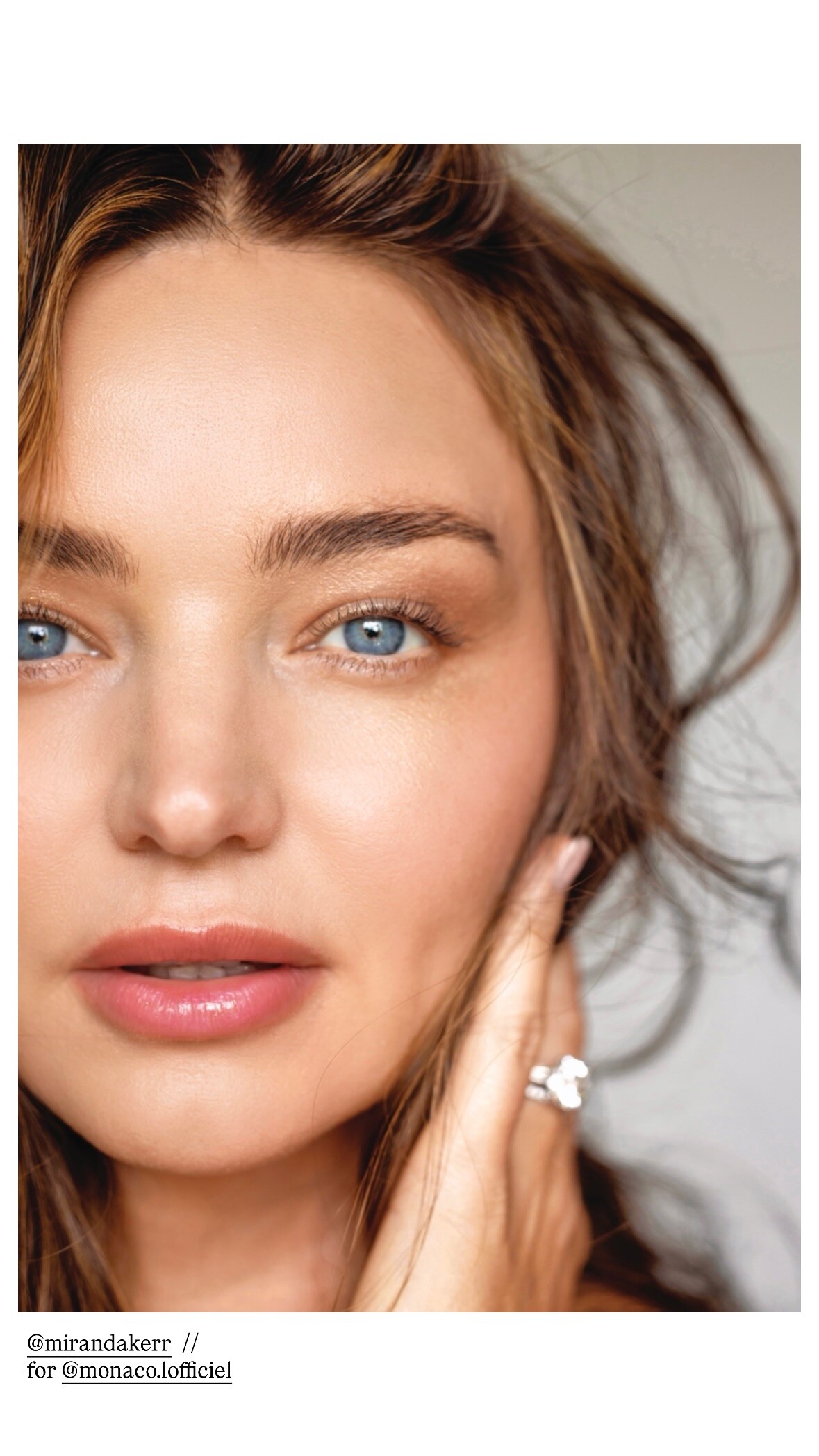
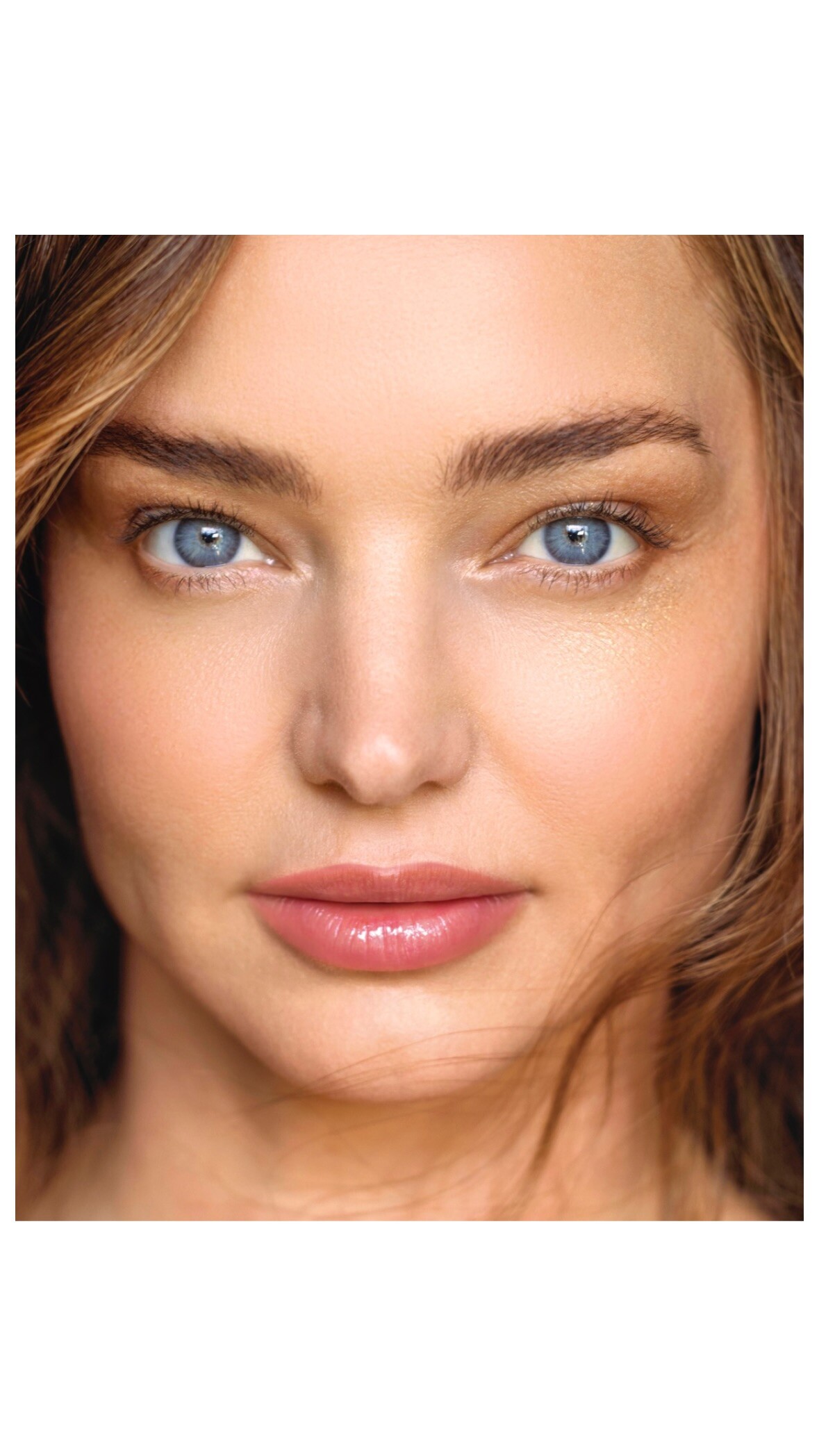
Thanks for all magazine pictures!
Thank you, I hadn't noticed it.
anyone has more her introduce/casting/test videos?
The most beutiful Italian, amazing!
Thanks for all magazine pictures!
Thank you, I hadn't noticed it.
 SKIES ARE BLUE IG






 Thank you for the pictures!
SKIES ARE BLUE SKIES ARE BLUE 2026 SPRING (720p No Audio).mp4
Thank you for the pictures!
SKIES ARE BLUE SKIES ARE BLUE 2026 SPRING (720p No Audio).mp4











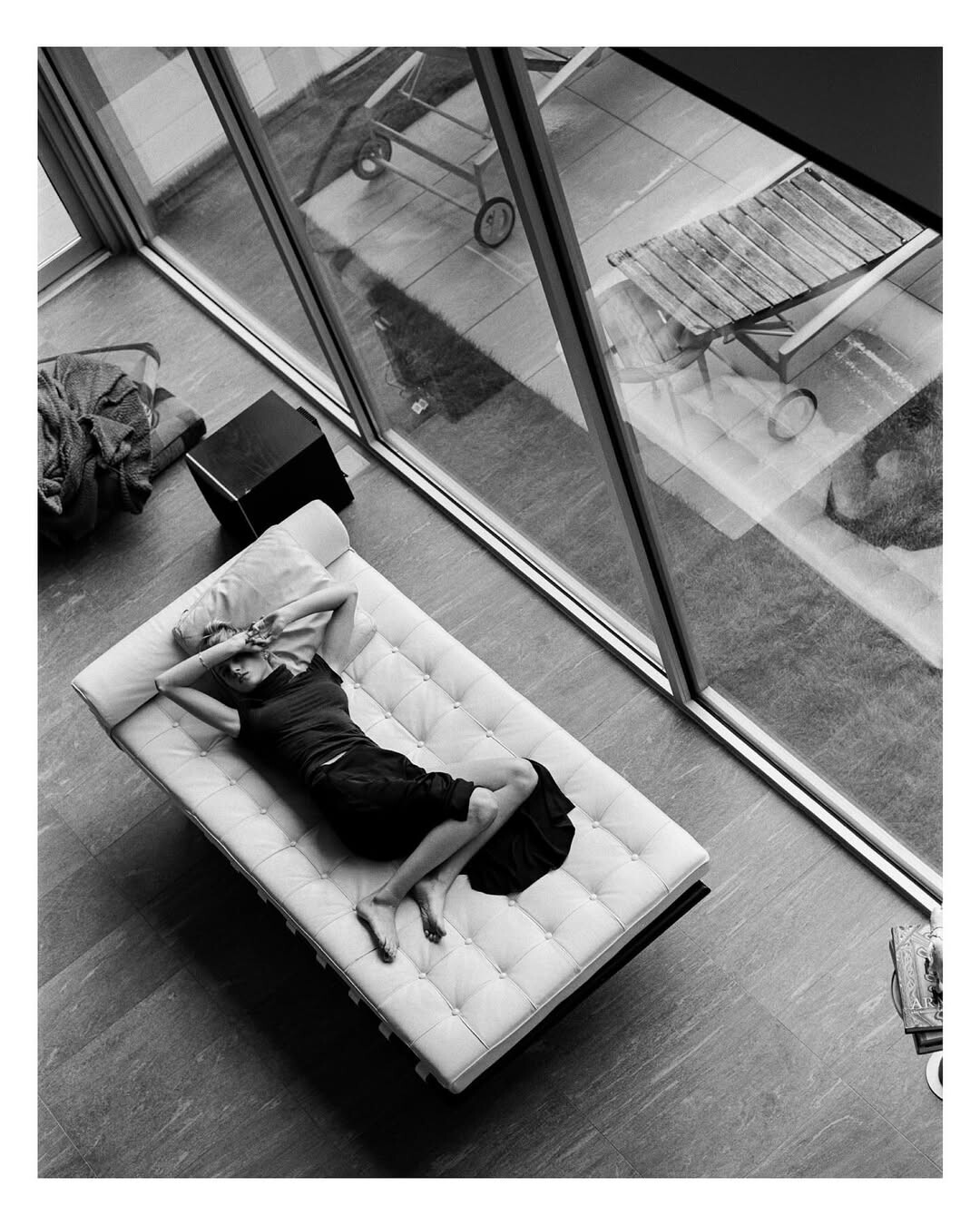
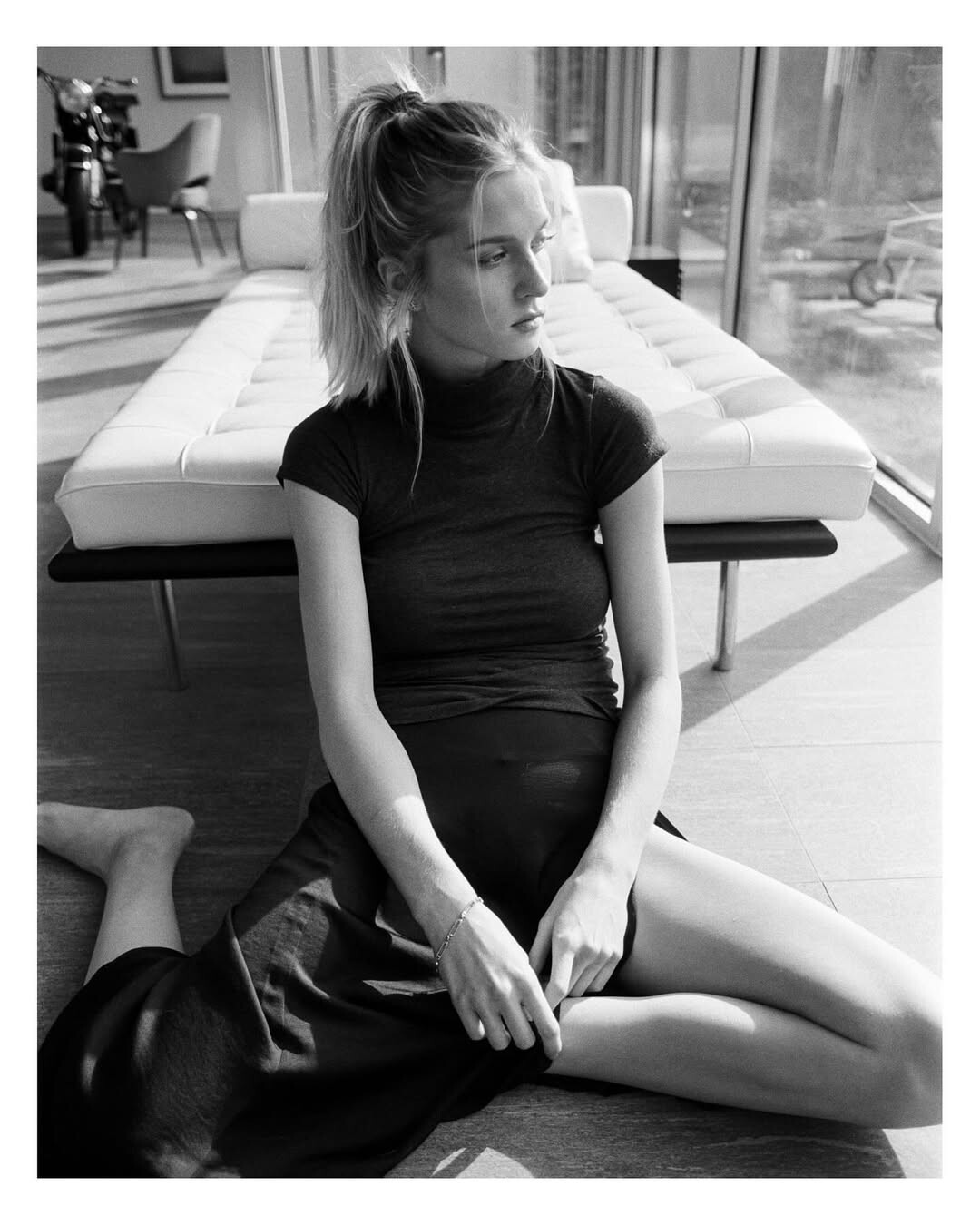
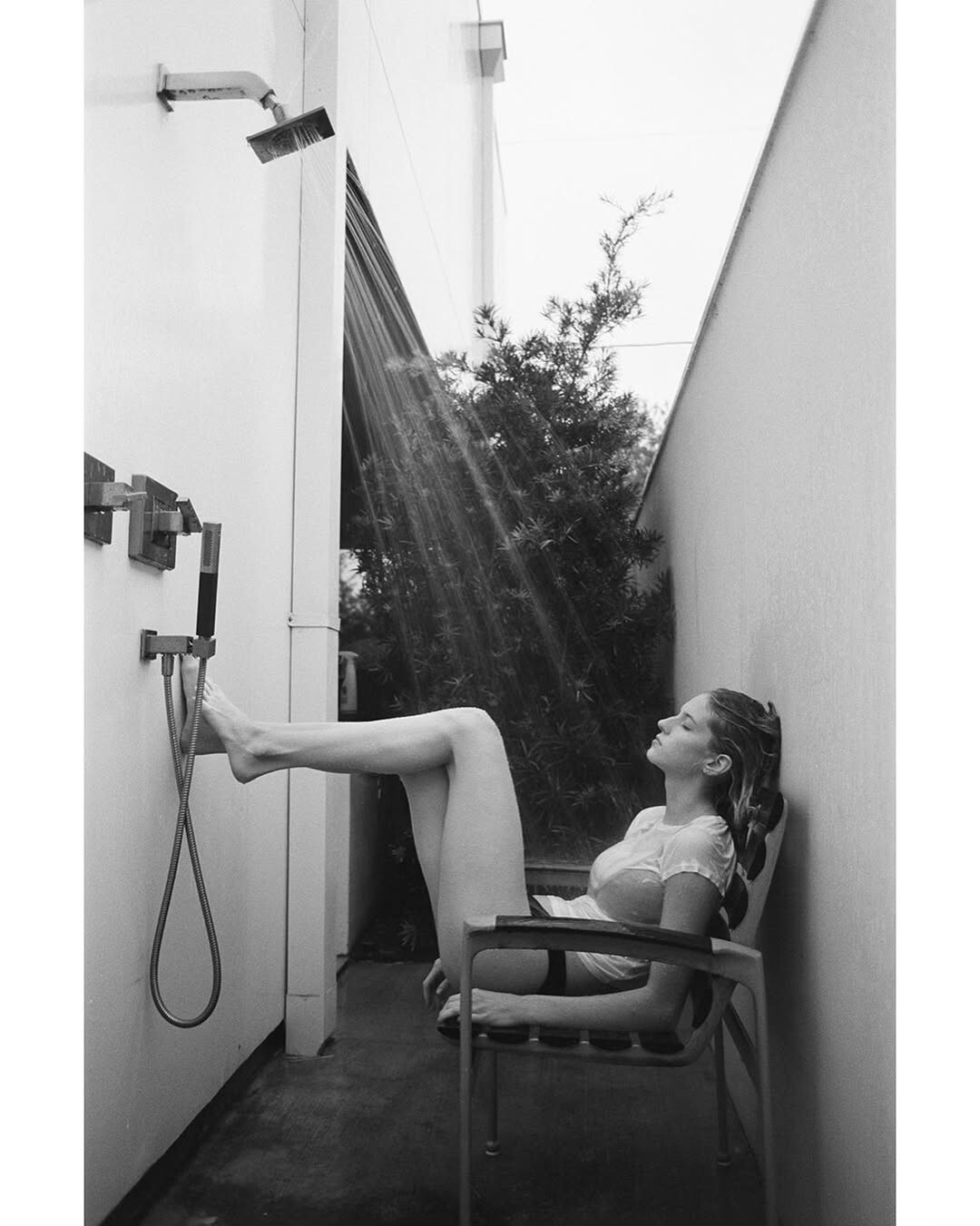
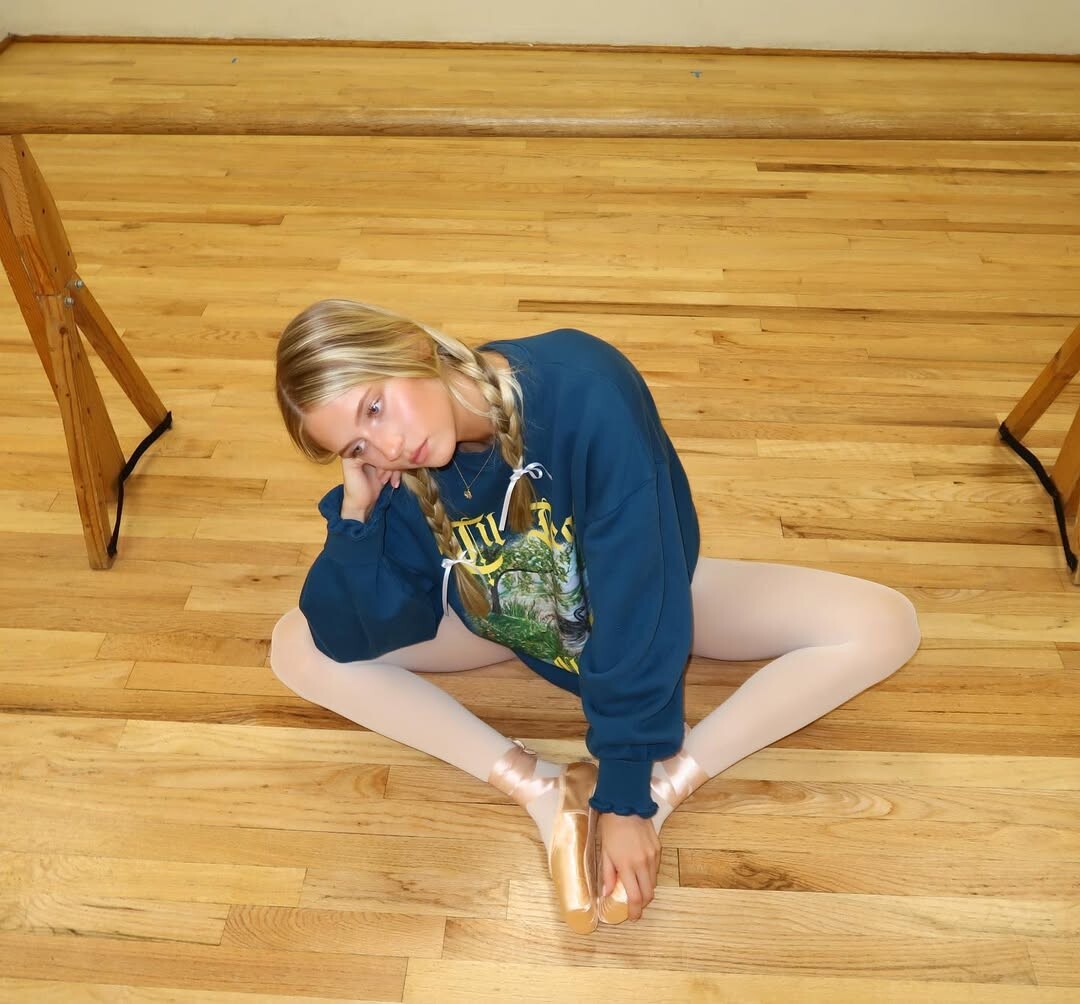
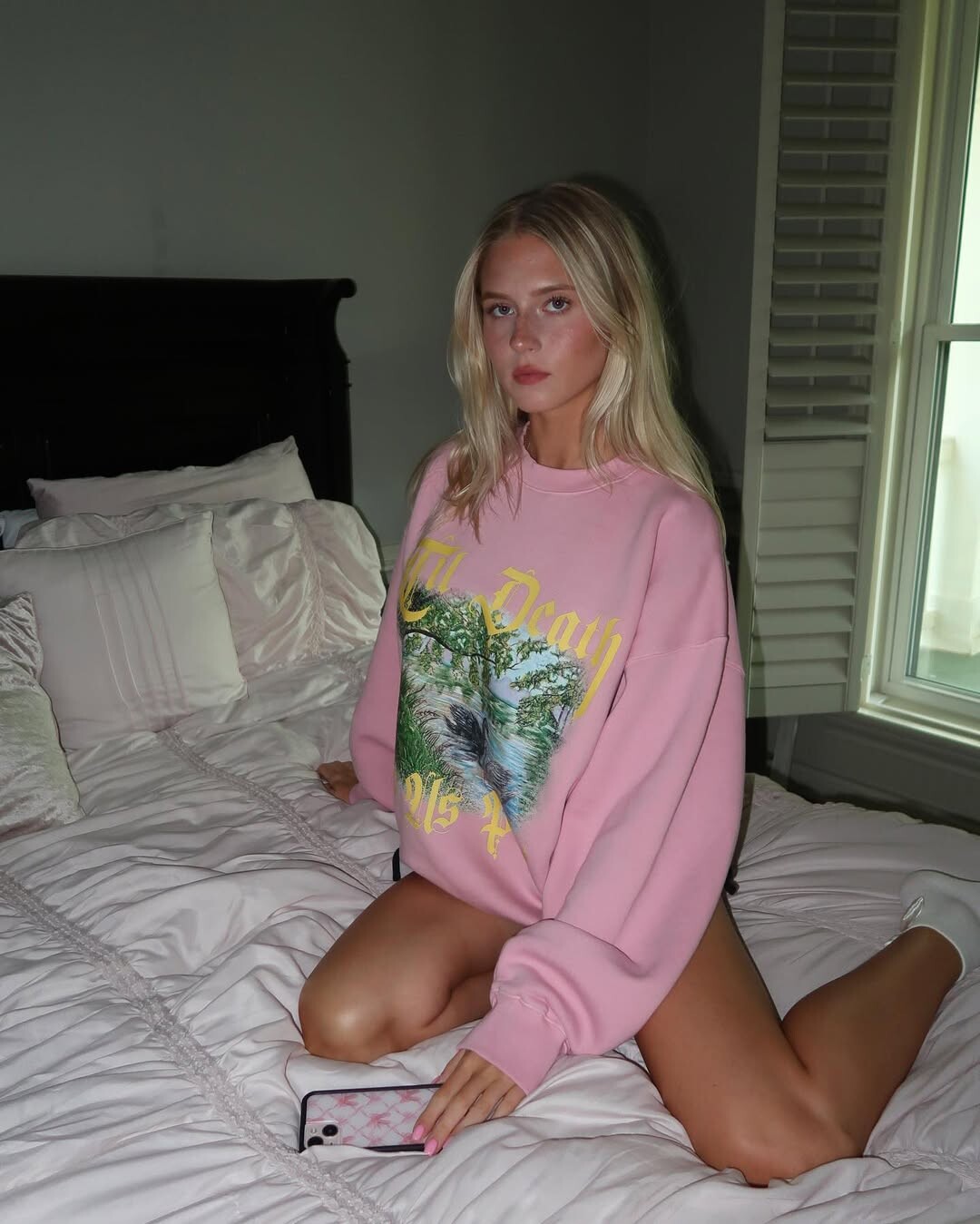
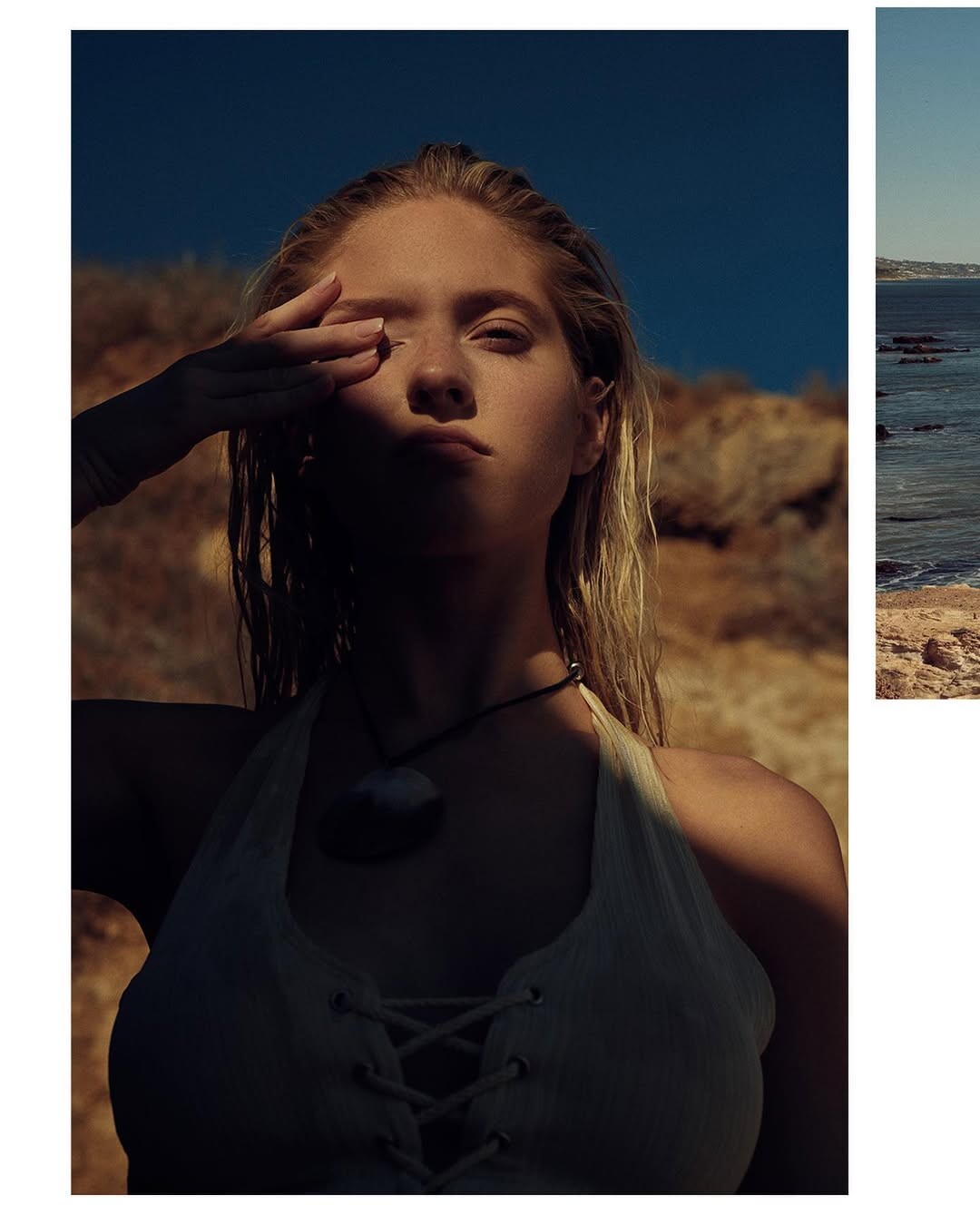
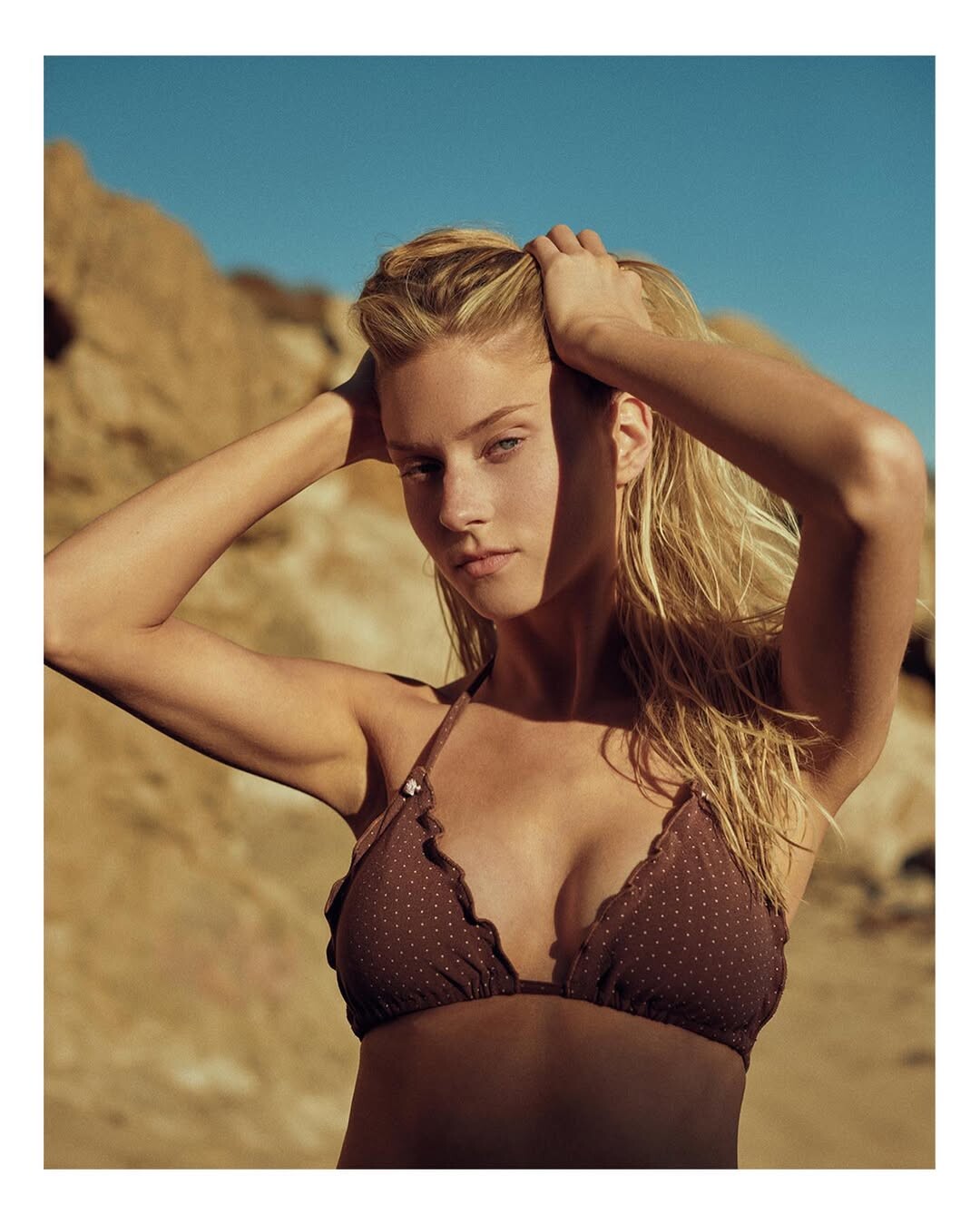
 Russell James: stories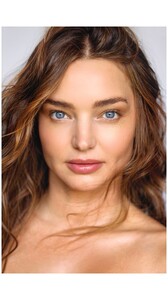































































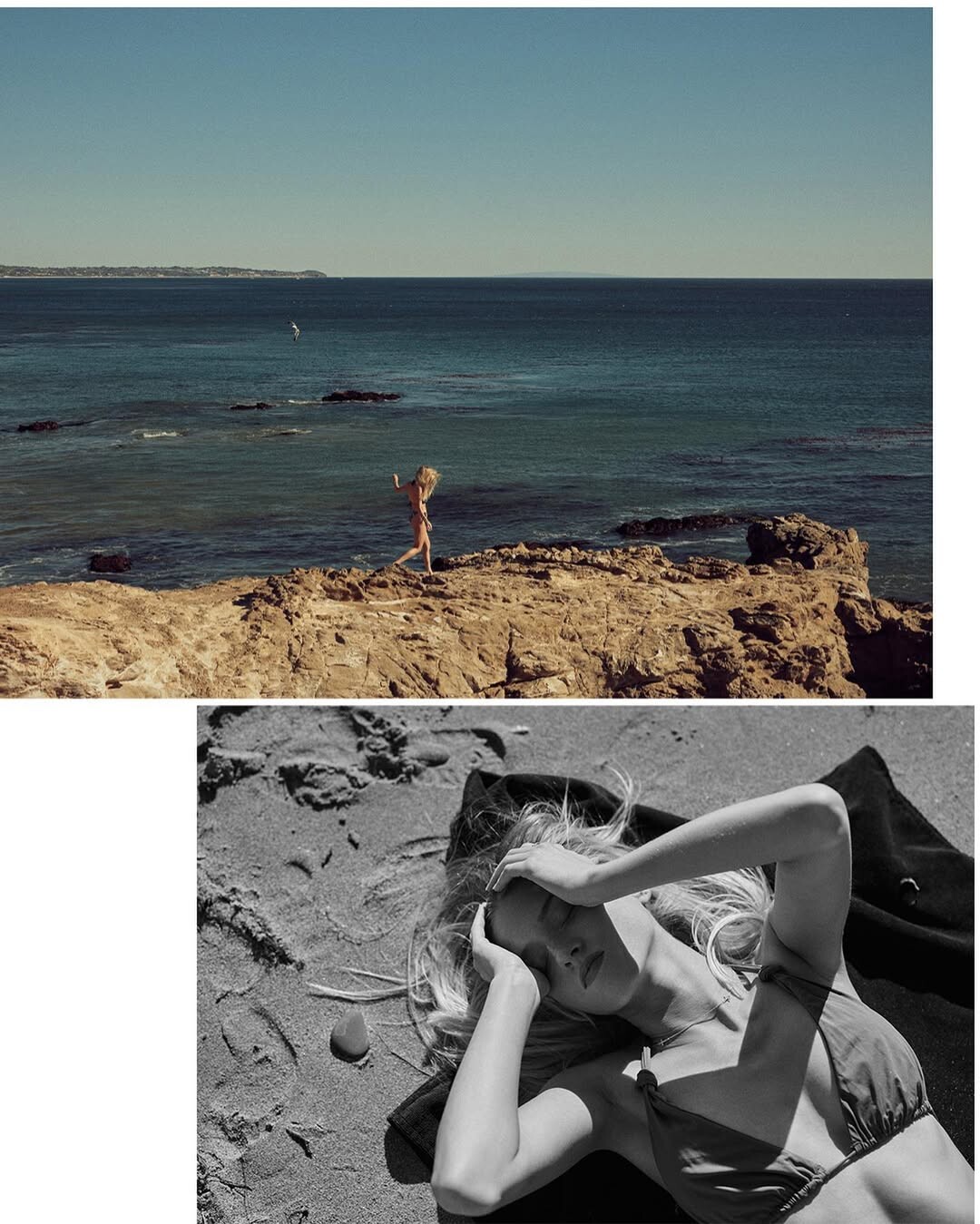
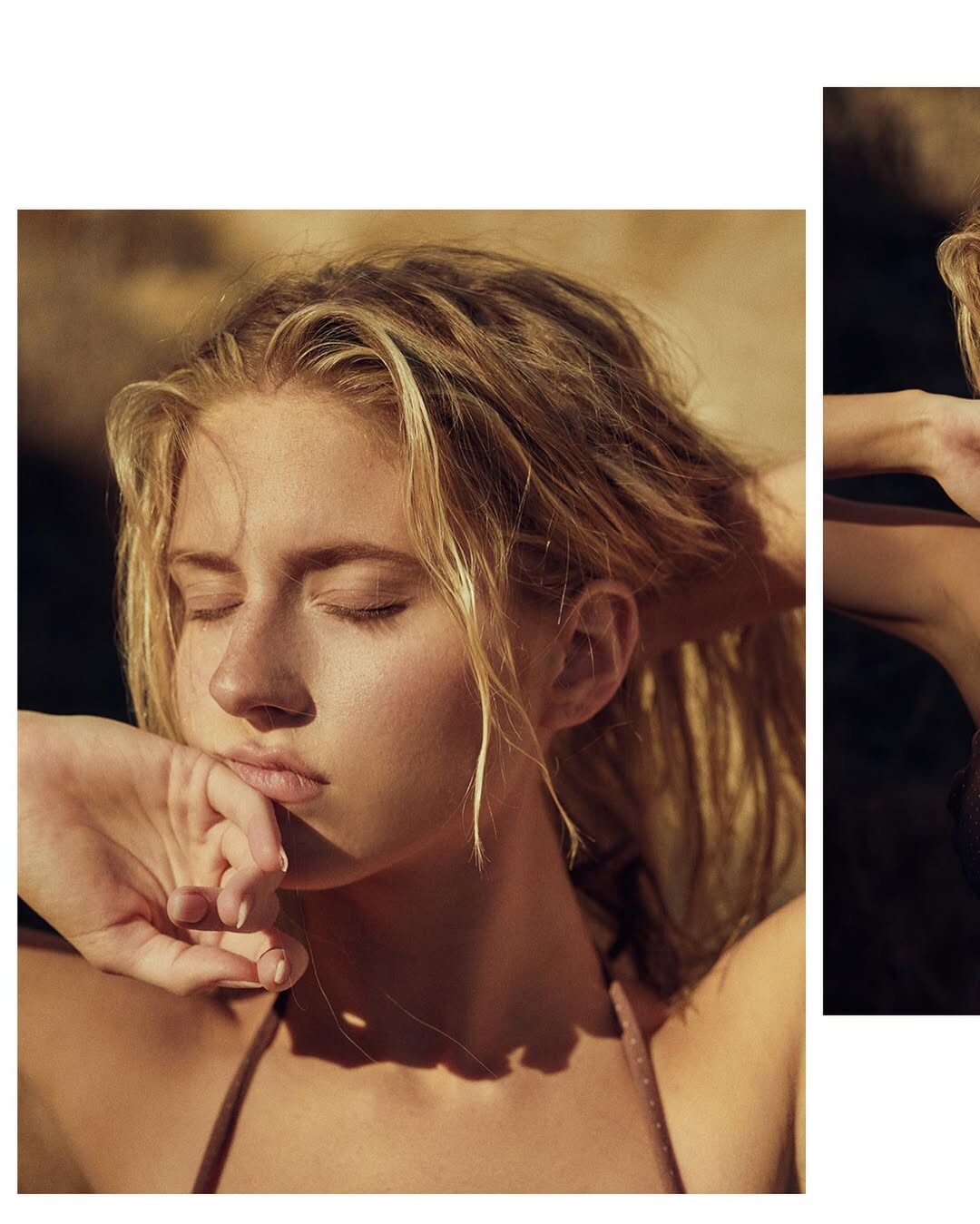

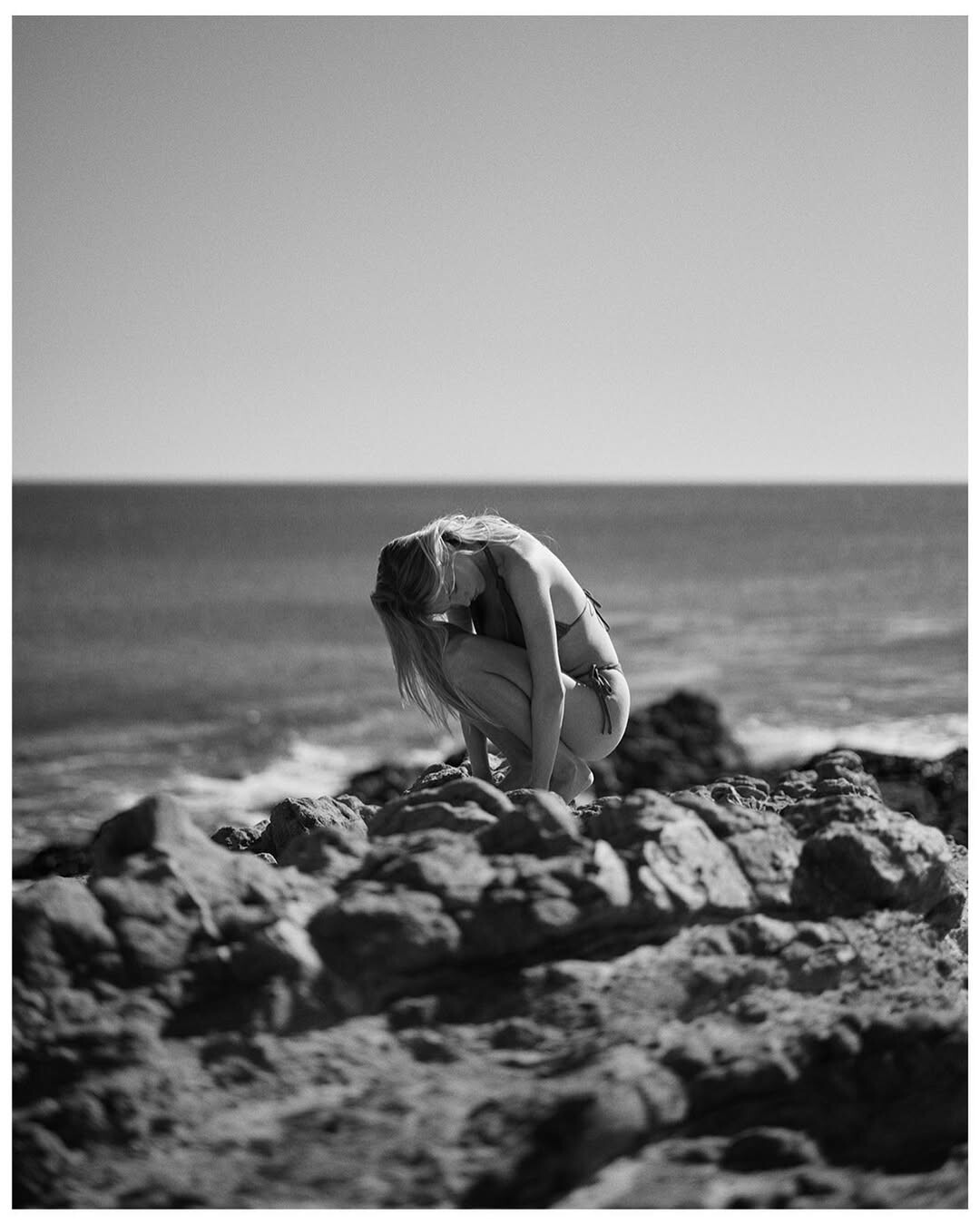
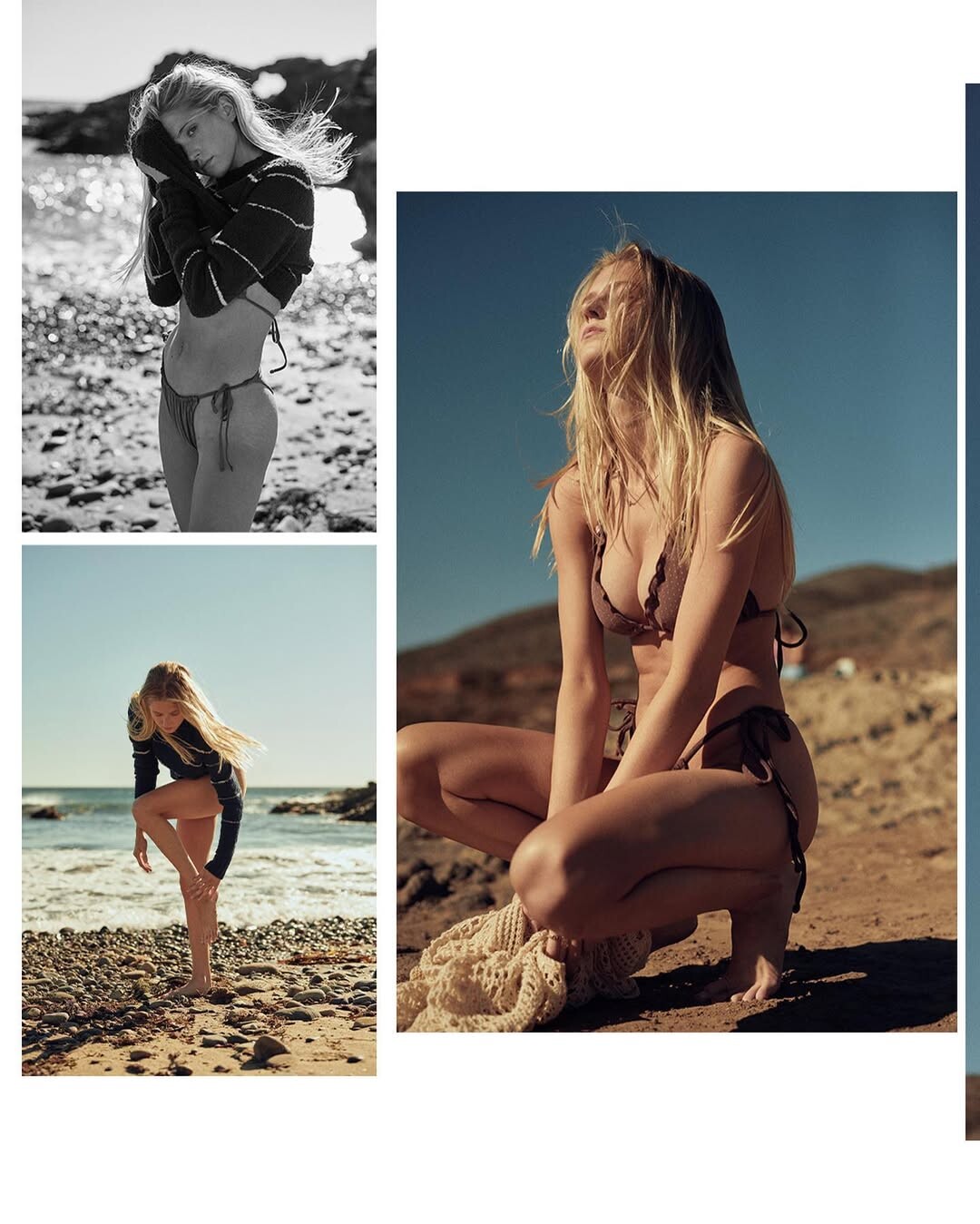
































































Account
Navigation
Search
Configure browser push notifications
Chrome (Android)
- Tap the lock icon next to the address bar.
- Tap Permissions → Notifications.
- Adjust your preference.
Chrome (Desktop)
- Click the padlock icon in the address bar.
- Select Site settings.
- Find Notifications and adjust your preference.
Safari (iOS 16.4+)
- Ensure the site is installed via Add to Home Screen.
- Open Settings App → Notifications.
- Find your app name and adjust your preference.
Safari (macOS)
- Go to Safari → Preferences.
- Click the Websites tab.
- Select Notifications in the sidebar.
- Find this website and adjust your preference.
Edge (Android)
- Tap the lock icon next to the address bar.
- Tap Permissions.
- Find Notifications and adjust your preference.
Edge (Desktop)
- Click the padlock icon in the address bar.
- Click Permissions for this site.
- Find Notifications and adjust your preference.
Firefox (Android)
- Go to Settings → Site permissions.
- Tap Notifications.
- Find this site in the list and adjust your preference.
Firefox (Desktop)
- Open Firefox Settings.
- Search for Notifications.
- Find this site in the list and adjust your preference.