All Activity
- Past hour
-
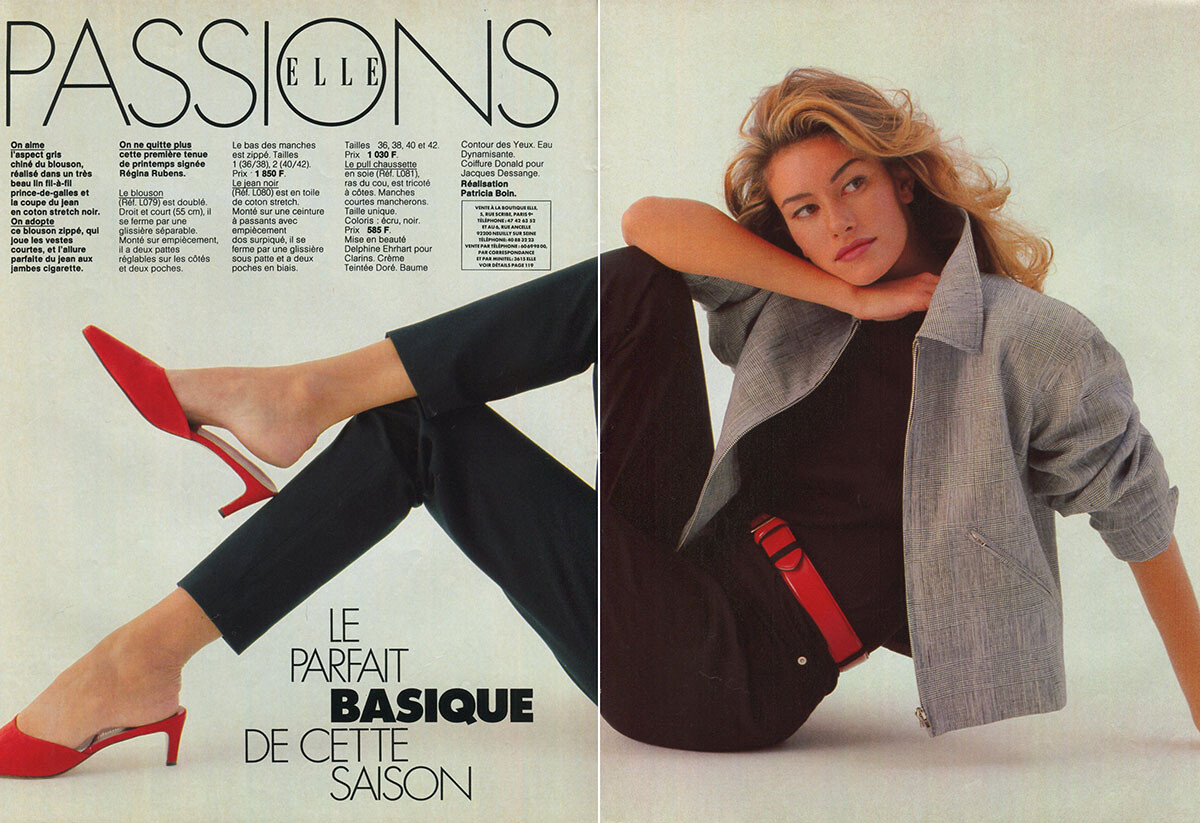
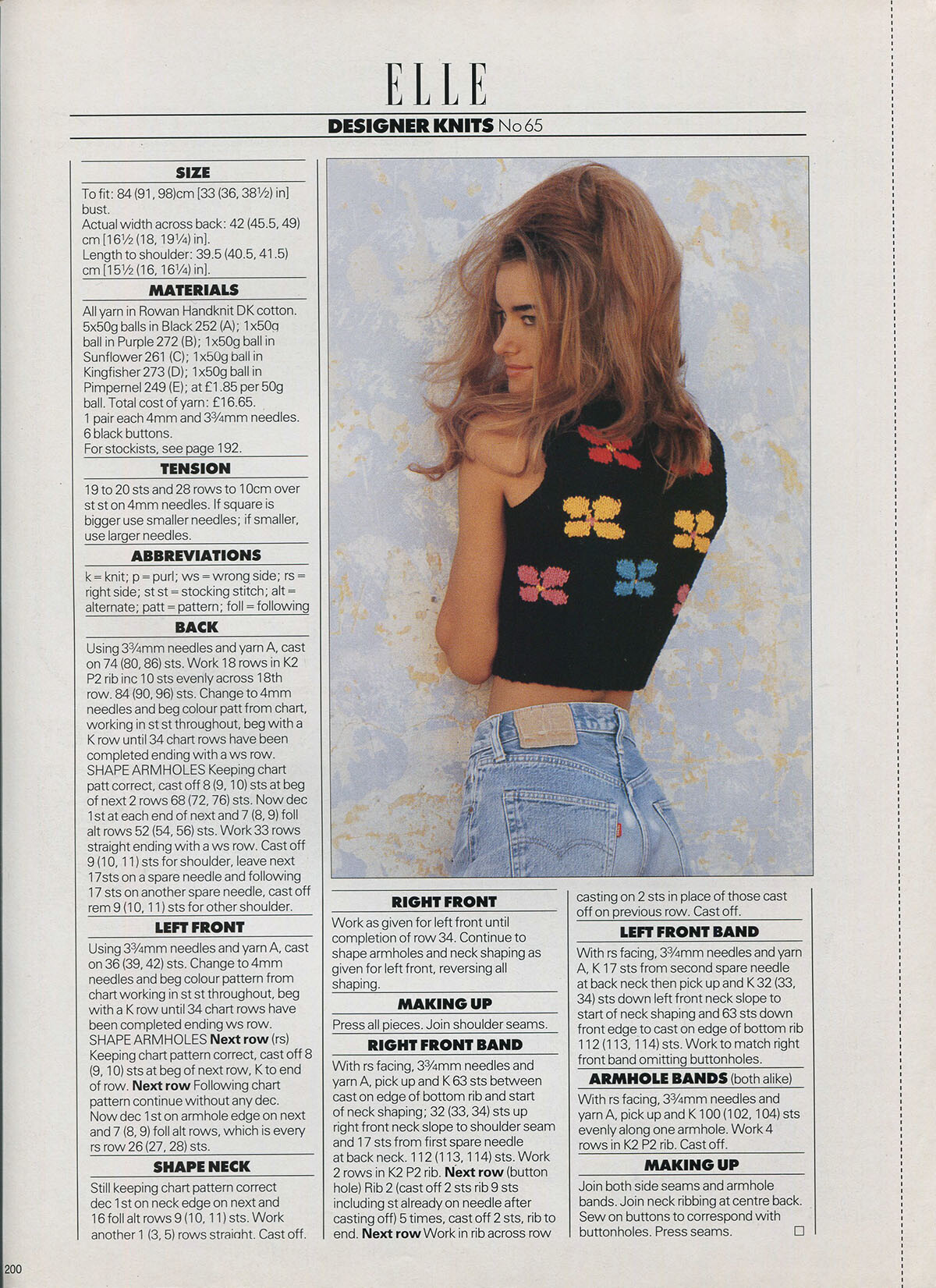
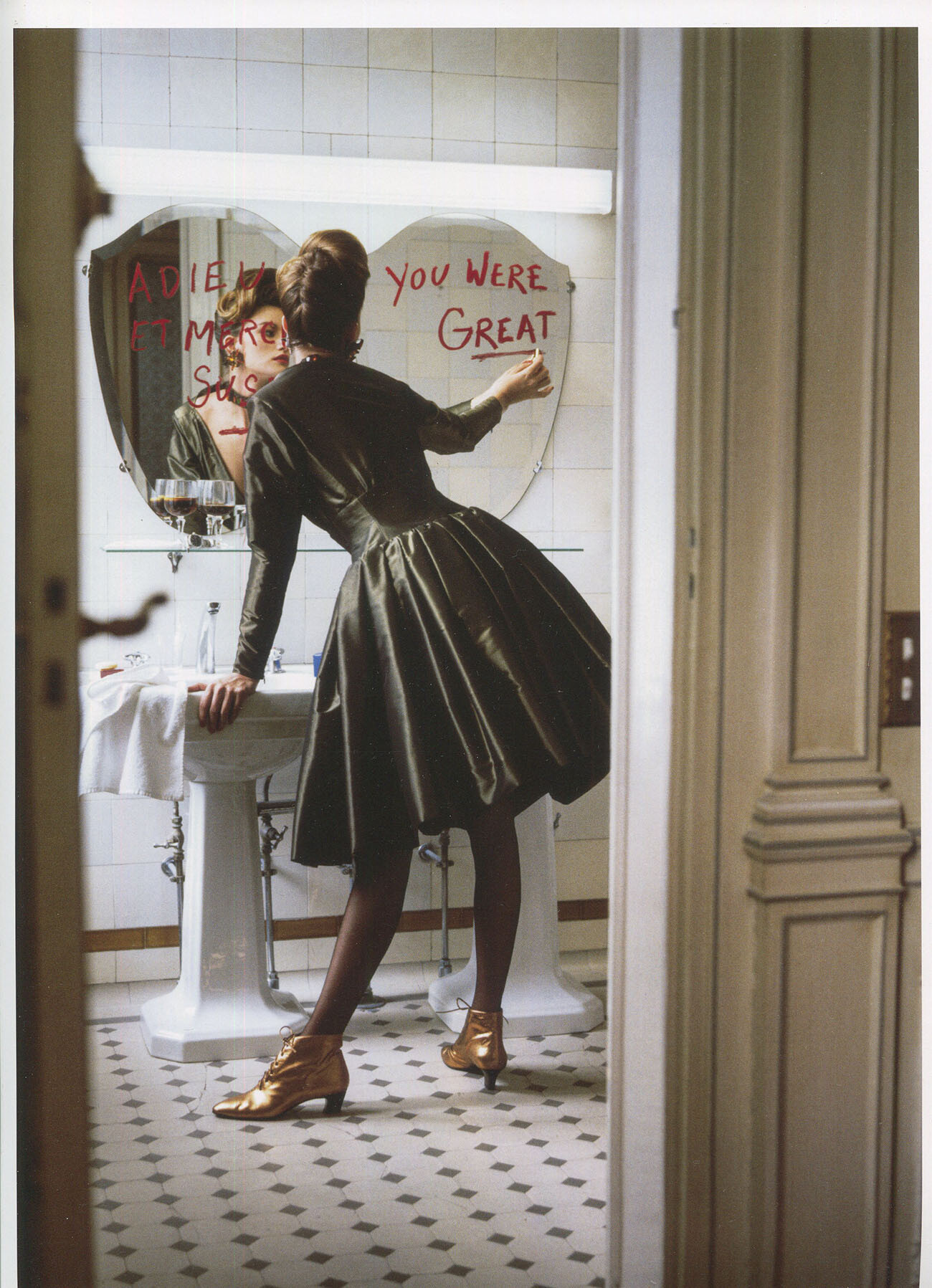
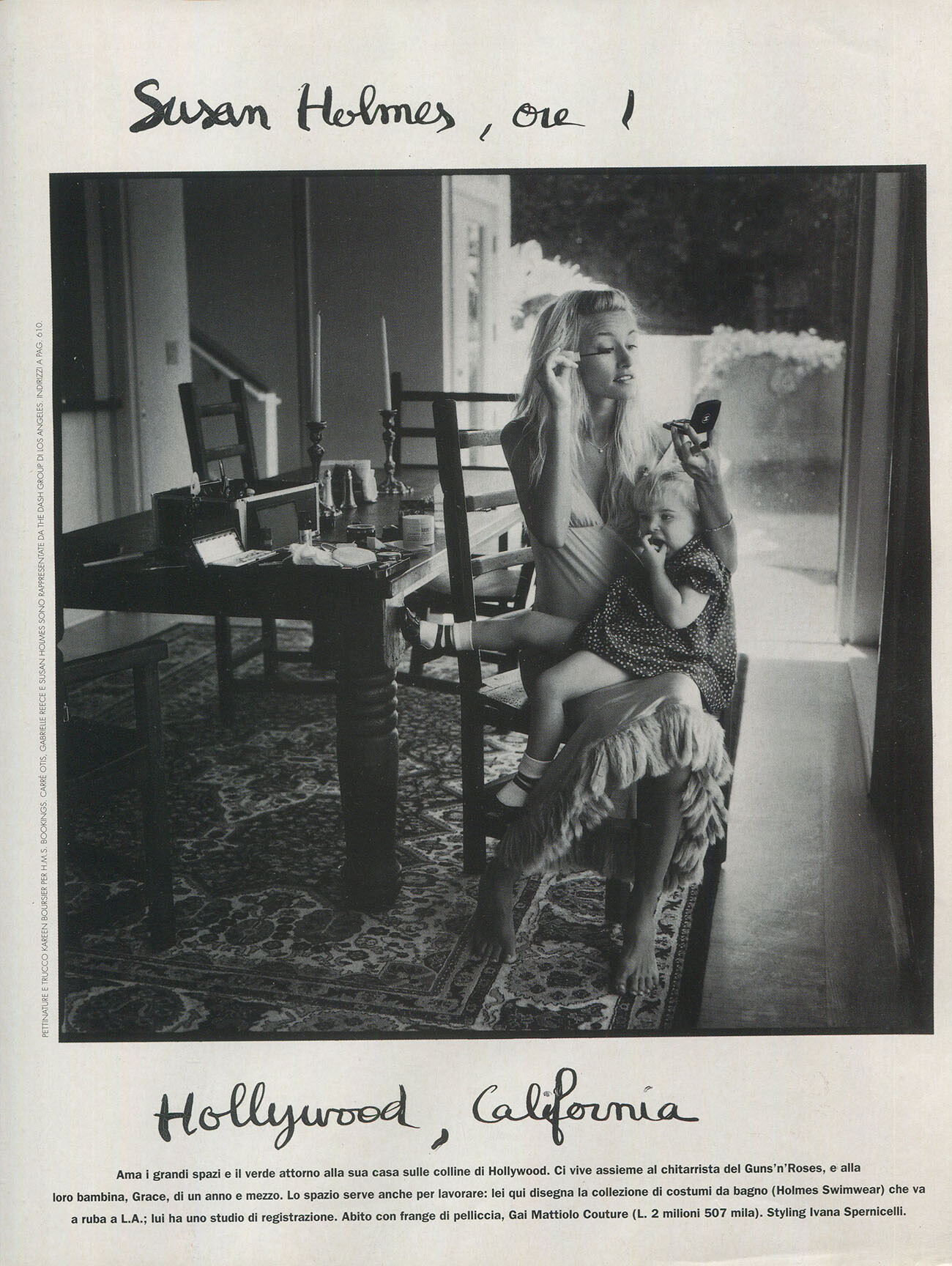
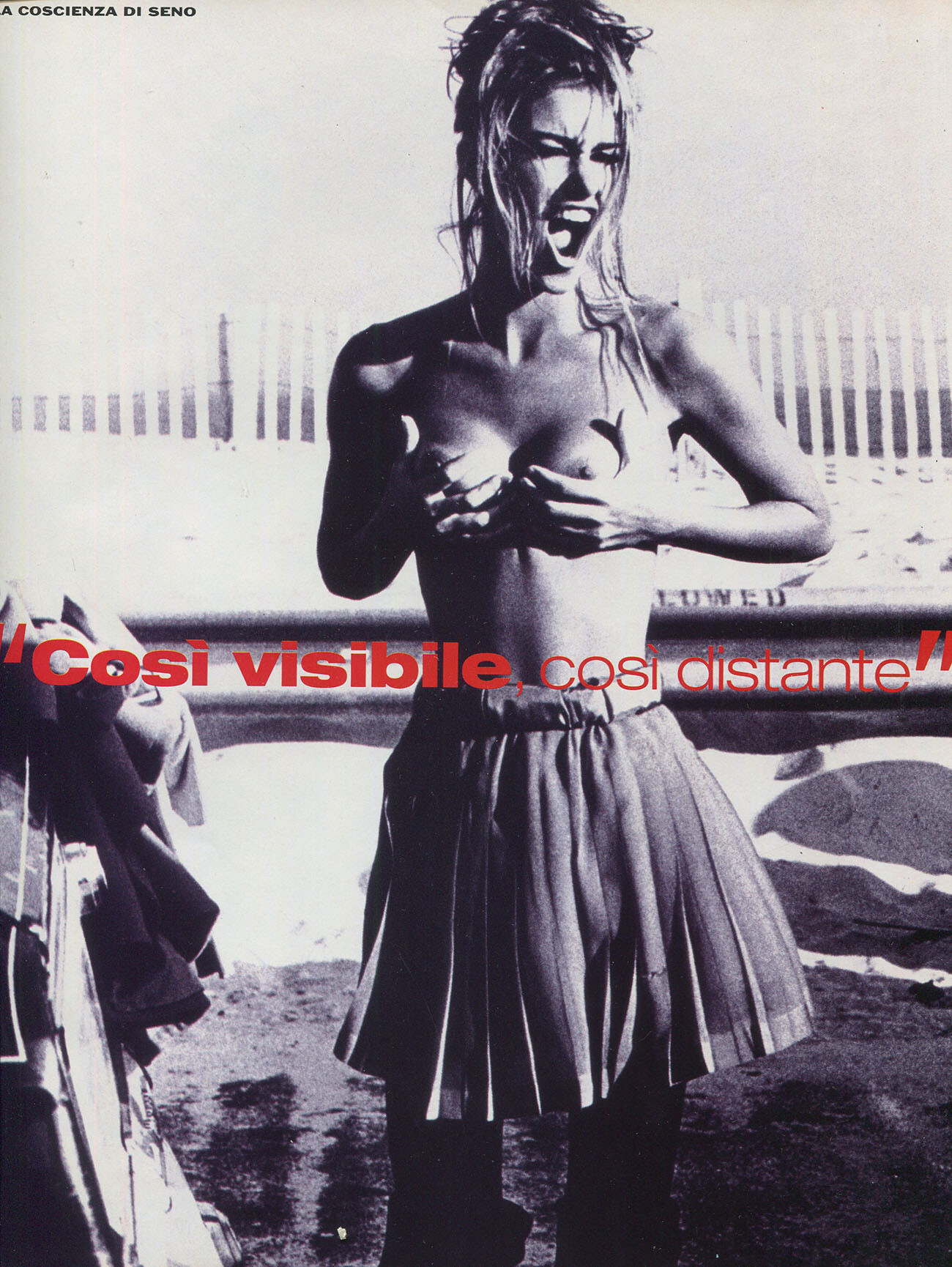
 Elle France March 16th, 1992 my scan:
-Elle-Fr-SH.thumb.jpg.475f5478132811c5cfd59ef0aae0a410.jpg)
-
Elle France 24th of Fenruary 1992, my scan:

-
 Living Solution Pte Ltd changed their profile photo
 -
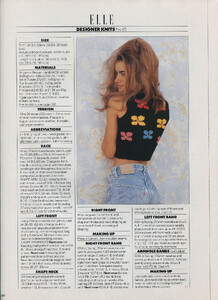
Elle France date unknown, my scans:

-

-
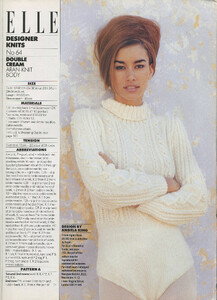
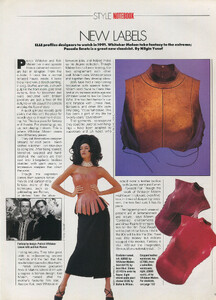
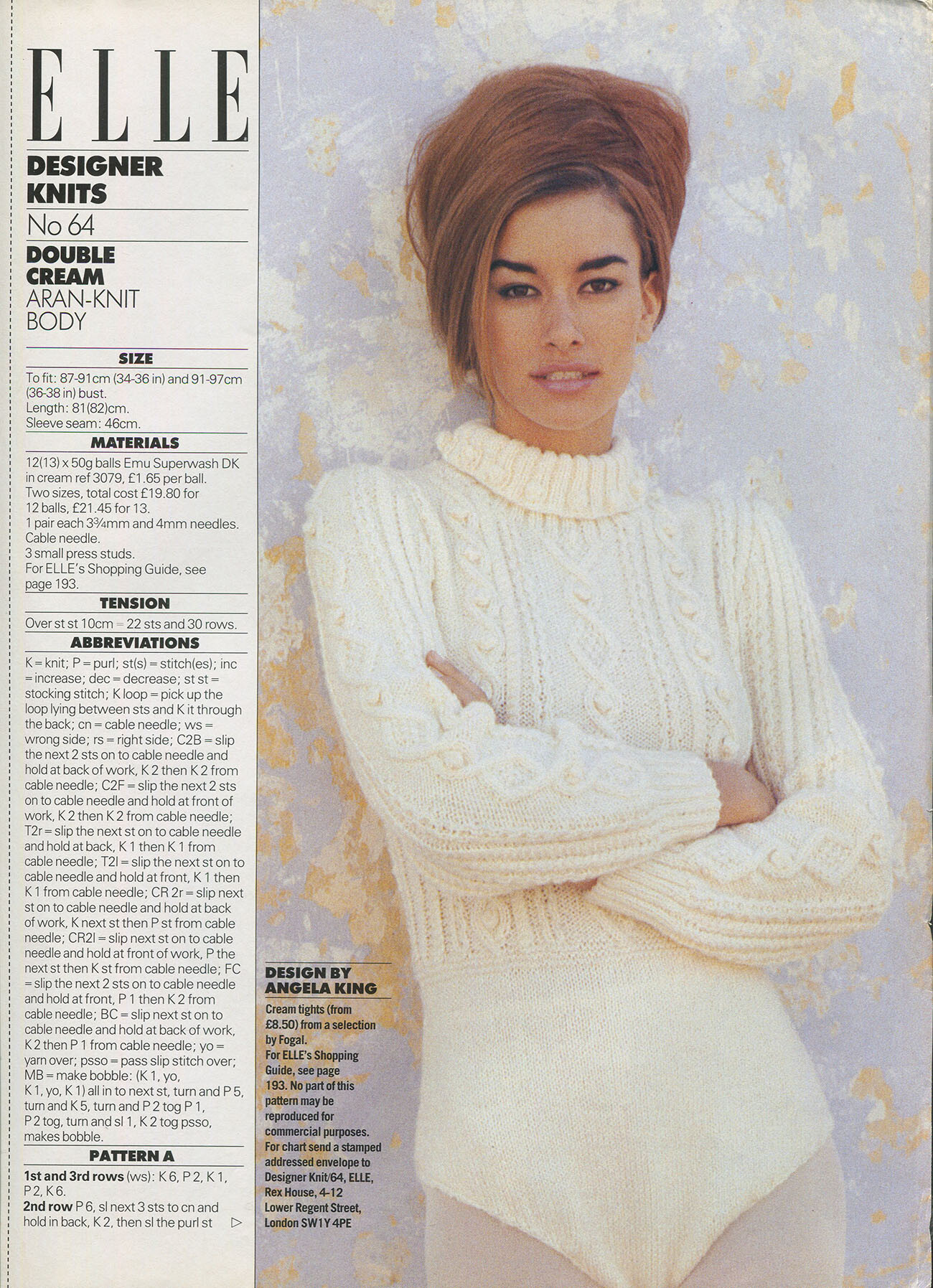
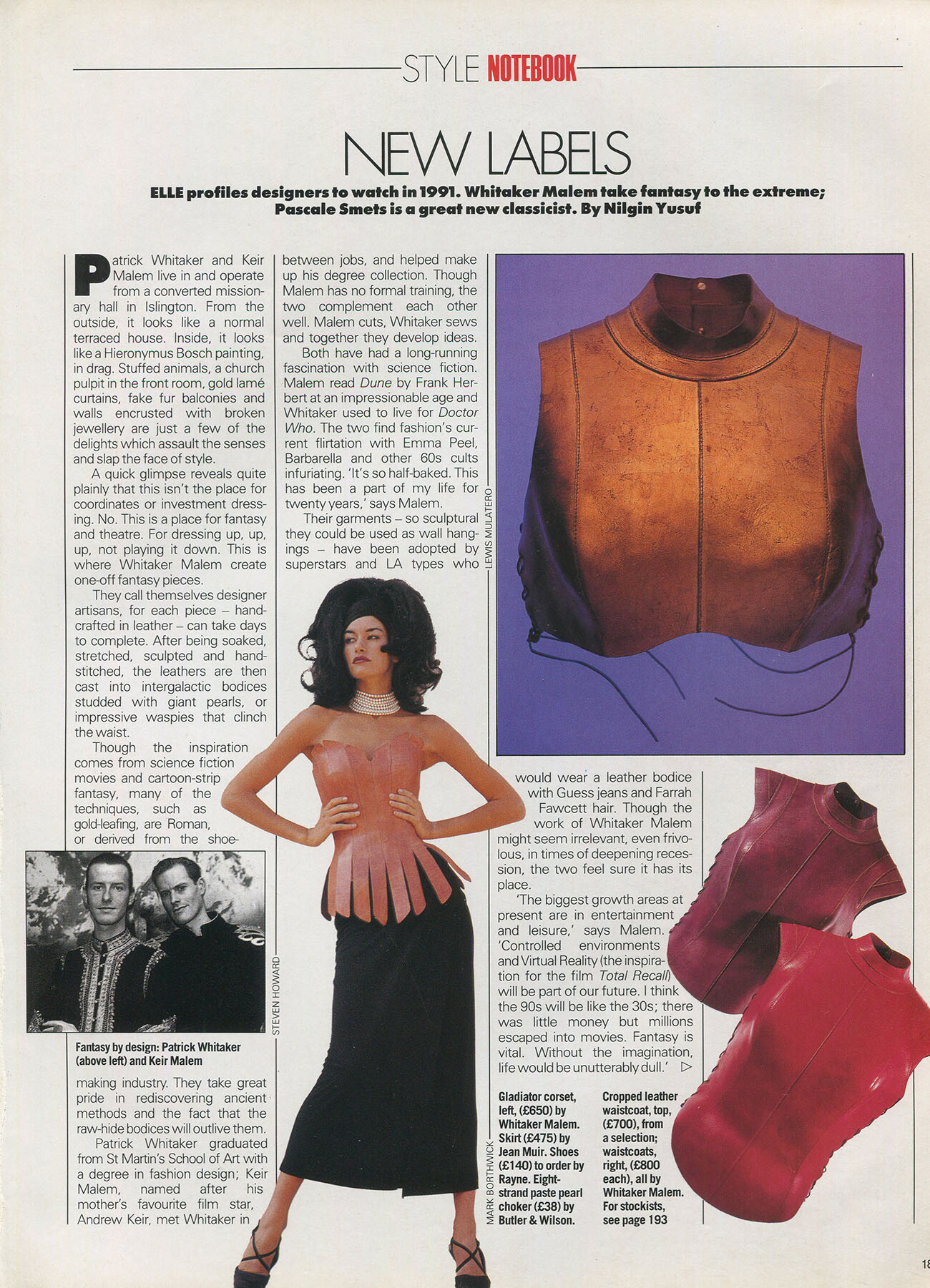
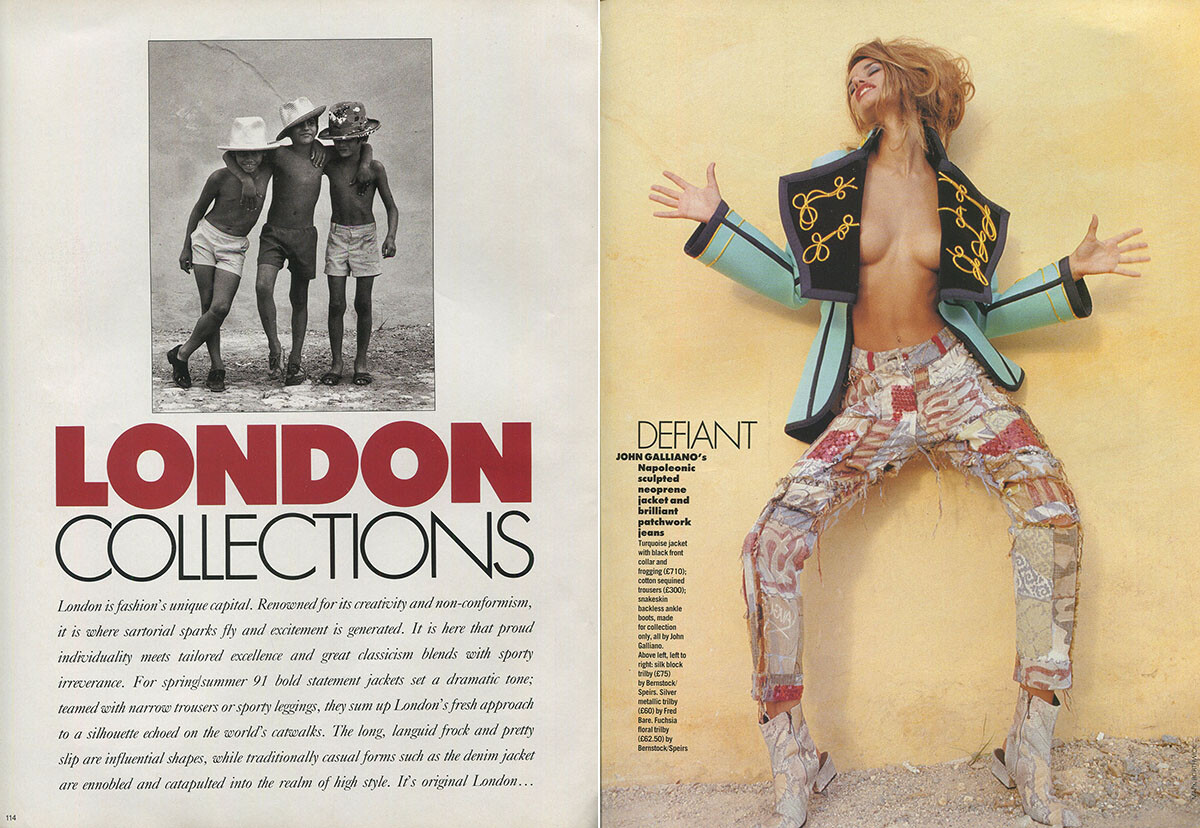
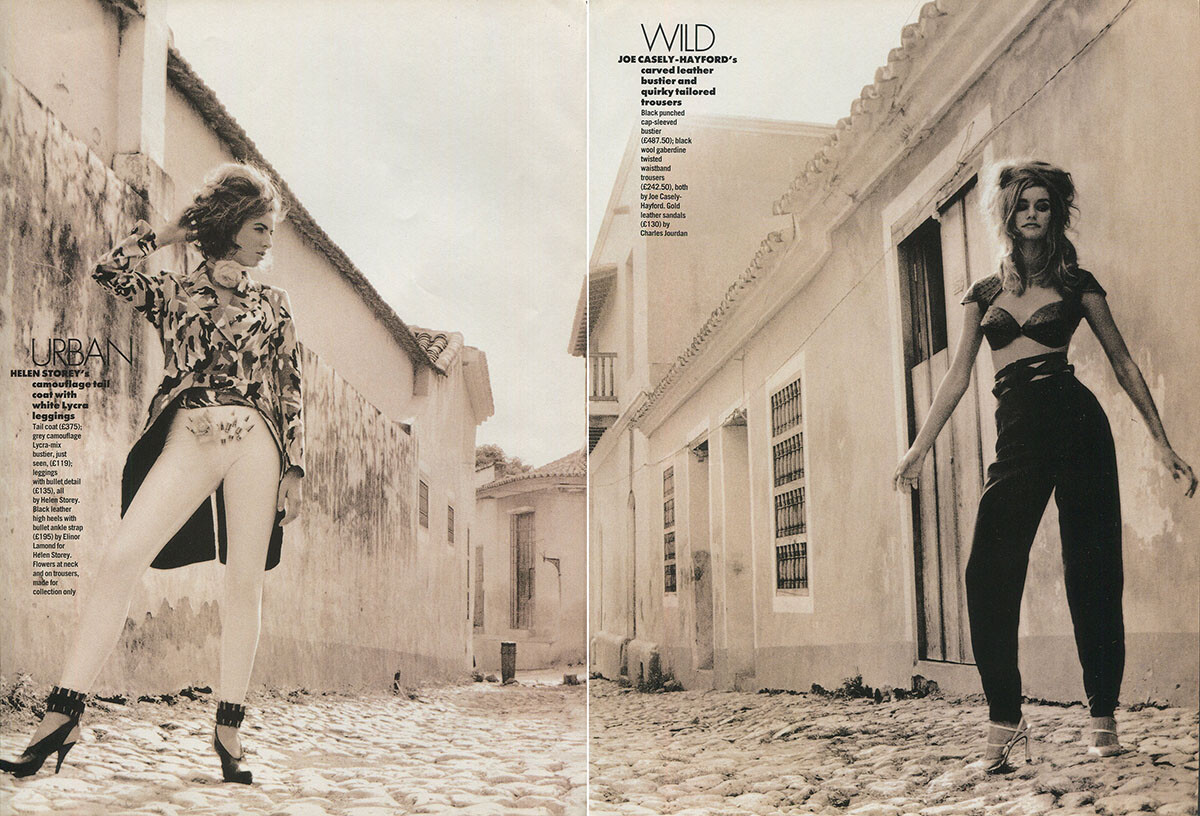
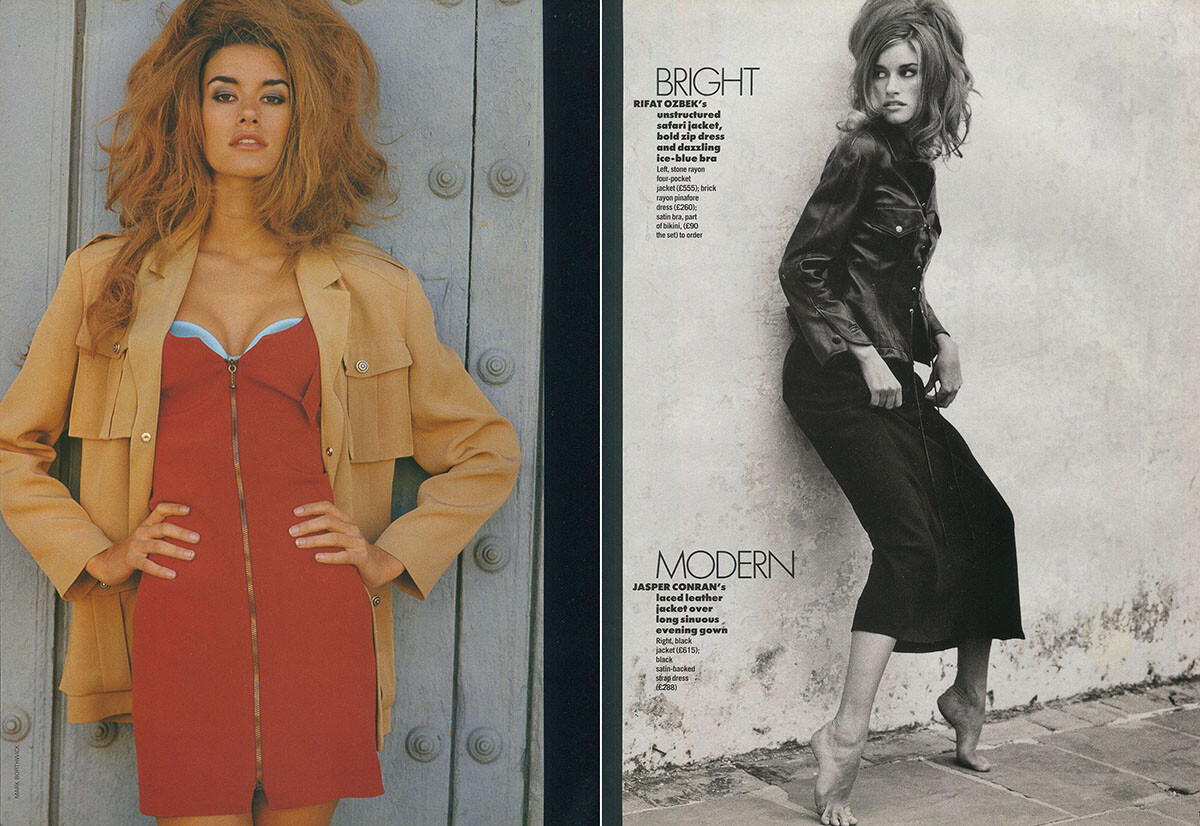
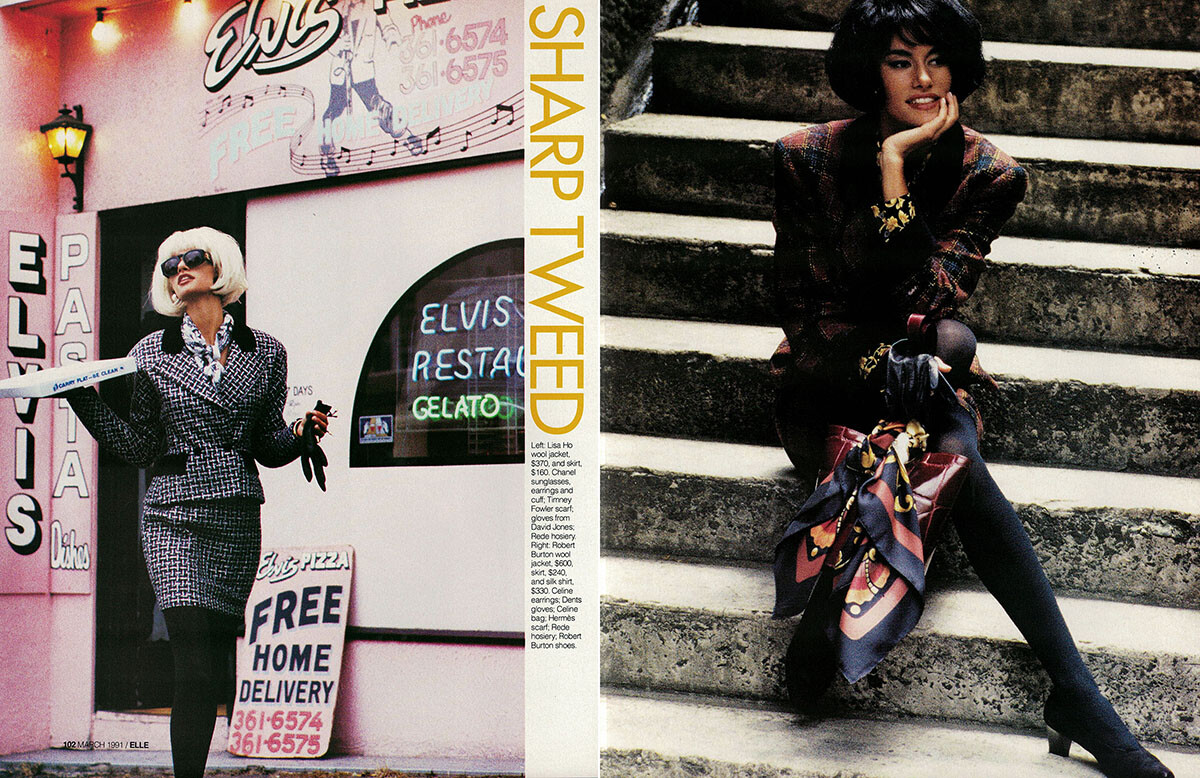
Elle UK 3/1991, my scans:





-
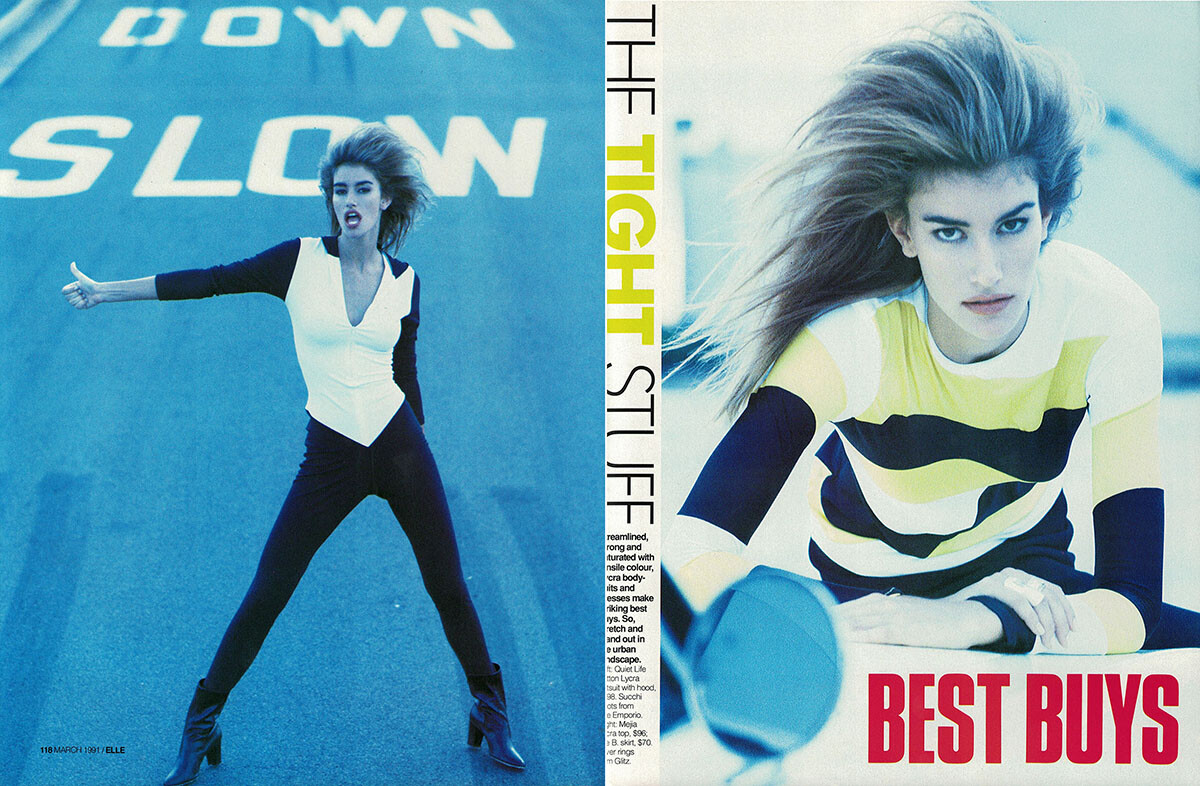
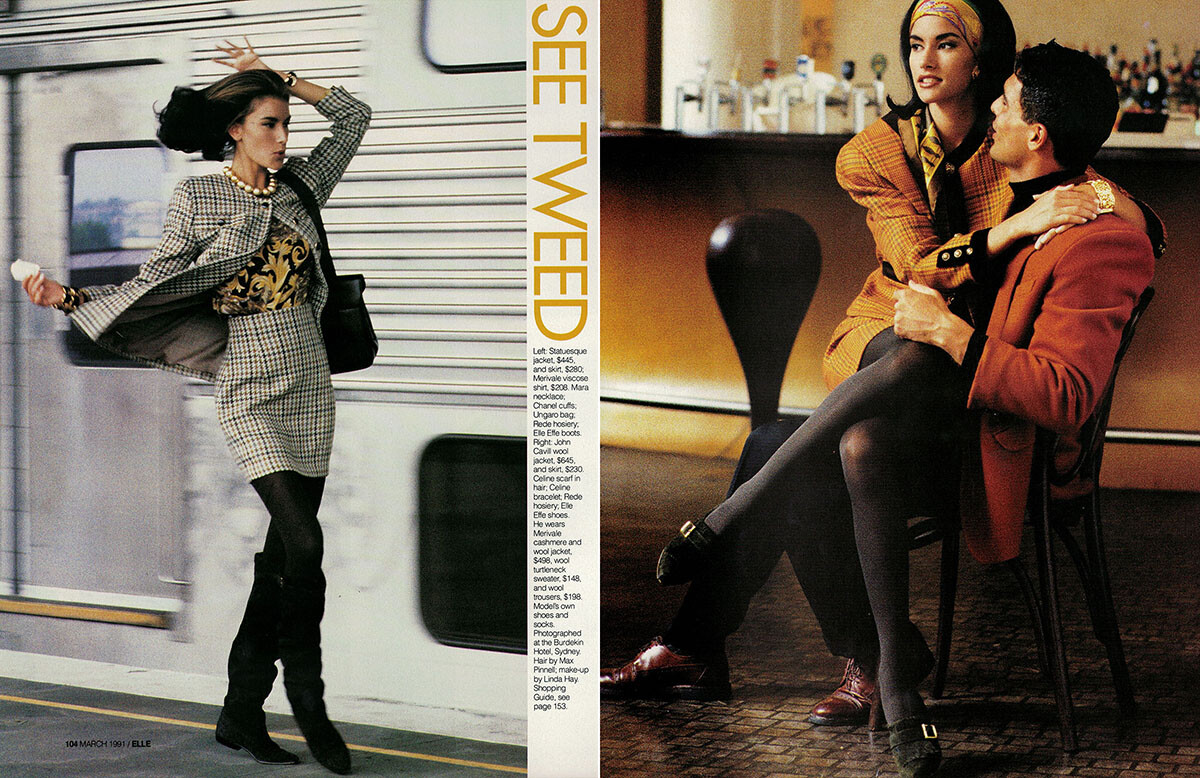
Elle Australia 3/1991, my scans:



-
Elle Australia 3/1991, my scans:



-
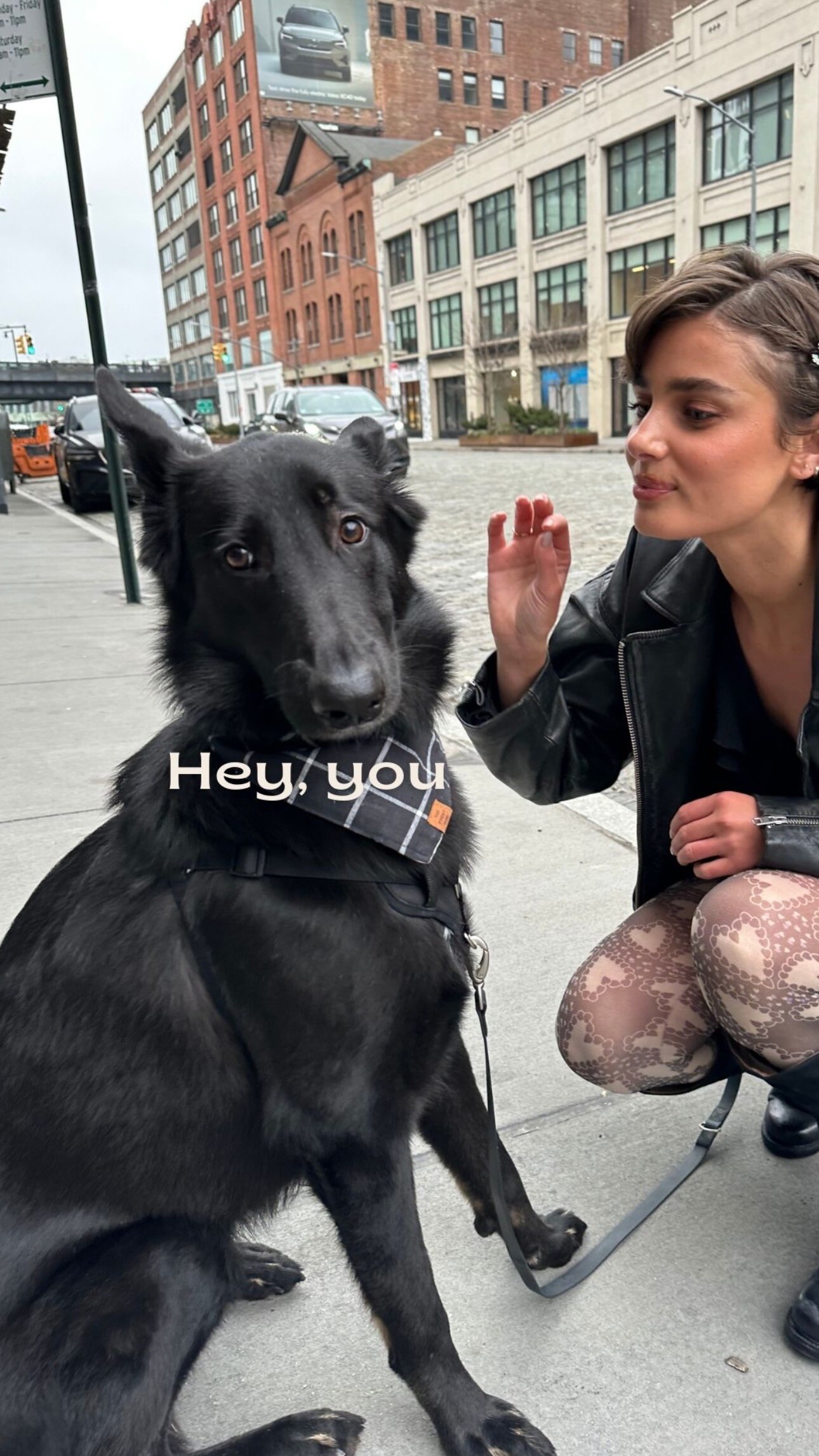
 Tate & Taylor: stories


-
Living Solution Pte Ltd joined the community
-
 spring summer 1992 collections (Costume National and Prada), my scans:

 from Helmut Newton's book, adfor YSL, my scan:
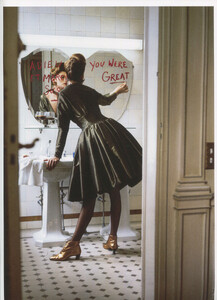 Elle Italy 10/1999, my scan:
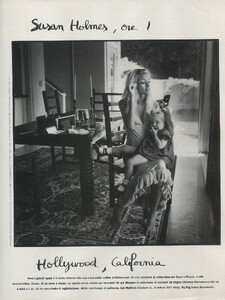 cover and pages from Italian magazine MODA dated 11/1994, my scans:


 You already posted those on January 2nd 😊
from Pamela Hanson's book The 90's, my scans:
You already posted those on January 2nd 😊
from Pamela Hanson's book The 90's, my scans:
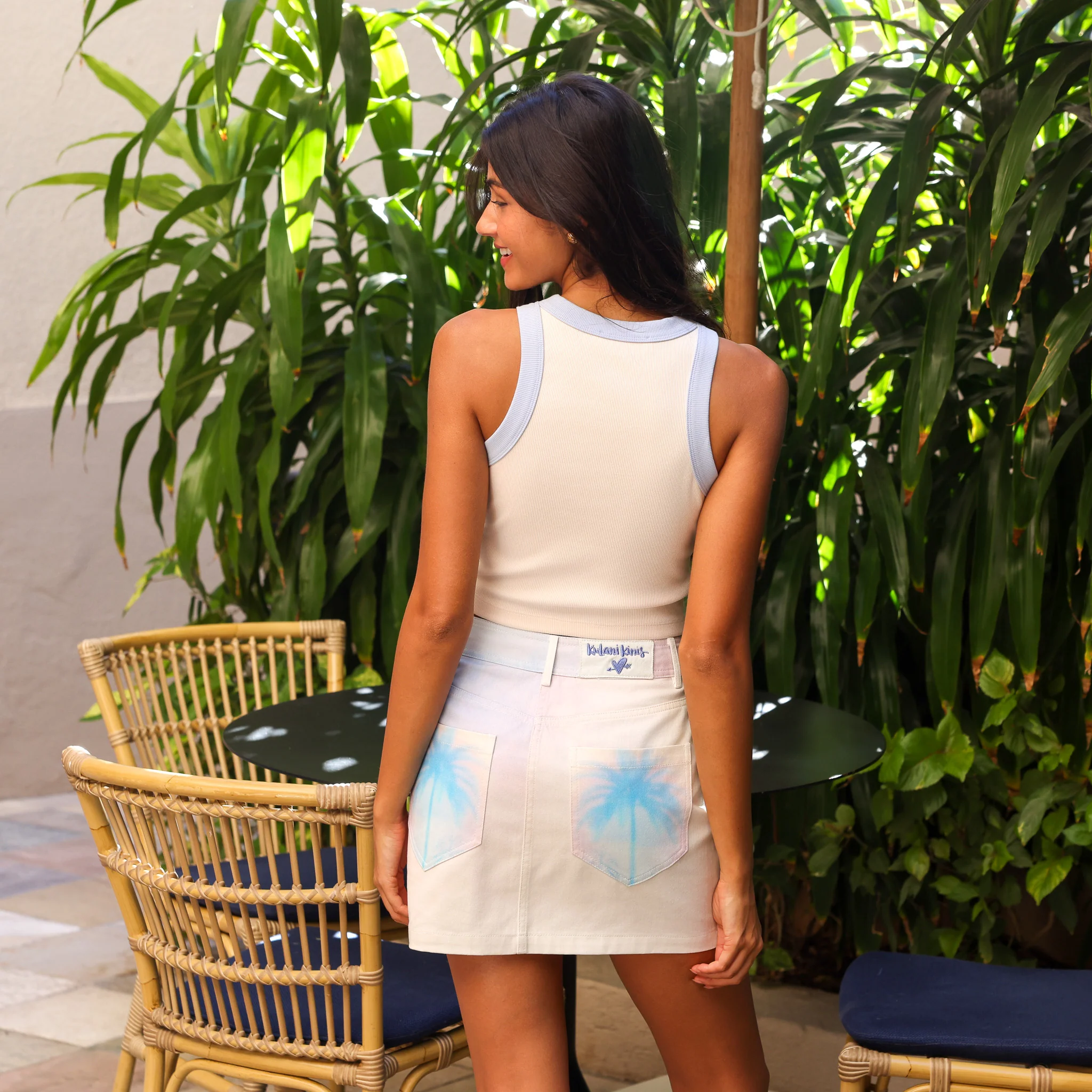
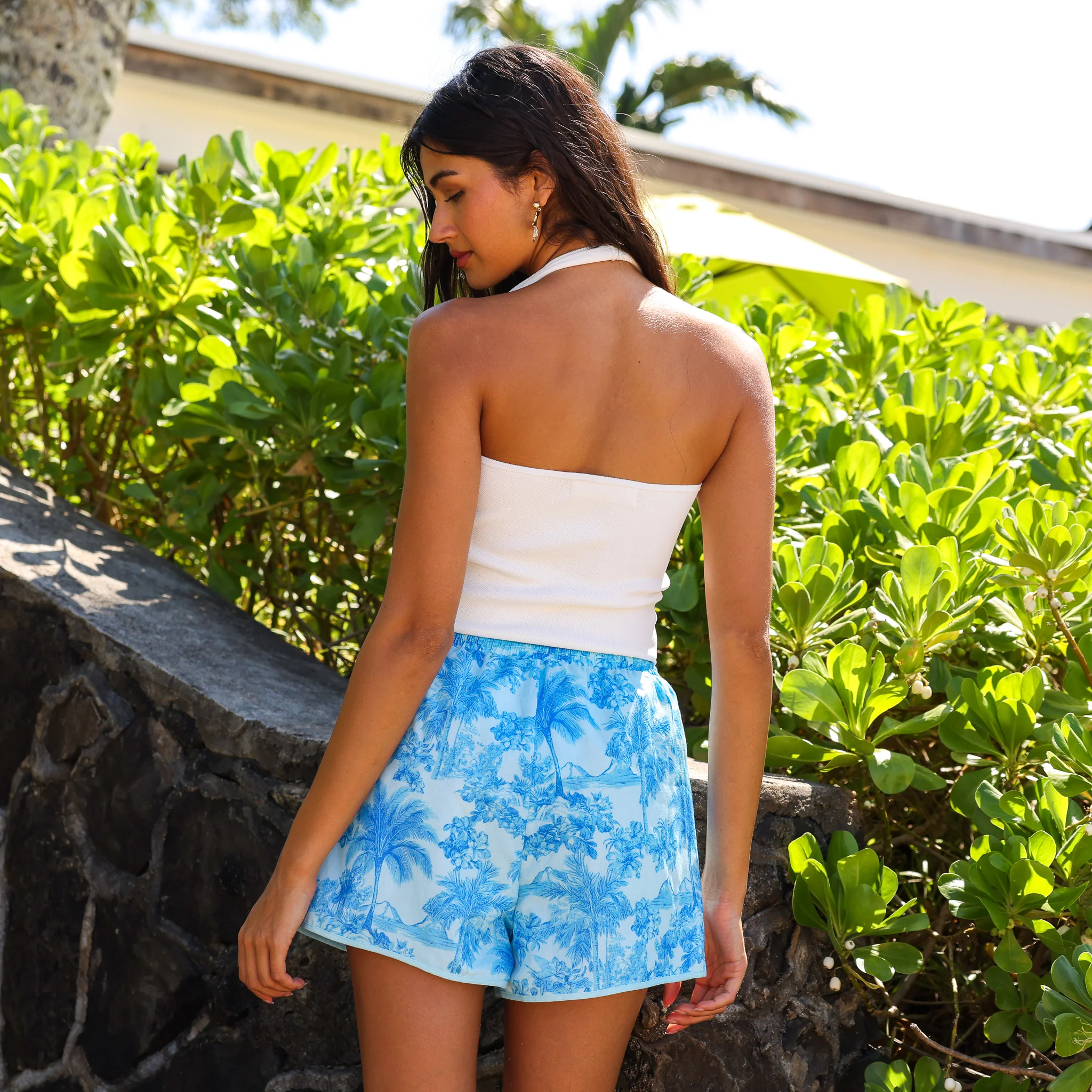
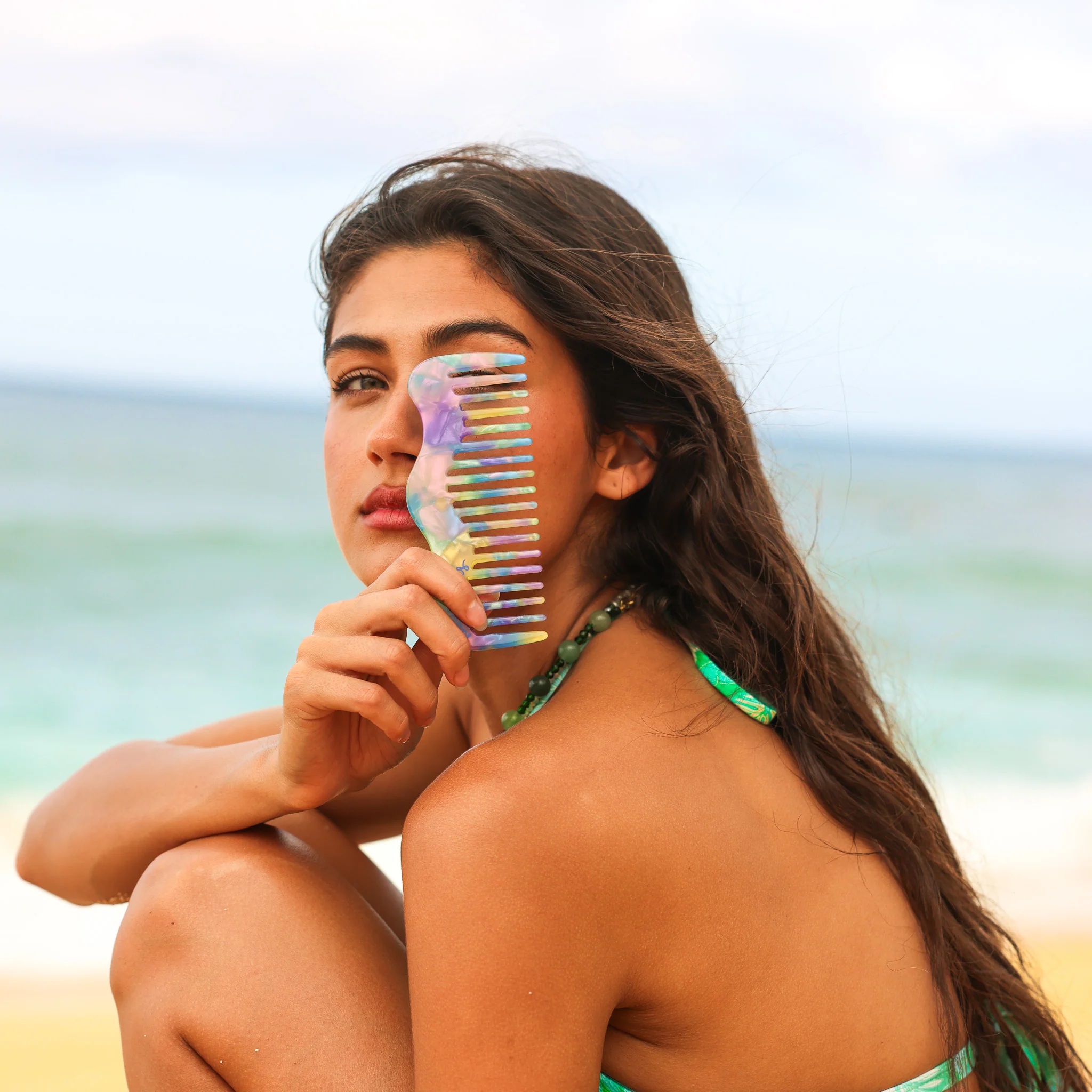
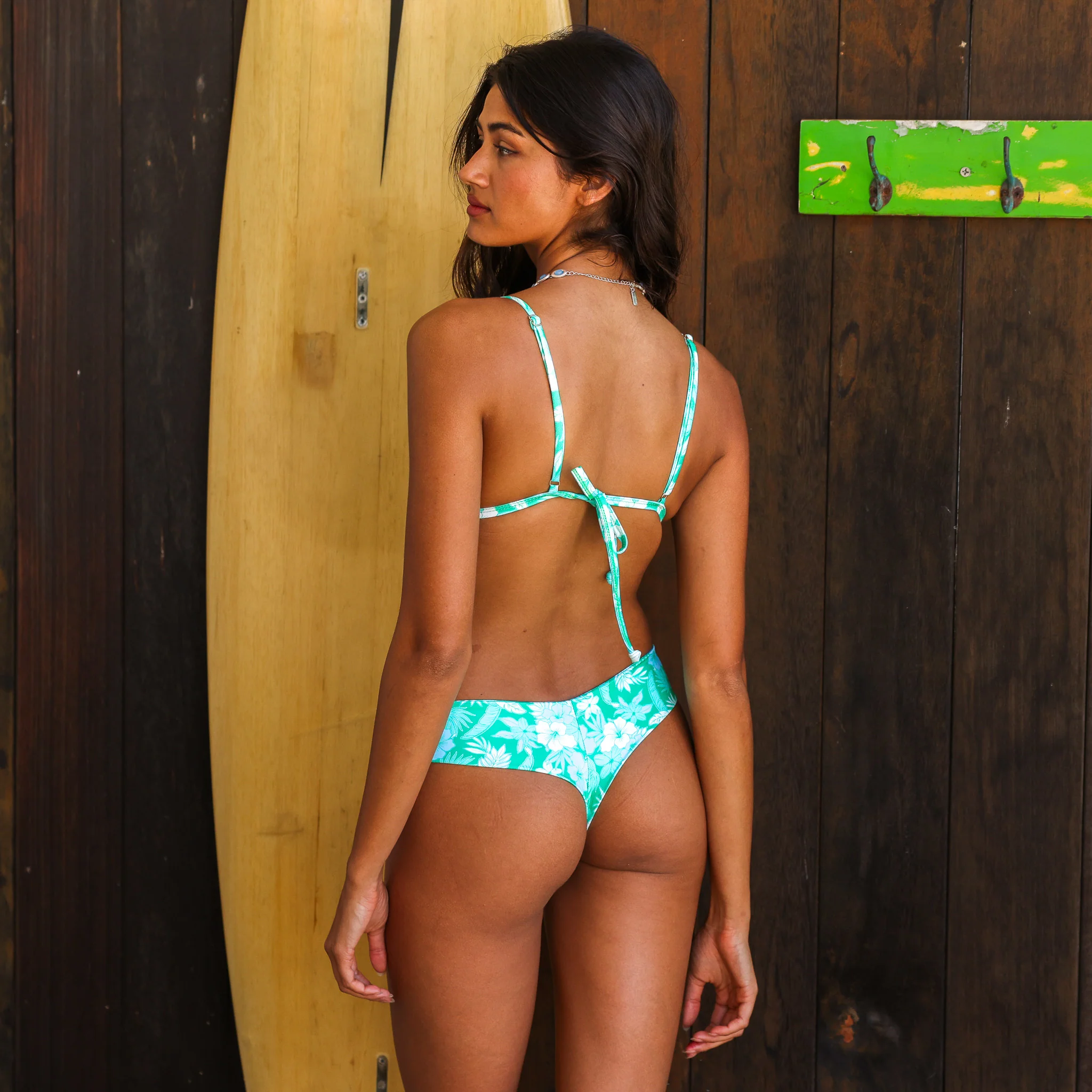
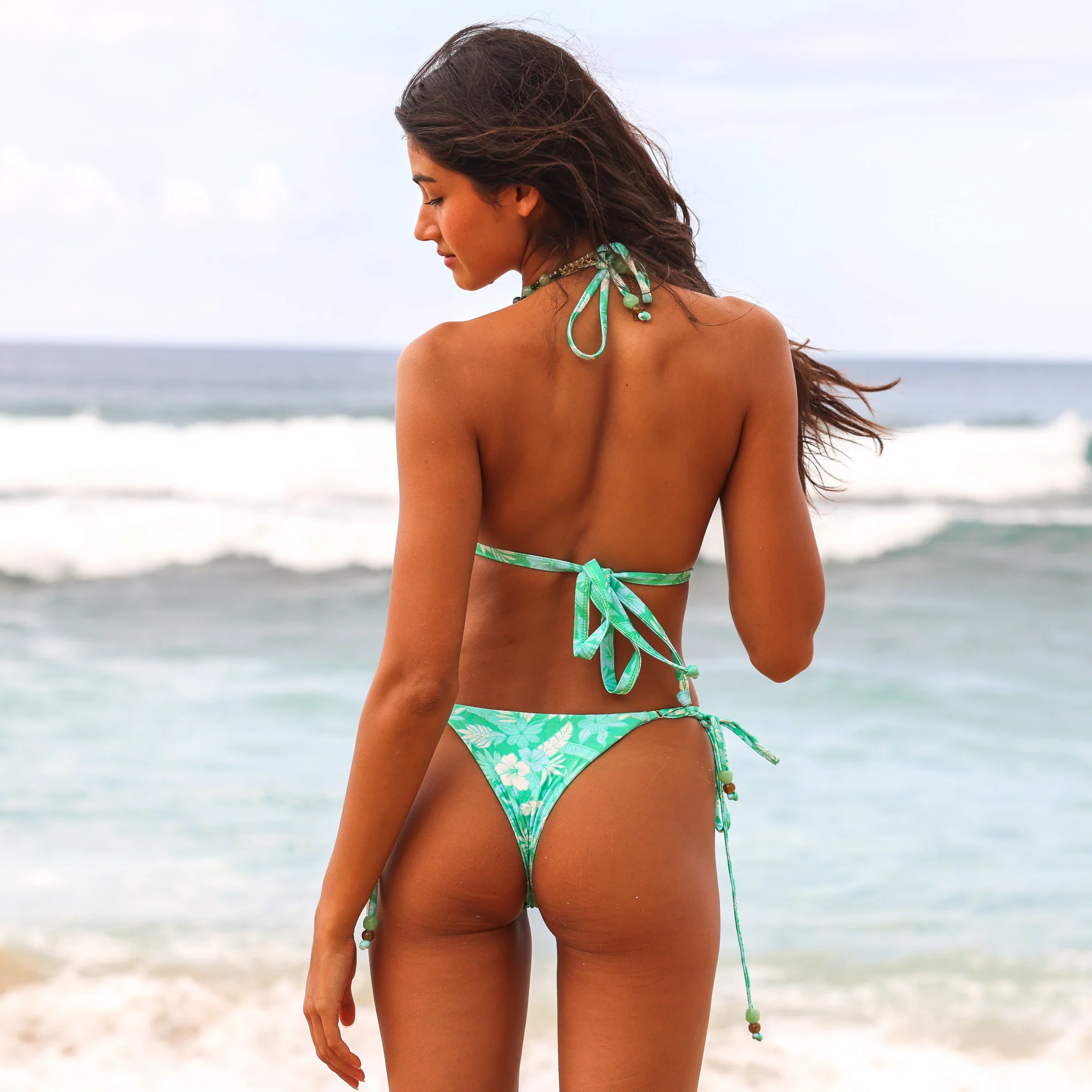
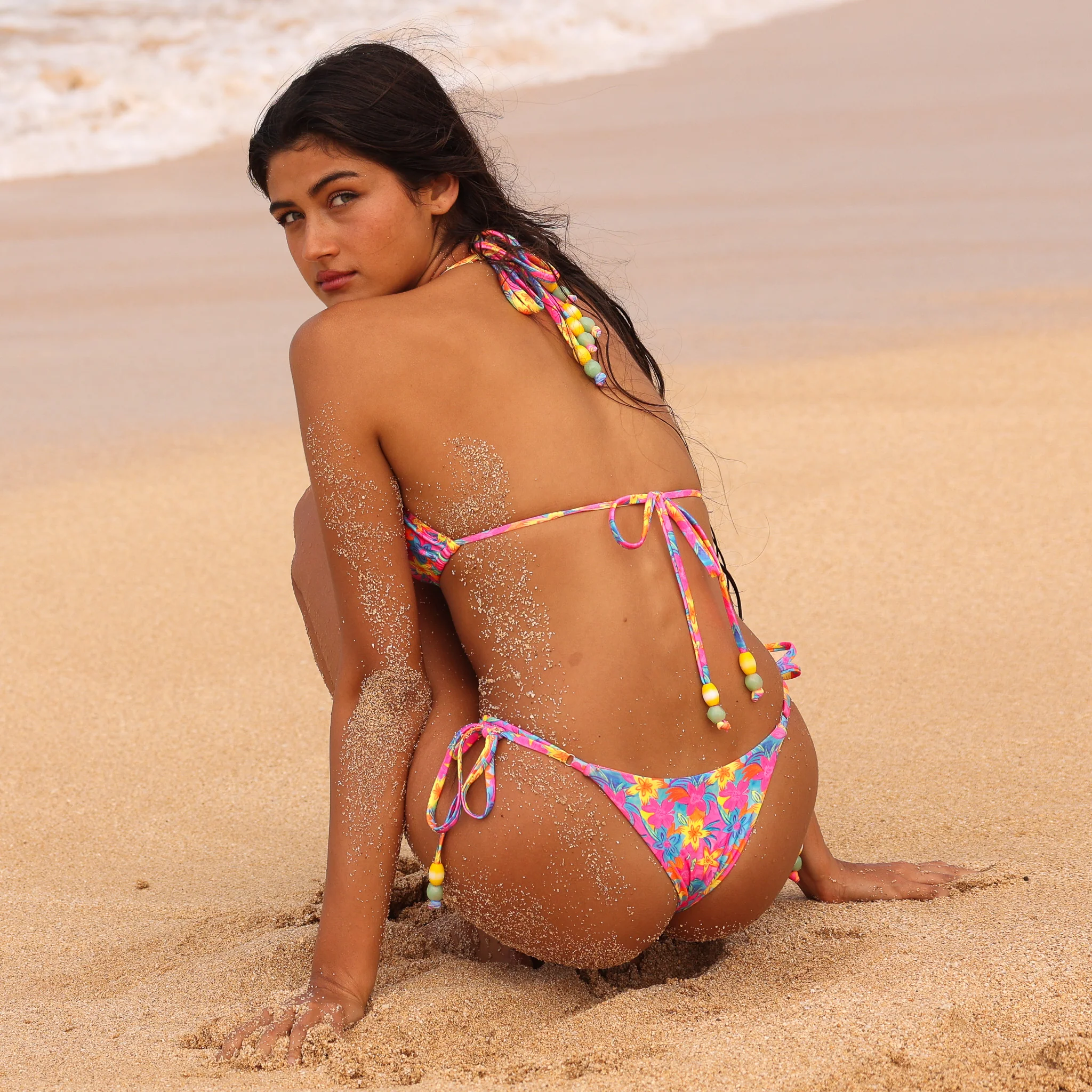
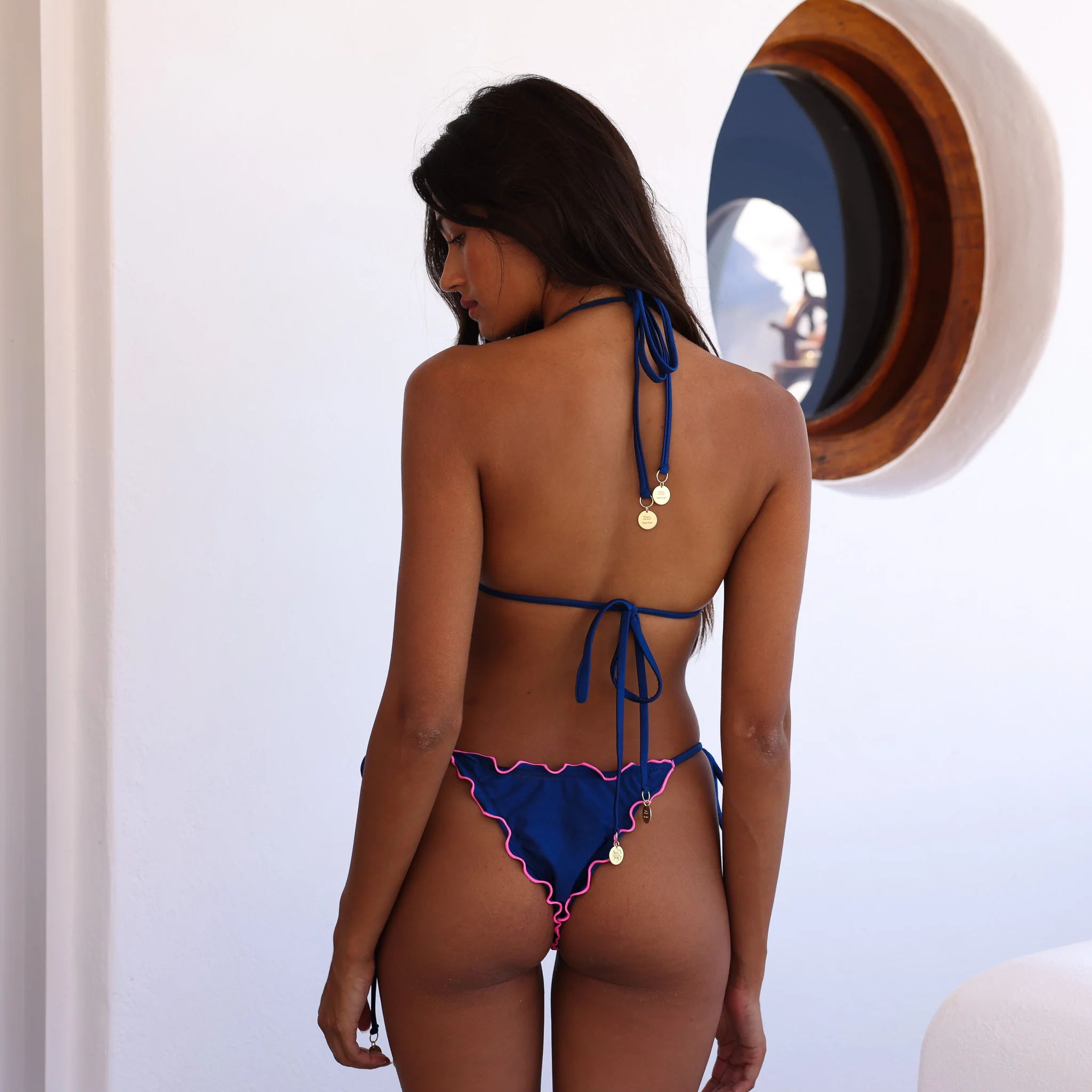
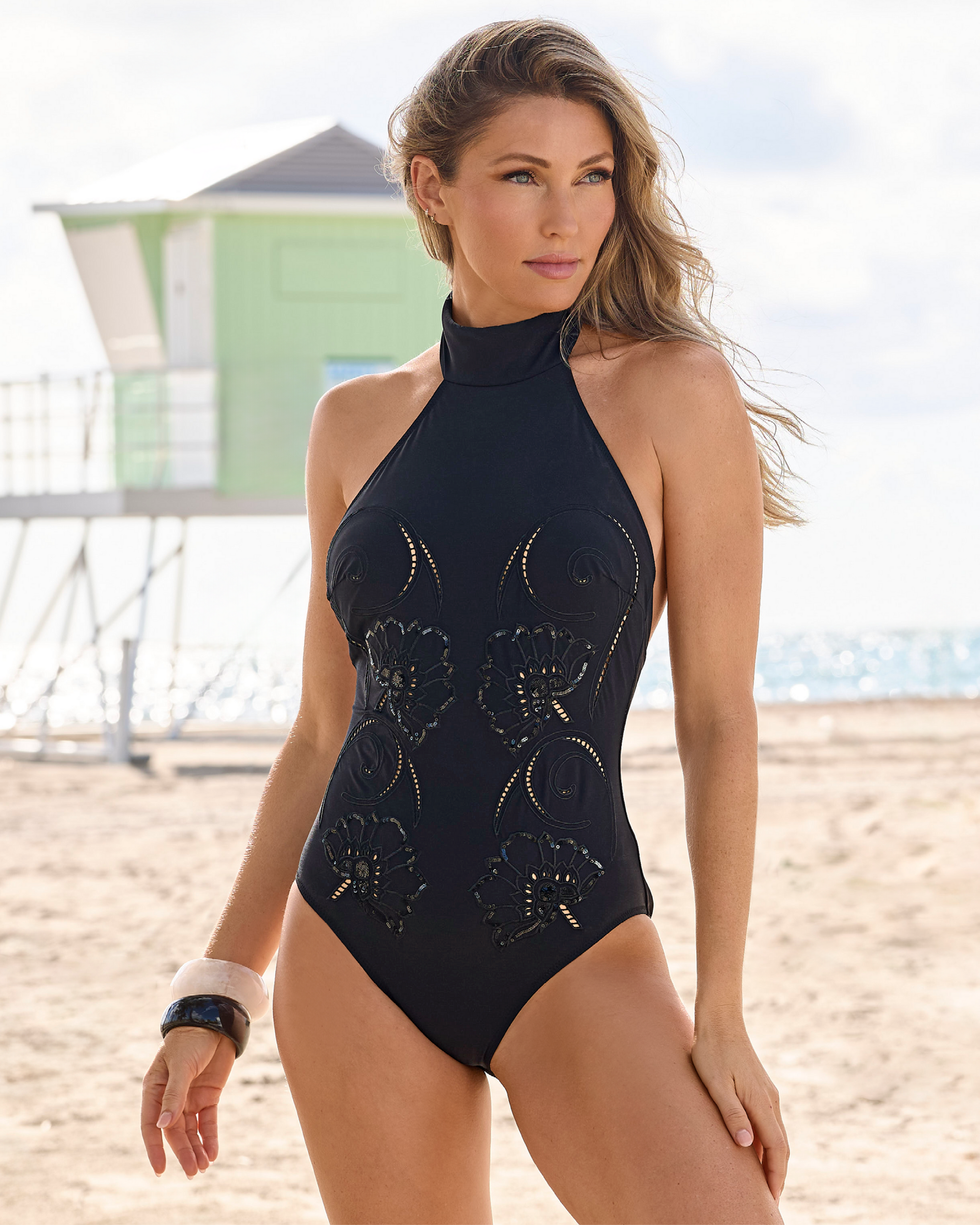
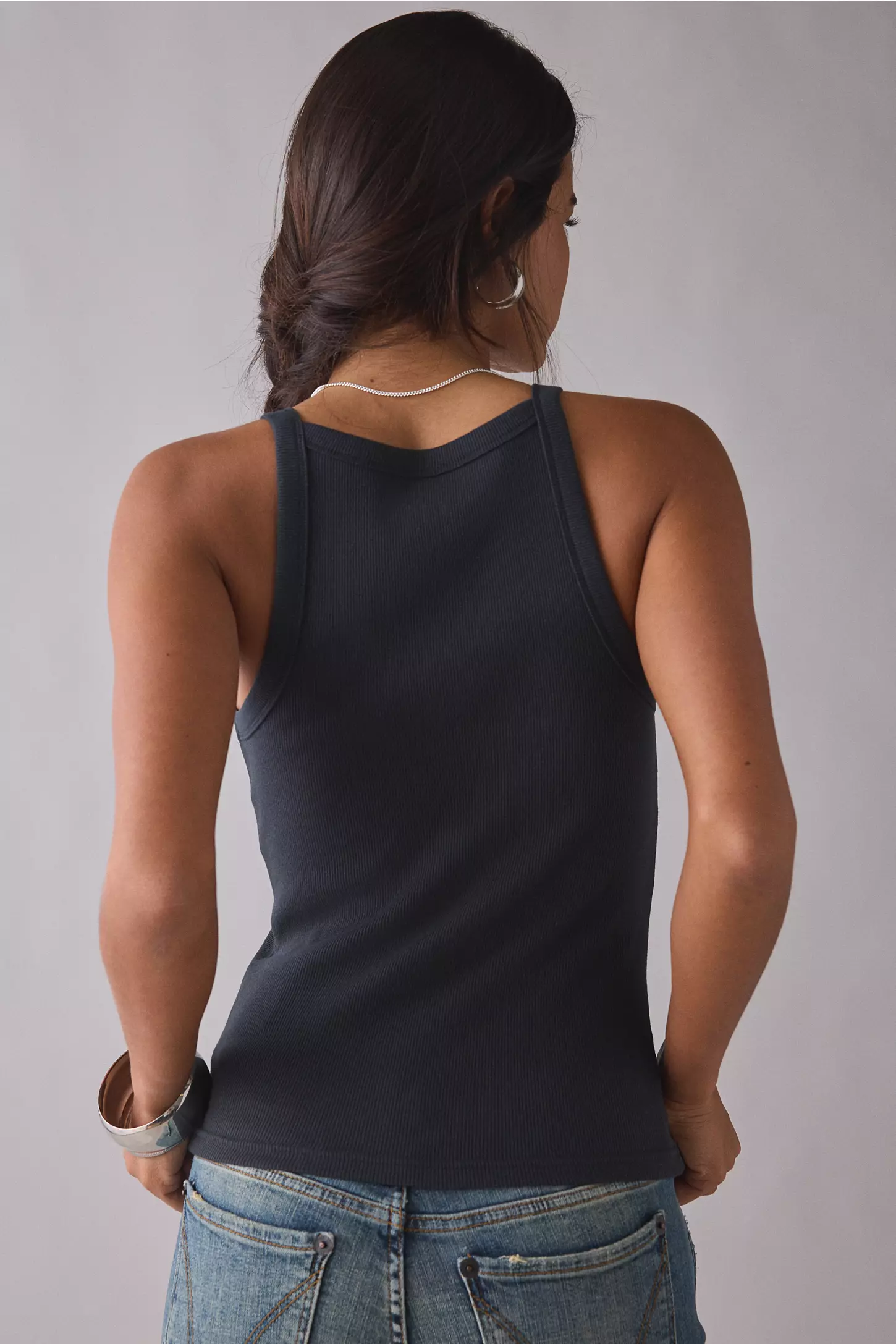
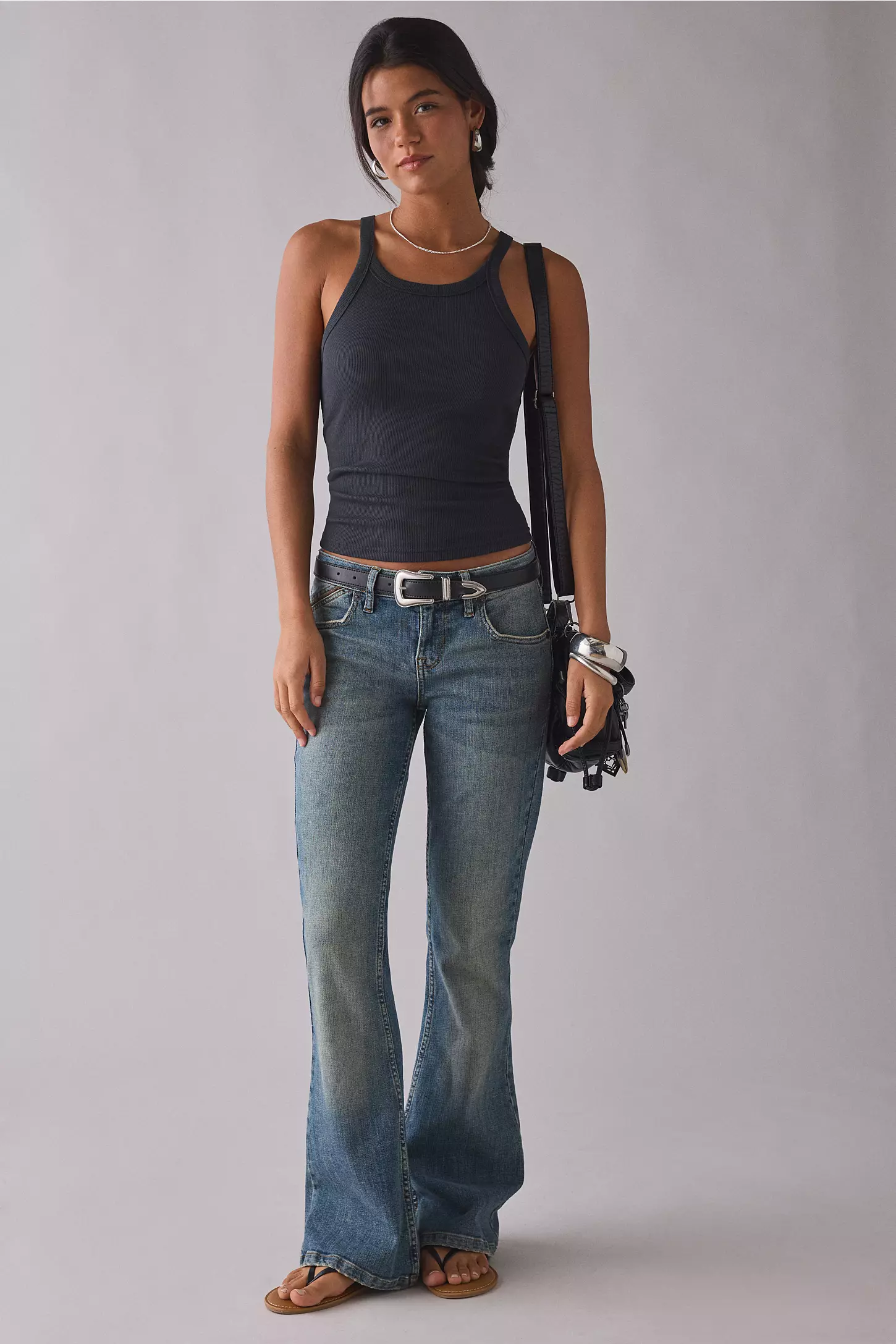
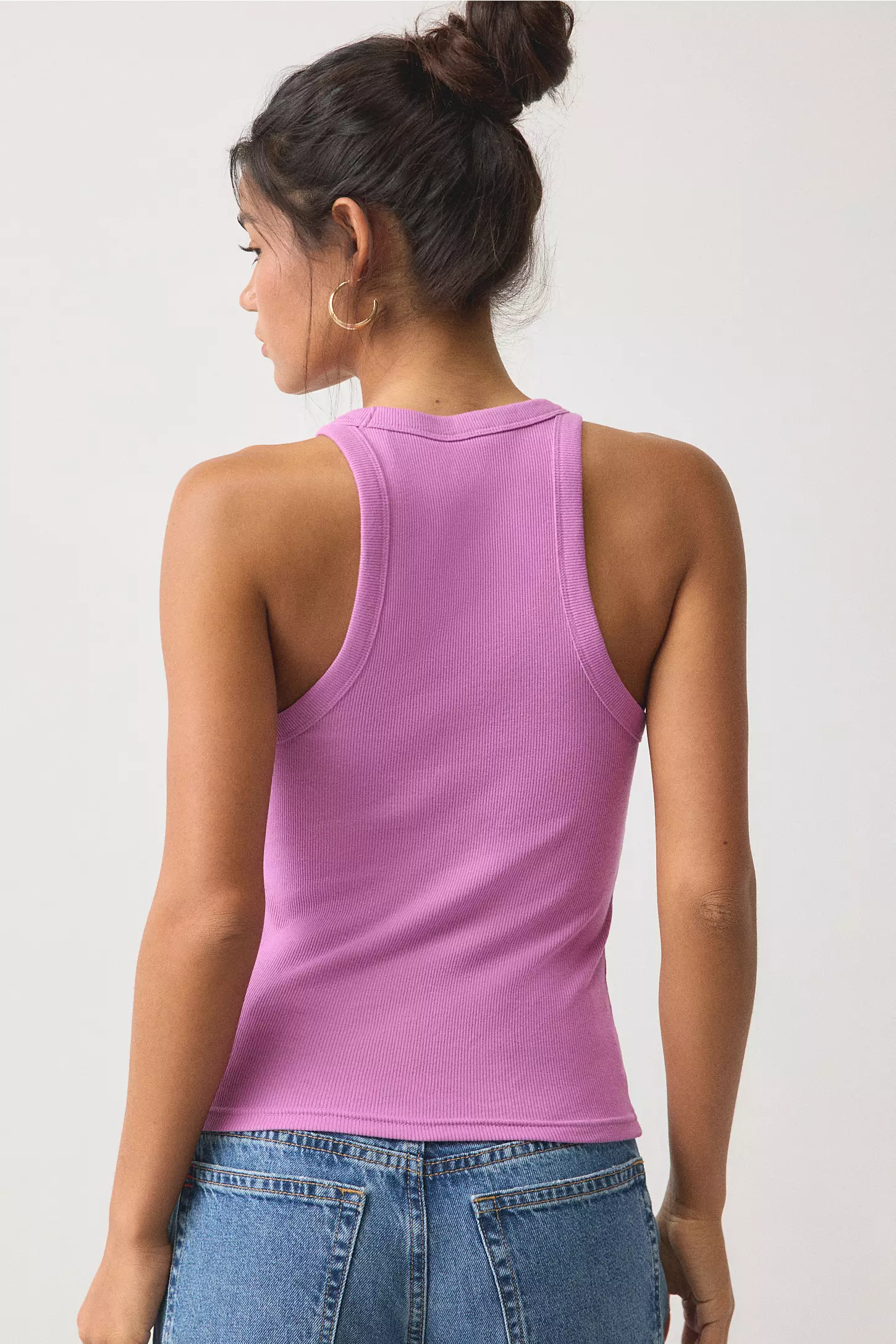
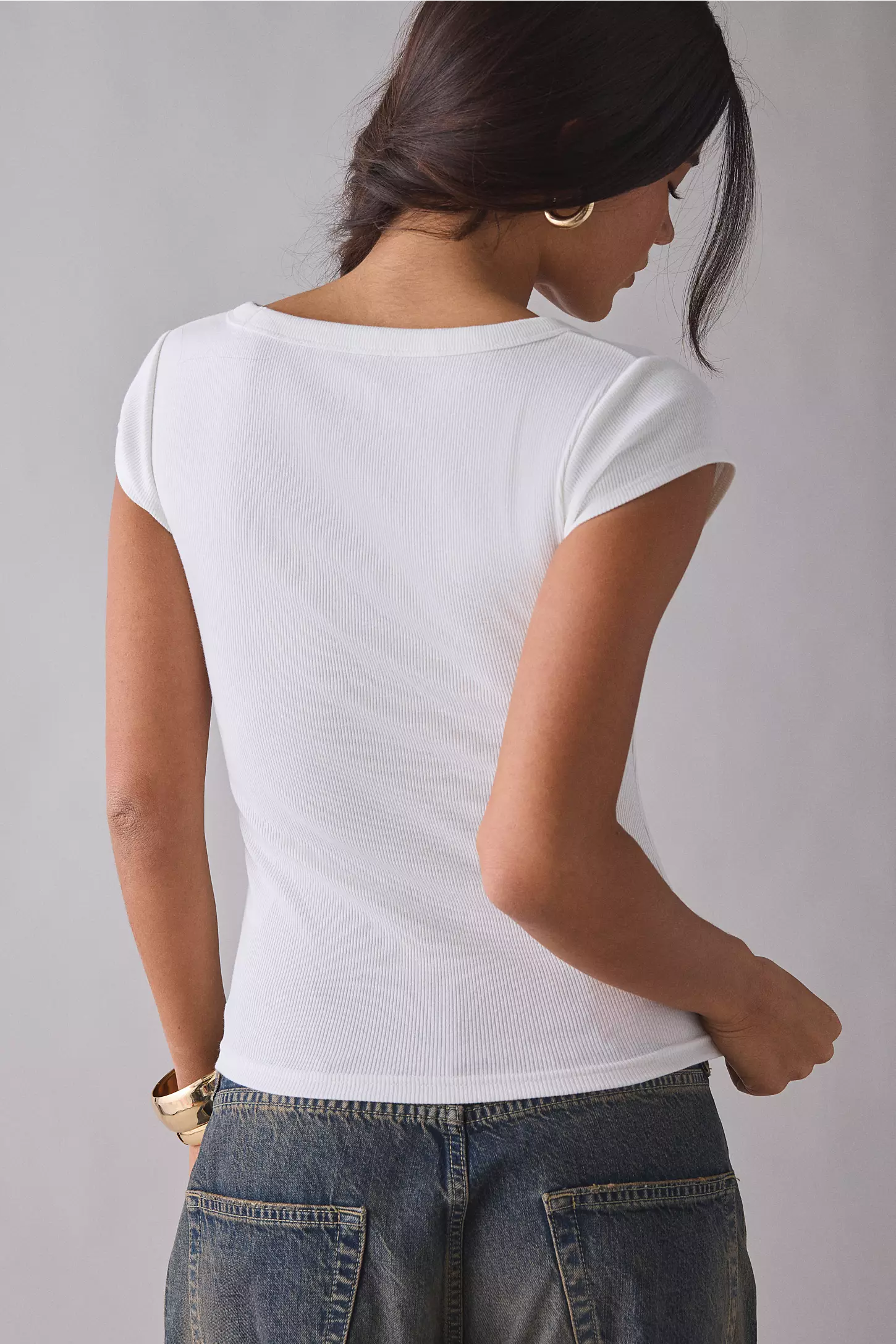
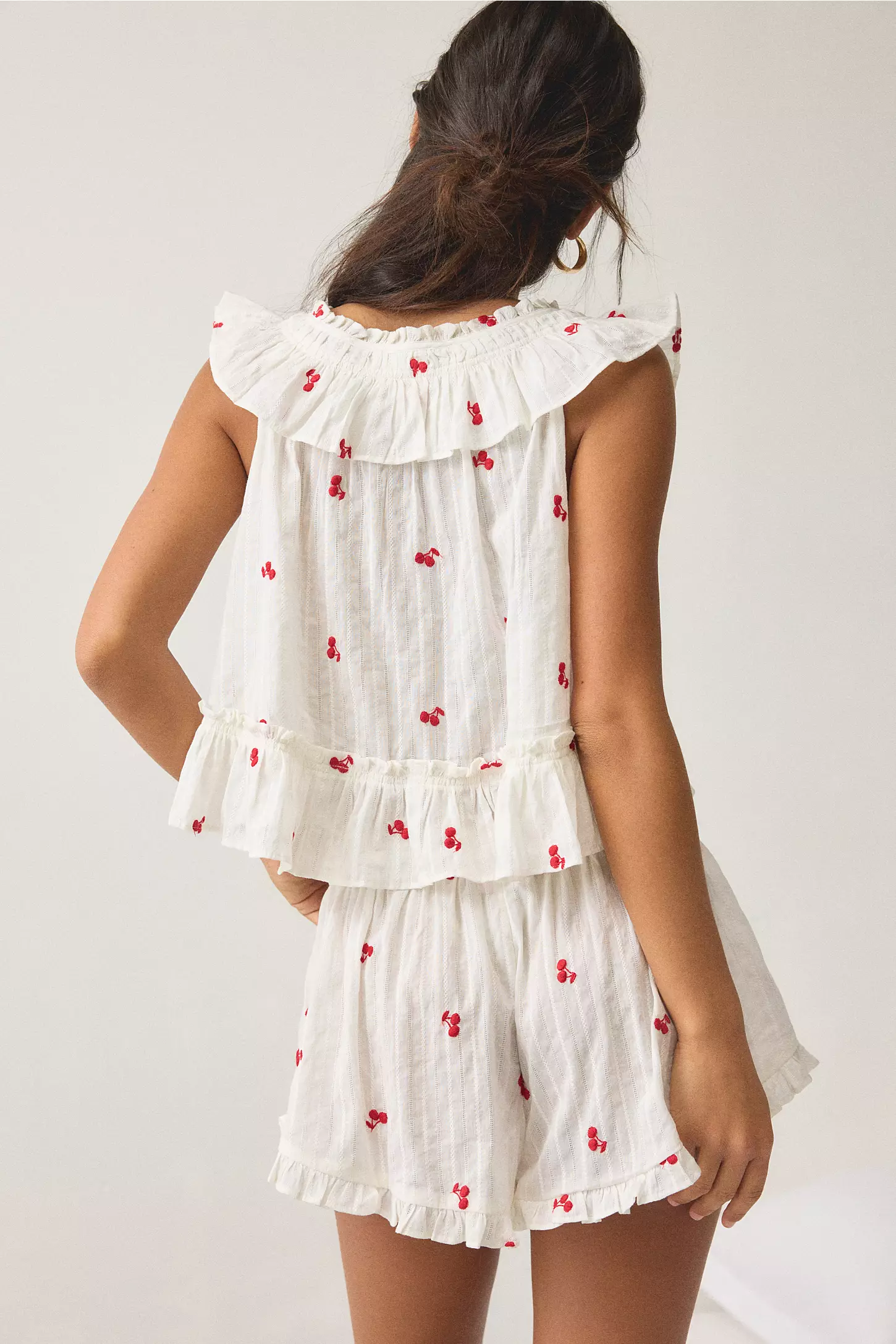
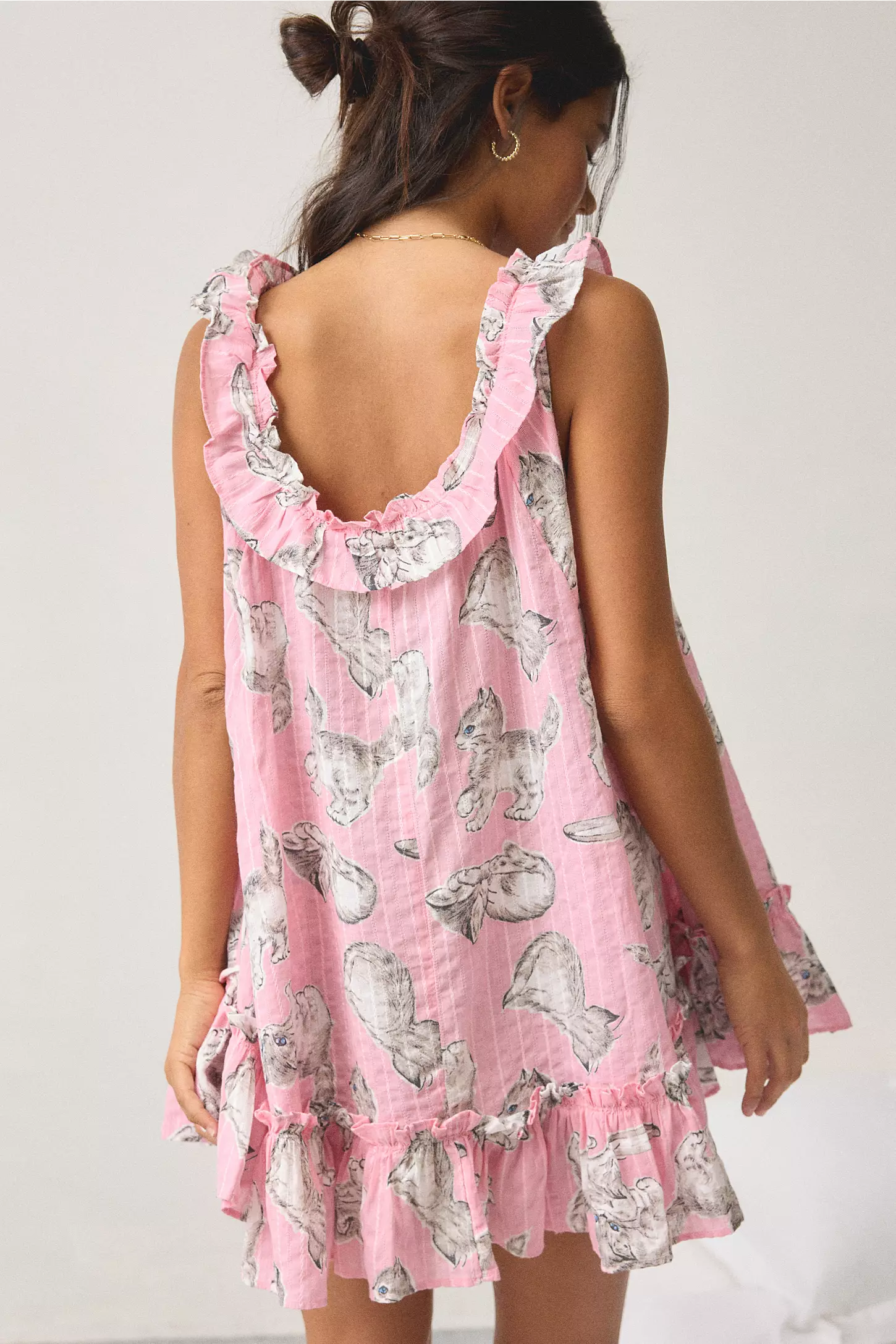
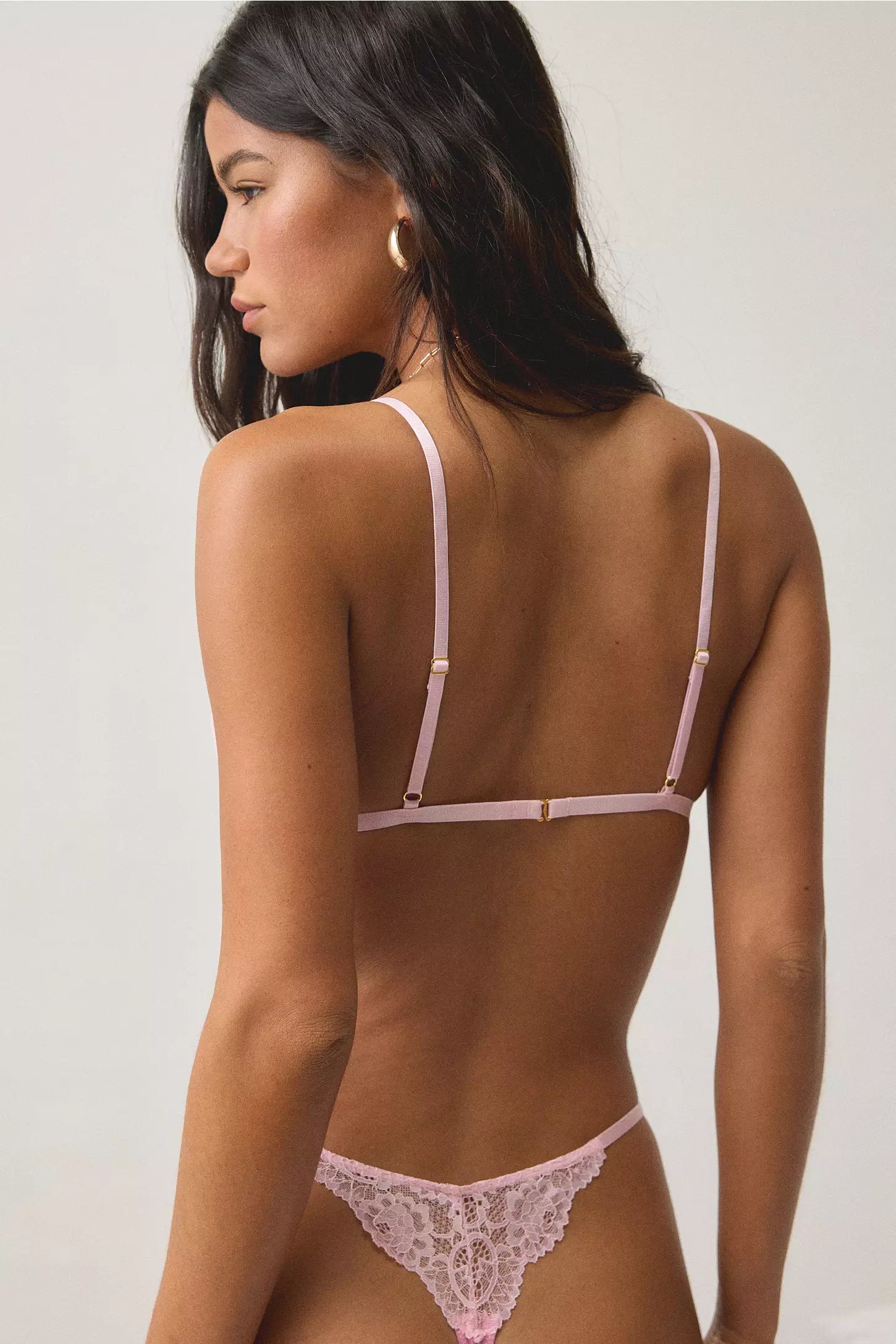
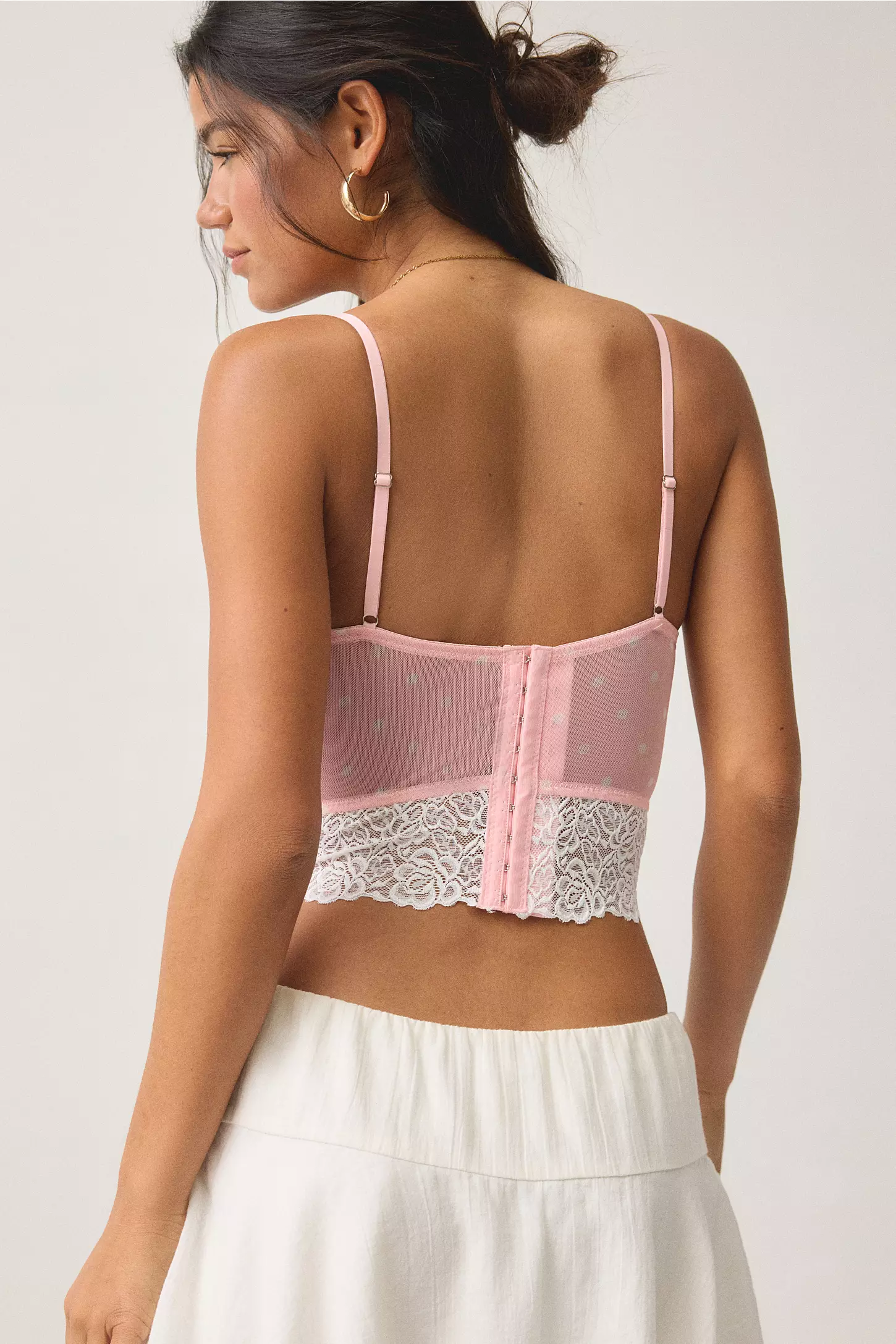
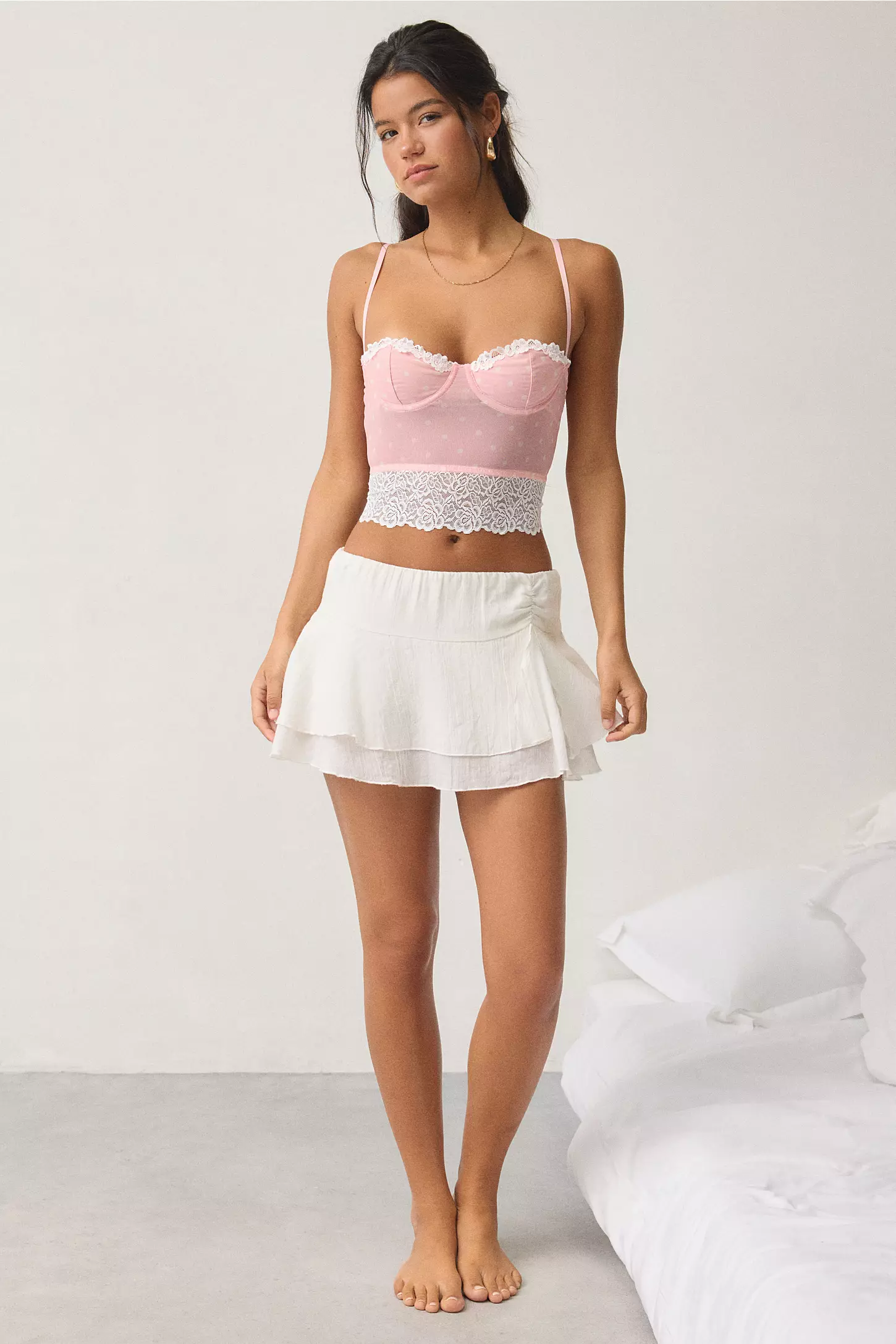
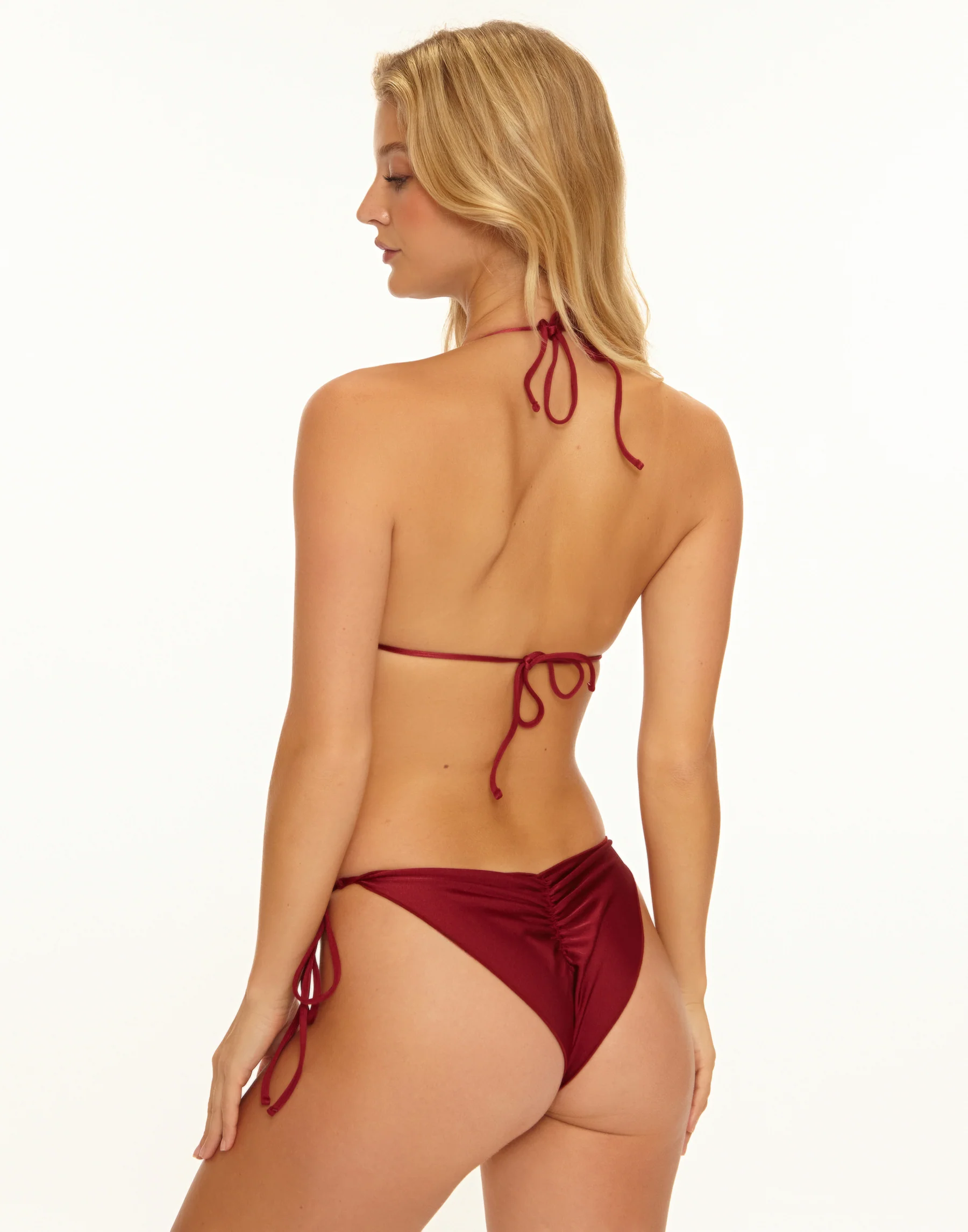
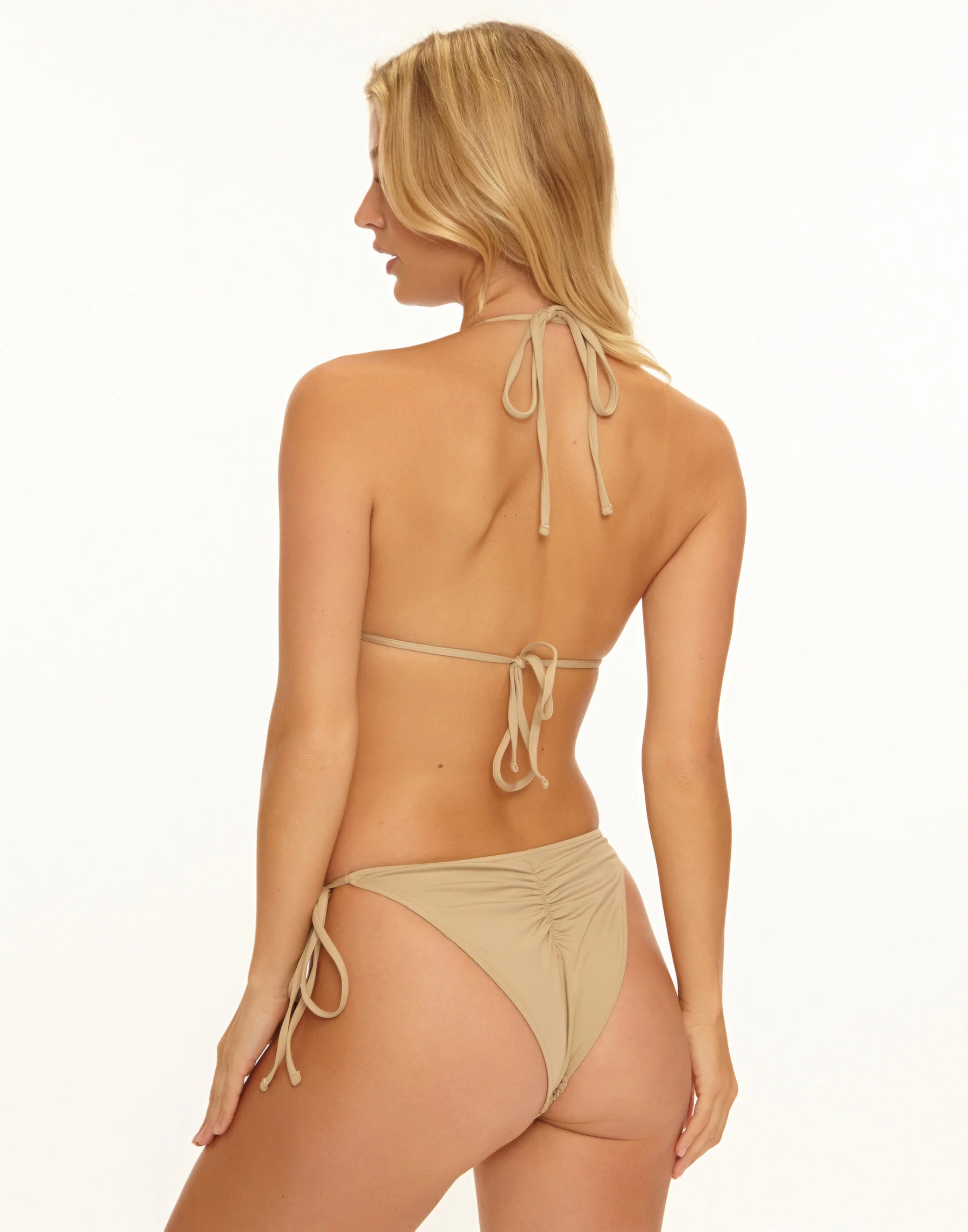
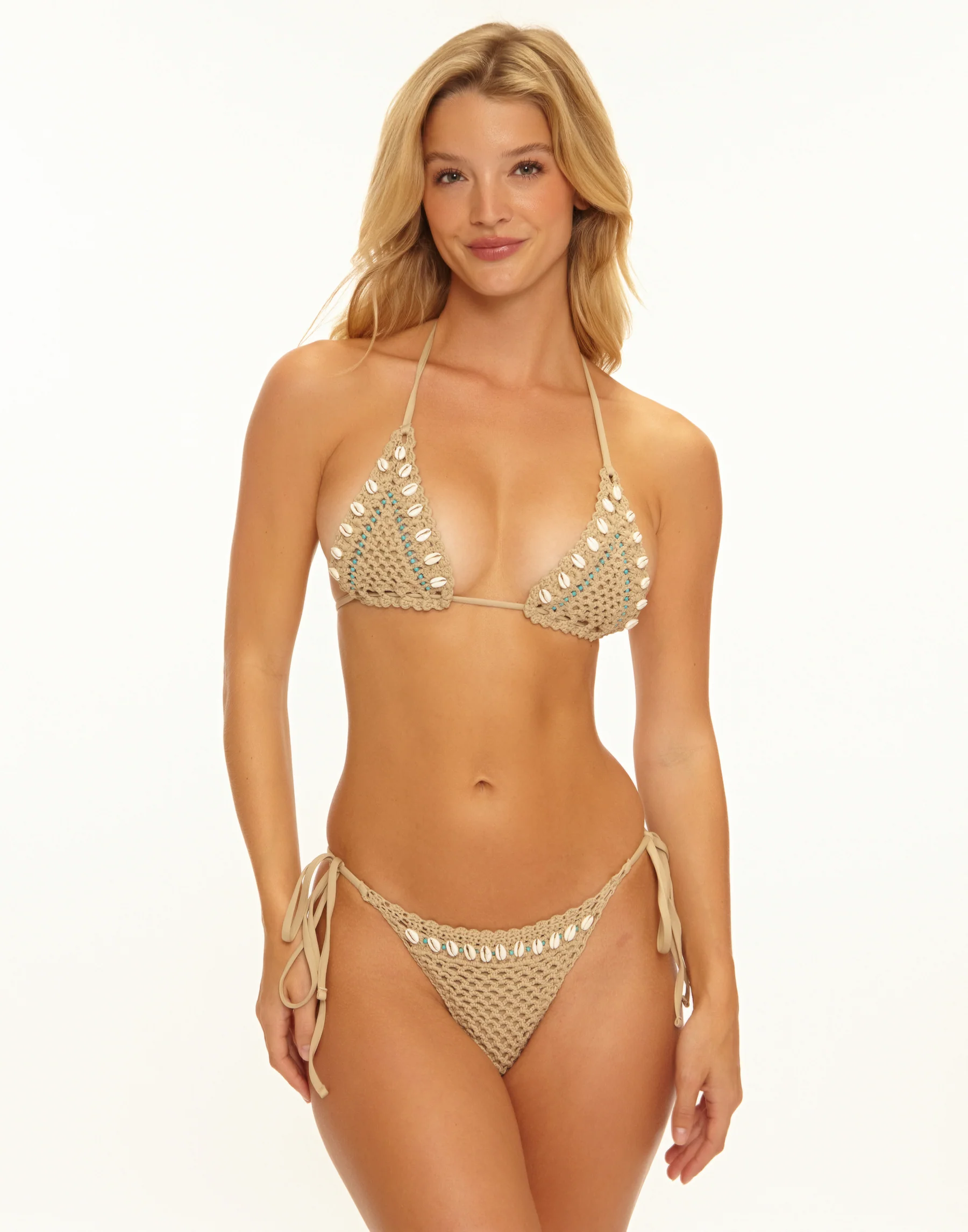
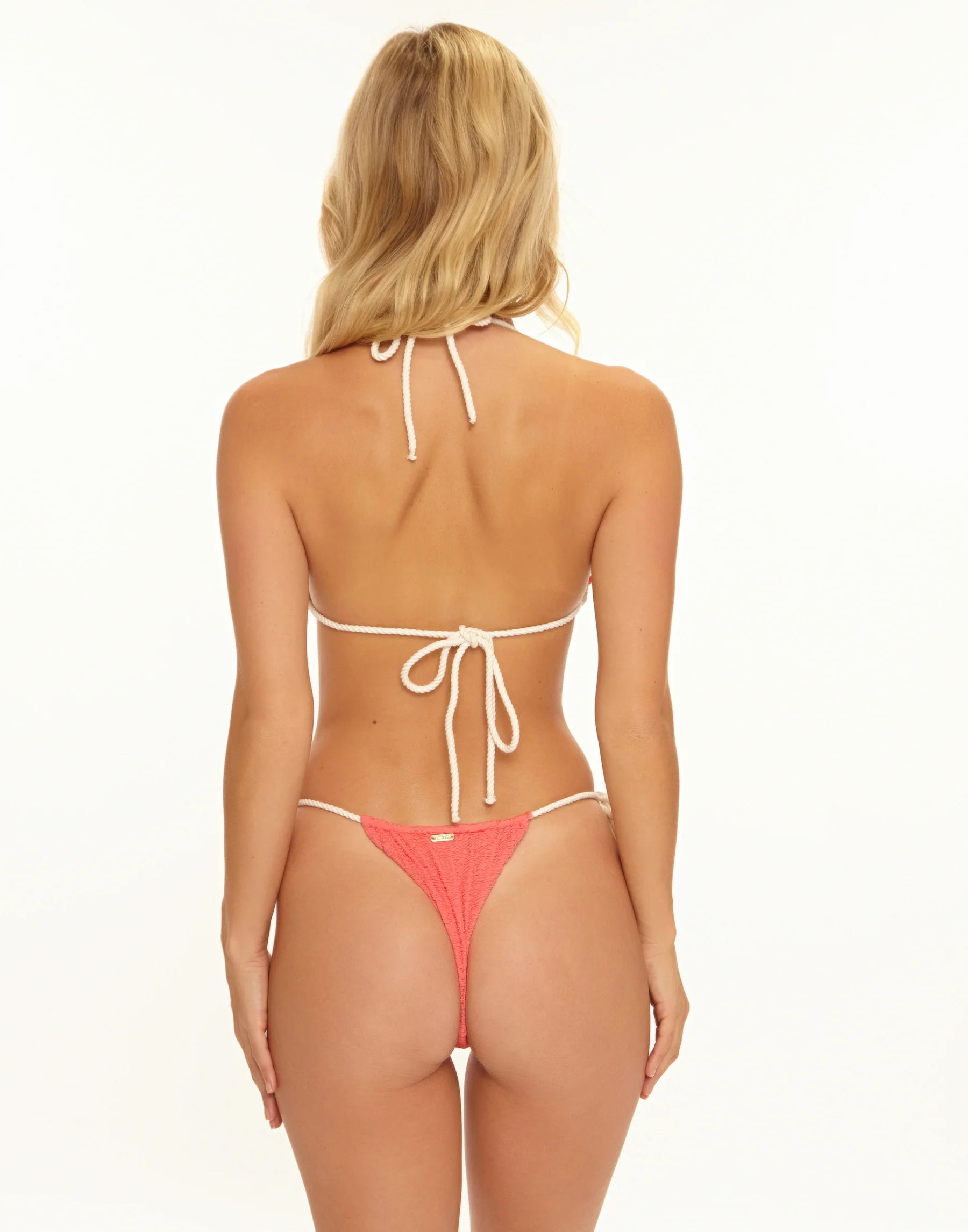
 Urban Outfitters













































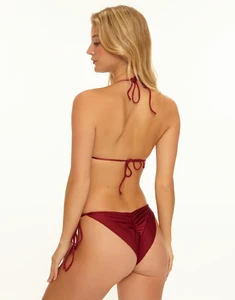
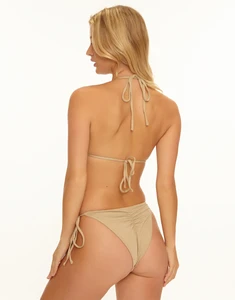
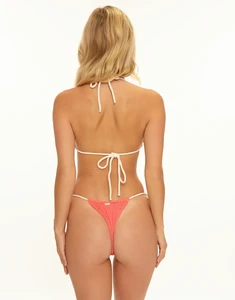
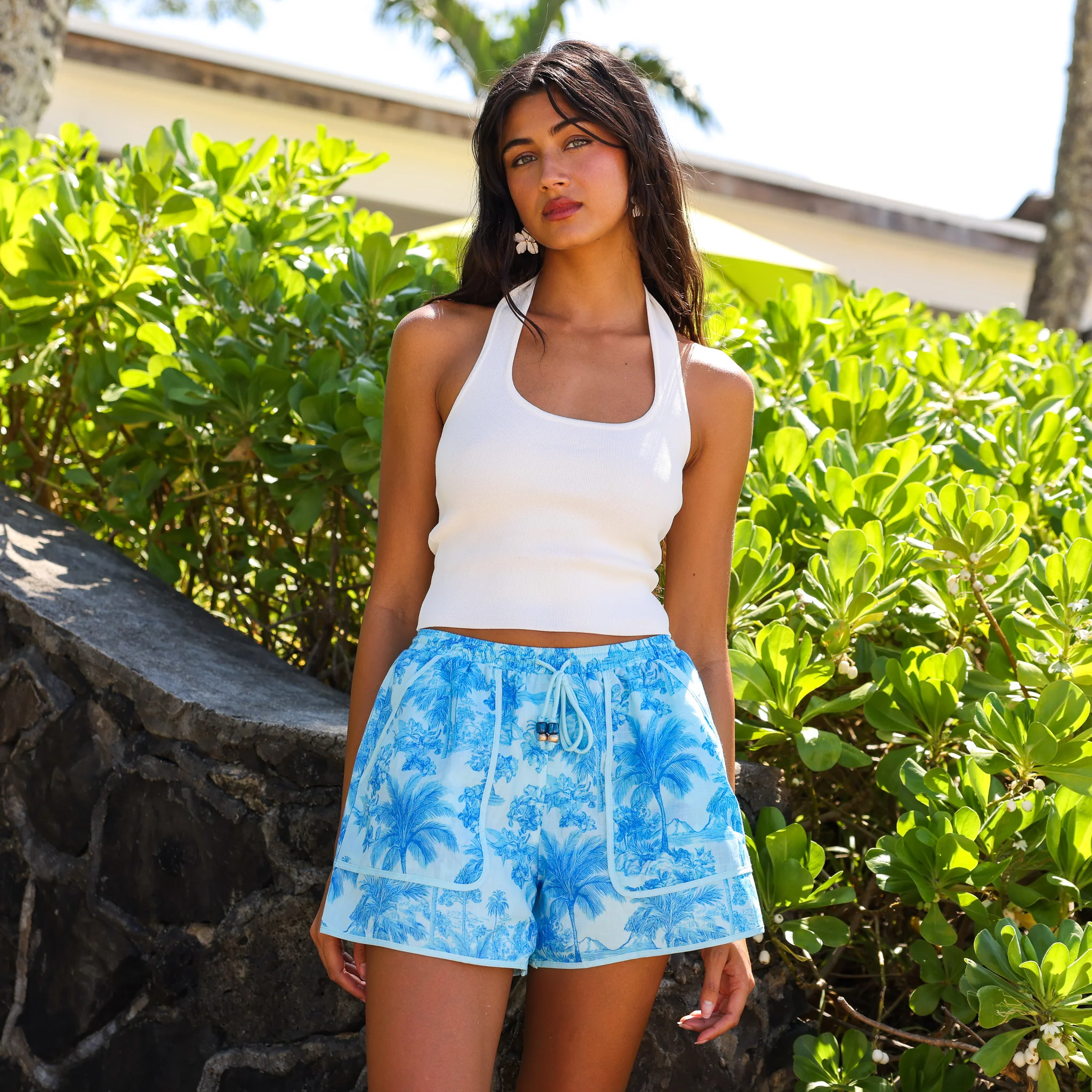
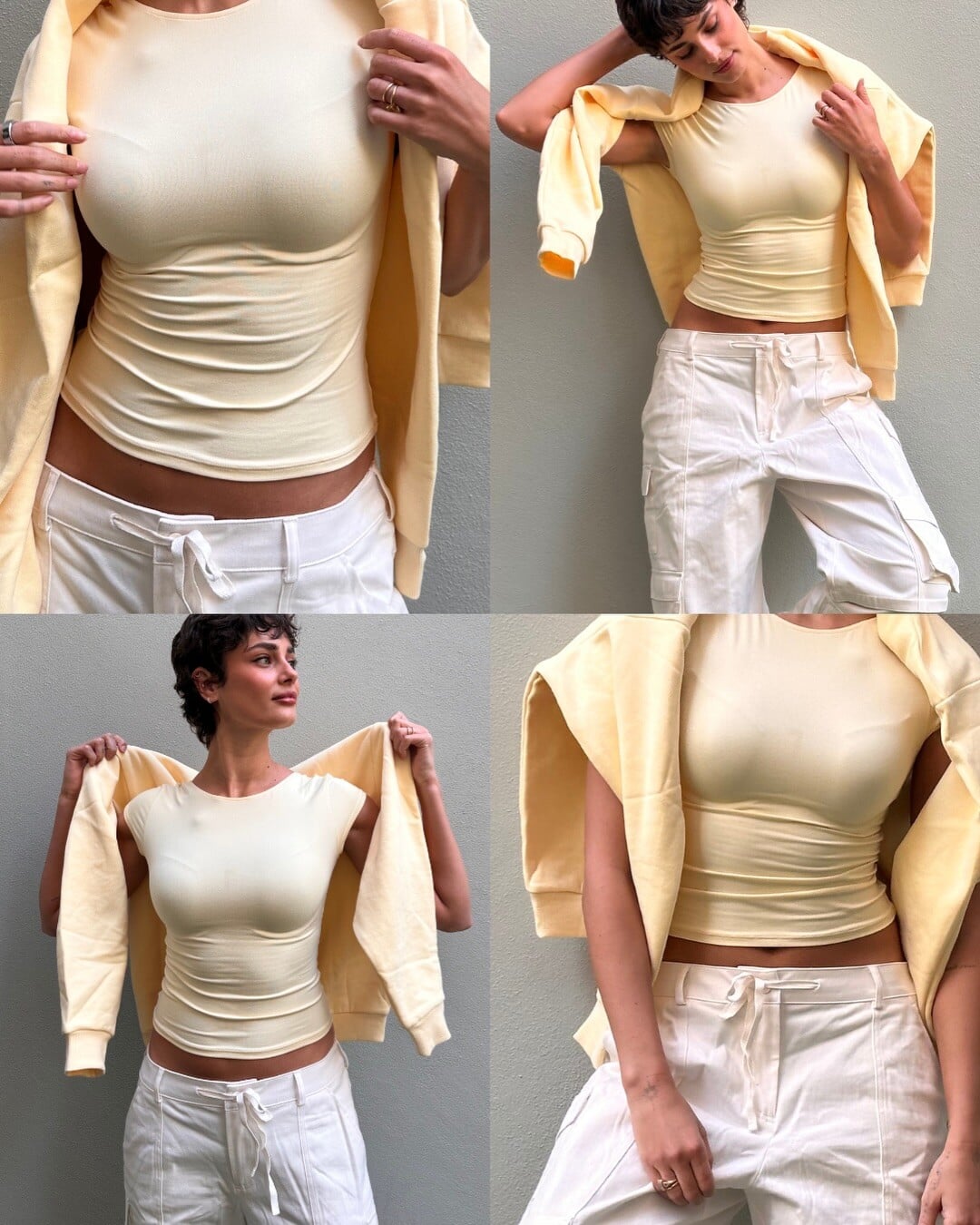
 A touch of winter sun💛


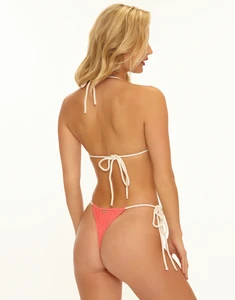
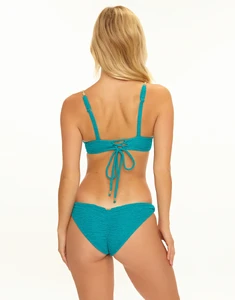
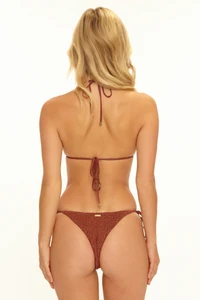
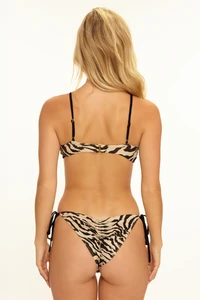
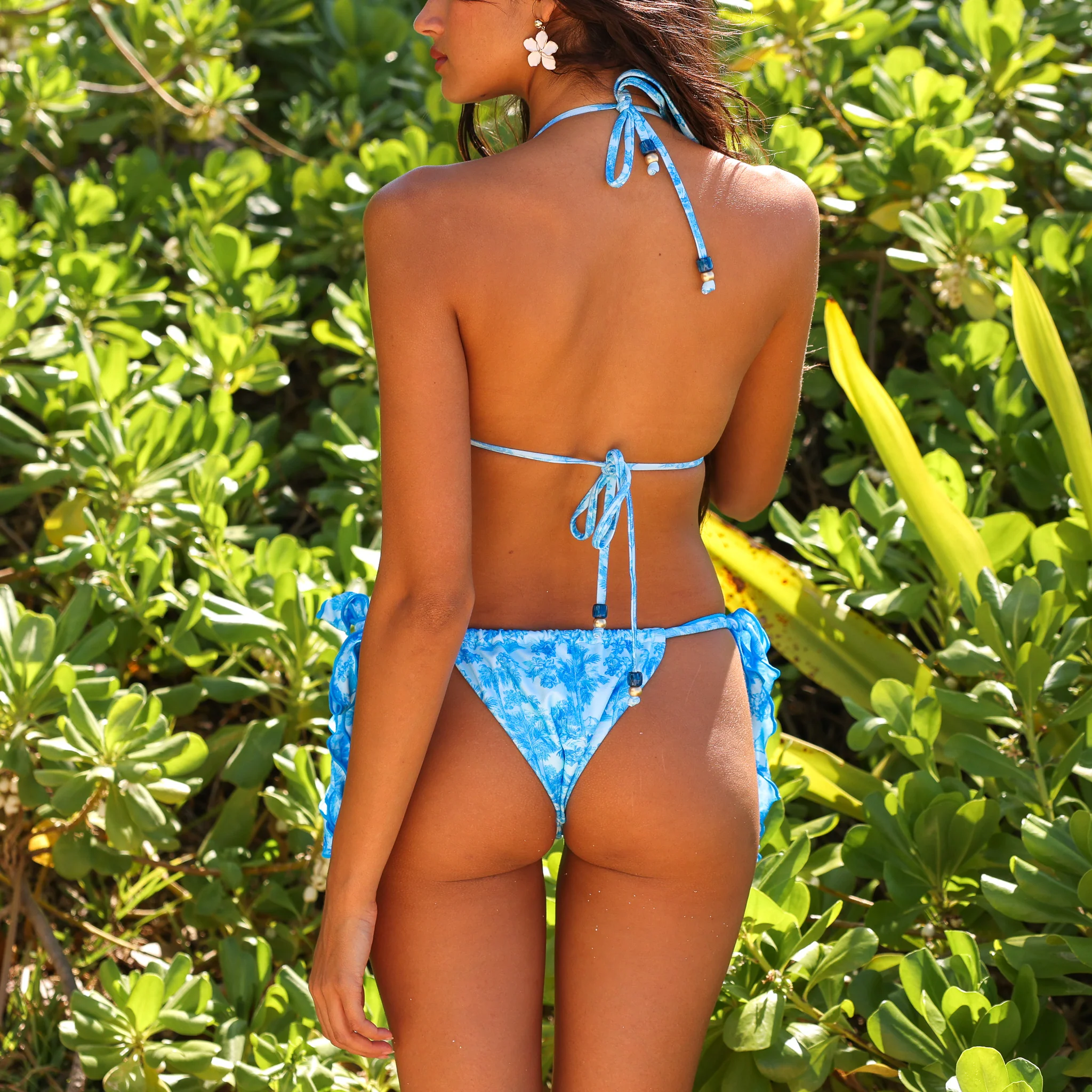
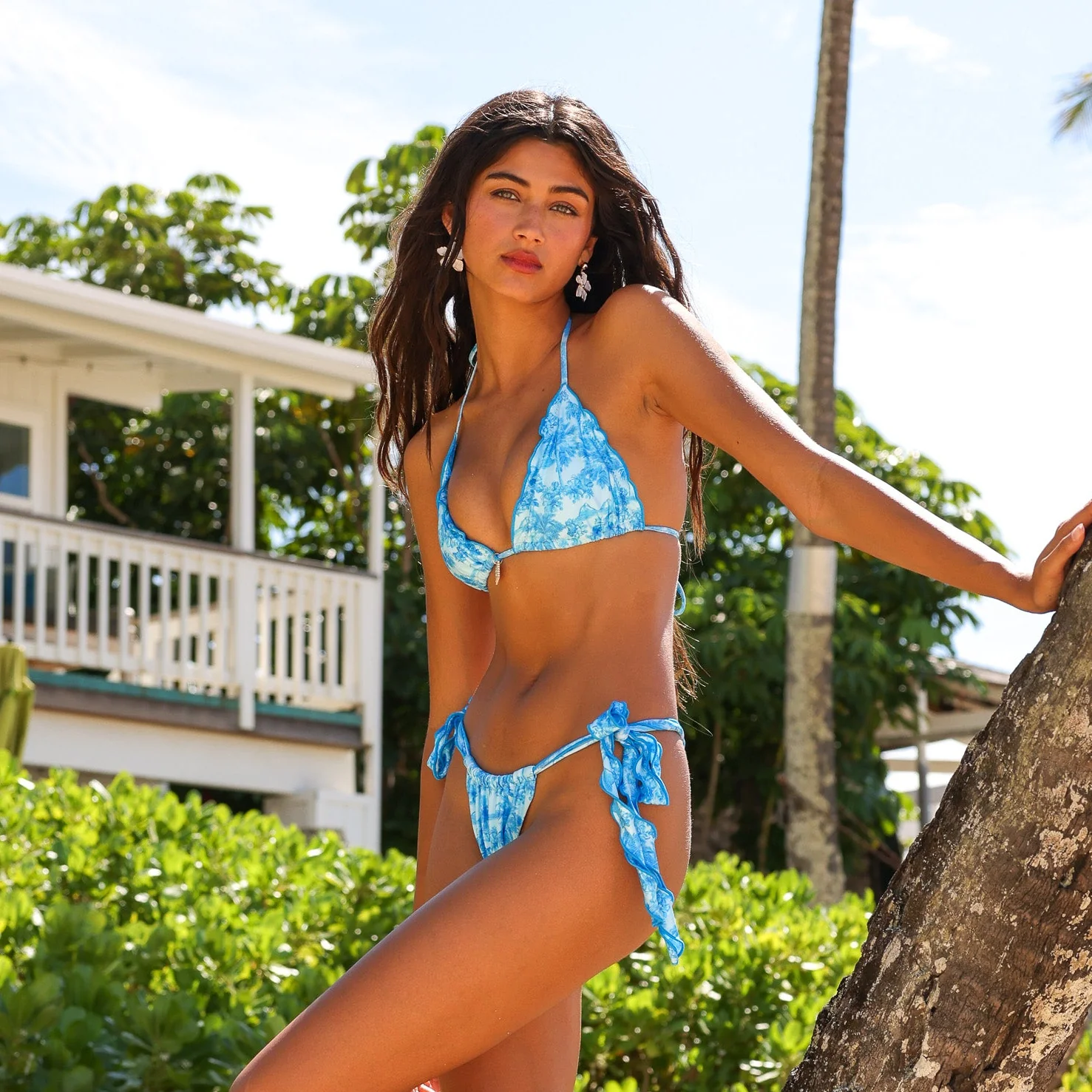
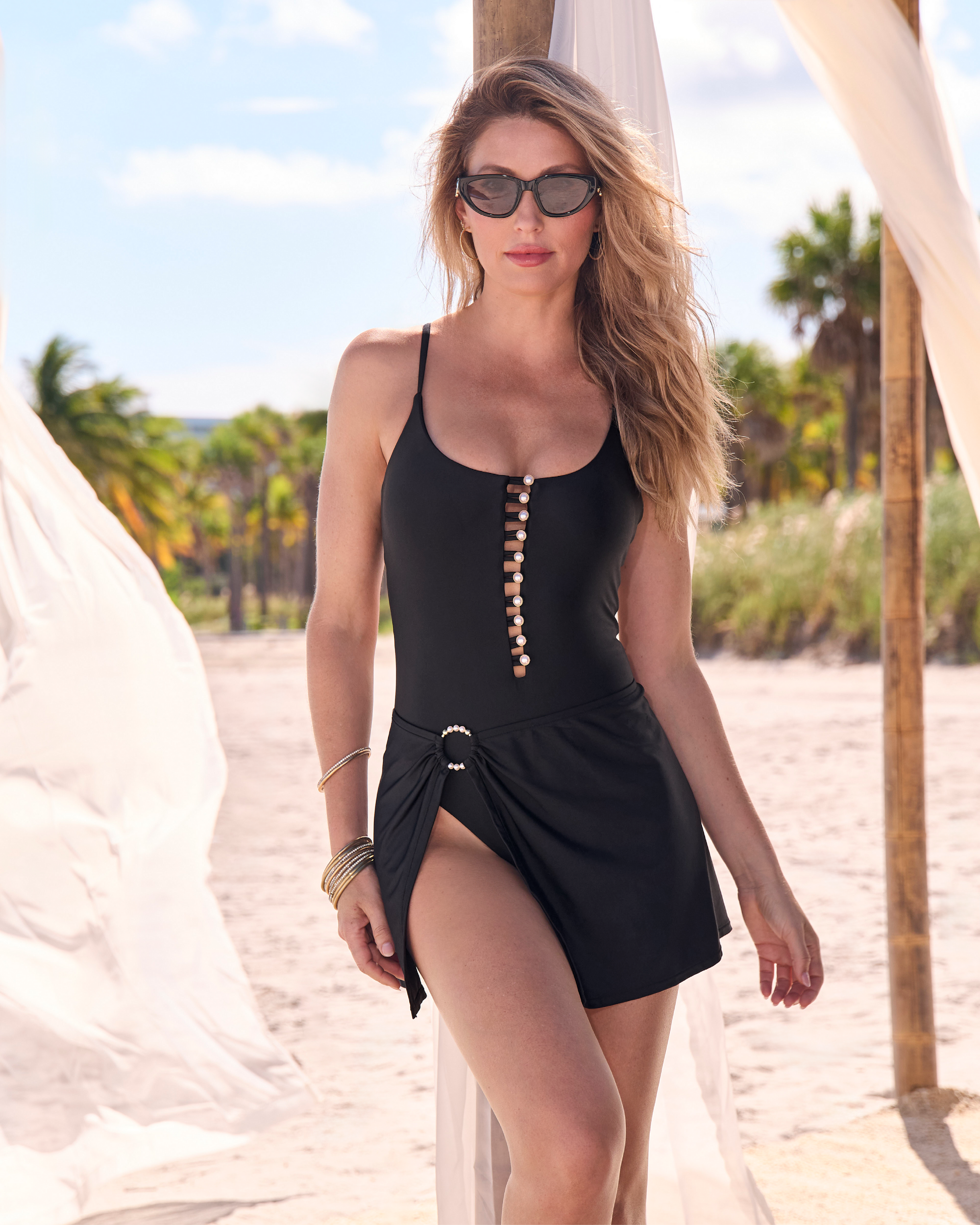
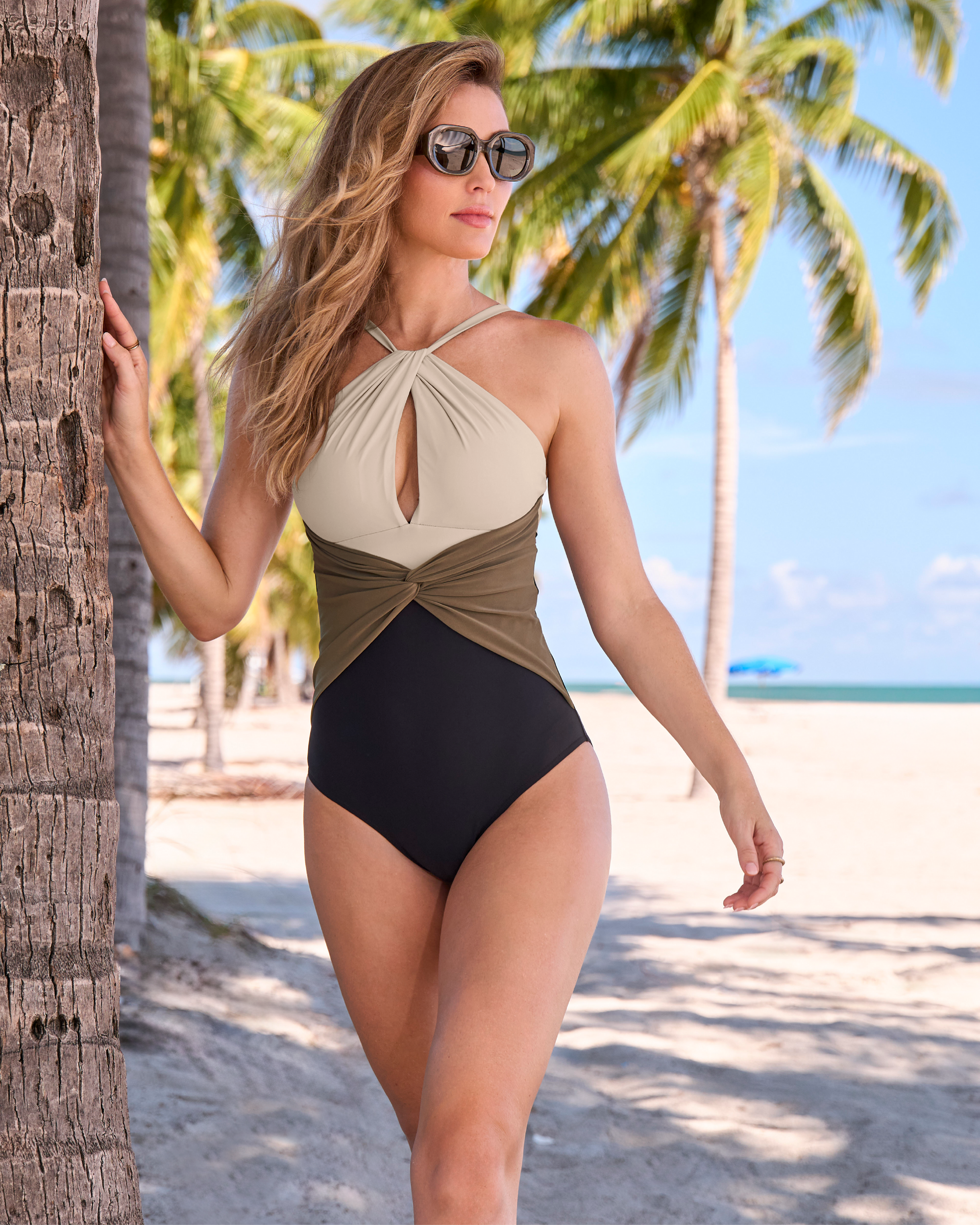
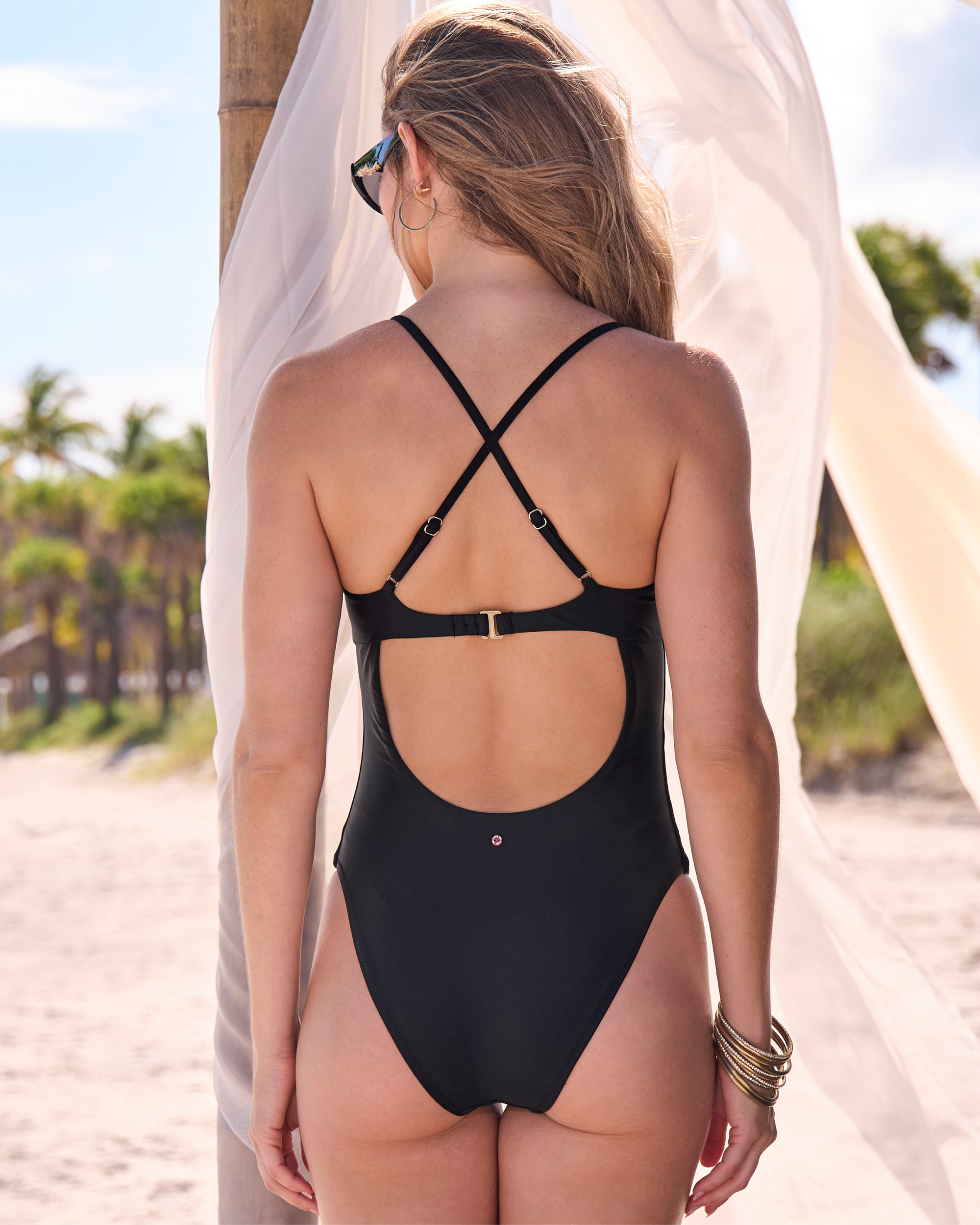
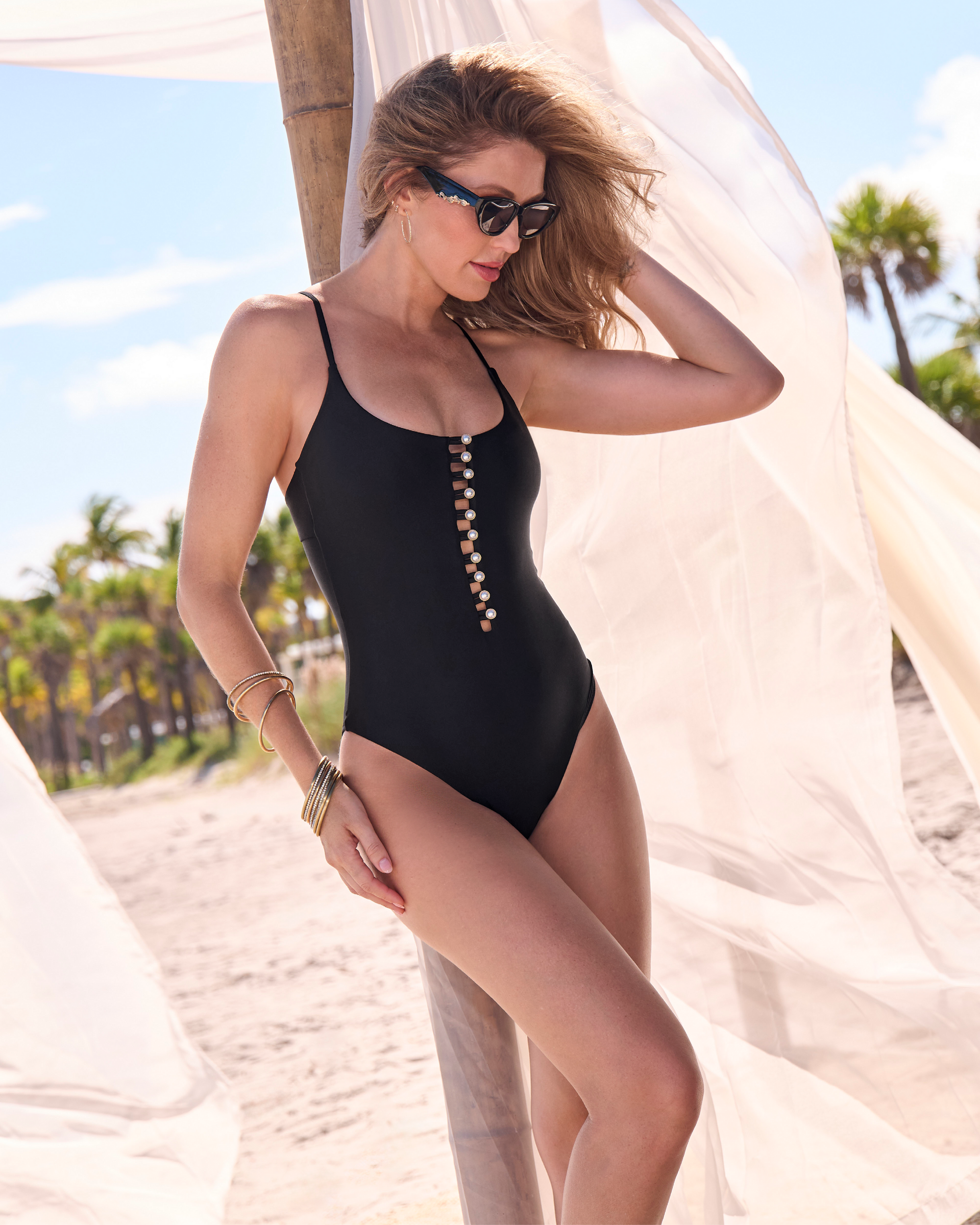
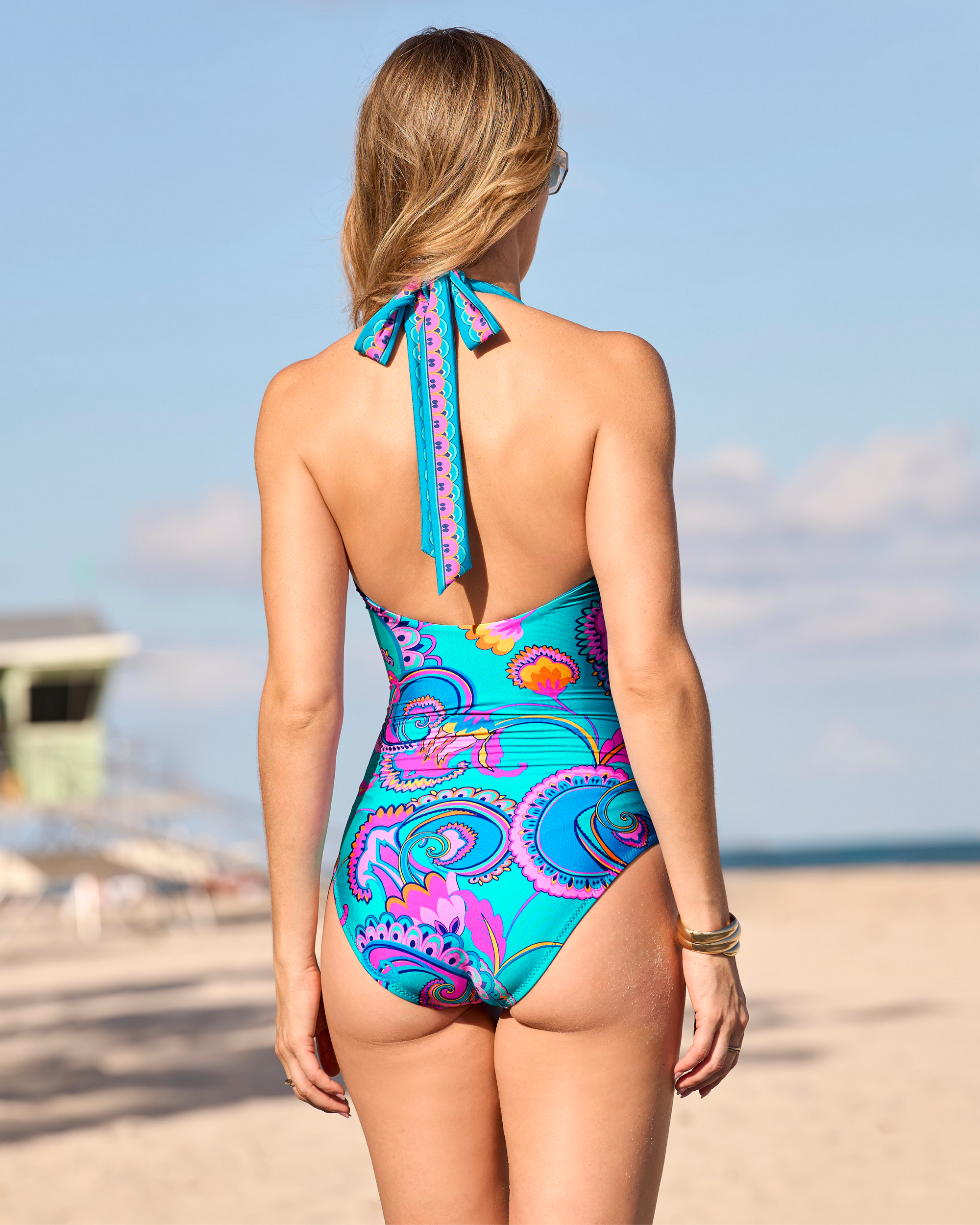
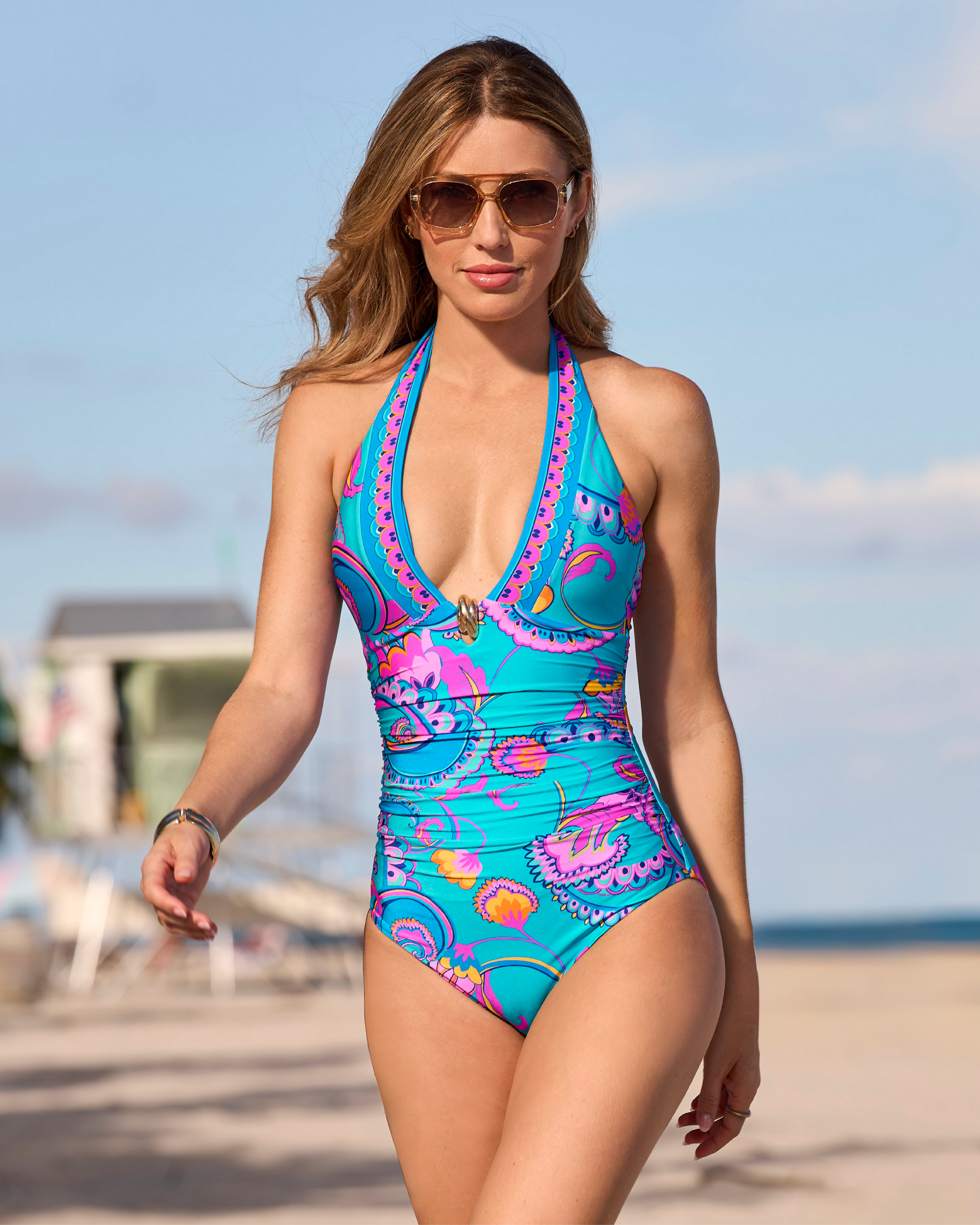
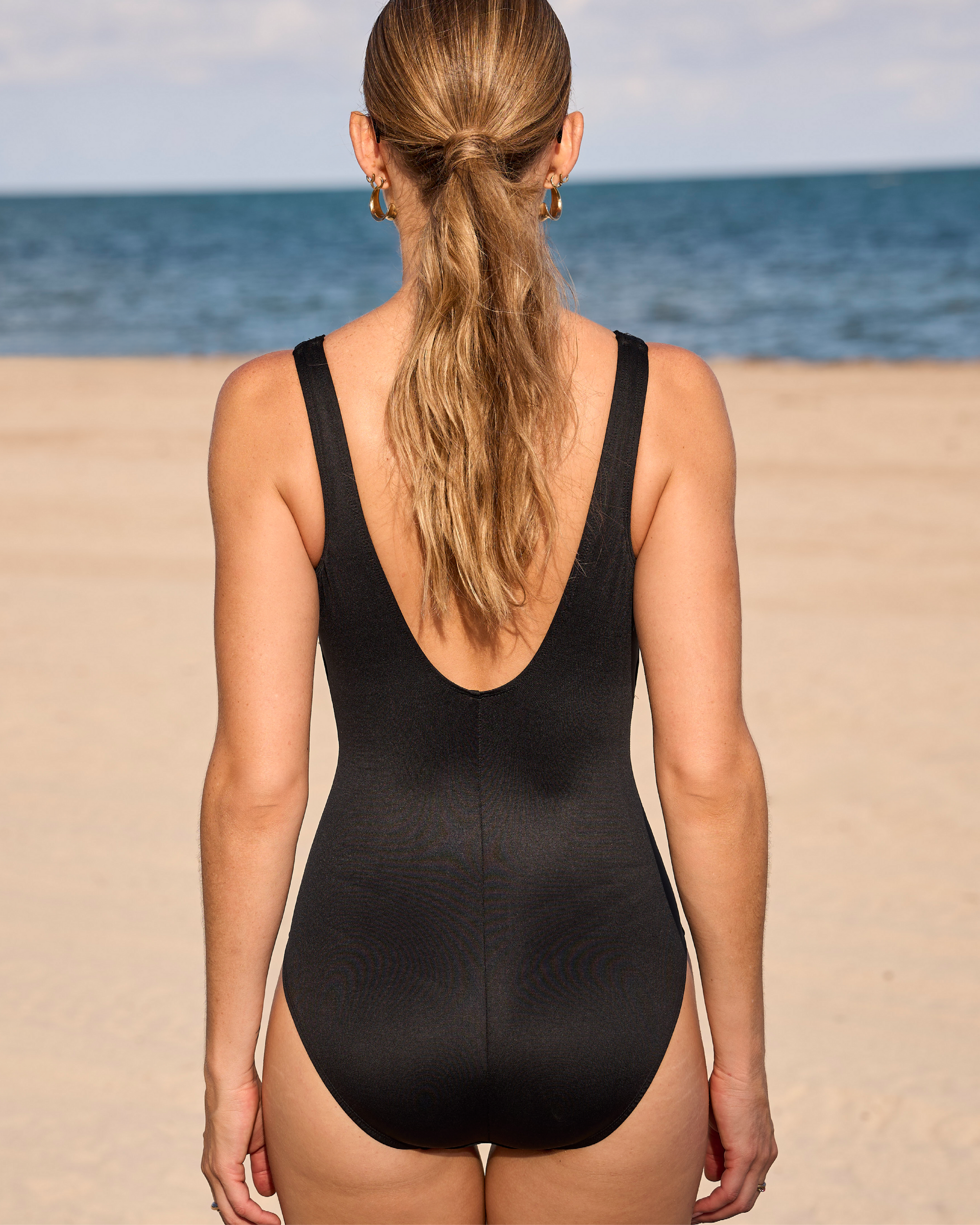
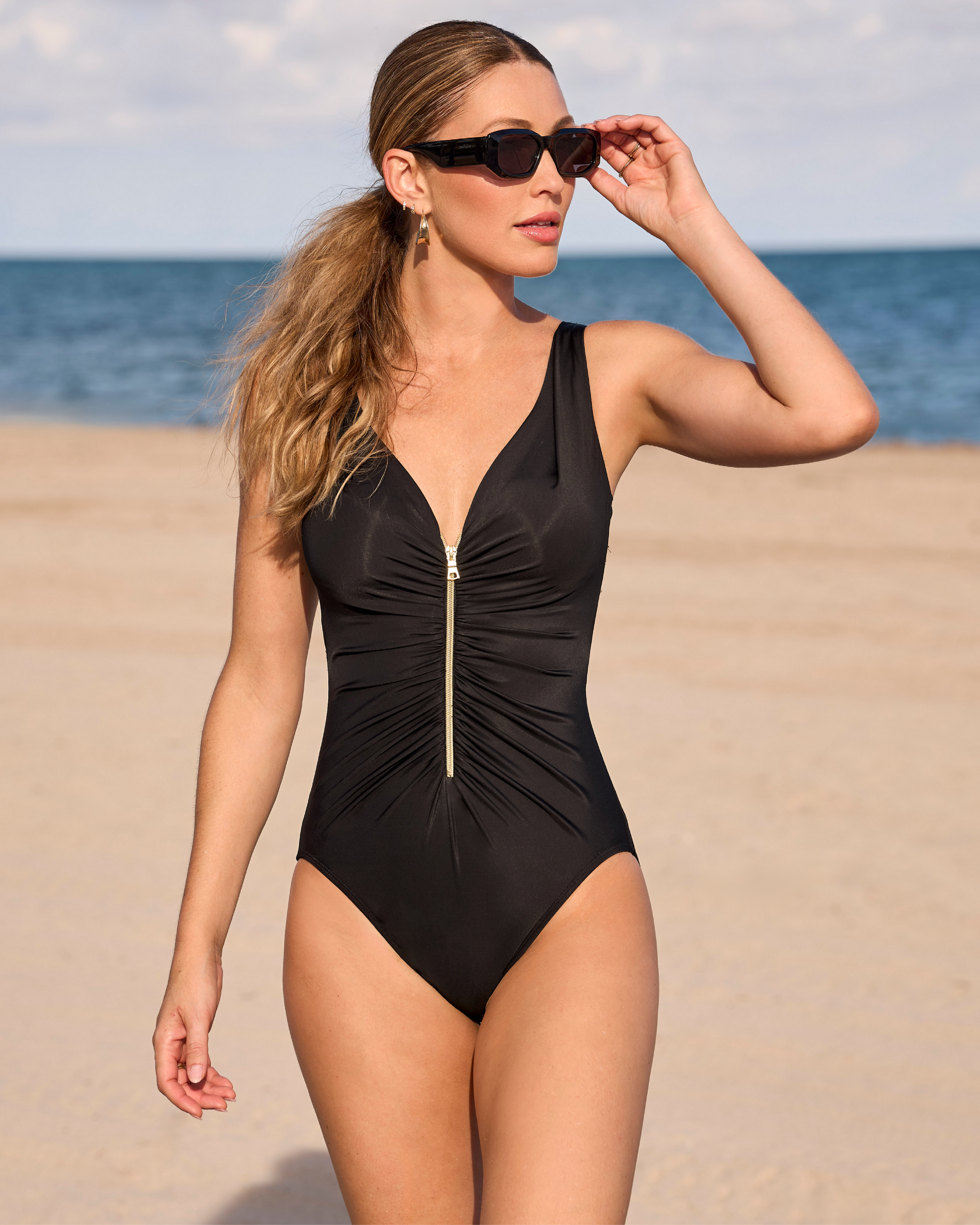
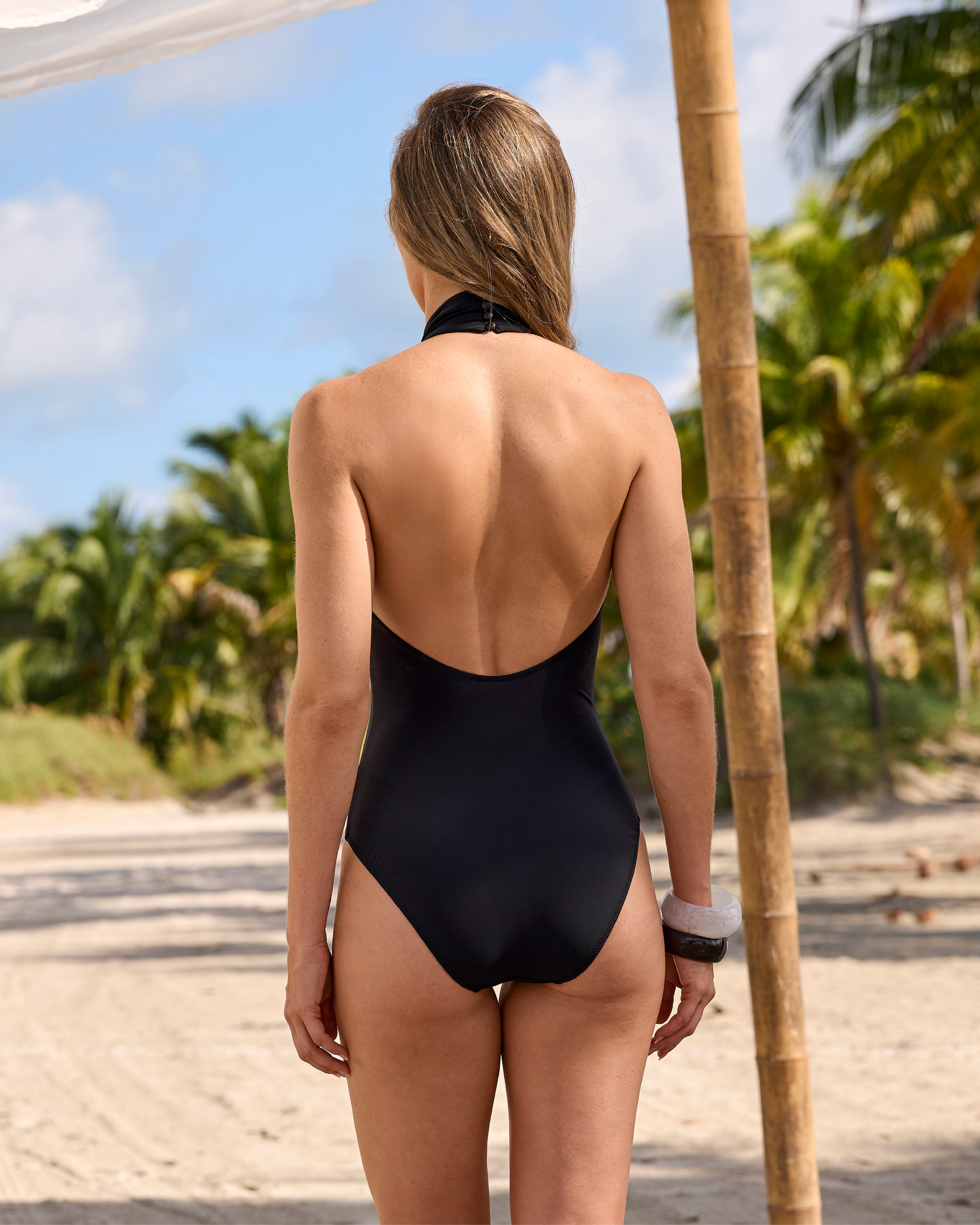
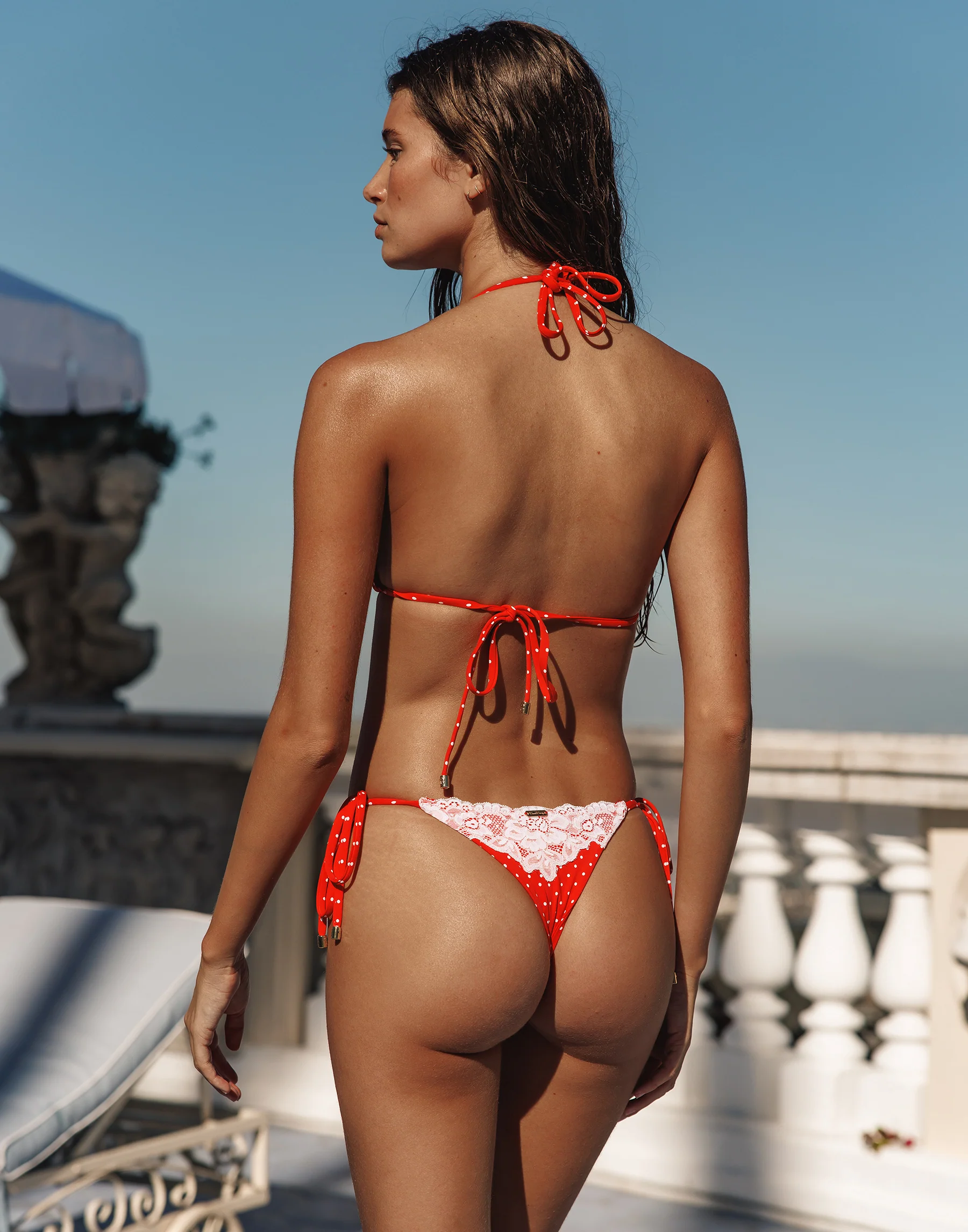
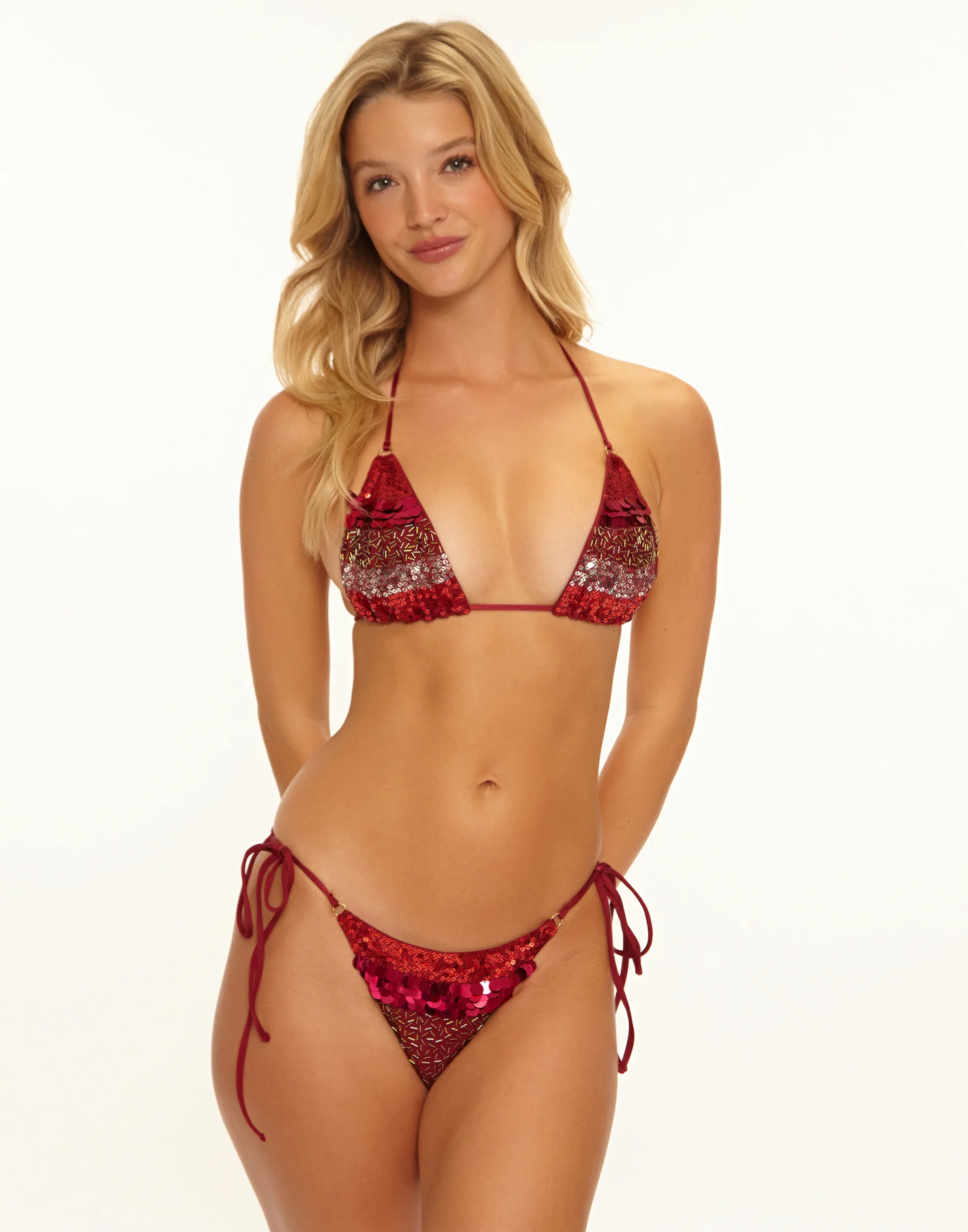
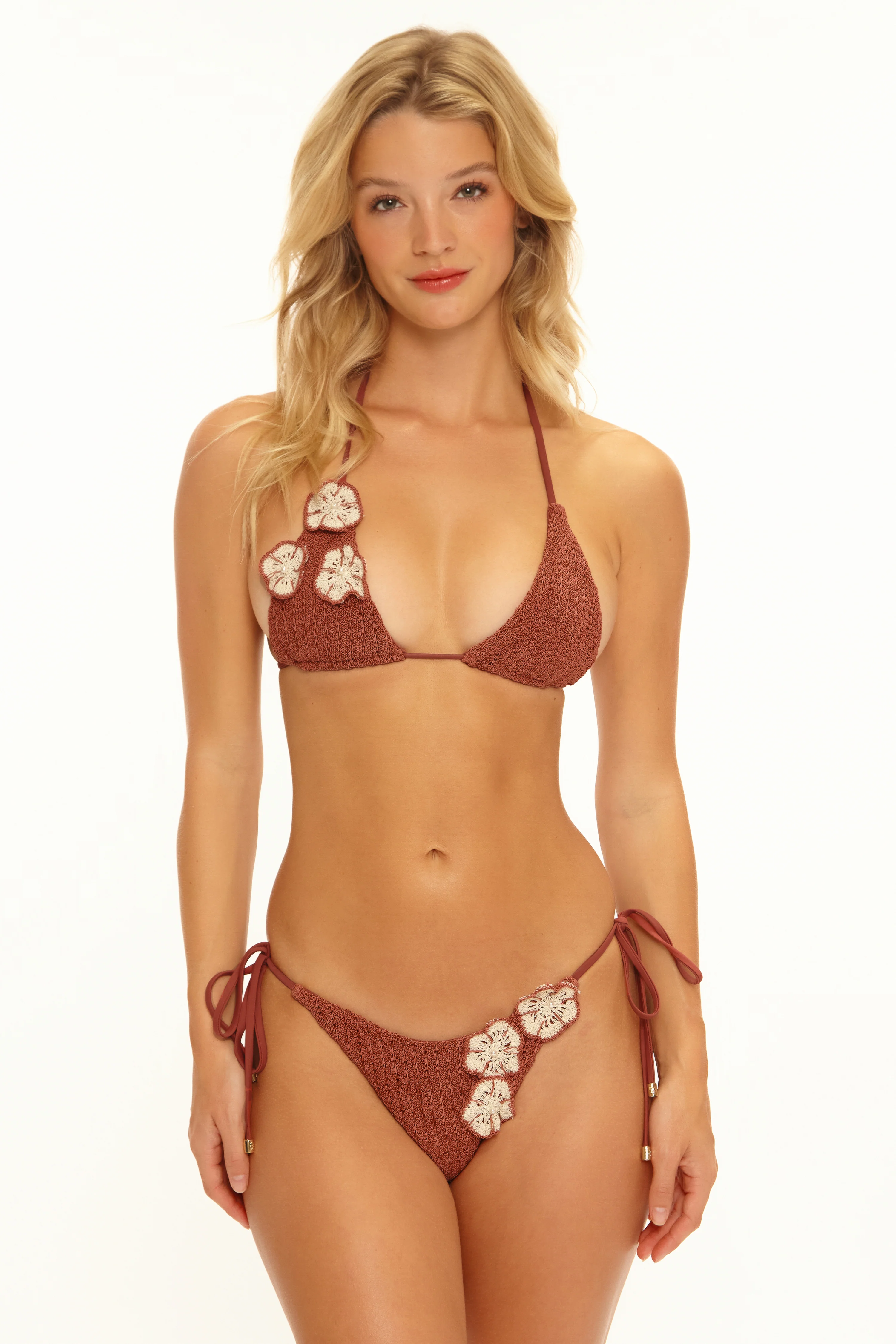
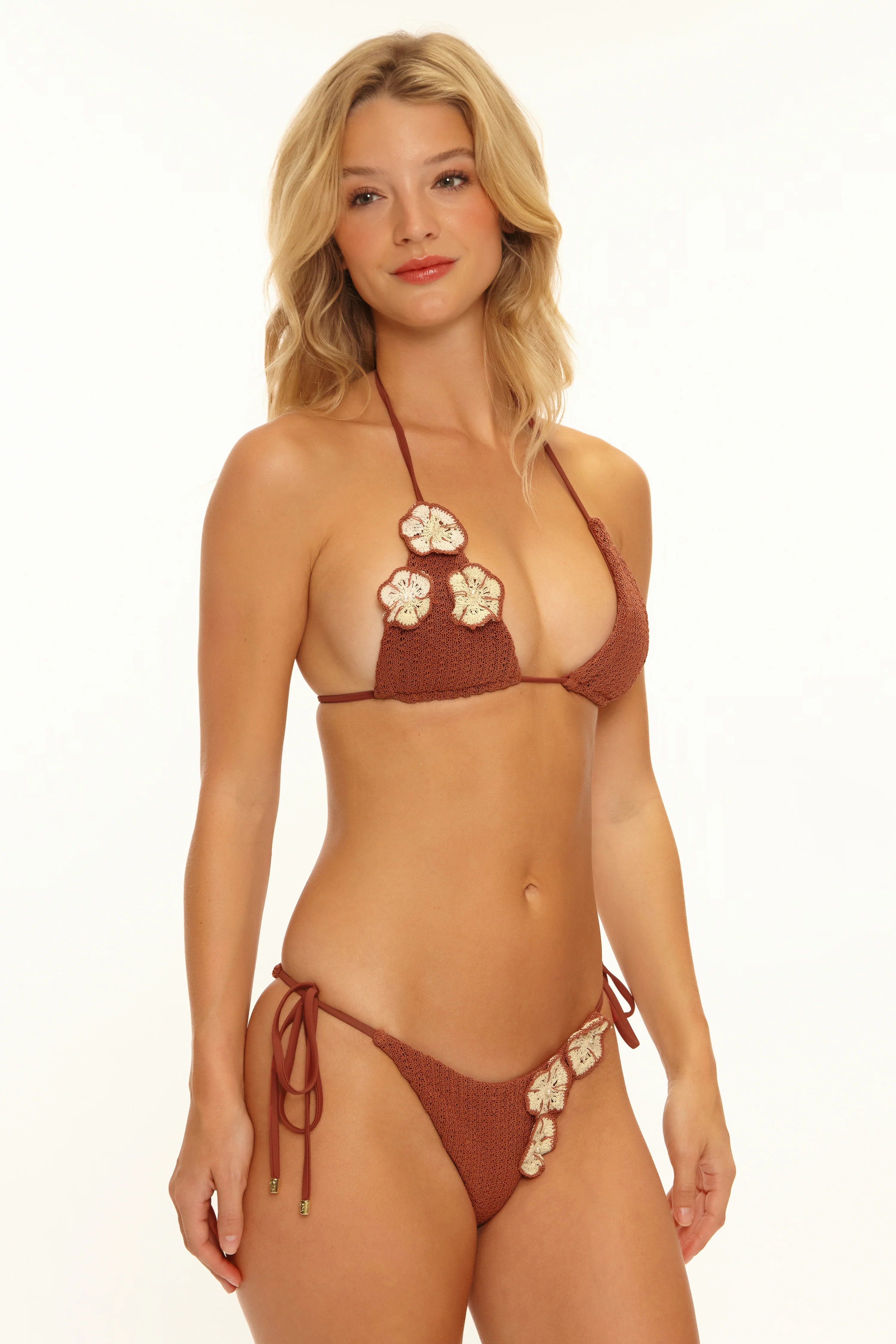
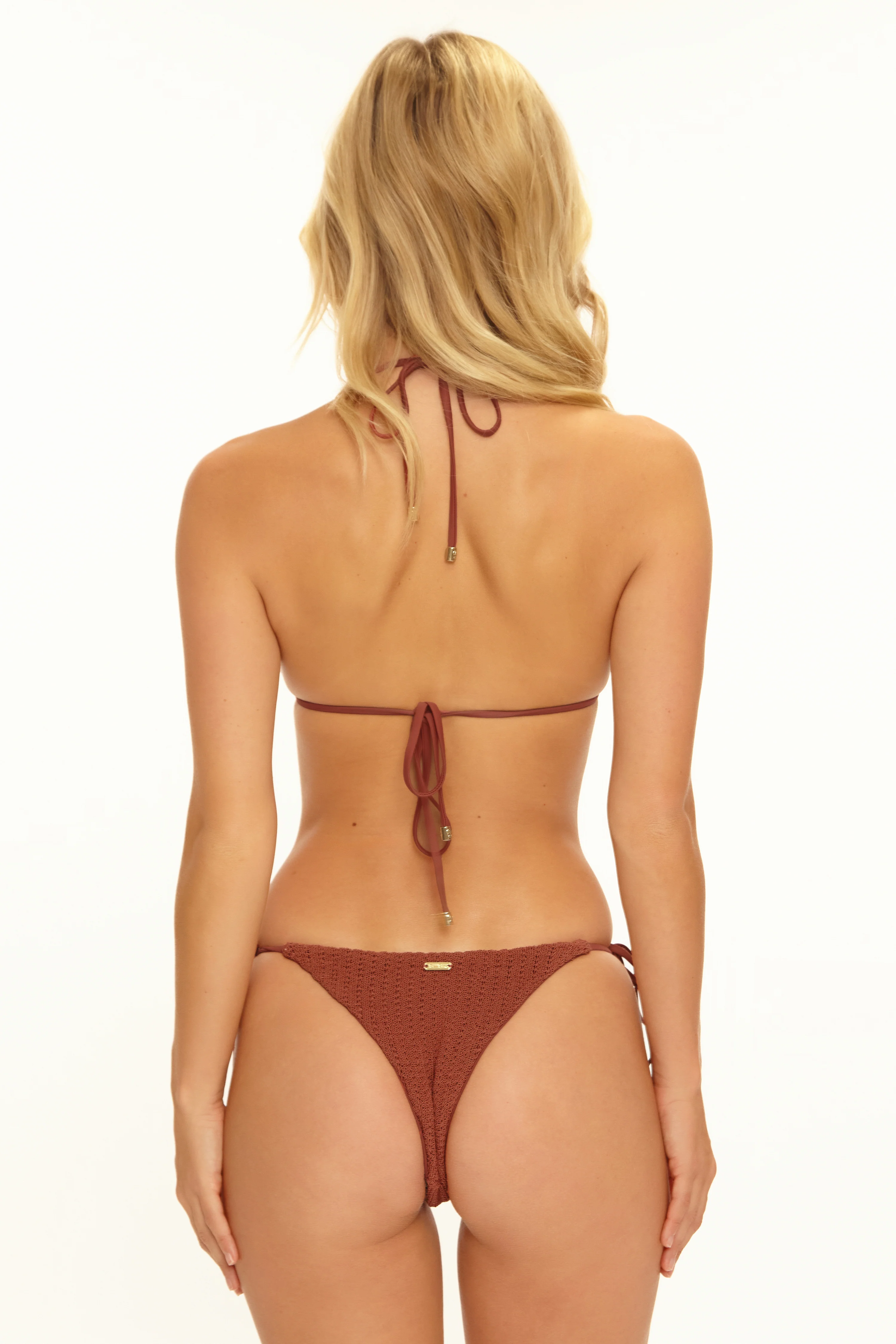
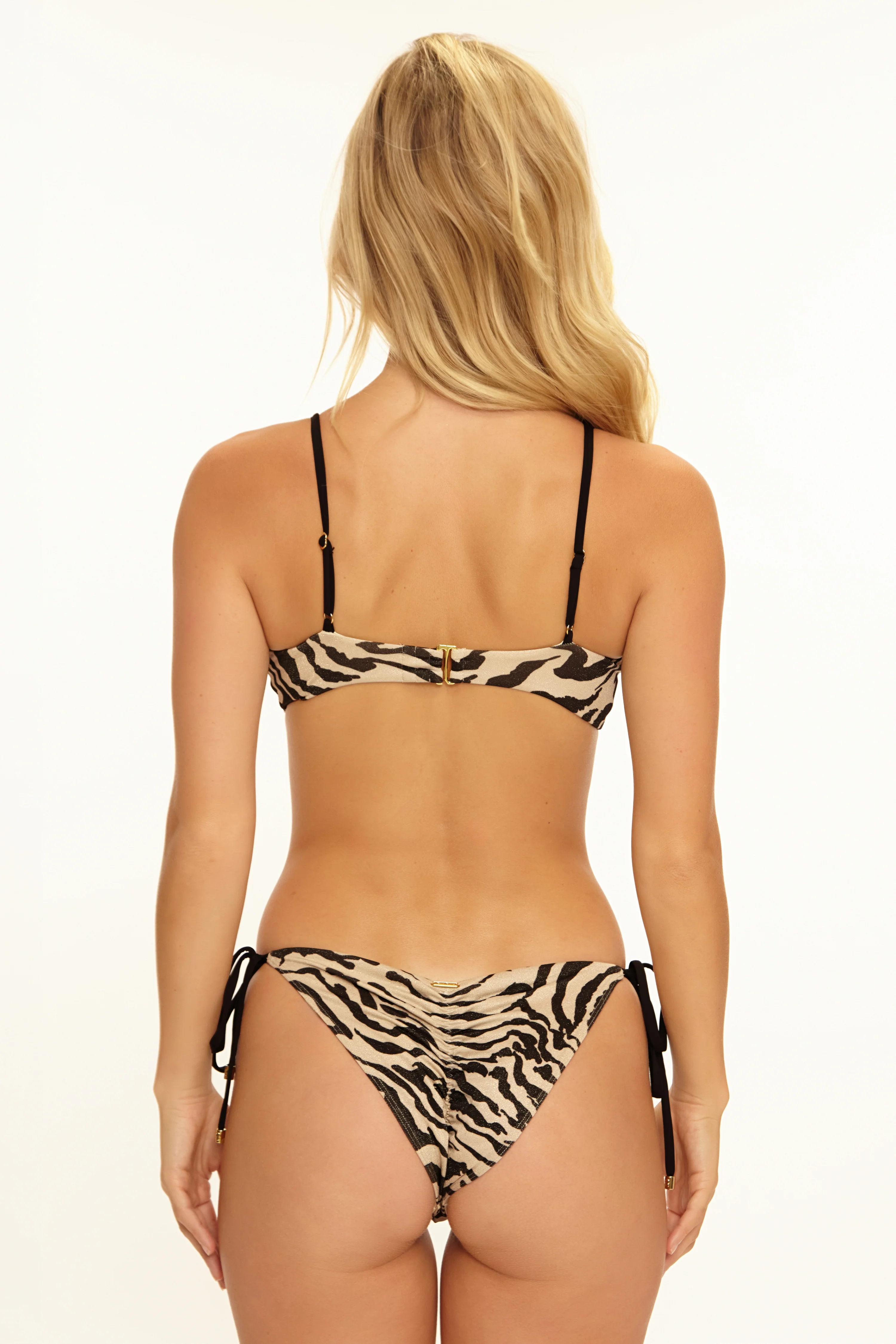
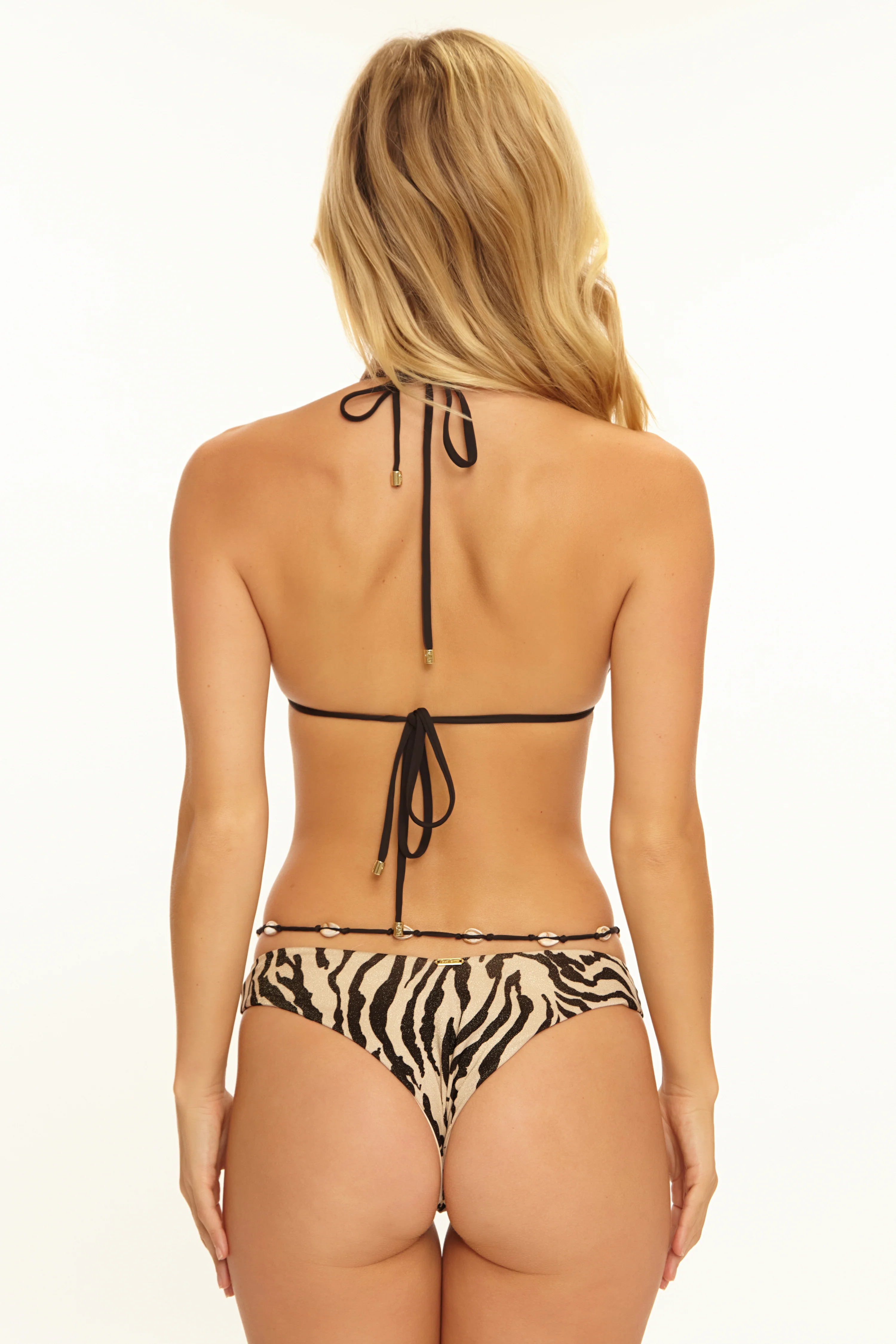
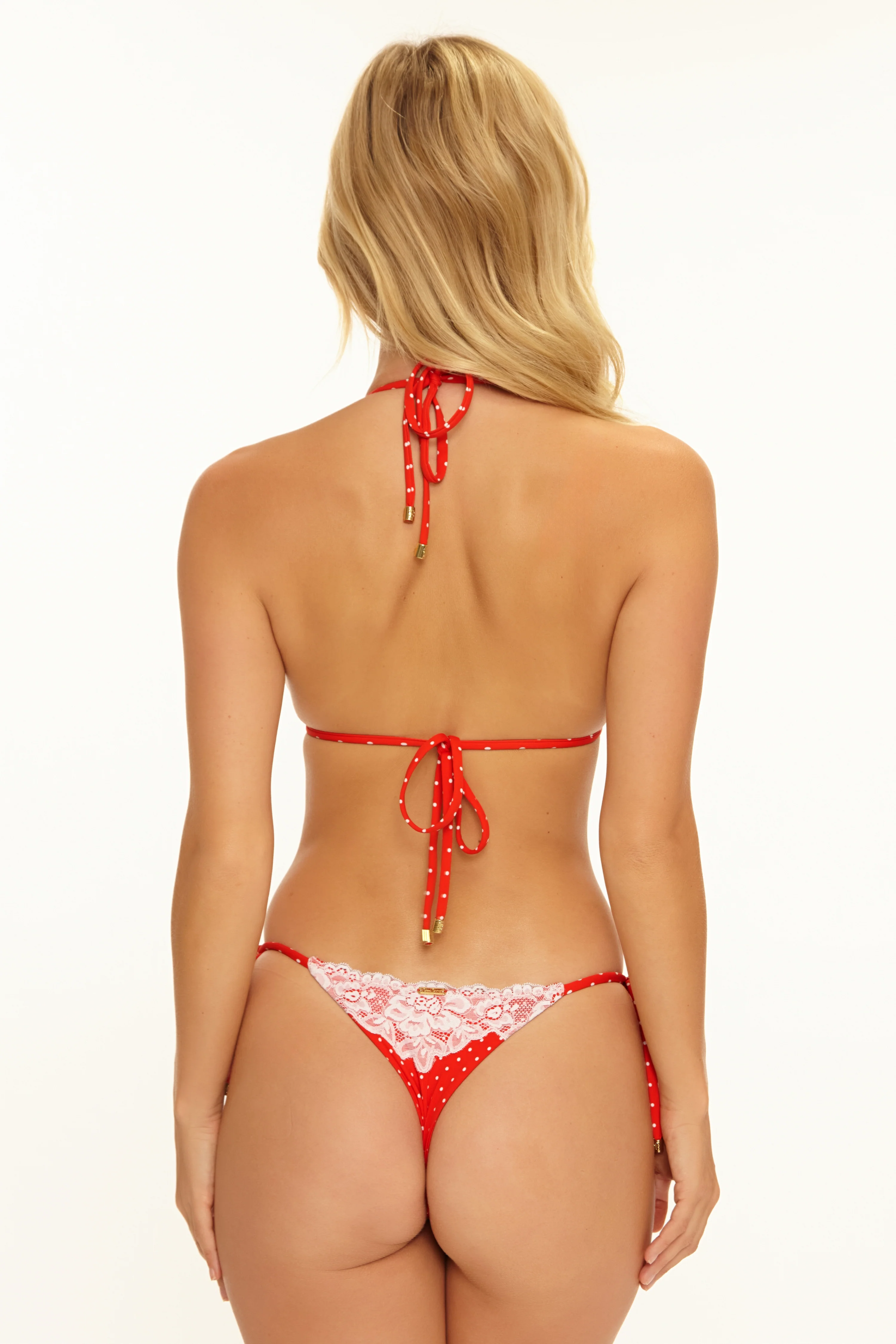
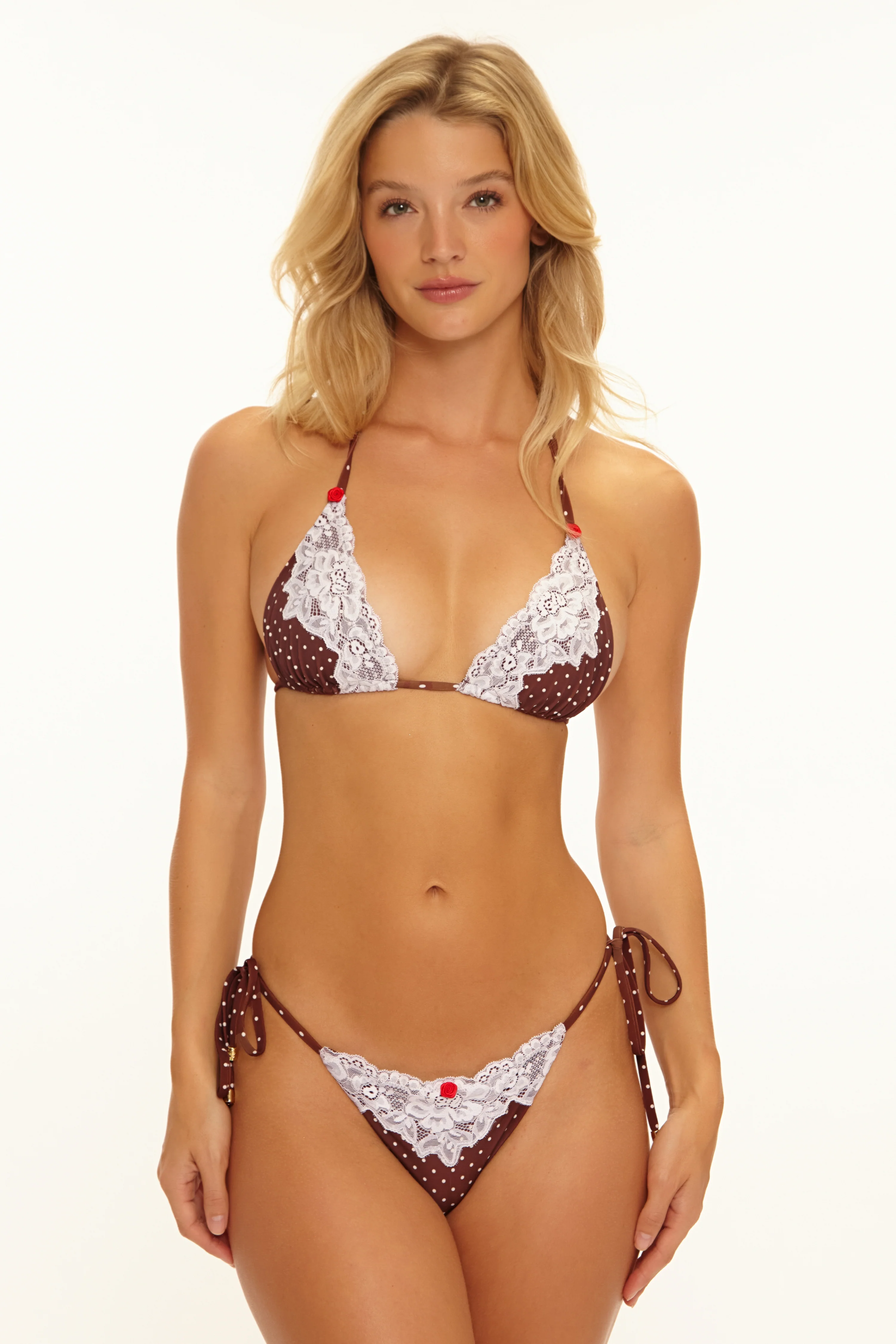
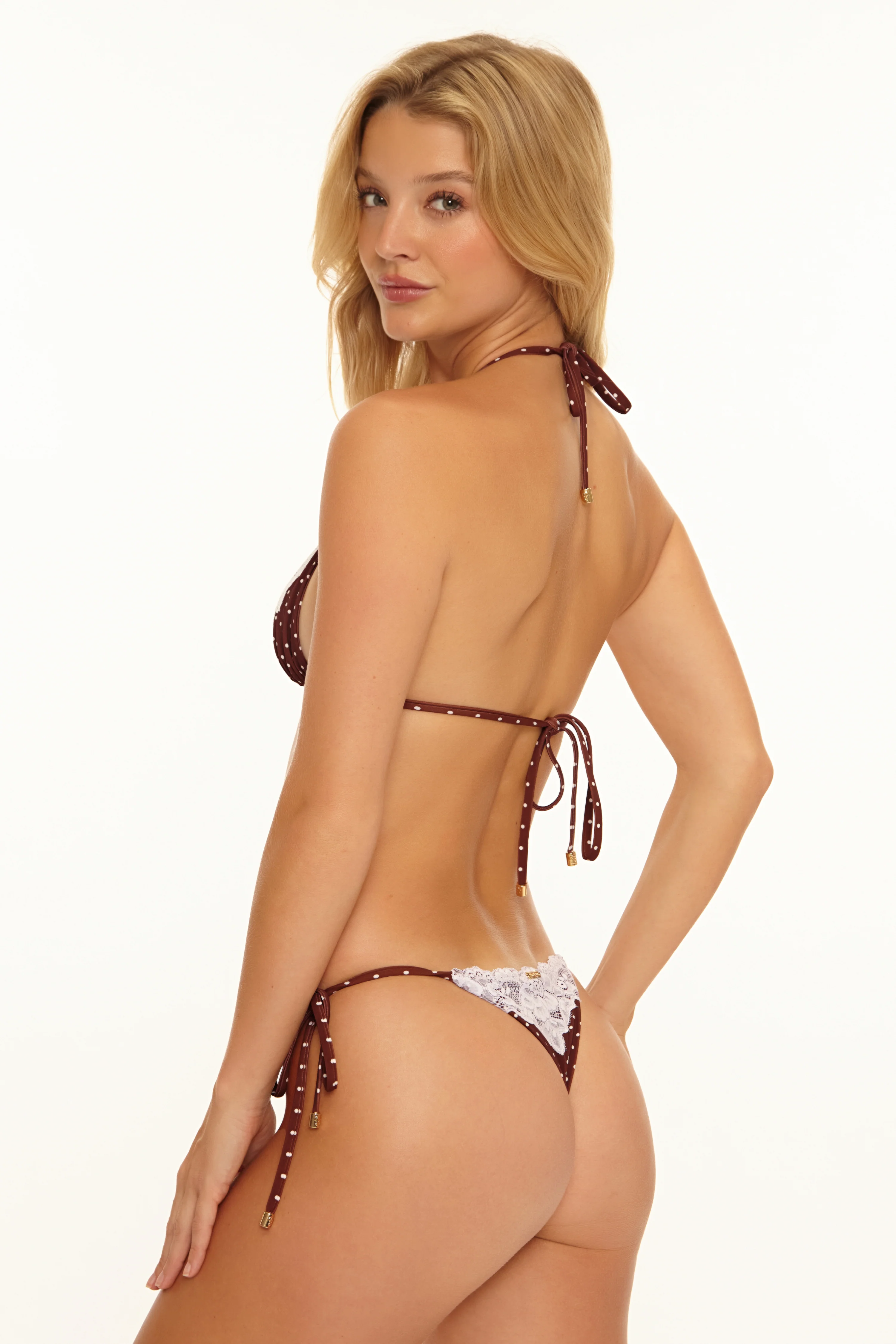
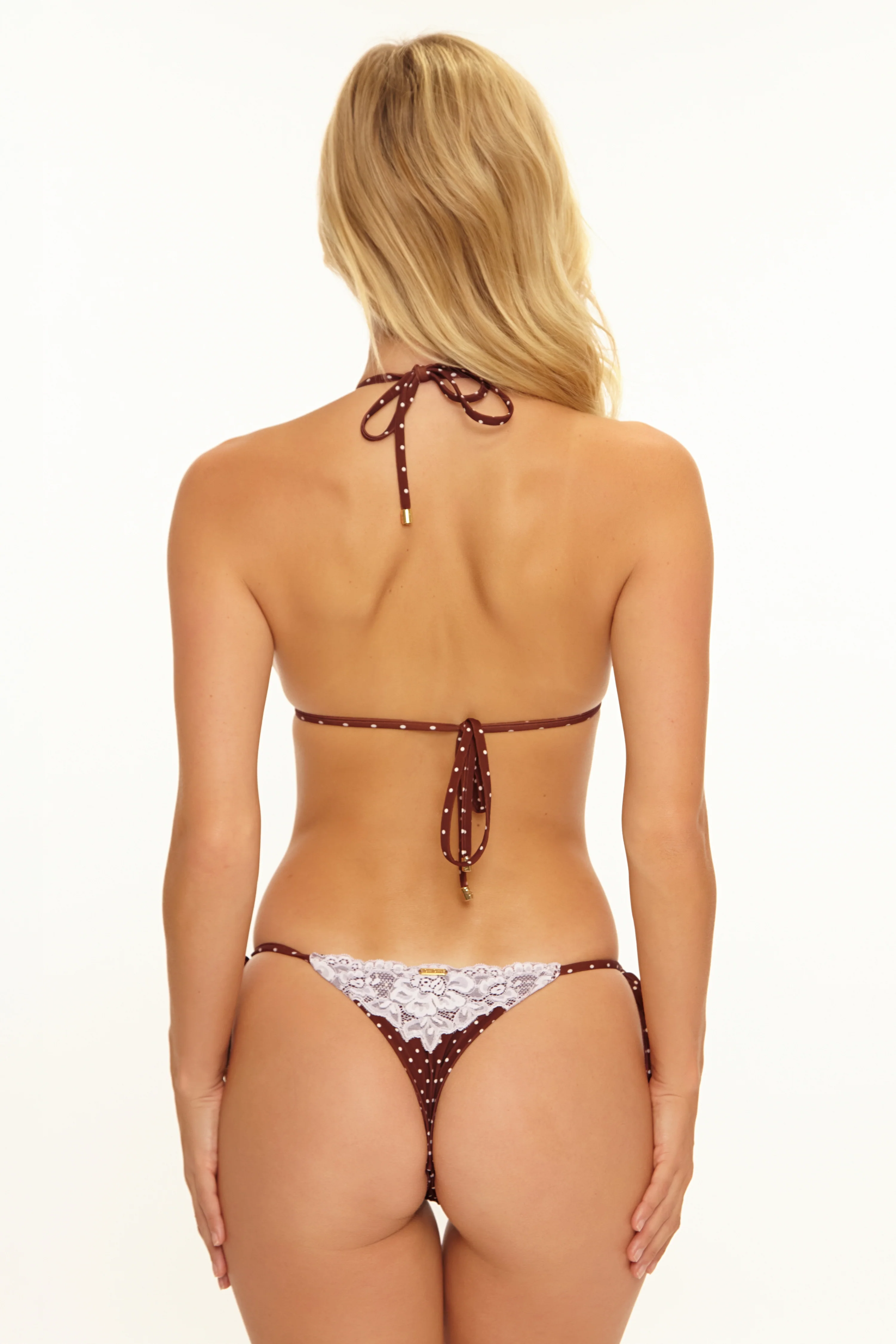
 Beach Bunny

















-Elle-Fr-SH.jpg.ccafb5d985d1121bfb734387772a71f4.jpg)







































































































































































































































































































































Account
Search
Configure browser push notifications
Chrome (Android)
- Tap the lock icon next to the address bar.
- Tap Permissions → Notifications.
- Adjust your preference.
Chrome (Desktop)
- Click the padlock icon in the address bar.
- Select Site settings.
- Find Notifications and adjust your preference.
Safari (iOS 16.4+)
- Ensure the site is installed via Add to Home Screen.
- Open Settings App → Notifications.
- Find your app name and adjust your preference.
Safari (macOS)
- Go to Safari → Preferences.
- Click the Websites tab.
- Select Notifications in the sidebar.
- Find this website and adjust your preference.
Edge (Android)
- Tap the lock icon next to the address bar.
- Tap Permissions.
- Find Notifications and adjust your preference.
Edge (Desktop)
- Click the padlock icon in the address bar.
- Click Permissions for this site.
- Find Notifications and adjust your preference.
Firefox (Android)
- Go to Settings → Site permissions.
- Tap Notifications.
- Find this site in the list and adjust your preference.
Firefox (Desktop)
- Open Firefox Settings.
- Search for Notifications.
- Find this site in the list and adjust your preference.