All Activity
- Past hour
-
 Does anyone know who she is? https://www.agentprovocateur.com/eu_en/ap12823001001-lilathe-suspender-in-black-black-38873







-

-

 wondoorcorporation changed their profile photo
 wondoorcorporation joined the community
workout (2026) anastasia_urbaniak.mp4
wondoorcorporation joined the community
workout (2026) anastasia_urbaniak.mp4



- Today
 Cleaning time video
 The dreamiest day ever 🖤





 Montce Swim: Introducing: Amalia 🤍🦢 The softest lace texture from our Montce x Elsa Hosk collection — available only at Montce
 ROGÉRIO RIBEIRO: Alessandra Ambrósio ( Way Model Management Brasil )
 my new buddy just dropped 🥹🤍 welcome to the world, Bo Bruno.
 Kioto Jewelry: All the delicacy of a message of love.🩷💚🩵 video
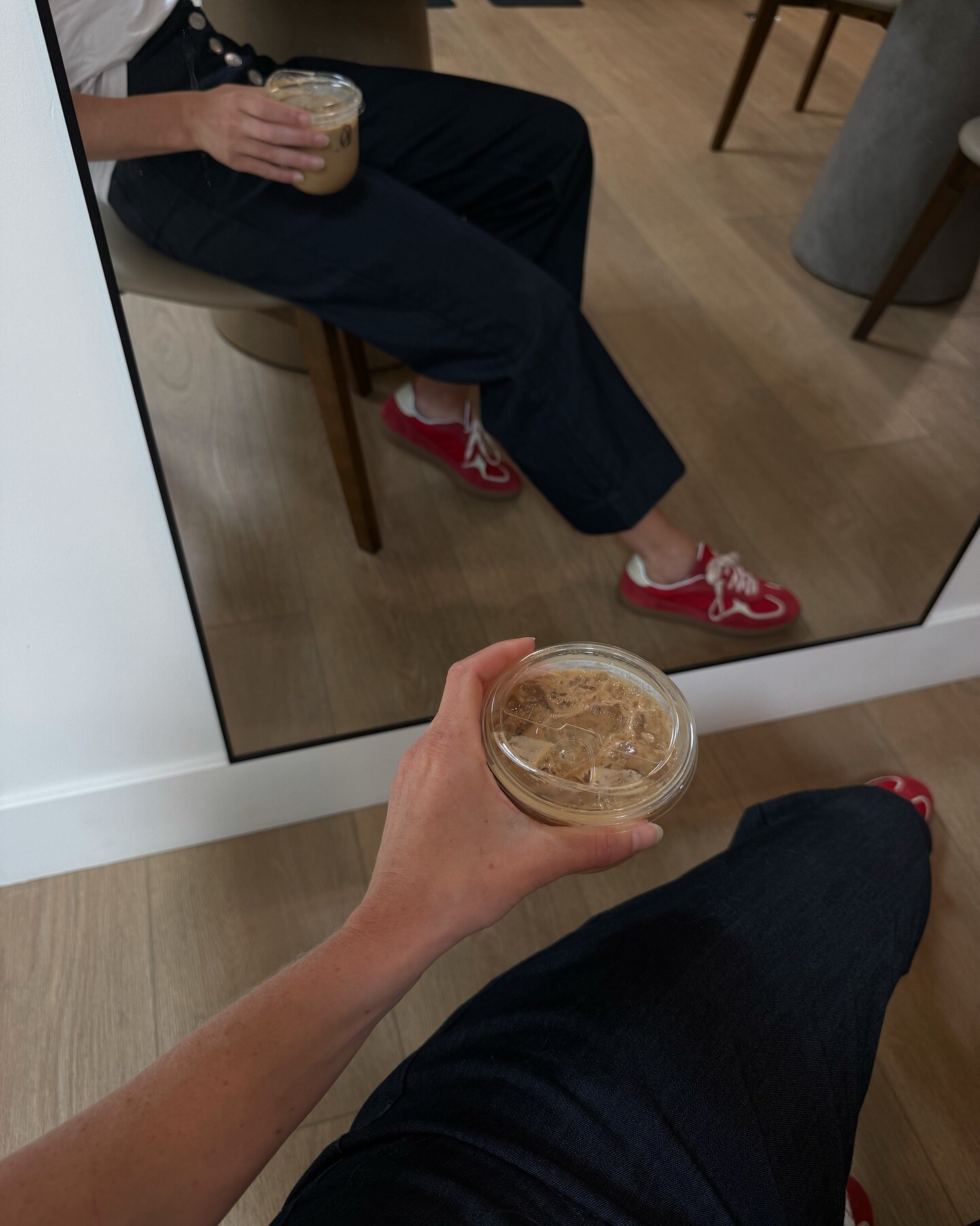
 Running errands in your fav Everyday Pant & white tee🧋travismathewwomens video



 Winner 2024!
 She’s very lovely! ❤️
 IG SaveClip.App_AQOzOrwacthZLFeyissYGfAI3a8SC8z5ugeFe0RPo7FHzEgfOZR-P584CiodBf5STE8dAUSaxFSXgiF57tQHiWw5.mp4







































































Account
Navigation
Search
Configure browser push notifications
Chrome (Android)
- Tap the lock icon next to the address bar.
- Tap Permissions → Notifications.
- Adjust your preference.
Chrome (Desktop)
- Click the padlock icon in the address bar.
- Select Site settings.
- Find Notifications and adjust your preference.
Safari (iOS 16.4+)
- Ensure the site is installed via Add to Home Screen.
- Open Settings App → Notifications.
- Find your app name and adjust your preference.
Safari (macOS)
- Go to Safari → Preferences.
- Click the Websites tab.
- Select Notifications in the sidebar.
- Find this website and adjust your preference.
Edge (Android)
- Tap the lock icon next to the address bar.
- Tap Permissions.
- Find Notifications and adjust your preference.
Edge (Desktop)
- Click the padlock icon in the address bar.
- Click Permissions for this site.
- Find Notifications and adjust your preference.
Firefox (Android)
- Go to Settings → Site permissions.
- Tap Notifications.
- Find this site in the list and adjust your preference.
Firefox (Desktop)
- Open Firefox Settings.
- Search for Notifications.
- Find this site in the list and adjust your preference.