All Activity
- Past hour
-
 Oh and? As bad as most people claim? lol
 -
 He's allowed his preferences, as are we all. He's not allowed to demand everyone else conform to them though. It's a simple concept. I'm not exactly sure why you keep missing it. If your ego requires you to get the last word in, then please do so. I won't respond again.
 Of course you do: you judge Cain's view and his personal preferences. And it includes all the others who share his opinion. Yours is just different (which is okay if you talk for yourself). I don't see much tolerance by you.
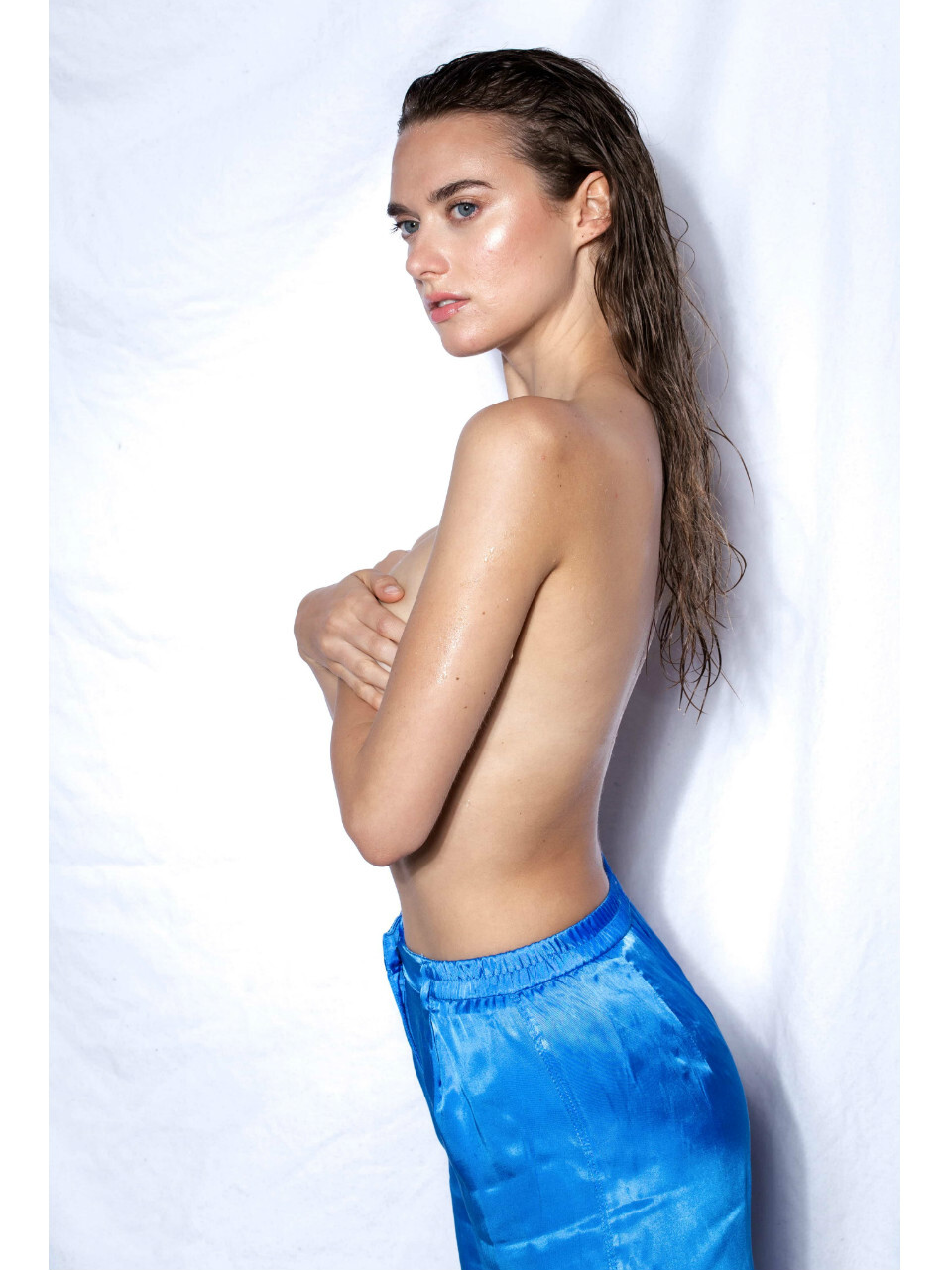
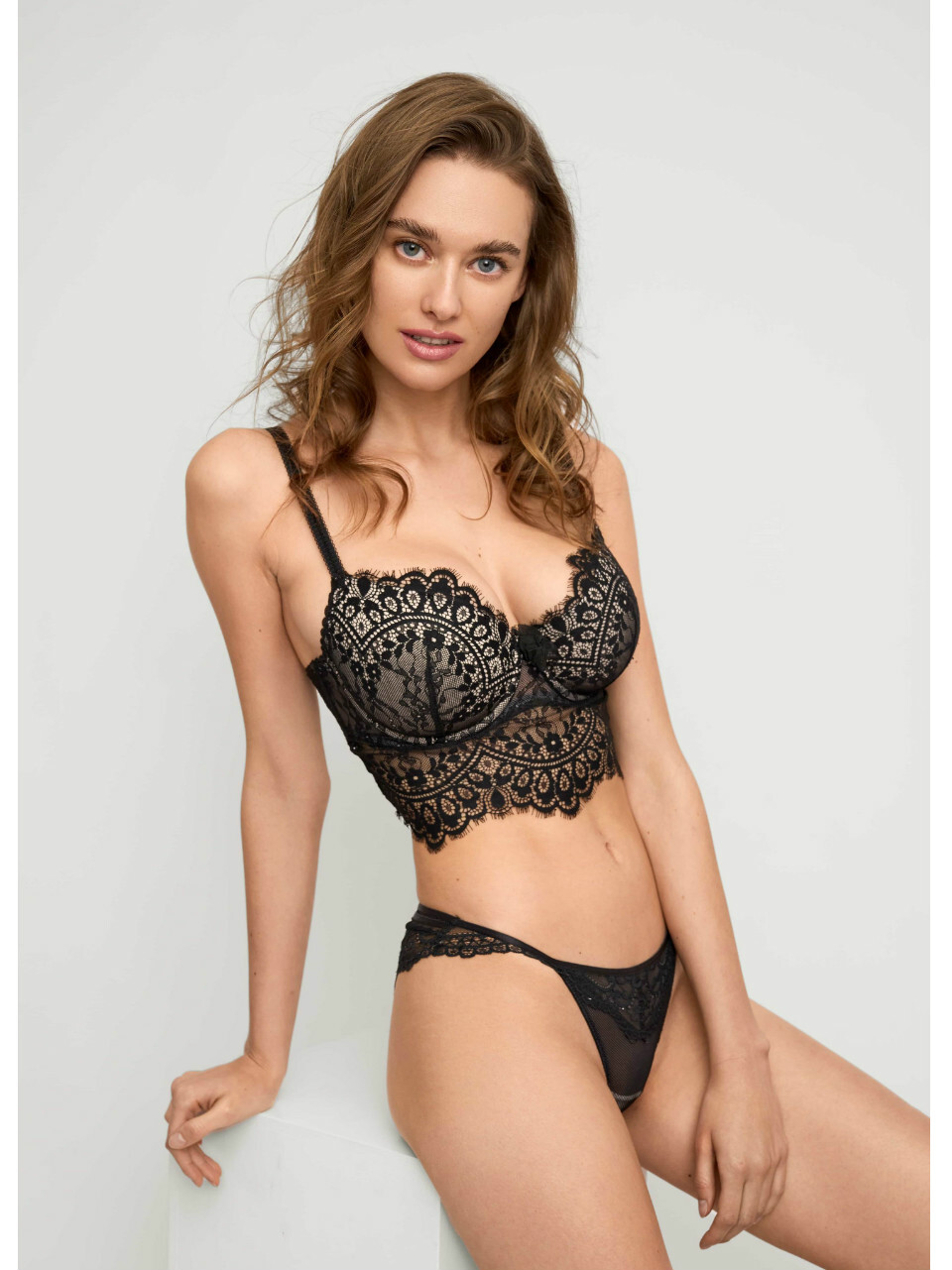
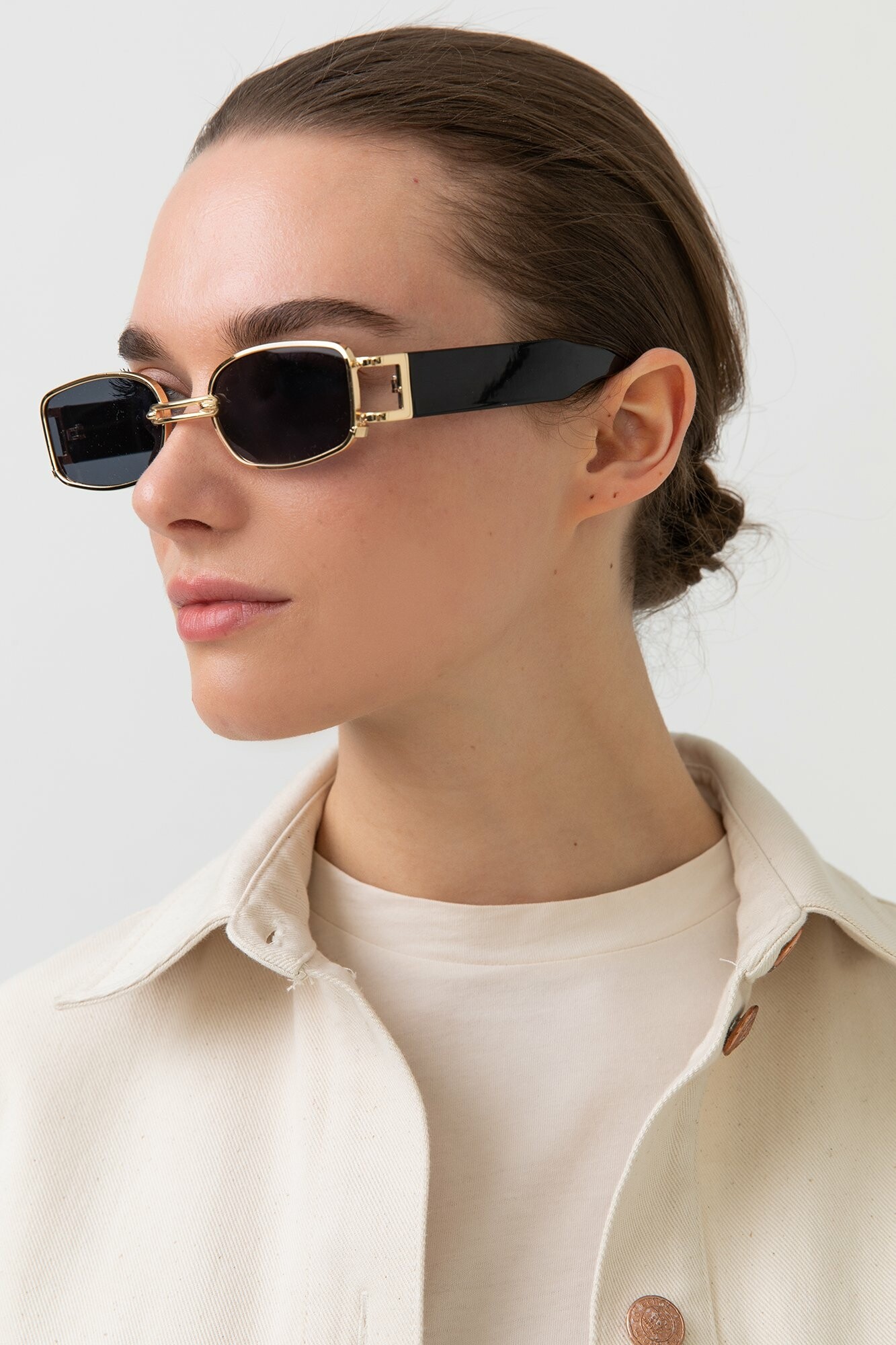
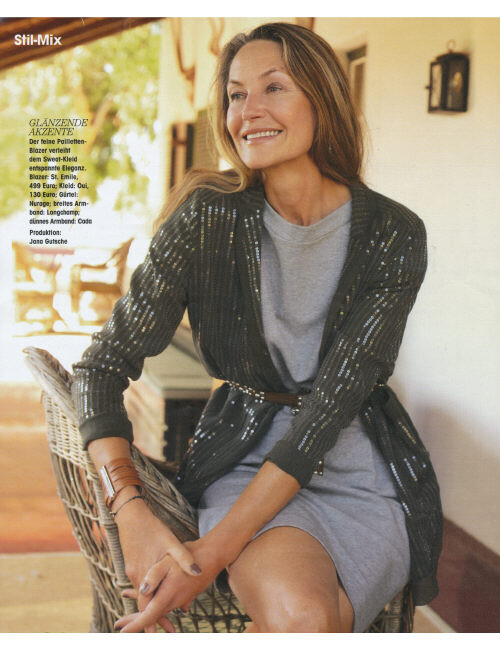
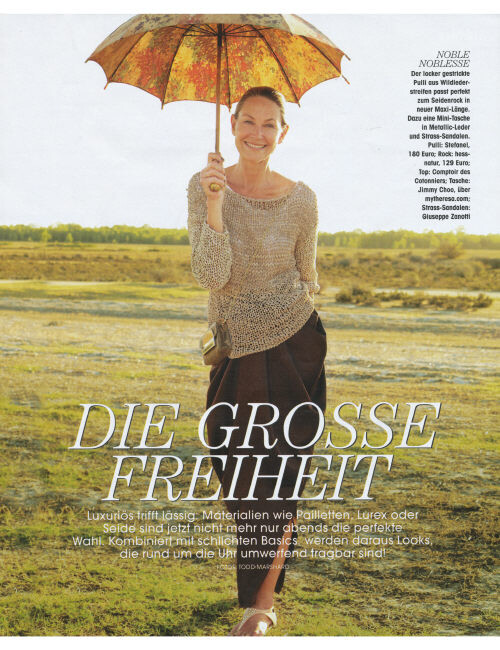
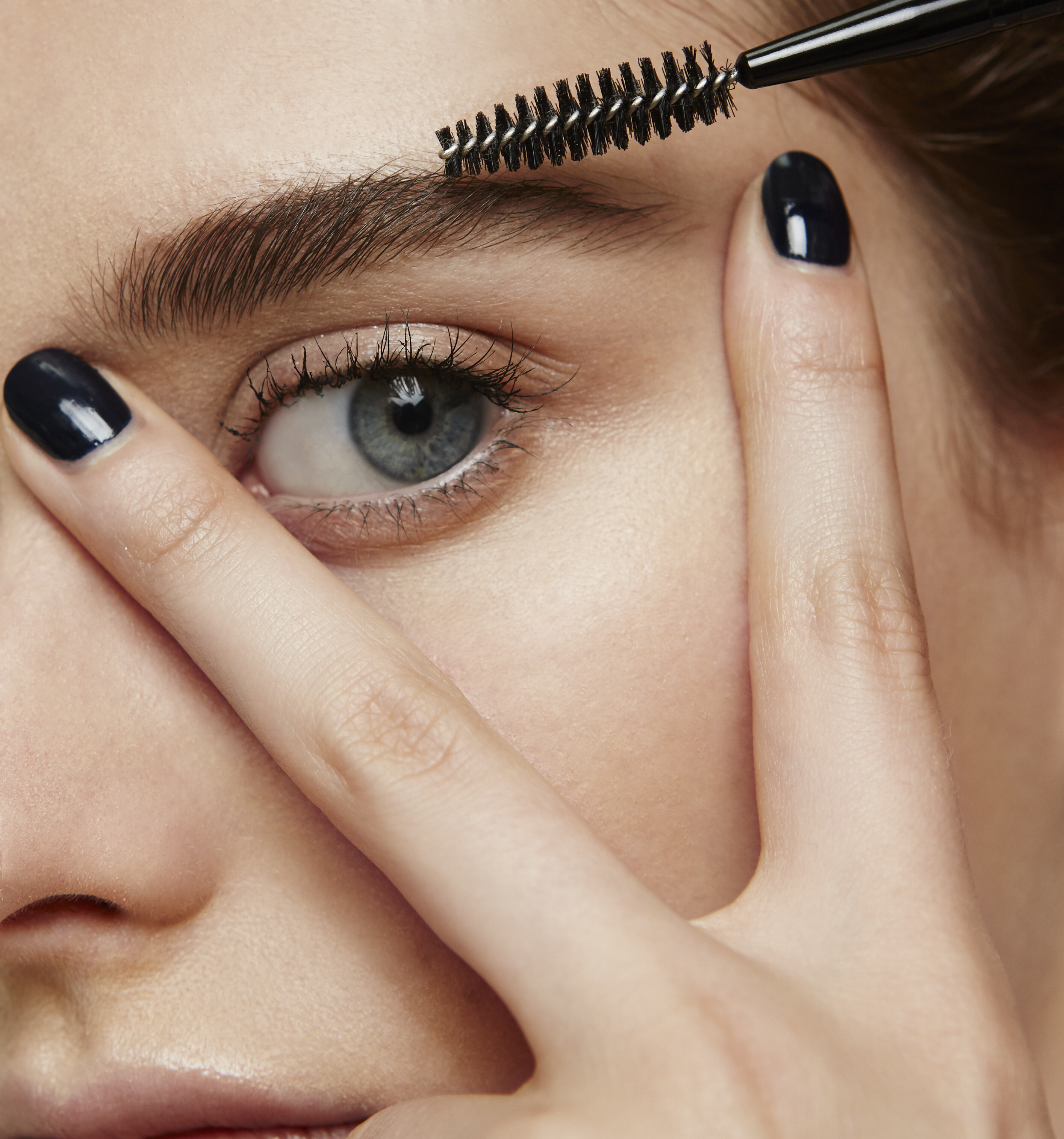
Love her hair 🥰
Well it's a good thing I'm not doing that then, isn't it?
Same for you, Benny "It's not up to you to police how people choose to post or enjoy content." The admin said enough. There is no need to flood a thread. And childish reactions do not help at all. It is not a big deal to adjust the posting style. It's only a matter of how we talk with each other.
The topic will also survive just fine without you. It's not up to you to police how people choose to post or enjoy content. Just be quiet and enjoy the pictures.
Of course you do: you judge Cain's view and his personal preferences. And it includes all the others who share his opinion. Yours is just different (which is okay if you talk for yourself). I don't see much tolerance by you.
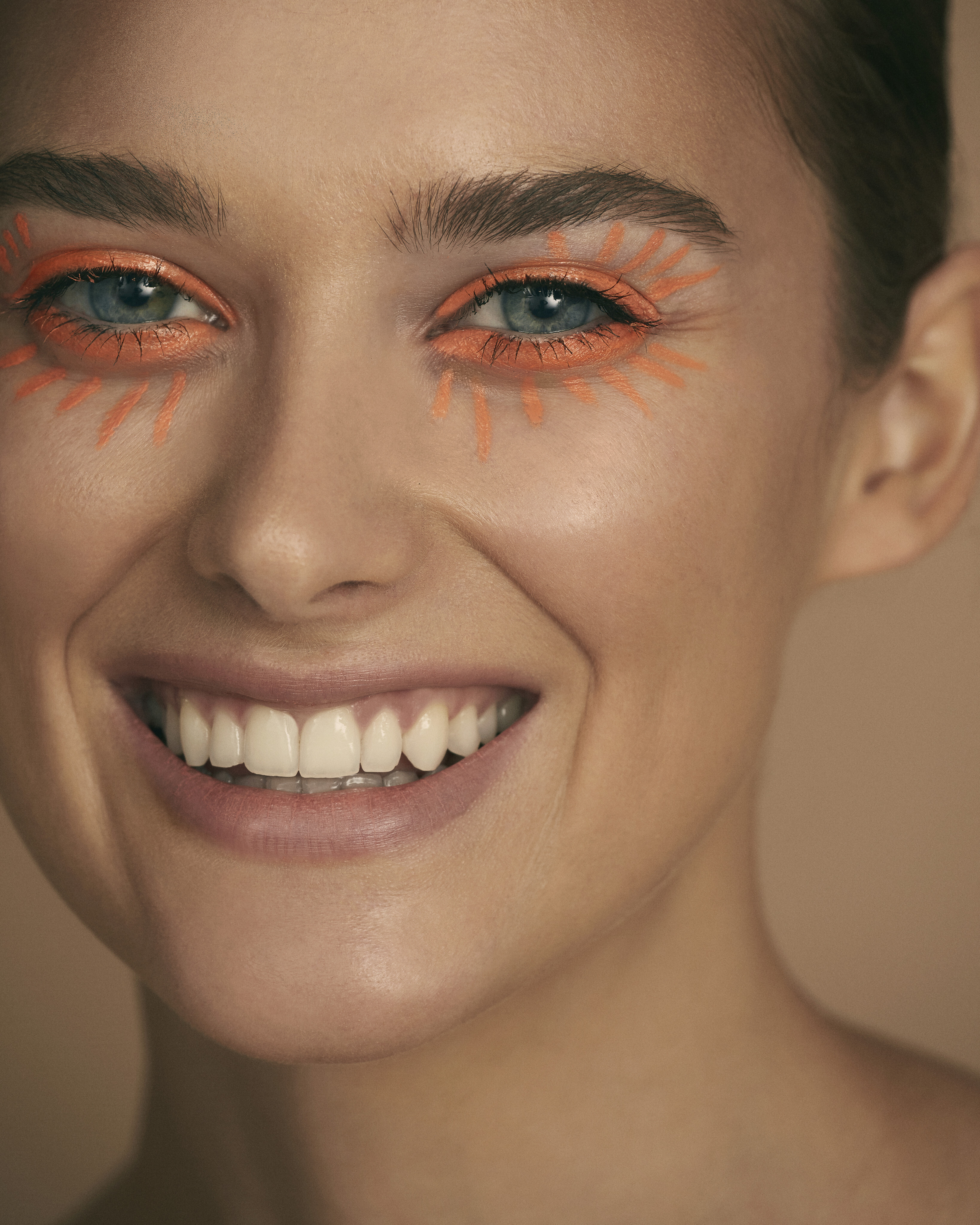
Love her hair 🥰
Well it's a good thing I'm not doing that then, isn't it?
Same for you, Benny "It's not up to you to police how people choose to post or enjoy content." The admin said enough. There is no need to flood a thread. And childish reactions do not help at all. It is not a big deal to adjust the posting style. It's only a matter of how we talk with each other.
The topic will also survive just fine without you. It's not up to you to police how people choose to post or enjoy content. Just be quiet and enjoy the pictures.







5-zugeschnitten.jpeg.8b48d68c2aa31d5737b98fce8f67966a.jpeg)






































































































































Account
Navigation
Search
Configure browser push notifications
Chrome (Android)
- Tap the lock icon next to the address bar.
- Tap Permissions → Notifications.
- Adjust your preference.
Chrome (Desktop)
- Click the padlock icon in the address bar.
- Select Site settings.
- Find Notifications and adjust your preference.
Safari (iOS 16.4+)
- Ensure the site is installed via Add to Home Screen.
- Open Settings App → Notifications.
- Find your app name and adjust your preference.
Safari (macOS)
- Go to Safari → Preferences.
- Click the Websites tab.
- Select Notifications in the sidebar.
- Find this website and adjust your preference.
Edge (Android)
- Tap the lock icon next to the address bar.
- Tap Permissions.
- Find Notifications and adjust your preference.
Edge (Desktop)
- Click the padlock icon in the address bar.
- Click Permissions for this site.
- Find Notifications and adjust your preference.
Firefox (Android)
- Go to Settings → Site permissions.
- Tap Notifications.
- Find this site in the list and adjust your preference.
Firefox (Desktop)
- Open Firefox Settings.
- Search for Notifications.
- Find this site in the list and adjust your preference.