All Activity
- Past hour
-
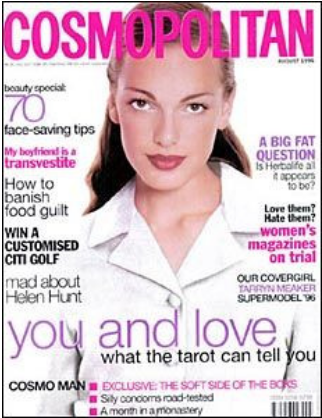
 Tarryn Meaker FMD - IMDb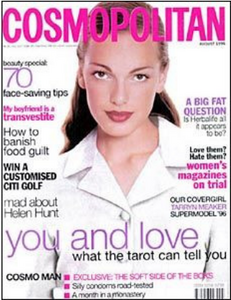
b.thumb.jpg.cb9e5f7f495d9f21f864ef751004fce4.jpg)
-
 She mentioned it in an instagram story. Talked about breaking up and had a video movie out of his place.
 -
Elizabeth Berridge, I think. Look at her upper incisors...


-

-
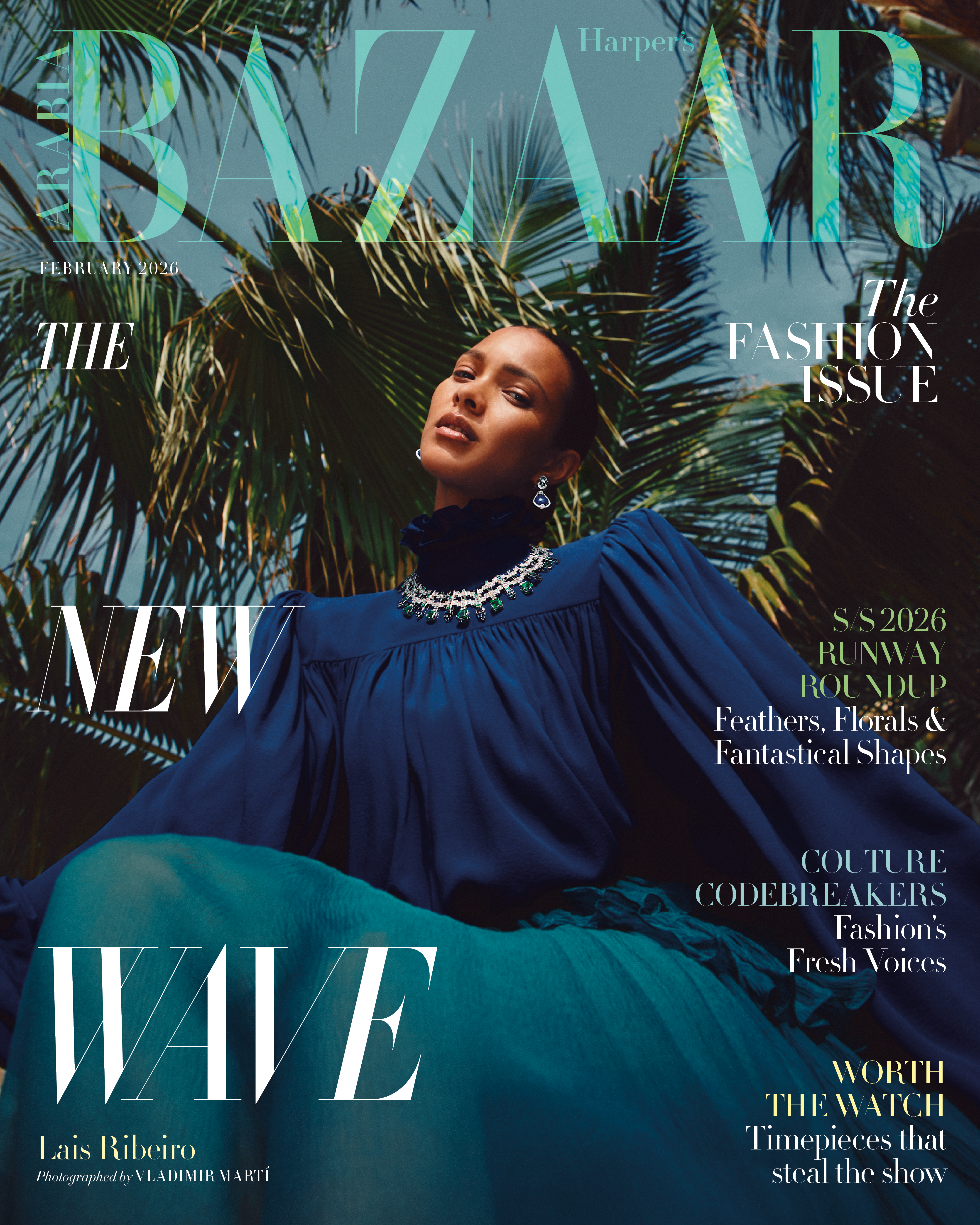
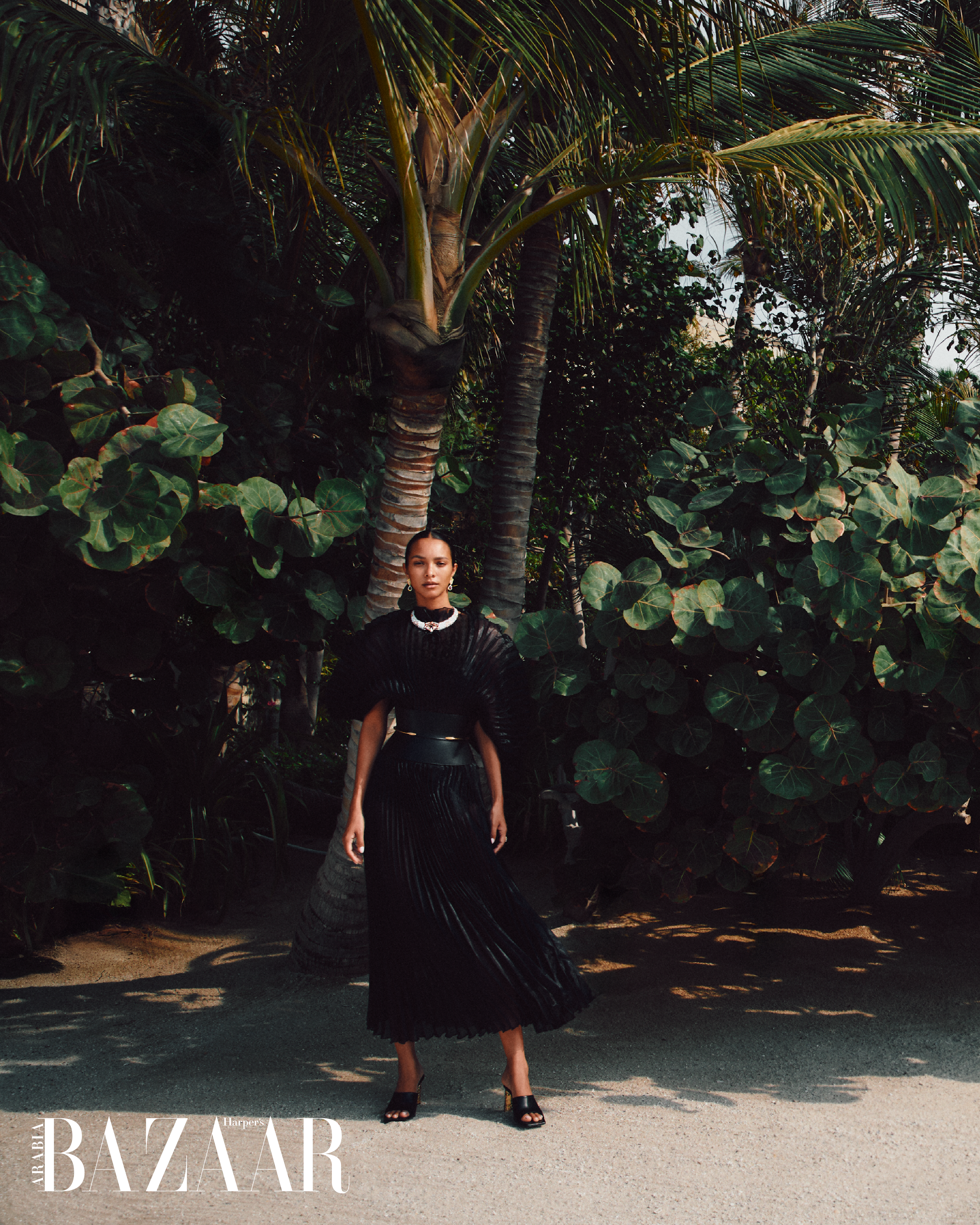
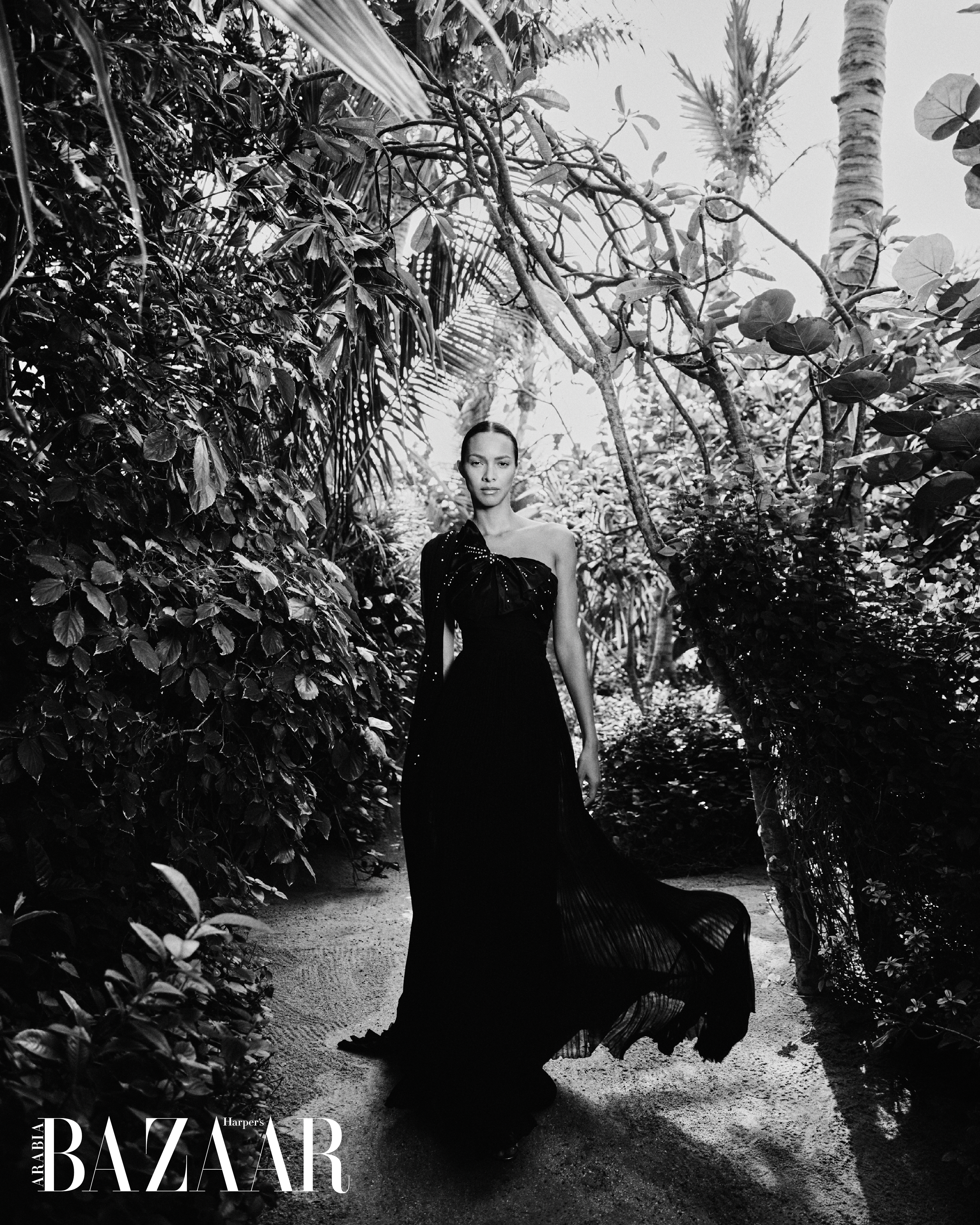
 Harper’s Bazaar Arabia February 2026 Lais Ribeiro Is The Harper’s Bazaar Arabia February 2026 Issue Cover Star Ph. Vladimir Martí https://www.harpersbazaararabia.com/hbanews/lais-ribeiro-february-2026-issue-cover-star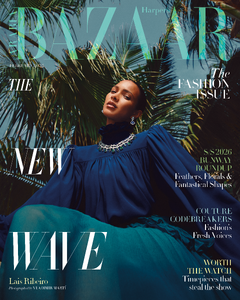

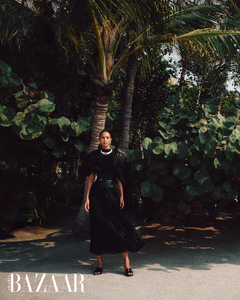


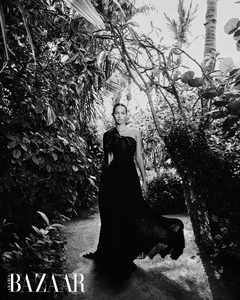








-


 High Tower Swim 00745dced6874540bd59e2faf0732588.HD-1080p-7.2Mbps-53412553.mp4
 transition Of course I had to make a transition 😎 #haircut.mp4
 New polaroids BOSS MODELS
 Fashion Foryes



 Ph. Manuel Tarquini





 H&M ASIA 2026



 𝗭 𝗜 𝗗 𝗜 2026






















 IMDbElena Anaya | Actress, Producer, Casting DirectorKnown for: Шкіра, в якій я живу, Кімната в Римі, Диво-жінка Elena Anaya & Natasha Yarovenko - Room in Rome (2010)1080p Duration: 00:37:37 Resolution: 1920x1080 Format: mp4 Size: 539 MB https://filejoker.net/ru3r7psbrau8
.jpg.8926c21d12ec6bc8d37c2dedb780f3cb.jpg)
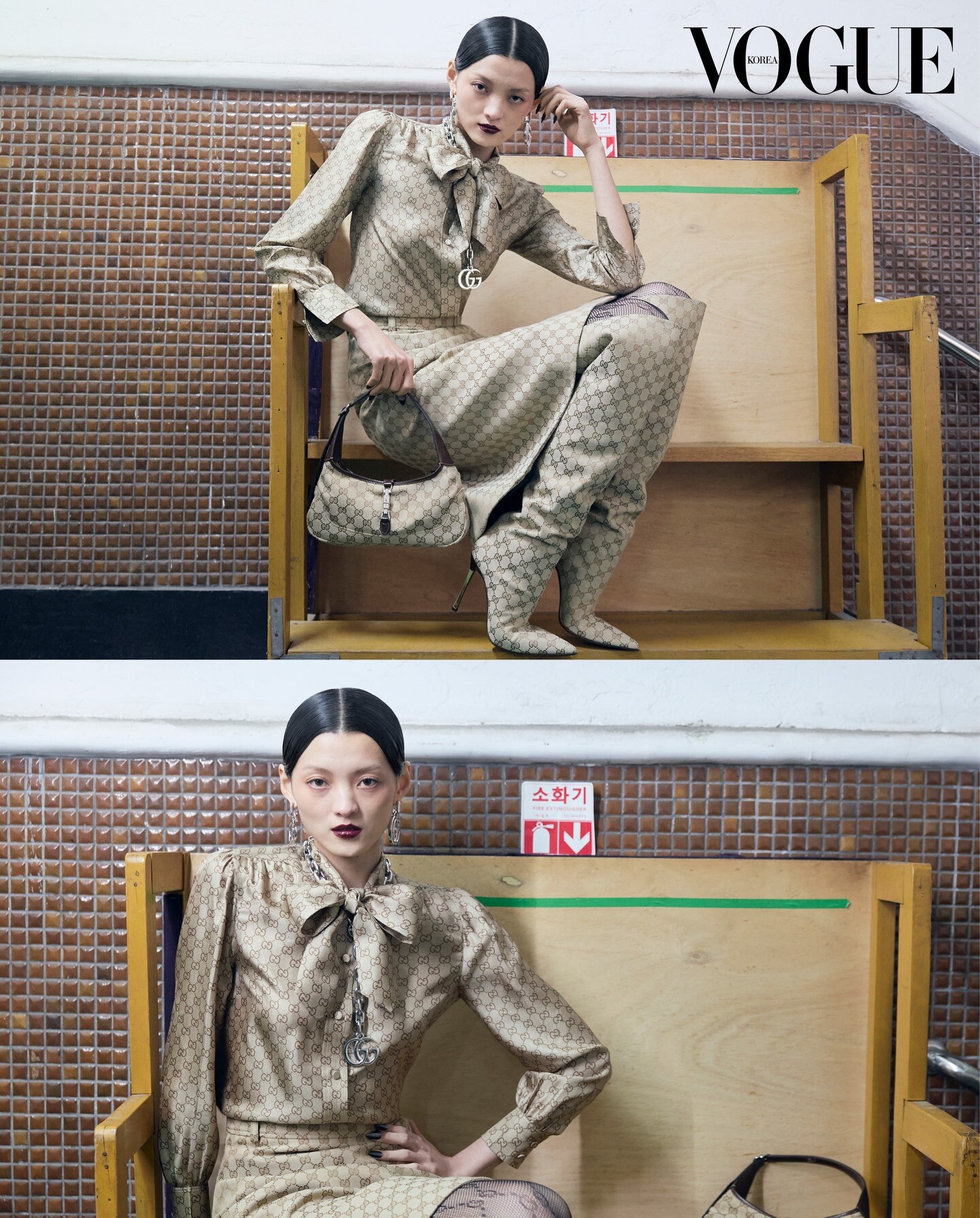
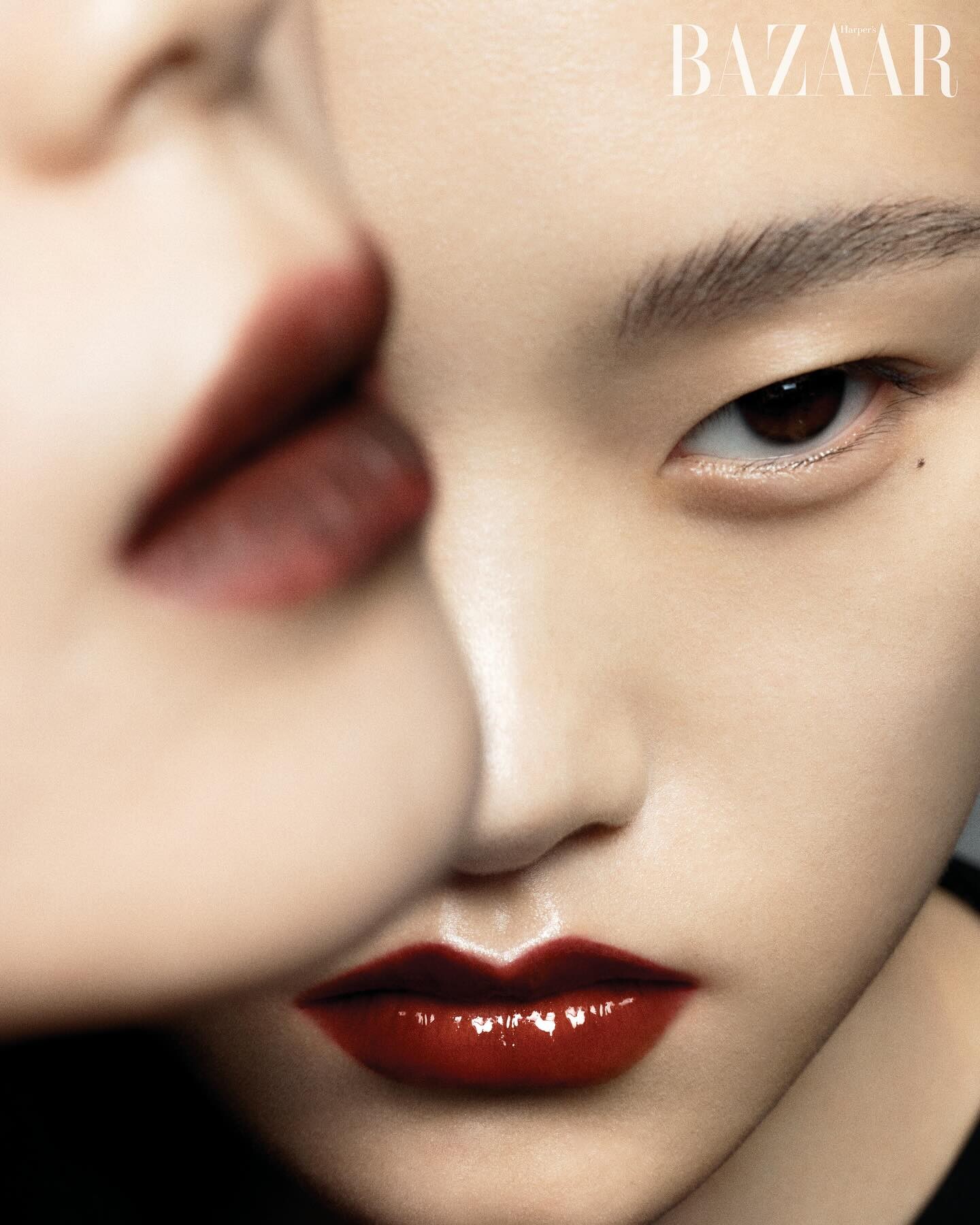
 HARPERS BAZAAR KOREA JAN 2026



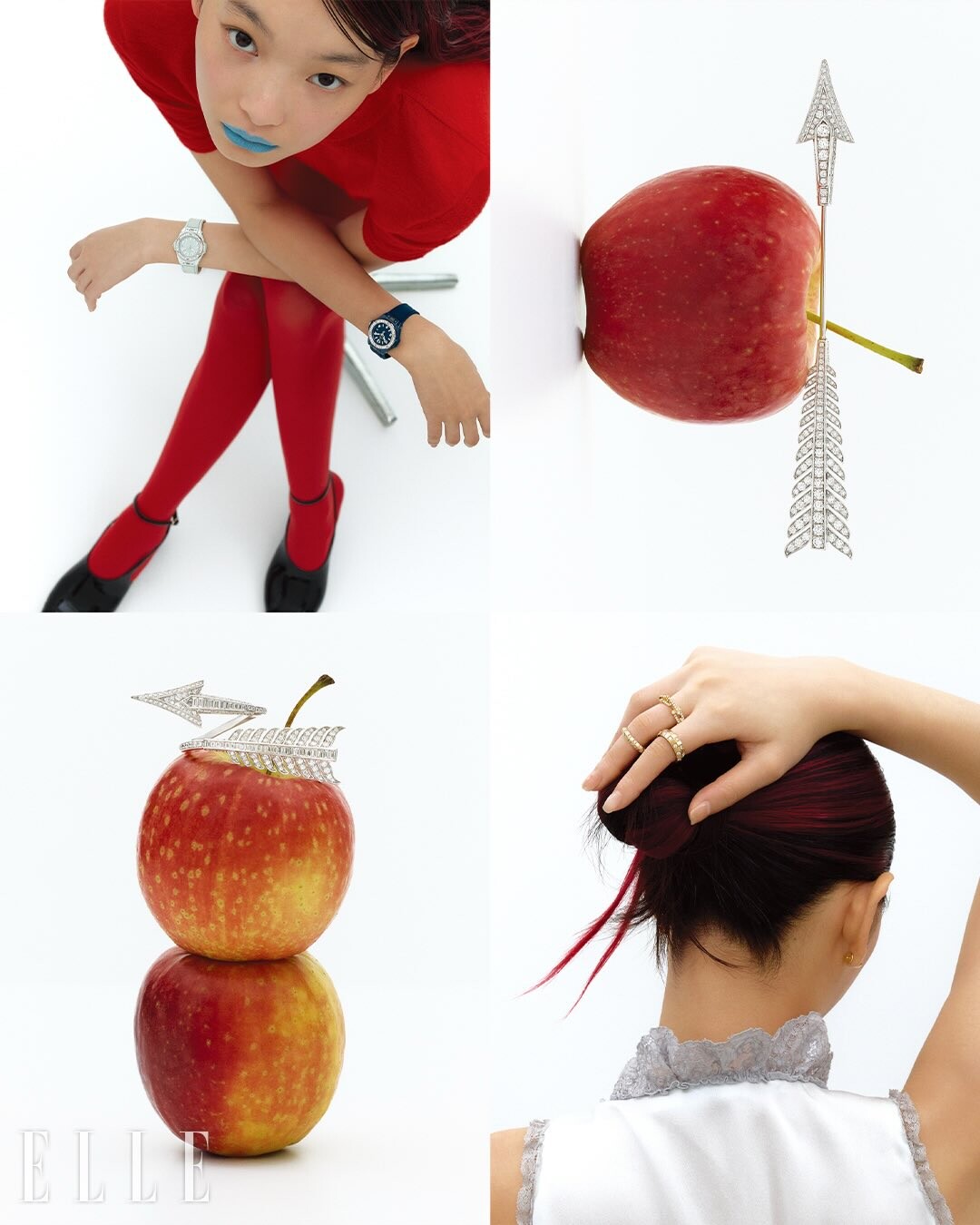
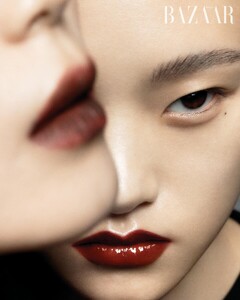 ELLE KOREA JAN 2026





 How do you know she’s single again?
b.jpg.727eef56d697c60fe094caf946aca0dc.jpg)























































































































Account
Search
Configure browser push notifications
Chrome (Android)
- Tap the lock icon next to the address bar.
- Tap Permissions → Notifications.
- Adjust your preference.
Chrome (Desktop)
- Click the padlock icon in the address bar.
- Select Site settings.
- Find Notifications and adjust your preference.
Safari (iOS 16.4+)
- Ensure the site is installed via Add to Home Screen.
- Open Settings App → Notifications.
- Find your app name and adjust your preference.
Safari (macOS)
- Go to Safari → Preferences.
- Click the Websites tab.
- Select Notifications in the sidebar.
- Find this website and adjust your preference.
Edge (Android)
- Tap the lock icon next to the address bar.
- Tap Permissions.
- Find Notifications and adjust your preference.
Edge (Desktop)
- Click the padlock icon in the address bar.
- Click Permissions for this site.
- Find Notifications and adjust your preference.
Firefox (Android)
- Go to Settings → Site permissions.
- Tap Notifications.
- Find this site in the list and adjust your preference.
Firefox (Desktop)
- Open Firefox Settings.
- Search for Notifications.
- Find this site in the list and adjust your preference.