All Activity
- Past hour
-
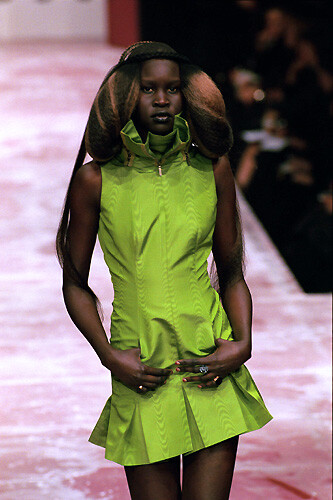
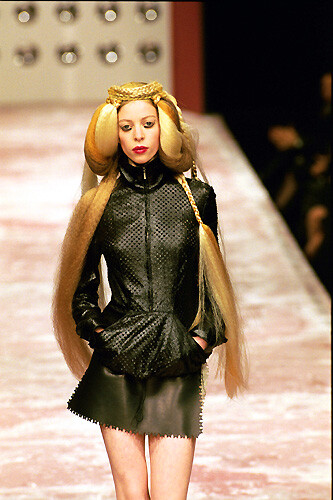
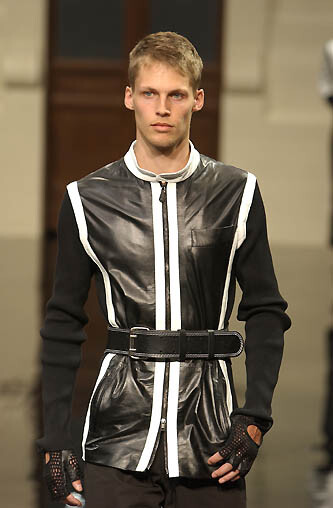
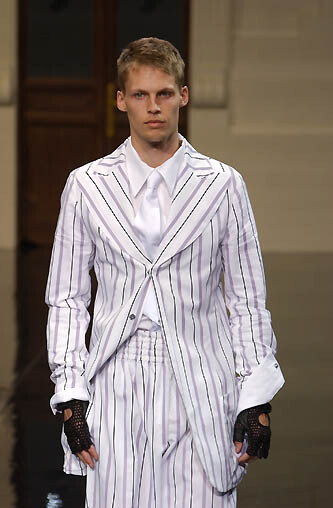
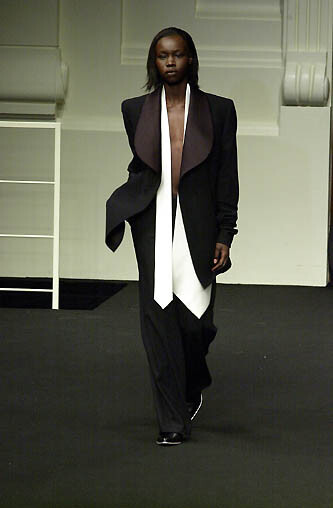
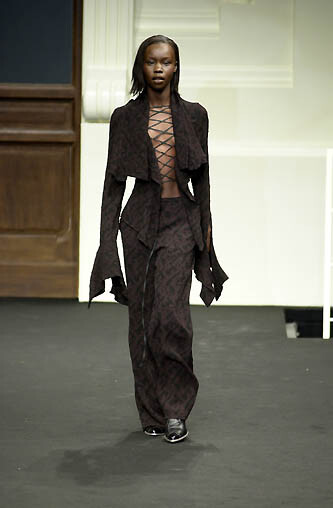
 antonio berardi f/w 1999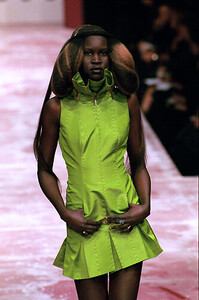

-
antonio berardi f/w 1999



-
 Emma Stone & Jesse Plemons Talk Alien Starter Packs & Chappell Roan | Bugonia Hits Radio
 -
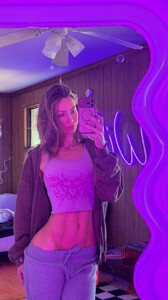
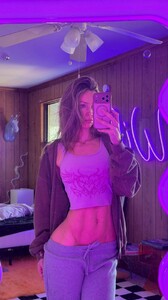
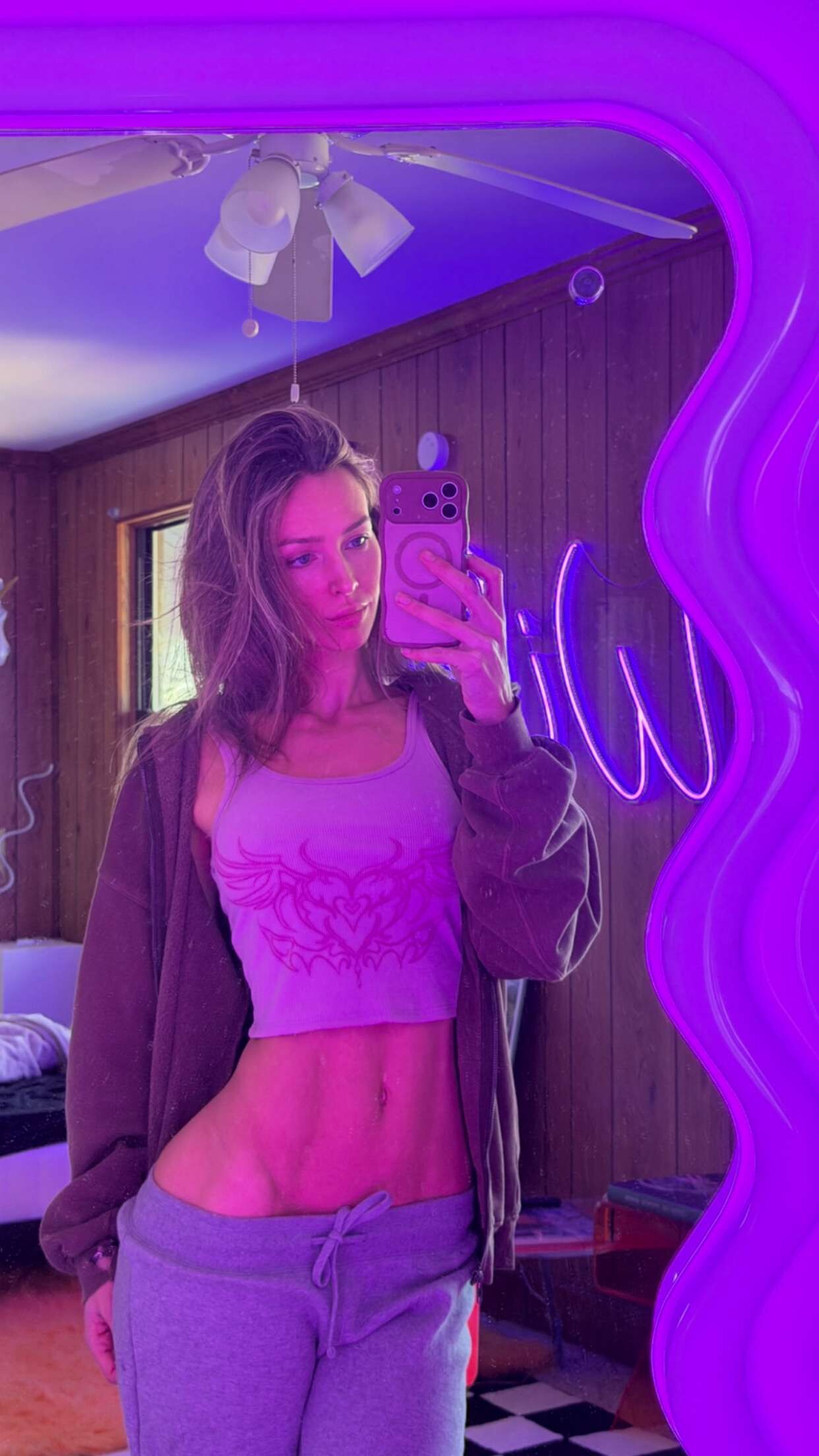
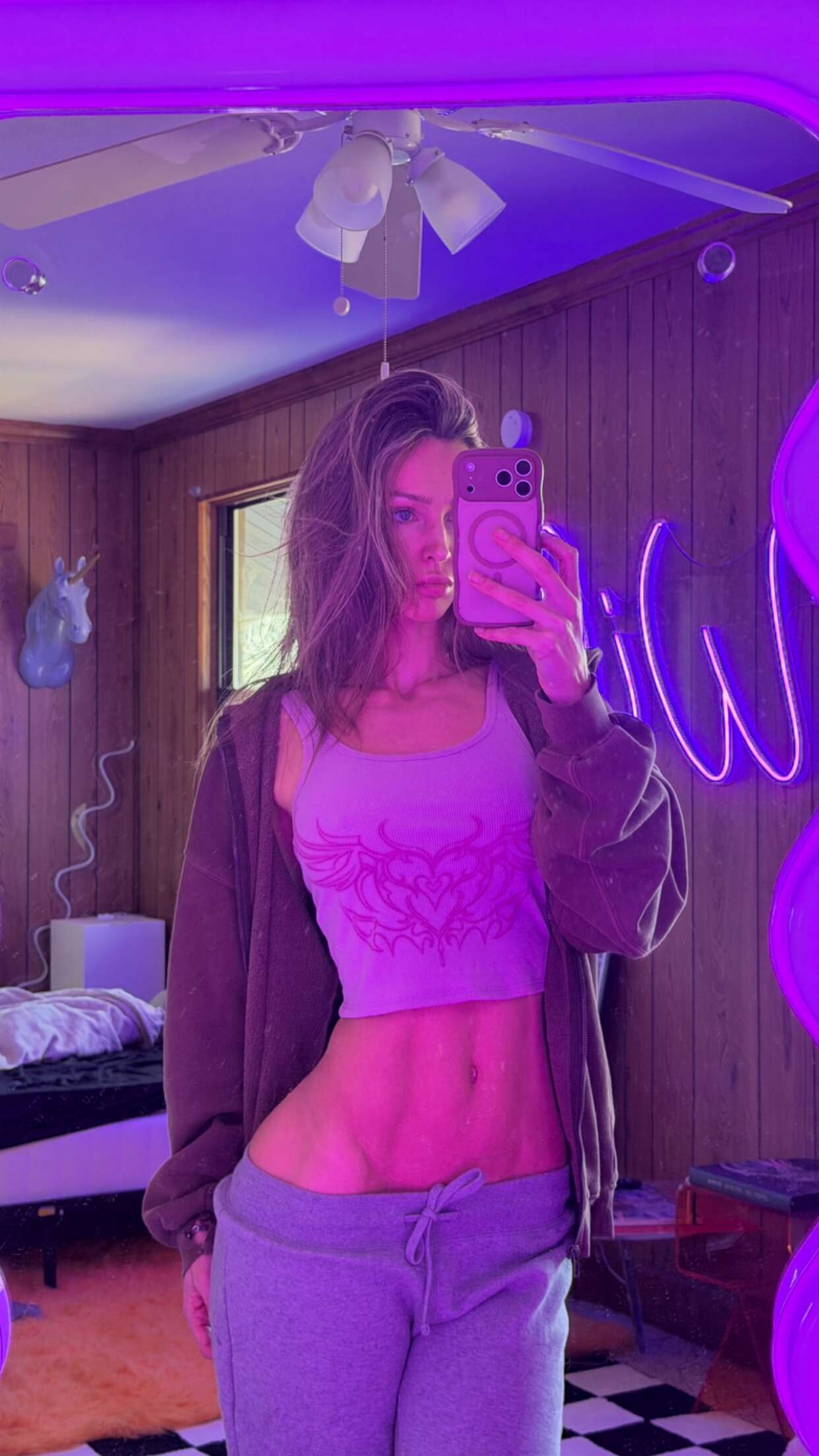
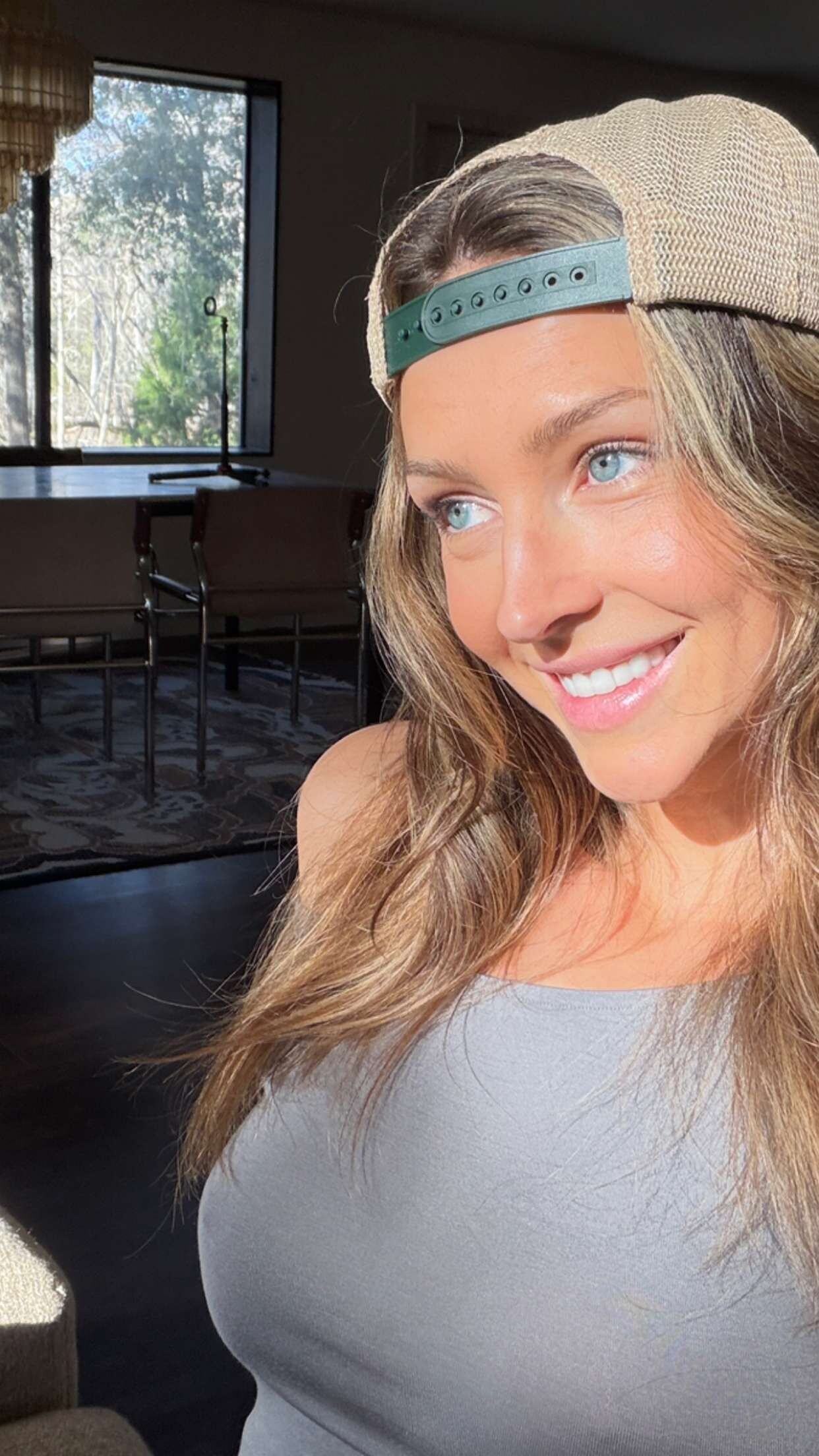
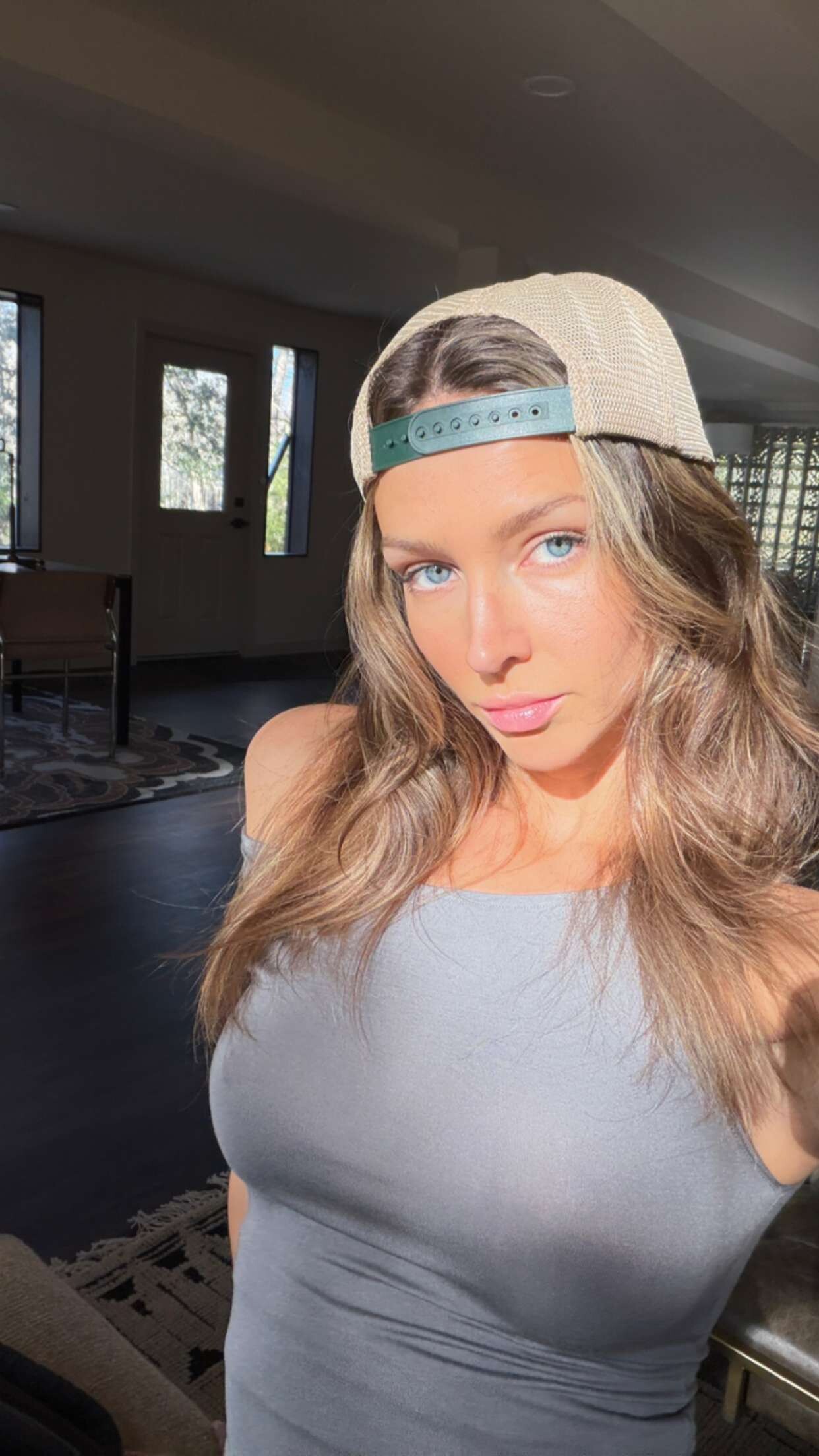
 Rachel Via Snapchat Videos





-
 You’re welcome!
 -
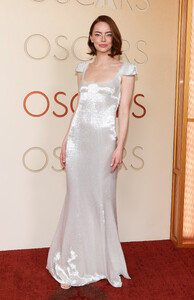
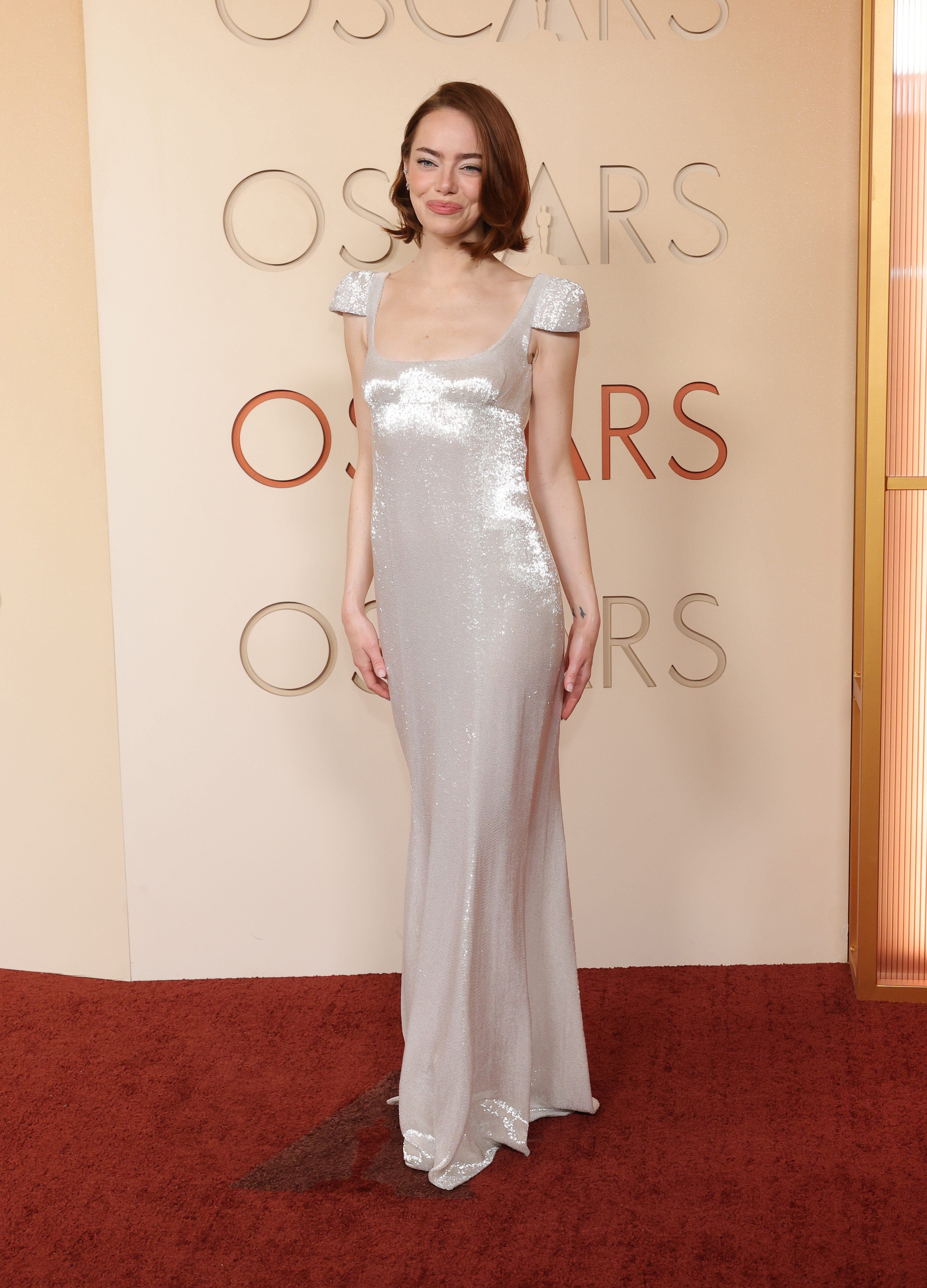
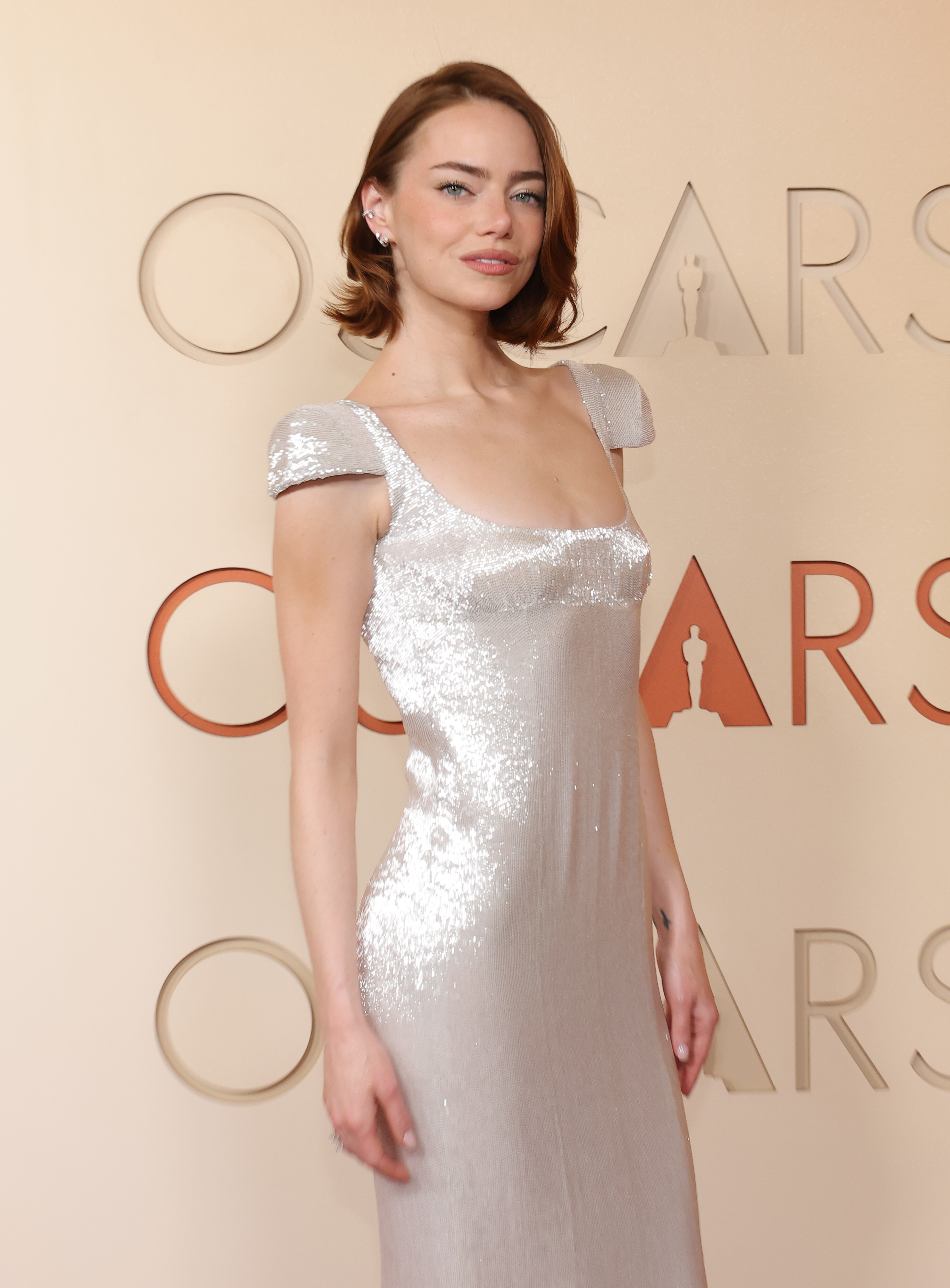
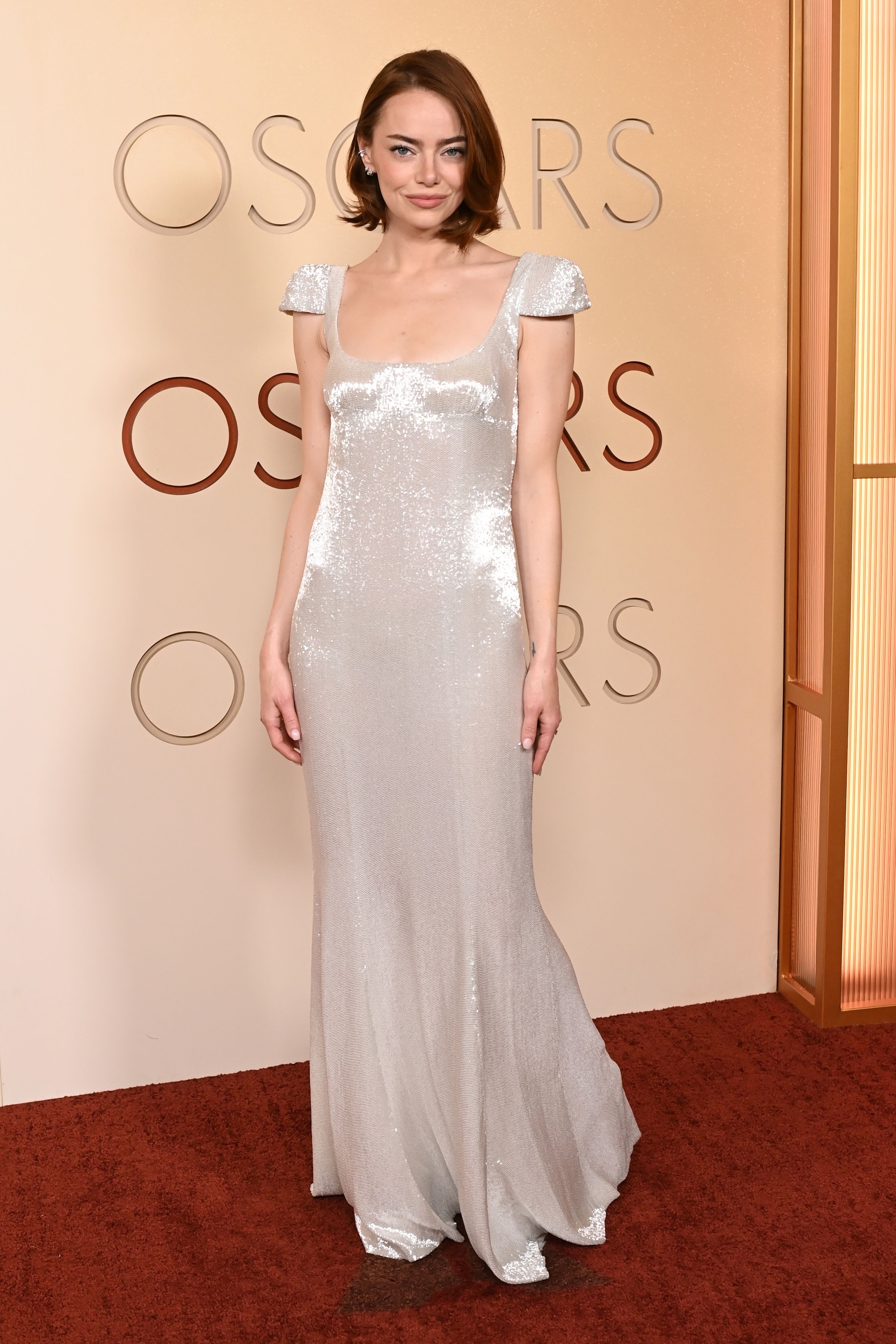
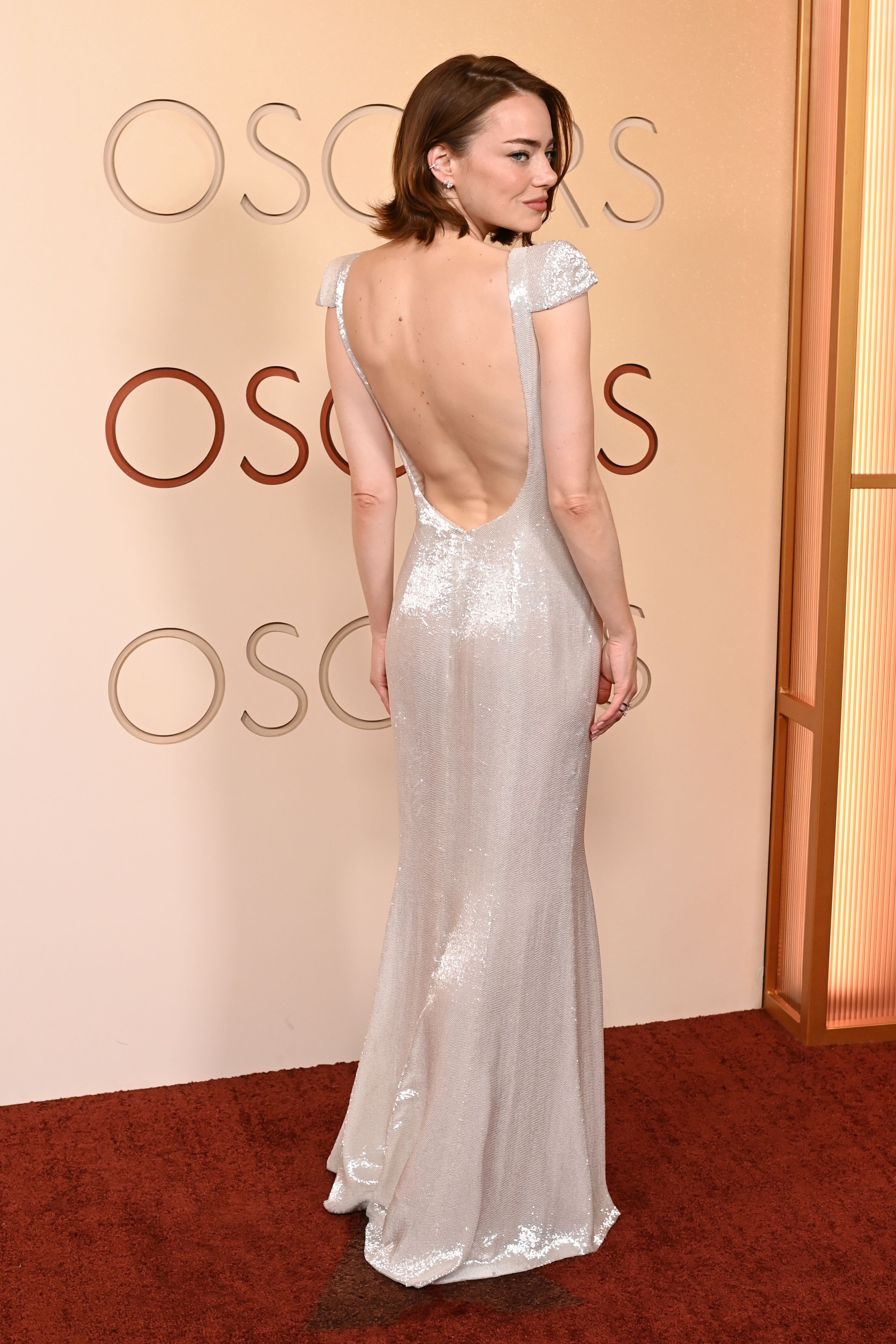
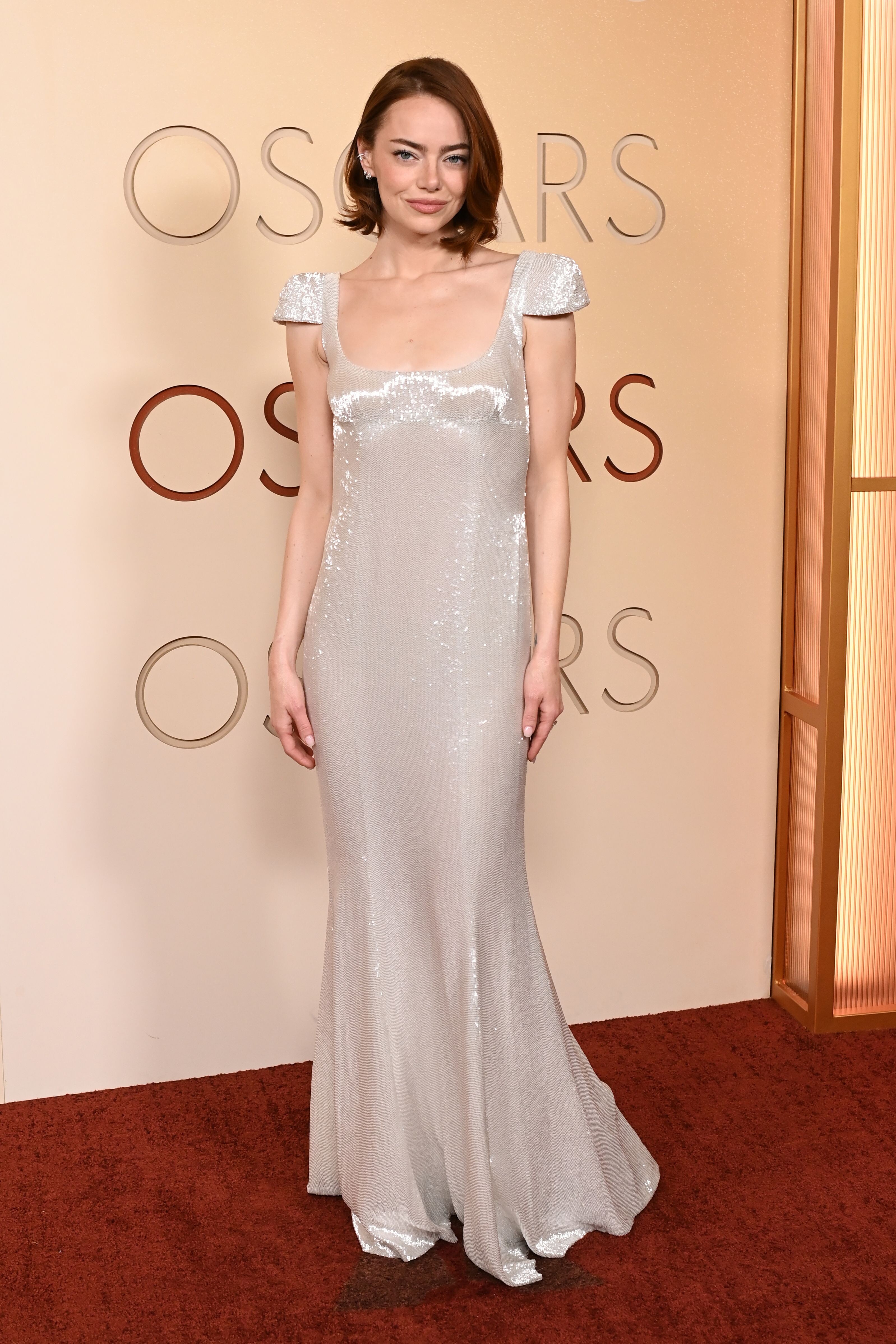
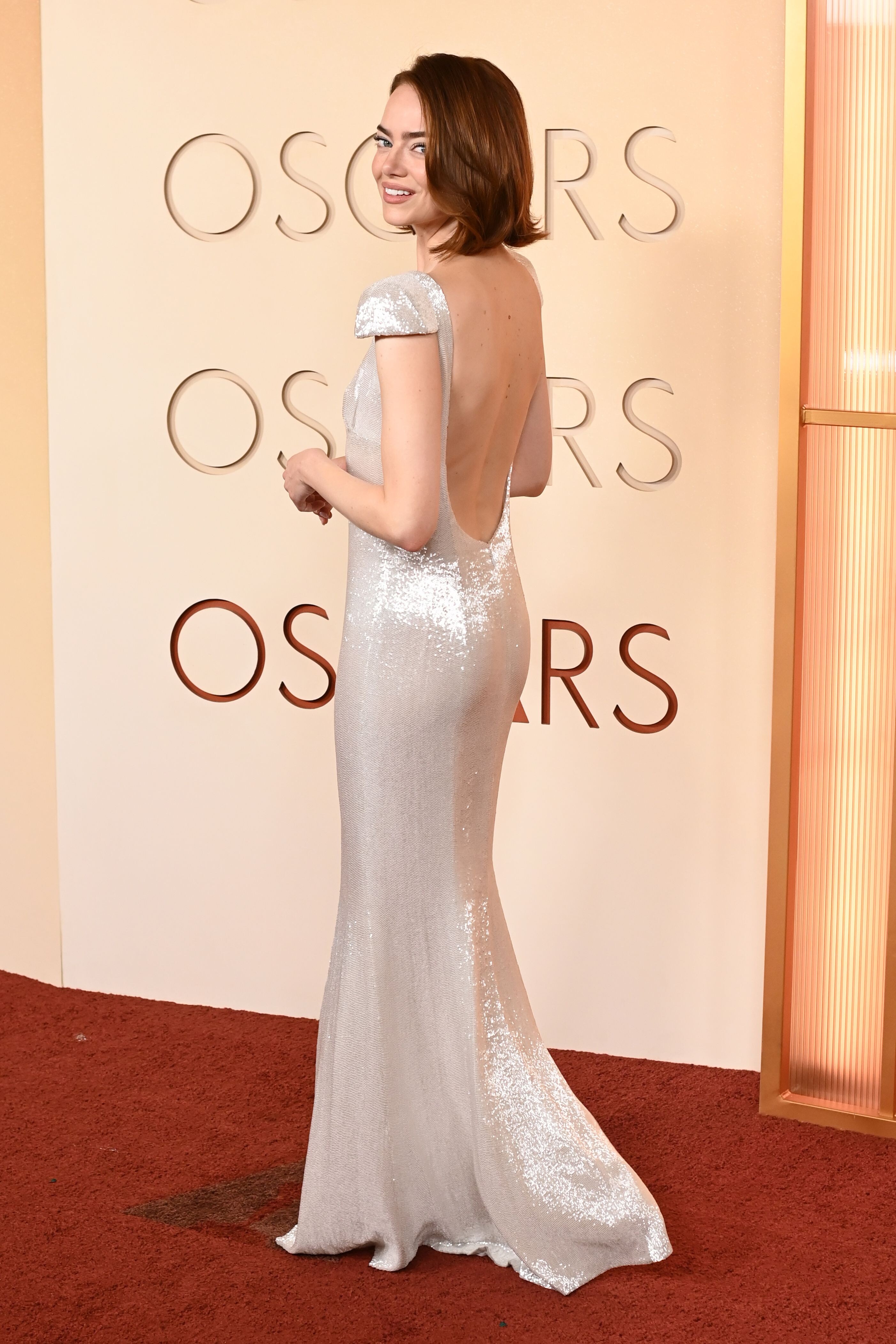
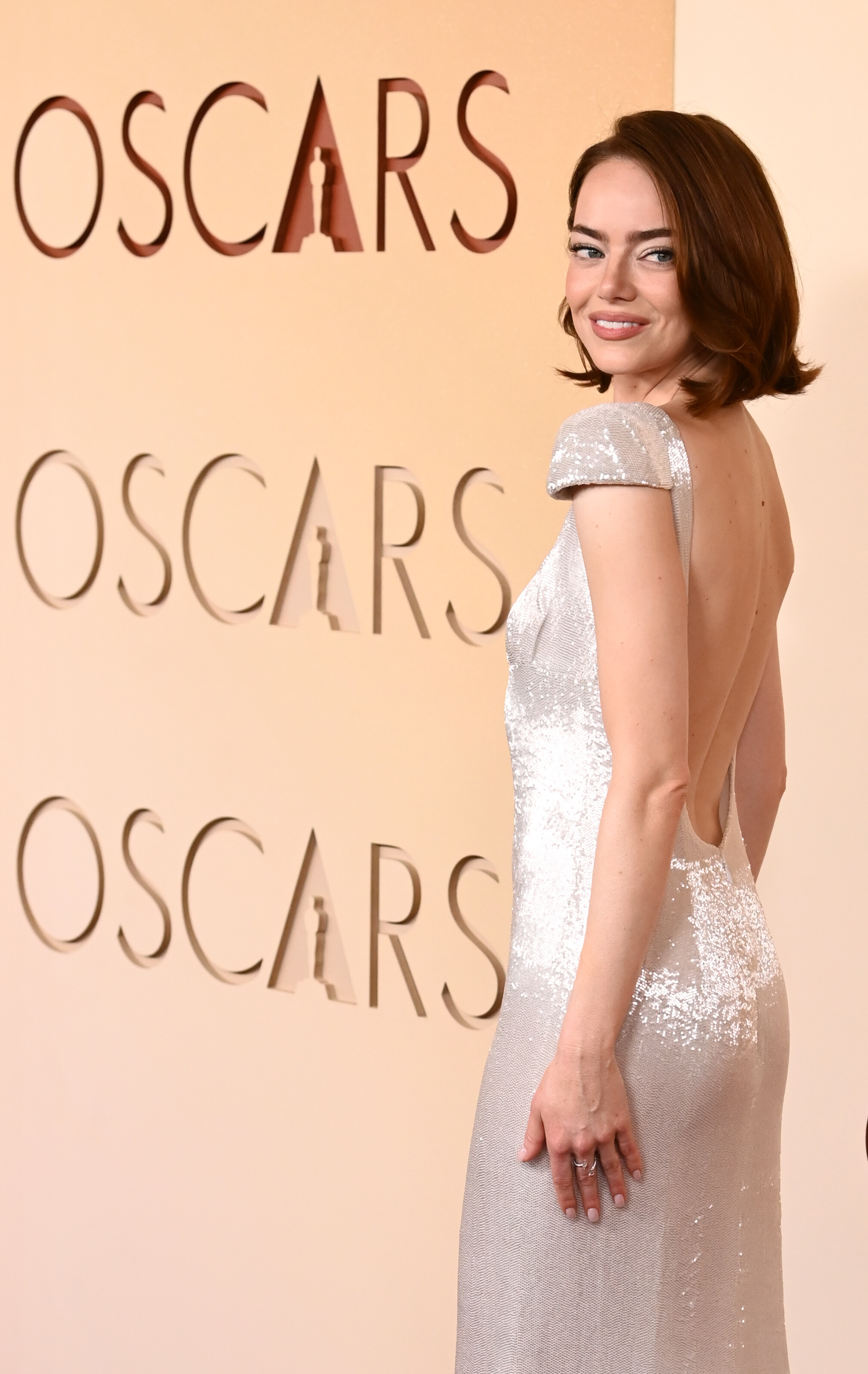
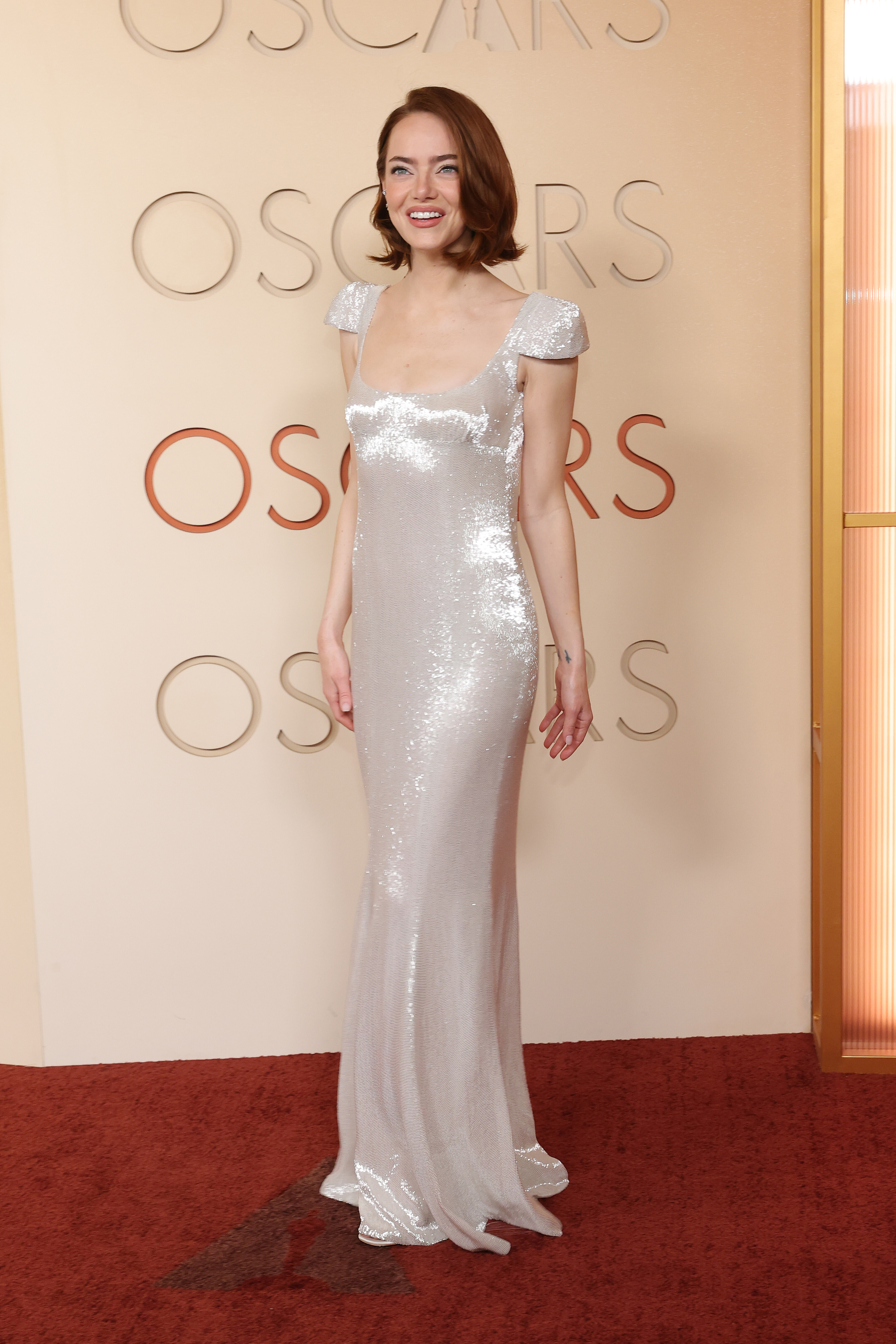
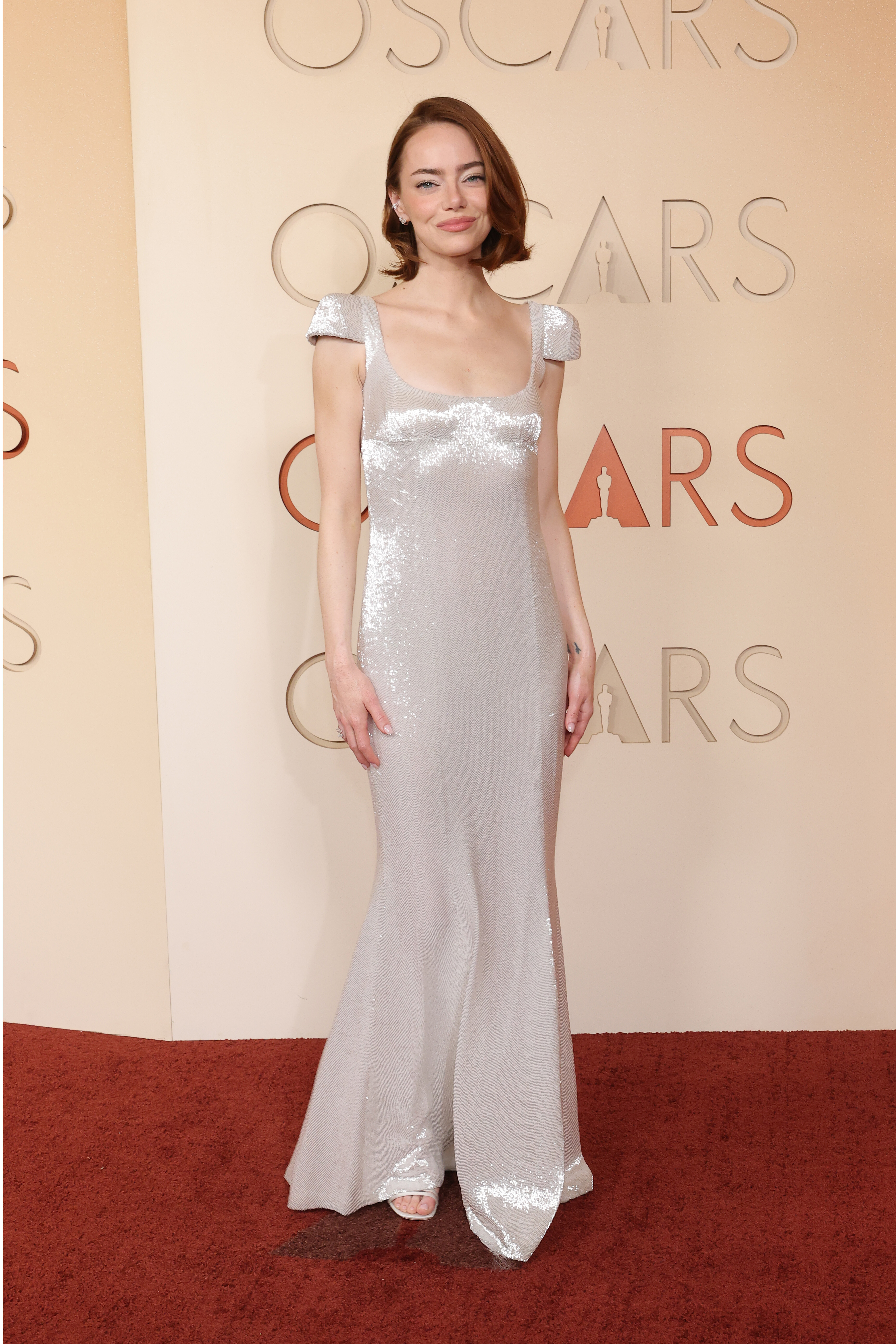
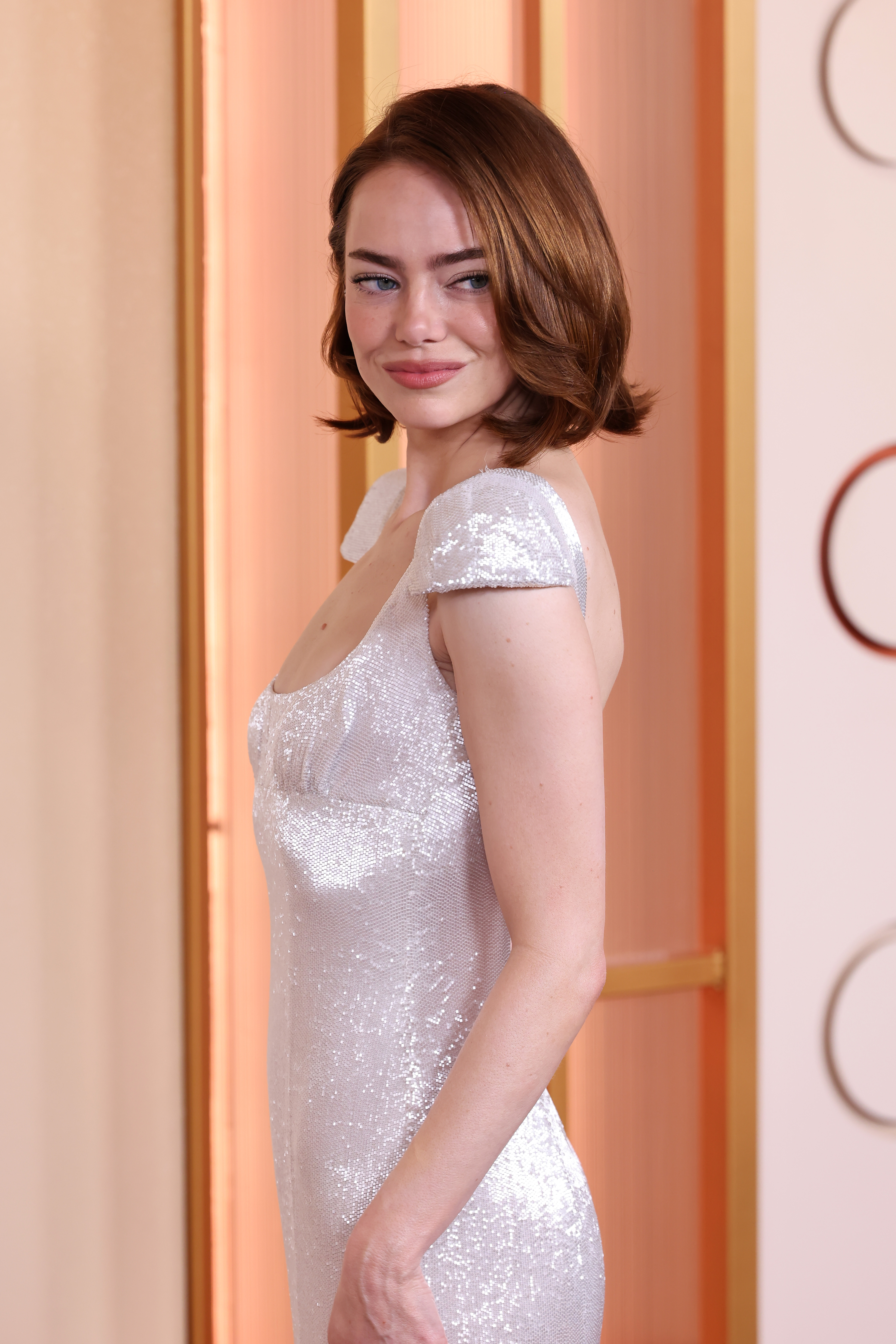
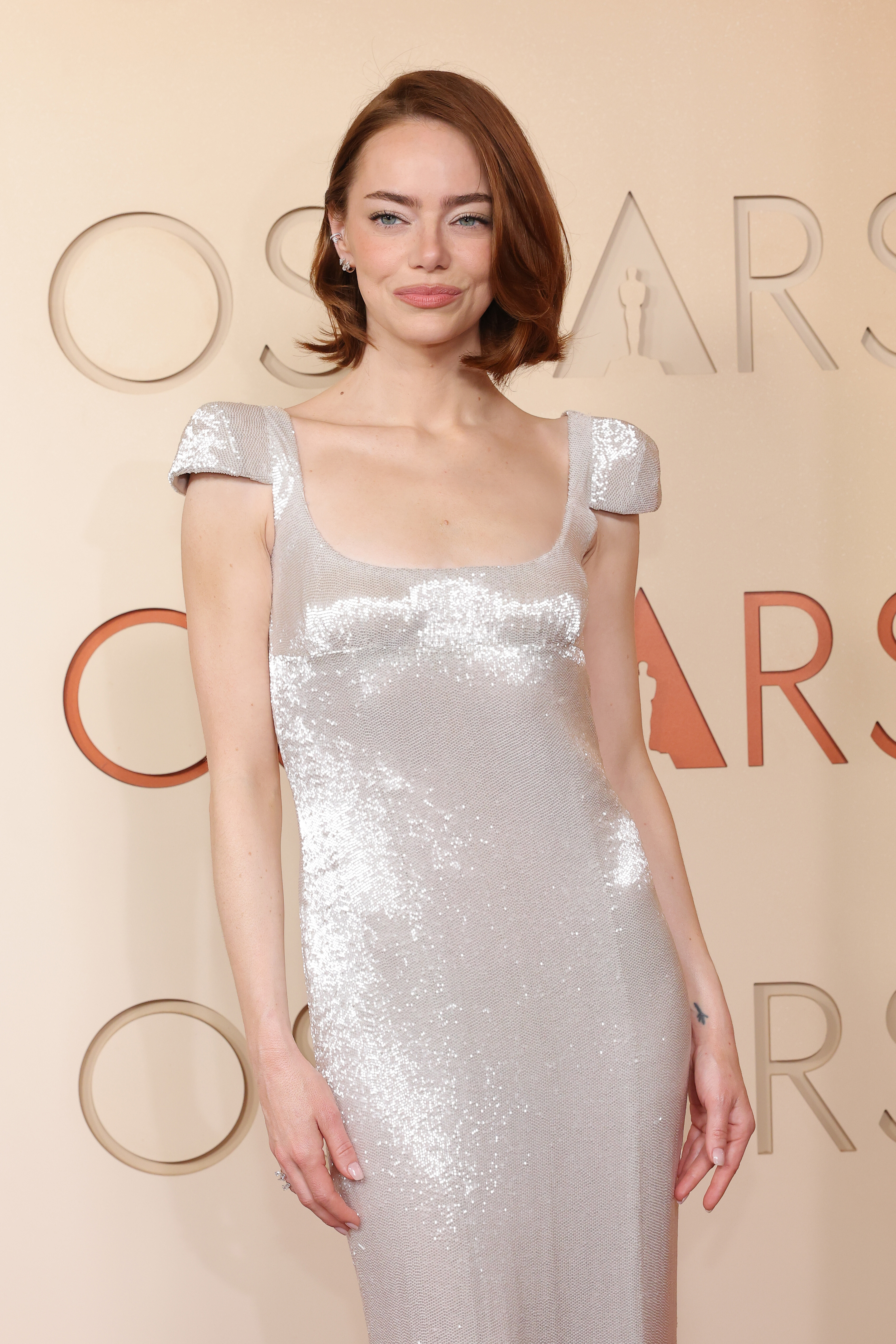
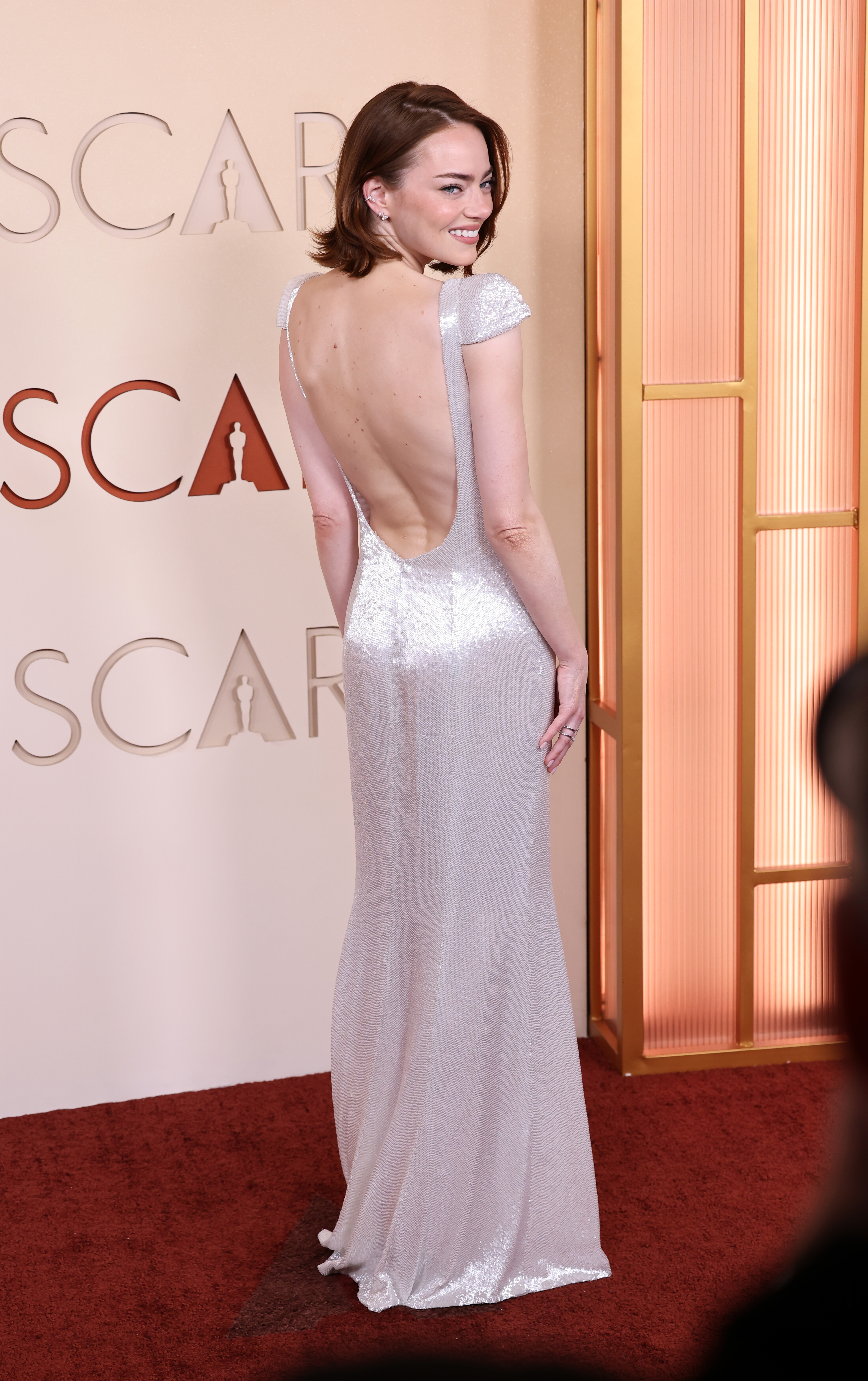
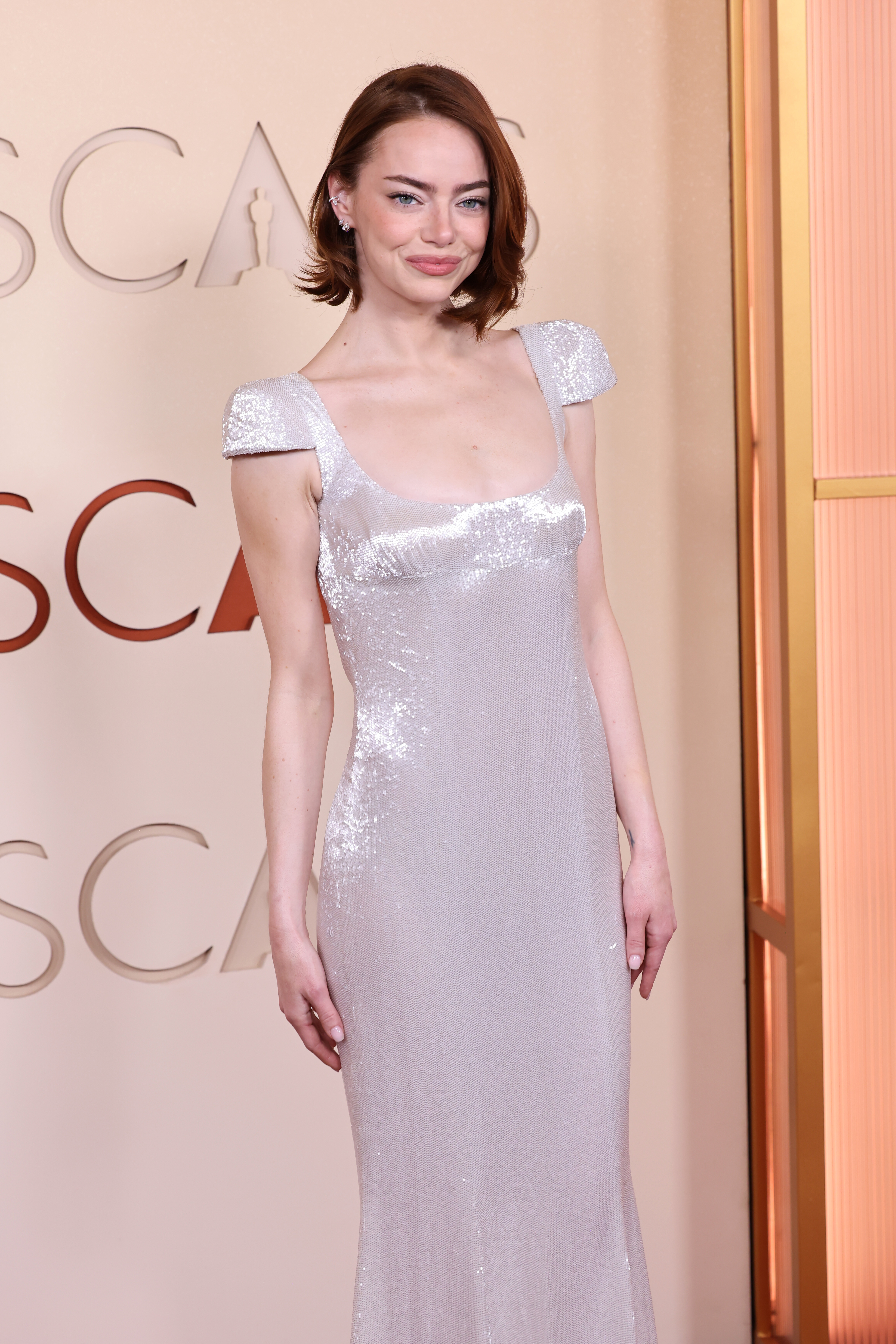
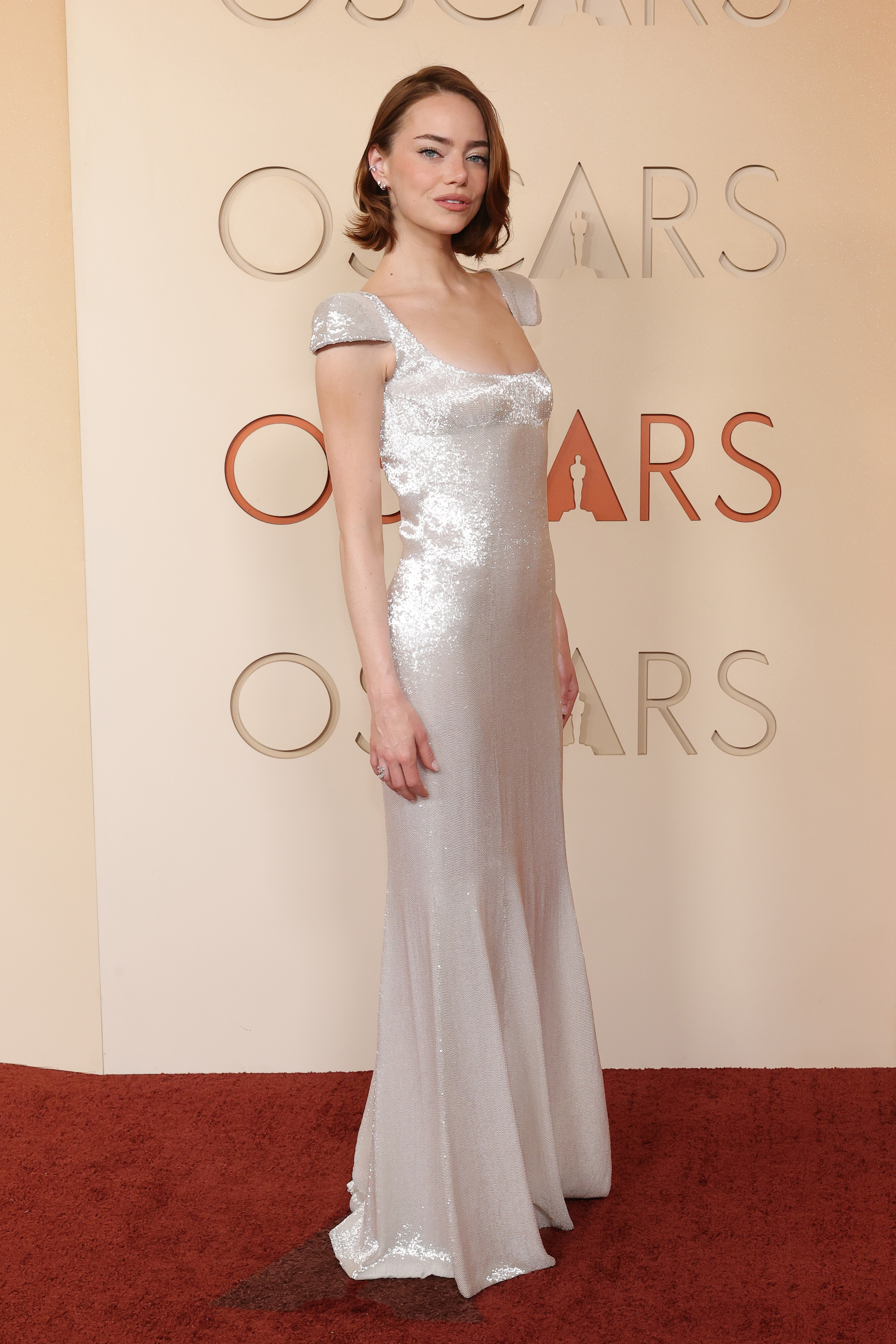
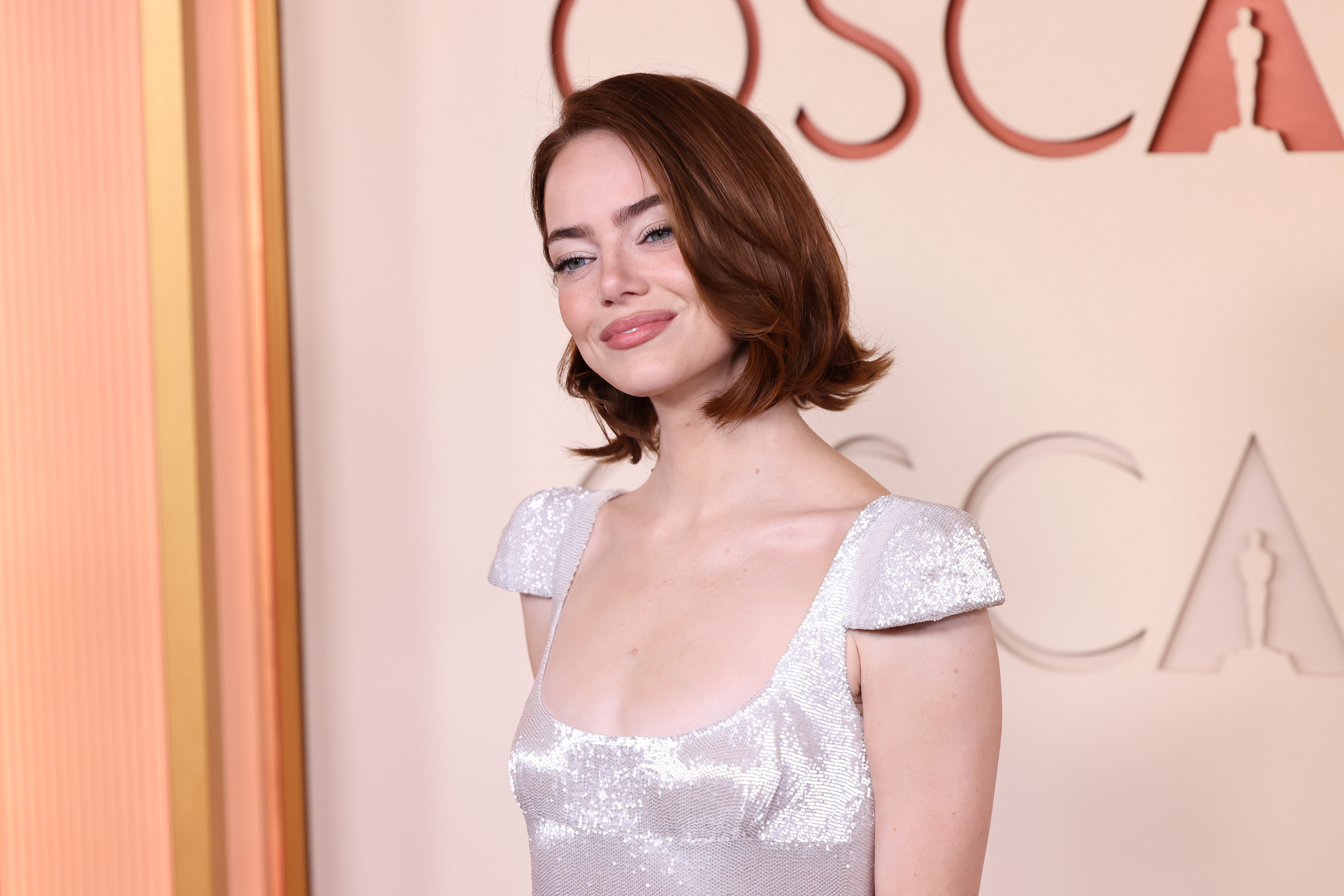
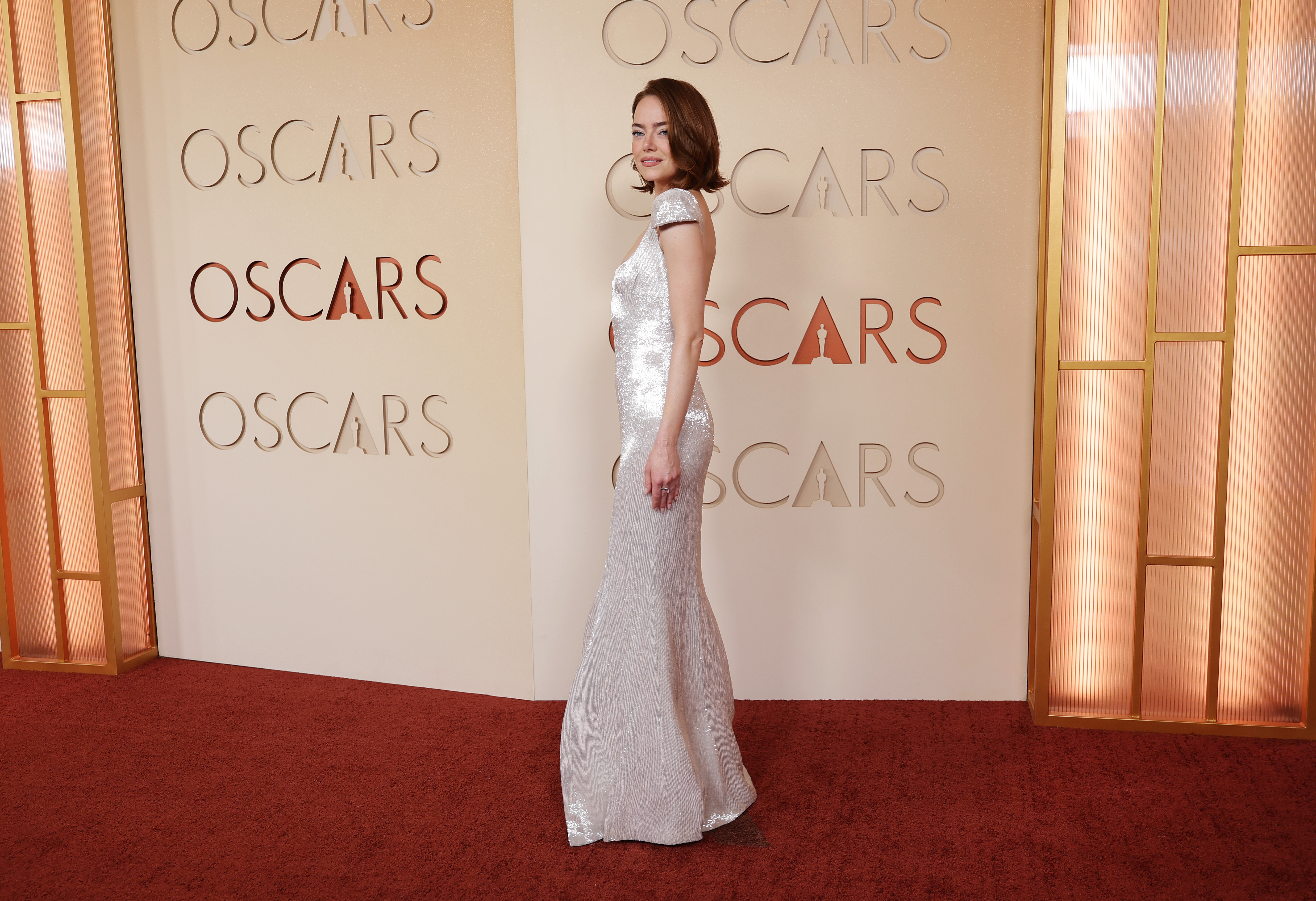
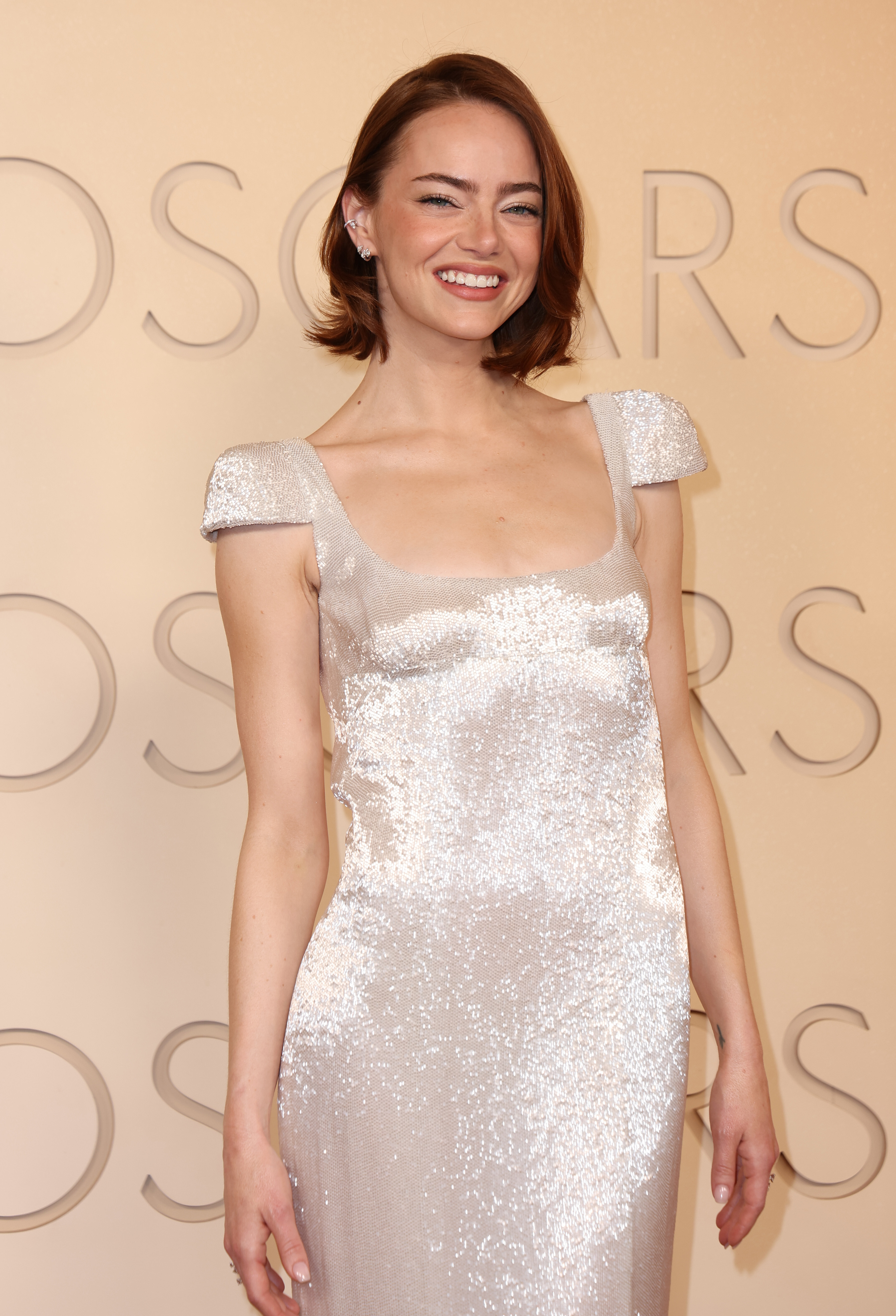
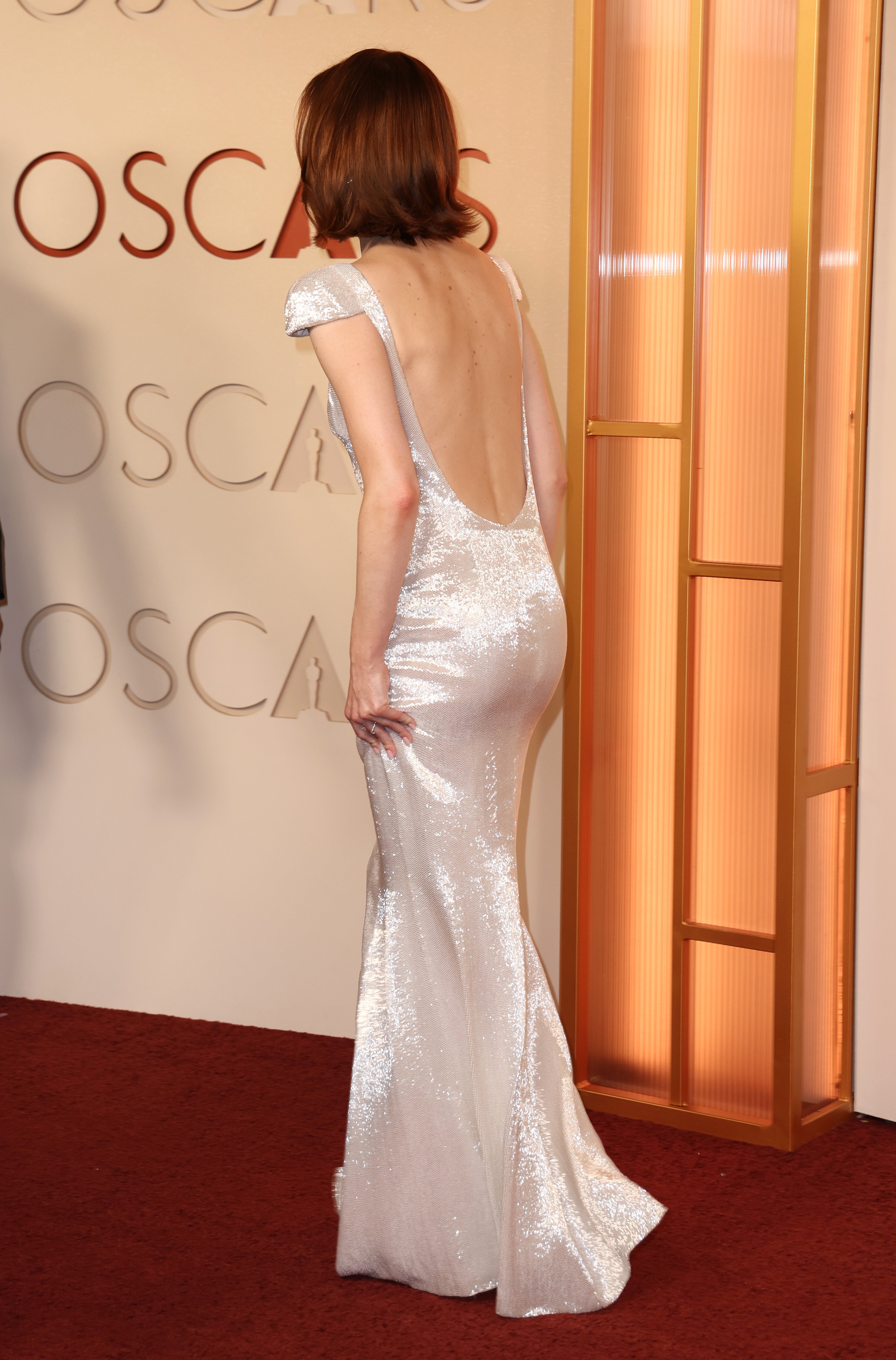
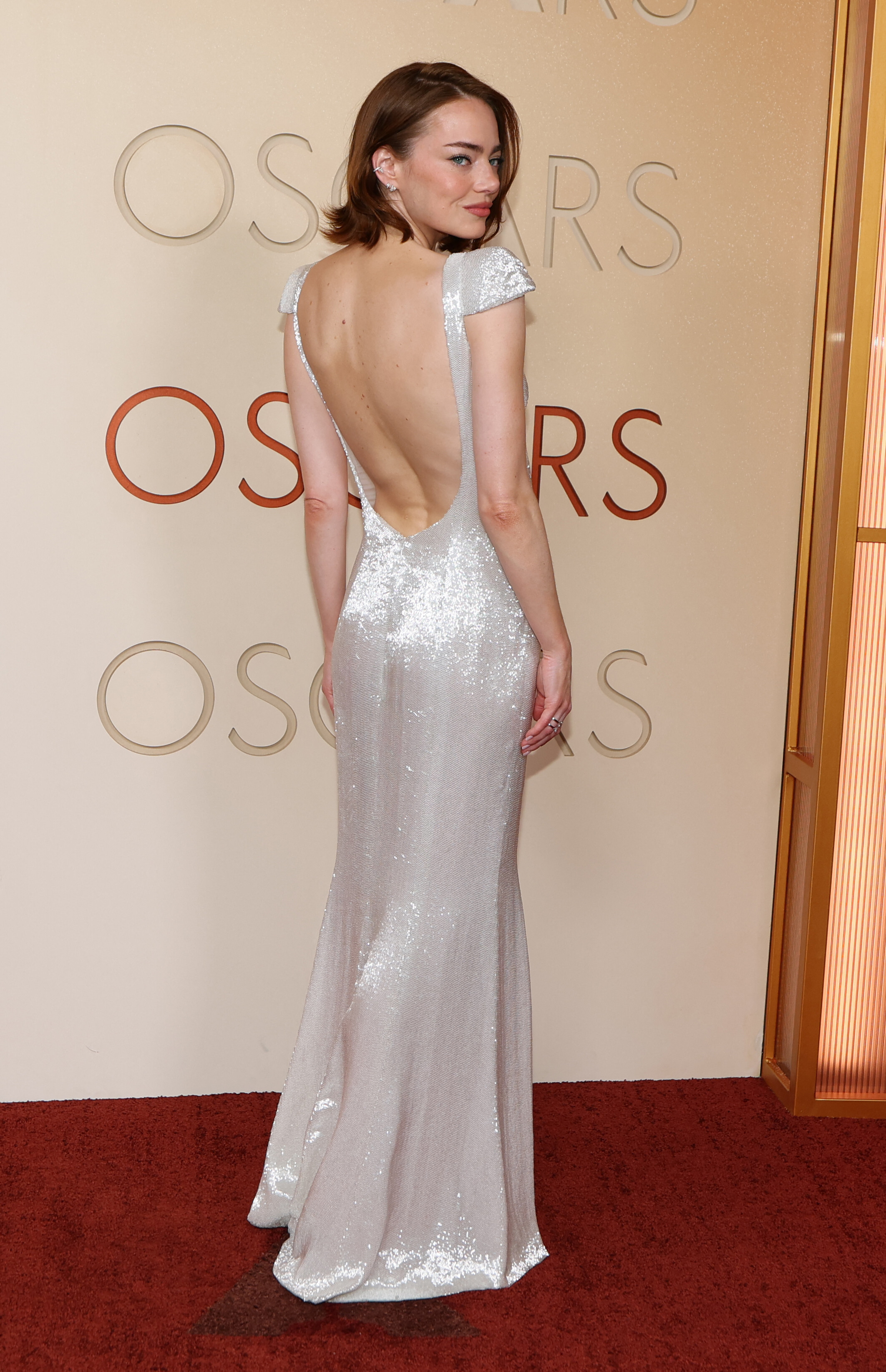
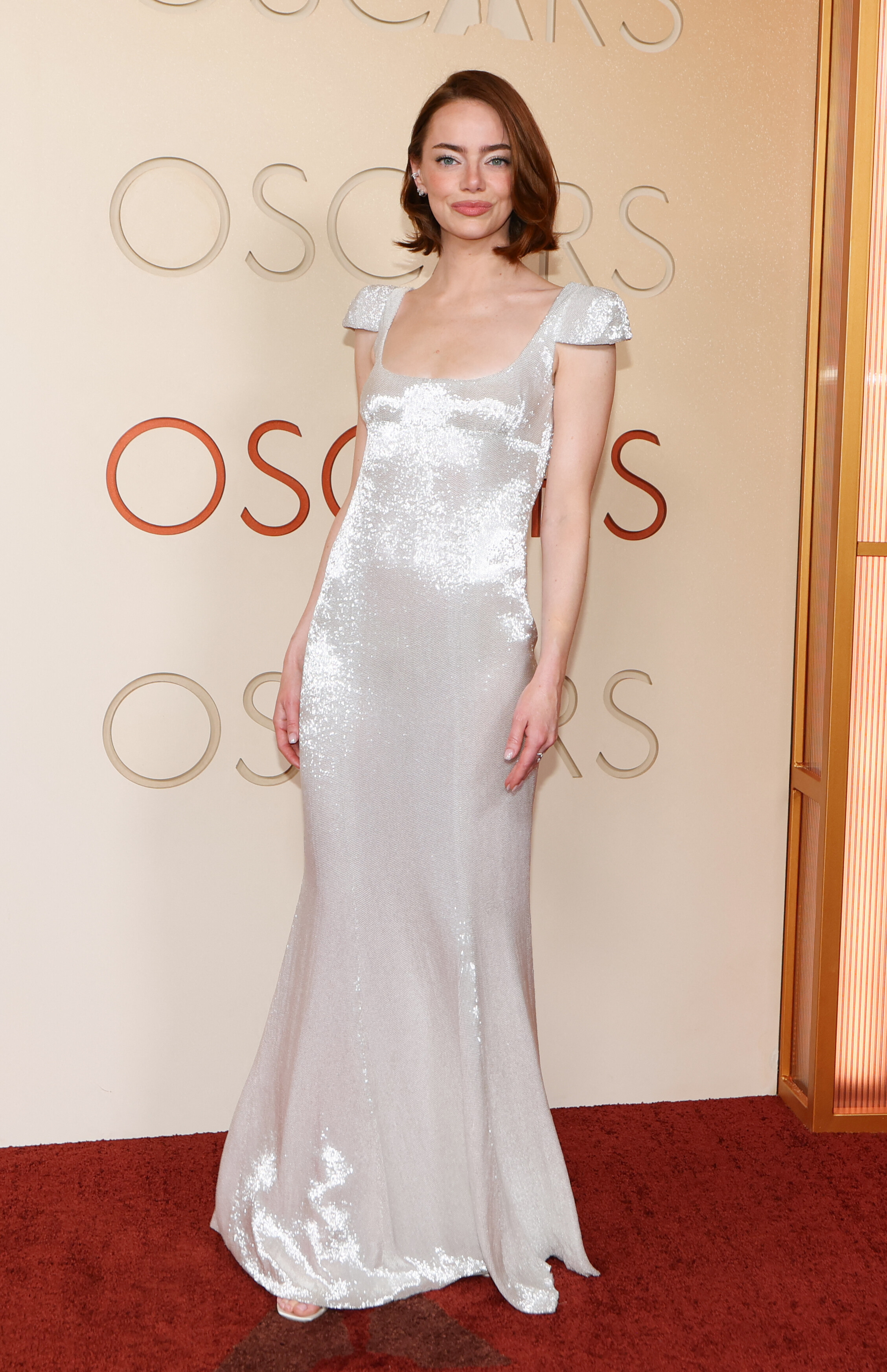
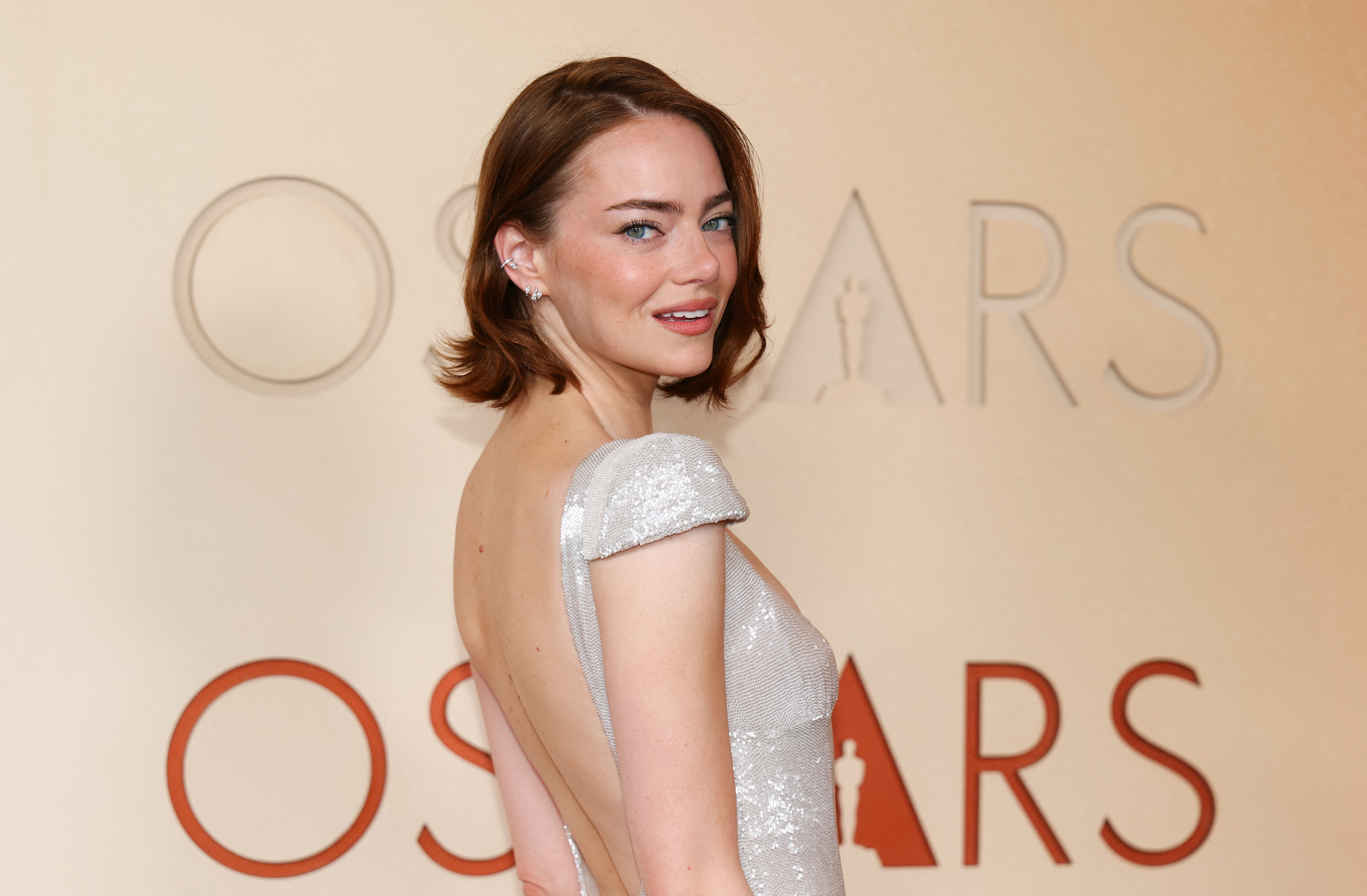
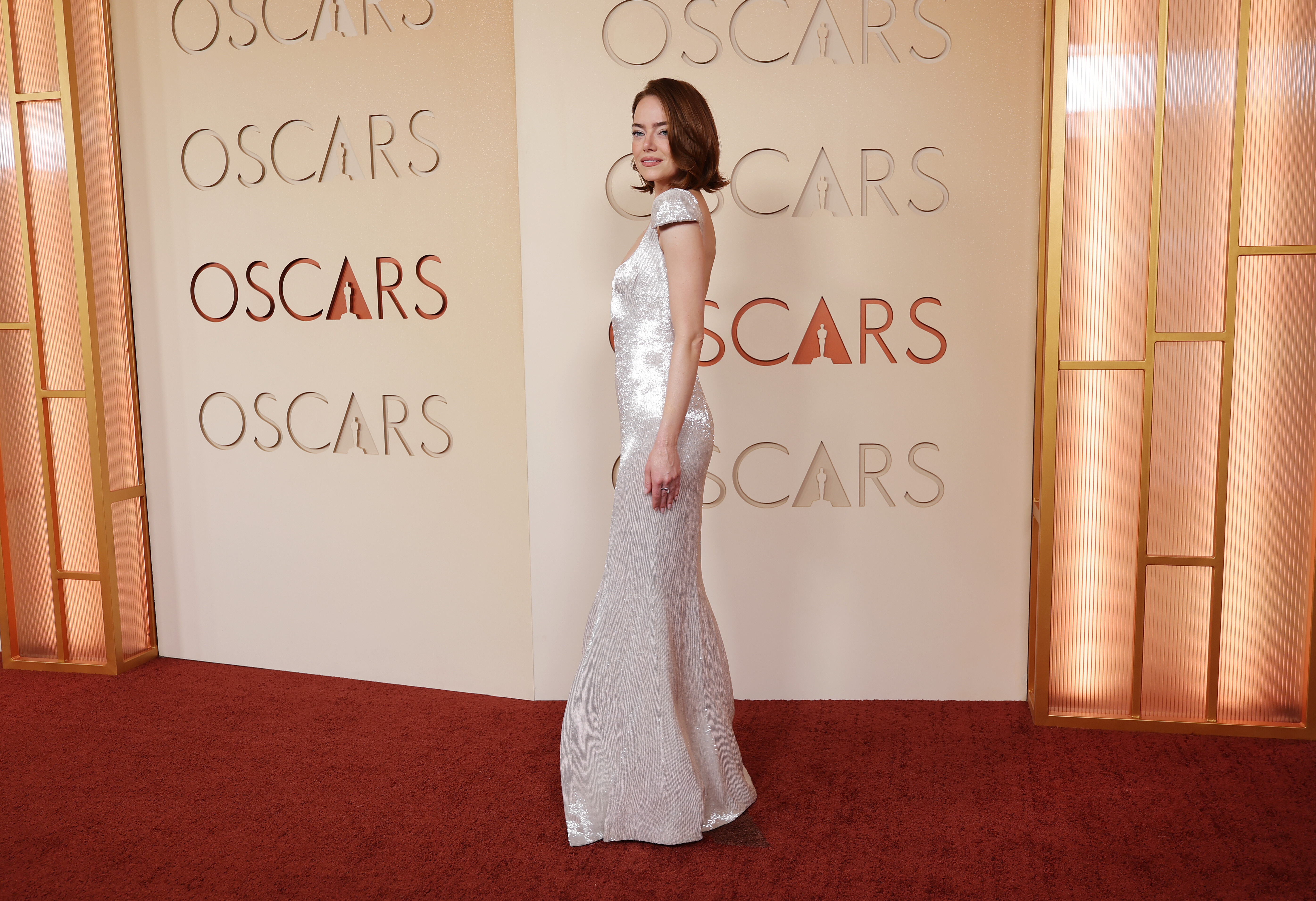
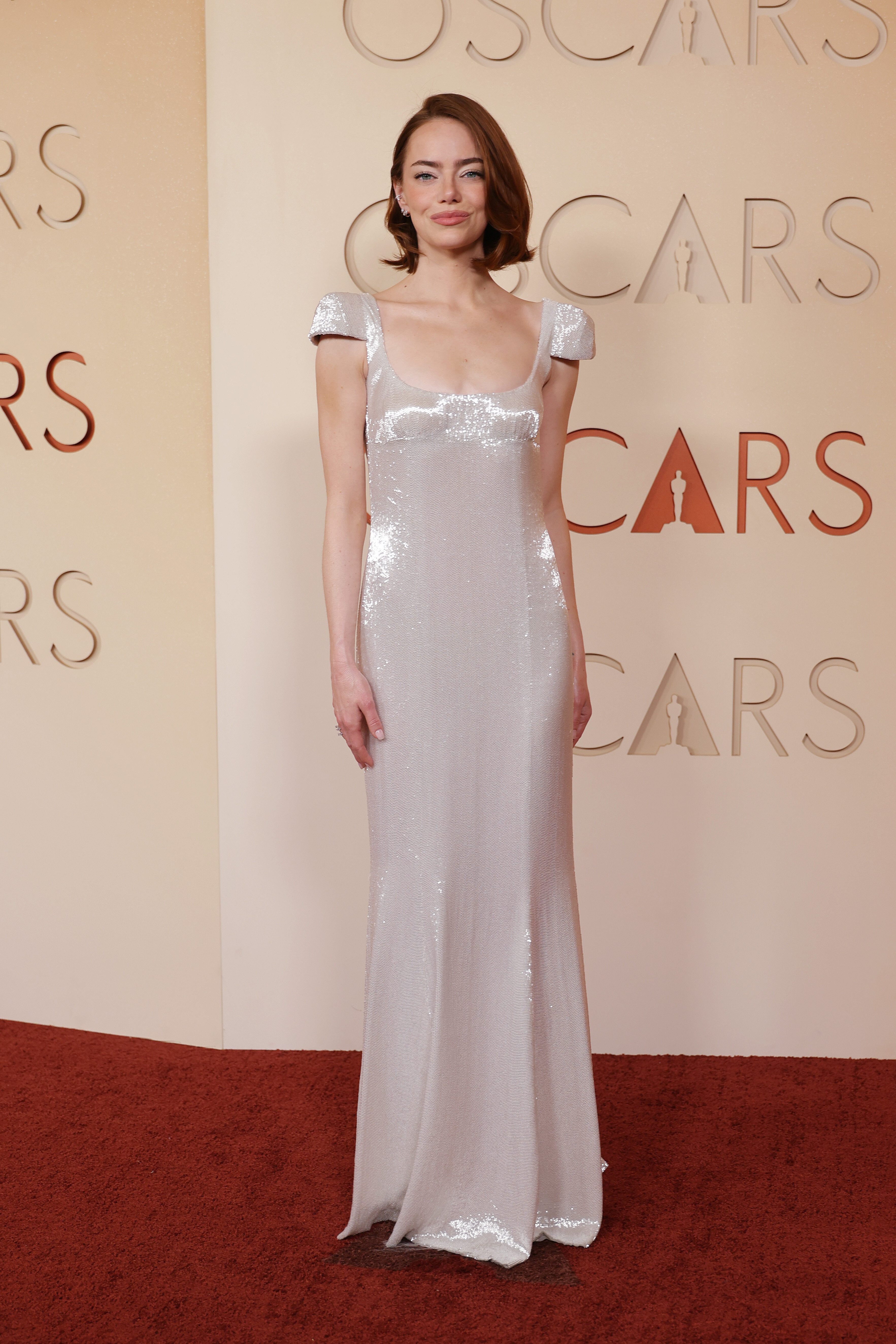
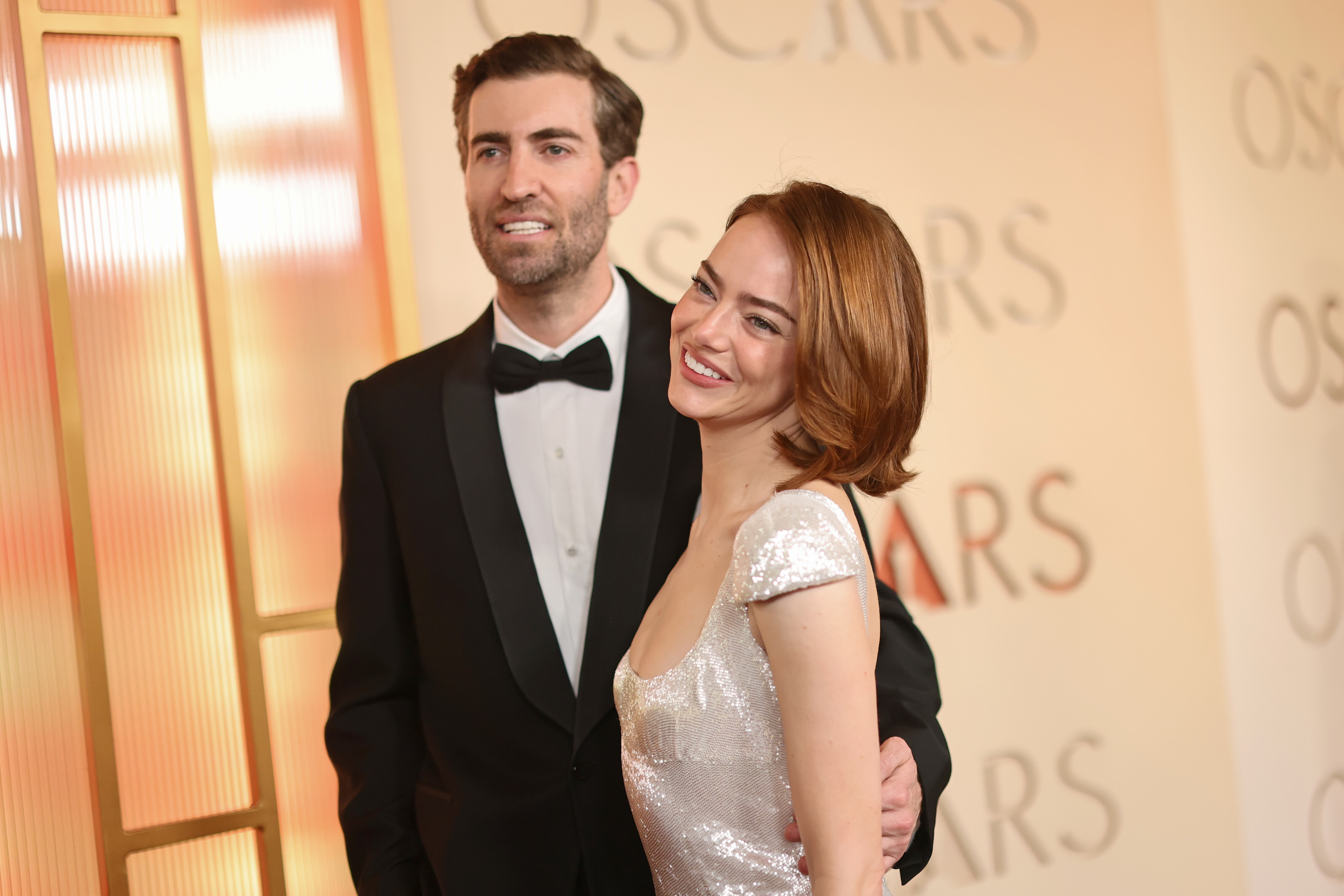
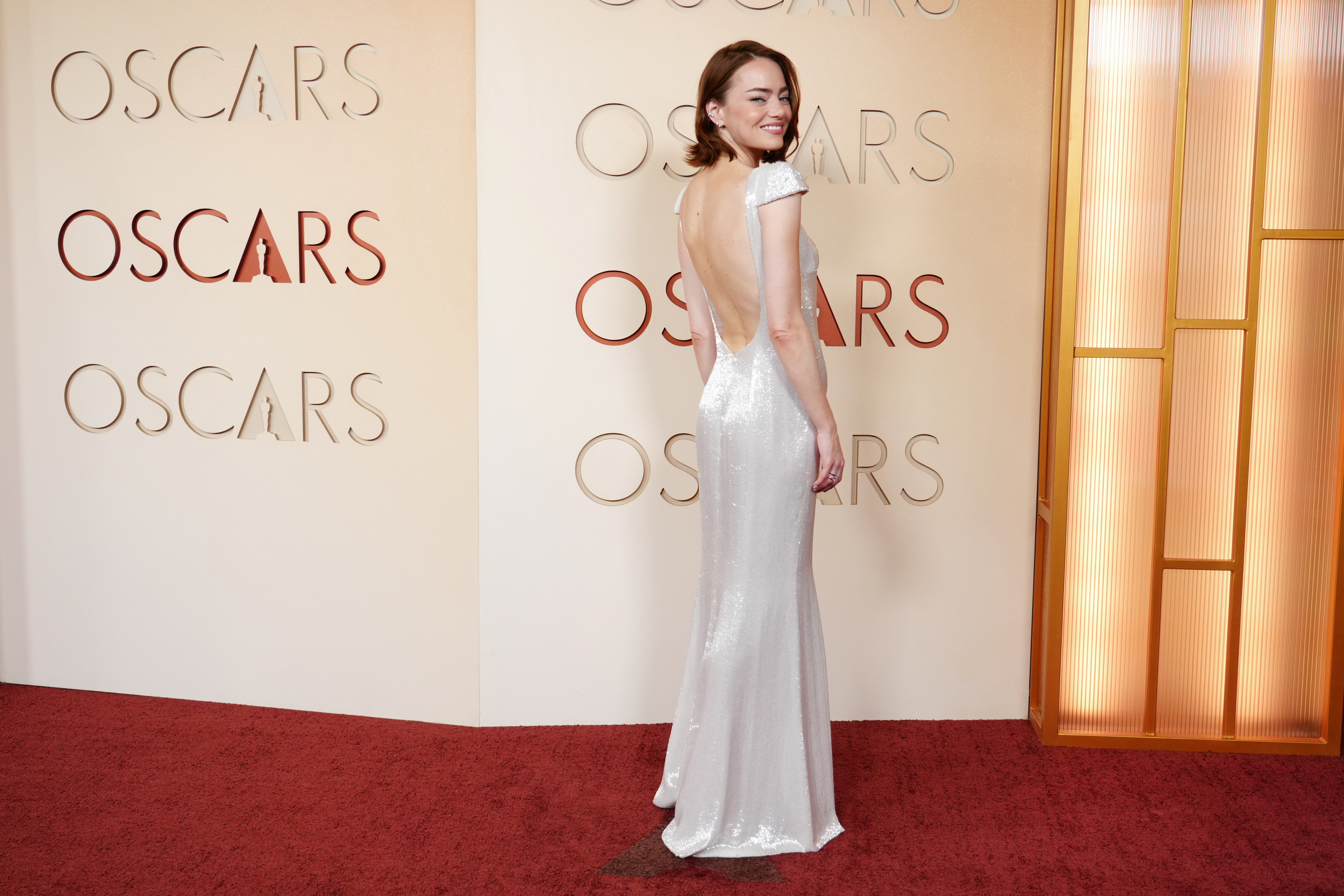
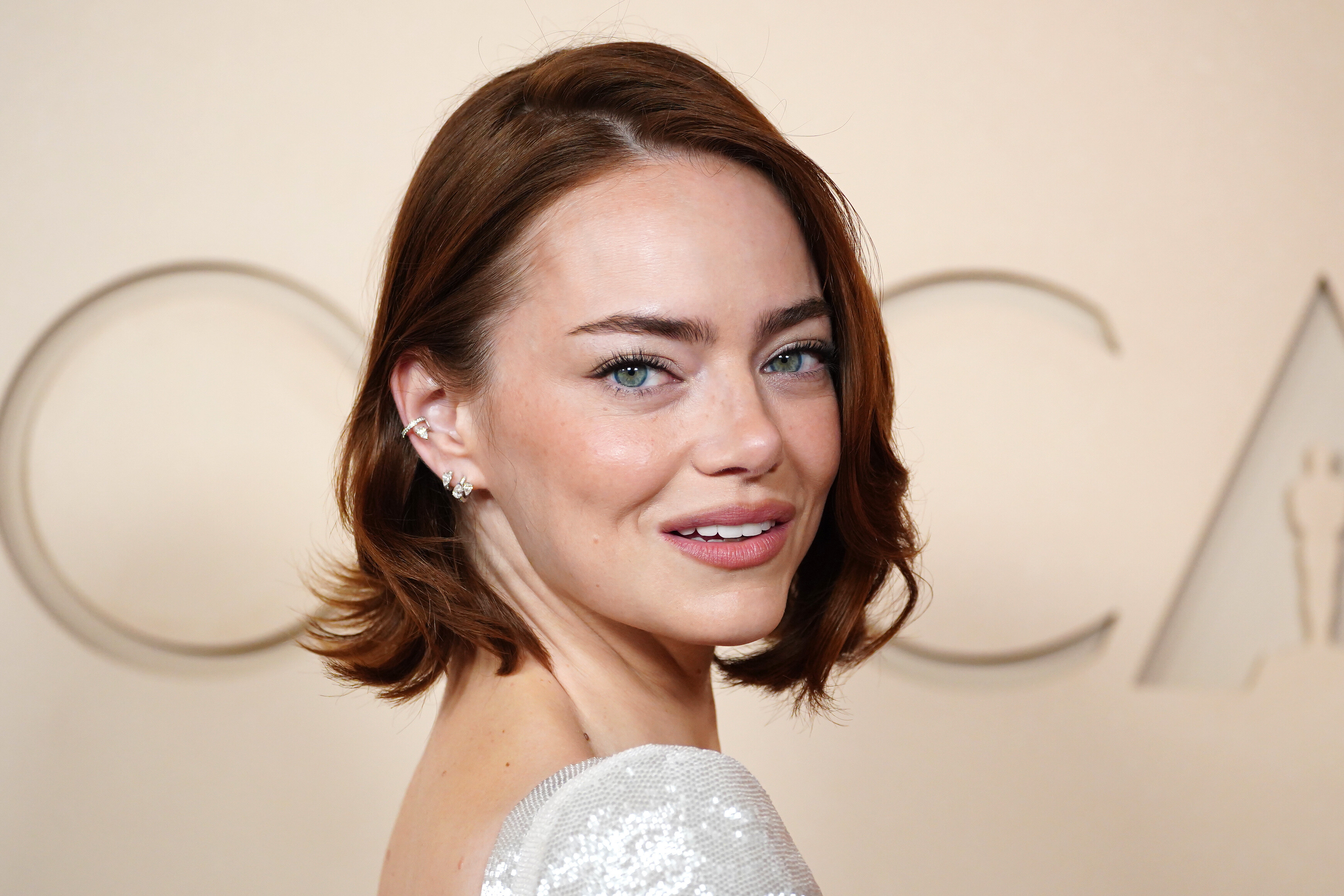
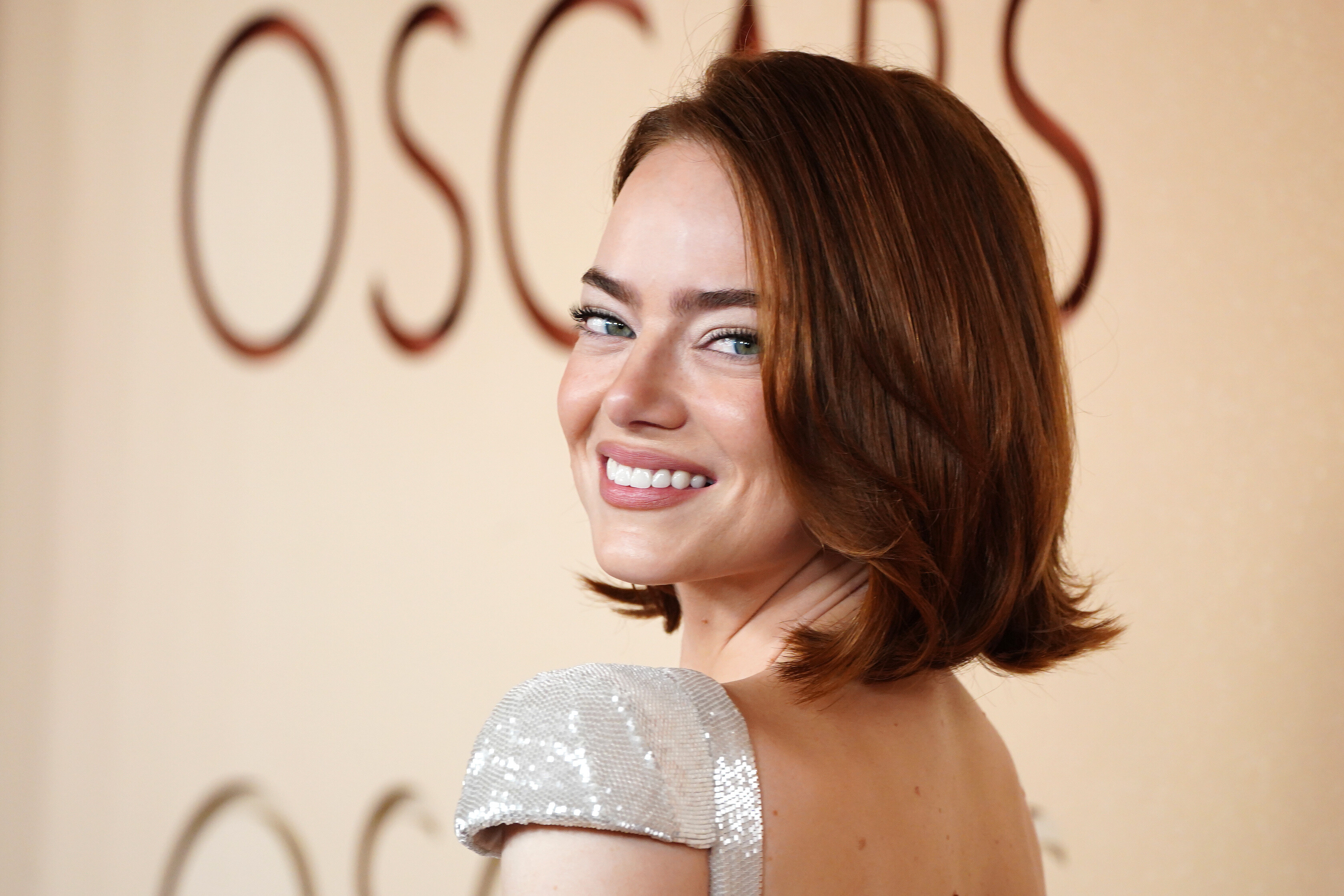
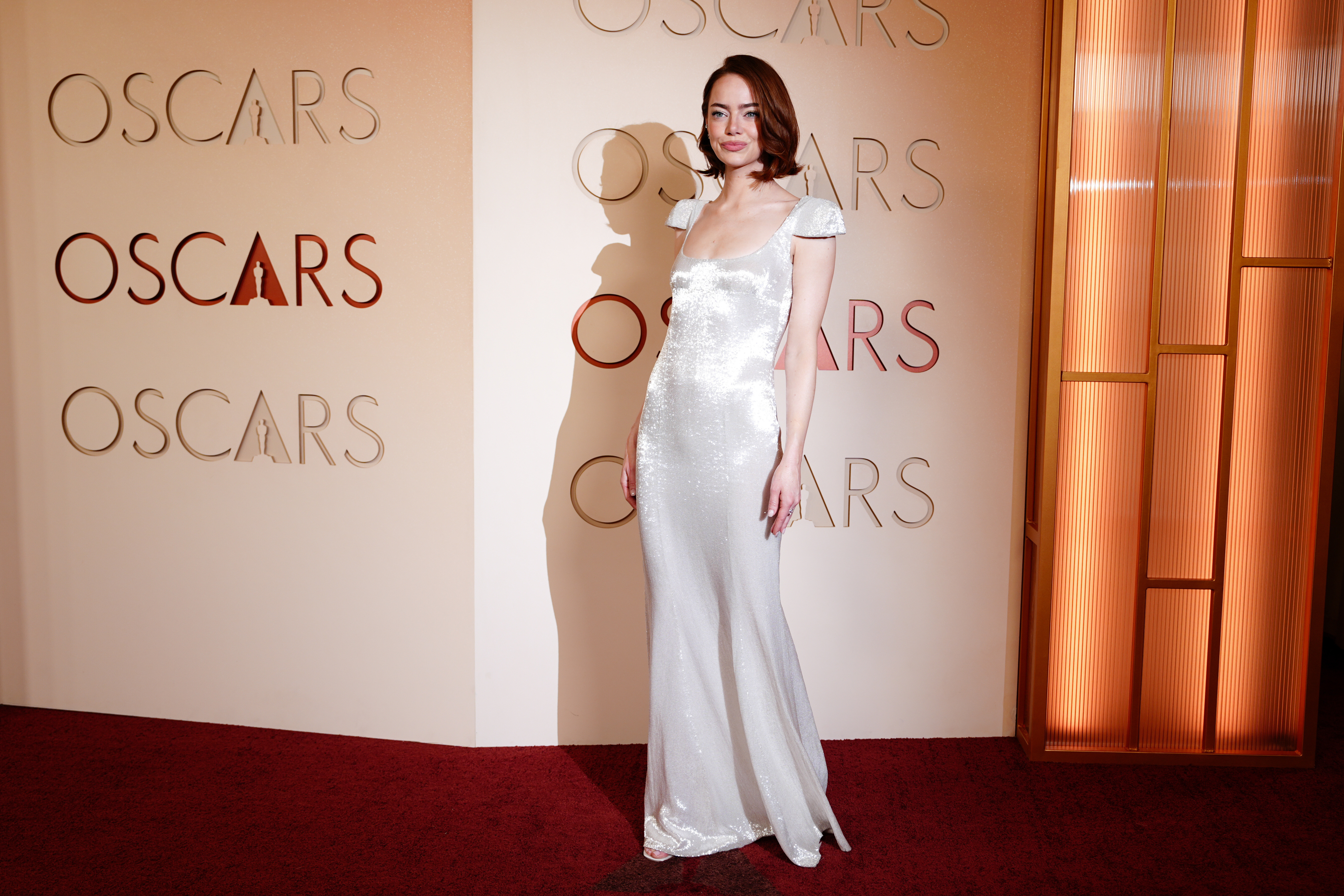
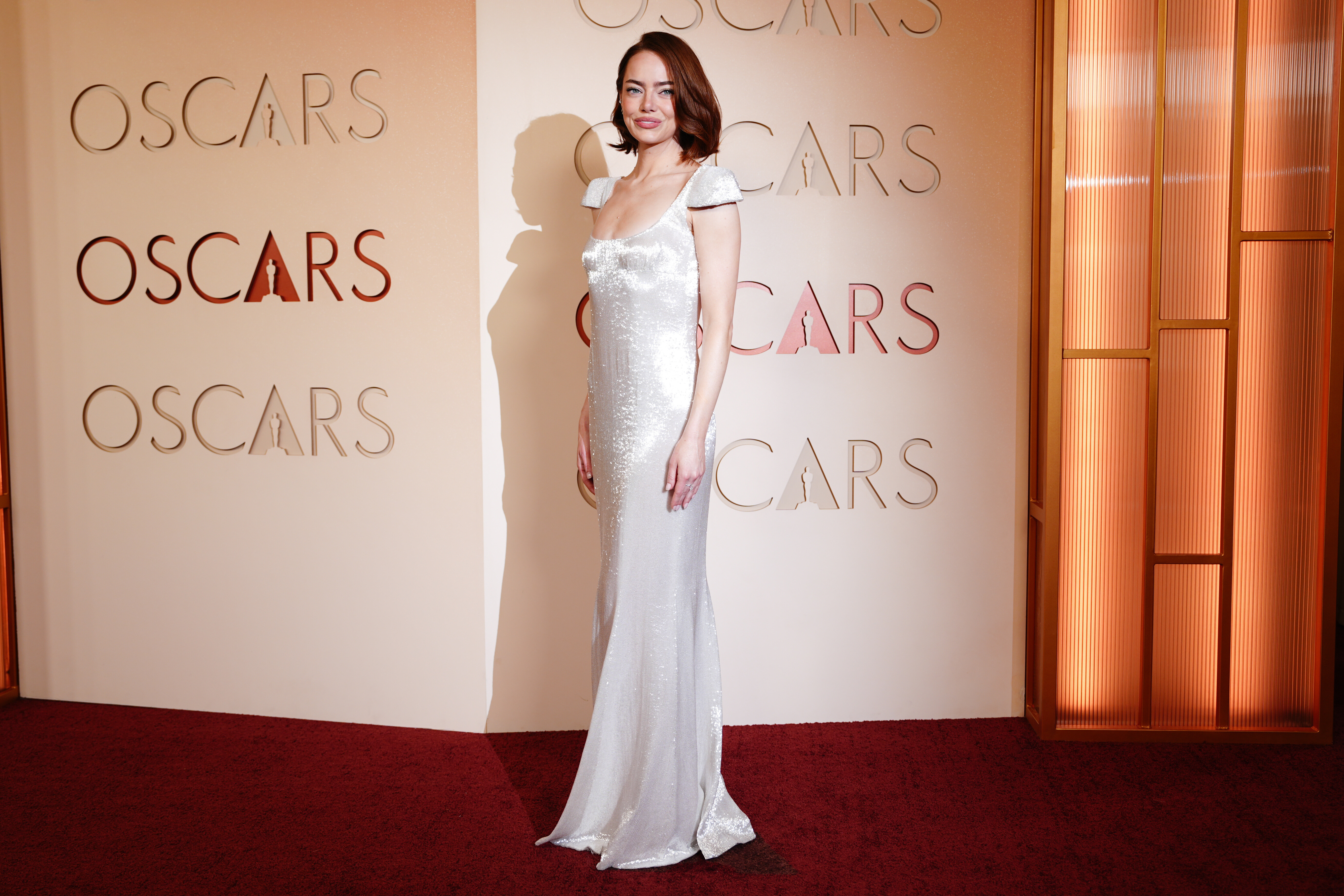
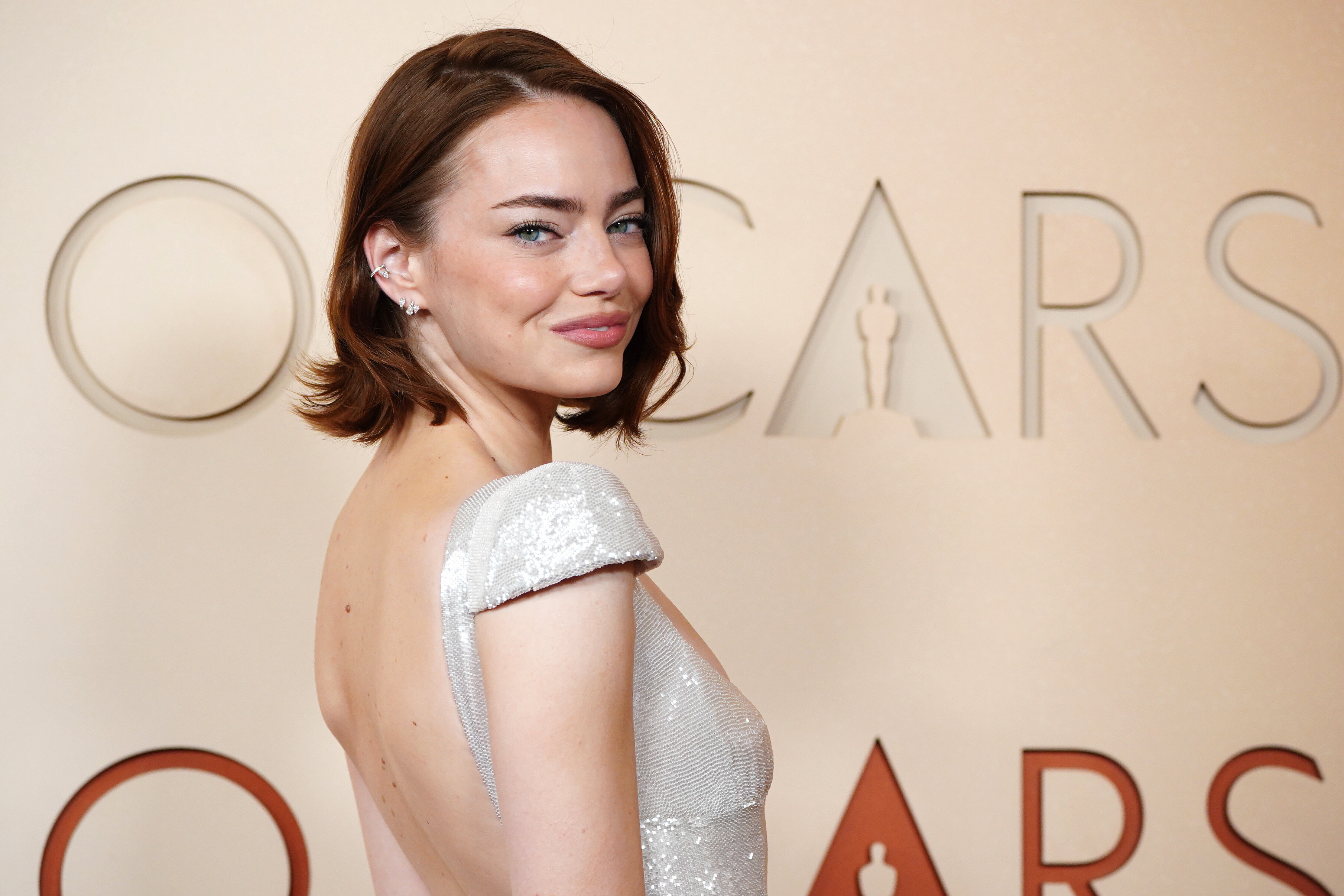
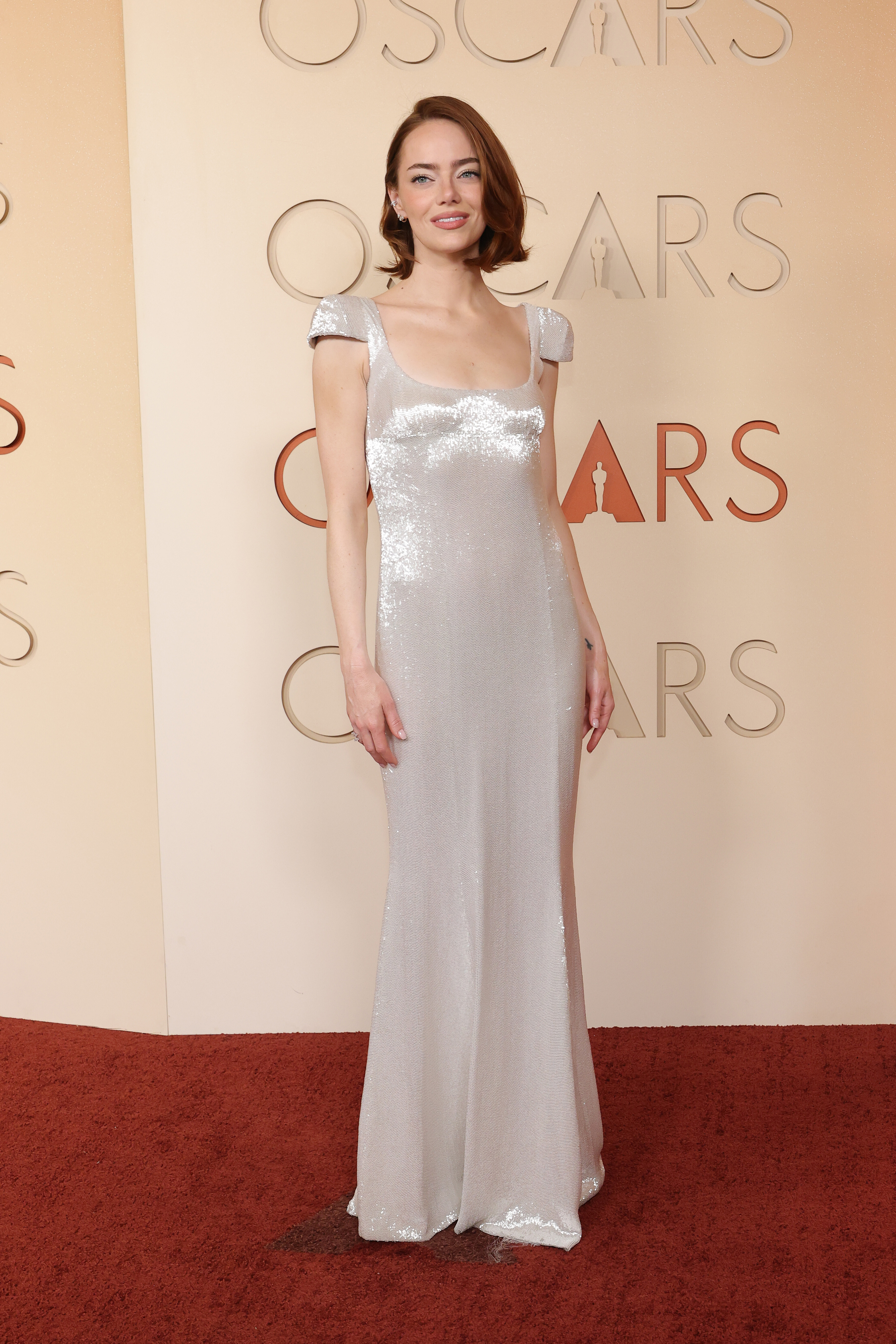
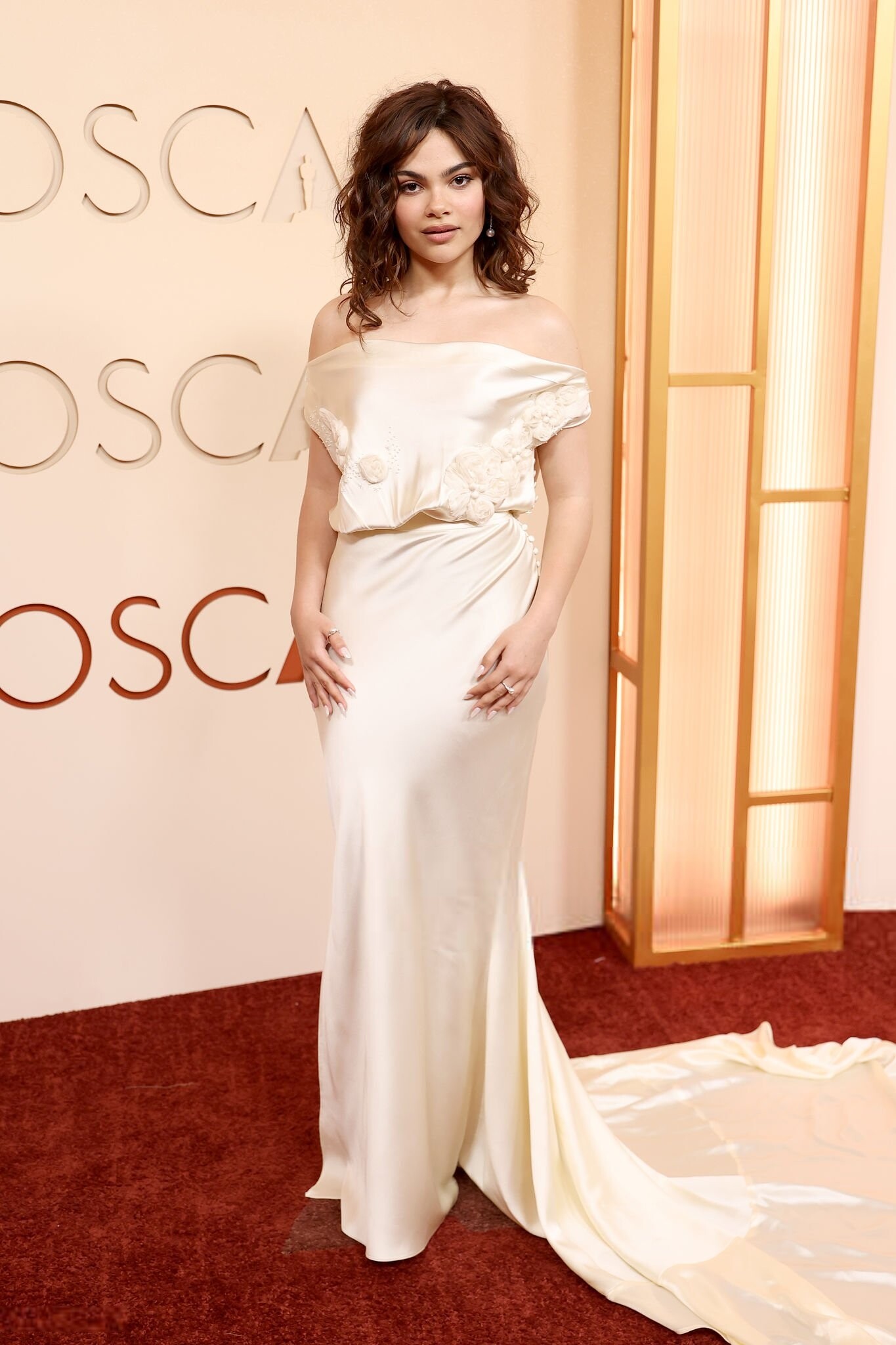
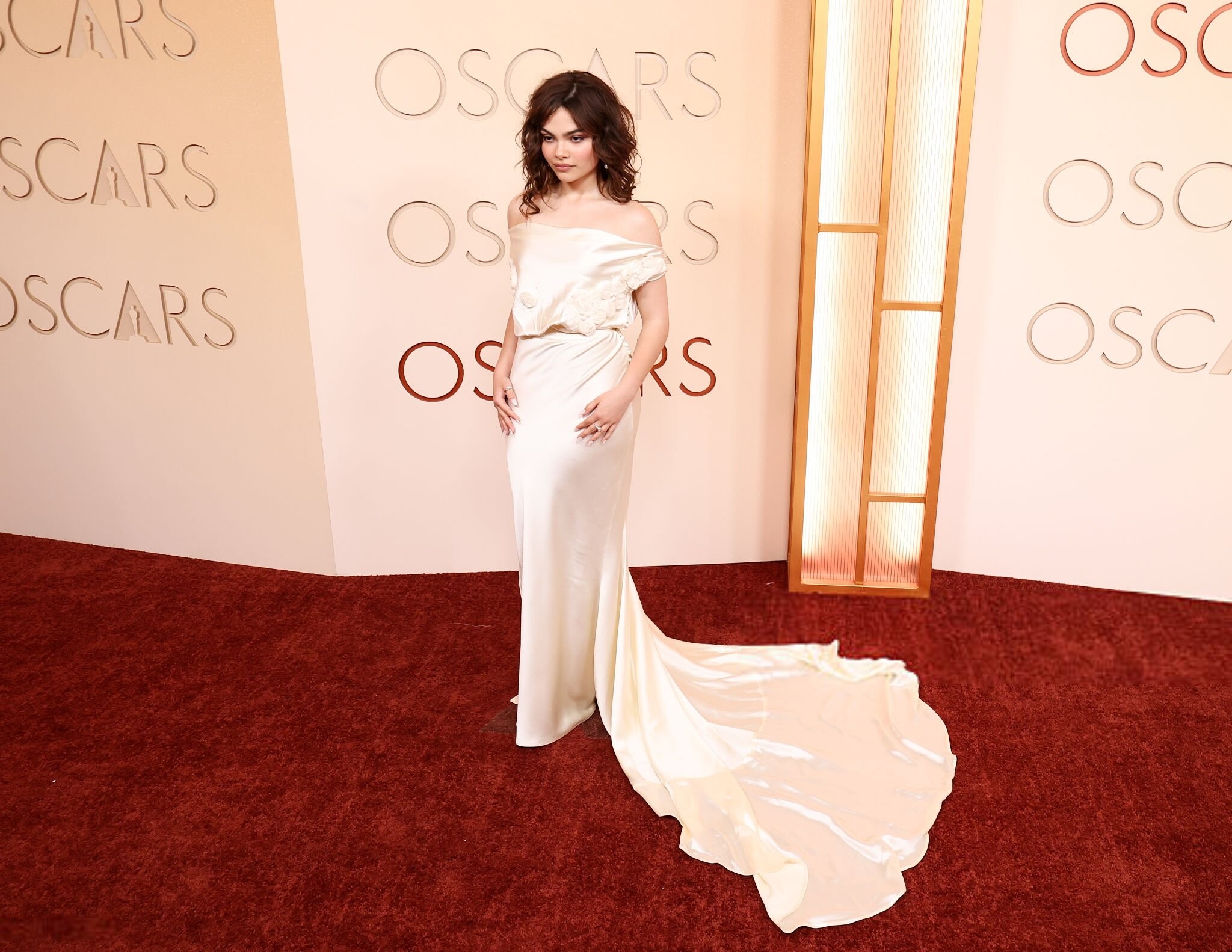
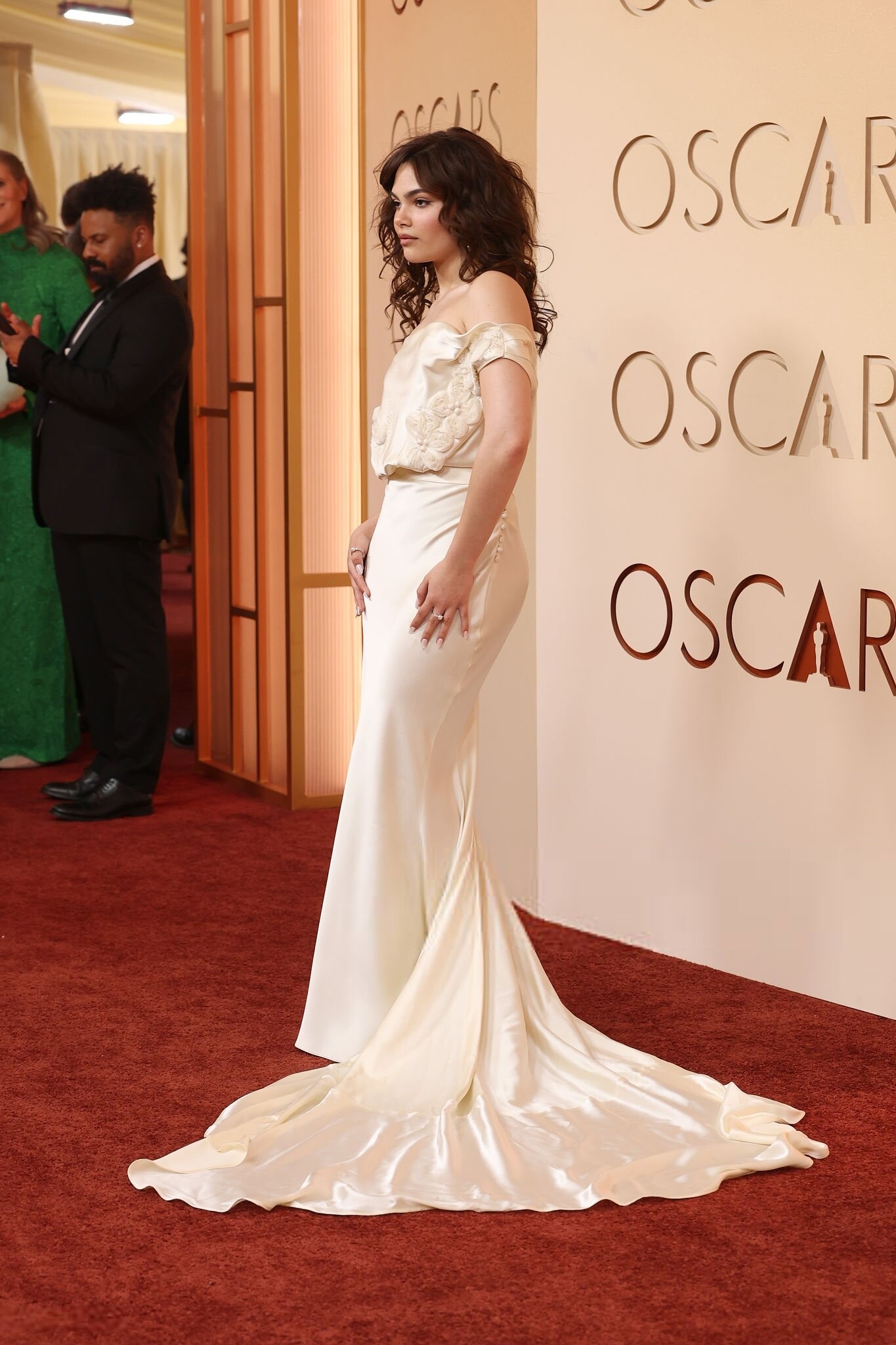
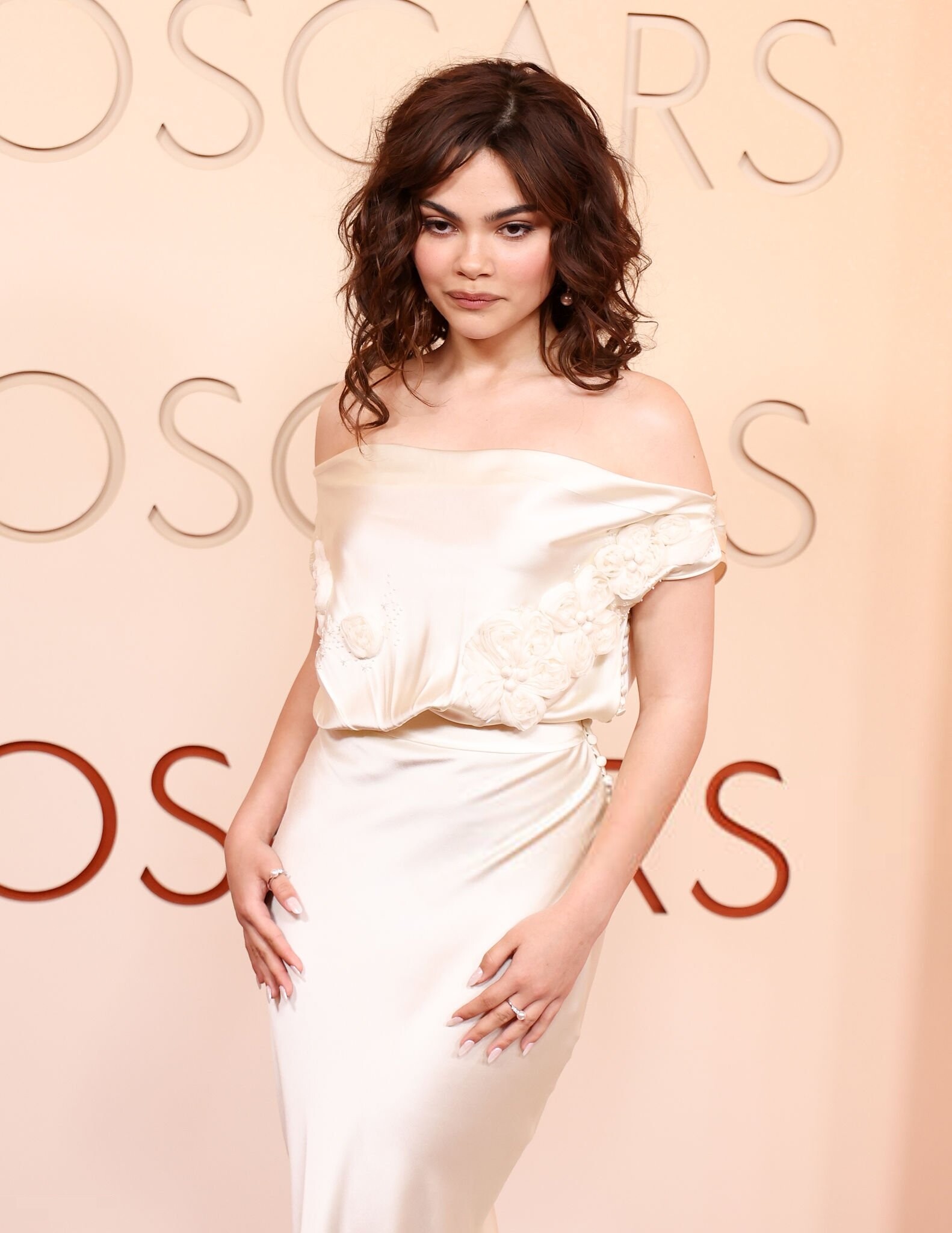
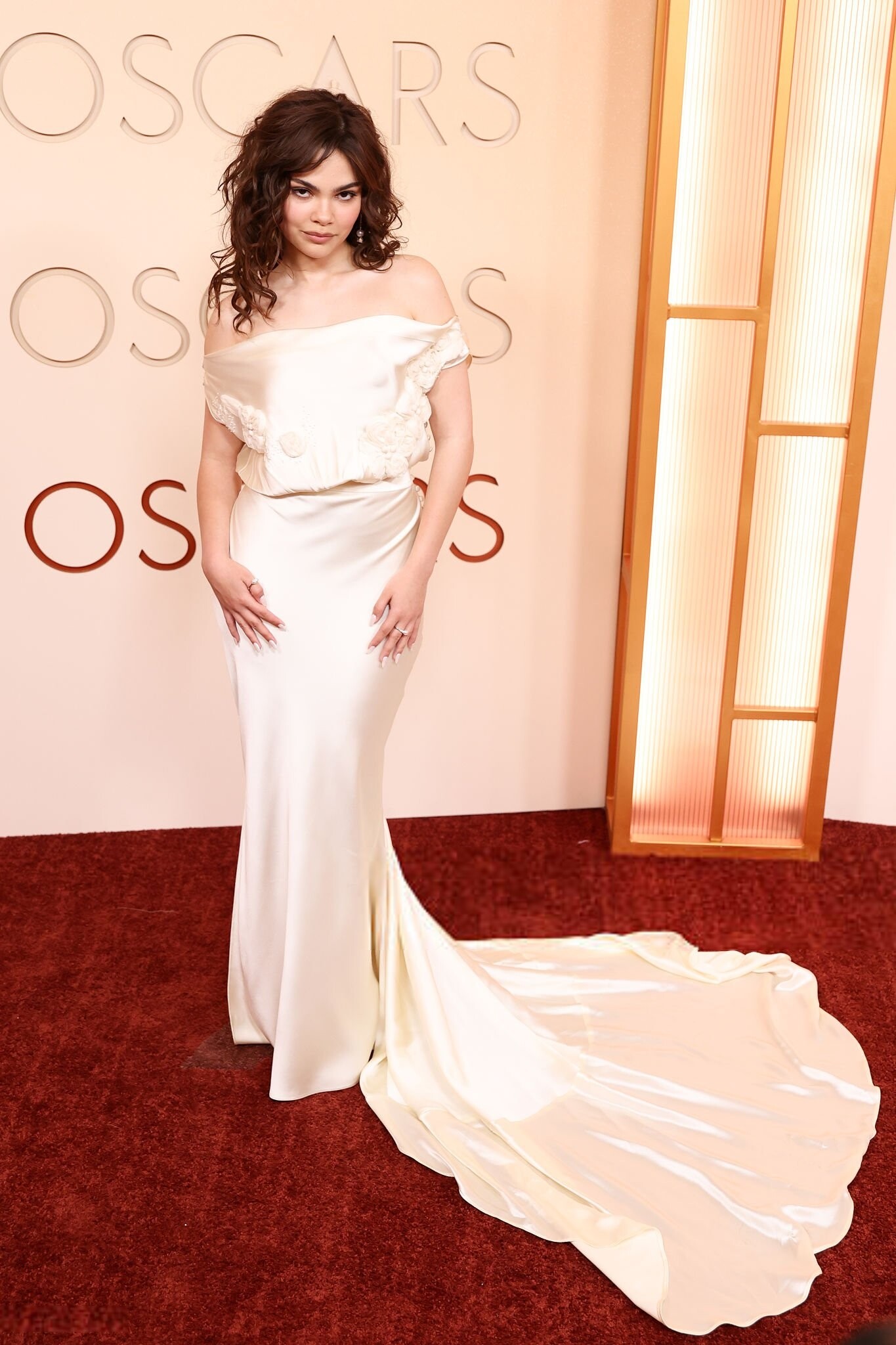
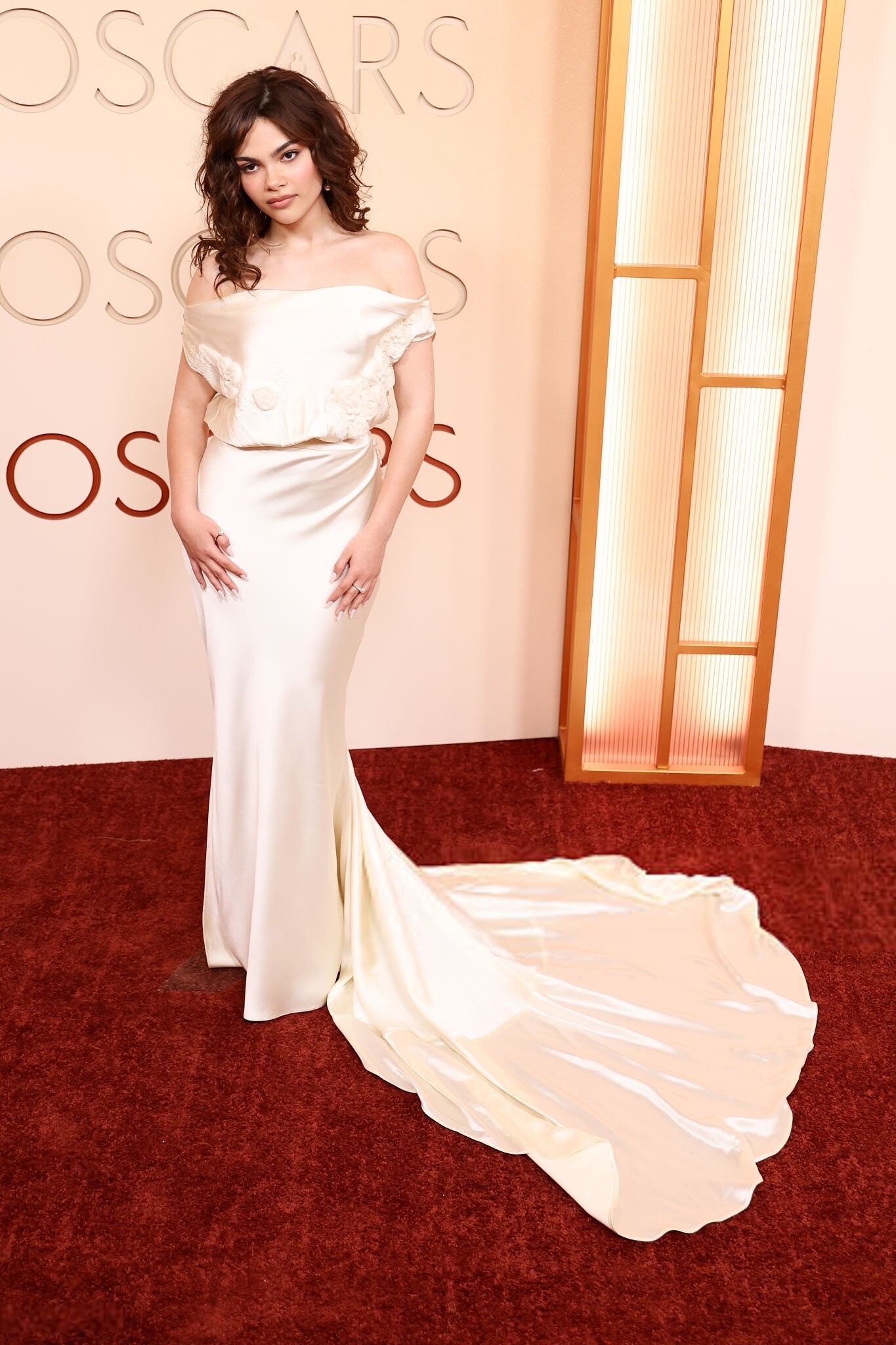
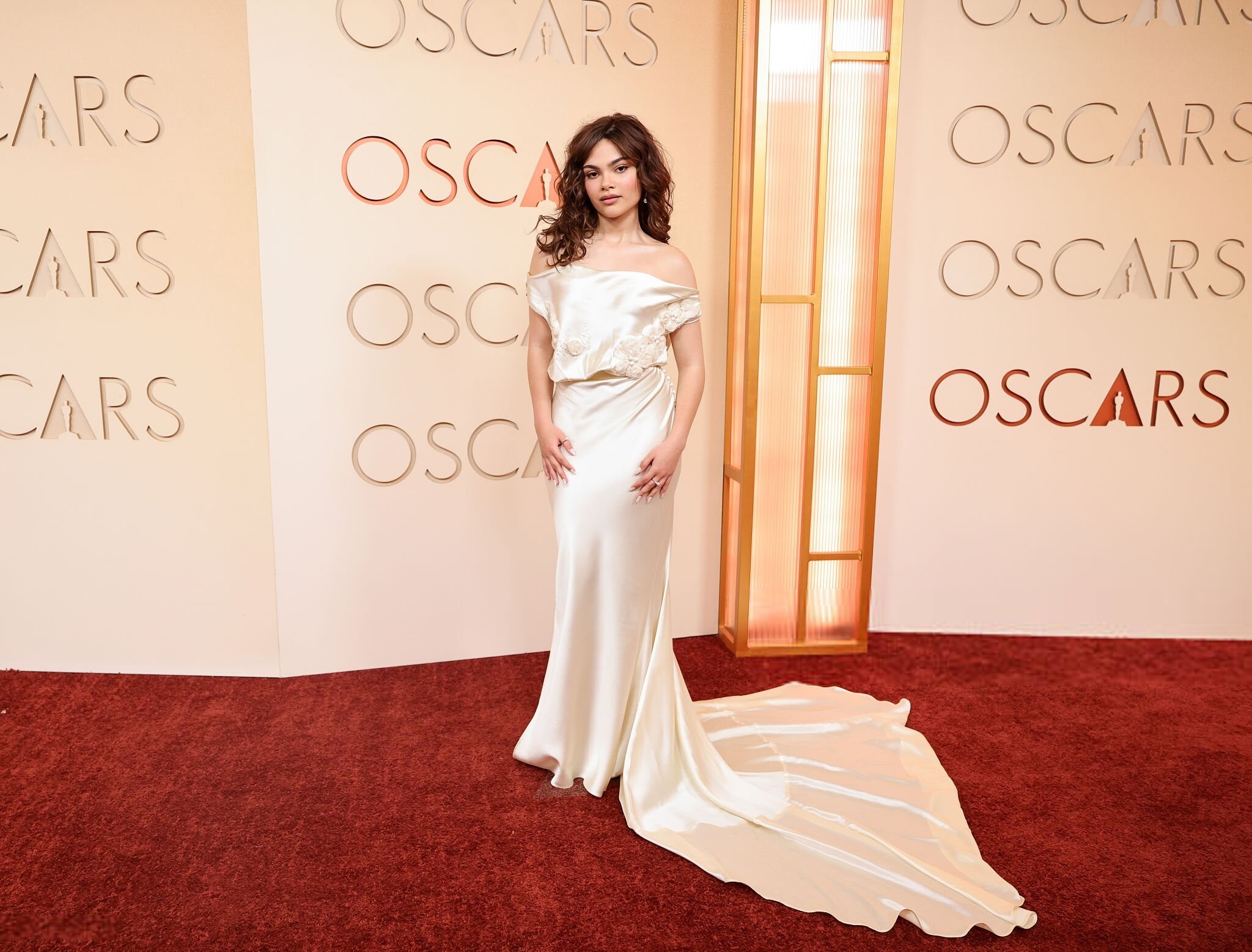
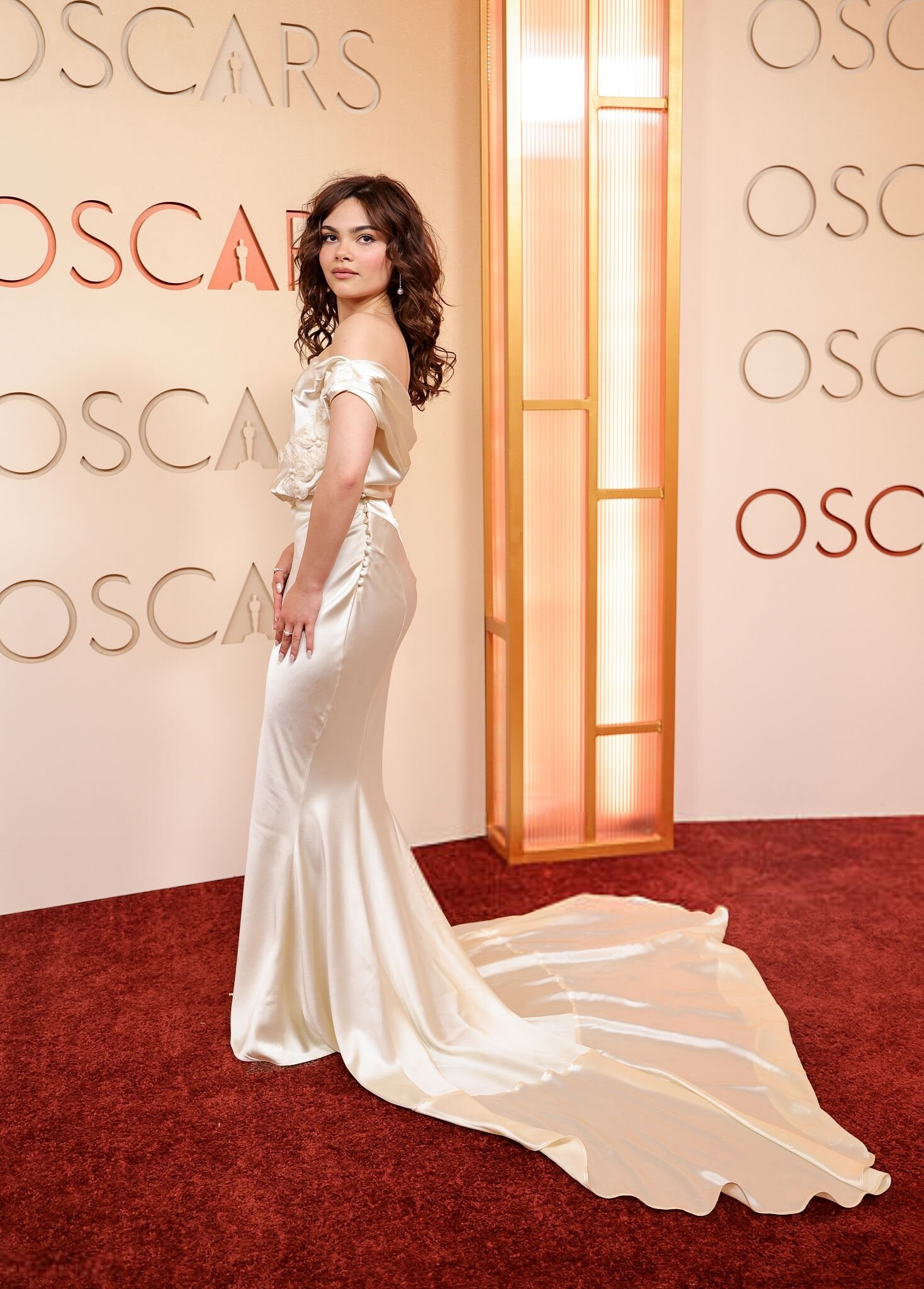
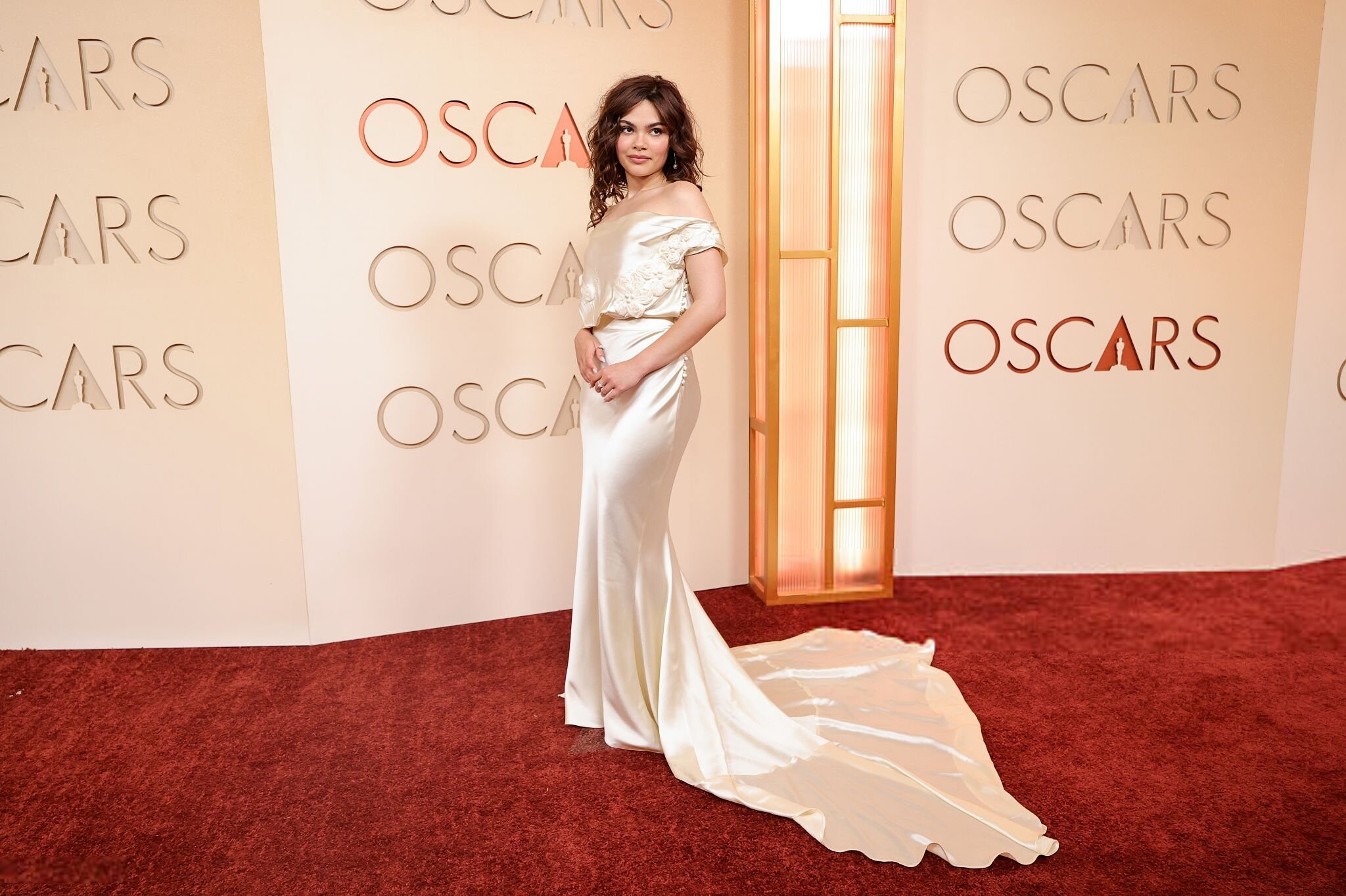
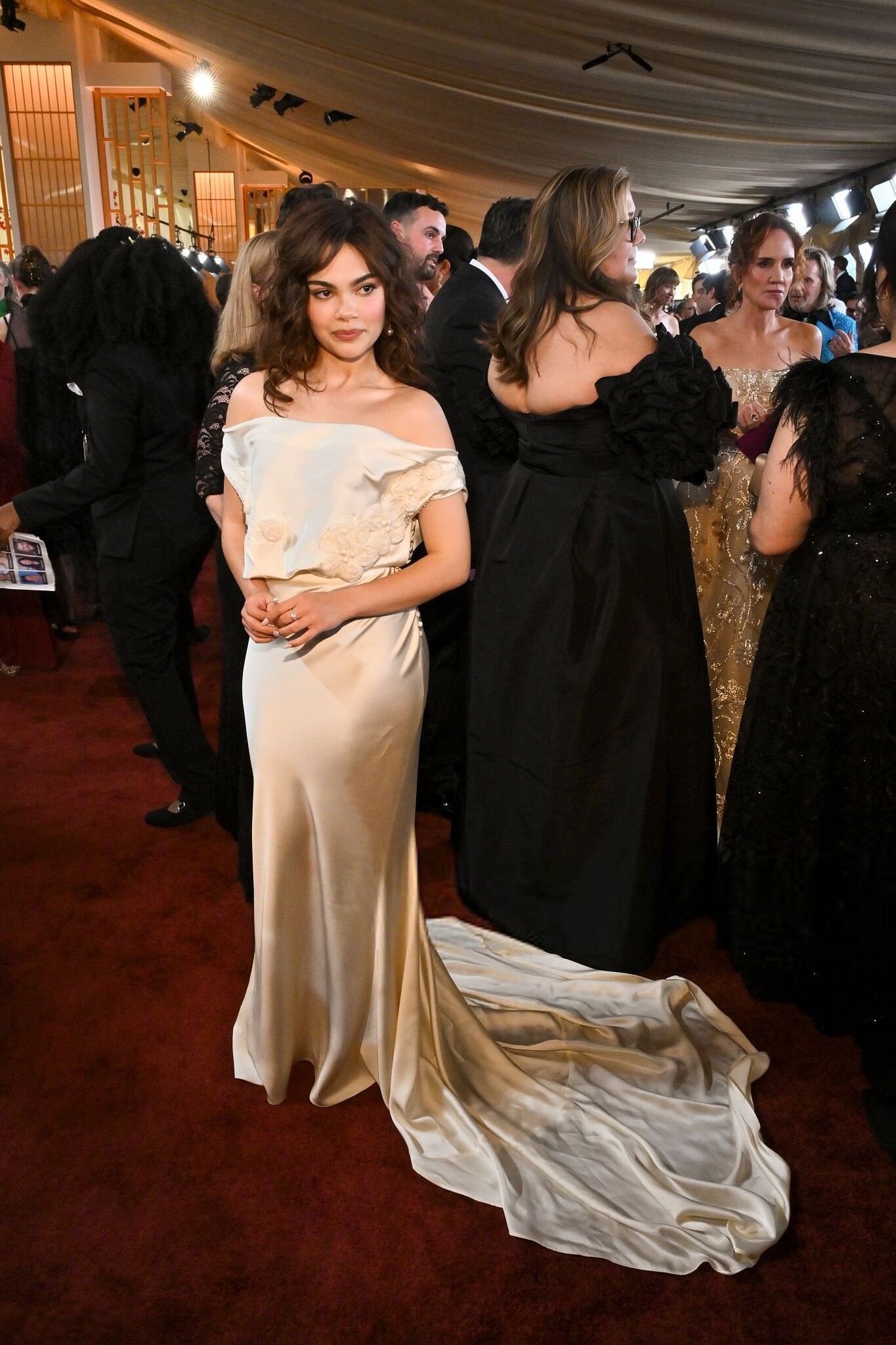
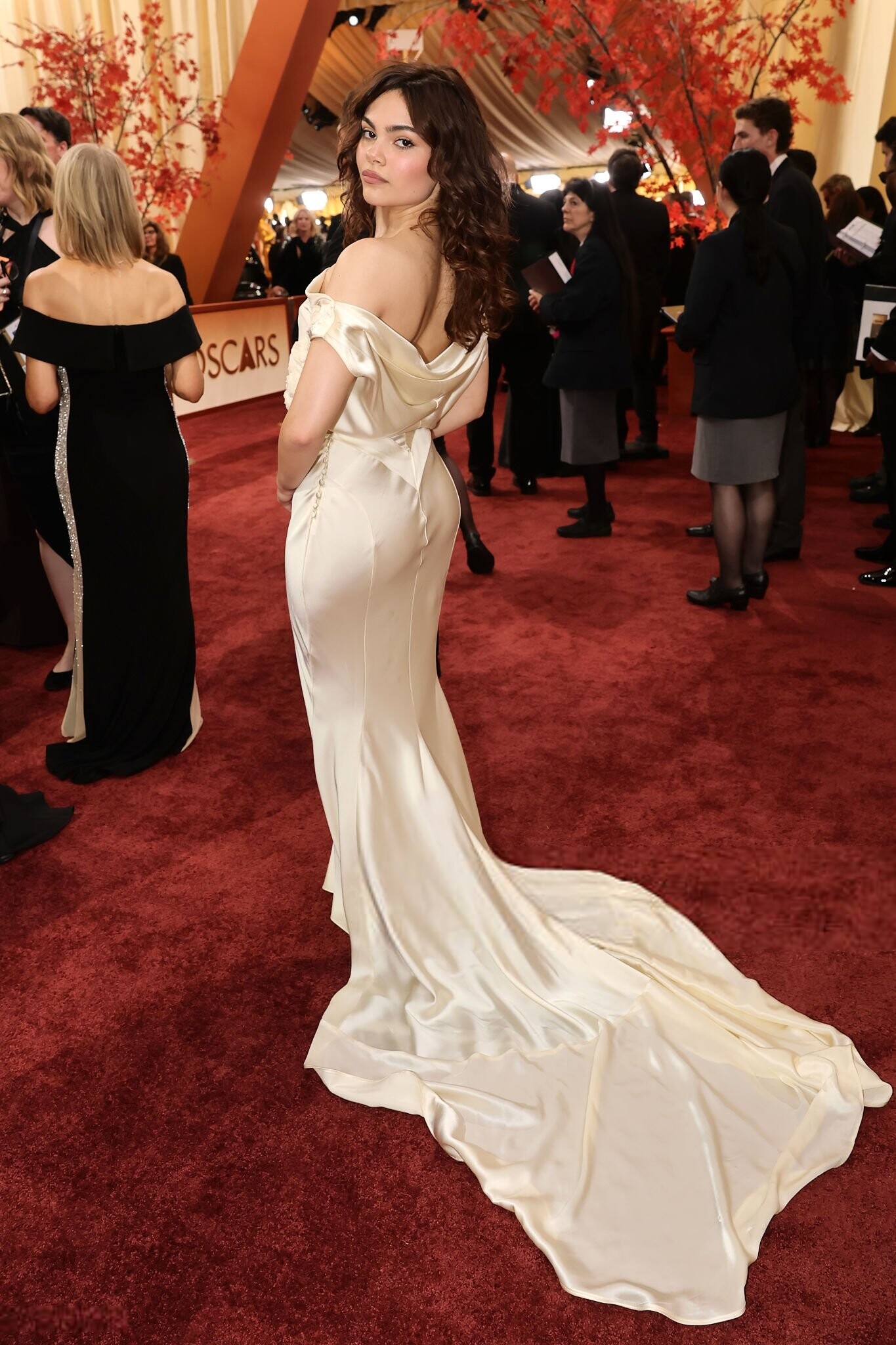
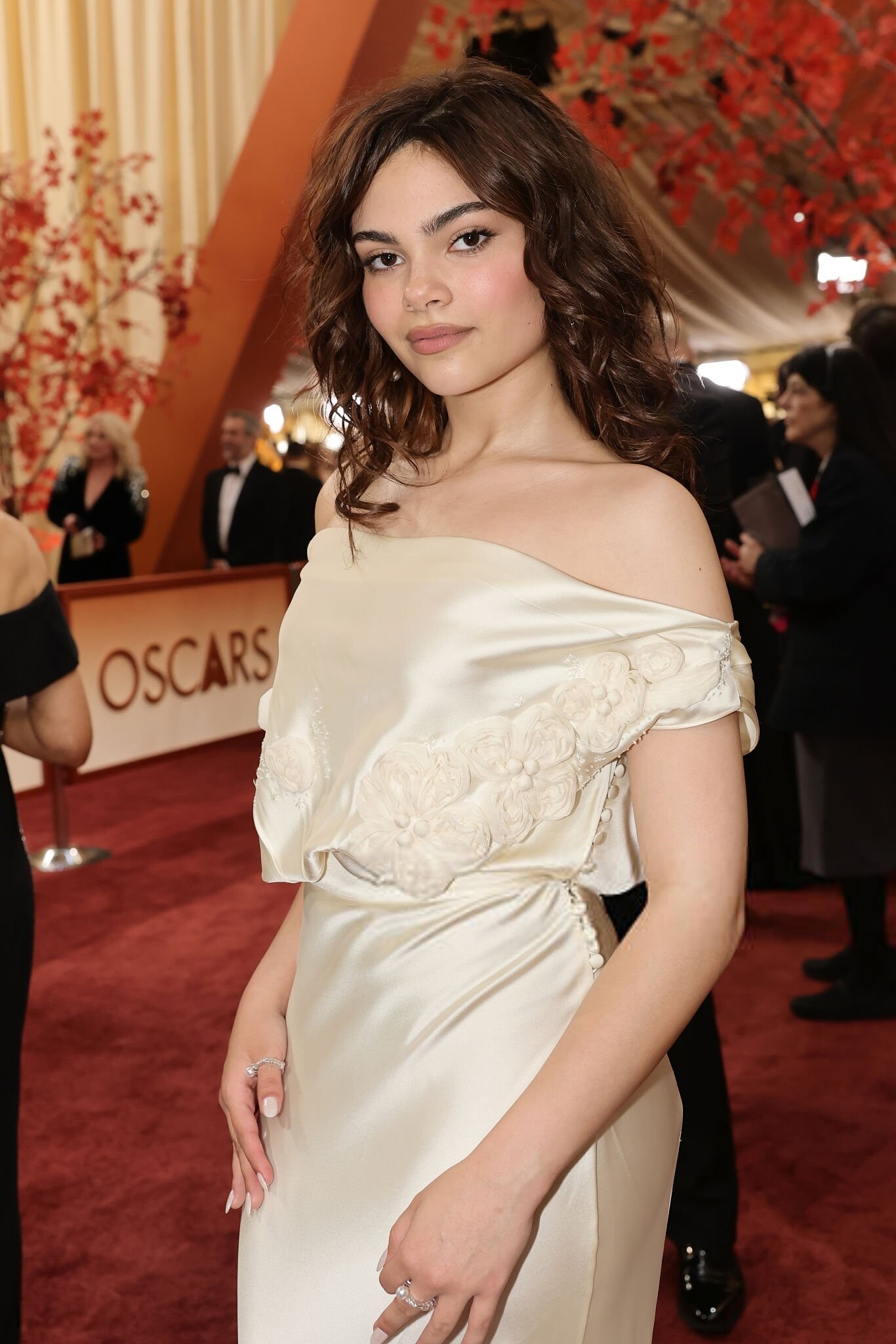
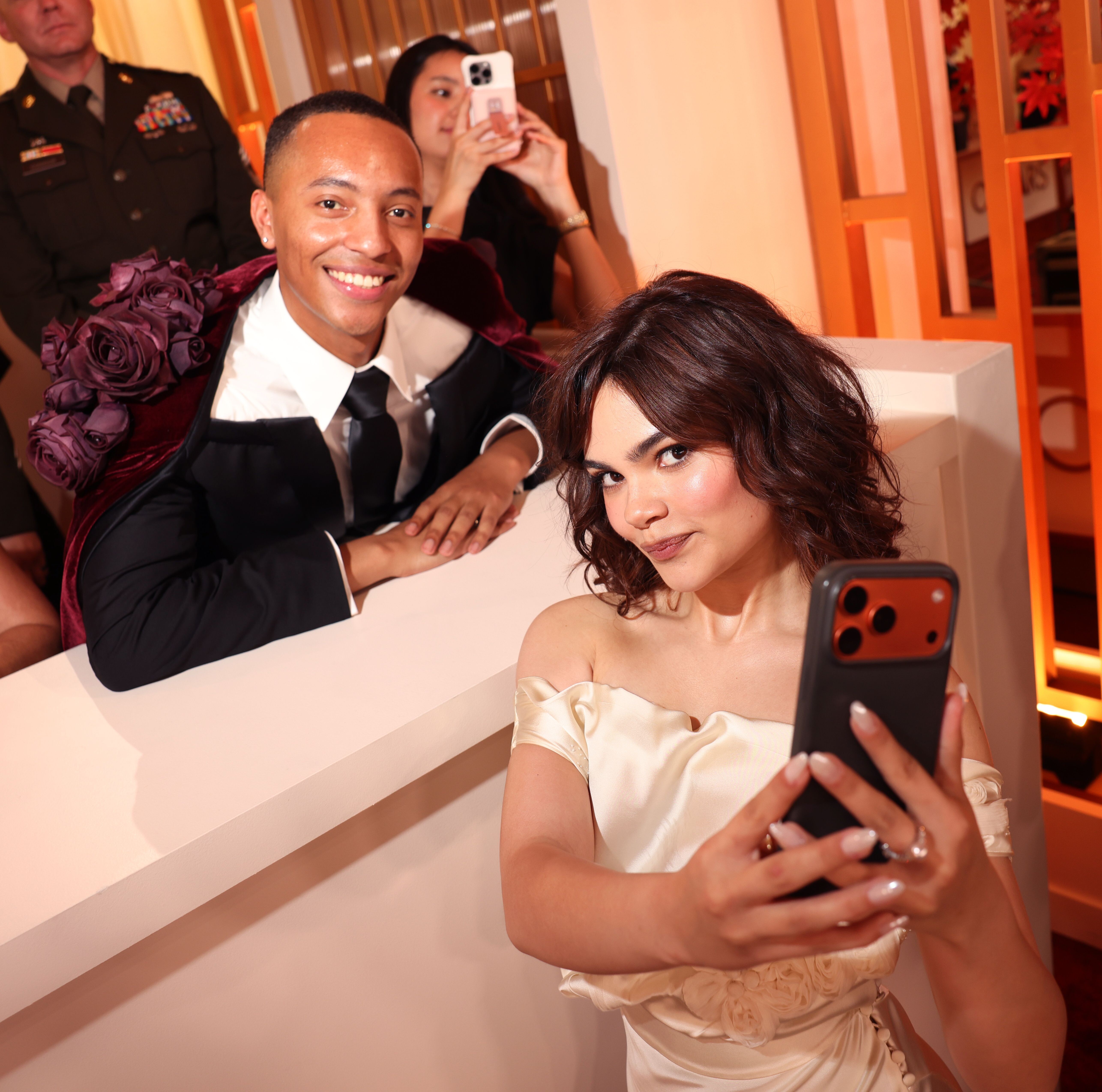
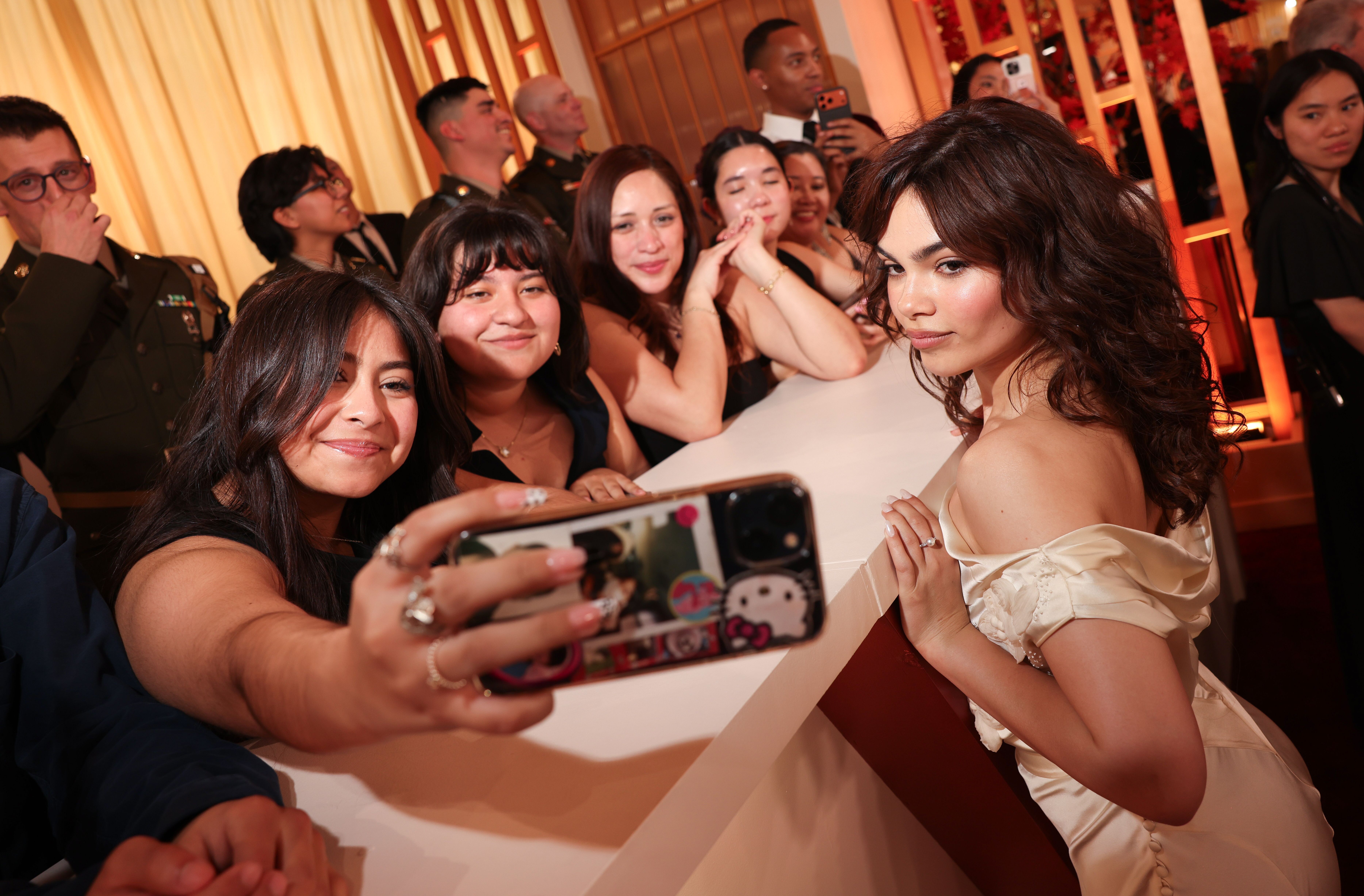
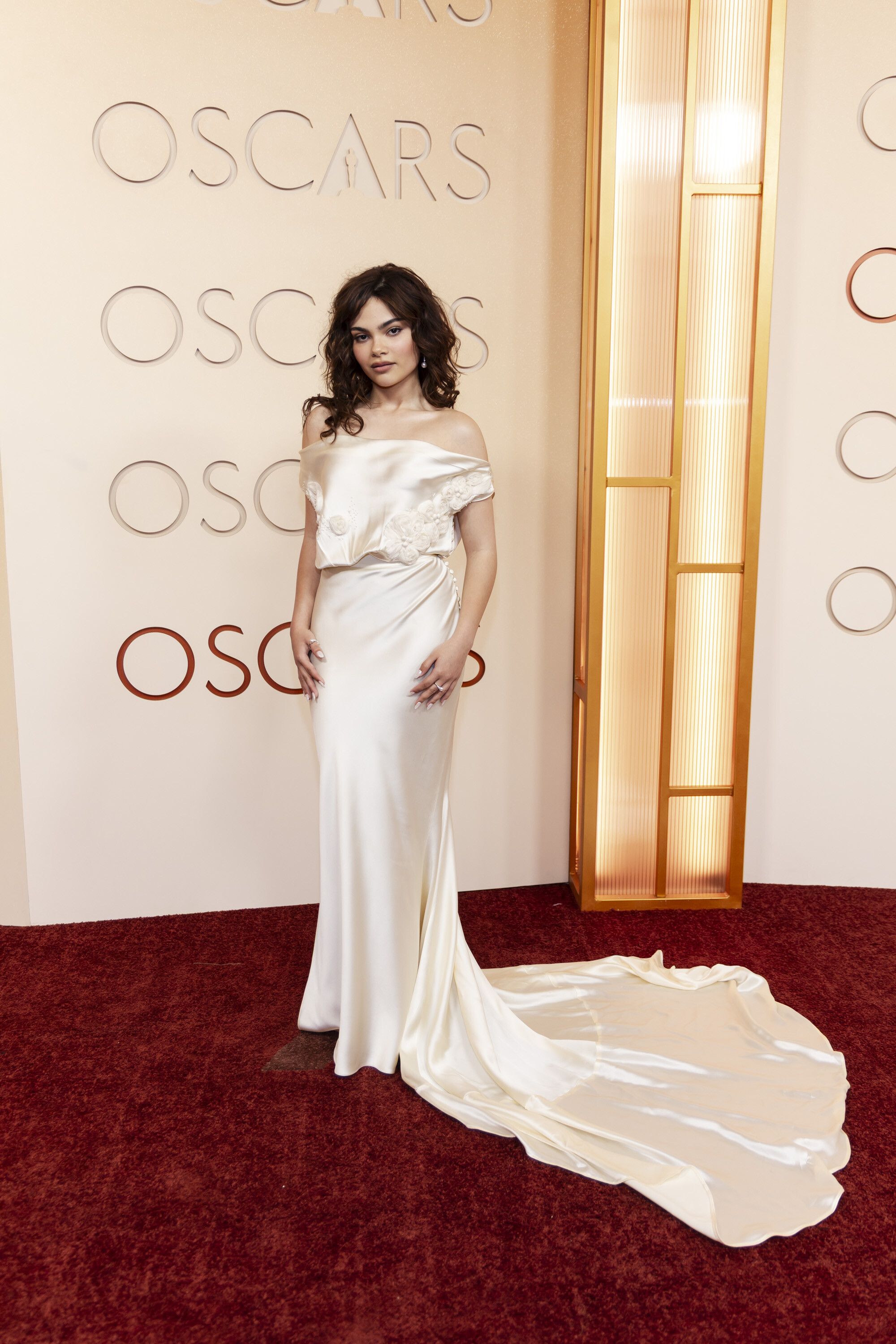
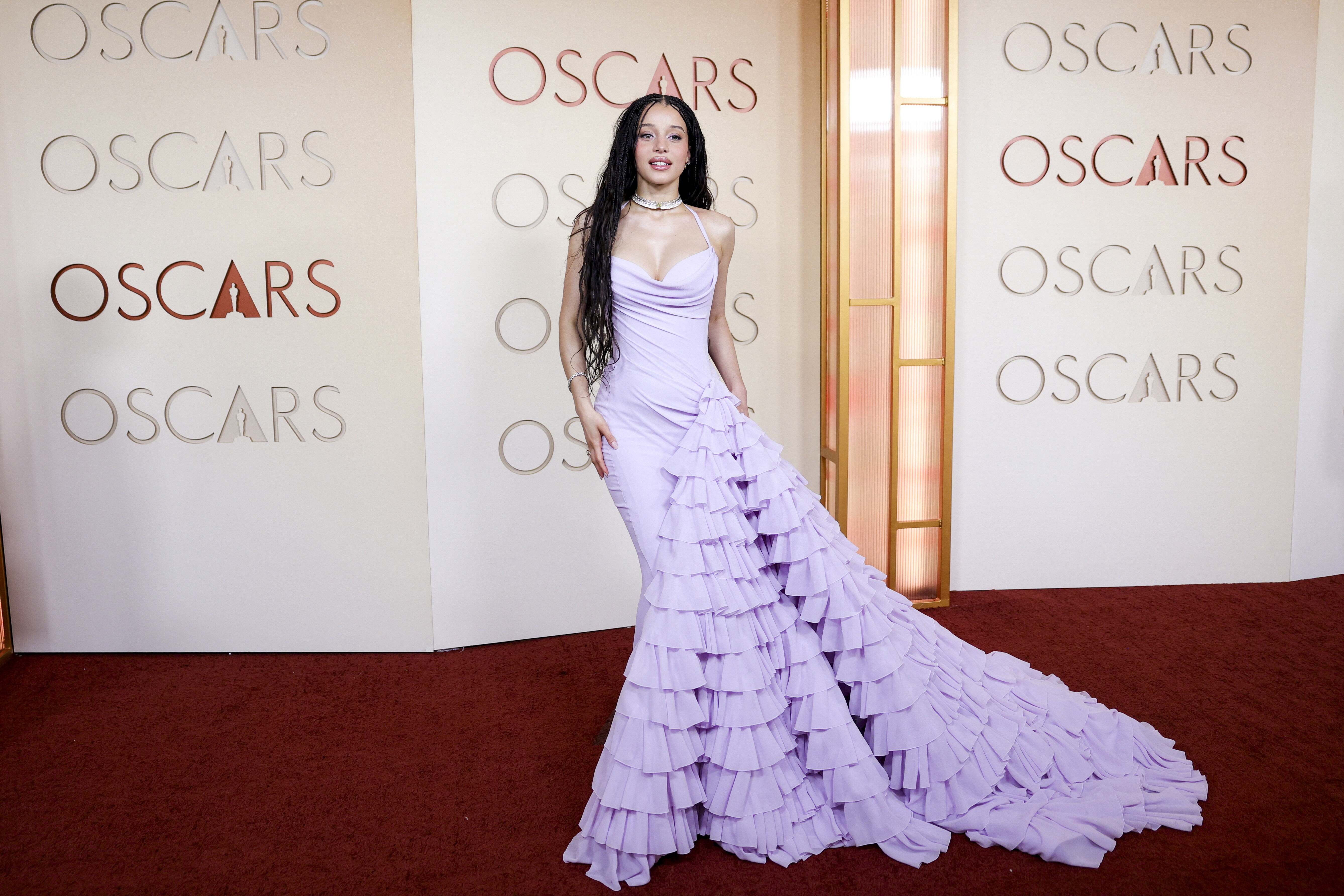
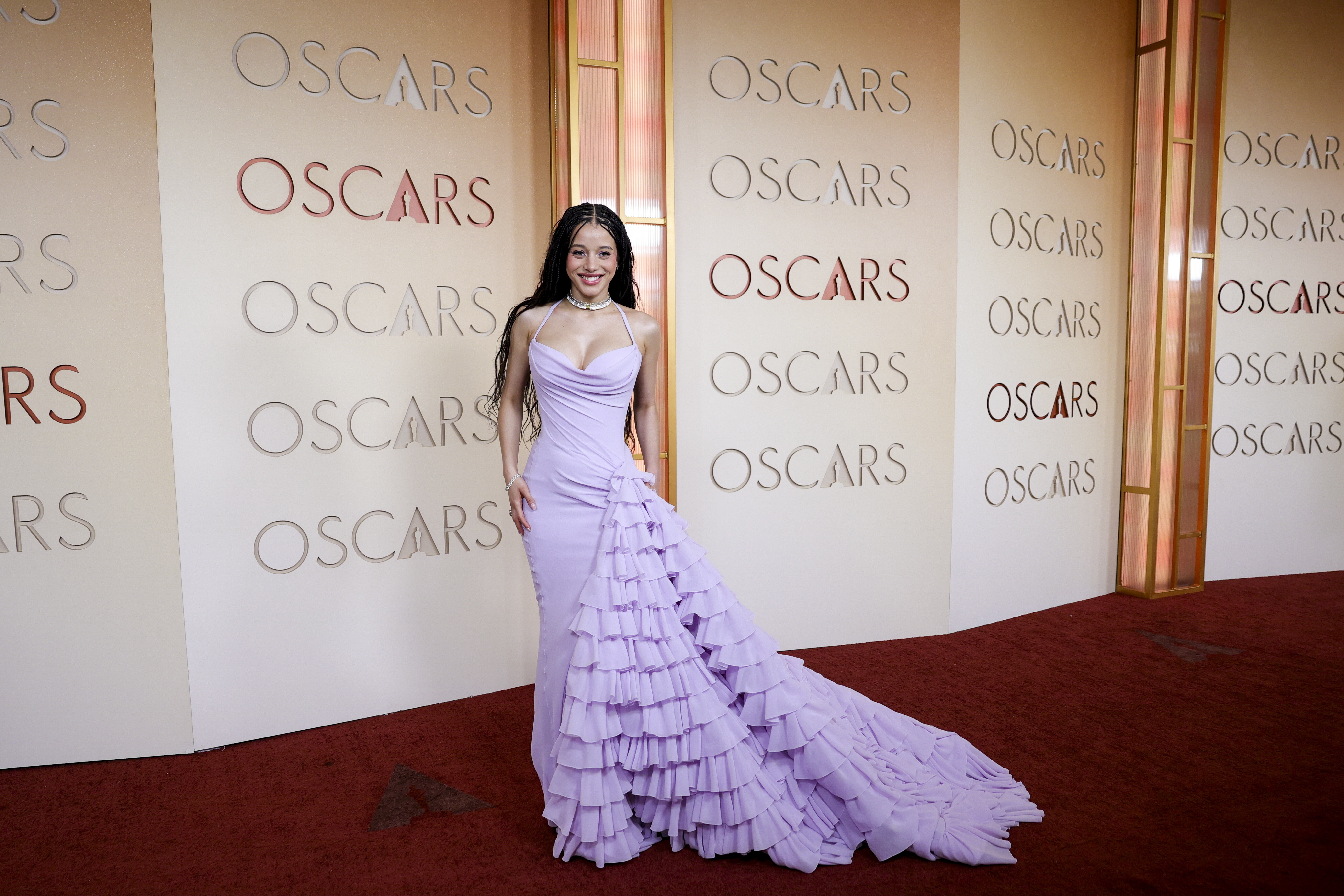
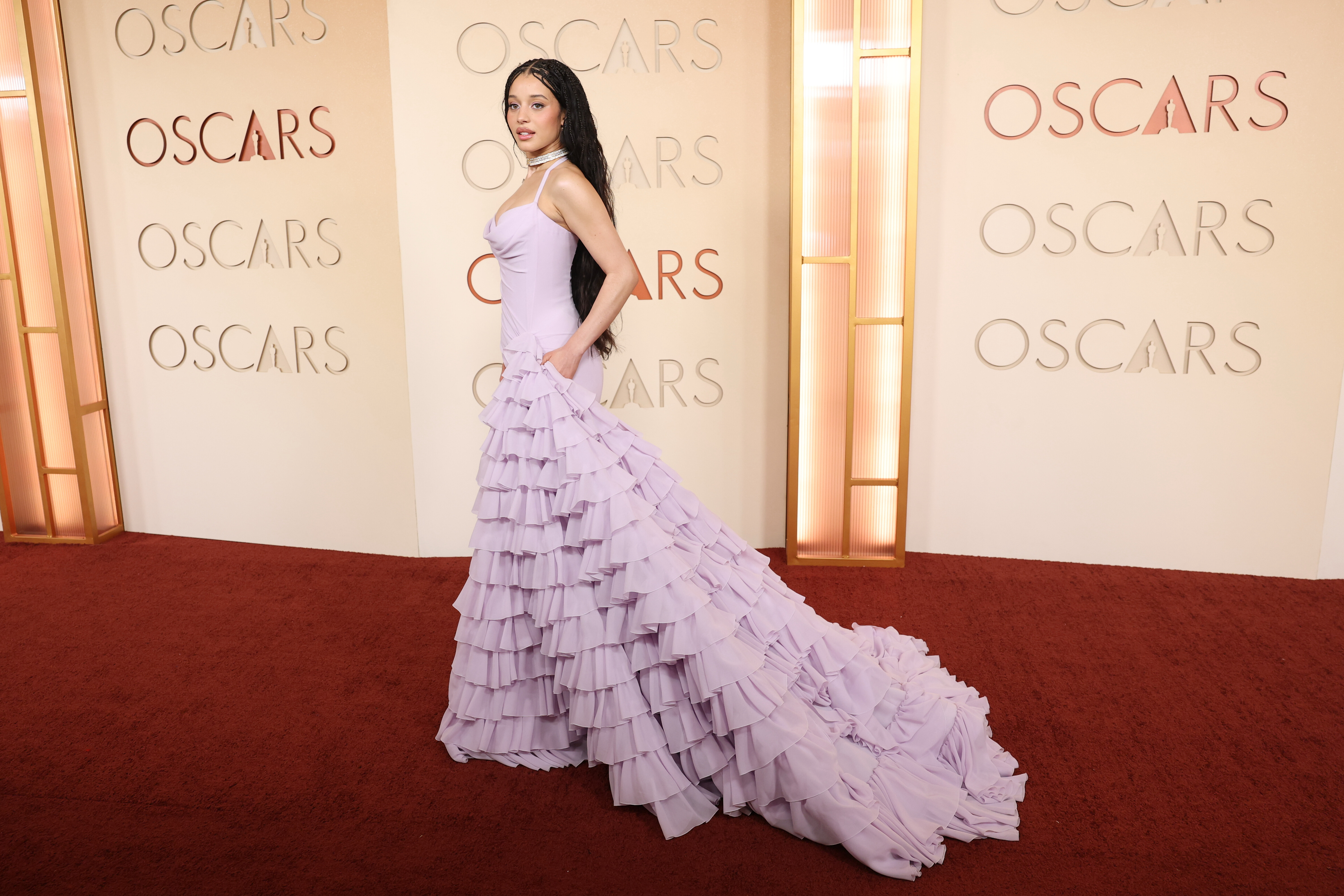
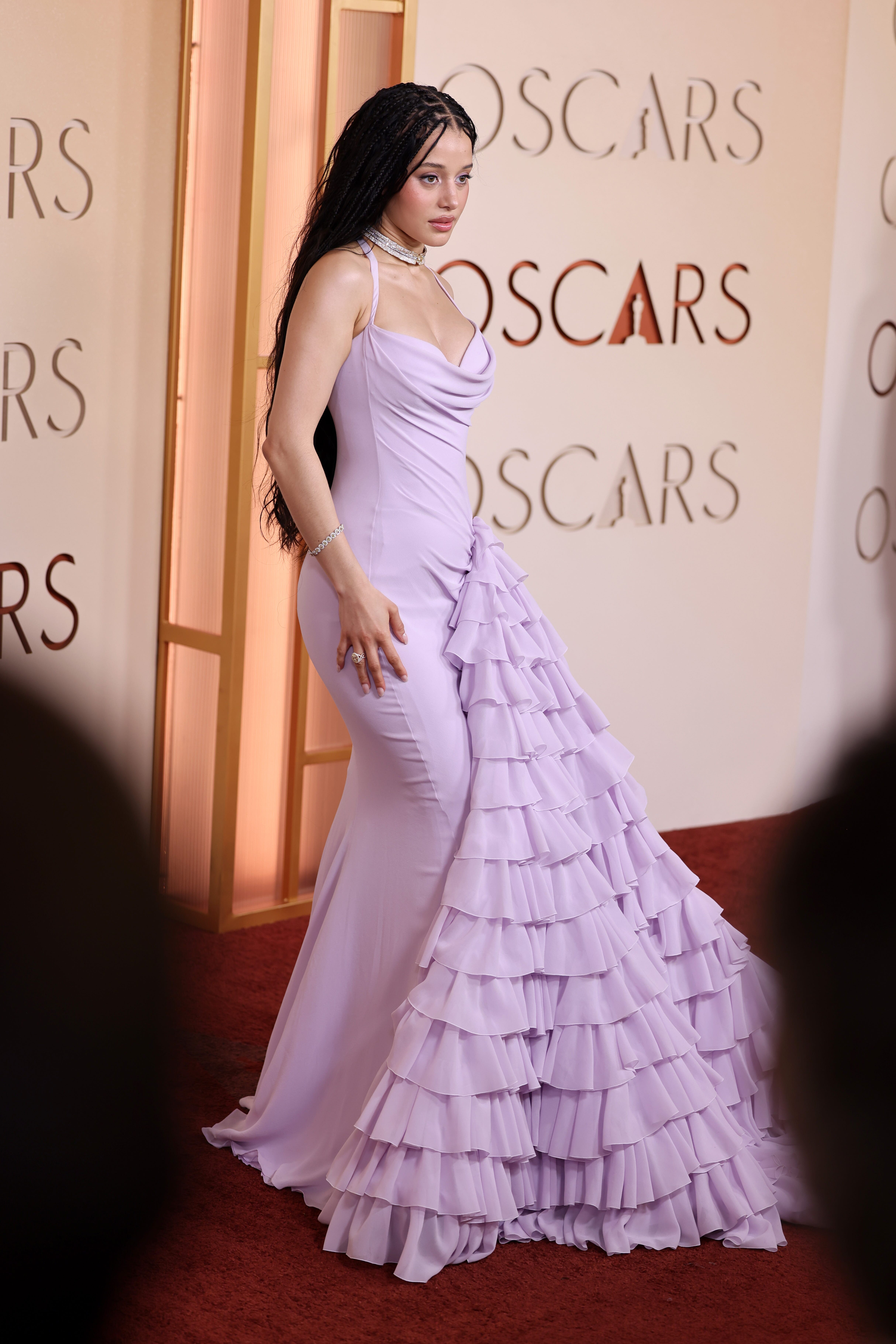
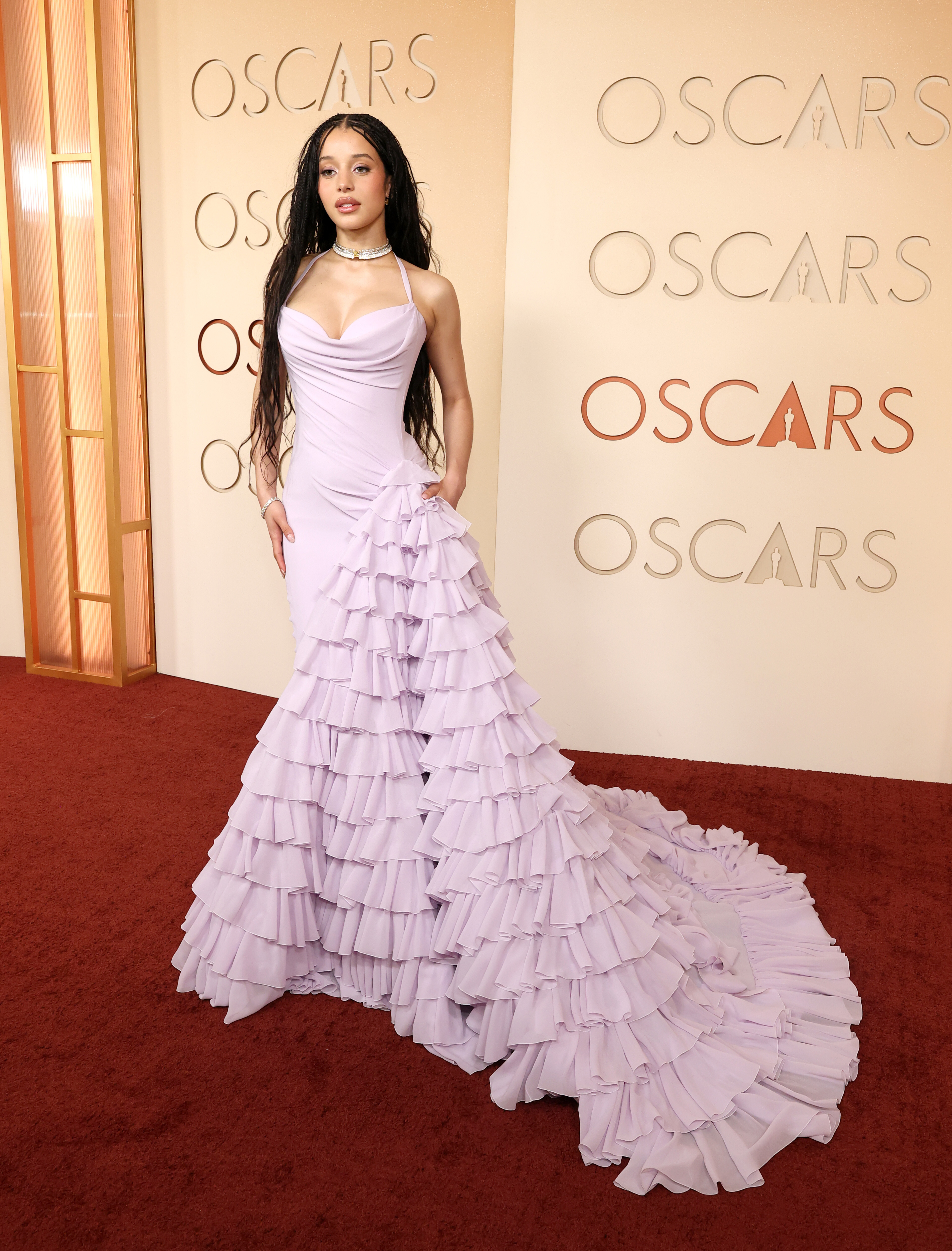
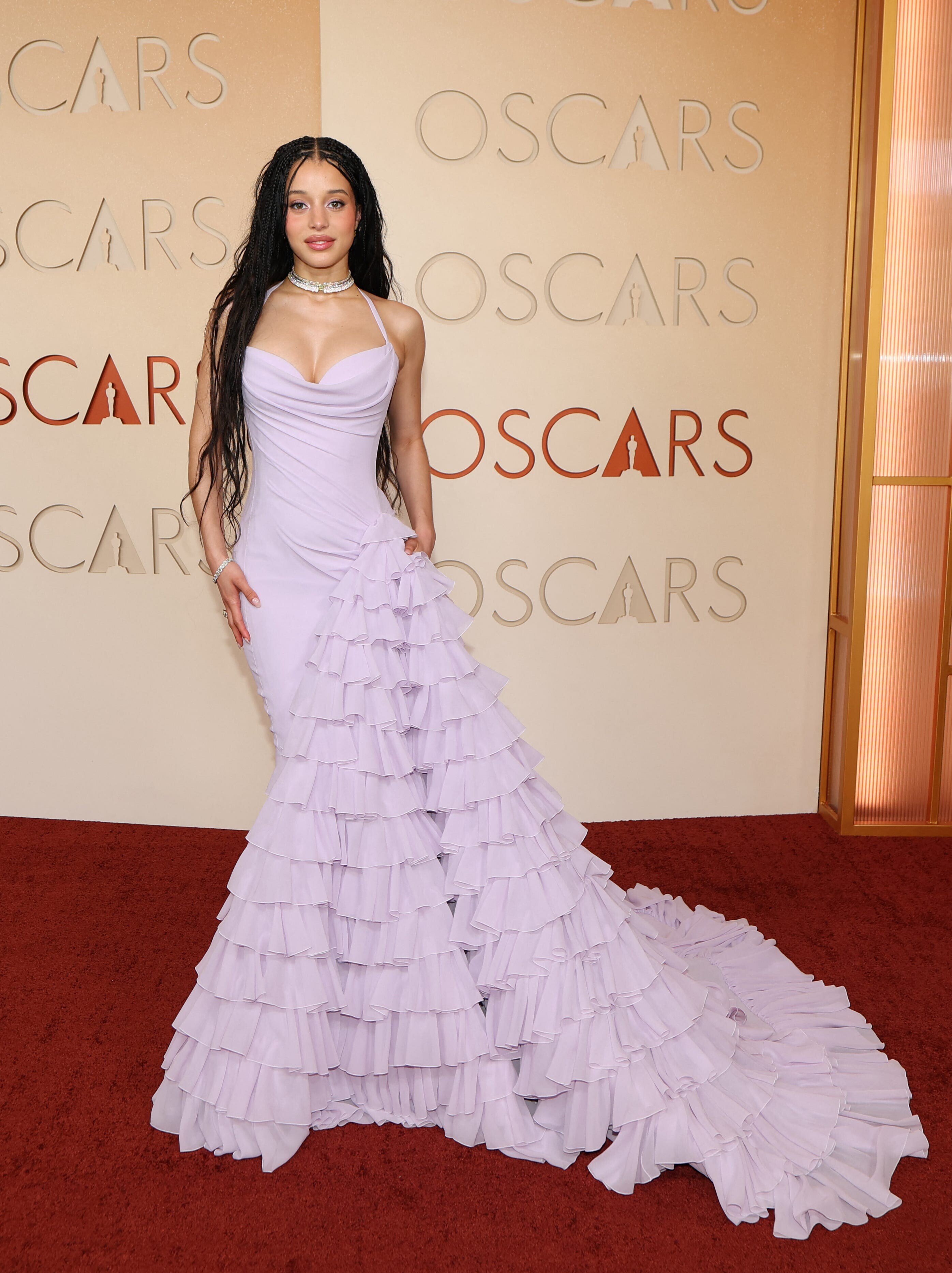
attends the 98th Oscars at Dolby Theatre, Hollywood CA - March 15, 2026 multiple posters at picturepub









































-
 Thank you Kim.
 -
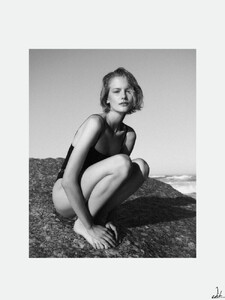
https://www.instagram.com/sophwithlove/ https://www.sandrareynolds.co.uk/model/sophie-hughes
Isla Fisher, Rosamund Pike & Ariana Greenblatt Talk Spice Girls, Sausages & Sorcery
 So you are telling me the models that I screenshot on the front cover of an ad are usually AI?
attends the 98th Oscars at Dolby Theatre, Hollywood CA - March 15, 2026 joe d at picturepub
So you are telling me the models that I screenshot on the front cover of an ad are usually AI?
attends the 98th Oscars at Dolby Theatre, Hollywood CA - March 15, 2026 joe d at picturepub

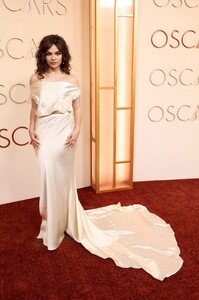



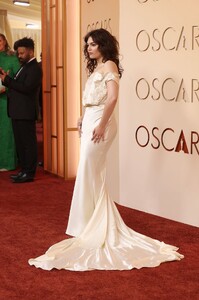

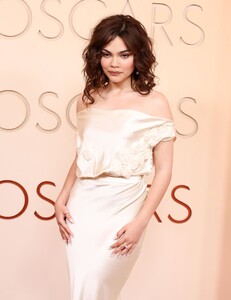

















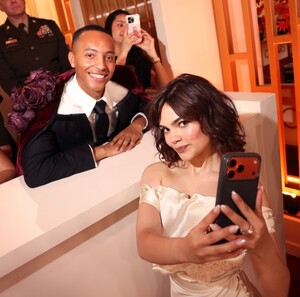


 Are you sure she’s not AI? She looks like a mixture of different people 🤣
https://www.instagram.com/thelifeoflibs/?hl=en
Are you sure she’s not AI? She looks like a mixture of different people 🤣
https://www.instagram.com/thelifeoflibs/?hl=en Lucia Yasmin Kelsey Victoria Shannon Bailey Dominique Emily
 2025 Fall/Winter VIVIEN 2025-Fall-Winter-VIVIEN.mp4
- Yesterday
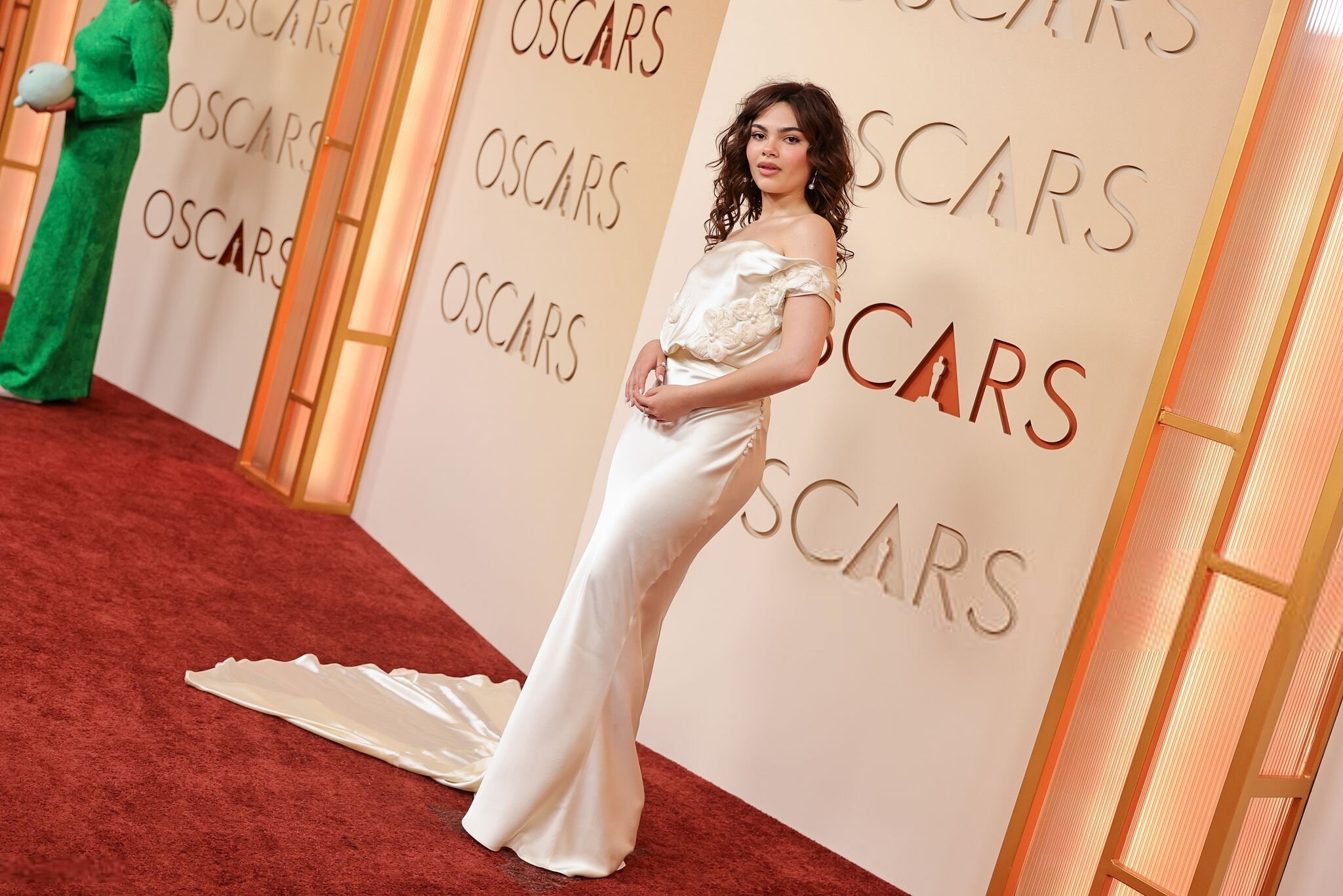
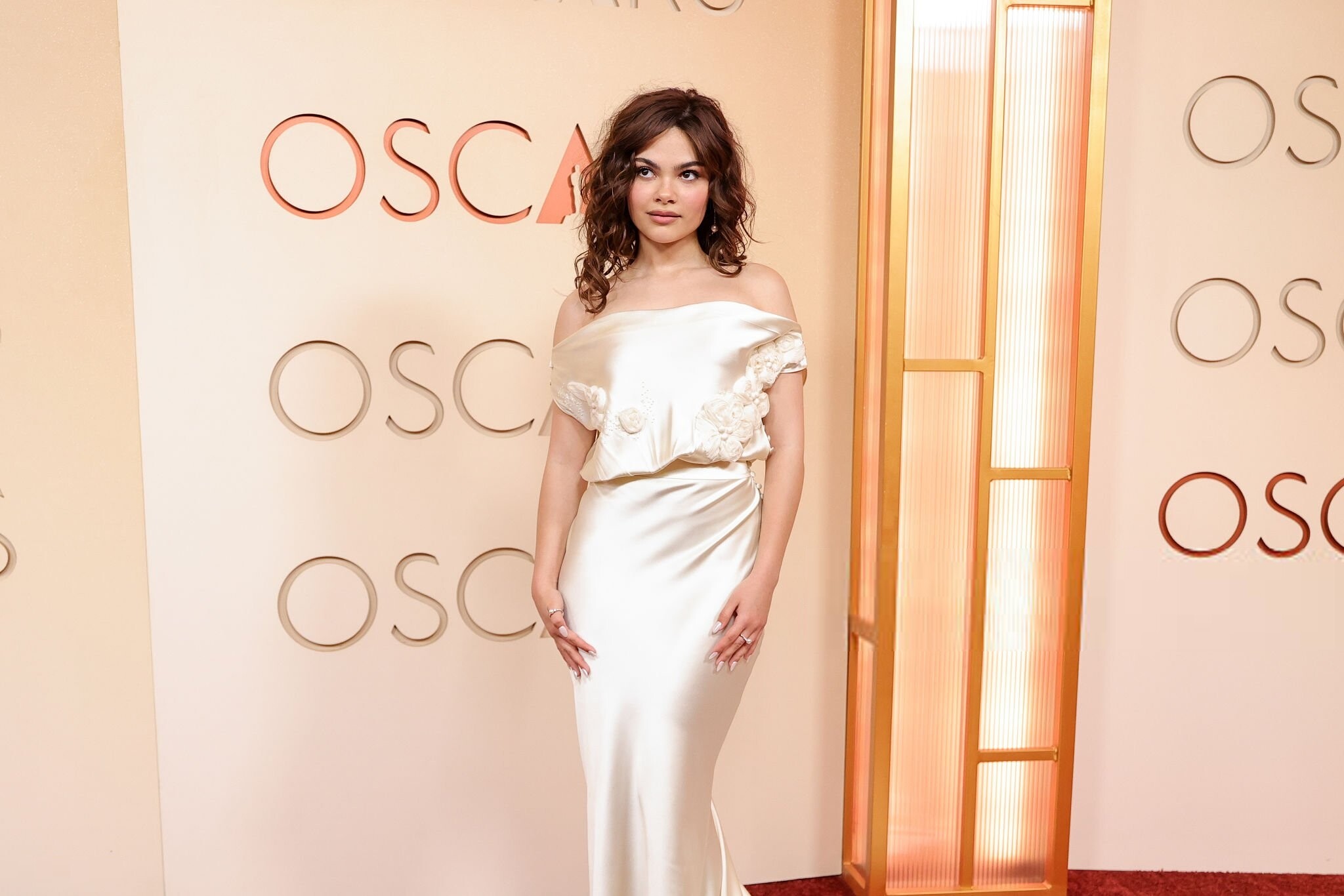
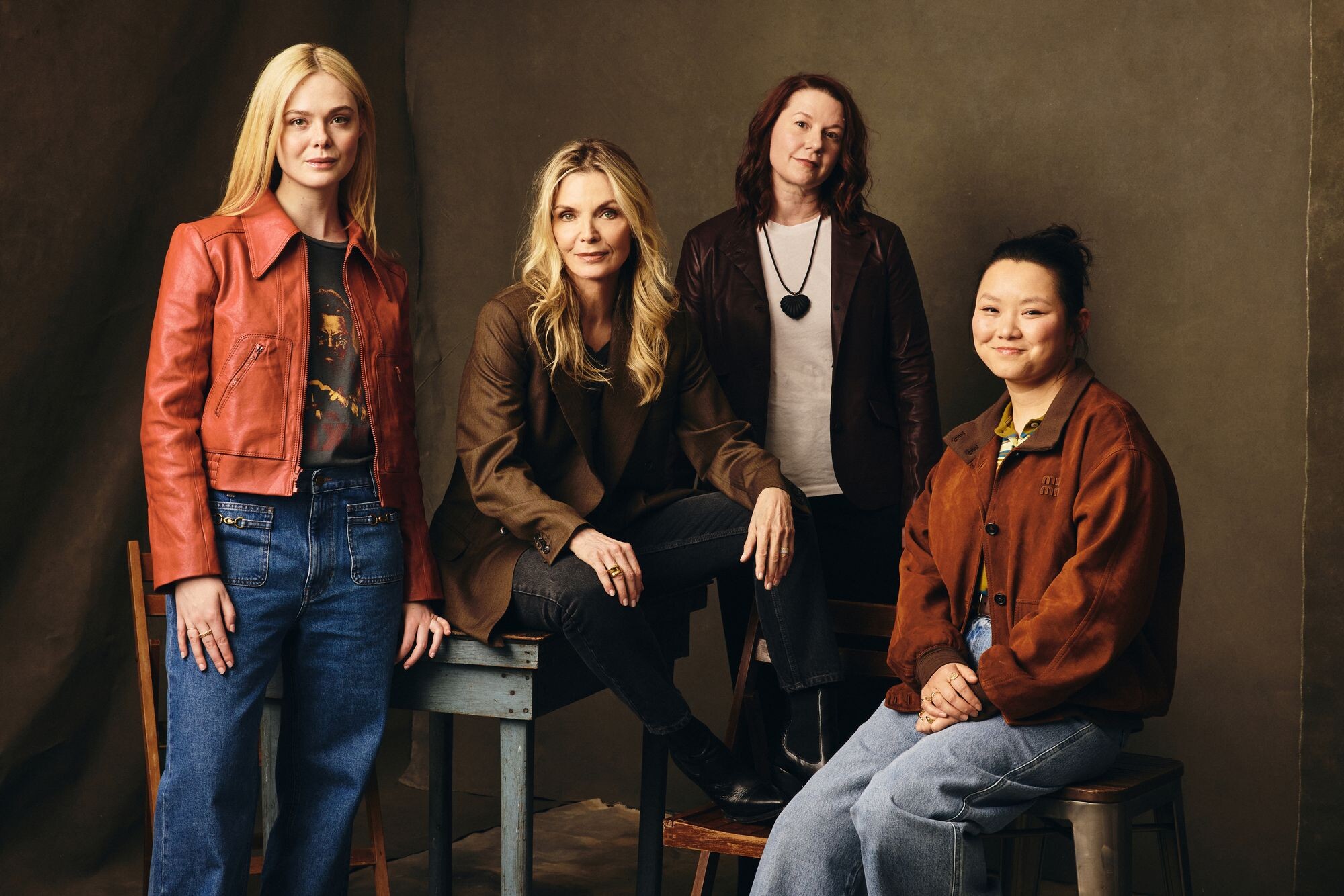
ph Benjamin Trivett totally-elle.com

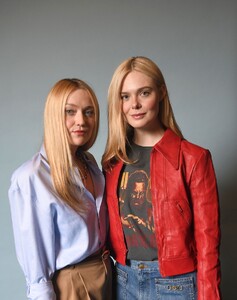

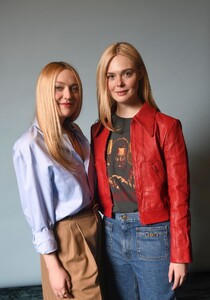
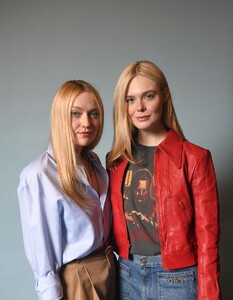

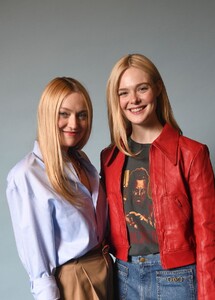
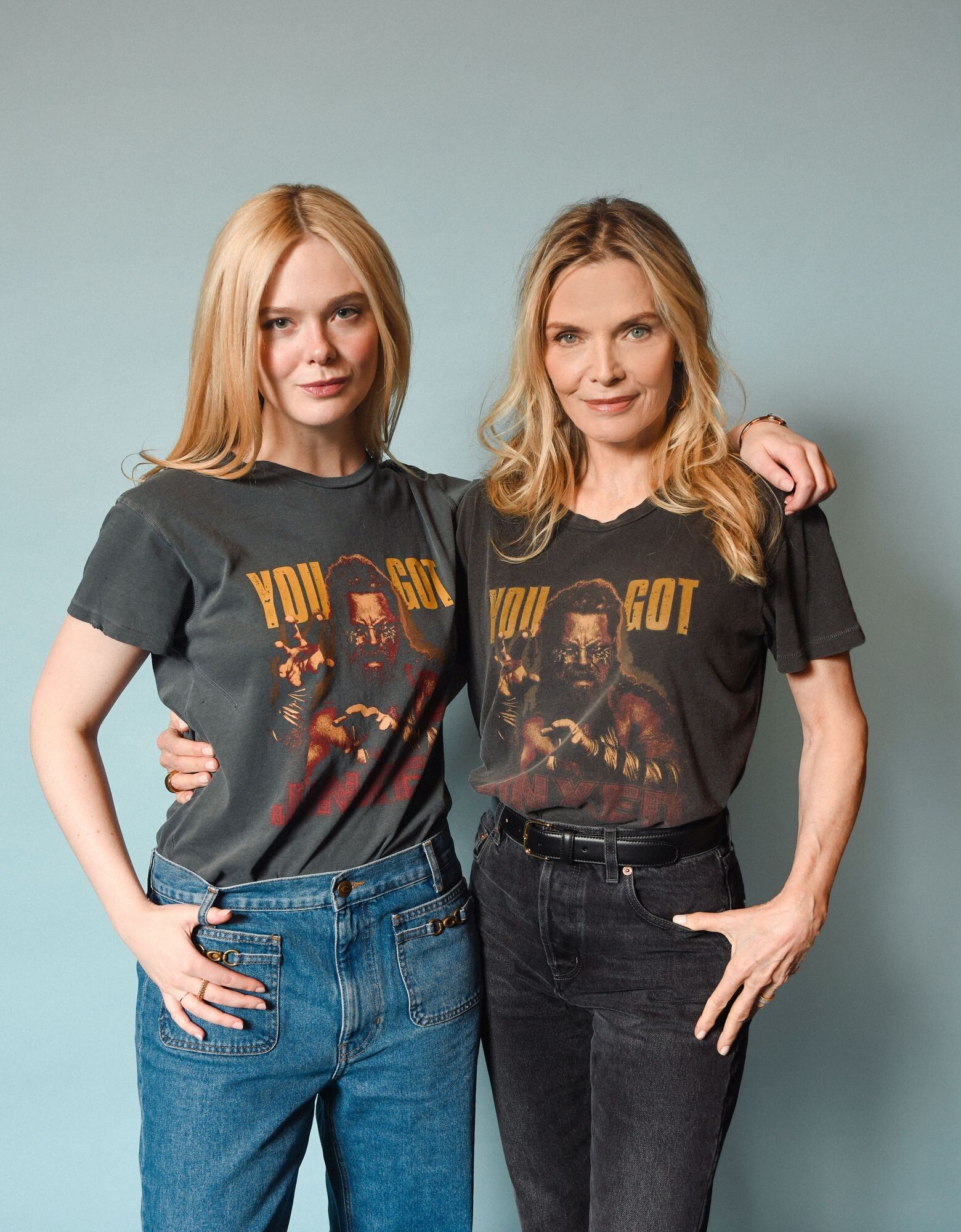
 ph Josh Telles totally-elle.com
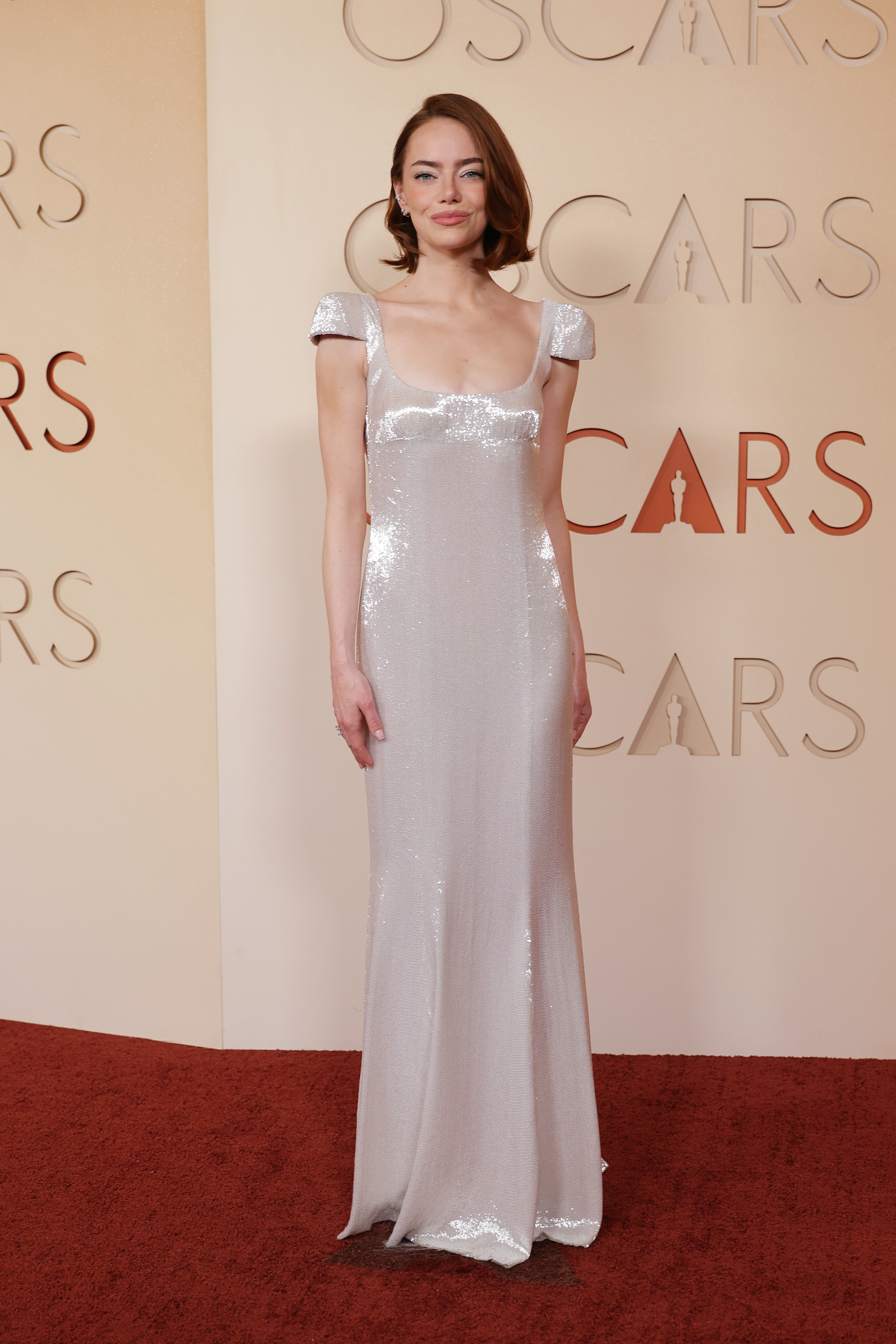
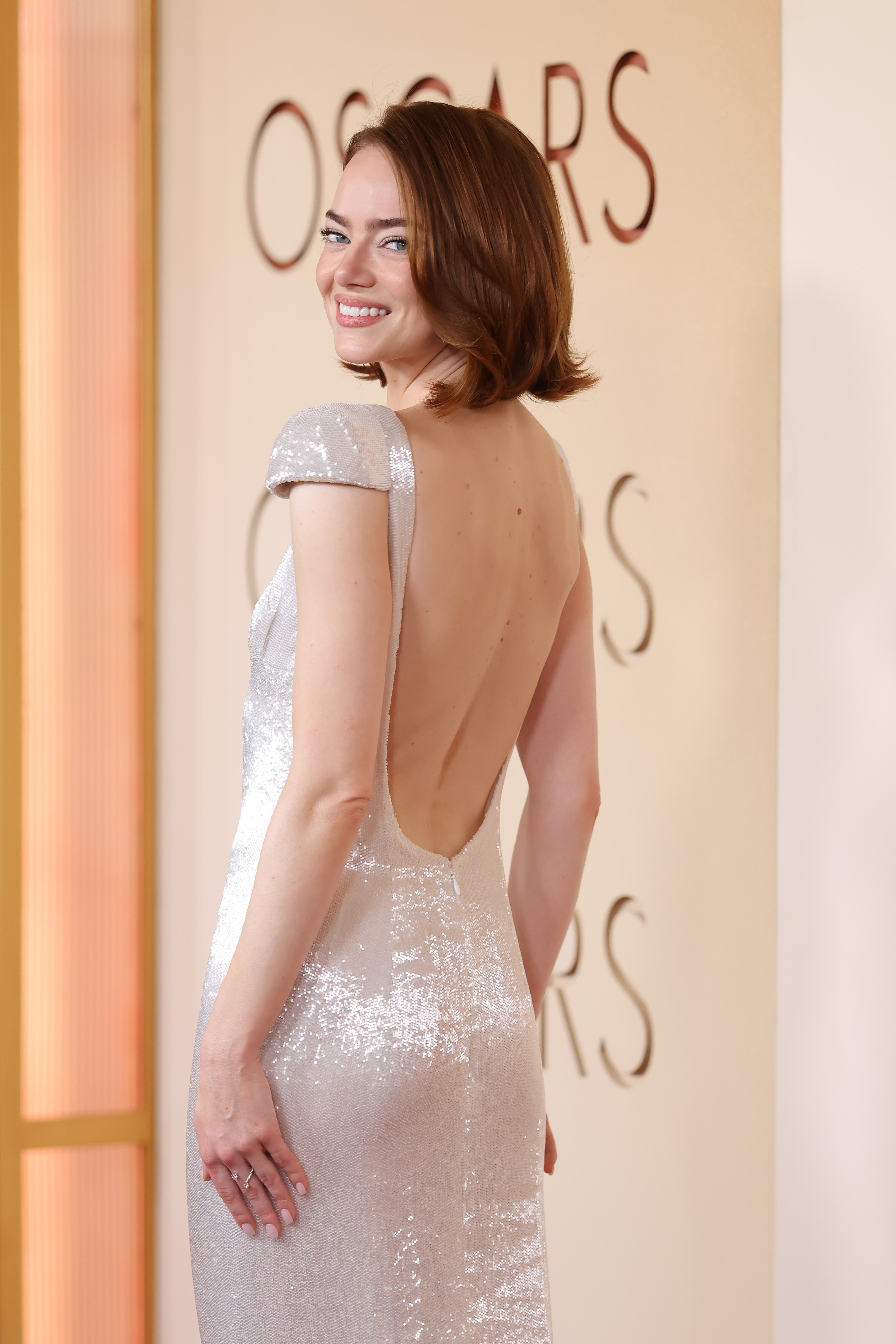
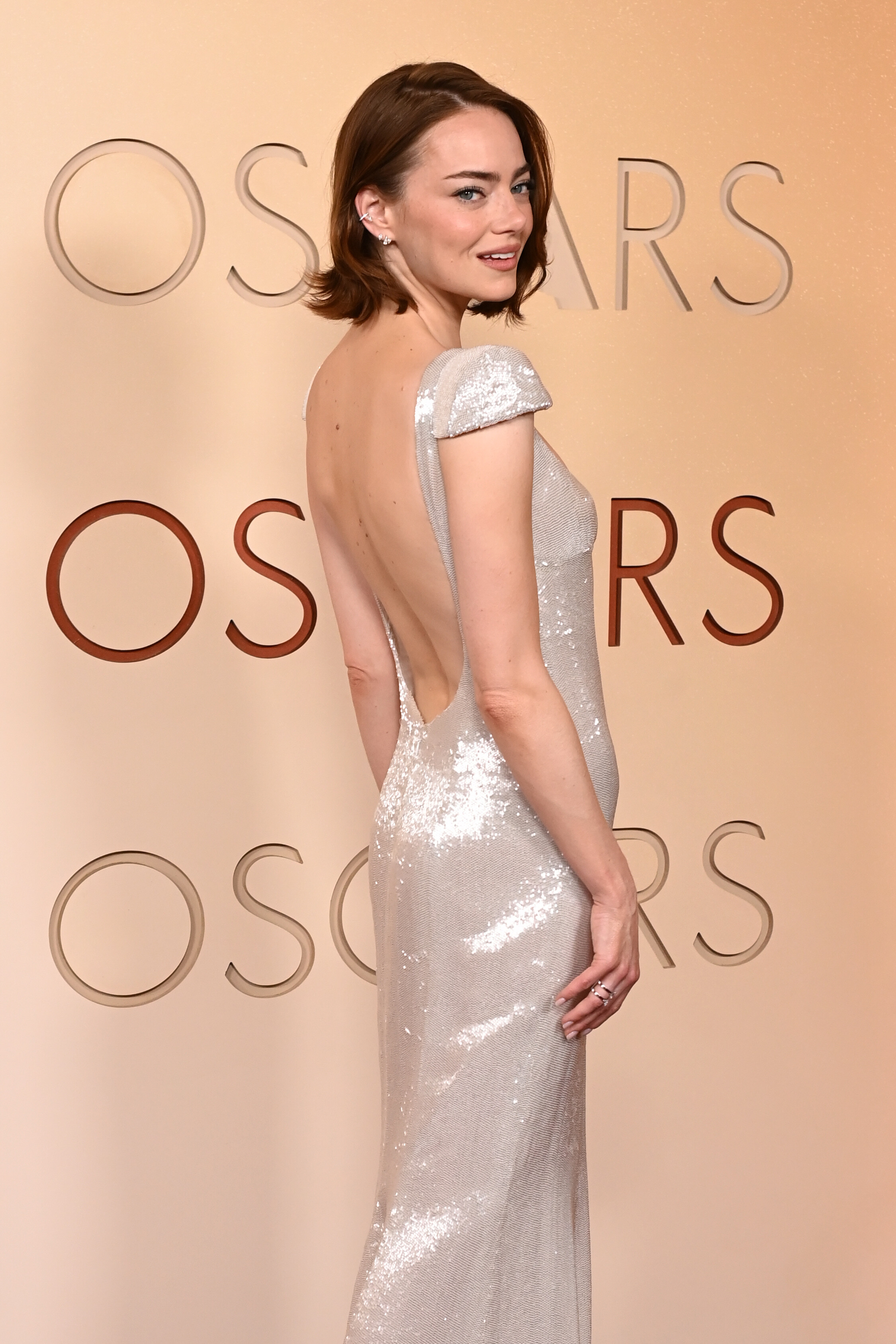
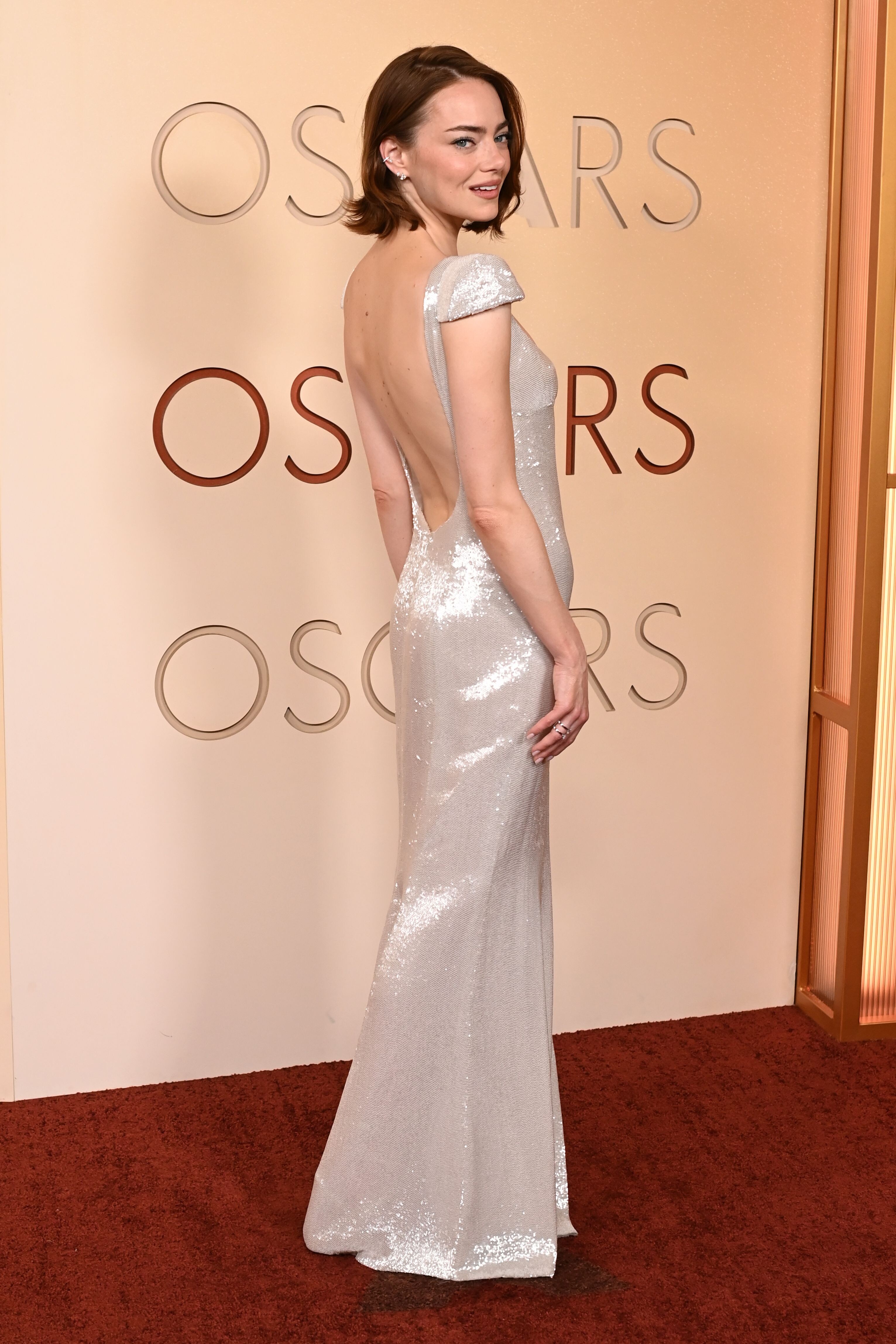
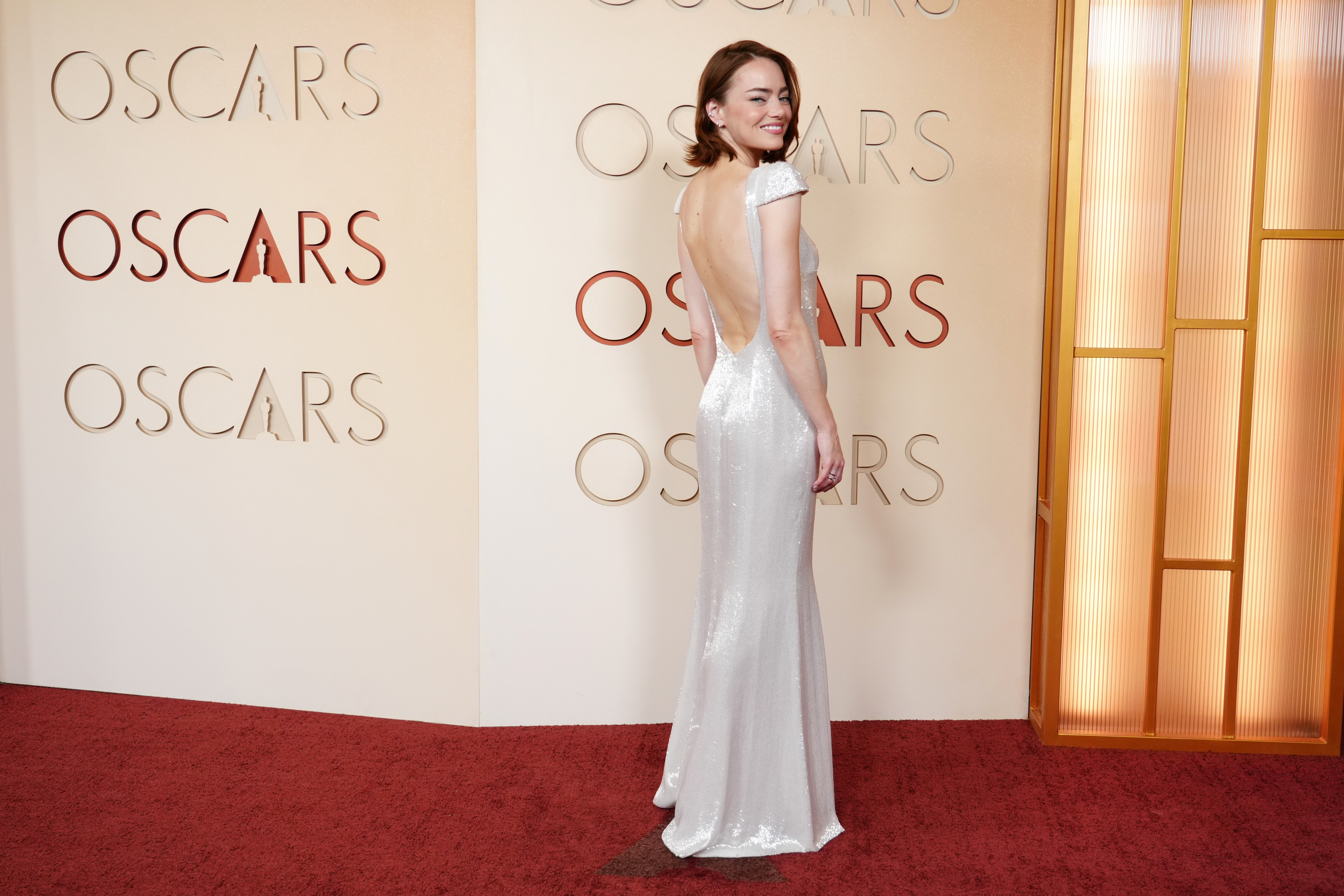
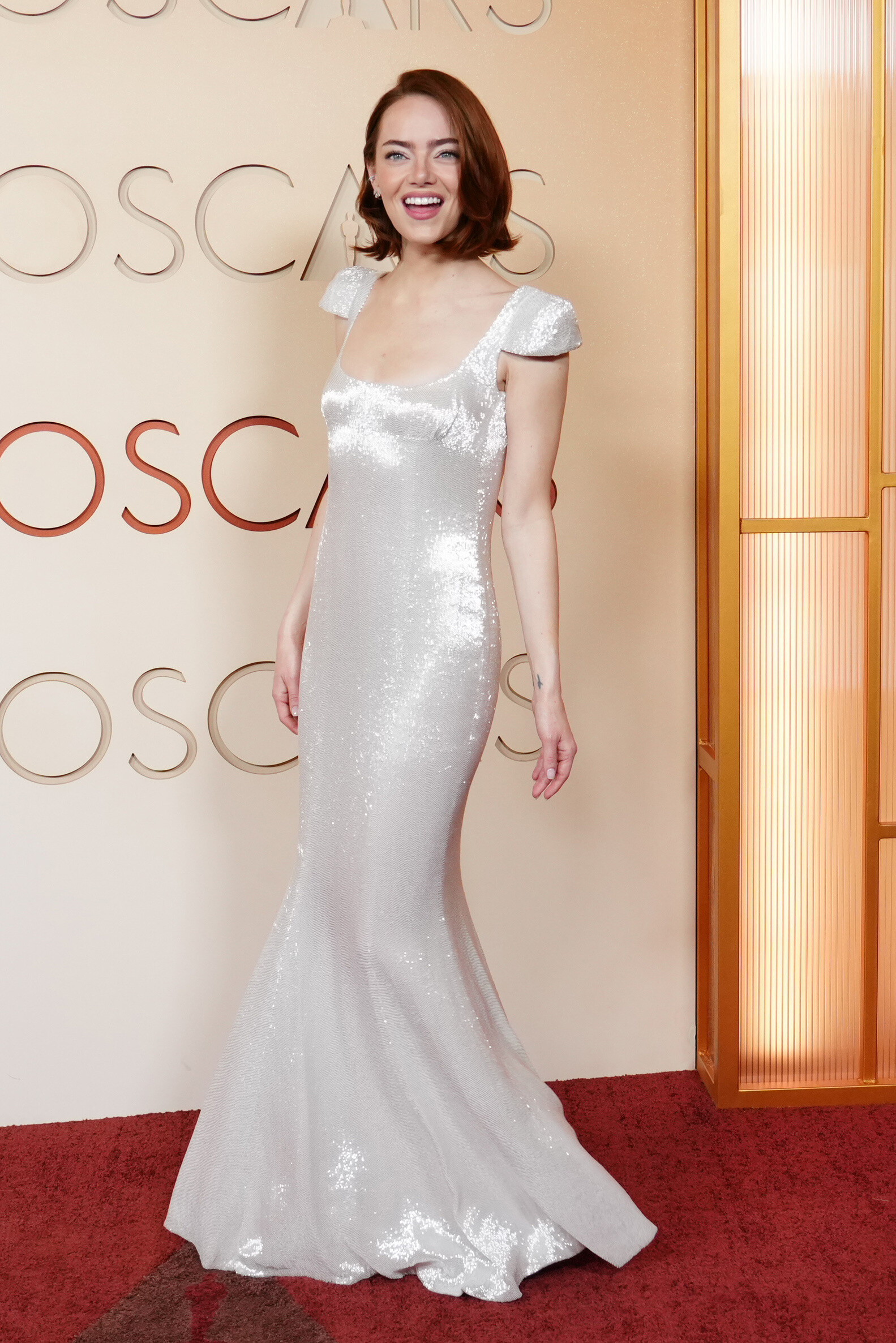
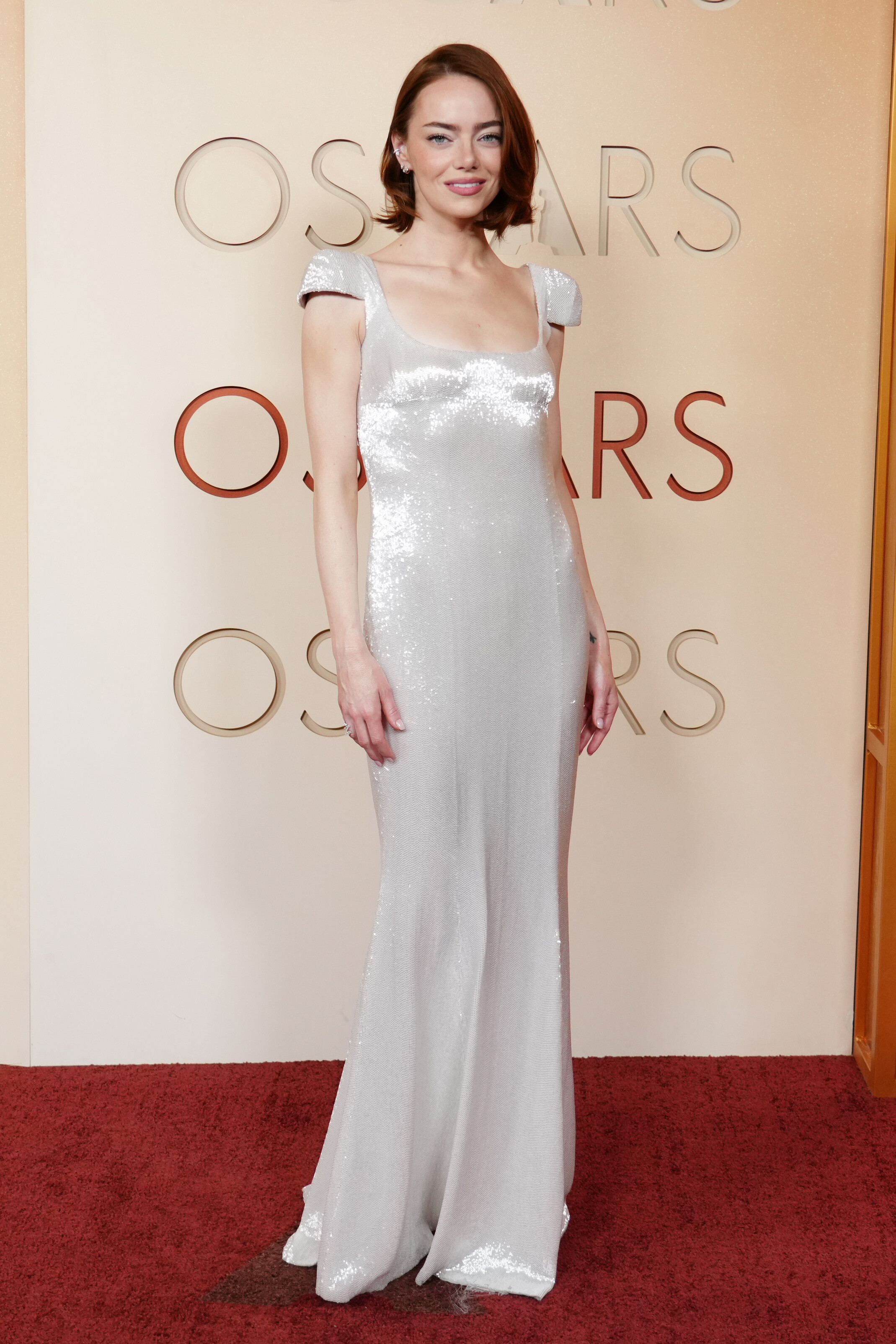
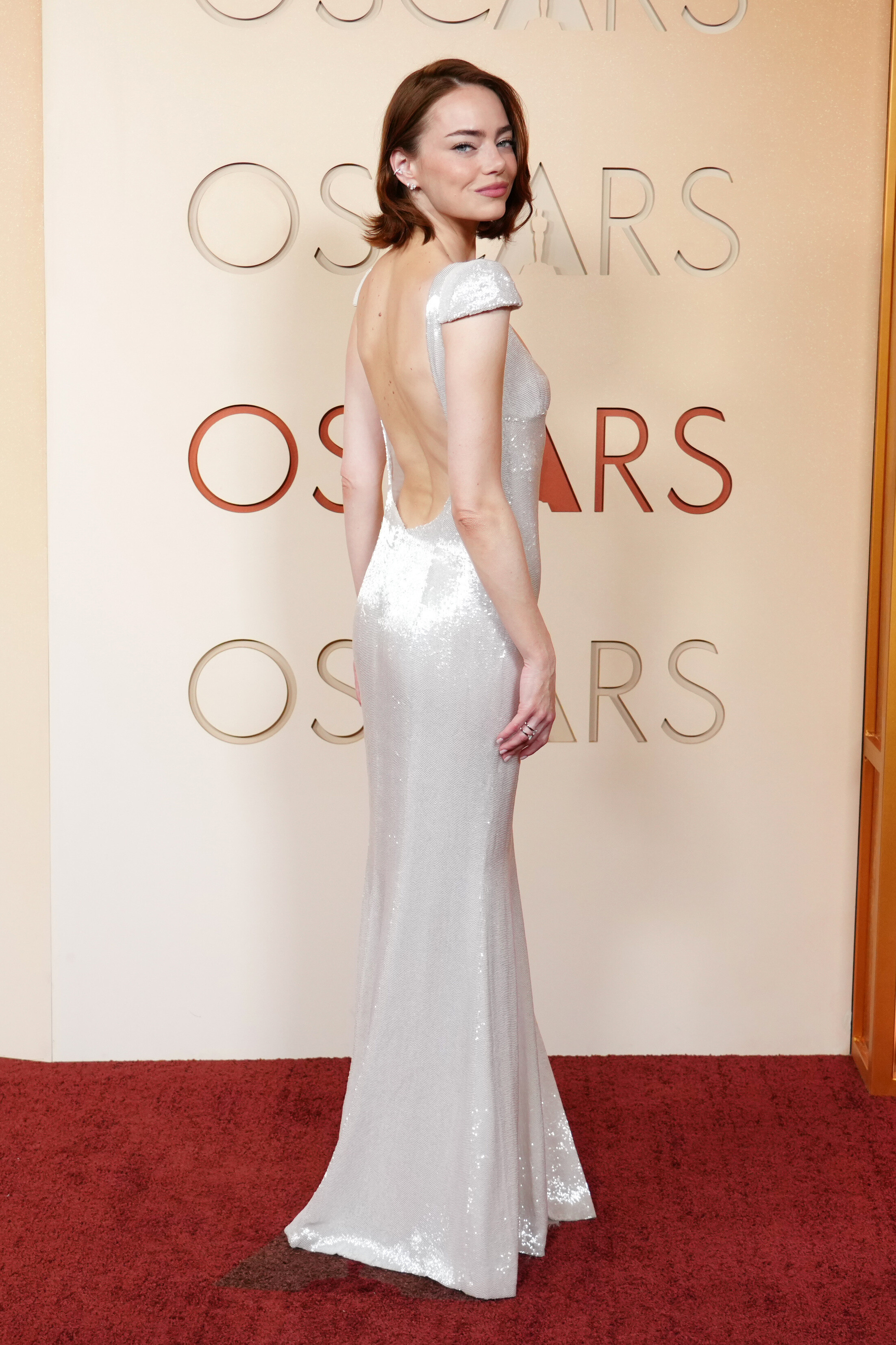
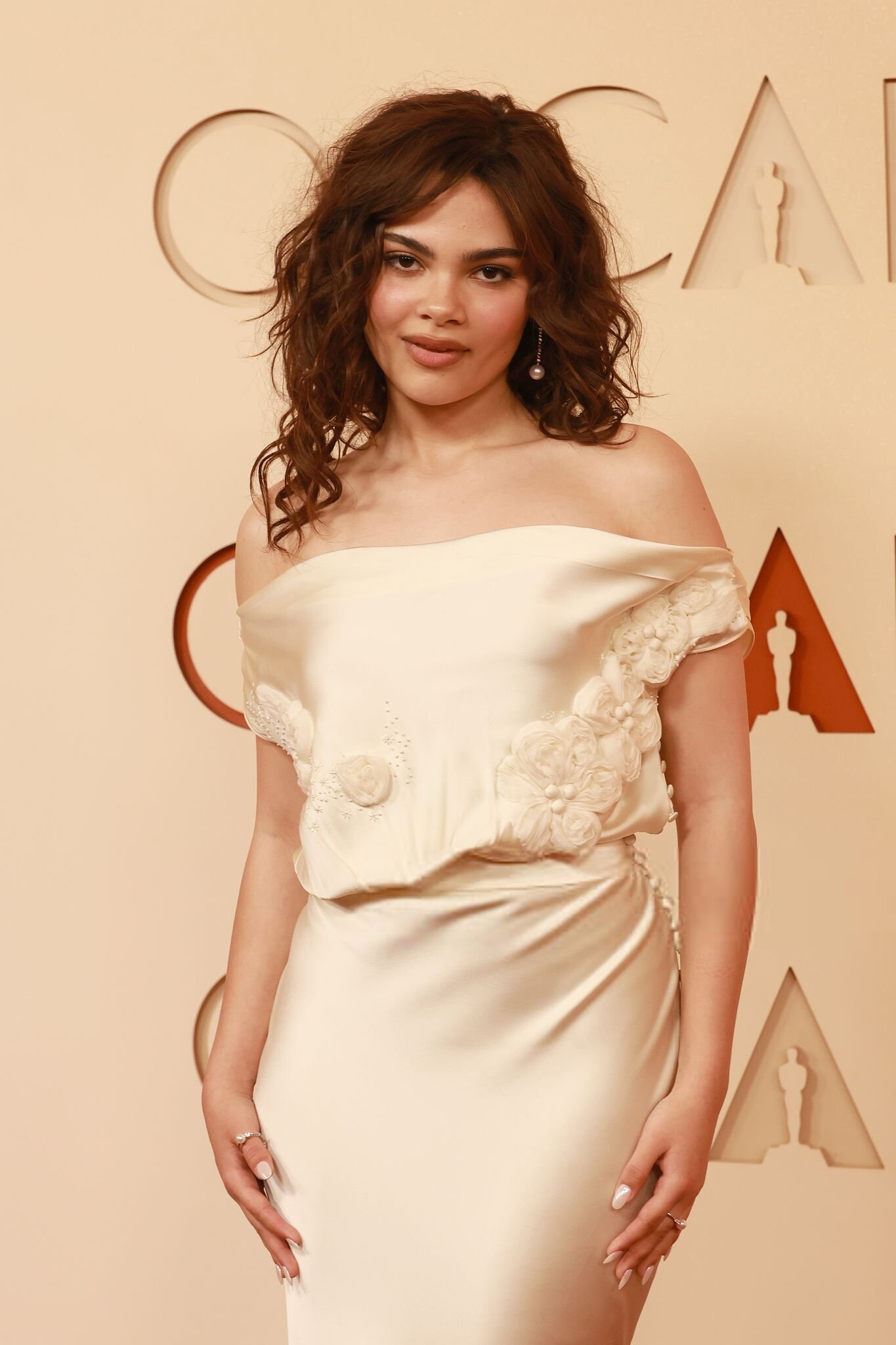
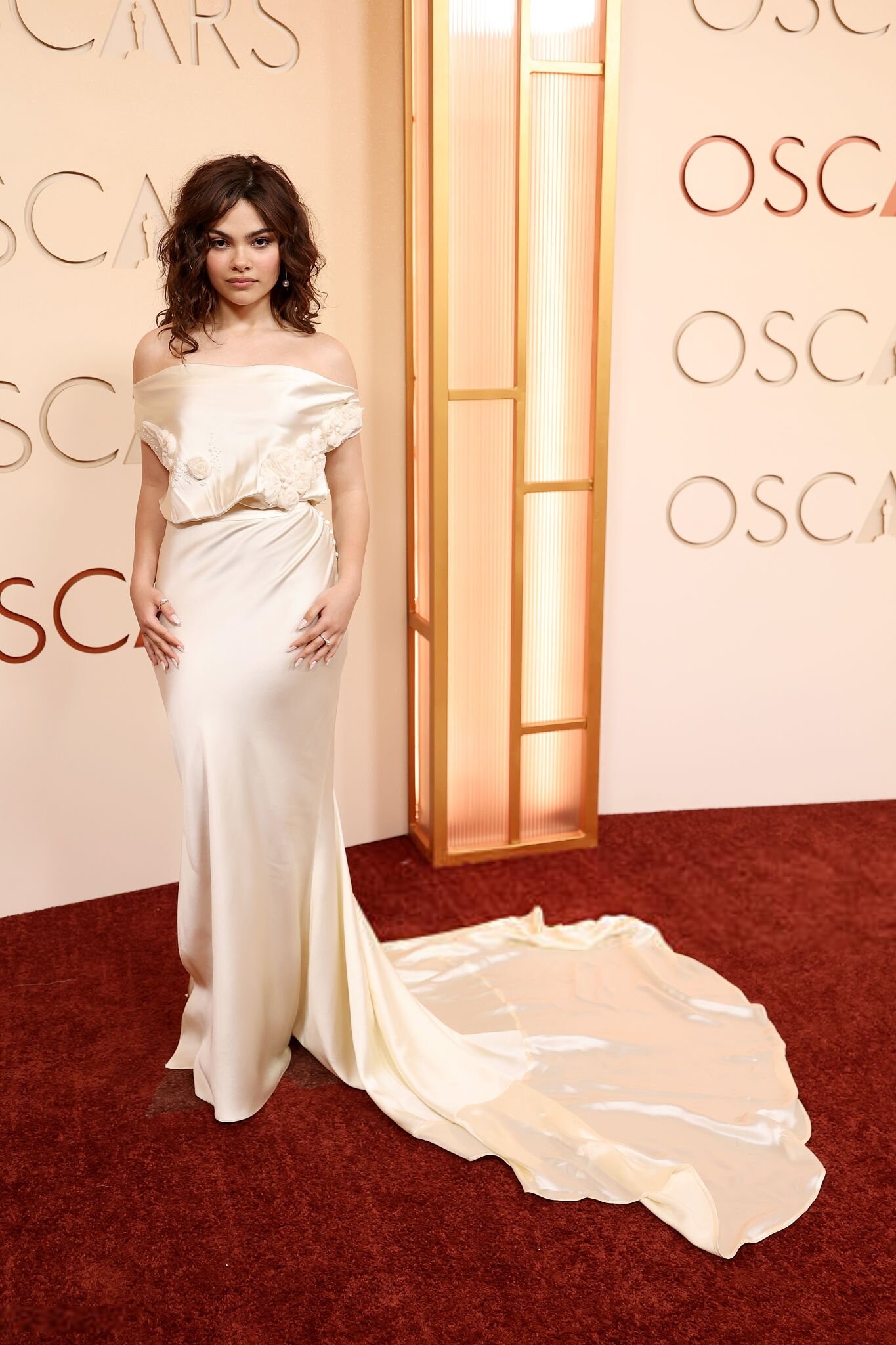
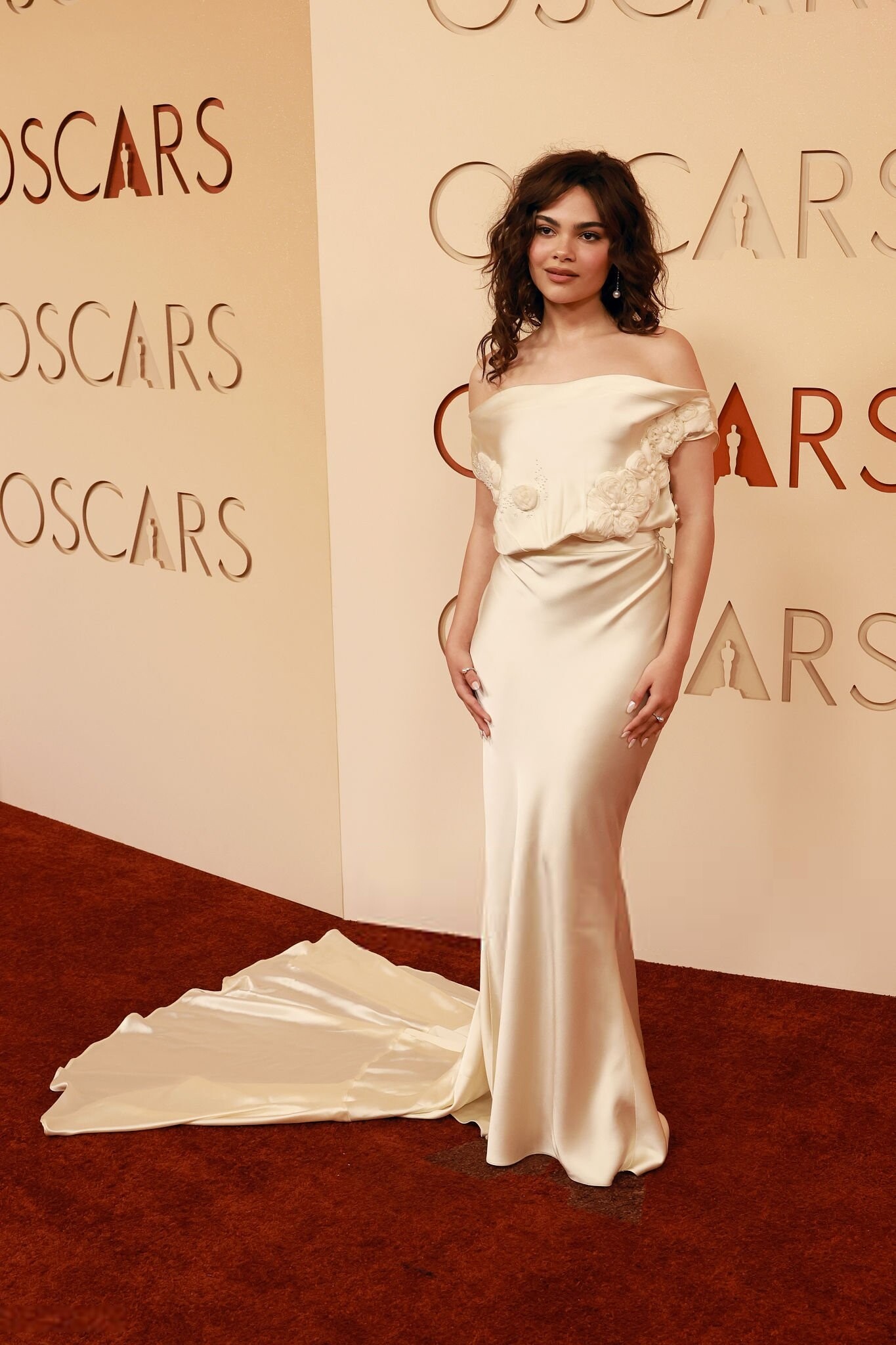
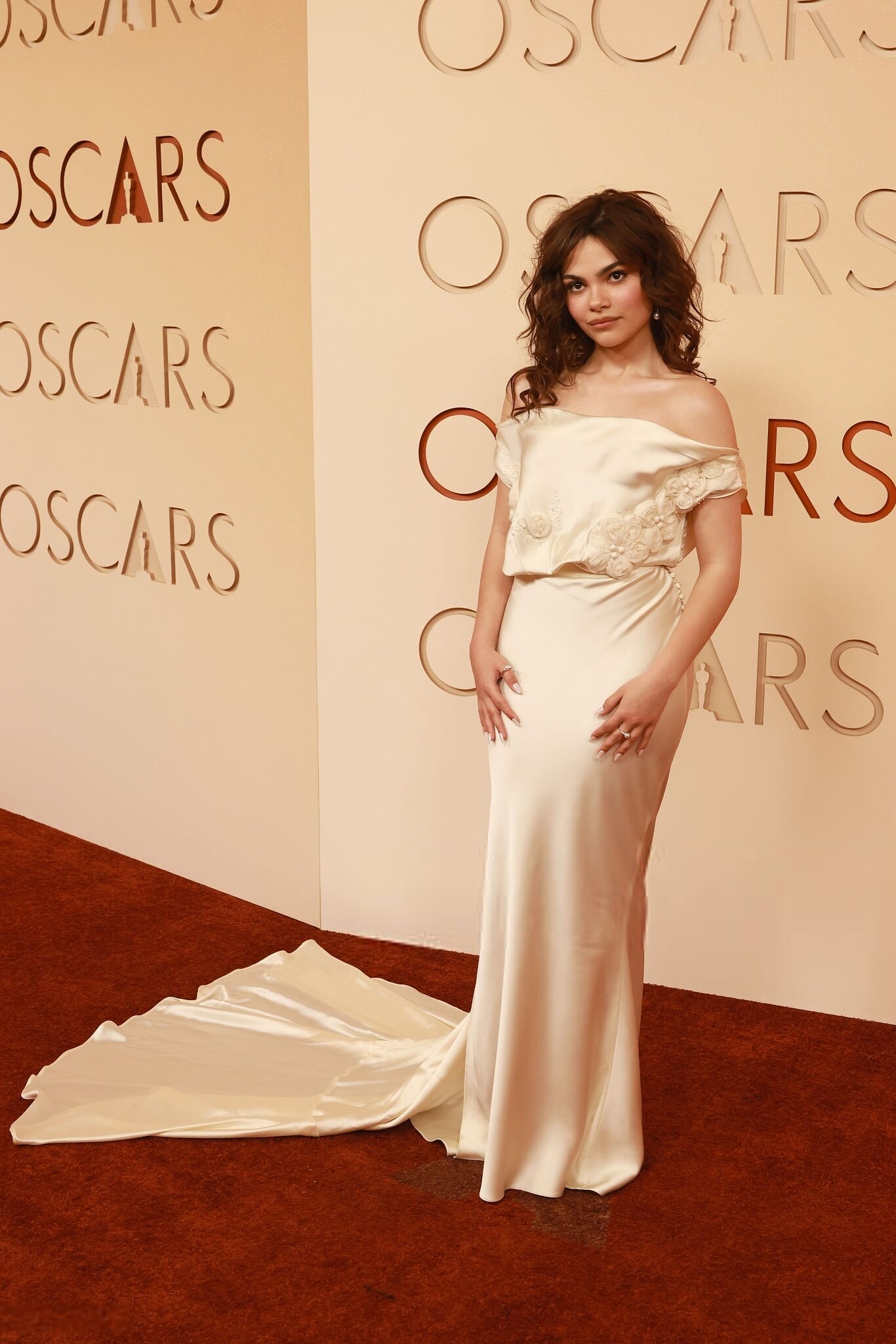
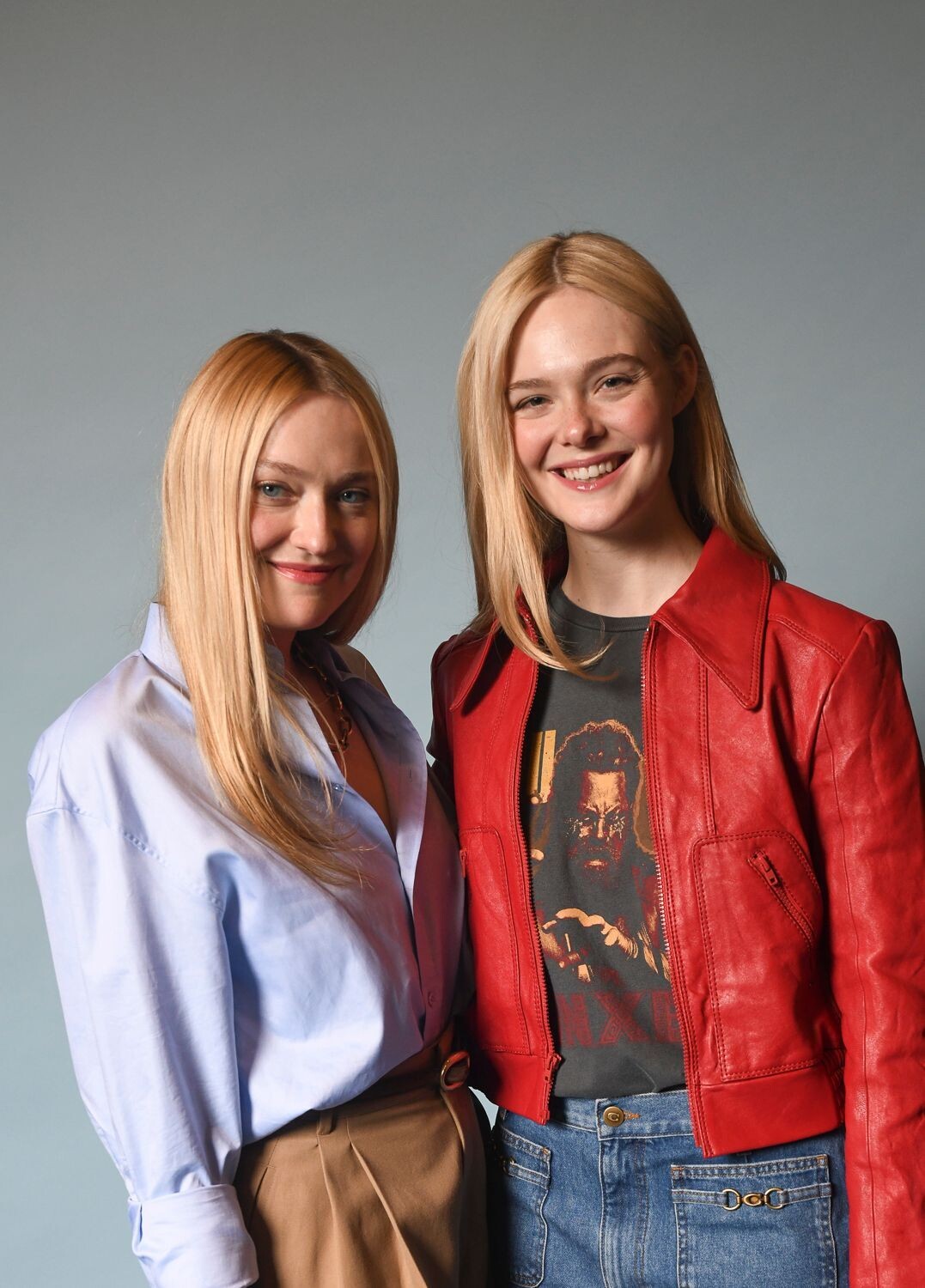
 She looks amazing for the Oscars ❤️ ph Robby Klein totally-elle.com
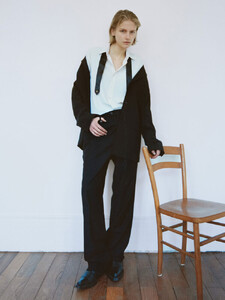
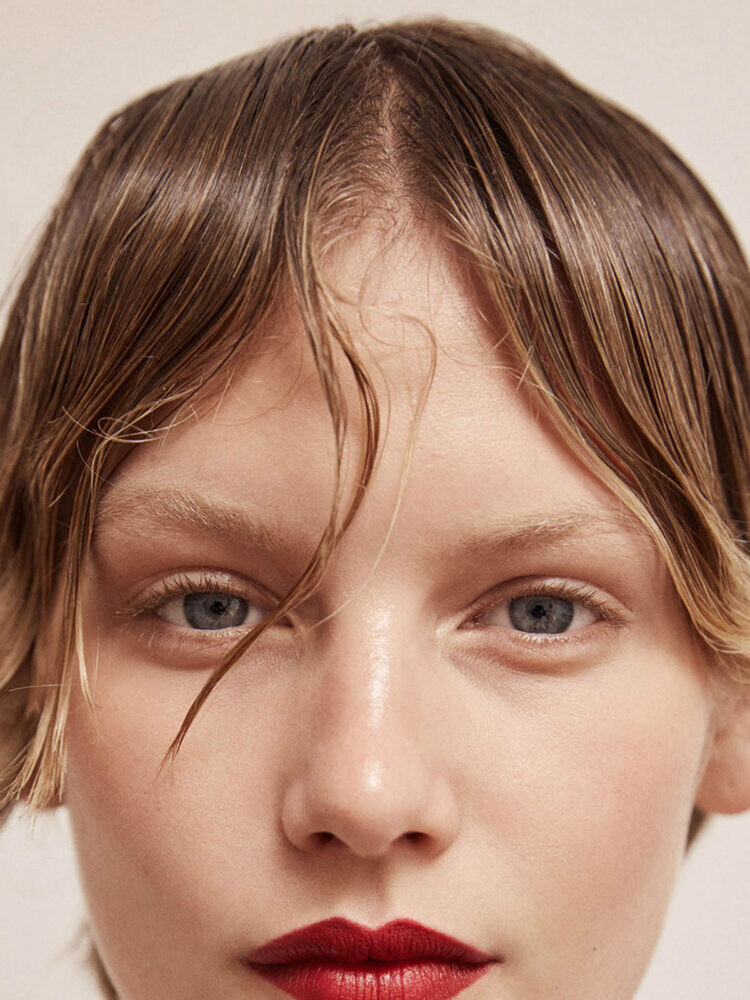
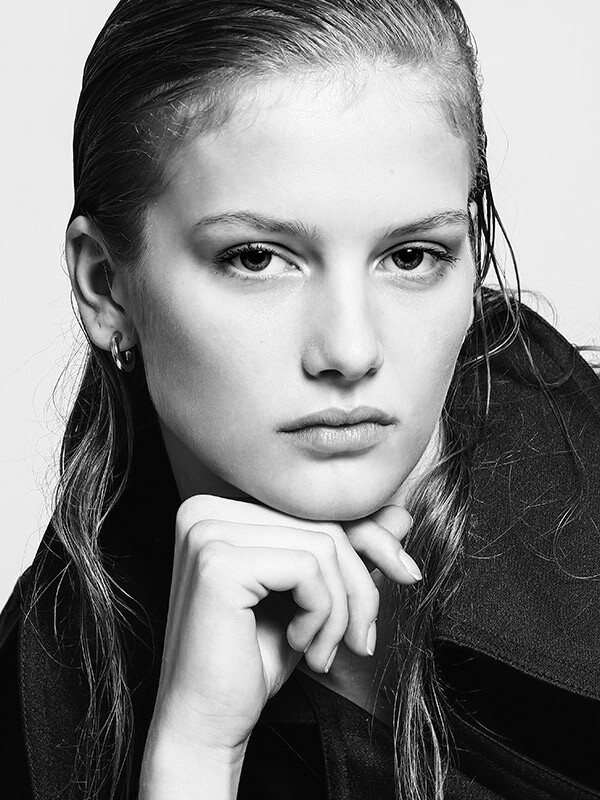
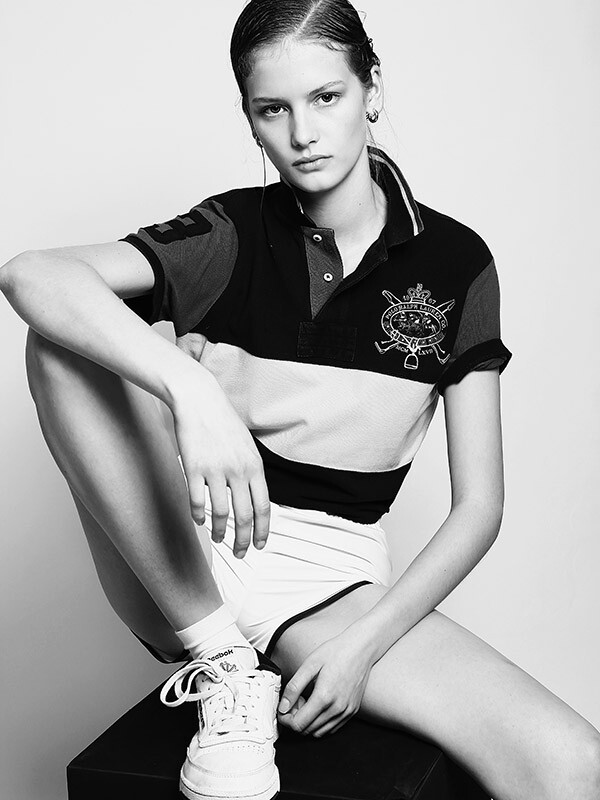
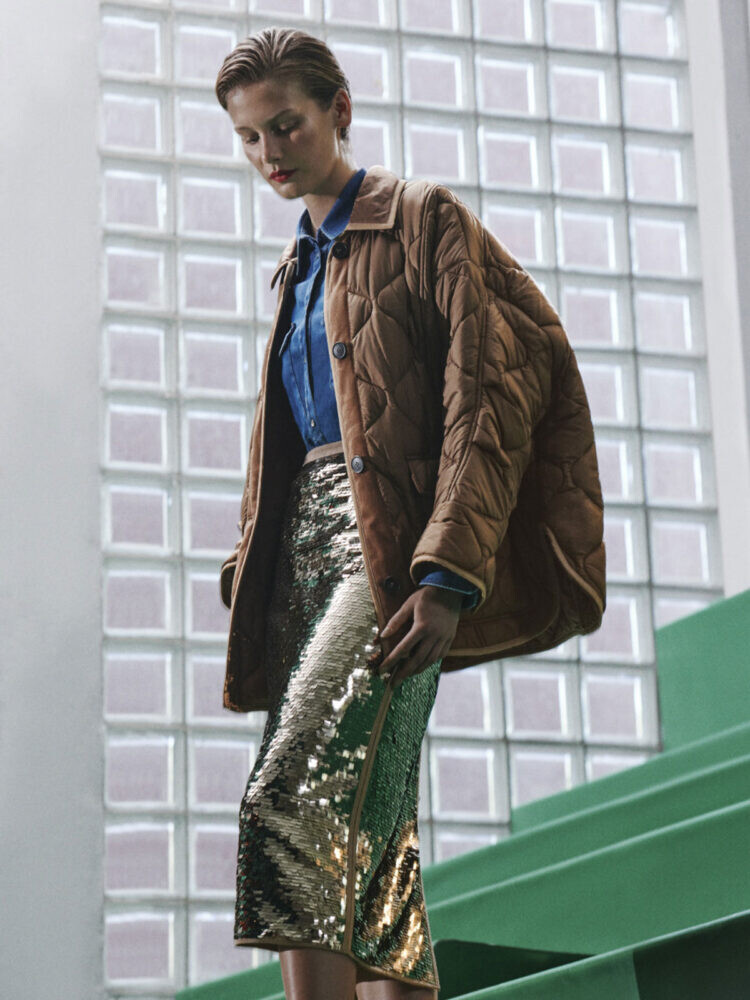
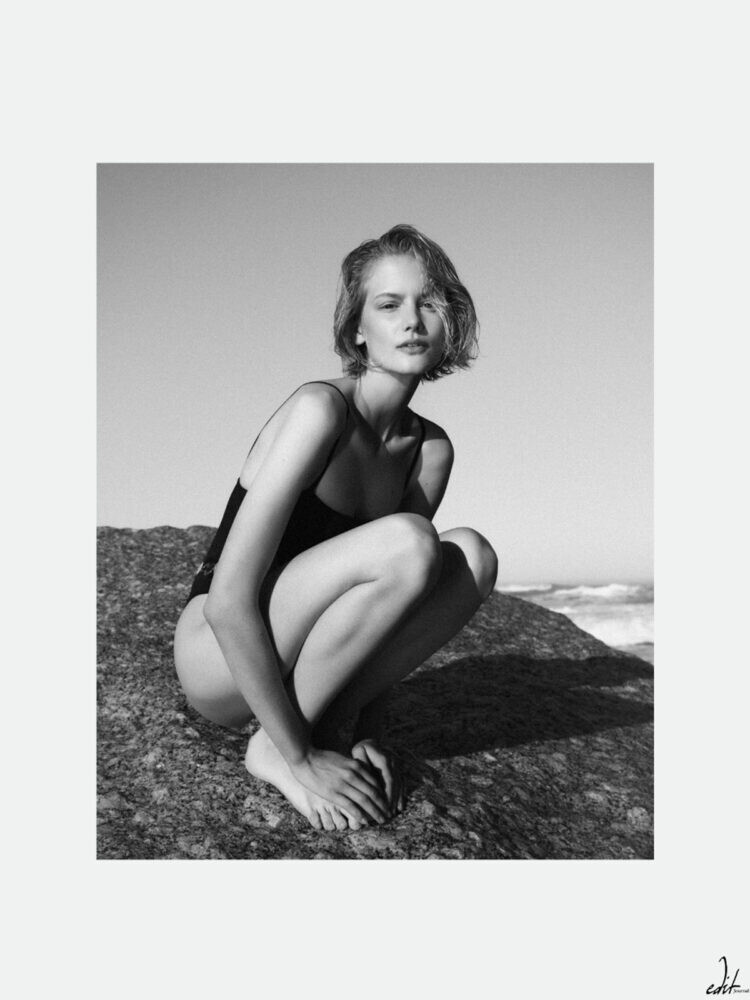
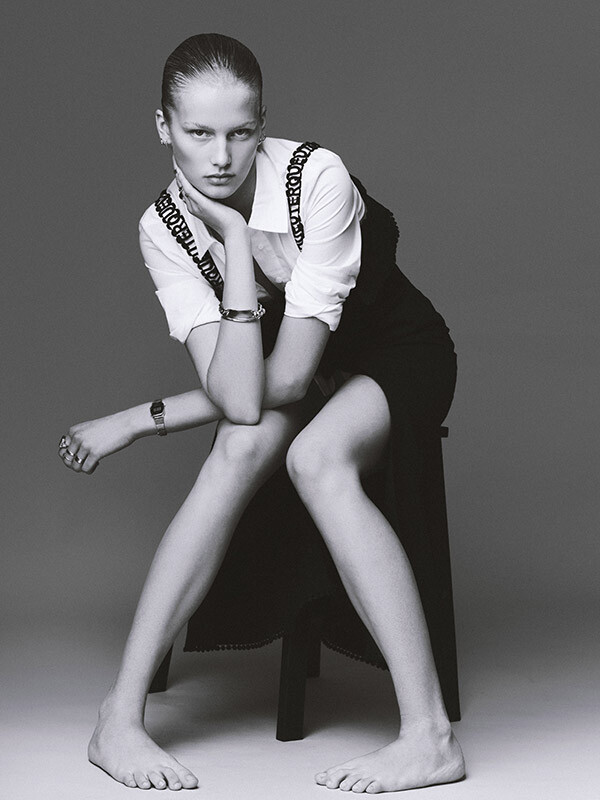
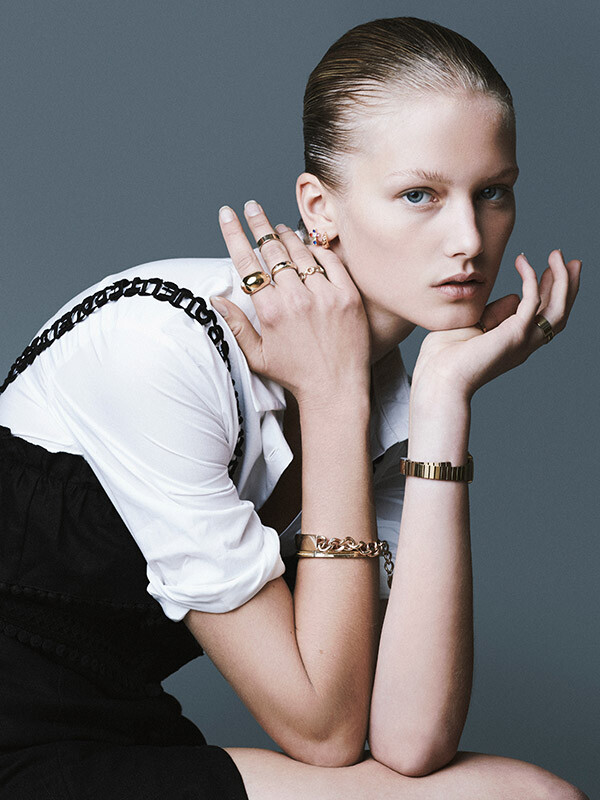
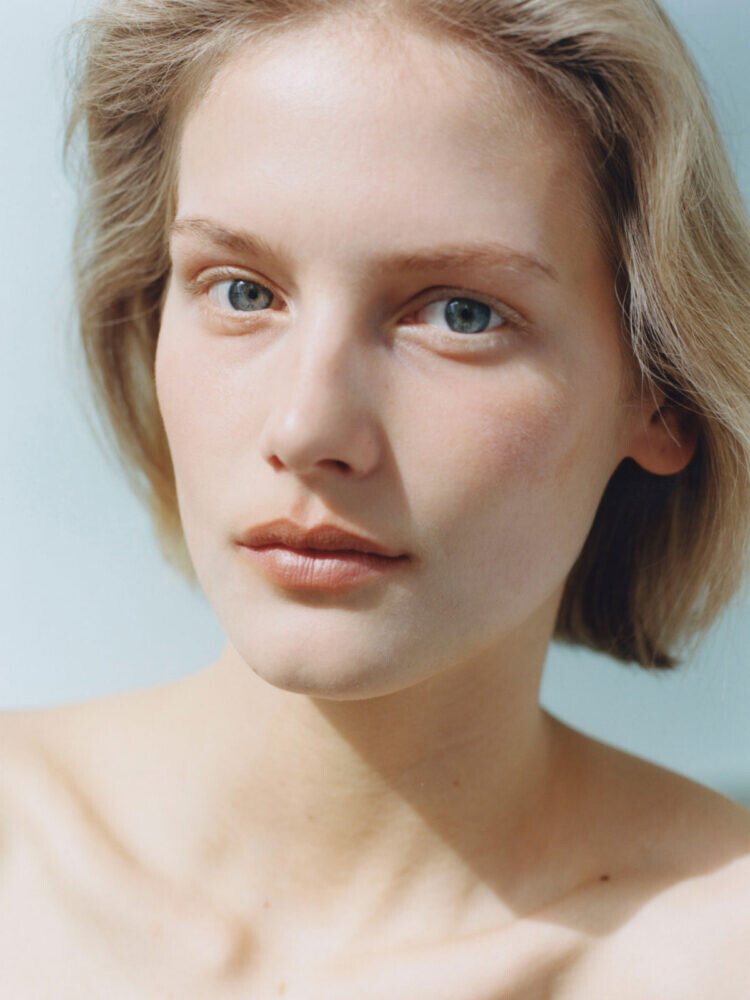
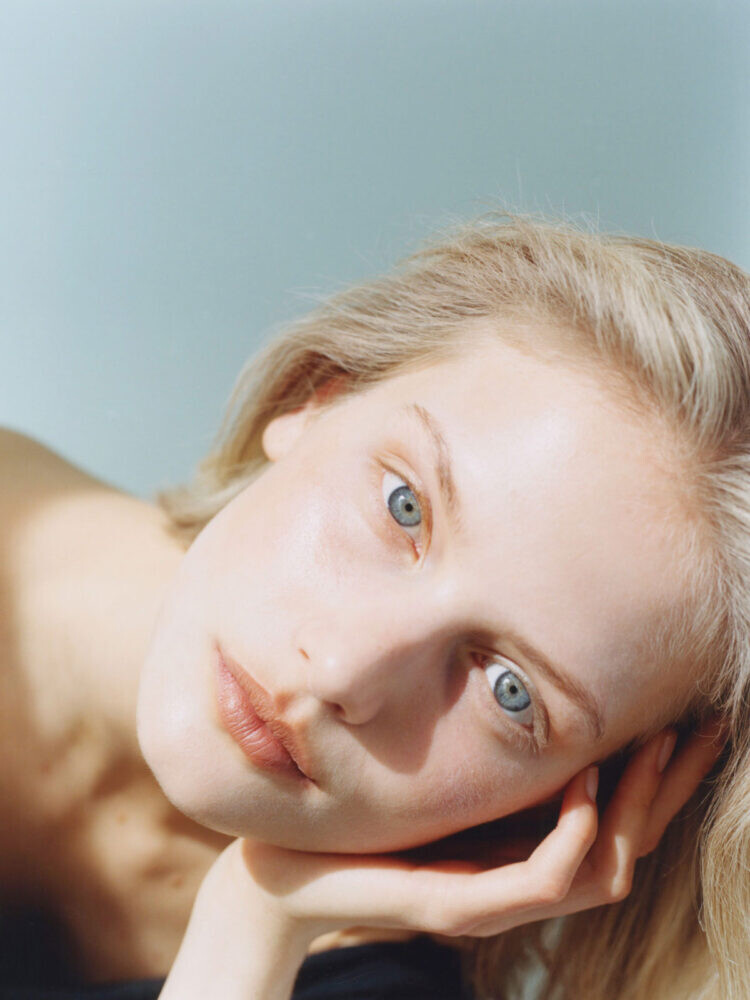
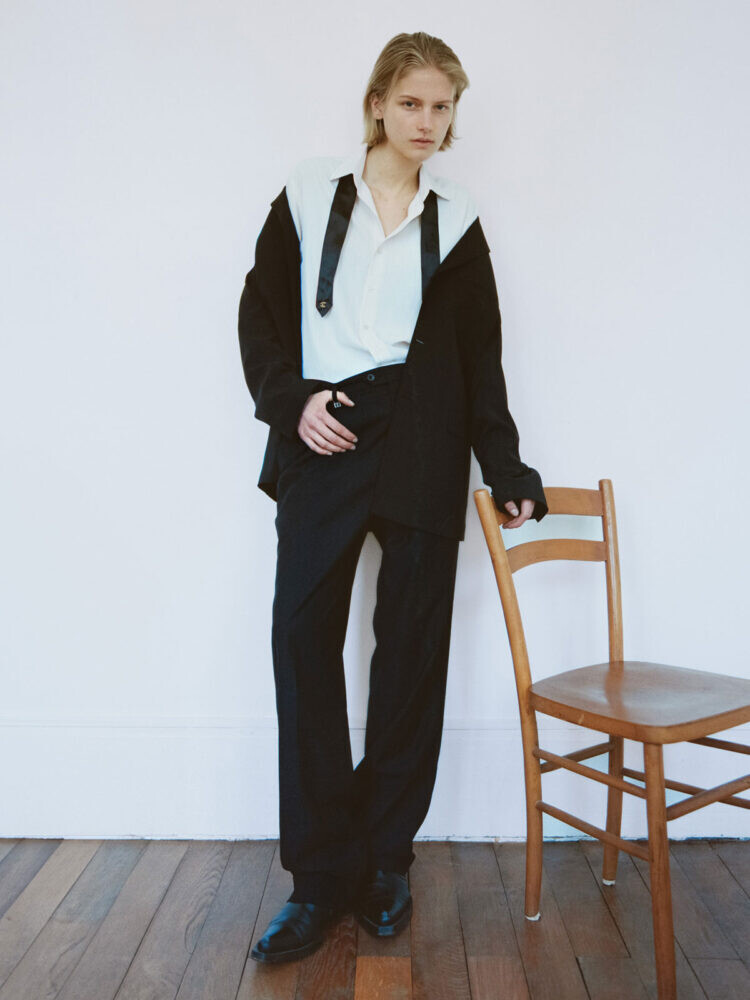
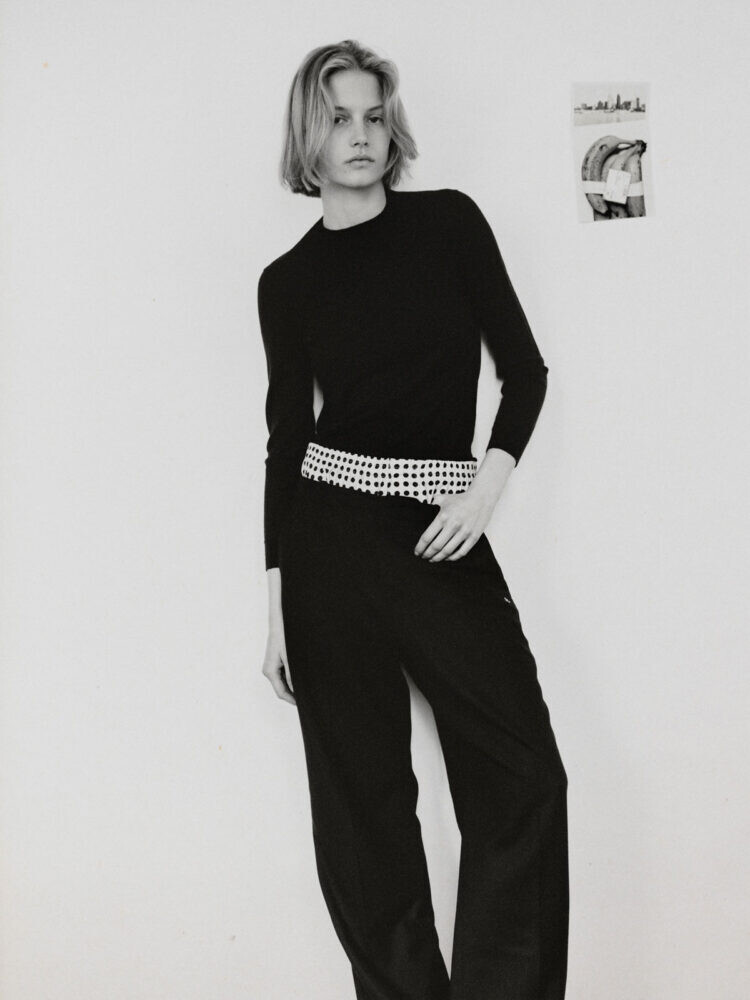
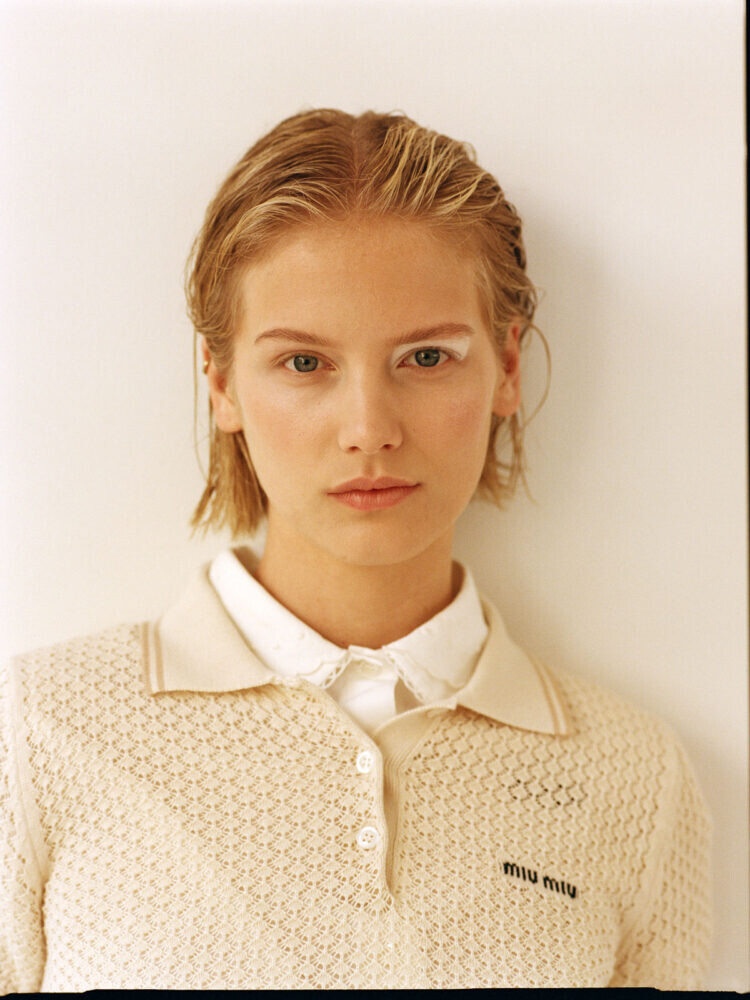
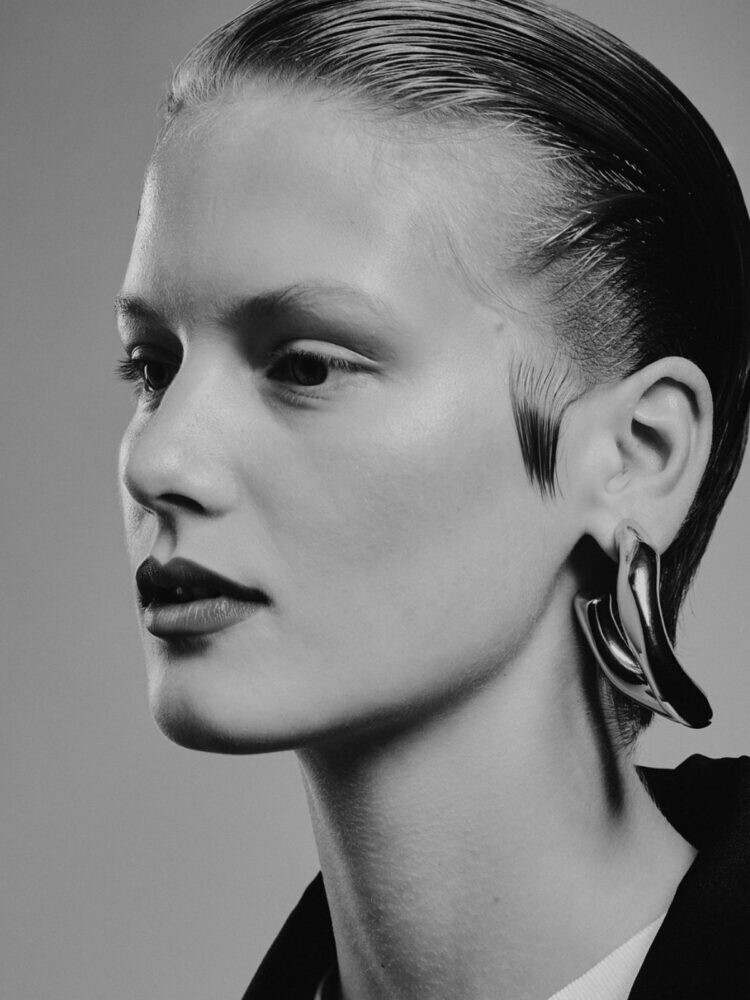
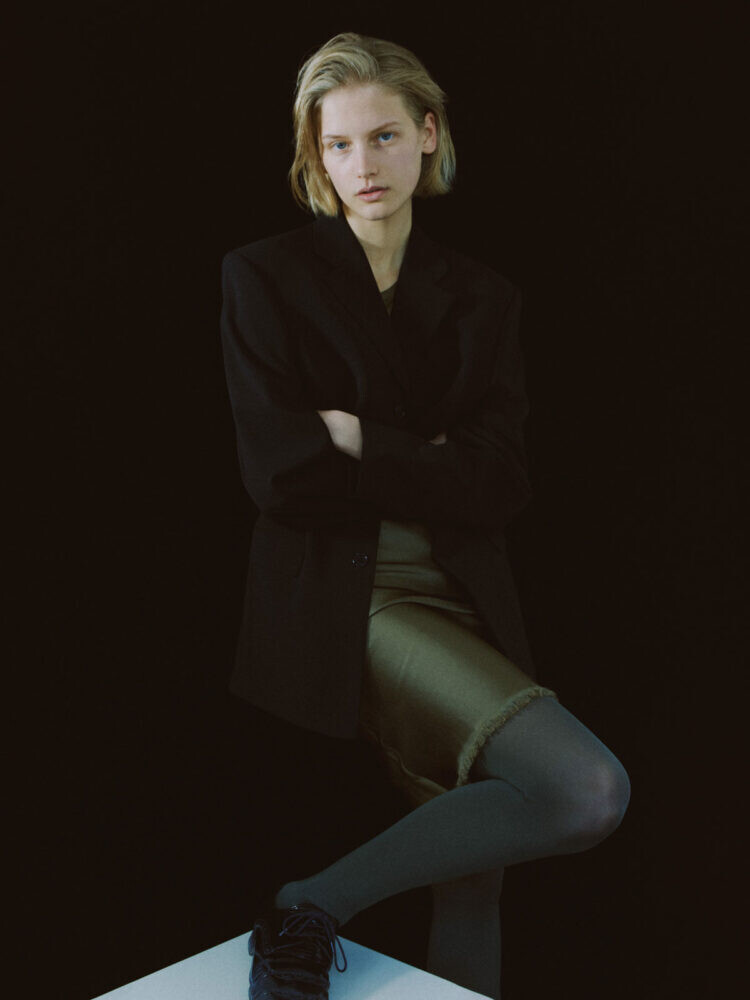
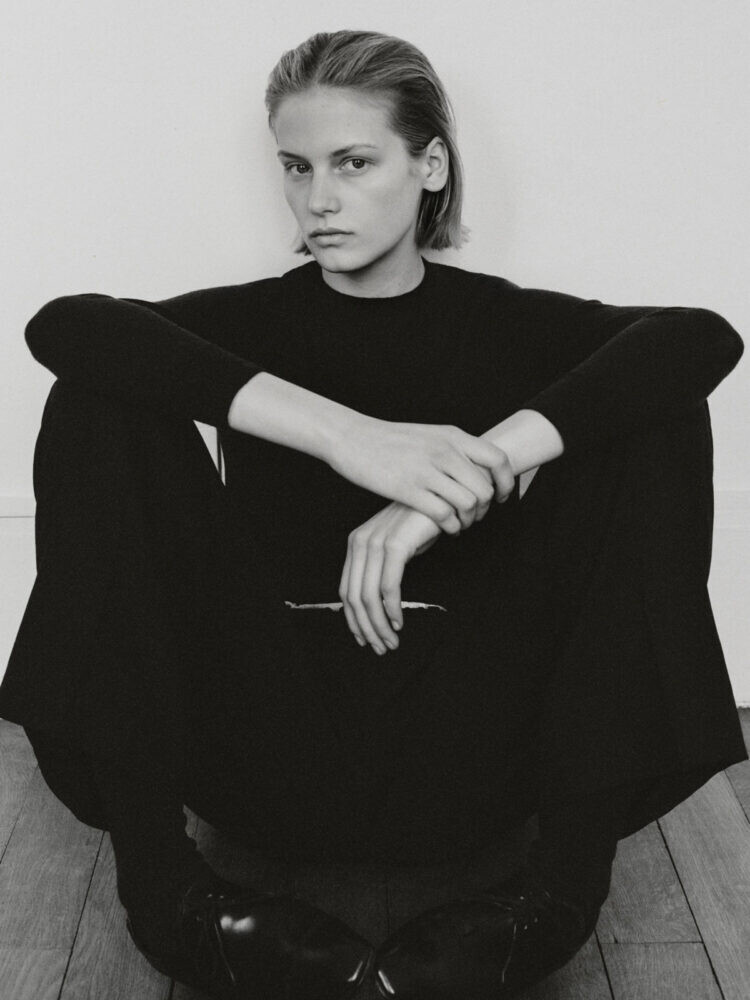
 She does have some Zara work tagged on her Insta feed, so it could be a correct ID.
d.model
She does have some Zara work tagged on her Insta feed, so it could be a correct ID.
d.model












































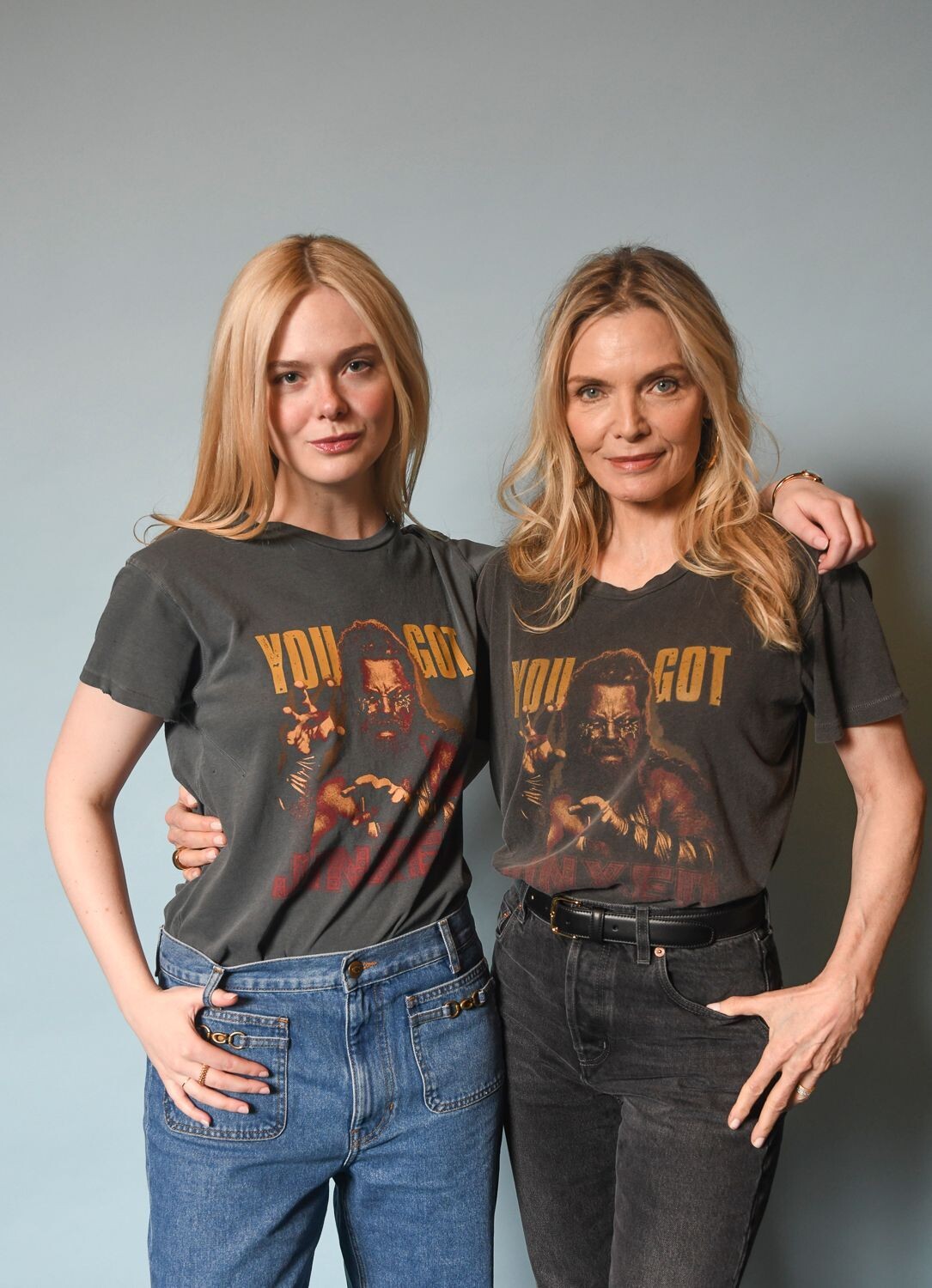
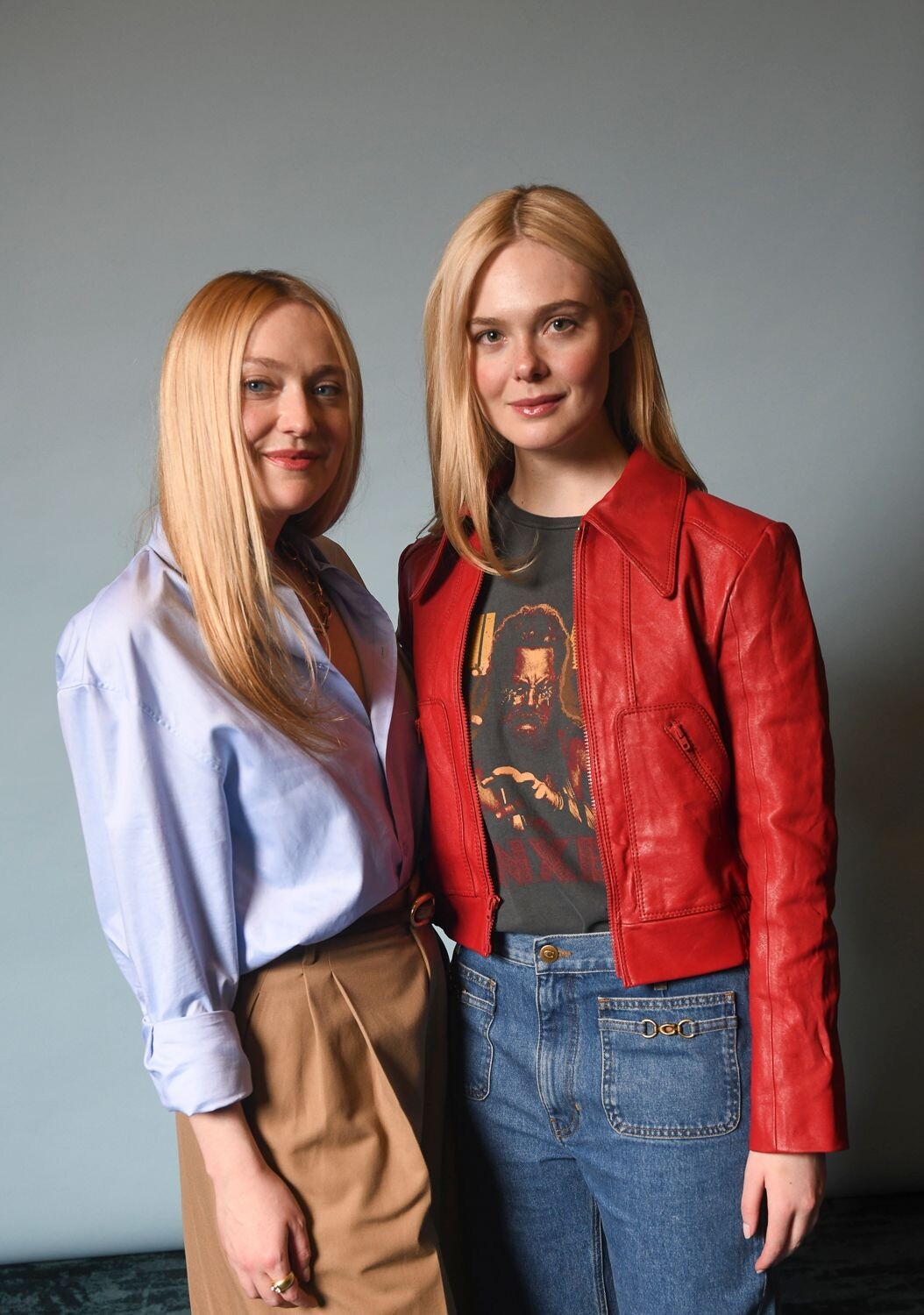
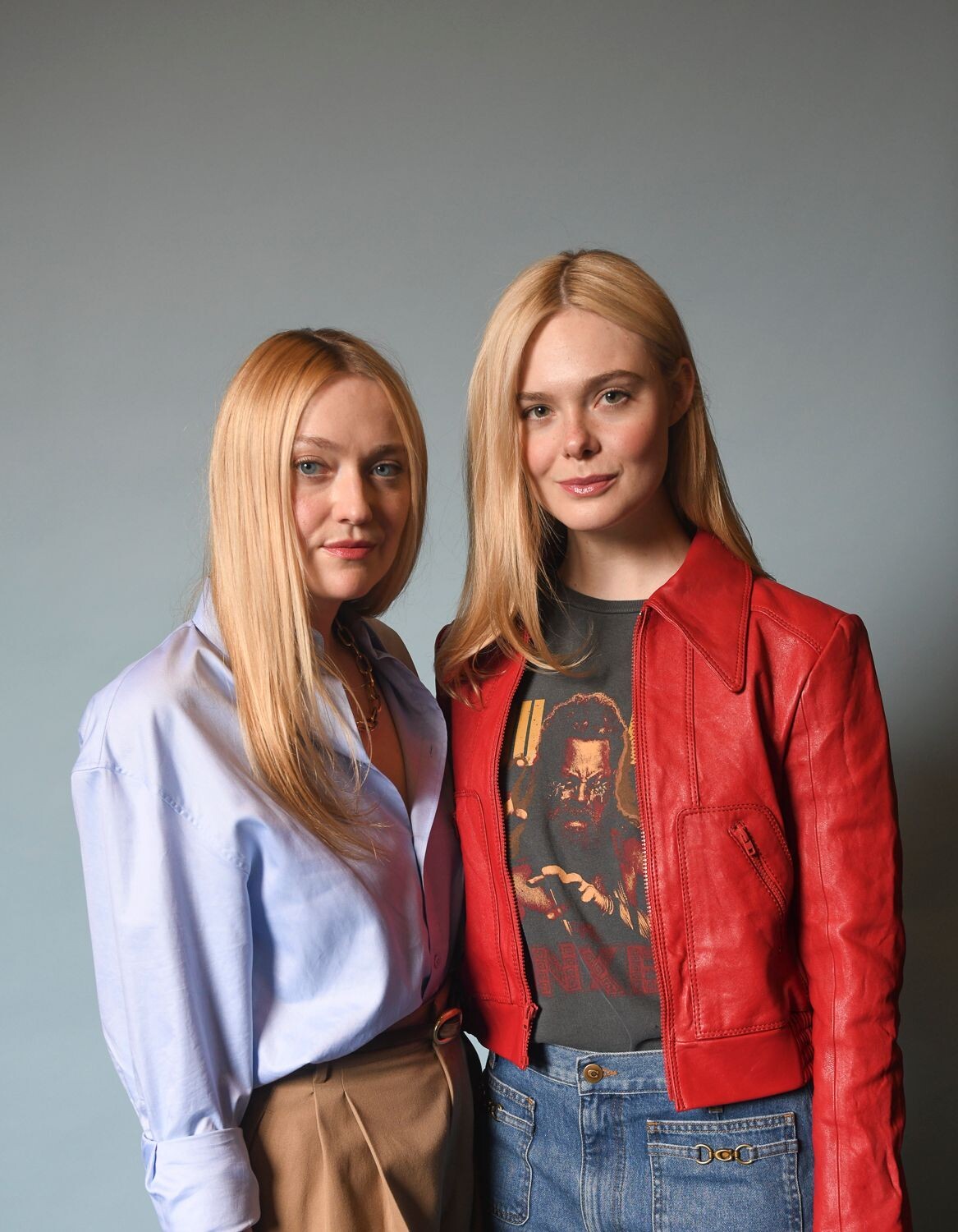
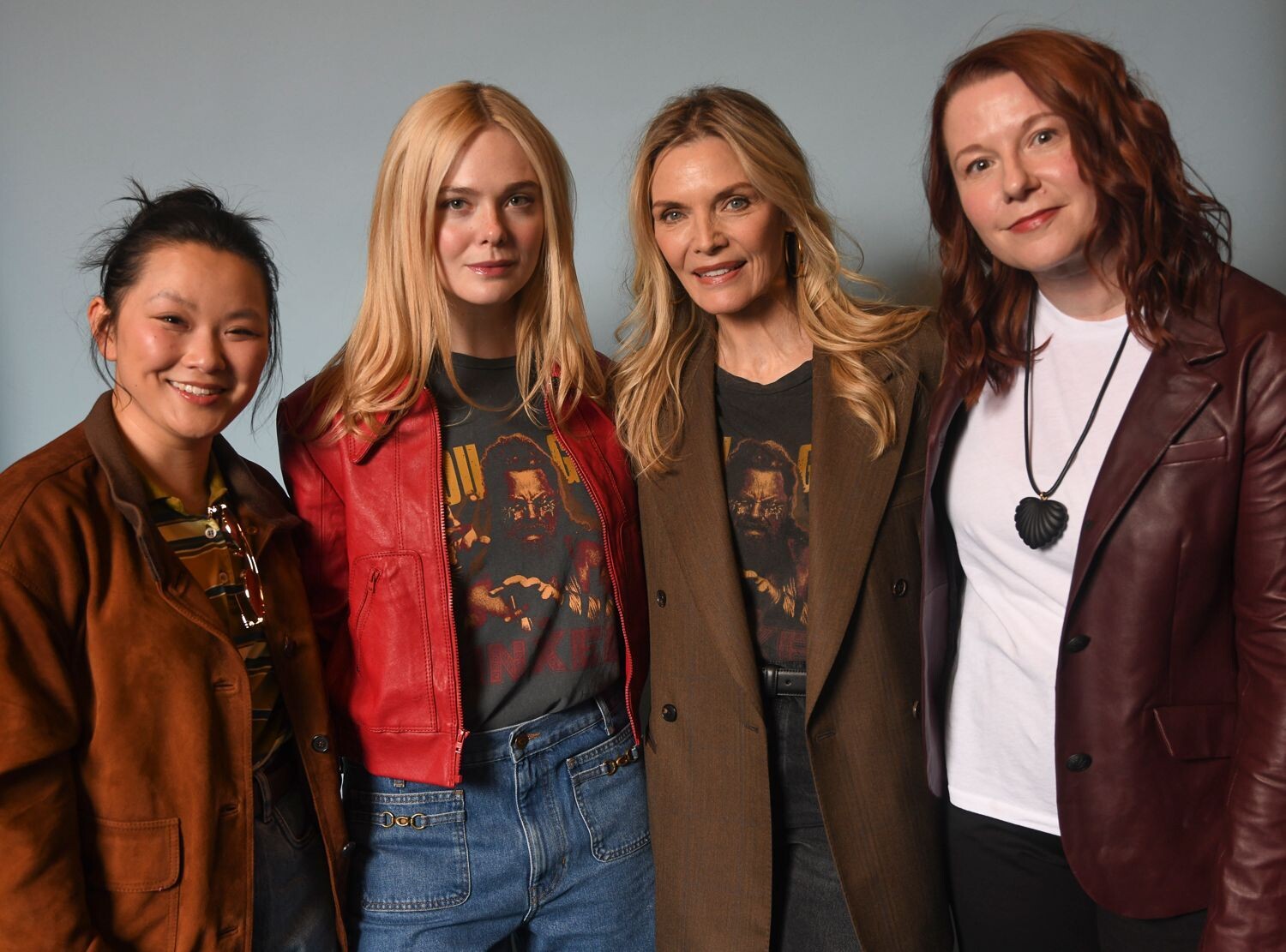





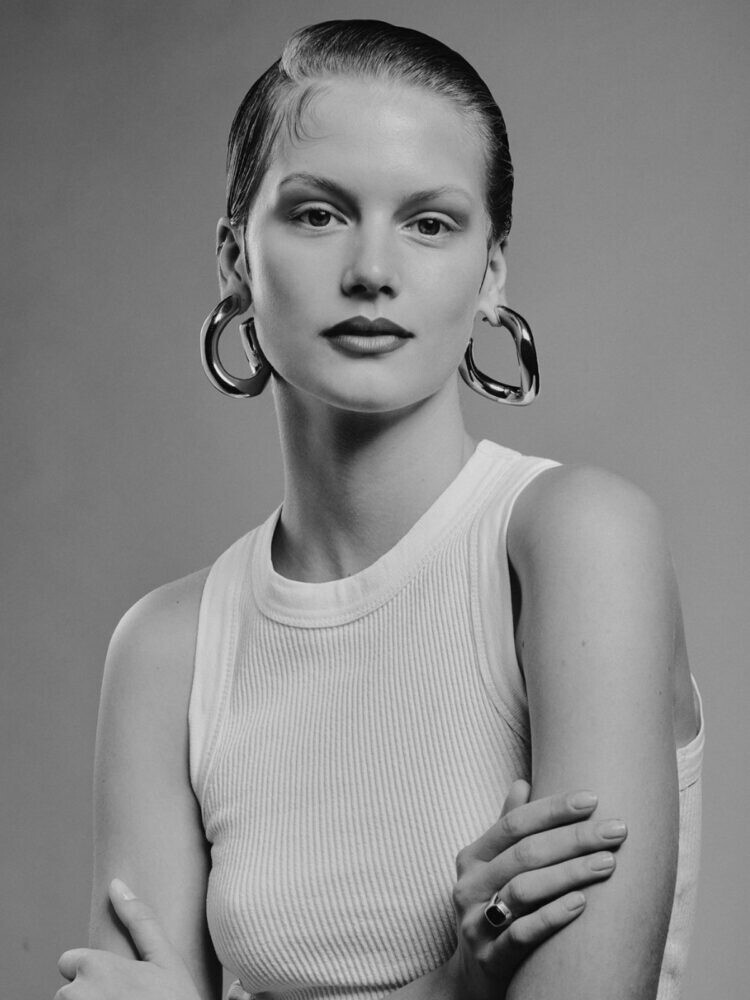

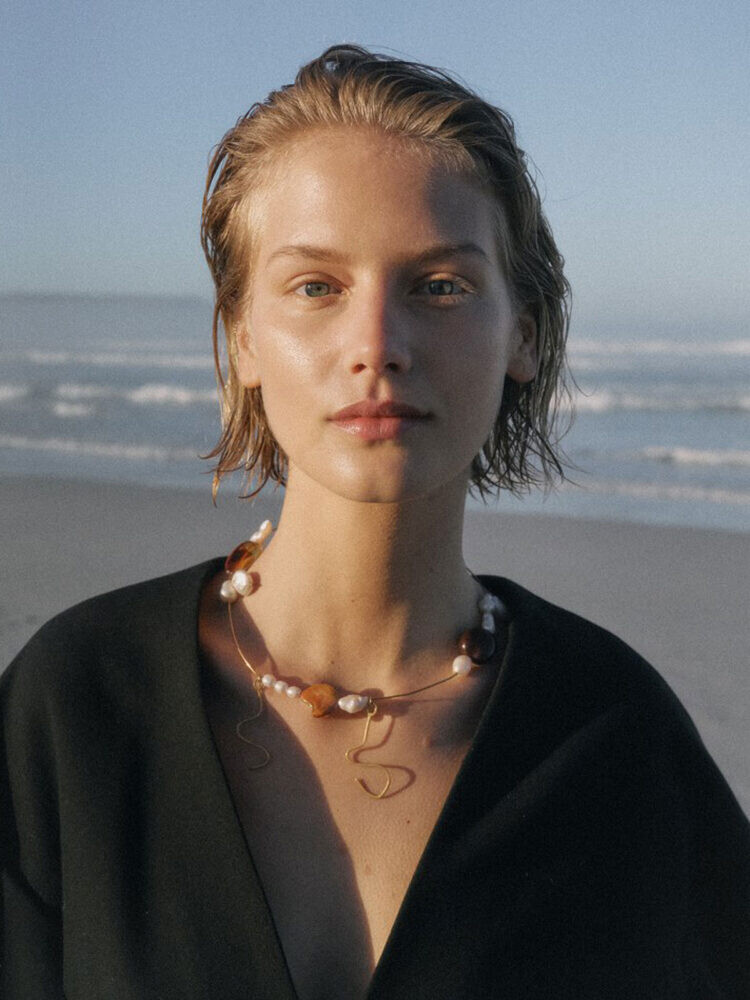
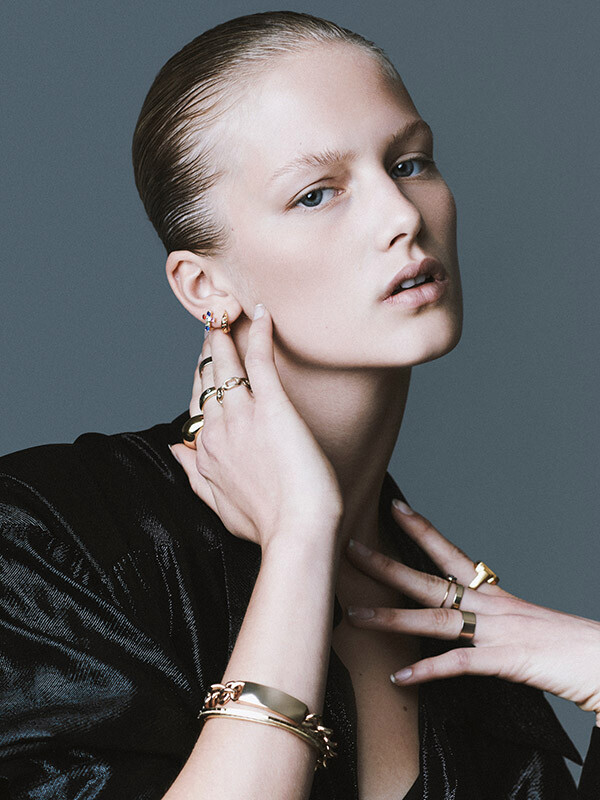
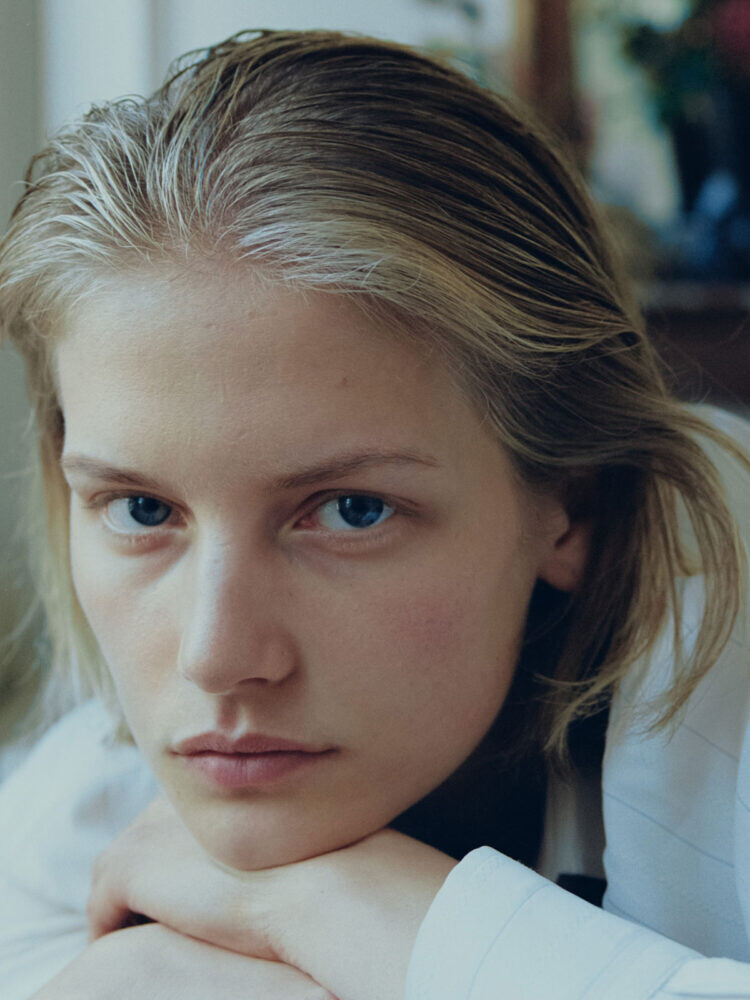
Account
Navigation
Search
Configure browser push notifications
Chrome (Android)
- Tap the lock icon next to the address bar.
- Tap Permissions → Notifications.
- Adjust your preference.
Chrome (Desktop)
- Click the padlock icon in the address bar.
- Select Site settings.
- Find Notifications and adjust your preference.
Safari (iOS 16.4+)
- Ensure the site is installed via Add to Home Screen.
- Open Settings App → Notifications.
- Find your app name and adjust your preference.
Safari (macOS)
- Go to Safari → Preferences.
- Click the Websites tab.
- Select Notifications in the sidebar.
- Find this website and adjust your preference.
Edge (Android)
- Tap the lock icon next to the address bar.
- Tap Permissions.
- Find Notifications and adjust your preference.
Edge (Desktop)
- Click the padlock icon in the address bar.
- Click Permissions for this site.
- Find Notifications and adjust your preference.
Firefox (Android)
- Go to Settings → Site permissions.
- Tap Notifications.
- Find this site in the list and adjust your preference.
Firefox (Desktop)
- Open Firefox Settings.
- Search for Notifications.
- Find this site in the list and adjust your preference.