All Activity
- Past hour
-
 Christine Sofie Johansen
 -

-
-

 You're welcome
 ELITE EUROPE composite 1998 my scan
 Dahig85 joined the community
 ALAIN MANOUKIAN 1996 - PH. UNK - MY SCAN
 MOSCHINO 1996 - PH. UNK - MY SCAN
 ROCOCO 1996 - PH. UNK - MY SCANS

 Okrobee joined the community
 From Deadline LEO-ARTICLE.mp4







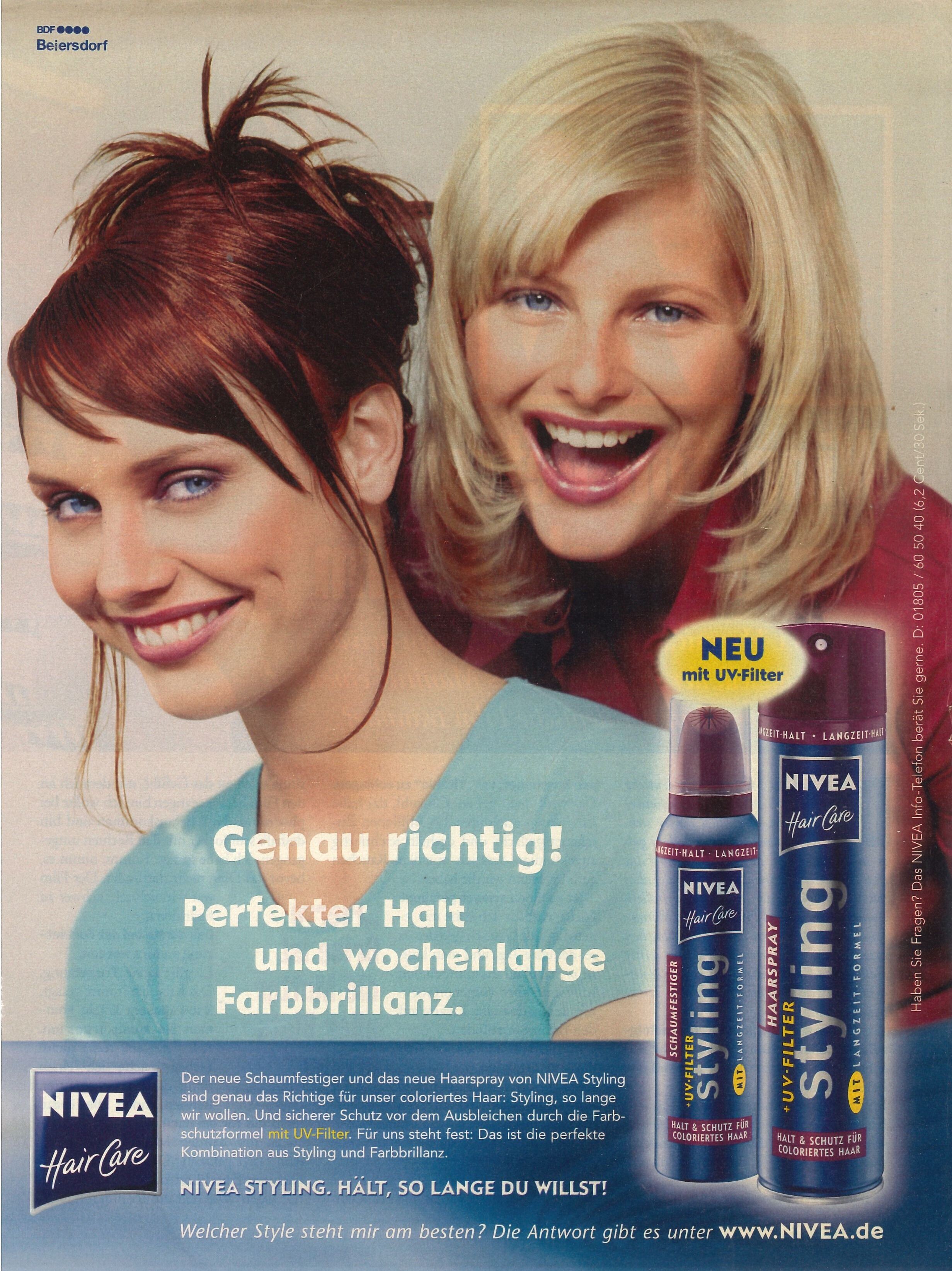
 NIVEA HAIRCARE Germany 2000 Jana Mikuteit & Olga Otrokhova my scan
 IG laurachrusciel



- Today
Jovana Rikalo Spoiler jovanarikalo_1764781695_3779585127911392422_188052989.mp4jovanarikalo_1764781695_3779585053160561787_188052989.mp4jovanarikalo_1764781695_3779585068914340932_188052989.mp4jovanarikalo_1764781695_3779585098031172389_188052989.mp4jovanarikalo_1764781695_3779585114481237717_188052989.mp4












 Anne Klein 1995 By Peter Arnell Source: www.peterarnell.com




































































Account
Search
Configure browser push notifications
Chrome (Android)
- Tap the lock icon next to the address bar.
- Tap Permissions → Notifications.
- Adjust your preference.
Chrome (Desktop)
- Click the padlock icon in the address bar.
- Select Site settings.
- Find Notifications and adjust your preference.
Safari (iOS 16.4+)
- Ensure the site is installed via Add to Home Screen.
- Open Settings App → Notifications.
- Find your app name and adjust your preference.
Safari (macOS)
- Go to Safari → Preferences.
- Click the Websites tab.
- Select Notifications in the sidebar.
- Find this website and adjust your preference.
Edge (Android)
- Tap the lock icon next to the address bar.
- Tap Permissions.
- Find Notifications and adjust your preference.
Edge (Desktop)
- Click the padlock icon in the address bar.
- Click Permissions for this site.
- Find Notifications and adjust your preference.
Firefox (Android)
- Go to Settings → Site permissions.
- Tap Notifications.
- Find this site in the list and adjust your preference.
Firefox (Desktop)
- Open Firefox Settings.
- Search for Notifications.
- Find this site in the list and adjust your preference.