All Activity
- Past hour
-

-
-
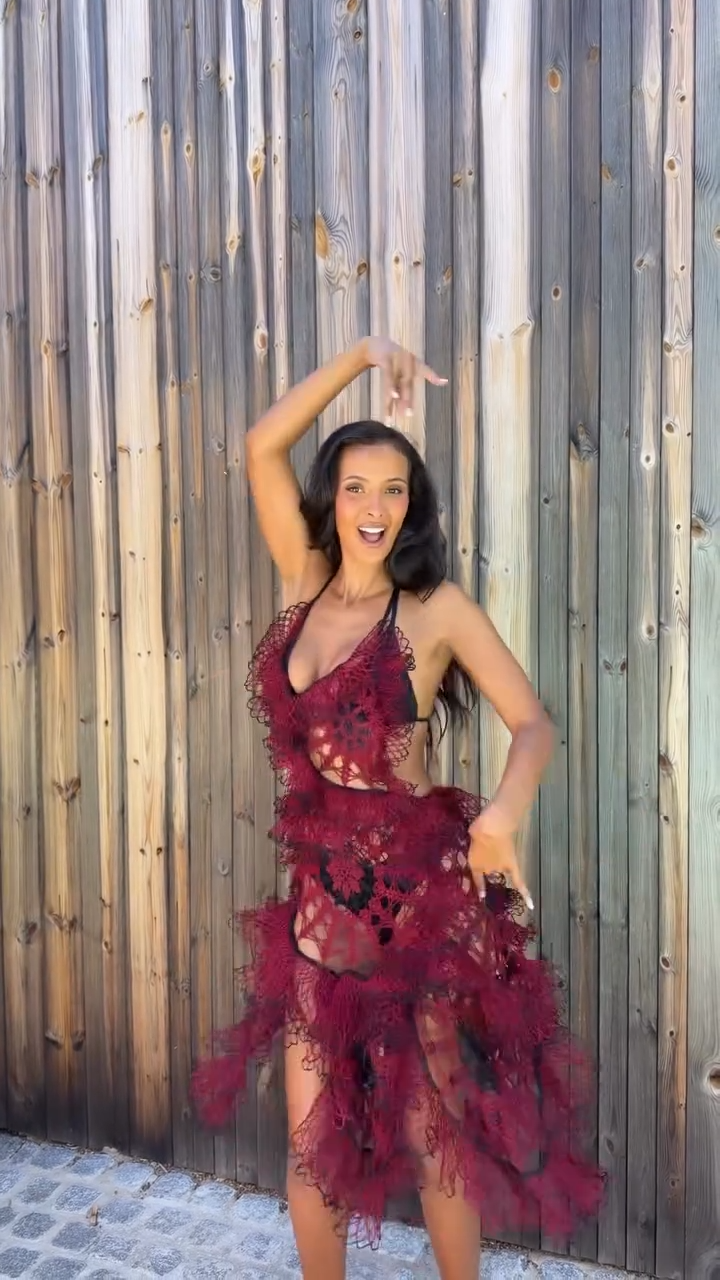
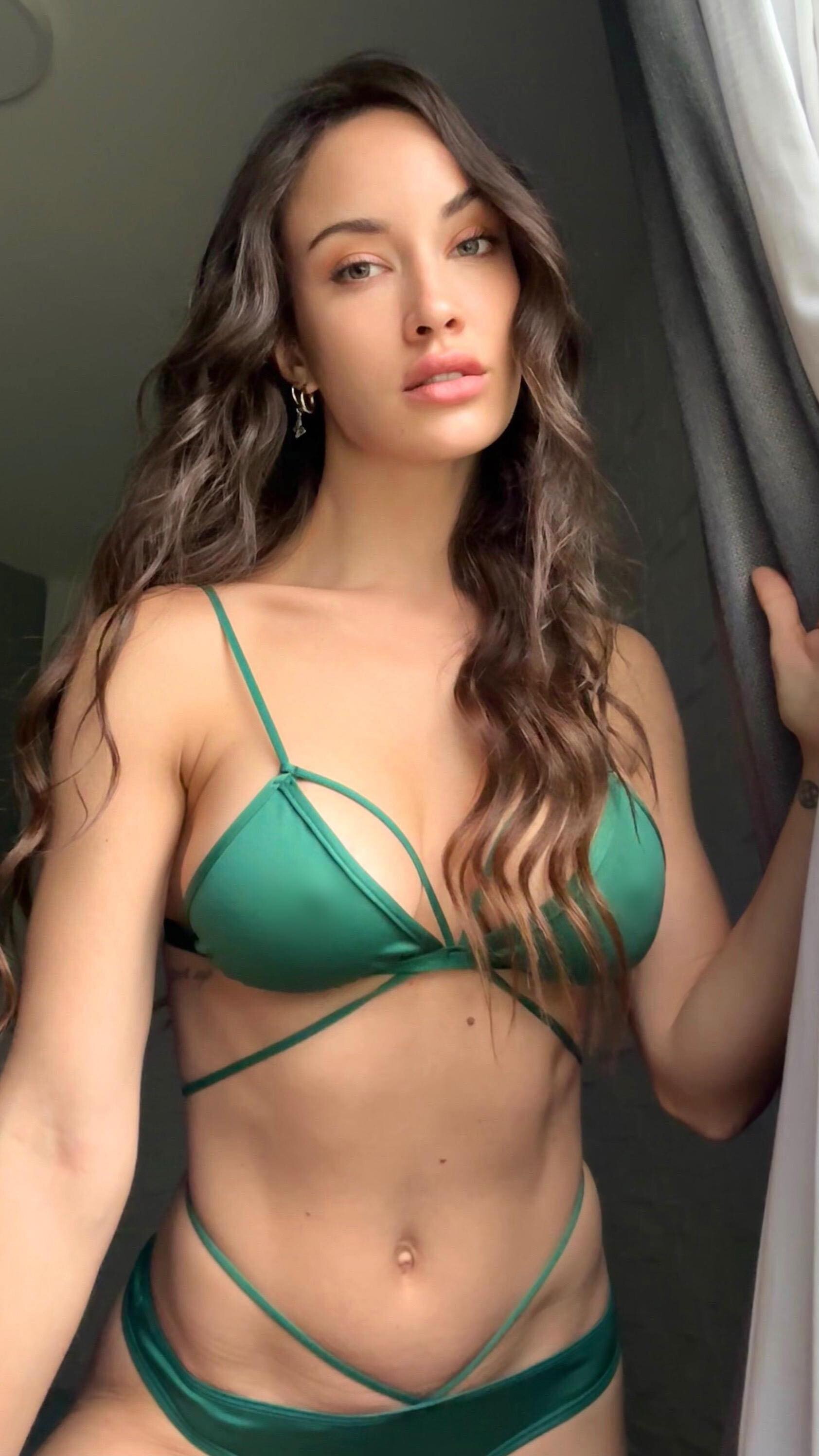
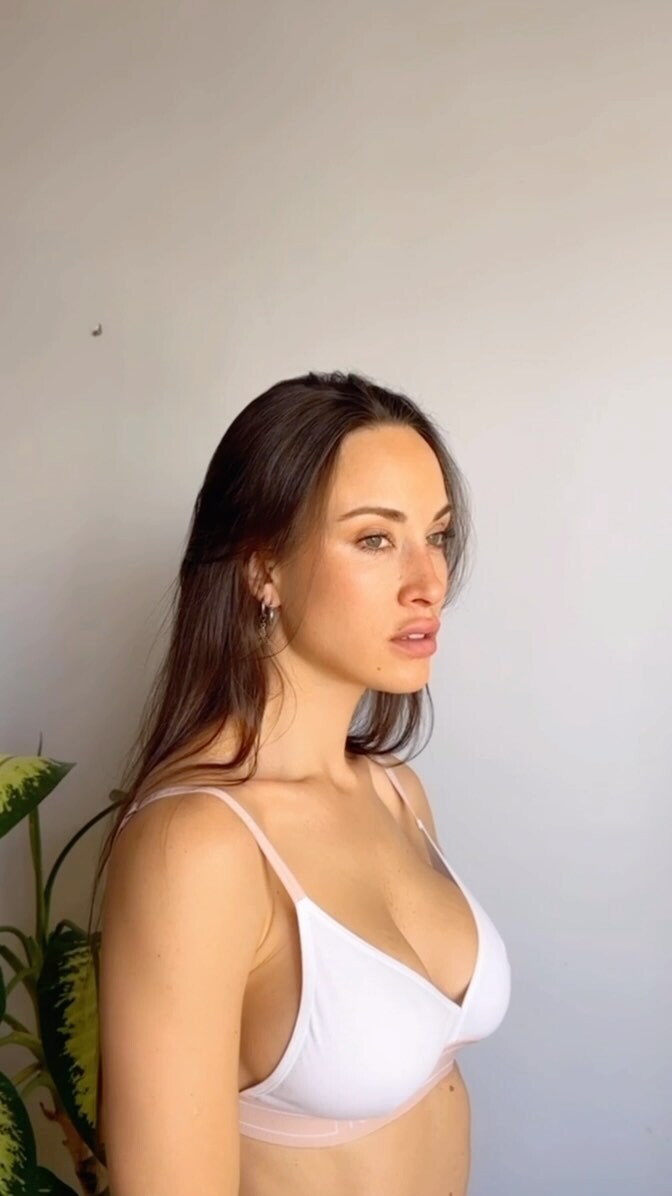
 Instagram Story Video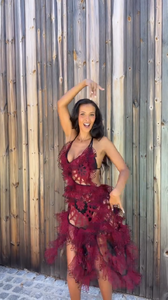
-

-
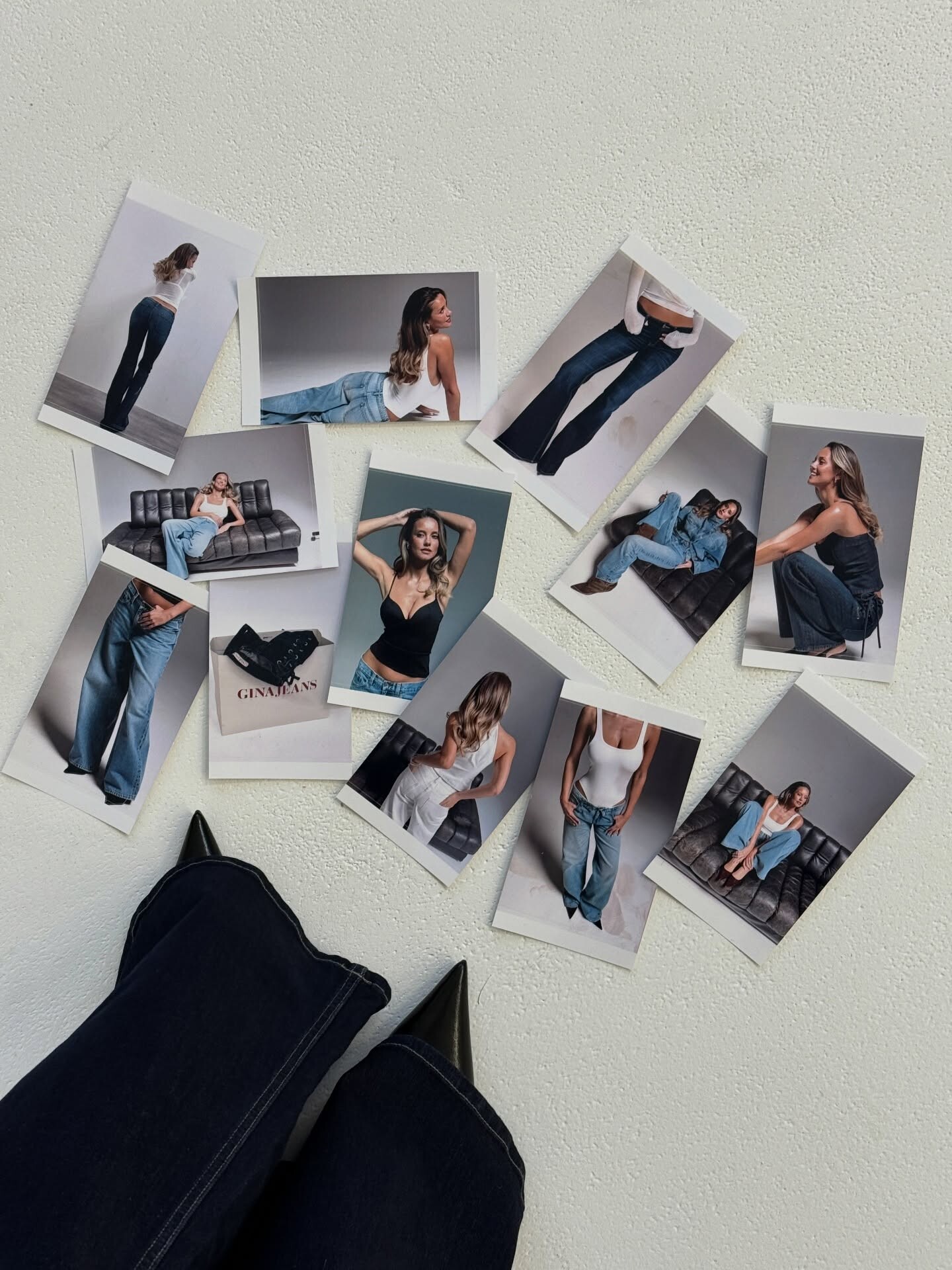
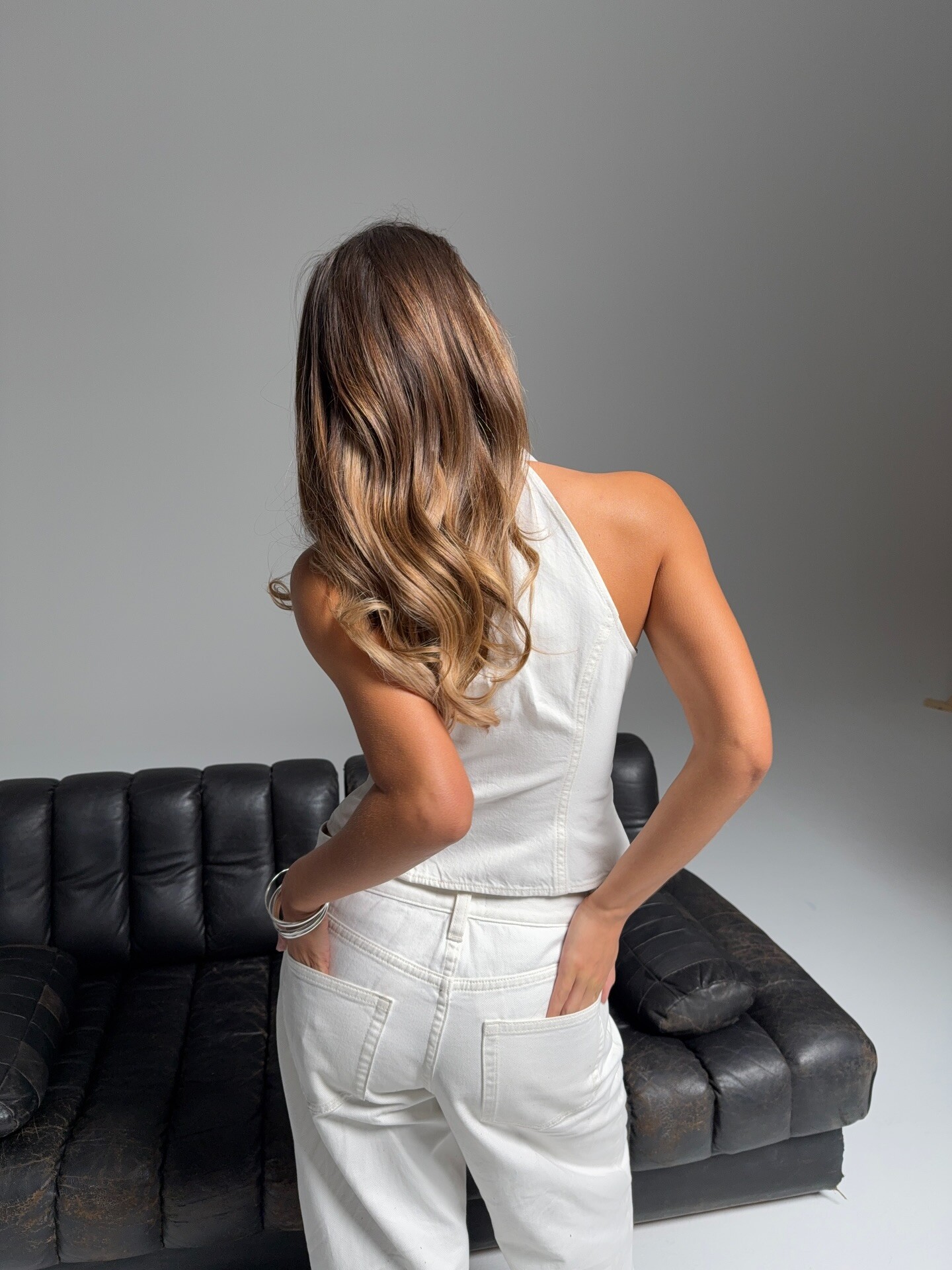
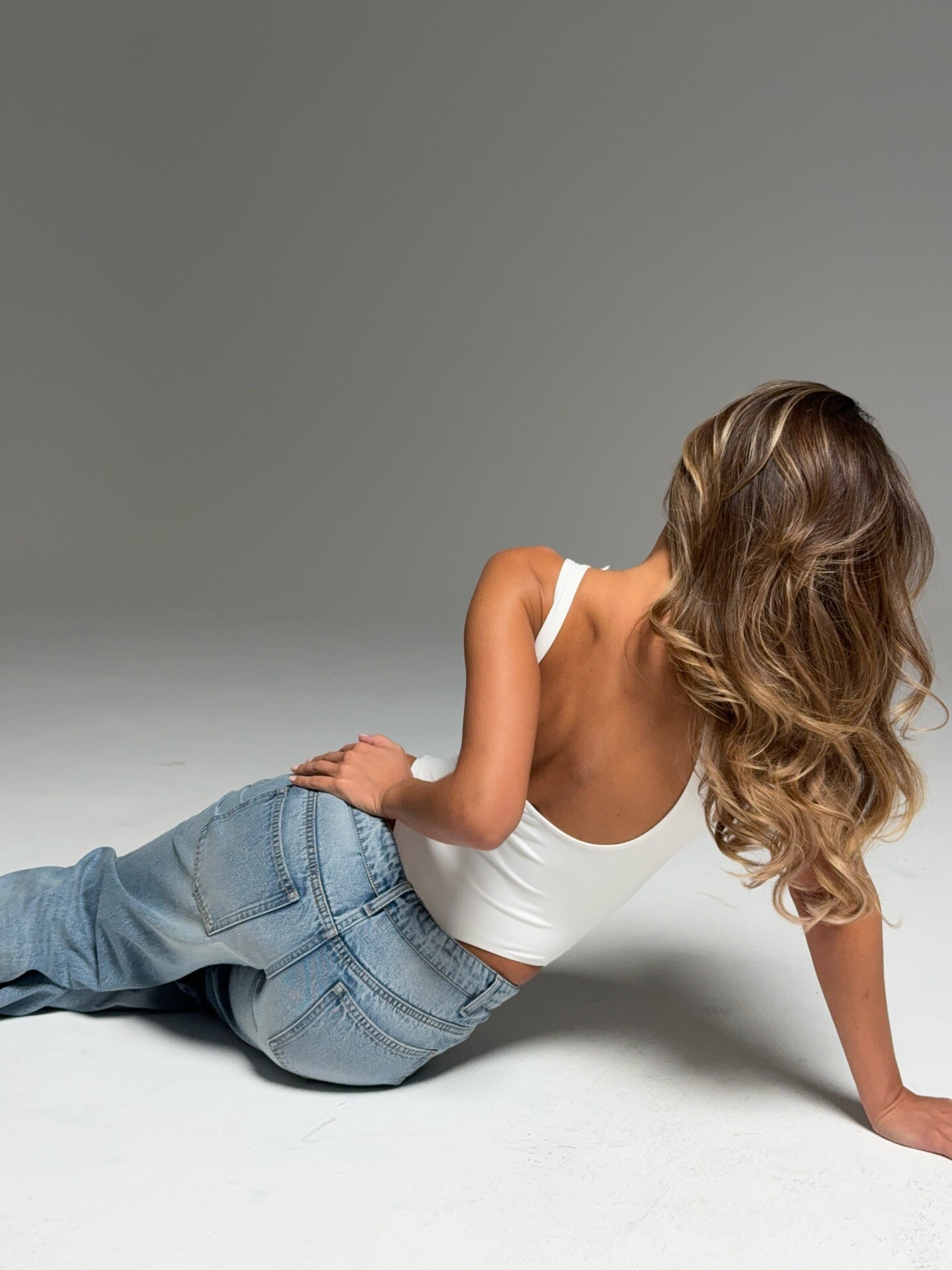
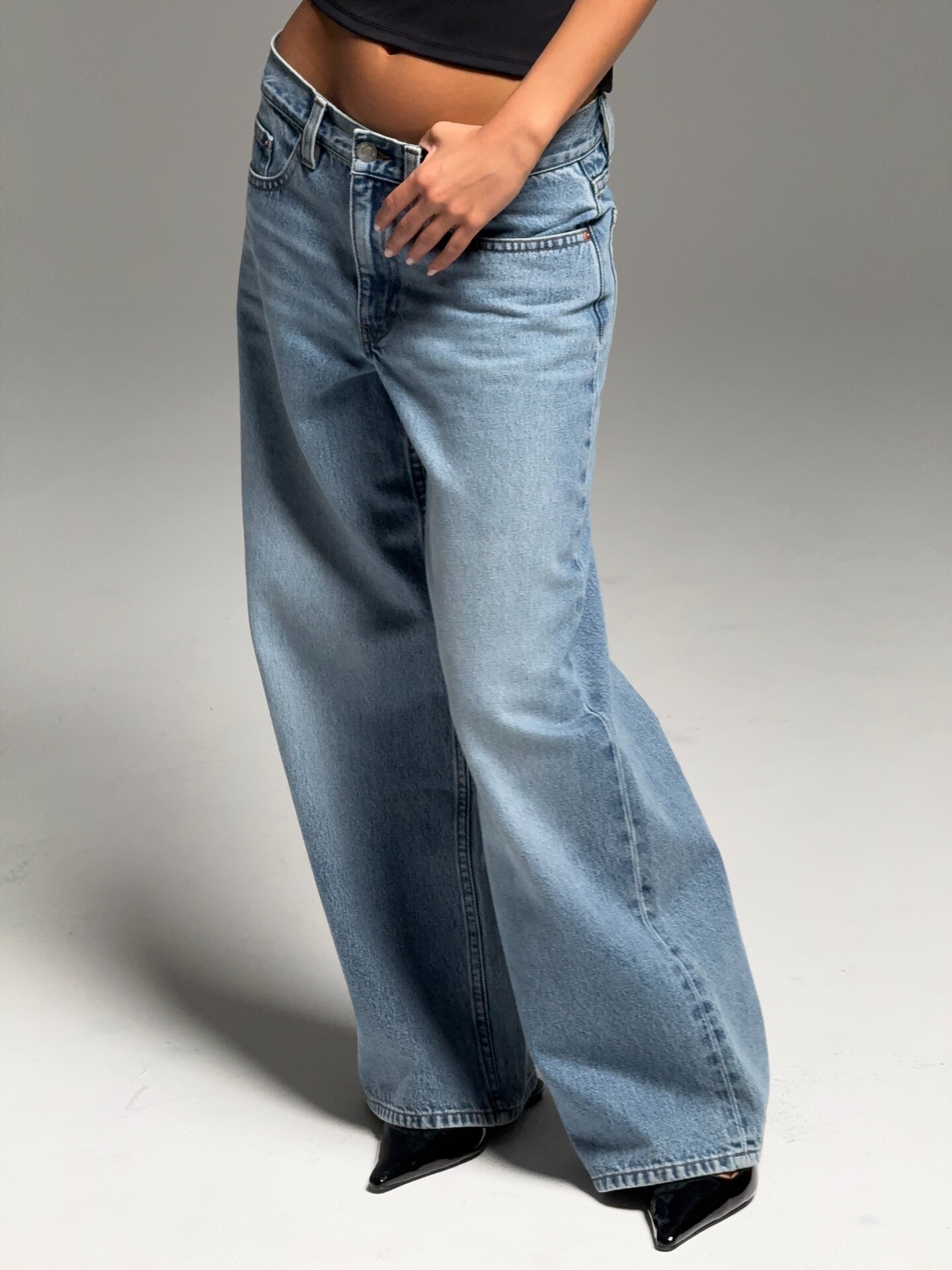
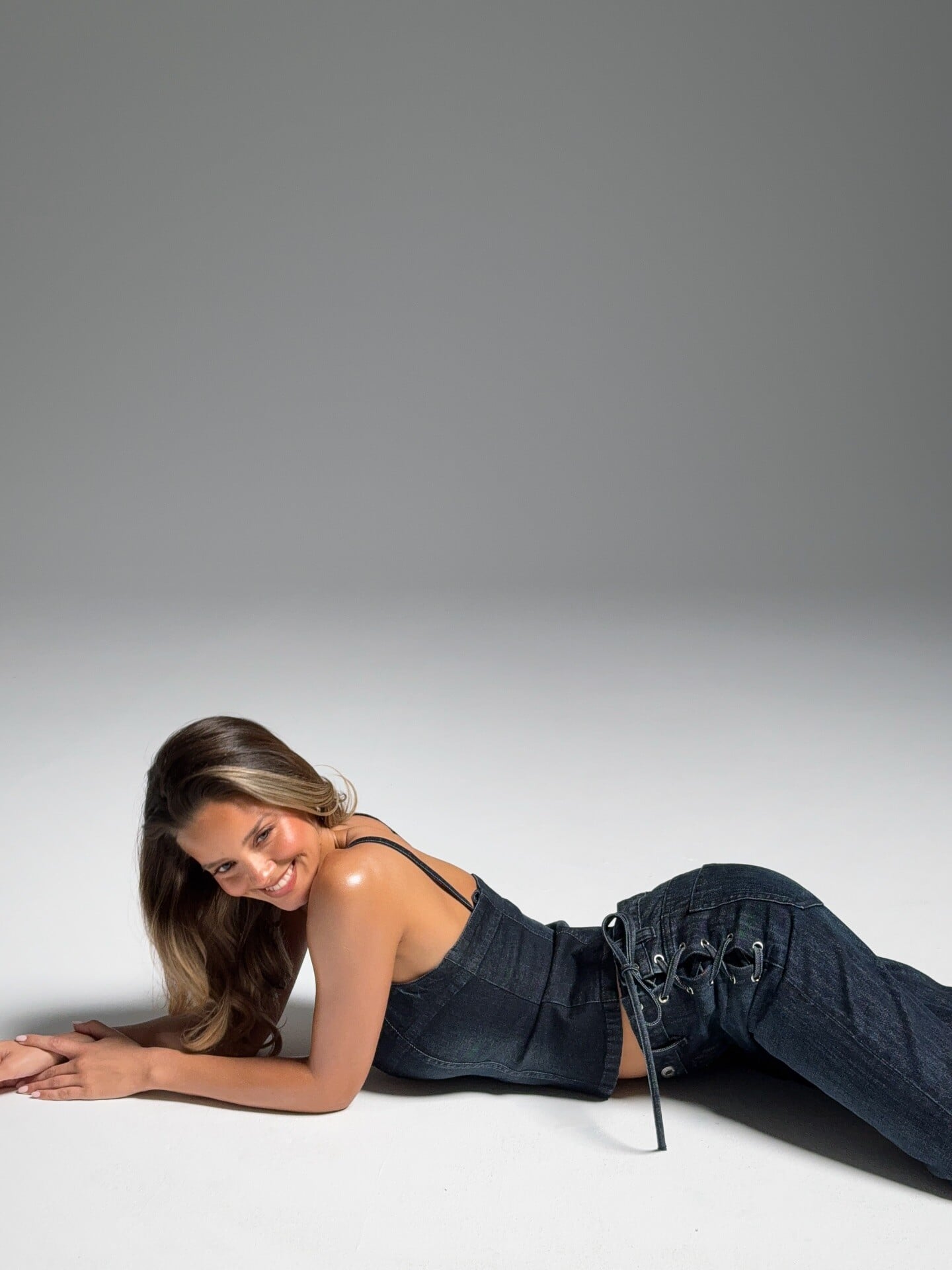
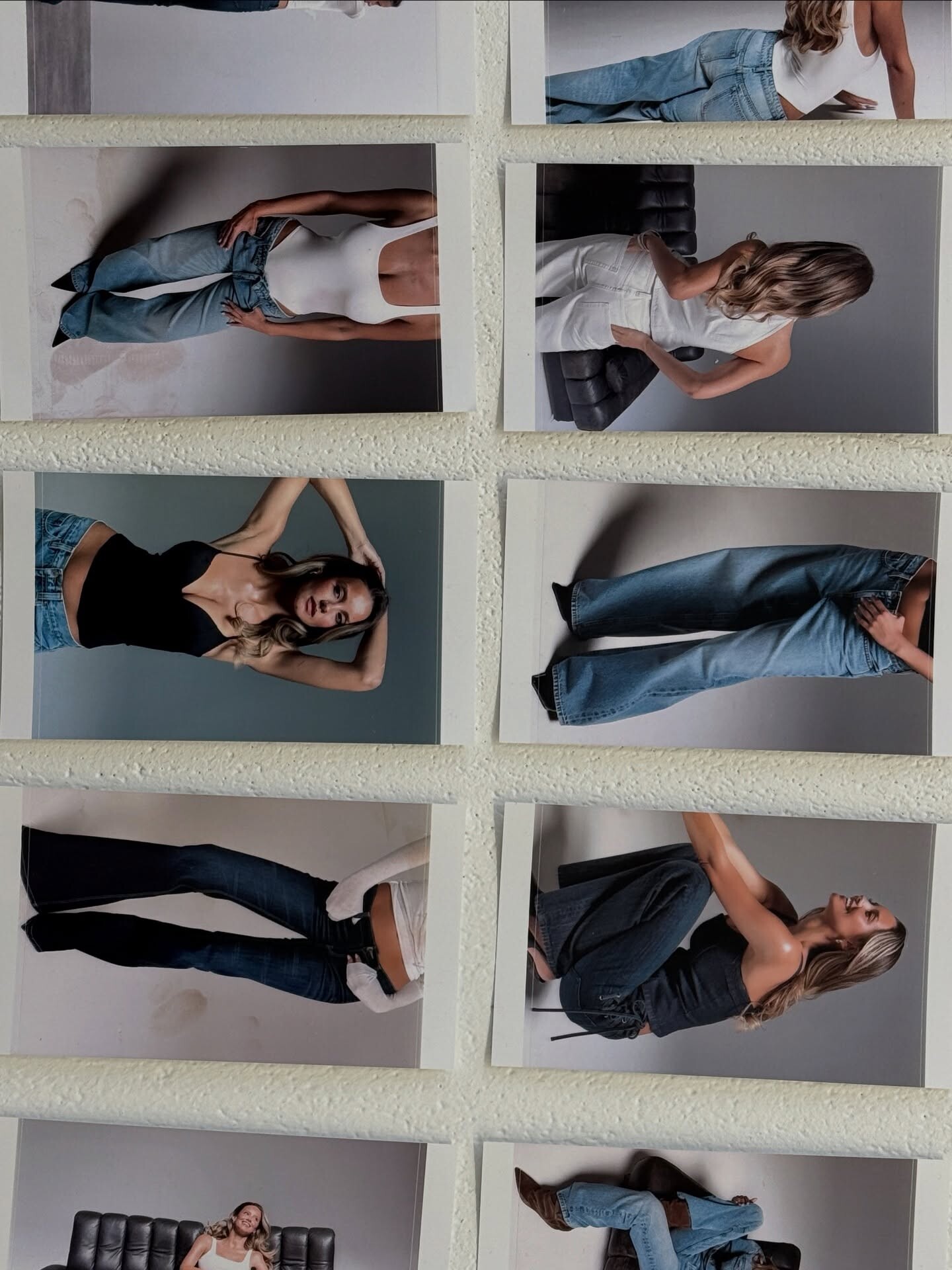
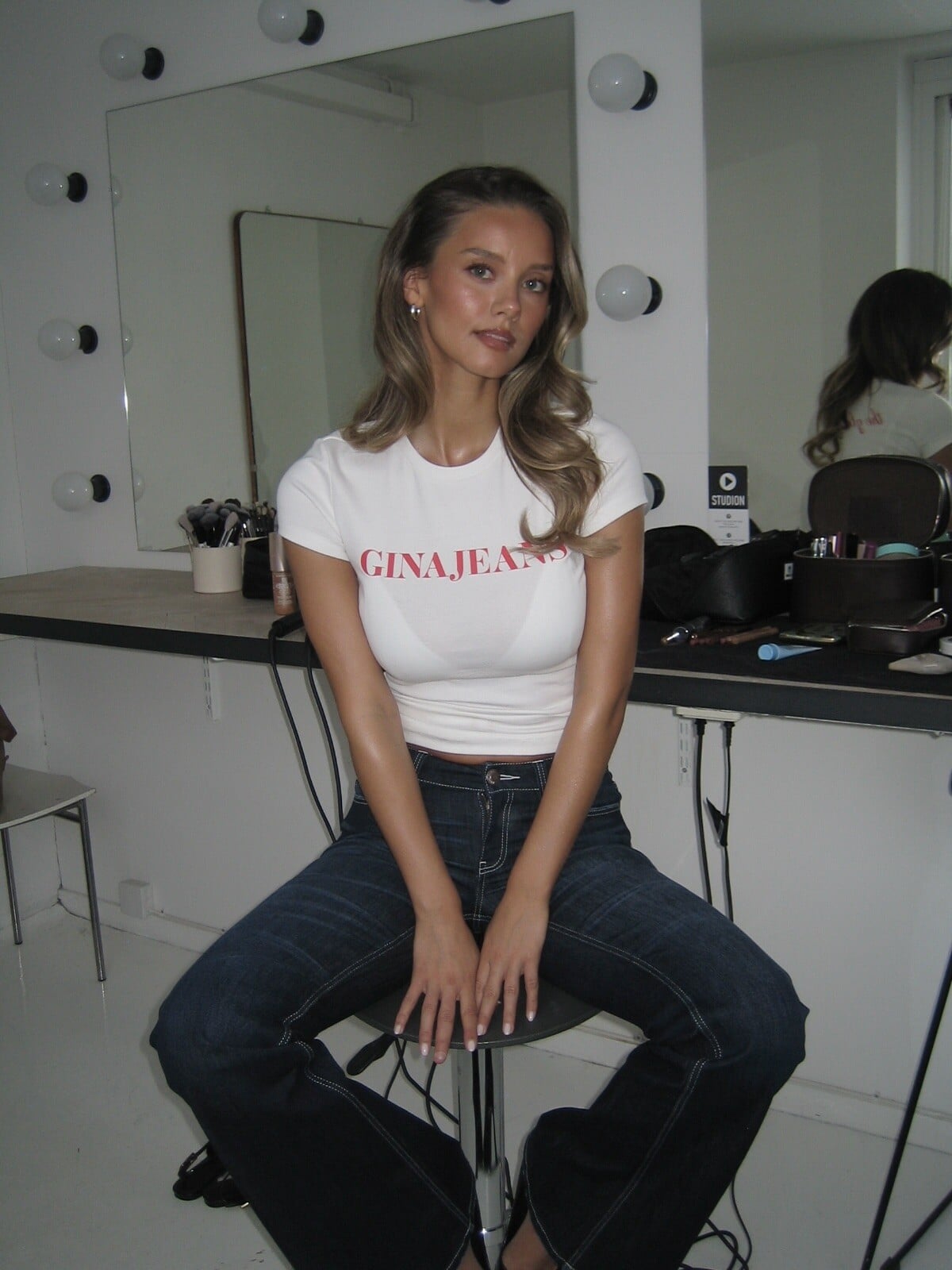
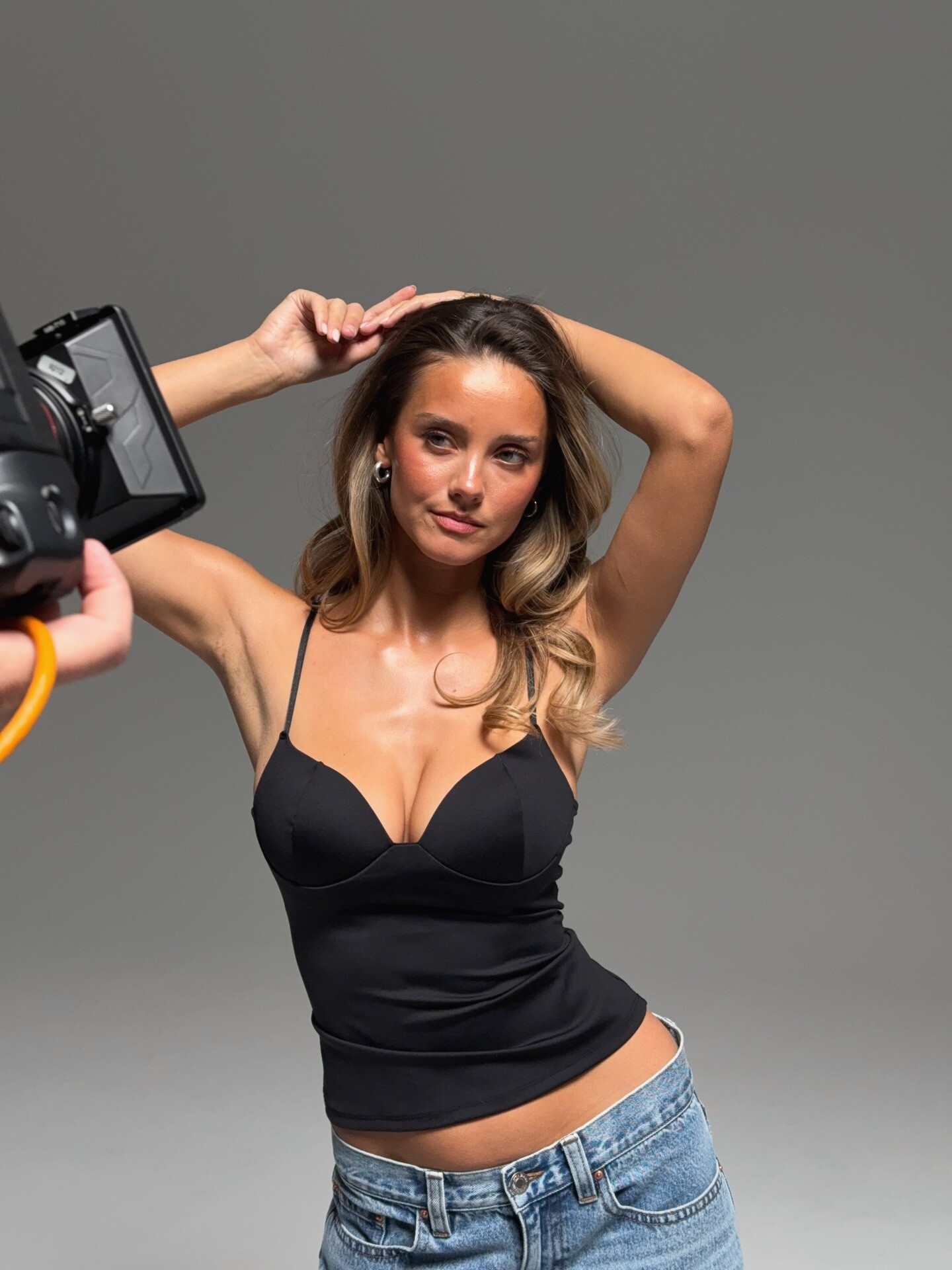
 Kateryna Antonenko - Female Fashion Models - Bellazon
 -
-
 Last Night 2026-02-17 06_36_38.mp4
 -
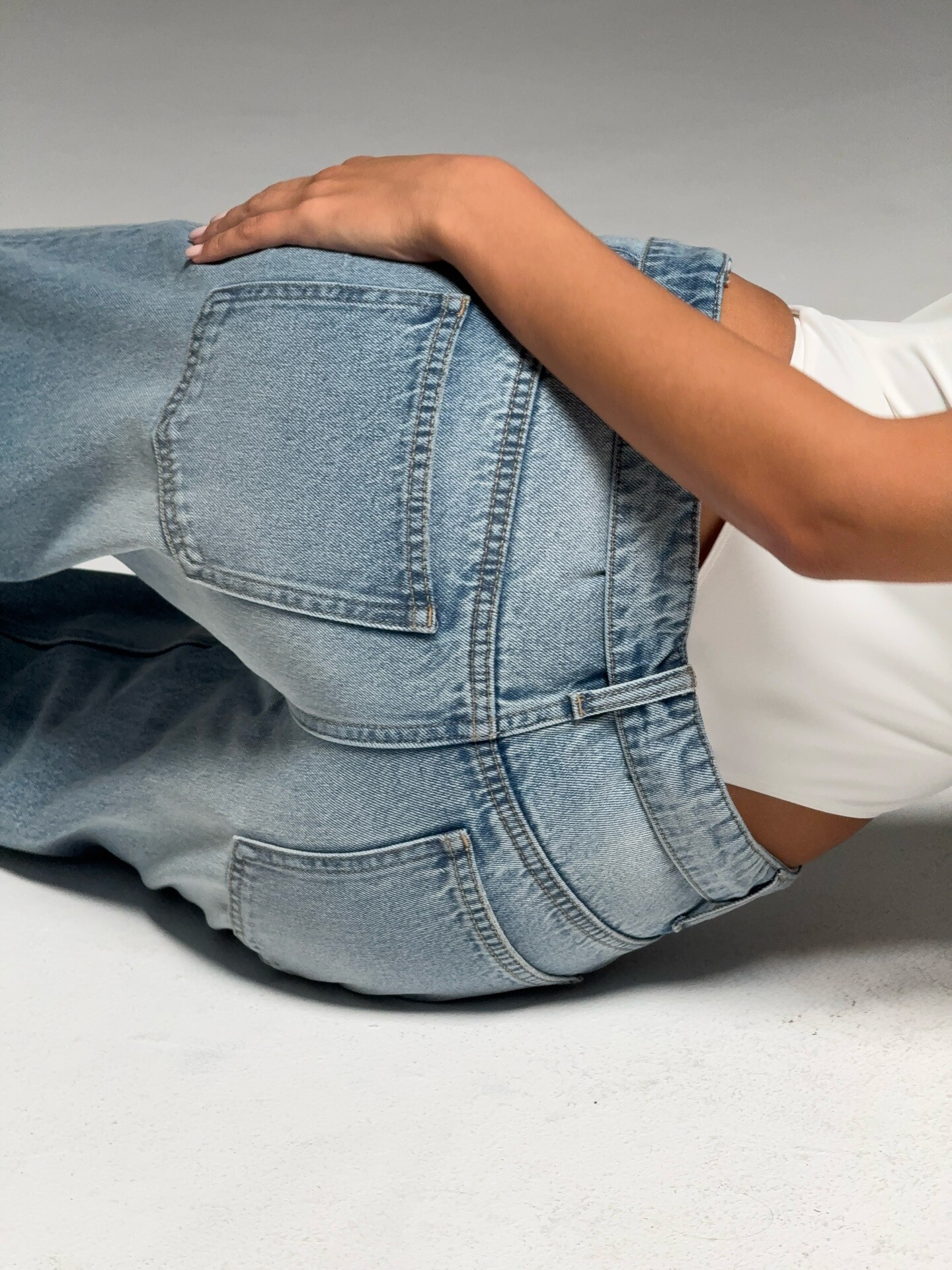
 Gina Tricot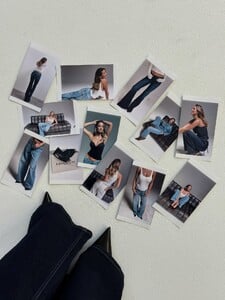


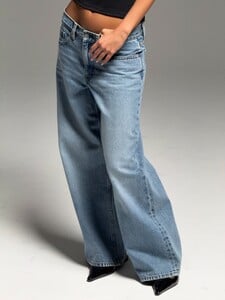







-
-

-

-
- Today
-
 nep9bet joined the community
 -
 gulfticket joined the community
 -

 Who can forget these Swedish siblings? Ida and Cornelia Zeile 🥰🥰
 https://fordmodels.com/miami/profile/georgie-briand/?board=women https://therebellionmgmt.com/women-la/681-georgie-mcbride https://www.instagram.com/GEORGIEBRIAND
 Beautiful 💝
Justine Mora https://www.instagram.com/justine_mora/ https://www.womenmanagement.com/paris/main/10528-justine-mora.web
Beautiful 💝
Justine Mora https://www.instagram.com/justine_mora/ https://www.womenmanagement.com/paris/main/10528-justine-mora.web Google says it is https://www.instagram.com/leannadecker_?igsh=aHB6N3dsN25vdGR5
You're welcome
Google says it is https://www.instagram.com/leannadecker_?igsh=aHB6N3dsN25vdGR5
You're welcome
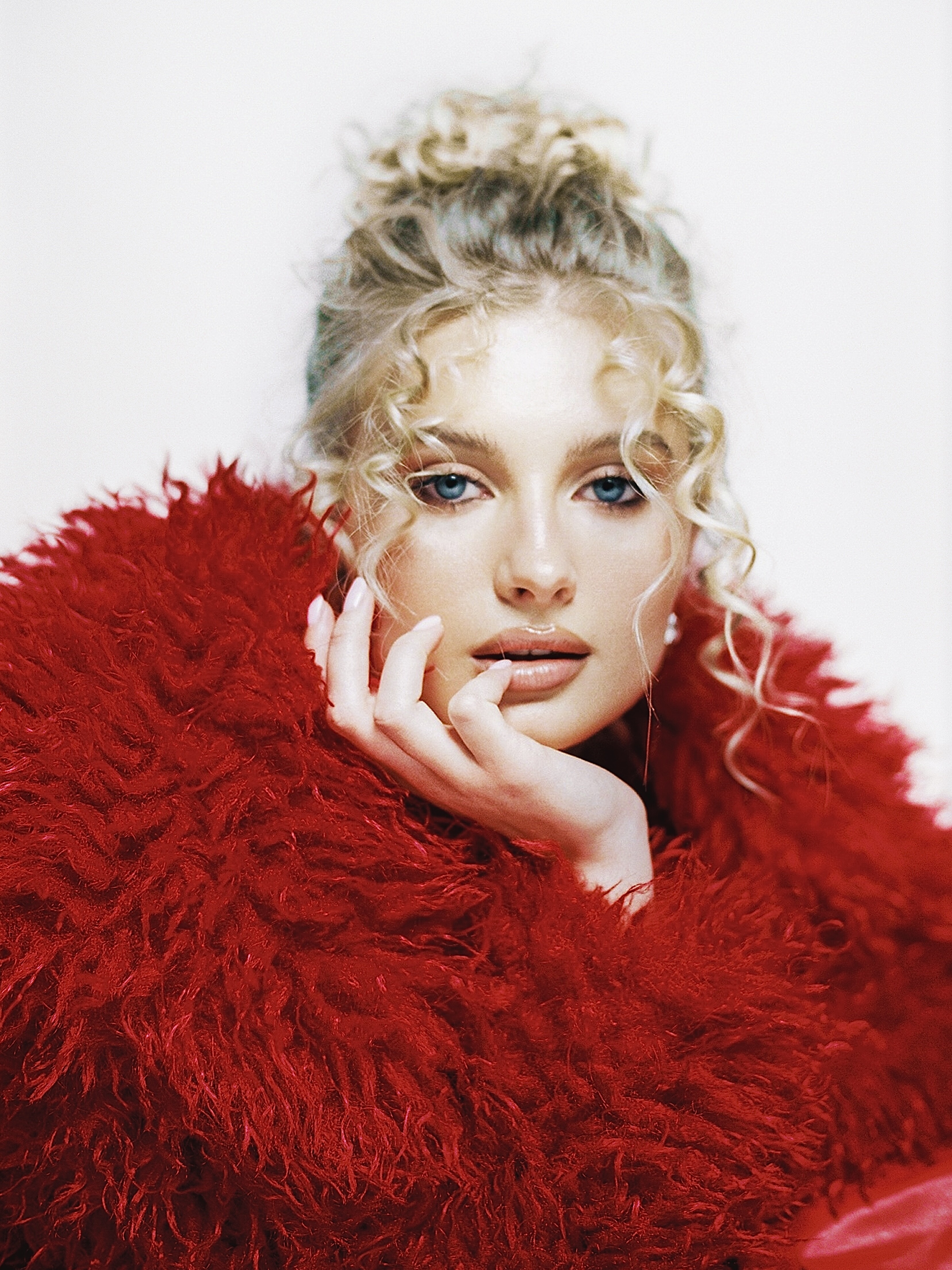
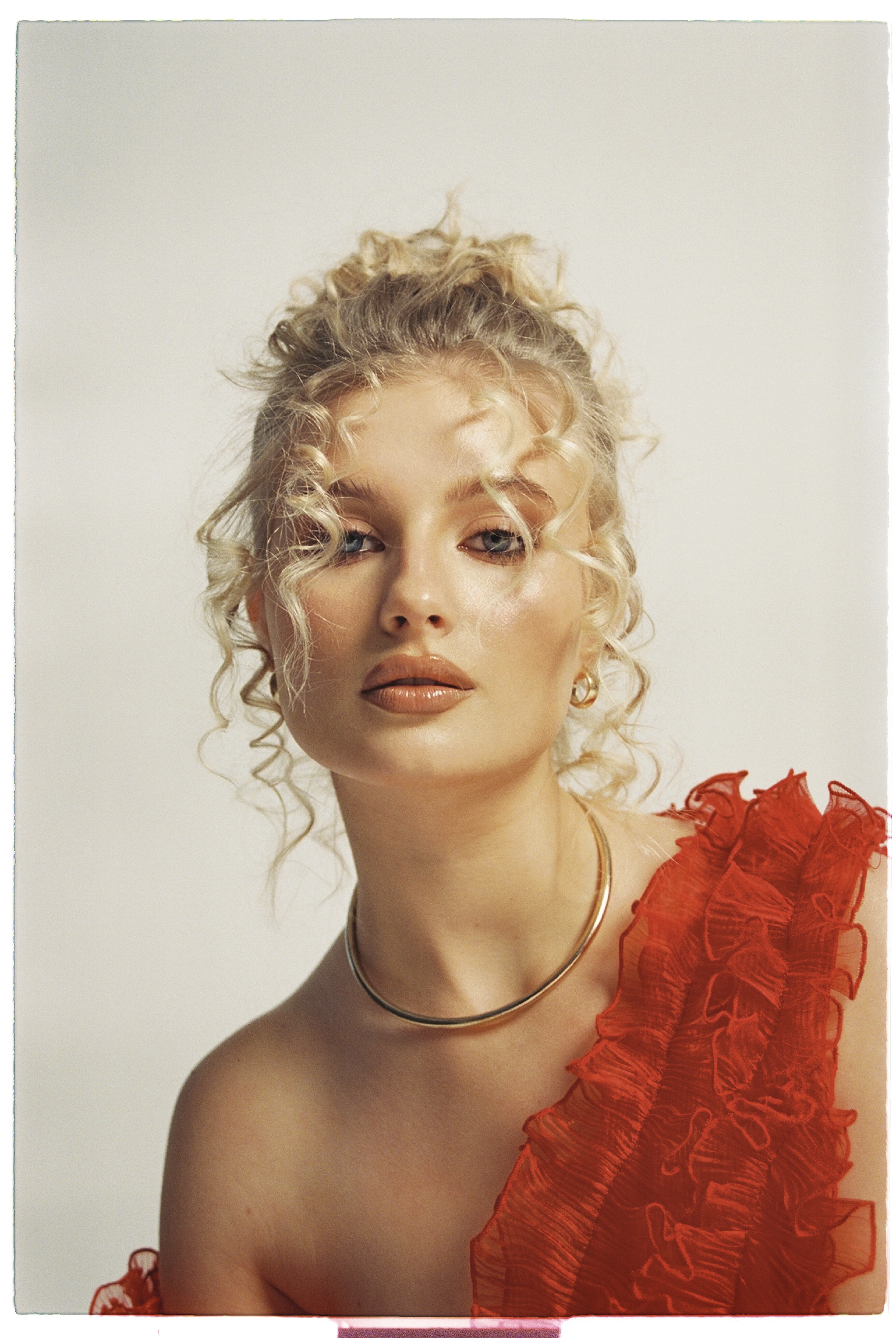
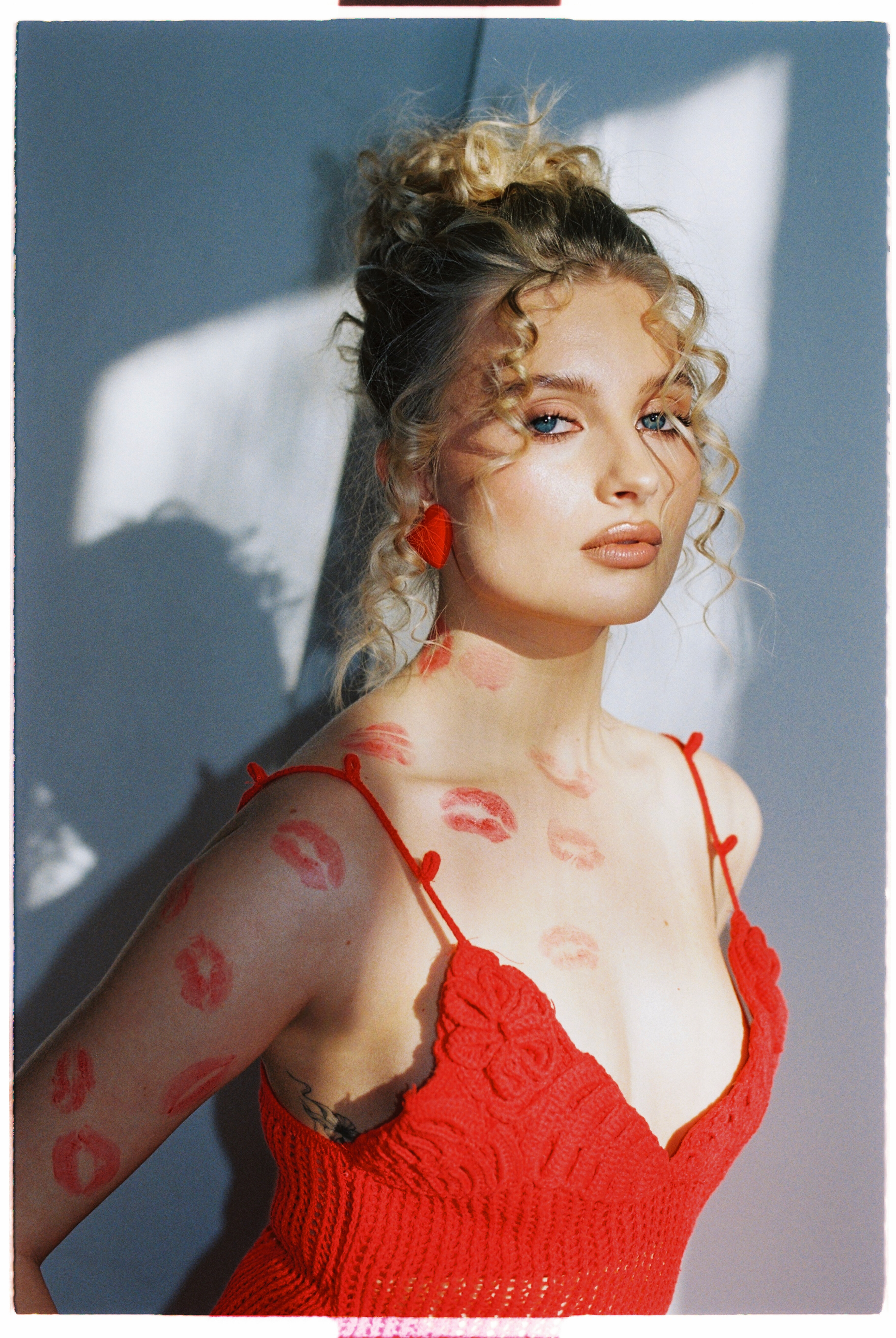
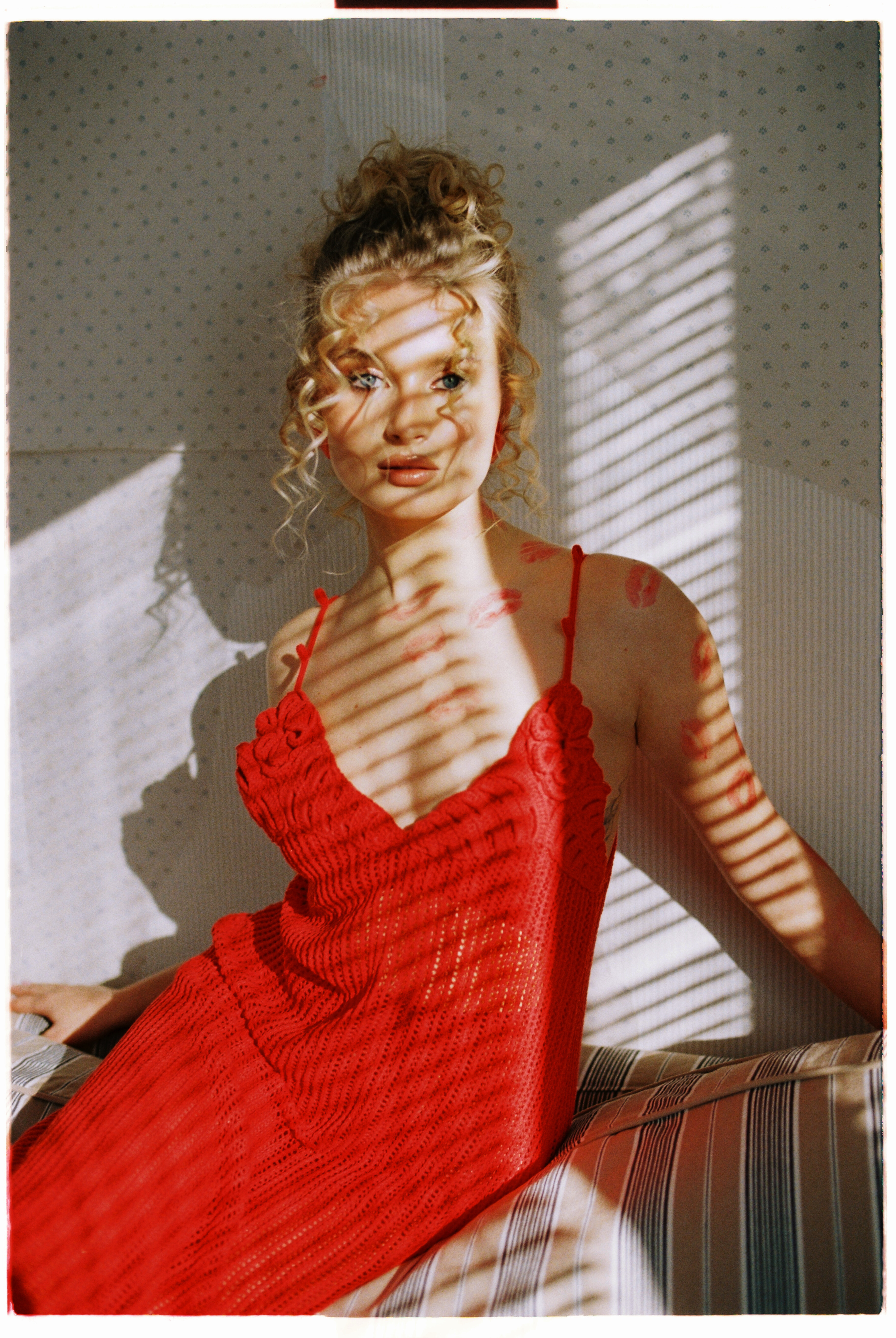
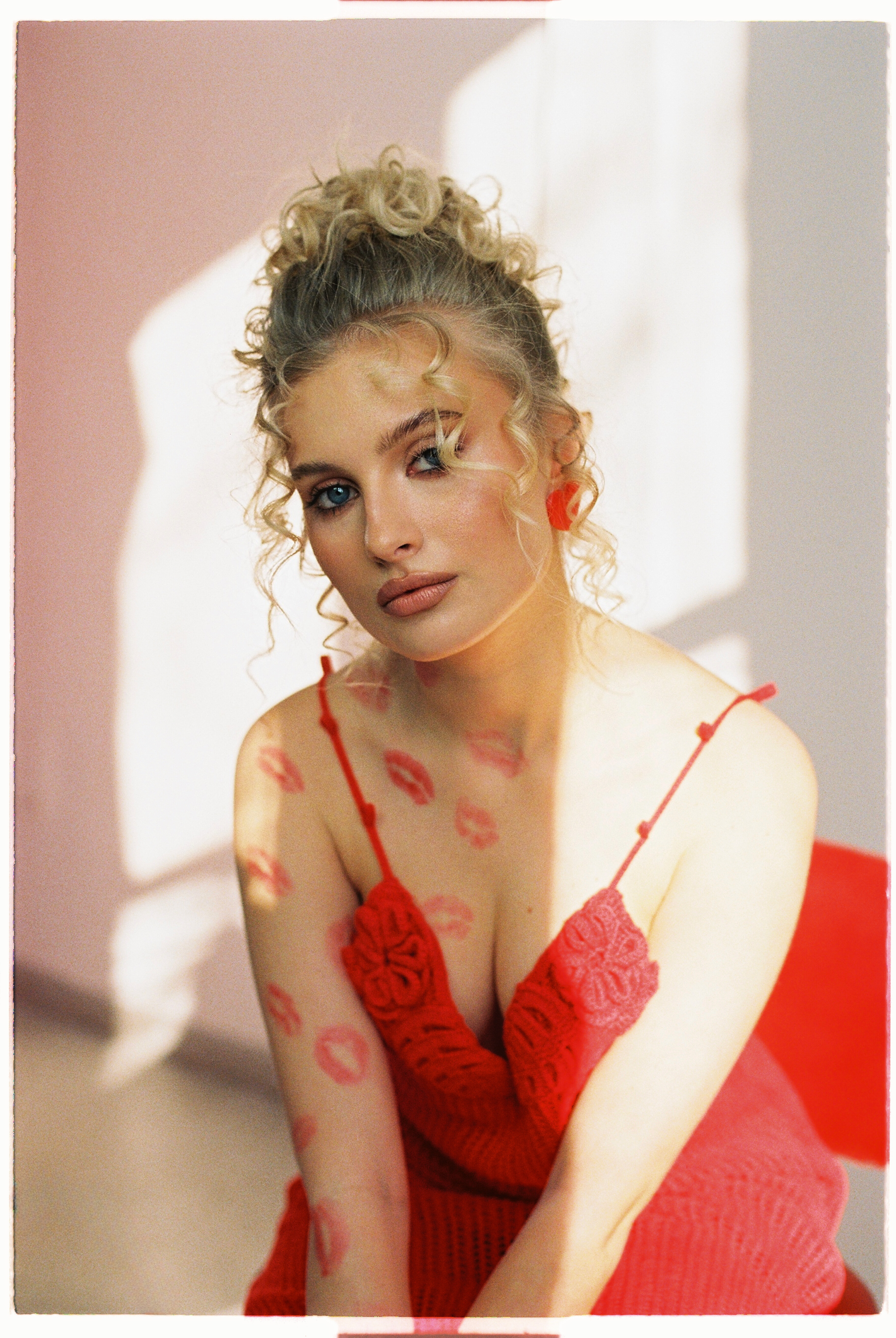
 In a shoot like this from Revolve, Elsa has the look of a classic Hollywood star. 🤩
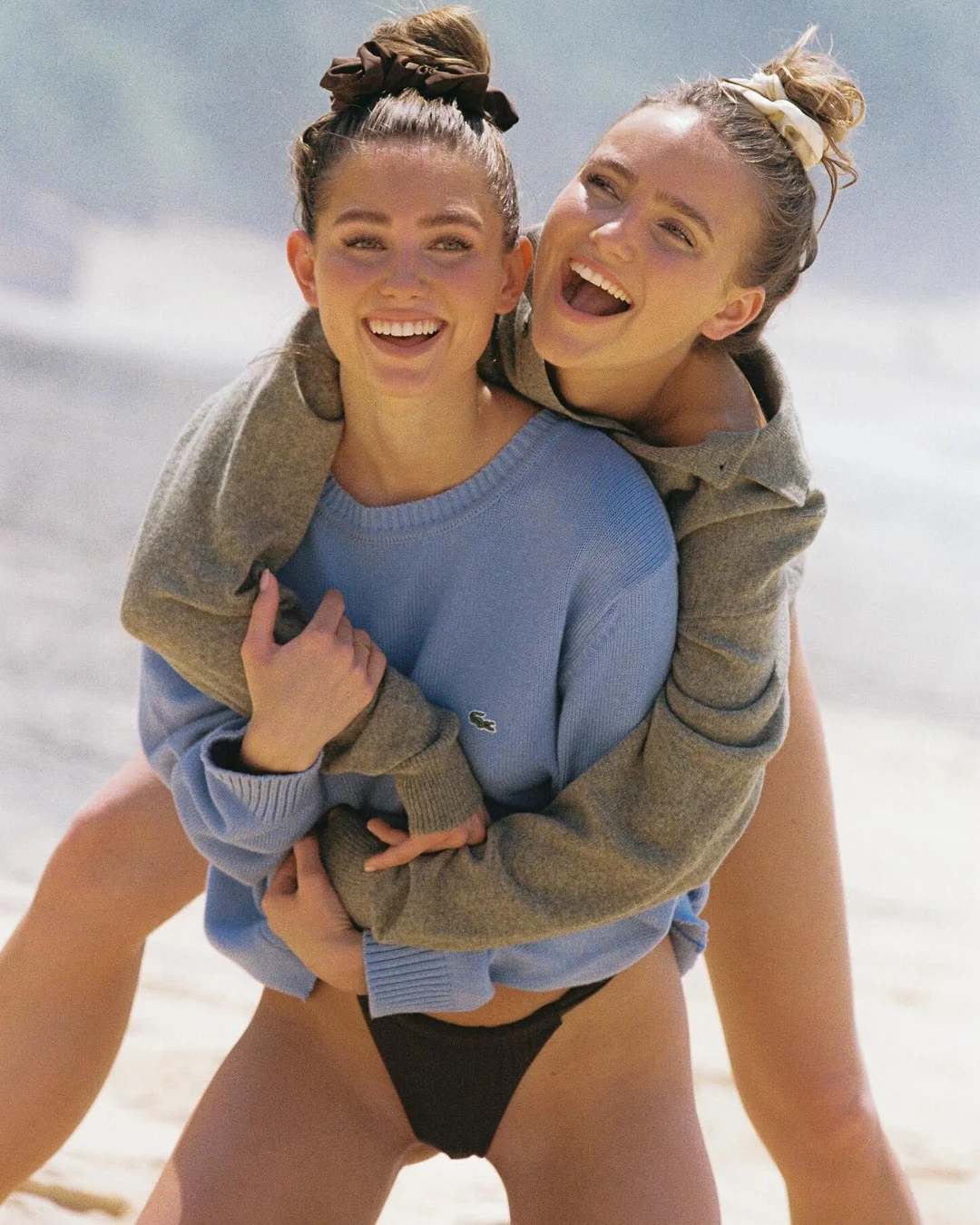
Romee, Jasmine, and Kelsey...Thank you very much for this trio clearly enjoying themselves. Was that Jas's birthday weekend?
In a shoot like this from Revolve, Elsa has the look of a classic Hollywood star. 🤩
Romee, Jasmine, and Kelsey...Thank you very much for this trio clearly enjoying themselves. Was that Jas's birthday weekend? Yeah, that image comes from an Amica magazine. It's a shame because they have some of the coolest ads and editorials, but the paper quality is one of the worst I've ever seen, a far cry from the one used for Vogue, even at the touch. With Amica even a good Canon scanner like mine has its limits. I didn't desaturate, it's just like that unfortunately
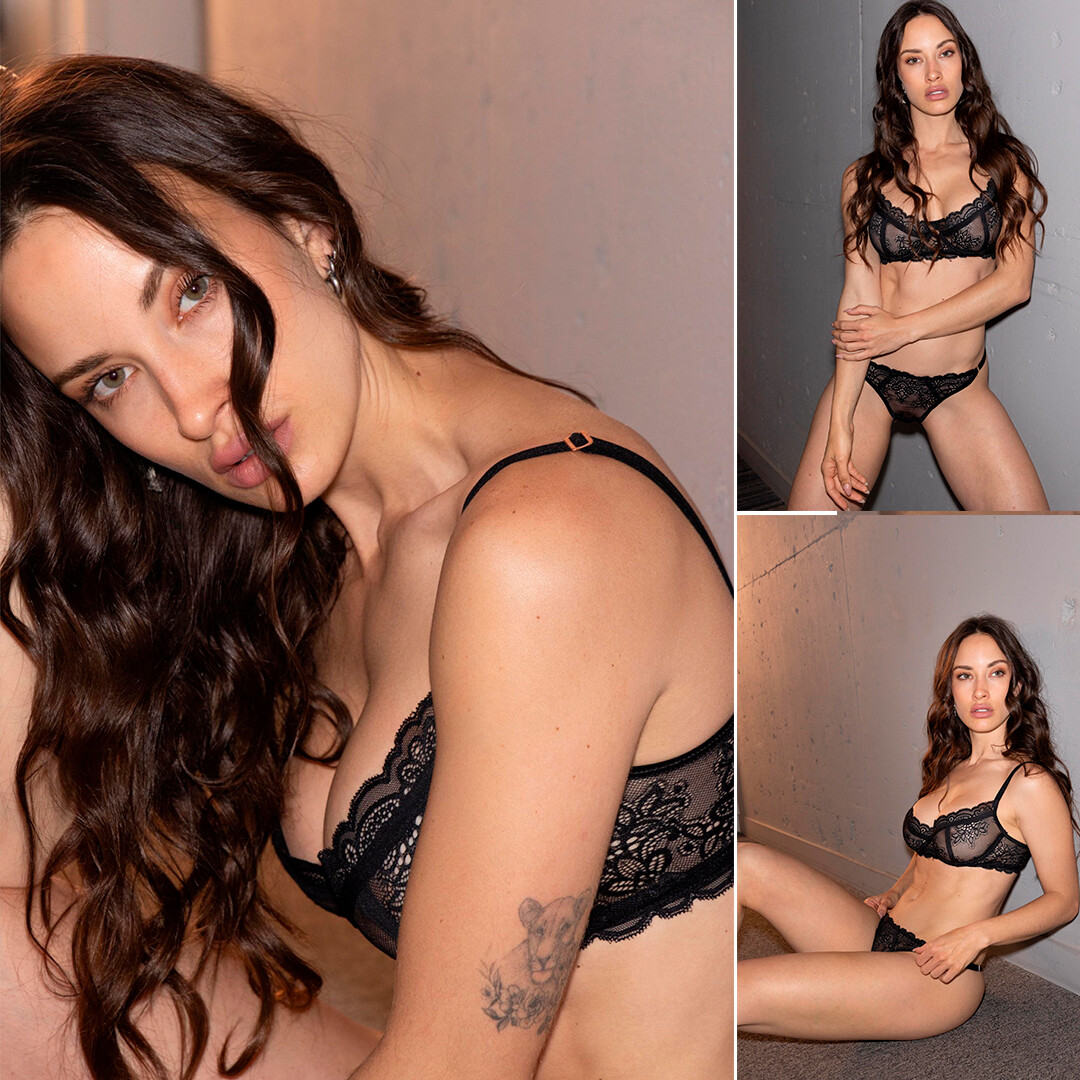
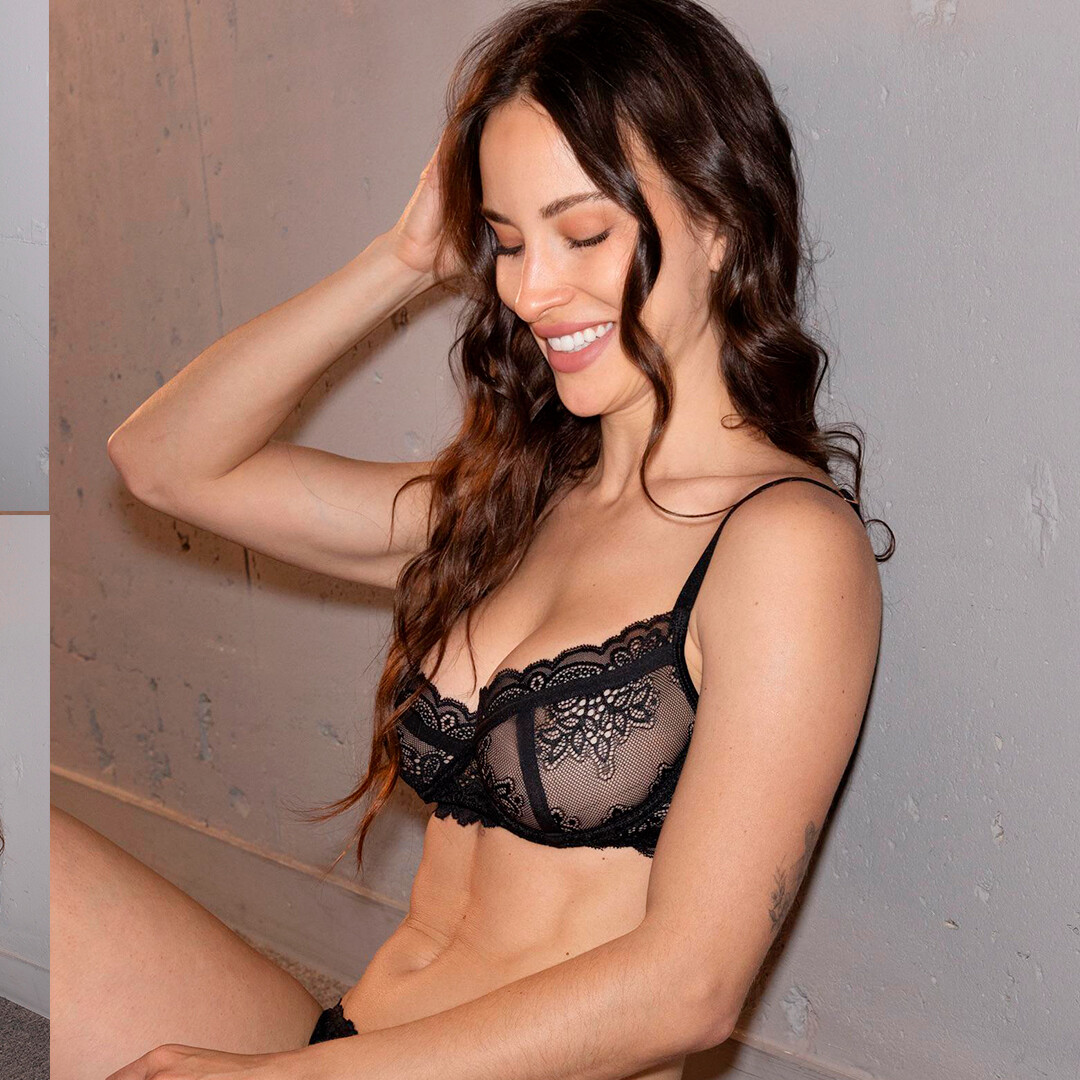
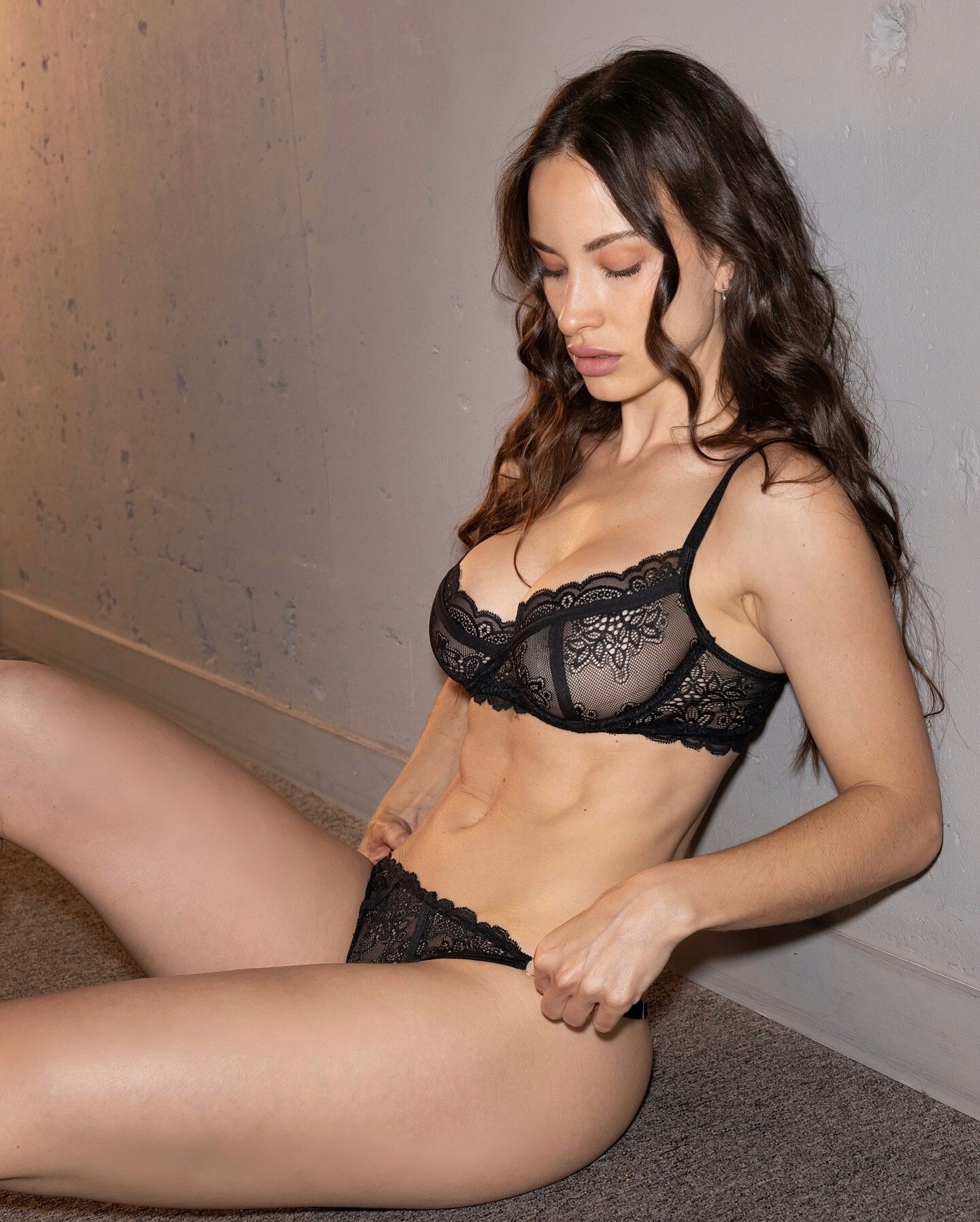
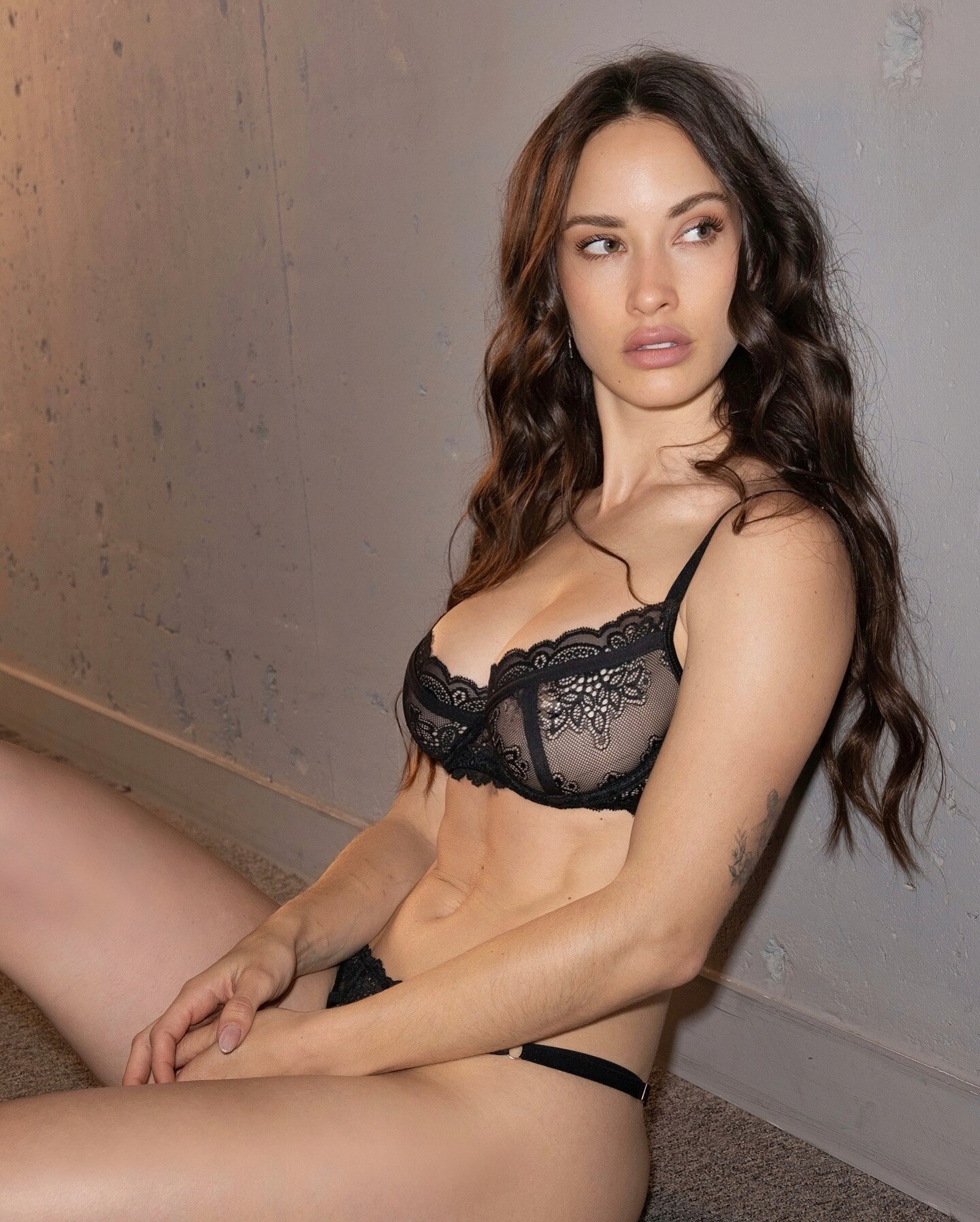
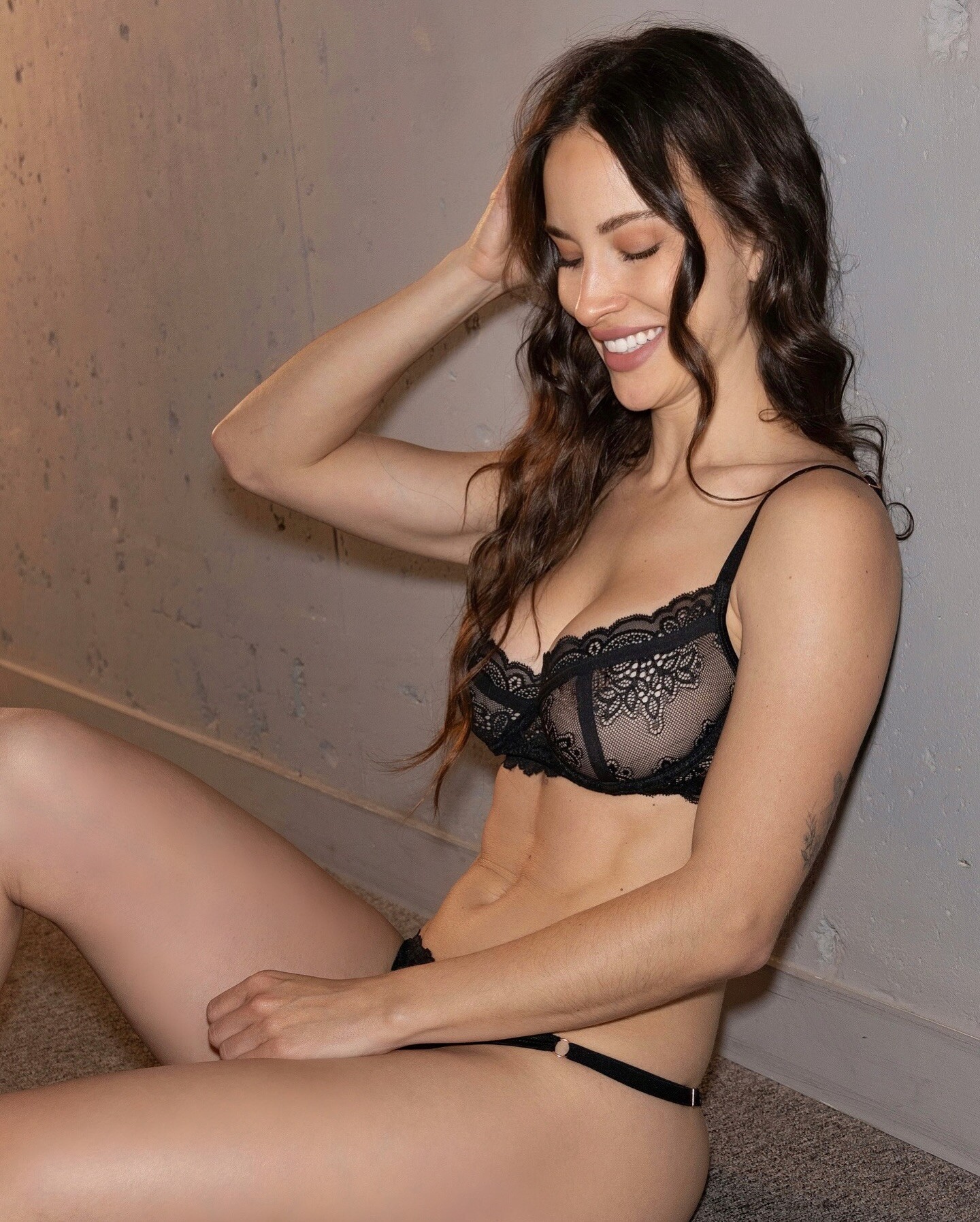
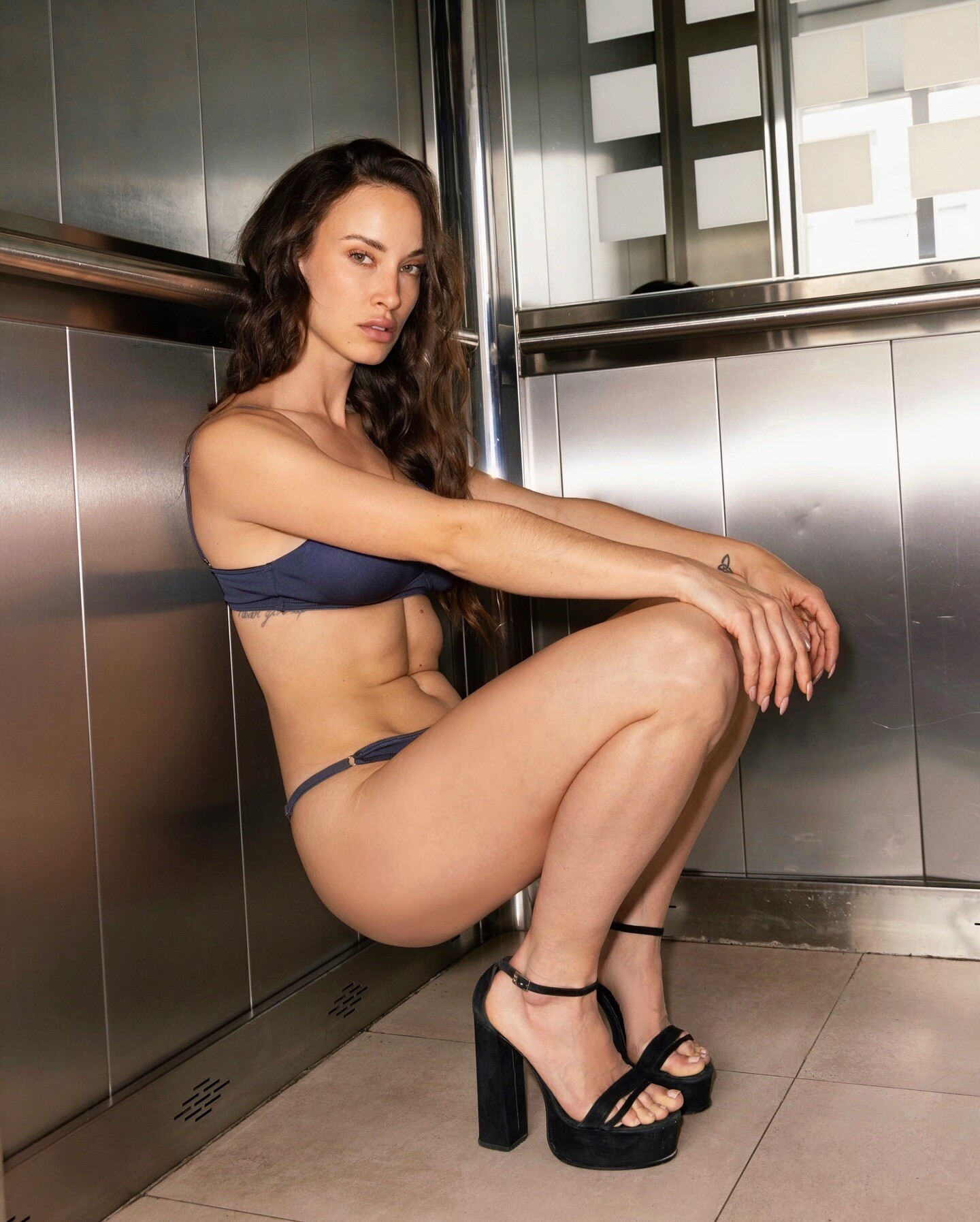
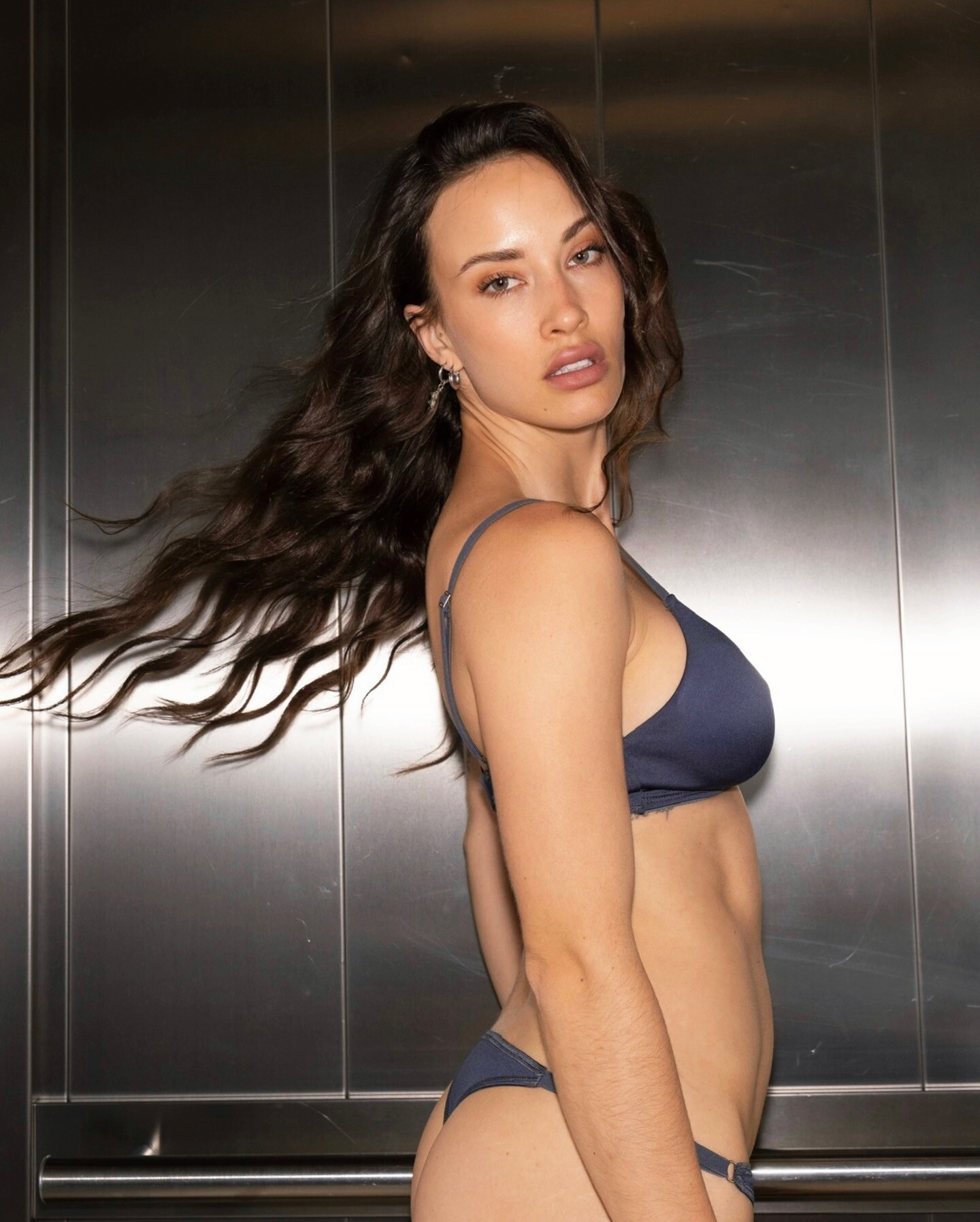
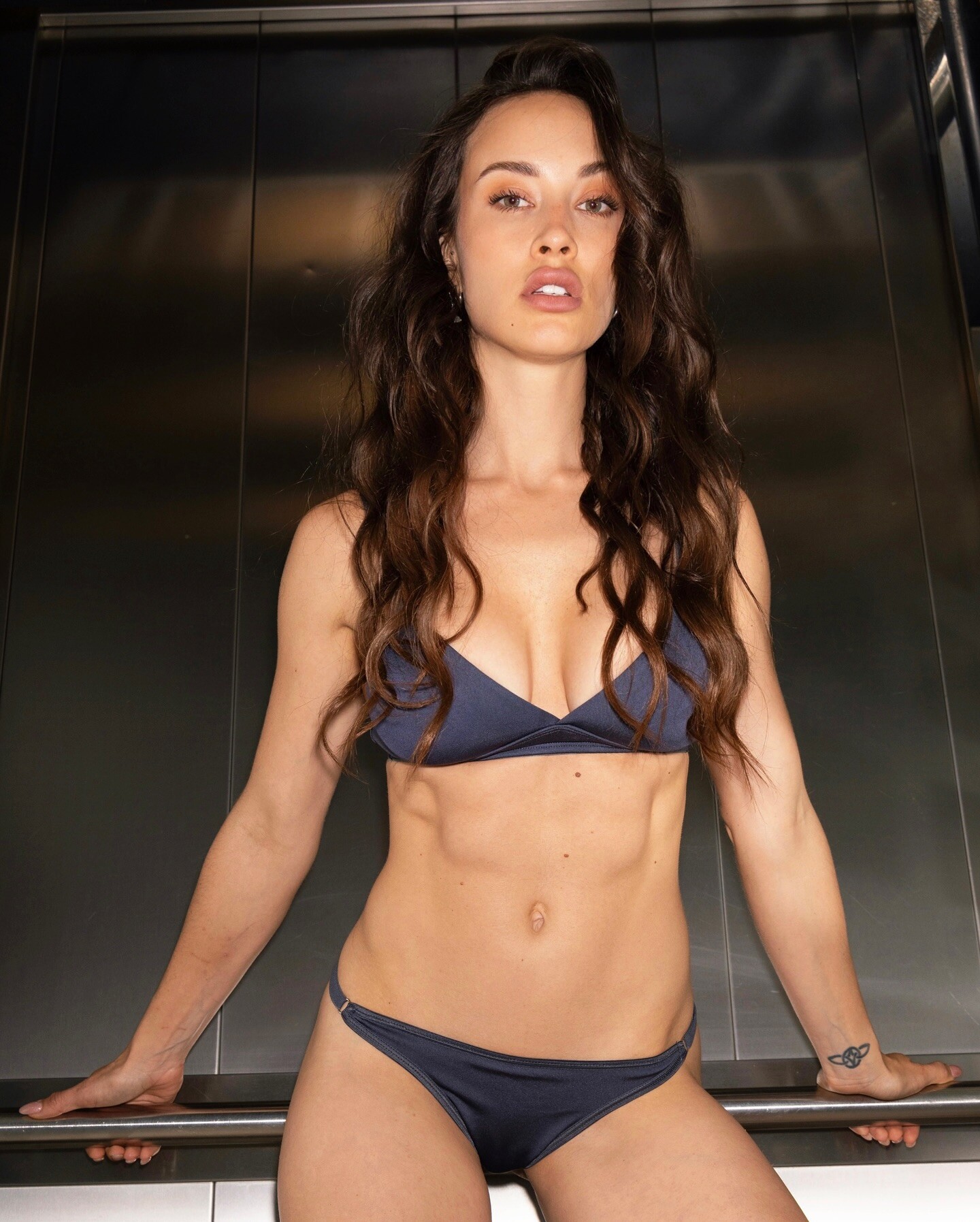




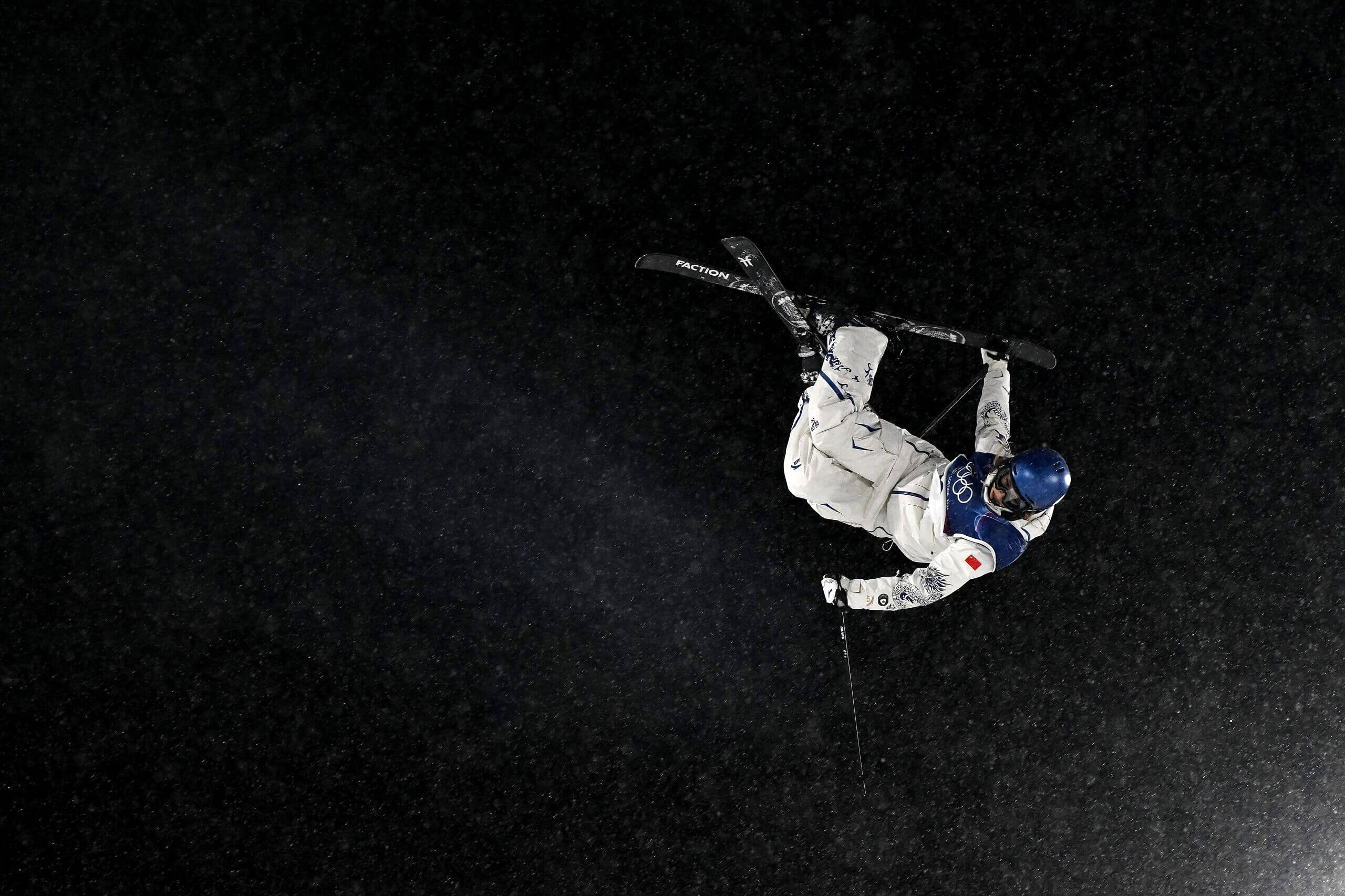
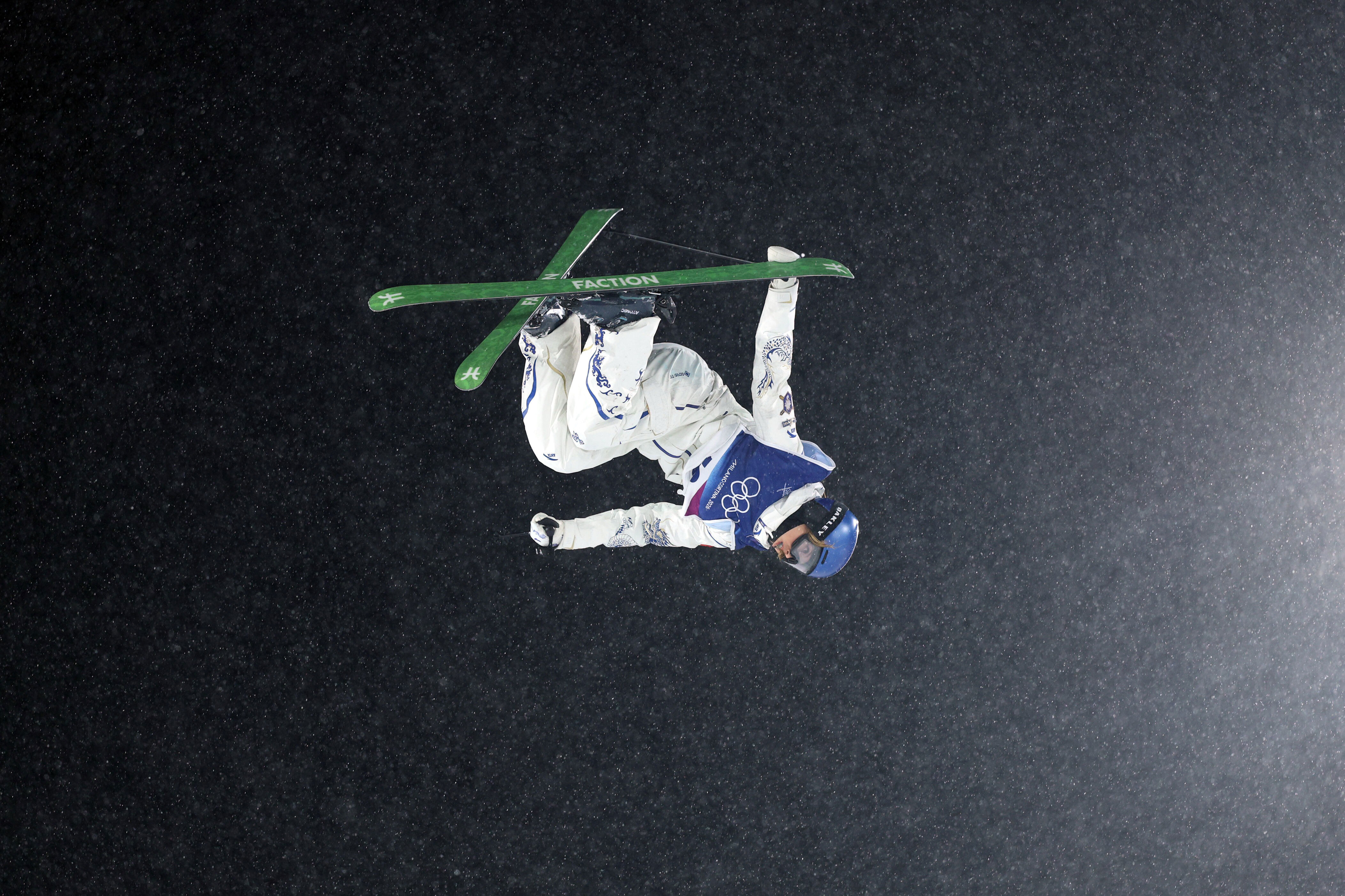

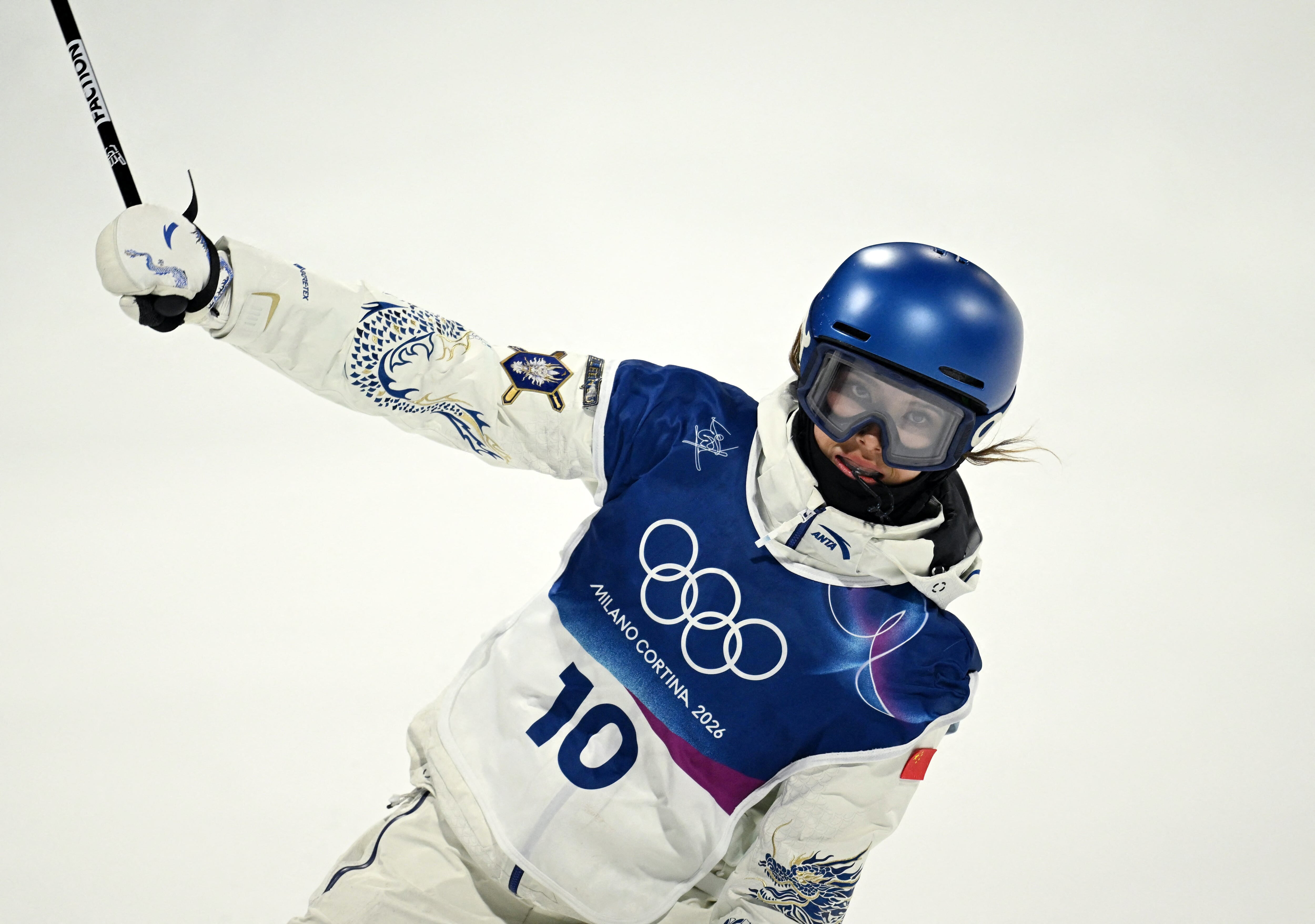


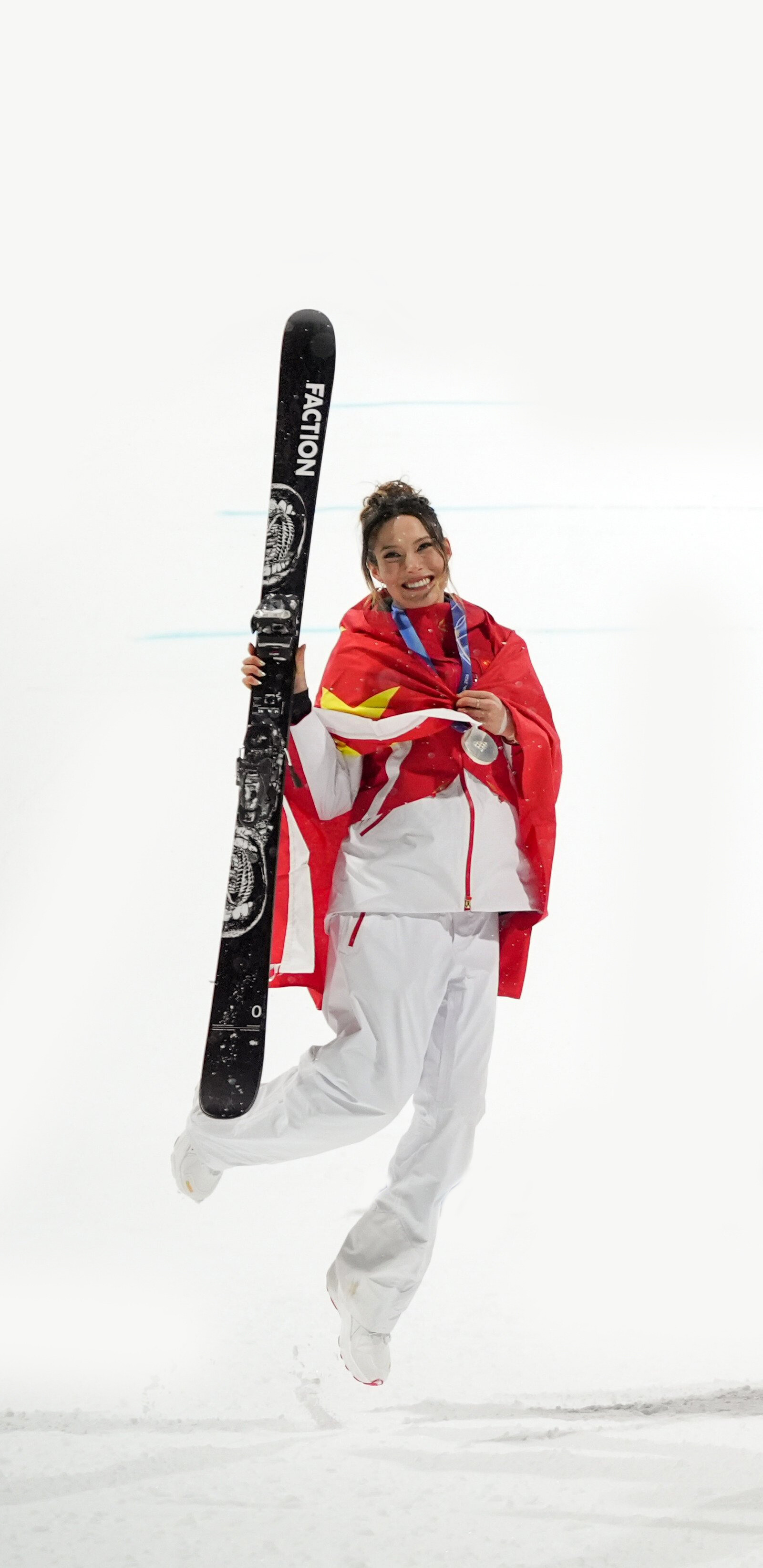



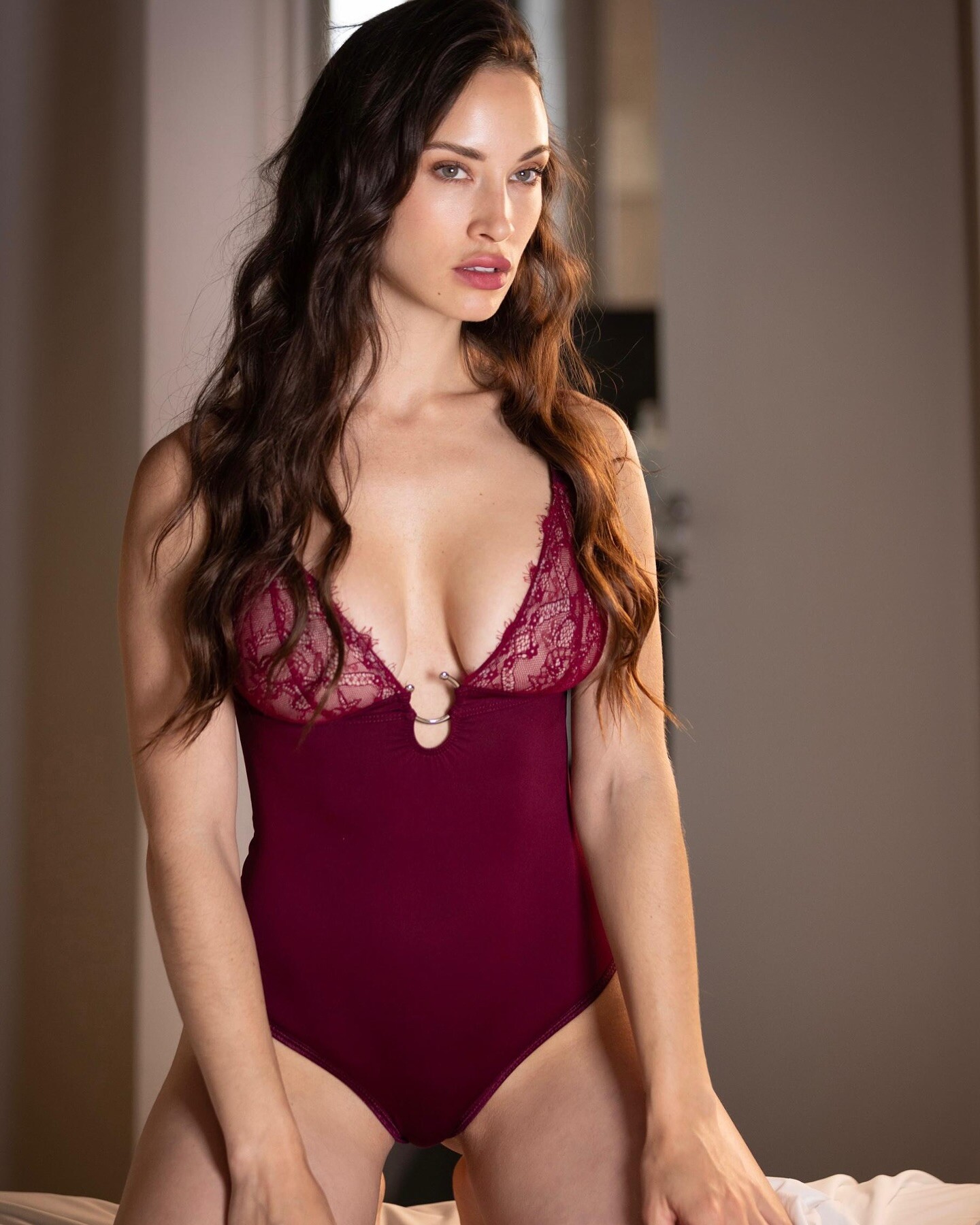

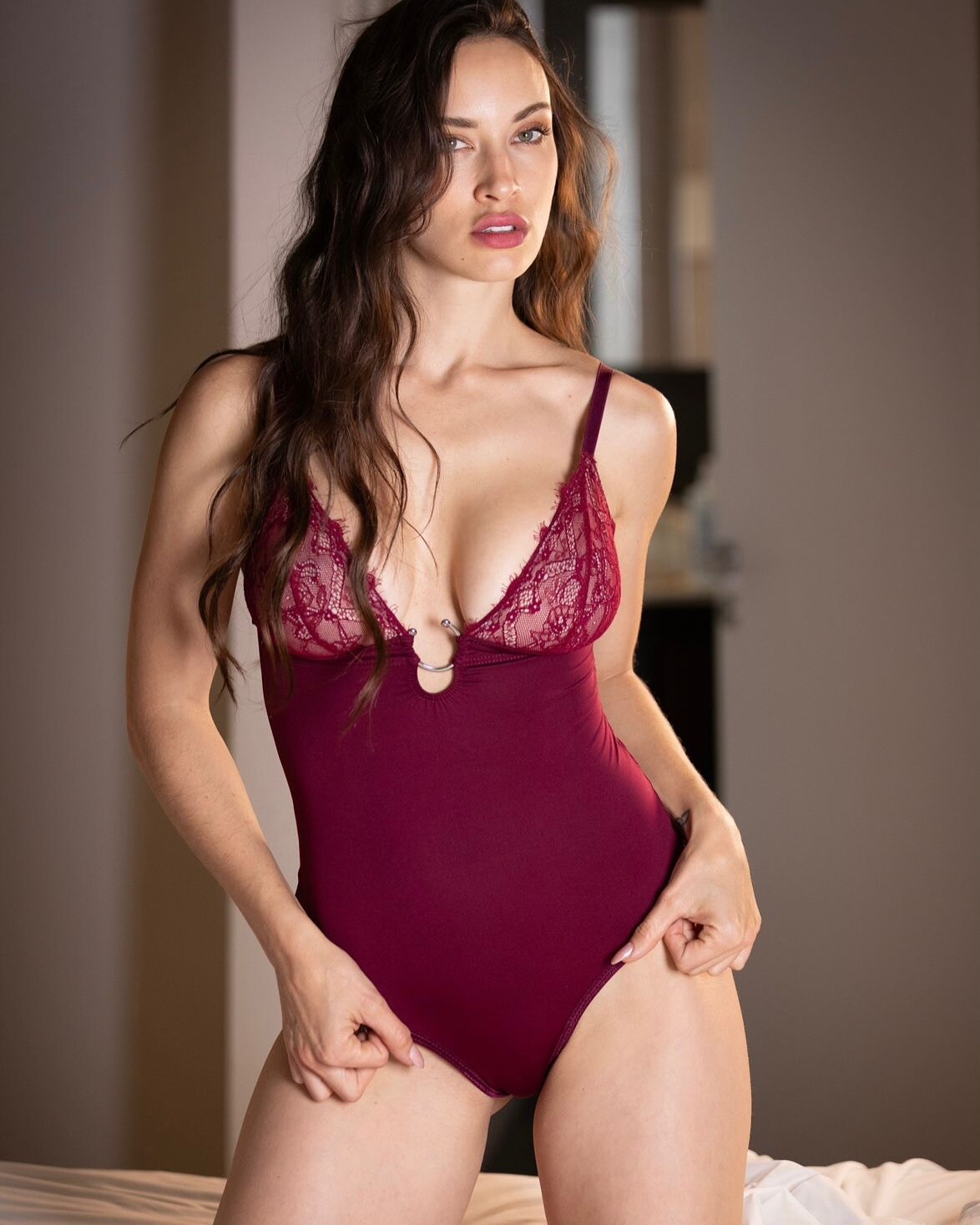

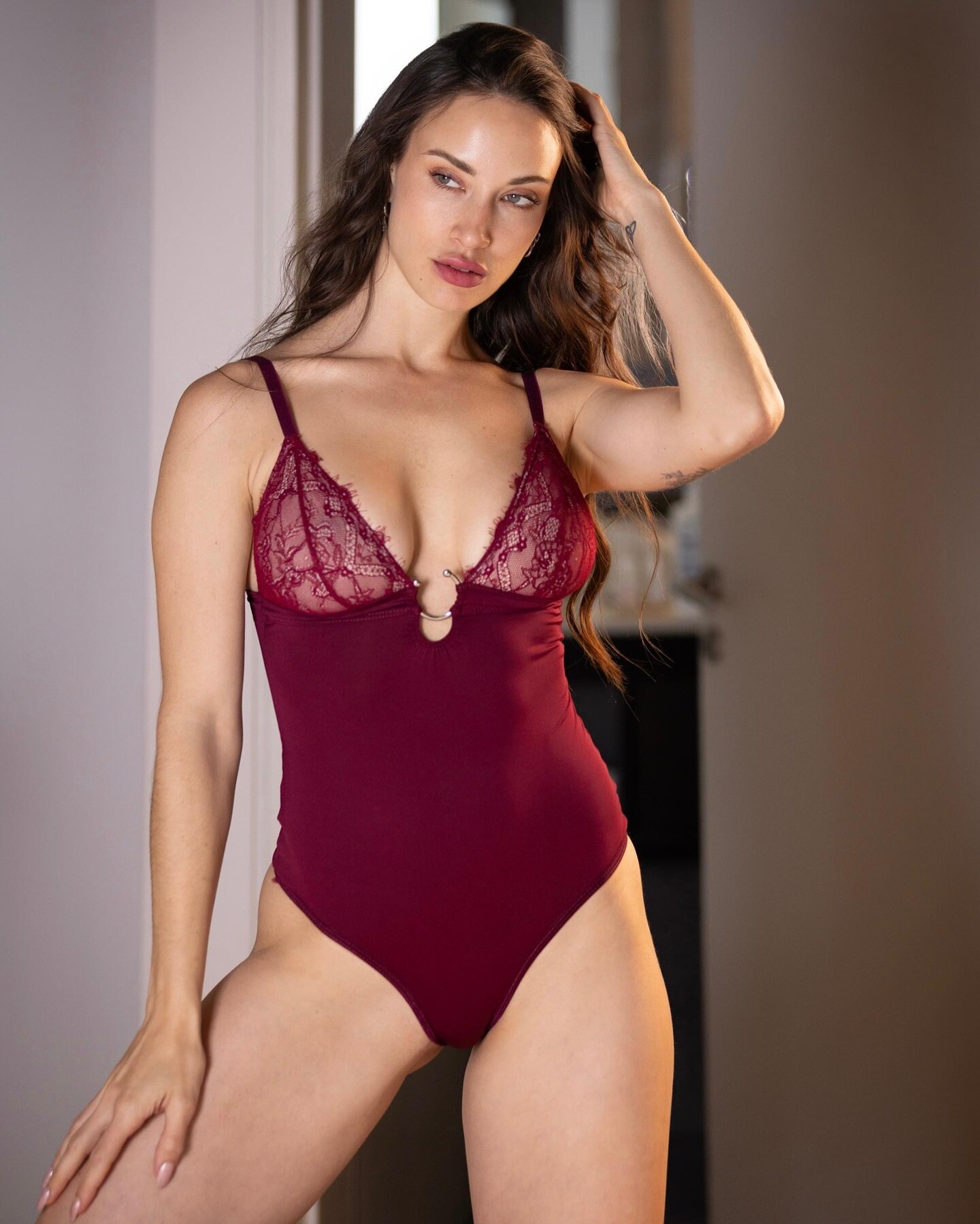
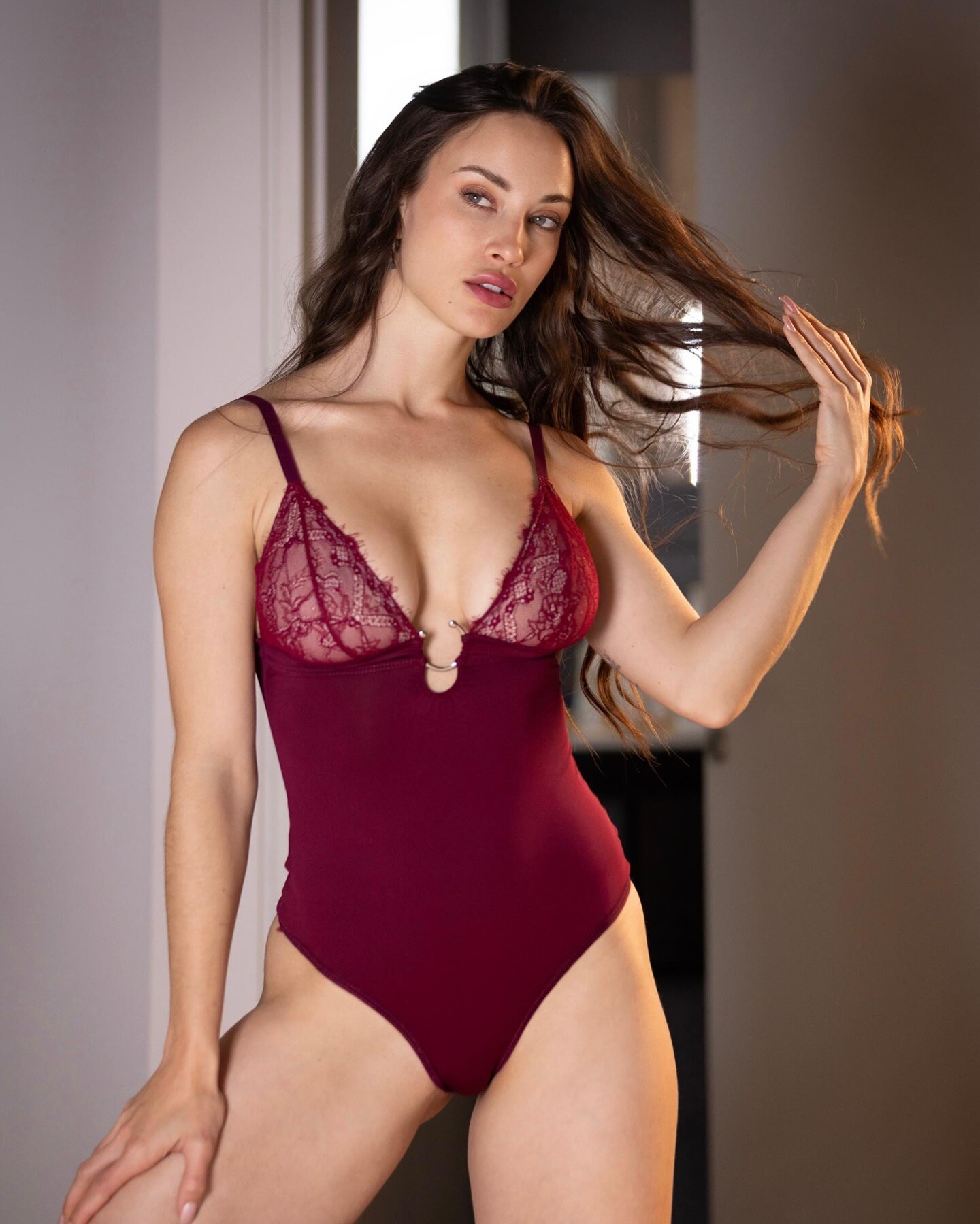
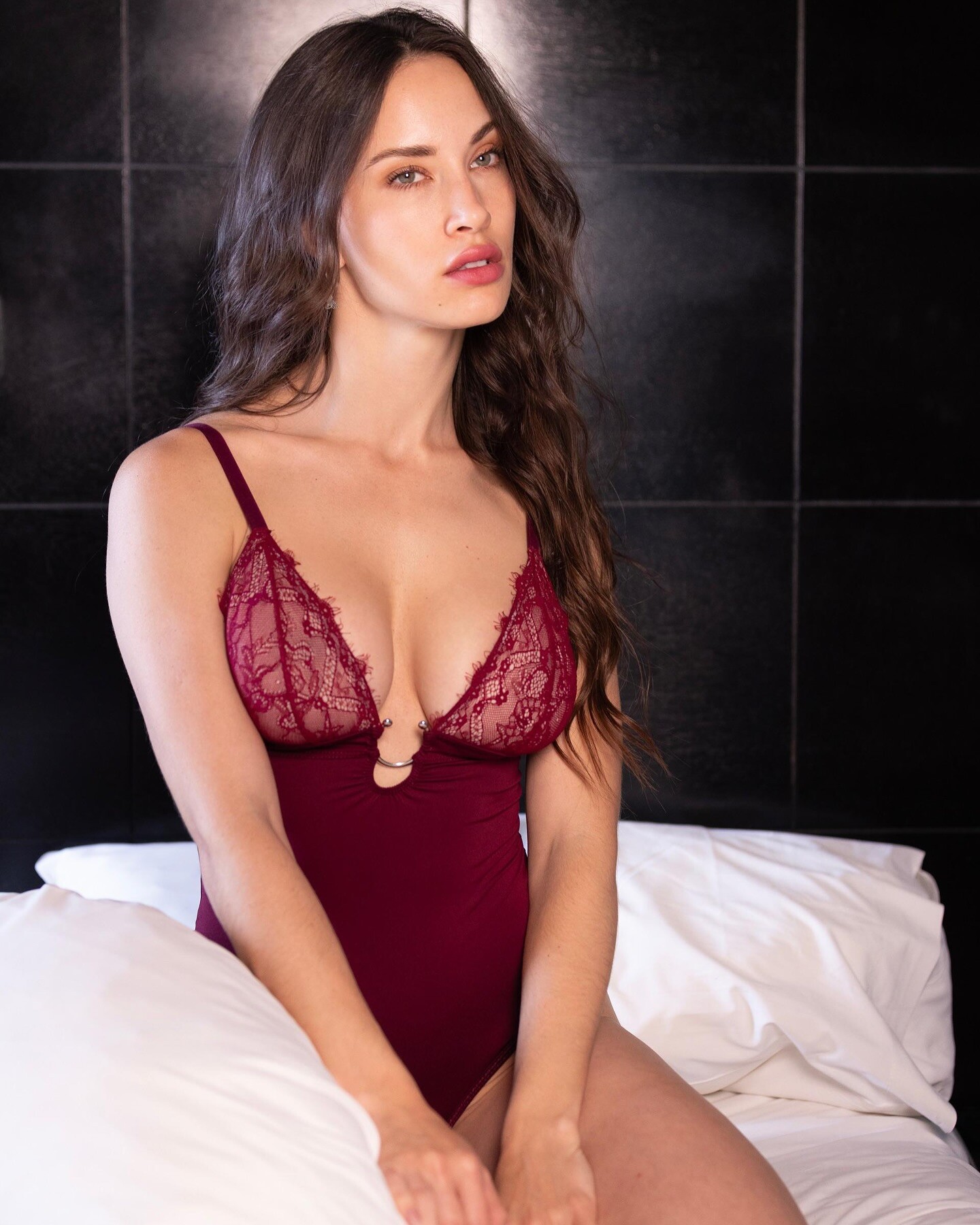
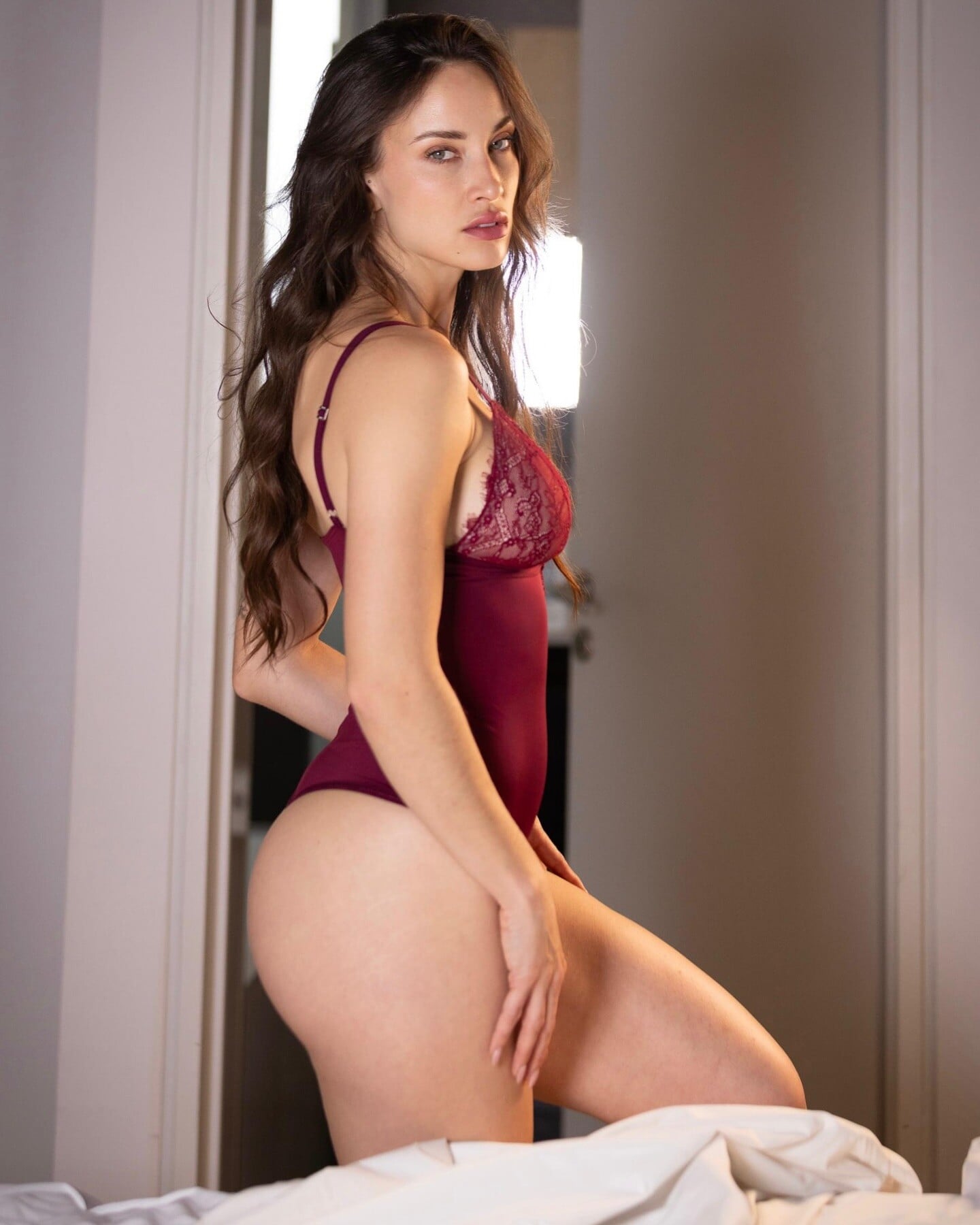

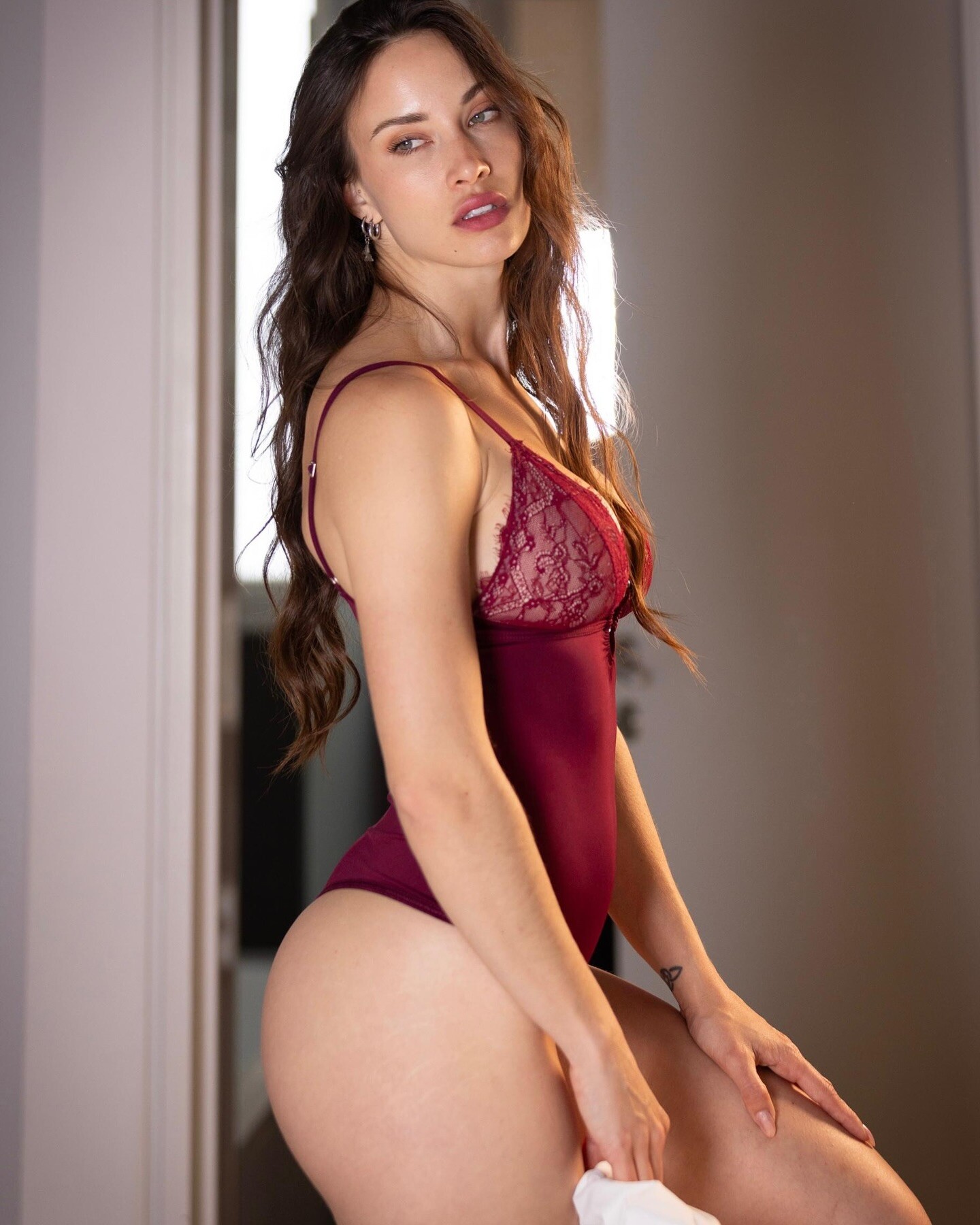
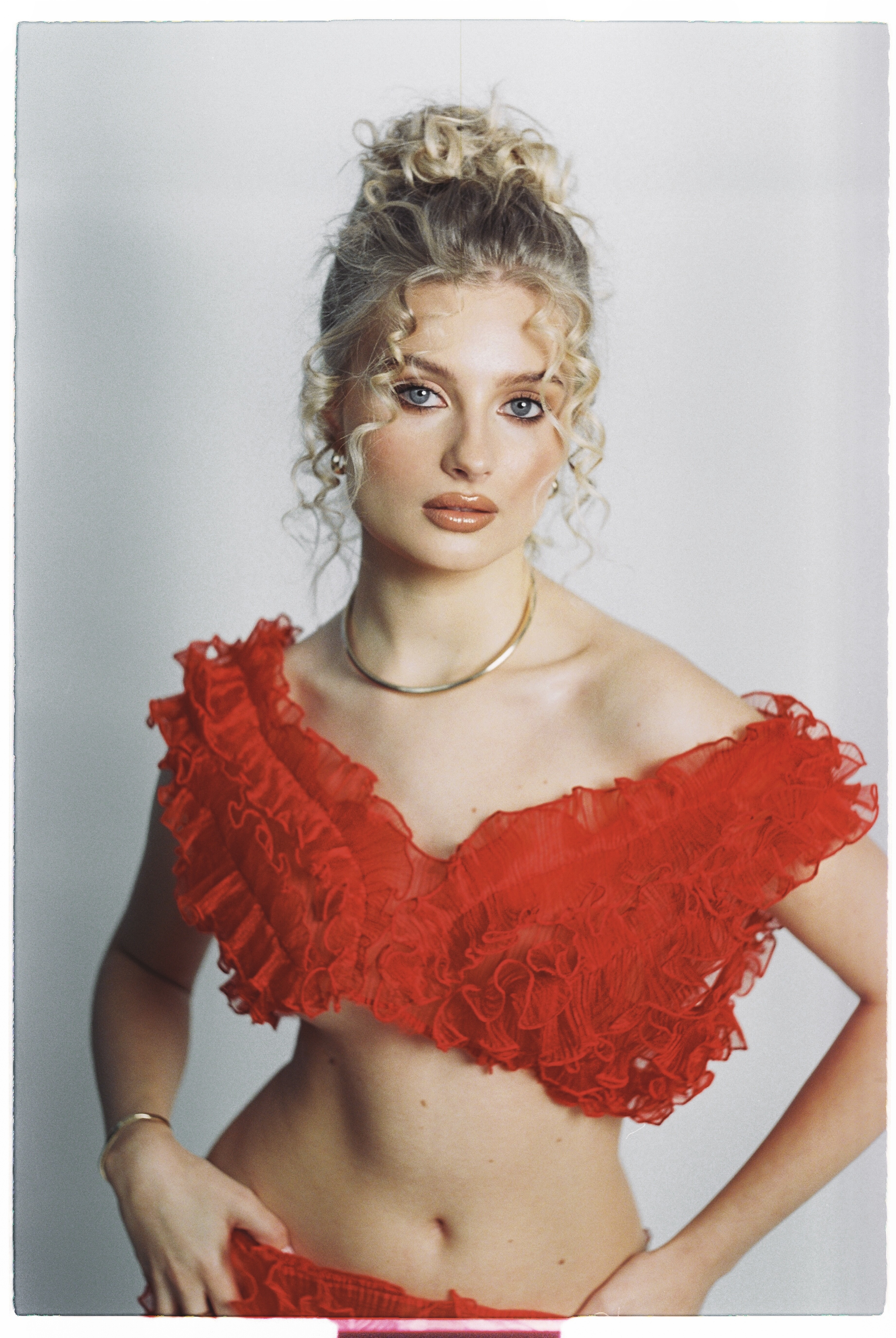
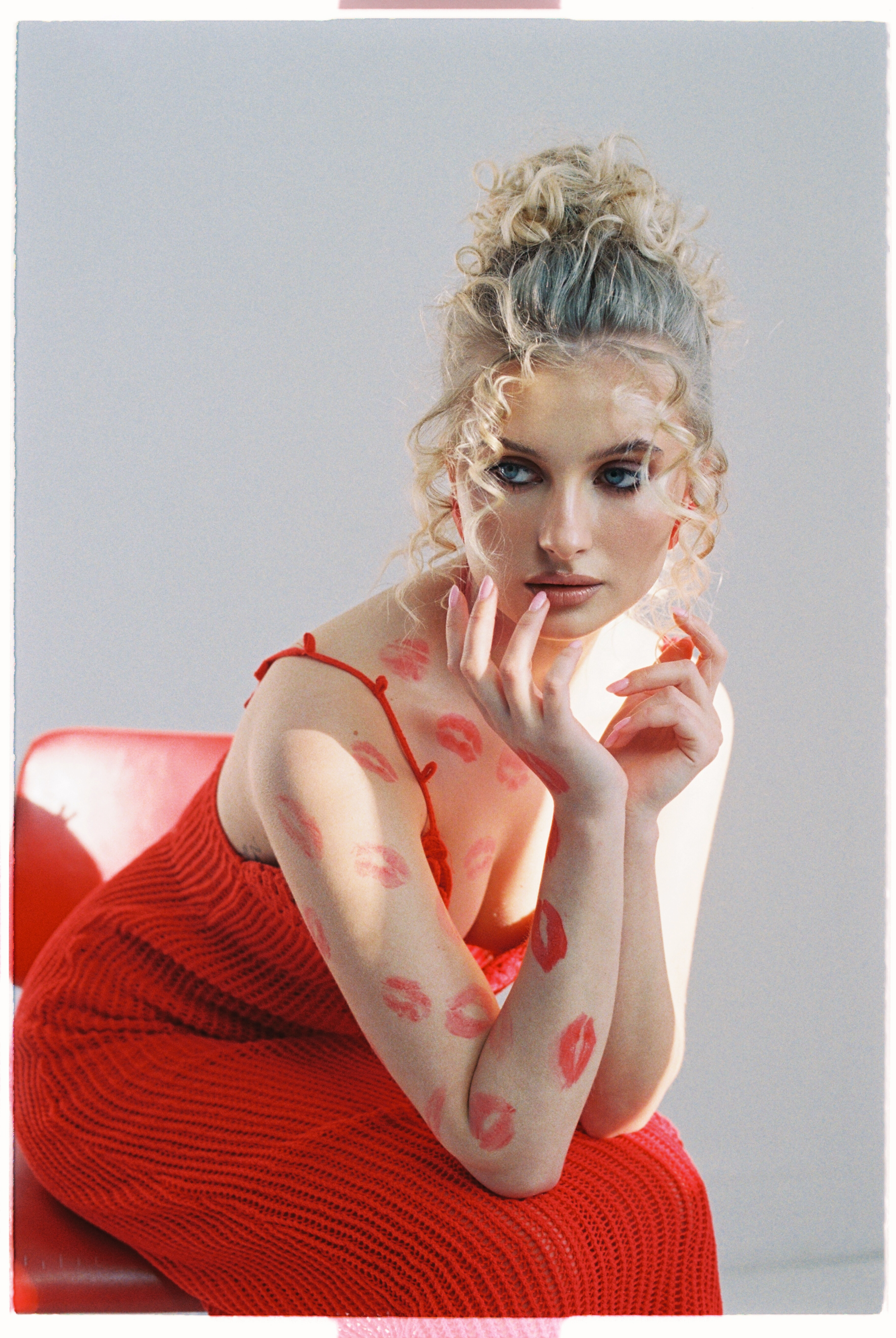
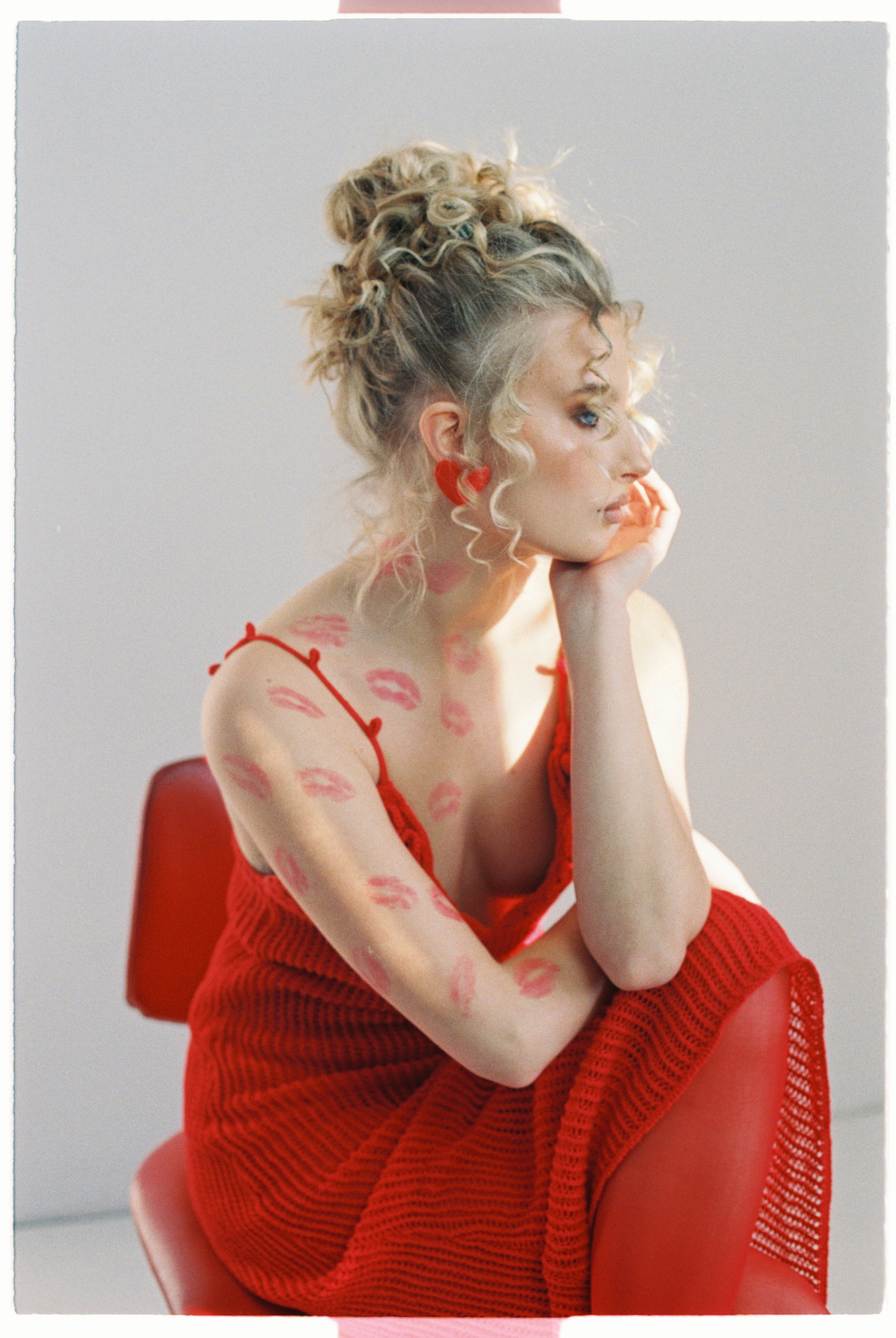
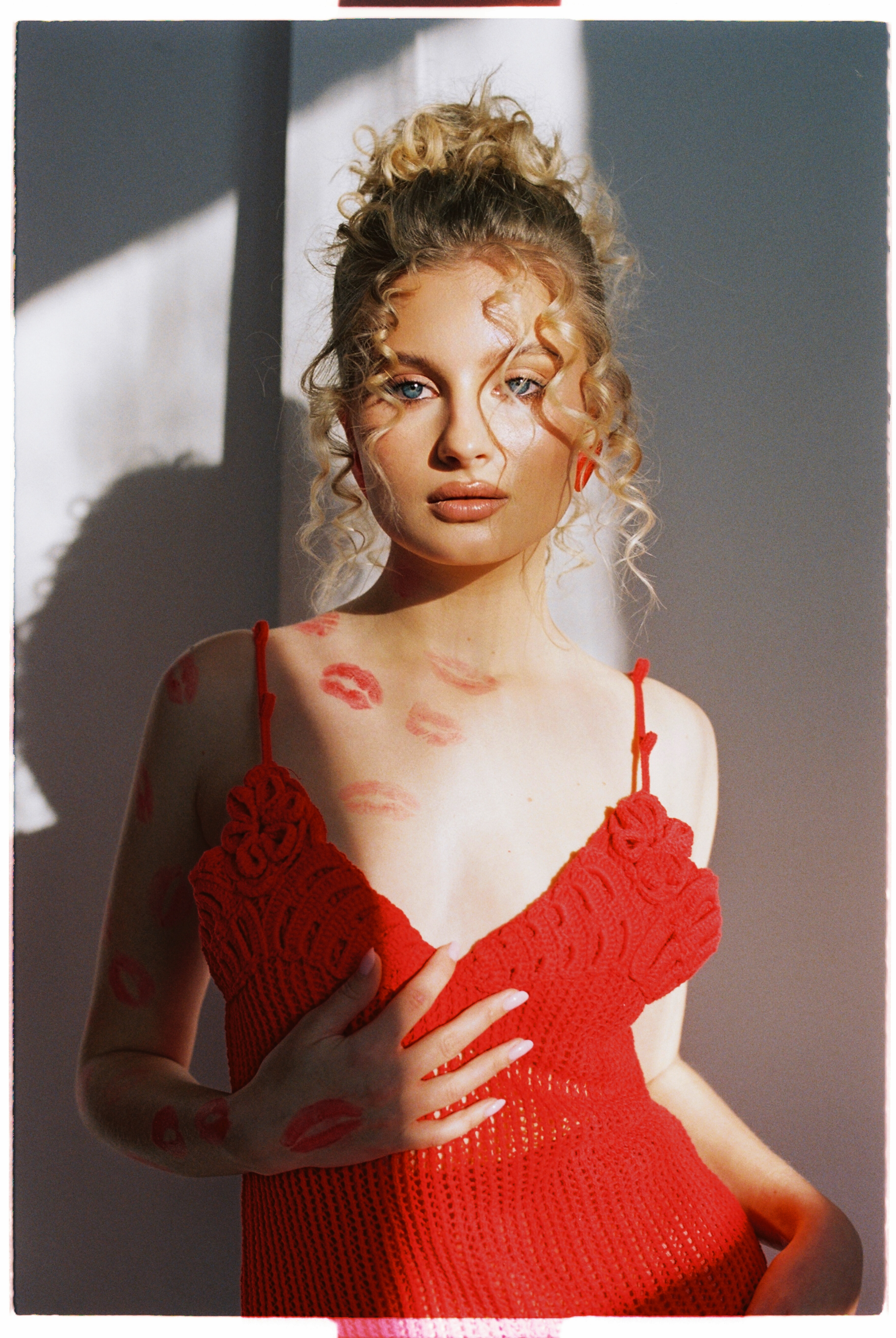
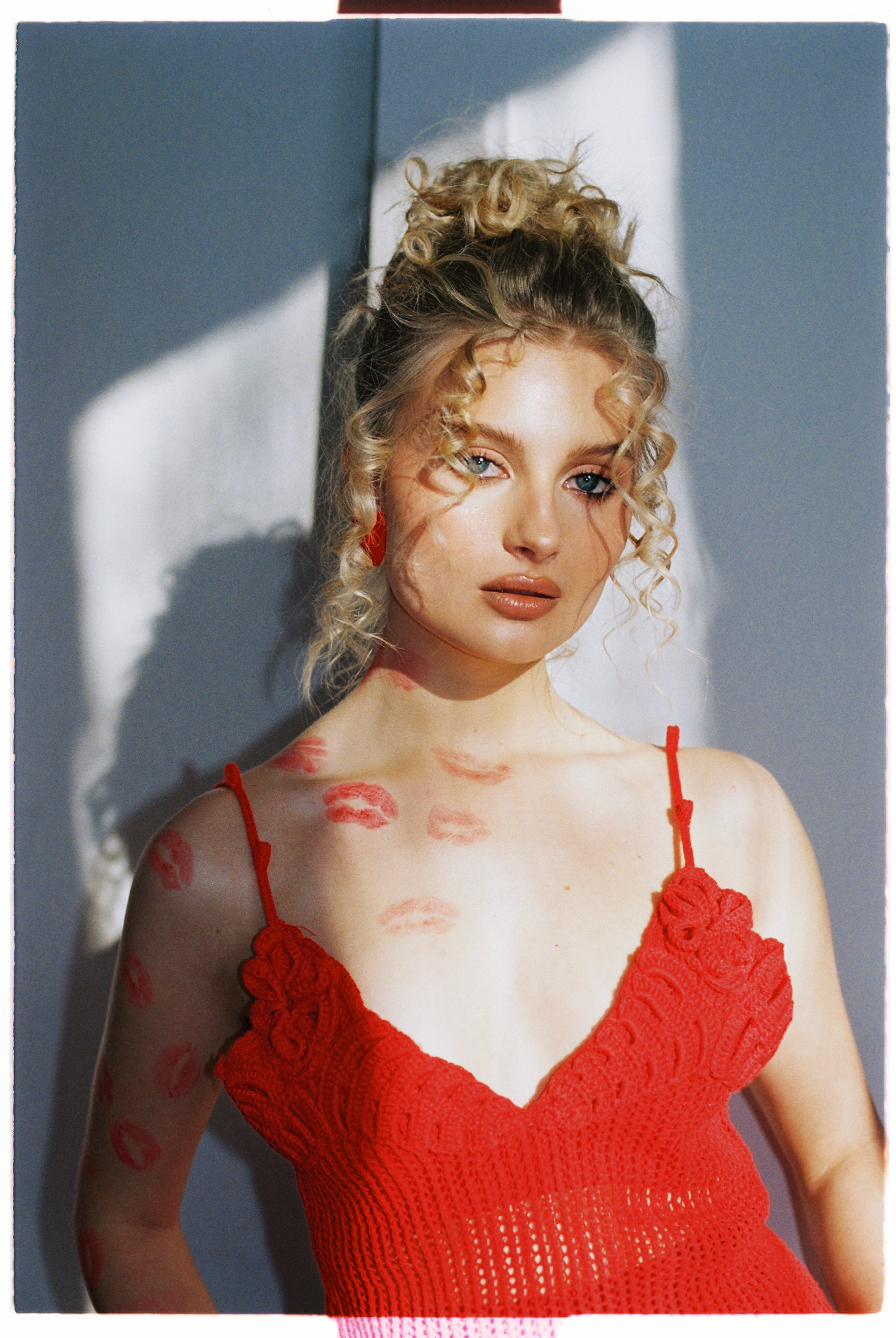
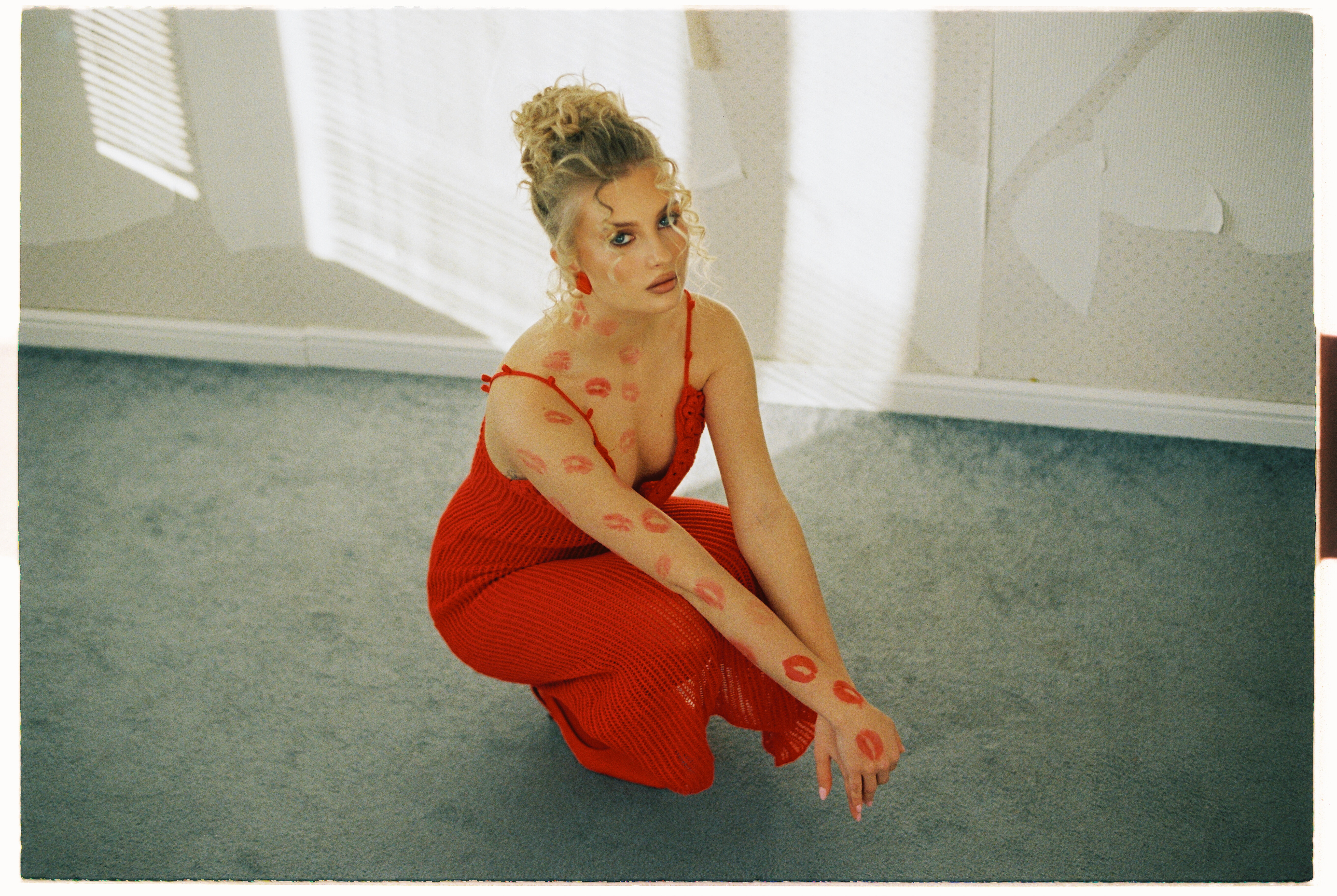
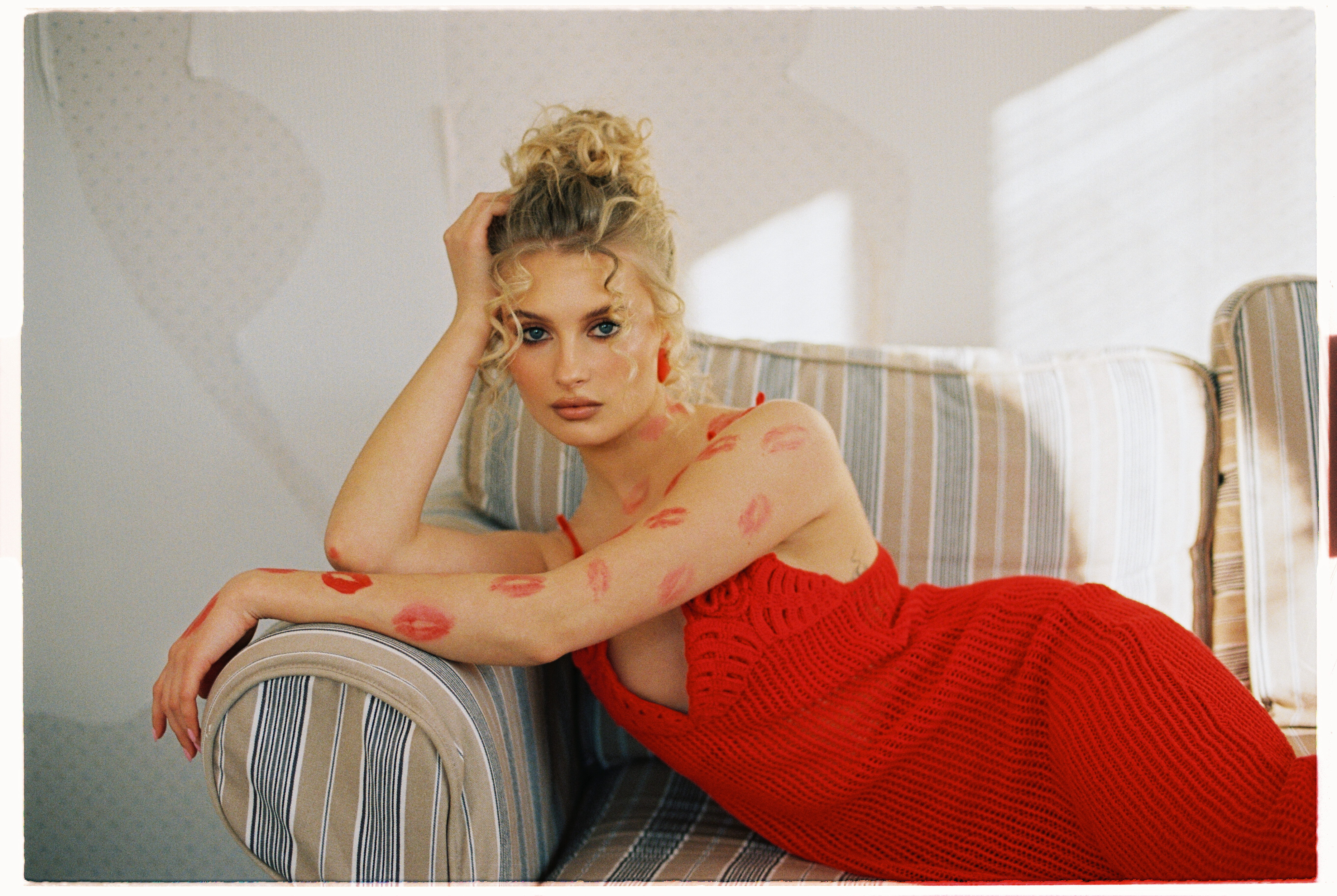
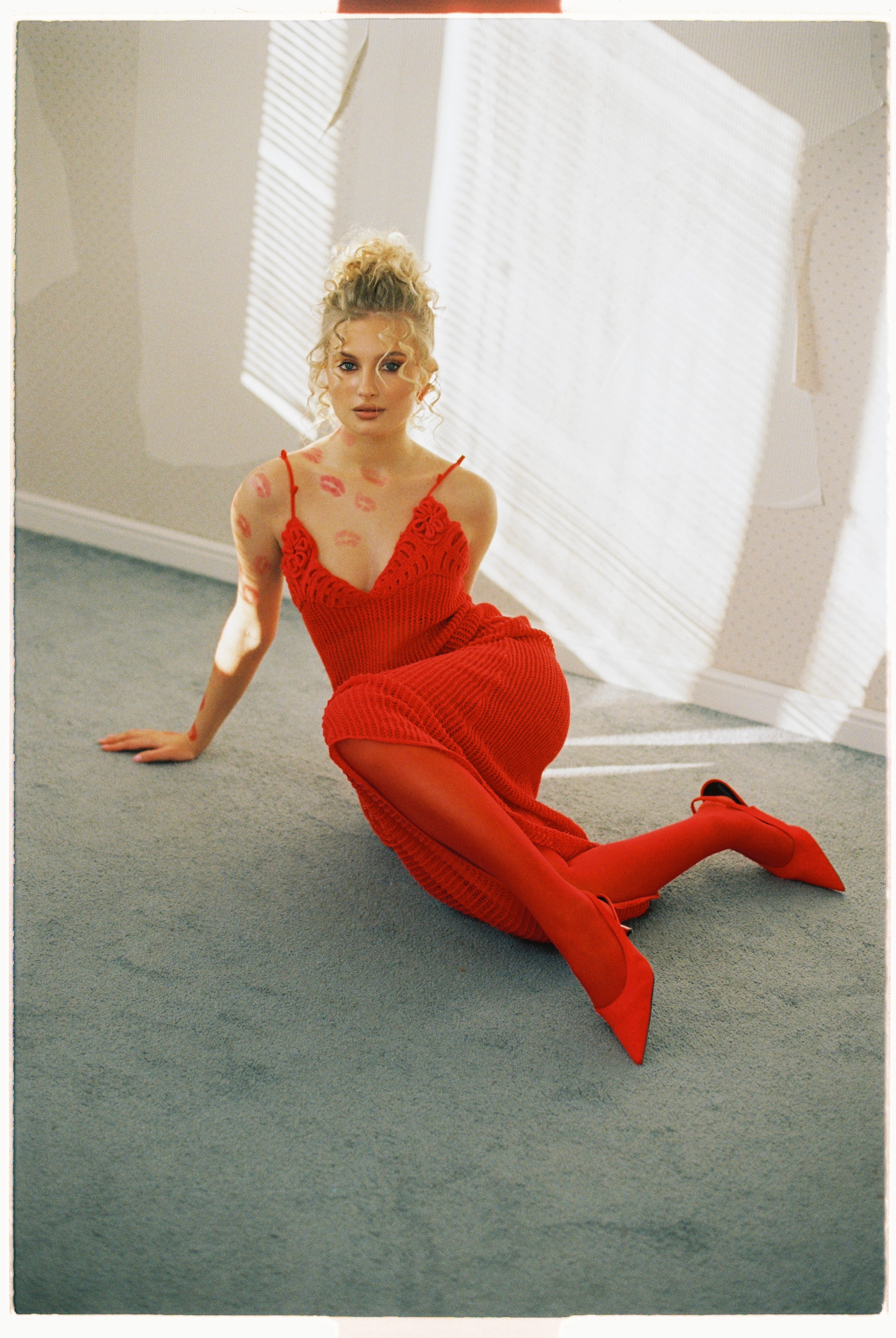
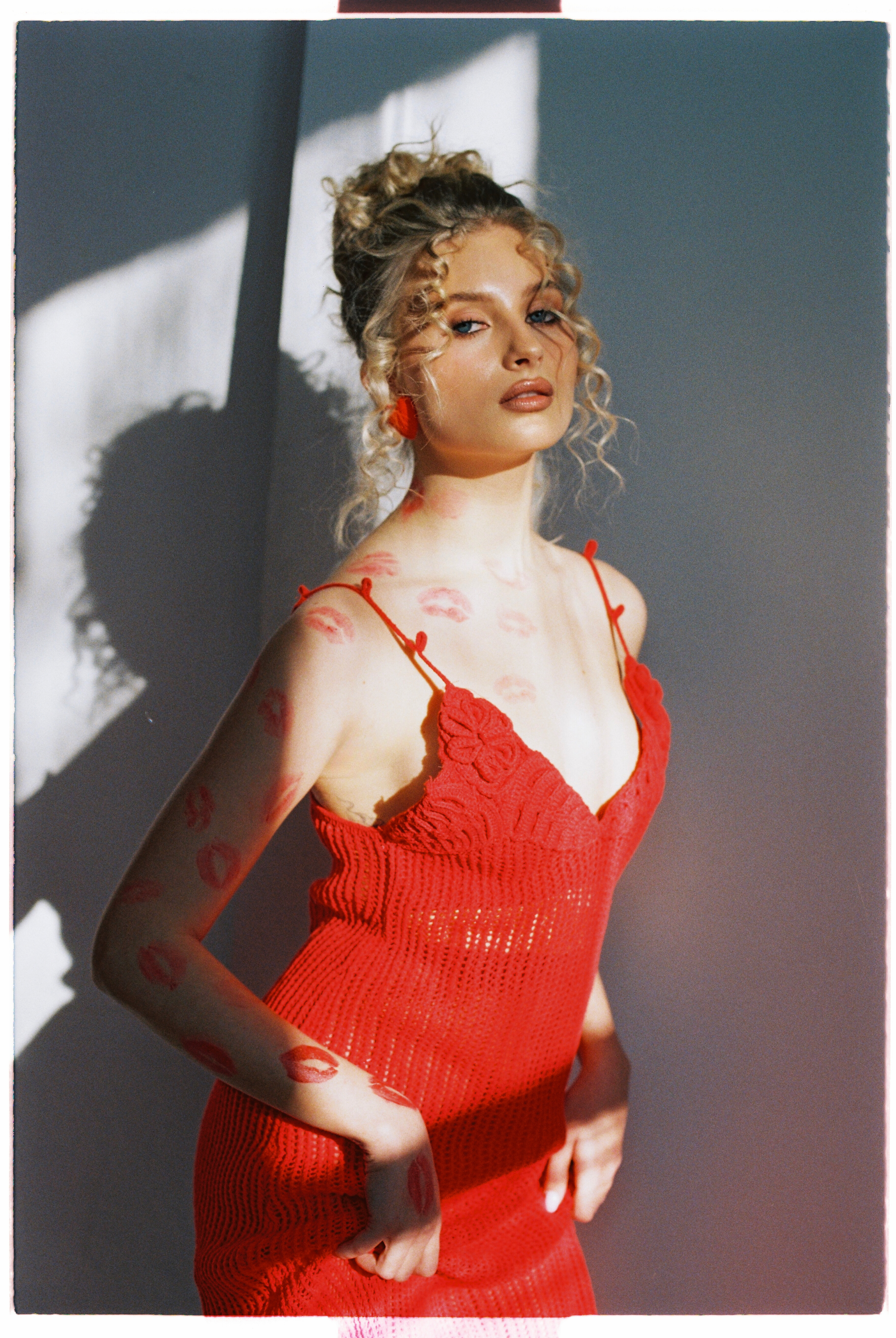
Account
Navigation
Search
Configure browser push notifications
Chrome (Android)
- Tap the lock icon next to the address bar.
- Tap Permissions → Notifications.
- Adjust your preference.
Chrome (Desktop)
- Click the padlock icon in the address bar.
- Select Site settings.
- Find Notifications and adjust your preference.
Safari (iOS 16.4+)
- Ensure the site is installed via Add to Home Screen.
- Open Settings App → Notifications.
- Find your app name and adjust your preference.
Safari (macOS)
- Go to Safari → Preferences.
- Click the Websites tab.
- Select Notifications in the sidebar.
- Find this website and adjust your preference.
Edge (Android)
- Tap the lock icon next to the address bar.
- Tap Permissions.
- Find Notifications and adjust your preference.
Edge (Desktop)
- Click the padlock icon in the address bar.
- Click Permissions for this site.
- Find Notifications and adjust your preference.
Firefox (Android)
- Go to Settings → Site permissions.
- Tap Notifications.
- Find this site in the list and adjust your preference.
Firefox (Desktop)
- Open Firefox Settings.
- Search for Notifications.
- Find this site in the list and adjust your preference.