All Activity
- Past hour
-
 stories video






-

-
Jared Jewelers: Happily ever after ✨ 🤍 Our Chosen ring collection's beauty is captured with Taylor Hill alongside her husband Daniel Fryer. video

-
 Pretty sure shes german...
 -
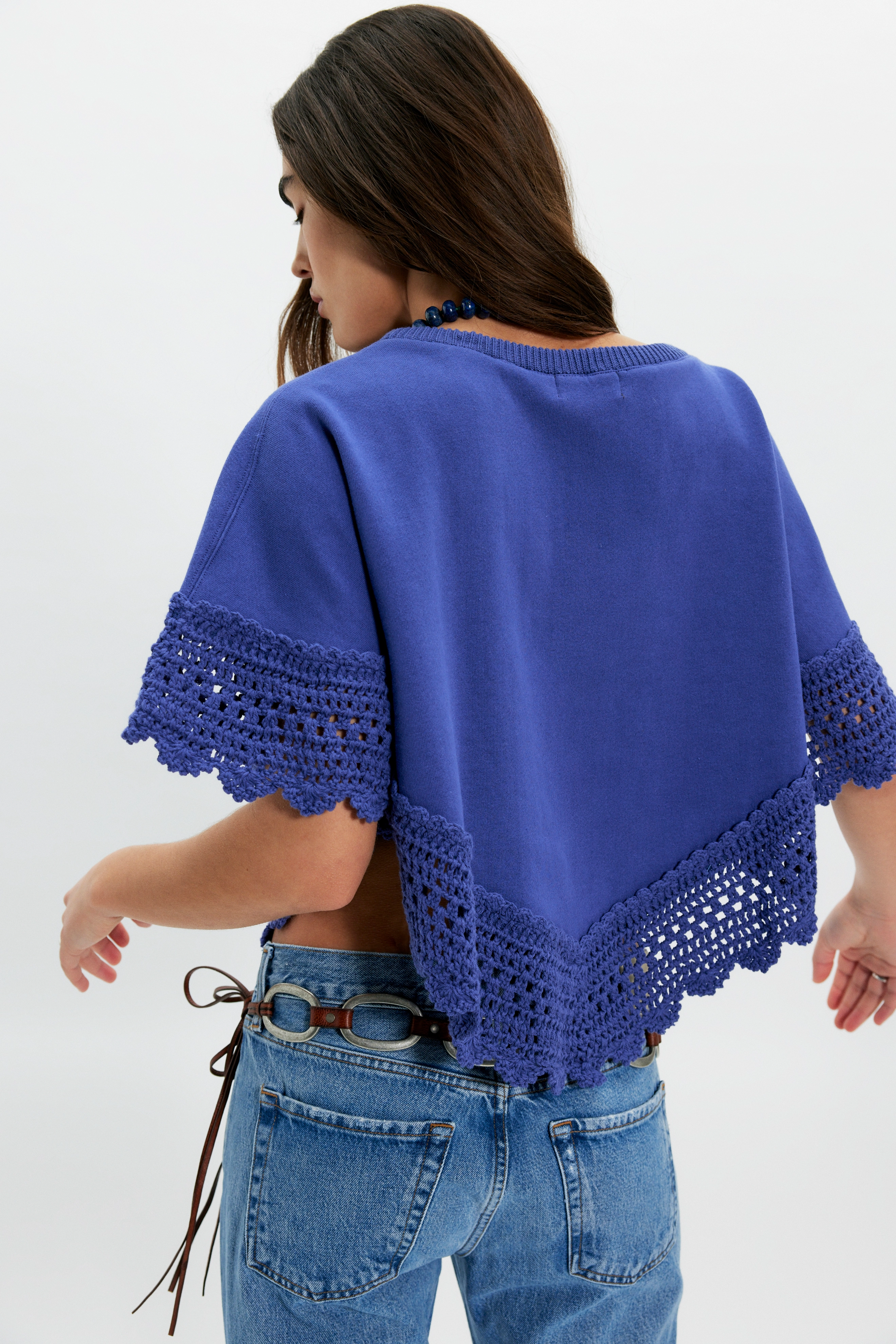
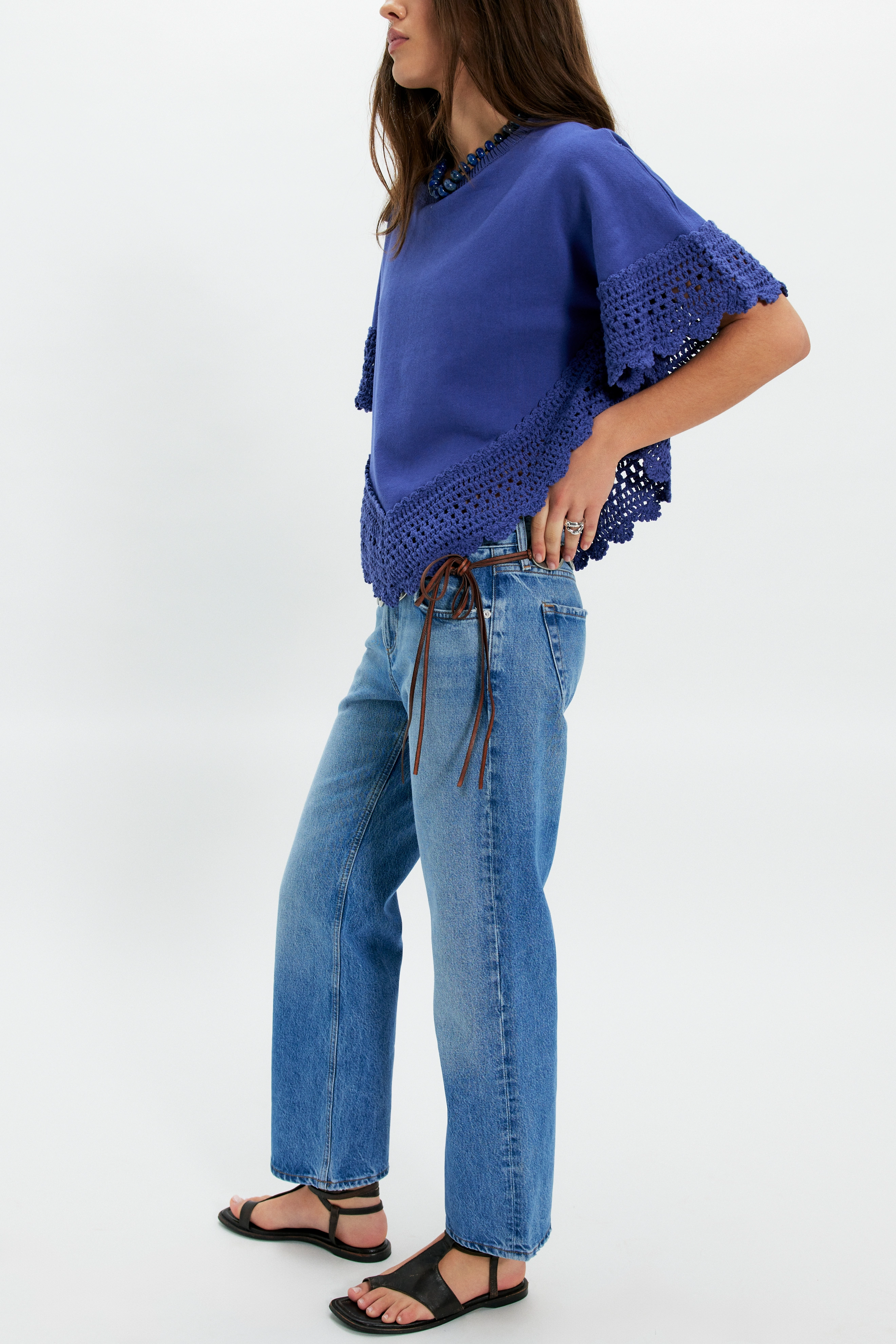
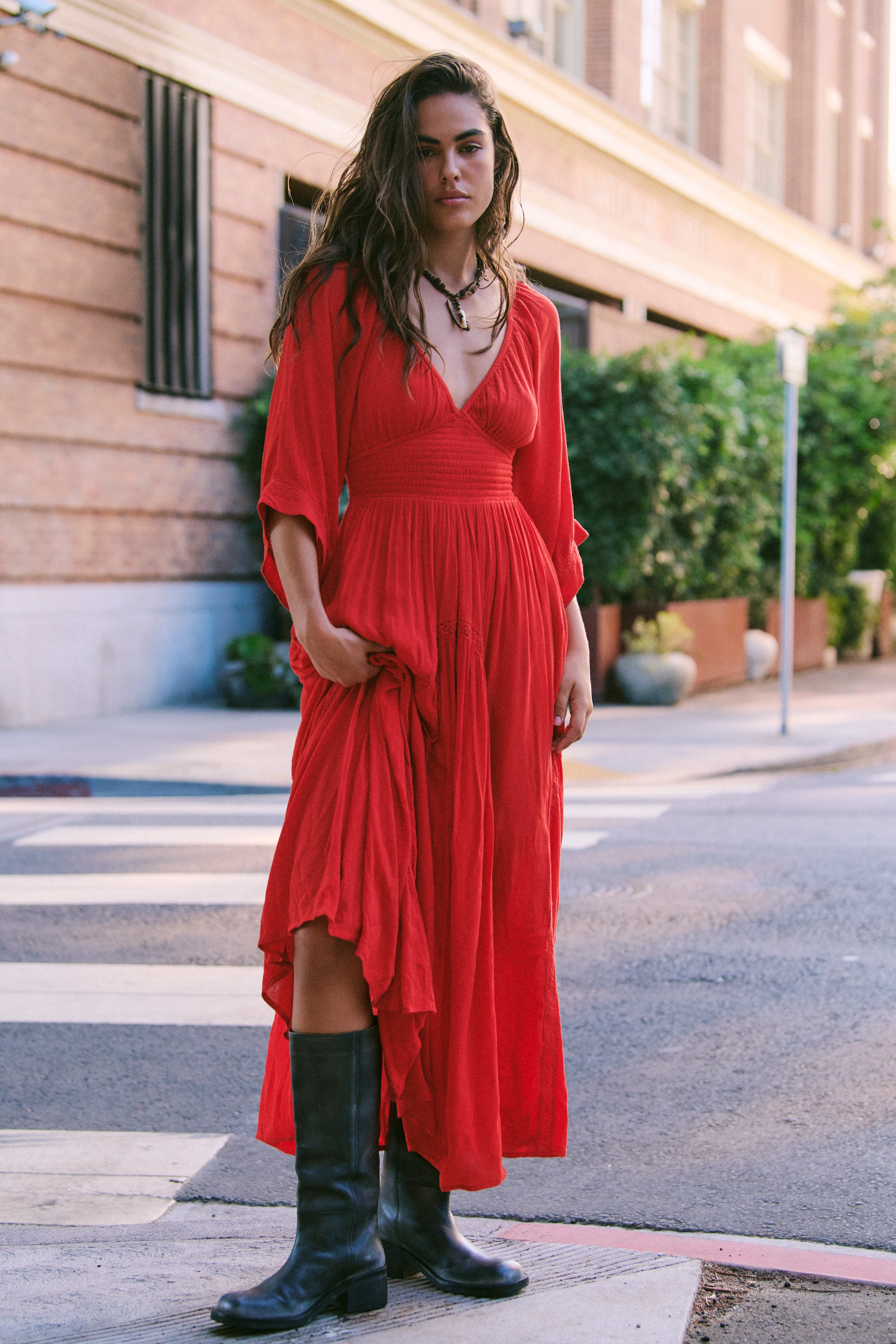
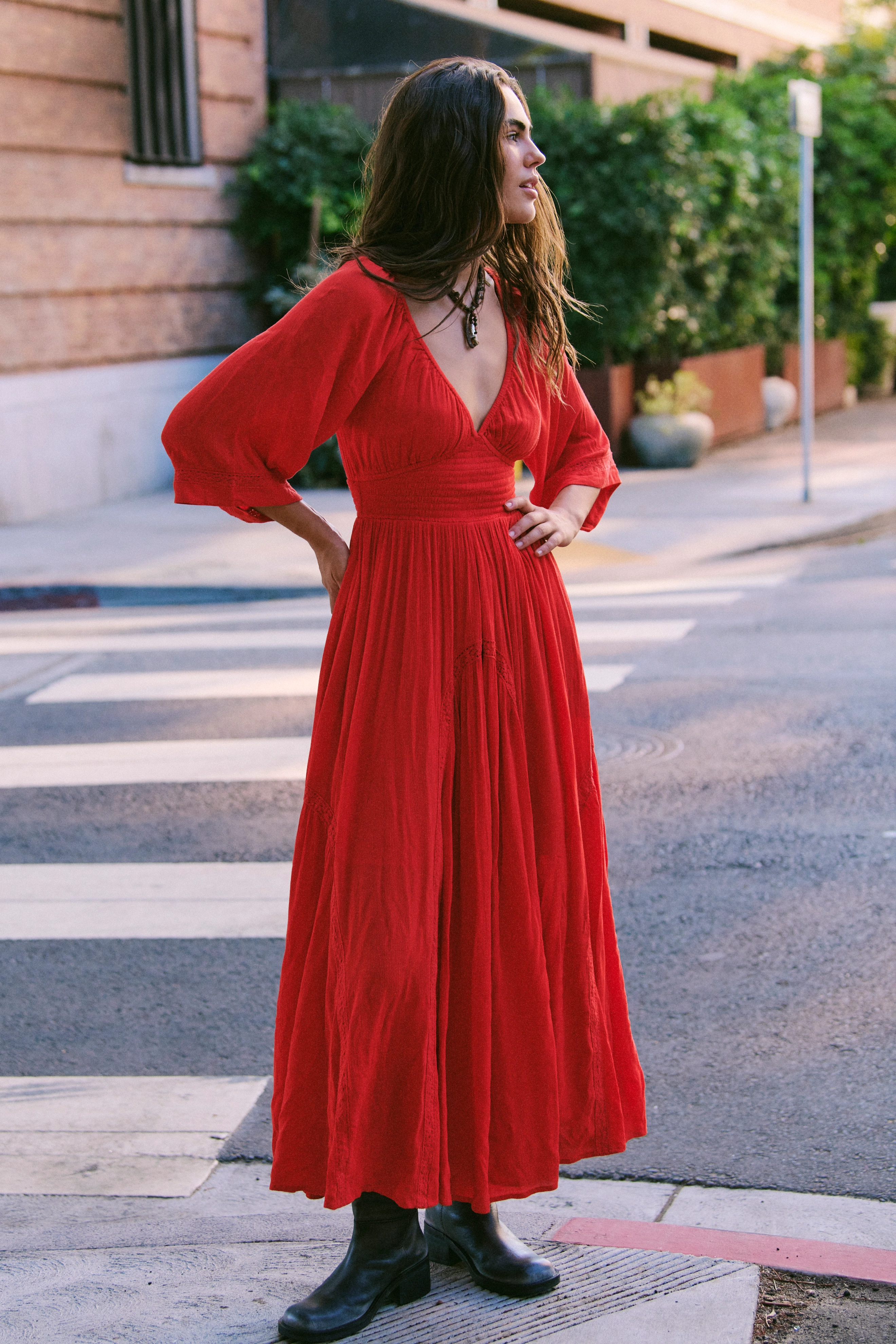
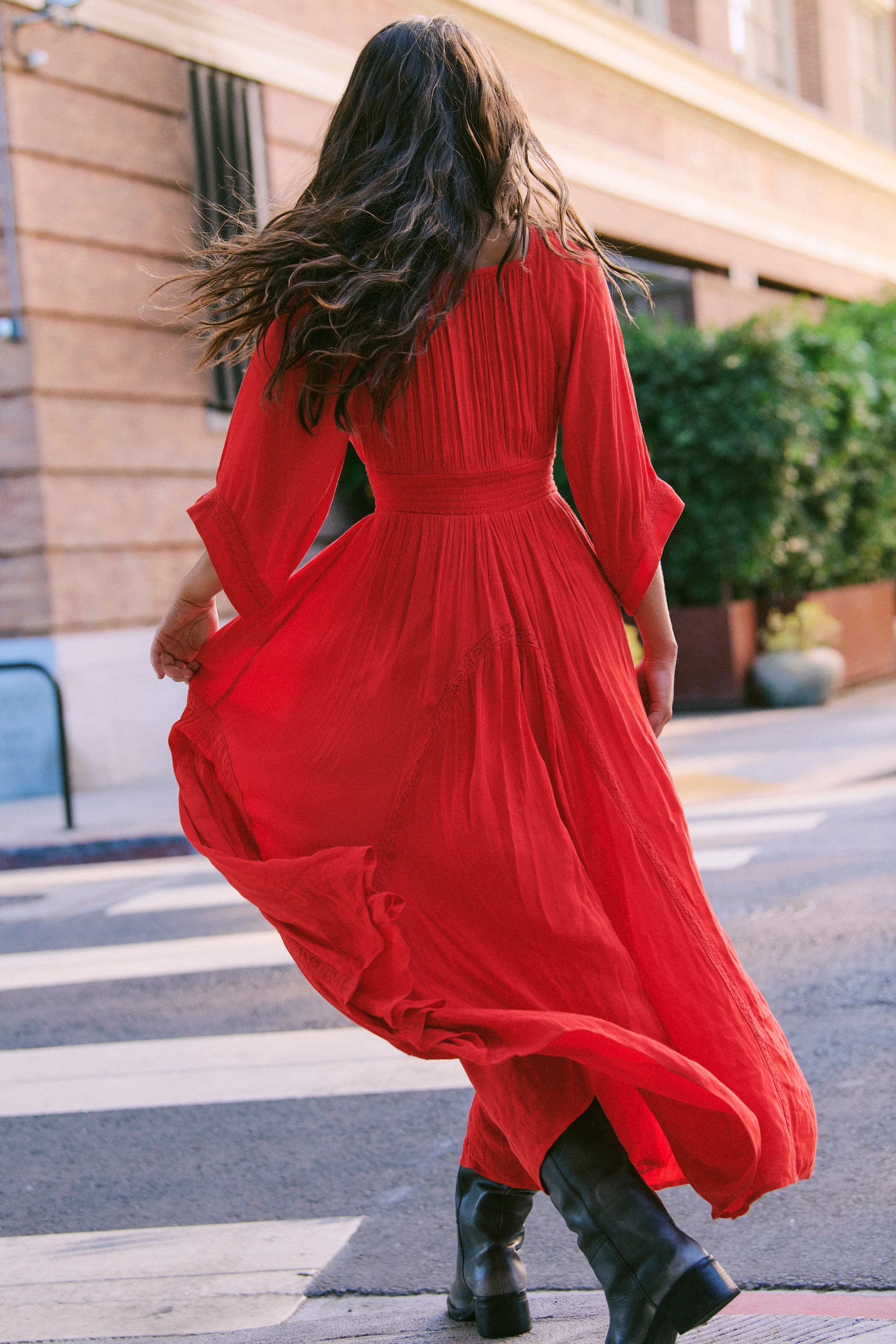
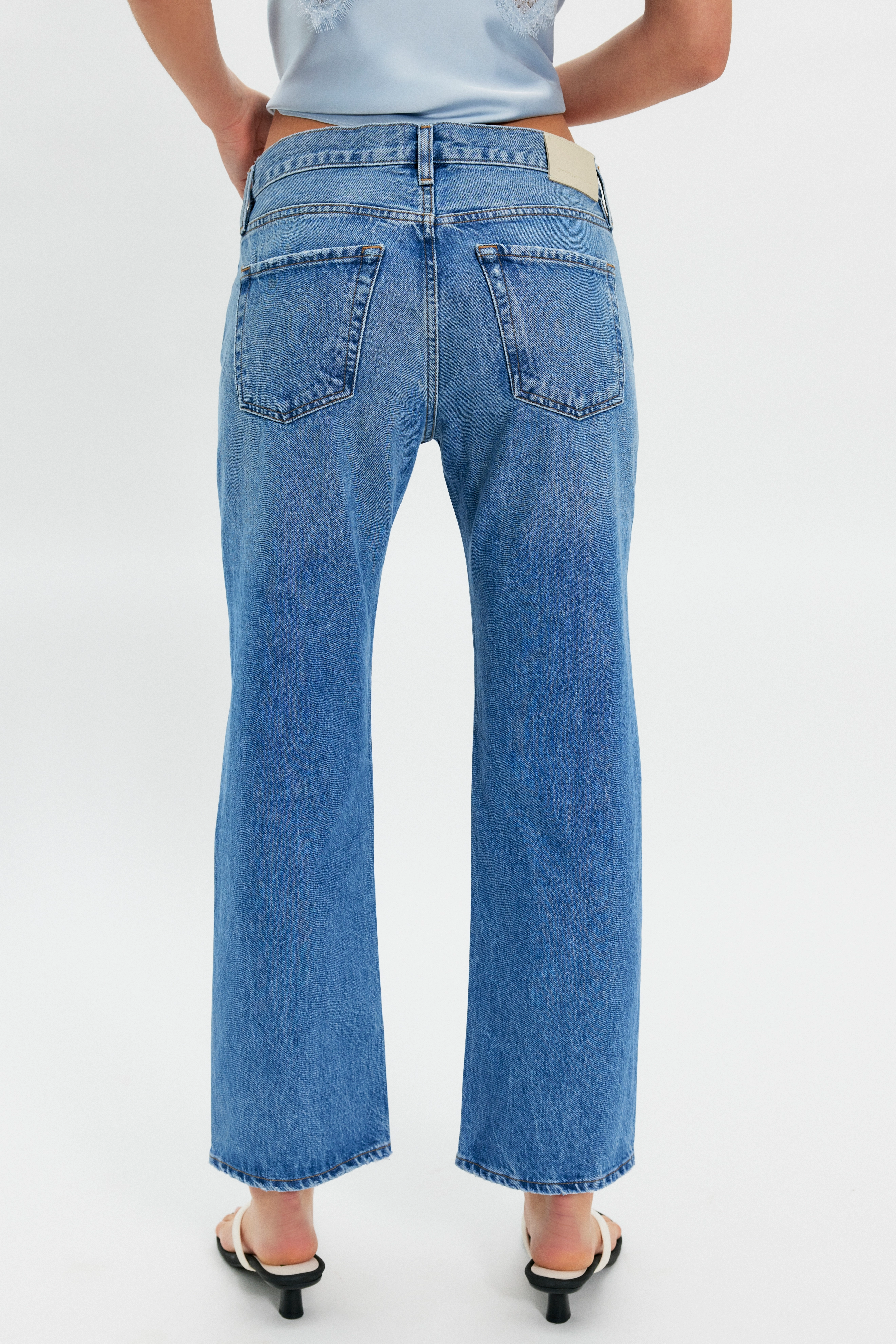
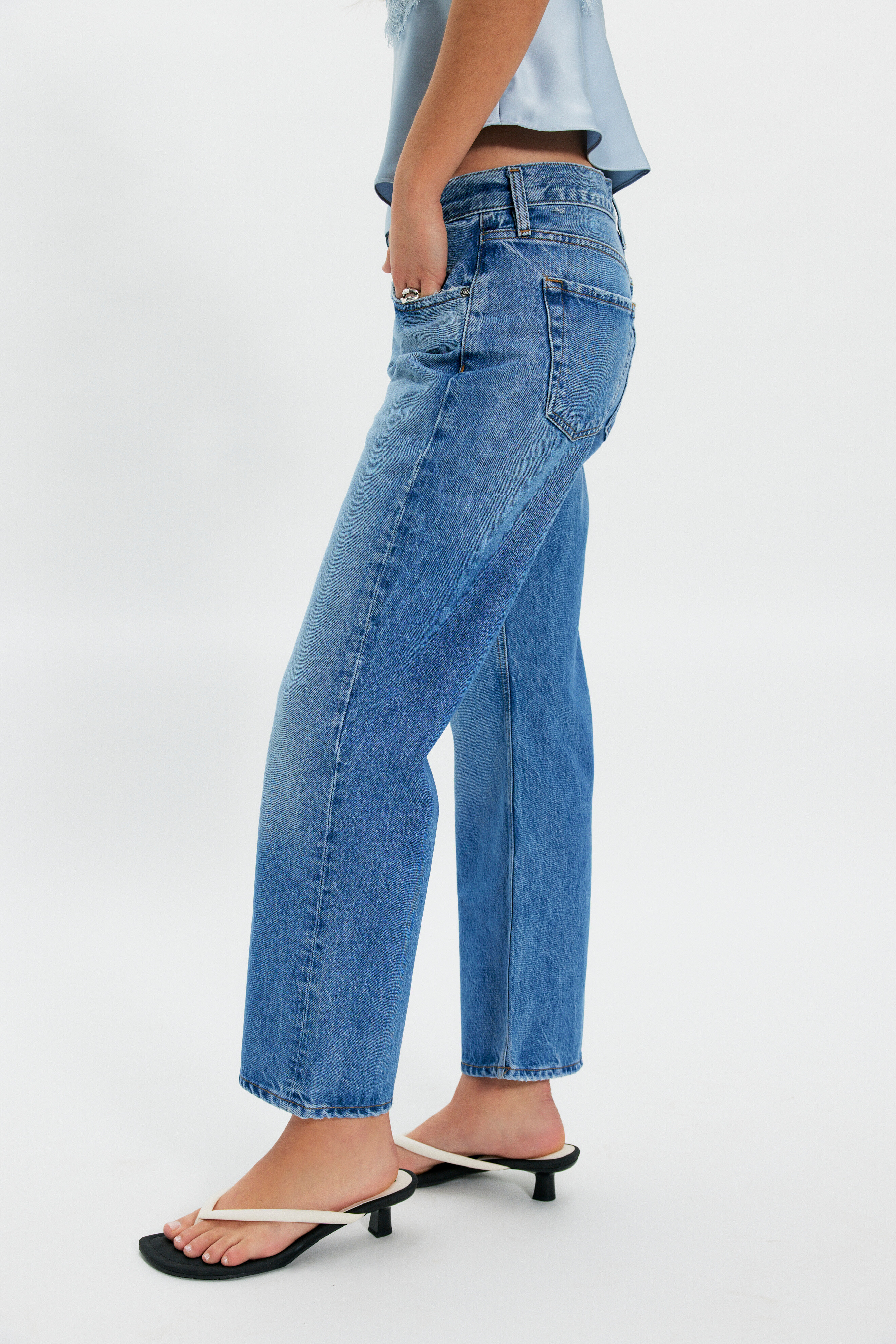
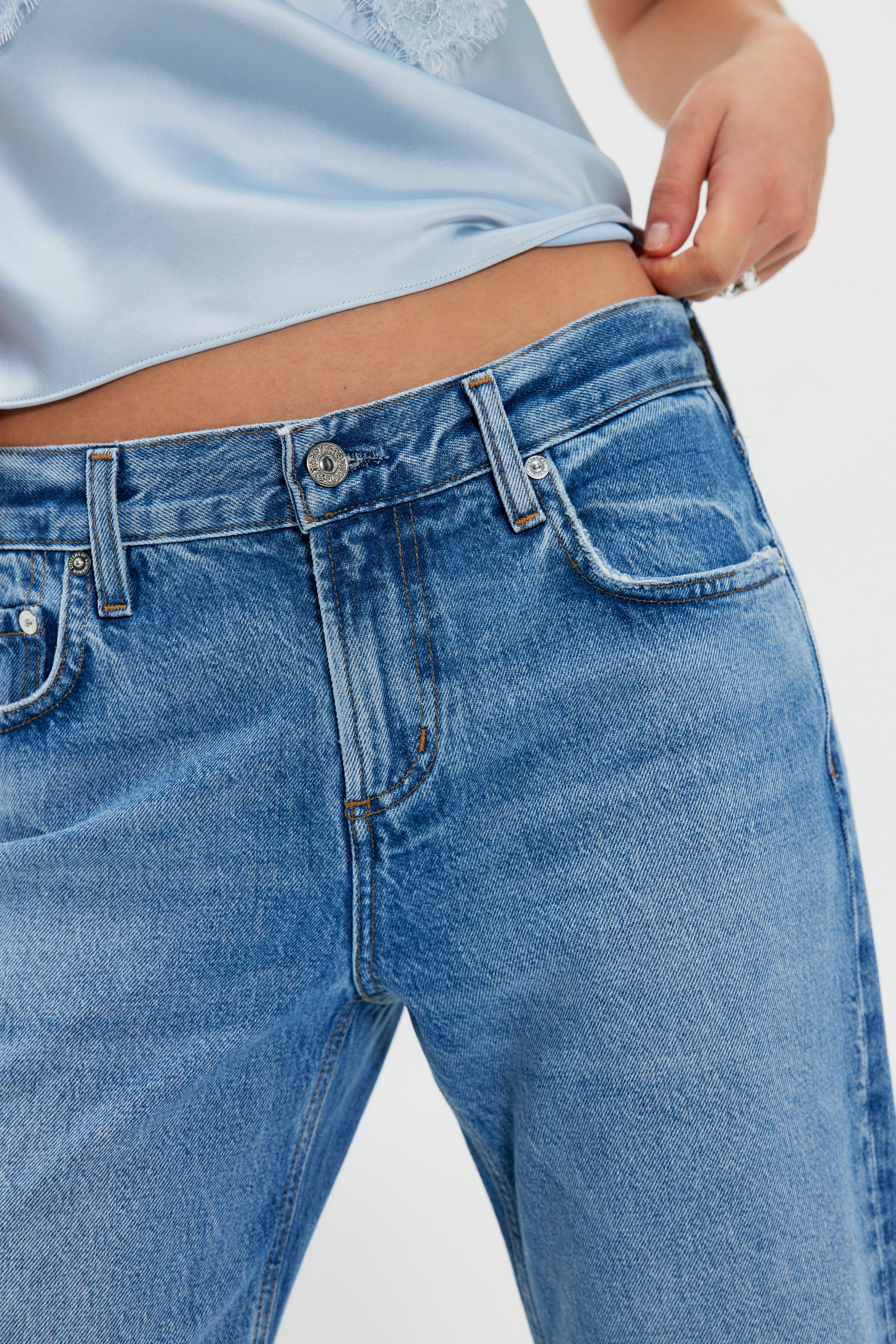
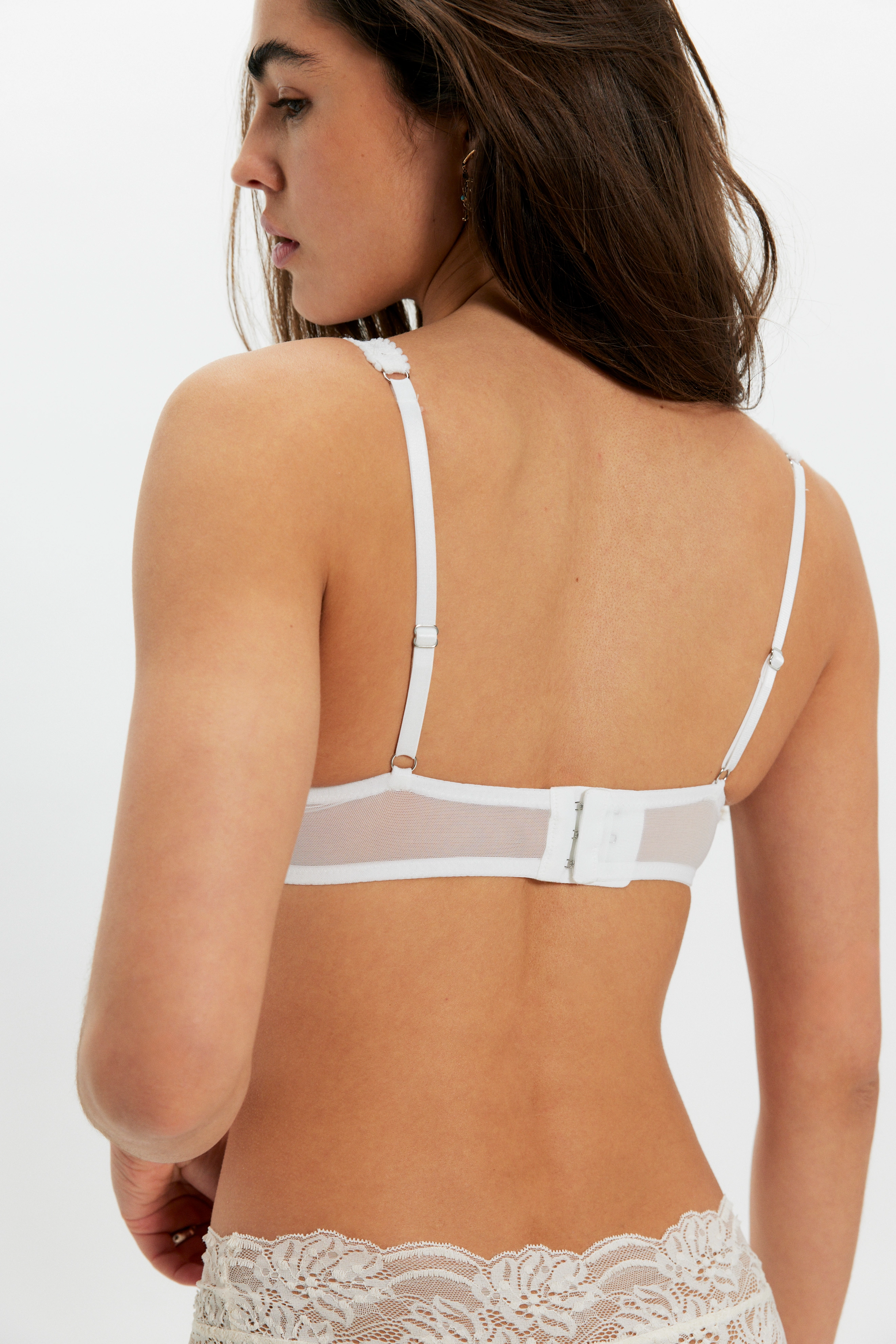
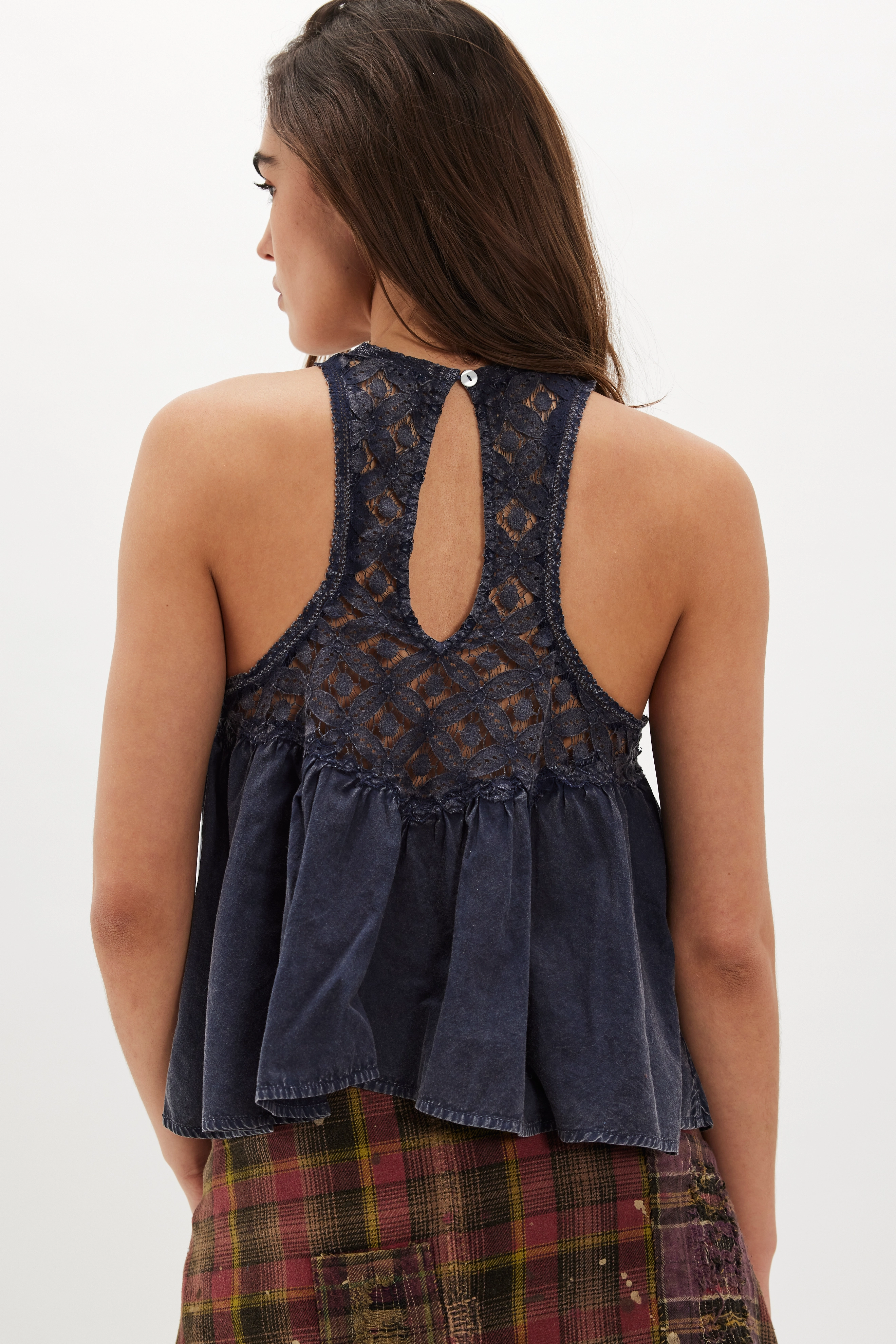
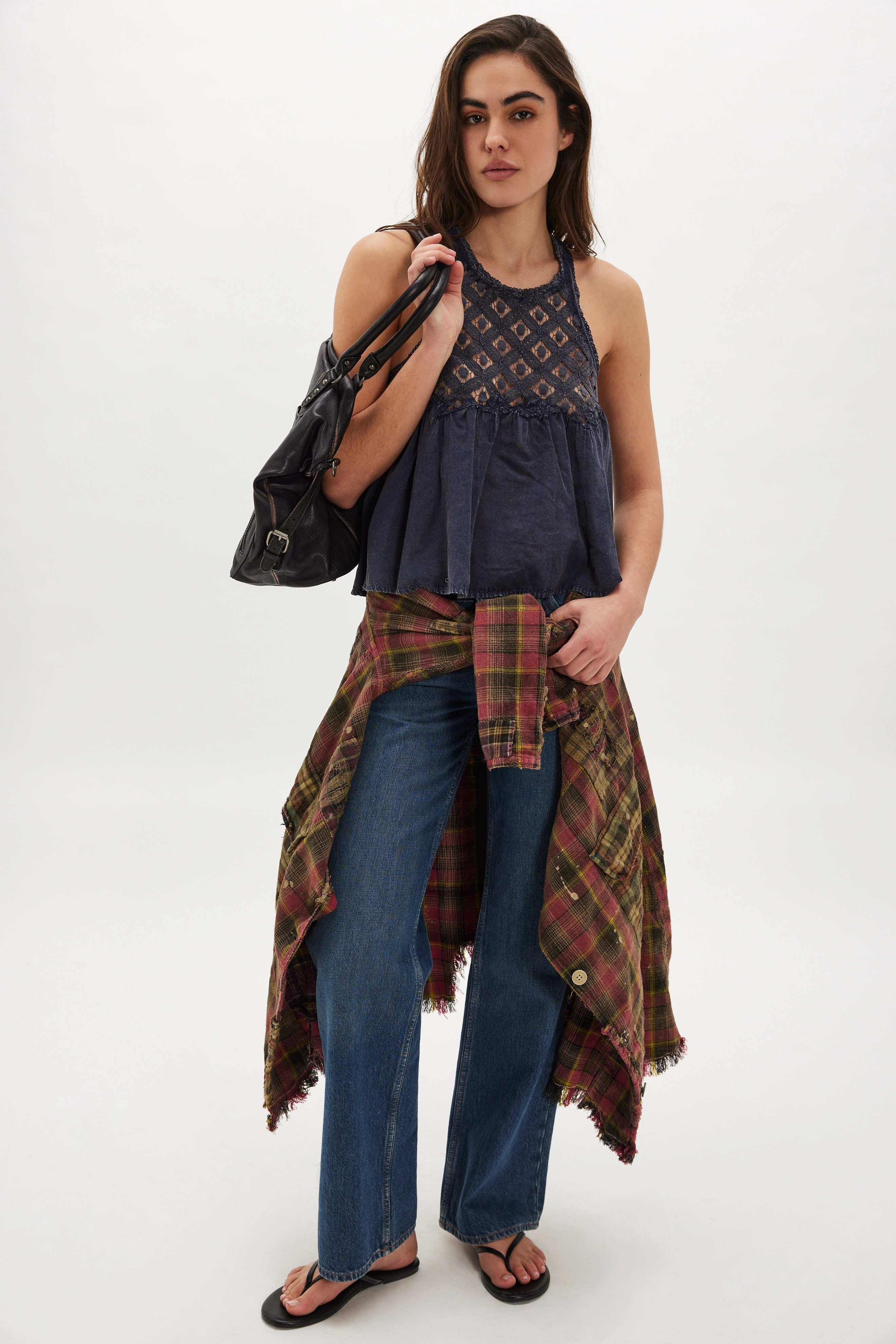
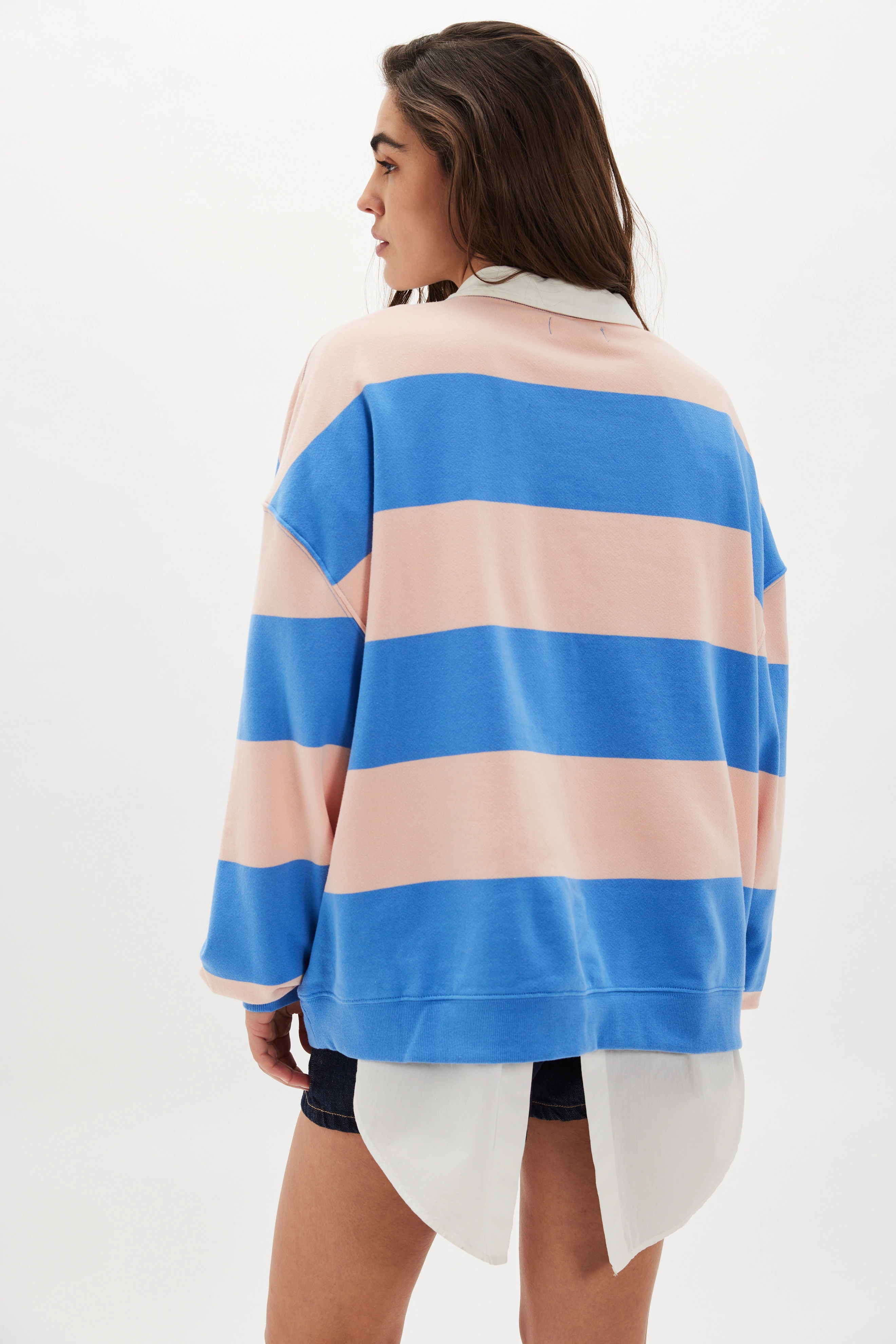
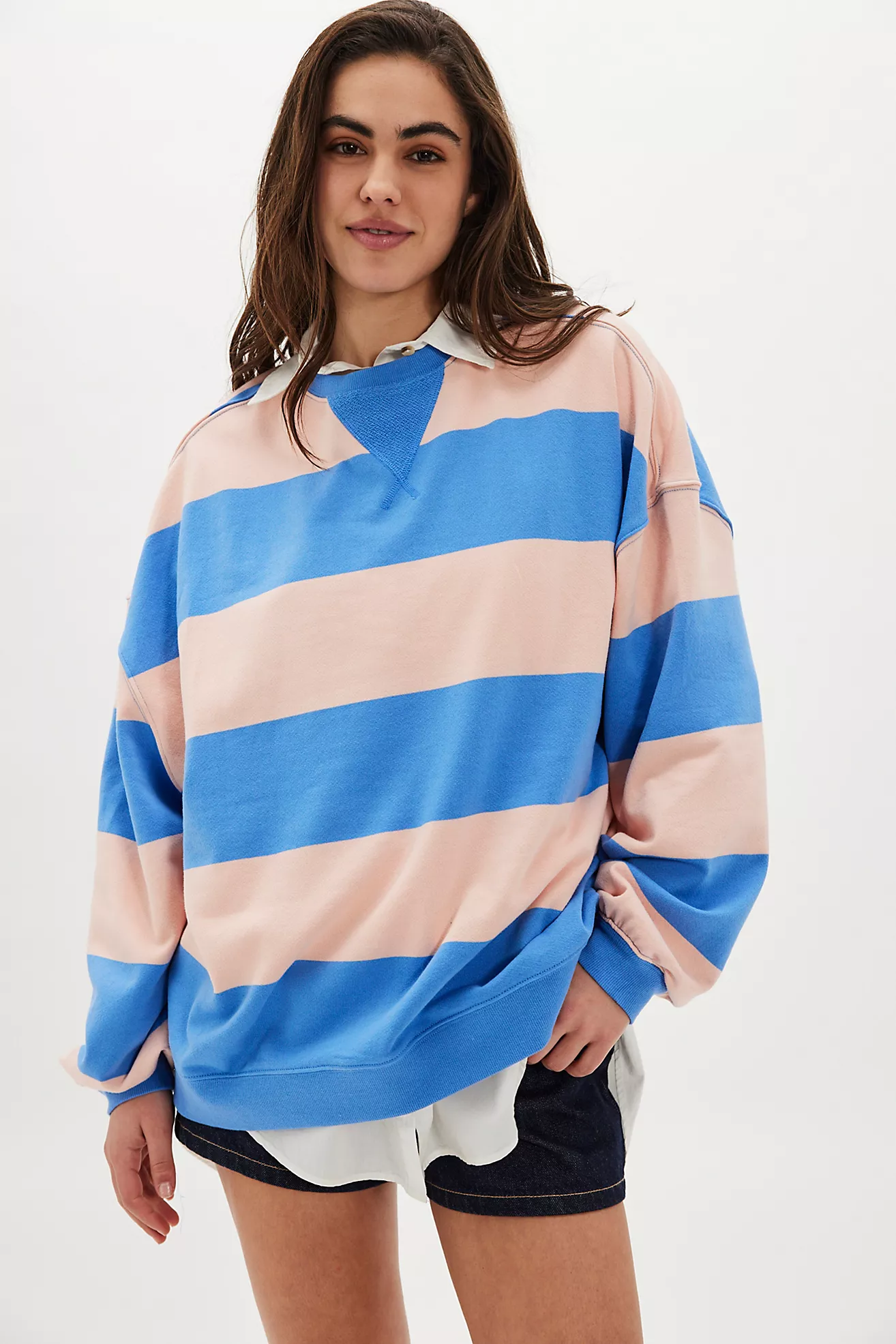
 free people

-
-
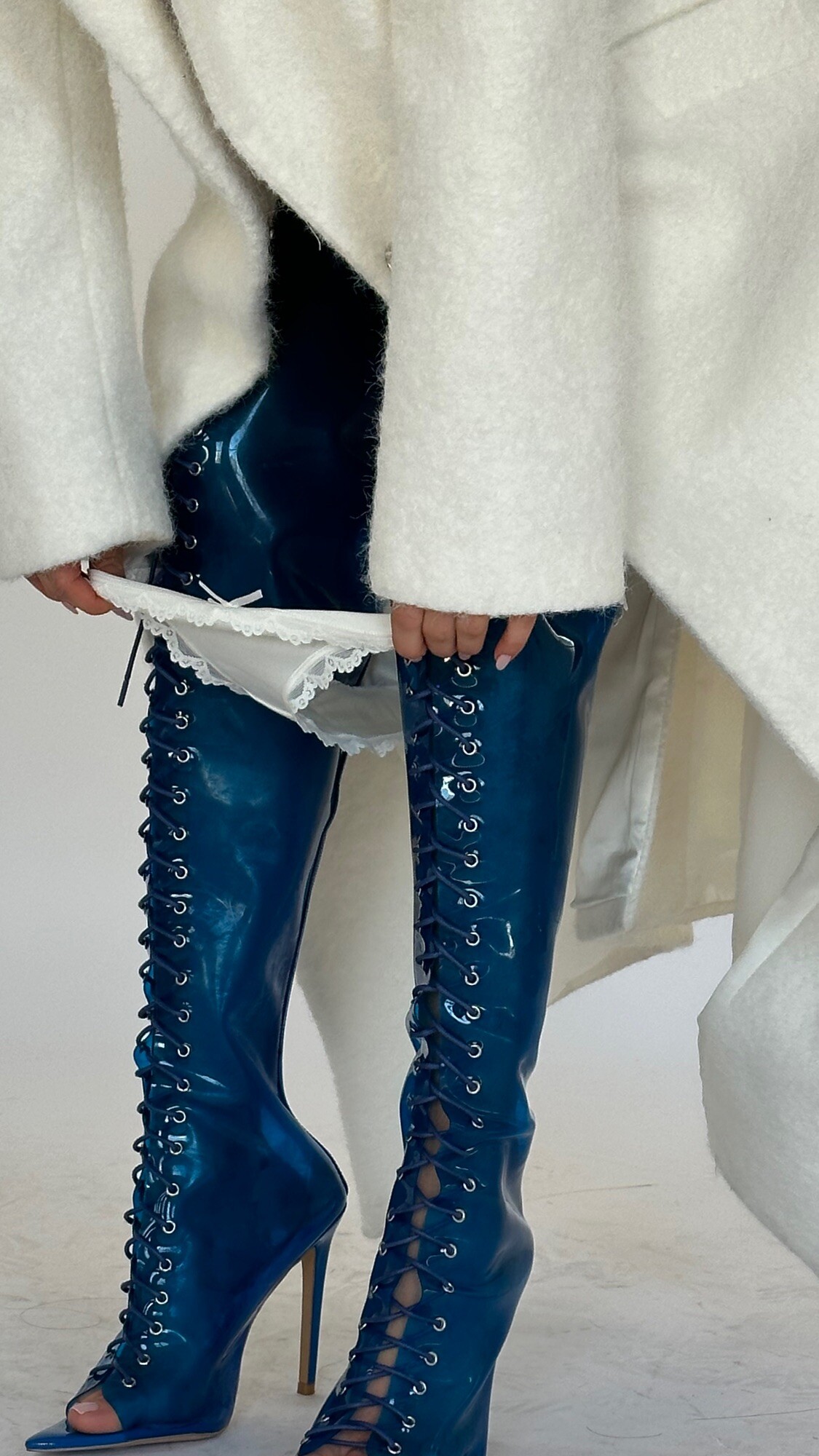
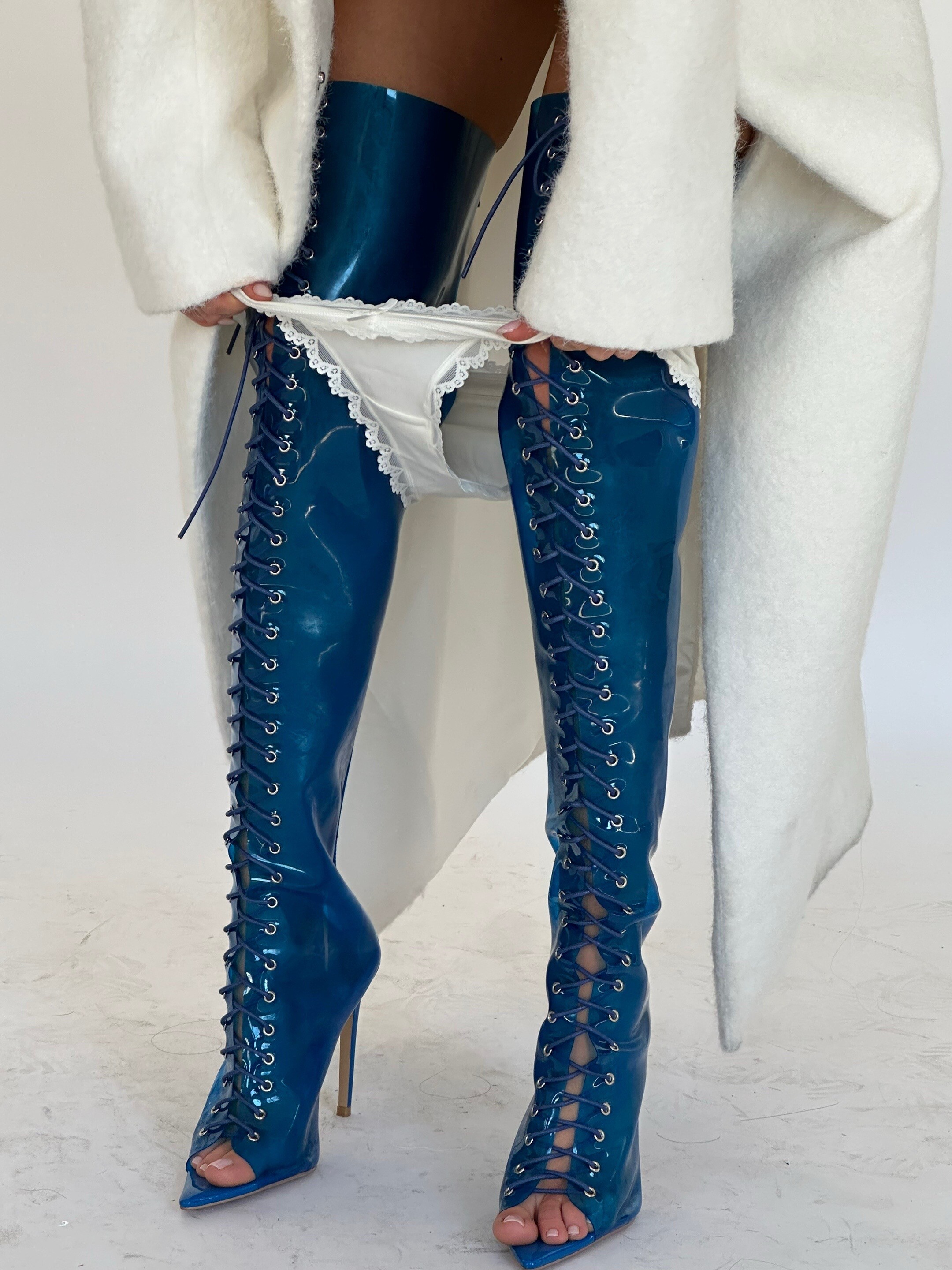
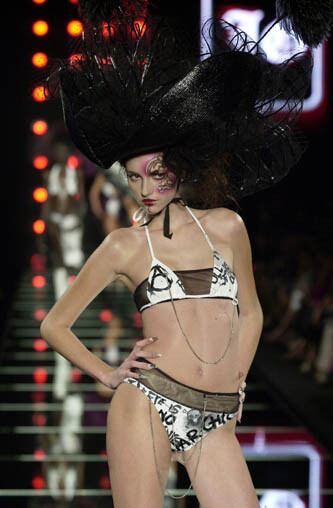
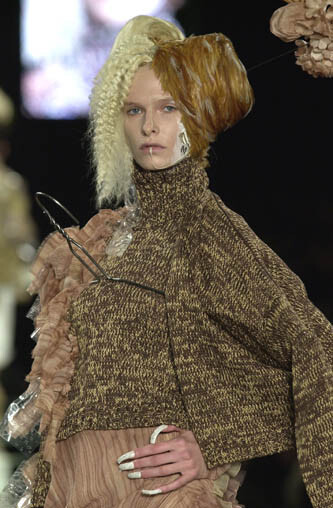
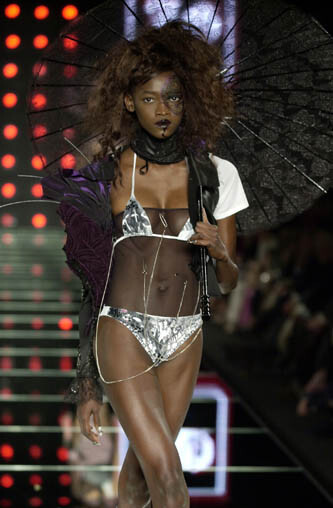
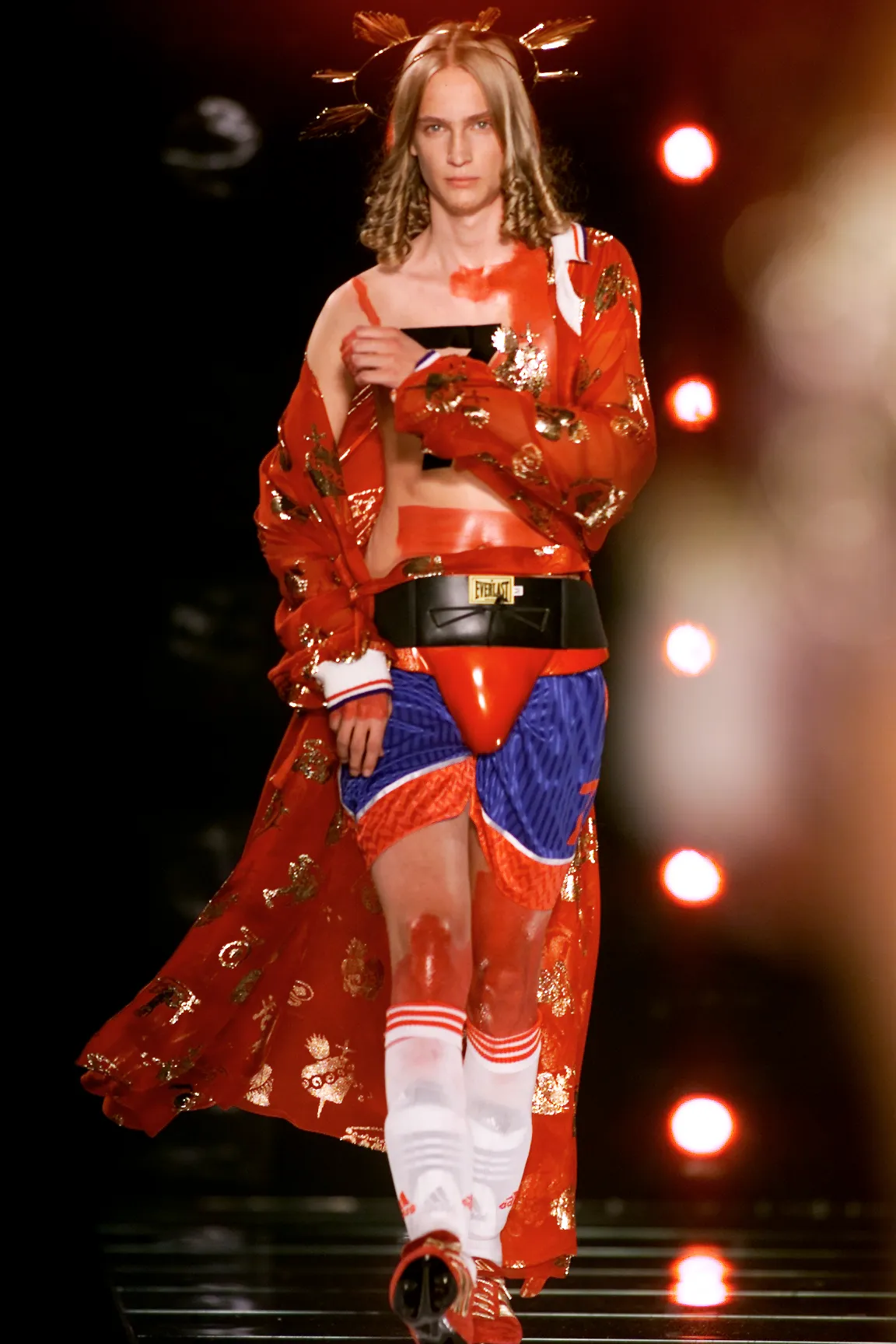
john galliano ss 2001

-
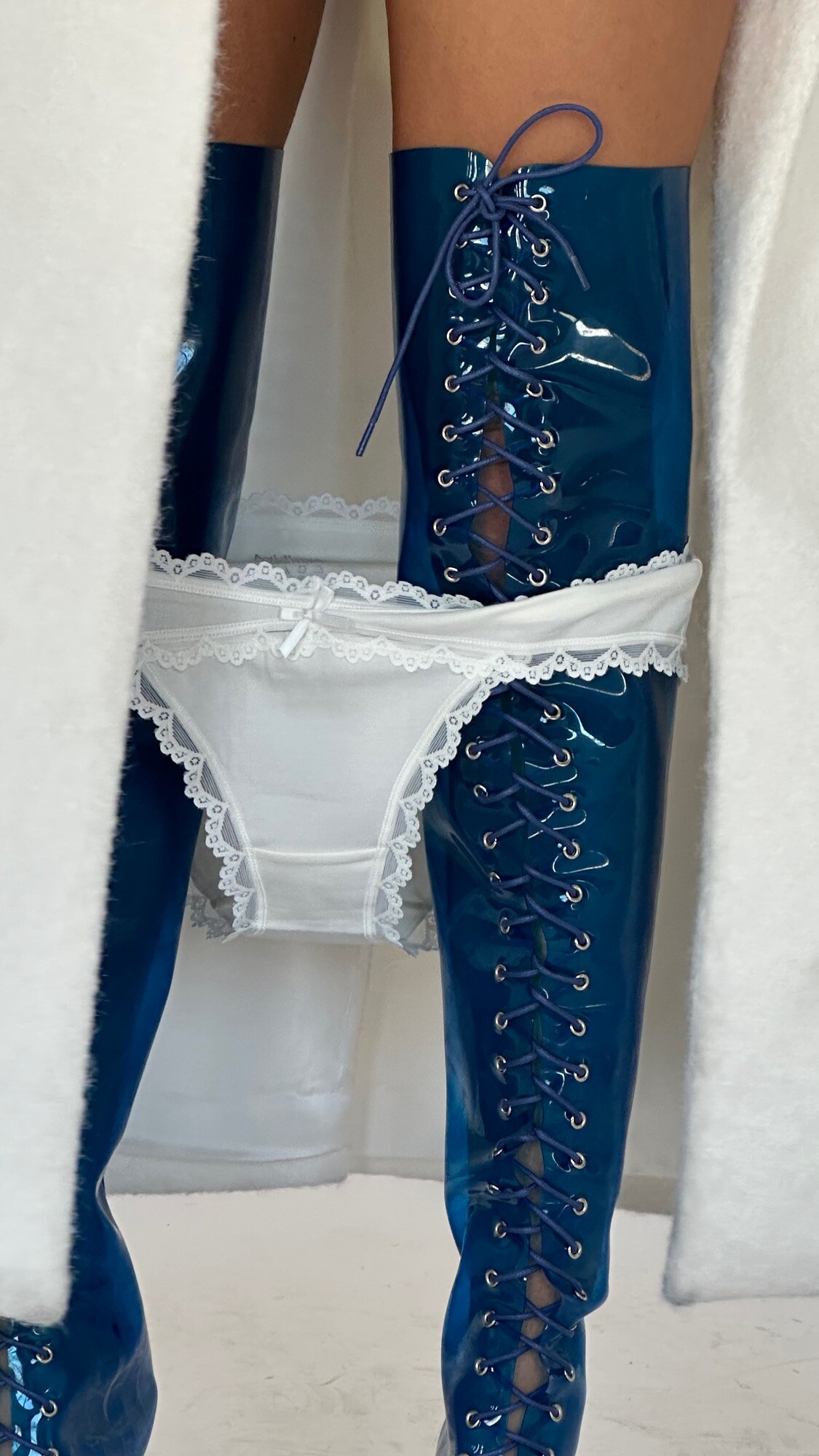
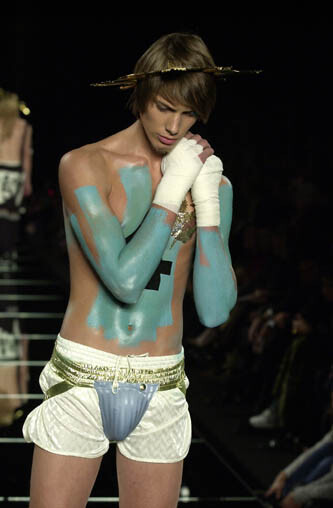
john galliano ss2001

-
 Angourie Rice interview on The Last Thing He Told Me season 2
 -
john galliano ss2002

-
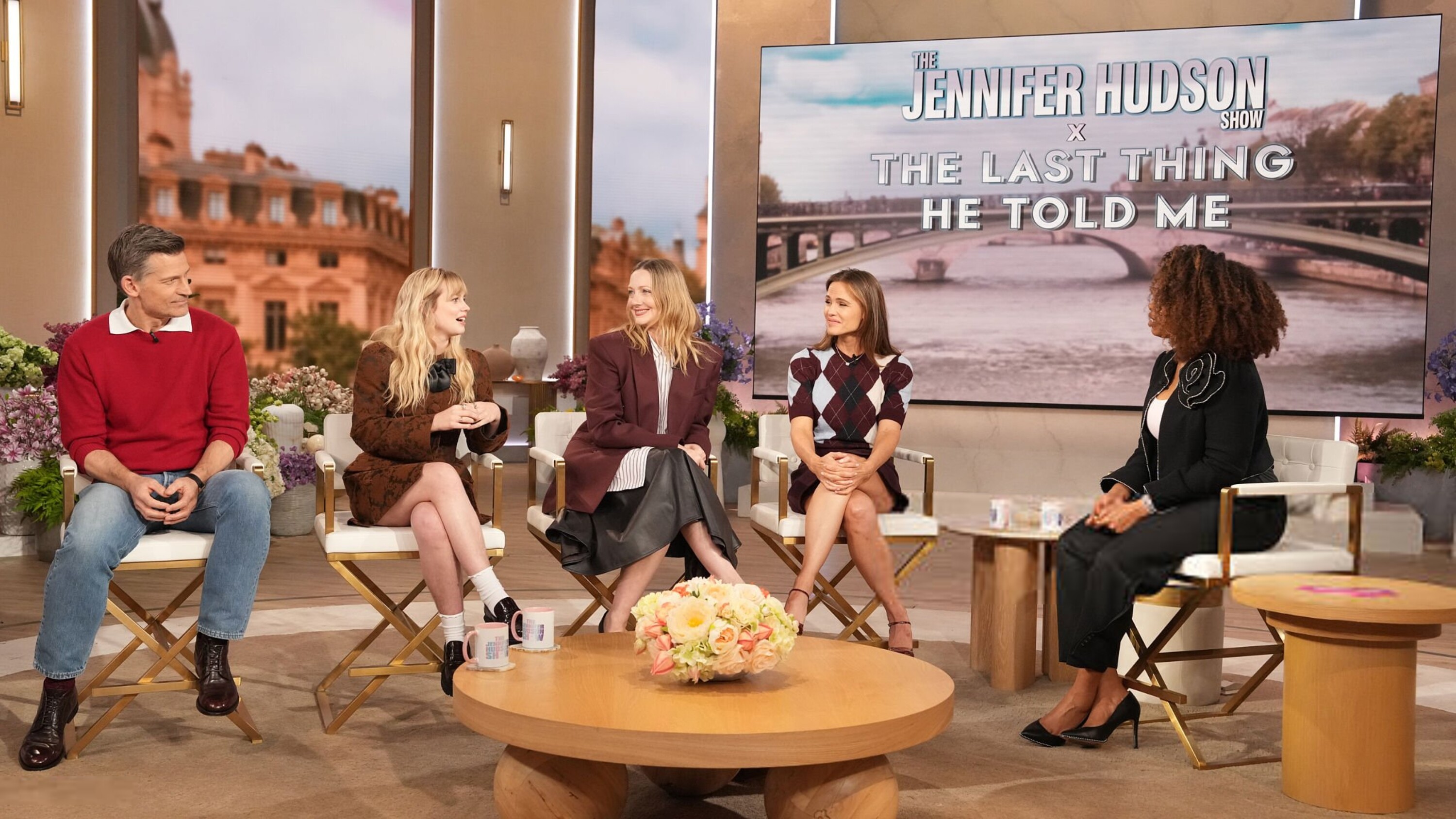
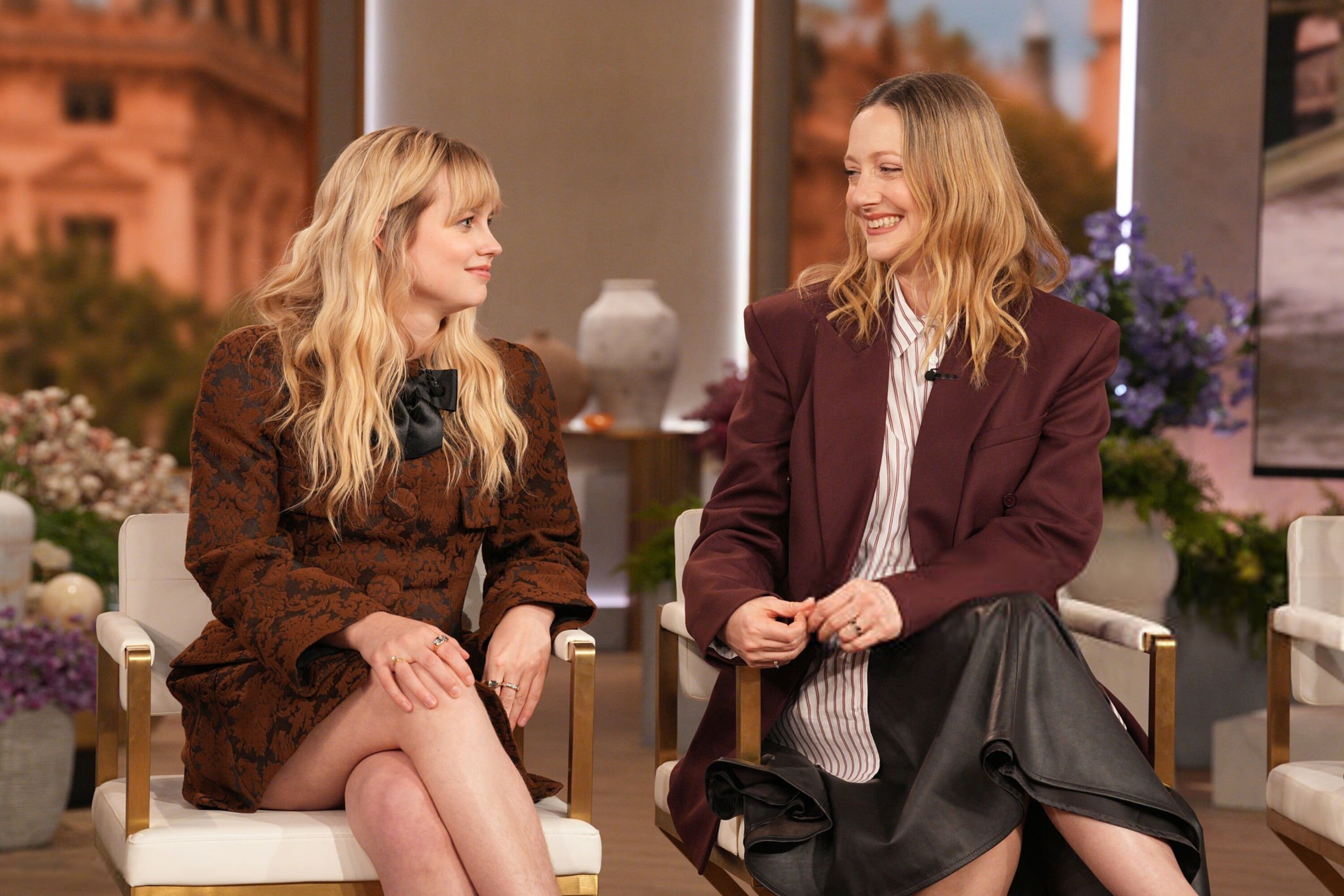
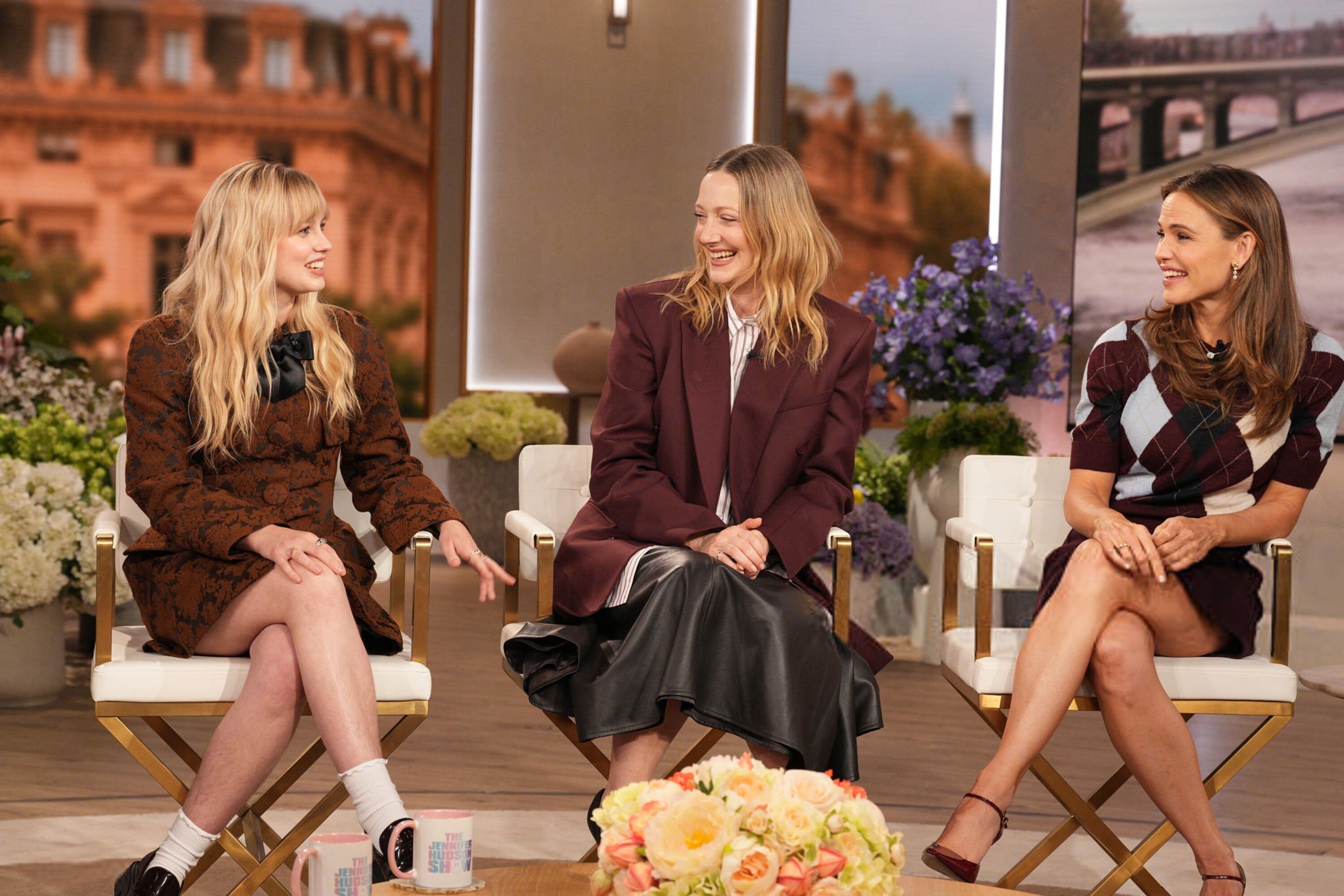
2026-02-17 - The Jennifer Hudson Show angouriericefan.com








-
rip.
-
John Galliano S/S2001
-
john galliano s/s 2001


-
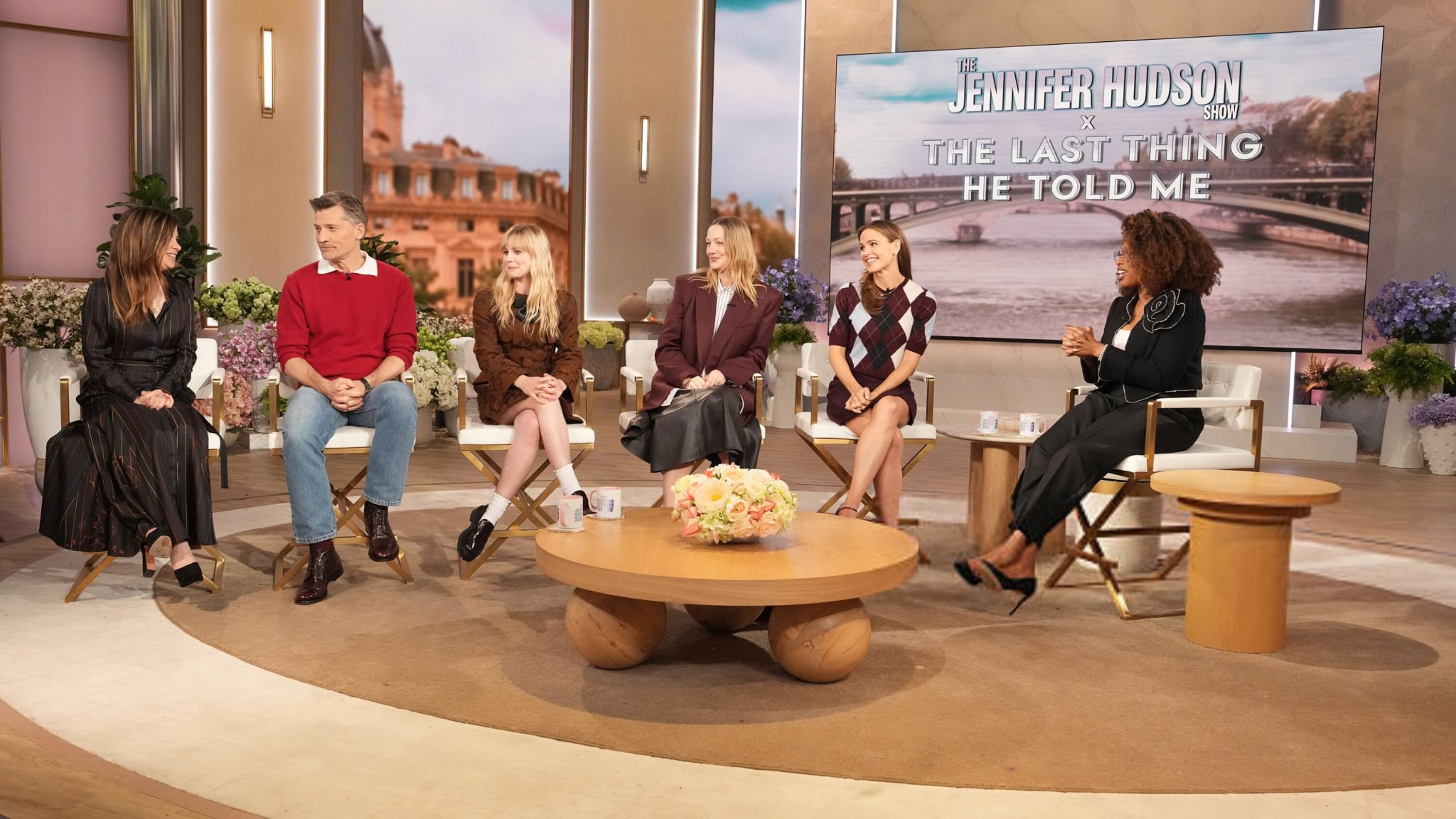
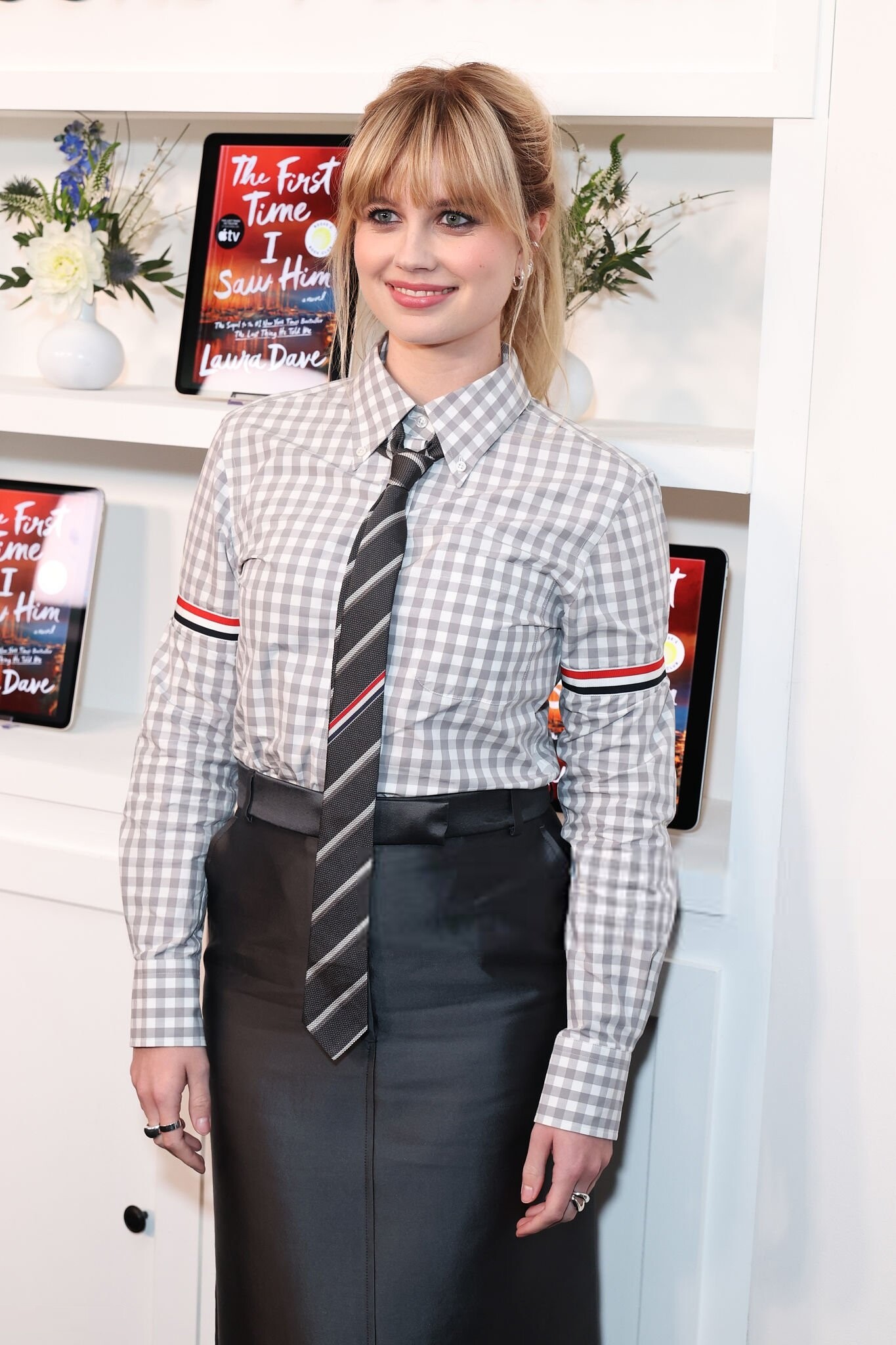
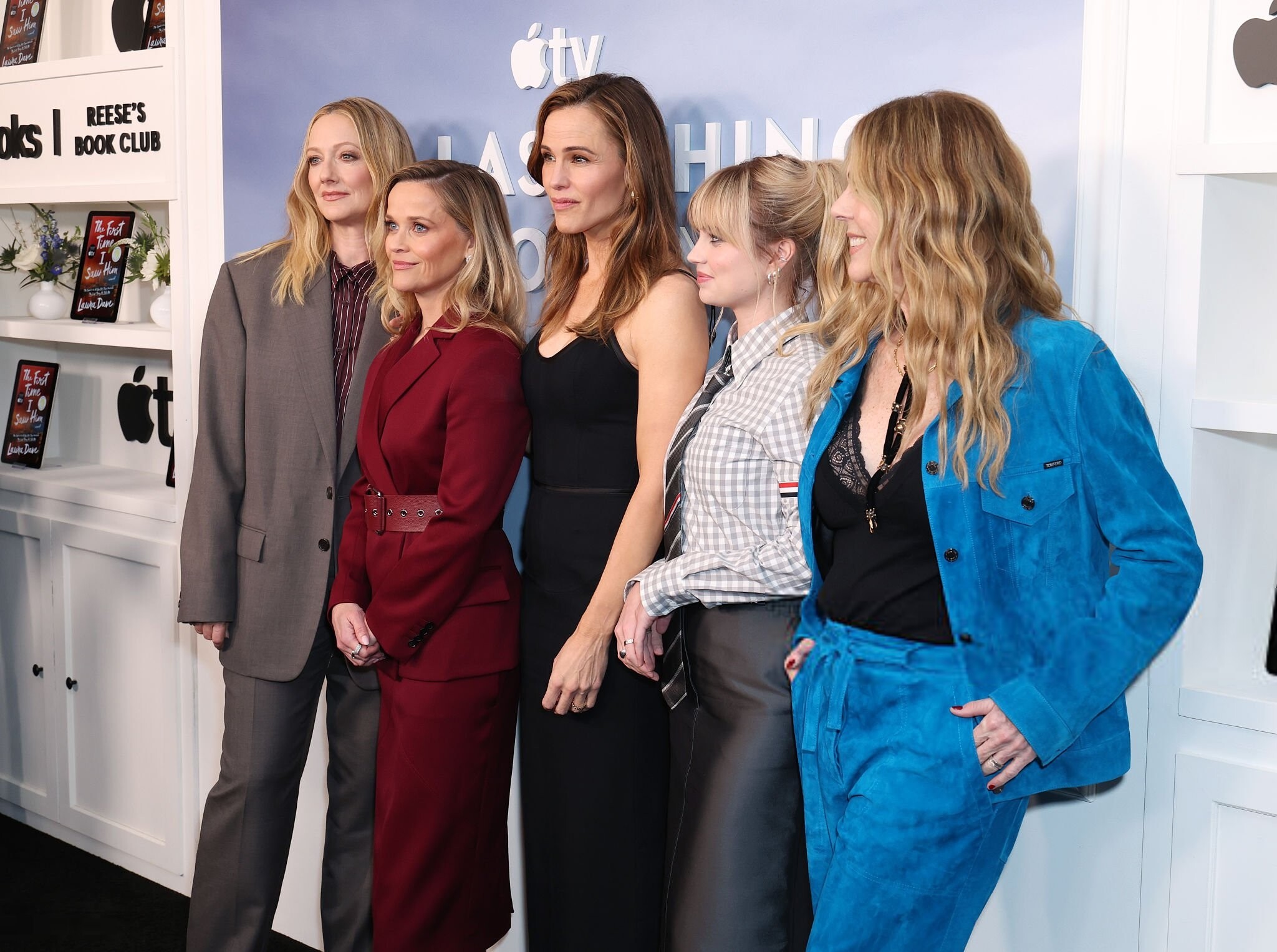
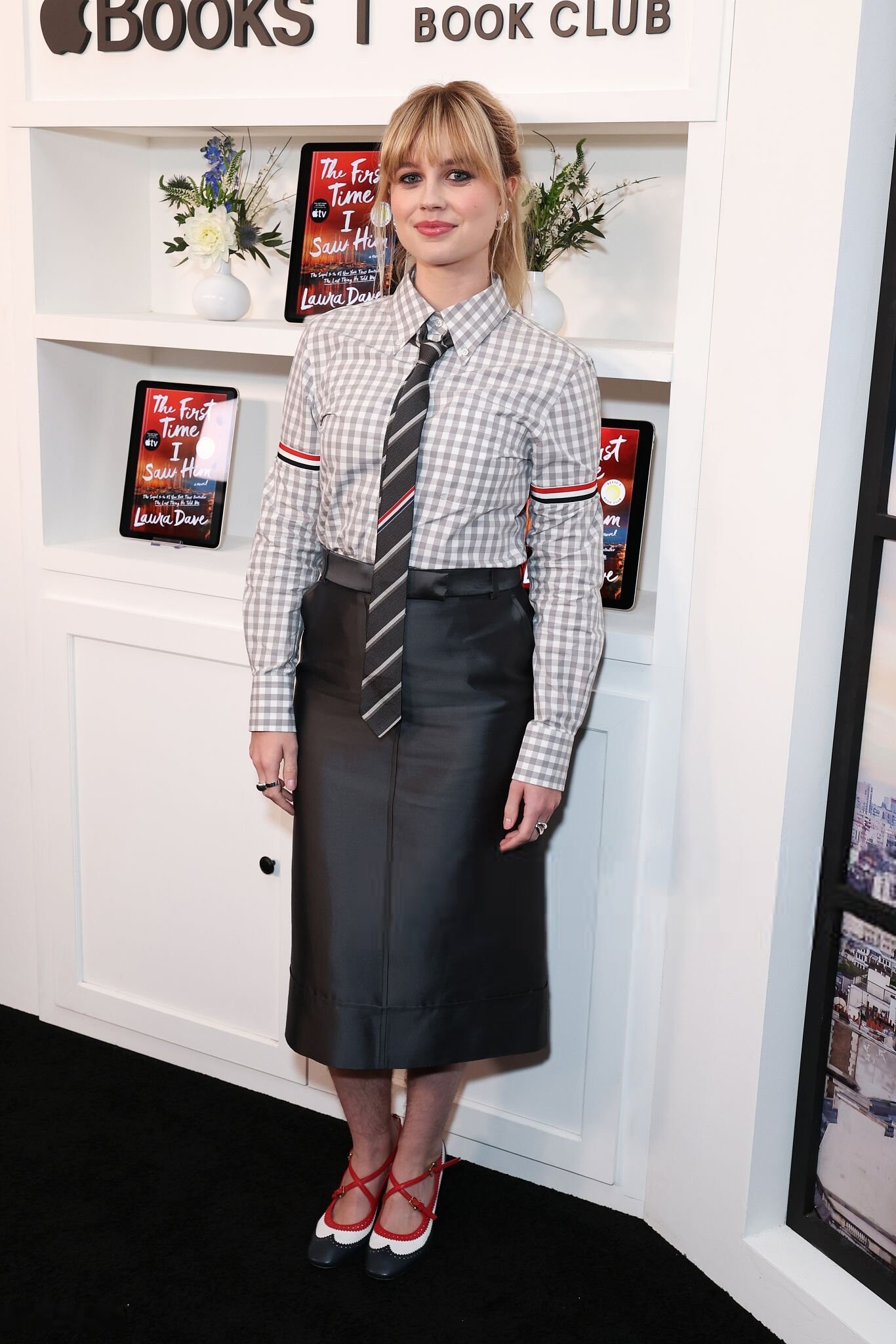
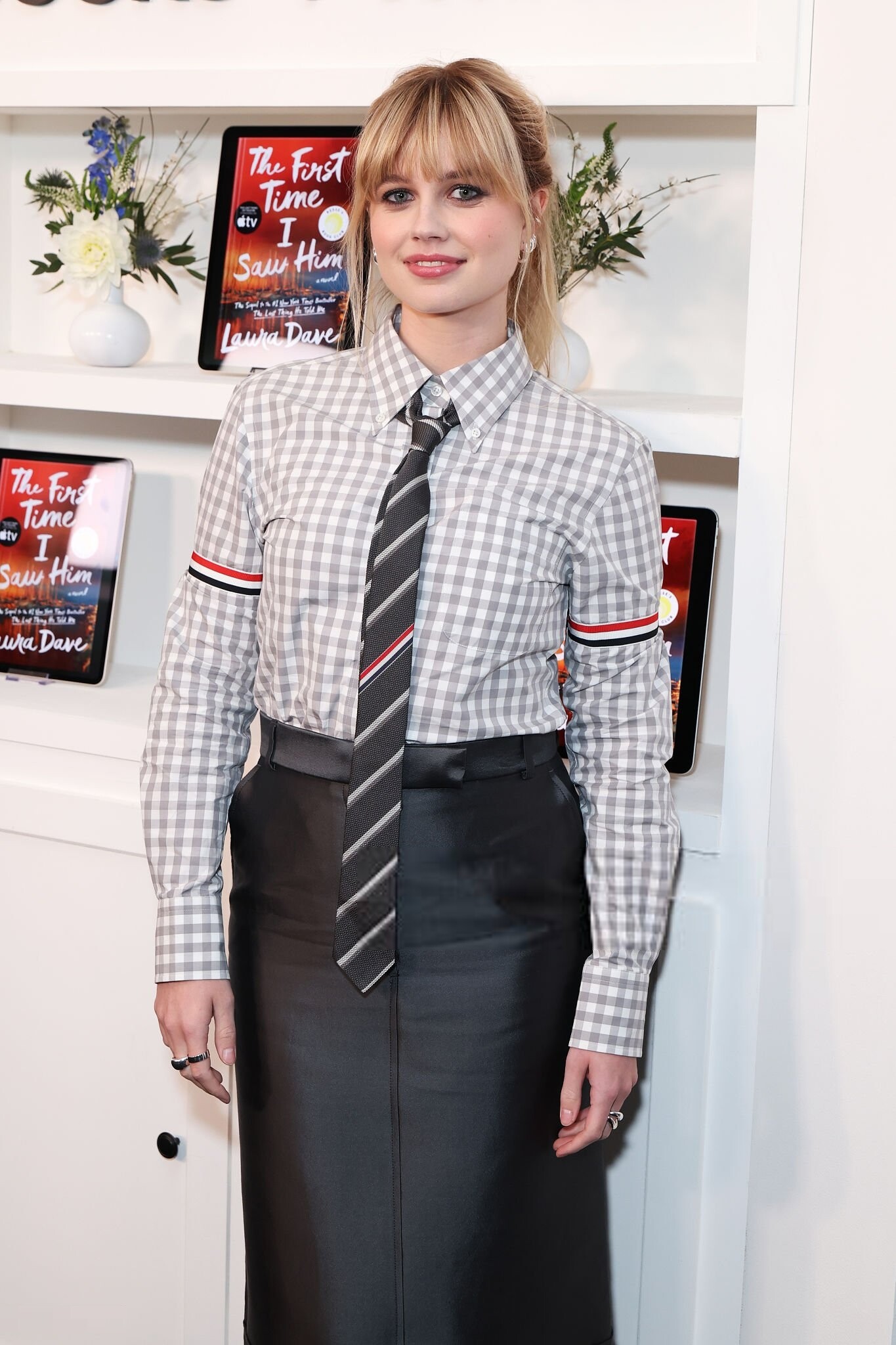
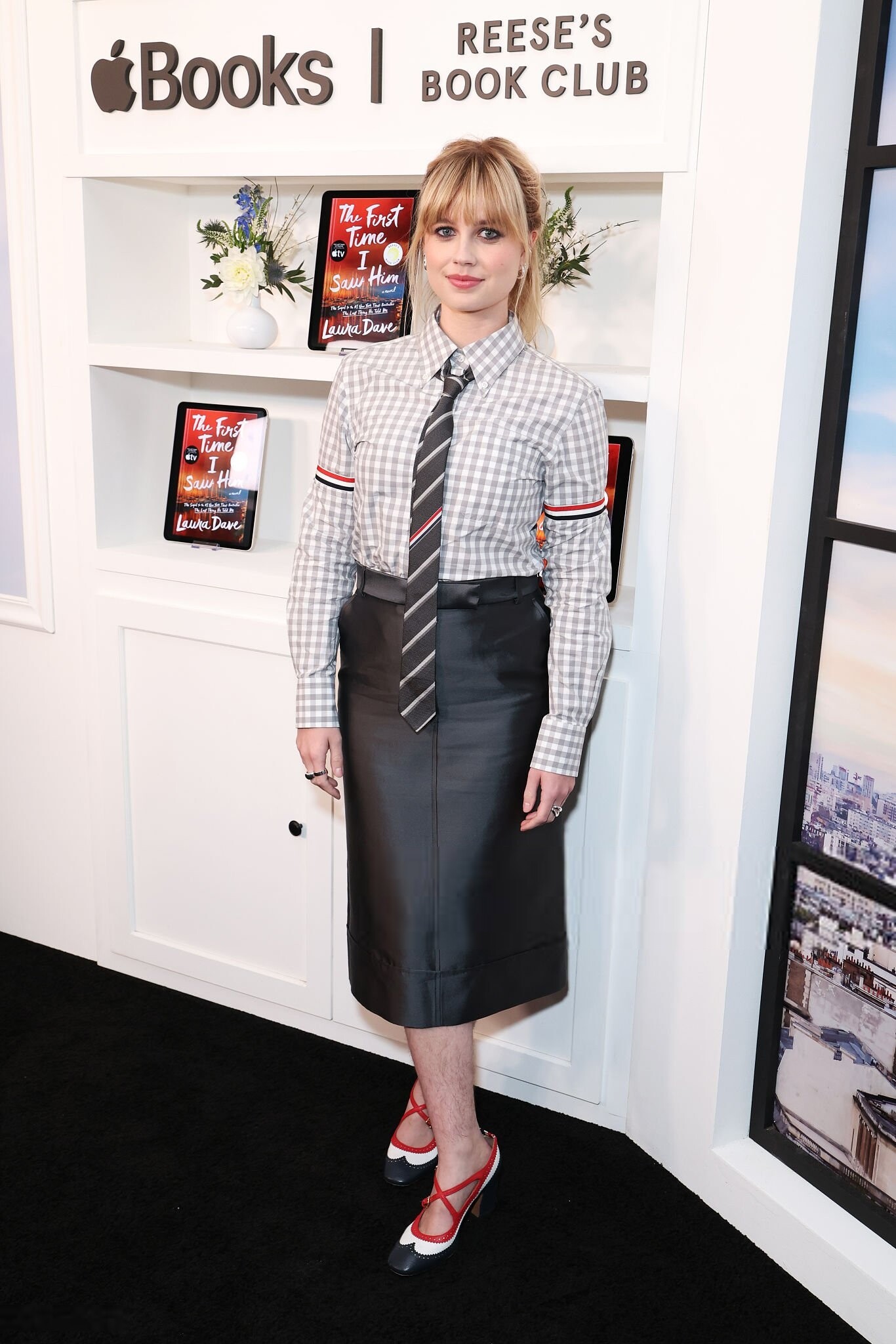
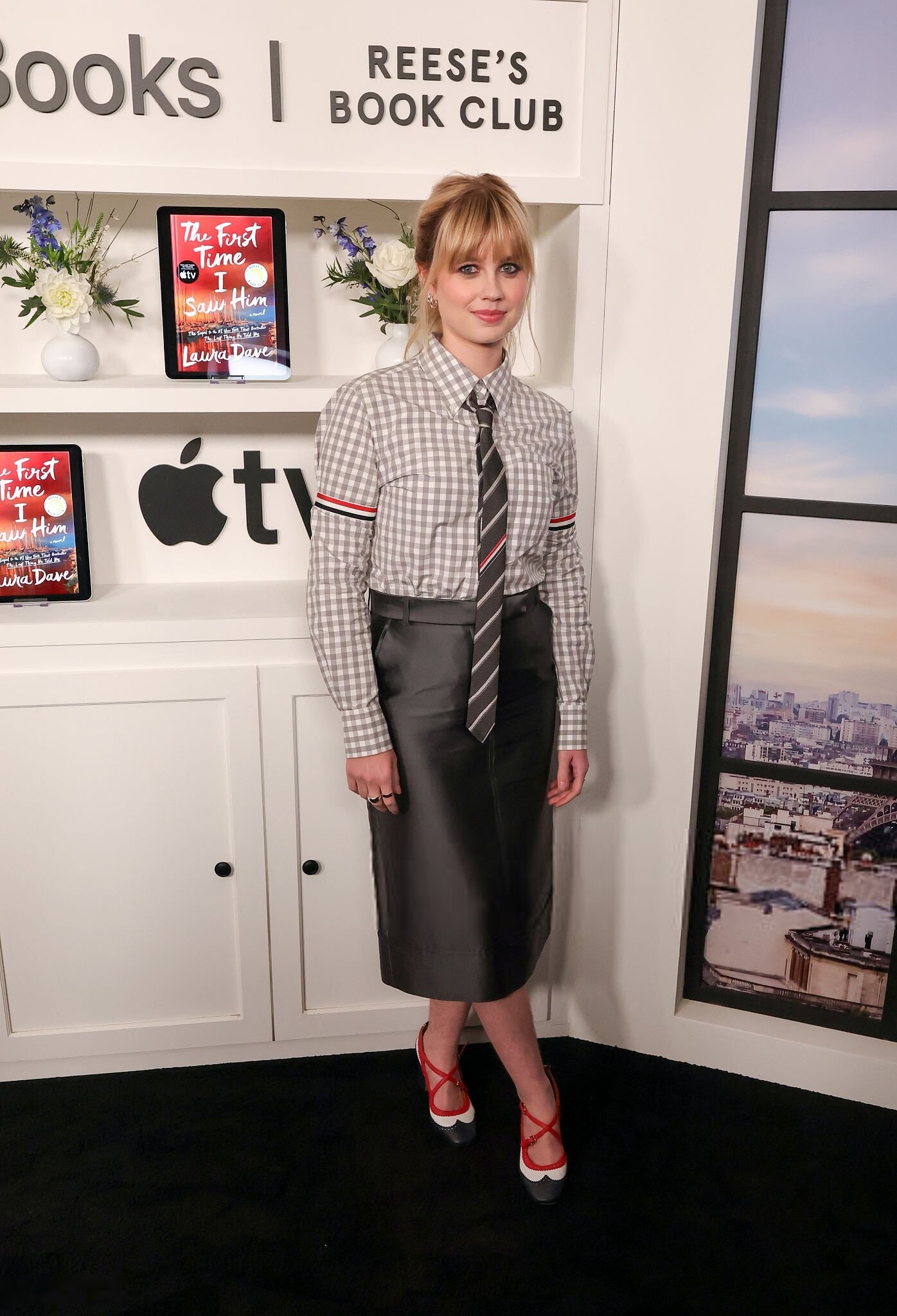
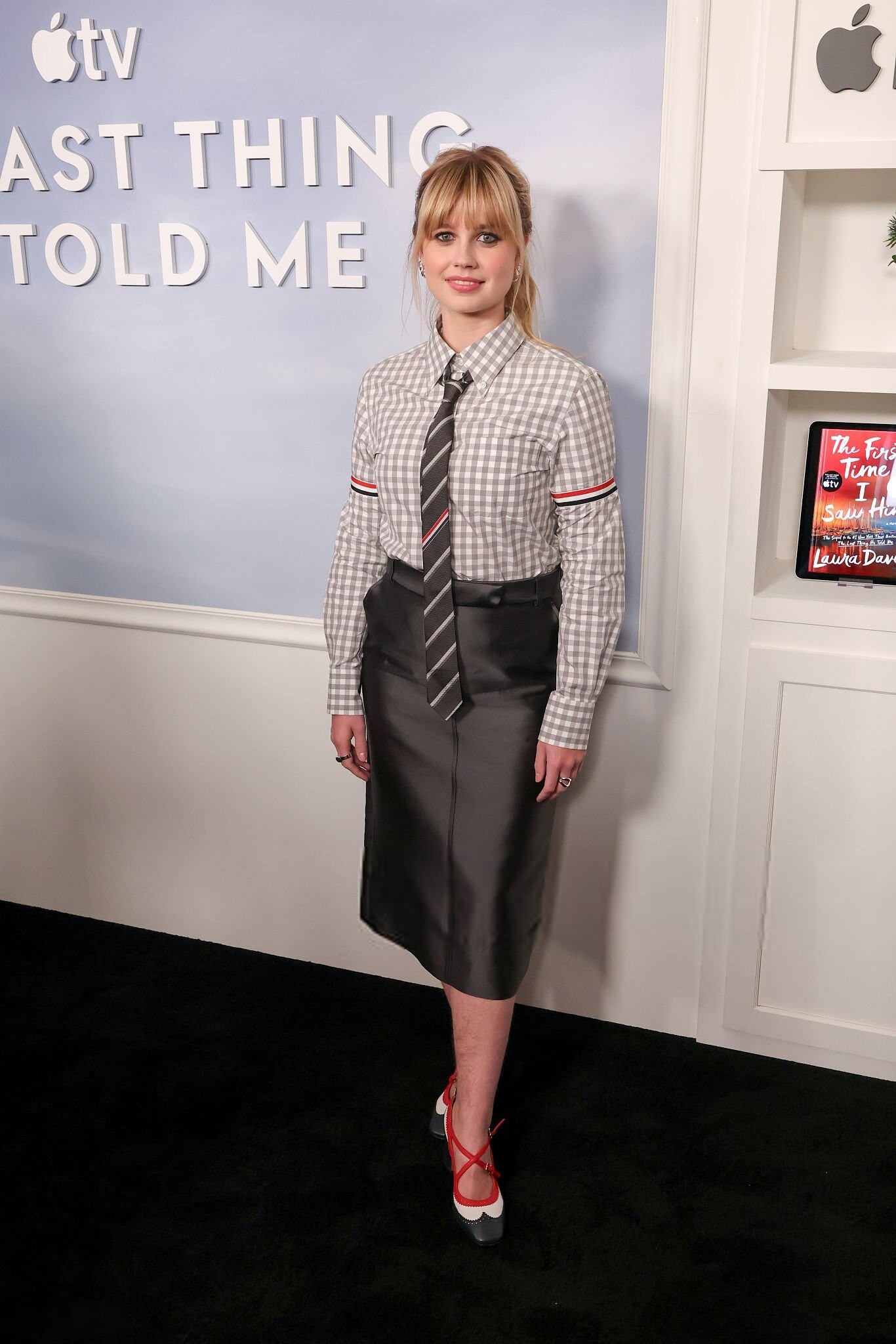
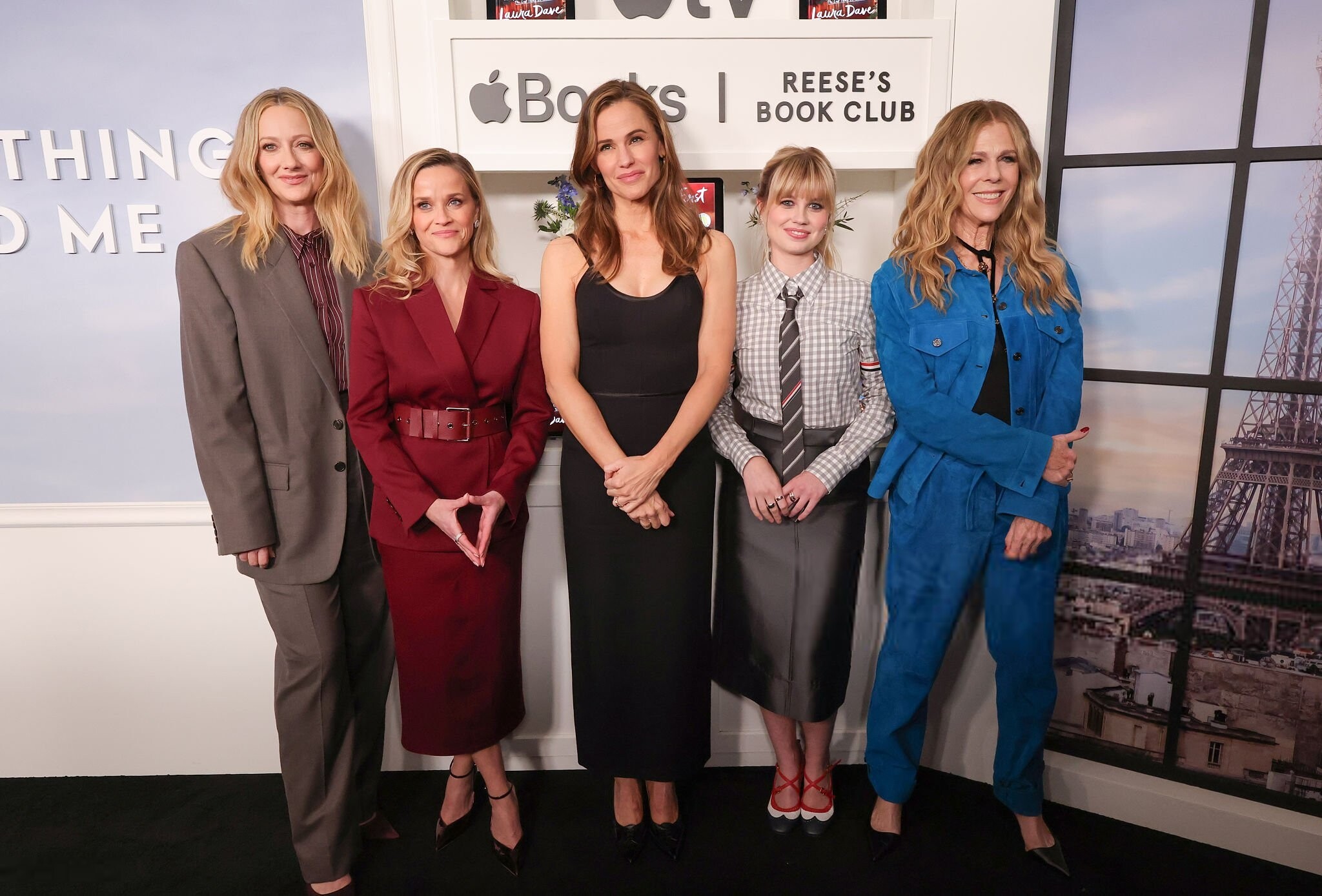
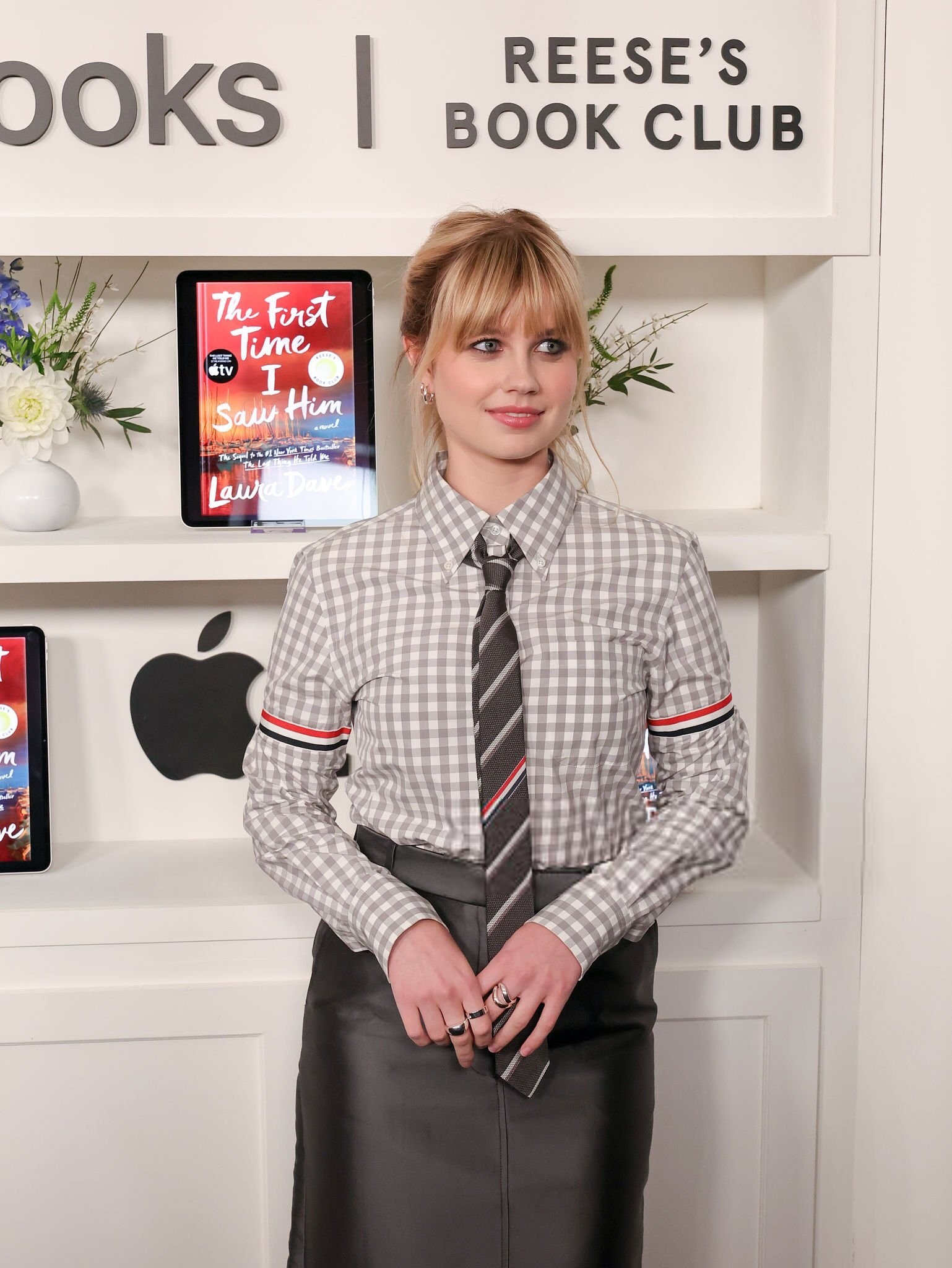
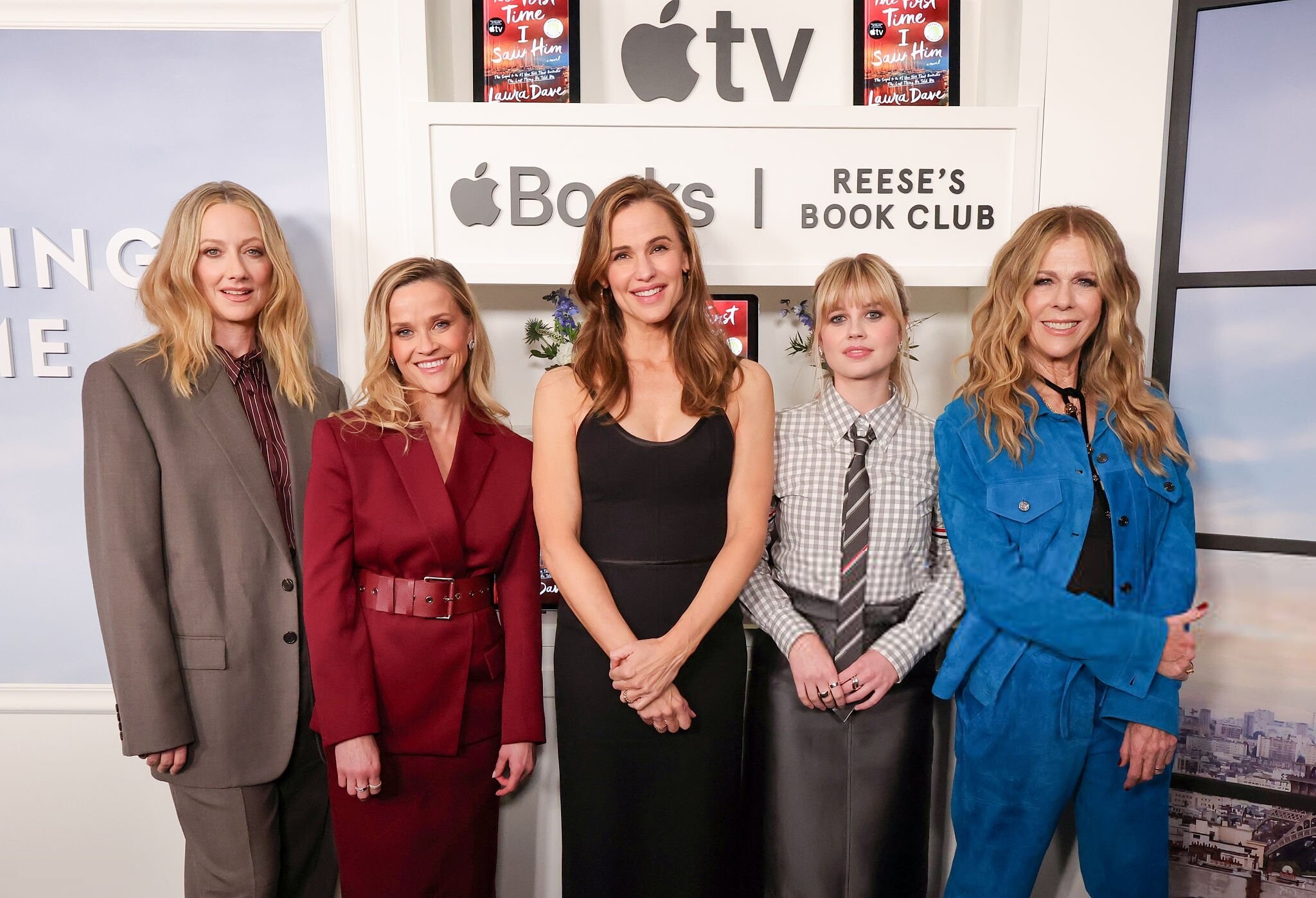
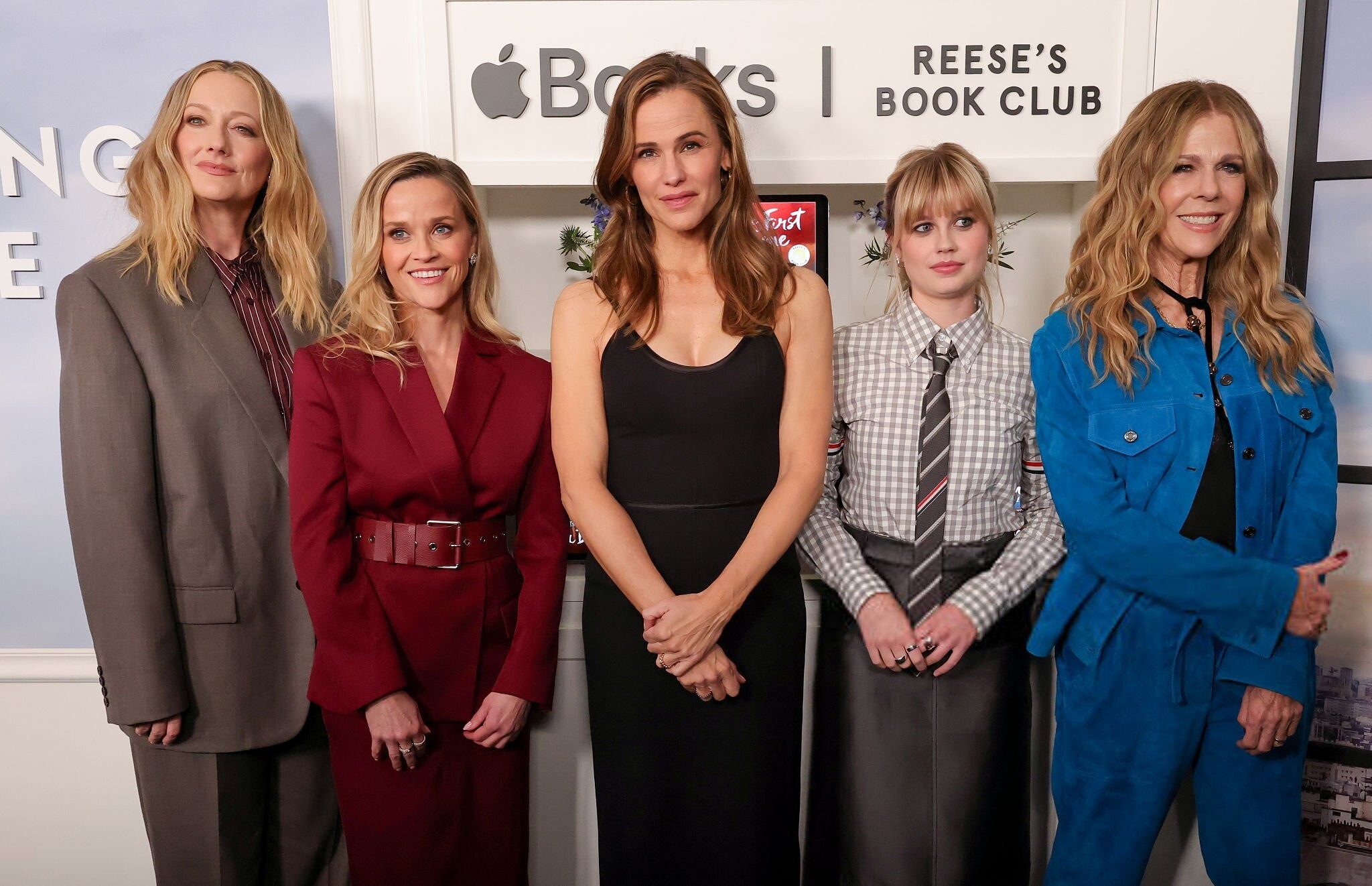
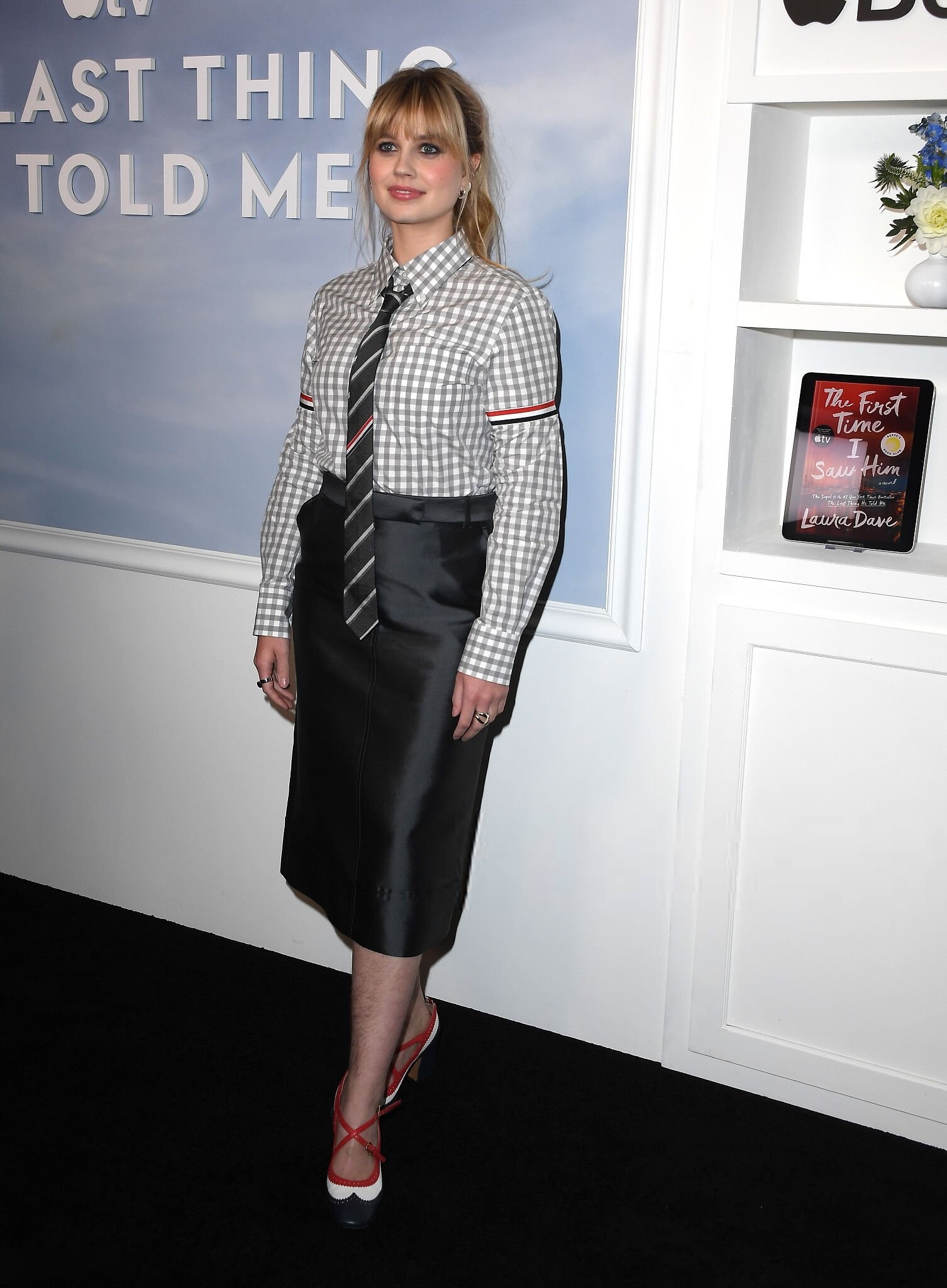
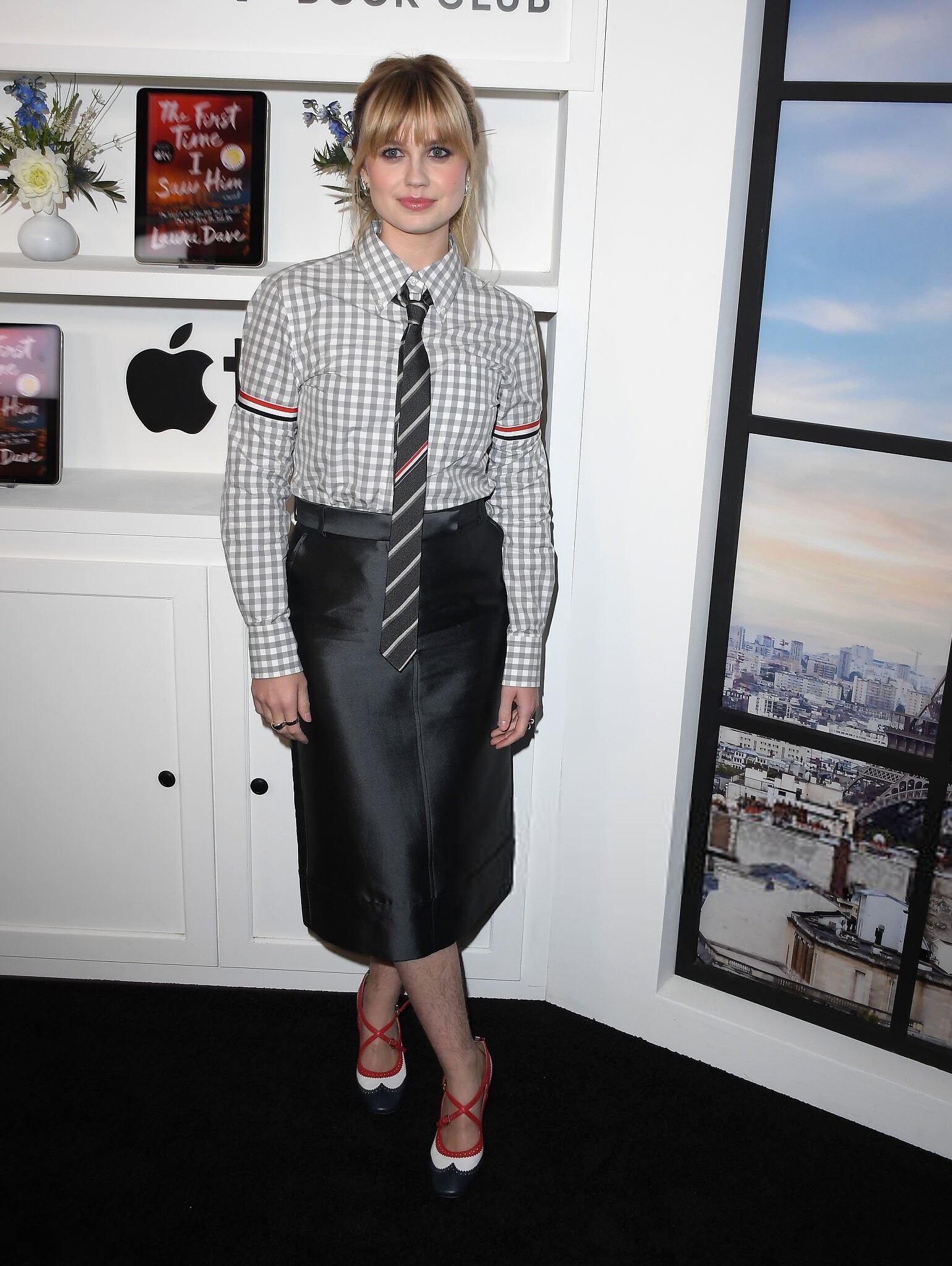
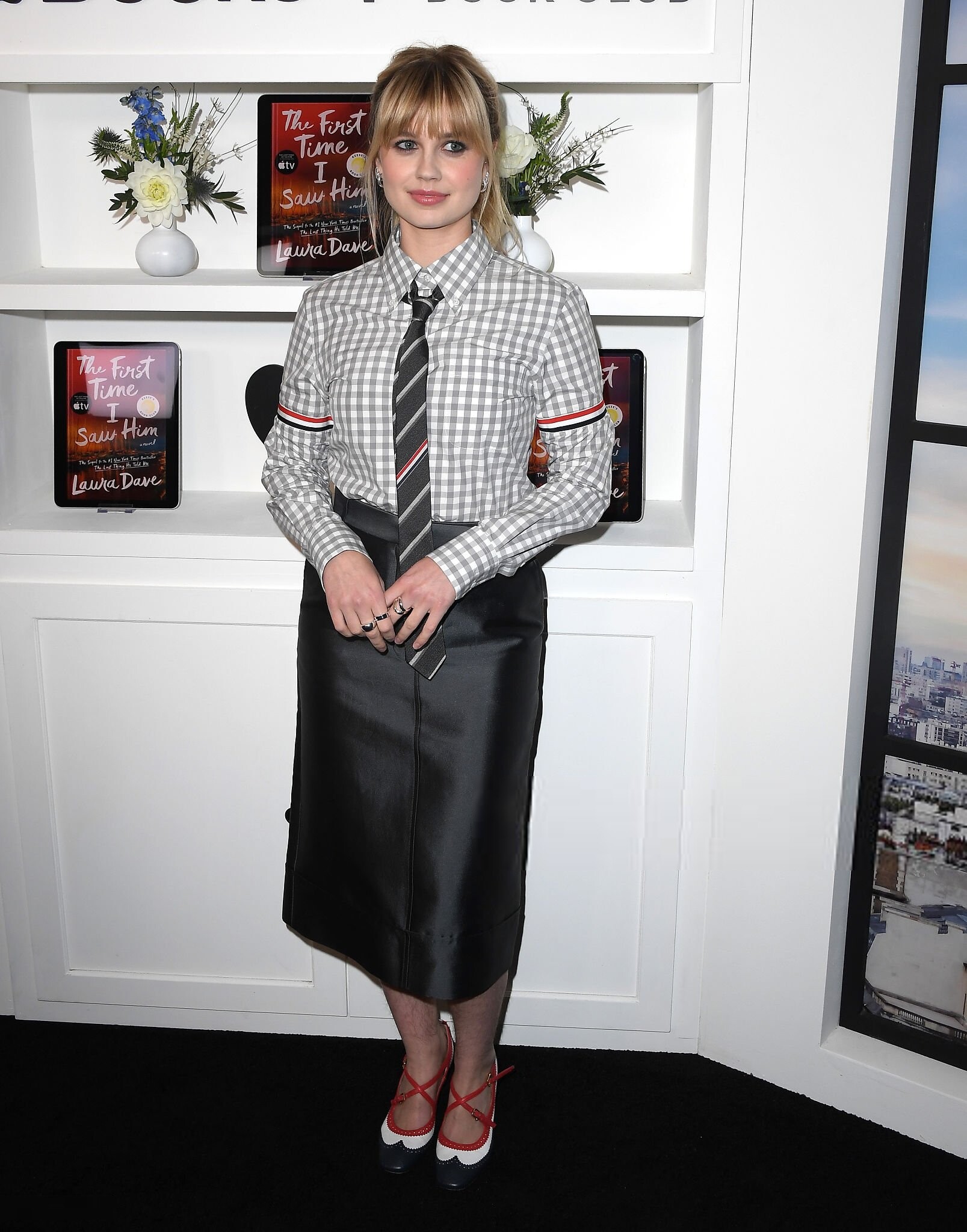
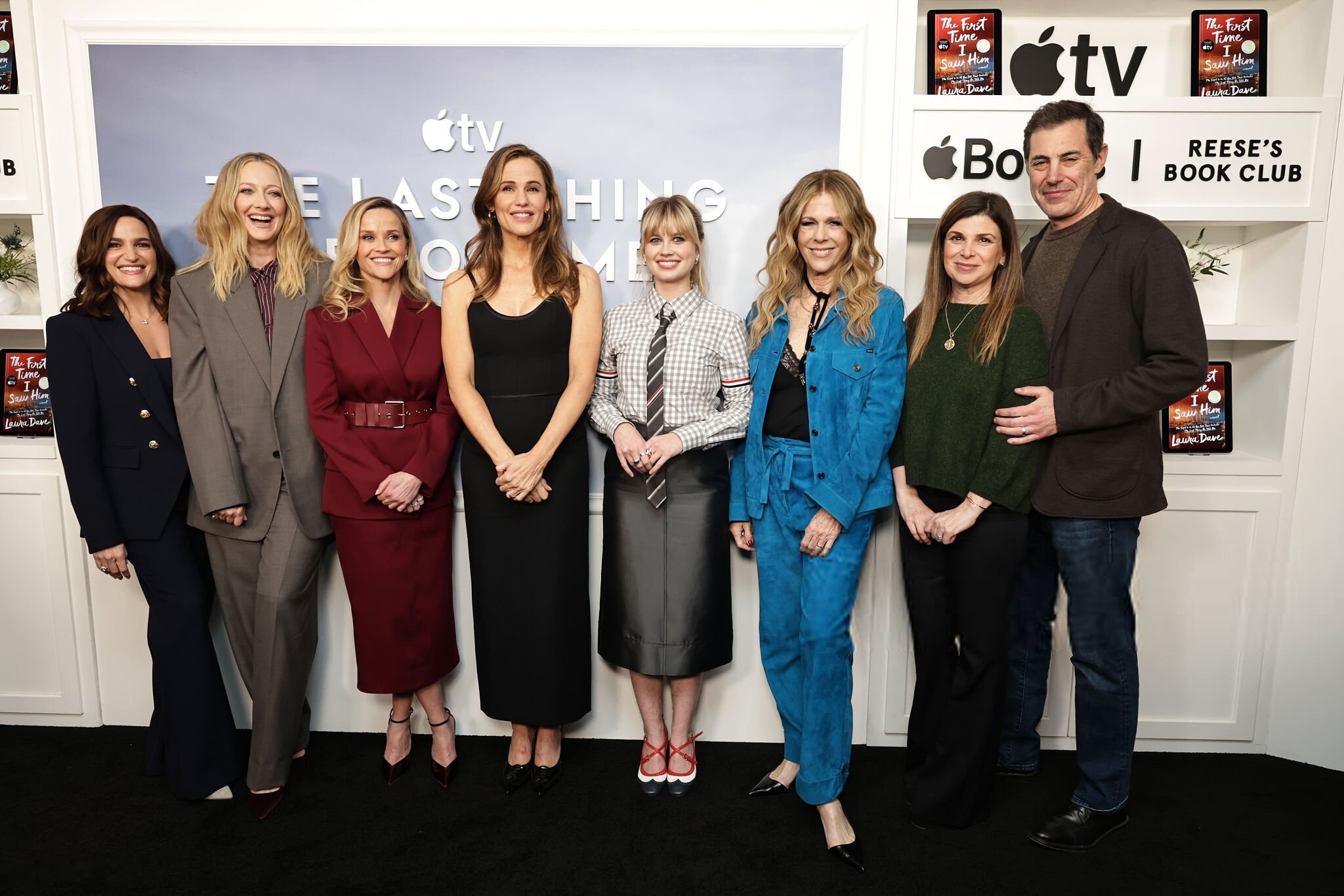
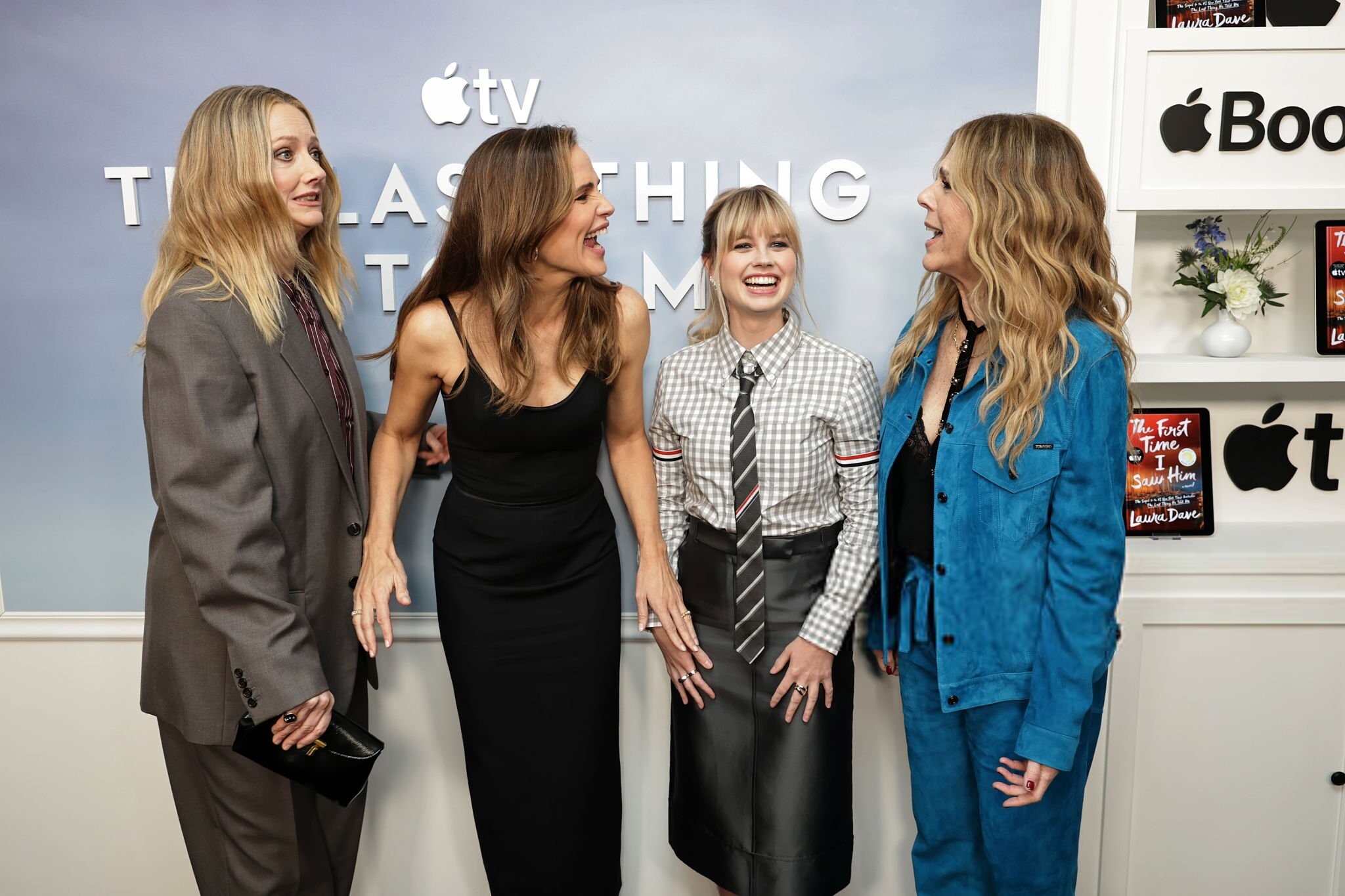
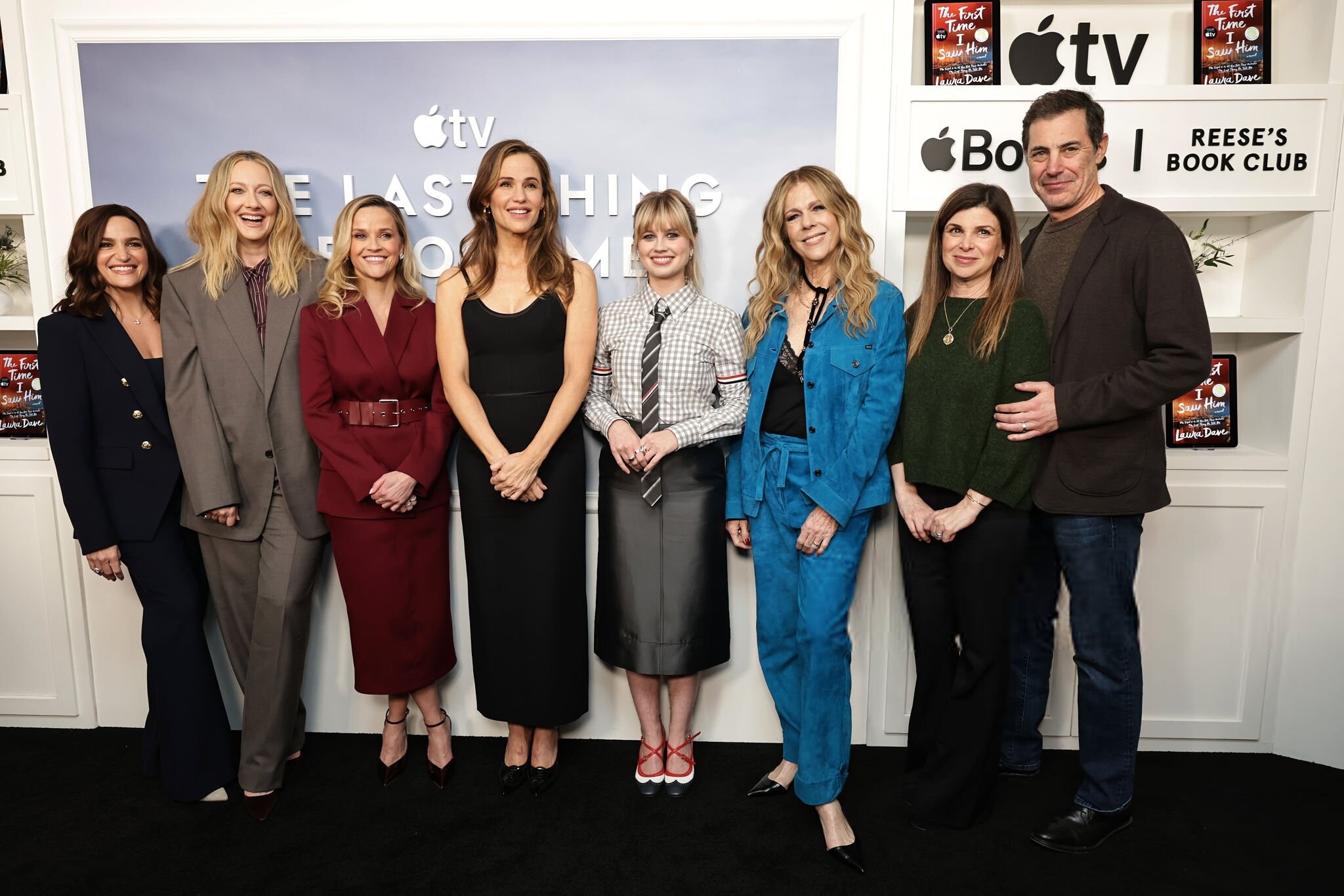
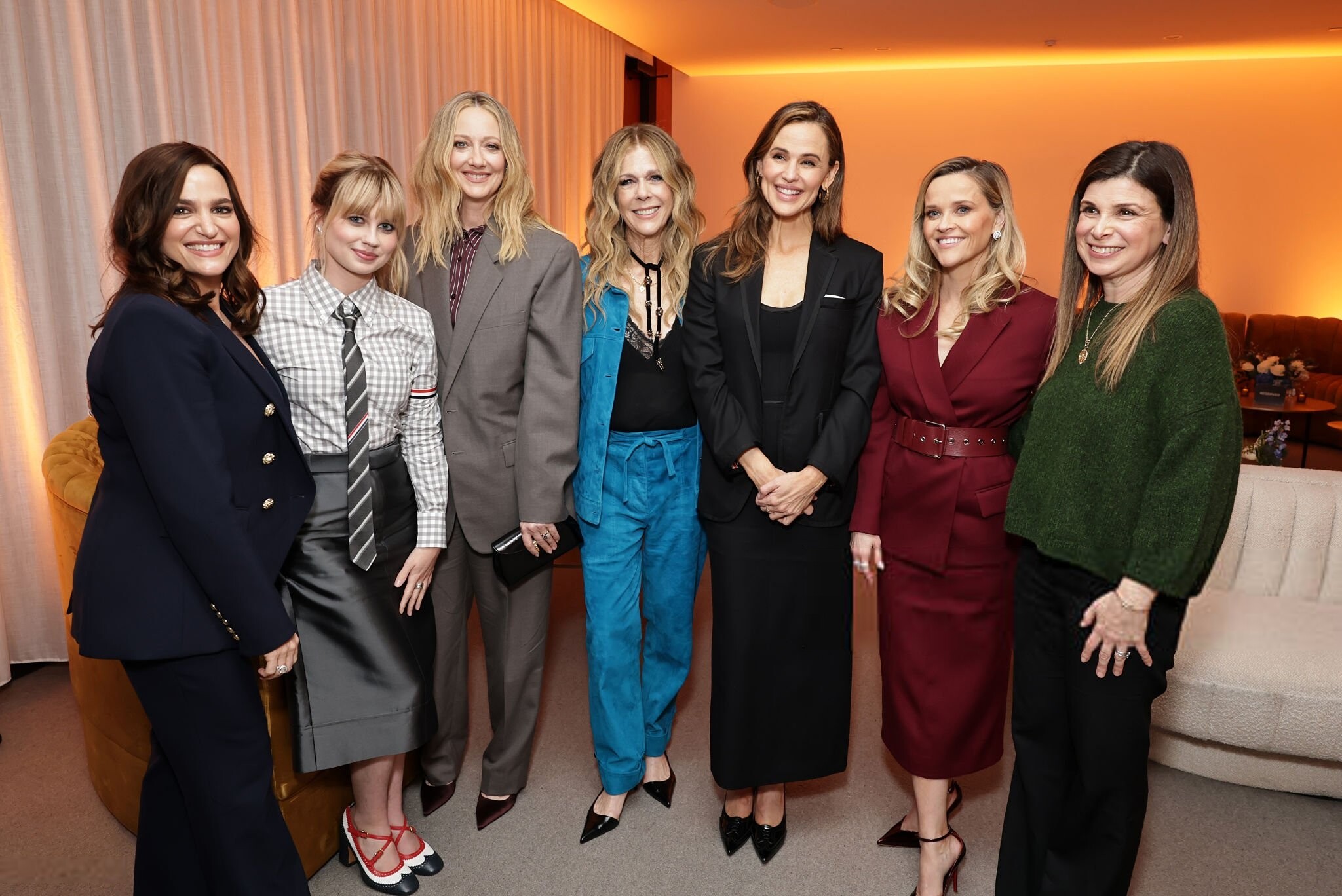
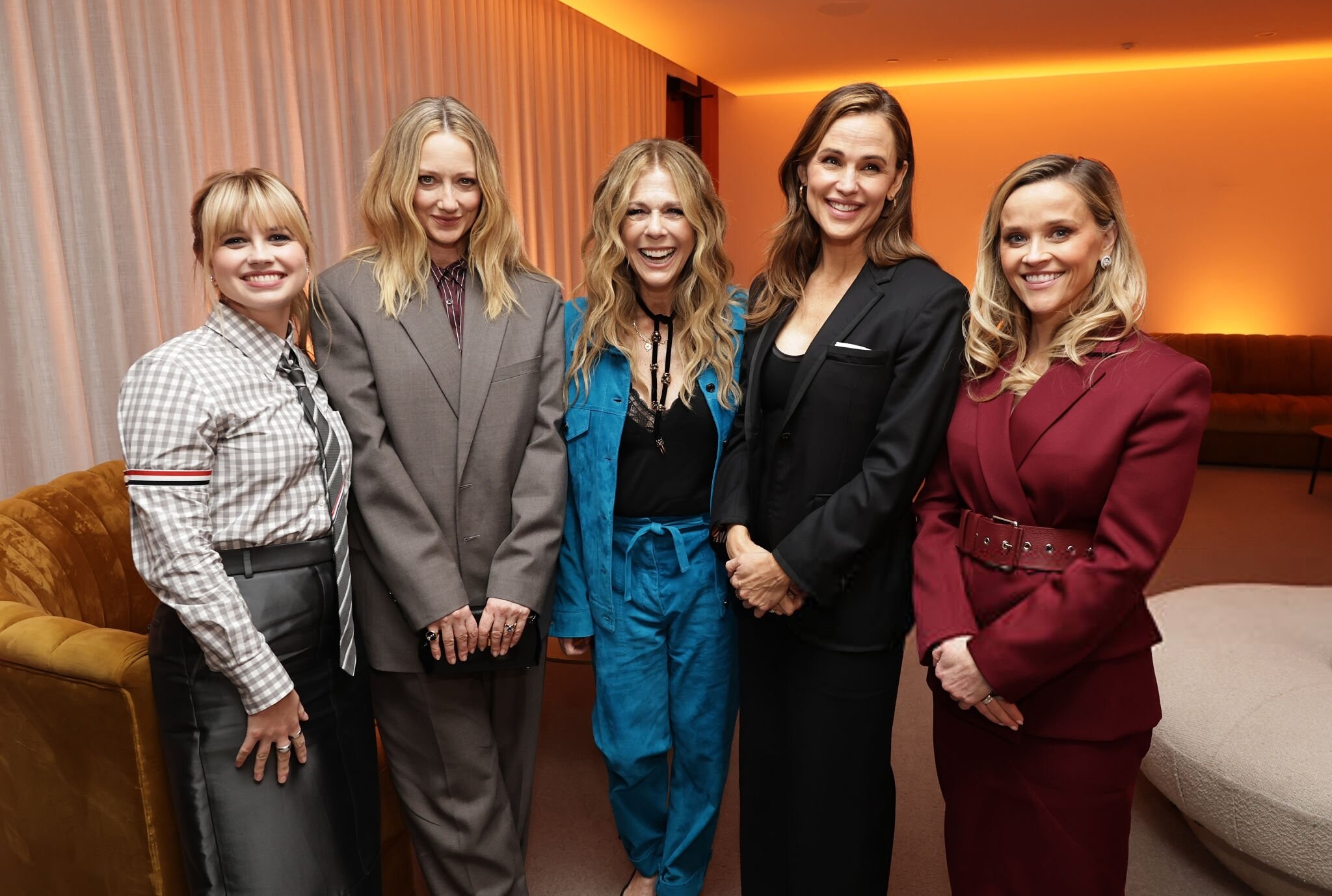
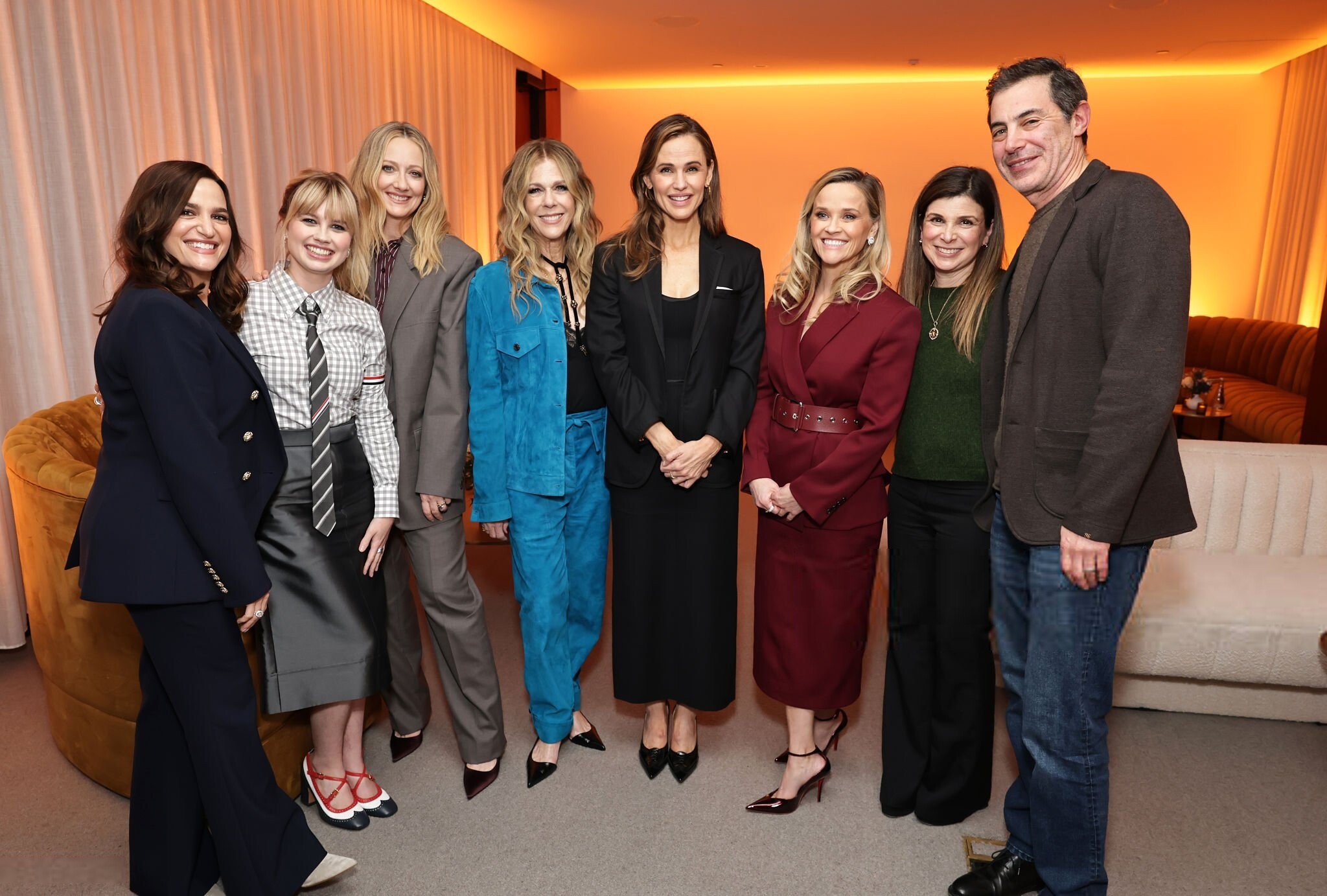
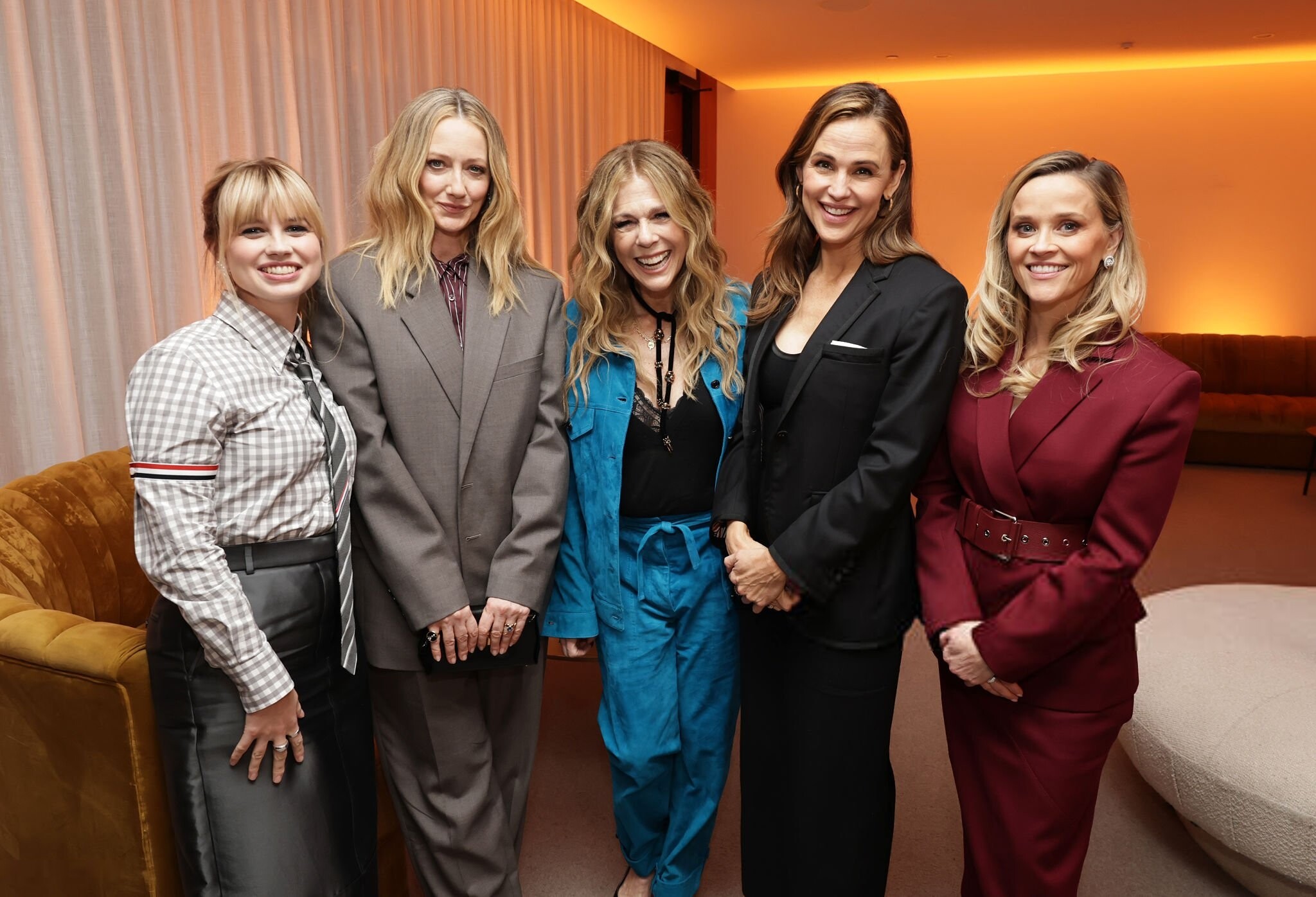
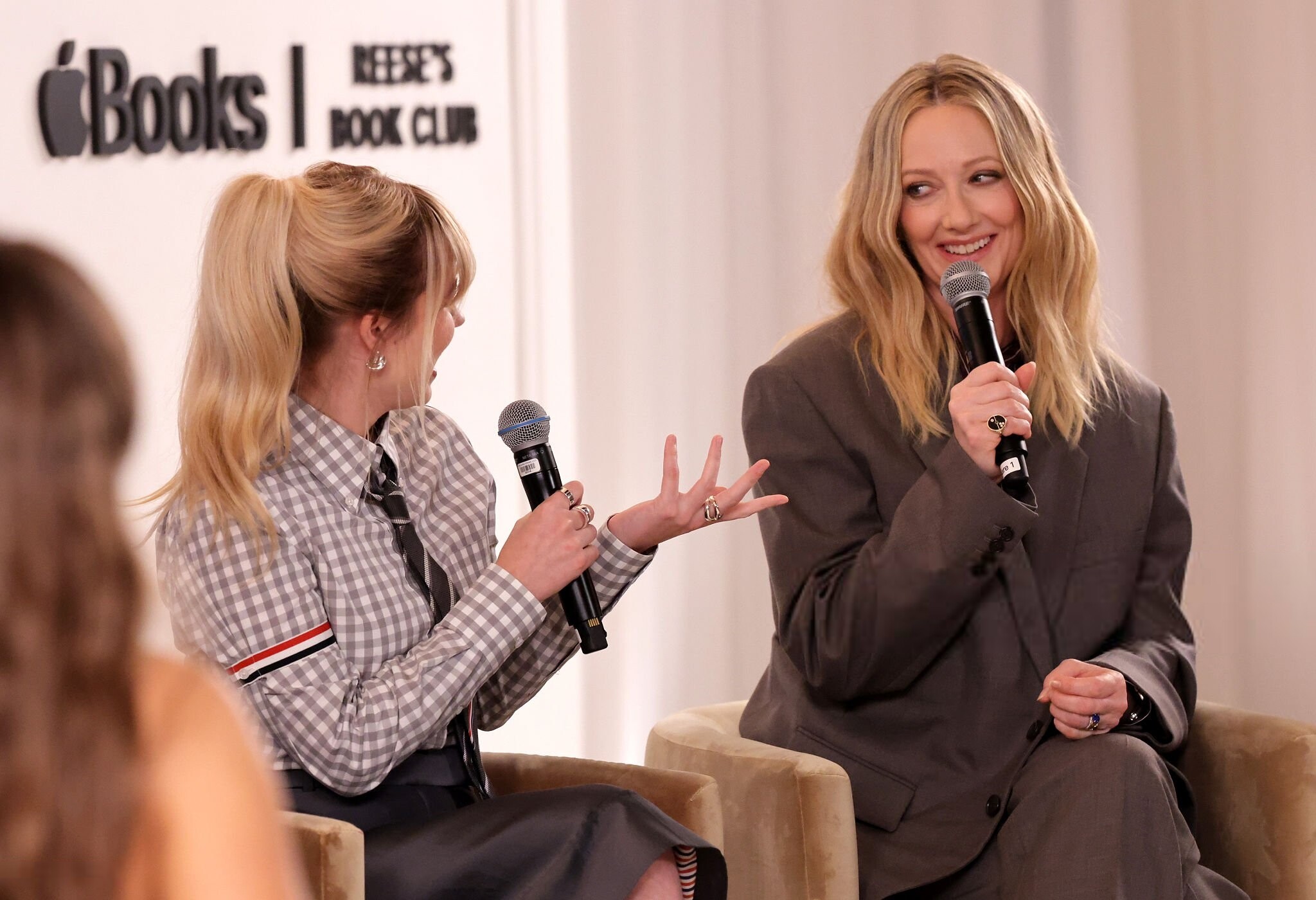
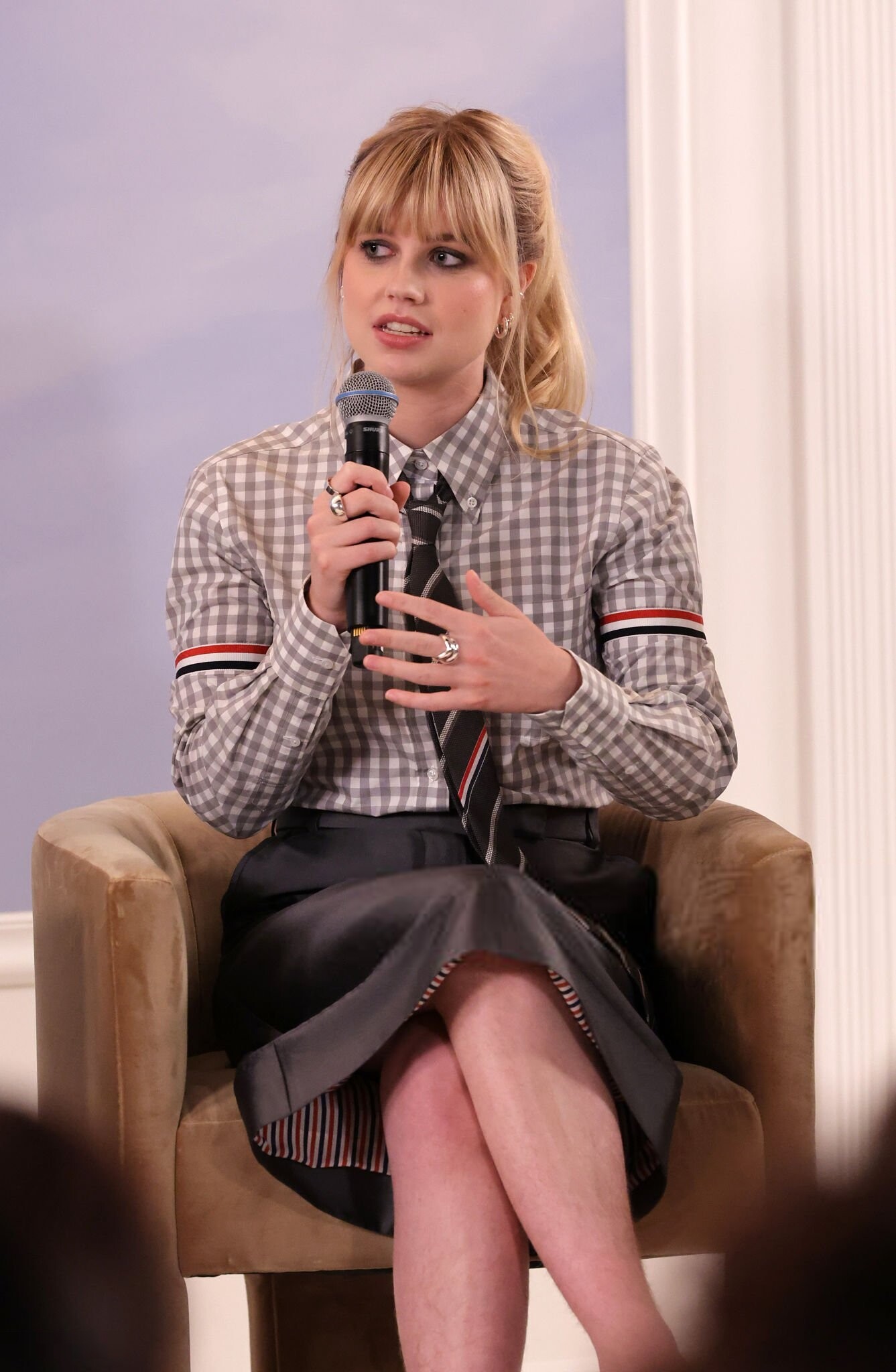
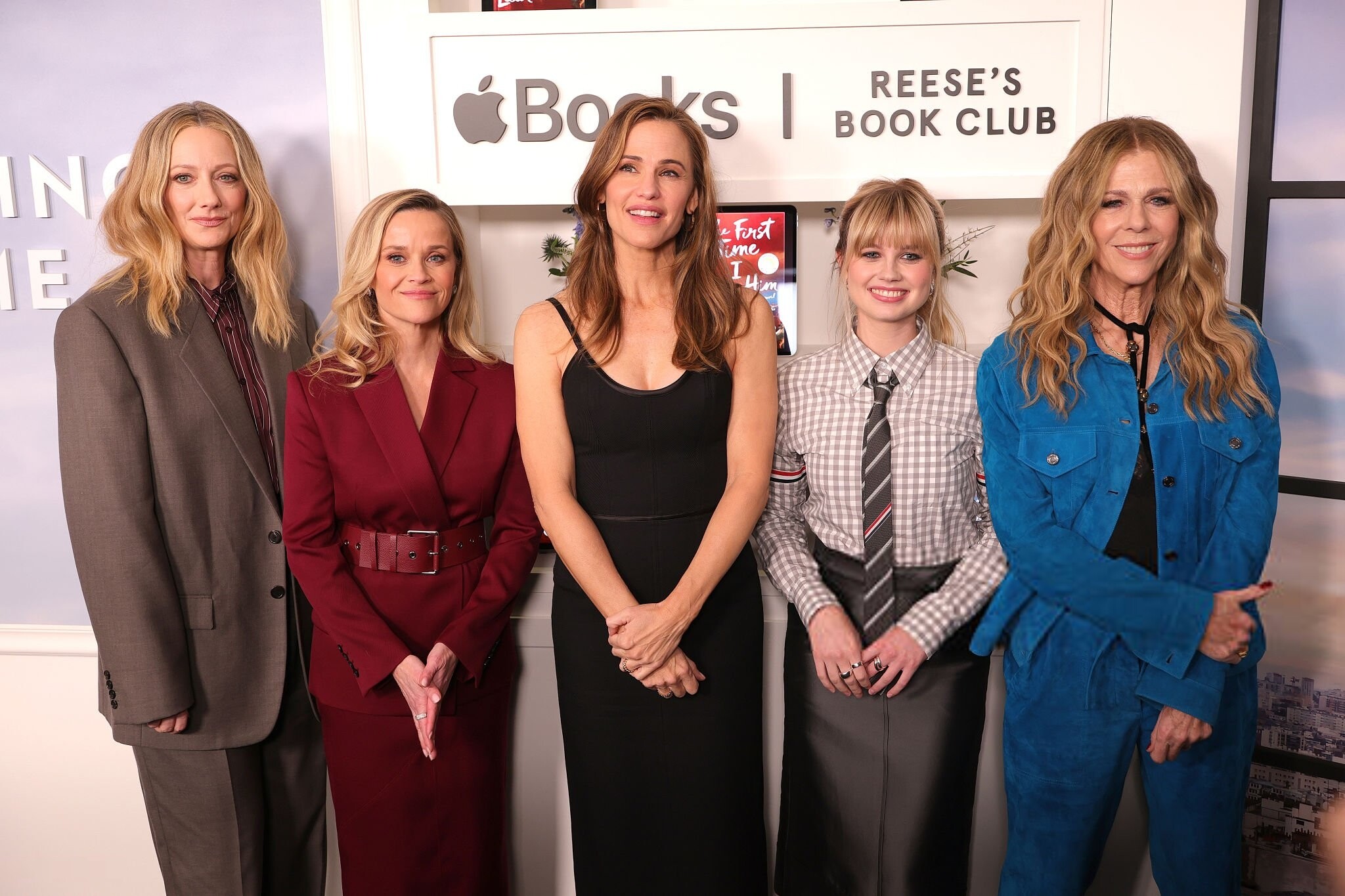
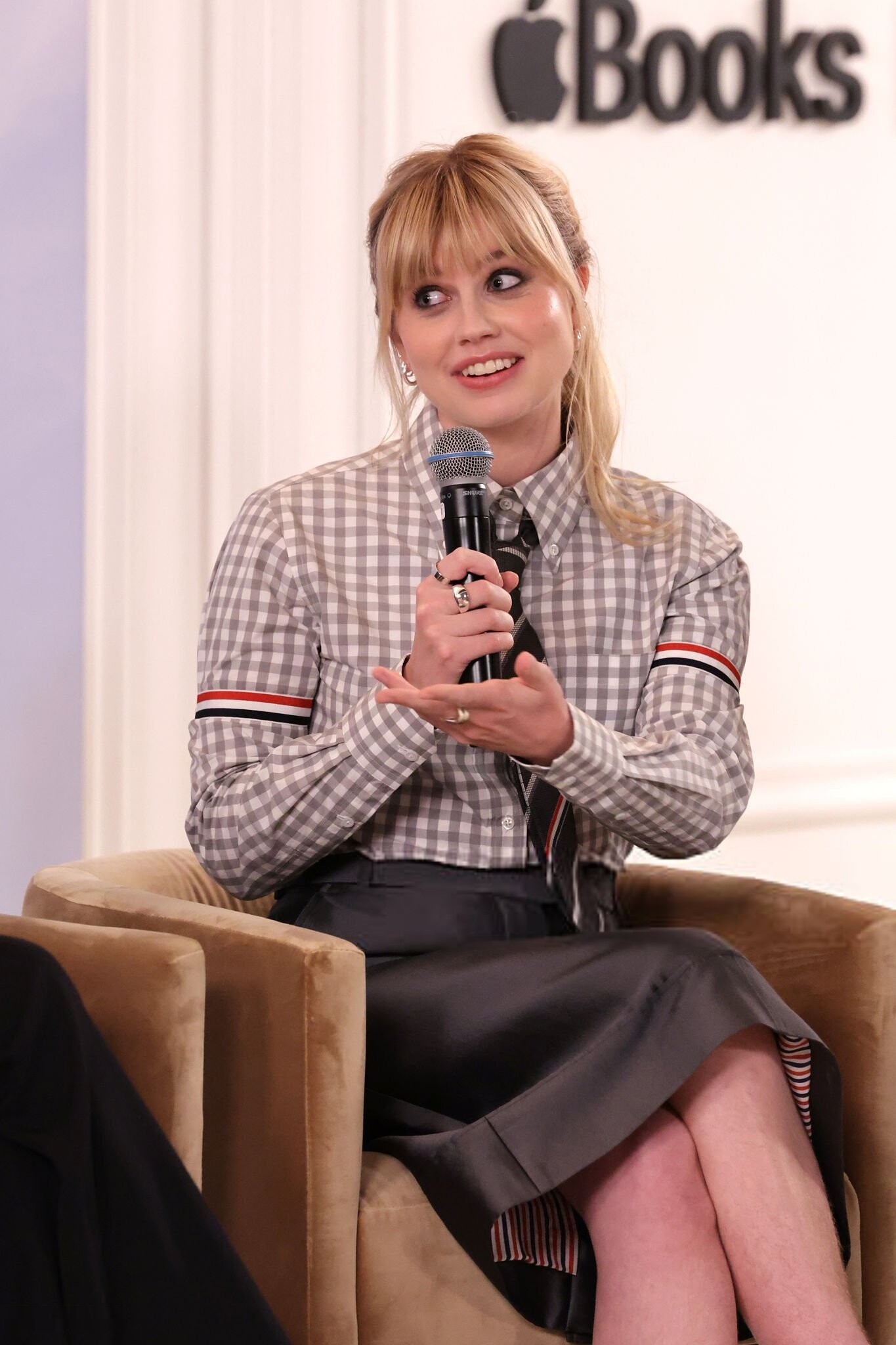
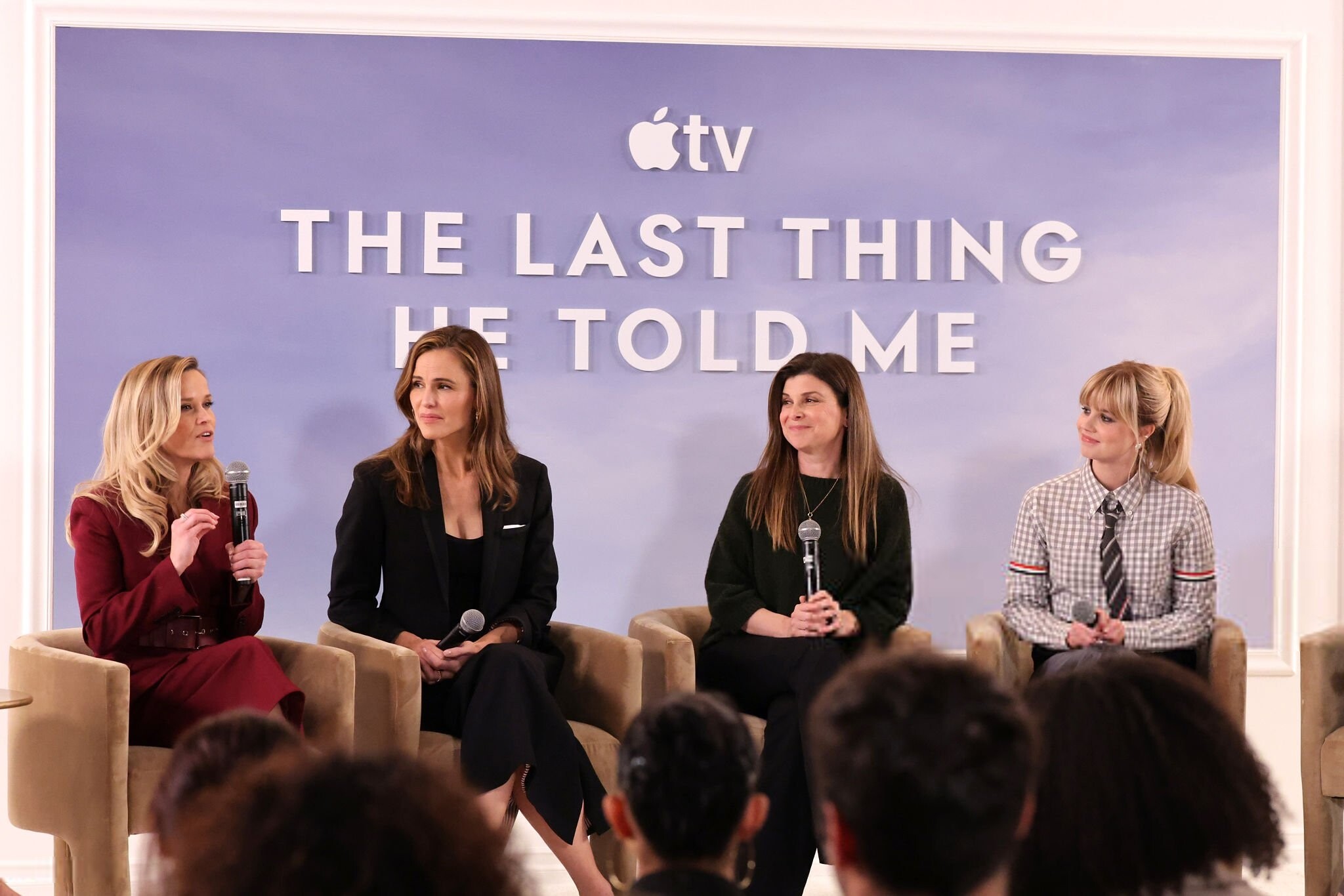
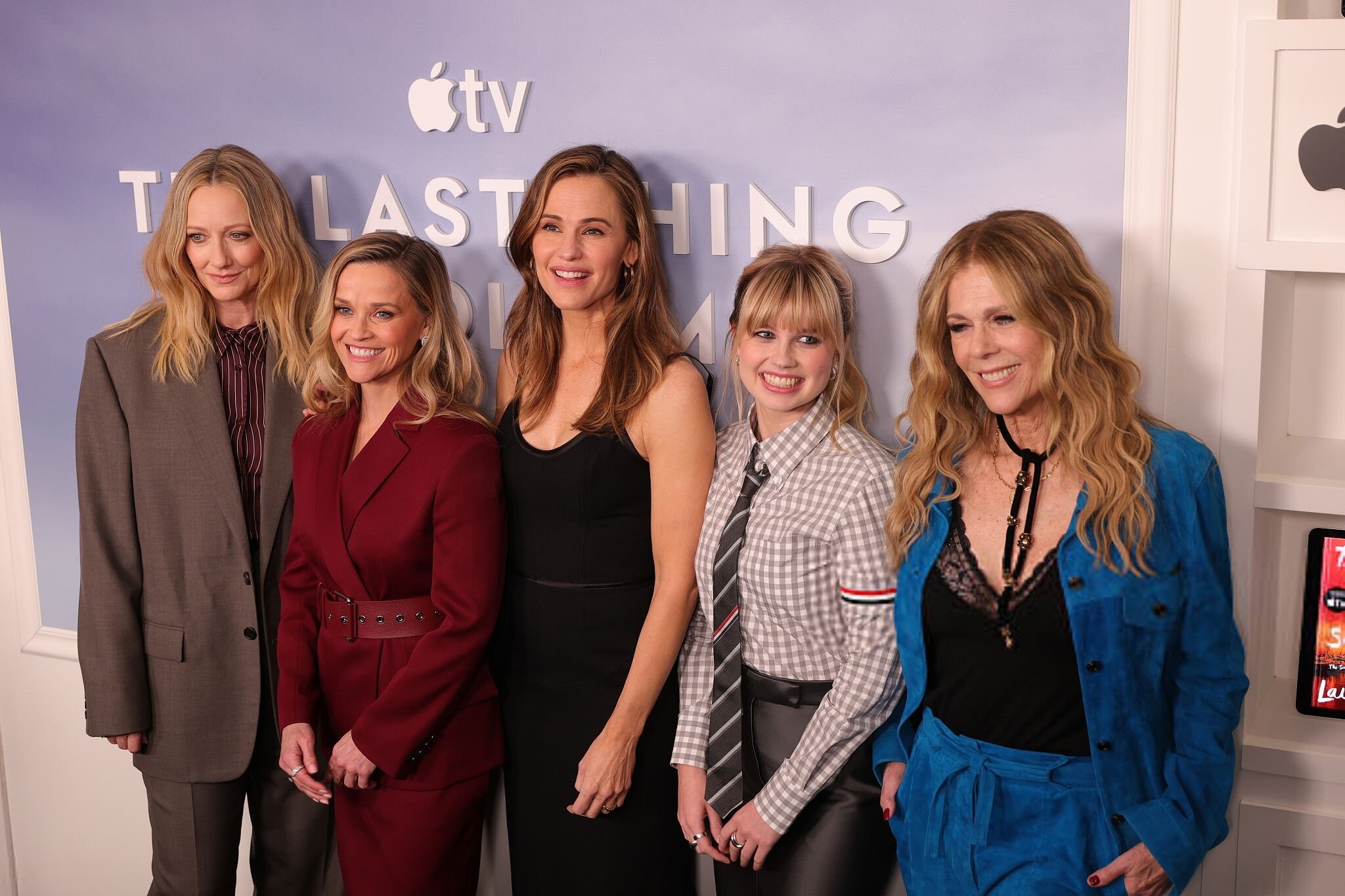
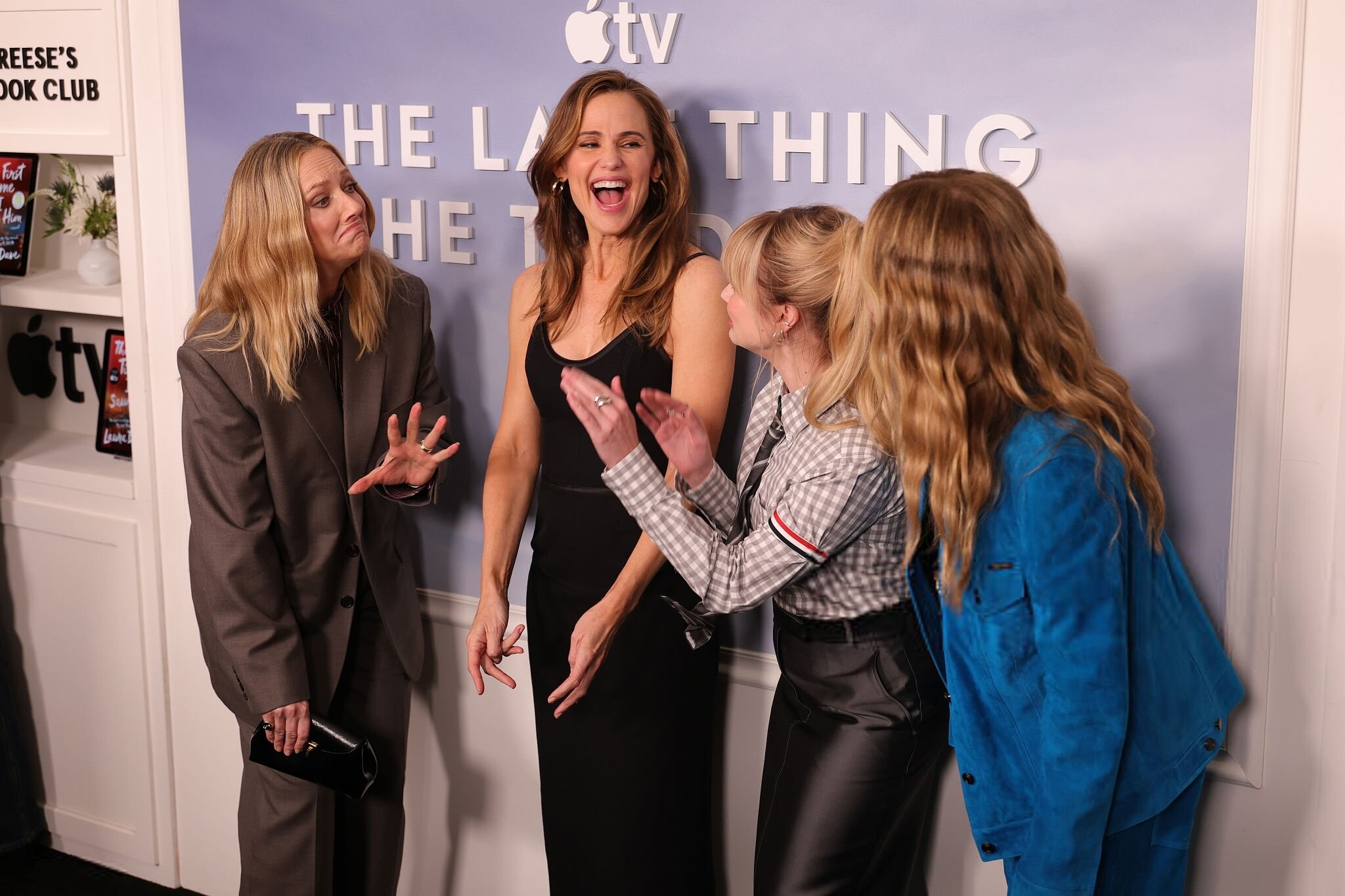
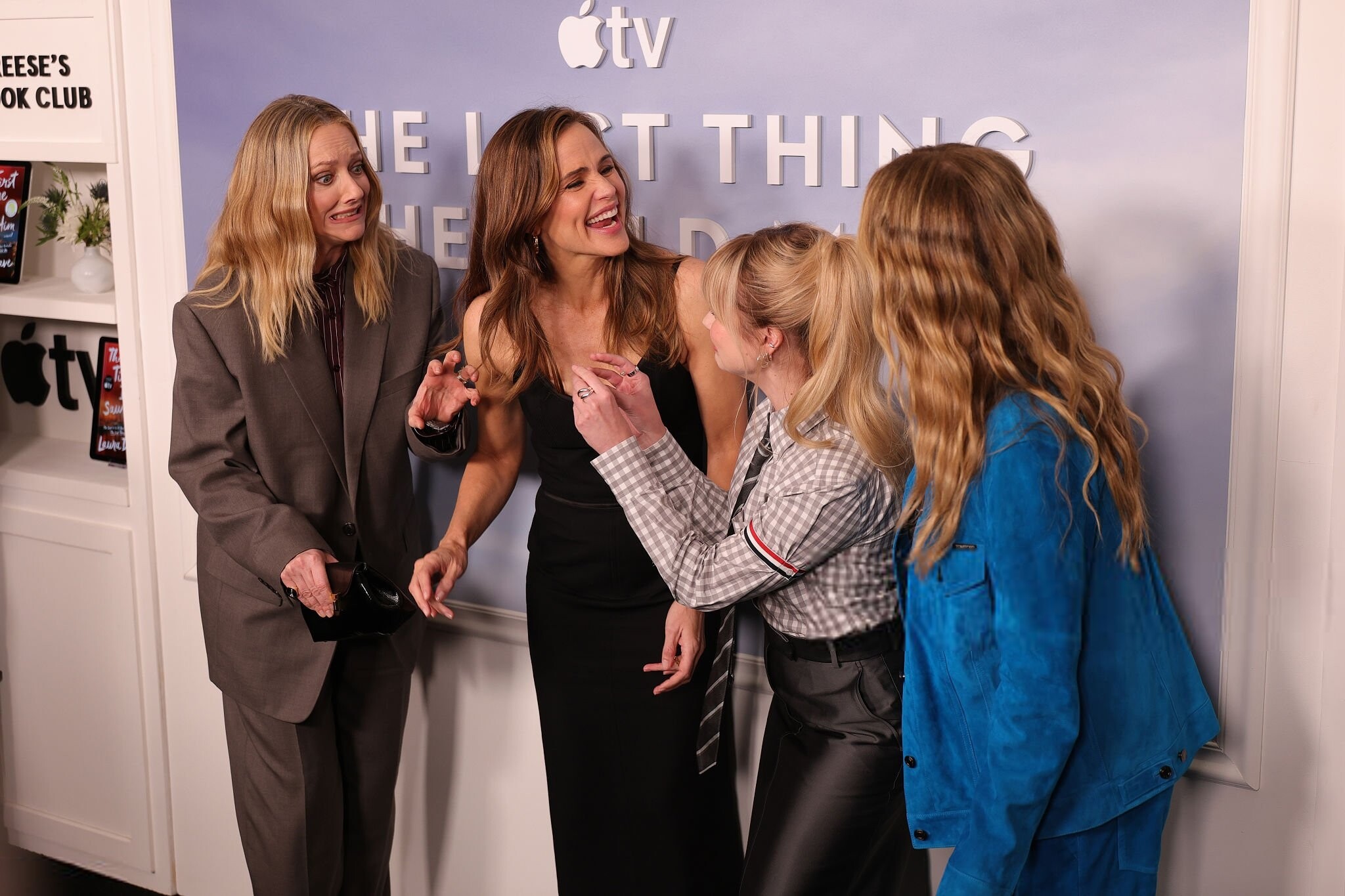
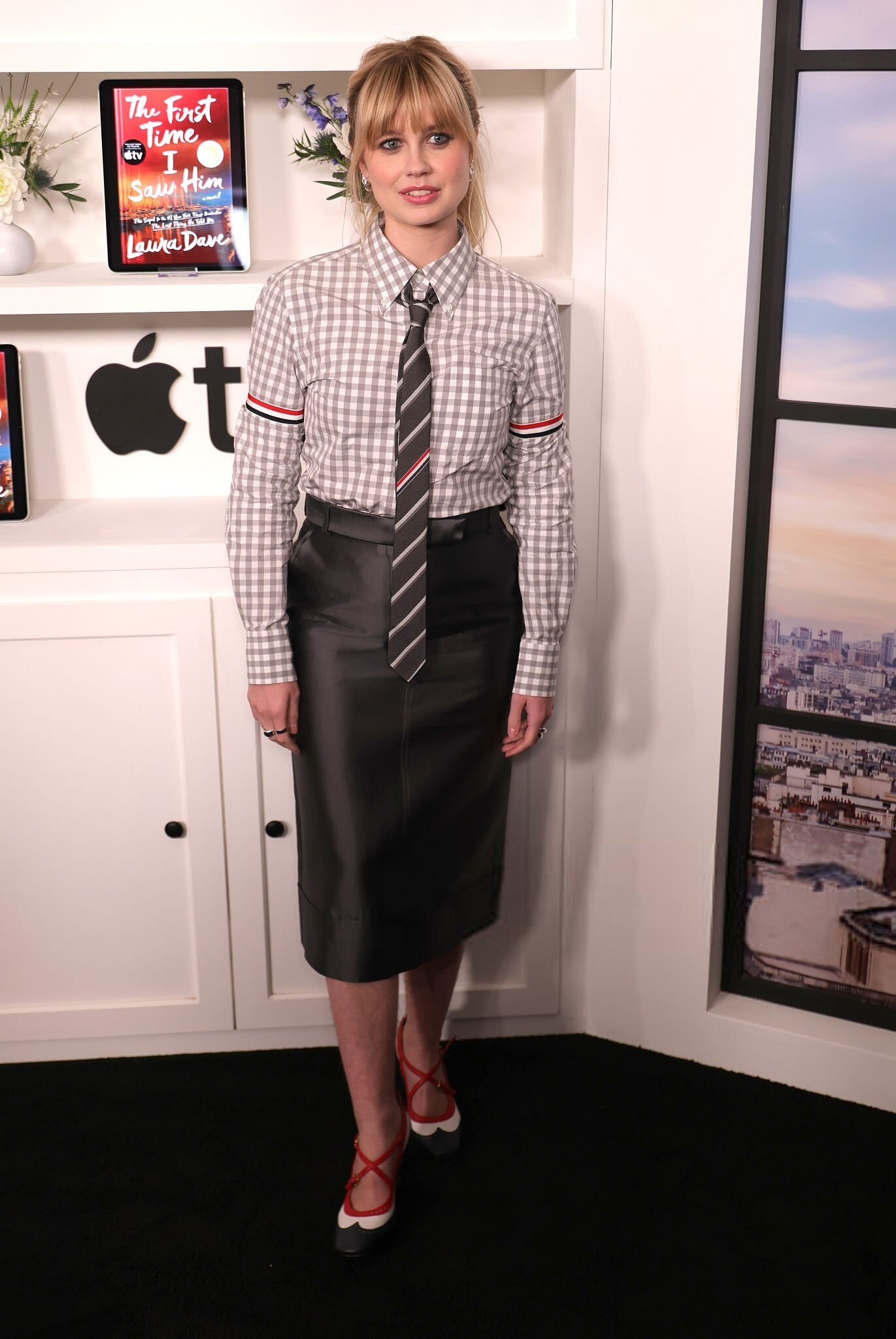
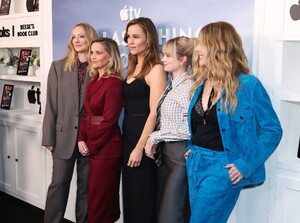
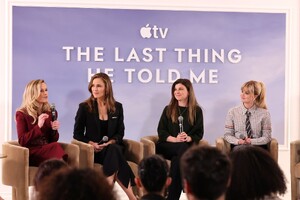
2026-02-12 - The Last Thing He Told Me Season Two Tastemaker Event angouriericefan.com































































-
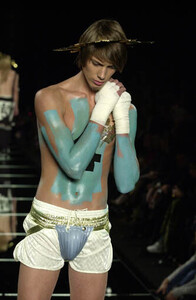
JOHN GALLIANO SS2001
Account
Navigation
Search
Configure browser push notifications
Chrome (Android)
- Tap the lock icon next to the address bar.
- Tap Permissions → Notifications.
- Adjust your preference.
Chrome (Desktop)
- Click the padlock icon in the address bar.
- Select Site settings.
- Find Notifications and adjust your preference.
Safari (iOS 16.4+)
- Ensure the site is installed via Add to Home Screen.
- Open Settings App → Notifications.
- Find your app name and adjust your preference.
Safari (macOS)
- Go to Safari → Preferences.
- Click the Websites tab.
- Select Notifications in the sidebar.
- Find this website and adjust your preference.
Edge (Android)
- Tap the lock icon next to the address bar.
- Tap Permissions.
- Find Notifications and adjust your preference.
Edge (Desktop)
- Click the padlock icon in the address bar.
- Click Permissions for this site.
- Find Notifications and adjust your preference.
Firefox (Android)
- Go to Settings → Site permissions.
- Tap Notifications.
- Find this site in the list and adjust your preference.
Firefox (Desktop)
- Open Firefox Settings.
- Search for Notifications.
- Find this site in the list and adjust your preference.