All Activity
- Past hour
-
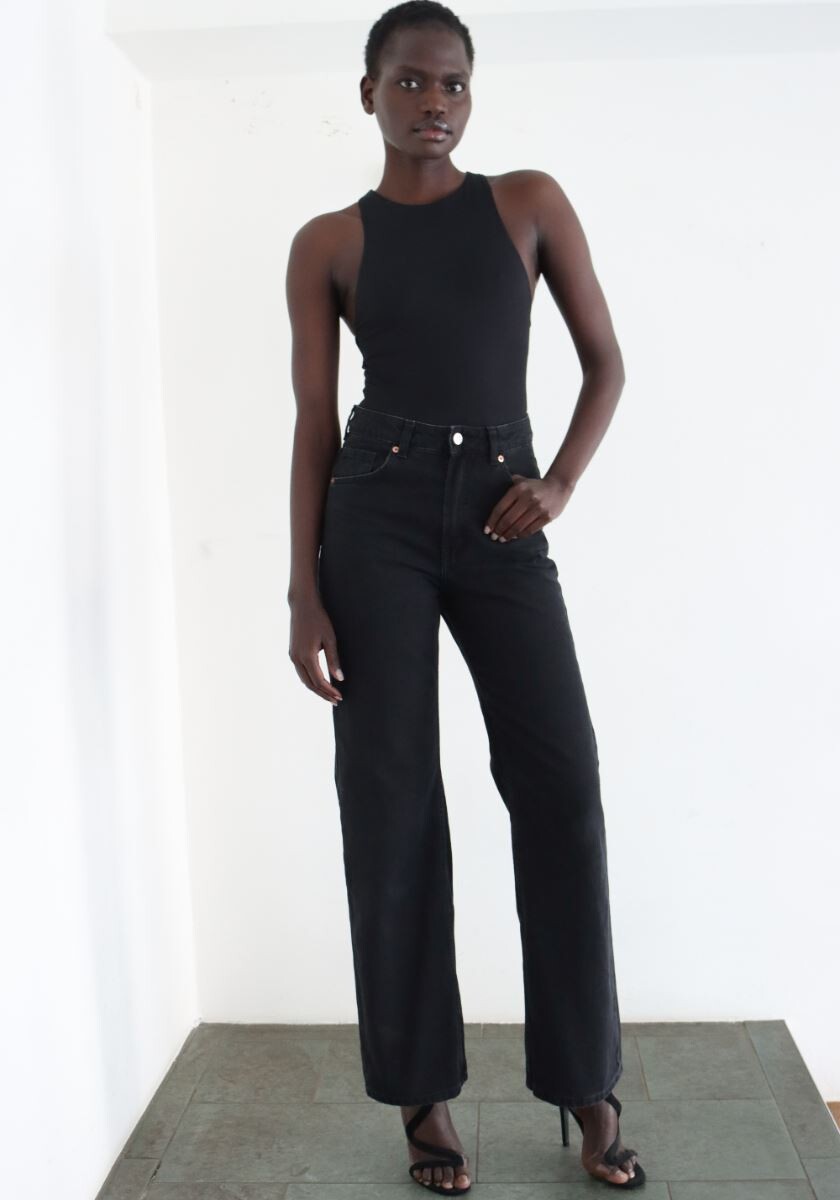
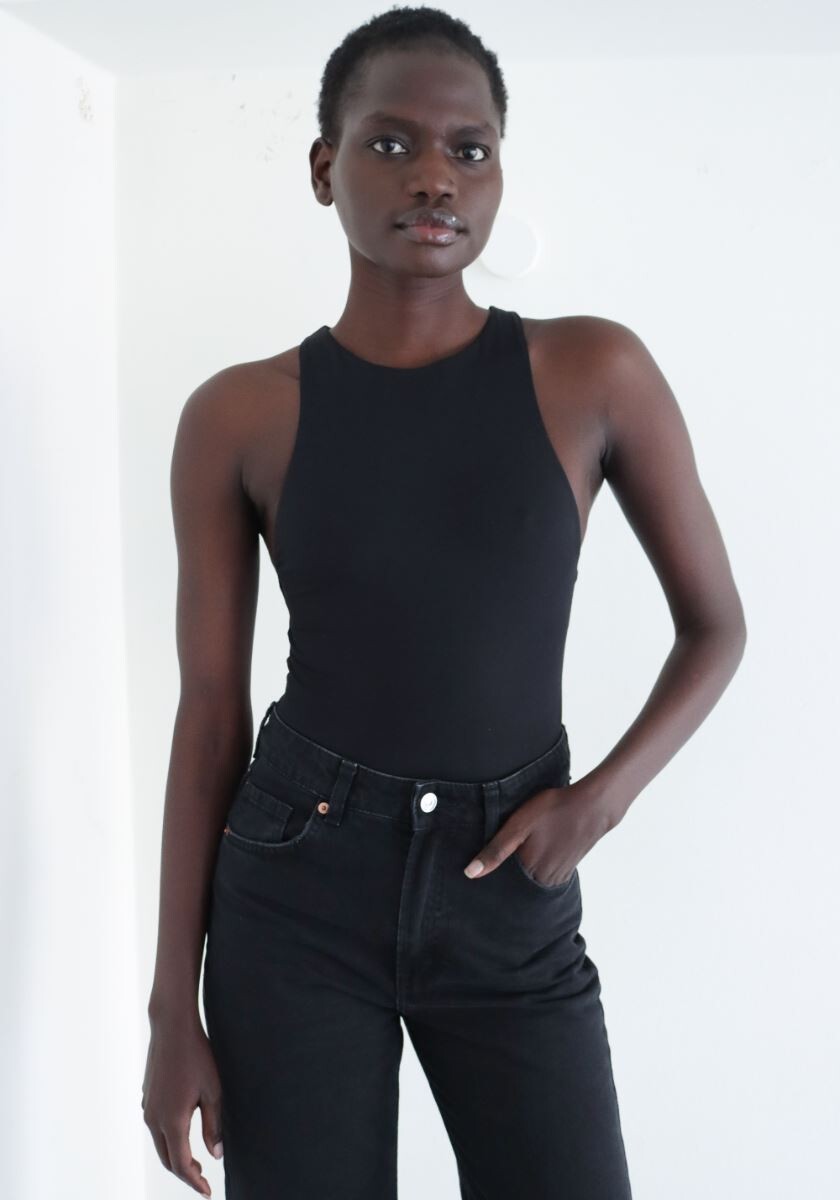
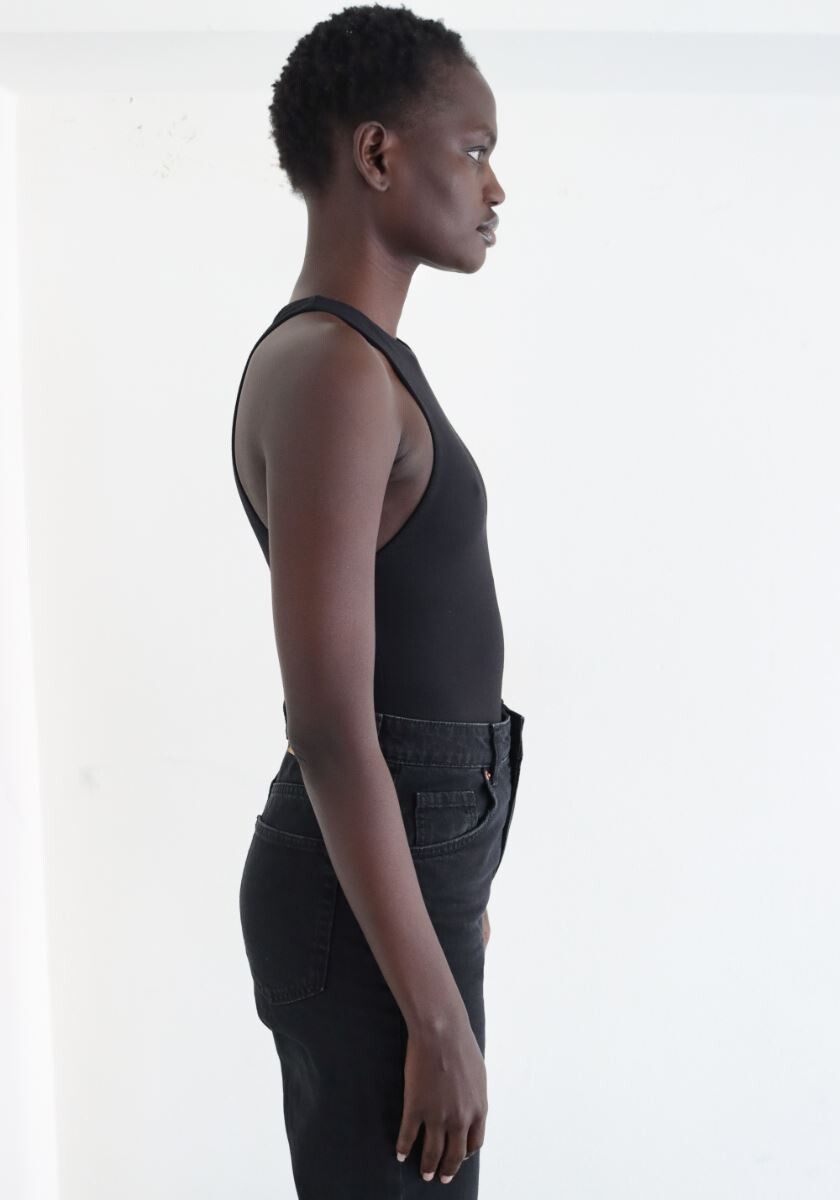
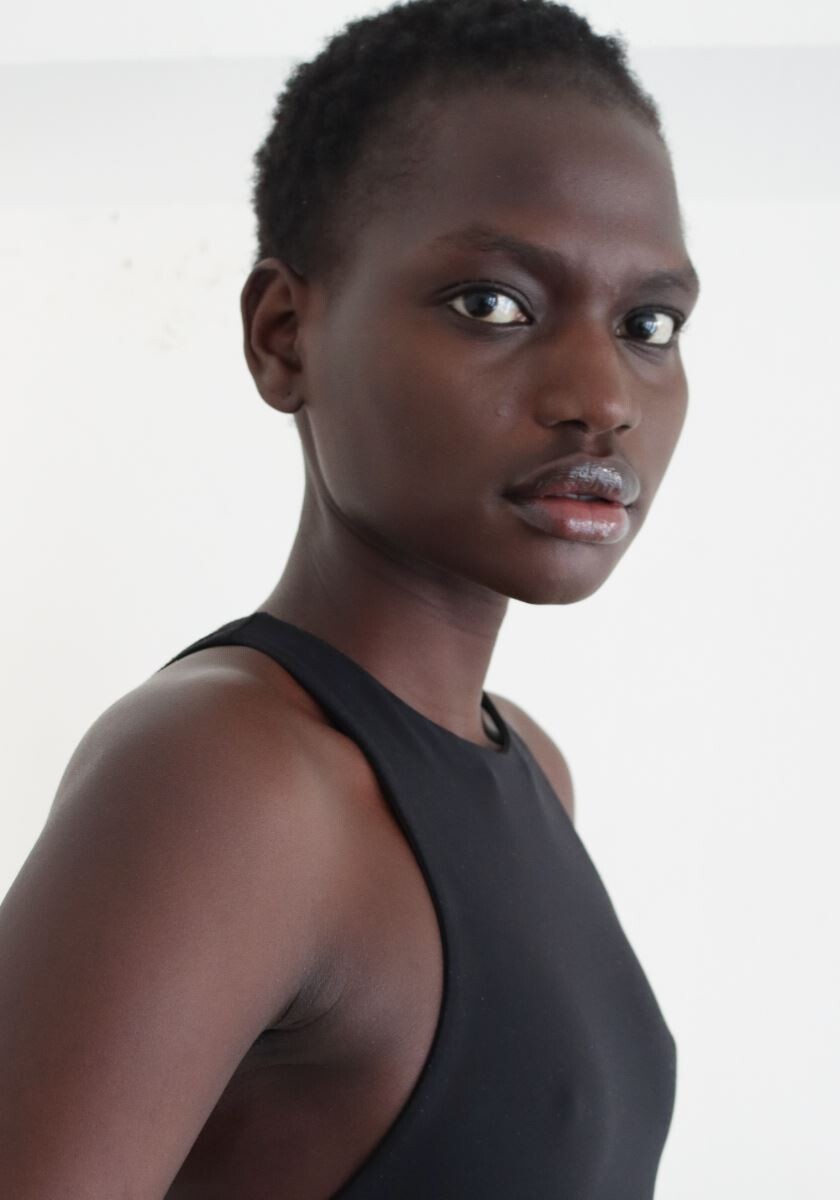
 Polaroids M$ Models (2026)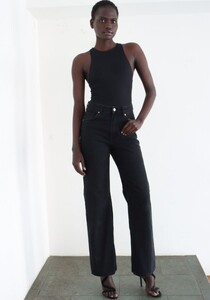
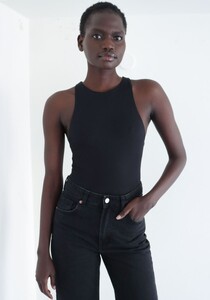
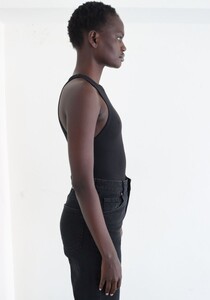
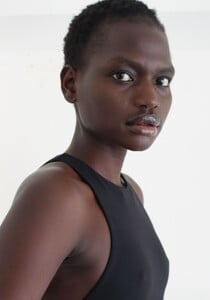
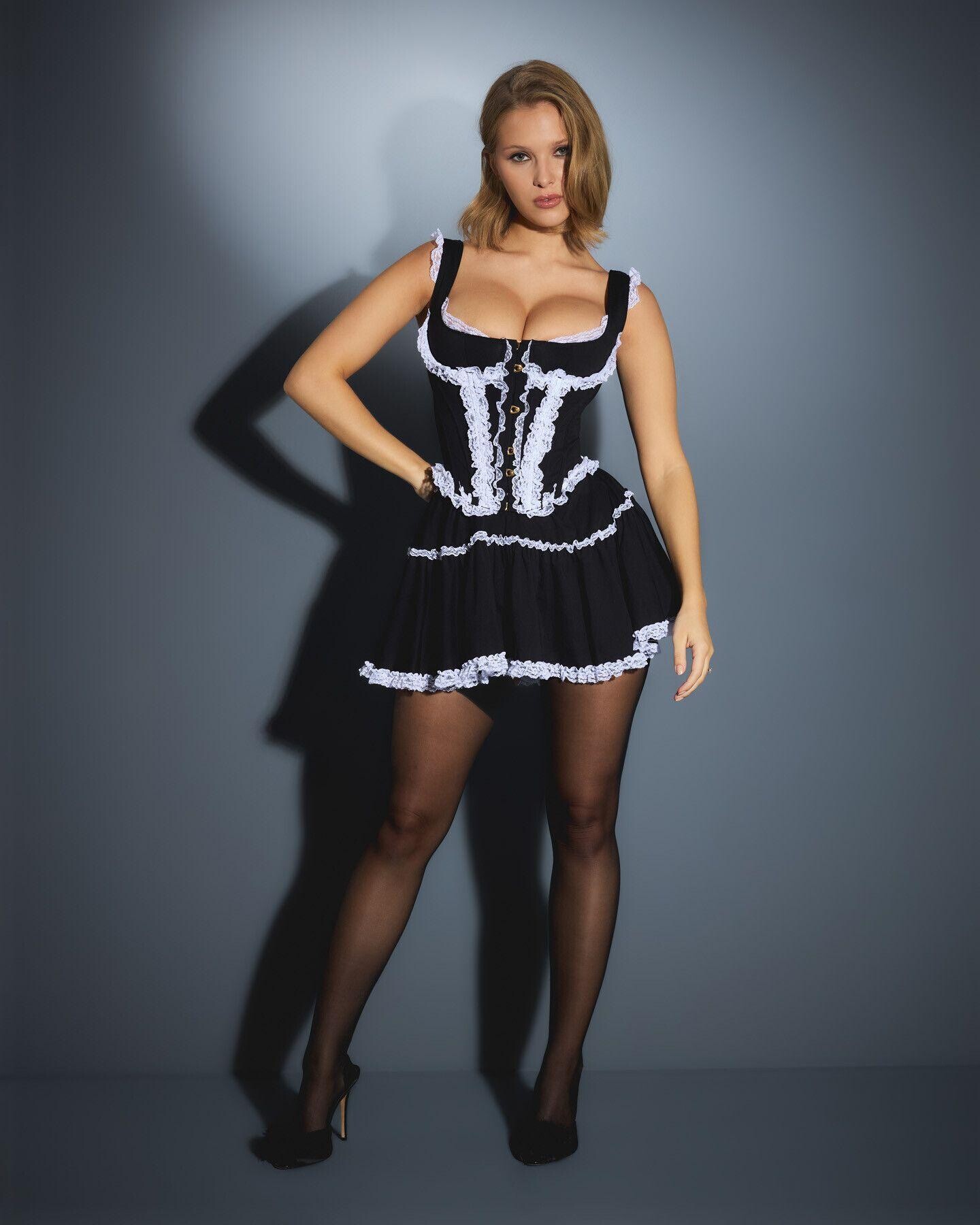
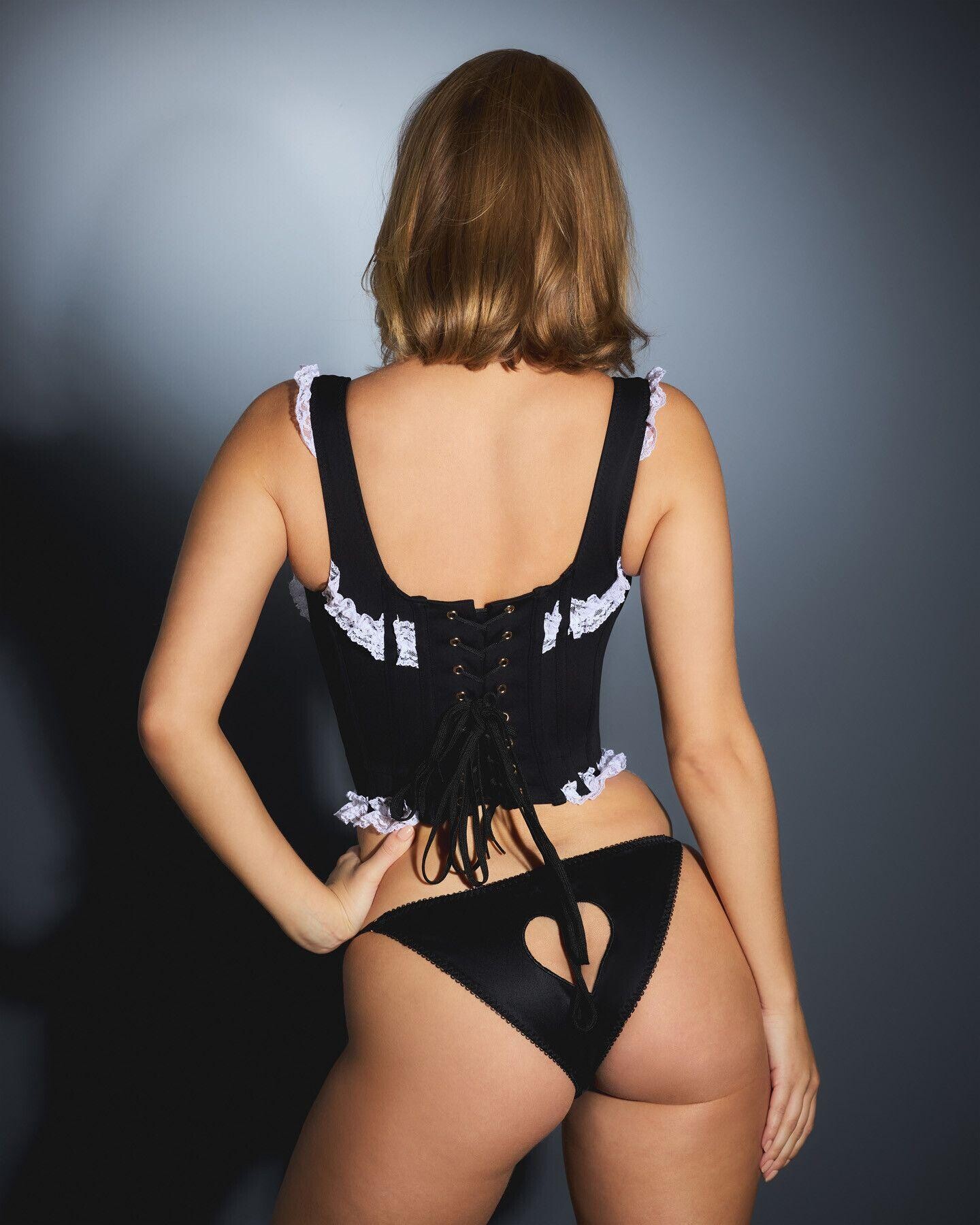
 Agent Provocateur




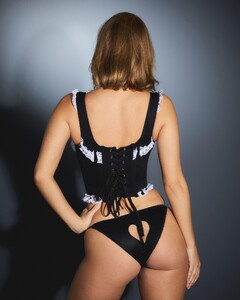















 Amazing
 Caución y fianza joined the community
 Coach Spring 2026 | Explore Your Story | Elle, Storm, Paige | #CourageToBeReal
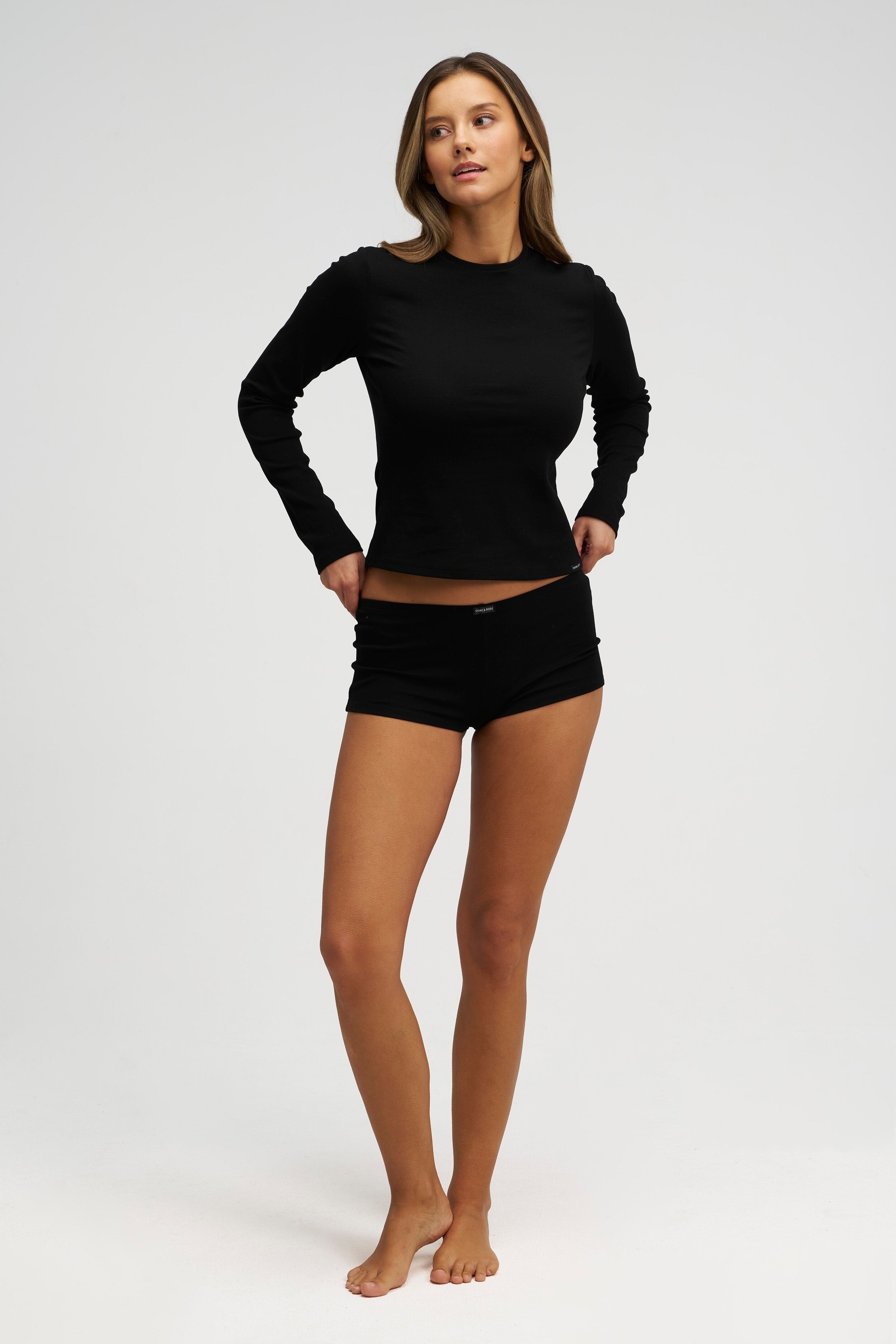
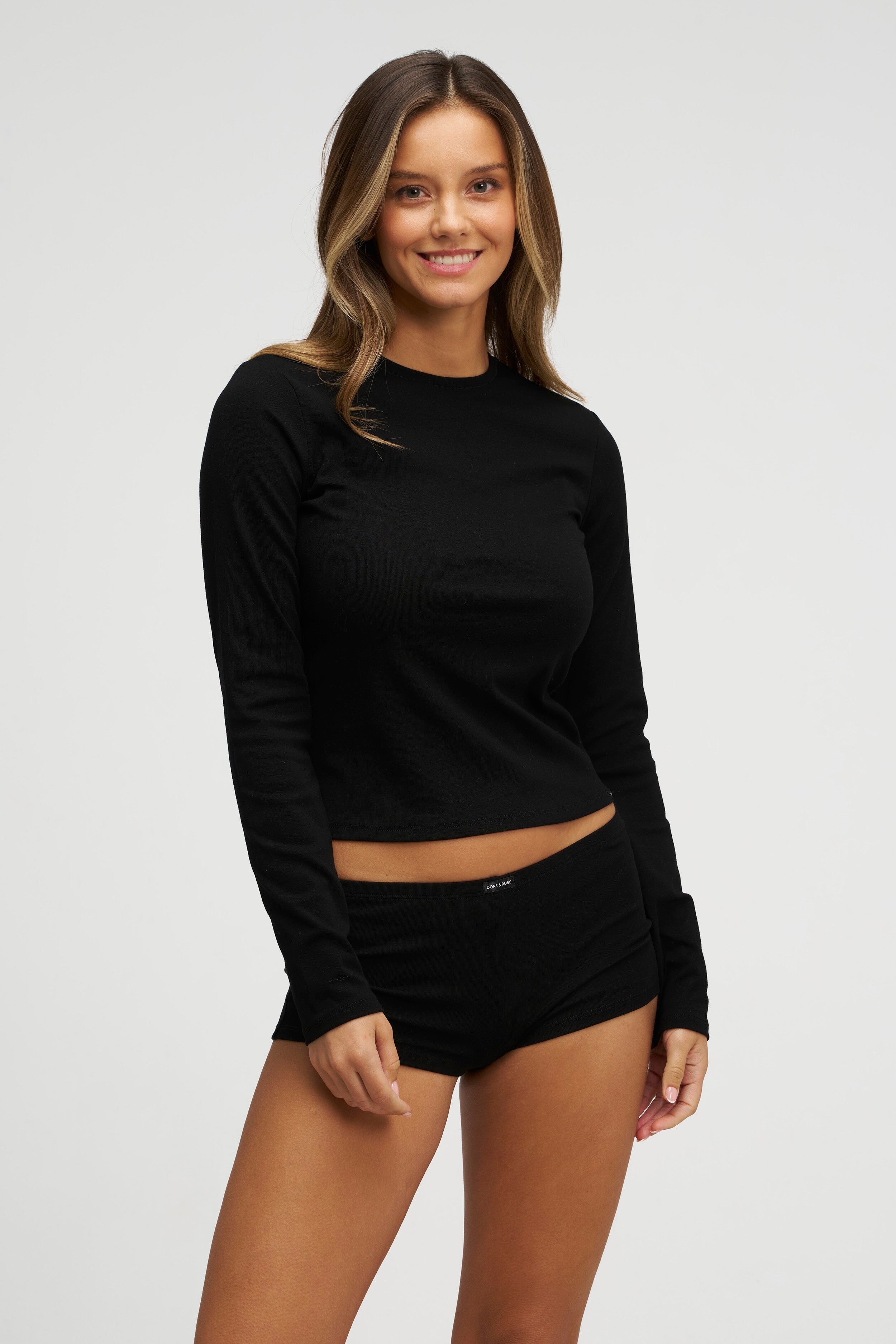
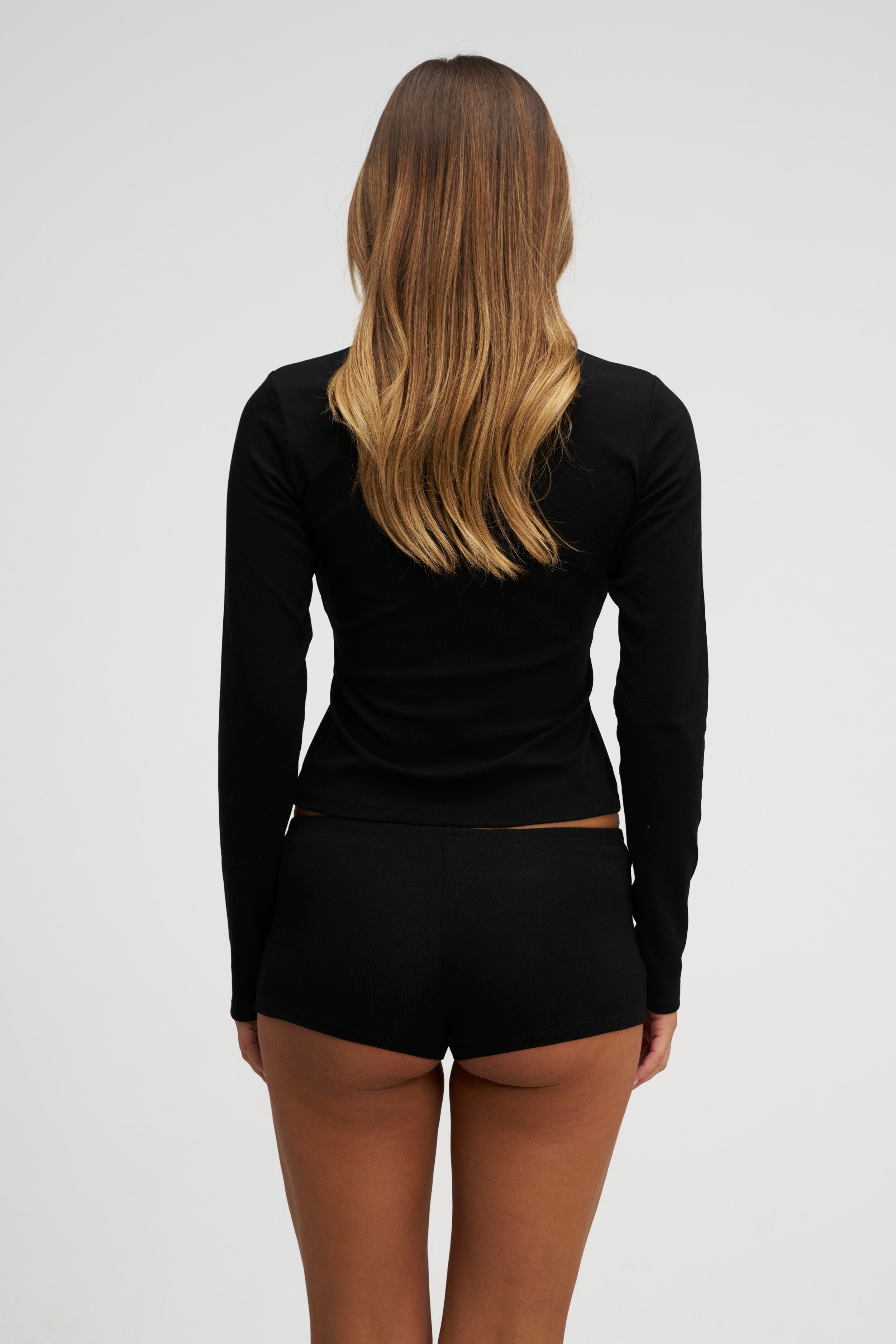
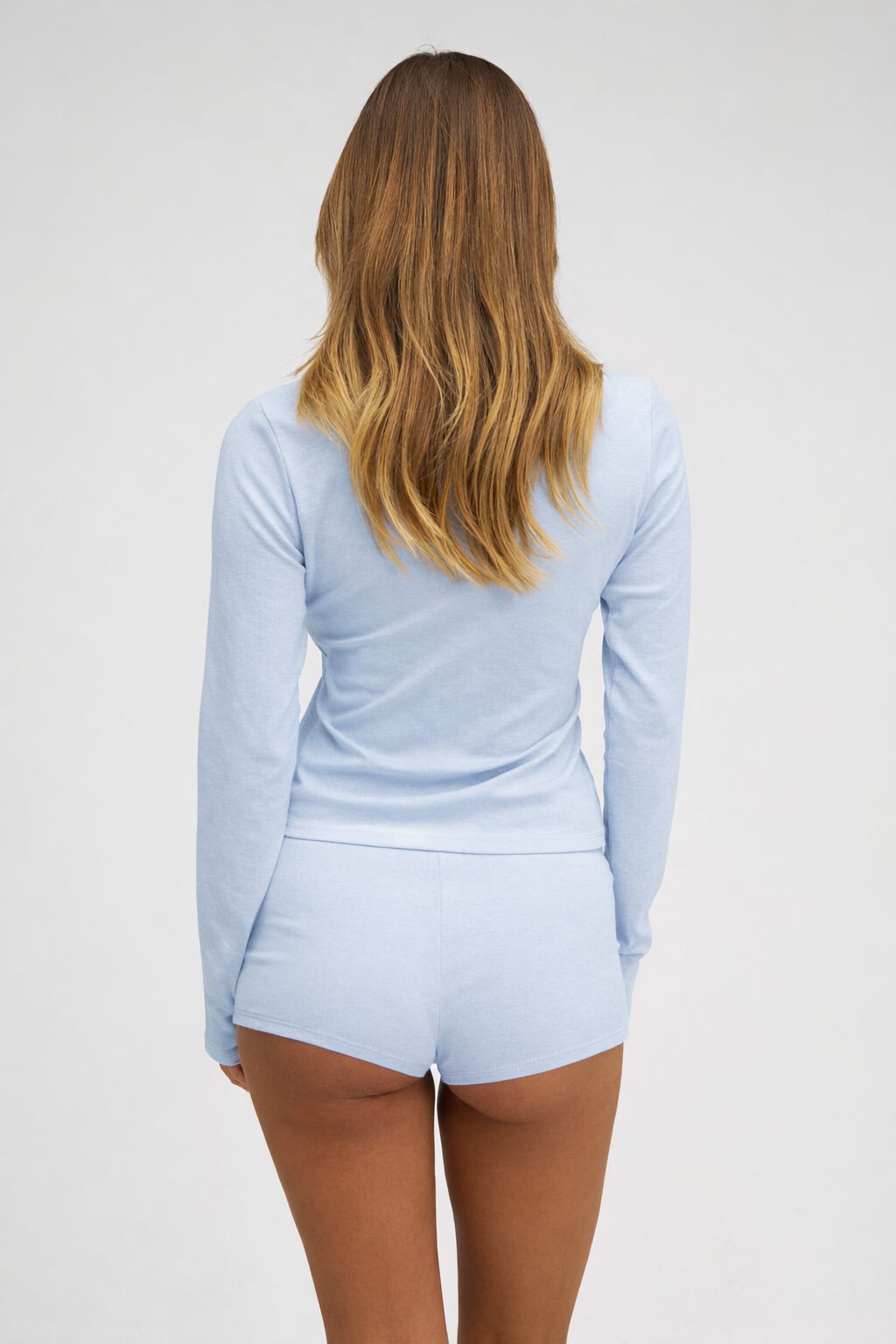
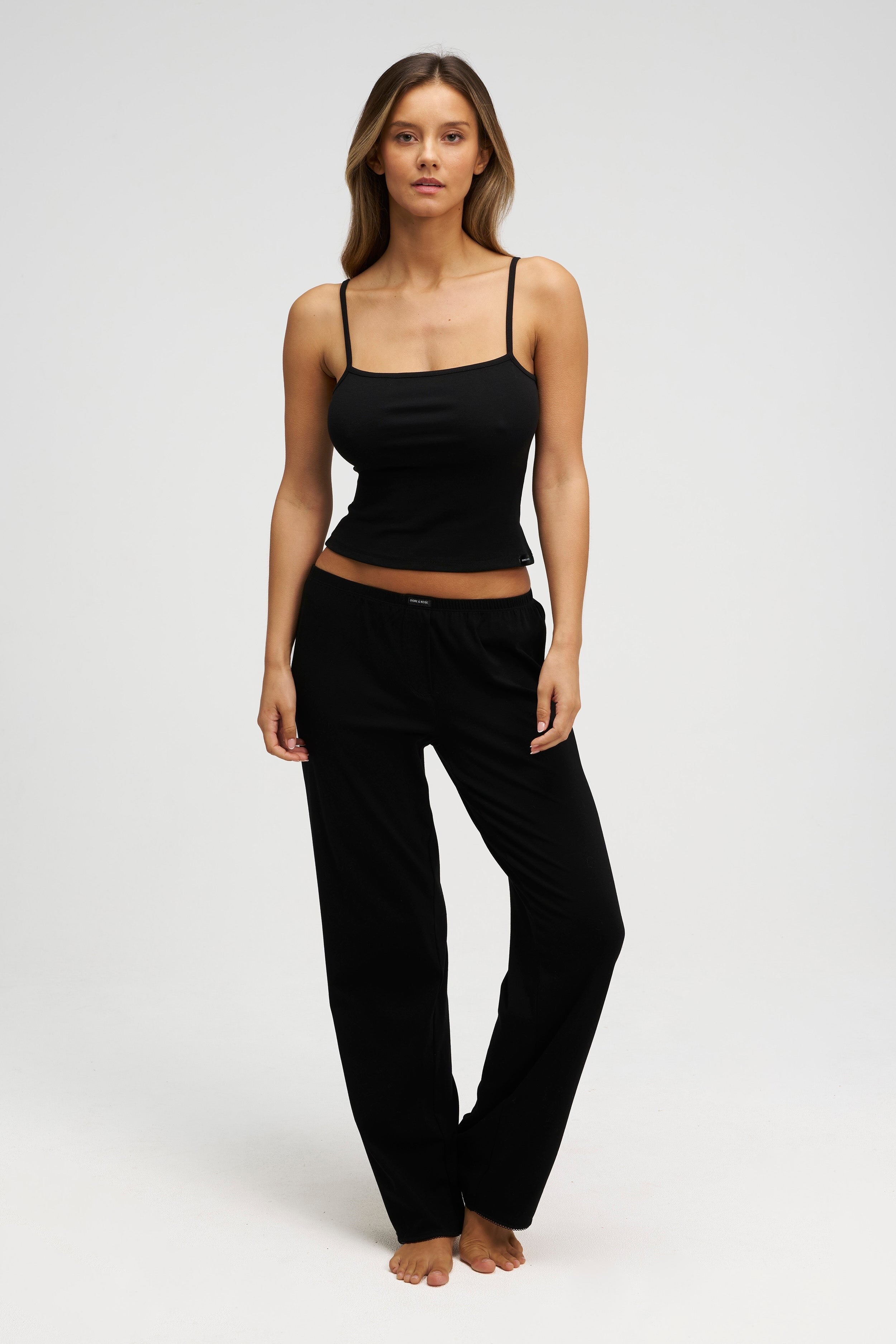
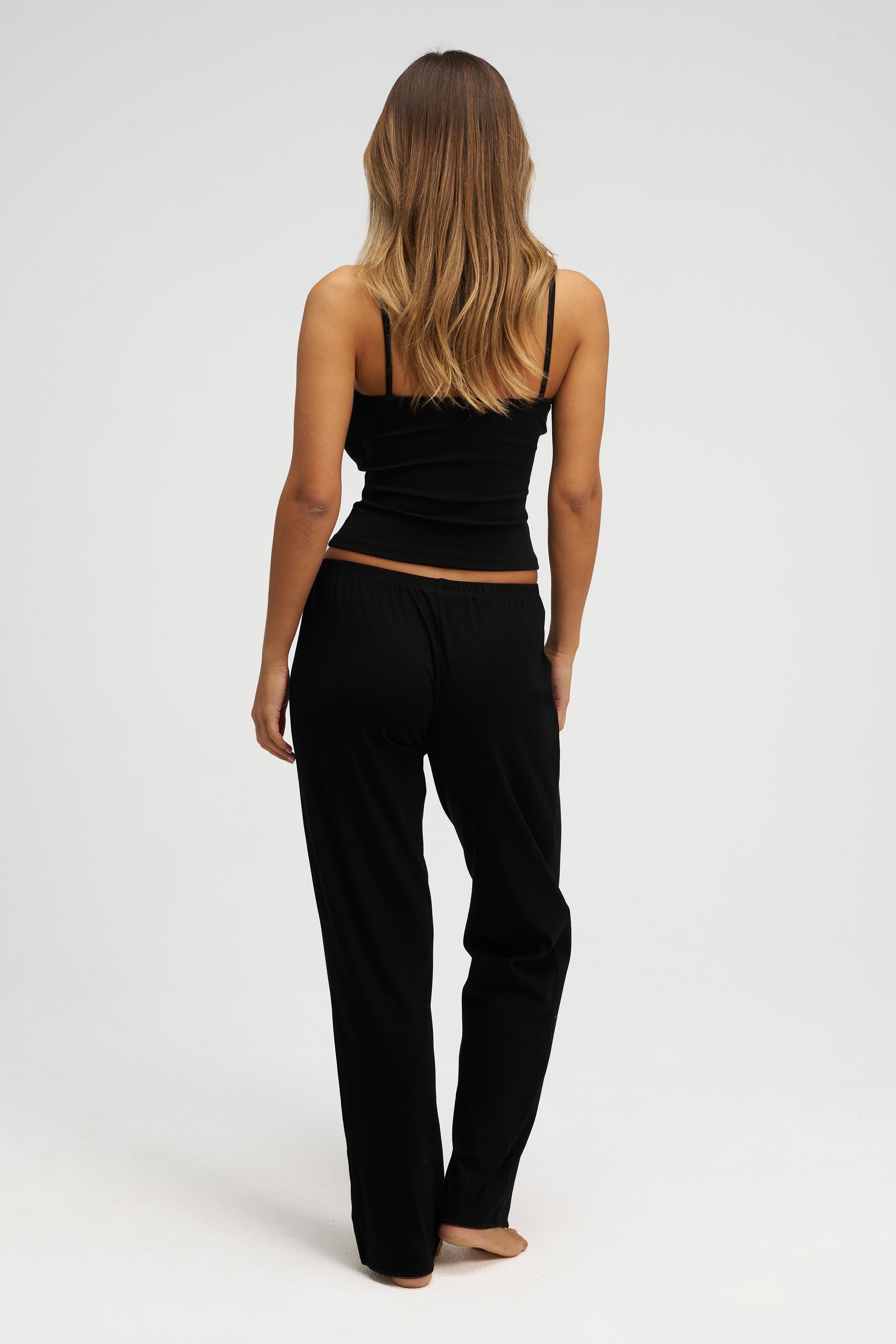
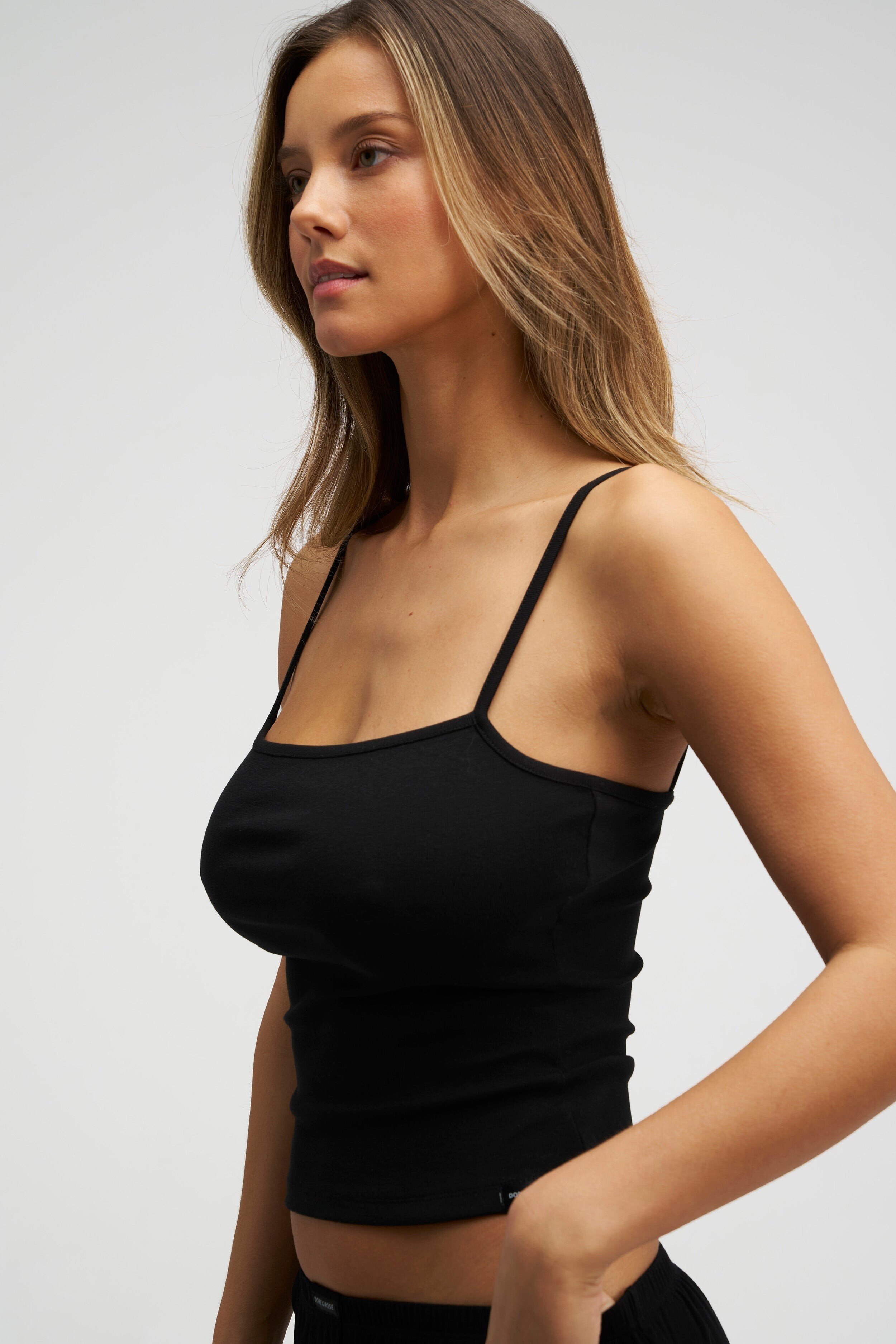
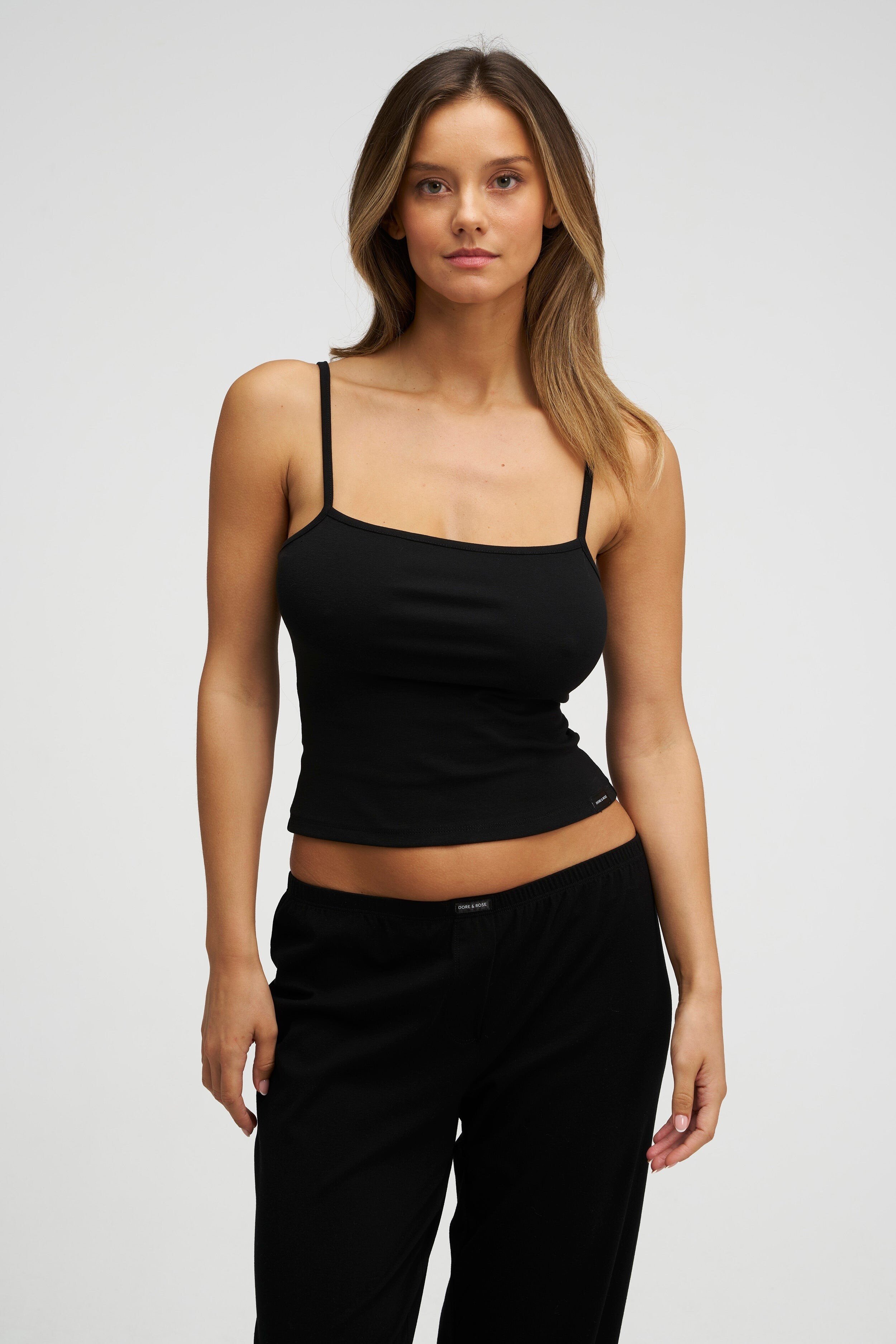
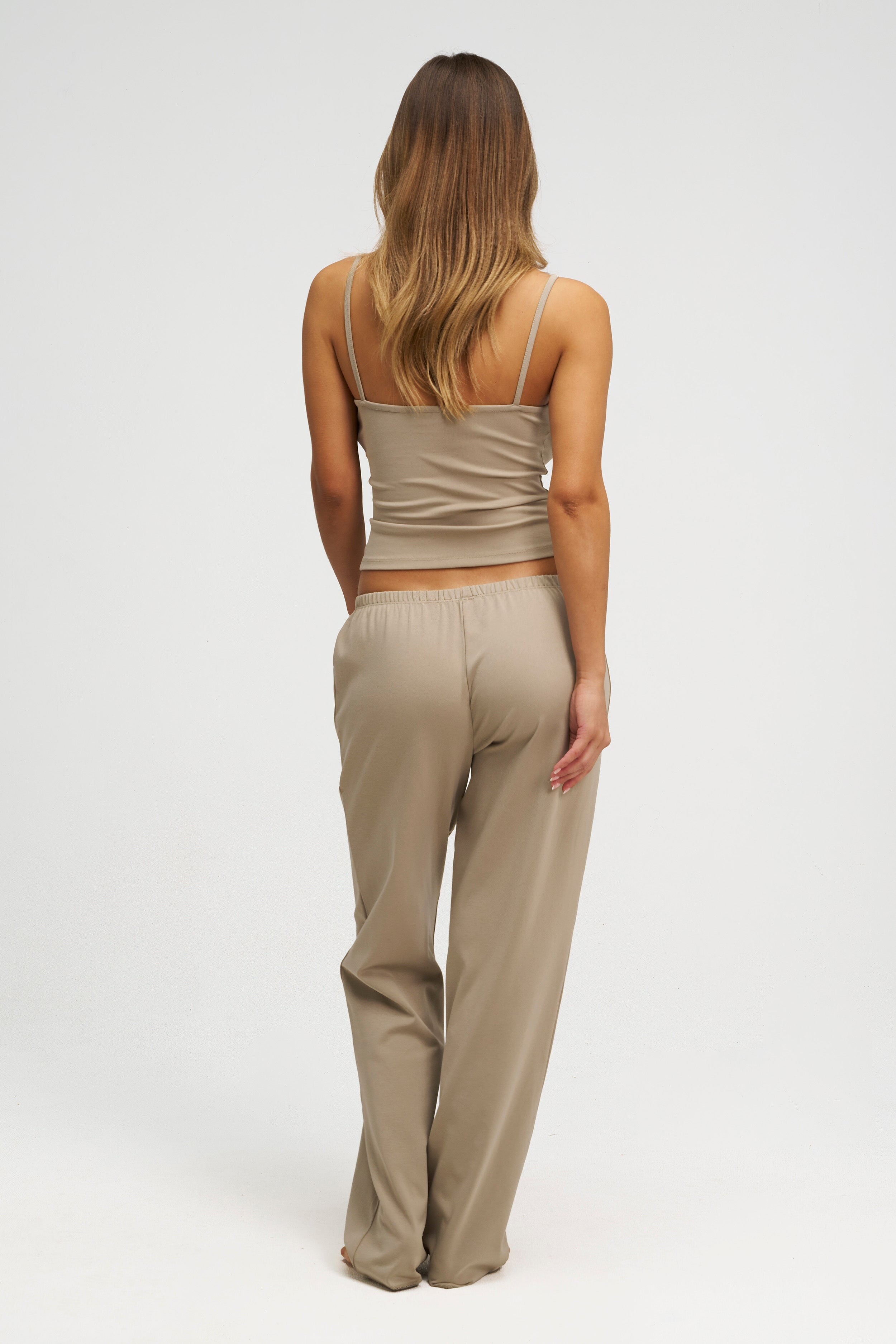
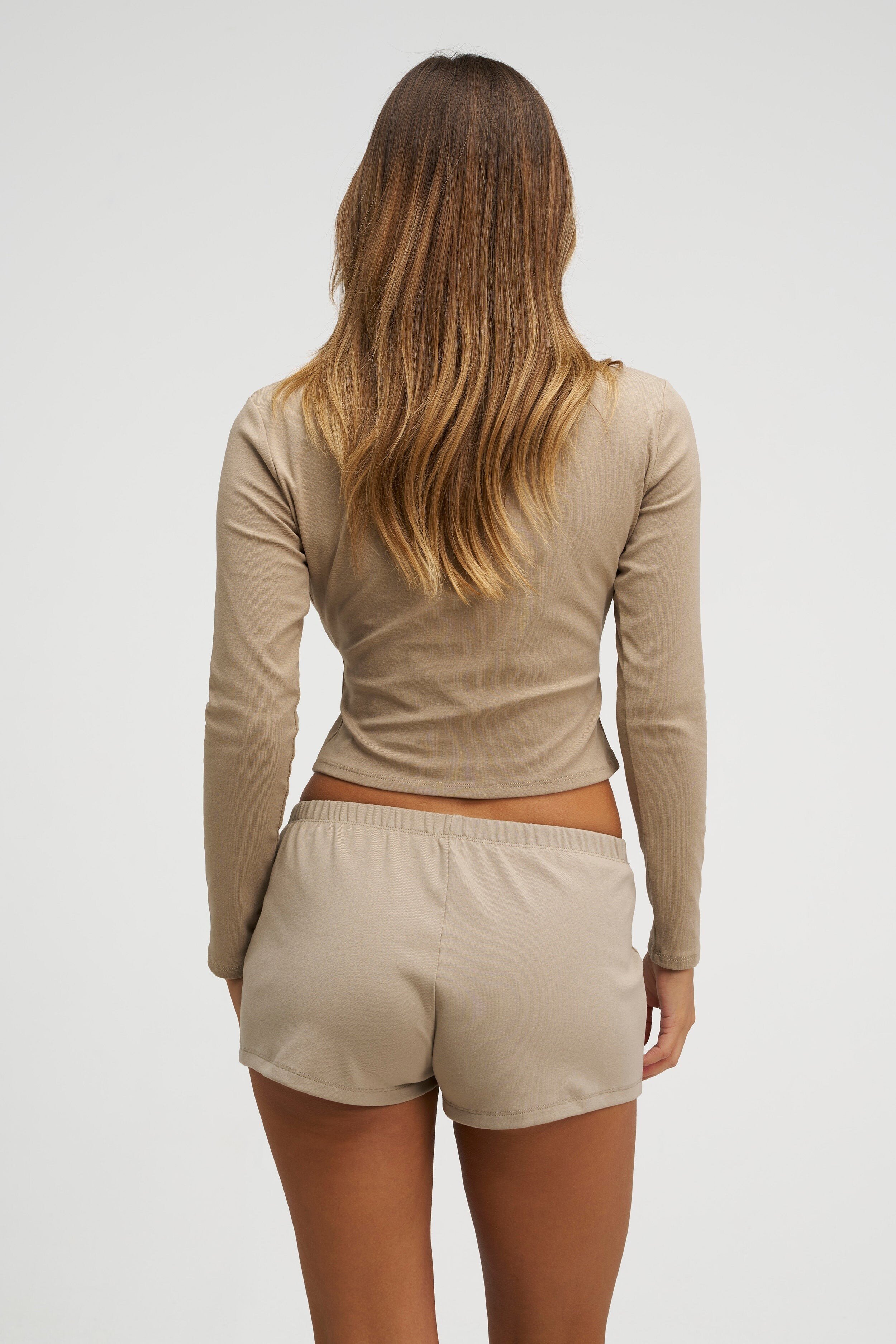
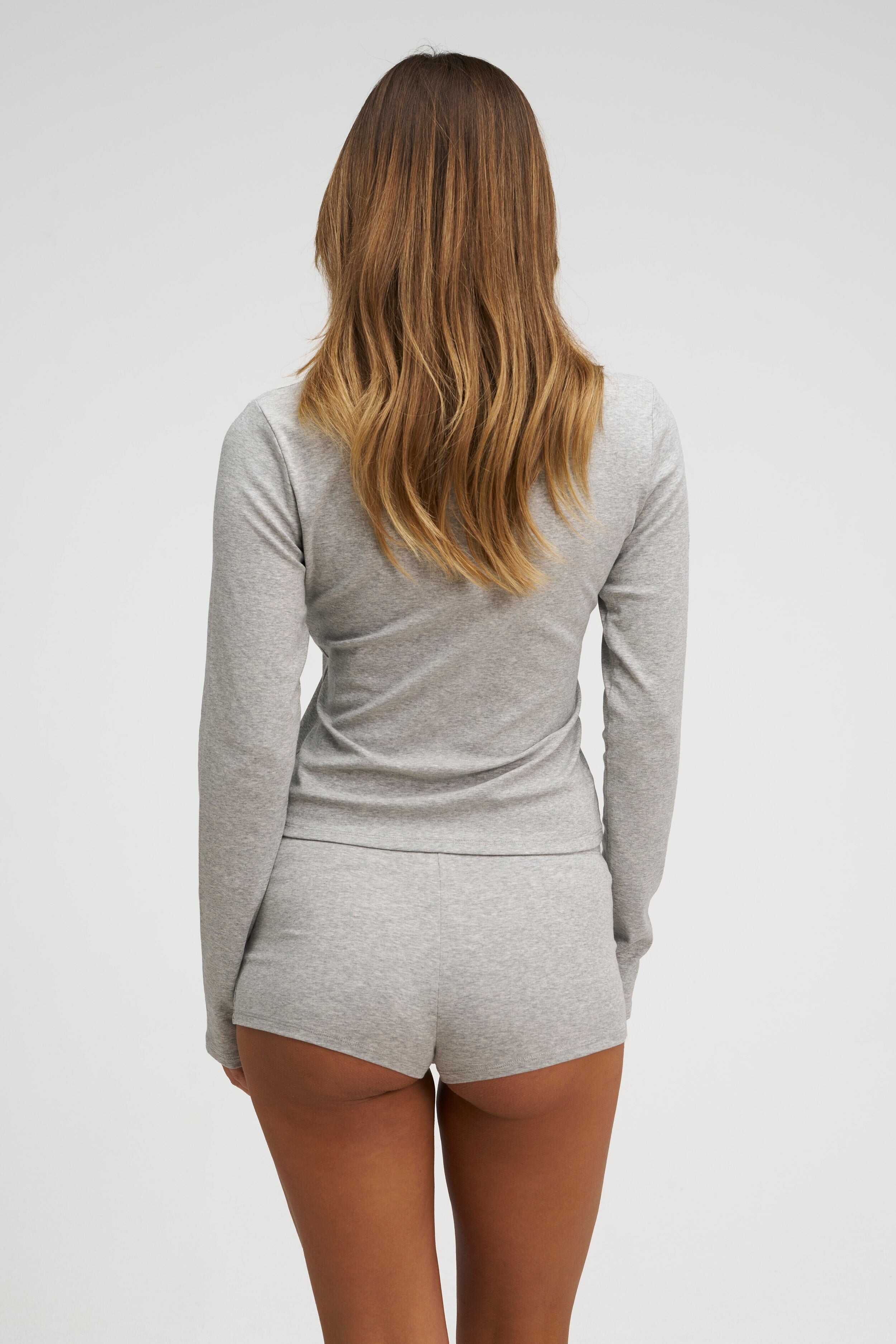
 Dore & Rose Videos

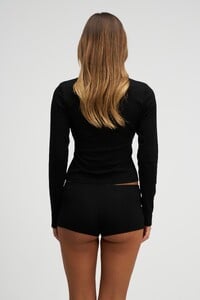




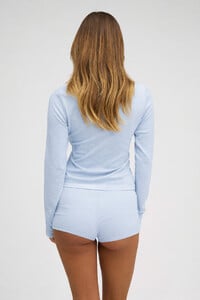


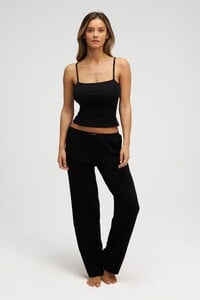











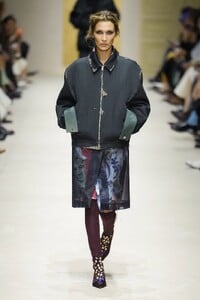
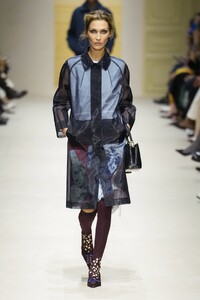
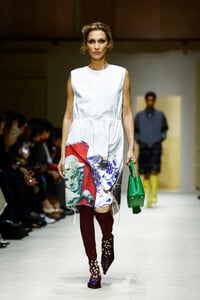
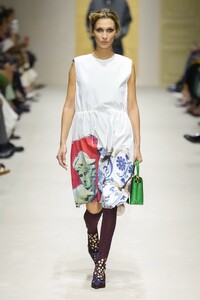
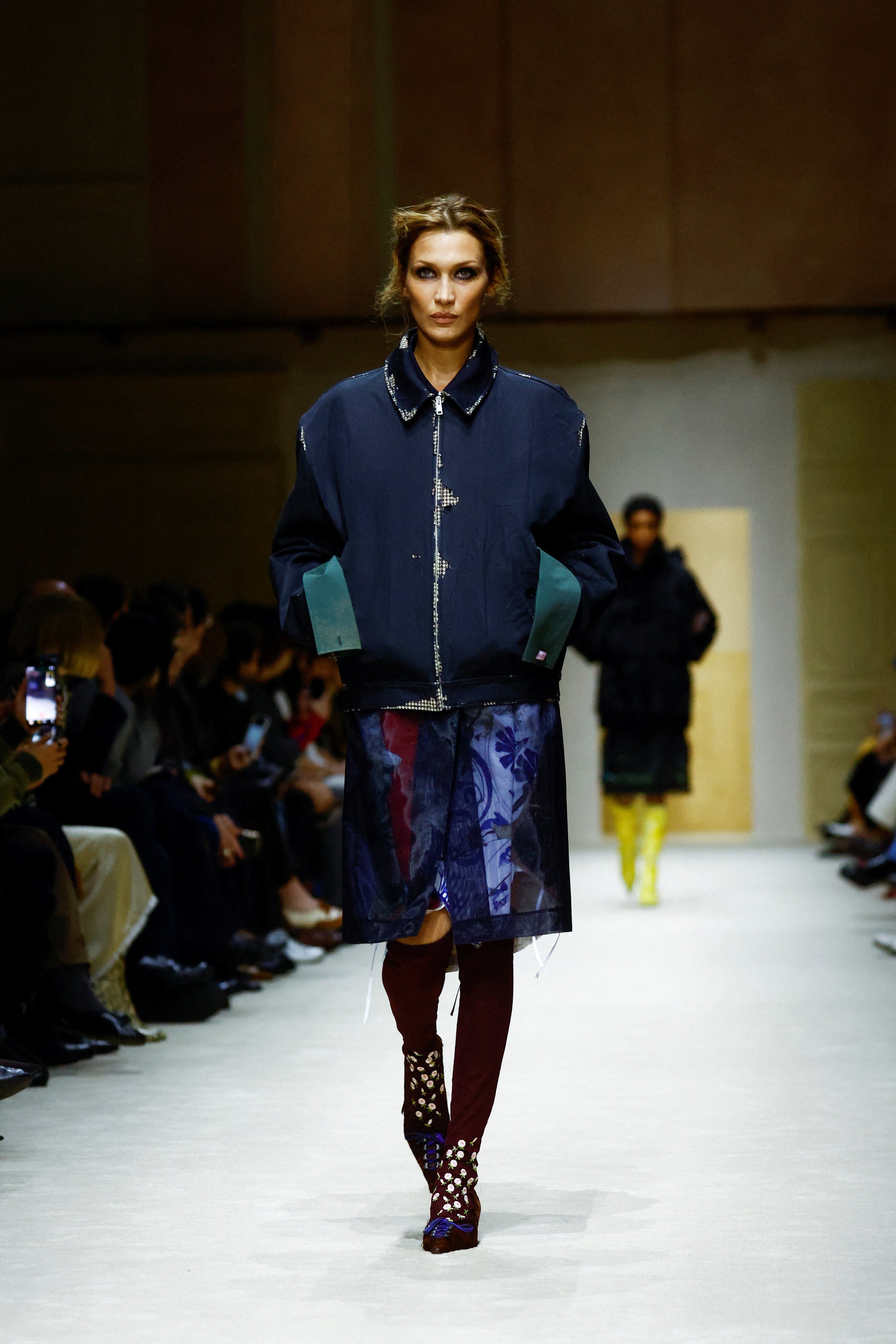
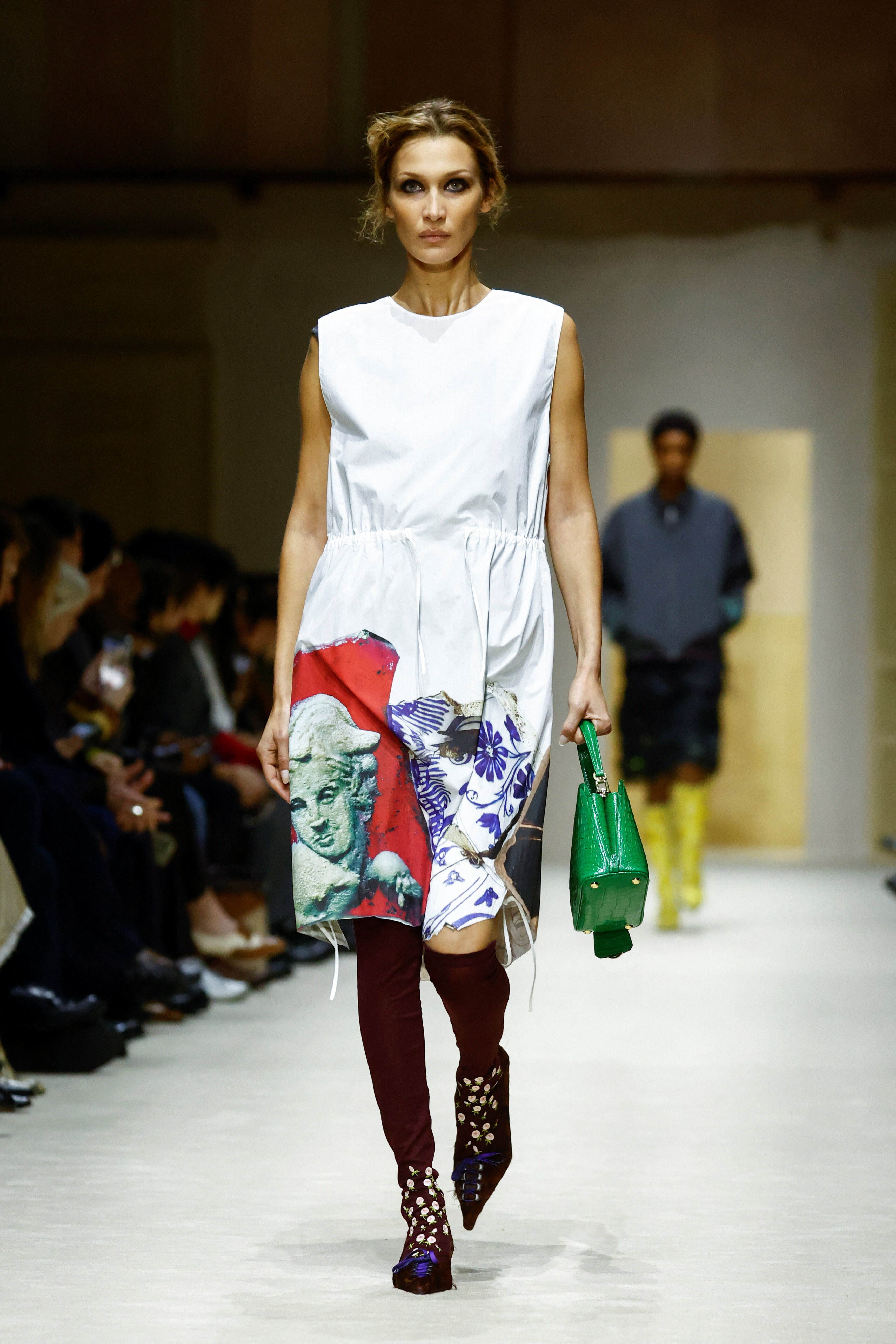
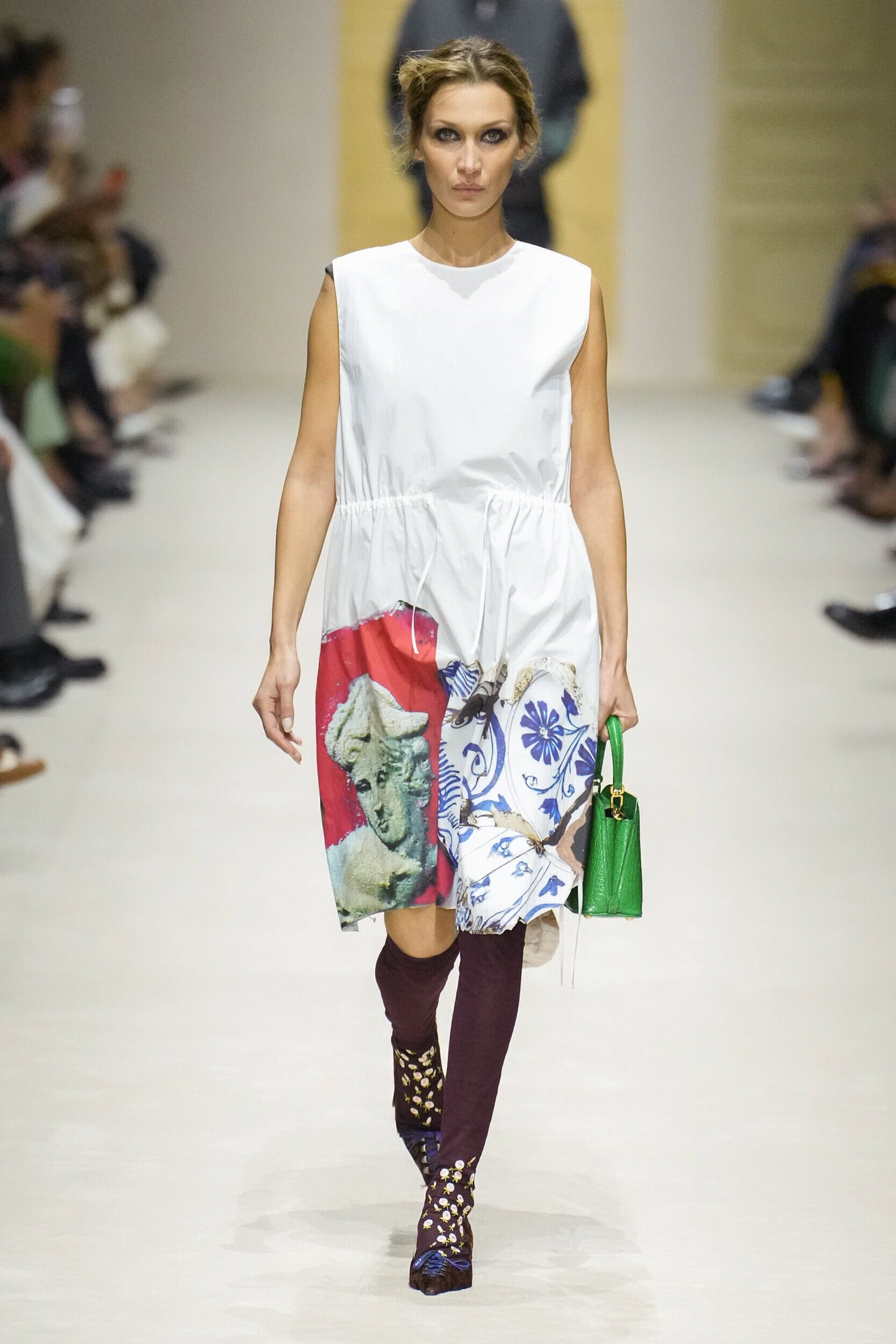
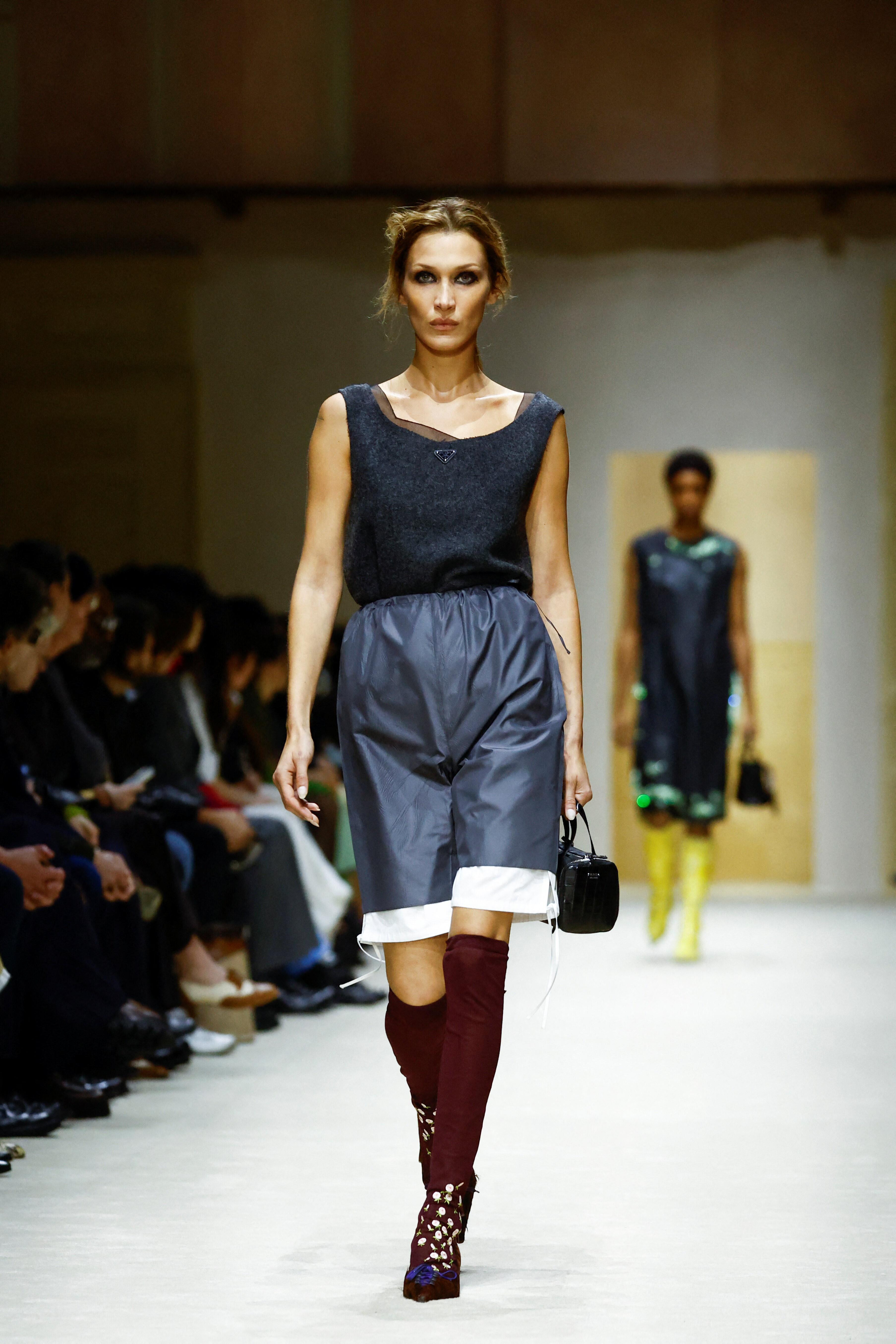
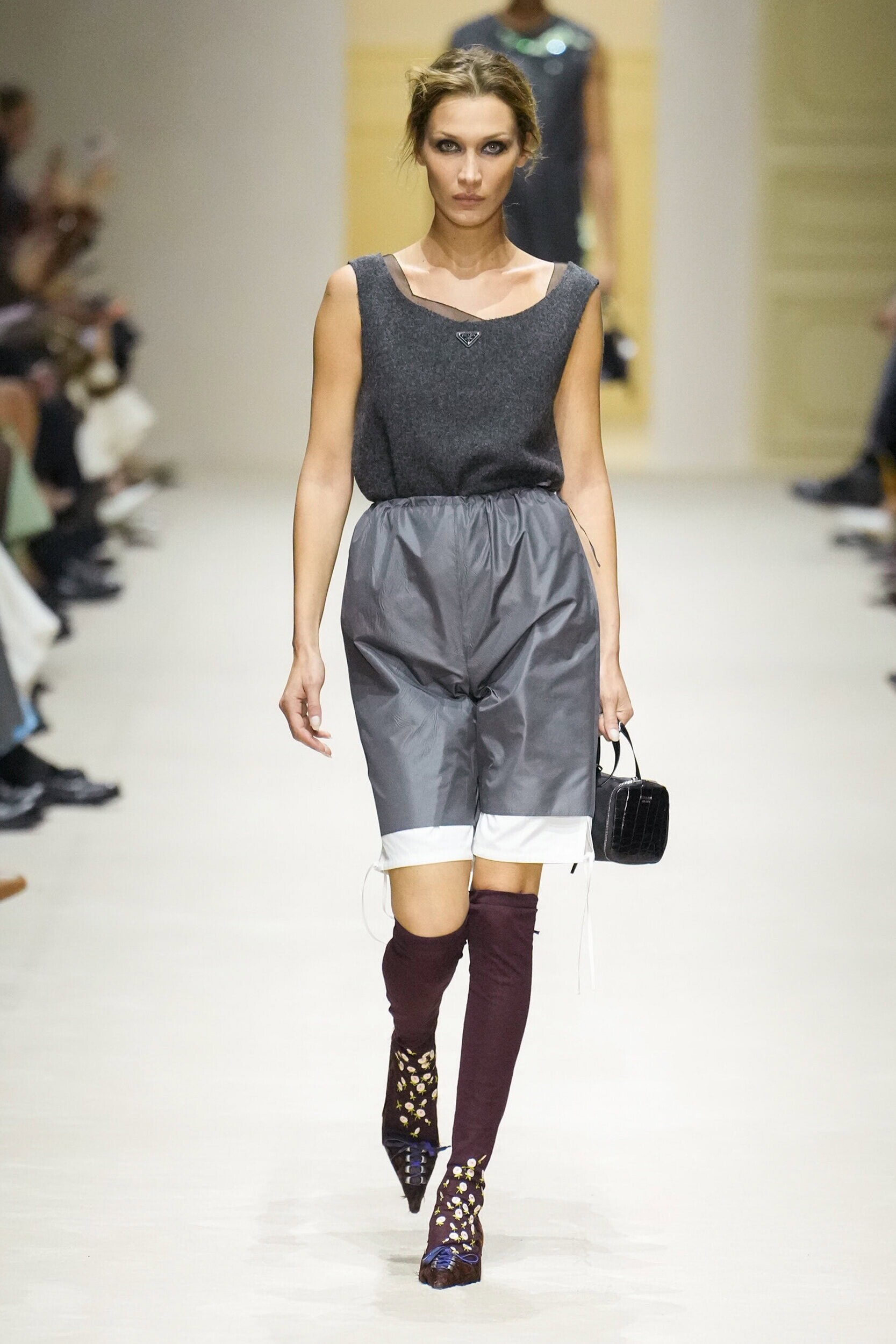
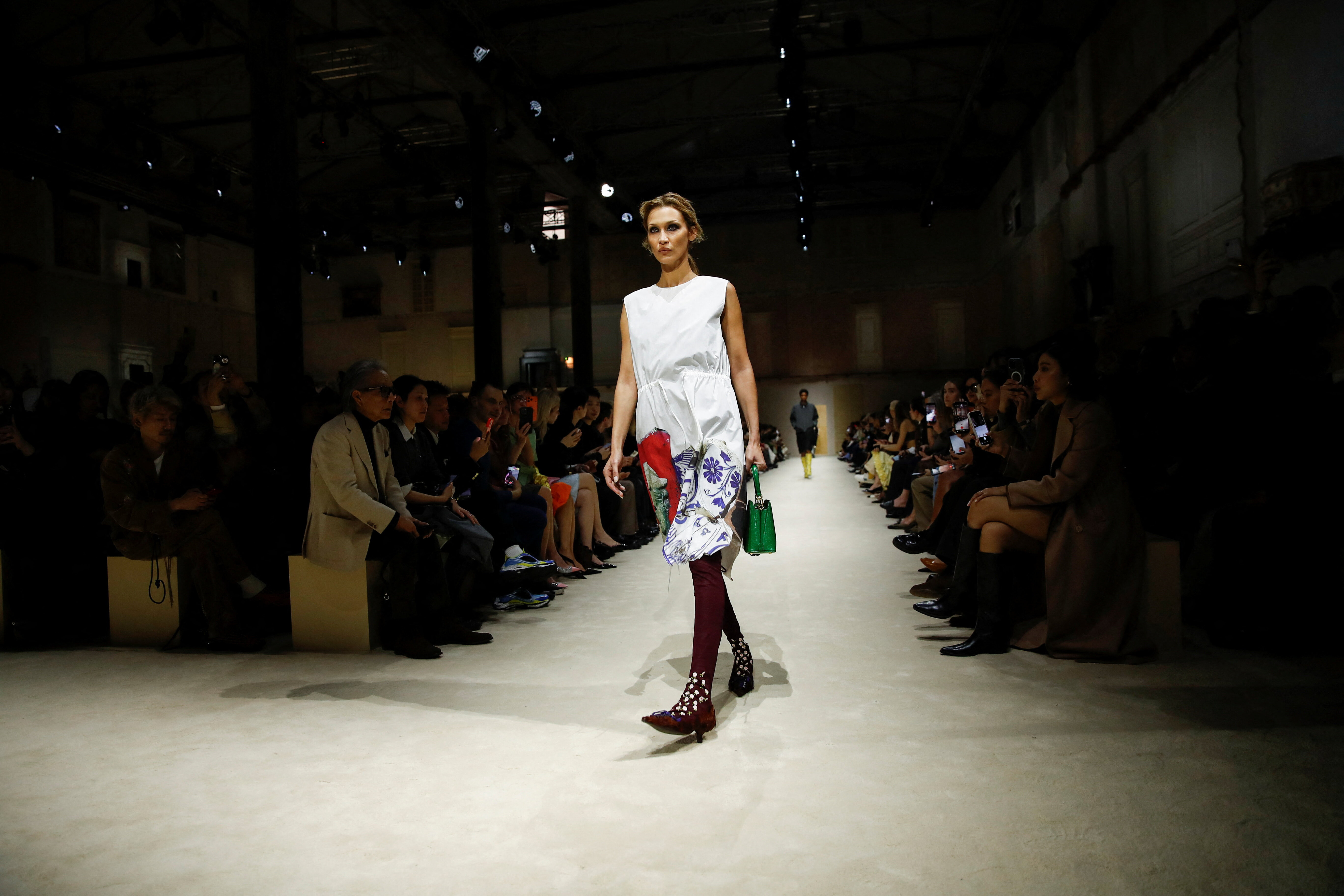
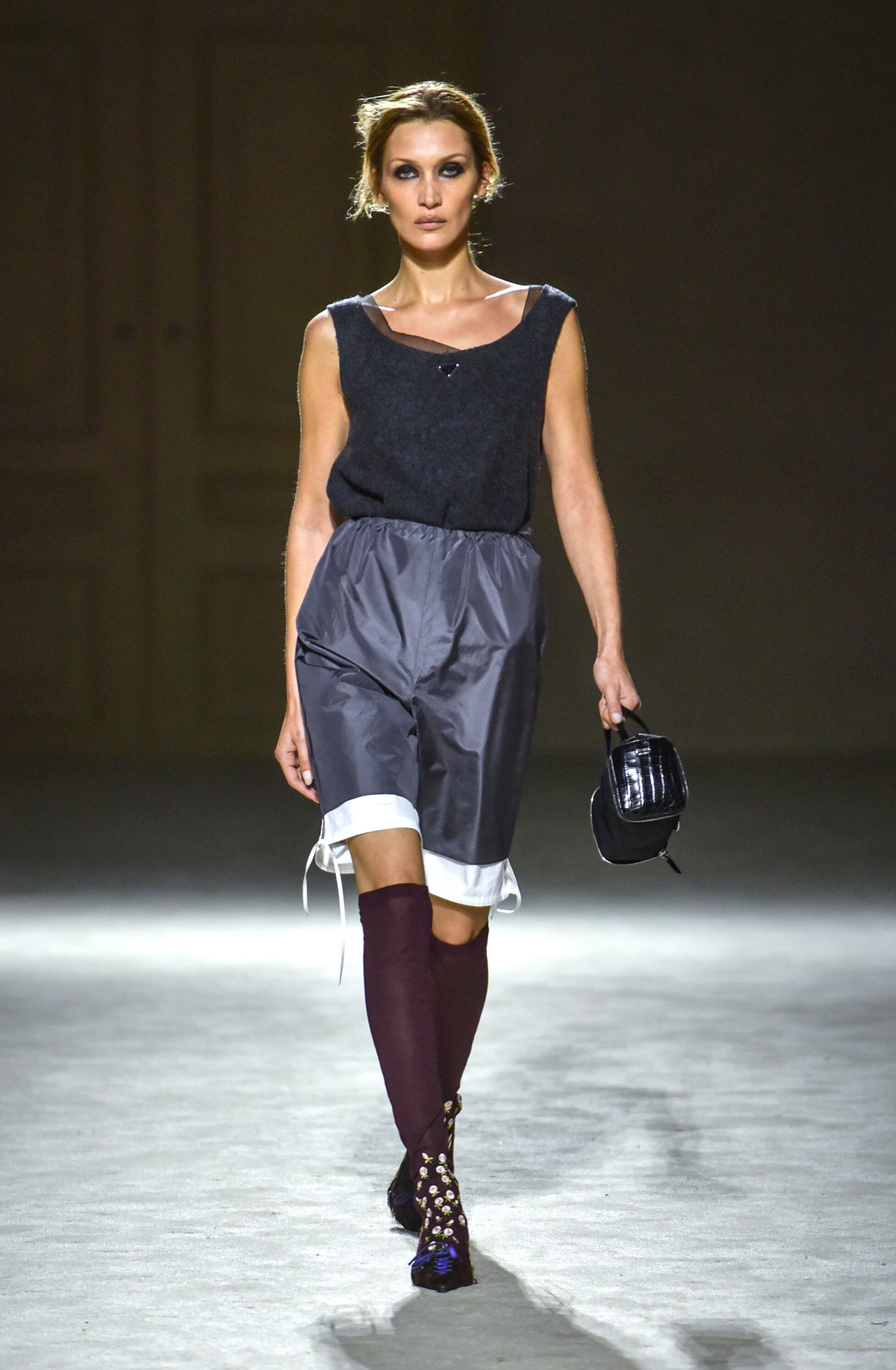
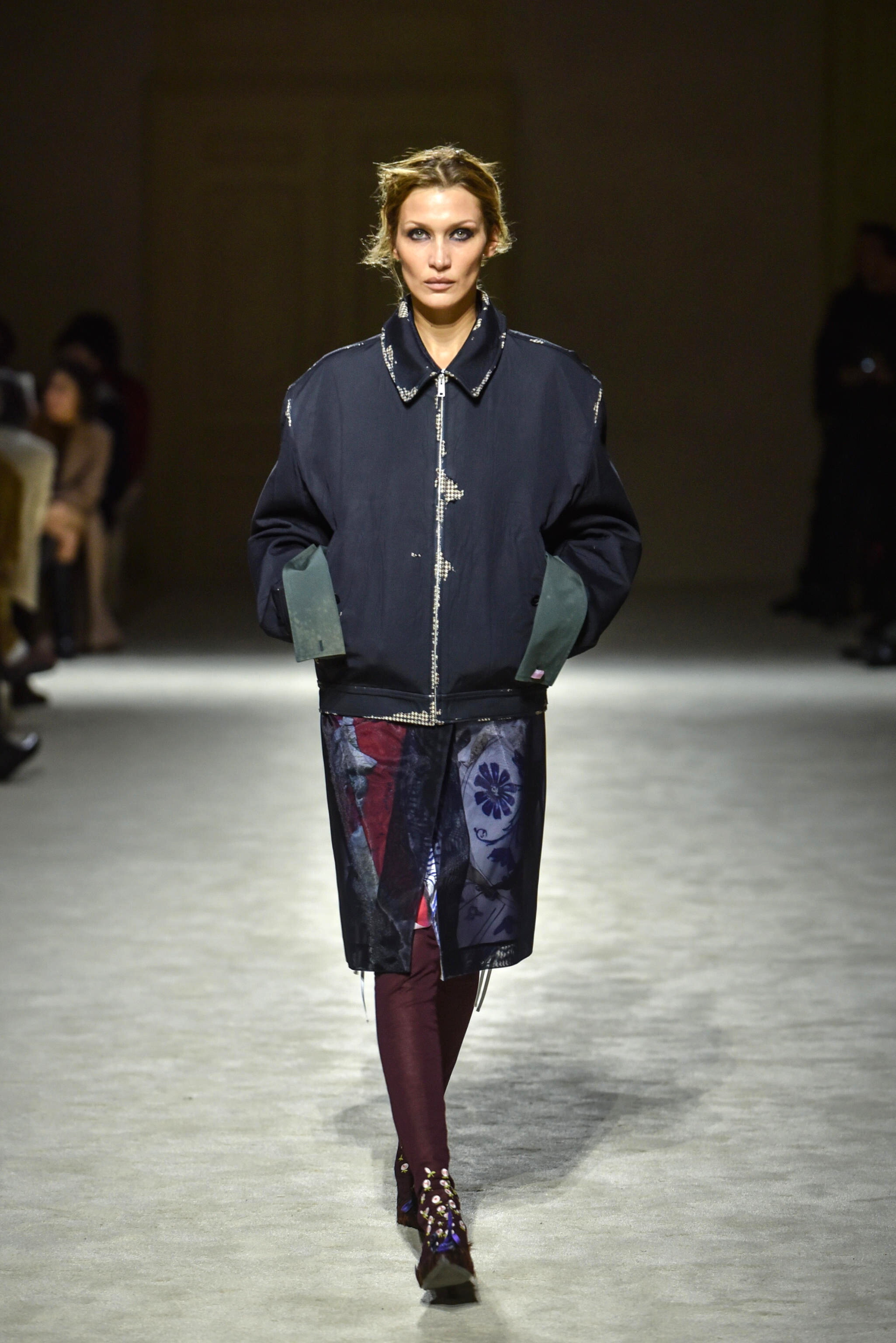
 Prada - Milan Fashion Week 2026 - Womenswear Fall/Winter 2026/2027 Clip



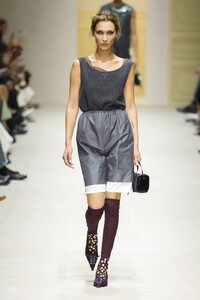




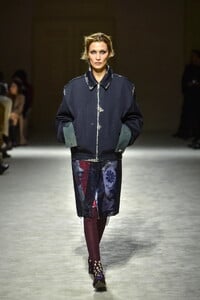
 bafebep joined the community
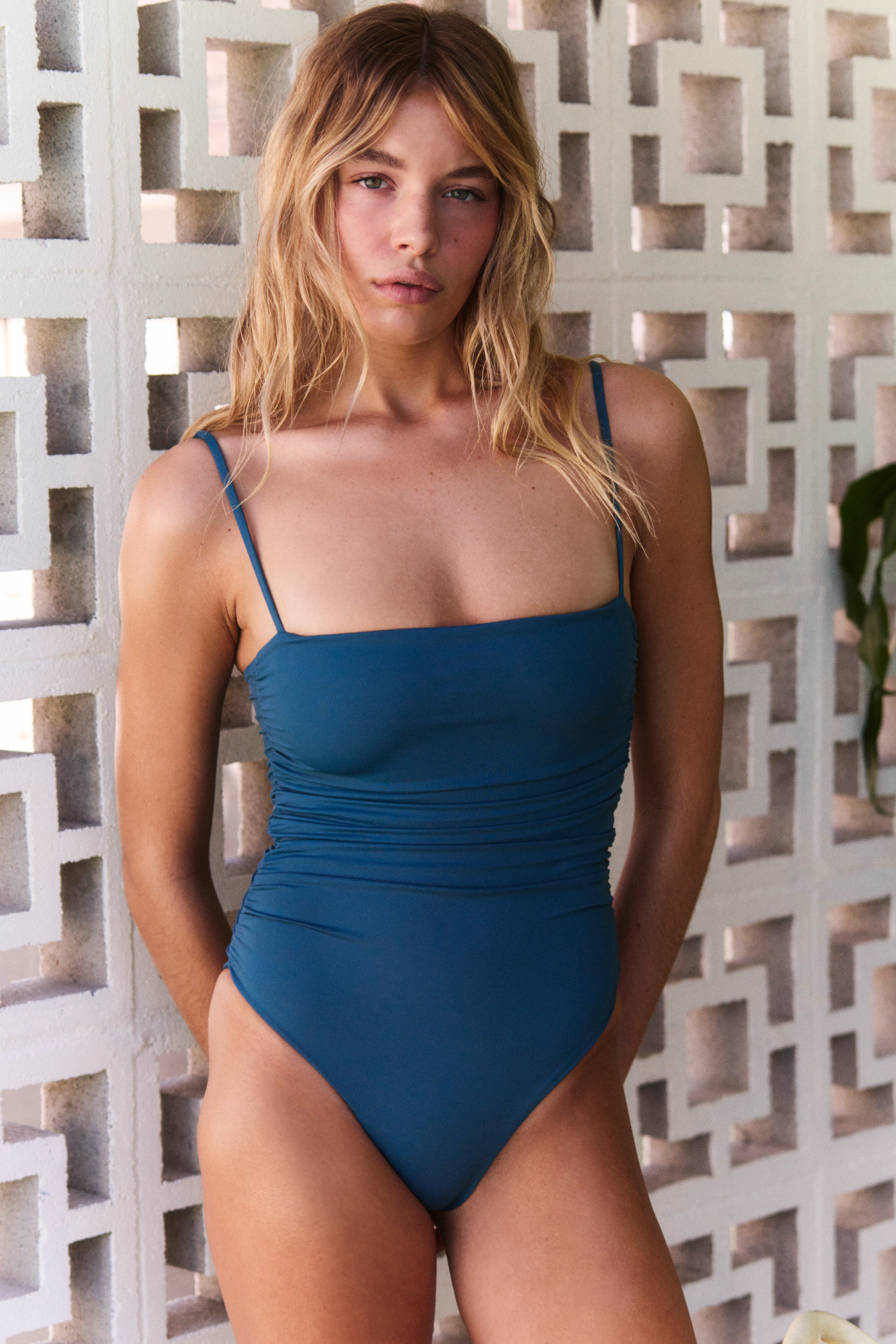
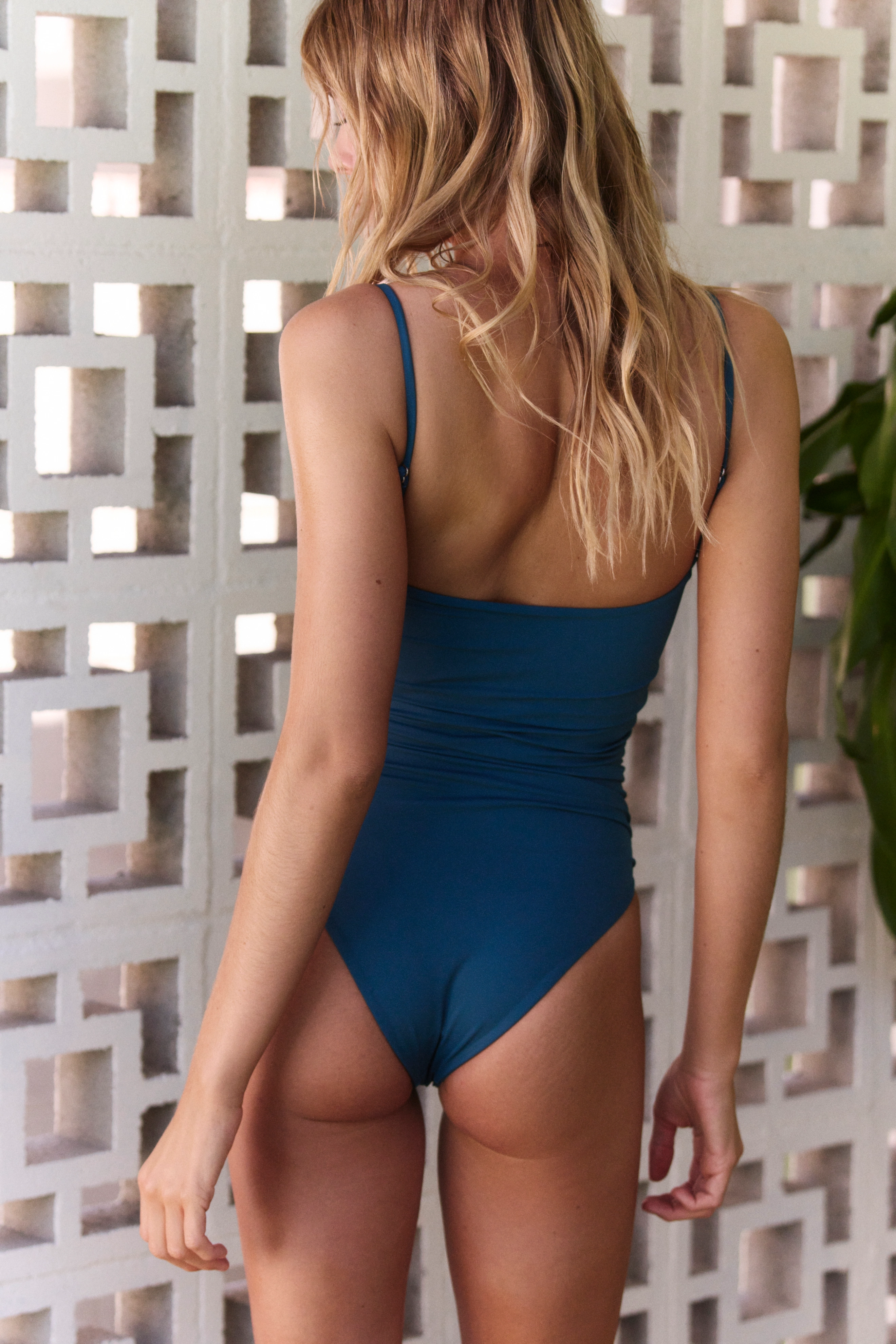
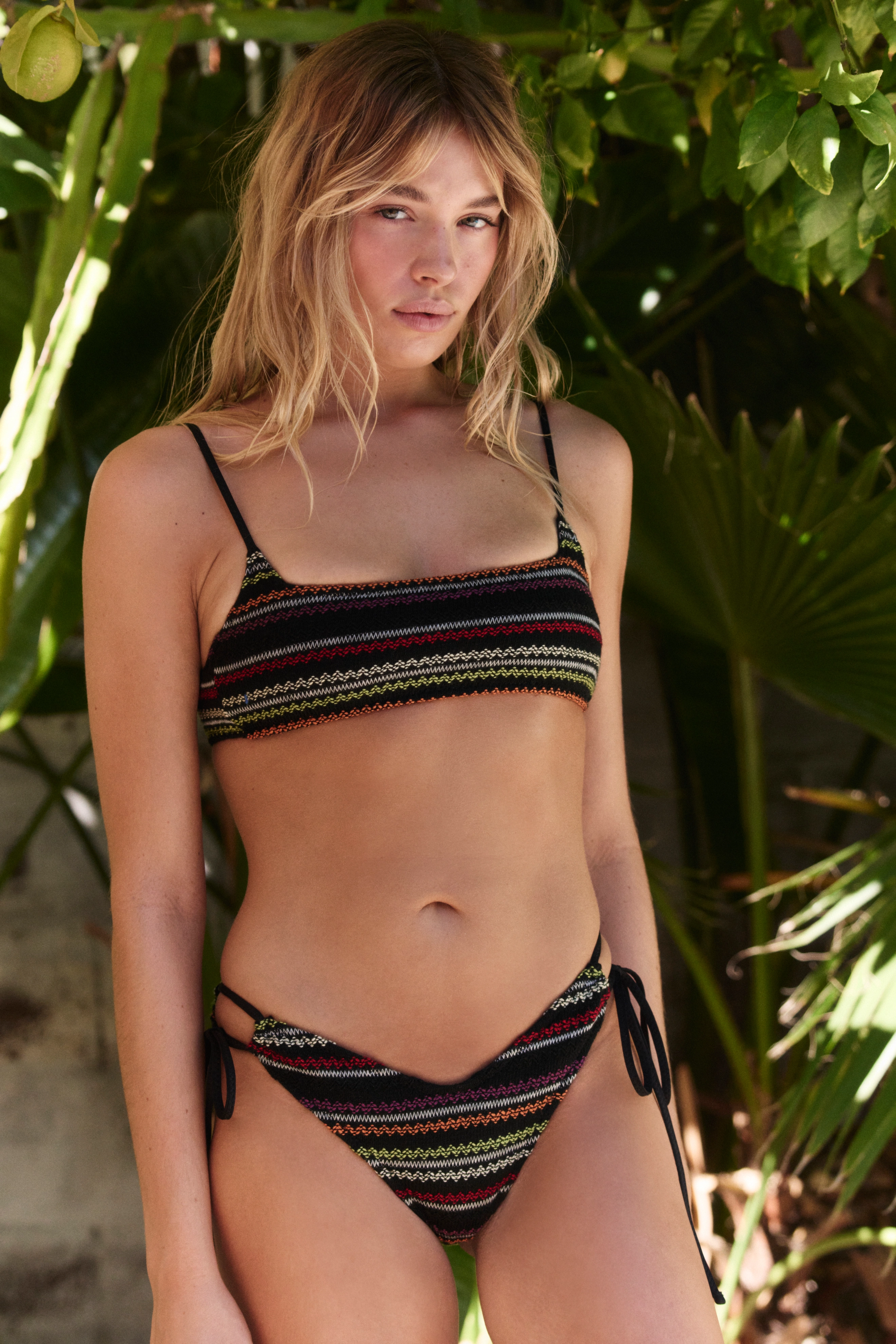
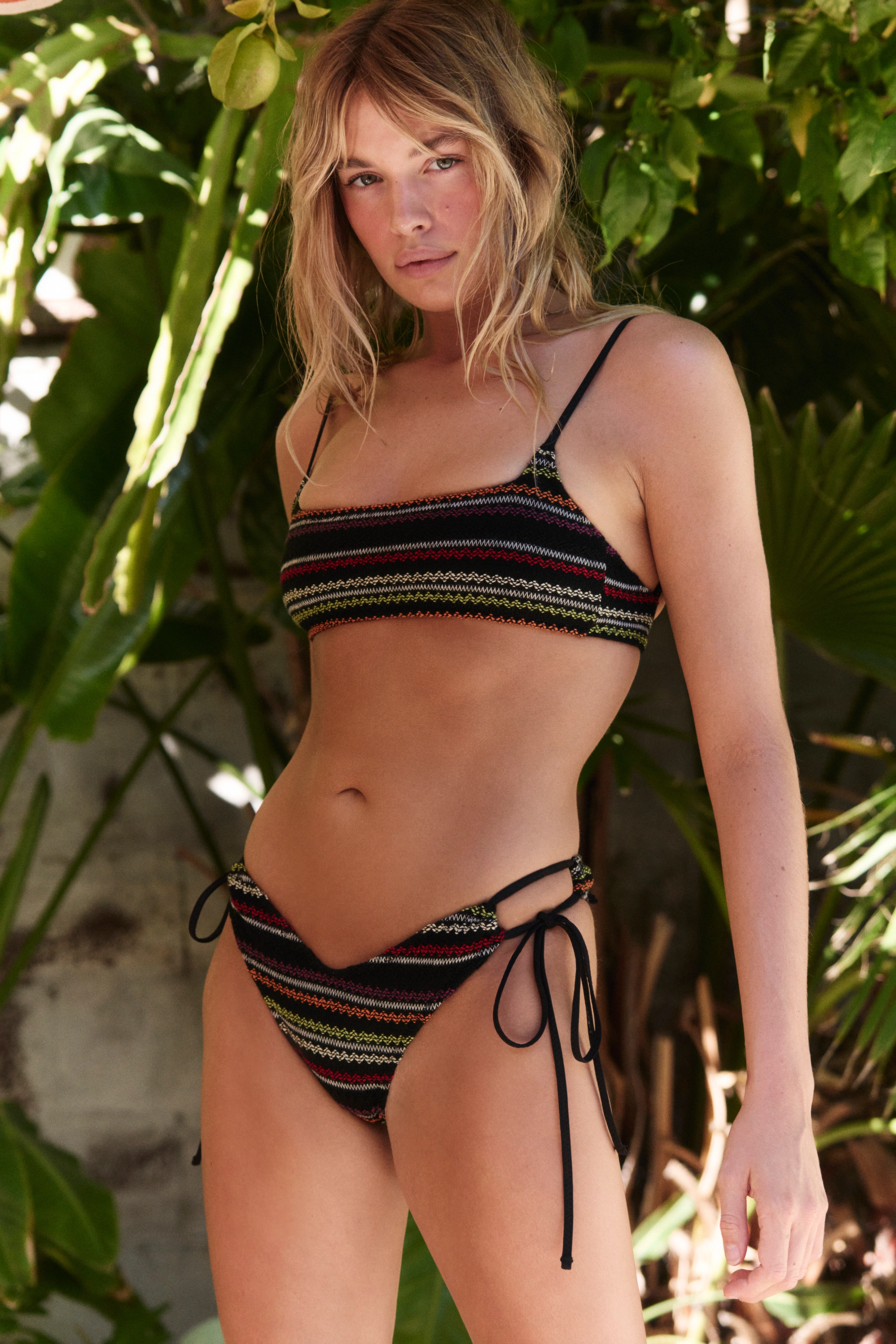
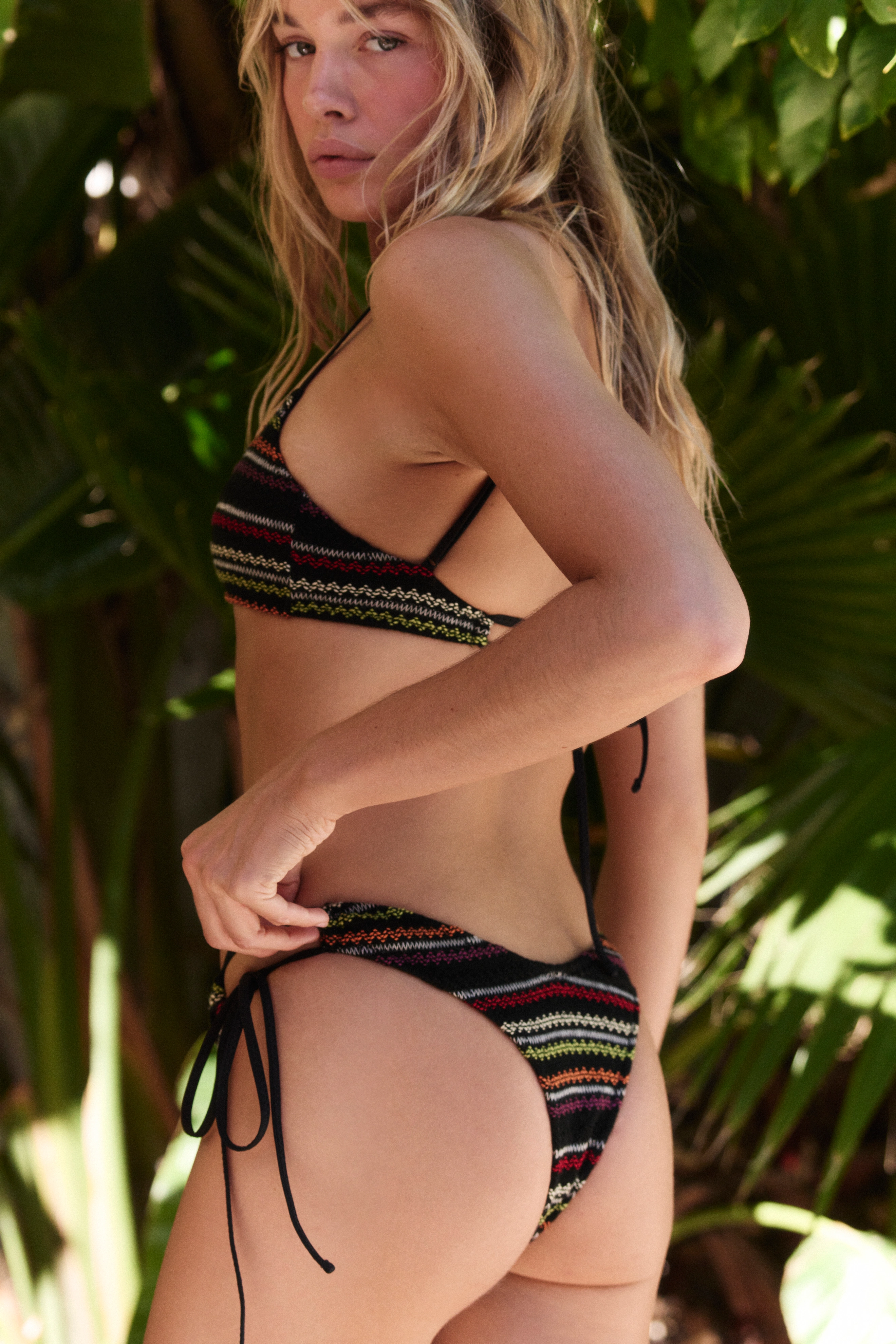
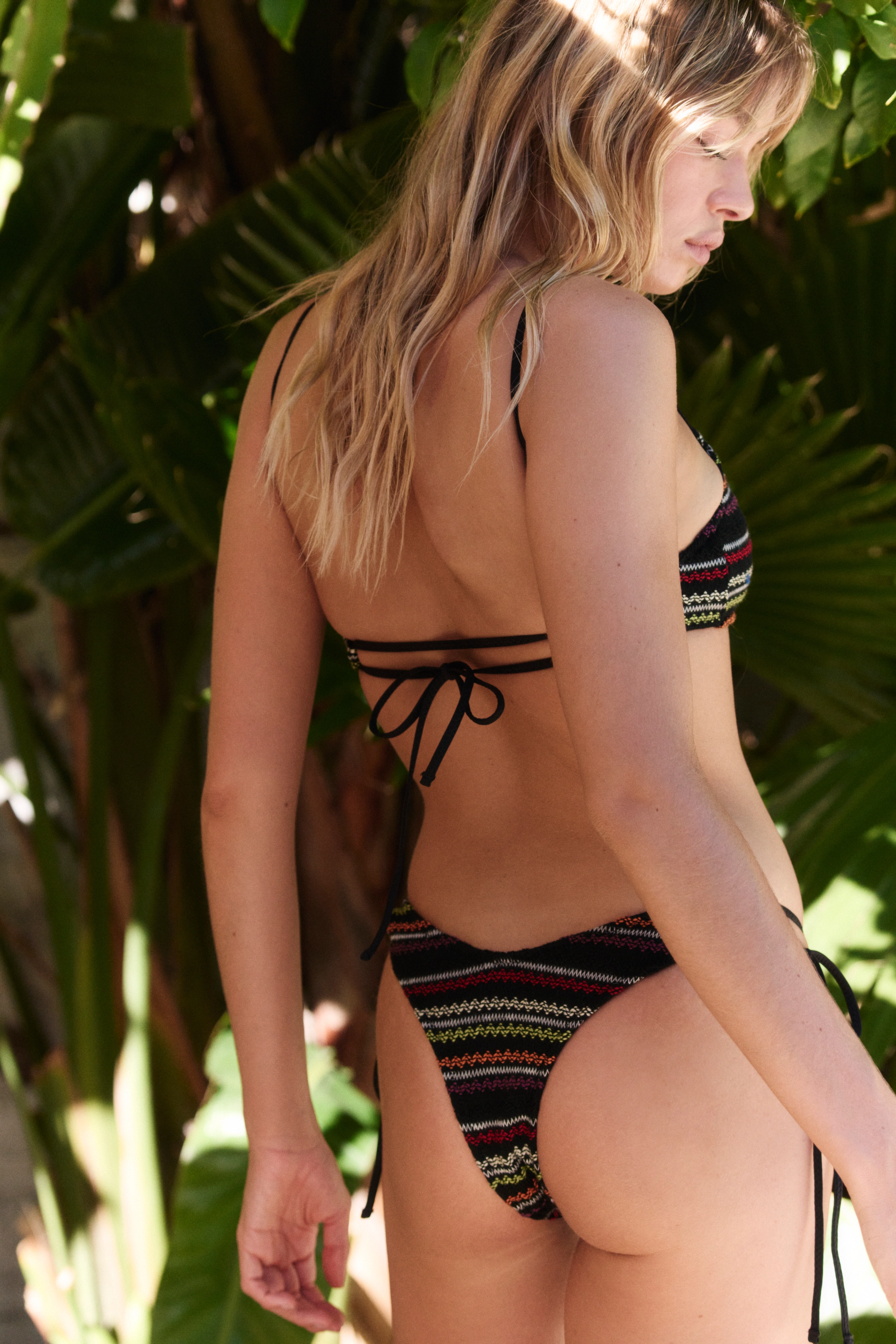
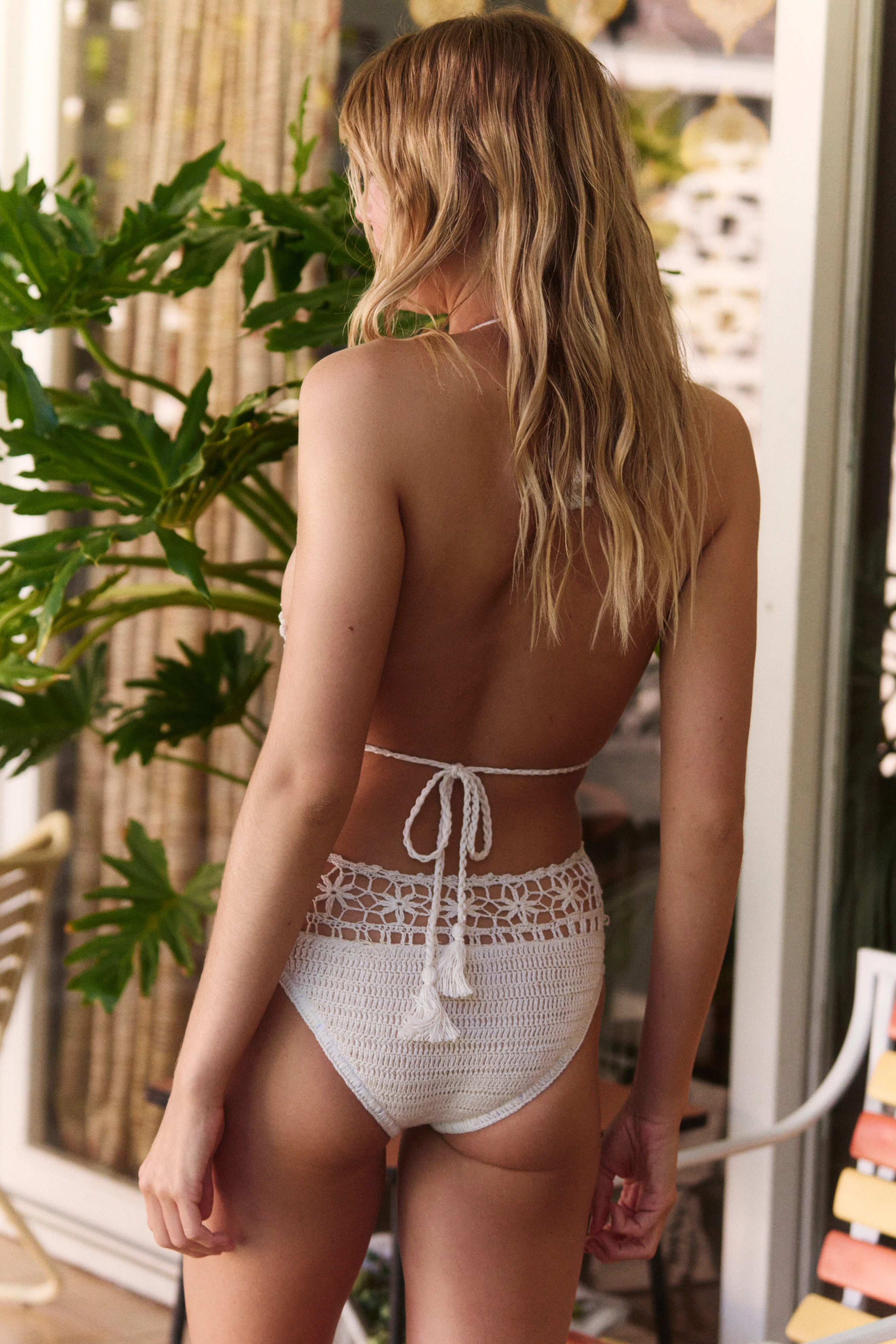
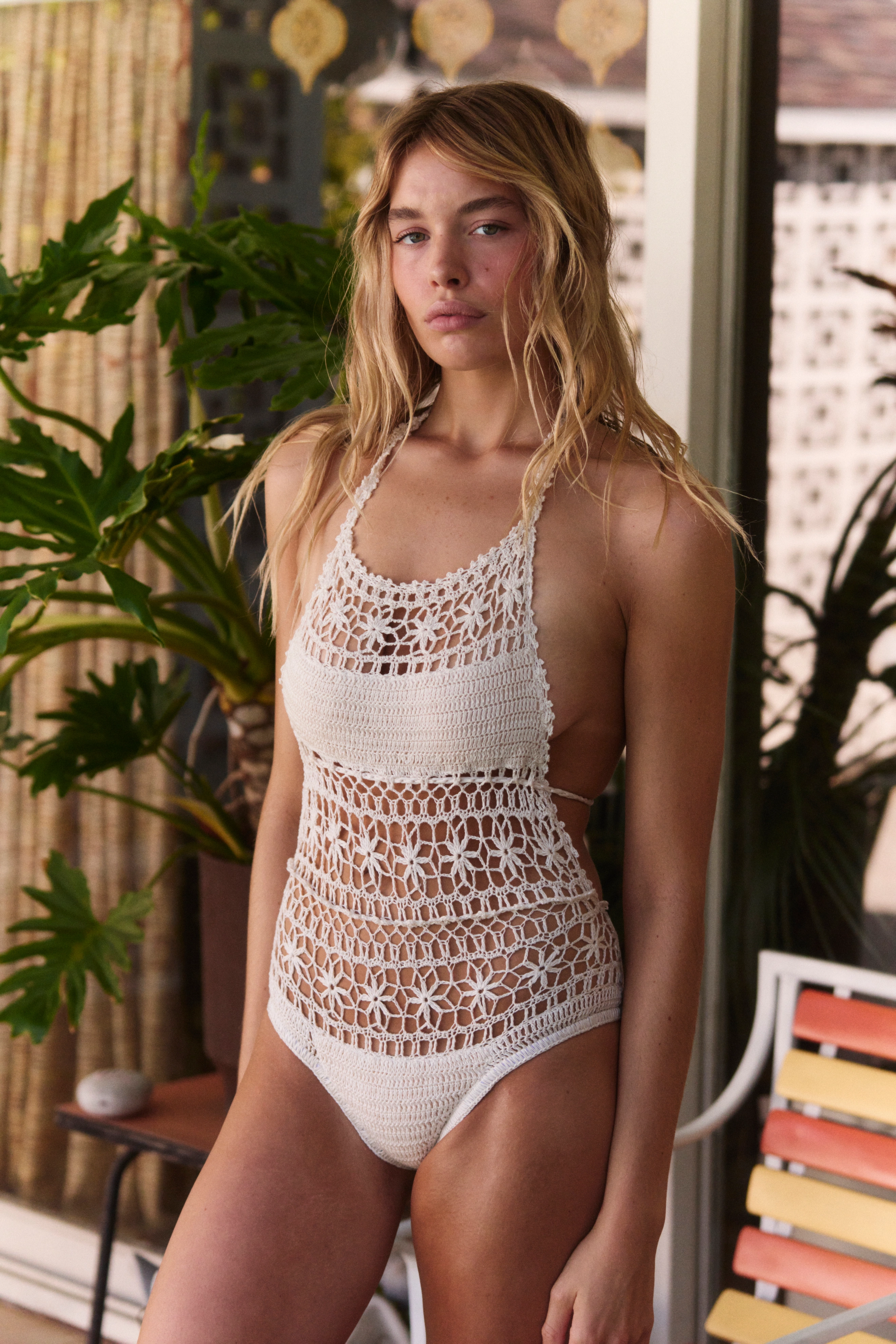
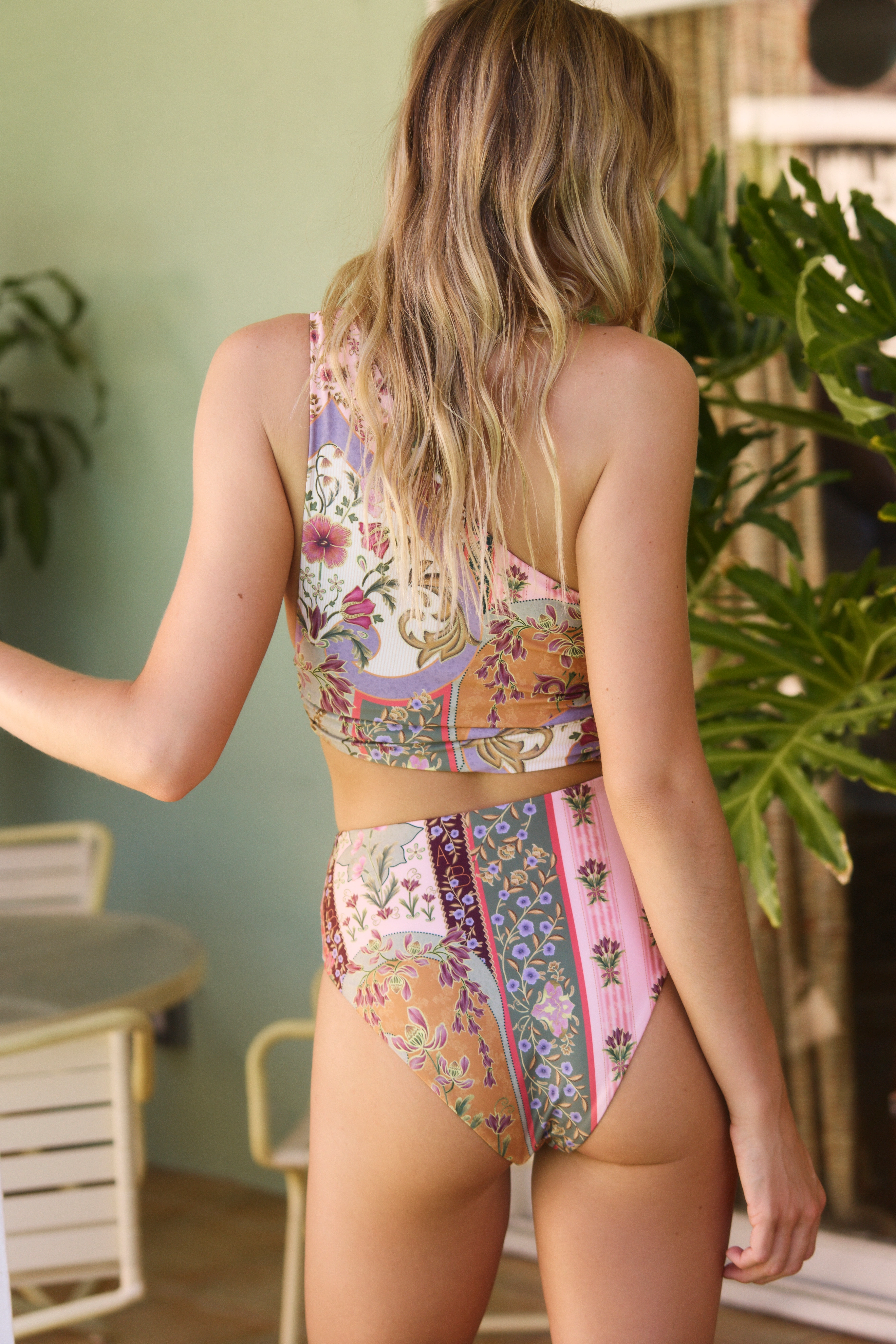
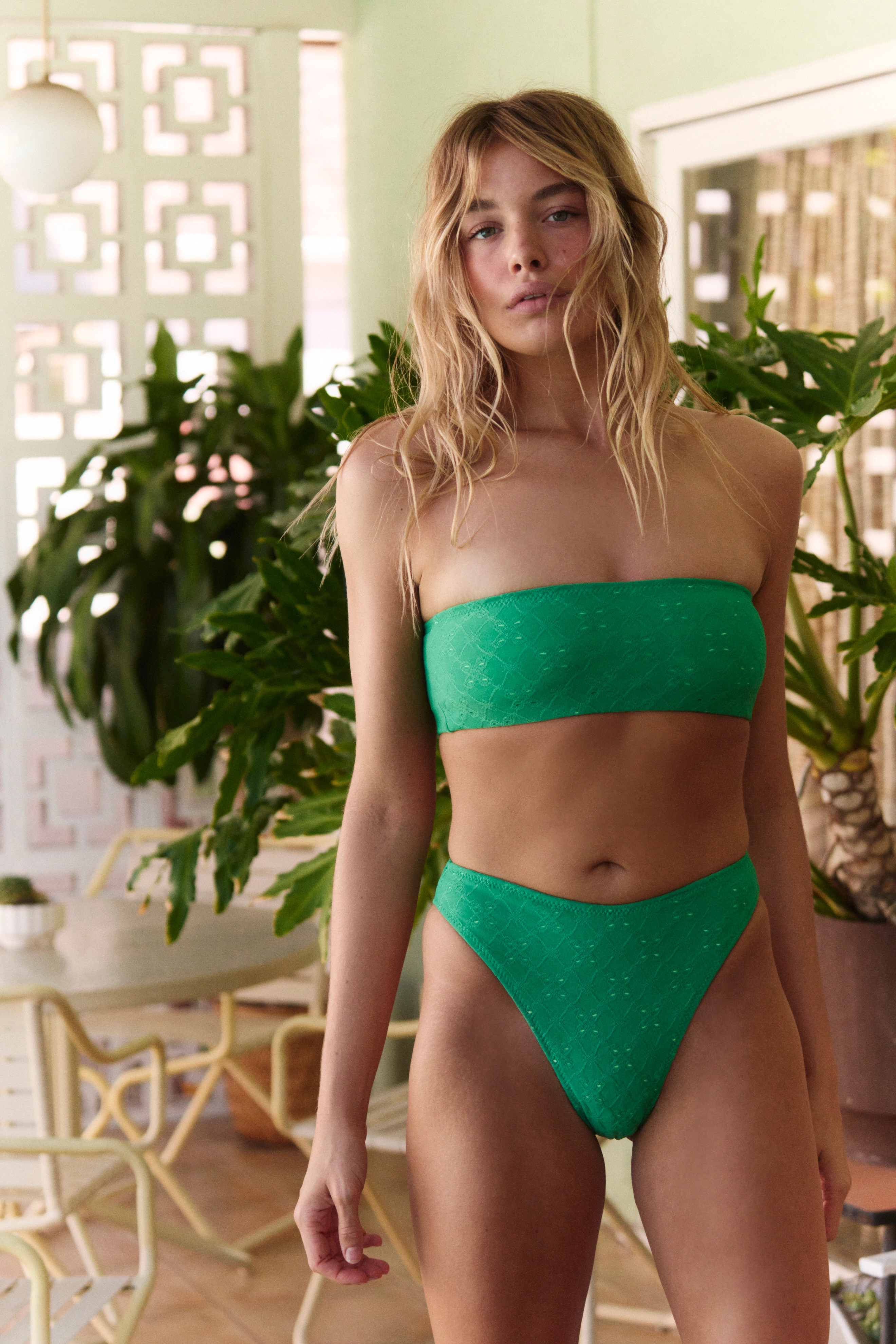
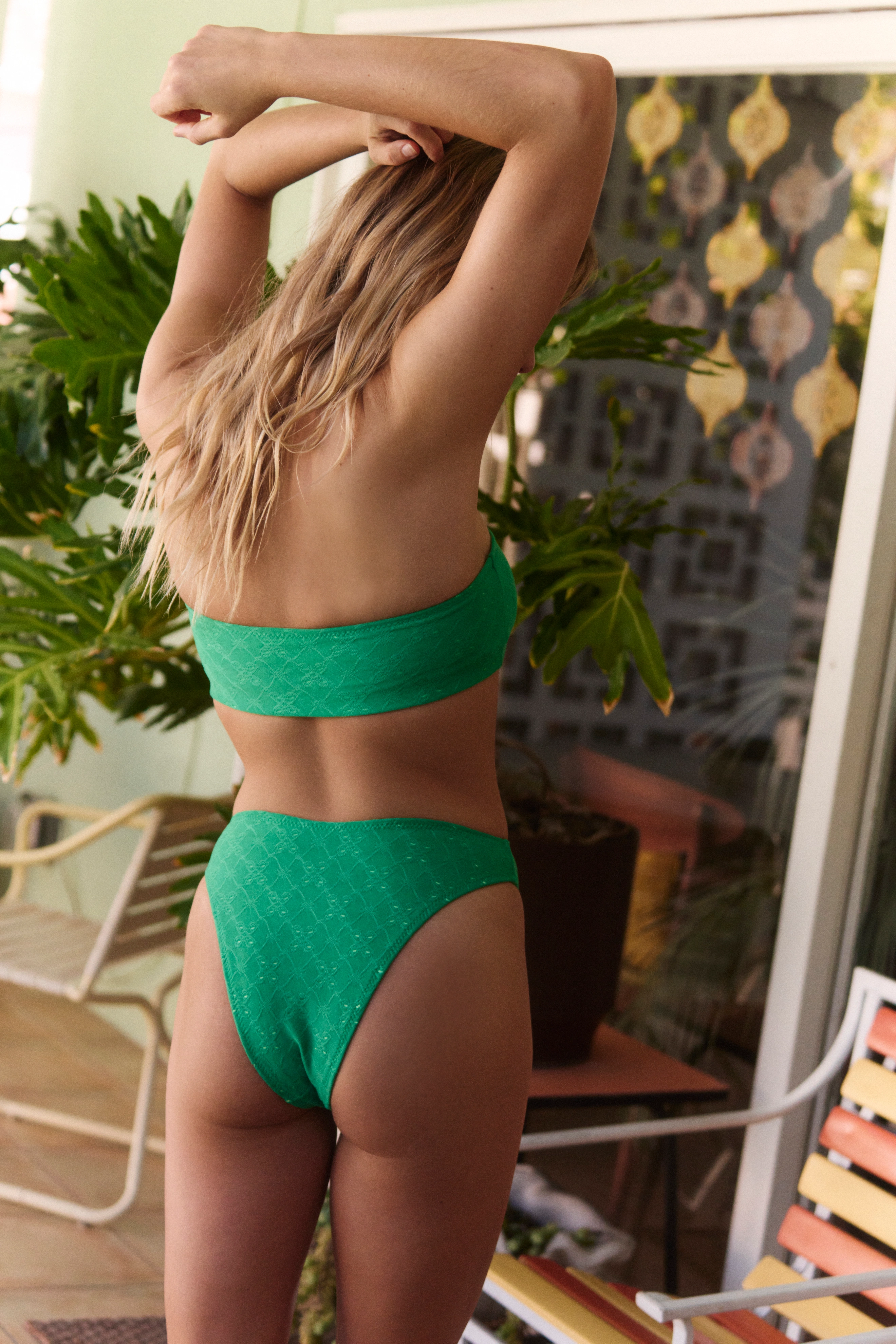
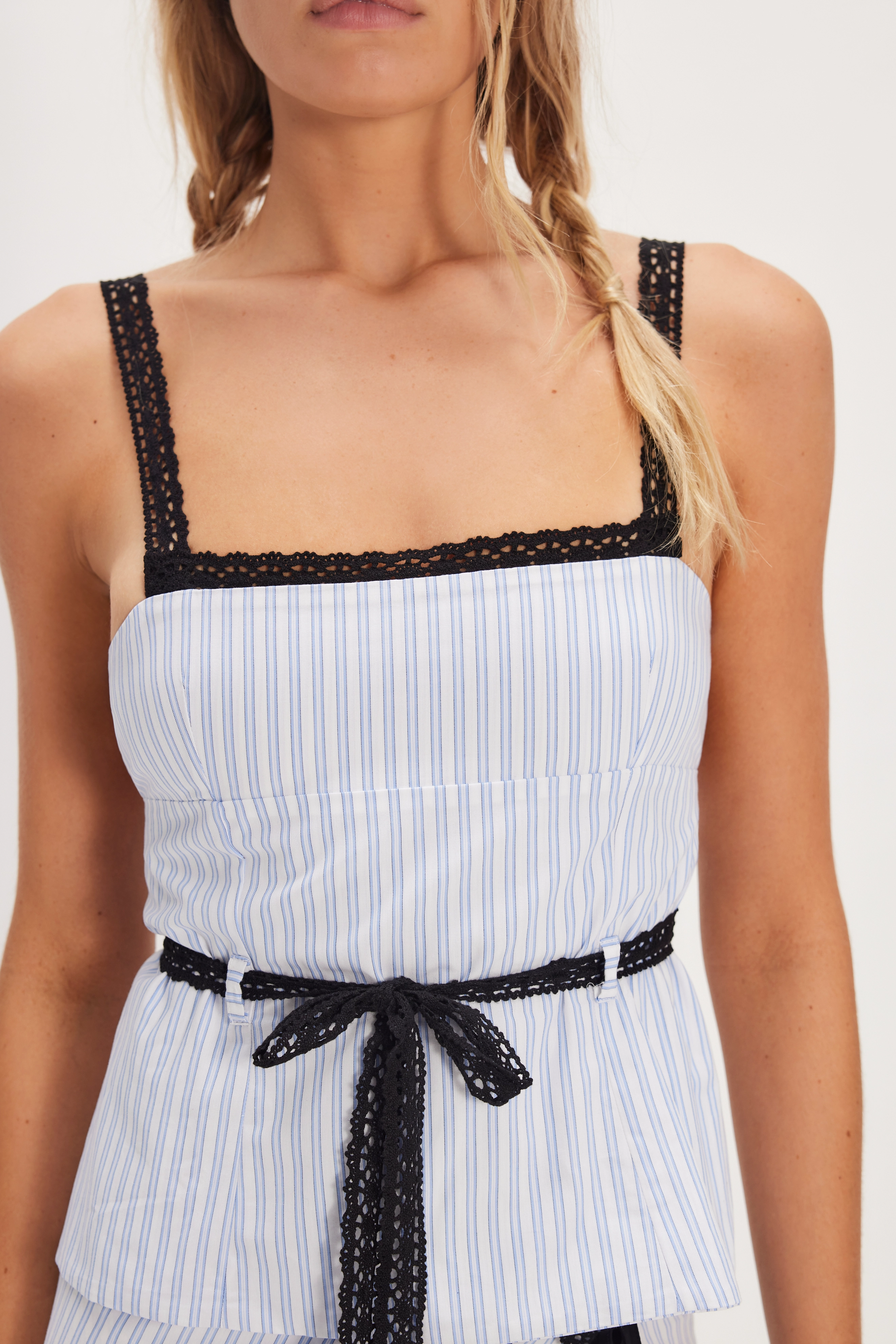
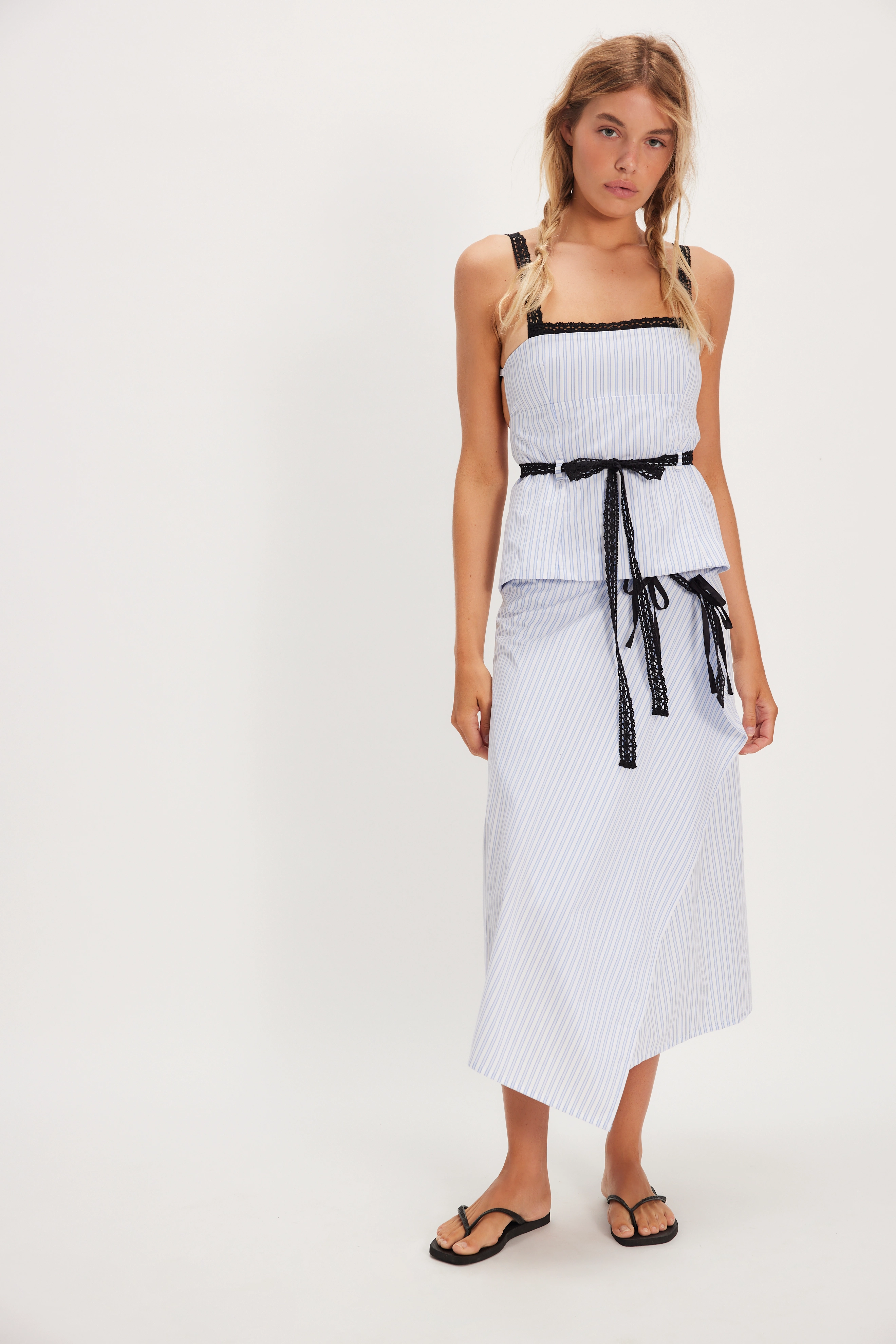
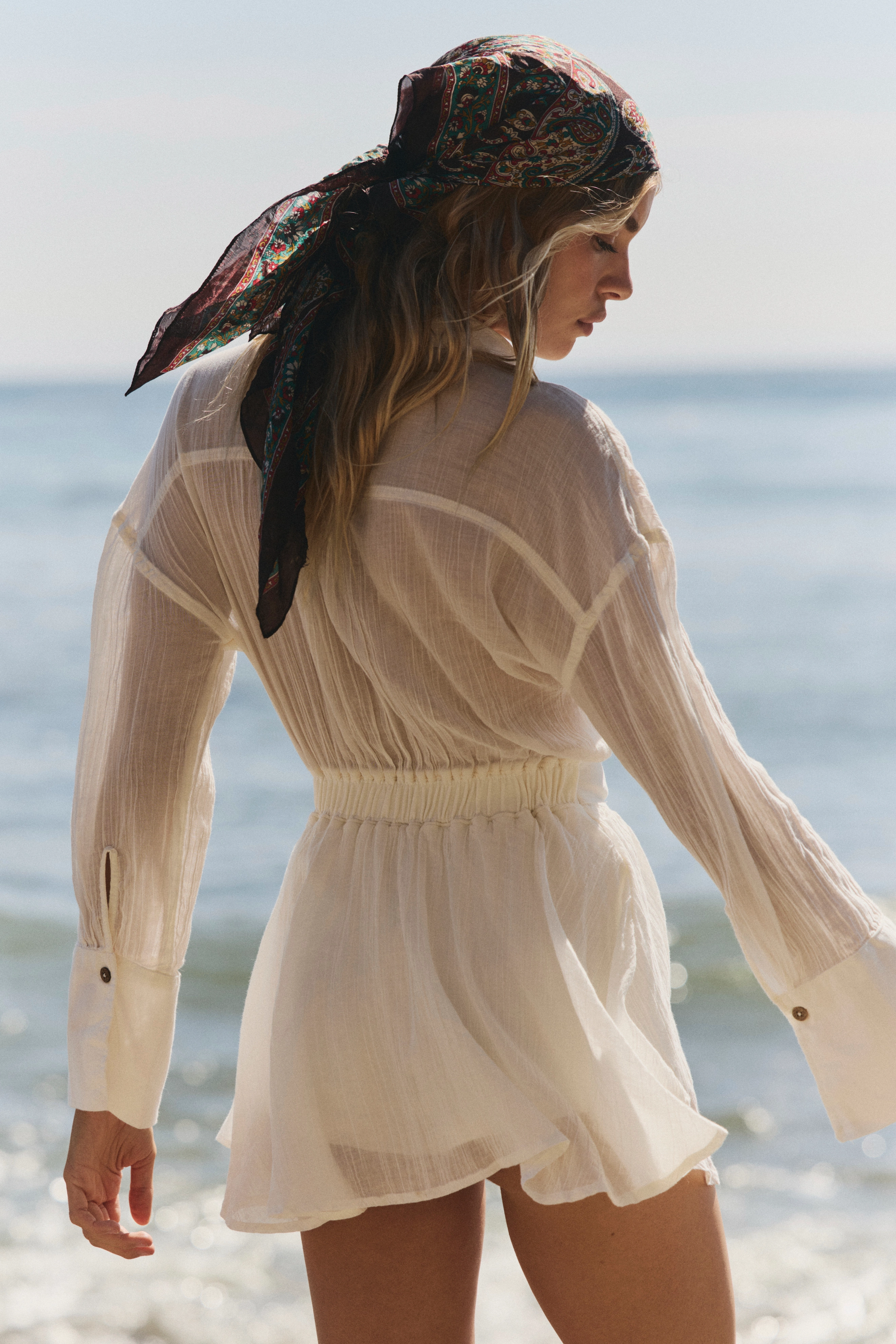
 Free People



























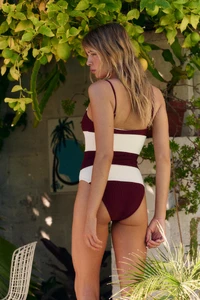
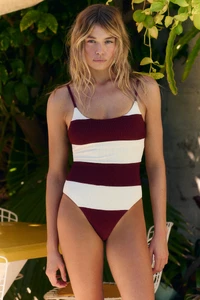
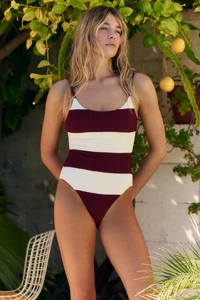


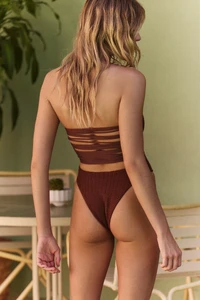
















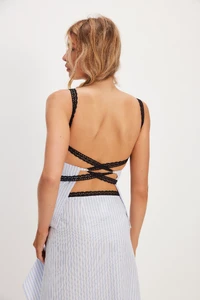
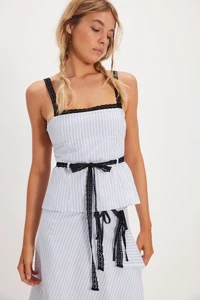
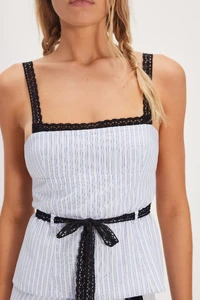
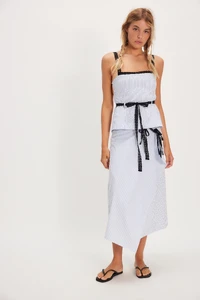



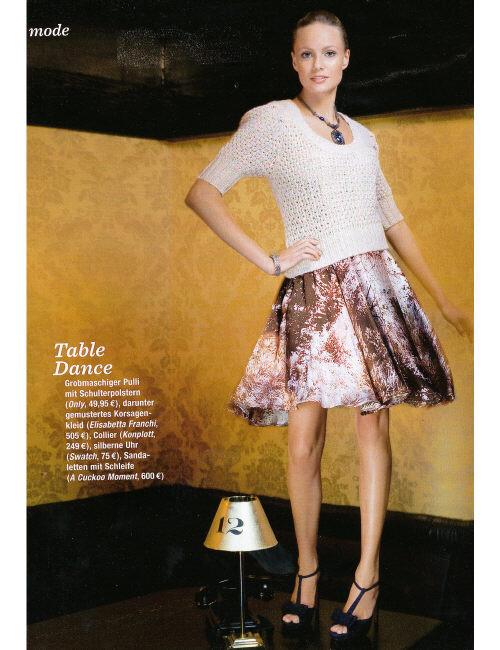
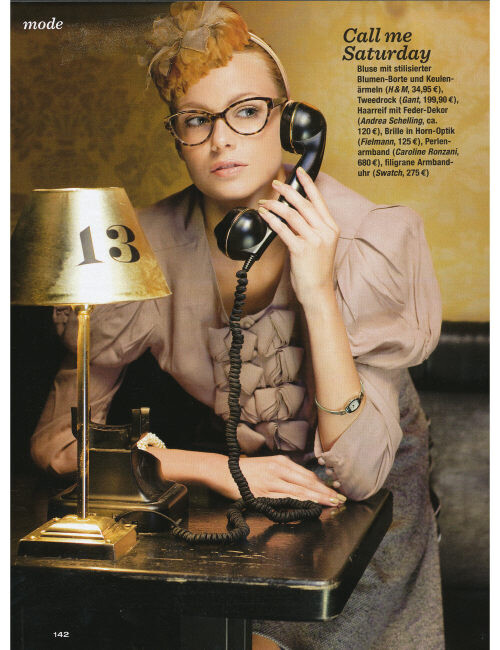
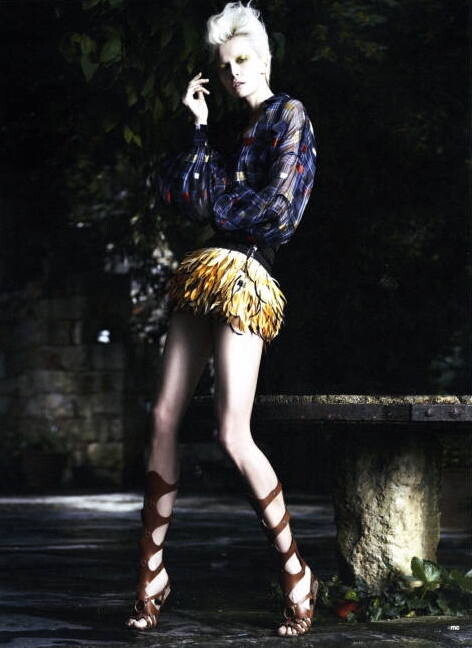
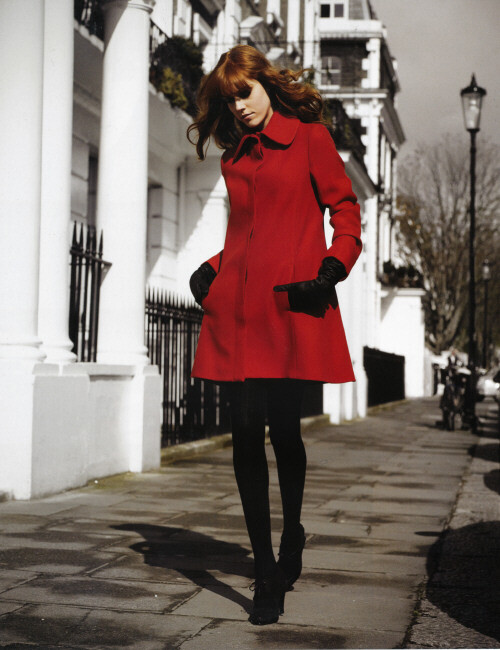
 RANDOM FINDS ca.2008 - photo unknown my scans

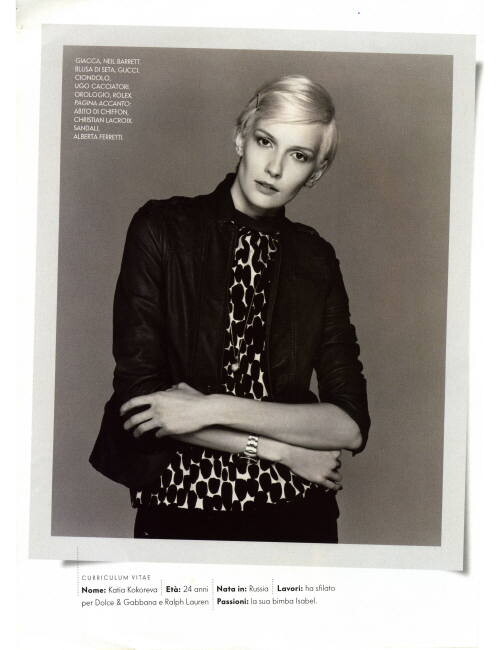
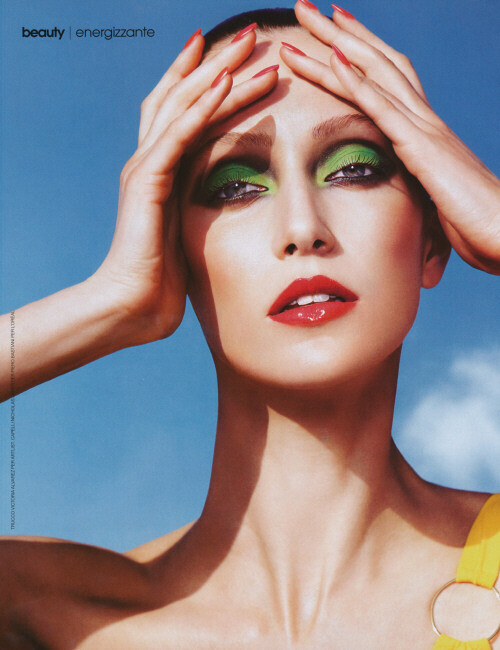
 MARIE CLAIRE ITALIA ca.2010 - photo unknown my scan
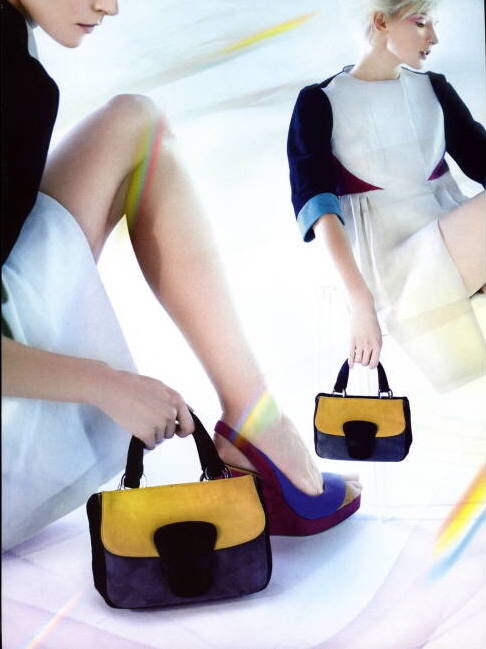
 MARIE CLAIRE ITALIA ca.2006 - photo unknown my scans





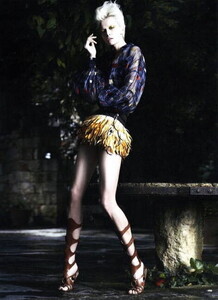
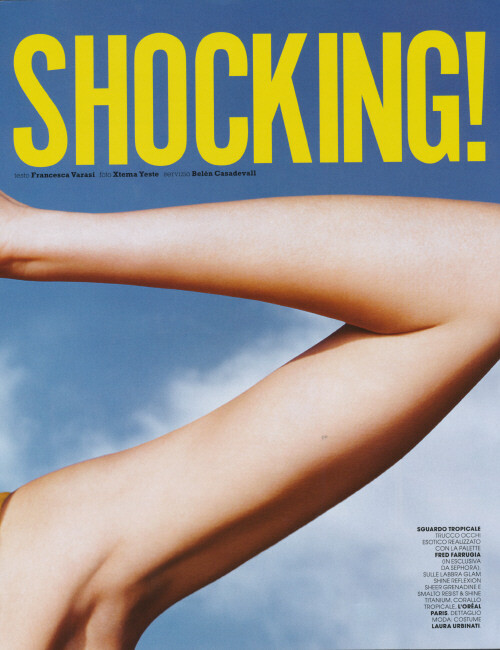
 AMICA ITALIA ca.2008 - photo Txema Yeste my scans
 Agent Provocateur



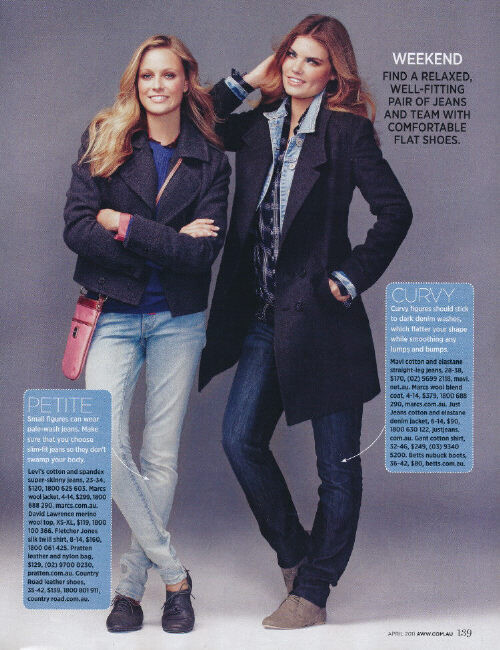
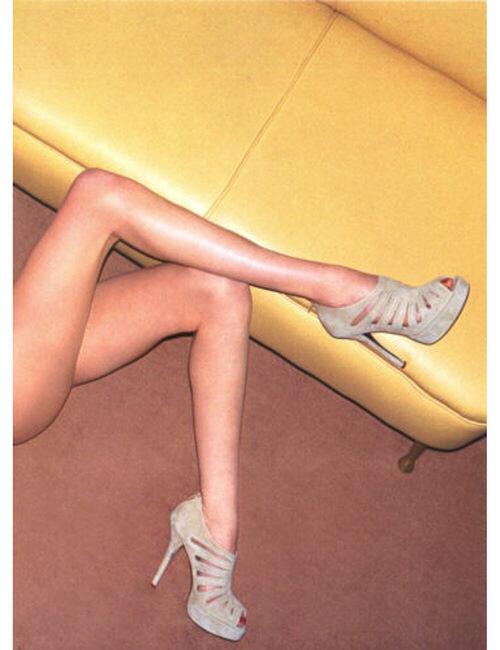
 One more visual: my scan
 One more visual: my scans

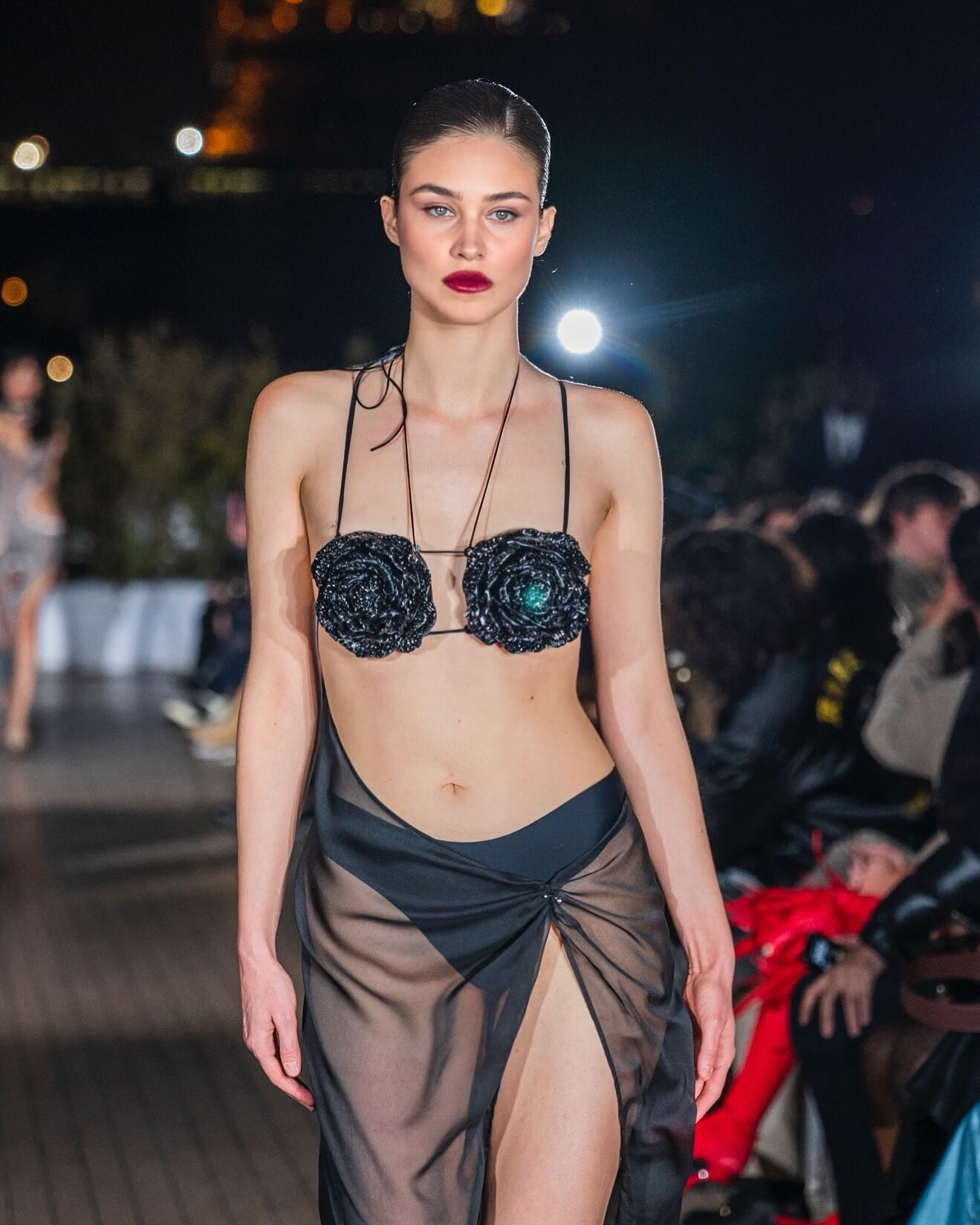
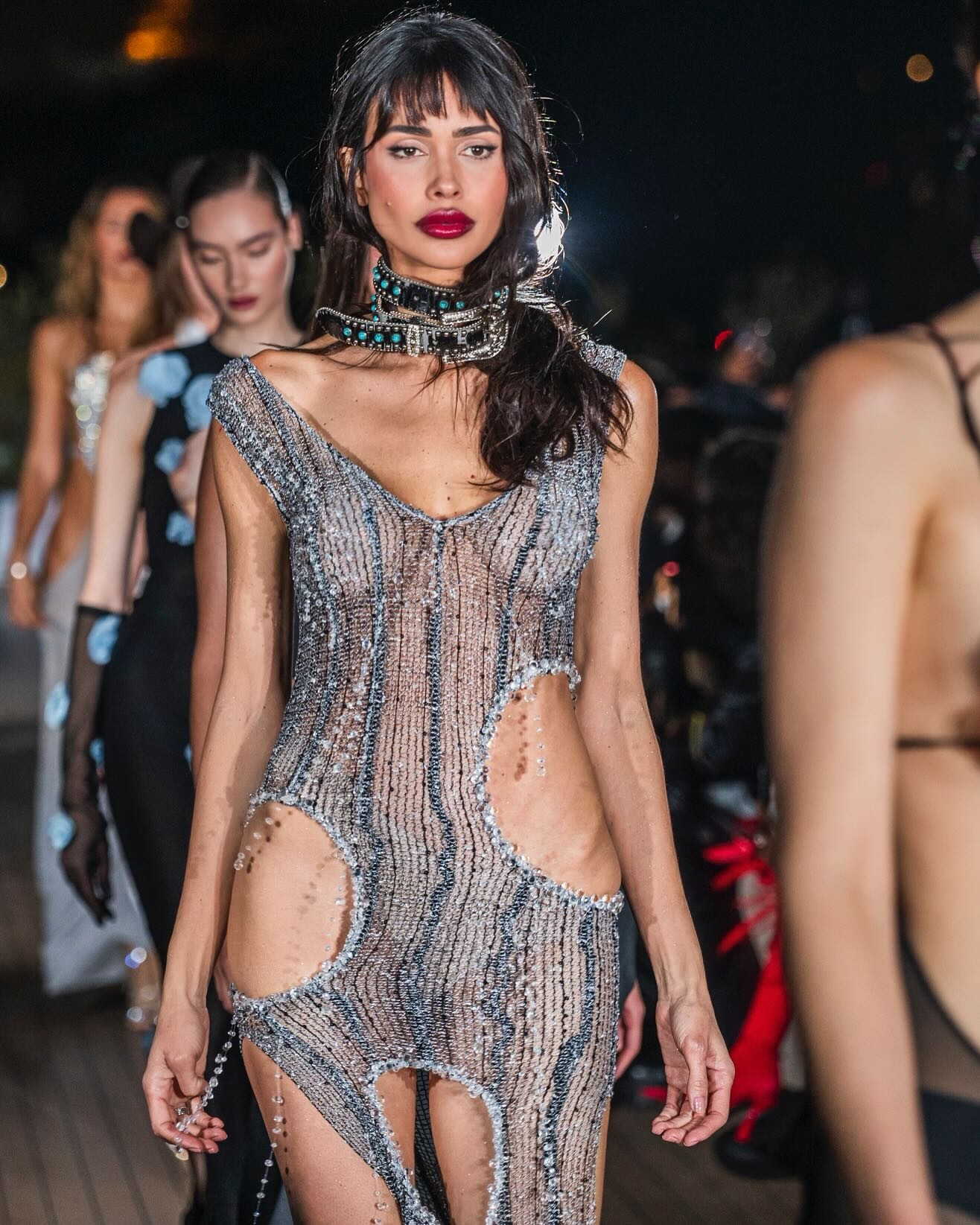
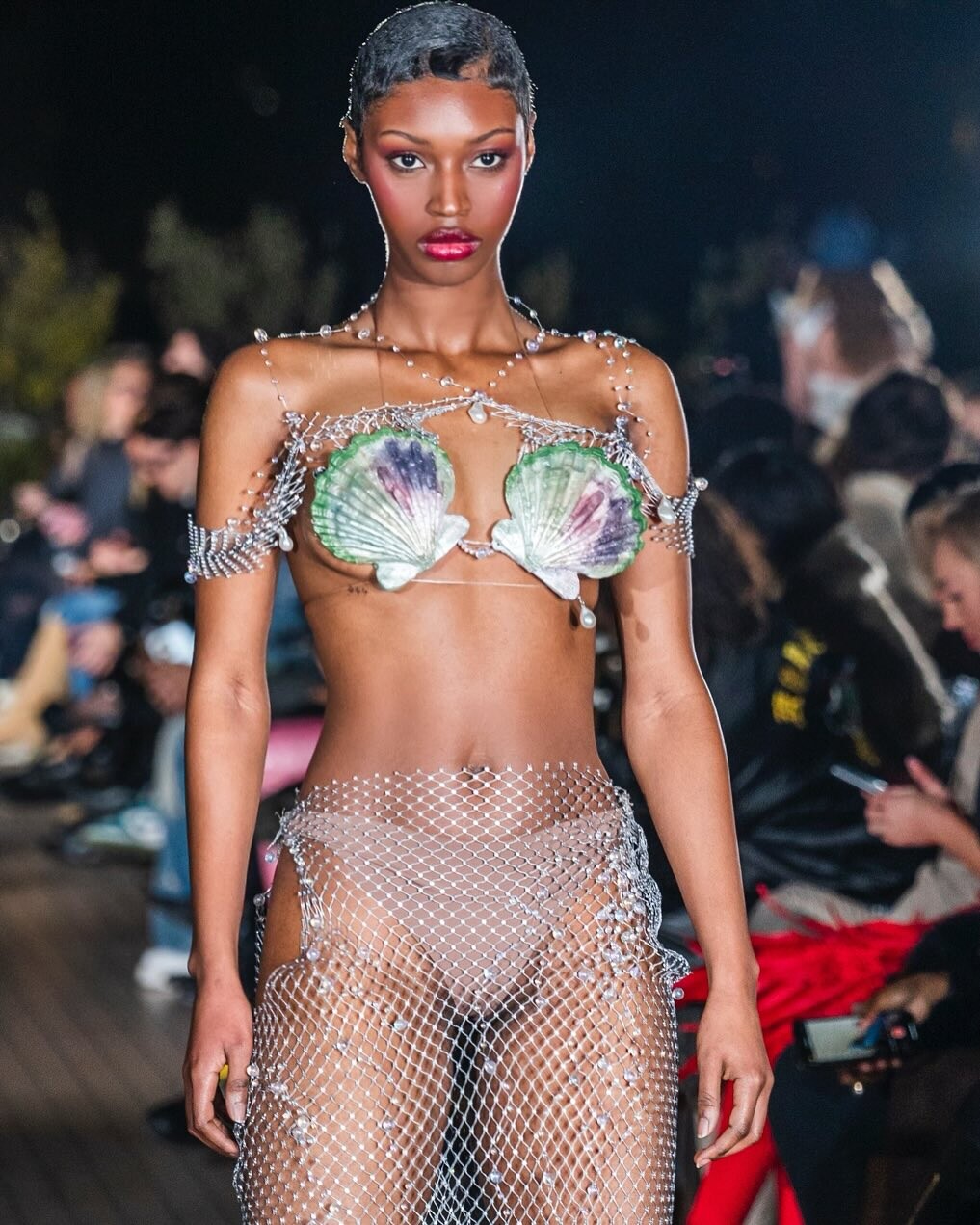
 Models from. Aurela Hoxha brand anyone know their names?







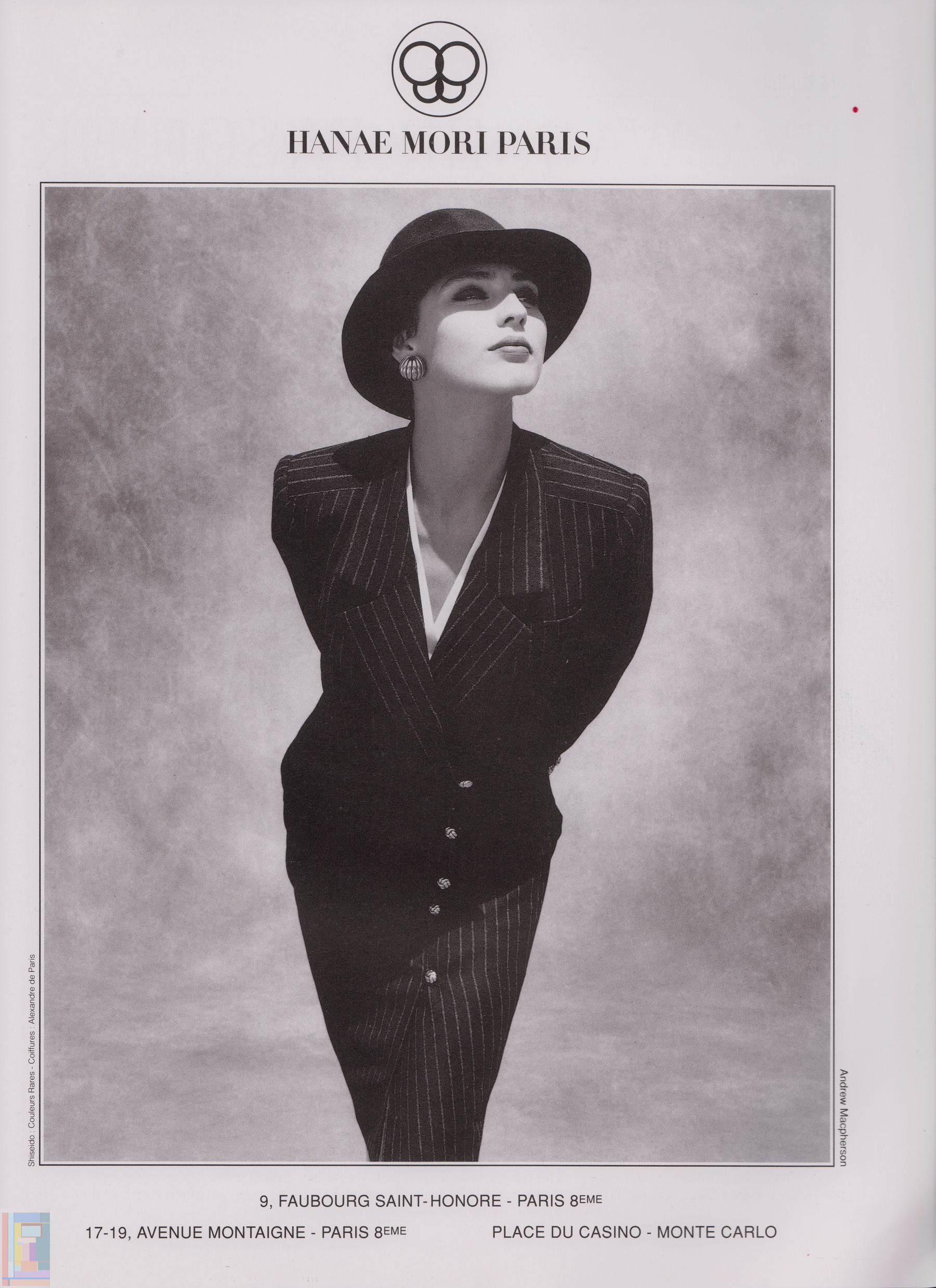
 Joyce Paris no.16 - Jul-Aug 1989 -- Hanae Mori ad - my scan -
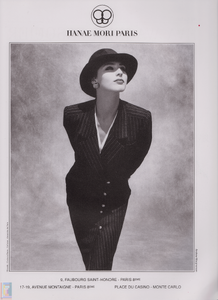 RANDOM FINDS ca.2009 - photo unknown my scans





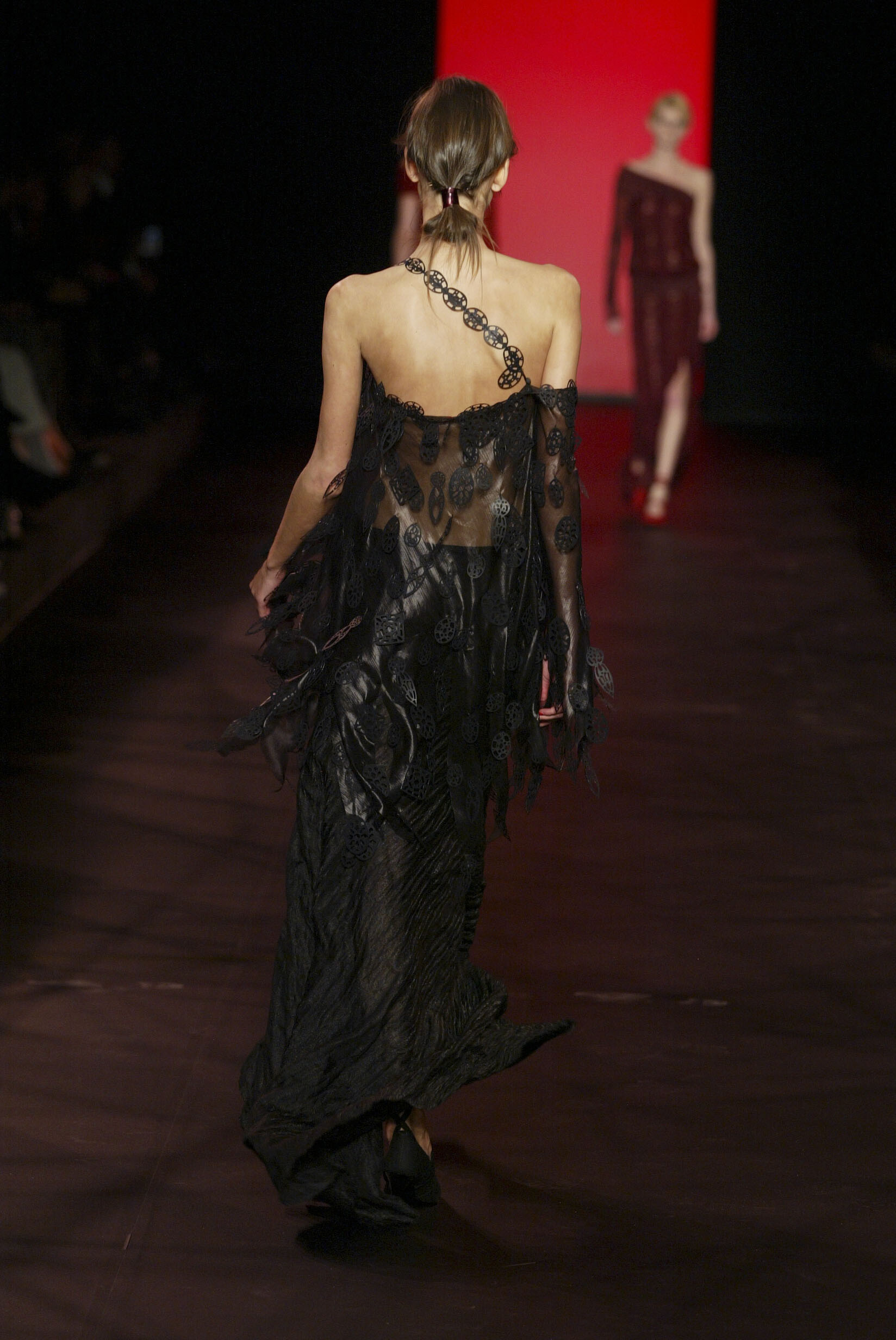
 More from Romeo Gigli FW 2003:




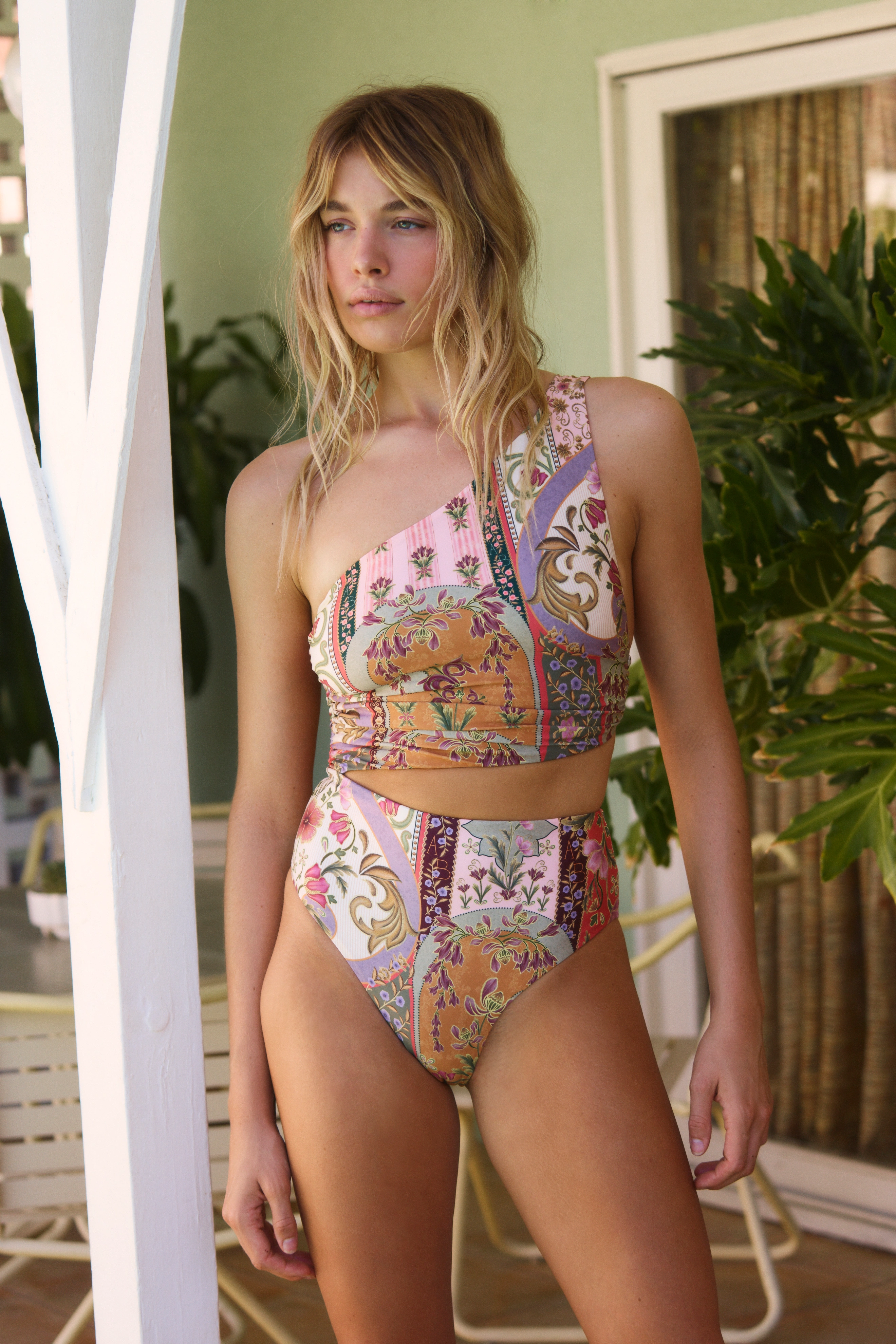
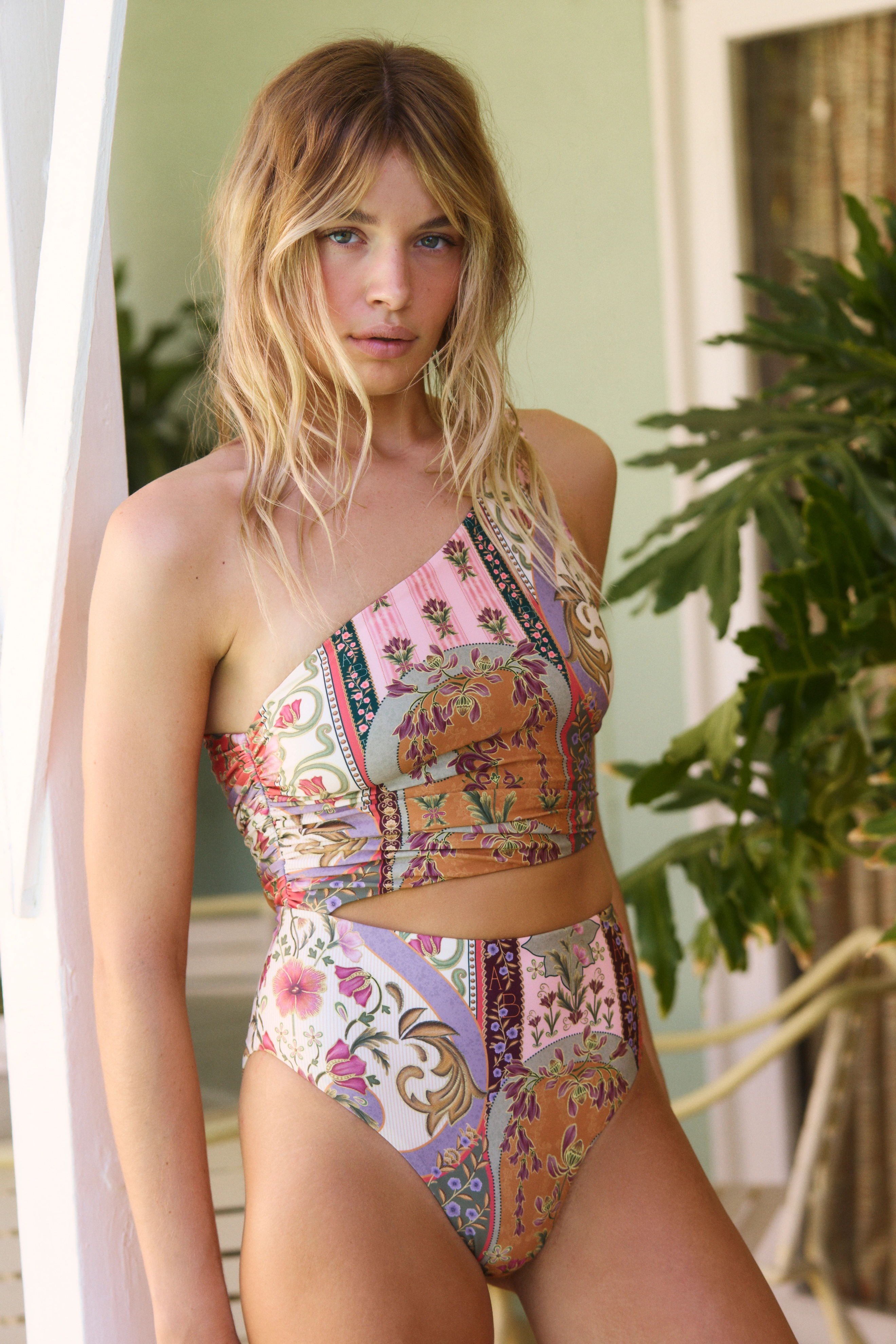
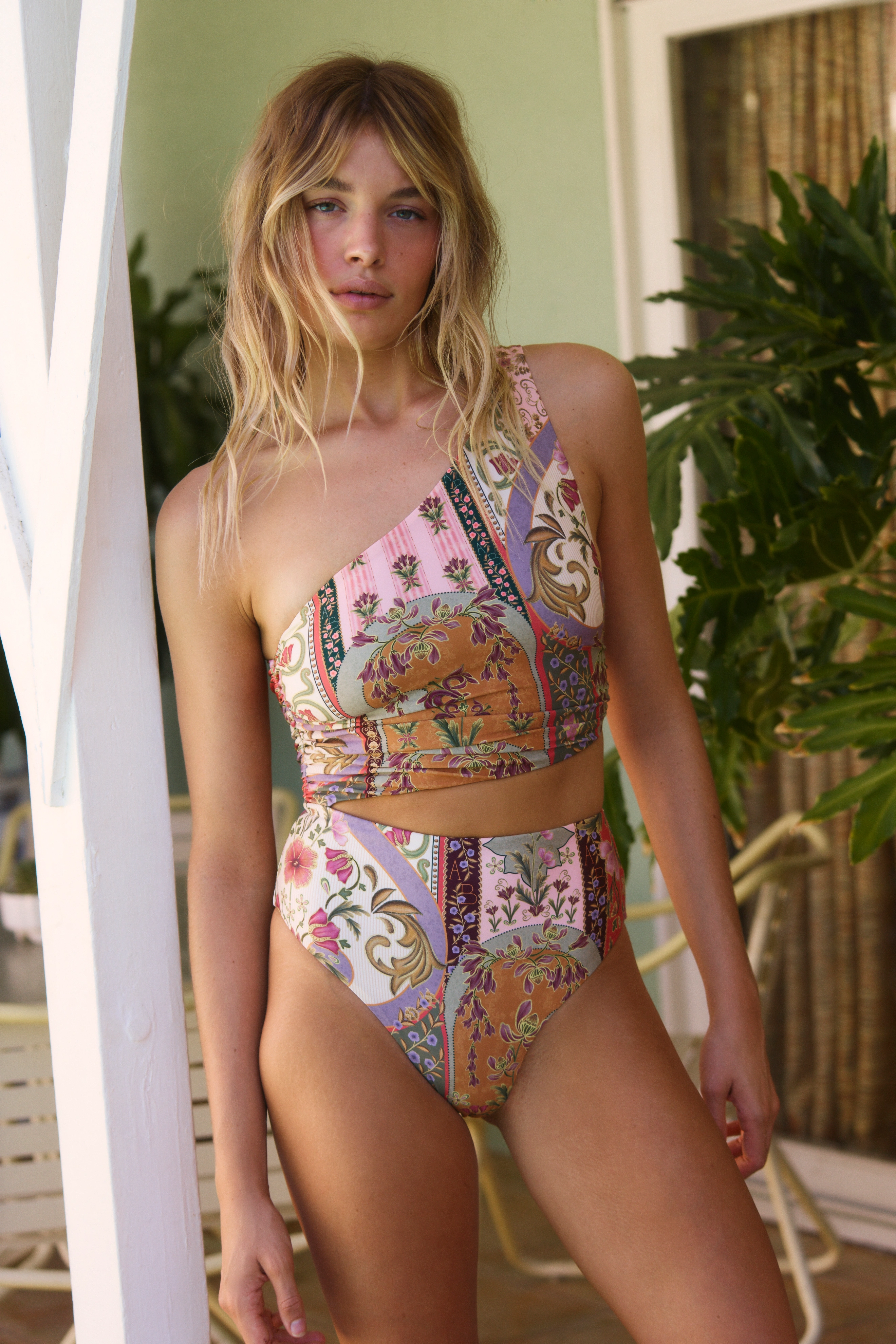
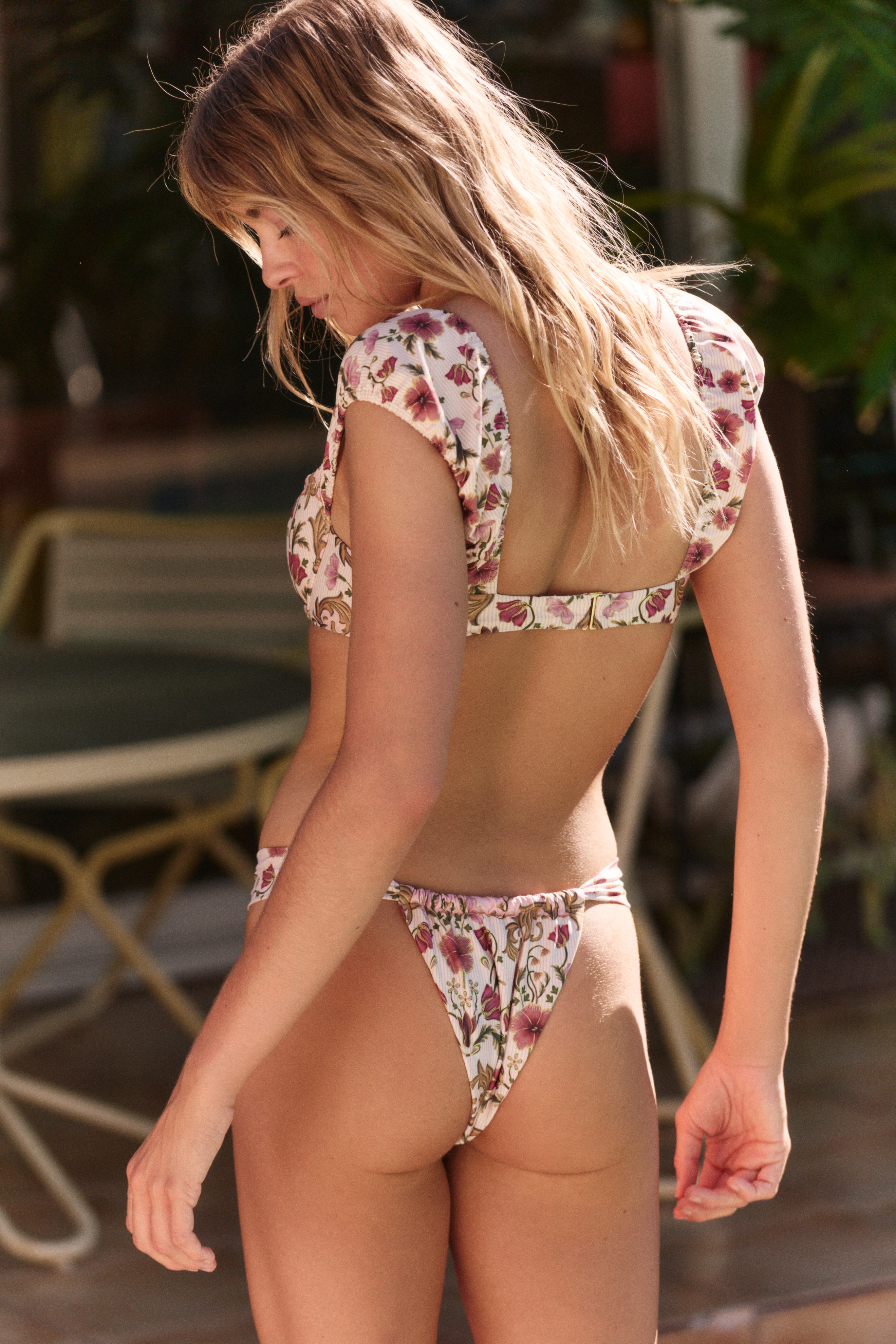
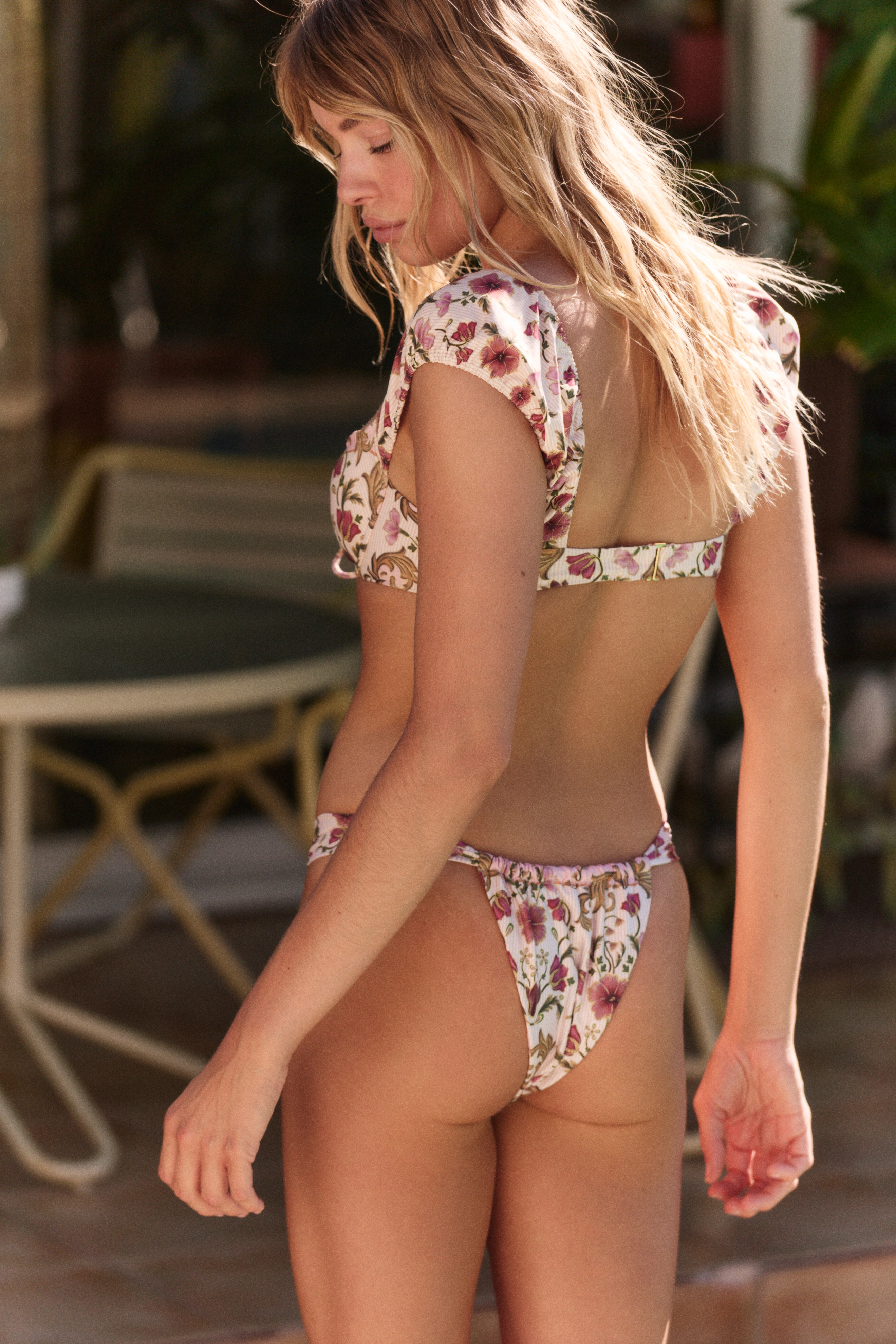
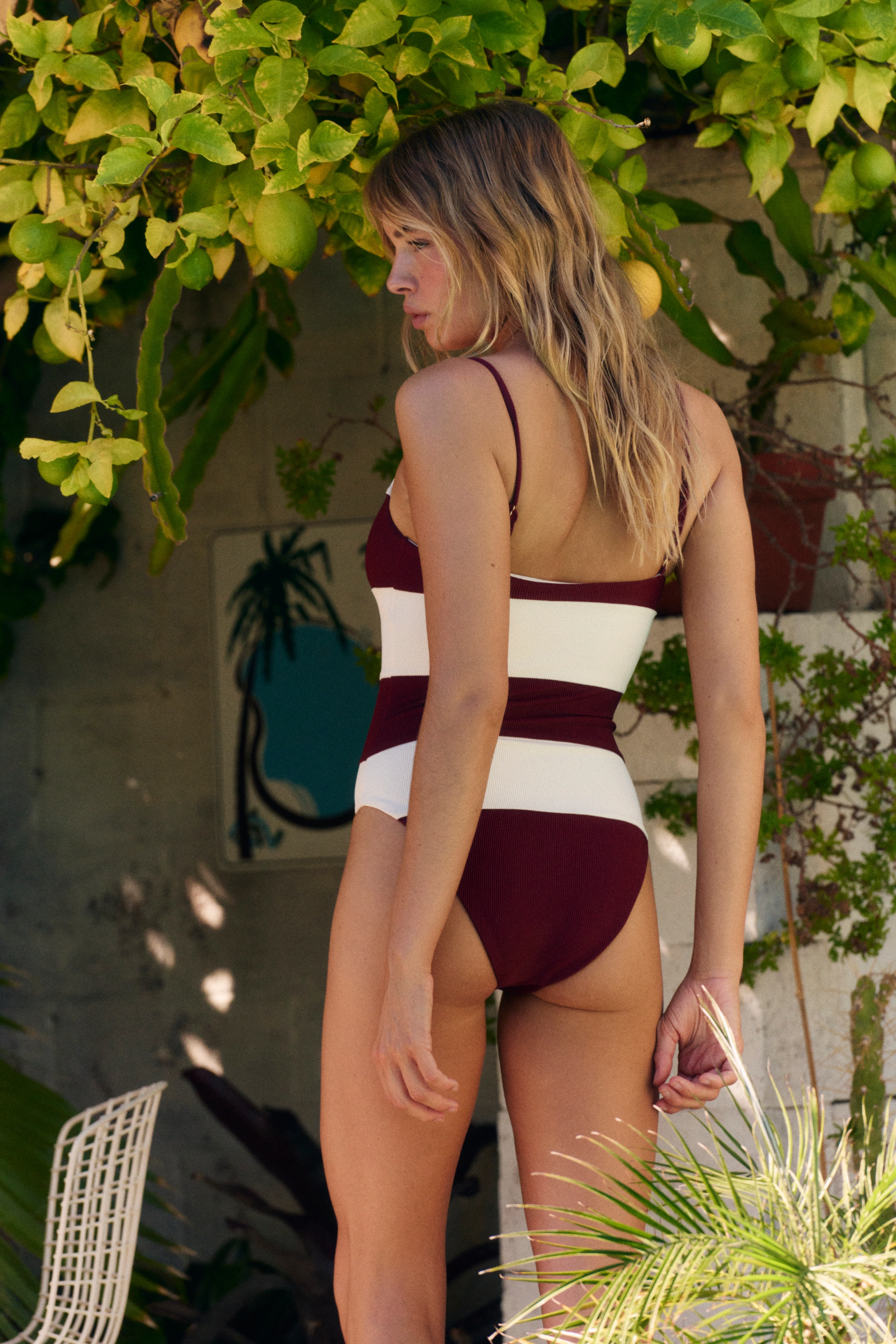
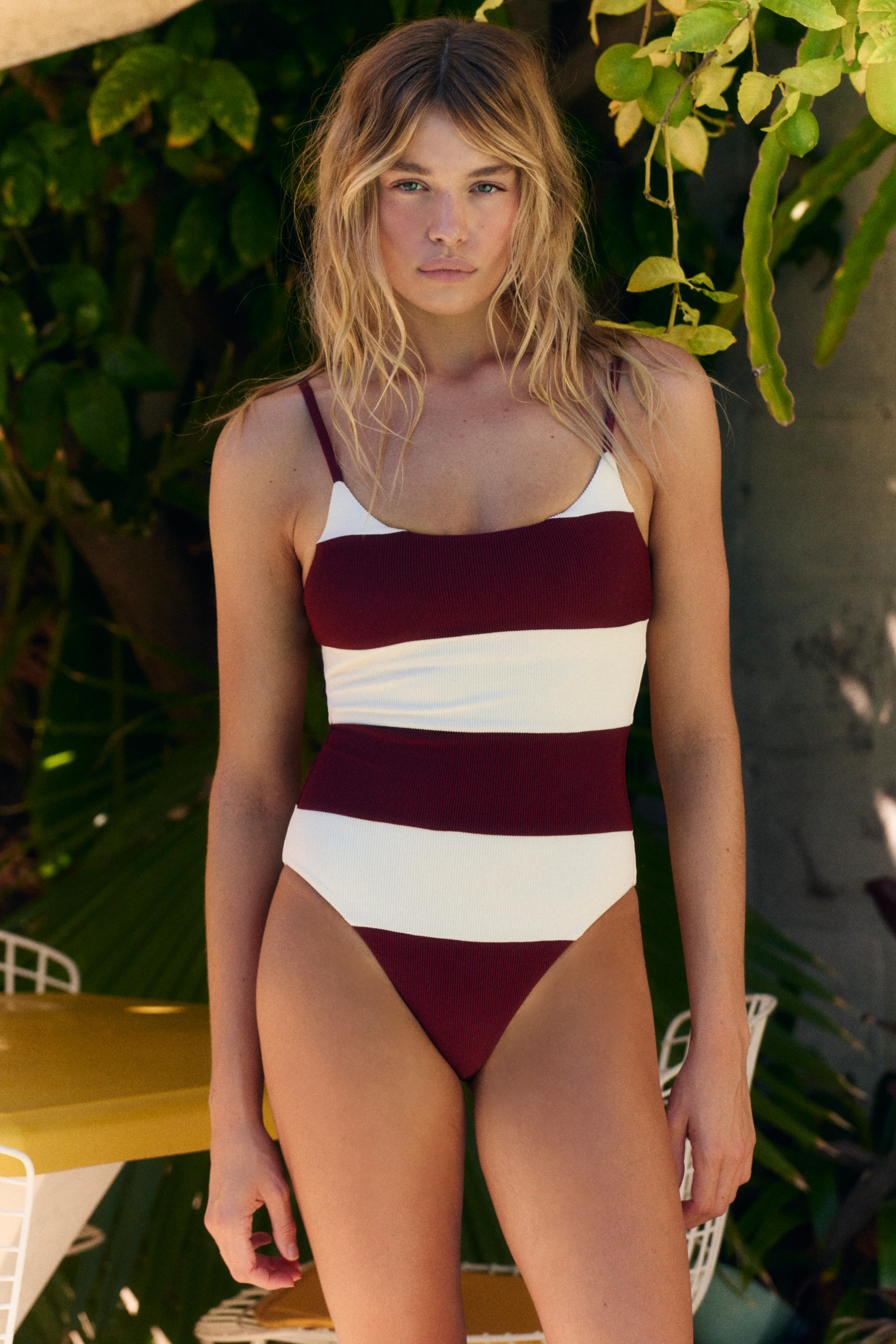
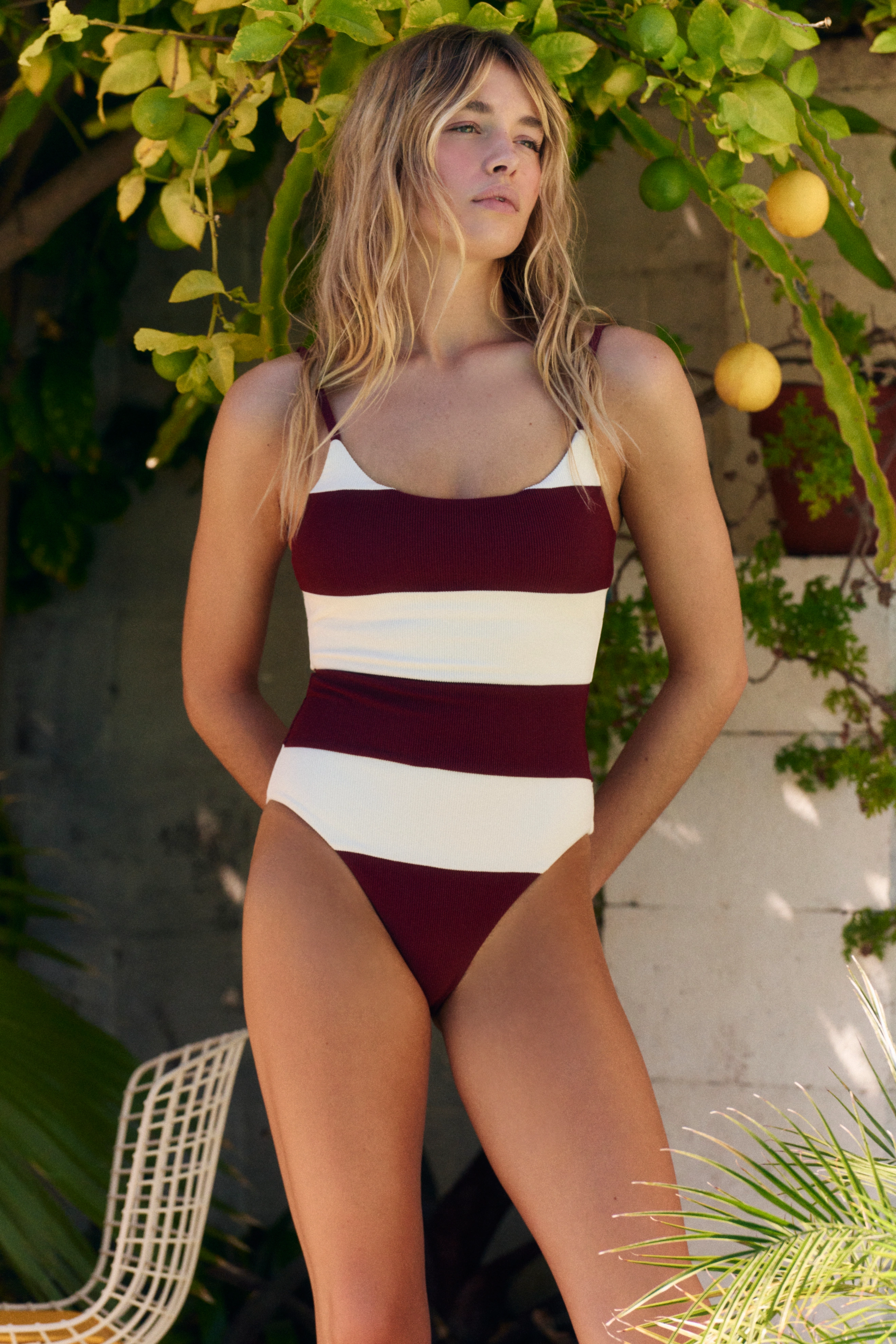
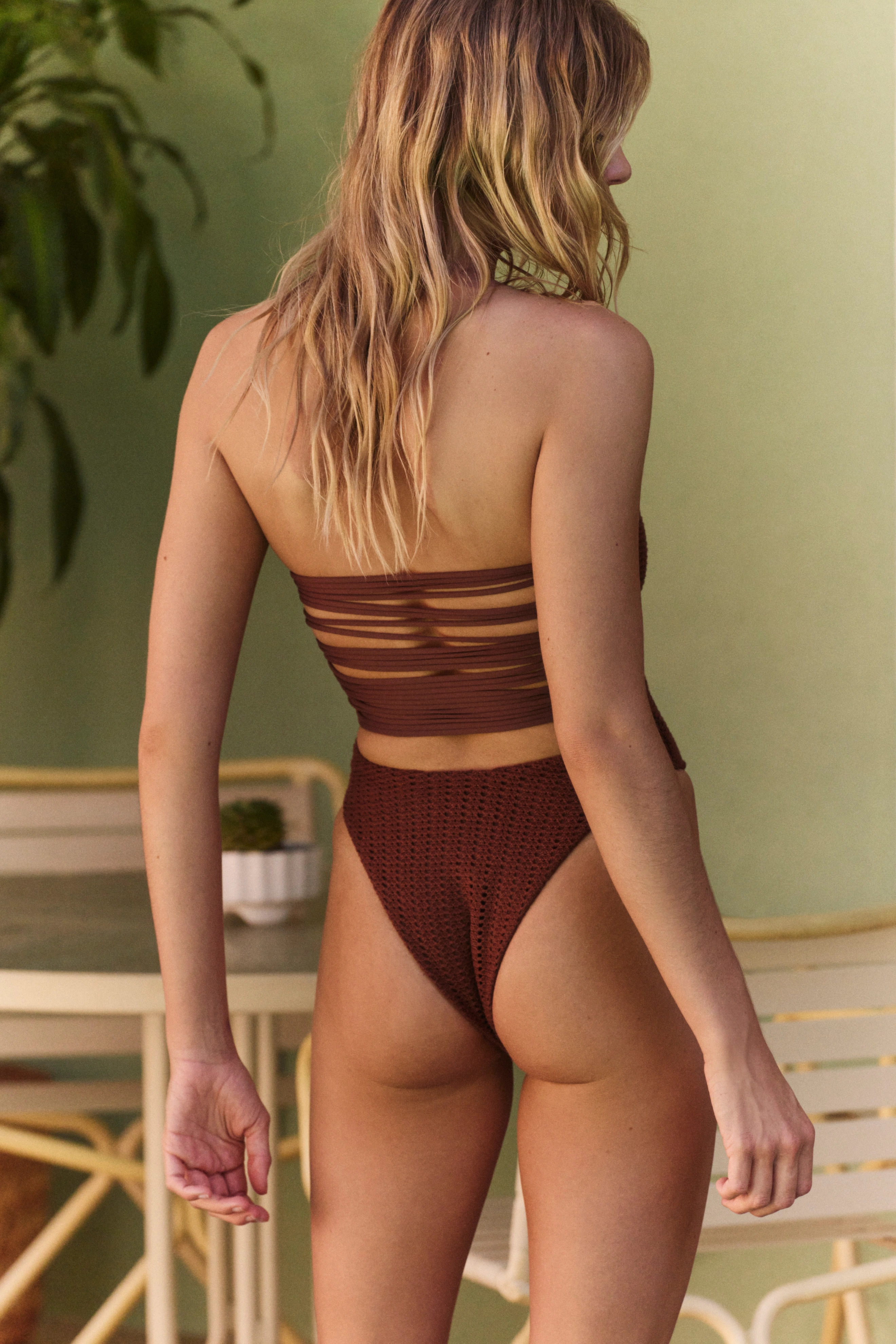
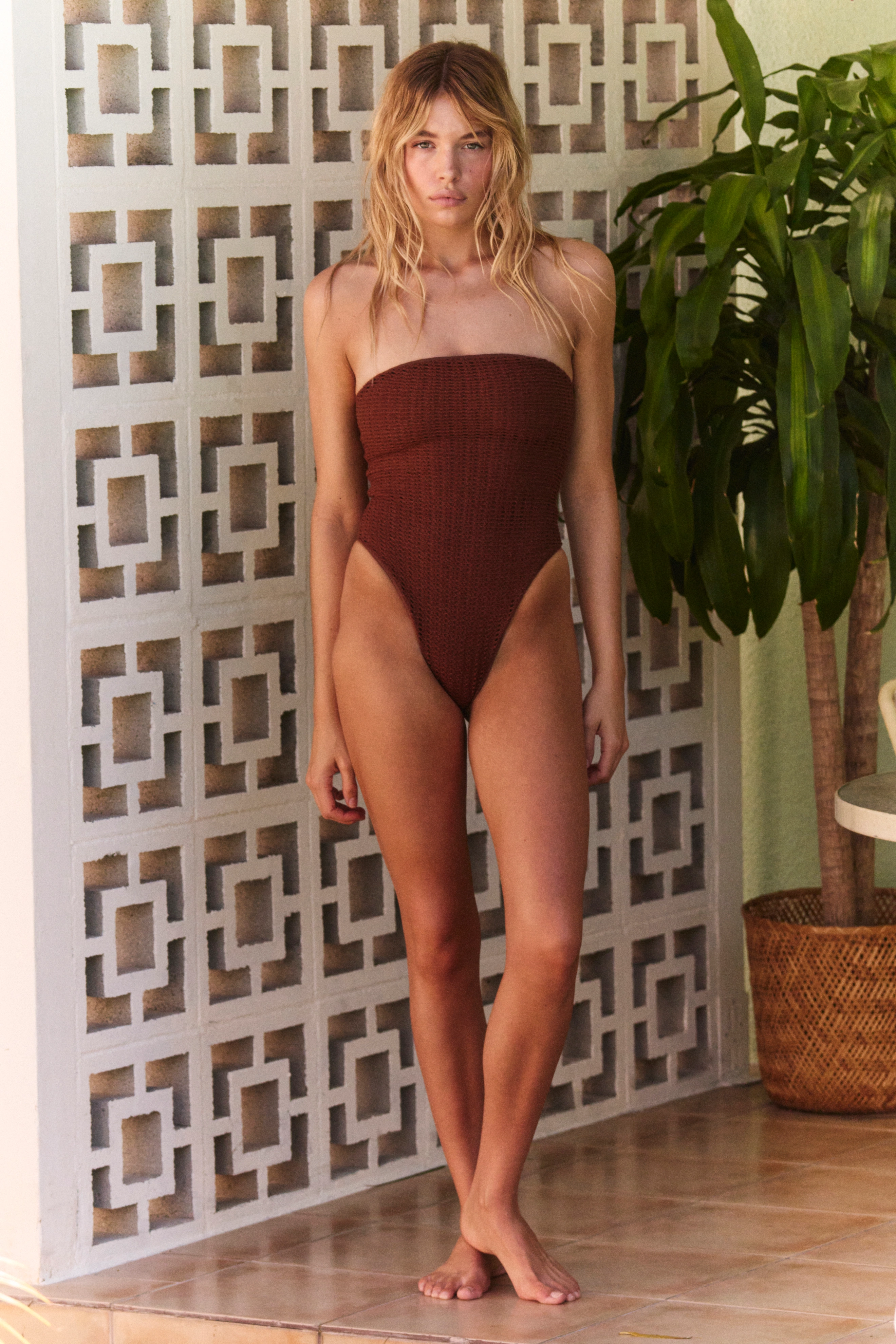
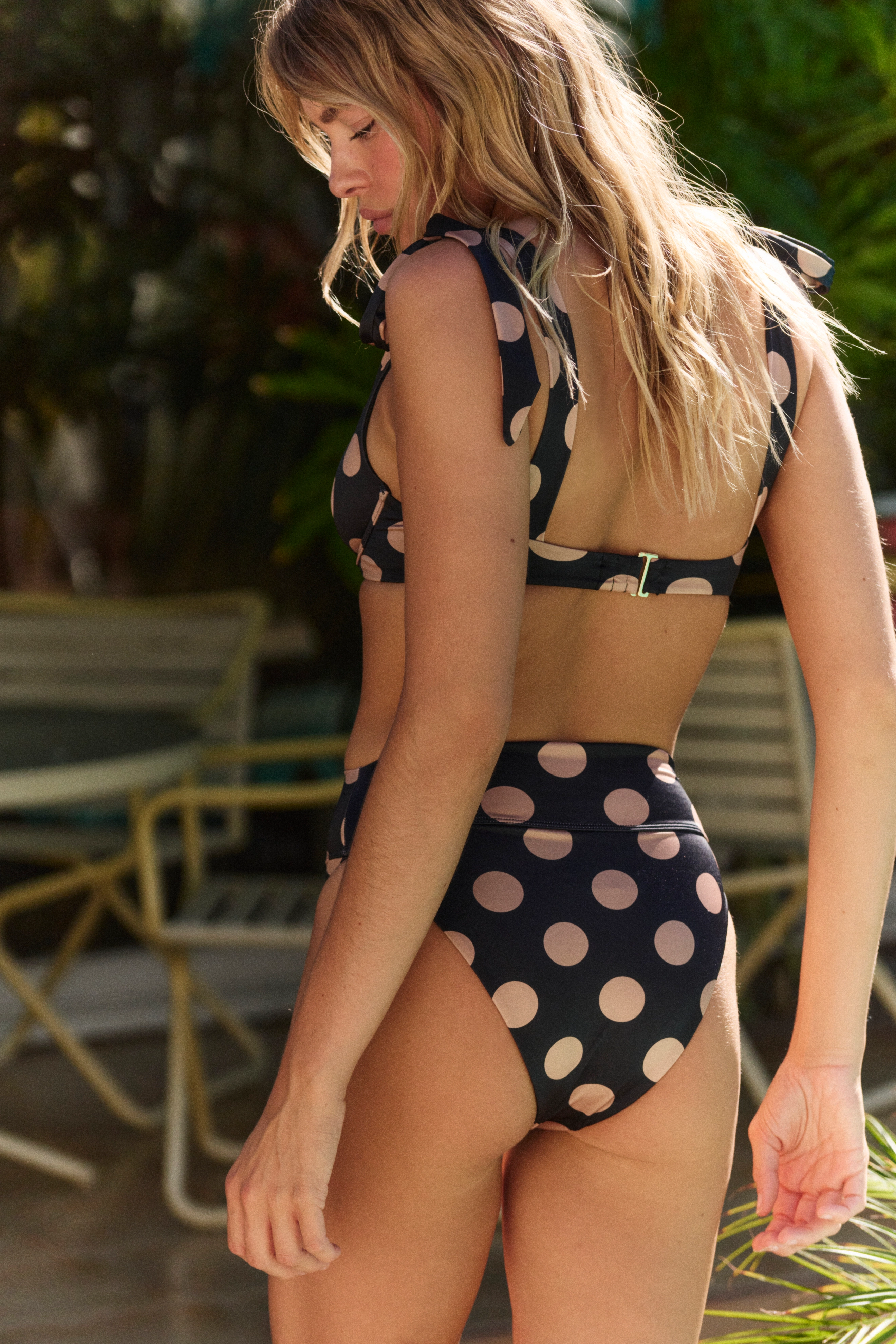
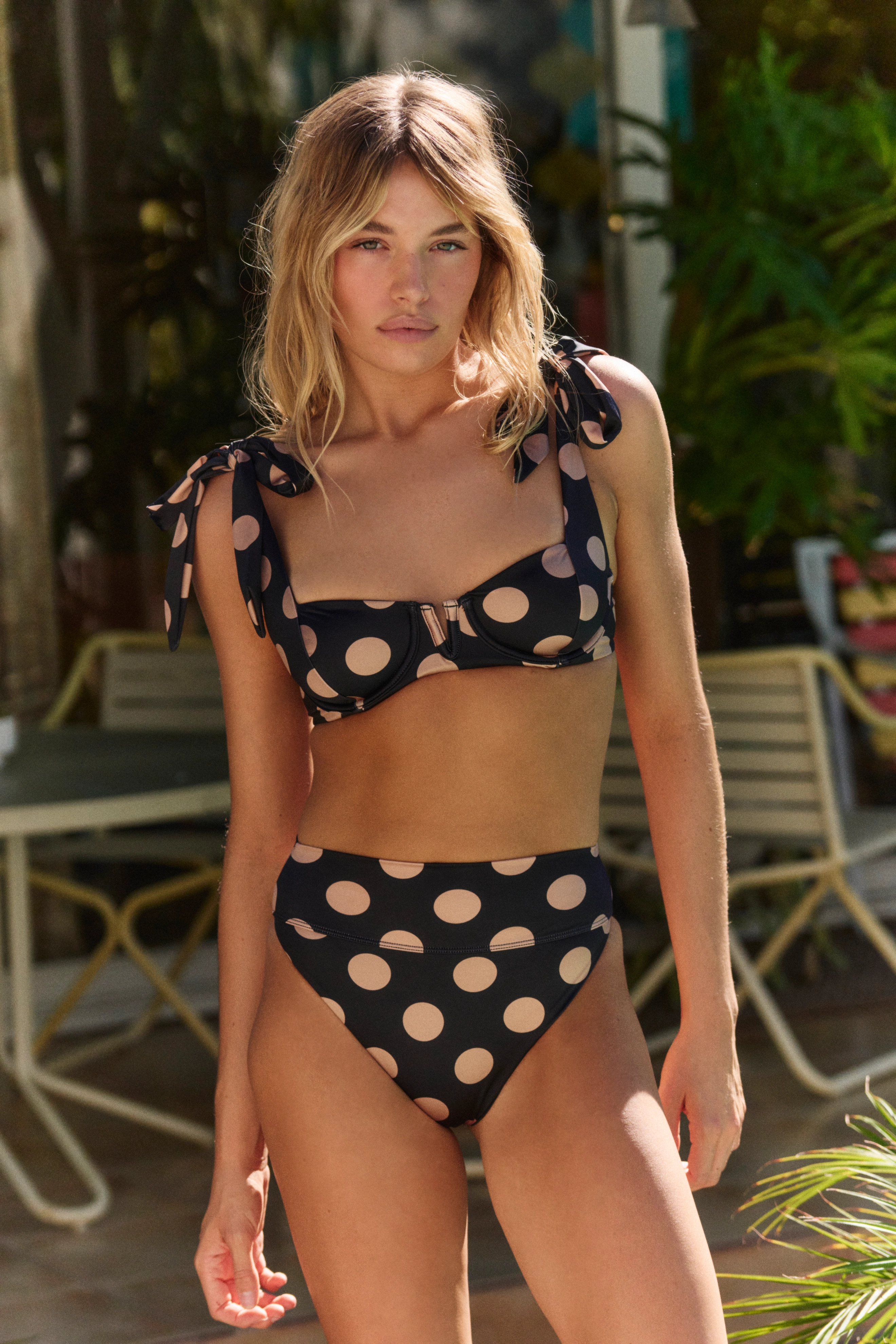
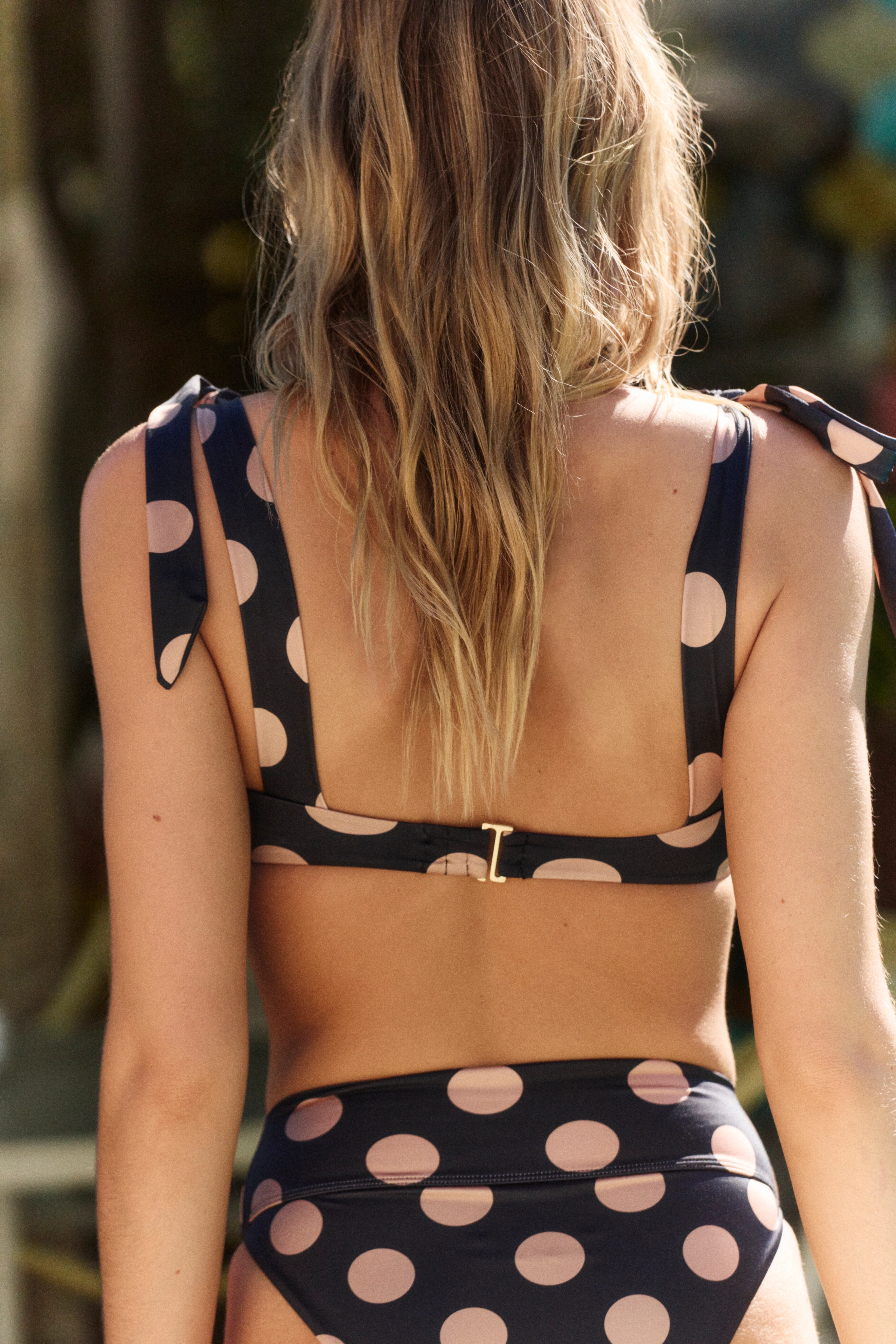
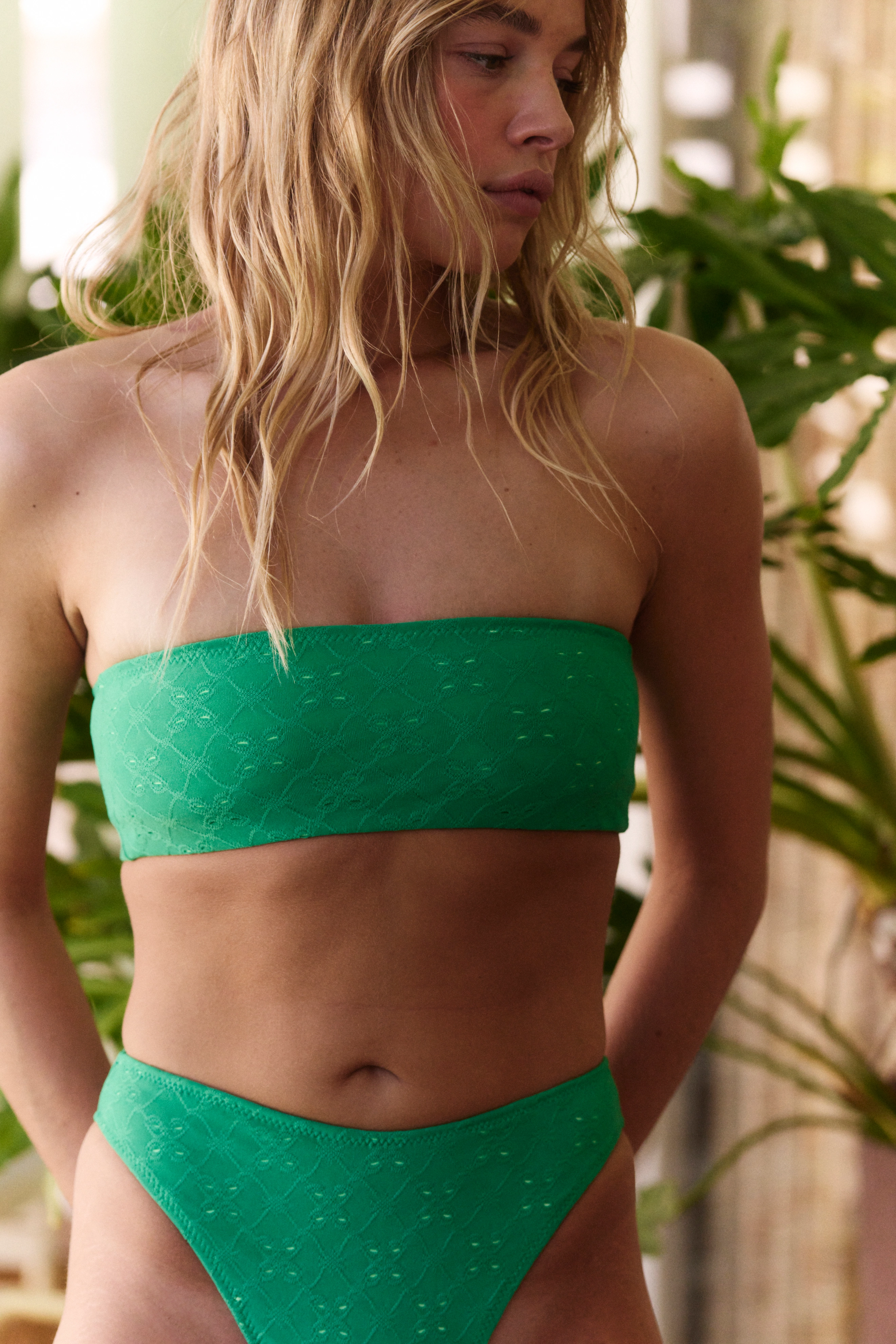
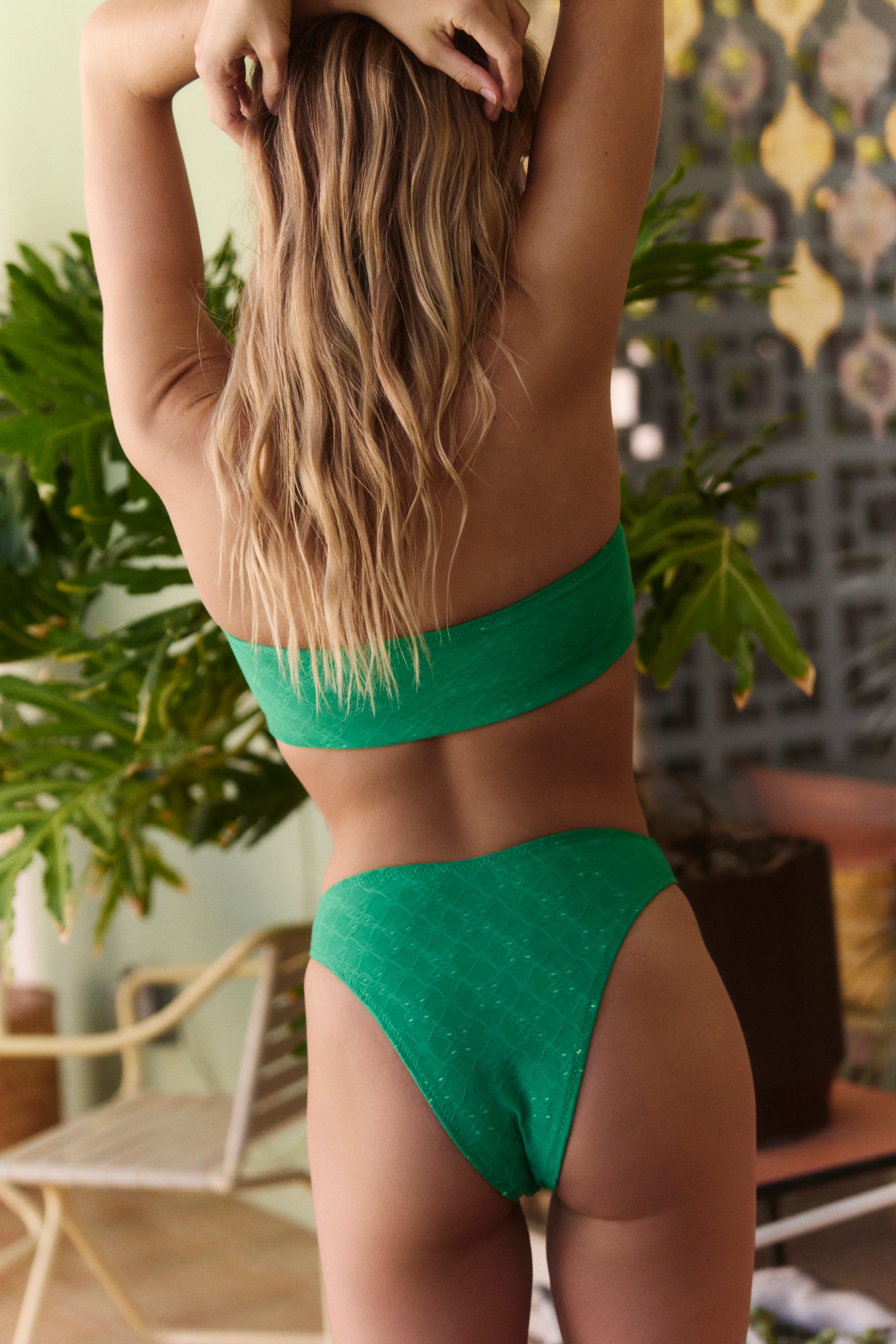
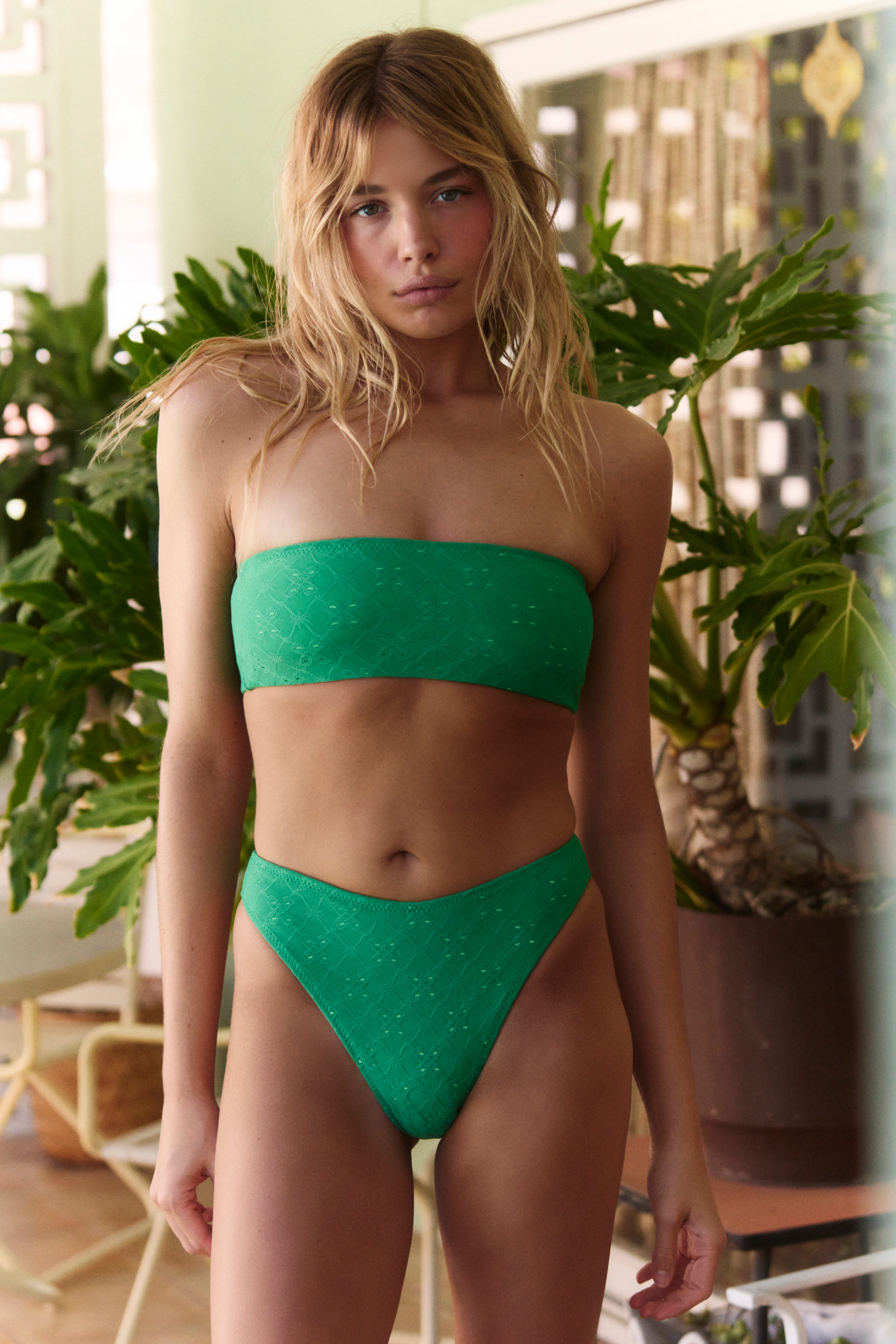
 Poolside Paradiso 41b06937cd974d8c93fb8208e813fe92.mp4 fa73d322288e49cf8d890c030858518f.mp4 6400b742bb194a9a83e450962f715aa3.mp4 21bbb09b85214ae8ada03c91da310118.mp4 c06bbb932c594ad9a457976ac9e84c84.mp4 7e108839d2df4faab730a9a1e38e6e4b.mp4























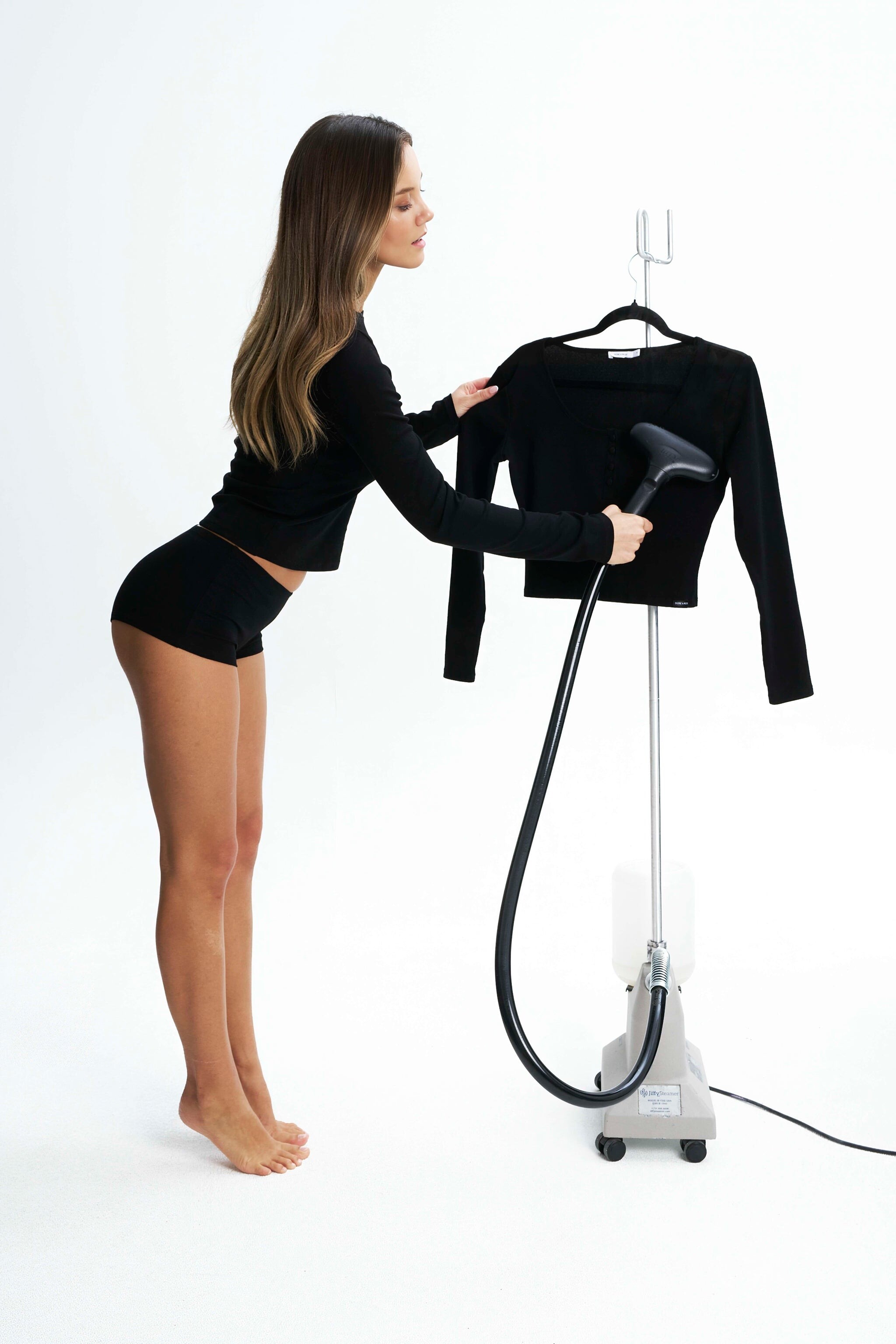
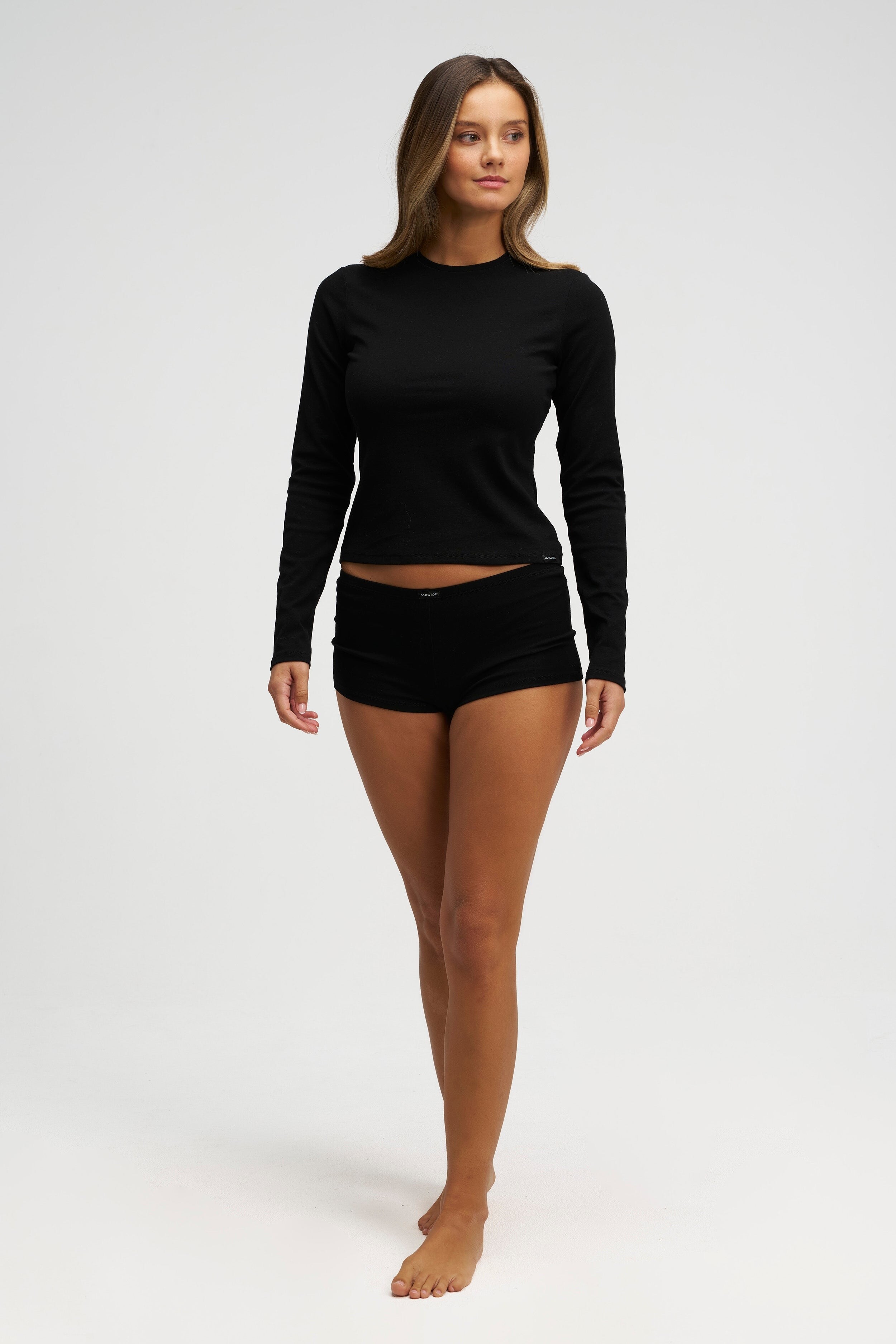
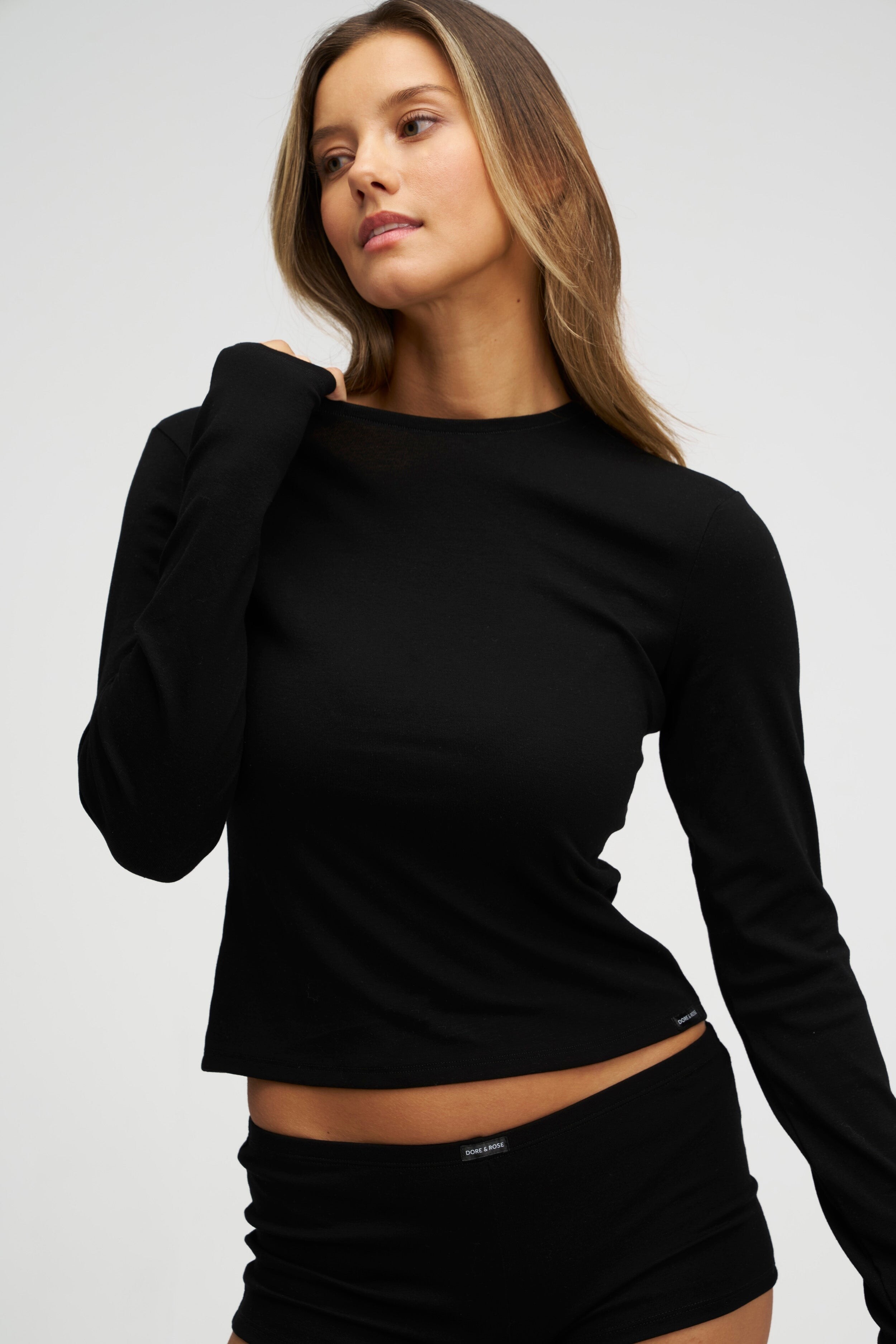
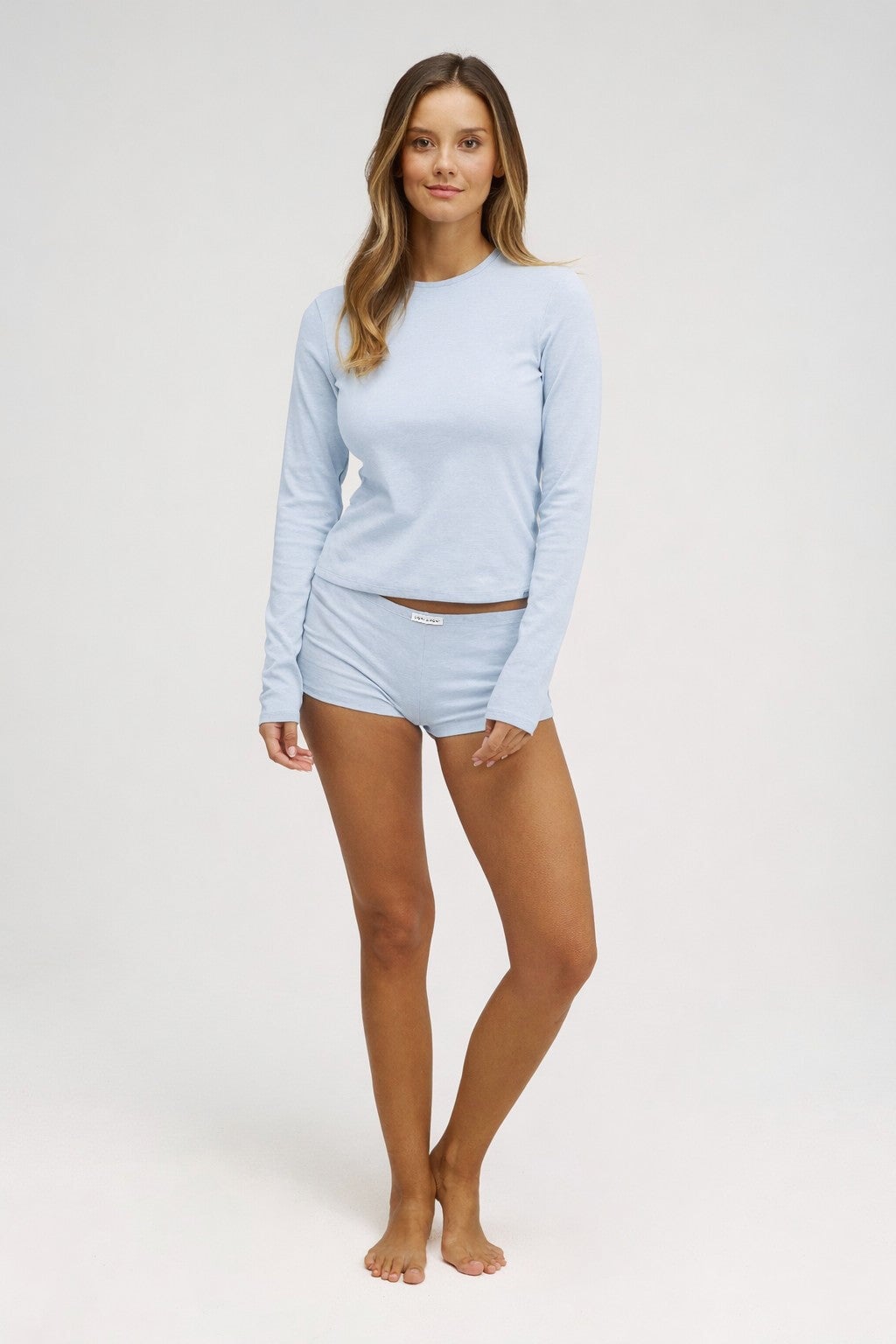













































































Account
Navigation
Search
Configure browser push notifications
Chrome (Android)
- Tap the lock icon next to the address bar.
- Tap Permissions → Notifications.
- Adjust your preference.
Chrome (Desktop)
- Click the padlock icon in the address bar.
- Select Site settings.
- Find Notifications and adjust your preference.
Safari (iOS 16.4+)
- Ensure the site is installed via Add to Home Screen.
- Open Settings App → Notifications.
- Find your app name and adjust your preference.
Safari (macOS)
- Go to Safari → Preferences.
- Click the Websites tab.
- Select Notifications in the sidebar.
- Find this website and adjust your preference.
Edge (Android)
- Tap the lock icon next to the address bar.
- Tap Permissions.
- Find Notifications and adjust your preference.
Edge (Desktop)
- Click the padlock icon in the address bar.
- Click Permissions for this site.
- Find Notifications and adjust your preference.
Firefox (Android)
- Go to Settings → Site permissions.
- Tap Notifications.
- Find this site in the list and adjust your preference.
Firefox (Desktop)
- Open Firefox Settings.
- Search for Notifications.
- Find this site in the list and adjust your preference.