All Activity
- Past hour
-
 And there you have it : Mackenzie Hamilton https://models.com/models/mackenzie-hamilton/ https://www.instagram.com/mackenzie.hamilton/
 -

 Green Line Remodeling changed their profile photo
 Green Line Remodeling joined the community
 Marie Claire:


 You guys rock! Thanks so much! :)
Olive Henry https://www.instagram.com/olivehenry_/ https://fordmodels.com/barcelona/profile/olive-henry/?board=women
You guys rock! Thanks so much! :)
Olive Henry https://www.instagram.com/olivehenry_/ https://fordmodels.com/barcelona/profile/olive-henry/?board=women
 Us Magazine: December 19th 2025

 Us Weekly: December 16th 2025


- Today
Us Weekly: December 12th 2025


 yes it's her! https://www.instagram.com/jacelyntantay/
Us Weekly: December 23th 2025
yes it's her! https://www.instagram.com/jacelyntantay/
Us Weekly: December 23th 2025 Victoria's Secret Mexico: candiceswanepoel reminded us in his visit to Mexico that true beauty lies in believing in yourself. ✨

 Victoria's Secret Mexico: Candice made it to Antara Polanco. ❤️ ― The magic of the angel is already shining in Mexico! ✨ video [2023.11.07] victoriassecretmexico_DQw7VU.mp4
 Death By Dolls
 Ph. Andrey Motorichev
 Ashlee Rose Boots
 The Jet Set Diaries
 tabashsouvenirs joined the community
Victoria's Secret Mexico: Of the recommendations Candice has given us for Holidays, which one has been your favorite? Tell us in the comments
tabashsouvenirs joined the community
Victoria's Secret Mexico: Of the recommendations Candice has given us for Holidays, which one has been your favorite? Tell us in the comments Laud Magazine


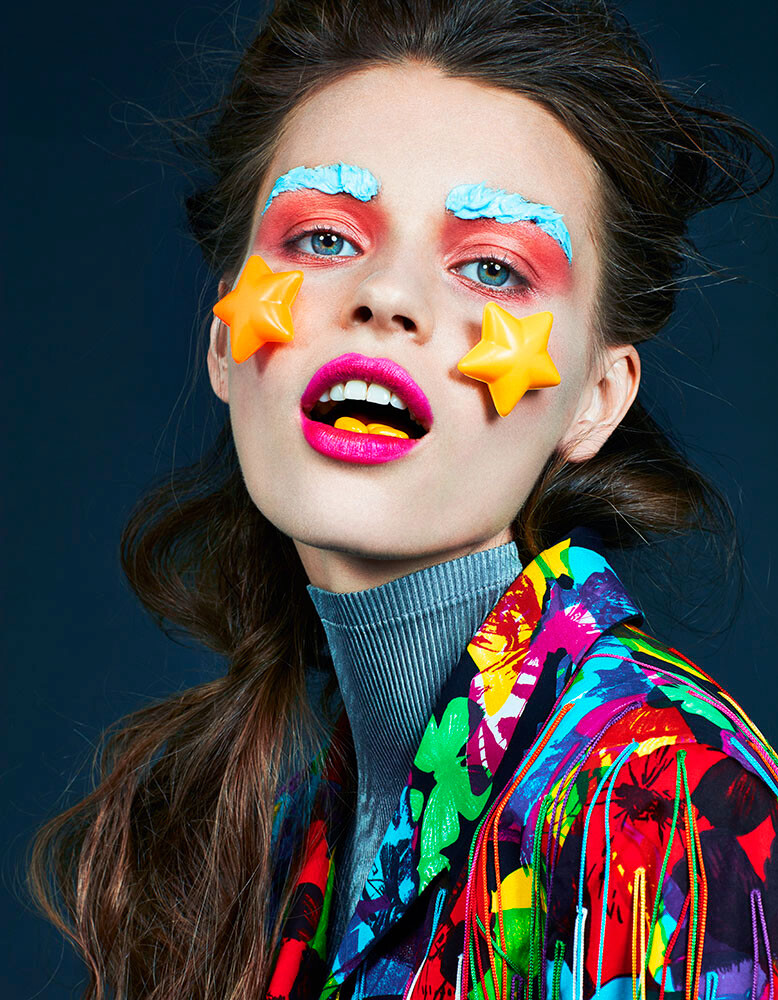
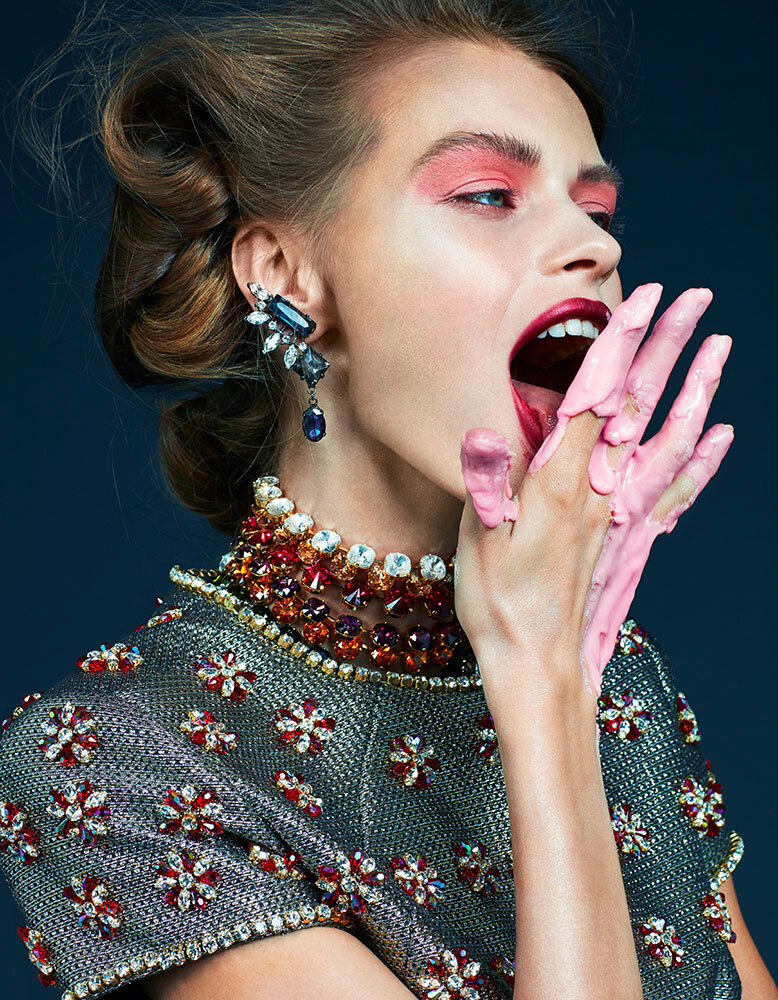
 Laud Magazine







































Account
Search
Configure browser push notifications
Chrome (Android)
- Tap the lock icon next to the address bar.
- Tap Permissions → Notifications.
- Adjust your preference.
Chrome (Desktop)
- Click the padlock icon in the address bar.
- Select Site settings.
- Find Notifications and adjust your preference.
Safari (iOS 16.4+)
- Ensure the site is installed via Add to Home Screen.
- Open Settings App → Notifications.
- Find your app name and adjust your preference.
Safari (macOS)
- Go to Safari → Preferences.
- Click the Websites tab.
- Select Notifications in the sidebar.
- Find this website and adjust your preference.
Edge (Android)
- Tap the lock icon next to the address bar.
- Tap Permissions.
- Find Notifications and adjust your preference.
Edge (Desktop)
- Click the padlock icon in the address bar.
- Click Permissions for this site.
- Find Notifications and adjust your preference.
Firefox (Android)
- Go to Settings → Site permissions.
- Tap Notifications.
- Find this site in the list and adjust your preference.
Firefox (Desktop)
- Open Firefox Settings.
- Search for Notifications.
- Find this site in the list and adjust your preference.