All Activity
- Past hour
-
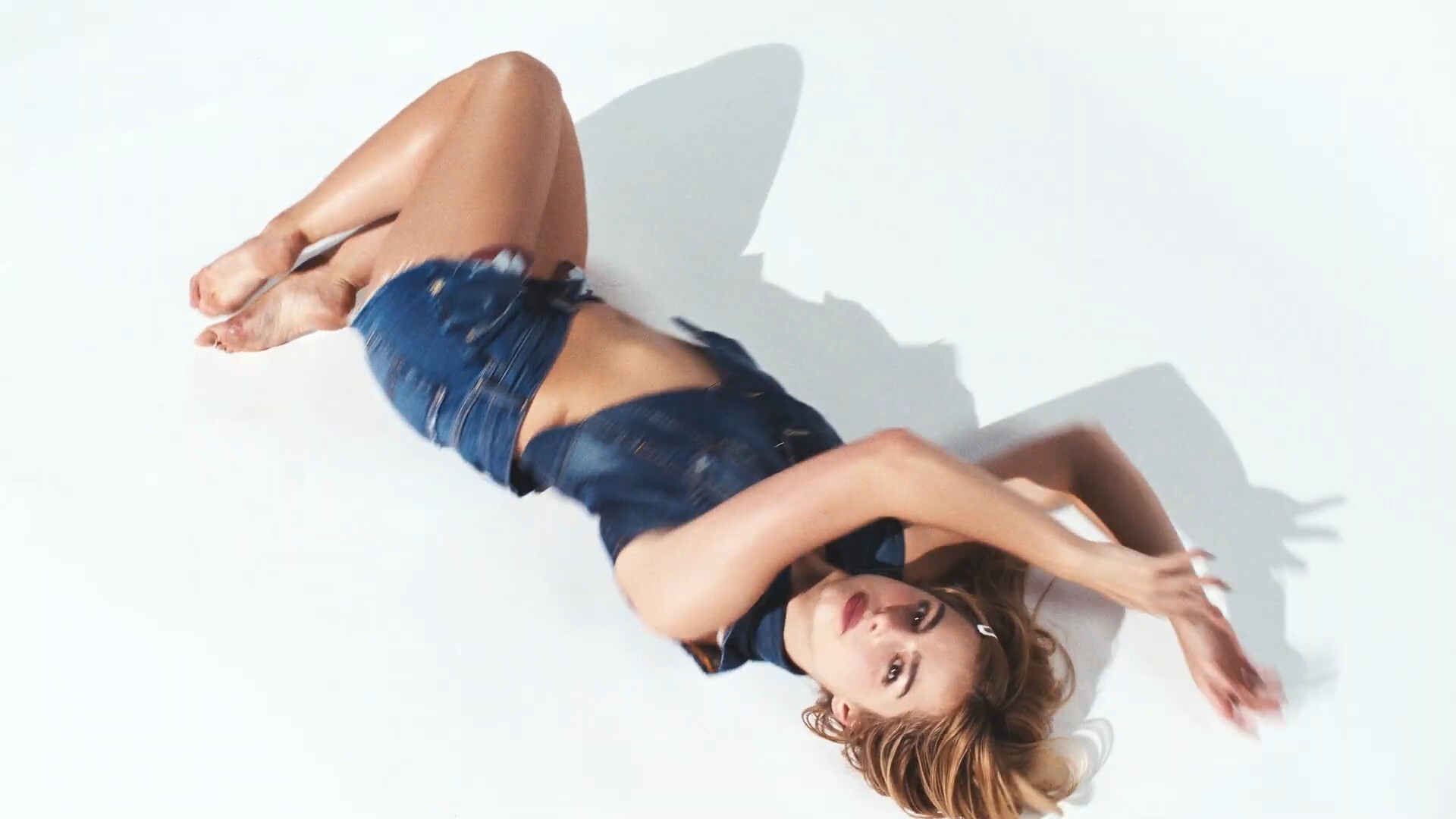
 https://www.tiktok.com/@hypebae/video/7611638655697849620 https://www.tiktok.com/@culted/video/7611614431918935299 Her on MFW!
 https://www.tiktok.com/@miakhalifa
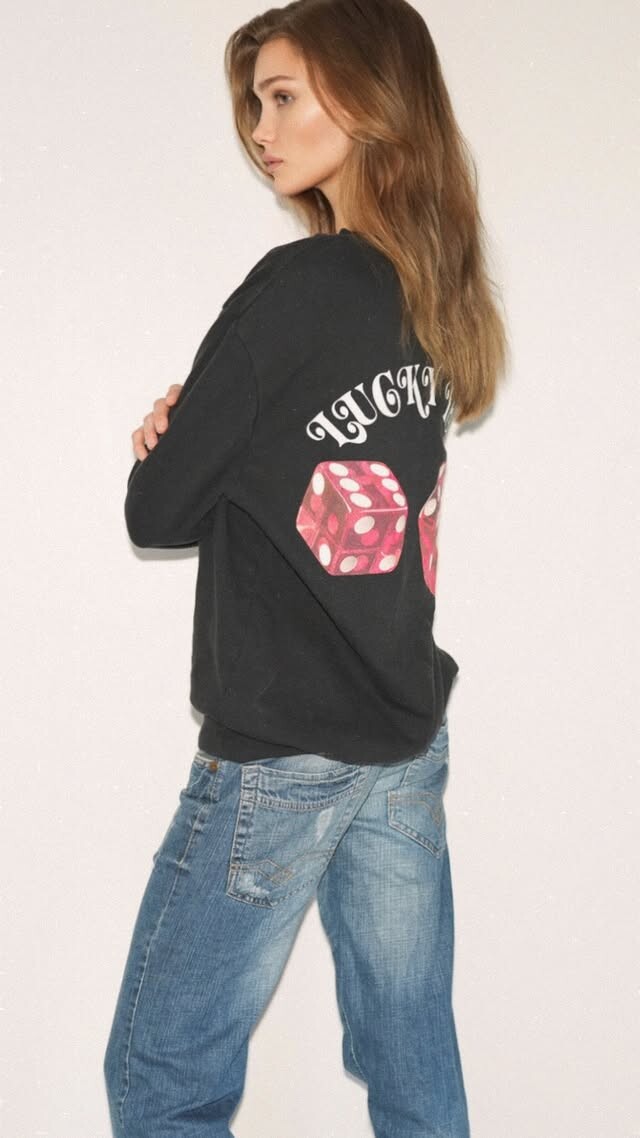
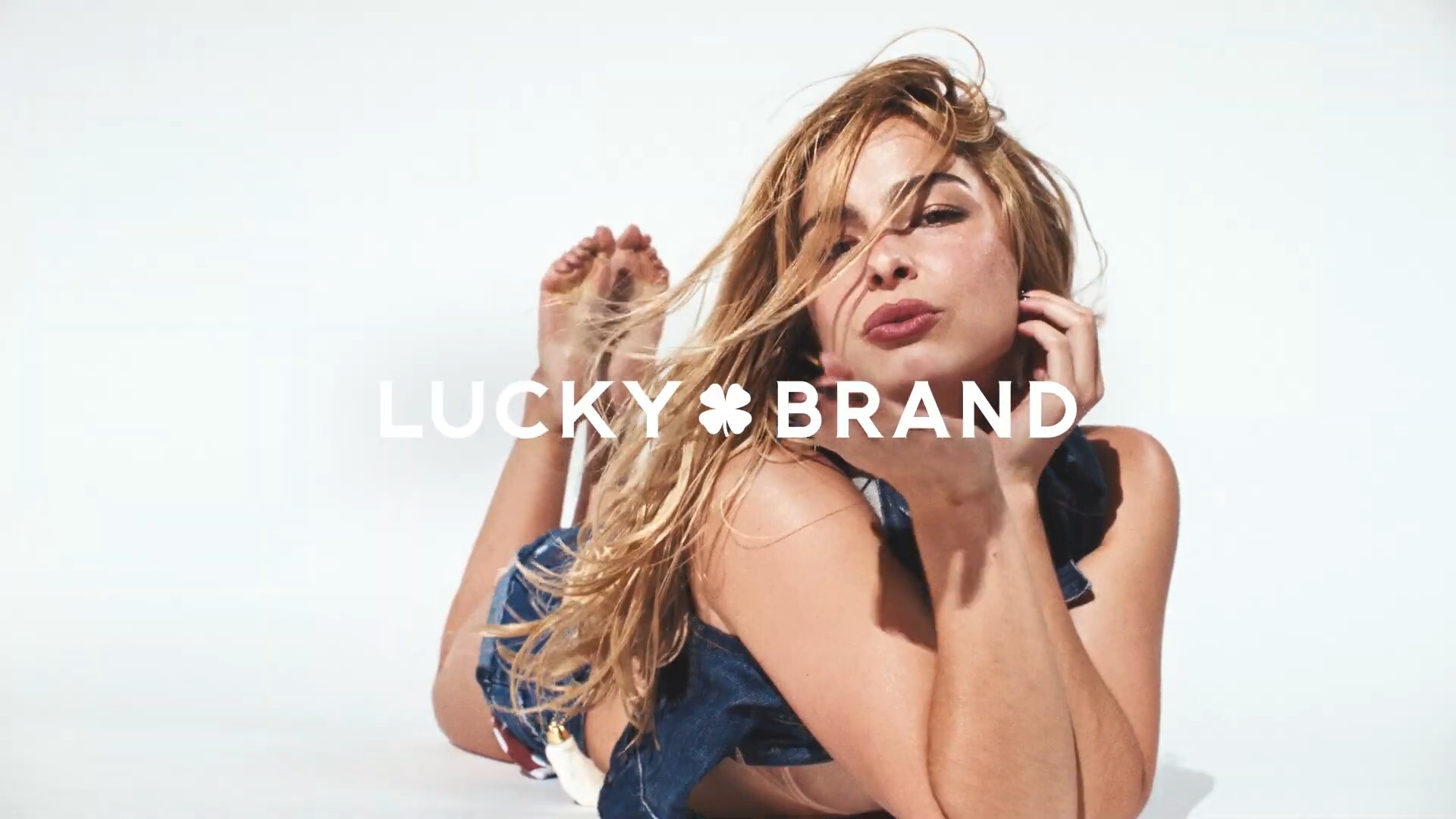
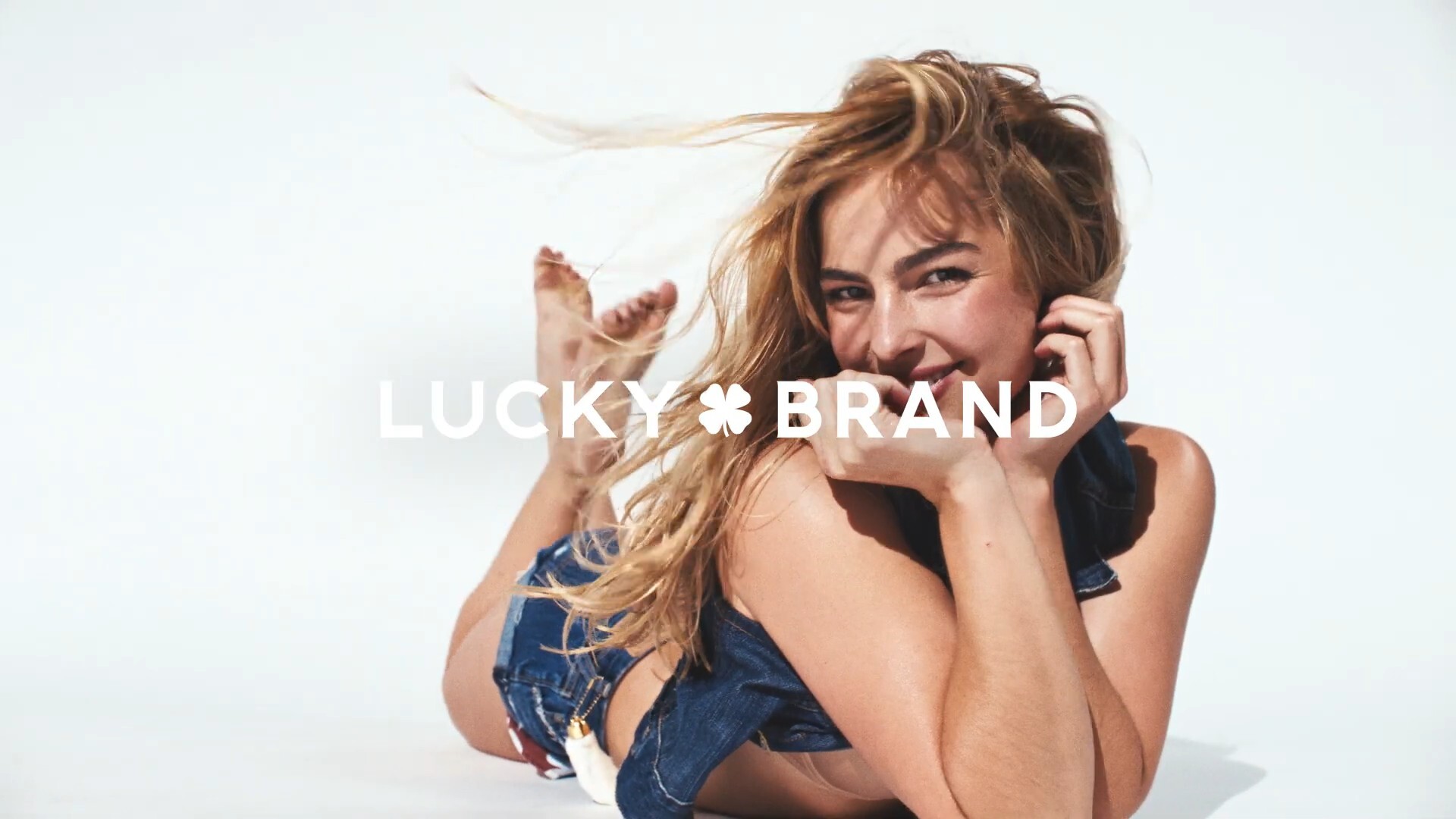
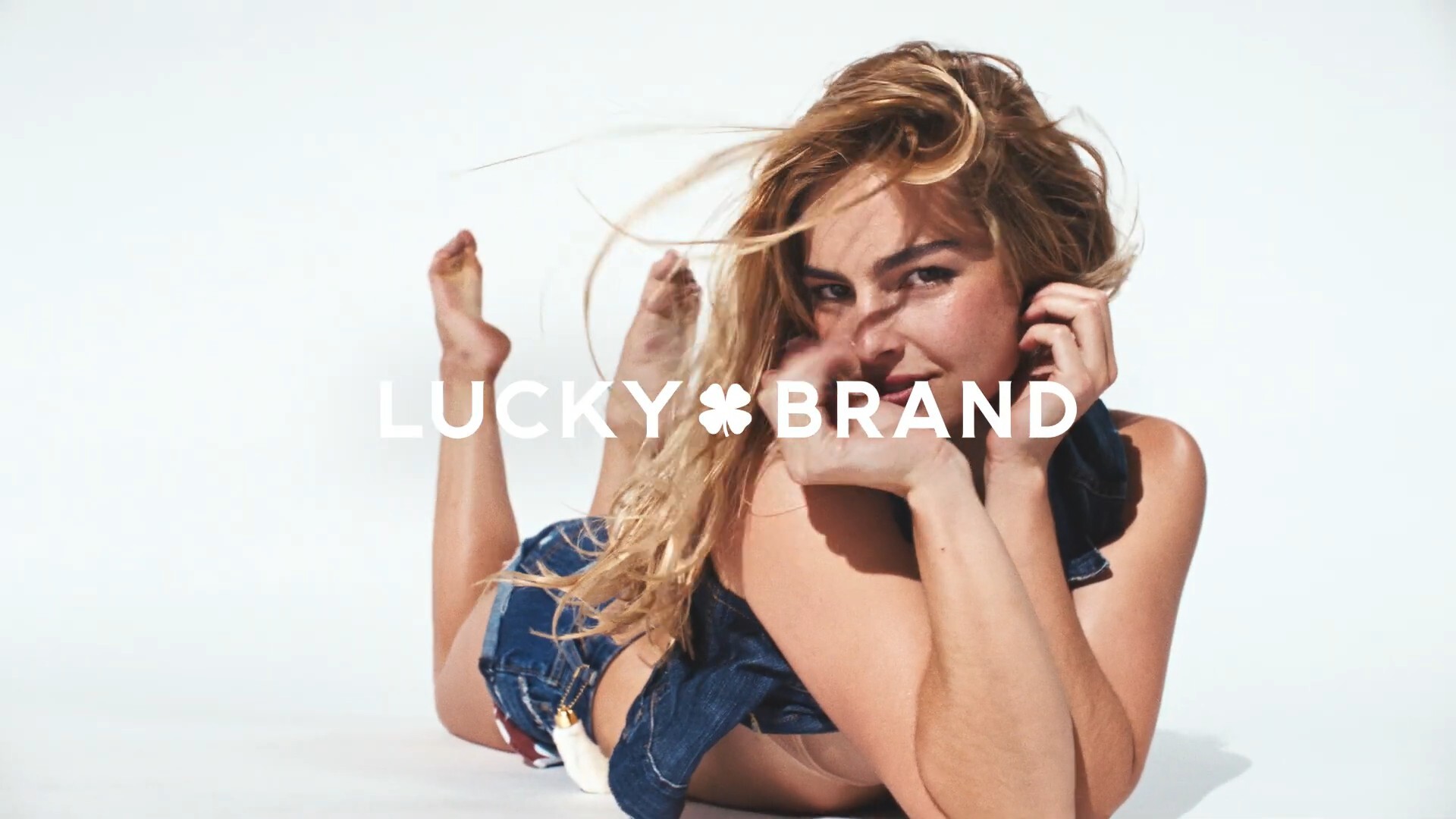
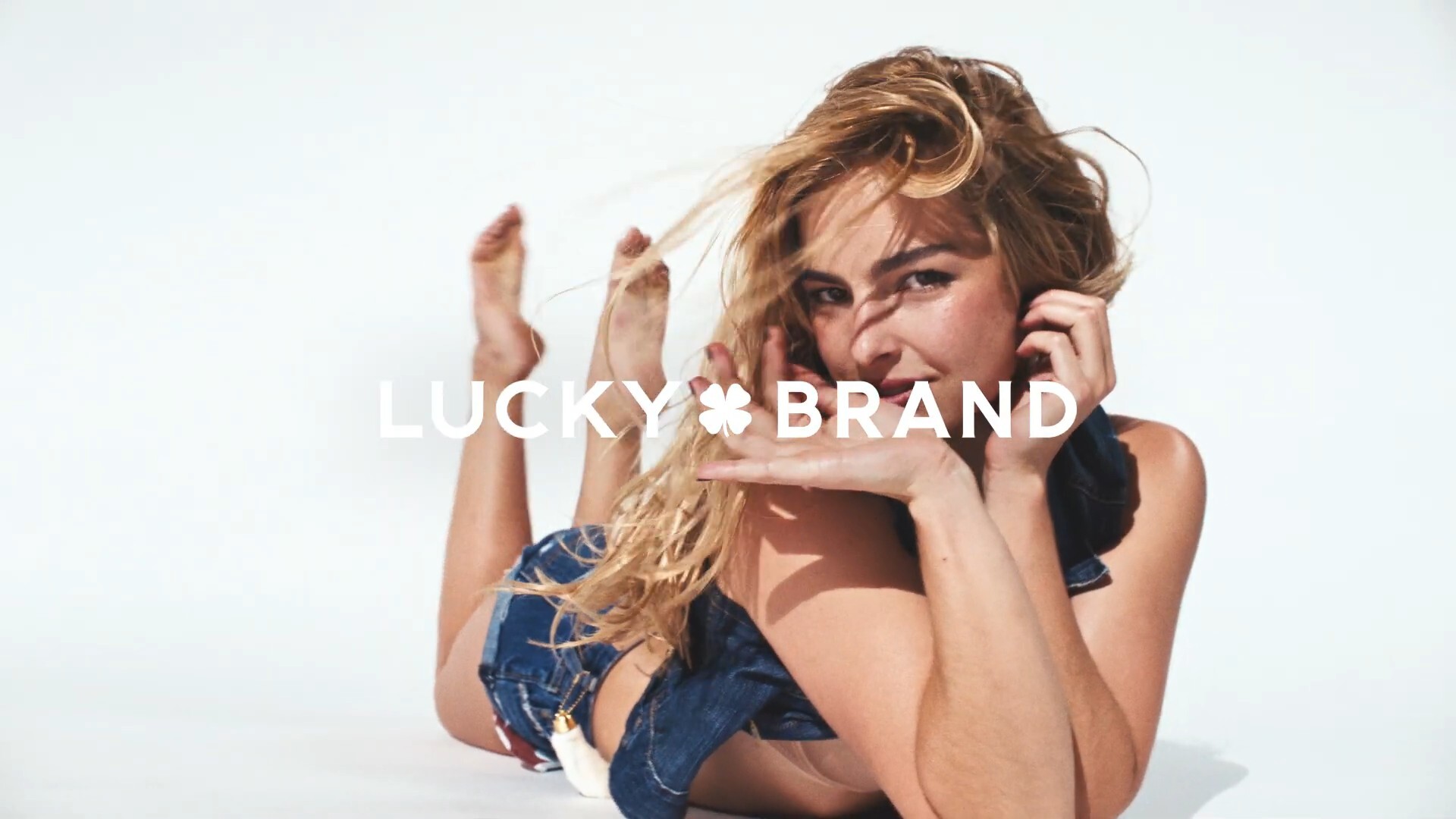
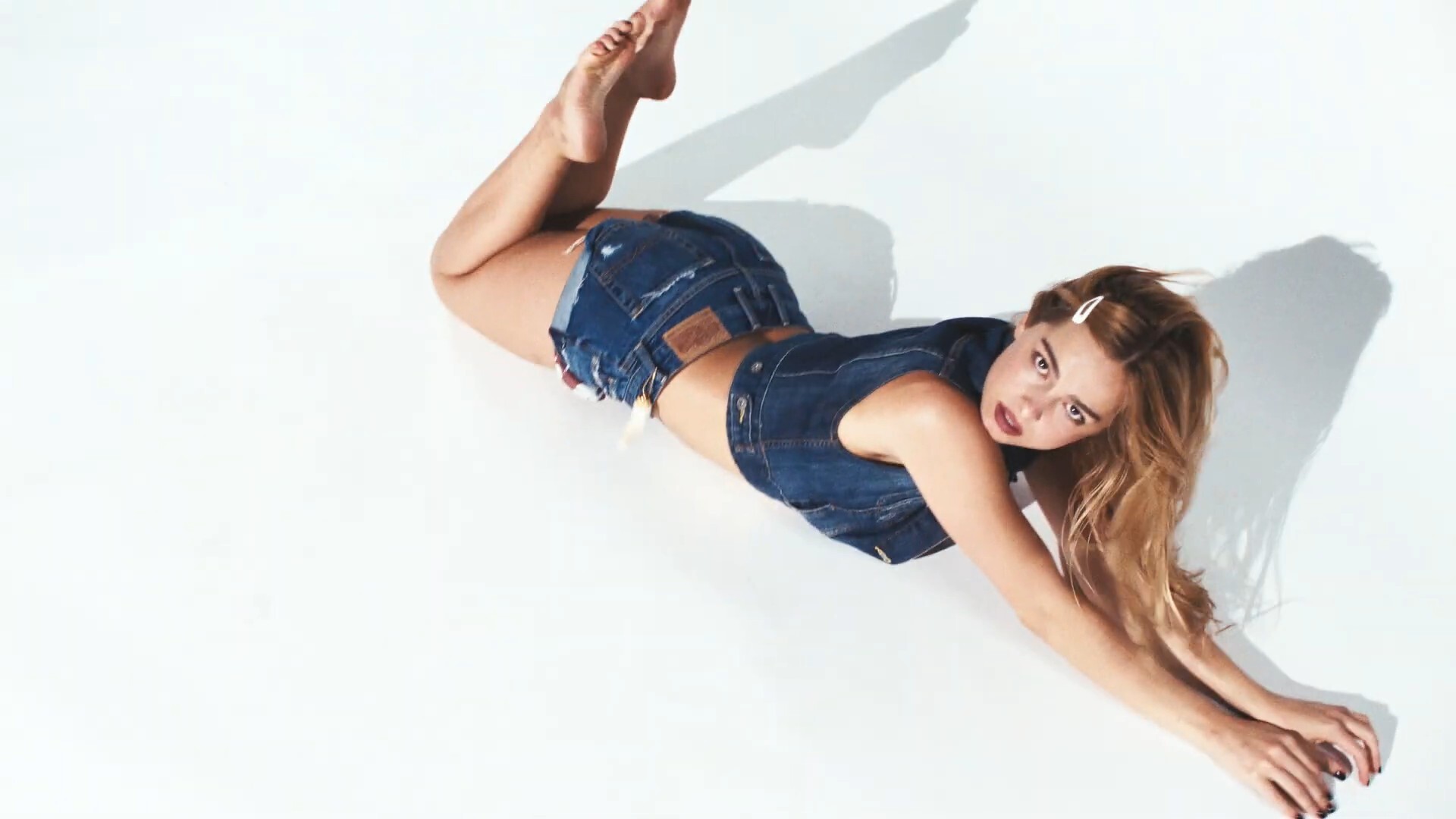
 More Lucky




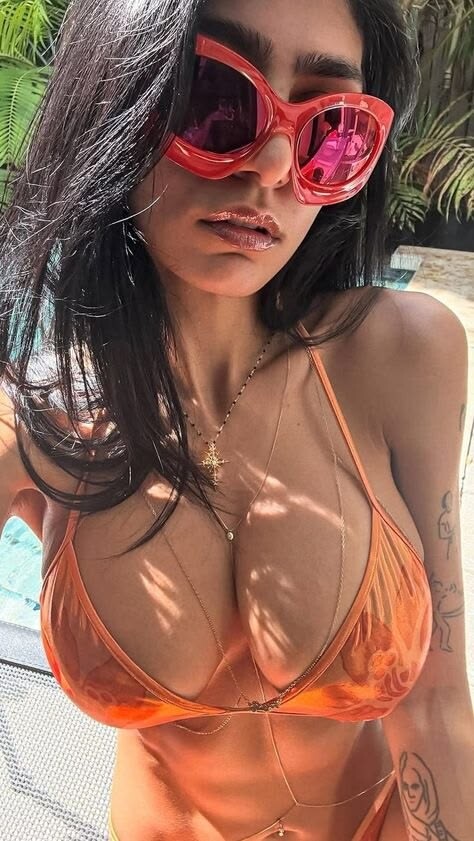
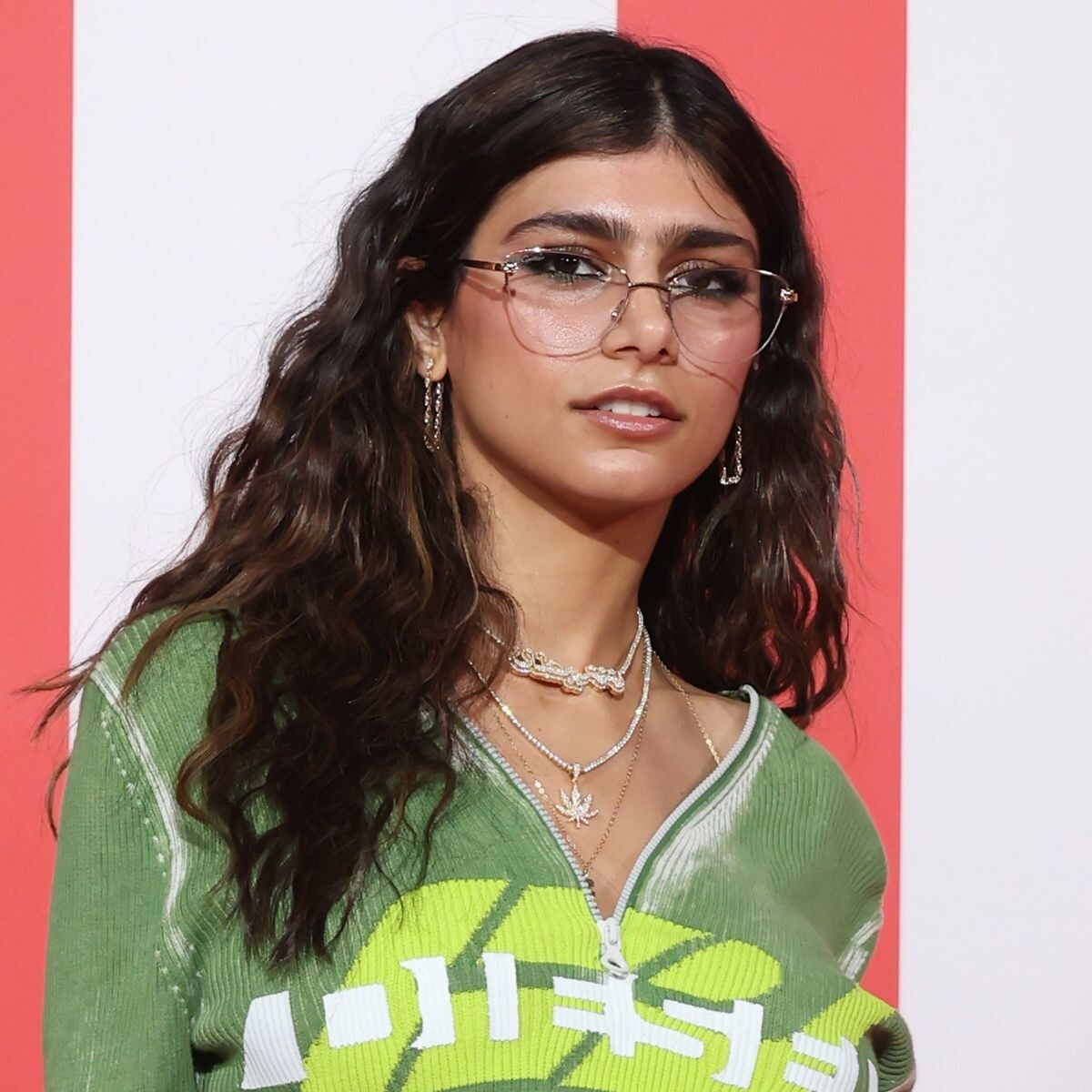
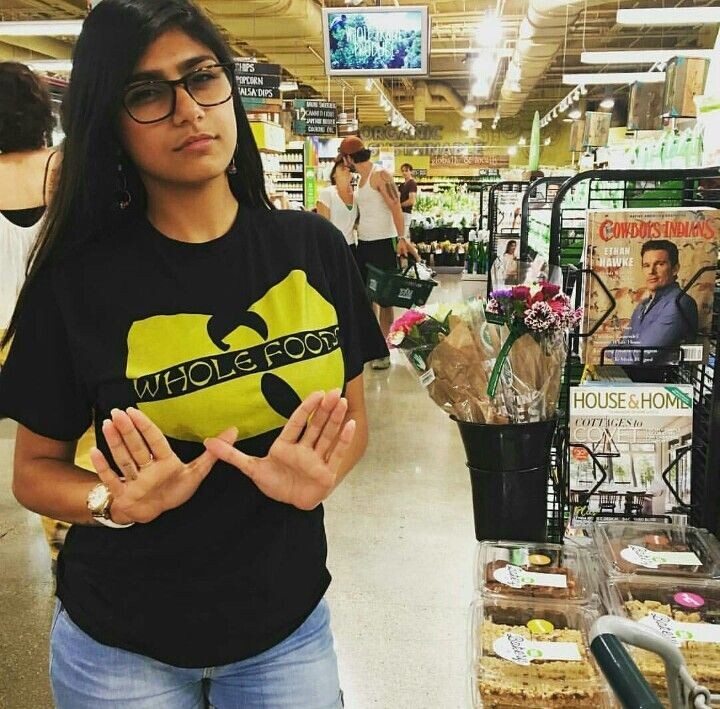
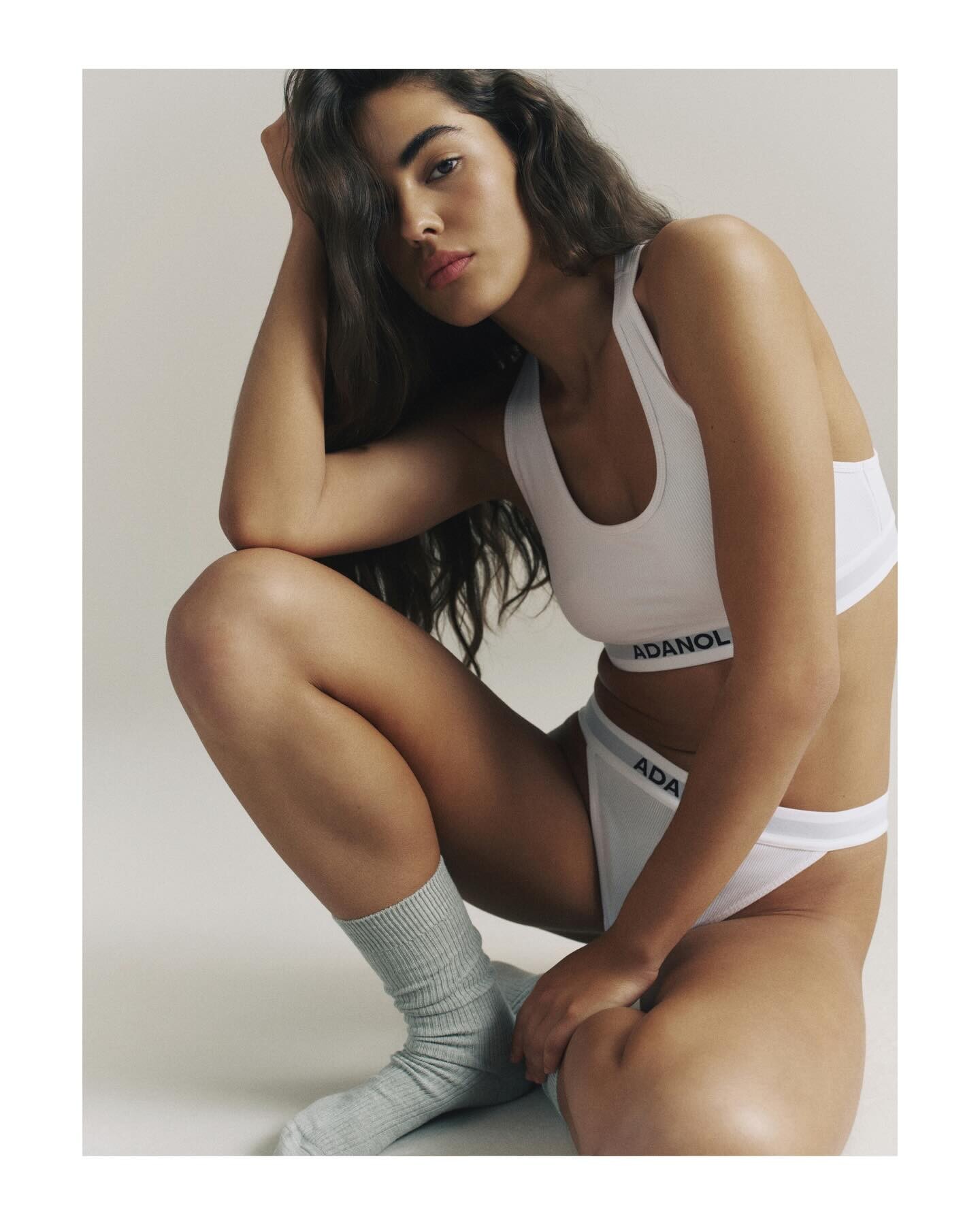
 Sarah Joe Chamoun known as Mia Khalifa[a] (Arabic: ميا خليفة [ˈmijaː χaˈliːfa(h)]; born 1993[1]) is a Lebanese-American media personality and model, designer and former actress who rose fame in 2014.
Account
Navigation
Search
Configure browser push notifications
Chrome (Android)
- Tap the lock icon next to the address bar.
- Tap Permissions → Notifications.
- Adjust your preference.
Chrome (Desktop)
- Click the padlock icon in the address bar.
- Select Site settings.
- Find Notifications and adjust your preference.
Safari (iOS 16.4+)
- Ensure the site is installed via Add to Home Screen.
- Open Settings App → Notifications.
- Find your app name and adjust your preference.
Safari (macOS)
- Go to Safari → Preferences.
- Click the Websites tab.
- Select Notifications in the sidebar.
- Find this website and adjust your preference.
Edge (Android)
- Tap the lock icon next to the address bar.
- Tap Permissions.
- Find Notifications and adjust your preference.
Edge (Desktop)
- Click the padlock icon in the address bar.
- Click Permissions for this site.
- Find Notifications and adjust your preference.
Firefox (Android)
- Go to Settings → Site permissions.
- Tap Notifications.
- Find this site in the list and adjust your preference.
Firefox (Desktop)
- Open Firefox Settings.
- Search for Notifications.
- Find this site in the list and adjust your preference.


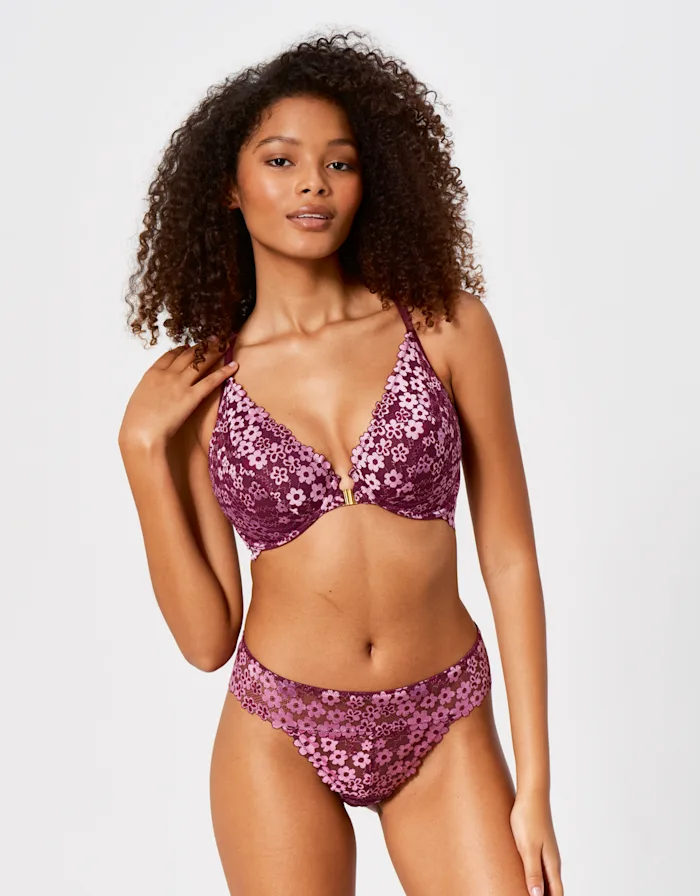
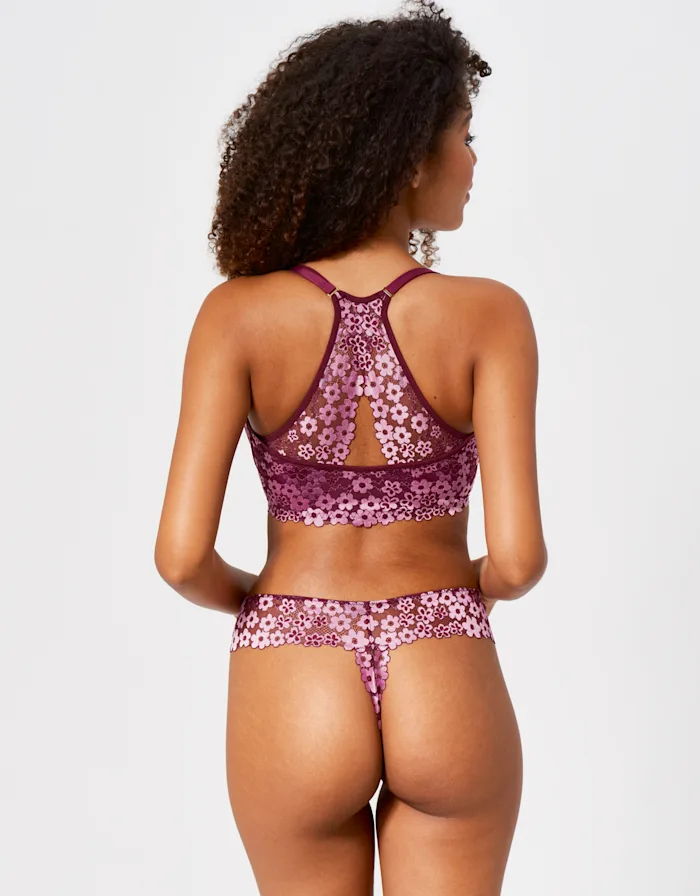
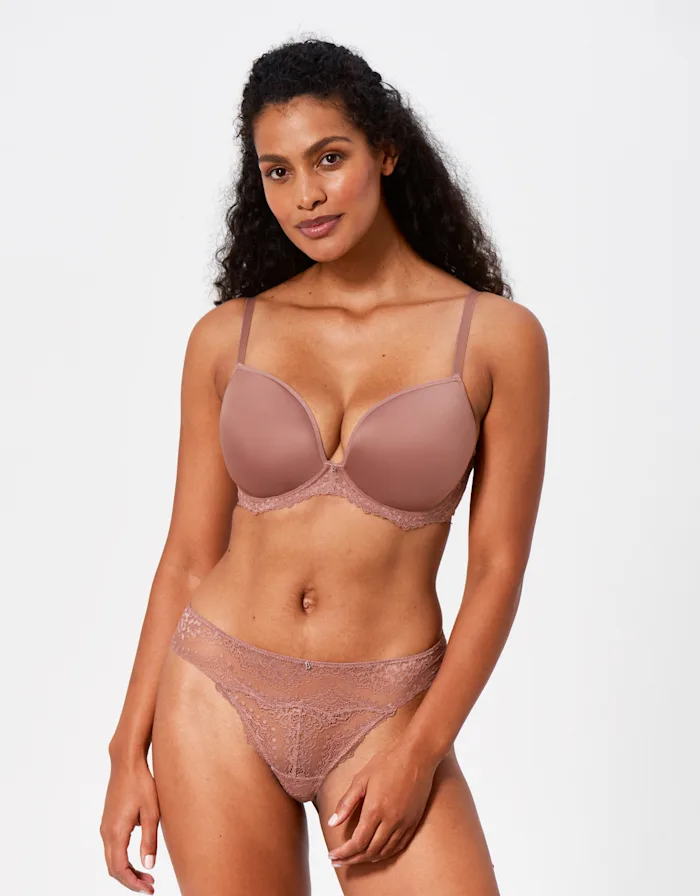
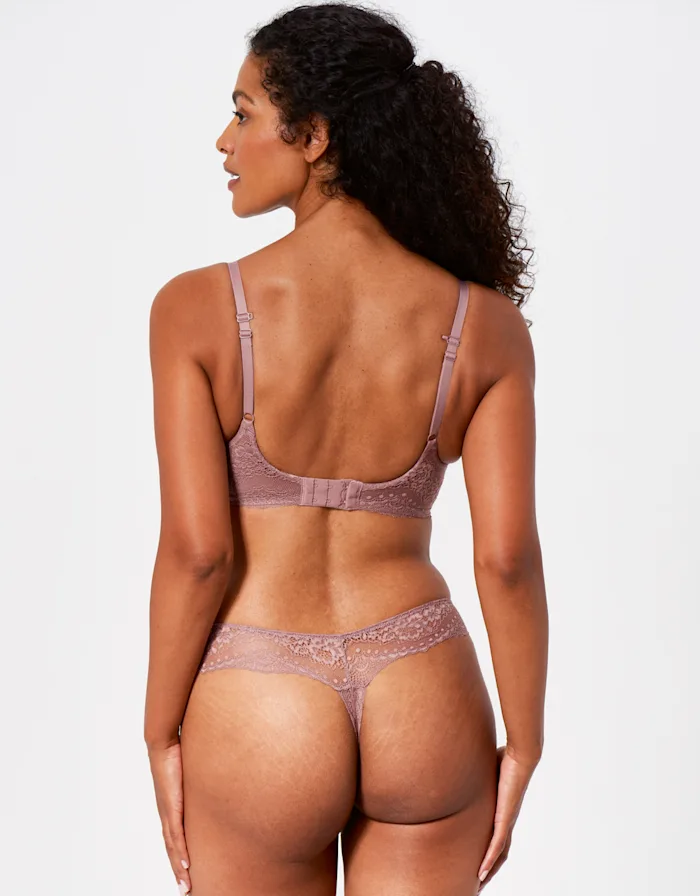
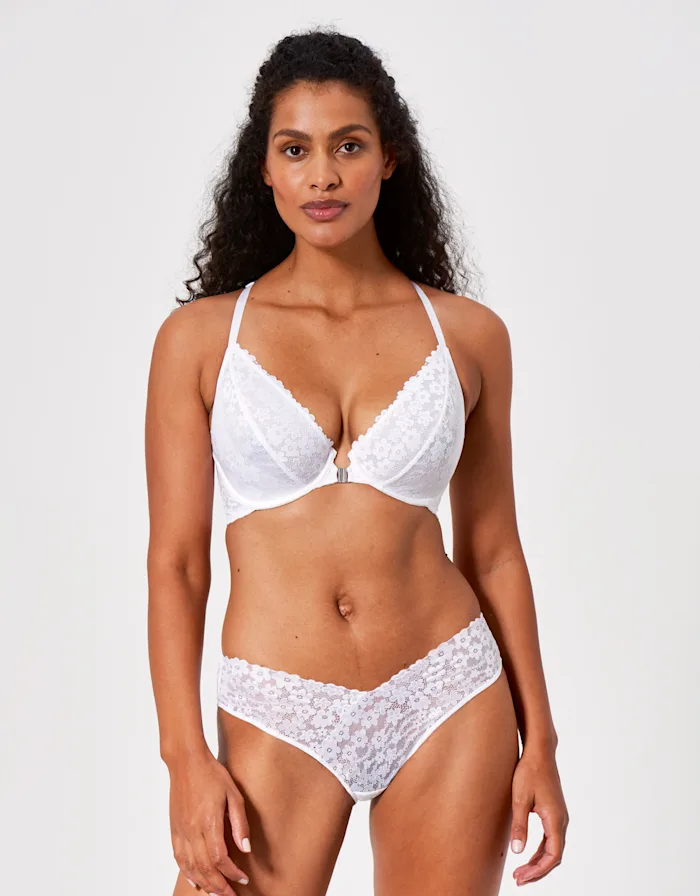
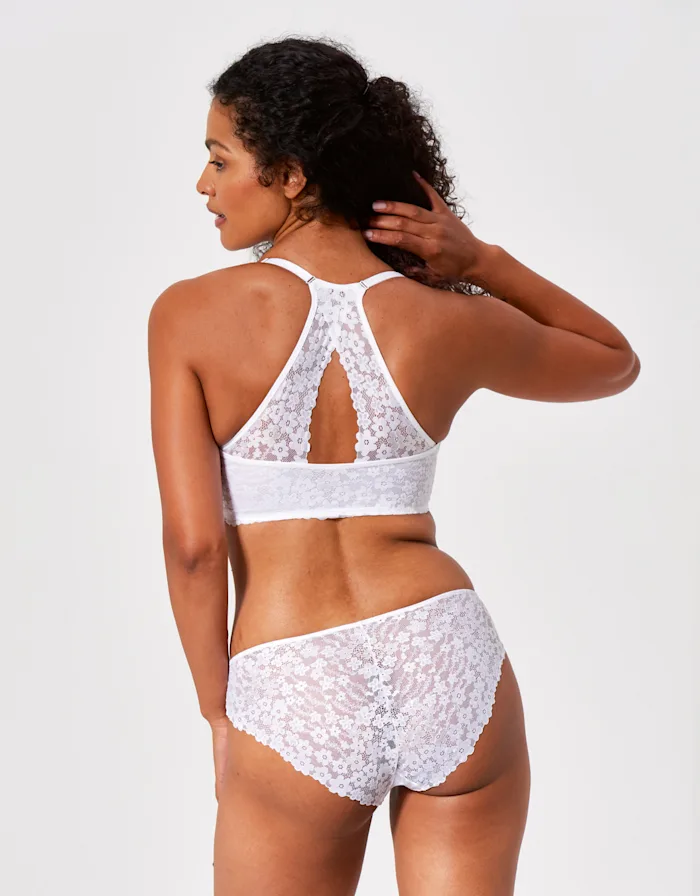
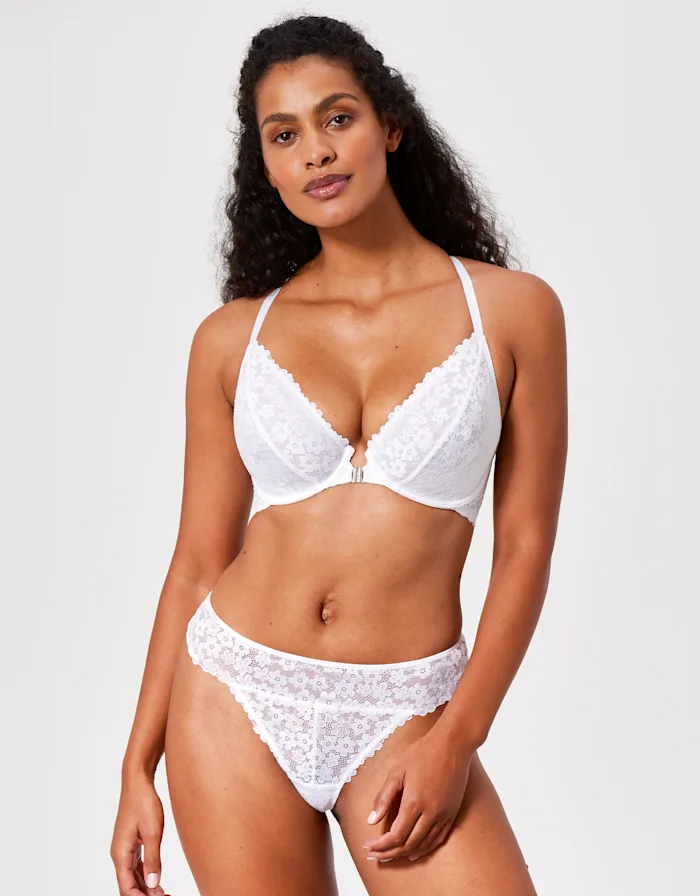
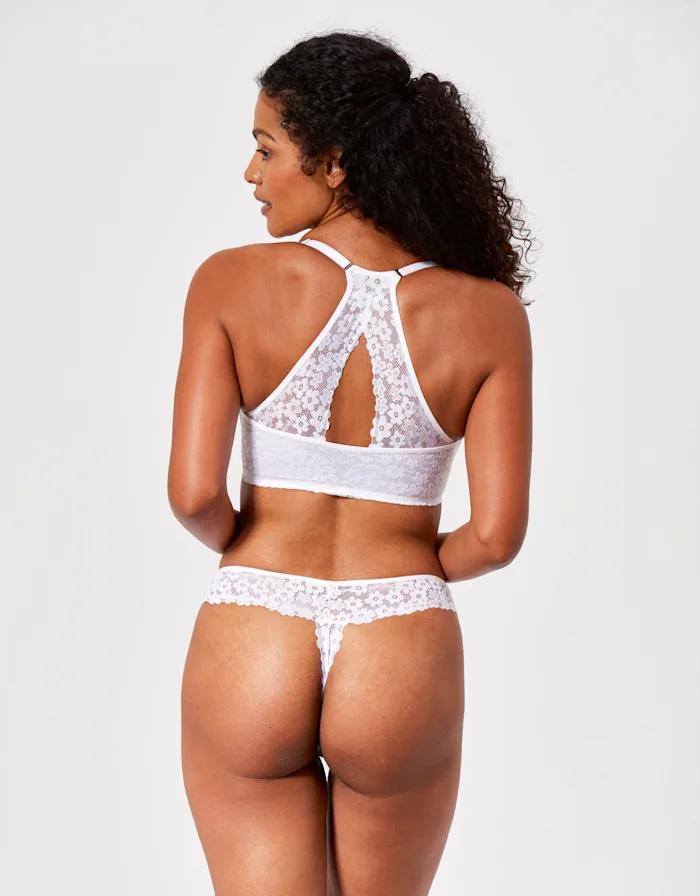
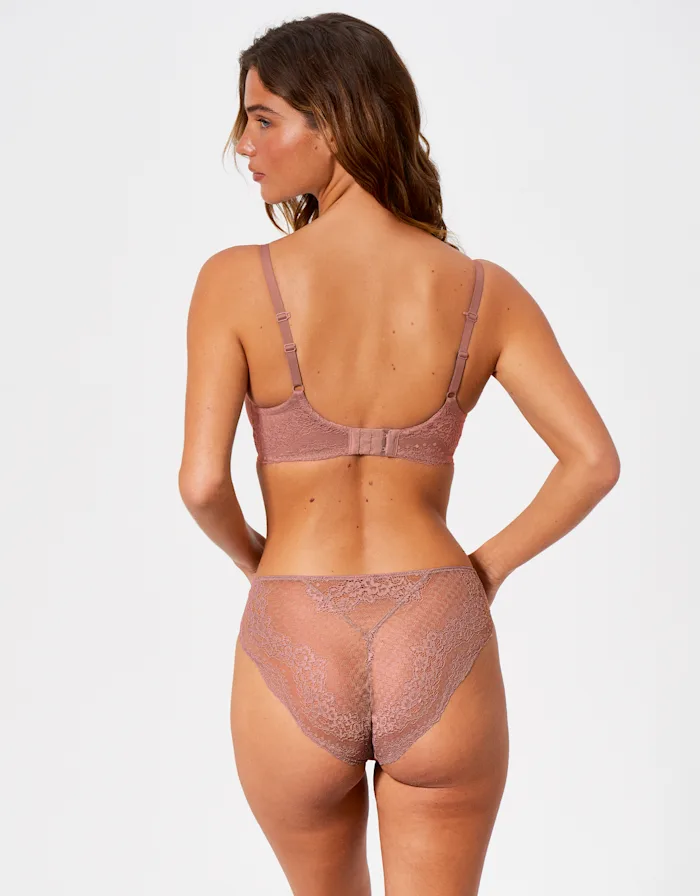

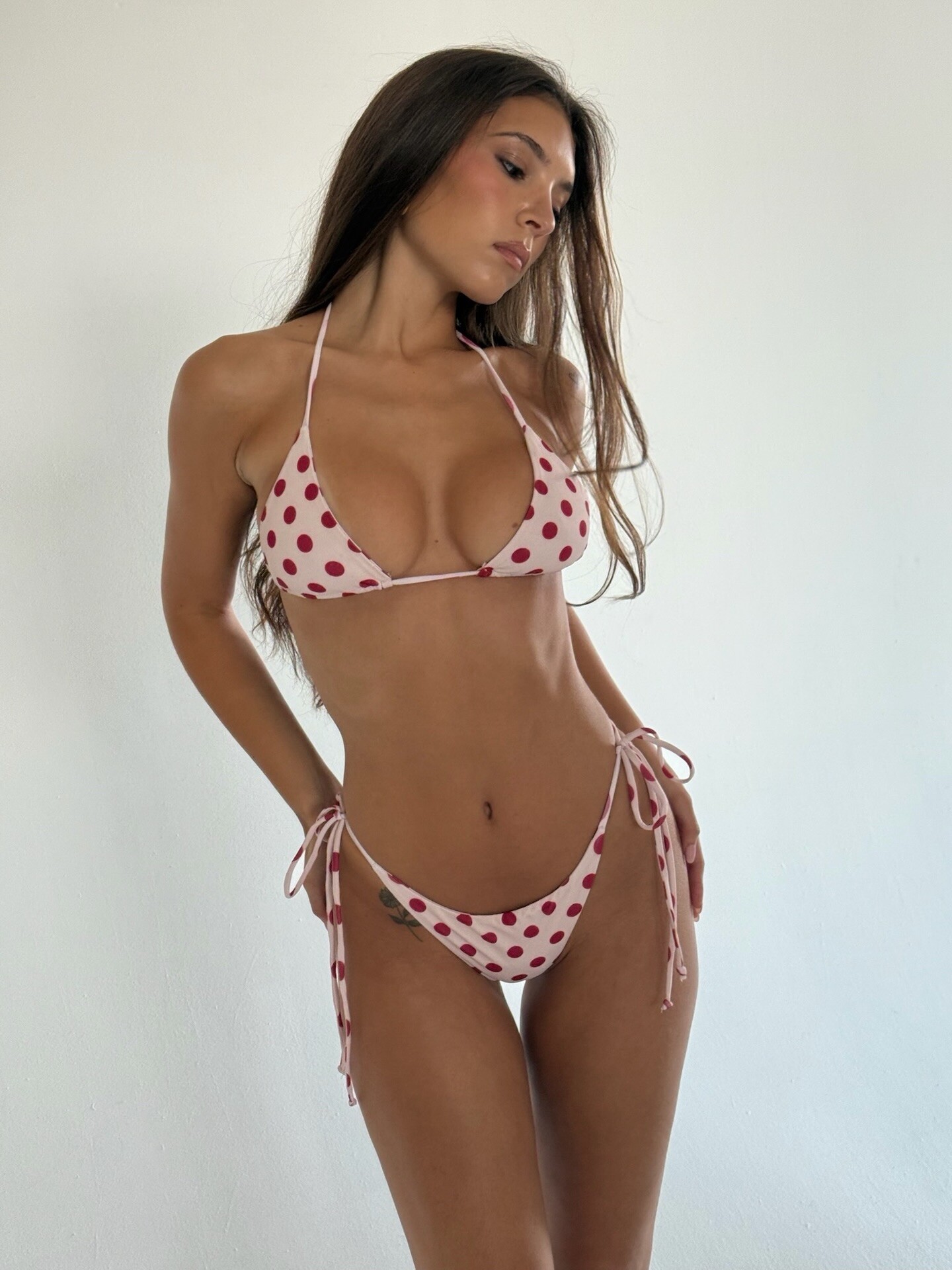
.jpeg.3e0f15021f12a65fb581fb2ce5c70d20.jpeg)
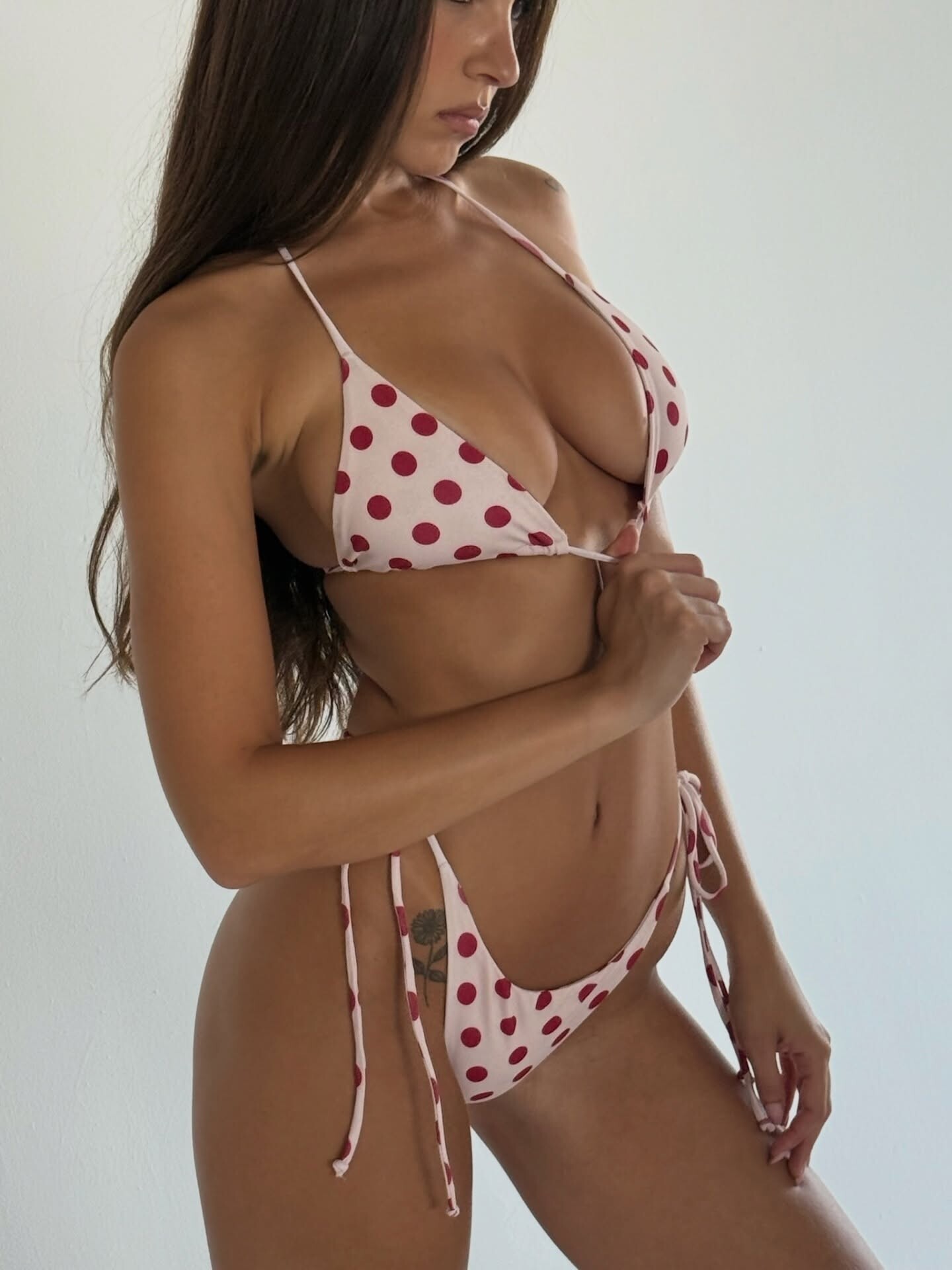
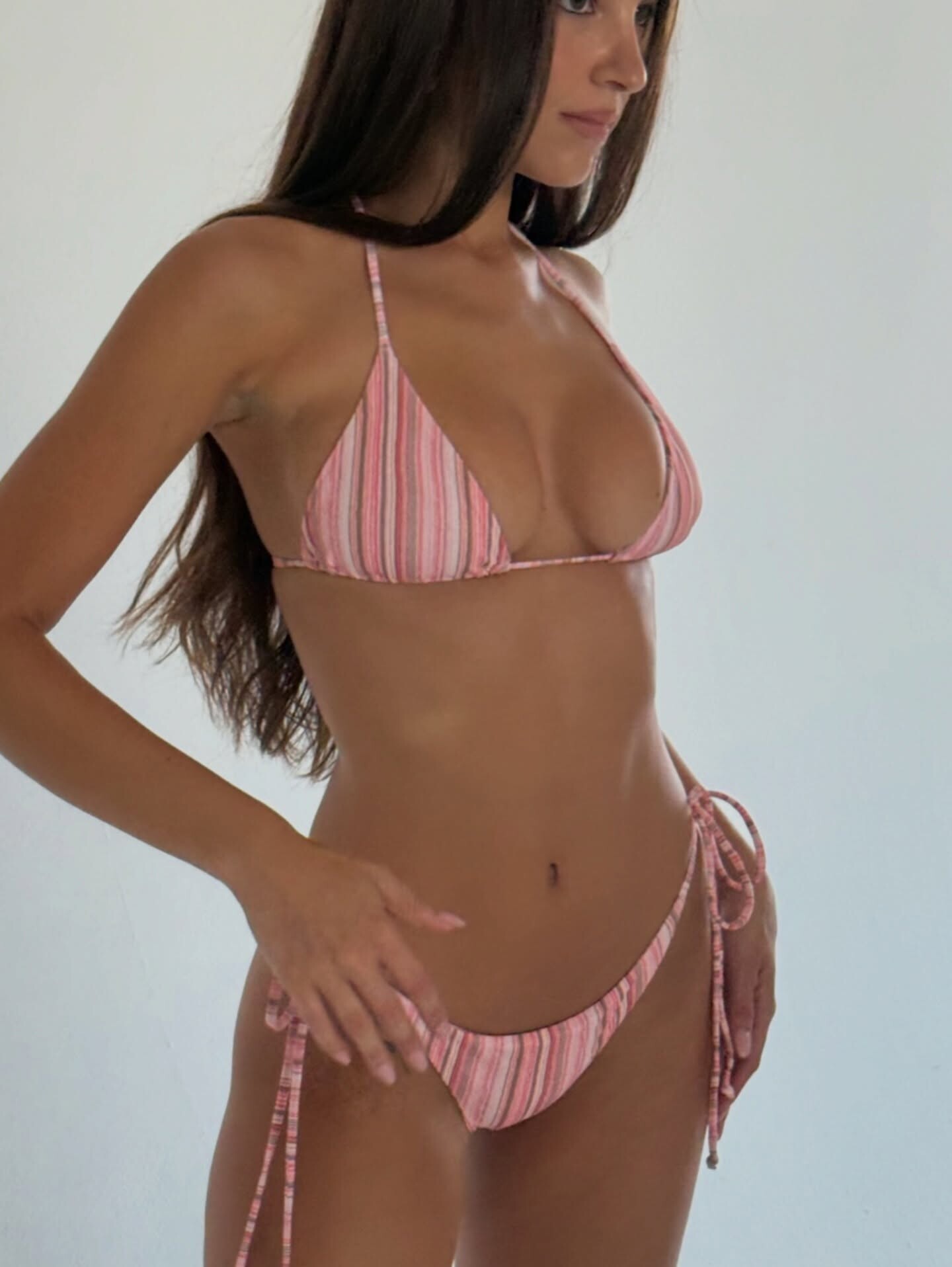
.jpeg.07bf5191fc3d4254ce8da0b00db7118f.jpeg)