All Activity
- Past hour
-
 Kylie on Trying TikTok Trends on Jason, Wild Riverdale & Starstruck by Gaga w/ Lili Reinhart | Ep 45
 -
Shutterstock lili-reinhart.org


-
 zinkbot2 joined the community
 -
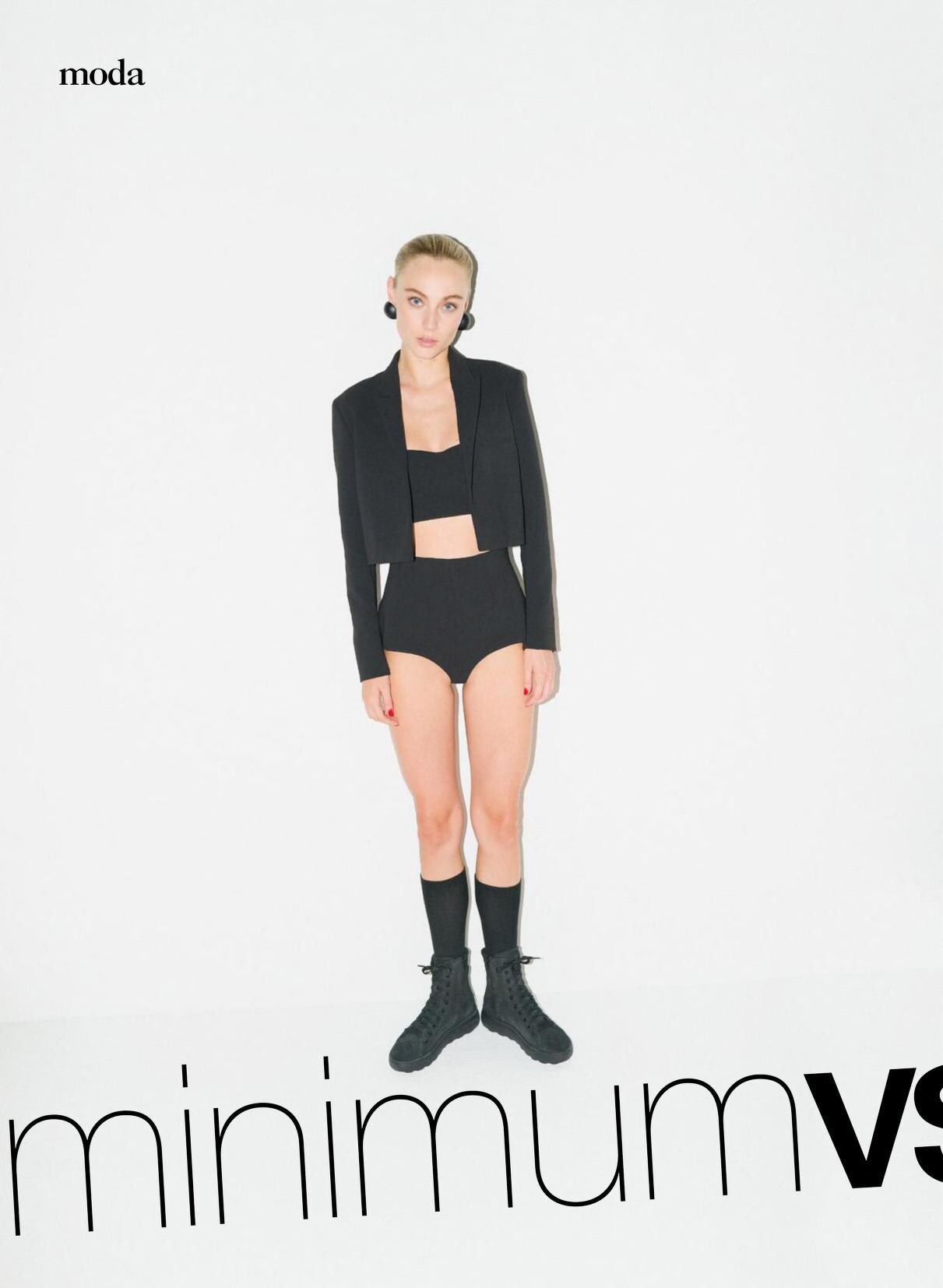
 Donna Moderna - 9/3/ 2023
-
Forbidden Fruits Stills and Posters HQs pantyh at picturepub




-
-
 Xuly Bet F/W2009
-
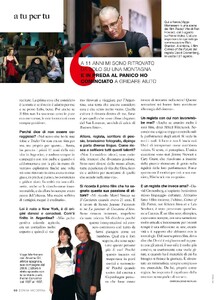
Donna Moderna - 11/8/2022


-
Bella Hadid Hailey Bieber Yael Shelbia Luma Grothe Lini Kennedy Oliveira Natalie Roser Monika Jagaciak Zhenya Katava
-
 The Sunsets e-comm videos (# tattoos = 0; none are concealed on the back of her neck by her mane of hair; her sister has a small stylized heart on the inside of her left wrist, over the median nerve): JT - Sunsets - Trailblazer_Pom_Pom_Tie_Side_Bikini_Bottom_Swim_Systems_Inc.mp4 JT - Sunsets - Purple_Gem_Lurex_Tiana_Triangle_Halter_Bikini_Top_in_Pacifica_Scrunch_Fabric_Inc.mp4 JT - Sunsets - Black_Trisha_Triangle_Classic_Bikini_Top_with_Contrast_Binding_Inc.mp4 Some of the campaign images of I posted of "Jessica Thompson" for Sunsets last year have the heart tattoo 🤦♂️🫢 The remaining 69 videos inside 3 zips archives JThompson - SunsetsECommVideos - P1.zip JThompson - SunsetsECommVideos - P2.zip JThompson - SunsetsECommVideos - P3.zip
 -
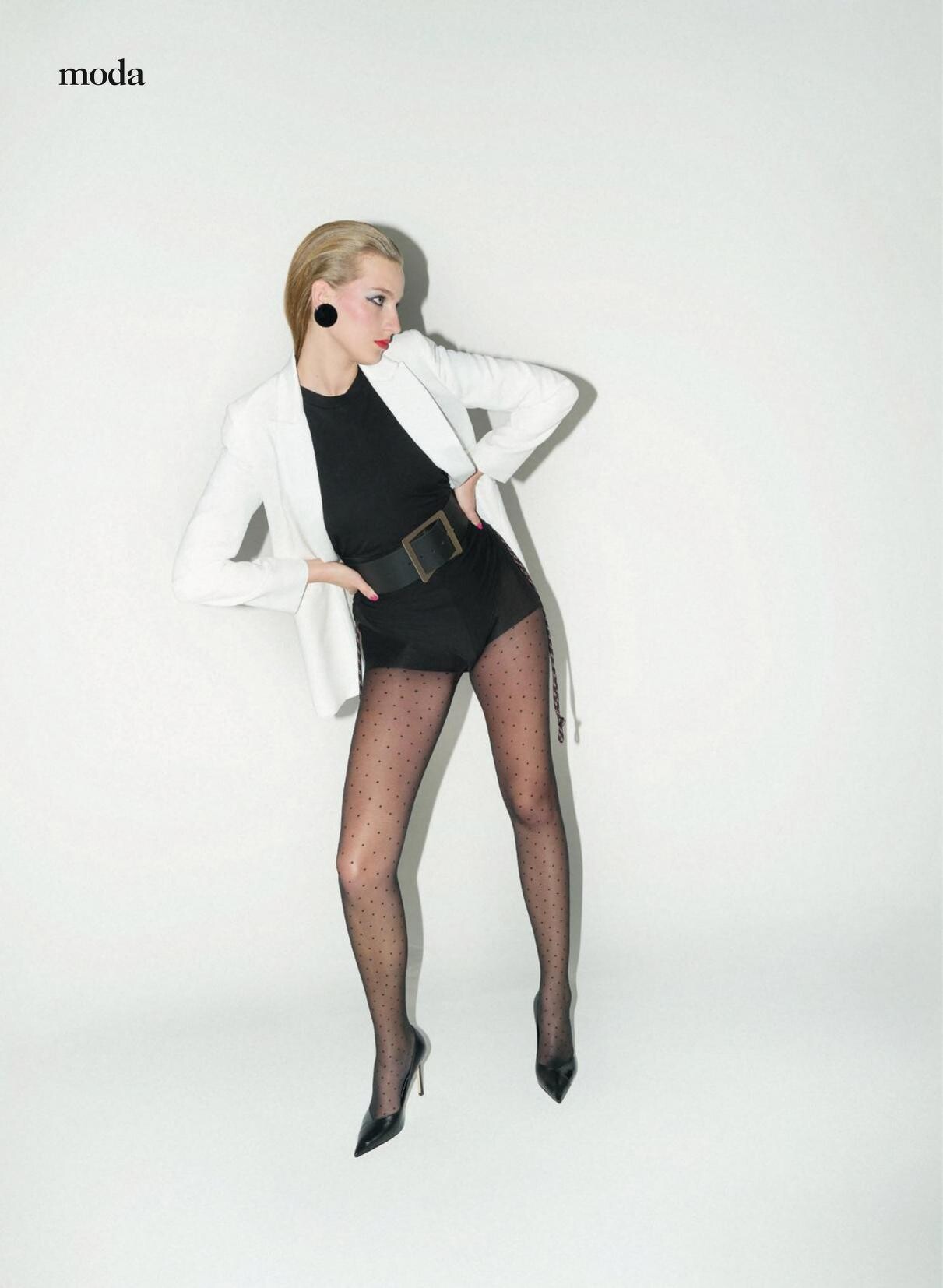
Donna Moderna - 26/10/2023










-
'Percy Jackson,' 'The Hunger Games' & 'How to Train Your Dragon' Stars On Their Loyal Fandoms Teen Vogue
-
xuly bet fw2009?

-
-
SXSW 2026: Mike & Nick & Nick & Alice Team Shares How Sci-Fi Comedy Breaks A Time Travel Tradition Screen Rant
-
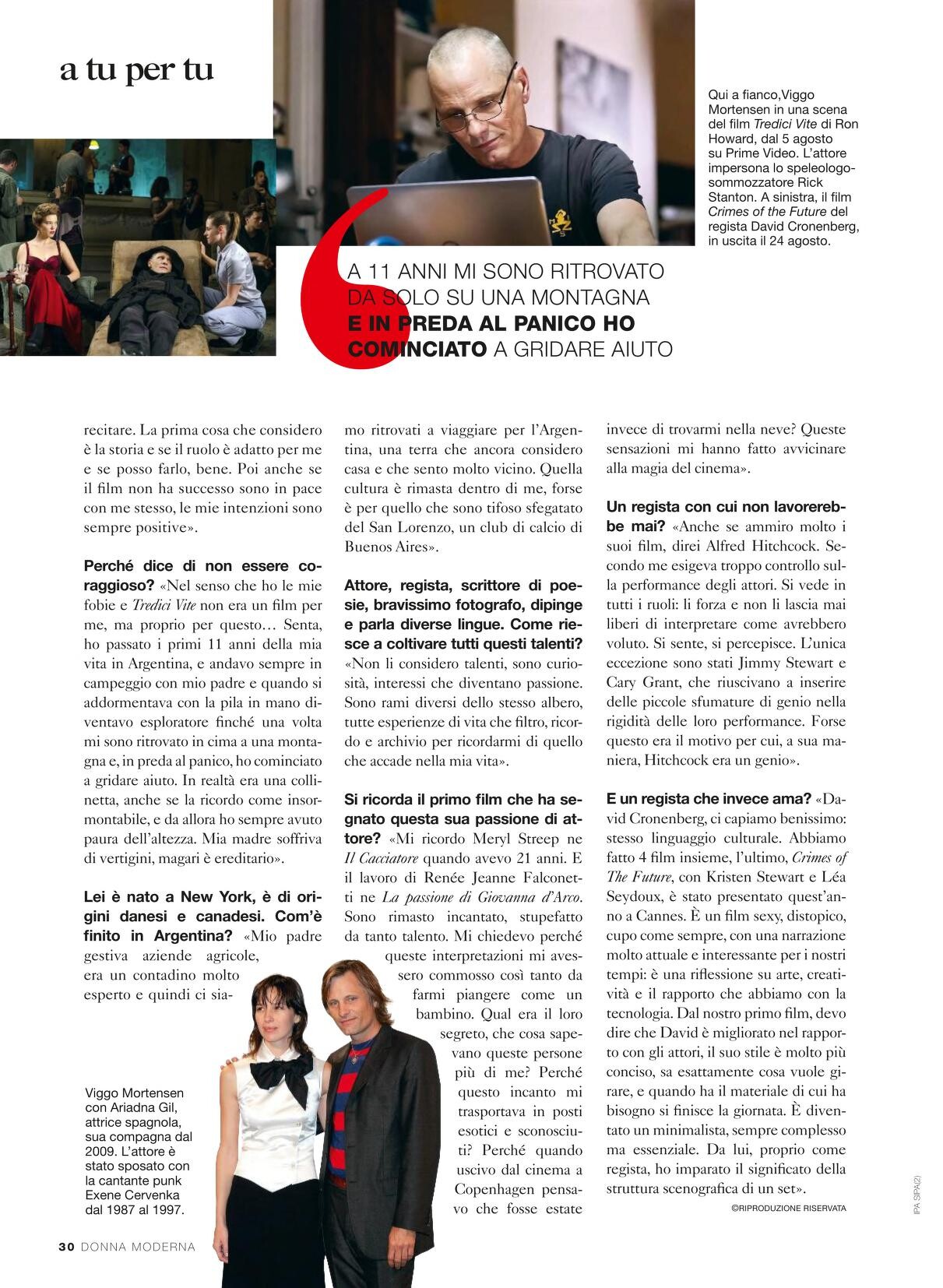
Donna Moderna - 5/10/2023










-
Ana de Armas Shares Her Irrational Fear | Ballerina Hits Radio
-
-

-
-
 Yael Bella Natalie Lini Monika Zhenya Hailey Luma
 -




















































Account
Navigation
Search
Configure browser push notifications
Chrome (Android)
- Tap the lock icon next to the address bar.
- Tap Permissions → Notifications.
- Adjust your preference.
Chrome (Desktop)
- Click the padlock icon in the address bar.
- Select Site settings.
- Find Notifications and adjust your preference.
Safari (iOS 16.4+)
- Ensure the site is installed via Add to Home Screen.
- Open Settings App → Notifications.
- Find your app name and adjust your preference.
Safari (macOS)
- Go to Safari → Preferences.
- Click the Websites tab.
- Select Notifications in the sidebar.
- Find this website and adjust your preference.
Edge (Android)
- Tap the lock icon next to the address bar.
- Tap Permissions.
- Find Notifications and adjust your preference.
Edge (Desktop)
- Click the padlock icon in the address bar.
- Click Permissions for this site.
- Find Notifications and adjust your preference.
Firefox (Android)
- Go to Settings → Site permissions.
- Tap Notifications.
- Find this site in the list and adjust your preference.
Firefox (Desktop)
- Open Firefox Settings.
- Search for Notifications.
- Find this site in the list and adjust your preference.