All Activity
- Past hour
-

 Ludmila Isaeva Malahova for Cerruti, ready-to-wear, spring/summer 1993 my scan
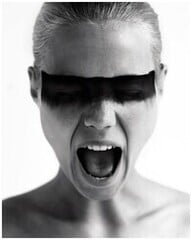 Joop! jeans Fall/Winter 1994 (Advertisement)
 attends the 2026 Astra Film Awards, Los Angeles CA - January 9, 2026 amandaseyfriedphotos.com



























































 i do not know... sorry ! 😢
thanks for your input
i do not know... sorry ! 😢
thanks for your input Yasmeen Ghauri for Christian Lacroix, ready-to-wear, spring/summer 1993 my scan
 Gisele Zelauy for Comme Des Garcons, ready-to-wear, spring/summer 1993 my scan
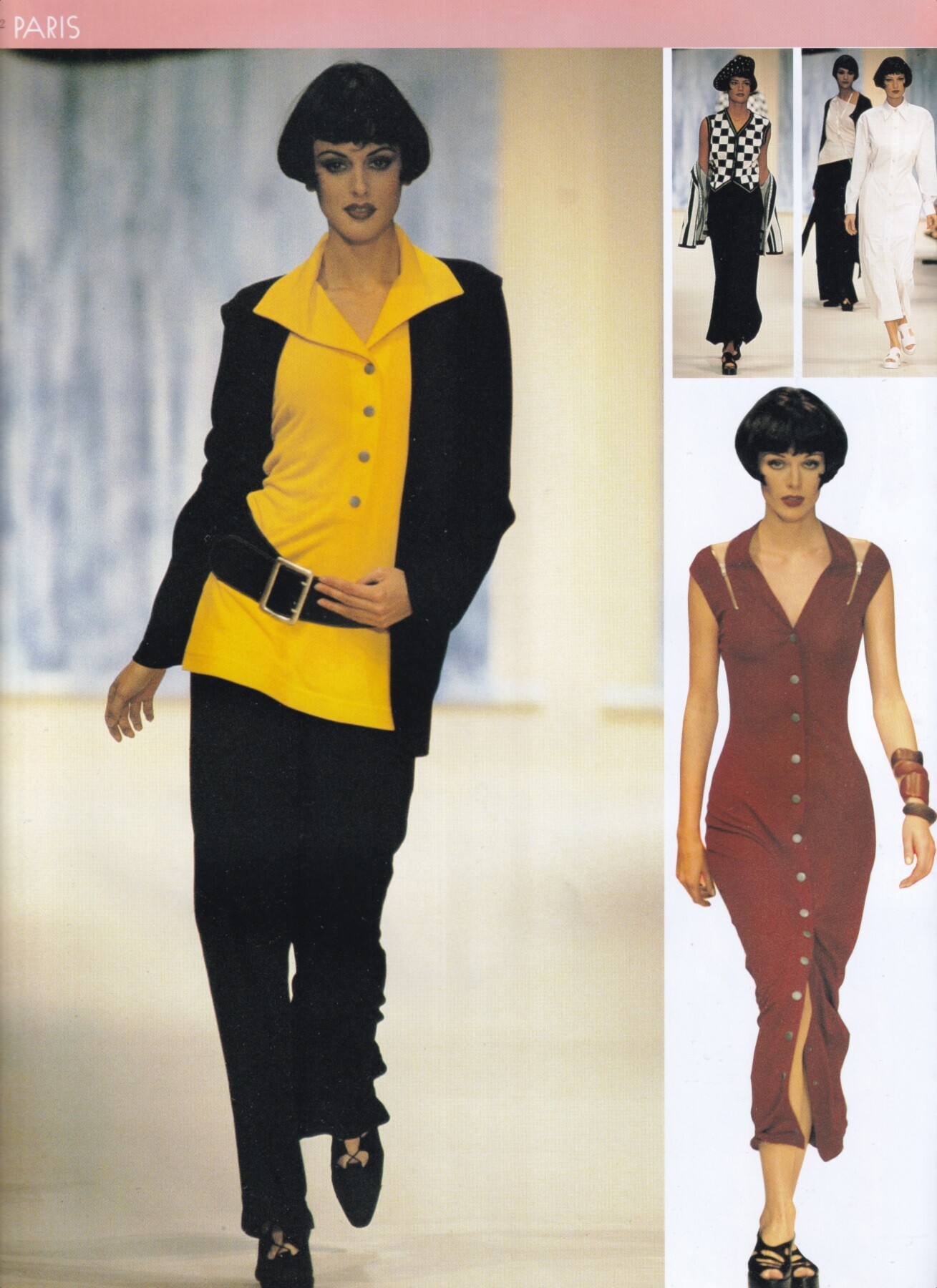
 Angie Everhart for Jean Charles De Castelbajac, ready-to-wear, spring/summer 1993 my scans
 attends the Los Angeles Premiere of "The Chronology of Water" at 2220 Arts + Archive on January 08, 2026 JackUltraLove at picturepub


























































 Sonia Cole for Jean-Louis Scherrer, ready-to-wear, spring/summer 1993 my scan
 Parade iheartemmaroberts.com

- Today
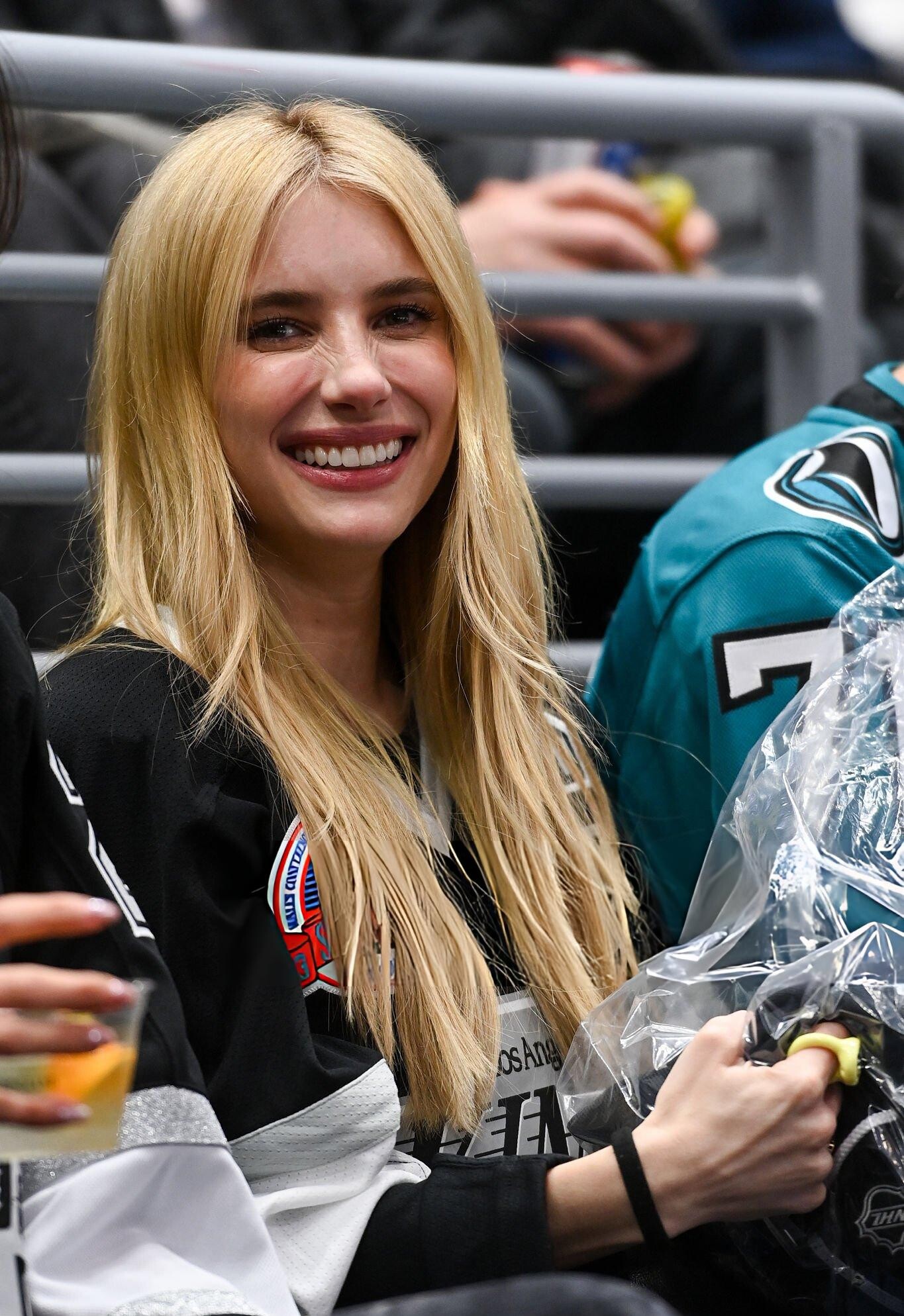
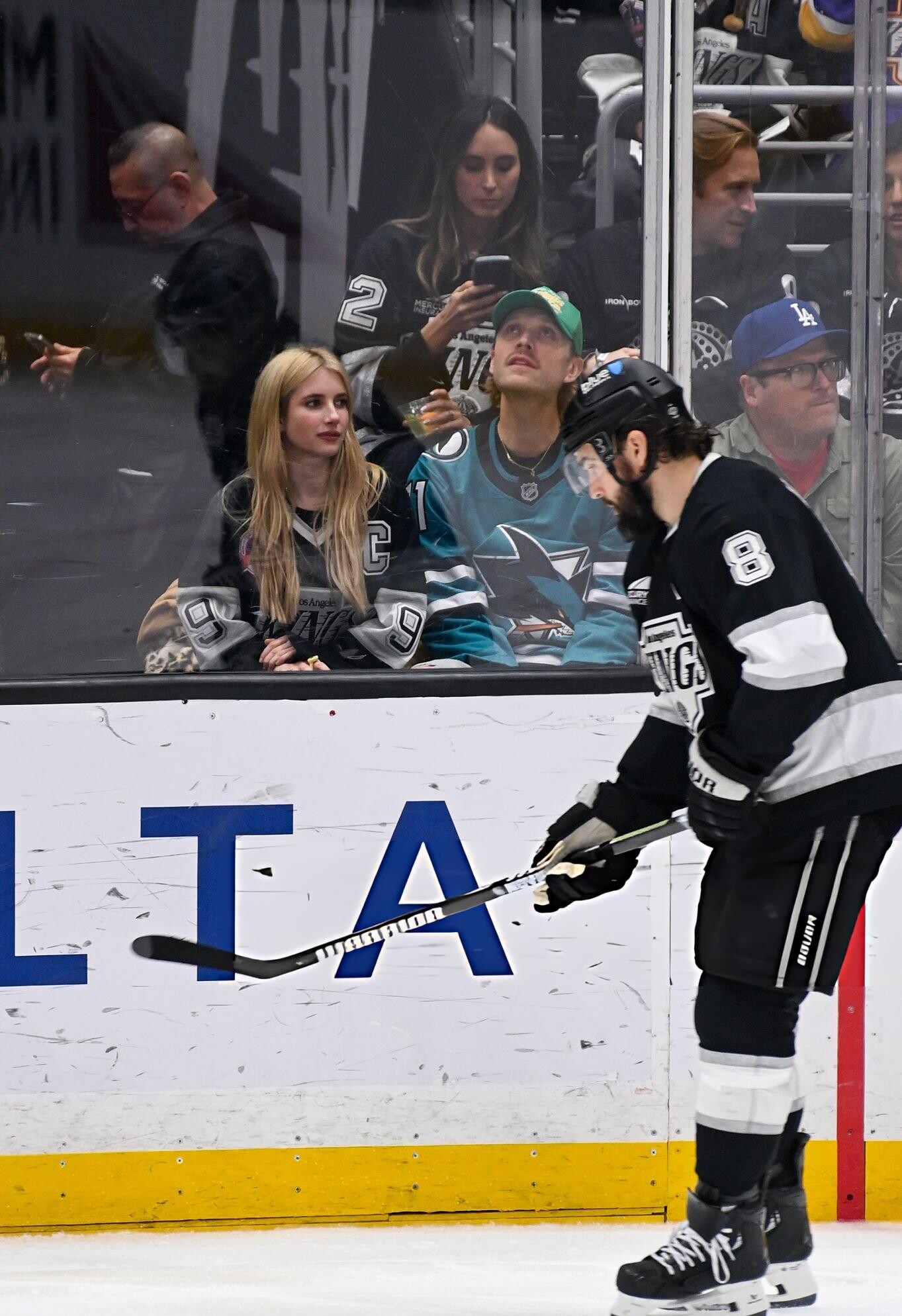
attends the game between the Los Angeles Kings and the San Jose Sharks at Crypto Arena on January 07, 2026 JackUltraLove at picturepub



 Laetitia Scherrer for Jean-Louis Scherrer, ready-to-wear, spring/summer 1993 my scan
 Nadege Du Bospertus for Jin Abe, ready-to-wear, spring/summer 1993 my scan
 Eva Herzigova for Jin Abe, ready-to-wear, spring/summer 1993 my scan
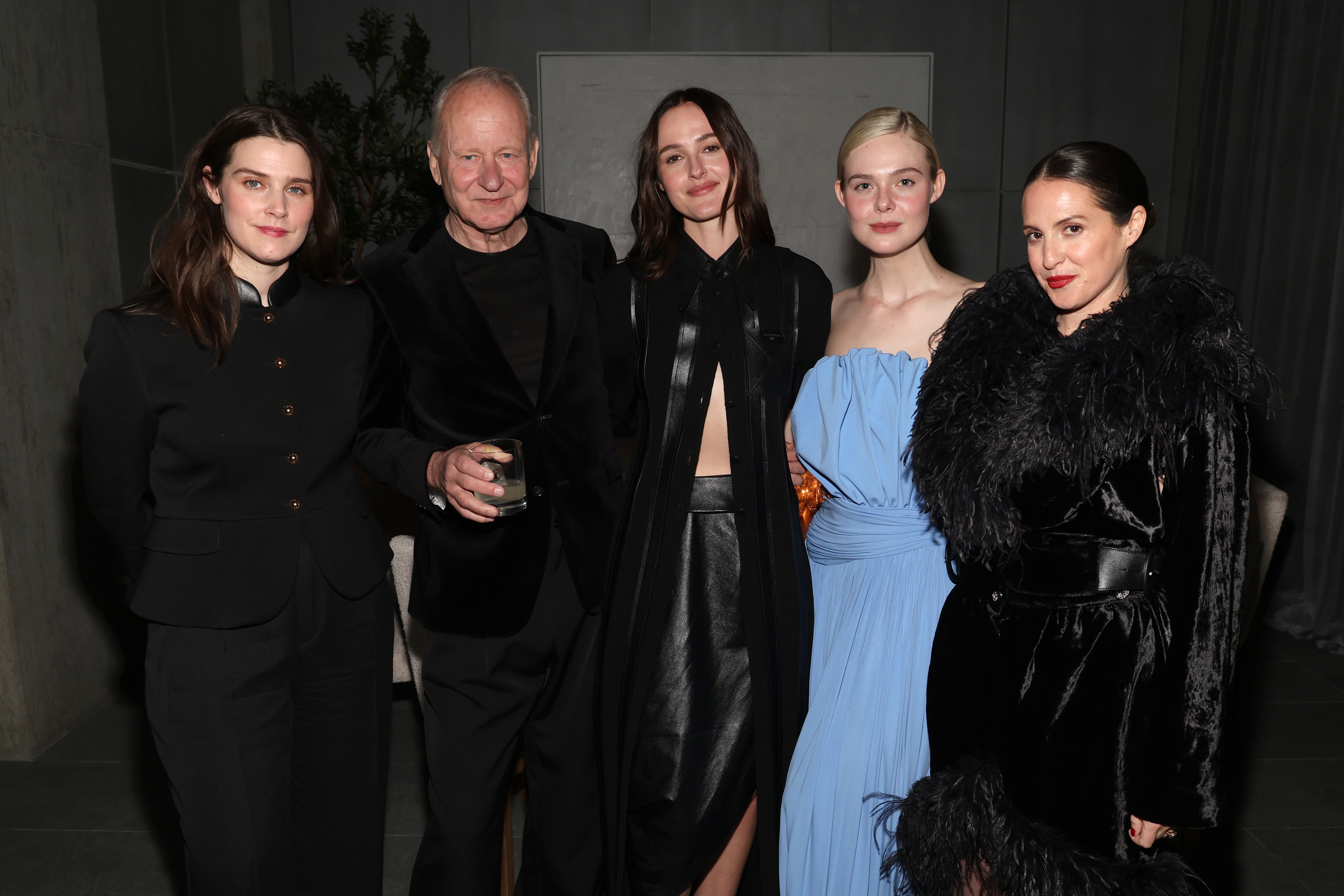
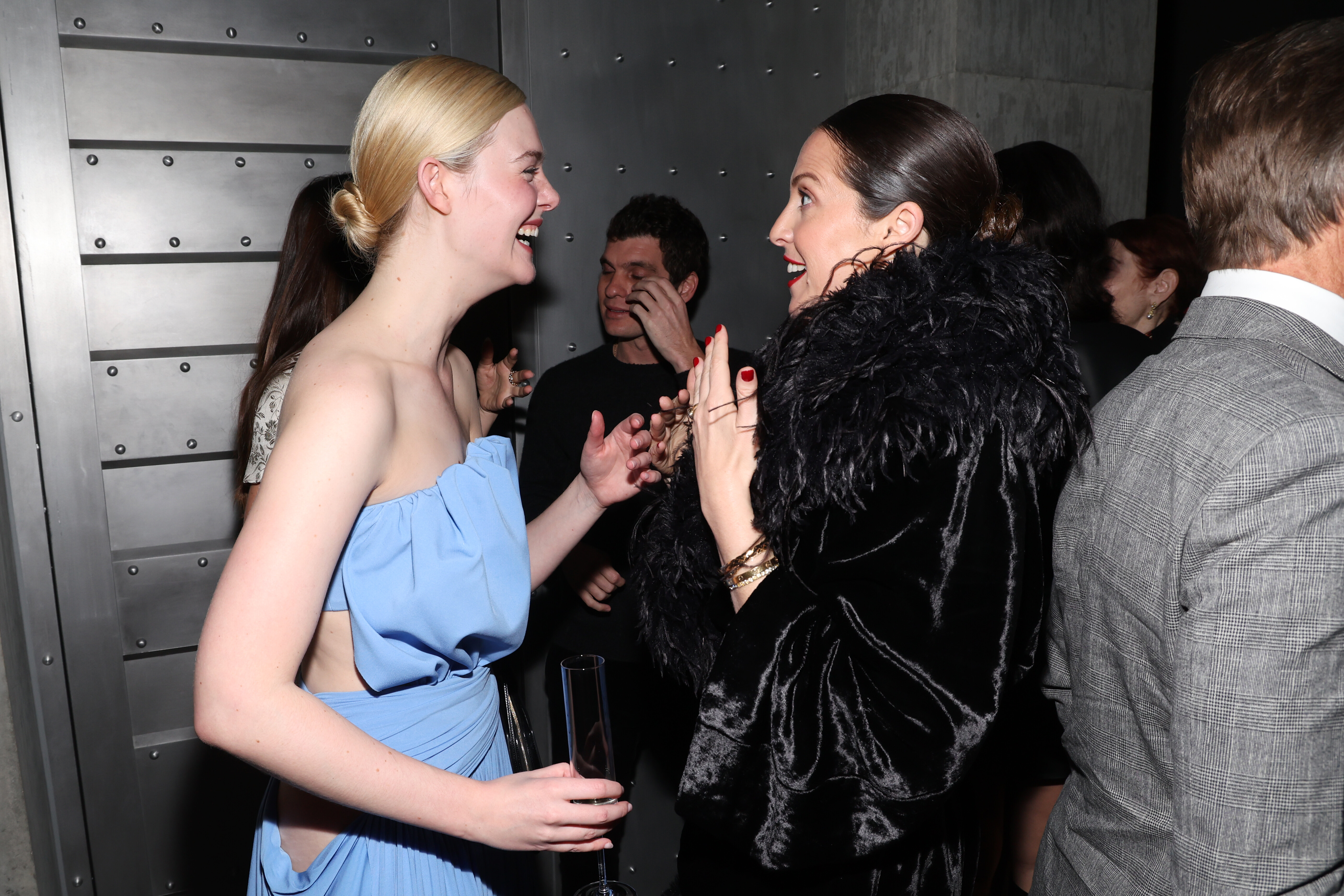
 attends Louis Vuitton and W Magazine’s Intimate Awards Season Dinner, Beverly Hills CA - January 8, 2026 joe d at picturepub








 Helena Barquilla for Jin Abe, ready-to-wear, spring/summer 1993 my scan
 The 83rd Annual Golden Globe Awards in Beverly Hills January 11, 2026 wtr1023 at picturepub
























(JPEGImage1360469pixels)Scaled(94).png.25aafb6ab8c7d50f0a3d188046c9264d.png)































































.png.2091281e54f79bc4e7d387d61b752210.png)












































































































Account
Search
Configure browser push notifications
Chrome (Android)
- Tap the lock icon next to the address bar.
- Tap Permissions → Notifications.
- Adjust your preference.
Chrome (Desktop)
- Click the padlock icon in the address bar.
- Select Site settings.
- Find Notifications and adjust your preference.
Safari (iOS 16.4+)
- Ensure the site is installed via Add to Home Screen.
- Open Settings App → Notifications.
- Find your app name and adjust your preference.
Safari (macOS)
- Go to Safari → Preferences.
- Click the Websites tab.
- Select Notifications in the sidebar.
- Find this website and adjust your preference.
Edge (Android)
- Tap the lock icon next to the address bar.
- Tap Permissions.
- Find Notifications and adjust your preference.
Edge (Desktop)
- Click the padlock icon in the address bar.
- Click Permissions for this site.
- Find Notifications and adjust your preference.
Firefox (Android)
- Go to Settings → Site permissions.
- Tap Notifications.
- Find this site in the list and adjust your preference.
Firefox (Desktop)
- Open Firefox Settings.
- Search for Notifications.
- Find this site in the list and adjust your preference.