All Activity
- Past hour
-

-
 stories (spoiler tag function currently not working) [2026.01.23] rachelc00k's2026-1-23-14.7.57 story.mp4[2026.01.23] rachelc00k's2026-1-23-14.7.325 story.mp4
-
-
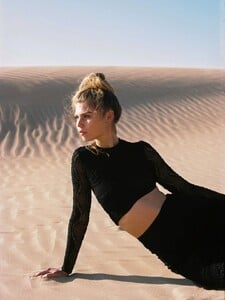
Ph: Dani Gomiz or DANI GÓMIZ SnapInsta.to_AQNeFMj6IXE-xF3I0b37sAuKtc0S6R97X-eDfDtHq_G4DQs0feTRxs-mmra7L_5l4pgPyOxV6hr0Suf9T5NDrh0EfTukm99glG-wCGs.mp4


-
 Haroldahu joined the community
 -
 Yalty joined the community
 -
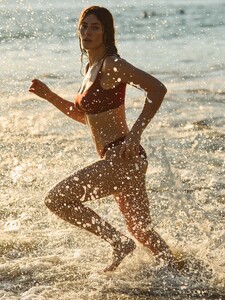
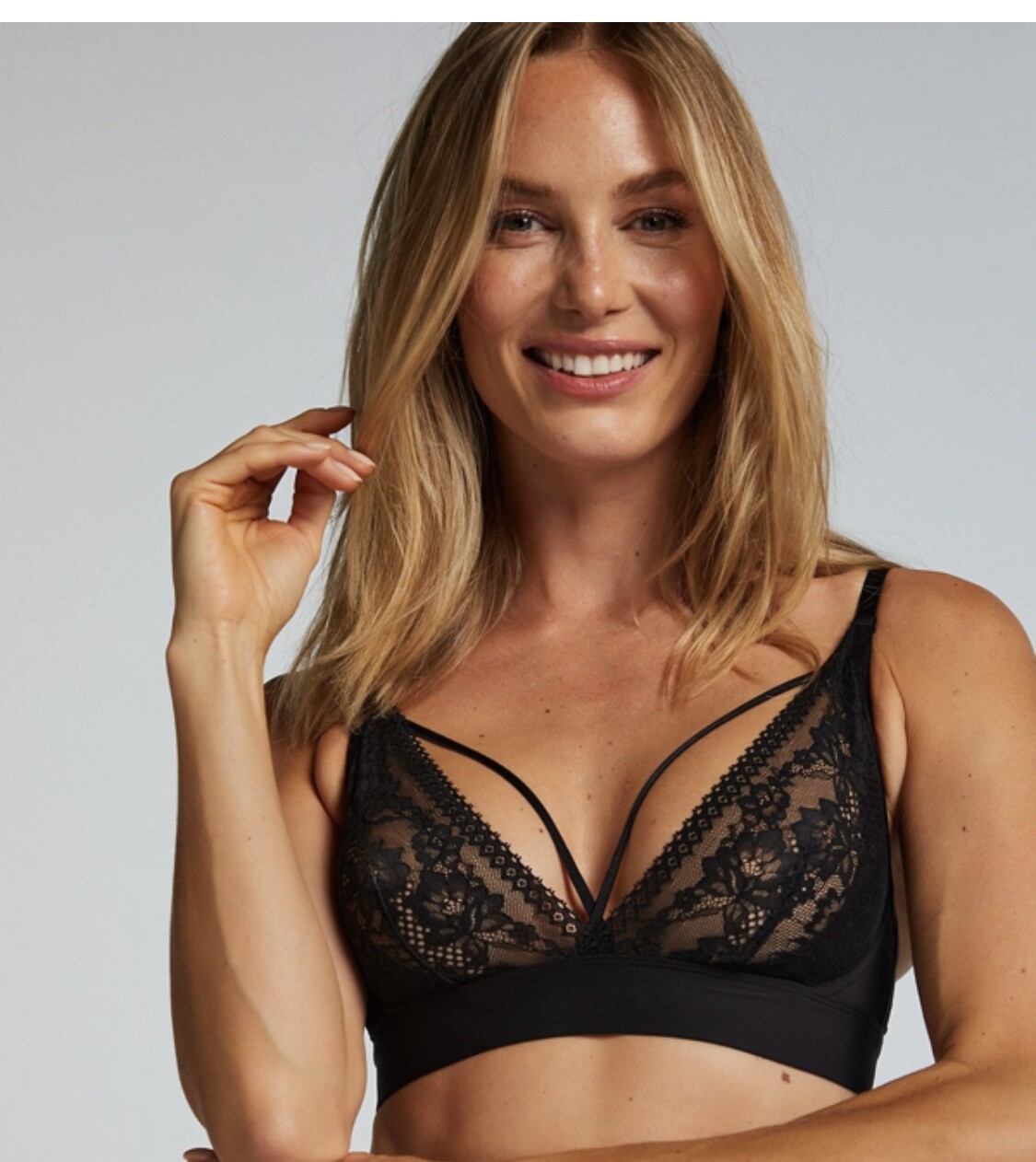
 Else Lingerie Swimwear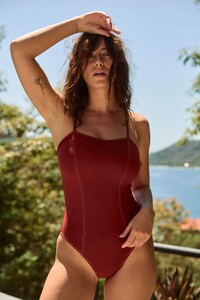


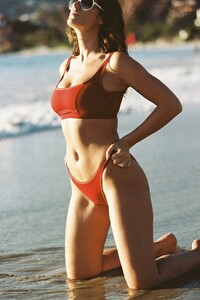

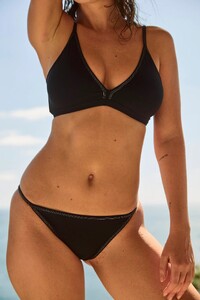

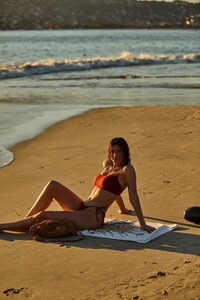
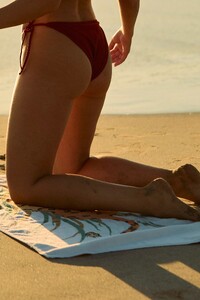
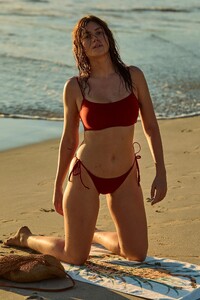
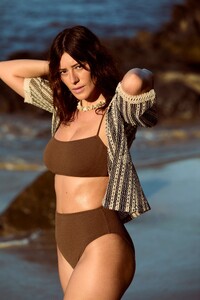
-
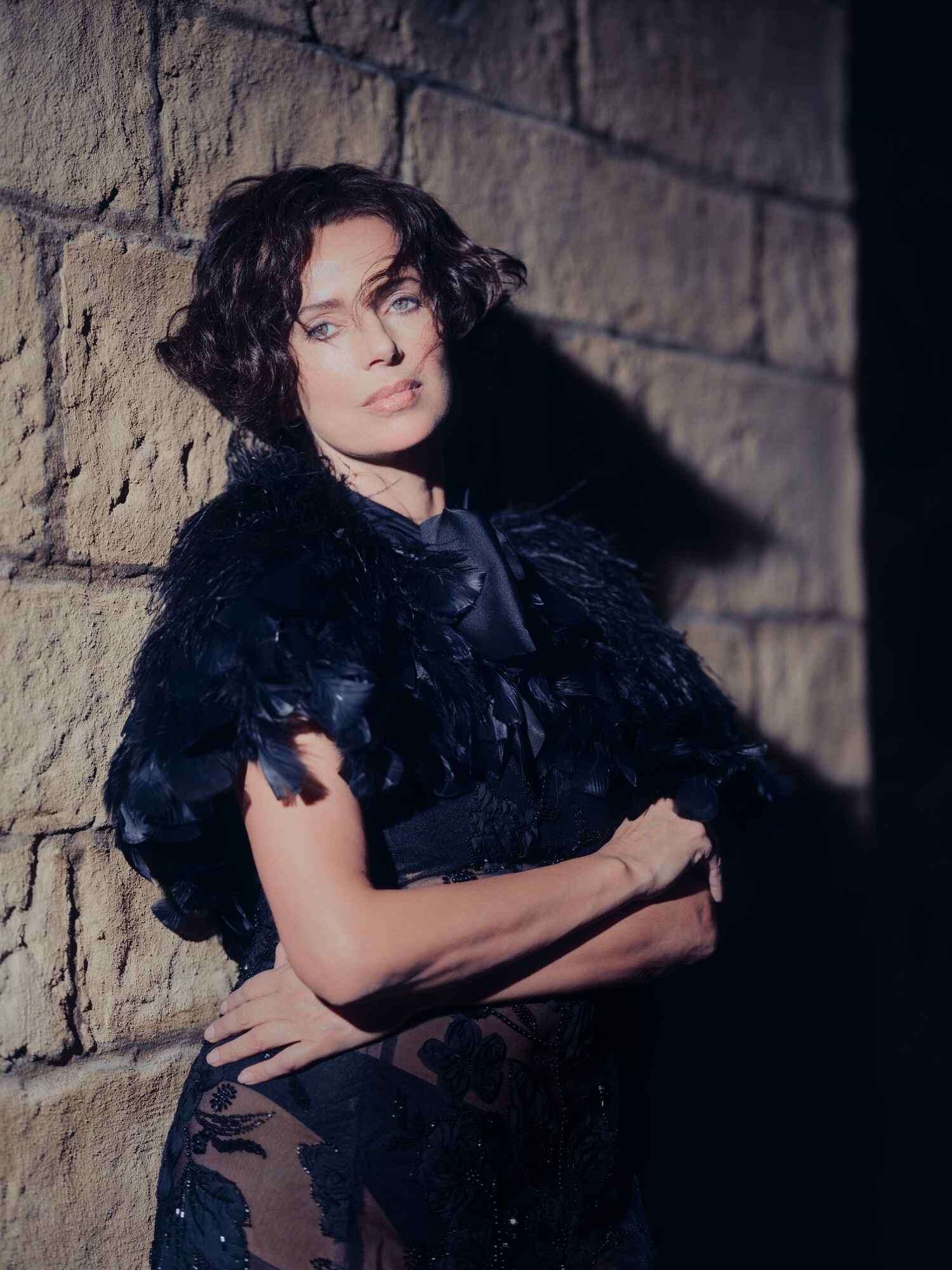
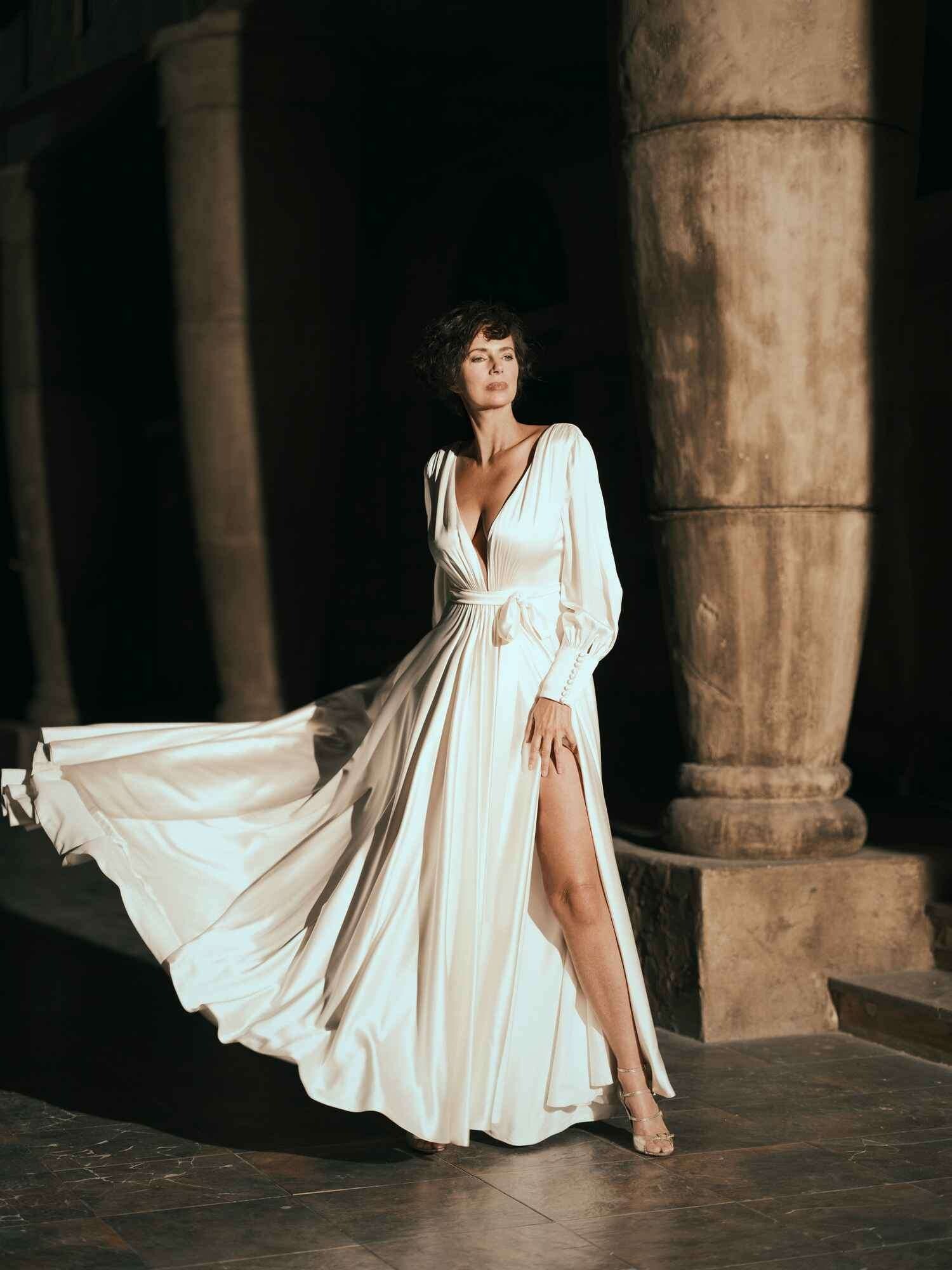
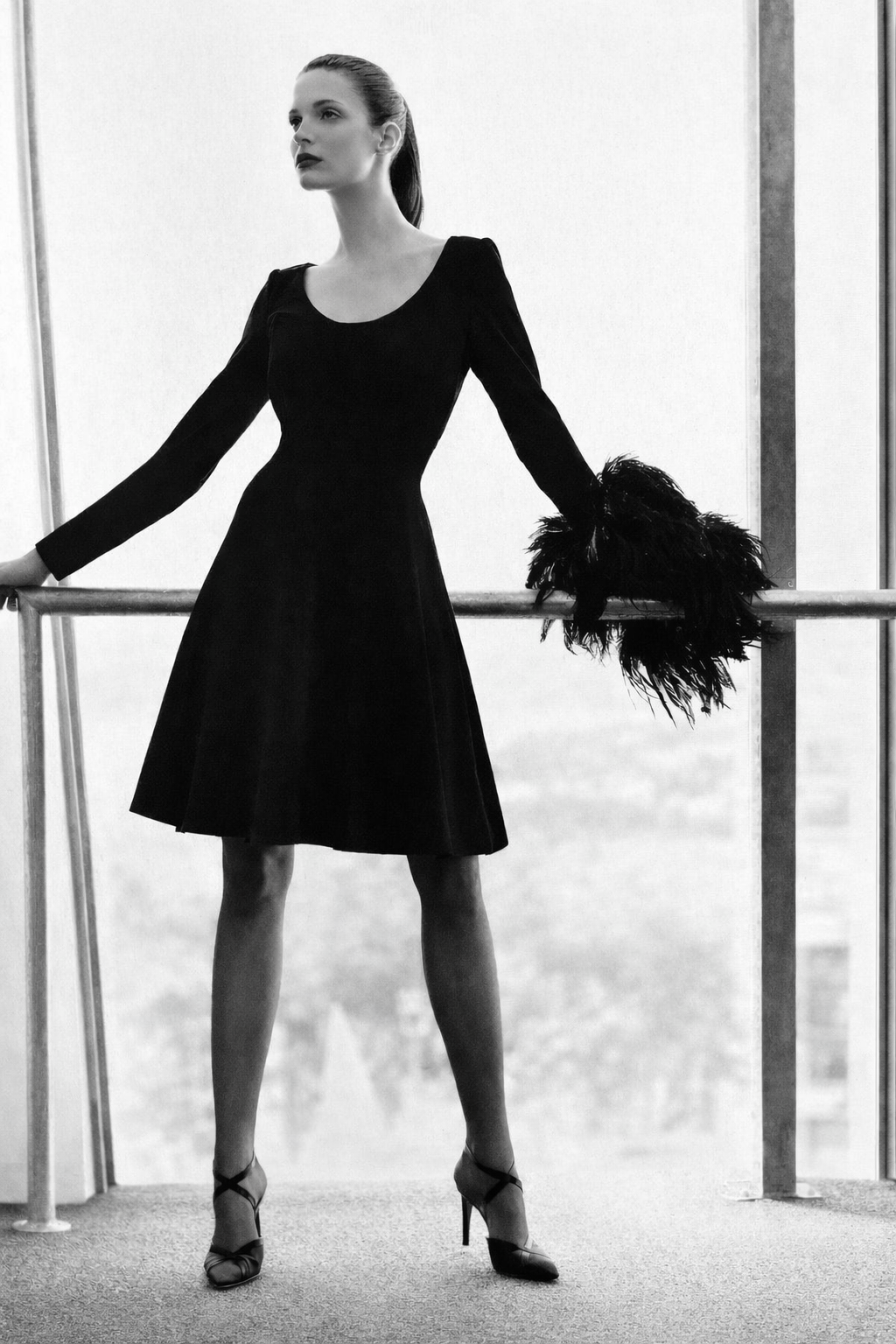
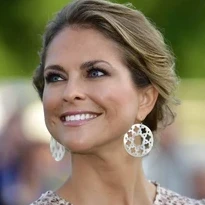 Glamour Bulgaria, January 2026 Photo: Ramzi Mansour









- Today
-
 Freddy272829 joined the community
 -
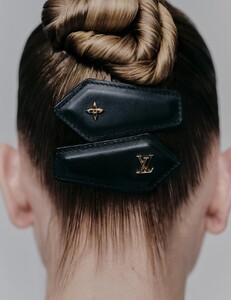
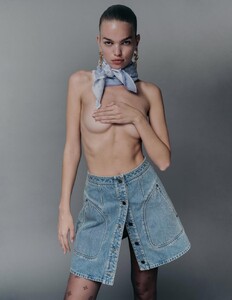
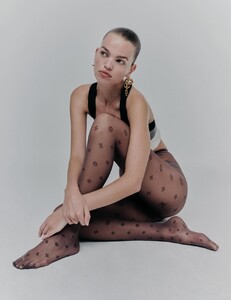
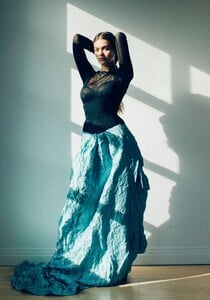
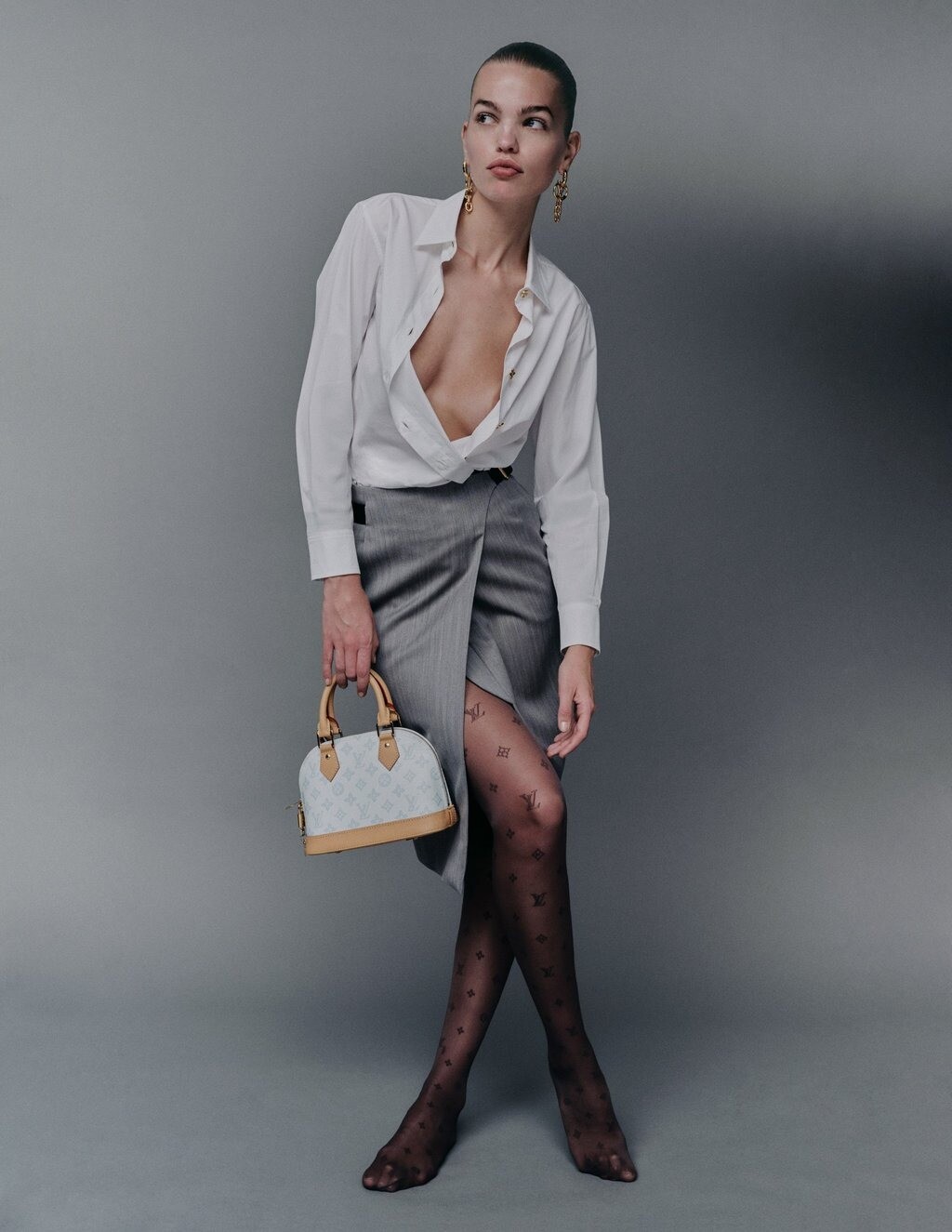
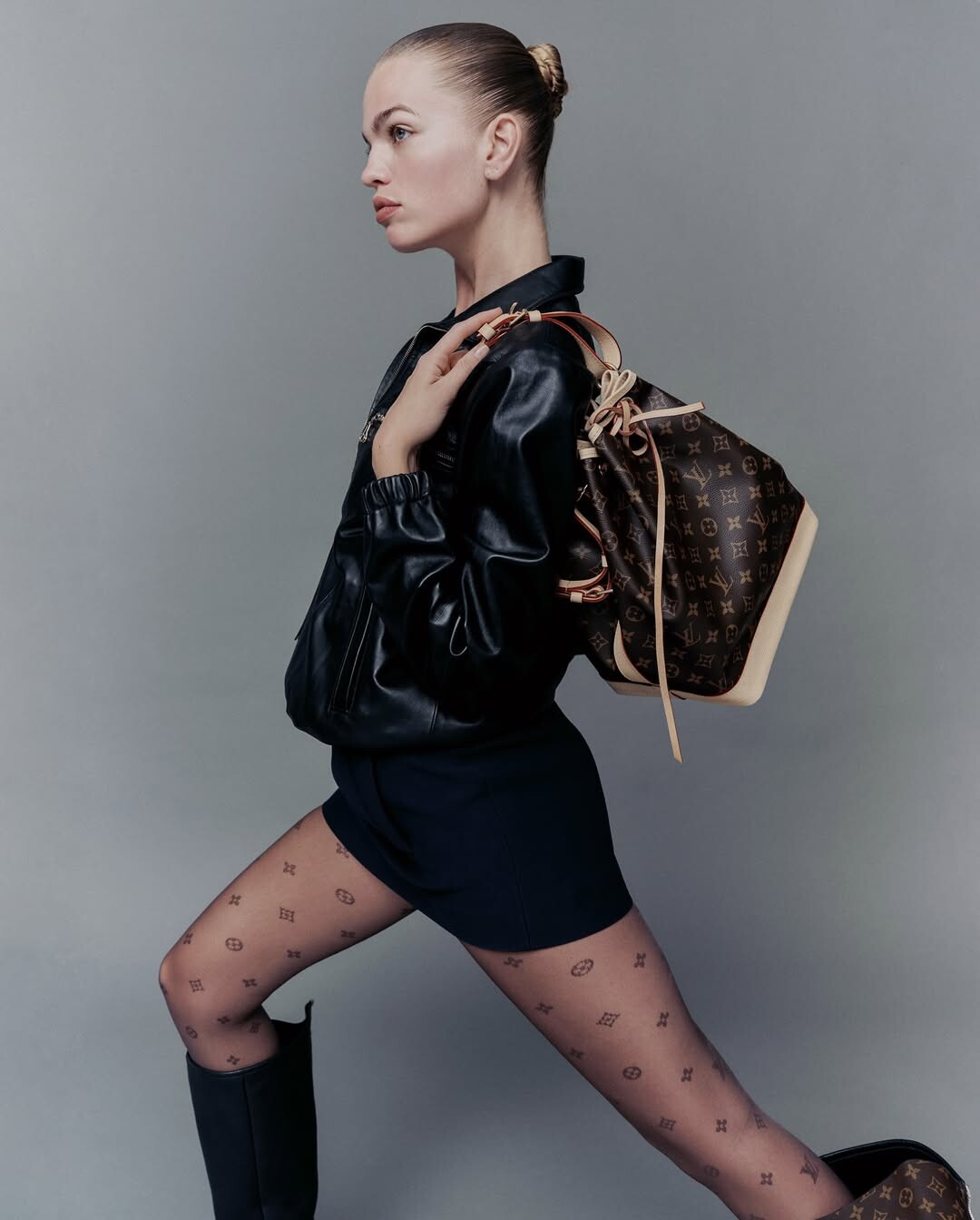
 Style SCMP PHOTOGRAPHY DANIEL JARAMILLO Advertisement STYLING ARYEH LAPPIN MAKE-UP INGEBORG HAIR SASHA NESTERCHUK




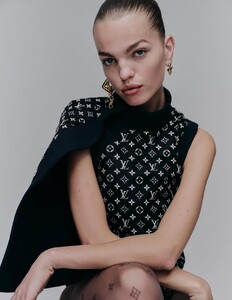

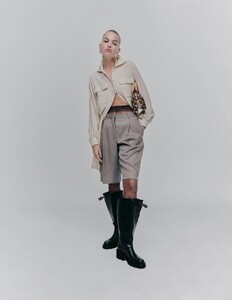
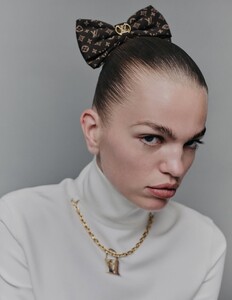
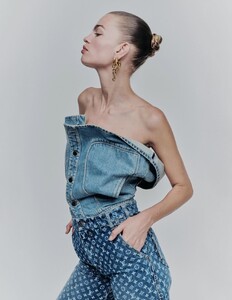

-
 masti joined the community
 -
 ikyxie joined the community
 -
 The way you found all of these🤩
 -
-
OMG ATEE
-

 mediademiand joined the community
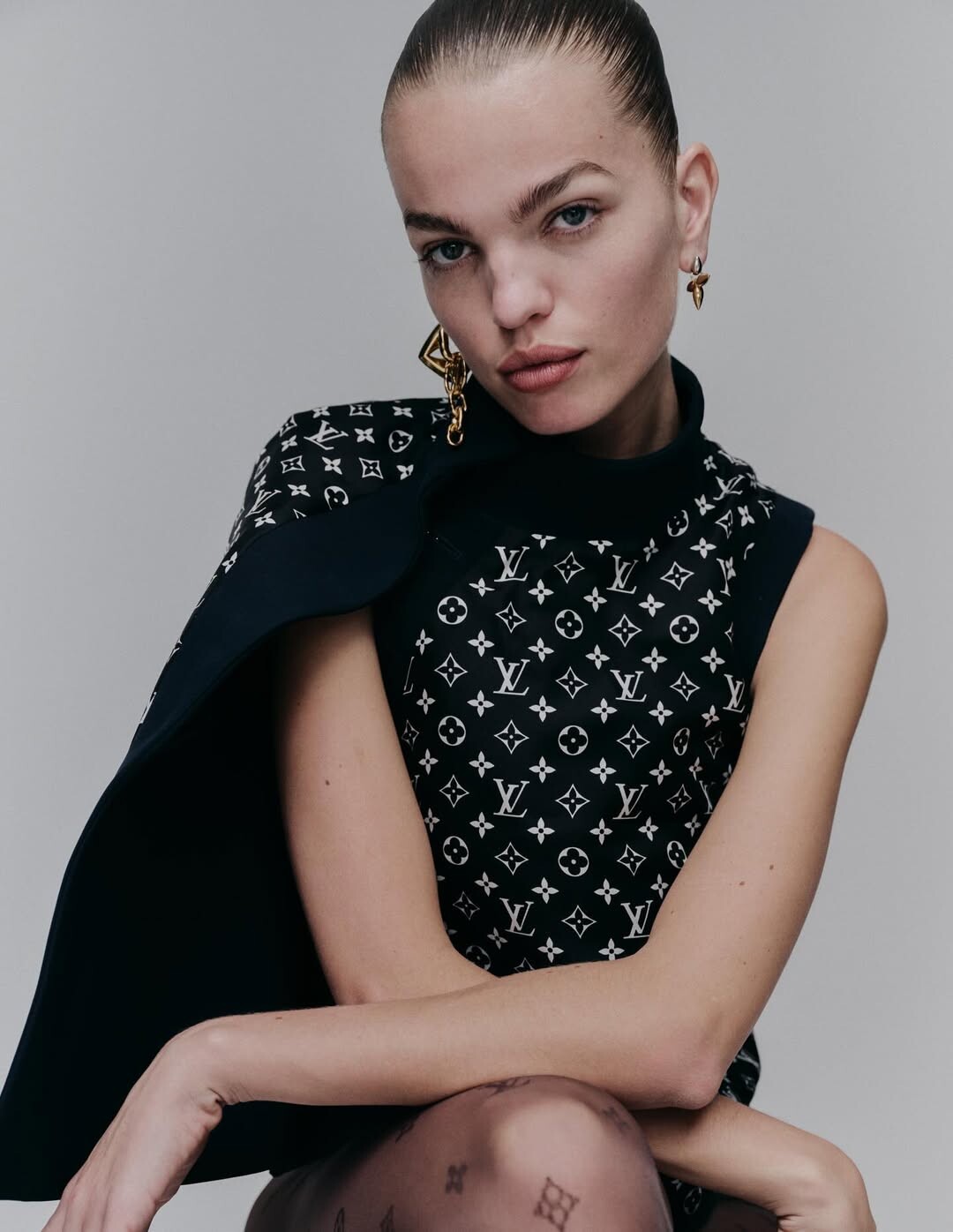
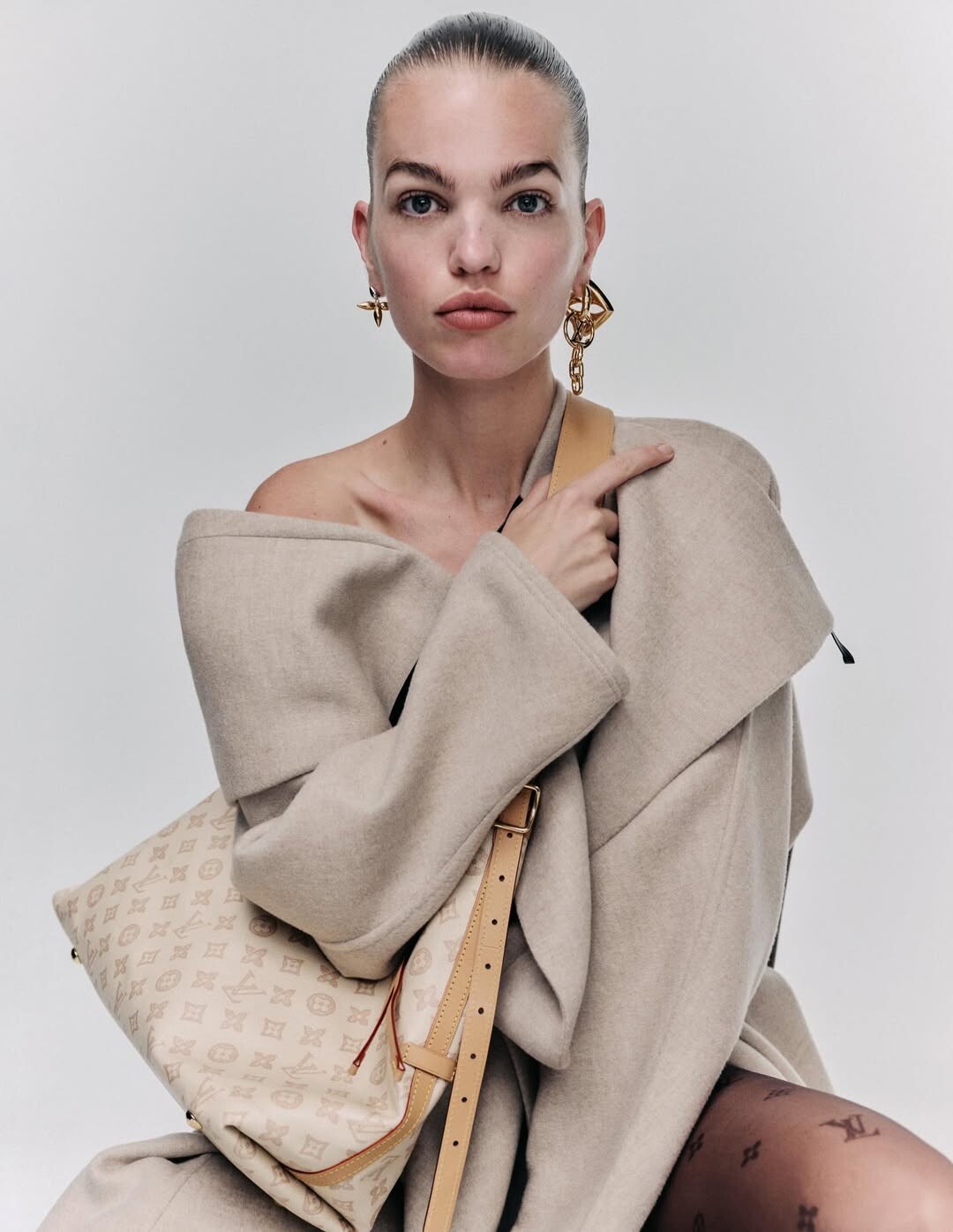
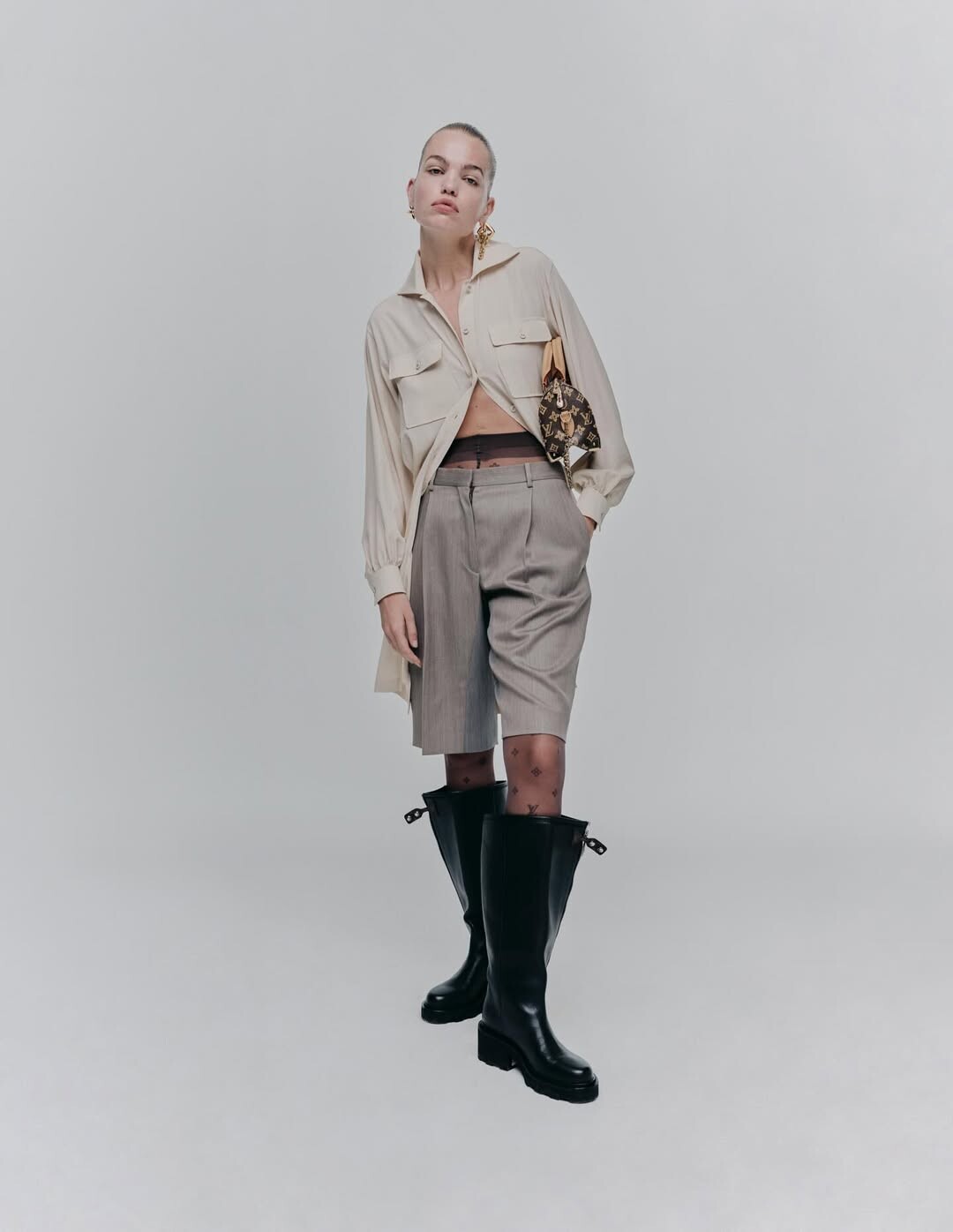
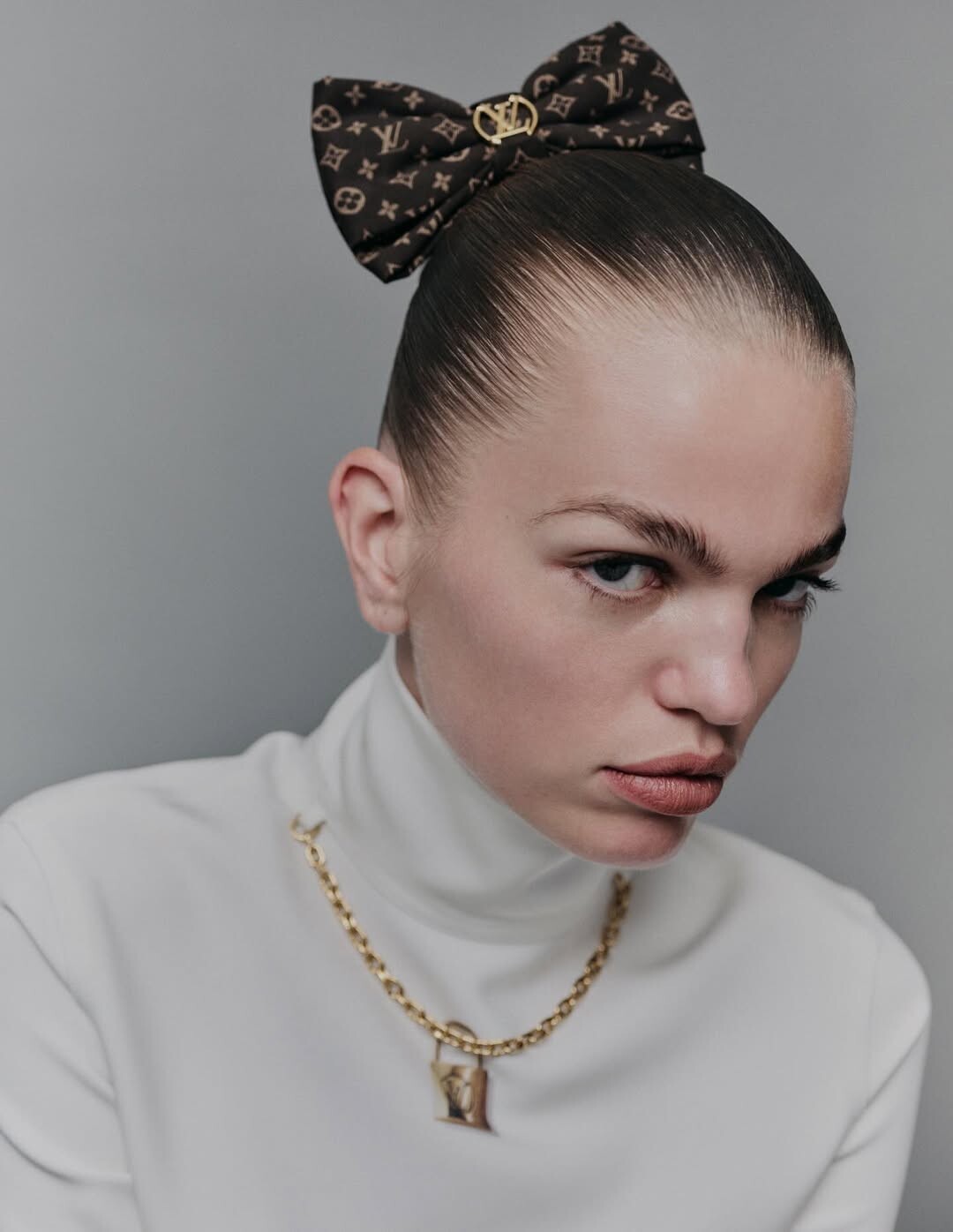
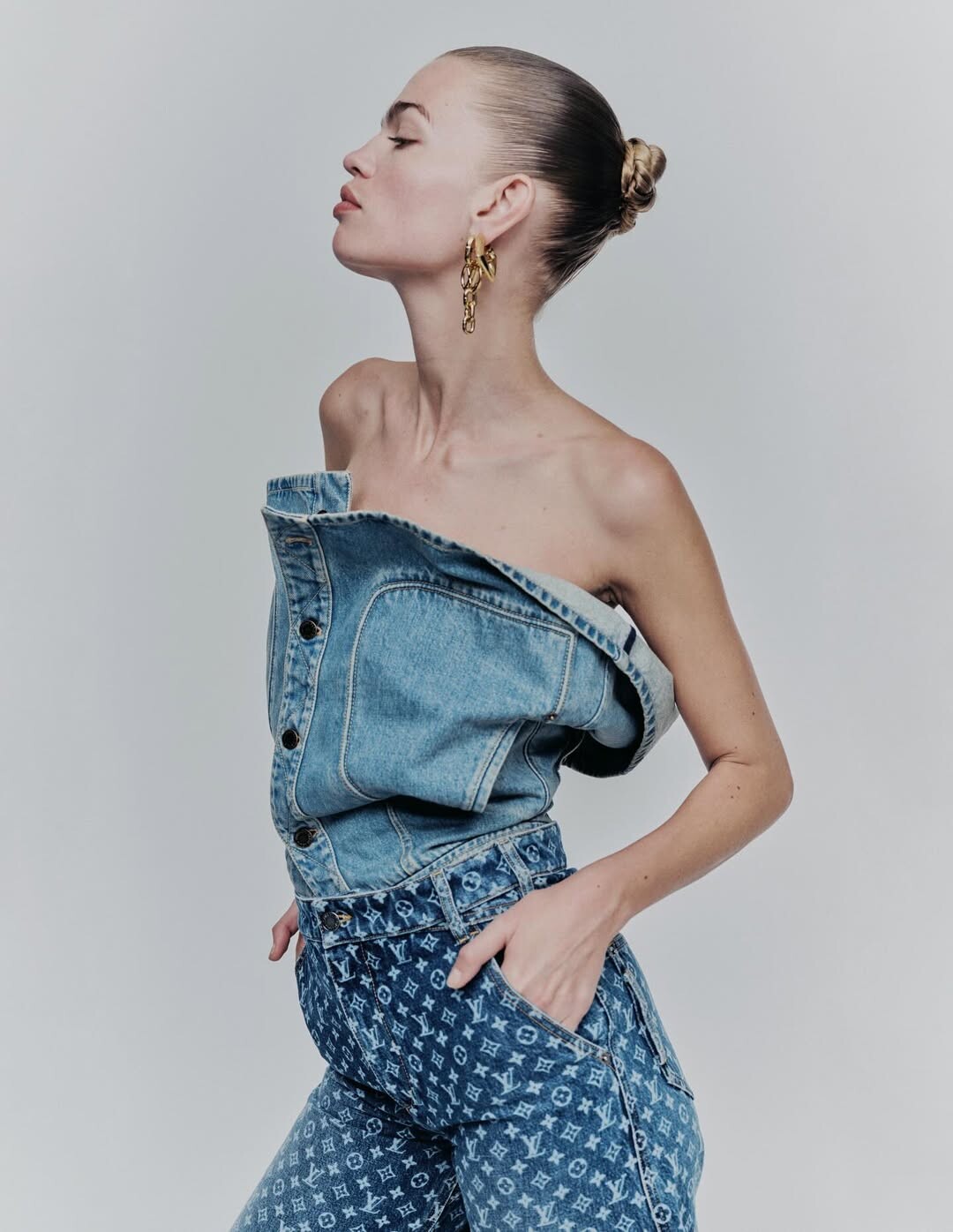
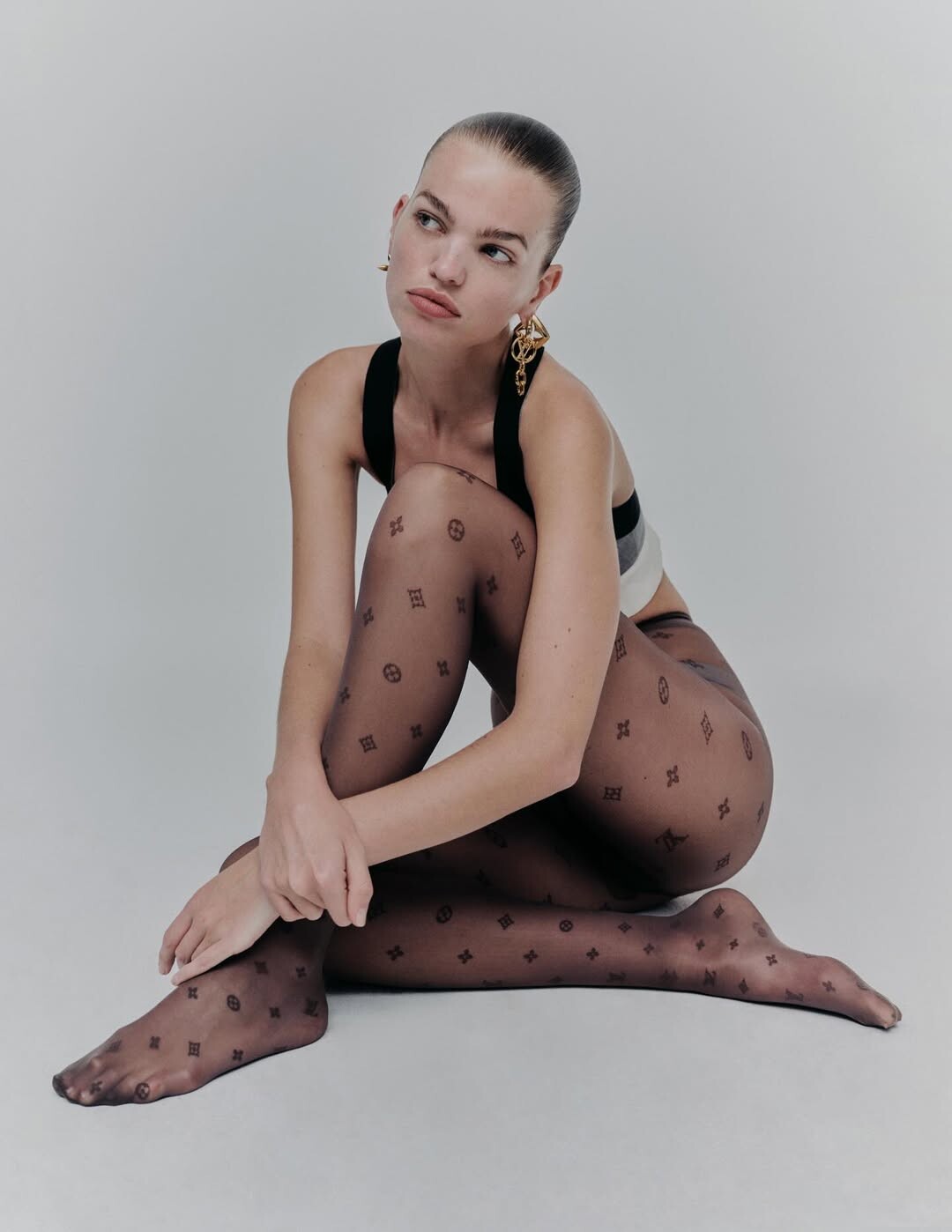
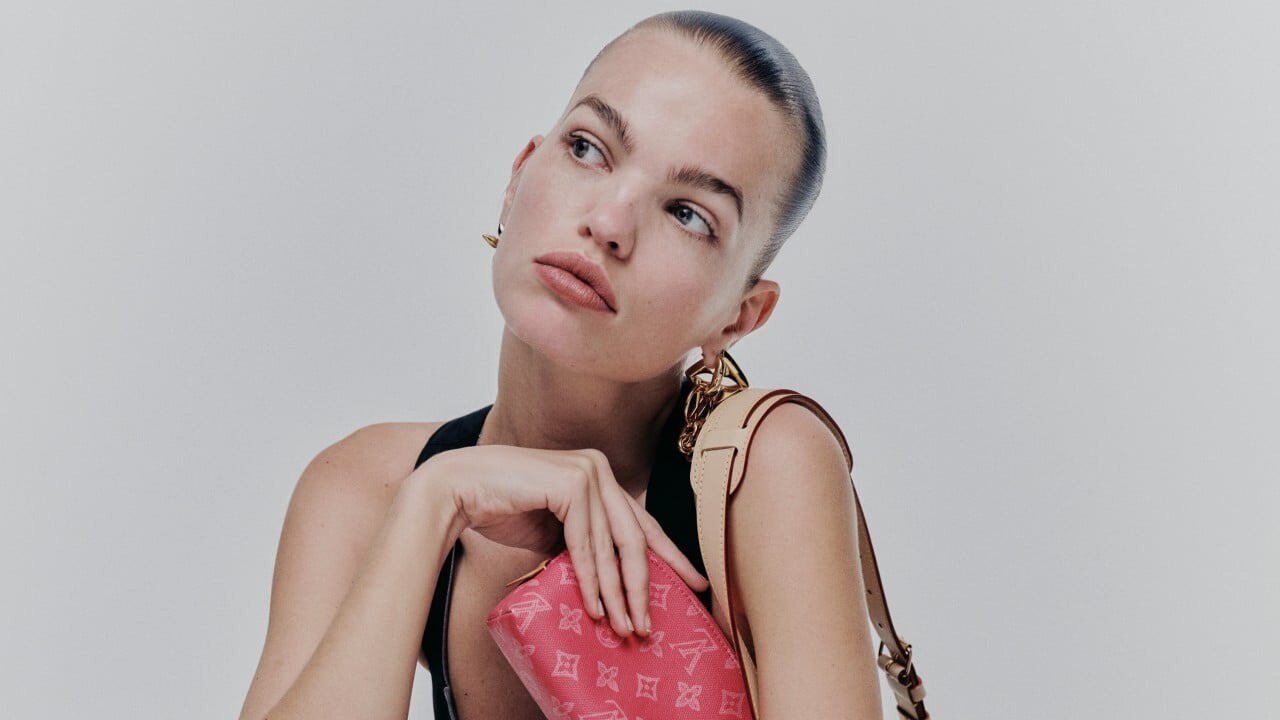
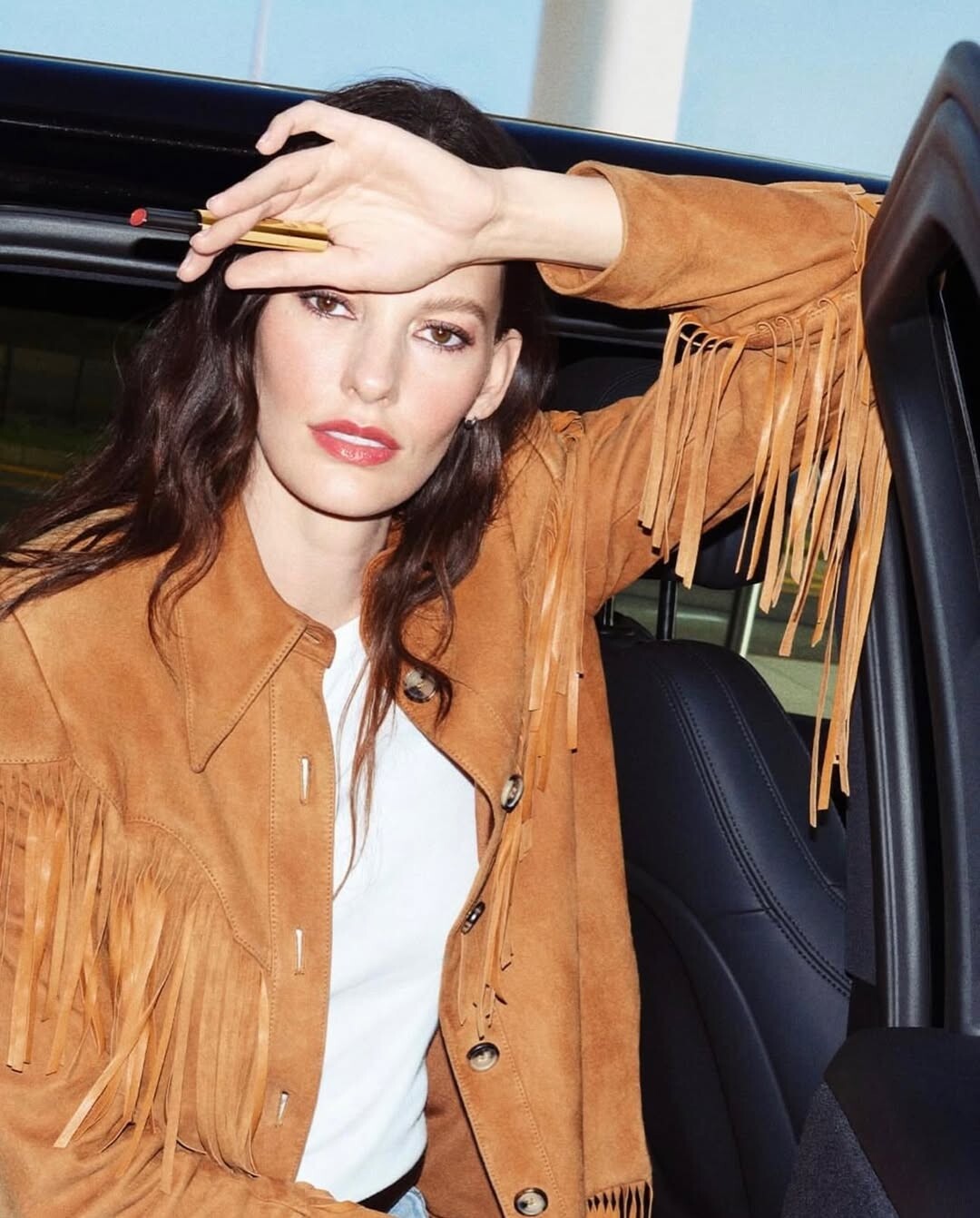
 Louis Vuitton Beauty ❣️
Instagram.thumb.png.68b5f91ffa6dadc0c565cd905f55f02b.png)
Instagram.thumb.png.c070c44b557c43f303f023767149b319.png)
Instagram.thumb.png.81932a934b26e9fd8db4dd79260b1cb8.png)
Instagram.thumb.png.89d890d7baff6f36e3f2ccf4b945bb54.png)
 Stephanie Seymour for Yves Saint Laurent, 1995, by Mario Testino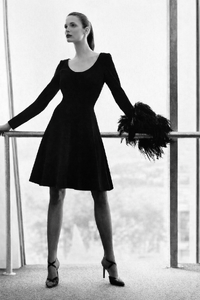
 greenjet4 joined the community
 dramaticking101 joined the community
 tomorrow joined the community
 Chauvini joined the community
 Magnificent! ❤️

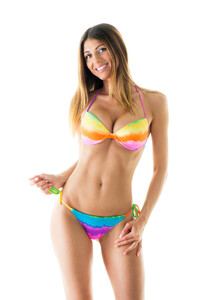
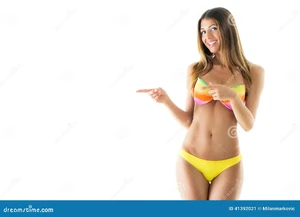
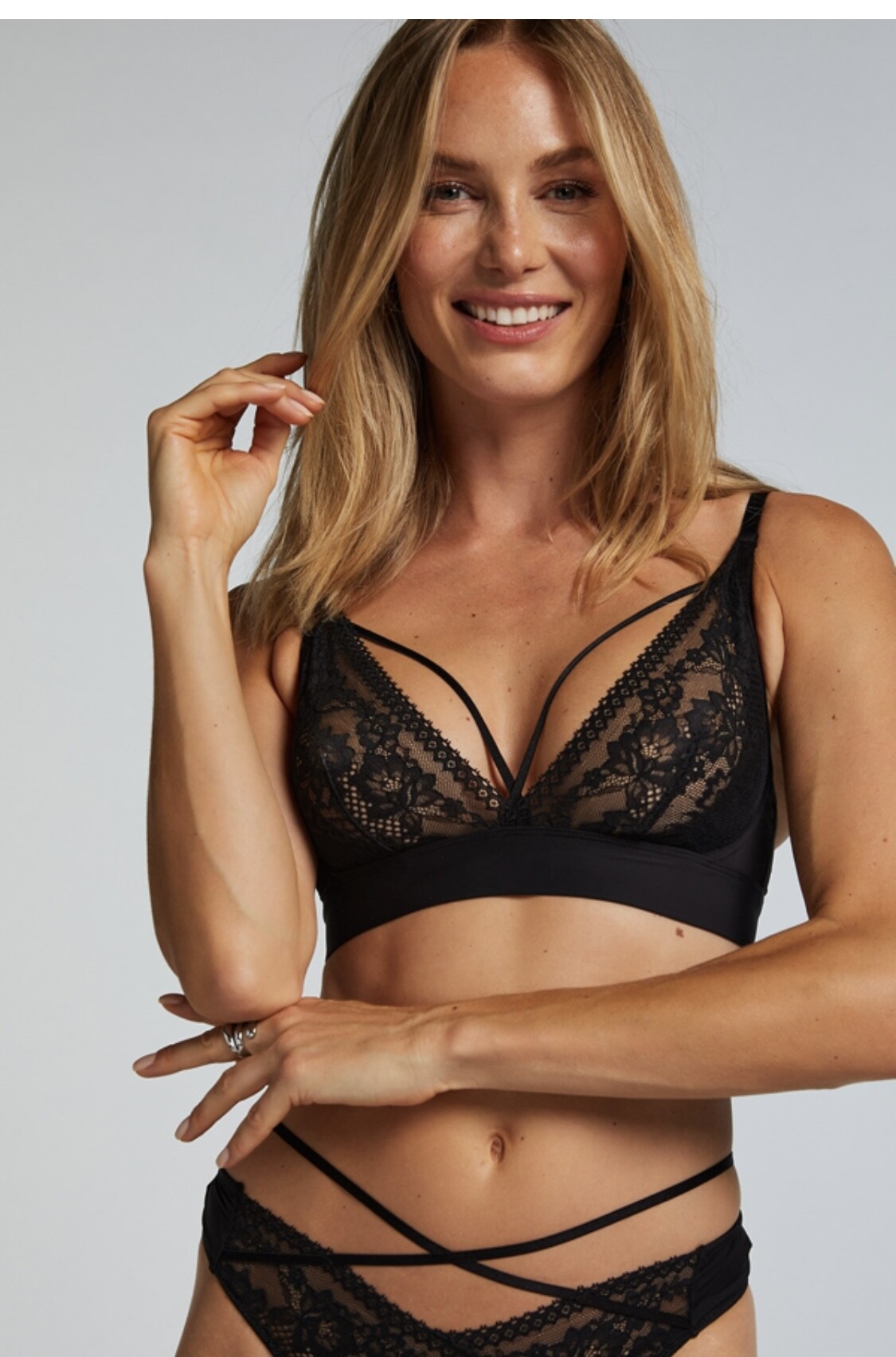
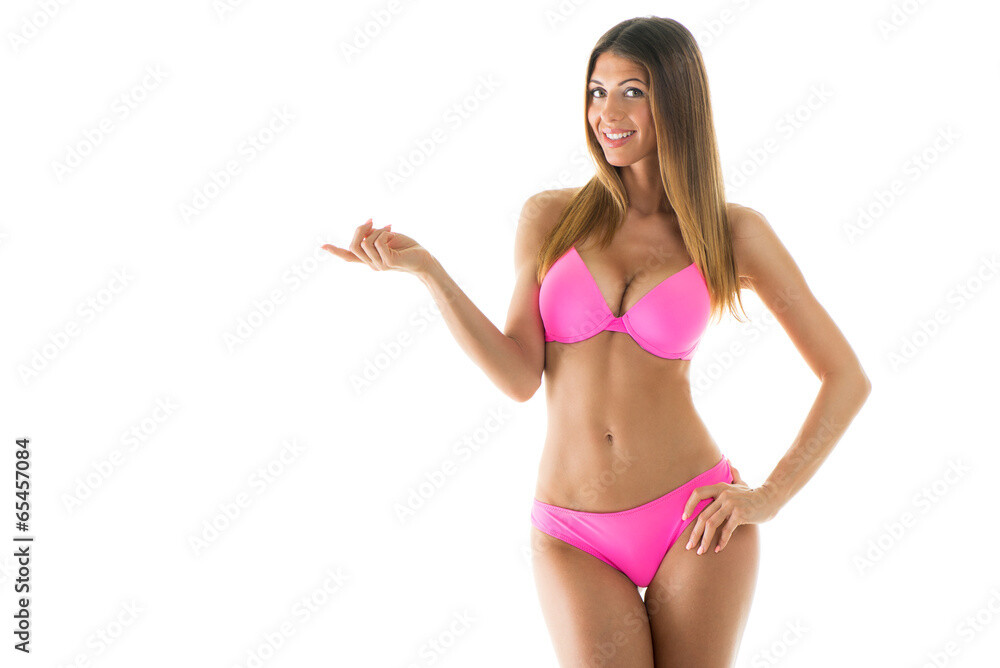
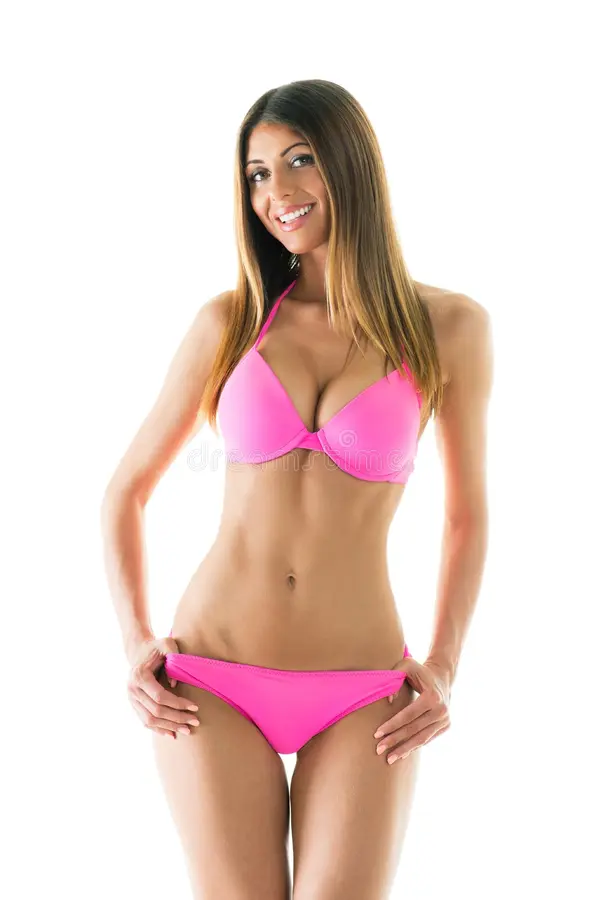
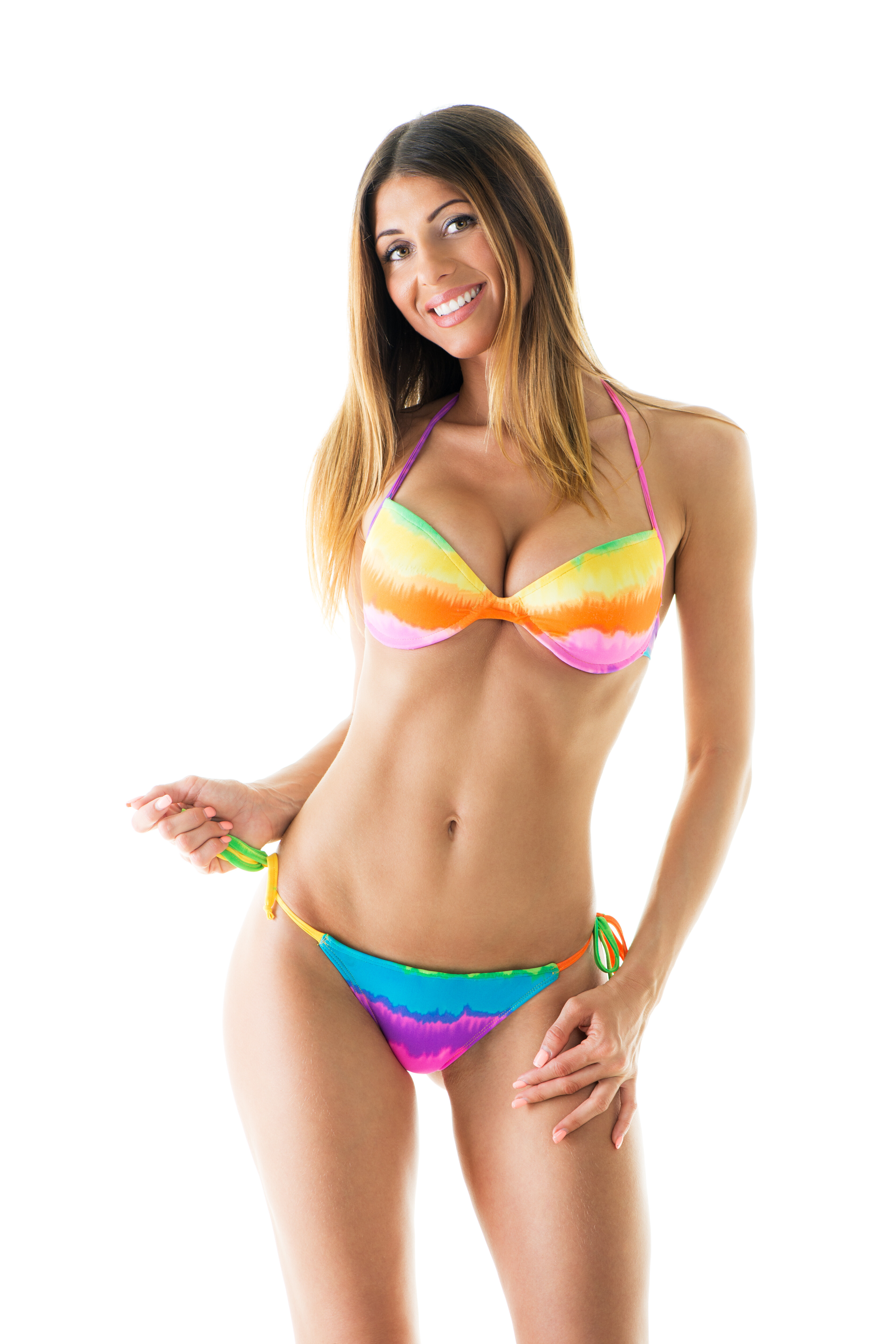
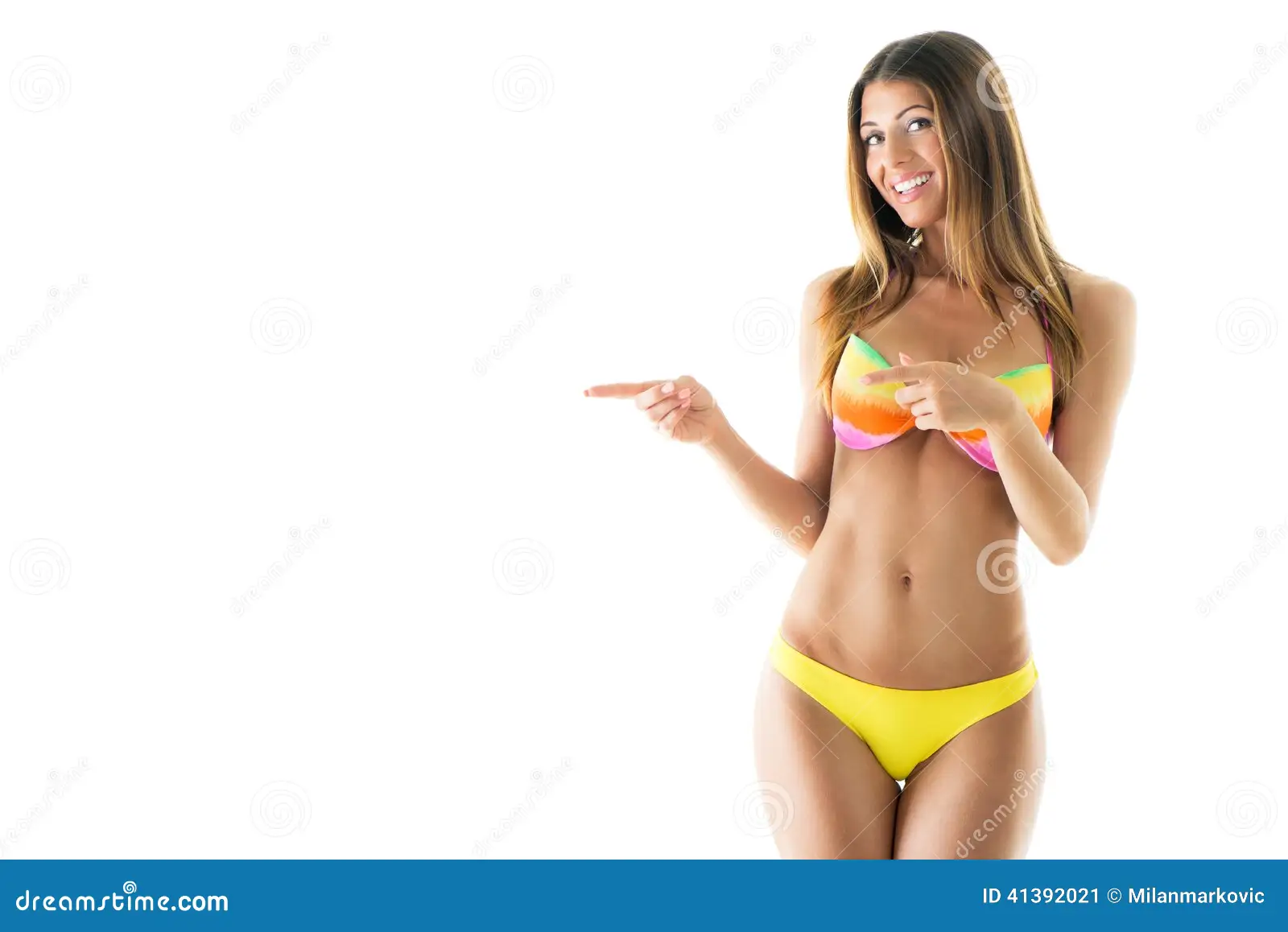
 Hope someone can help ID this stock model. She appears on a few of the main sites. She may be Serbian as the photographer is Milan Markovic. Thanks.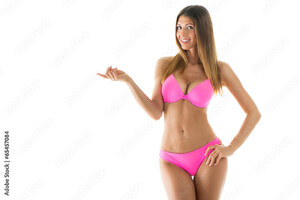
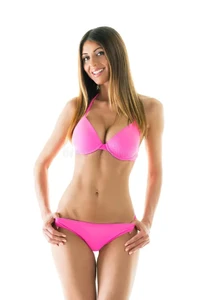
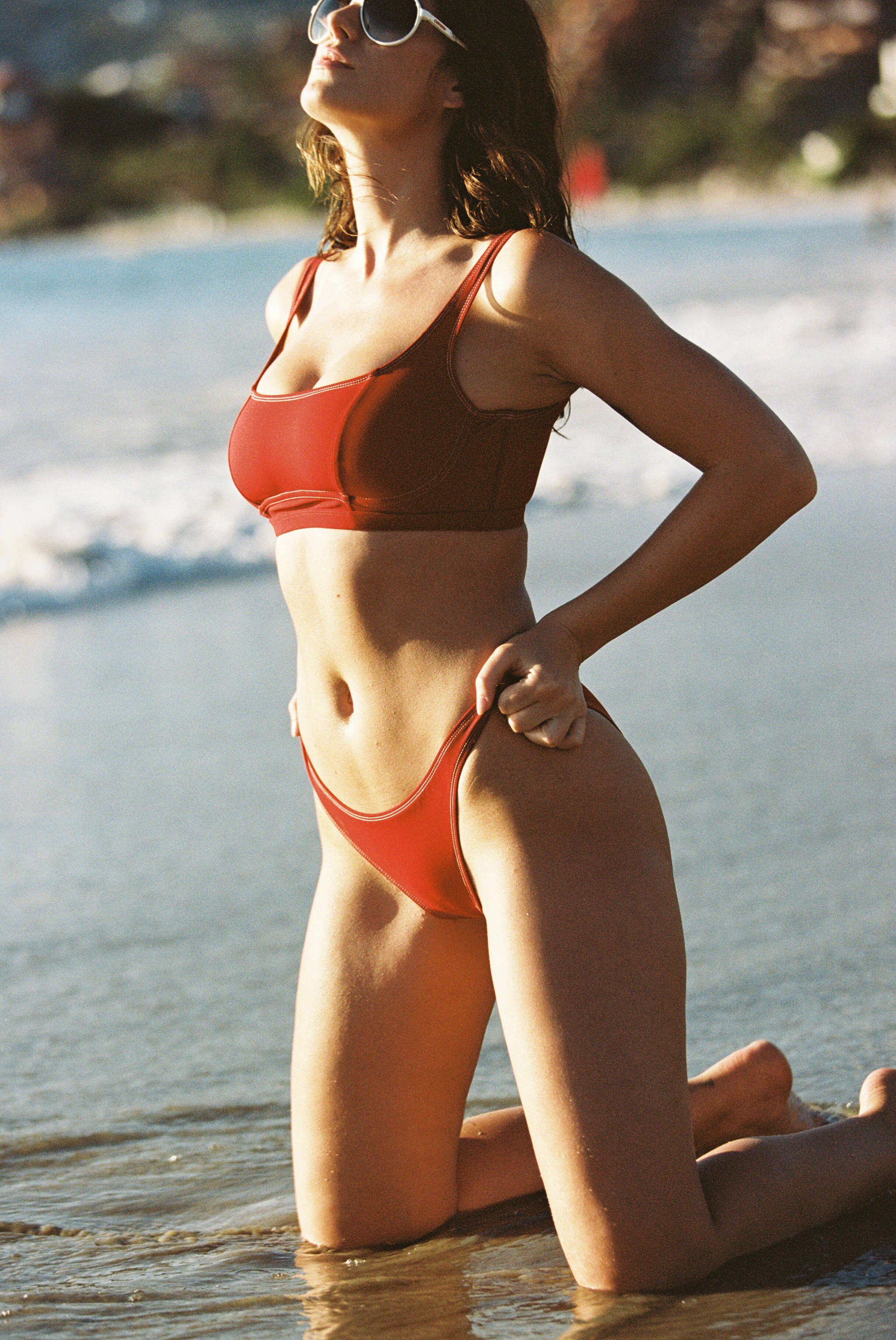
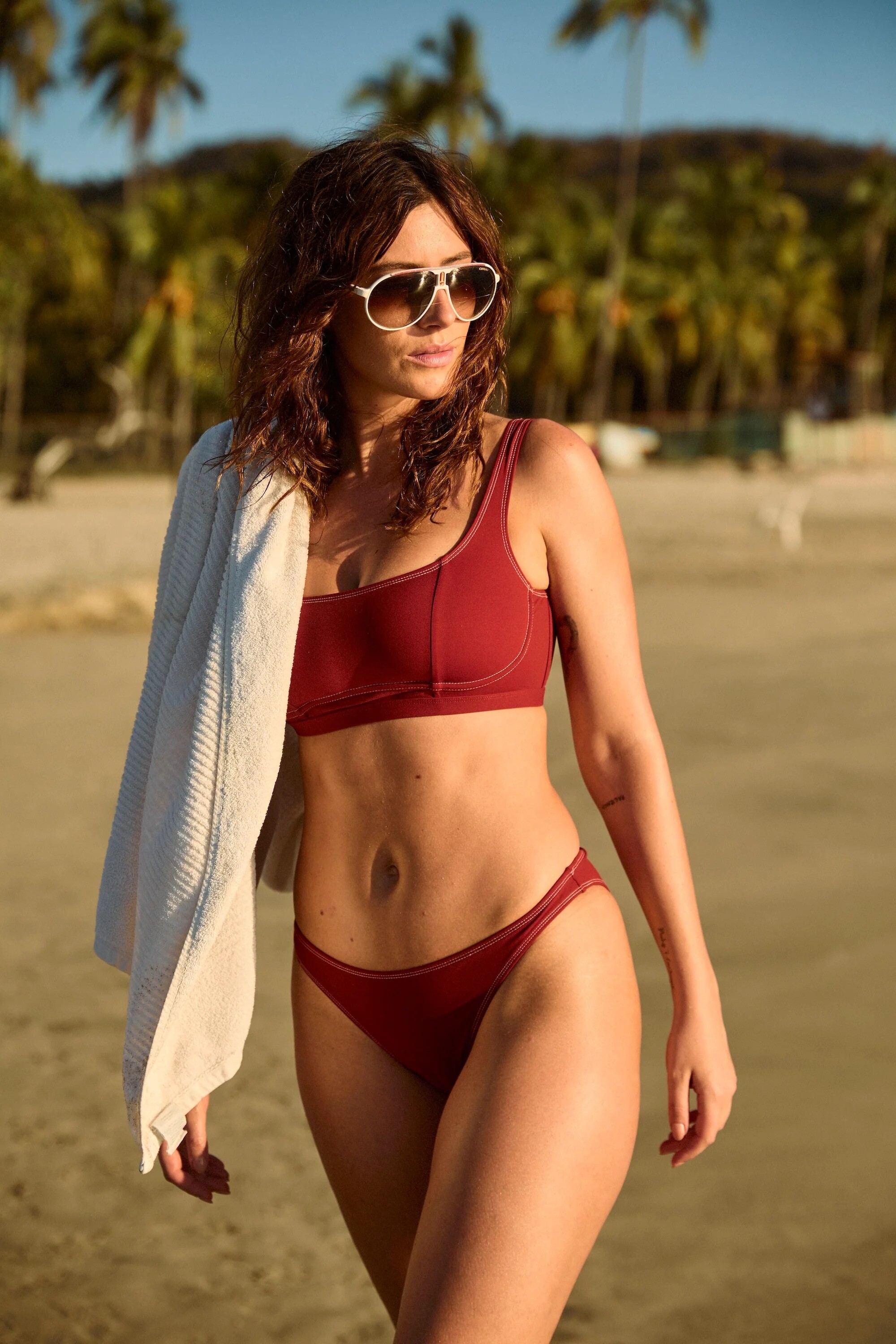
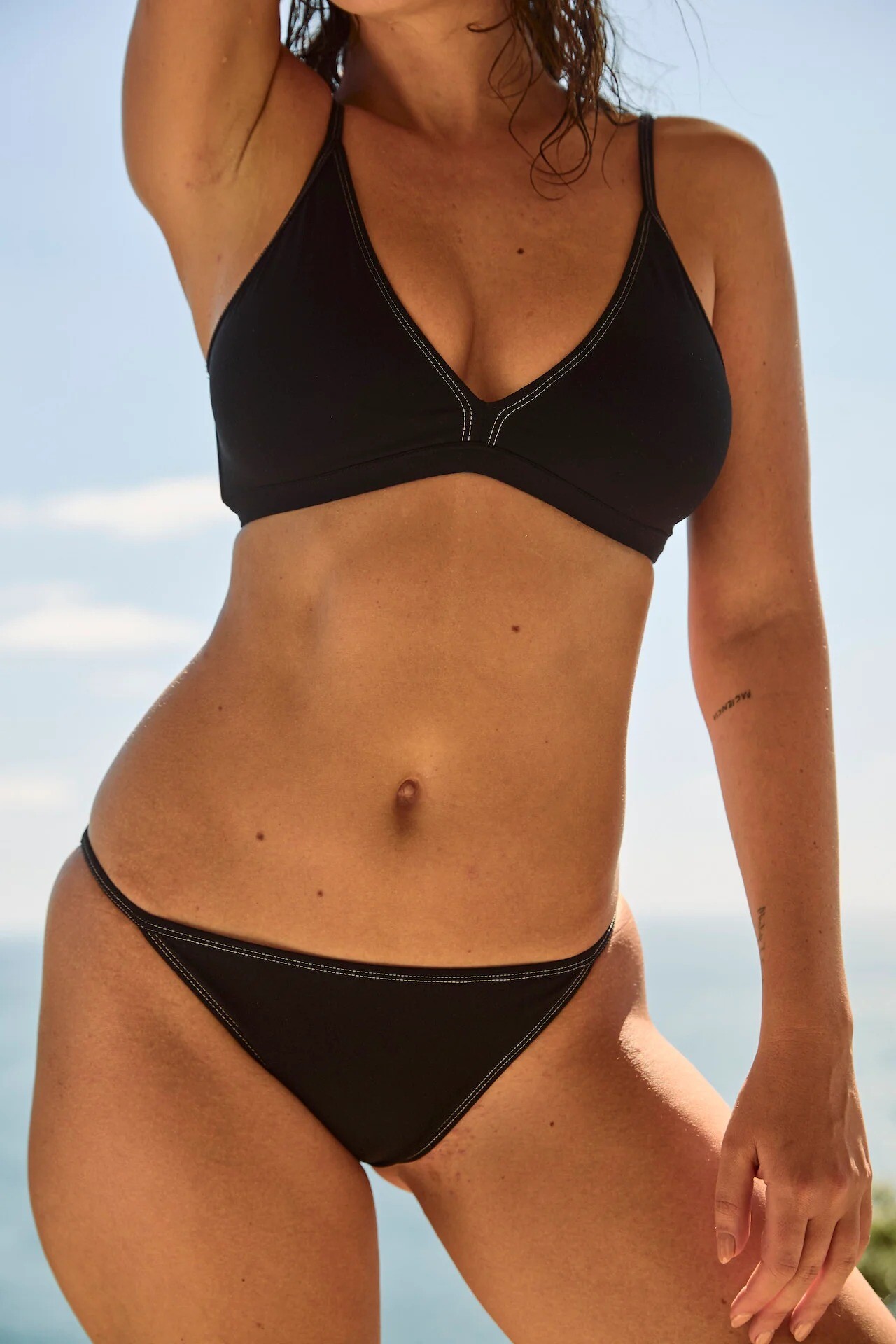
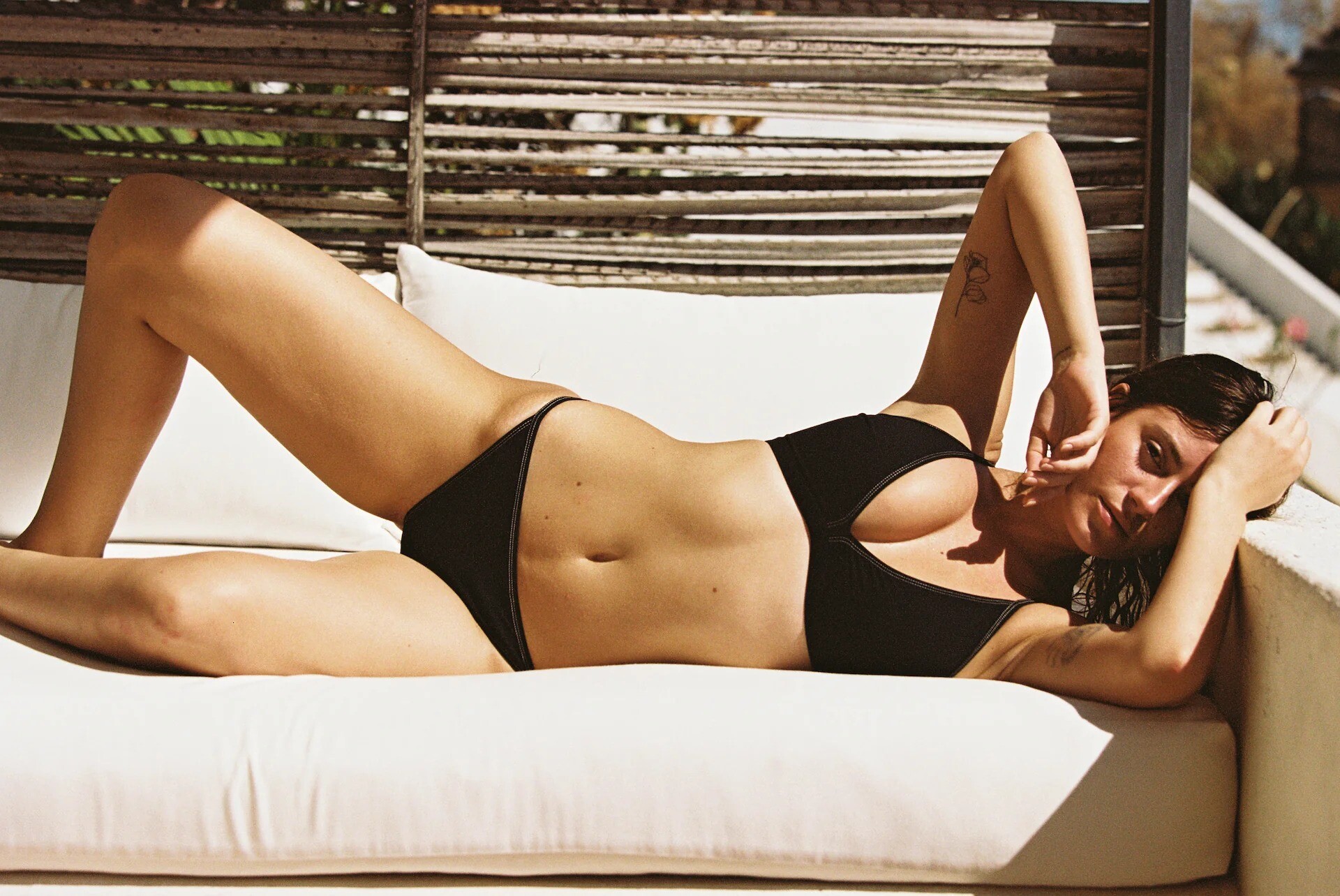
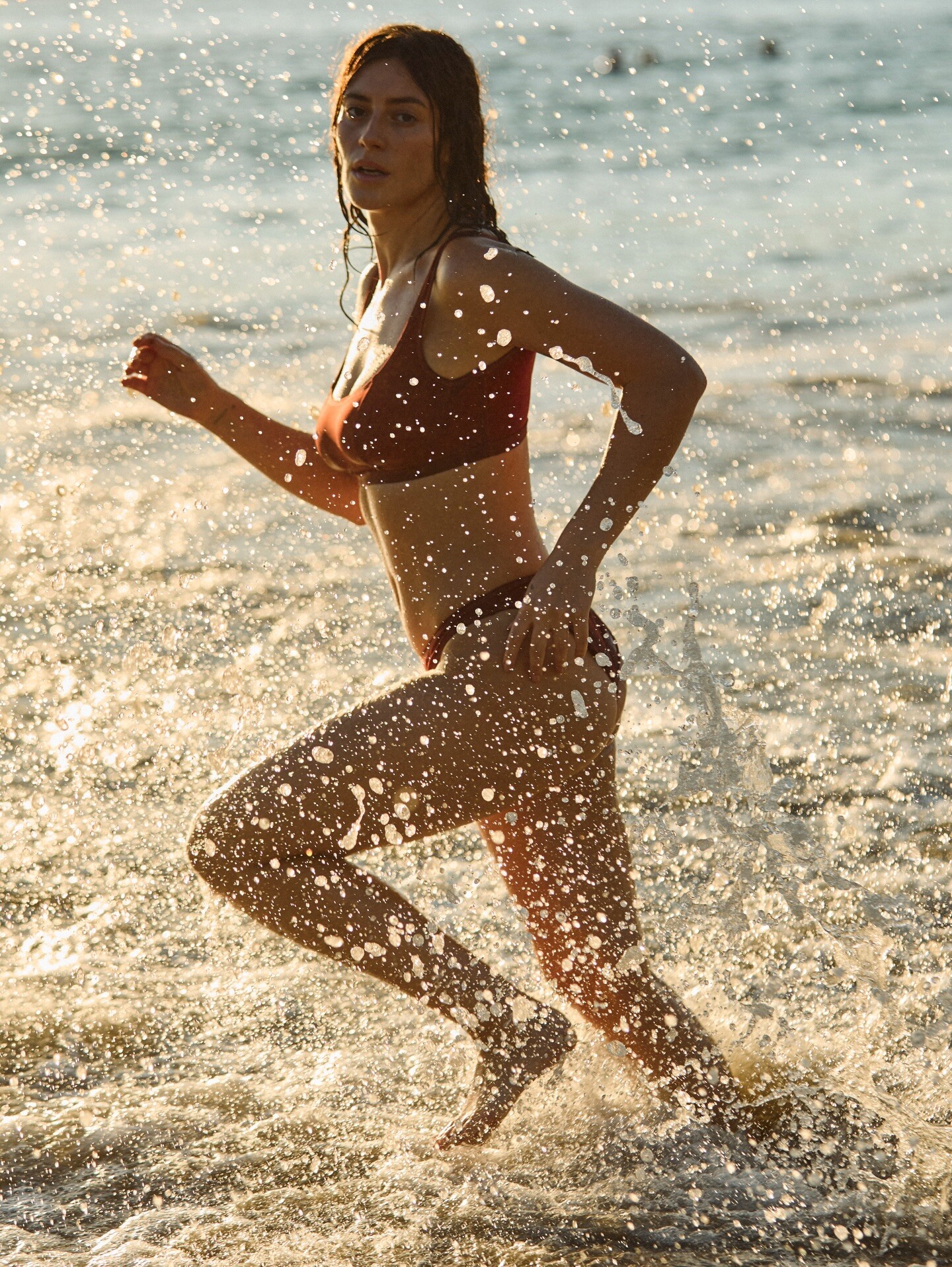
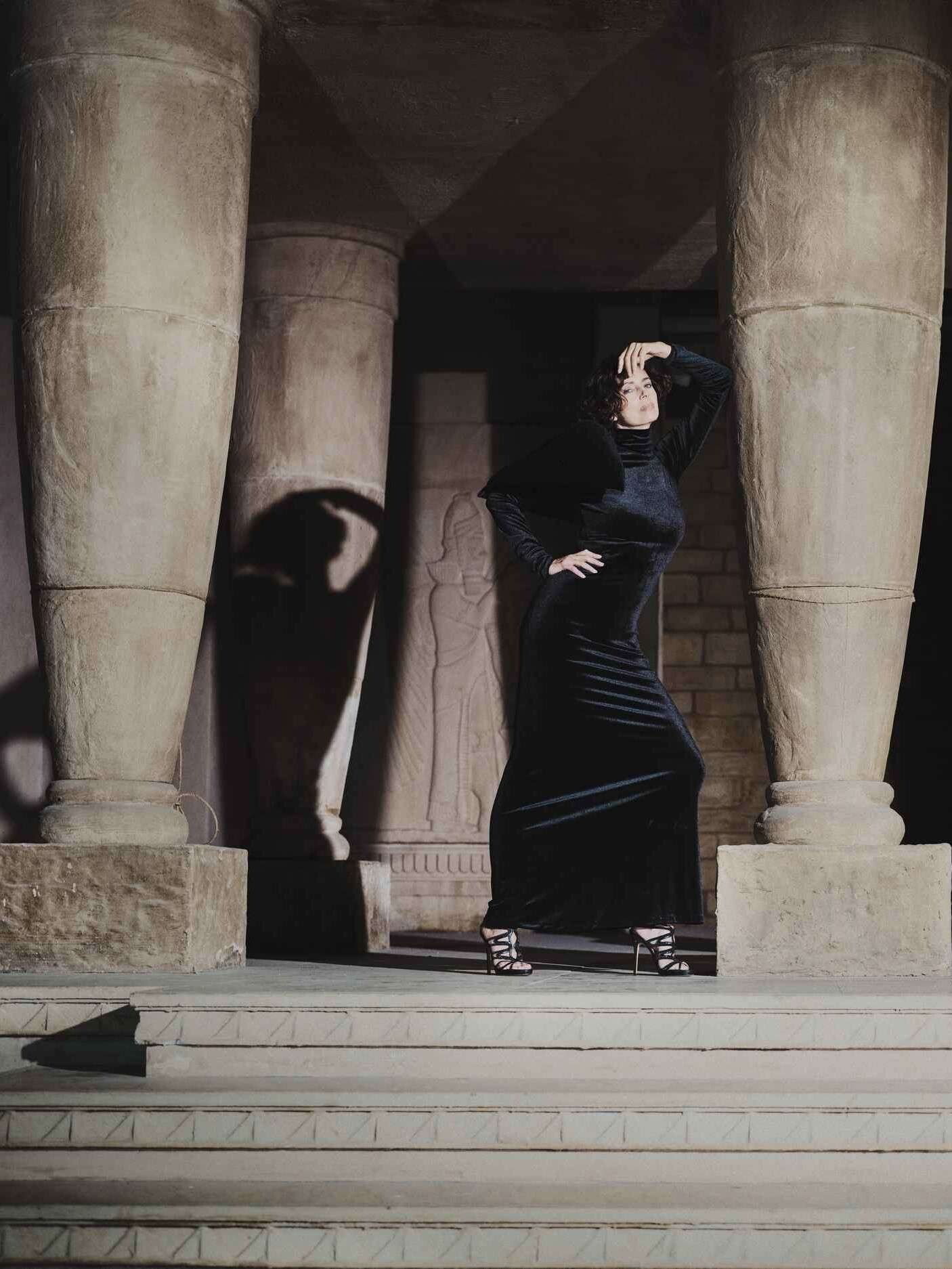
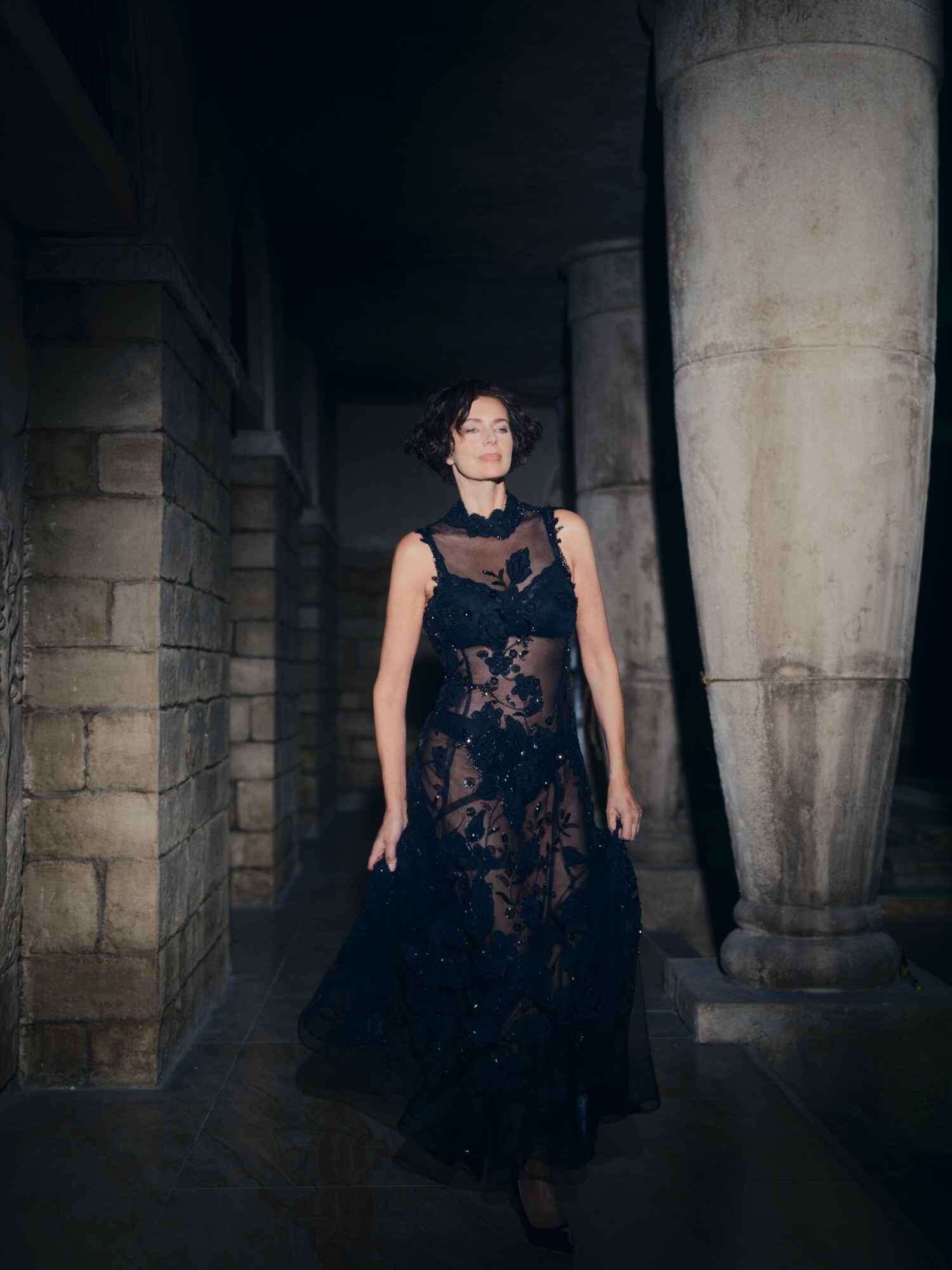
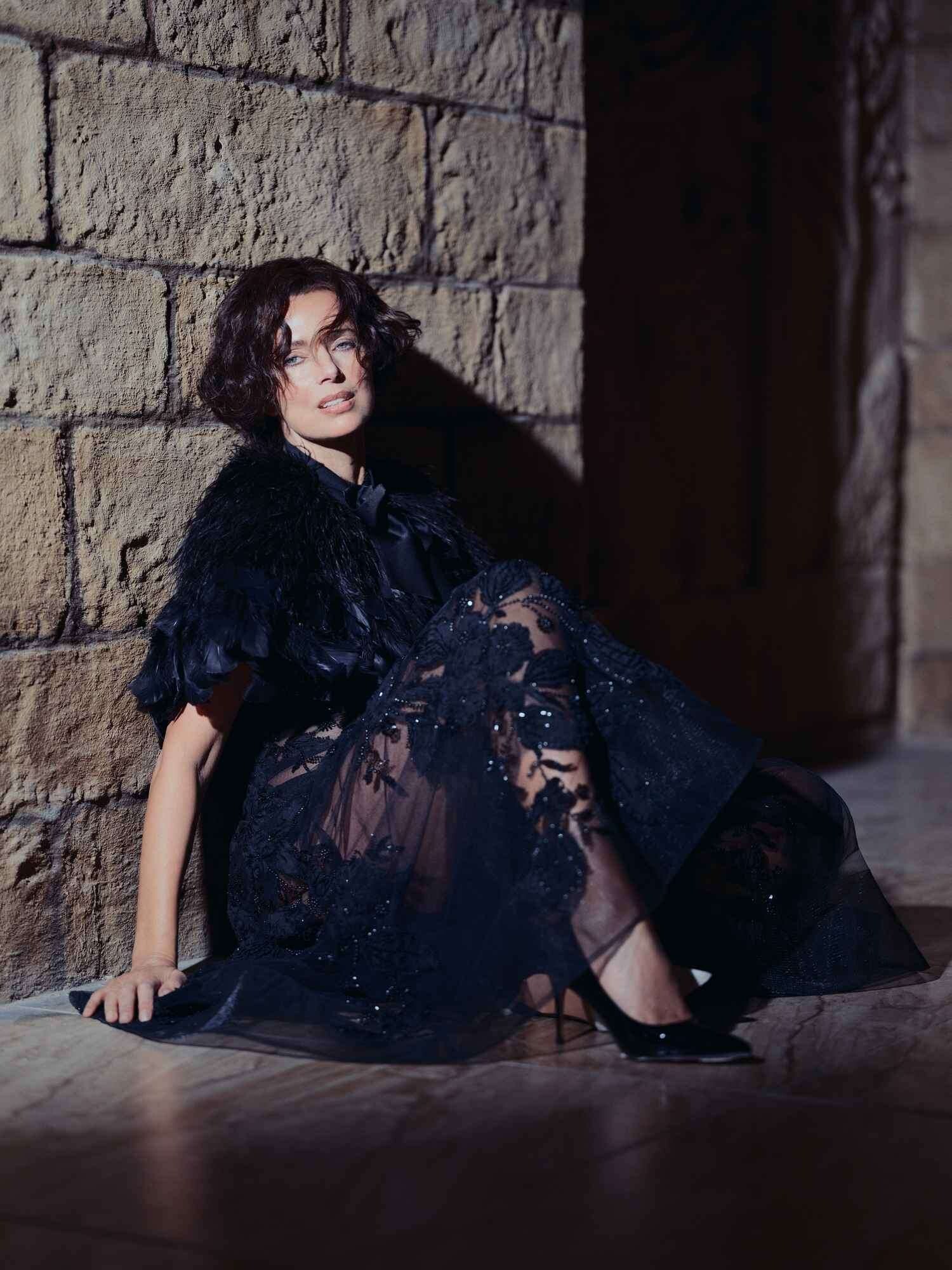
 Couple of updates on Sofia's Wilhelmina and Nevs ports. Listed as a 5'8 32F - 26 - 37. Sofia Kotlyar - Wilhelmina NYC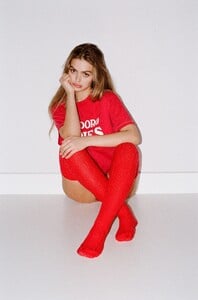





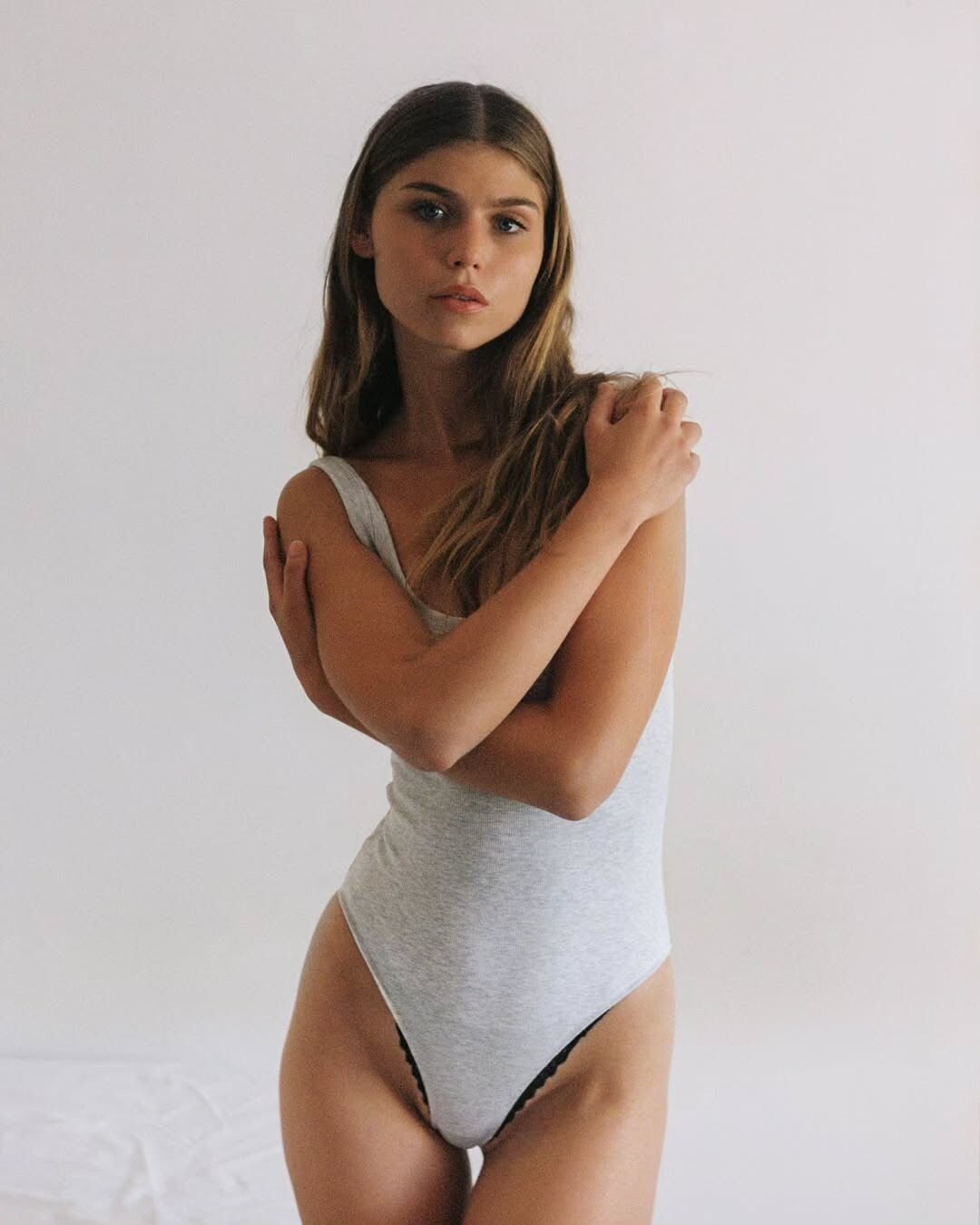
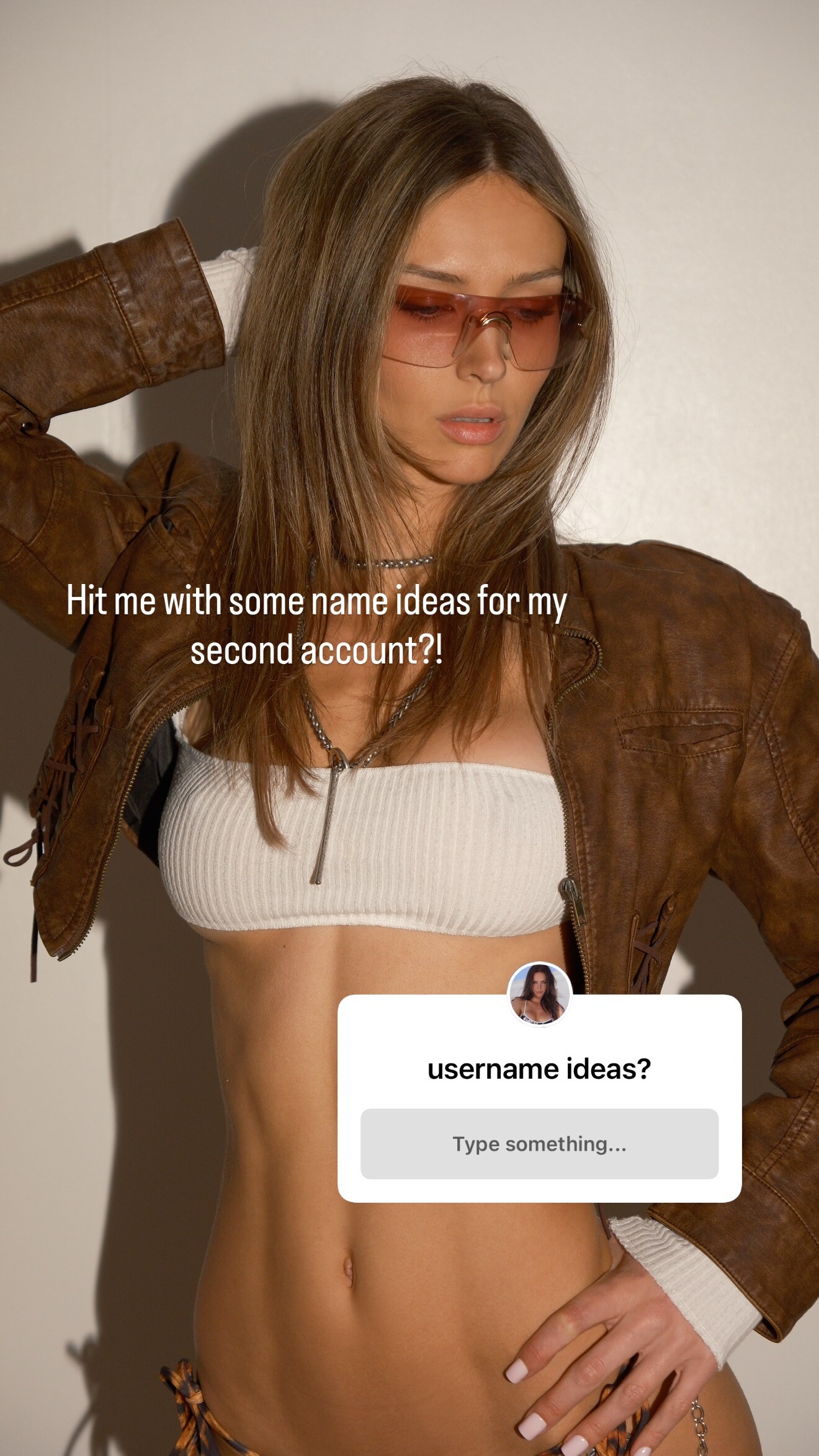
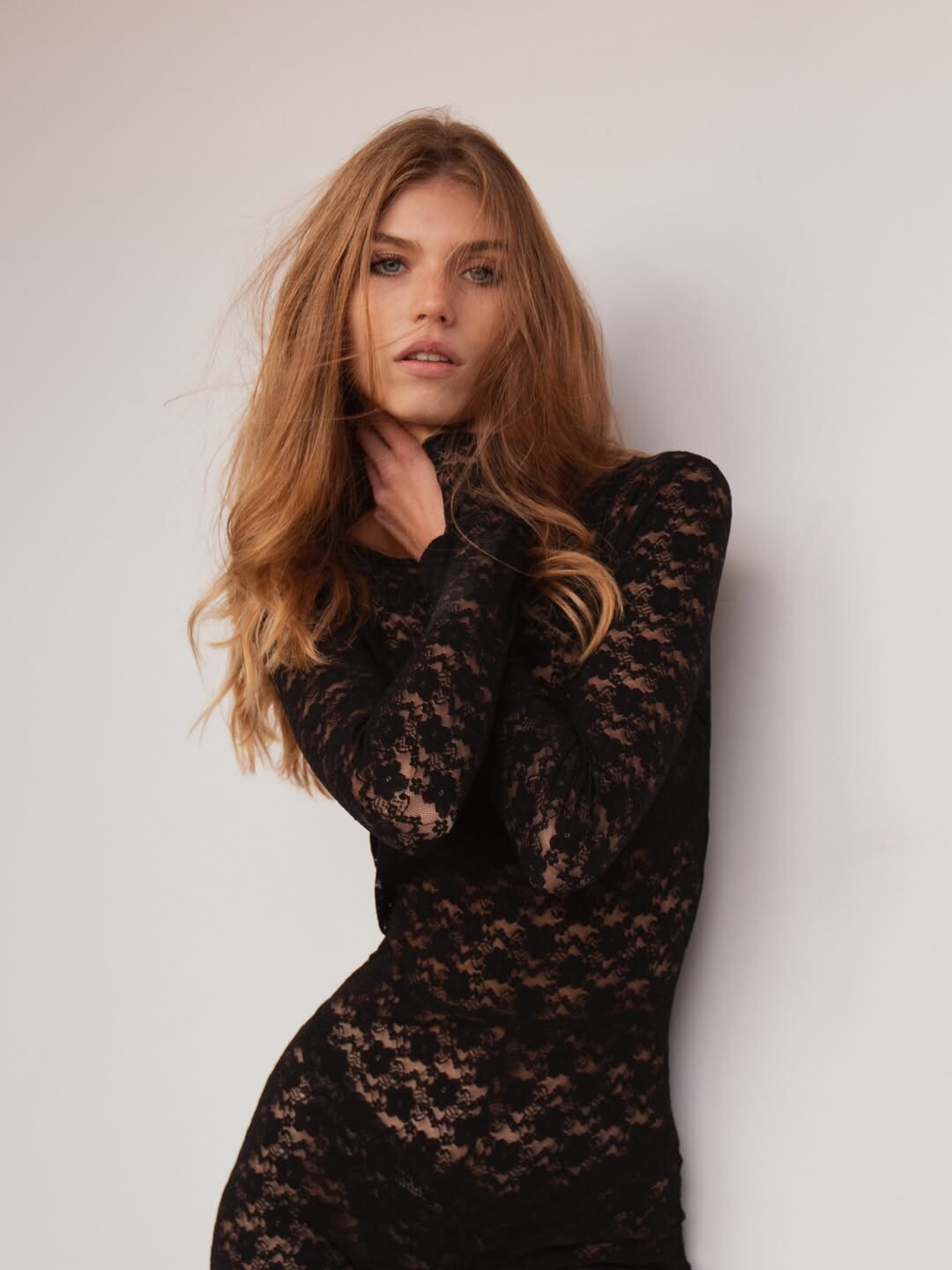
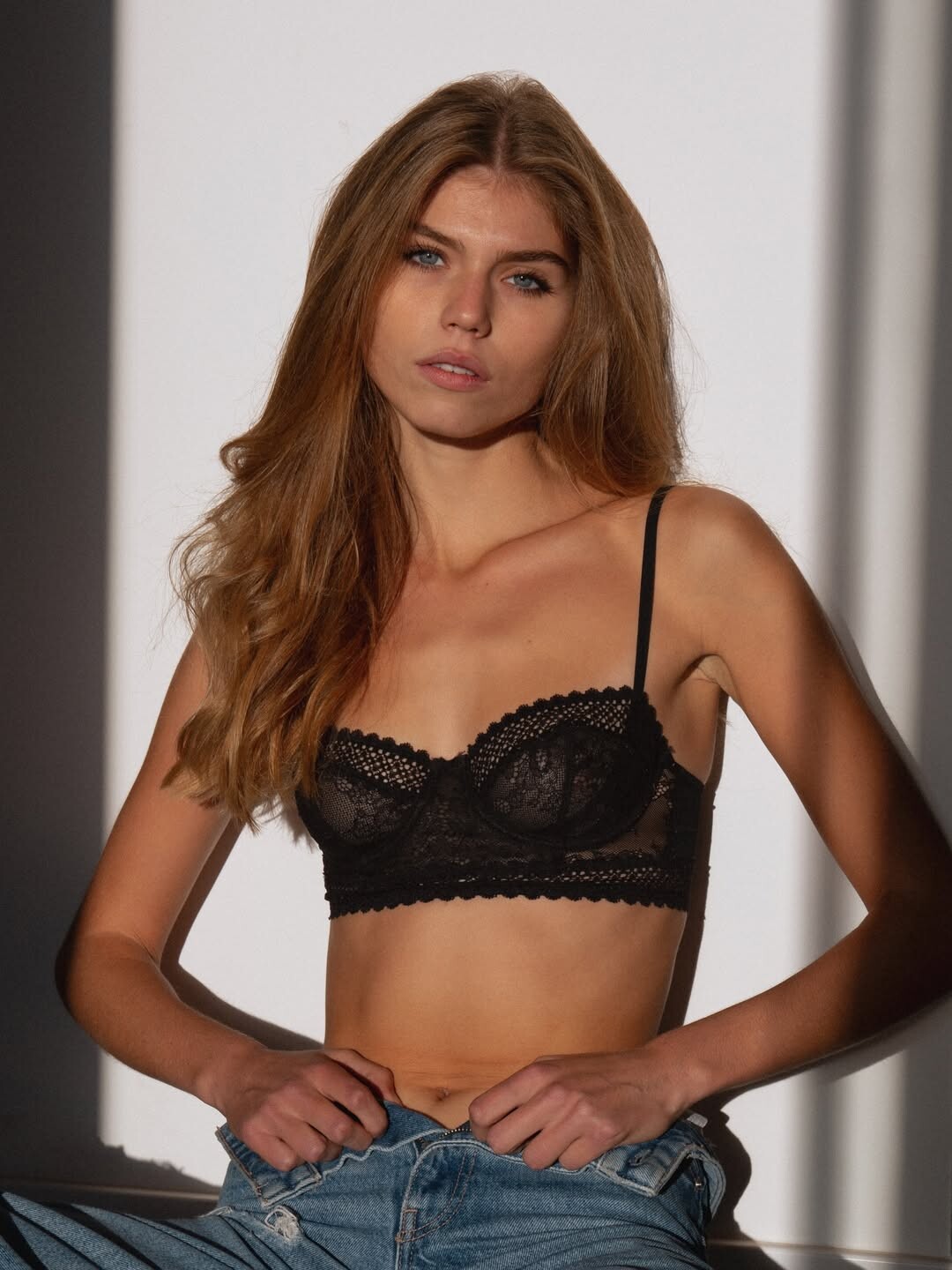
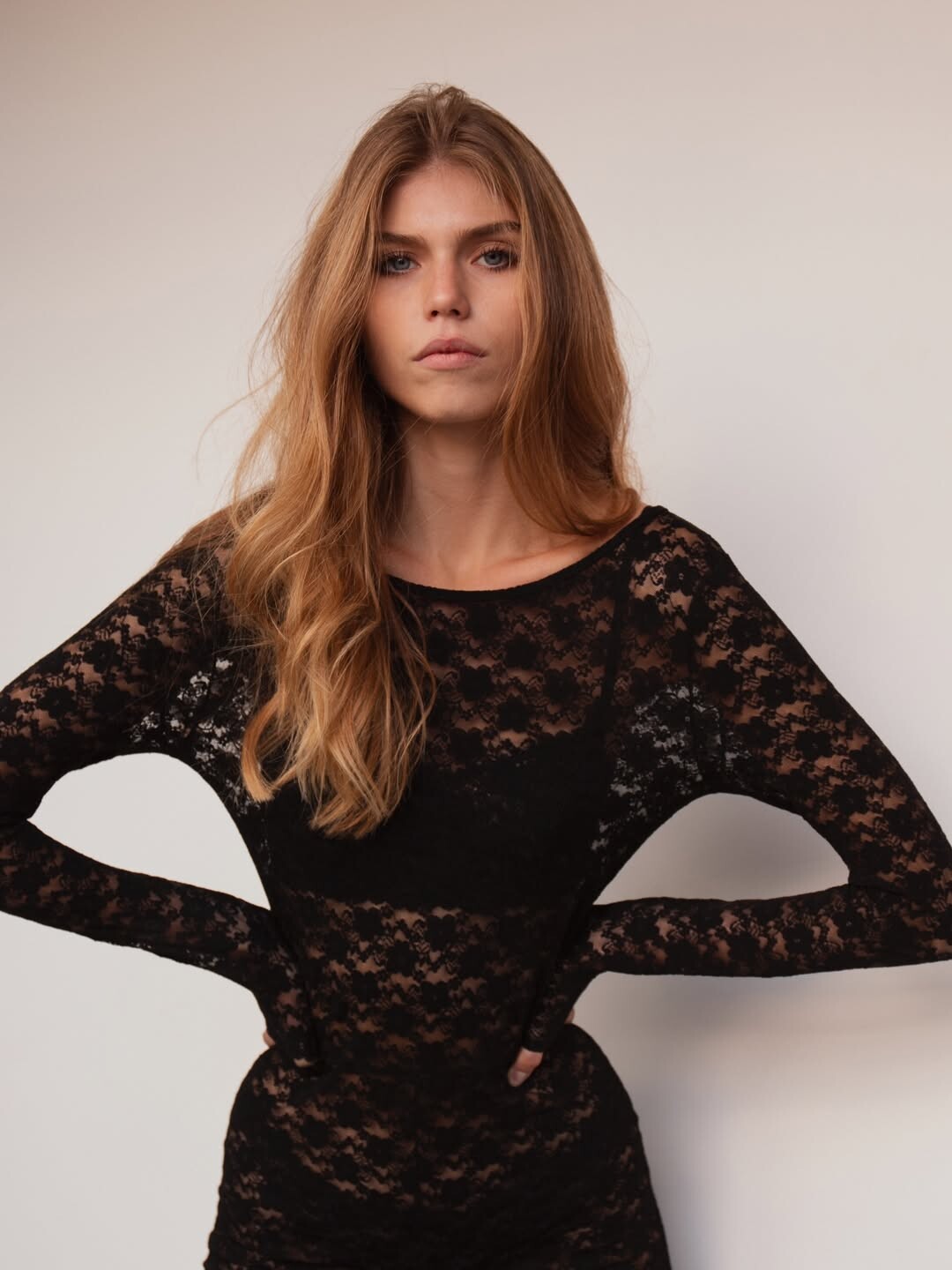
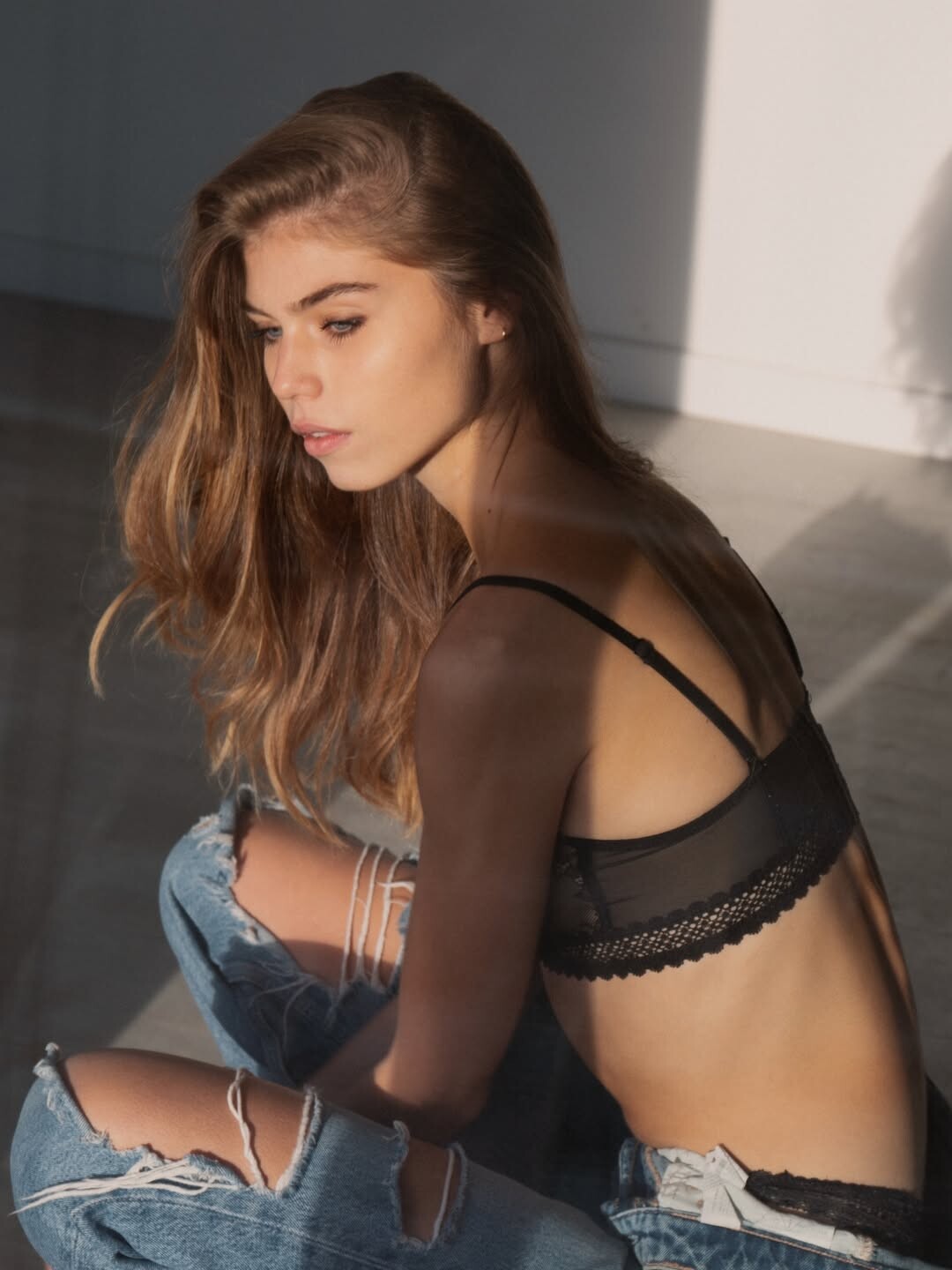
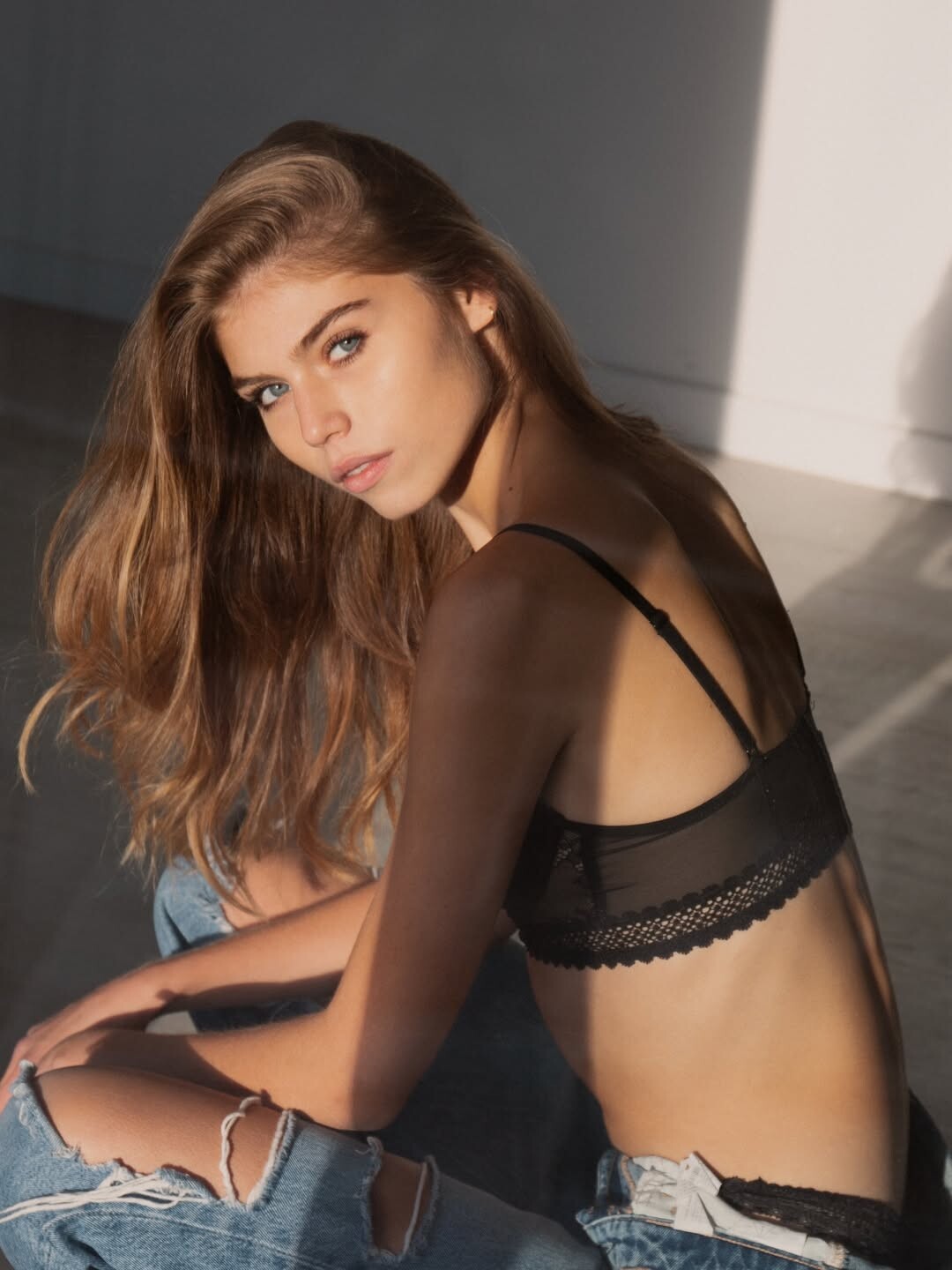
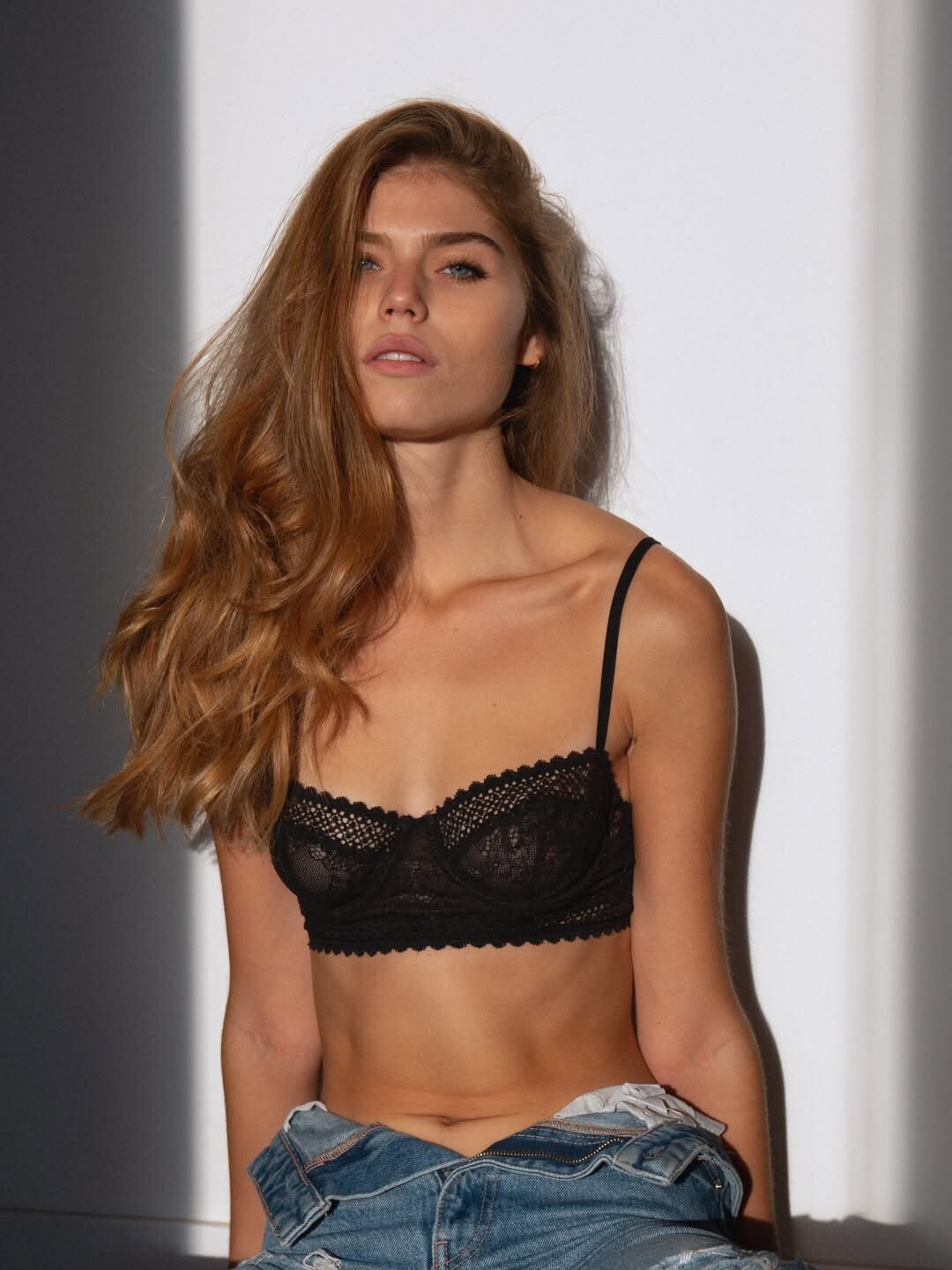
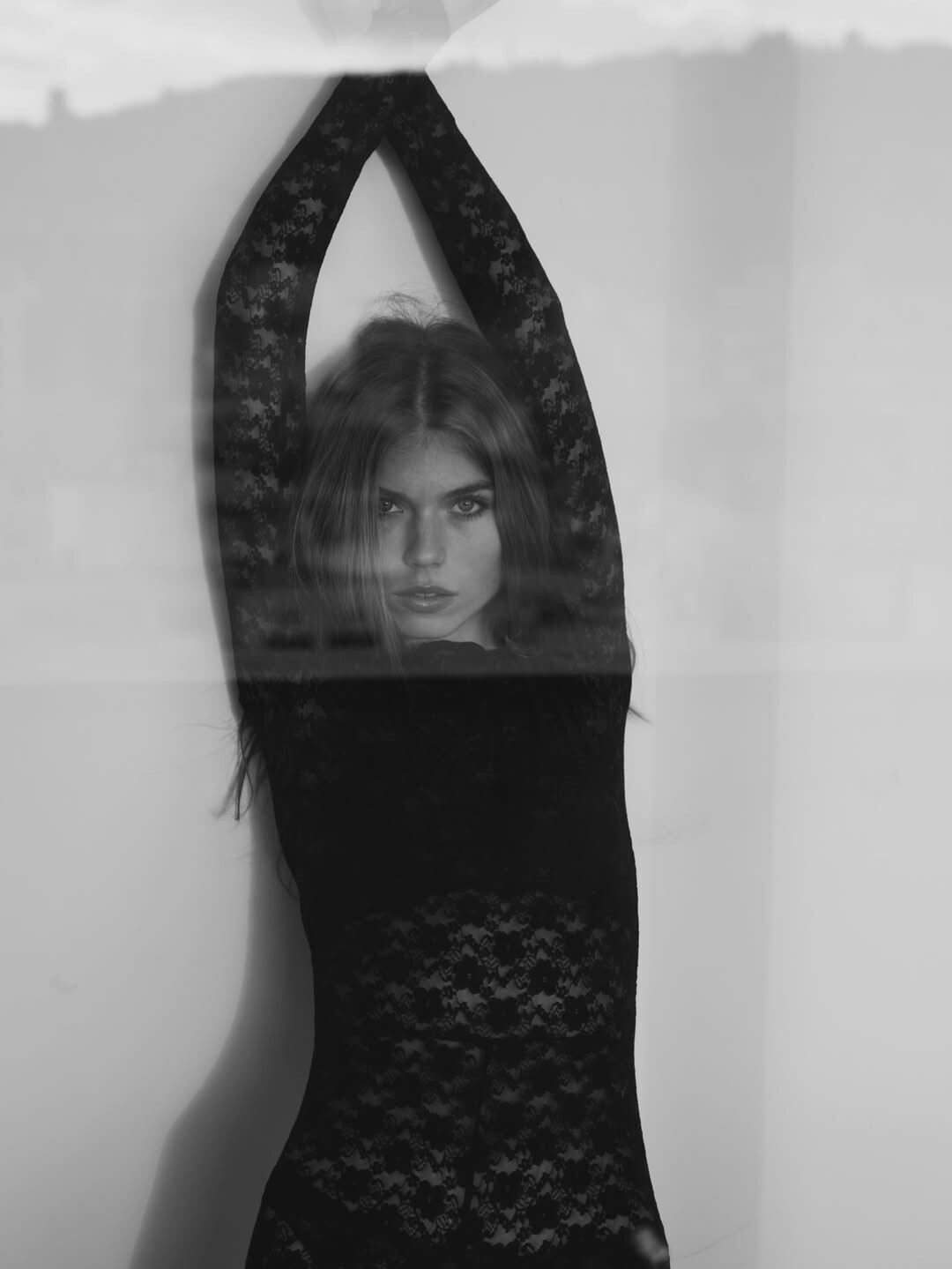

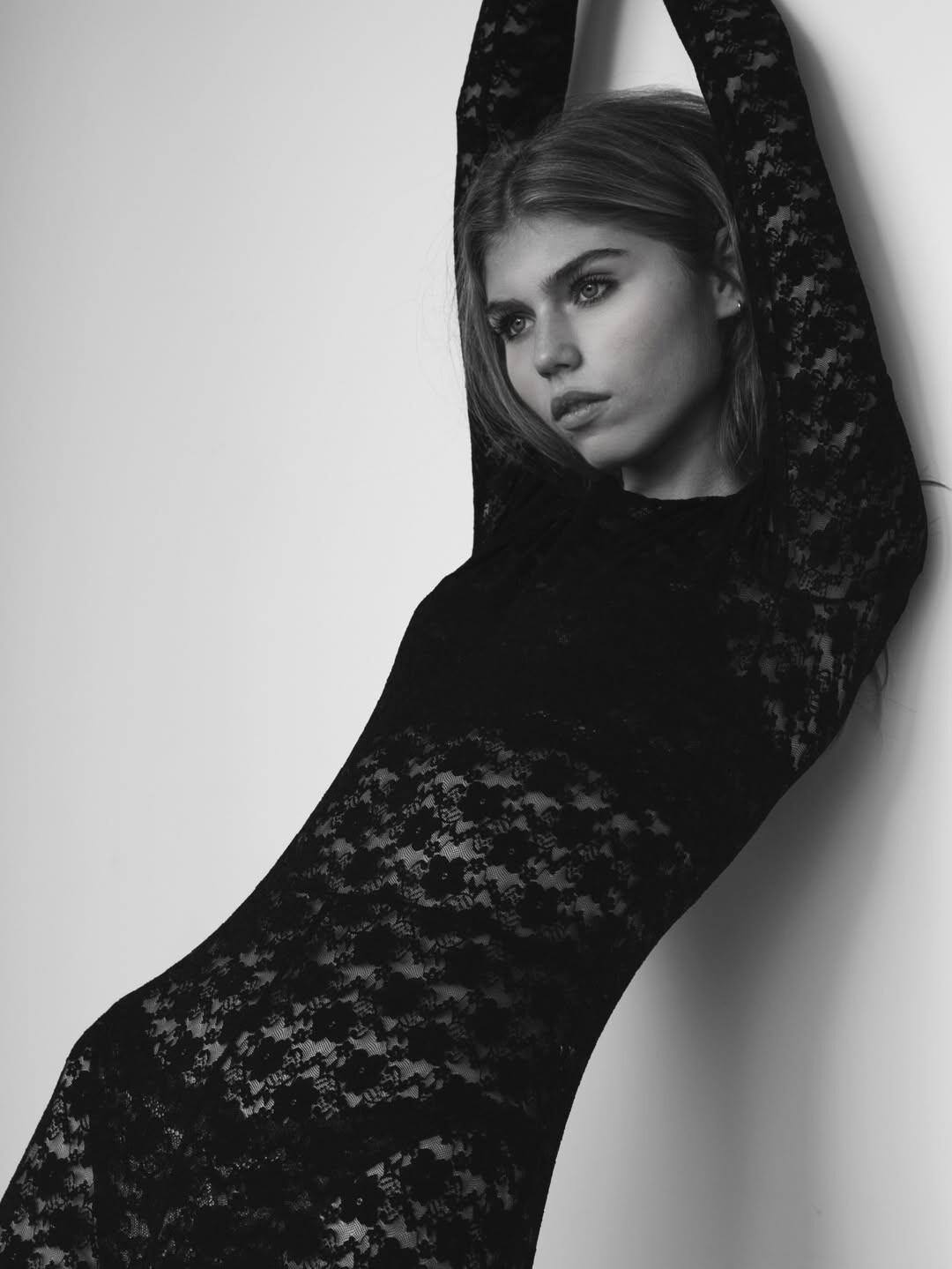
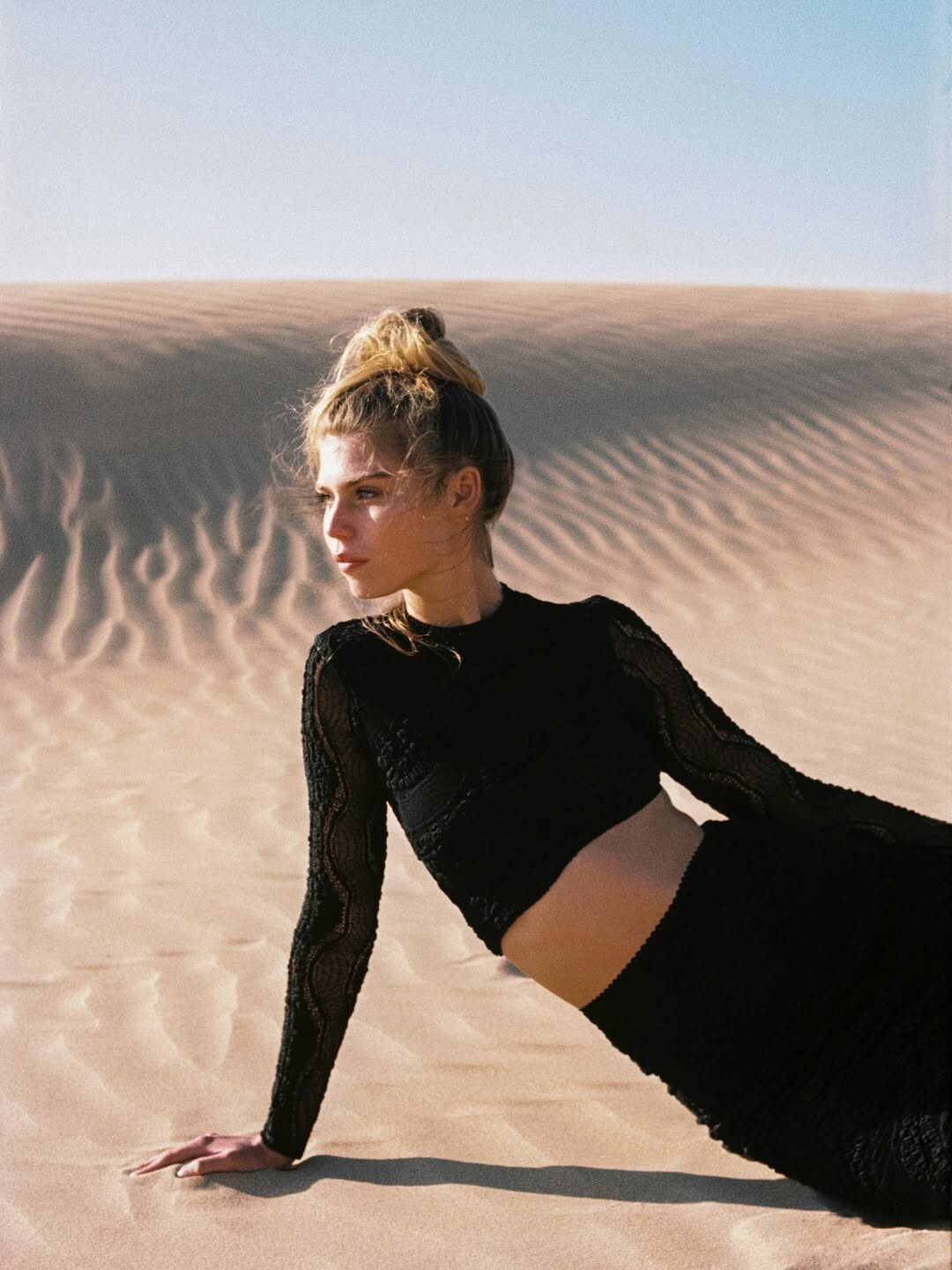
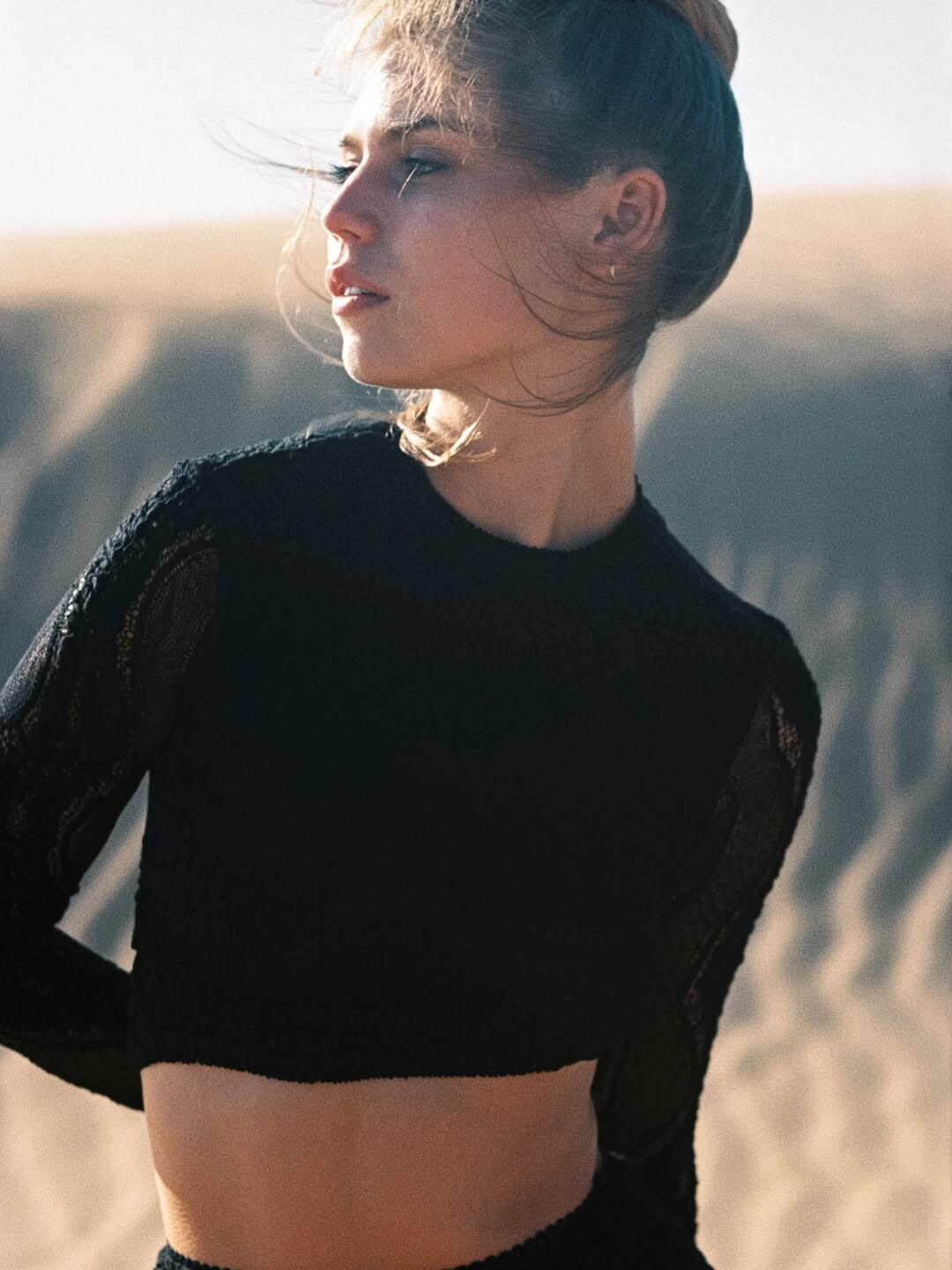
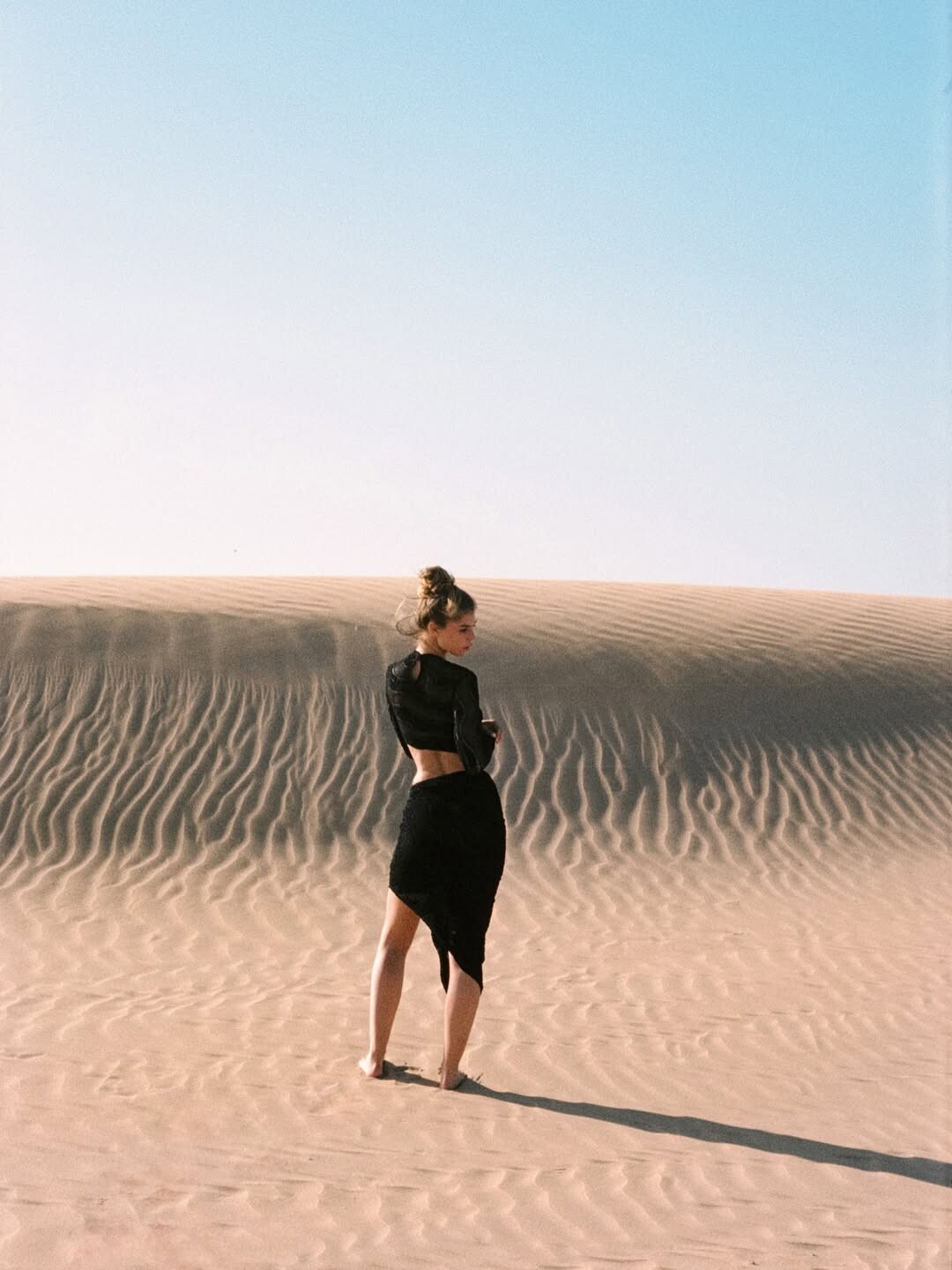
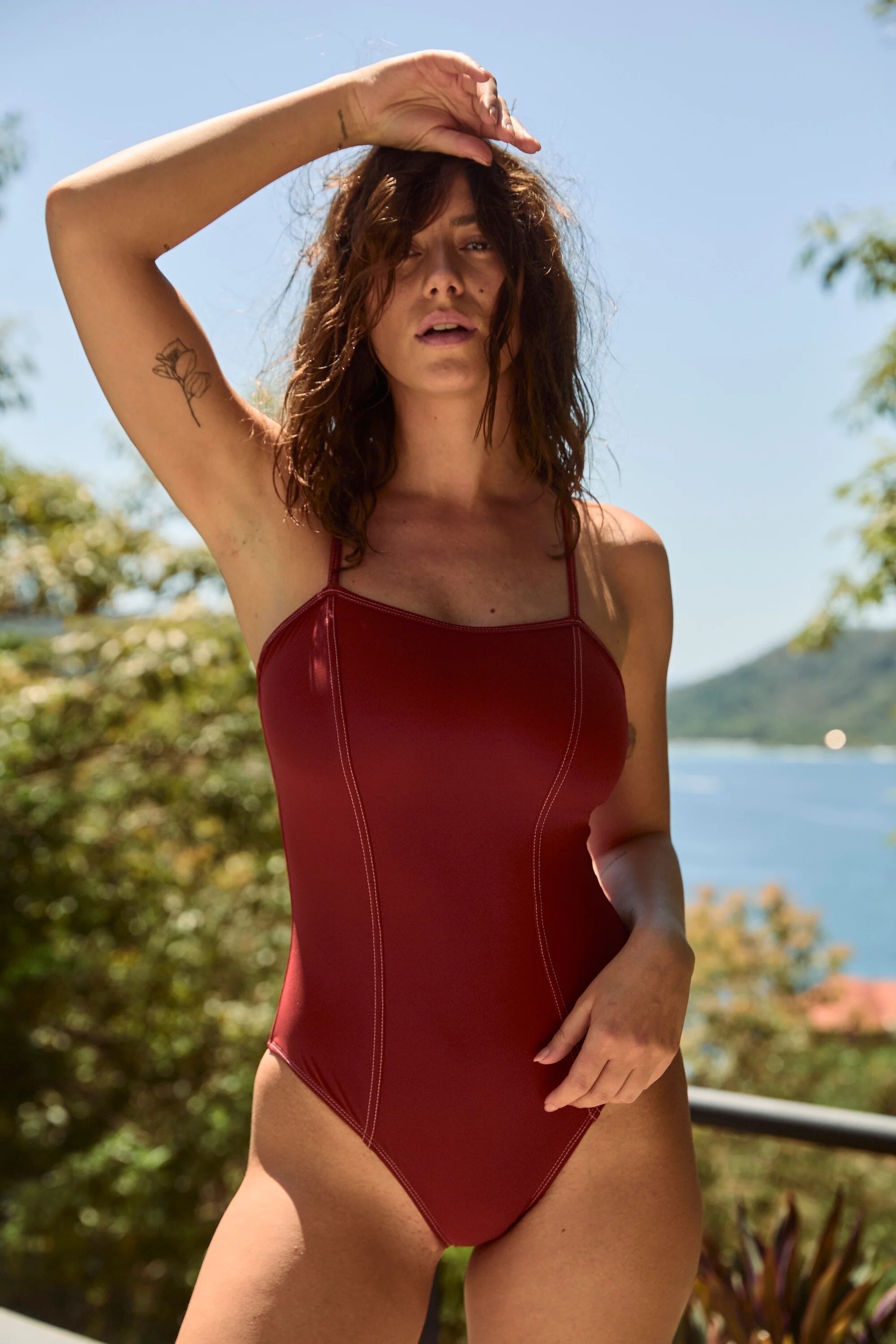
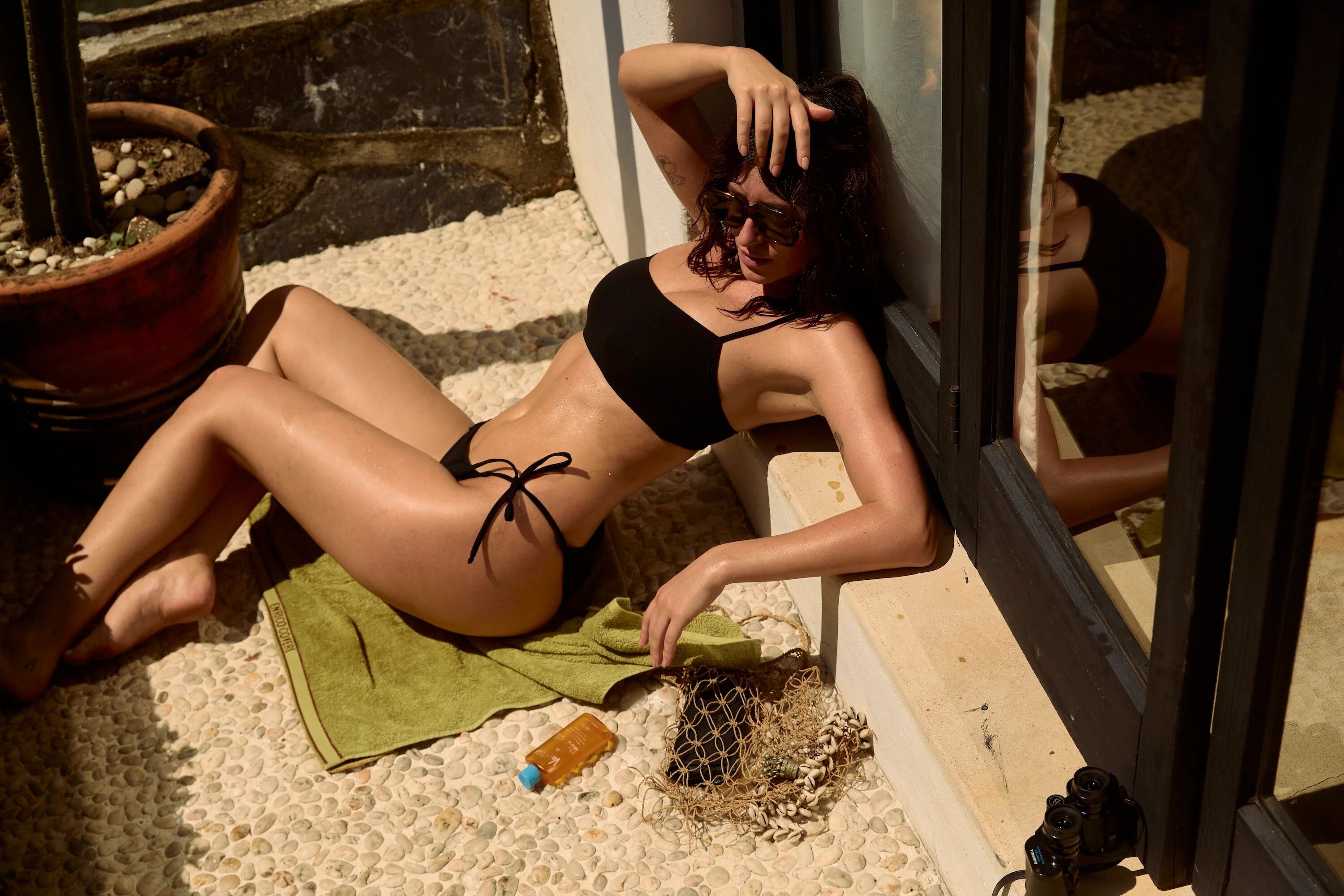
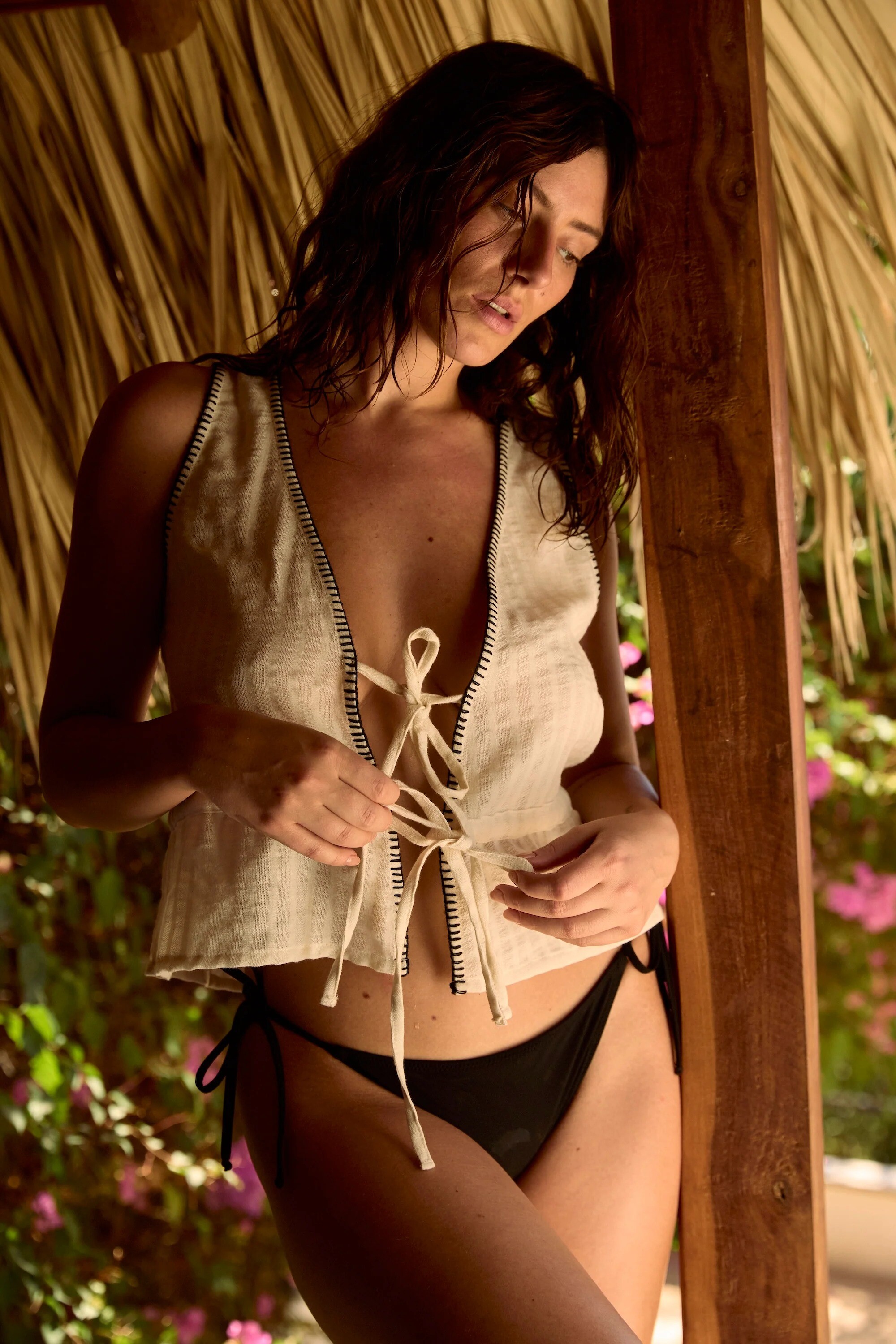
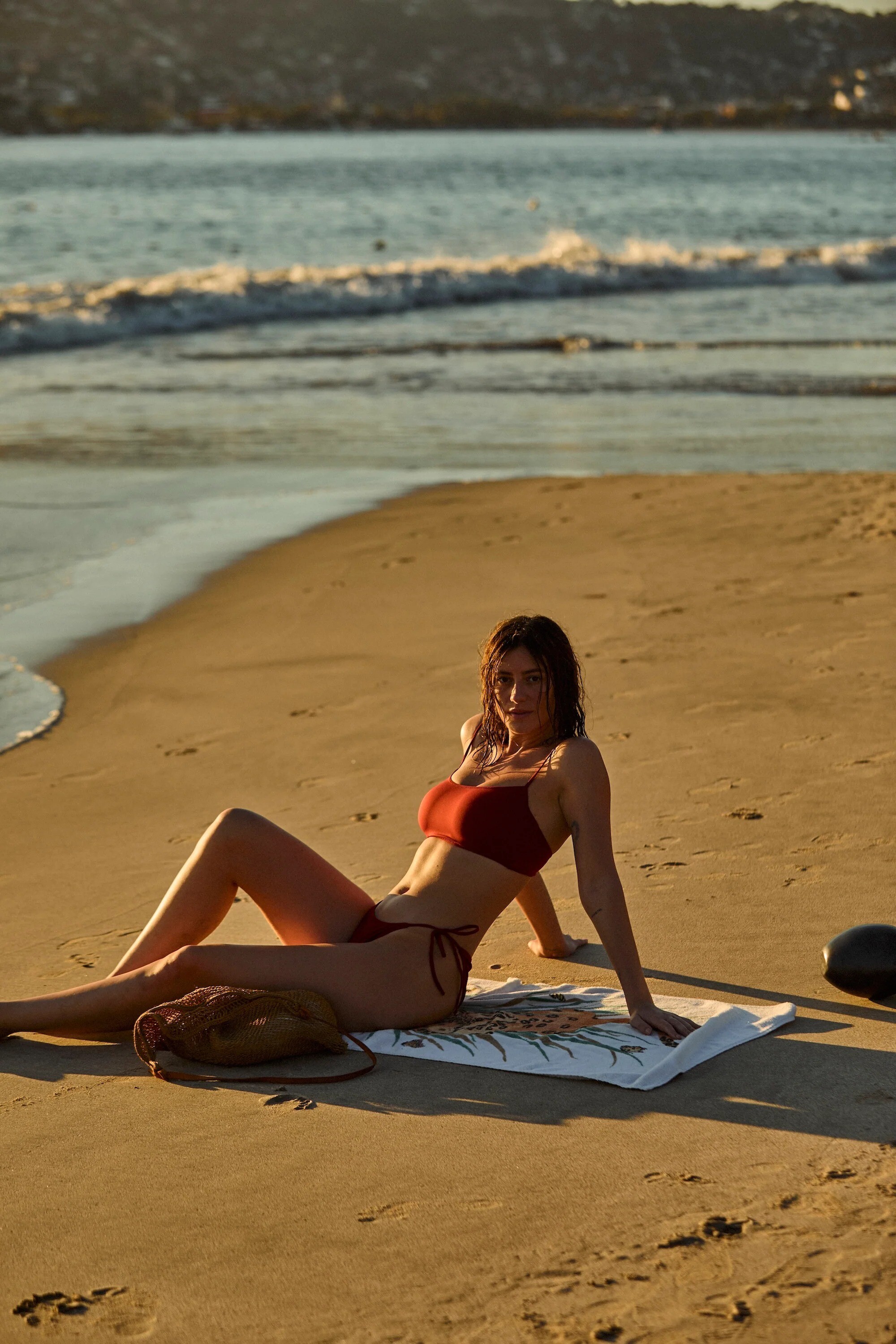
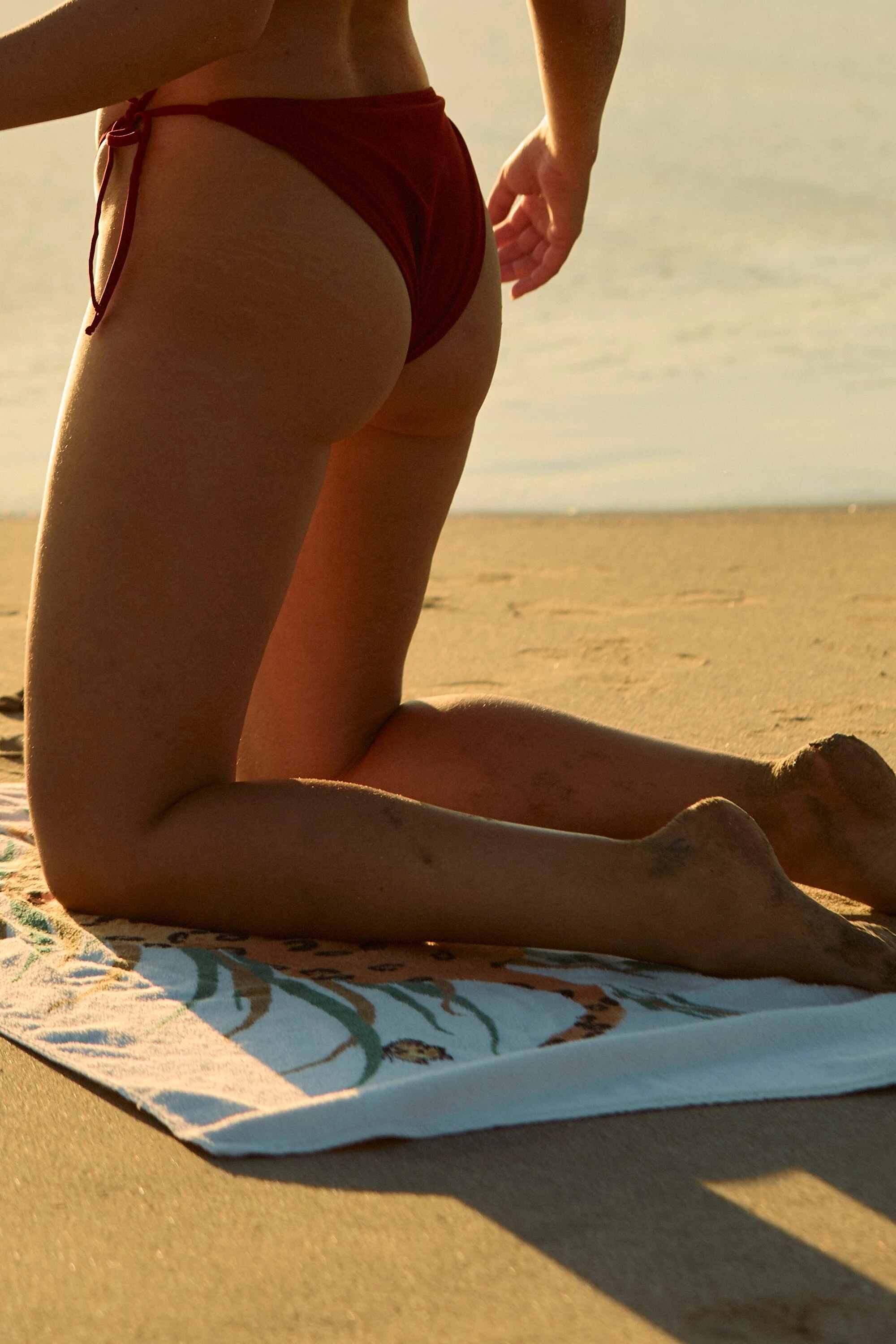
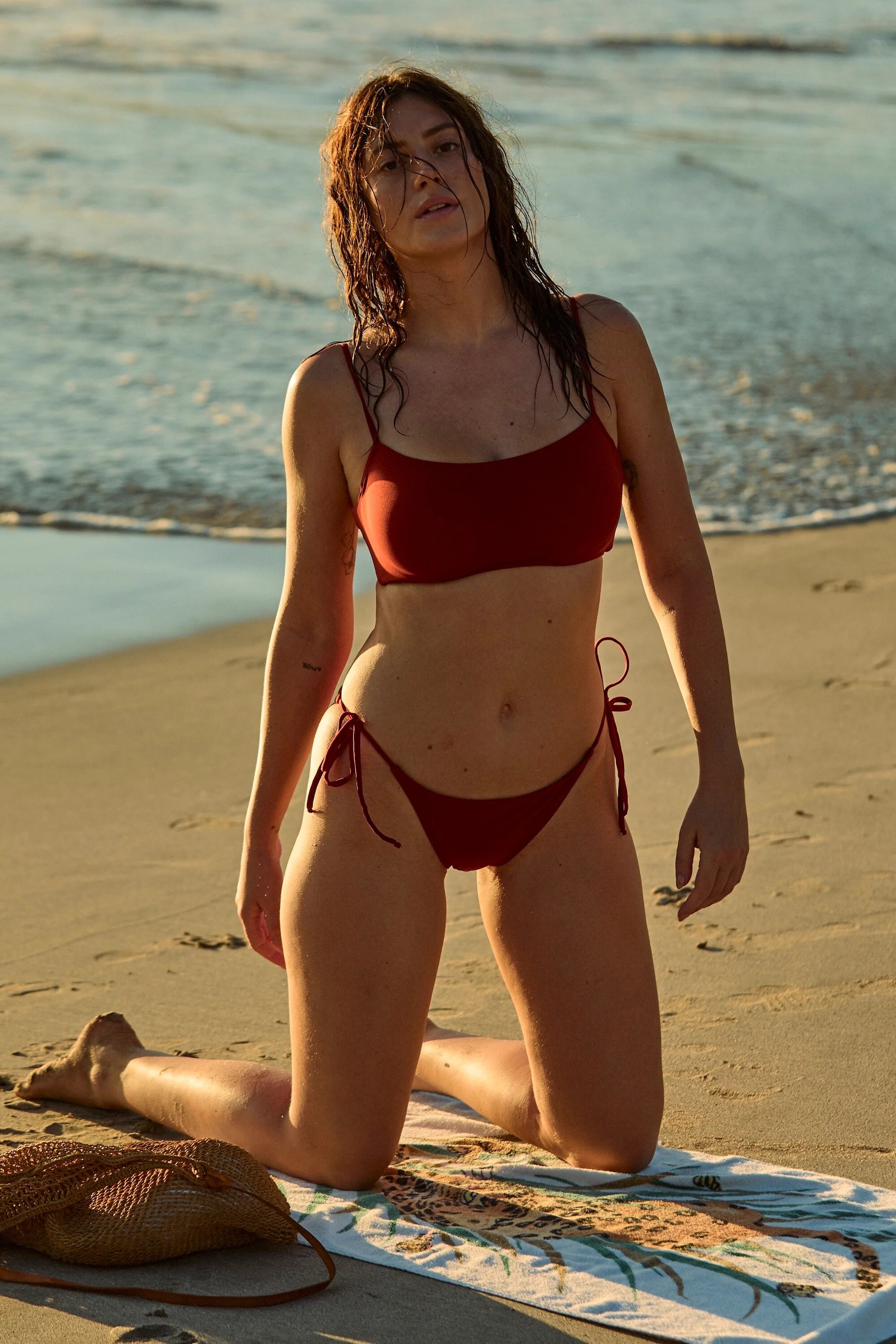
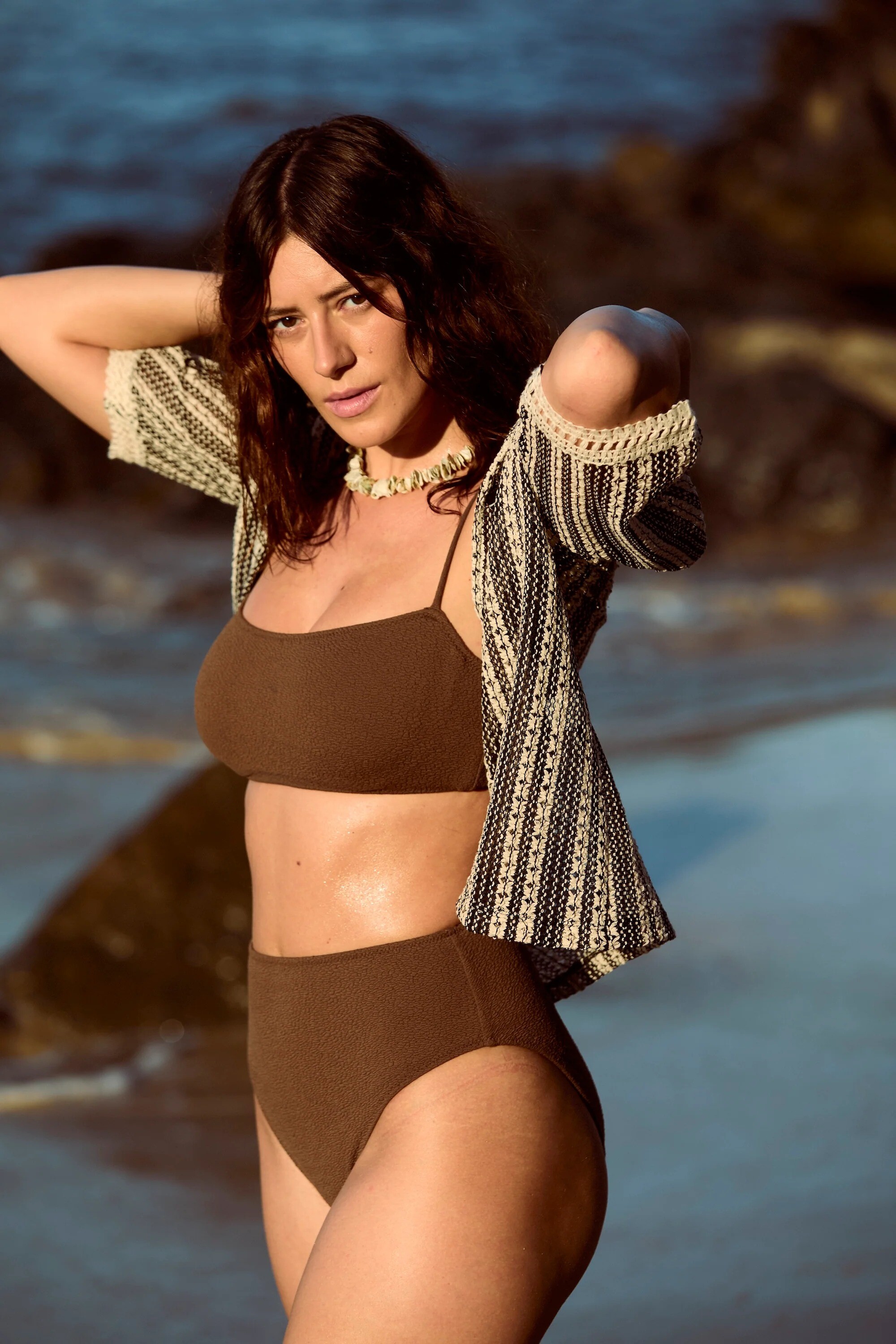






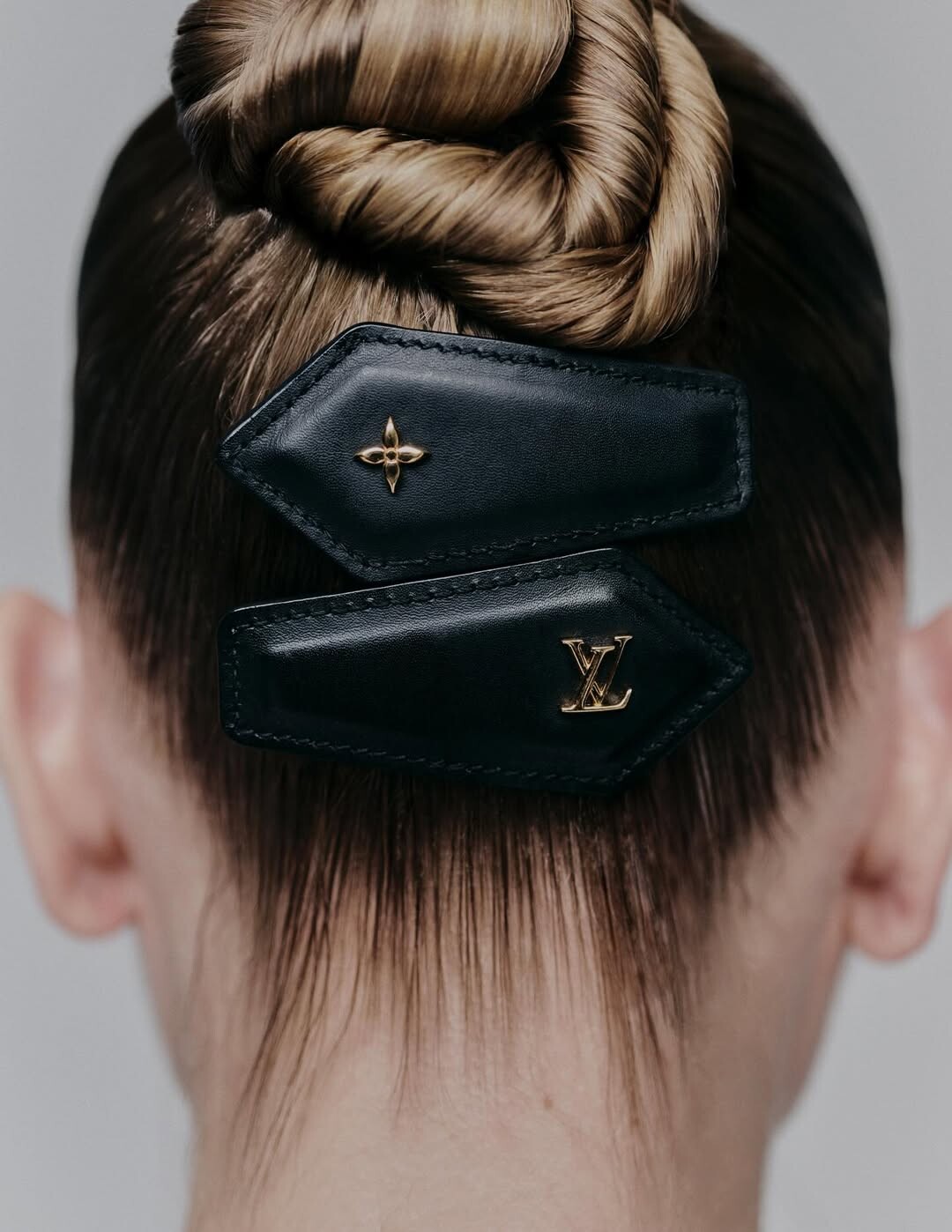
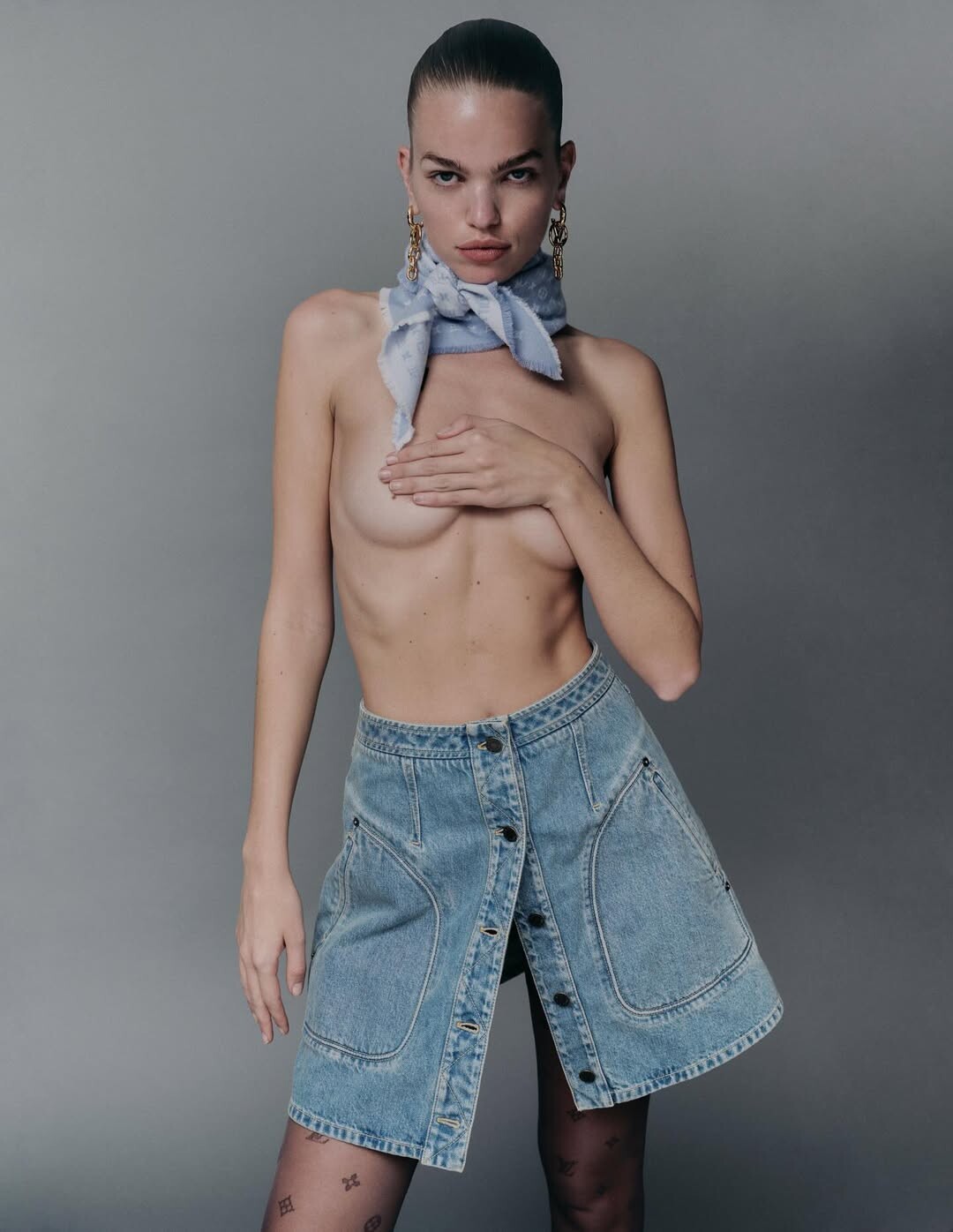
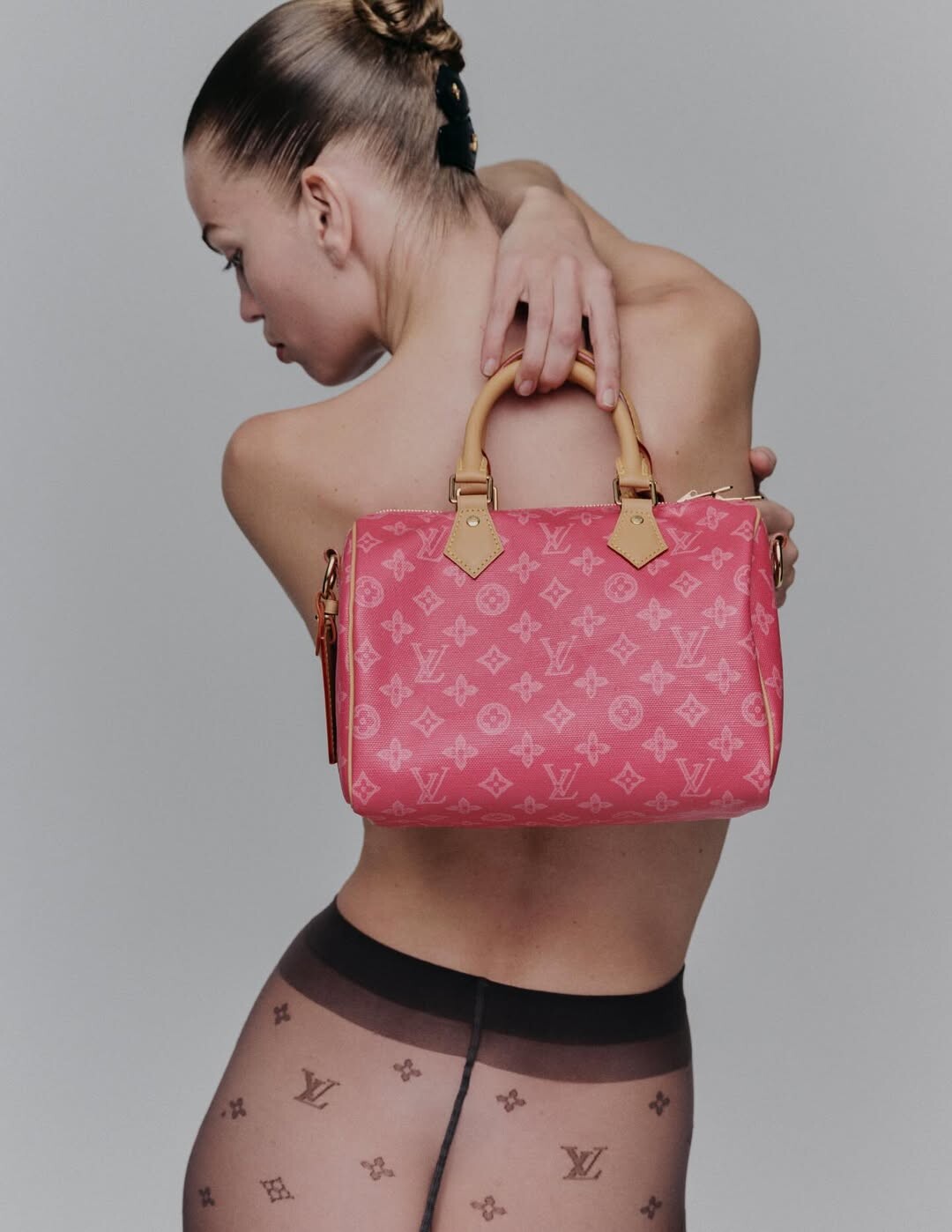
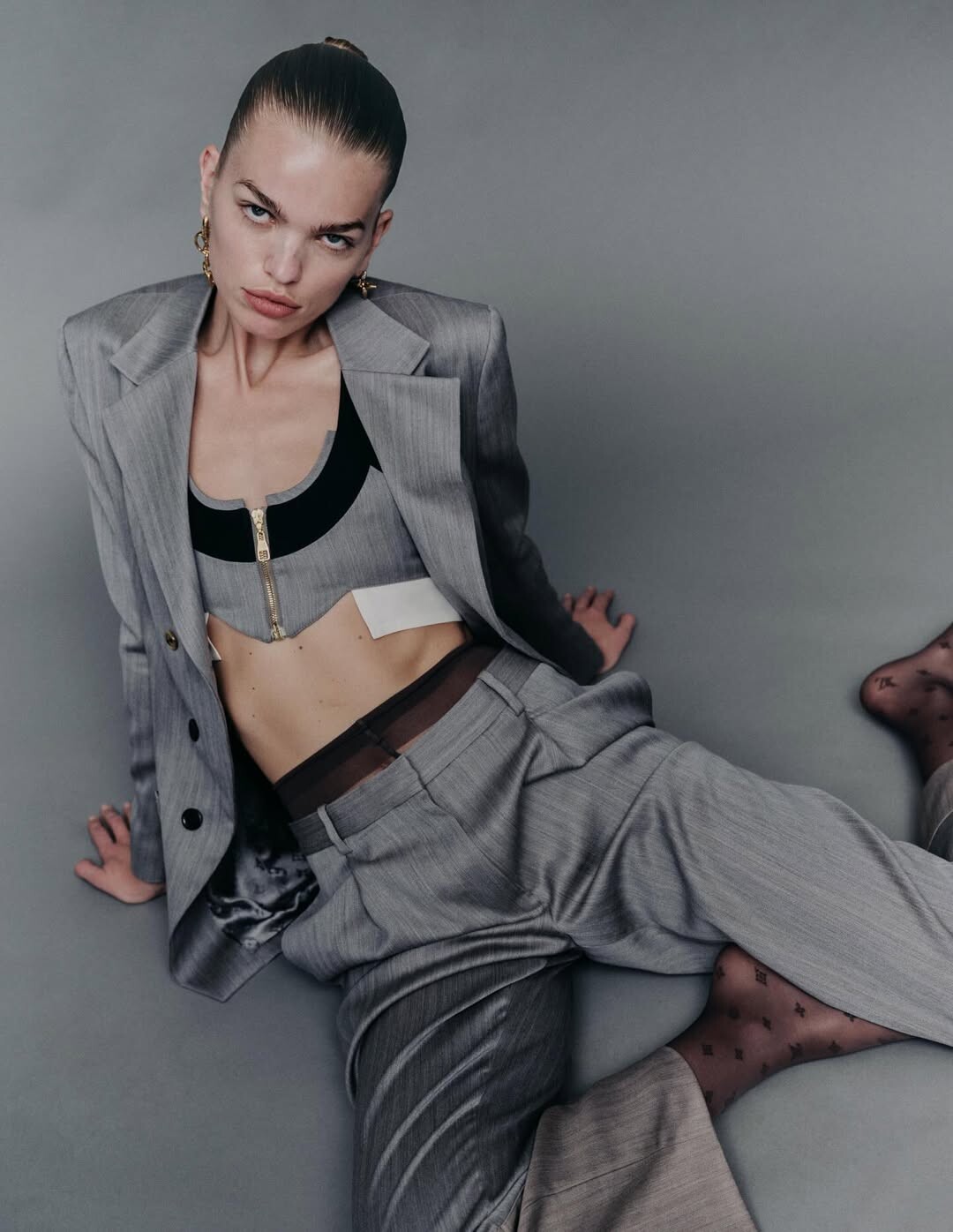
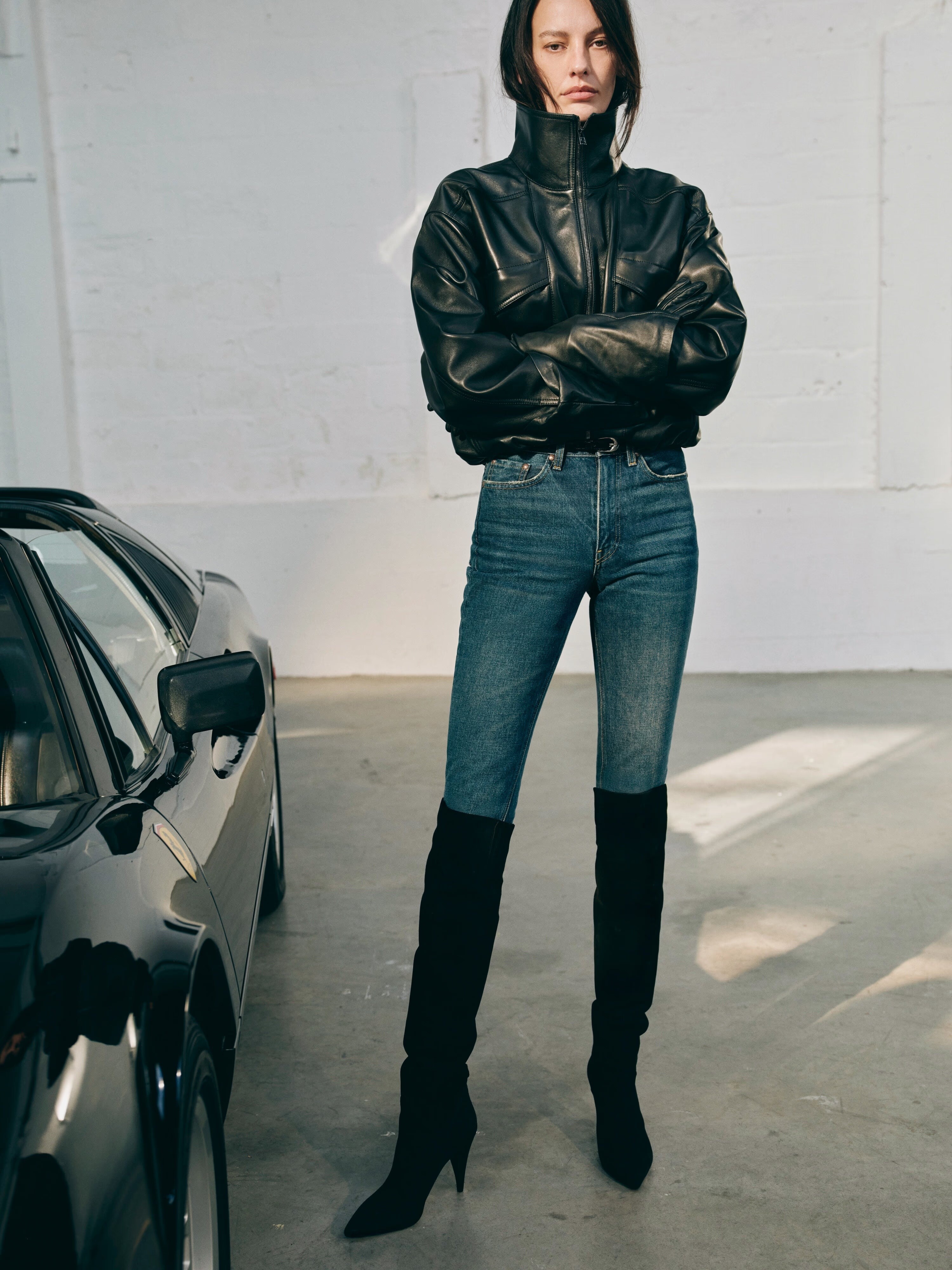
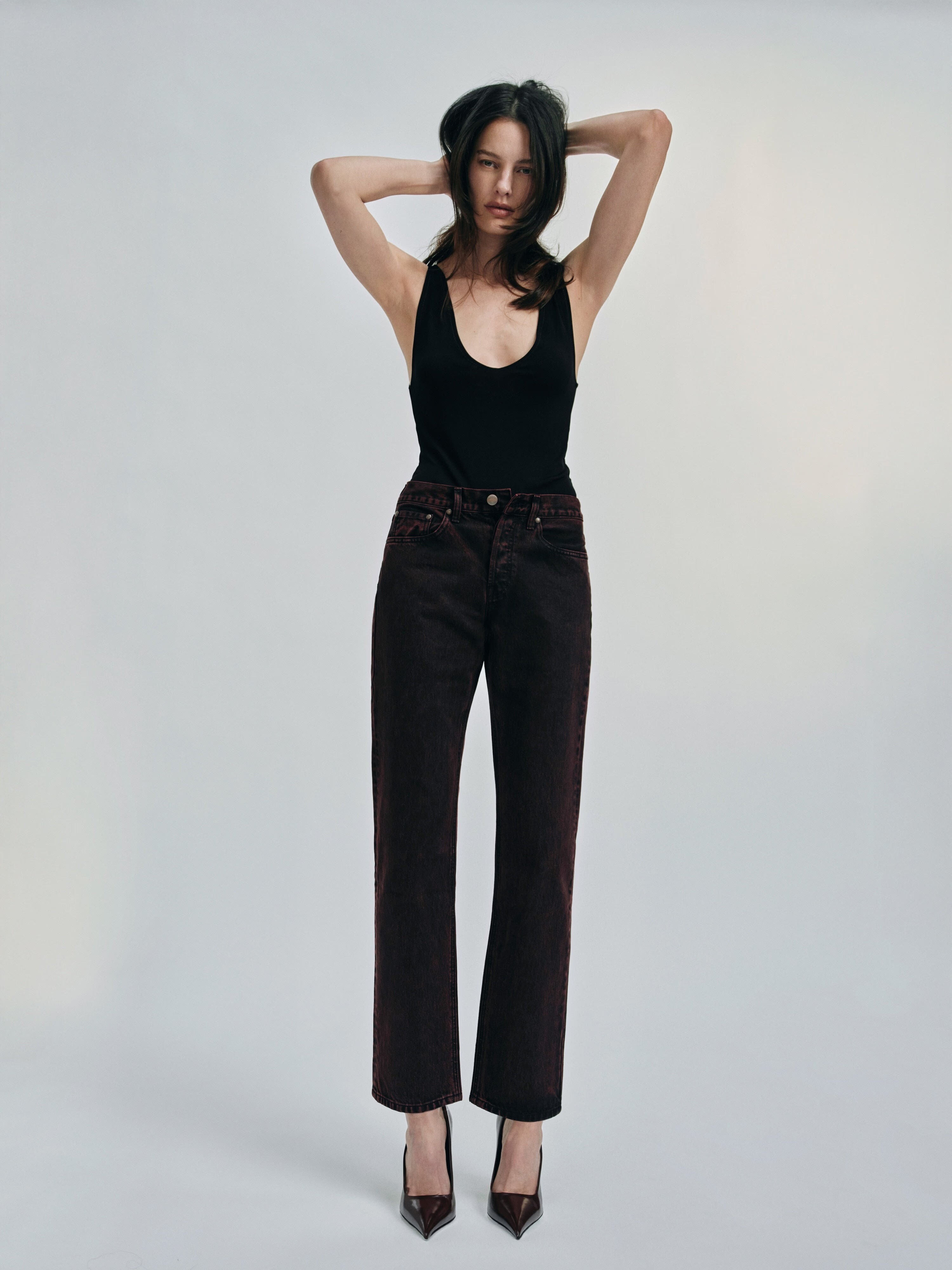
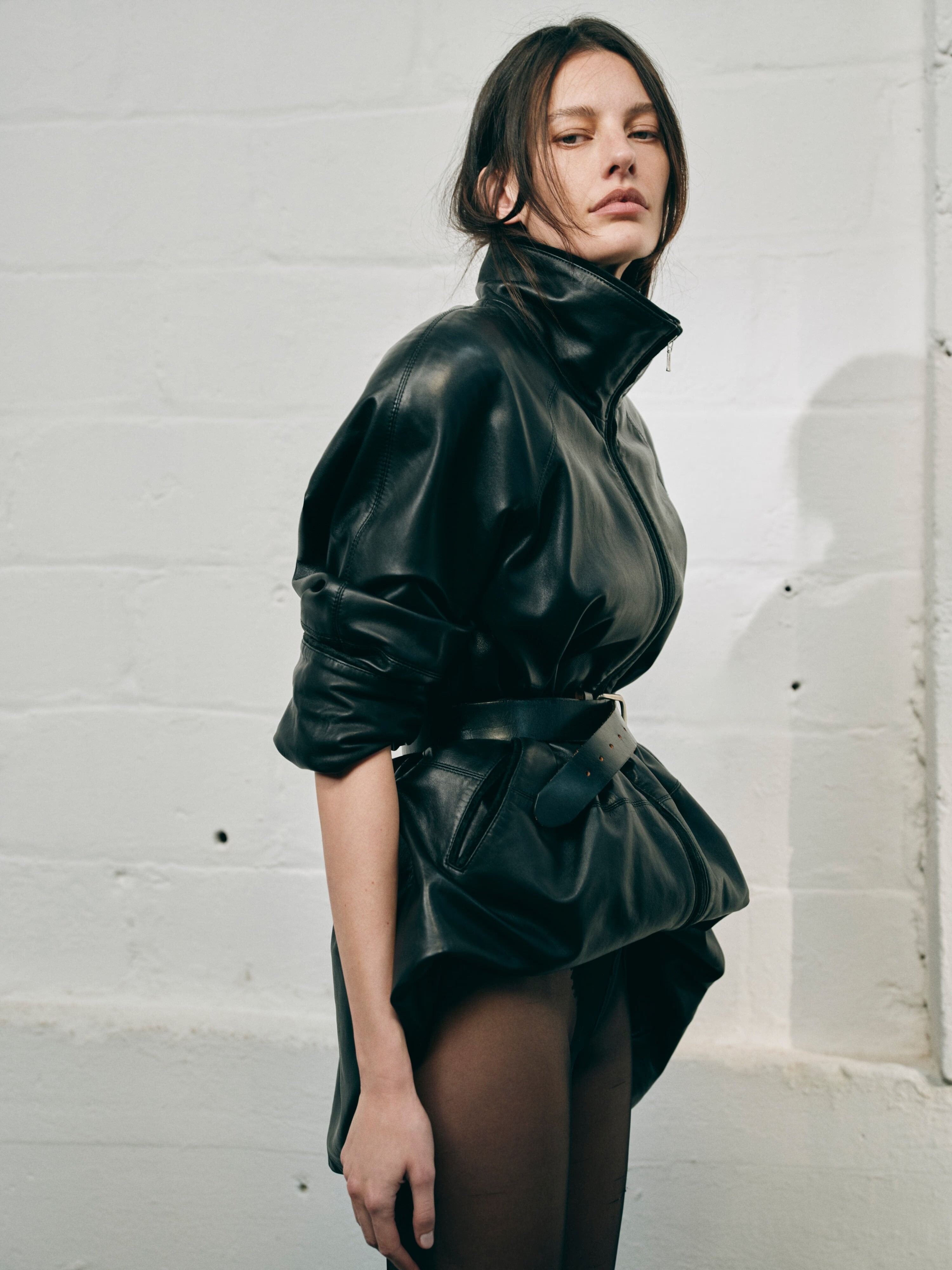
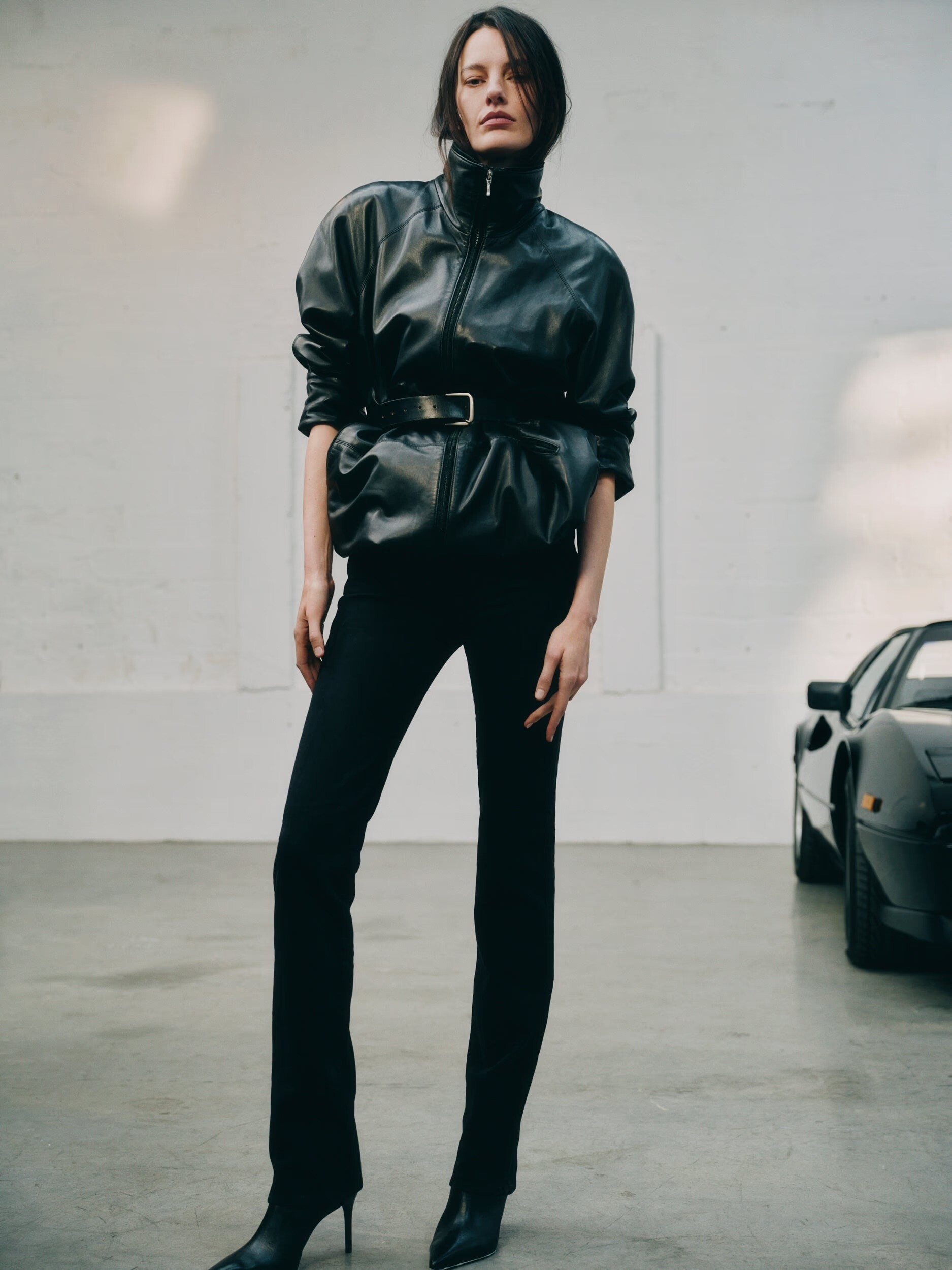
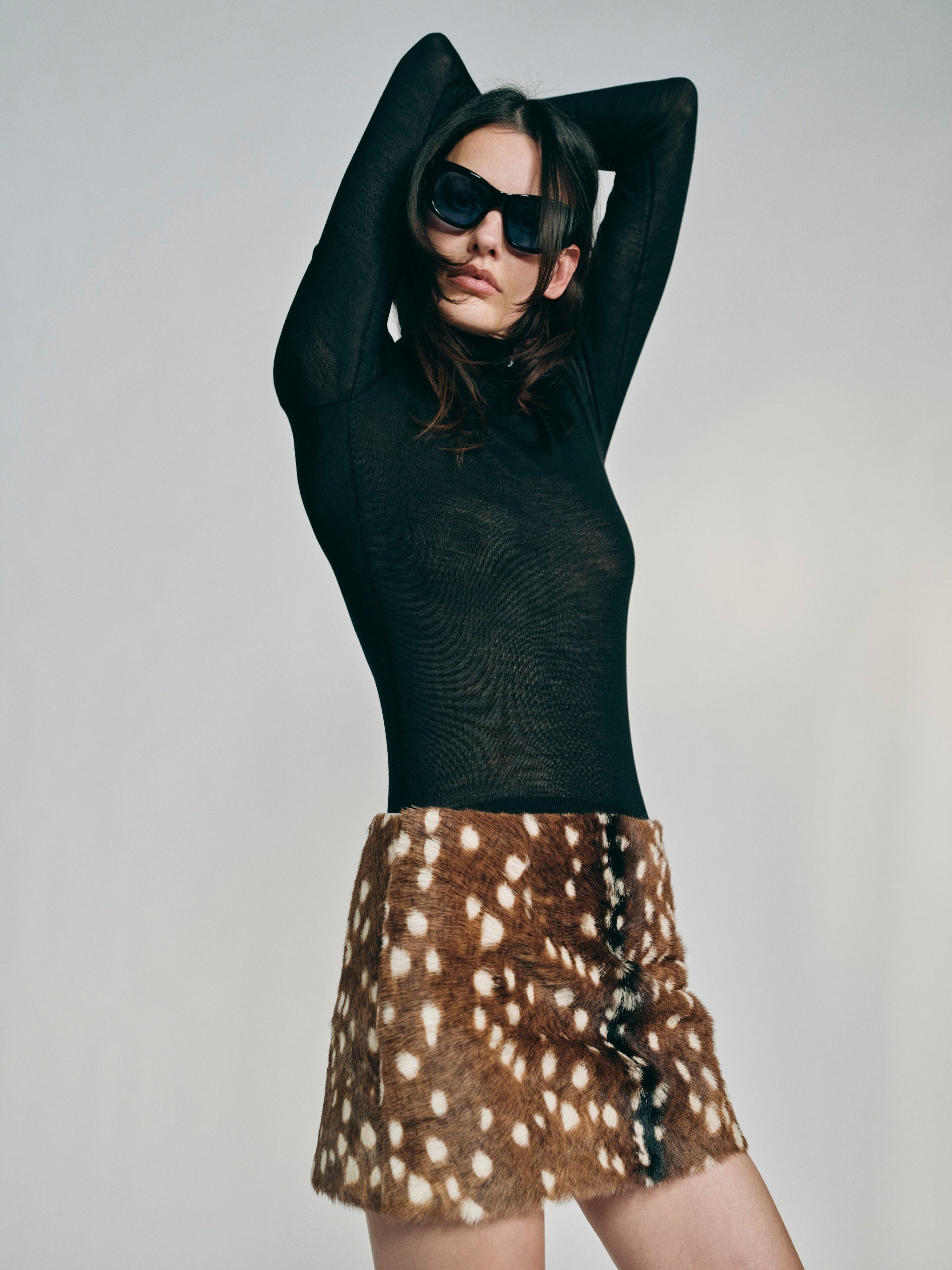
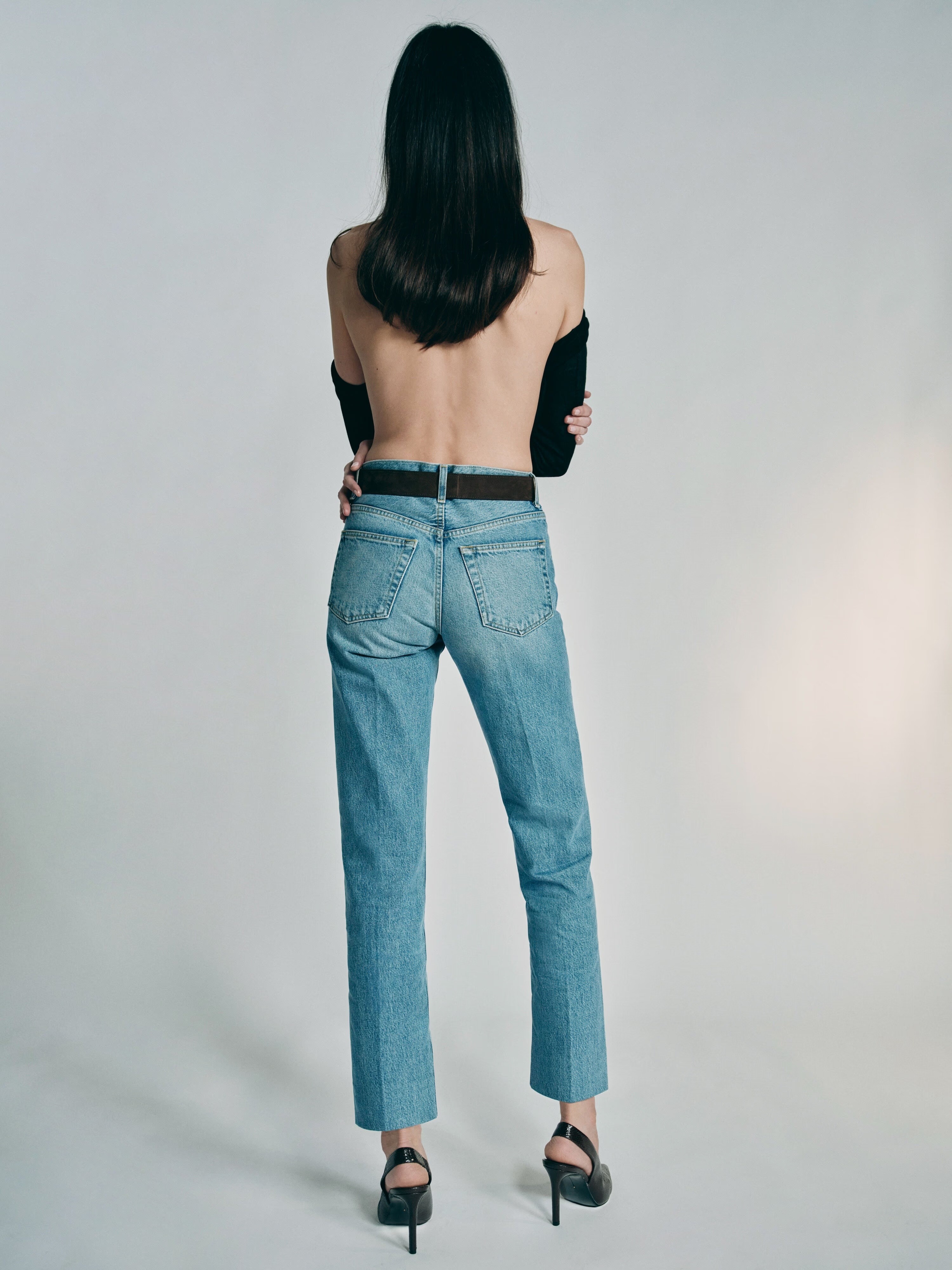
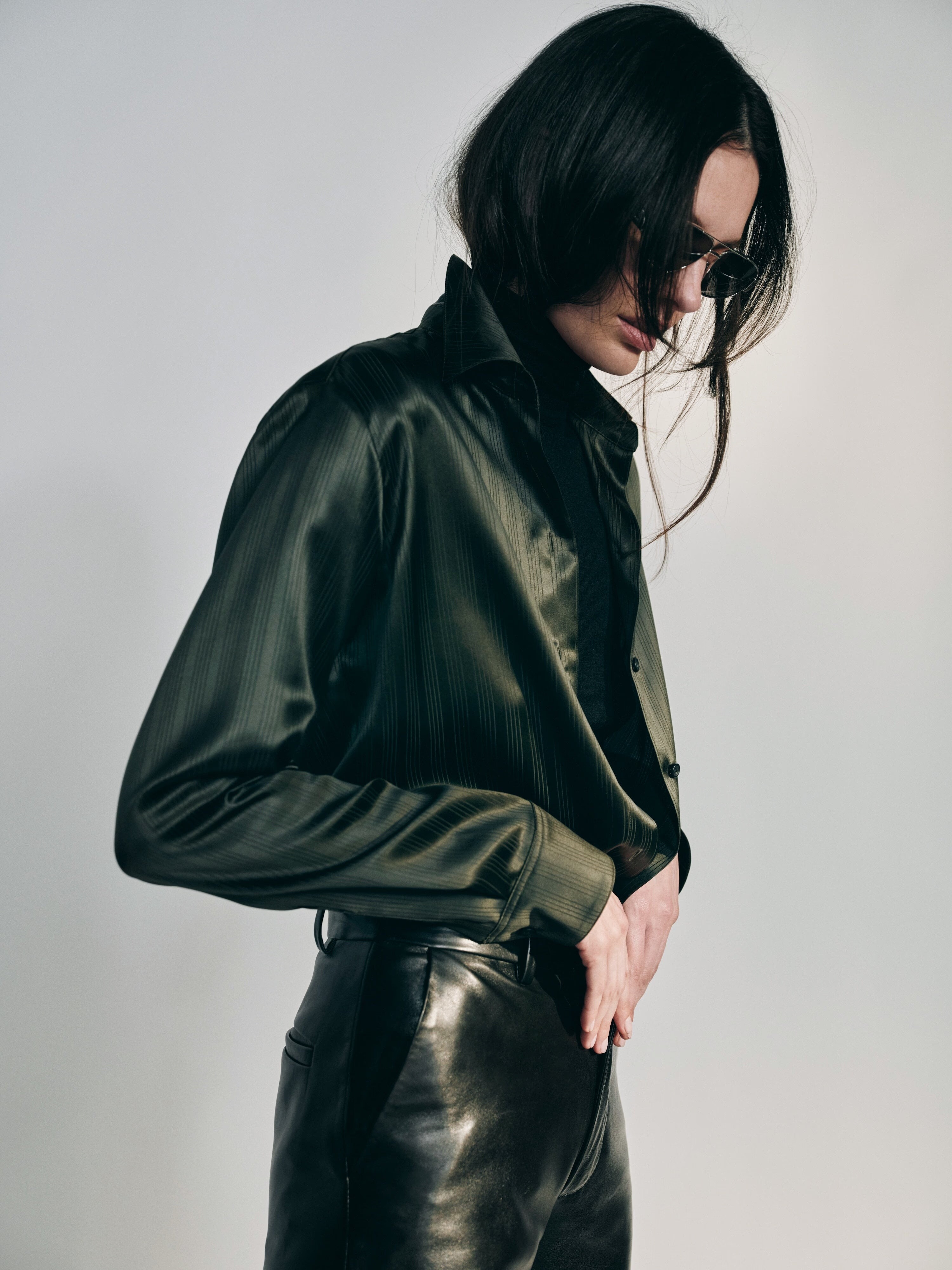
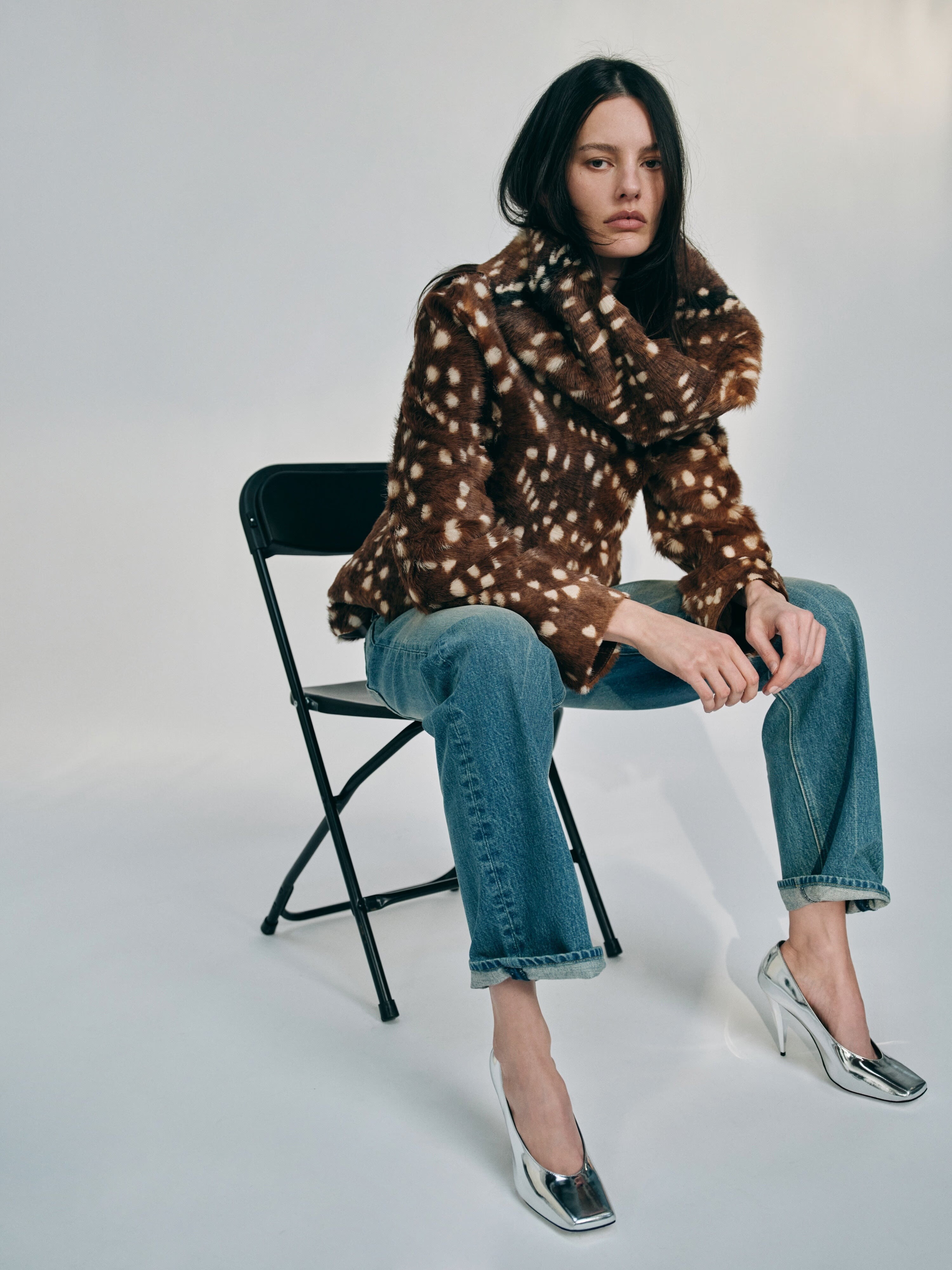
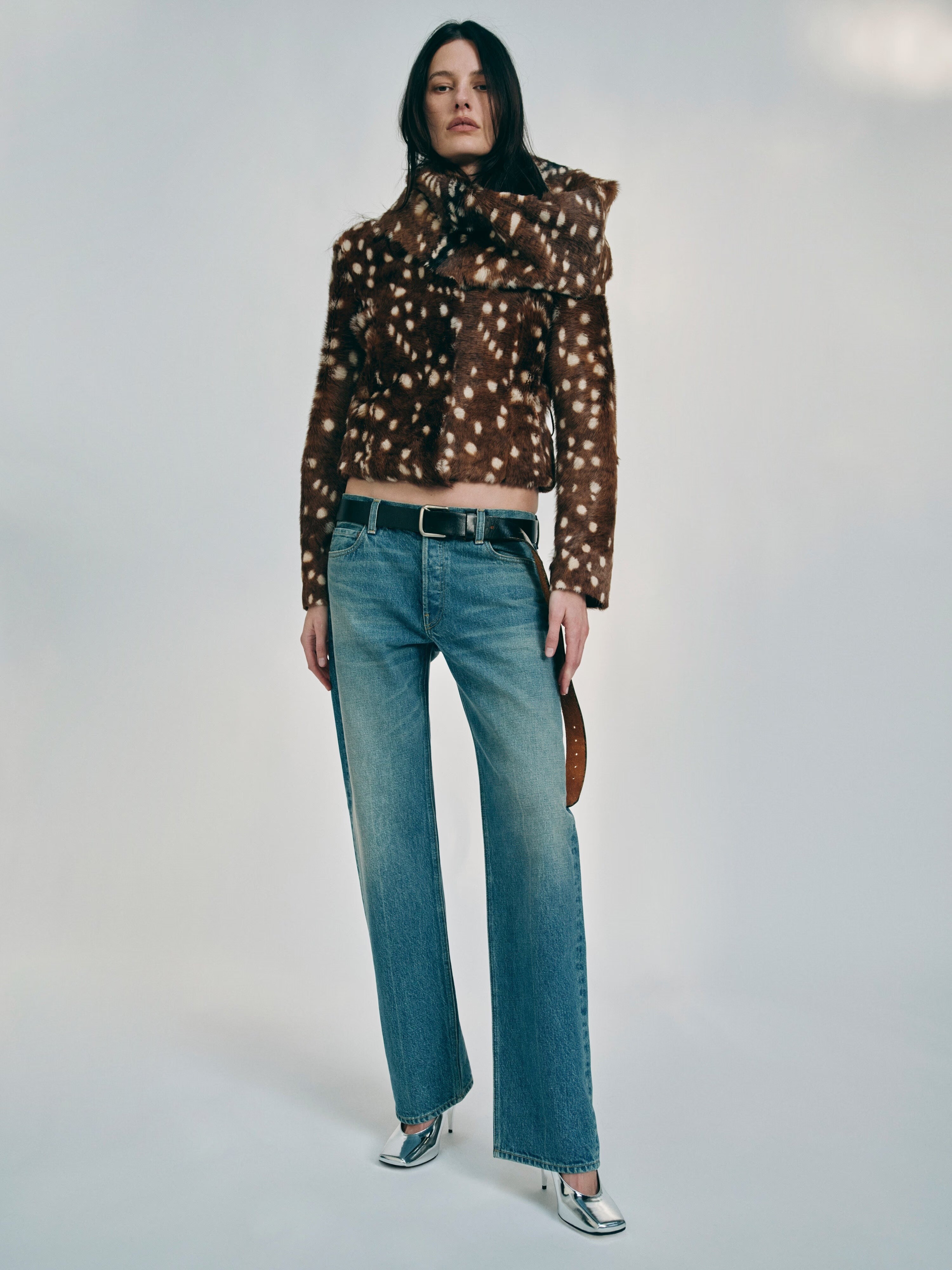
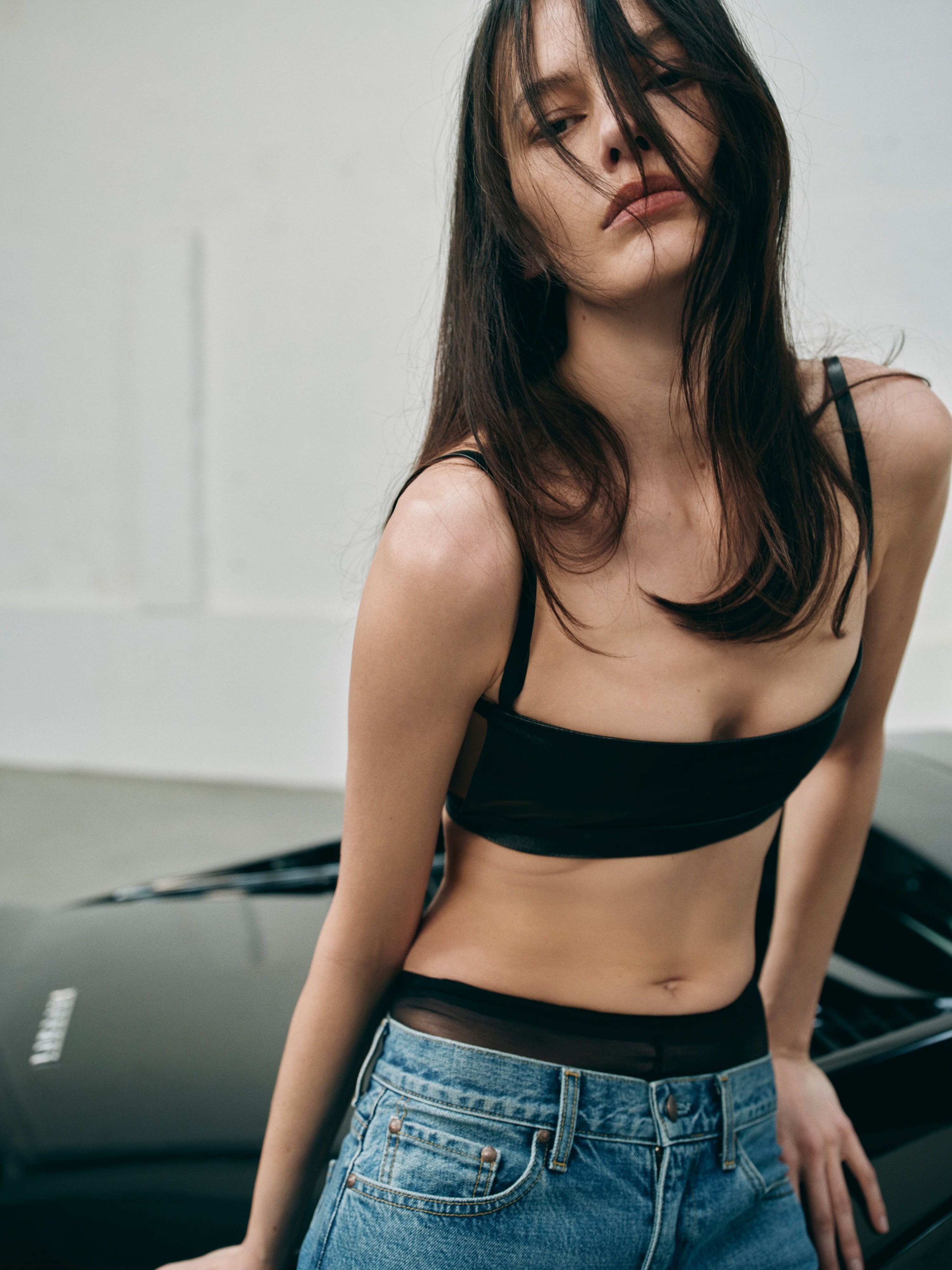
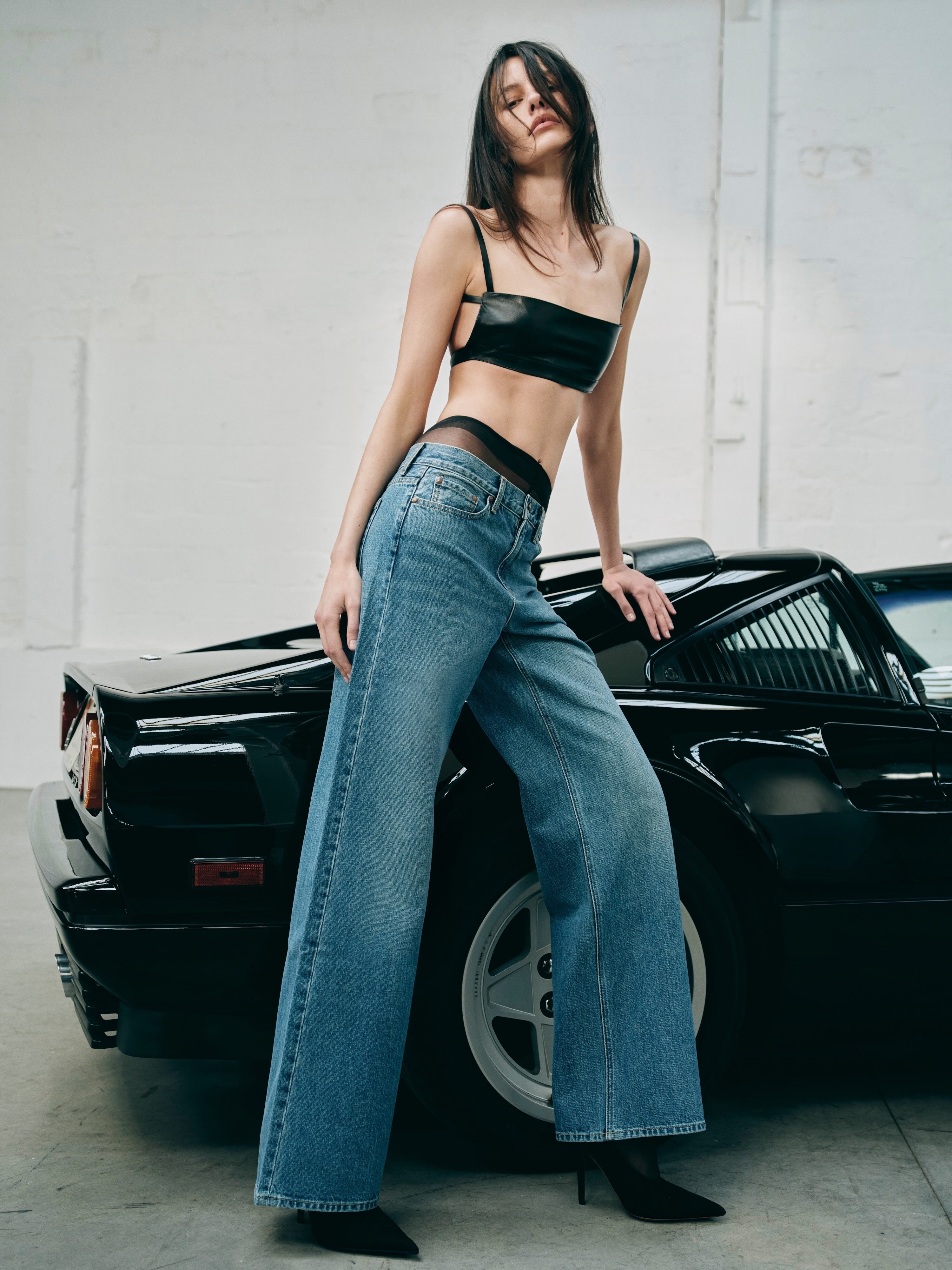
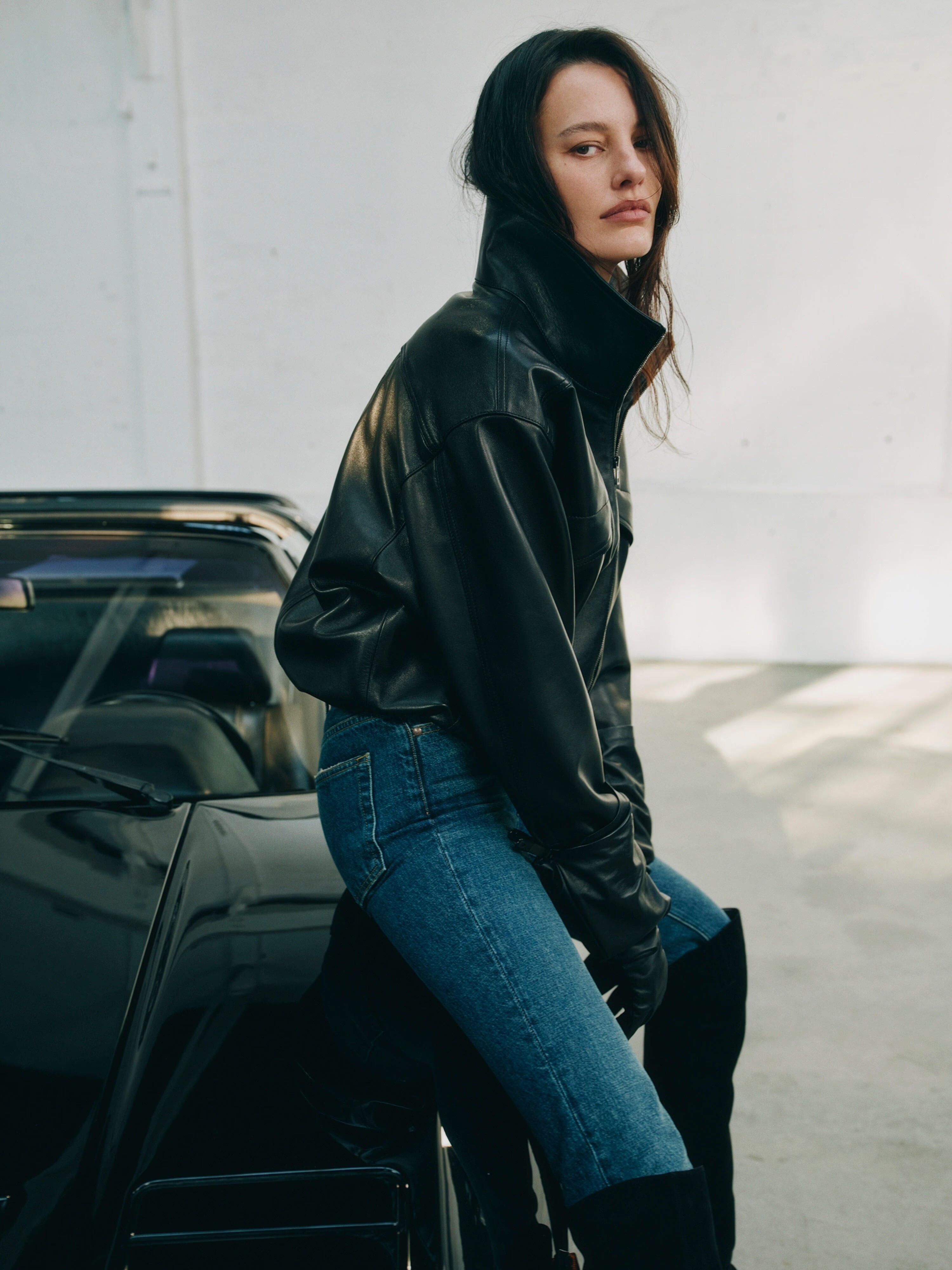
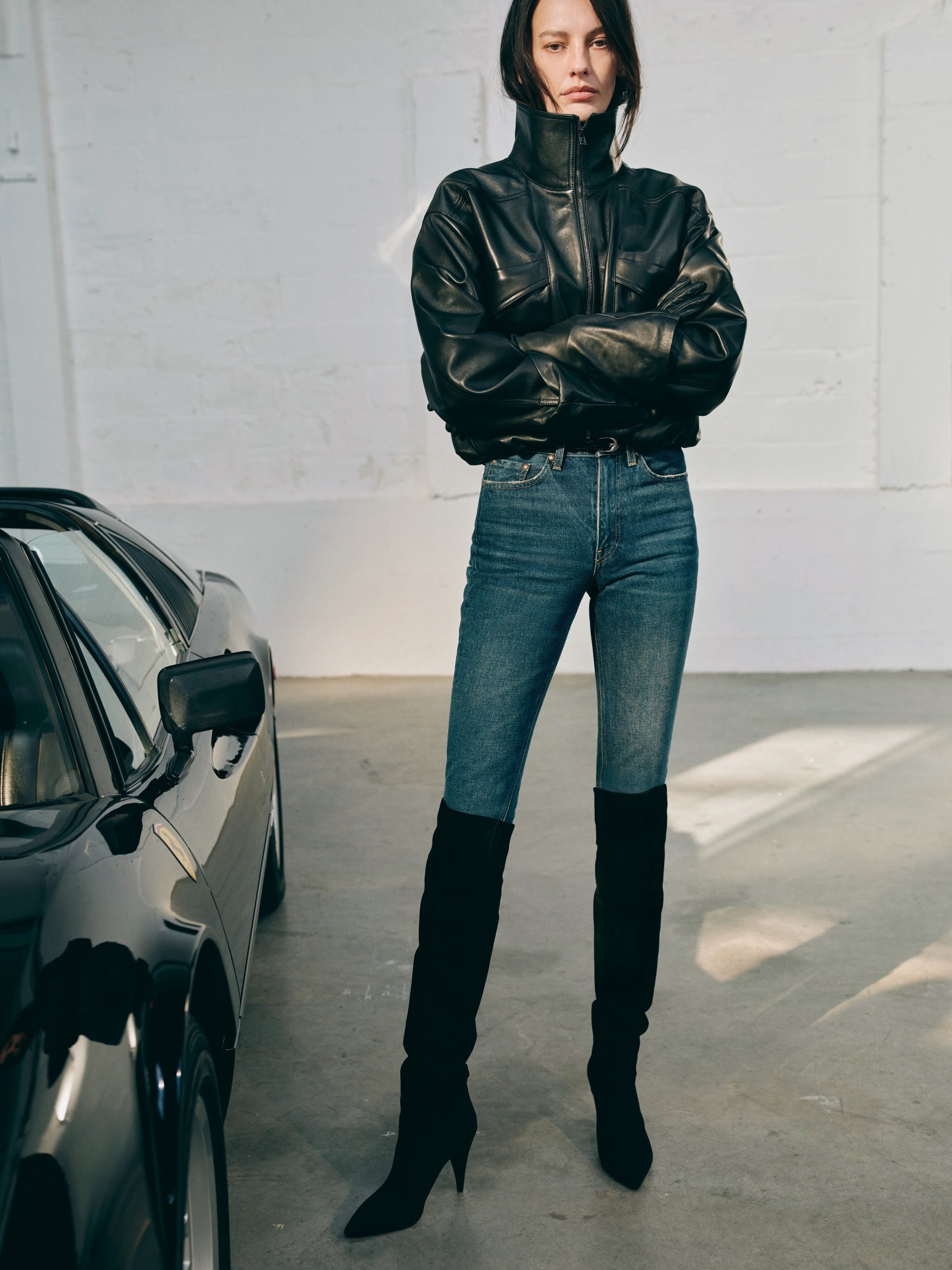
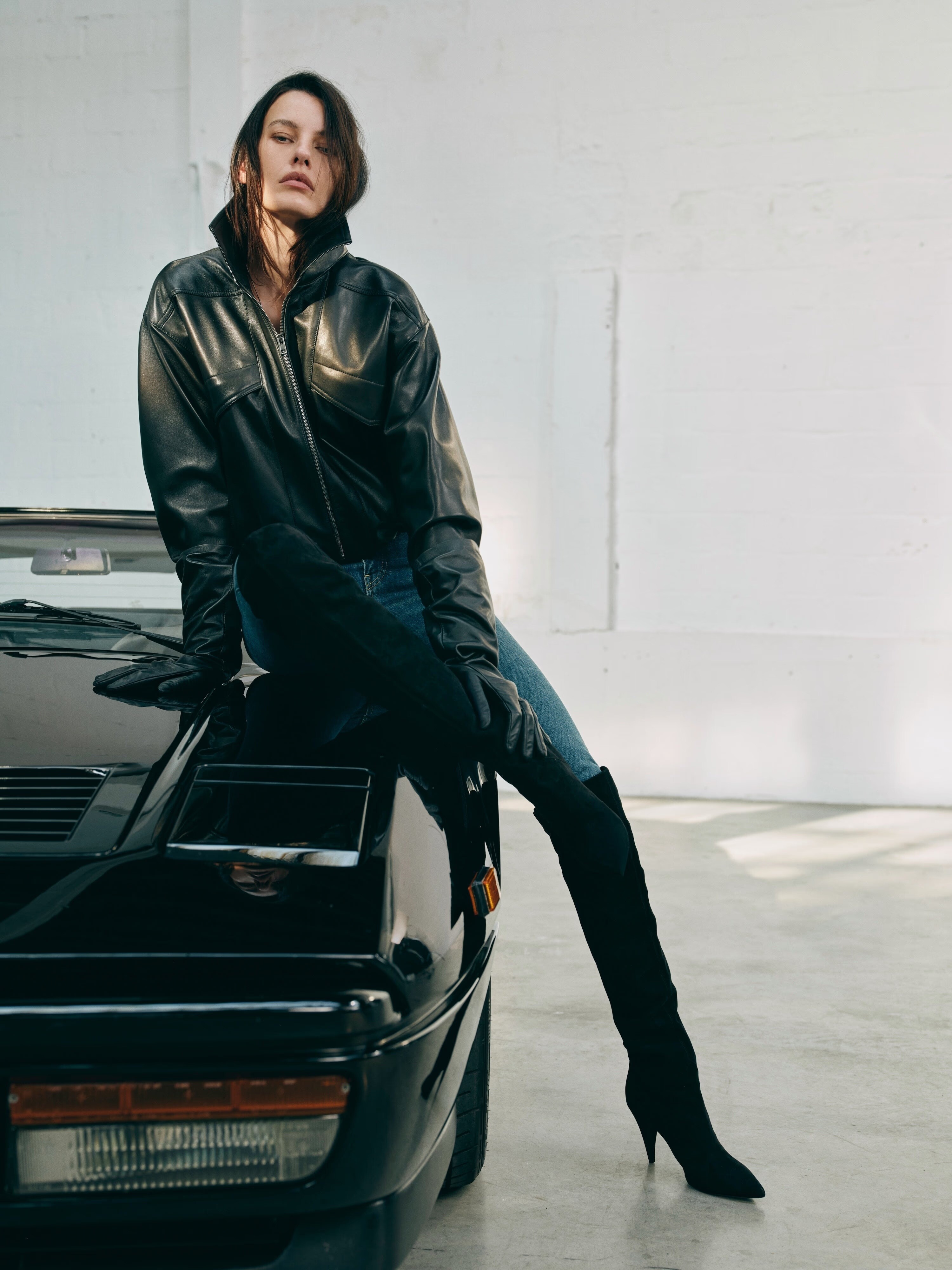
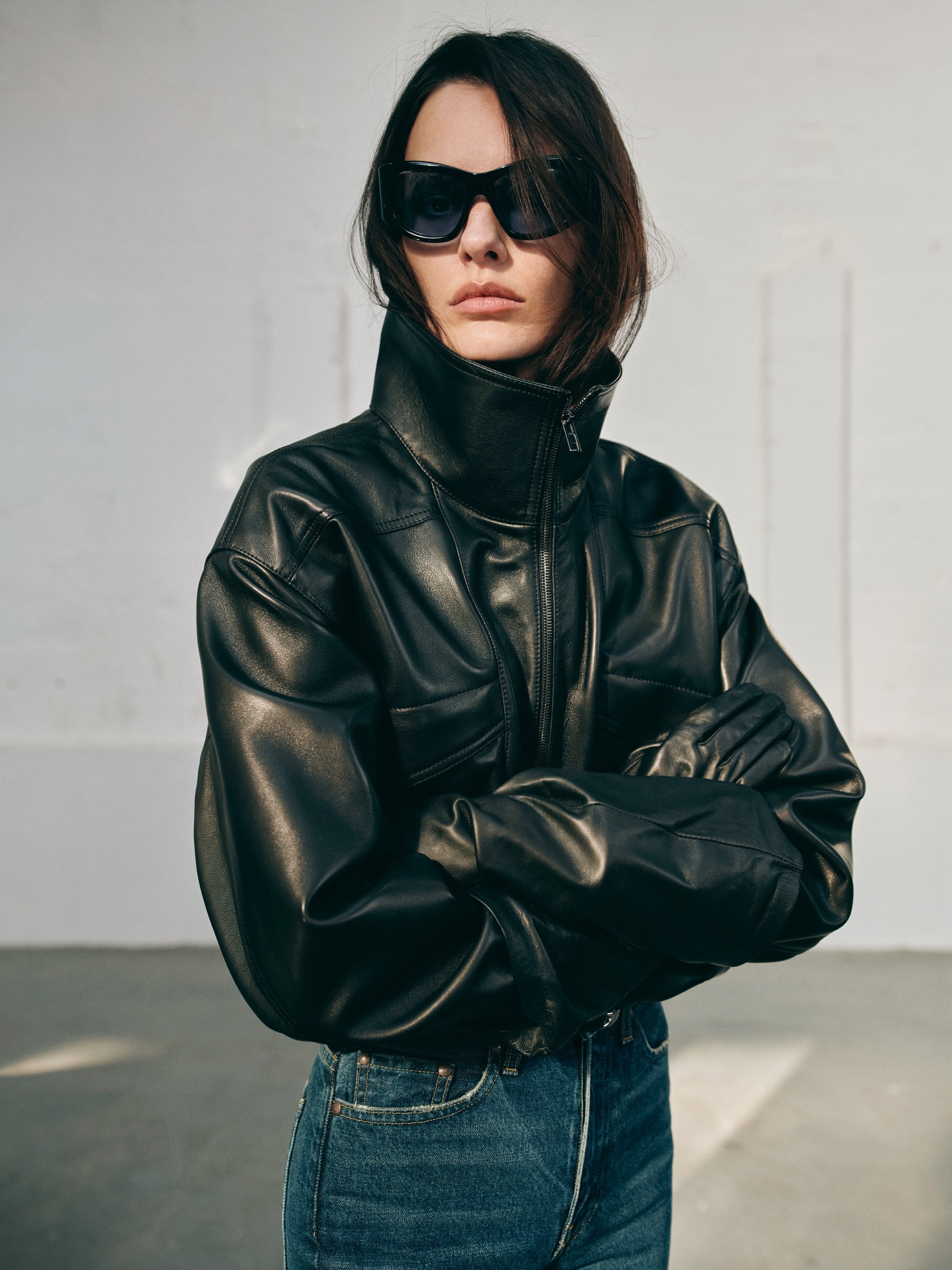
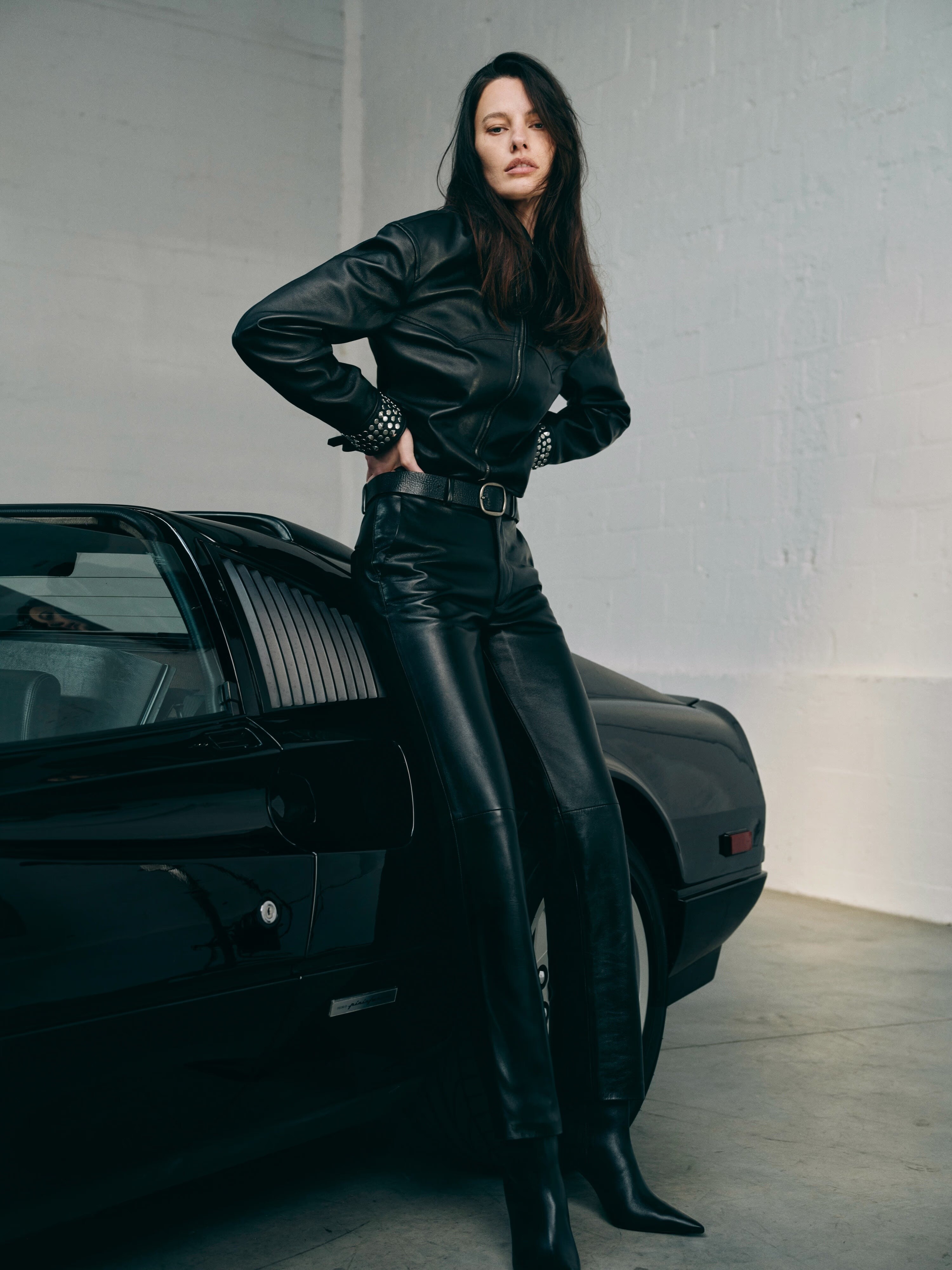
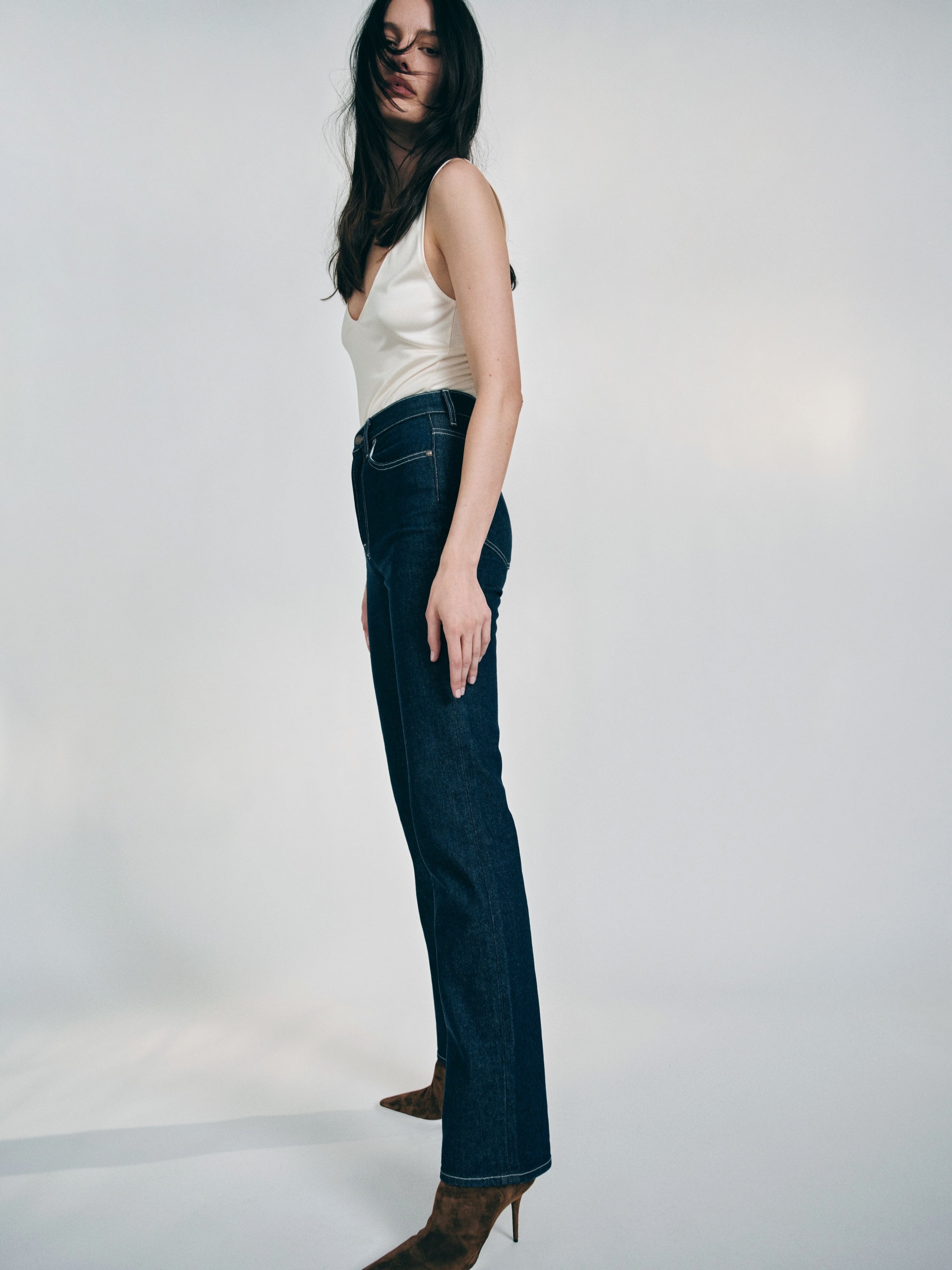
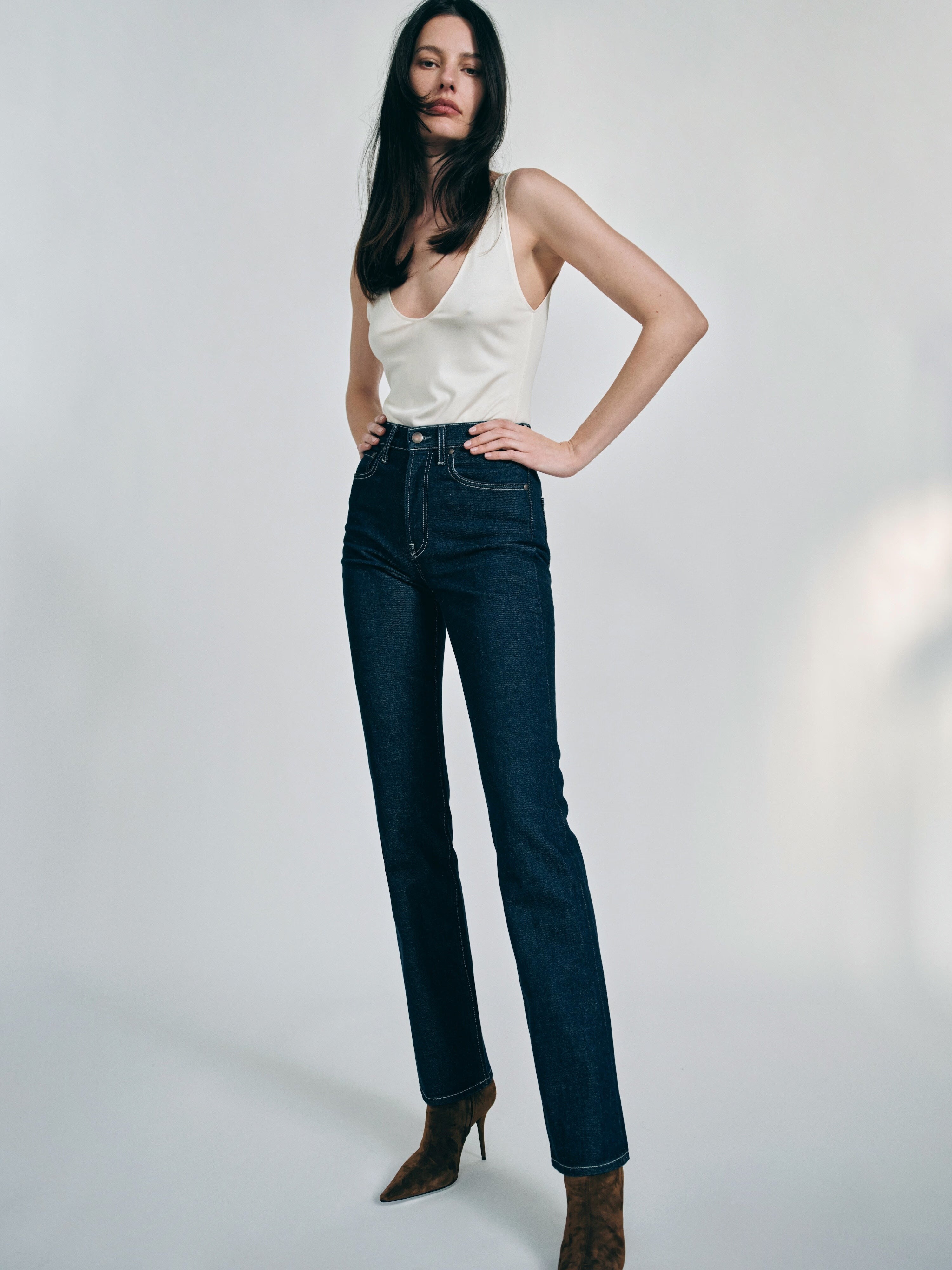
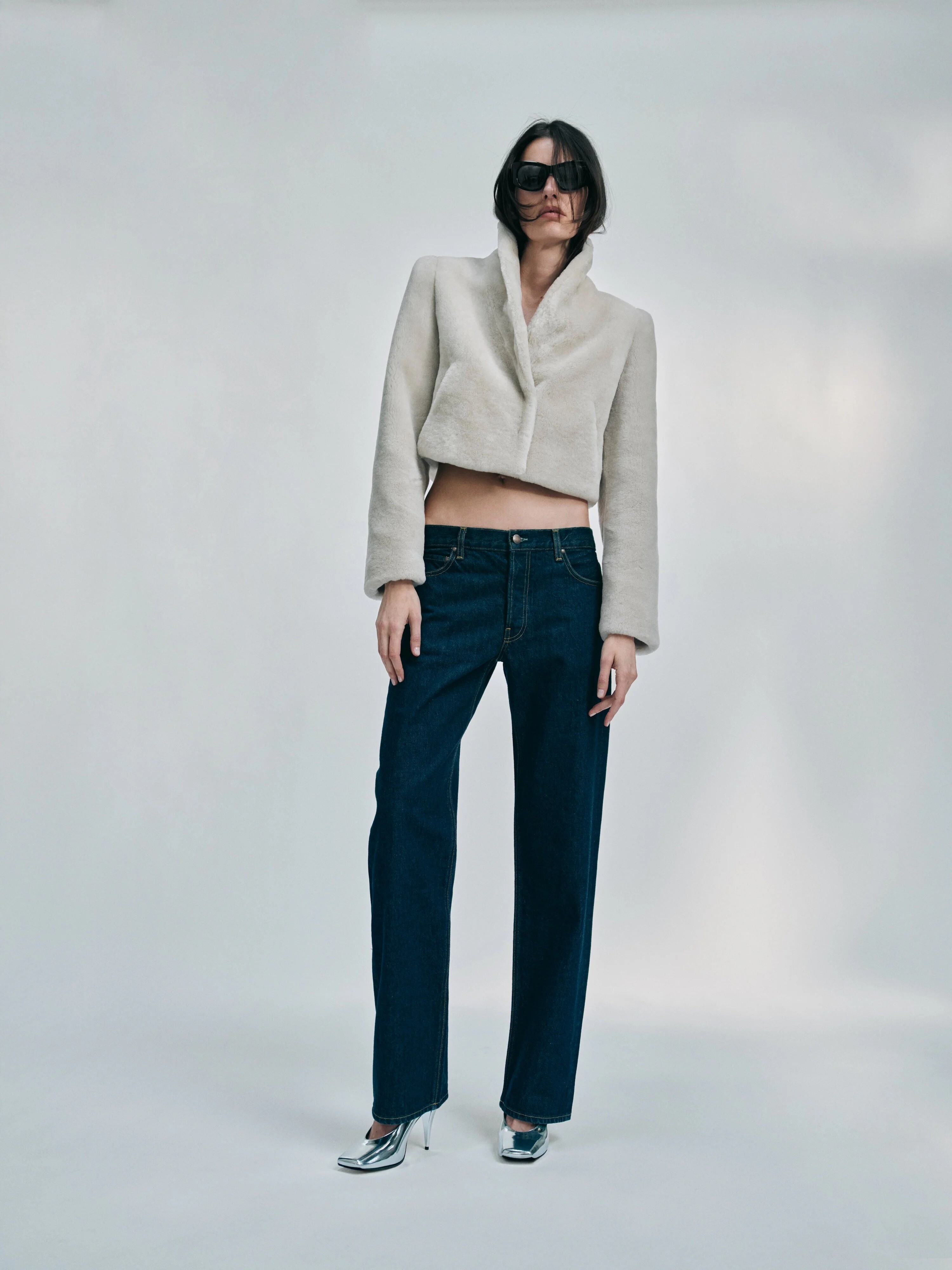
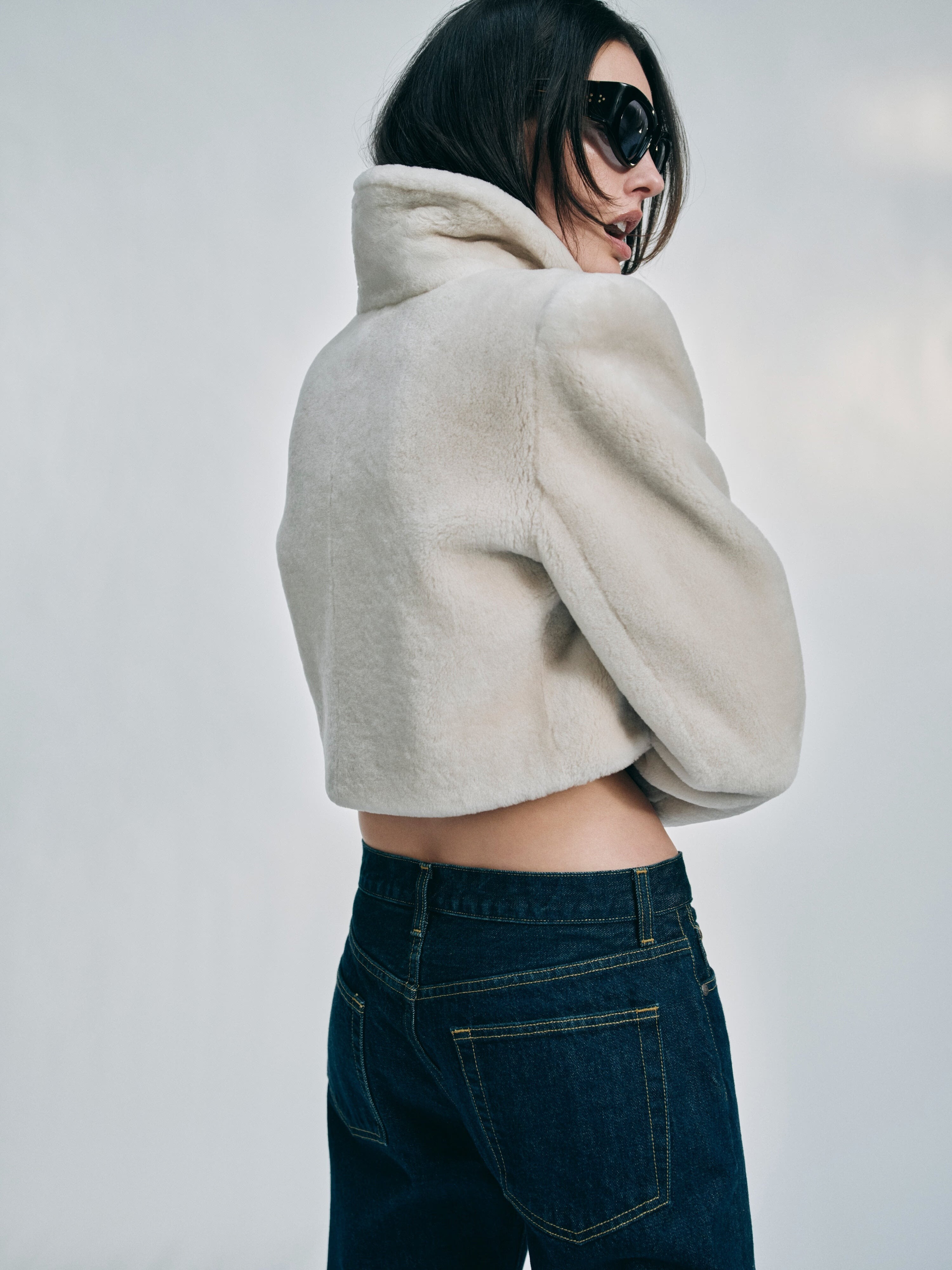
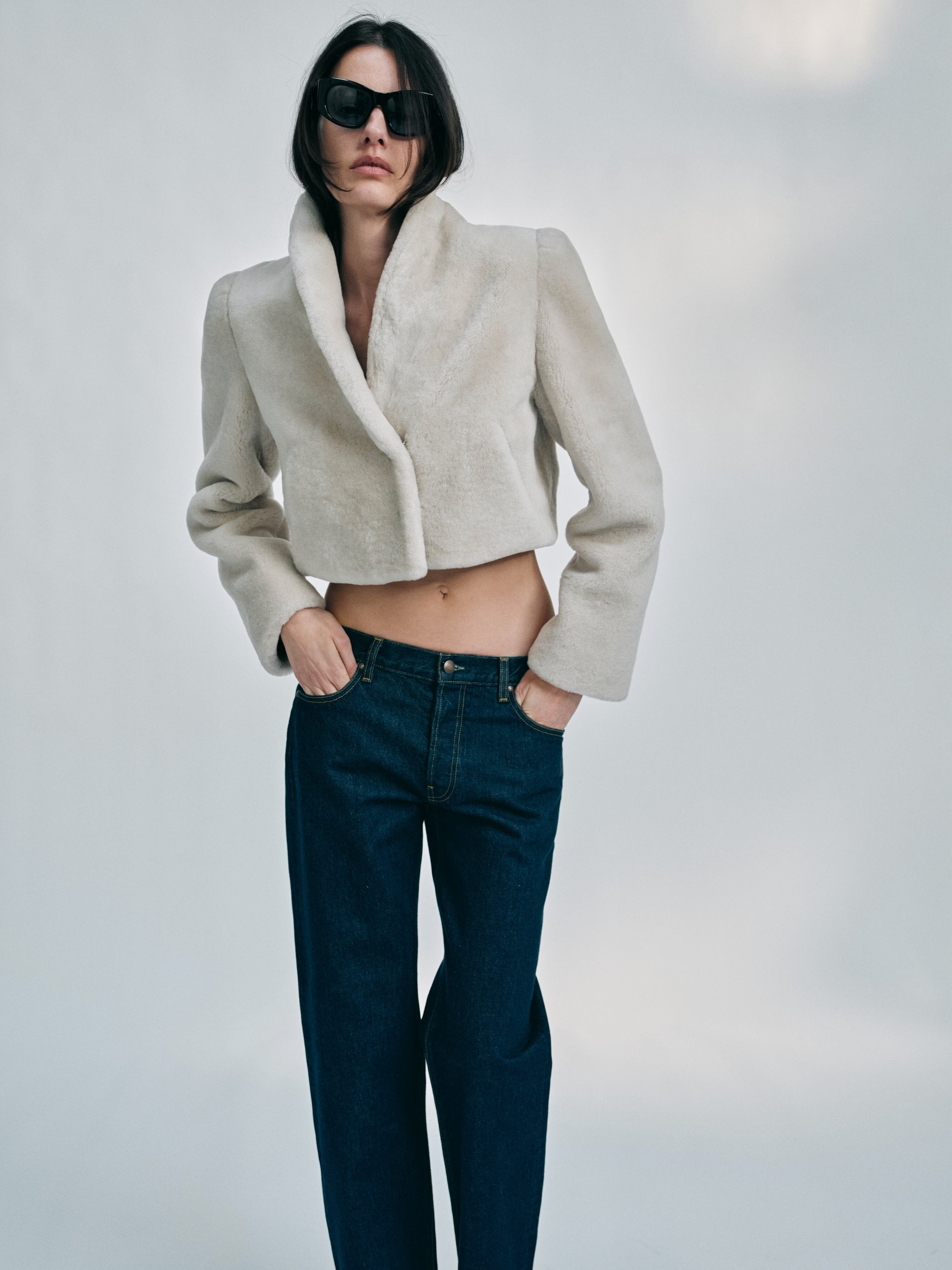
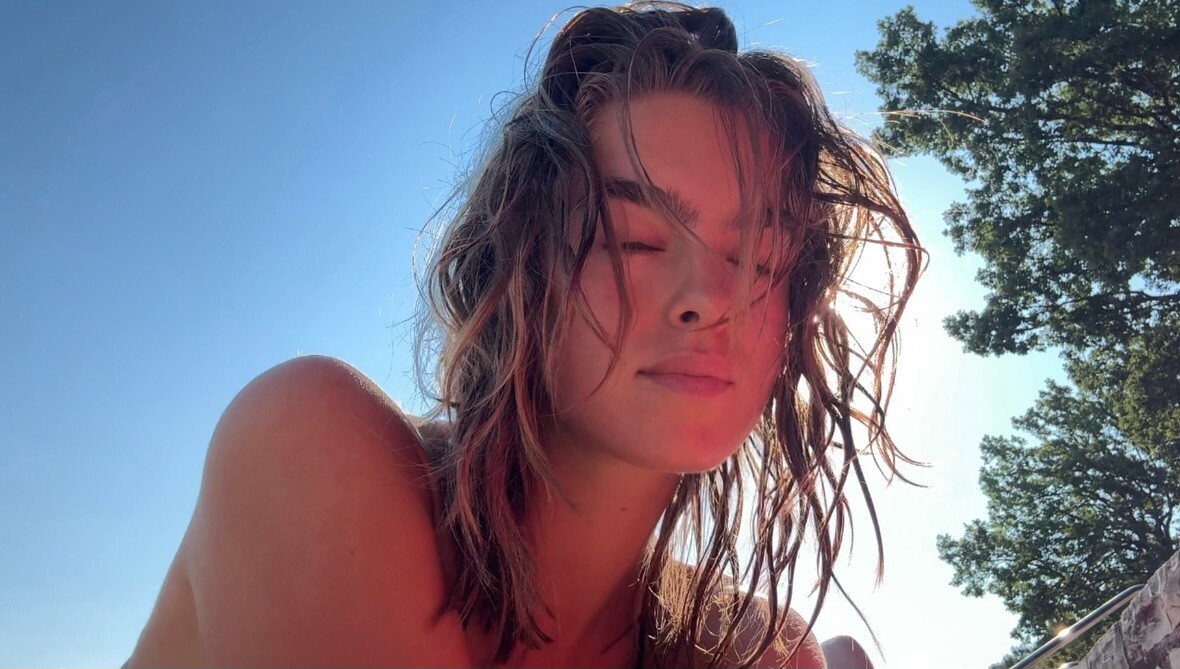
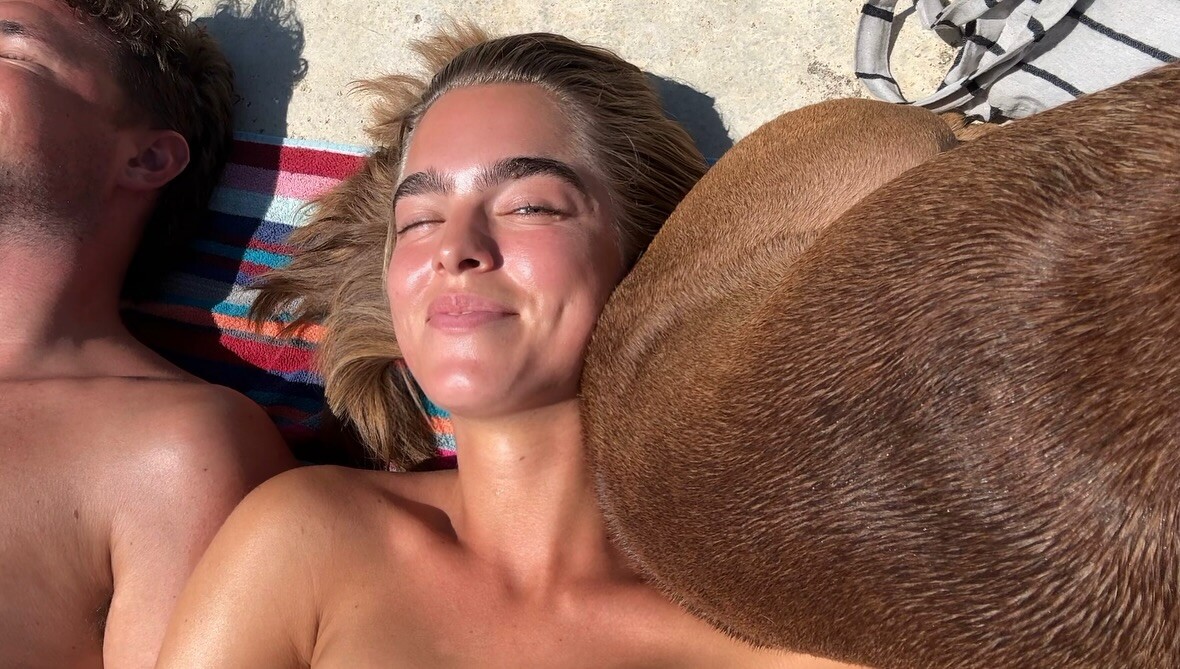
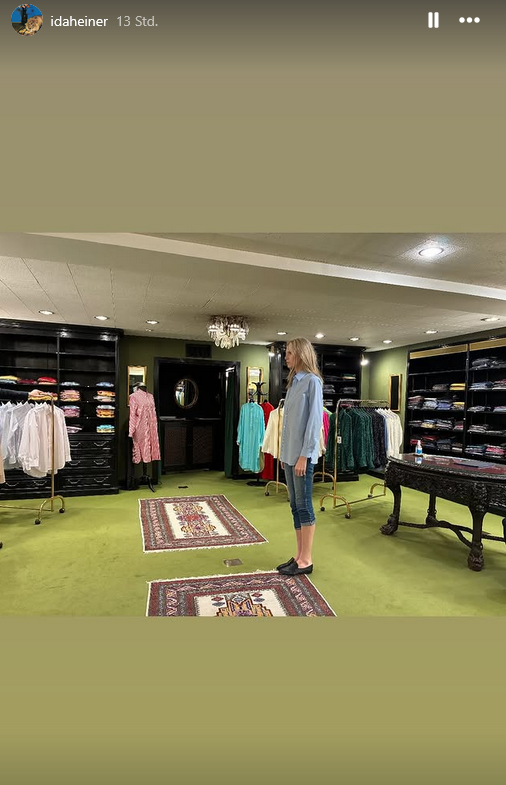
Instagram.png.cf0a1a28dcdf7877409b03851ae76de7.png)
Instagram.png.65698bc51e82051a3a8a8c7d3408c7bc.png)
Instagram.png.4046b69e947a72615d6f184c1a200402.png)
Instagram.png.09aca5c000f69187a0a6ee51bd2cbbf7.png)

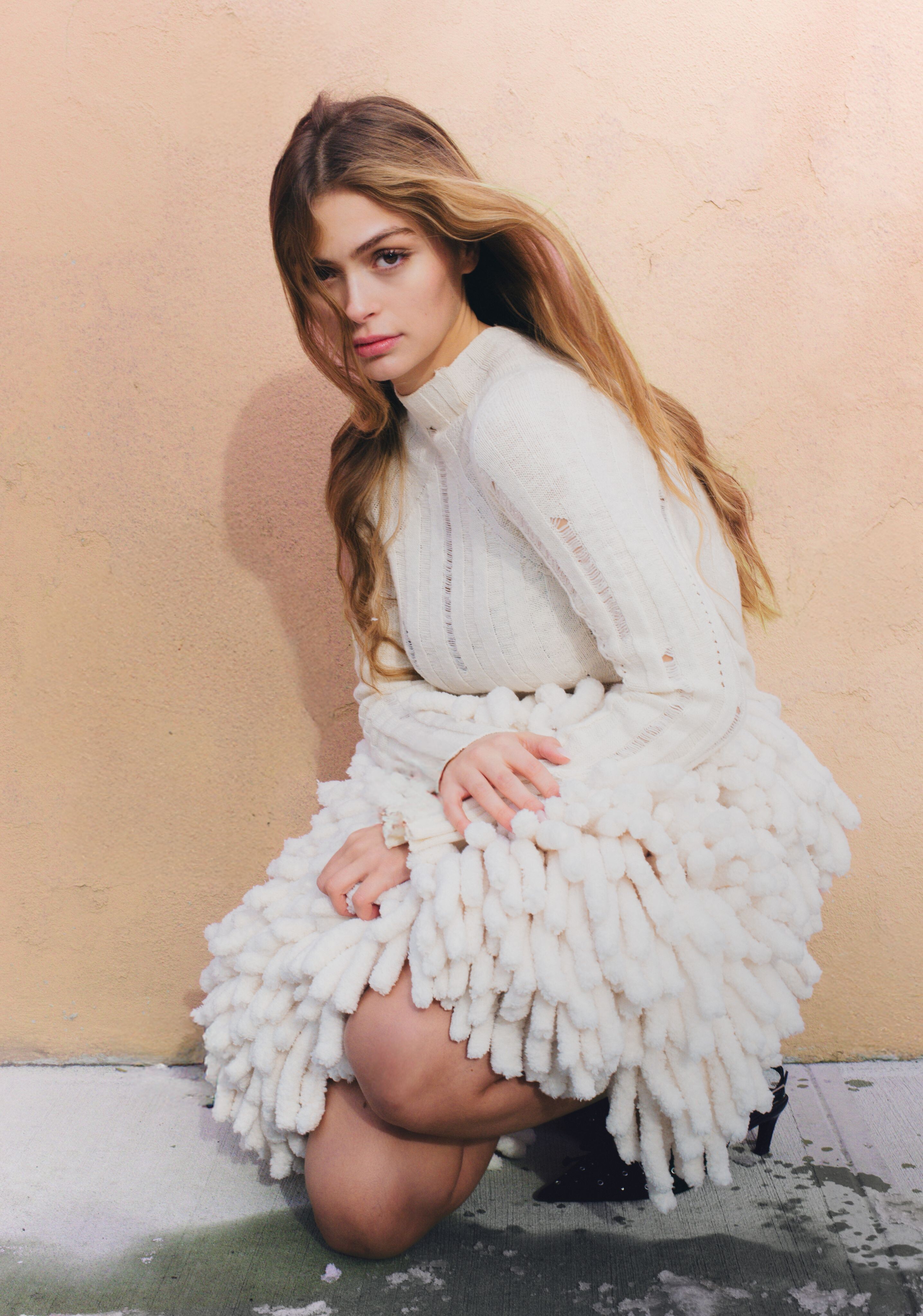
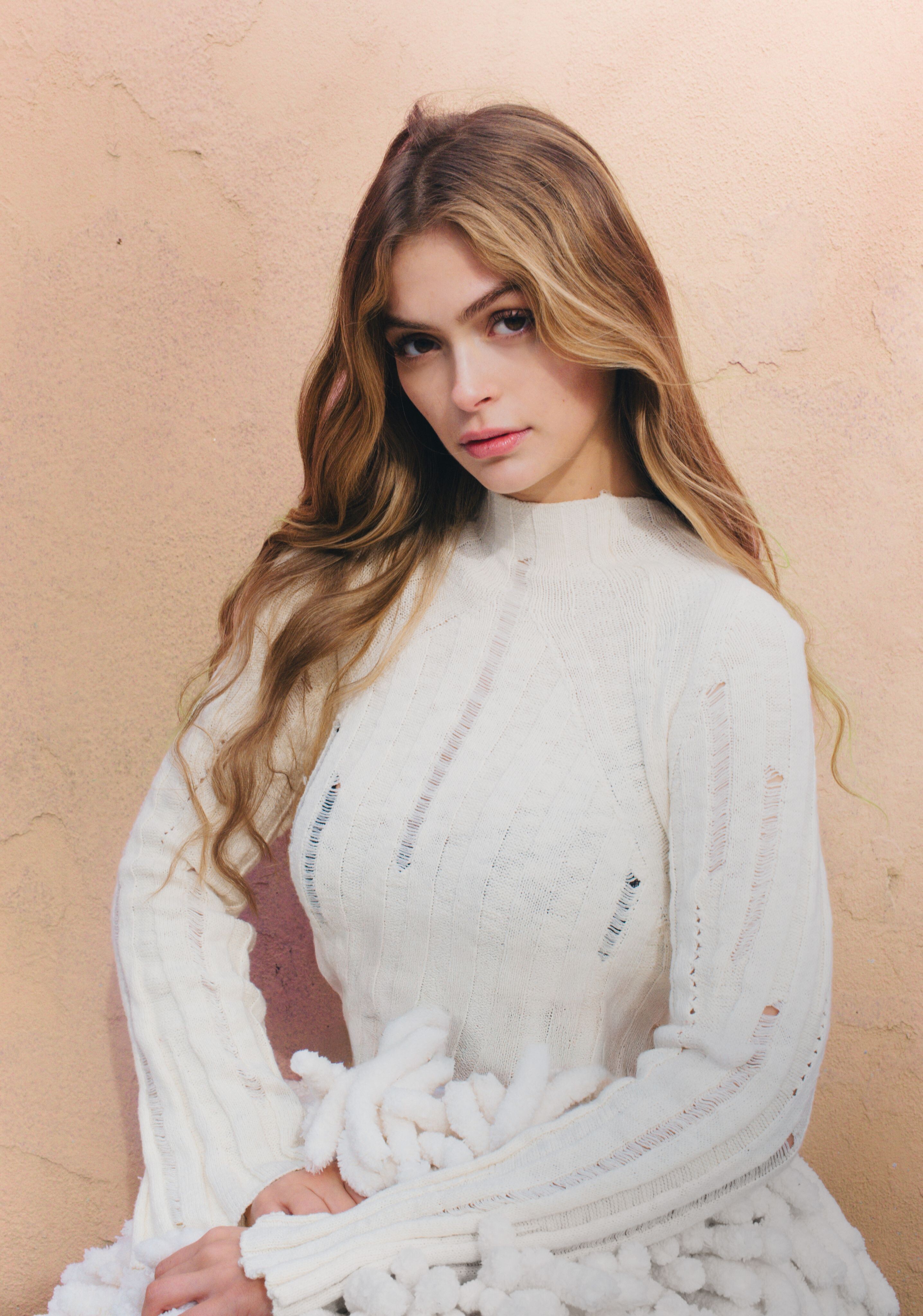
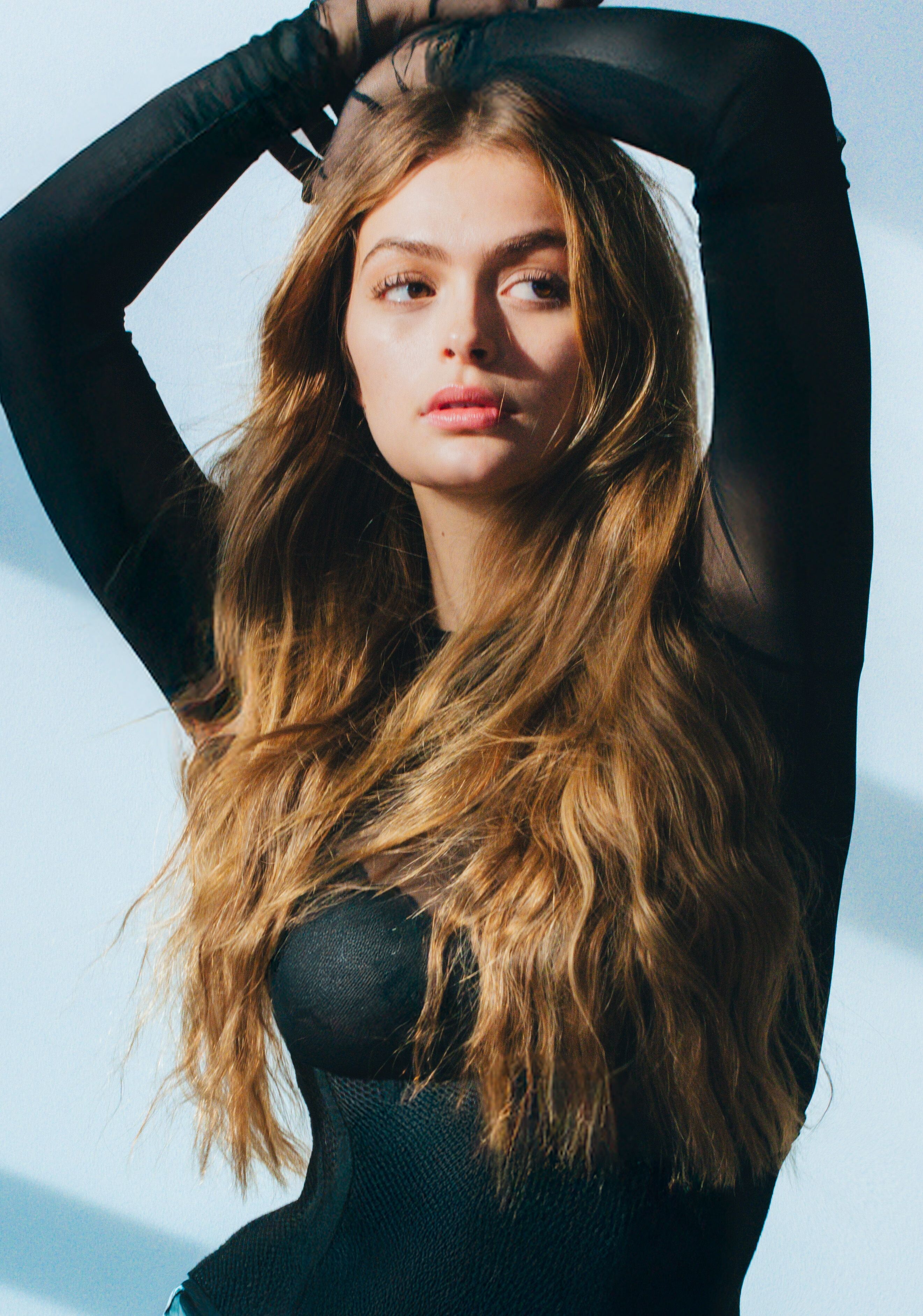
Account
Search
Configure browser push notifications
Chrome (Android)
- Tap the lock icon next to the address bar.
- Tap Permissions → Notifications.
- Adjust your preference.
Chrome (Desktop)
- Click the padlock icon in the address bar.
- Select Site settings.
- Find Notifications and adjust your preference.
Safari (iOS 16.4+)
- Ensure the site is installed via Add to Home Screen.
- Open Settings App → Notifications.
- Find your app name and adjust your preference.
Safari (macOS)
- Go to Safari → Preferences.
- Click the Websites tab.
- Select Notifications in the sidebar.
- Find this website and adjust your preference.
Edge (Android)
- Tap the lock icon next to the address bar.
- Tap Permissions.
- Find Notifications and adjust your preference.
Edge (Desktop)
- Click the padlock icon in the address bar.
- Click Permissions for this site.
- Find Notifications and adjust your preference.
Firefox (Android)
- Go to Settings → Site permissions.
- Tap Notifications.
- Find this site in the list and adjust your preference.
Firefox (Desktop)
- Open Firefox Settings.
- Search for Notifications.
- Find this site in the list and adjust your preference.