All Activity
- Past hour
-
 Tobi Henney

-
Owen Gould



-
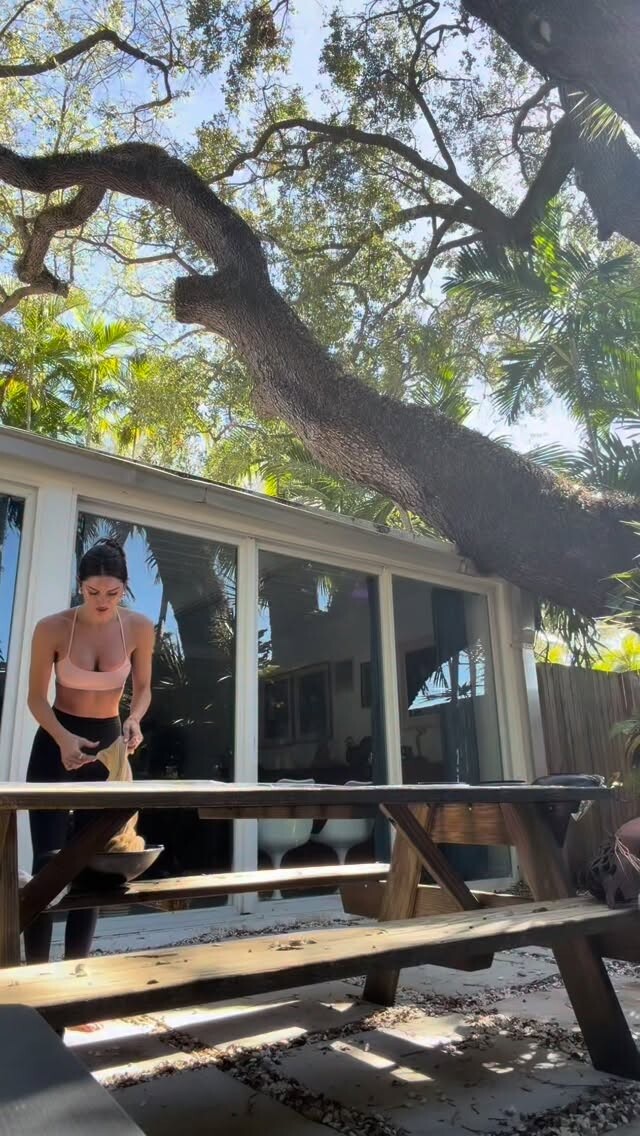
 mentally here 🍃 eco printing silks somewhere sunny video
-
 Kyle Meredith with... Mckenna Grace
 -

-
Heroine Magazine multiple posters at picturepub


-
The Wrap Noxentra at picturepub


-
Much needed girls night out! Thank you for having me lilyaldridge & lalignenyc





-

-
Launch of LEGOLand Galacticoaster (4 March 2025) hollydex at picturepub



-
-

-
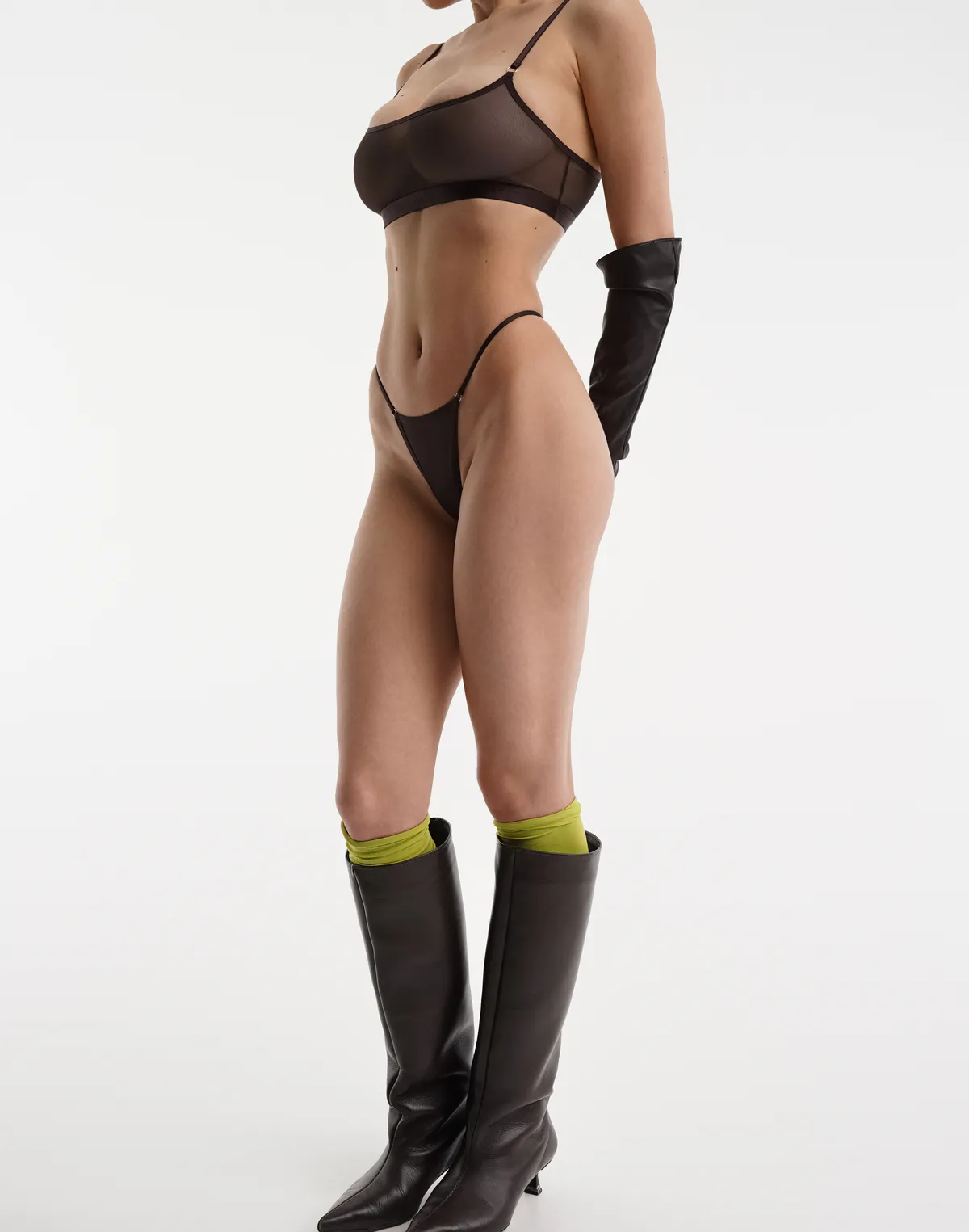
 Supre, part 2 (of 2):
































































































-
 Carly at the TED cast party

-
Stetson & The Great Launch Event: A Limited-Edition Collaboration in Los Angeles 03/04/2026 NastyGirl at picturepub

















-
 John Galliano F/W 2000
-
 photo by Nico Ramirez (@eastofnico)












-
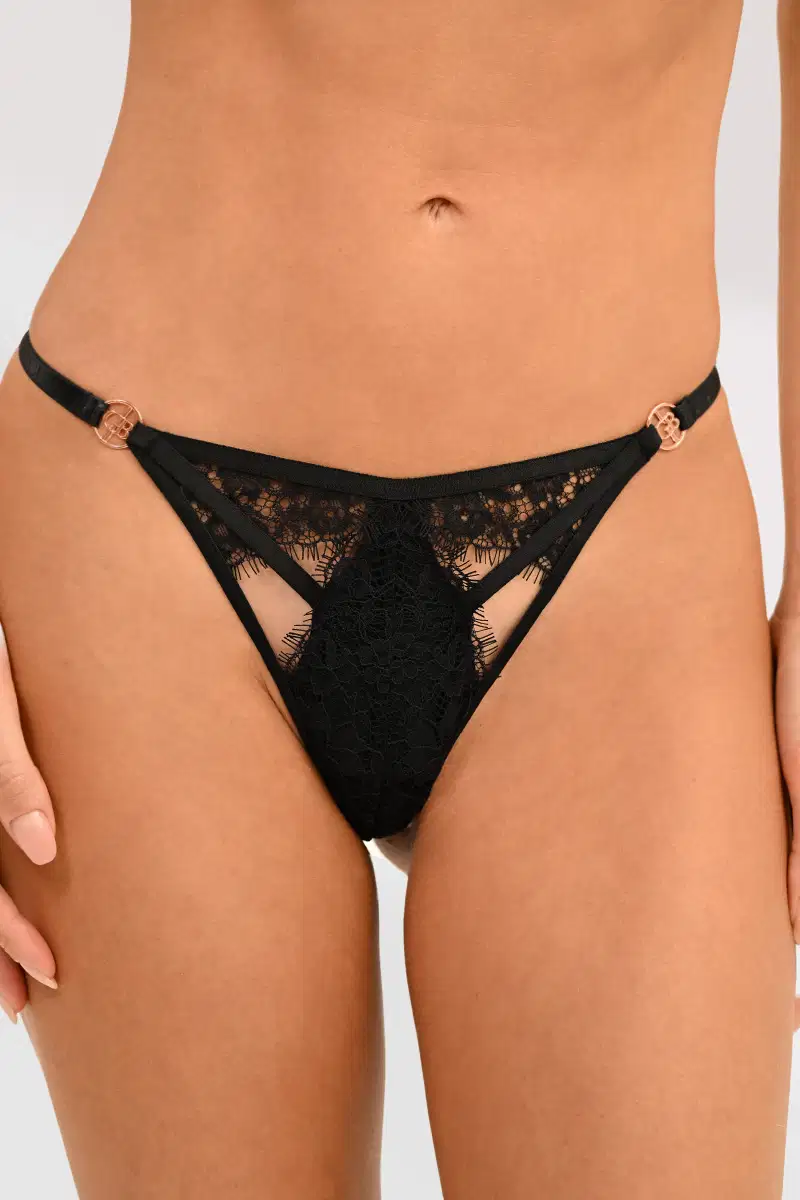
Supre e-comm, part 1:

























































































- Today


























































































































































































































































































































Account
Navigation
Search
Configure browser push notifications
Chrome (Android)
- Tap the lock icon next to the address bar.
- Tap Permissions → Notifications.
- Adjust your preference.
Chrome (Desktop)
- Click the padlock icon in the address bar.
- Select Site settings.
- Find Notifications and adjust your preference.
Safari (iOS 16.4+)
- Ensure the site is installed via Add to Home Screen.
- Open Settings App → Notifications.
- Find your app name and adjust your preference.
Safari (macOS)
- Go to Safari → Preferences.
- Click the Websites tab.
- Select Notifications in the sidebar.
- Find this website and adjust your preference.
Edge (Android)
- Tap the lock icon next to the address bar.
- Tap Permissions.
- Find Notifications and adjust your preference.
Edge (Desktop)
- Click the padlock icon in the address bar.
- Click Permissions for this site.
- Find Notifications and adjust your preference.
Firefox (Android)
- Go to Settings → Site permissions.
- Tap Notifications.
- Find this site in the list and adjust your preference.
Firefox (Desktop)
- Open Firefox Settings.
- Search for Notifications.
- Find this site in the list and adjust your preference.