All Activity
- Past hour
-

 siew longhorn ?
 I personally think it's just the angle and not very flattering clothing
 Great find! @kimflorida It took some time, but you achieved your goal. Thanks!
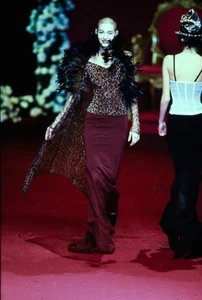
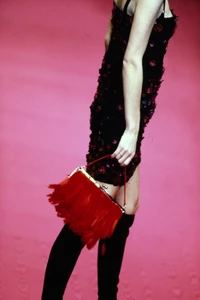
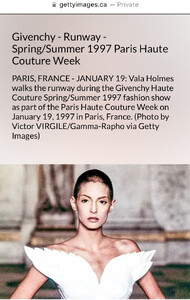
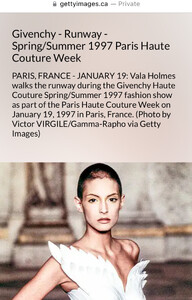
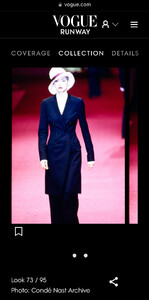
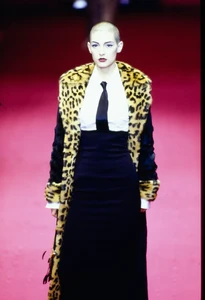
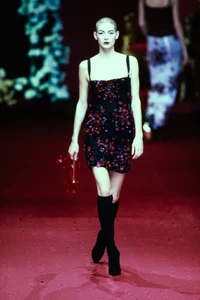
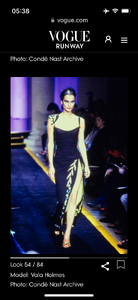
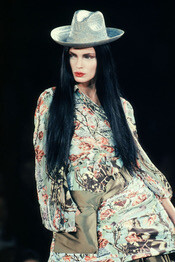
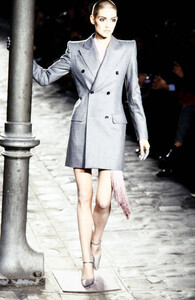
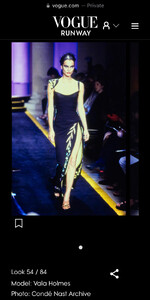
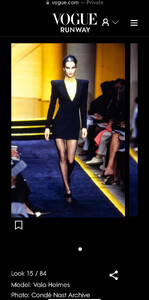
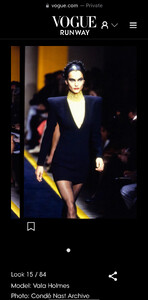
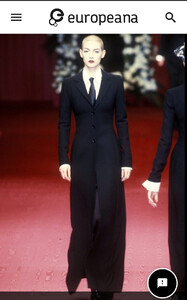
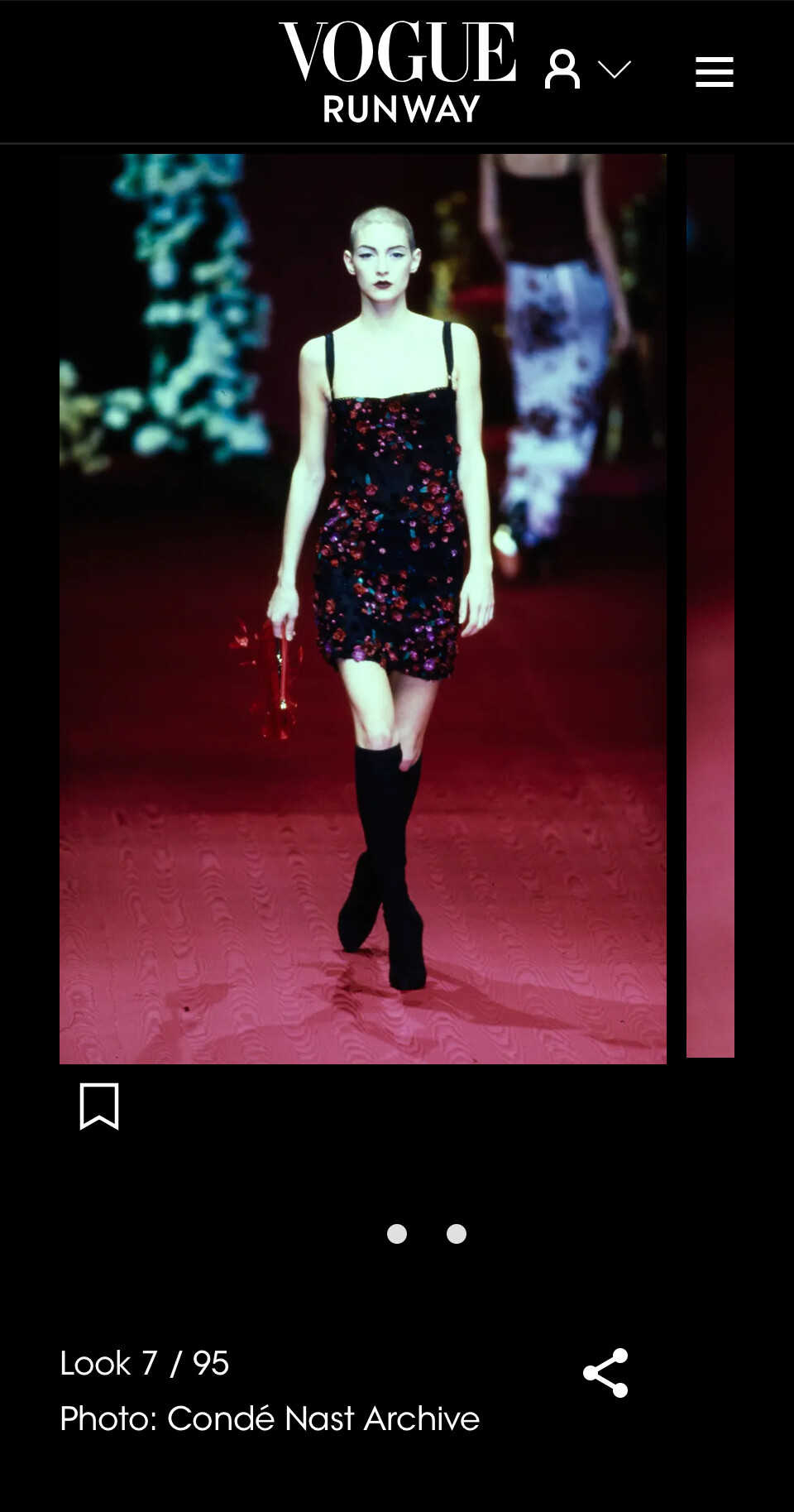
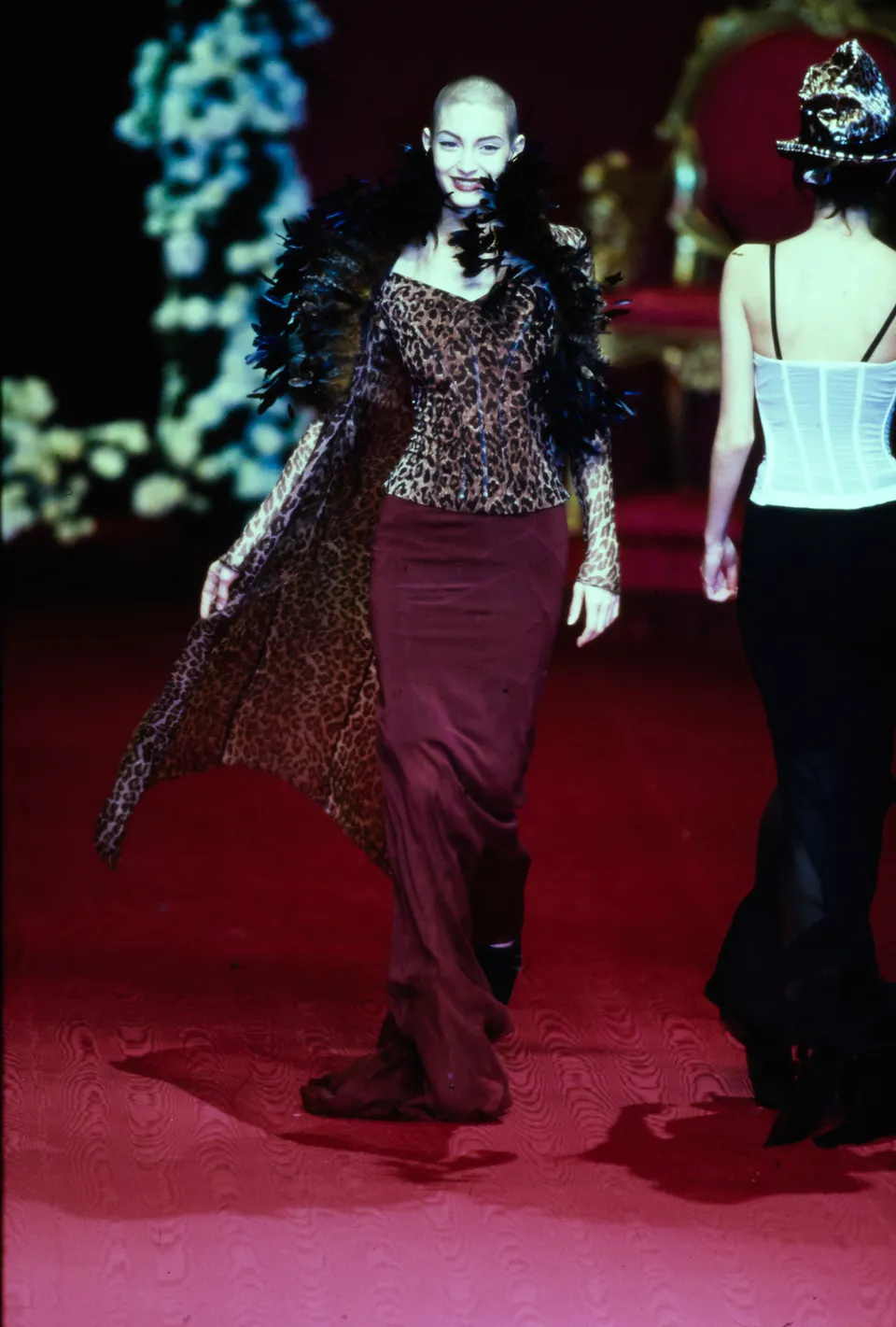
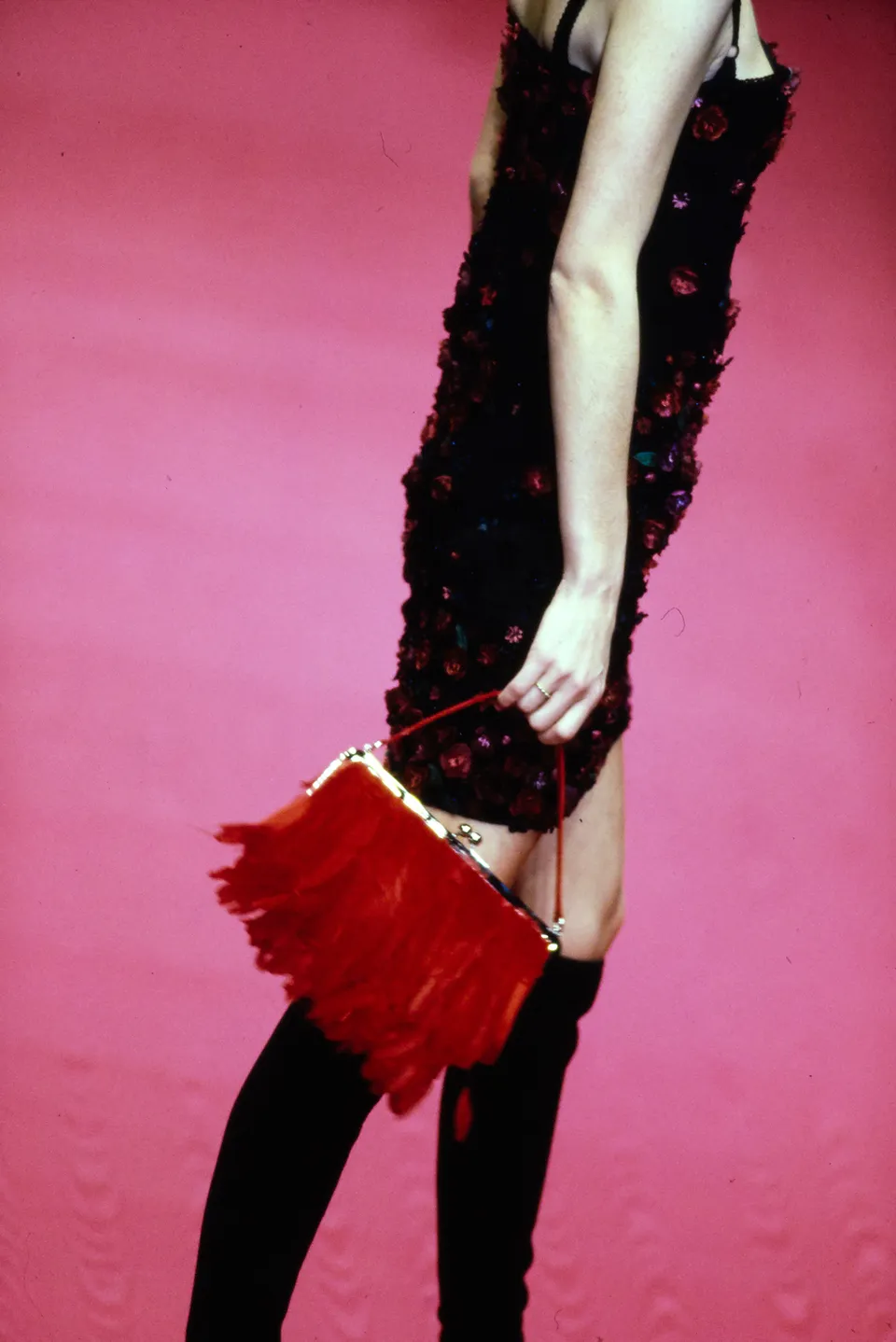
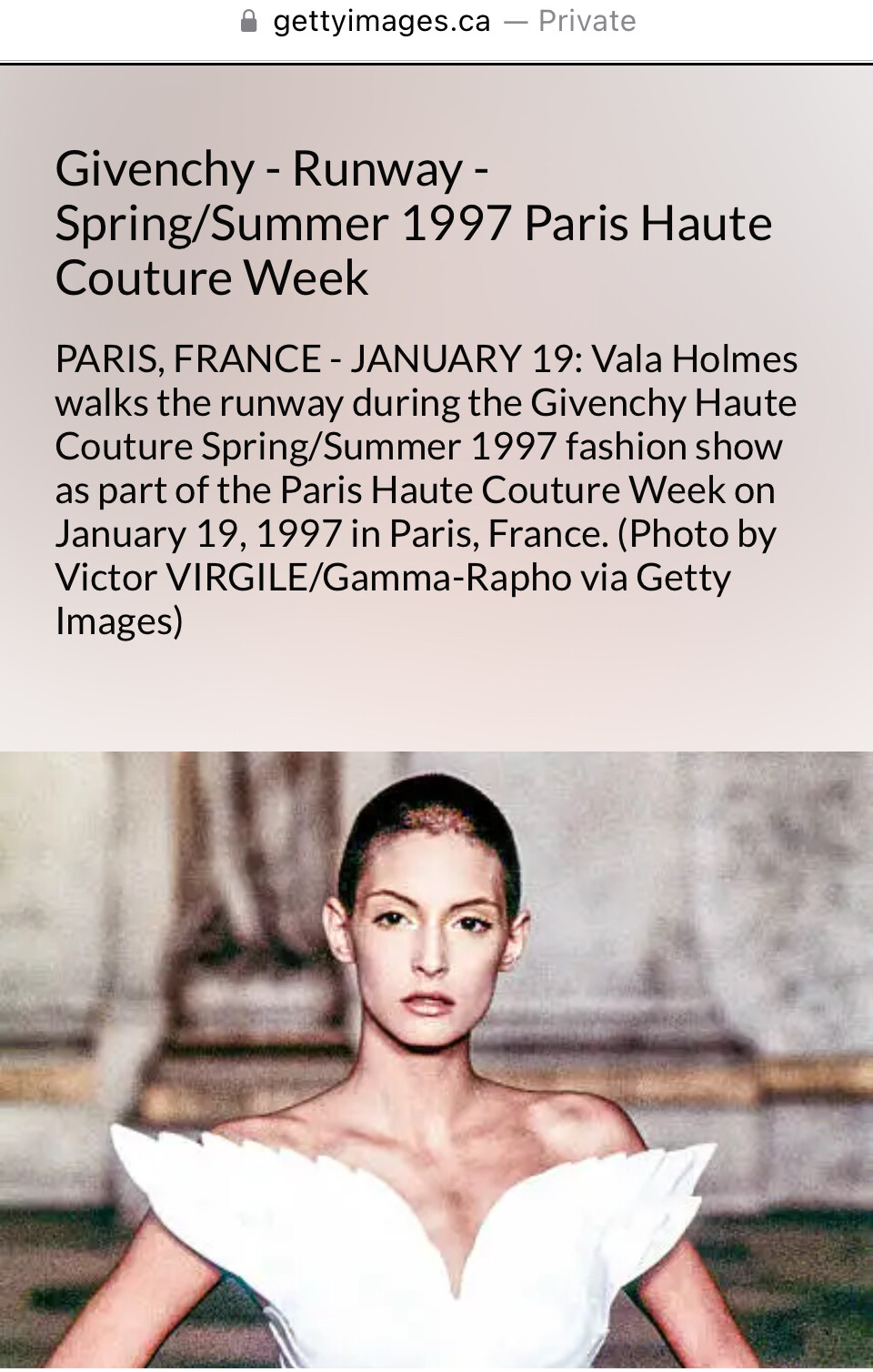
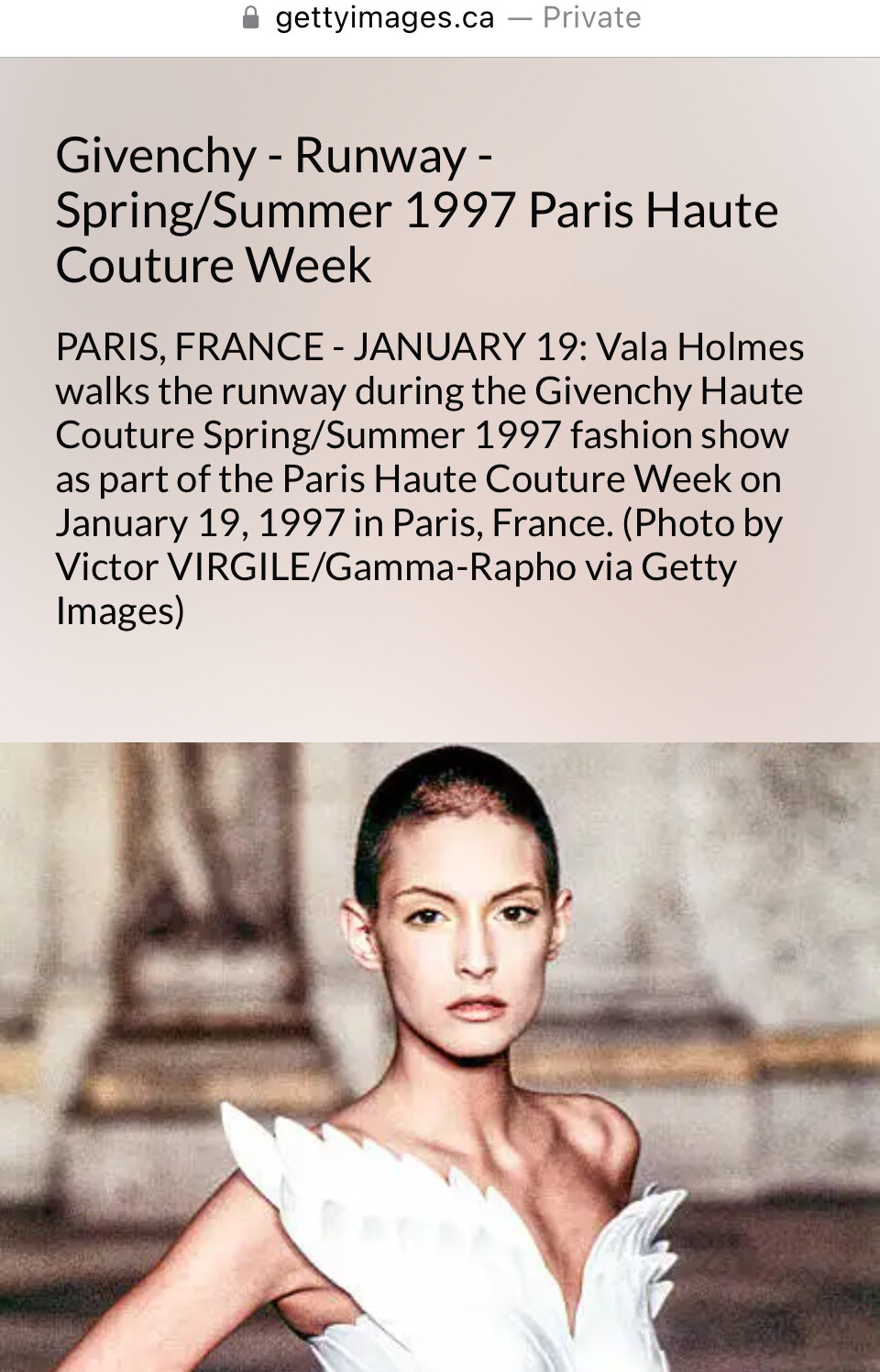
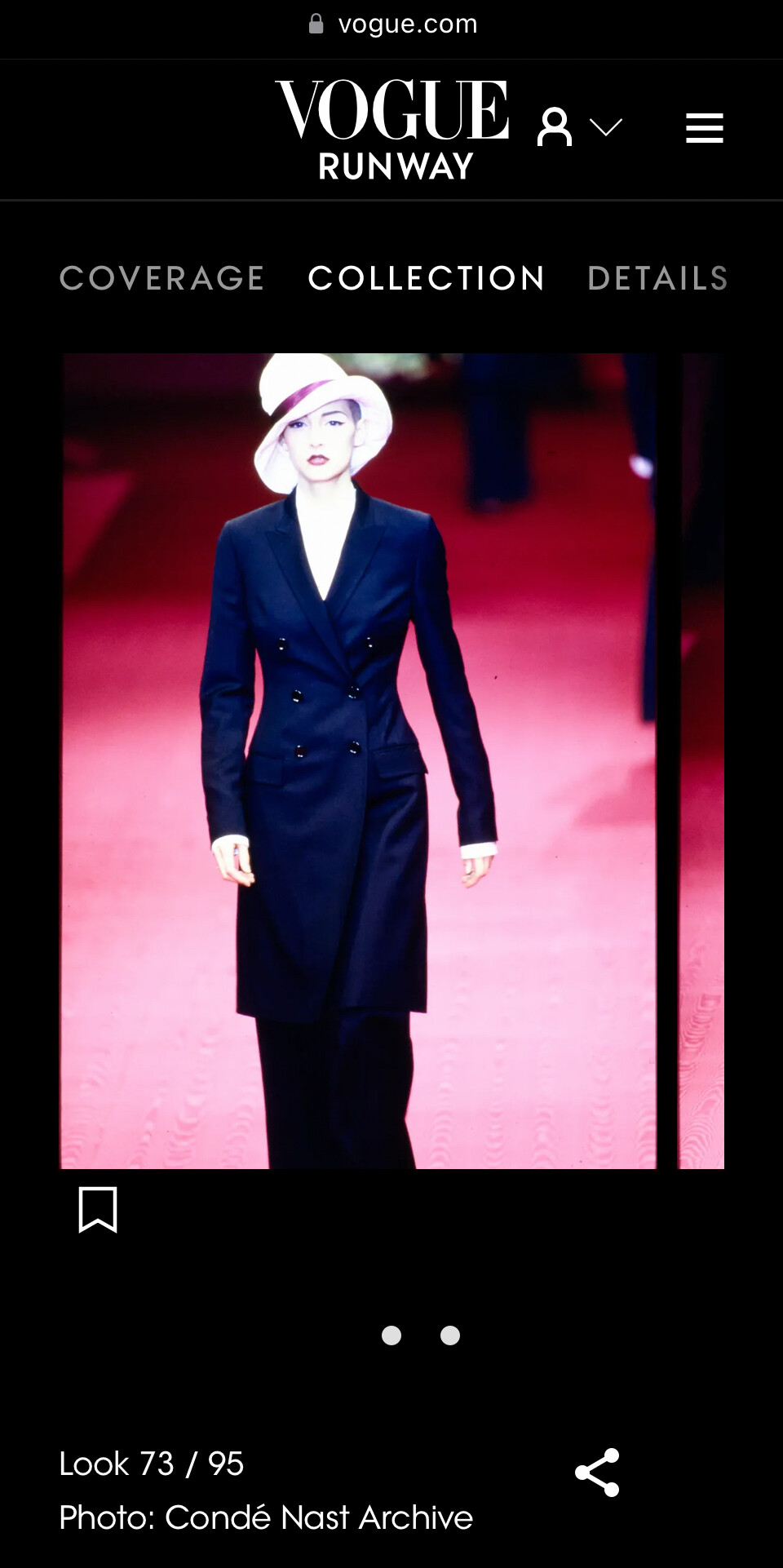
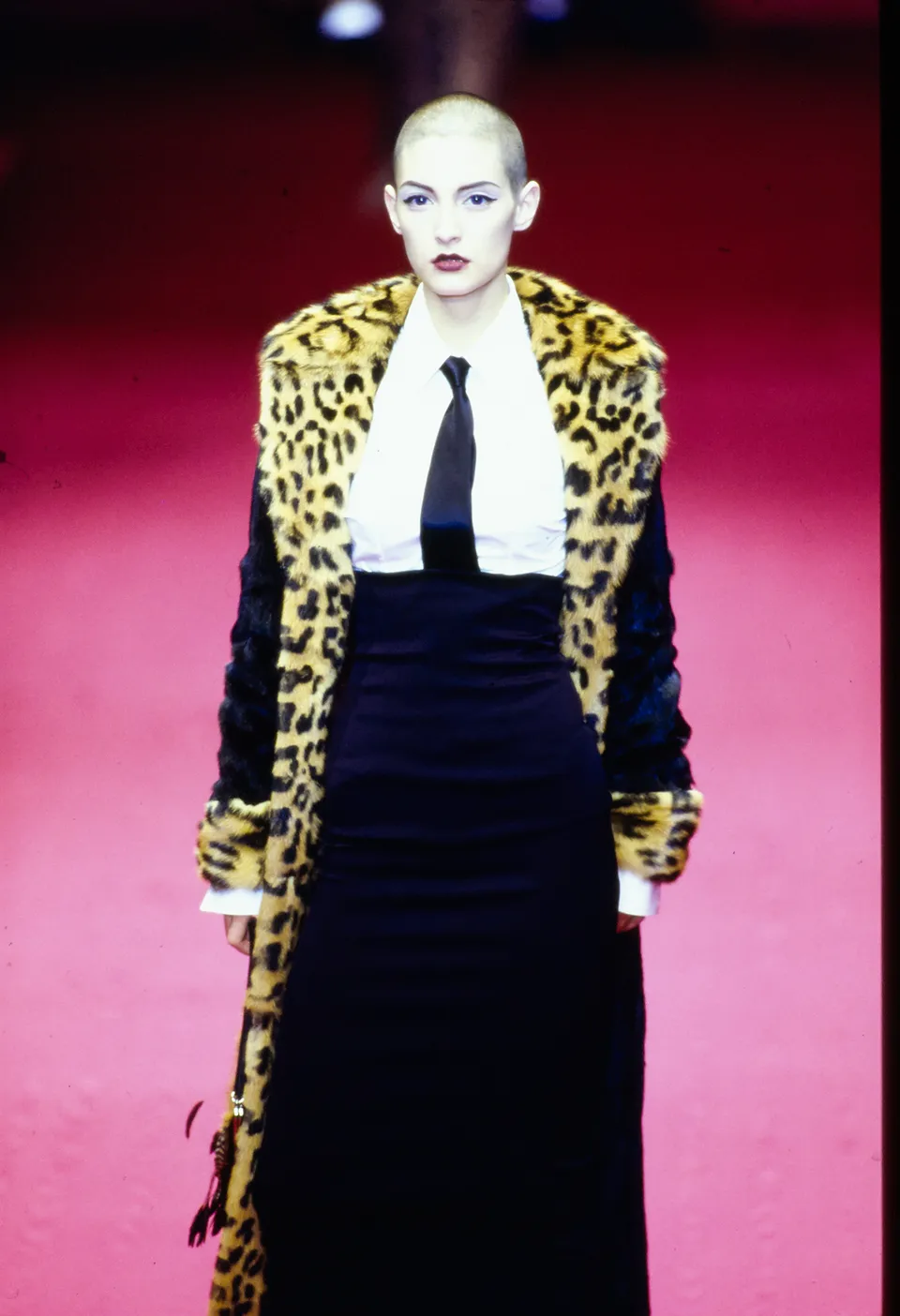
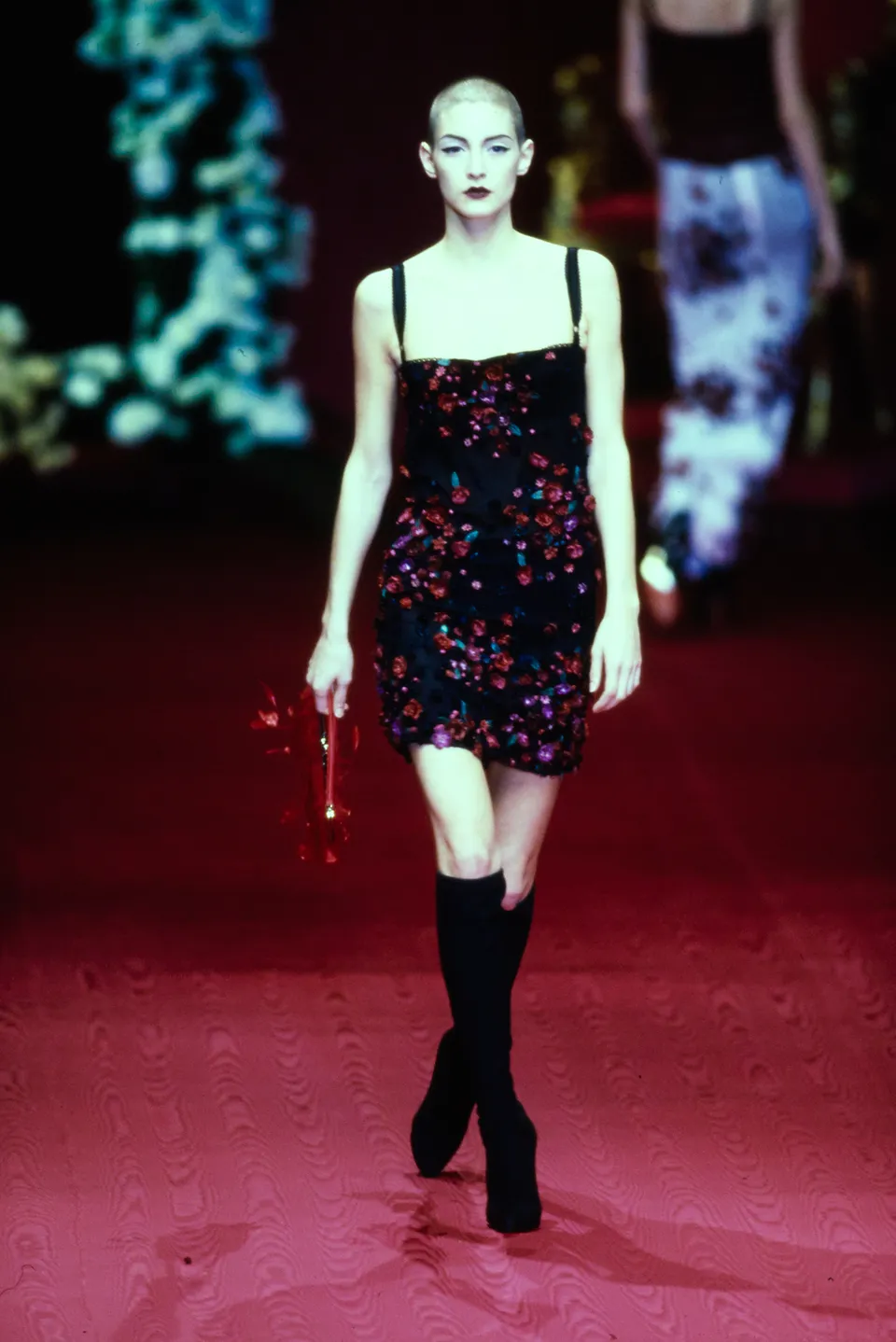
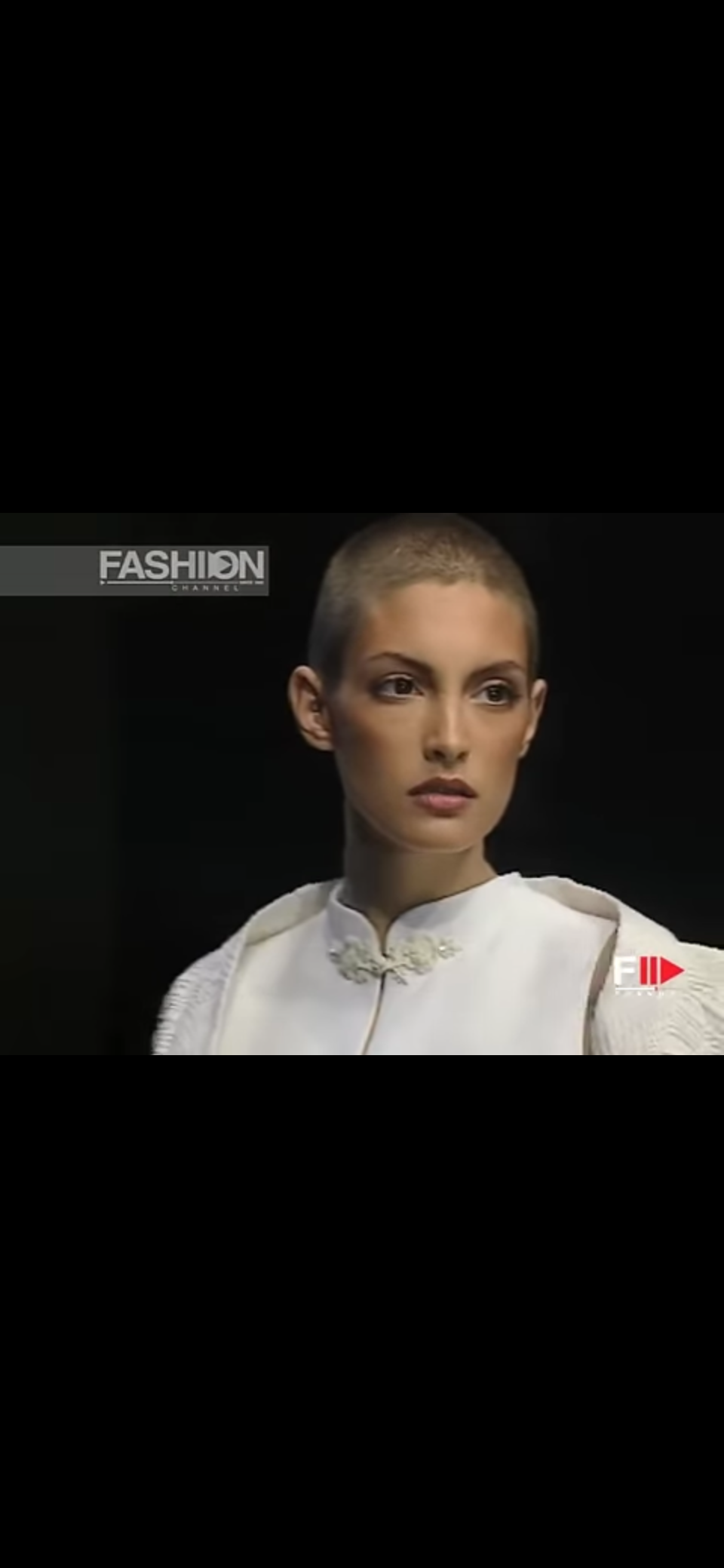
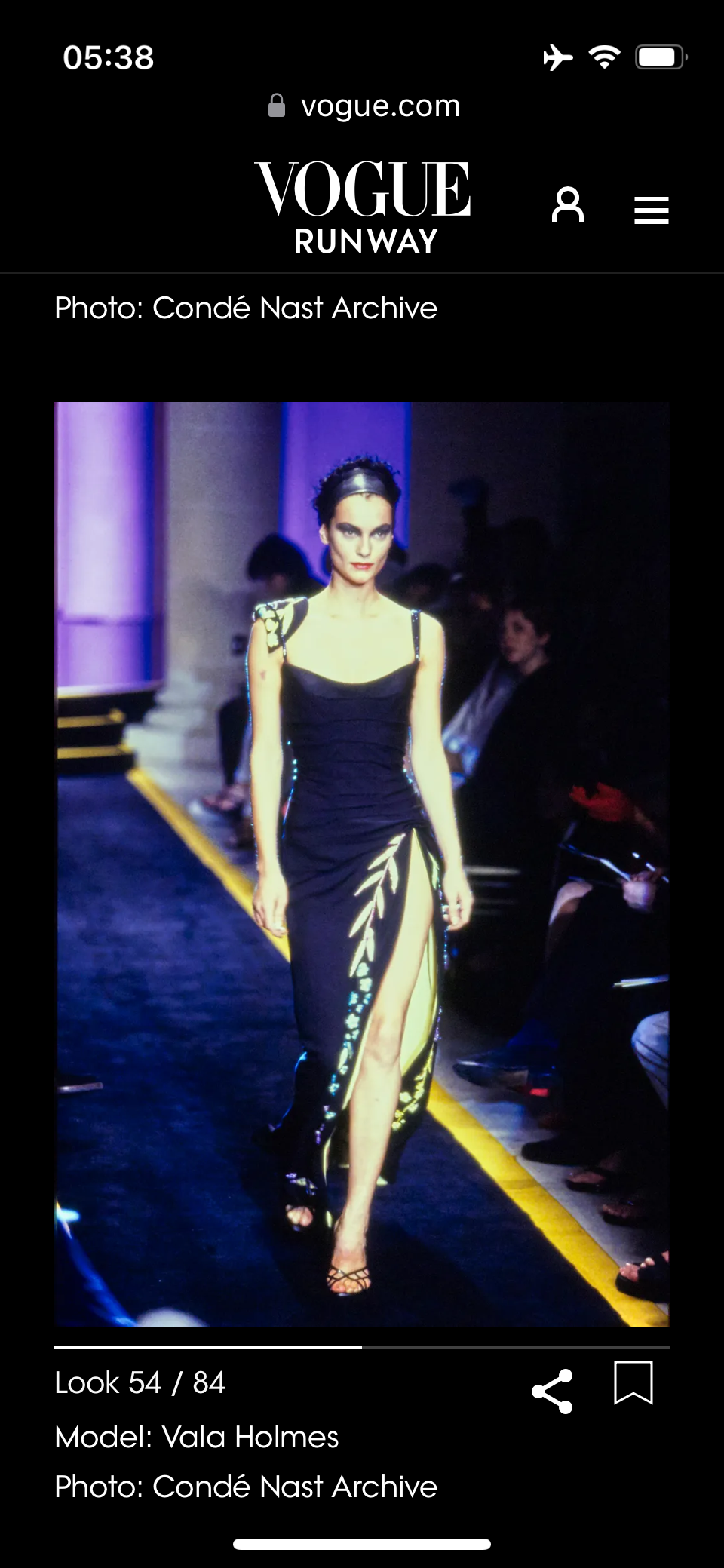
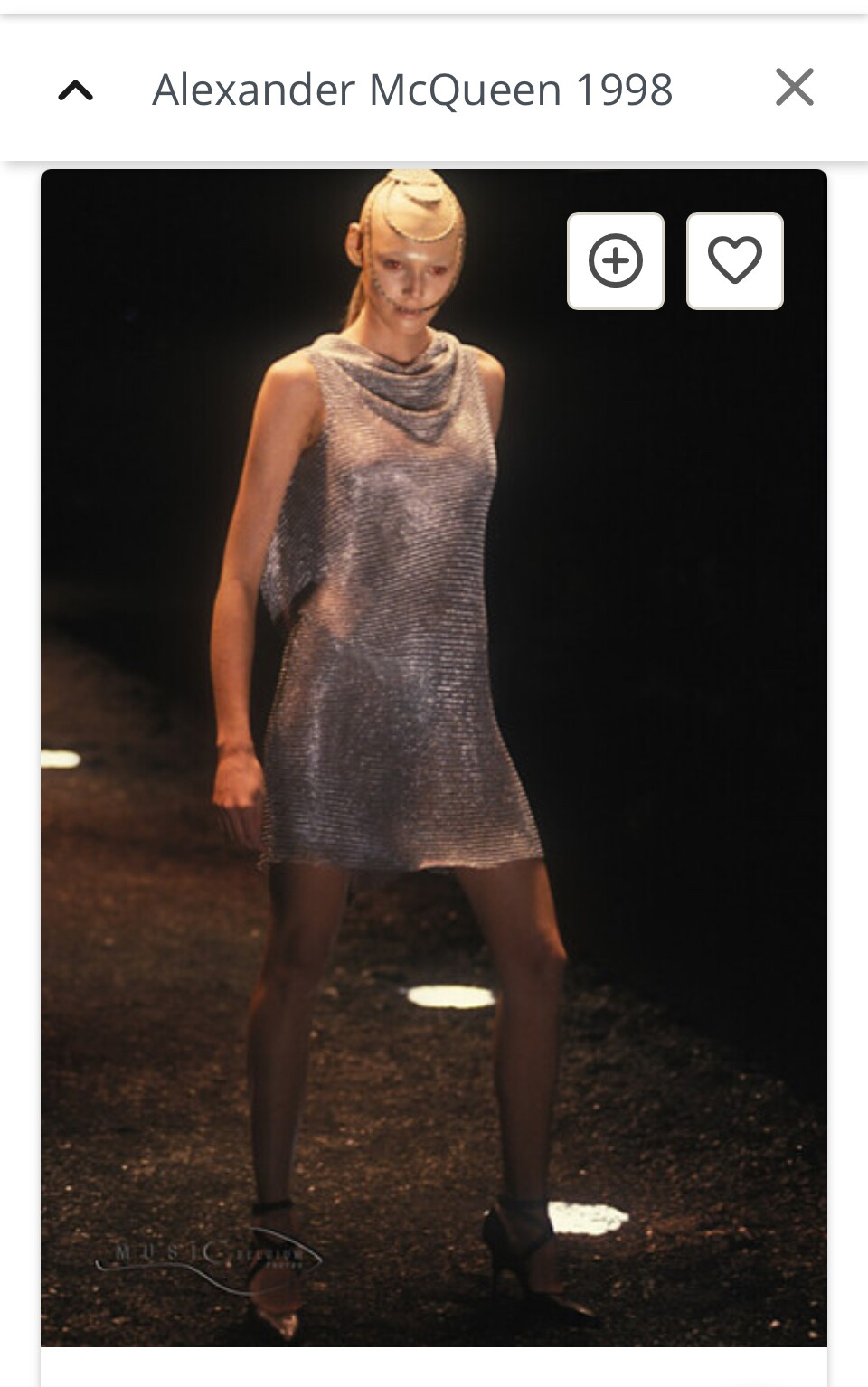
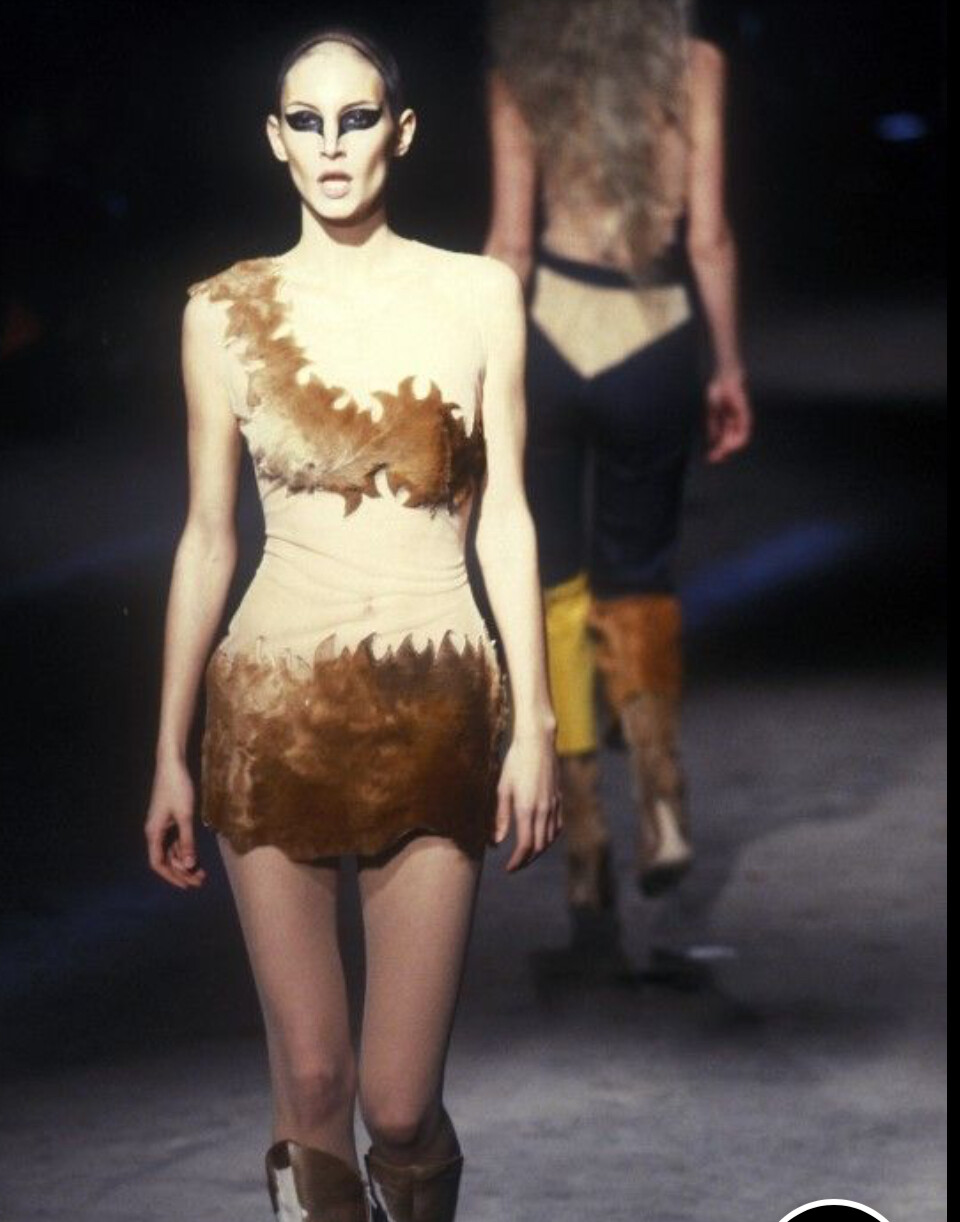
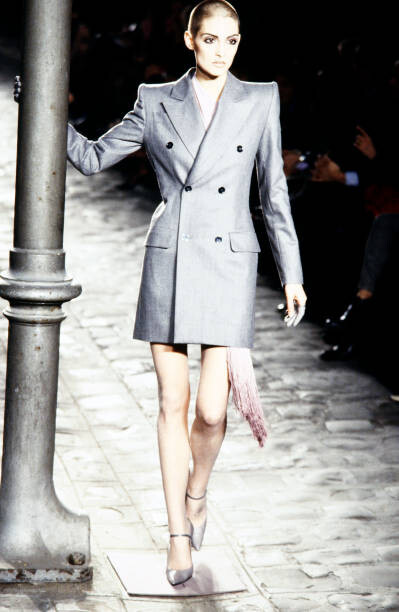
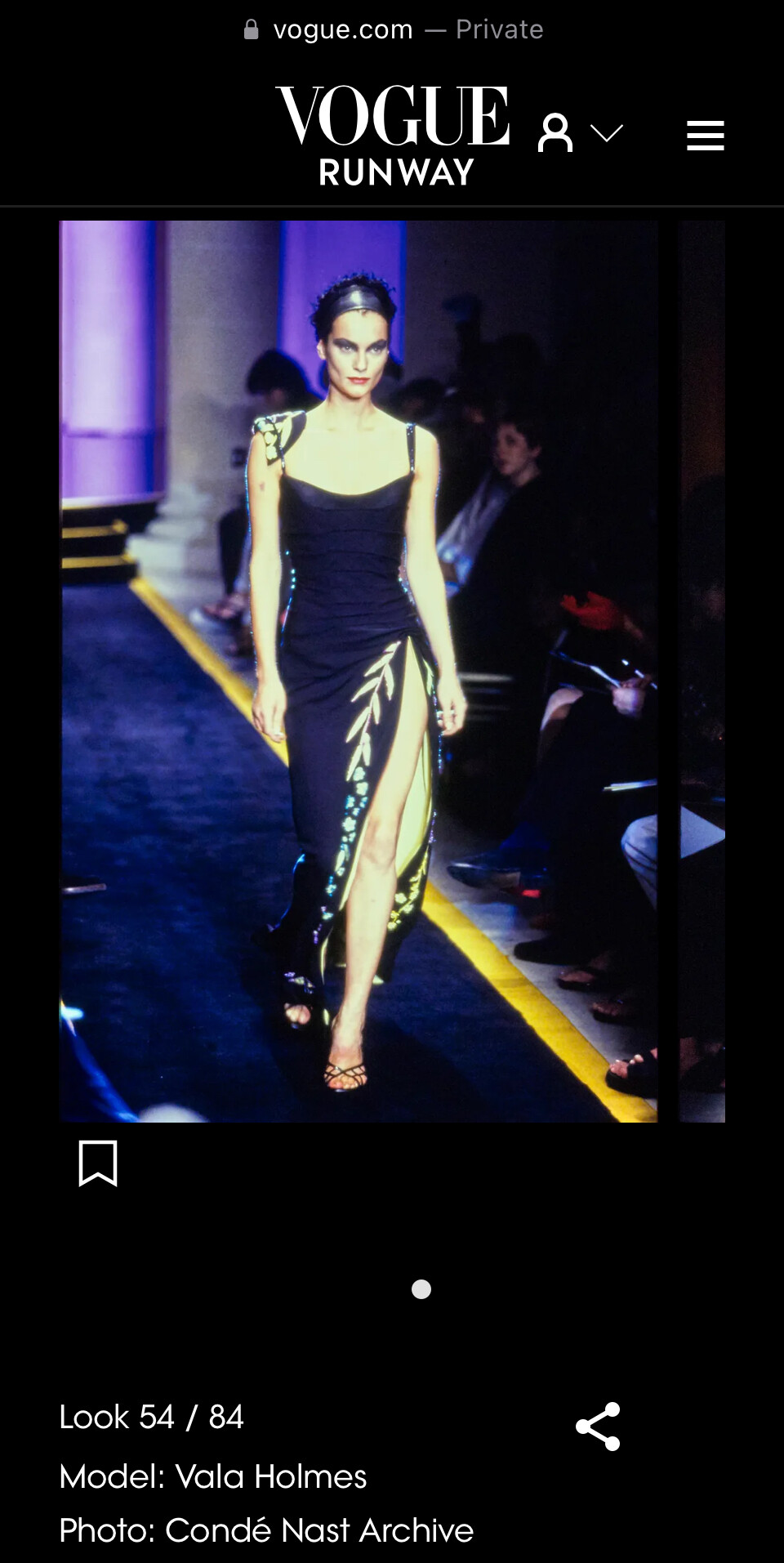
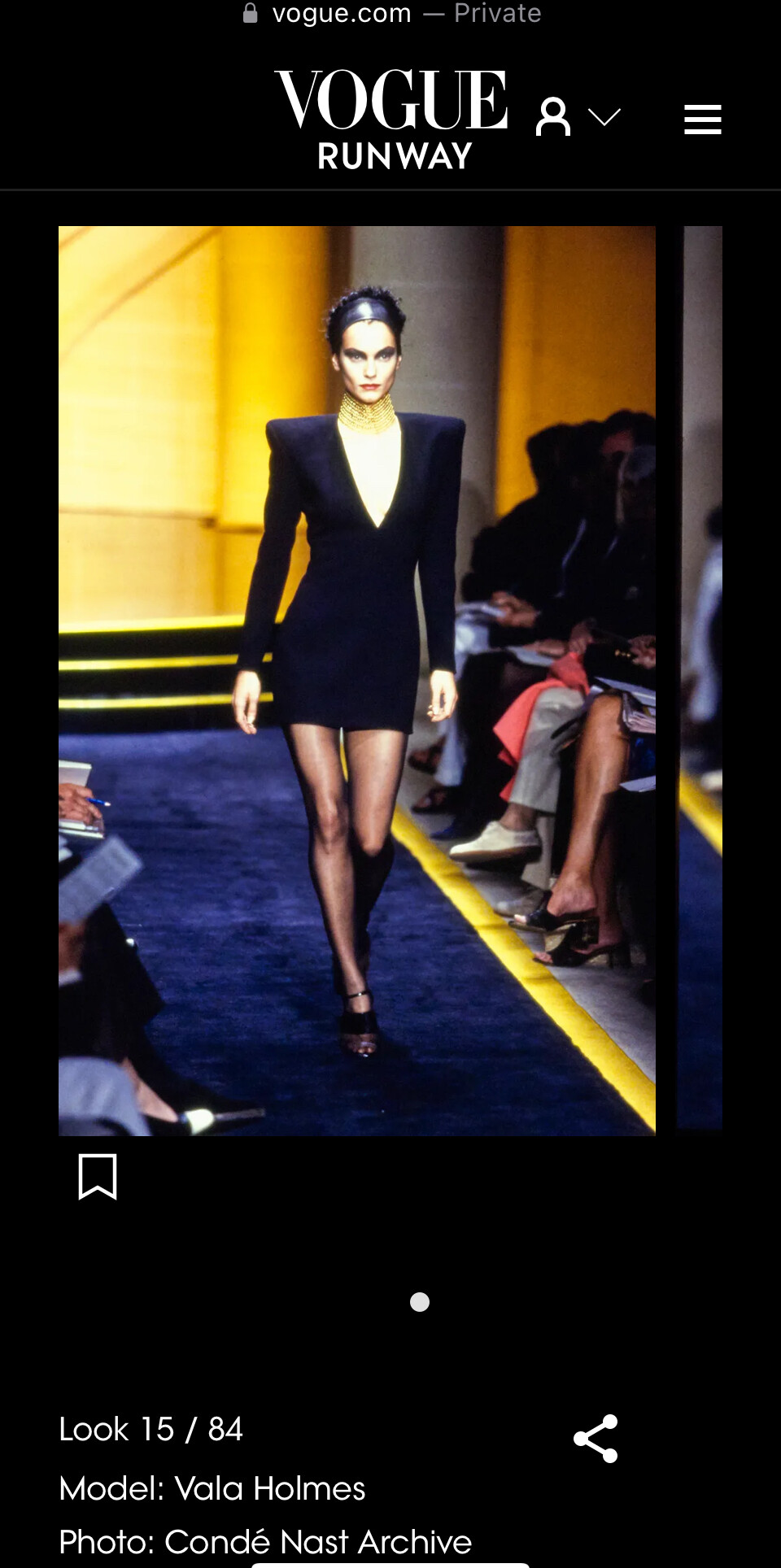
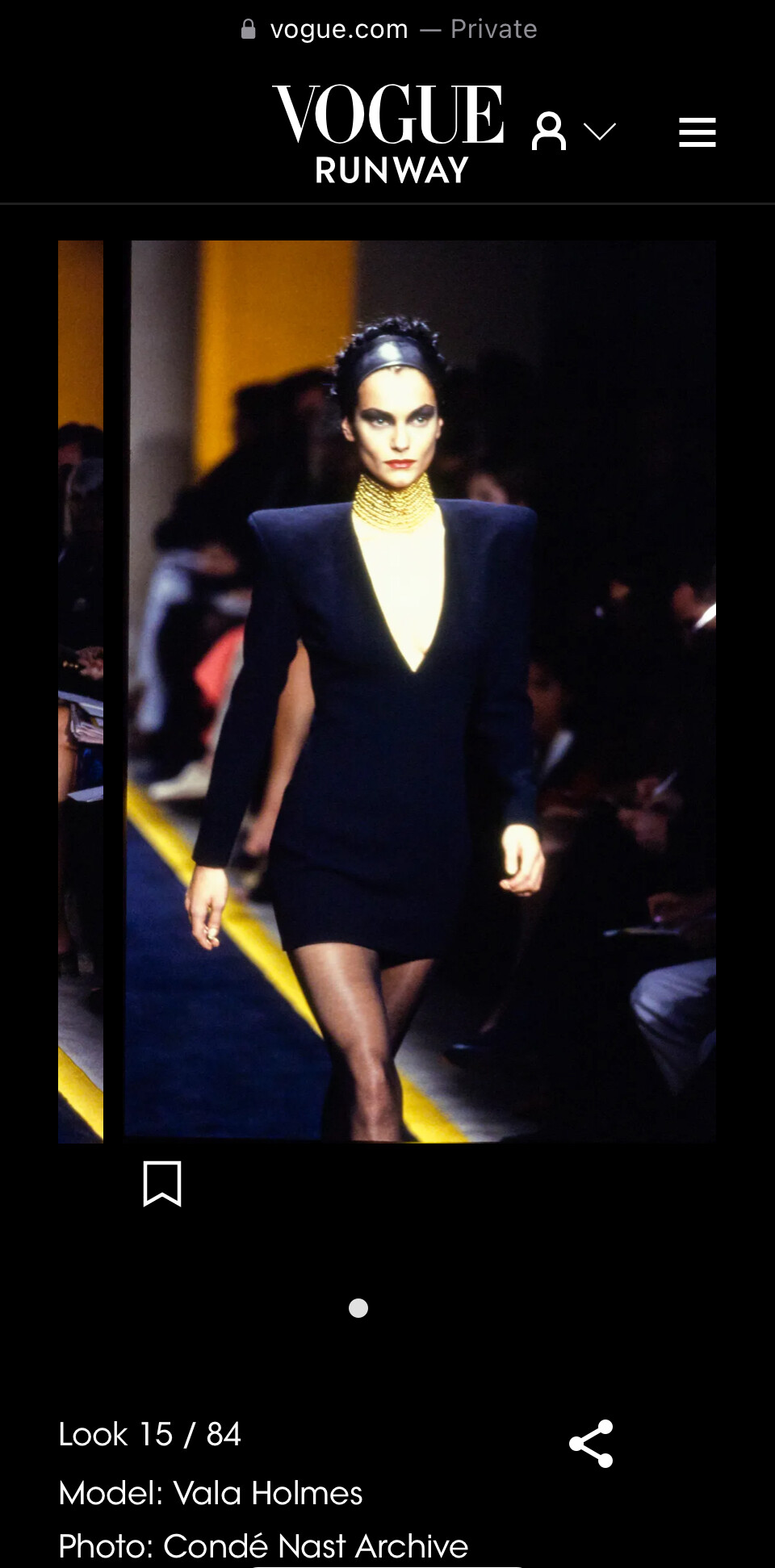
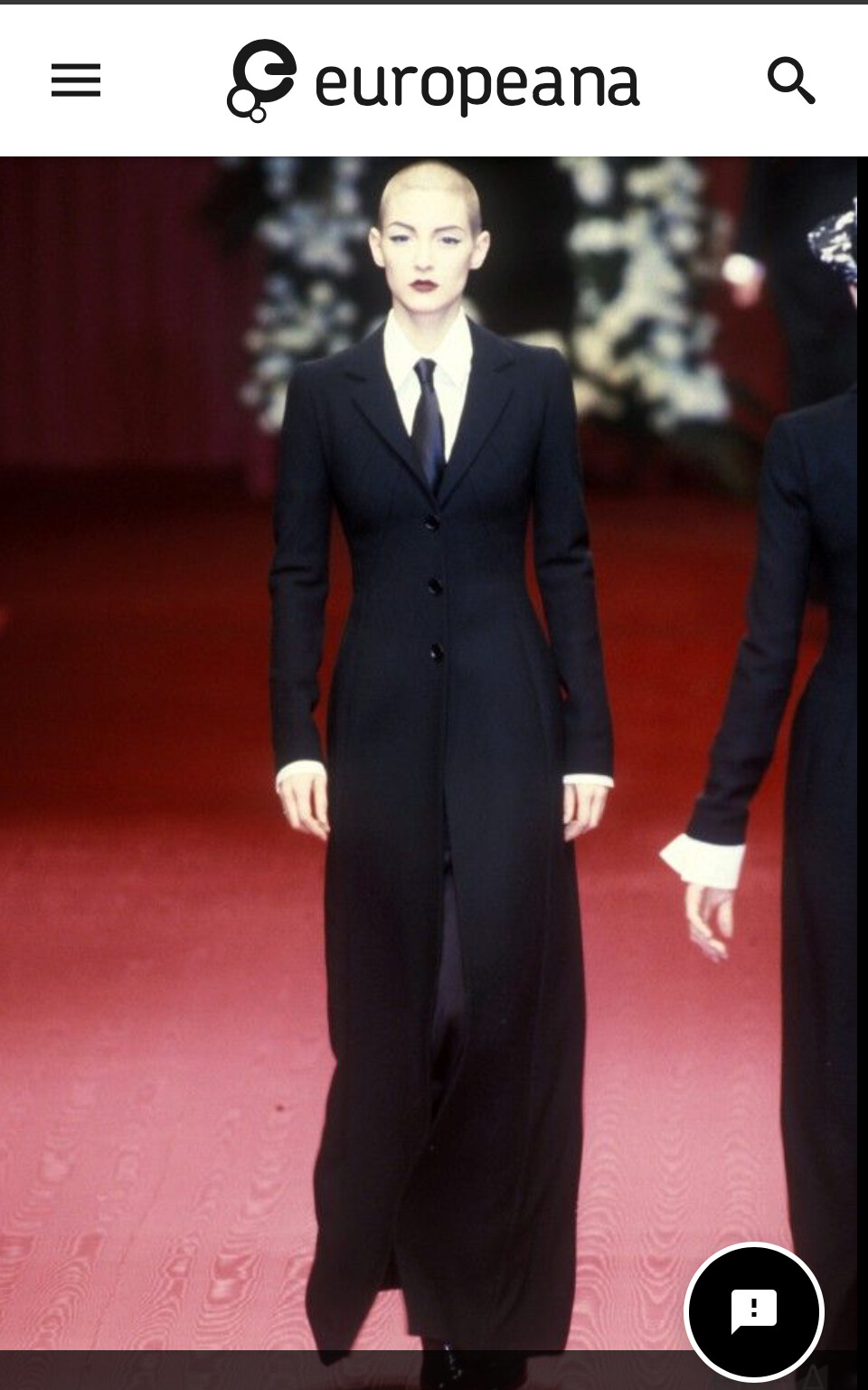
 This is Vala Holmes, here are my 4 looks in Milan Fall 1997 for Dolce and Gabbano, and an extra two from 1997 for comparison. Vogue Runway has only added this show as of 2025, so I have this on my list to next ask Vogue about. They have been very careful to name as many models as they could. Carrie Salmon did not walk in this show. This picture is included in Europeana, not yet the Vogue Collection. This is my one and only account here!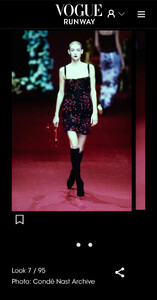






 An Oasis of Healing joined the community
- Today
very problematic ! ! ?
is ts real
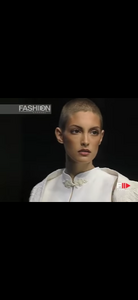
barney cheng ss2002
 ccsclassc joined the community
barney cheng ss2001
ccsclassc joined the community
barney cheng ss2001
 Hurin18 joined the community
Omg
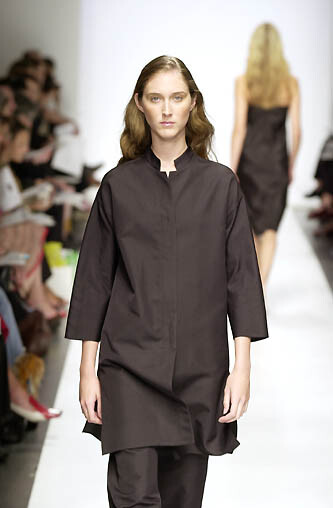
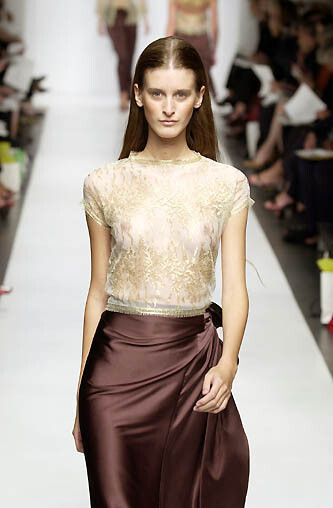
Barney Cheng Spring Summer 2002
Hurin18 joined the community
Omg
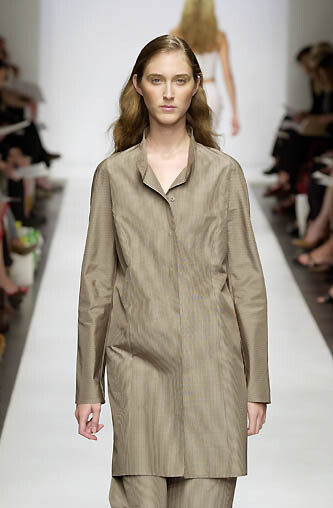
Barney Cheng Spring Summer 2002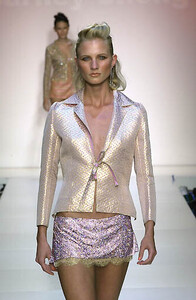



















Account
Navigation
Search
Configure browser push notifications
Chrome (Android)
- Tap the lock icon next to the address bar.
- Tap Permissions → Notifications.
- Adjust your preference.
Chrome (Desktop)
- Click the padlock icon in the address bar.
- Select Site settings.
- Find Notifications and adjust your preference.
Safari (iOS 16.4+)
- Ensure the site is installed via Add to Home Screen.
- Open Settings App → Notifications.
- Find your app name and adjust your preference.
Safari (macOS)
- Go to Safari → Preferences.
- Click the Websites tab.
- Select Notifications in the sidebar.
- Find this website and adjust your preference.
Edge (Android)
- Tap the lock icon next to the address bar.
- Tap Permissions.
- Find Notifications and adjust your preference.
Edge (Desktop)
- Click the padlock icon in the address bar.
- Click Permissions for this site.
- Find Notifications and adjust your preference.
Firefox (Android)
- Go to Settings → Site permissions.
- Tap Notifications.
- Find this site in the list and adjust your preference.
Firefox (Desktop)
- Open Firefox Settings.
- Search for Notifications.
- Find this site in the list and adjust your preference.