All Activity
- Past hour
-
 Videos


-

-
 VenetoDentalCare joined the community
 -
 Can somebody please clearify if this is a real cover of a real magazine(printed on paper) or it is a digital thing?
 -

-

- Today
-
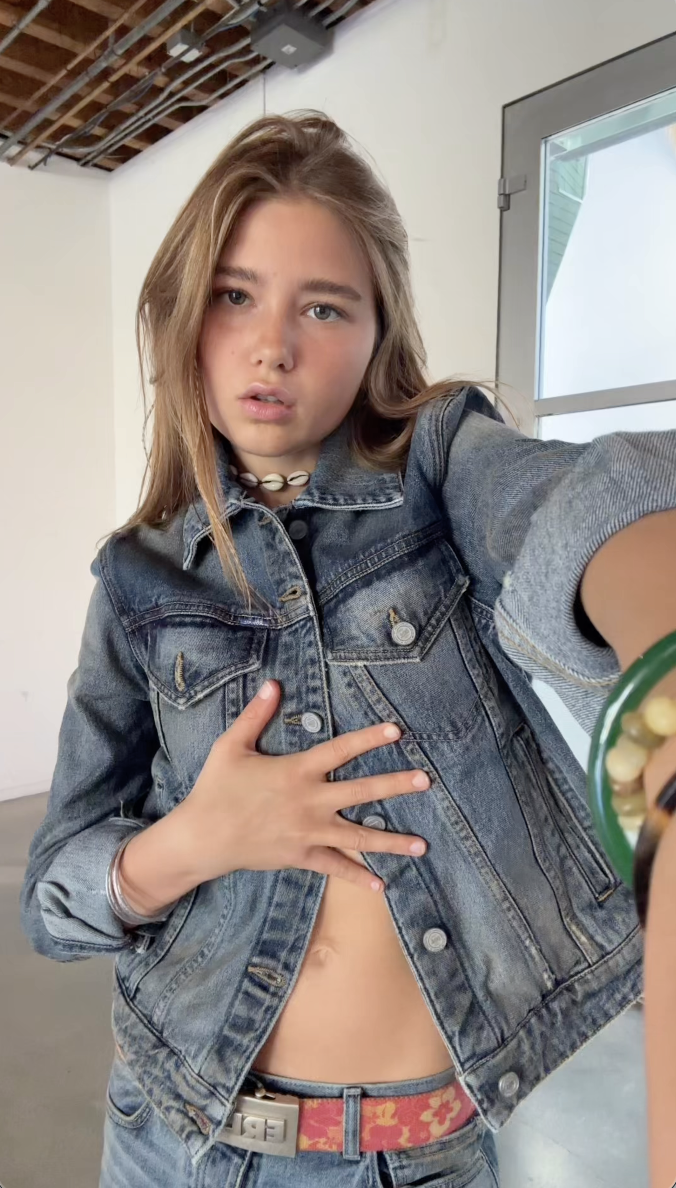
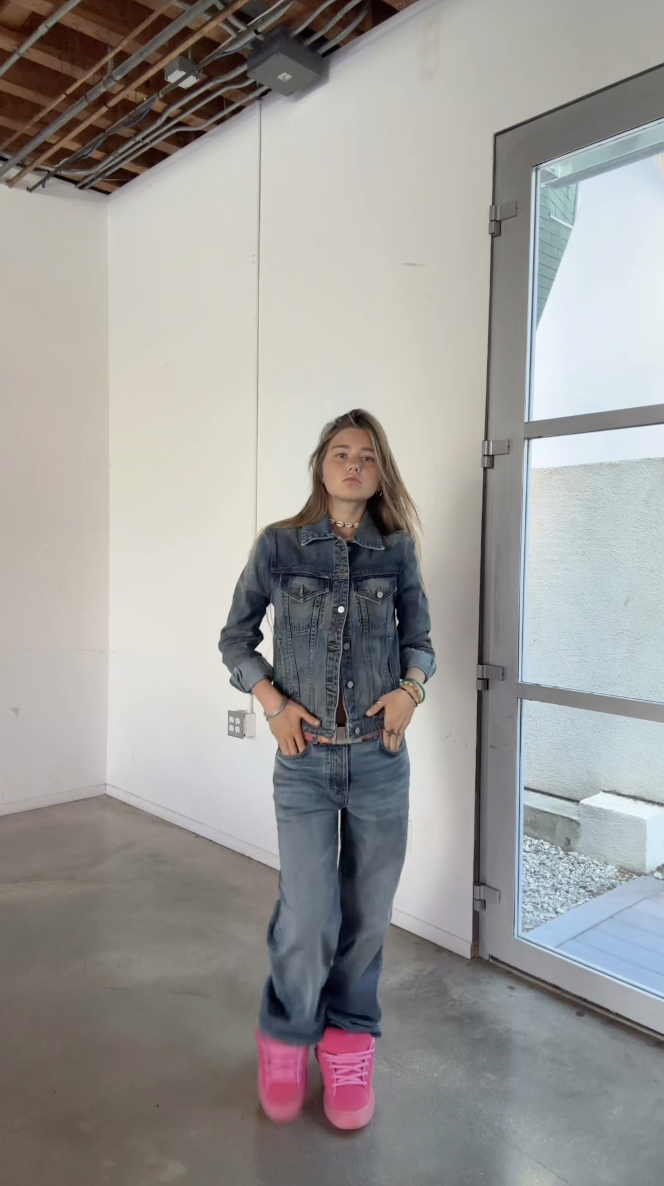
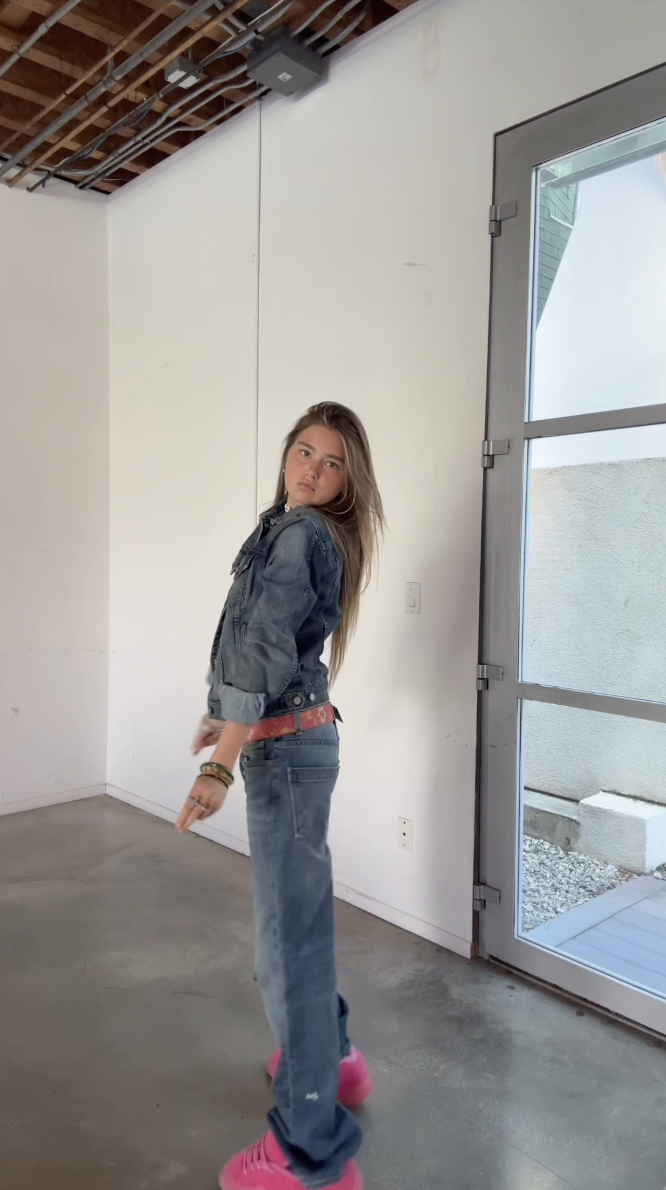
.thumb.jpg.abbaf15fcb56a73a29b6f31a78d88c8e.jpg) She is in Paris!
She is in Paris! -
 From her Instagram SnapInsta.to_AQNPlT6lMyQHrVfbQWEPPze1ugpAOWgPNhGiH2chgGpl0mzMxvARGuXr95qLVyNJiEM9q9tGD581dq5rE-bq_pg1.mp4
 -
 I believe she might be Olivia Karina. 🙂
 -


 wondoorcorporation changed their profile photo
 wondoorcorporation joined the community
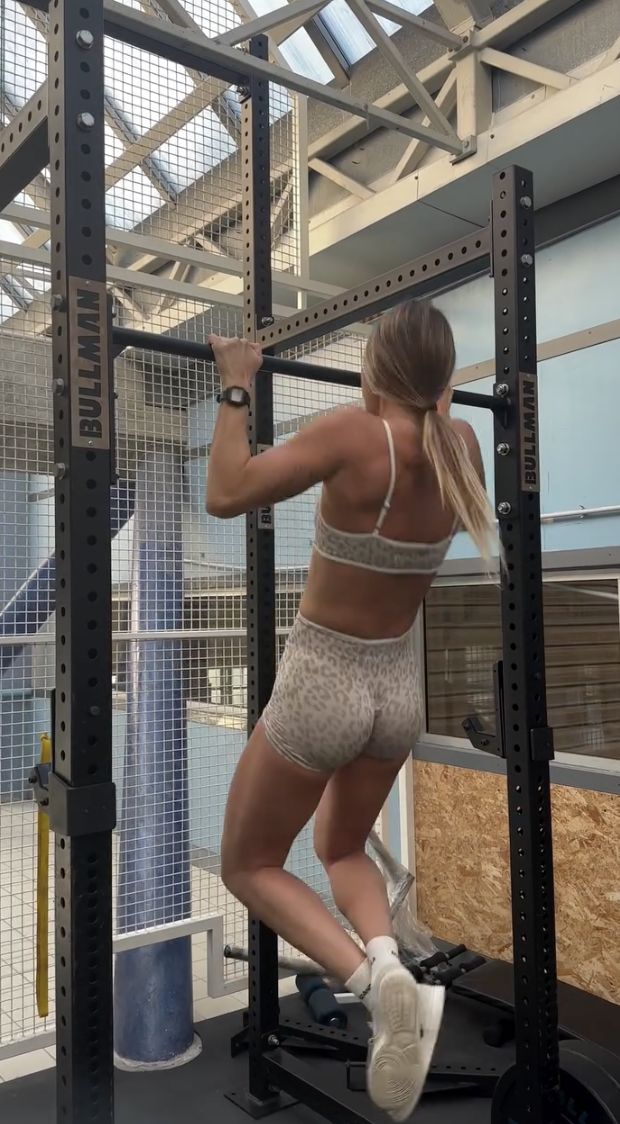
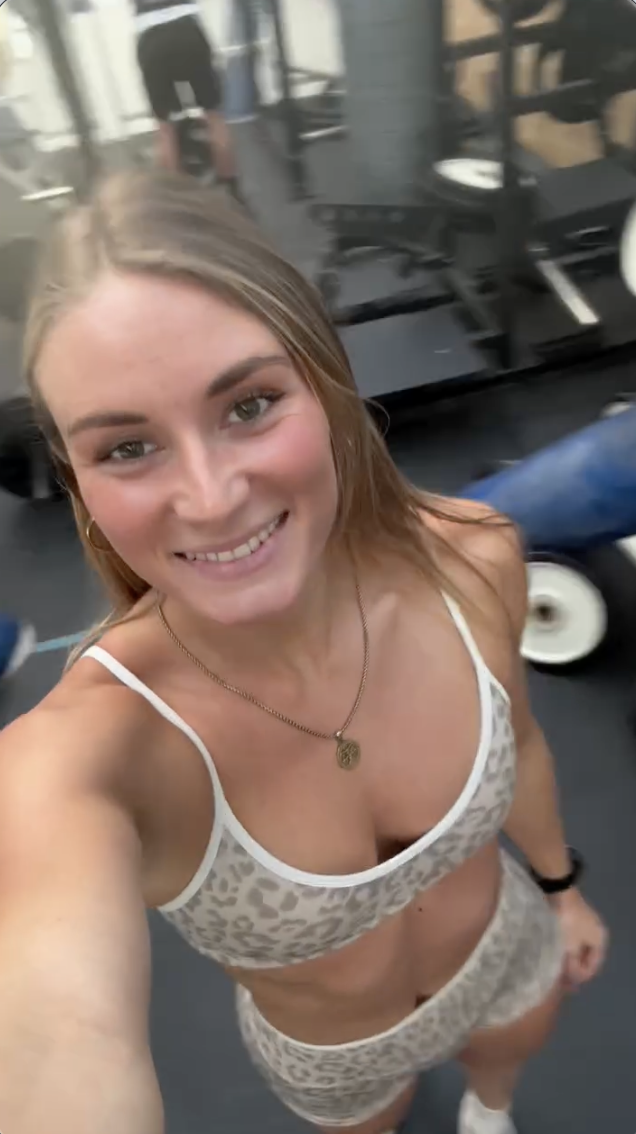
workout (2026) anastasia_urbaniak.mp4
wondoorcorporation joined the community
workout (2026) anastasia_urbaniak.mp4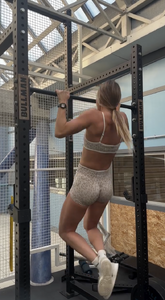


 Cleaning time video
 The dreamiest day ever 🖤





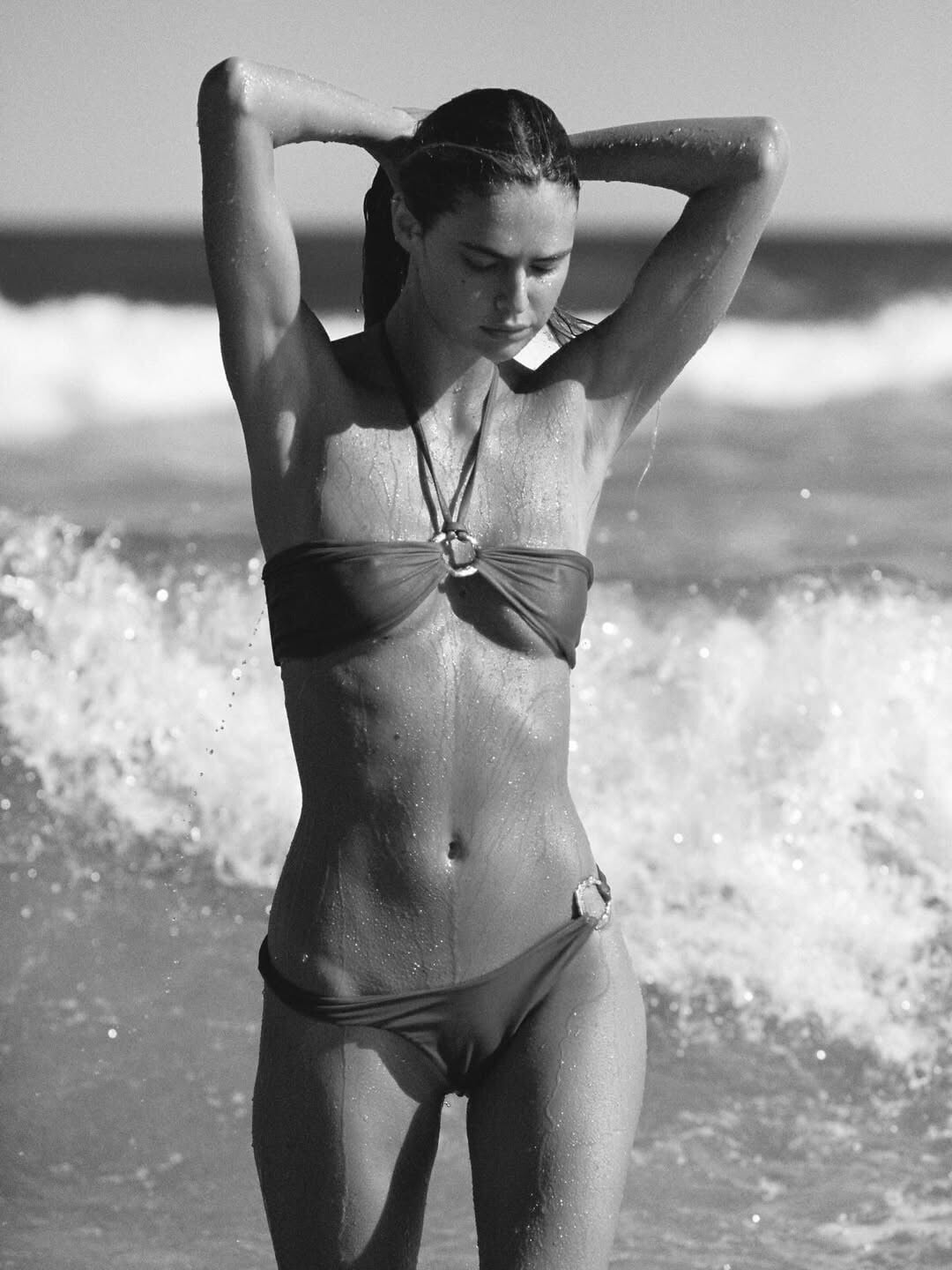
 Montce Swim: Introducing: Amalia 🤍🦢 The softest lace texture from our Montce x Elsa Hosk collection — available only at Montce
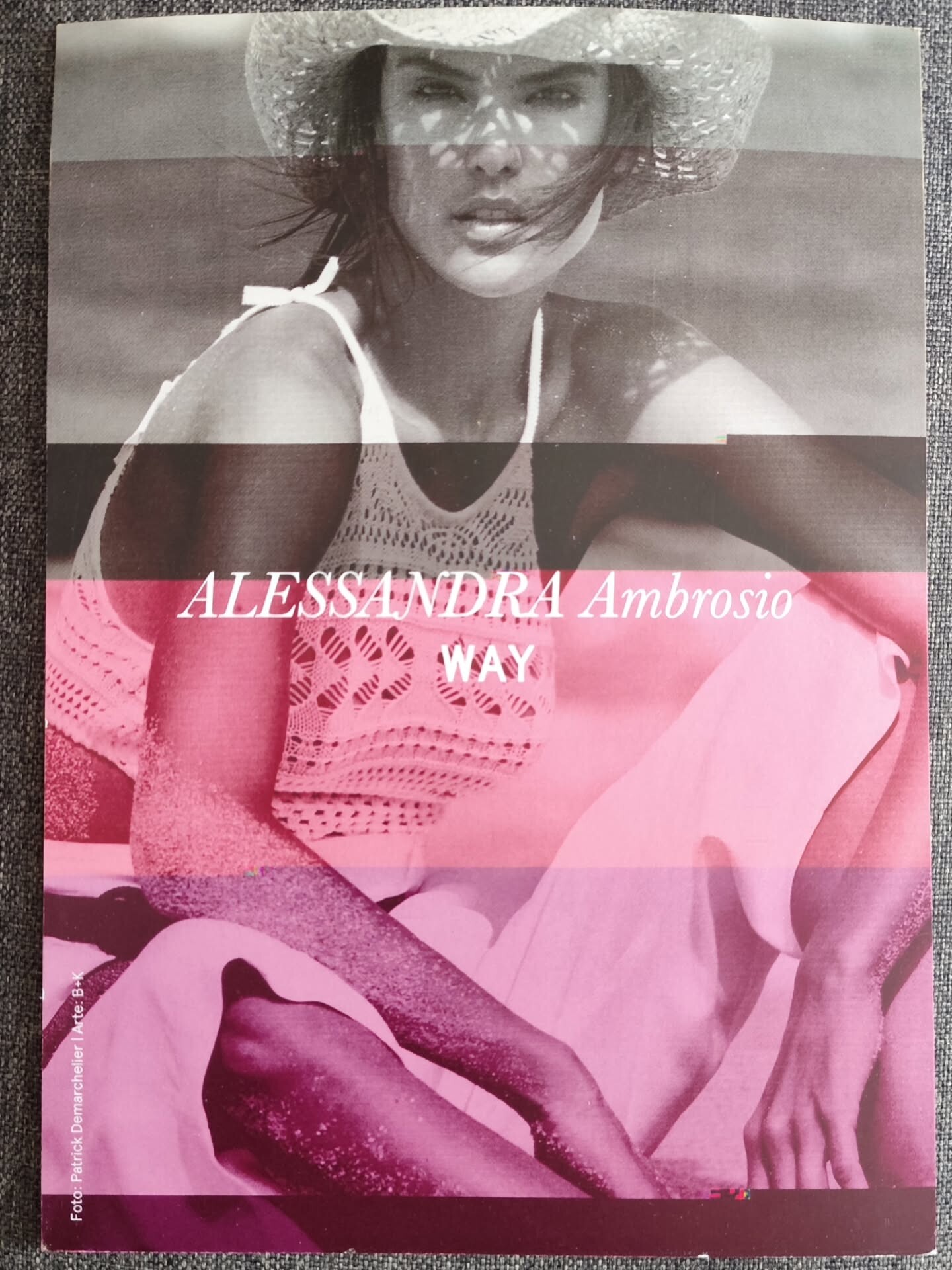
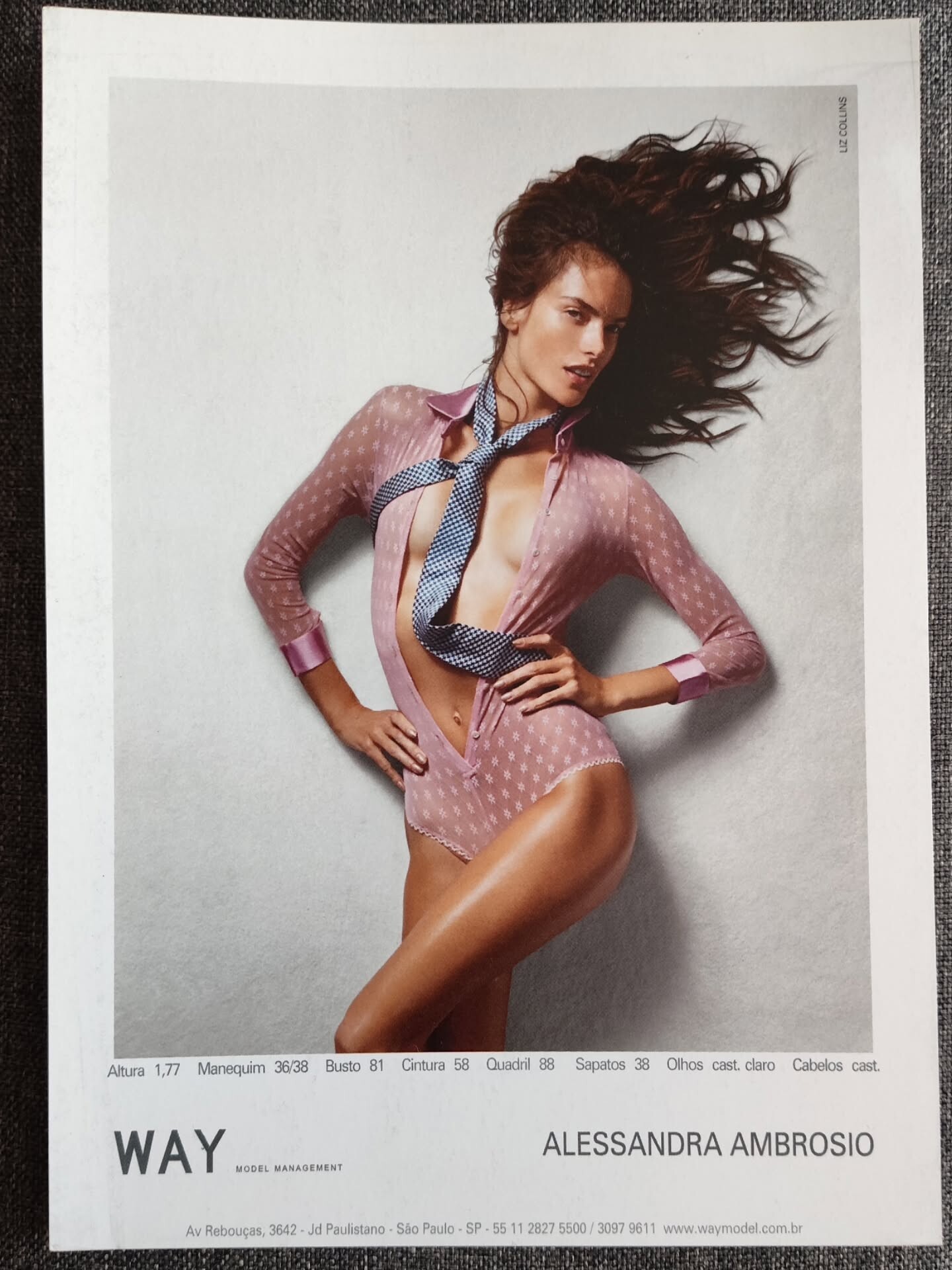
 ROGÉRIO RIBEIRO: Alessandra Ambrósio ( Way Model Management Brasil )
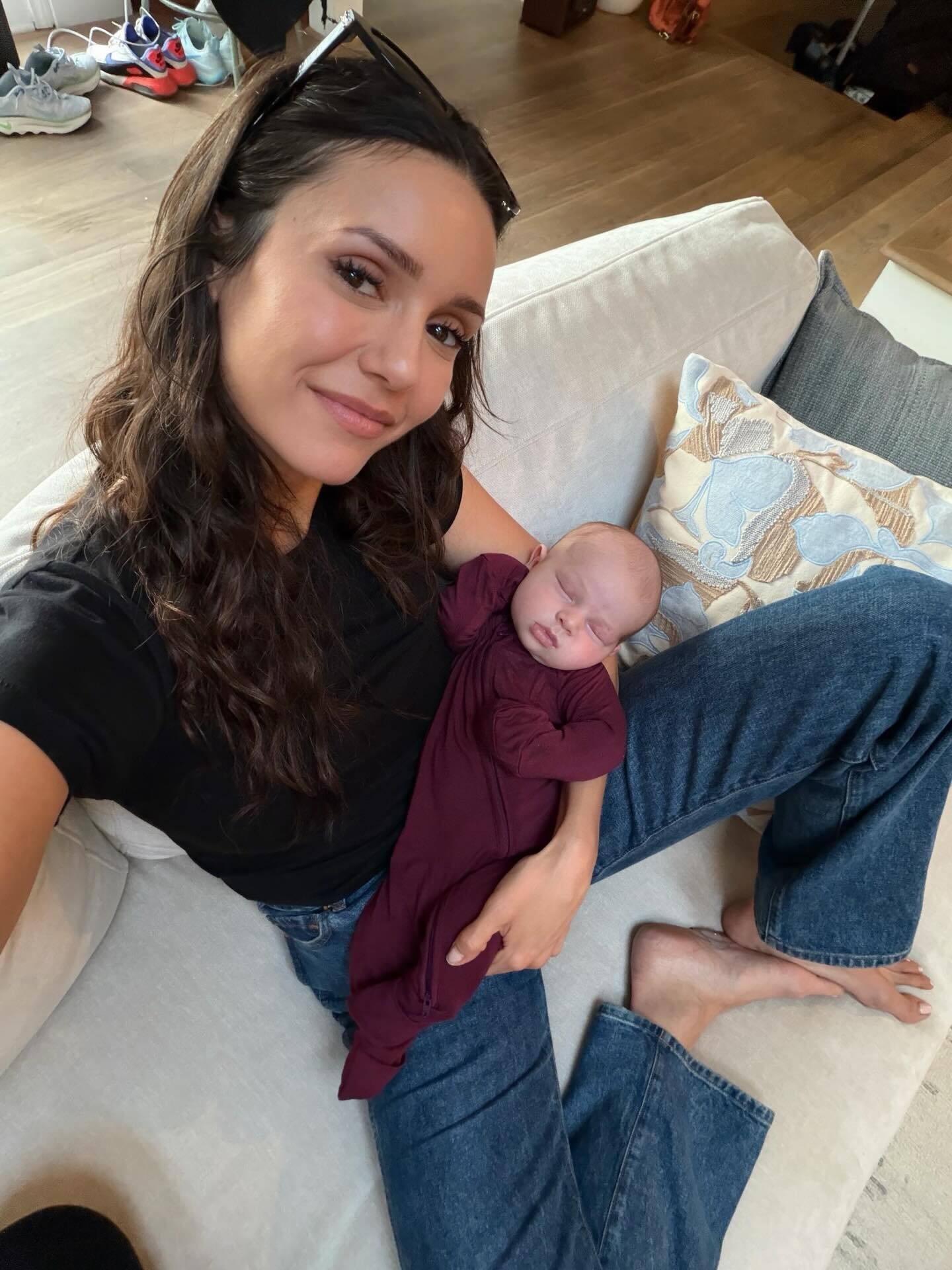
 my new buddy just dropped 🥹🤍 welcome to the world, Bo Bruno.
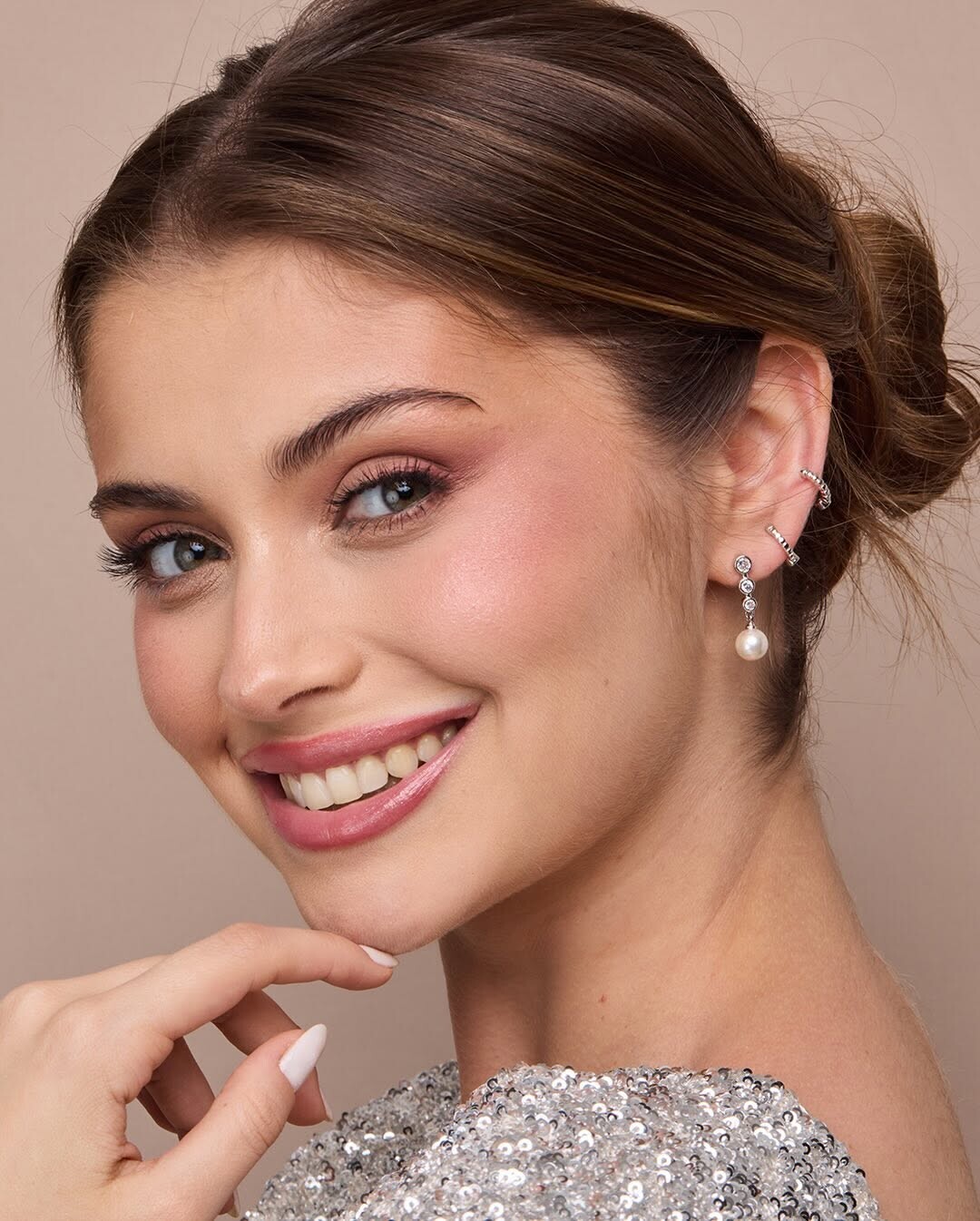
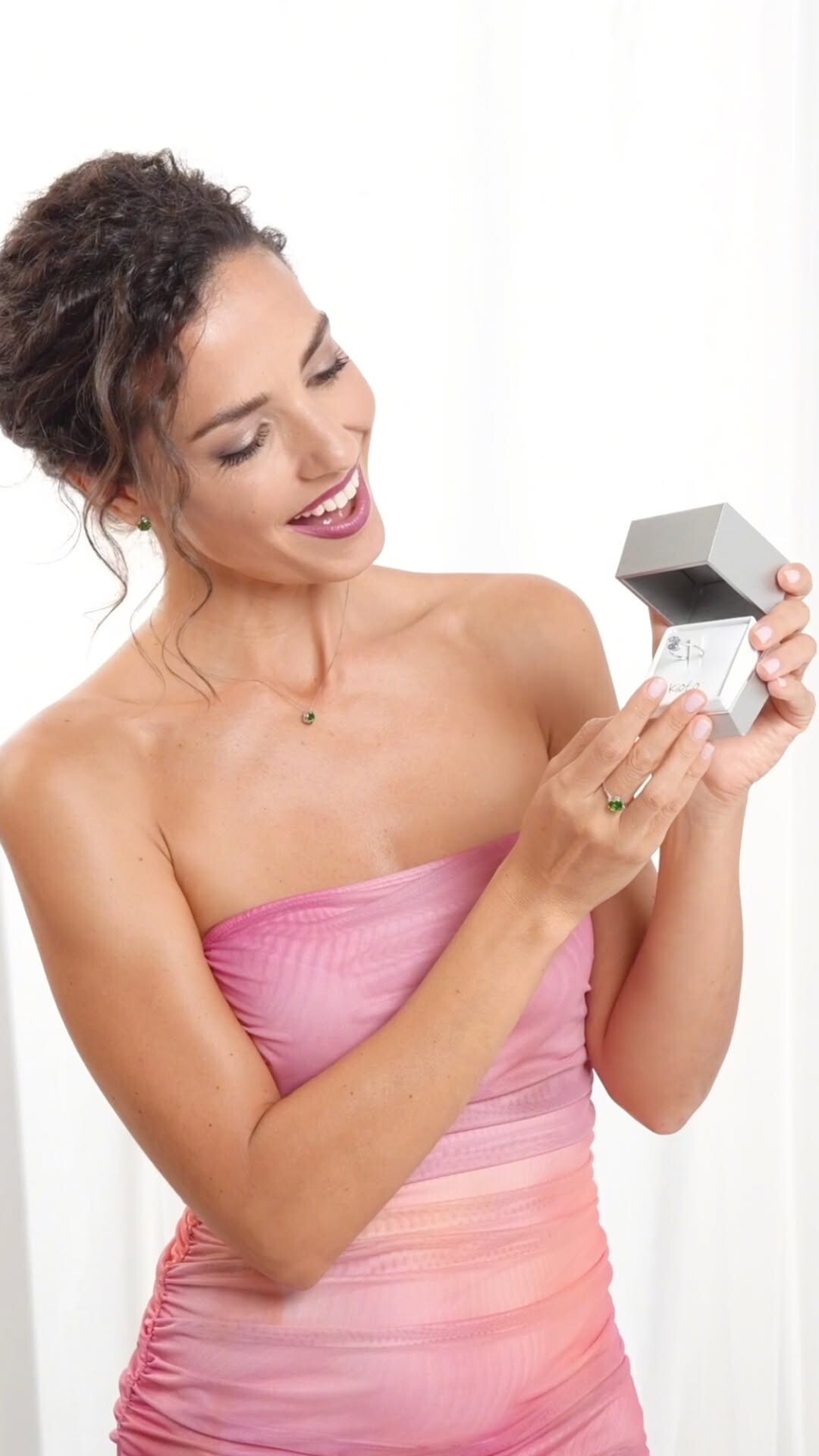
 Kioto Jewelry: All the delicacy of a message of love.🩷💚🩵 video
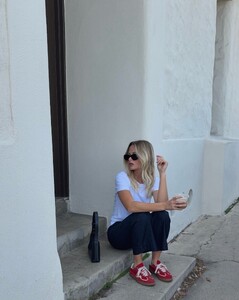
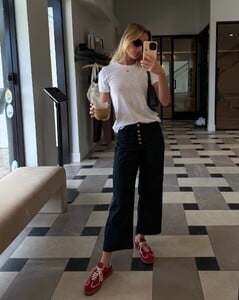
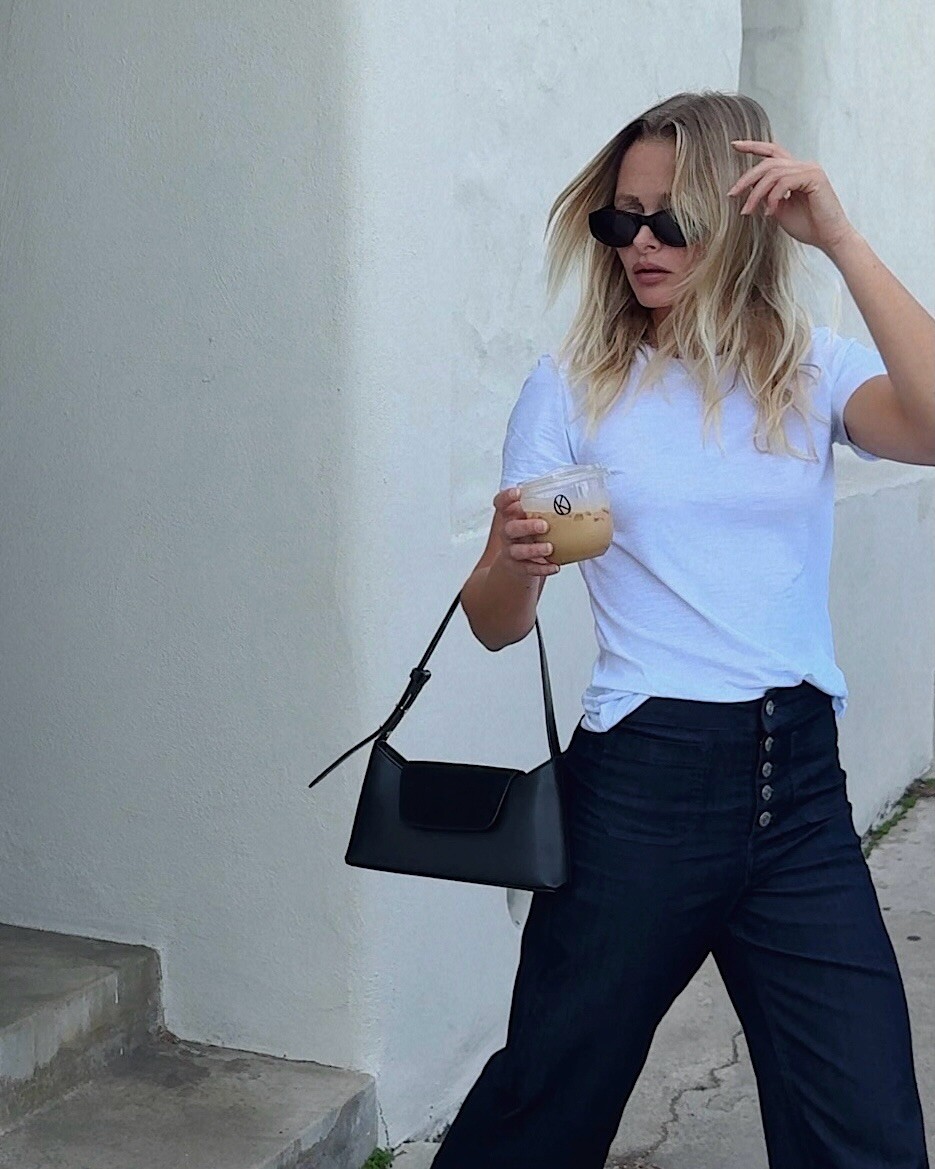
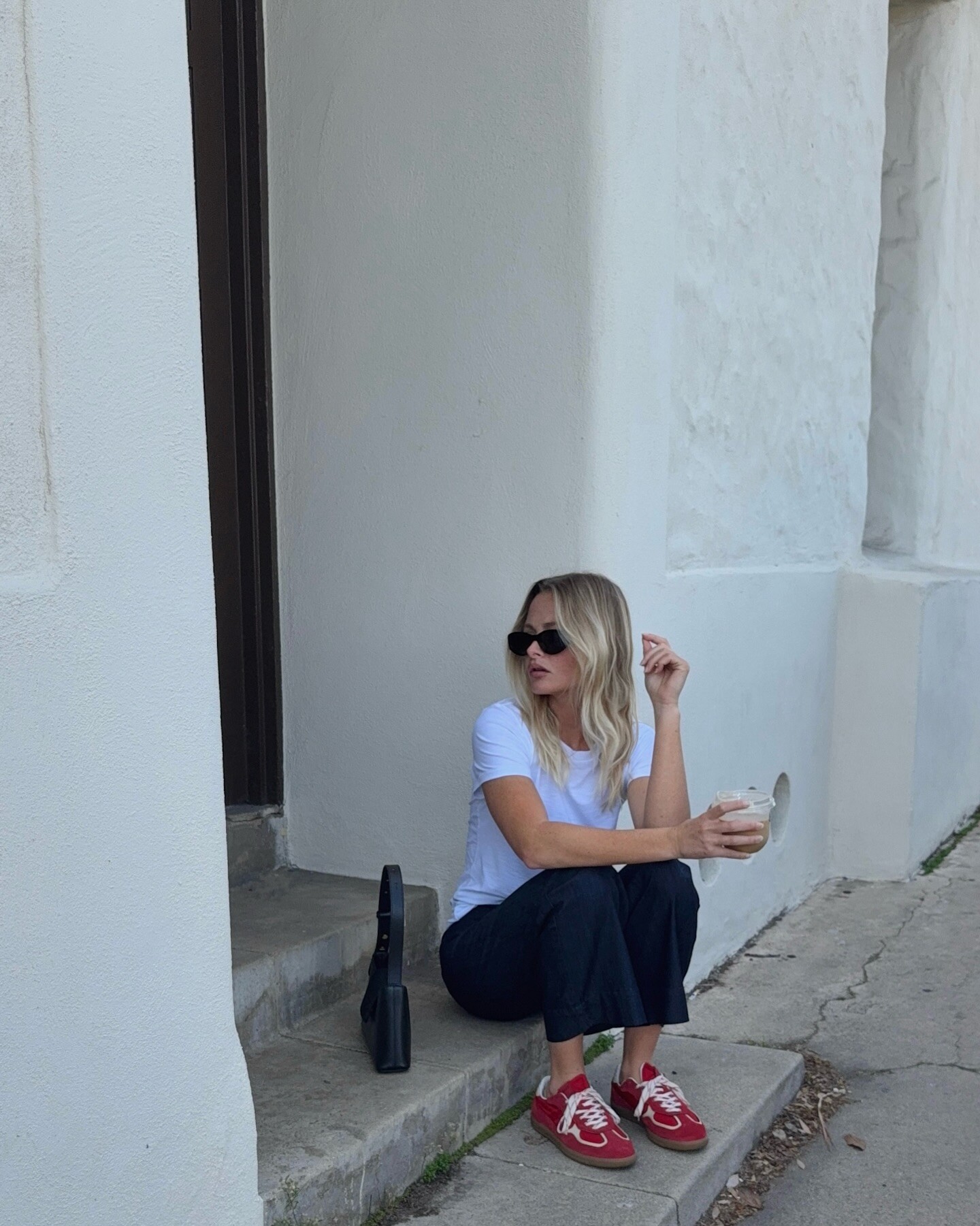
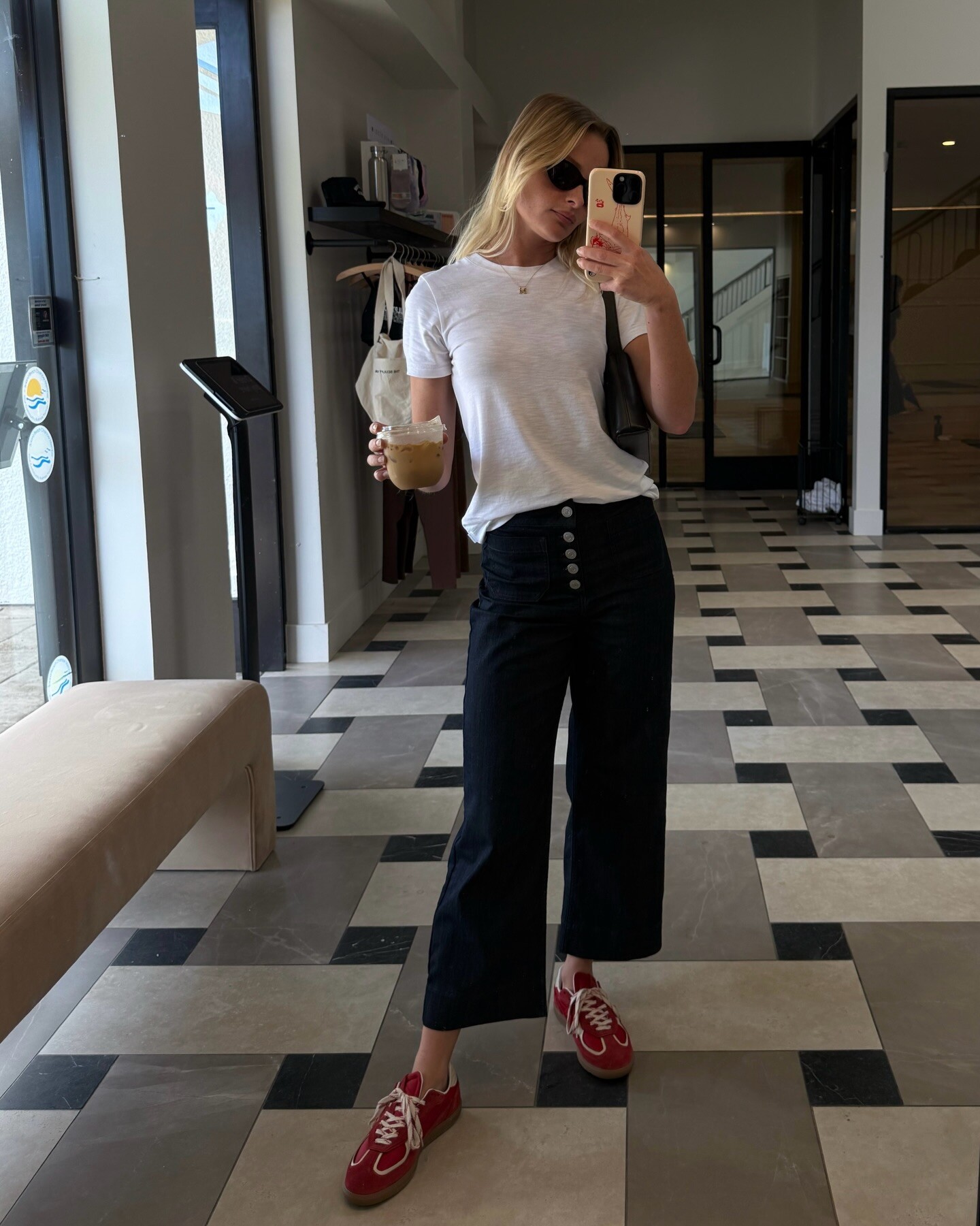
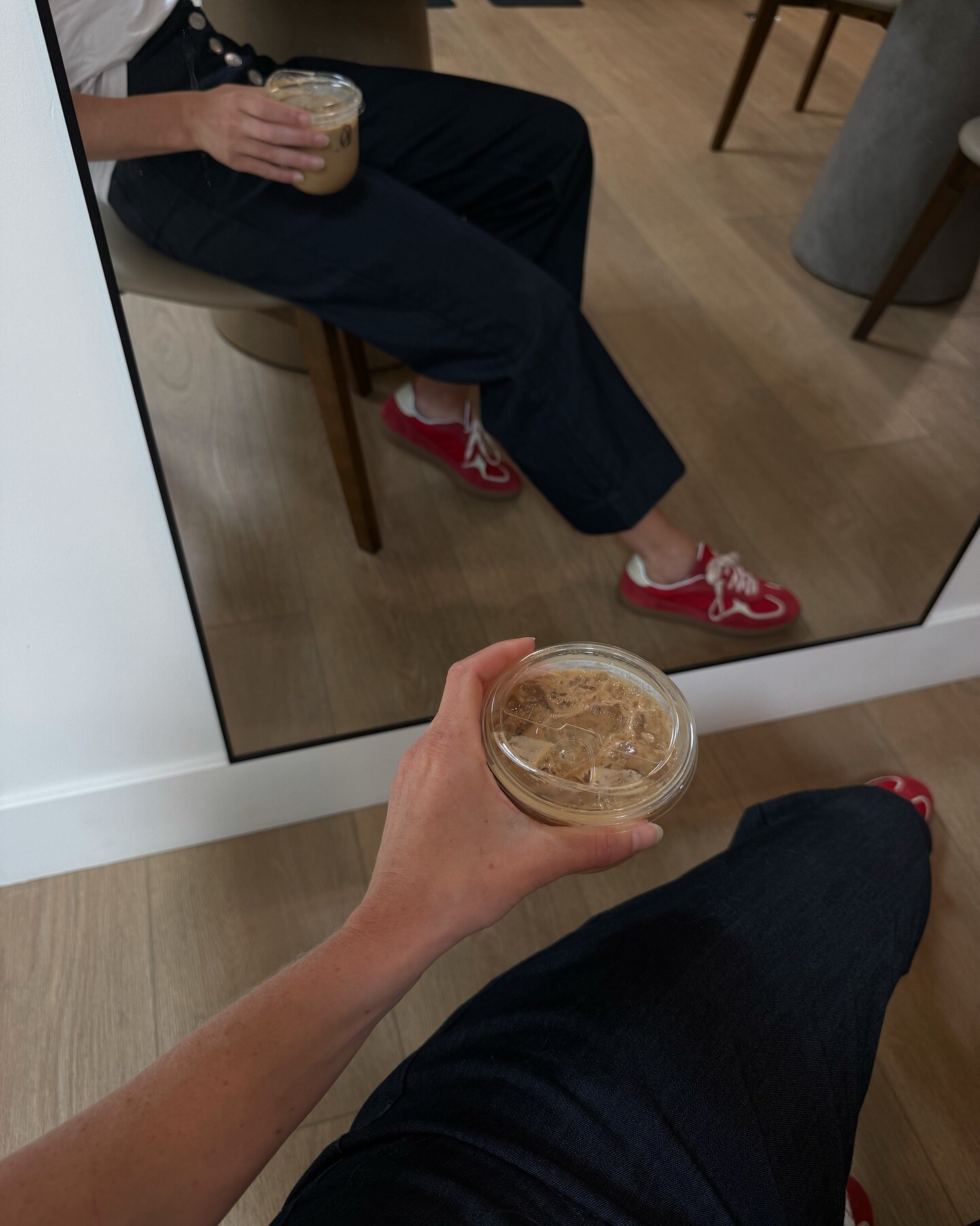
 Running errands in your fav Everyday Pant & white tee🧋travismathewwomens video
























































Account
Navigation
Search
Configure browser push notifications
Chrome (Android)
- Tap the lock icon next to the address bar.
- Tap Permissions → Notifications.
- Adjust your preference.
Chrome (Desktop)
- Click the padlock icon in the address bar.
- Select Site settings.
- Find Notifications and adjust your preference.
Safari (iOS 16.4+)
- Ensure the site is installed via Add to Home Screen.
- Open Settings App → Notifications.
- Find your app name and adjust your preference.
Safari (macOS)
- Go to Safari → Preferences.
- Click the Websites tab.
- Select Notifications in the sidebar.
- Find this website and adjust your preference.
Edge (Android)
- Tap the lock icon next to the address bar.
- Tap Permissions.
- Find Notifications and adjust your preference.
Edge (Desktop)
- Click the padlock icon in the address bar.
- Click Permissions for this site.
- Find Notifications and adjust your preference.
Firefox (Android)
- Go to Settings → Site permissions.
- Tap Notifications.
- Find this site in the list and adjust your preference.
Firefox (Desktop)
- Open Firefox Settings.
- Search for Notifications.
- Find this site in the list and adjust your preference.