
gedeon67
Members
-
Joined
-
Last visited
Everything posted by gedeon67
-
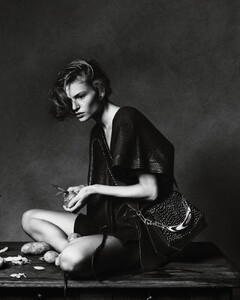
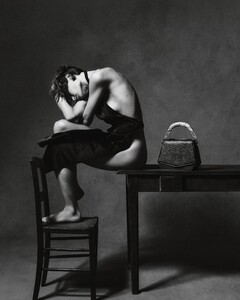
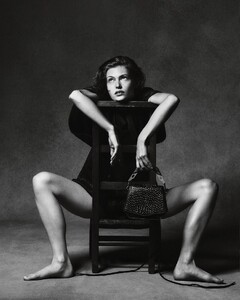
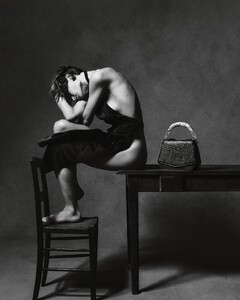
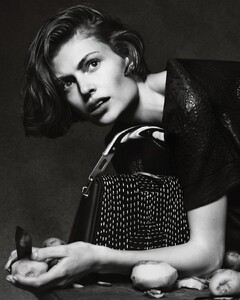
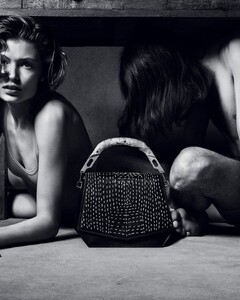
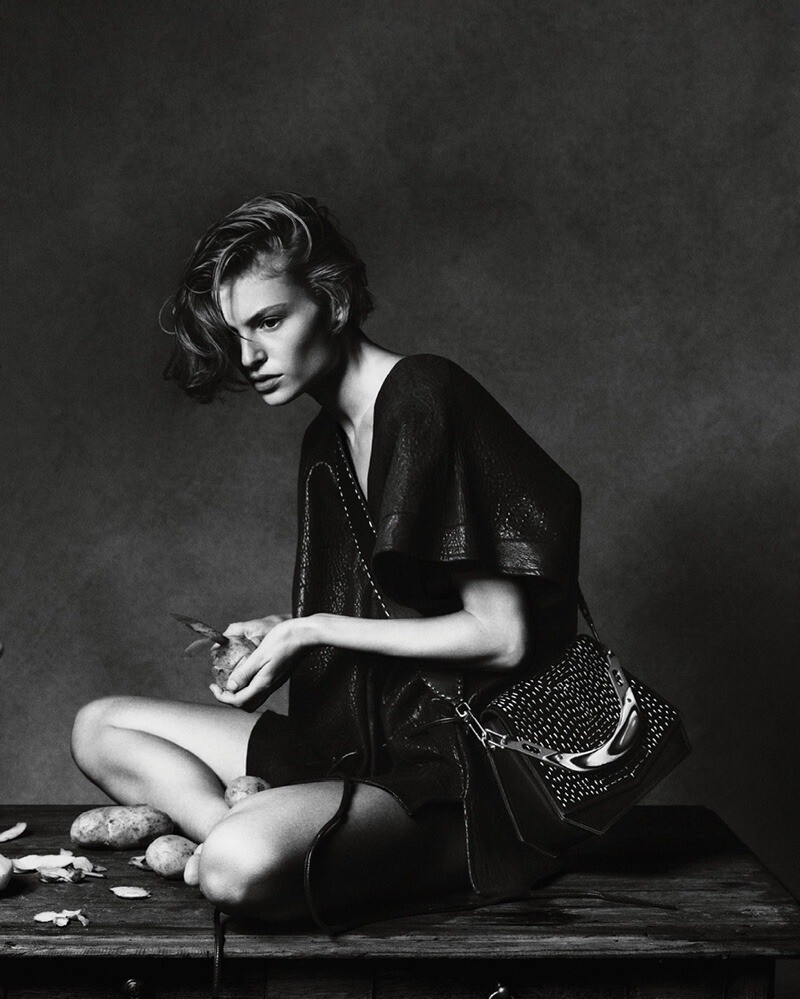
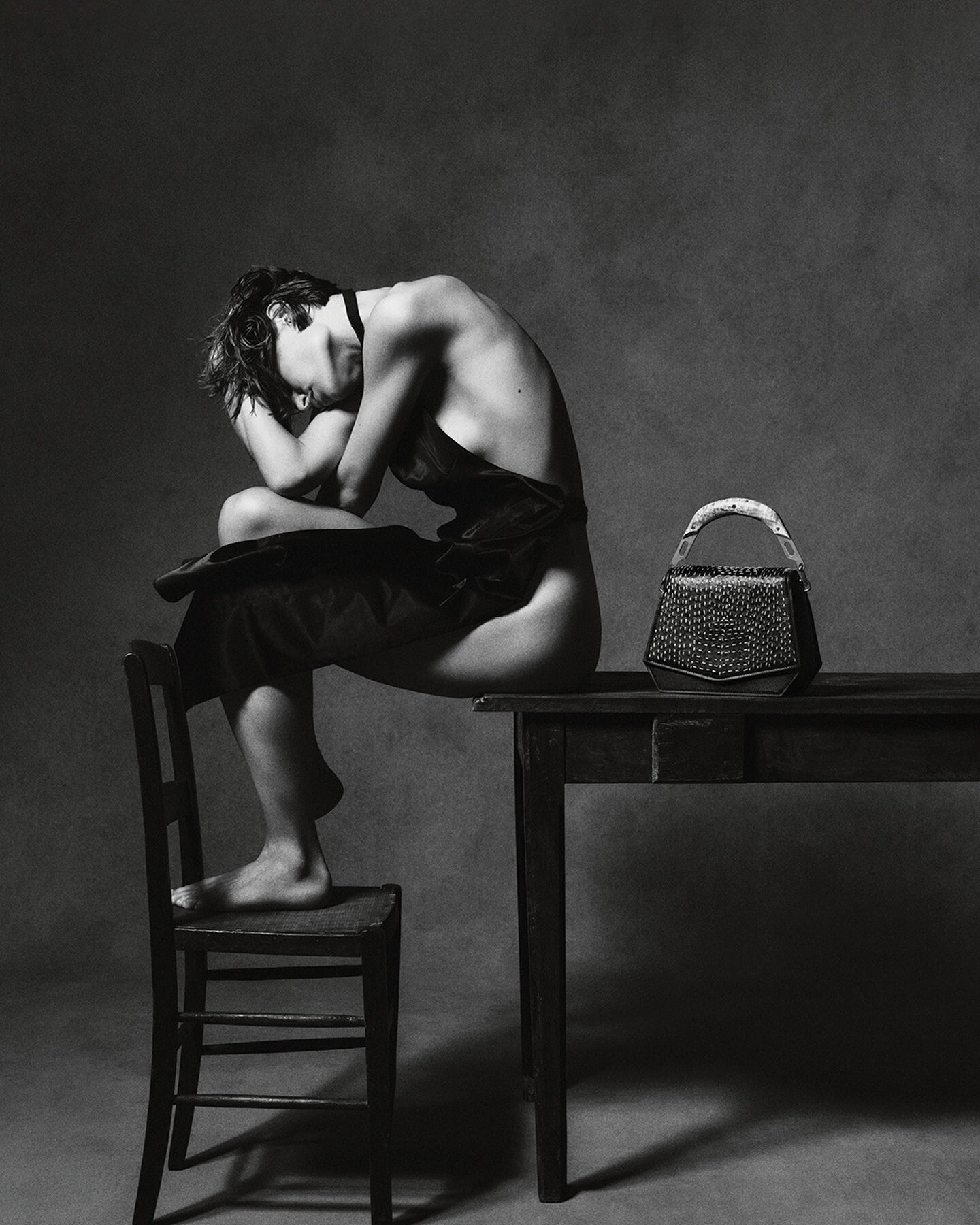
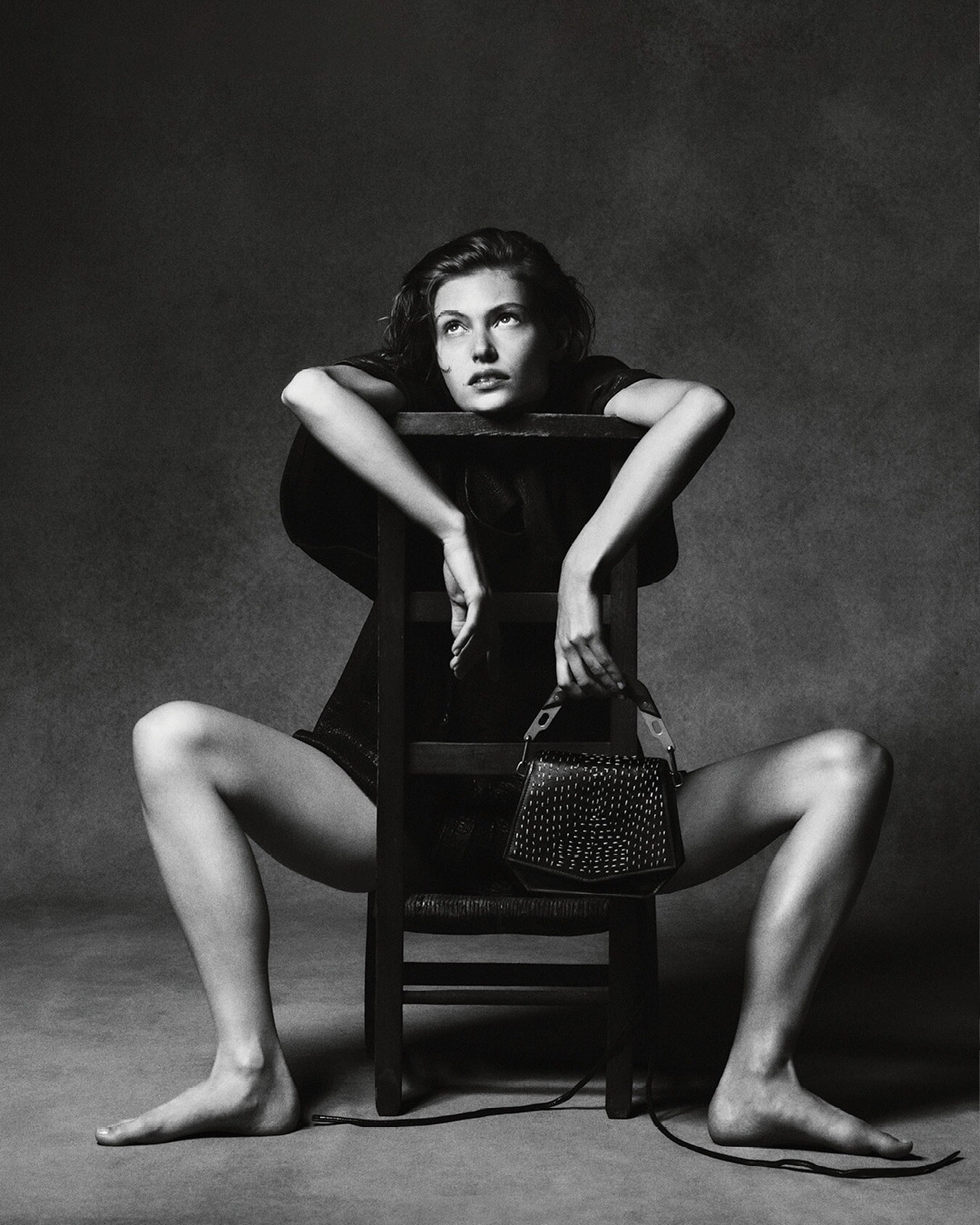
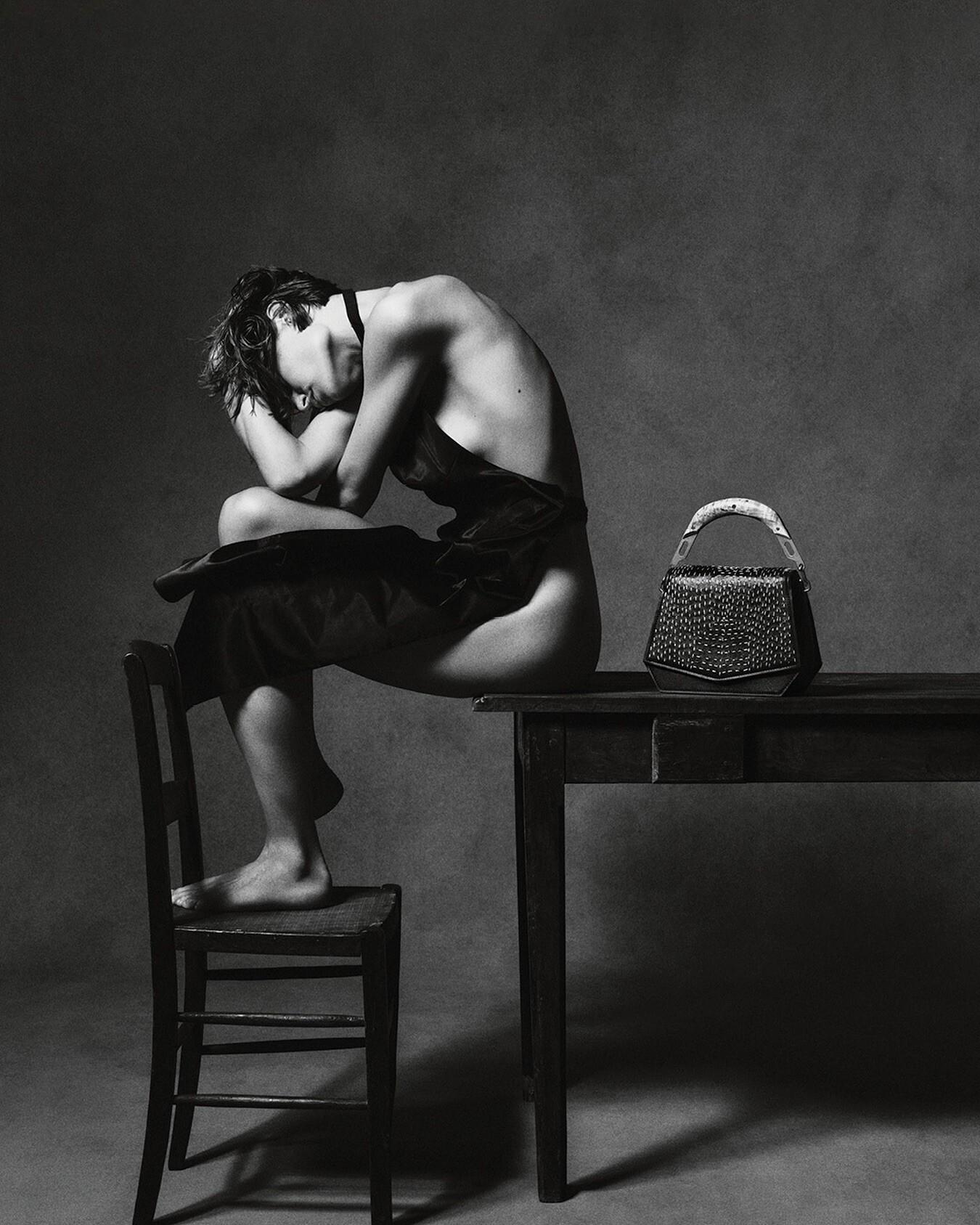
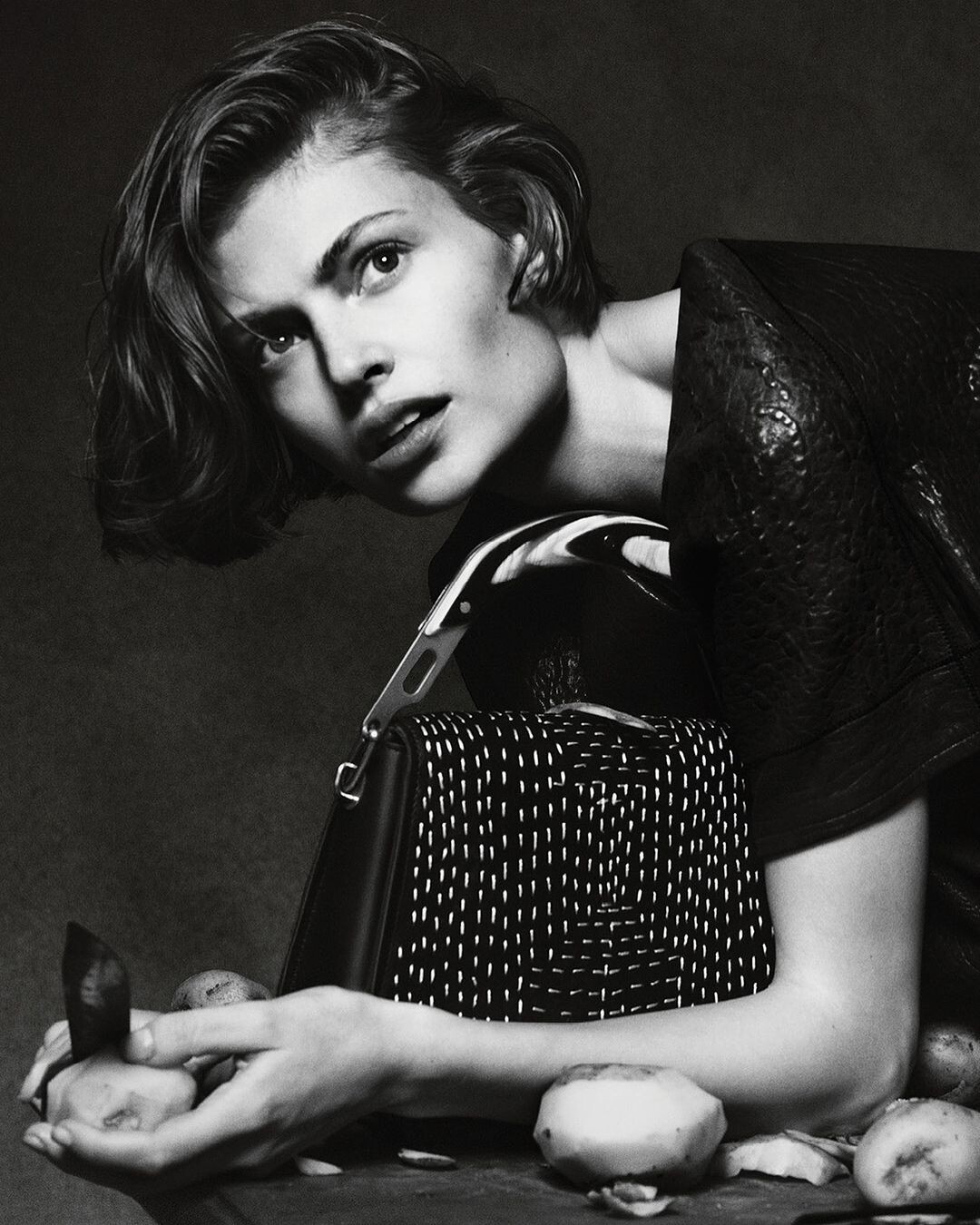
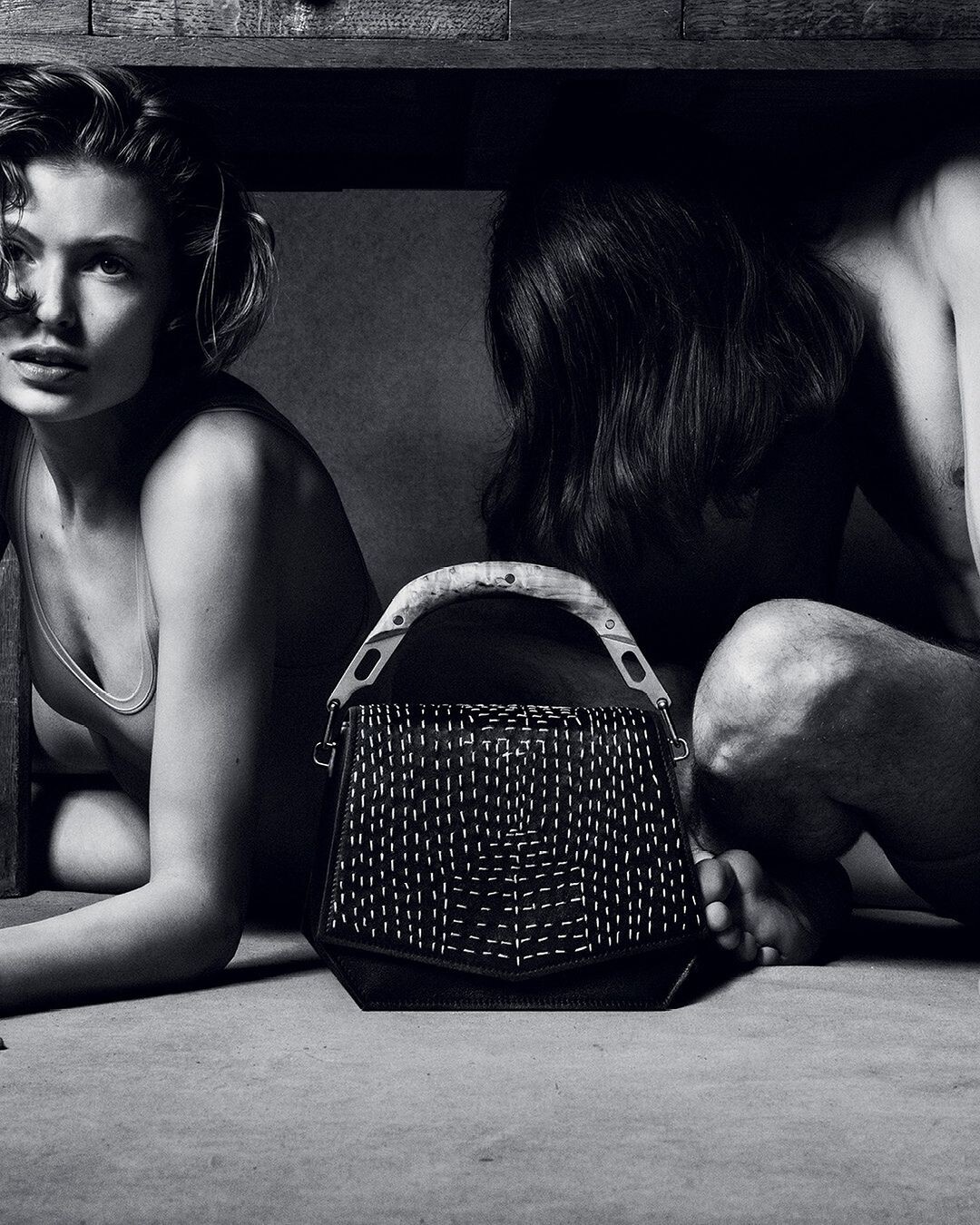
Byredo Kantha Blueprint Bag
.thumb.jpg.e70fbf4a00755f32517bcfcea05ab35c.jpg)
.thumb.jpg.0bd5b87f872635c9bf9e5652a4edc8ac.jpg)
.thumb.jpg.cc60c716223b4f3aec4a94f93737167c.jpg)
-
ok nice thanks you very much
-
Yes i know...i thought it was her topic because there are lot of her pictures here...probably i 'm wrong but there is no one dedicated to Bibi Breslin here.
-
EPOCH 03 Photo : Vito Fernicola Styling : Marc Goehring Hair : Laurent Philippon Make-up : Patrick Glatthaar Set design : Sati Leonne Faulks
Byredo Kantha Blueprint Bag
Anja Portraits by Christian Hunter
Saint Laurent video (nudity) https://we.tl/t-iEmuY0nw
In conversation with fellow top model Christy Turlington https://vmagazine.com/article/v149-force-of-nature-with-karlie-kloss/
PERFECT PERFECT!@theperfectmagazine @kegrand IMAGE/ CREATIVE DIRECTOR @photodimitri DIRECTOR @joshua_steen_ @11thhouseagency FASHION/ ART DIRECTOR @ana.tess HAIR @gonn24 @thewallgroup MAKEUP @makeupbydmitry @forwardartists using @patmcgrathreal THE ICONS @vanessa_moody @elitenyc @amandajeanmurphy @imgmodels @iamugbad @thesocietynyc @anyyier @thesocietynyc @chiharuokunugi @thesocietynyc @lexpfromthevill @imgmodels @charlottetkillick @theindustryny @haojie.qi @thesocietynyc @elengiunio @thesocietynyc @thekennedyclark @musemodelsnyc perfect magazine 2024.mp4
PERFECT PERFECT!@theperfectmagazine @kegrand Photographer and creative director: Dimitri Hyacinthe, Stylist and Art Director: Ana Tess, Director: Joshua Steen at 11th House Agency, Models: AMANDA MURPHY, ALEXIS RUBY at IMG, ELEN GIUNIO, UGBAD, HAOJIE QI, ANYIER, CHIHARU OKUNUGI at SOCIETY, VANESSA MOODY at ELITE, CHARLOTTE KILLICK at INDUSTRY, KENEDY CLARK at MUSE, Make-up: DMITRY KUKUSHKIN at Forward Artists, Make-up Assistants: ZANE CHEN, JOHN WILGET, KATHY KHO, Hair: GONN KINOSHITA at The Wall group, Hair Assistants: ERIC ROSSADO, NYLA NASSER, Stylist Assistant: Rowaine Grant, Rose Adao, Selena Velez. perfect magazine 2024.mp4
PERFECT PERFECT!@theperfectmagazine Photographer and creative director: Dimitri Hyacinthe, Stylist and Art Director: Ana Tess, Director: Joshua Steen at 11th House Agency, Models: AMANDA MURPHY, ALEXIS RUBY at IMG, ELEN GIUNIO, UGBAD, HAOJIE QI, ANYIER, CHIHARU OKUNUGI at SOCIETY, VANESSA MOODY at ELITE, CHARLOTTE KILLICK at INDUSTRY, KENEDY CLARK at MUSE, Make-up: DMITRY KUKUSHKIN at Forward Artists, Make-up Assistants: ZANE CHEN, JOHN WILGET, KATHY KHO, Hair: GONN KINOSHITA at The Wall group, Hair Assistants: ERIC ROSSADO, NYLA NASSER, Stylist Assistant: Rowaine Grant, Rose Adao, Selena Velez. perfect magazine 2024.mp4
Michael Kors pre-fall
Amanda Uprichard spring 2024
Miu Miu F/W 2024 Campaign Zoë Ghertner - Photographer
Prada F/W 2024 Campaign Willy Vanderperre - Photographer Ferdinando Verderi - Creative Director Olivier Rizzo - Fashion Editor/Stylist Anthony Turner - Hair Stylist Lynsey Alexander - Makeup Artist
.jpg.14c3b71508f41fe19e3cb10c8171a00f.jpg)
.jpg.8378e07312e8db4733746cb3c591d649.jpg)
.jpg.2794ed6dd2a6fdfa8319da9f96076662.jpg)
Account
Navigation
Search
Configure browser push notifications
Chrome (Android)
- Tap the lock icon next to the address bar.
- Tap Permissions → Notifications.
- Adjust your preference.
Chrome (Desktop)
- Click the padlock icon in the address bar.
- Select Site settings.
- Find Notifications and adjust your preference.
Safari (iOS 16.4+)
- Ensure the site is installed via Add to Home Screen.
- Open Settings App → Notifications.
- Find your app name and adjust your preference.
Safari (macOS)
- Go to Safari → Preferences.
- Click the Websites tab.
- Select Notifications in the sidebar.
- Find this website and adjust your preference.
Edge (Android)
- Tap the lock icon next to the address bar.
- Tap Permissions.
- Find Notifications and adjust your preference.
Edge (Desktop)
- Click the padlock icon in the address bar.
- Click Permissions for this site.
- Find Notifications and adjust your preference.
Firefox (Android)
- Go to Settings → Site permissions.
- Tap Notifications.
- Find this site in the list and adjust your preference.
Firefox (Desktop)
- Open Firefox Settings.
- Search for Notifications.
- Find this site in the list and adjust your preference.