Jump to content
View in the app

A better way to browse. Learn more.

Bellazon

A full-screen app on your home screen with push notifications, badges and more.

To install this app on iOS and iPadOS
  1. Tap the Share icon in Safari
  2. Scroll the menu and tap Add to Home Screen.
  3. Tap Add in the top-right corner.
To install this app on Android
  1. Tap the 3-dot menu (⋮) in the top-right corner of the browser.
  2. Tap Add to Home screen or Install app.
  3. Confirm by tapping Install.

Shale586

Members
  • Joined

  • Last visited

Everything posted by Shale586

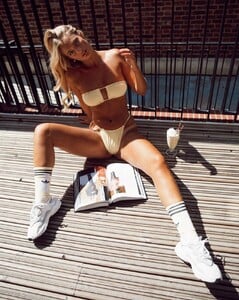
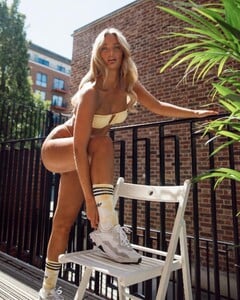
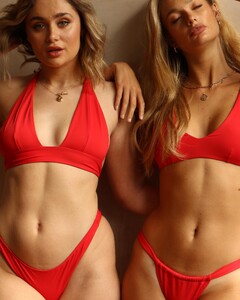
  1. TAN + LINES swimwear Snapinsta.app_video_352951375_279981994546620_1233246940619864014_n.mp4
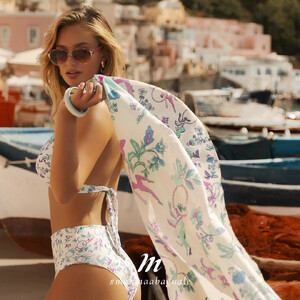
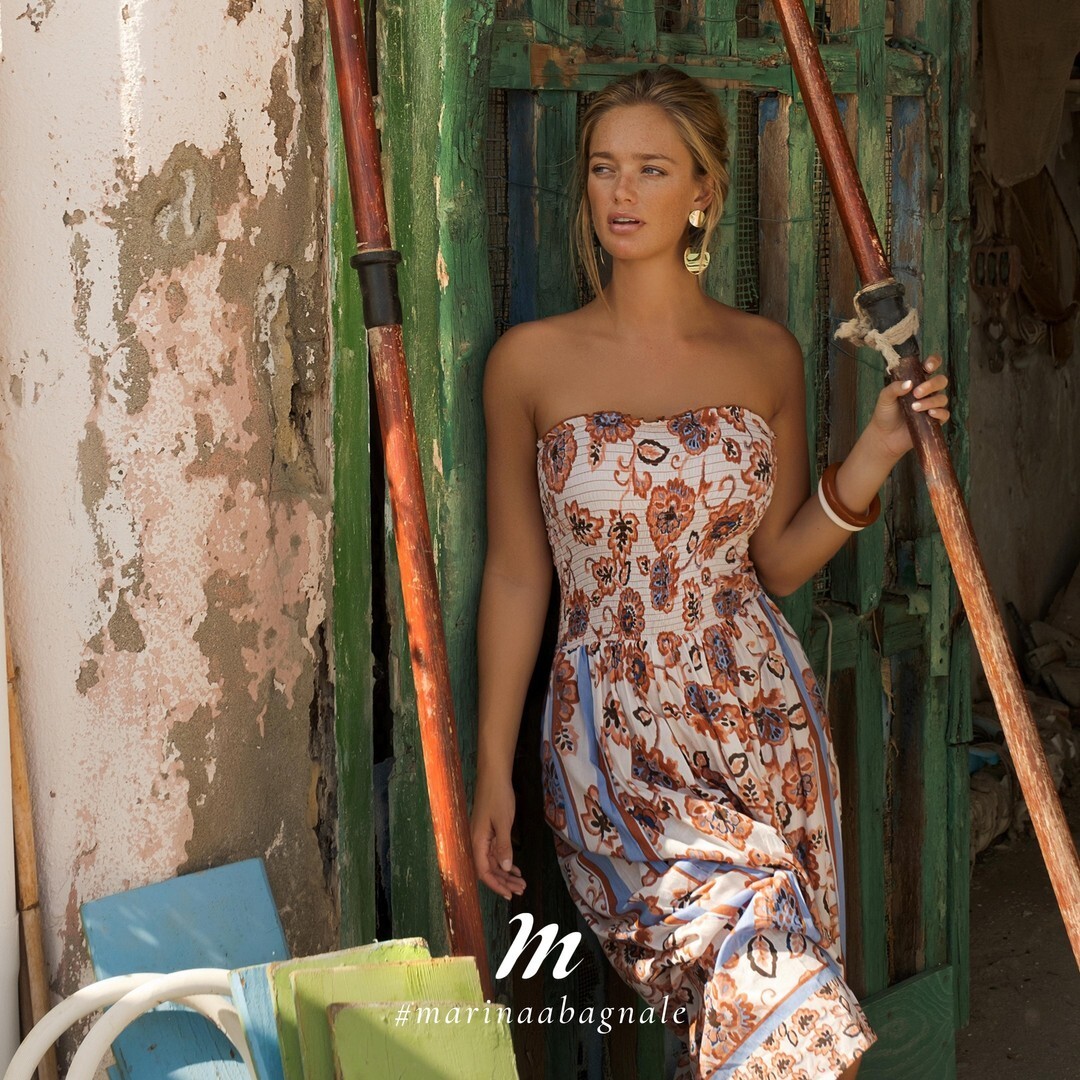
  2. In Italy
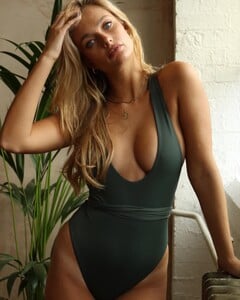
  3. JETS Swimwear Bolivia Talent: NATHALIE SINKVIST Cinematographer: TOM ANLEZARK Photographer: KIERA CHEVELL Hair & Makeup: BERNI SILVA
  4. Jets Swimwear - BTS Bolivia Credits Model -Nathalie Sinkvist Photographer - Kiera Chevell Videographer - Tom Anlezark Stylist - Gill Lawrence Hair & Makeup - Berni Silva Production - Wallcandy Co
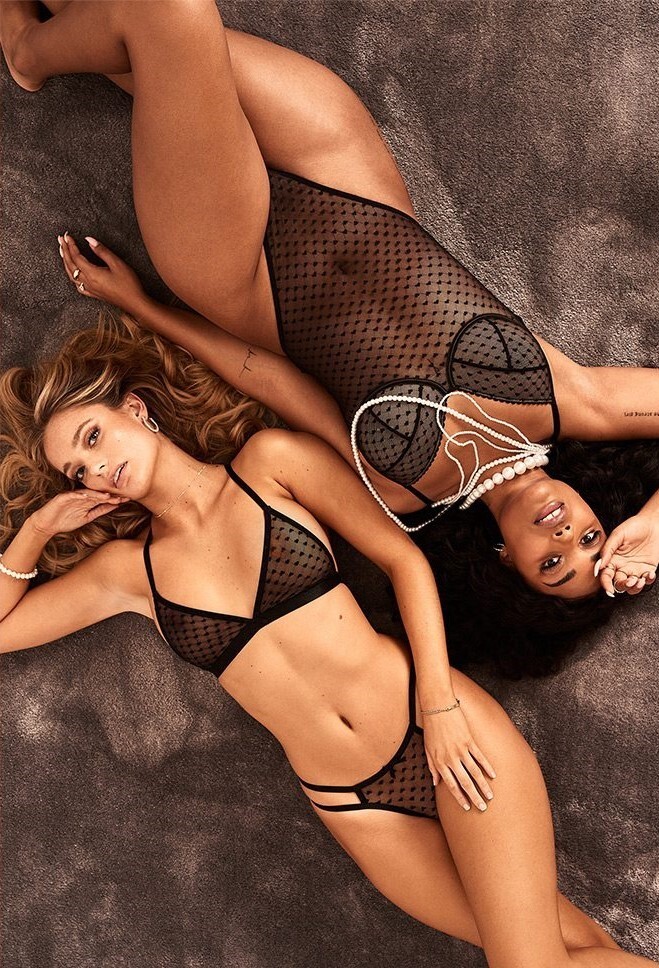
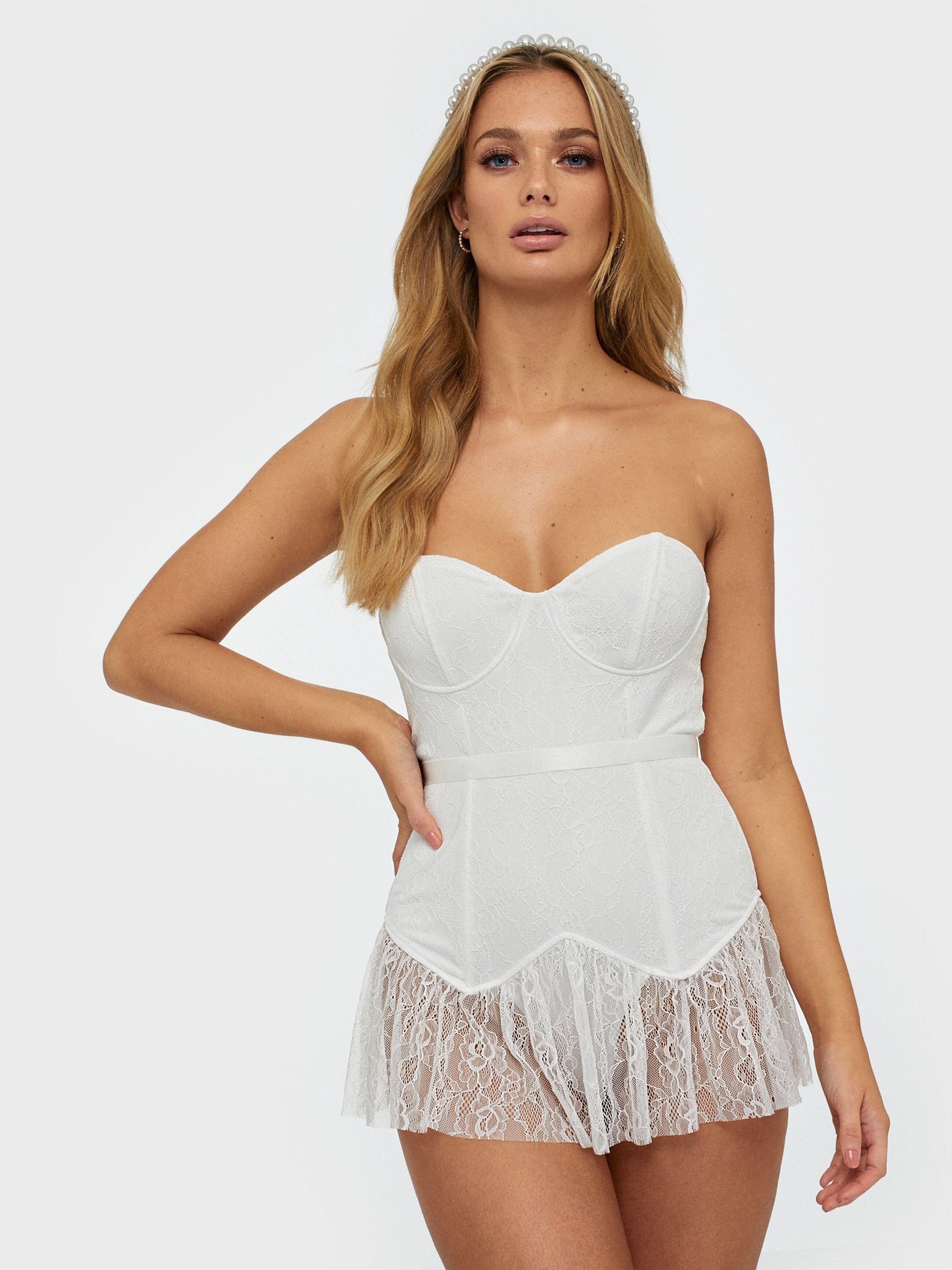
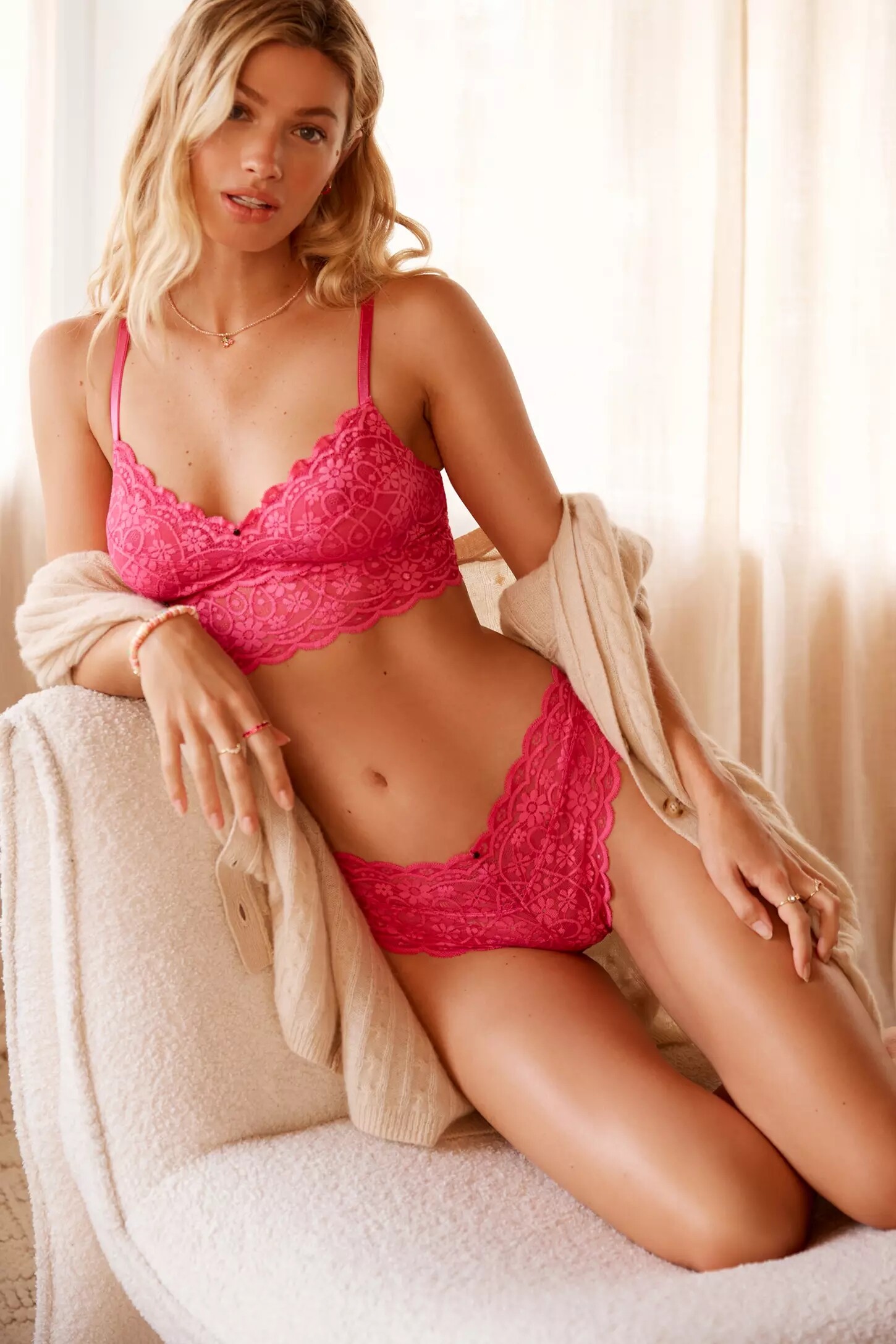
  5. TUCHUZY TUCHUZY SS 17/18 Lagoon Featuring: Nathalie Sinkvist @ Chic Cinematographer: Ed Triglone Stylist: Monica Morales Music: The Jim Mitchells
  6. New Vimeo address:
  7. David By David Tlale
  8. Good sentiment
  9. Test Shoot for True Models
  10. More by Tom Mitchell
  11. So I downloaded the GFM issue, but the publisher is very adamant about copyright. Not a bad shoot, but nothing crazy - just a lot of shots with Gigi posing on a motorcycle or with her helmet on. However, I located a couple of the publicly available pics, so here they are, plus some video from the photog's IG (Jessee Bojorquez), which @Modelove already posted. Snapinsta.app_video_90875004_223760442335846_5794031676985364072_n.mp4
  12. Harry Winston June 2023
  13. And... Maggie's back at House of CB for Summer Dreaming at the Farm
  14. Here's a higher quality version of this photo by Eisen Nepomuceno

Configure browser push notifications

Chrome (Android)
  1. Tap the lock icon next to the address bar.
  2. Tap Permissions → Notifications.
  3. Adjust your preference.
Chrome (Desktop)
  1. Click the padlock icon in the address bar.
  2. Select Site settings.
  3. Find Notifications and adjust your preference.