Jump to content
View in the app

A better way to browse. Learn more.
Bellazon

A full-screen app on your home screen with push notifications, badges and more.

To install this app on iOS and iPadOS
  1. Tap the Share icon in Safari
  2. Scroll the menu and tap Add to Home Screen.
  3. Tap Add in the top-right corner.
To install this app on Android
  1. Tap the 3-dot menu (⋮) in the top-right corner of the browser.
  2. Tap Add to Home screen or Install app.
  3. Confirm by tapping Install.

Shale586

Members
  • Joined

  • Last visited

Everything posted by Shale586

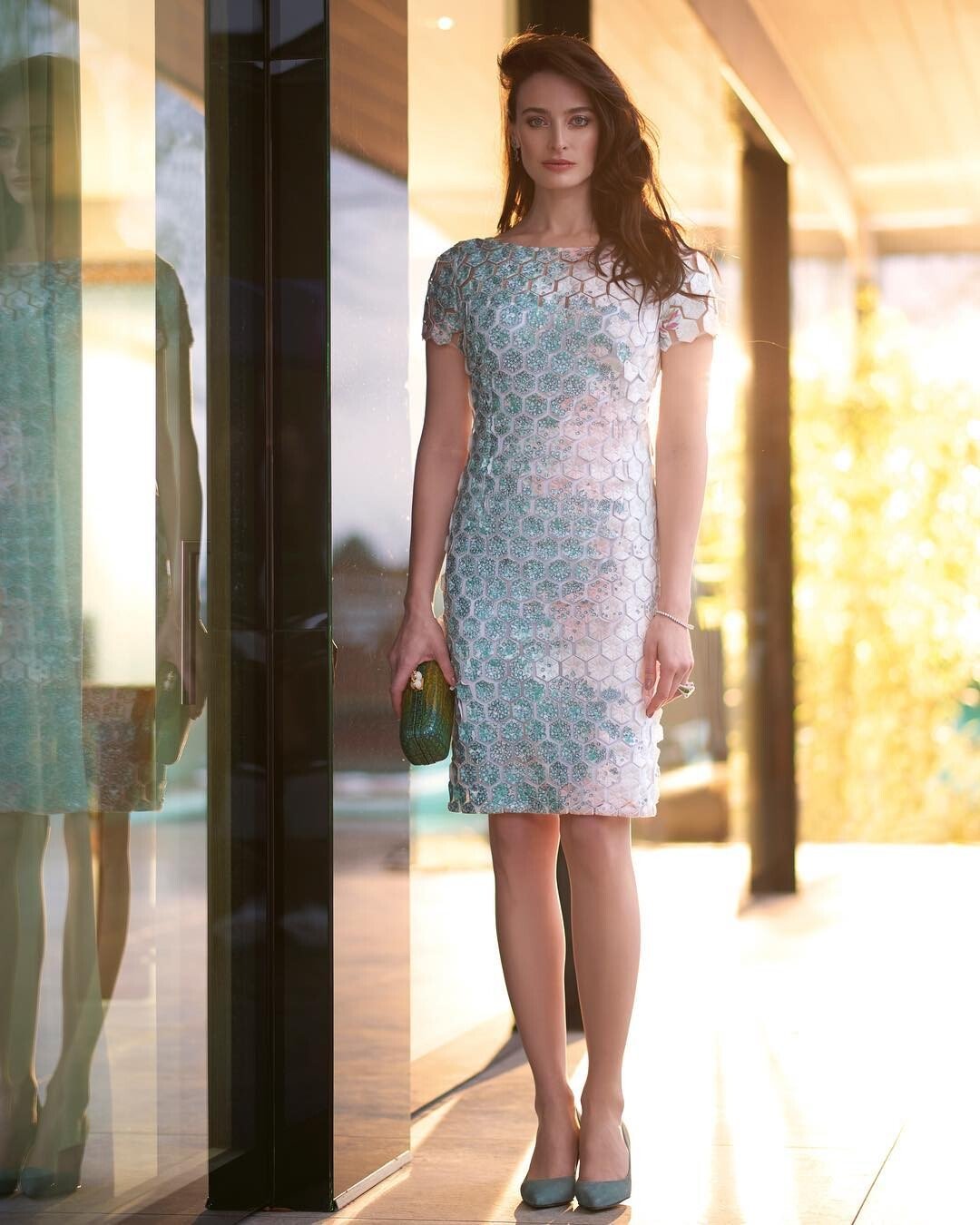
  1. Ali Pişkin📷\for Aysu Korkmazoglu Jewelry
  2. Ali Pişkin📷\“Middle of Nowhere”
  3. Niv Summer Collection 2016 Shafshaf Margalit
  4. Great additions, @ut-mecum-viveret Shahaf Margalit📷 for NIV Jewelry 2016
  5. Olga Tuponogova-Volkova📷 for WEDDING 2022
  6. Lupi Spuma📷 for LENA HOSCHEK AW 1516 L´HEURE BLEUE
  7. Isa Plos📷 for REVISTA Zaira Month - Agosto 2022 # 153
  8. Thank you - she's gorgeous!
  9. Iryna Sokolovskaya📷 for GUESS
  10. Natalia Kvint needs a new thumbnail: The first one posted by @Enrico_sw should do. Thank you!
  11. Daniel Elster📷 Meital Zano Desert Collection 2017 - Behind The Scenes
  12. Karelea for Microsoft: Interactive Technology Development of Microsoft KinectIT - 2011
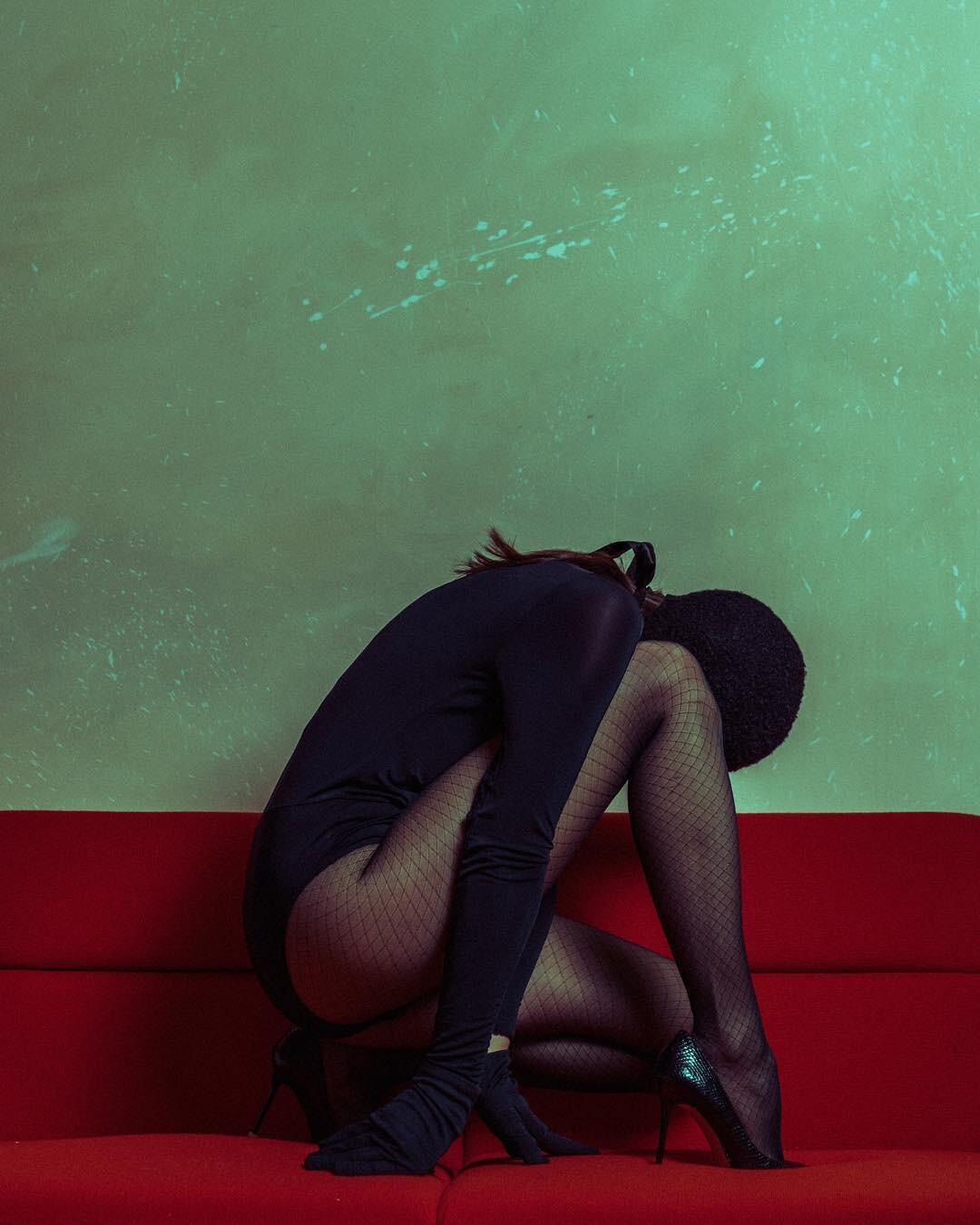
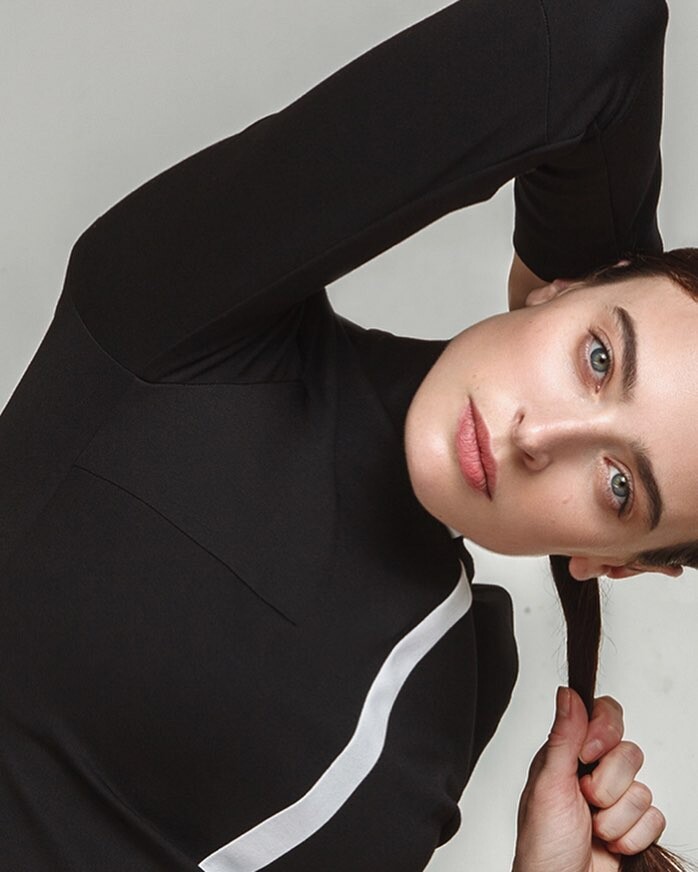
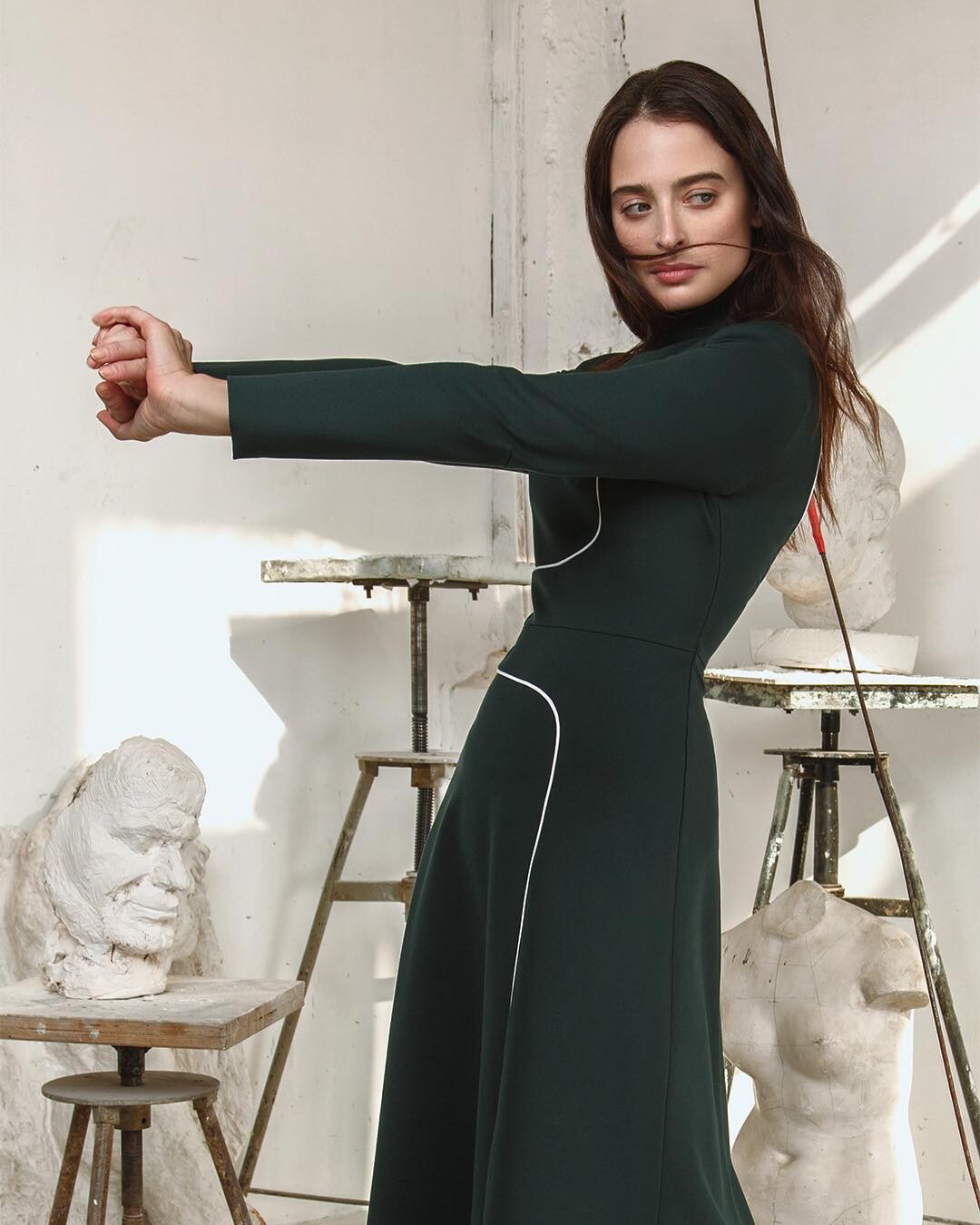
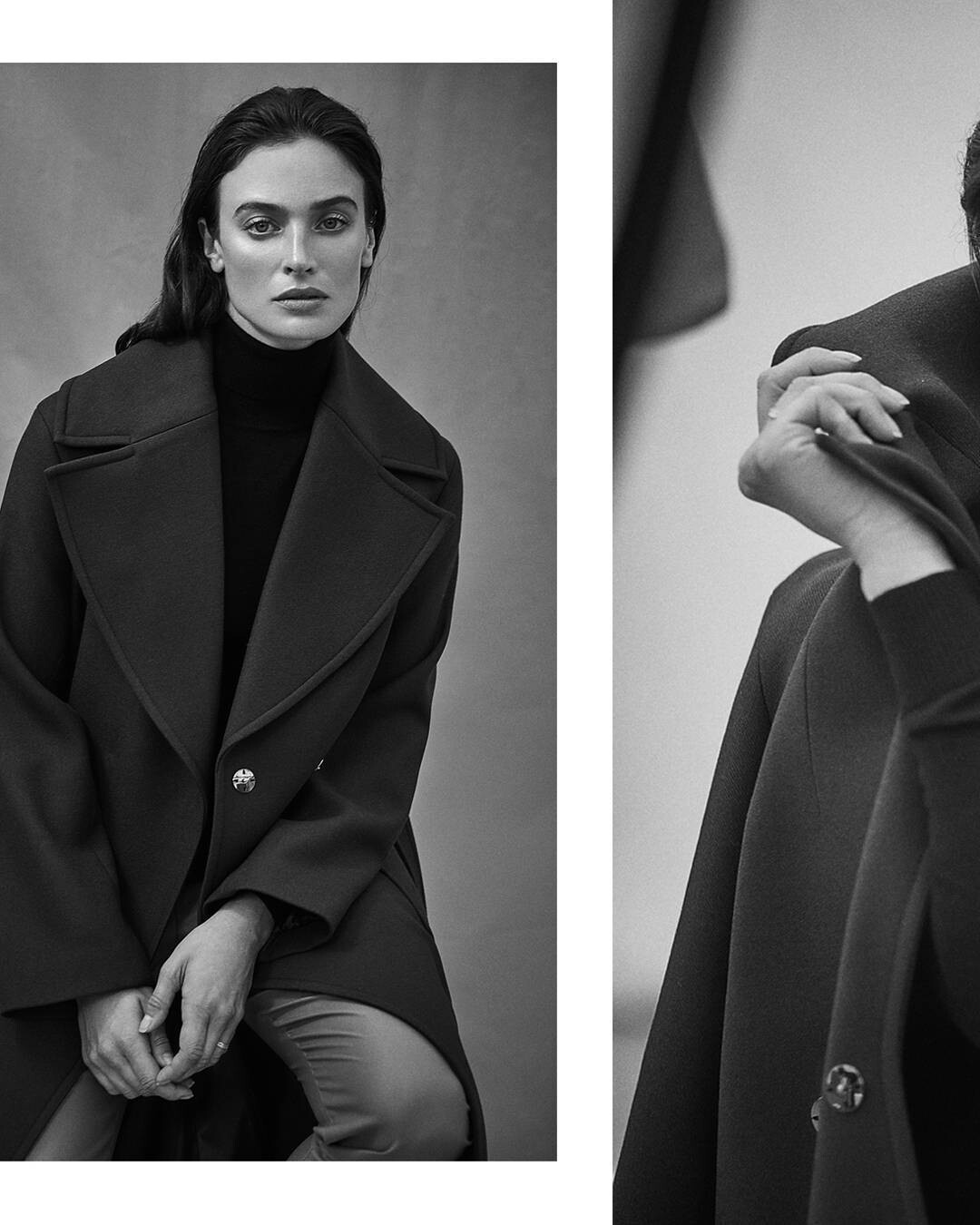
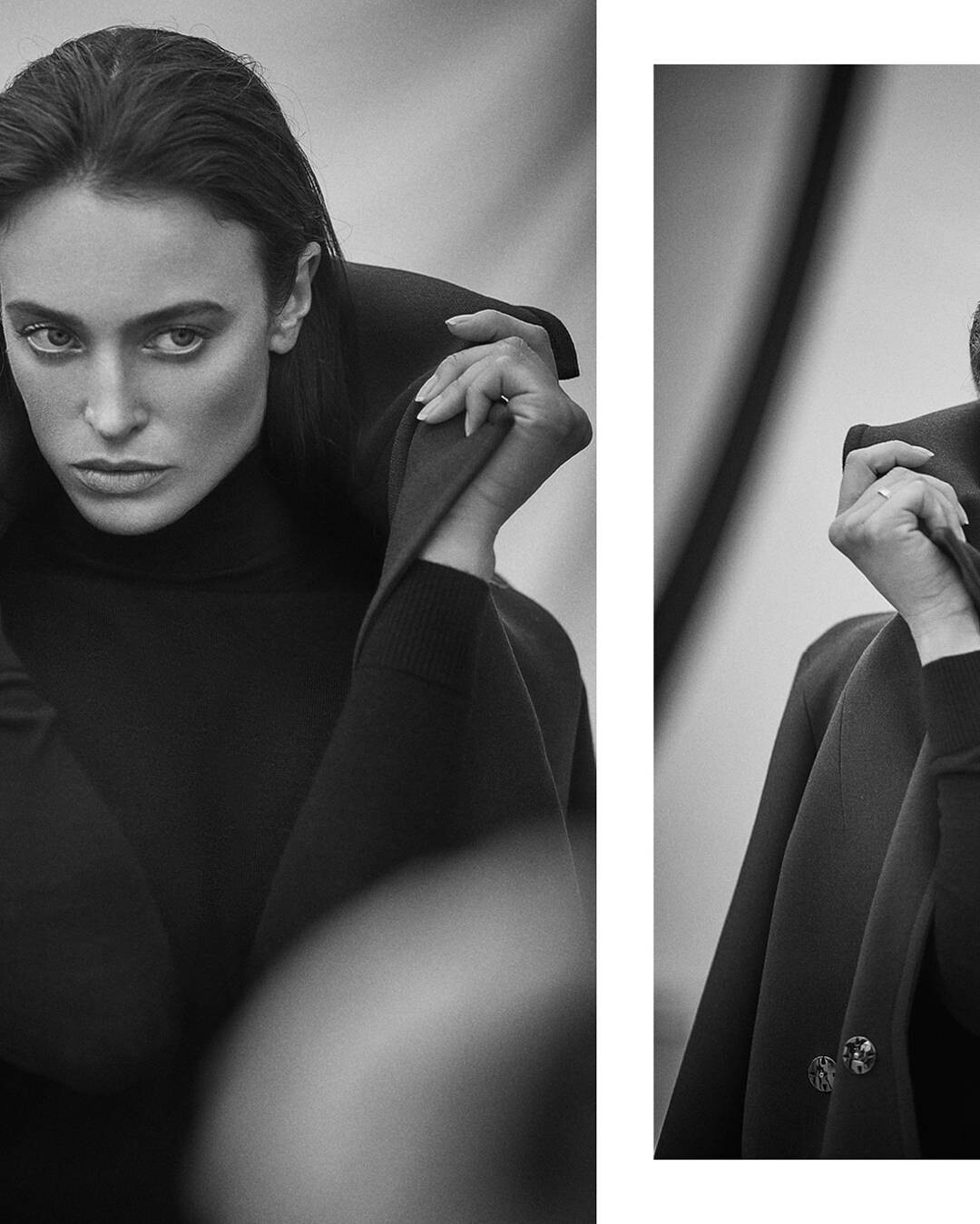
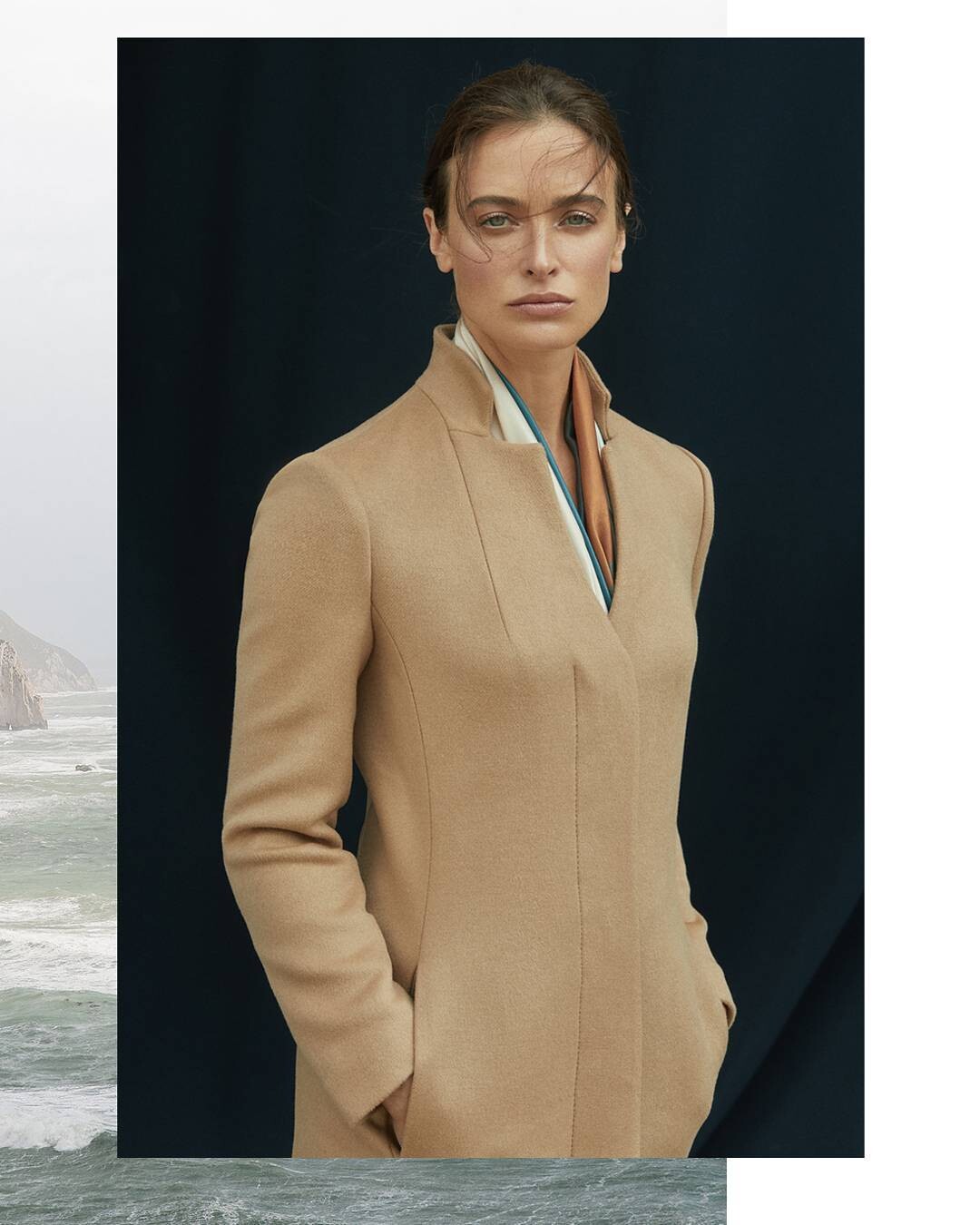
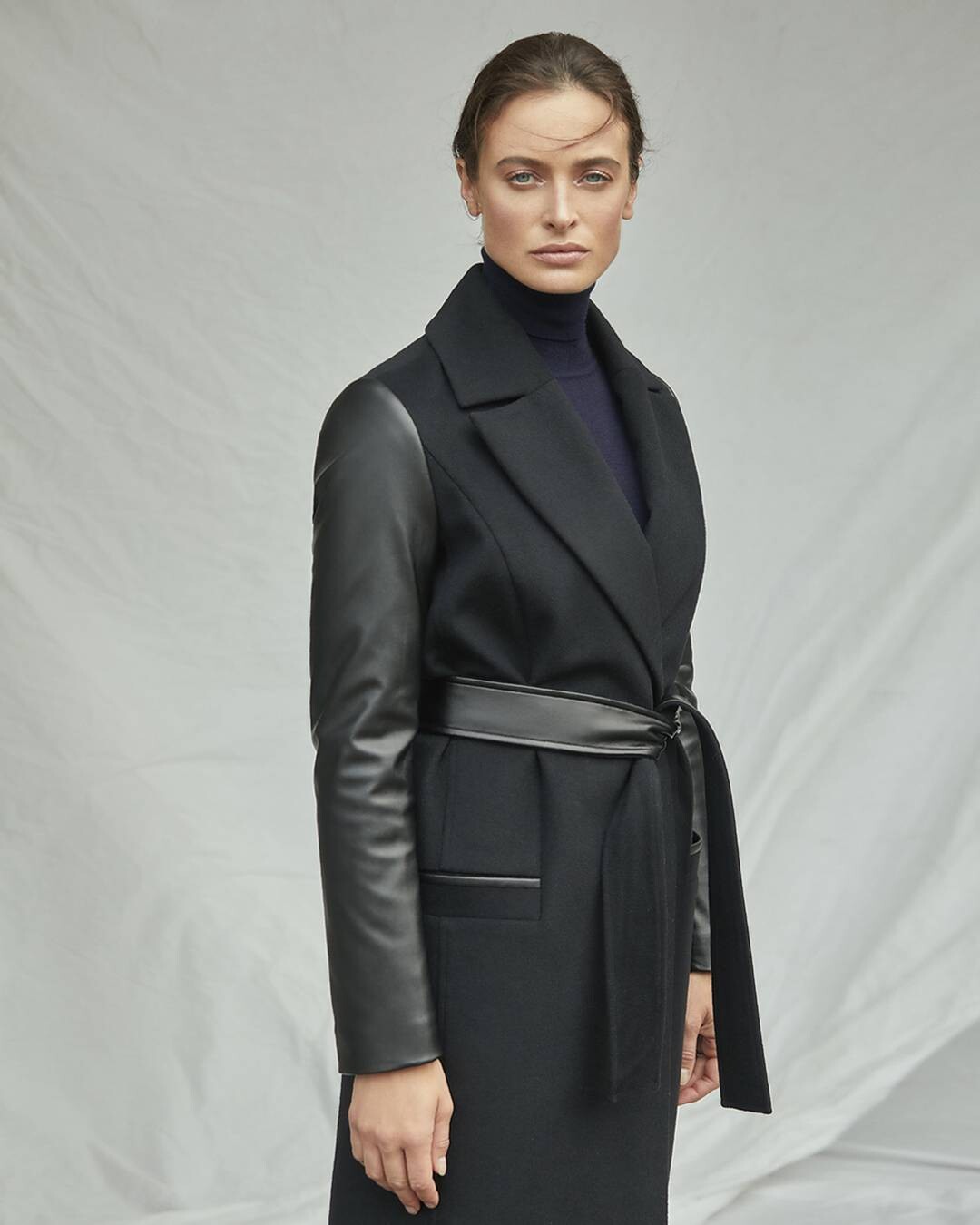
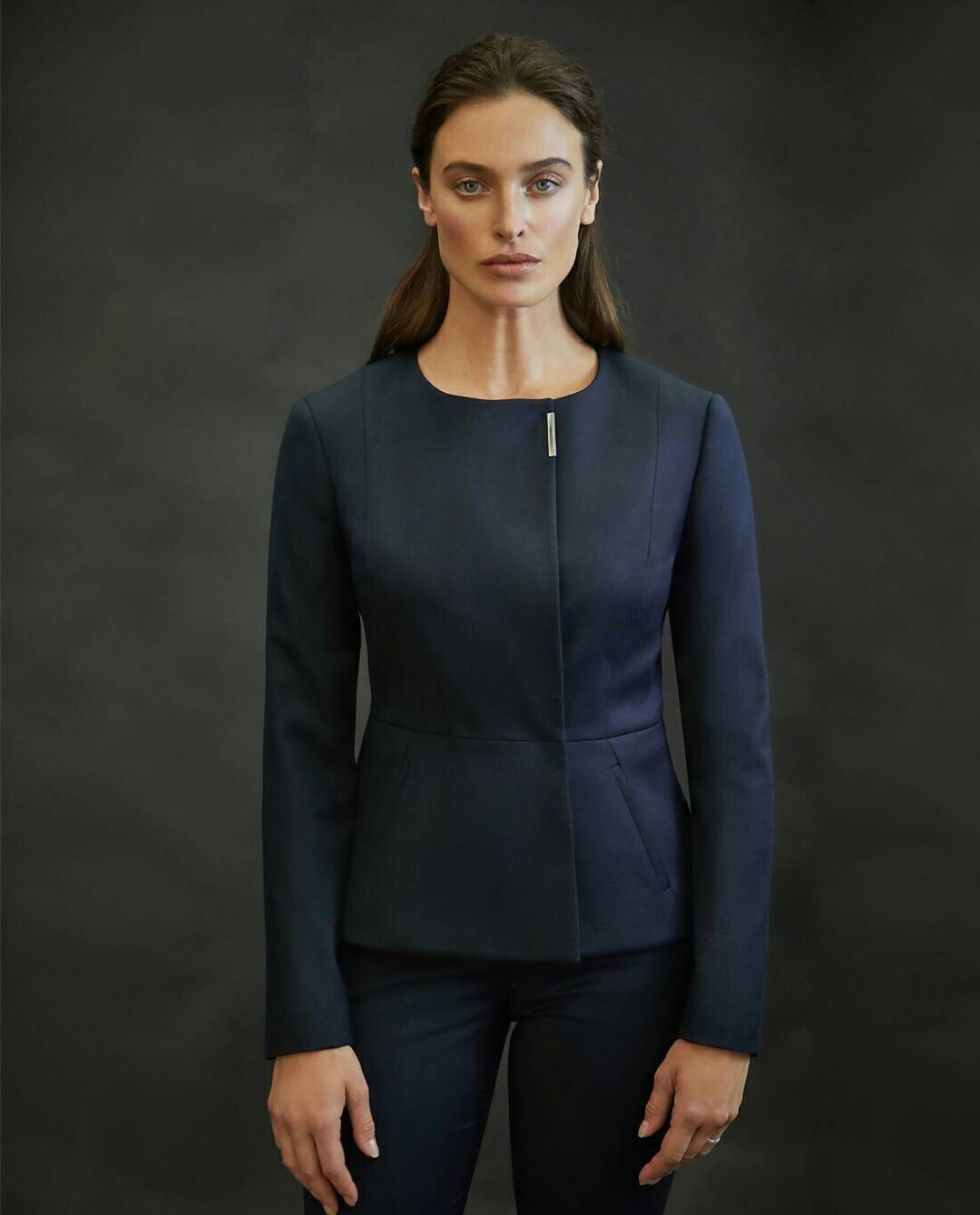
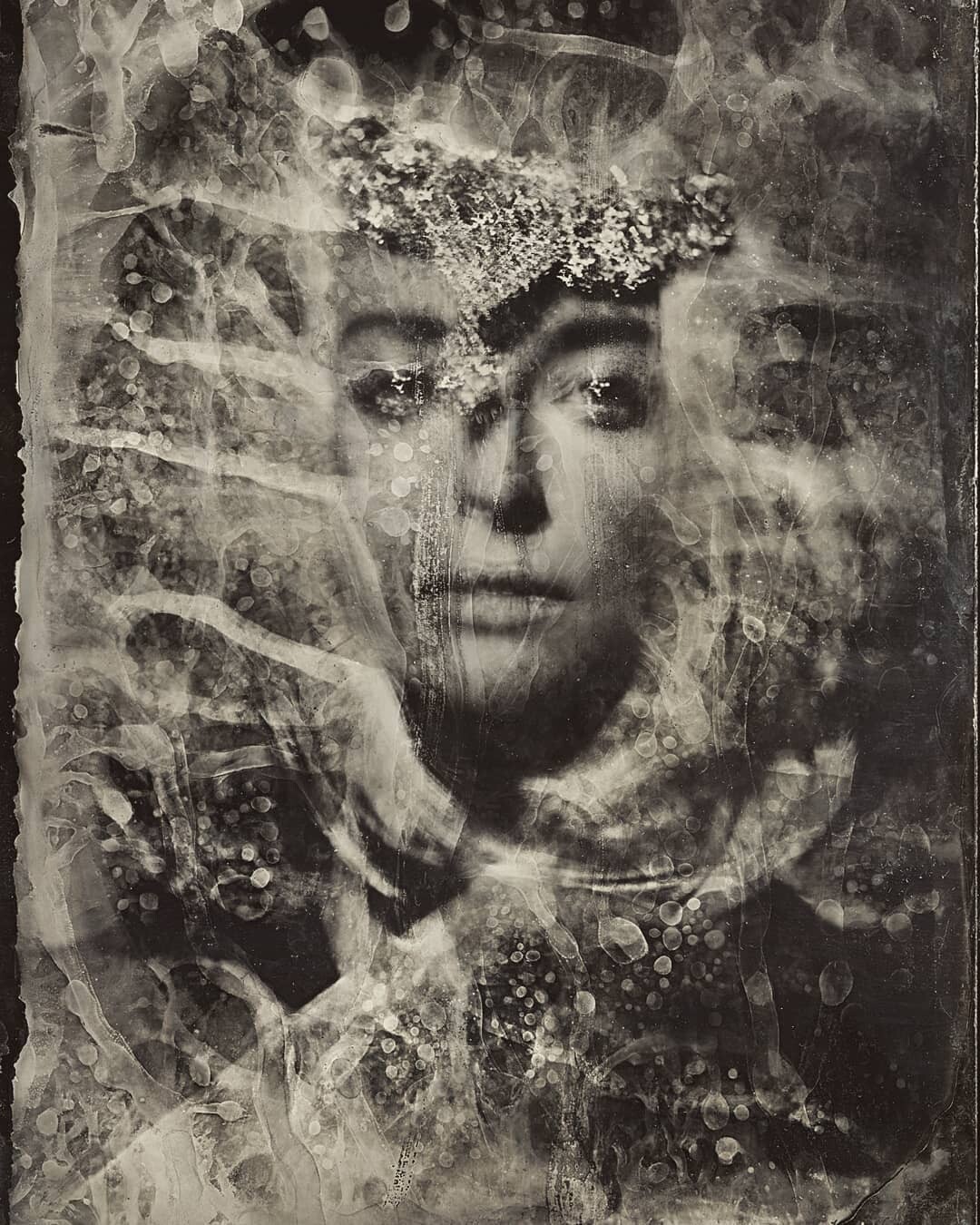
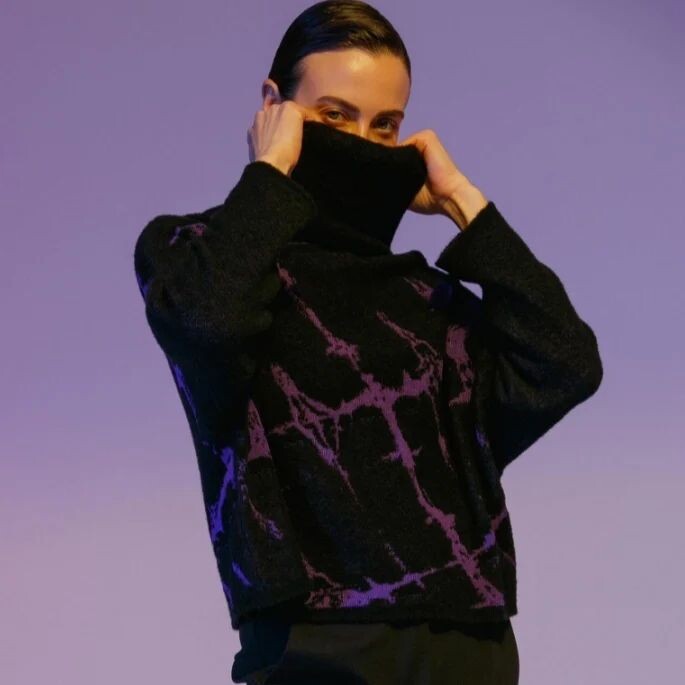
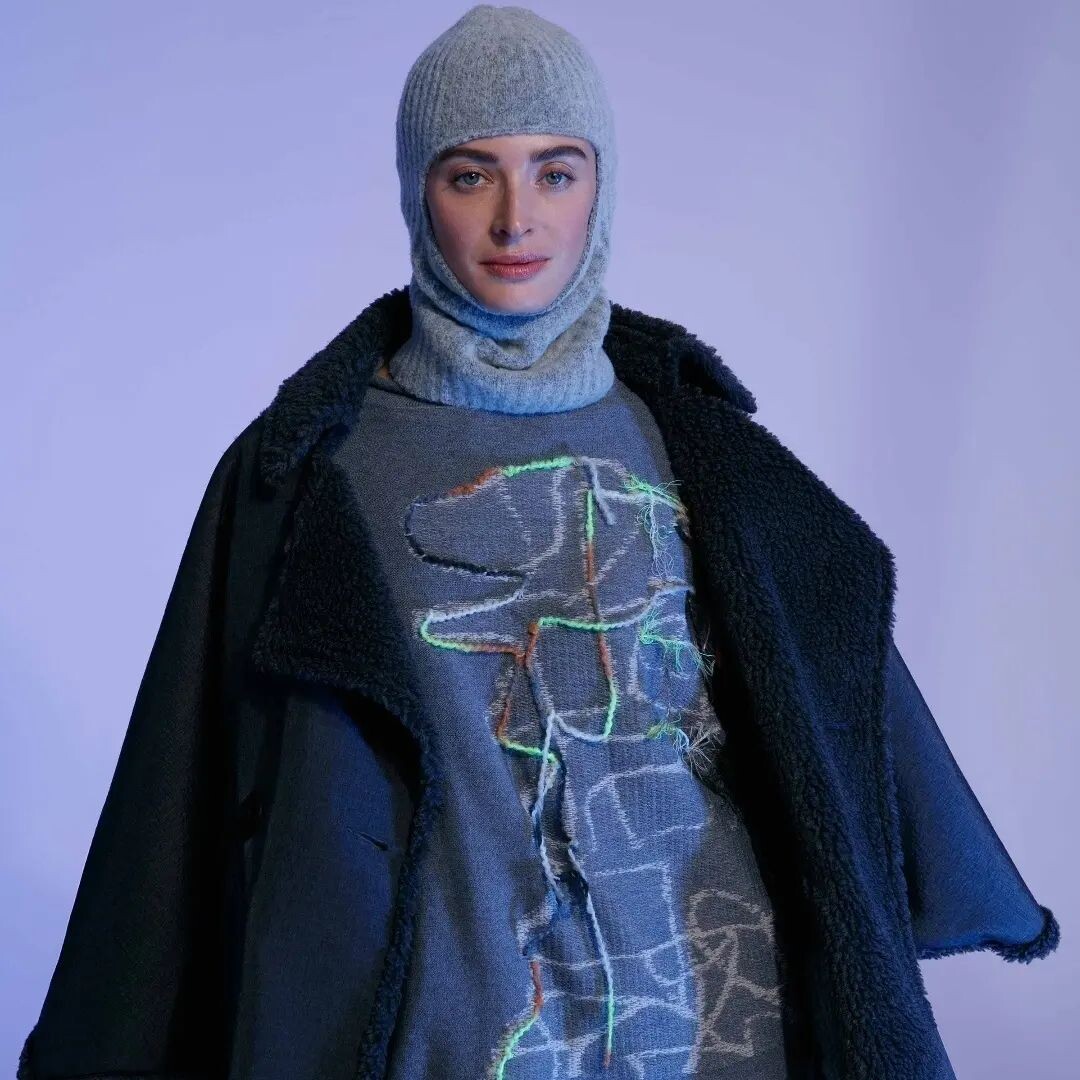
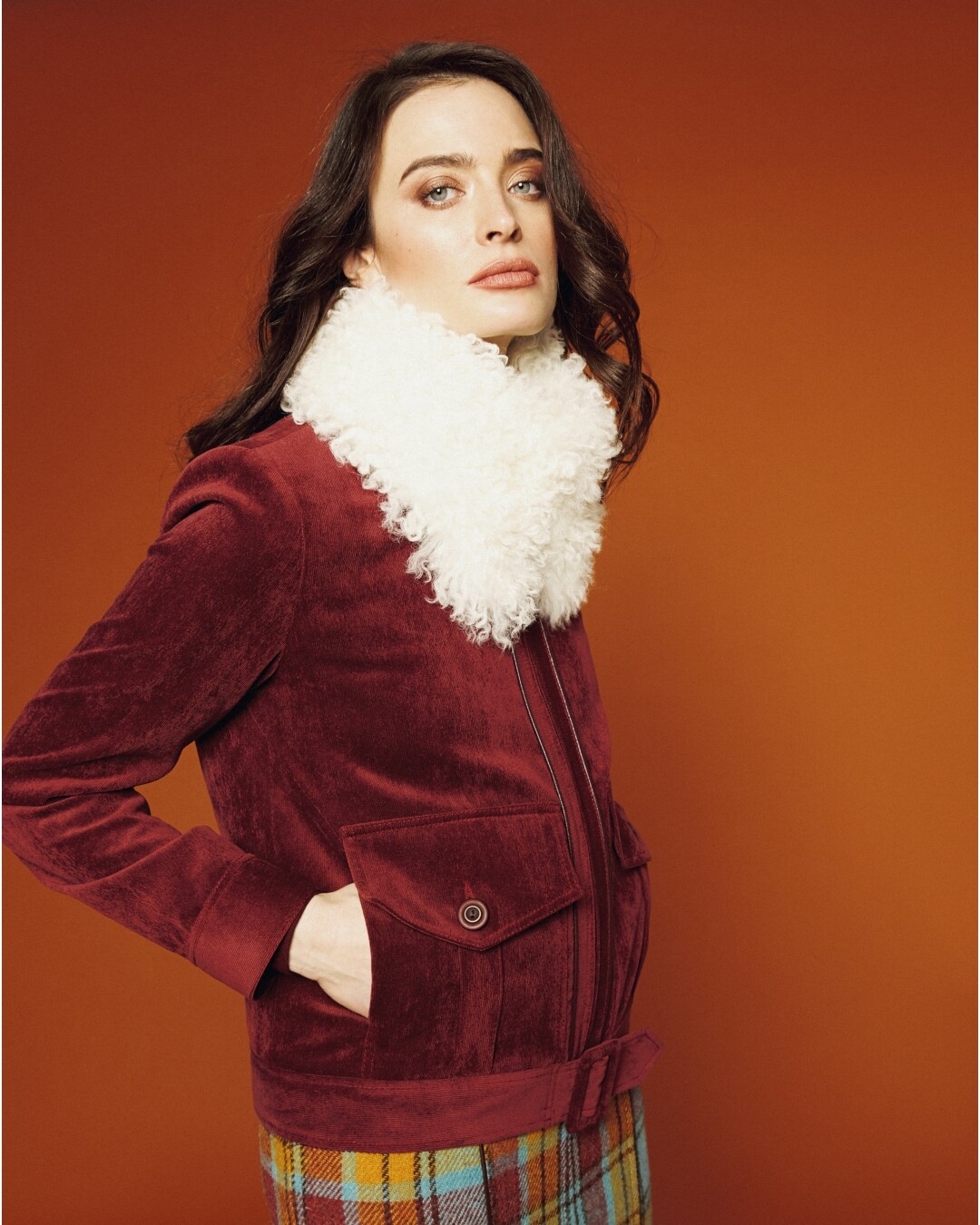
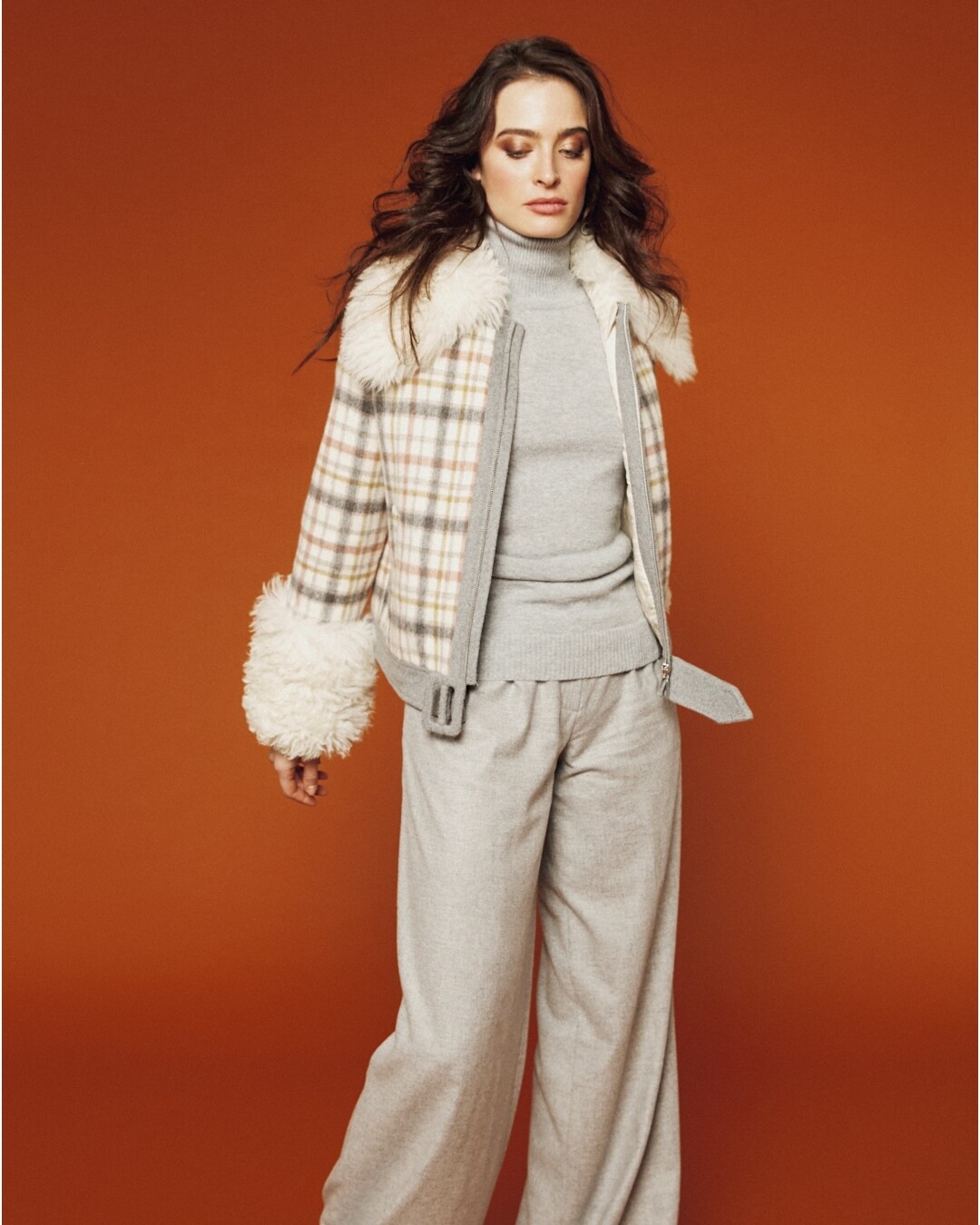
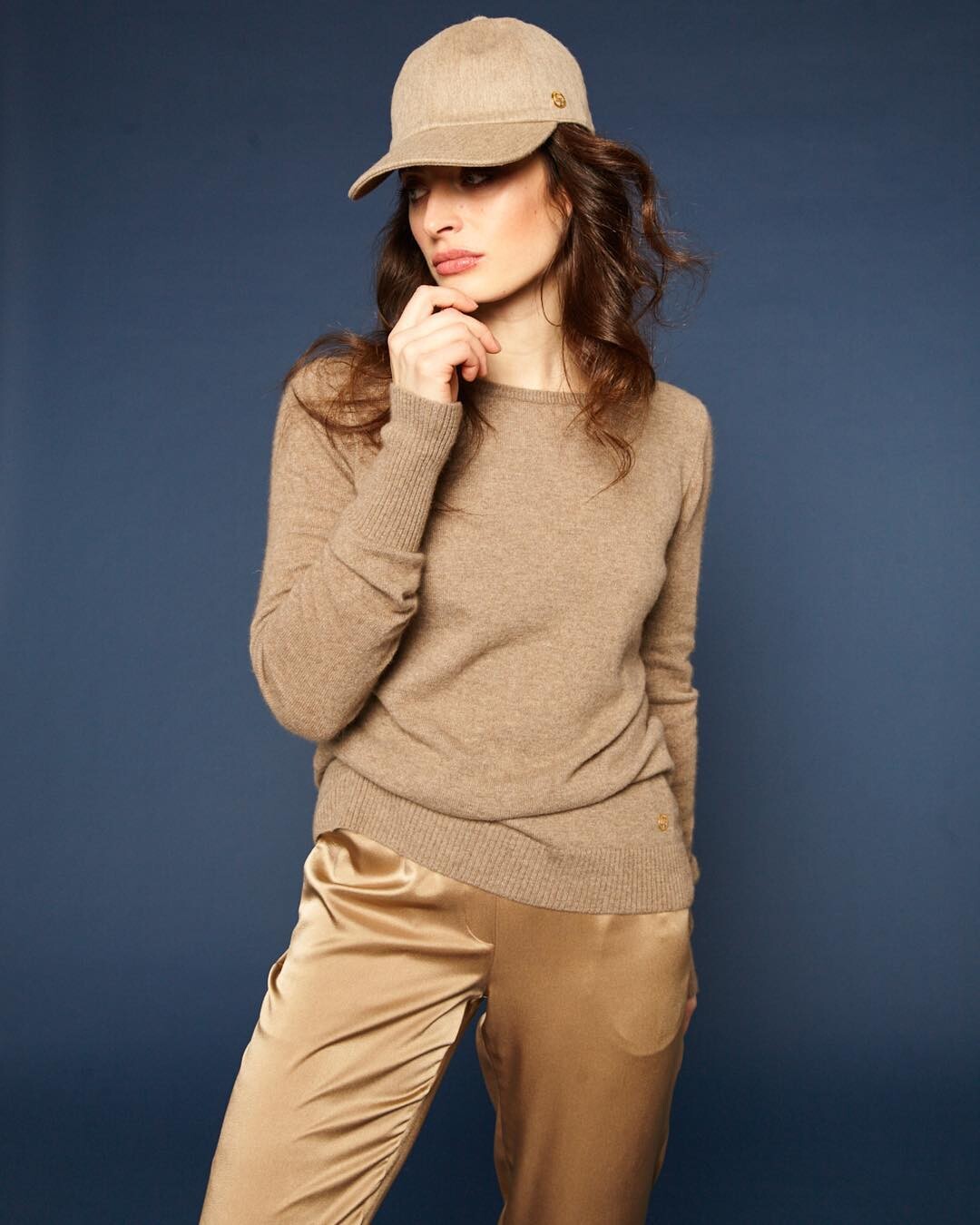
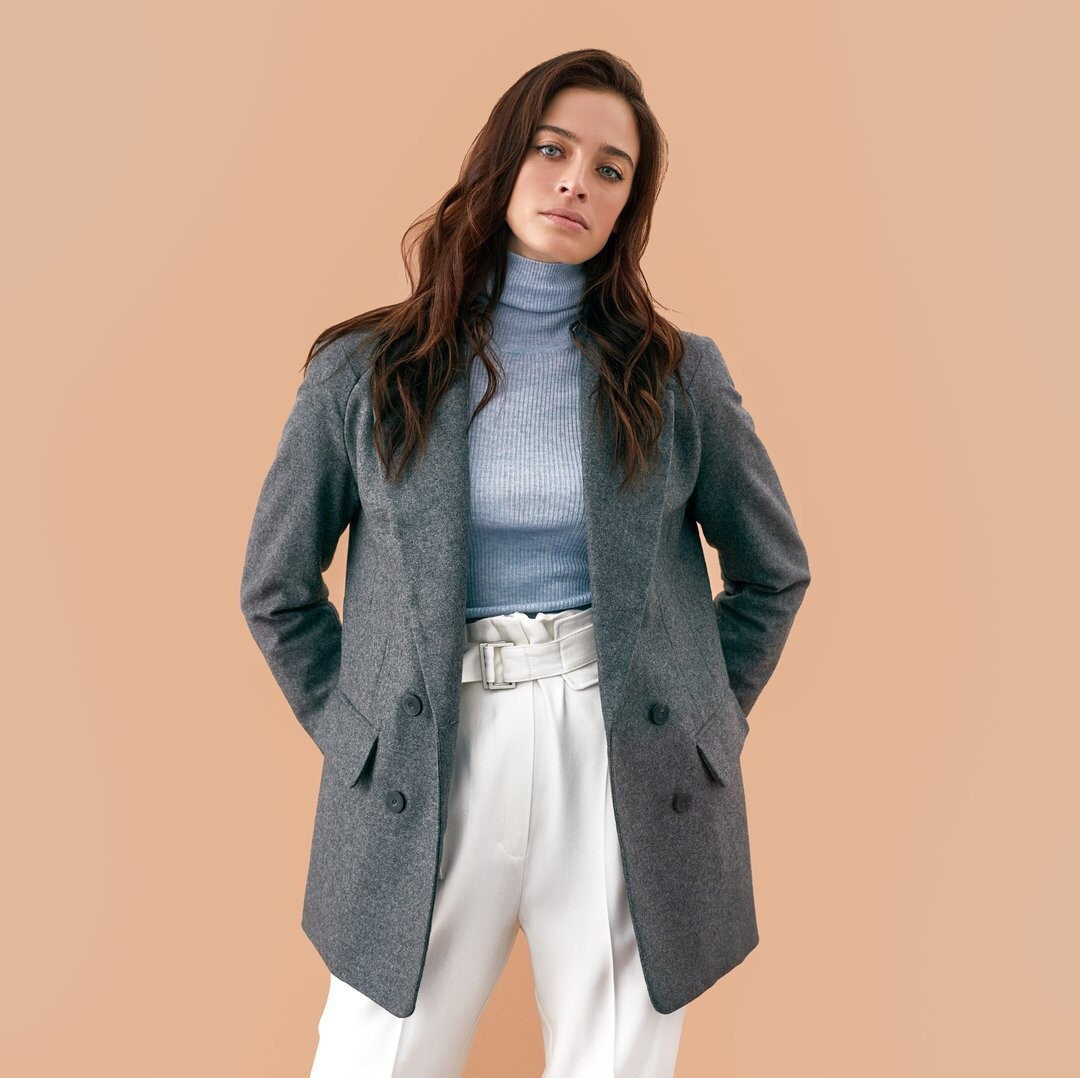
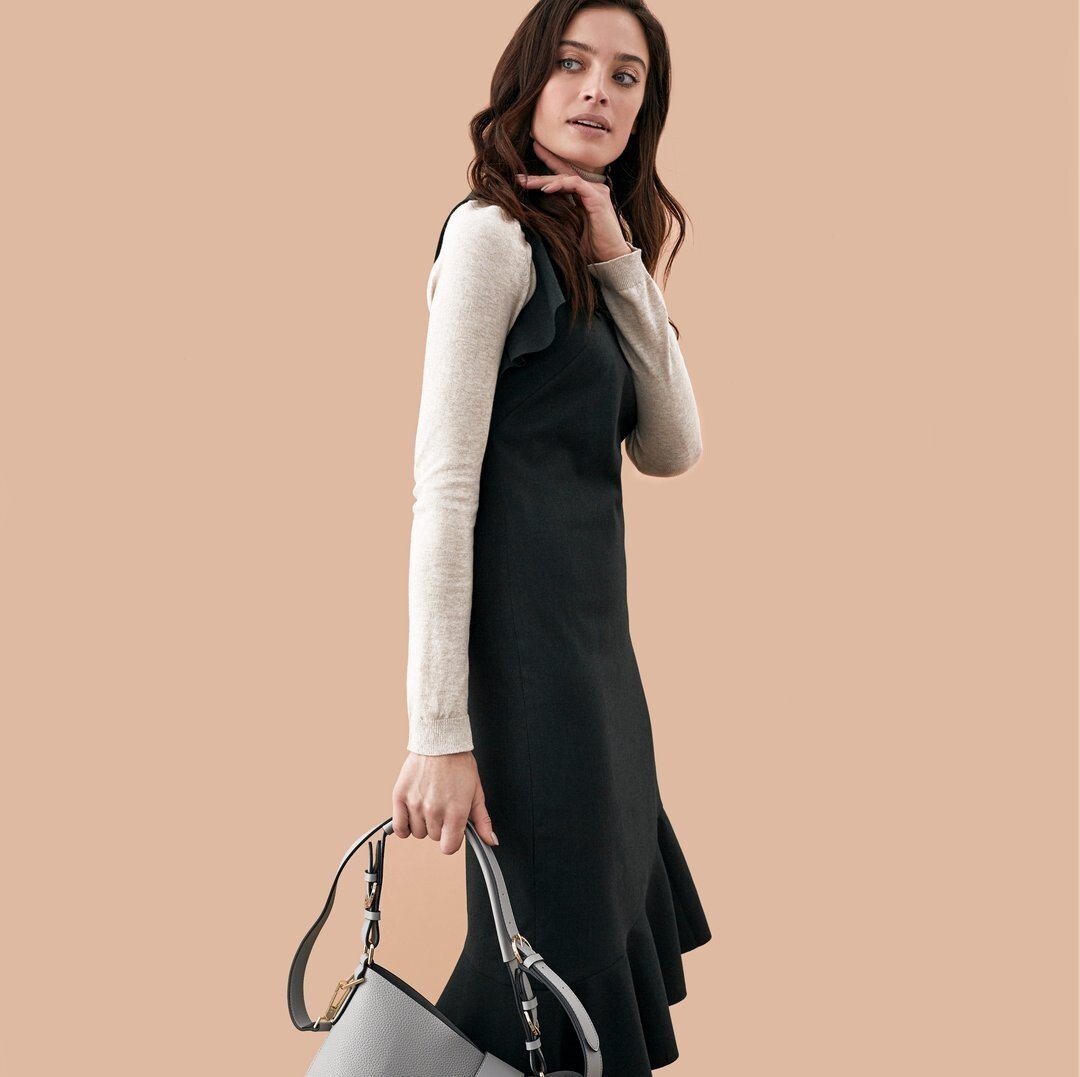
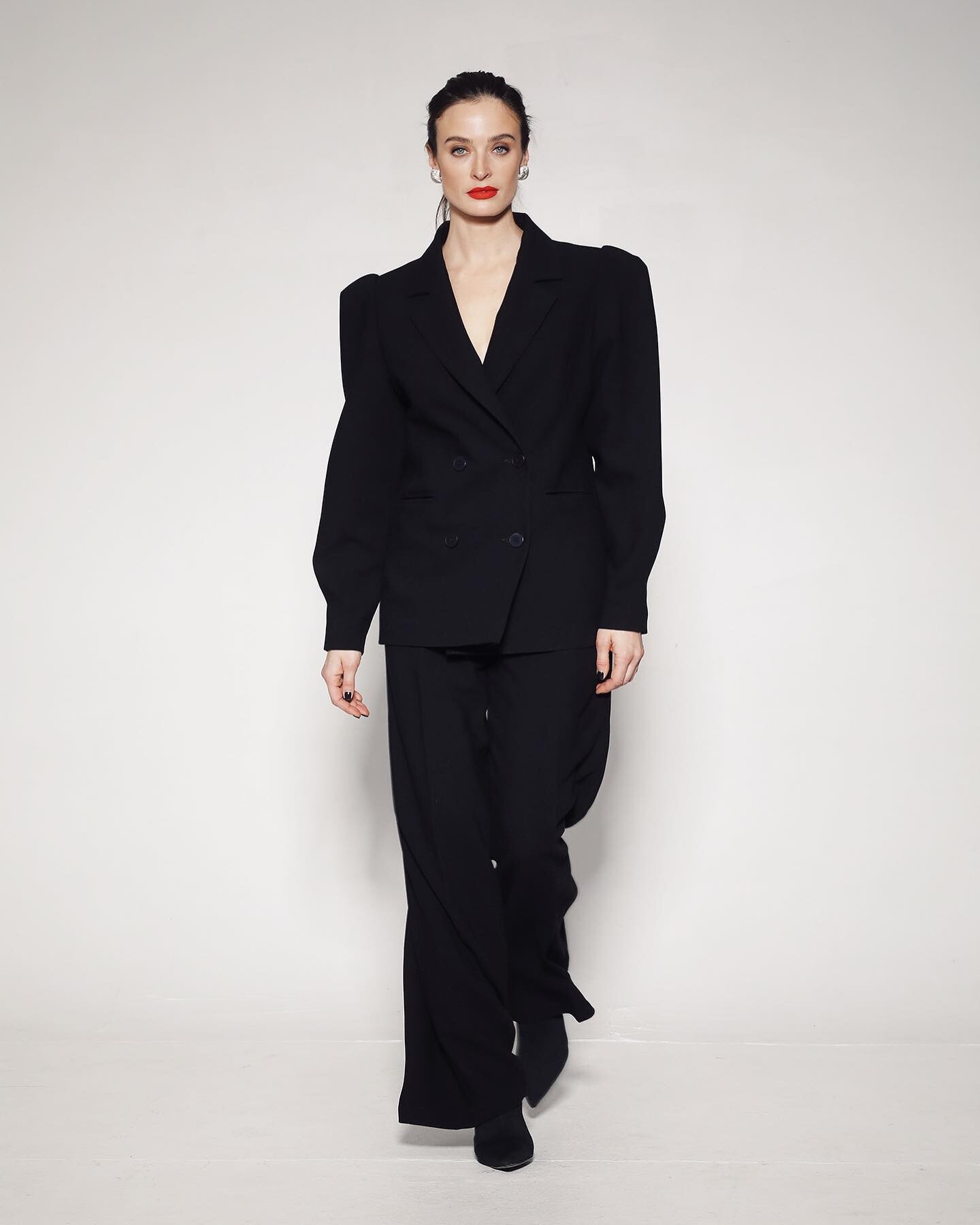
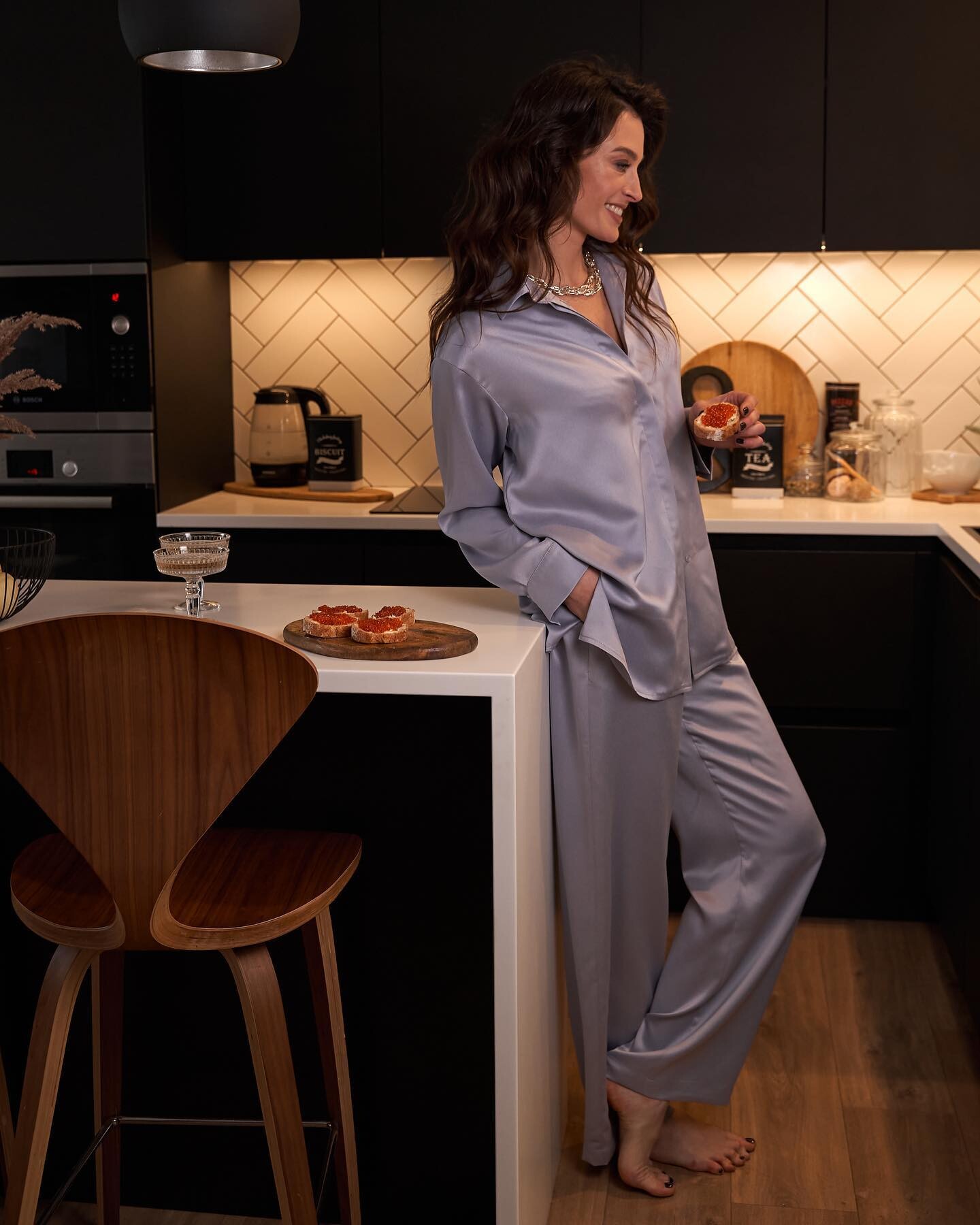
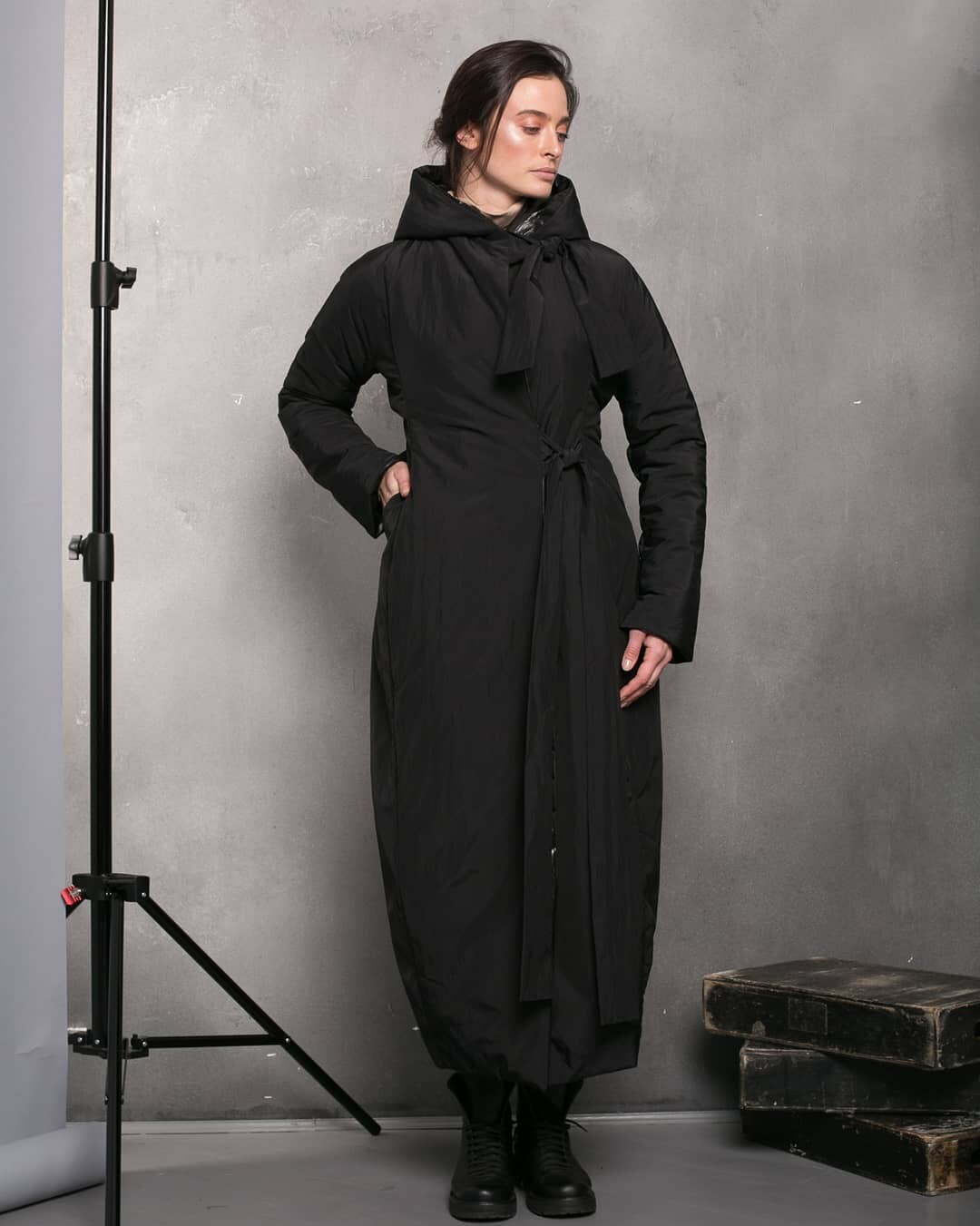
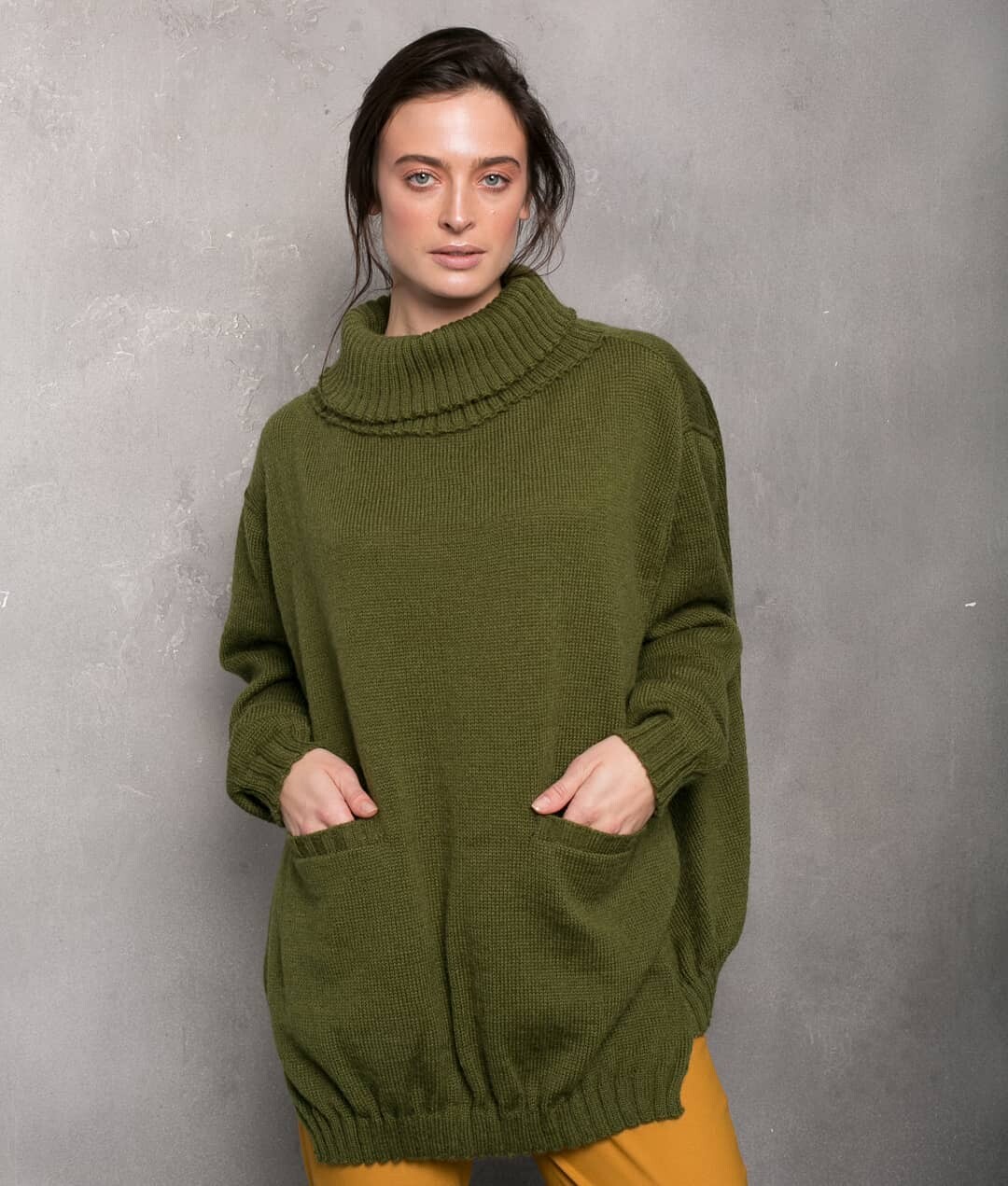
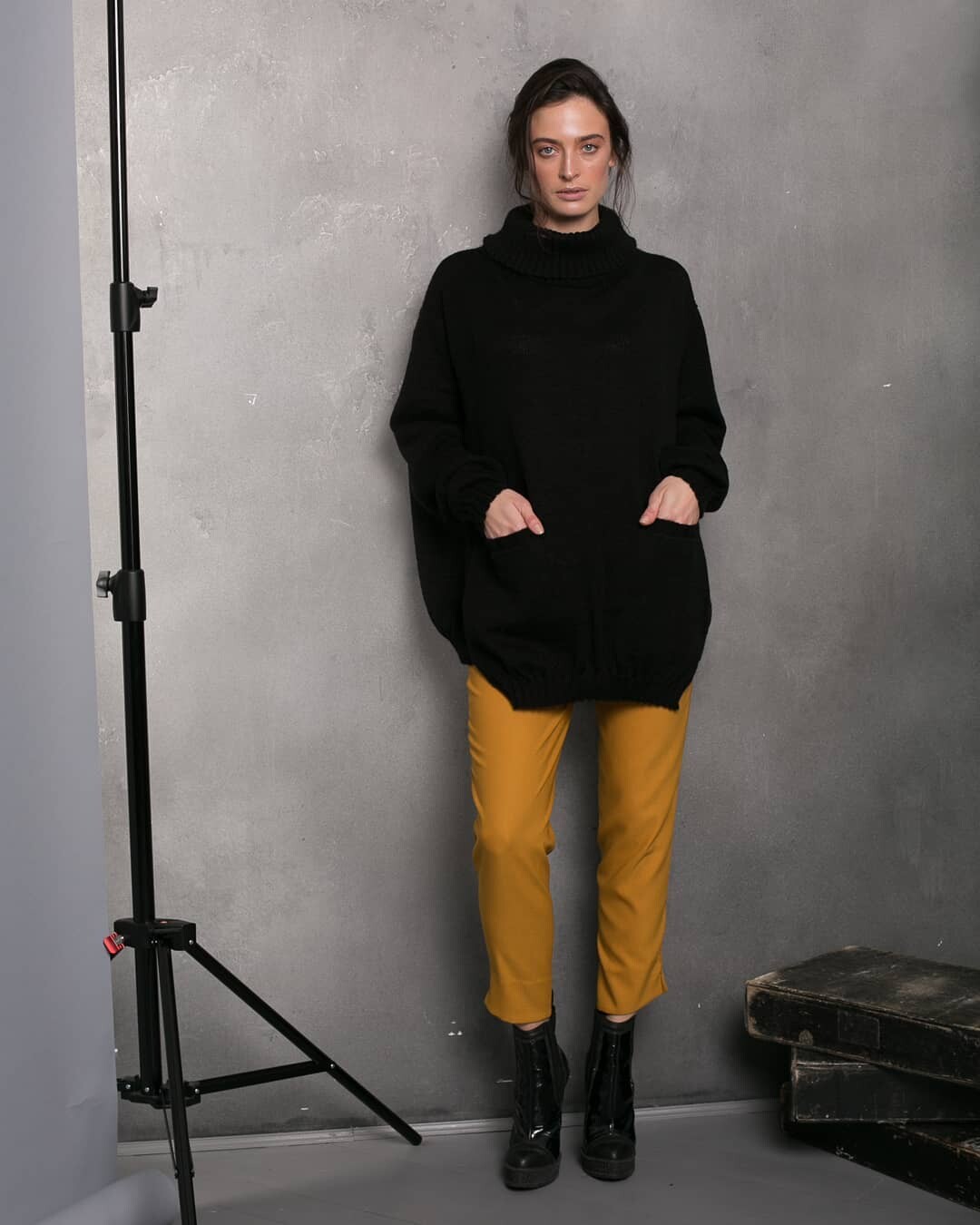
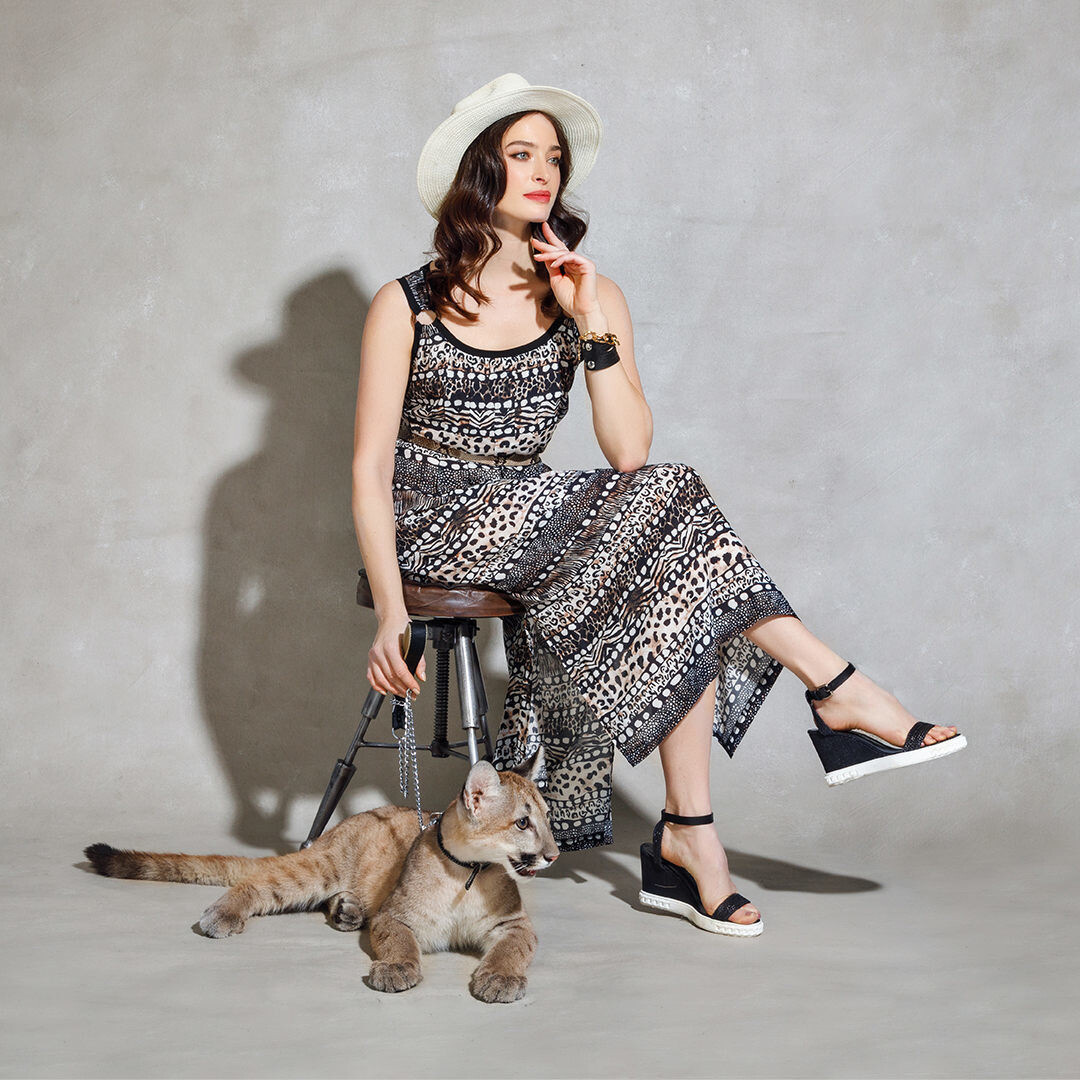
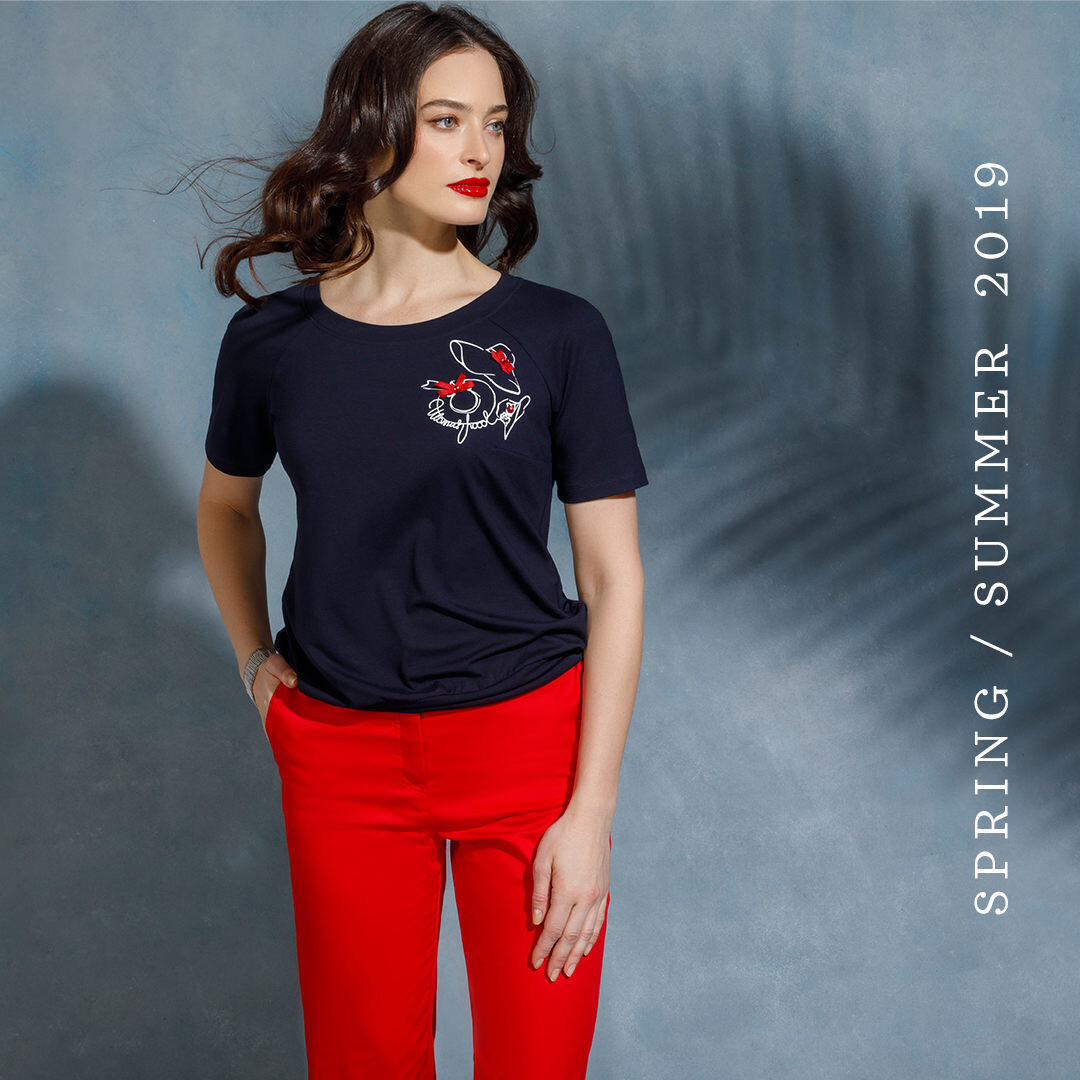
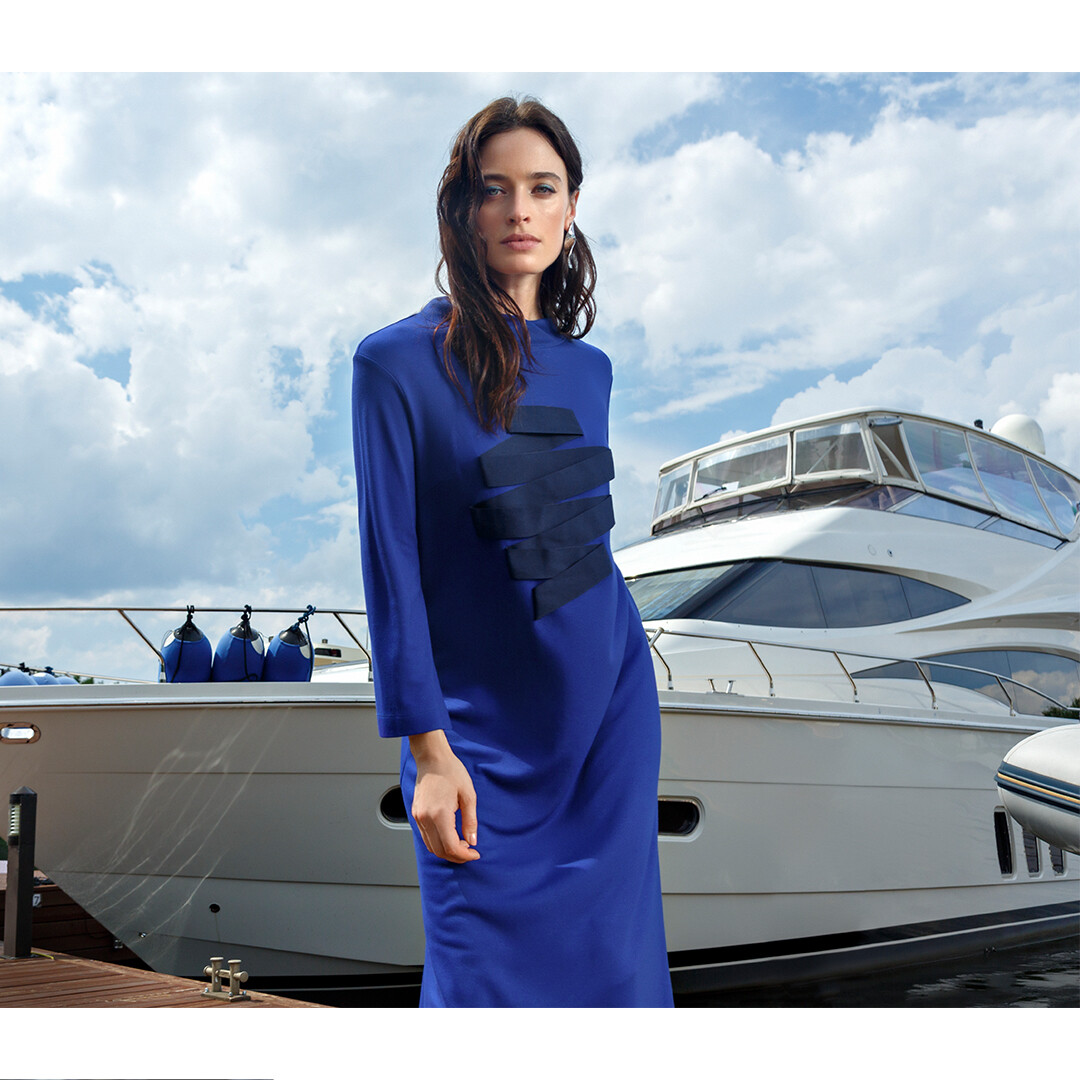
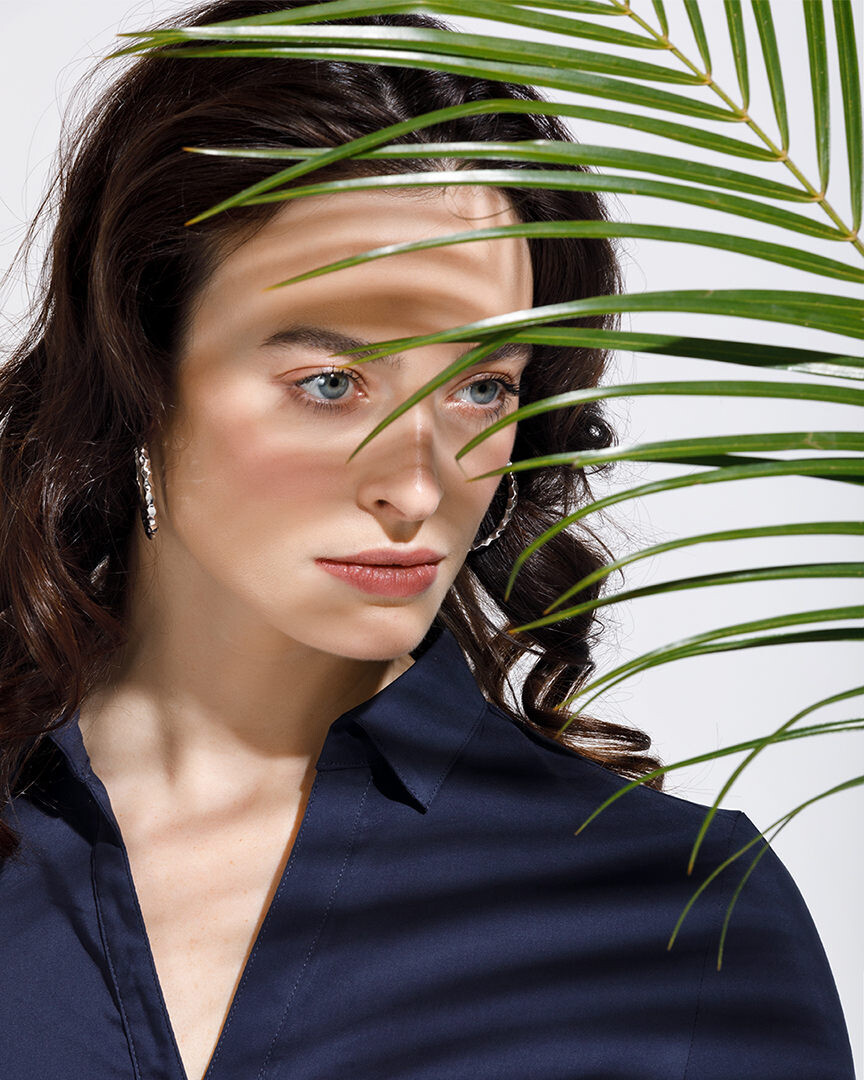
  13. Unidentified photog:
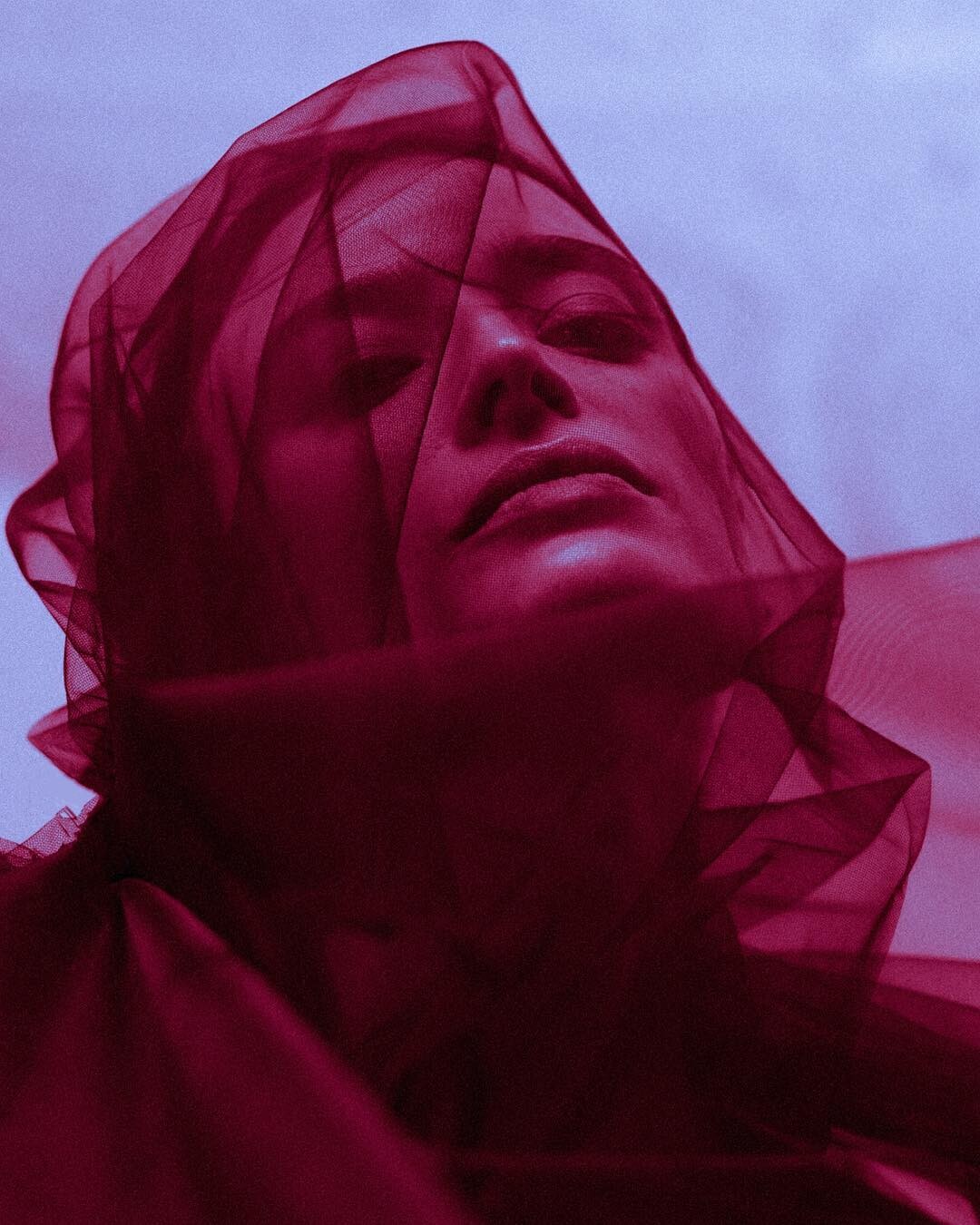
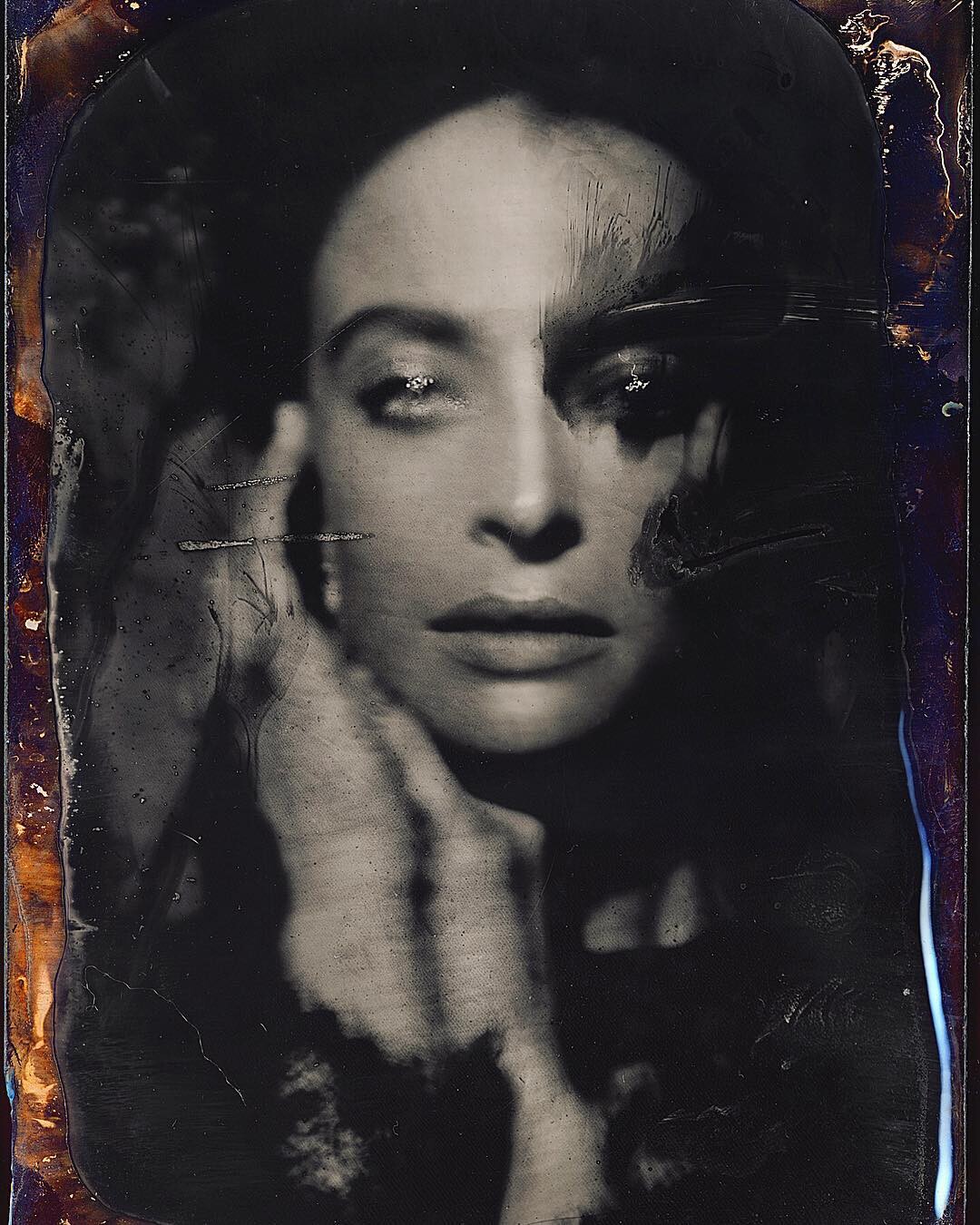
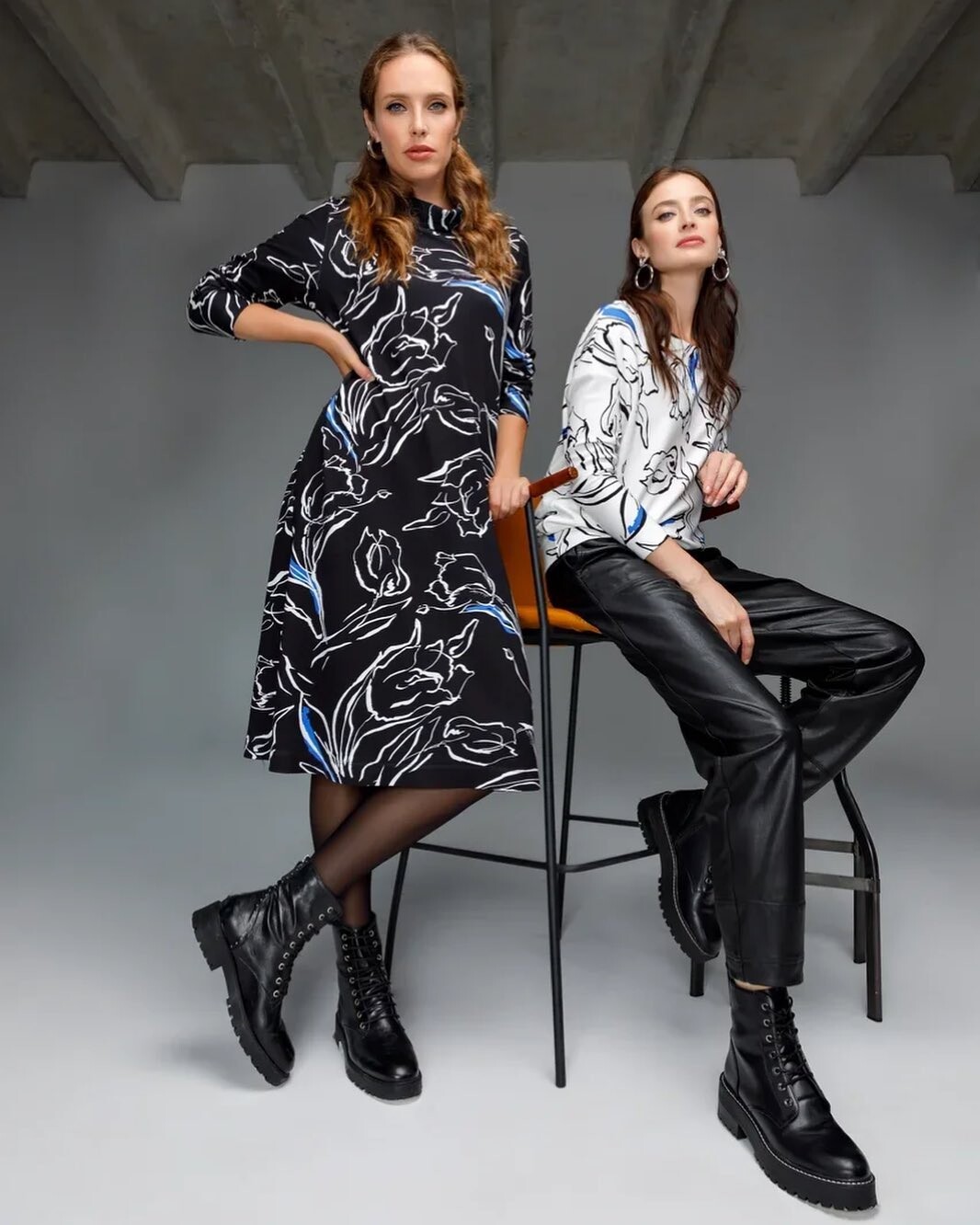
  14. Unidentified photog:
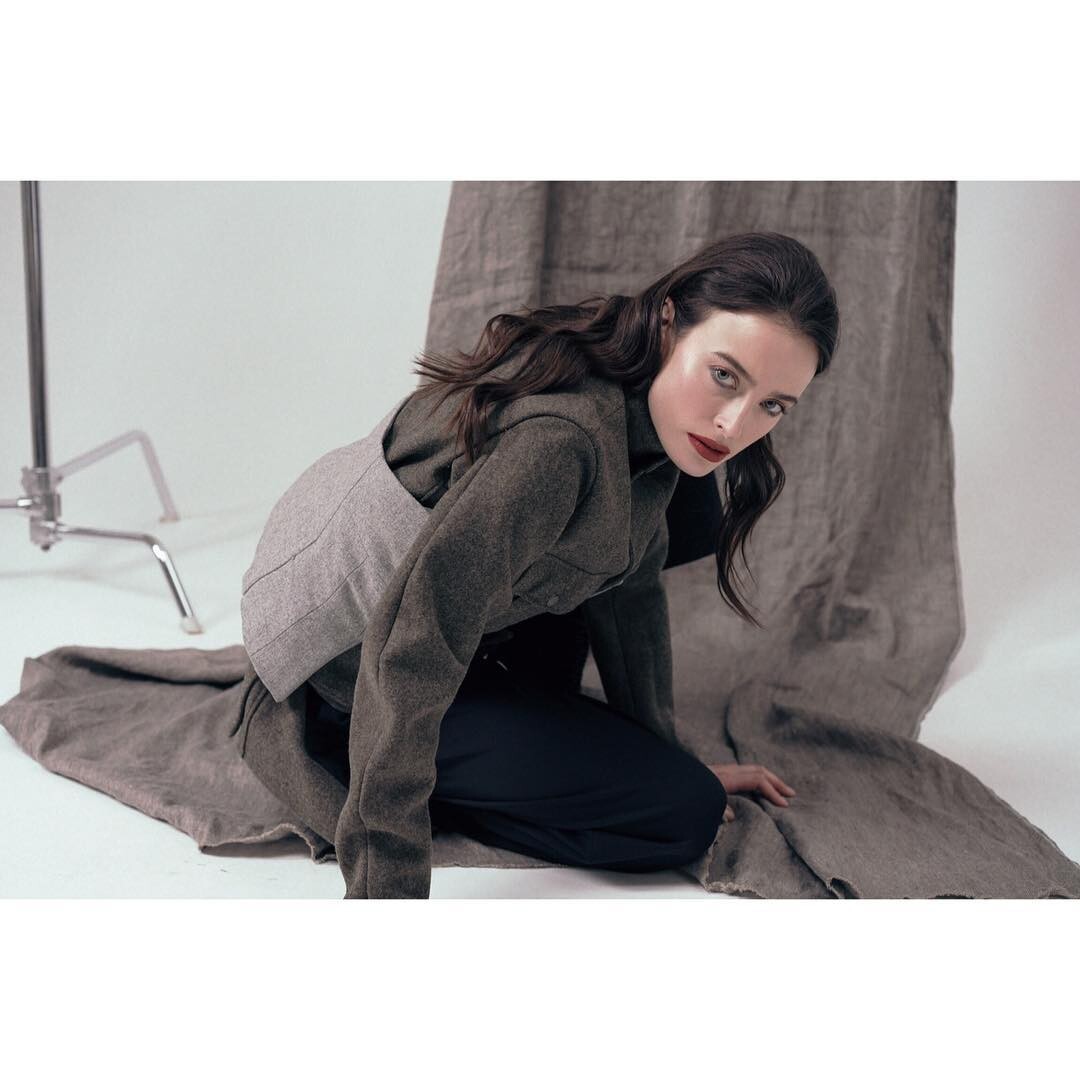
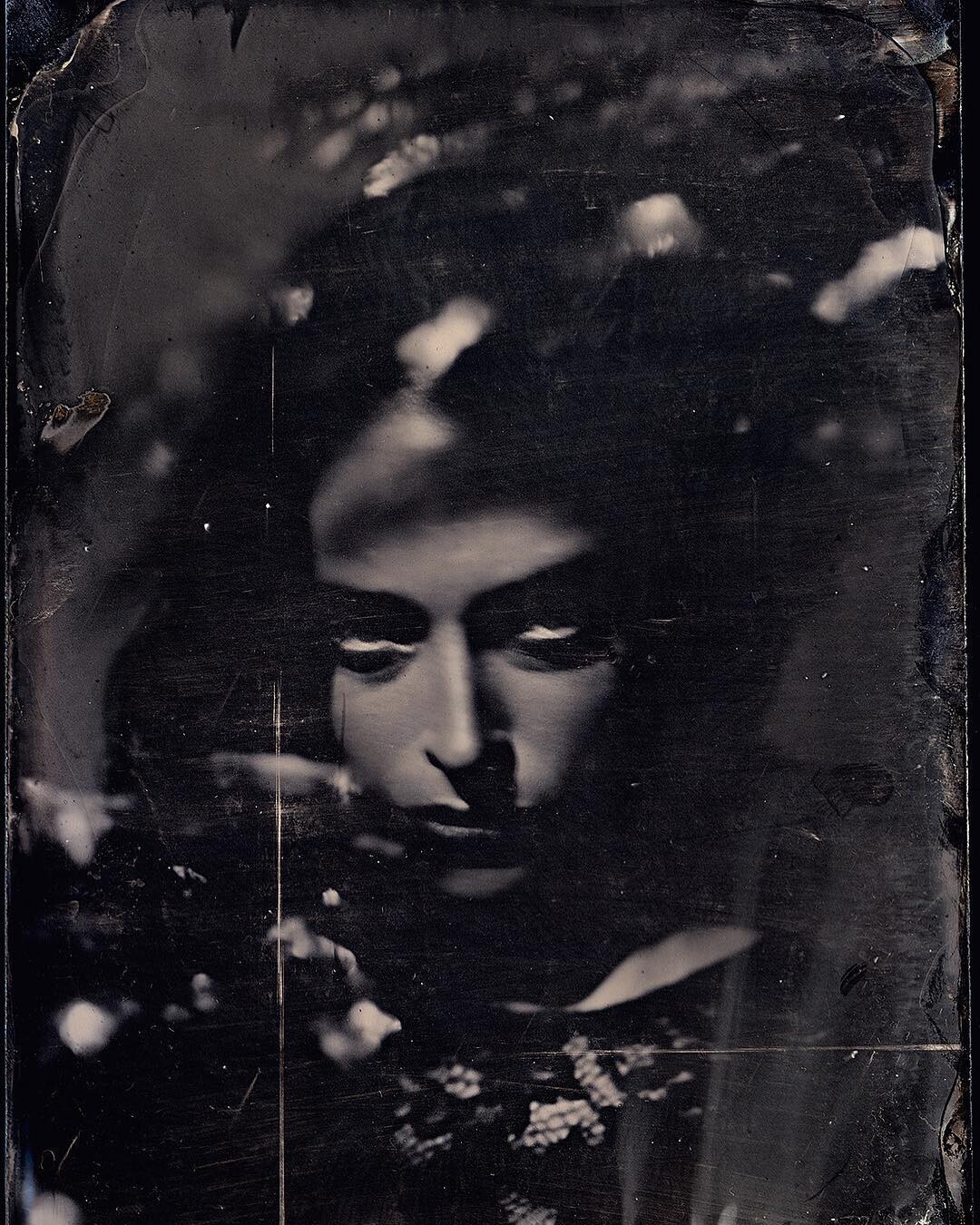
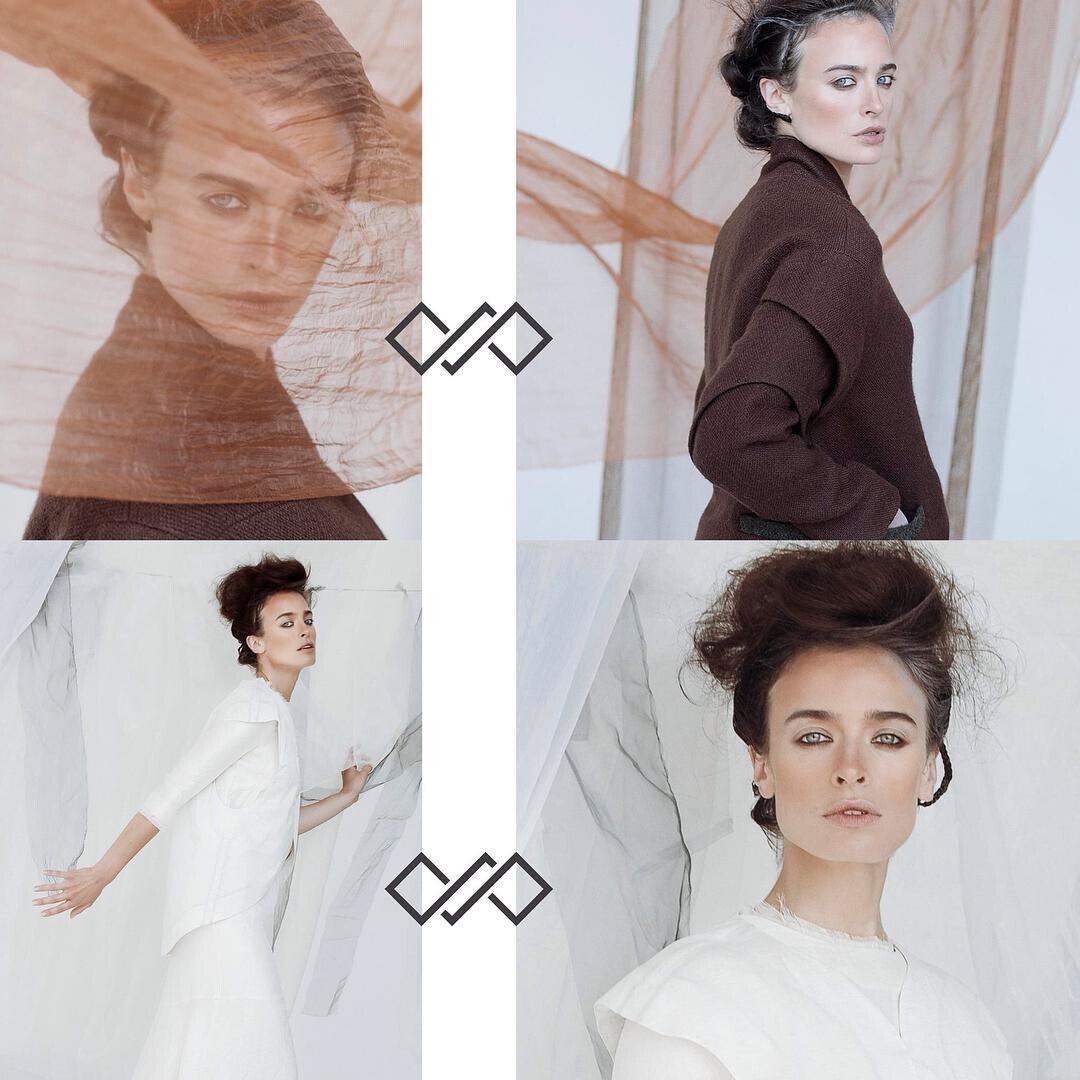
  15. Unidentified photog:
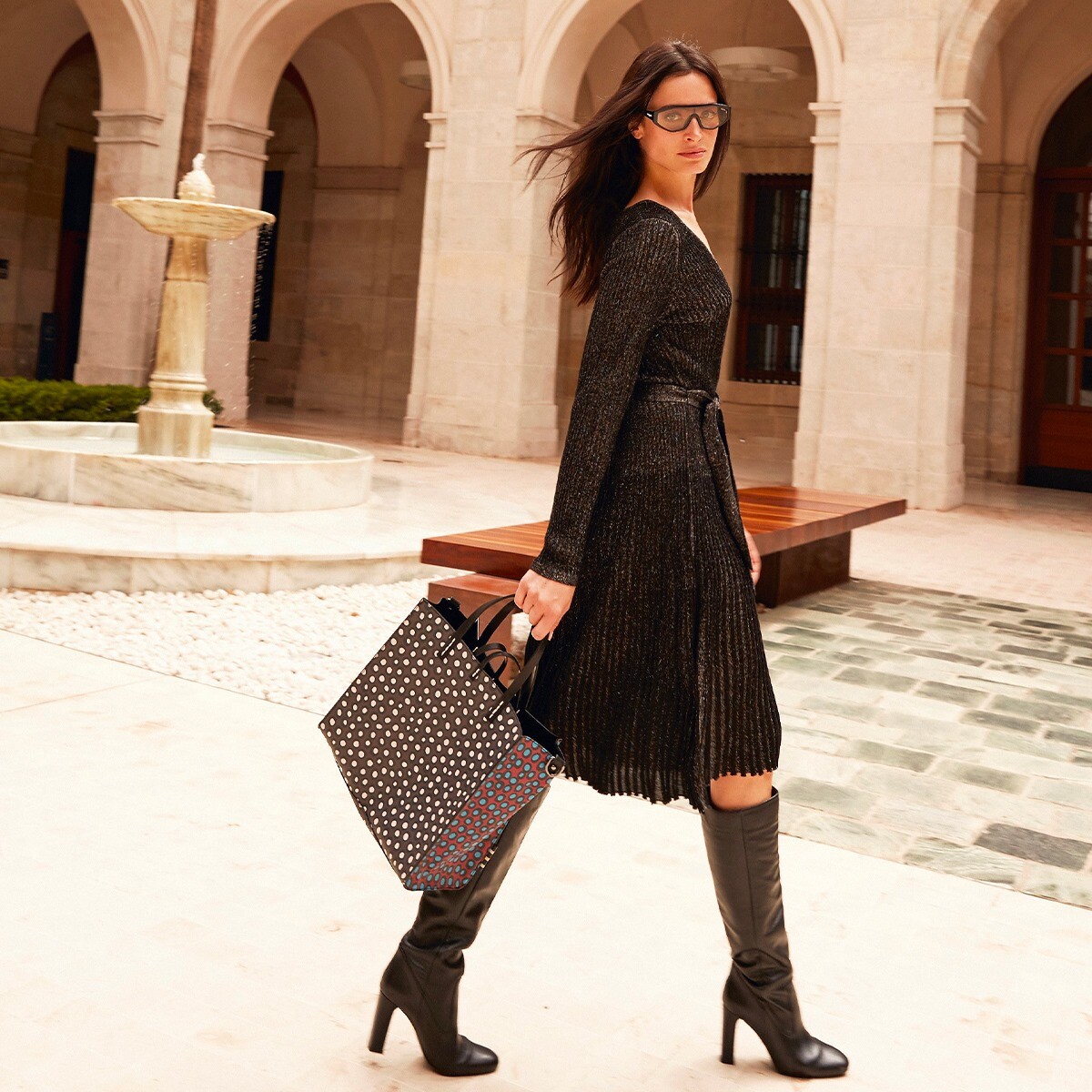
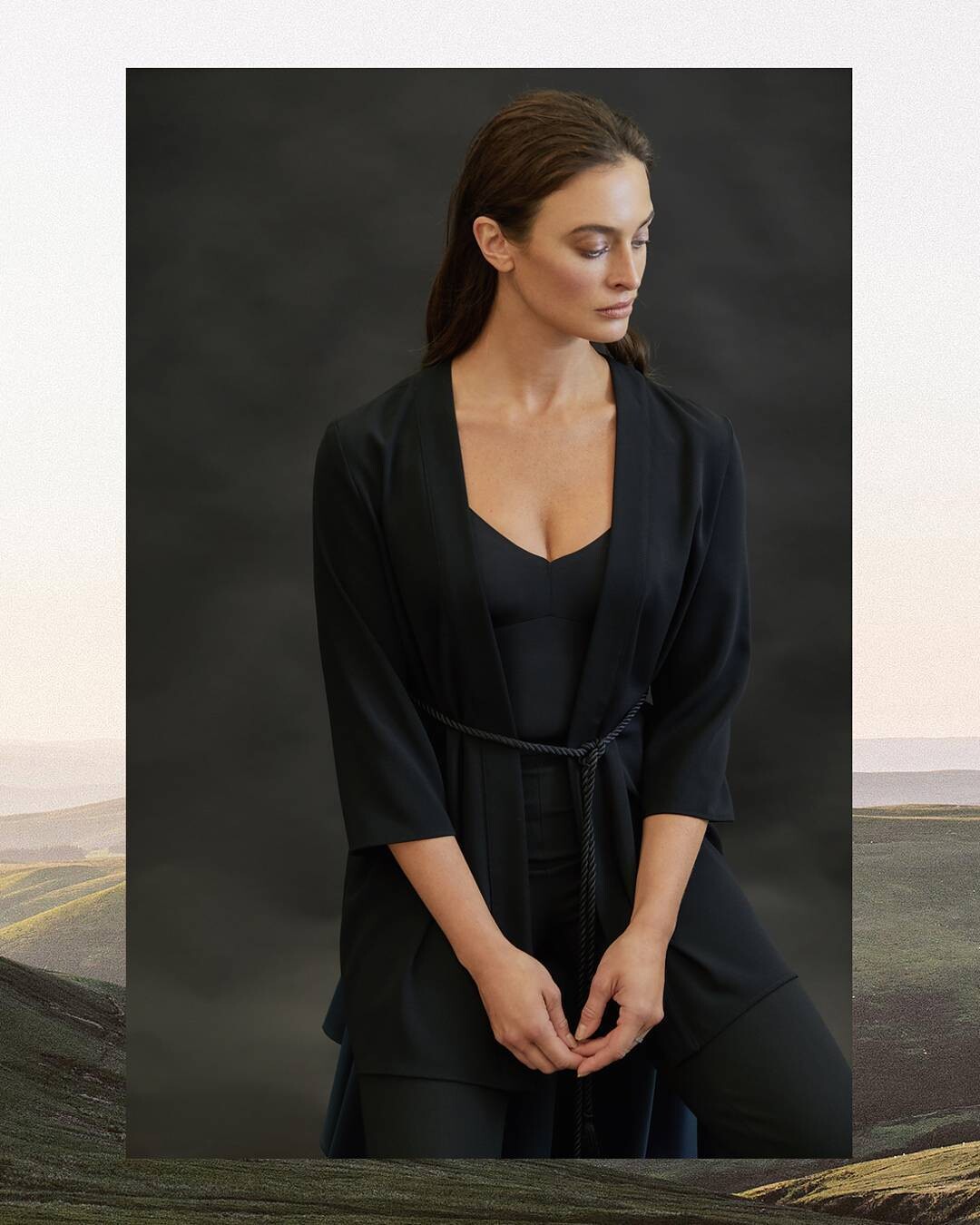
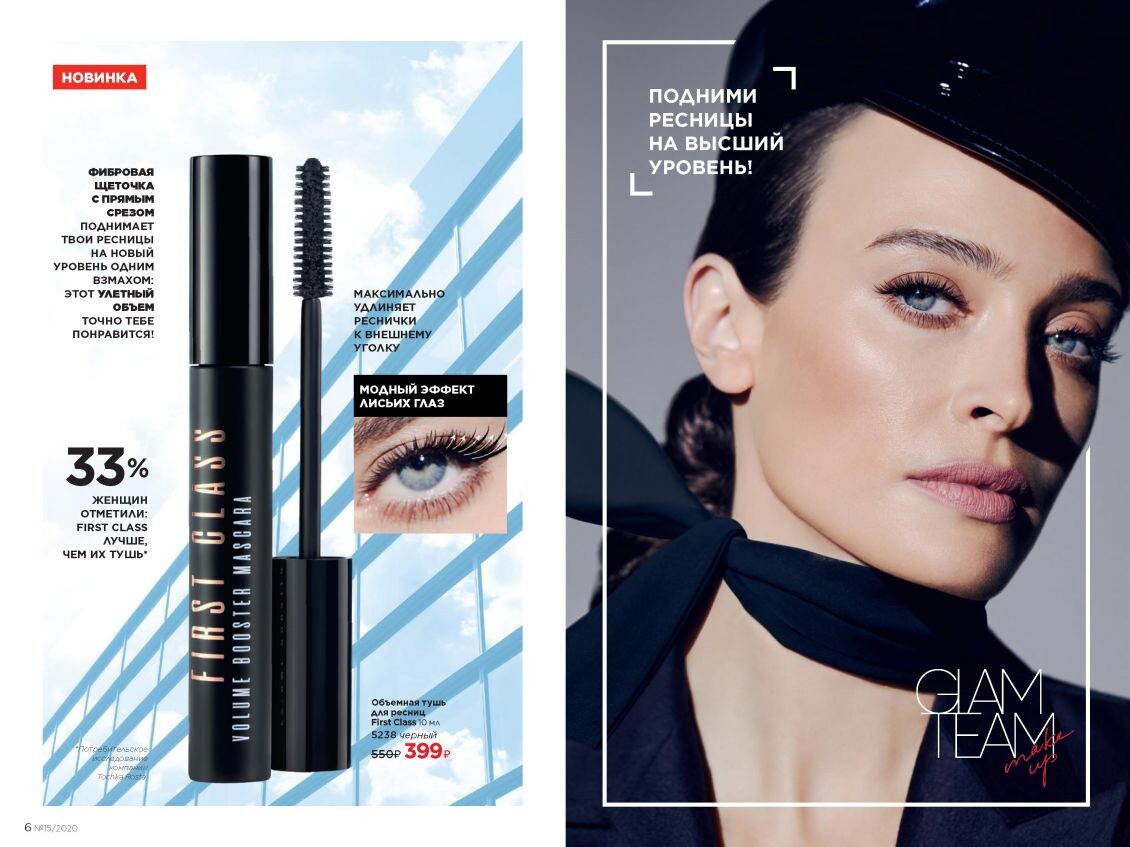
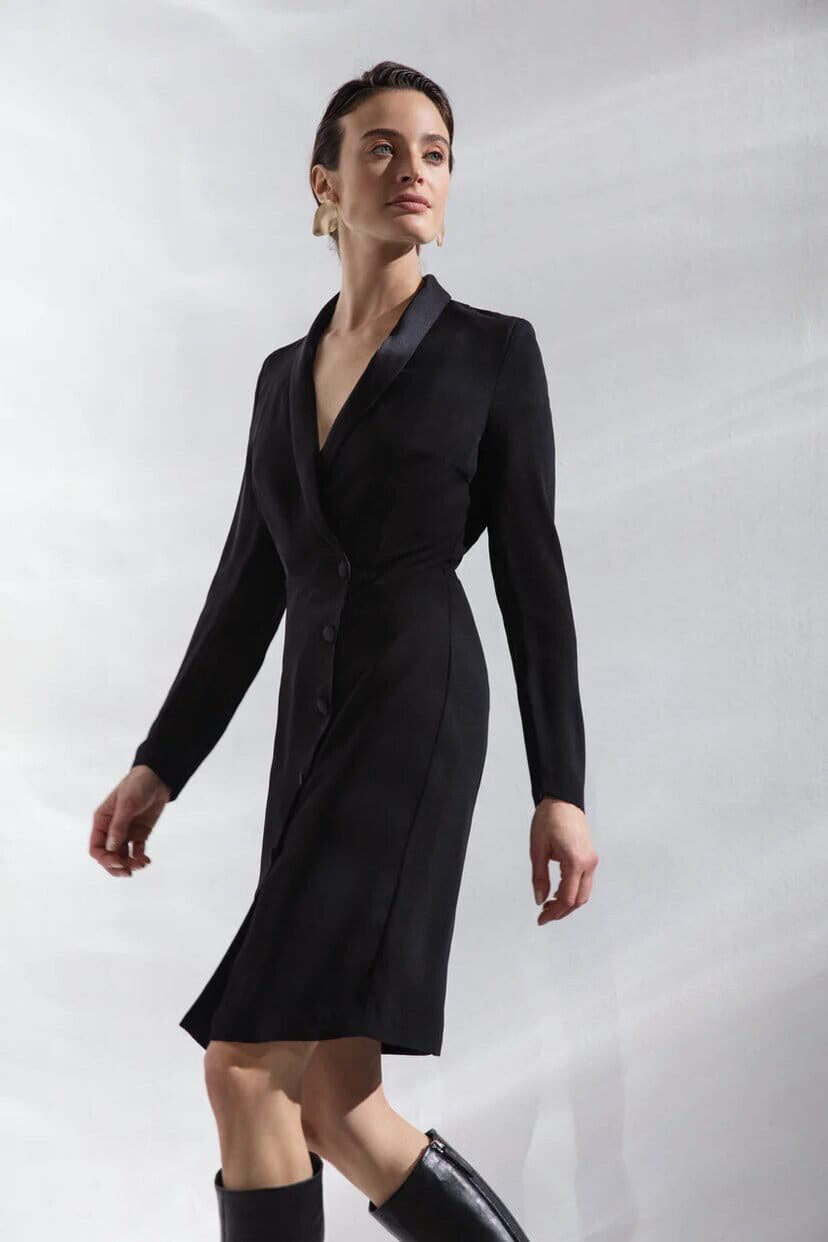
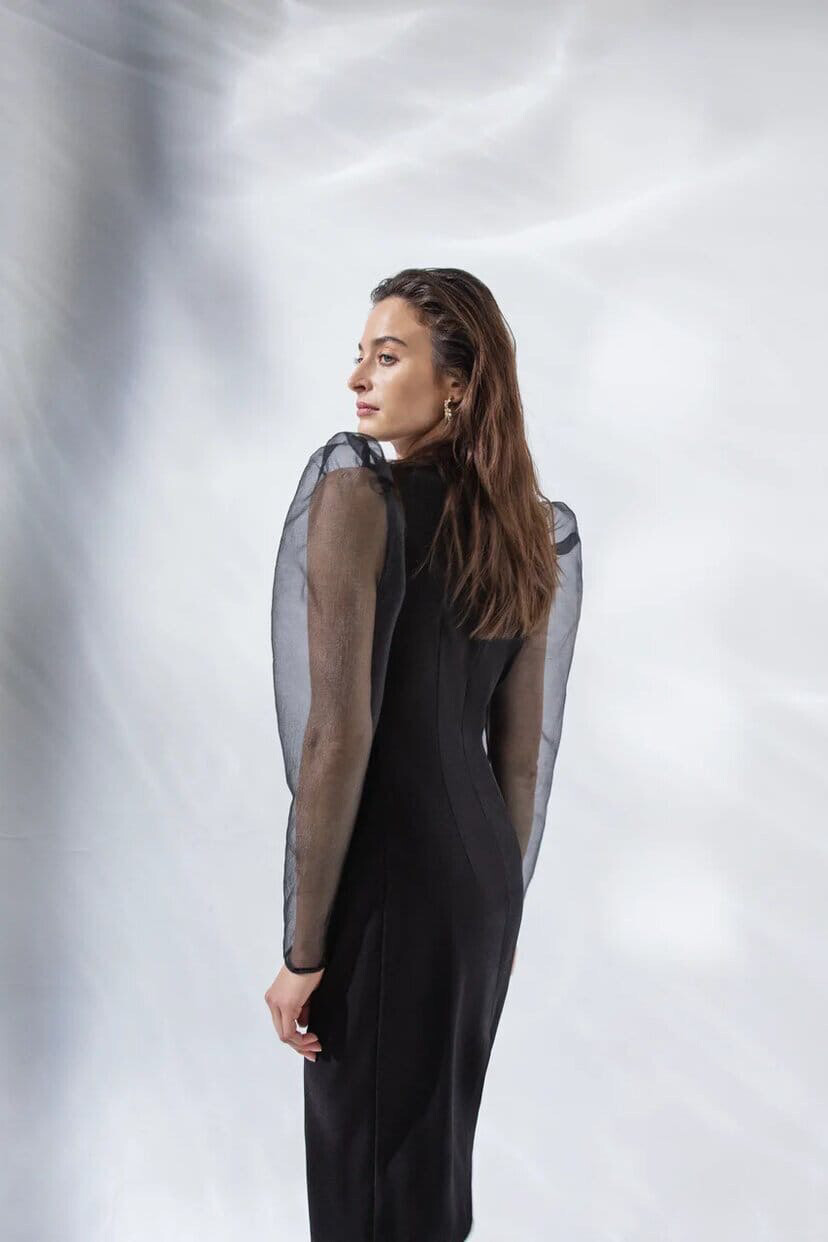
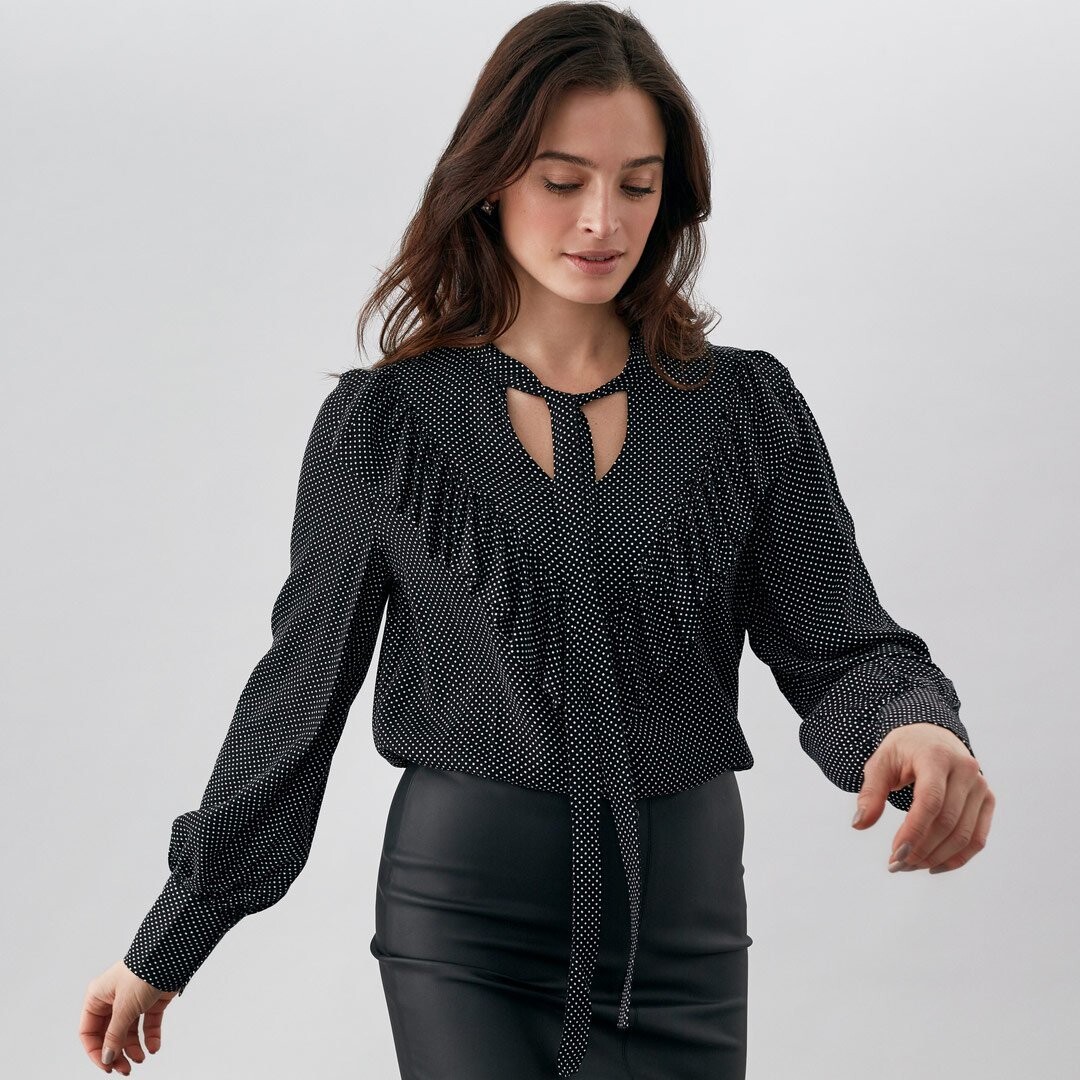
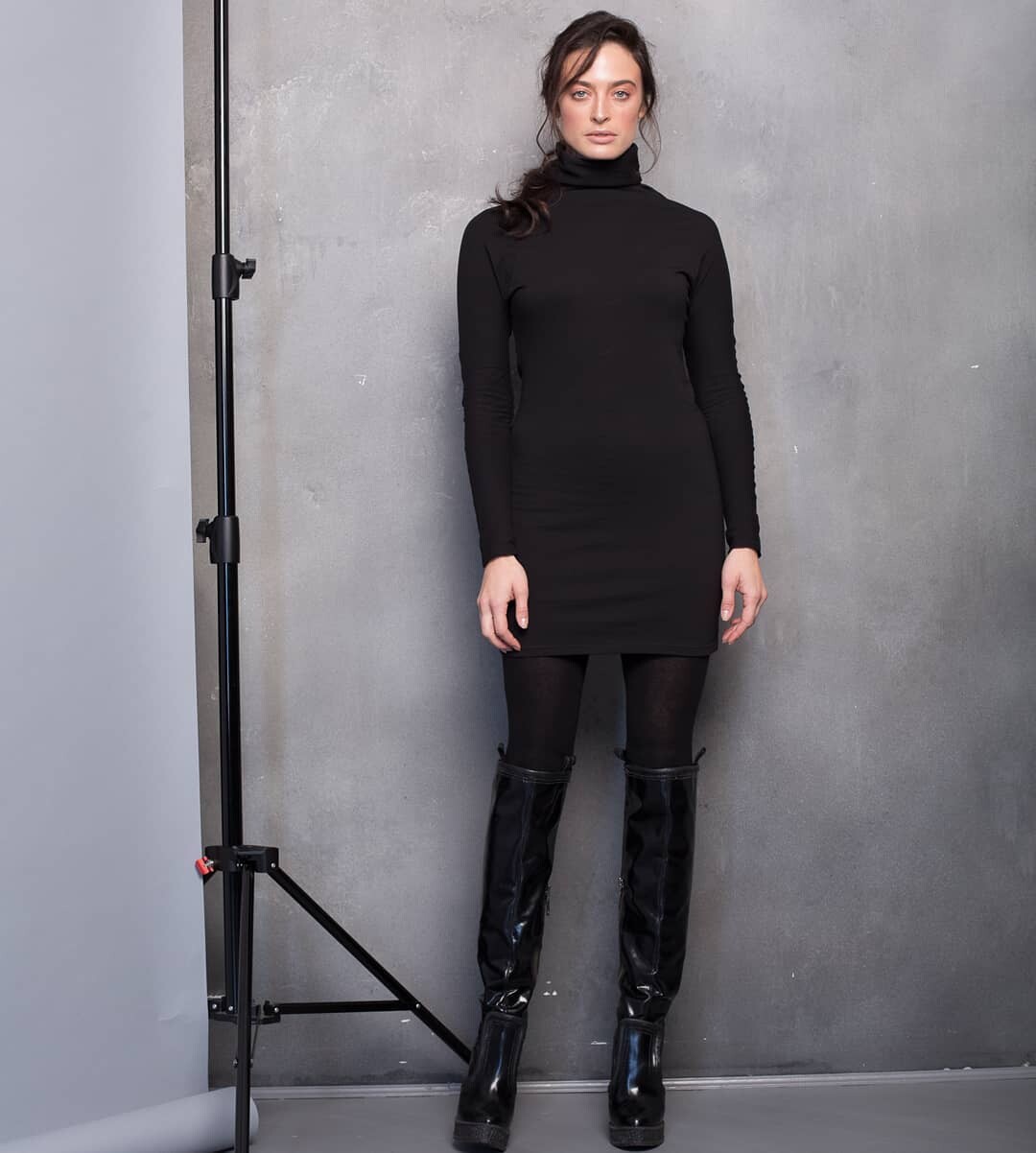
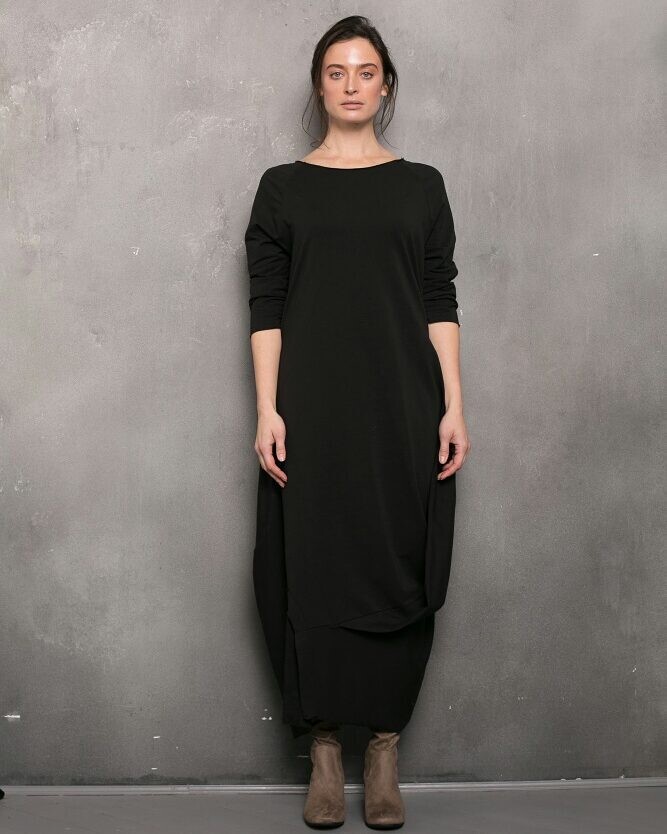
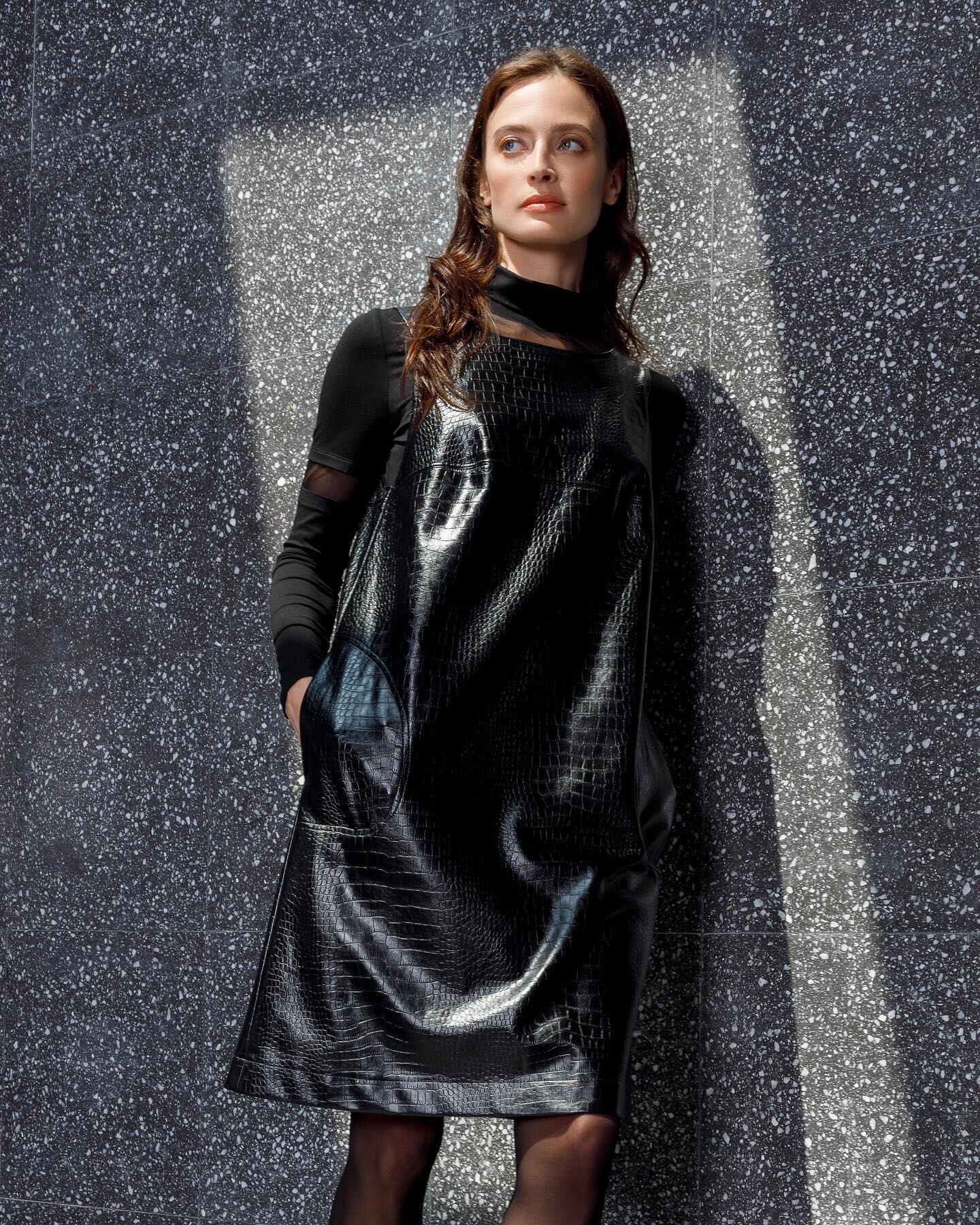
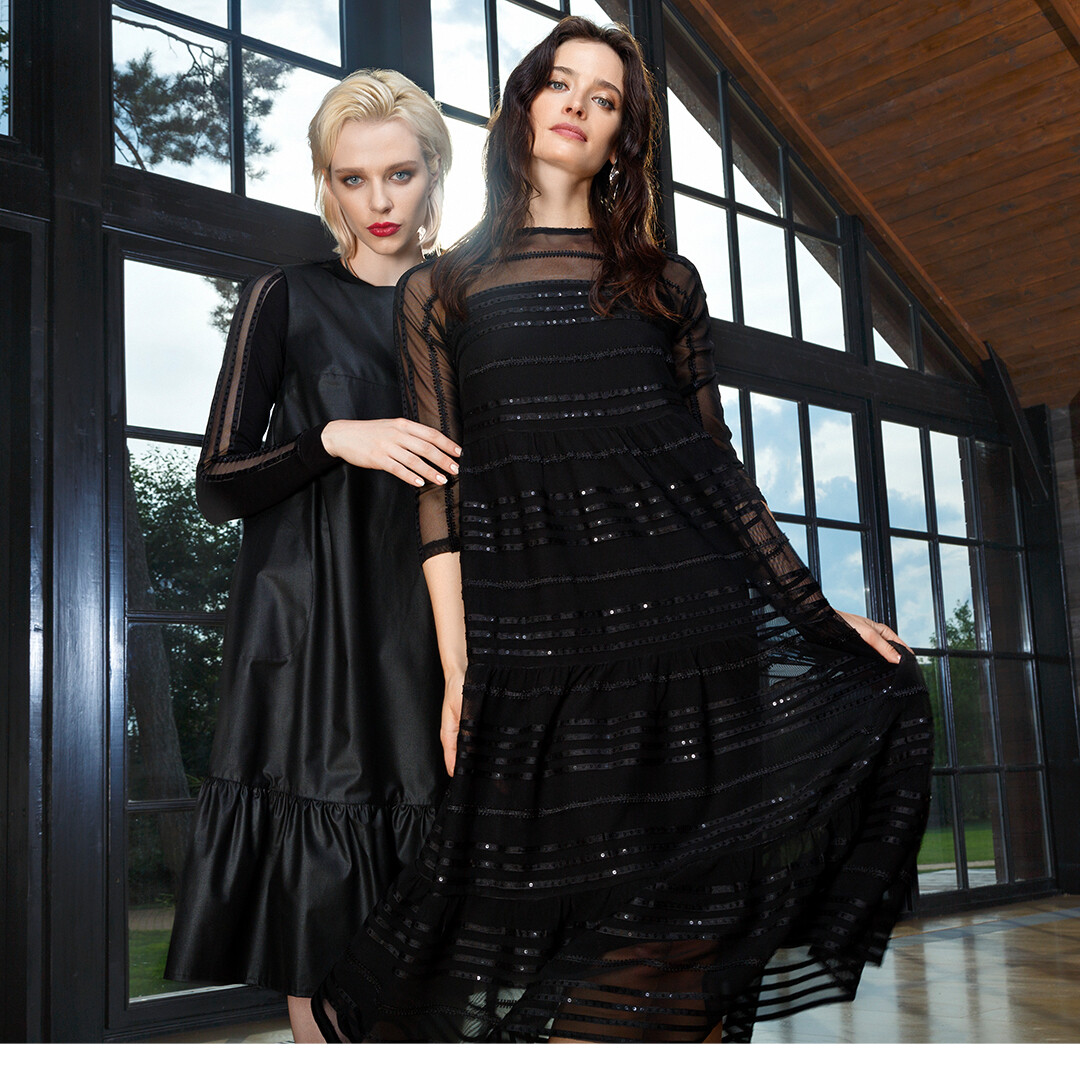
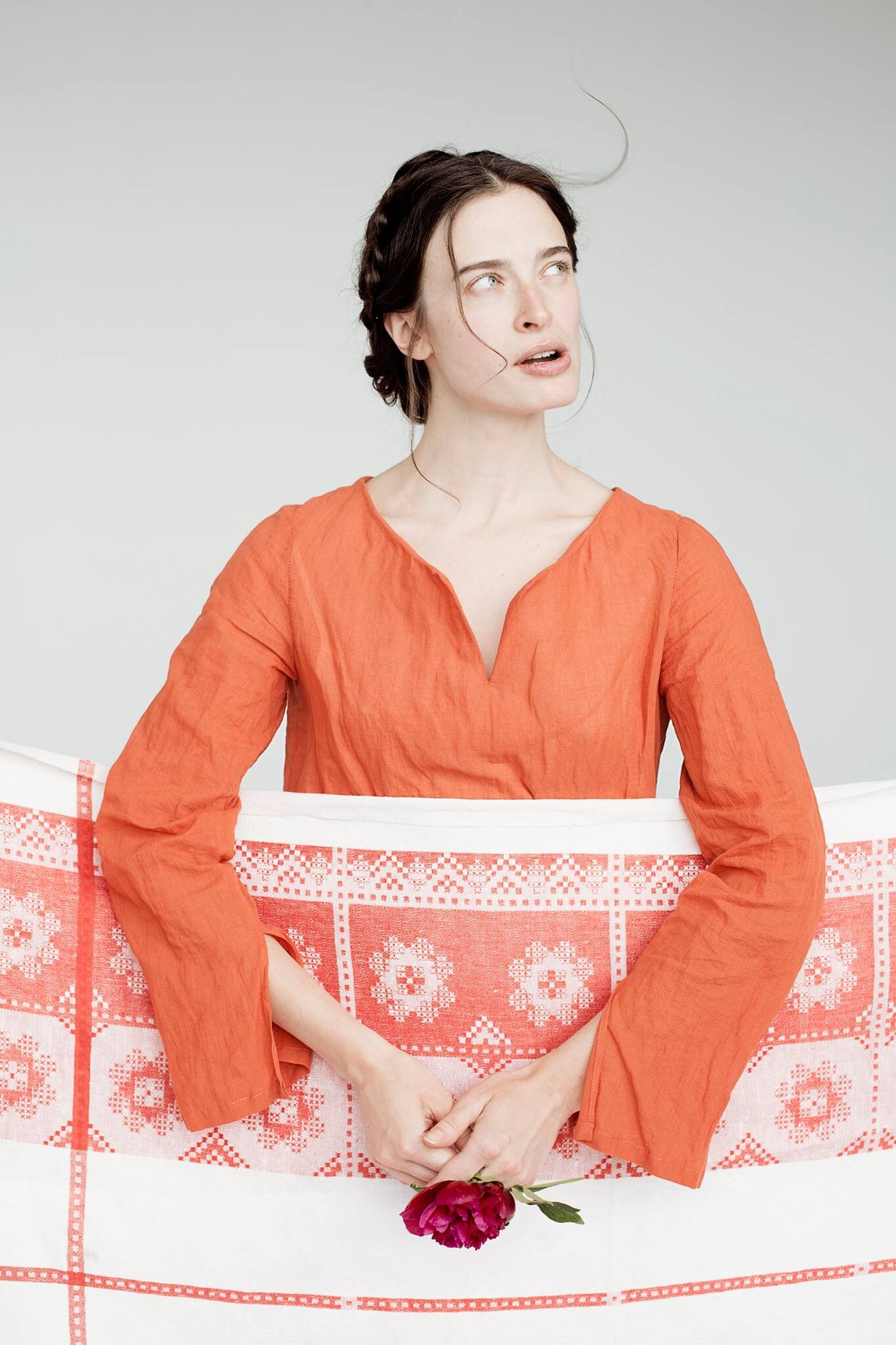
  16. The little black dress:

Configure browser push notifications

Chrome (Android)
  1. Tap the lock icon next to the address bar.
  2. Tap Permissions → Notifications.
  3. Adjust your preference.
Chrome (Desktop)
  1. Click the padlock icon in the address bar.
  2. Select Site settings.
  3. Find Notifications and adjust your preference.