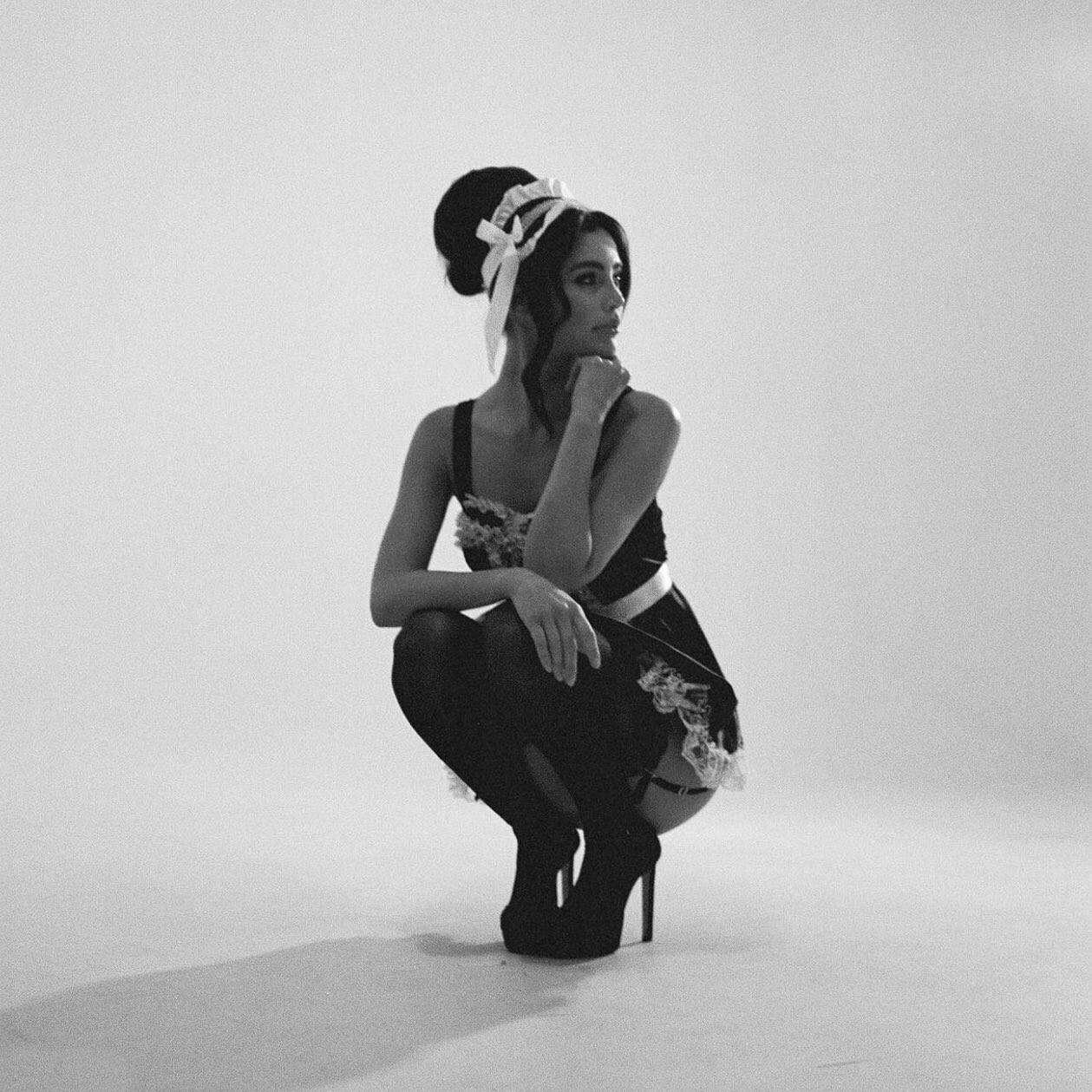
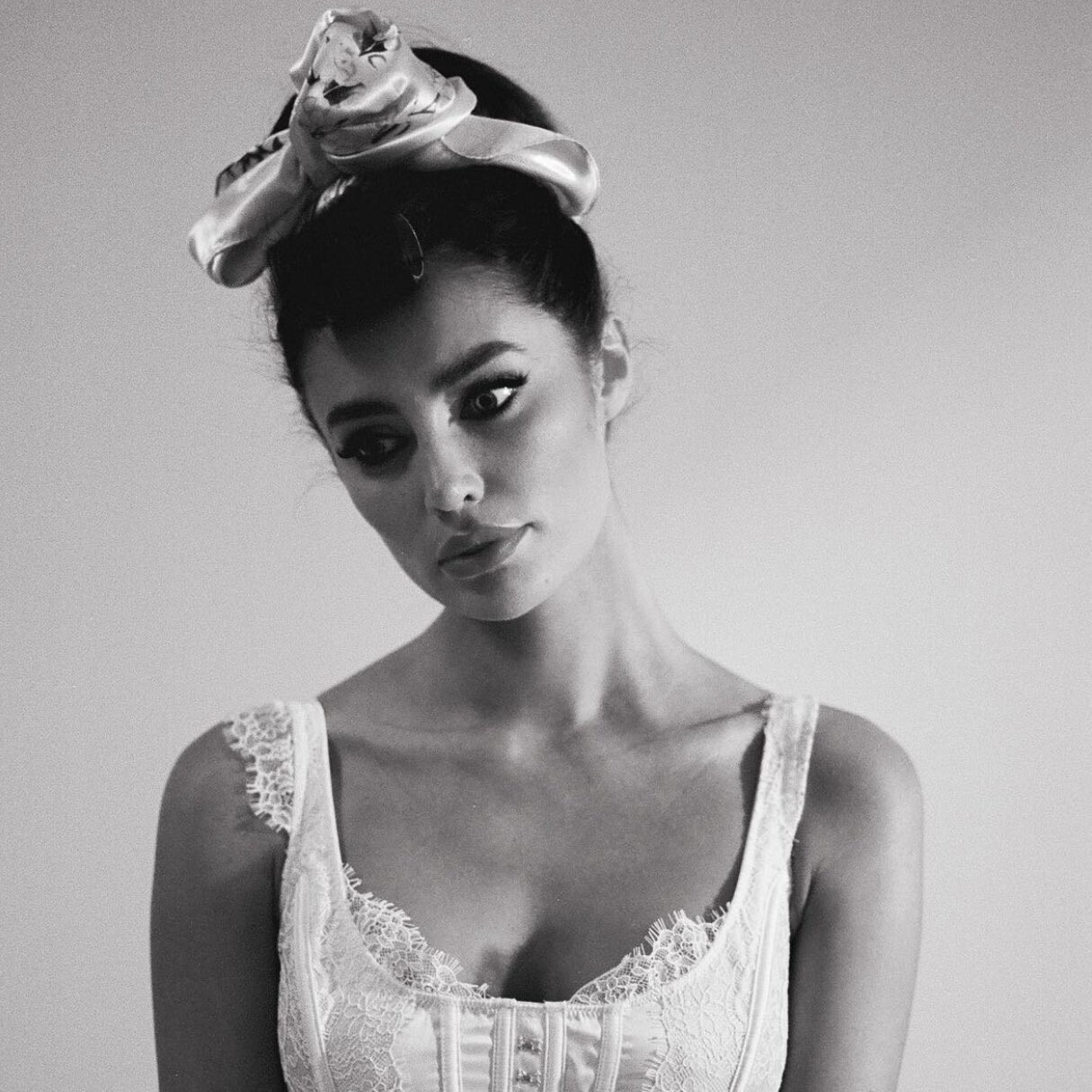
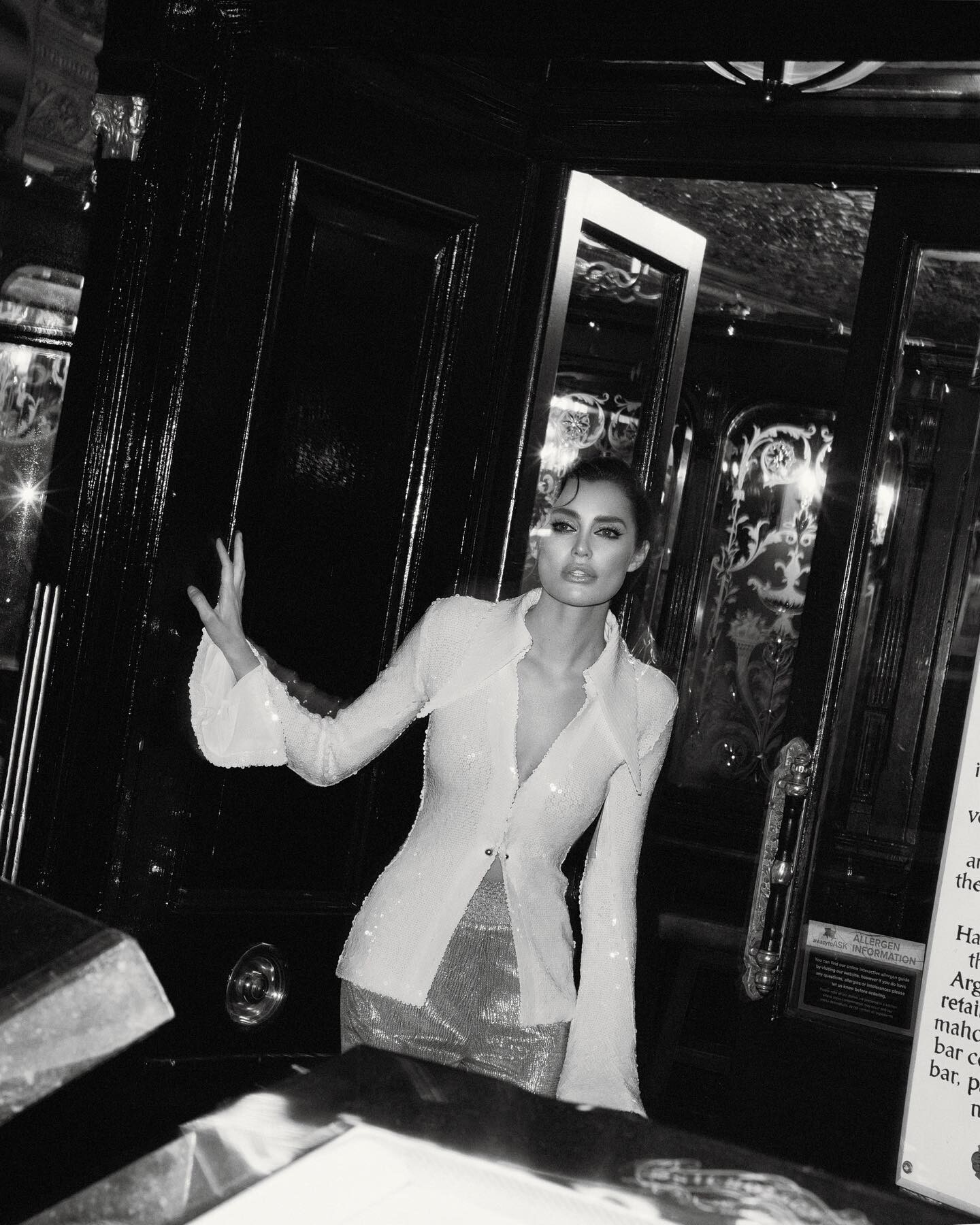
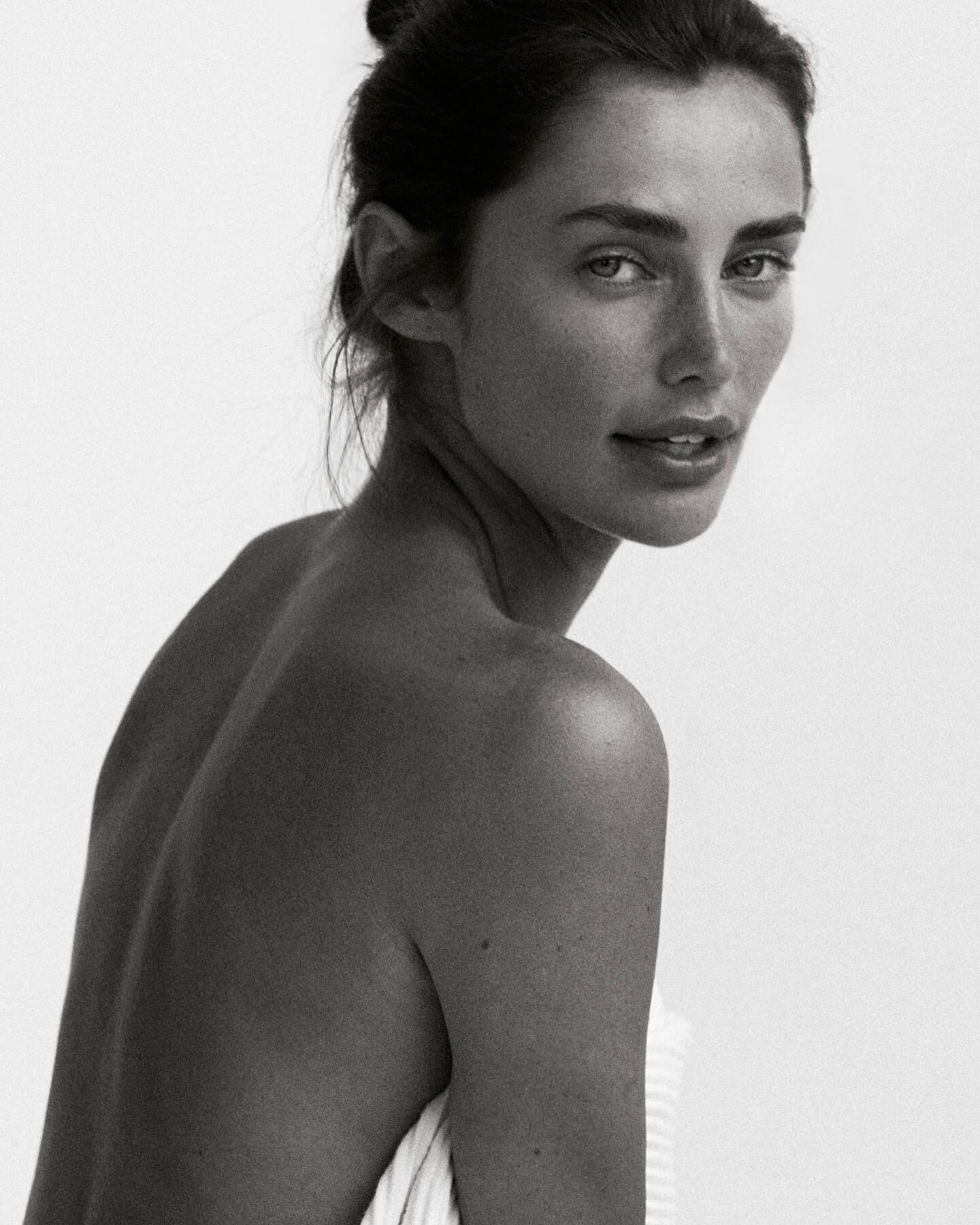
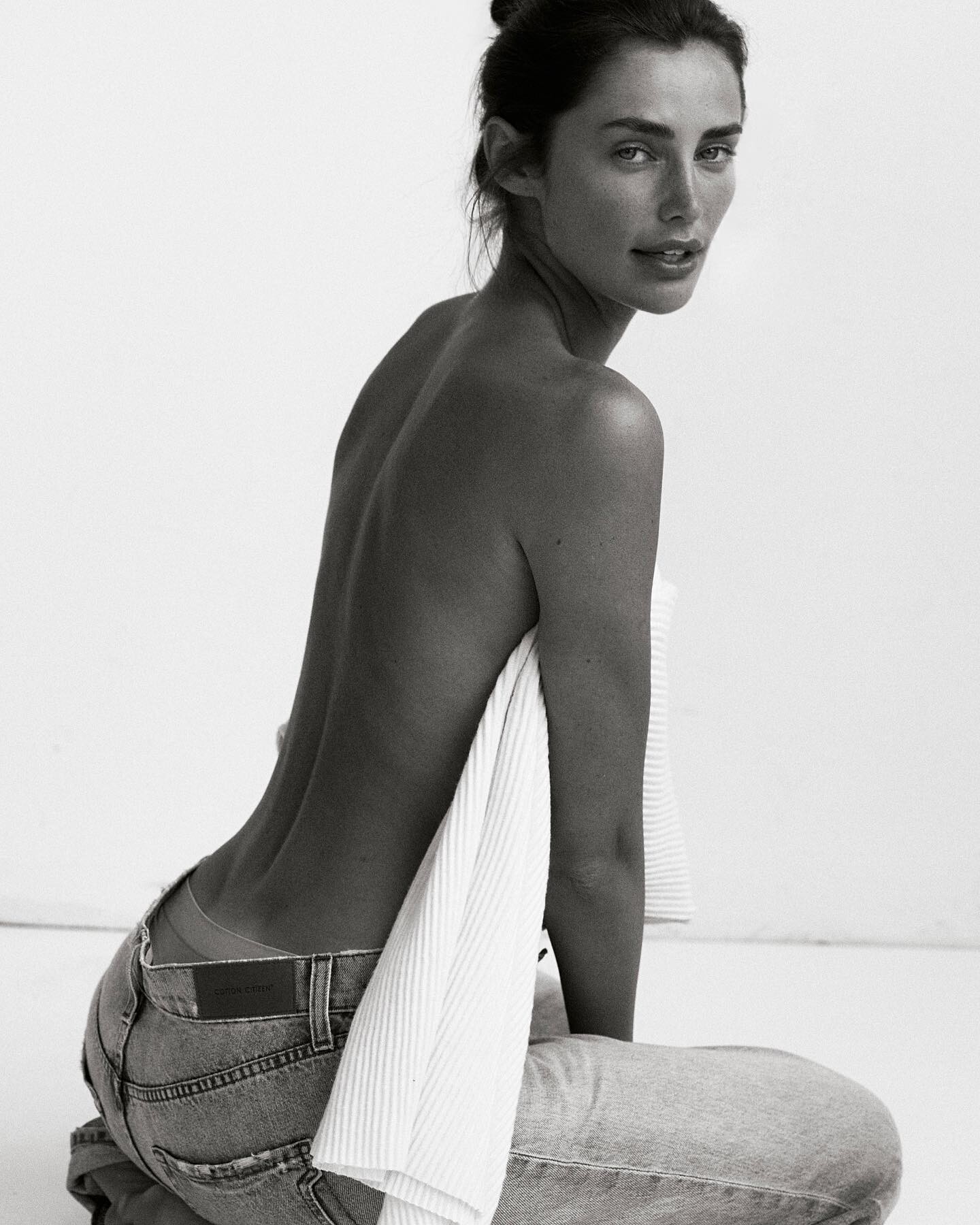
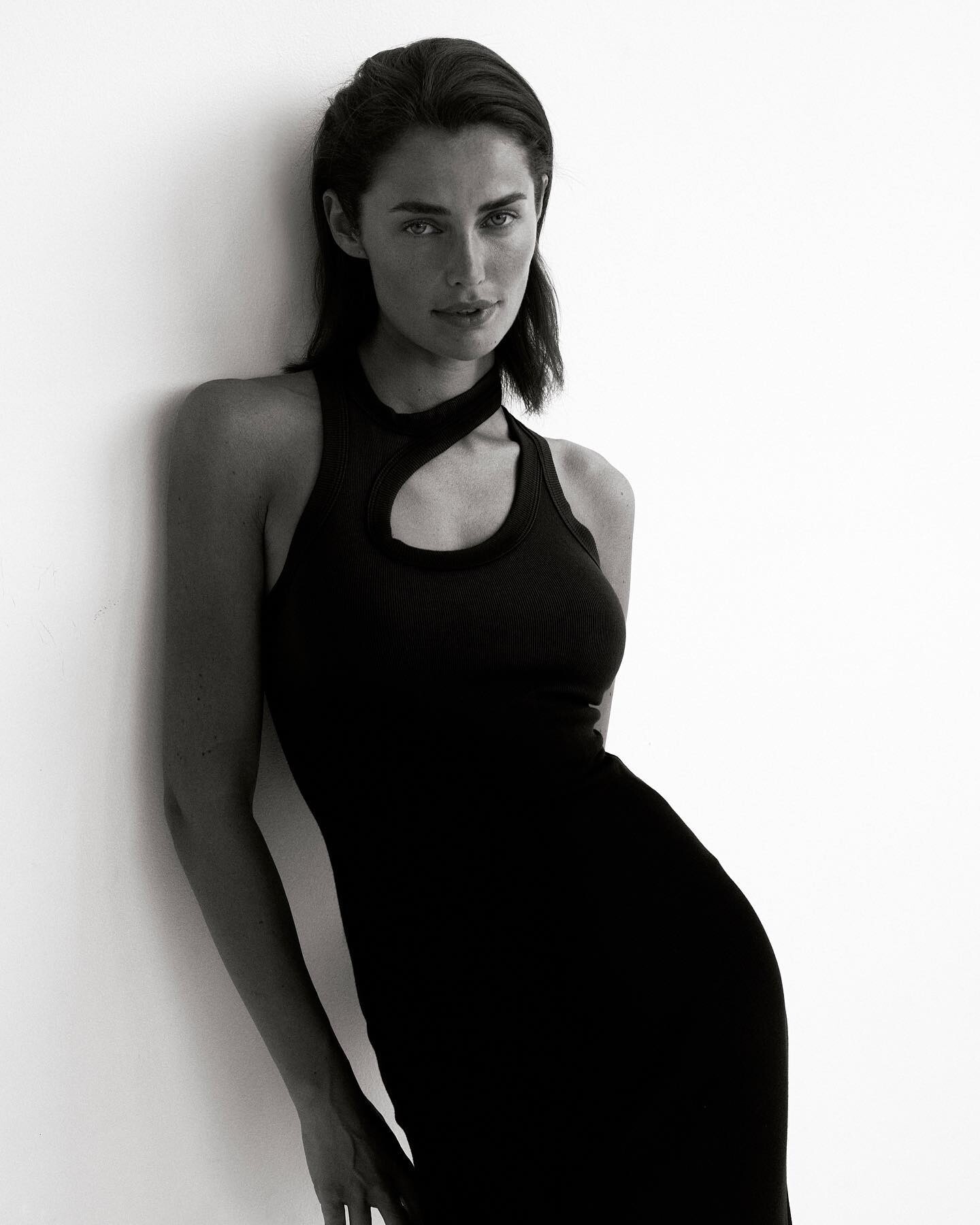
Shale586
Members
-
Joined
-
Last visited
Everything posted by Shale586
-
 AMELIA MAY SMITH📷





-
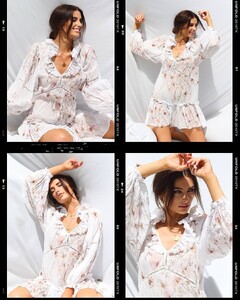
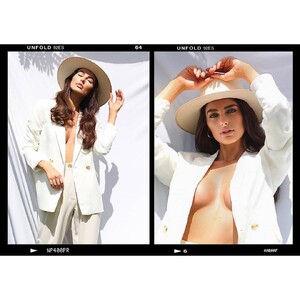
Francesca Morrison📷 again
-
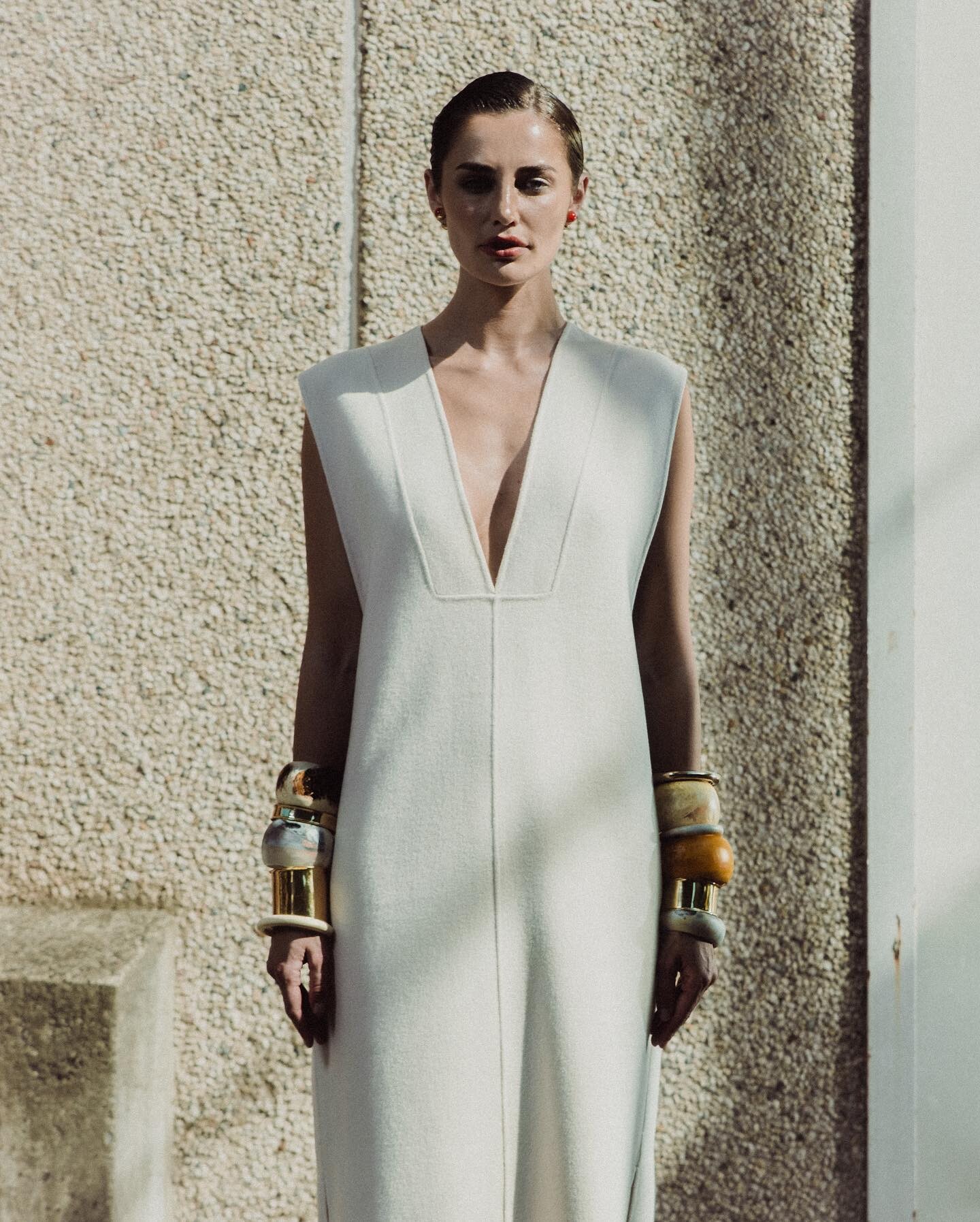
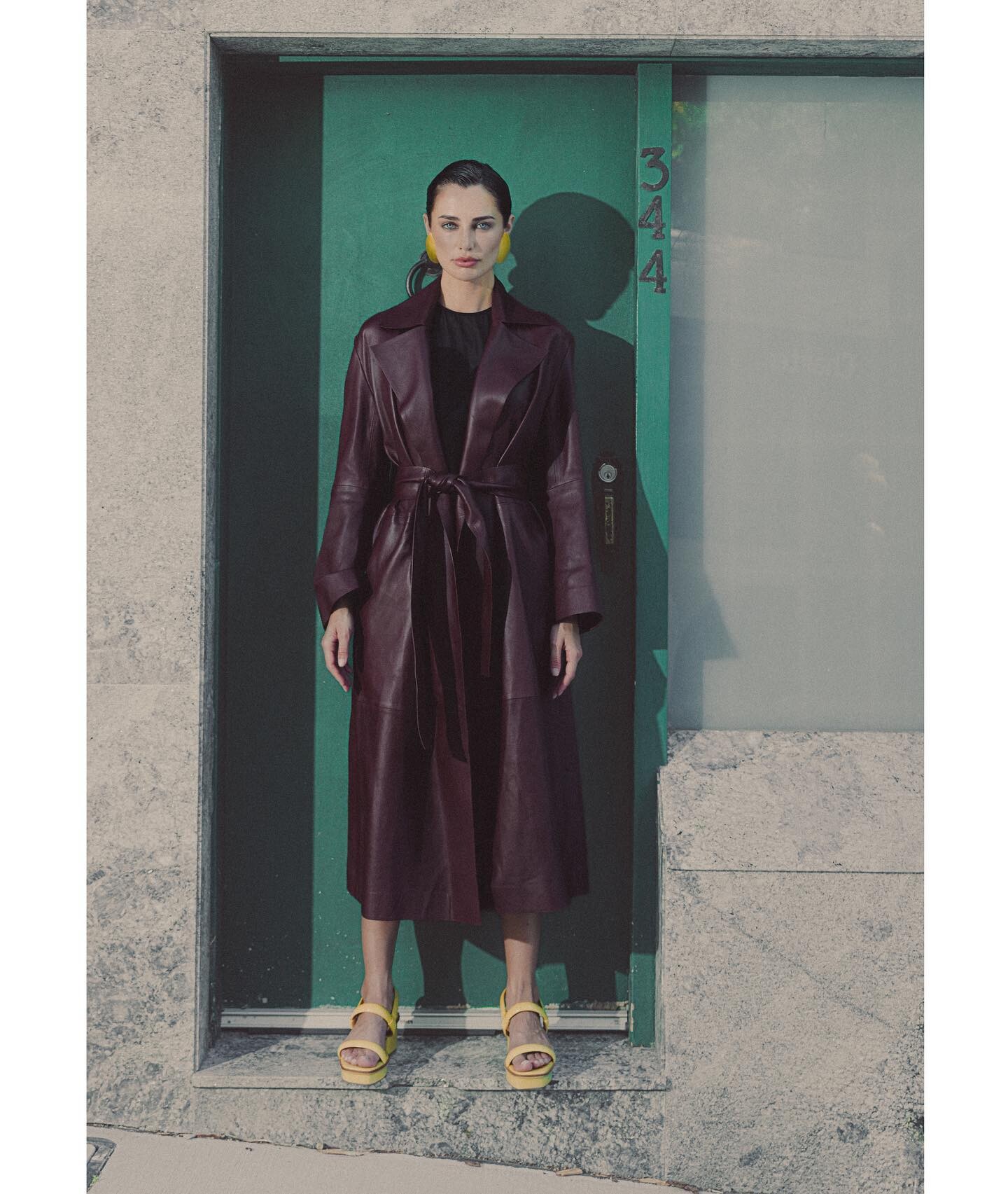
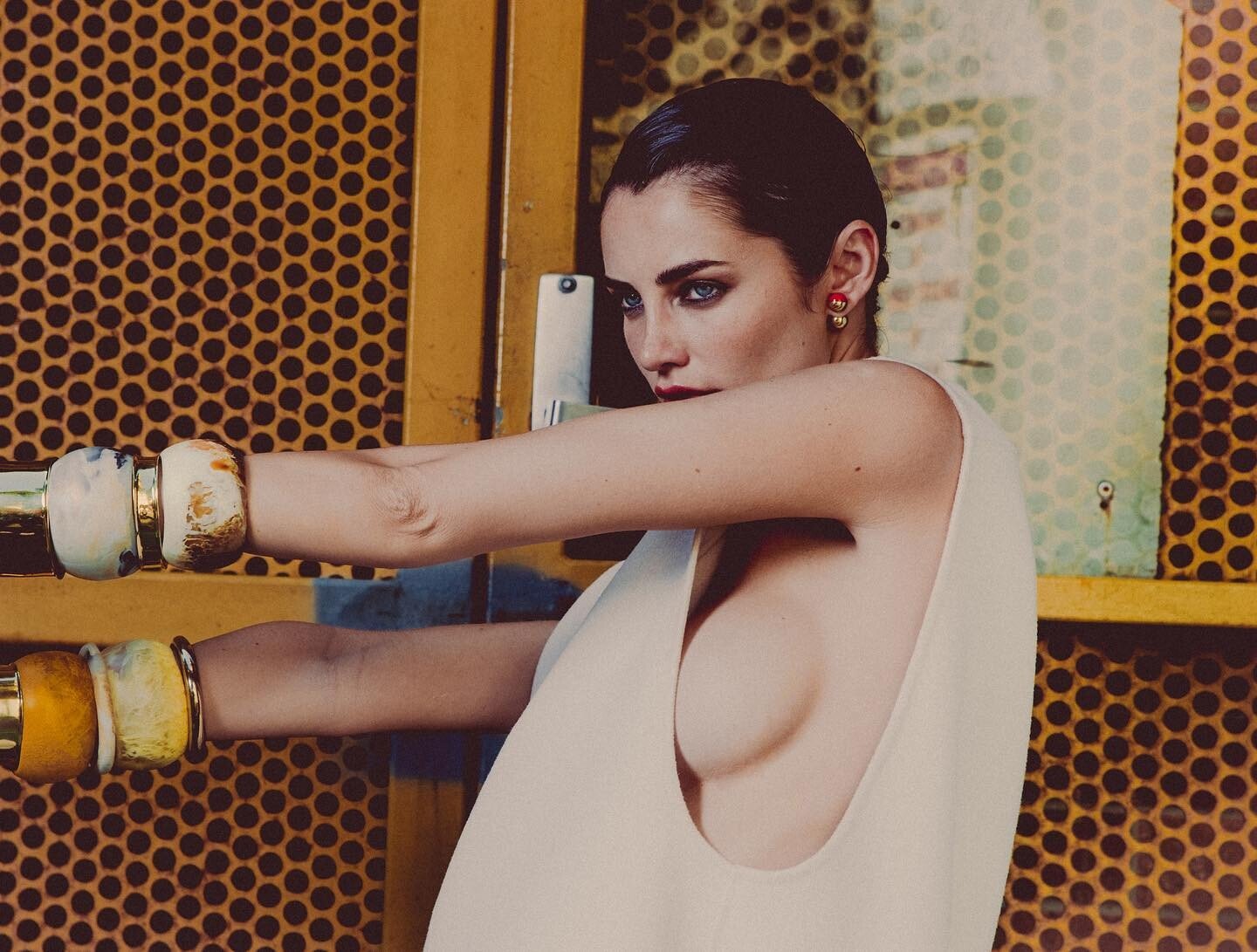
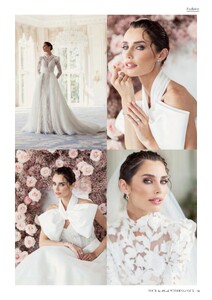
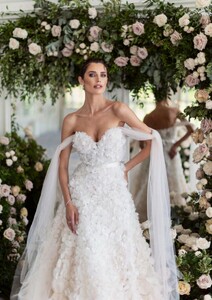
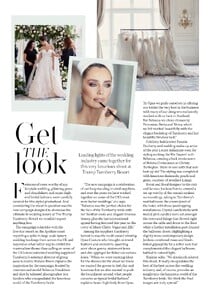
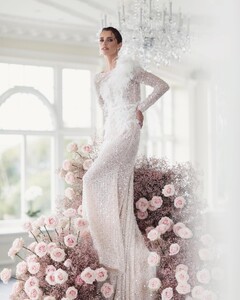
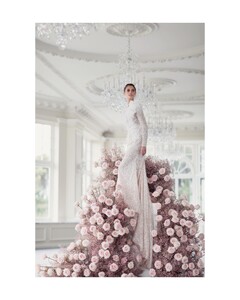
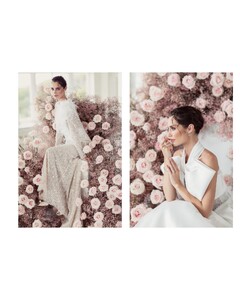
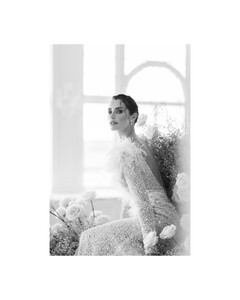
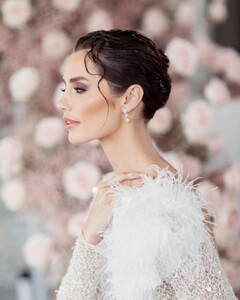
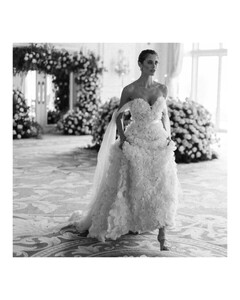
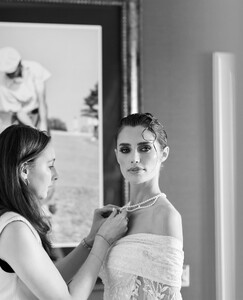
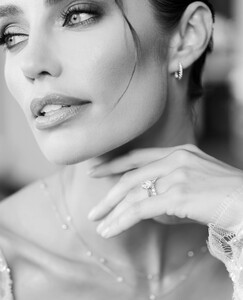
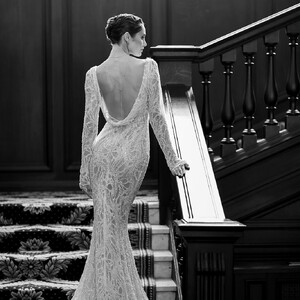
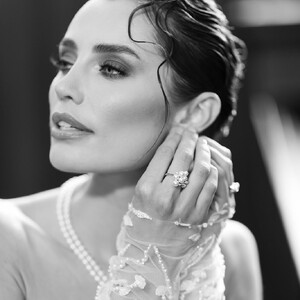
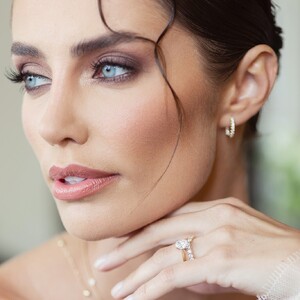
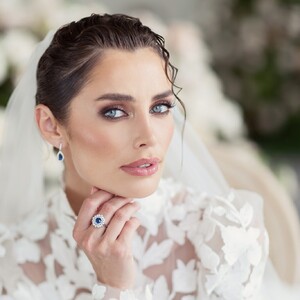
More from this shoot by Eva Sanders📷\




















-
Ultimo 2014



-
At the Goldstein Residence Snapinsta.app_video_GPrPBRBLcihgAB8BAA2i_F_RS9Y_bvVBAAAF.mp4

-
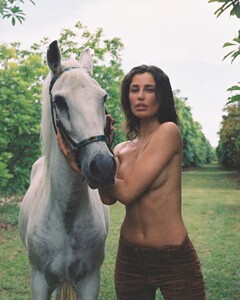
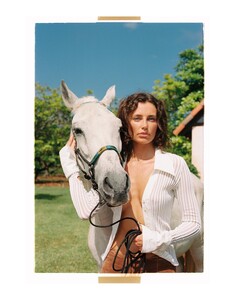
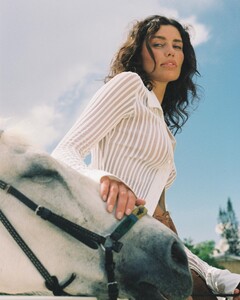
Franky Puentes📷

-
LM the Label
-
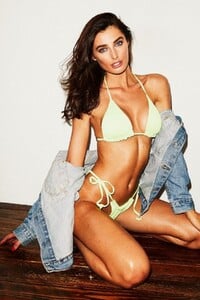
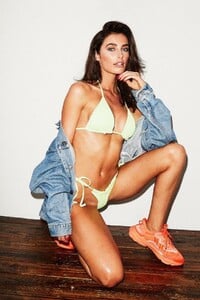
Steve Read📷




-
Early work: for THE SKINNY 2012



-
Early work: Karolina Kotkiewicz📷 2013




-
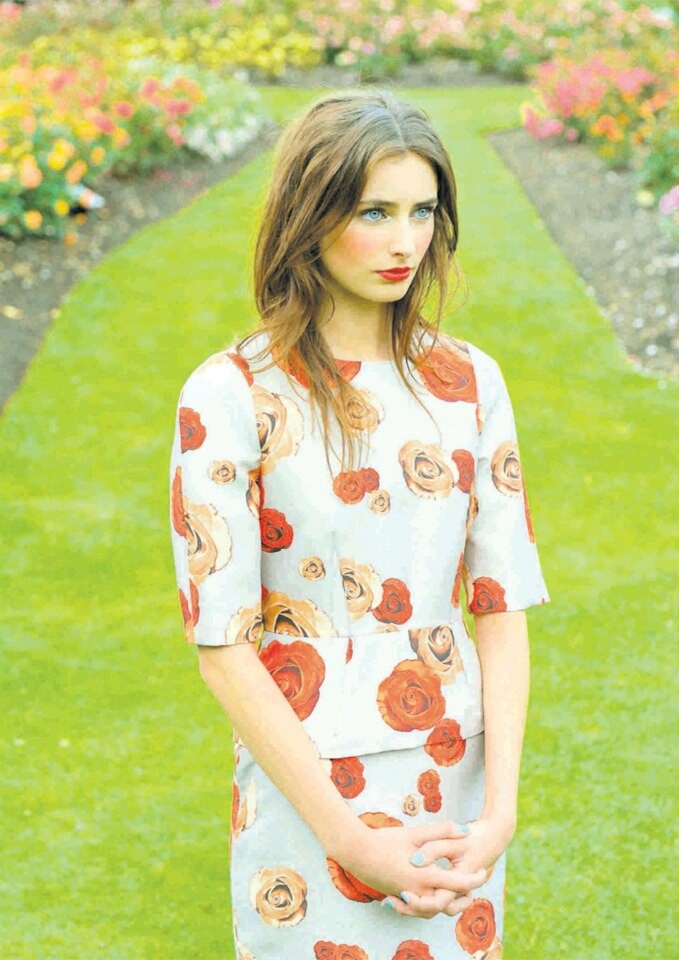
Early work: Kirsty Anderson📷 Everything's Coming up Roses 2012




-
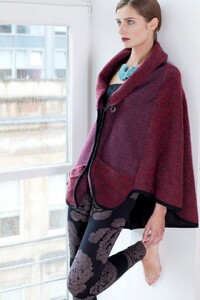
Early work: Gillian Hayes📷THINK BOUTIQUE'S AW12







-
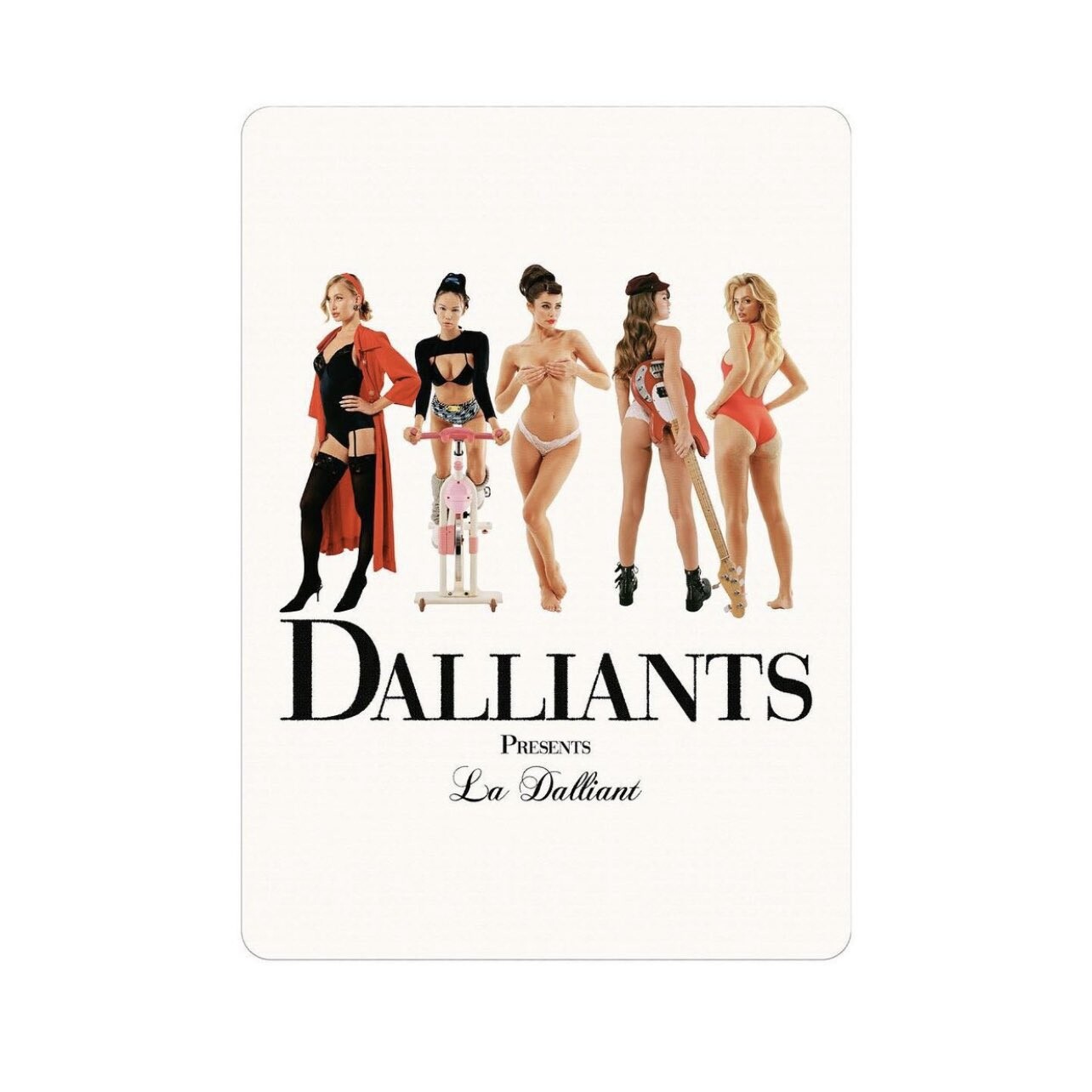
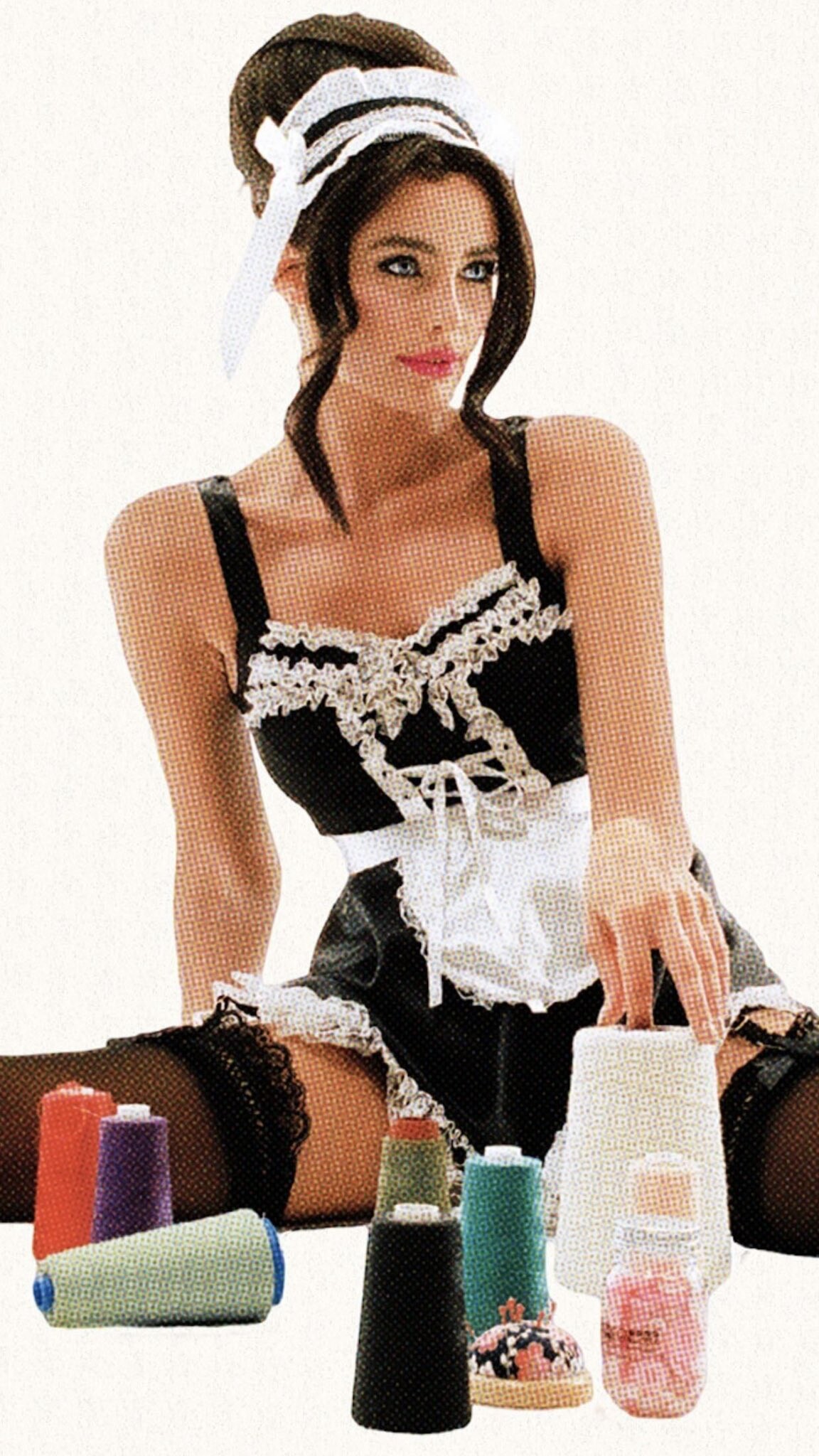
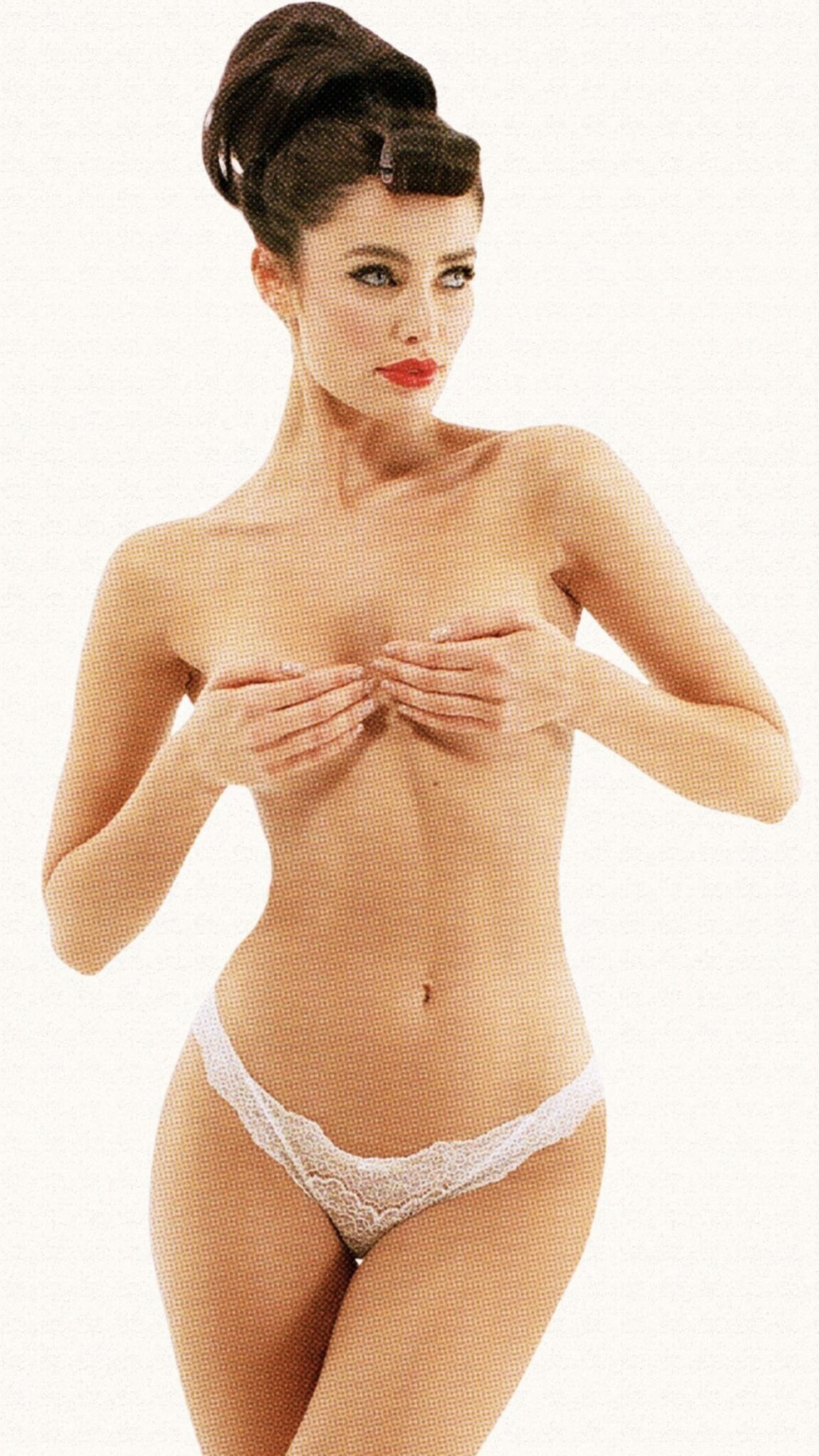
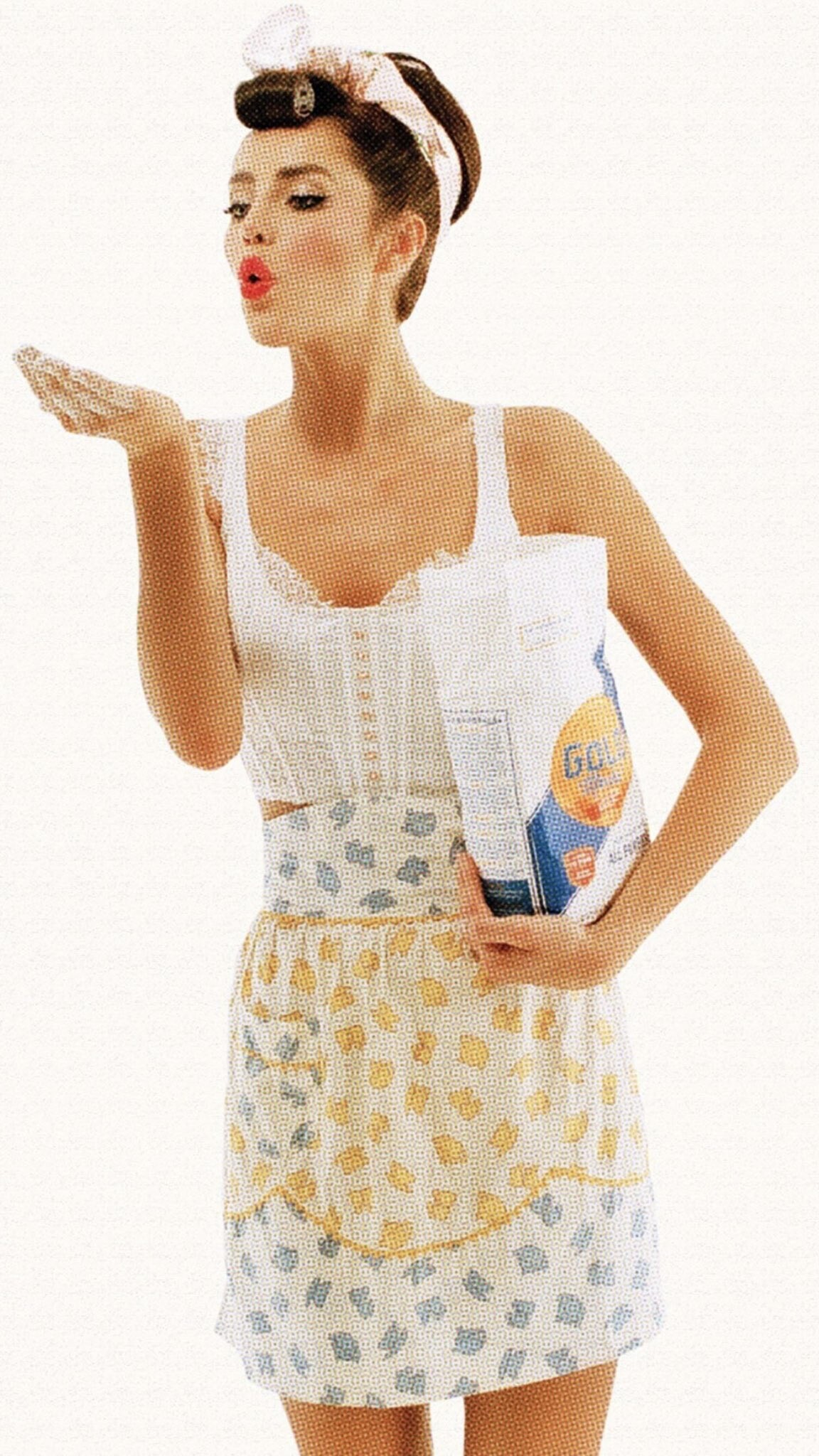
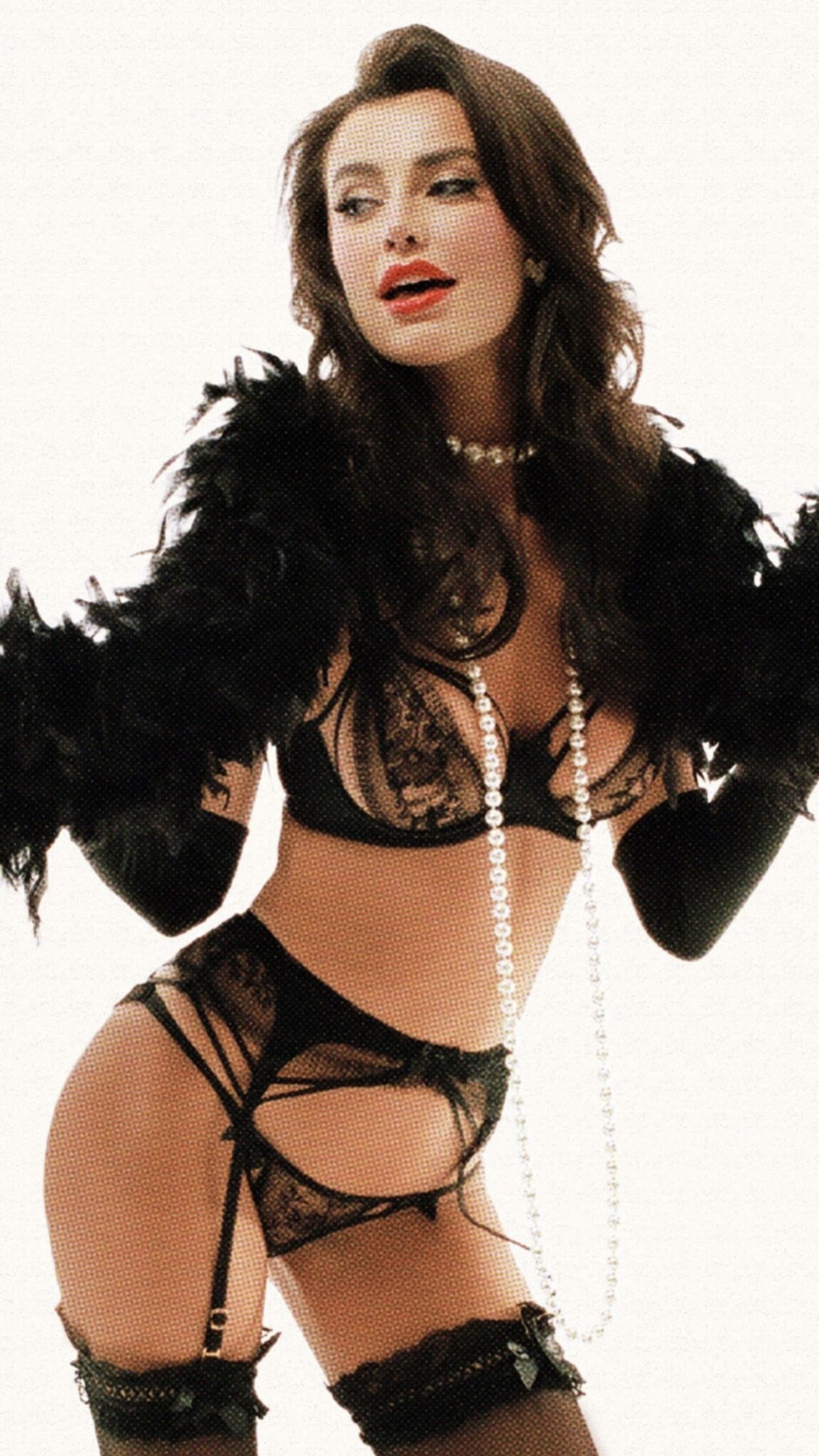
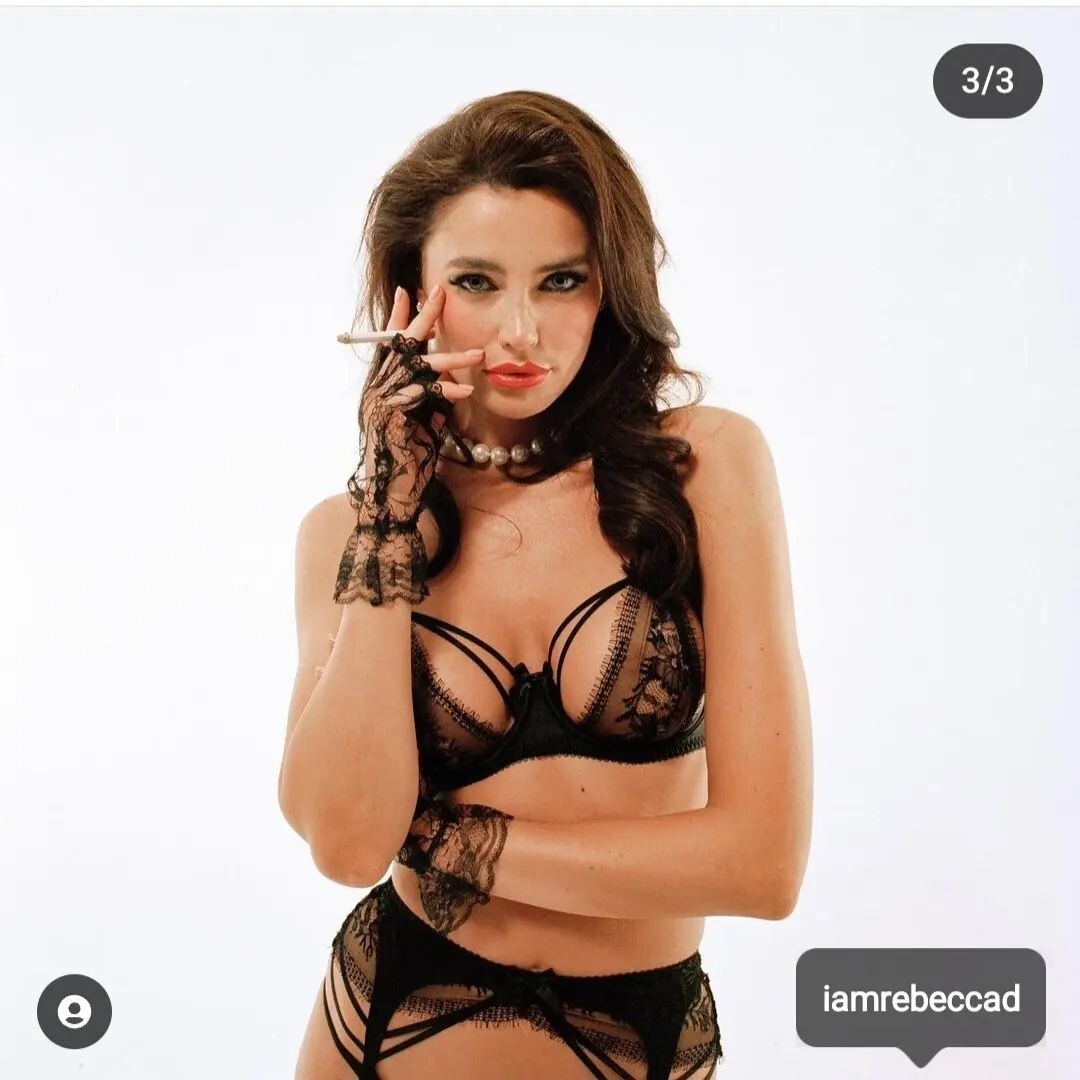
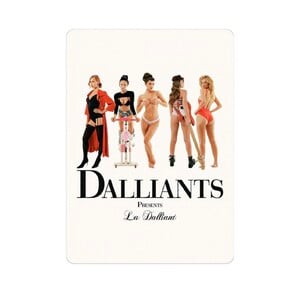
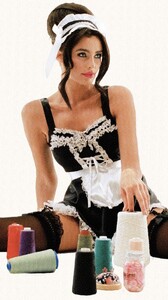
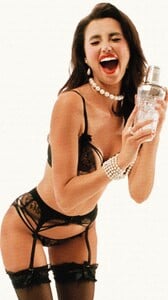
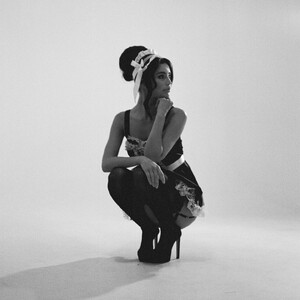
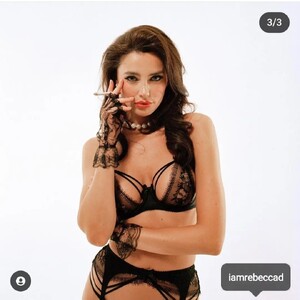
Franky Puentes📷 for DALLIANTS DALLIANTS was a company set up to sell NFTs - never really understood the appeal of NFTs, but there was a set for Rebecca. Most of them appeared on IG as Trading cards (like the second image). The company's website has disappeared from the net. Here are the images that appeared on the cards - poor quality, but no other ones seem available. There's also a vid on X:






































-
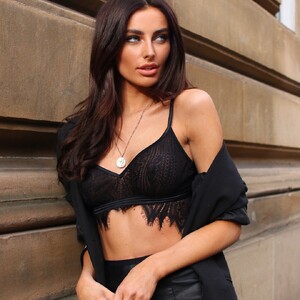
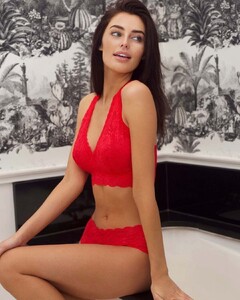
Cosabella



















-
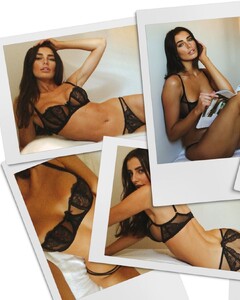
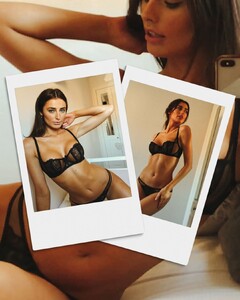
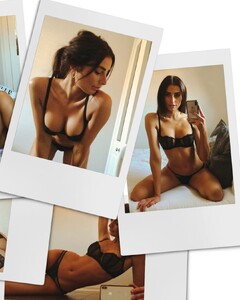
Steph Small📷\Agent Provocateur socials Steph Small📷\Hotel Gotham Socials

-
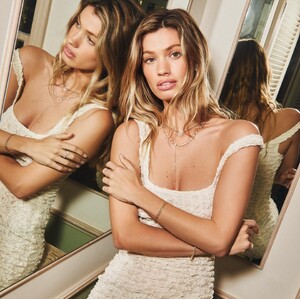
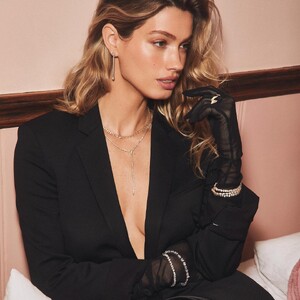
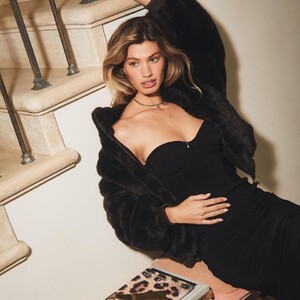
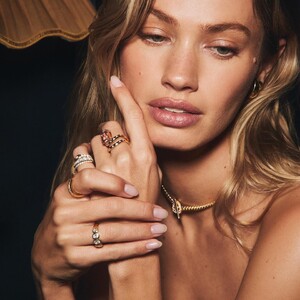
LOGAN HOLLOWELL
-
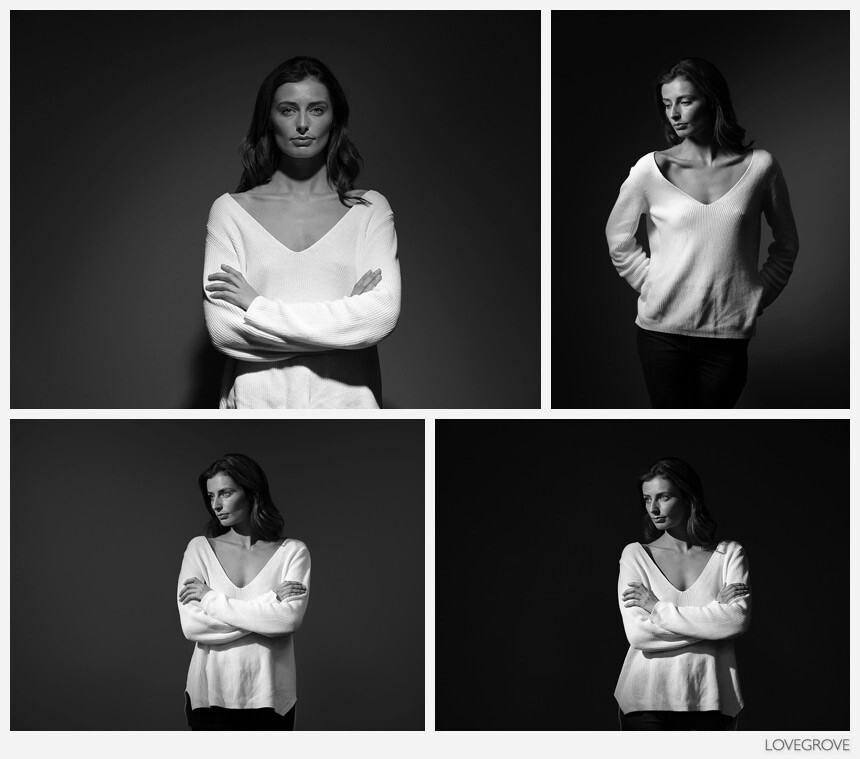
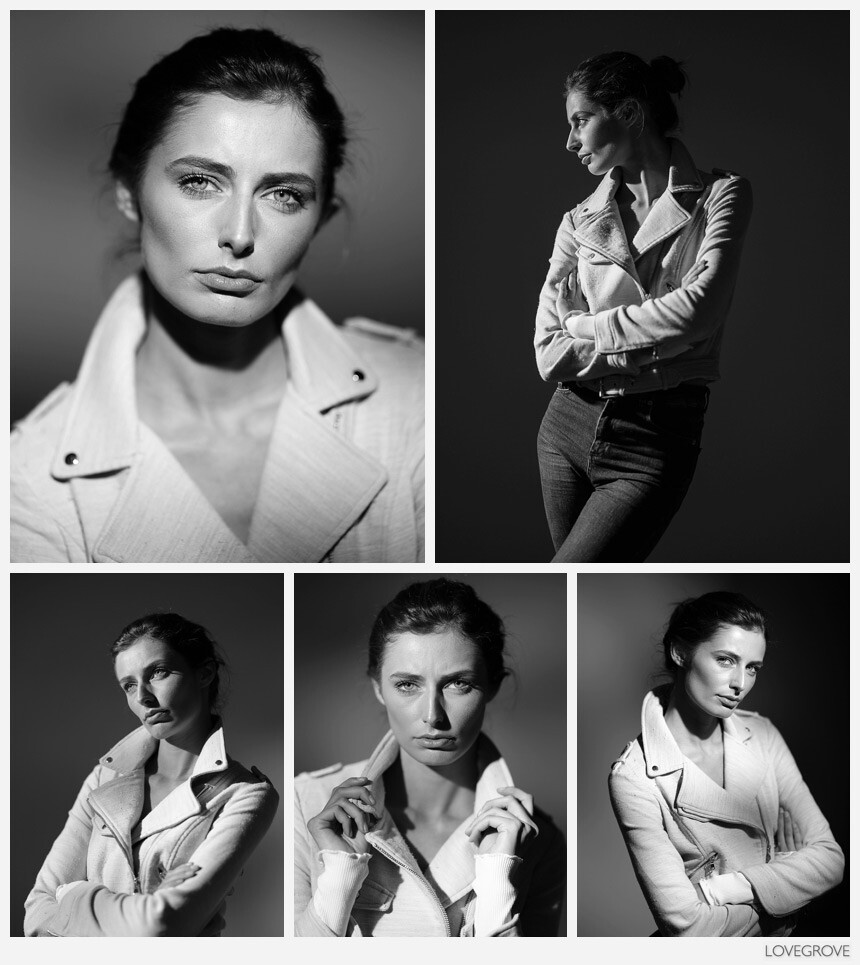
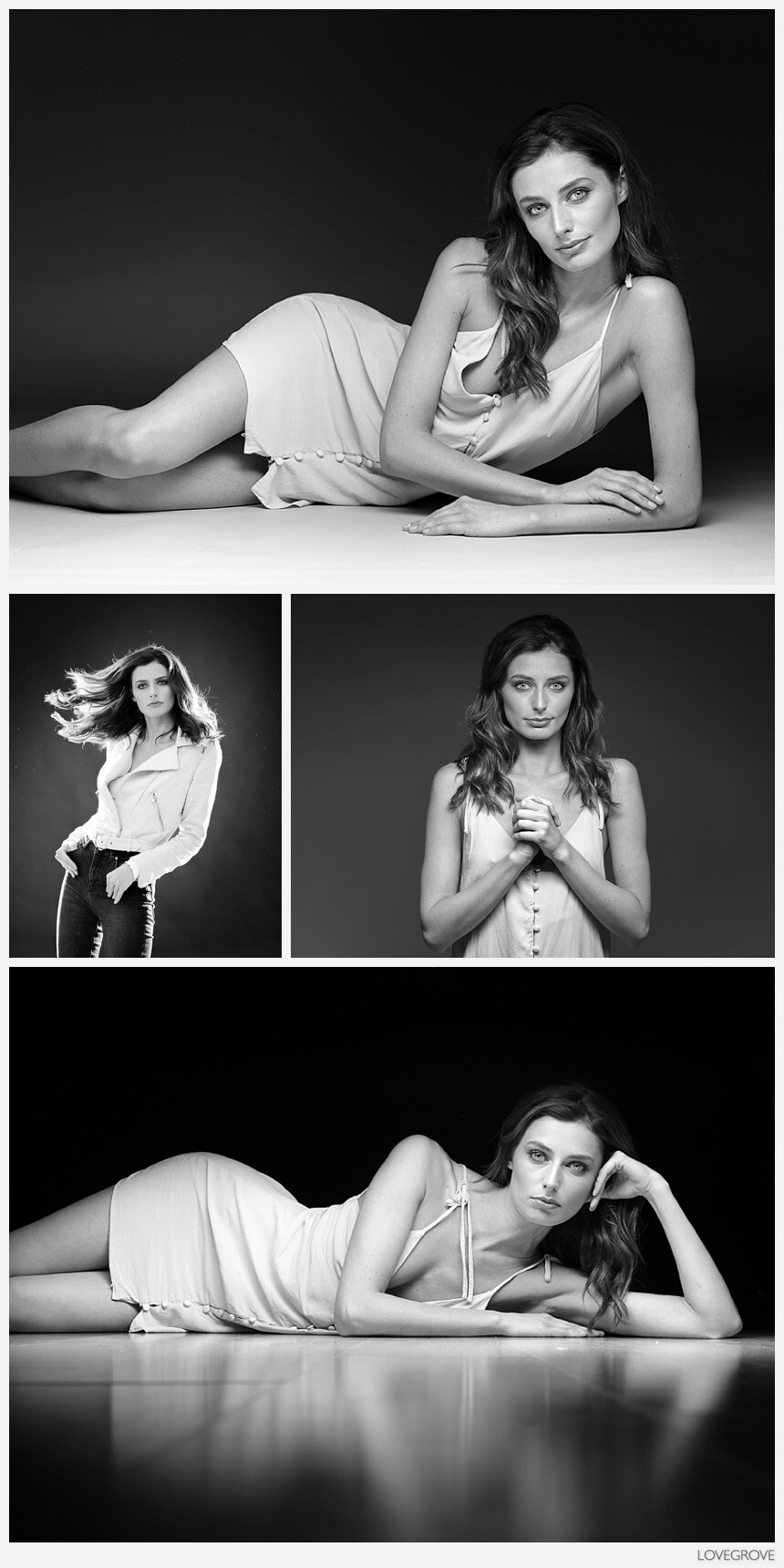
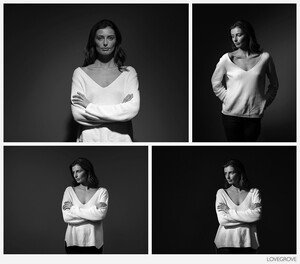
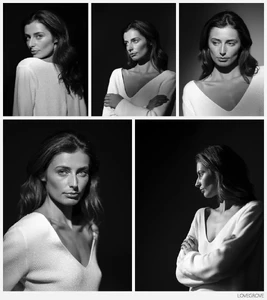
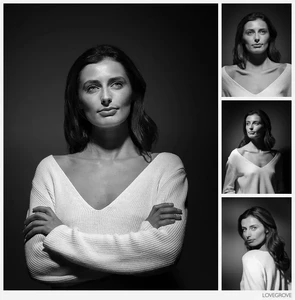
Damien Lovegrove📷






-
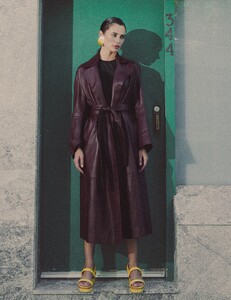
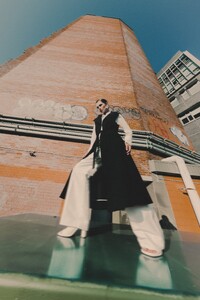
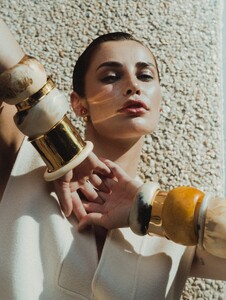
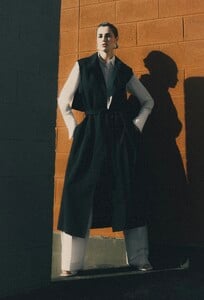
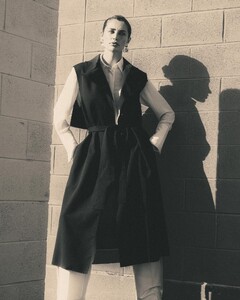
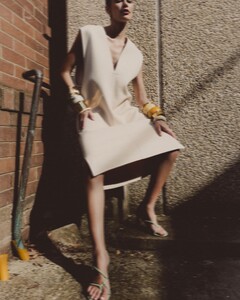
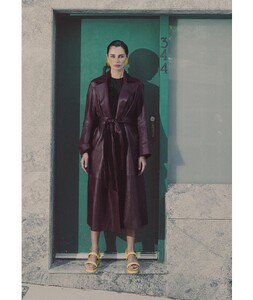
CHARLIE GRANT📷










-
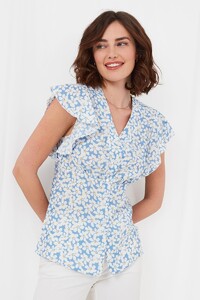
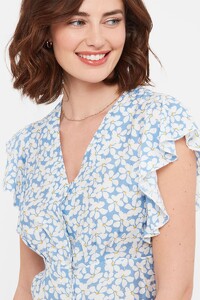
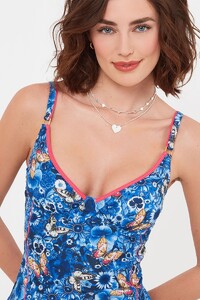
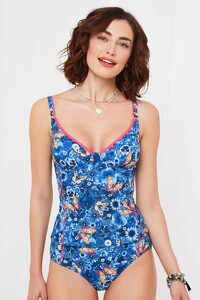
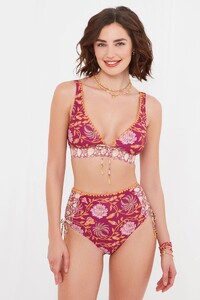
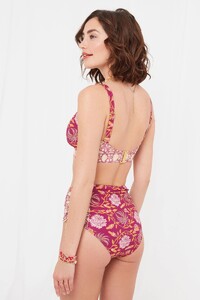
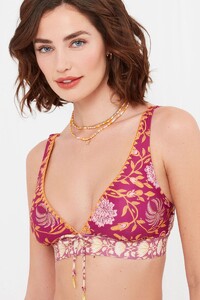
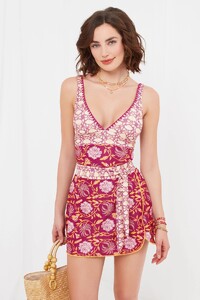
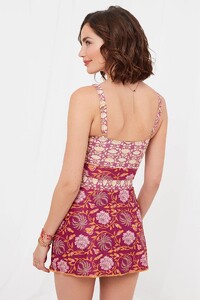
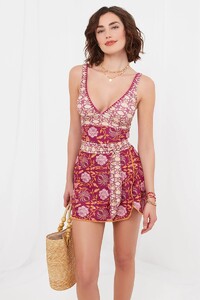
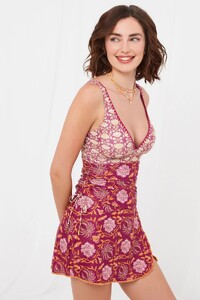
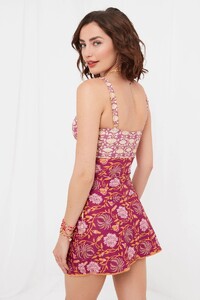
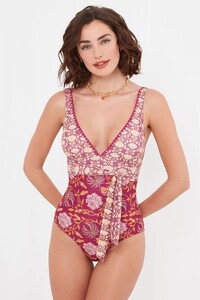
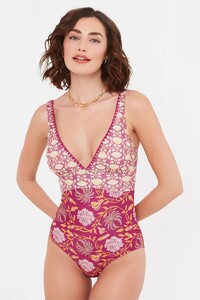
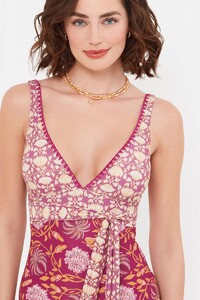
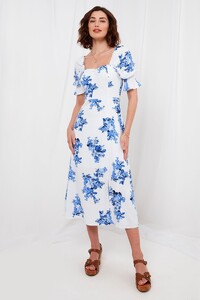
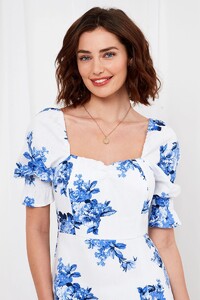
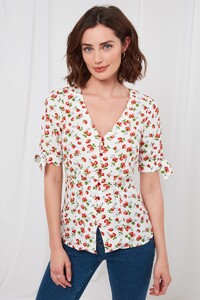
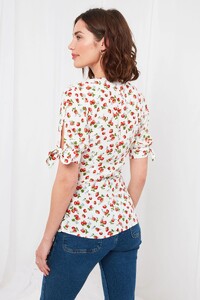
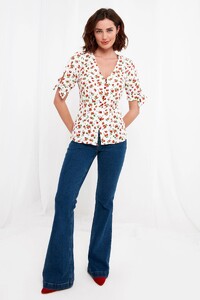
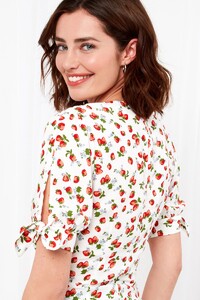
Joe Brown's




-
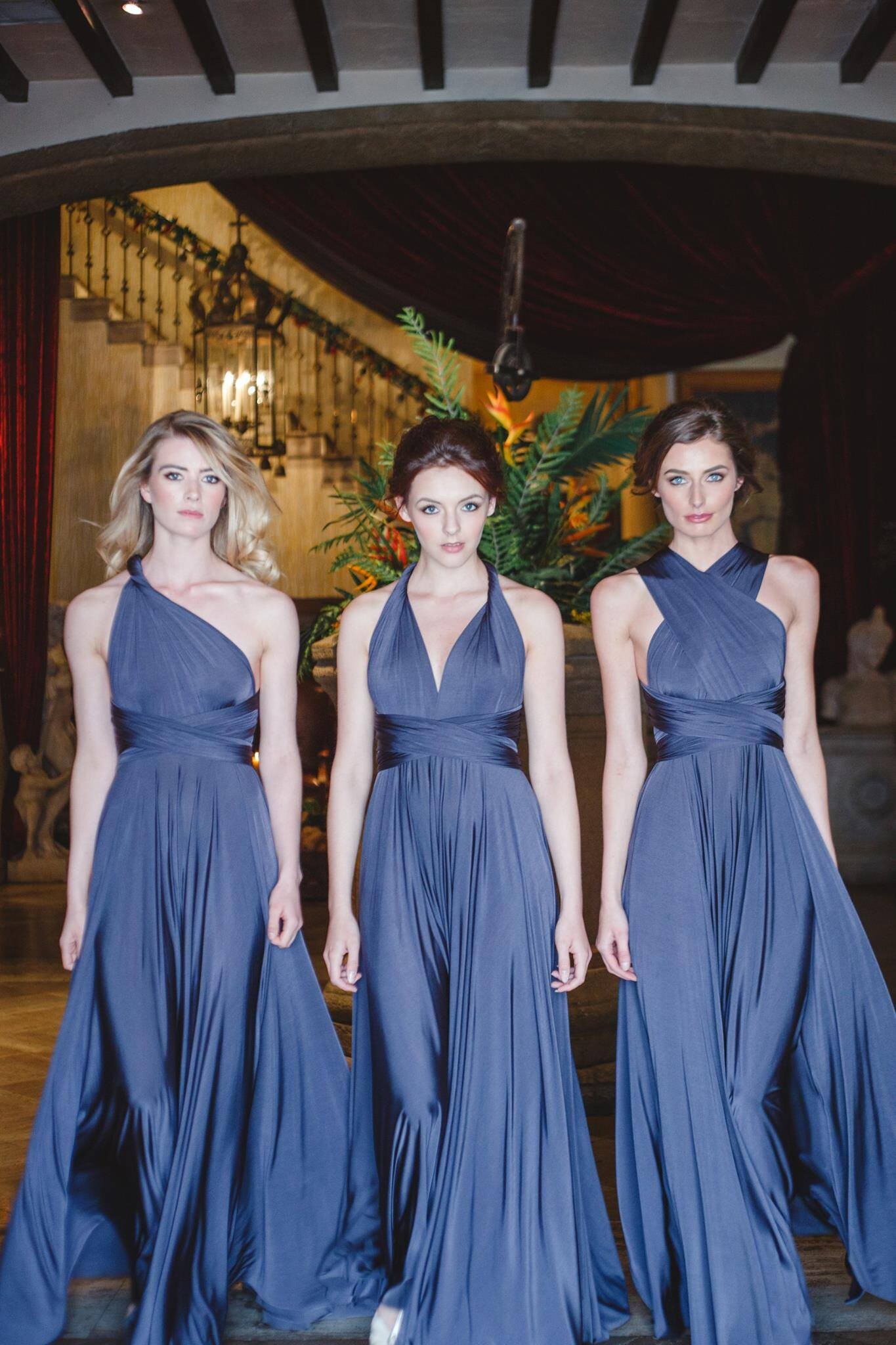
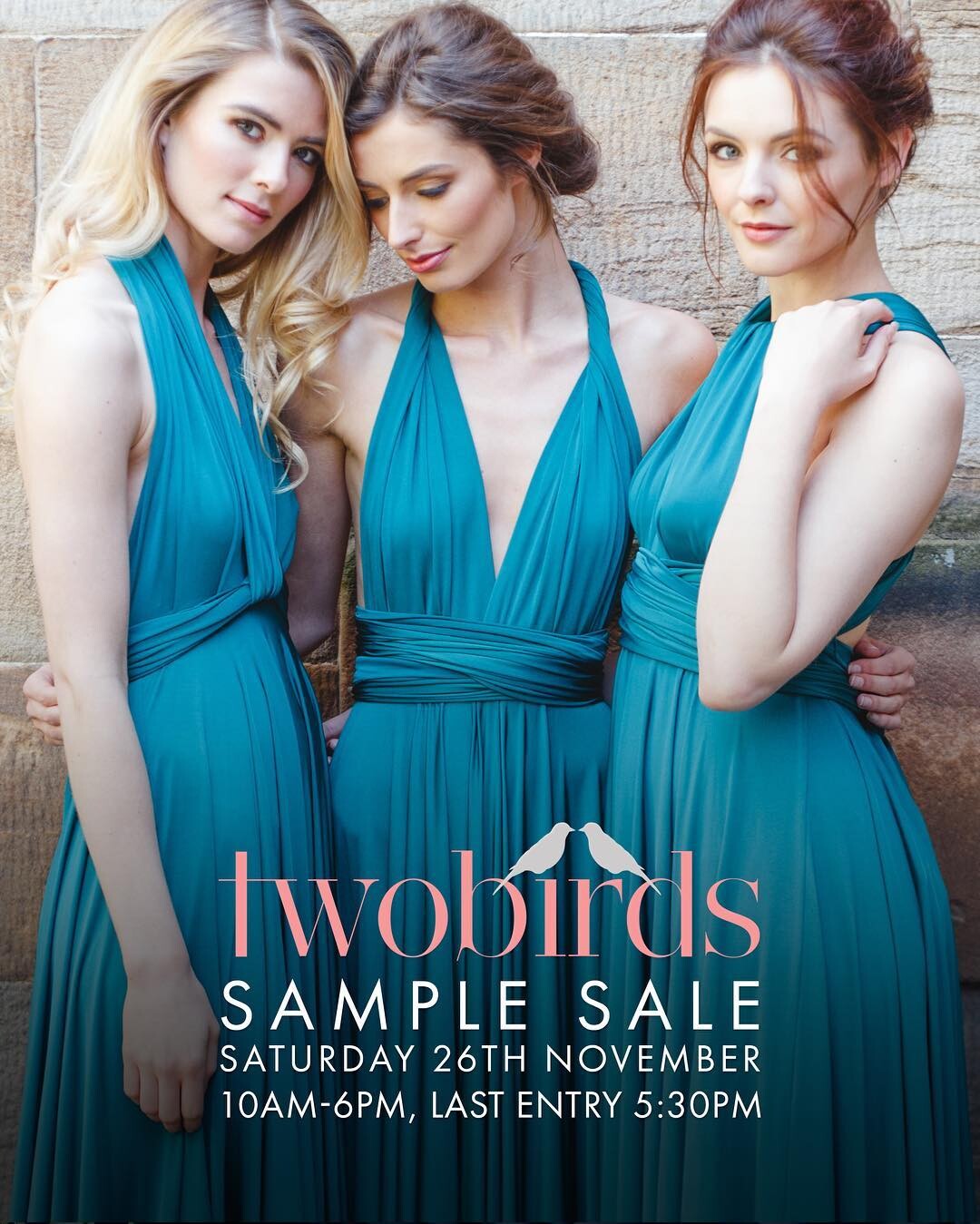
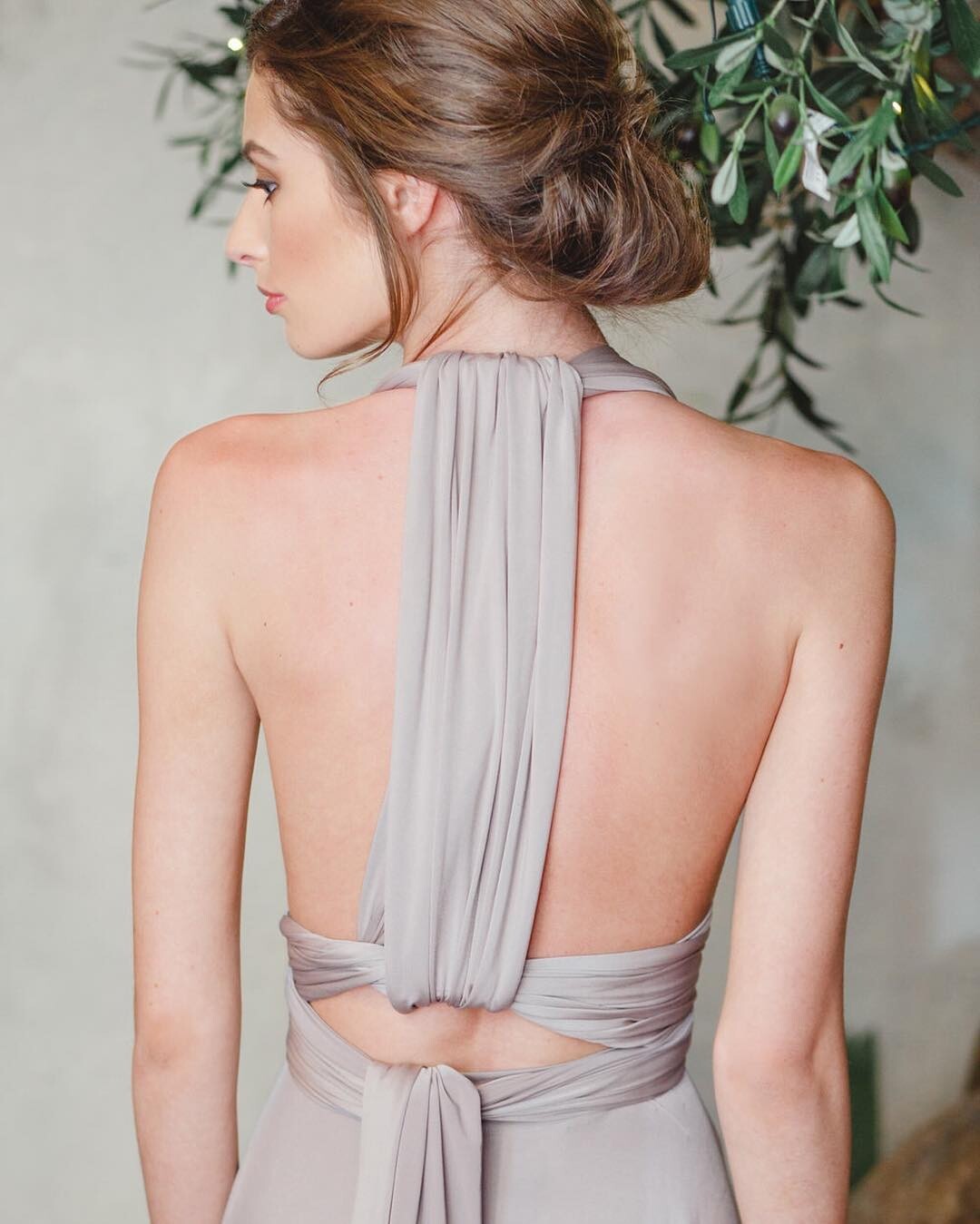
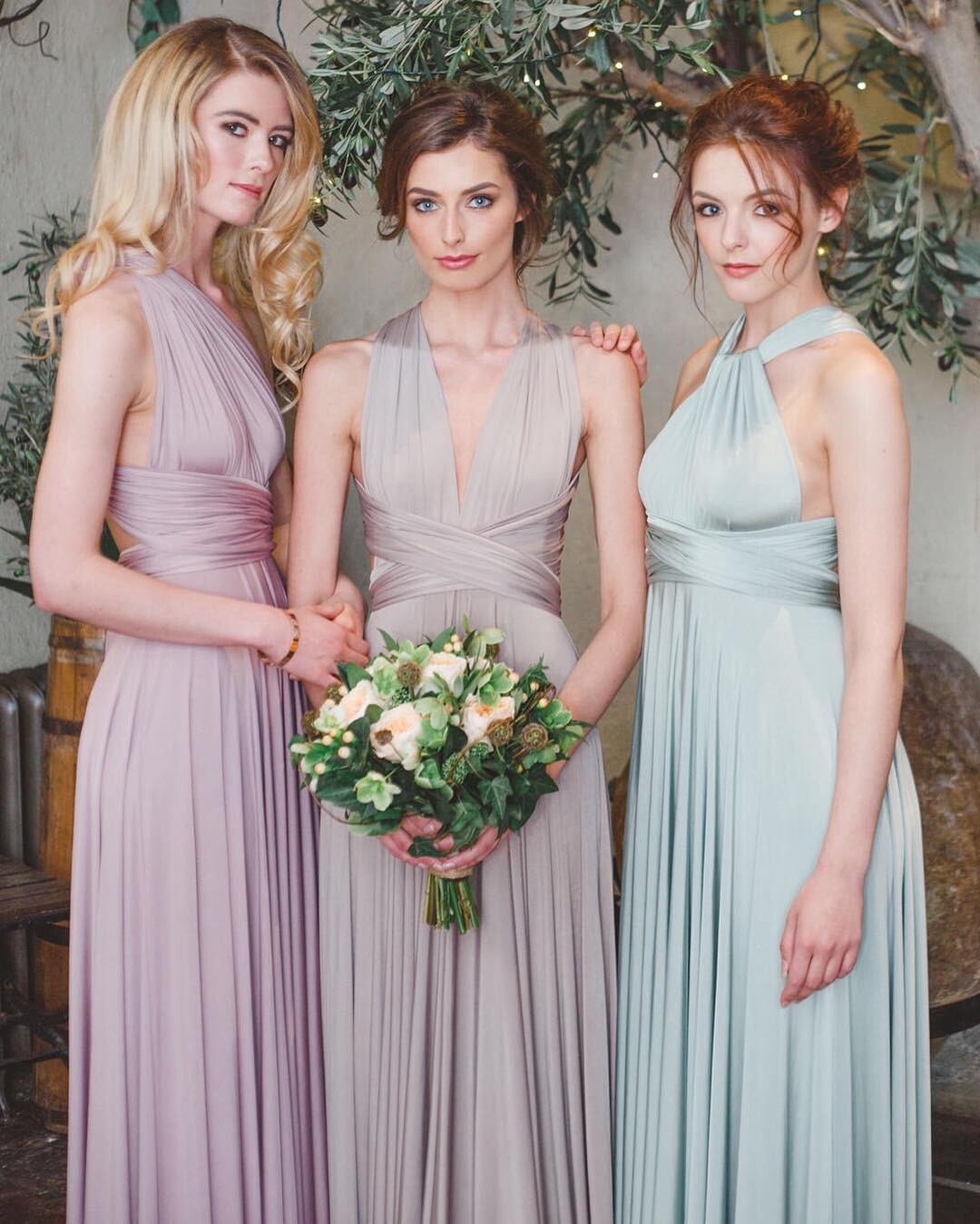
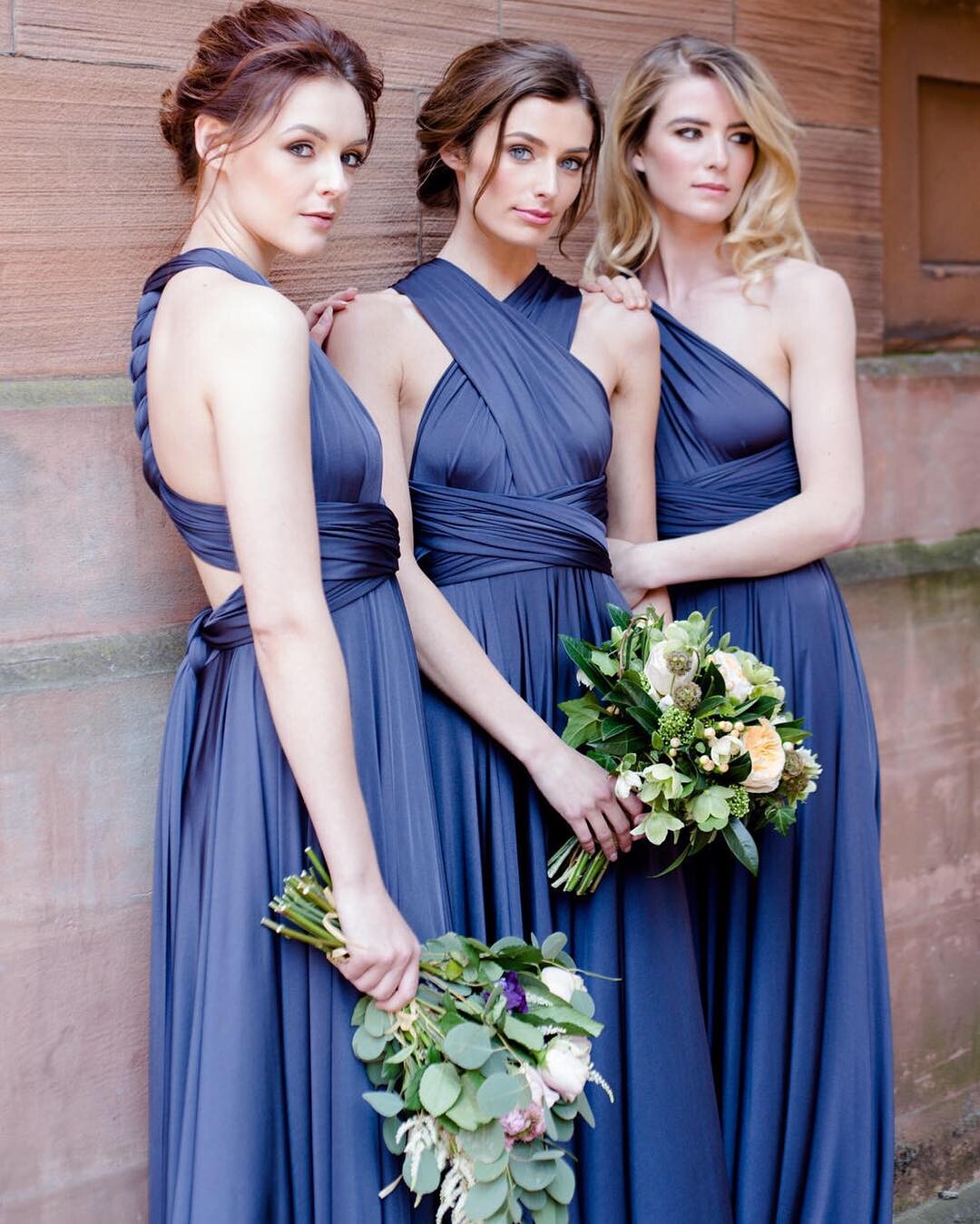
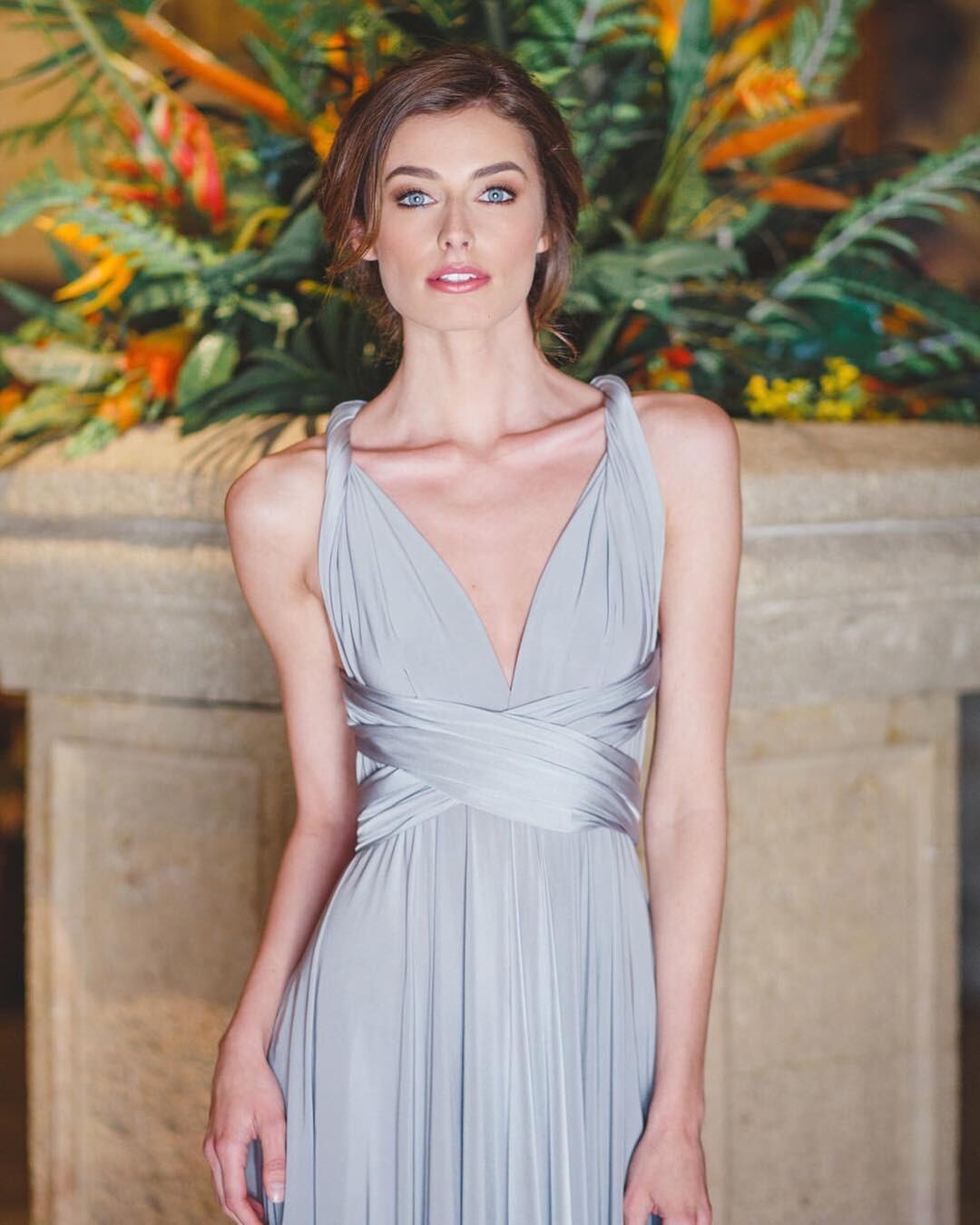
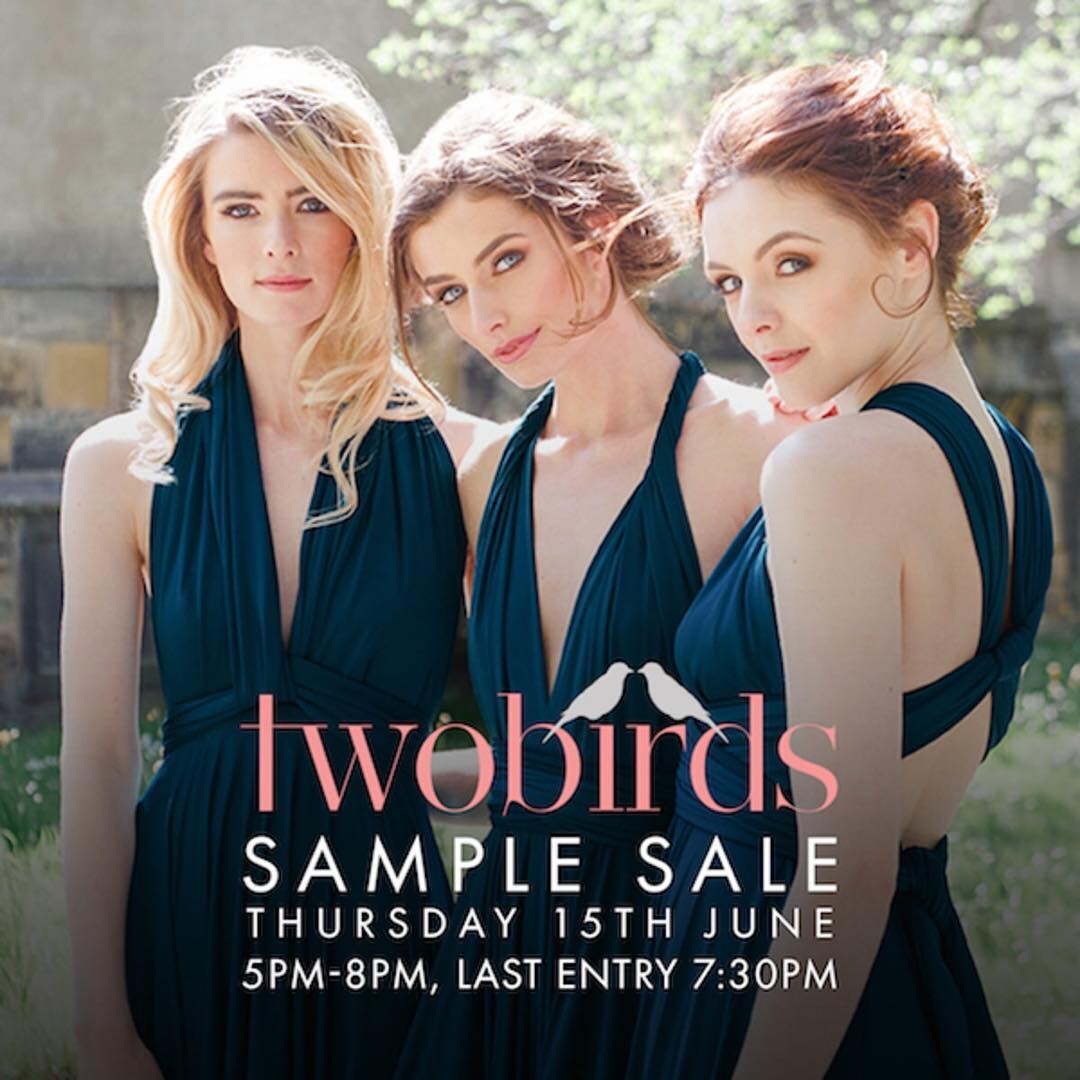
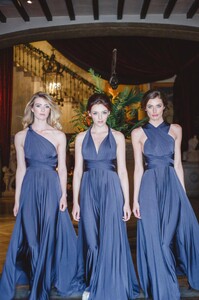
twobirds Bridesmaid







-
Tom Mitchell📷



-
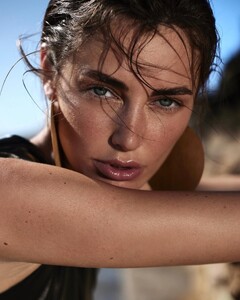
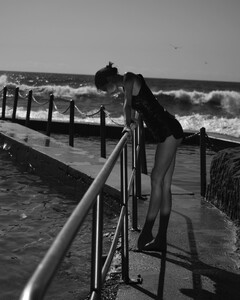
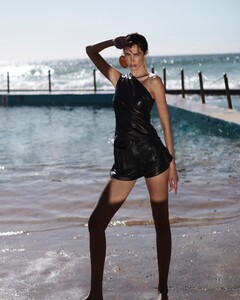
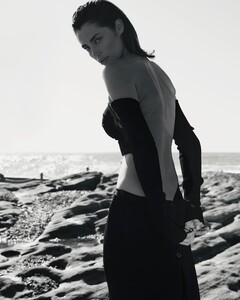
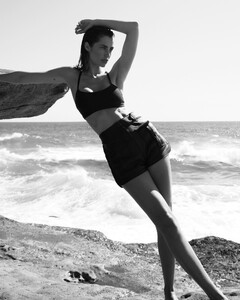
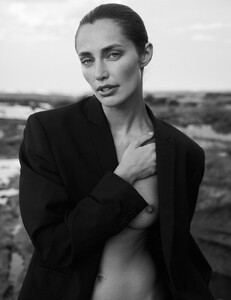
Raex Murillo📷 Nudity






-
Nika Orlova📷
-
Michael Carrello📷





-
Luc Coiffait📷