

Weasel79
Members
-
Joined
-
Last visited
Everything posted by Weasel79
-
So, I guess she wasn't in SI this year.
-
-
280648424_3299078120323342_5303816113390609825_n.mp4 280564409_1238169246715008_6626194226687625150_n.mp4 10000000_119752690728178_7015365926658128076_n.mp4 283168012_535945764595526_4281789255906643650_n.mp4 285537867_5260490554018546_4743882976405948095_n.mp4
-
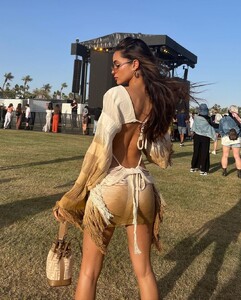
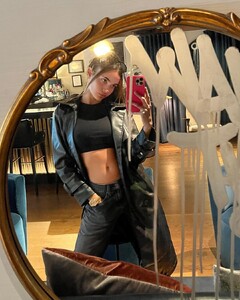
Instagram





















































-
-
-
Because they went to strictly white wall background shots? They used to have nice settings. They still have some good models. Lotta is one for sure.
-
-
-
-
-
-
-
-
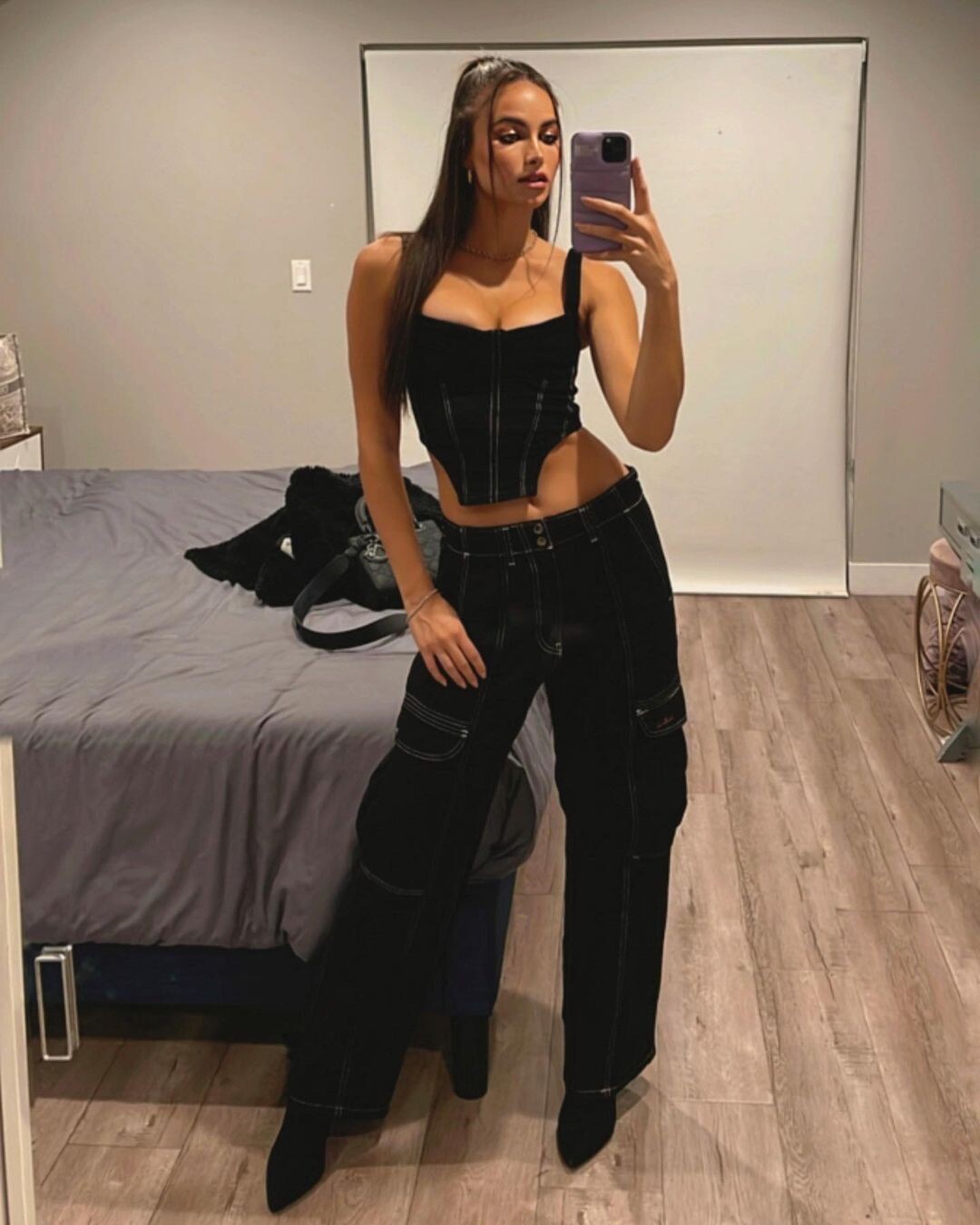
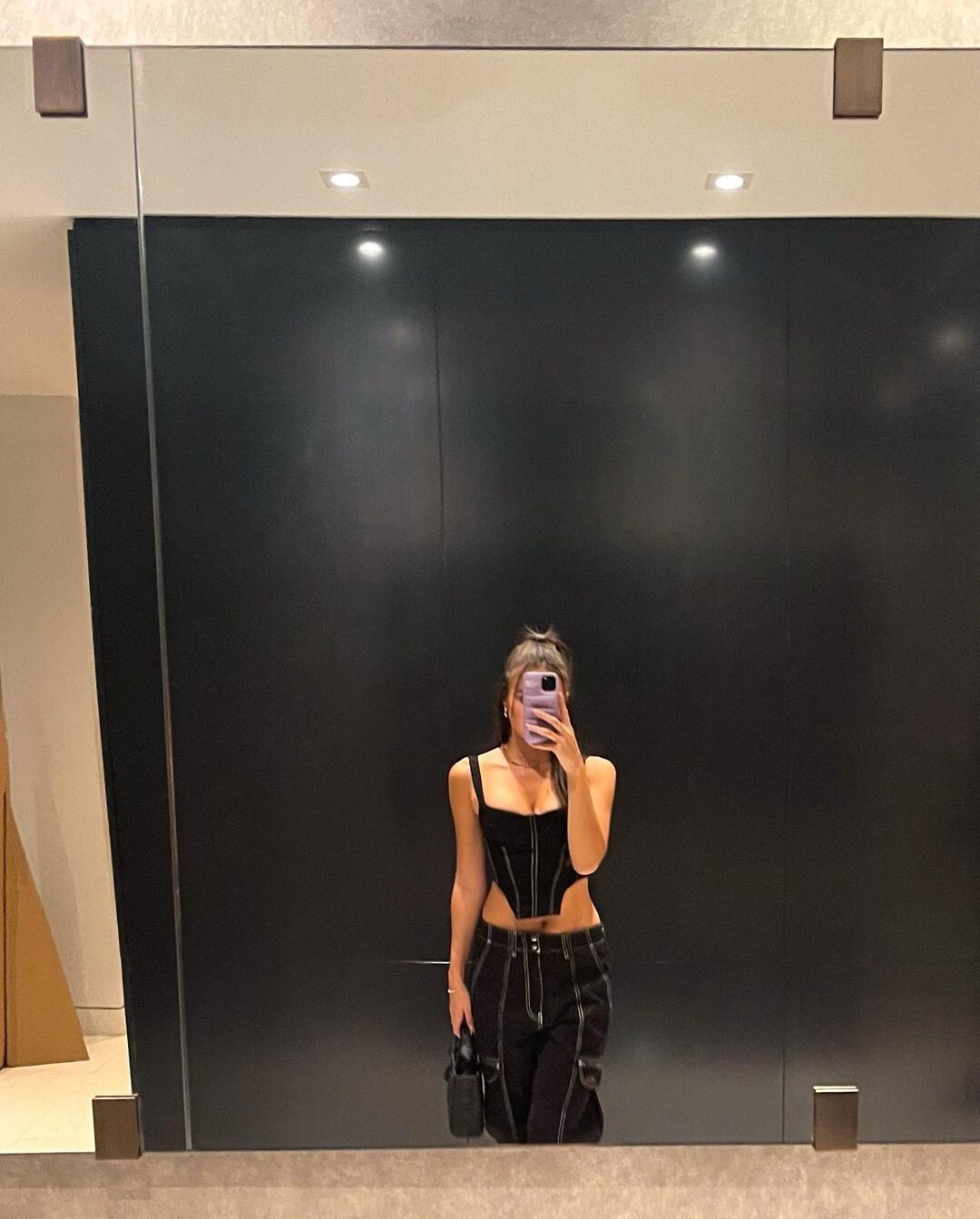
CB47FBD2805674228BF4DE436E812FB8_video_dashinit.mp4Nope, but I would like to see themInstagram stories
 avalondawn story 19.05.2022.mp4






























































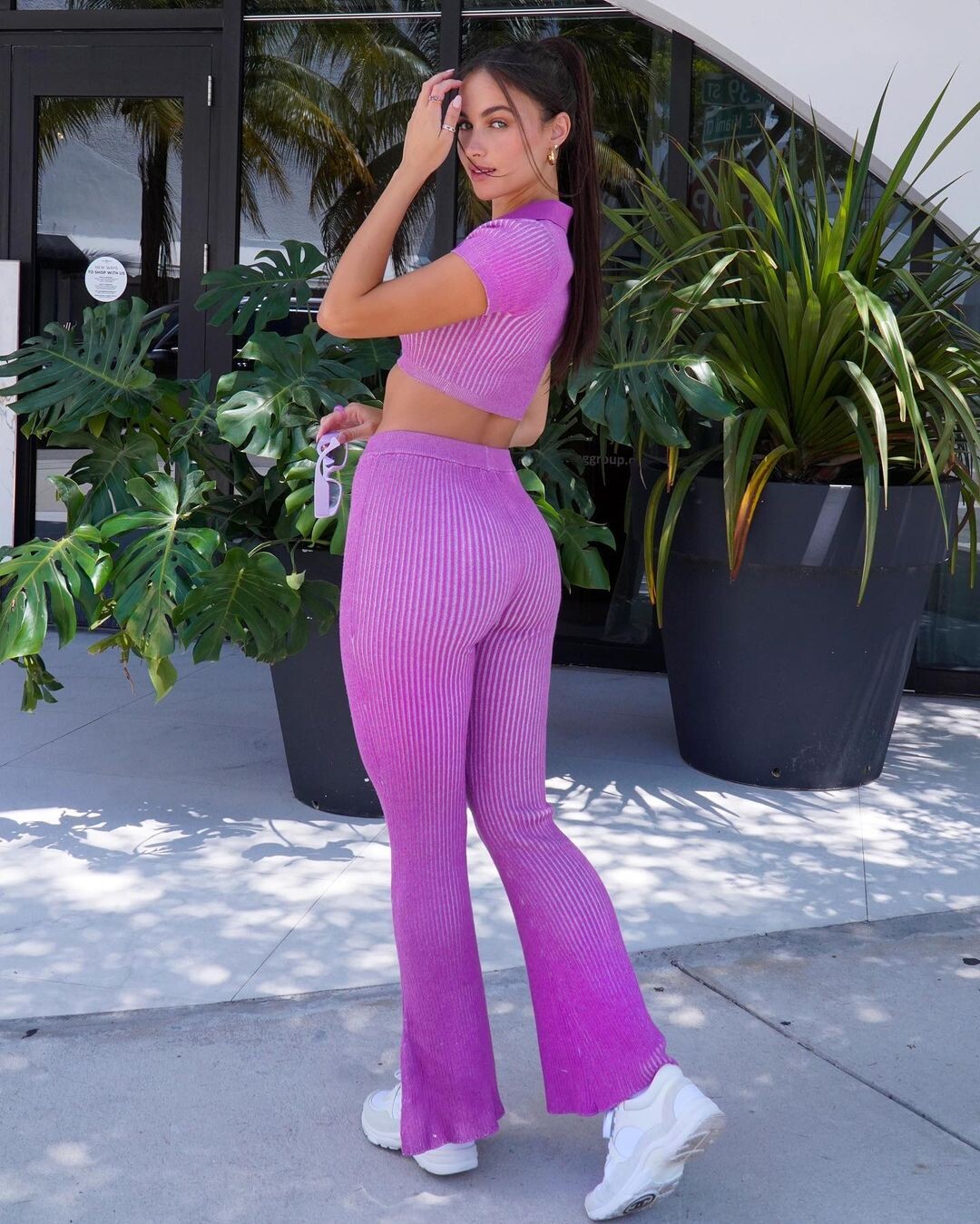















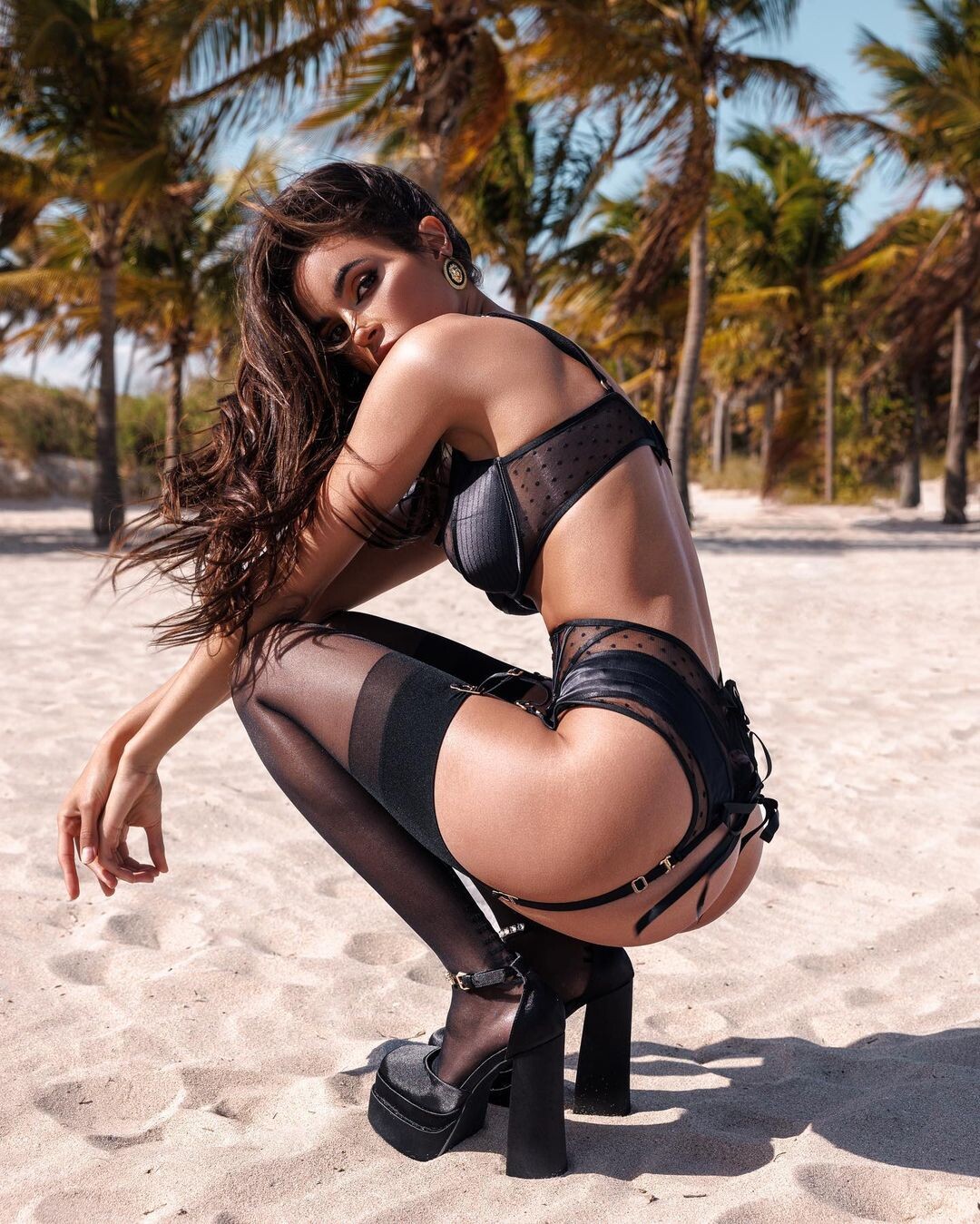



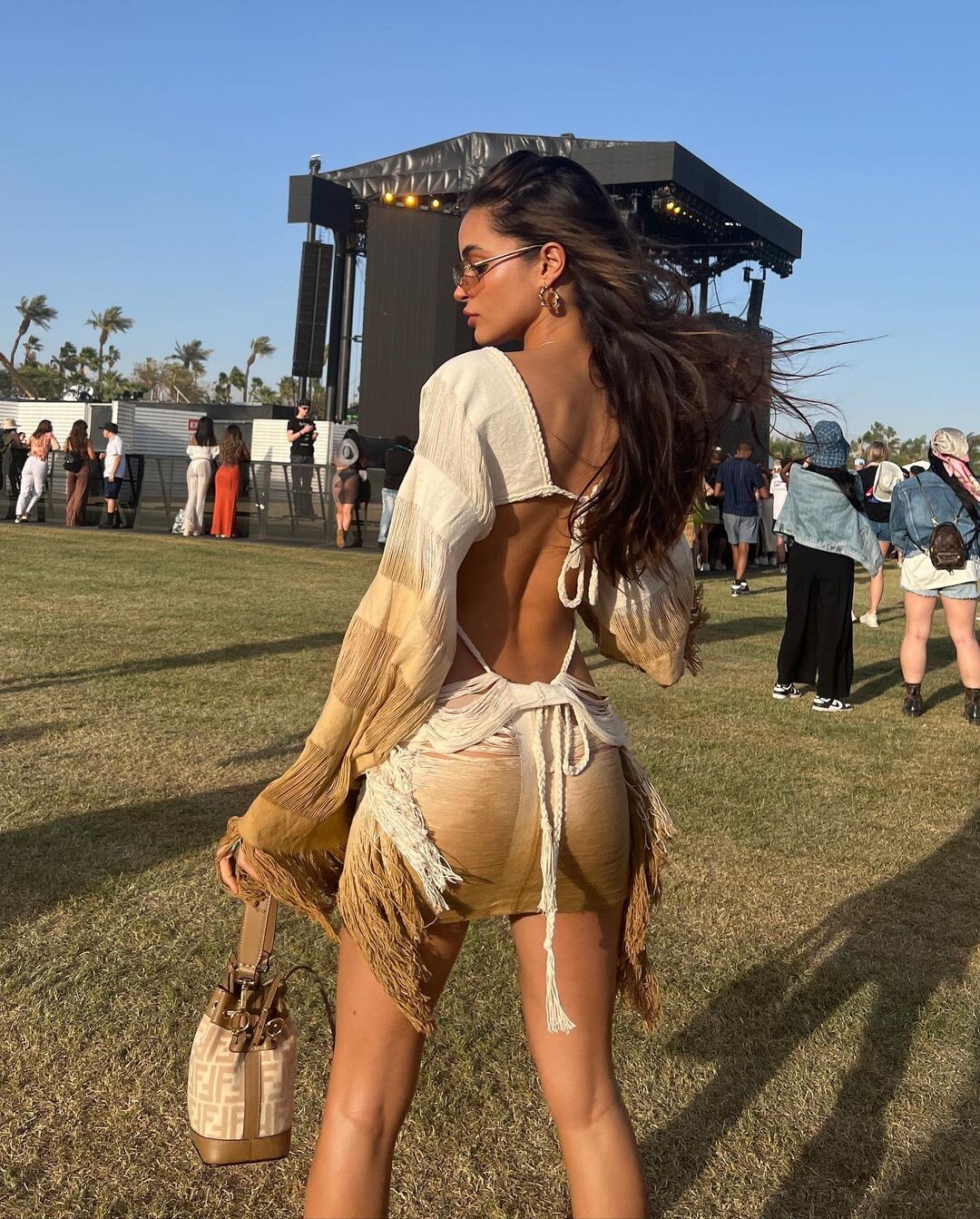









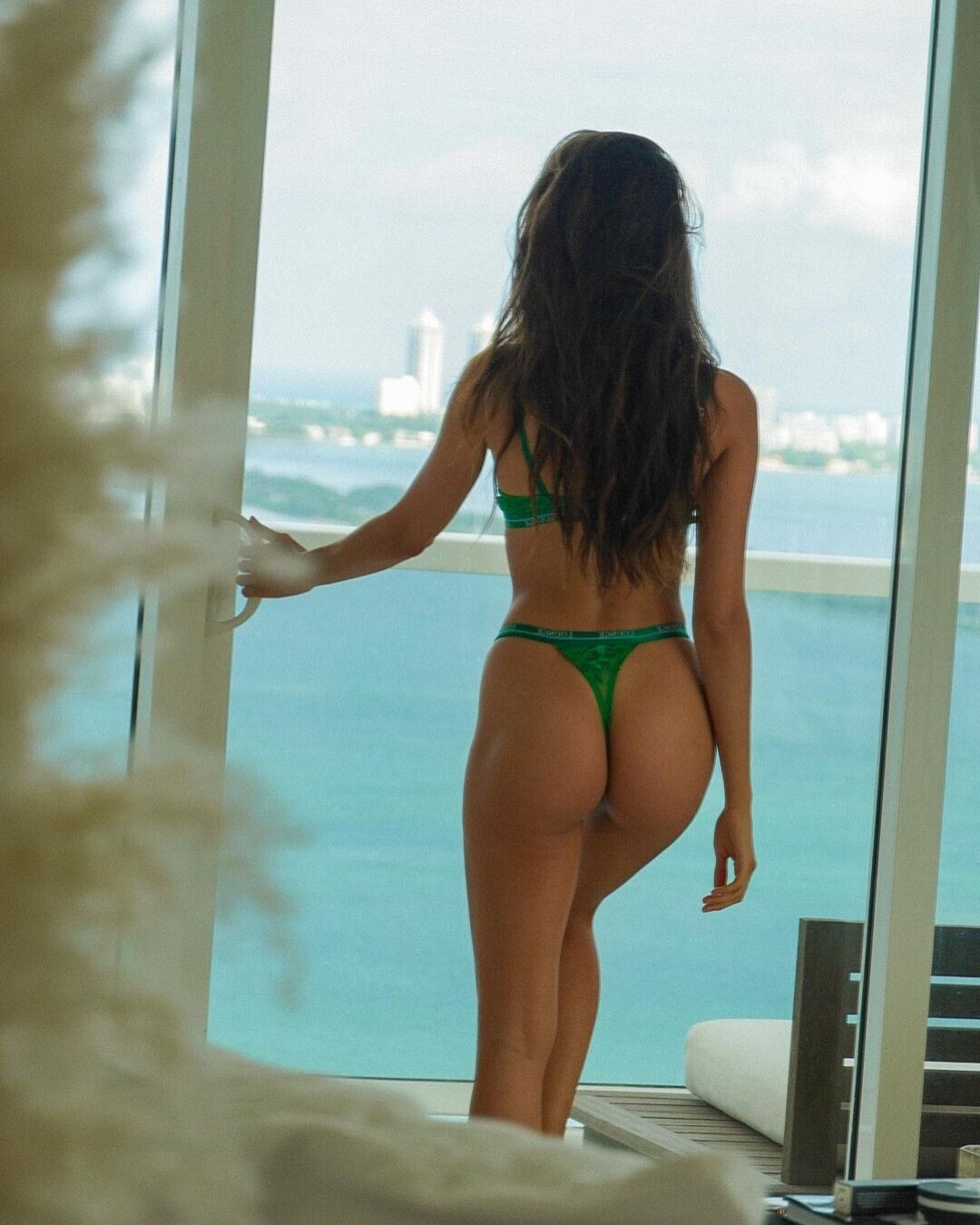









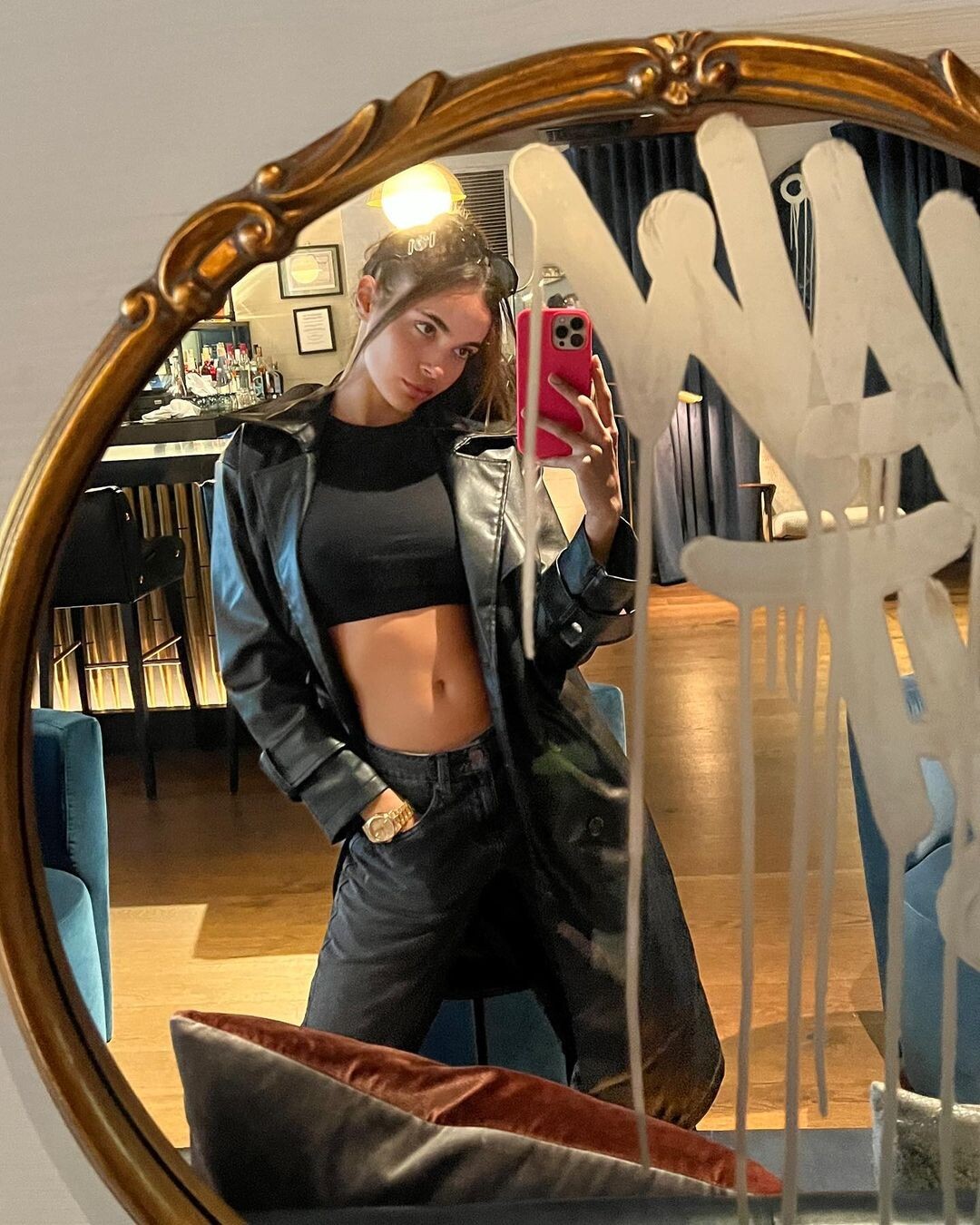

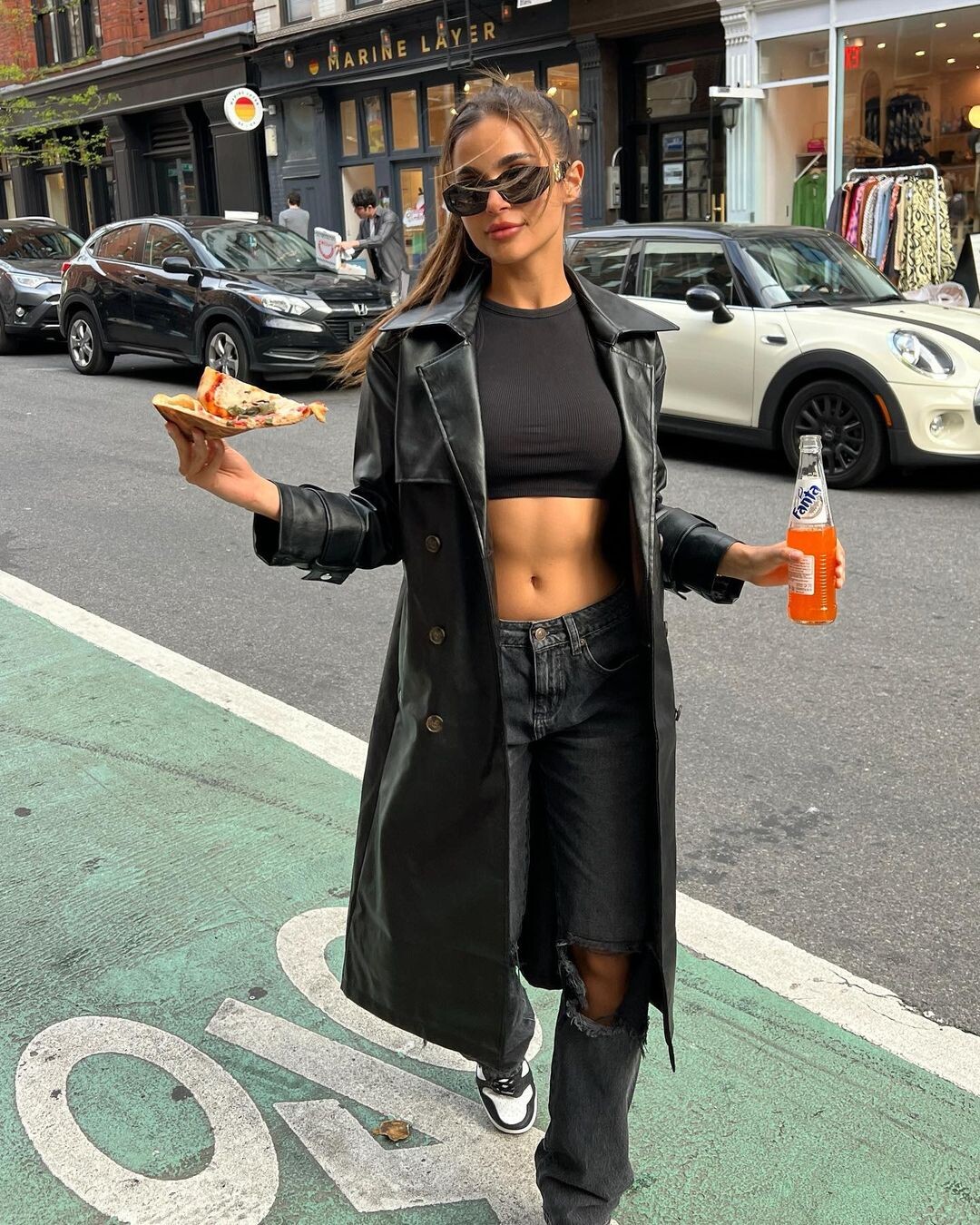







































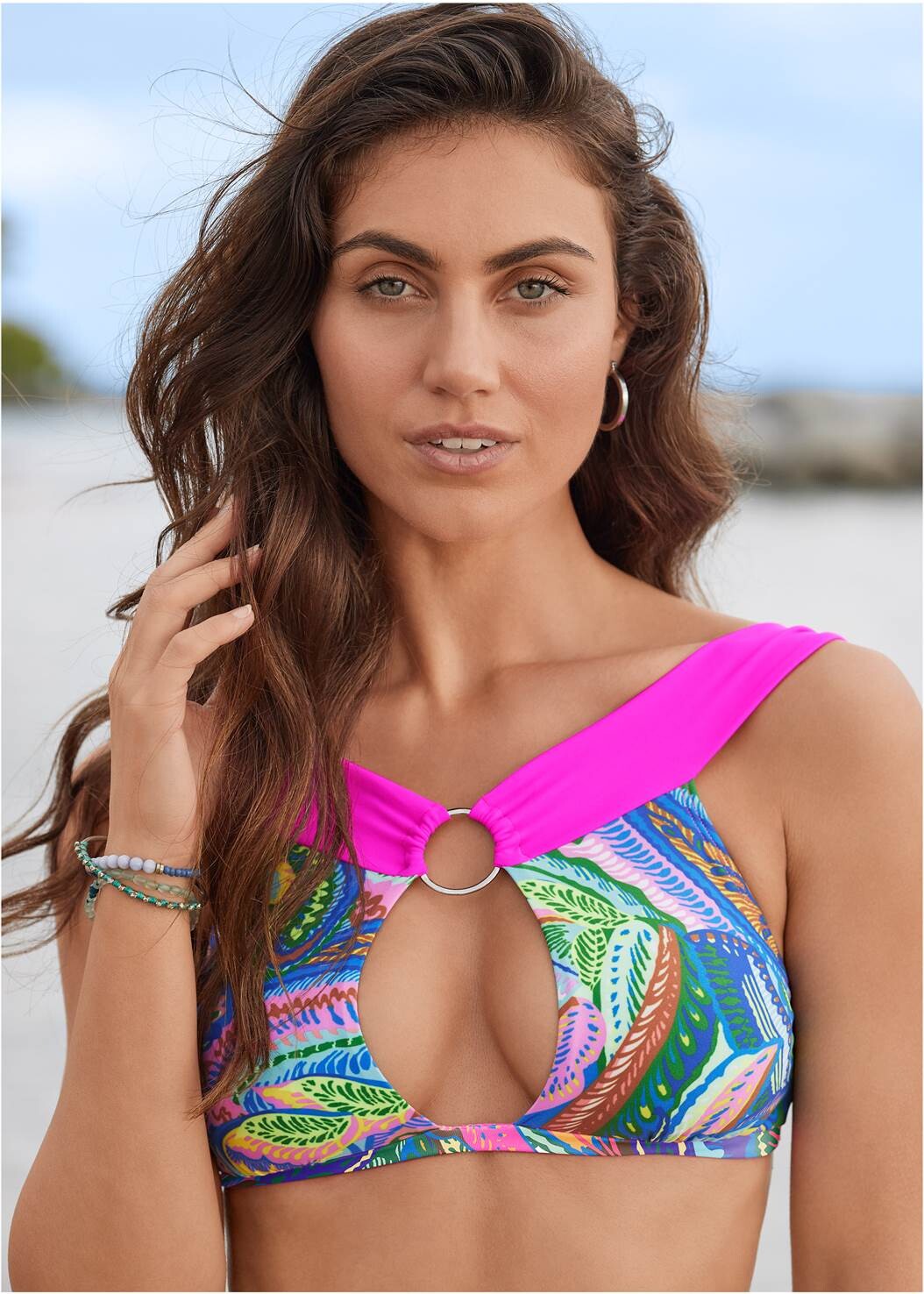











































Account
Navigation
Search
Configure browser push notifications
Chrome (Android)
- Tap the lock icon next to the address bar.
- Tap Permissions → Notifications.
- Adjust your preference.
Chrome (Desktop)
- Click the padlock icon in the address bar.
- Select Site settings.
- Find Notifications and adjust your preference.
Safari (iOS 16.4+)
- Ensure the site is installed via Add to Home Screen.
- Open Settings App → Notifications.
- Find your app name and adjust your preference.
Safari (macOS)
- Go to Safari → Preferences.
- Click the Websites tab.
- Select Notifications in the sidebar.
- Find this website and adjust your preference.
Edge (Android)
- Tap the lock icon next to the address bar.
- Tap Permissions.
- Find Notifications and adjust your preference.
Edge (Desktop)
- Click the padlock icon in the address bar.
- Click Permissions for this site.
- Find Notifications and adjust your preference.
Firefox (Android)
- Go to Settings → Site permissions.
- Tap Notifications.
- Find this site in the list and adjust your preference.
Firefox (Desktop)
- Open Firefox Settings.
- Search for Notifications.
- Find this site in the list and adjust your preference.