
balenciagaaa
Members
-
Joined
-
Last visited
Everything posted by balenciagaaa
-
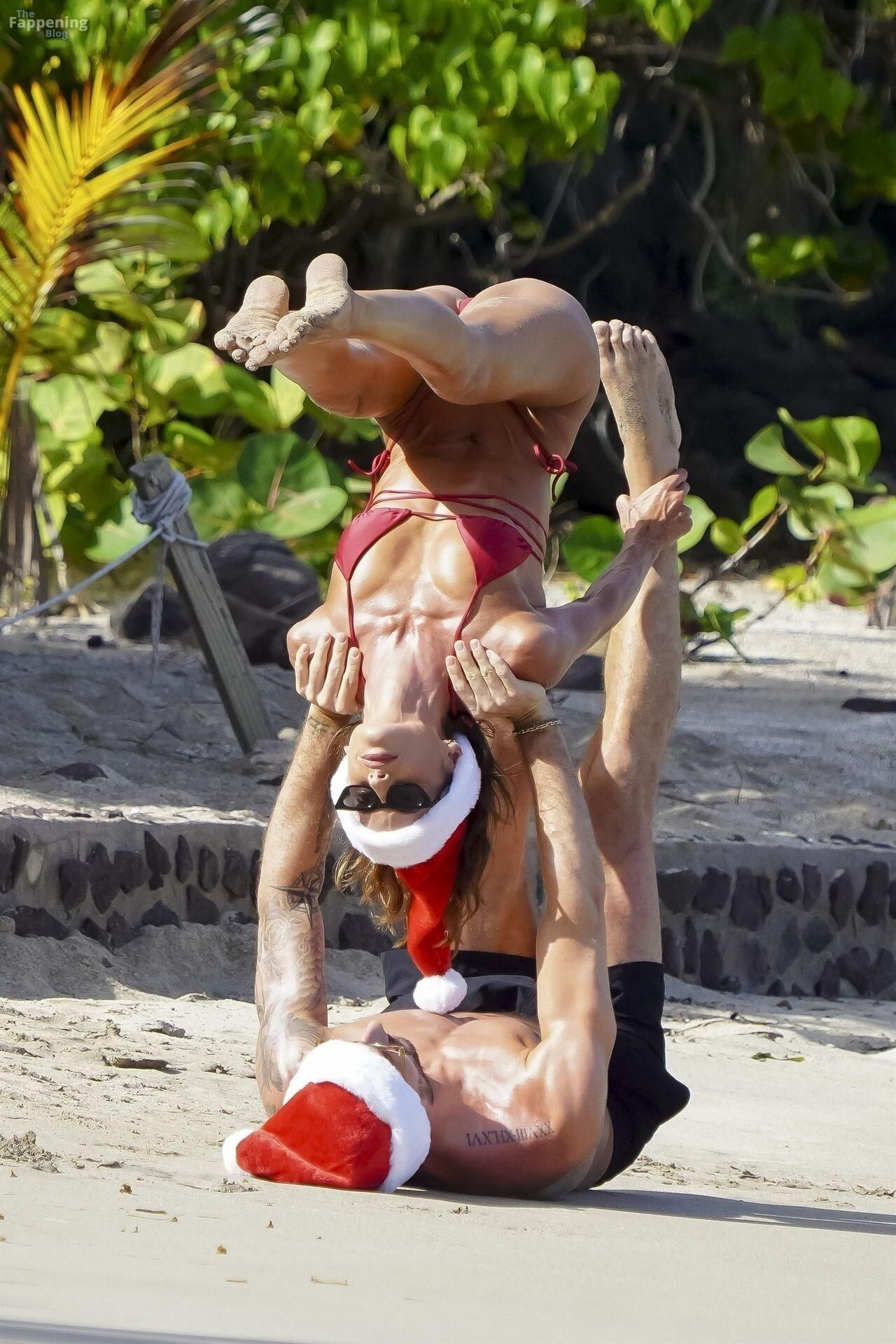
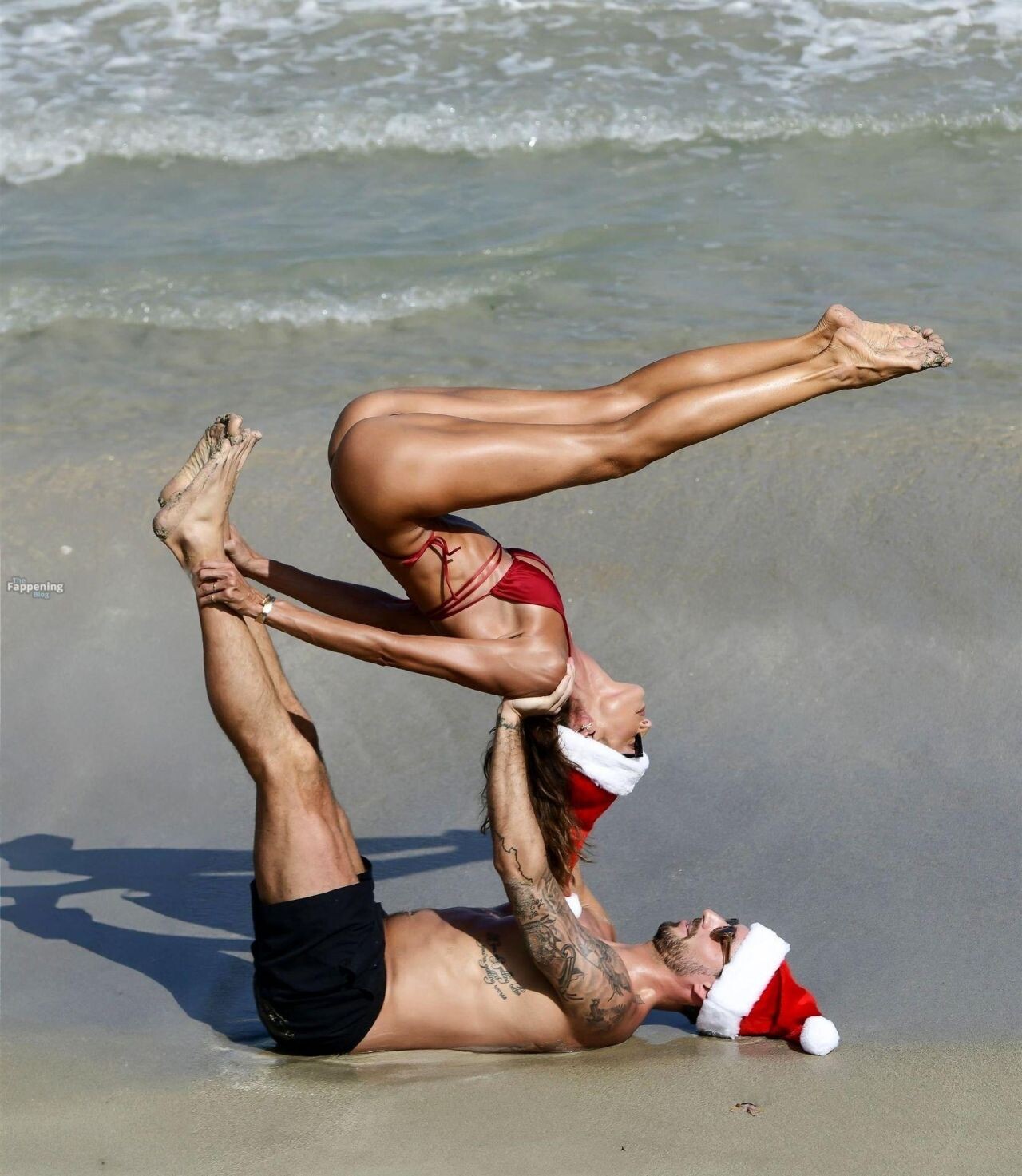
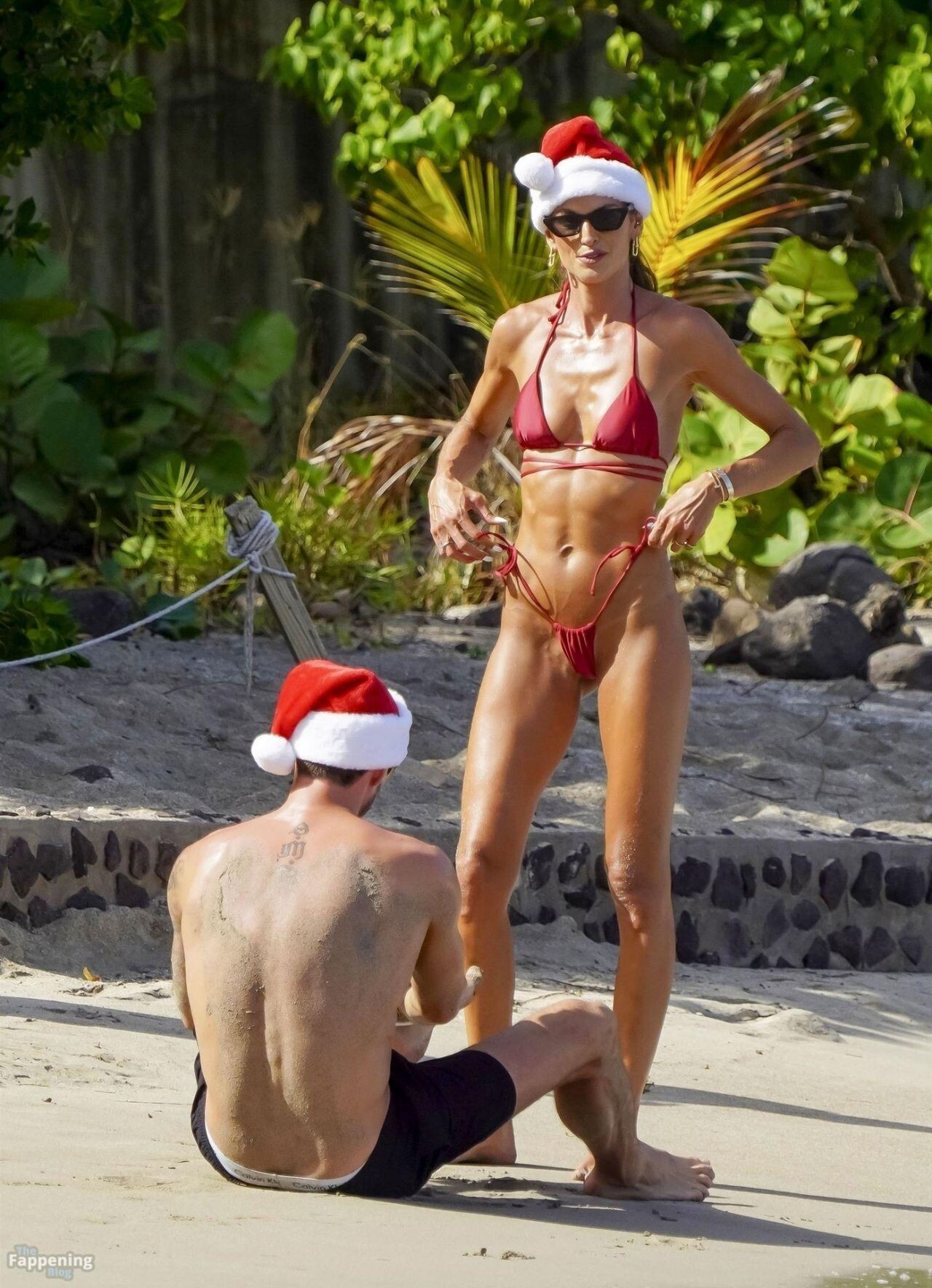
 on the beaches of St. Barts on December 26, 2024









-
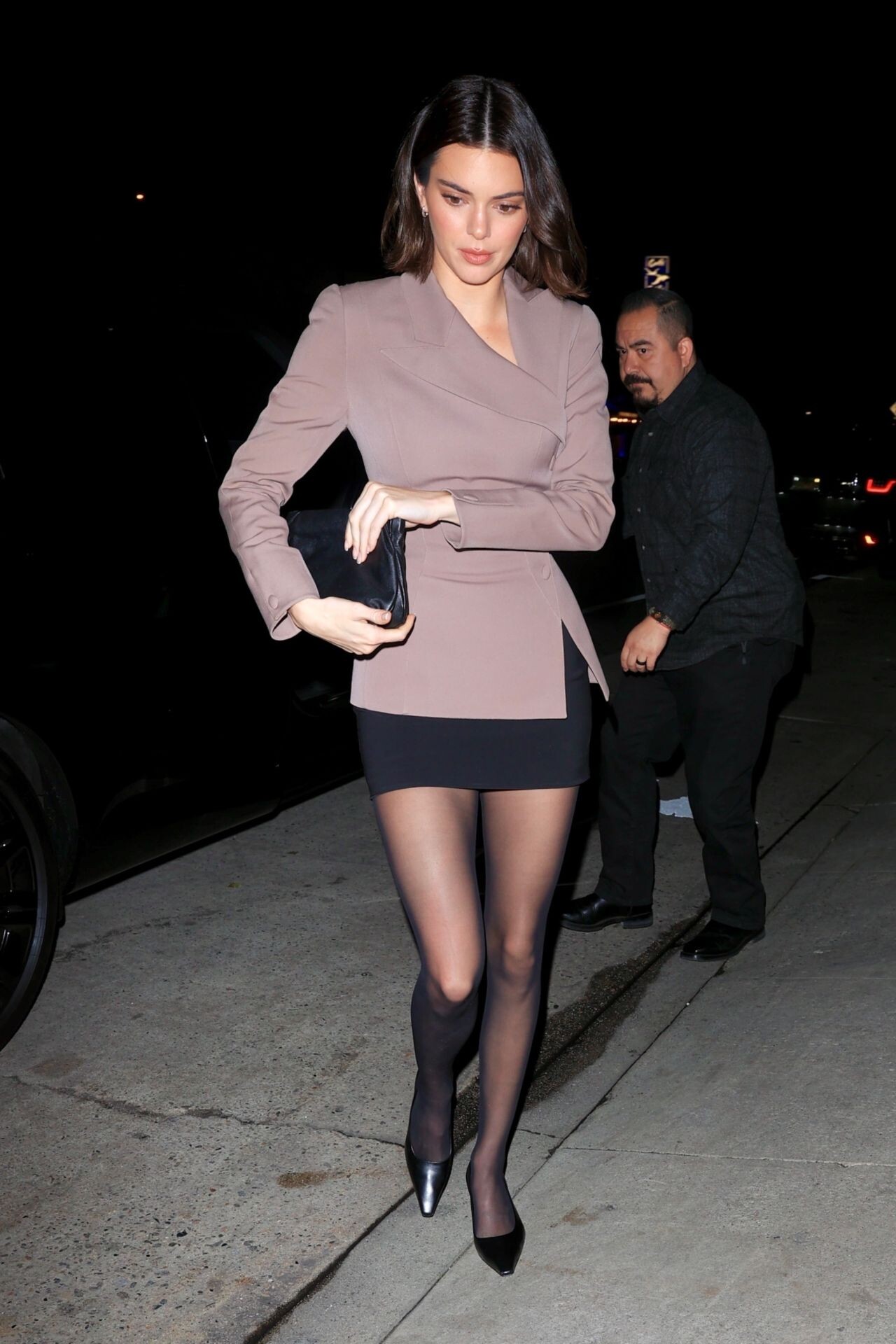
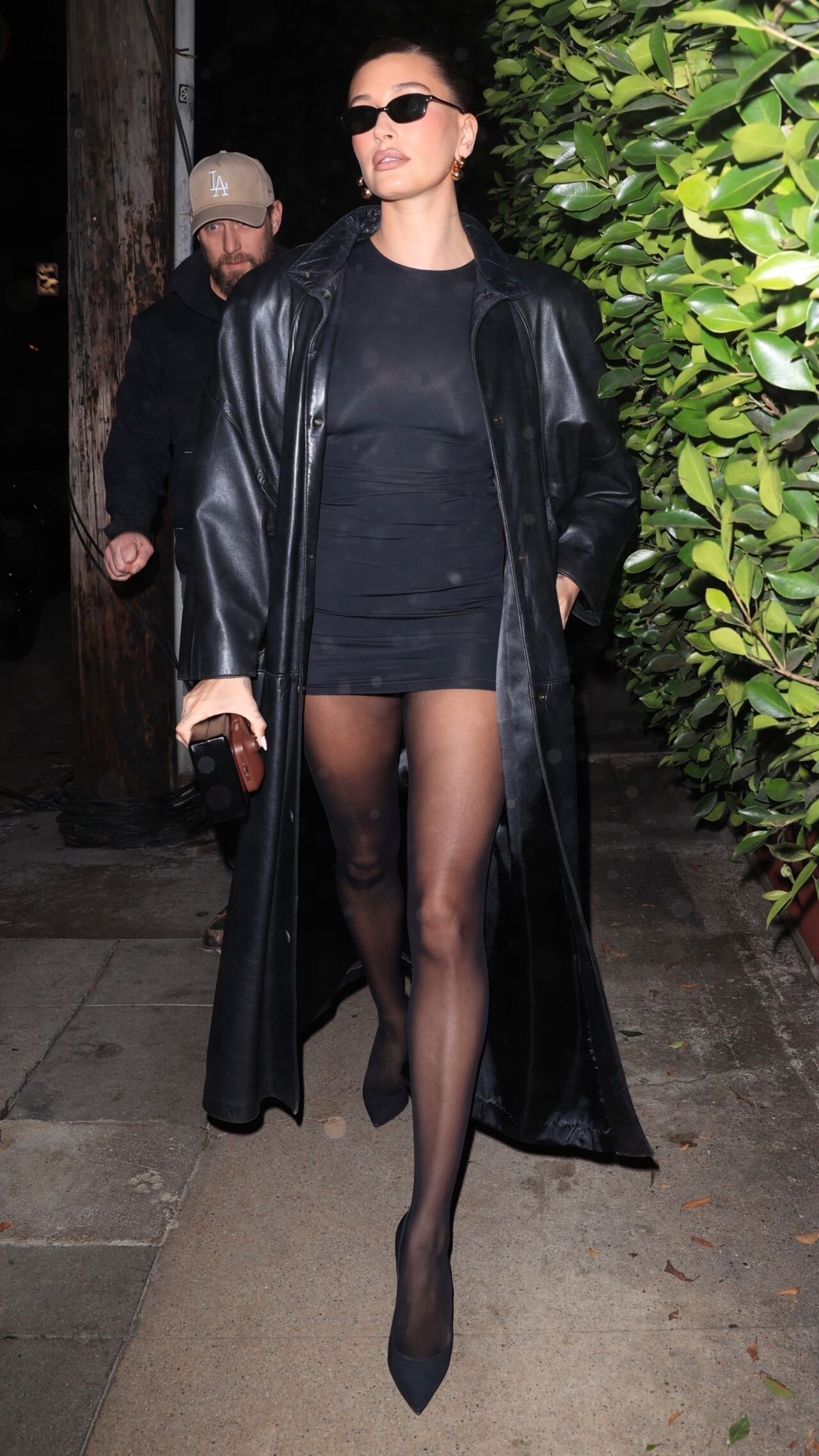
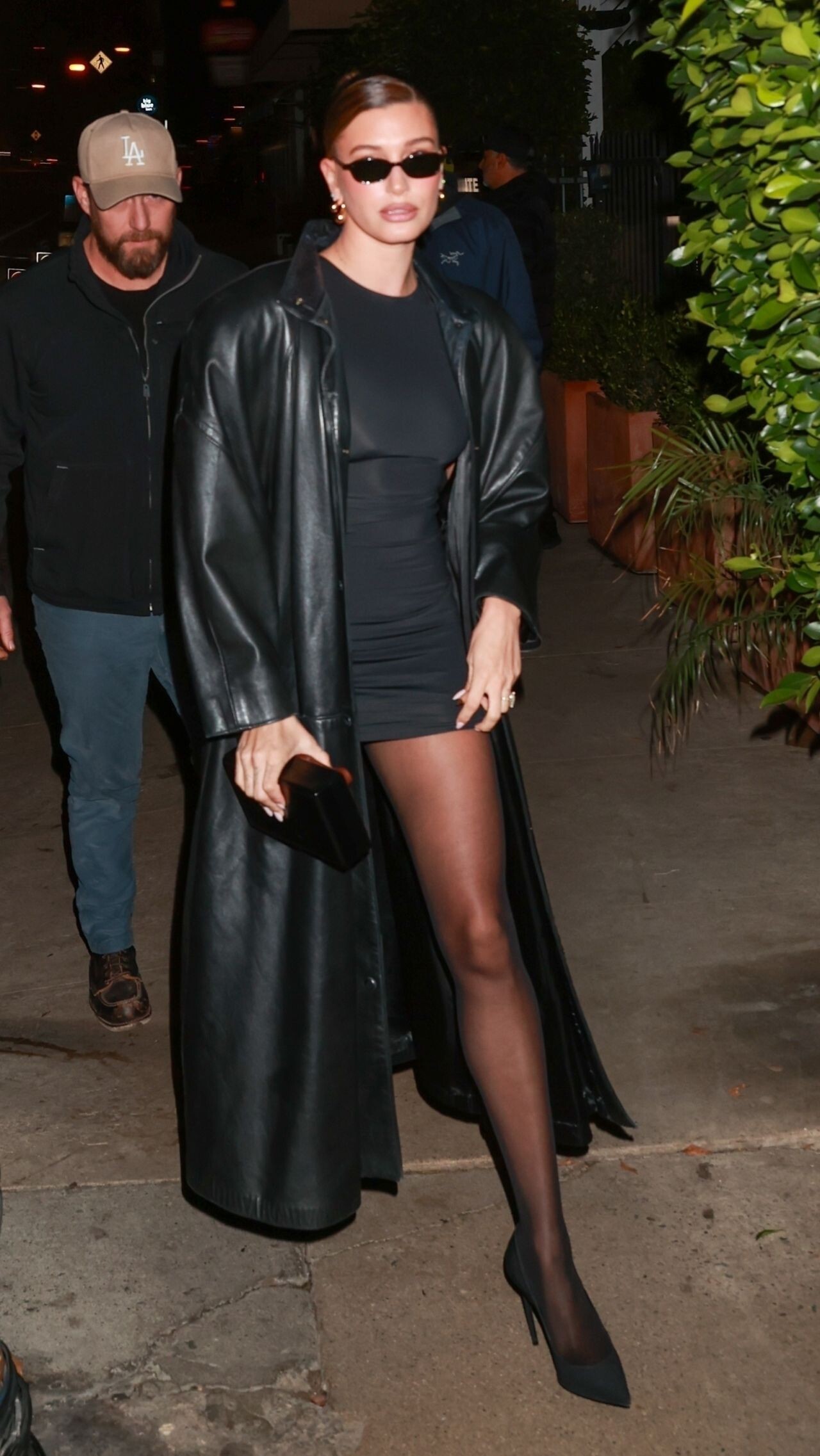
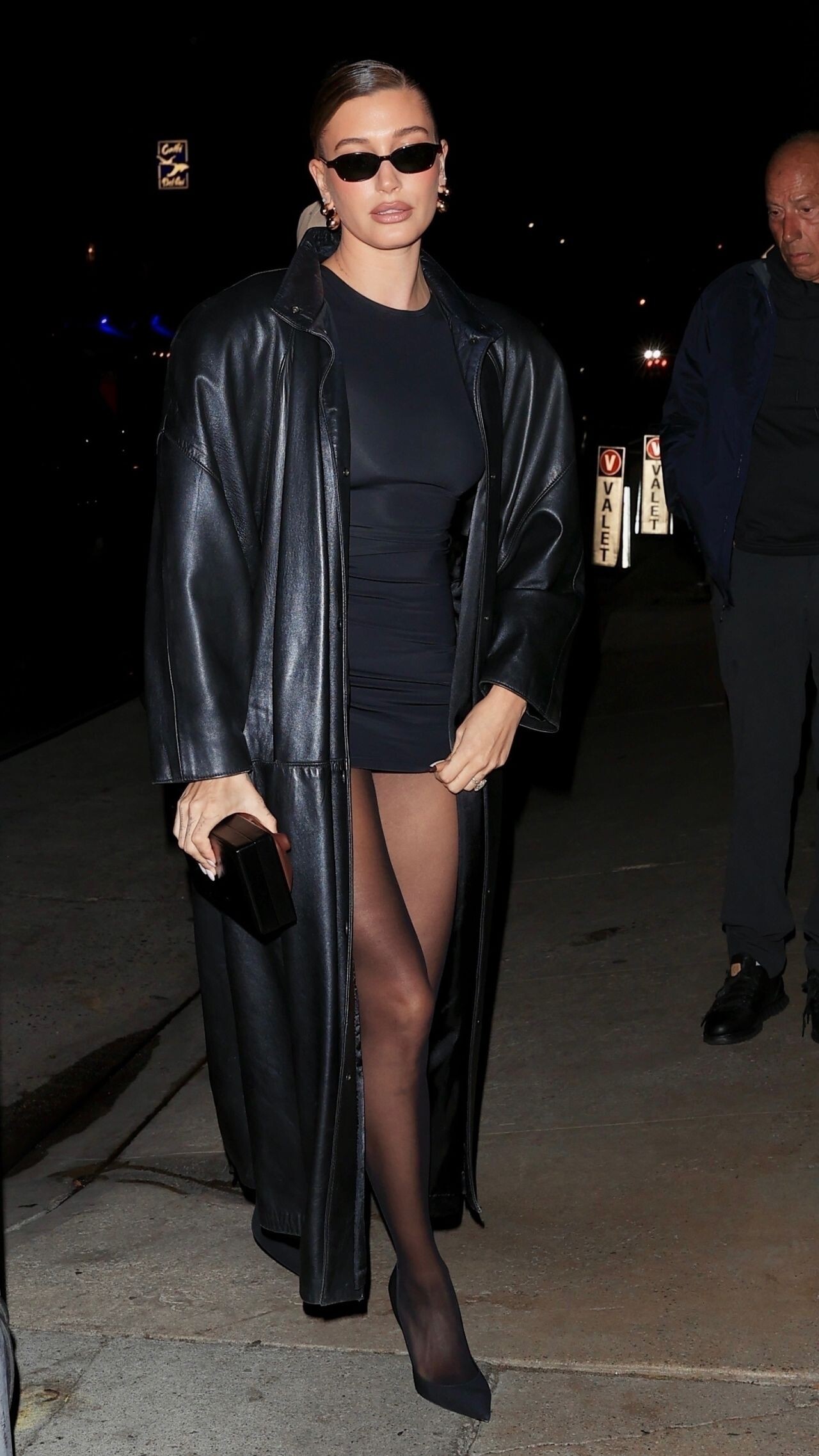
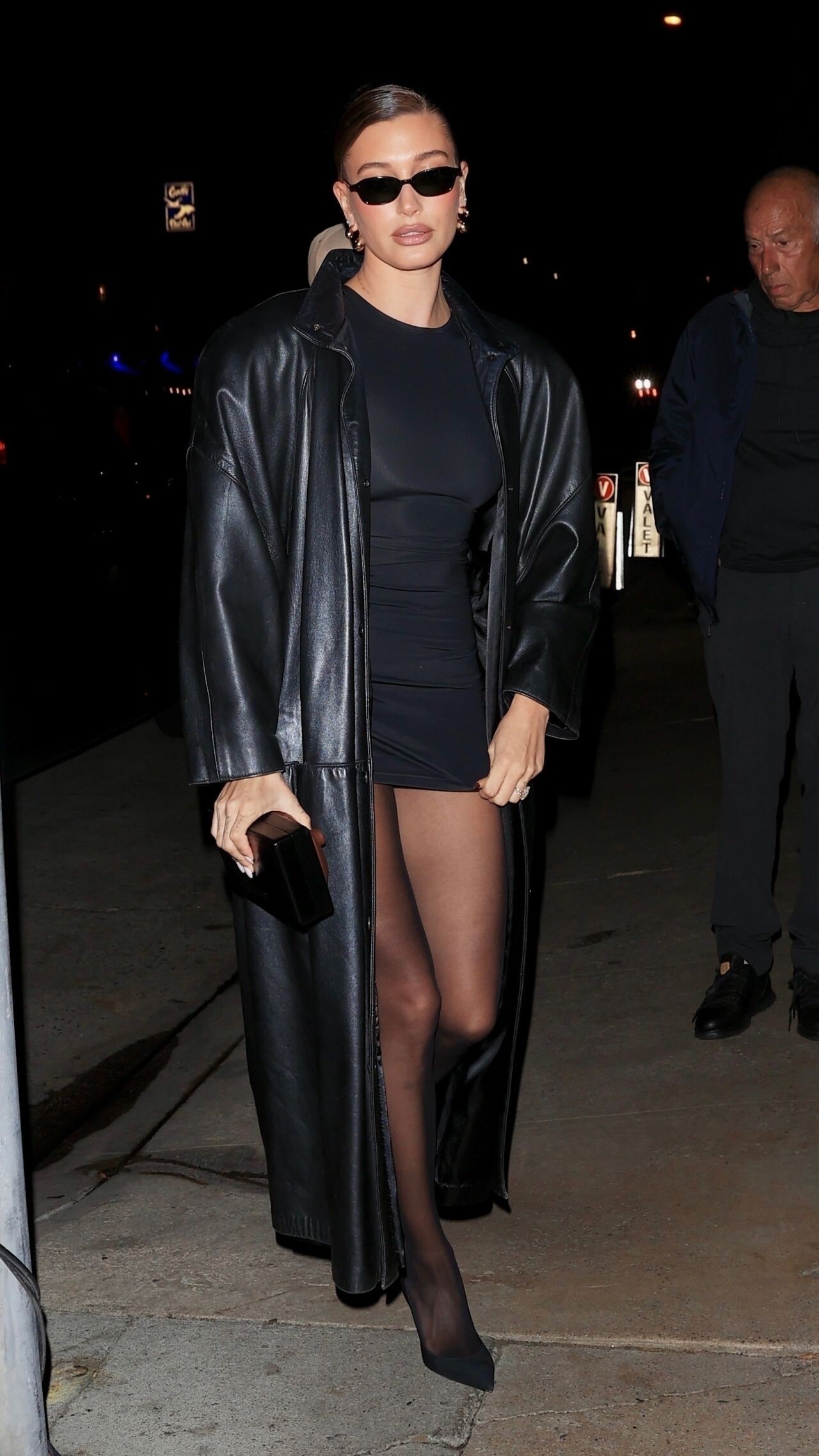
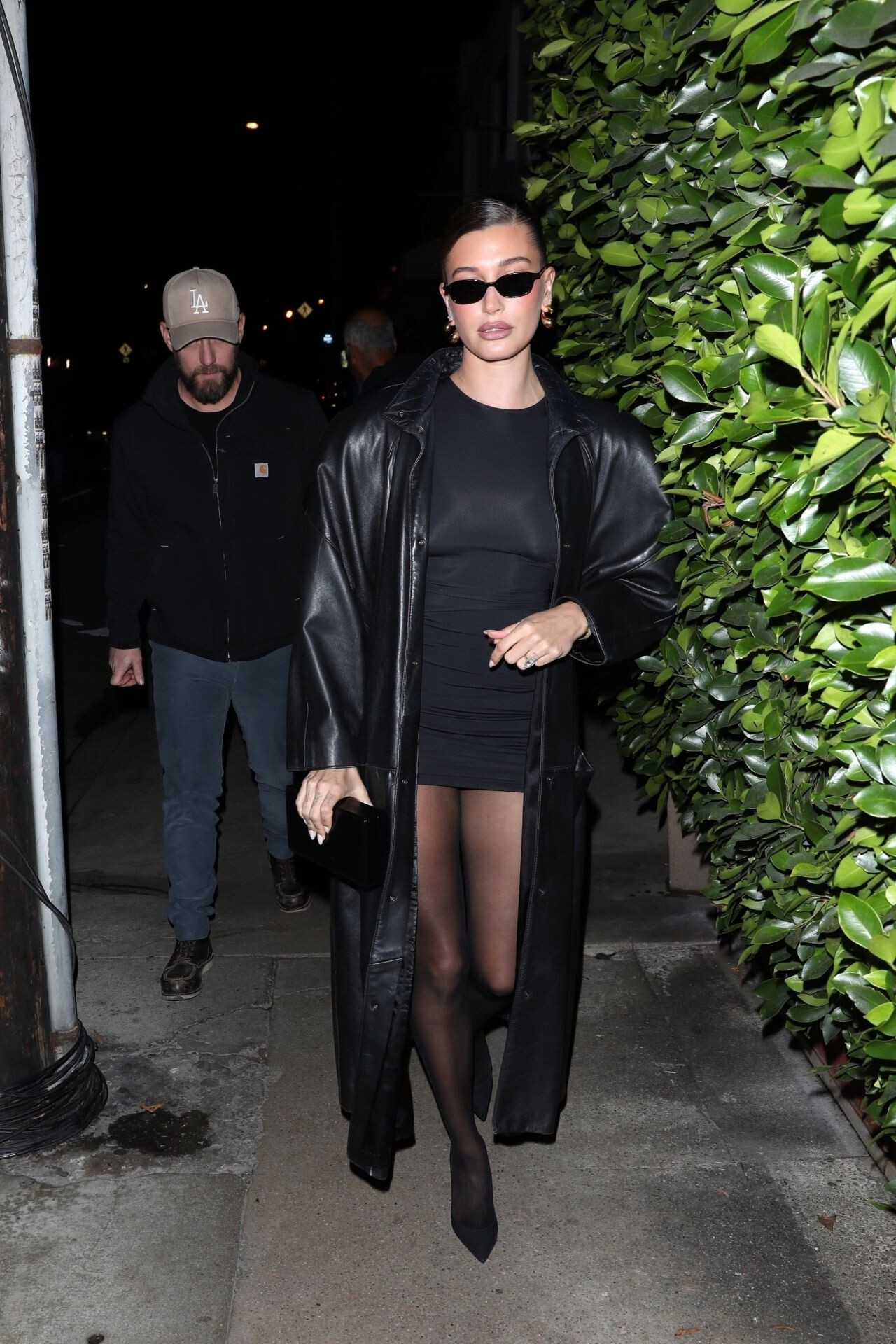
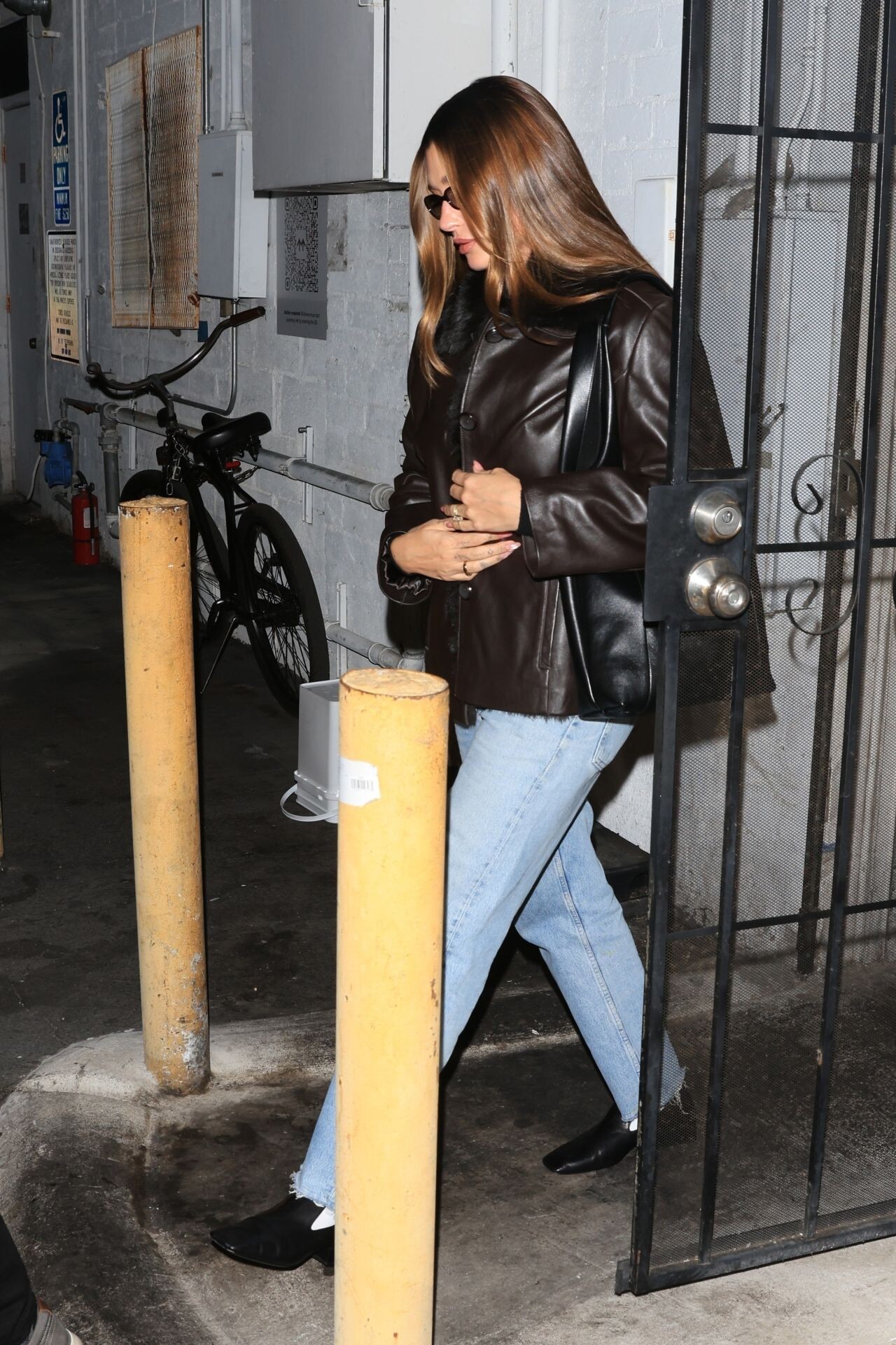
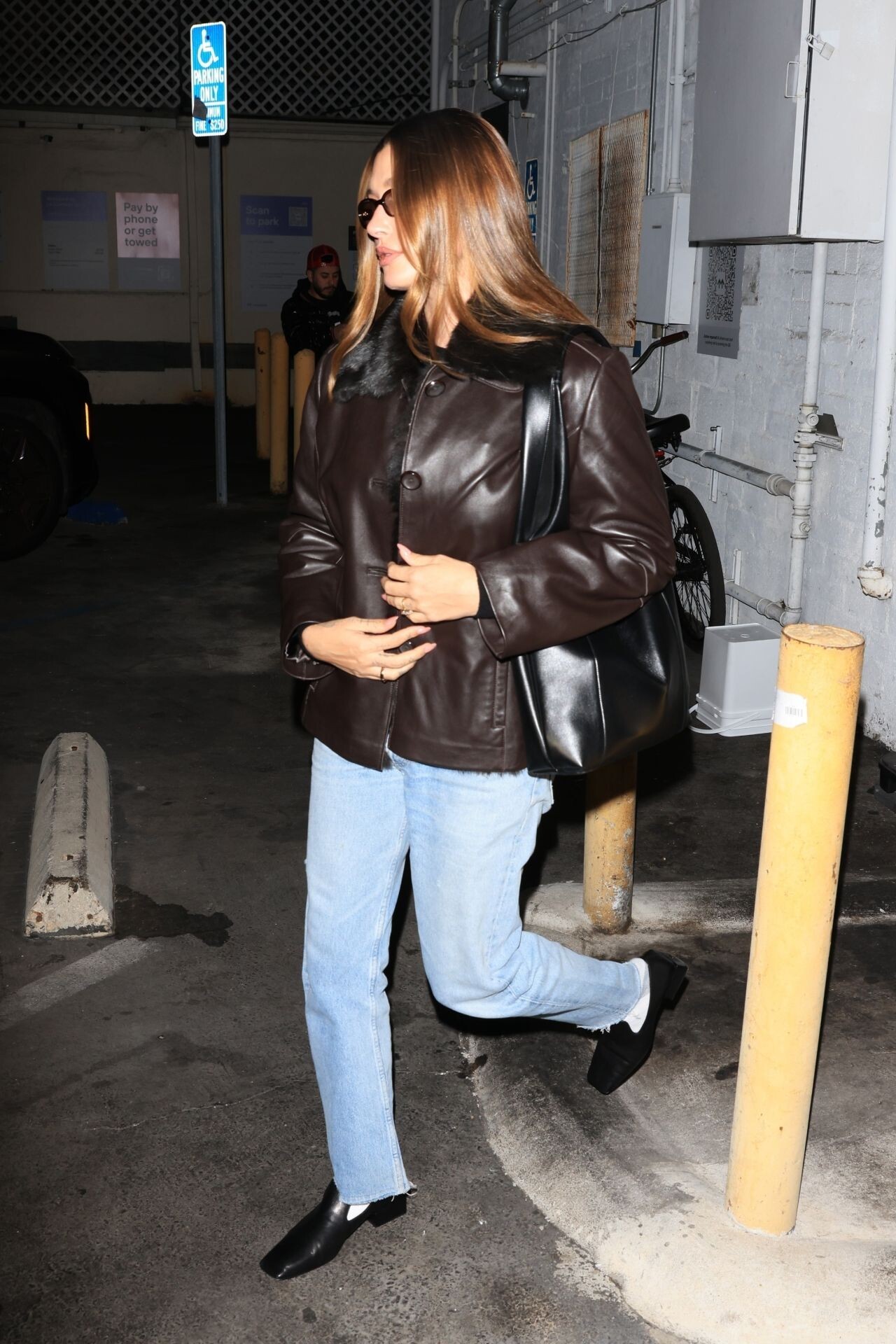
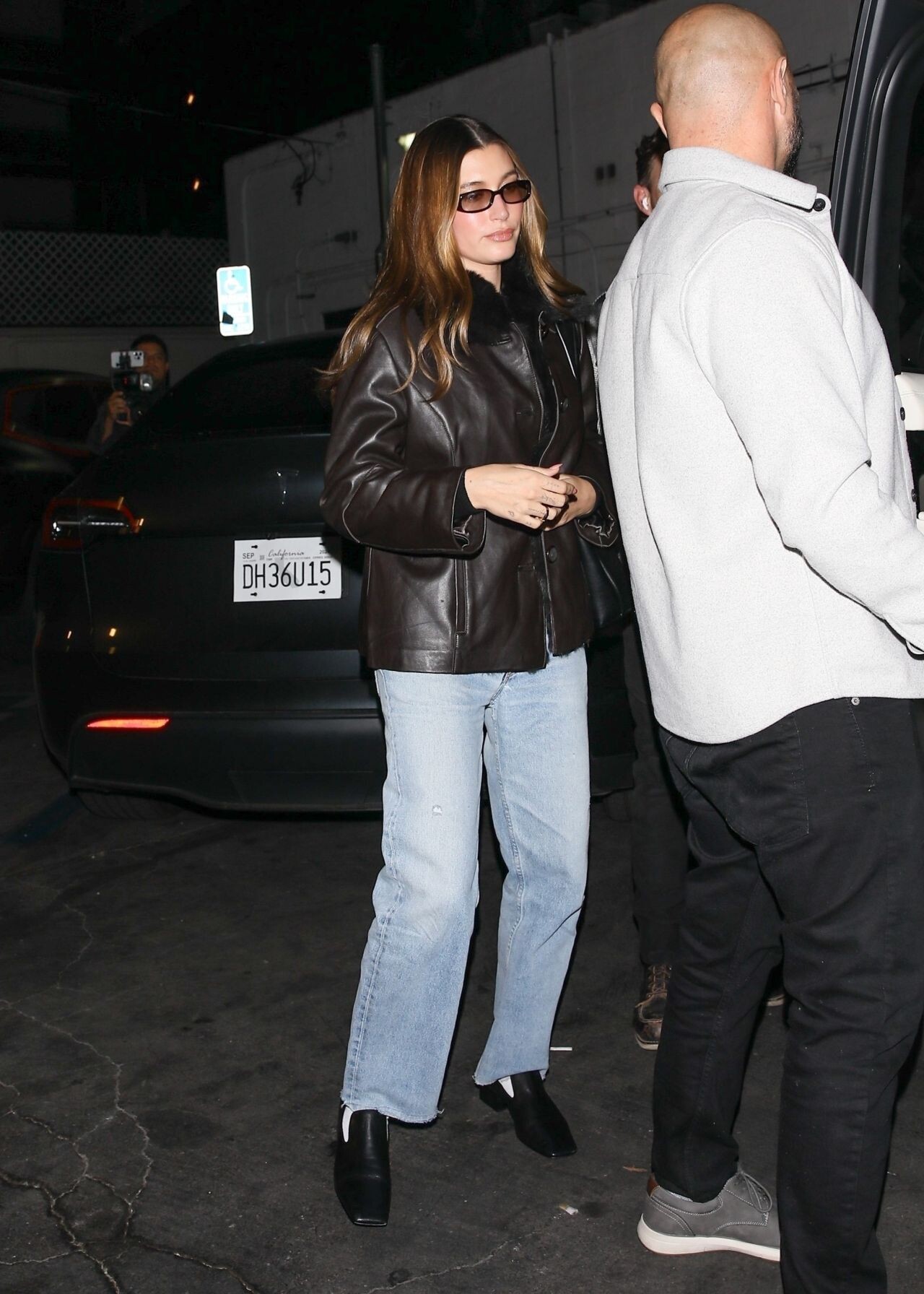
at Giorgio Baldi – 01/05/2025









-
Palm Springs Film Festival 2025









 Stepping Out in Palm Springs 03/01/2025




 Golden Globes 2025






 DUJOUR Winter 2024








 The Hollywood Reporter’s Annual Women in Entertainment Gala – 12/04/2024








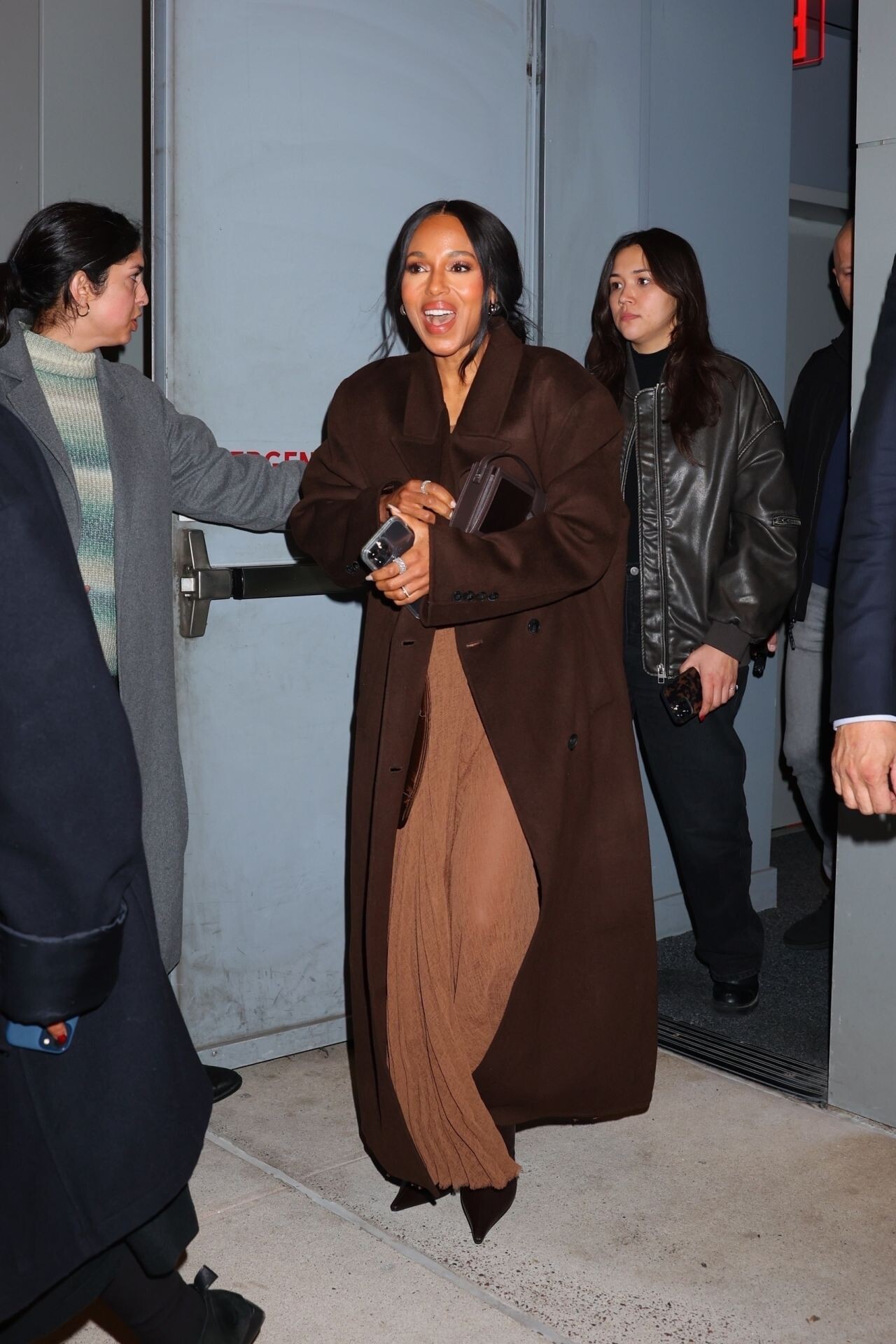
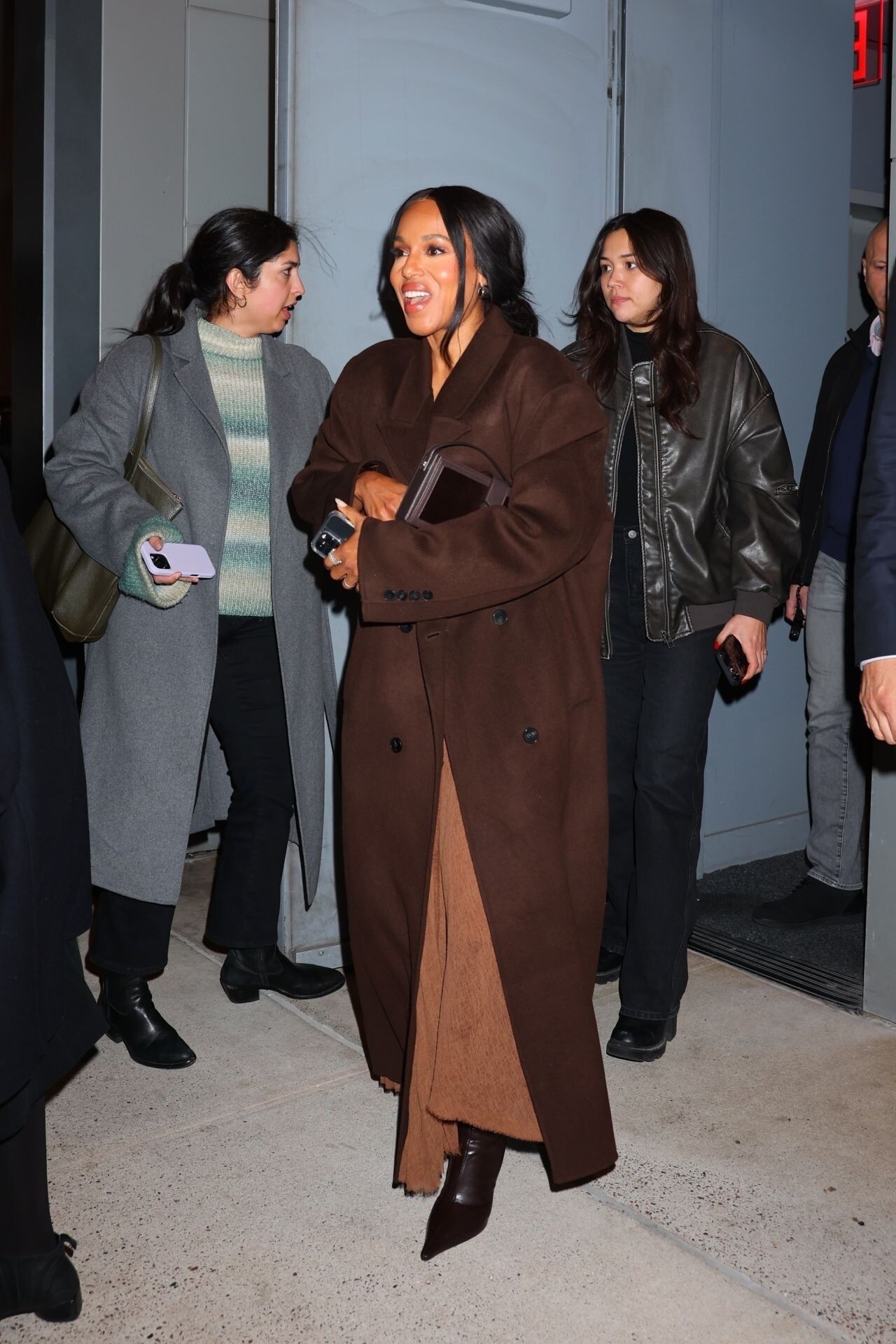
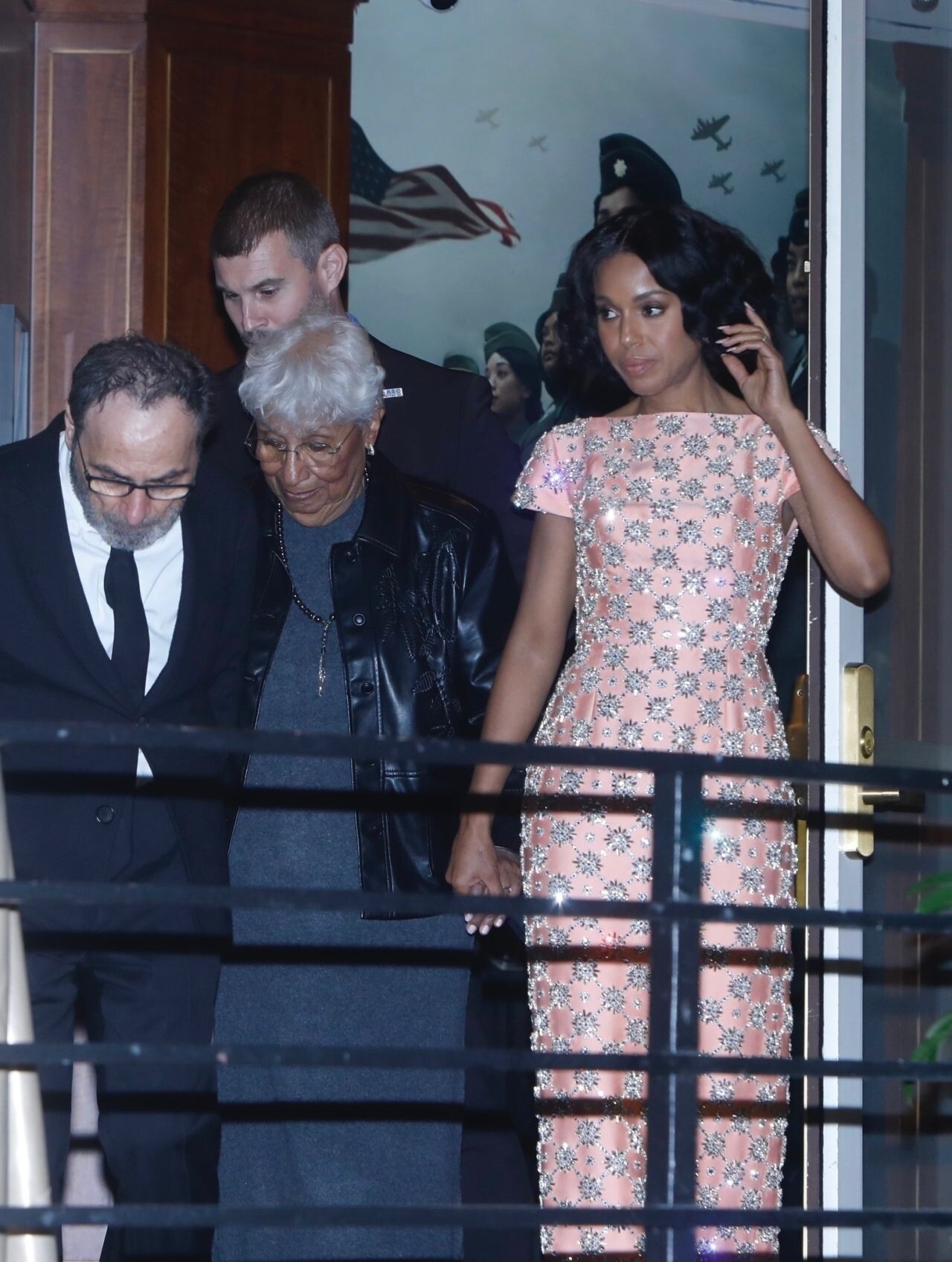
 Leaves Sunset Towers with Mom After Tyler Perry Event – 12/03/2024





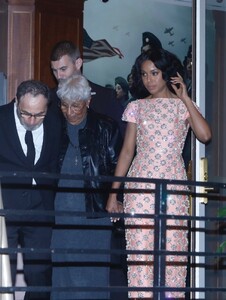

 2024 Governors Awards


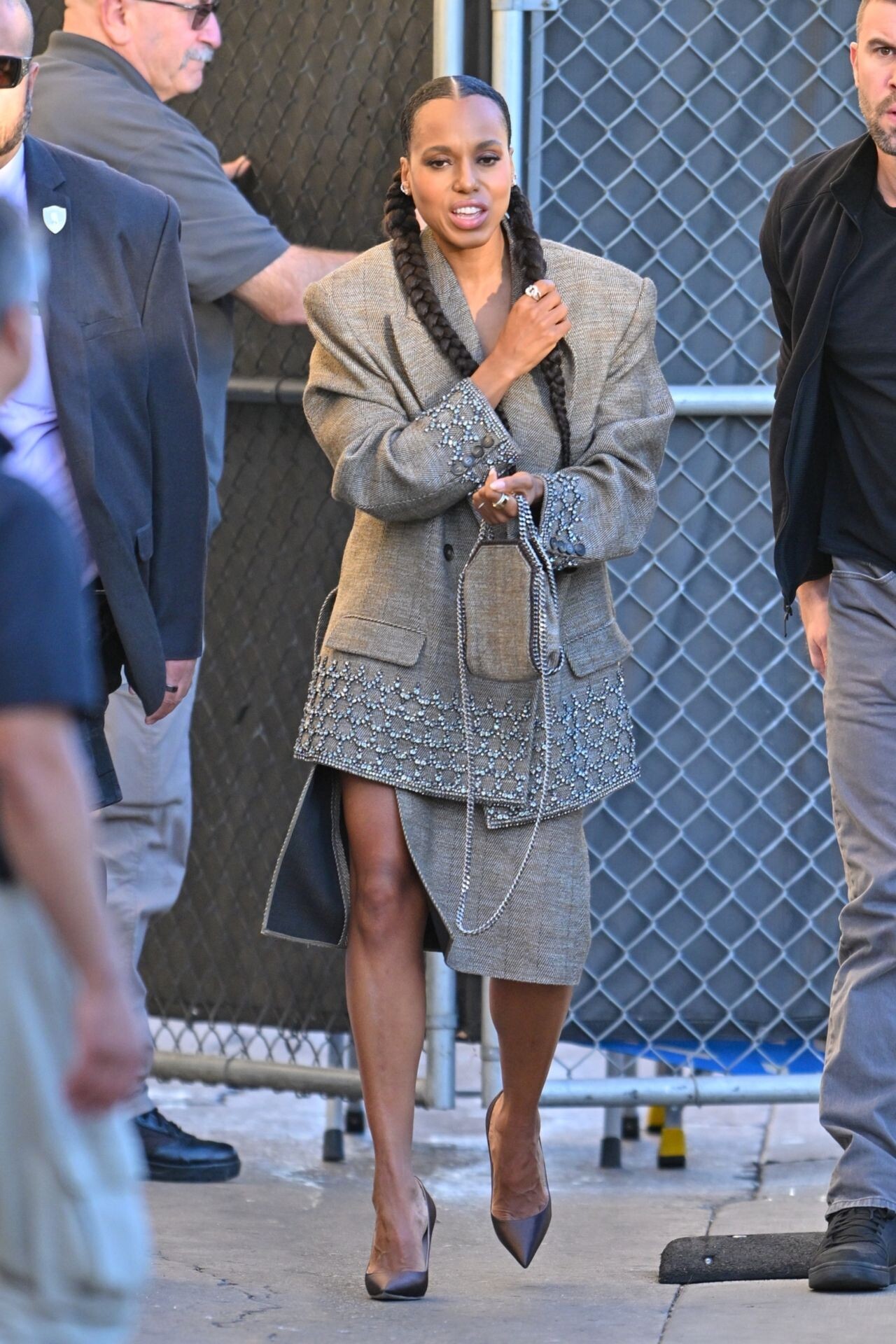
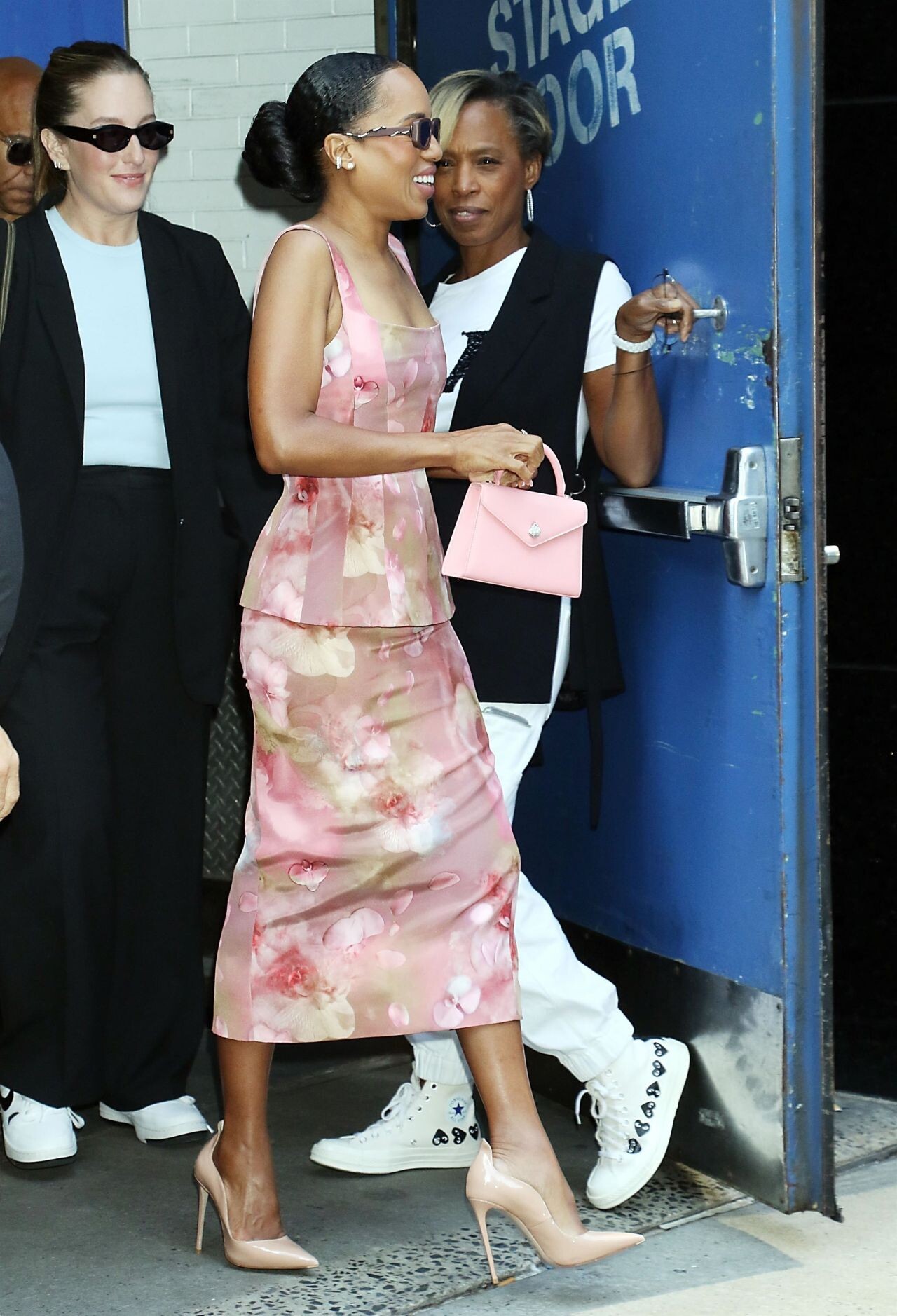
 Arrives at Jimmy Kimmel Live! 11/13/2024
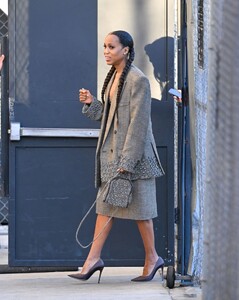






 The HISTORY Channel’s HISTORYTalks in Los Angeles







 at the Michael Kors Fashion Show in New York 09-10-2024





 Kering Foundation’s Caring For Women Dinner in New York 09-09-2024




 Arrives at the Chanel Tribeca Festival Women’s Lunch in New York 06-07-2024














































































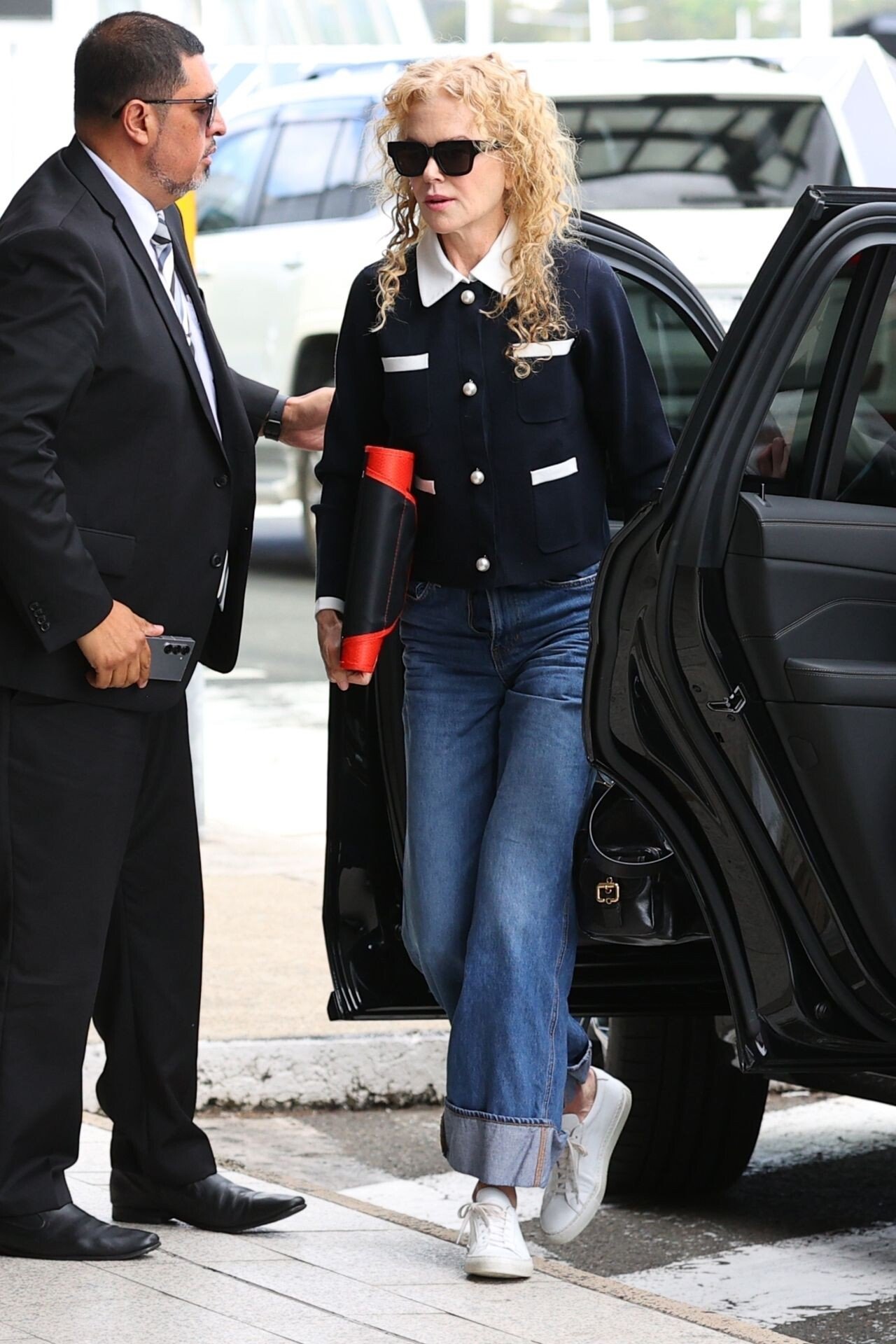
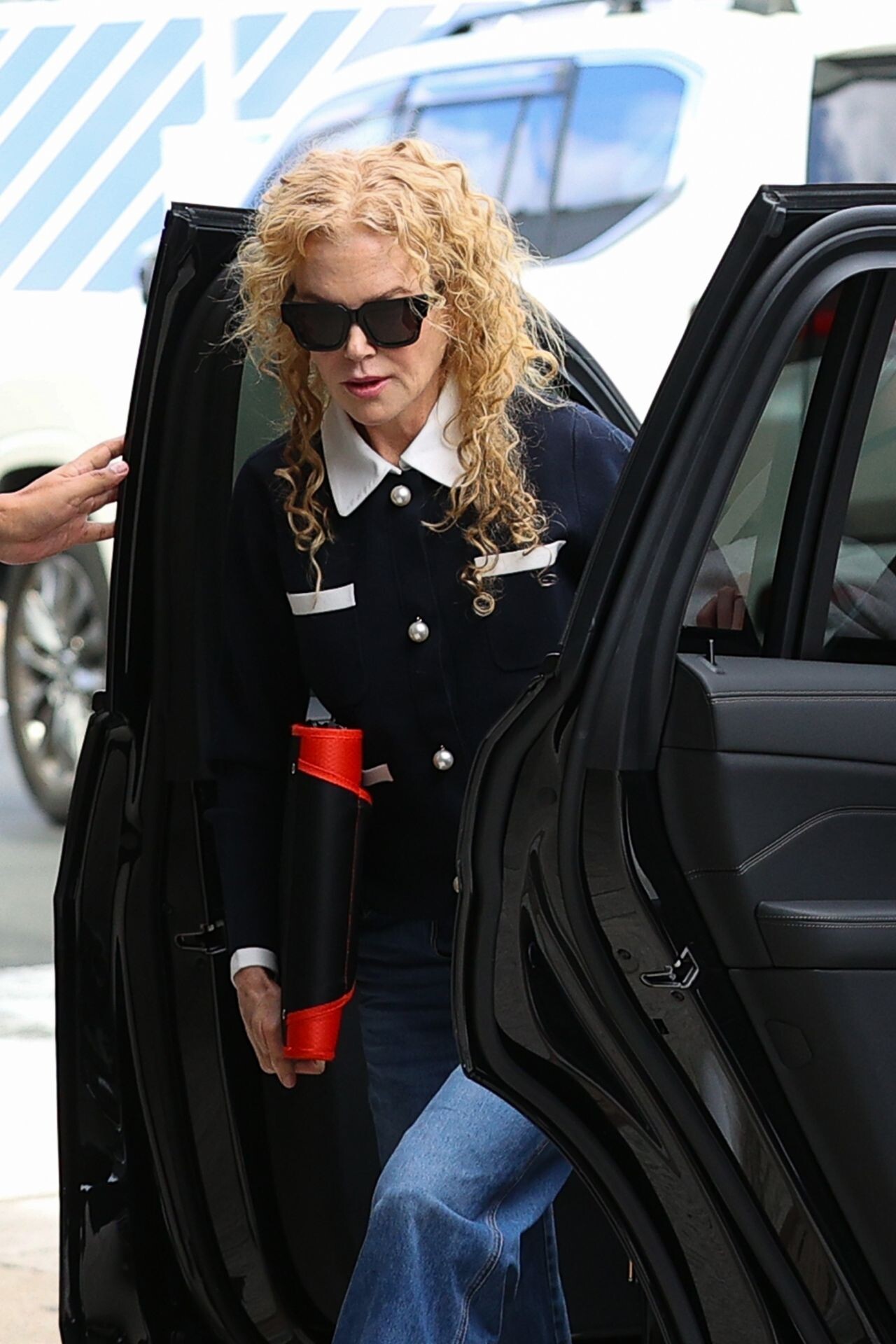
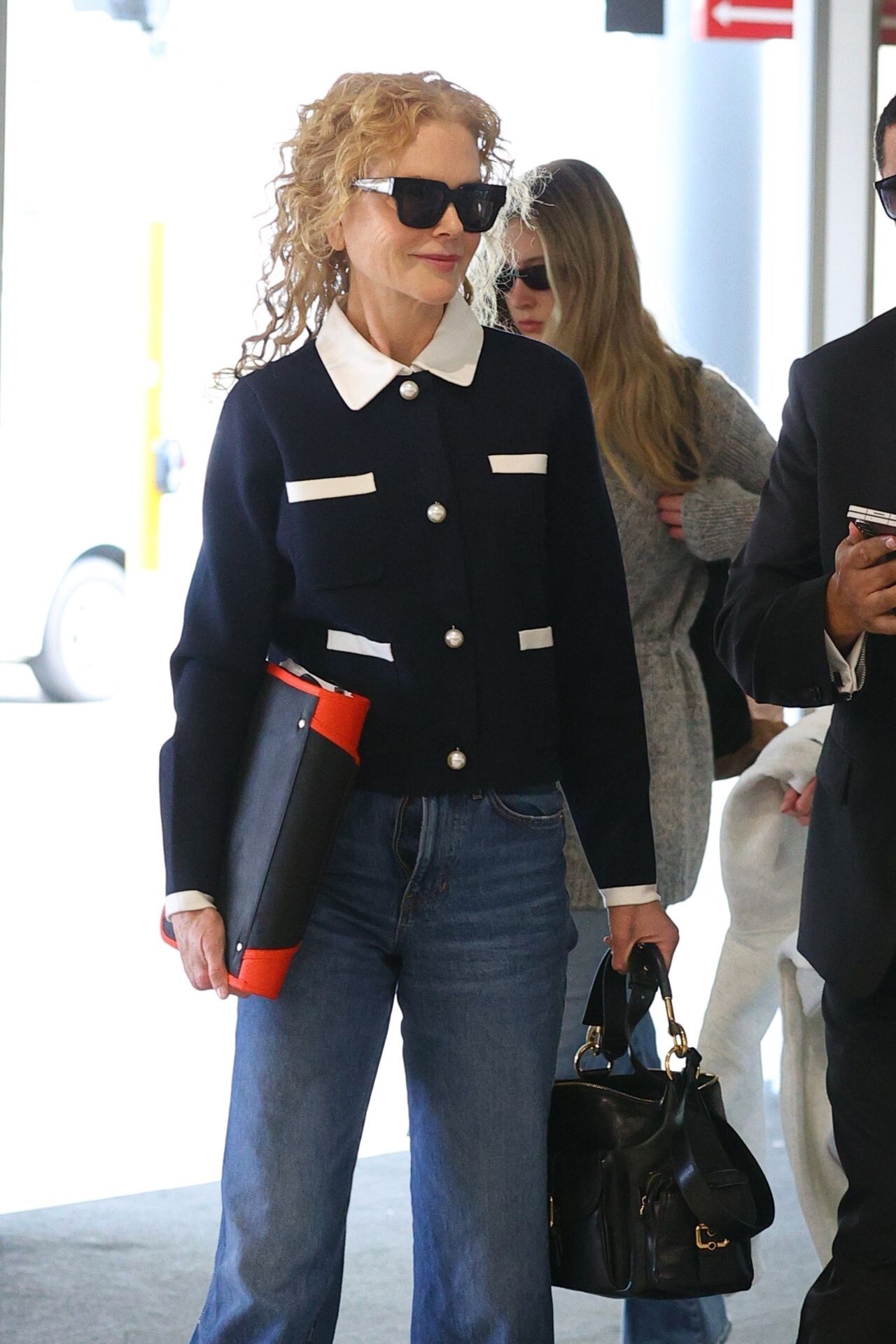
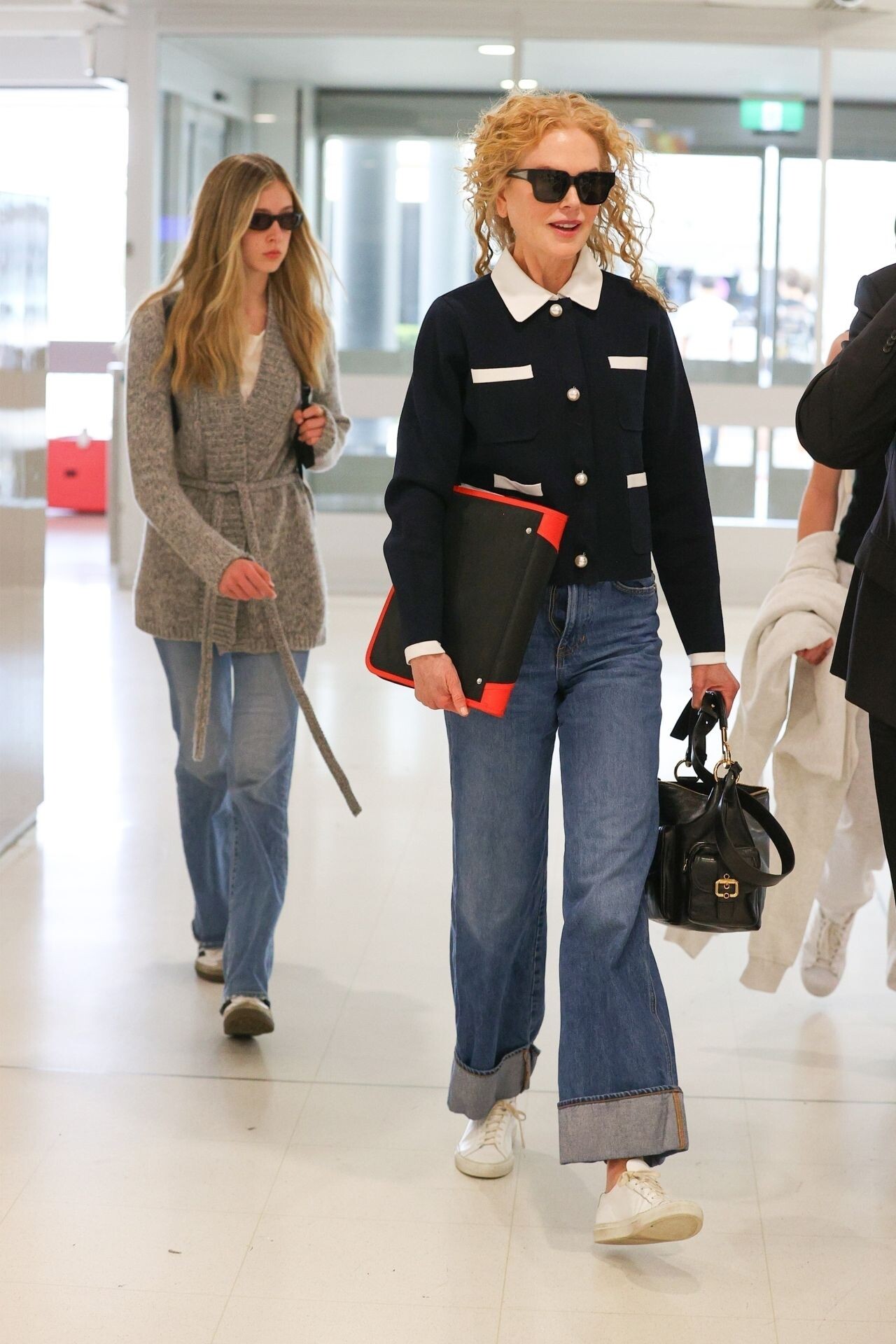










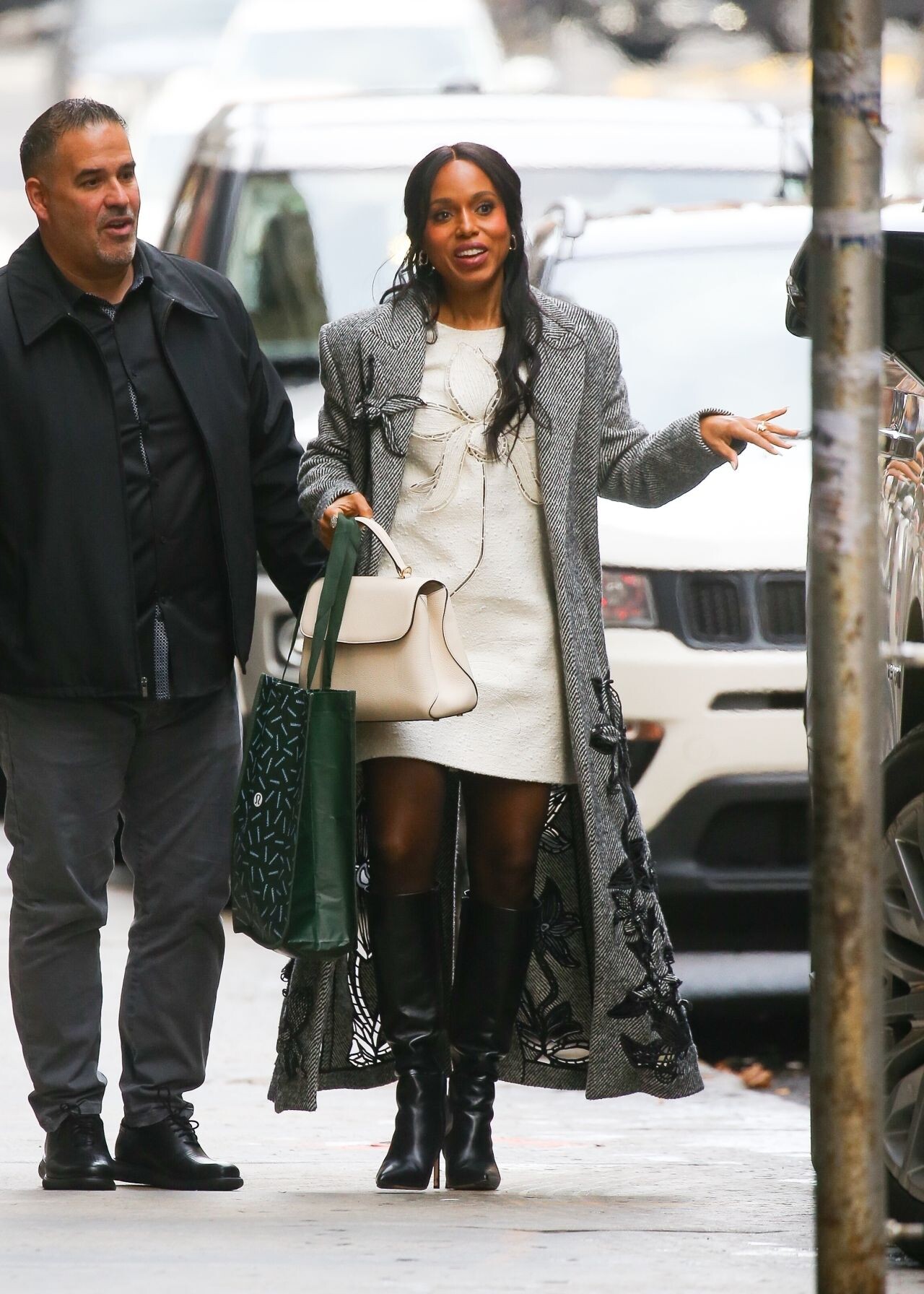
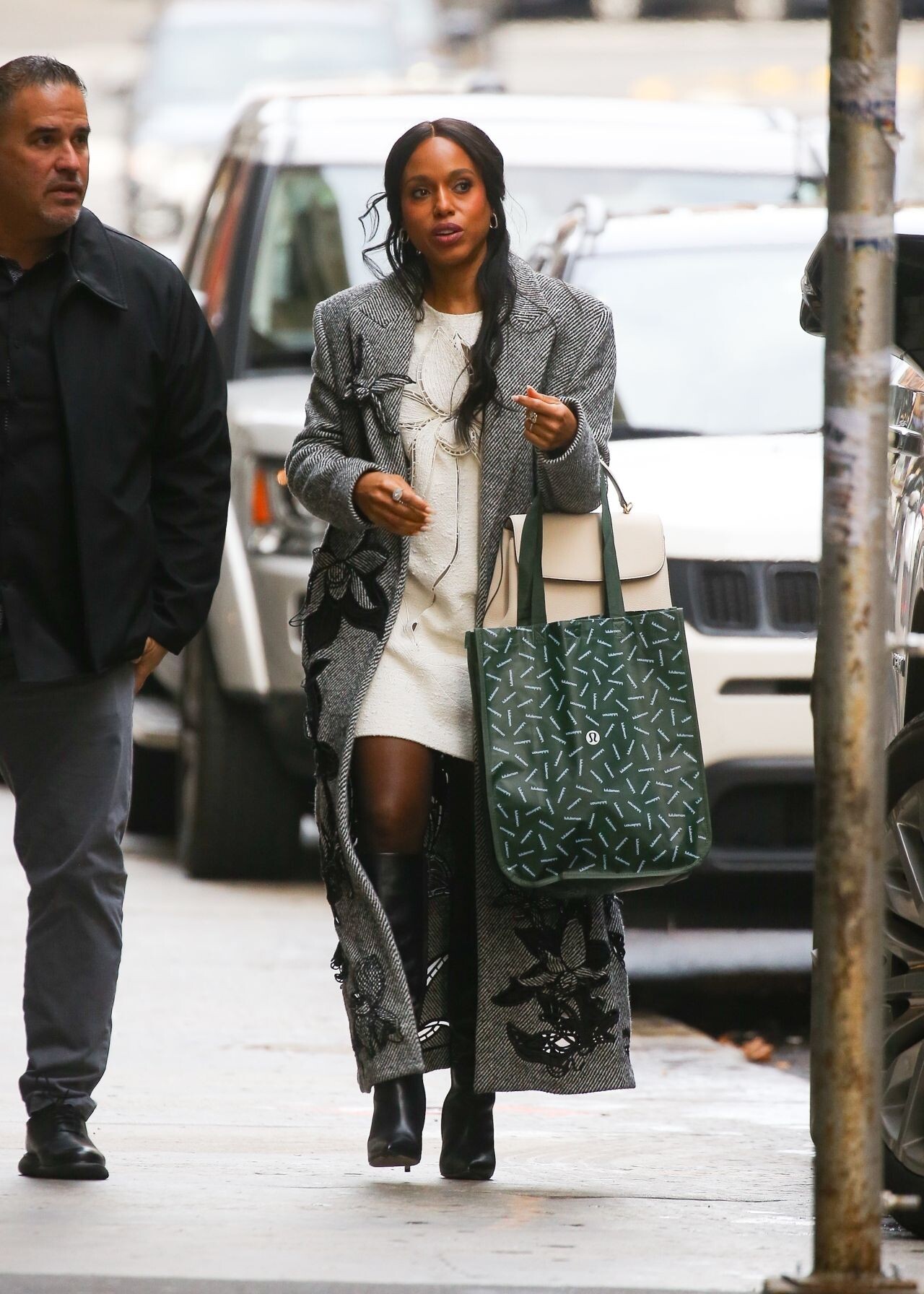









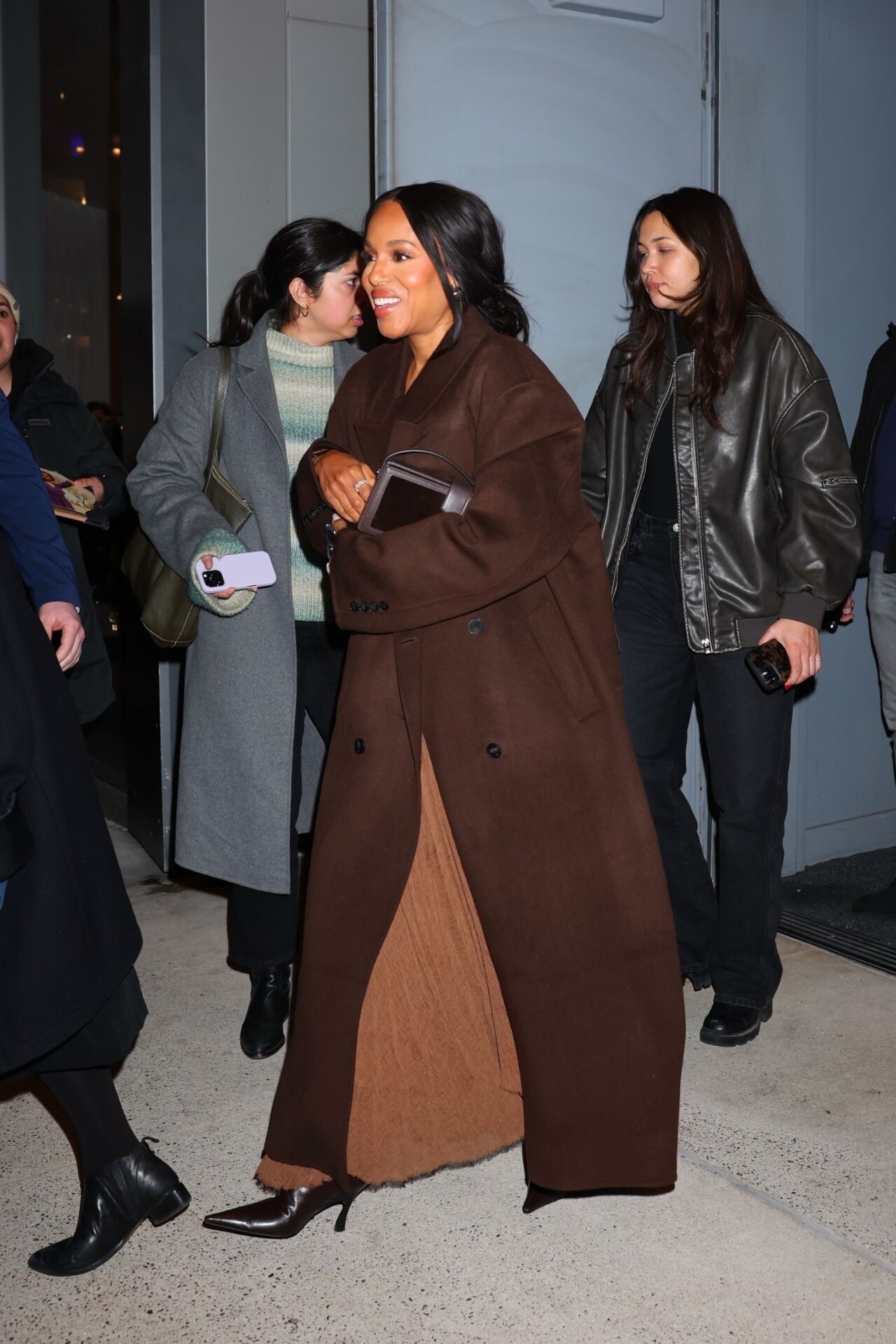
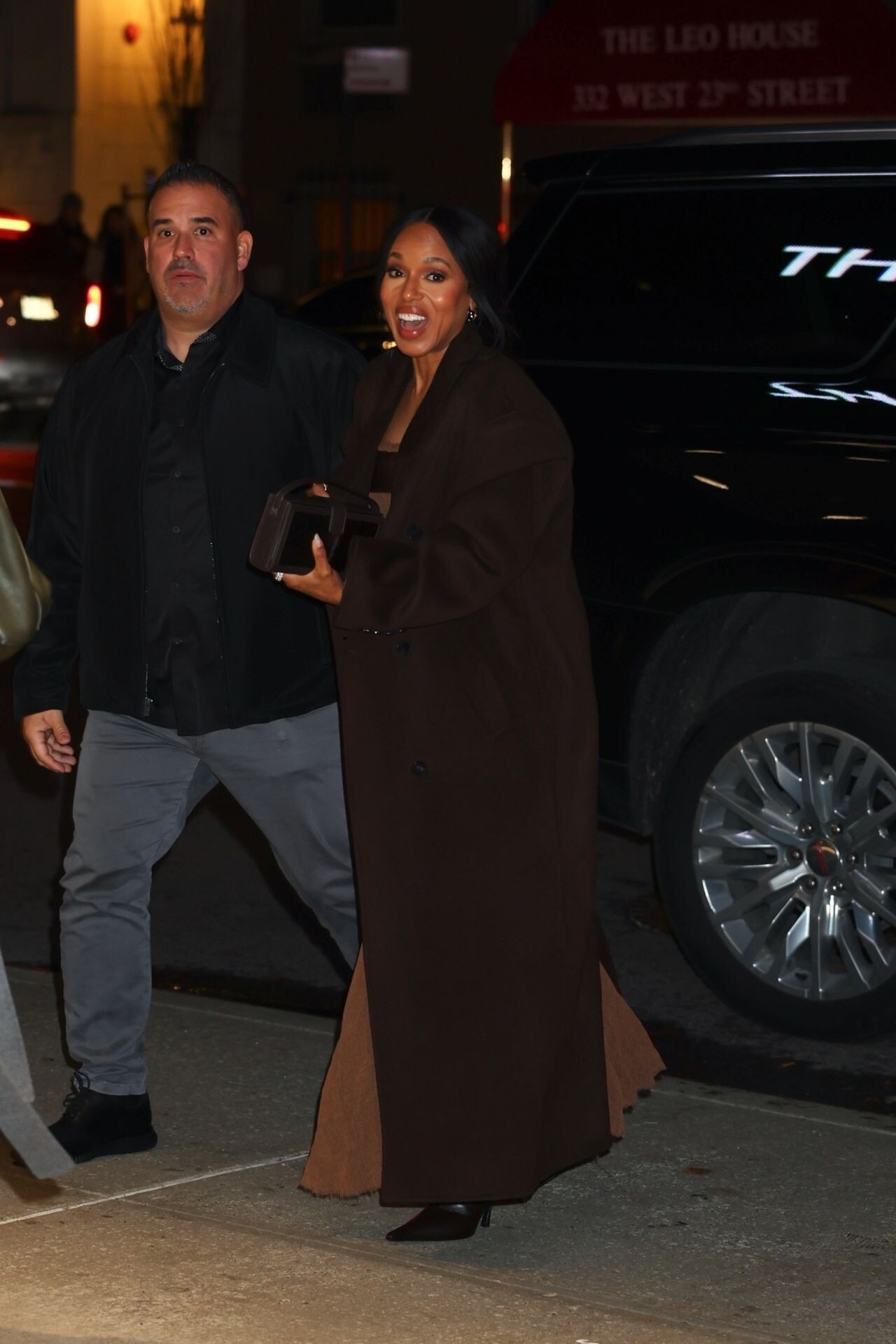









































































Account
Navigation
Search
Configure browser push notifications
Chrome (Android)
- Tap the lock icon next to the address bar.
- Tap Permissions → Notifications.
- Adjust your preference.
Chrome (Desktop)
- Click the padlock icon in the address bar.
- Select Site settings.
- Find Notifications and adjust your preference.
Safari (iOS 16.4+)
- Ensure the site is installed via Add to Home Screen.
- Open Settings App → Notifications.
- Find your app name and adjust your preference.
Safari (macOS)
- Go to Safari → Preferences.
- Click the Websites tab.
- Select Notifications in the sidebar.
- Find this website and adjust your preference.
Edge (Android)
- Tap the lock icon next to the address bar.
- Tap Permissions.
- Find Notifications and adjust your preference.
Edge (Desktop)
- Click the padlock icon in the address bar.
- Click Permissions for this site.
- Find Notifications and adjust your preference.
Firefox (Android)
- Go to Settings → Site permissions.
- Tap Notifications.
- Find this site in the list and adjust your preference.
Firefox (Desktop)
- Open Firefox Settings.
- Search for Notifications.
- Find this site in the list and adjust your preference.