
balenciagaaa
Members
-
Joined
-
Last visited
Everything posted by balenciagaaa
-
 Vogue Korea July 2023

-
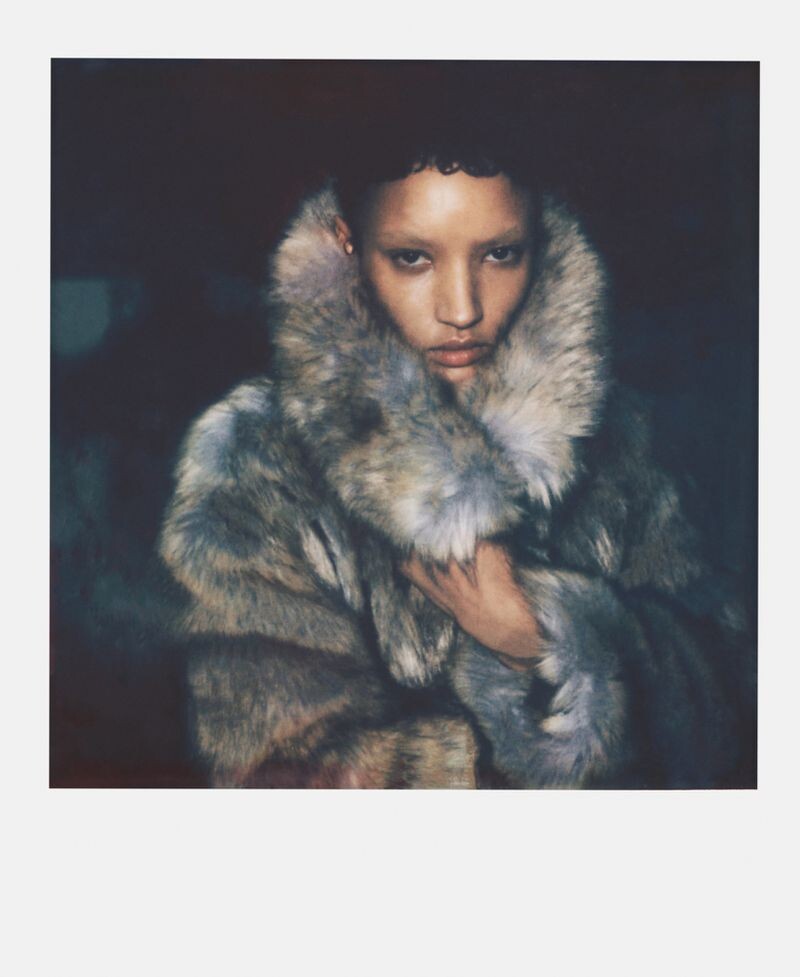
Kids With Agency The Financial Times - HTSI Magazine (Editorial) 05/13/2023 photographer: Drew Jarrett


-
-
-
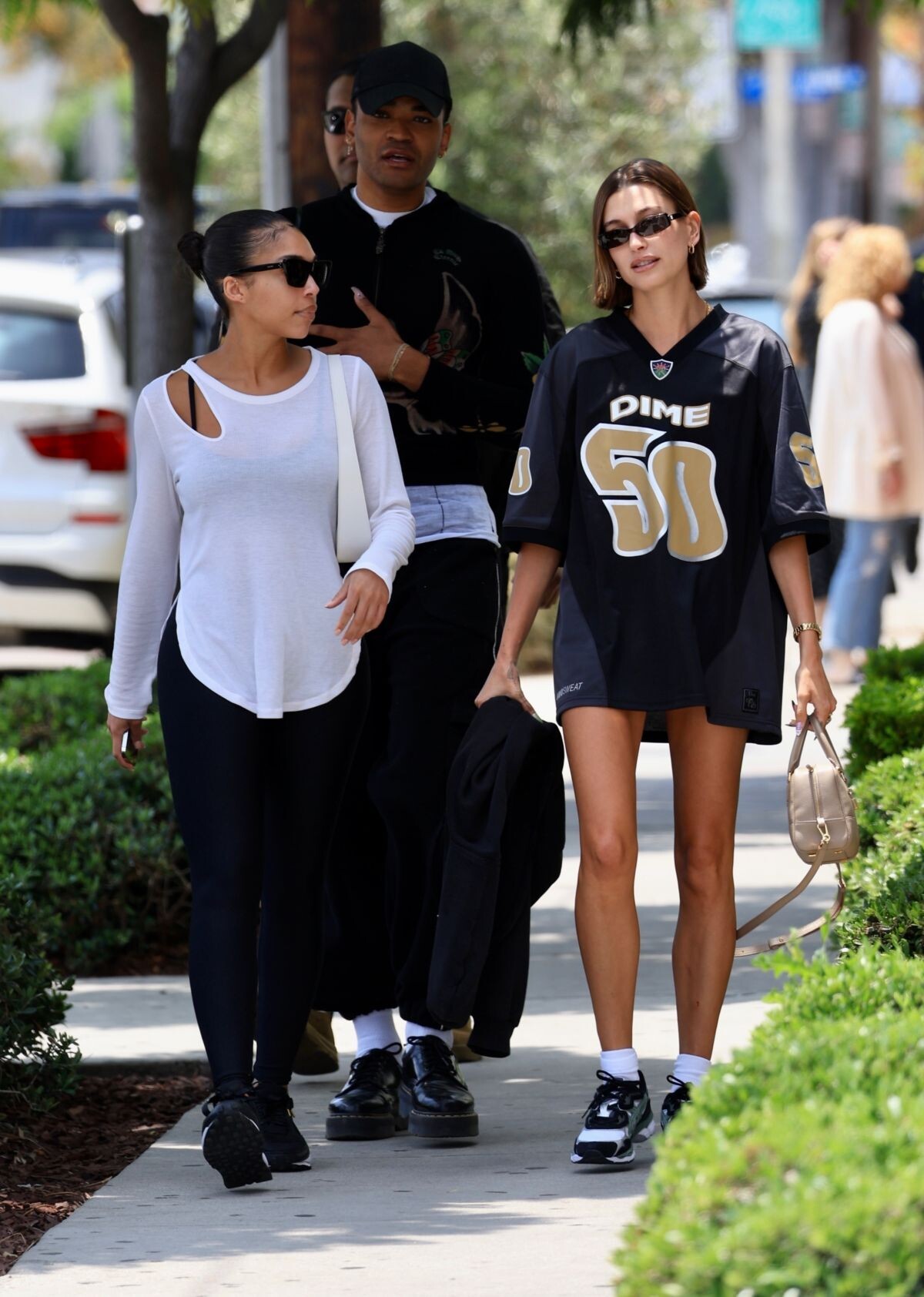
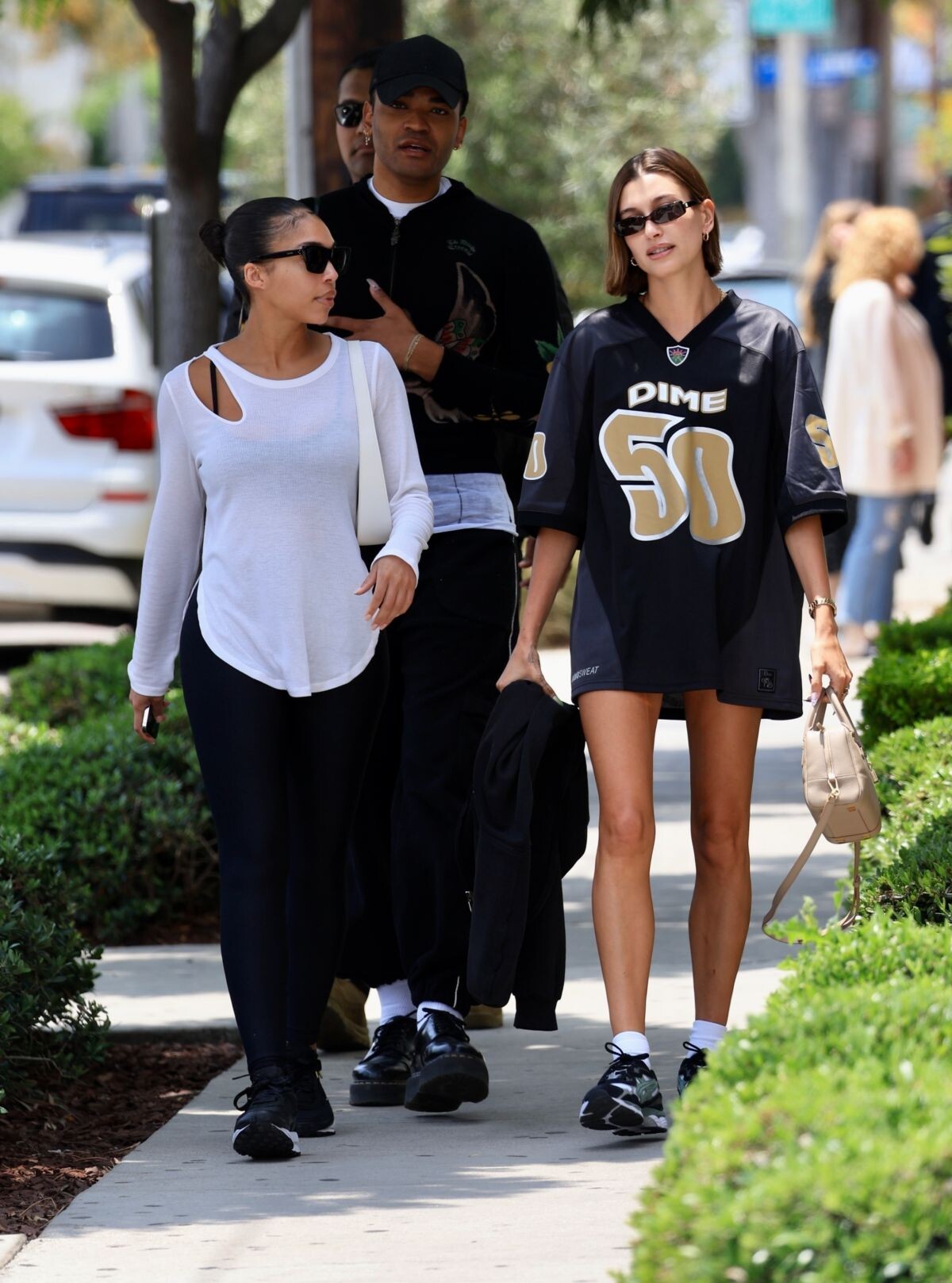
Los Angeles 06/13/2023






-
-
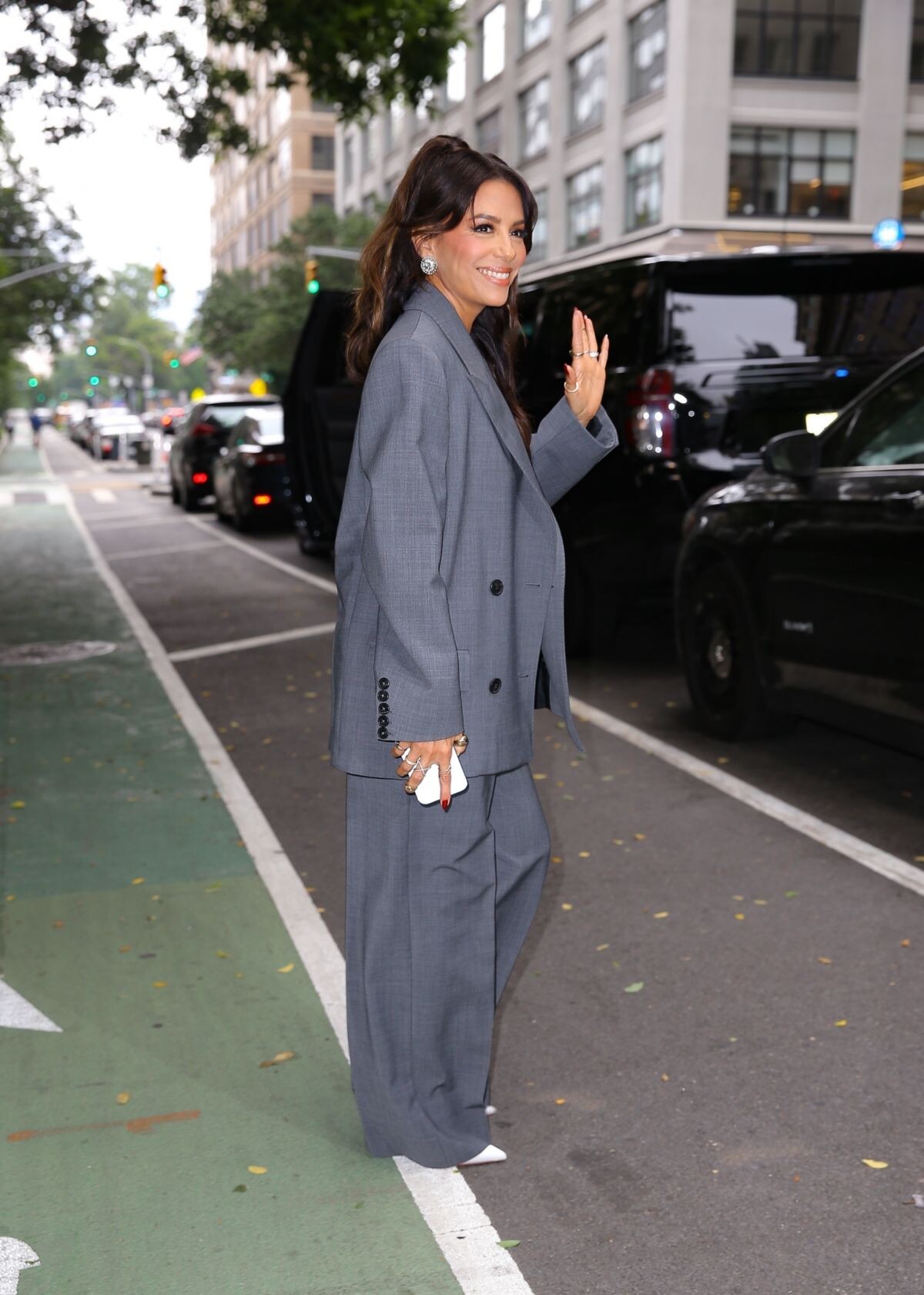
Arrives at The View in New York 06/12/2023







-
-
Arrives at Watch What Happens Live With Andy Cohen in New York 06/12/2023










-
Flamin’ Hot Premiere in Los Angeles 06/09/2023








-
Night Out at Beauty and Essex in Hollywood 06/09/2023







-
Telemundo’s Hoy Dia Morning Show in Doral 06/07/2023 Flamin’ Hot Miami Screening at AMC Sunset Place 06/06/2023




-
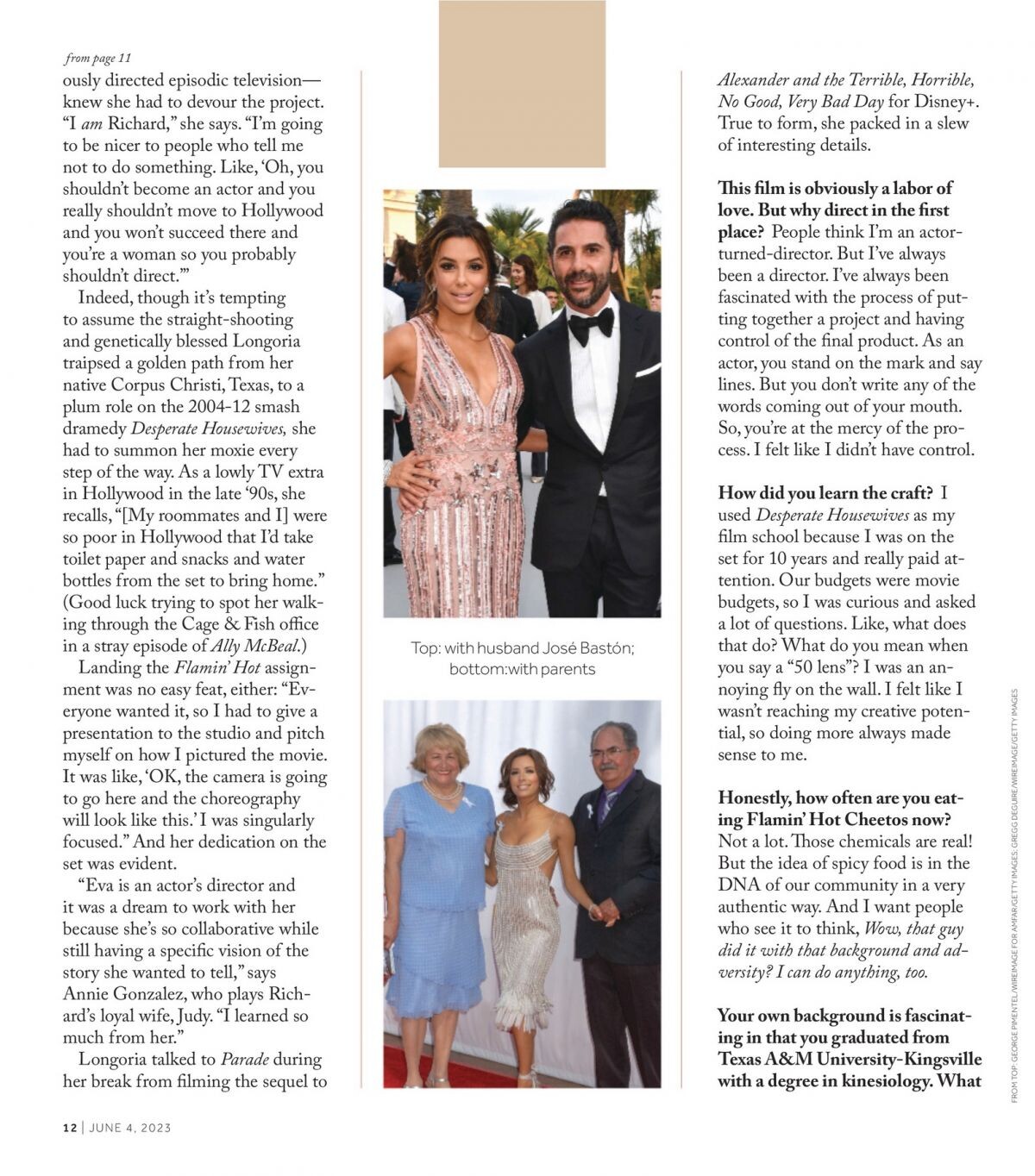
Parade Magazine, June 2023





-
Times Magazine, June 2023





-
Arrives at ABC Studios in New York 06/14/2023







-
Arrives at The View Studios in New York 06/14/2023







-
New York 06/13/2023




-
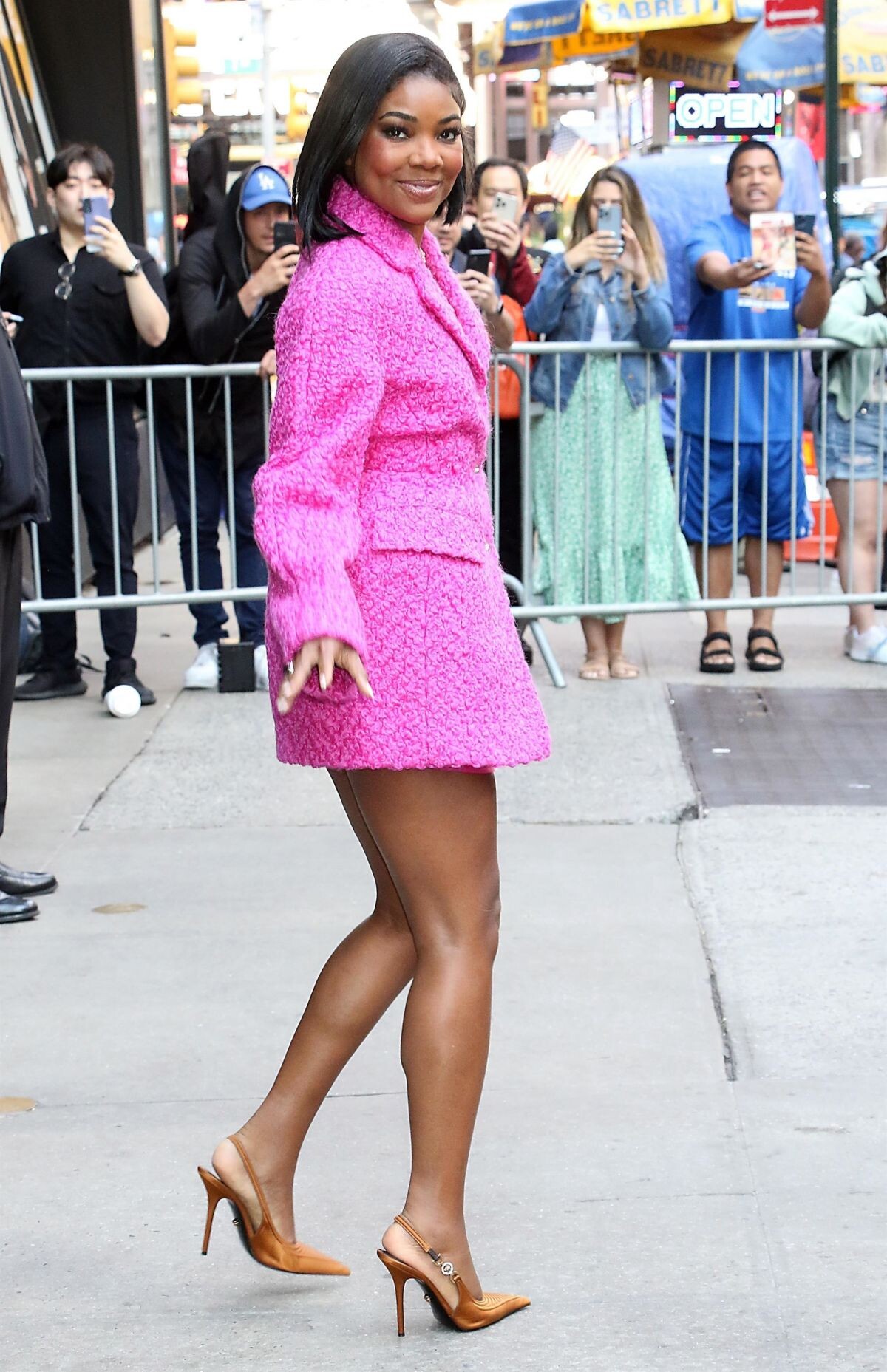
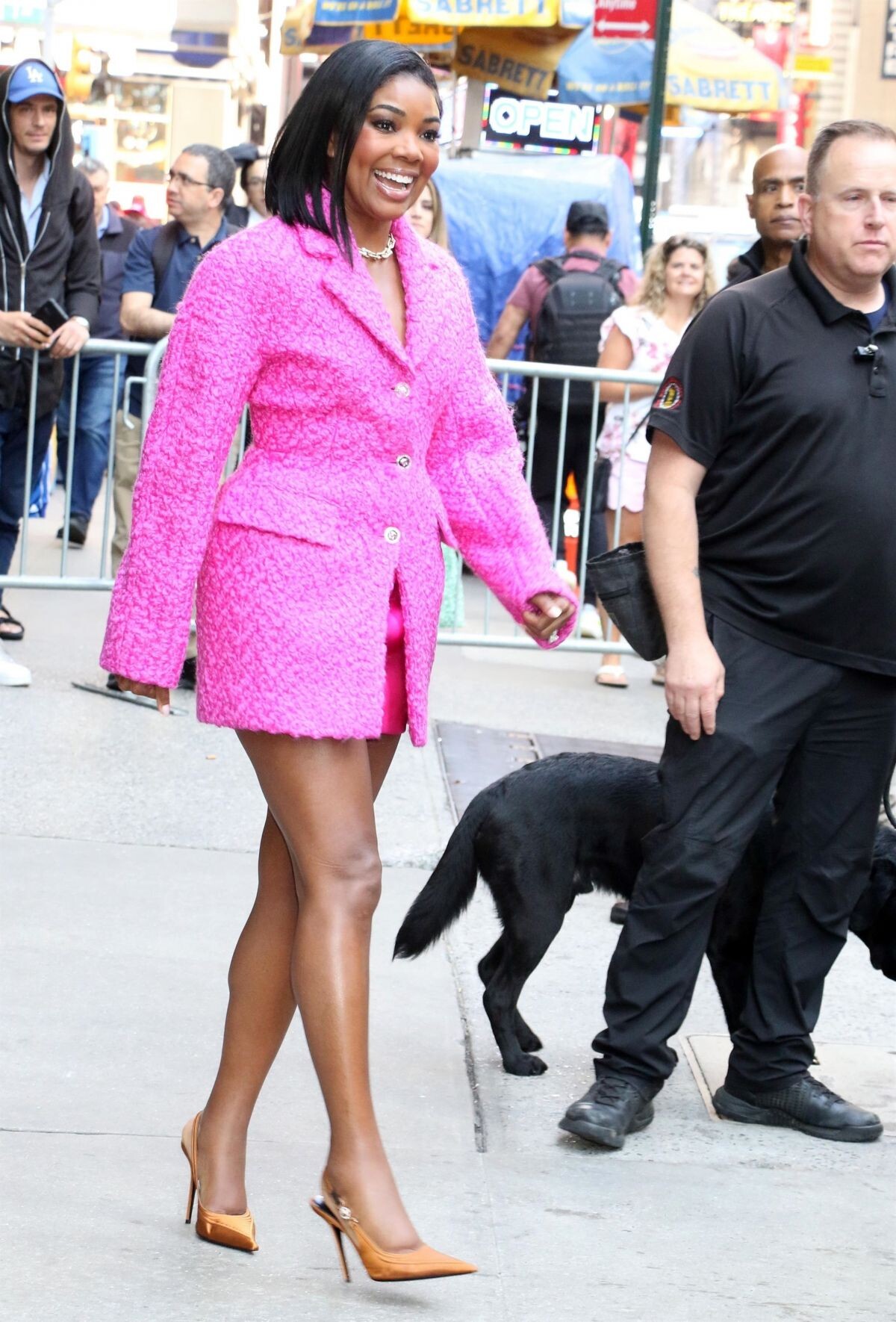
Arrives Good Morning America in New York 06/13/2023







-
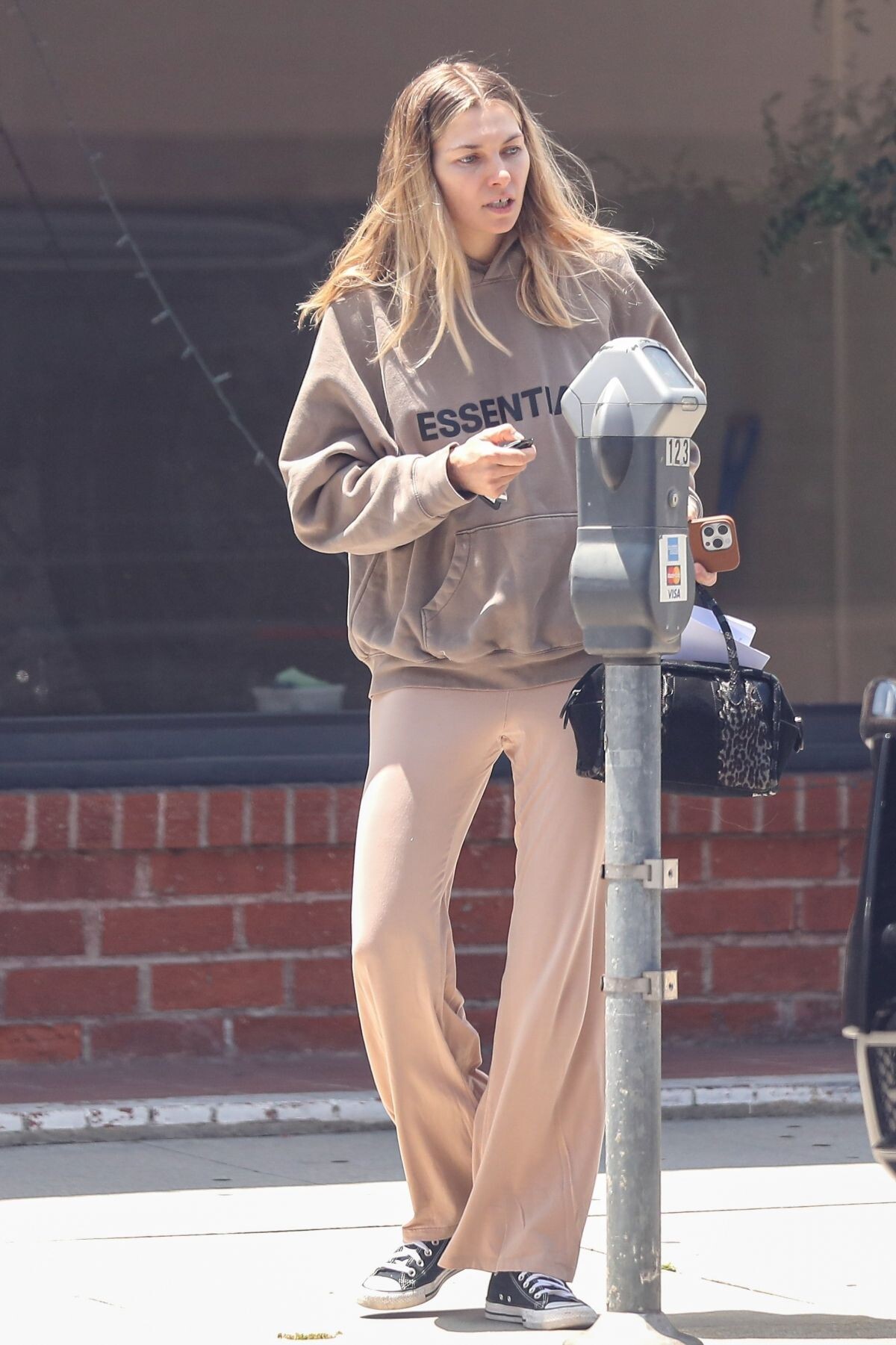
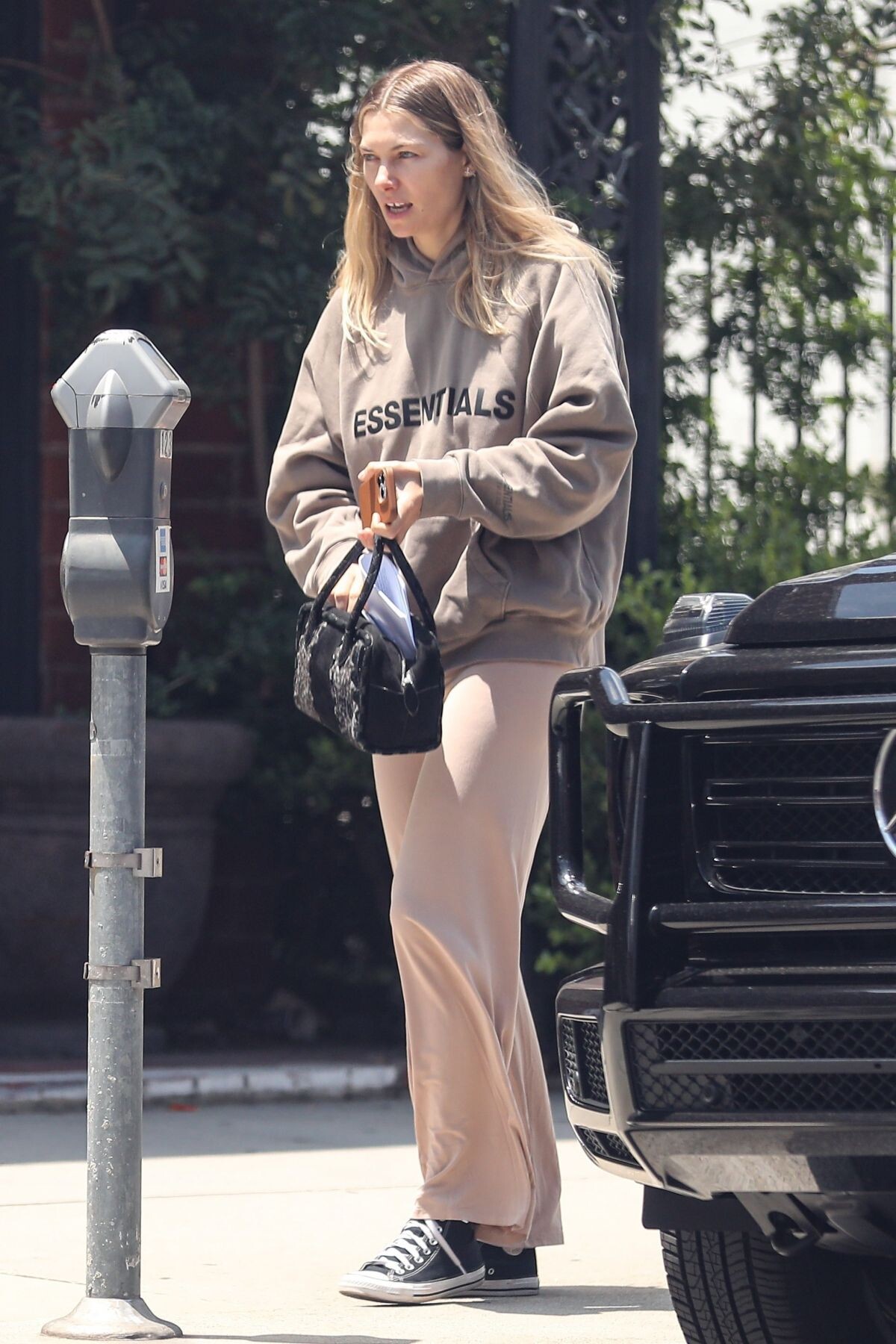
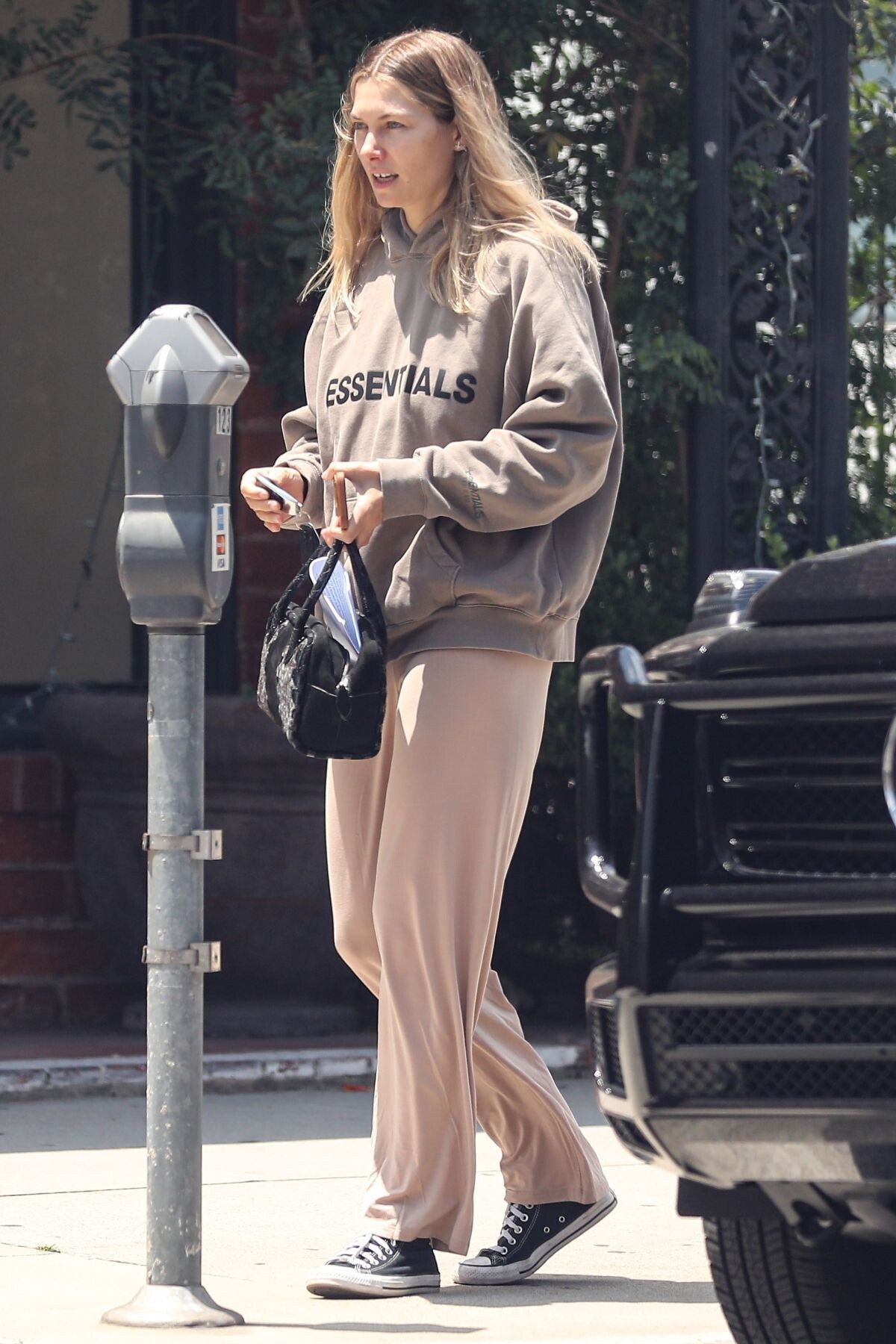
West Hollywood 06/13/2023




-
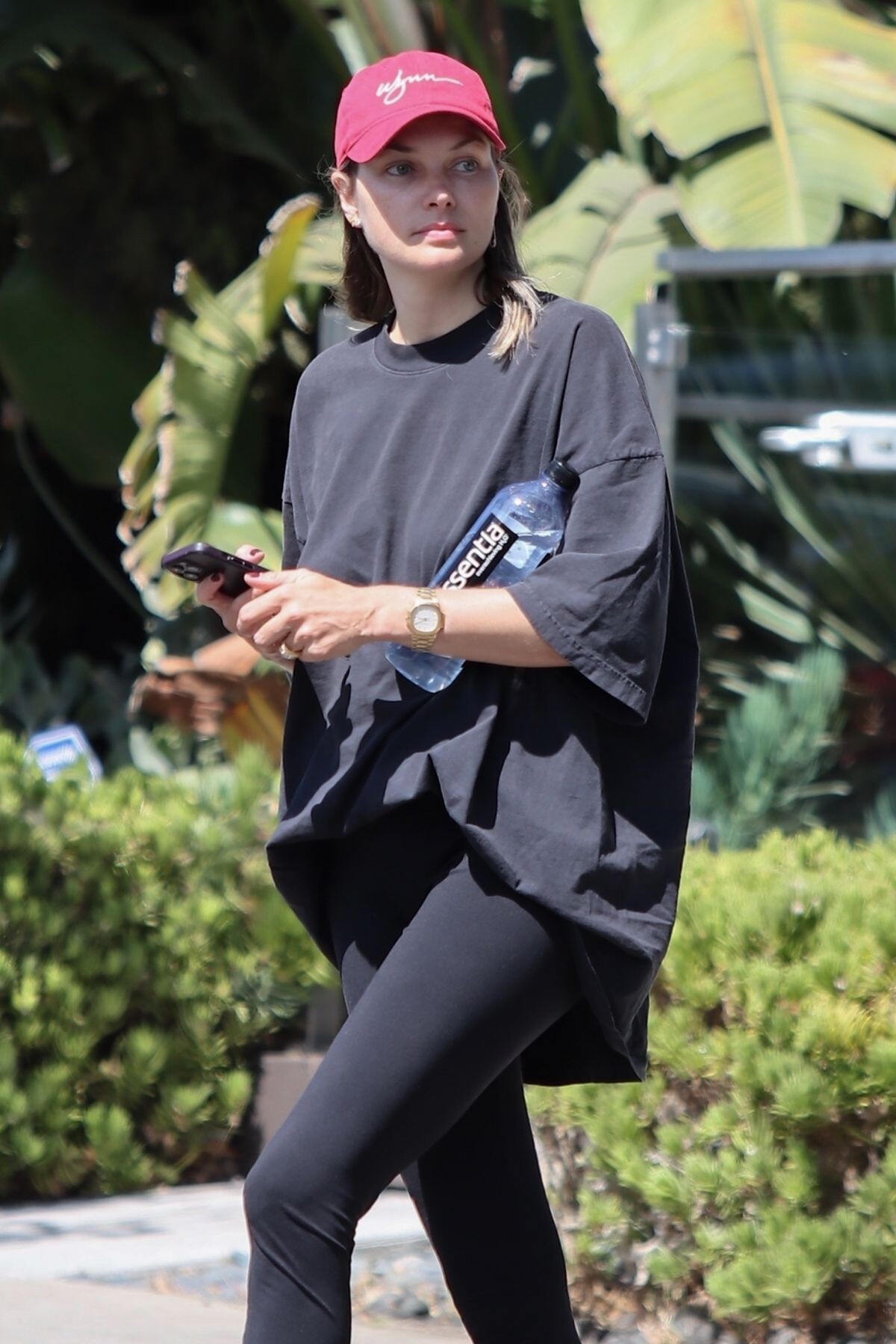
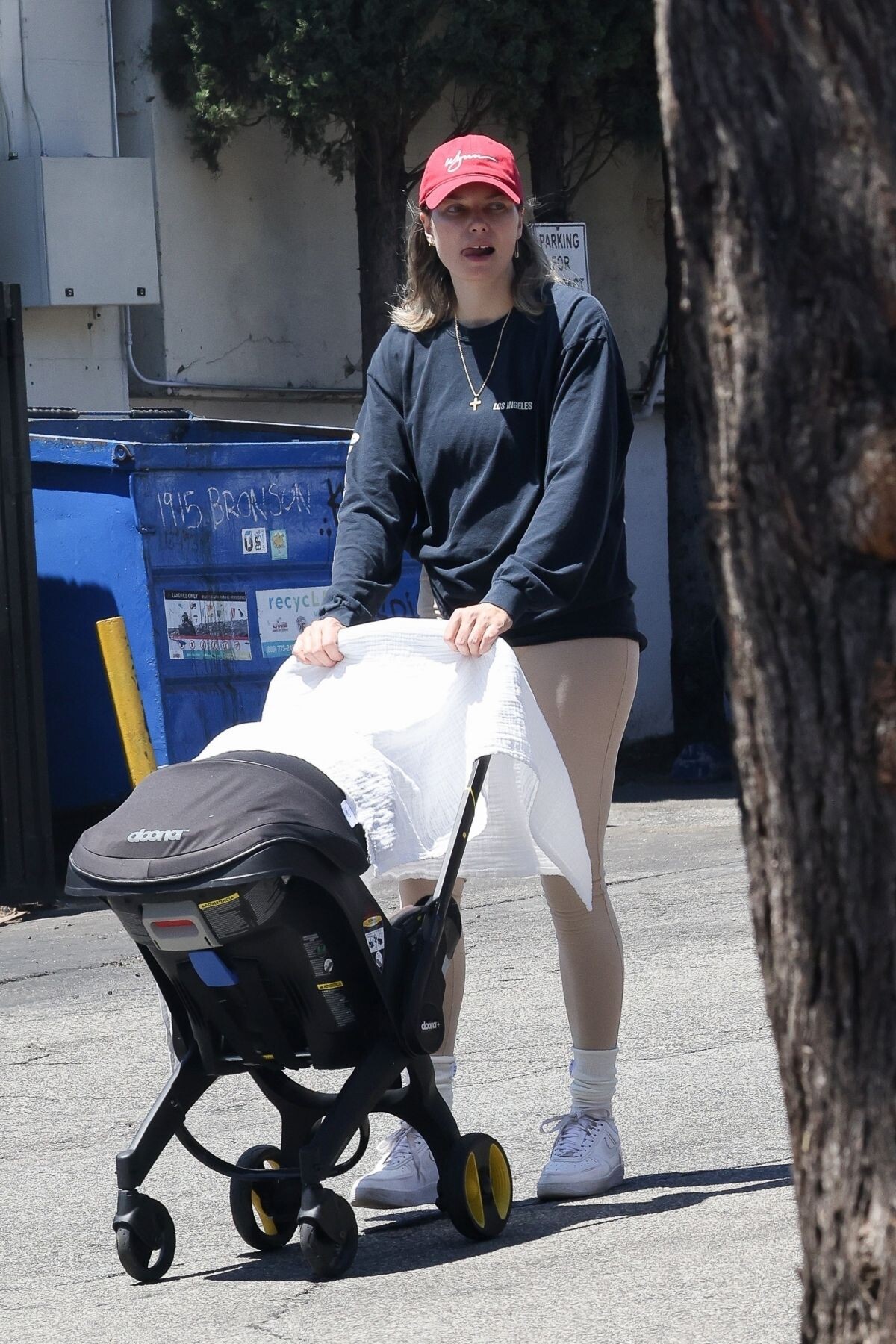
Shopping for Pet Supplies in Los Feliz 06/09/2023







-
Louis Vuitton SEE LV Exhibition Opening in Sydney 11/03/2022





































































































































































Account
Navigation
Search
Configure browser push notifications
Chrome (Android)
- Tap the lock icon next to the address bar.
- Tap Permissions → Notifications.
- Adjust your preference.
Chrome (Desktop)
- Click the padlock icon in the address bar.
- Select Site settings.
- Find Notifications and adjust your preference.
Safari (iOS 16.4+)
- Ensure the site is installed via Add to Home Screen.
- Open Settings App → Notifications.
- Find your app name and adjust your preference.
Safari (macOS)
- Go to Safari → Preferences.
- Click the Websites tab.
- Select Notifications in the sidebar.
- Find this website and adjust your preference.
Edge (Android)
- Tap the lock icon next to the address bar.
- Tap Permissions.
- Find Notifications and adjust your preference.
Edge (Desktop)
- Click the padlock icon in the address bar.
- Click Permissions for this site.
- Find Notifications and adjust your preference.
Firefox (Android)
- Go to Settings → Site permissions.
- Tap Notifications.
- Find this site in the list and adjust your preference.
Firefox (Desktop)
- Open Firefox Settings.
- Search for Notifications.
- Find this site in the list and adjust your preference.