
balenciagaaa
Members
-
Joined
-
Last visited
Everything posted by balenciagaaa
-

-
V Magazine Spring 2024










-
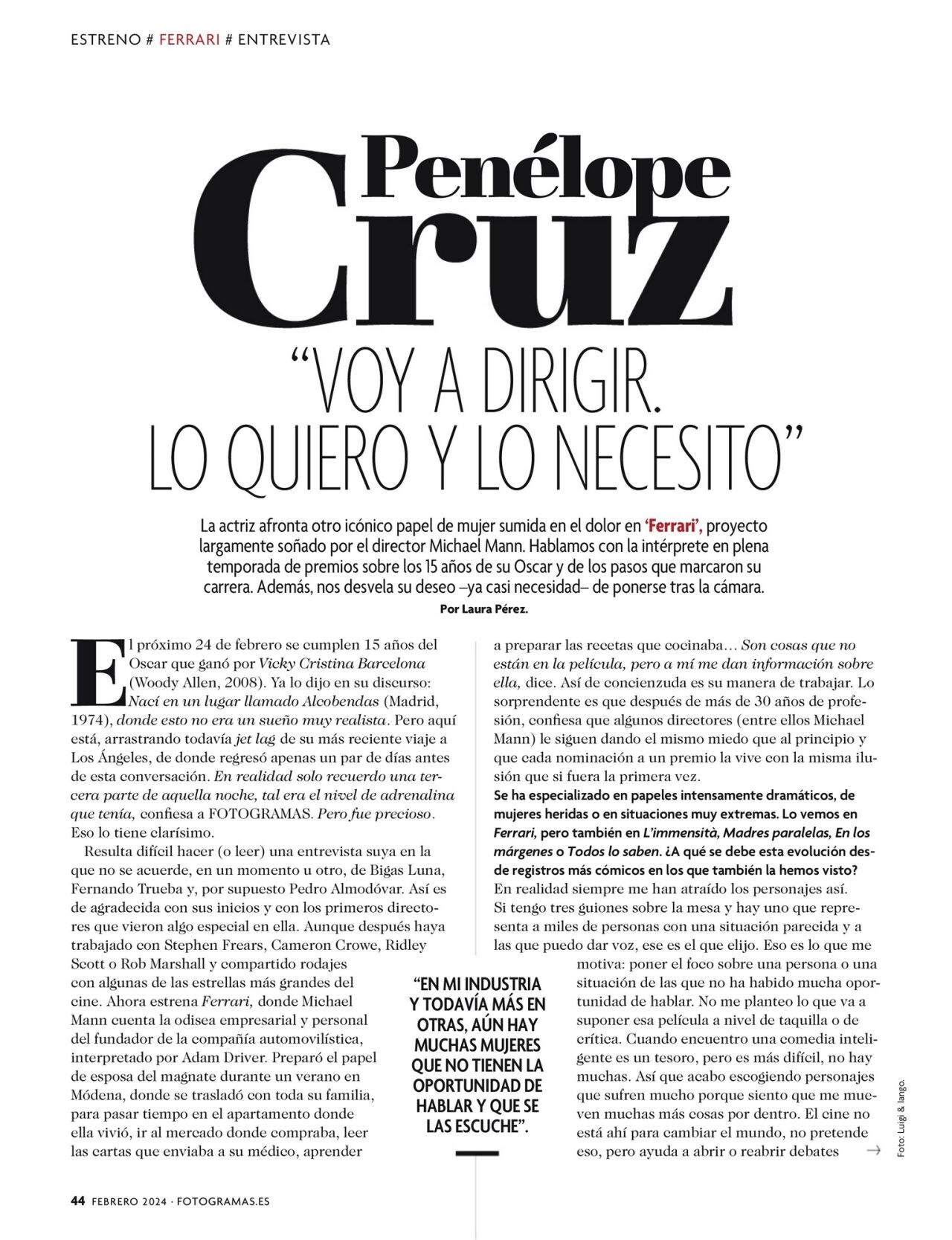
Fotogramas Magazine February 2024





-
“Ferrari” Photocall in Madrid 02/05/2024









 at Christophe Guillarme Show During Paris Fashion Week 02/28/2024





 at Roberto Cavalli Show During Milan Fashion Week 02/21/2024

 Ashi Studio Haute Couture Show in Paris 01/25/2024








 at Elie Saab Show in Paris 01/24/2024





 Saint Tropez 07/23/2023




 instagram


























 Frame Denim’s Fashion Week Dinner at Indochine in New York 02/12/2024



 Swarovski x SKIMS Event in Manhattan 11/07/2023



 OBJ’s Birthday Party in NYC 11/06/2023



 at Rabanne Show During Paris Fashion Week 02/29/2024

 at Casablanca Show During Paris Fashion Week 02/28/2024




 instagram































 instagram @biancachandon by @viktorvauthier








 Melbourne 02/28/2024




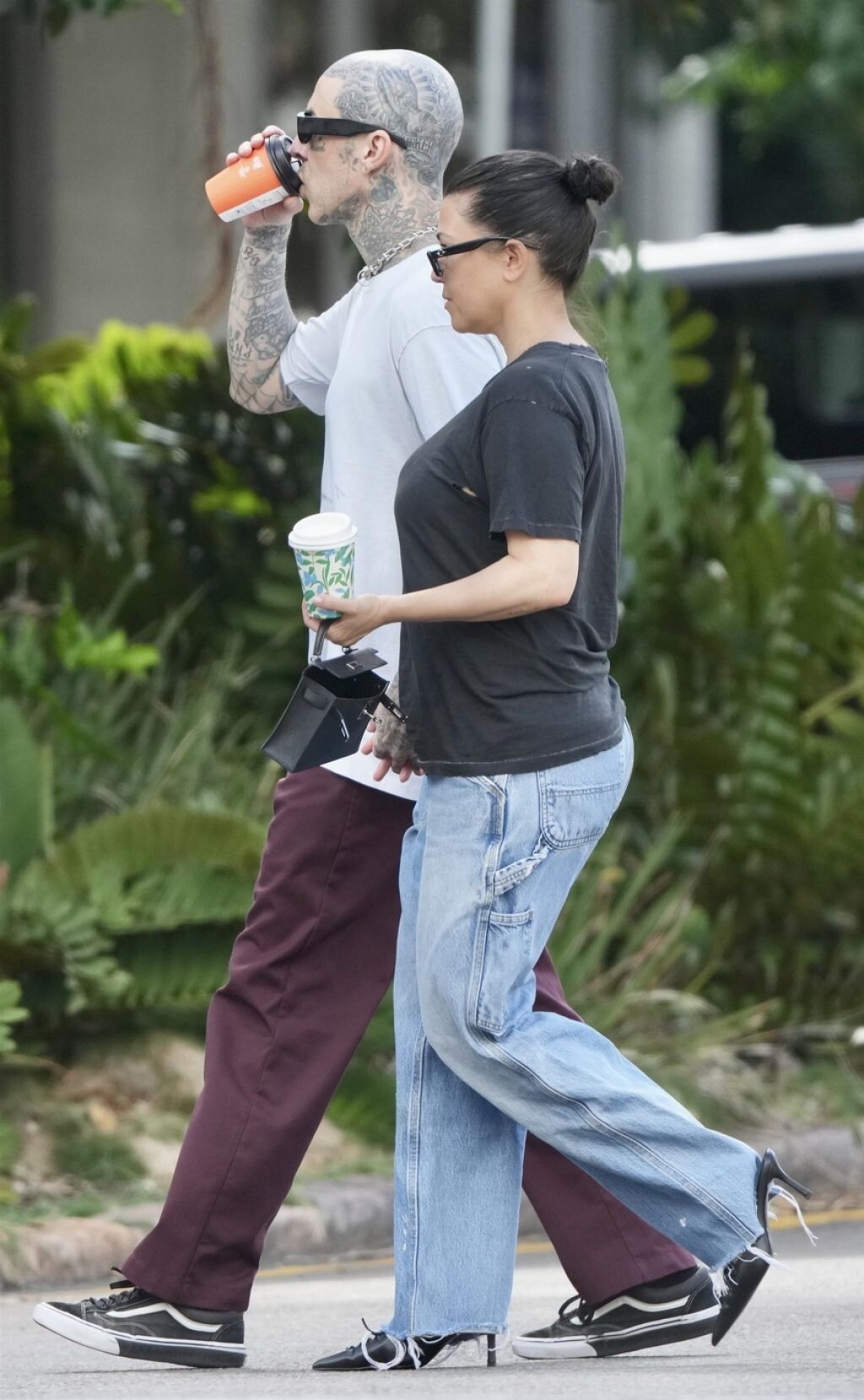
 Brisbane 02/20/2024


















































































































































































































































































Account
Navigation
Search
Configure browser push notifications
Chrome (Android)
- Tap the lock icon next to the address bar.
- Tap Permissions → Notifications.
- Adjust your preference.
Chrome (Desktop)
- Click the padlock icon in the address bar.
- Select Site settings.
- Find Notifications and adjust your preference.
Safari (iOS 16.4+)
- Ensure the site is installed via Add to Home Screen.
- Open Settings App → Notifications.
- Find your app name and adjust your preference.
Safari (macOS)
- Go to Safari → Preferences.
- Click the Websites tab.
- Select Notifications in the sidebar.
- Find this website and adjust your preference.
Edge (Android)
- Tap the lock icon next to the address bar.
- Tap Permissions.
- Find Notifications and adjust your preference.
Edge (Desktop)
- Click the padlock icon in the address bar.
- Click Permissions for this site.
- Find Notifications and adjust your preference.
Firefox (Android)
- Go to Settings → Site permissions.
- Tap Notifications.
- Find this site in the list and adjust your preference.
Firefox (Desktop)
- Open Firefox Settings.
- Search for Notifications.
- Find this site in the list and adjust your preference.