
balenciagaaa
Members
-
Joined
-
Last visited
Everything posted by balenciagaaa
-
 Vogue Mexico December 2023






-
American Vogue October 2023 Sensitivity Training H&M Holiday 2023 Campaign


-
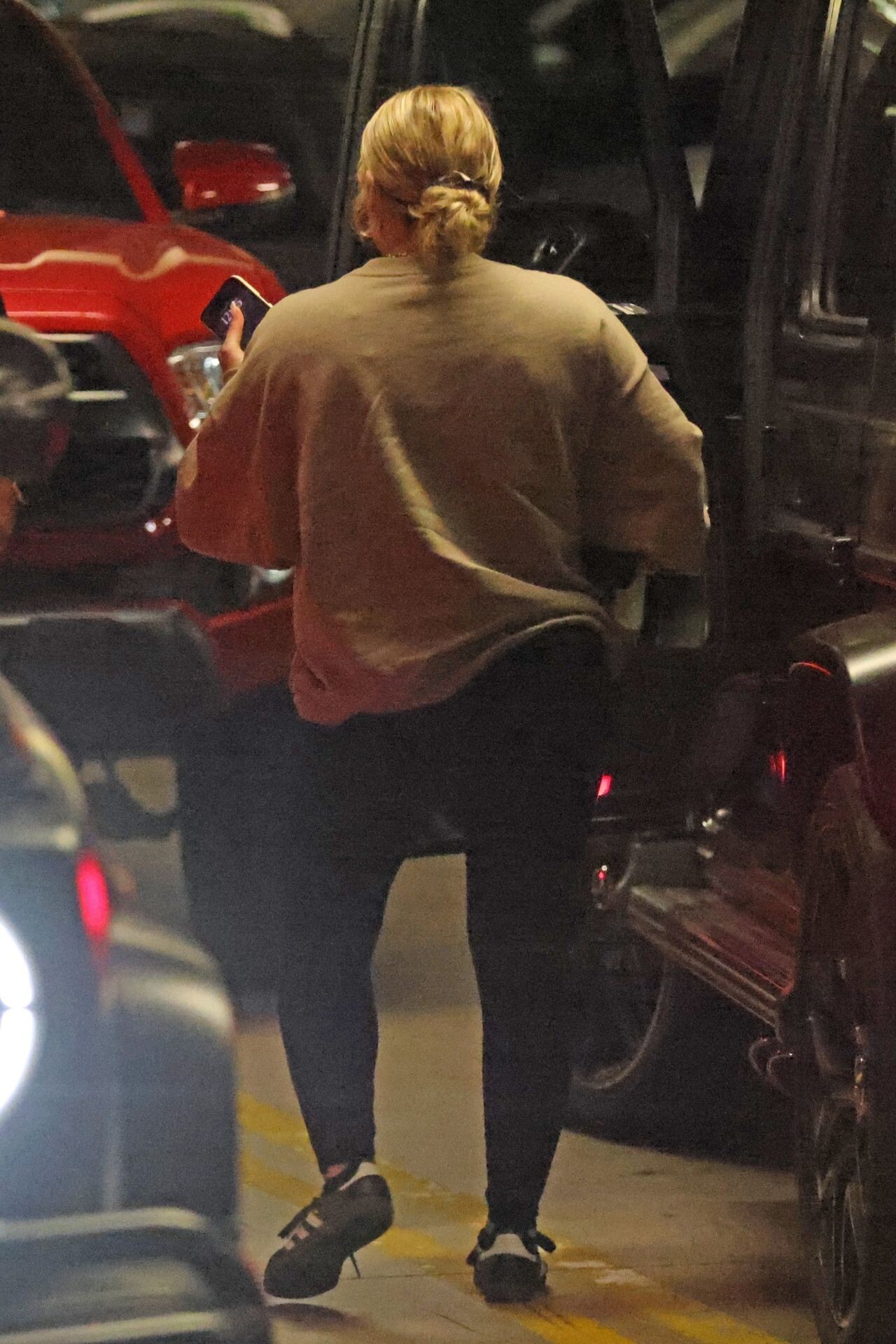
Hilary Duff With Her Mom in LA 04-24-2024










-
Los Angeles 04-22-2024










-
Sherman Oaks 04-18-2024





-
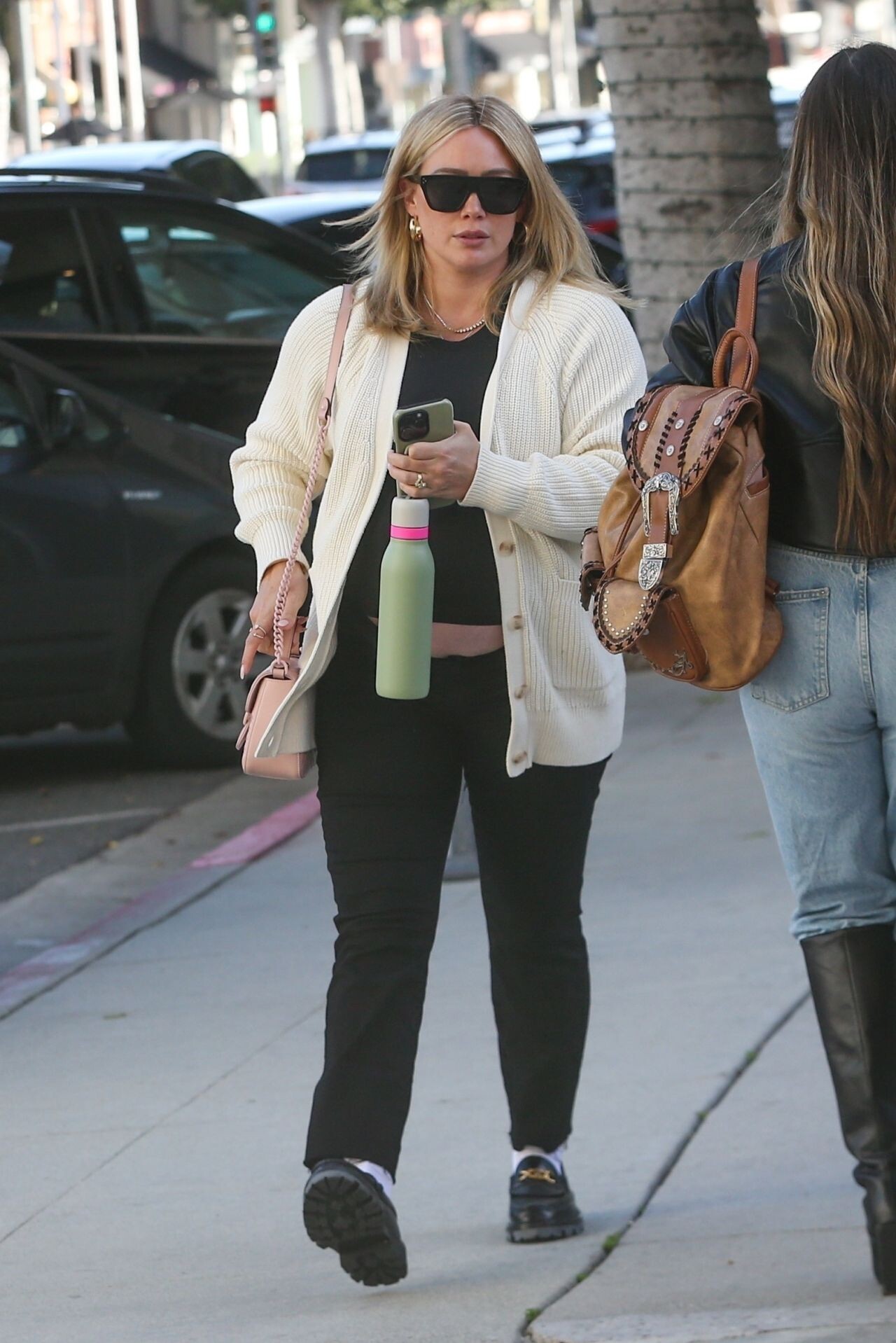
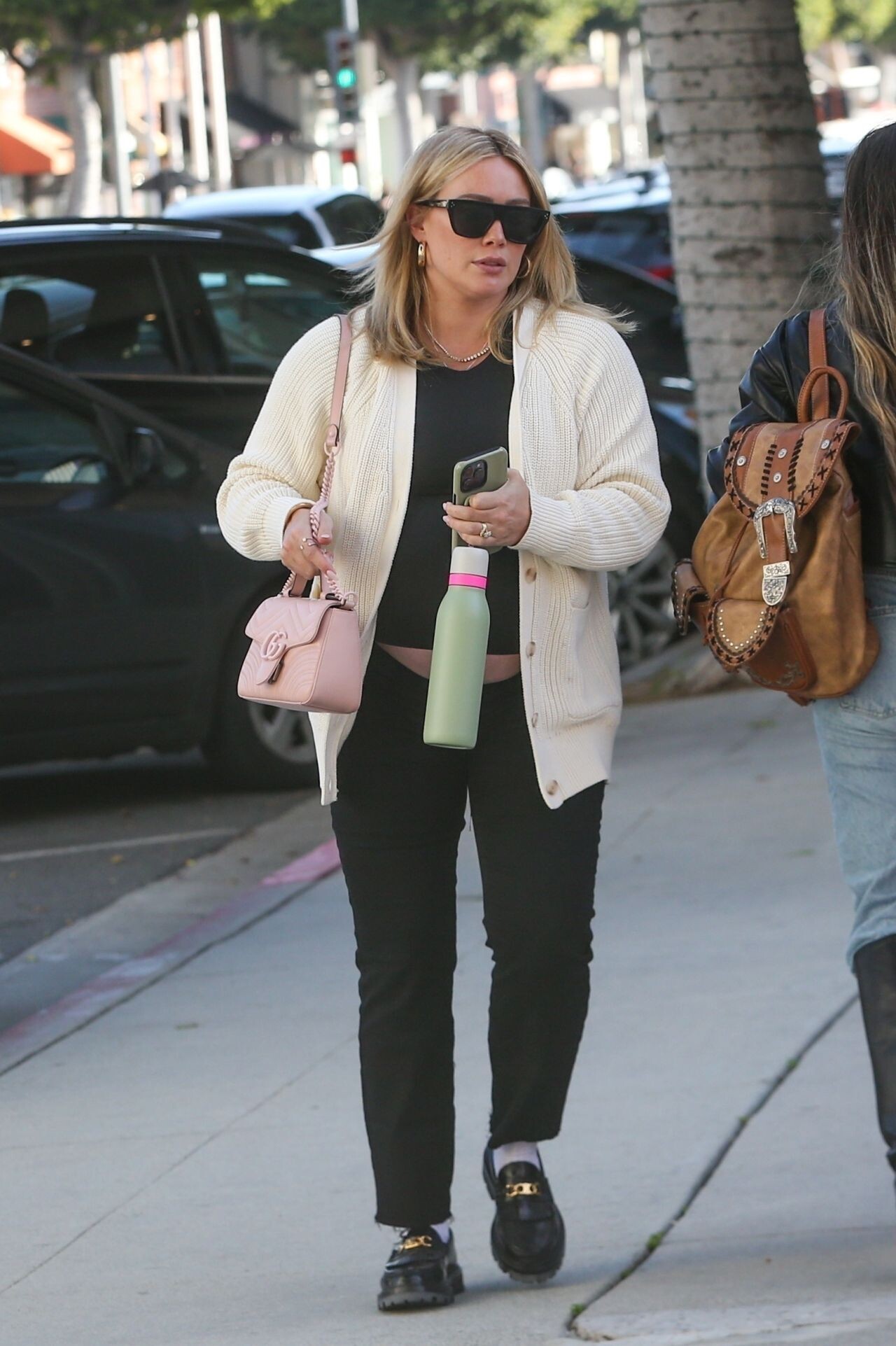
Hilary Duff and Matthew Koma Running Errands in Beverly Hills 03/11/2024






 West Hollywood 03/08/2024



 Cero Magazine Issue 7 Jonathan Shia - Editor-in-Chief Melissa Levy - Photographer Jasmine Holm and Marcus Hollands - Creative Director











 instagram











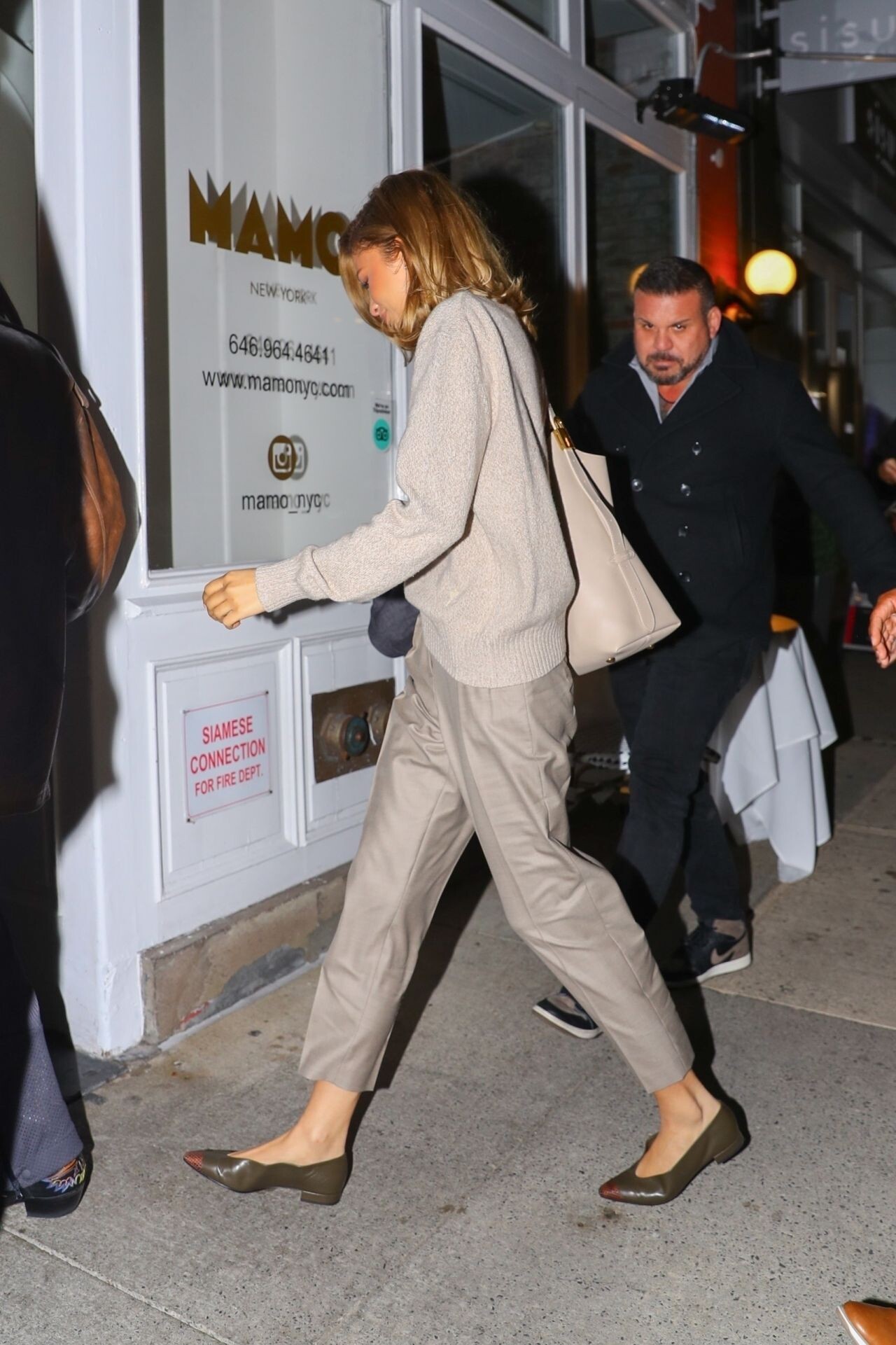
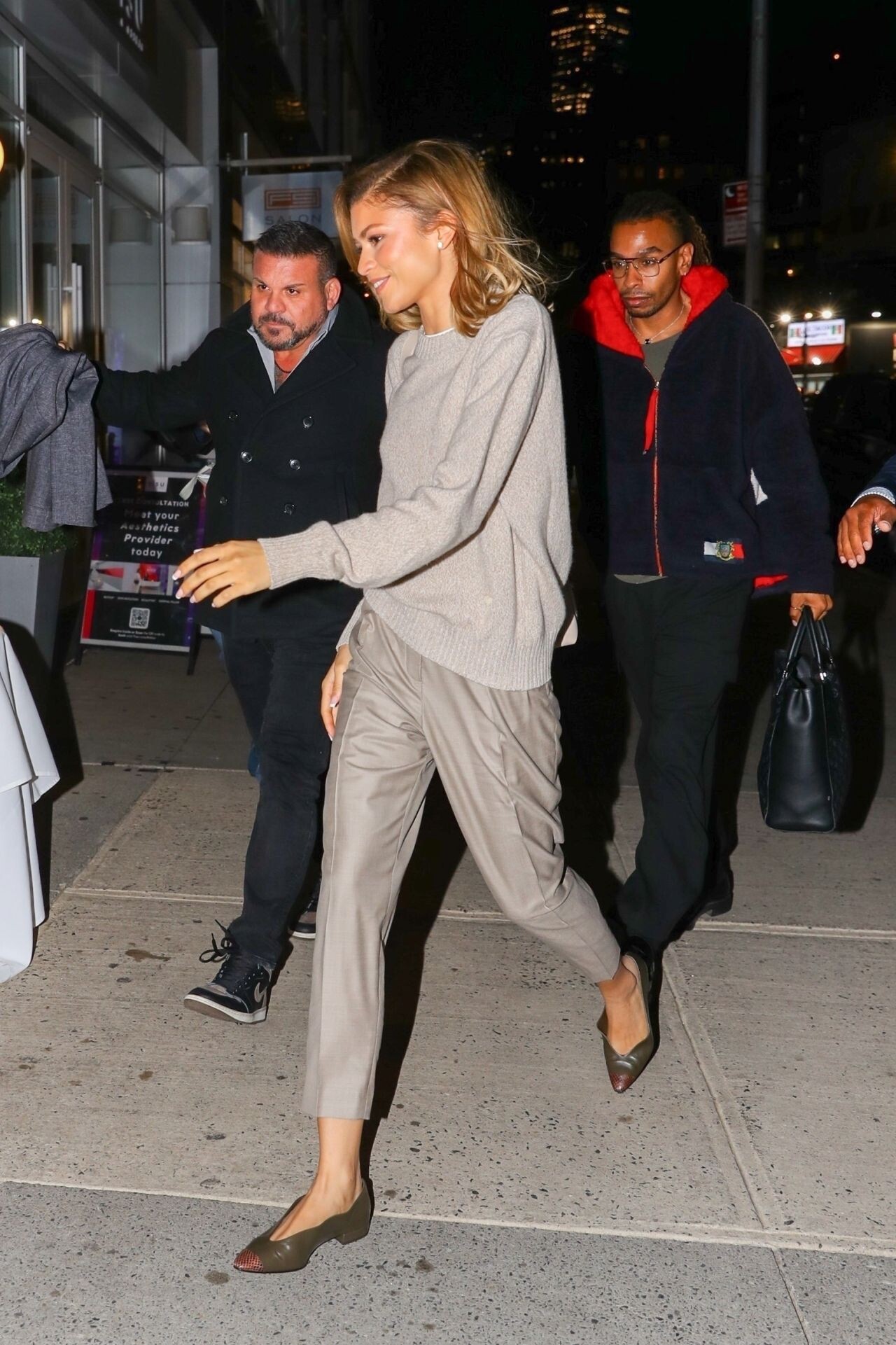
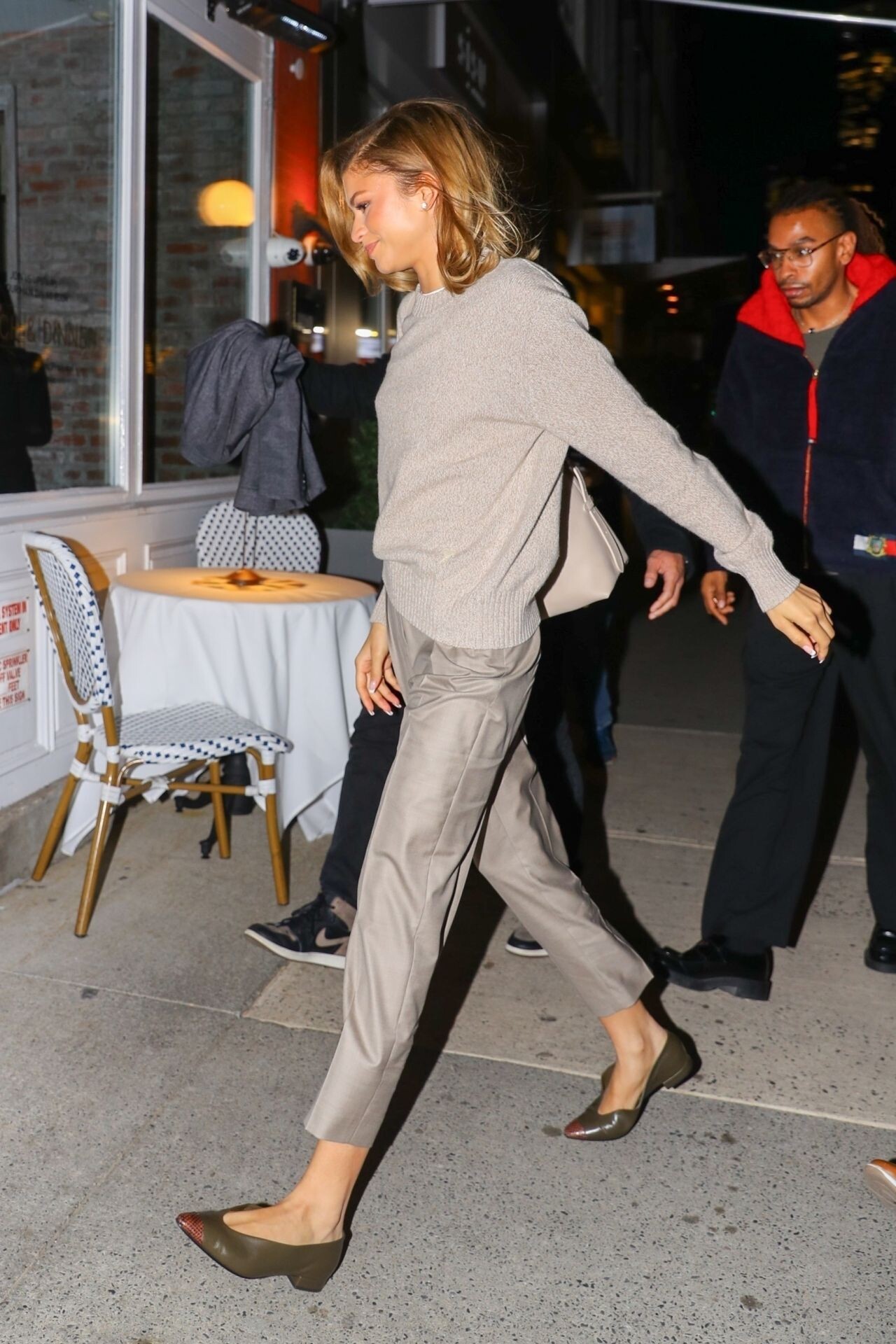
 Out for Dinner at Mamo in New York 04-23-2024





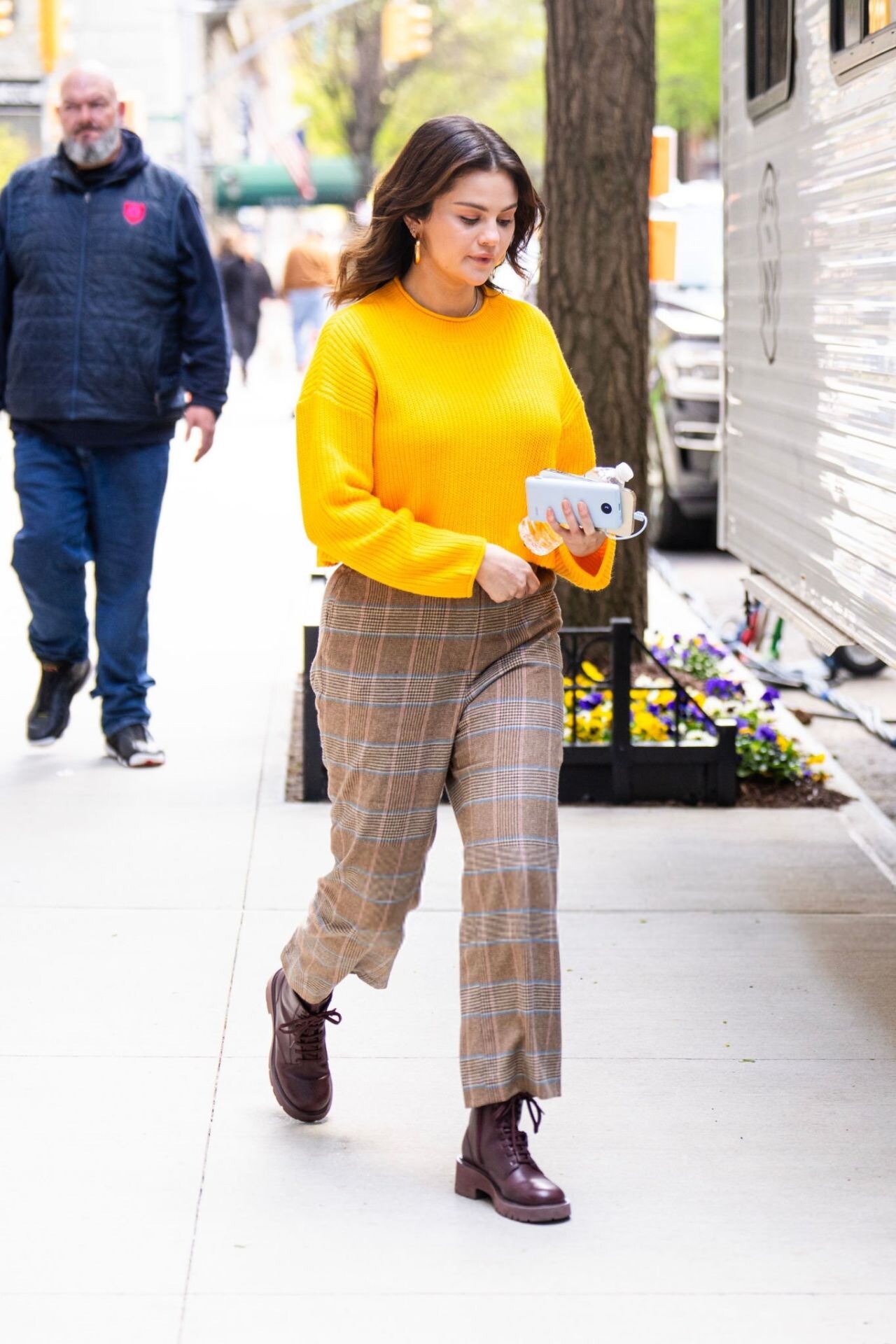
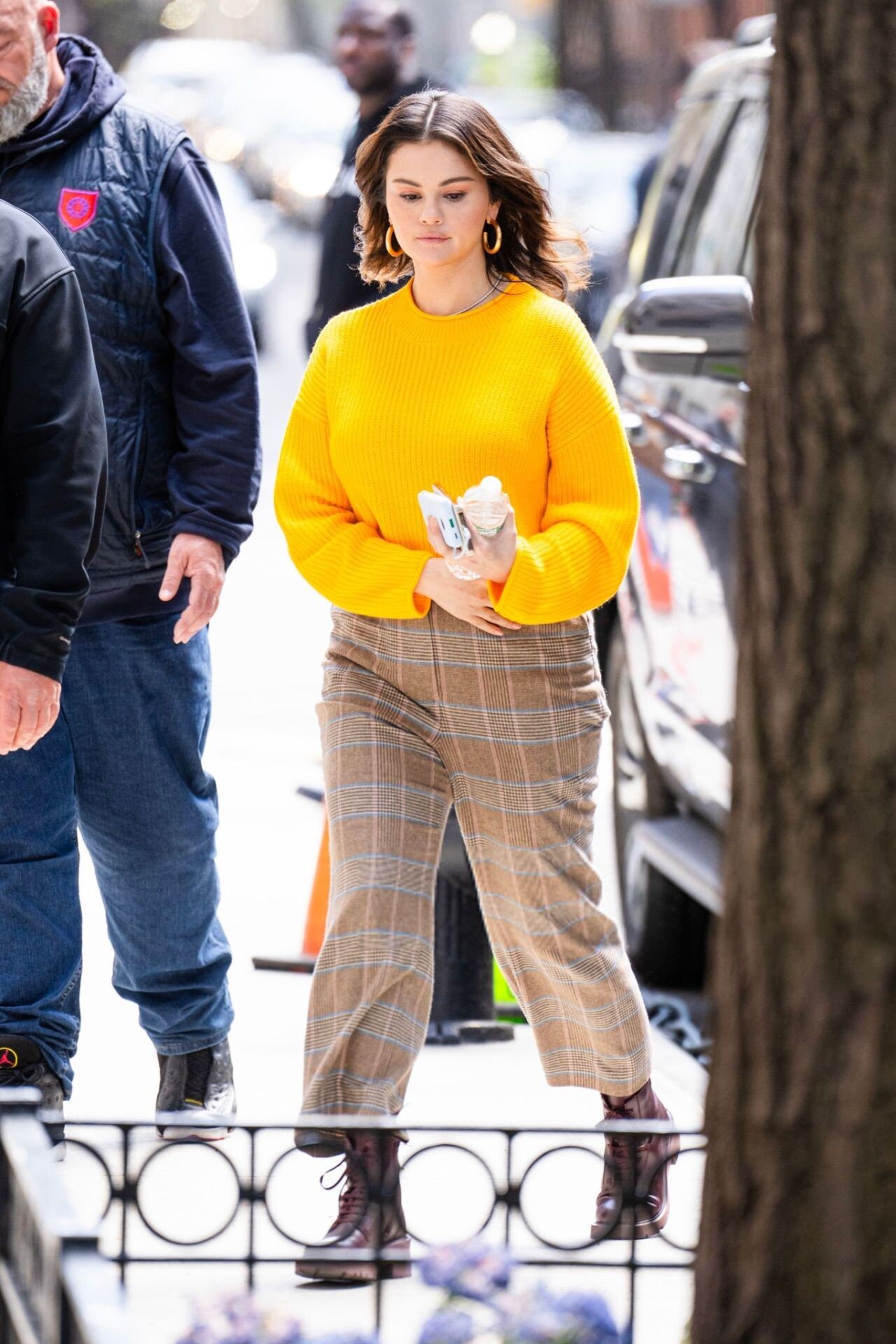
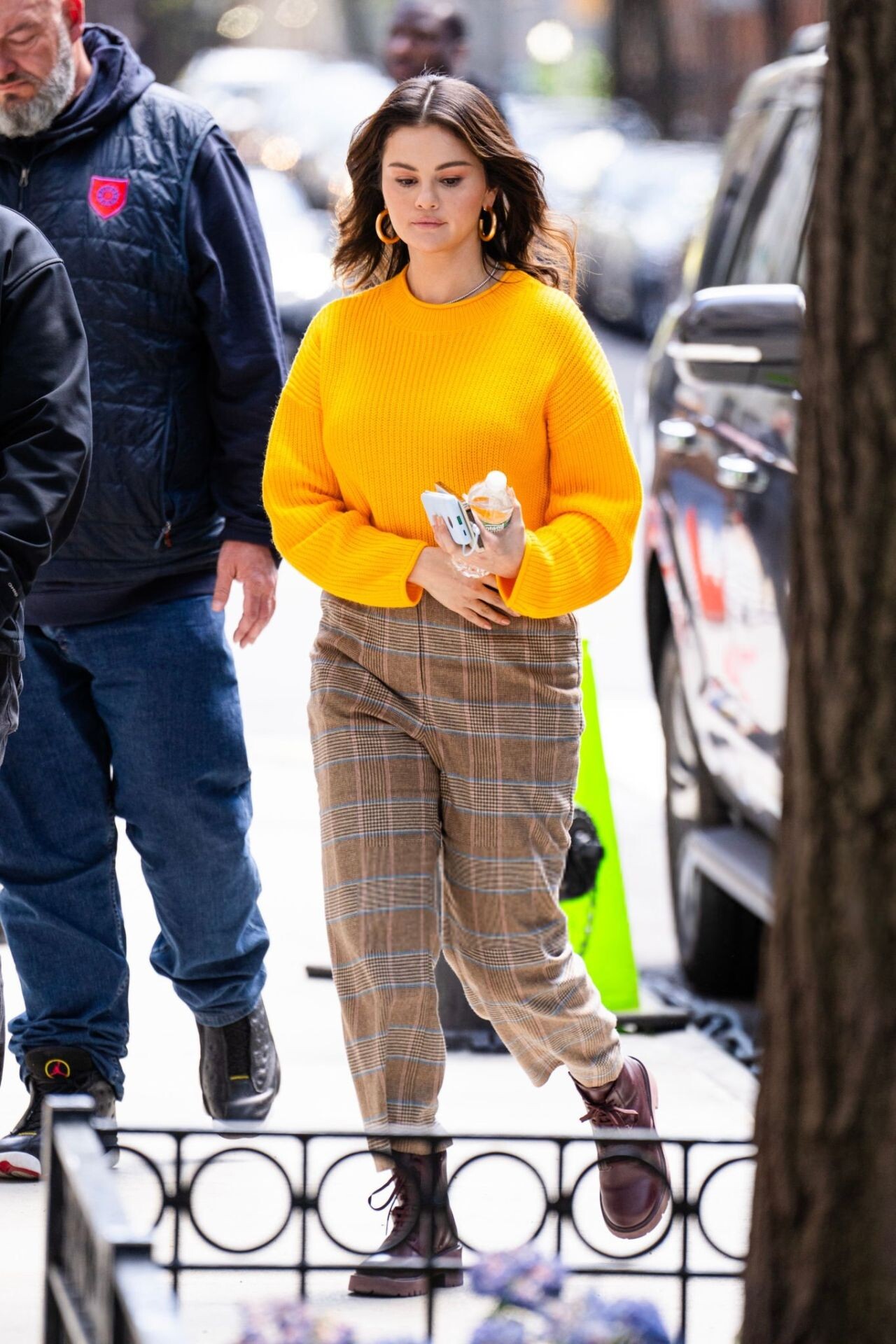
 Filming “Only Murders in the Building” in New York 04-24-2024








 Time100 Summit in NY 04-24-2024









 TIME 100 Summit in New York









 N.Y. Knicks vs Philadelphia 76ers in New York 04-22-2024



 on the Set of “Only Murders in the Building” in NYC 04-12-2024











 New York 04/07/2024



 Celebrates Launch Of Rare Beauty’s Pinch Luminous Powder Collection in NYC 04/06/2024








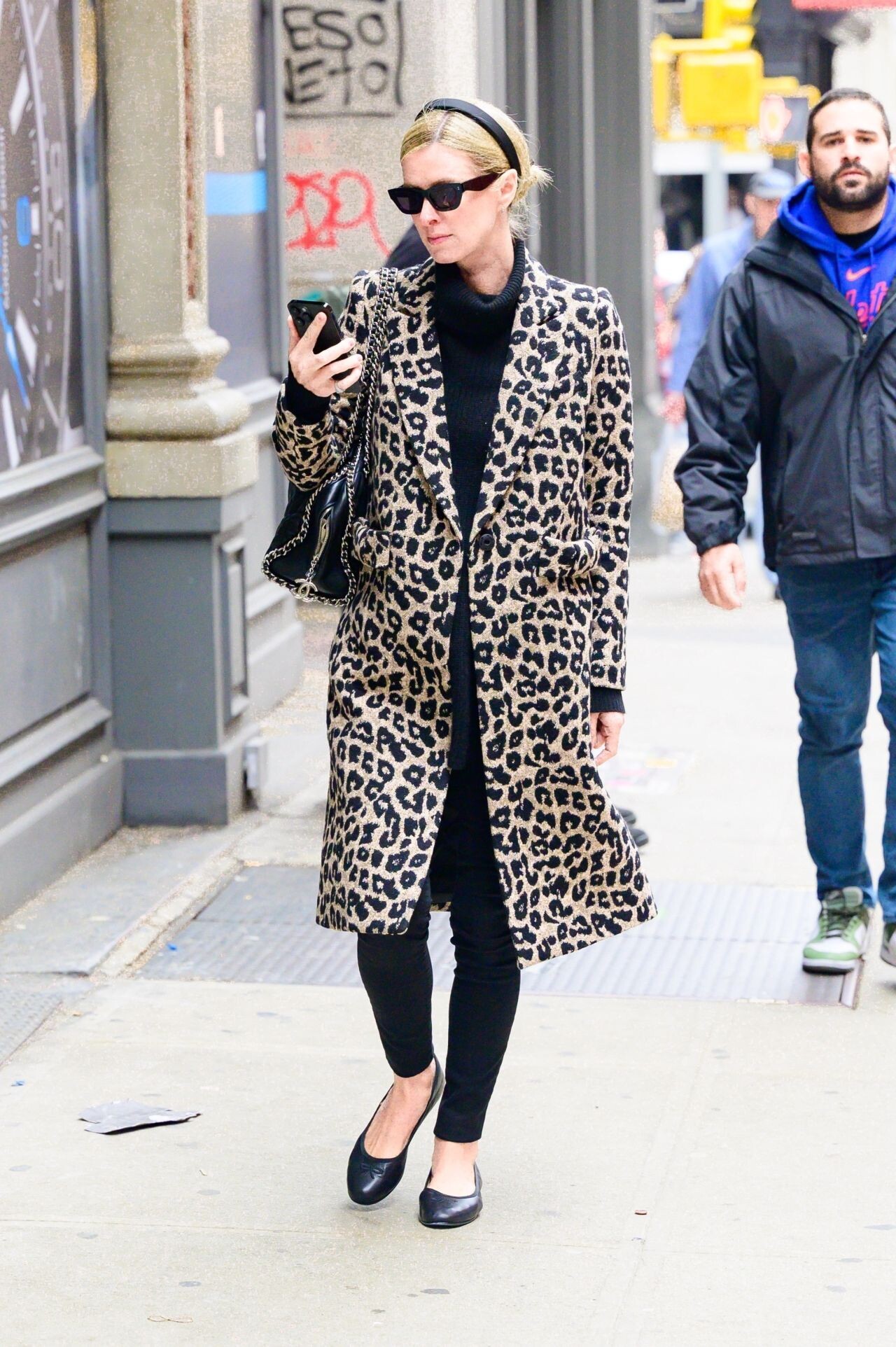
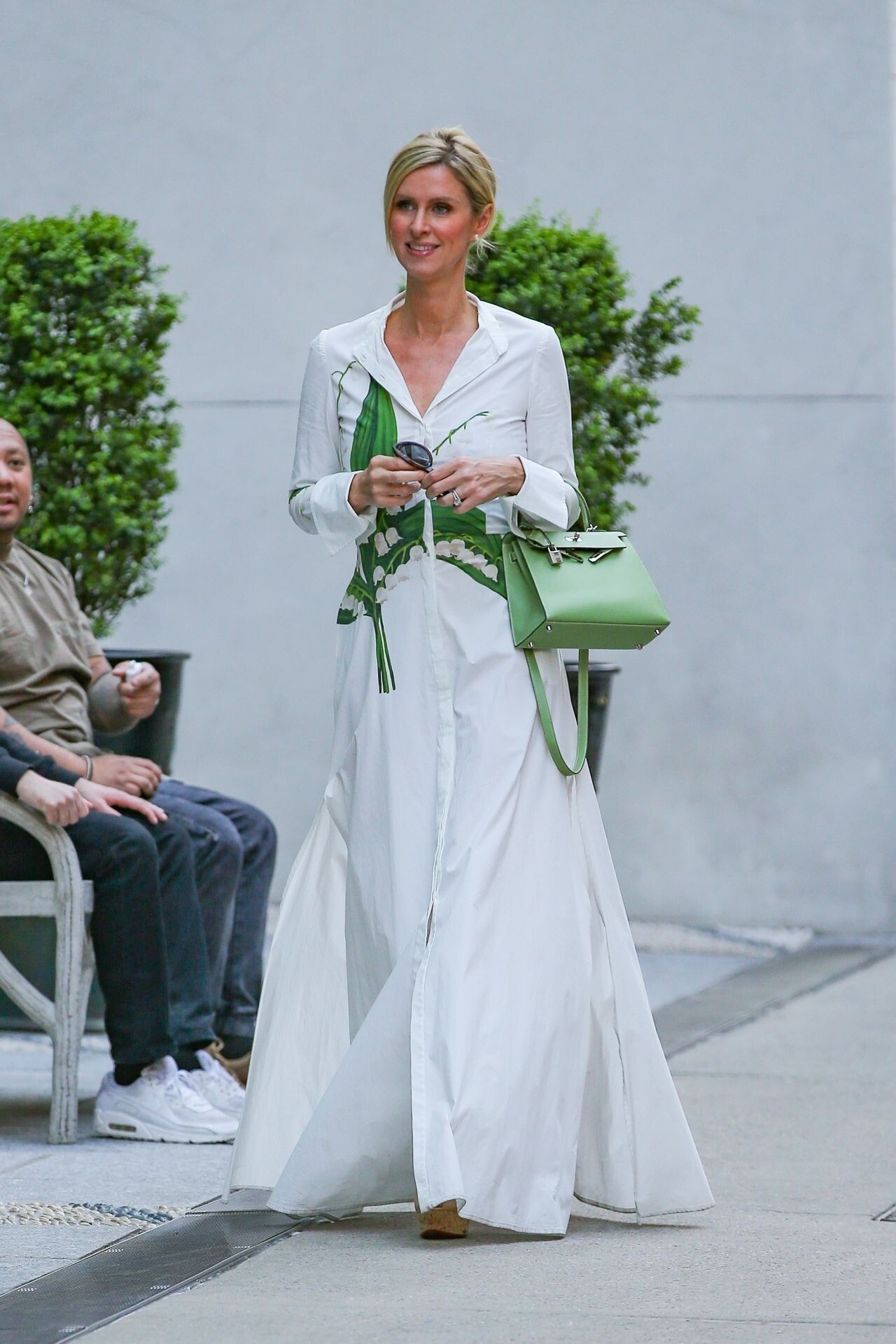
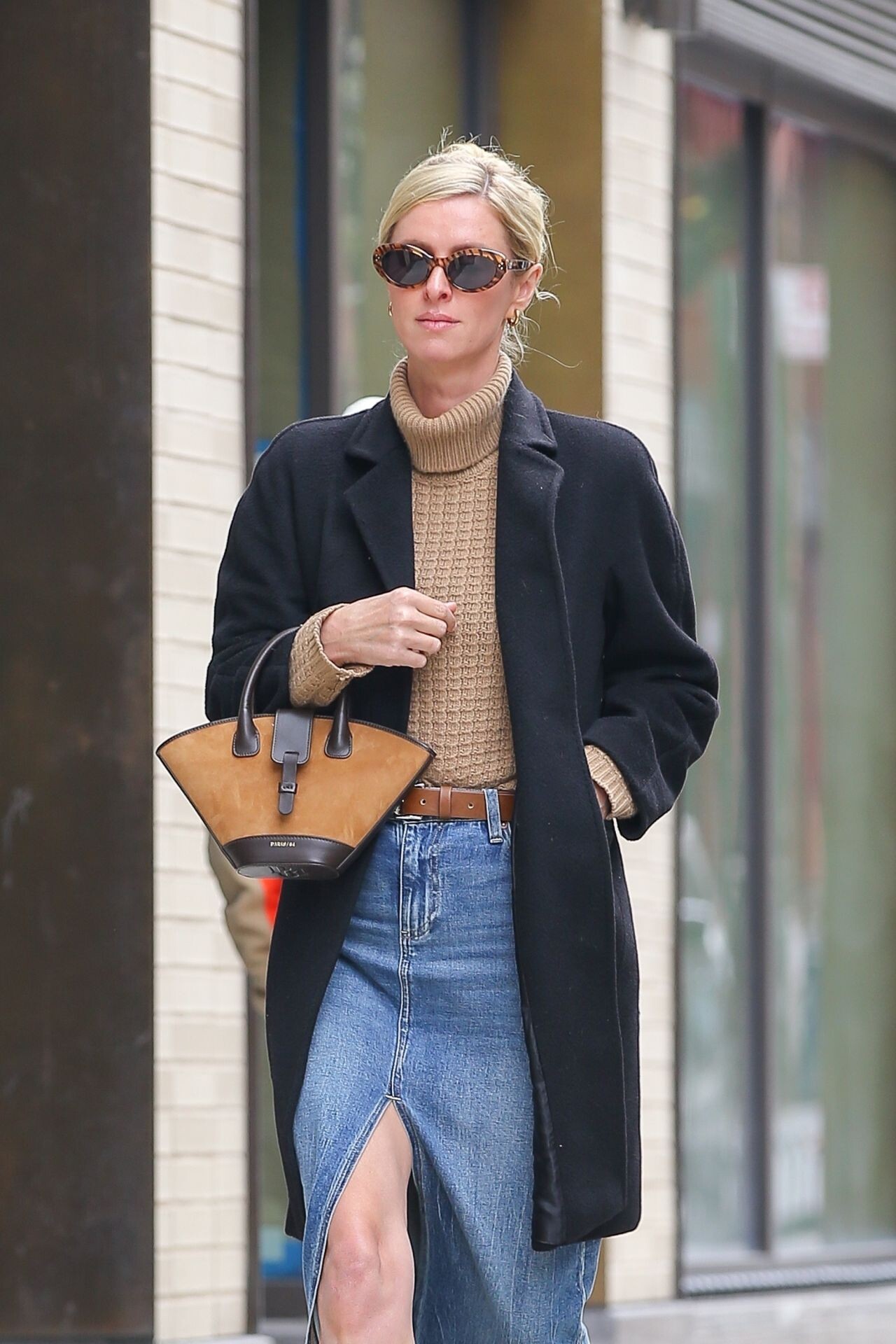
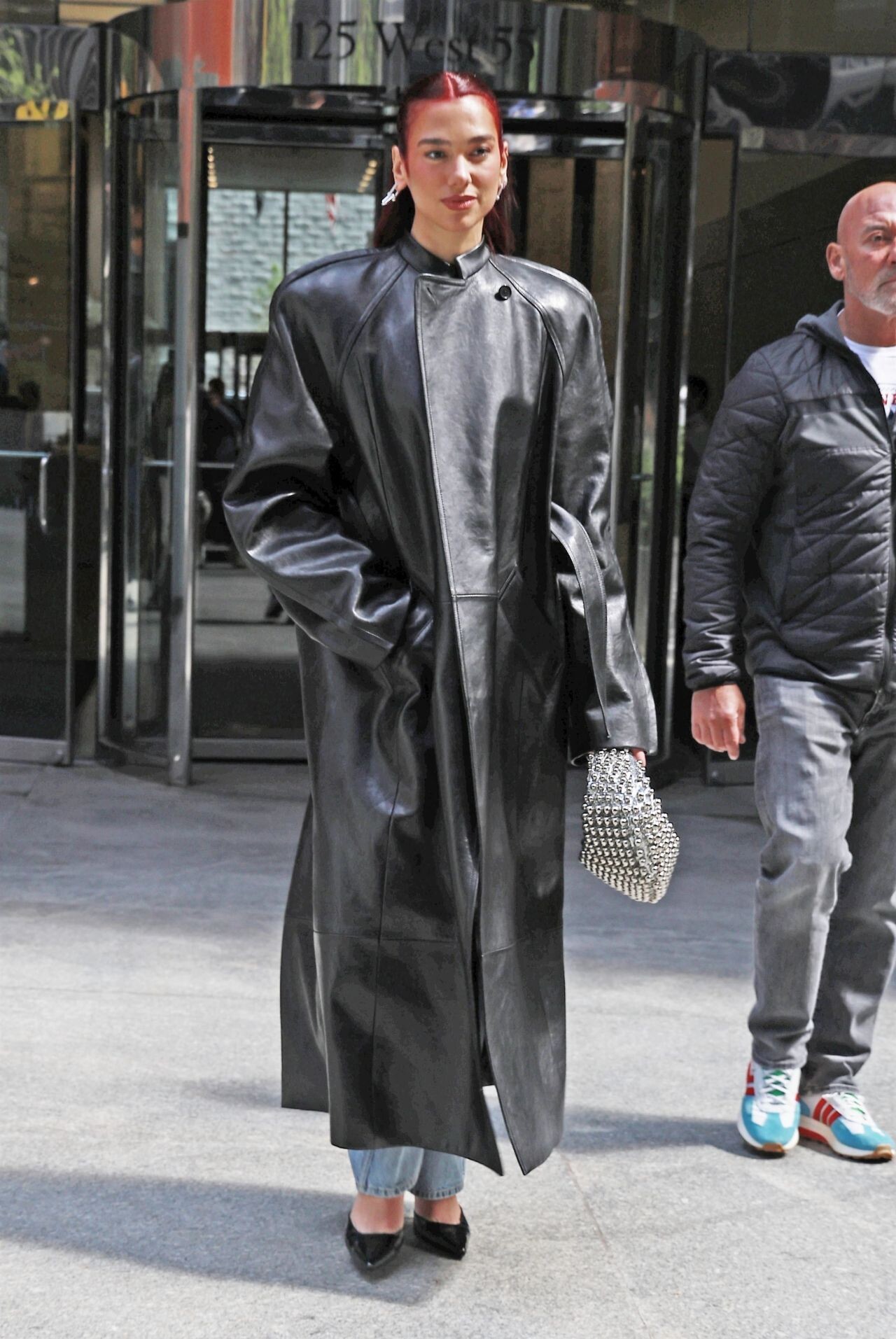
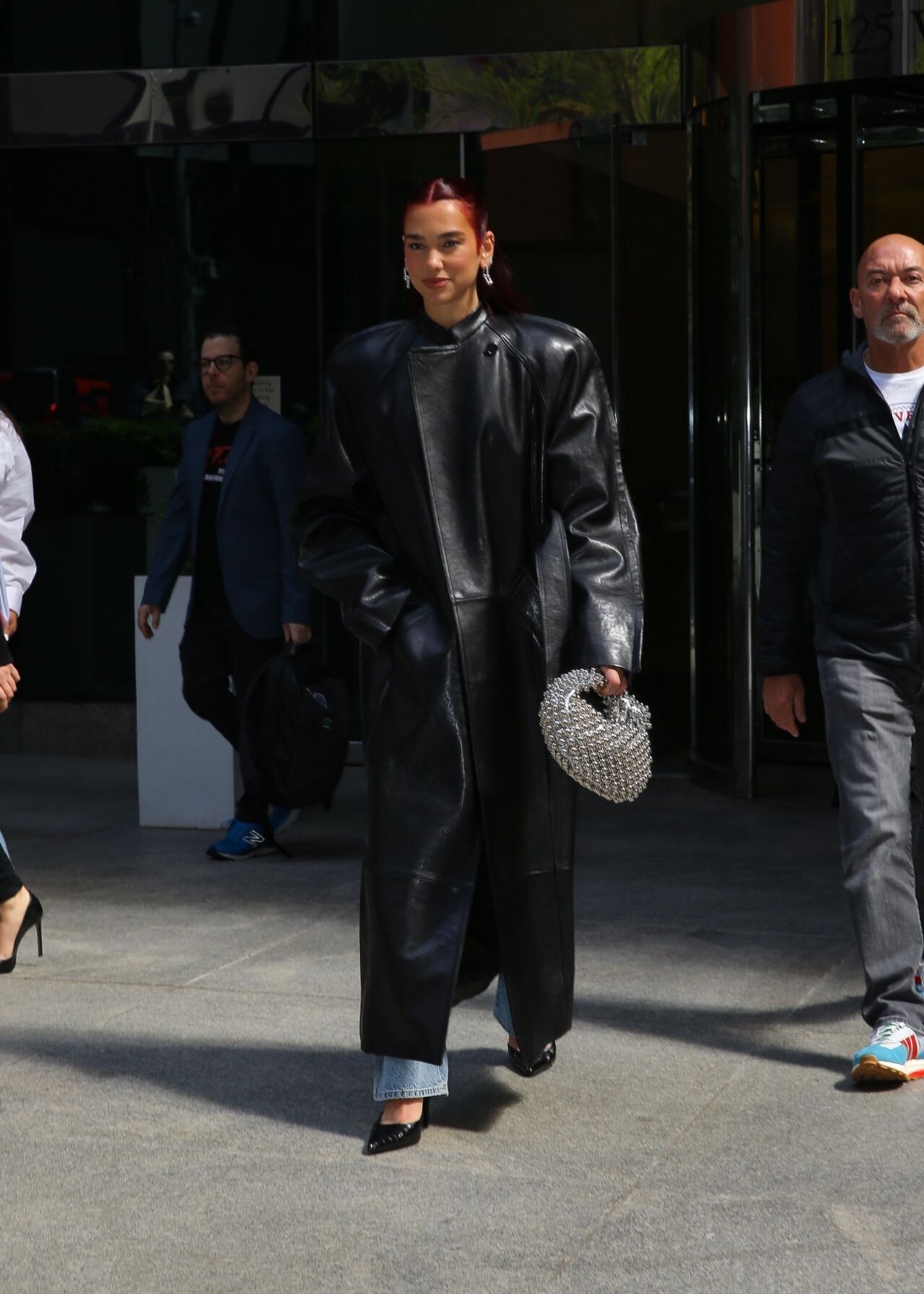
 NYC 04-25-2024





 New York 04/01/2024 New York 04-16-2024







 New York 03/26/2024



 SKIMS 2024 Swimwear






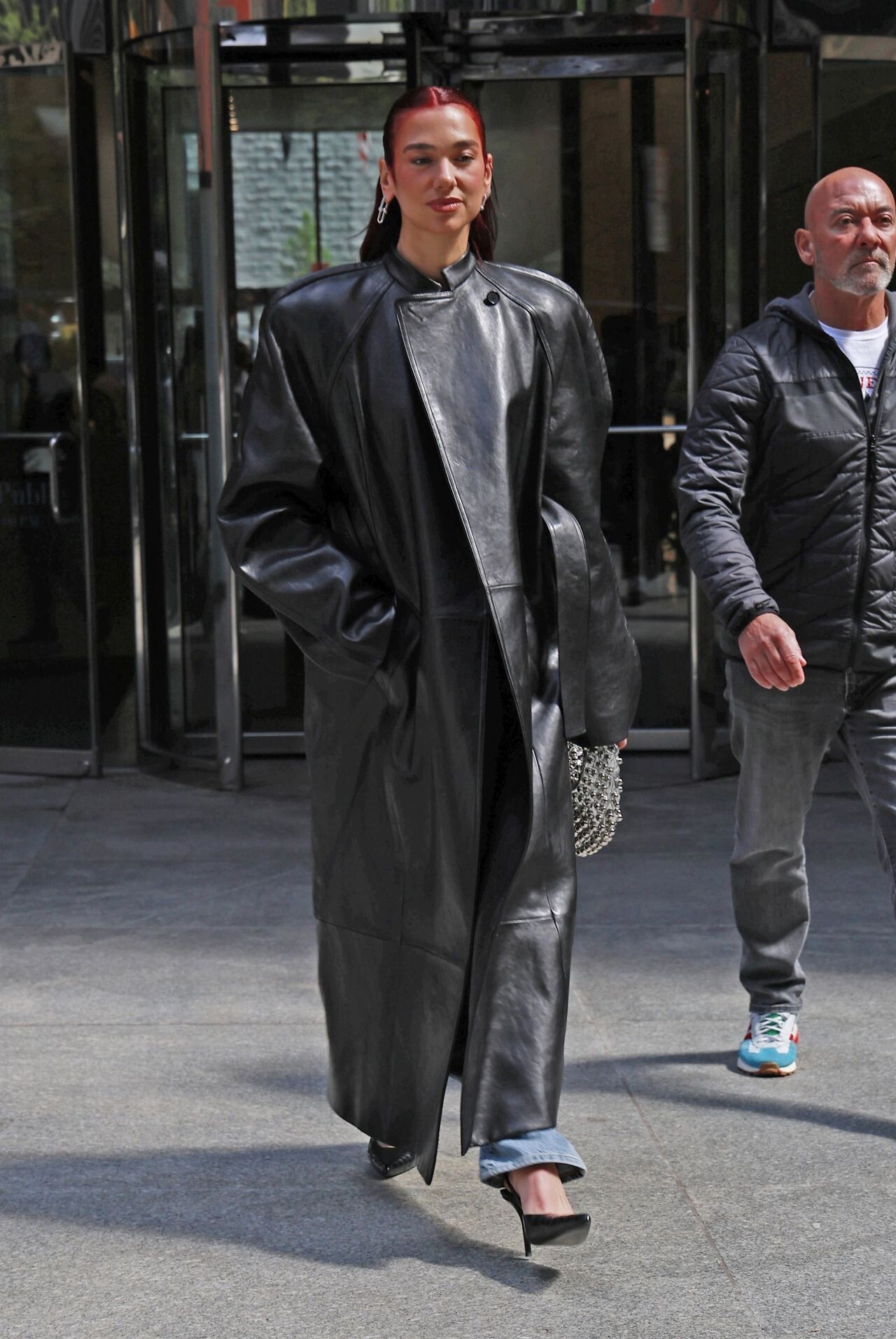
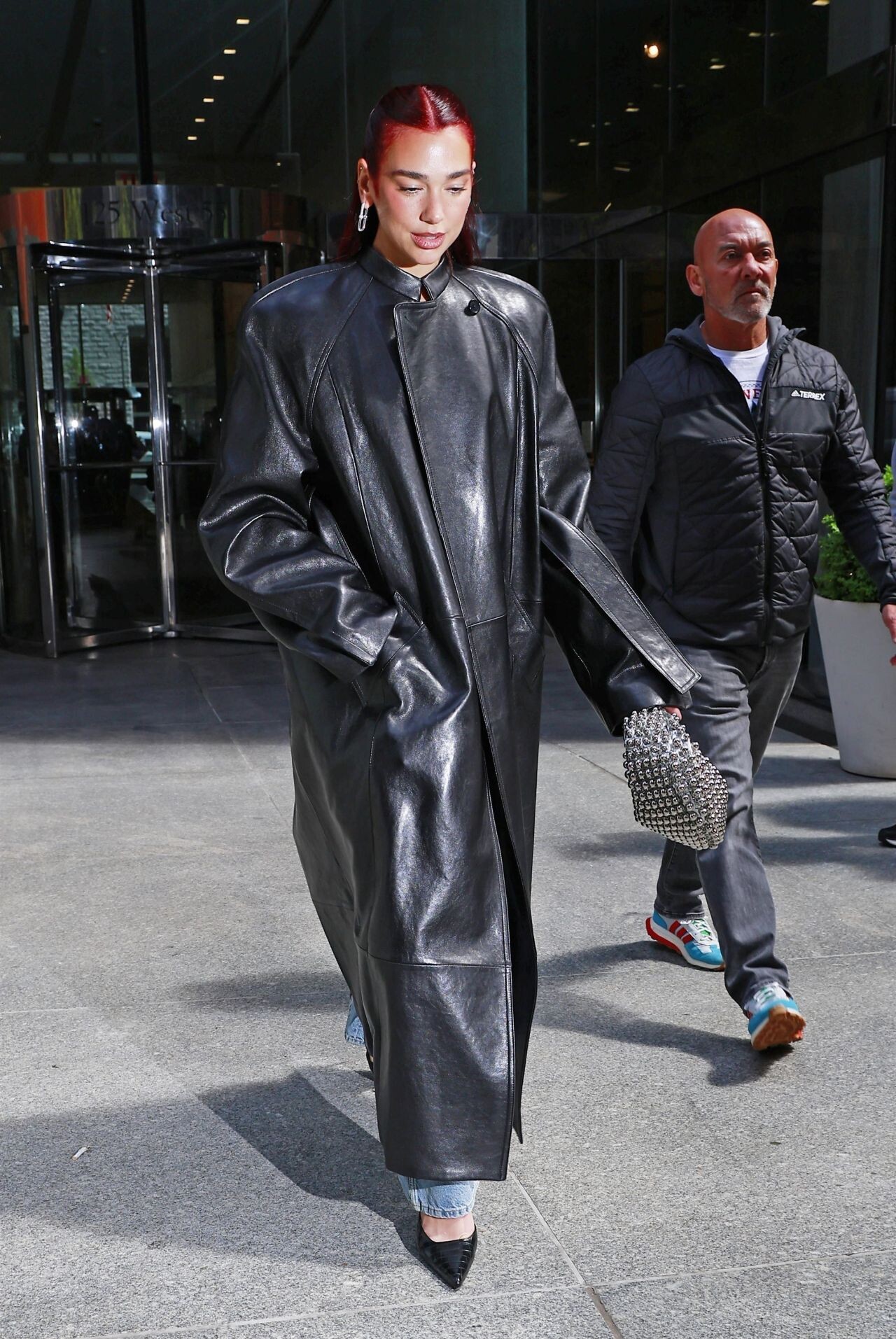
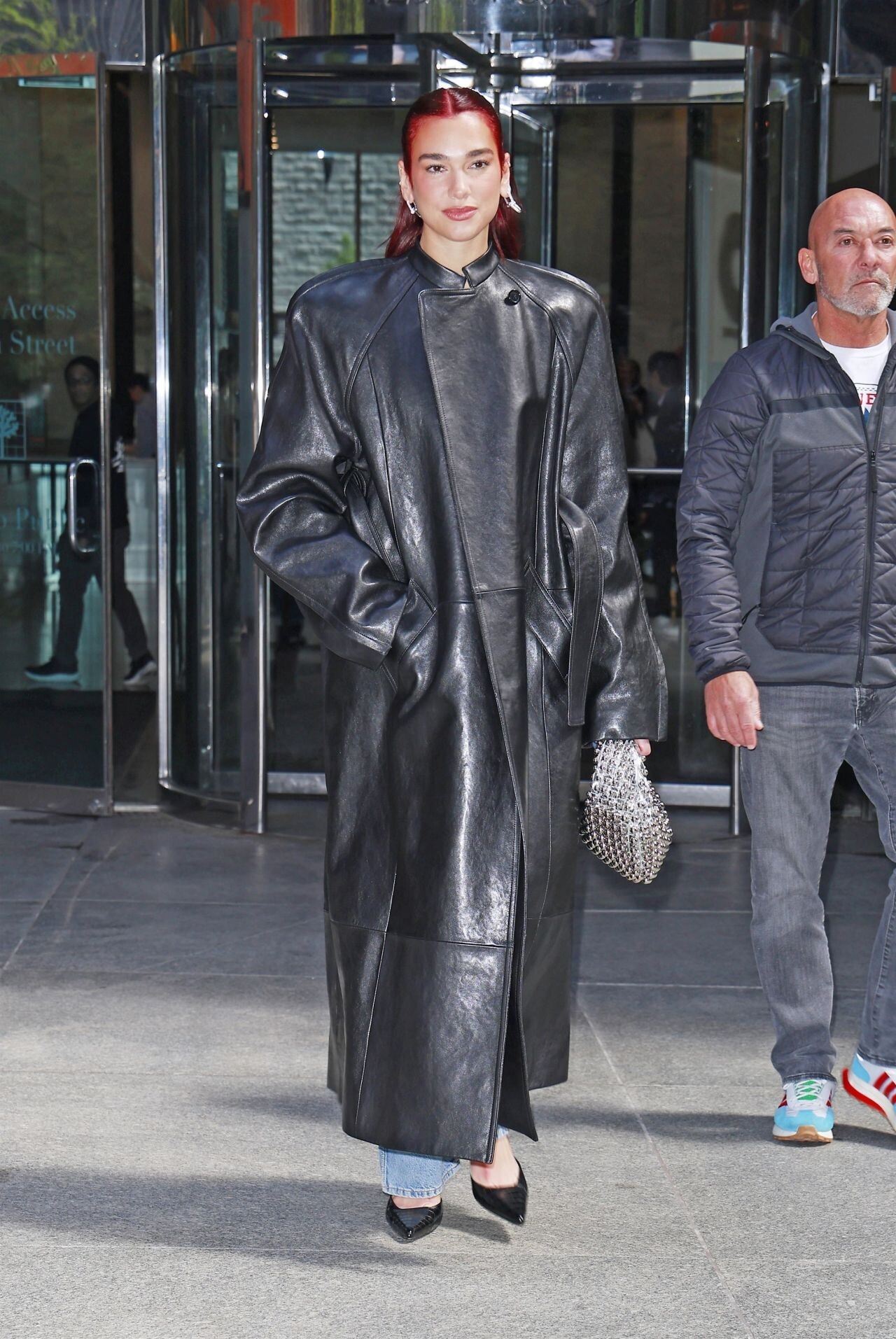
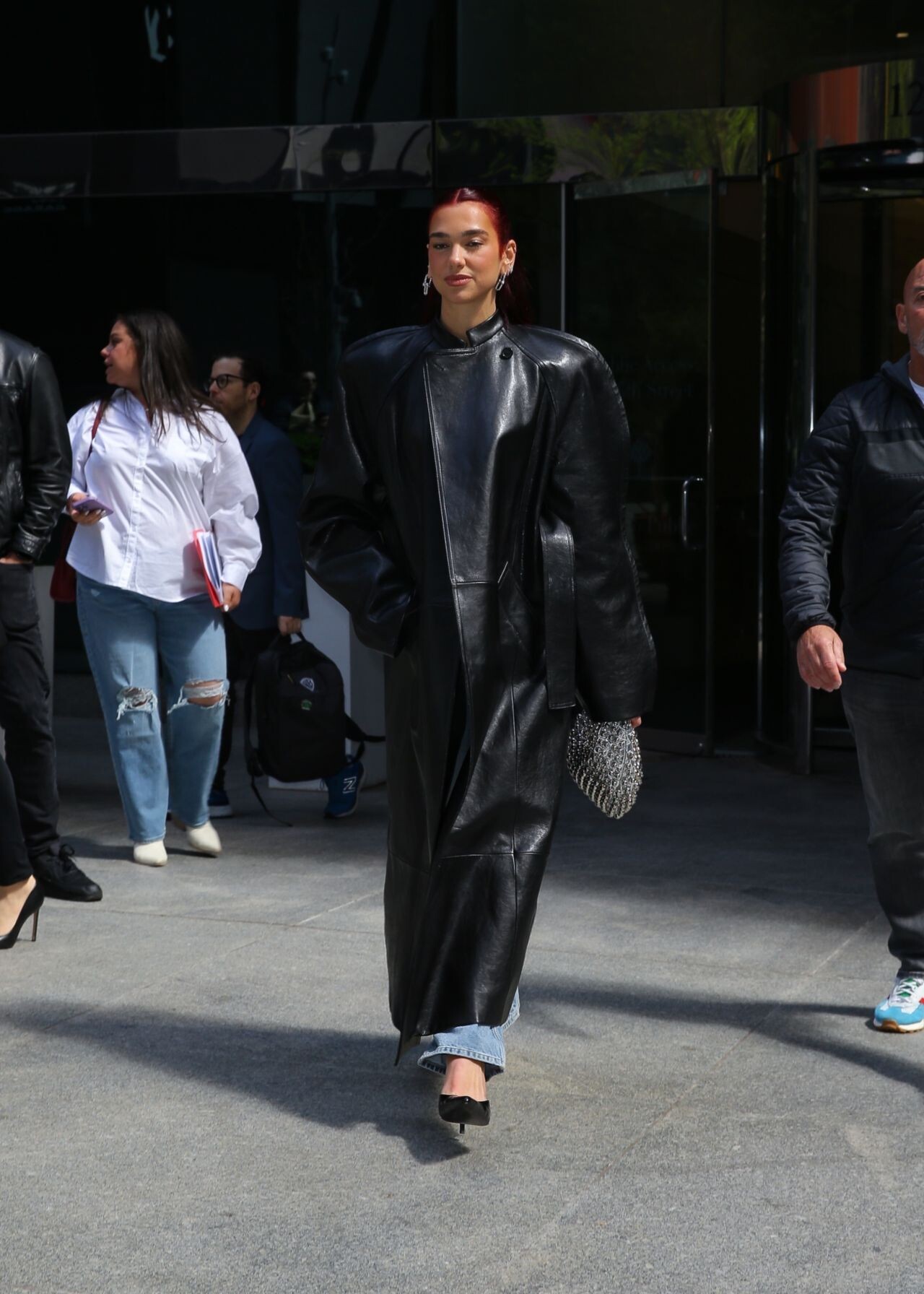
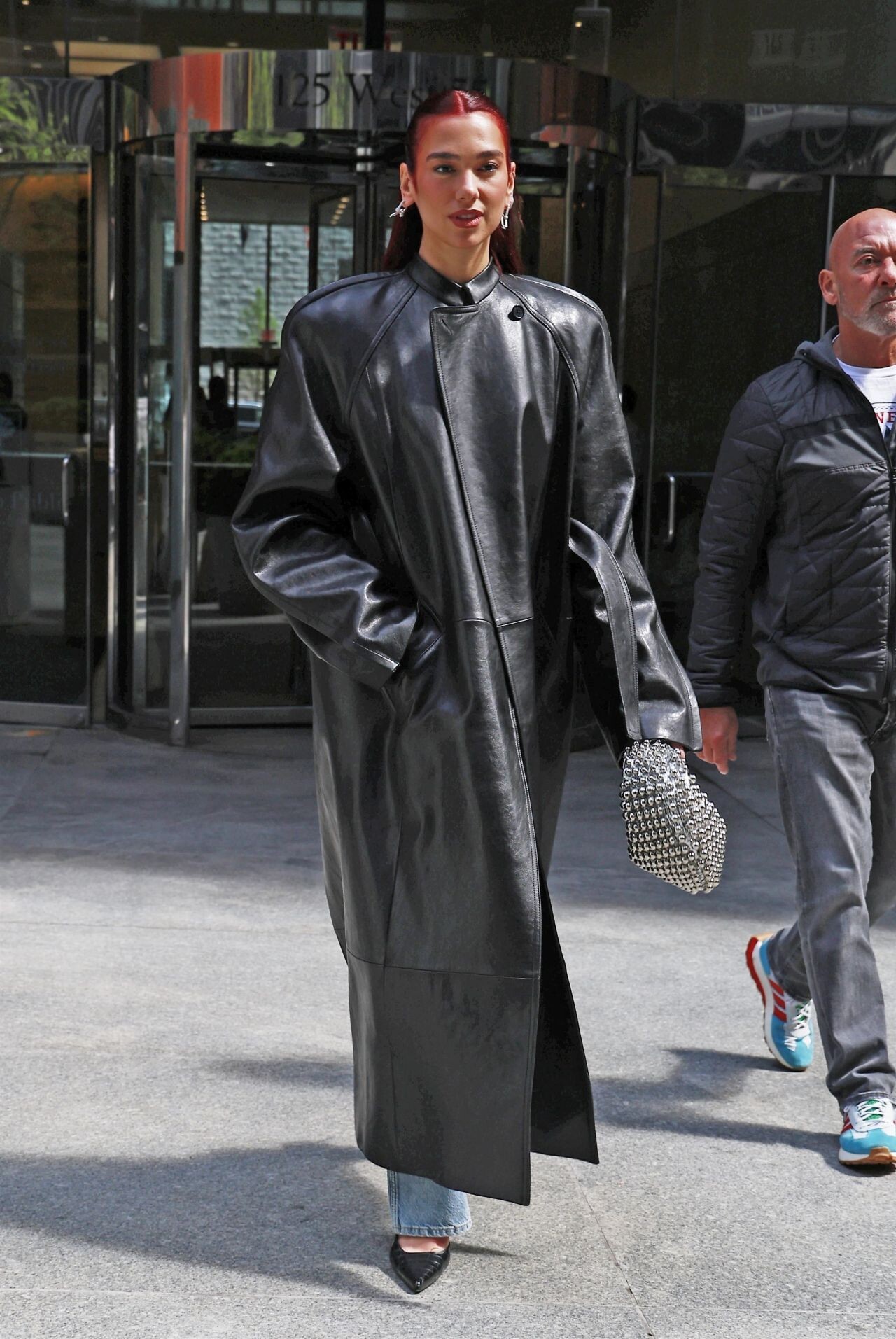
 Dua Lipa and Callum Turner at il Buco NYC































































































































































































Account
Navigation
Search
Configure browser push notifications
Chrome (Android)
- Tap the lock icon next to the address bar.
- Tap Permissions → Notifications.
- Adjust your preference.
Chrome (Desktop)
- Click the padlock icon in the address bar.
- Select Site settings.
- Find Notifications and adjust your preference.
Safari (iOS 16.4+)
- Ensure the site is installed via Add to Home Screen.
- Open Settings App → Notifications.
- Find your app name and adjust your preference.
Safari (macOS)
- Go to Safari → Preferences.
- Click the Websites tab.
- Select Notifications in the sidebar.
- Find this website and adjust your preference.
Edge (Android)
- Tap the lock icon next to the address bar.
- Tap Permissions.
- Find Notifications and adjust your preference.
Edge (Desktop)
- Click the padlock icon in the address bar.
- Click Permissions for this site.
- Find Notifications and adjust your preference.
Firefox (Android)
- Go to Settings → Site permissions.
- Tap Notifications.
- Find this site in the list and adjust your preference.
Firefox (Desktop)
- Open Firefox Settings.
- Search for Notifications.
- Find this site in the list and adjust your preference.