

emerald7
Members
-
Joined
-
Last visited
Everything posted by emerald7
-

-
INSTAGRAM

-
INSTAGRAM


-
INSTAGRAM



-
-
-
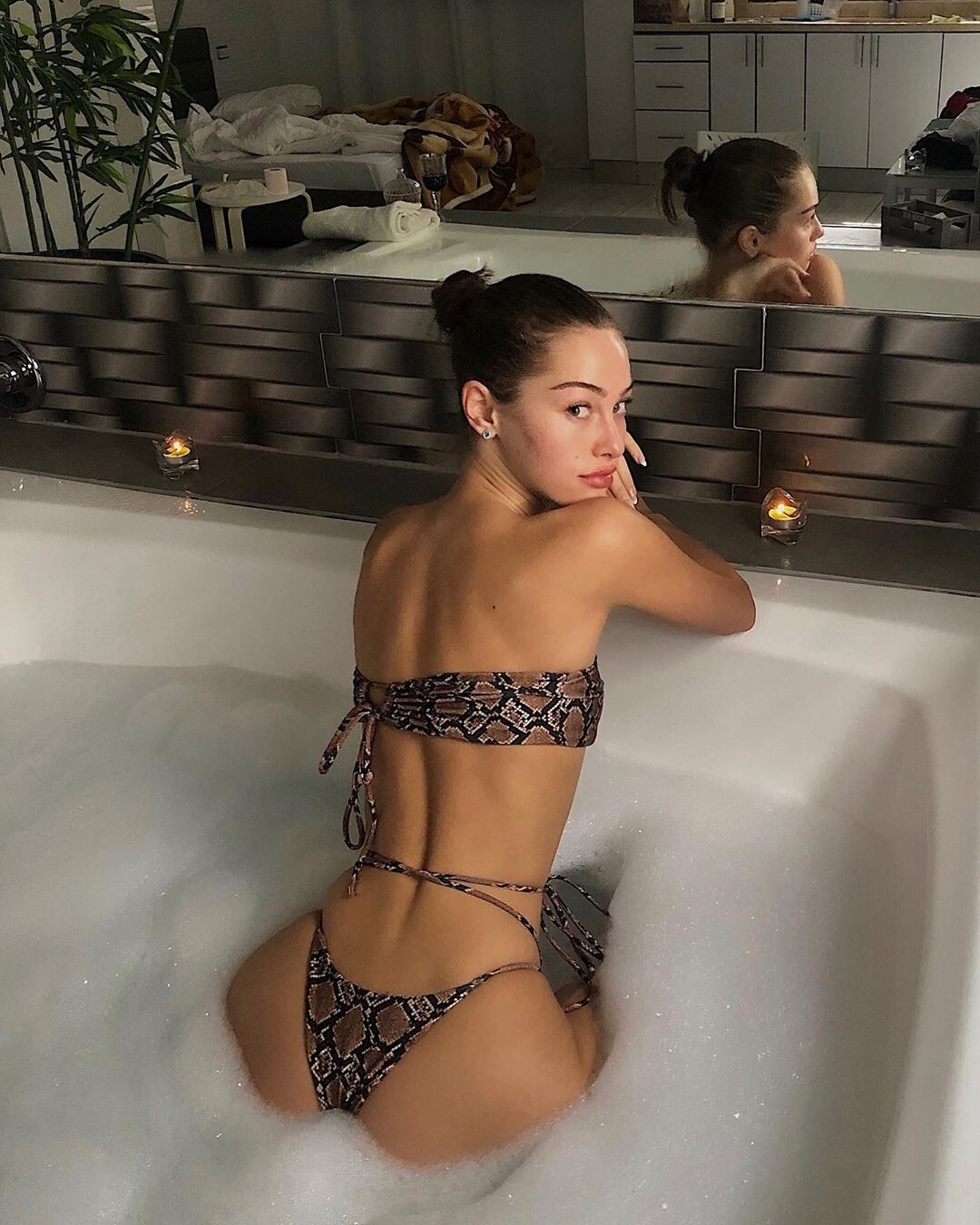
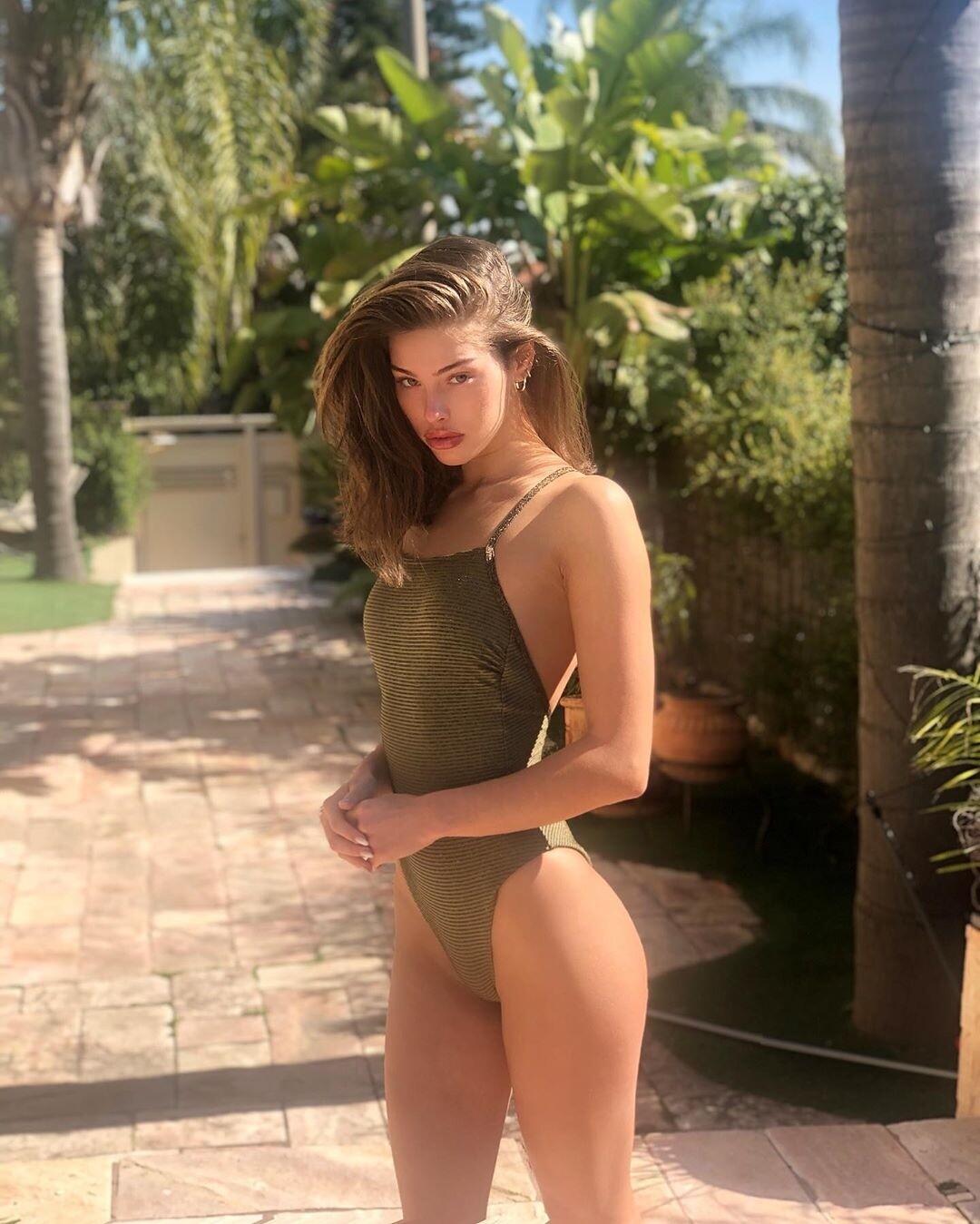
Instagram https://www.instagram.com/p/B8lov6yp5SB/?igshid=rdqrh2l4zvrb https://www.instagram.com/p/B8t7ODBJ9r7/?igshid=16du9afvz98s0 https://www.instagram.com/p/B8zOiHfpJAr/?igshid=1qhtv46d7jolp



 Instagram Her birthday is 3 december 2001
 I just know him for hanging out with candice and doutzen last summer. But he will be in top gun 2.
INSTAGRAM
I just know him for hanging out with candice and doutzen last summer. But he will be in top gun 2.
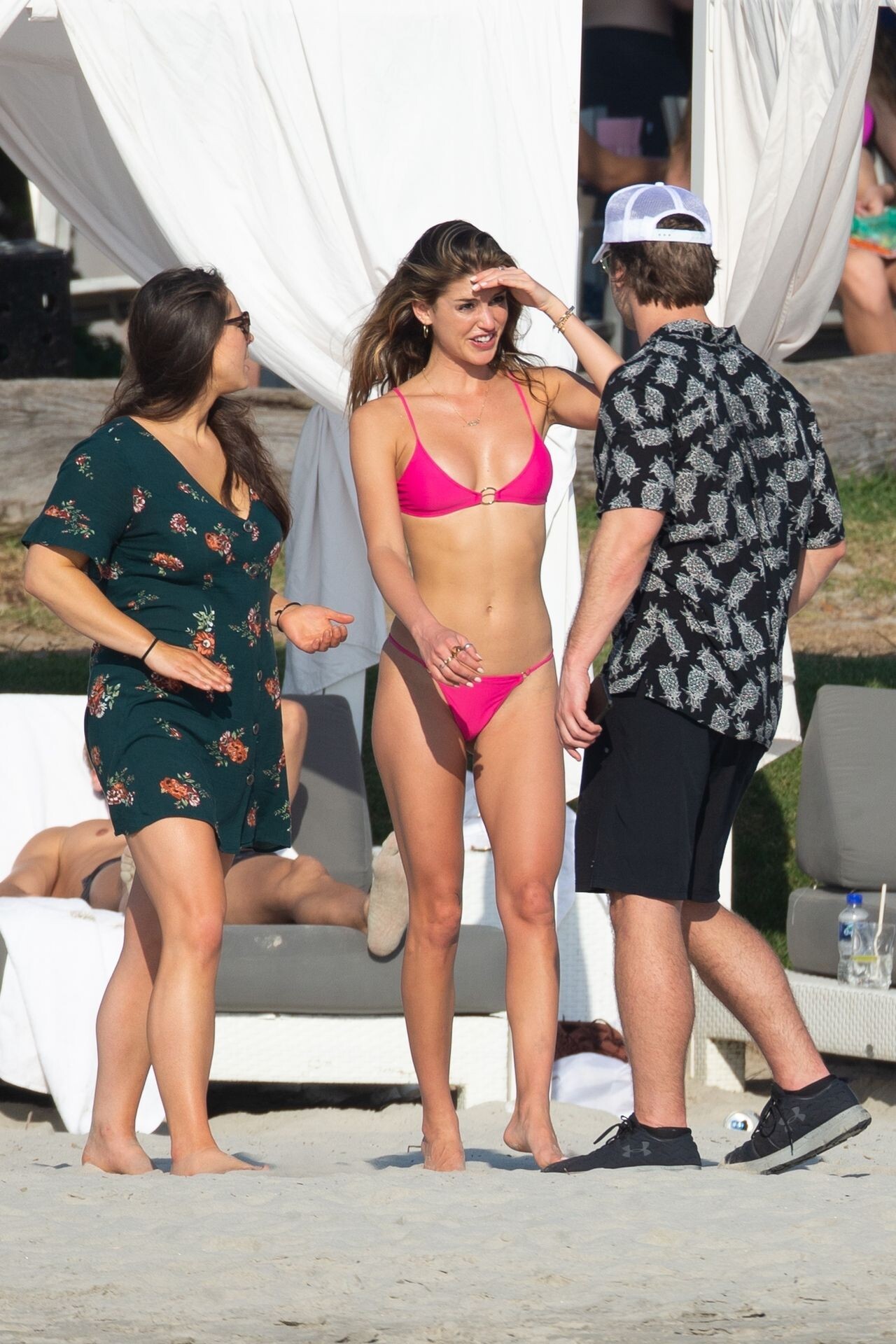
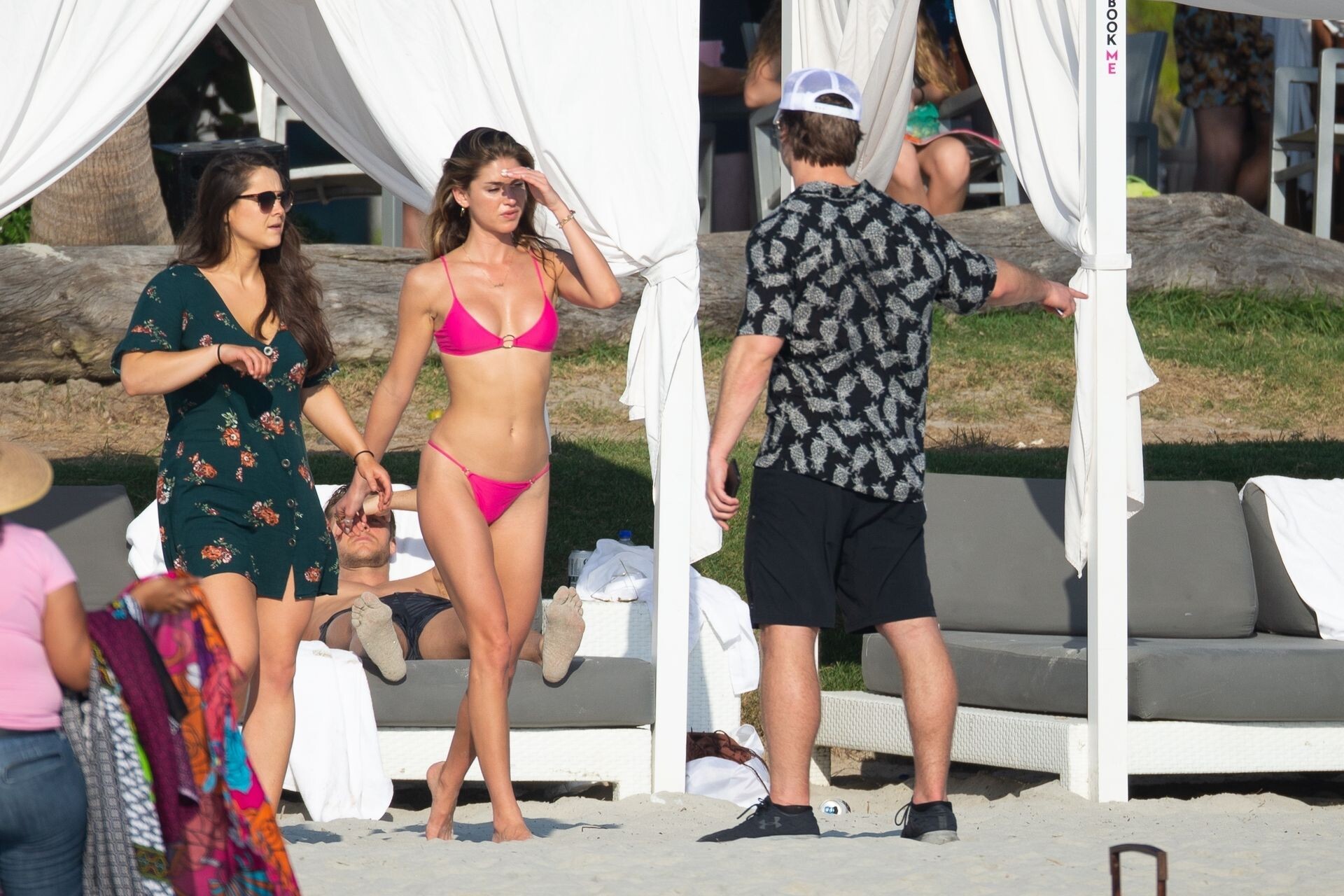
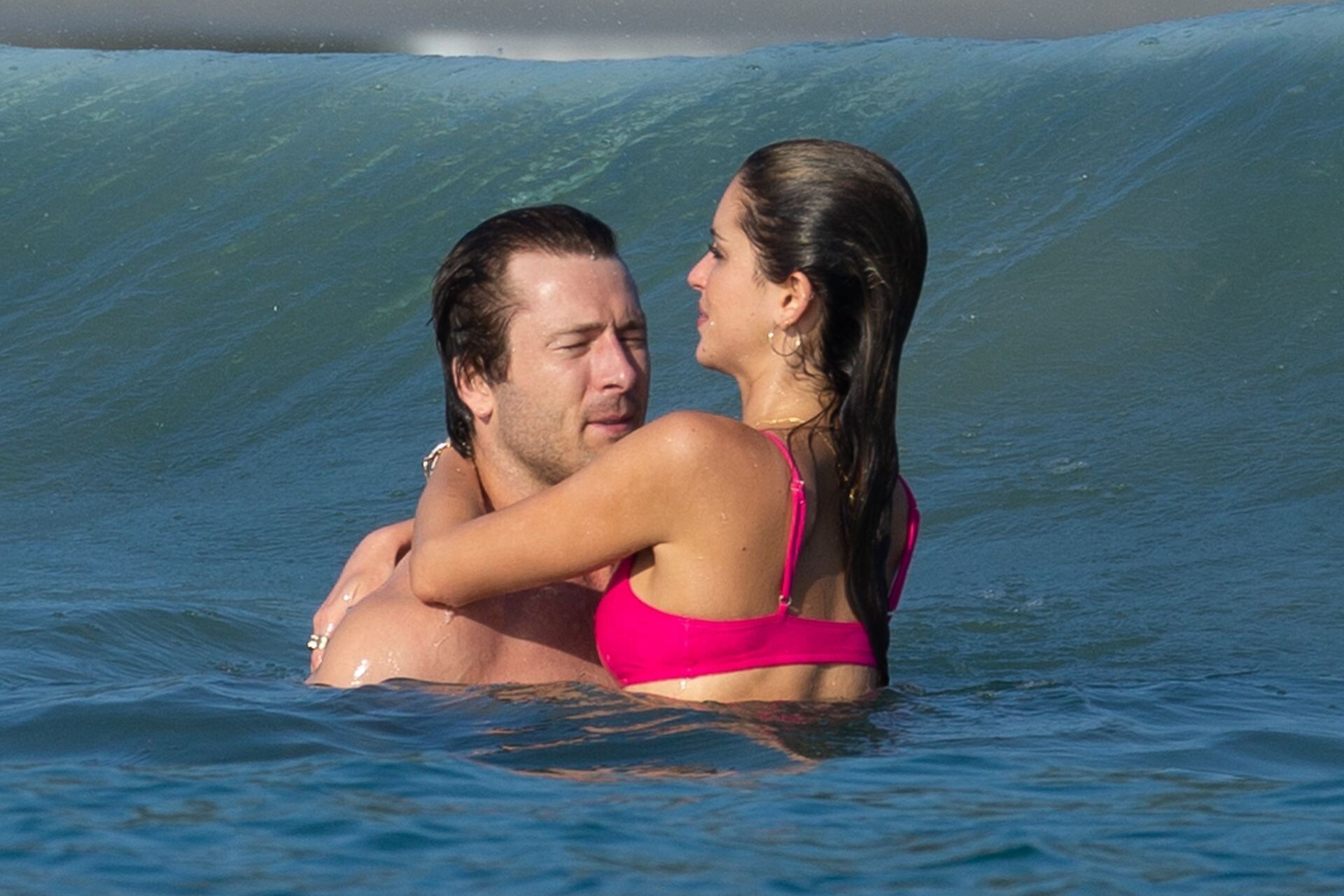
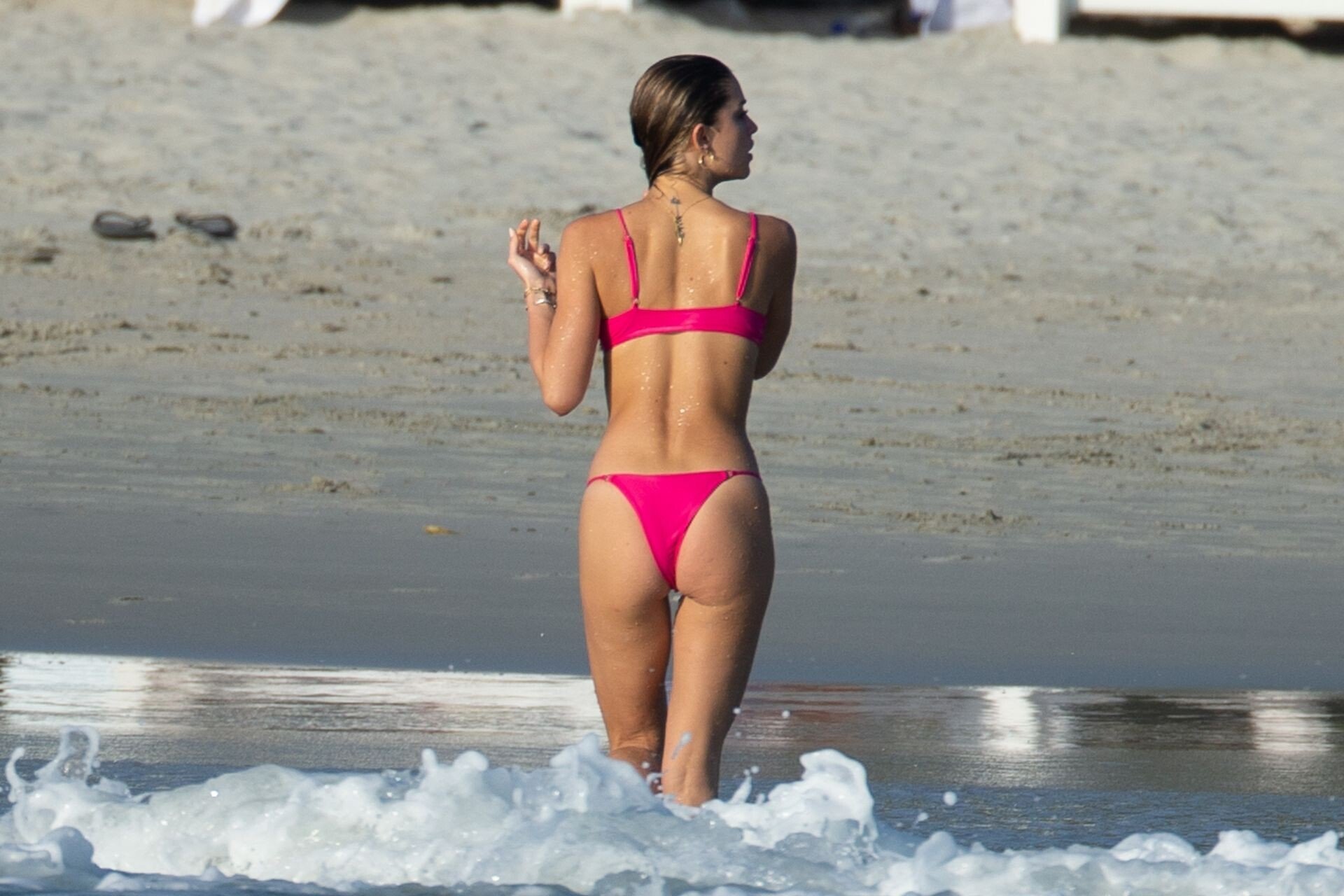
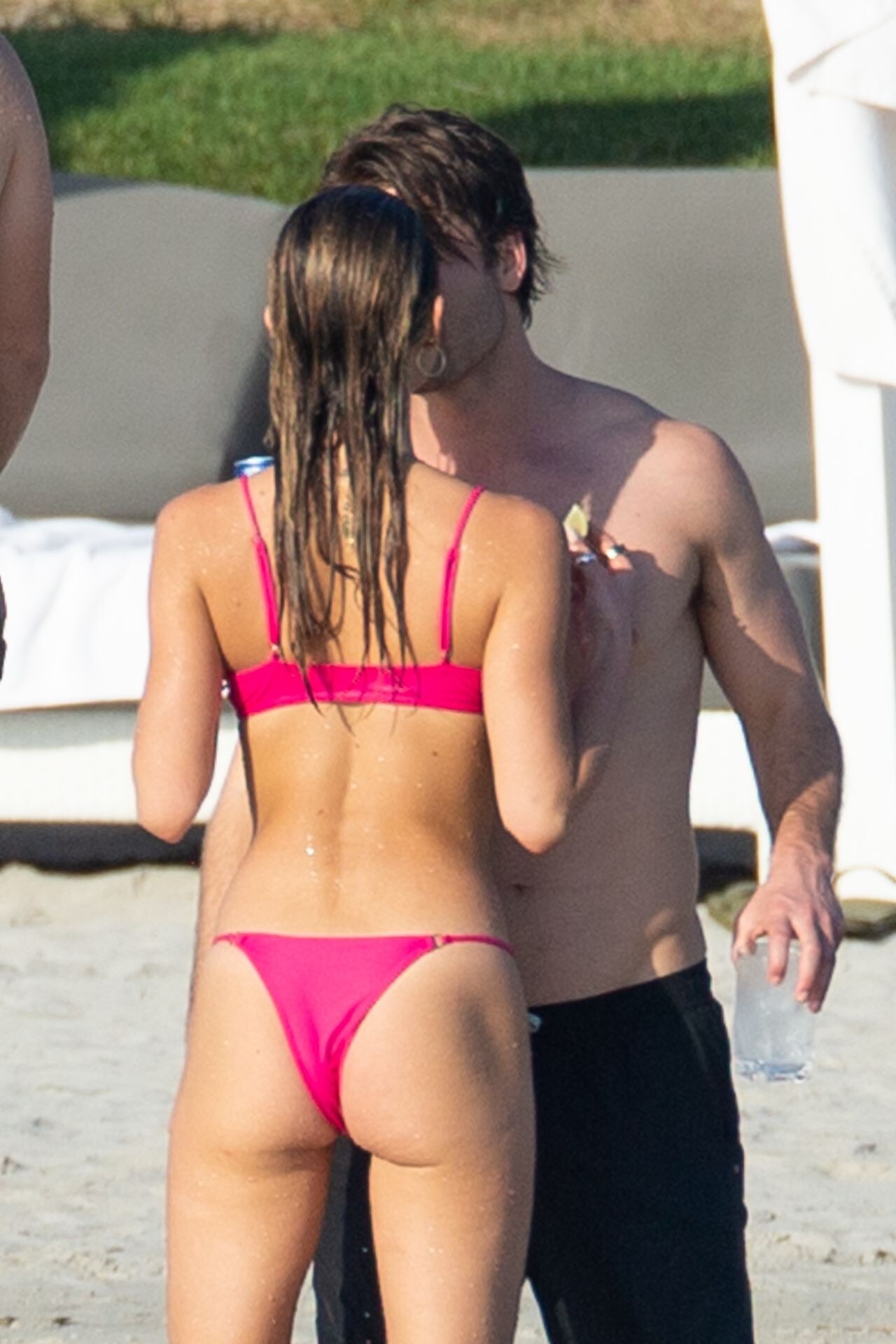
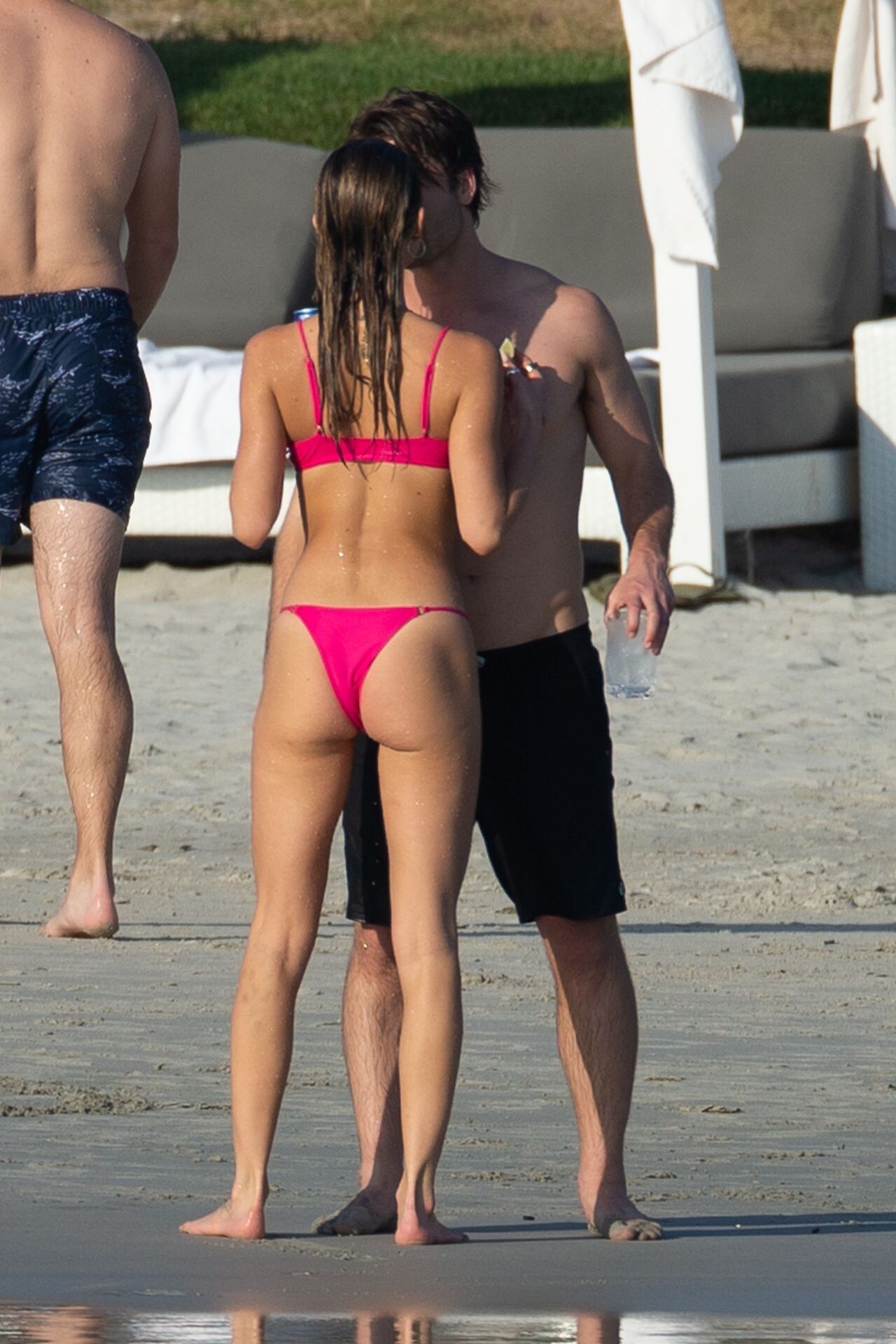
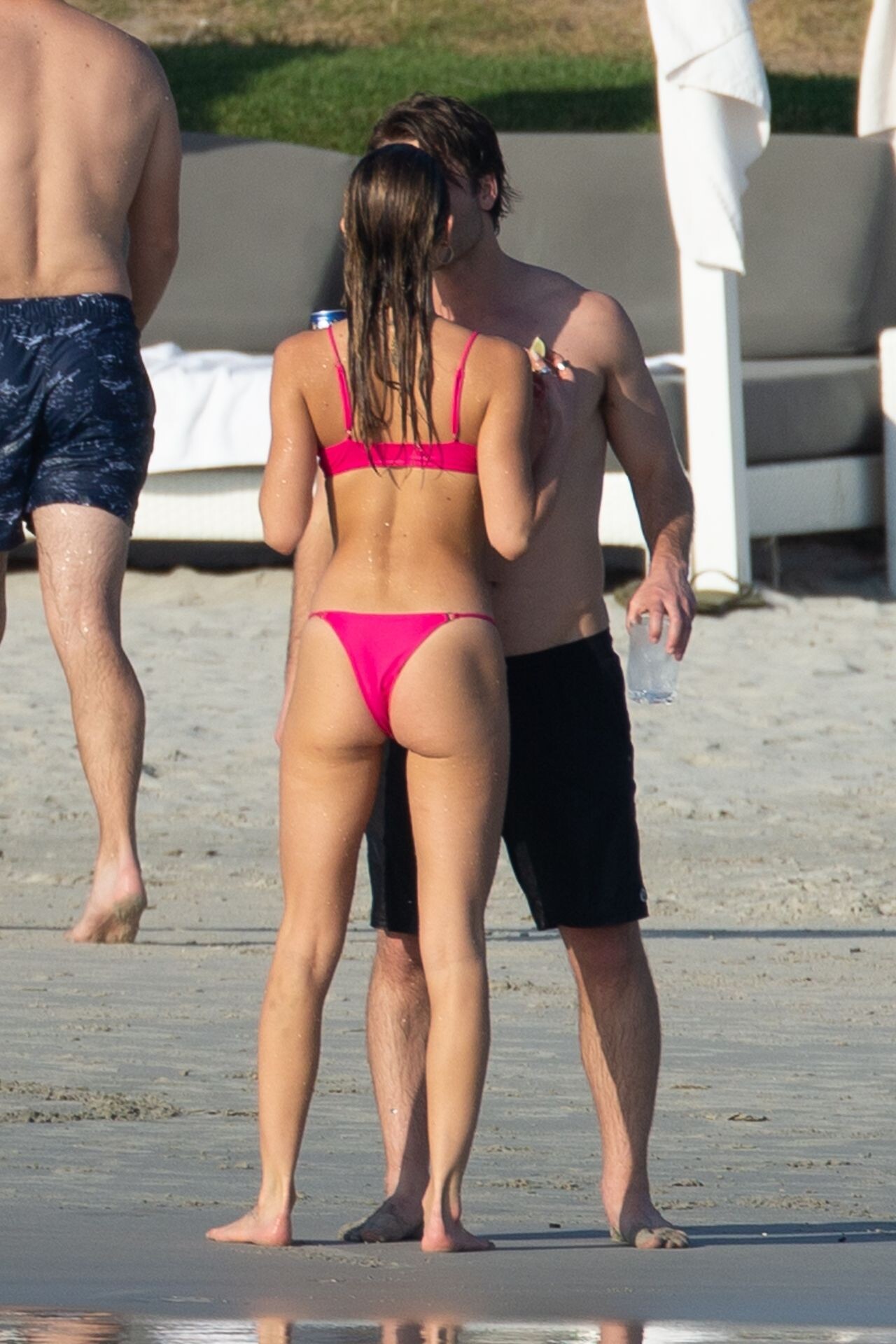
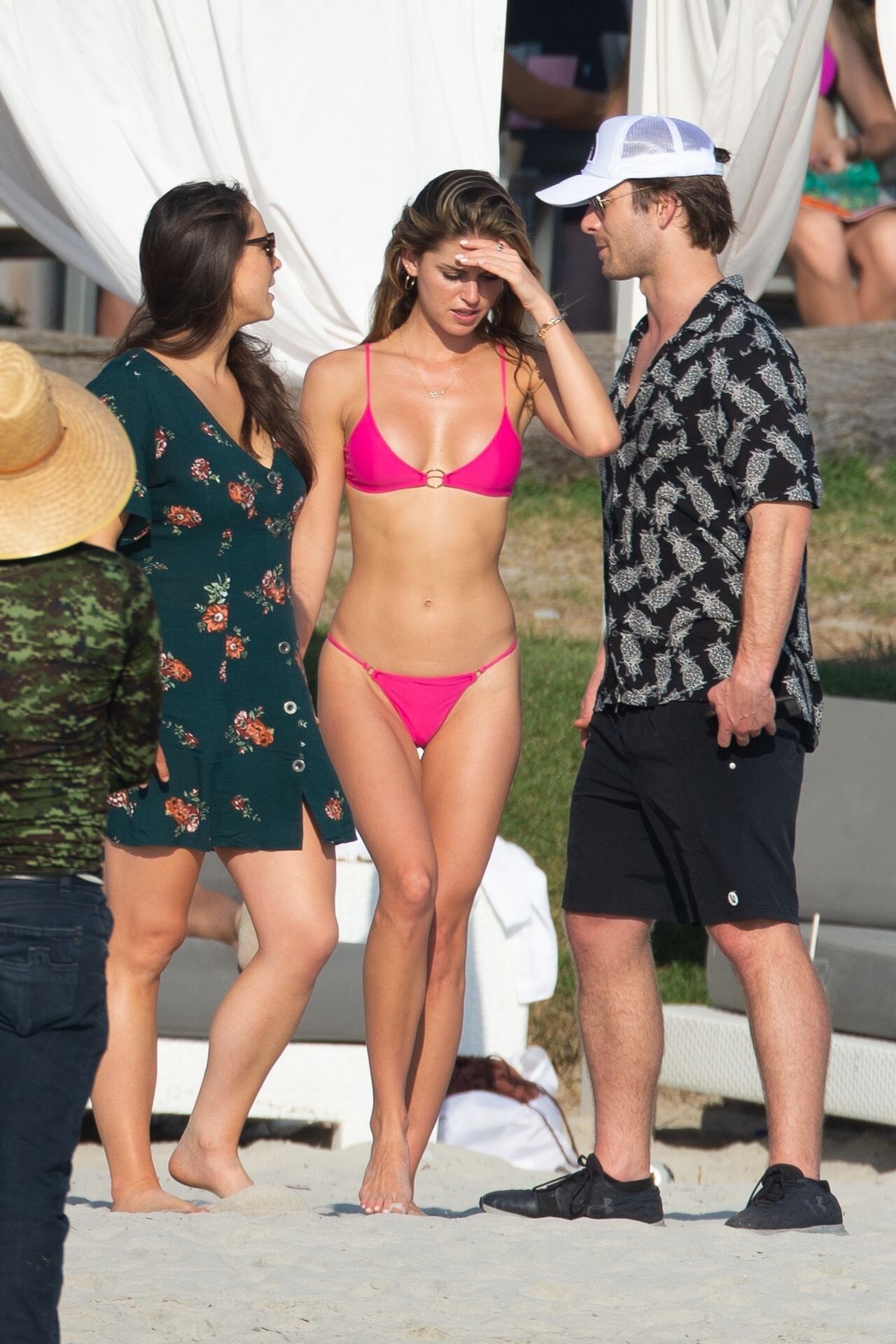
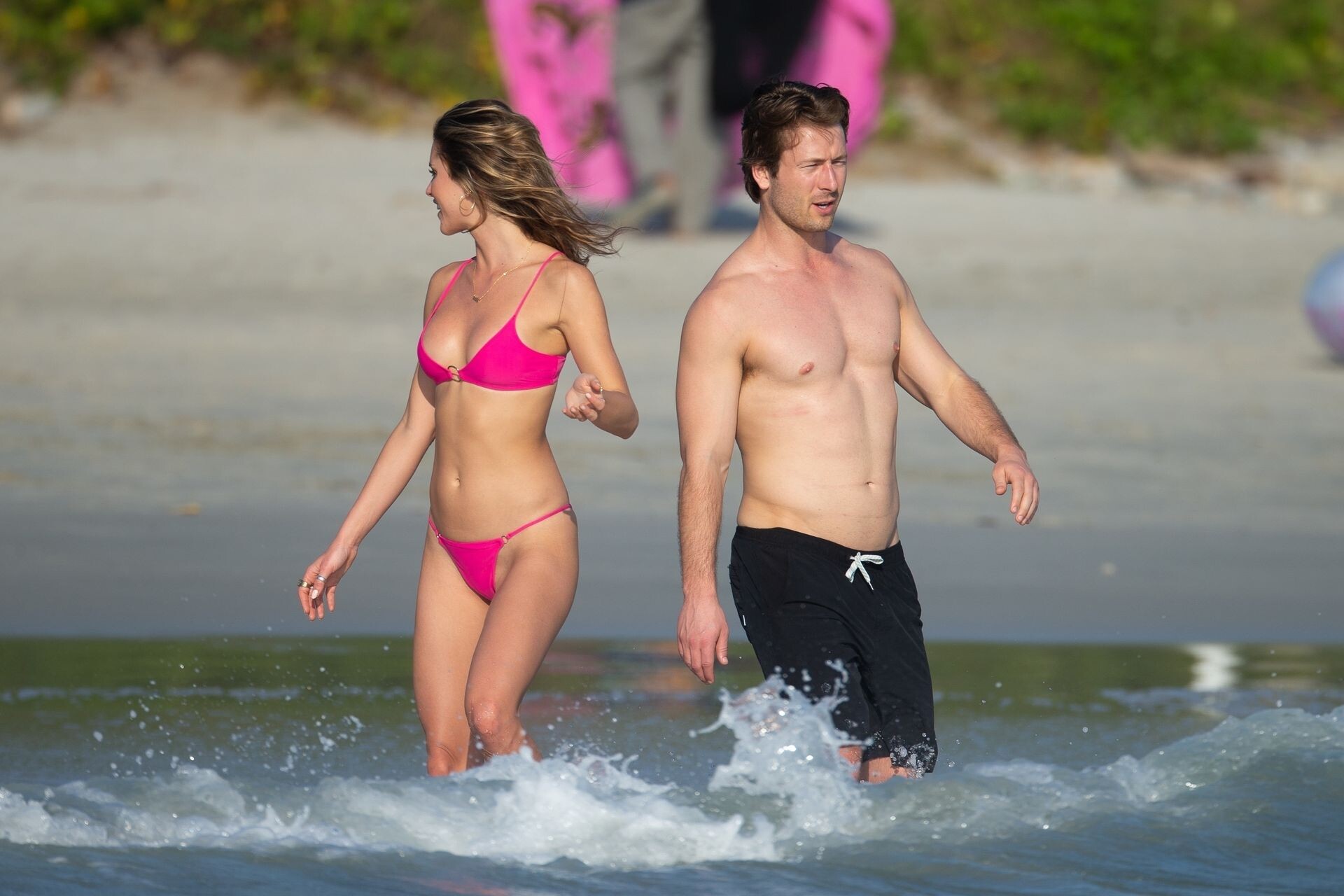
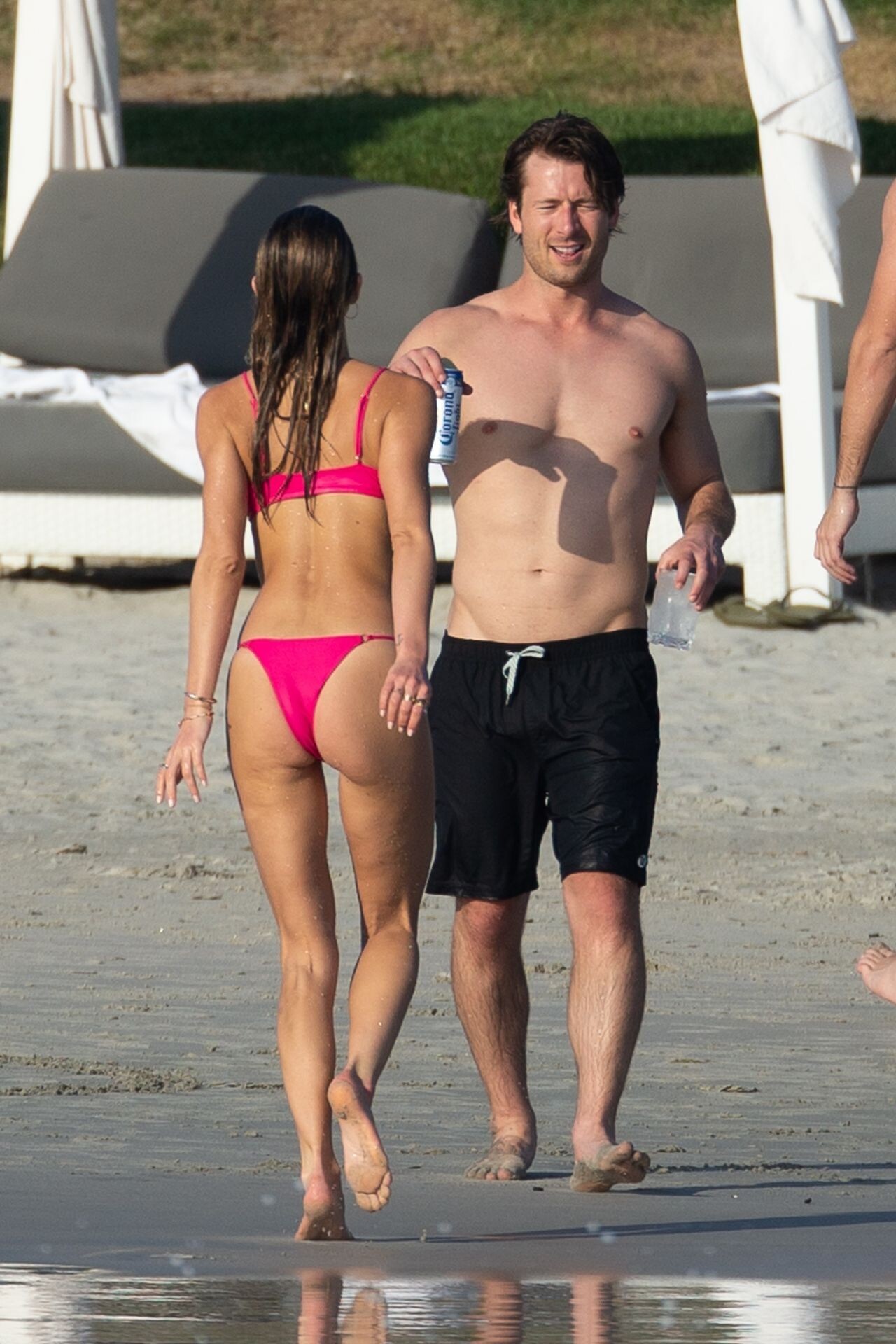
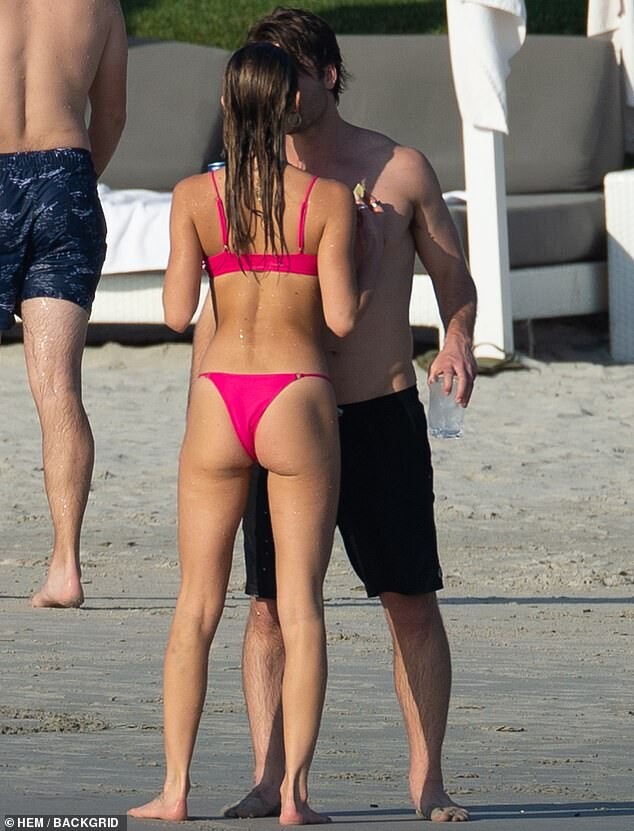
INSTAGRAM Actor Glen Powell was seen with model Jehane-Marie Paris (Gigi Paris) in Mexico 01/06/2020.











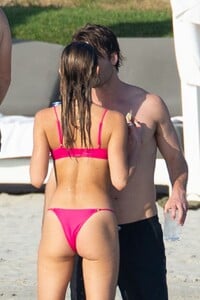
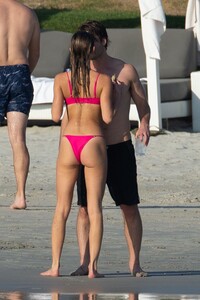
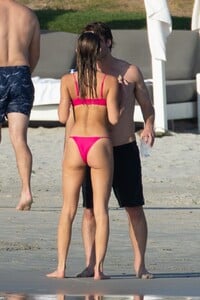








 In mexico with actor glen powell this week https://www.dailymail.co.uk/tvshowbiz/article-7917069/Top-Gun-Maverick-actor-Glen-Powell-bikini-bombshell-Gigi-Paris-vacation-Mexico.html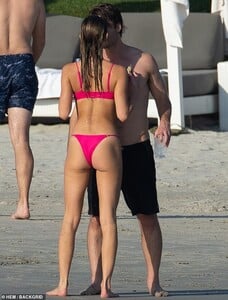

 INSTAGRAM
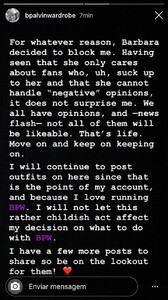
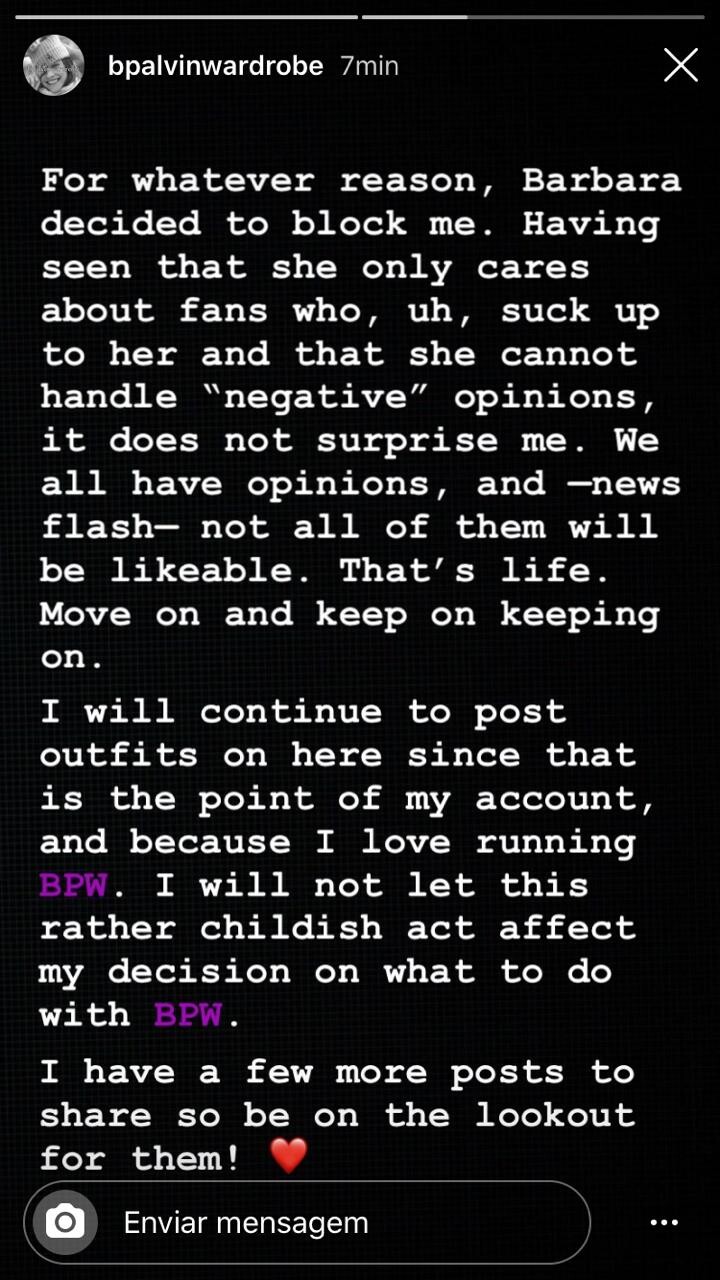
 About the fan acc:
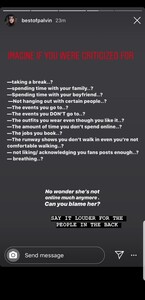 Barbara Palvin: For no reason?Her comments under my posts or posts related to me were hateful,negative and degrading.I am happy to read anyone’s opinion, It helps me be a better person but I don’t need that. If I could I would block her again,and I will block anyone who is being disrespectful.
 Instagram











































Account
Navigation
Search
Configure browser push notifications
Chrome (Android)
- Tap the lock icon next to the address bar.
- Tap Permissions → Notifications.
- Adjust your preference.
Chrome (Desktop)
- Click the padlock icon in the address bar.
- Select Site settings.
- Find Notifications and adjust your preference.
Safari (iOS 16.4+)
- Ensure the site is installed via Add to Home Screen.
- Open Settings App → Notifications.
- Find your app name and adjust your preference.
Safari (macOS)
- Go to Safari → Preferences.
- Click the Websites tab.
- Select Notifications in the sidebar.
- Find this website and adjust your preference.
Edge (Android)
- Tap the lock icon next to the address bar.
- Tap Permissions.
- Find Notifications and adjust your preference.
Edge (Desktop)
- Click the padlock icon in the address bar.
- Click Permissions for this site.
- Find Notifications and adjust your preference.
Firefox (Android)
- Go to Settings → Site permissions.
- Tap Notifications.
- Find this site in the list and adjust your preference.
Firefox (Desktop)
- Open Firefox Settings.
- Search for Notifications.
- Find this site in the list and adjust your preference.