

Everything posted by Matute
-

-
My pleasure !
-
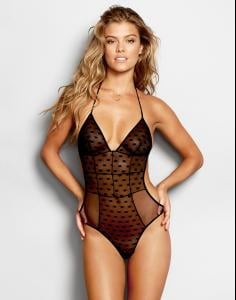
Beach Bunny - New !





-
Sent by Santa Claus ....
-
Thanks ! HQ ....
-
^^ Thanks again!
-
^^VS Phenomenal body and ..... Thanks
-
^^ She´s a goddess ..... Thanks
-
Pakistani=Indian FYI Maybe in your world.
-
Just for the record .... Shanina has no Indian roots. Her mother is of Lithuanian descent and her father is Pakistani / Saudi Arabian appearance.
-
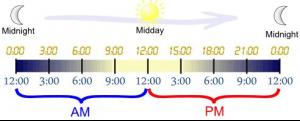
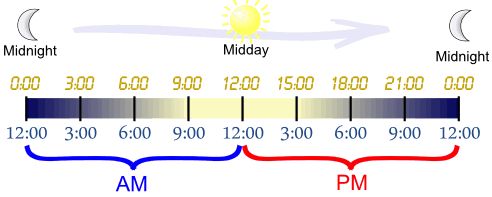
am is from midnight 00:00 to noon 12:00 (morning) pm is from noon 12:00 to midnight 00:00 (afternoon/evening)
 ^^ Thanks Laura_ ! (Y)
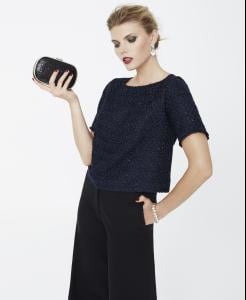
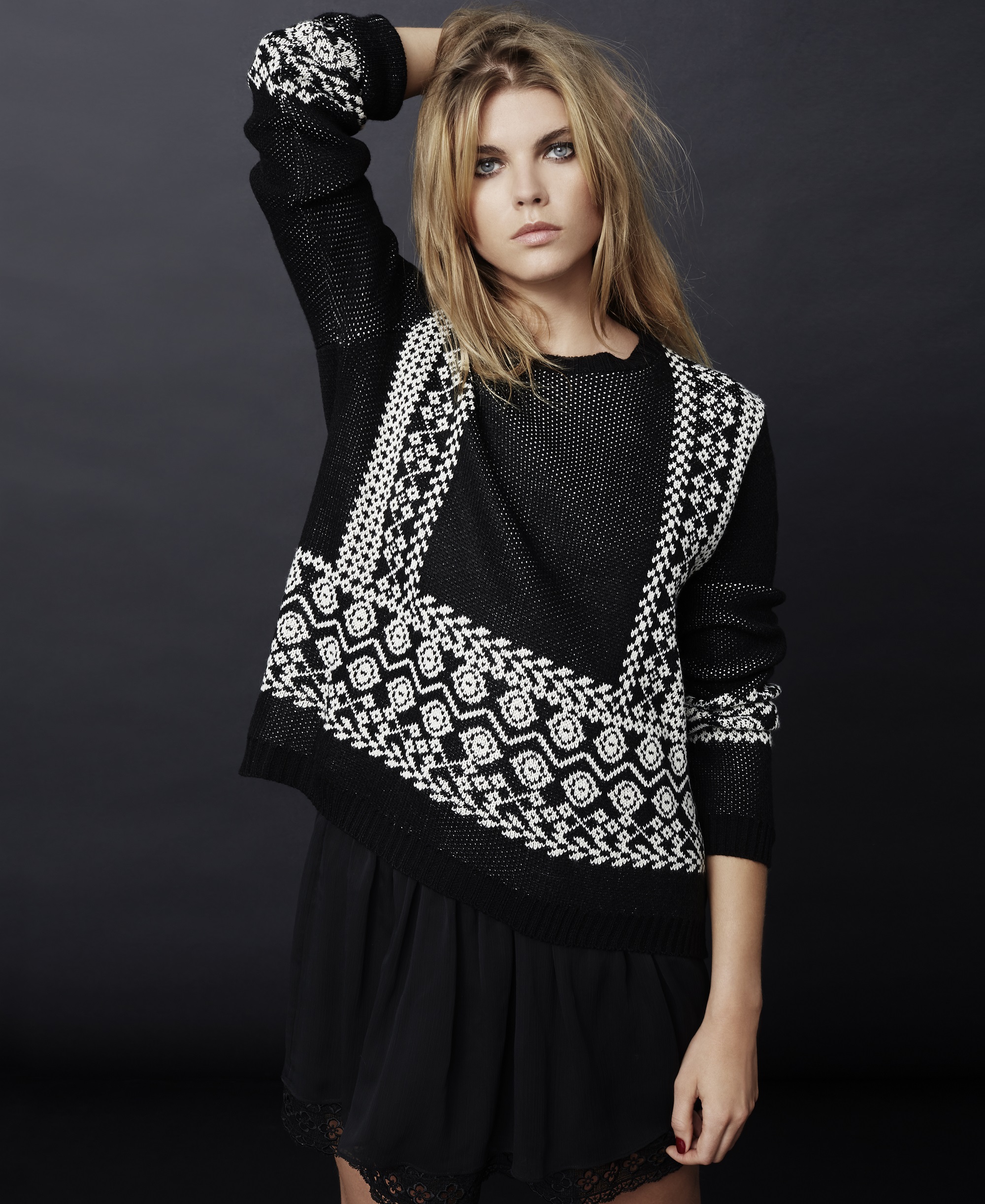
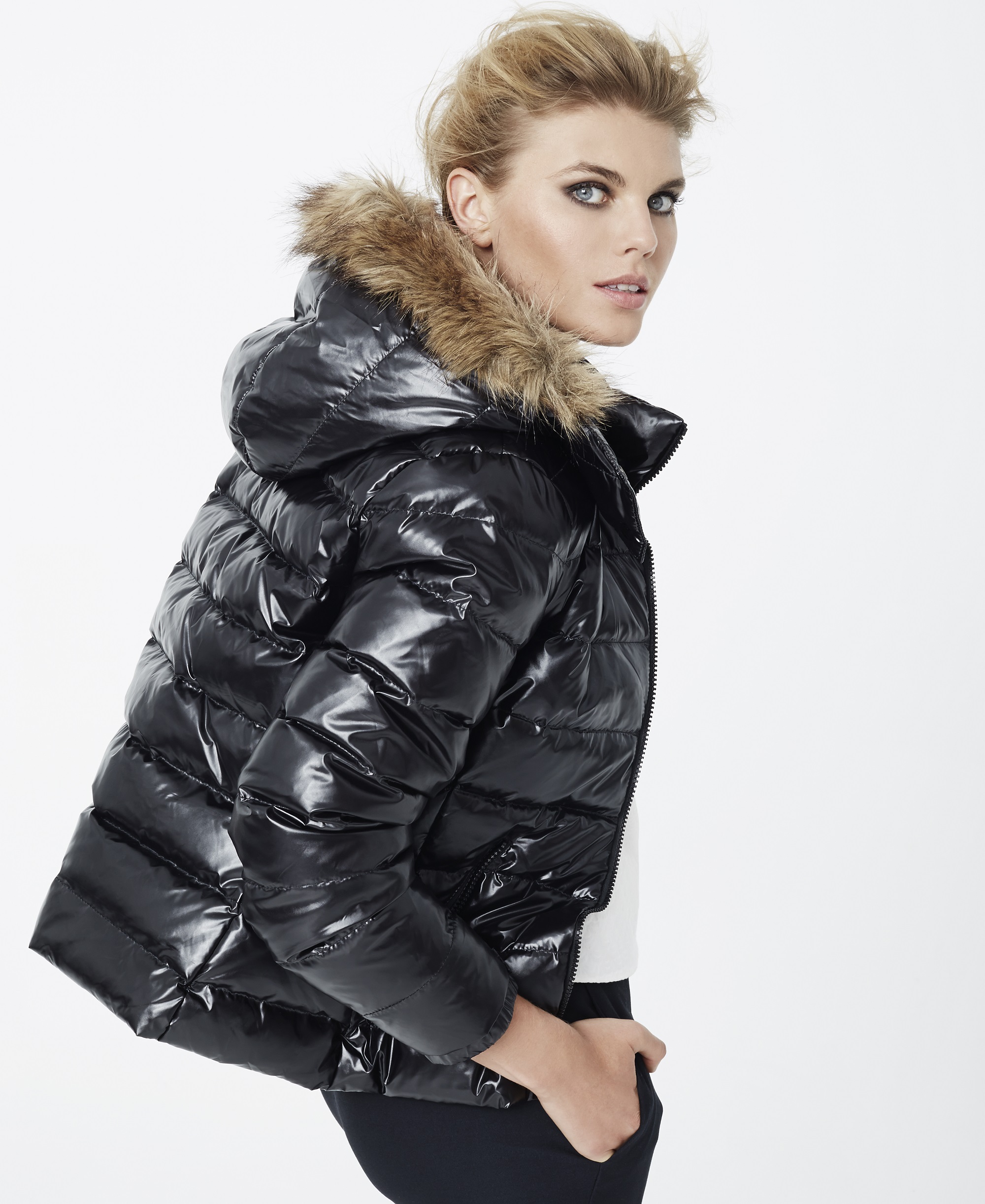
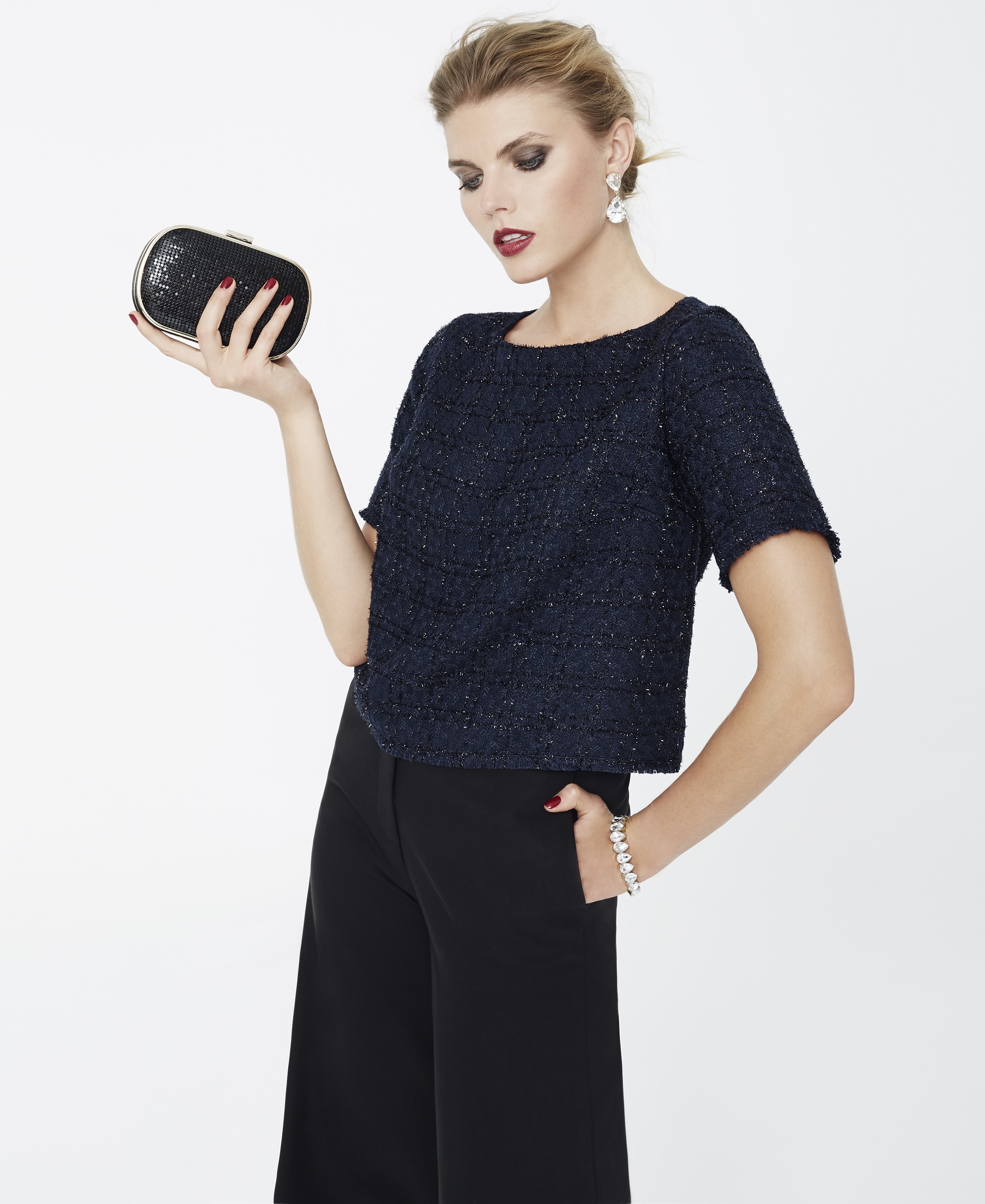
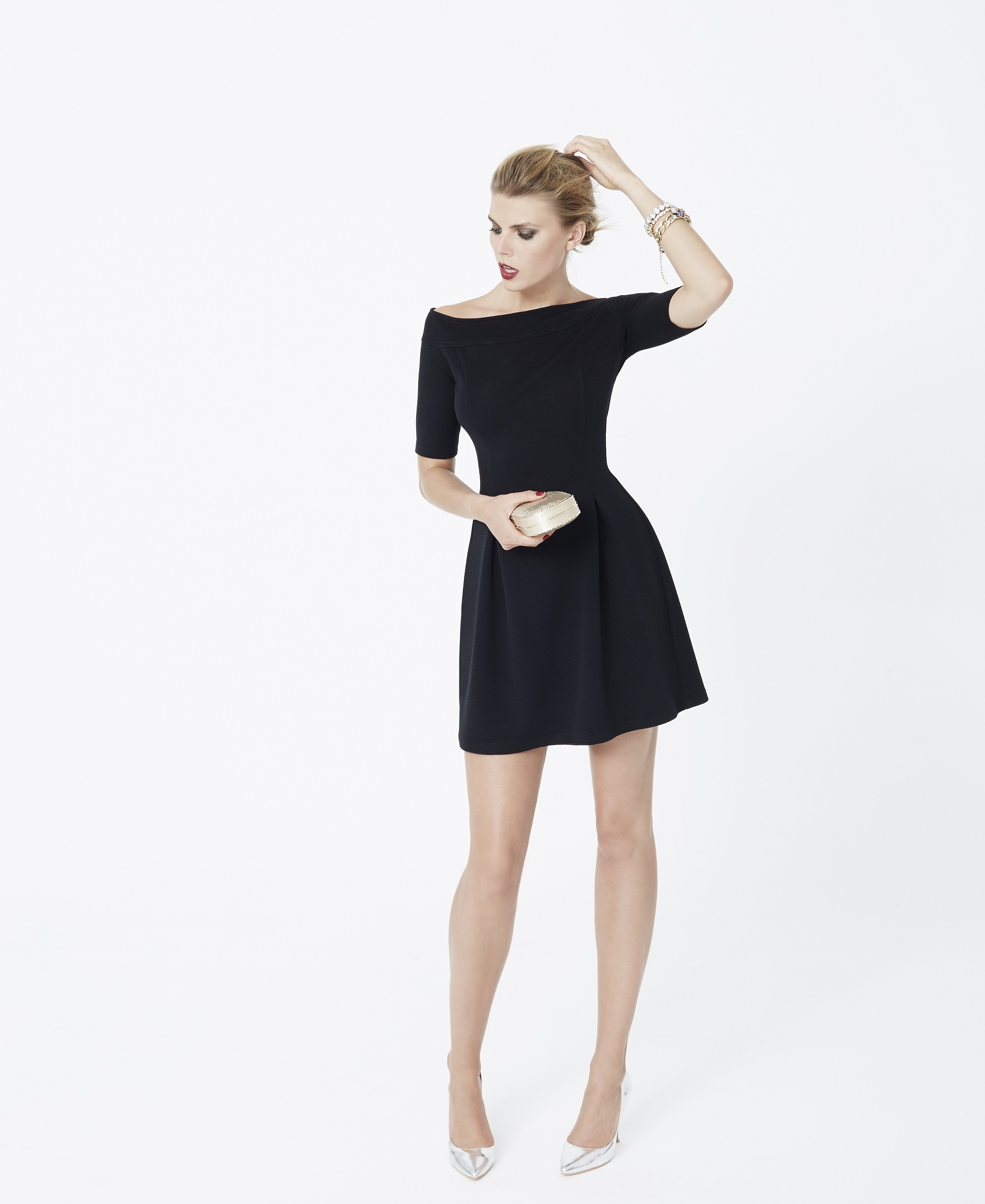
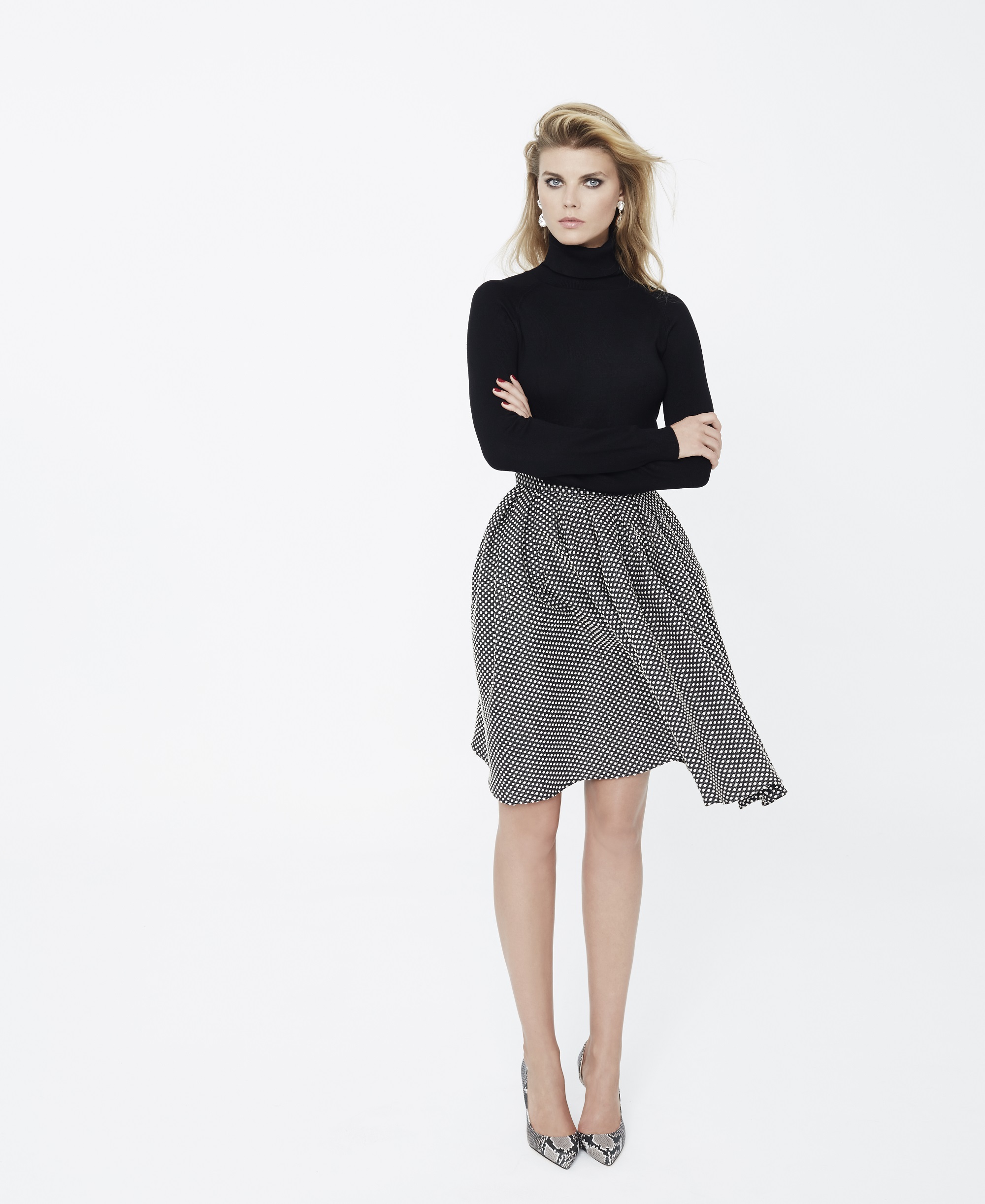
SuiteBlanco F/W 2014 Campaign / UHQs !
^^ Thanks Laura_ ! (Y)
SuiteBlanco F/W 2014 Campaign / UHQs !

















 Um, why does this policy exist? It's seems like it's the antithesis of what should happen. Shouldn't we be linking to original sources and crediting where images originate from? Otherwise it's just another form of piracy... What is Hotlinking? It is posting an image from one website onto another one, such as BZ. This not only steals bandwidth from original site, but also may result in broken links overtime (empty posts & etc), an increased server bill for the original site, and potential legal issues.
Thanks Syria ! She´s also such a good actress ! (Y)
More .... HQs
Um, why does this policy exist? It's seems like it's the antithesis of what should happen. Shouldn't we be linking to original sources and crediting where images originate from? Otherwise it's just another form of piracy... What is Hotlinking? It is posting an image from one website onto another one, such as BZ. This not only steals bandwidth from original site, but also may result in broken links overtime (empty posts & etc), an increased server bill for the original site, and potential legal issues.
Thanks Syria ! She´s also such a good actress ! (Y)
More .... HQs





















































Account
Search
Configure browser push notifications
Chrome (Android)
- Tap the lock icon next to the address bar.
- Tap Permissions → Notifications.
- Adjust your preference.
Chrome (Desktop)
- Click the padlock icon in the address bar.
- Select Site settings.
- Find Notifications and adjust your preference.
Safari (iOS 16.4+)
- Ensure the site is installed via Add to Home Screen.
- Open Settings App → Notifications.
- Find your app name and adjust your preference.
Safari (macOS)
- Go to Safari → Preferences.
- Click the Websites tab.
- Select Notifications in the sidebar.
- Find this website and adjust your preference.
Edge (Android)
- Tap the lock icon next to the address bar.
- Tap Permissions.
- Find Notifications and adjust your preference.
Edge (Desktop)
- Click the padlock icon in the address bar.
- Click Permissions for this site.
- Find Notifications and adjust your preference.
Firefox (Android)
- Go to Settings → Site permissions.
- Tap Notifications.
- Find this site in the list and adjust your preference.
Firefox (Desktop)
- Open Firefox Settings.
- Search for Notifications.
- Find this site in the list and adjust your preference.